AL-Go-PTE
Neil Haddley • August 26, 2023
Extensions
I changed Business Central by installing apps that add functionality, change behaviour, or give access to 3rd party online services.
AL-Go for GitHub is a set of GitHub templates and actions for setting up and maintaining DevOps processes for Business Central AL projects.
I used AL-Go for GitHub to create a Business Central per-tenant extension (PTE) with VS Code.
(I uploaded a Per Tenant Extension (PTE) to Microsoft Dynamics Business Central using the Business Central Extension Management page.)
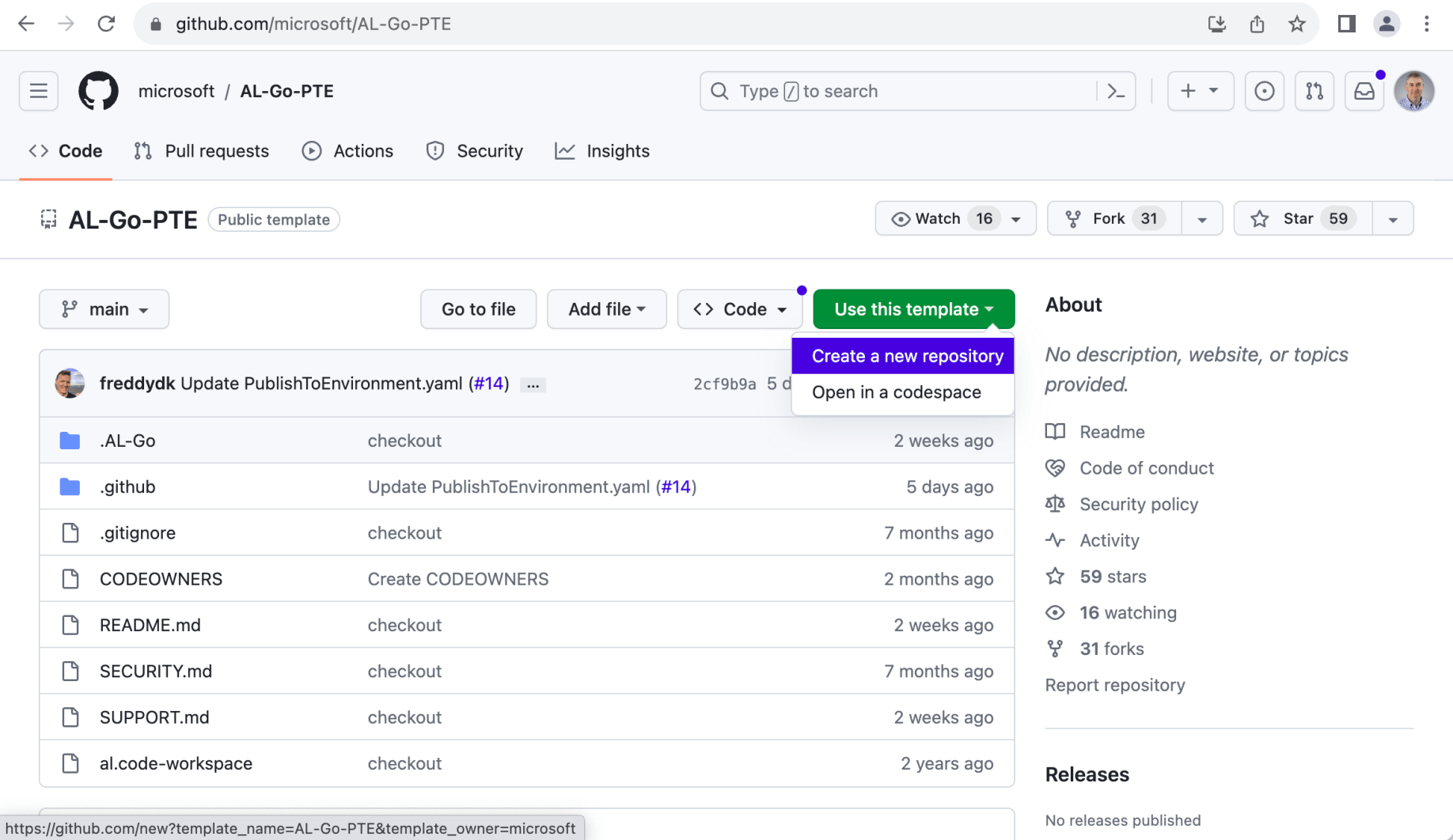
I used the AL-Go-PTE GitHub template repository https://github.com/microsoft/AL-Go-PTE
I needed a GitHub account, a Windows machine, VS Code (with AL and PowerShell extensions installed), and Docker installed locally.
 Tap the image to open it full size
I created a new repository using the AL-Go-PTE GitHub template repository
 Tap the image to open it full size
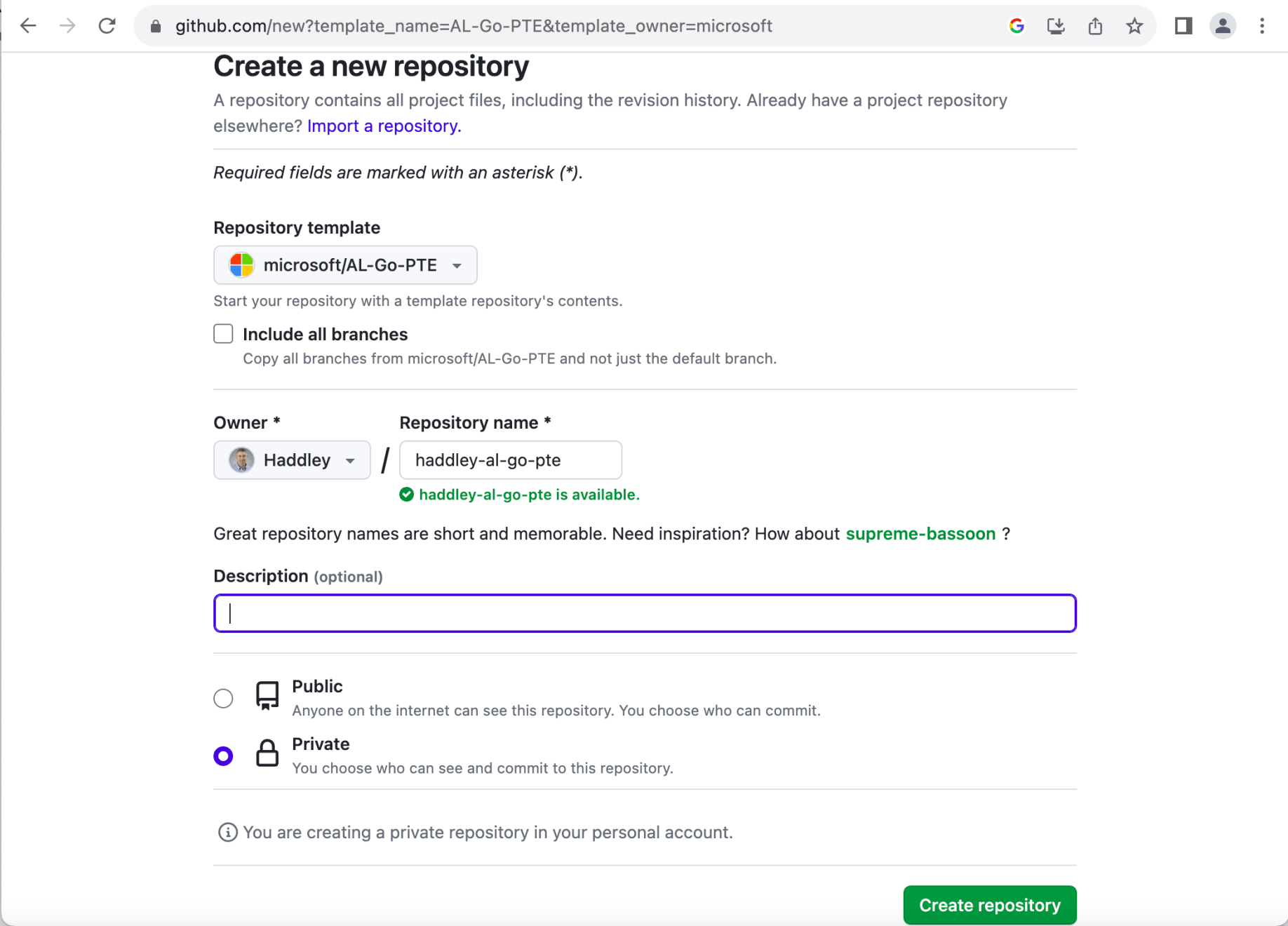
I named the repository haddley-al-go-pte
Windows laptop
I installed Docker Desktop, Windows Subsystem for Linux, Git, GitHub Desktop, and Visual Studio Code on a Windows 10 laptop.
 Tap the image to open it full size
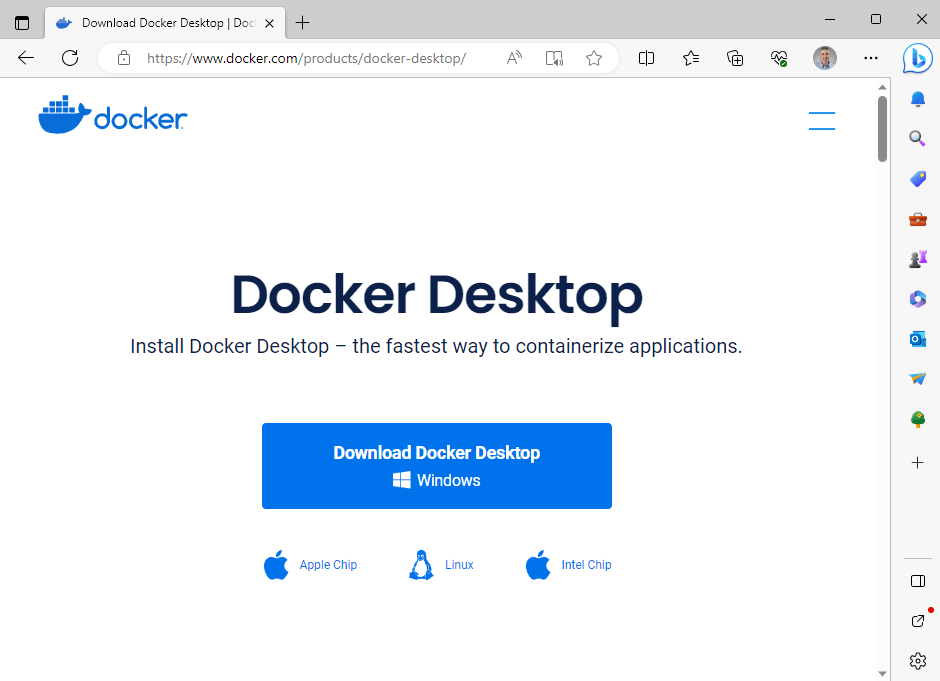
I installed Docker Desktop
 Tap the image to open it full size
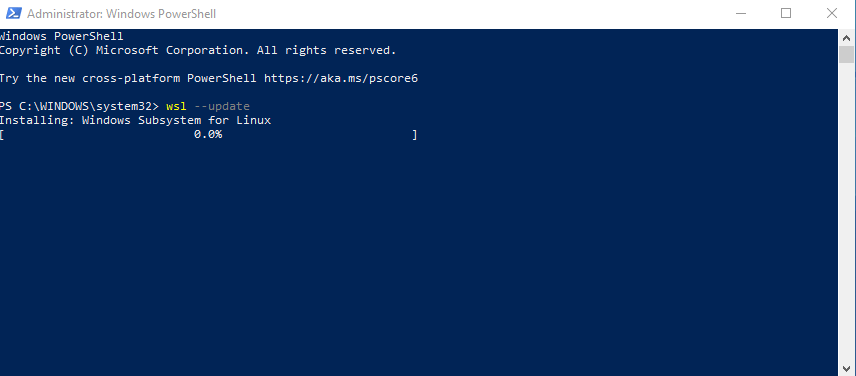
I installed Windows Subsystem for Linux
 Tap the image to open it full size
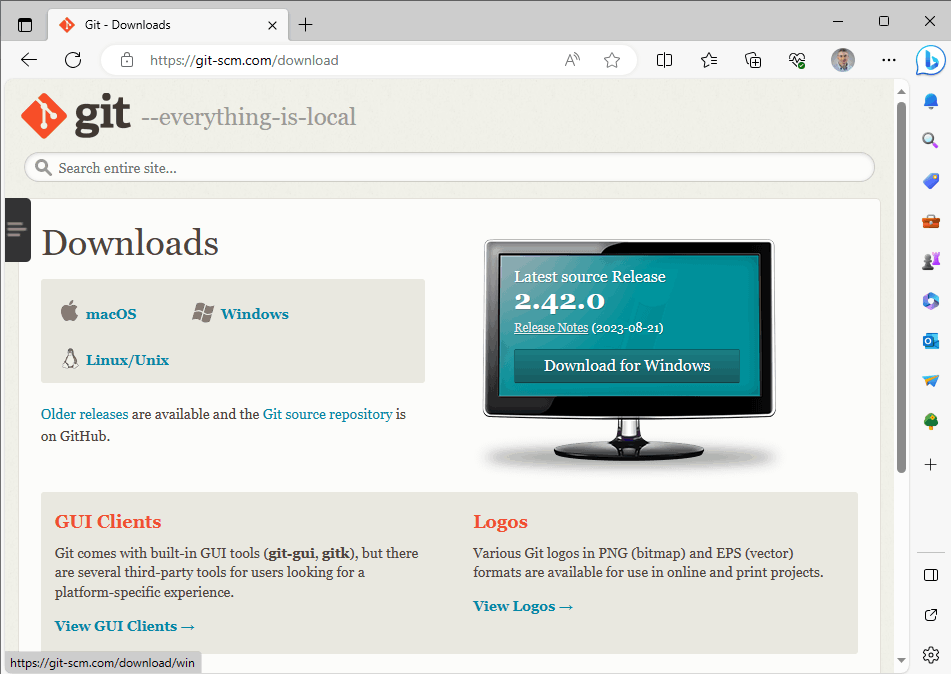
I installed Git
 Tap the image to open it full size
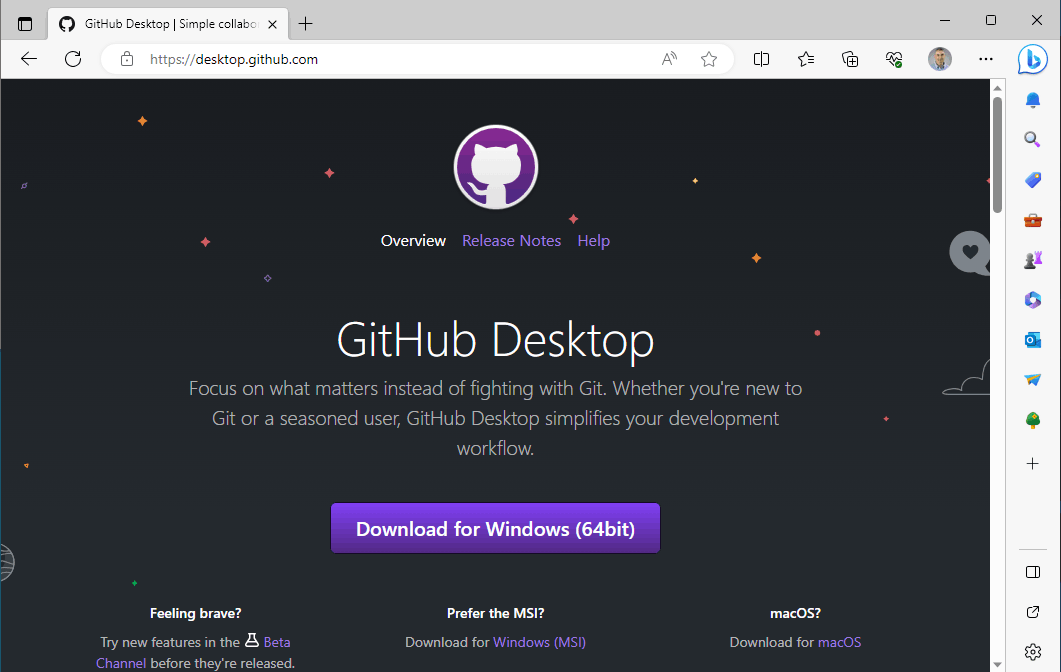
I installed GitHub Desktop
 Tap the image to open it full size
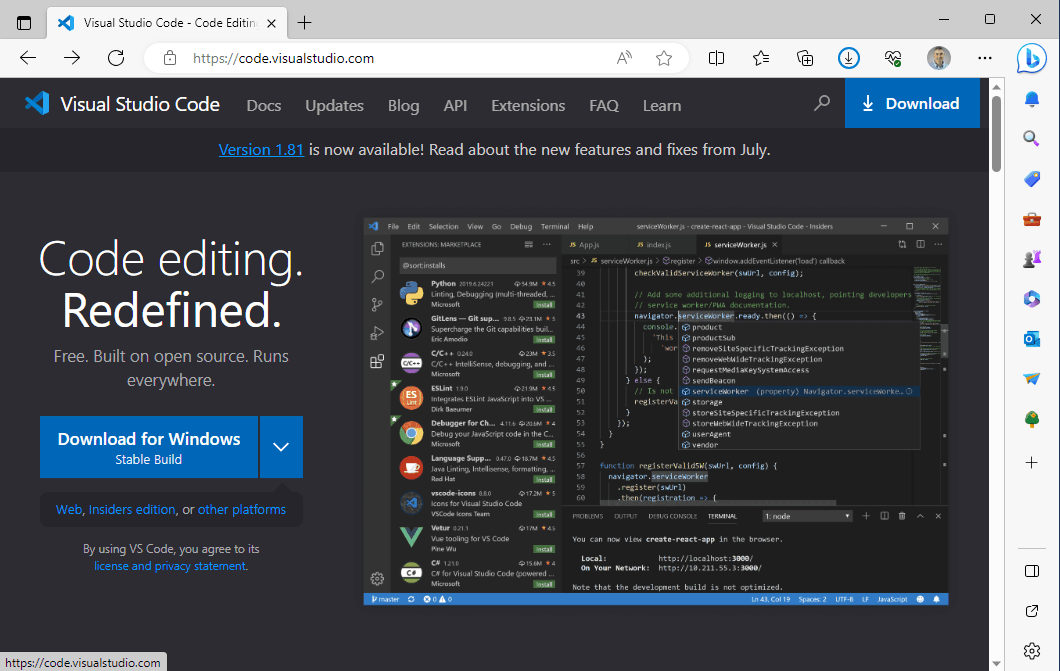
I installed Visual Studio Code
 Tap the image to open it full size
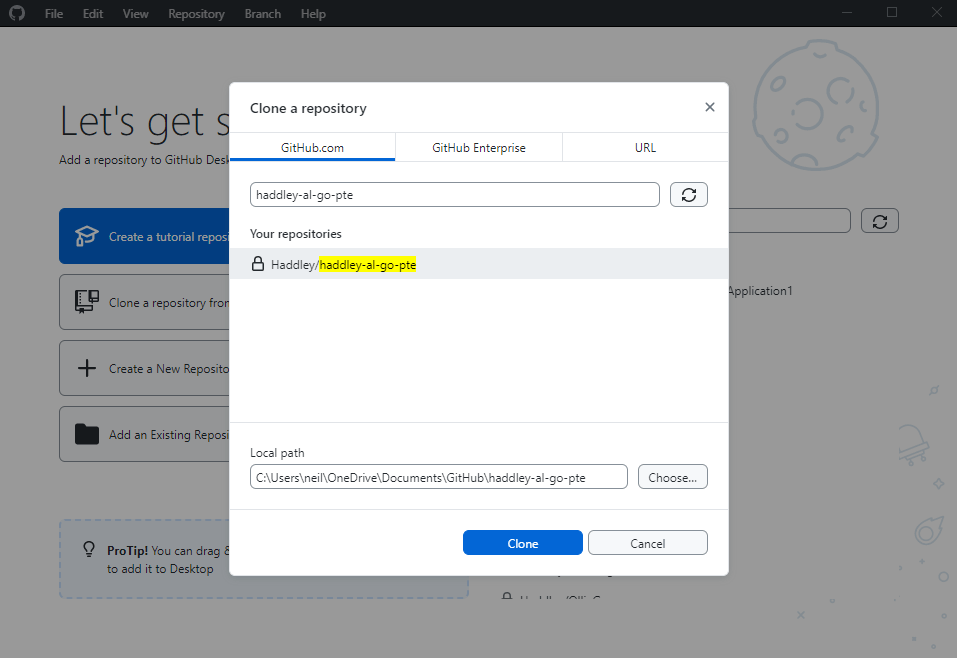
I used GitHub Desktop to clone the haddley-al-go-pte repository
 Tap the image to open it full size
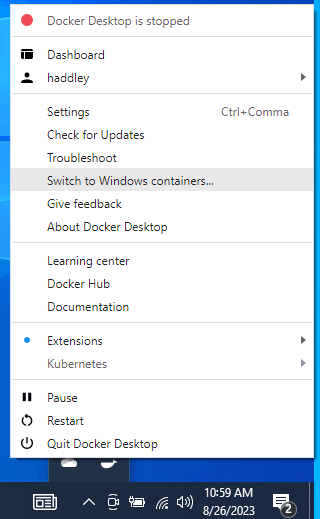
I switched Docker to support Windows containers (rather than Linux containers)
POWERSHELL
1Enable-WindowsOptionalFeature -Online -FeatureName containers –All
2Enable-WindowsOptionalFeature -Online -FeatureName Microsoft-Hyper-V –All
https://stackoverflow.com/questions/57431890/error-response-from-daemon-hcsshimcreatecomputesystem-the-virtual-machine-co
 Tap the image to open it full size
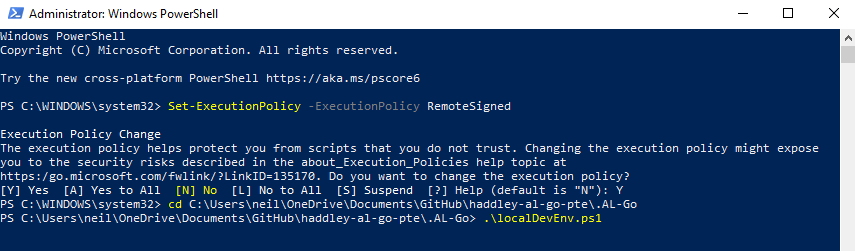
I navigated to the .AL-Go folder and ran the localDevEnv.ps1 PowerShell script
 Tap the image to open it full size
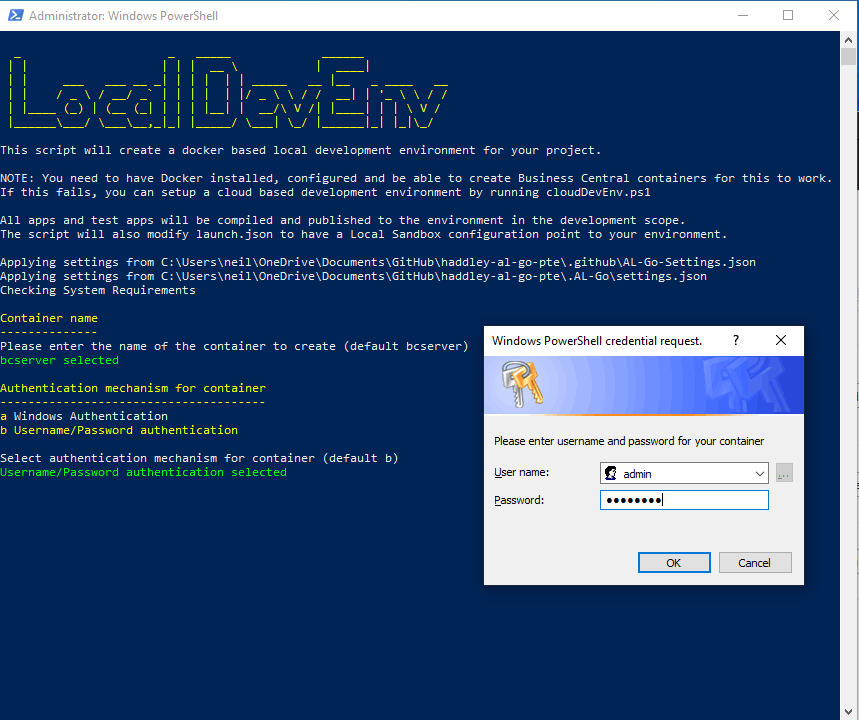
I entered a username:admin and password:<password>
 Tap the image to open it full size
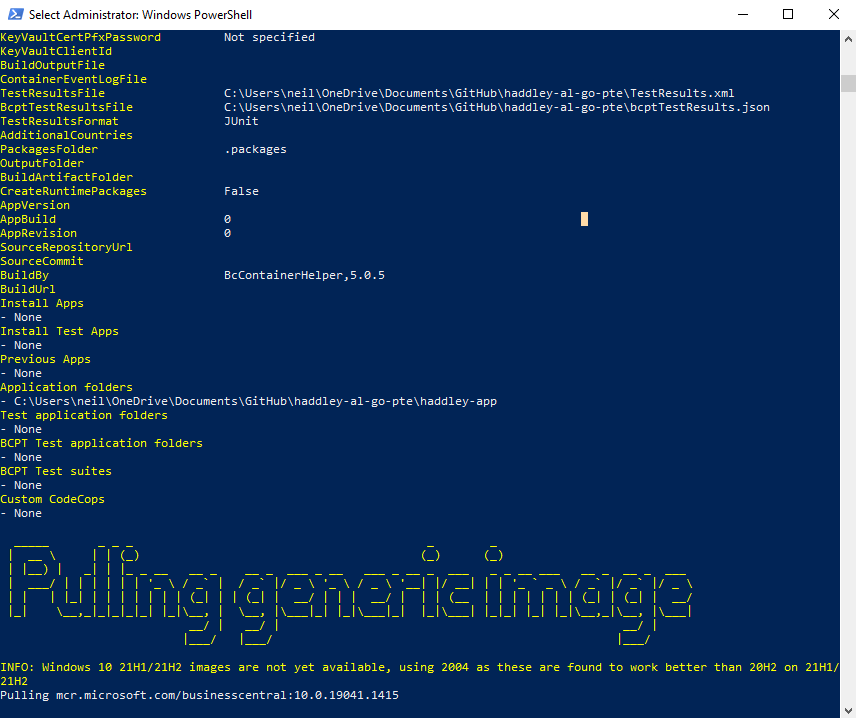
Docker downloaded the Business Central image
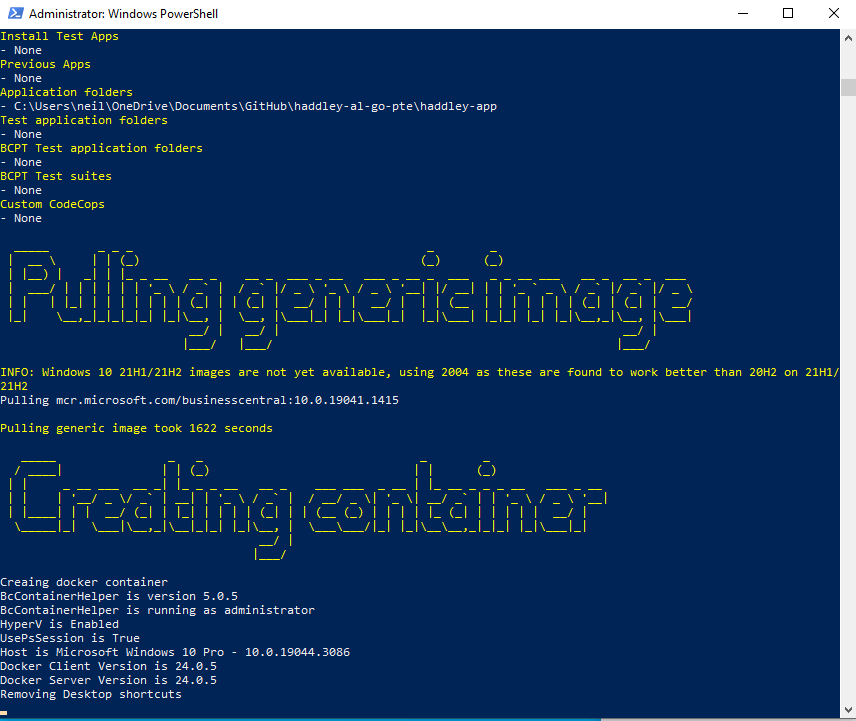 Tap the image to open it full size
Docker created the image
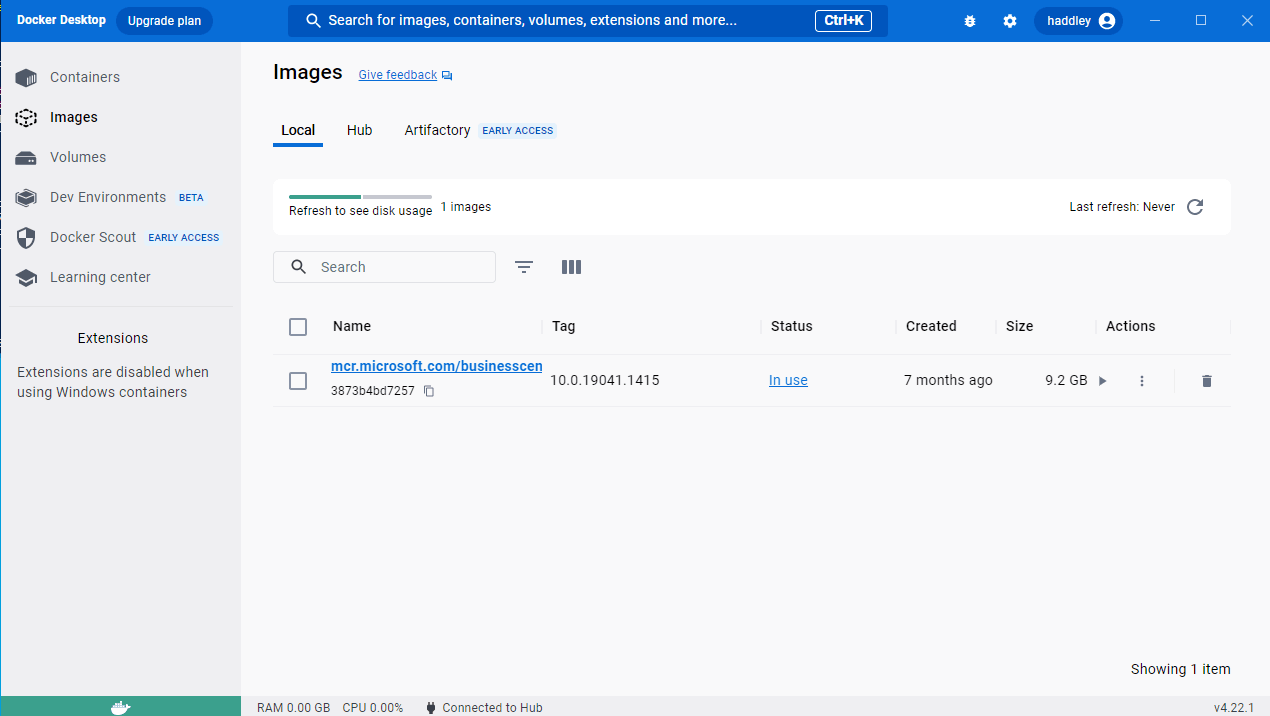 Tap the image to open it full size
Docker Desktop displayed the Business Central image
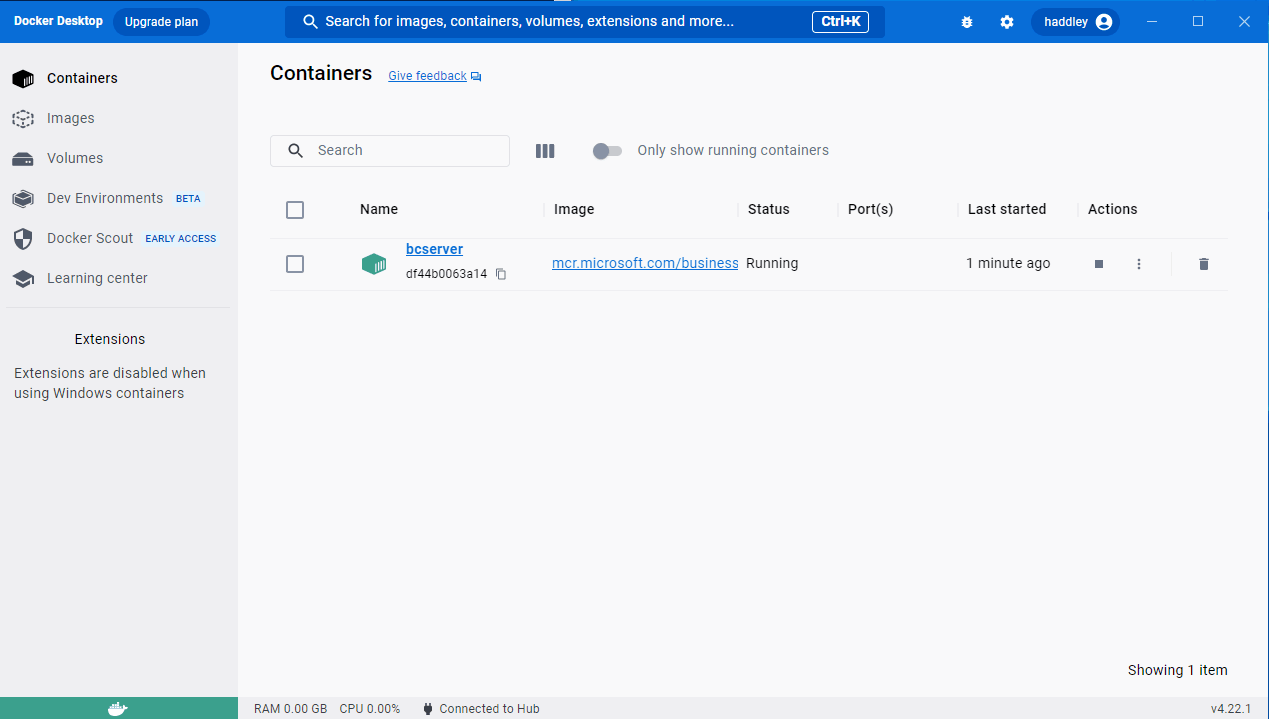 Tap the image to open it full size
Docker Desktop displayed the Business Central container
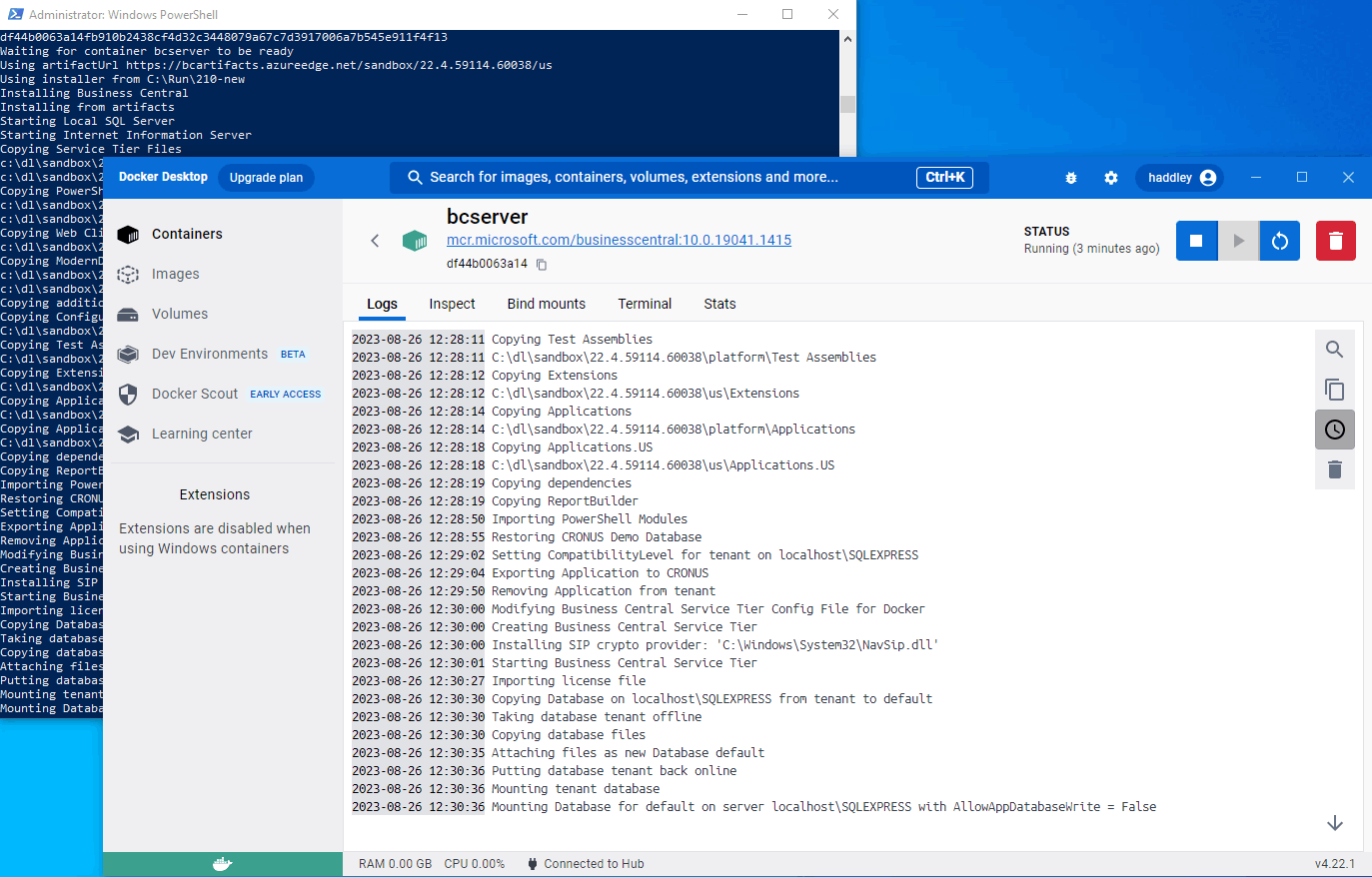 Tap the image to open it full size
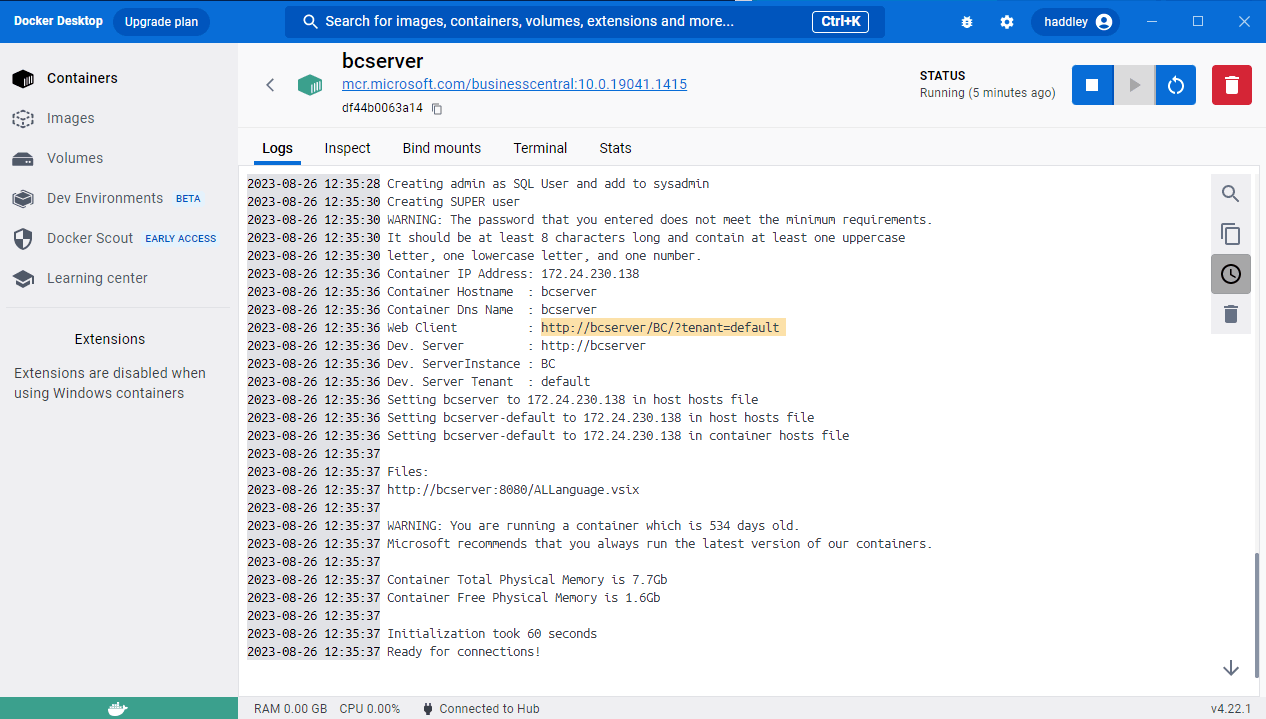
The container was configured
 Tap the image to open it full size
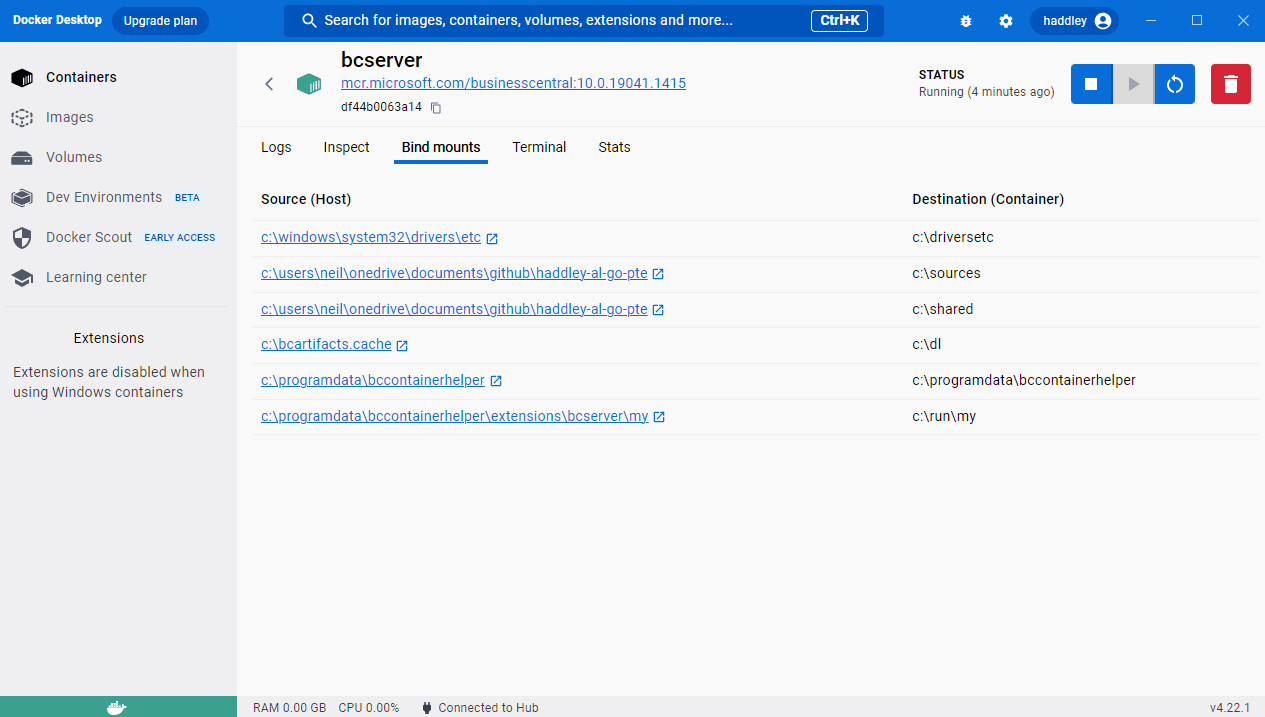
Laptop folders were available inside the container
 Tap the image to open it full size
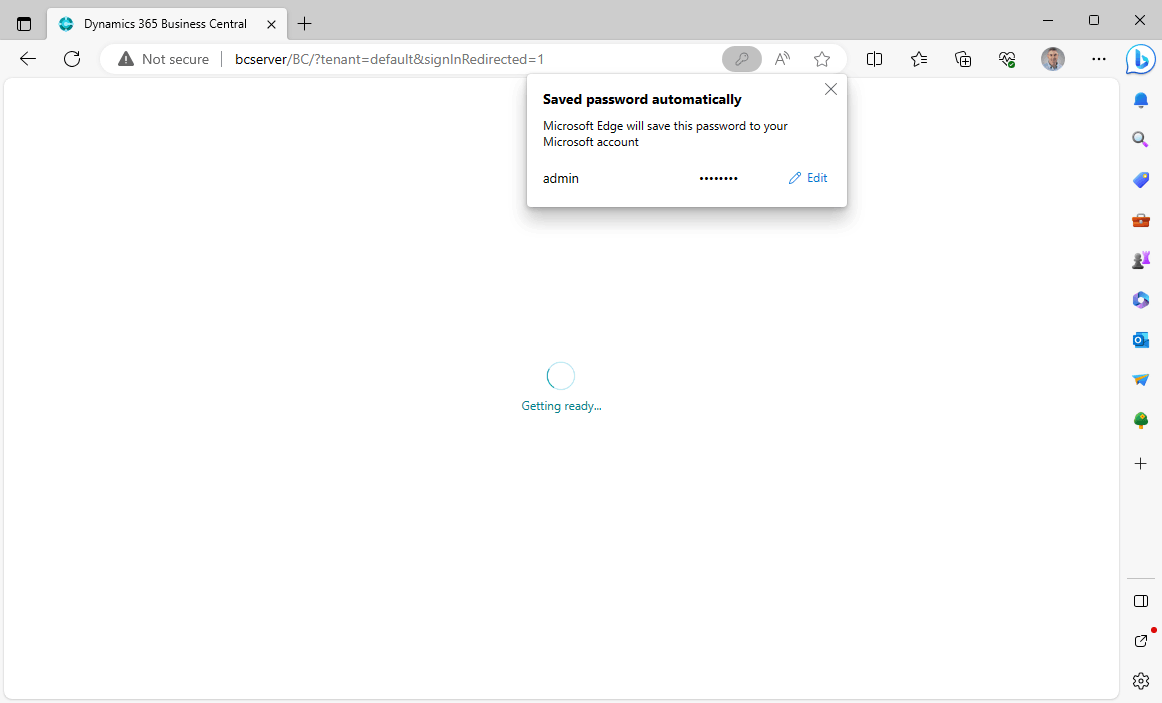
I needed to navigate to http://bcserver/BC/tenant=default
 Tap the image to open it full size
I re-entered my username:admin and password:<password> (see above)
 Tap the image to open it full size
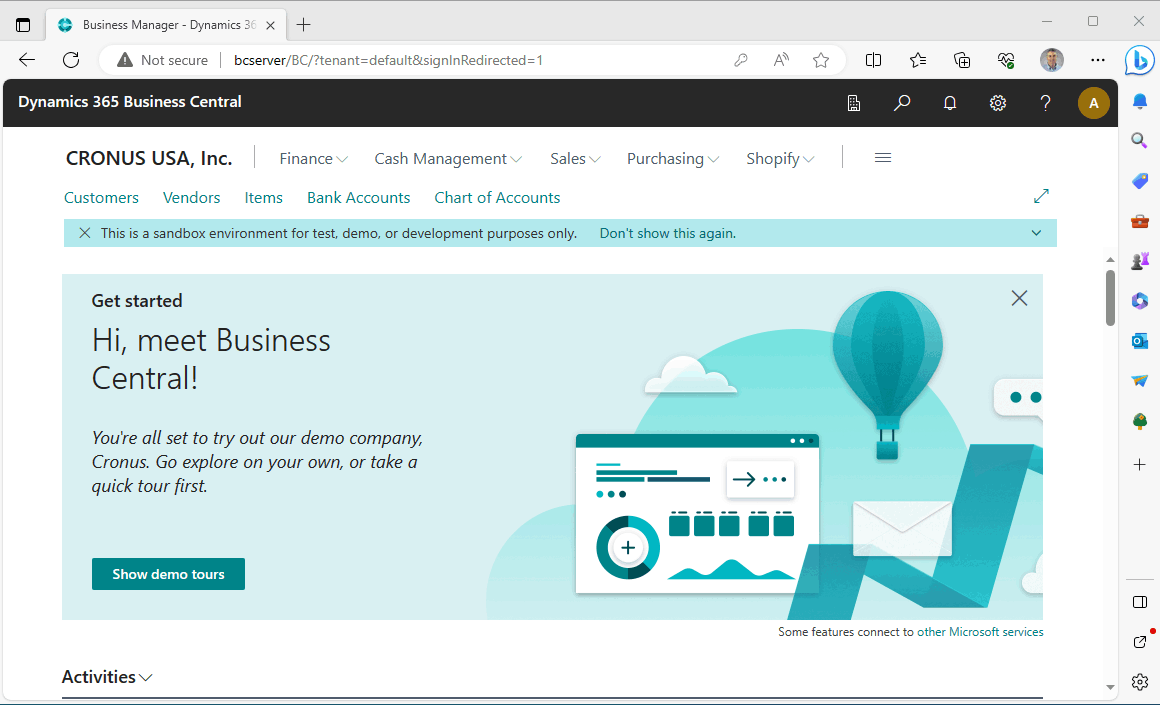
Business Central was running in the local Docker container
 Tap the image to open it full size
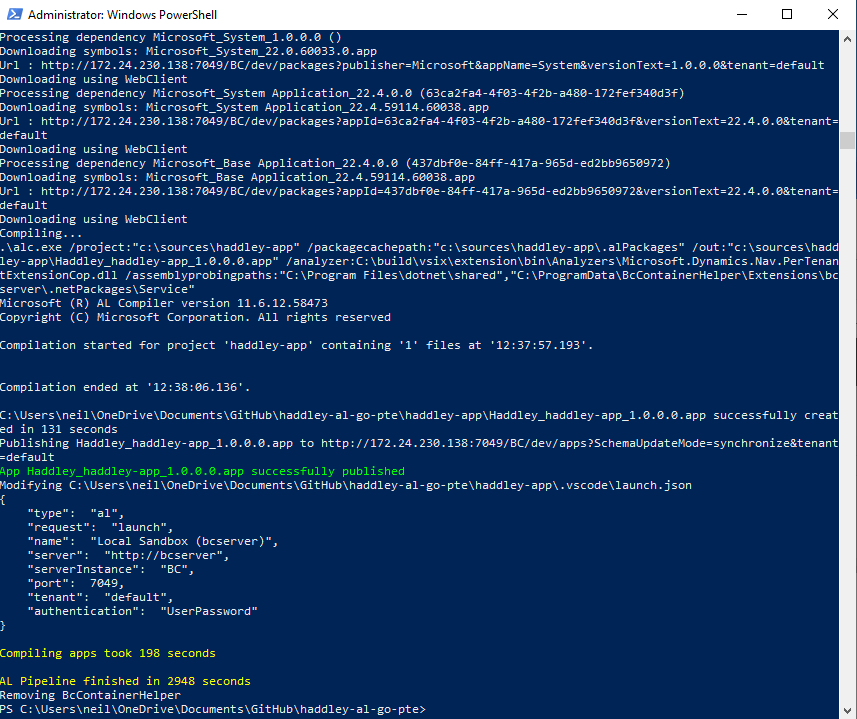
I published the hello world extension (settings were copied to launch.json)
 Tap the image to open it full size
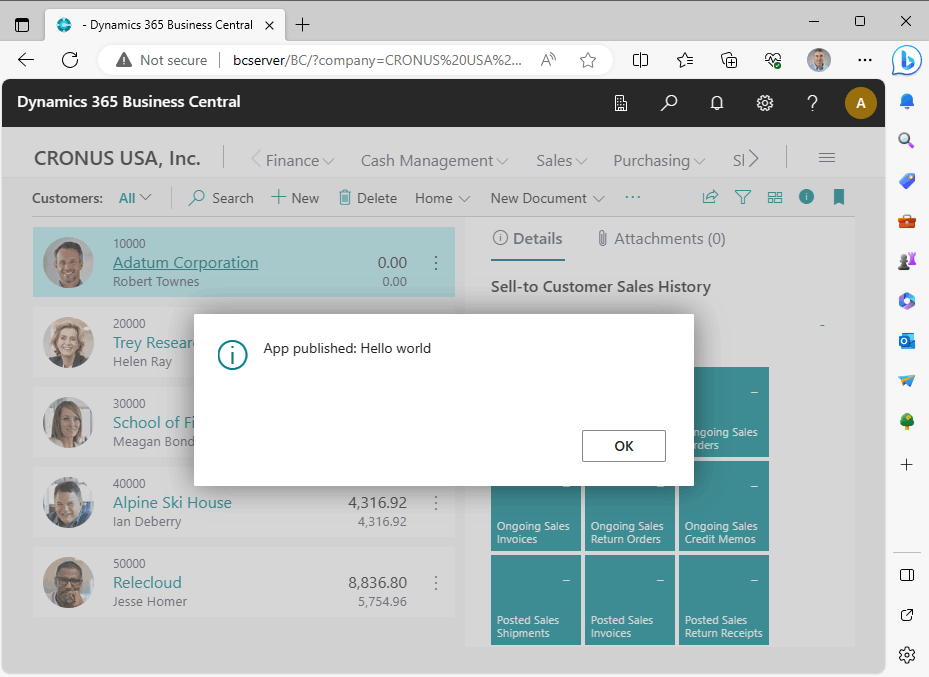
The sample extension was deployed — navigating to the customers page triggered the message
 Tap the image to open it full size
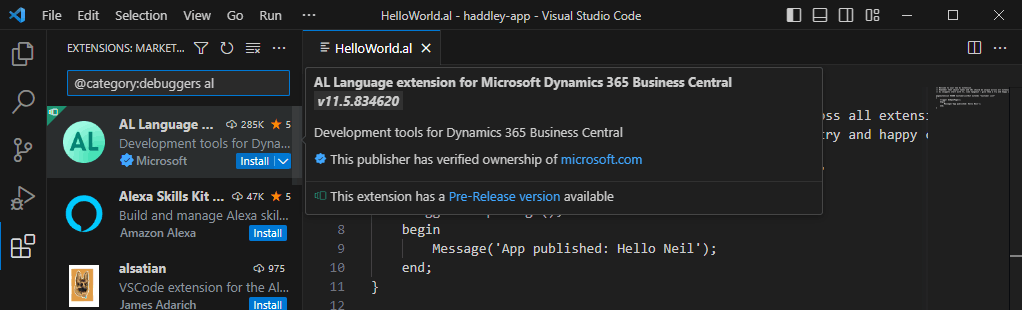
I installed the AL Language Extension
 Tap the image to open it full size
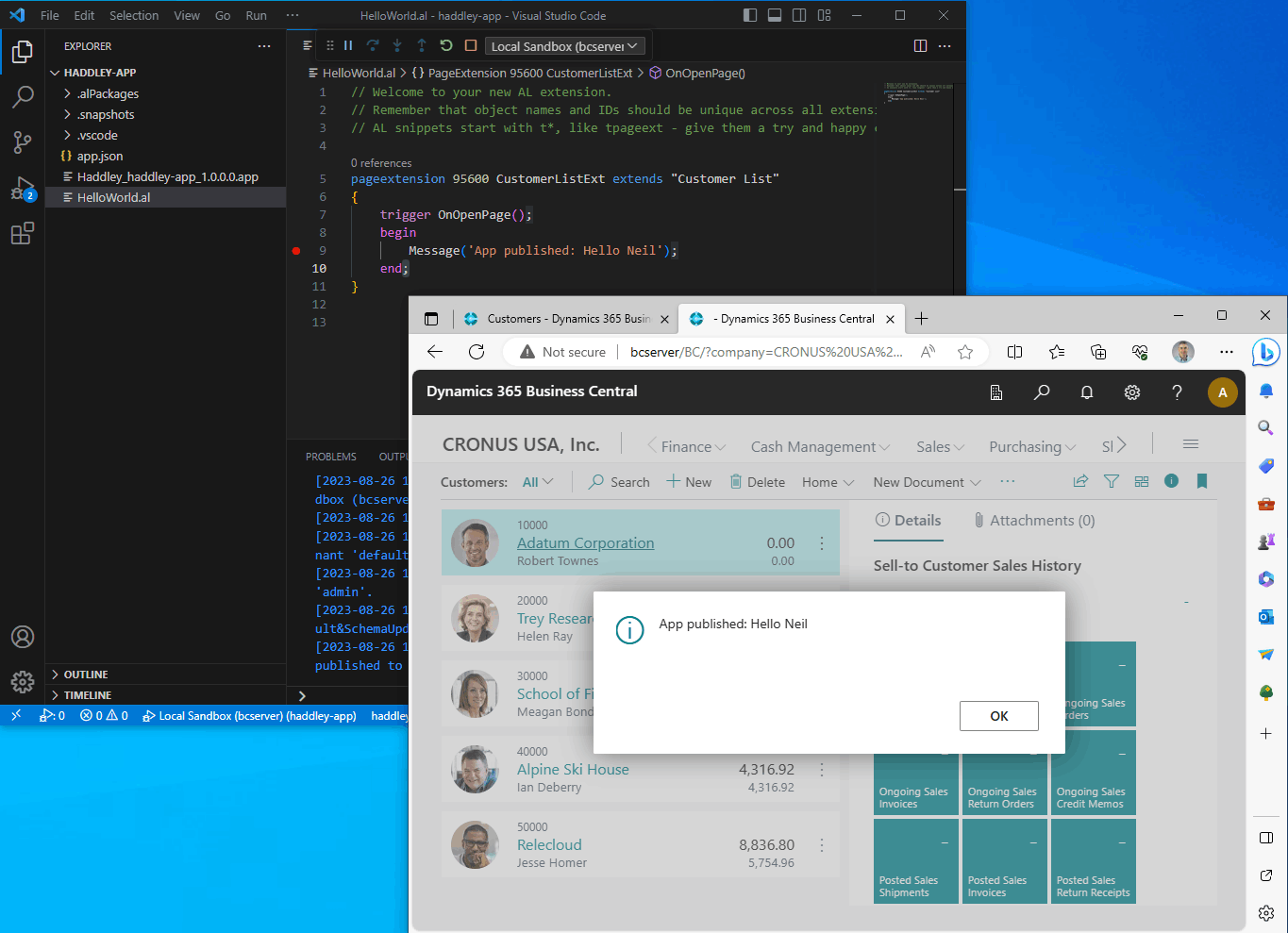
I updated the trigger's message, ran AL: Download Symbols (entering my username:admin and password:<password>), and clicked the Run | Start Debugging menu item