Angular Firebase
Neil Haddley • April 25, 2023
Creating a new firebase project
I created a Firebase project using https://console.firebase.google.com
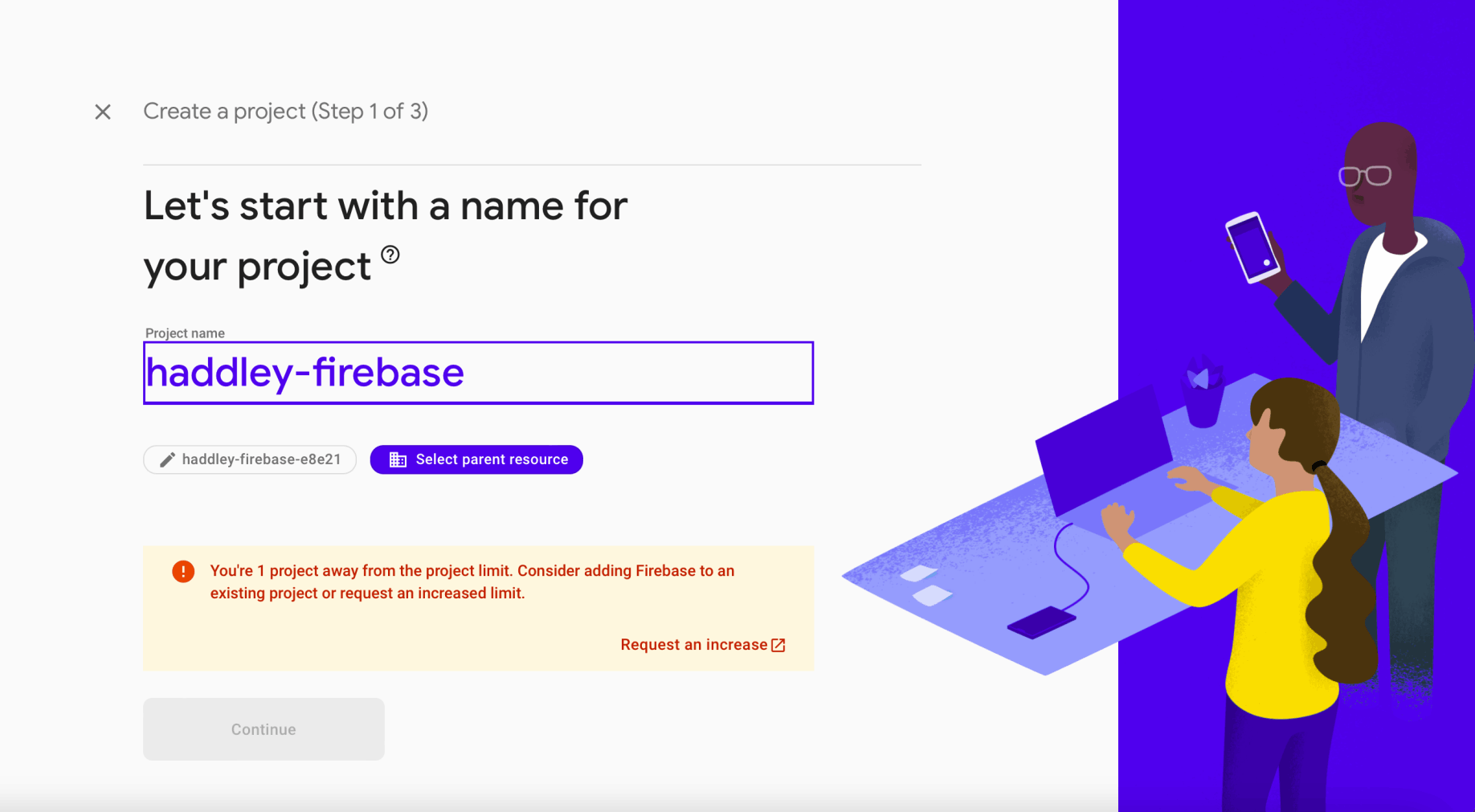
I named the project haddley-firebase
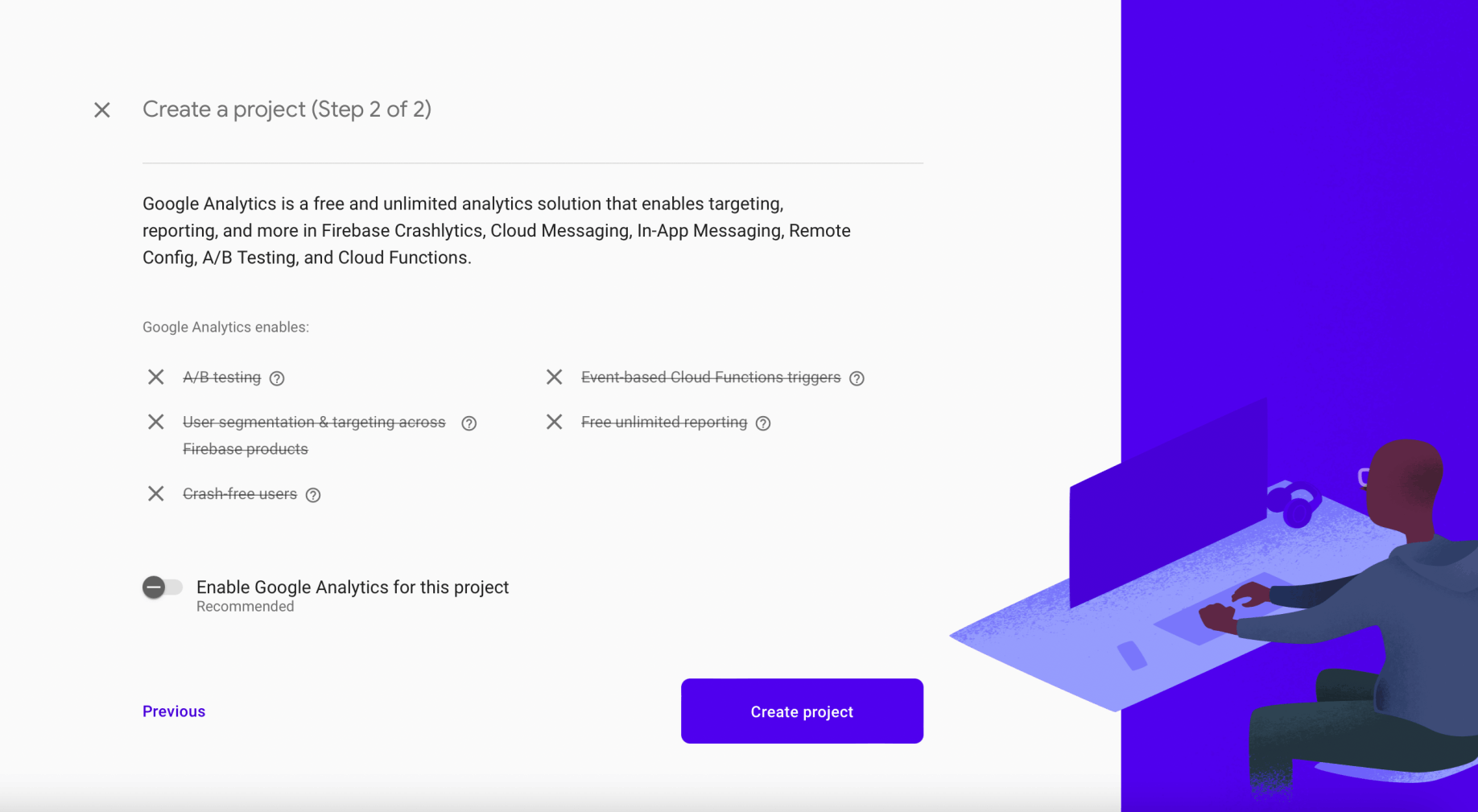
I disabled Google Analytics
I waited for the project to be created
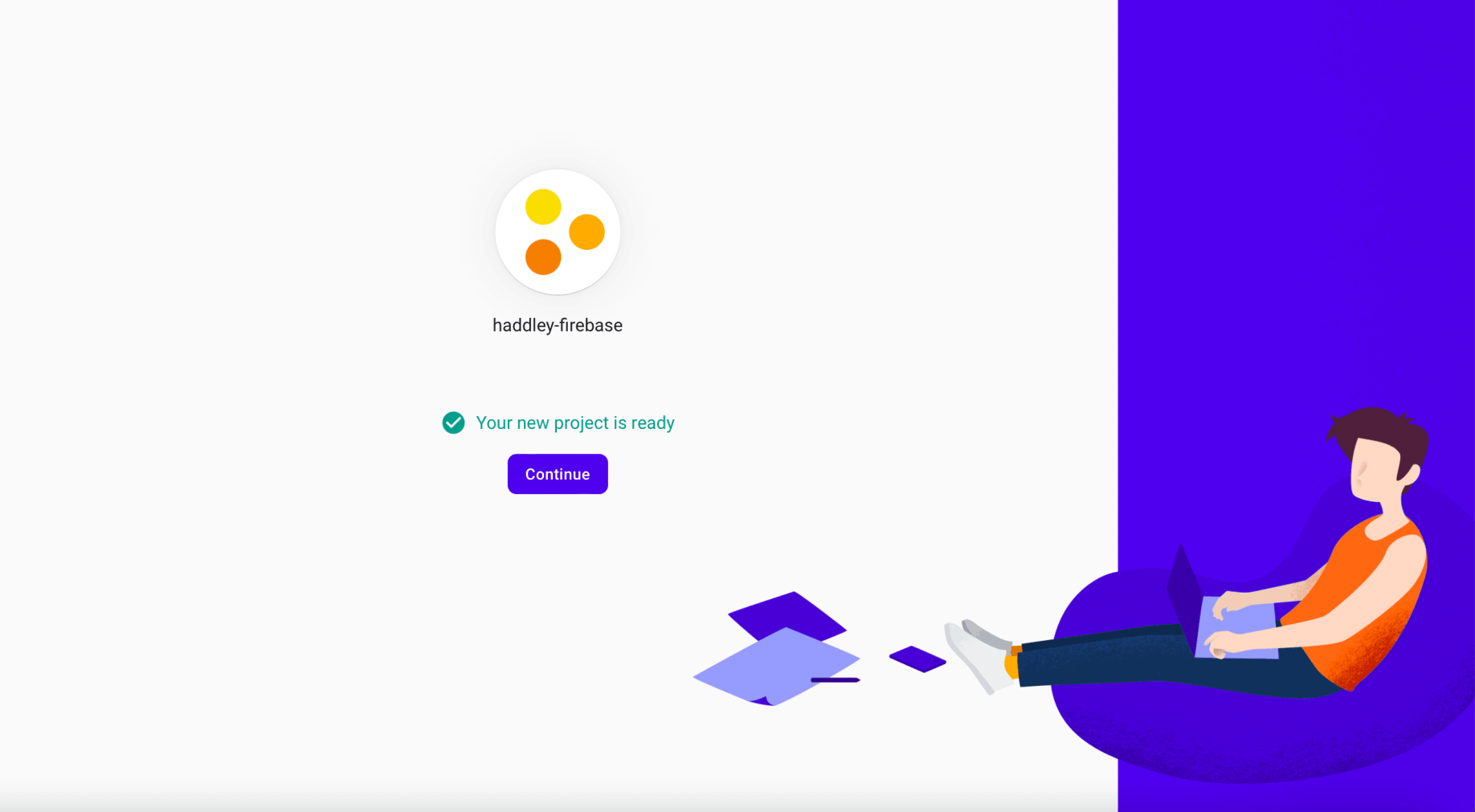
The Firebase project was created
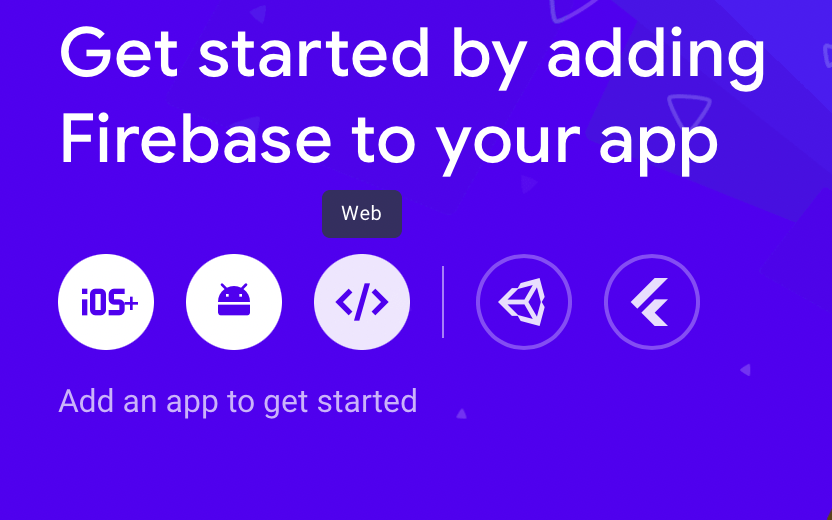
I selected the Web option
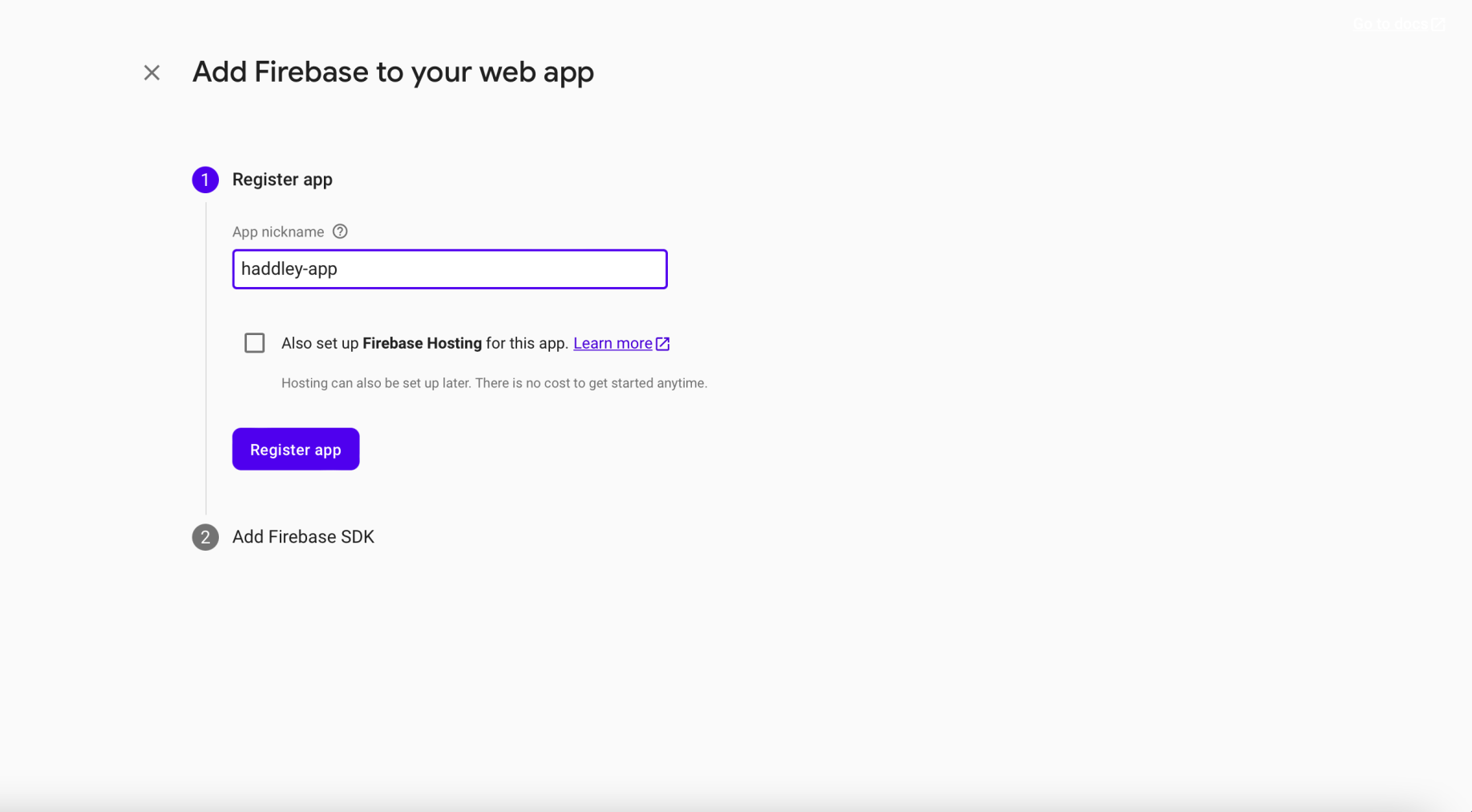
I entered an app nickname
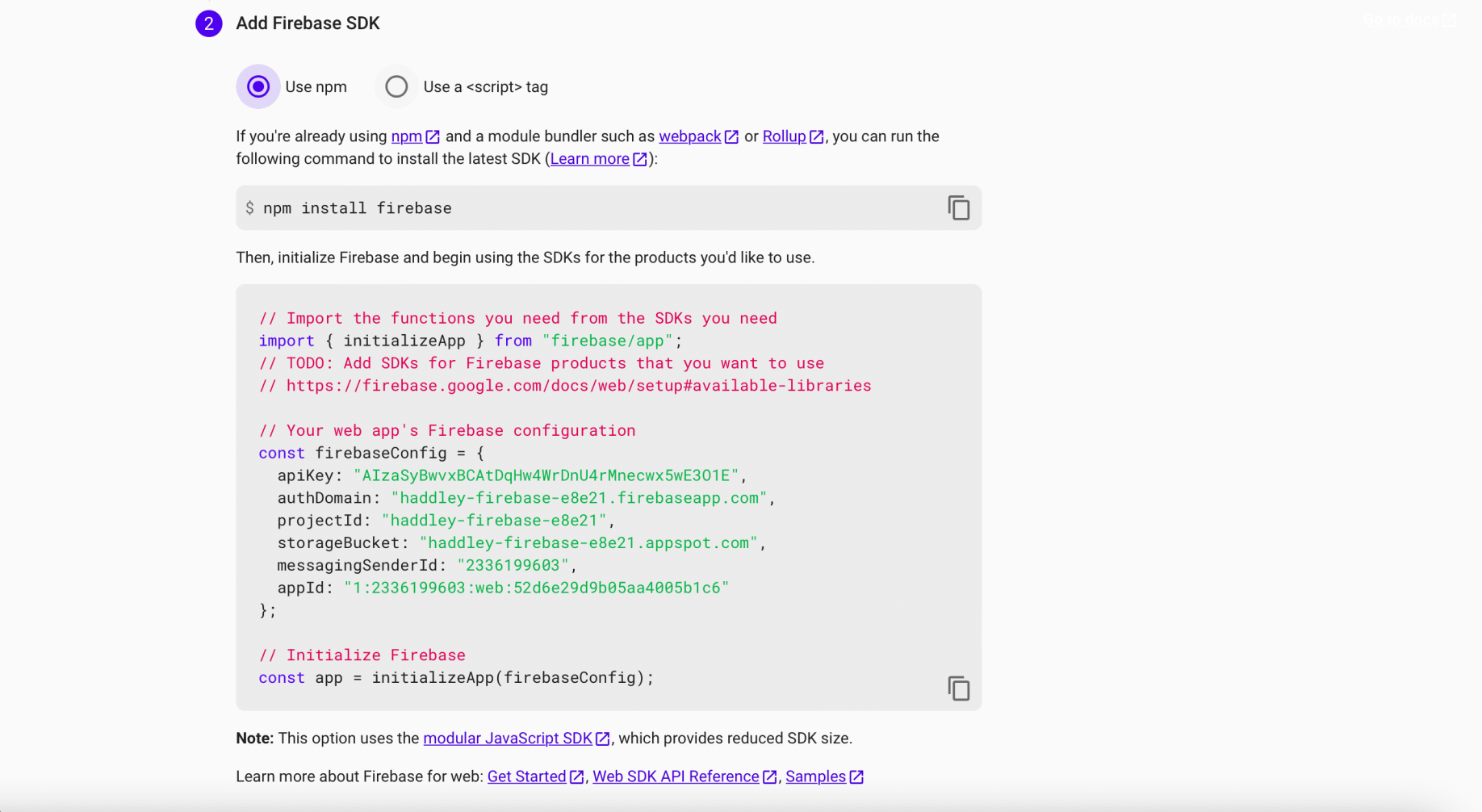
I reviewed the Firebase SDK configuration
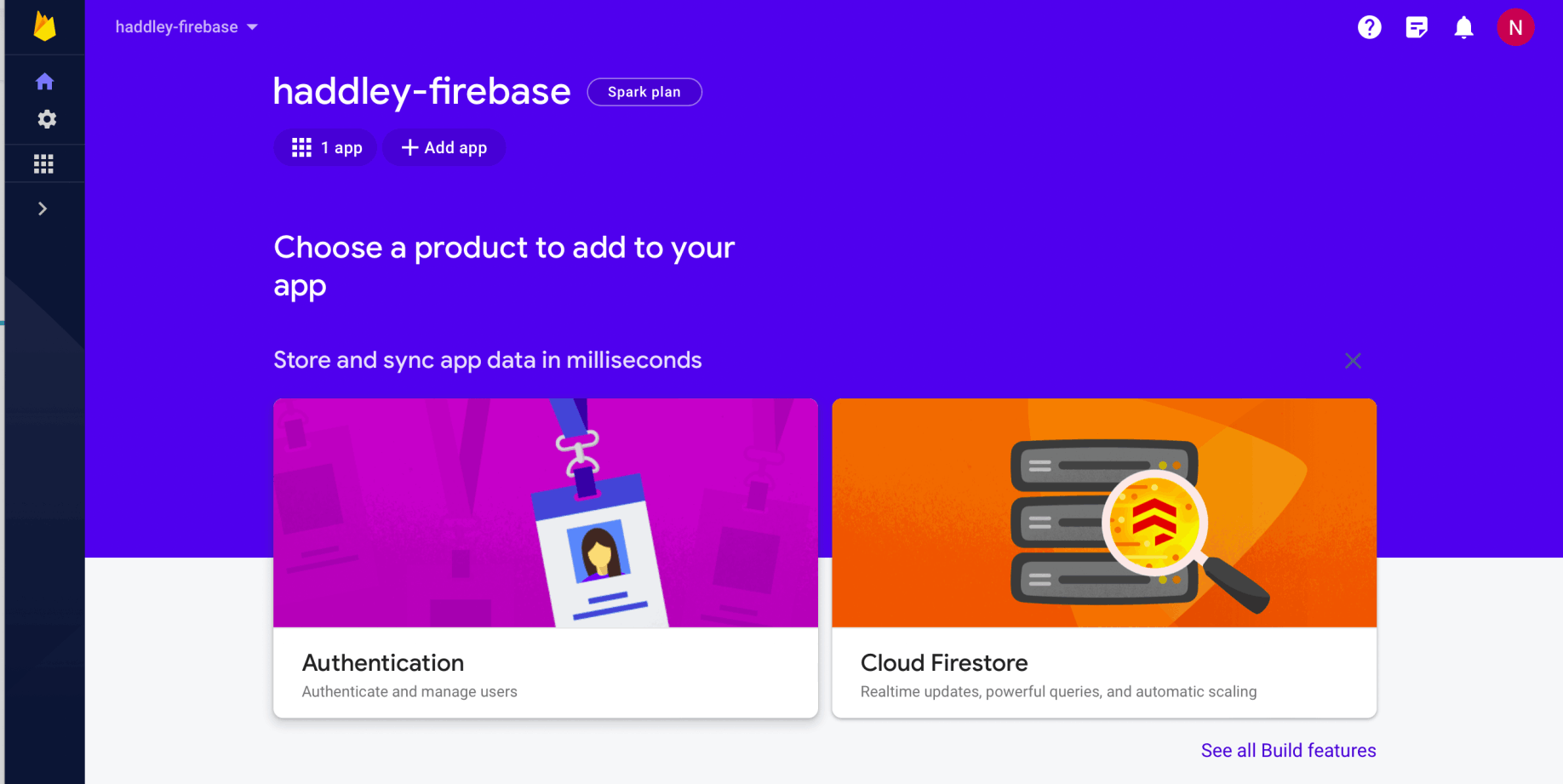
I navigated to the Firebase project dashboard
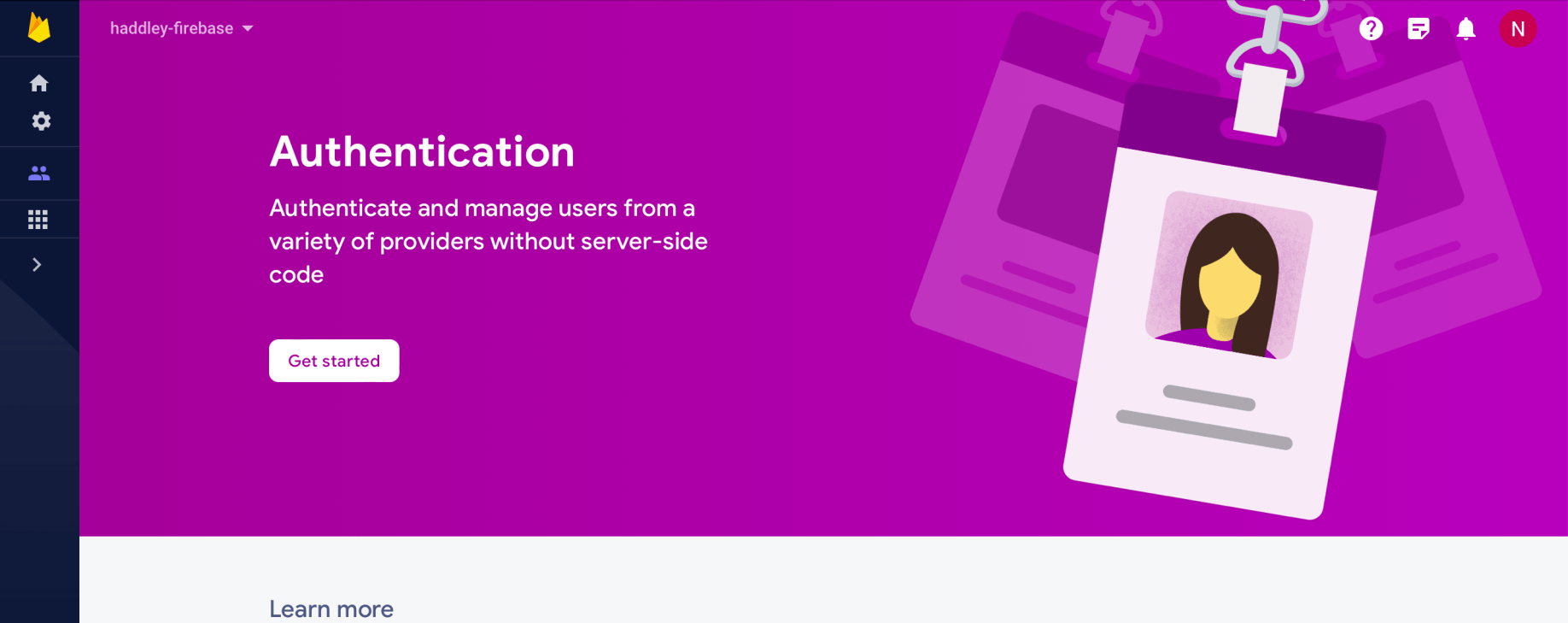
I clicked Get started
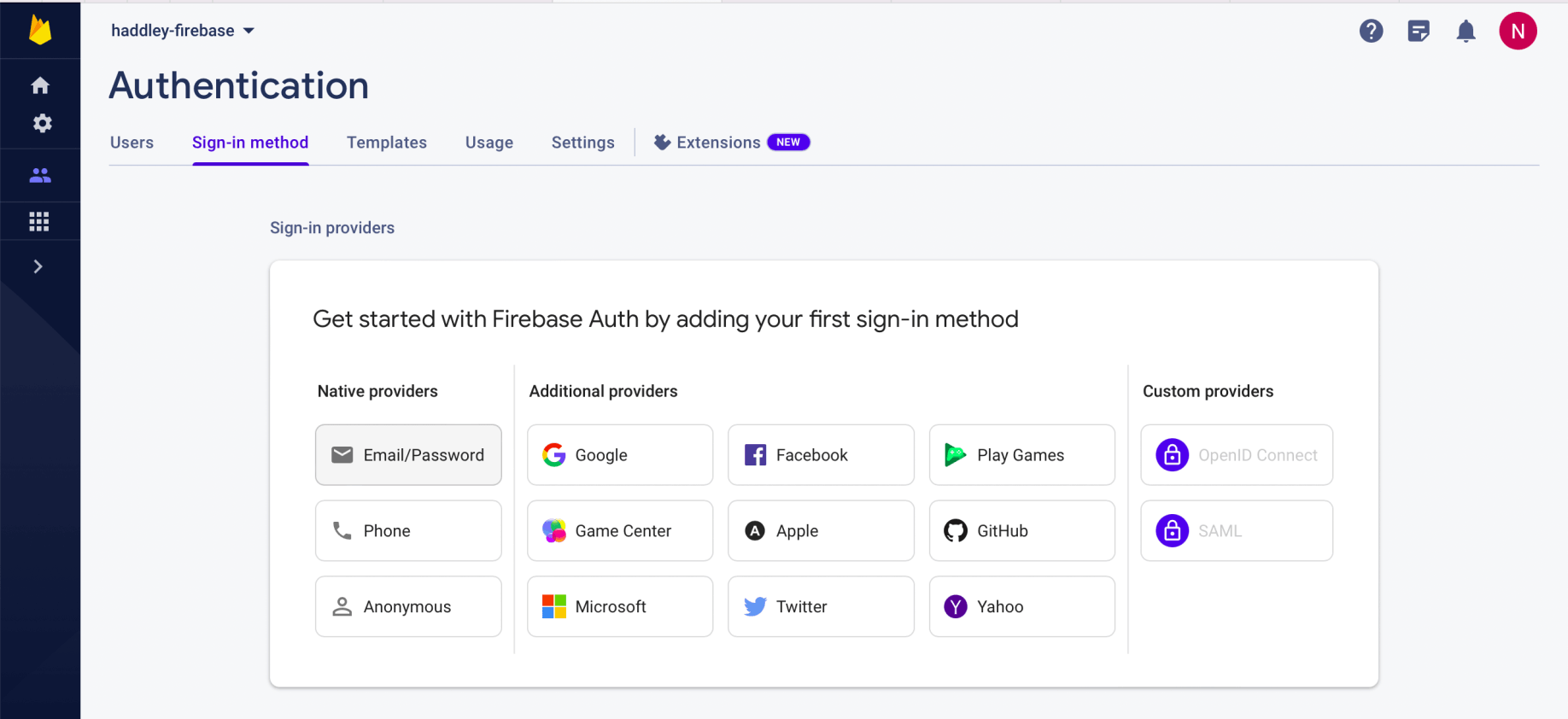
I selected Email/Password authentication
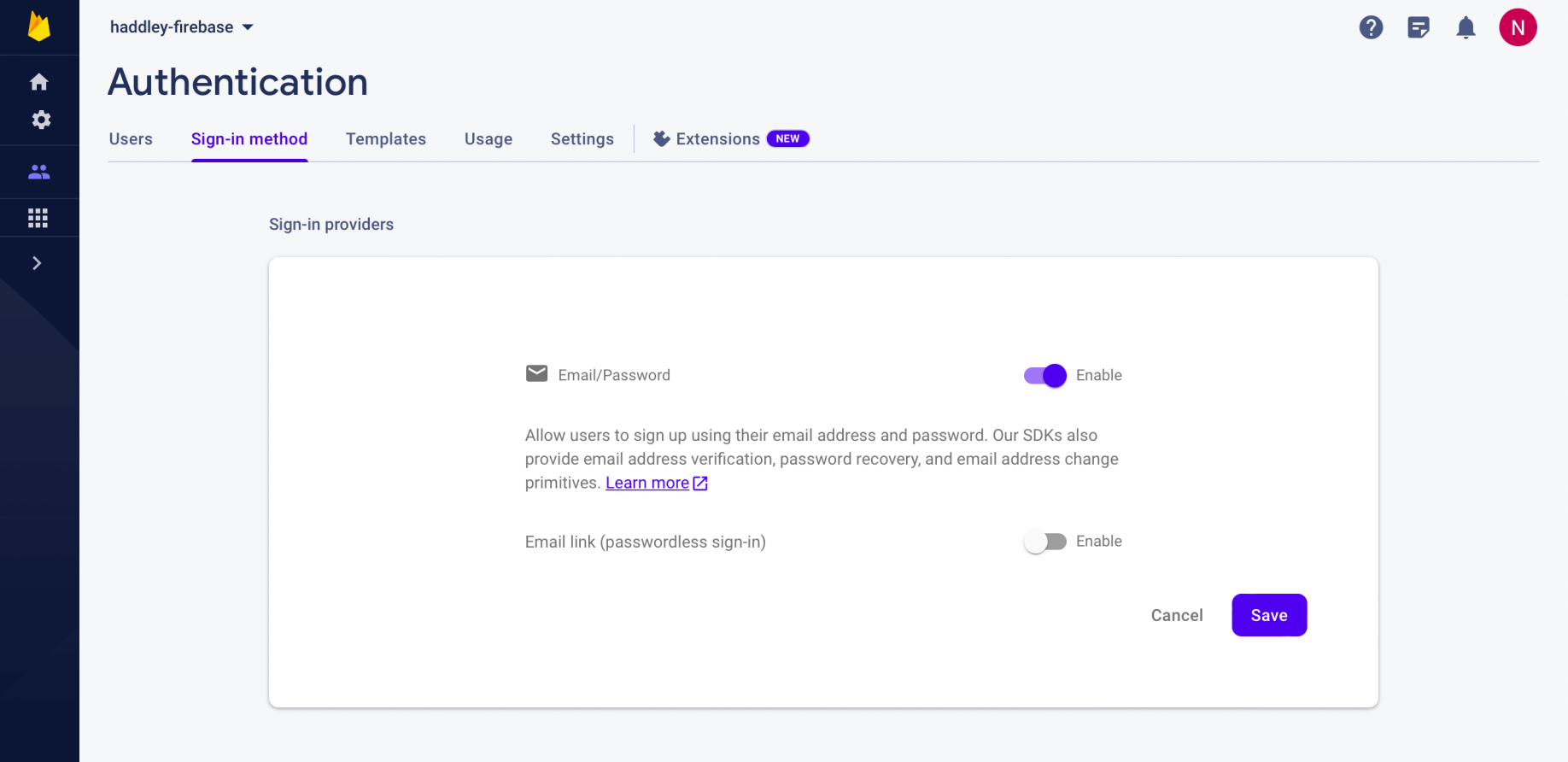
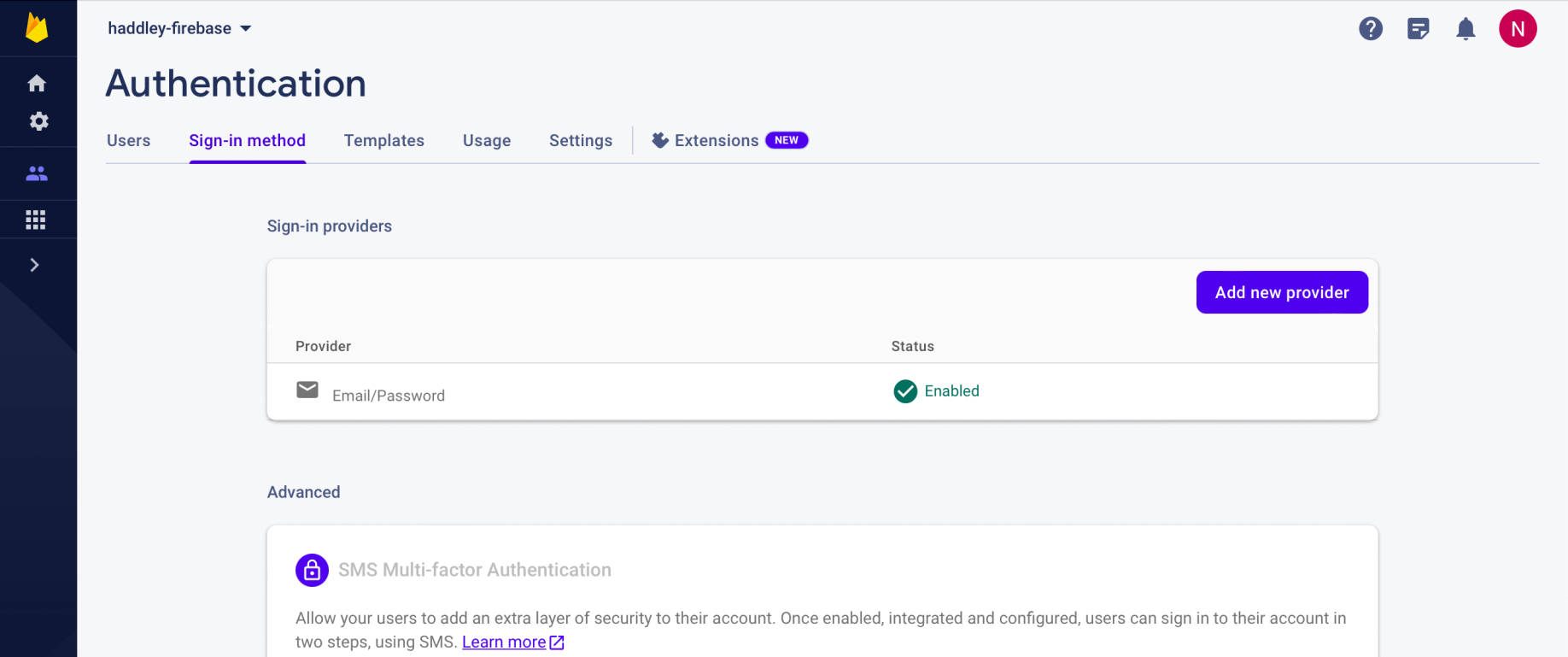
I enabled Email/Password authentication
esp8266
Creating a new angular project
I installed the Angular command line interface using npm
BASH
1% npm i -g @angular/cli
I created a new Angular project using "ng new"
BASH
1% ng new haddley-angular
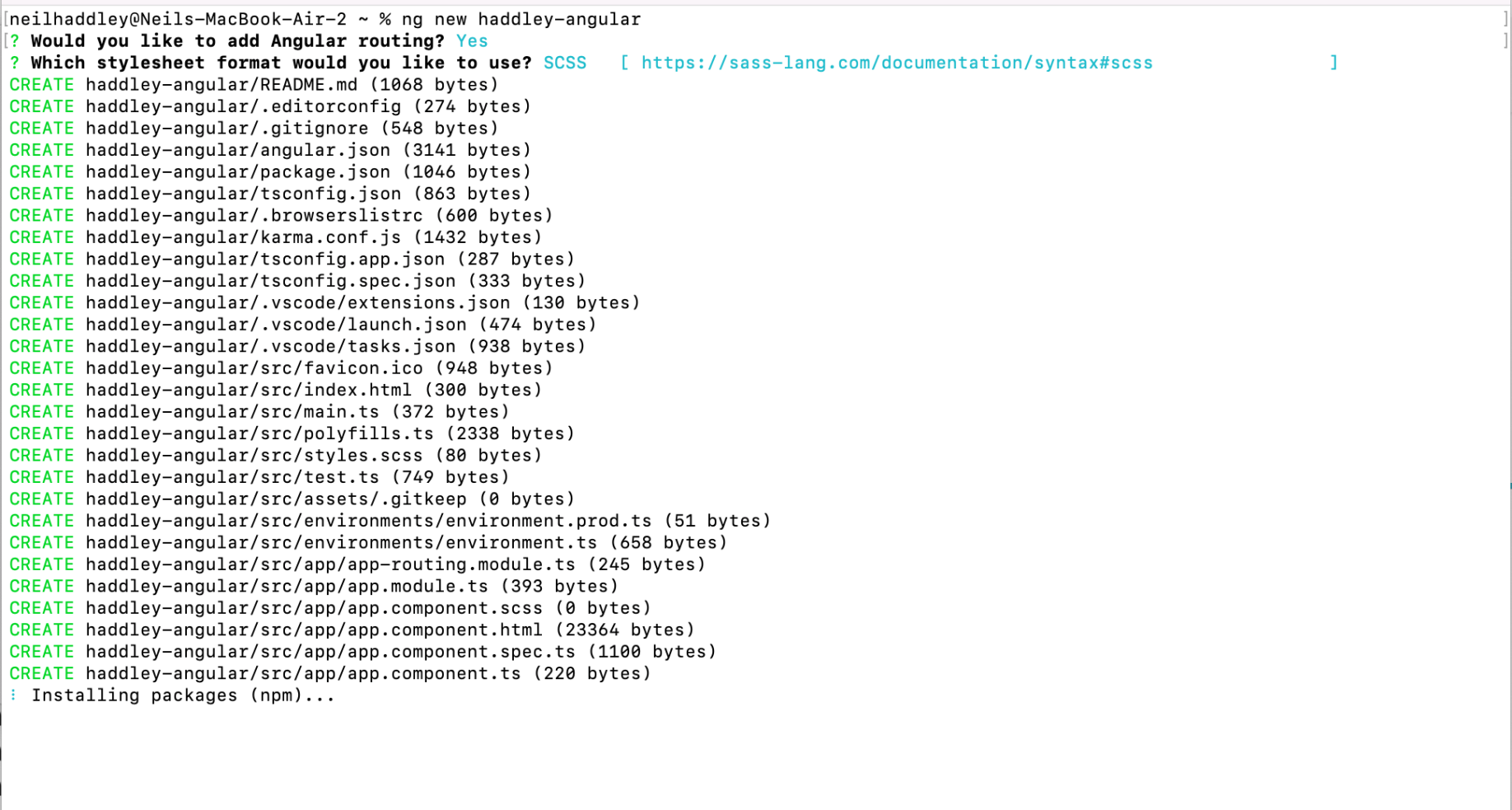
I ran ng new haddley-angular
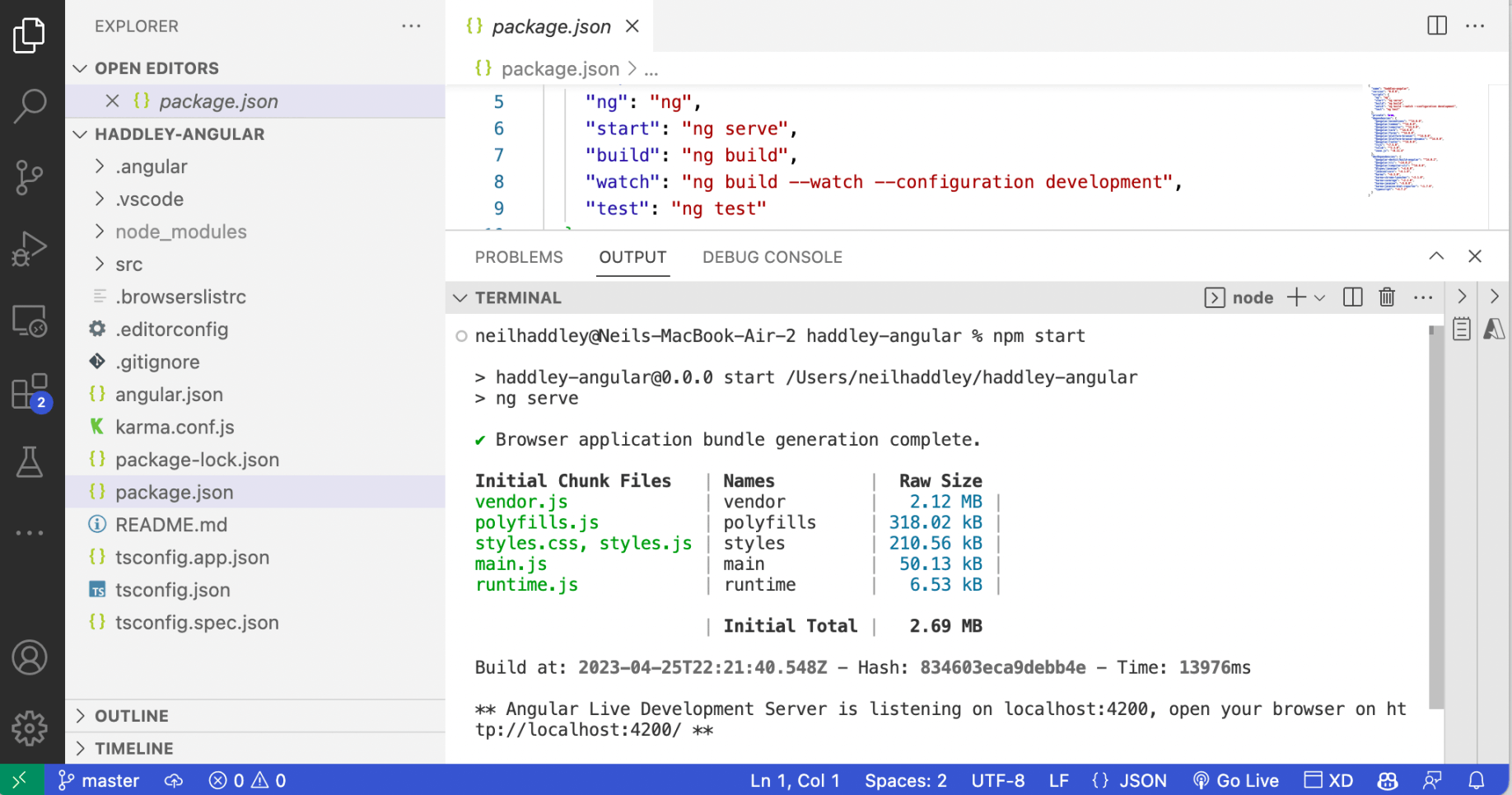
I ran npm start
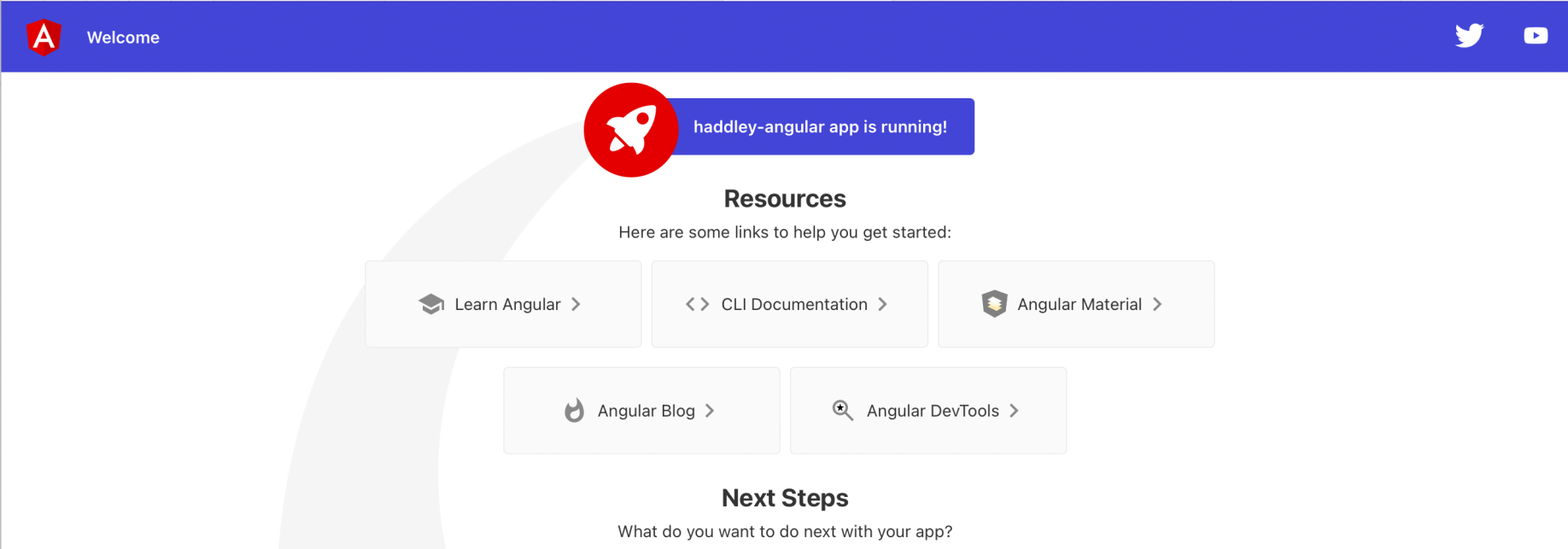
The app was running at http://localhost:4200
angular fire
https://www.npmjs.com/package/@angular/fire
BASH
1npm i @angular/fire
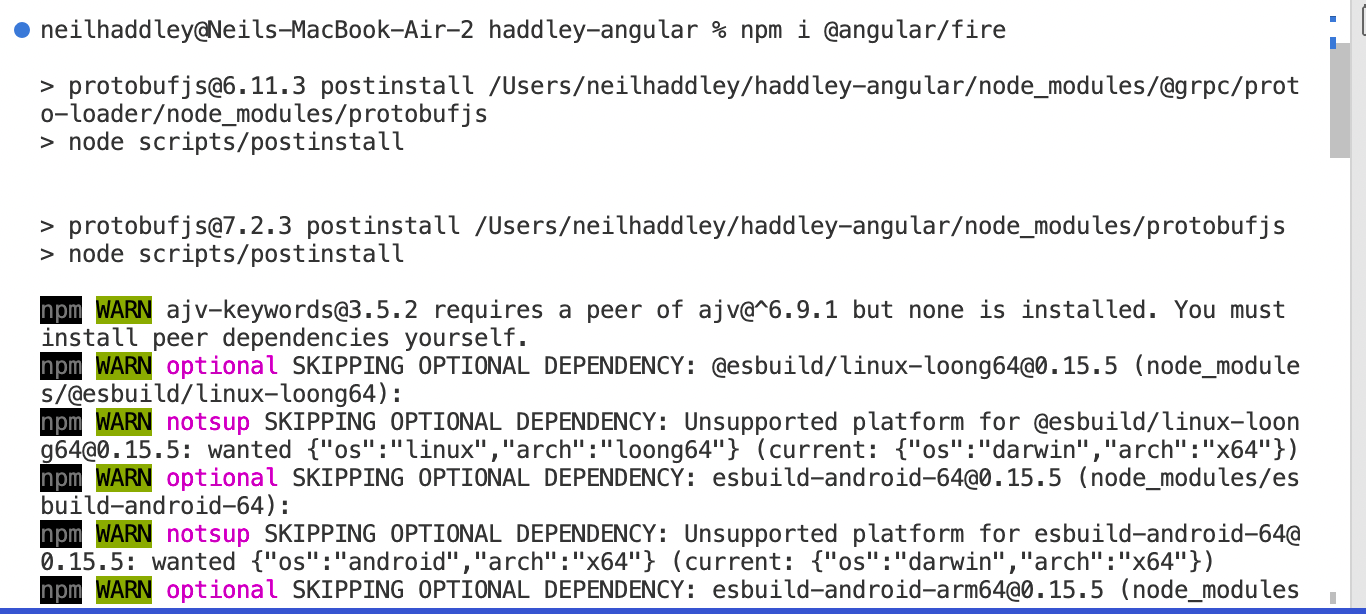
I installed @angular/fire
environments
I added firebaseConfig to environments.ts
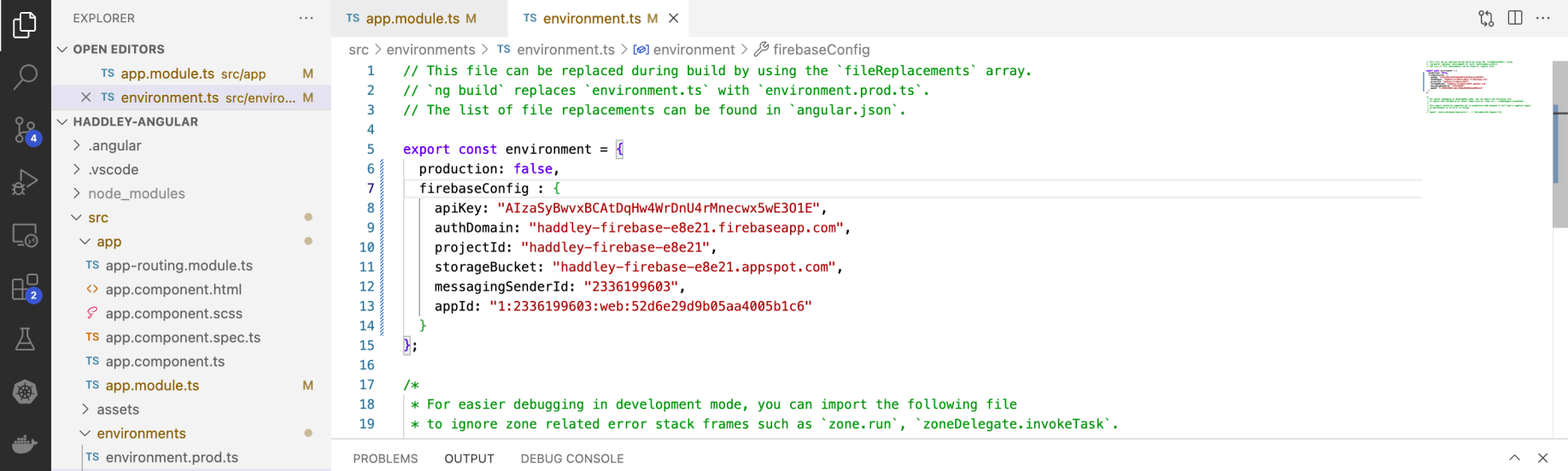
I updated environments.ts
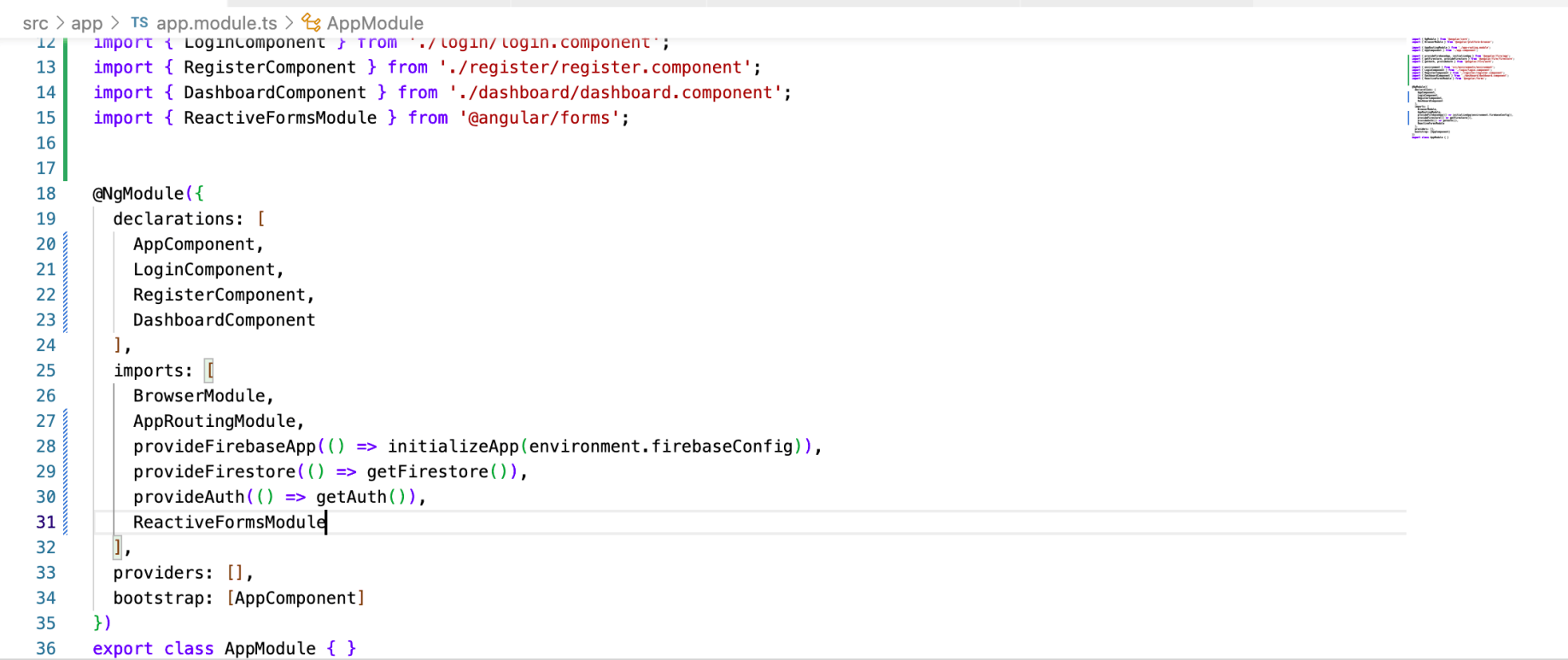
I added provideFirebaseApp, provideFirestore, provideAuth and ReactiveFormsModule to app.module.ts
login, register and dashboard components
BASH
1ng generate component login
2ng generate component register
3ng generate component dashboard
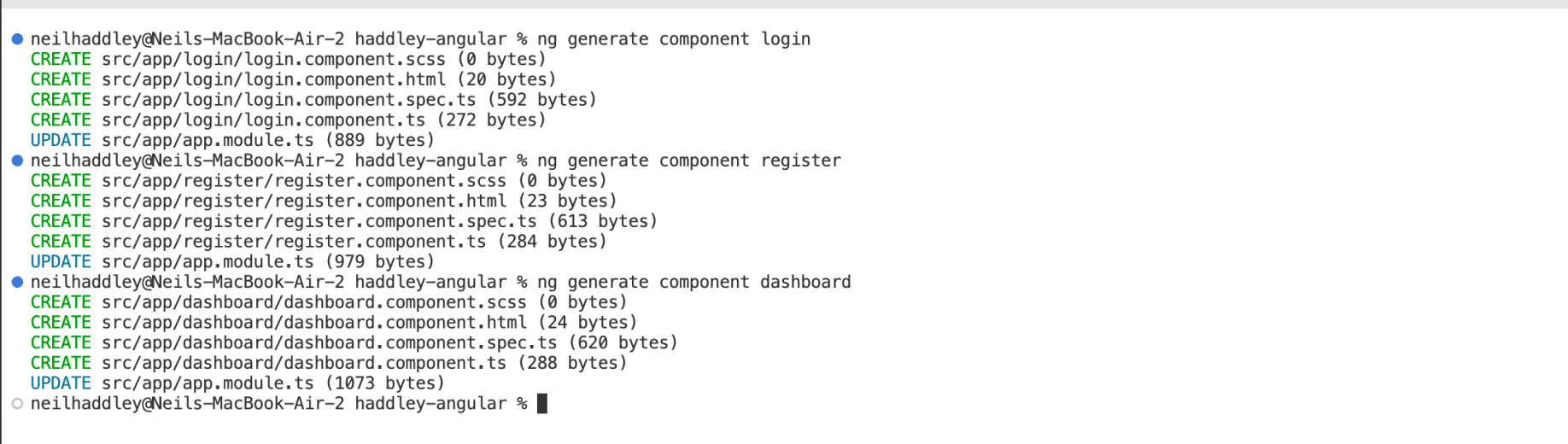
I generated the login, register and dashboard components

I removed the sample html from app.component.html
bootstrap 5
I used Bootstrap for styling the forms.
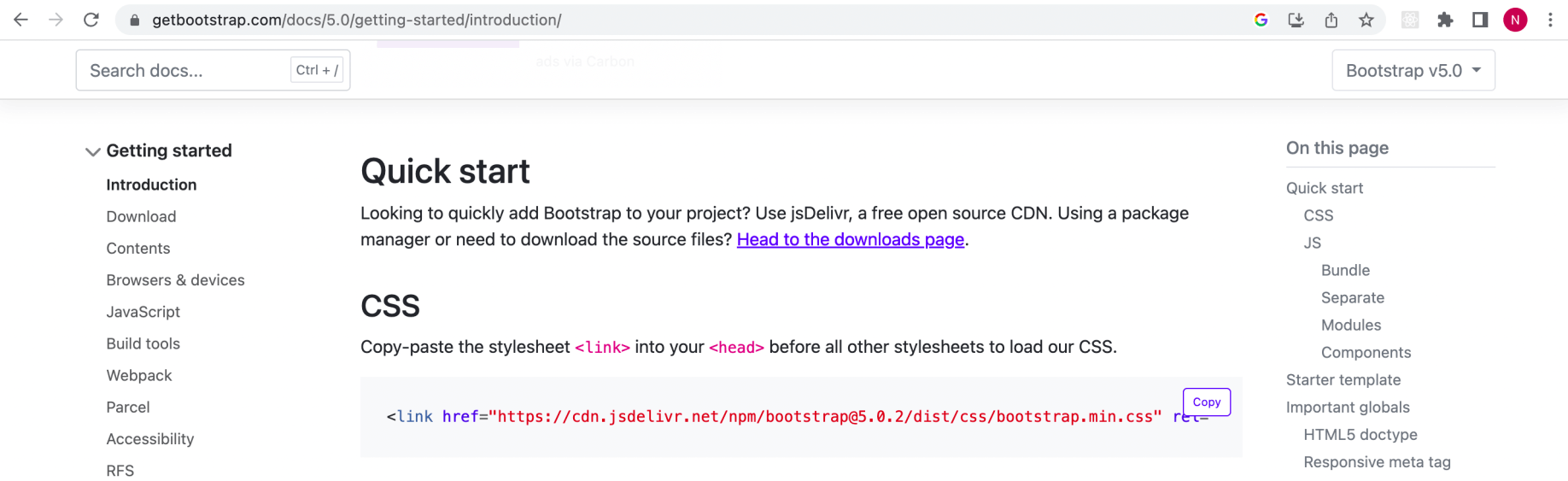
I added the CSS stylesheet link
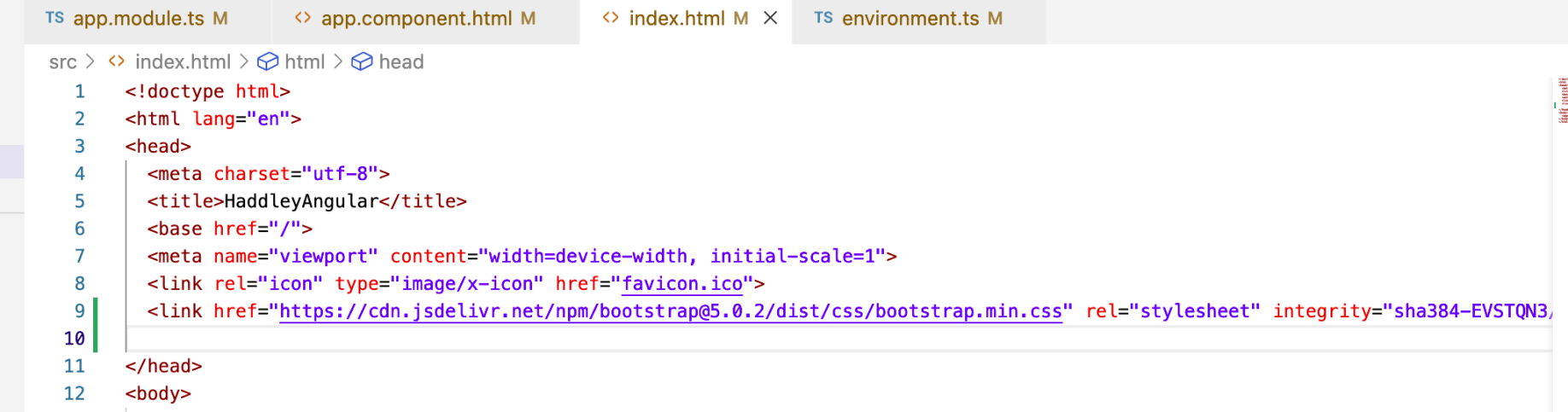
The CSS stylesheet link was added
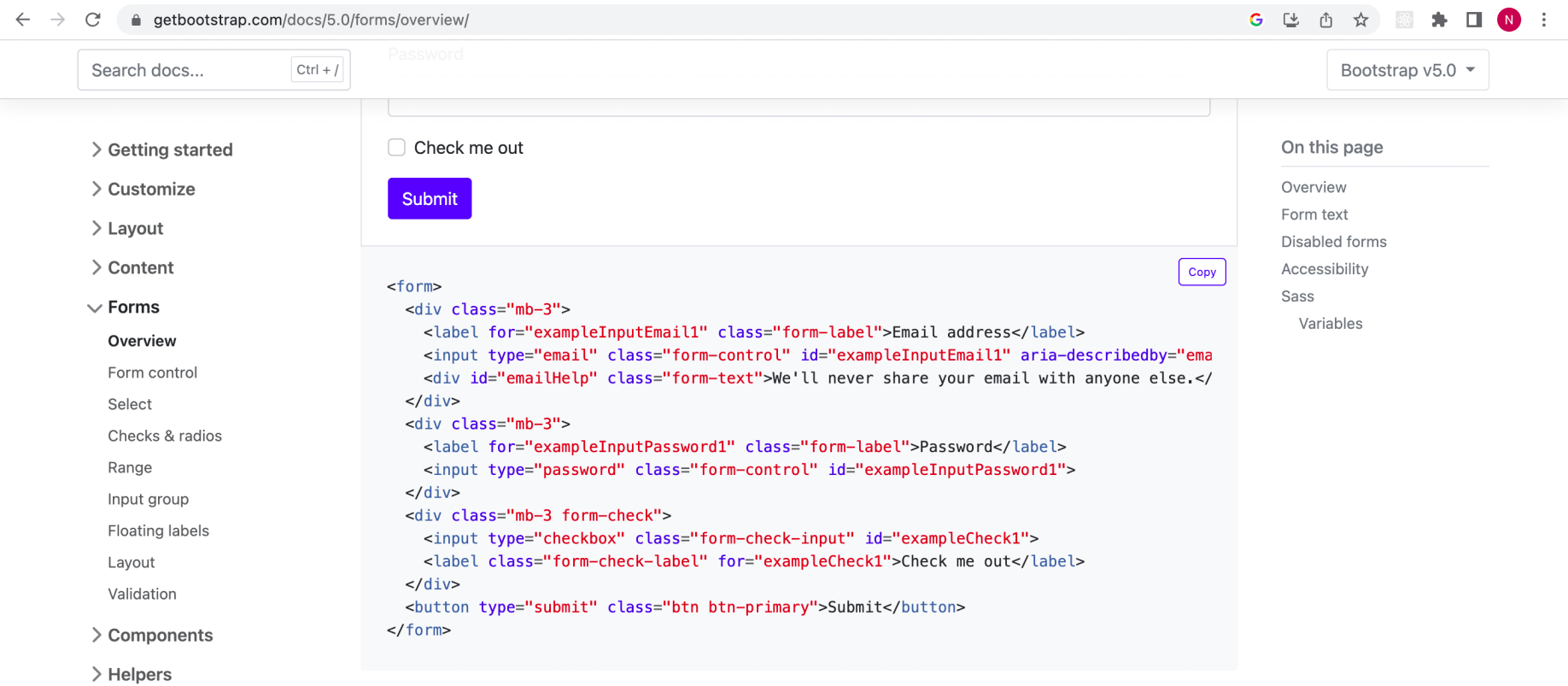
I reviewed an example form
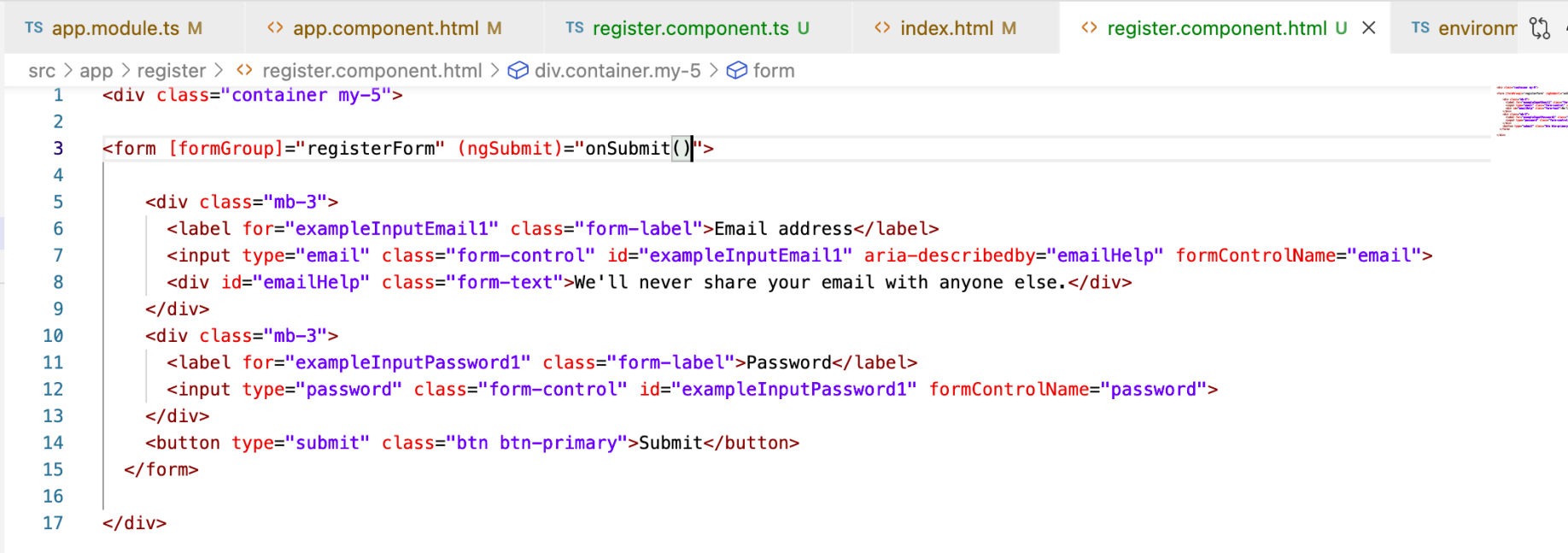
I updated register.component.html
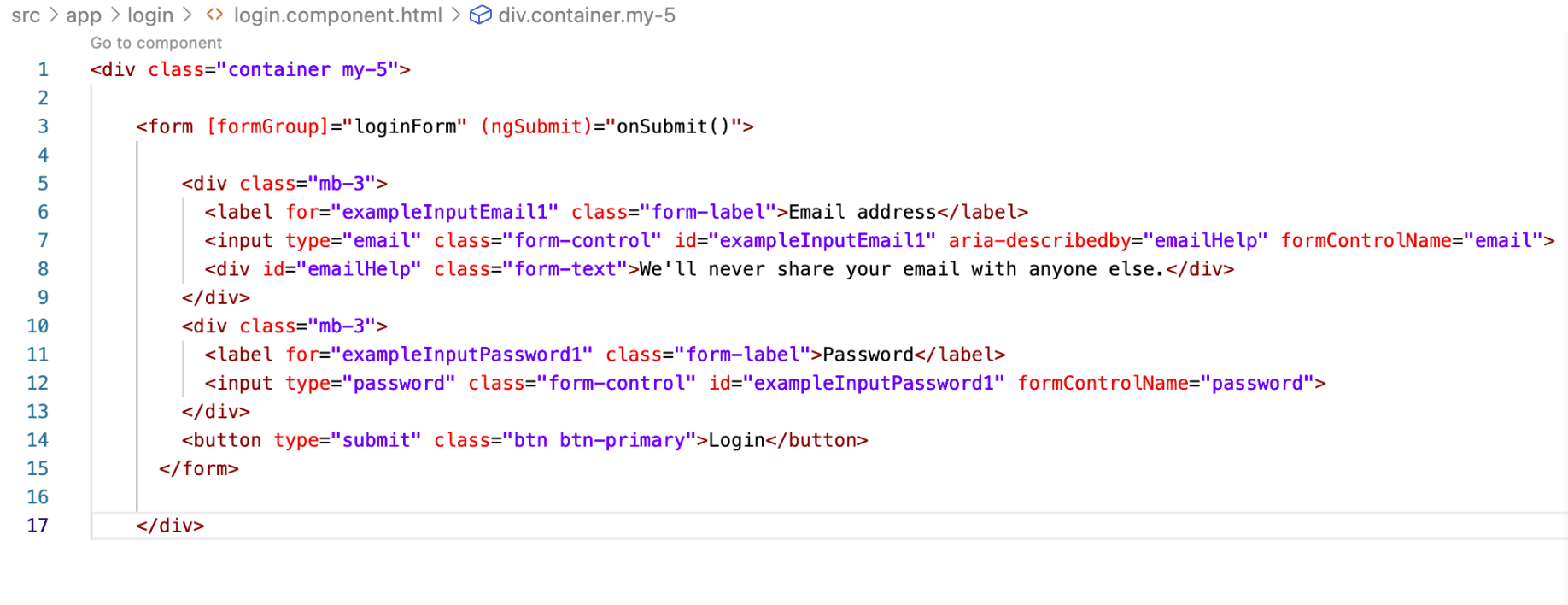
I updated login.component.html

I updated dashboard.component.html
Route
I configured Angular routing.
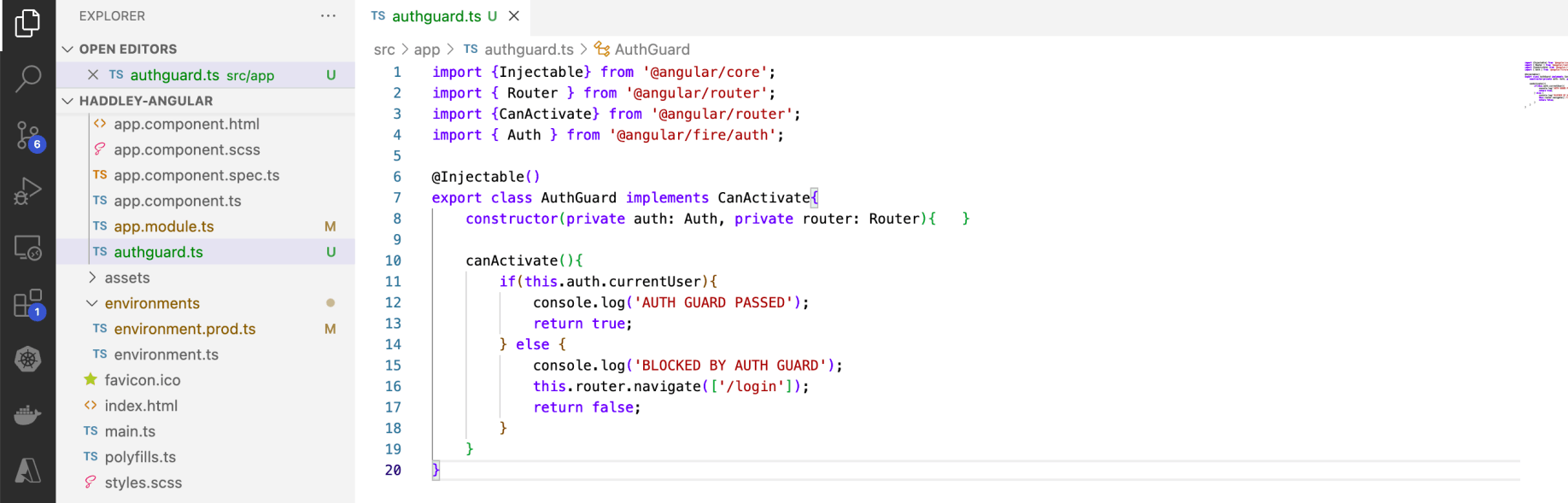
I created authguard.ts
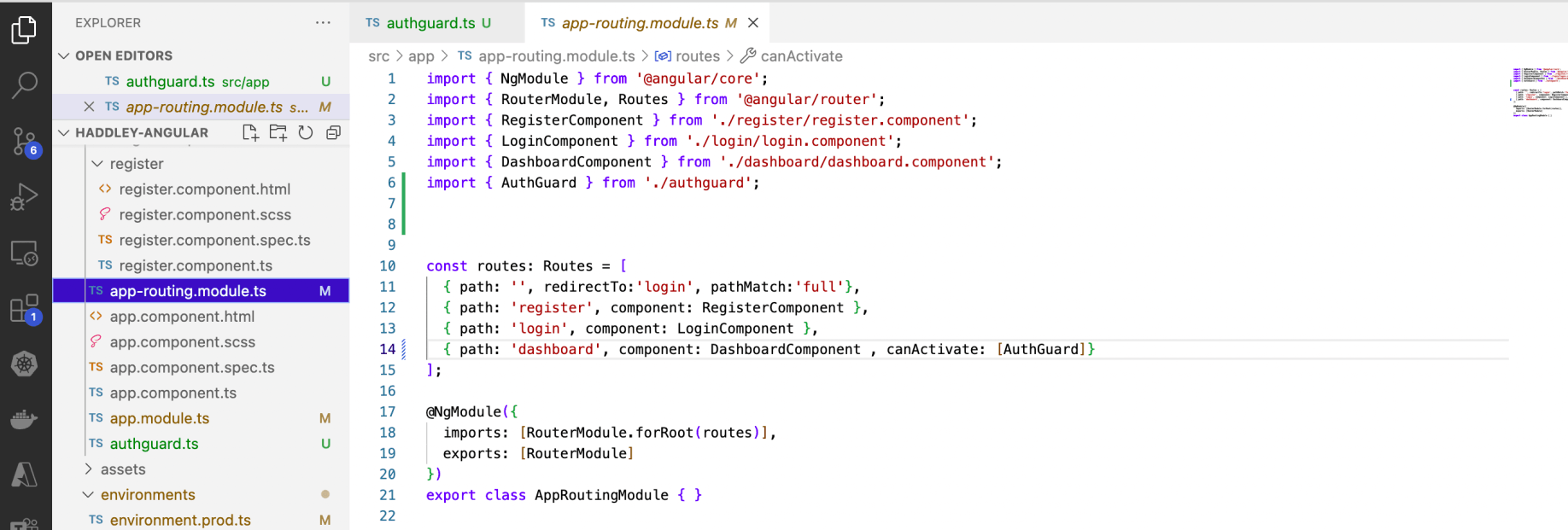
I configured app-routing.module.ts
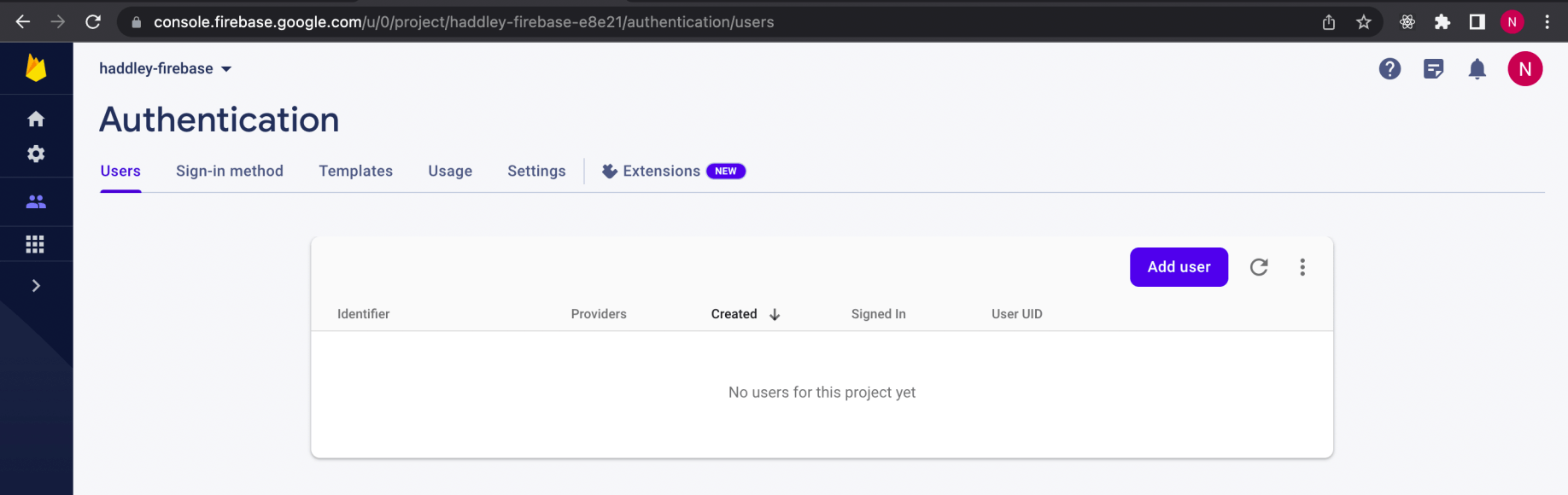
Firebase had no users yet
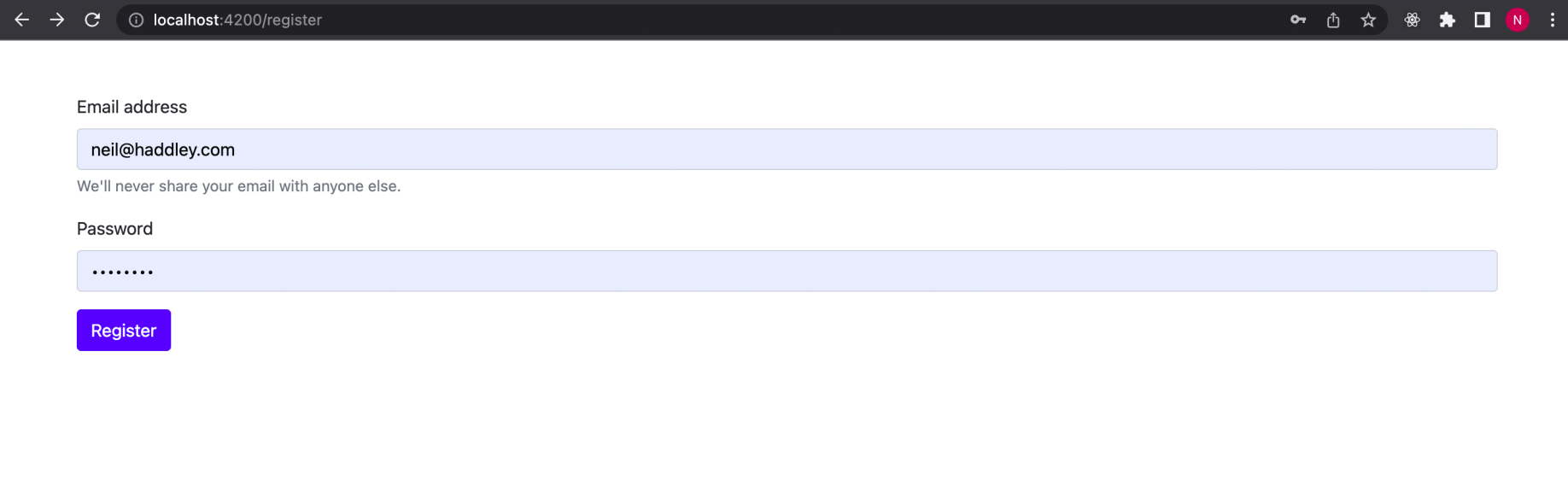
I navigated to /register
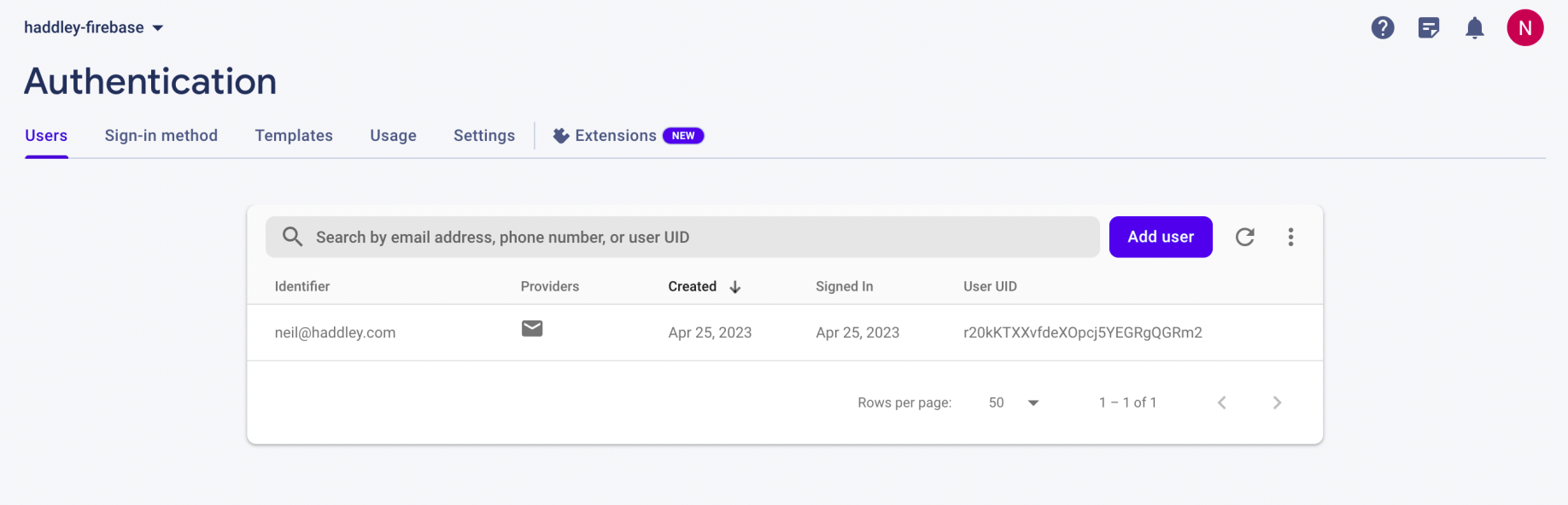
Firebase showed the registered users
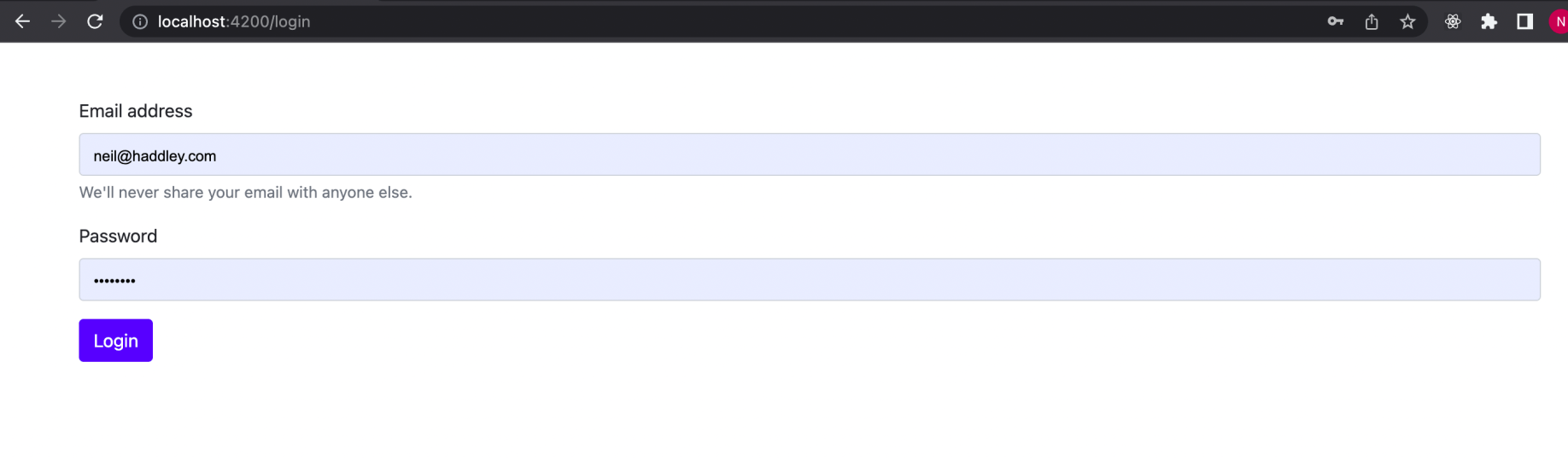
I navigated to /login
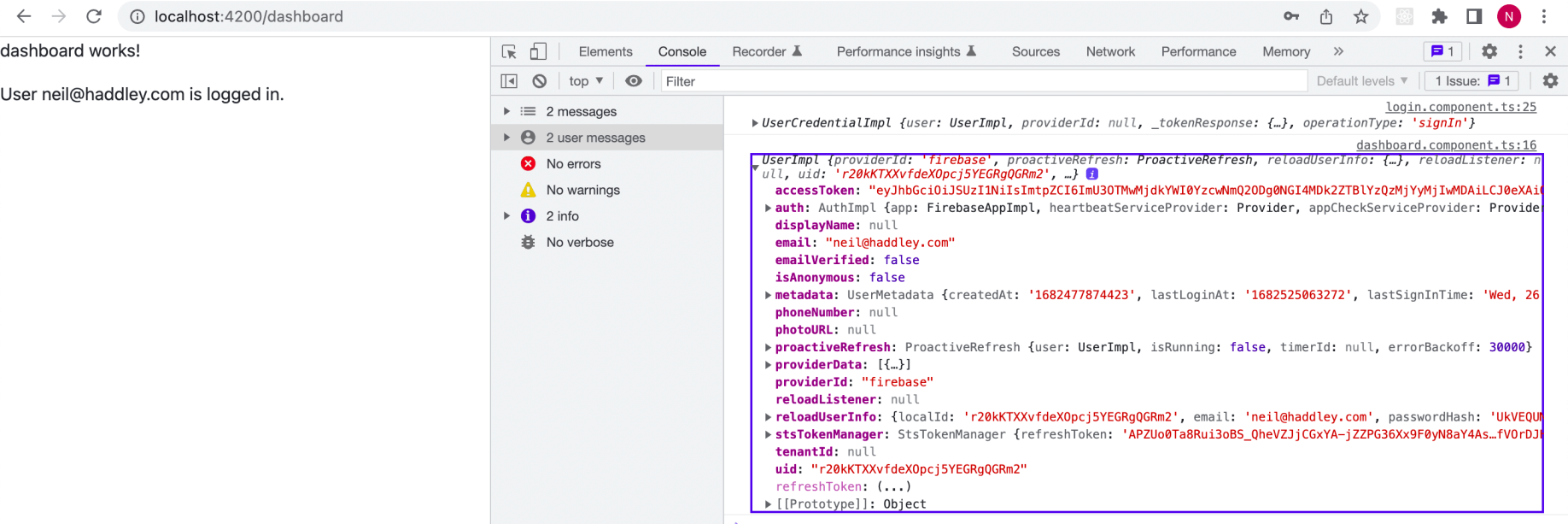
I navigated to /dashboard
ng deploy
I used "ng deploy" to deploy the app.
BASH
1% ng deploy
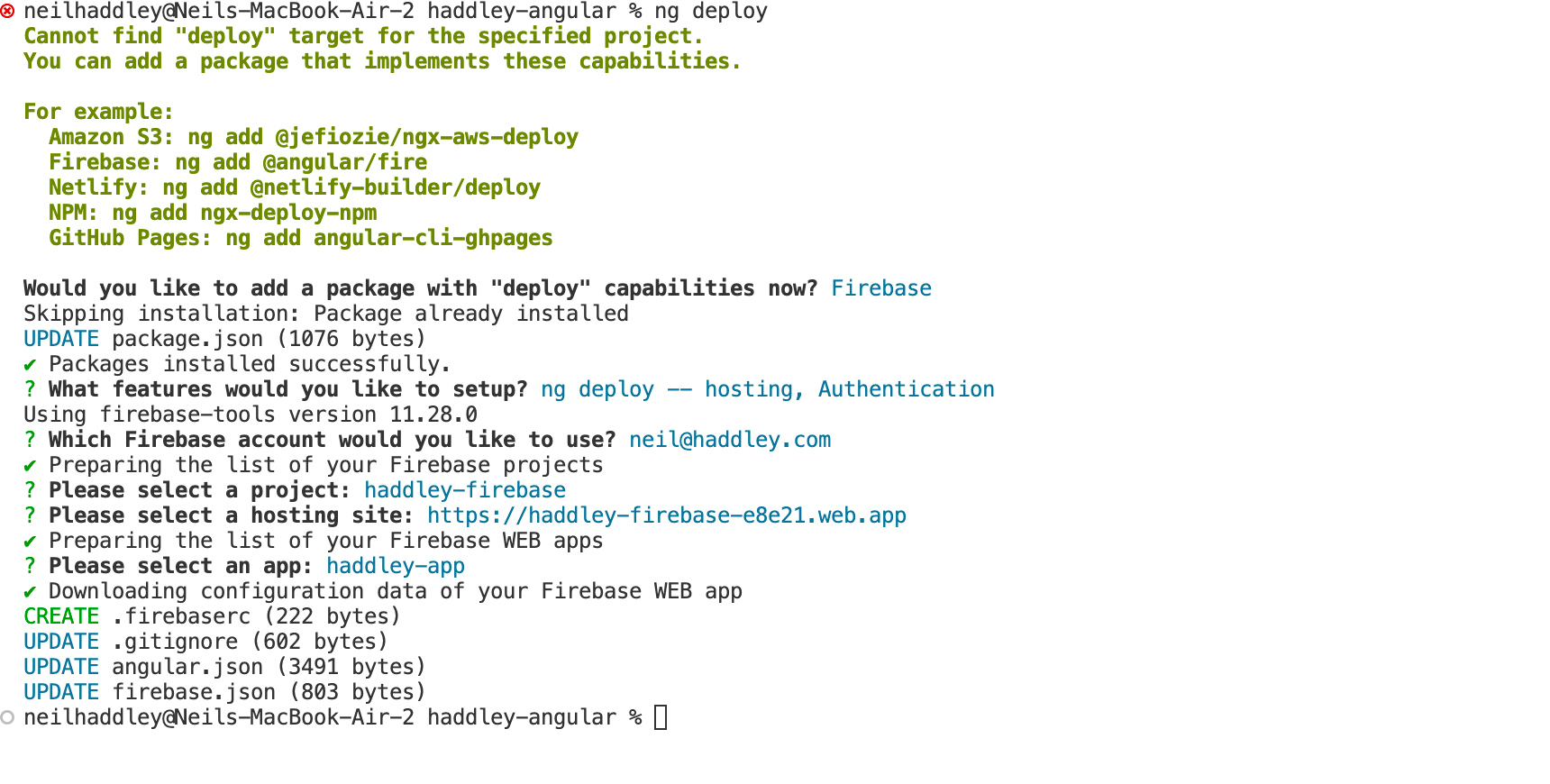
I ran ng deploy
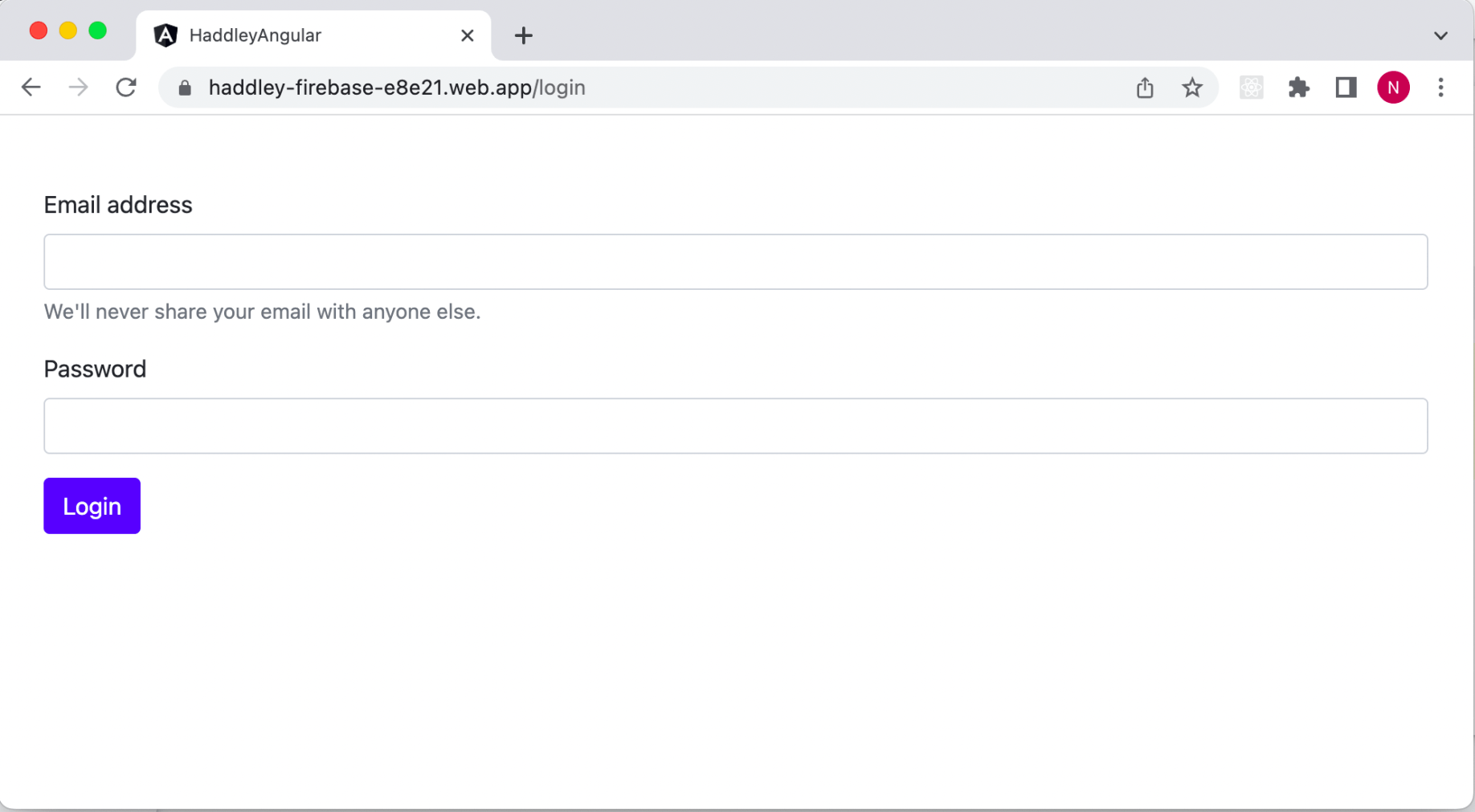
The app was live at https://haddley-firebase-e8e21.web.app
Saving and retrieving private message documents
I used addDoc and query collection to save and retrieve messages.
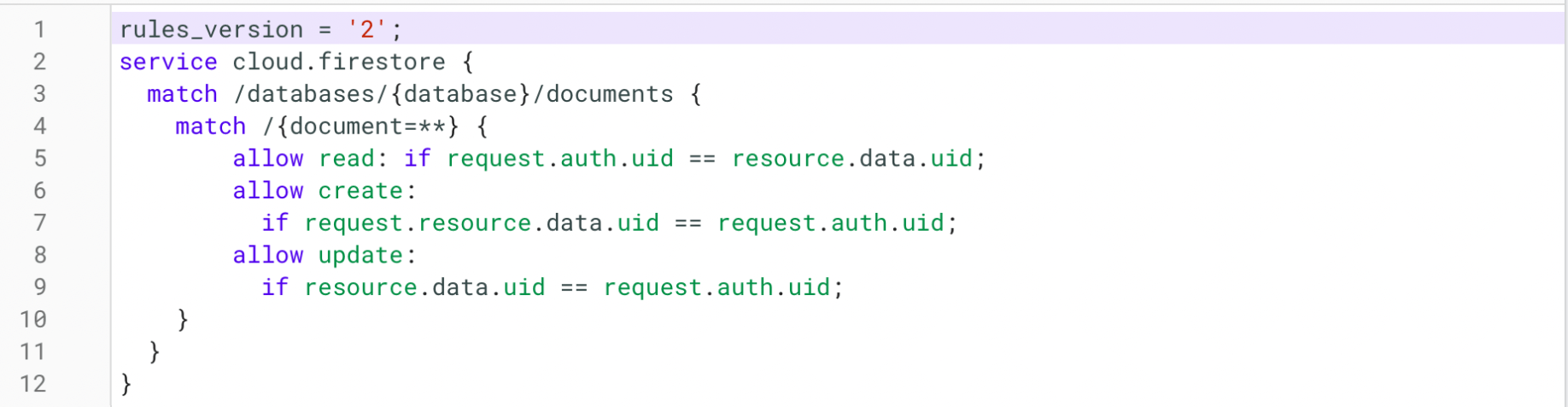
I updated the Firestore rules
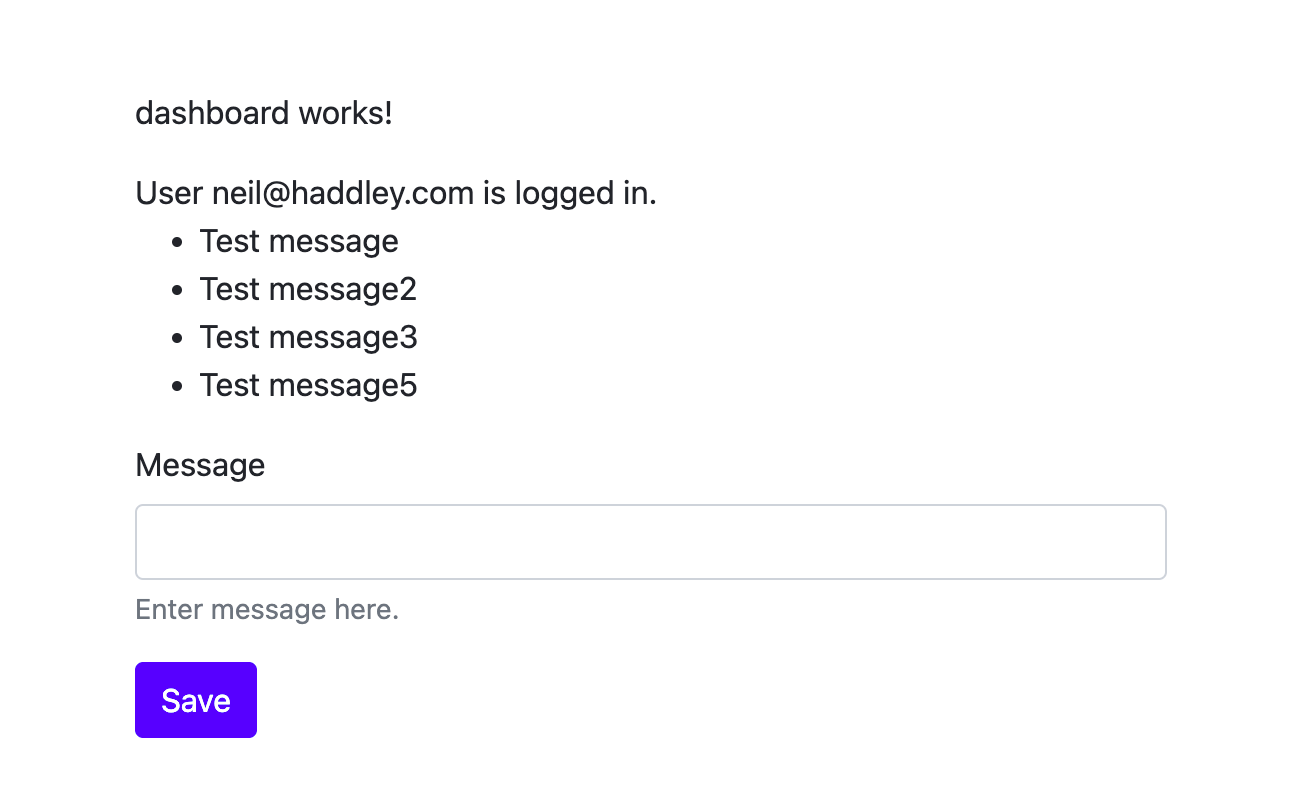
I viewed the dashboard
dashboard.component.ts
TYPESCRIPT
1import { Component, OnInit } from '@angular/core';
2import { Auth } from '@angular/fire/auth';
3
4@Component({
5  selector: 'app-dashboard',
6  templateUrl: './dashboard.component.html',
7  styleUrls: ['./dashboard.component.scss']
8})
9export class DashboardComponent implements OnInit {
10
11  user = this.auth.currentUser;
12
13  constructor(private auth: Auth) { }
14
15  ngOnInit(): void {
16    console.log(this.auth.currentUser);
17  }
18
19}
dashboard.component.html
HTML
1<div class="container my-5">
2
3    <p>dashboard works!</p>
4
5    <div *ngIf="user">
6        User {{ user.email }} is logged in.
7    </div>
8
9    <ul>
10        <li *ngFor="let message of messages$ | async">
11          {{ message.text }}
12        </li>
13      </ul>
14
15    <form [formGroup]="createMessageForm" (ngSubmit)="onSubmit()">
16        <div class="mb-3">
17            <label for="exampleInputMessage1" class="form-label">Message</label>
18            <input type="text" class="form-control" id="exampleMessage1" aria-describedby="messageHelp"
19                formControlName="message">
20            <div id="messageHelp" class="form-text">Enter message here.</div>
21        </div>
22        <button type="submit" class="btn btn-primary">Save</button>
23    </form>
24</div>
dashboard.component.ts
TYPESCRIPT
1import { Component, OnInit } from '@angular/core';
2import { Auth } from '@angular/fire/auth';
3import { Firestore, addDoc, collection, collectionData, getFirestore, query, serverTimestamp, where } from '@angular/fire/firestore';
4import { FormBuilder, FormGroup, Validators } from '@angular/forms';
5import { Observable } from 'rxjs';
6
7@Component({
8  selector: 'app-dashboard',
9  templateUrl: './dashboard.component.html',
10  styleUrls: ['./dashboard.component.scss']
11})
12export class DashboardComponent implements OnInit {
13
14  user = this.auth.currentUser;
15  createMessageForm!: FormGroup;
16  messages$: Observable<any[]>;
17
18  constructor(private formBuilder: FormBuilder, private auth: Auth, firestore: Firestore) {
19    this.createMessageForm = this.formBuilder.group({
20      message: formBuilder.control('', [Validators.required, Validators.minLength(6)])
21    })
22    const uid = this.auth.currentUser?.uid;
23    const result = query(collection(firestore, 'messages'), where("uid", "==", uid));
24    console.log(result);
25    this.messages$ = collectionData(result);
26  }
27
28  ngOnInit(): void {
29    console.log(this.auth.currentUser);
30  }
31
32  public onSubmit(): void {
33    this.saveMessage(this.createMessageForm.value.message)
34    this.createMessageForm.reset();
35  }
36
37  // Saves a new message to Cloud Firestore.
38  private async saveMessage(messageText: string) {
39    try {
40      const uid = this.auth.currentUser?.uid;
41      await addDoc(collection(getFirestore(), 'messages'), {
42        uid: uid,
43        email: this.auth.currentUser?.email,
44        text: messageText,
45        timestamp: serverTimestamp()
46      });
47    }
48    catch (error) {
49      console.error('Error writing new message to Firebase Database', error);
50    }
51  }
52
53}