A Teams App SharePoint Web Part for One Drive
Neil Haddley • May 29, 2022
The SharePoint Framework (SPFx) can be used to create SharePoint Web Parts and Teams Applications
In this post I describe how I created a Teams application using the SharePoint Framework and the Microsoft Graph Toolkit
This post is based on PiaSys Tech Bites's Using Microsoft Graph Toolkit with React video, Microsoft 365 Community's Building Microsoft Graph Toolkit apps with SharePoint video, and Microsoft's Working with files in Microsoft Graph documentation.
SharePoint Apps
SharePoint Framework (SPFx) applications are deployed to Microsoft 365 when they are uploaded to the SharePoint online App catalog.
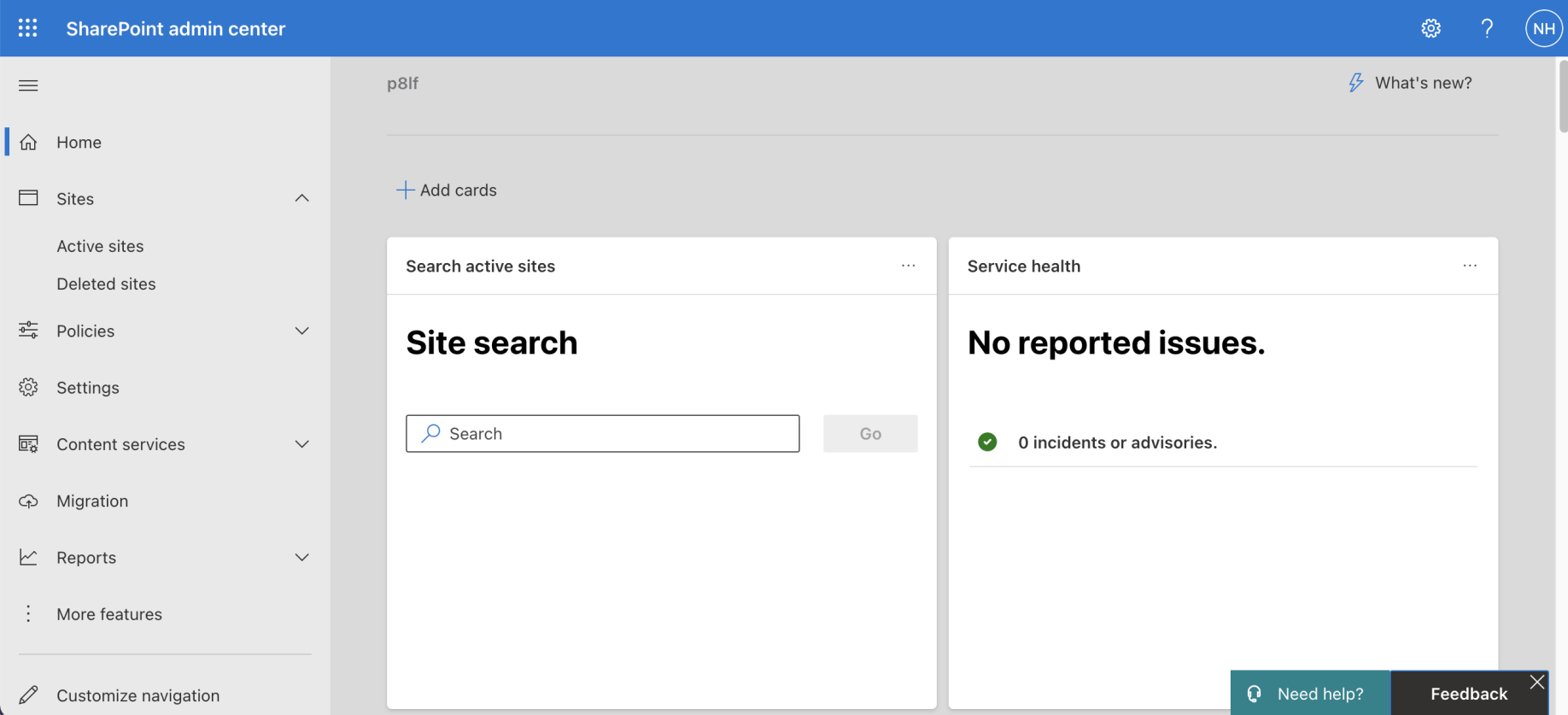
I navigated to the SharePoint admin center and clicked the "More features" link
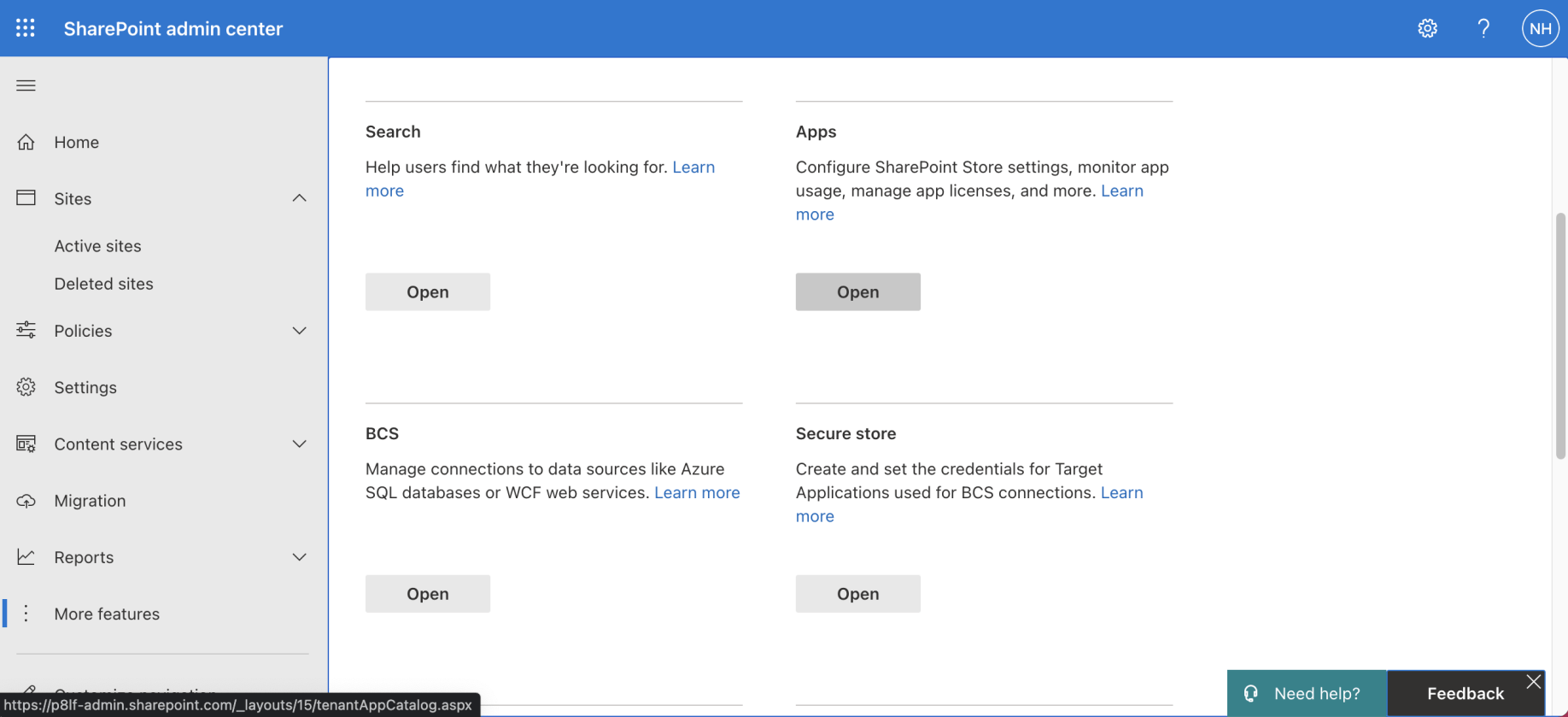
I scrolled down to the "Apps" section and clicked the "Open" link
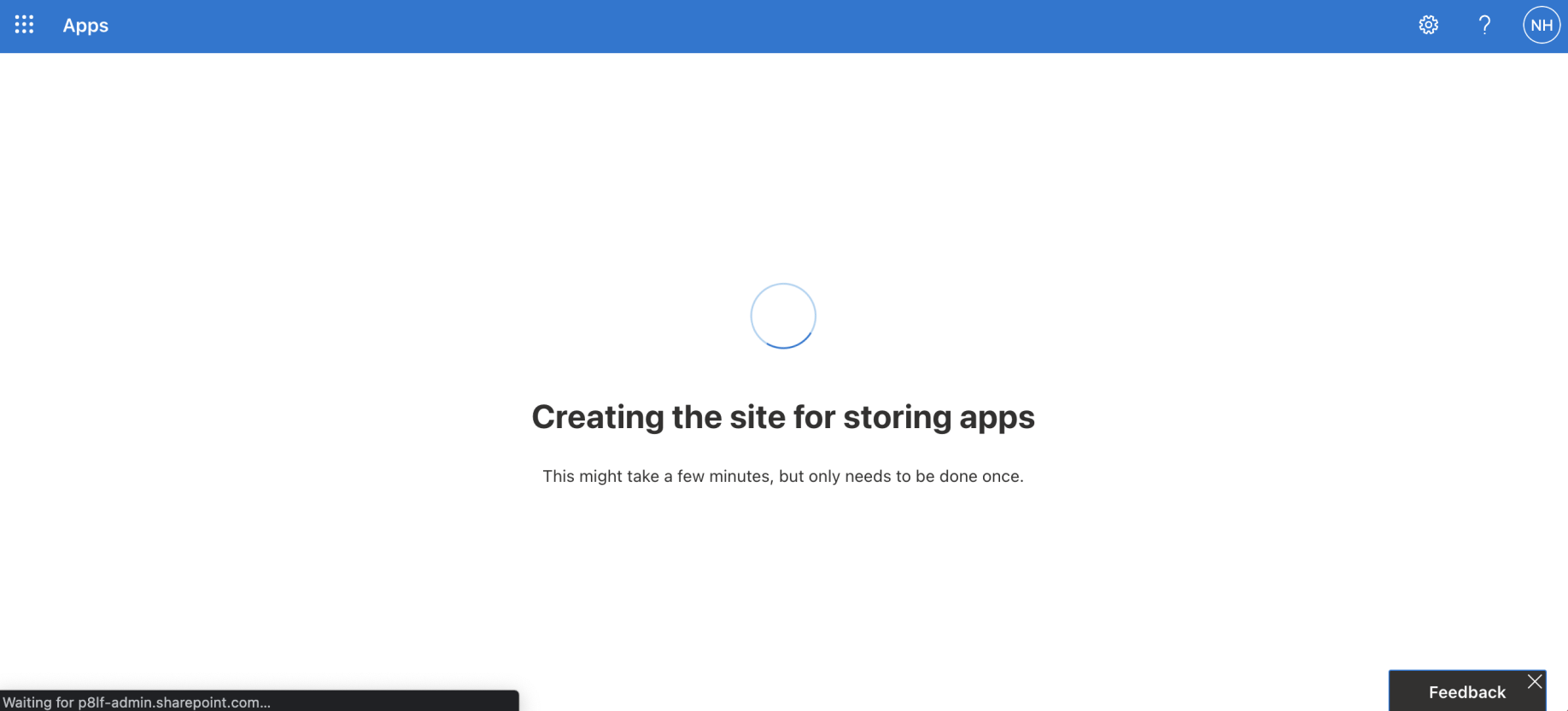
The "App Catalog" Site was created if it didn't exist
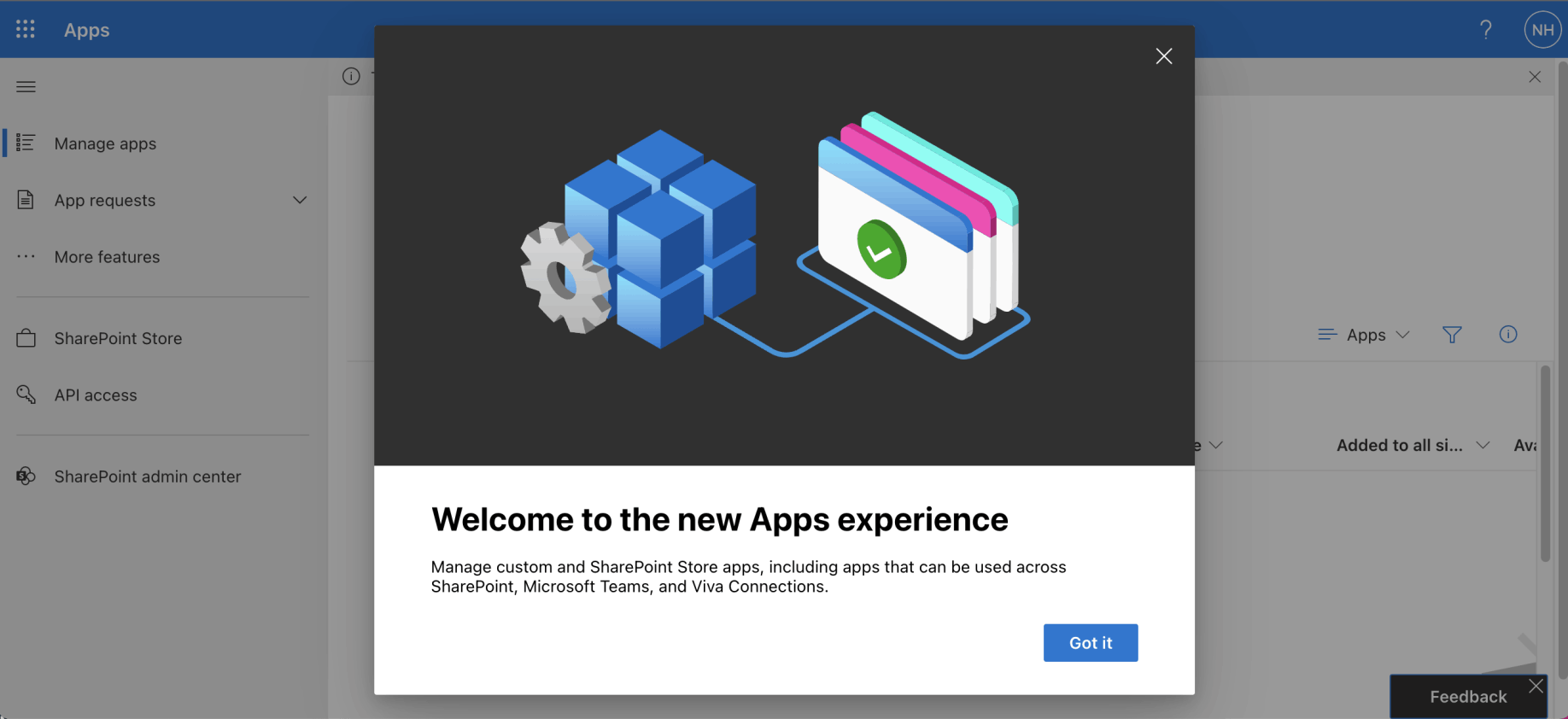
A welcome message may be displayed
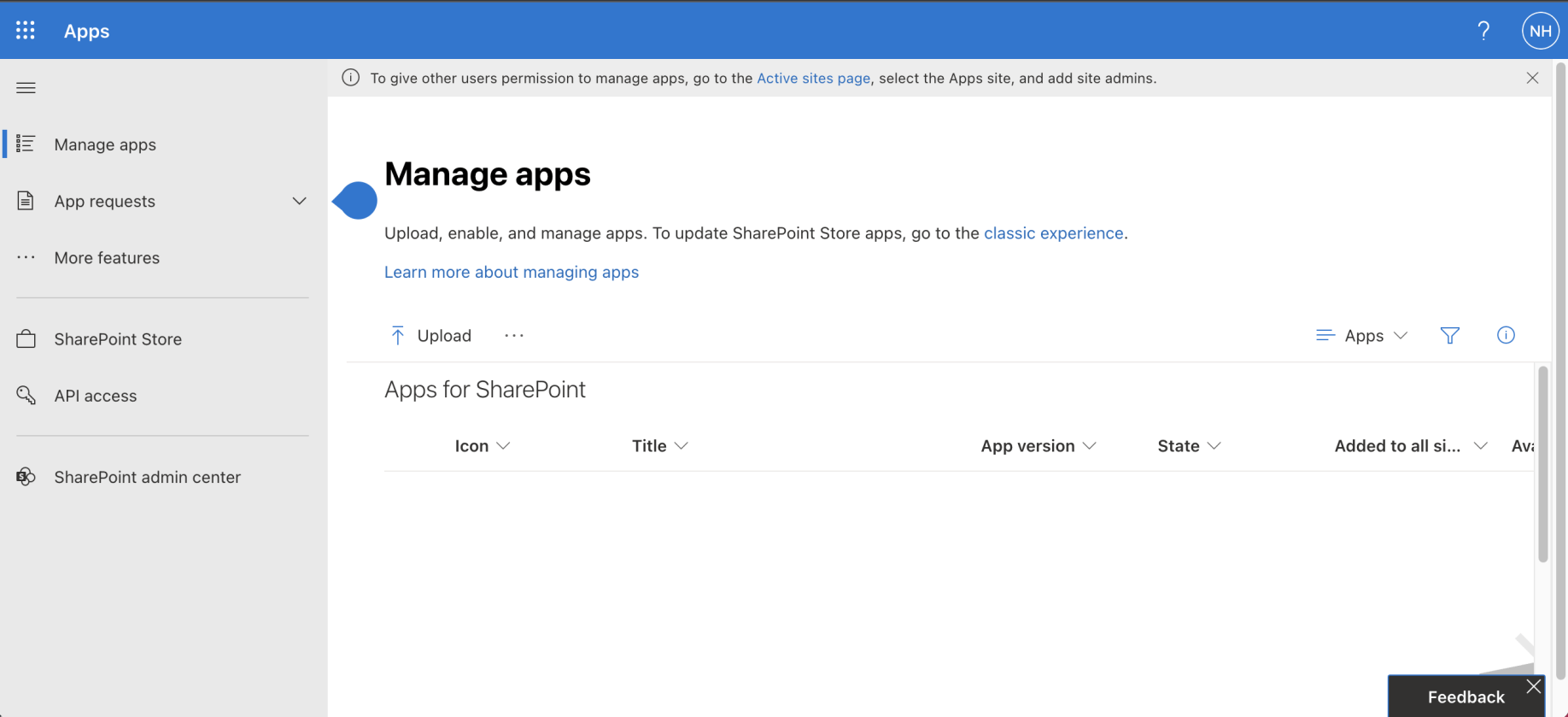
I viewed the App Catalog's Manage apps page
yo @microsoft/sharepoint
I used "yo @microsoft/sharepoint" to create a haddley-file-list project.
I used "npm i @microsoft/mgt-spfx@2.5.1" to add Microsoft Graph Toolkit to the project.
I used "npm i @microsoft/mgt-react@2.5.1" to add Microsoft Graph Toolkit's React components to the project.
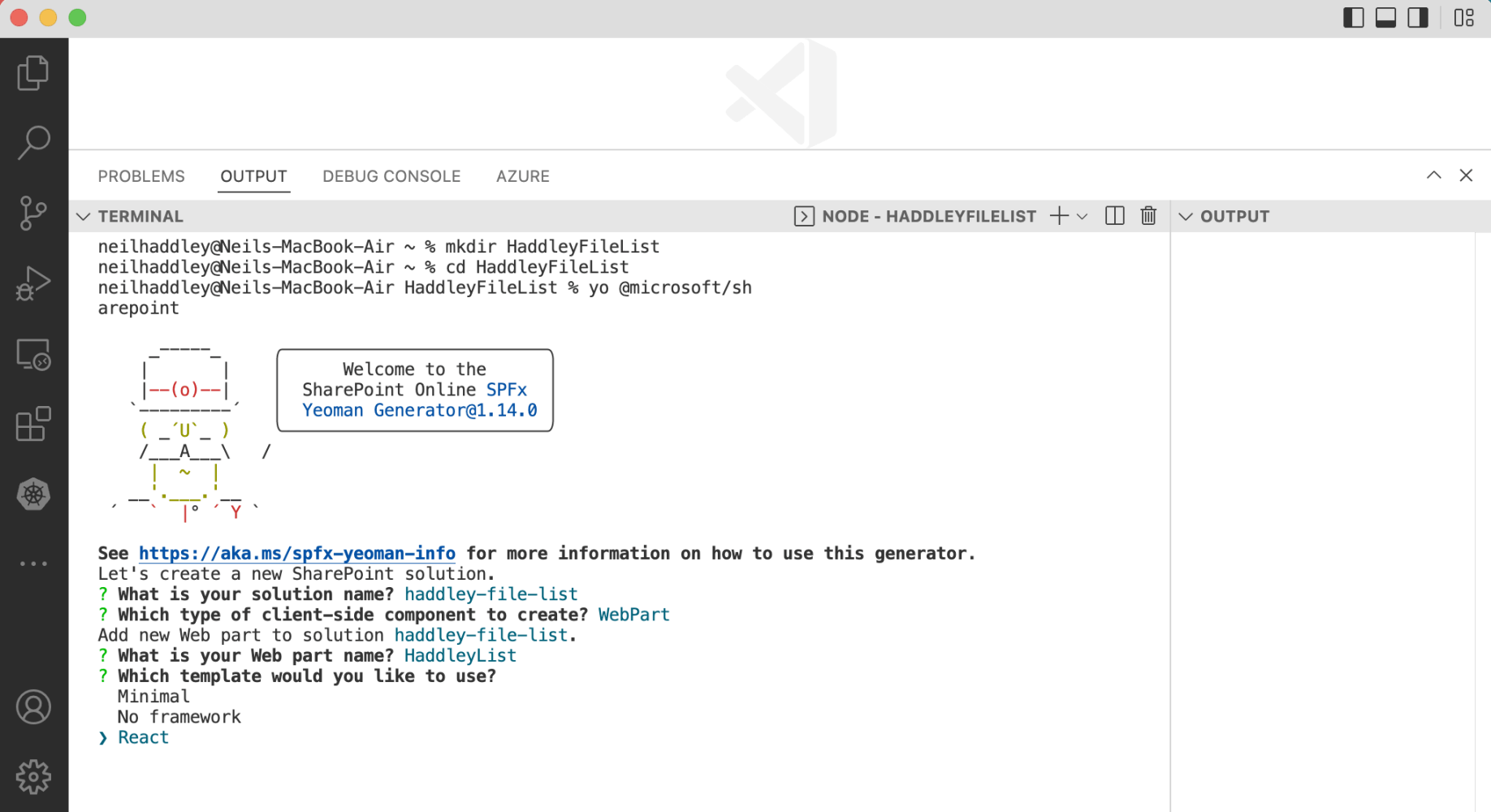
I ran yo @microsoft/sharepoint
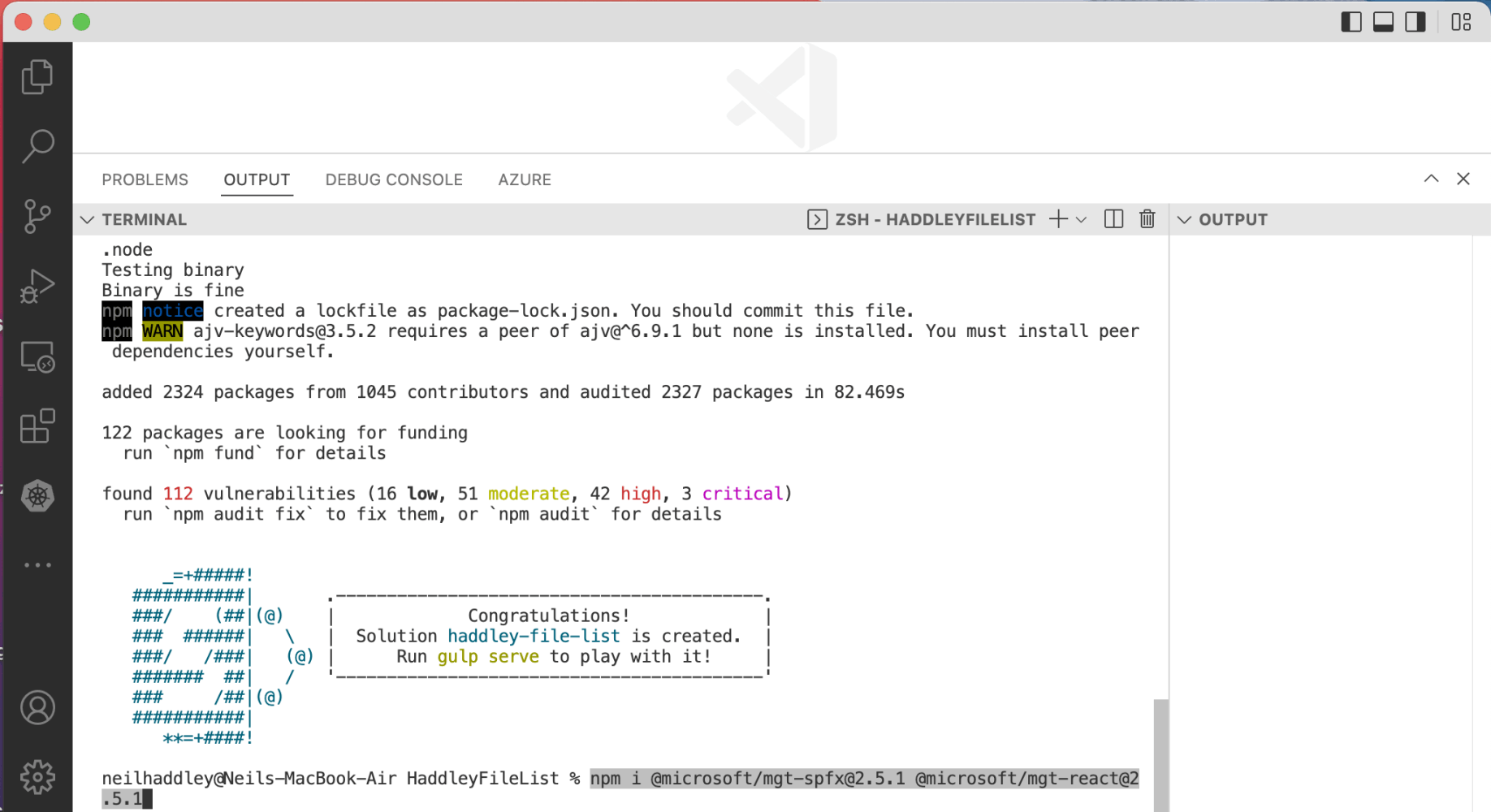
I installed the Microsoft Graph Toolkit packages
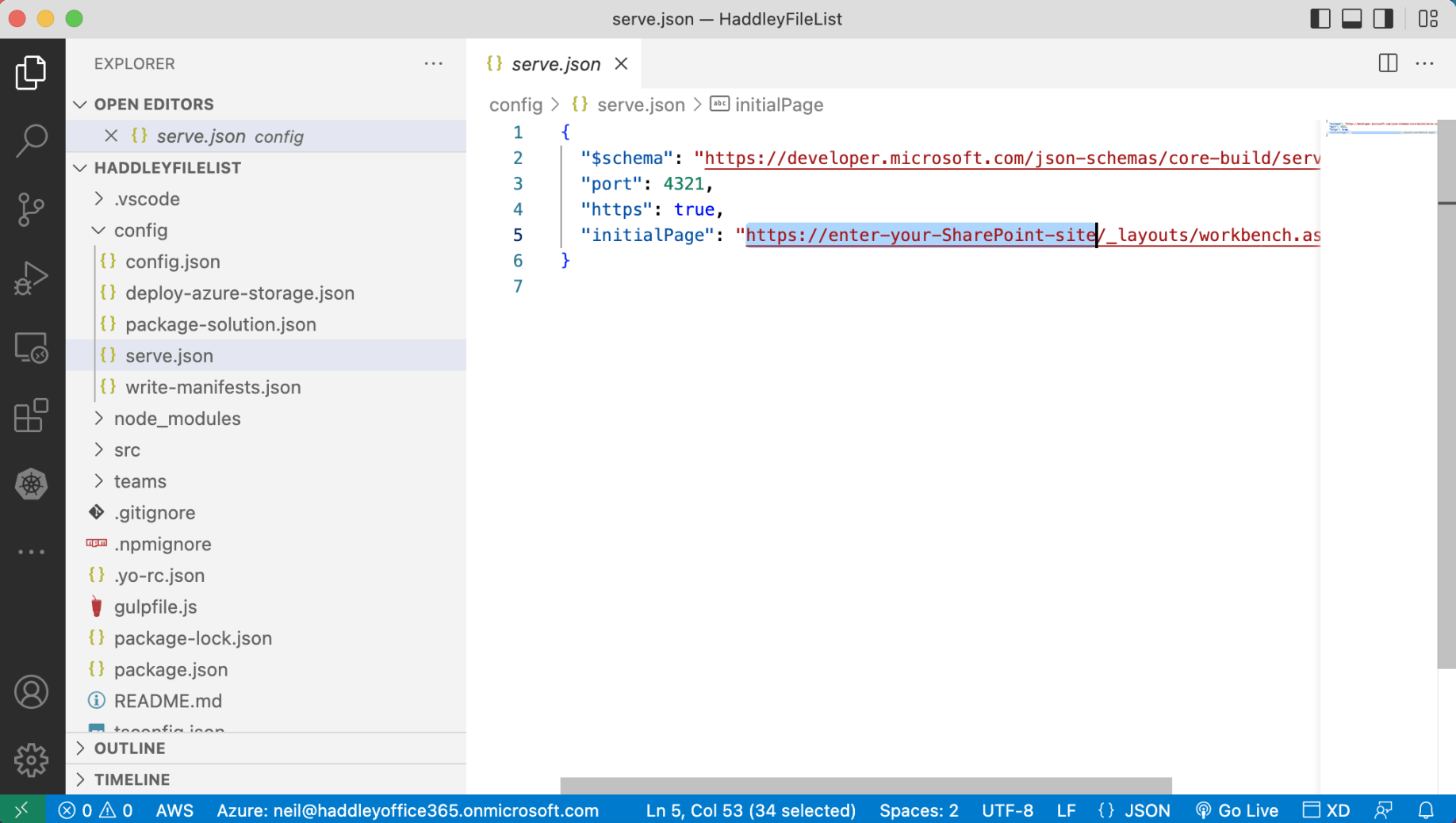
I updated serve.json to specify how the workbench would be loaded
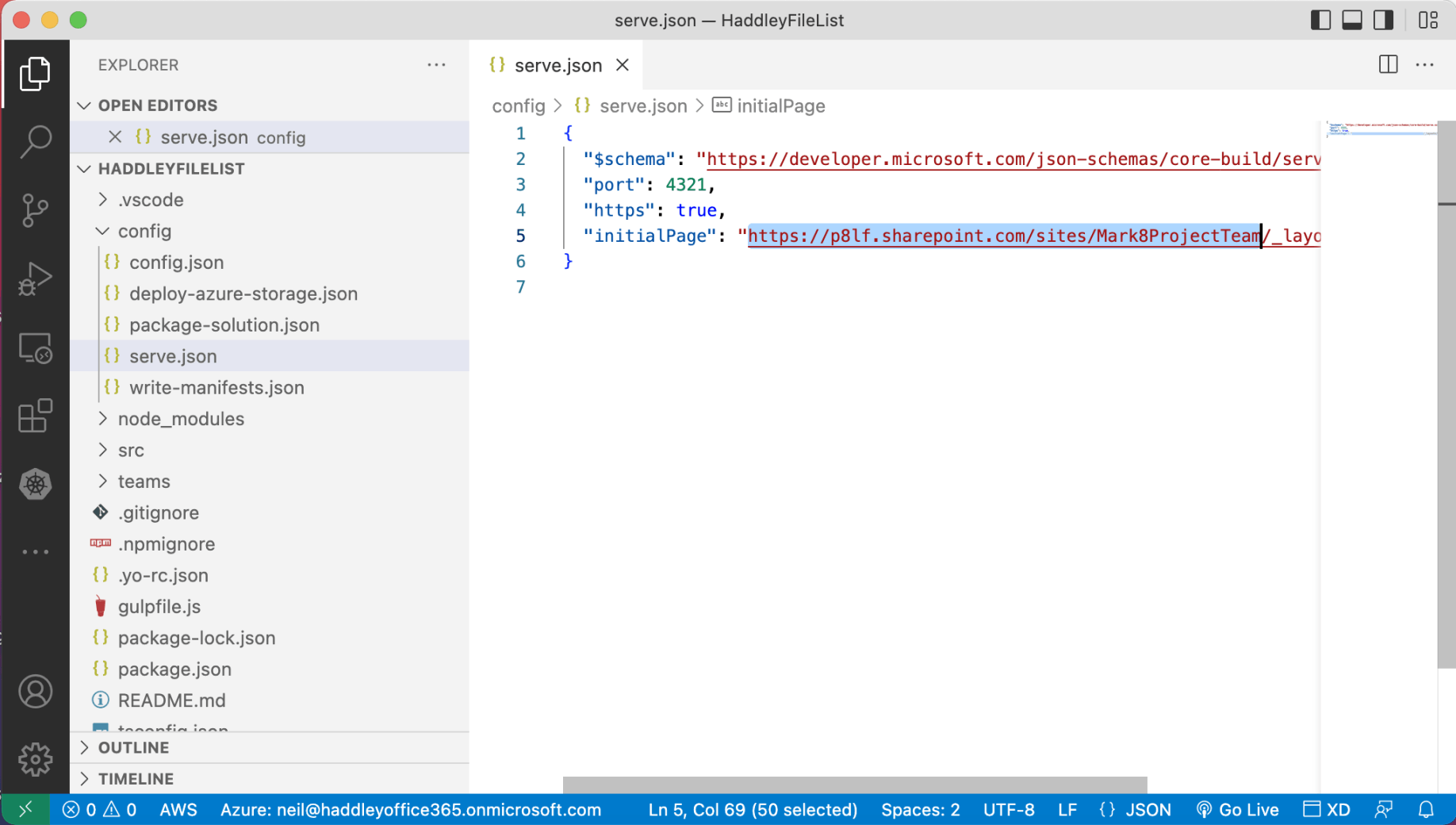
The workbench would be loaded in the context of the Mark8ProjectTeam Site
gulp
I used "gulp trust-dev-cert" to ensure that gulp would serve content using https
I used "gulp bundle && gulp serve" to preview the application in the workbench
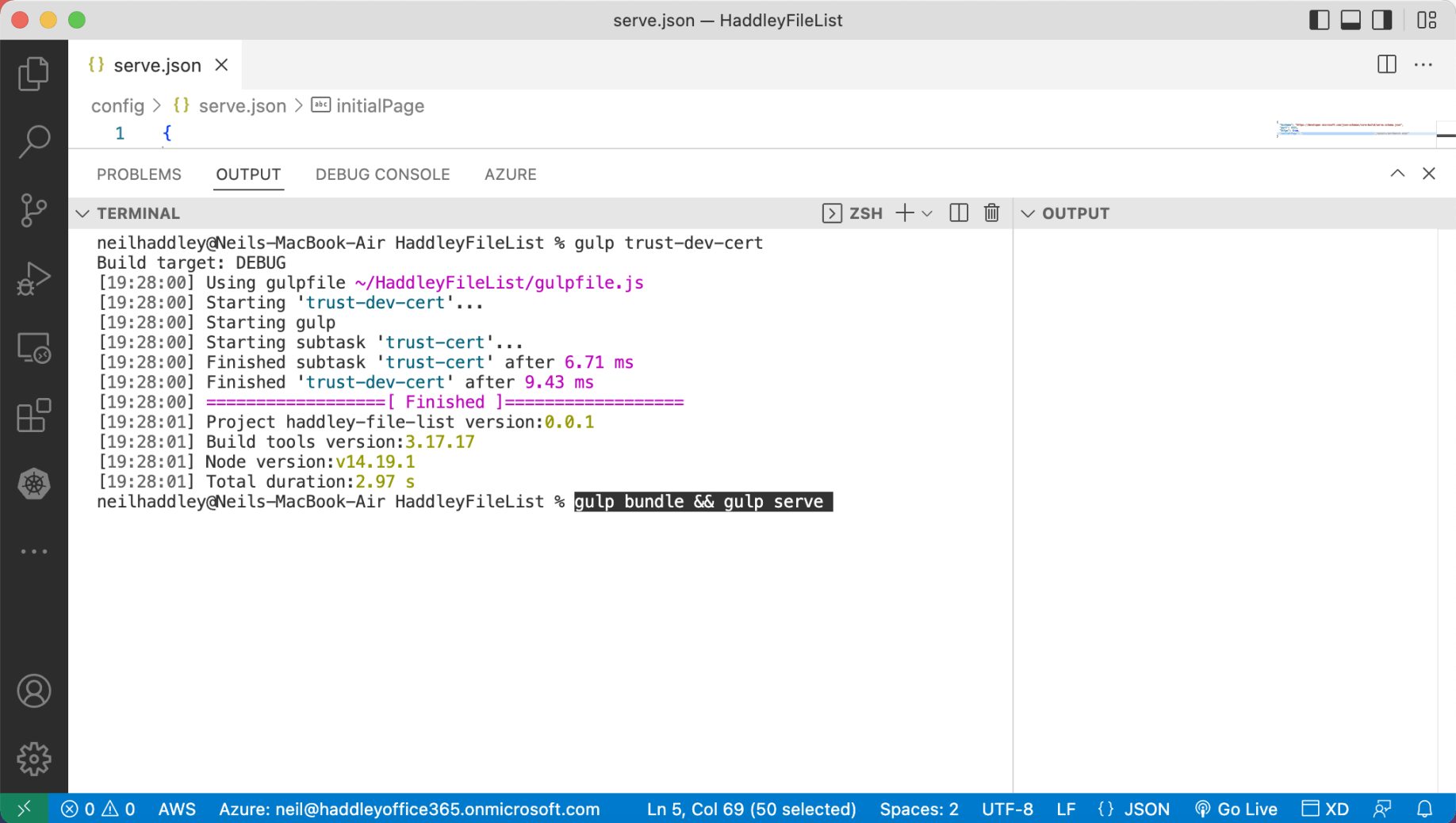
I ran gulp serve to preview
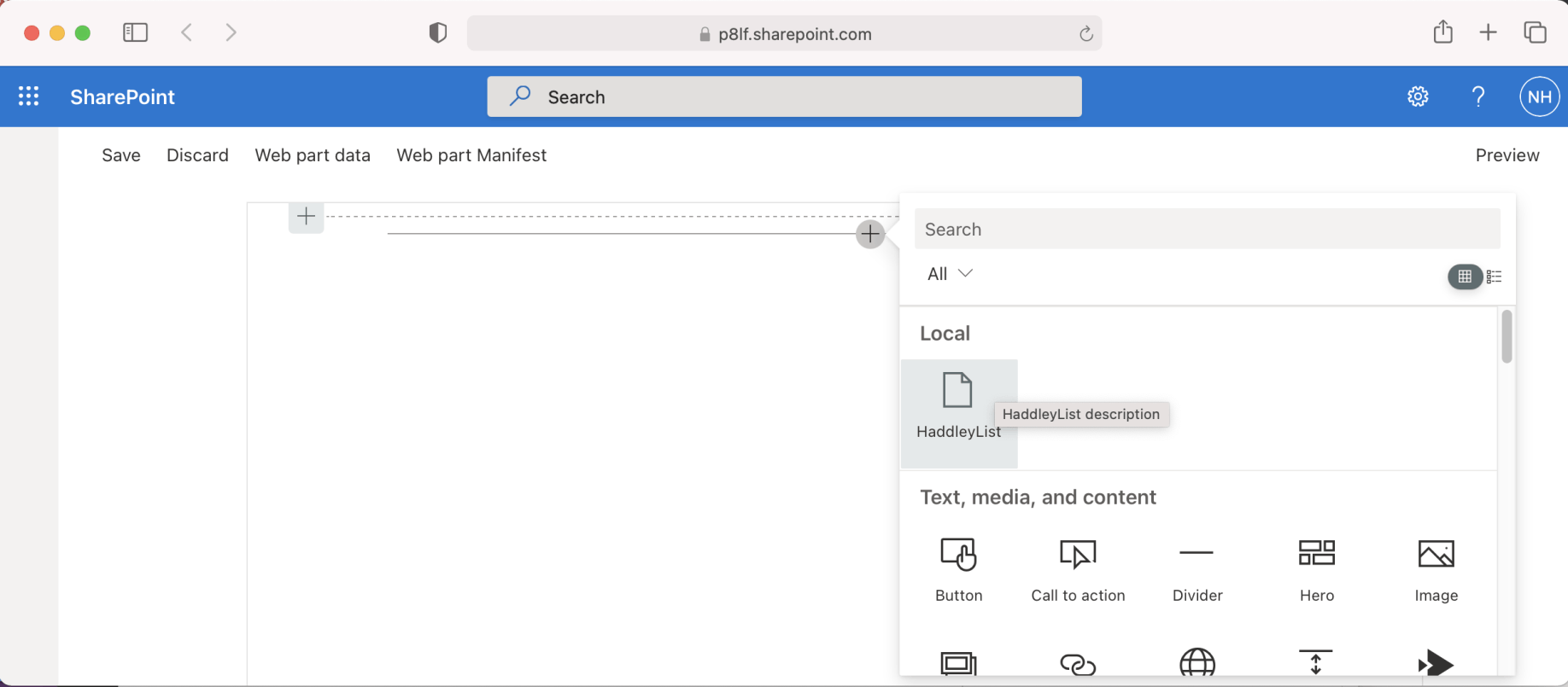
Previewing the web part in the workbench
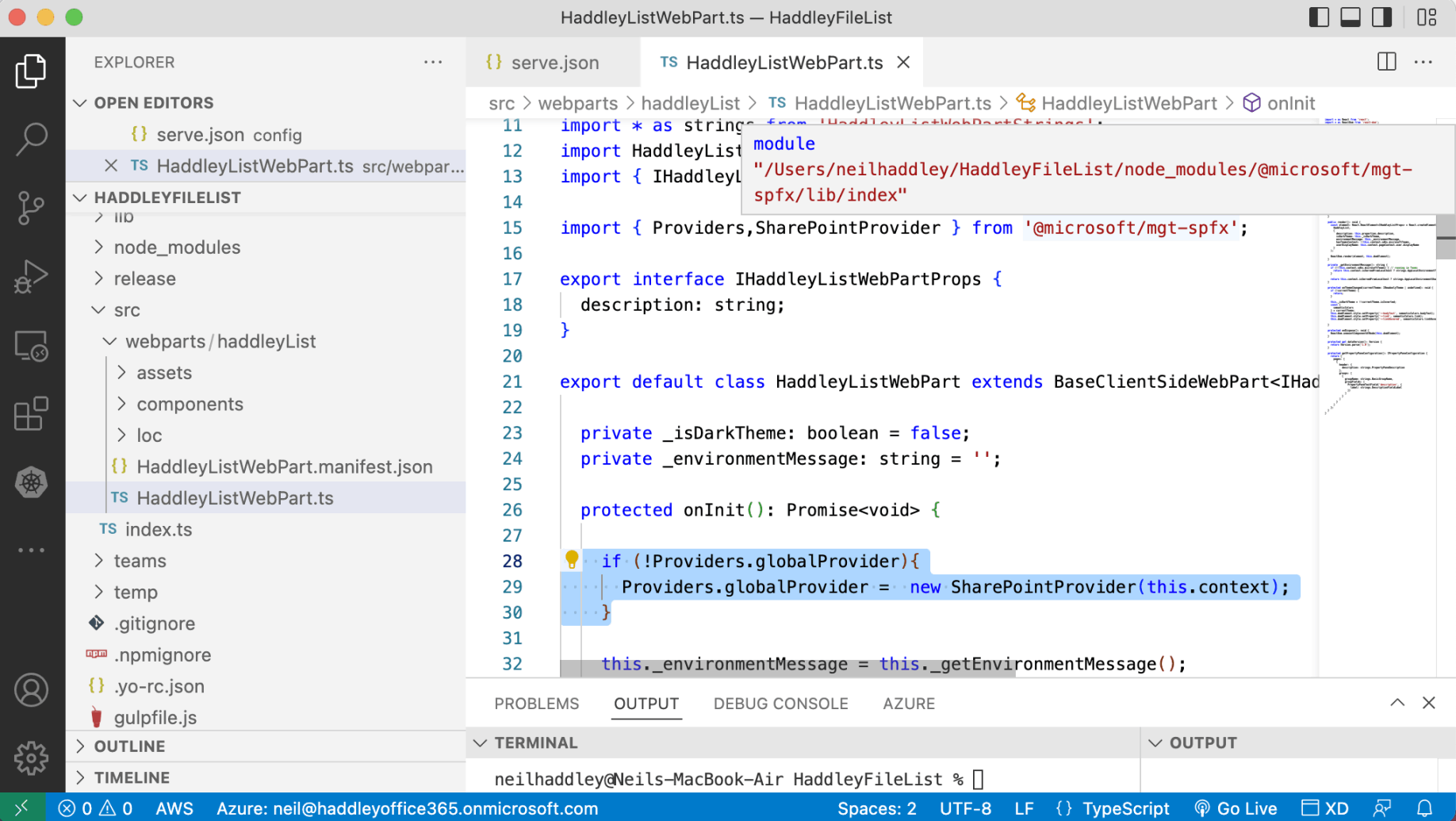
I updated the SPFx Web Part code to add a global provider (constructed using the Web Part's context object)
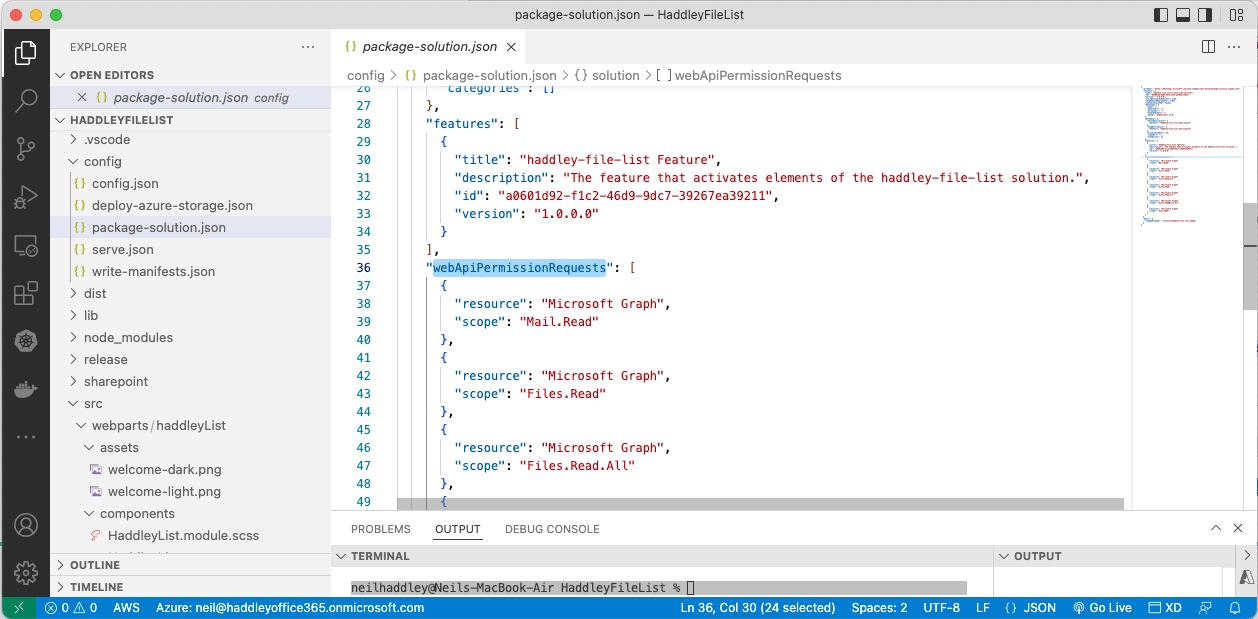
I added permission requests to package-solution.json
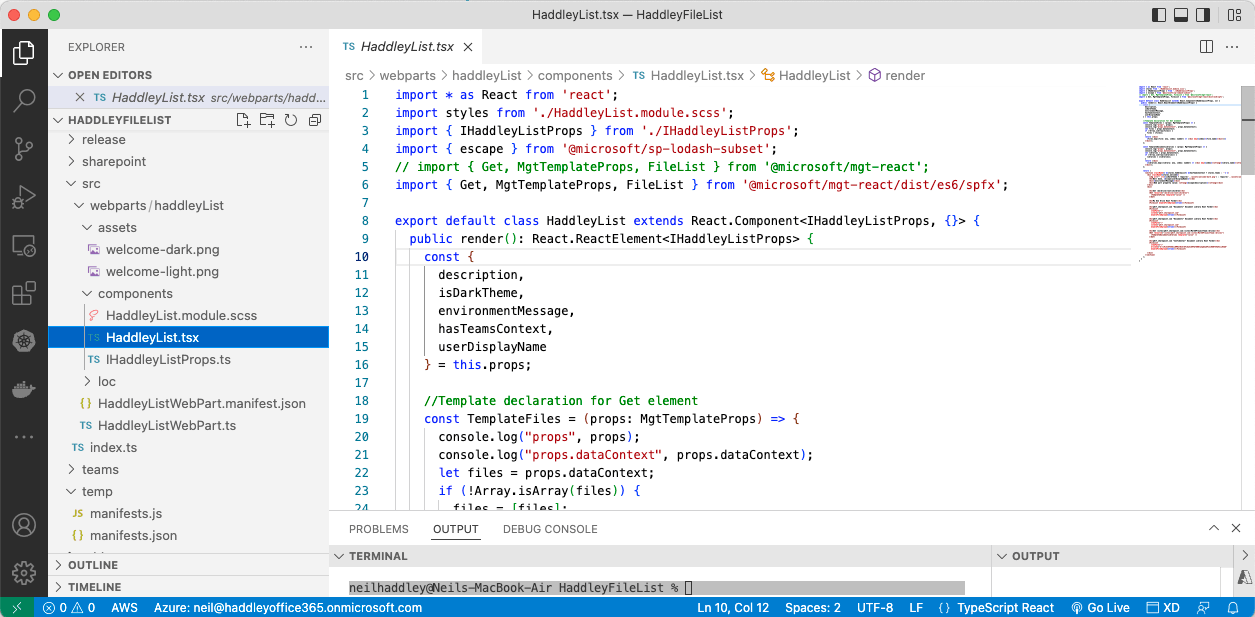
I updated the Web Part's React code
Deployment
I used "gulp bundle --ship && gulp package-solution --ship" to create an .sppkg file (package).
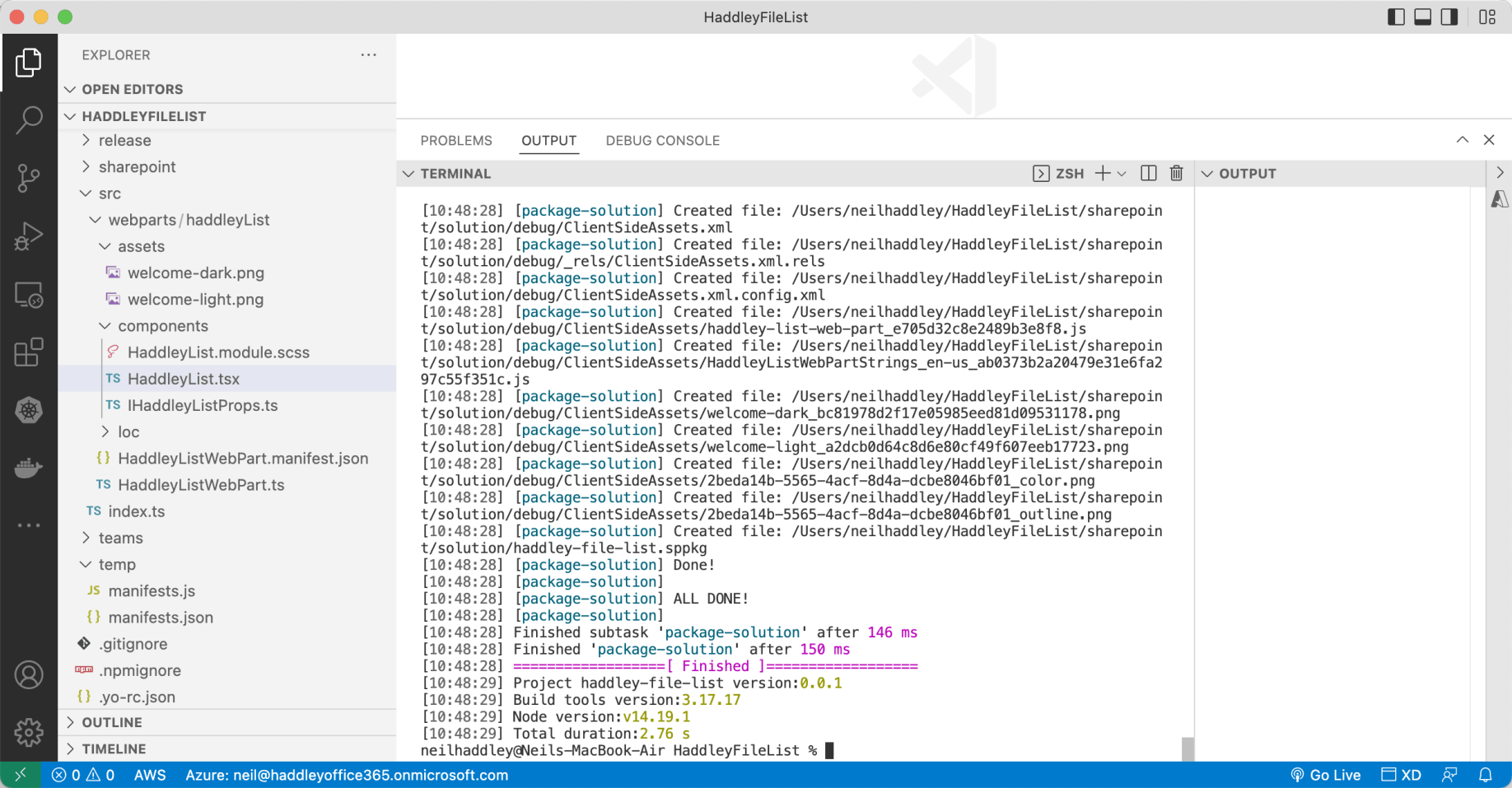
I ran gulp bundle --ship && gulp package-solution --ship
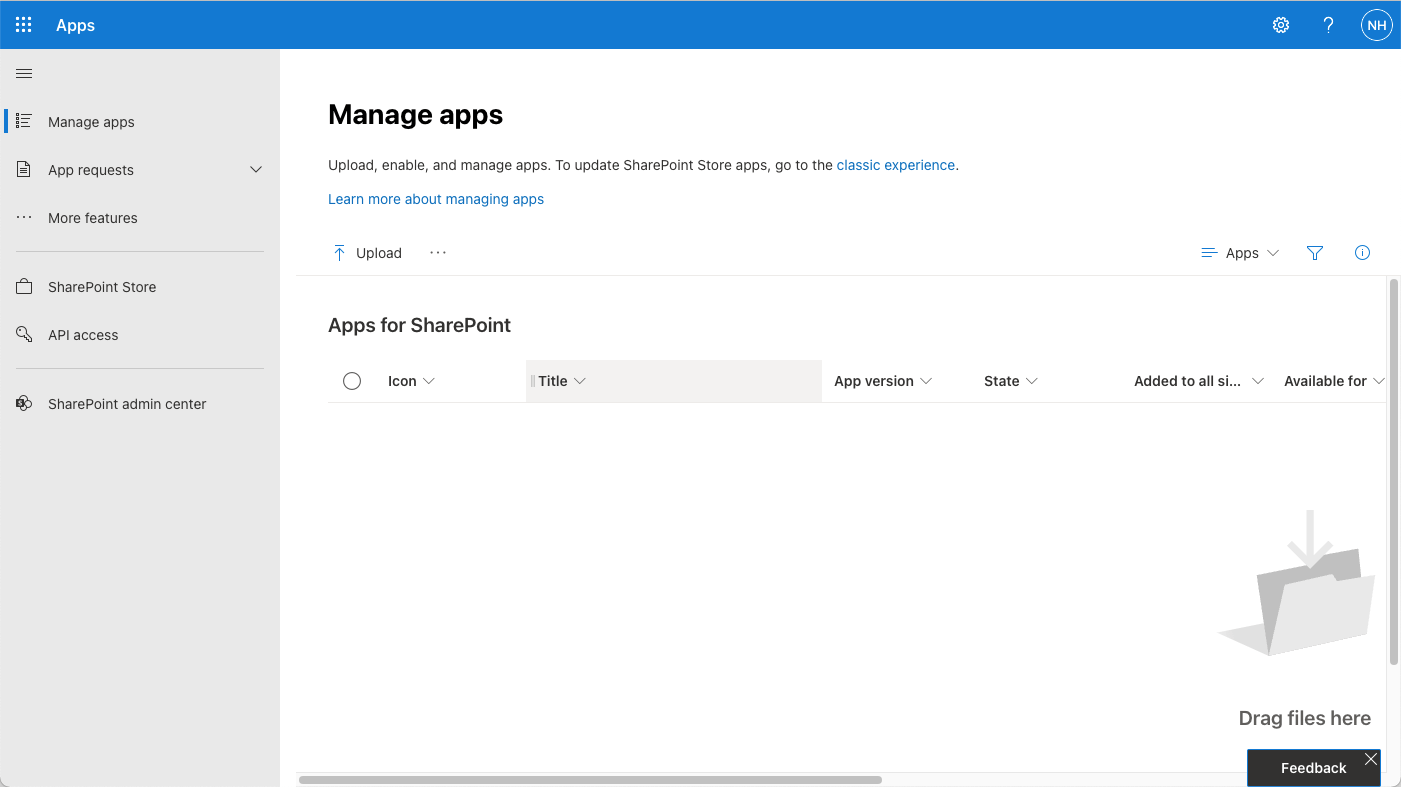
I navigated to the App catalog manage apps page
mgt-spfx-252.sppkg
At runtime (at least in Teams) the web part depends on a shared SharePoint app "mgt-spfx-XXX.sppkg".
https://github.com/microsoftgraph/microsoft-graph-toolkit/releases
I added this shared application to the App Catalog.
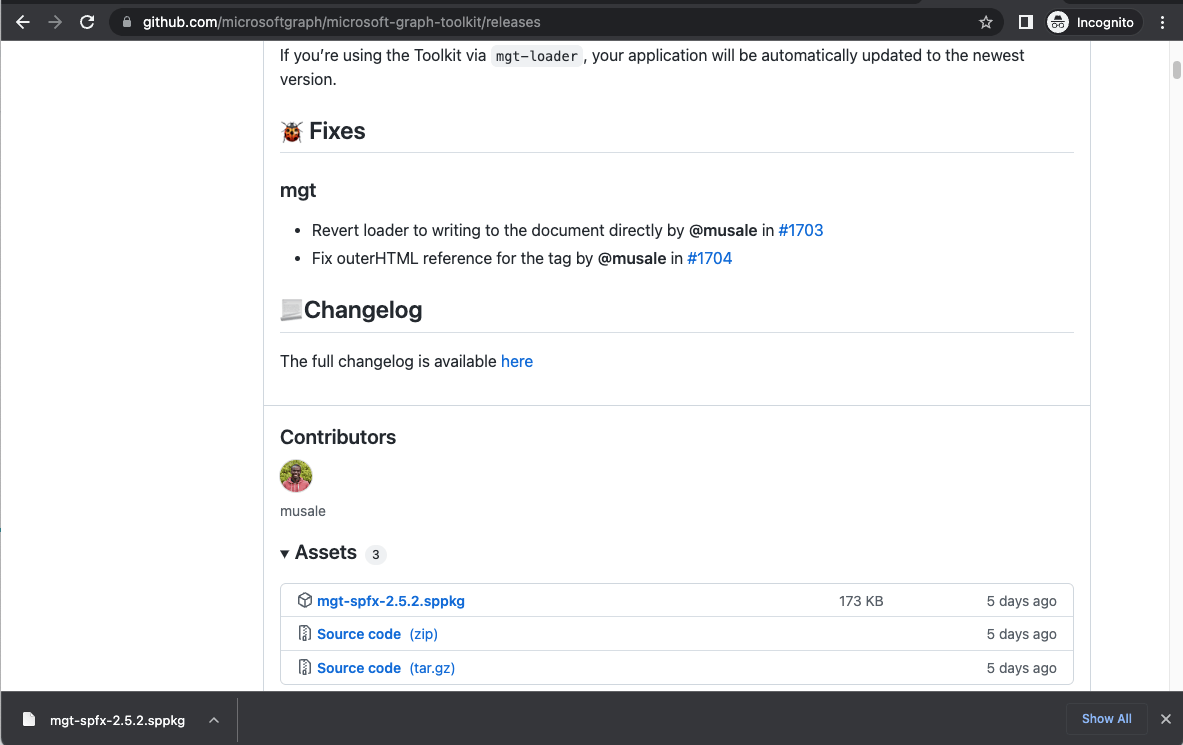
I downloaded the mgt-spfx-2.5.2.sppkg file (package) from https://github.com/microsoftgraph/microsoft-graph-toolkit/releases. I uploaded the mgt-spfx-2.5.2.sppkg file (package) to the App catalog.
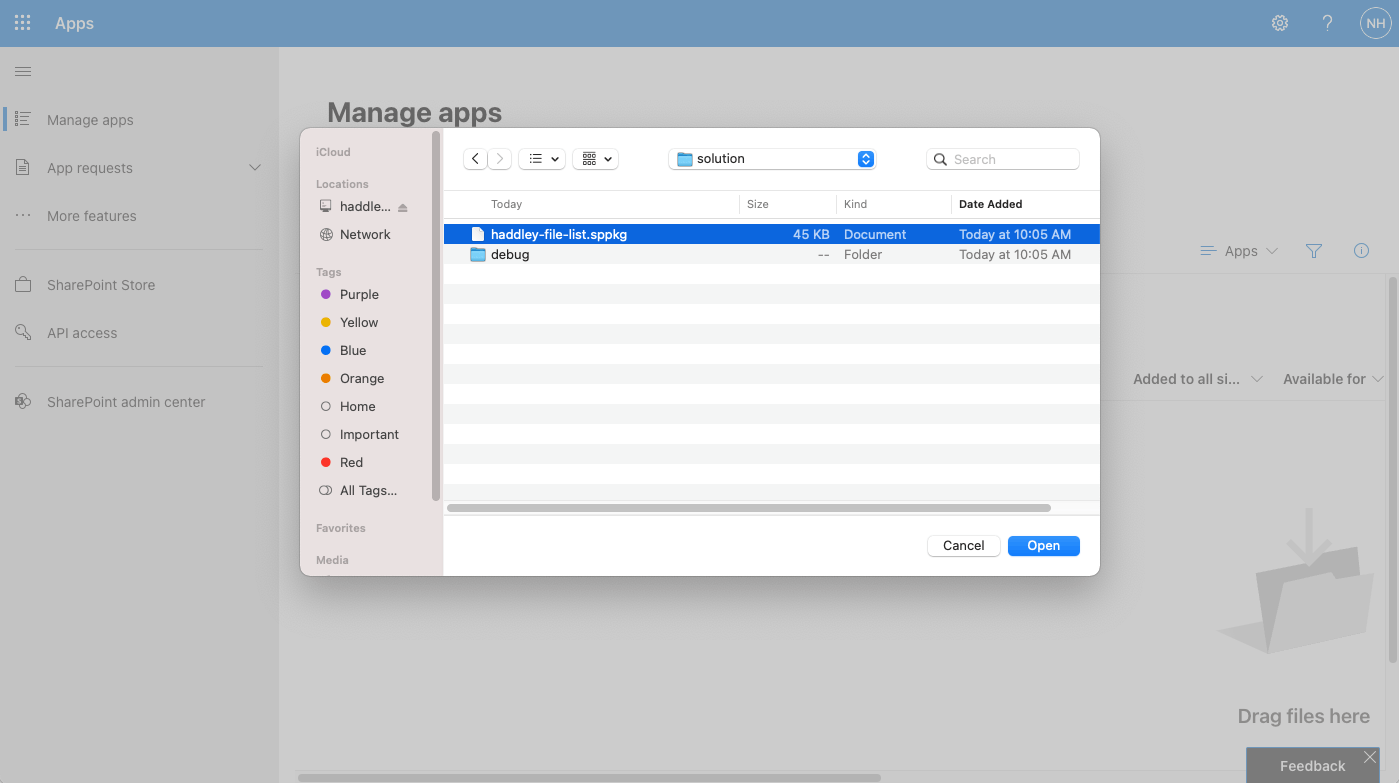
I upload the project's haddley-file-list.sppkg file (package) to the App catalog
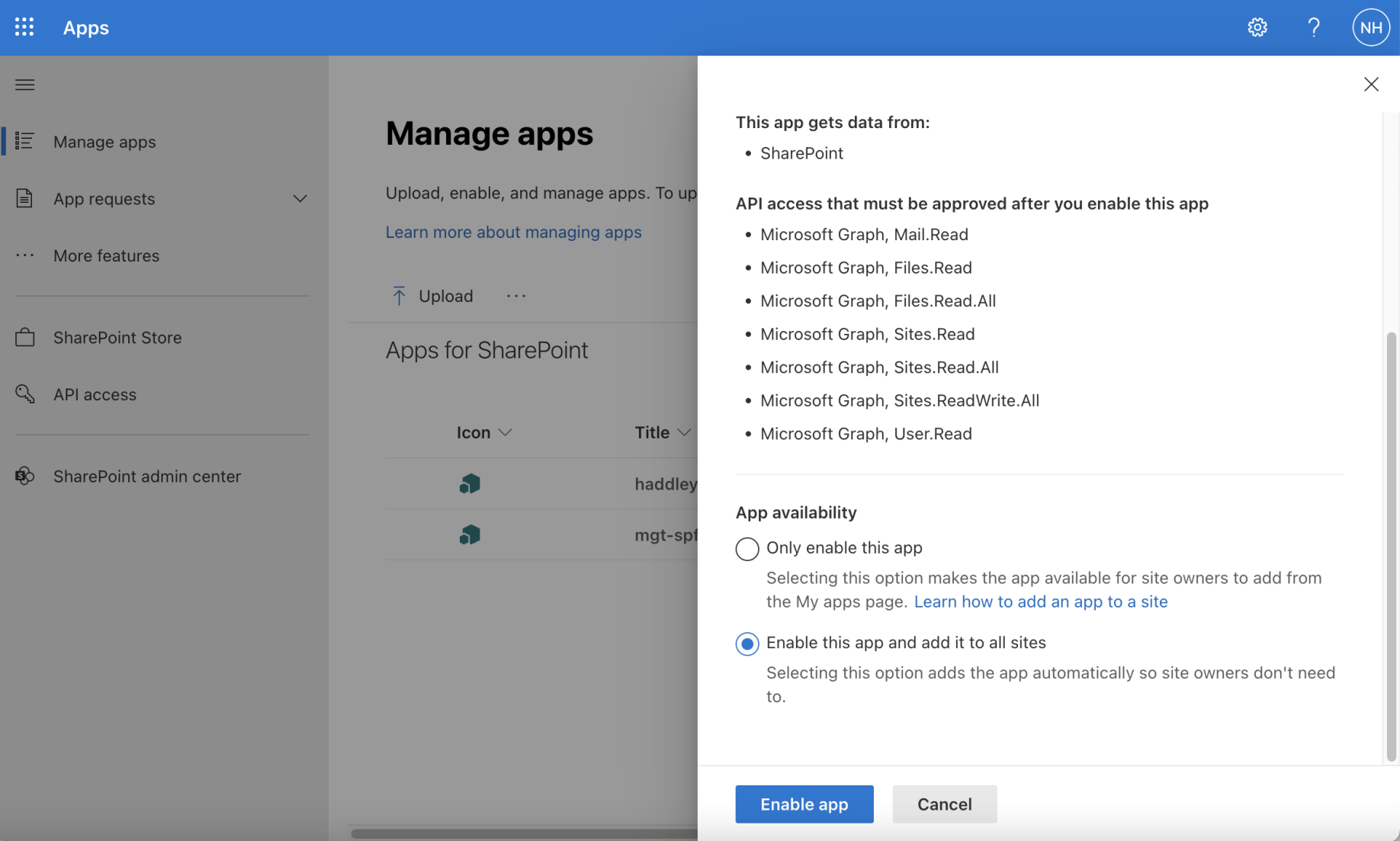
I enabled the app and selected the enable this app and add to all sites option
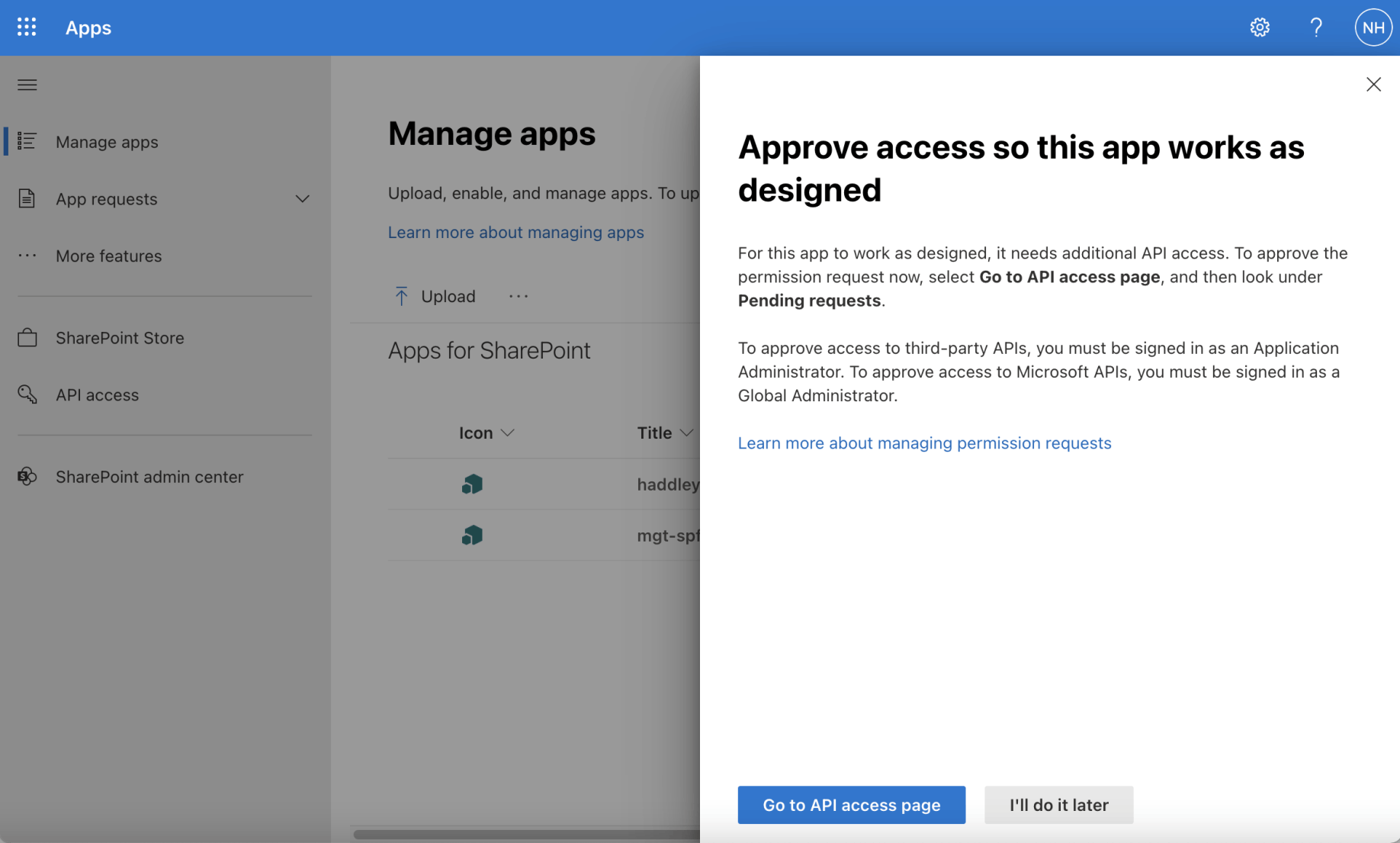
I navigated to the API access page
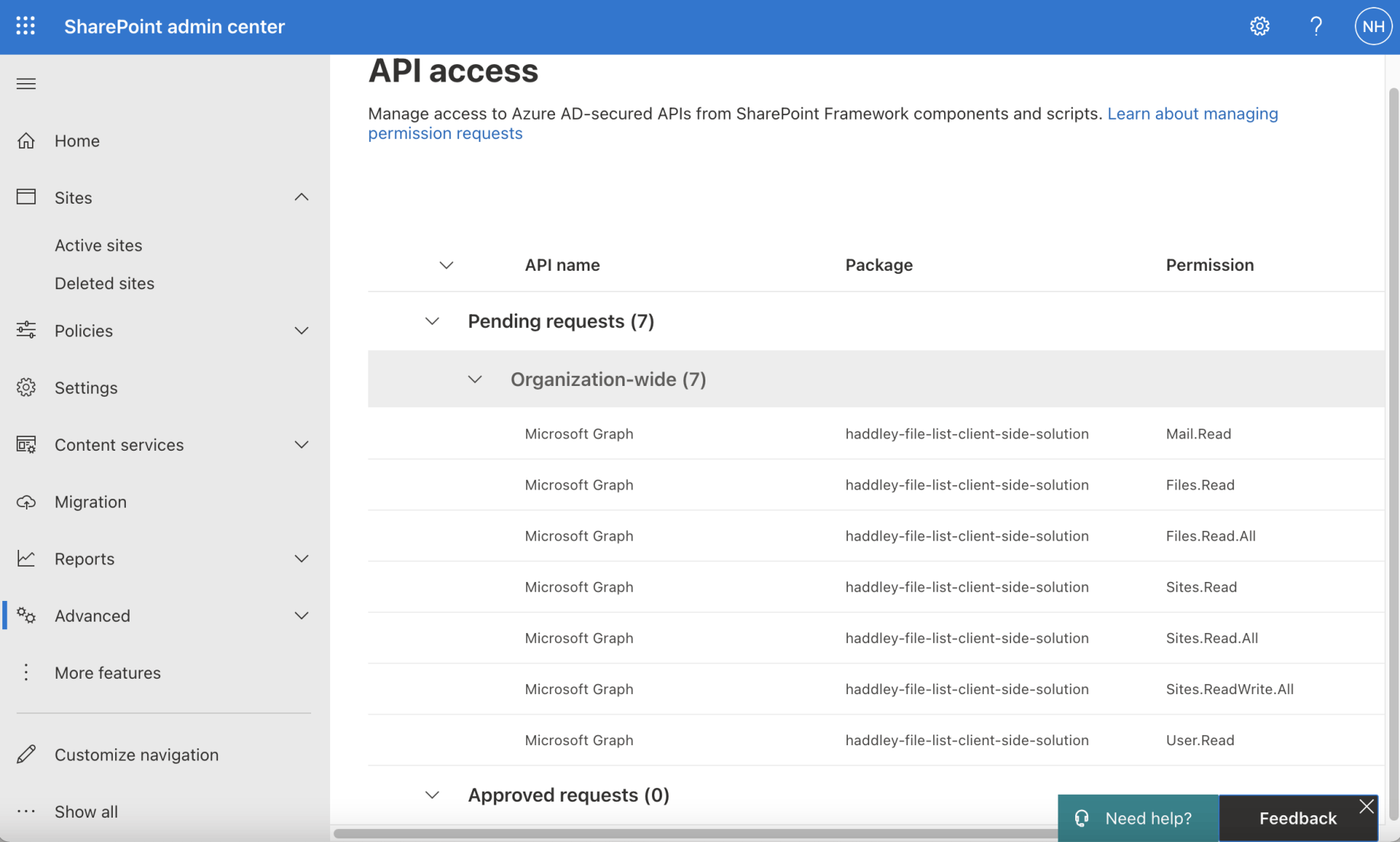
I approved the permission requests
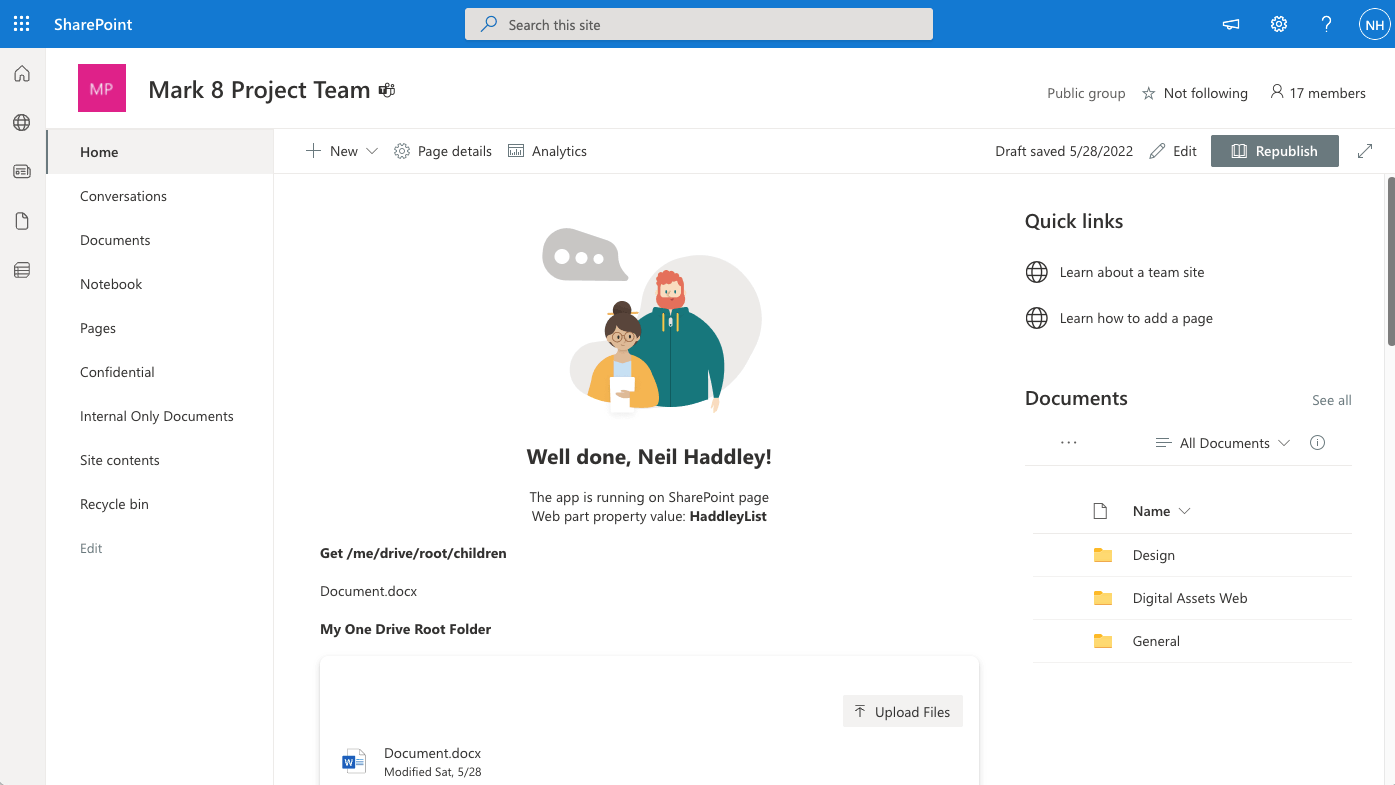
As a test I added the web part to a SharePoint page
Adding to teams
The HaddleyListWebPart manifest suggests that the web part will work as a Teams App.
I did not need to update this file
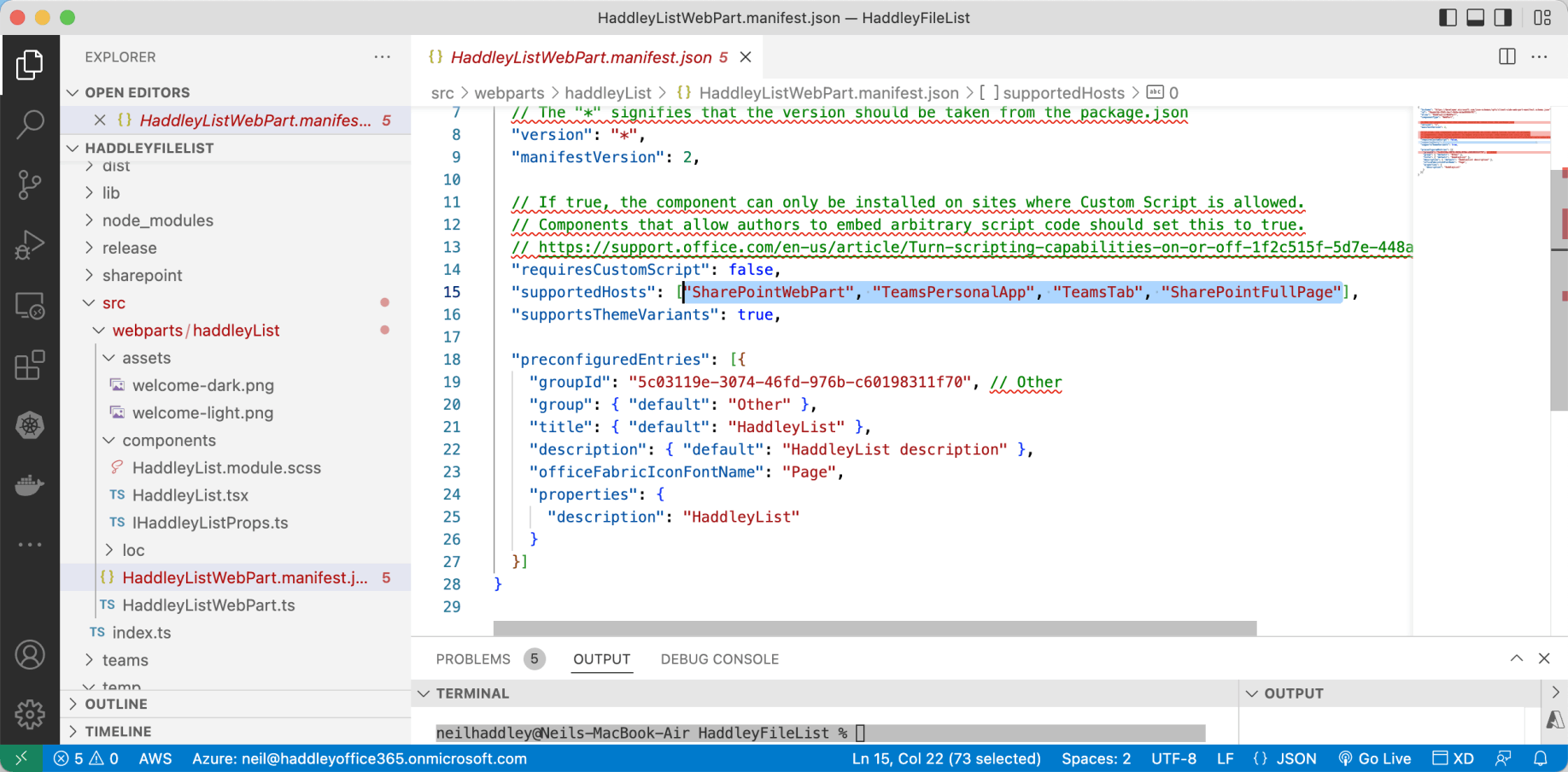
I reviewed HaddleyListWebPart.manifest.json
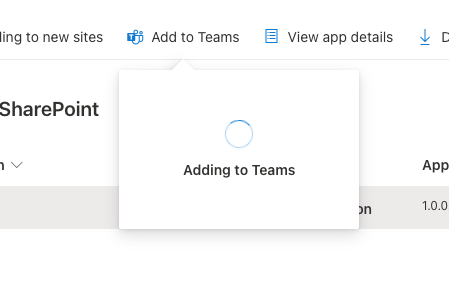
I used the "Add to Teams" button in the App catalog to add the Web Part to Teams
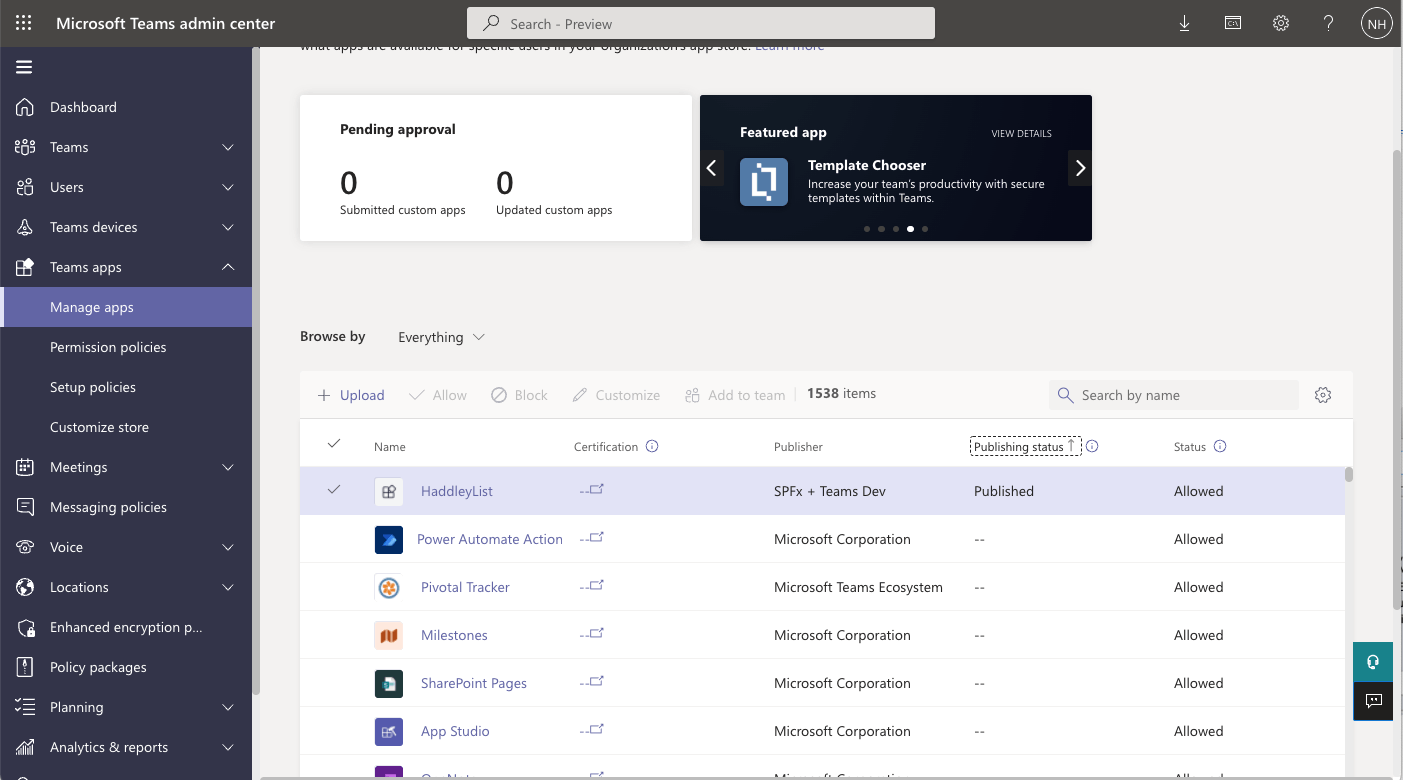
The web part appeared as a published app in the Teams admin center
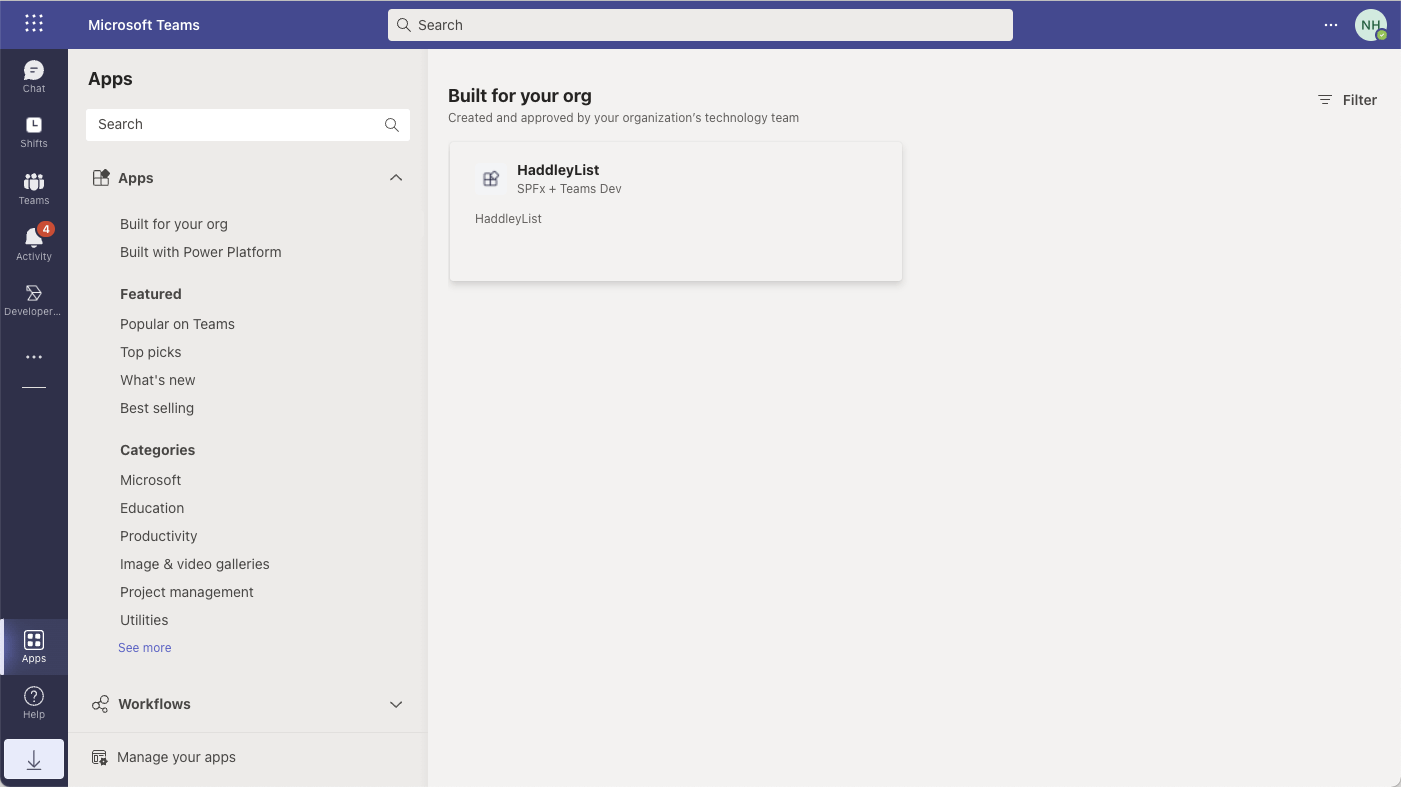
The web part appeared in the Teams desktop application
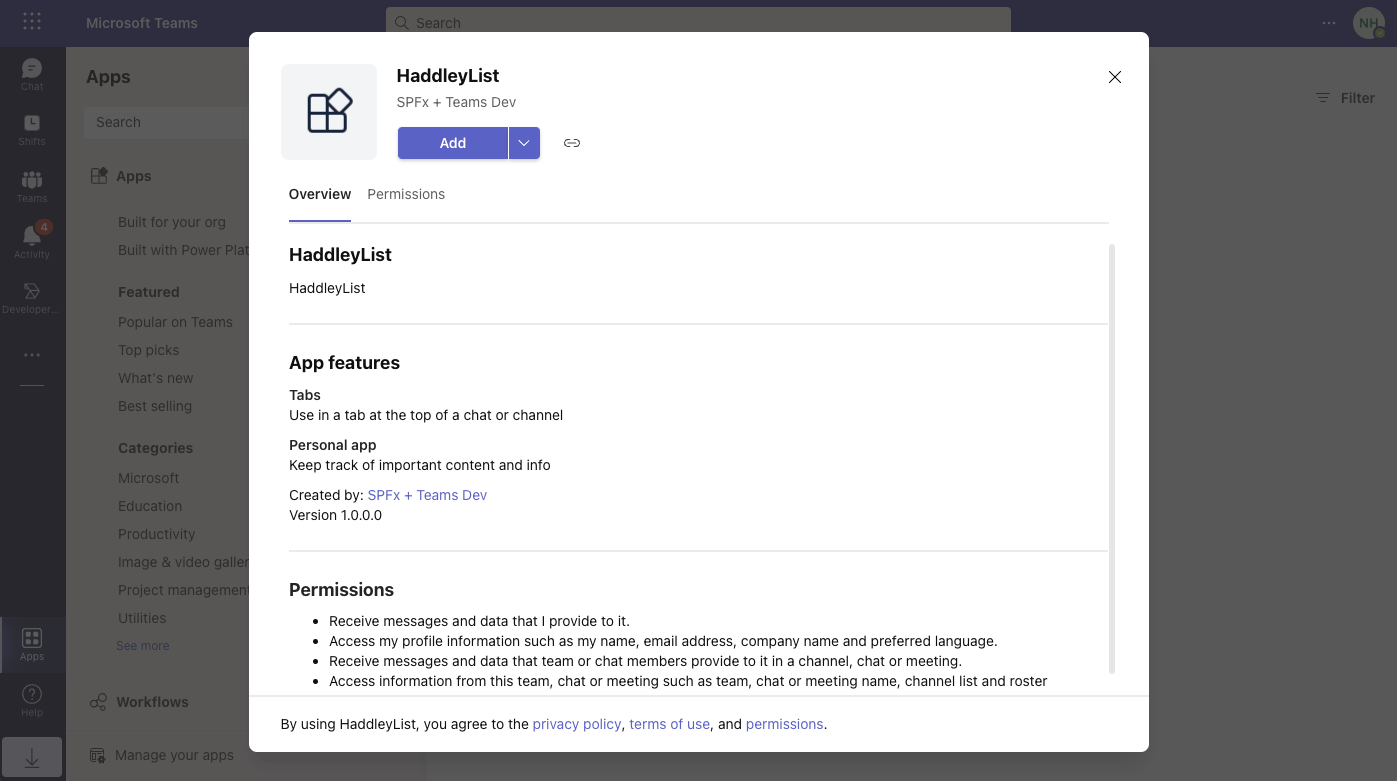
I used the Add button to add the web part to Teams
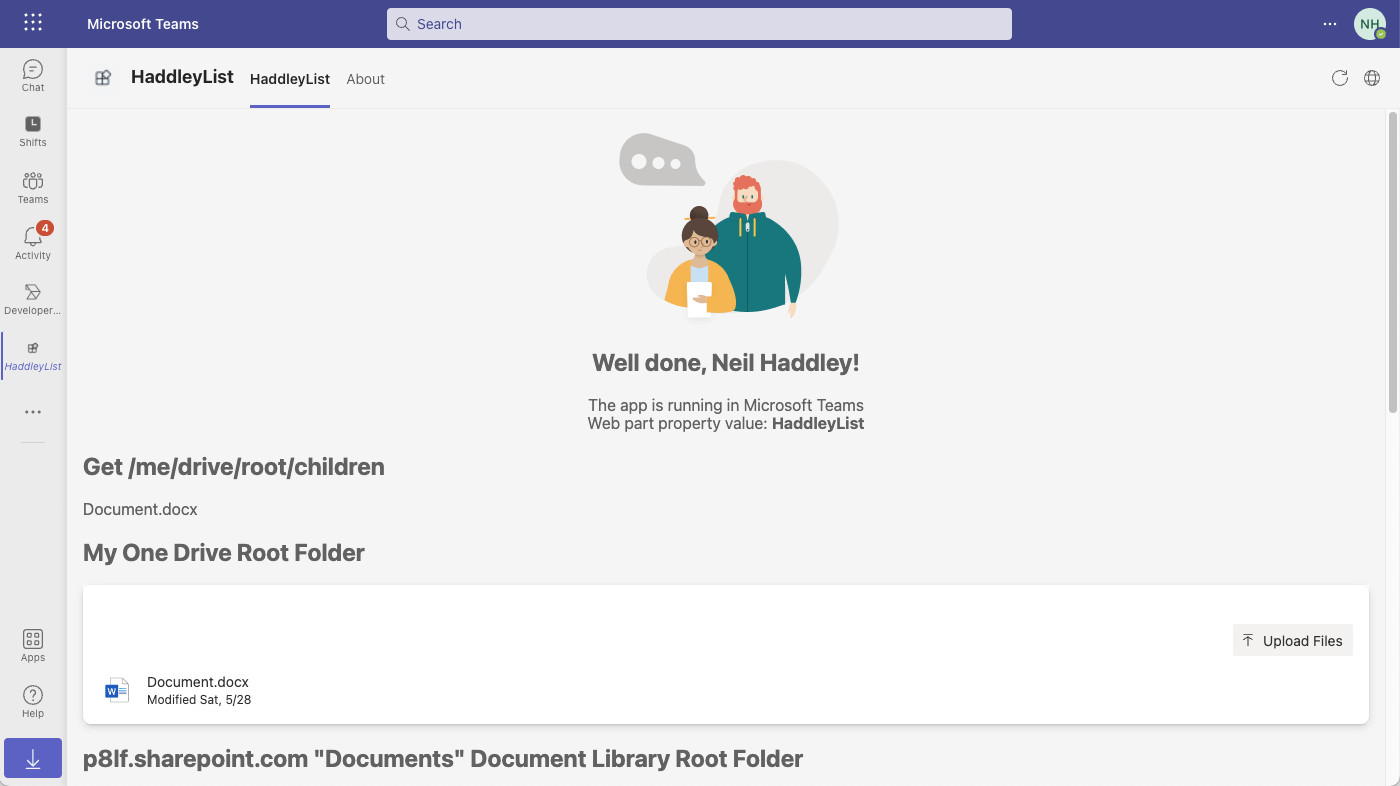
I viewed the code running in Teams
serve.json
JSON
1{
2  "$schema": "https://developer.microsoft.com/json-schemas/core-build/serve.schema.json",
3  "port": 4321,
4  "https": true,
5  "initialPage": "https://p8lf.sharepoint.com/sites/Mark8ProjectTeam/_layouts/workbench.aspx"
6}
HaddleyListWebPart.ts
TYPESCRIPT
1import * as React from 'react';
2import * as ReactDom from 'react-dom';
3import { Version } from '@microsoft/sp-core-library';
4import {
5  IPropertyPaneConfiguration,
6  PropertyPaneTextField
7} from '@microsoft/sp-property-pane';
8import { BaseClientSideWebPart } from '@microsoft/sp-webpart-base';
9import { IReadonlyTheme } from '@microsoft/sp-component-base';
10
11import * as strings from 'HaddleyListWebPartStrings';
12import HaddleyList from './components/HaddleyList';
13import { IHaddleyListProps } from './components/IHaddleyListProps';
14
15import { Providers,SharePointProvider } from '@microsoft/mgt-spfx';
16
17export interface IHaddleyListWebPartProps {
18  description: string;
19}
20
21export default class HaddleyListWebPart extends BaseClientSideWebPart<IHaddleyListWebPartProps> {
22
23  private _isDarkTheme: boolean = false;
24  private _environmentMessage: string = '';
25
26  protected onInit(): Promise<void> {
27
28    if (!Providers.globalProvider){
29      Providers.globalProvider =  new SharePointProvider(this.context);
30    }
31
32    this._environmentMessage = this._getEnvironmentMessage();
33
34    return super.onInit();
35  }
36
37  public render(): void {
38    const element: React.ReactElement<IHaddleyListProps> = React.createElement(
39      HaddleyList,
40      {
41        description: this.properties.description,
42        isDarkTheme: this._isDarkTheme,
43        environmentMessage: this._environmentMessage,
44        hasTeamsContext: !!this.context.sdks.microsoftTeams,
45        userDisplayName: this.context.pageContext.user.displayName
46      }
47    );
48
49    ReactDom.render(element, this.domElement);
50  }
51
52  private _getEnvironmentMessage(): string {
53    if (!!this.context.sdks.microsoftTeams) { // running in Teams
54      return this.context.isServedFromLocalhost ? strings.AppLocalEnvironmentTeams : strings.AppTeamsTabEnvironment;
55    }
56
57    return this.context.isServedFromLocalhost ? strings.AppLocalEnvironmentSharePoint : strings.AppSharePointEnvironment;
58  }
59
60  protected onThemeChanged(currentTheme: IReadonlyTheme | undefined): void {
61    if (!currentTheme) {
62      return;
63    }
64
65    this._isDarkTheme = !!currentTheme.isInverted;
66    const {
67      semanticColors
68    } = currentTheme;
69    this.domElement.style.setProperty('--bodyText', semanticColors.bodyText);
70    this.domElement.style.setProperty('--link', semanticColors.link);
71    this.domElement.style.setProperty('--linkHovered', semanticColors.linkHovered);
72
73  }
74
75  protected onDispose(): void {
76    ReactDom.unmountComponentAtNode(this.domElement);
77  }
78
79  protected get dataVersion(): Version {
80    return Version.parse('1.0');
81  }
82
83  protected getPropertyPaneConfiguration(): IPropertyPaneConfiguration {
84    return {
85      pages: [
86        {
87          header: {
88            description: strings.PropertyPaneDescription
89          },
90          groups: [
91            {
92              groupName: strings.BasicGroupName,
93              groupFields: [
94                PropertyPaneTextField('description', {
95                  label: strings.DescriptionFieldLabel
96                })
97              ]
98            }
99          ]
100        }
101      ]
102    };
103  }
104}
package-solution.json
JSON
1{
2  "$schema": "https://developer.microsoft.com/json-schemas/spfx-build/package-solution.schema.json",
3  "solution": {
4    "name": "haddley-file-list-client-side-solution",
5    "id": "05e0e1db-dbd6-4913-a19e-a294d1c124ac",
6    "version": "1.0.0.0",
7    "includeClientSideAssets": true,
8    "skipFeatureDeployment": true,
9    "isDomainIsolated": false,
10    "developer": {
11      "name": "",
12      "websiteUrl": "",
13      "privacyUrl": "",
14      "termsOfUseUrl": "",
15      "mpnId": "Undefined-1.14.0"
16    },
17    "metadata": {
18      "shortDescription": {
19        "default": "haddley-file-list description"
20      },
21      "longDescription": {
22        "default": "haddley-file-list description"
23      },
24      "screenshotPaths": [],
25      "videoUrl": "",
26      "categories": []
27    },
28    "features": [
29      {
30        "title": "haddley-file-list Feature",
31        "description": "The feature that activates elements of the haddley-file-list solution.",
32        "id": "a0601d92-f1c2-46d9-9dc7-39267ea39211",
33        "version": "1.0.0.0"
34      }
35    ],
36    "webApiPermissionRequests": [
37      {
38        "resource": "Microsoft Graph",
39        "scope": "Mail.Read"
40      },
41      {
42        "resource": "Microsoft Graph",
43        "scope": "Files.Read"
44      },
45      {
46        "resource": "Microsoft Graph",
47        "scope": "Files.Read.All"
48      },
49      {
50        "resource": "Microsoft Graph",
51        "scope": "Sites.Read"
52      },
53      {
54        "resource": "Microsoft Graph",
55        "scope": "Sites.Read.All"
56      },
57      {
58        "resource": "Microsoft Graph",
59        "scope": "Sites.ReadWrite.All"
60      },
61      {
62        "resource": "Microsoft Graph",
63        "scope": "User.Read"
64      }
65    ]
66  },
67  "paths": {
68    "zippedPackage": "solution/haddley-file-list.sppkg"
69  }
70}
HaddleyList.tsx
TYPESCRIPT
1import * as React from 'react';
2import styles from './HaddleyList.module.scss';
3import { IHaddleyListProps } from './IHaddleyListProps';
4import { escape } from '@microsoft/sp-lodash-subset';
5// import { Get, MgtTemplateProps, FileList } from '@microsoft/mgt-react';
6import { Get, MgtTemplateProps, FileList } from '@microsoft/mgt-react/dist/es6/spfx';
7
8export default class HaddleyList extends React.Component<IHaddleyListProps, {}> {
9  public render(): React.ReactElement<IHaddleyListProps> {
10    const {
11      description,
12      isDarkTheme,
13      environmentMessage,
14      hasTeamsContext,
15      userDisplayName
16    } = this.props;
17
18    //Template declaration for Get element
19    const TemplateFiles = (props: MgtTemplateProps) => {
20      console.log("props", props);
21      console.log("props.dataContext", props.dataContext);
22      let files = props.dataContext;
23      if (!Array.isArray(files)) {
24        files = [files];
25      }
26      return (<div>
27        {files.map((file: any, index: number) => (<div key={index}>{file.name}</div>))}
28      </div>);
29    };
30
31    const TemplateDocumentLibraries = (props: MgtTemplateProps) => {
32      console.log("props", props);
33      console.log("props.dataContext", props.dataContext);
34      let libraries = props.dataContext;
35      if (!Array.isArray(libraries)) {
36        libraries = [libraries];
37      }
38      return (<div>
39        {libraries.map((library: any, index: number) => (<div key={index}><strong>{library.name}</strong> {library.id}</div>))}
40      </div>);
41    };
42
43    return (
44      <section className={`${styles.haddleyList} ${hasTeamsContext ? styles.teams : ''}`}>
45        <div className={styles.welcome}>
46          <img alt="" src={isDarkTheme ? require('../assets/welcome-dark.png') : require('../assets/welcome-light.png')} className={styles.welcomeImage} />
47          <h2>Well done, {escape(userDisplayName)}!</h2>
48          <div>{environmentMessage}</div>
49          <div>Web part property value: <strong>{escape(description)}</strong></div>
50        </div>
51        <div>
52
53          <h1>Get /me/drive/root/children</h1>
54          <Get resource="/me/drive/root/children">
55            <TemplateFiles template="value" />
56          </Get>
57
58          <h1>My One Drive Root Folder</h1>
59          <FileList enableFileUpload={true}></FileList>
60
61          <h1>p8lf.sharepoint.com "Documents" Document Library Root Folder</h1>
62          <FileList
63            itemPath="/"
64            siteId="p8lf.sharepoint.com"
65            enableFileUpload={true}></FileList>
66
67          <h1>p8lf.sharepoint.com "Documents" Document Library Root Folder</h1>
68          <FileList
69            itemPath="/"
70            siteId="p8lf.sharepoint.com"
71            enableFileUpload={true}></FileList>
72
73          <h1>Get /sites/p8lf.sharepoint.com:/sites/Mark8ProjectTeam:/drives</h1>
74          <Get resource="/sites/p8lf.sharepoint.com:/sites/Mark8ProjectTeam:/drives">
75            <TemplateDocumentLibraries template="value" />
76          </Get>
77
78          <h1>p8lf.sharepoint.com "Confidental" Document Library Root Folder</h1>
79          <FileList
80            itemPath="/"
81            driveId="b!rx9ik2KF4EGsjBMRetNJSrUFL8a5s69FmTUNWtyhqQhyOPxIxRDNT5VmV2cjHkdO"
82            enableFileUpload={true}></FileList>
83
84        </div>
85      </section>
86    );
87  }
88}
Other useful code
TYPESCRIPT
1const siteId = (location.host + "," + context.pageContext.site.id + "," + context.pageContext.web.id).replace(/[\{\}]/g, "")
2
3...
4
5<h1>Get /sites/{siteId}/drive/root/children</h1>
6<Get resource={`/sites/${siteId}/drive/root/children`}>
7    <TemplateFiles template="value" />
8</Get>
9
10<FileList
11    itemPath="/"
12    siteId={siteId}
13    enableFileUpload={true}>
14</FileList>
HaddleyListWebPart.manifest.json
JSON
1{
2  "$schema": "https://developer.microsoft.com/json-schemas/spfx/client-side-web-part-manifest.schema.json",
3  "id": "2beda14b-5565-4acf-8d4a-dcbe8046bf01",
4  "alias": "HaddleyListWebPart",
5  "componentType": "WebPart",
6
7  // The "*" signifies that the version should be taken from the package.json
8  "version": "*",
9  "manifestVersion": 2,
10
11  // If true, the component can only be installed on sites where Custom Script is allowed.
12  // Components that allow authors to embed arbitrary script code should set this to true.
13  // https://support.office.com/en-us/article/Turn-scripting-capabilities-on-or-off-1f2c515f-5d7e-448a-9fd7-835da935584f
14  "requiresCustomScript": false,
15  "supportedHosts": ["SharePointWebPart", "TeamsPersonalApp", "TeamsTab", "SharePointFullPage"],
16  "supportsThemeVariants": true,
17
18  "preconfiguredEntries": [{
19    "groupId": "5c03119e-3074-46fd-976b-c60198311f70", // Other
20    "group": { "default": "Other" },
21    "title": { "default": "HaddleyList" },
22    "description": { "default": "HaddleyList description" },
23    "officeFabricIconFontName": "Page",
24    "properties": {
25      "description": "HaddleyList"
26    }
27  }]
28}