Azure React Static Web App

Neil Haddley • January 8, 2024

Creating a React app, testing it locally, pushing to GitHub, and publishing to Azure Static Web Apps for free hosting

ReactAzurestaticazure-static-web-appsdeploymenthosting

I created a React app, tested it locally, pushed the code to GitHub and published to Azure.
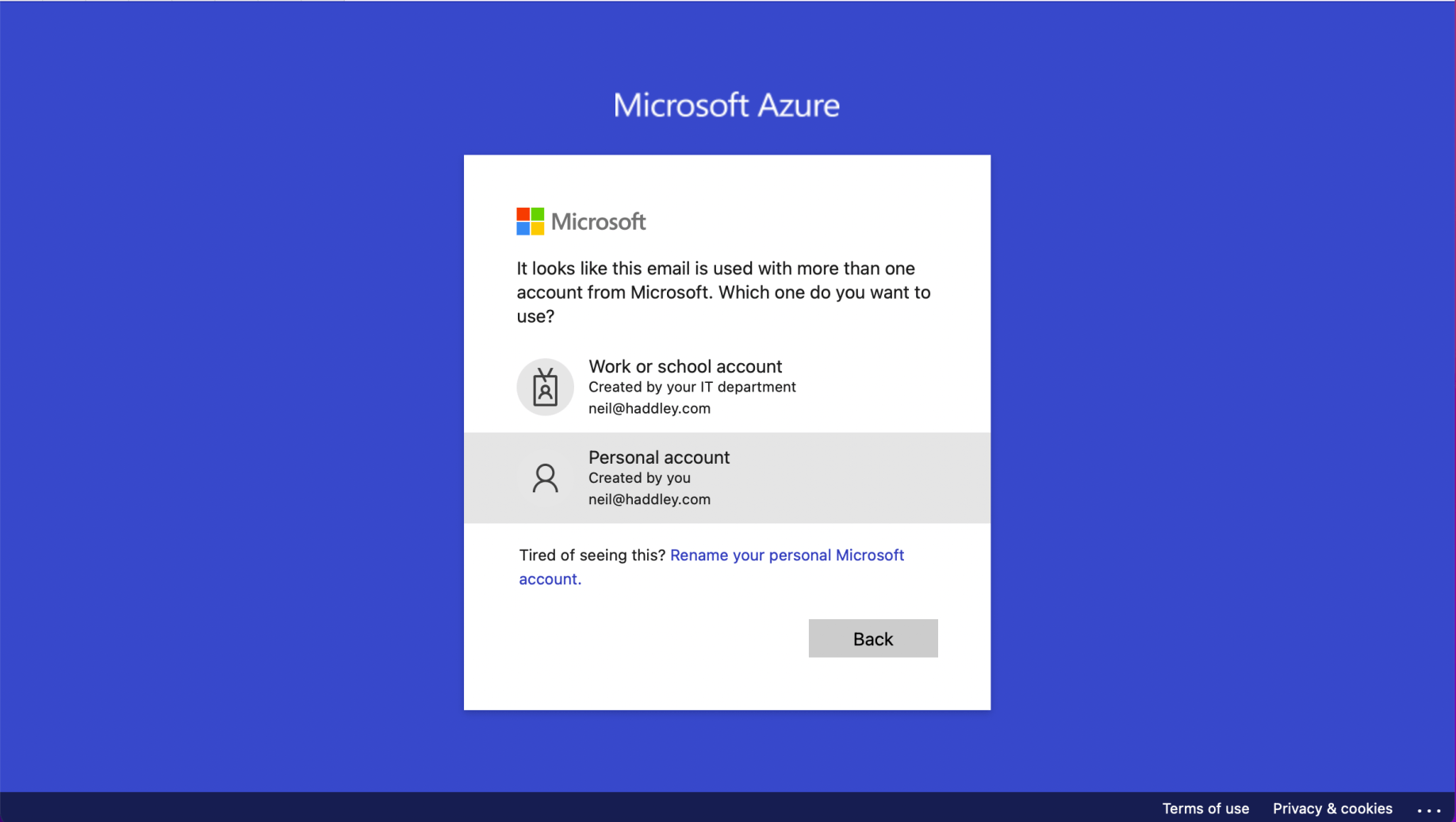
I logged onto https://portal.azure.com using my personal accountTap the image to open it full size

I logged onto https://portal.azure.com using my personal account
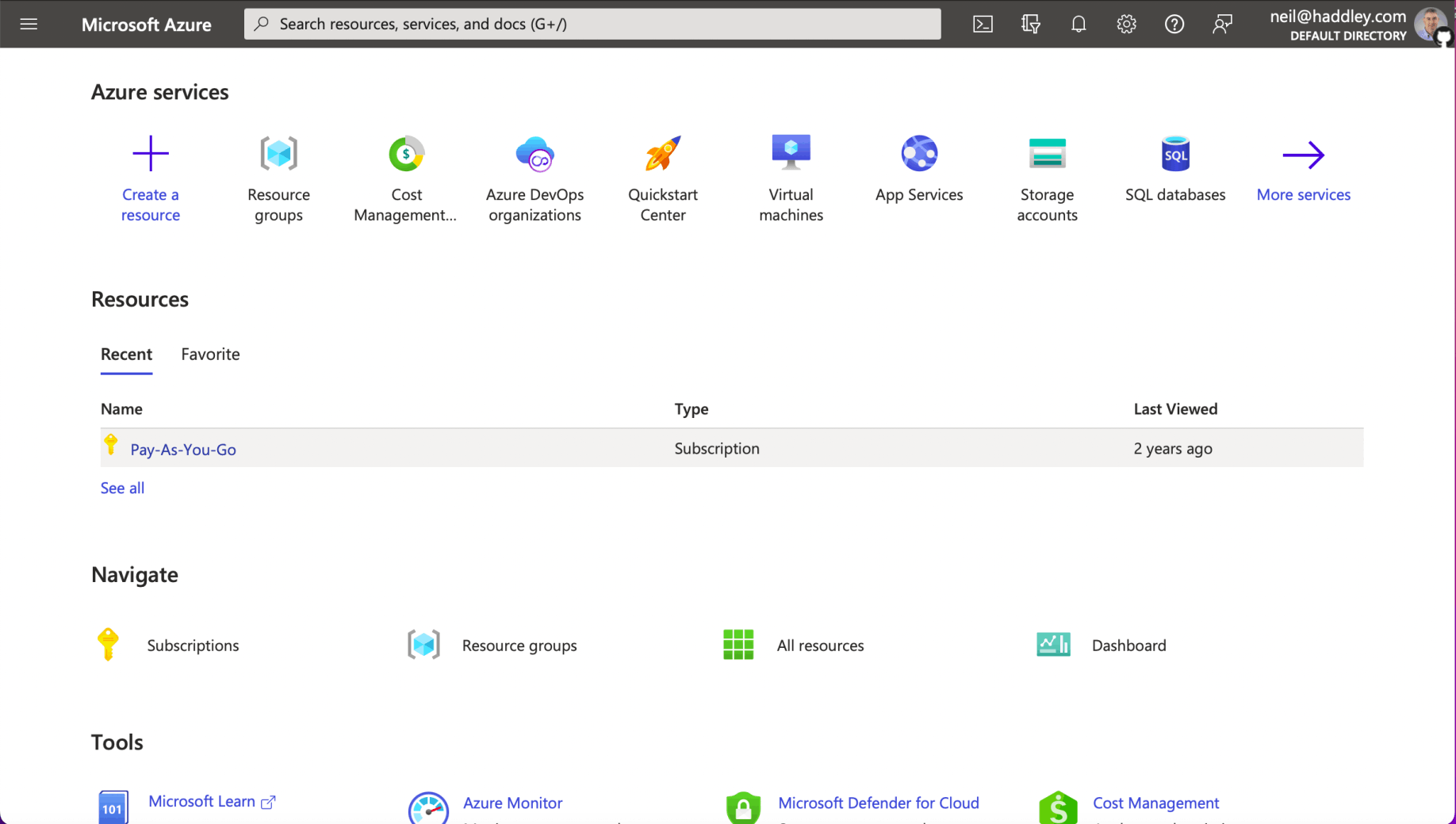
I have a Pay-As-You-Go subscriptionTap the image to open it full size

I have a Pay-As-You-Go subscription

I opened GitHub Desktop and created a new repositoryTap the image to open it full size

I opened GitHub Desktop and created a new repository
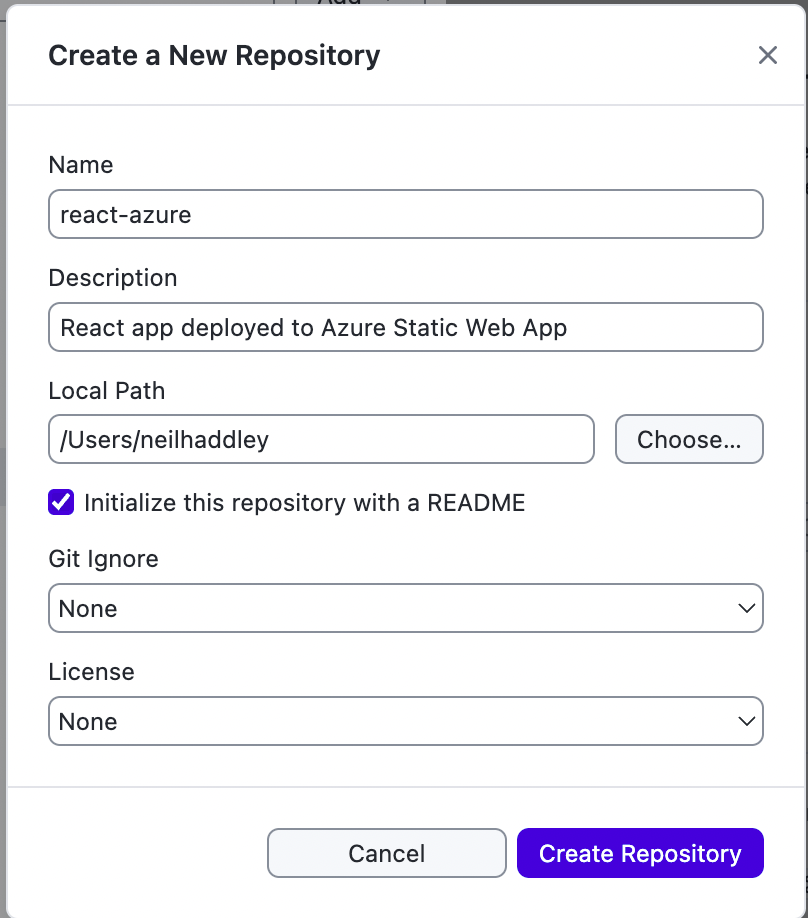
I named the repository react-azureTap the image to open it full size

I named the repository react-azure

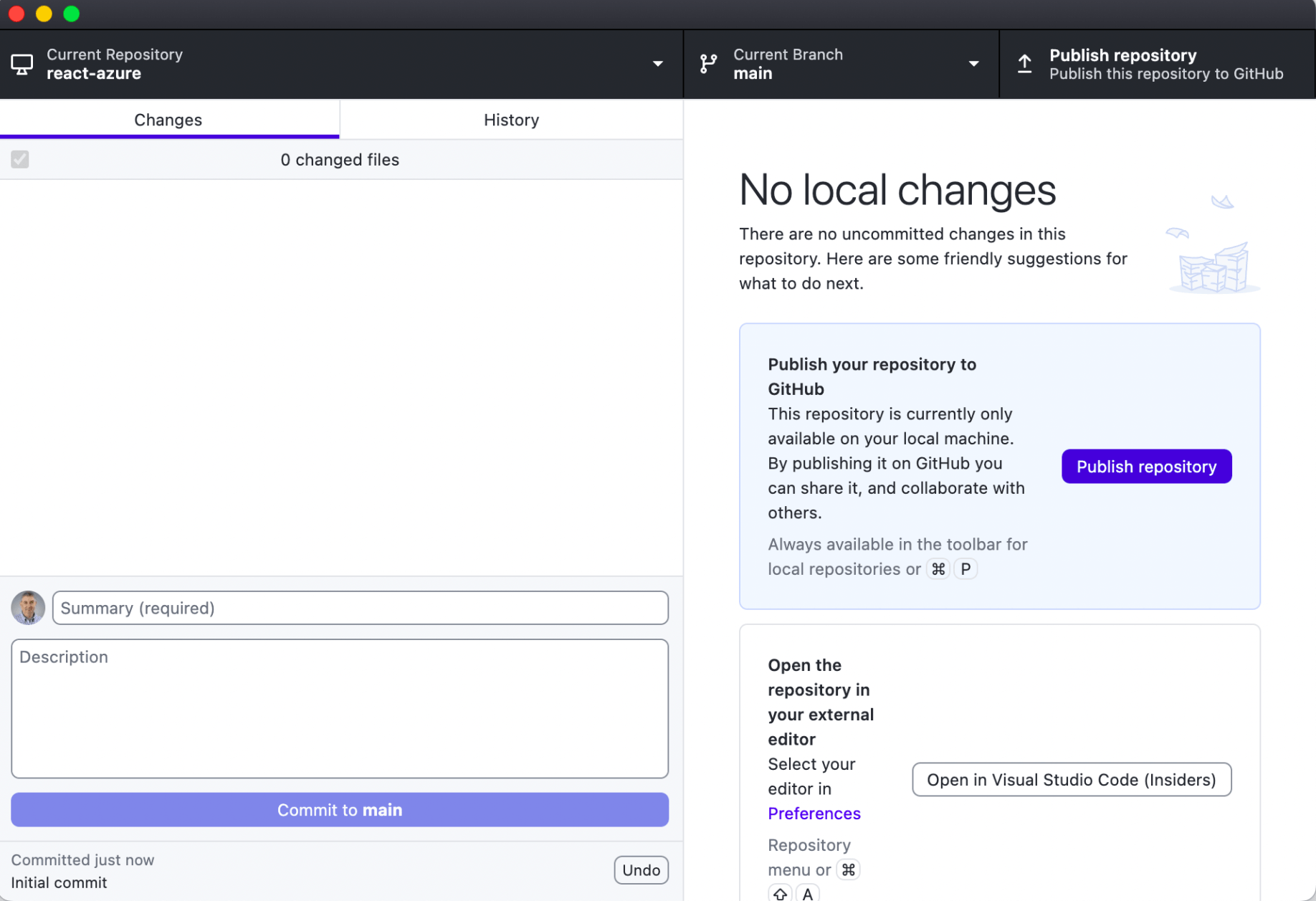
I published the empty repository to GitHub. I clicked on the Open in Visual Studio Code (insiders) buttonTap the image to open it full size

I published the empty repository to GitHub. I clicked on the Open in Visual Studio Code (insiders) button
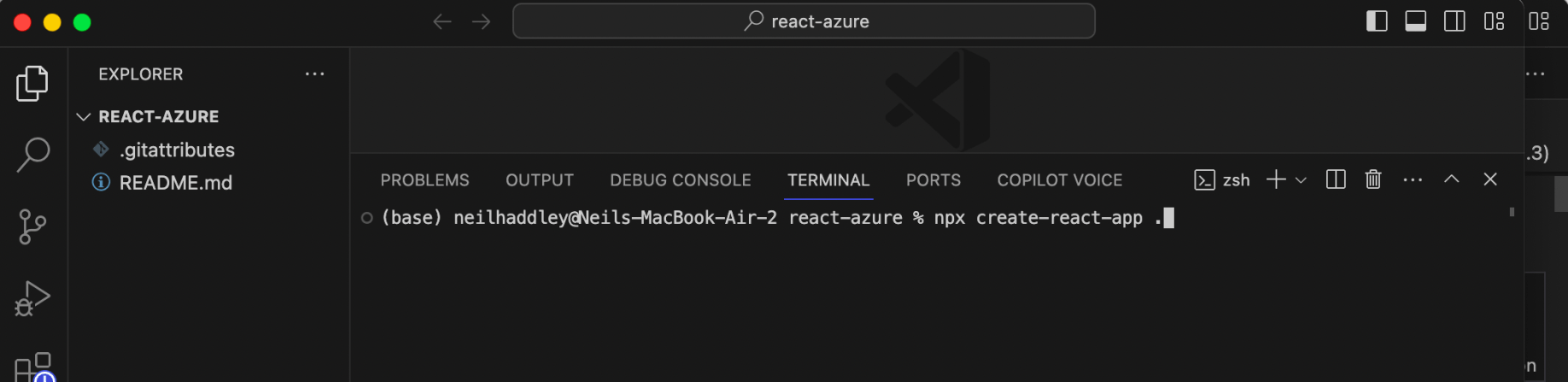
I opened a terminal and ran npx create-react-app . to create a new React app.Tap the image to open it full size

I opened a terminal and ran npx create-react-app . to create a new React app.
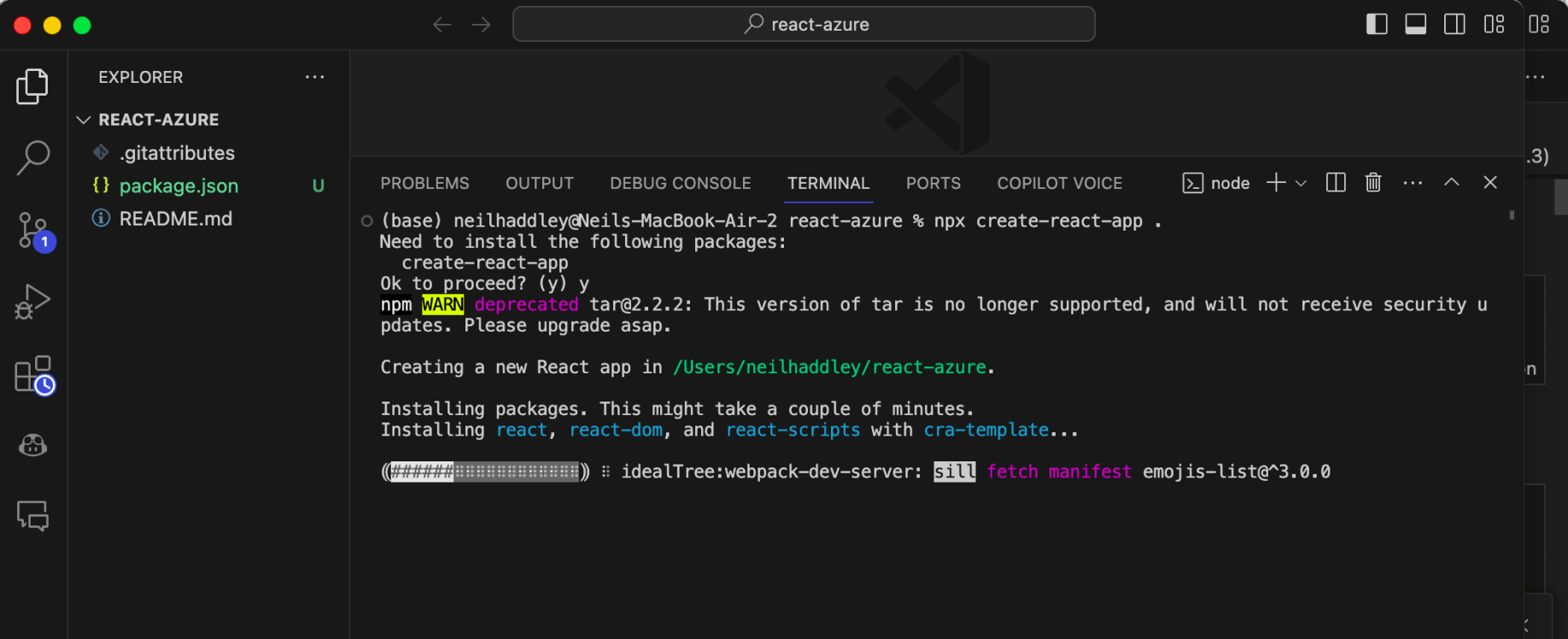
create-react-app ranTap the image to open it full size

create-react-app ran

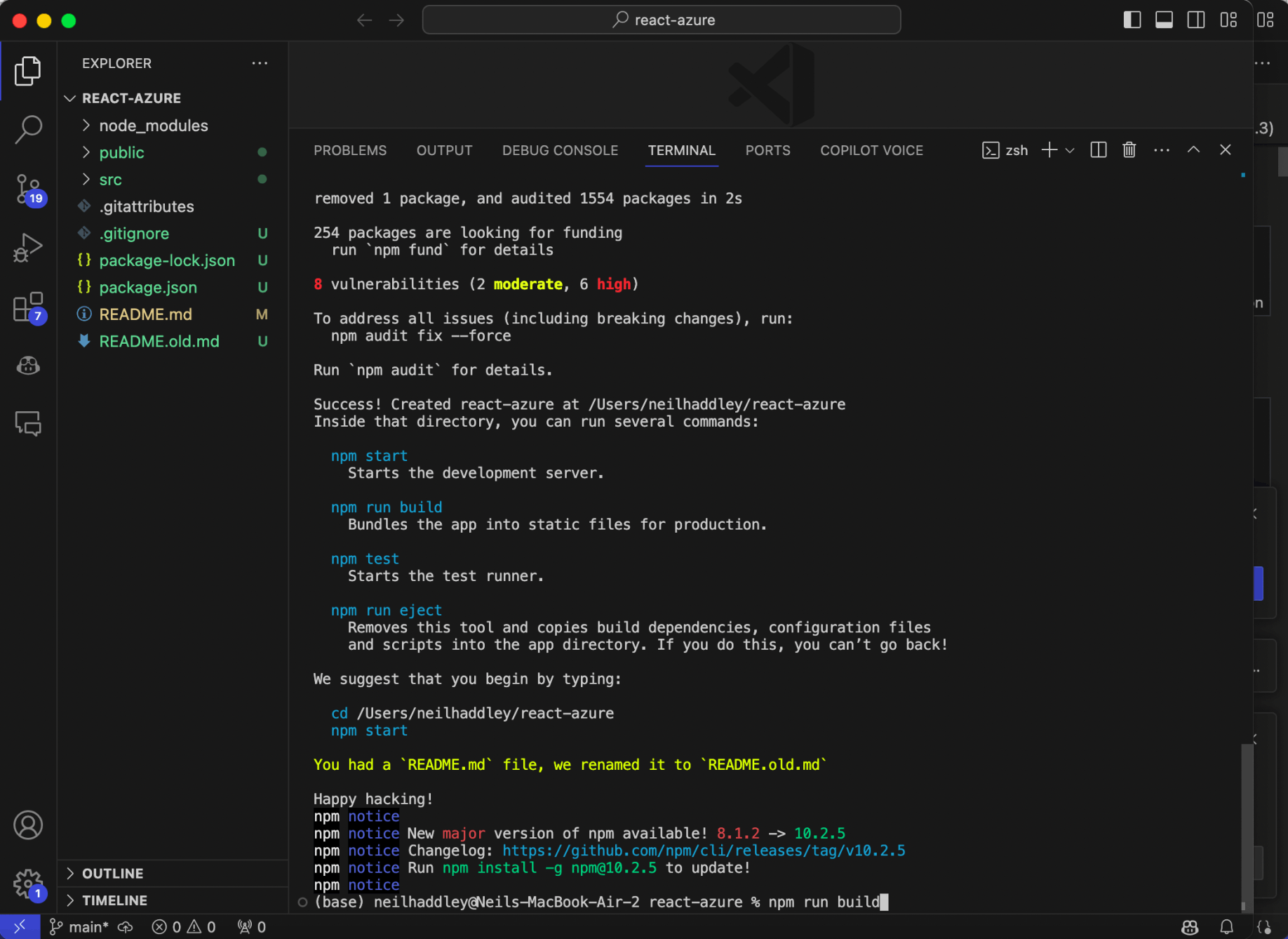
create-react-app finished. I ran npm run build to build the React projectTap the image to open it full size

create-react-app finished. I ran npm run build to build the React project
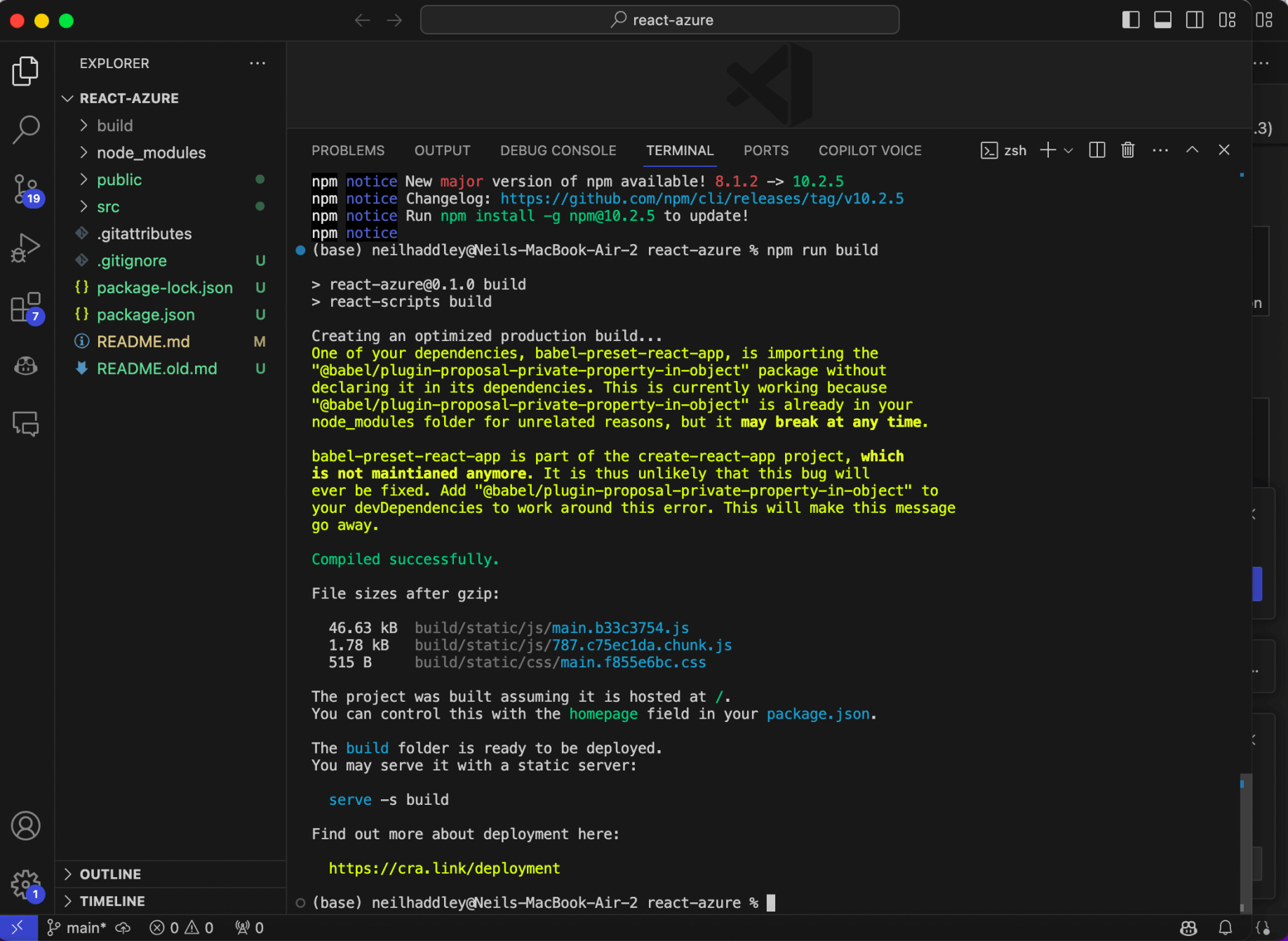
A build folder was createdTap the image to open it full size

A build folder was created

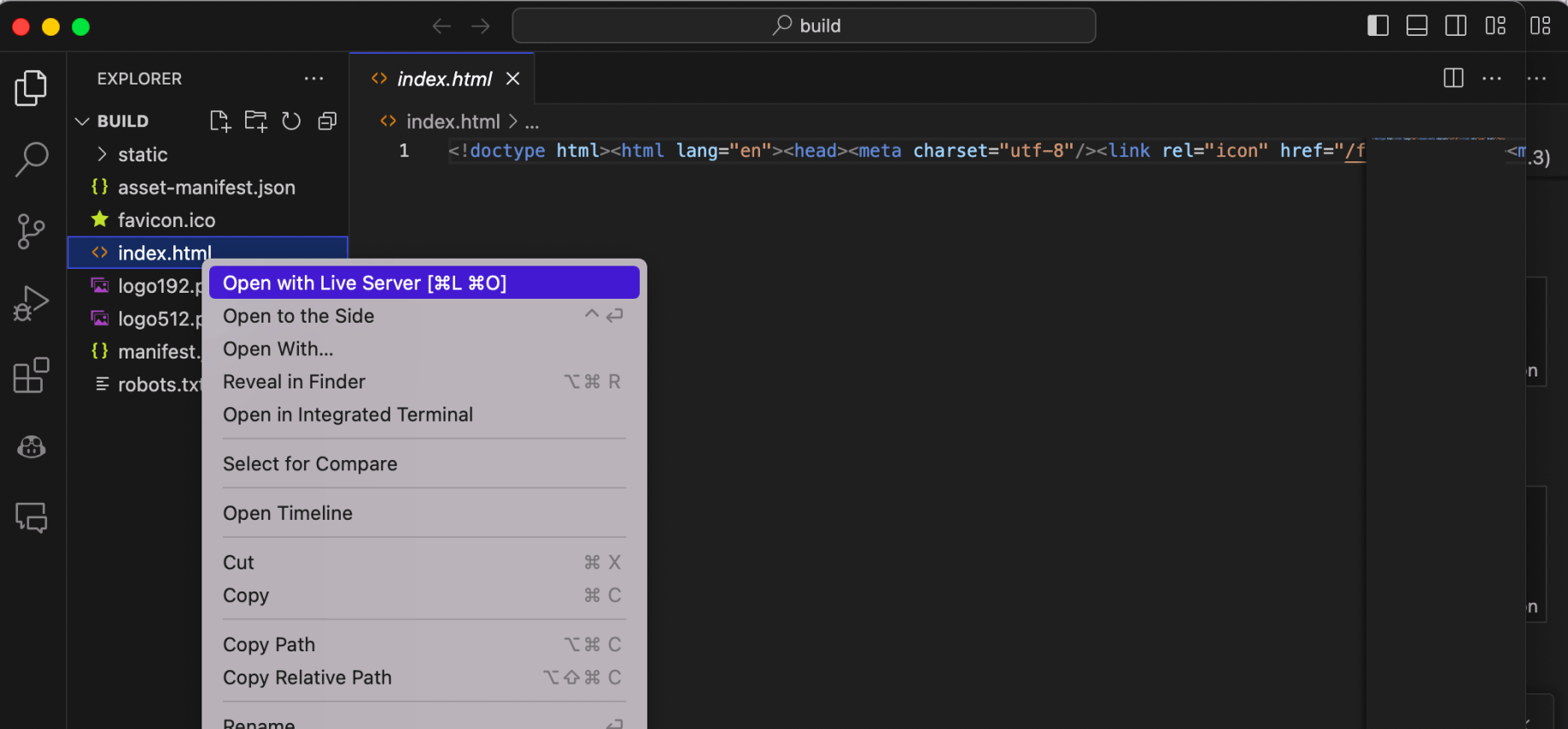
I opened the build folder using Visual Studio Code and used Live Server to open the applicationTap the image to open it full size

I opened the build folder using Visual Studio Code and used Live Server to open the application
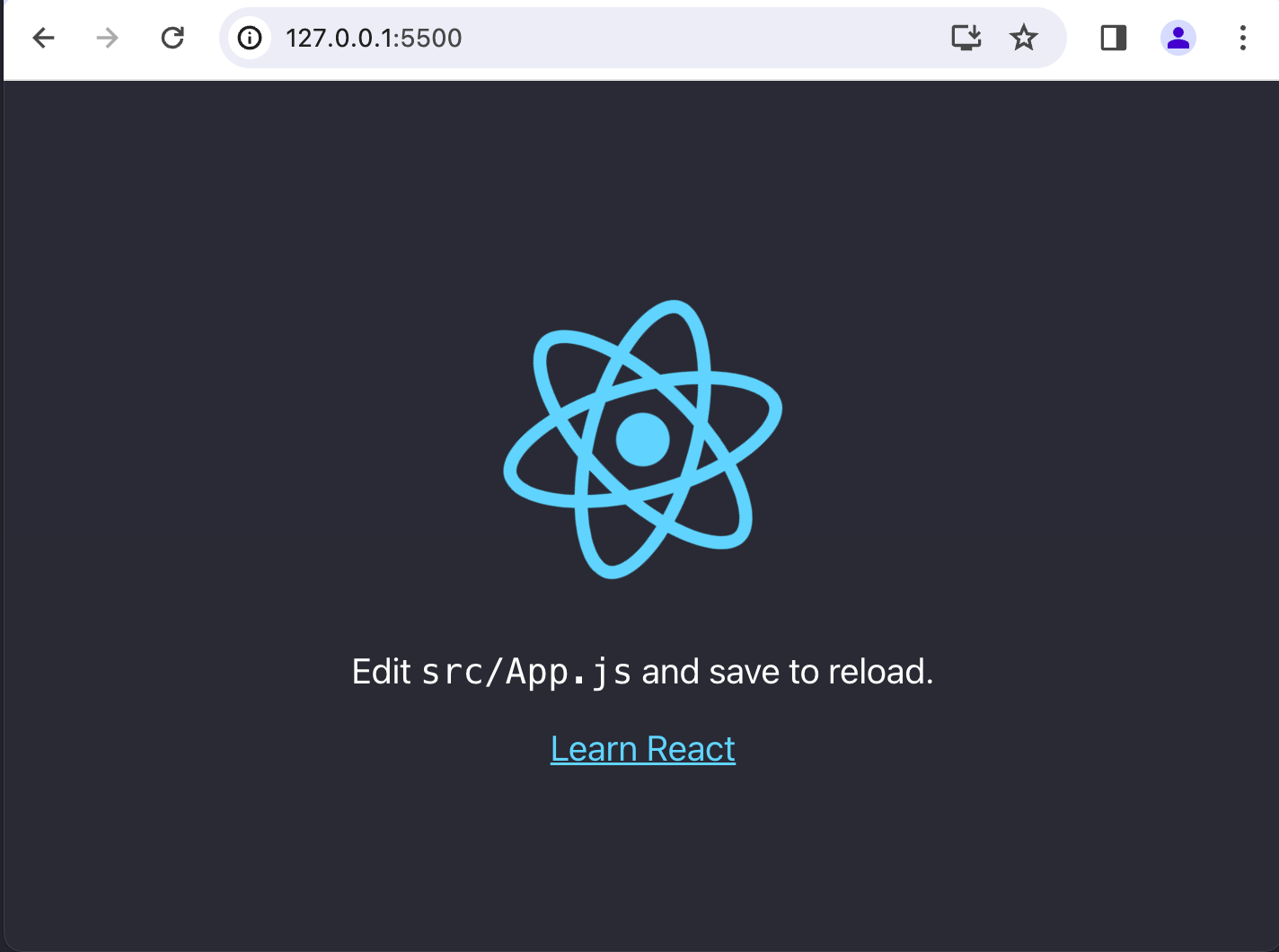
The sample React app was loaded from http://127.0.0.1:5000Tap the image to open it full size

The sample React app was loaded from http://127.0.0.1:5000
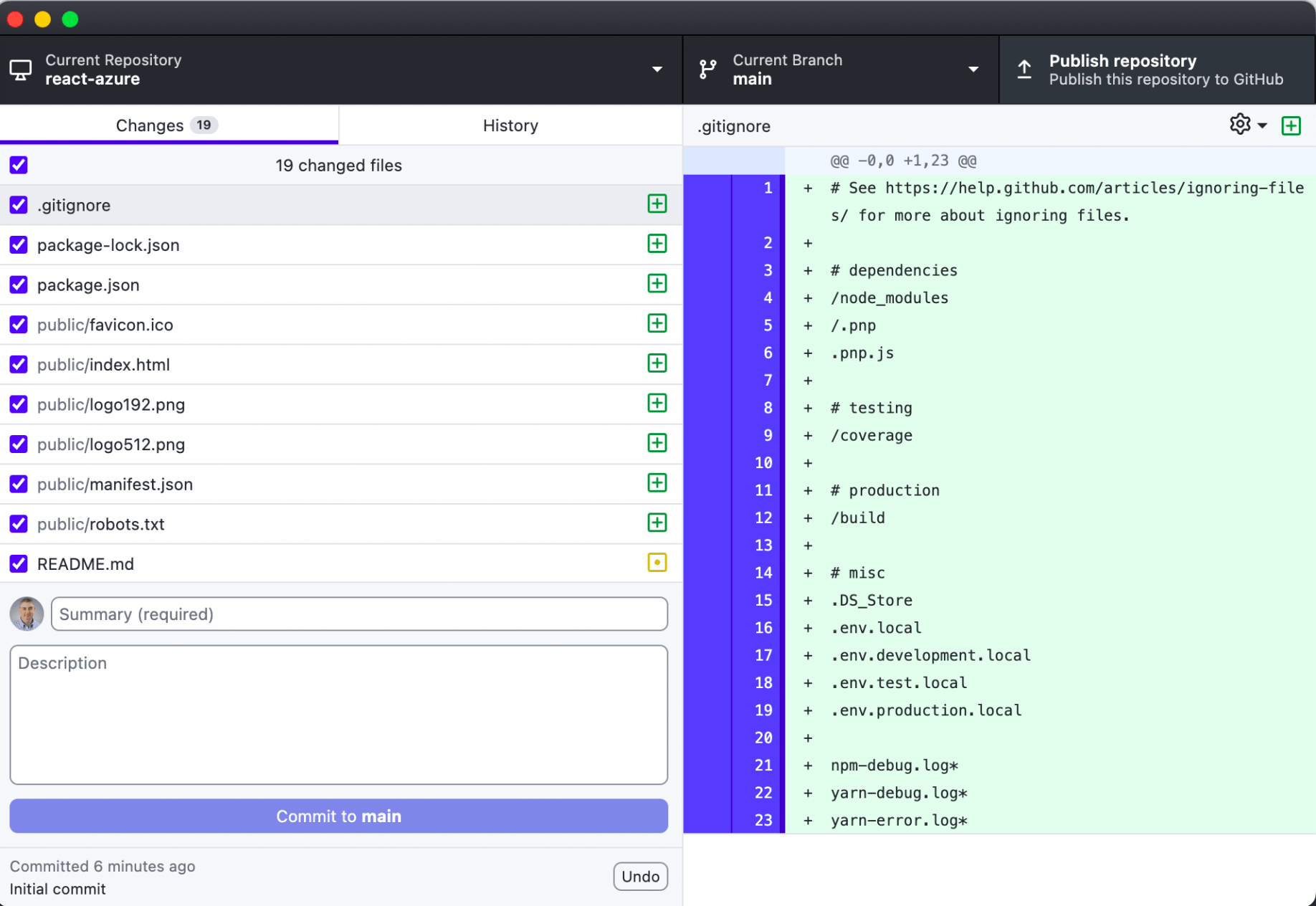
I committed the updatesTap the image to open it full size

I committed the updates

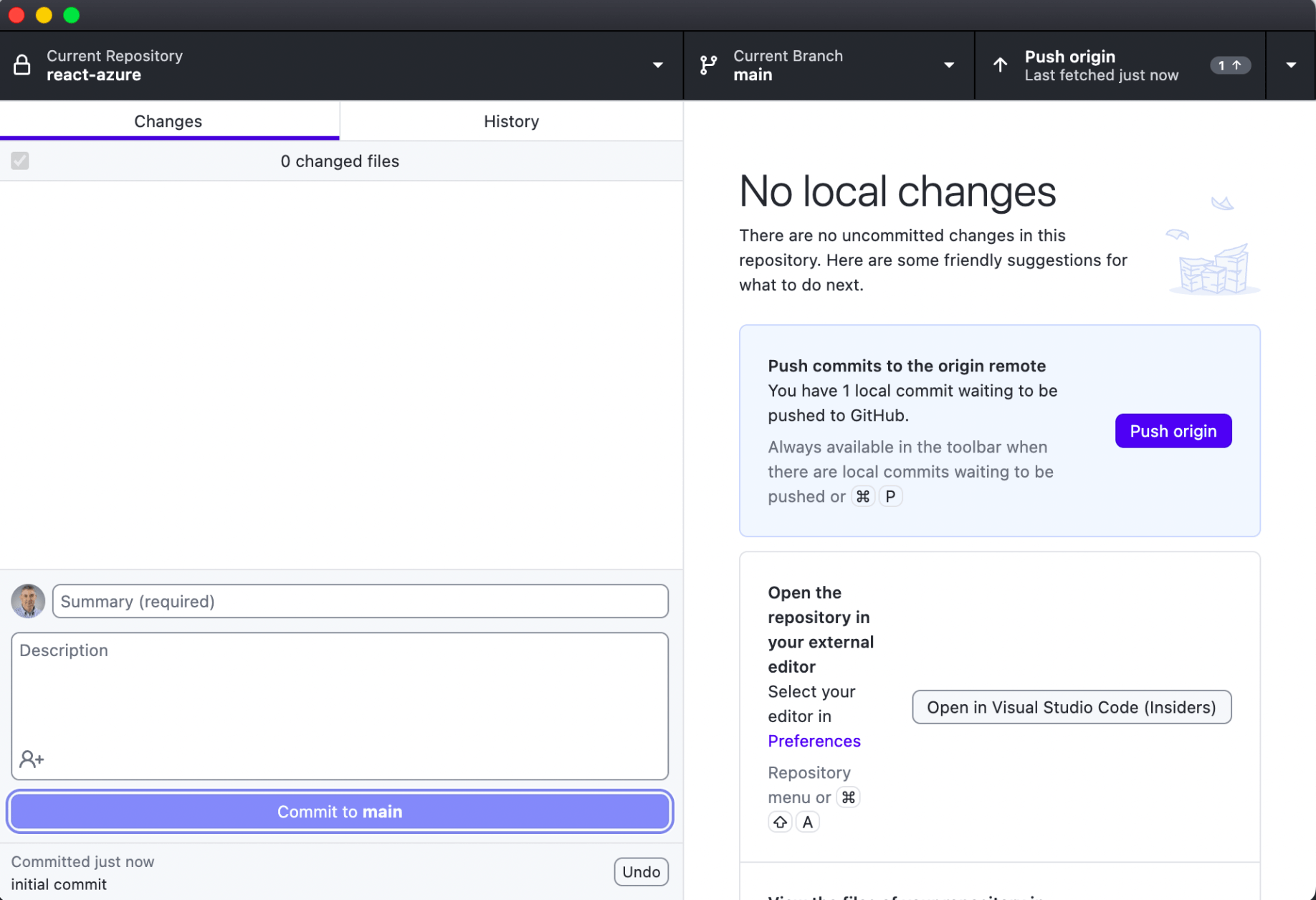
I pushed the updated to GitHubTap the image to open it full size

I pushed the updated to GitHub

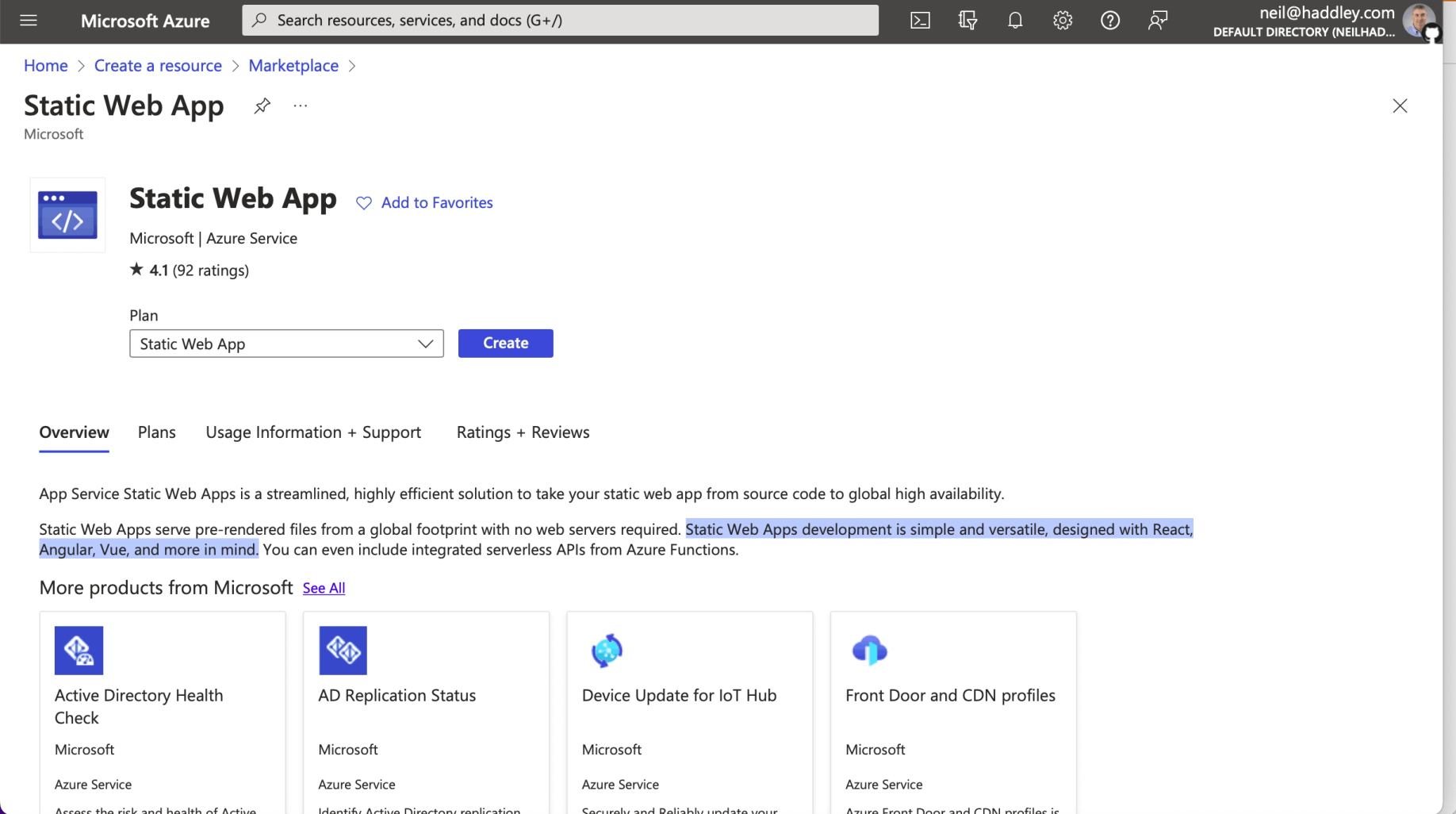
I created a Static Web App (in the Azure portal)Tap the image to open it full size

I created a Static Web App (in the Azure portal)
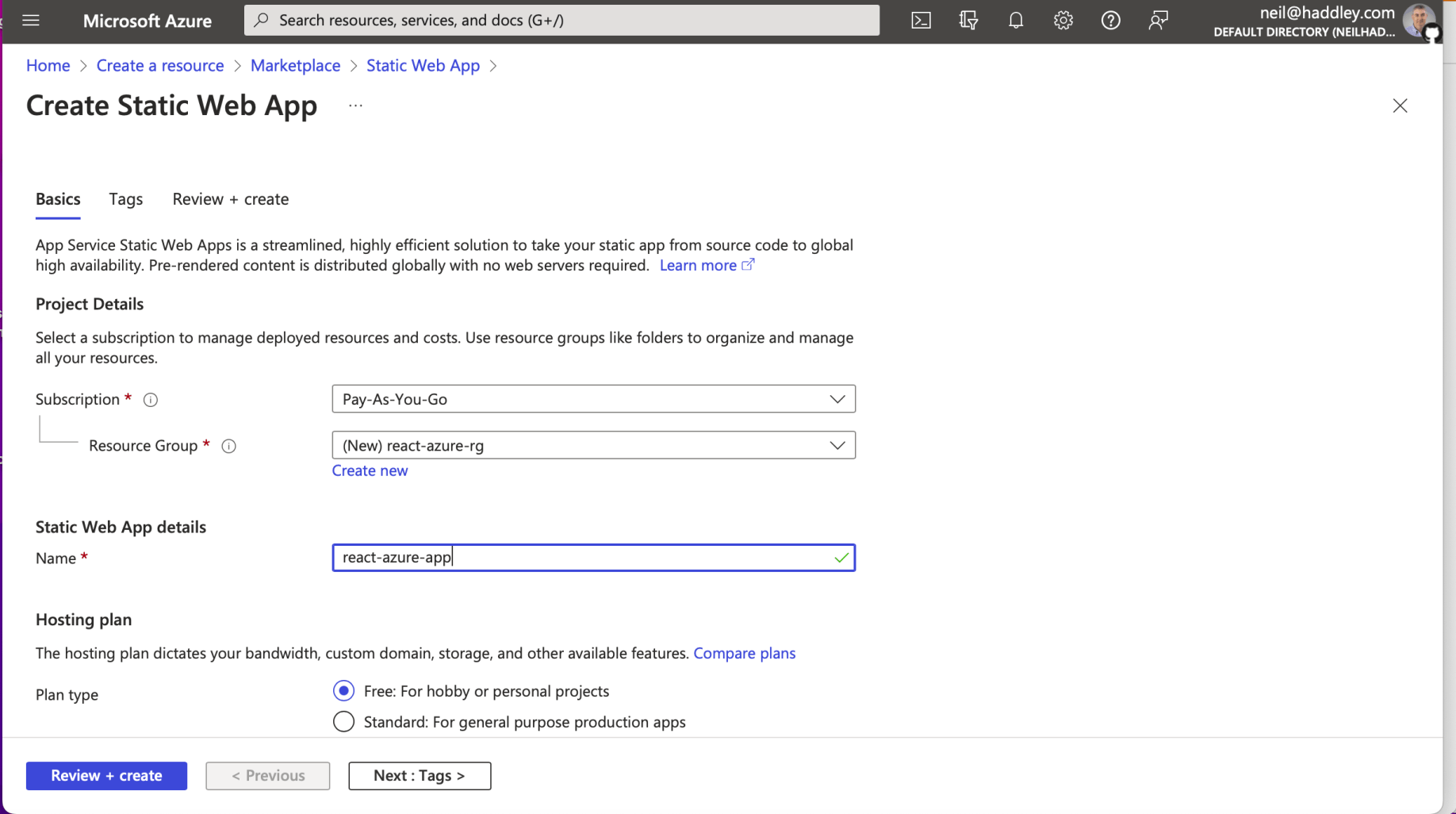
I created a new Resource Group and a new Static Web App. I selected the free planTap the image to open it full size

I created a new Resource Group and a new Static Web App. I selected the free plan
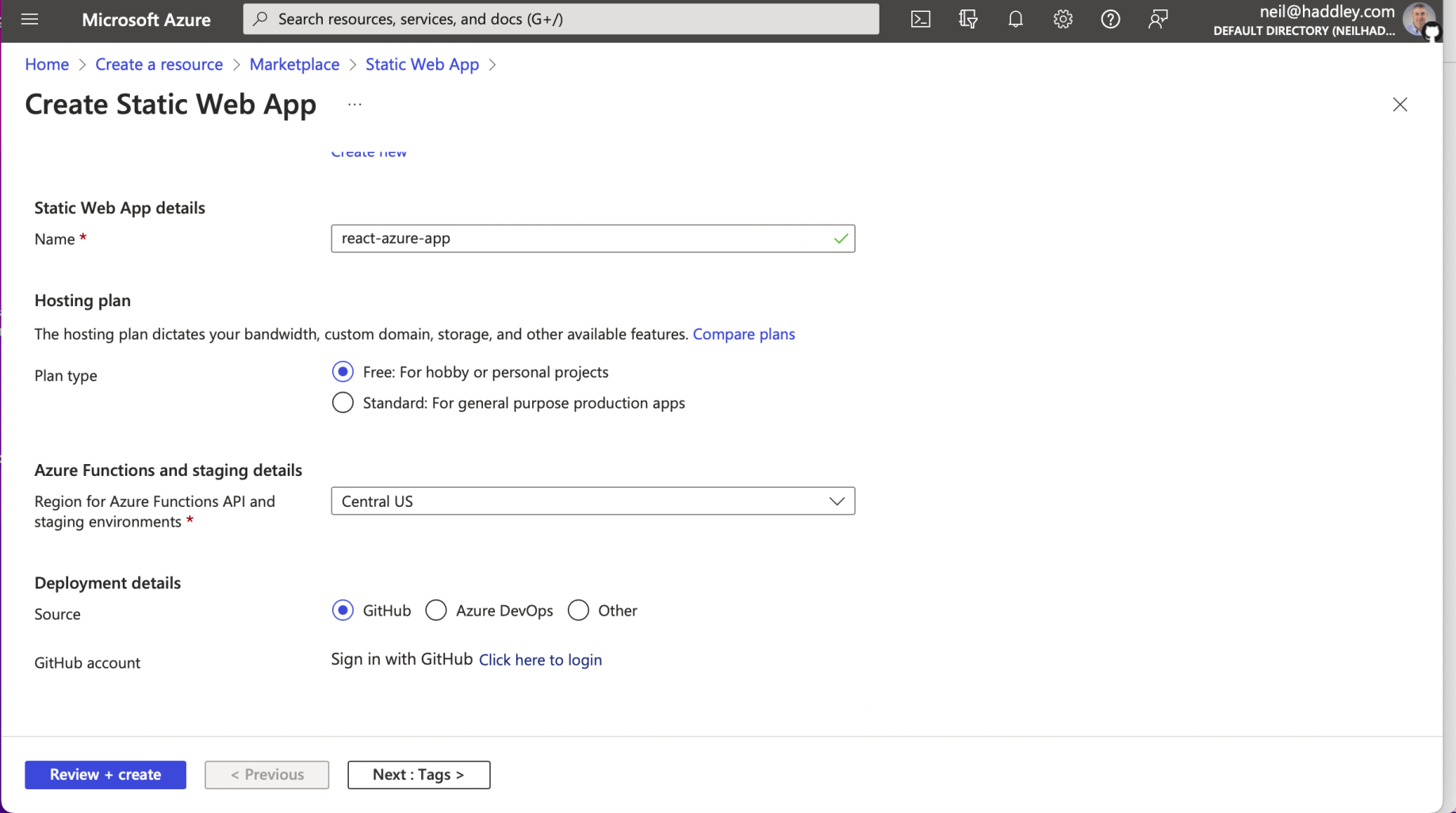
I clicked the Sign in with GitHub Click here to login linkTap the image to open it full size

I clicked the Sign in with GitHub Click here to login link
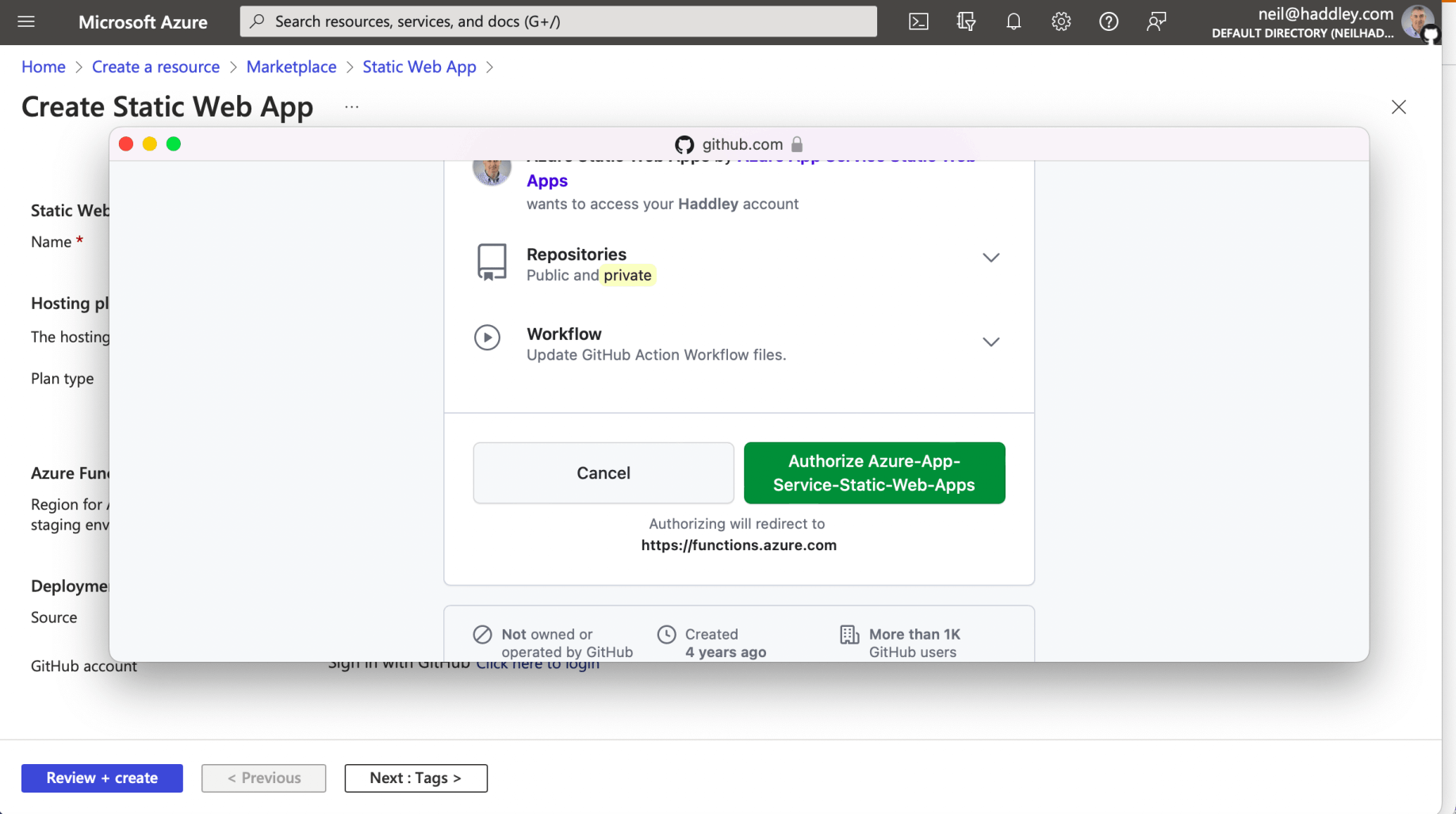
I logged into GitHub and clicked the Authorize Azure... buttonTap the image to open it full size

I logged into GitHub and clicked the Authorize Azure... button
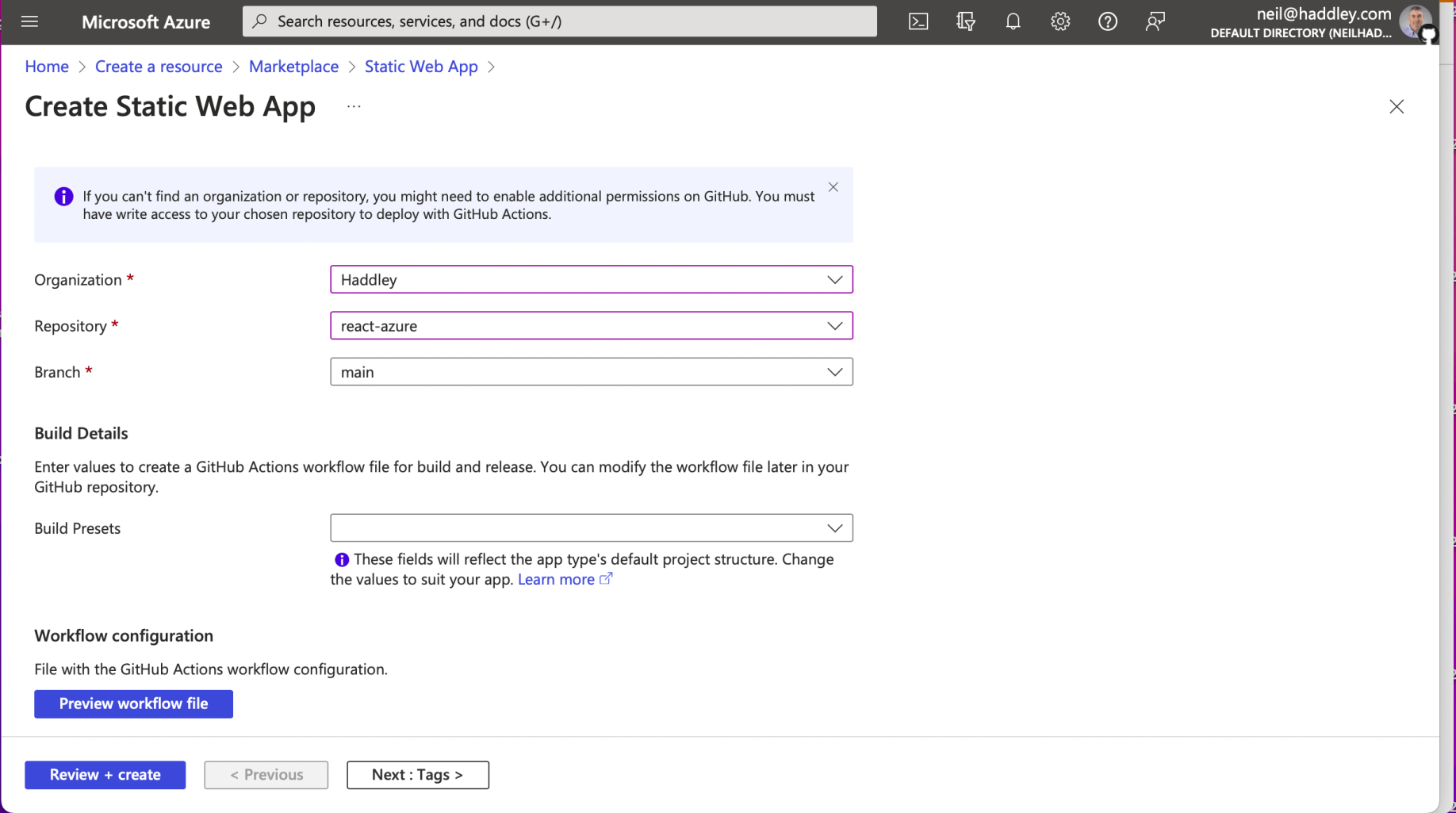
I selected the Organization Haddley, Repository react-azure and branch main and clicked the Review + create buttonTap the image to open it full size

I selected the Organization Haddley, Repository react-azure and branch main and clicked the Review + create button
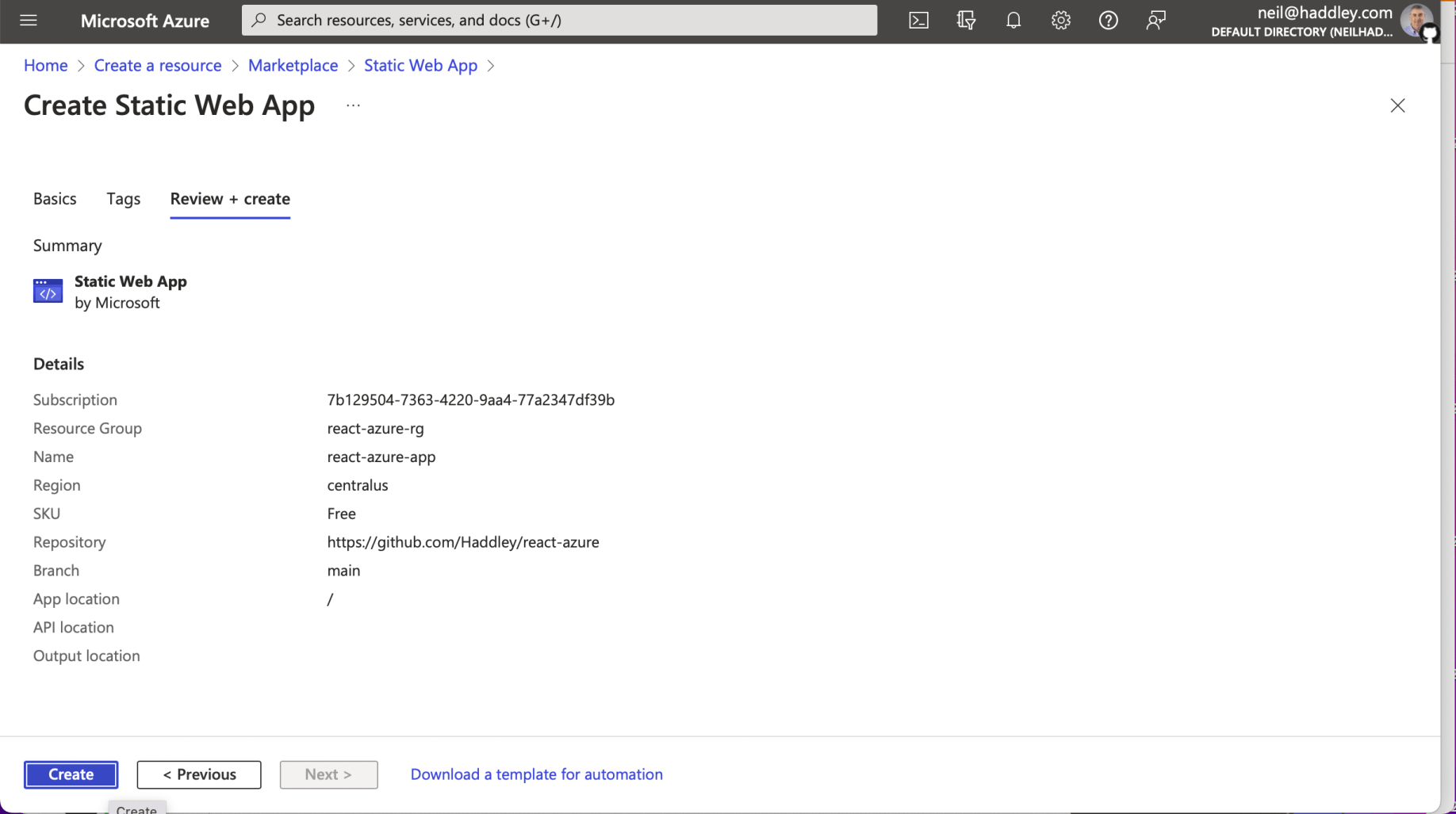
I reviewed the Static Web App details and clicked the Create buttonTap the image to open it full size

I reviewed the Static Web App details and clicked the Create button
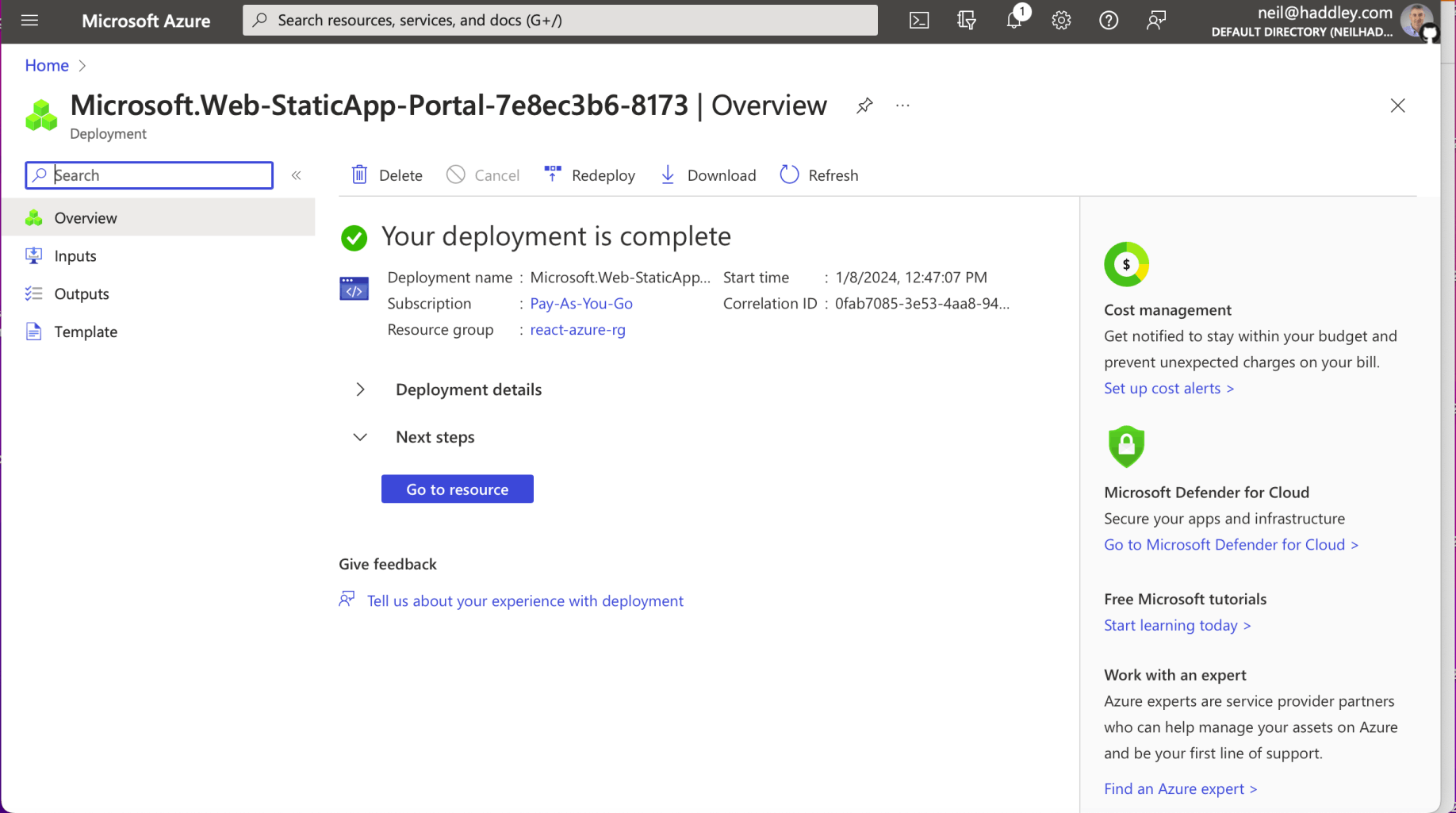
The Static Web App was deployed.Tap the image to open it full size

The Static Web App was deployed.

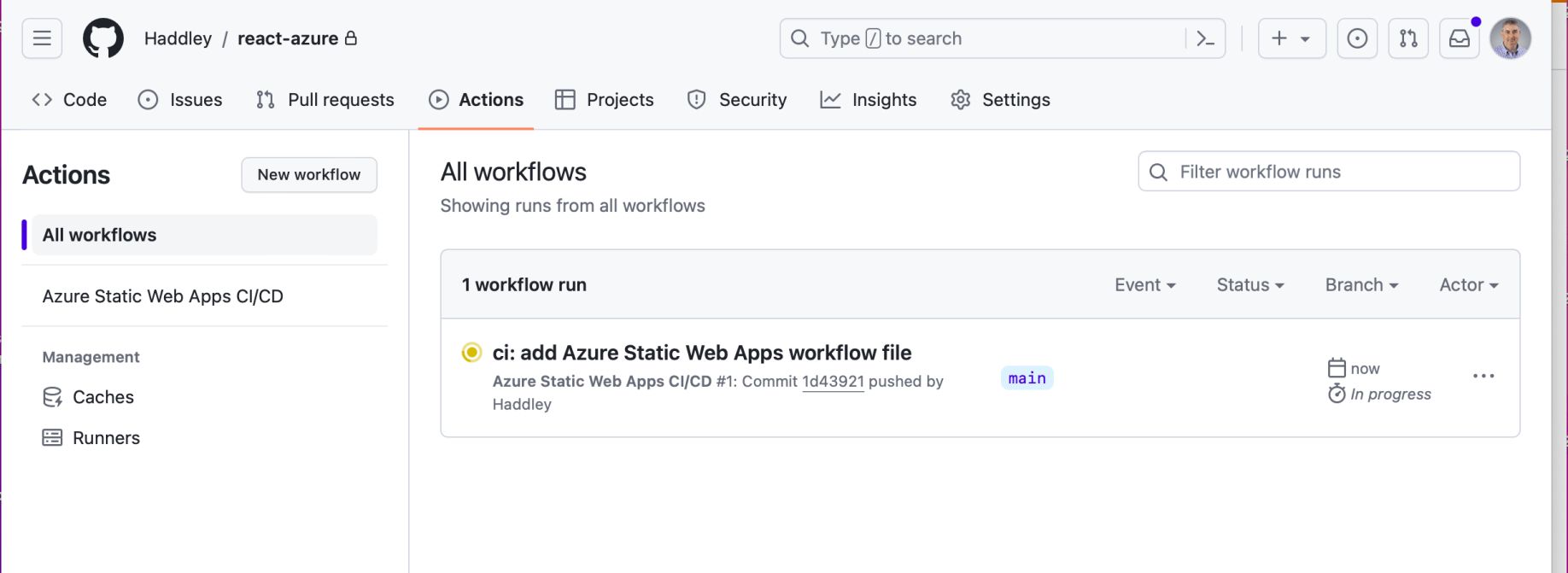
A GitHub Action was added to the repositoryTap the image to open it full size

A GitHub Action was added to the repository
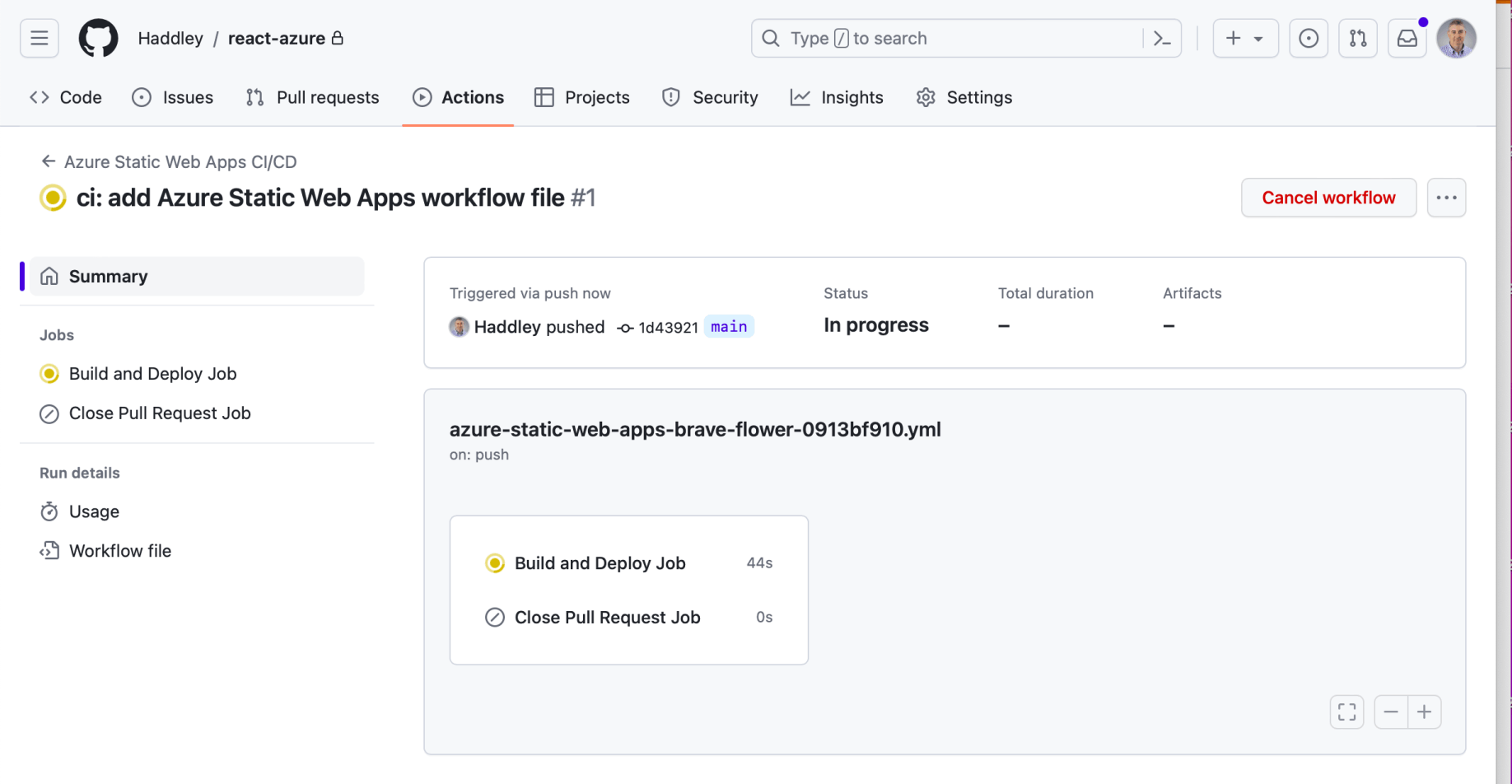
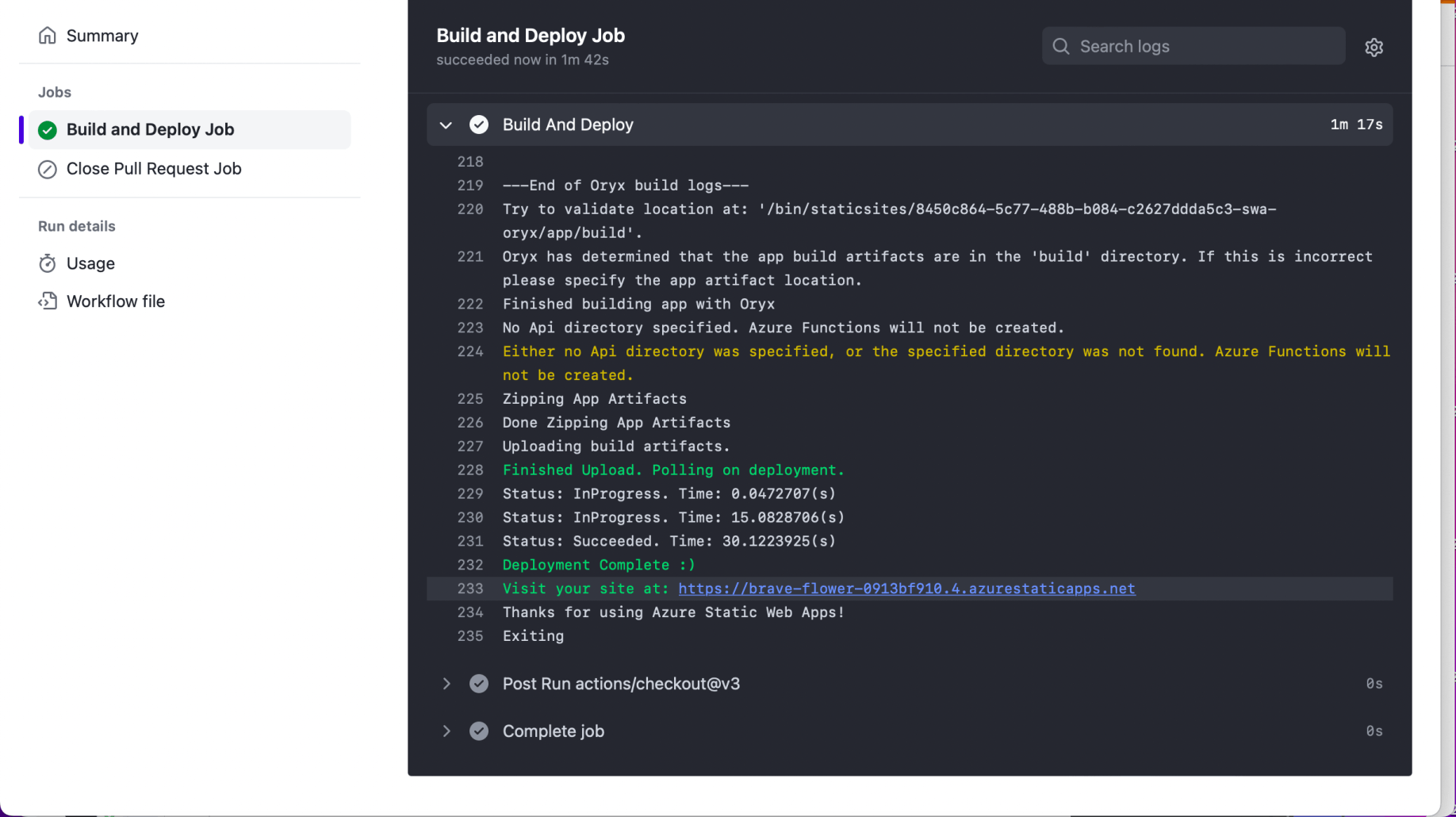
The GitHub Action built the React applicationTap the image to open it full size

The GitHub Action built the React application
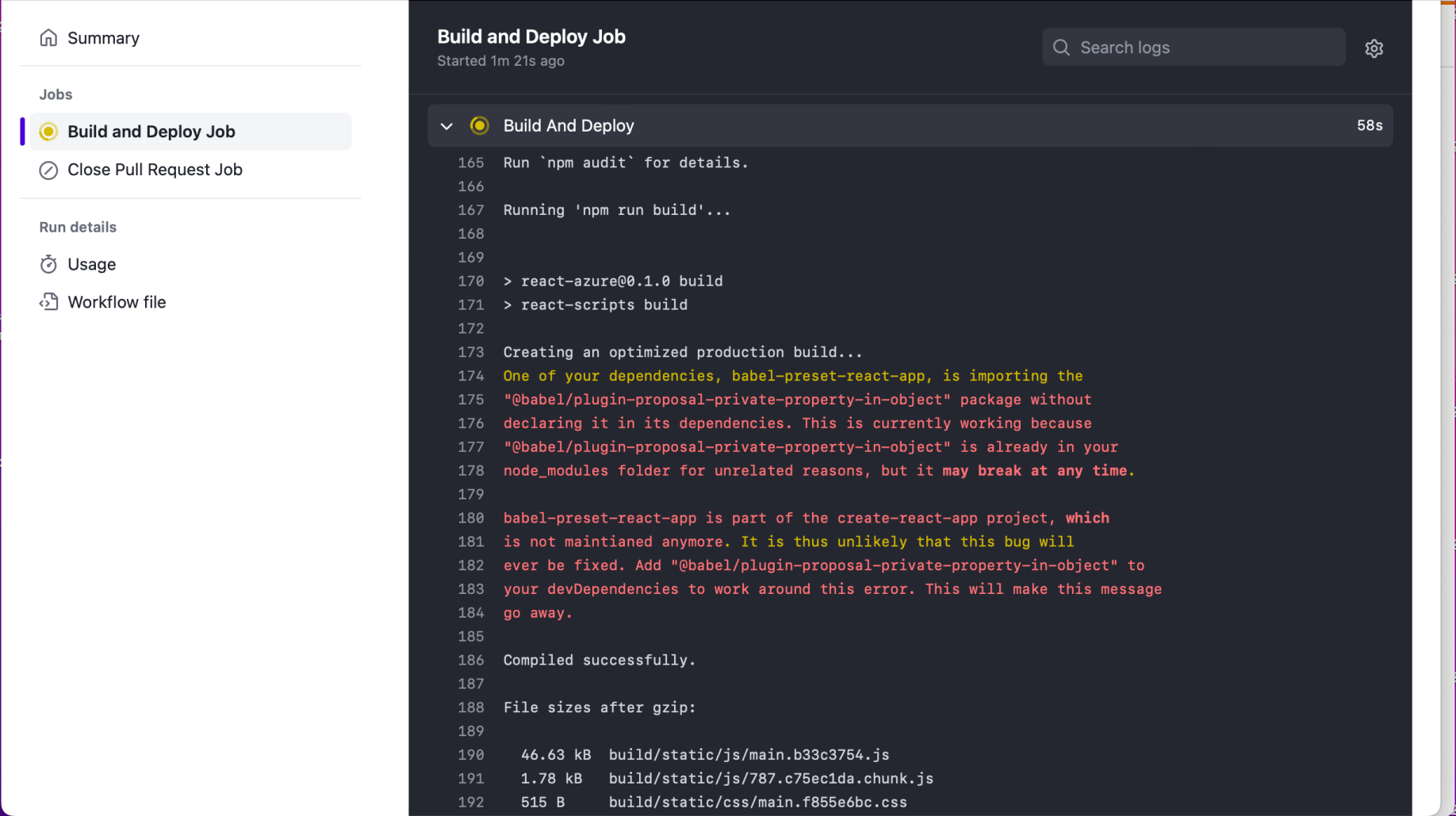
Some warnings were generatedTap the image to open it full size

Some warnings were generated

The Azure Static Web App was updatedTap the image to open it full size

The Azure Static Web App was updated

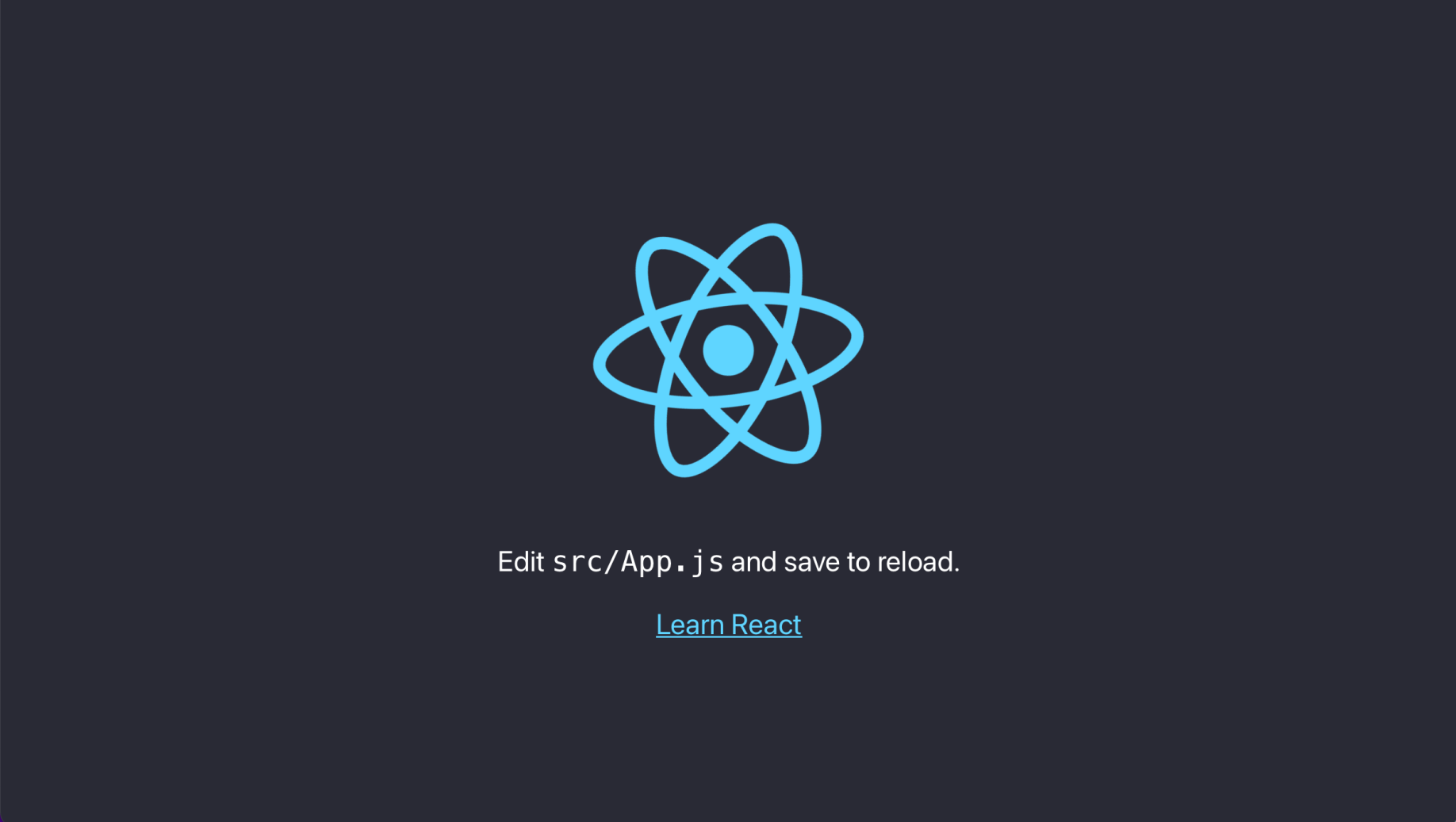
I navigated to https://brave-flower-0913bf910.4.azurestaticapps.netTap the image to open it full size

I navigated to https://brave-flower-0913bf910.4.azurestaticapps.net