Claude Code (Part 3)
Neil Haddley • January 21, 2026
Managing Claude Code's context window with ESC ESC rewind, /compact summarisation, and /clear reset to keep long sessions accurate
Context is the working information Claude Code can see during a session — the conversation history, any files I've loaded with @, and the persistent instructions in CLAUDE.md. Managing context well is key to keeping Claude accurate and on-task across a long session.
There are three main tools for controlling context: ESC ESC (rewind), /compact (summarise), and /clear (reset).
Rewinding a session (ESC ESC)
Pressing ESC twice opens the rewind menu, which shows a list of previous points in the conversation. I can select any checkpoint to restore the session to that state — useful when Claude goes in the wrong direction and I want to try a different approach without re-typing everything.
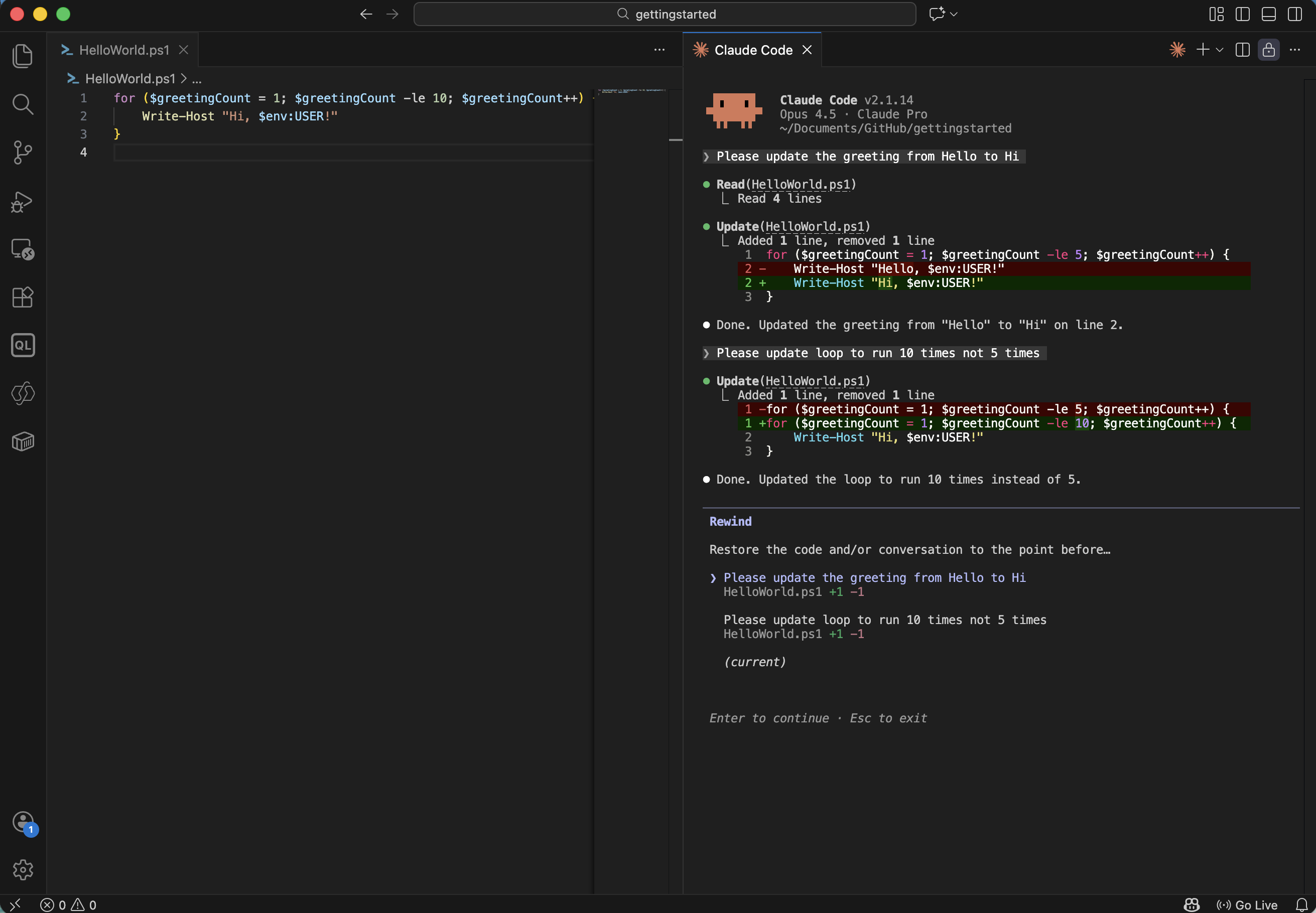
I pressed ESC ESC to open the rewind menu and selected an earlier checkpoint
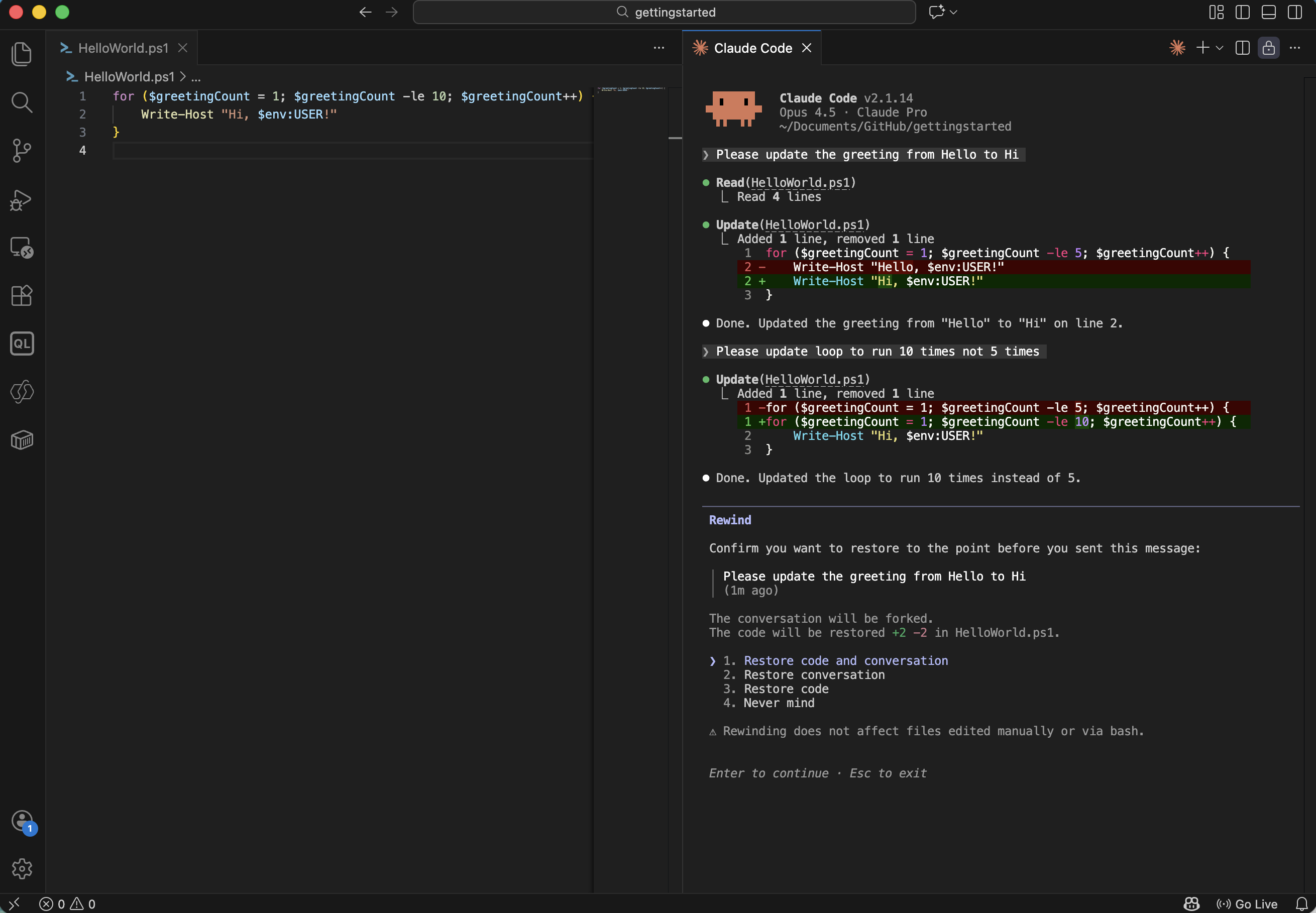
Claude restored the code and conversation to that point
Compacting context (/compact)
As a session grows, the conversation history takes up more of Claude's context window. Running /compact summarises the conversation so far into a compact digest, freeing up space for new work without losing the key facts.
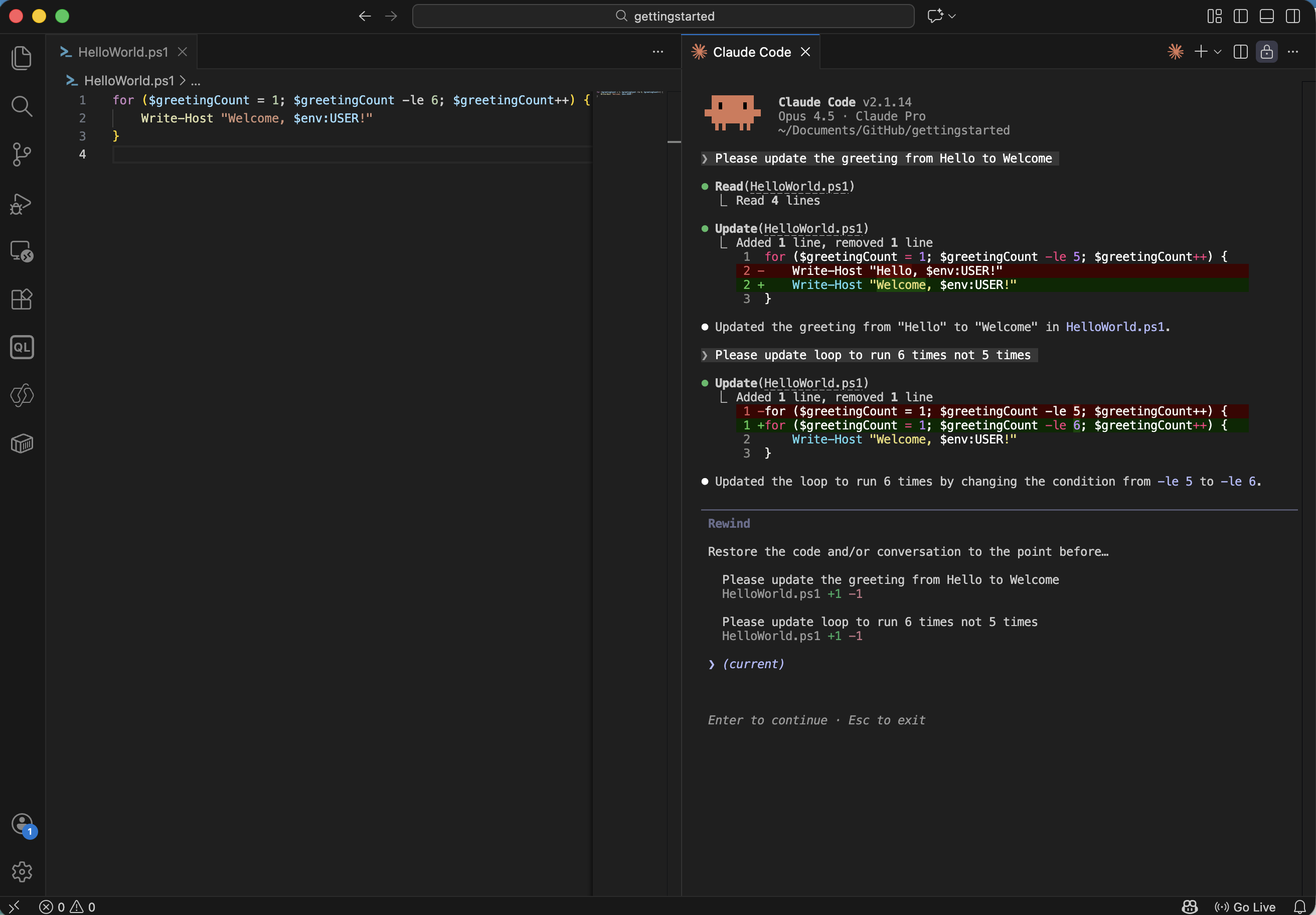
I reviewed the context window before compacting
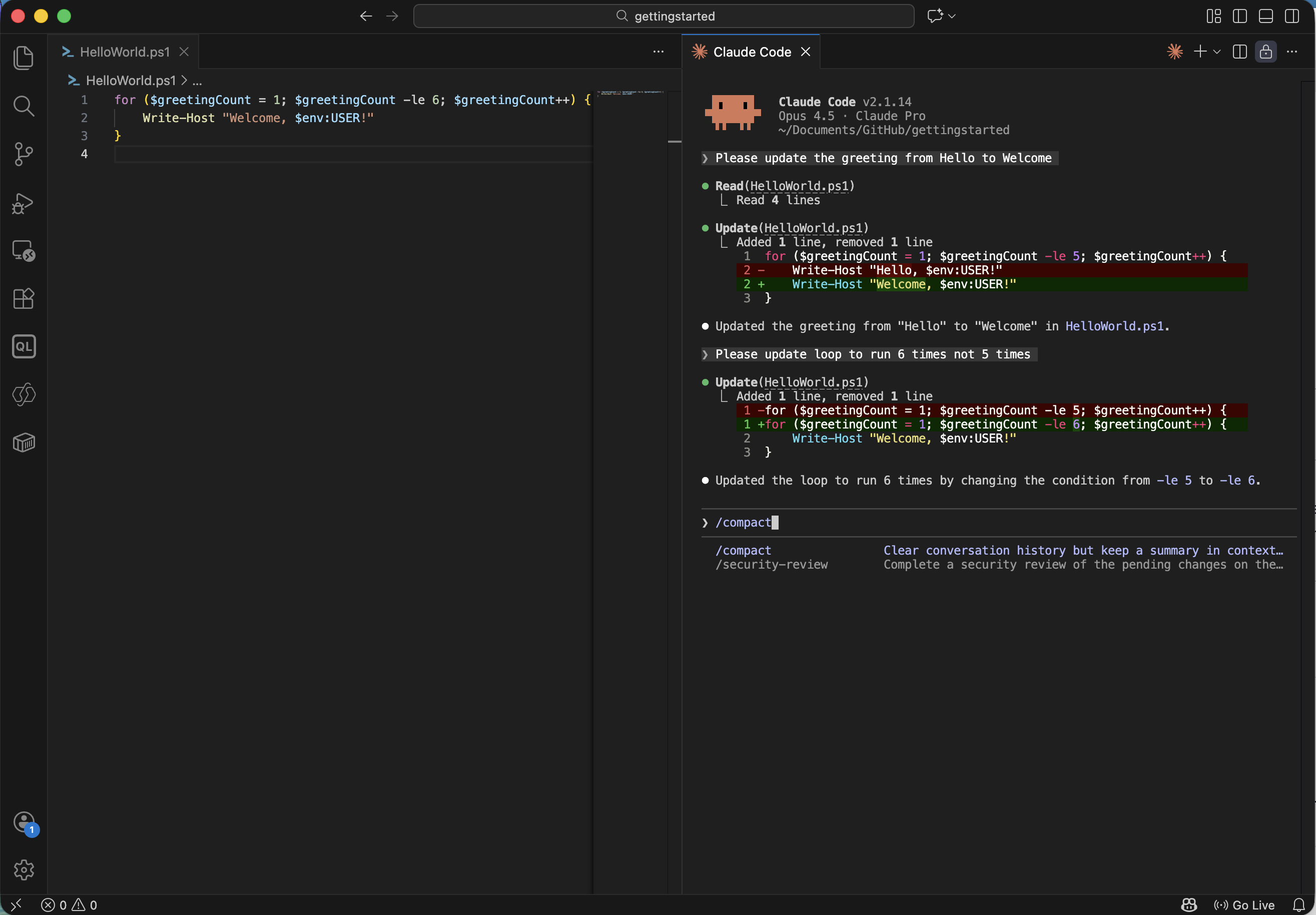
I ran /compact to summarise the conversation
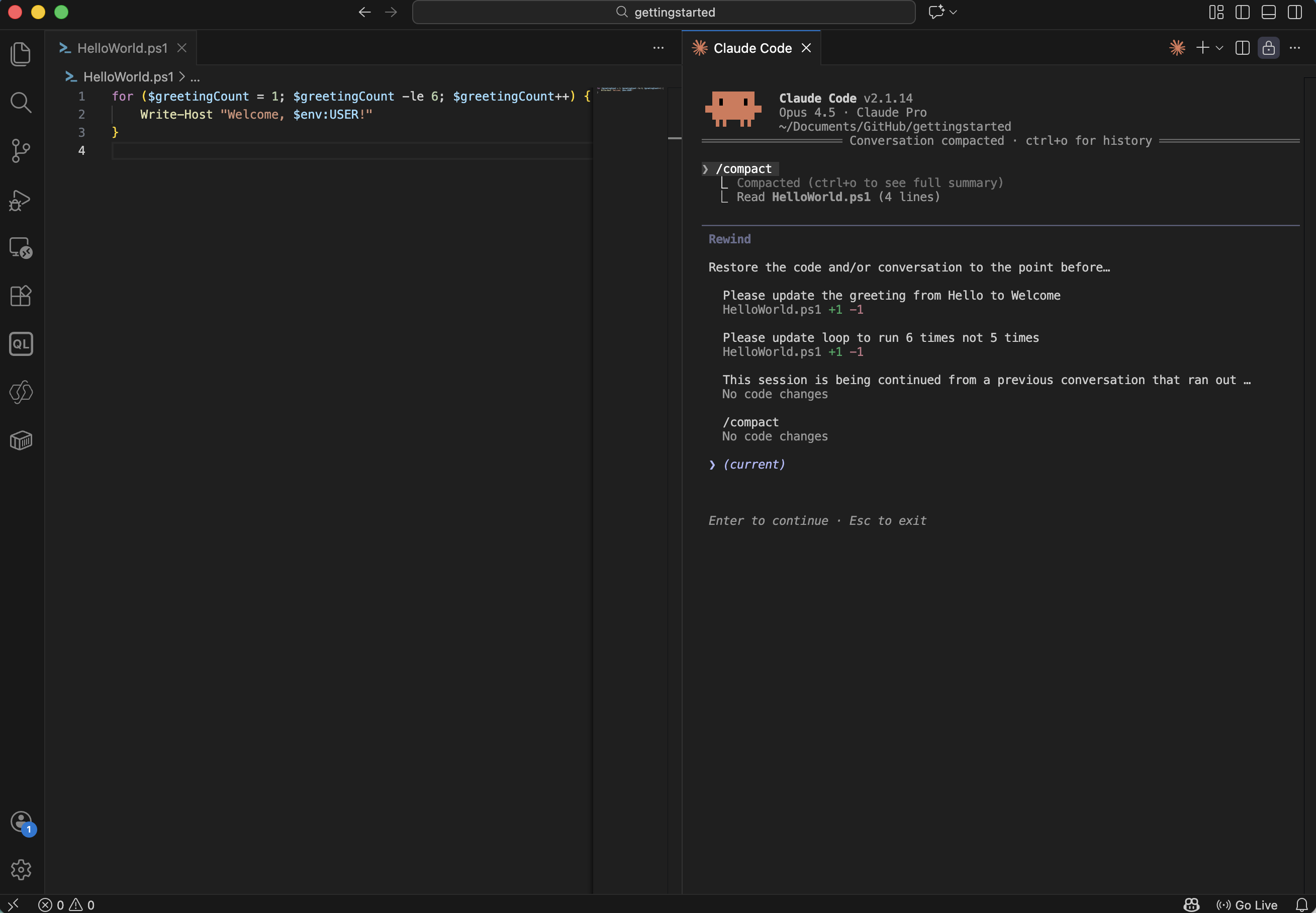
The context window shrank after compacting — Claude retained the essentials
Clearing context (/clear)
When I move to a completely new task, I run /clear to wipe the session history entirely and start fresh. This avoids earlier conversation bleeding into unrelated work.
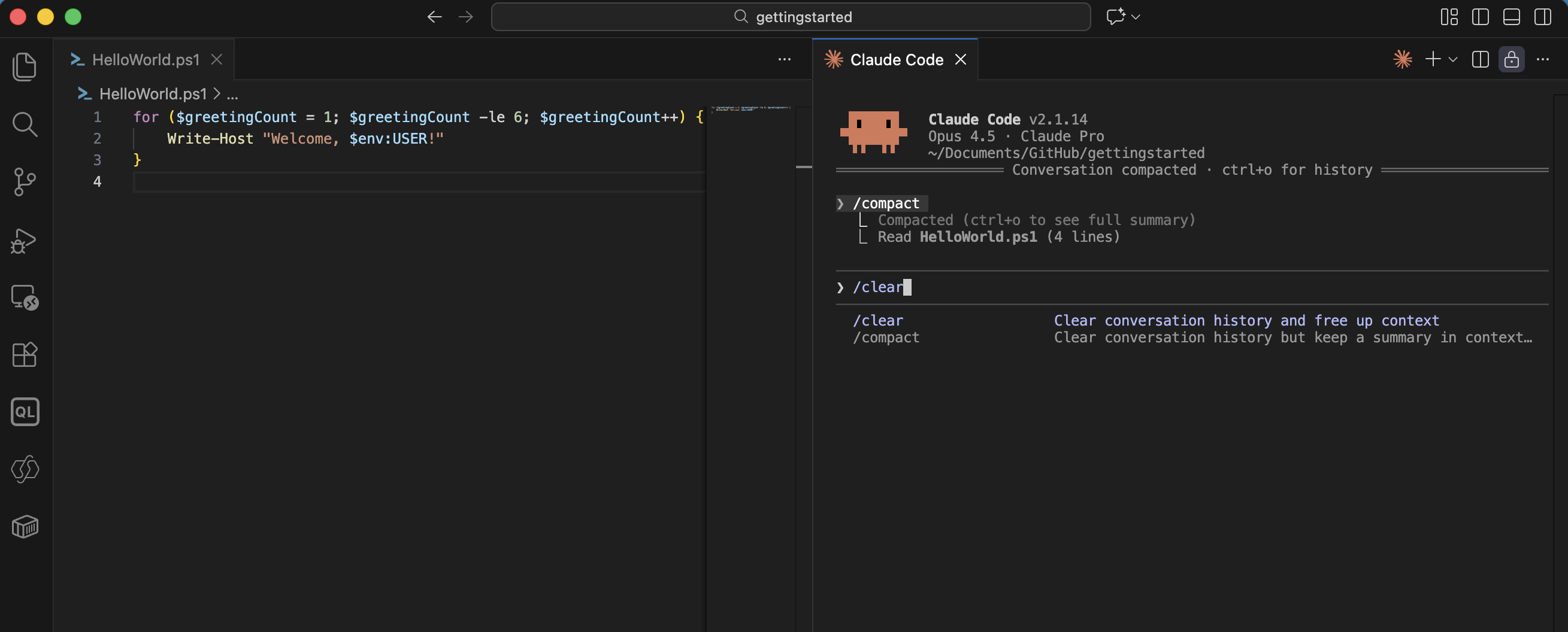
I ran /clear to reset the session
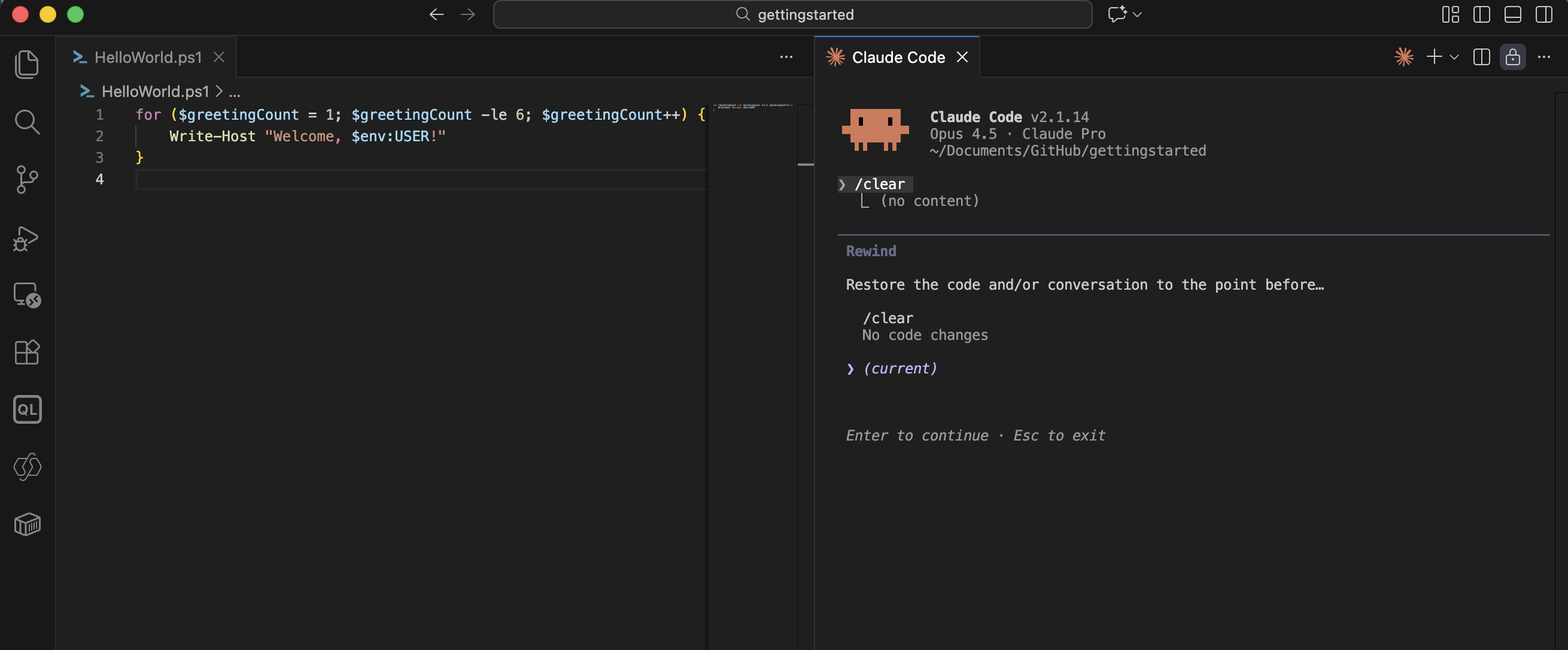
The context window was empty — ready for a new task
In practice I use /compact to stay within a long session and /clear when switching topics entirely. ESC ESC is most useful when I want to explore an alternative without losing my current progress.