Claude Code (Part 5)
Neil Haddley • January 21, 2026
Planning & Thinking
Claude Code has two features that help it handle complex tasks more carefully: Plan Mode and Extended Thinking. They're different tools for different situations, but they work well together.
Plan Mode (/plan or Shift+Tab twice) puts Claude into a read-only phase. It can explore the codebase and draft a plan, but it can't make any edits until I approve. Extended Thinking (Think, Think hard, or ULTRATHINK in a prompt) gives Claude more computation time to reason through a specific problem before acting.
Entering Plan Mode
I ran /plan to switch Claude into planning mode:
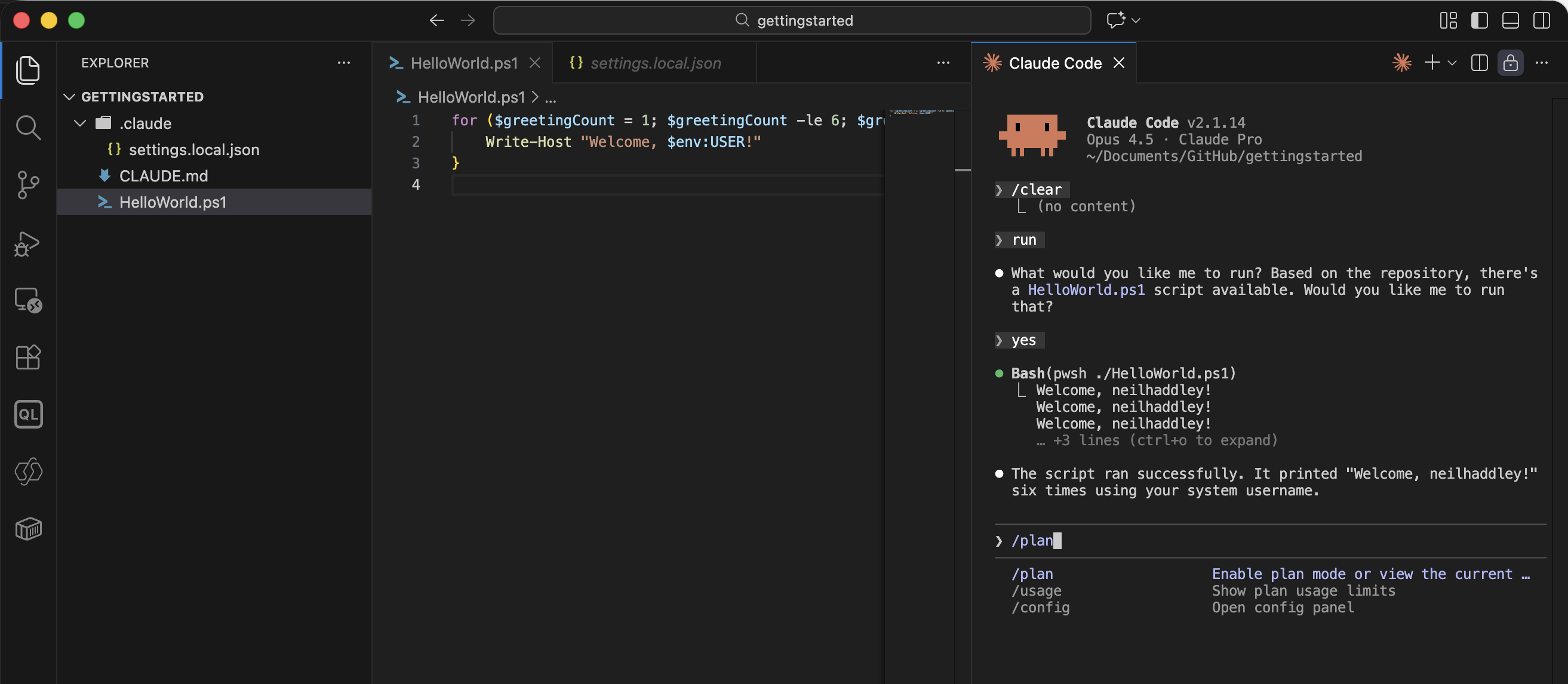
I ran /plan to enter planning mode
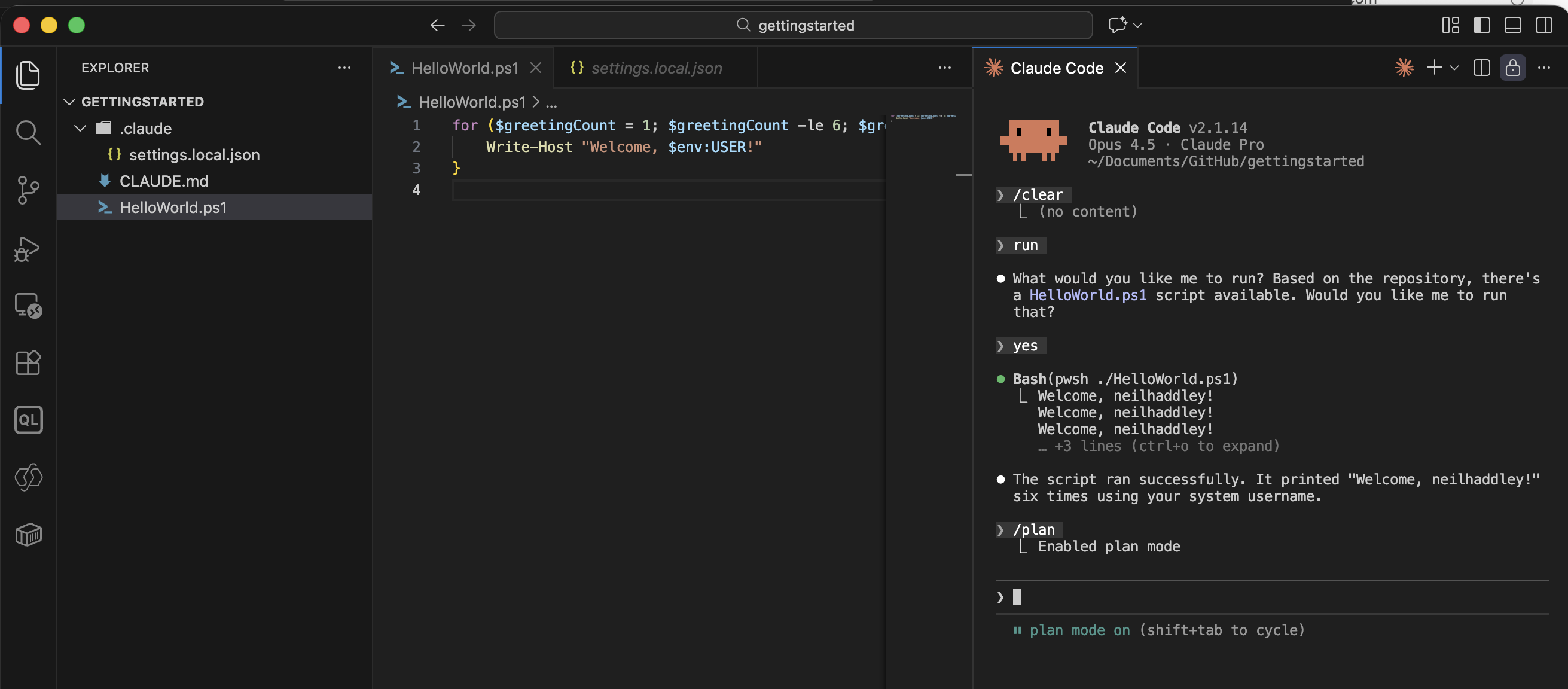
Claude confirmed plan mode was enabled — no edits would be made until I approved
I then asked Claude to create 10 greeting scripts:
PROMPT
1can you create 10 similar scripts that provide unique greetings
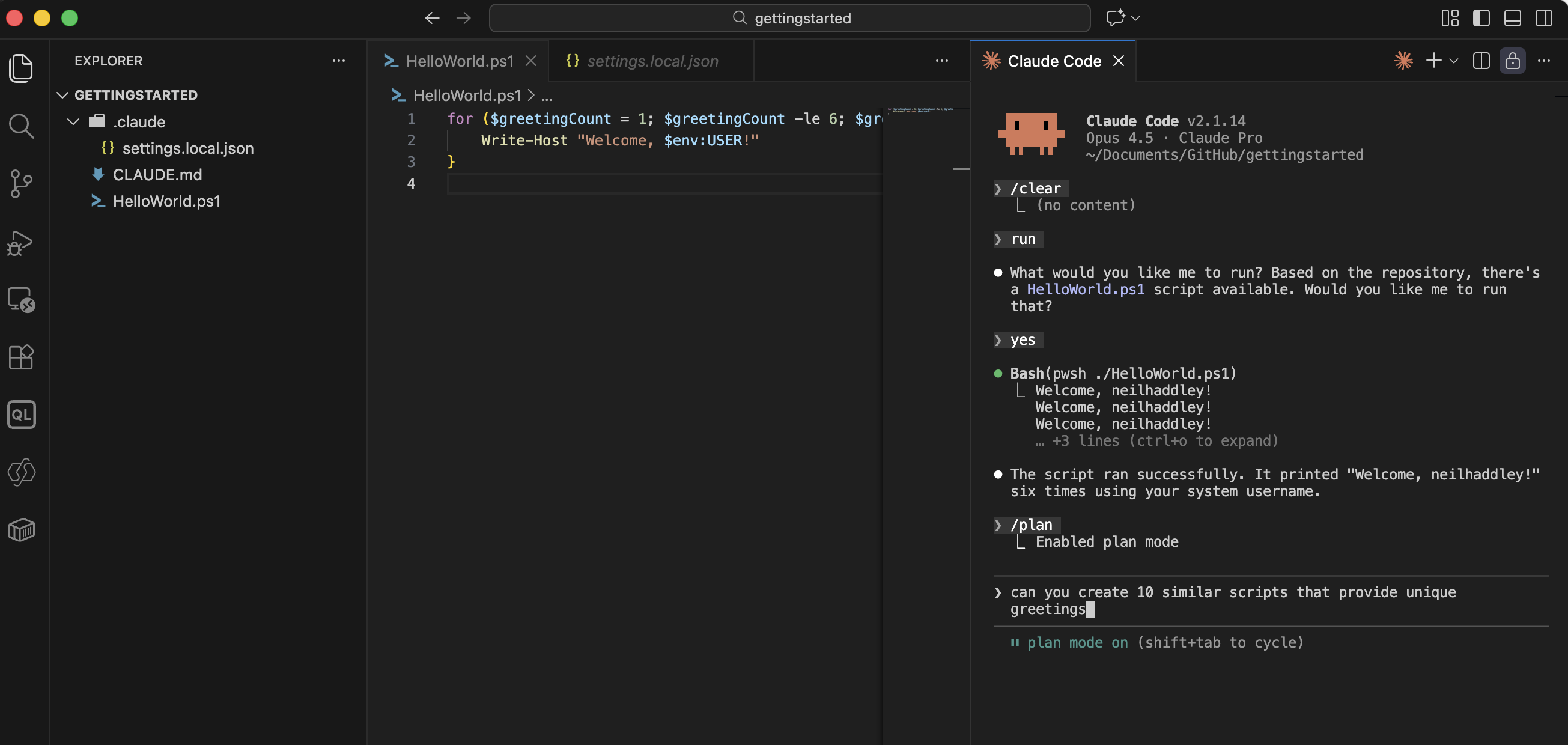
I asked Claude to plan 10 greeting scripts
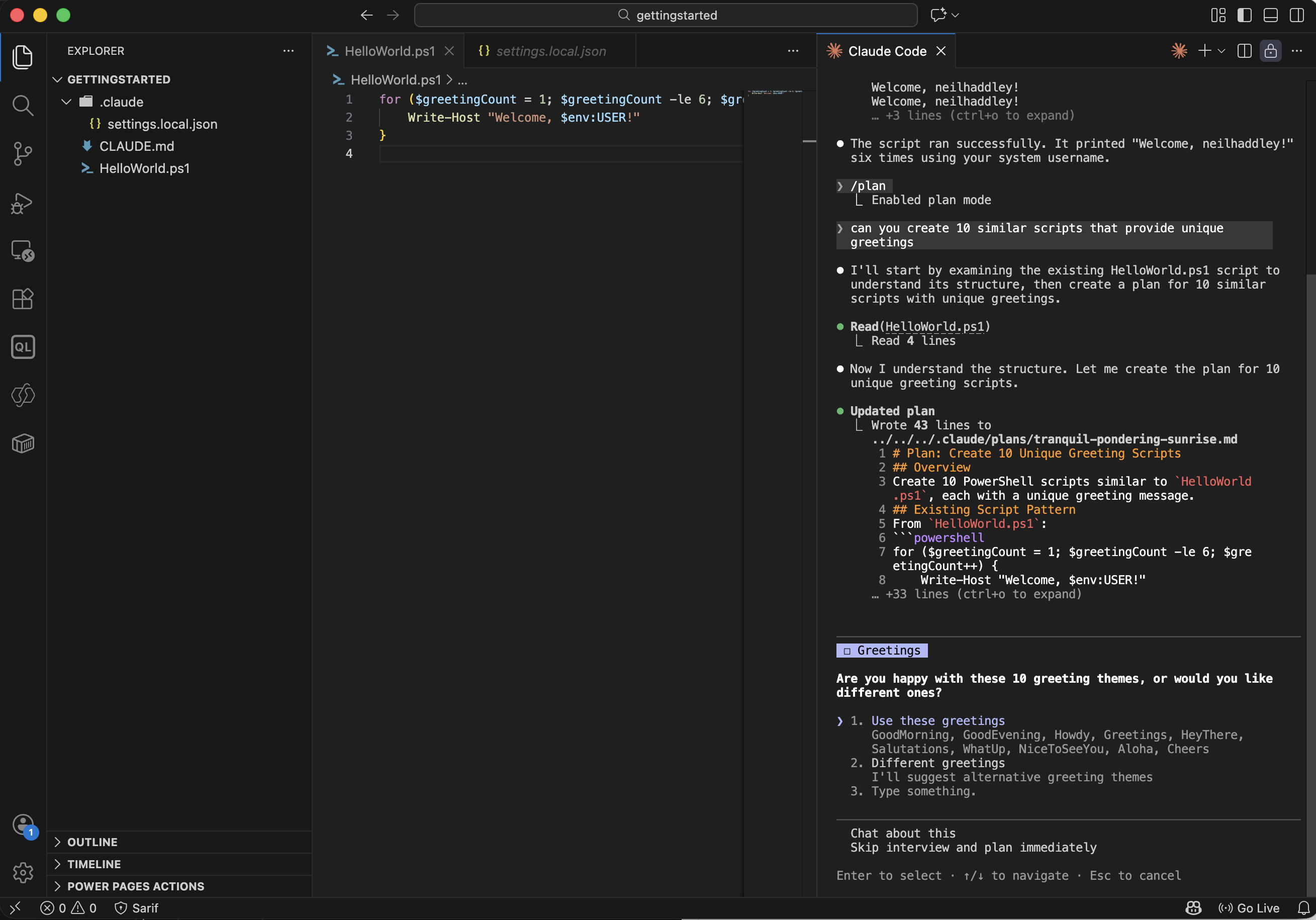
Claude drafted a plan listing the greetings it would use for each script
Approving and running the plan
I approved the plan and let Claude execute with auto-accept enabled:
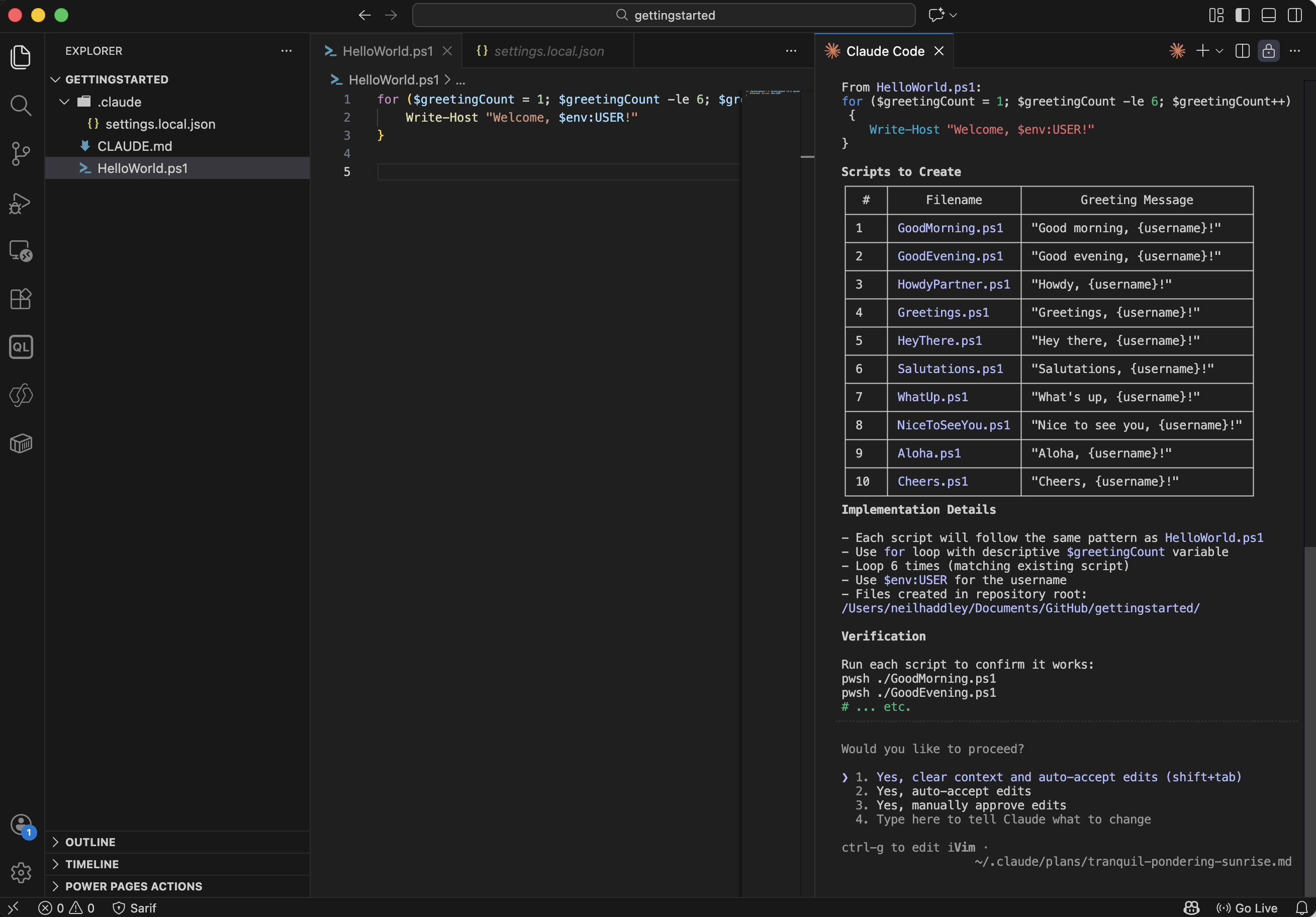
I approved the plan and enabled auto-accept for the session
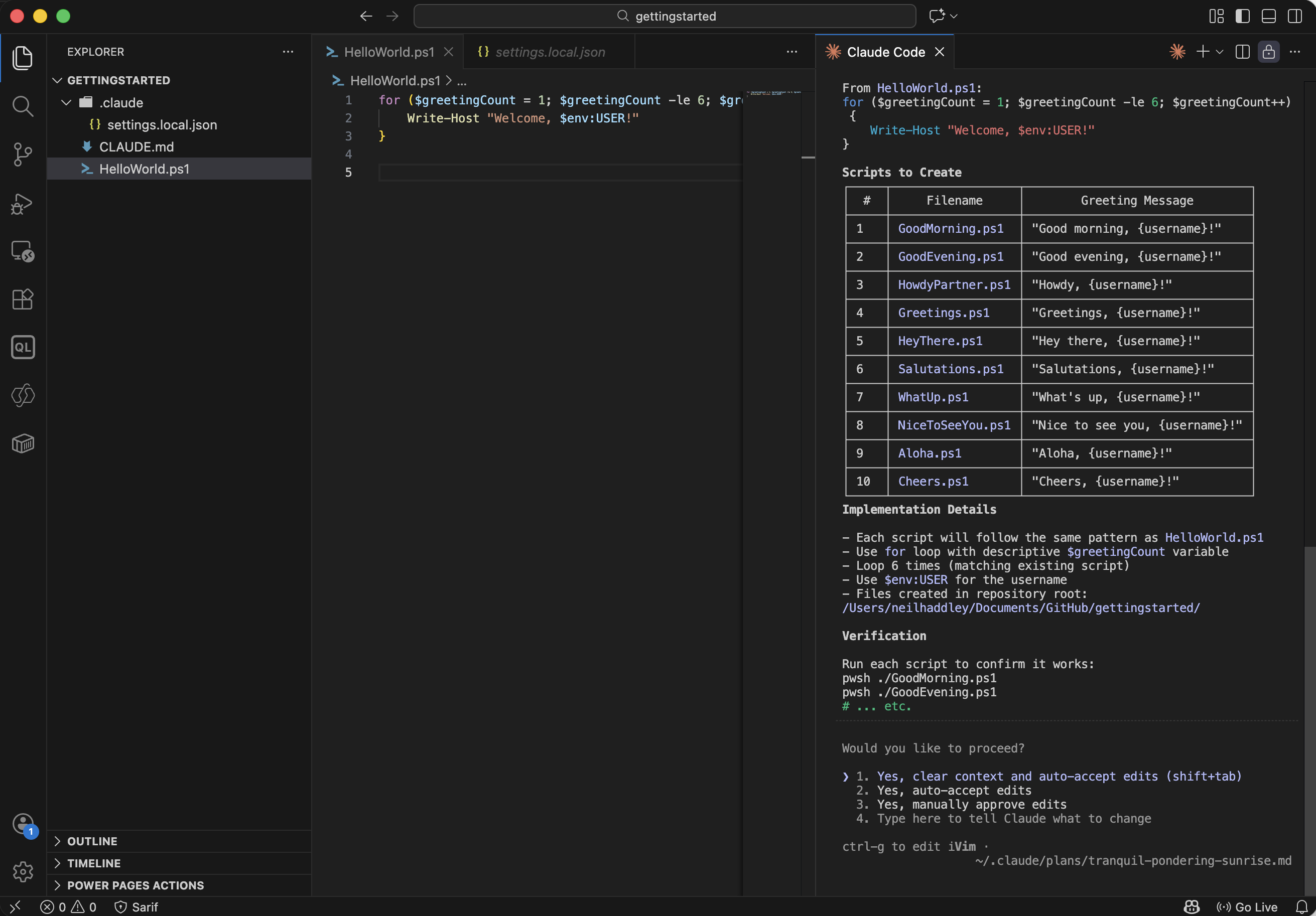
Claude began creating the scripts
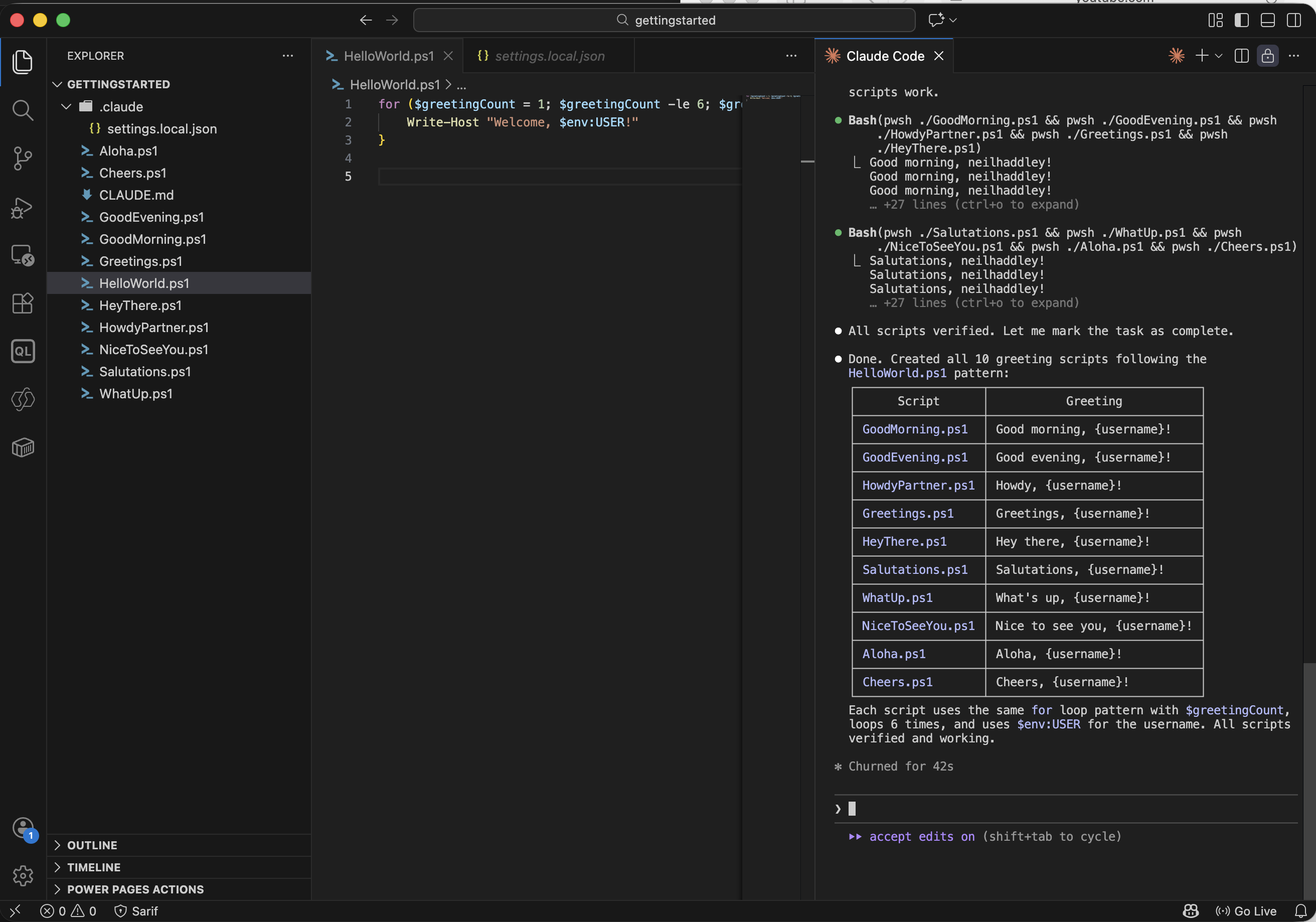
All 10 scripts created successfully
I then asked Claude to update CLAUDE.md to reflect what was built:
PROMPT
1update the CLAUDE.md in line with last update
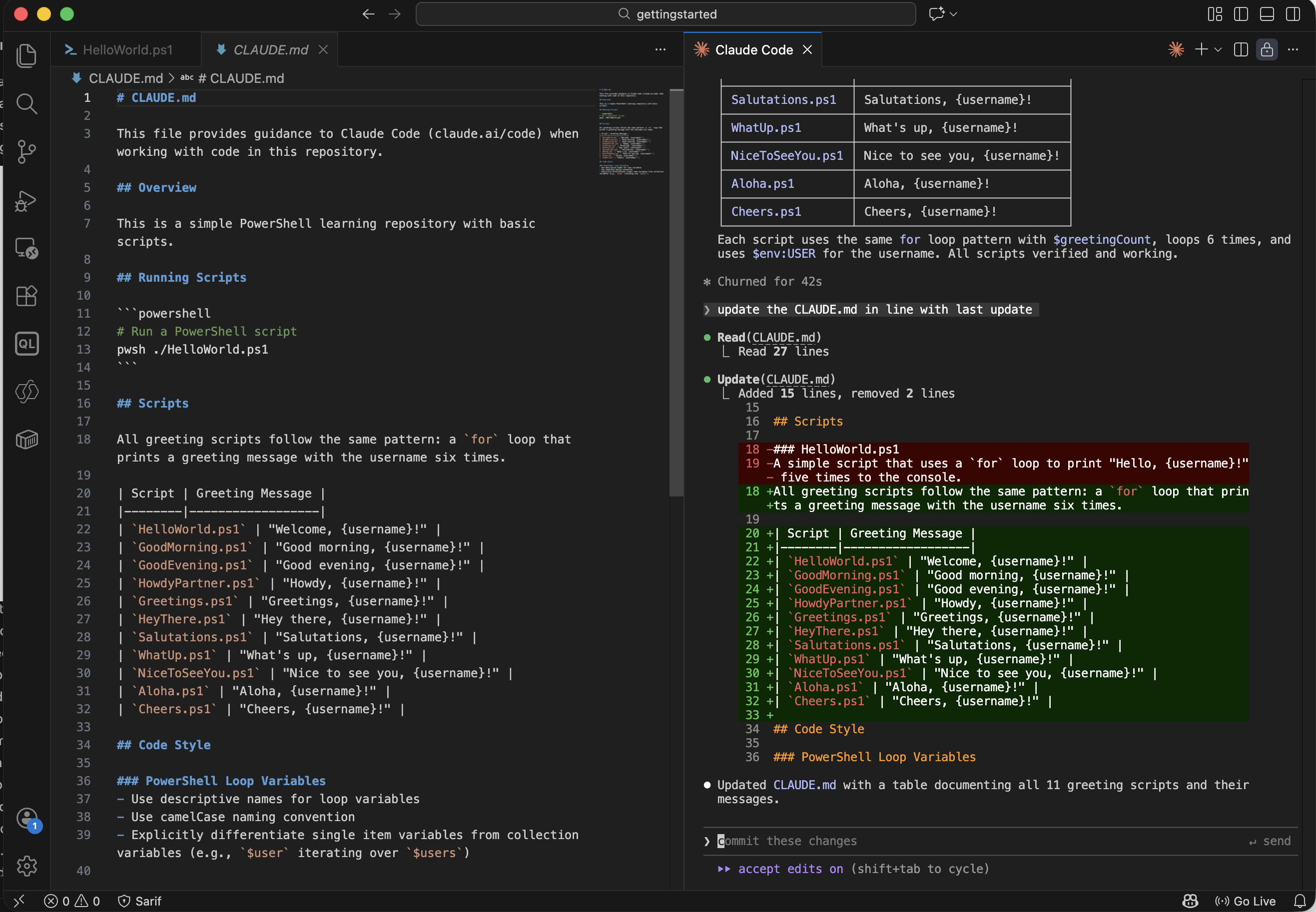
Claude updated CLAUDE.md to document the new scripts
Extended Thinking
I asked Claude to refactor the scripts and used the Think hard keyword to get deeper reasoning:
PROMPT
1Refactor the script files separating out the greeting string creation from the text output. Think hard about this update
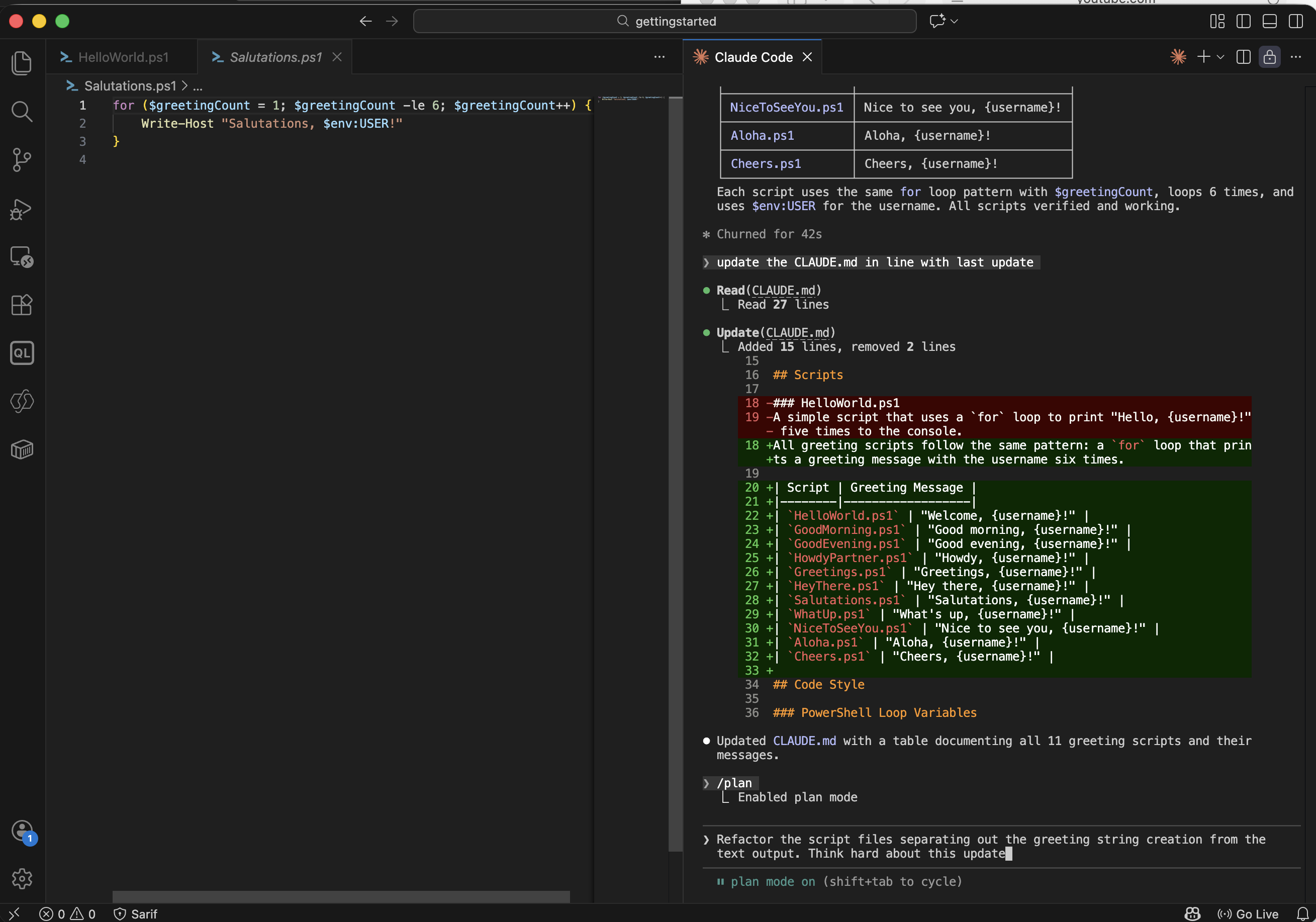
I asked Claude to refactor the scripts, prompting it to think carefully
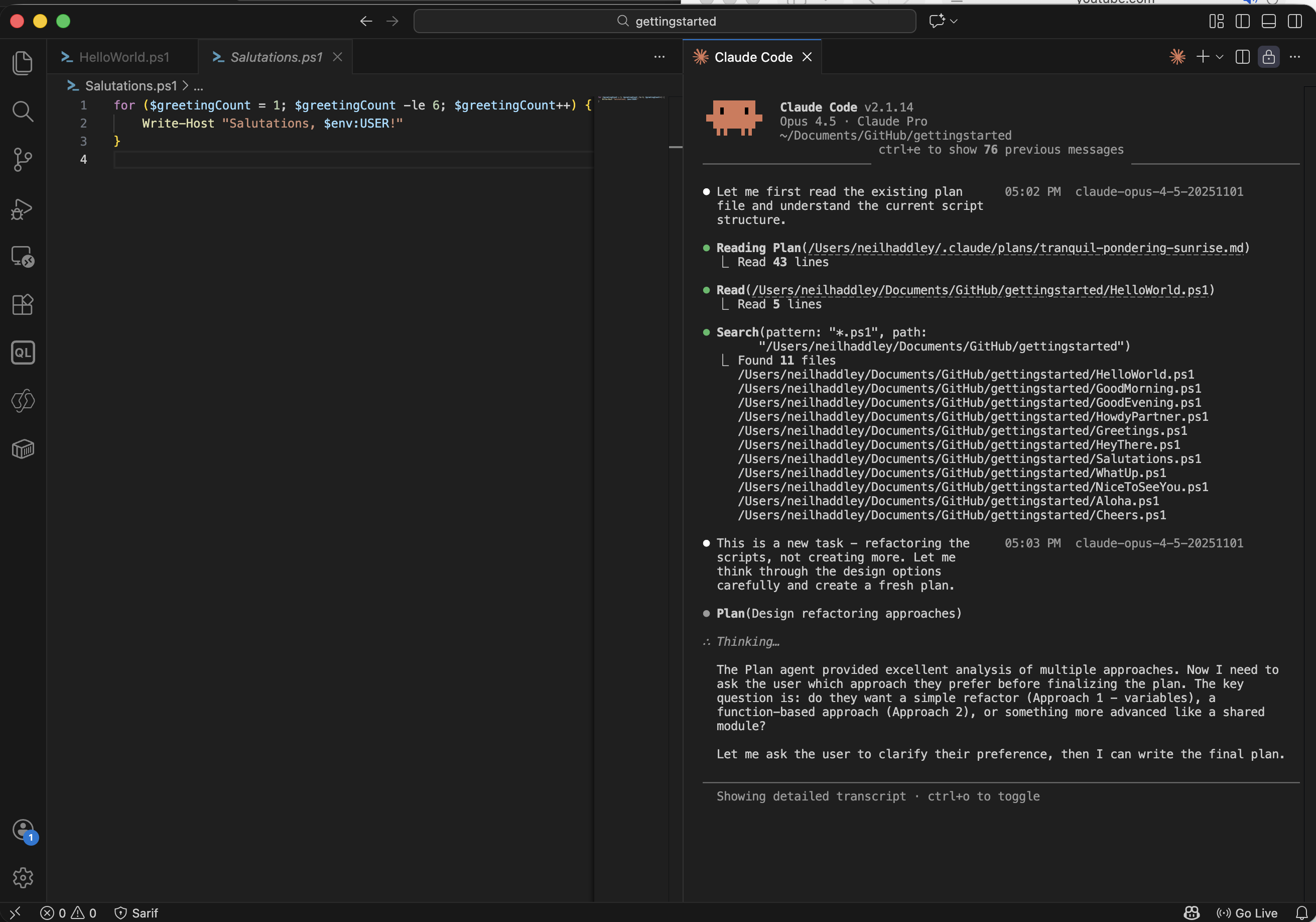
Claude entered extended thinking mode before responding
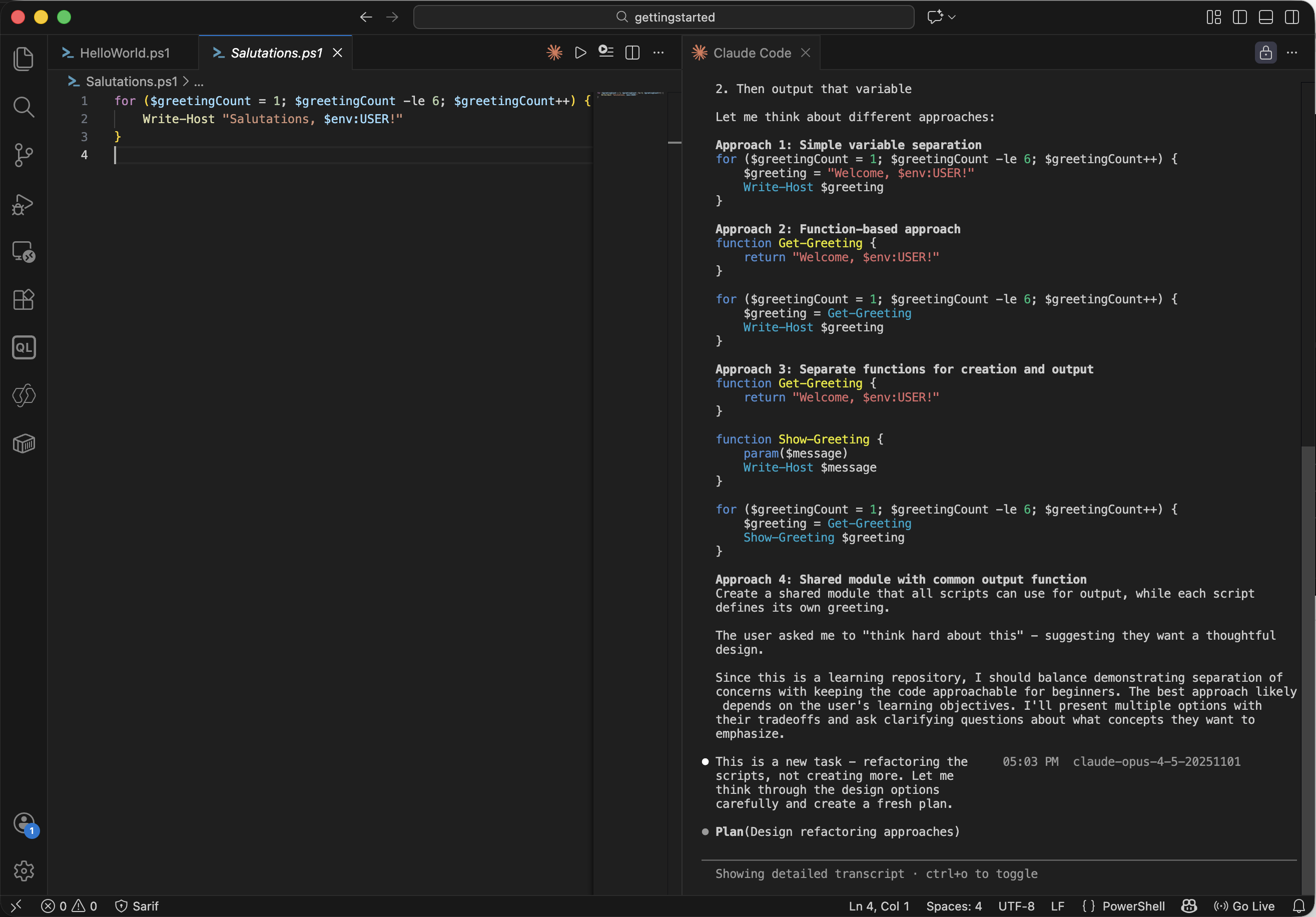
Claude considered multiple refactoring approaches
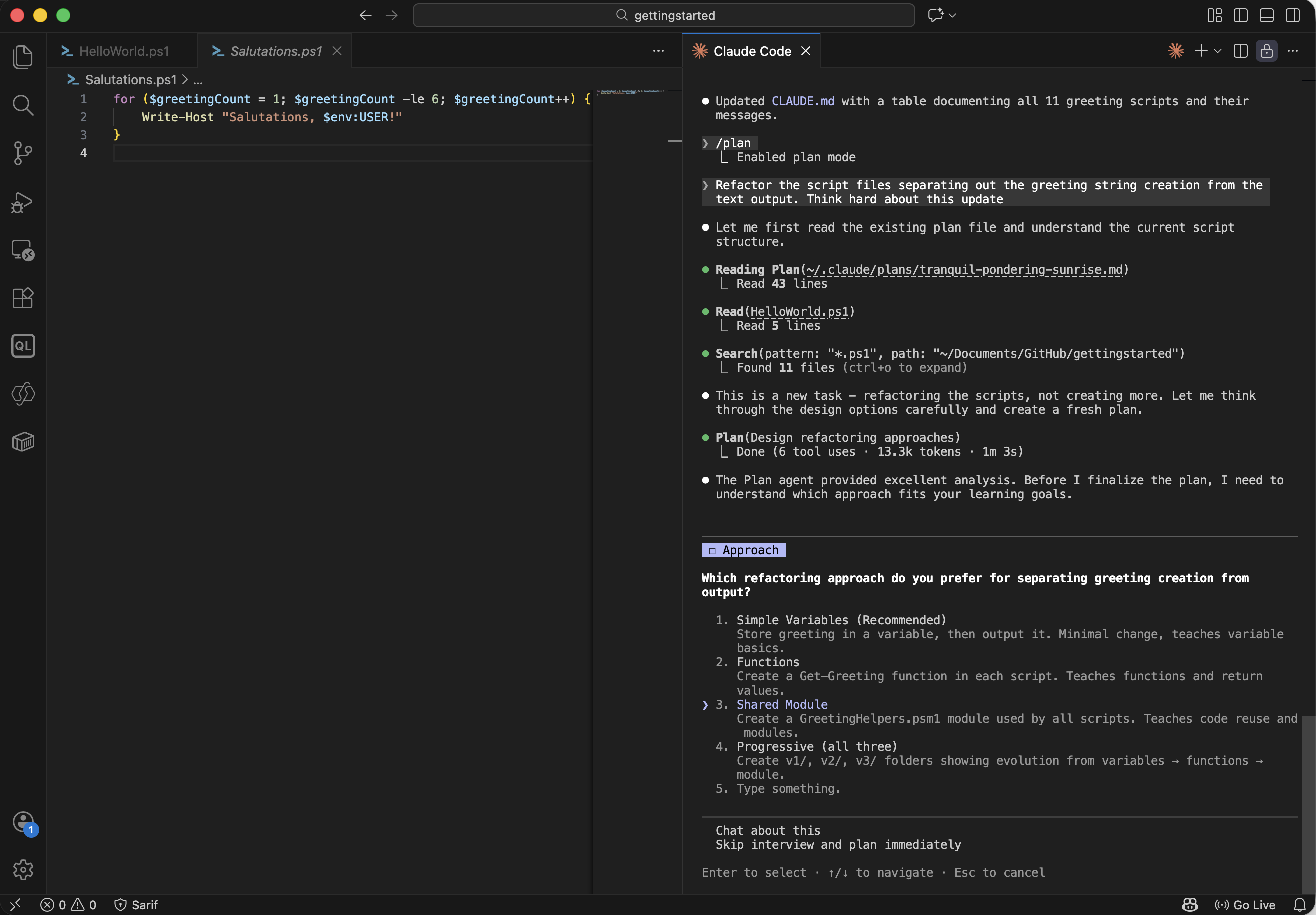
Claude chose a shared module approach to separate greeting creation from output
I approved and let Claude apply the refactor:
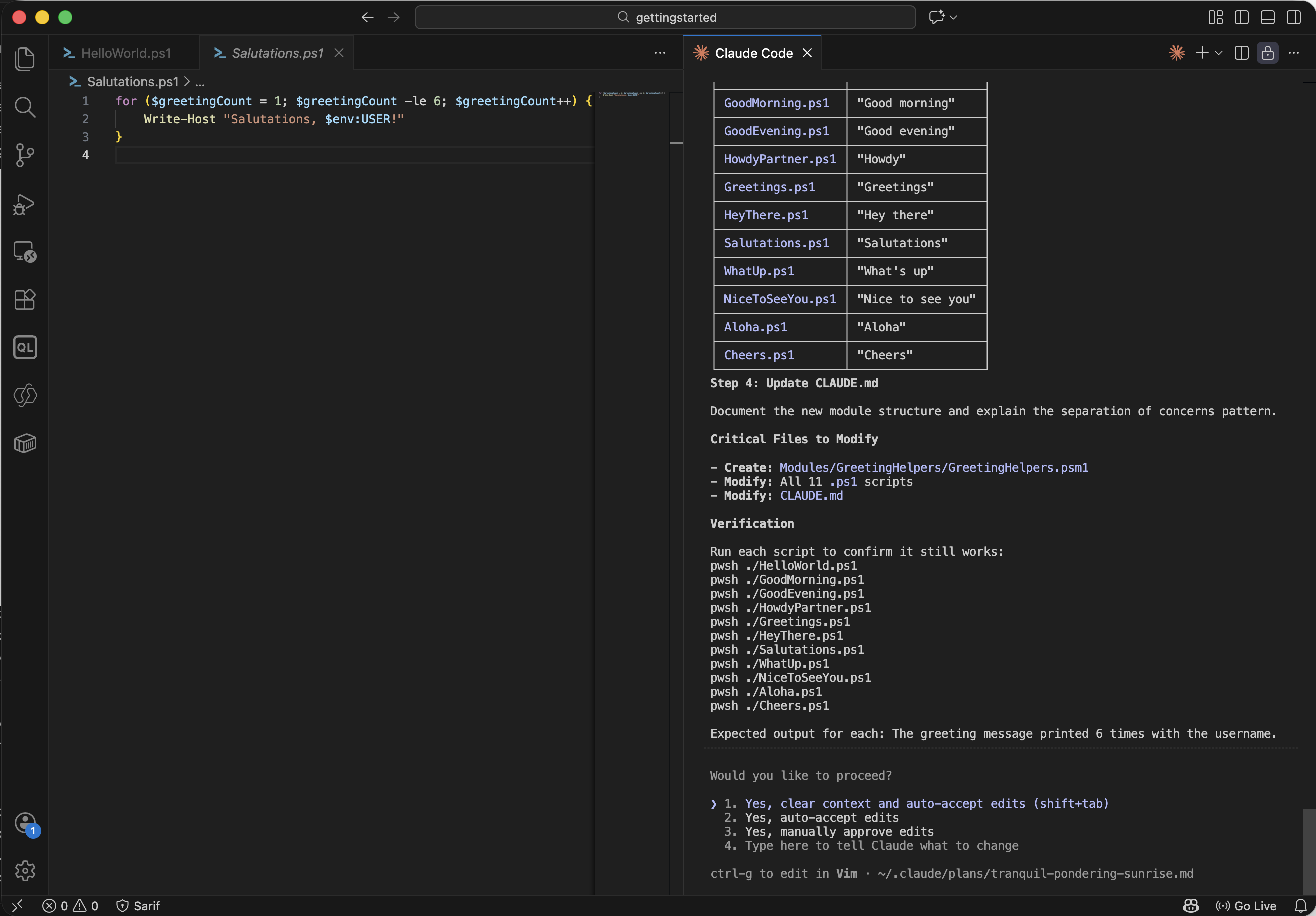
I approved the refactor with auto-accept enabled
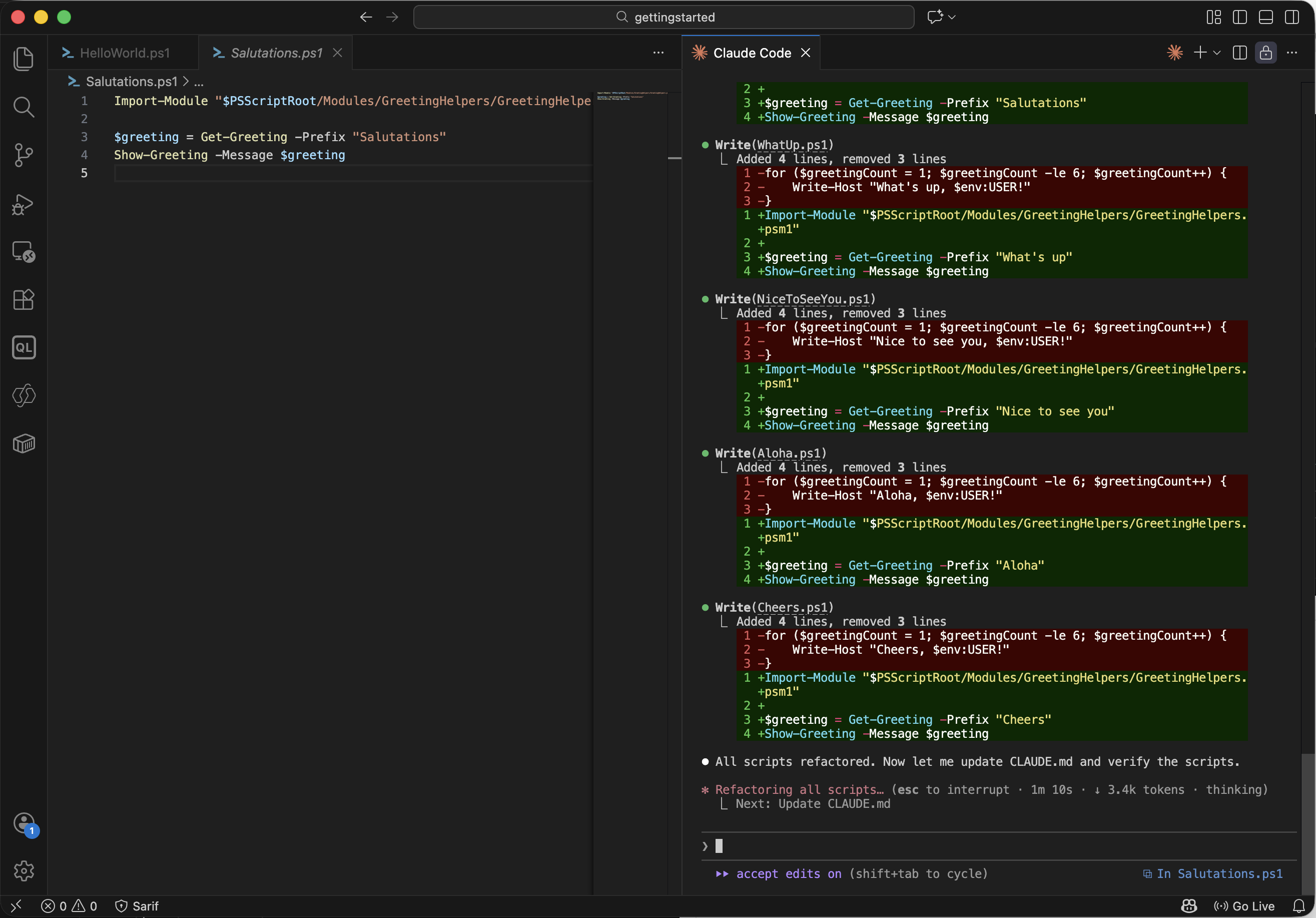
Claude refactored all 11 scripts
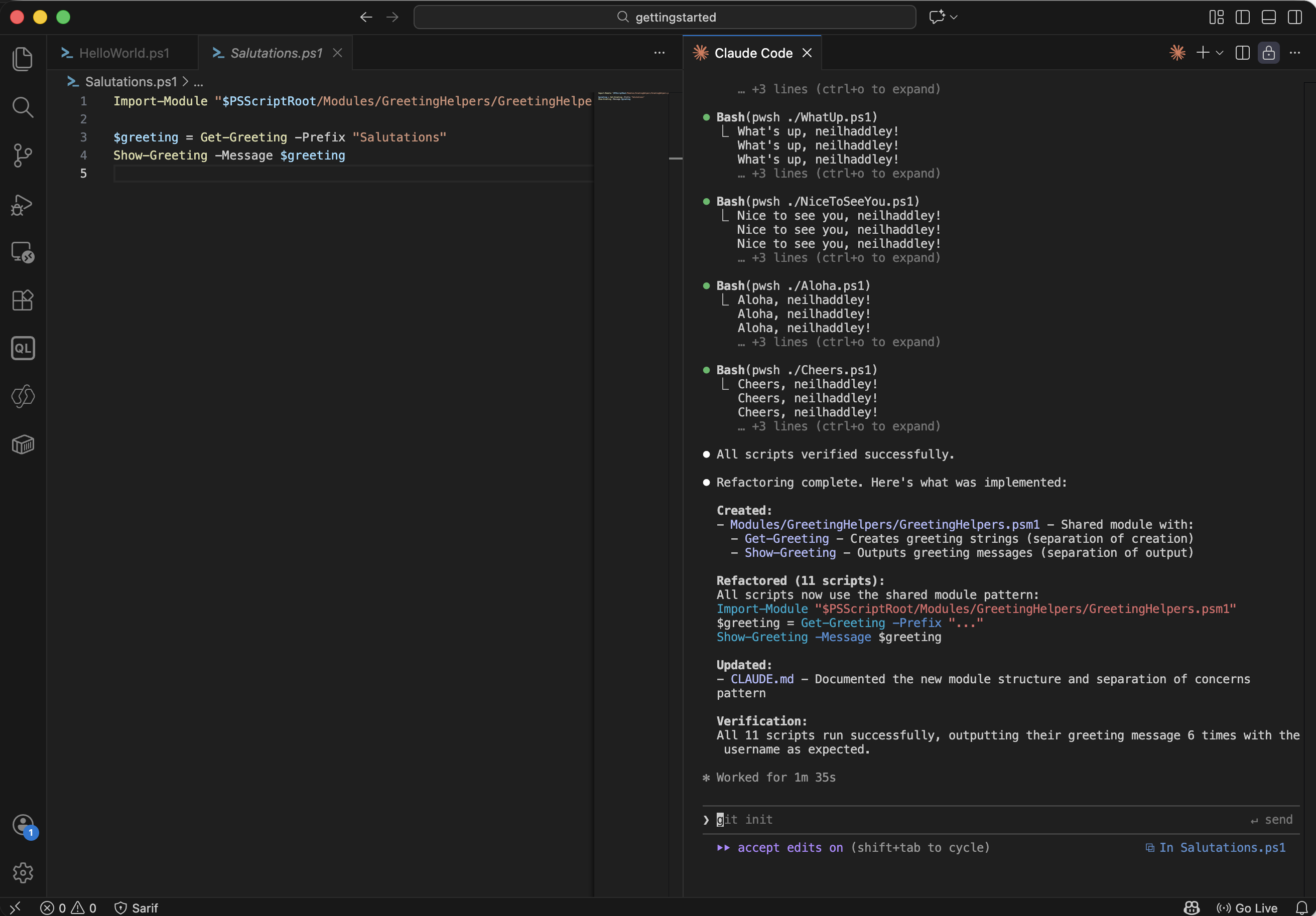
All 11 scripts ran successfully after the refactor
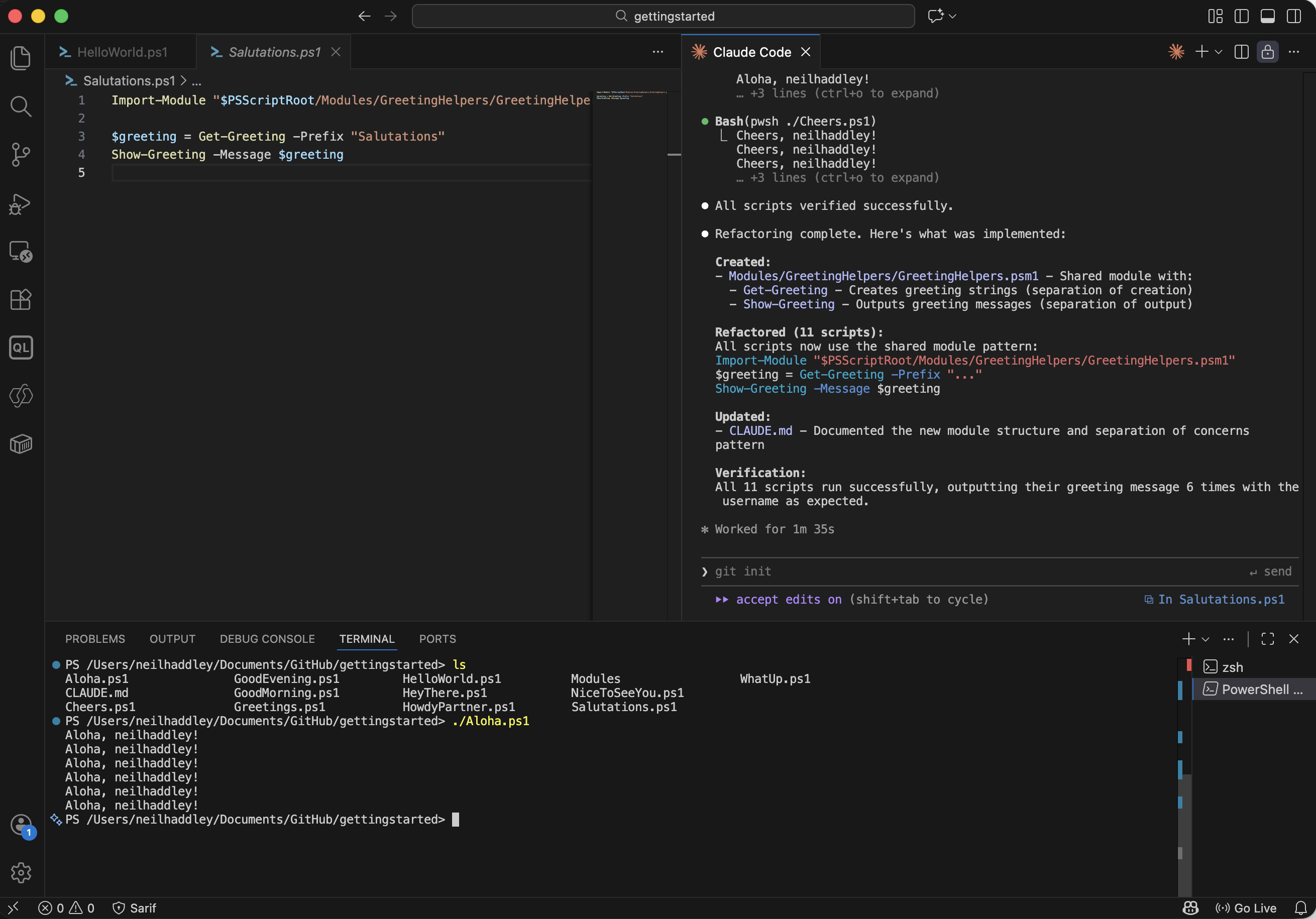
I verified one script manually — ./Aloha.ps1 ran correctly
In practice I use Plan Mode when starting something that touches many files, and the Think keyword when I want Claude to slow down and reason more carefully about a specific problem rather than jumping straight to code.