I used GitHub Codespaces to create a React app, I published the React App using Azure Static Web Sites and GitHub Actions. I used a staticwebapp.config.json file to enable user login and Authentication.
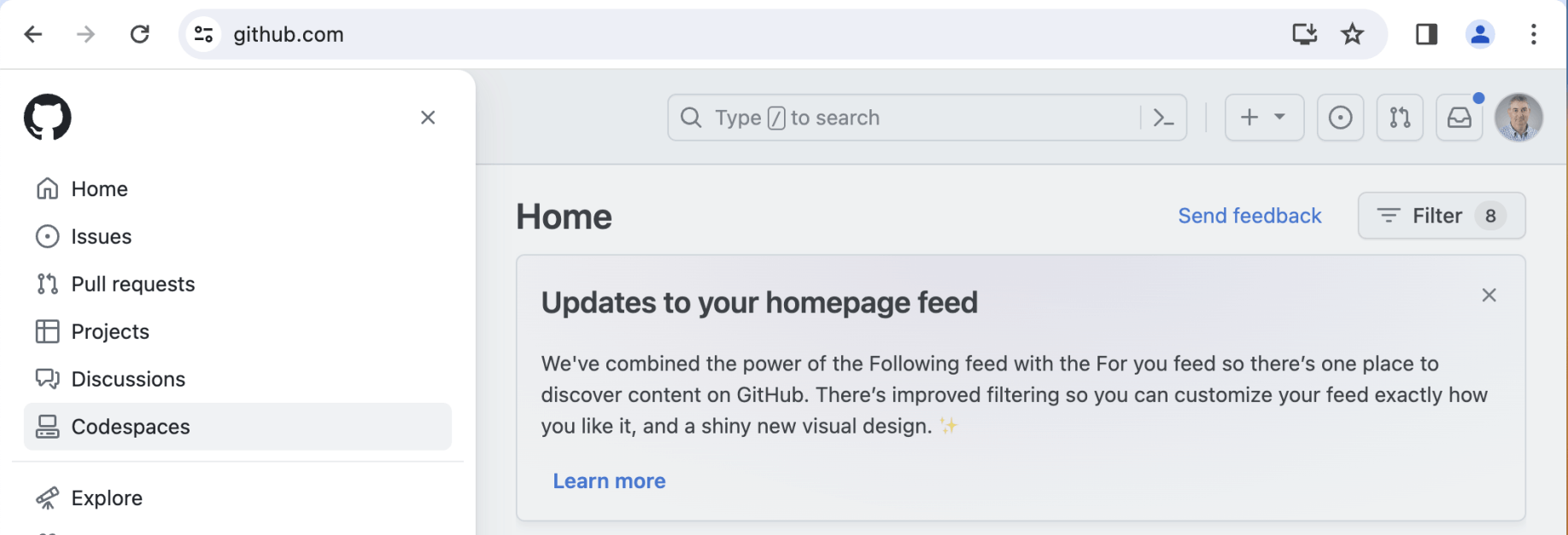
I navigated to GitHub and clicked on the Codespaces link
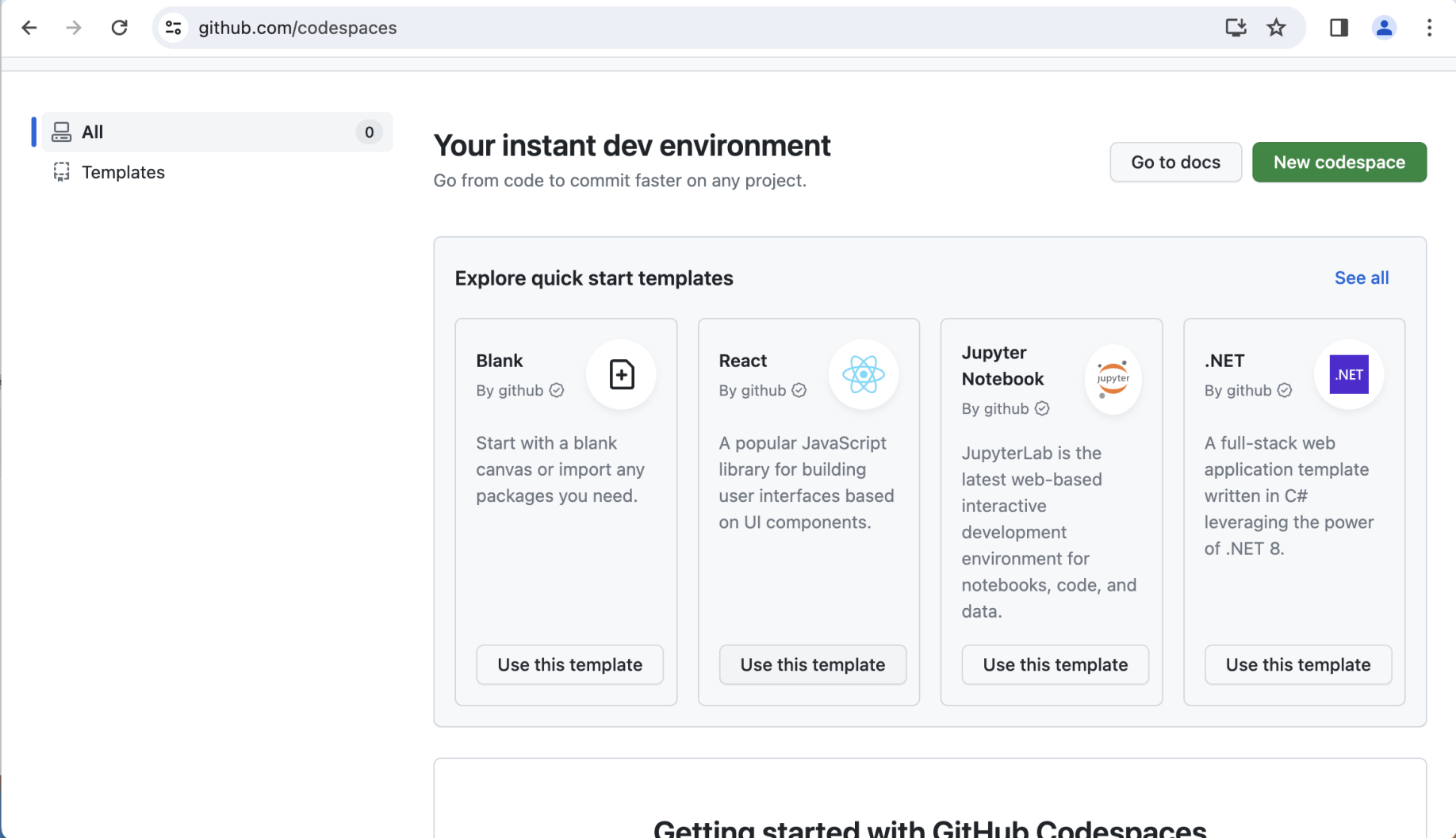
I clicked on the React|Use this template button
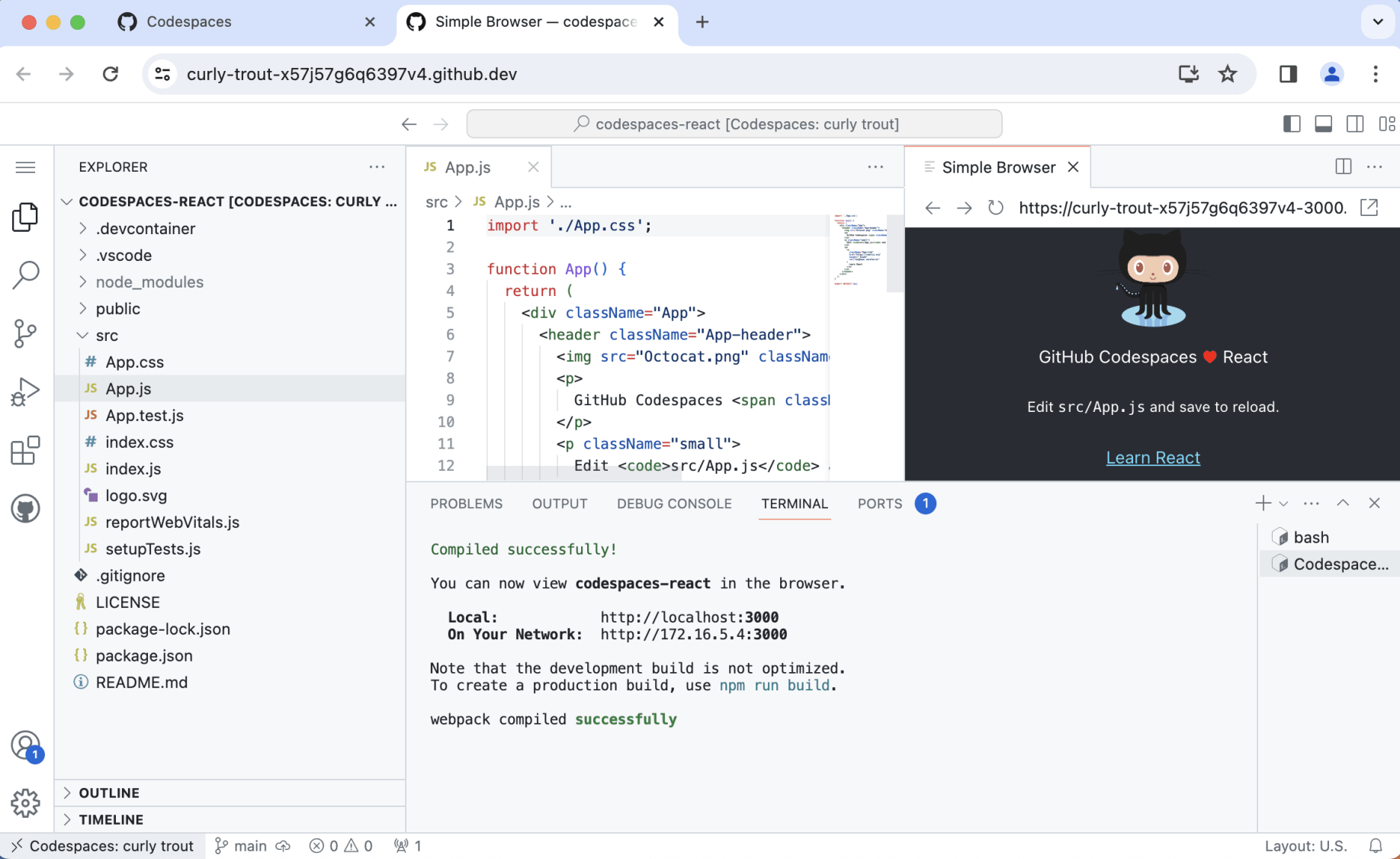
Codespaces opened and I ran npm start
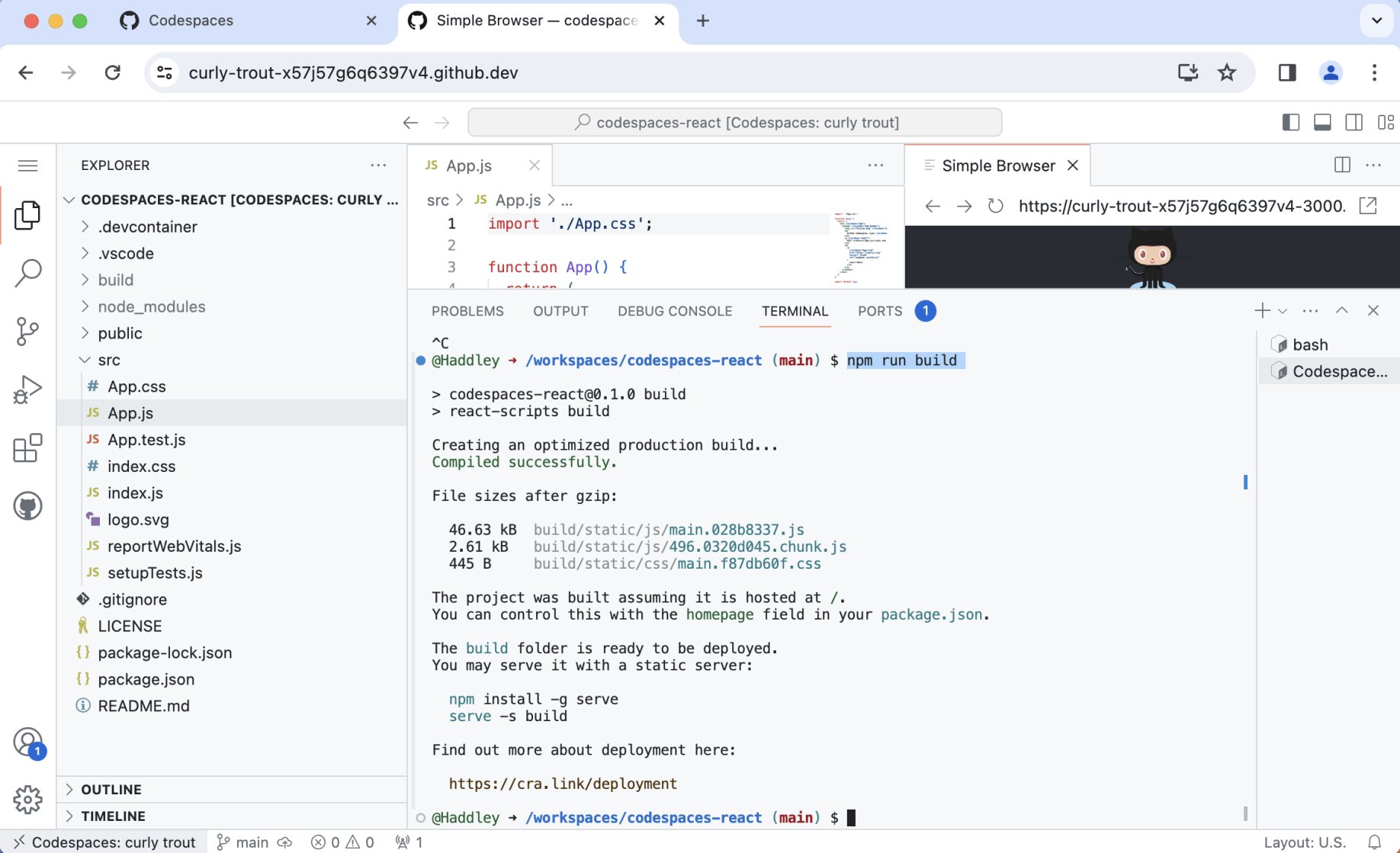
I ran "npm run build" (noticing that generated files were saved to the /build folder).
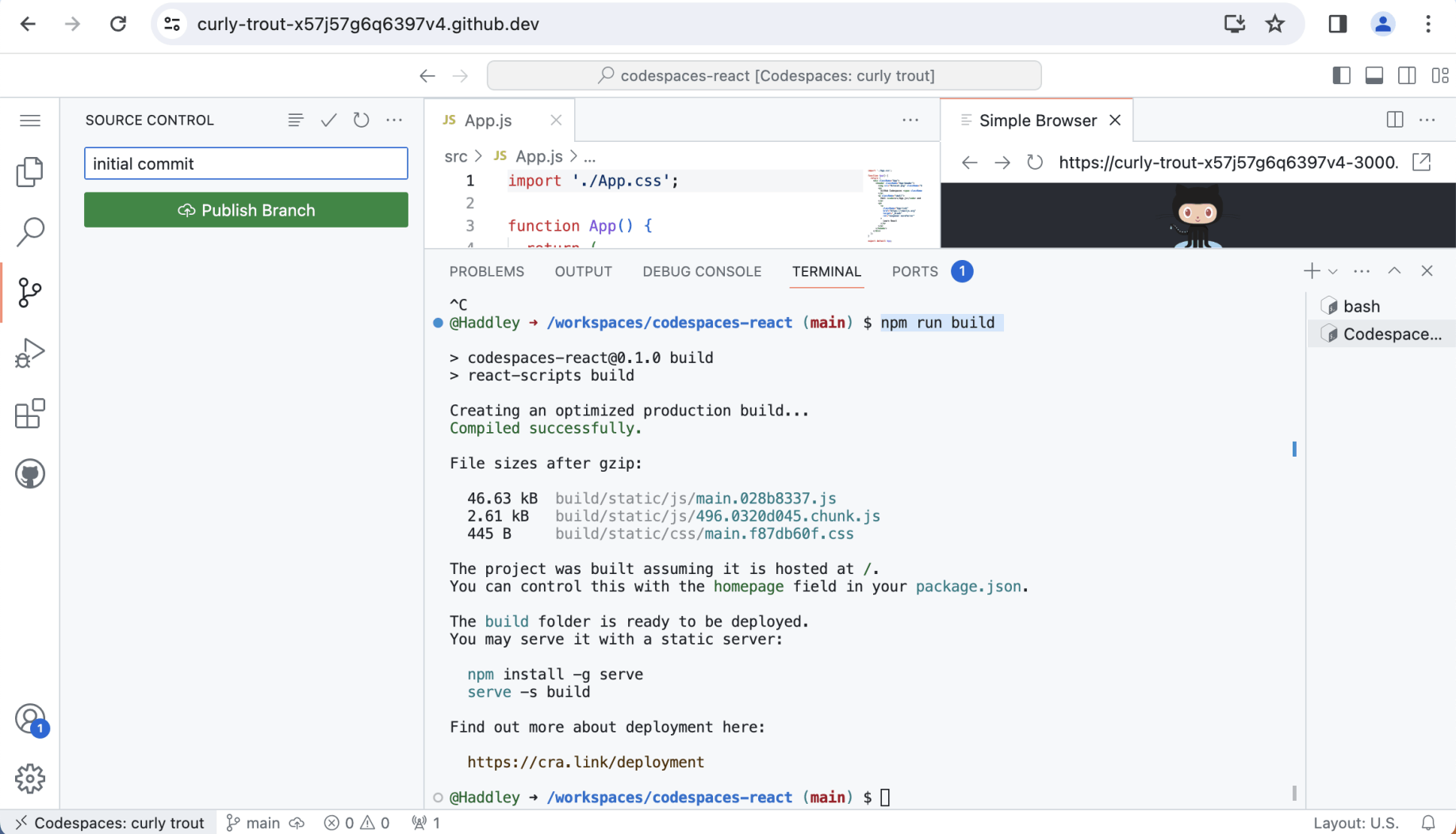
I published the react project as a new GitHub repository
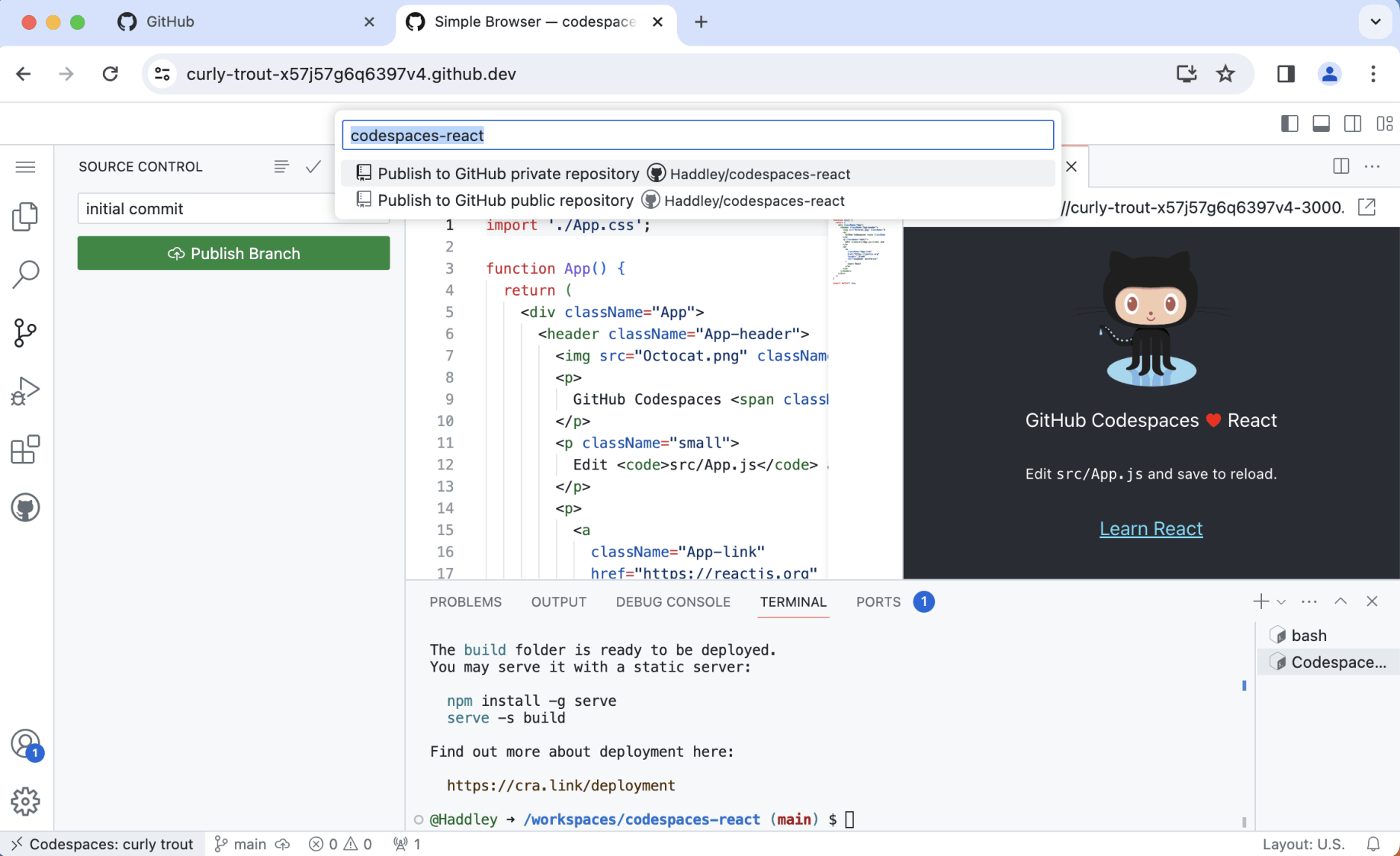
The repository was named Haddley/codespaces-react
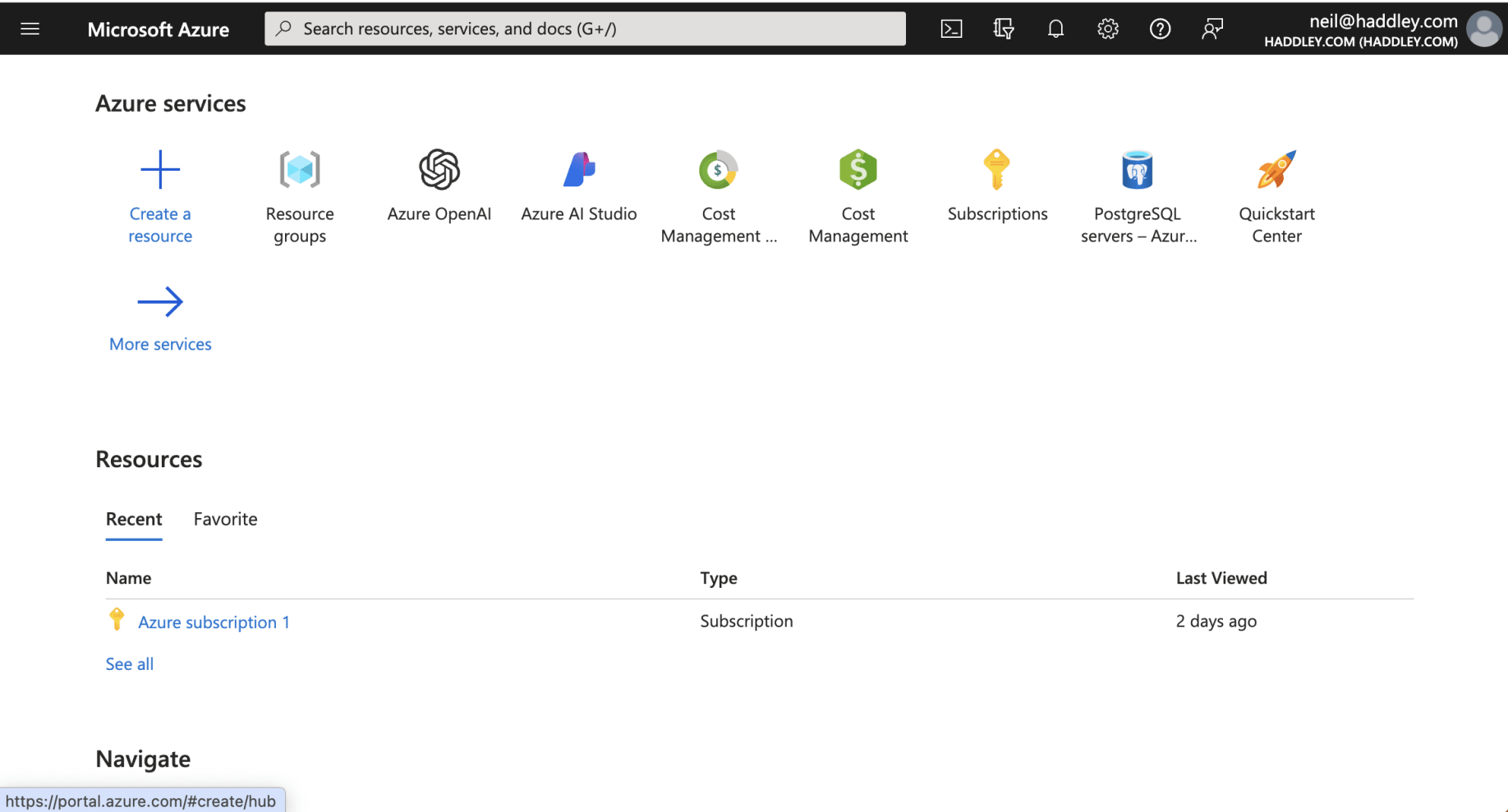
I navigated to https://portal.azure.com
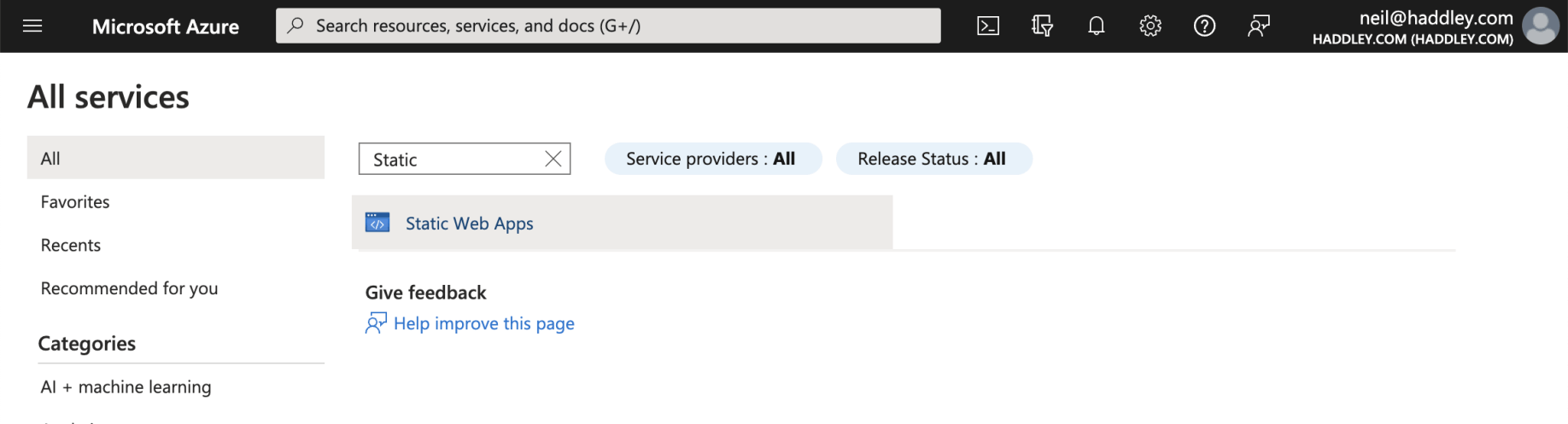
I clicked on the "Static Web Apps" link
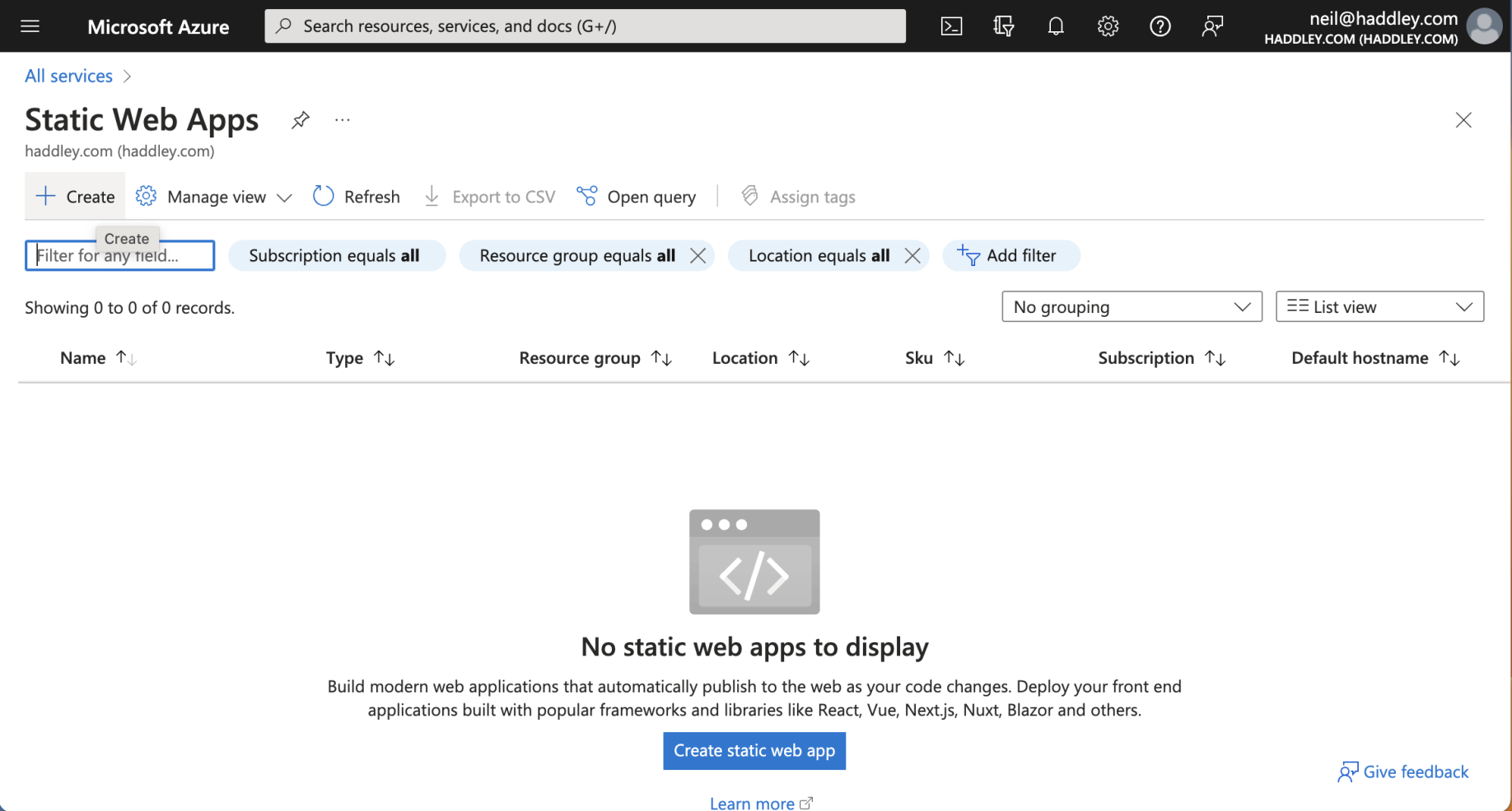
I clicked the + Create link
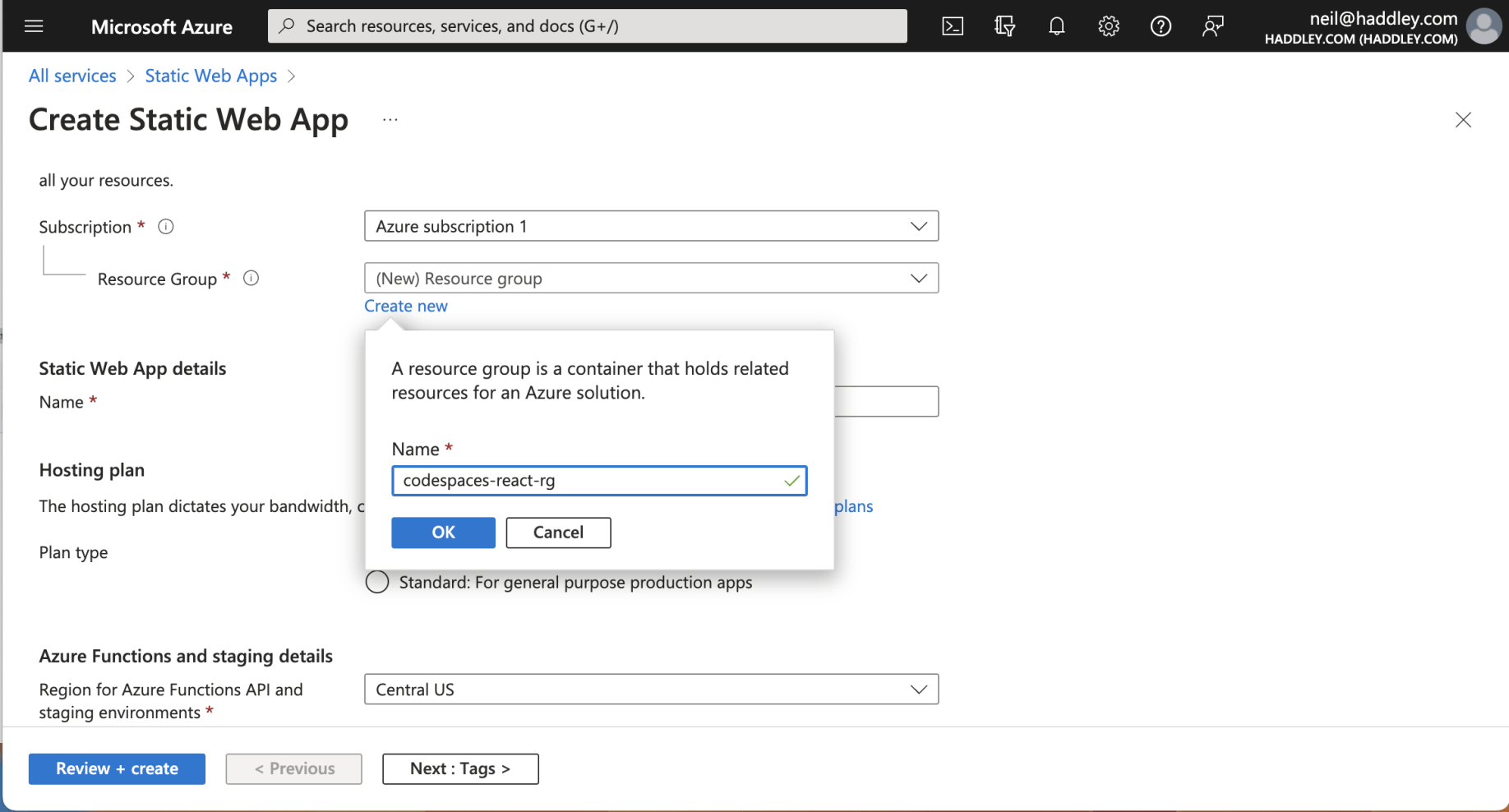
I created a new resource group
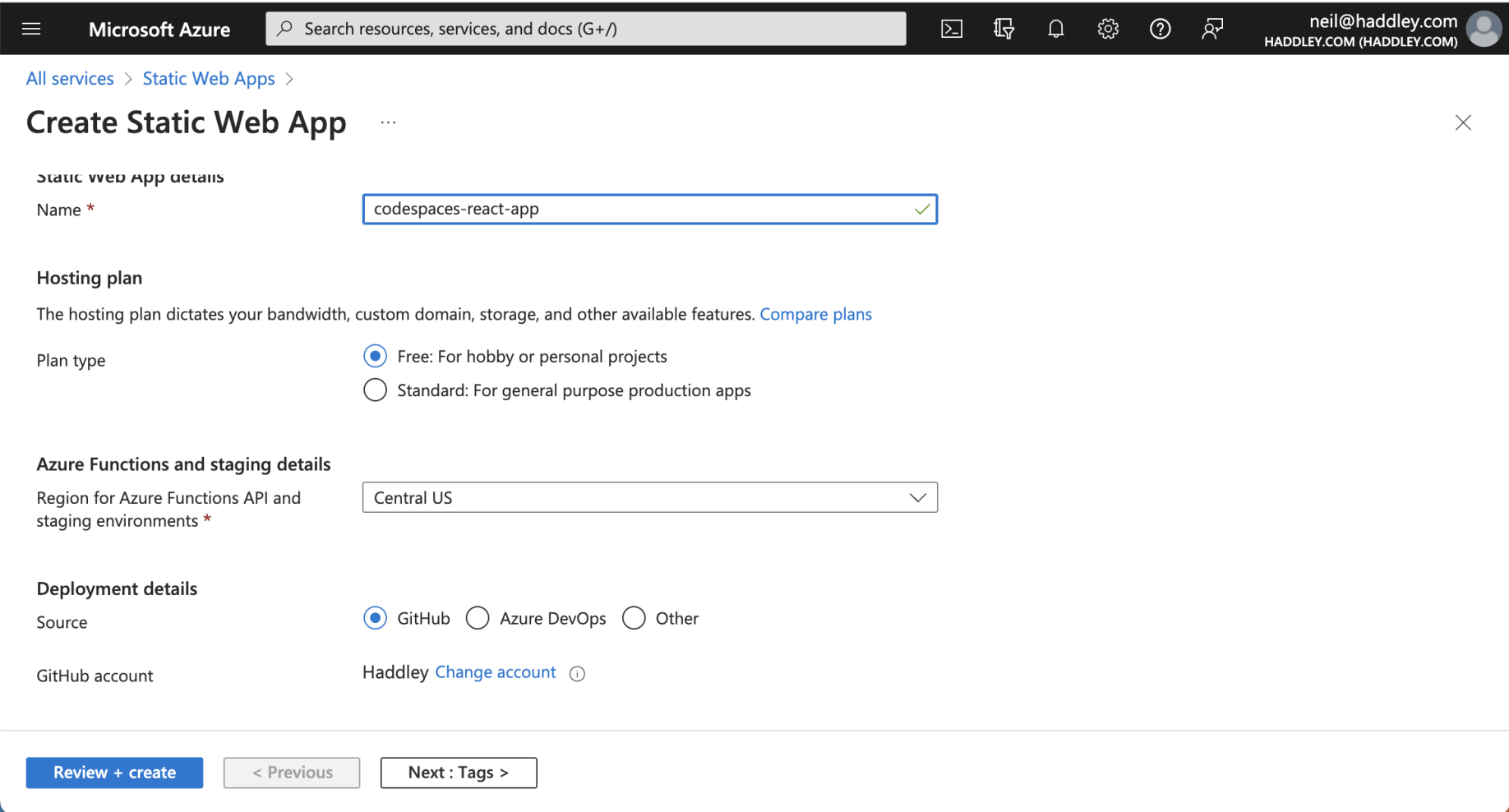
I selected the free plan (for hobby and personal projects). I left the Source as GitHub (the default)
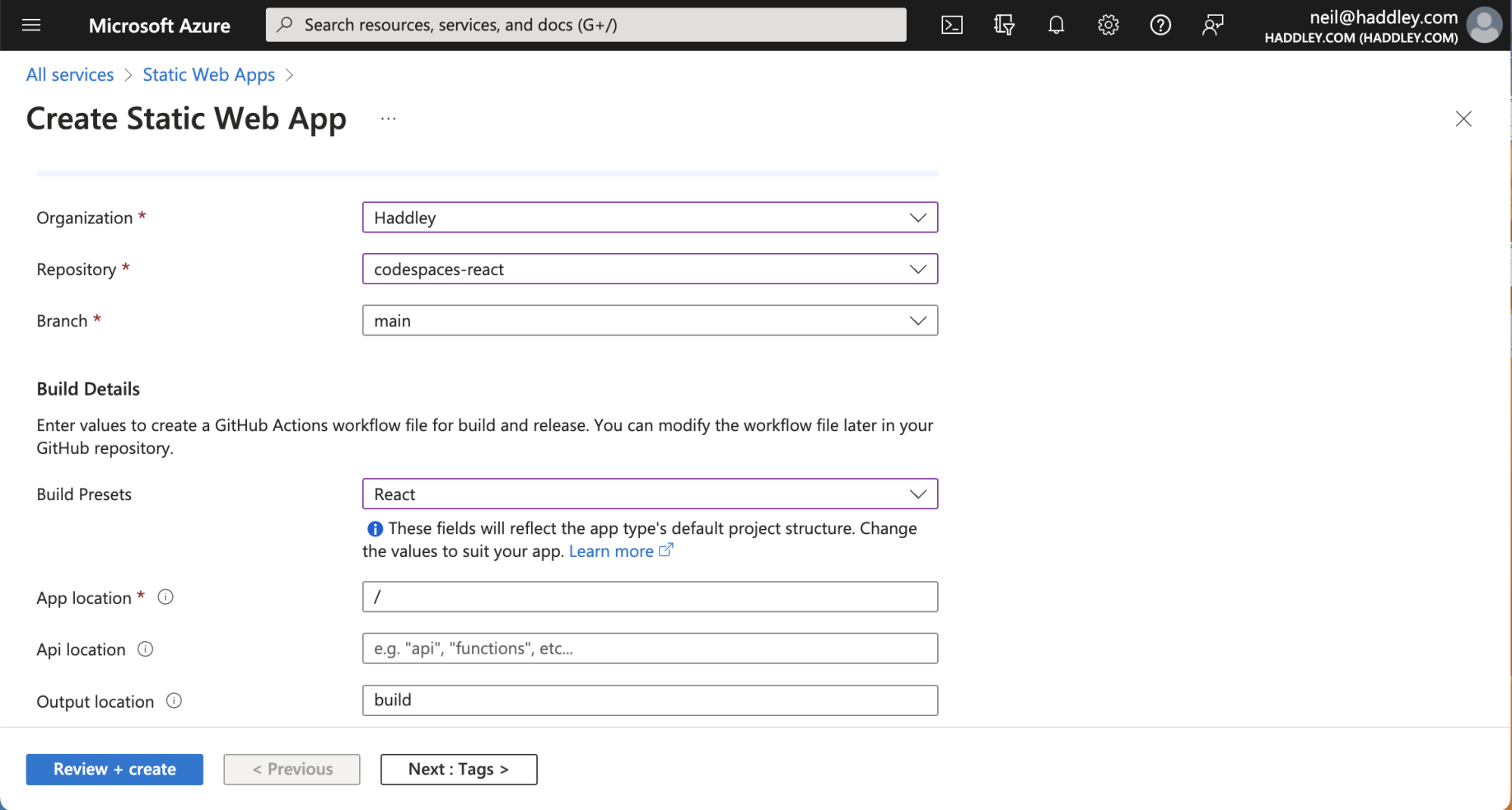
I selected the codespaces-react repository. I selected the React project presets (with output location "build")
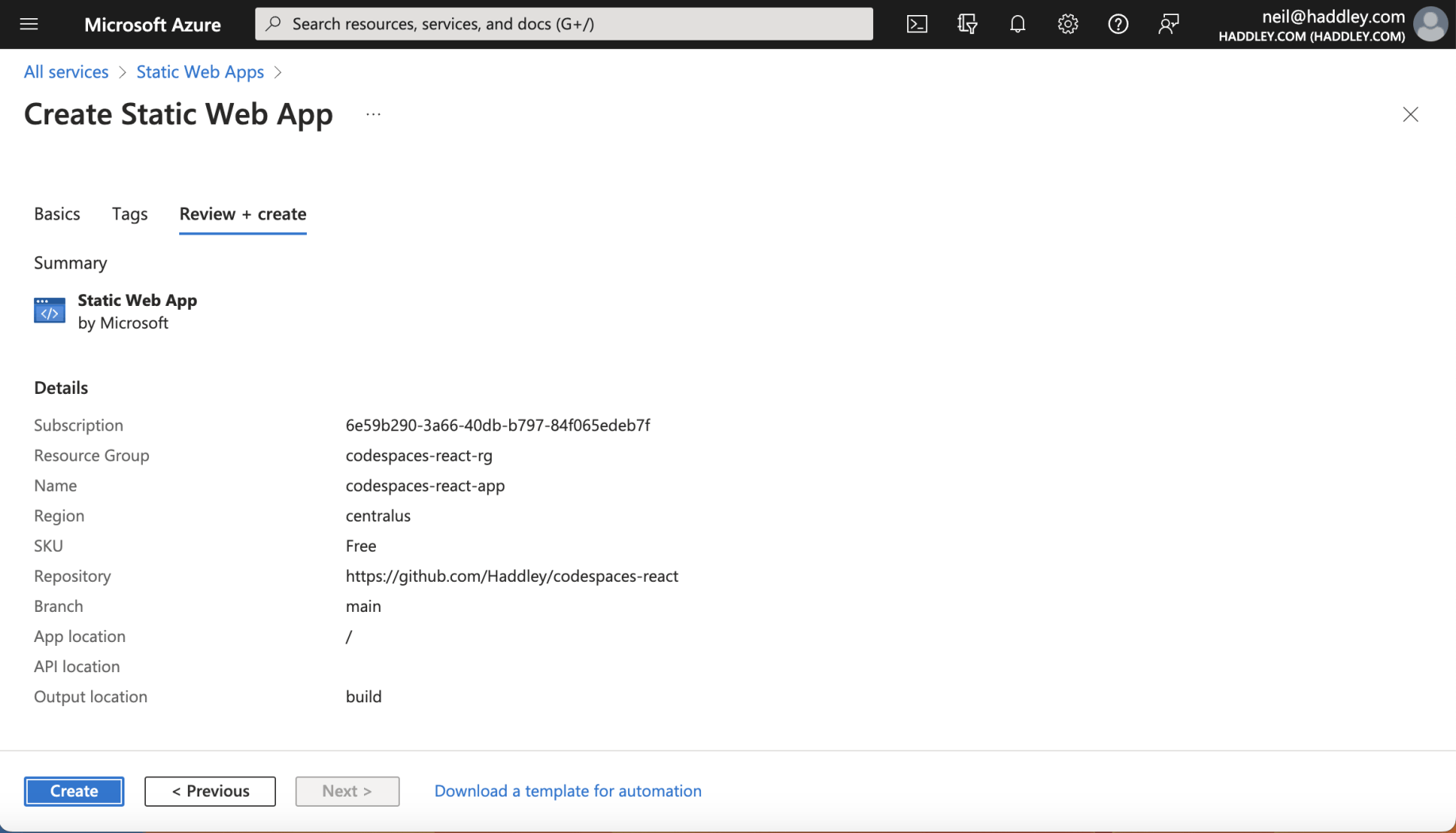
I clicked the Create button
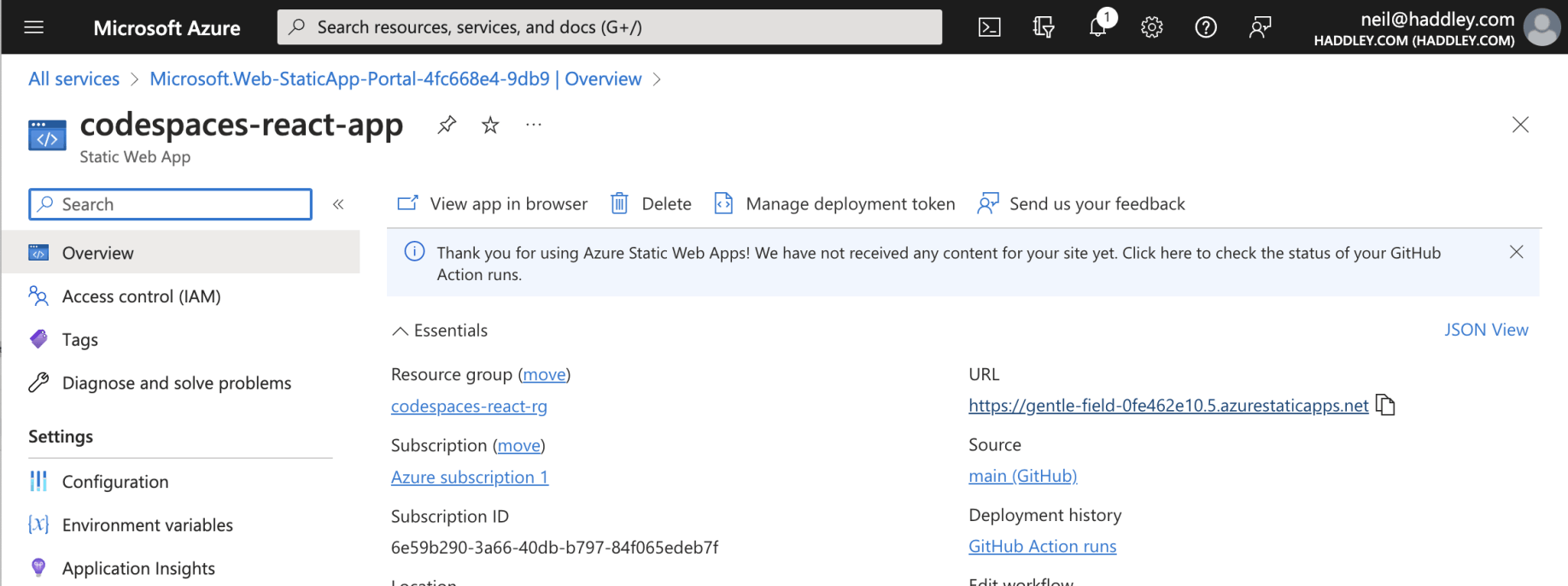
I navigated to the web site https://gentle-field-0fe462e10.5.azurestaticapps.net
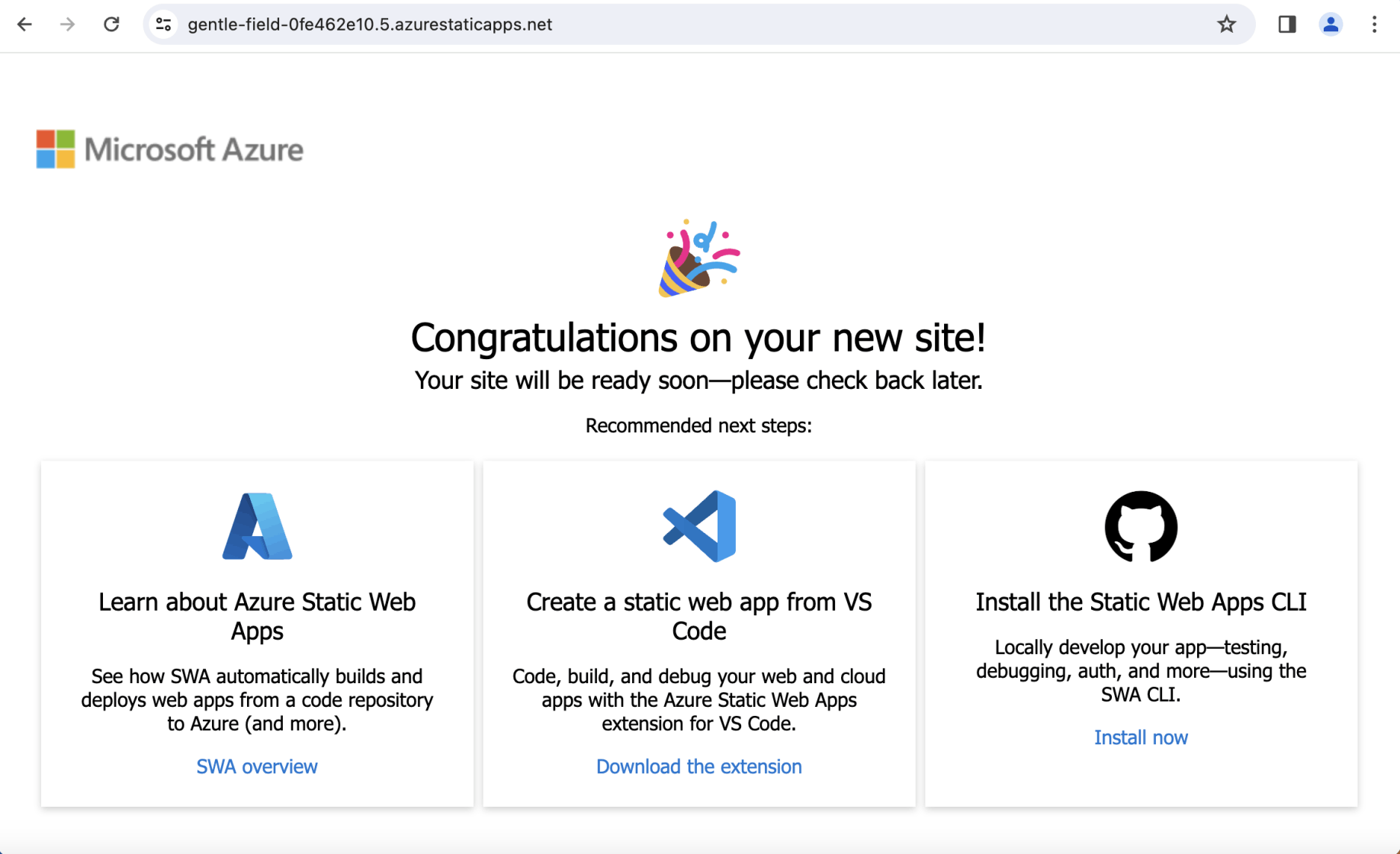
A placeholder page was displayed
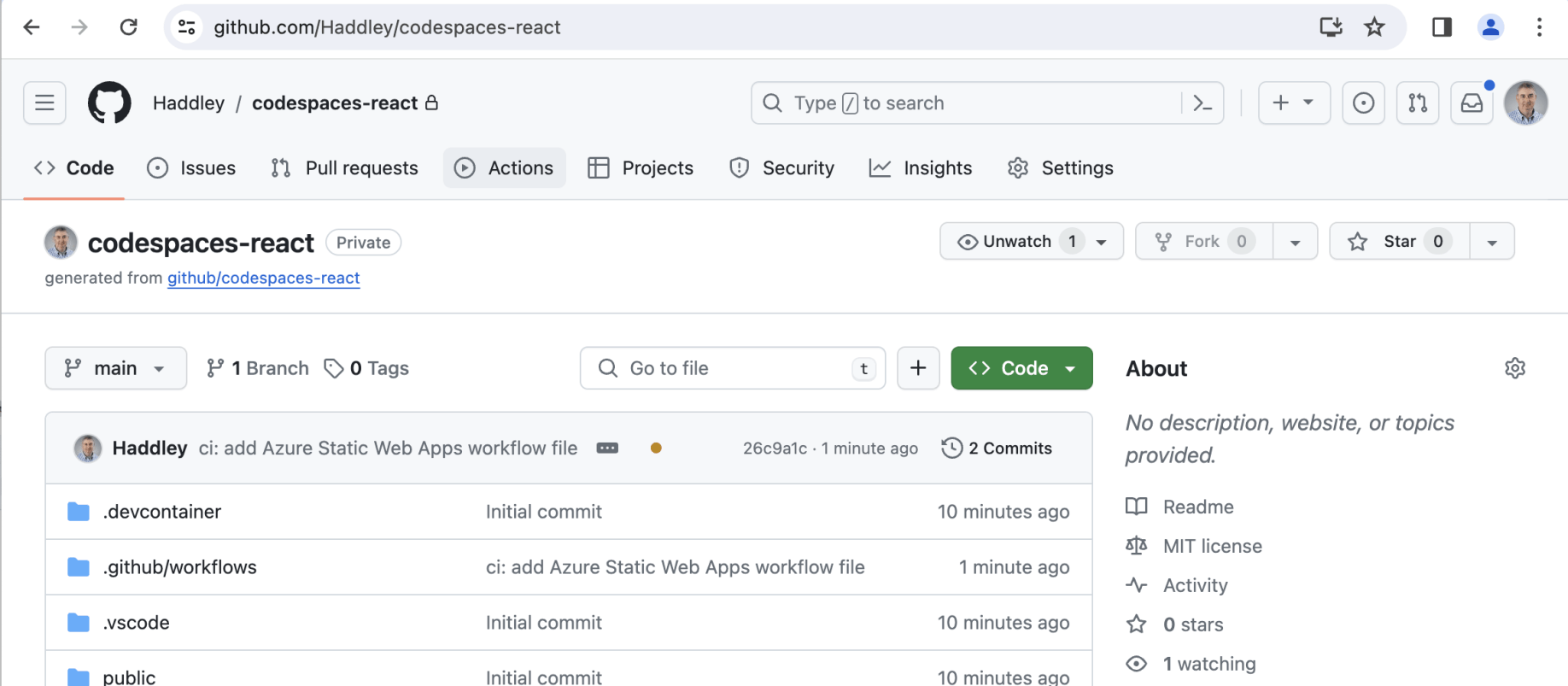
I navigated to the GitHub repository
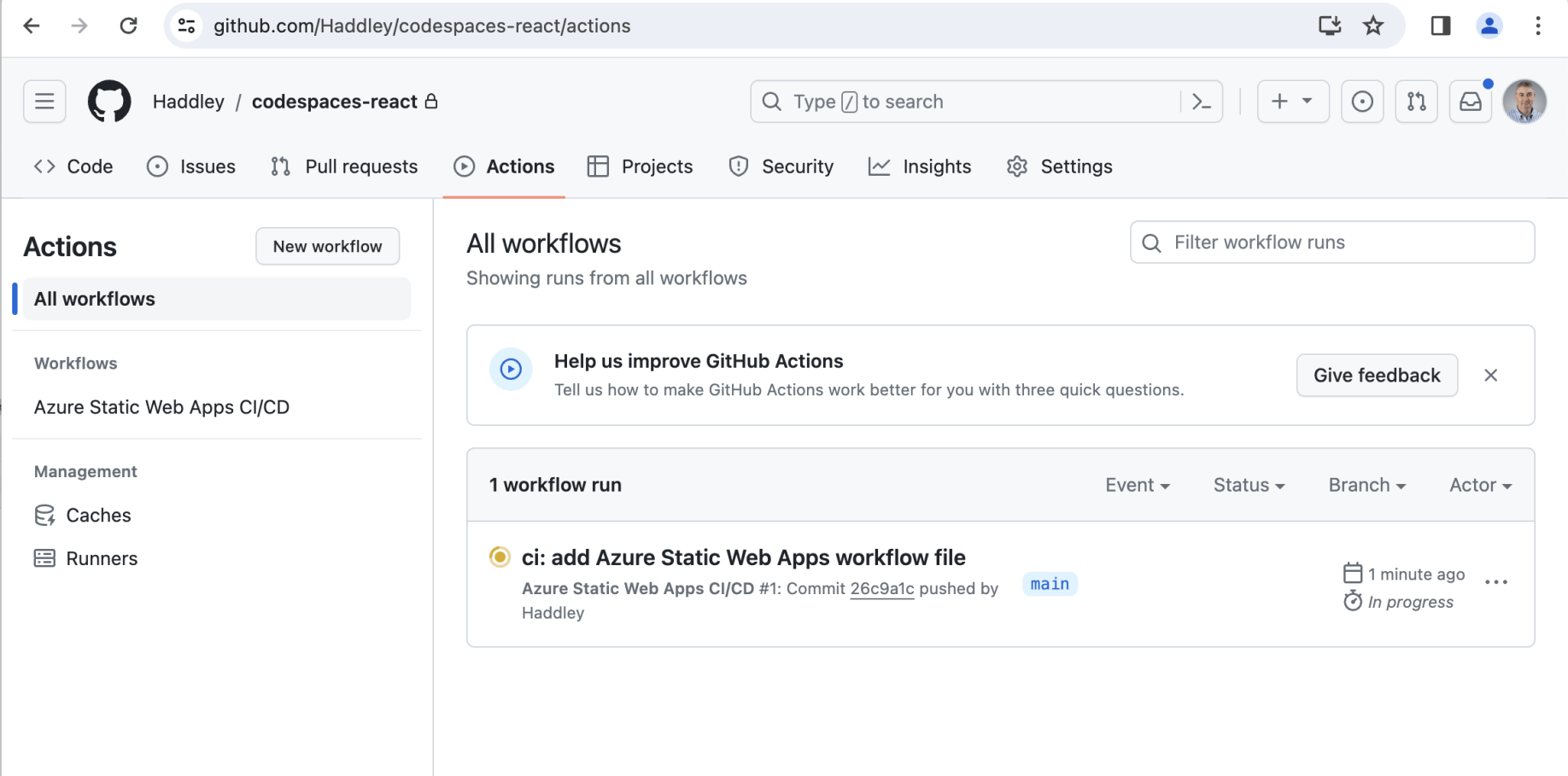
I clicked on the Actions tab
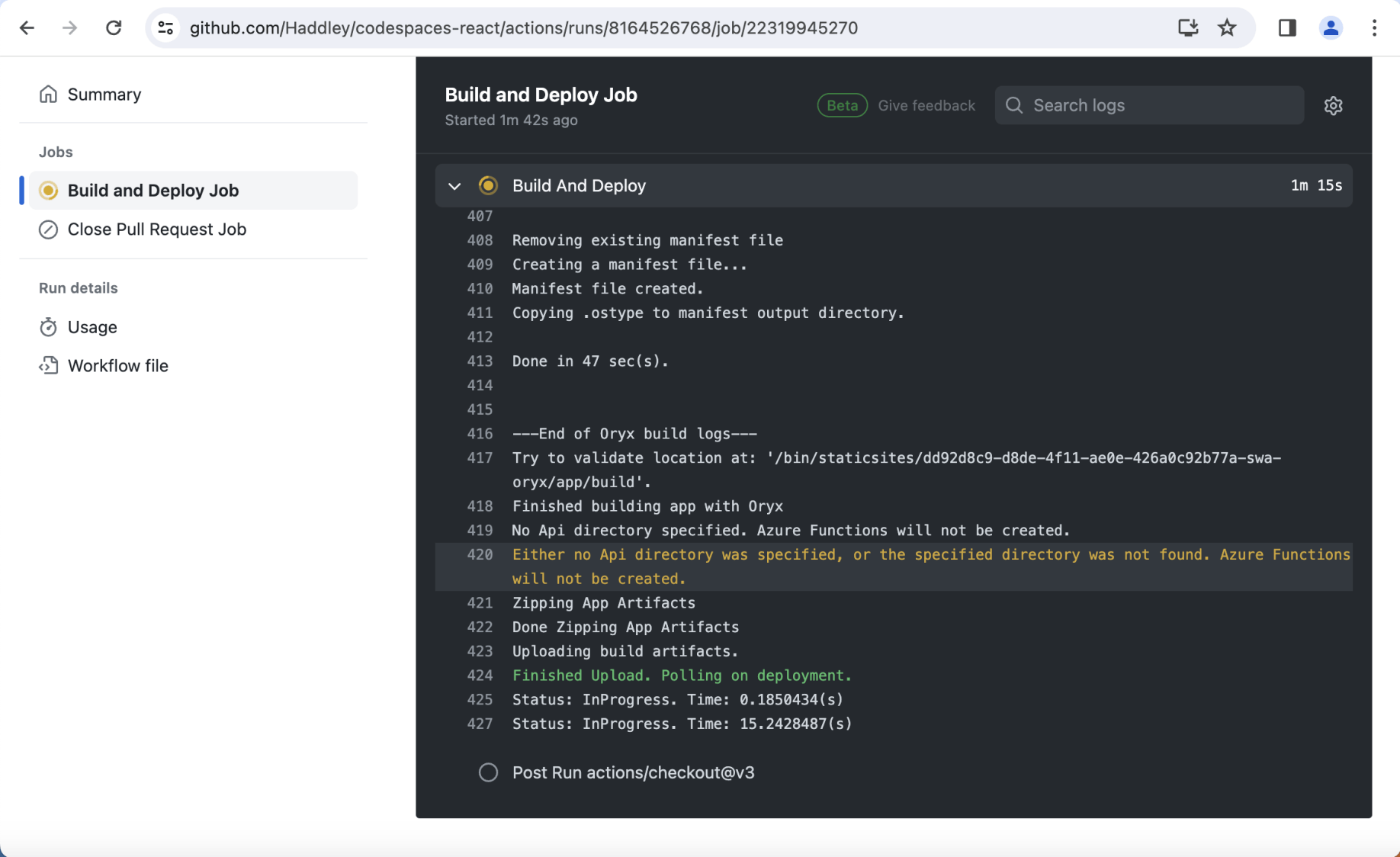
An automatic build was already running
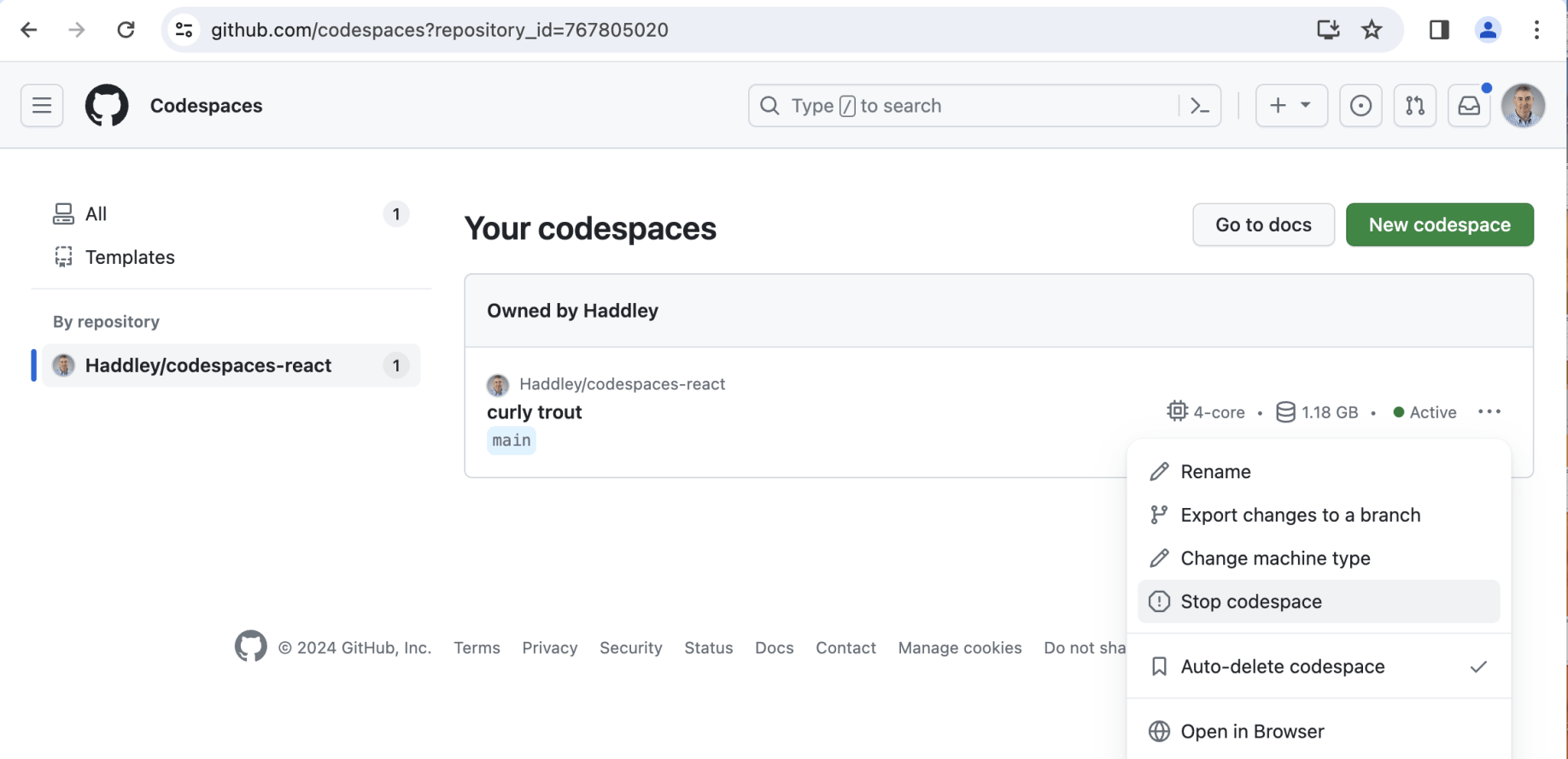
I navigated to the codespace and selected the "Stop codespace" option
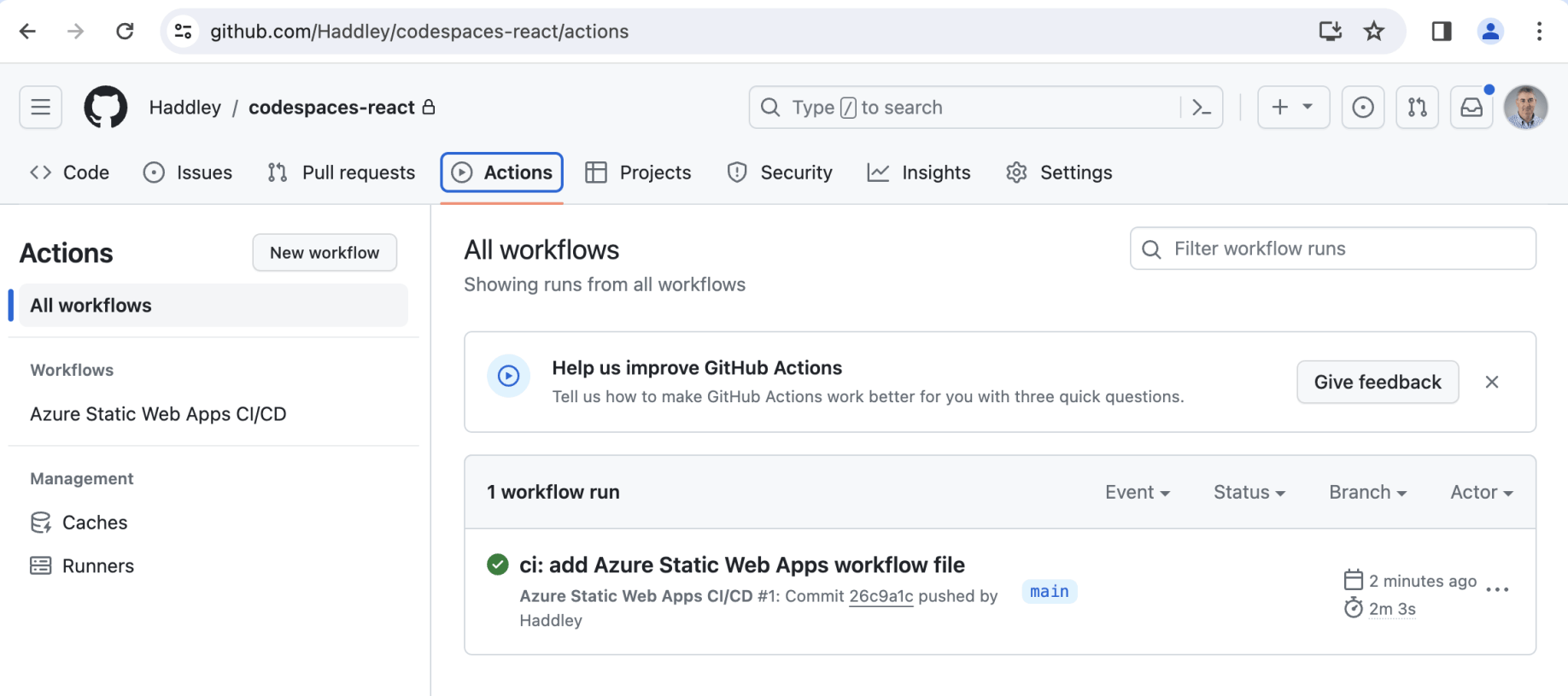
The automatic build was successful
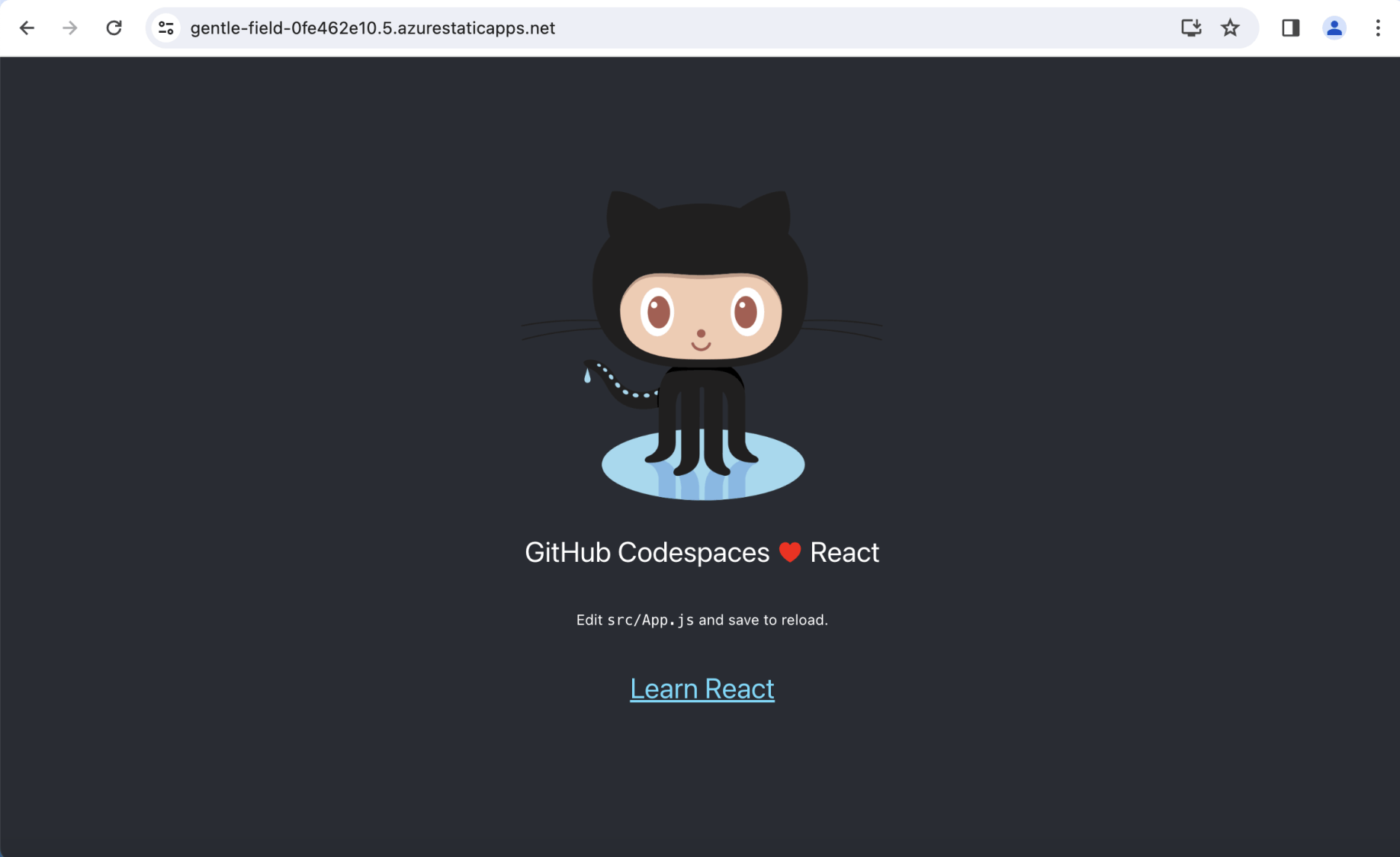
The React application was deployed to Azure
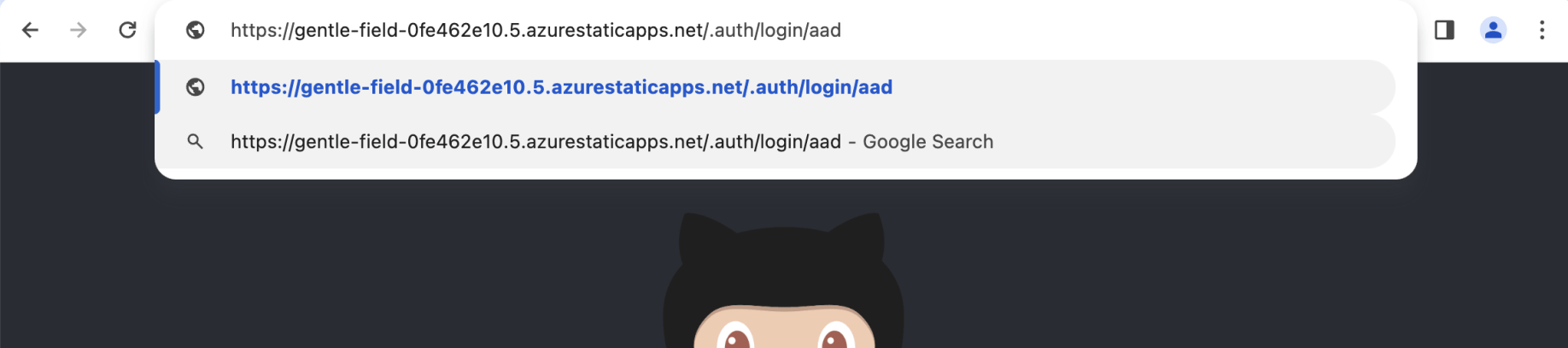
I navigated to the Static Web Application's Azure Active Directory login page https://gentle-field-0fe462e10.5.azurestaticapps.net/.auth/login/aad
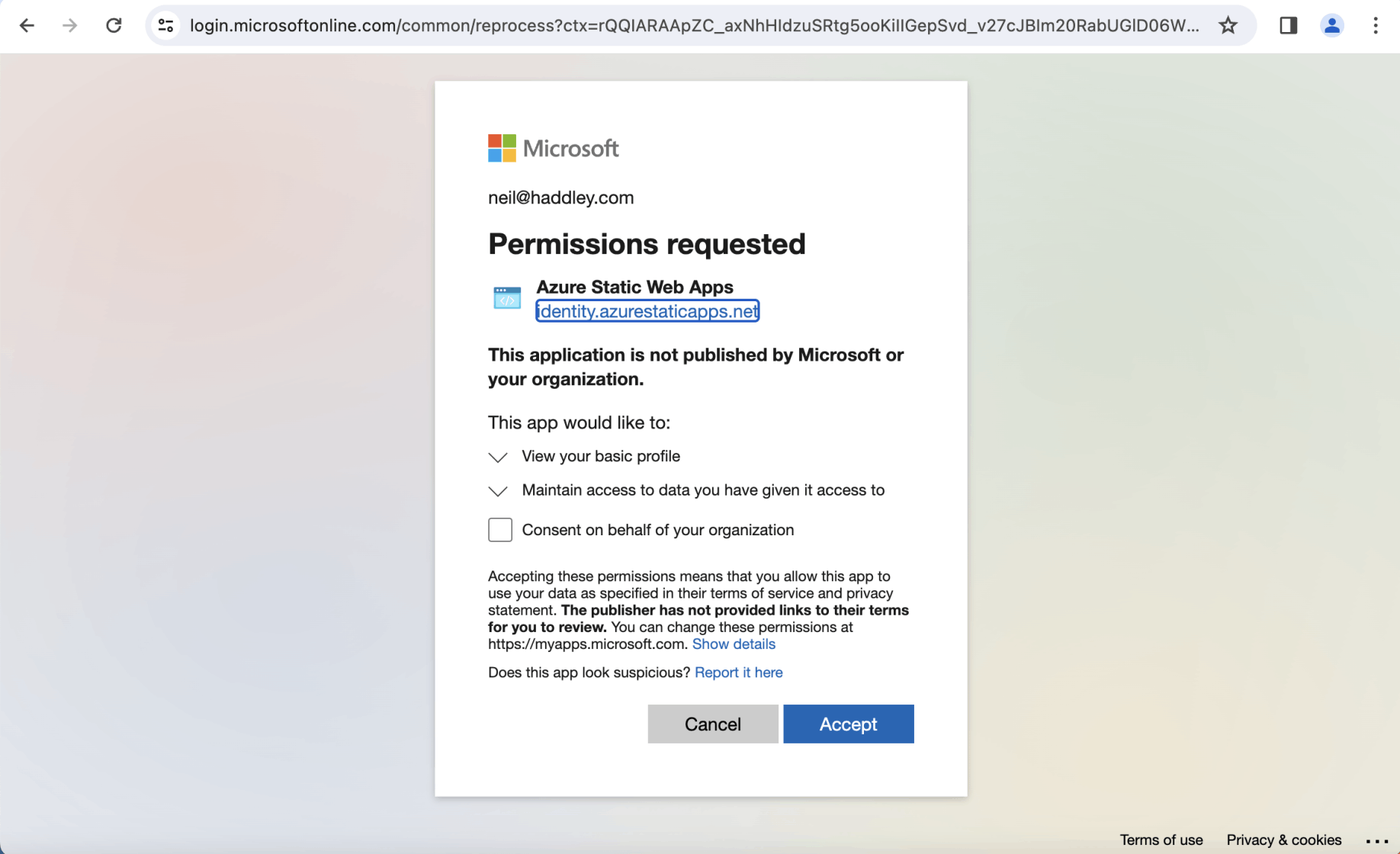
I logged in using my Azure Active Directory credentials
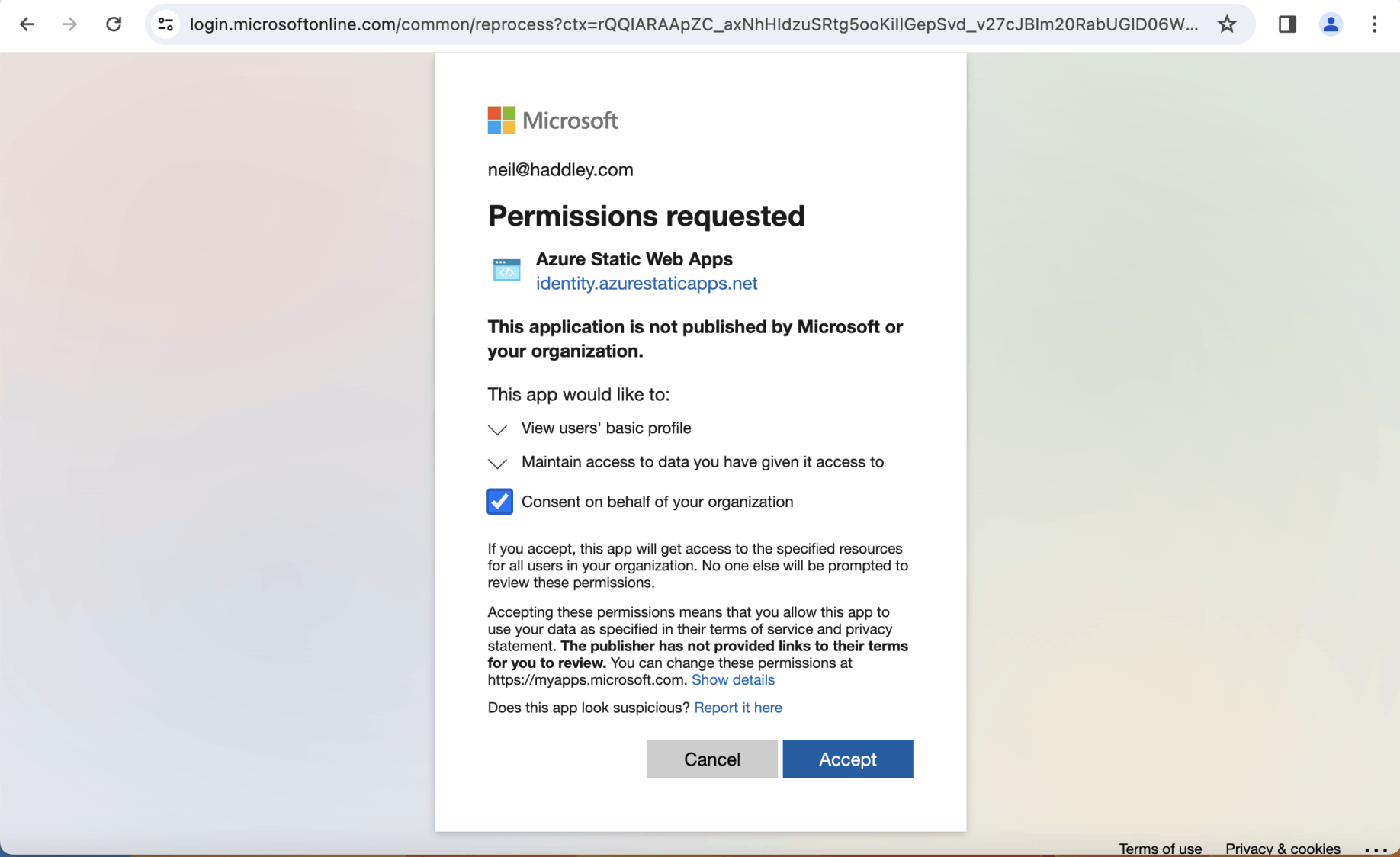
I clicked the Accept button
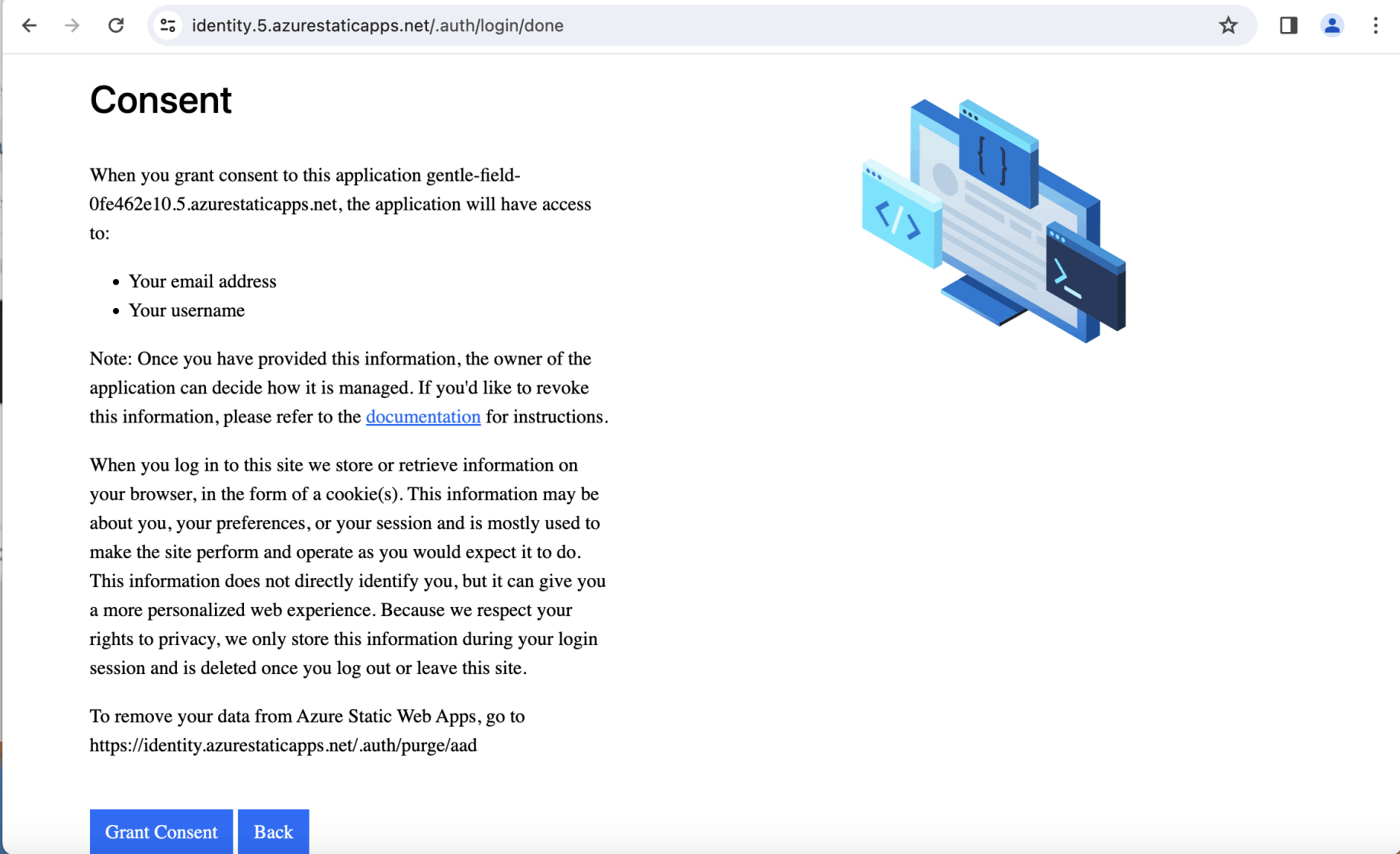
I clicked the Grant Consent button
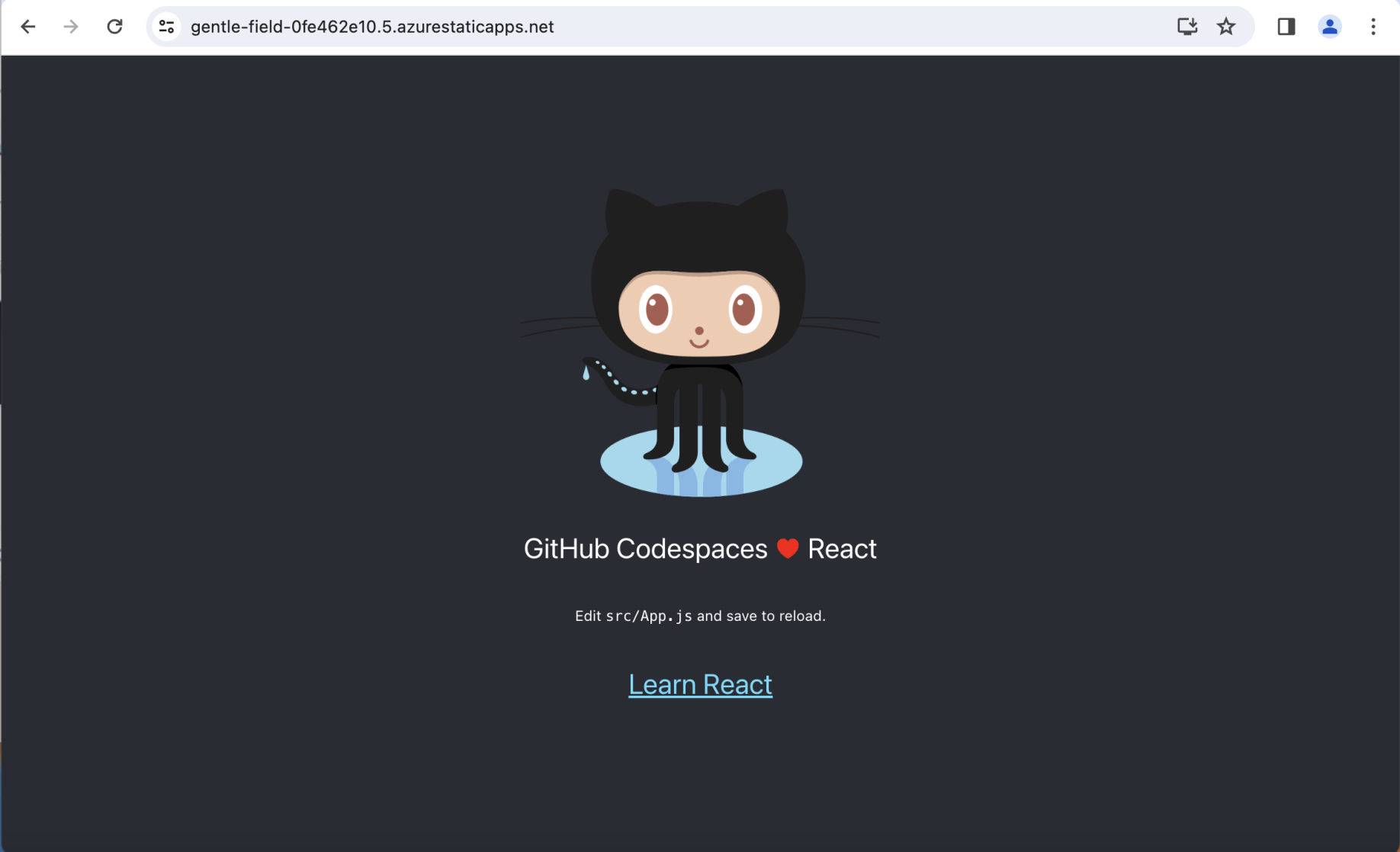
I was returned to the React app home page
I added React Router a NavBar and a staticwebapp.config.json file.
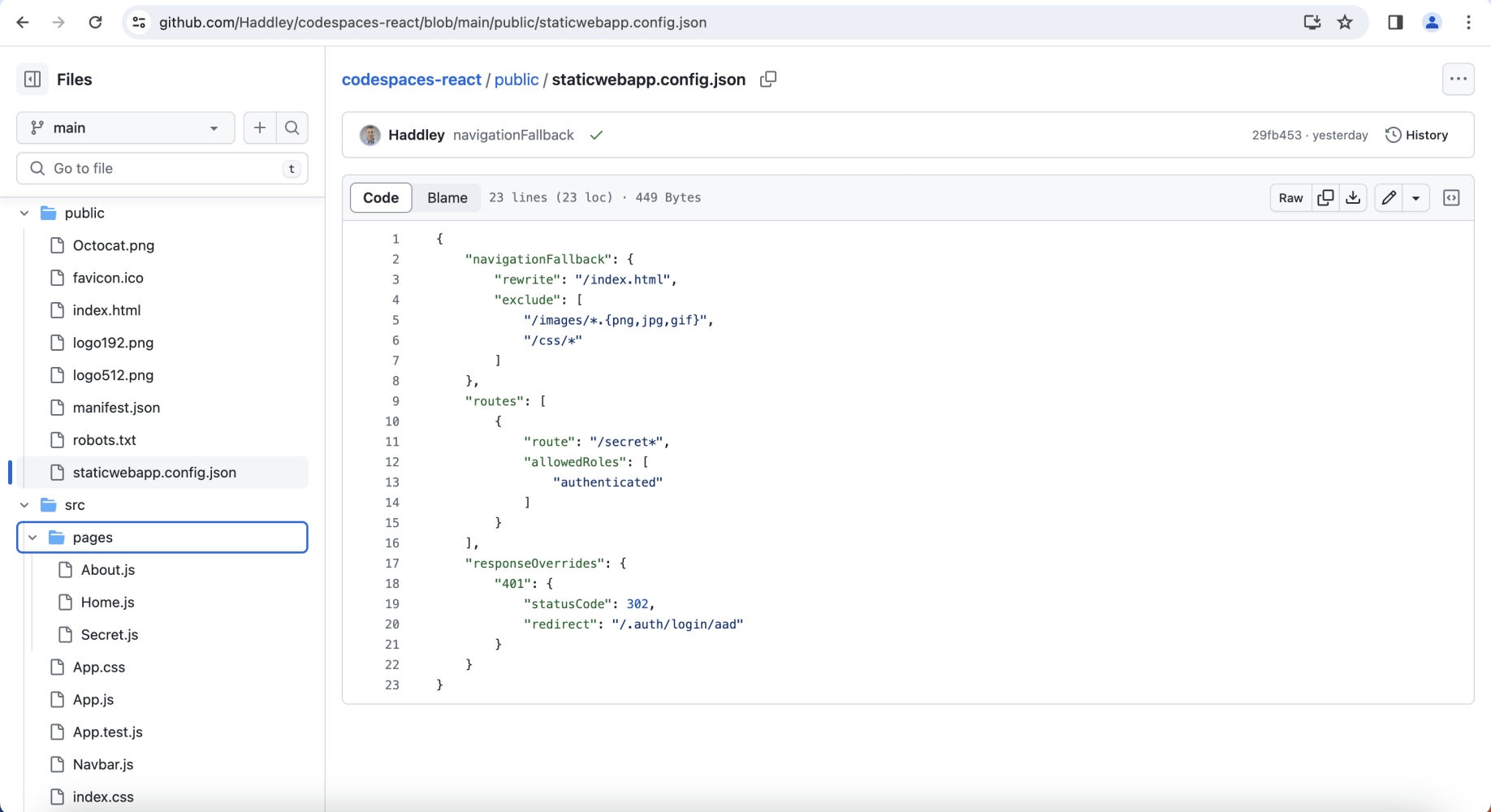
I reviewed the updated project folder structure
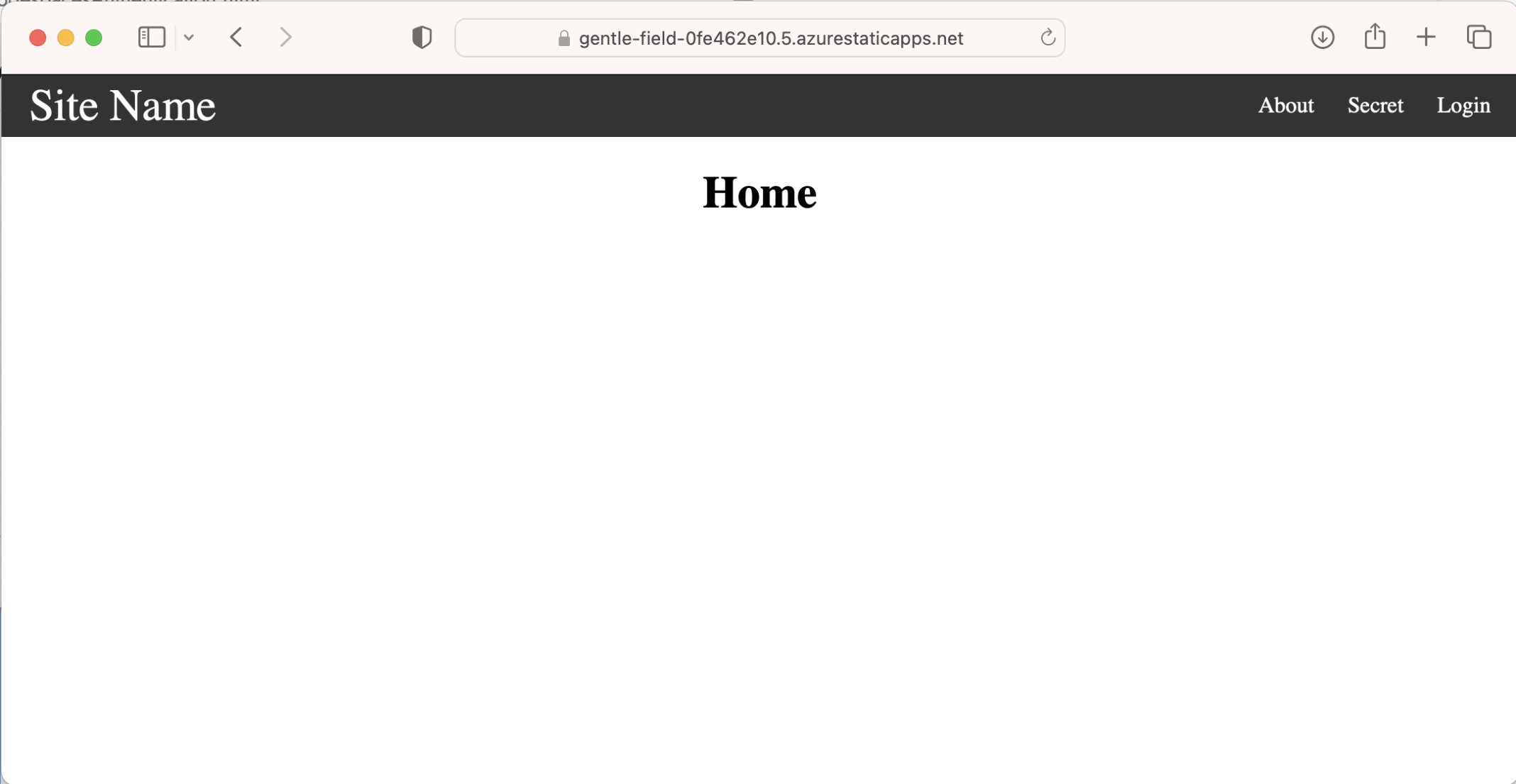
I reviewed the Home page
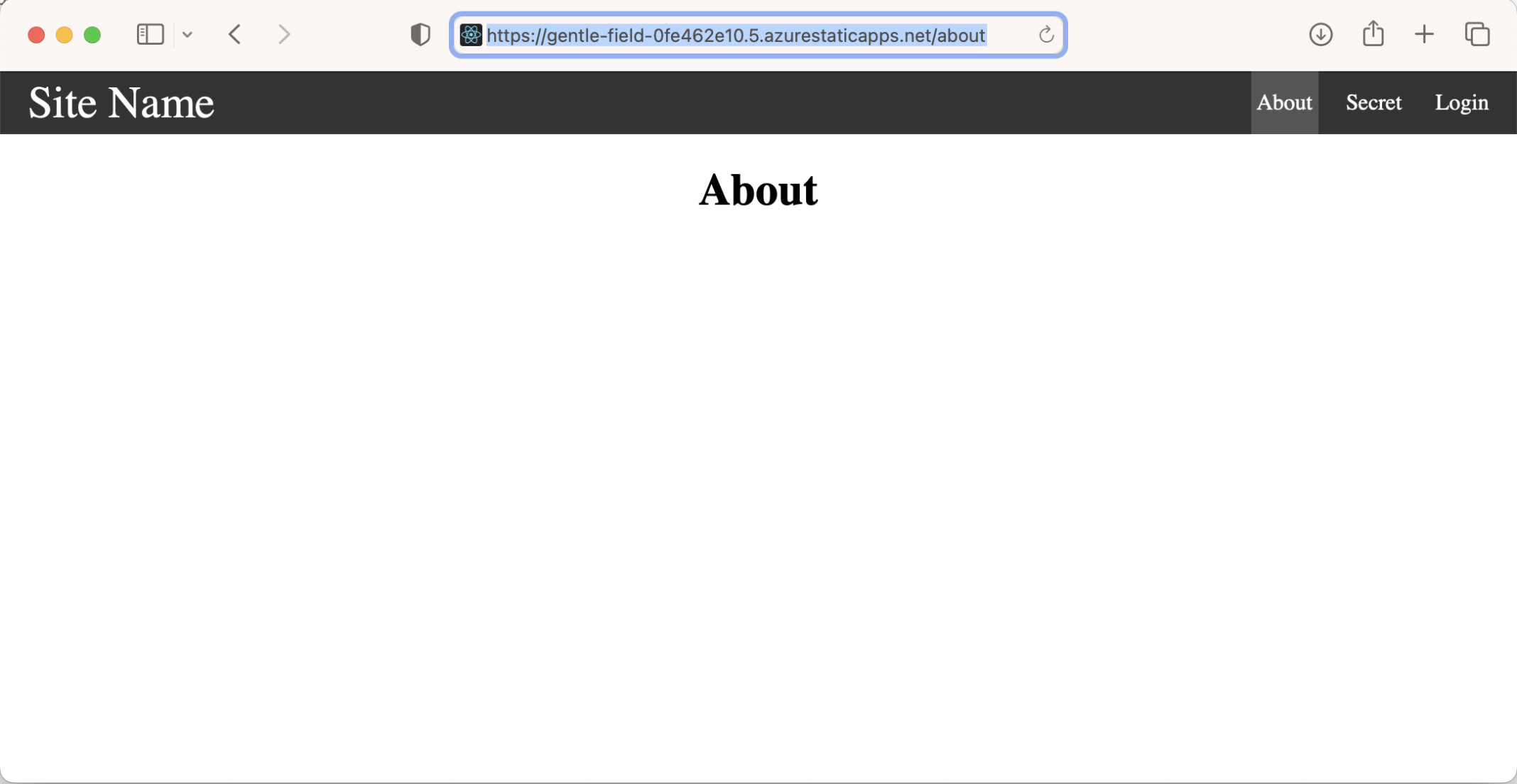
I reviewed the About page
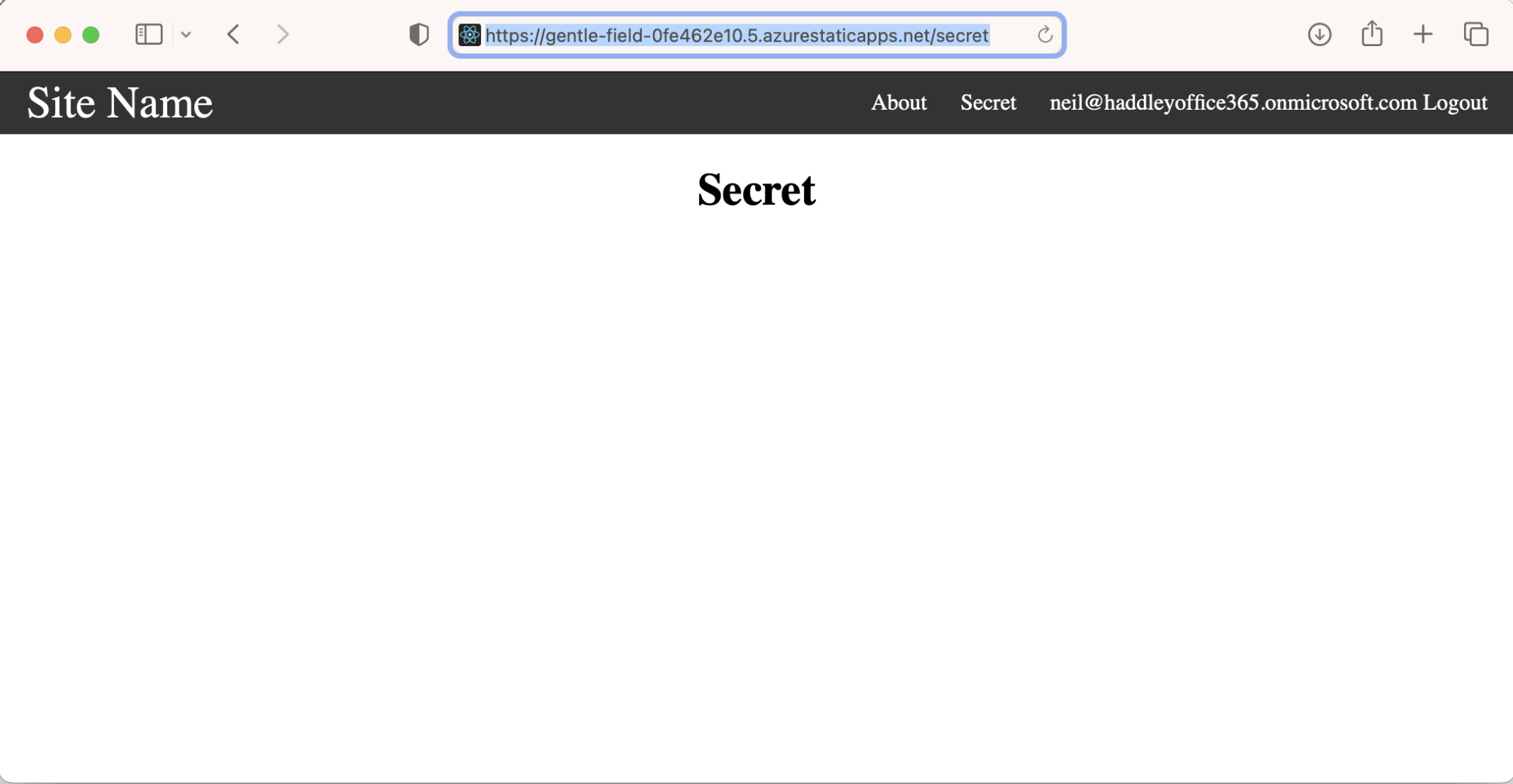
I reviewed the Secret page
staticwebapp.config.json
JSON
1{
2    "navigationFallback": {
3        "rewrite": "/index.html",
4        "exclude": [
5            "/images/*.{png,jpg,gif}",
6            "/css/*"
7        ]
8    },
9    "routes": [
10        {
11            "route": "/secret*",
12            "allowedRoles": [
13                "authenticated"
14            ]
15        }
16    ],
17    "responseOverrides": {
18        "401": {
19            "statusCode": 302,
20            "redirect": "/.auth/login/aad"
21        }
22    }
23}
updated JavaScript
JAVASCRIPT
1App.js
2
3import Navbar from "./Navbar"
4import Home from "./pages/Home"
5import About from "./pages/About"
6import Secret from "./pages/Secret"
7import { Route, Routes } from "react-router-dom"
8import { useEffect } from "react"
9import { useState } from "react"
10
11function App() {
12
13  const [clientPrincipal, setClientPrincipal] = useState(null);
14
15  useEffect(() => {
16    // declare the async data fetching function
17    const fetchData = async () => {
18      // get the data from the api
19      const response = await fetch('/.auth/me');
20      const payload = await response.json();
21      const { clientPrincipal } = payload;
22
23      // set state with the result
24      setClientPrincipal(clientPrincipal);
25
26      console.log(clientPrincipal);
27
28      return clientPrincipal;
29    }
30
31    // call the function
32    fetchData()
33      // make sure to catch any error
34      .catch(console.error);;
35
36  }, [])
37
38
39  return (
40    <>
41      <Navbar clientPrincipal={clientPrincipal} />
42      <div className="container">
43        <Routes>
44          <Route path="/" element={<Home />} />
45          <Route path="/about" element={<About />} />
46          <Route path="/secret" element={<Secret />} />
47        </Routes>
48      </div>
49    </>
50  )
51}
52
53export default App
54
55App.css
56
57* {
58  box-sizing: border-box;
59}
60
61body {
62  margin: 0;
63}
64
65.container {
66  margin: 1rem;
67  text-align: center;
68}
69
70.nav {
71  background-color: #333;
72  color: white;
73  display: flex;
74  justify-content: space-between;
75  align-items: stretch;
76  gap: 2rem;
77  padding: 0 1rem;
78}
79
80.site-title {
81  font-size: 2rem;
82}
83
84.nav ul {
85  padding: 0;
86  margin: 0;
87  list-style: none;
88  display: flex;
89  gap: 1rem;
90}
91
92.nav a {
93  color: inherit;
94  text-decoration: none;
95  height: 100%;
96  display: flex;
97  align-items: center;
98  padding: .25rem;
99}
100
101.nav li.active {
102  background-color: #555;
103}
104
105.nav li:hover {
106  background-color: #777;
107}
108
109Navbar.js
110
111import { Link, useMatch, useResolvedPath } from "react-router-dom"
112
113export default function Navbar({ clientPrincipal }) {
114  return (
115    <nav className="nav">
116      <Link to="/" className="site-title">
117        Site Name
118      </Link>
119      <ul>
120        <CustomLink to="/about">About</CustomLink>
121        <a href="/secret">Secret</a>
122        {!clientPrincipal ? (<a href="/.auth/login/aad">Login</a>) : (<a href="/.auth/logout">{clientPrincipal.userDetails} Logout</a>)}
123      </ul>
124    </nav>
125  )
126}
127
128function CustomLink({ to, children, ...props }) {
129  const resolvedPath = useResolvedPath(to)
130  const isActive = useMatch({ path: resolvedPath.pathname, end: true })
131
132  return (
133    <li className={isActive ? "active" : ""}>
134      <Link to={to} {...props}>
135        {children}
136      </Link>
137    </li>
138  )
139}
140
141About.js
142
143export default function About() {
144    return <h1>About</h1>
145  }
146
147Home.js
148
149export default function Home() {
150    return <h1>Home</h1>
151  }
152
153Secret.js
154
155export default function Secret() {
156    return <h1>Secret</h1>
157  }
158
159index.js
160
161import React from "react"
162import ReactDOM from "react-dom/client"
163import App from "./App"
164import "./App.css"
165import { BrowserRouter } from "react-router-dom"
166
167const root = ReactDOM.createRoot(document.getElementById("root"))
168root.render(
169  <React.StrictMode>
170    <BrowserRouter>
171      <App />
172    </BrowserRouter>
173  </React.StrictMode>
174)