Configure Copilot single sign-on for Web
Neil Haddley • March 16, 2024
Publish|Configure channels
Microsoft Copilot Studio supports single sign-on (SSO). SSO allows copilots on your website to sign customers in if they're already signed in to the page or app where the copilot is deployed.
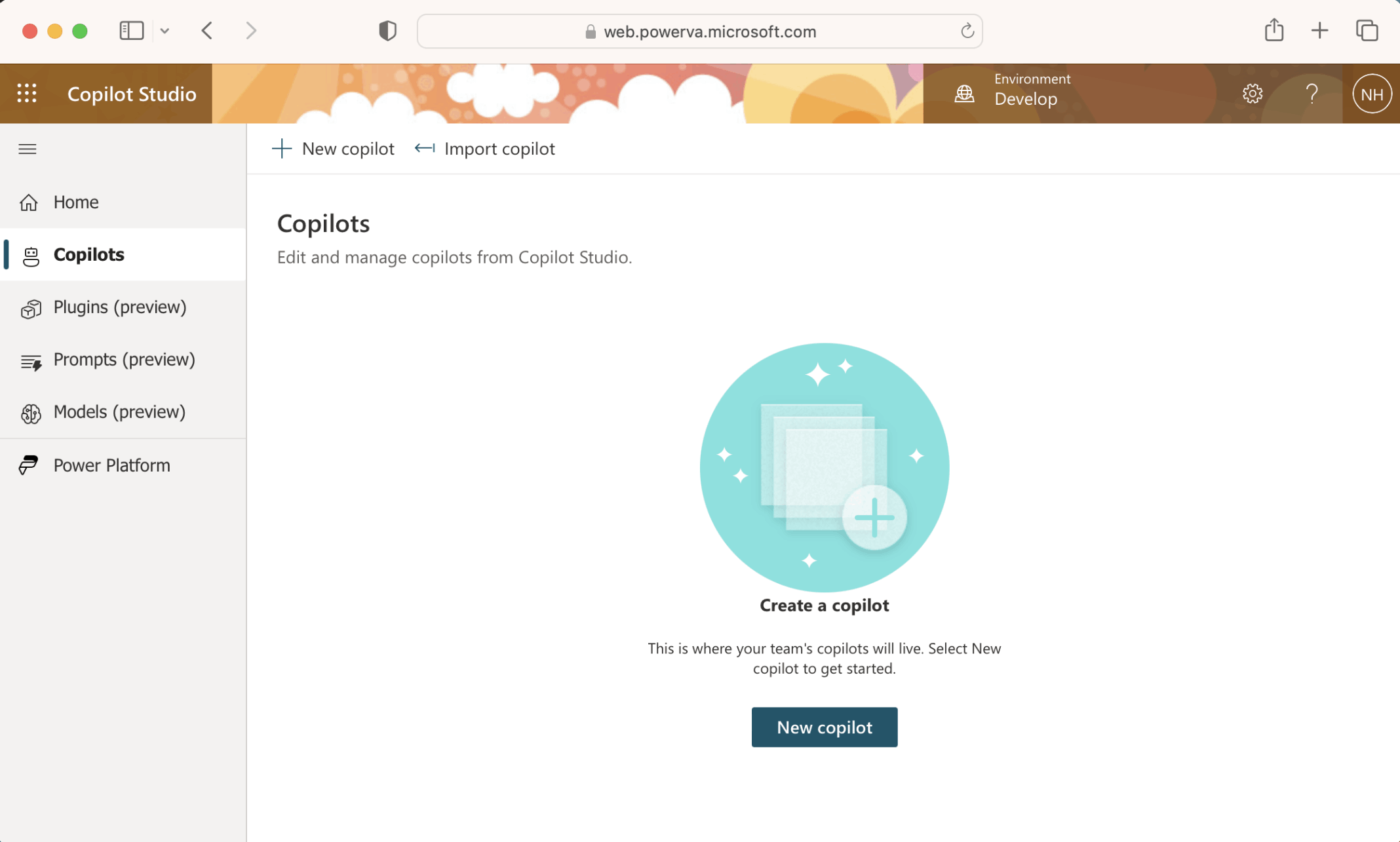
I created a new copilot
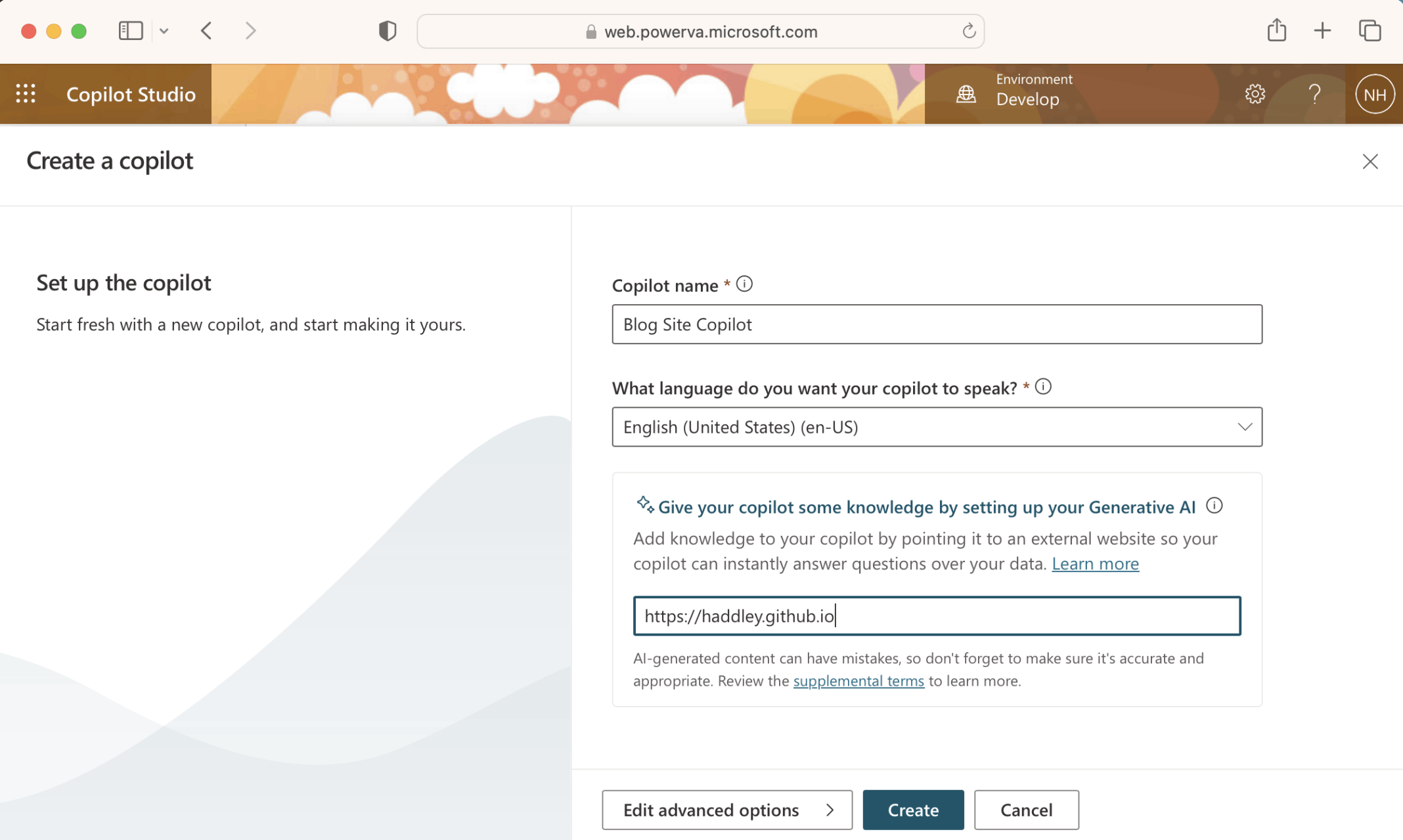
I named the copilot "Blog Site Copilot"
The copilot was setup
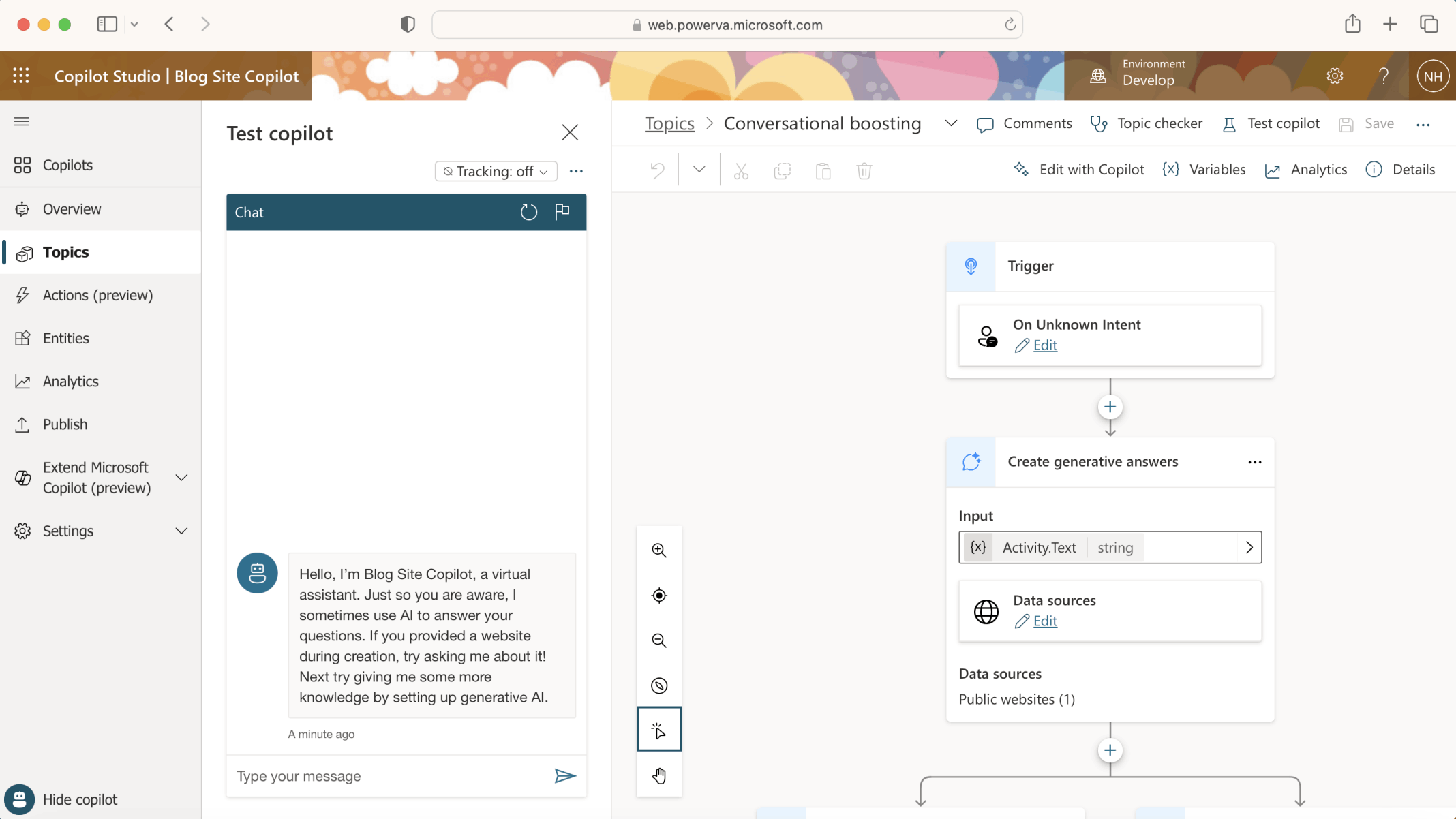
"On Unknown Intent" the "Conversational boosting" Topic will generate an answer based on the contents of https://haddley.github.io (the Data source).
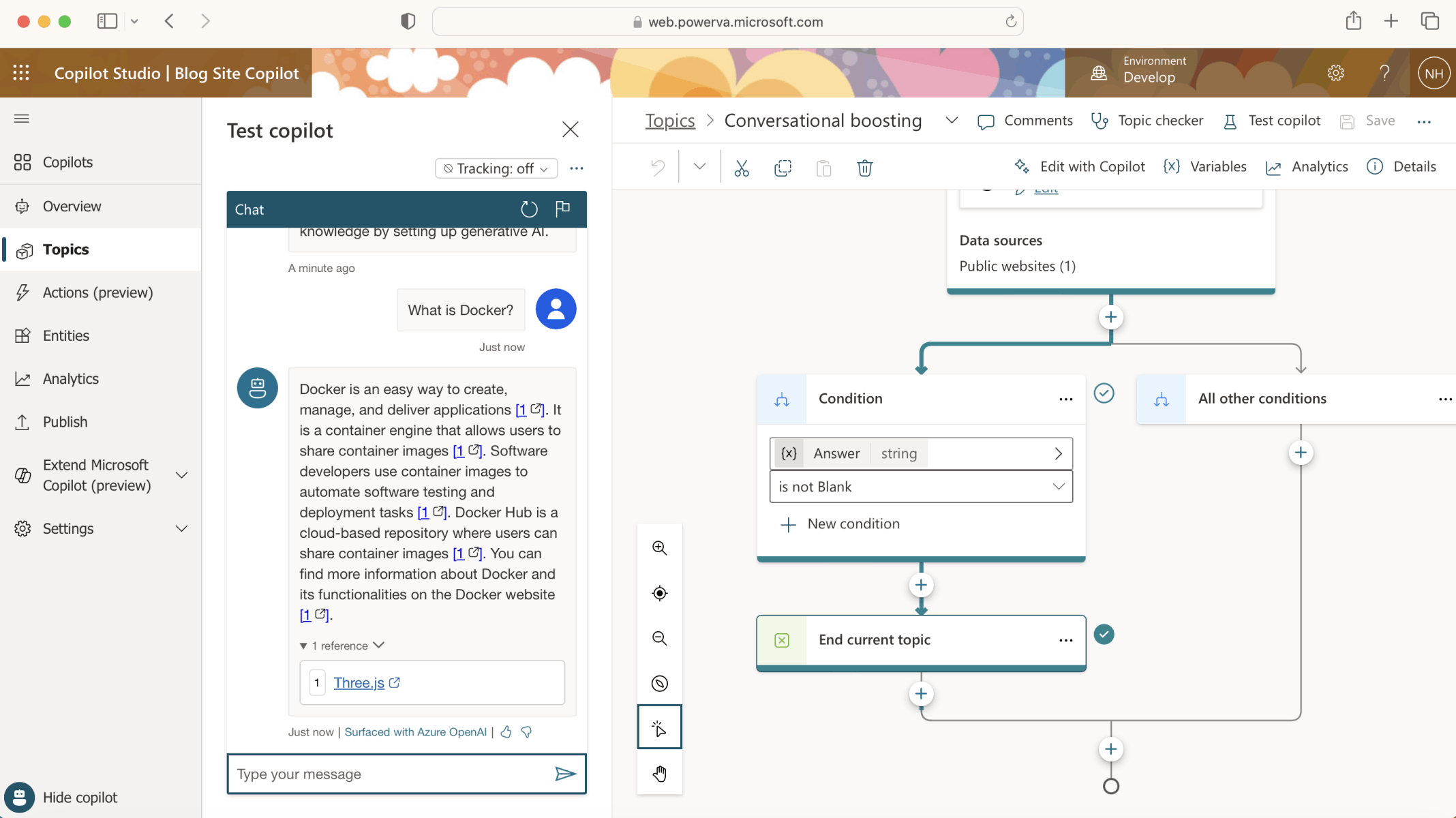
To test the Copilot I asked the question "What is Docker?"
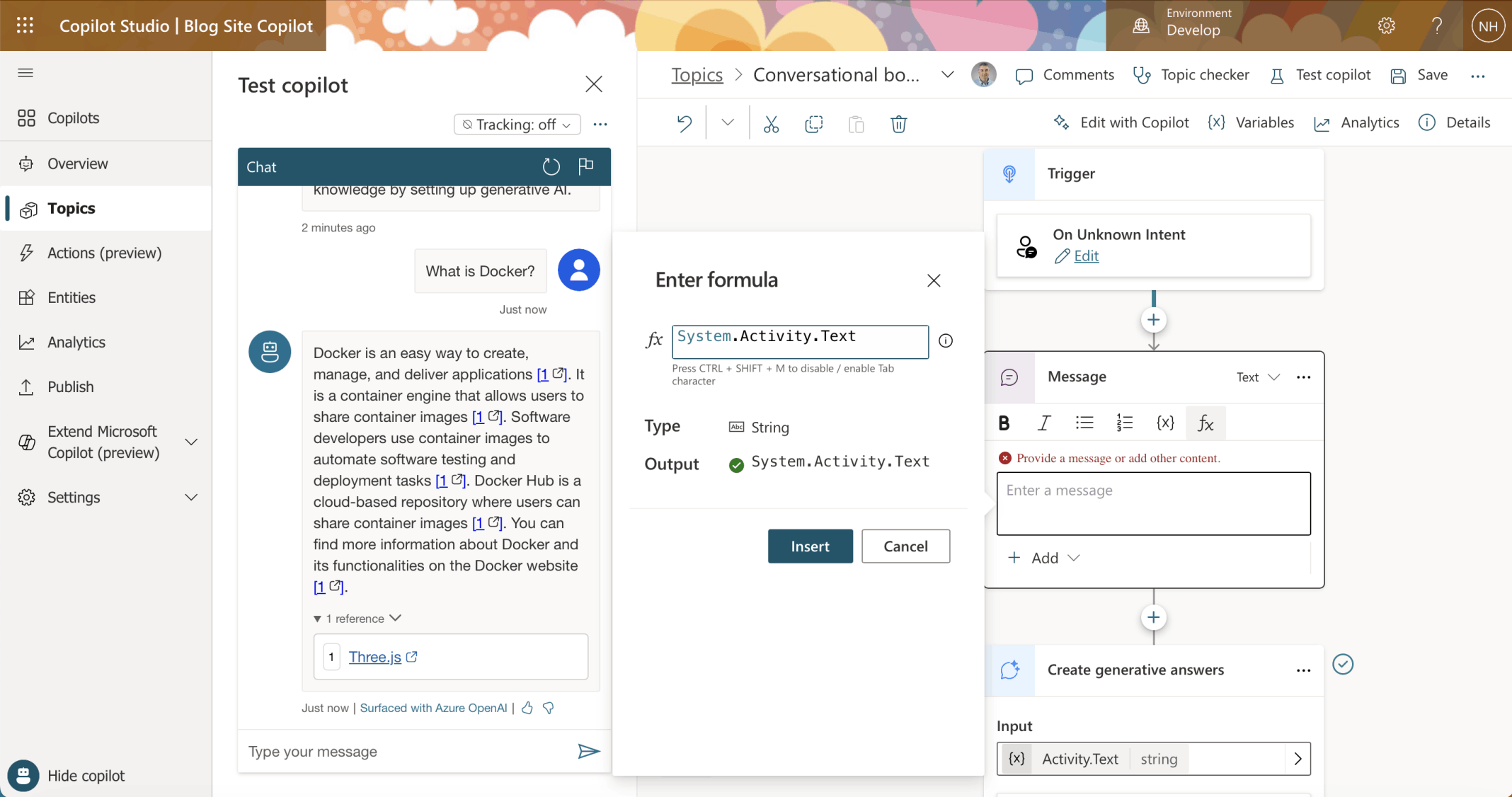
I added a Message to display "System.Activity.Text"
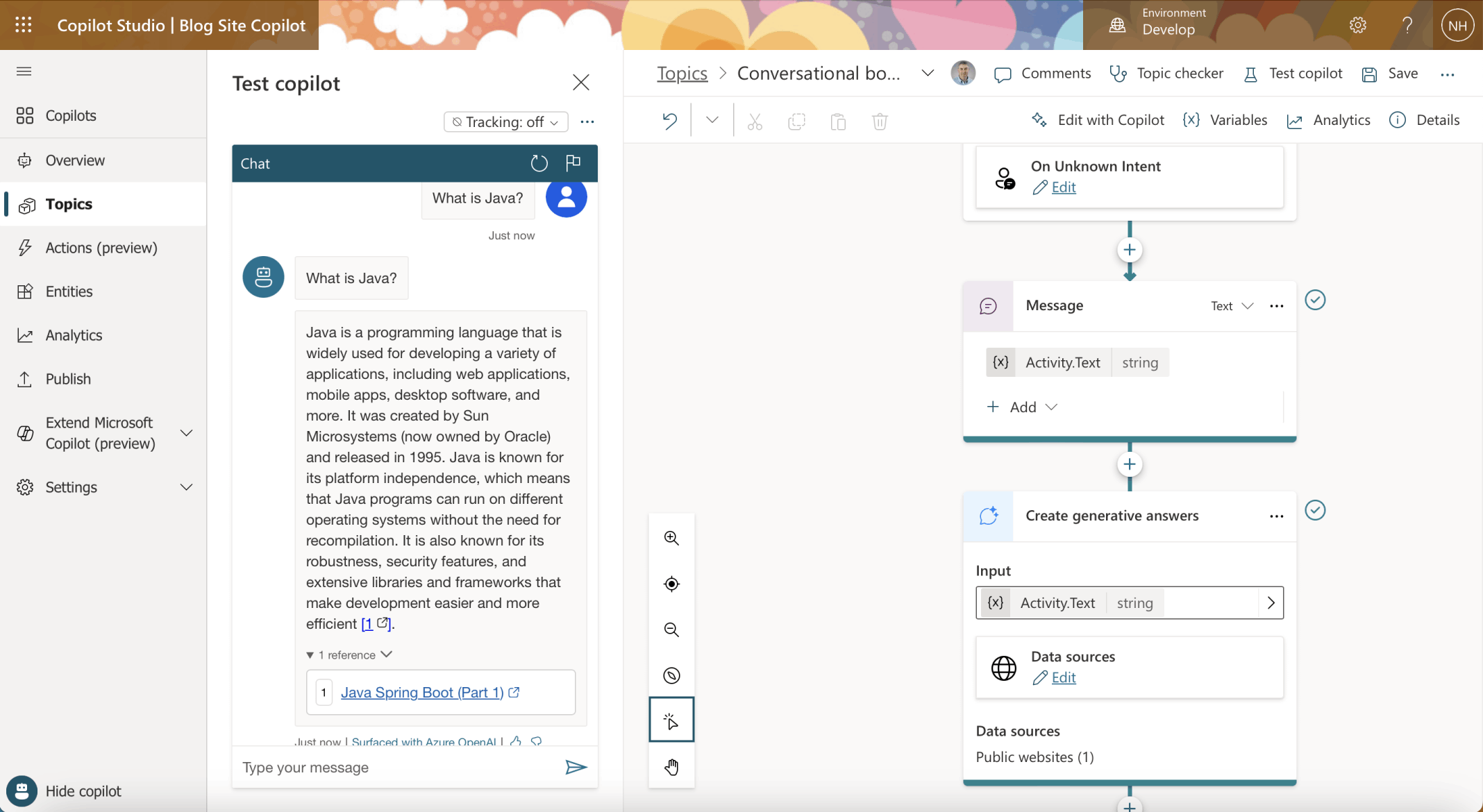
I noted that the user's text was now echoed back before the generated answer was displayed
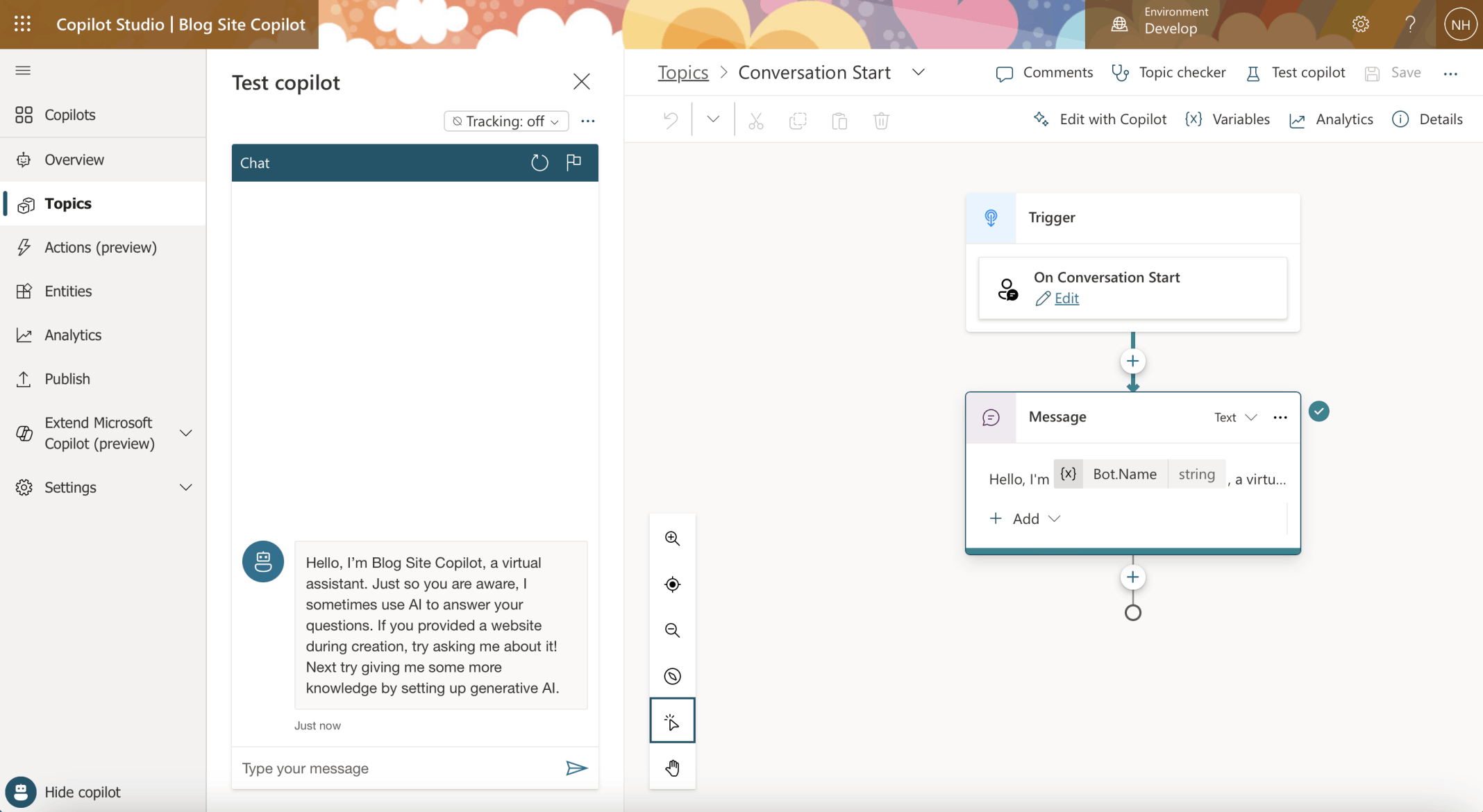
I restarted the session and the message from the "Conversation Start" Topic was displayed
I wanted to publish the Copilot on a custom website.
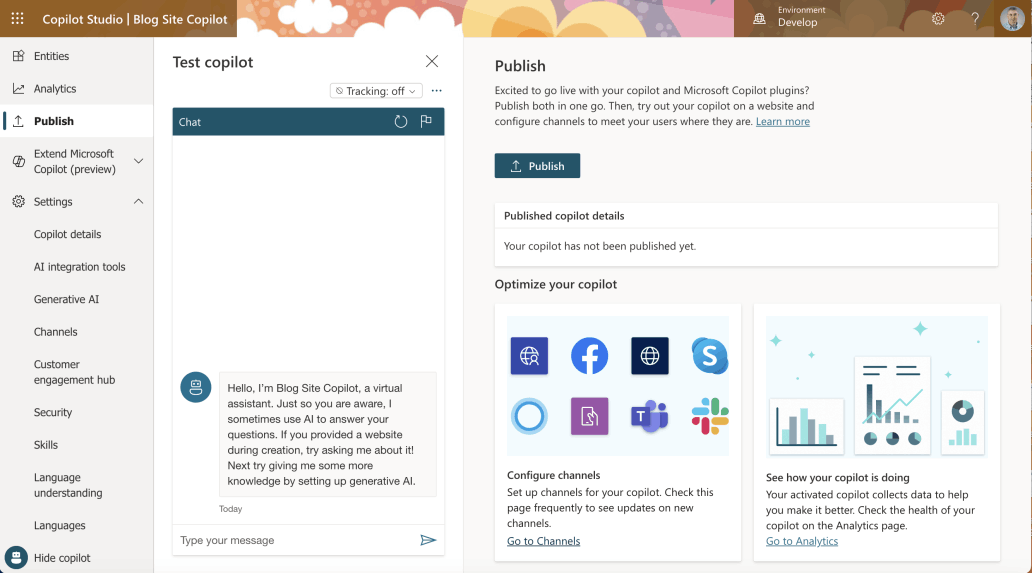
I clicked the Publish|Go to Channels link
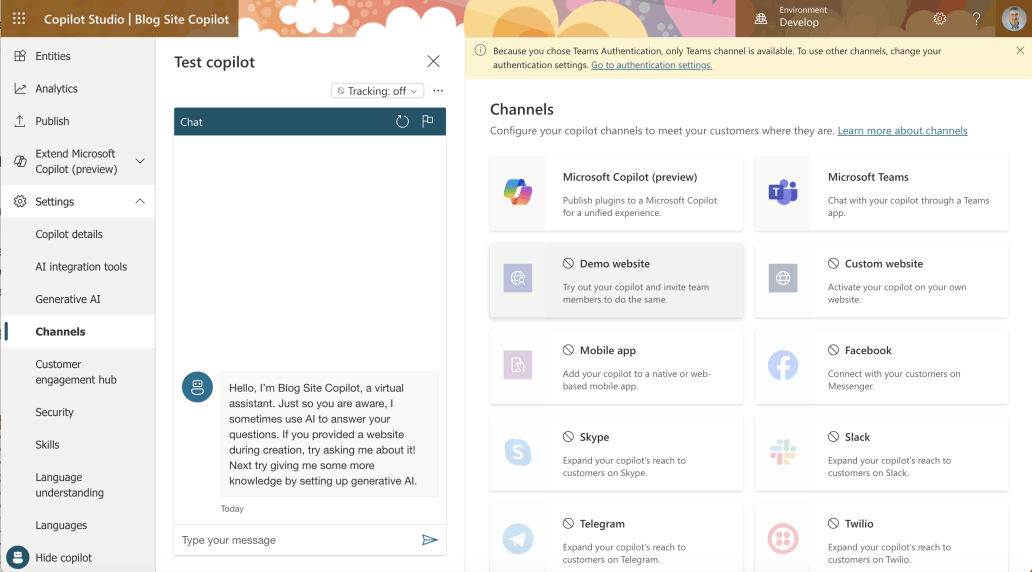
"Because you chose Teams Authentication, only Teams channel is available. To use other channels, change your authentication settings. Go to authentication settings."
Settings|Security|Authentication
By default the Copilot was configured with Authentication "Only for Teams and Power Apps".
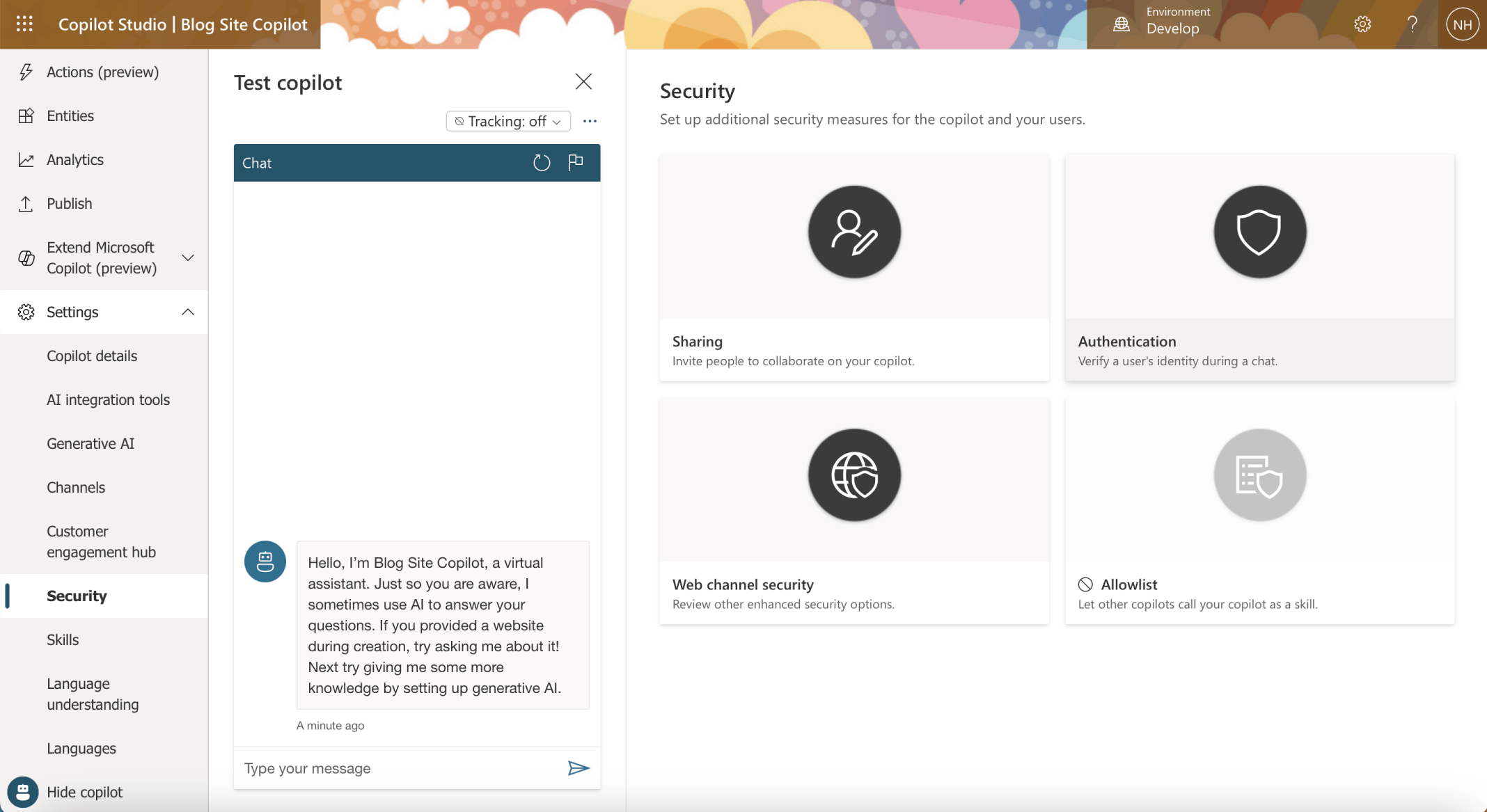
I clicked on the Security menu item
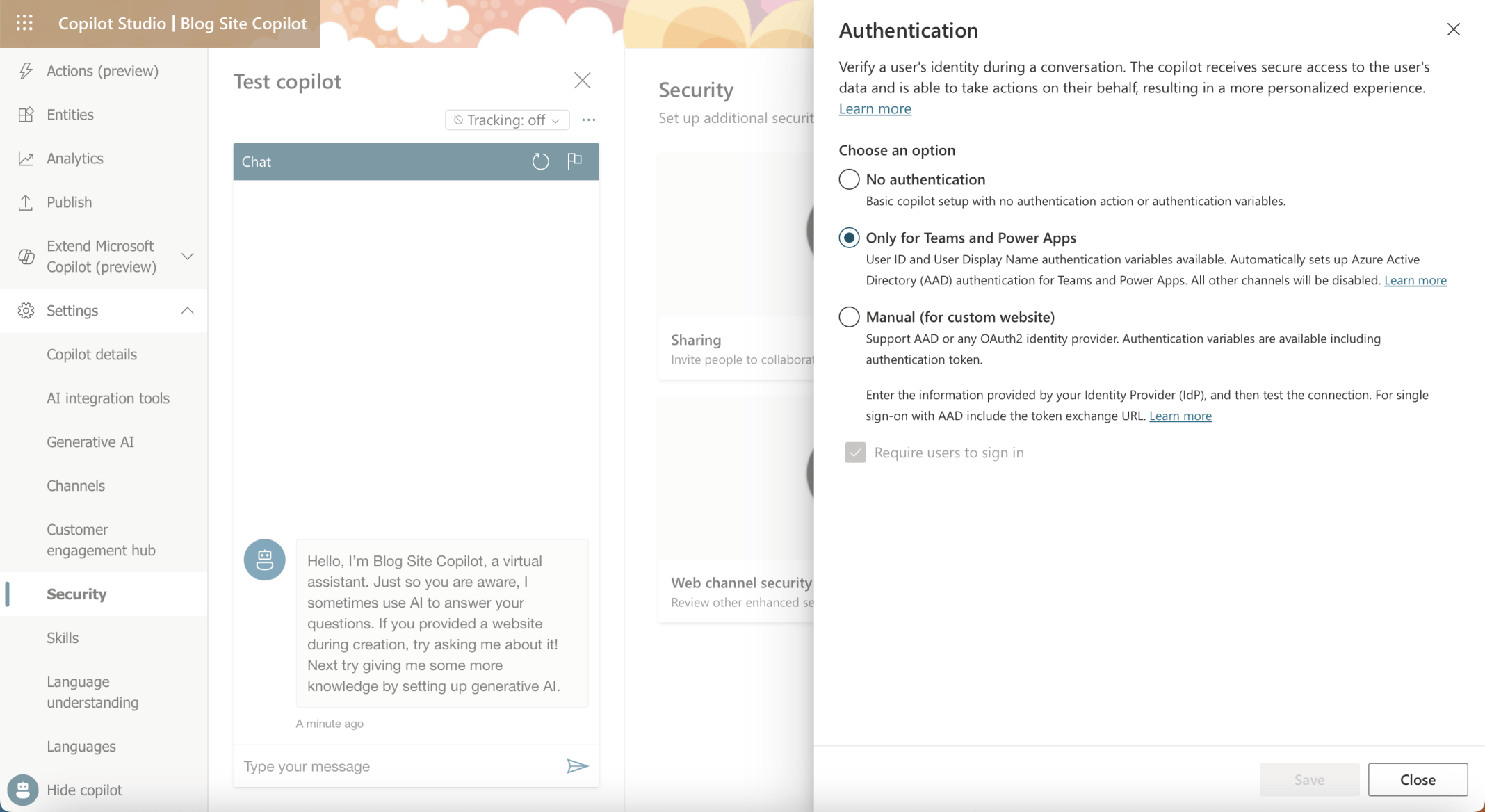
I clicked on the Authentication tile

The "Only for Teams and Power Apps" authentication option was selected by default
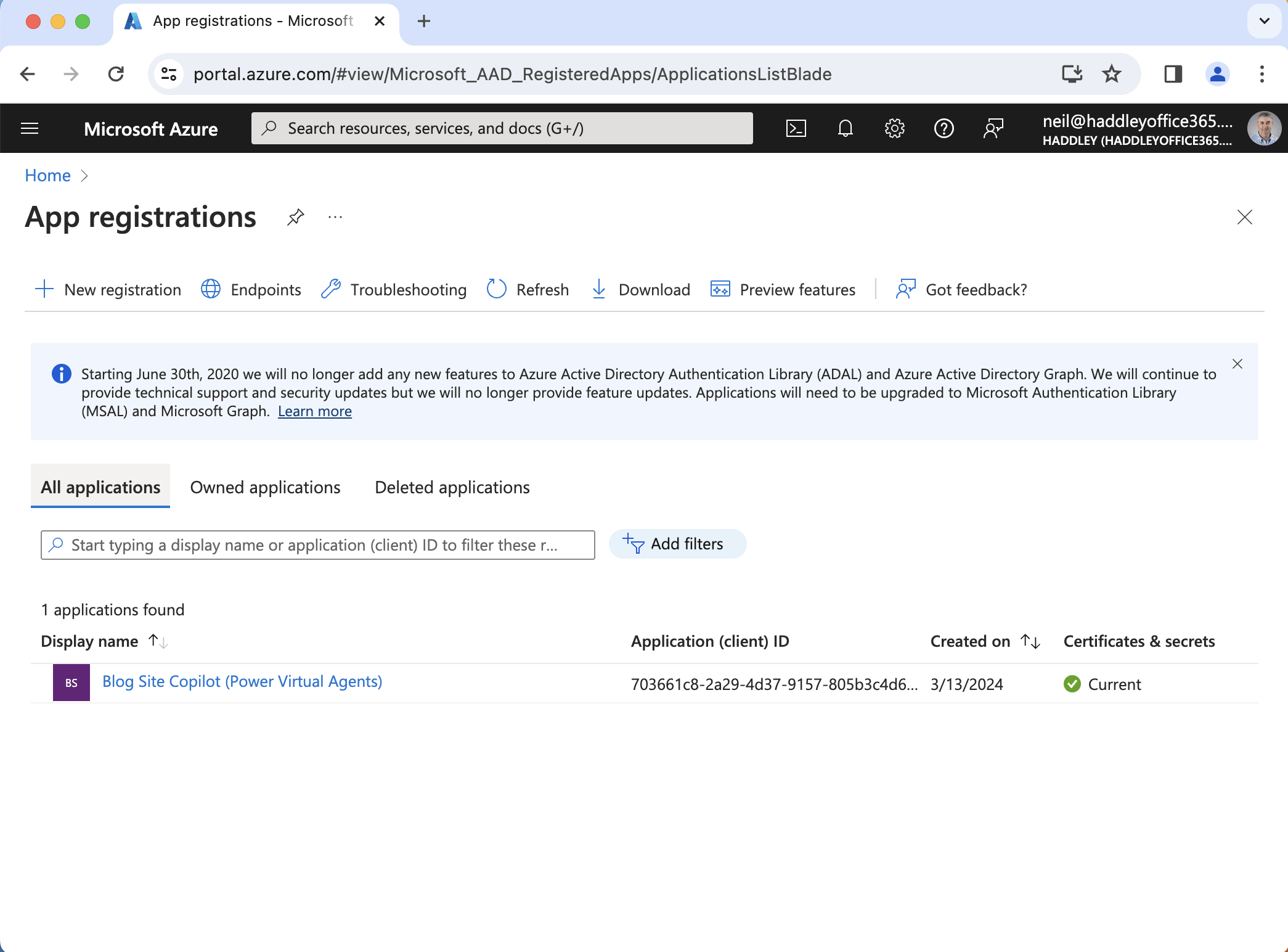
I noticed that a "Blog Site Copilot (Power Virtual Agents)" application registration was automatically created in Azure
Security|Authentication|No Authentication
I set the Authentication setting to No authentication. I navigated to the Demo Website channel.
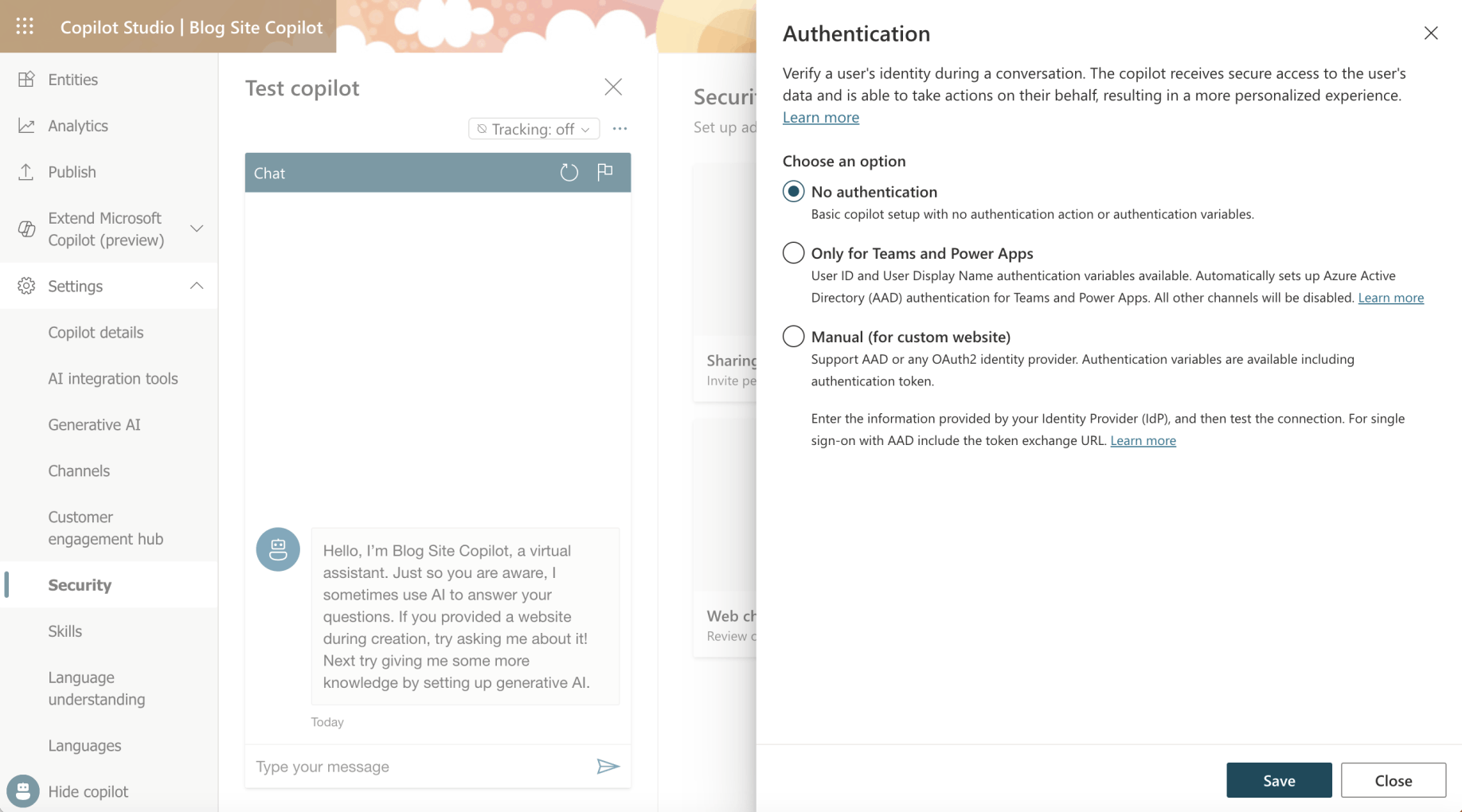
I selected the No authentication option
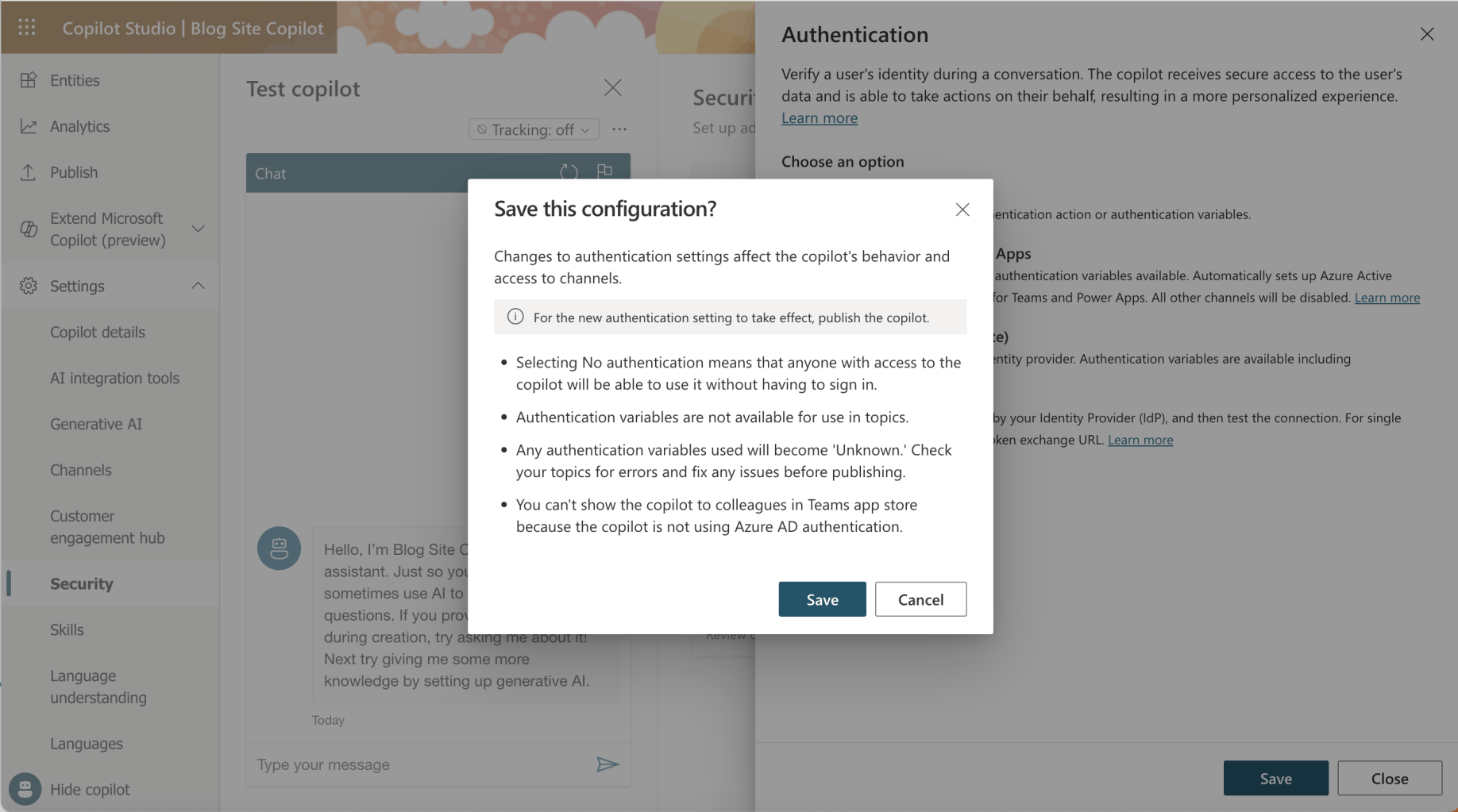
I clicked the Save button
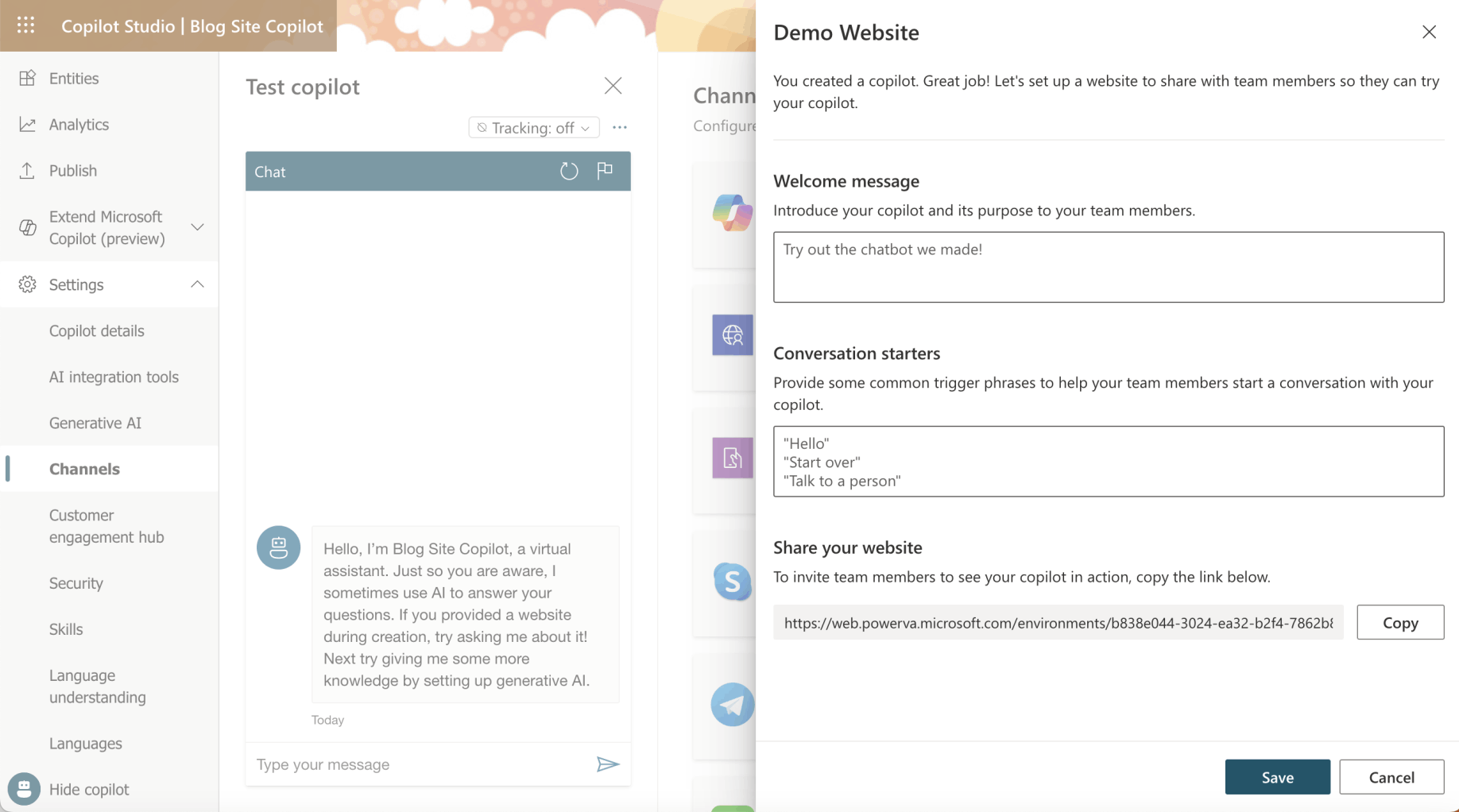
I clicked the Copy button
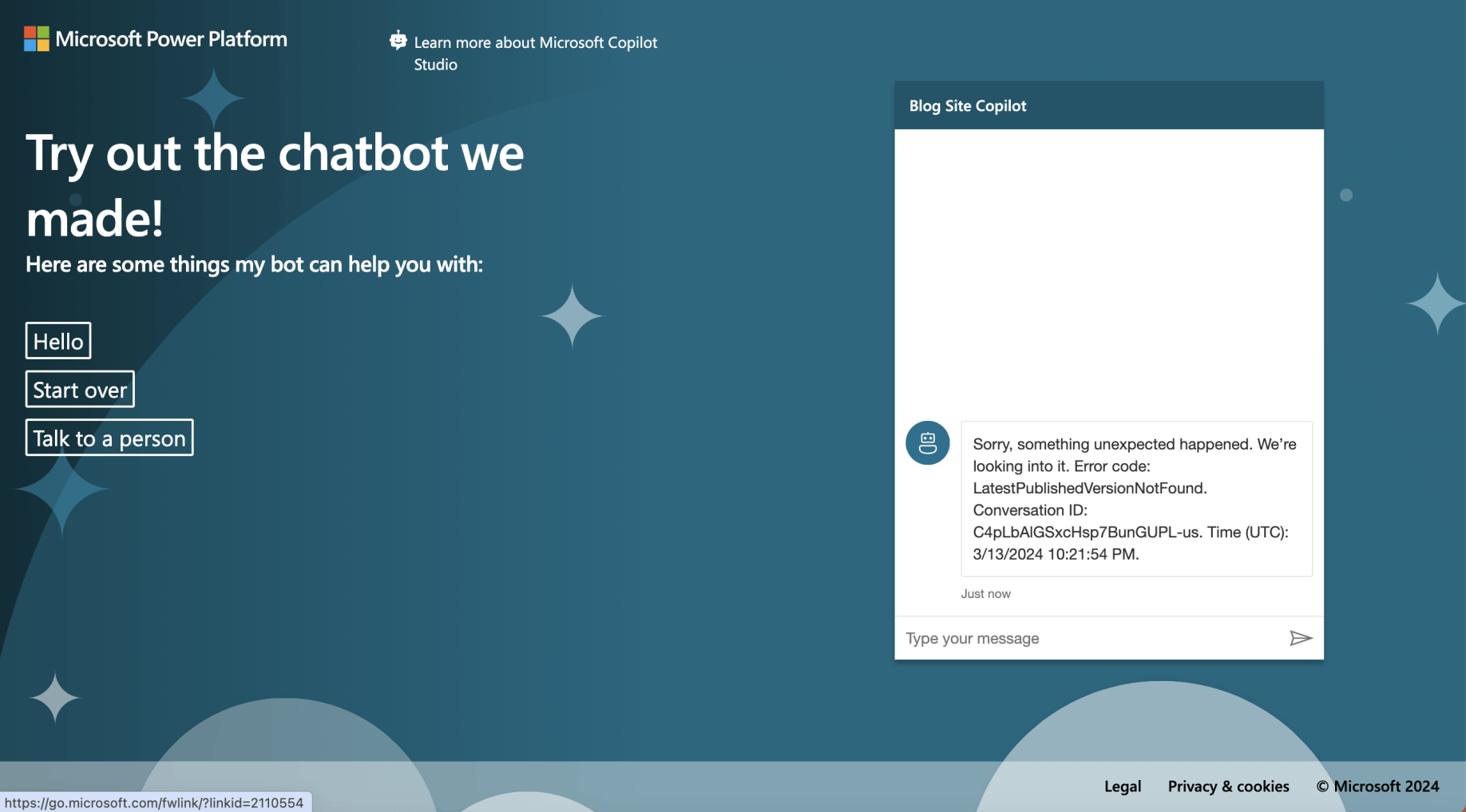
I navigated to https://web.powerva.microsoft.com/environments/b838e044-3024-ea32-b2f4-7862b85e9903/bots/cr74e_blogSiteCopilot/canvas?__version__=2
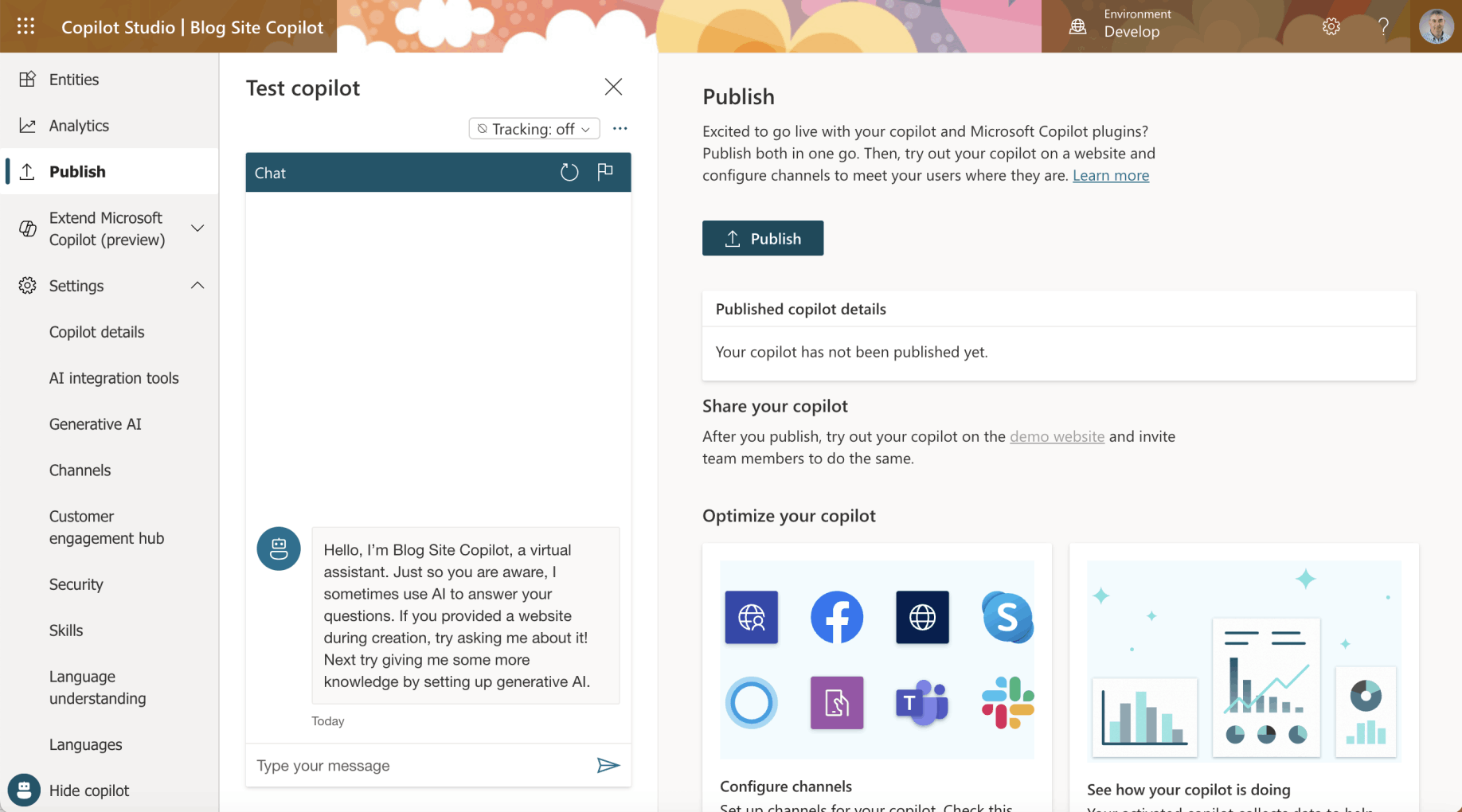
I navigated to the Publish tab and clicked the Publish button
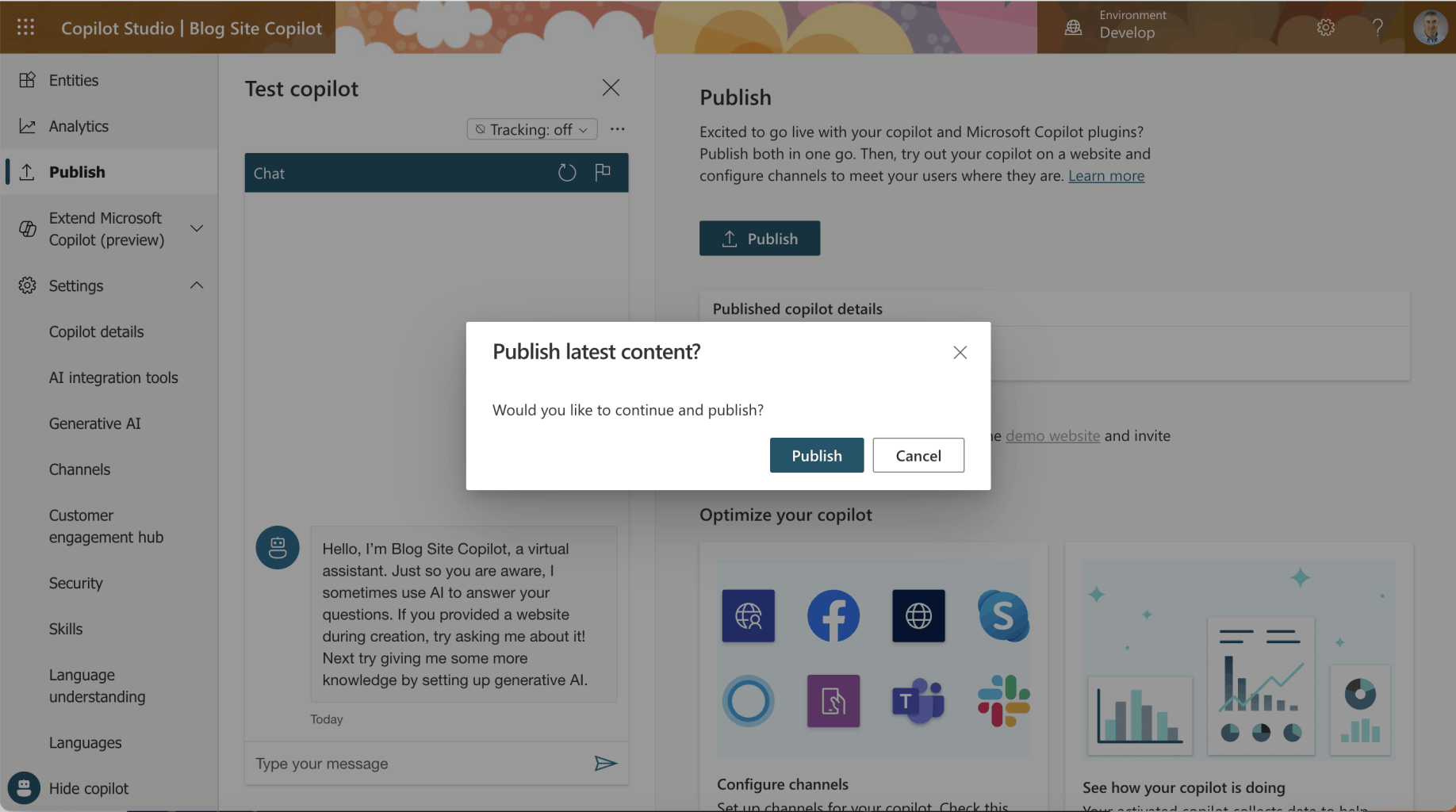
I clicked the Publish button
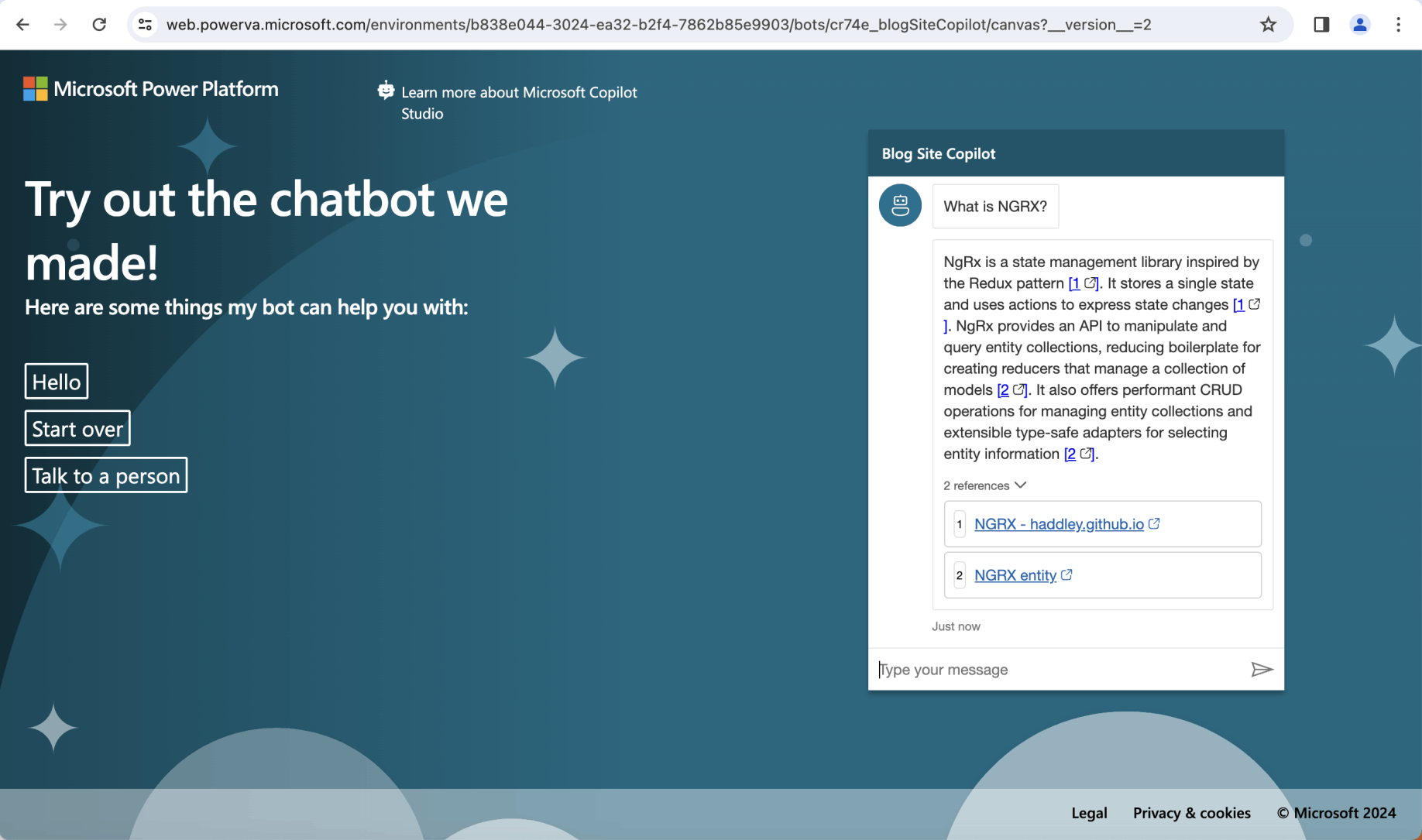
I returned to the demo website and asked the question "What is NGRX?"
Setting|Security|Manual
To configure Copilot with single sign-on, I created two Application Registrations.
A "Blog Site Copilot (Canvas App)" Application Registration for the Web Page https://delightful-moss-0ad02620f.5.azurestaticapps.net; and
A "Blog Site Copilot (Authenticated App)" Application Registration for Copilot Studio https://token.botframework.com/.auth/web/redirect
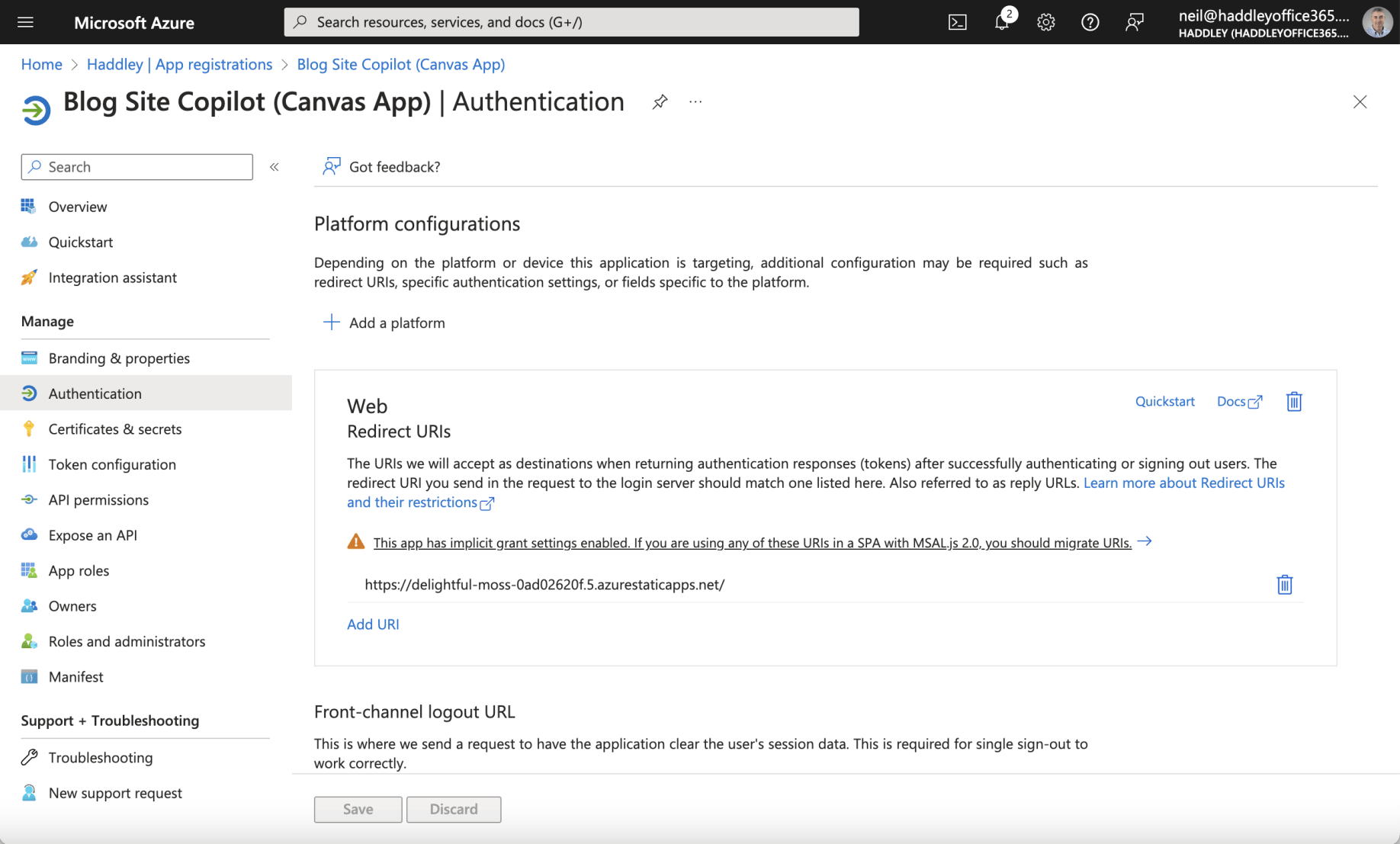
The Canvas App Registration had a Web Redirect URI https://delightful-moss-0ad02620f.5.azurestaticapps.net/
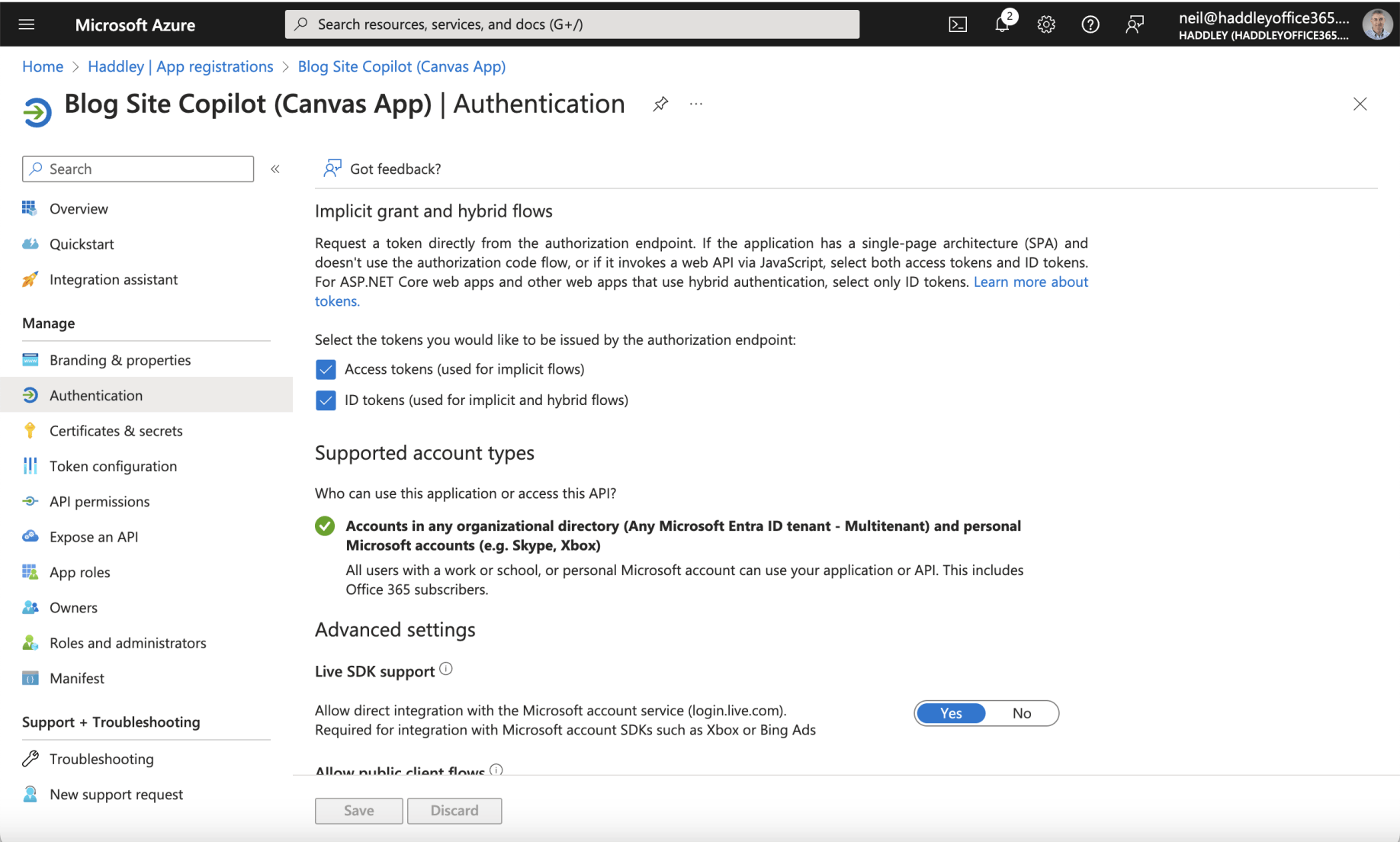
The Access tokens and ID tokens options were both checked
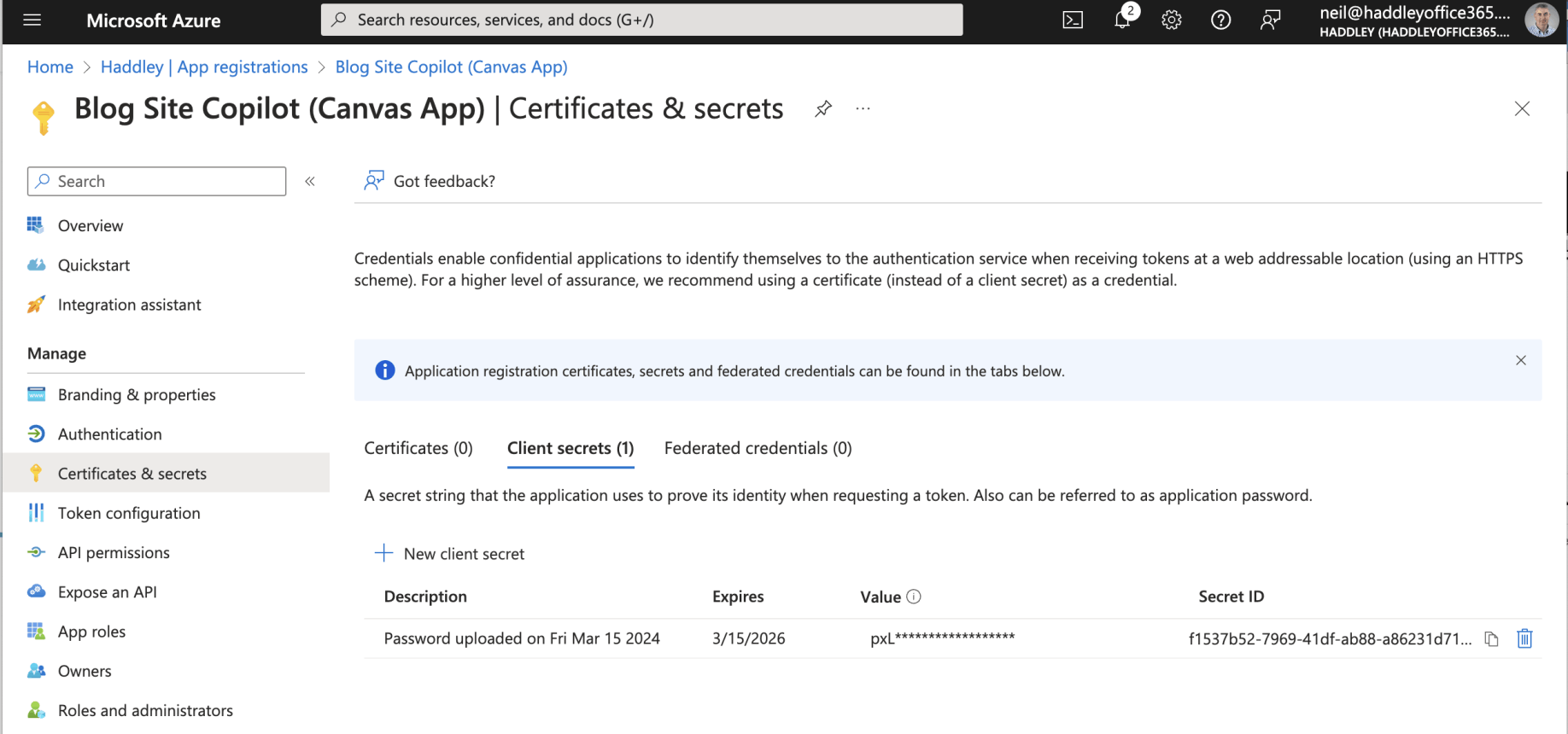
The Canvas App Registration had a generated Client secret
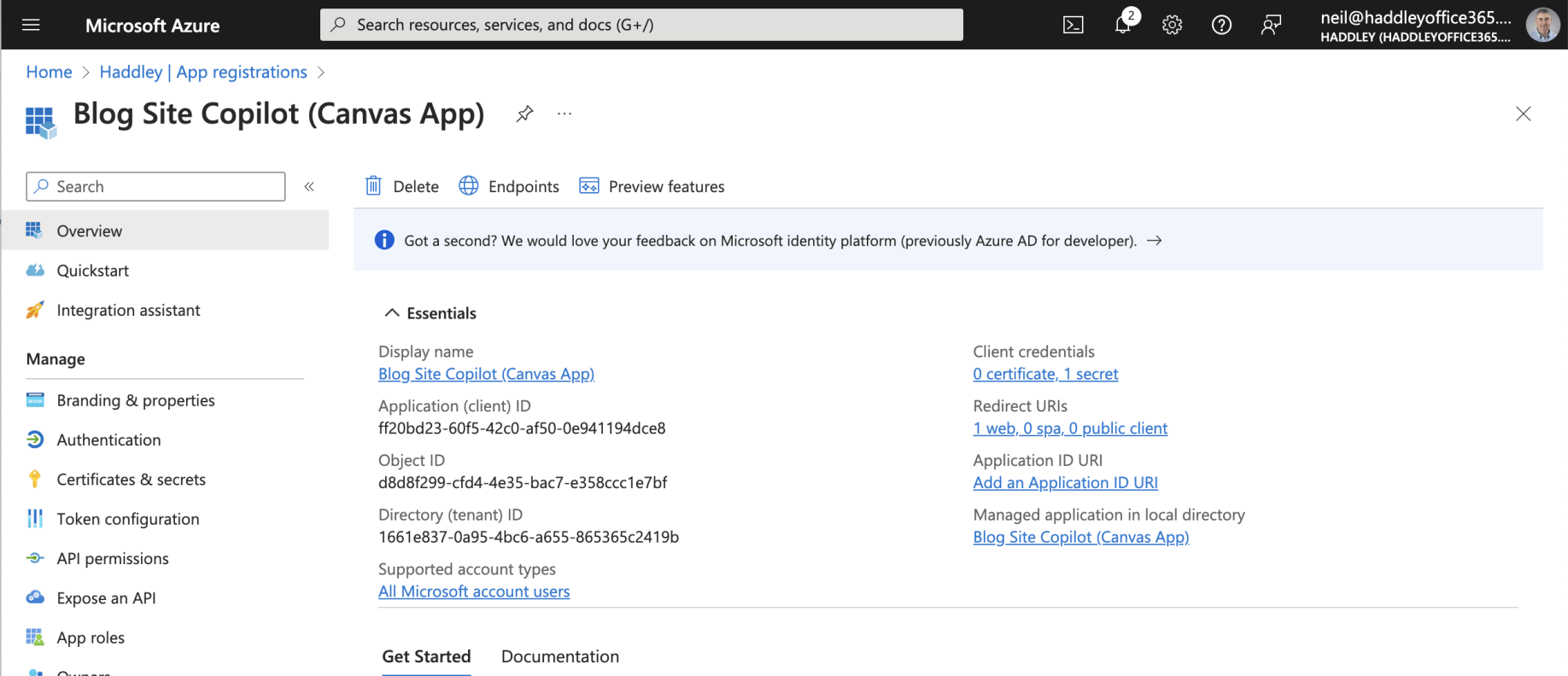
I reviewed the Canvas App Registration Overview
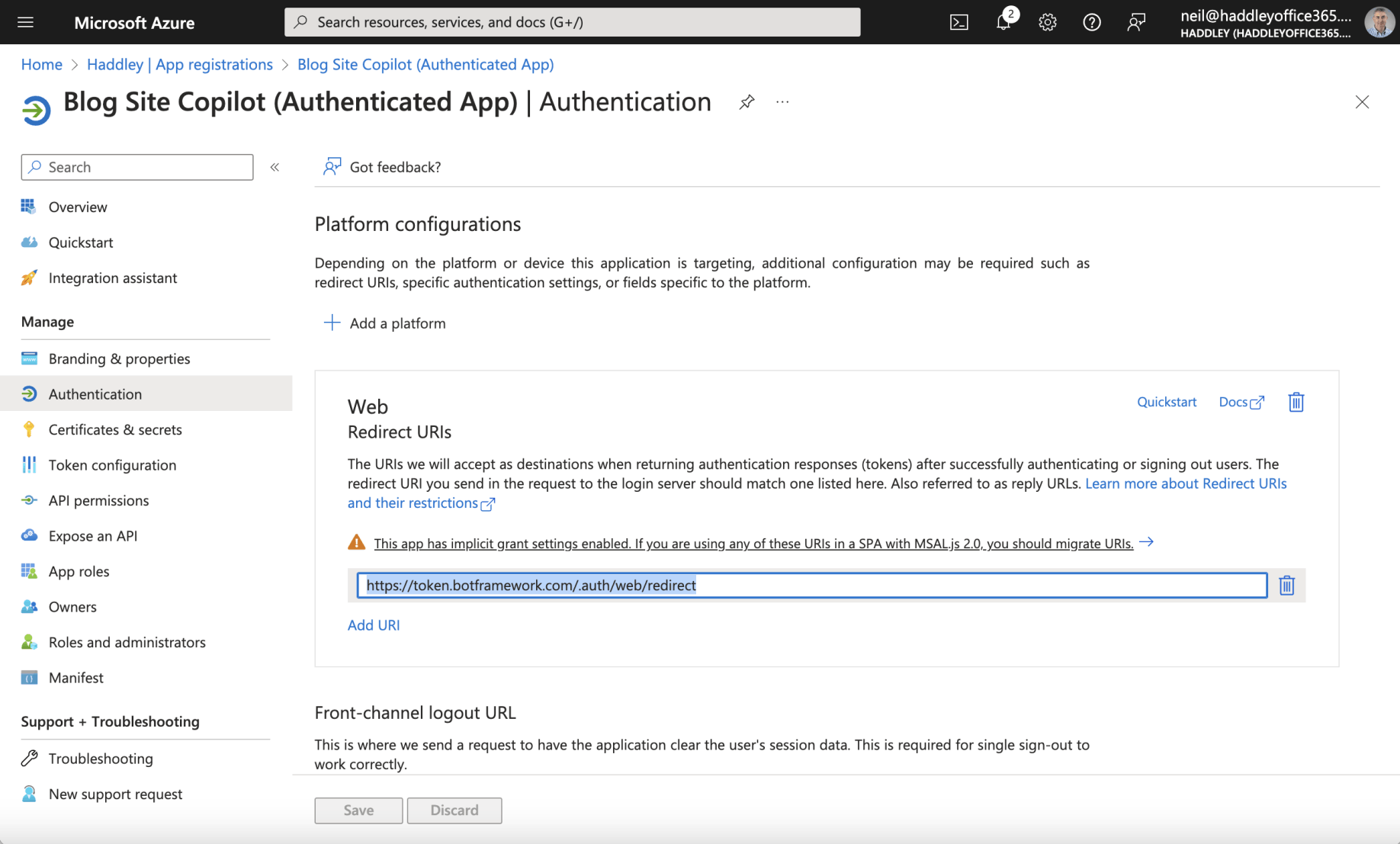
The Authenticated App Registration had a Web Redirect URI https://token.botframework.com/.auth/web/redirect
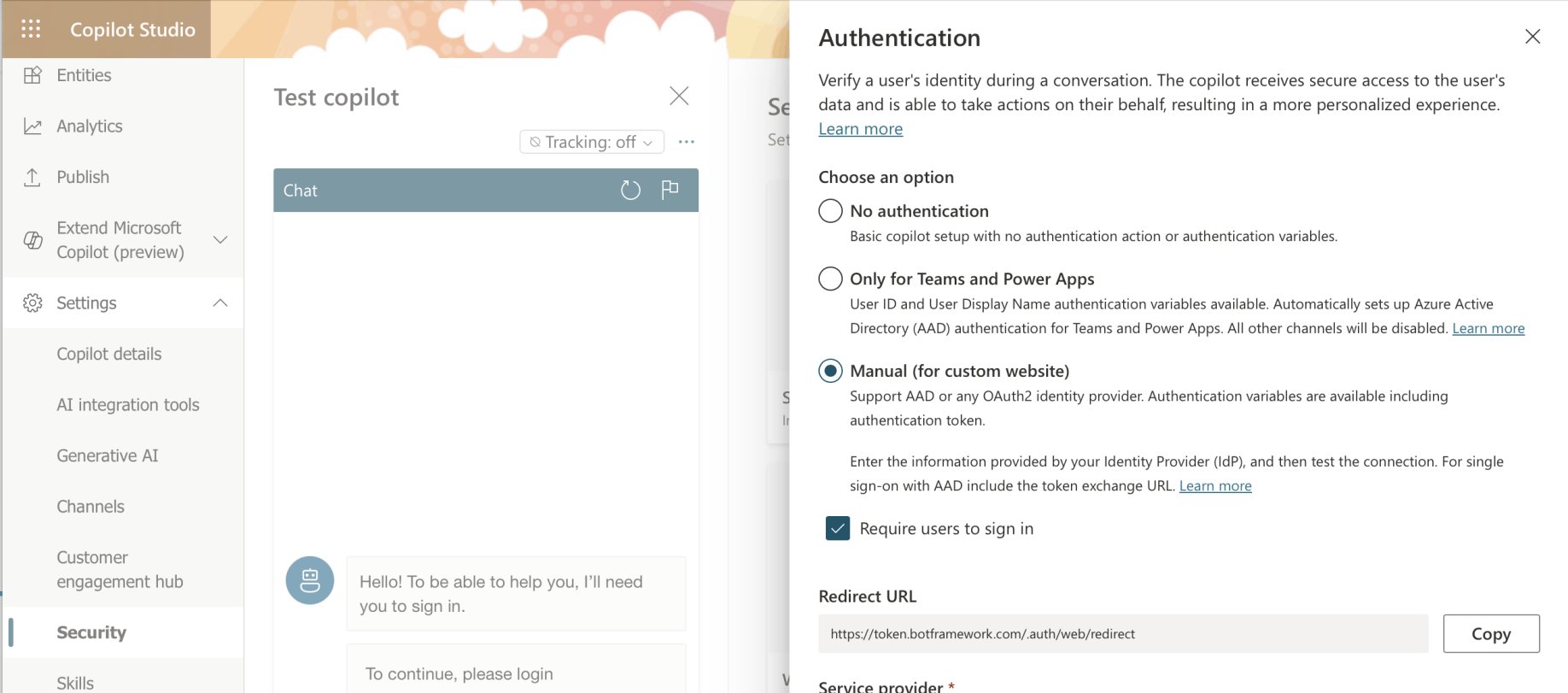
I noted that the Redirect URL could be copied from the Copilot Studio Security|Authentication page
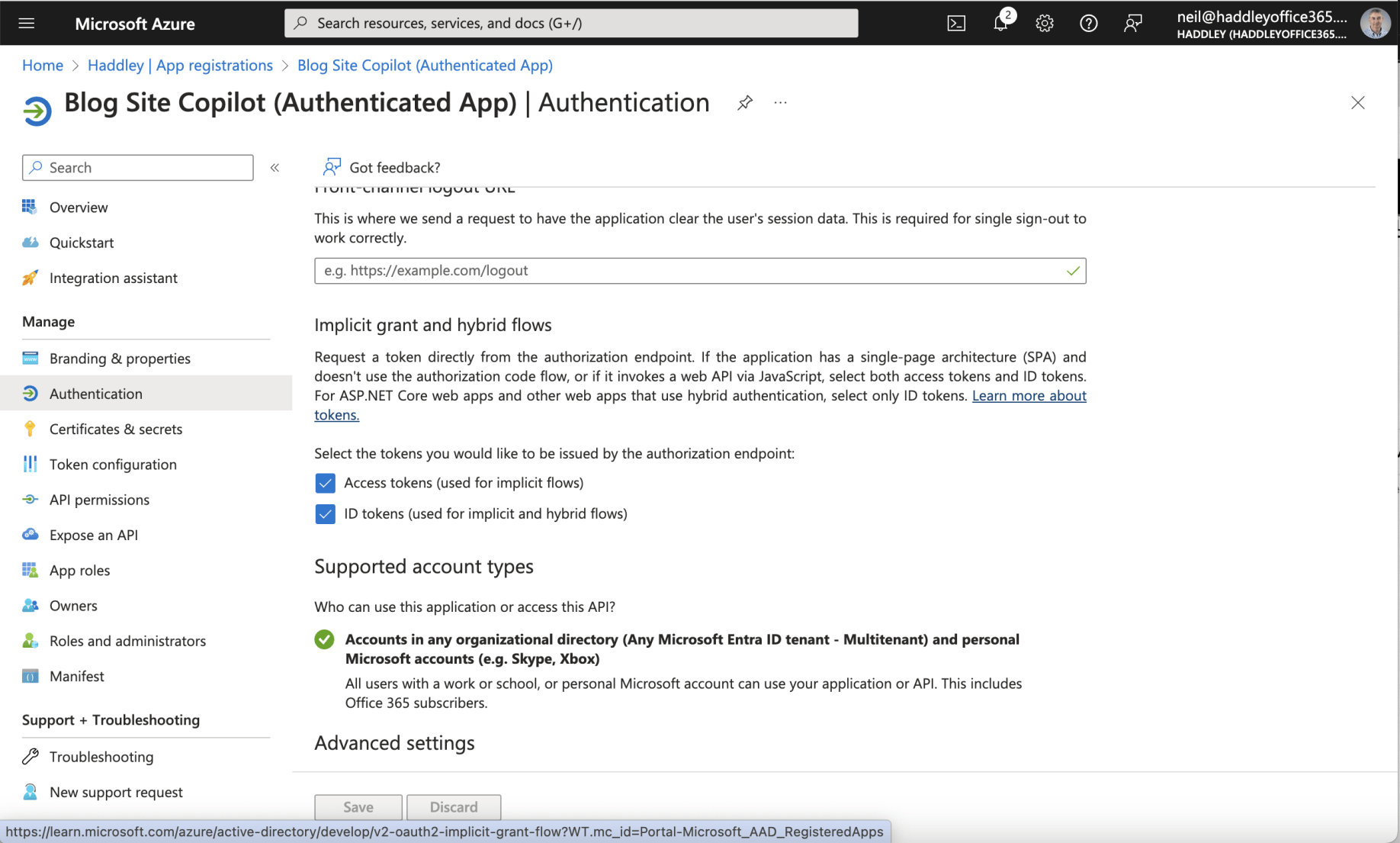
The Access tokens and ID tokens options were both checked
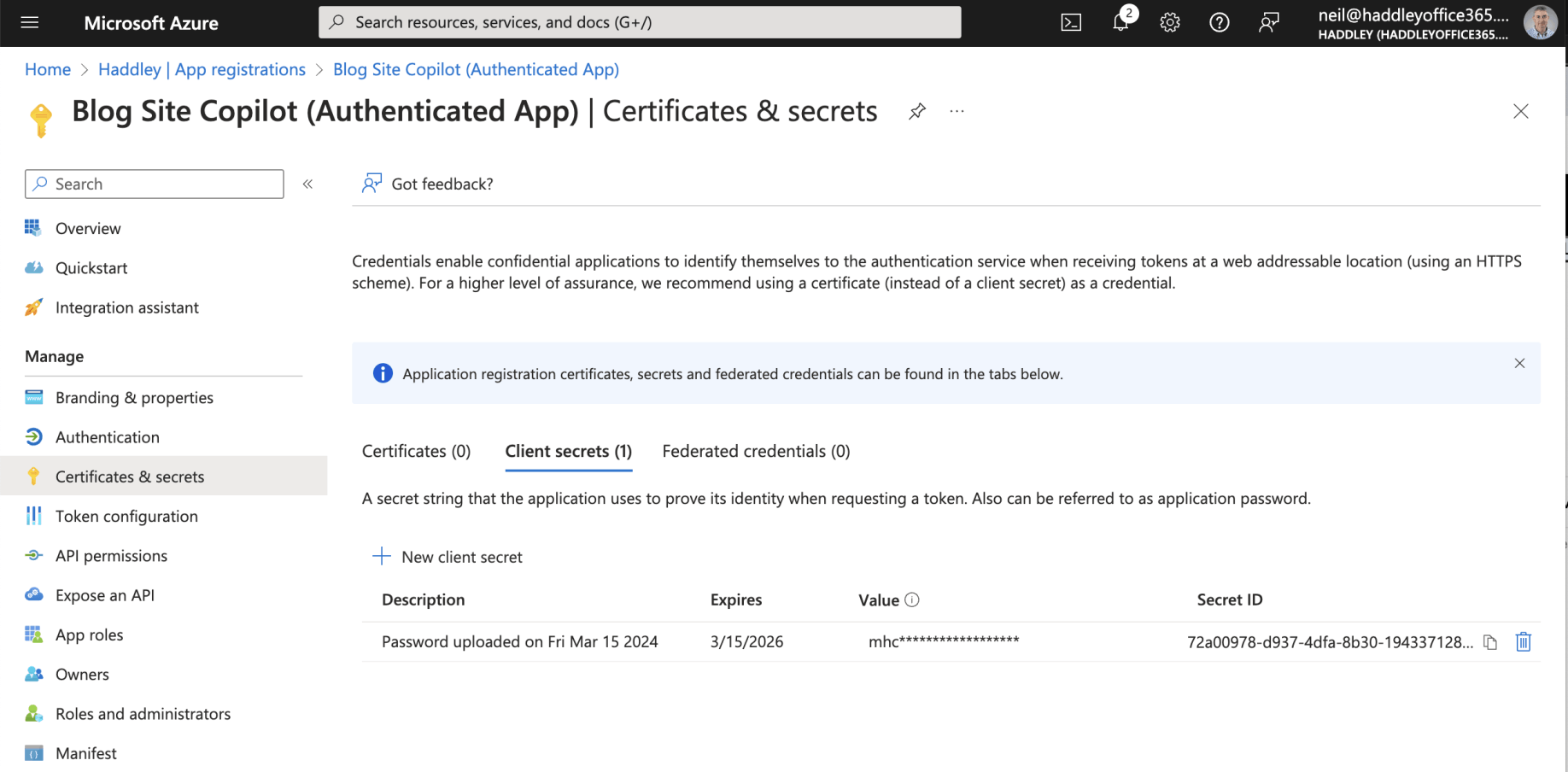
The Authenticated App Registration had a generated Client secret
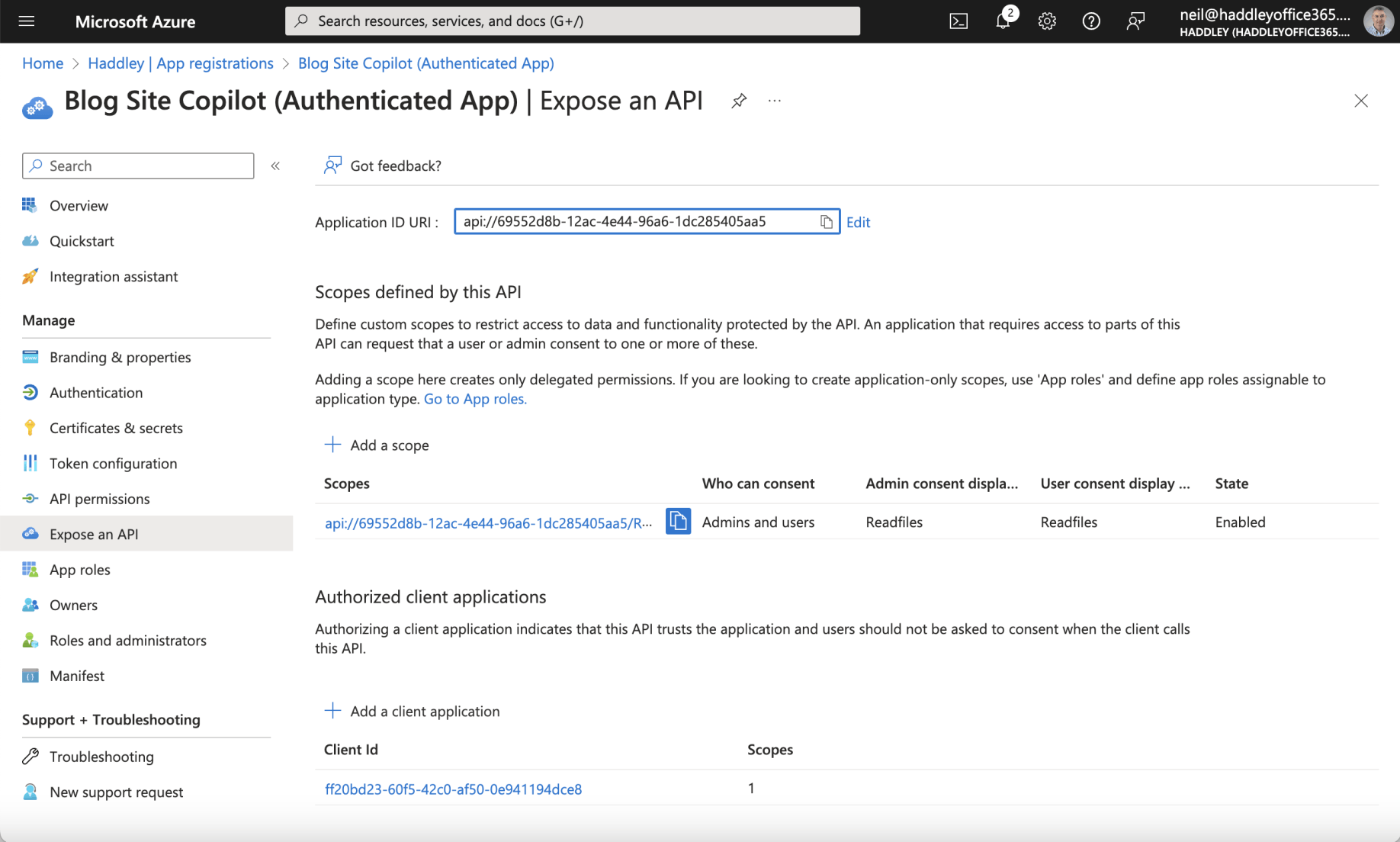
I noticed that the Authenticated App Registration included a scope and was configured to trust the Canvas App Registration. The Canvas App Client ID "ff20..." was added.
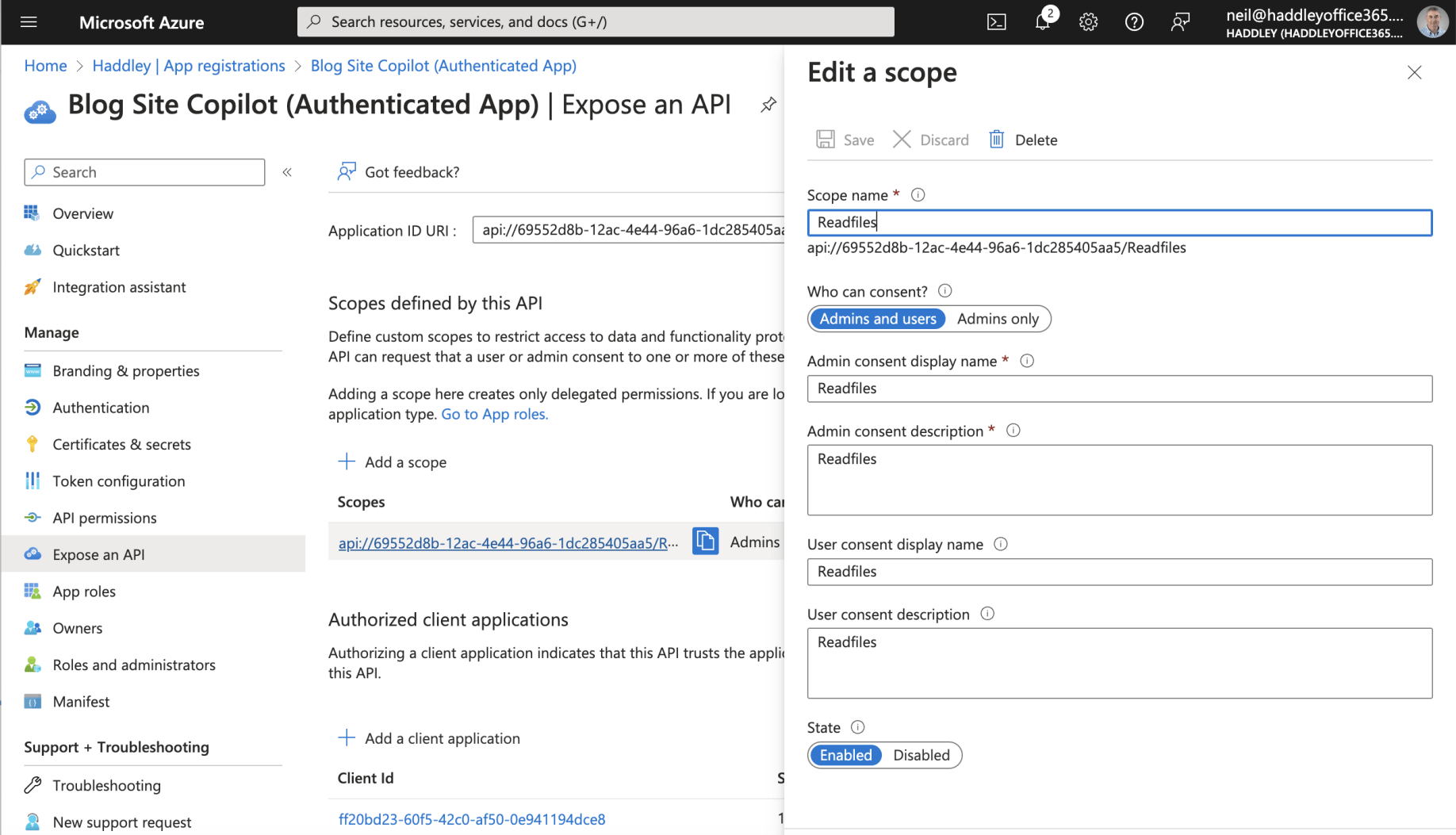
The Authenticated App Registration included scope: api://69552d8b-12ac-4e44-96a6-1dc285405aa5/Readfiles
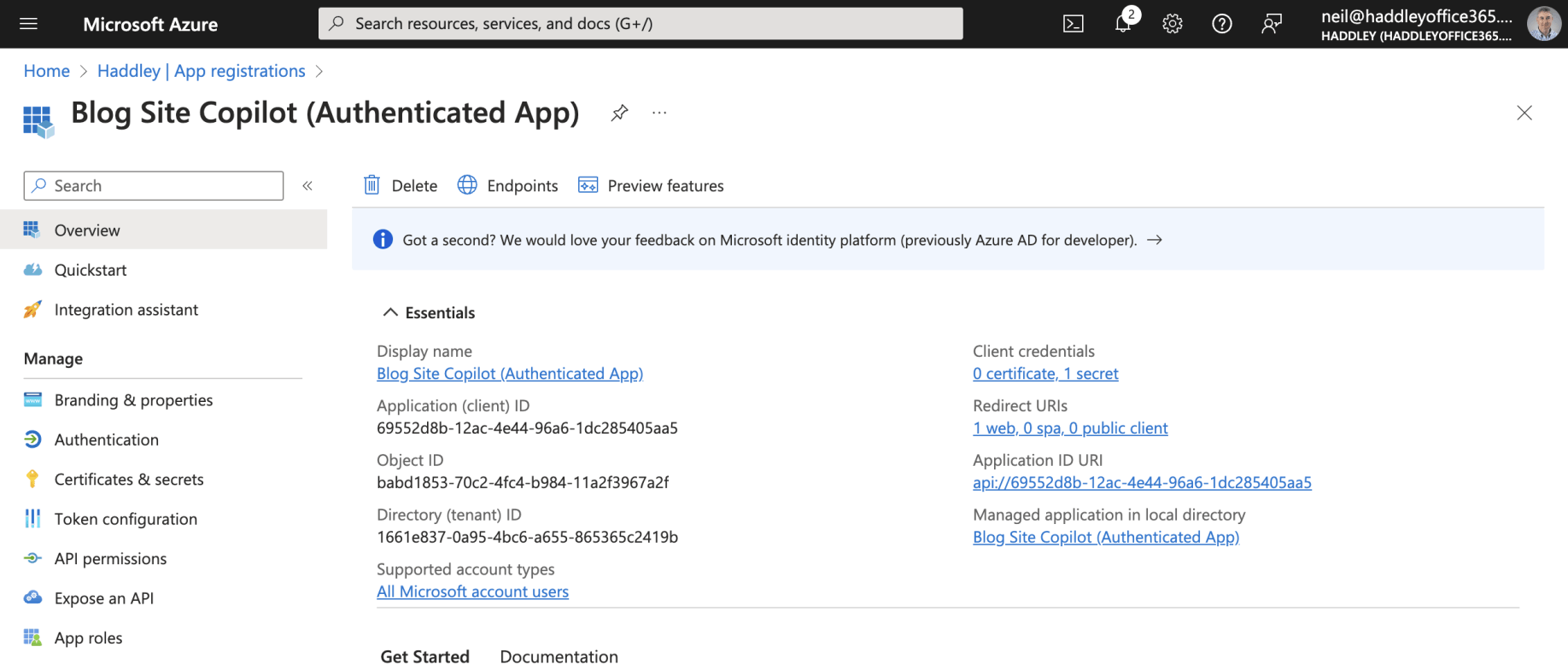
I reviewed the Authenticated App Registration Overview
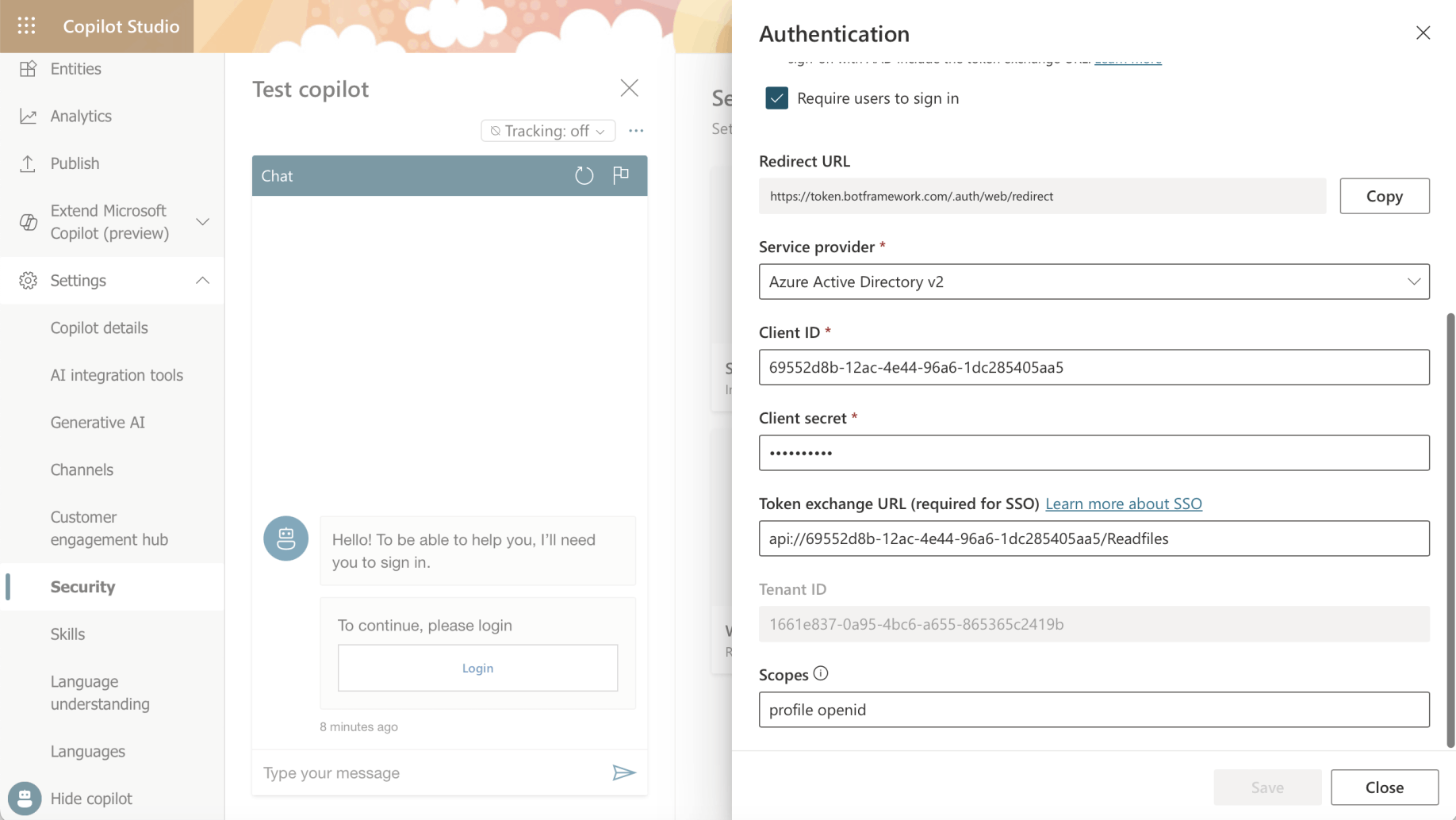
I noticed that the Authenticated App Registration Client ID and Client Secret were added to the Copilot Studio Security|Authentication page. The "api://6955..." scope was also added.
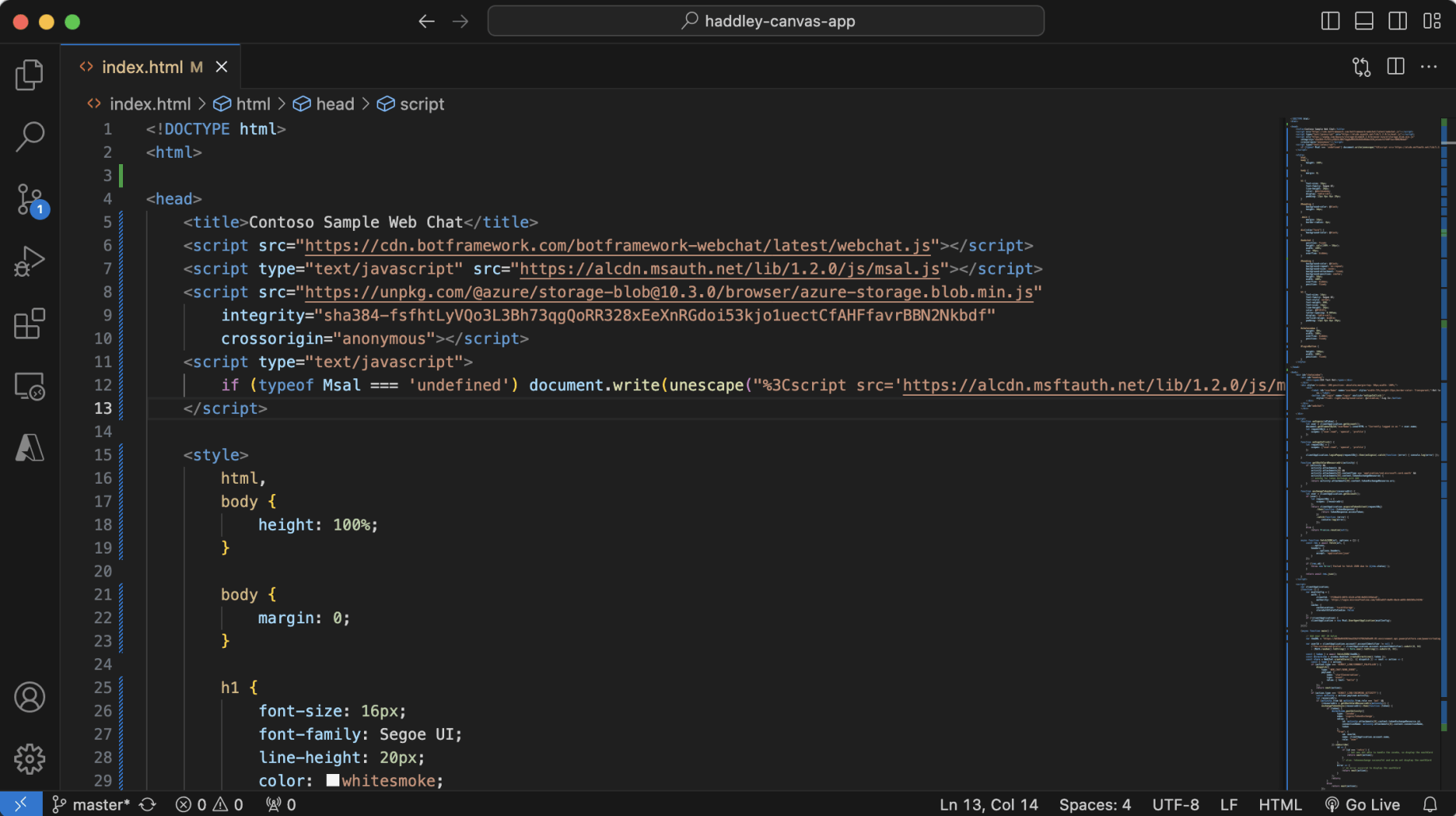
I used code from https://github.com/microsoft/CopilotStudioSamples/blob/master/BuildYourOwnCanvasSamples/3.single-sign-on/index.html
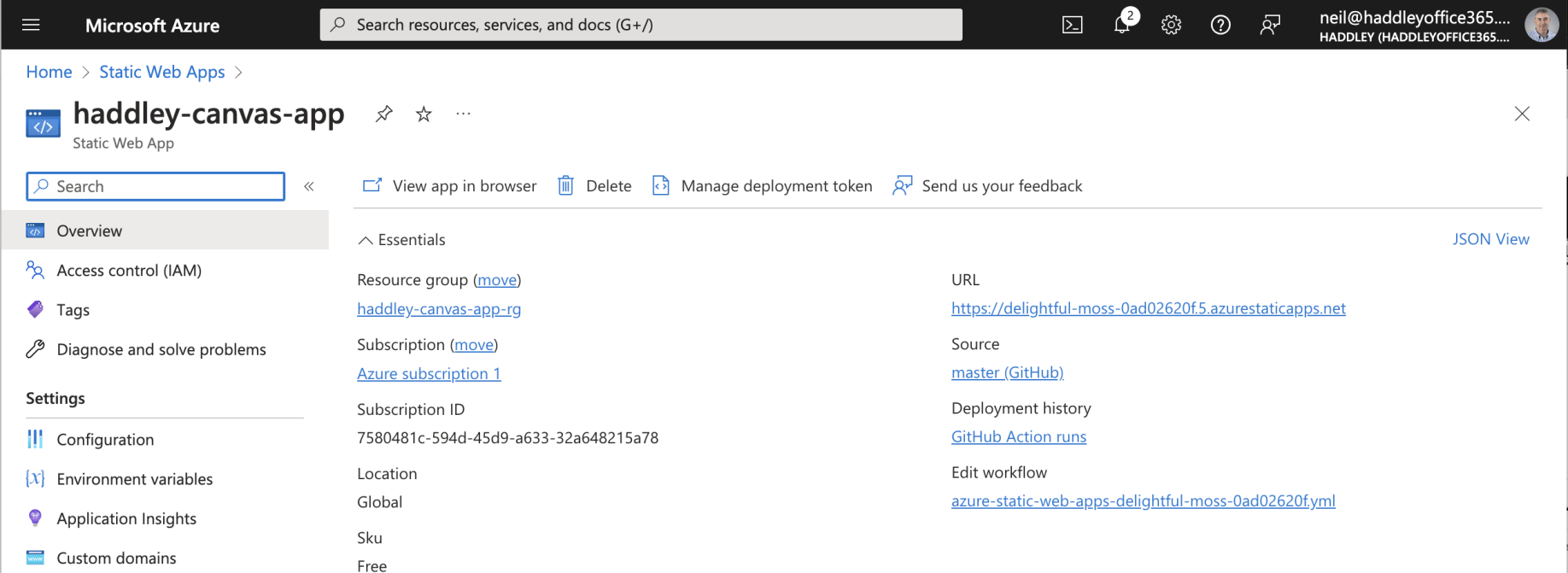
The Static Web App had URL https://delightful-moss-0ad02620f.5.azurestaticapps.net
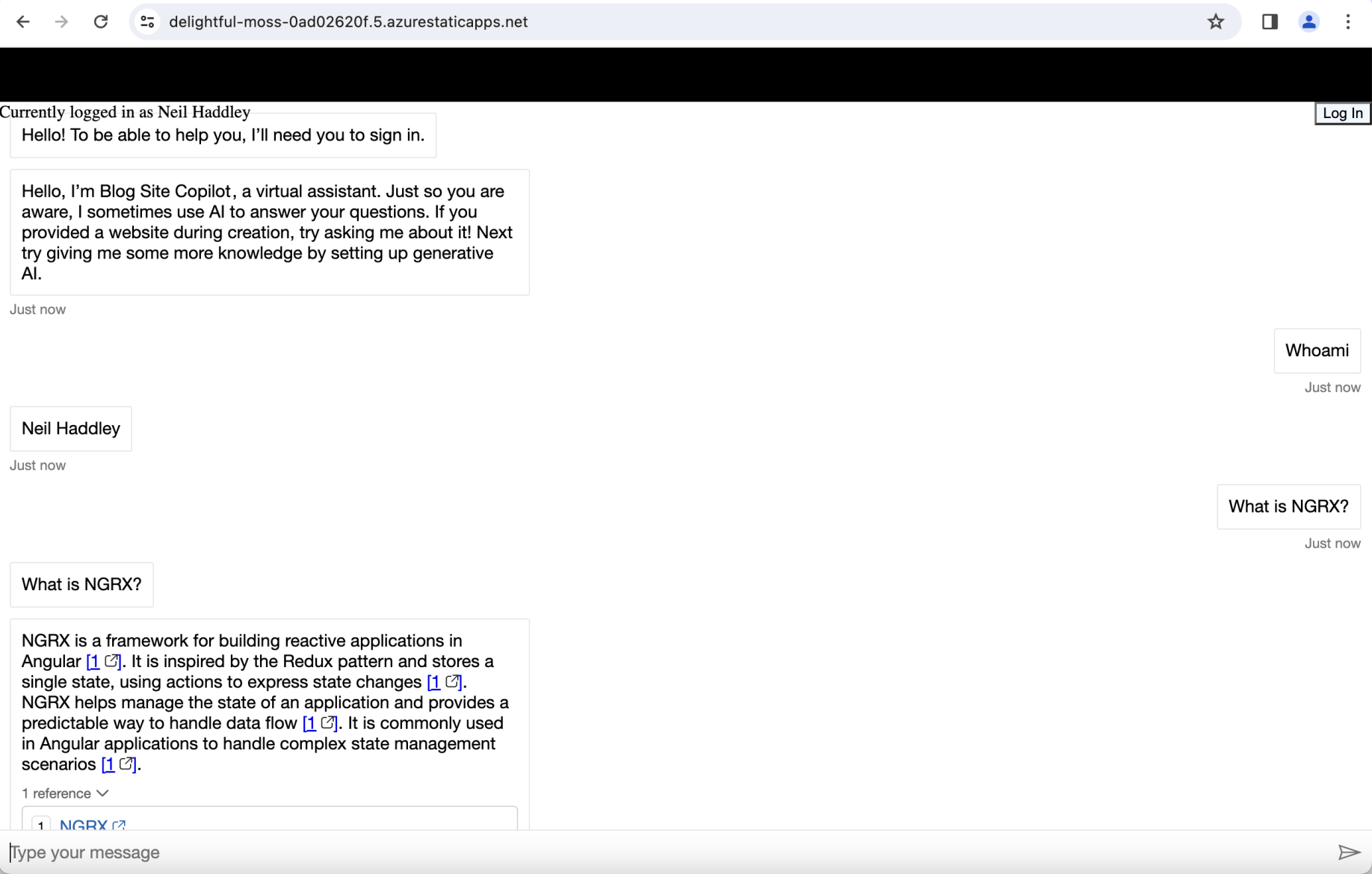
To get this example to work I needed to load the web page and to click the "log in" button (promptly).
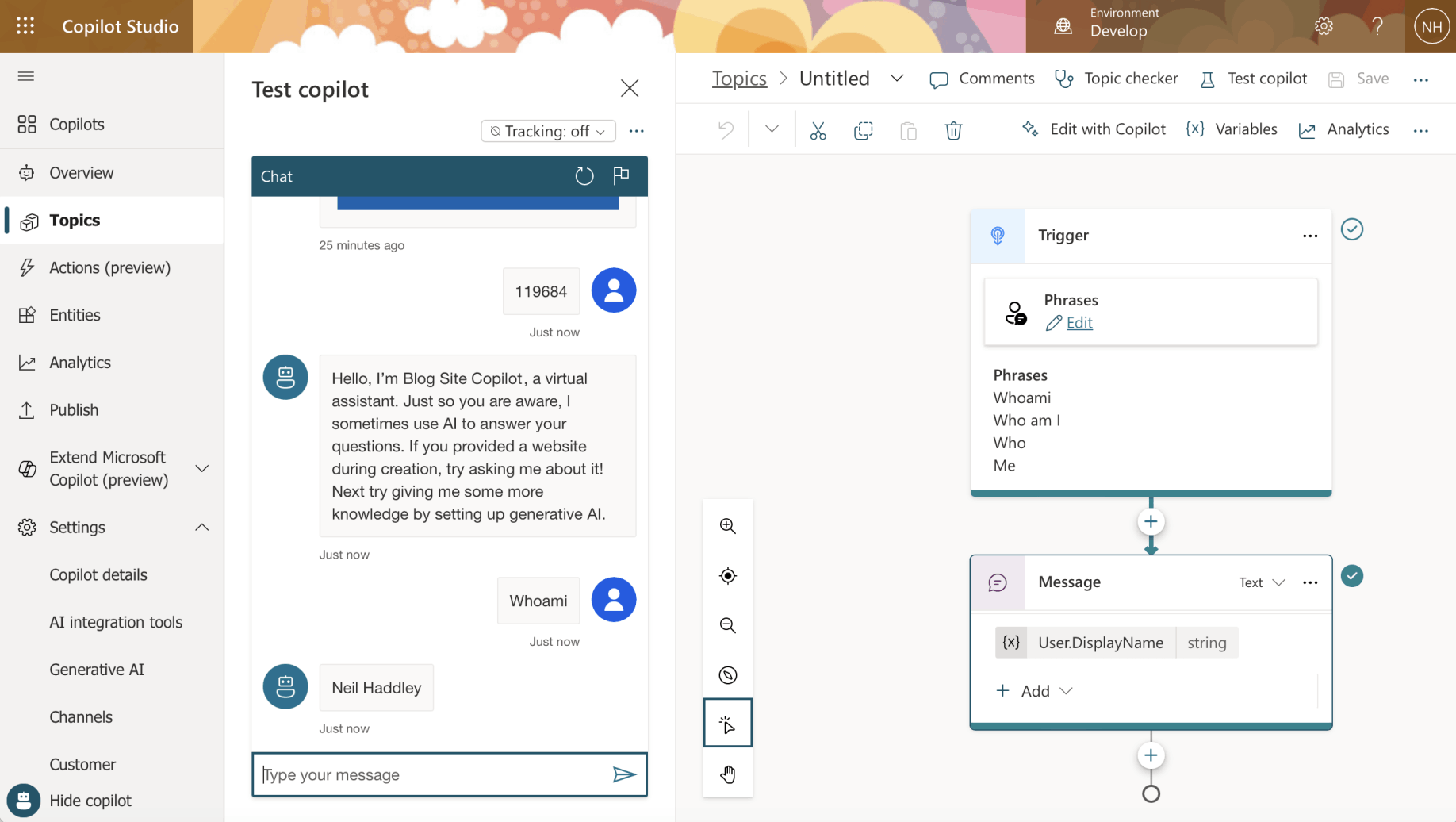
I reviewed the Whoami Topic
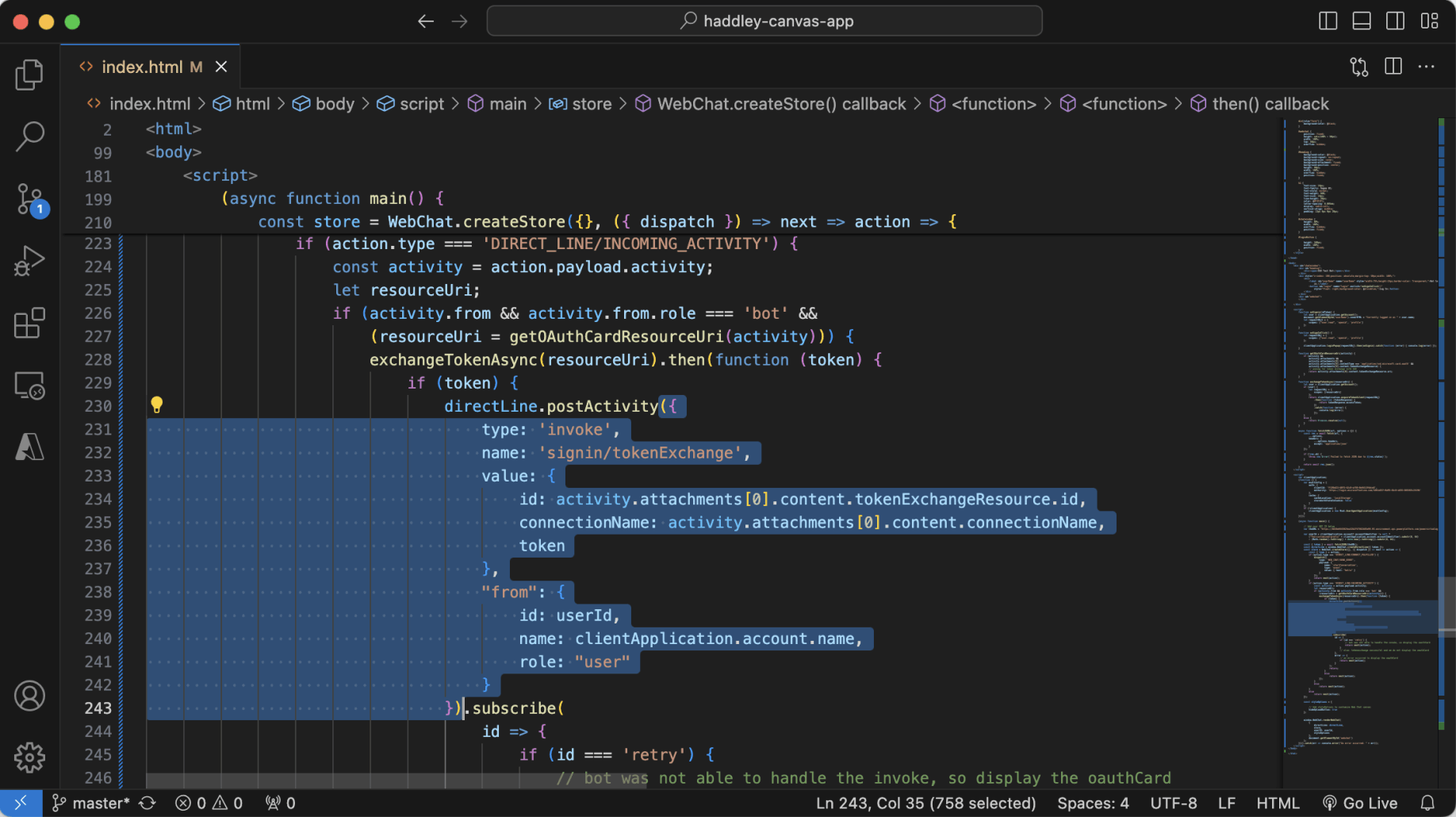
I noted that this part of the code posts a "signin/tokenExchange" message to the Copilot, avoiding the need for the logged-in user to sign in to the Copilot separately.