Create action based on a flow
Neil Haddley • January 4, 2024
Created from the Business Central user interface
Power Automate flows can be created from the Business Central user interface.
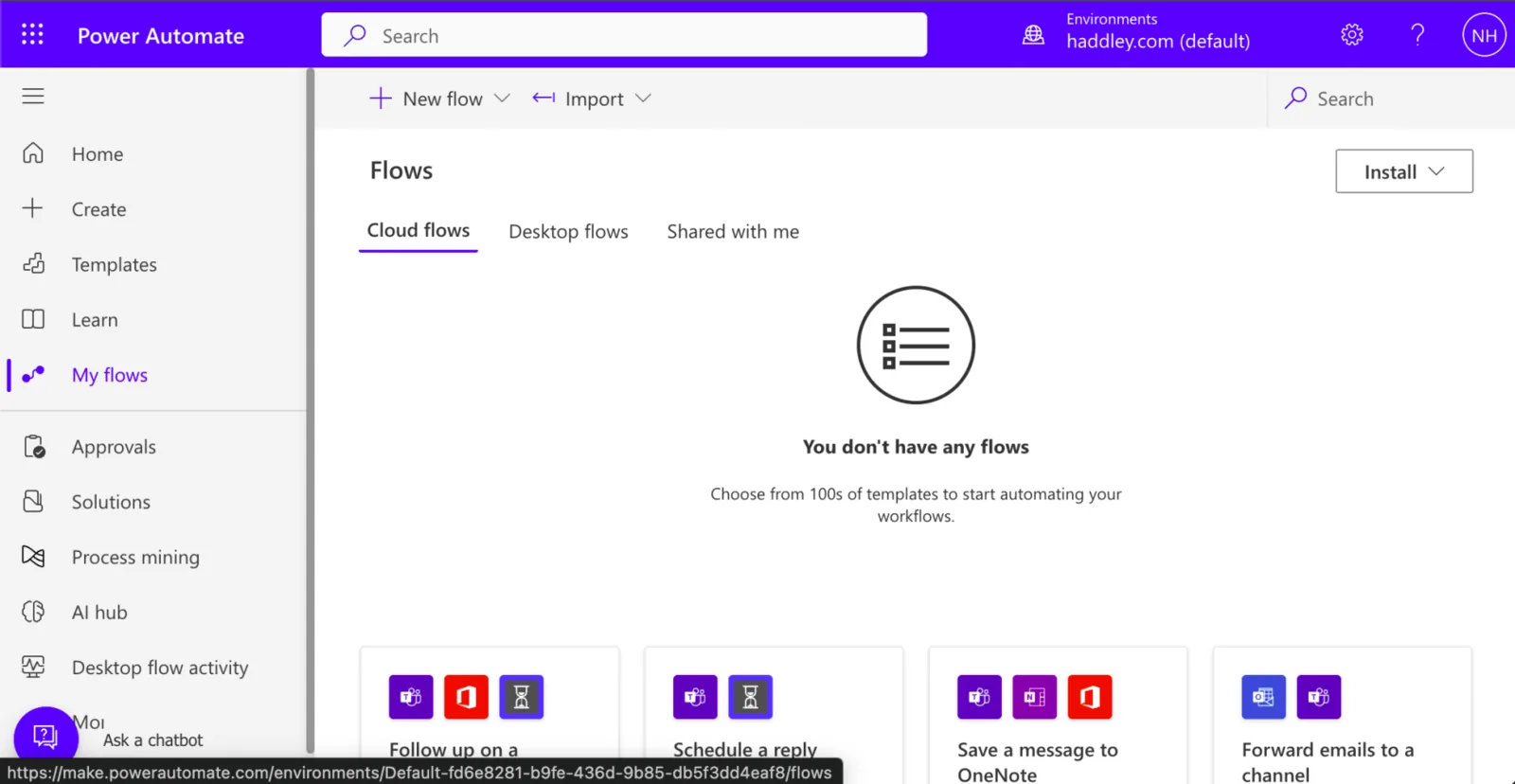
I started with no flows defined
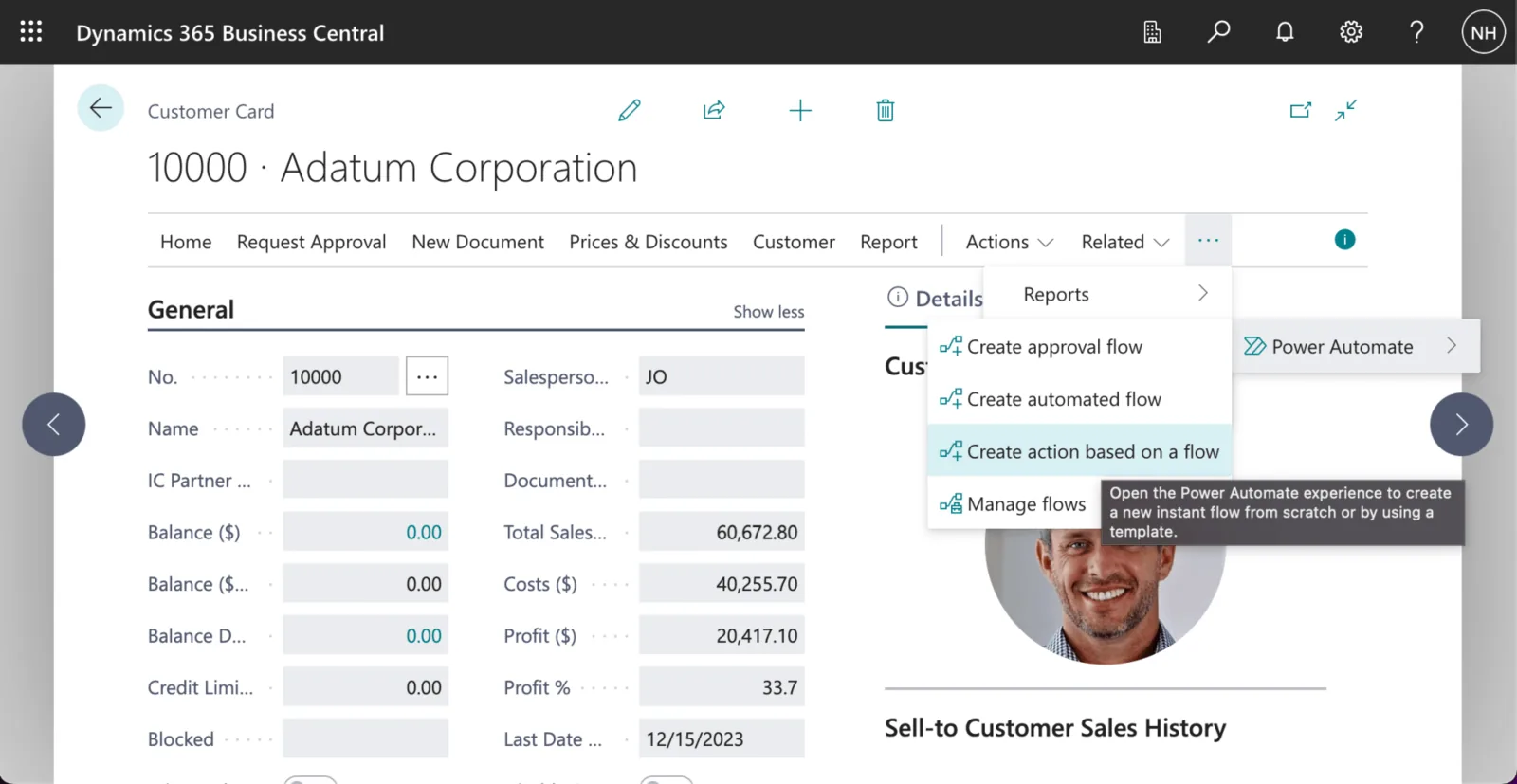
I navigated to a Customer Card page and clicked the "Automate | Power Automate | Create action based on flow" menu item
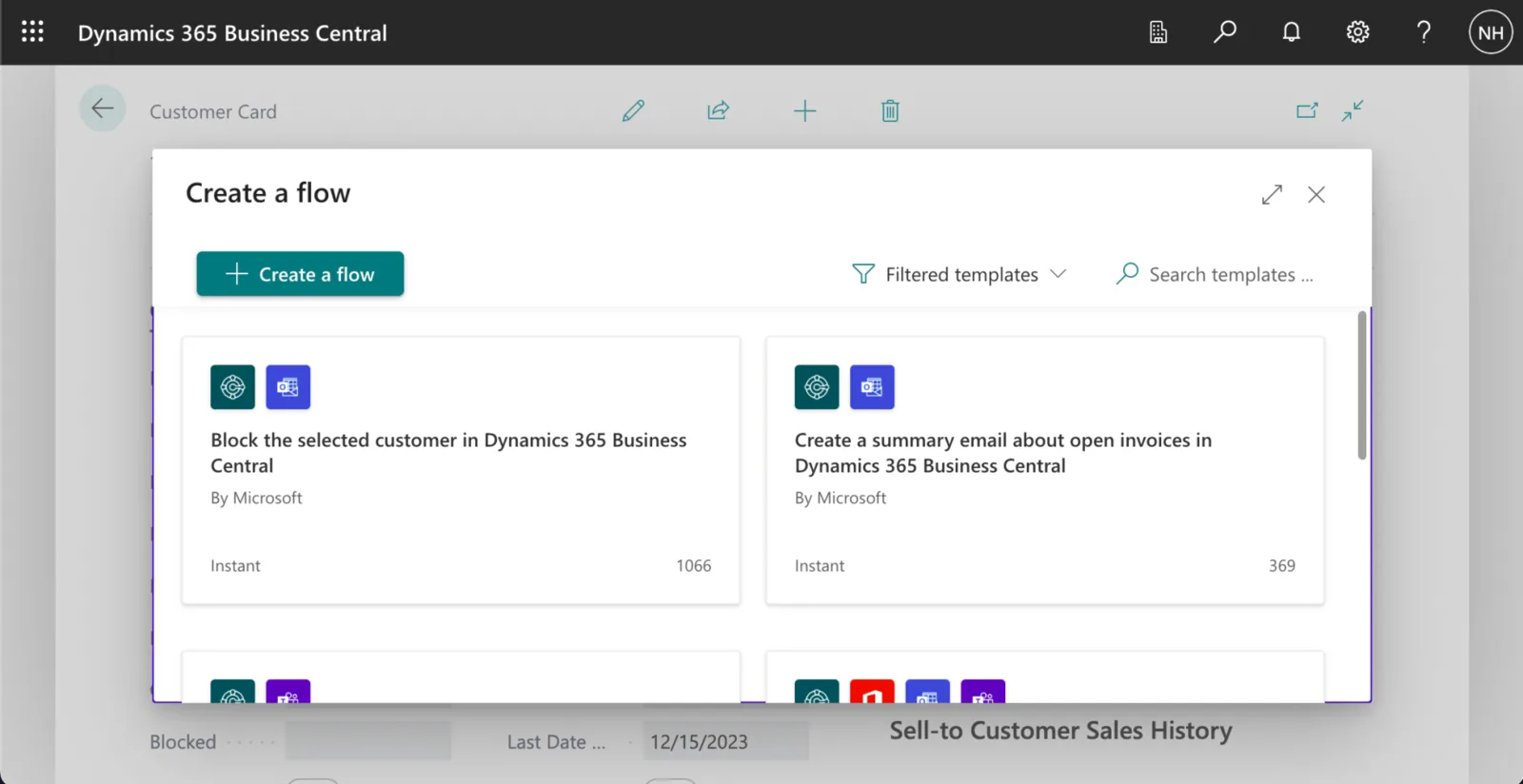
I clicked the "+ Create a flow" button
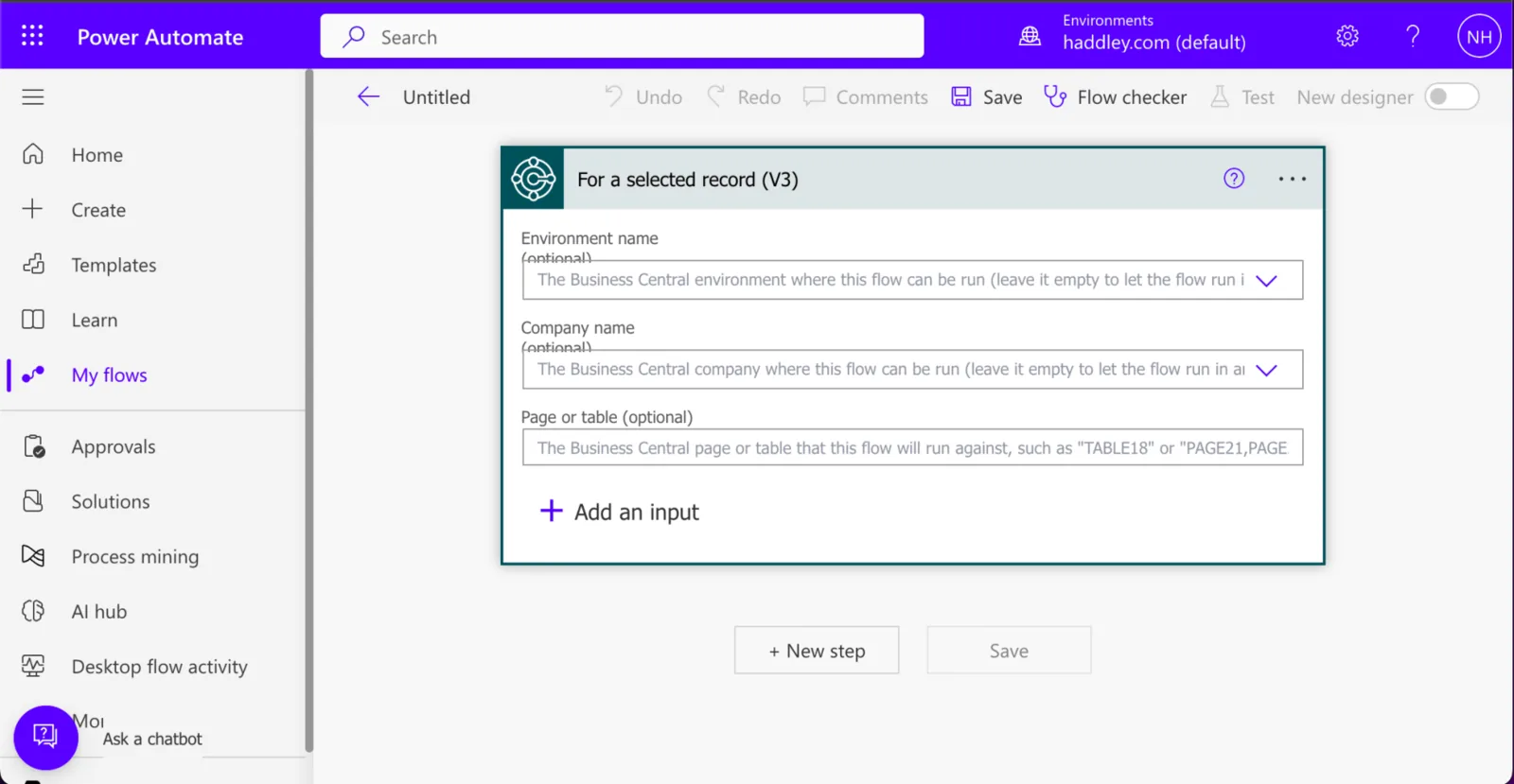
I was redirected to a https://make.powerautomate.com/ page
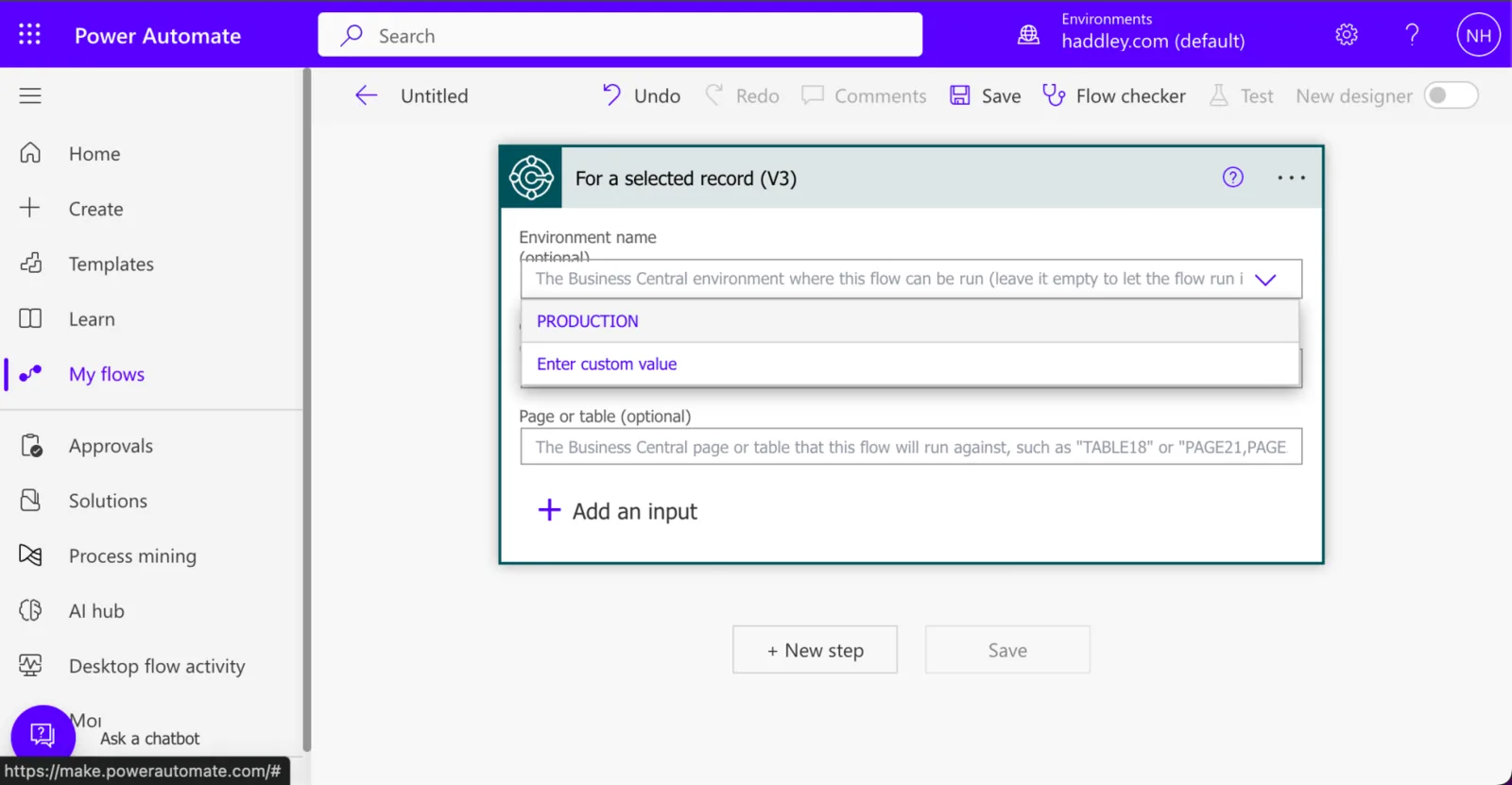
I selected the PRODUCTION Environment
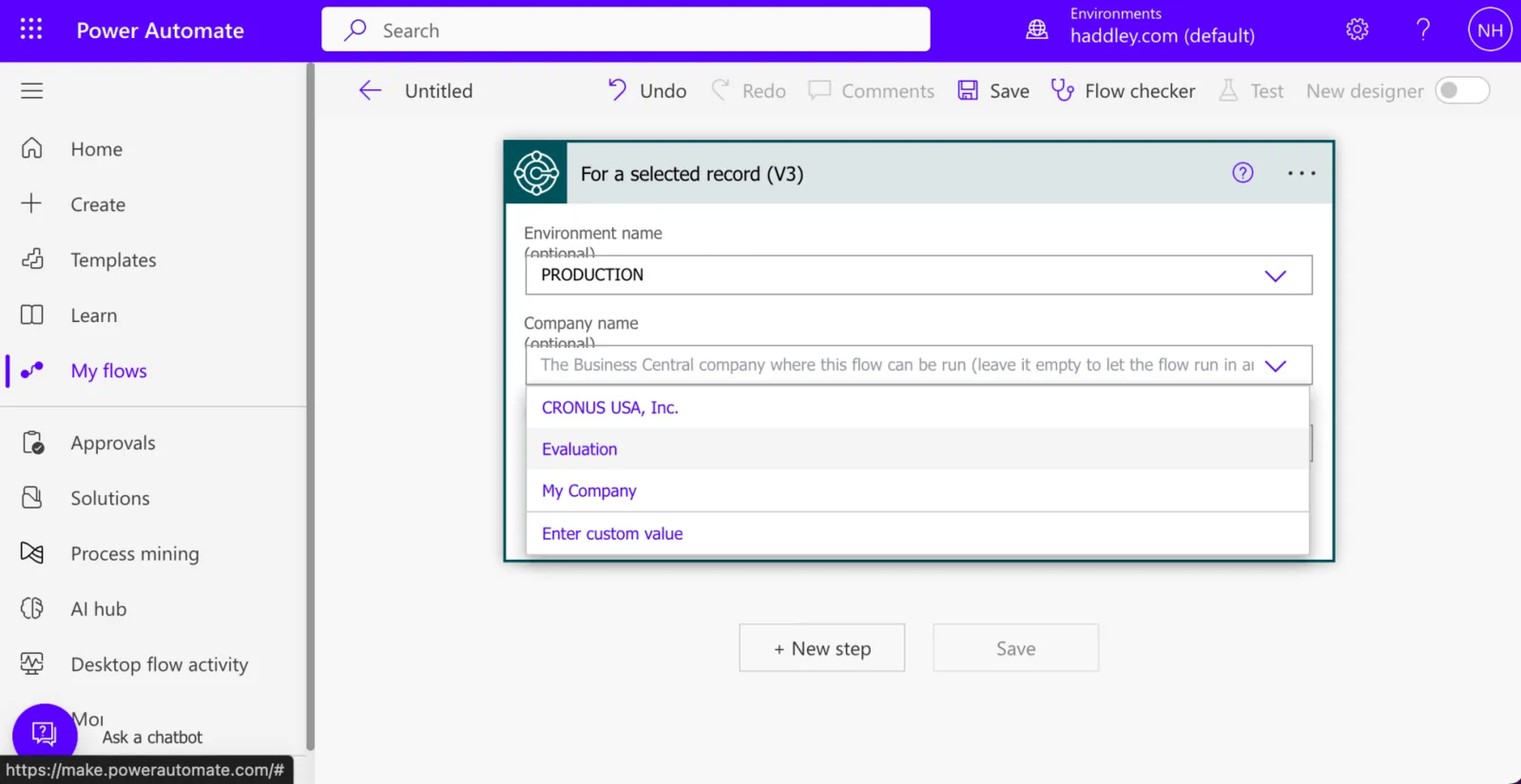
I selected the Evaluation Company
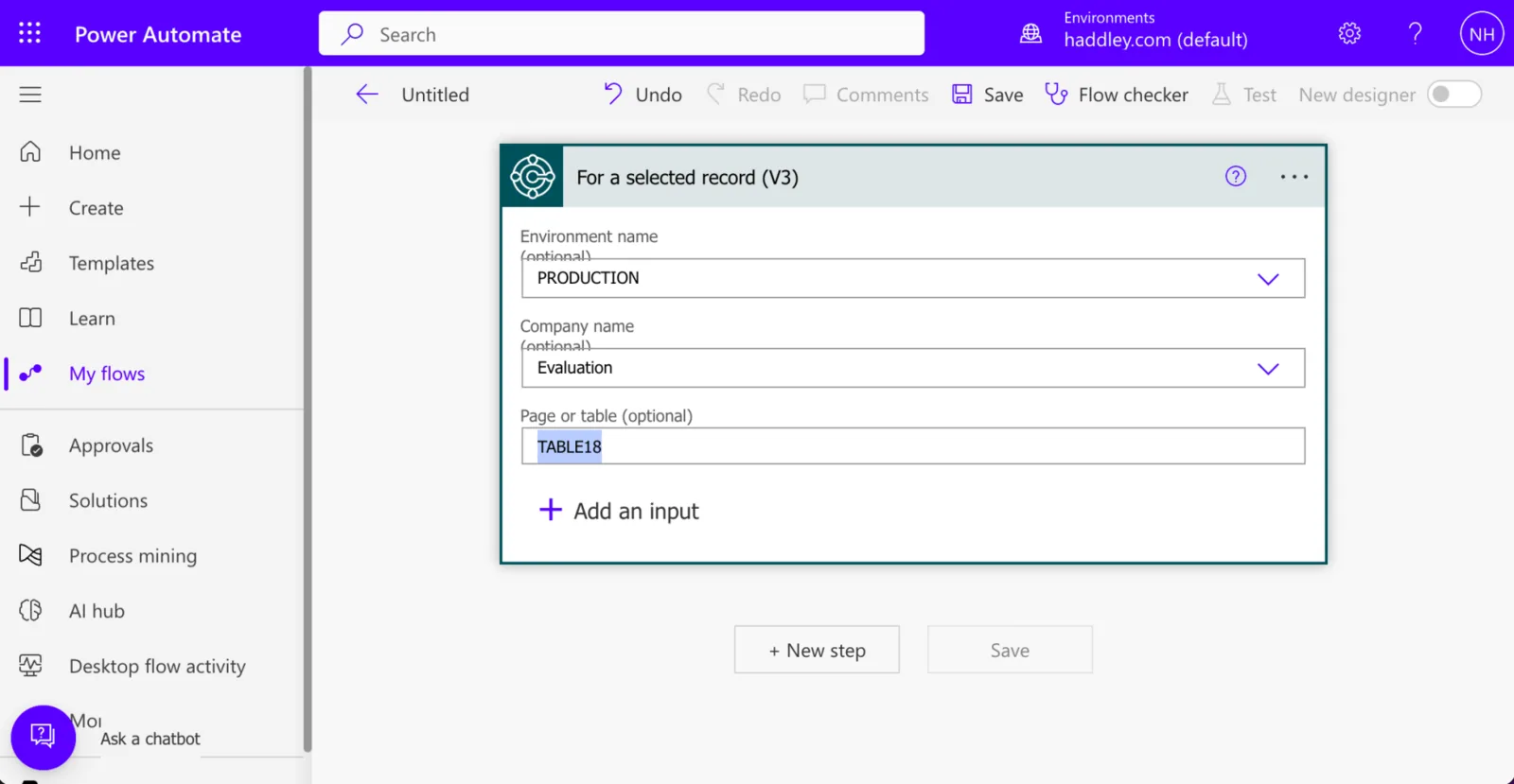
I specified TABLE18 (to limit the flow to customer entities)
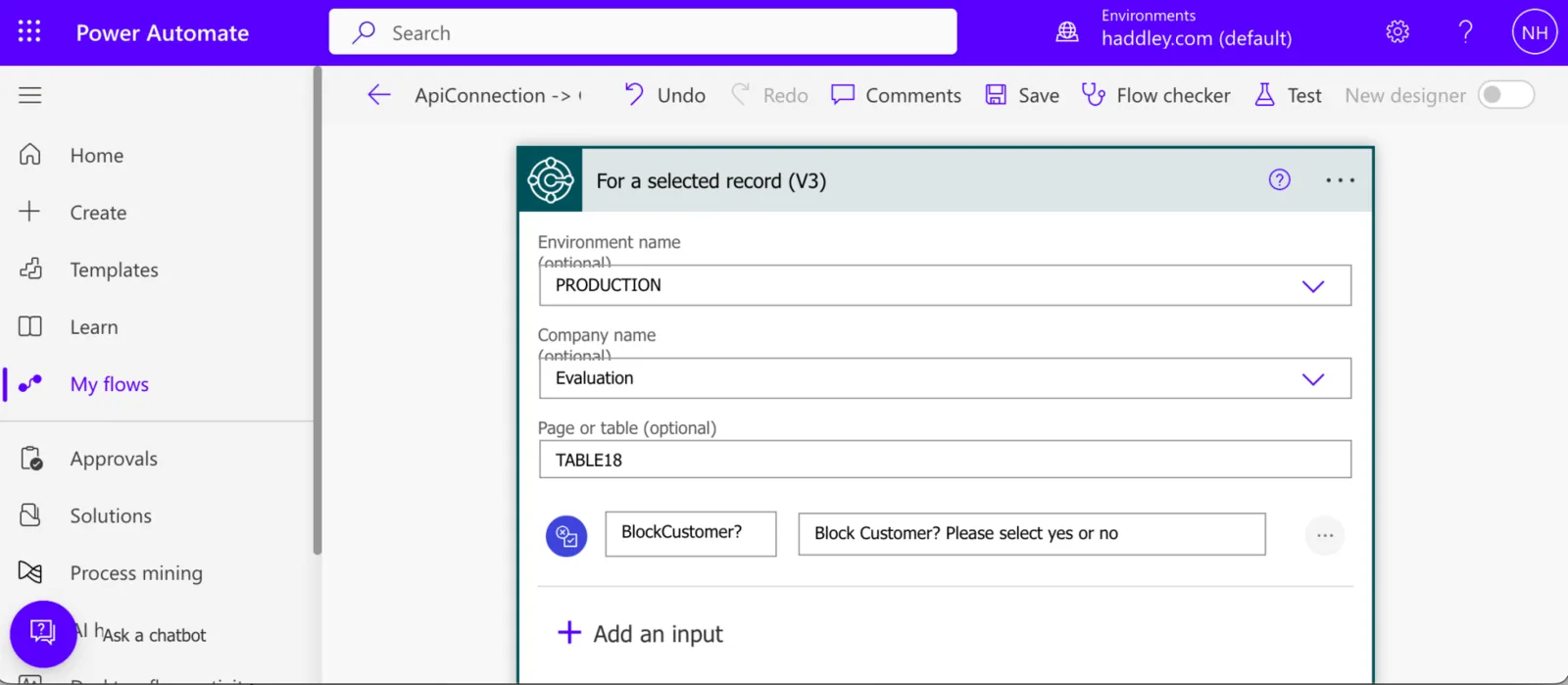
I added a "BlockCustomer?" Yes/No input

I wanted to add a Business Central action.

I selected the Get record (V3) action
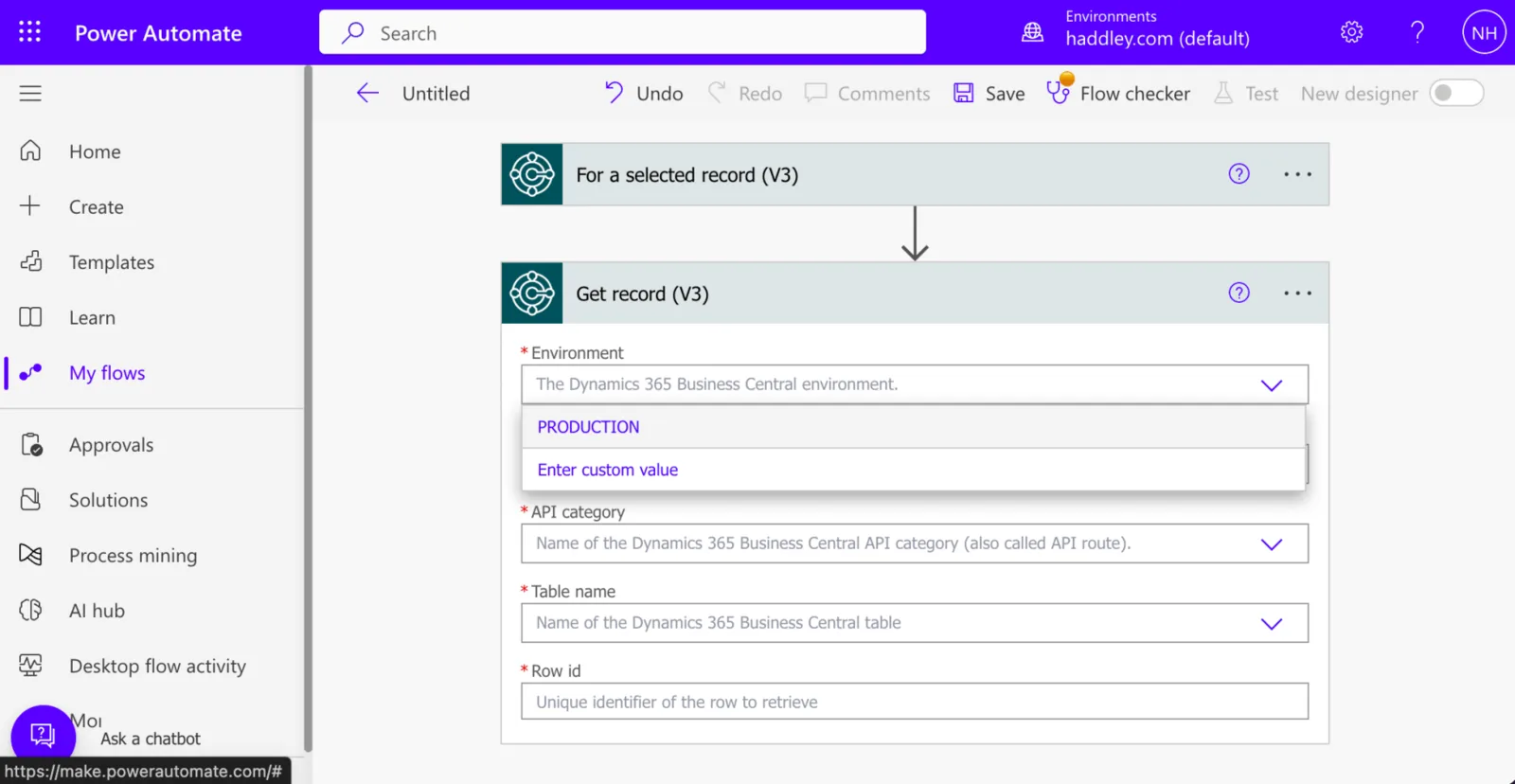
I selected the PRODUCTION Environment
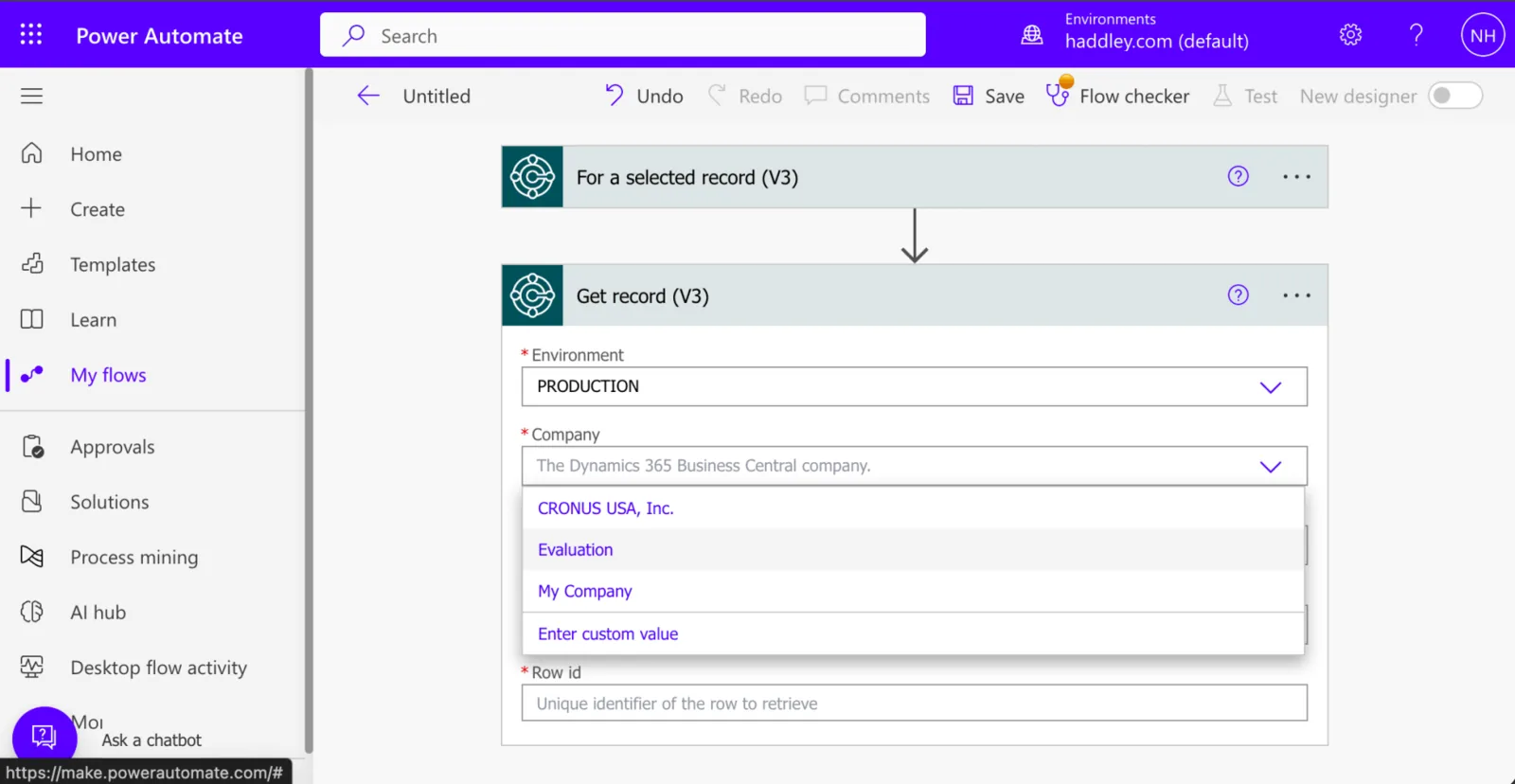
I selected the Evaluation company
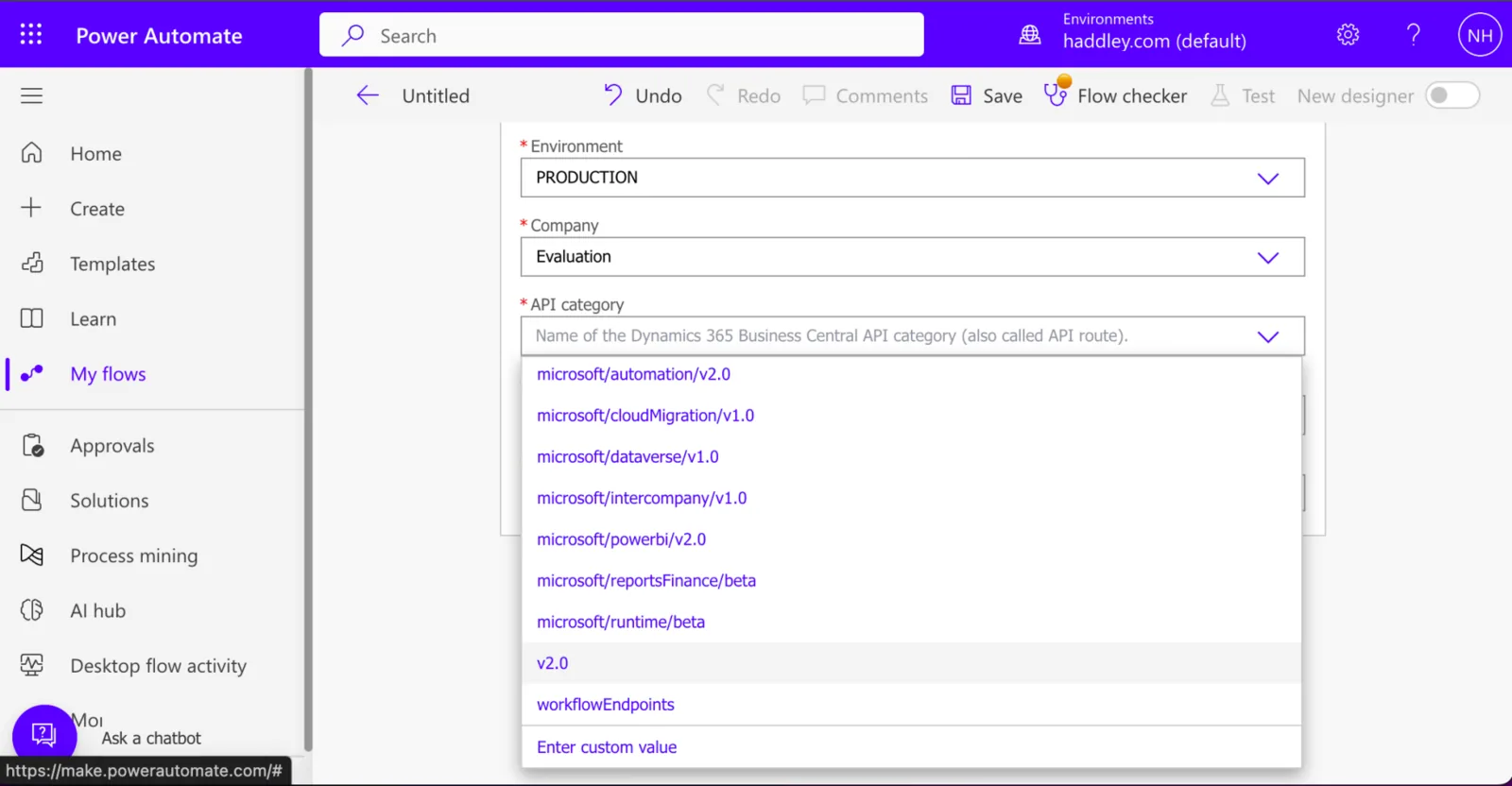
I selected the v2.0 API Category
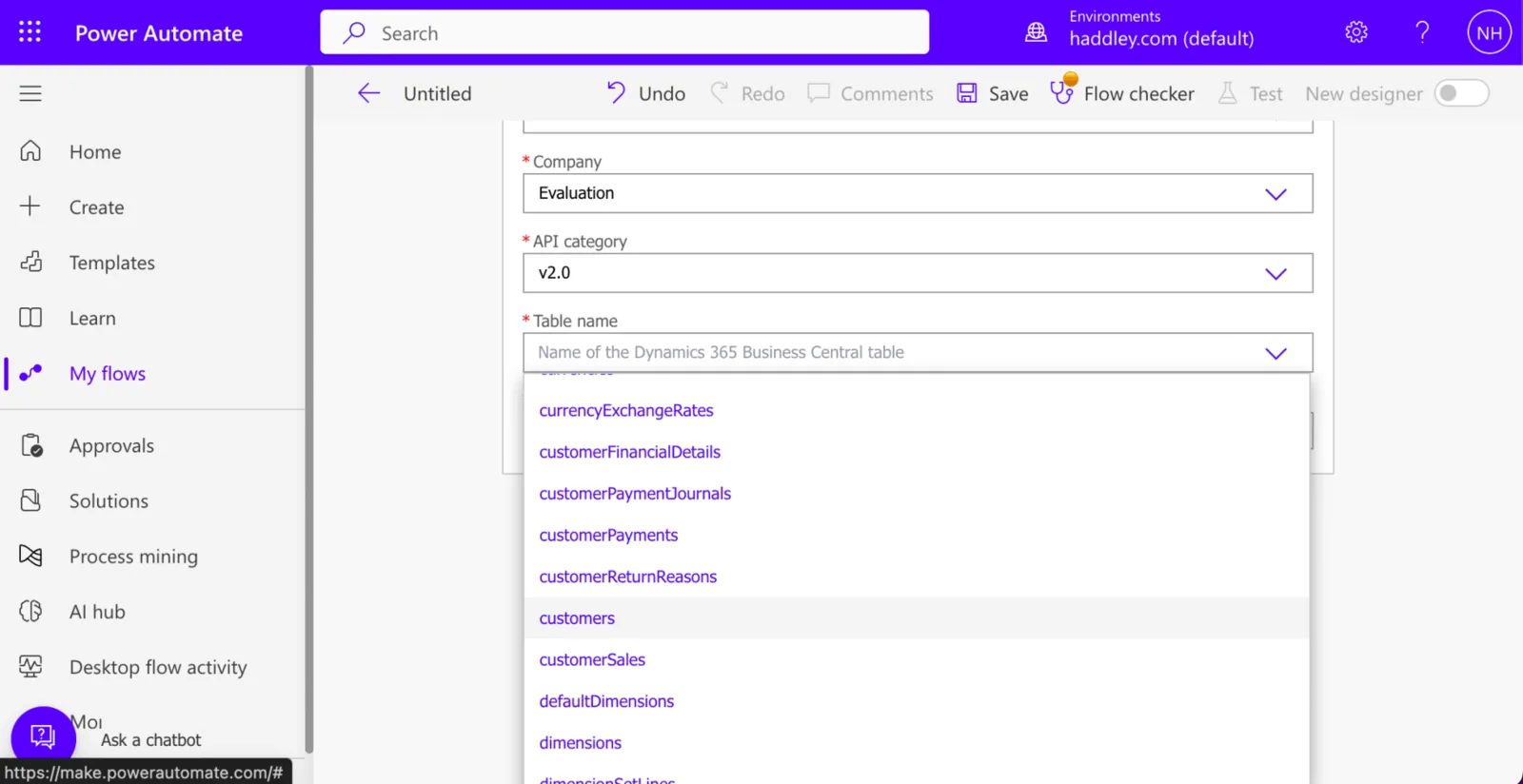
I selected the customers table

I provided {System Id} as the Row Id

I provided {System Id} as the Row Id

I selected the Control icon

I added a Condition action
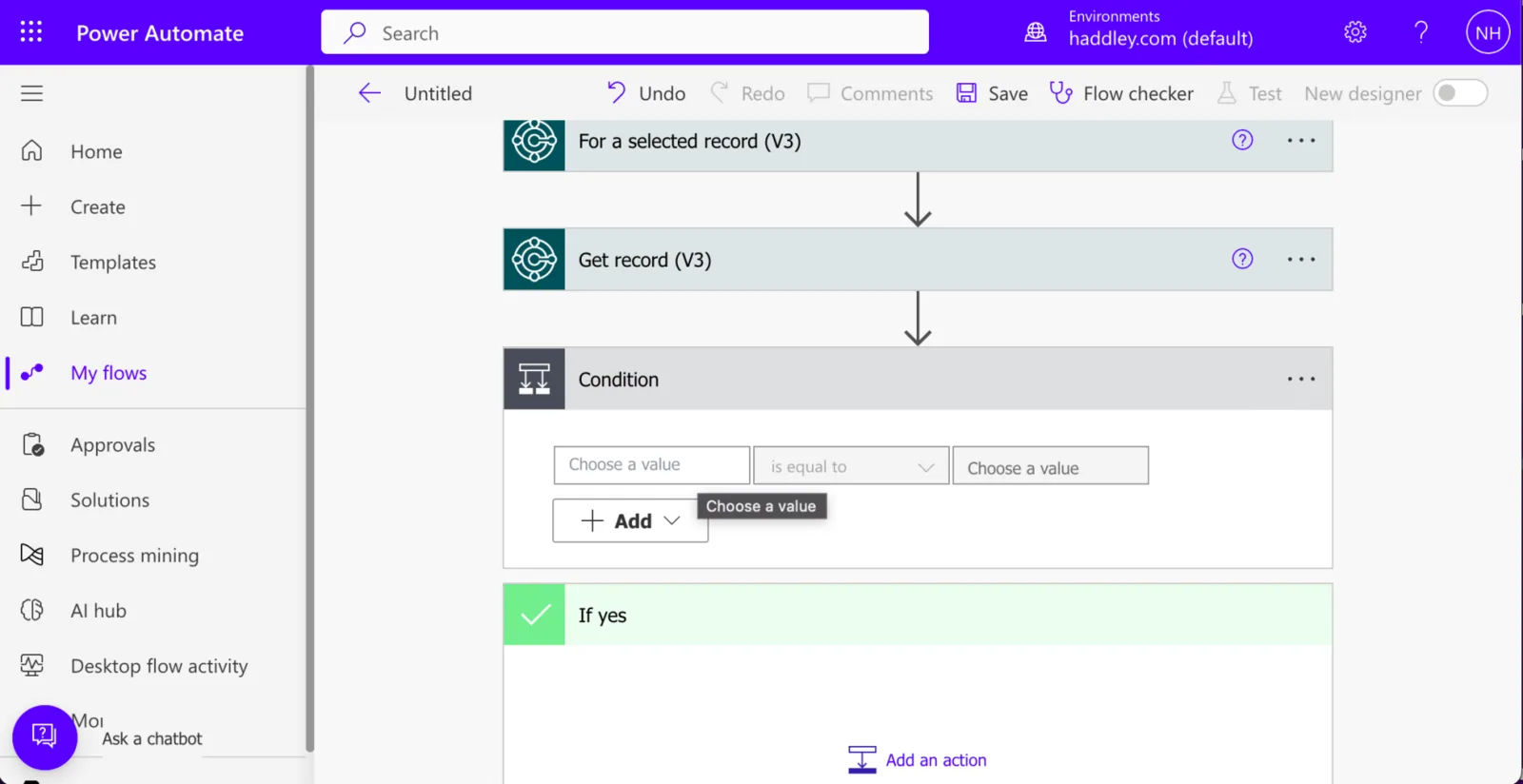
I clicked the Choose a value field
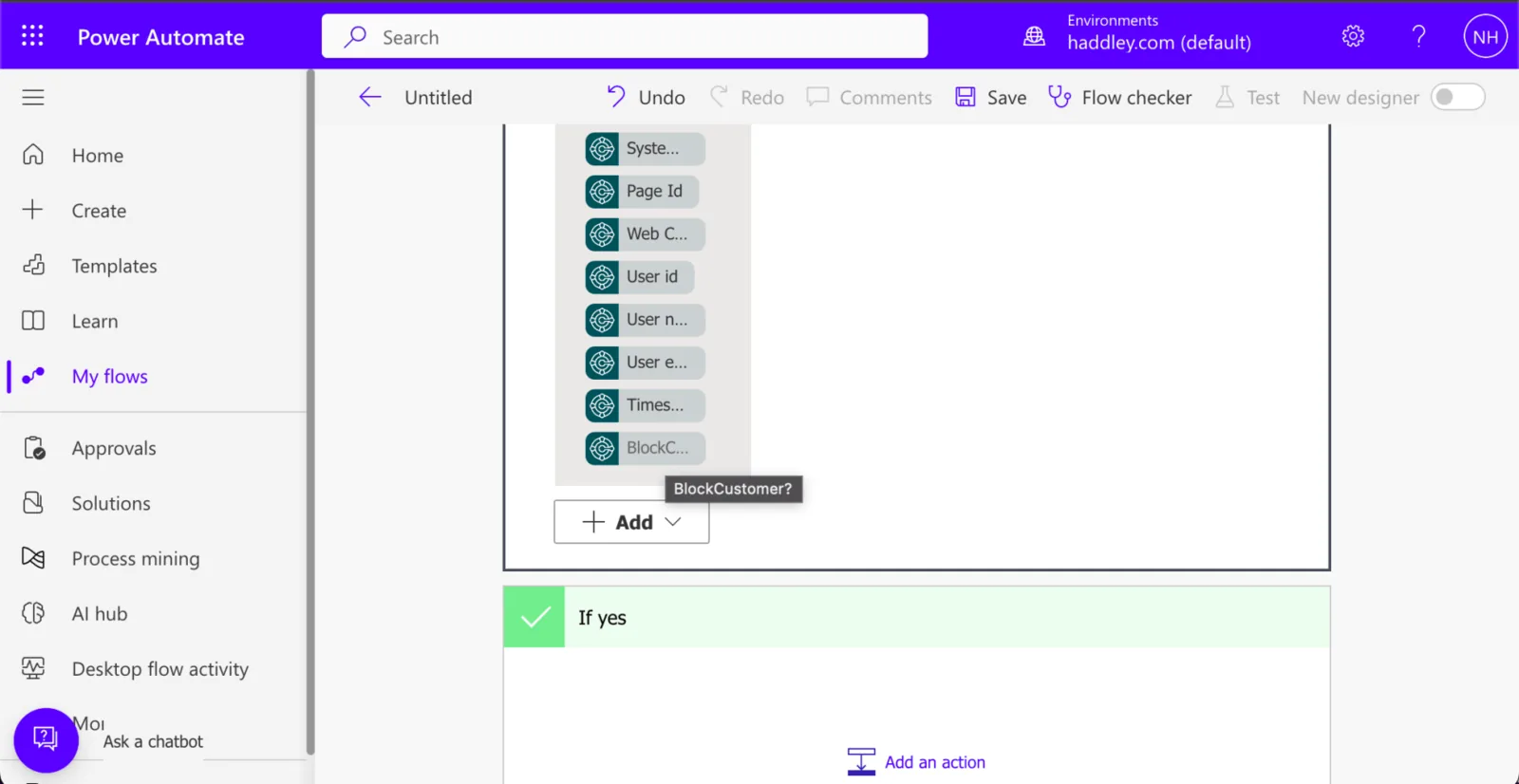
I selected the BlockCustomer? field

I entered the value "true"
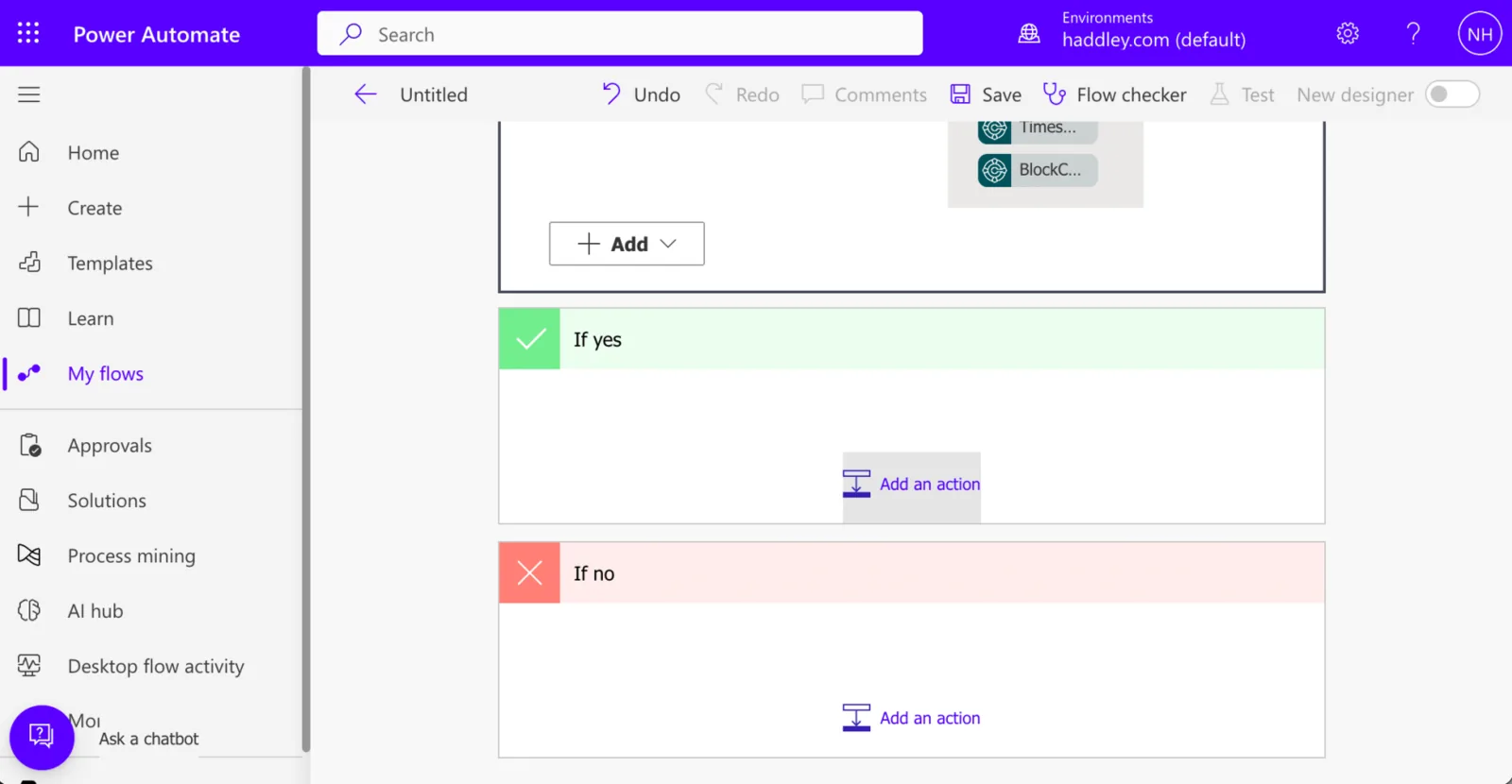
I clicked the "Add an action" button in the yes branch of the Condition action

I selected the Dynamics 365 Business Central icon

I selected the Update record (V3) action
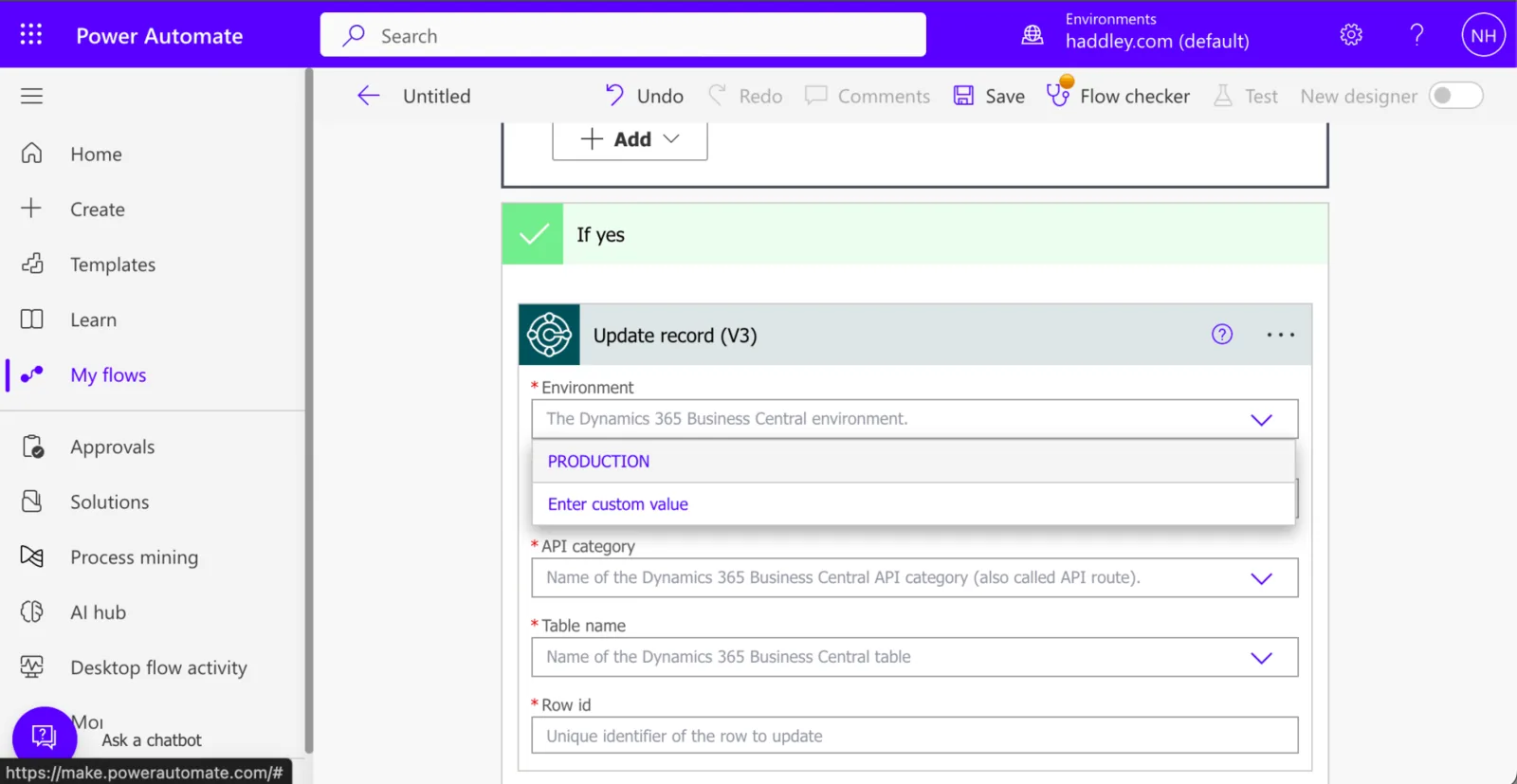
In the update record I selected the PRODUCTION environment
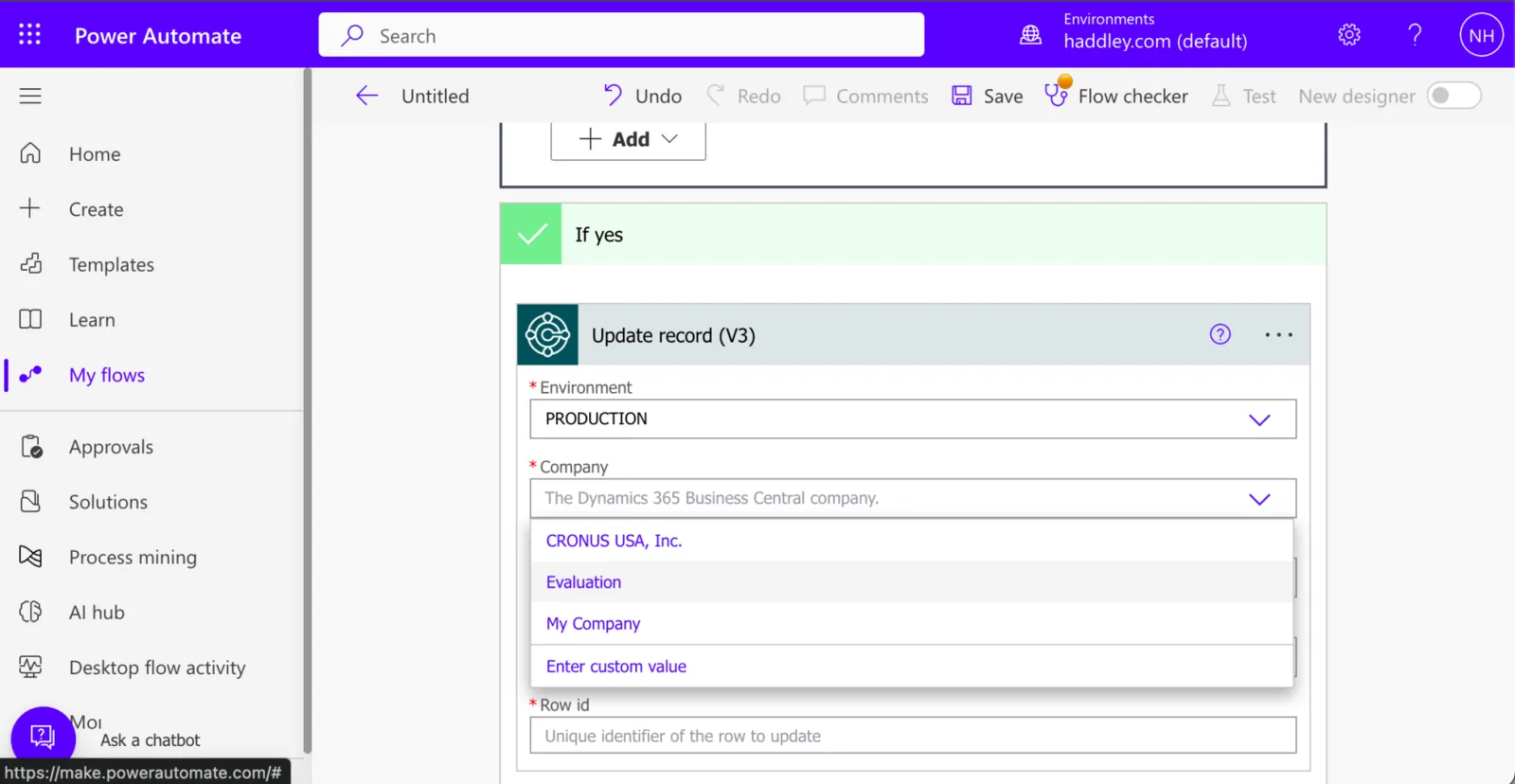
I set Company to Evaluation
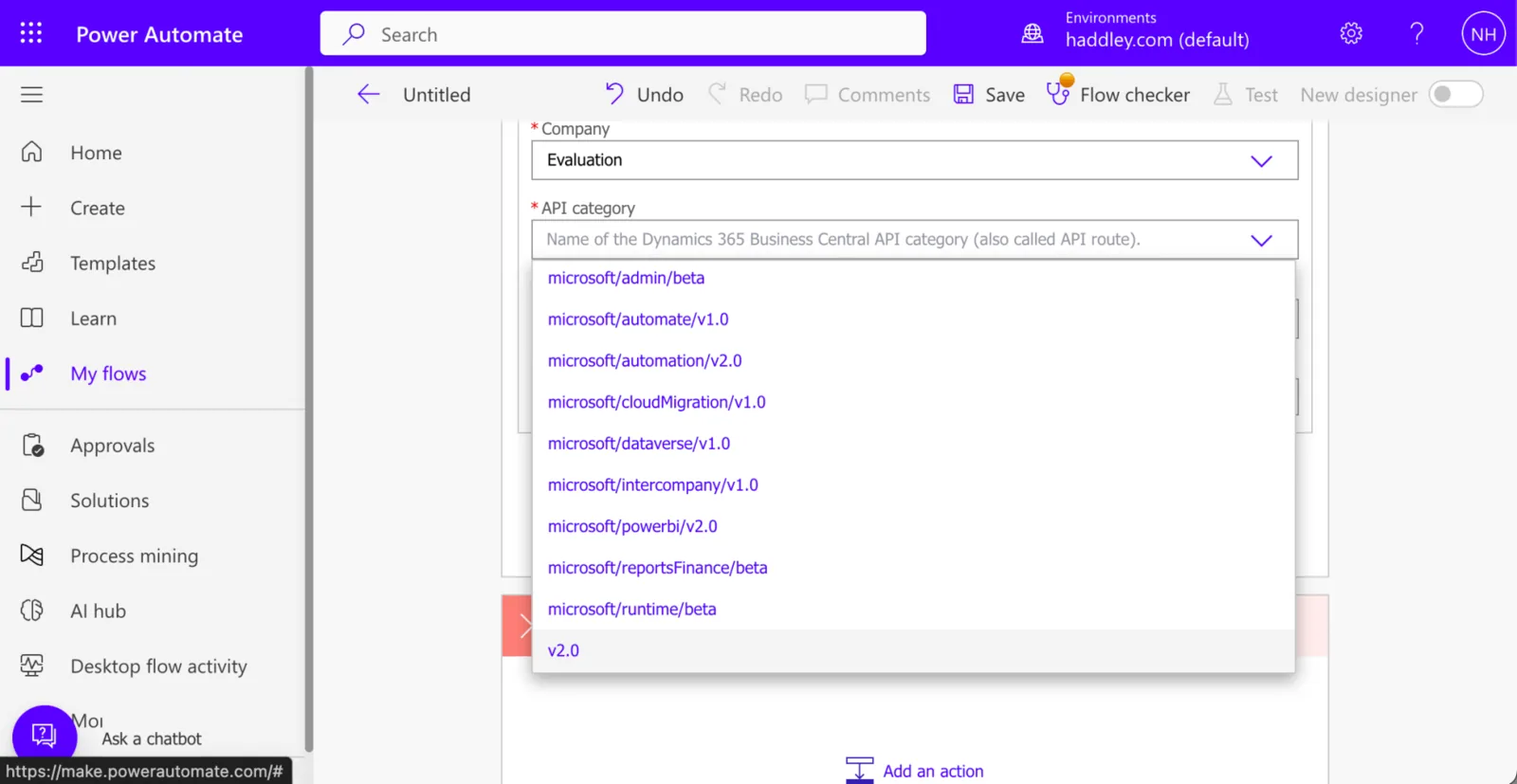
I set the API category to v2.0
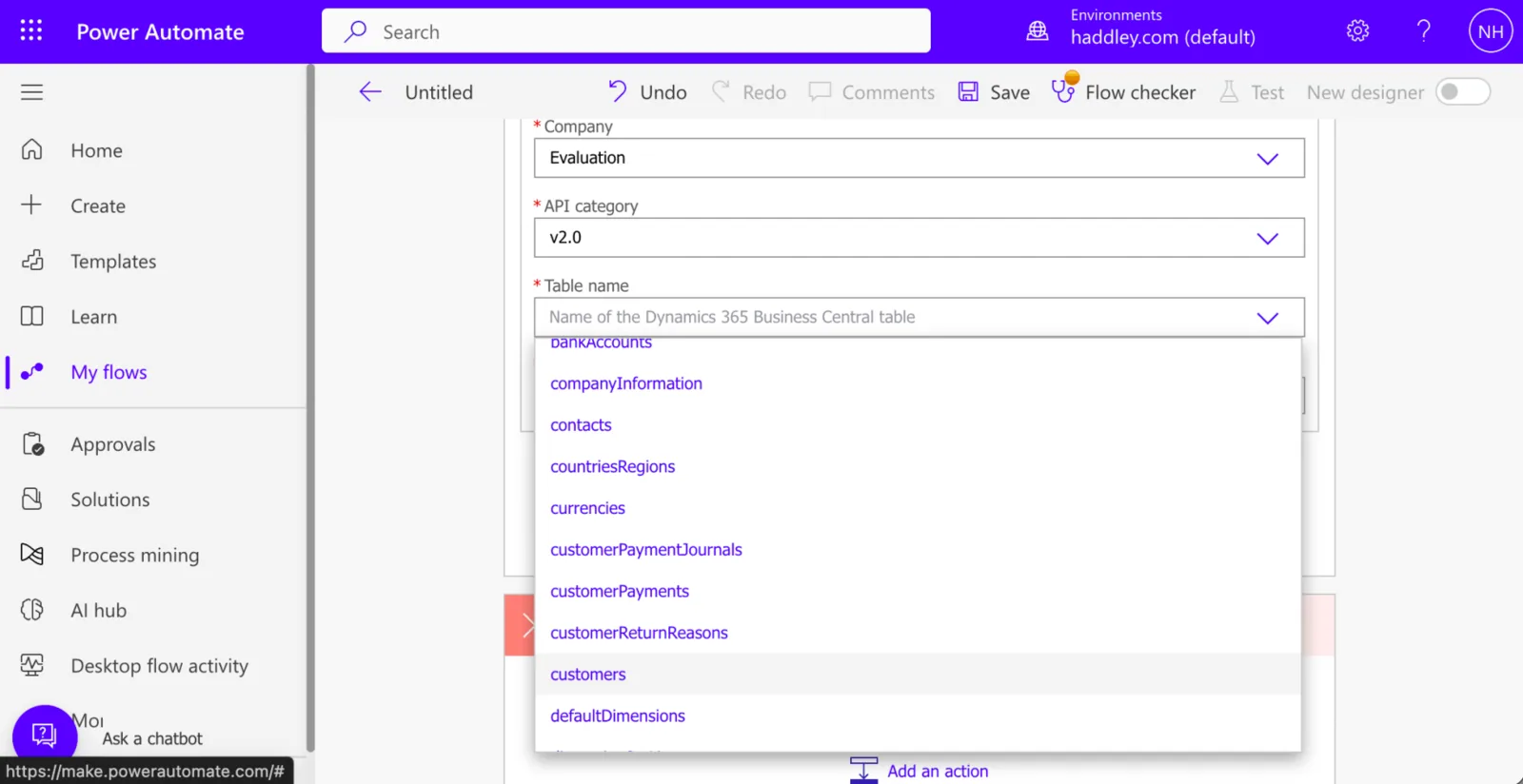
I selected the customers entity

I set the Row Id value to {System Id}

I set the Blocked value to "ALL"
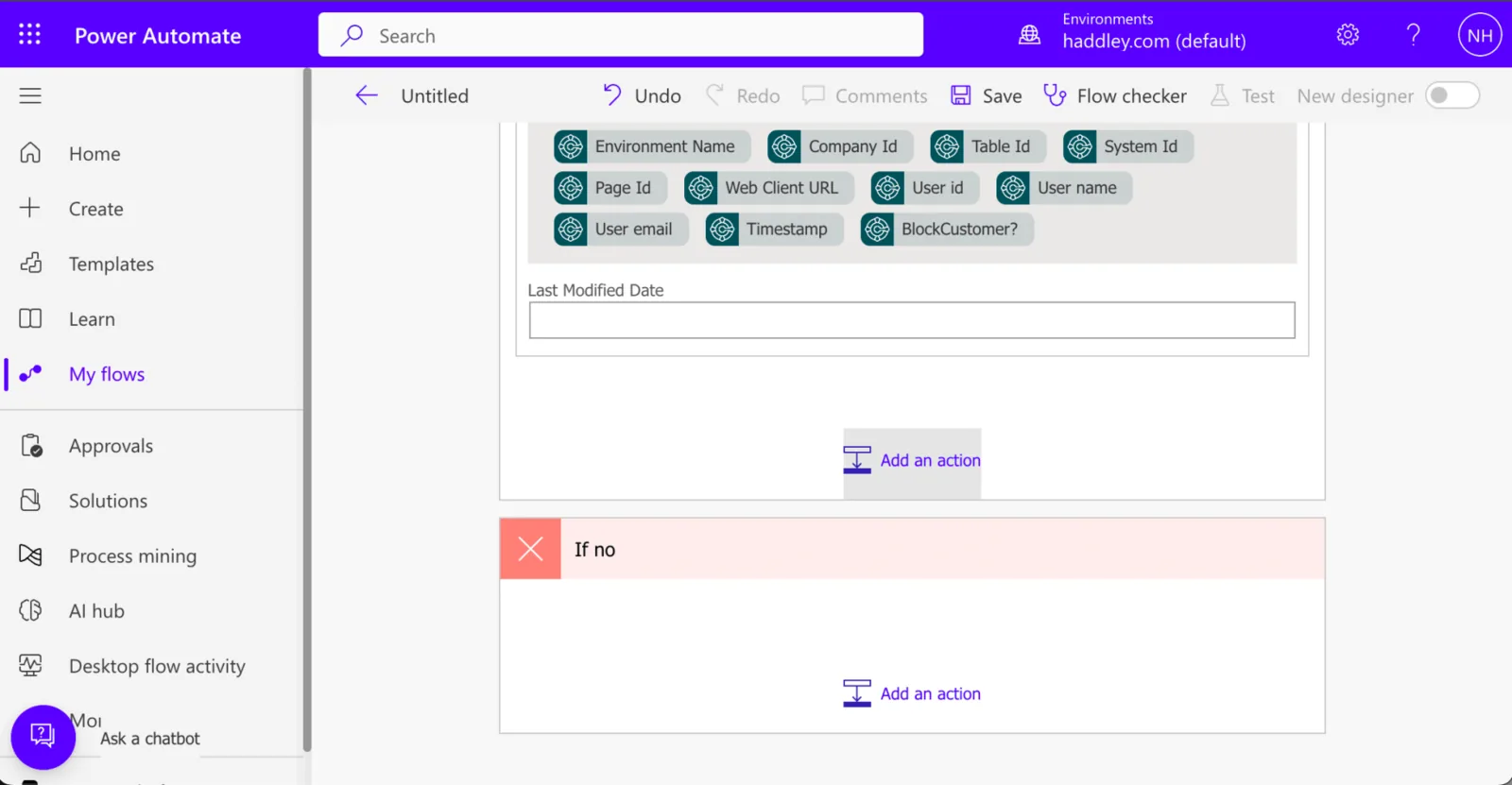
I added another action to the yes branch of the Condition action

I selected the Outlook.com icon

I selected the Send an email (V2) action
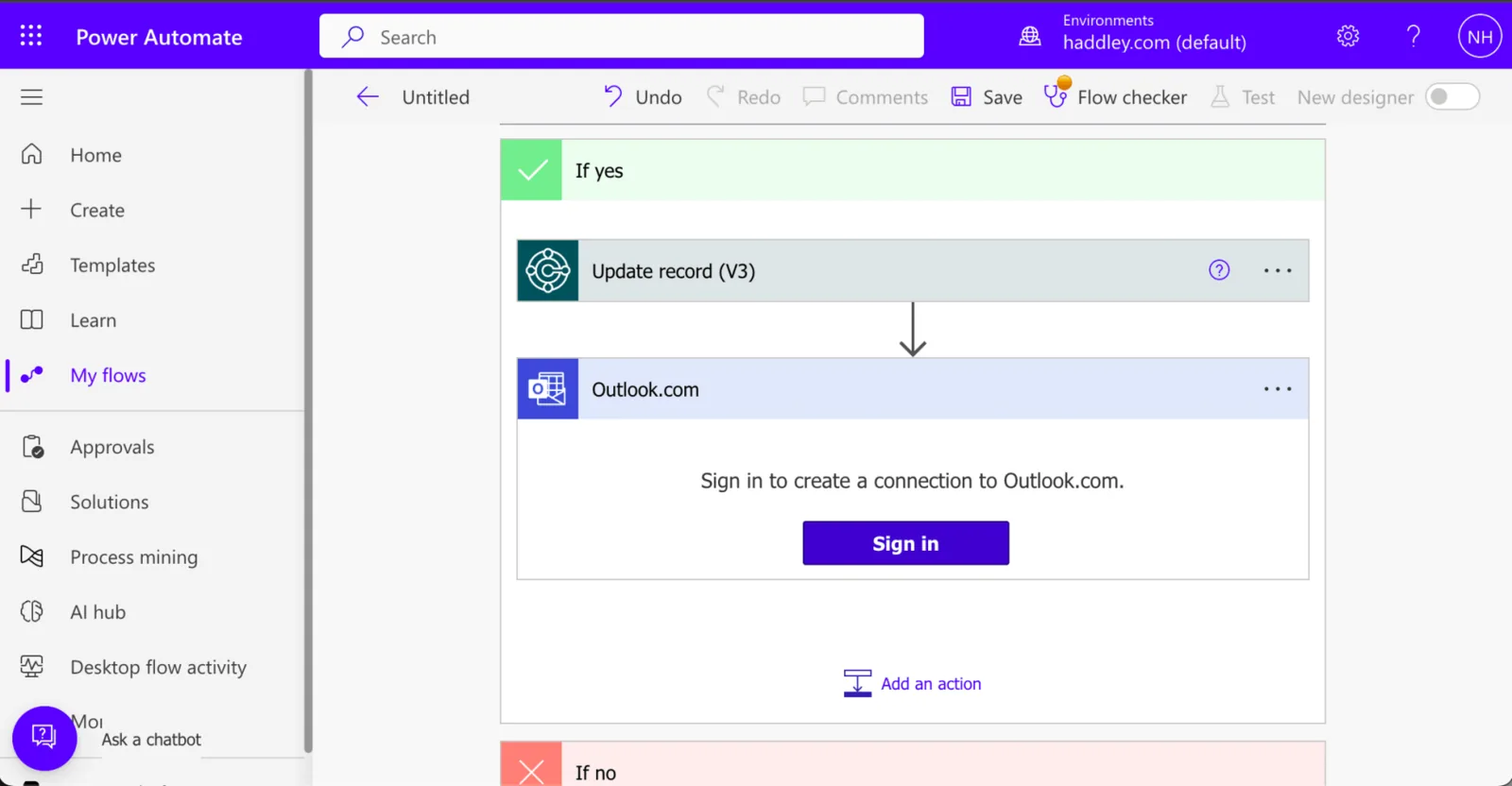
I clicked the Sign in button
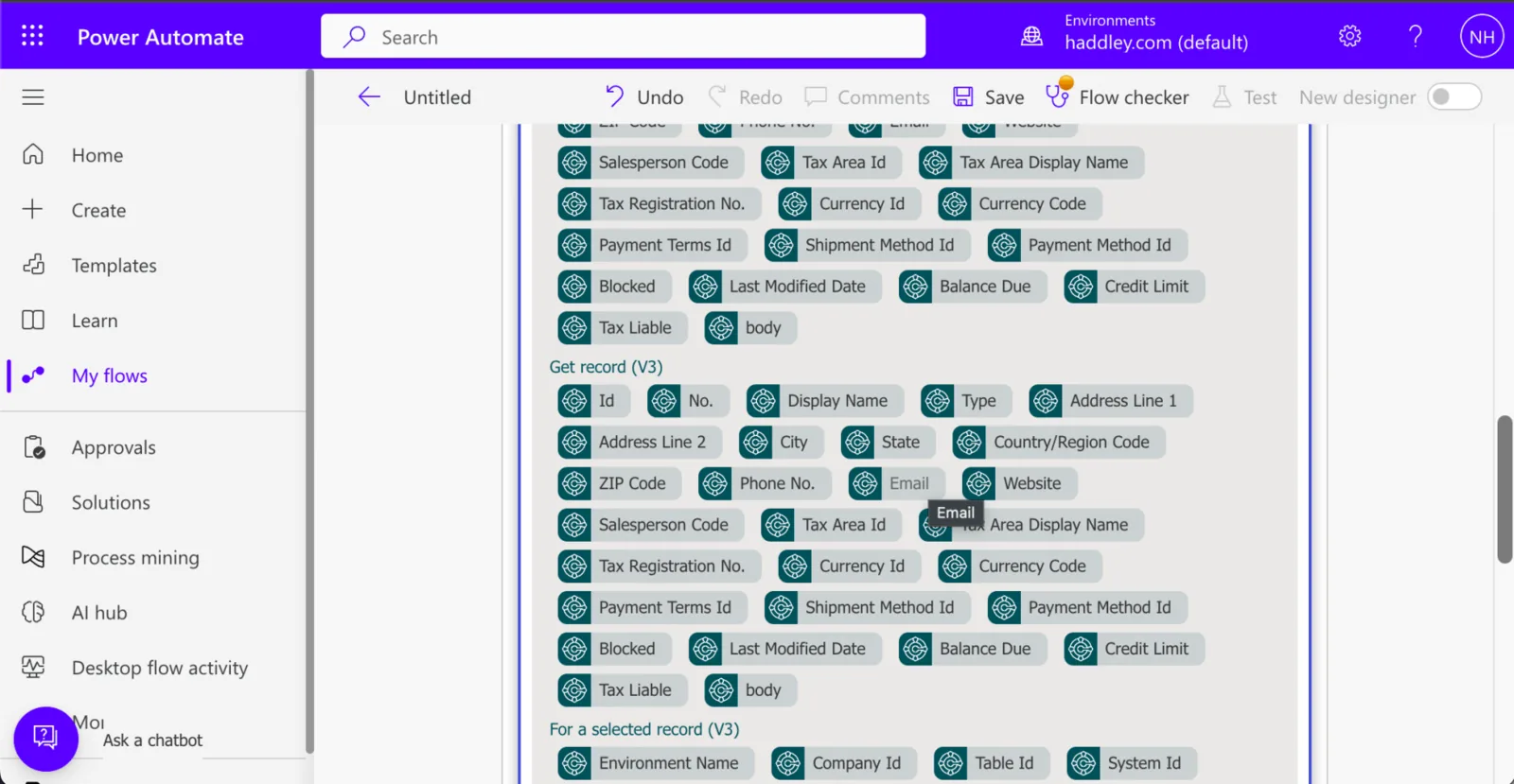
I set the To field value to the {Email} field from the "selected record"

I set the To field value to the {Email} field from the "selected record"
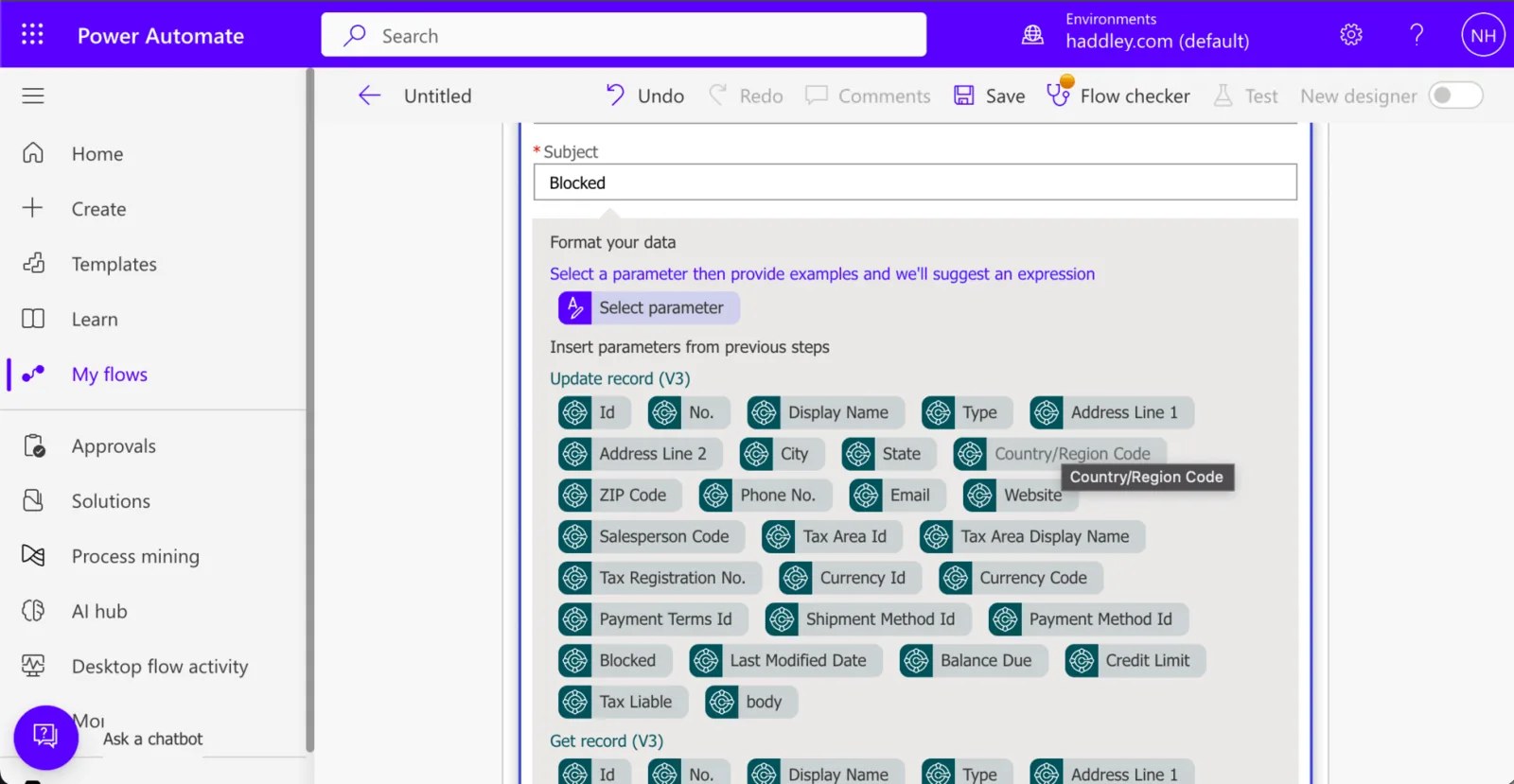
I set the Subject to Blocked

I set the email Body to "We have updated..."
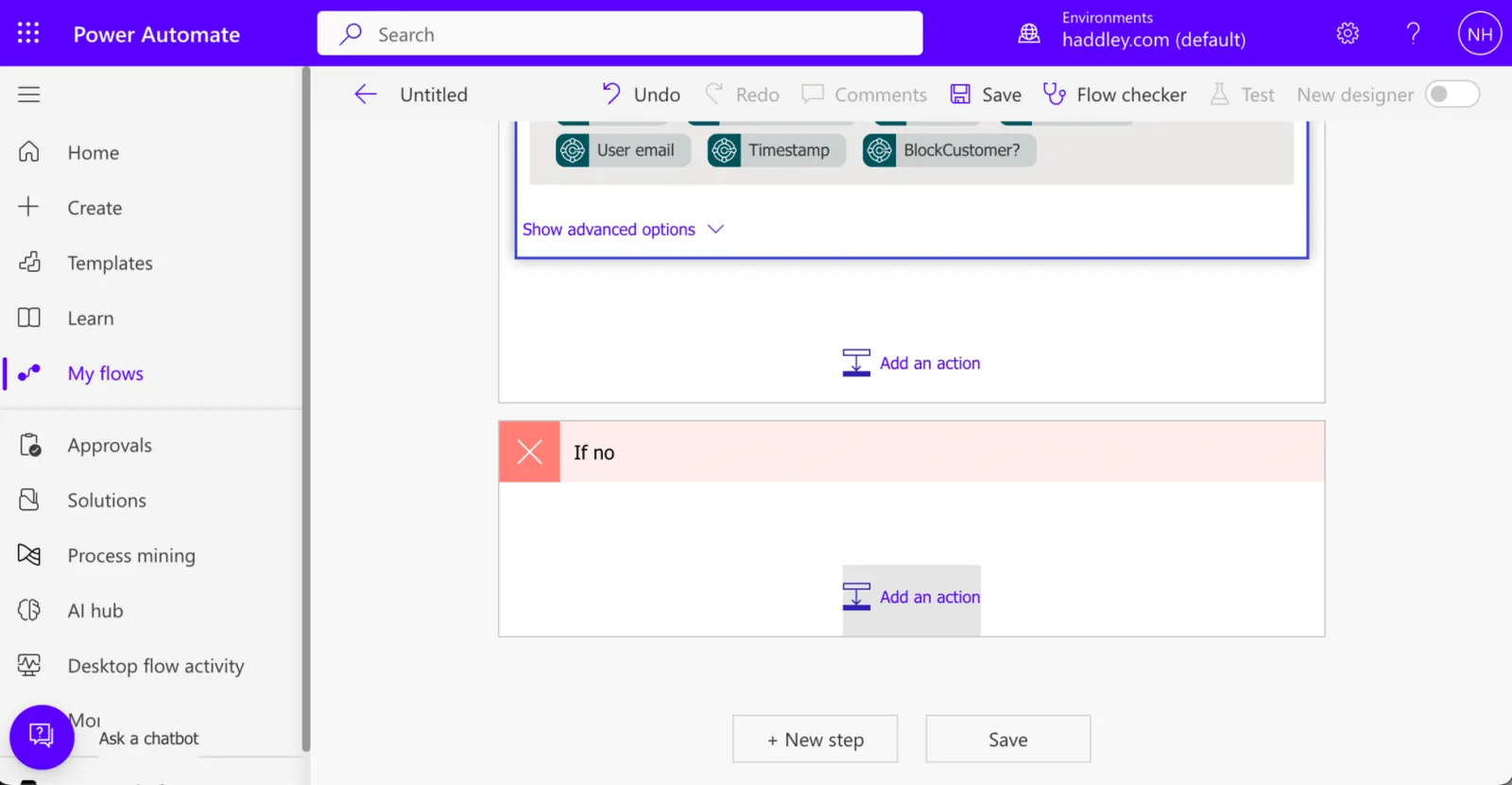
I clicked the "Add an action" button in the no branch of the Condition action

I selected the Outlook.com icon

I selected the Send an email (V2) action

I set the To field value to the {Email} field from the "selected record"

I set the To field value to the {Email} field from the "selected record"

I set the Subject to "Contact" and the Body to "Please give us..."
Under the hood: The shape of the flow
The flow starts from the selected customer and the BlockCustomer? answer. It gets the customer record, and a Condition checks whether the answer is true. In the yes branch, it updates the record with Blocked set to ALL and emails the customer with the subject Blocked. In the no branch, it sends a different email with the subject Contact. Both emails go to the Email field of the selected record.
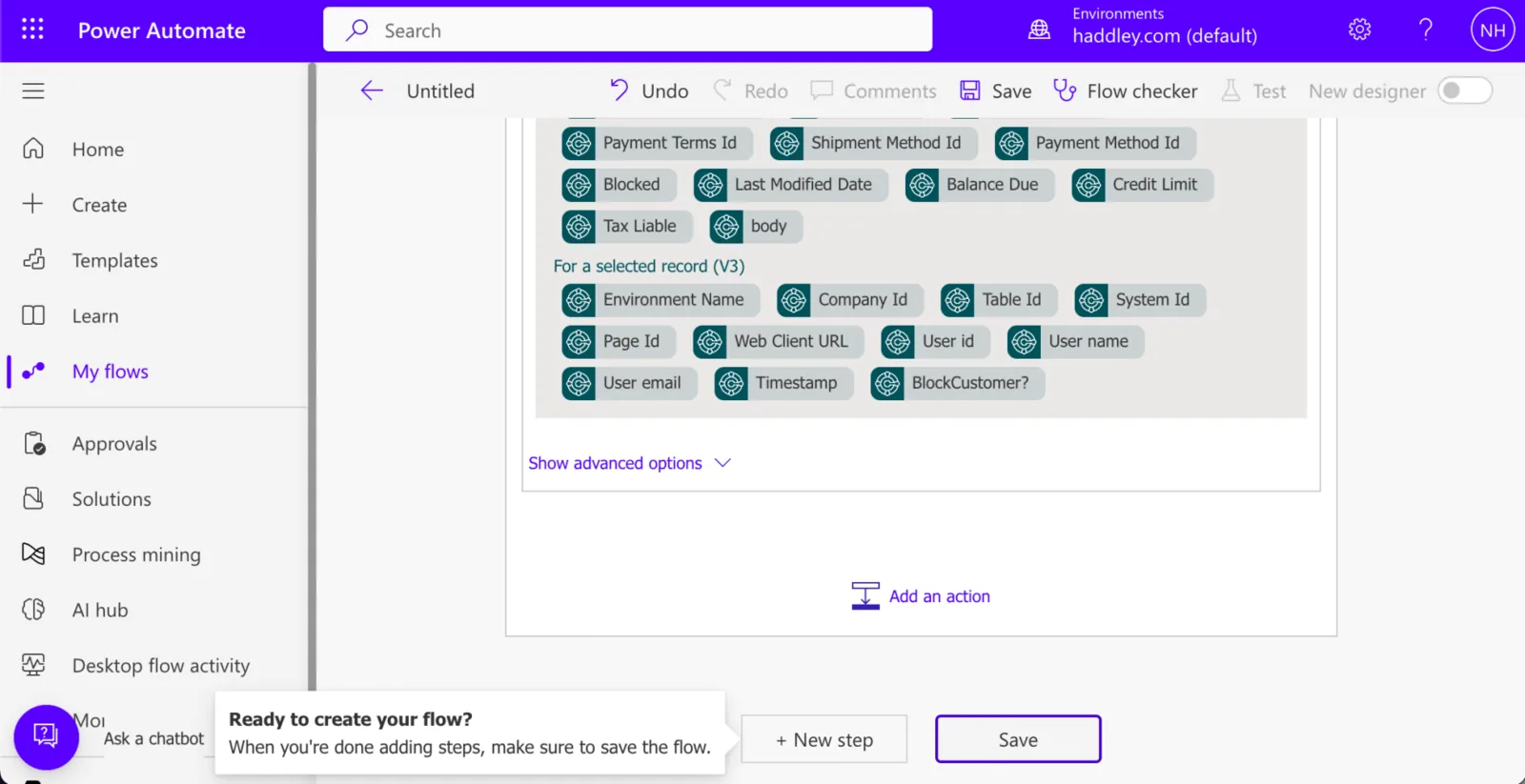
I clicked the Save button

Power Automate generated a "Your flow is ready to go..." notification
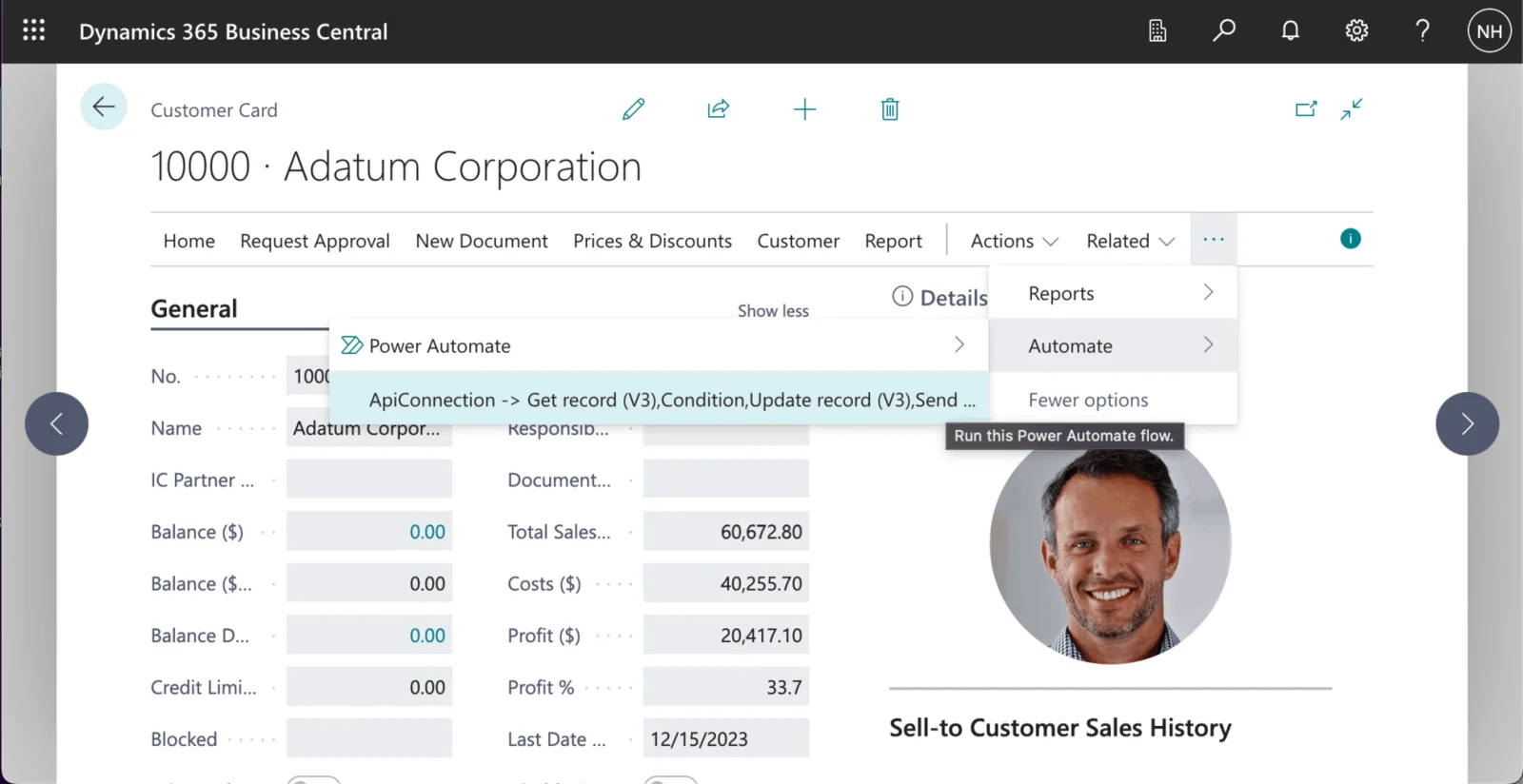
I clicked the "Automate | ApiConnection-> Get record (V3)..." menu item
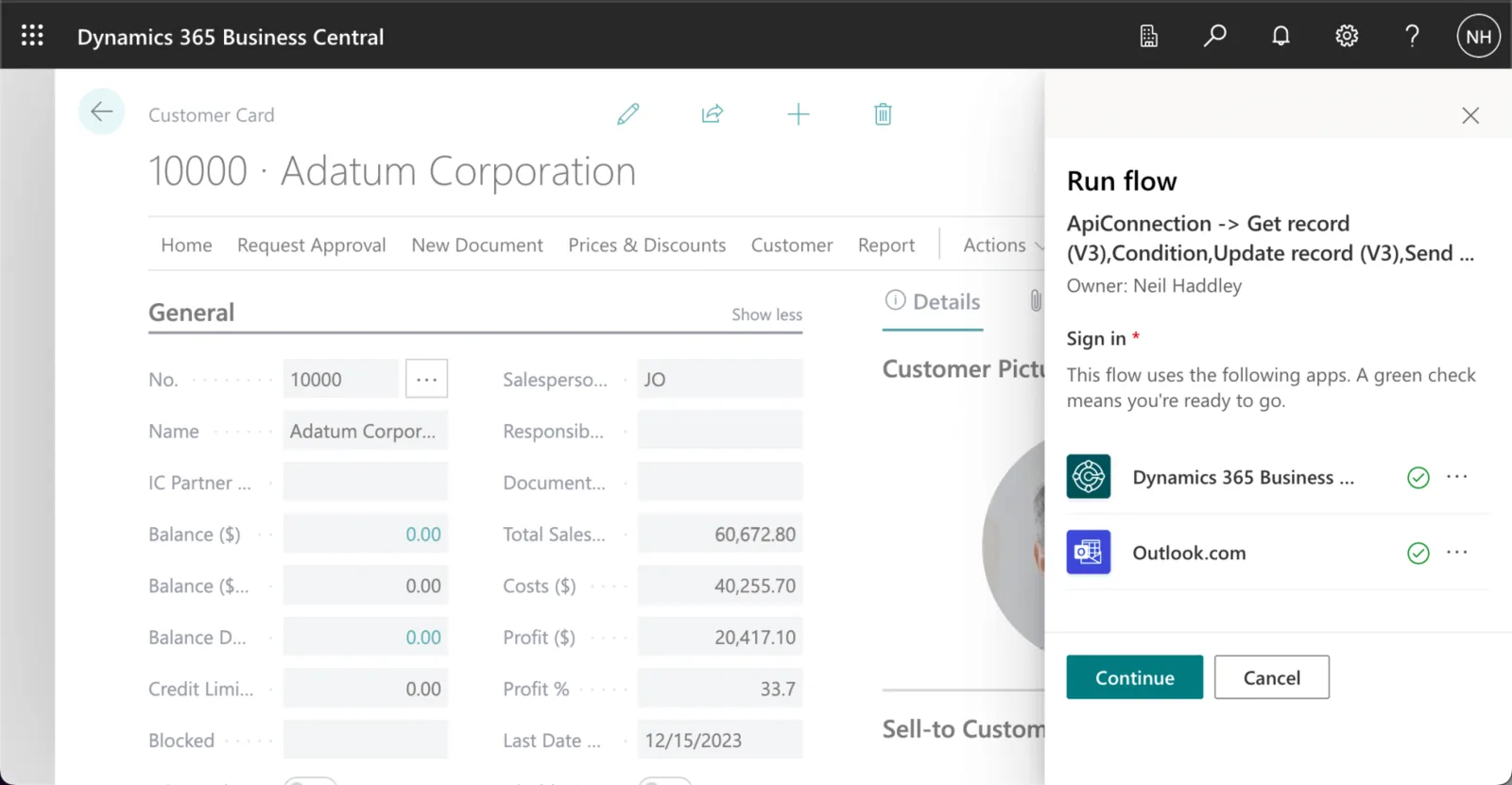
I clicked Continue to Sign in.
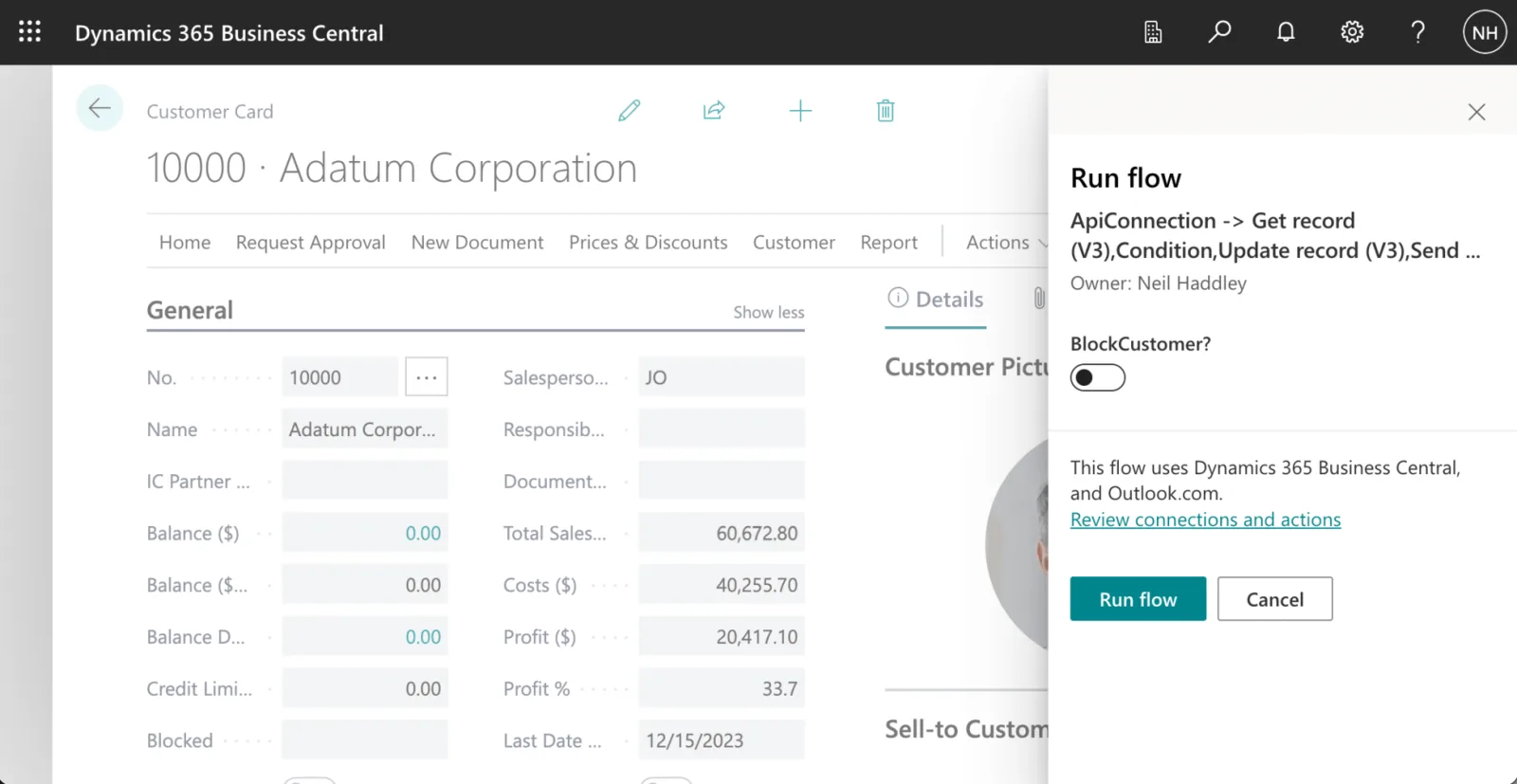
I reviewed the Run flow form.
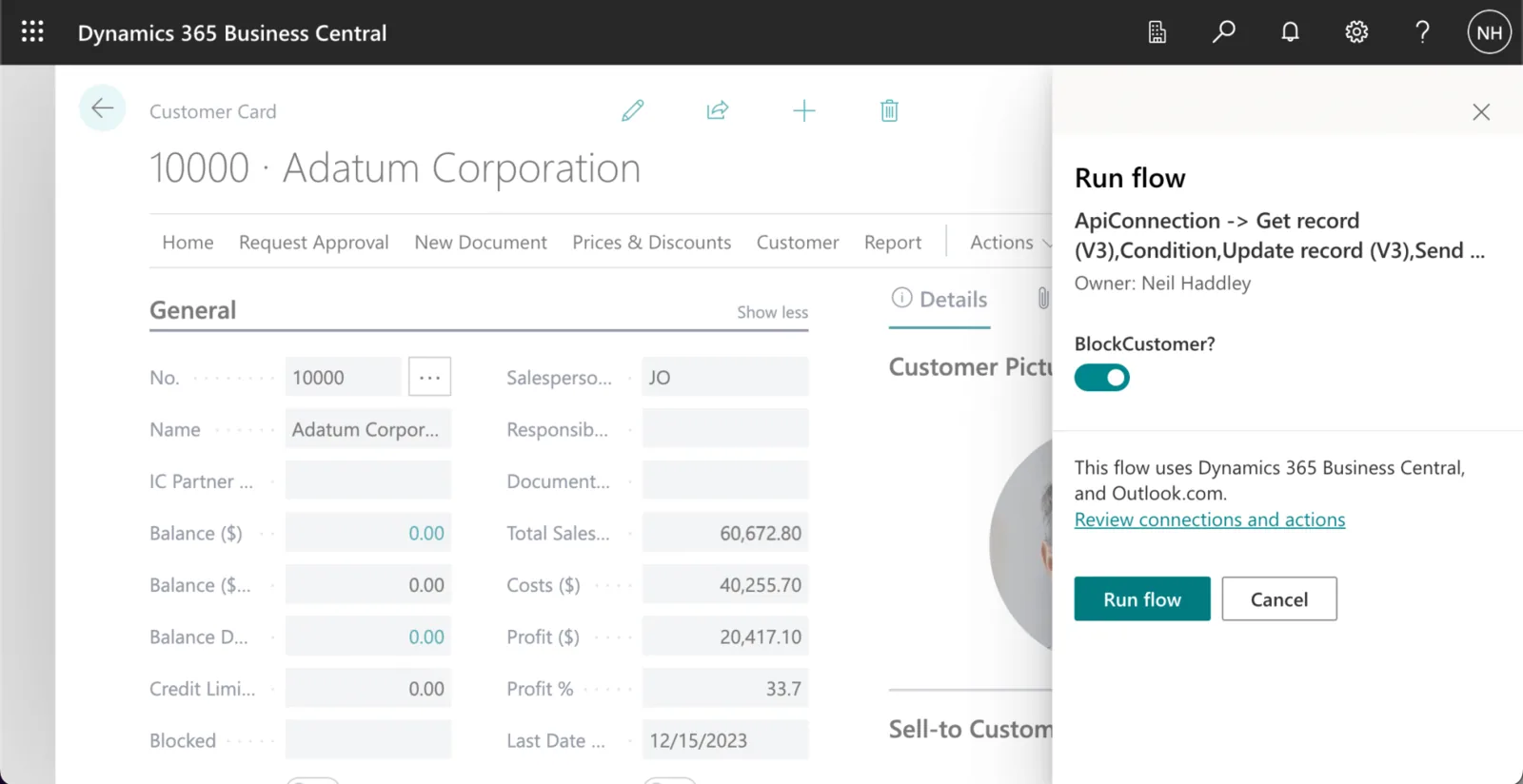
I clicked the "BlockCustomer?" switch and clicked the Run flow button
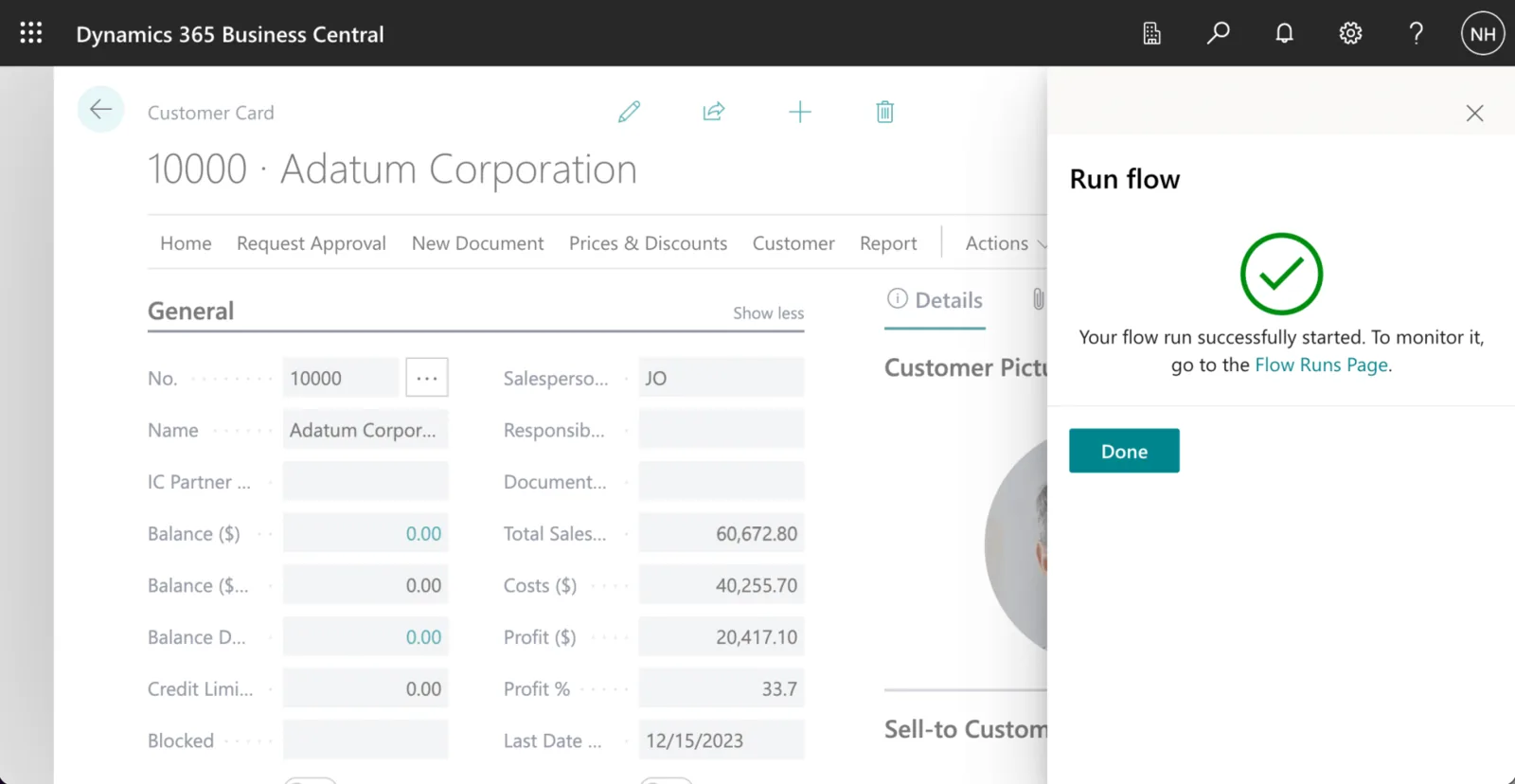
The flow was started
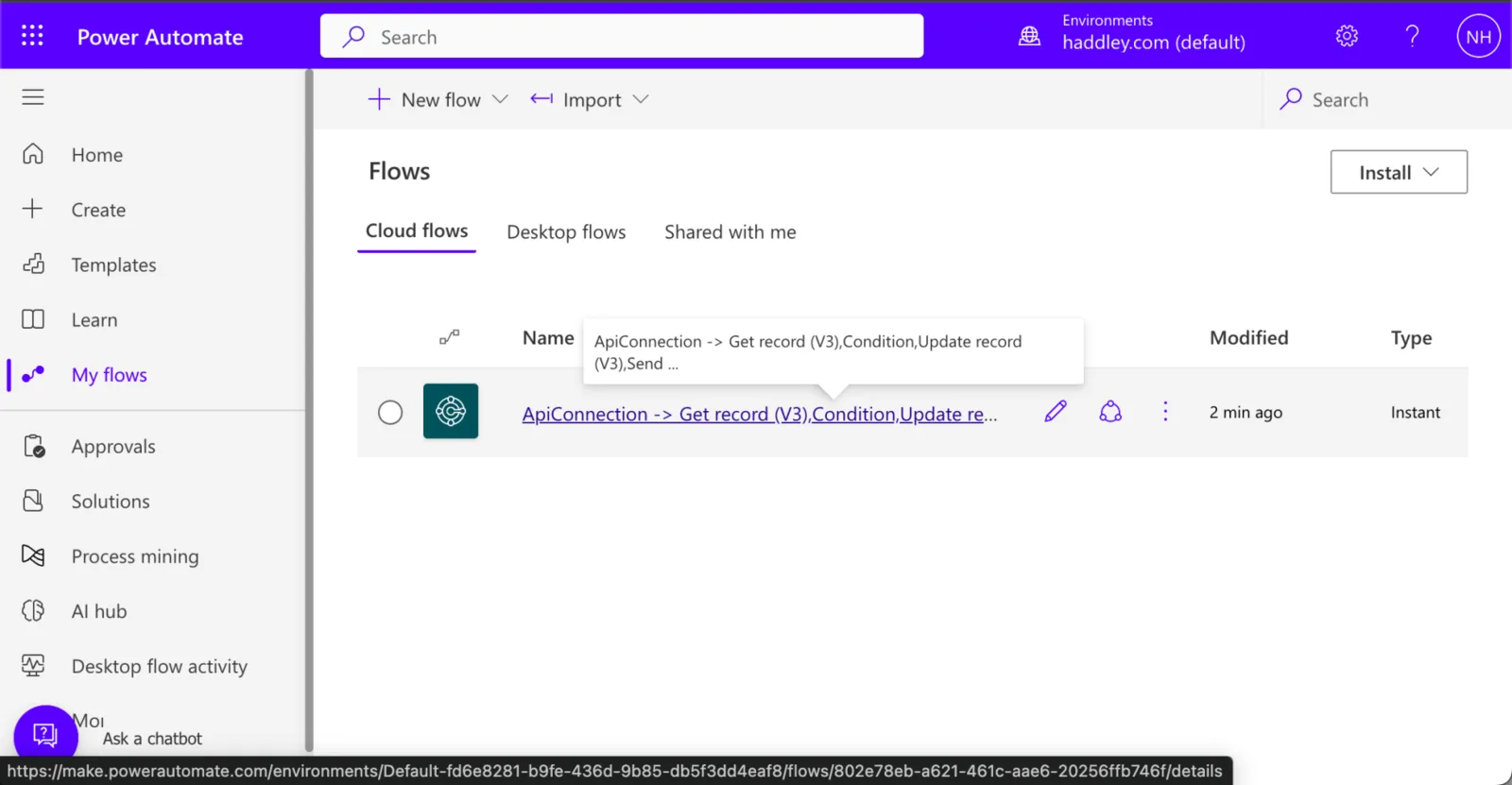
I returned to Power Automate and clicked on the flow
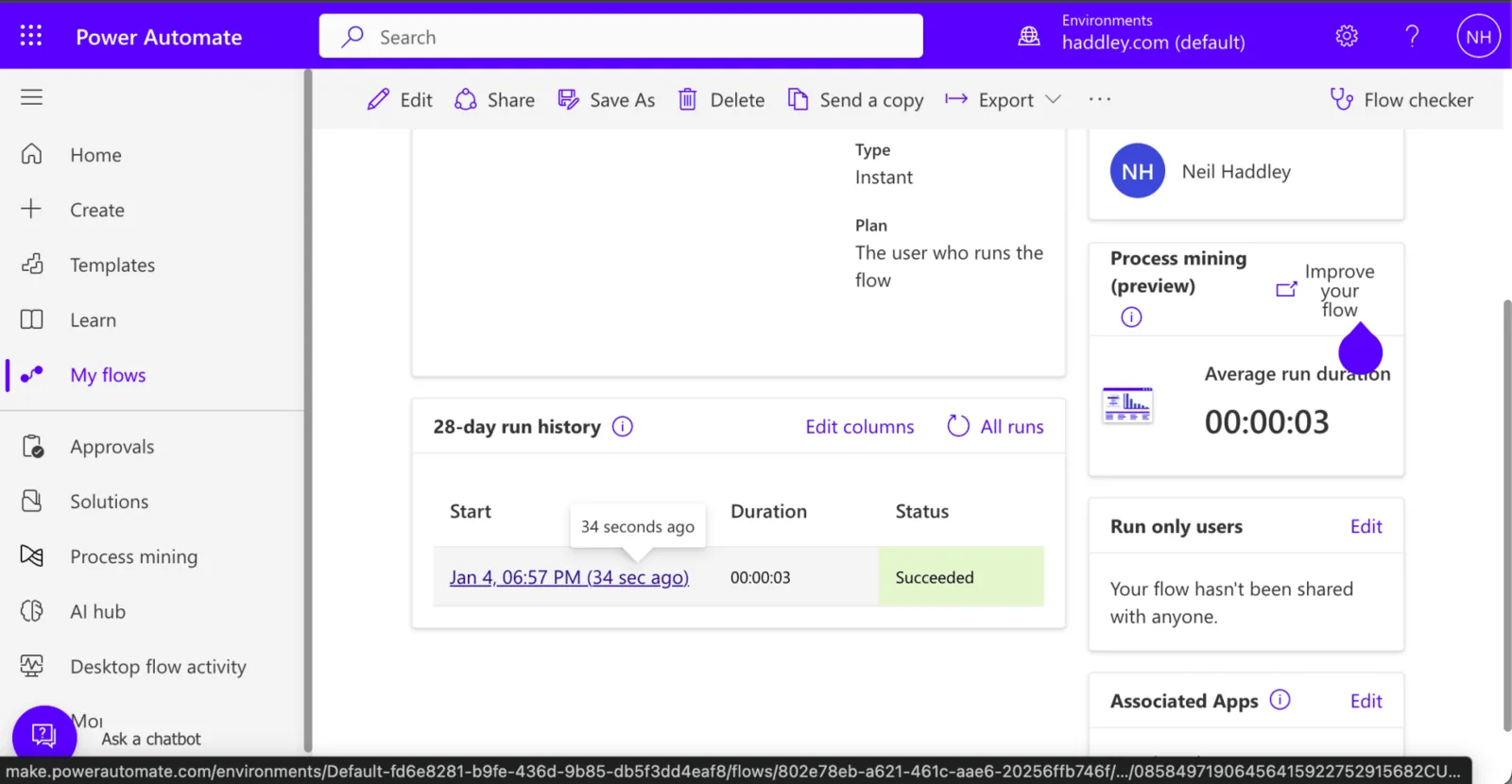
I reviewed the flow history

The flow had run (executing the yes branch of the Condition)
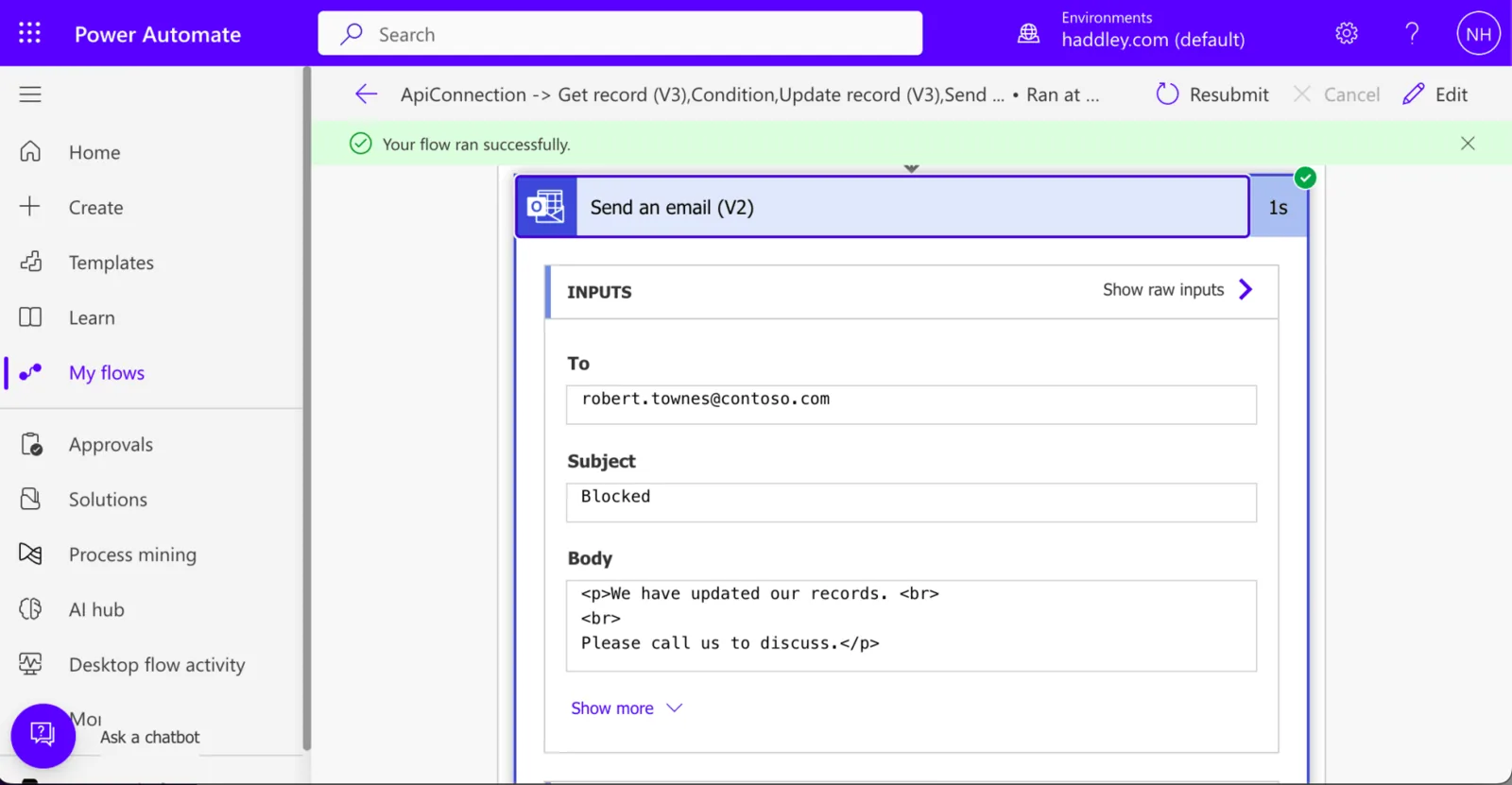
I reviewed the generated email
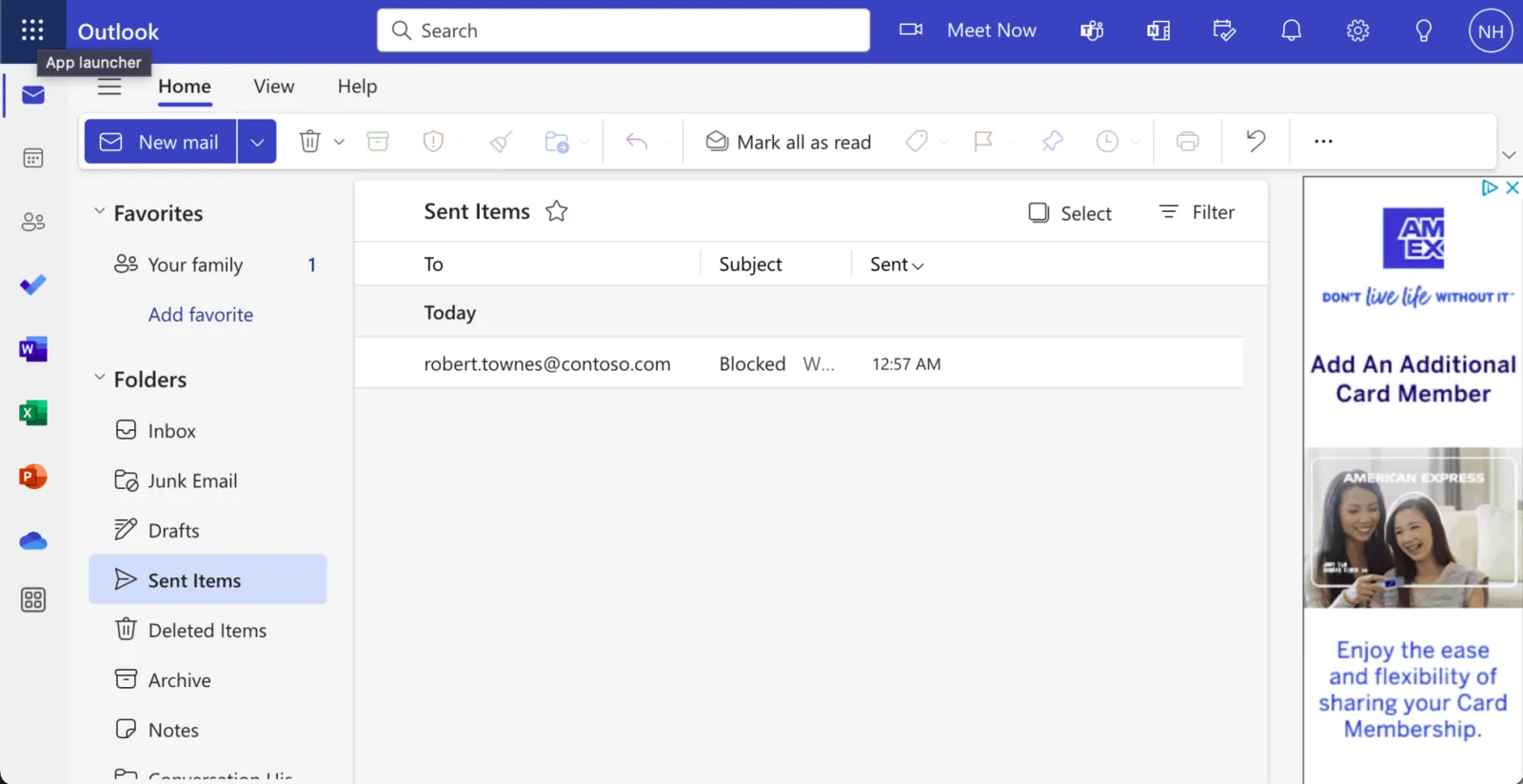
I navigated to Outlook.com
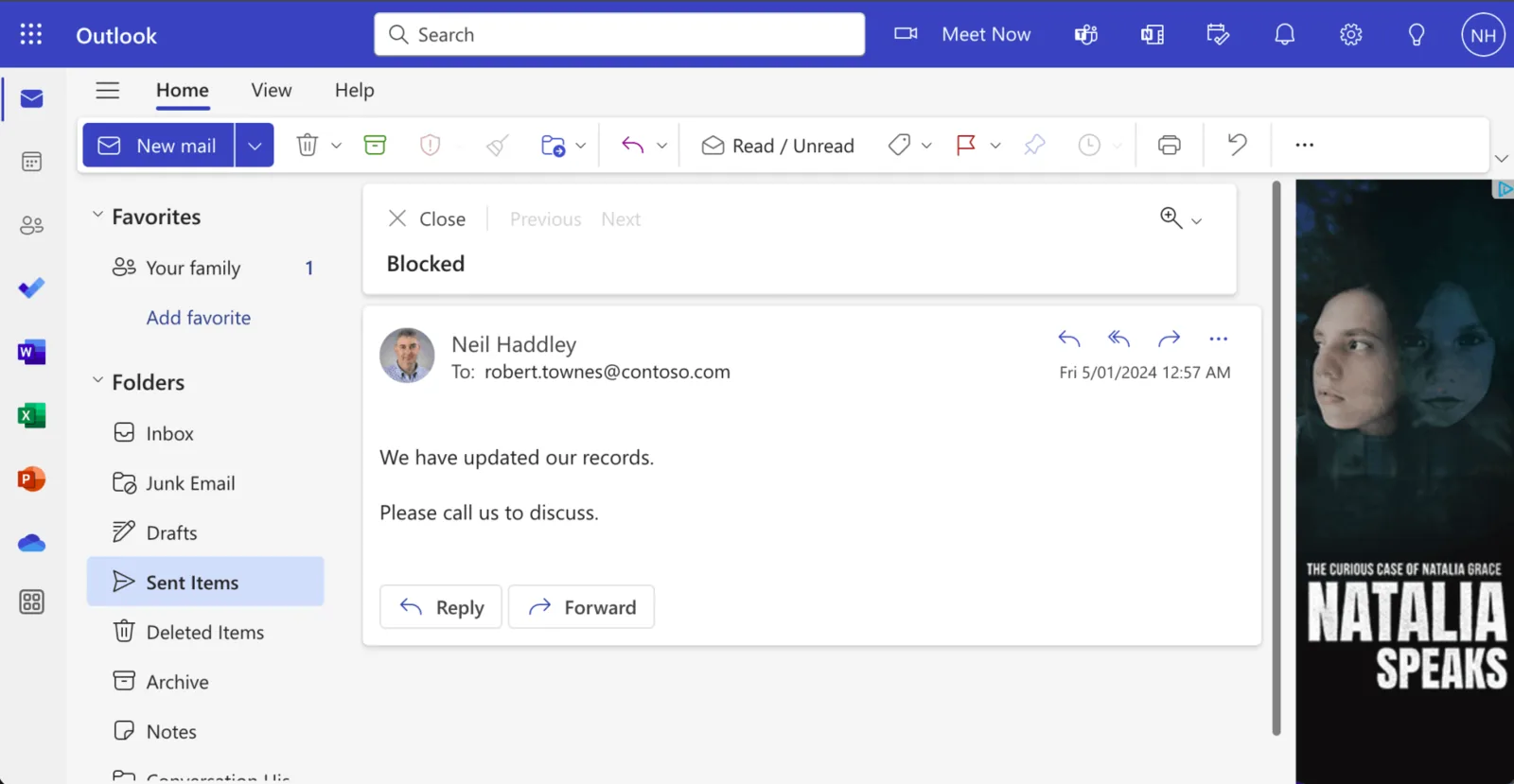
I reviewed the generated email (sent to the selected customer)
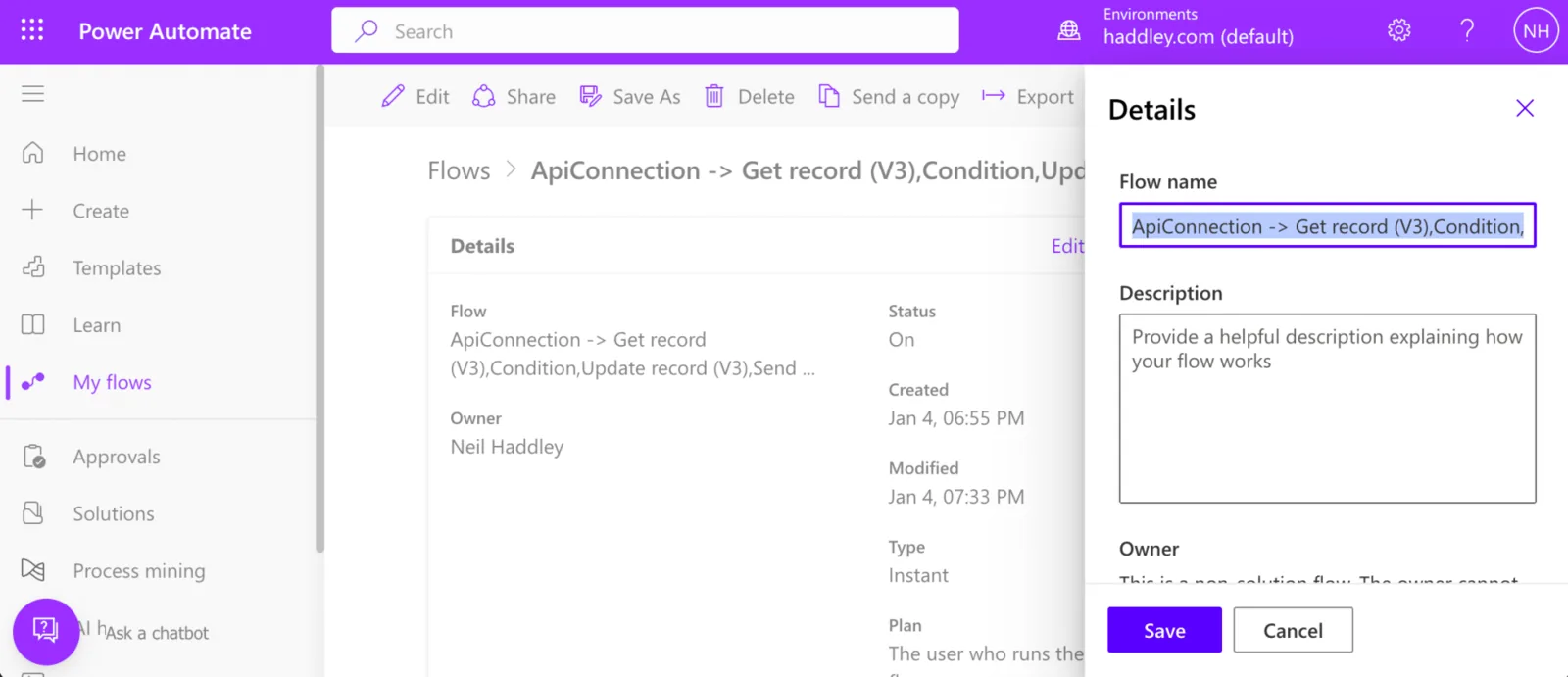
I navigated to the flow details page

I updated the flow name
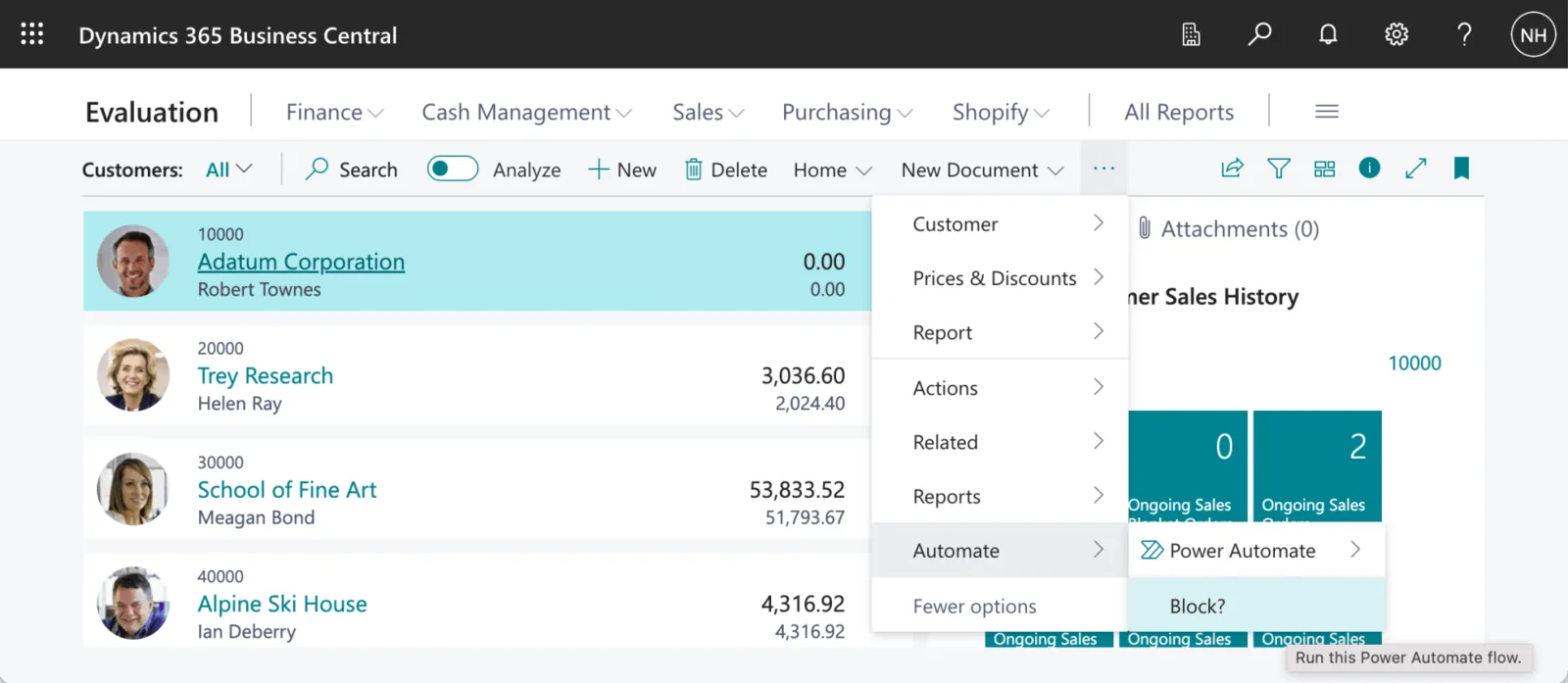
The Blocked? flow name is displayed as a menu item in the Customers page (TABLE18 is the customer table)
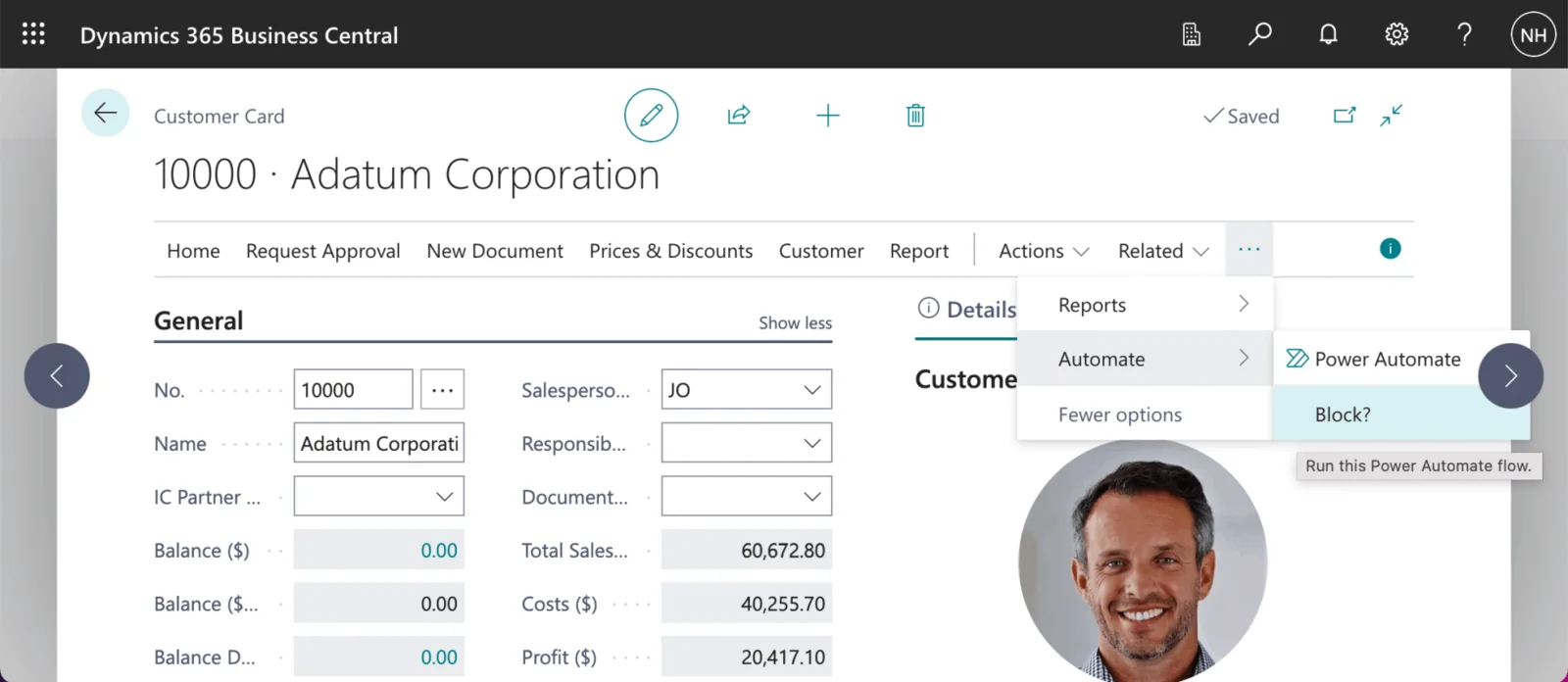
The Blocked? flow name is displayed as a menu item on the Customer Card
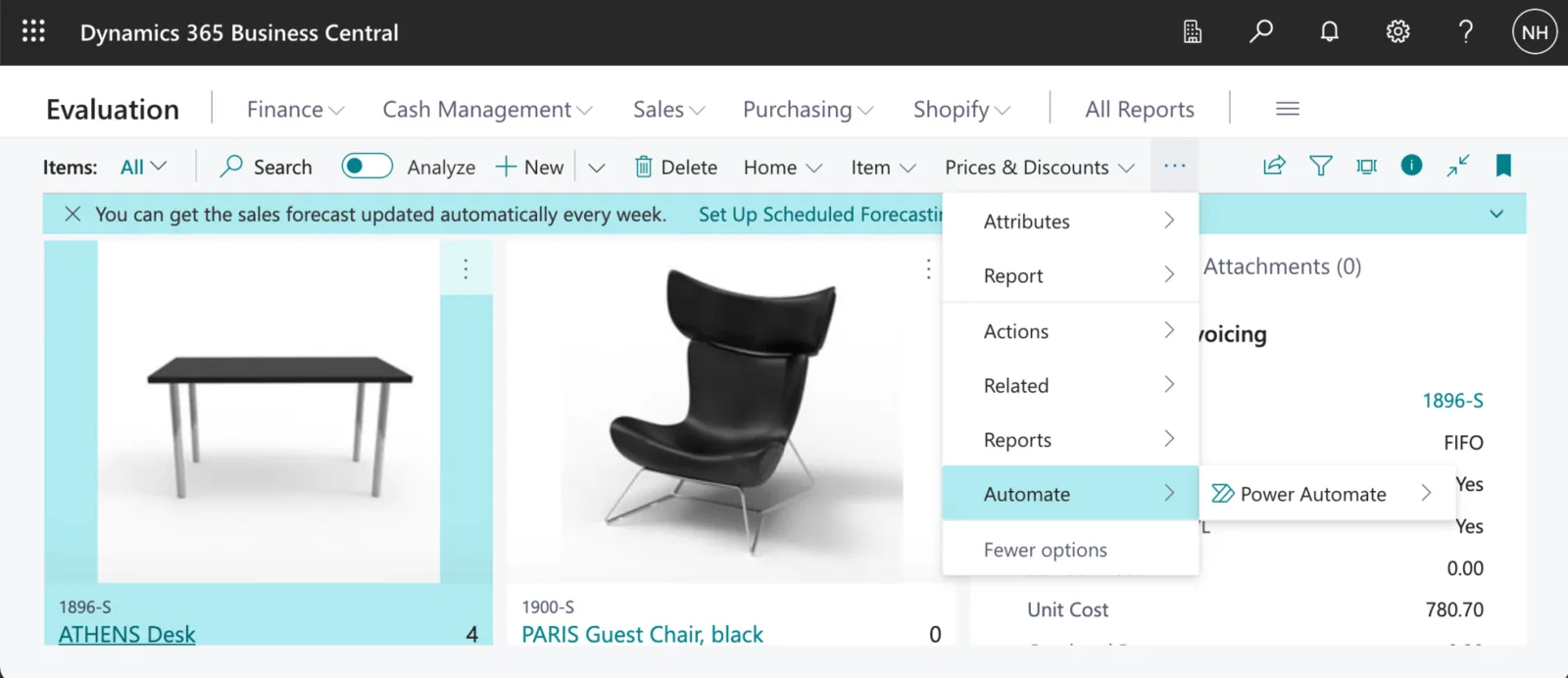
I noticed that the Blocked? flow is not displayed as a menu item in the Items page.

I noticed that the Blocked? flow is not displayed as a menu item on the Vendor Card