DevOps Starter makes it easy to get started on Azure using either GitHub actions or Azure DevOps
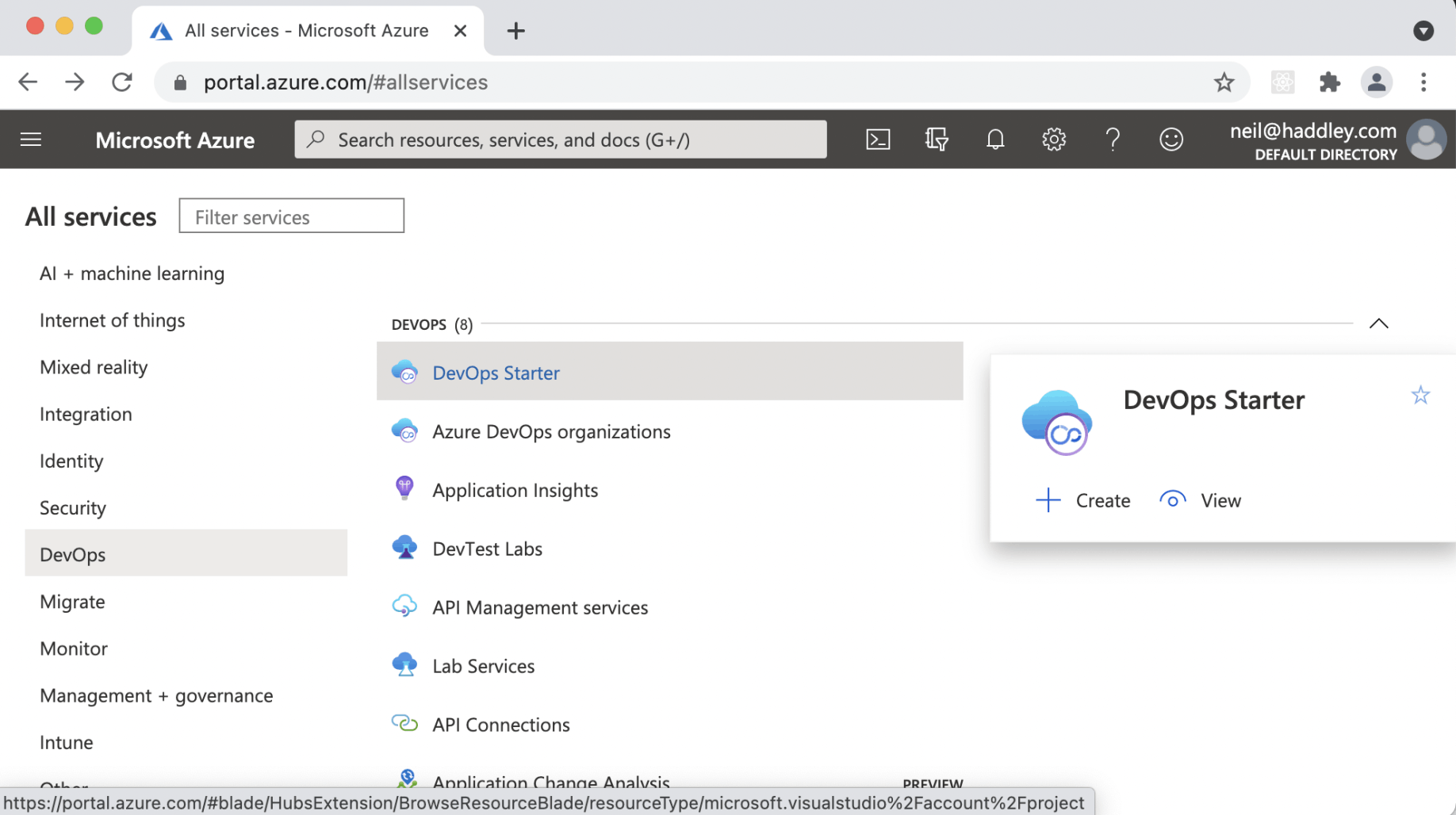
I selected "DevOps Starter" in Azure Portal
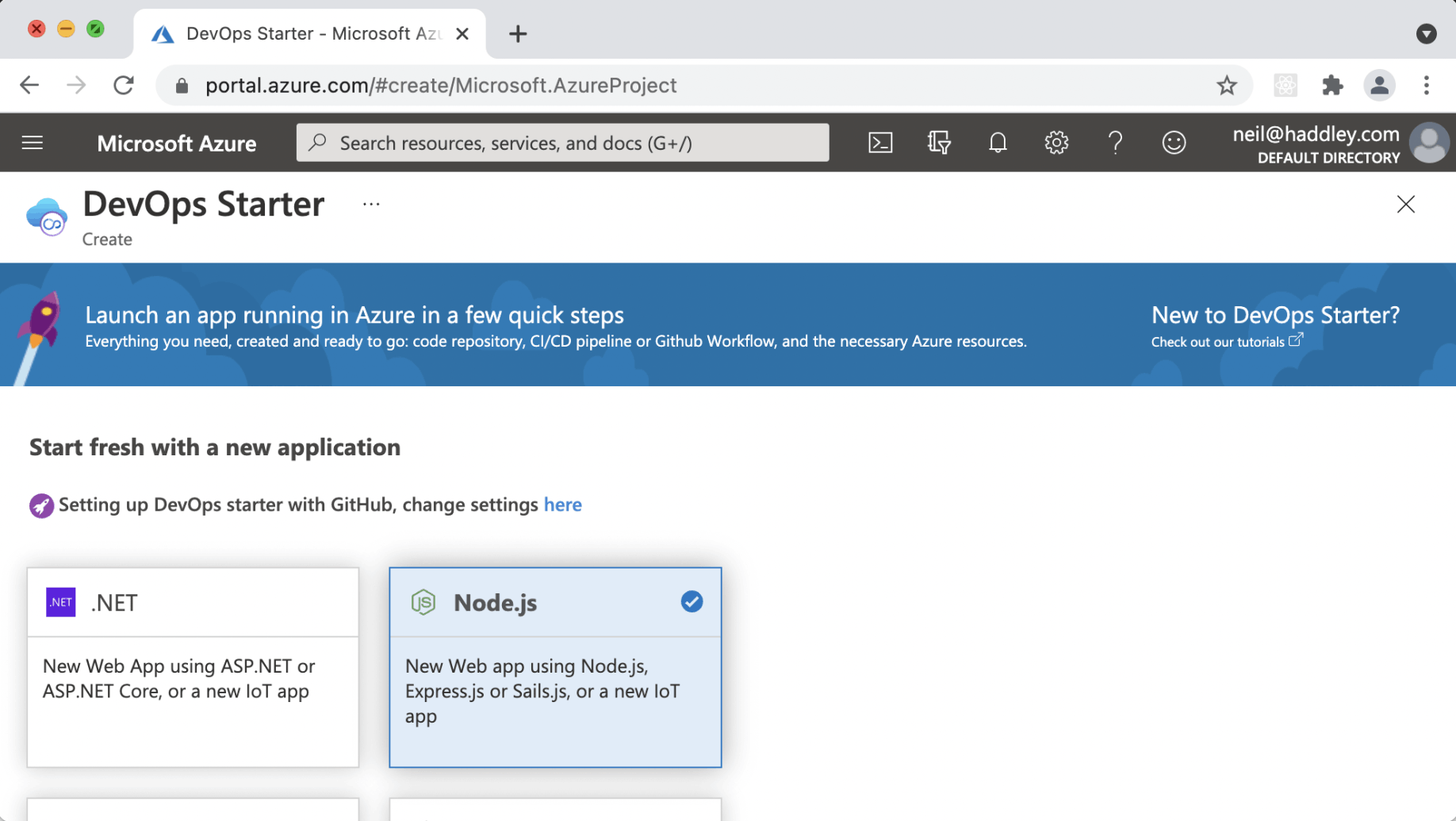
I created a Node app
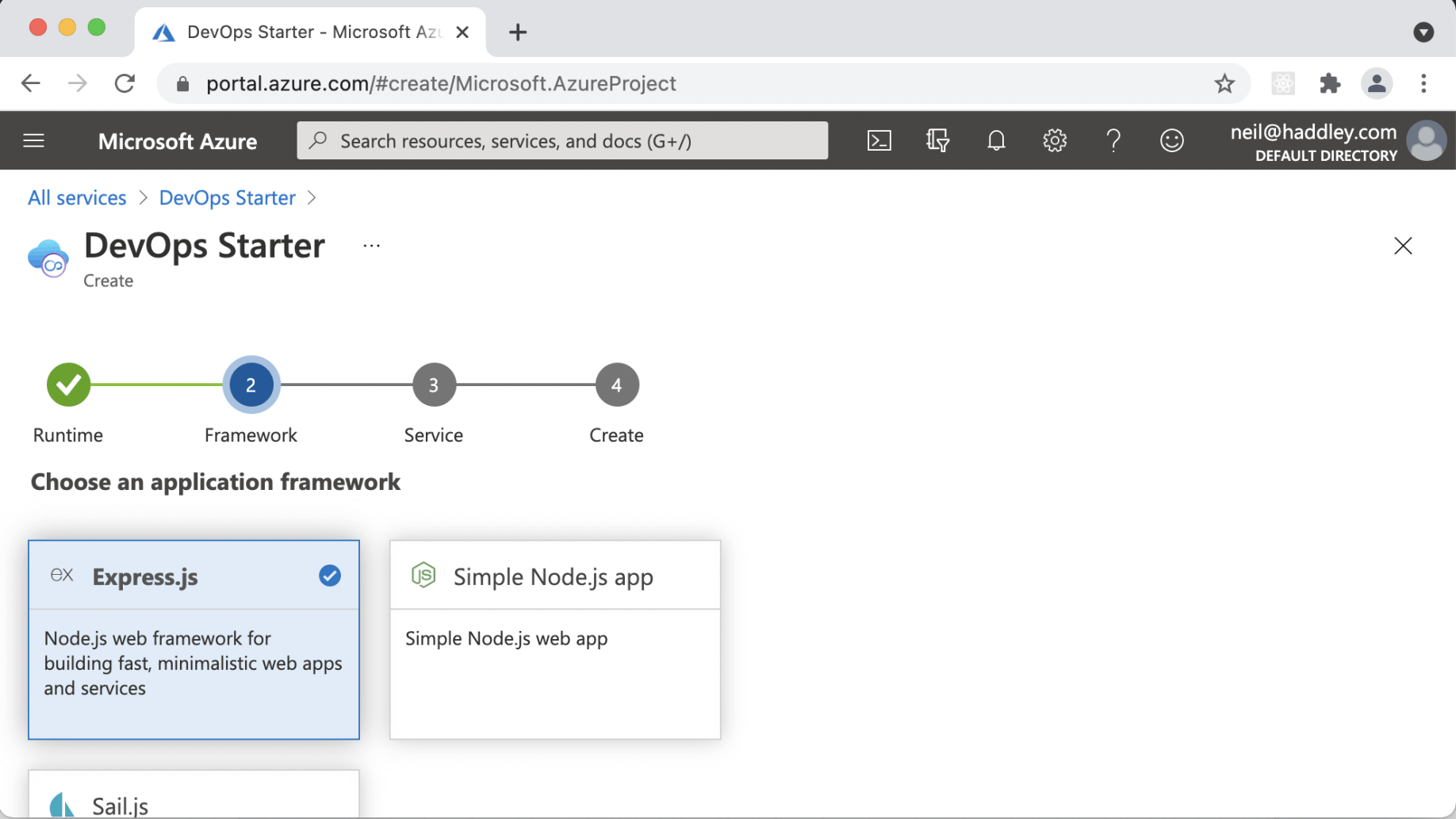
I selected Express
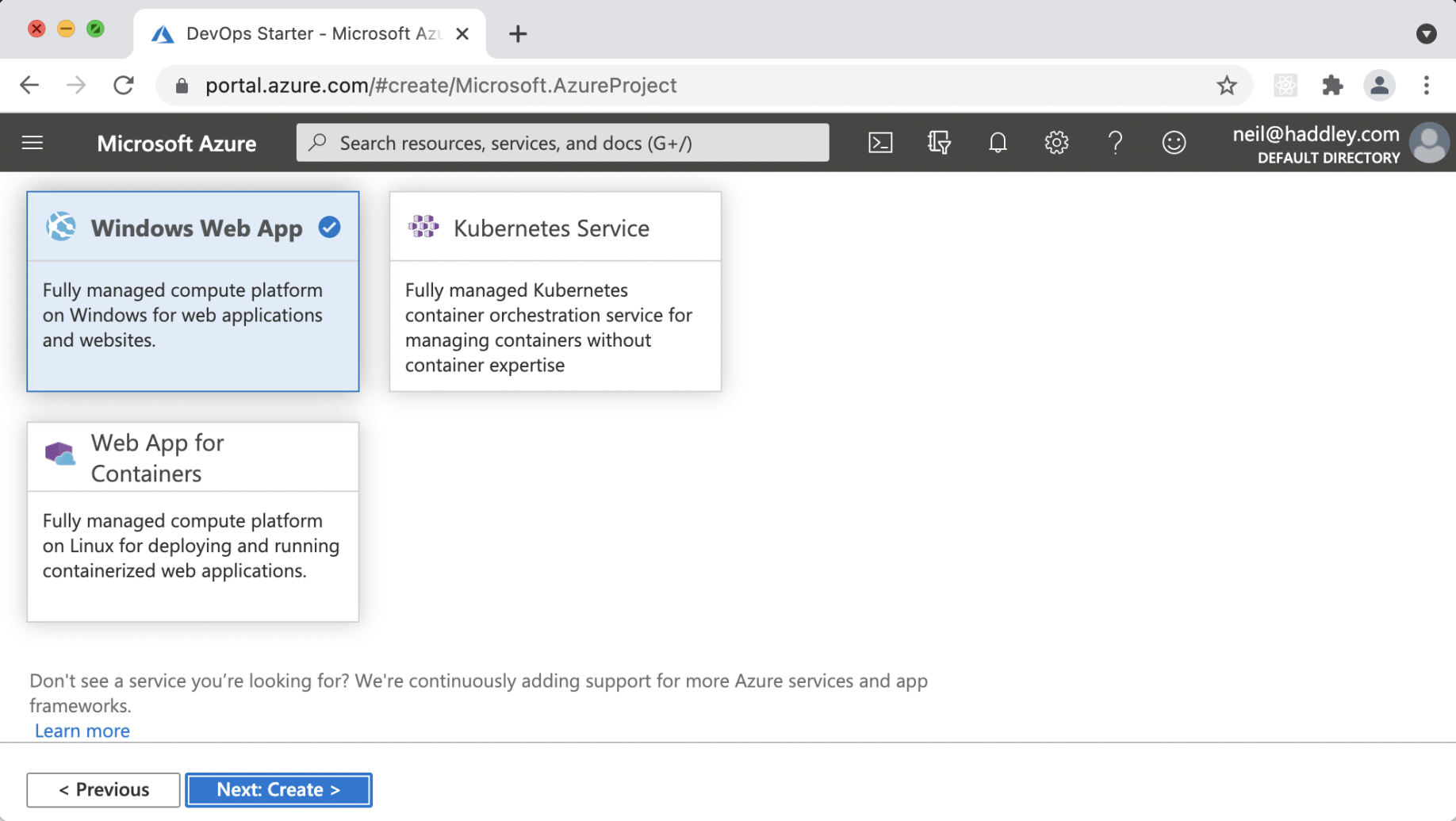
I selected Web App for Containers
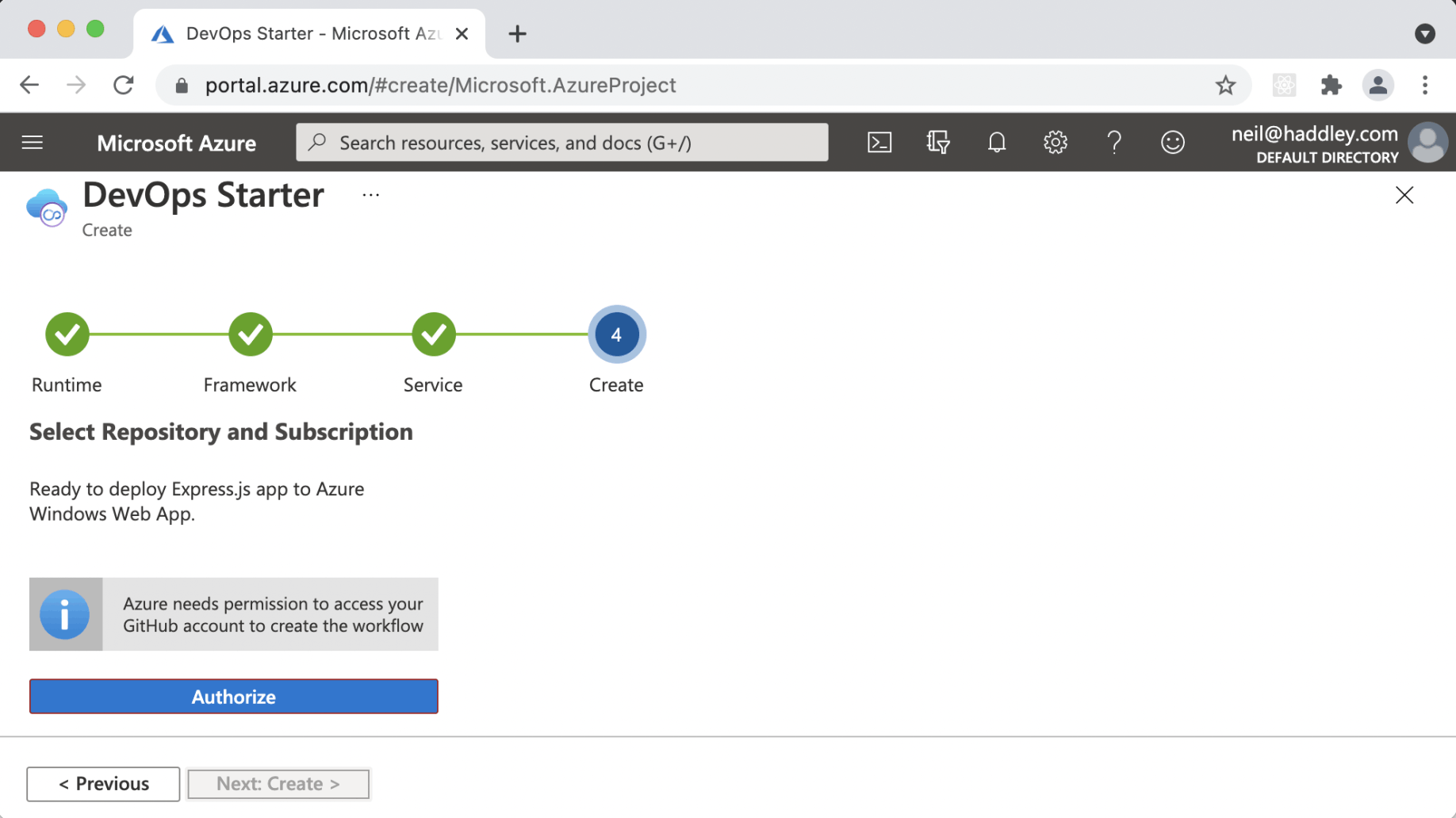
I entered my GitHub credentials
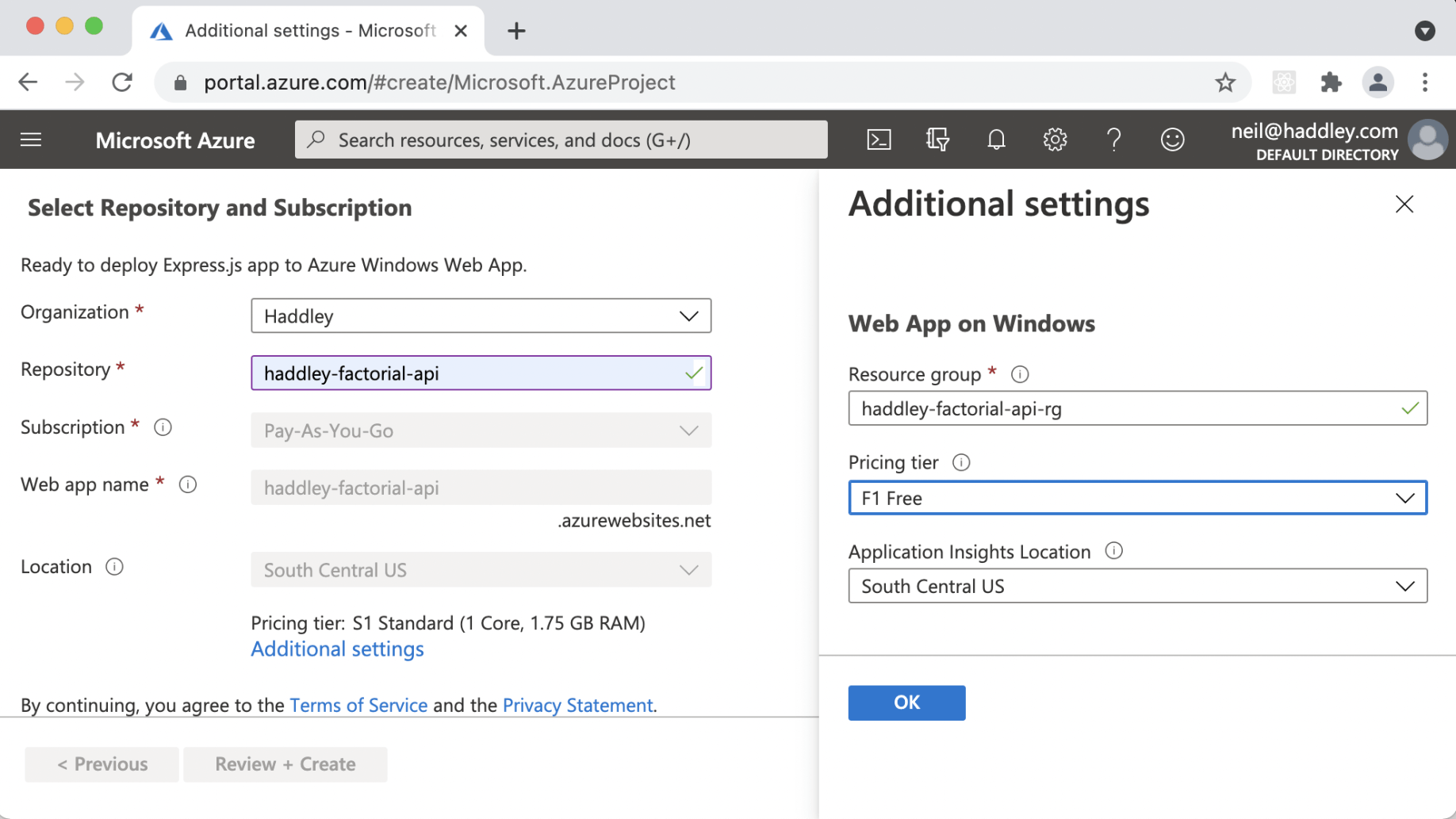
I selected pricing tier "F1 Free"
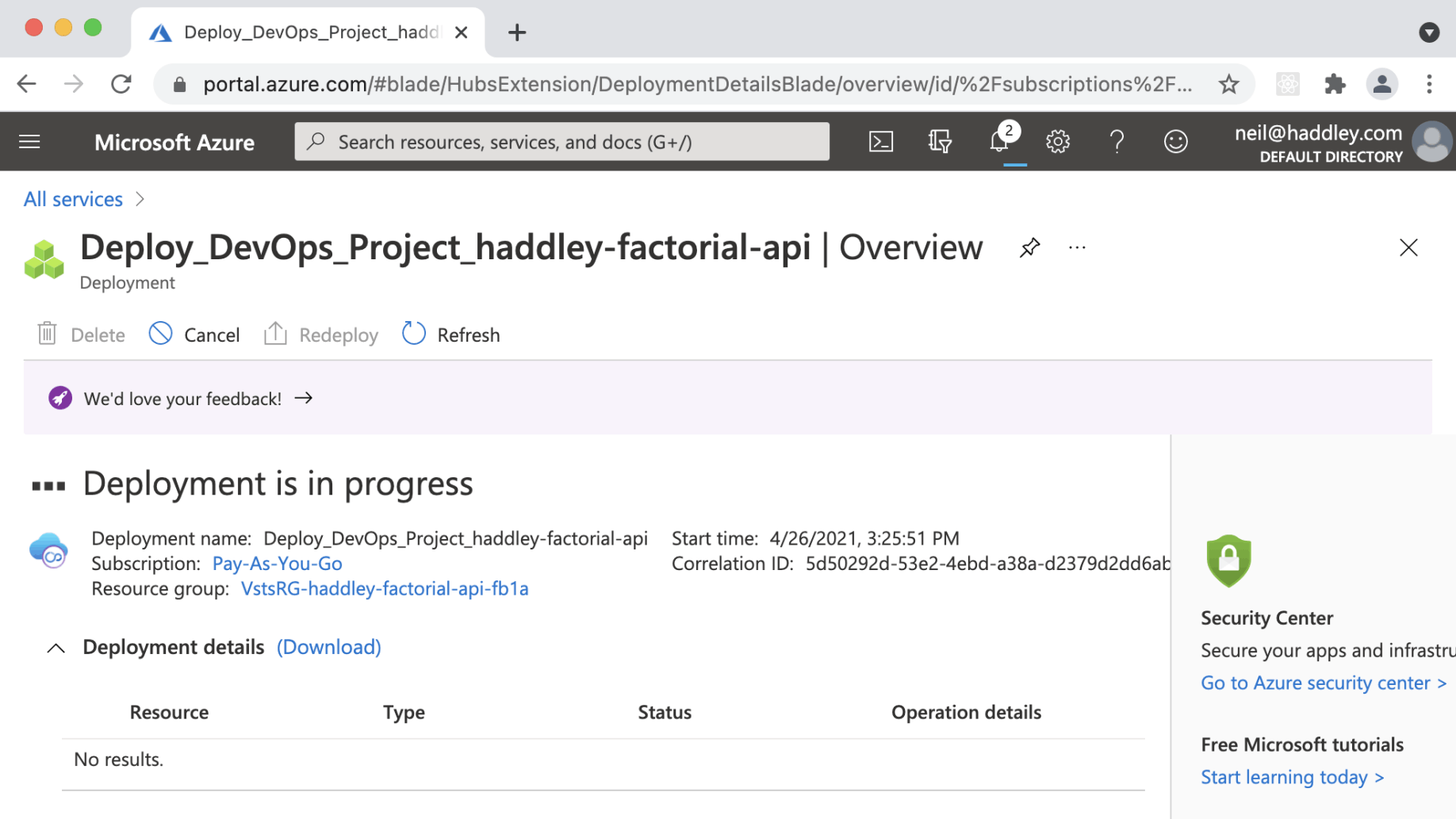
Deployment to Azure was in progress
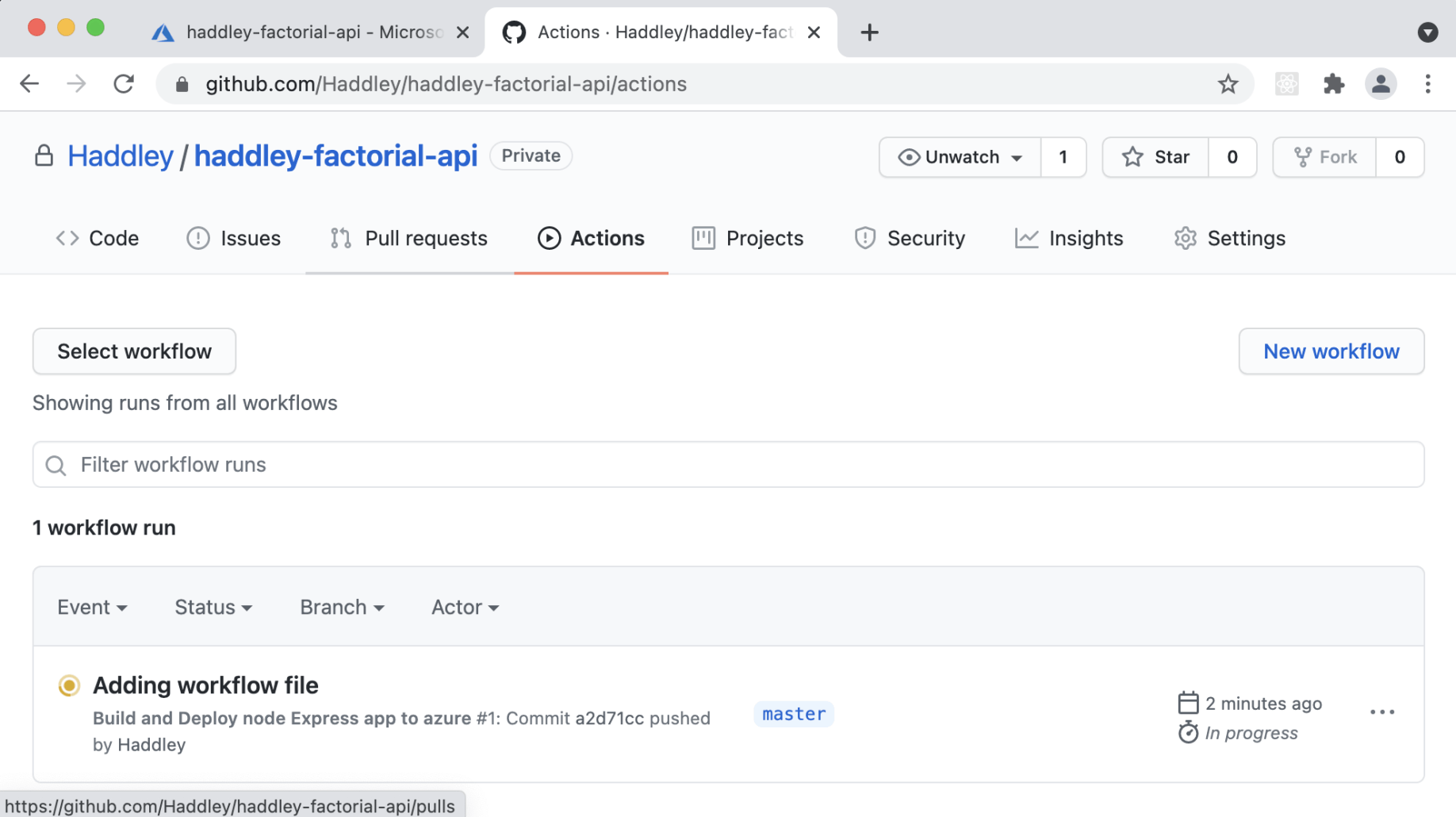
The GitHub Actions workflow ran Unit Tests
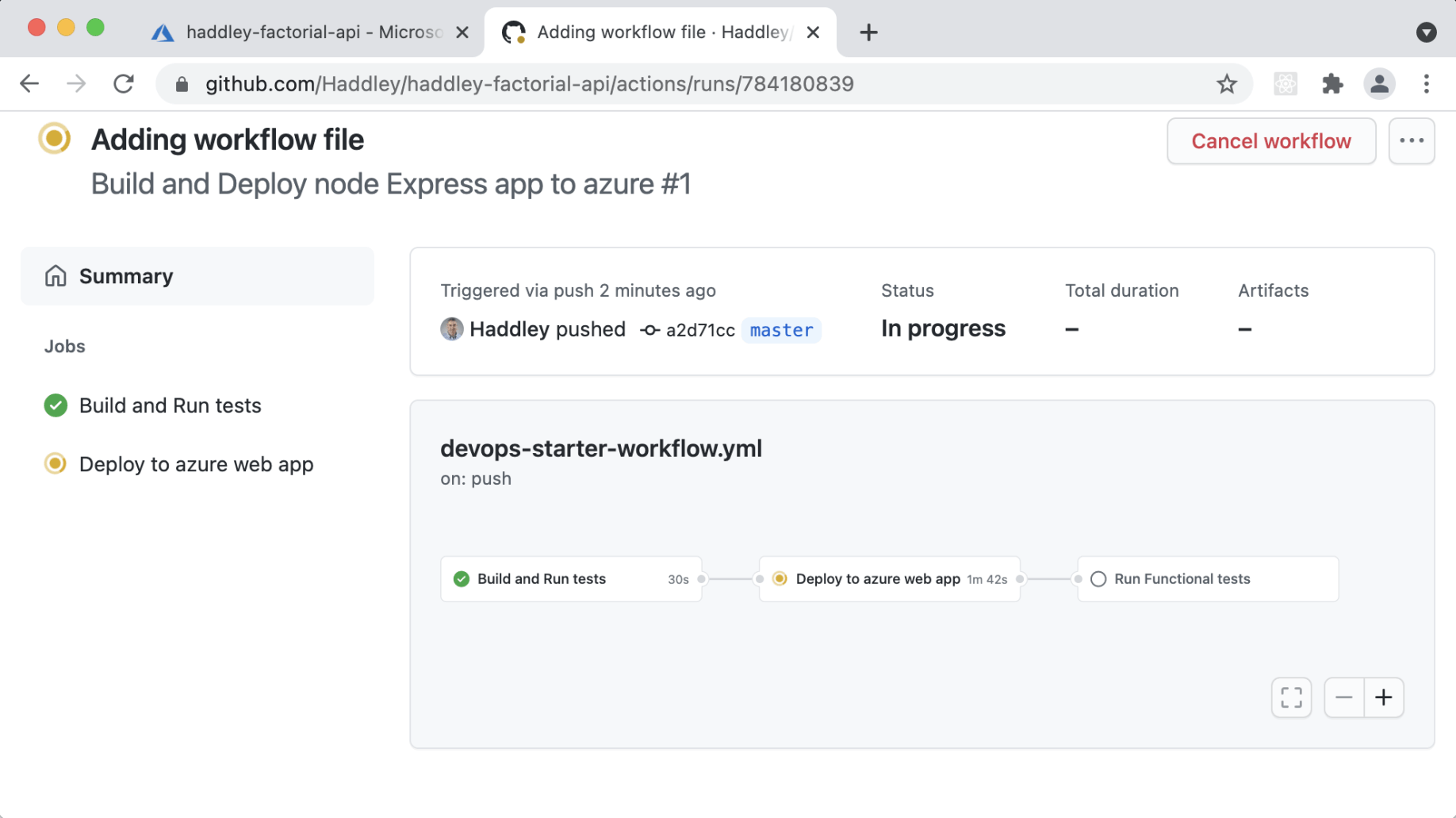
When Unit Tests passed, the Node app was deployed to Azure
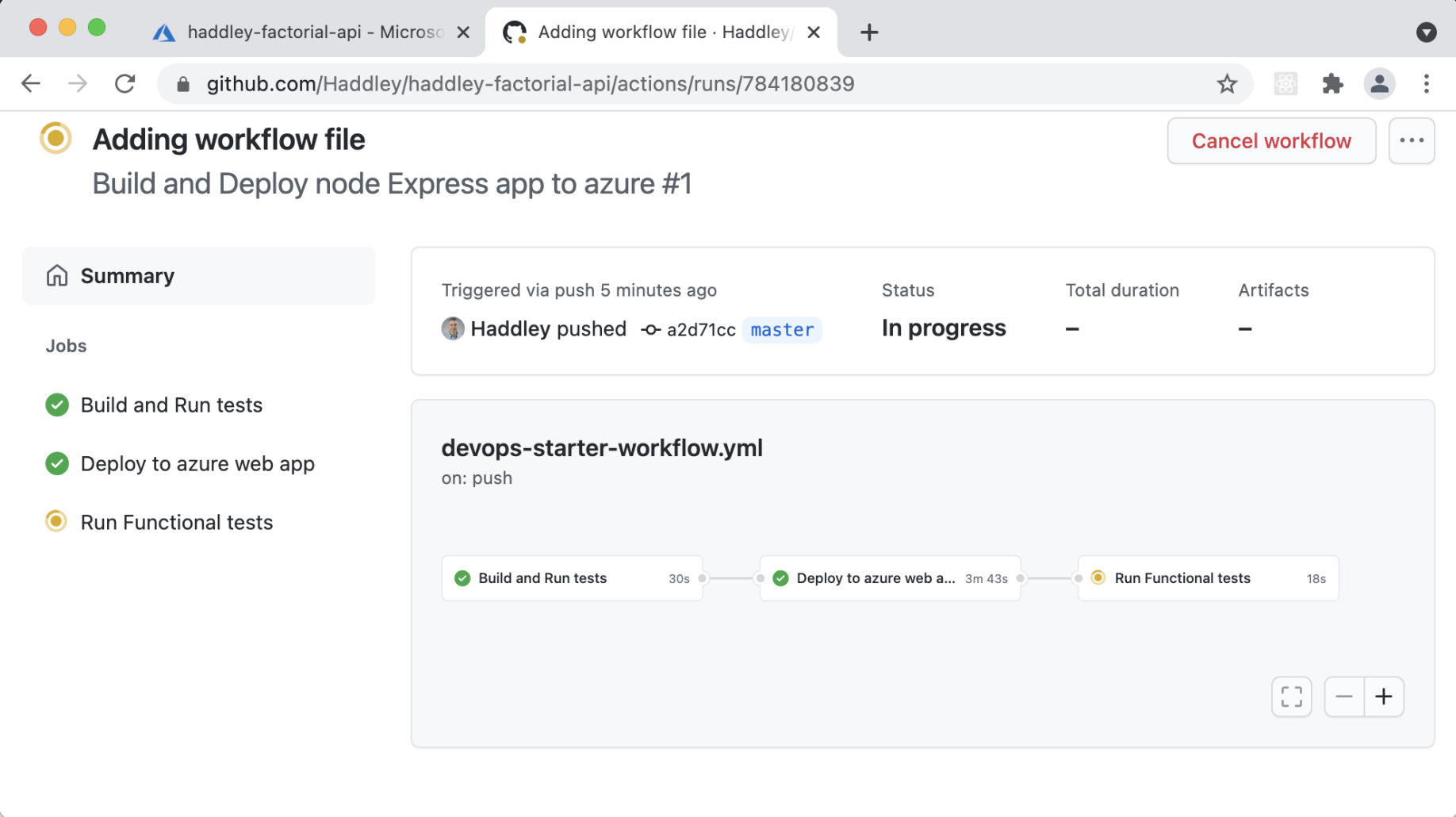
Once deployed to Azure, Functional Tests (Selenium) ran
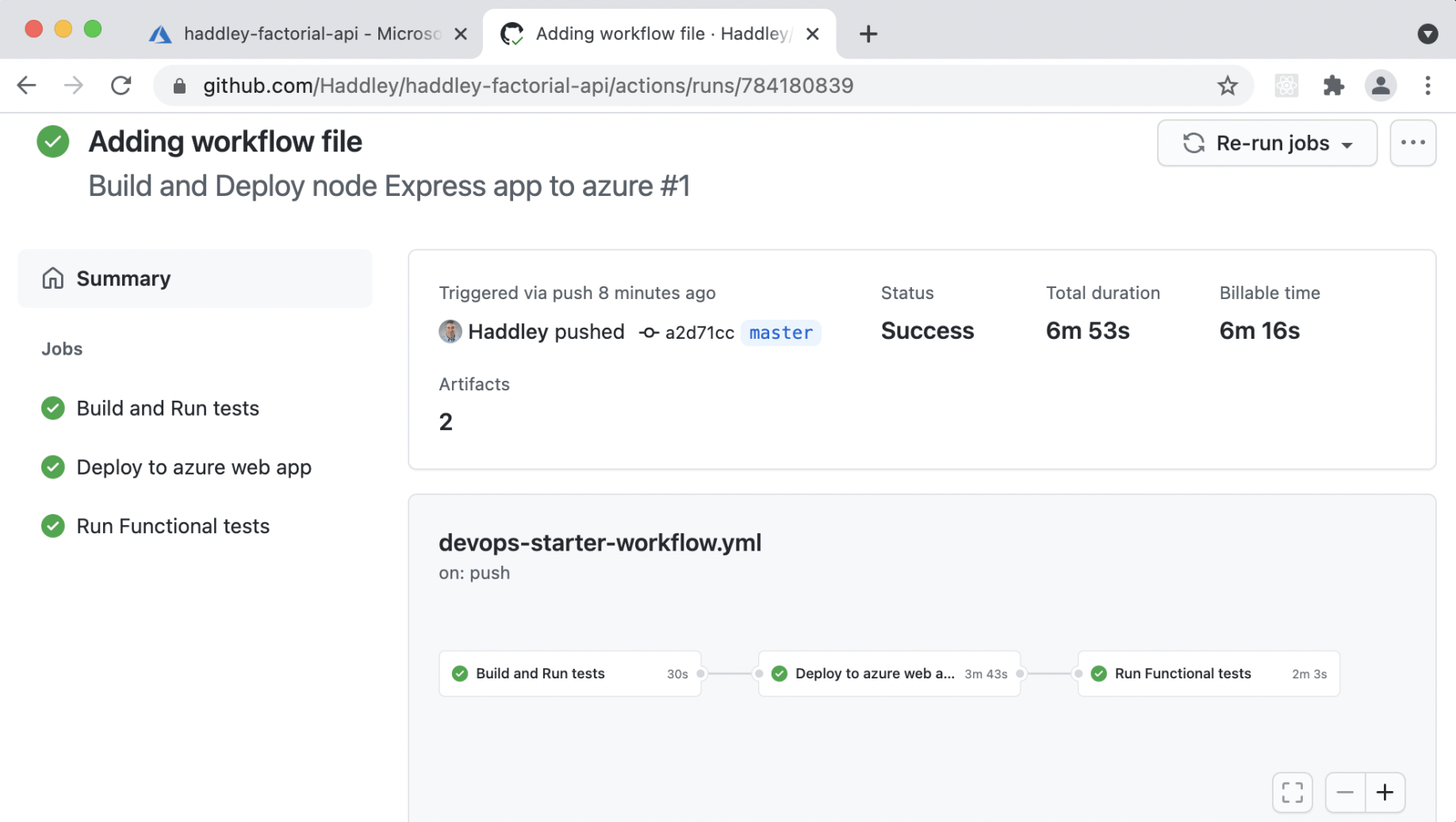
The GitHub Actions workflow completed
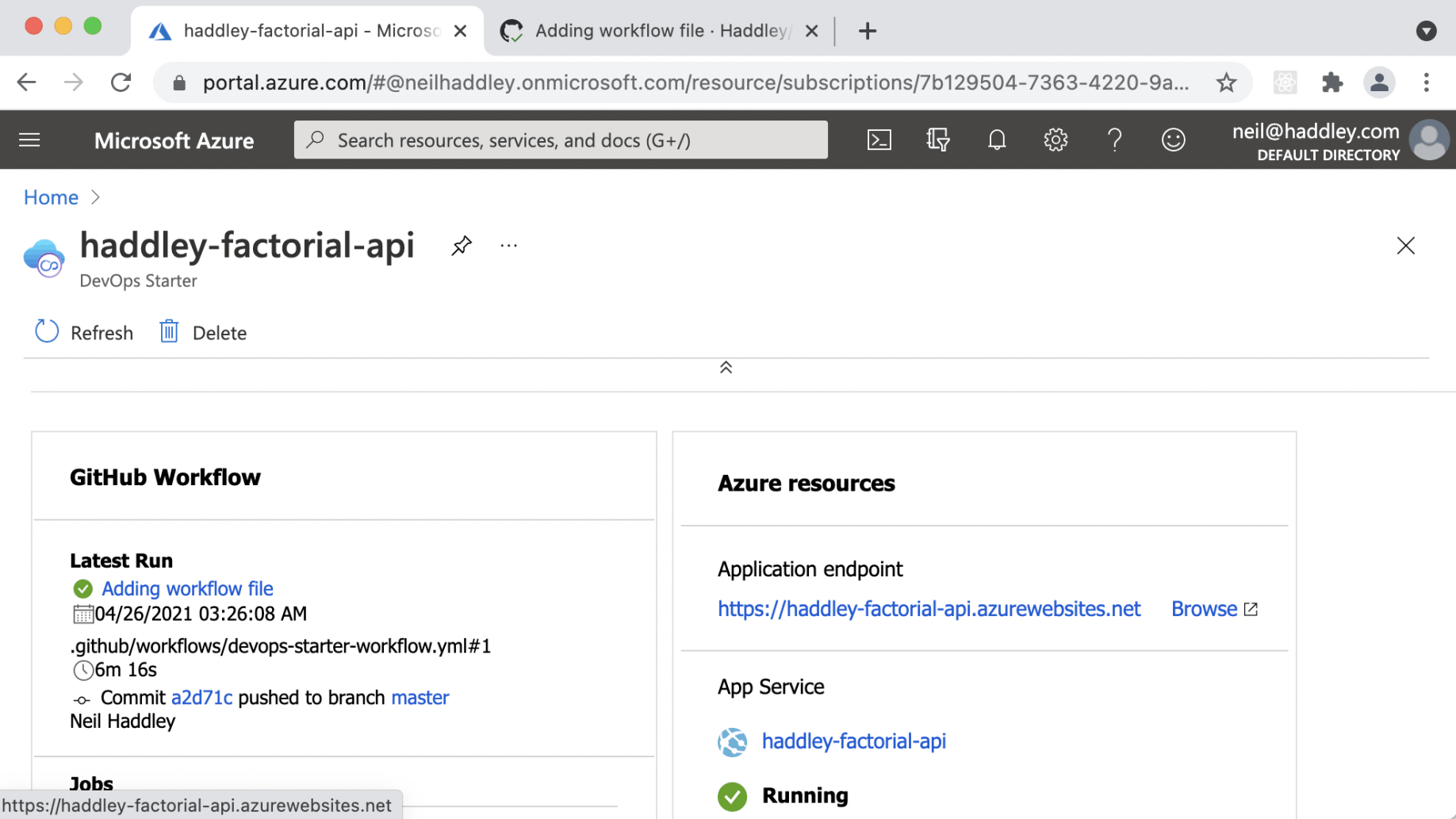
I reviewed the summary of Azure resources
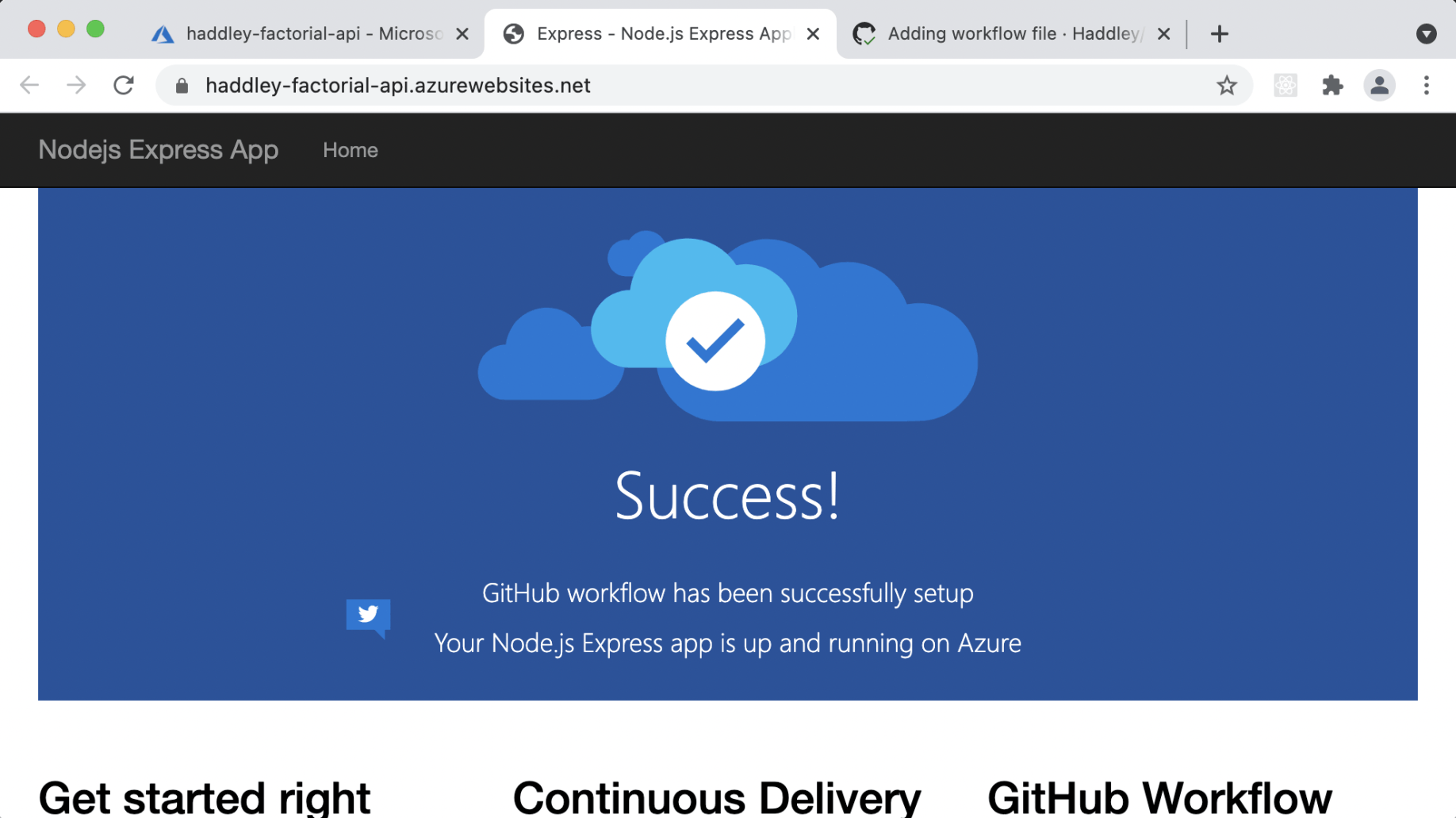
I navigated to the production URL
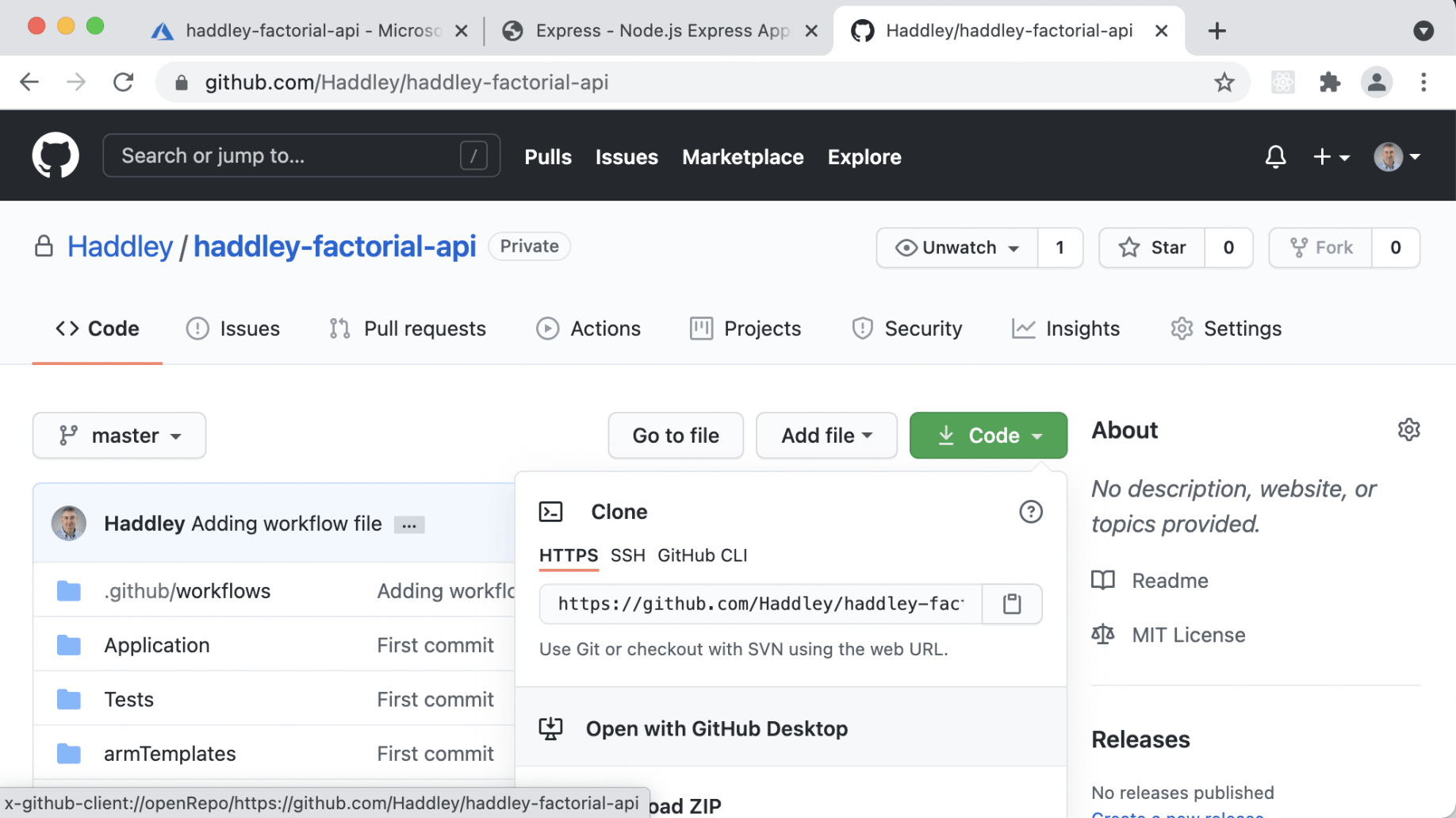
I opened the repository with GitHub Desktop to add the Factorial API
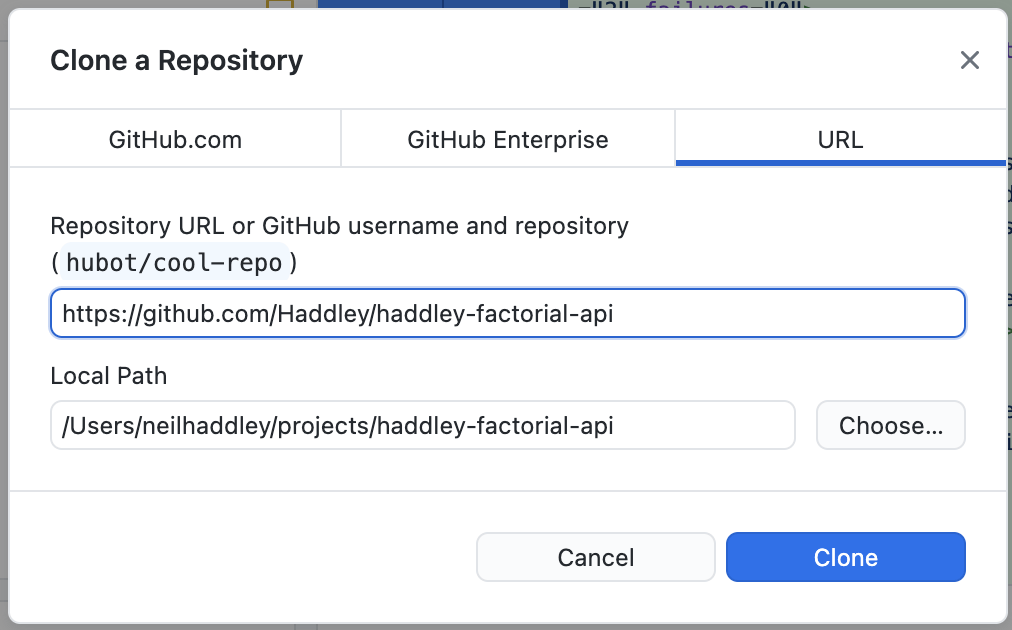
I cloned the repository
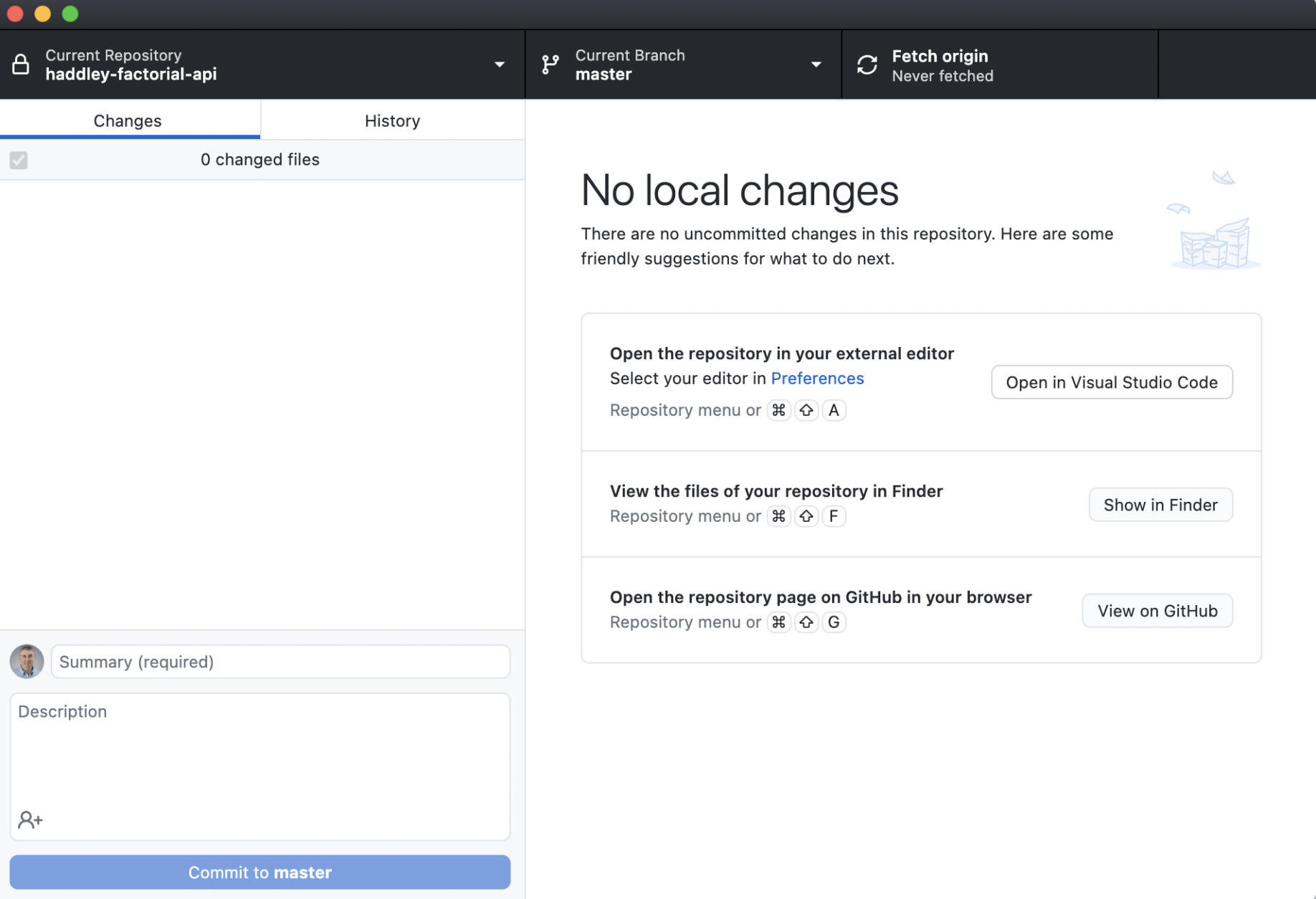
I opened the project in Visual Studio Code
Run the updated app locally
BASH
1$ cd Application
2
3$ npm install haddley-factorial-cc
4# or
5$ npm install haddley-factorial-js
6
7$ npm install
8$ npm run start
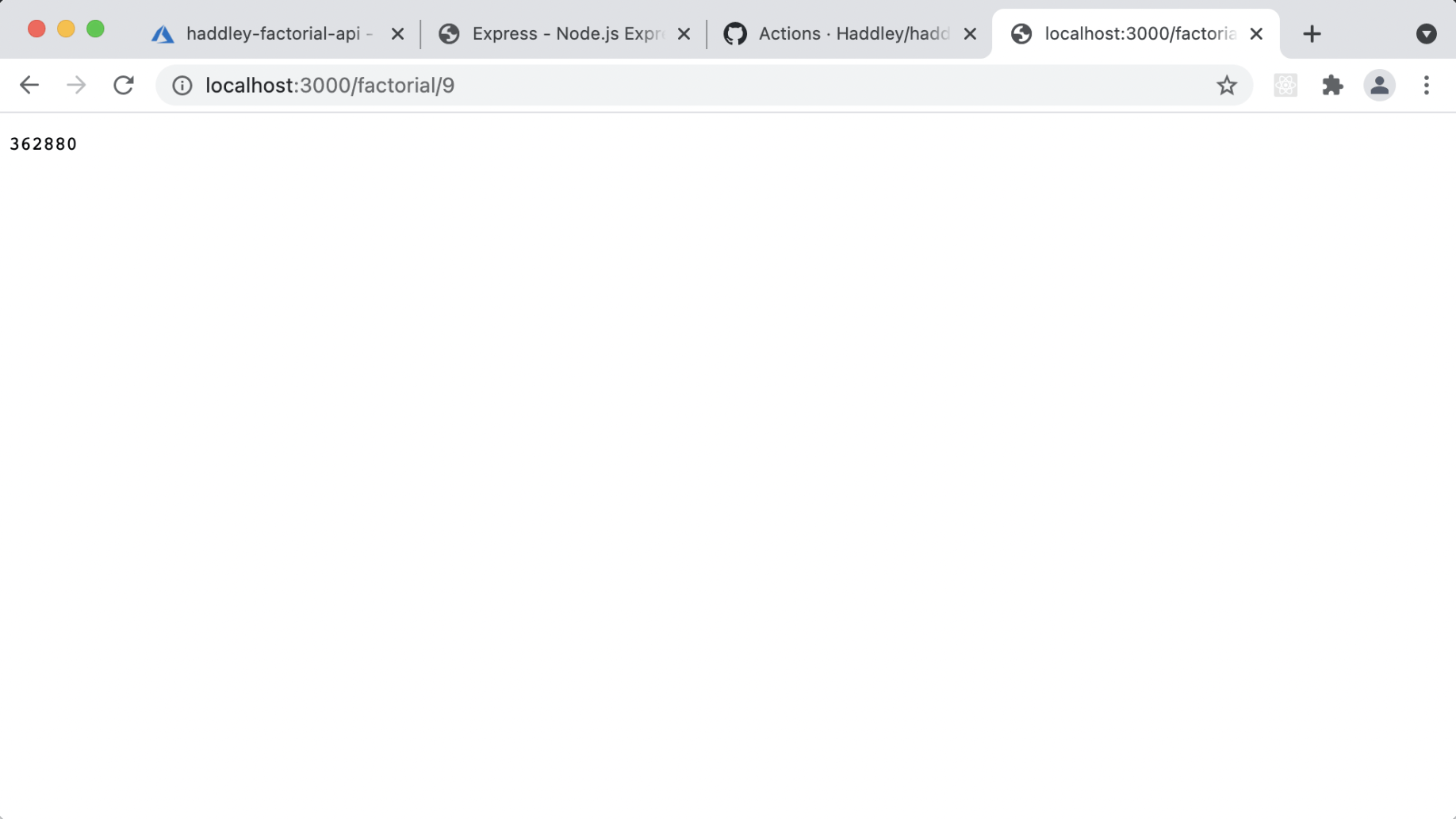
I verified that the updated code returns factorial of 9
Run the unit tests locally
BASH
1$ cd ../Tests
2$ npm install
3$ gulp unittest
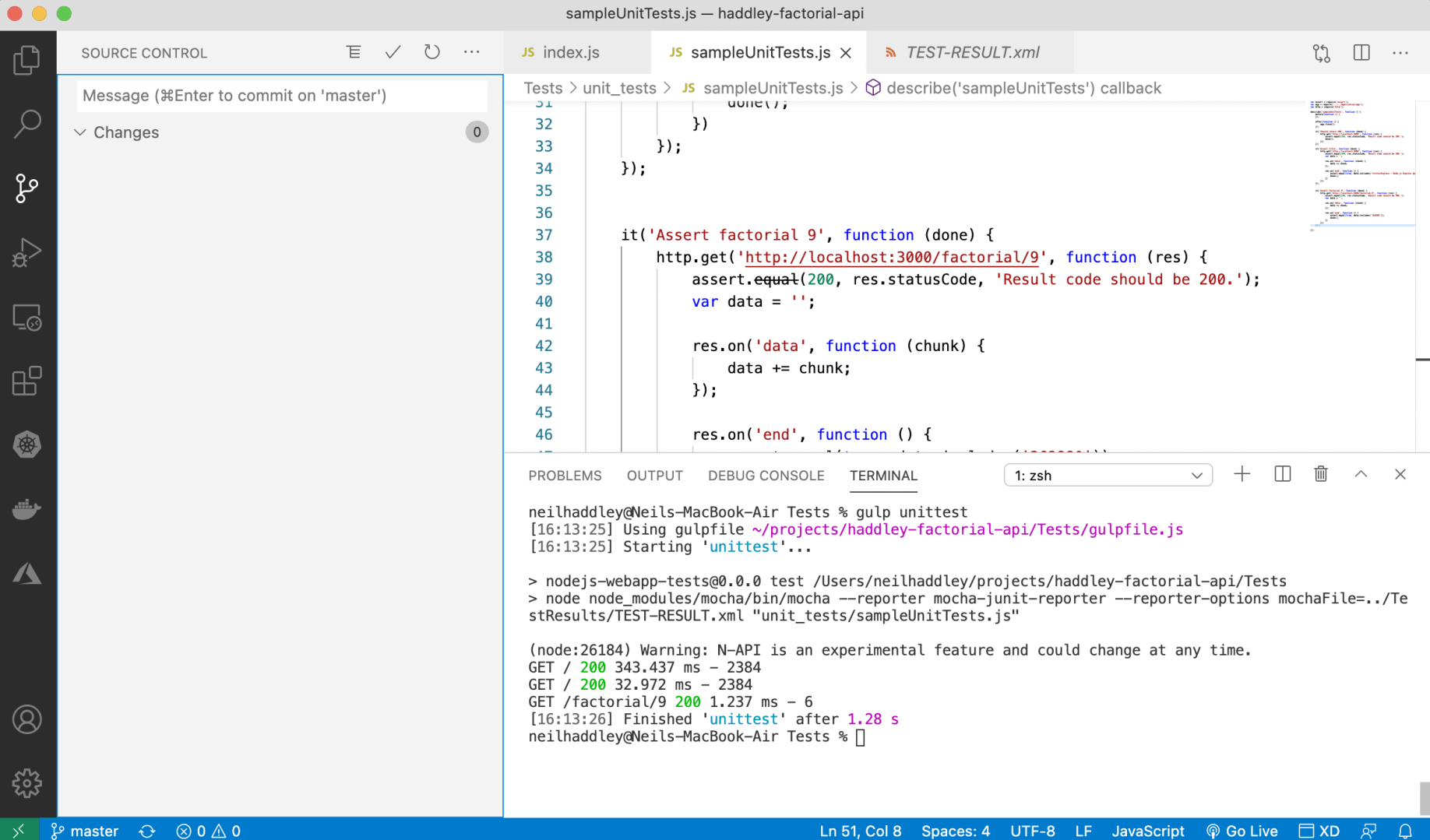
I ran the updated Unit Tests
Run the functional tests locally
BASH
1$ xattr -d com.apple.quarantine chromedriver
2
3$ npm run start&
4$ cd ../Tests
5$ gulp functionaltest --webAppUrl http://localhost:3000/
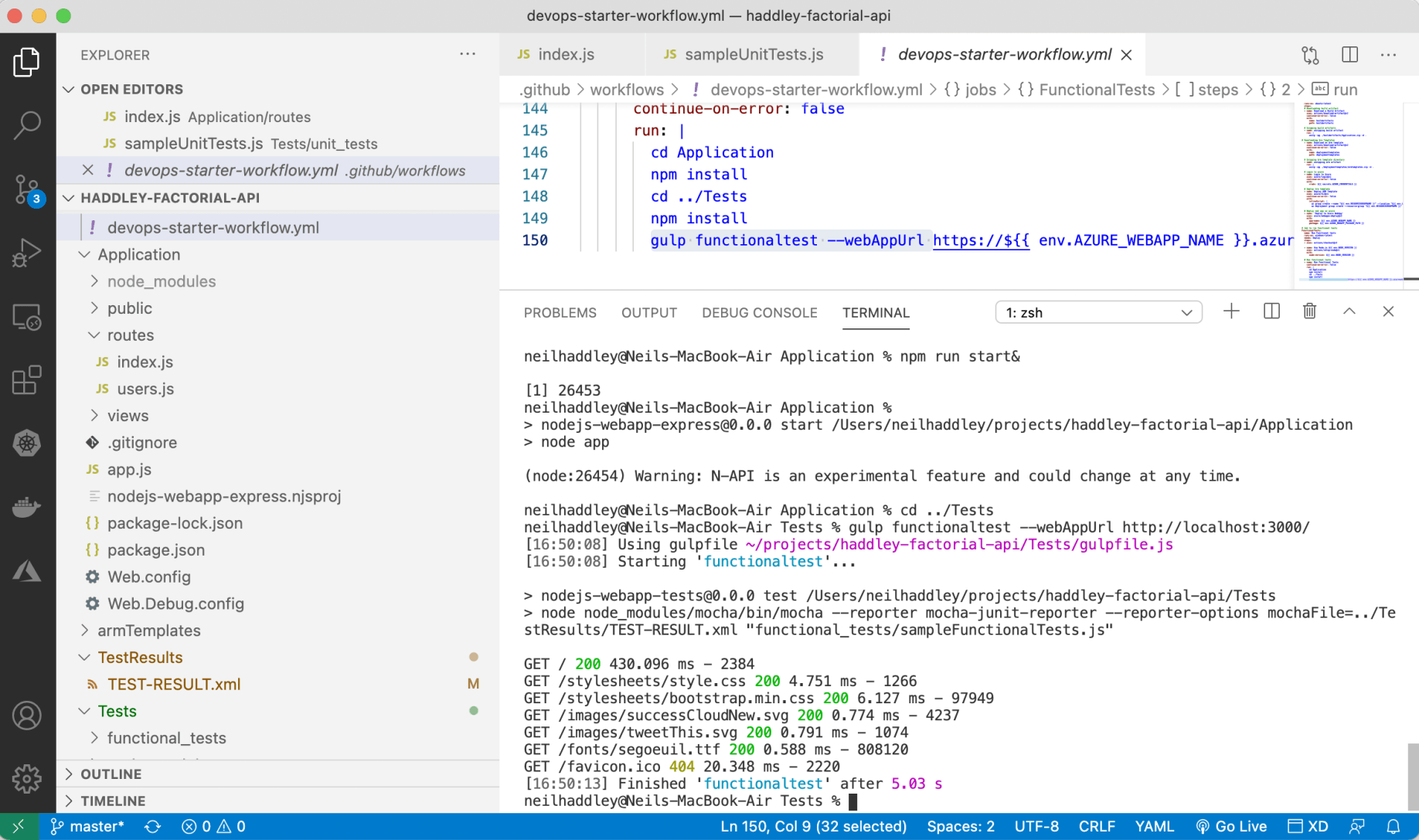
I ran the functional tests
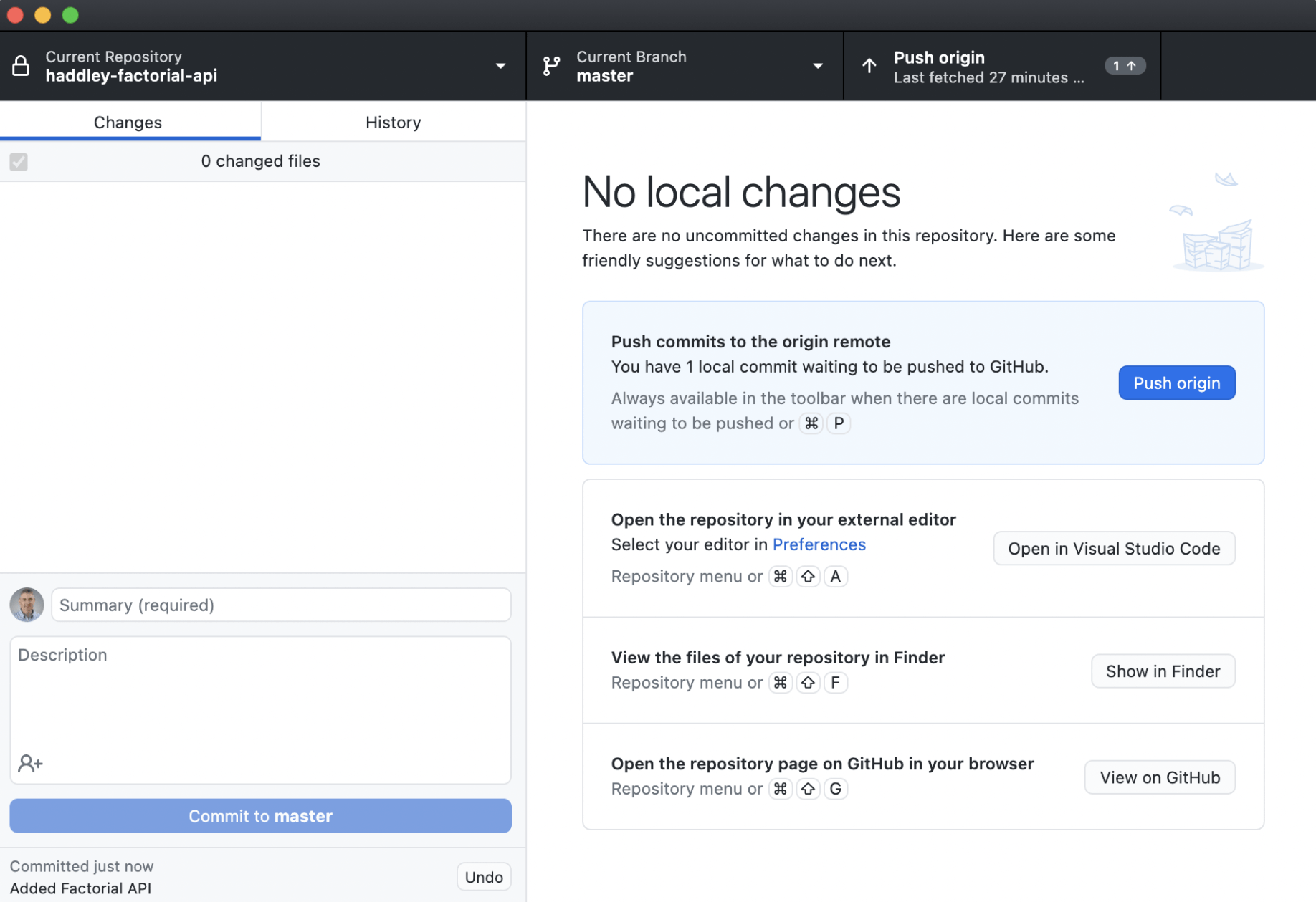
I pushed updates to GitHub on origin master
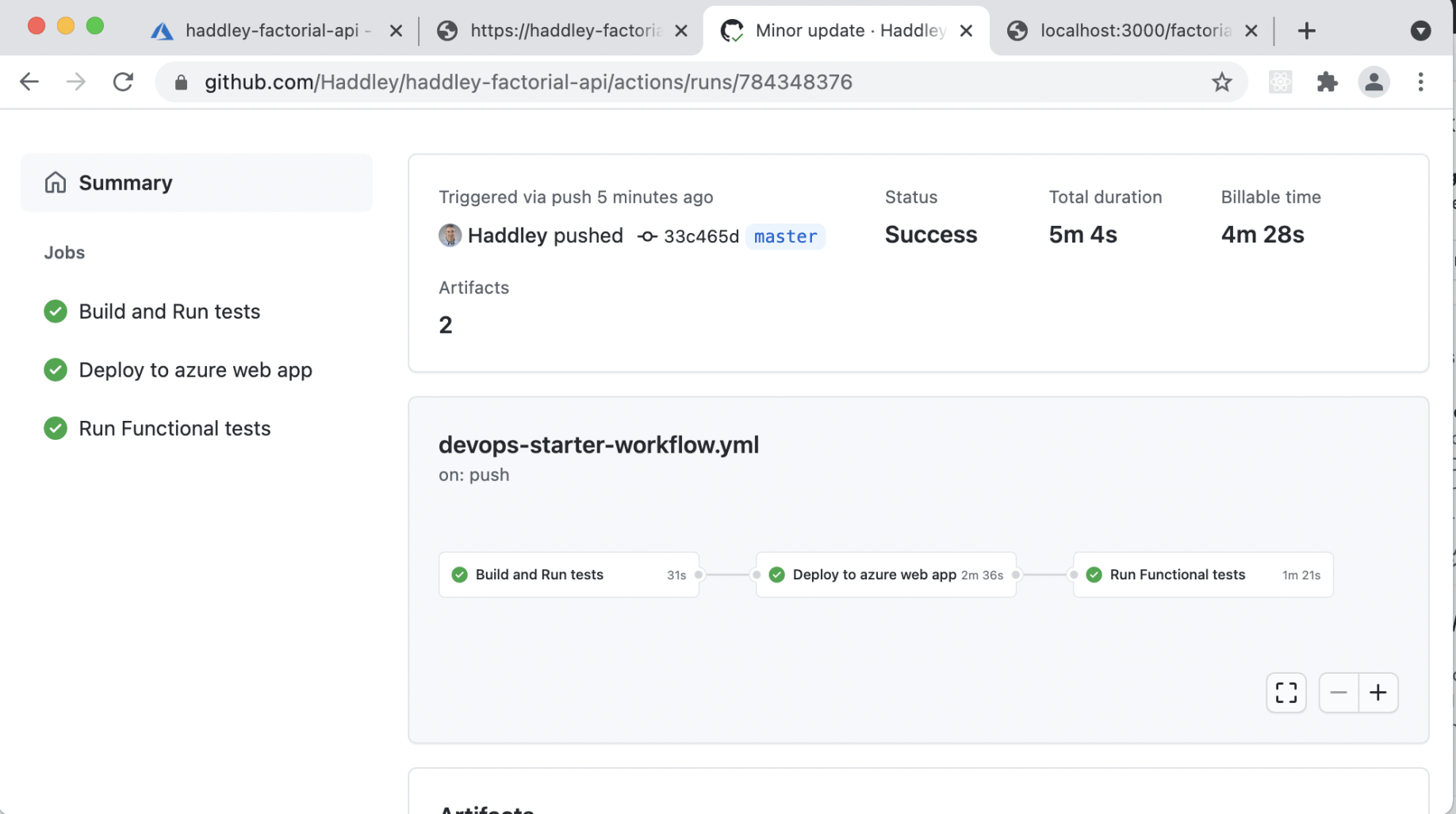
The GitHub Actions workflow ran again
Test factorial API in production
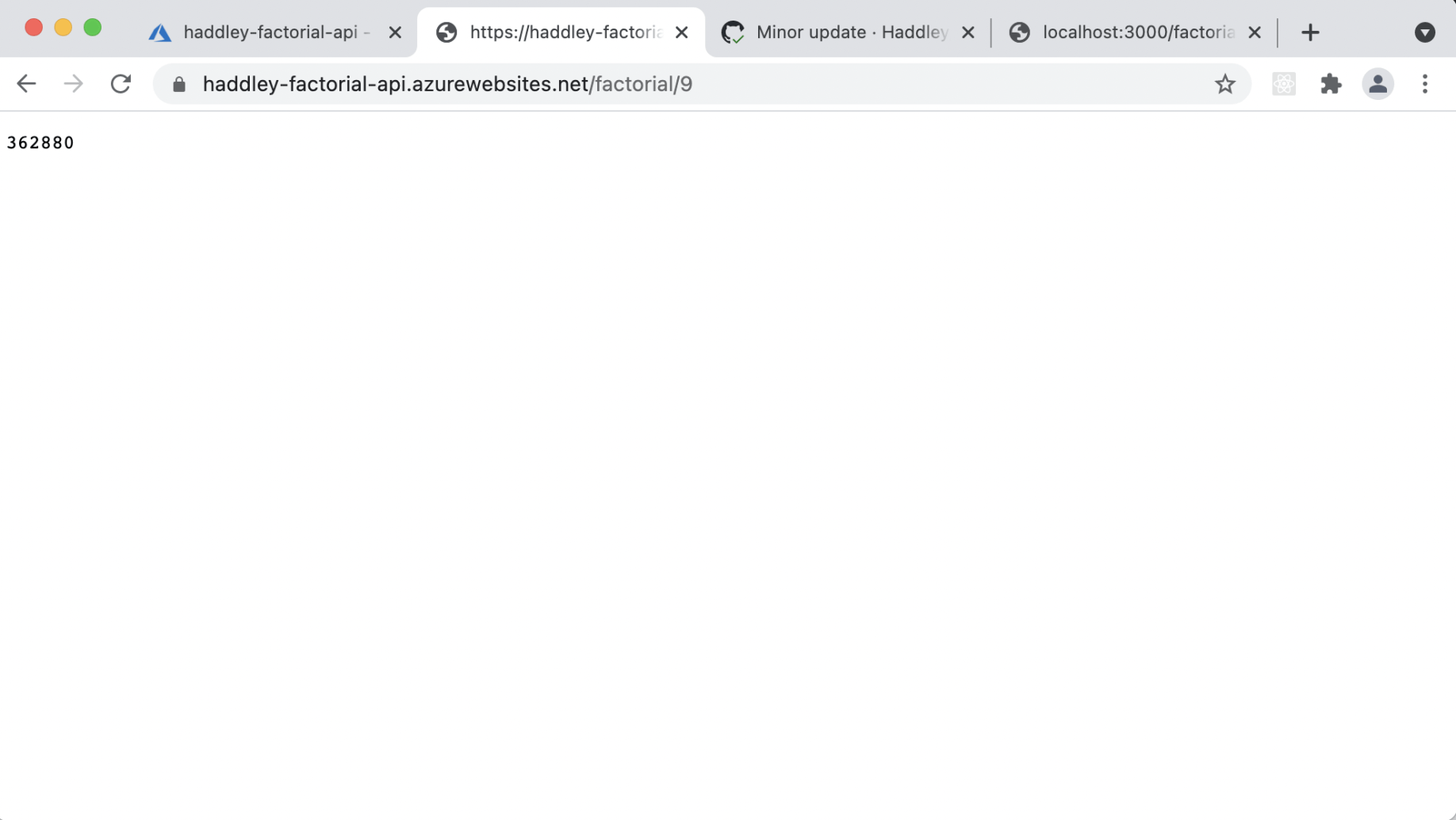
The Factorial API was running in production
devops-starter-workflow.yaml
YAML
1name: Build and Deploy node Express app to azure
2on:
3  push:
4    branches:
5      - master
6
7env:
8  AZURE_WEBAPP_NAME: "haddley-factorial-api"    # set this to your application's name
9  AZURE_WEBAPP_PACKAGE_PATH: "Application"      # set this to the path to your web app project, defaults to the repository root
10  NODE_VERSION: '8.11.1'                        # set this to the node version to use
11  RESOURCEGROUPNAME: "haddley-factorial-api-rg"
12  LOCATION: "South Central US"
13  HOSTINGPLANNAME: "haddley-factorial-api-plan"
14  APPINSIGHTLOCATION: "South Central US"
15  SKU: "F1 Free"
16
17jobs:
18  build:
19    name: Build and Run tests
20    runs-on: ubuntu-latest
21    steps:
22    - uses: actions/checkout@v2
23
24    - name: Use Node.js ${{ env.NODE_VERSION }}
25      uses: actions/setup-node@v1
26      with:
27        node-version: ${{ env.NODE_VERSION }}
28
29    - name: npm install and build
30      continue-on-error: false
31      run: |
32        cd Application
33        npm install
34        npm run build --if-present
35
36    - name: Run unit tests
37      continue-on-error: false
38      run: |
39        cd Tests
40        npm install
41        gulp unittest
42
43    - name: Creating artifact directories
44      run: |
45        mkdir buildartifacts
46        mkdir deploymenttemplates
47
48    # Archive build artifact
49    - name: Archive Application
50      run: |
51        zip -qq -r ./buildartifacts/Application.zip ./Application
52
53    # Uploading application to build artifact
54    - name: Upload Application to Build Artifact
55      continue-on-error: false
56      uses: actions/upload-artifact@v2
57      with:
58        name: buildartifacts
59        path: buildartifacts
60
61    # Archive Arm templates
62    - name: Archive ArmTemplates
63      uses: montudor/action-zip@v0.1.0
64      with:
65        args: zip -qq -r ./deploymenttemplates/armtemplates.zip ./armTemplates
66
67    # Uploading Arm Templates to artifacts
68    - name: Upload Arm templates to Artifact
69      continue-on-error: false
70      uses: actions/upload-artifact@v2
71      with:
72        name: deploymenttemplates
73        path: deploymenttemplates
74
75  Deploy:
76    name: Deploy to azure web app
77    needs: build
78    runs-on: ubuntu-latest
79    steps:
80    # Downloading build artifact
81    - name: Download a Build Artifact
82      uses: actions/download-artifact@v2
83      continue-on-error: false
84      with:
85        name: buildartifacts
86        path: buildartifacts
87
88    # Uzipping build artifacts
89    - name: unzipping build artifact
90      run: |
91        unzip -qq ./buildartifacts/Application.zip -d .
92
93  # Downloading Arm Templates
94    - name: Download an Arm template
95      uses: actions/download-artifact@v2
96      continue-on-error: false
97      with:
98        name: deploymenttemplates
99        path: deploymenttemplates
100
101    # Uzipping Arm template directory
102    - name: unzipping arm artifact
103      run: |
104        unzip -qq ./deploymenttemplates/armtemplates.zip -d .
105
106    # Login to azure
107    - name: Login to Azure
108      uses: azure/login@v1
109      continue-on-error: false
110      with:
111        creds: ${{ secrets.AZURE_CREDENTIALS }}
112
113    # Deploy Arm template
114    - name: Deploy ARM Template
115      uses: azure/CLI@v1
116      continue-on-error: false
117      with:
118        inlineScript: |
119          az group create --name "${{ env.RESOURCEGROUPNAME }}" --location "${{ env.LOCATION }}"
120          az deployment group create --resource-group "${{ env.RESOURCEGROUPNAME }}" --template-file ./armTemplates/windows-webapp-template.json --parameters webAppName="${{ env.AZURE_WEBAPP_NAME }}" hostingPlanName="${{ env.HOSTINGPLANNAME }}" appInsightsLocation="${{ env.APPINSIGHTLOCATION }}" sku="${{ env.SKU }}"
121
122    # Deploy web app on azure
123    - name: 'Deploy to Azure WebApp'
124      uses: azure/webapps-deploy@v2
125      with:
126        app-name: ${{ env.AZURE_WEBAPP_NAME }}
127        package: ${{ env.AZURE_WEBAPP_PACKAGE_PATH }}
128
129  # Job to run functional tests
130  FunctionalTests:
131    name: Run Functional tests
132    runs-on: windows-latest
133    needs: Deploy
134    steps:
135    - uses: actions/checkout@v2
136
137    - name: Use Node.js ${{ env.NODE_VERSION }}
138      uses: actions/setup-node@v1
139      with:
140        node-version: ${{ env.NODE_VERSION }}
141
142    # Run functional tests
143    - name: Run Functional Tests
144      continue-on-error: false
145      run: |
146        cd Application
147        npm install
148        cd ../Tests
149        npm install
150        gulp functionaltest --webAppUrl https://${{ env.AZURE_WEBAPP_NAME }}.azurewebsites.net/
routesindex.js
JAVASCRIPT
1'use strict';
2var express = require('express');
3var router = express.Router();
4// var factorial = require('haddley-factorial-cc');
5var factorial = require('haddley-factorial-js');
6
7/* GET home page. */
8router.get('/', function (req, res) {
9    res.render('index', { title: 'Express' });
10});
11
12router.get('/factorial/:n', (request, response) => {
13    try {
14        const n = Number(request.params.n);
15        const result = factorial.factorial_it(n);
16        response.json(result);
17    }
18    catch (err) {
19        response.status(500).send(err);
20    }
21});
22
23module.exports = router;
unittestssampleUnitTests.js
JAVASCRIPT
1var assert = require('assert');
2var app = require('../../Application/app');
3var http = require('http');
4
5describe('sampleUnitTests', function () {
6    before(function () {
7    });
8
9    after(function () {
10        app.close();
11    });
12
13    it('Should return 200', function (done) {
14        http.get('http://localhost:3000', function (res) {
15            assert.equal(200, res.statusCode, 'Result code should be 200.');
16            done();
17        });
18    });
19
20    it('Assert title', function (done) {
21        http.get('http://localhost:3000', function (res) {
22            assert.equal(200, res.statusCode, 'Result code should be 200.');
23            var data = '';
24
25            res.on('data', function (chunk) {
26                data += chunk;
27            });
28
29            res.on('end', function () {
30                assert.equal(true, data.includes('<title>Express - Node.js Express Application</title>'), 'Title should be Express - Node.js Express Application.');
31                done();
32            })
33        });
34    });
35
36
37    it('Assert factorial 9', function (done) {
38        http.get('http://localhost:3000/factorial/9', function (res) {
39            assert.equal(200, res.statusCode, 'Result code should be 200.');
40            var data = '';
41
42            res.on('data', function (chunk) {
43                data += chunk;
44            });
45
46            res.on('end', function () {
47                assert.equal(true, data.includes('362880'));
48                done();
49            })
50        });
51    });
52
53});