Docker
Neil Haddley • February 6, 2021
Docker is an easy way to create, manage, and deliver applications.
Docker Hub is a cloud based repository that allows users to share container images.
Software developers use container images to automate software testing and deployment tasks.
Software developers can use public repositories to share their work.
https://hub.docker.com/u/haddley
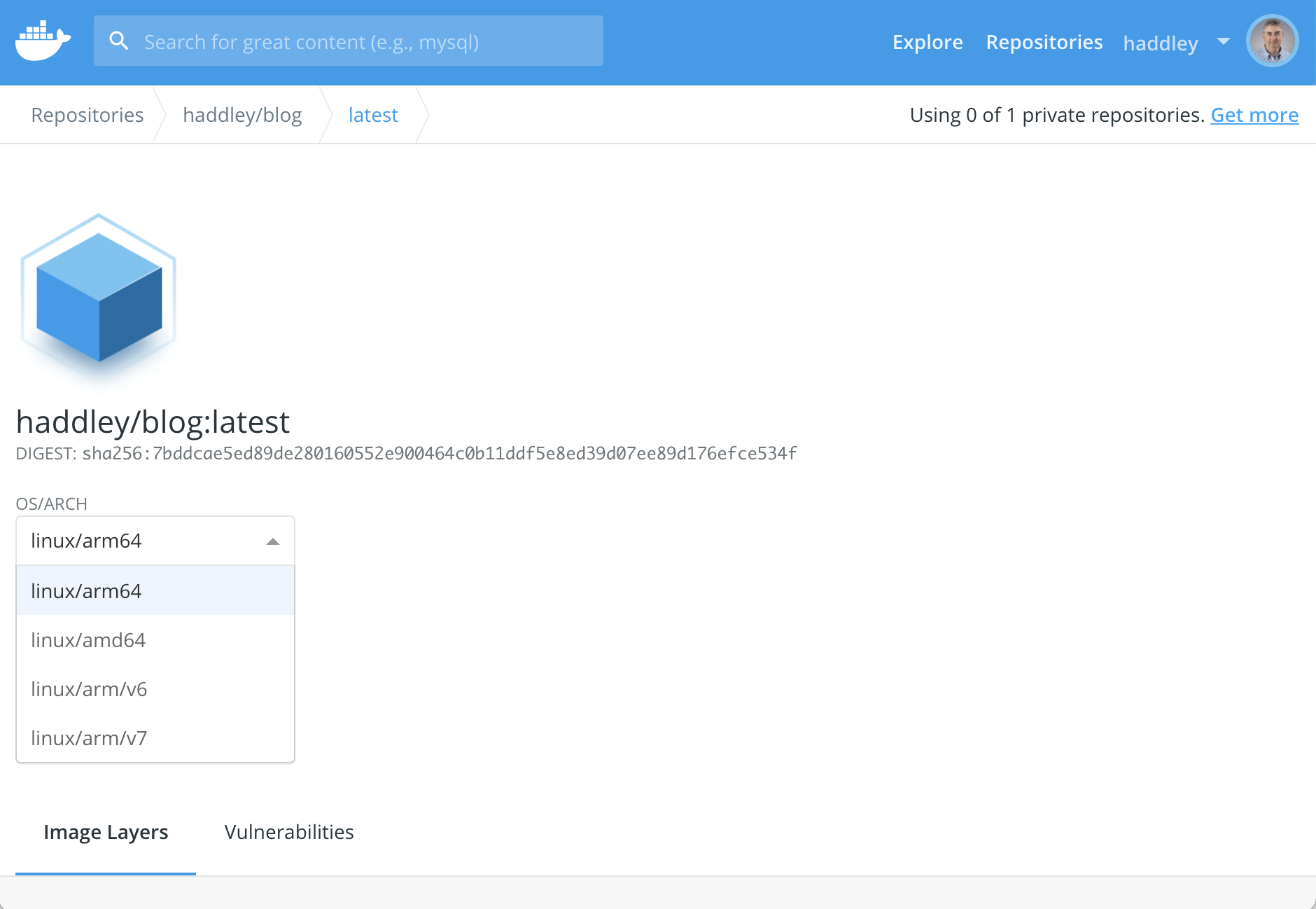
Docker playground
The Docker playground allows users to run container images in a "playground" environment.
https://www.docker.com/play-with-docker.

I reviewed the Docker playground website
Lab Environment
I completed a workshop without installing anything using the Docker playground.
I navigated to https://labs.play-with-docker.com and verified my identity.
I clicked the + Add new instance button, then entered these two commands:
BASH
1$ docker pull haddley/blog
2$ docker run -d -p 80:80 haddley/blog
I clicked the 80 button to connect to the running container image using http.
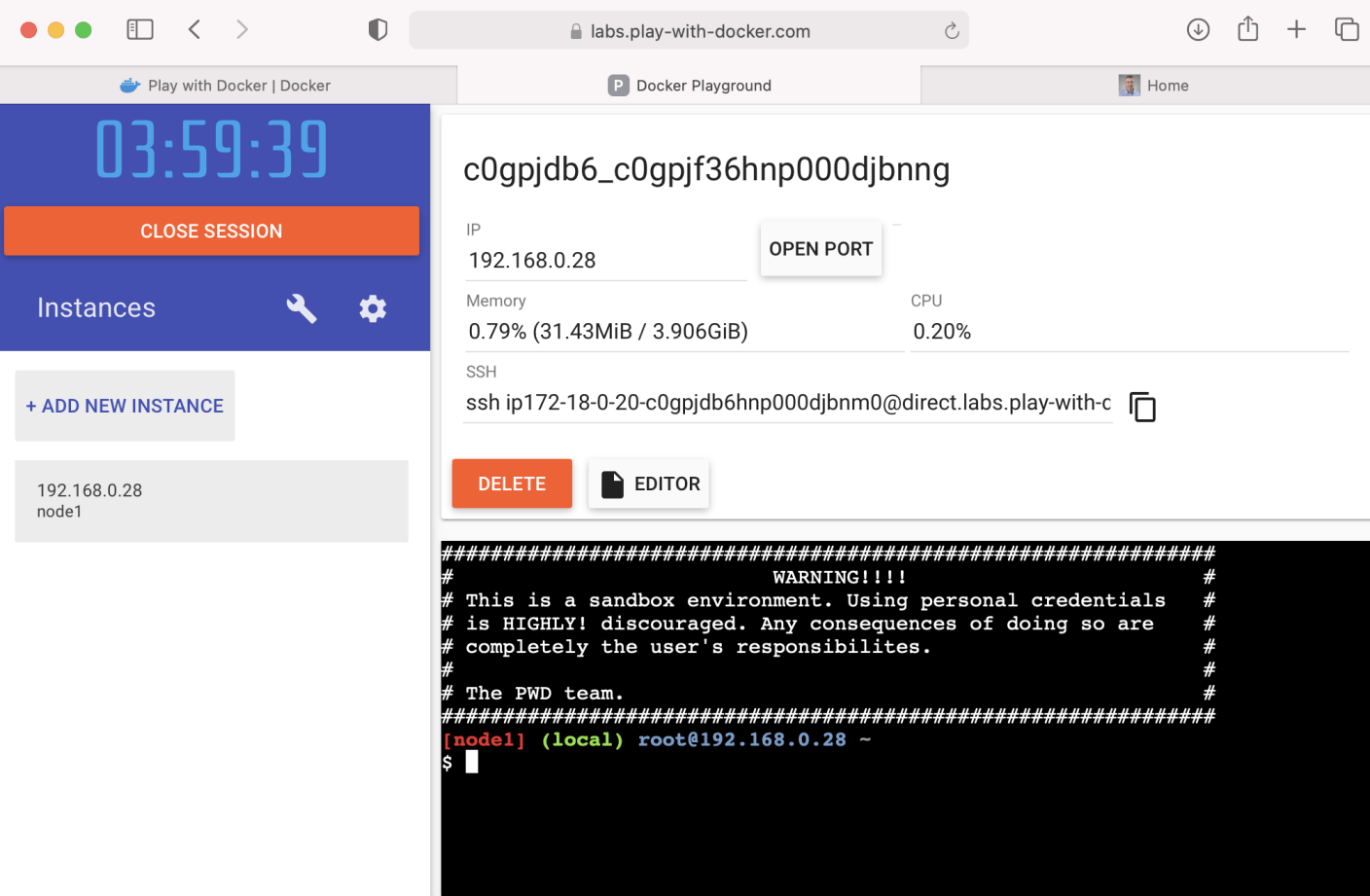
I added an instance
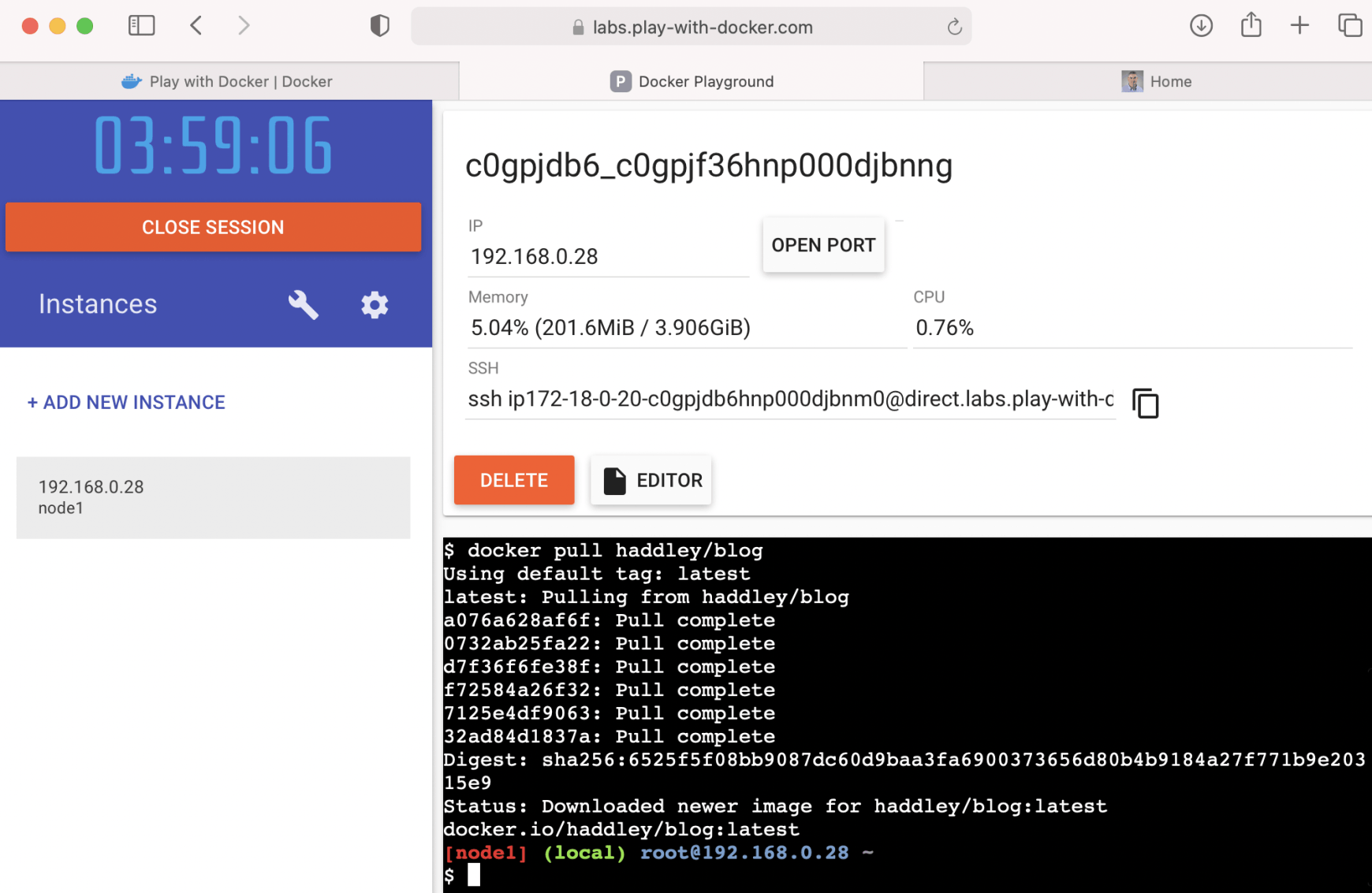
I pulled the haddley/blog image
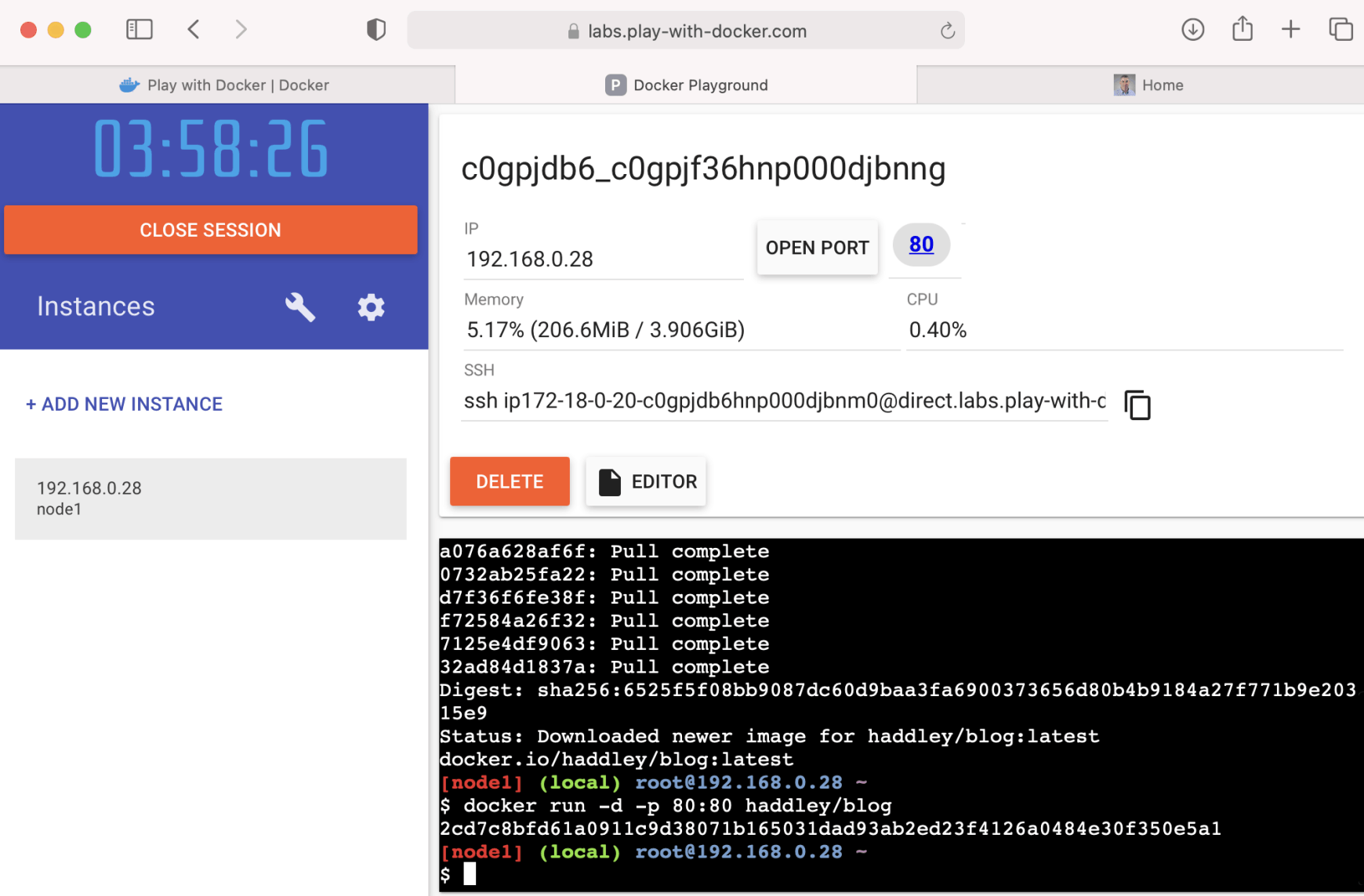
I ran the docker image
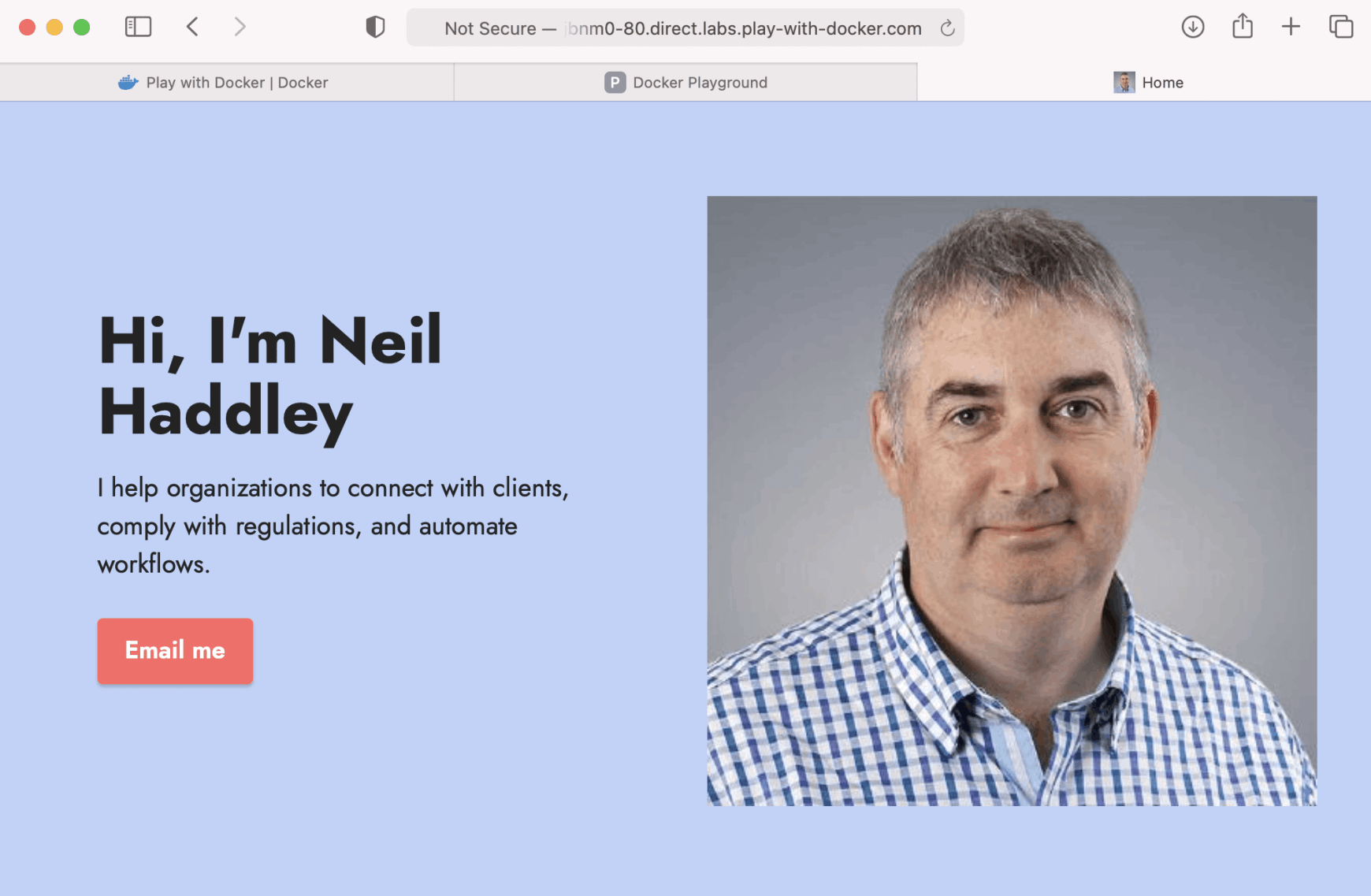
I accessed the running image using a generated URL and port 80
OS/ARCH
Docker images can be published using a single Operating System/Architecture or using multiple Operating System/Architectures.
Since the haddley/blog image has been published using multiple Operating System/Architectures an image can be pulled from Docker Hub and run on a Raspberry Pi computer.
https://www.docker.com/blog/happy-pi-day-docker-raspberry-pi/
BASH
1$ ssh pi@raspberrypi.local
2
3$ sudo apt-get update && sudo apt-get upgrade
4$ curl -fsSL get.docker.com -o get-docker.sh && sh get-docker.sh
5
6$ docker pull haddley/blog
7$ docker run -d -p 80:80 haddley/blog
I connected to the running container image using http by navigating to http://rasberrypi.local.
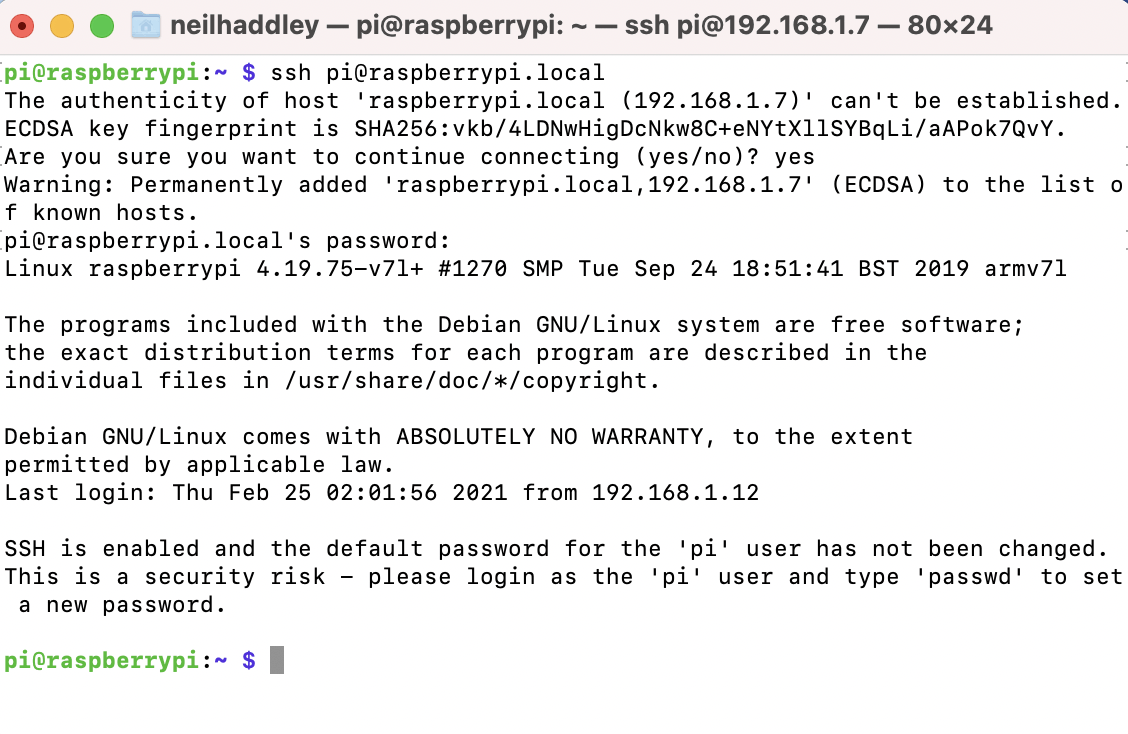
I used SSH to log on to the Raspberry Pi
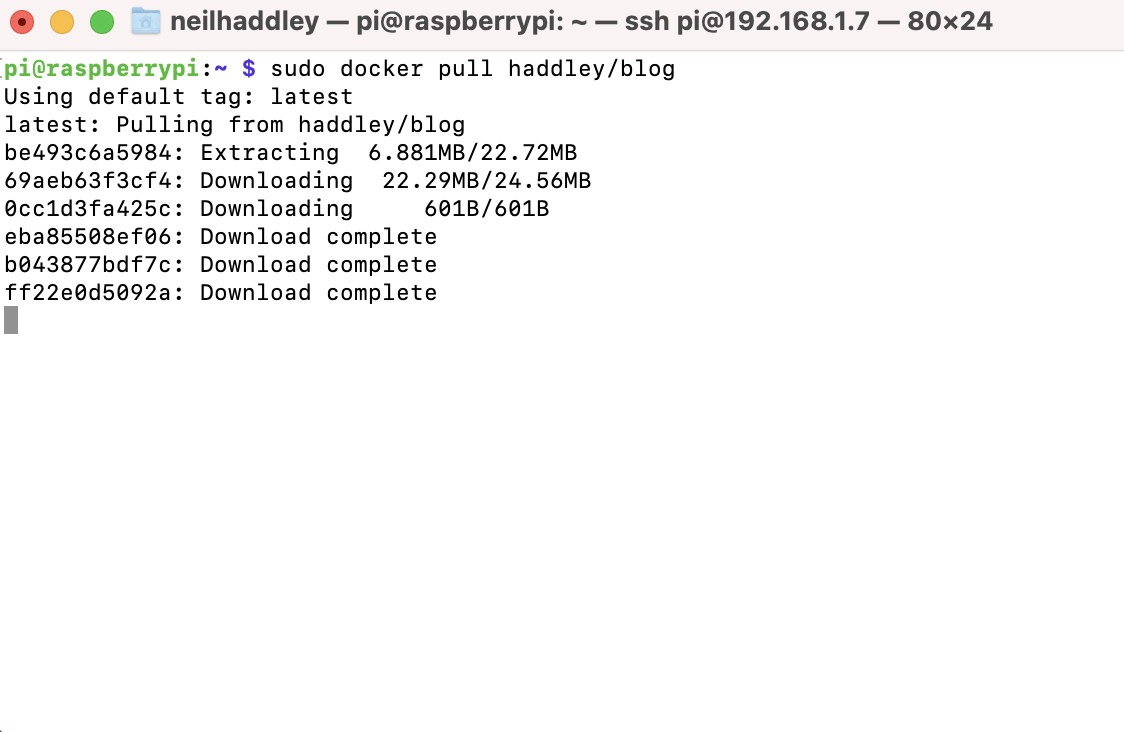
I pulled the haddley/blog image from Docker Hub
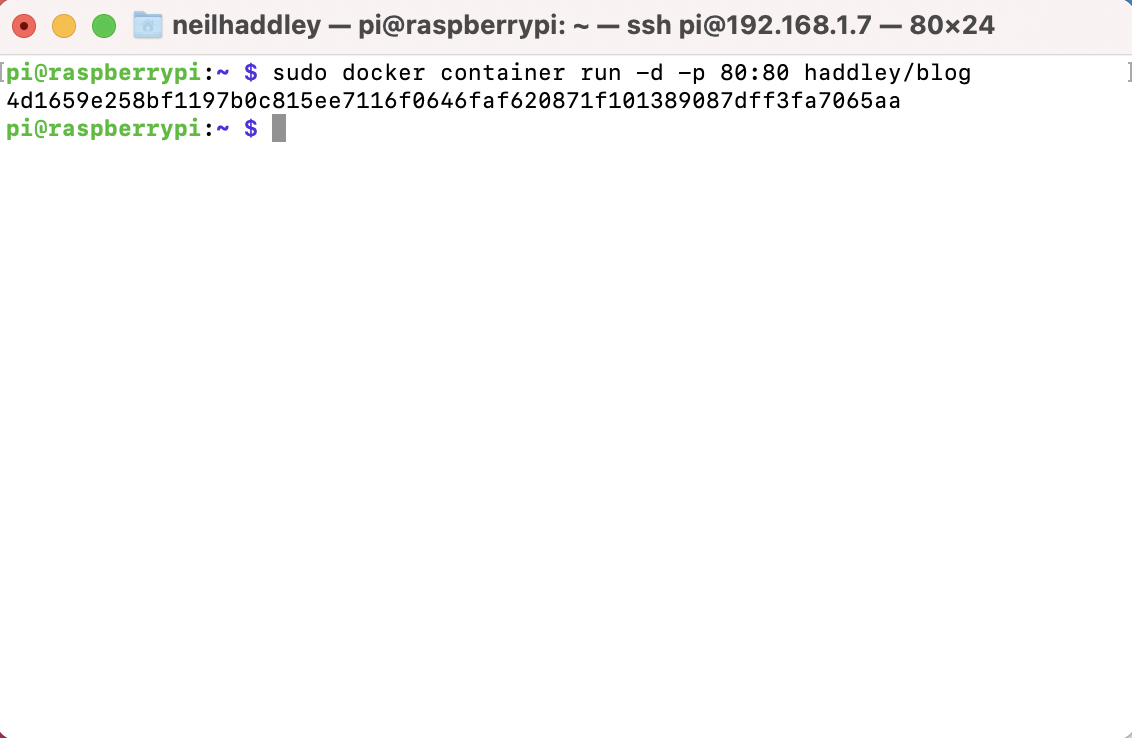
I ran the container image
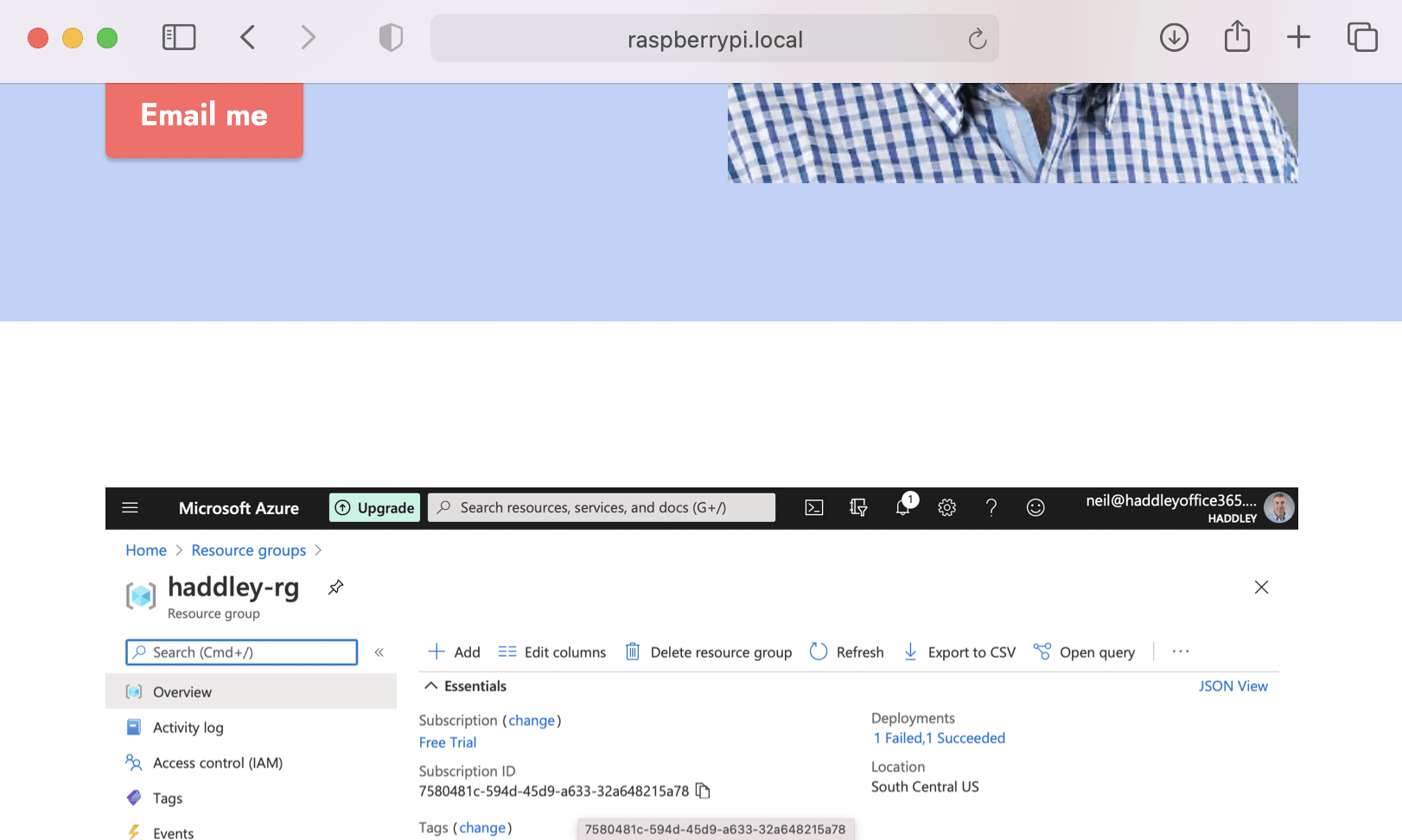
I navigated to the Docker image running on the Raspberry Pi