.NET Core (Part 3)
Neil Haddley • September 20, 2025
Creating a Blazor App that calls Microsoft Graph.
Microsoft Graph
Microsoft Graph is a REST API that can be used to access: Microsoft 365, Azure Active Directory, Windows and Dynamics 365.
Microsoft Graph explorer is a developer tool that lets you learn about Microsoft Graph APIs.
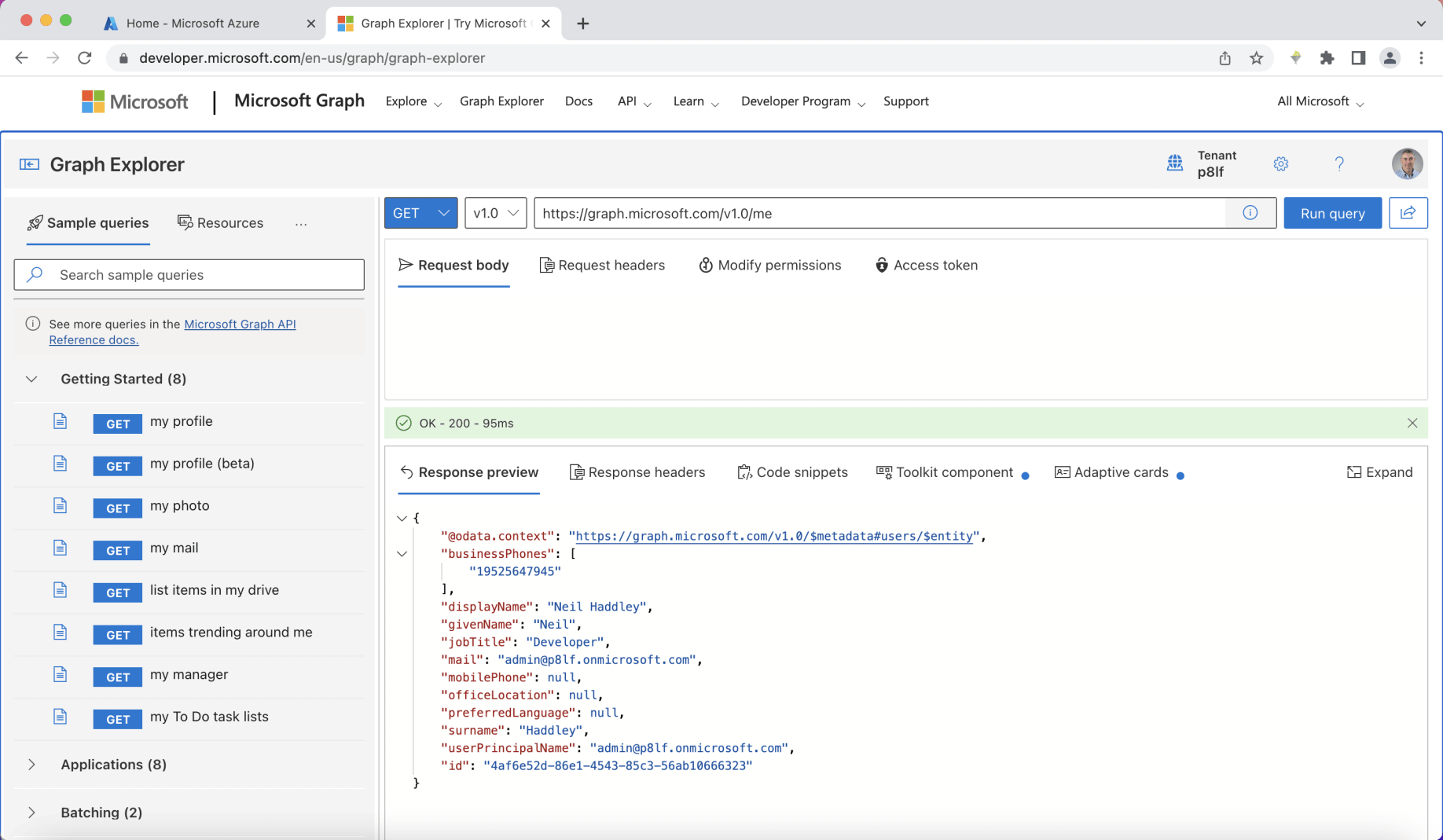
I reviewed Microsoft Graph Explorer
Blazor Server app
I wanted to create a Blazor Server app that would allow users to sign in using their M365/Azure Active Directory credentials.
I wanted the Blazor Server app to display the logged in user's name and their photograph.
I created an Azure application (app) registration.
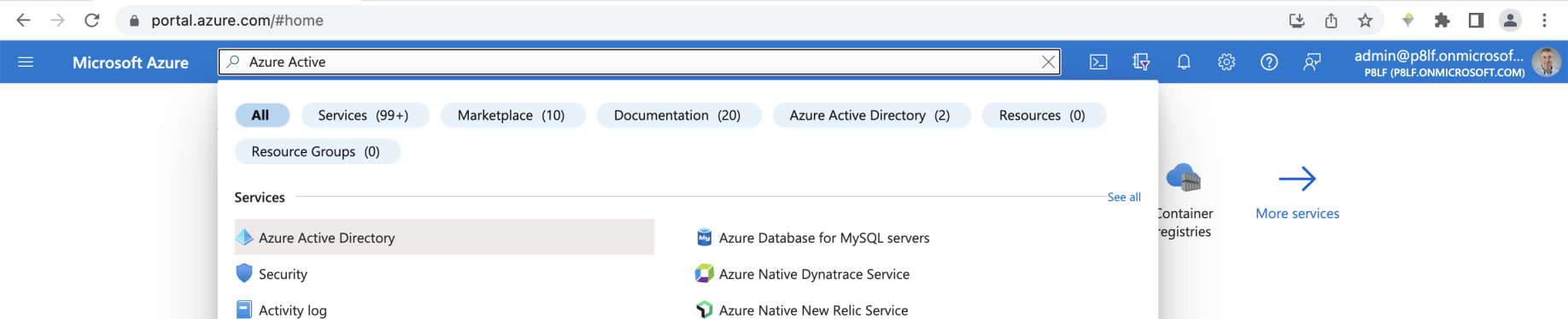
I navigated to Azure Active Directory

I clicked New registration
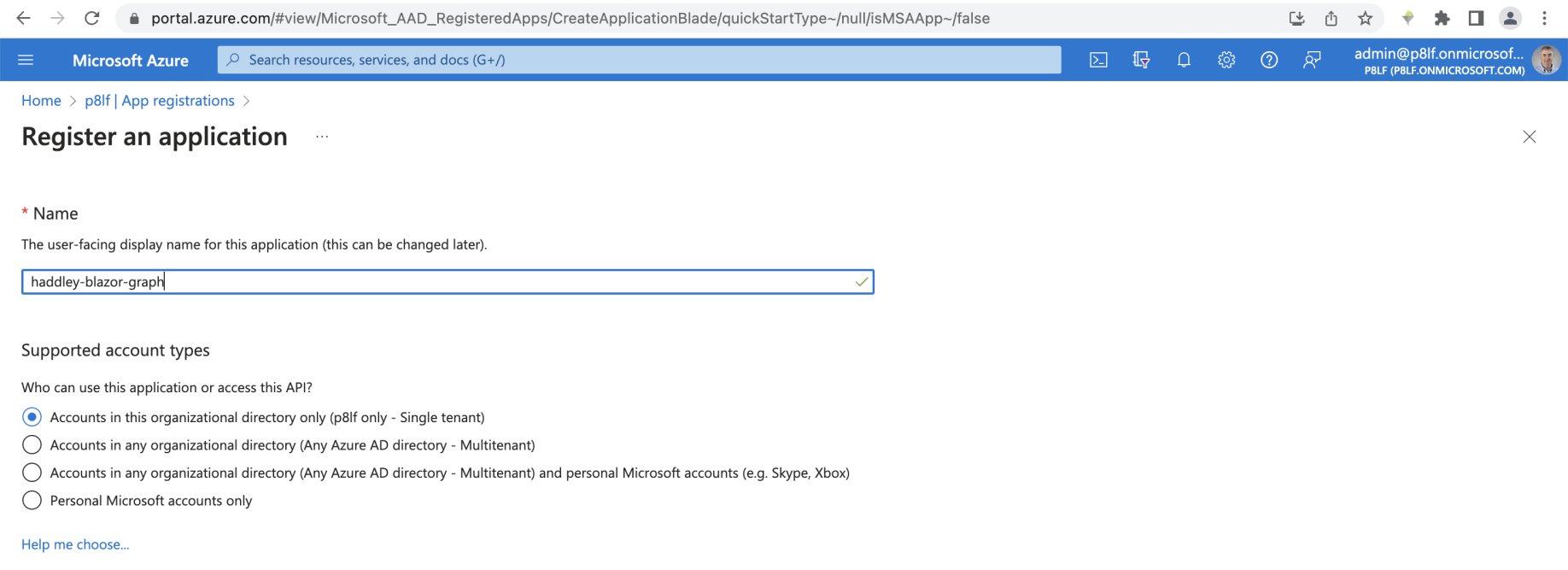
I selected Single tenant
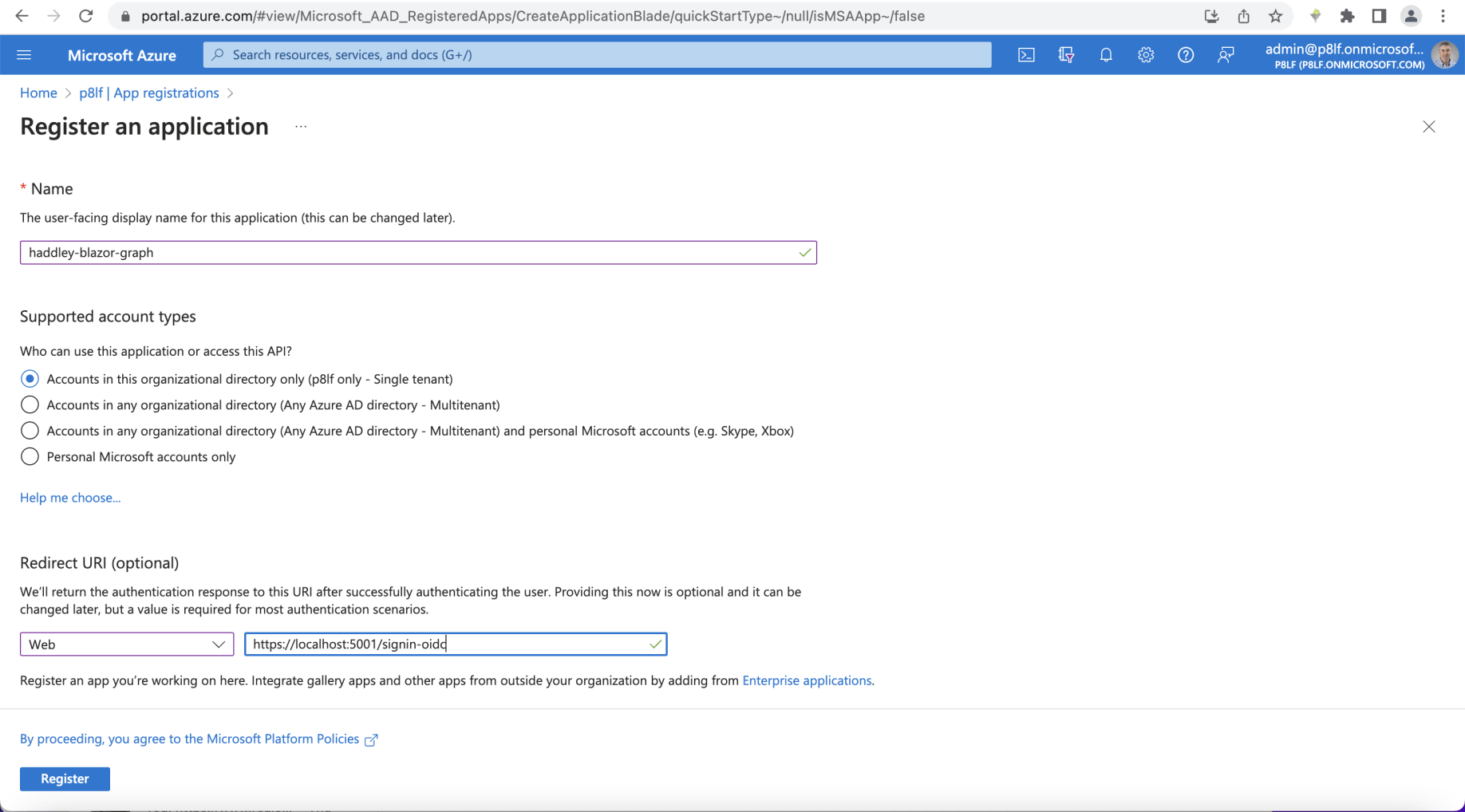
I set the redirect URI to localhost
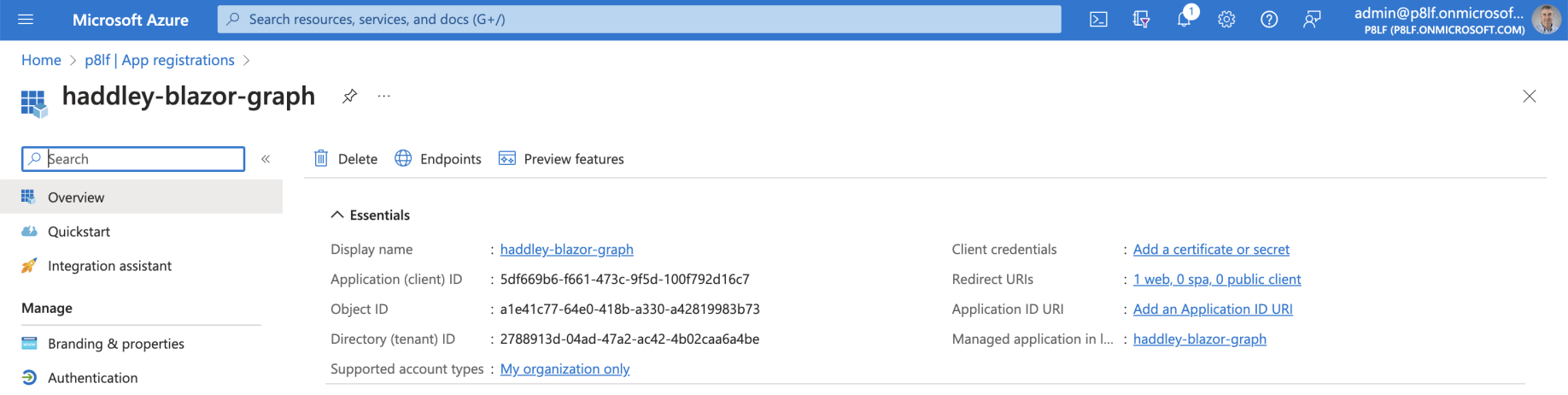
The app registration was created
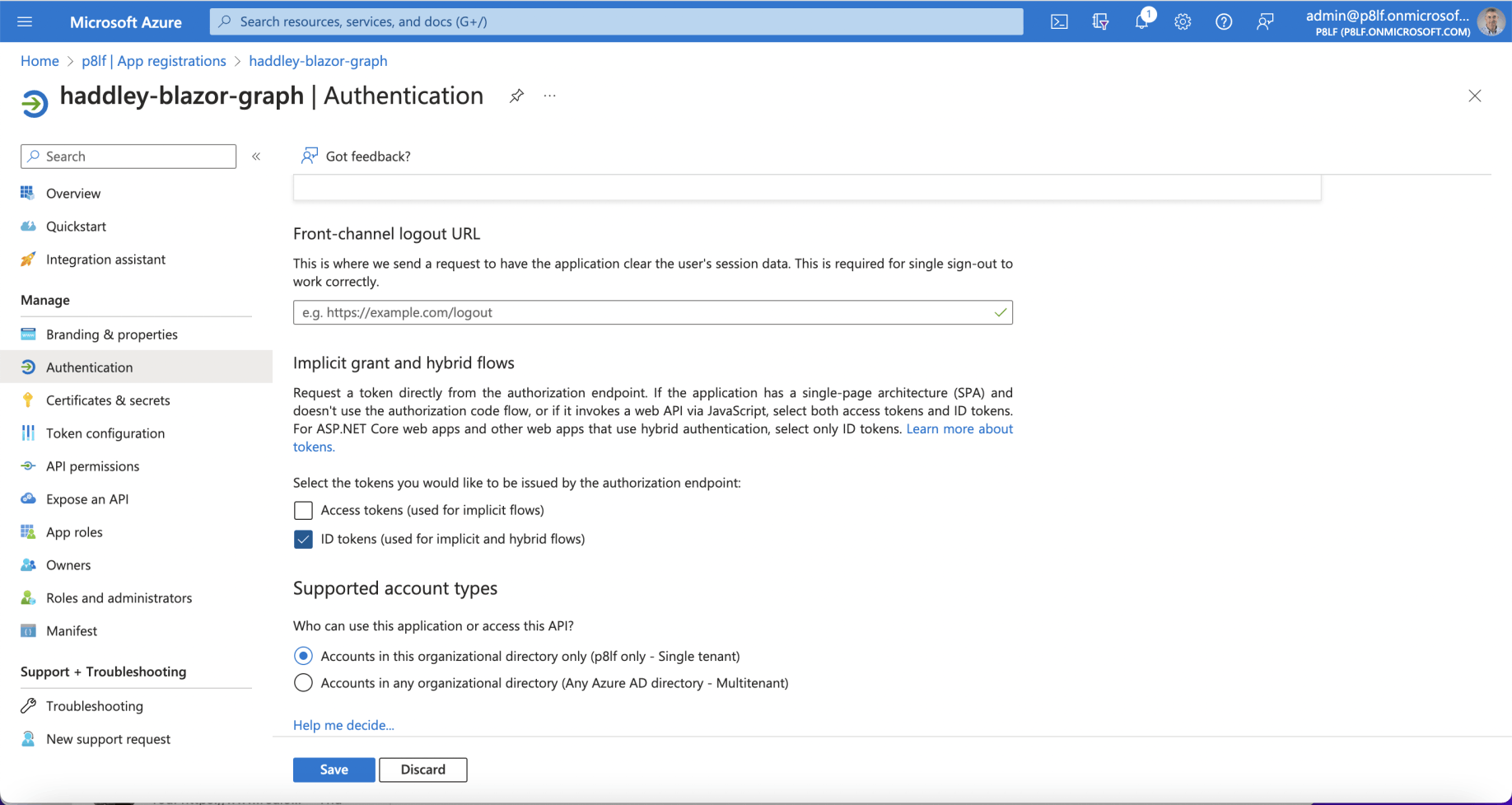
I updated the Authentication settings
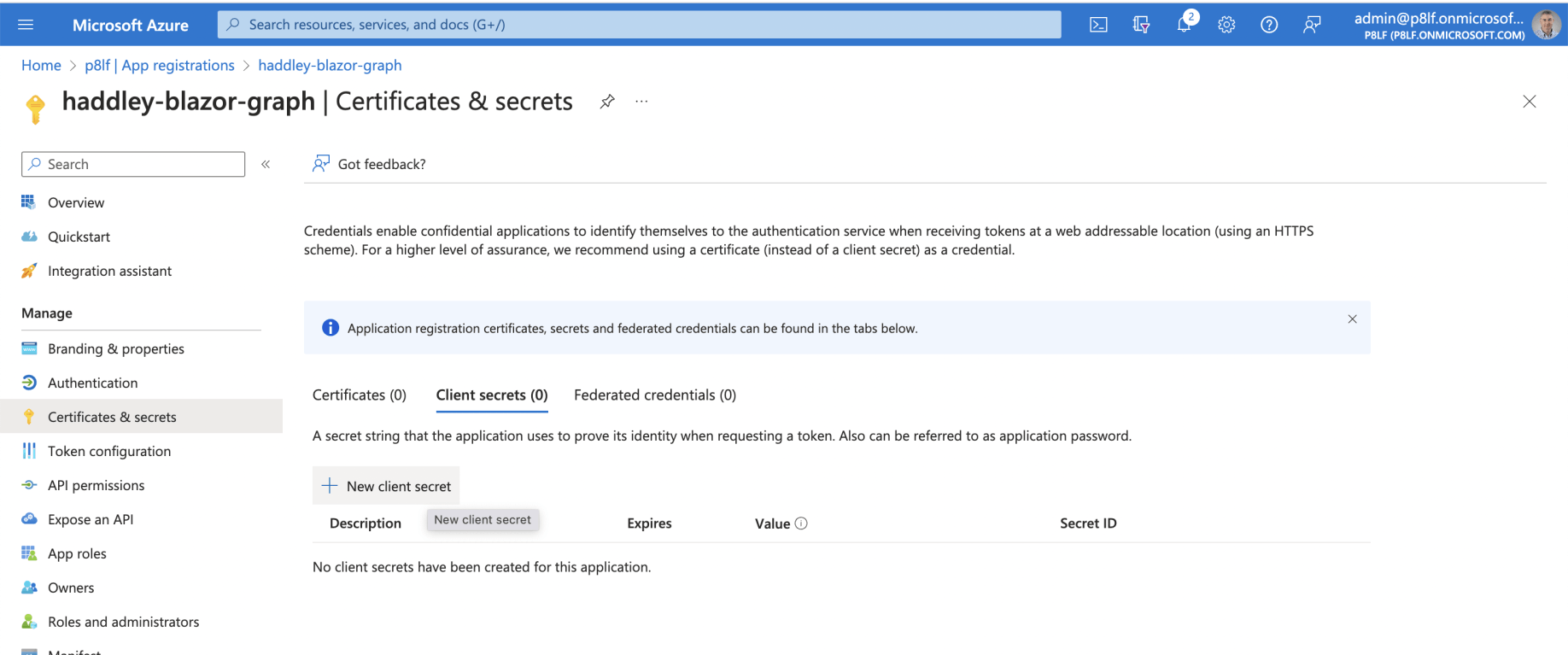
I added a client secret

The secret would be valid for 180 days

I copied the value
Blazor Server
Blazor is a web framework for building Razor components.
Razor components run server-side in ASP.NET Core.
(Razor components run client-side in the browser using WebAssembly)
A blazor server application can be generated using the dotnet command line tool.
BASH
1$ dotnet new blazorserver -o <project name>
In this case I wanted to create a blazor server application that would authenticate users using Azure Active Directory (the App registration created above) and call Microsoft Graph to access the user's profile and the user's profile photograph.
BASH
1$ dotnet new blazorserver --auth SingleOrg --calls-graph -o haddley-blazor-graph --client-id "5df669b6-f661-473c-9f5d-100f792d16c7" --tenant-id "2788913d-04ad-47a2-ac42-4b02caa6a4be" --domain "p8lf.onmicrosoft.com" -f net7.0
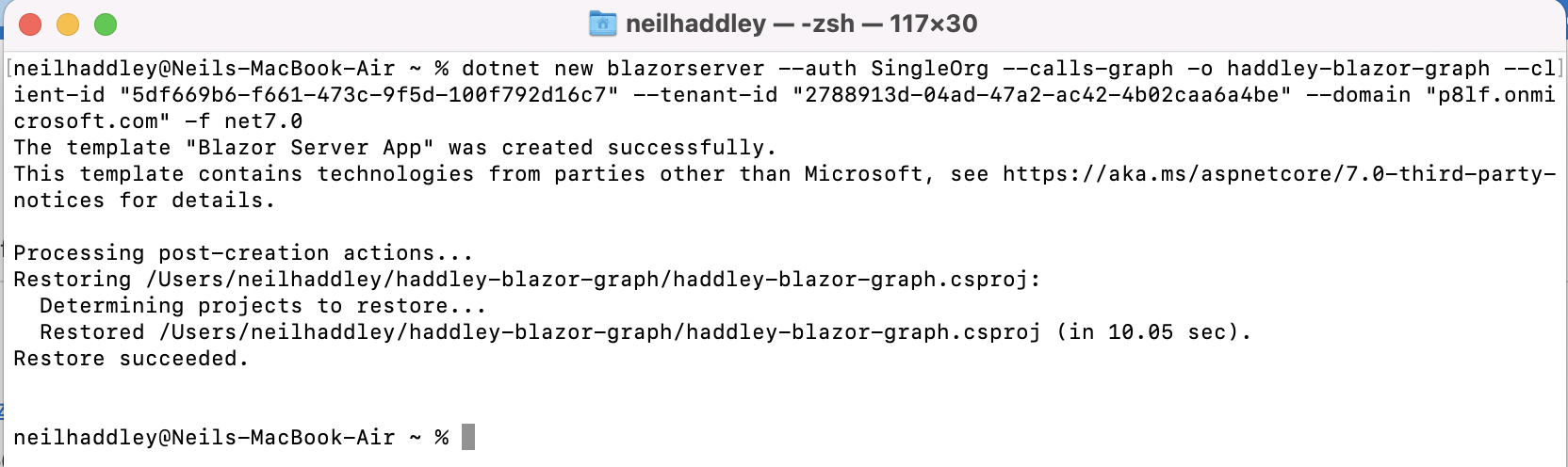
I ran dotnet new blazorserver ...
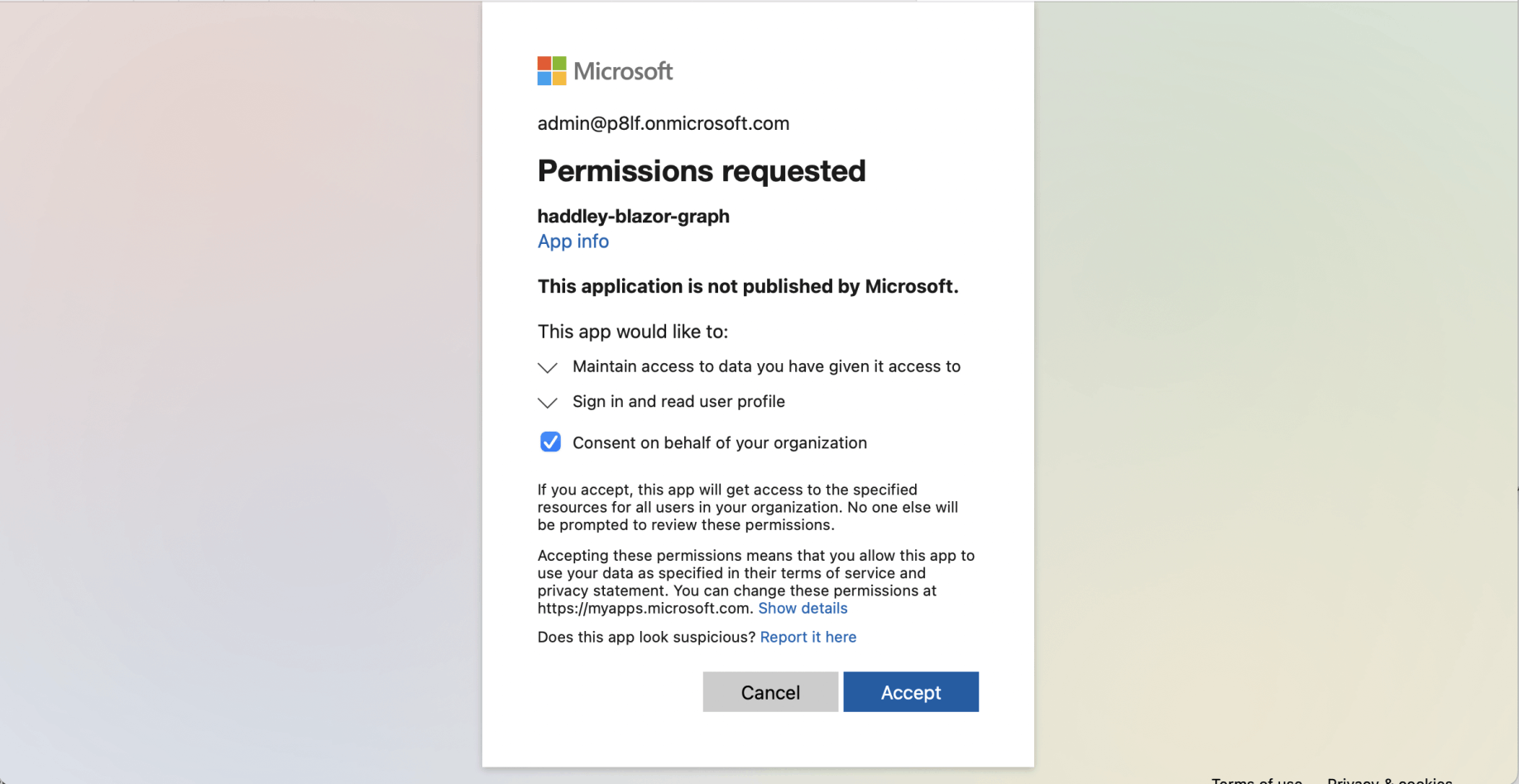
I ran dotnet run and navigated to localhost
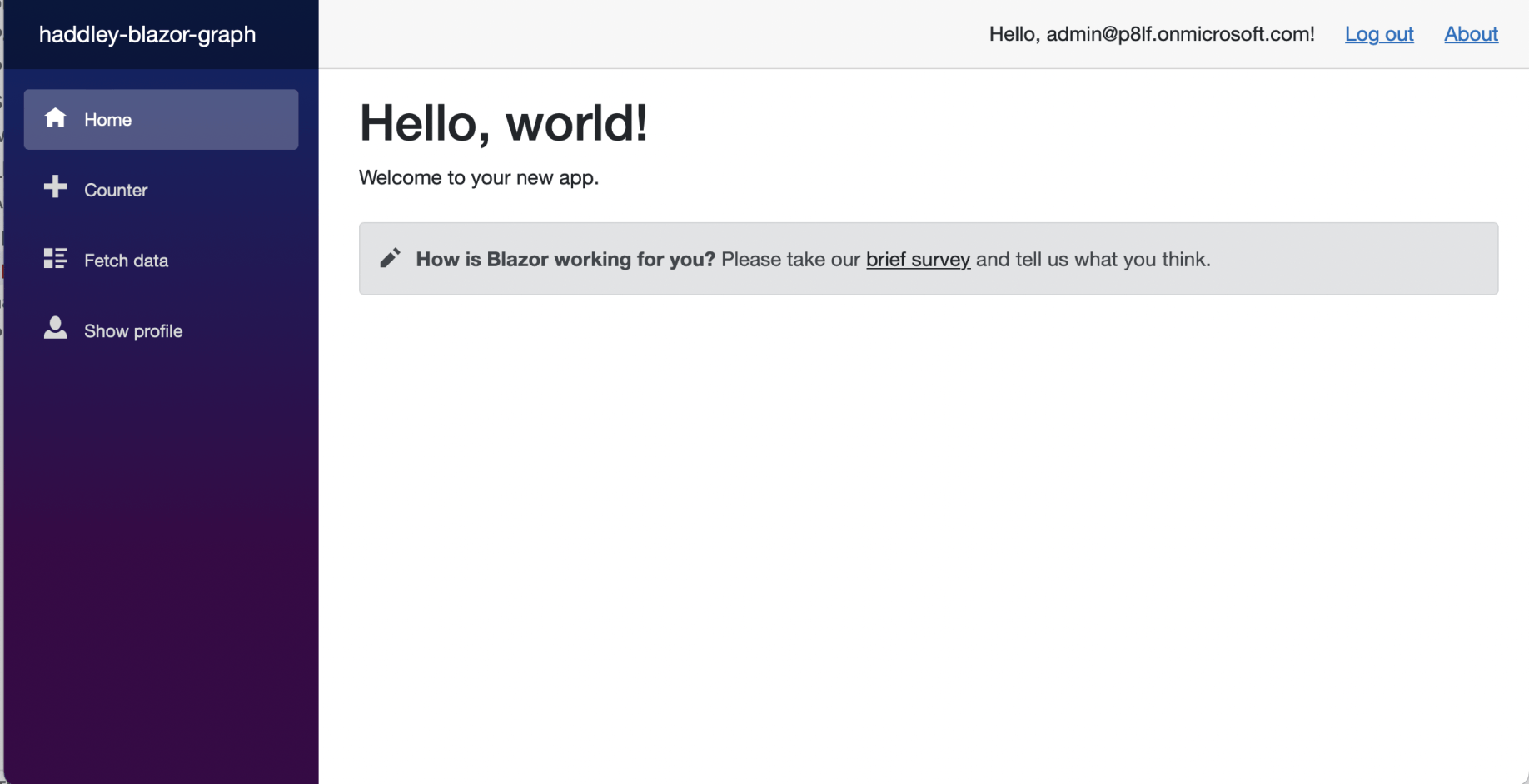
The generated Blazor Server app (includes integration with Azure Active Directory and Microsoft Graph)
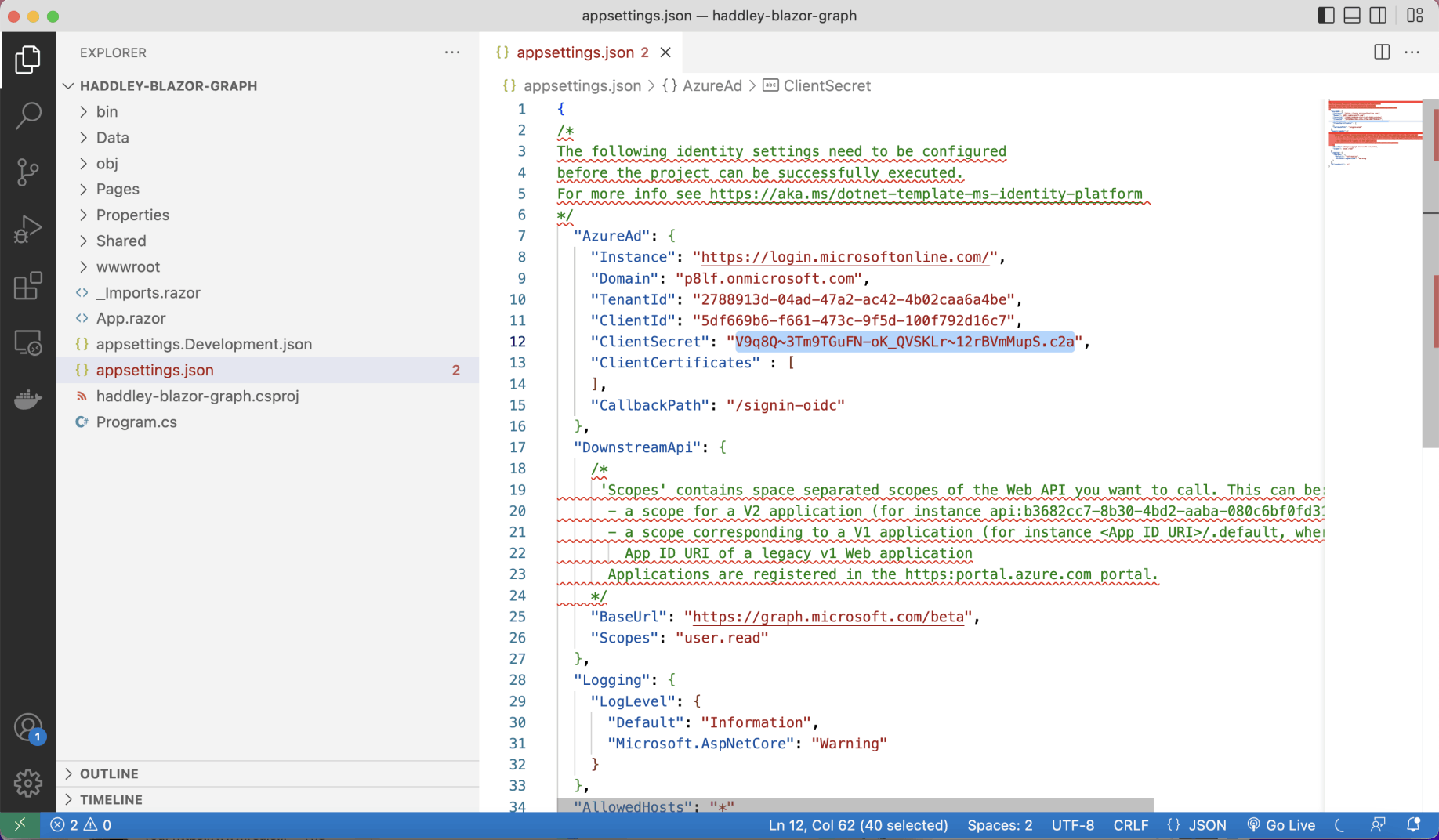
I copied the ClientSecret to appsettings.json
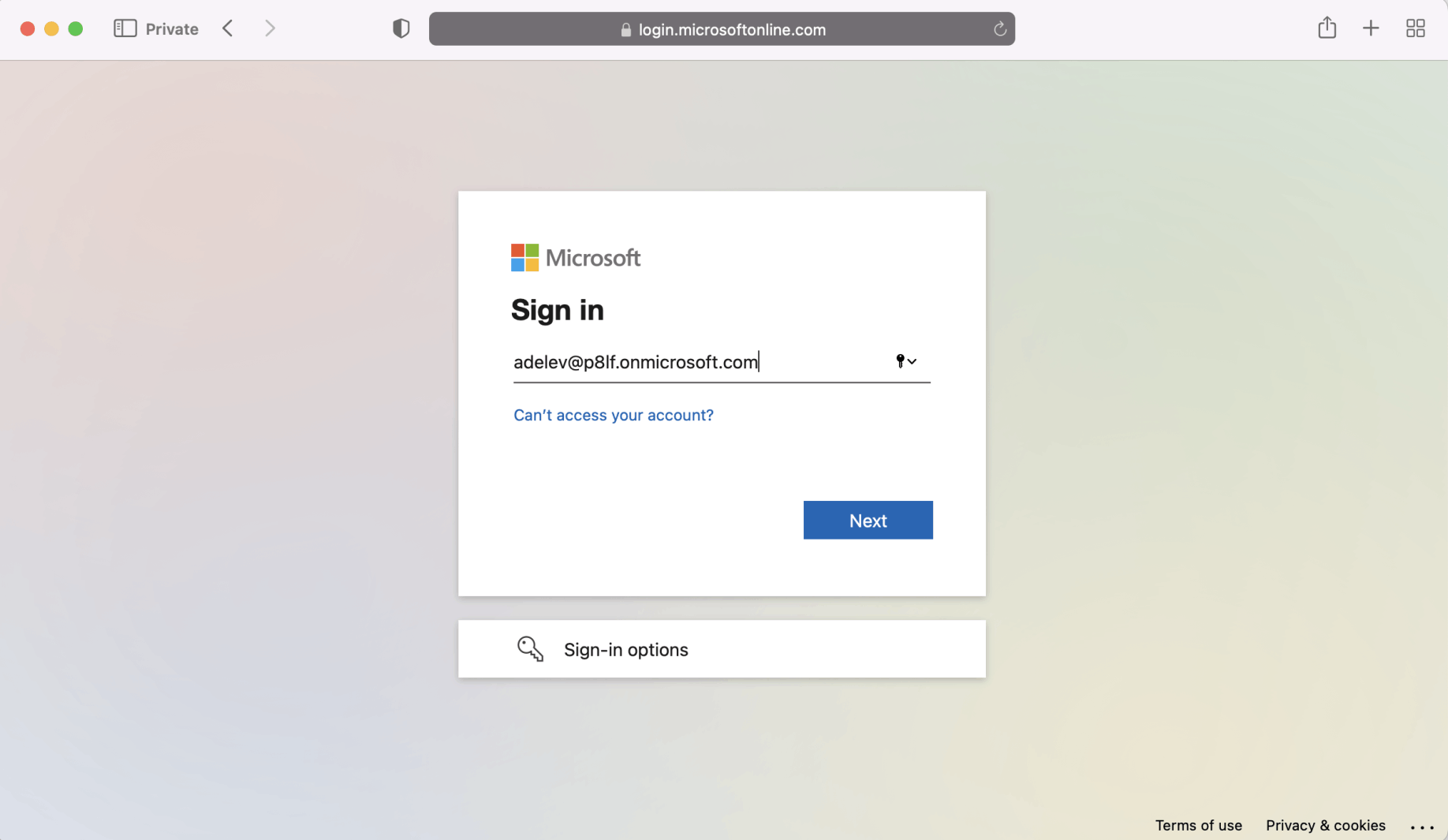
I was now able to login to the Blazor Server app using Azure Active Directory credentials
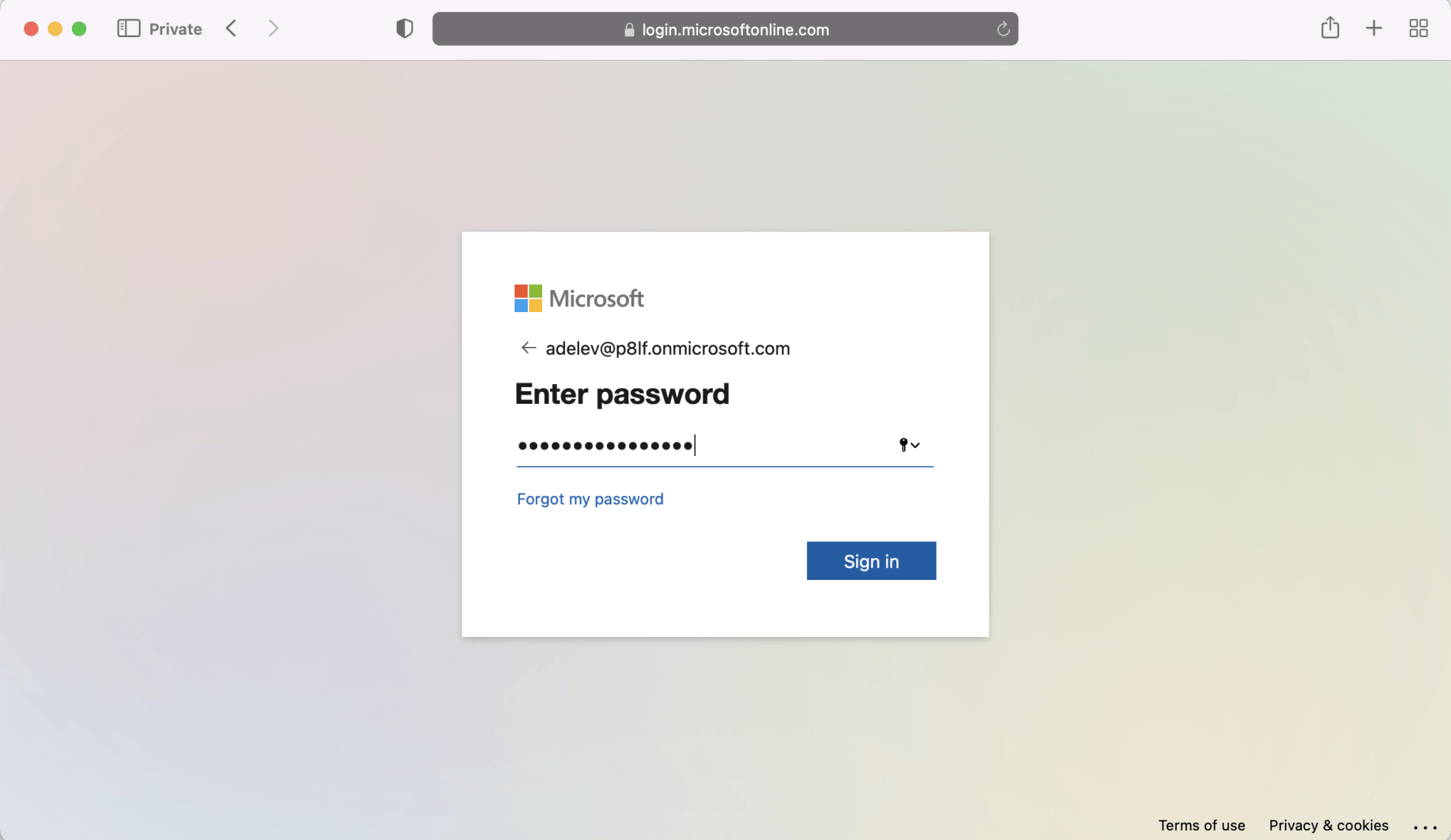
I provided the password
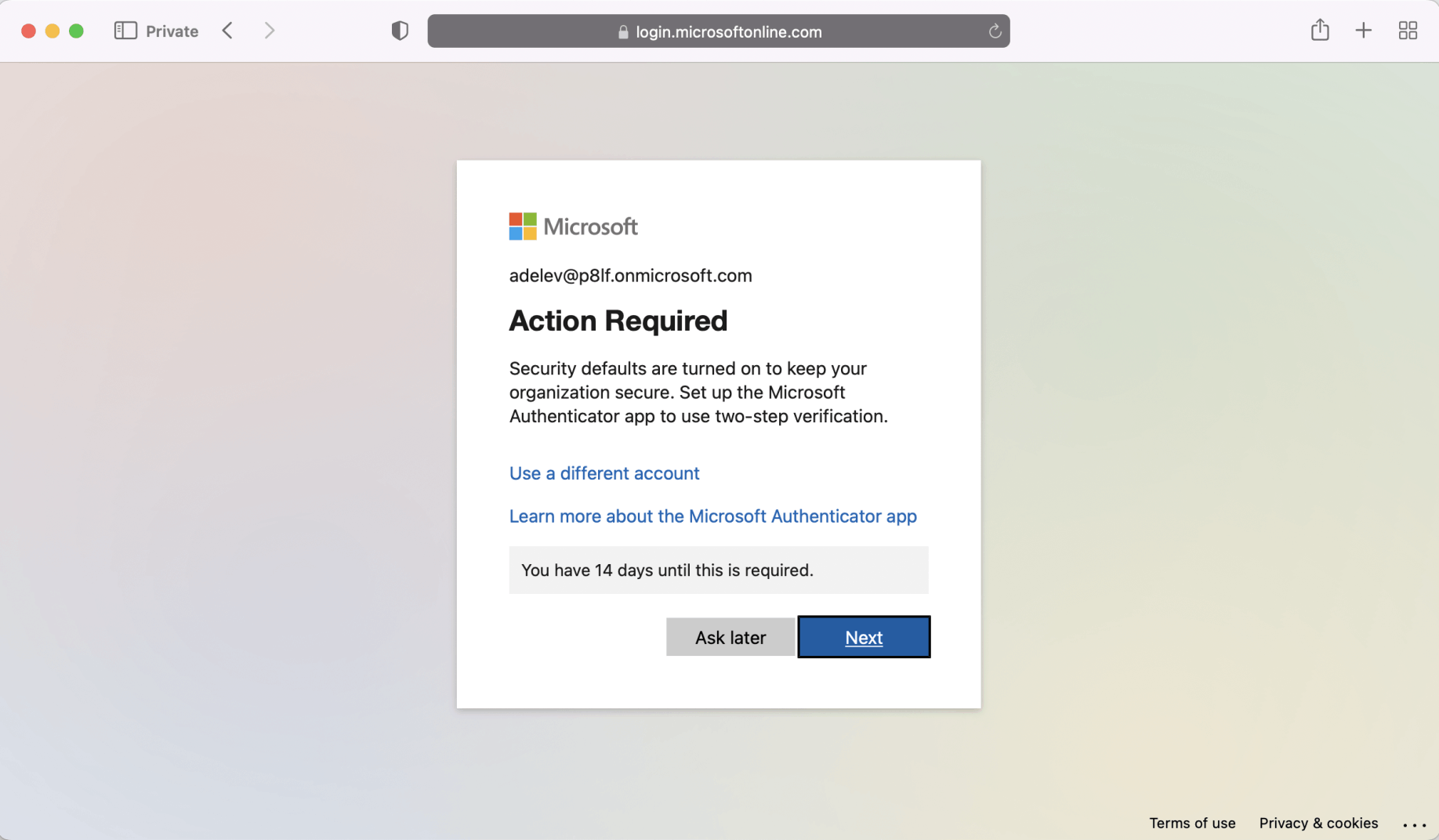
I skipped Multi factor authentication (for now)
I chose to stay signed in
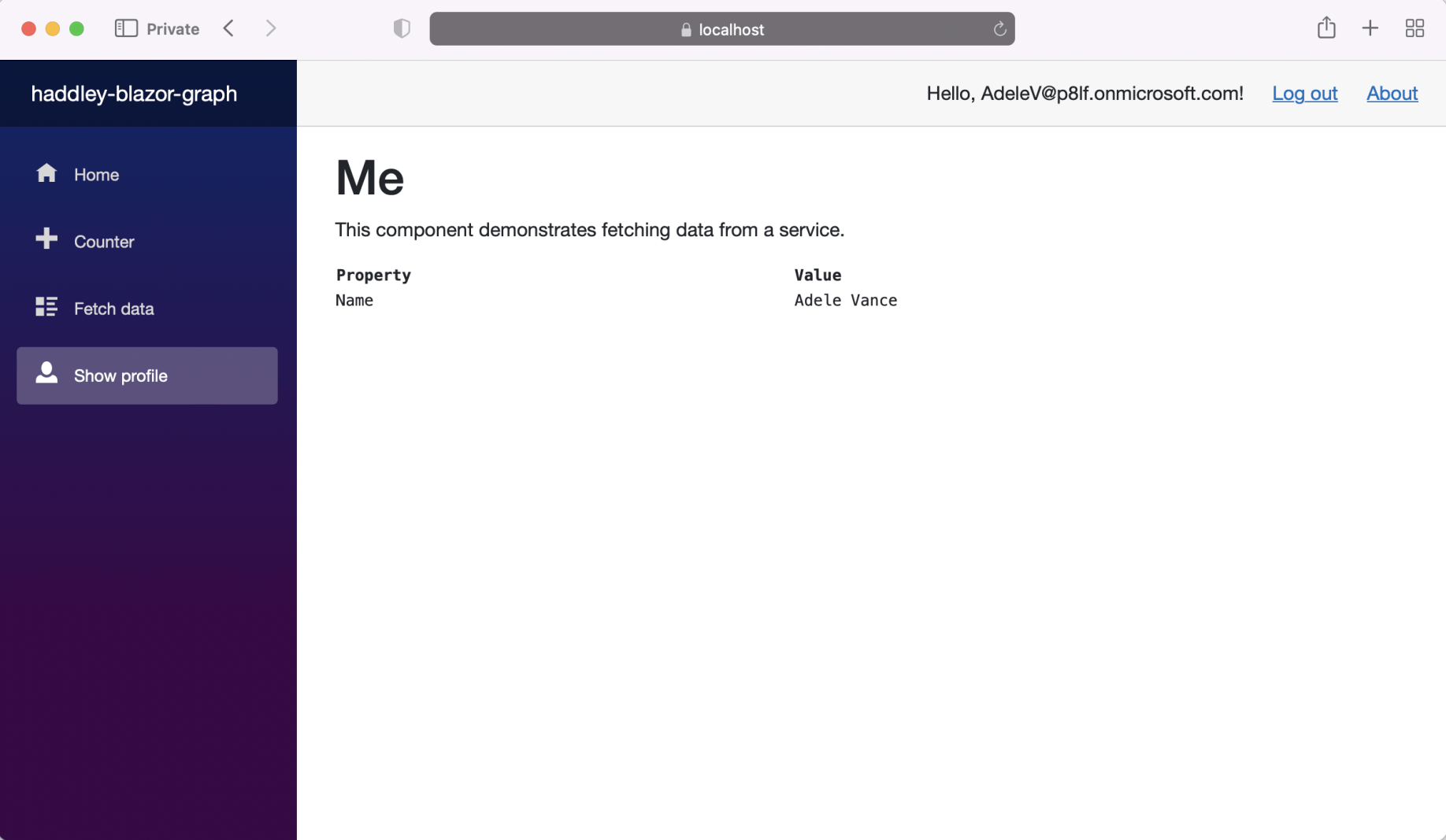
I navigated to the Show profile page
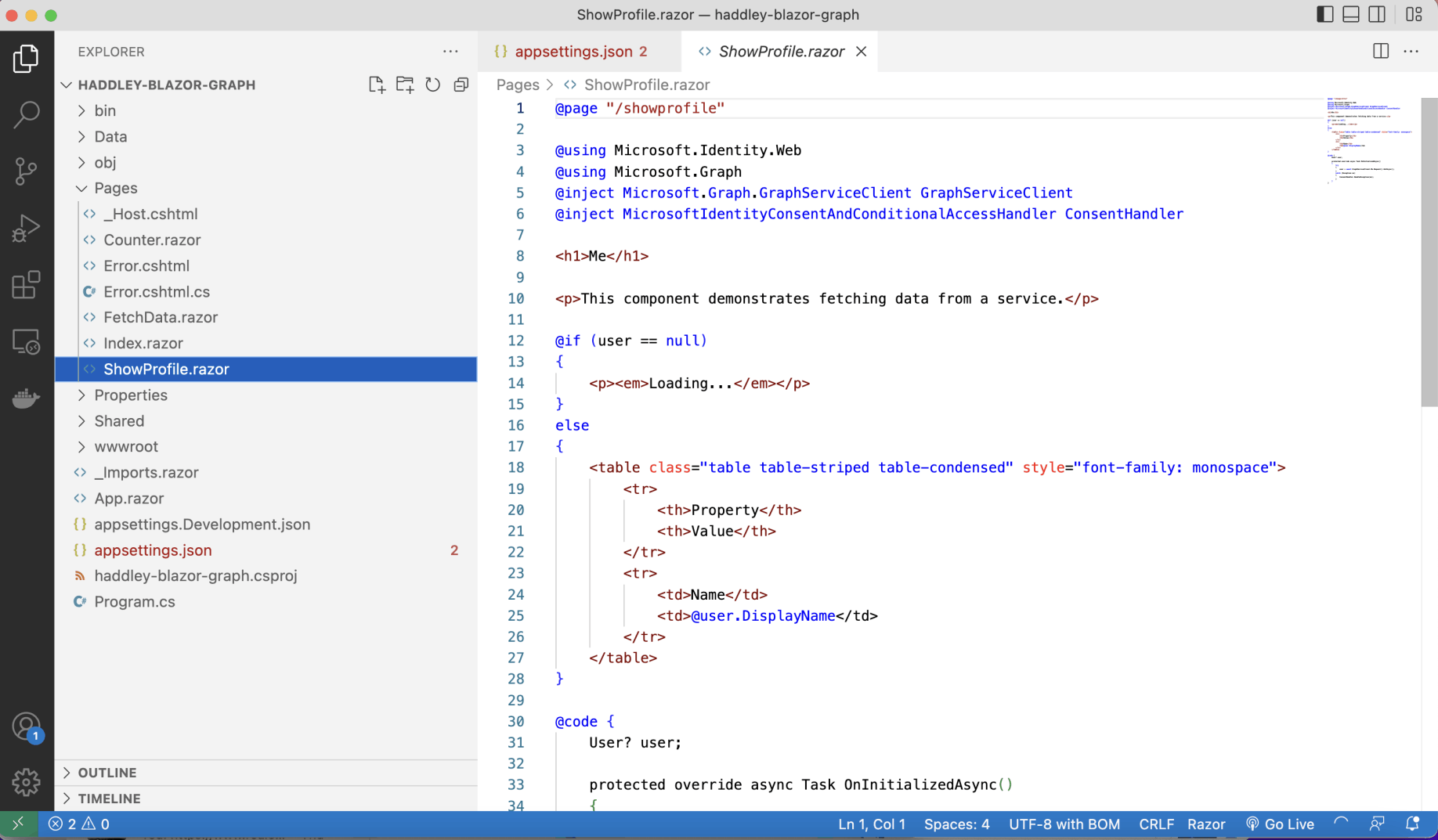
I reviewed the /showprofile page
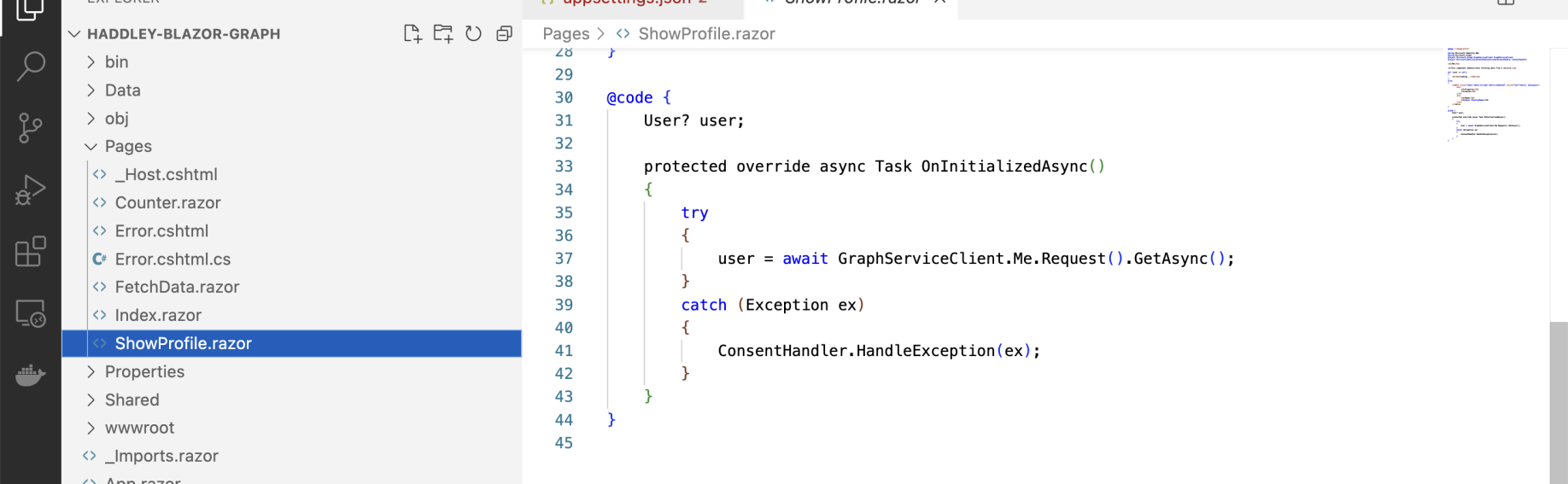
I noted that the key call was to the injected GraphServiceClient to access Microsoft Graph
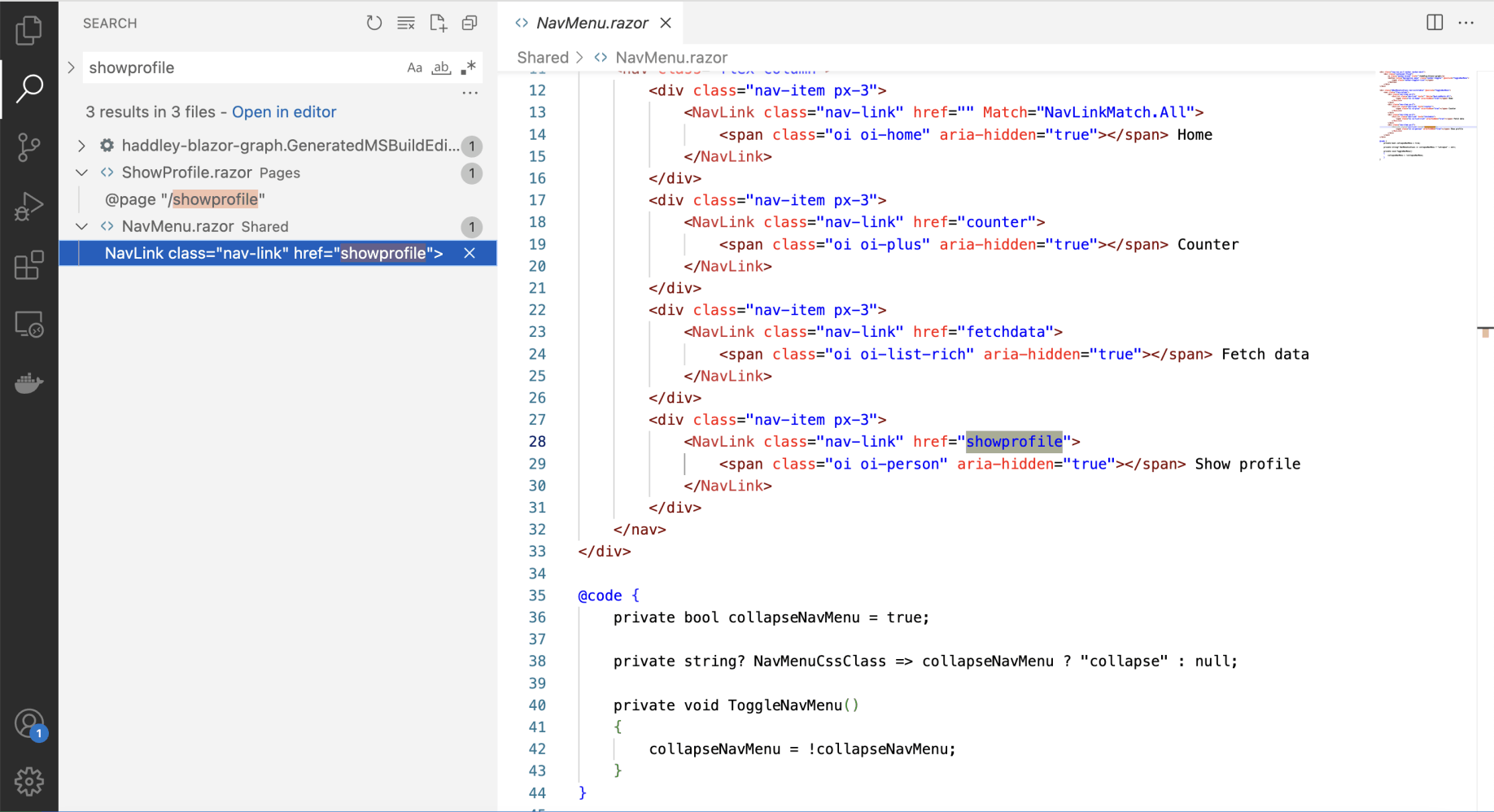
I updated the navigation...
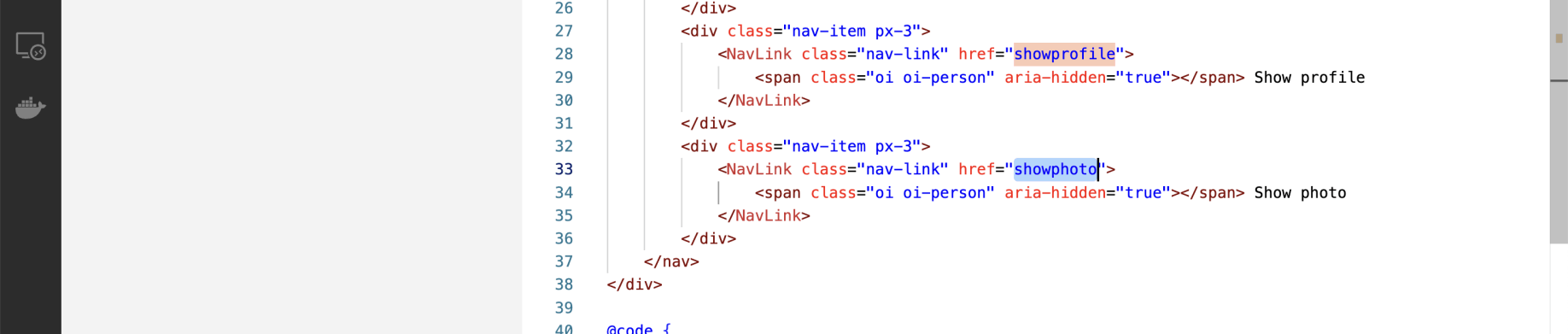
...to include a link to a /showphoto page
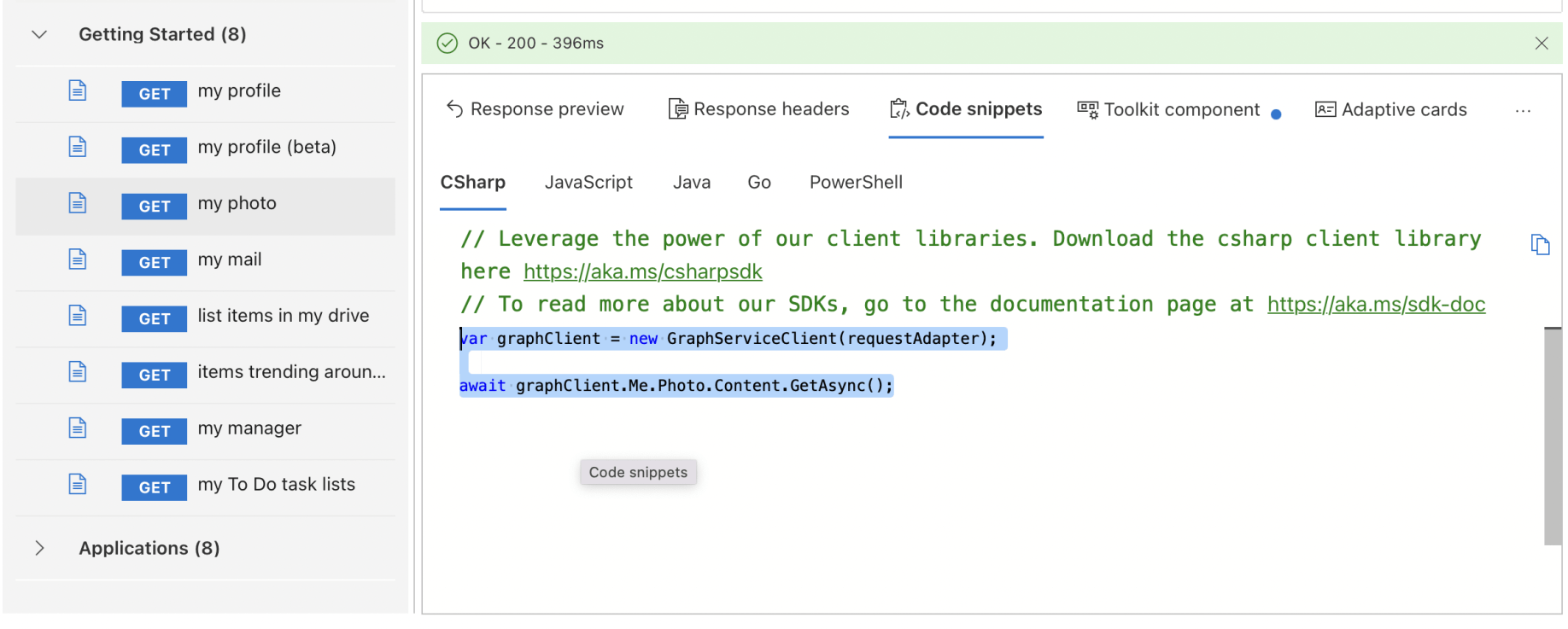
I noted that the /showphoto page would need to make a "my photo" call to Microsoft Graph
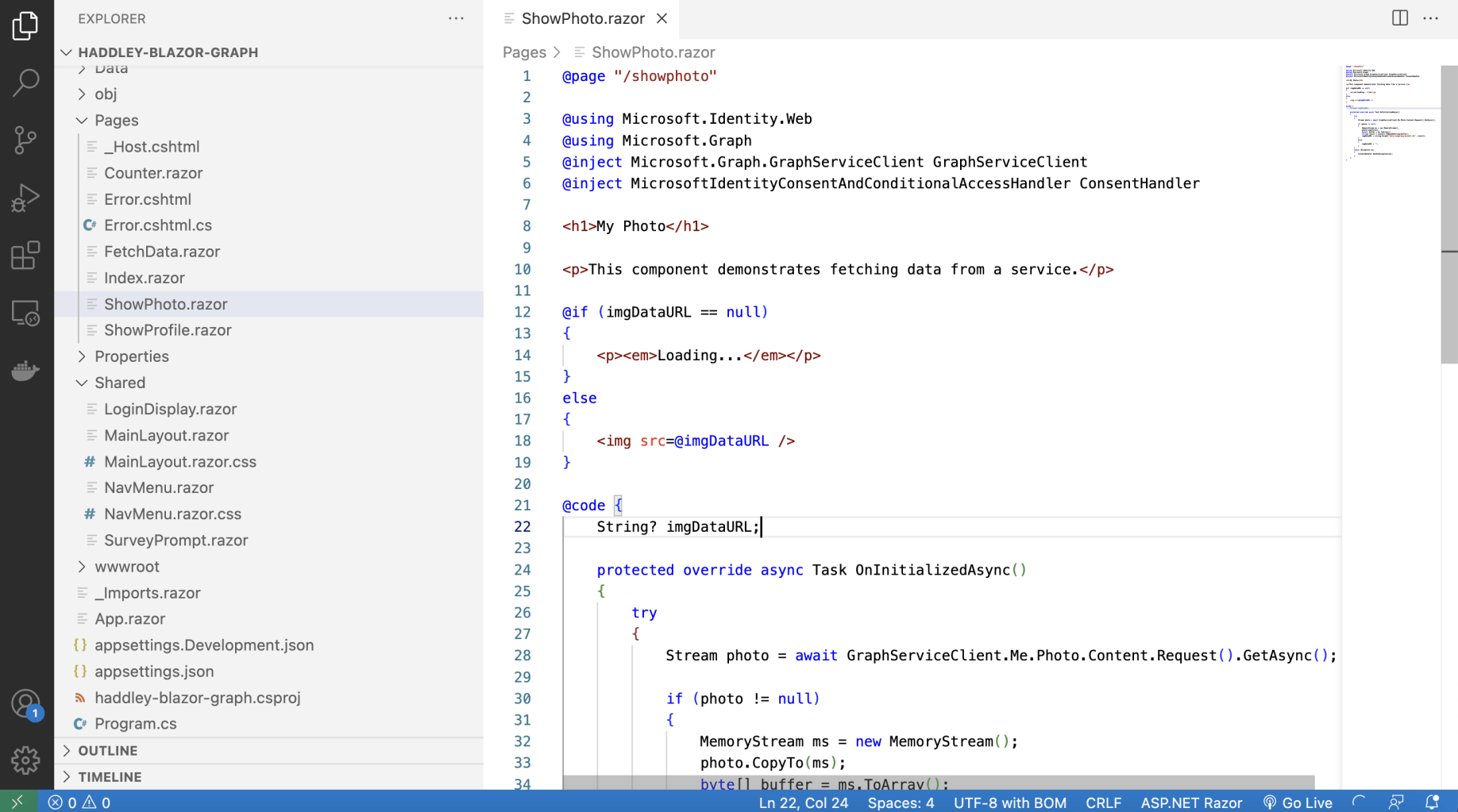
I copied the "Me.Photo.Content" expression/path to the new /showphoto page
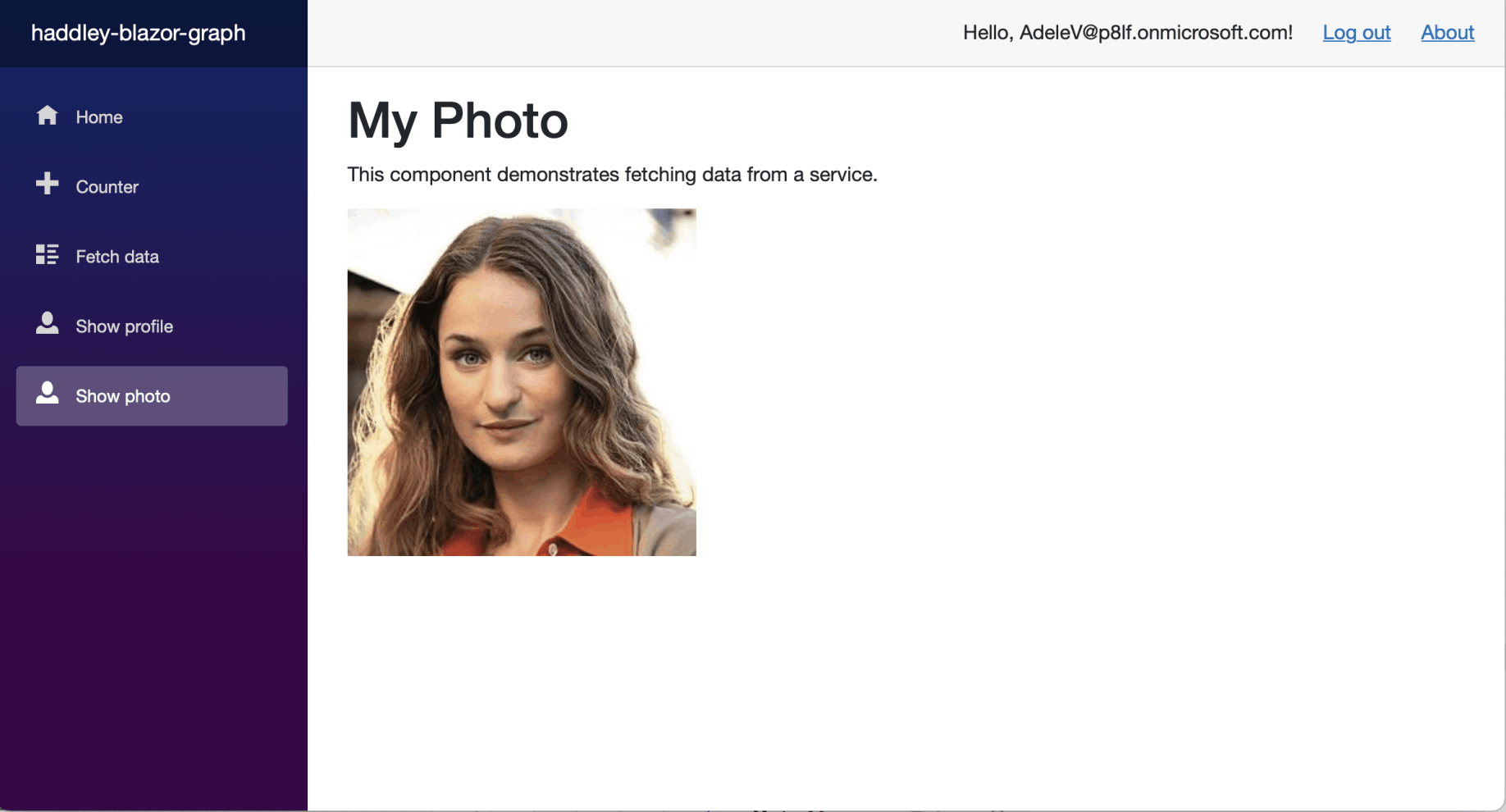
The Show photo page was running
Program.cs
I noticed that the Blazor Server project includes a Program.cs file with contents similar to what you would expect to see in a Model-View-Controller project.
A Blazor Server project and a Model-View-Controller project are both ASP.NET Core projects and it is possible to mix and match.
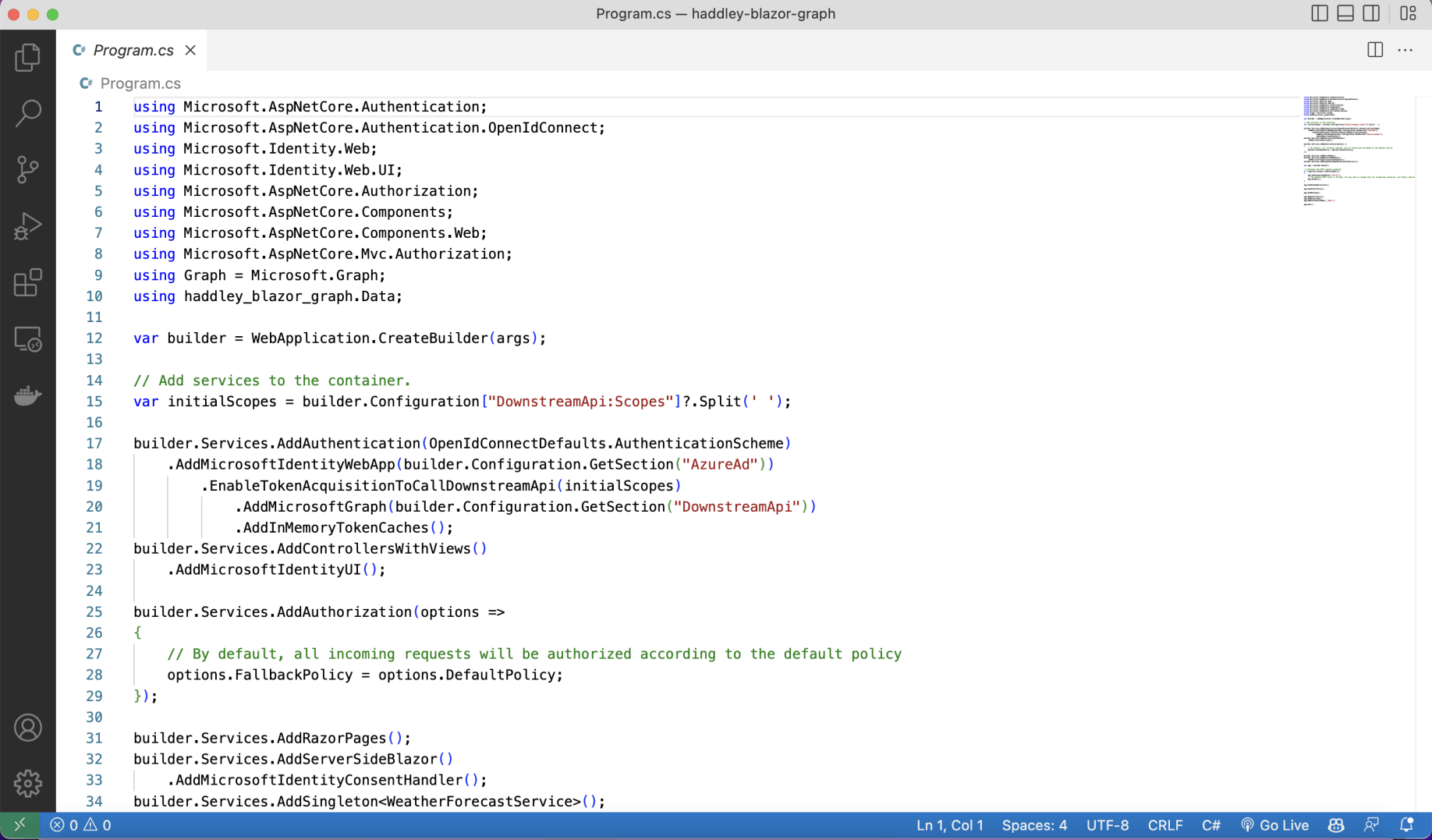
I reviewed Program.cs (part 1)
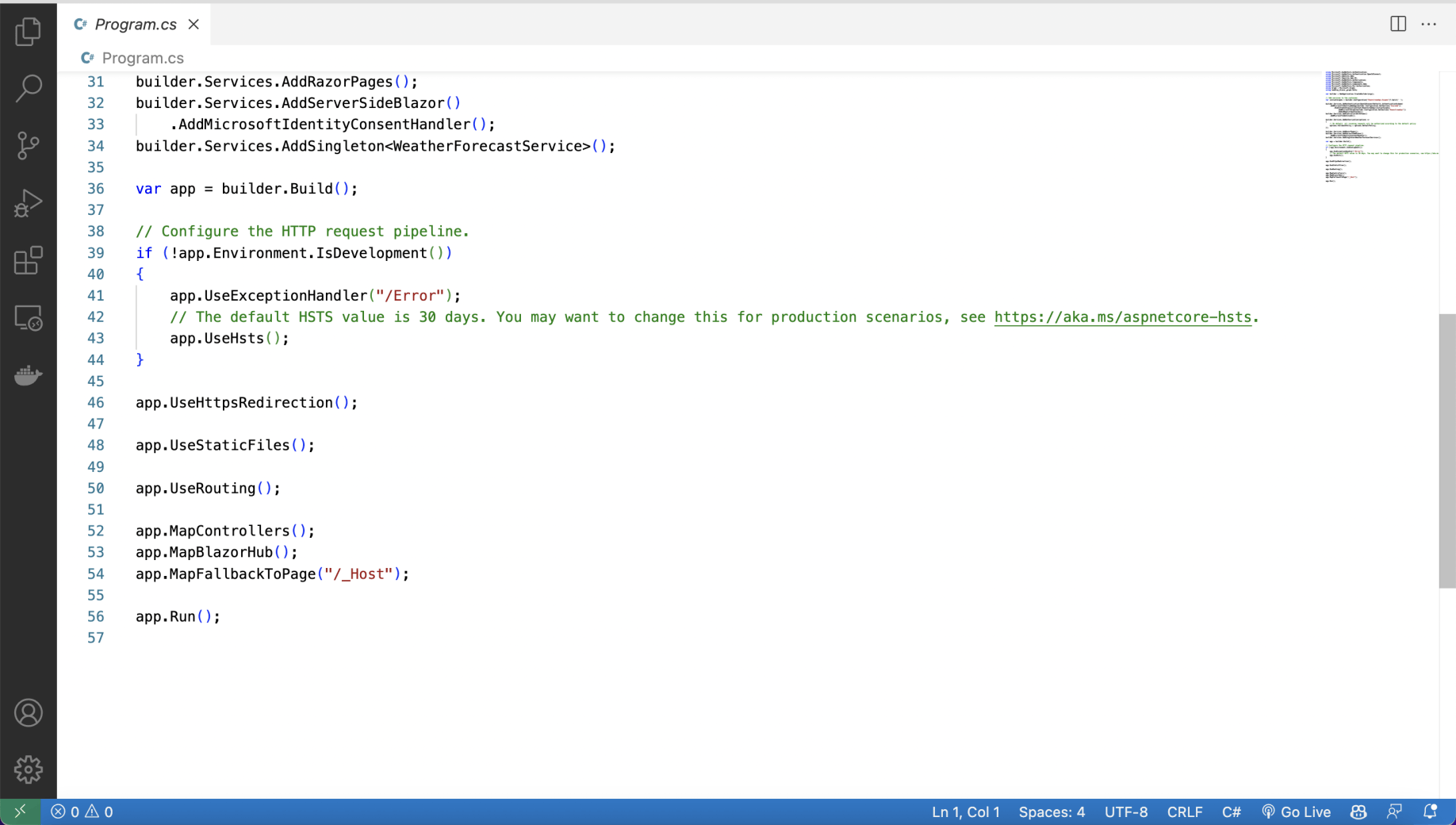
I reviewed Program.cs (part 2)
ShowPhoto.razor
RAZOR
1@page "/showphoto"
2
3@using Microsoft.Identity.Web
4@using Microsoft.Graph
5@inject Microsoft.Graph.GraphServiceClient GraphServiceClient
6@inject MicrosoftIdentityConsentAndConditionalAccessHandler ConsentHandler
7
8<h1>My Photo</h1>
9
10<p>This component demonstrates fetching data from a service.</p>
11
12@if (imgDataURL == null)
13{
14    <p><em>Loading...</em></p>
15}
16else
17{
18    <img src=@imgDataURL />
19}
20
21@code {
22    String? imgDataURL;
23
24    protected override async Task OnInitializedAsync()
25    {
26        try
27        {
28            Stream photo = await GraphServiceClient.Me.Photo.Content.Request().GetAsync();
29
30            if (photo != null)
31            {
32                MemoryStream ms = new MemoryStream();
33                photo.CopyTo(ms);
34                byte[] buffer = ms.ToArray();
35                string result = Convert.ToBase64String(buffer);
36                imgDataURL = string.Format("data:image/png;base64,{0}", result);
37            }
38            else
39            {
40                imgDataURL = "";
41            }
42        }
43        catch (Exception ex)
44        {
45            ConsentHandler.HandleException(ex);
46        }
47    }
48}
Program.cs
CSHARP
1using Microsoft.AspNetCore.Authentication;
2using Microsoft.AspNetCore.Authentication.OpenIdConnect;
3using Microsoft.Identity.Web;
4using Microsoft.Identity.Web.UI;
5using Microsoft.AspNetCore.Authorization;
6using Microsoft.AspNetCore.Components;
7using Microsoft.AspNetCore.Components.Web;
8using Microsoft.AspNetCore.Mvc.Authorization;
9using Graph = Microsoft.Graph;
10using haddley_blazor_graph.Data;
11
12var builder = WebApplication.CreateBuilder(args);
13
14// Add services to the container.
15var initialScopes = builder.Configuration["DownstreamApi:Scopes"]?.Split(' ');
16
17builder.Services.AddAuthentication(OpenIdConnectDefaults.AuthenticationScheme)
18    .AddMicrosoftIdentityWebApp(builder.Configuration.GetSection("AzureAd"))
19        .EnableTokenAcquisitionToCallDownstreamApi(initialScopes)
20            .AddMicrosoftGraph(builder.Configuration.GetSection("DownstreamApi"))
21            .AddInMemoryTokenCaches();
22builder.Services.AddControllersWithViews()
23    .AddMicrosoftIdentityUI();
24
25builder.Services.AddAuthorization(options =>
26{
27    // By default, all incoming requests will be authorized according to the default policy
28    options.FallbackPolicy = options.DefaultPolicy;
29});
30
31builder.Services.AddRazorPages();
32builder.Services.AddServerSideBlazor()
33    .AddMicrosoftIdentityConsentHandler();
34builder.Services.AddSingleton<WeatherForecastService>();
35
36var app = builder.Build();
37
38// Configure the HTTP request pipeline.
39if (!app.Environment.IsDevelopment())
40{
41    app.UseExceptionHandler("/Error");
42    // The default HSTS value is 30 days. You may want to change this for production scenarios, see https://aka.ms/aspnetcore-hsts.
43    app.UseHsts();
44}
45
46app.UseHttpsRedirection();
47
48app.UseStaticFiles();
49
50app.UseRouting();
51
52app.MapControllers();
53app.MapBlazorHub();
54app.MapFallbackToPage("/_Host");
55
56app.Run();