Firebase
Neil Haddley • April 24, 2023
Firebase web codelab
The application I built uses these Firebase products for web apps:
Firebase Authentication to easily allow your users to sign into your app.
Cloud Firestore to save structured data on the cloud and get instant notification when data changes.
Cloud Storage for Firebase to save files in the cloud.
Firebase Hosting to host and serve your assets.
Firebase Cloud Messaging to send push notifications and display browser popup notifications; and
Firebase Performance Monitoring to collect user performance data for your app.
Instructions are available:
https://firebase.google.com/codelabs/firebase-web
I started by cloning the codelab-friendlychat-web repository
BASH
1% git clone https://github.com/firebase/codelab-friendlychat-web
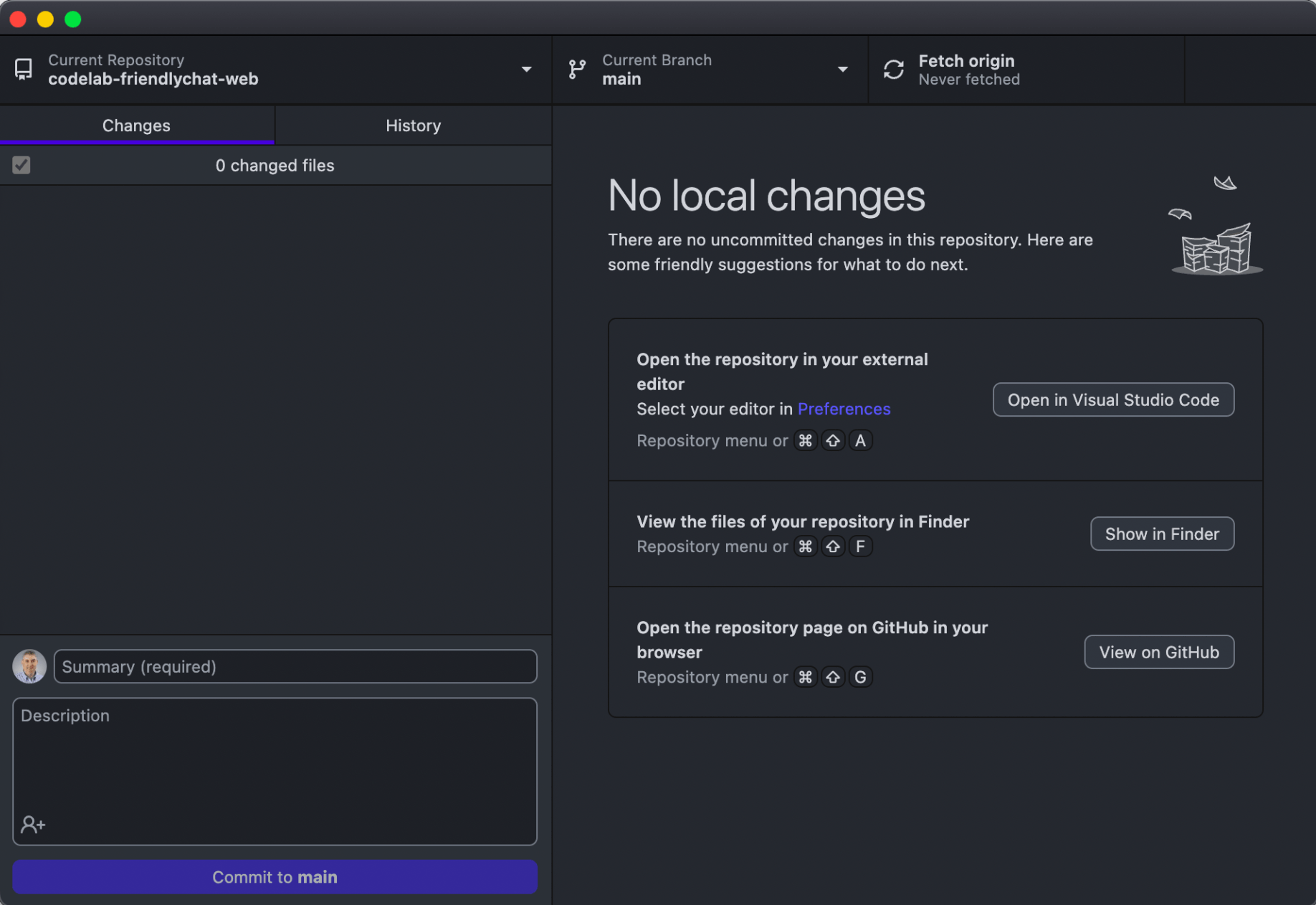
I cloned codelab-friendlychat-web
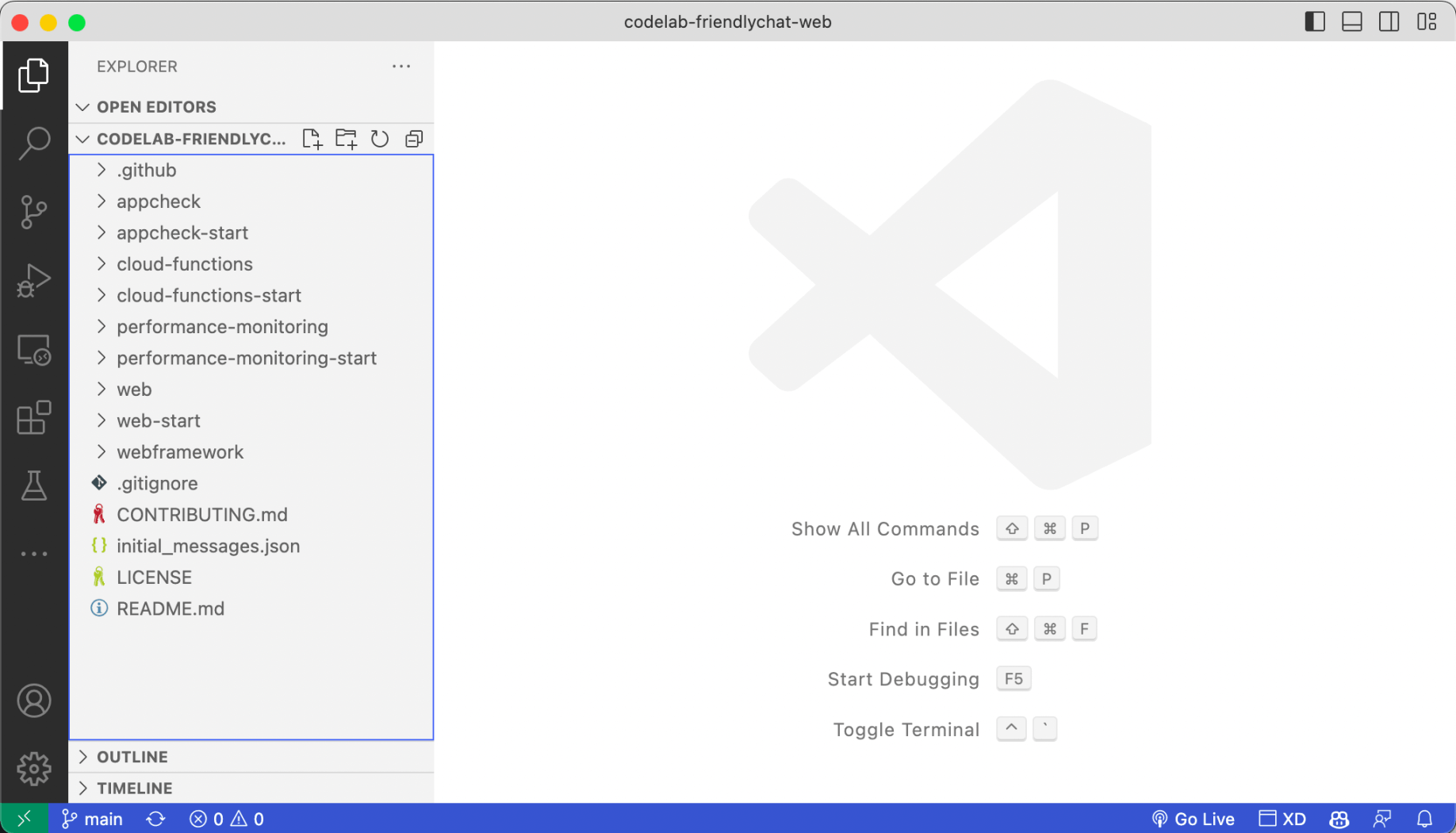
I opened the project in Visual Studio Code
I created a Firebase project
https://console.firebase.google.com
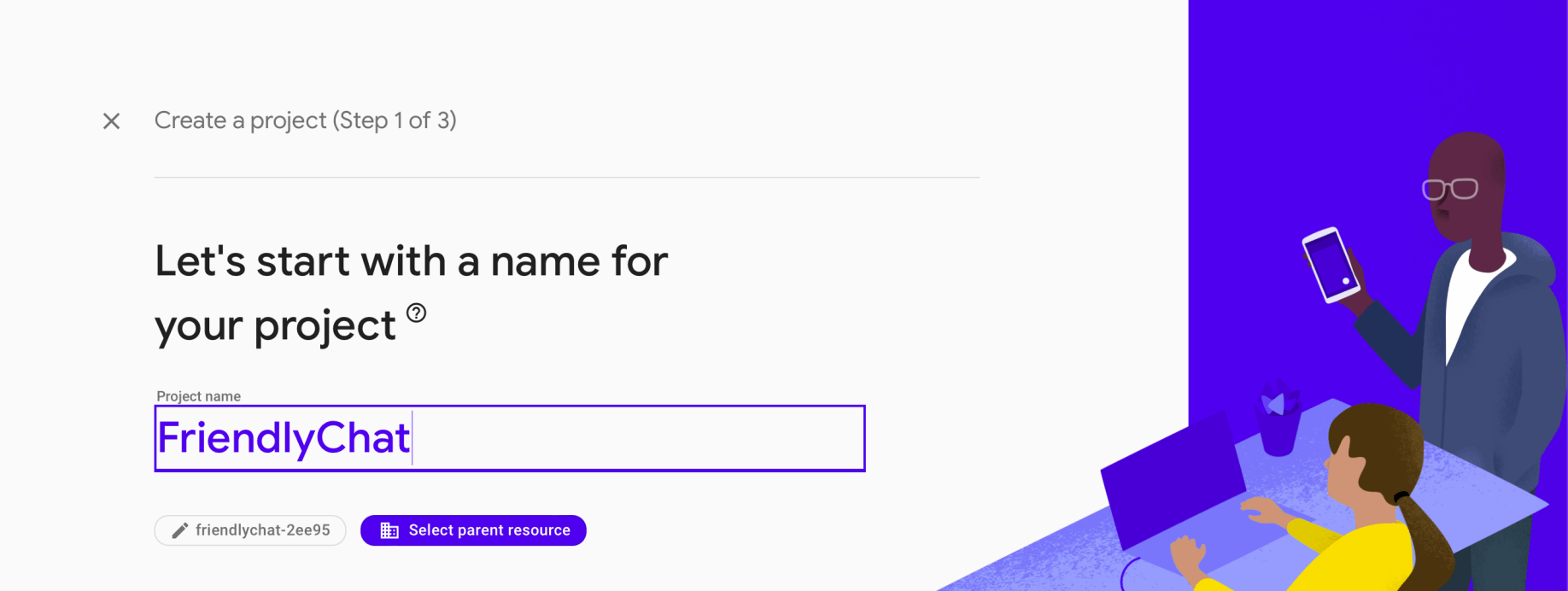
I provided a name for the project
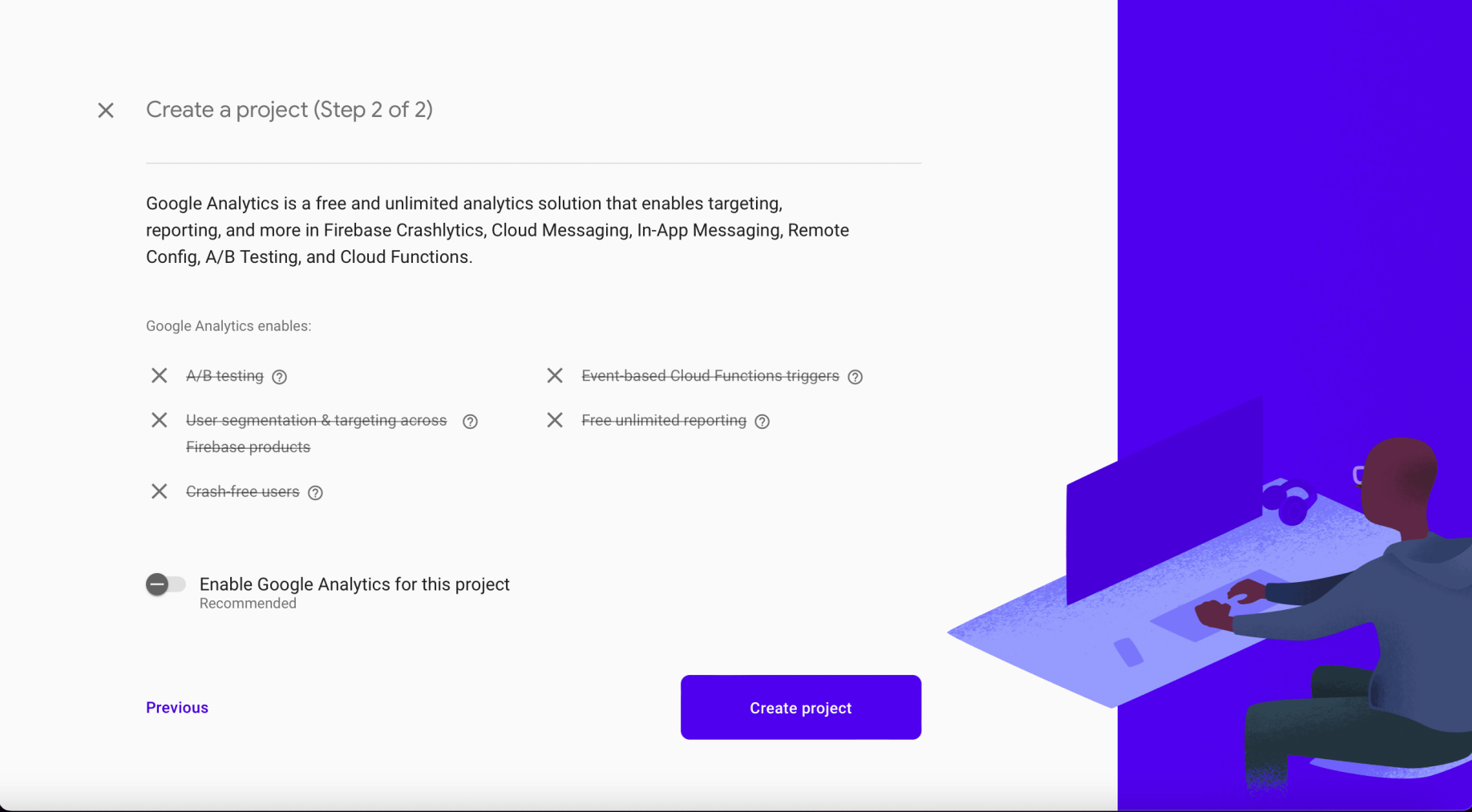
I disabled google analytics for this project
I waited
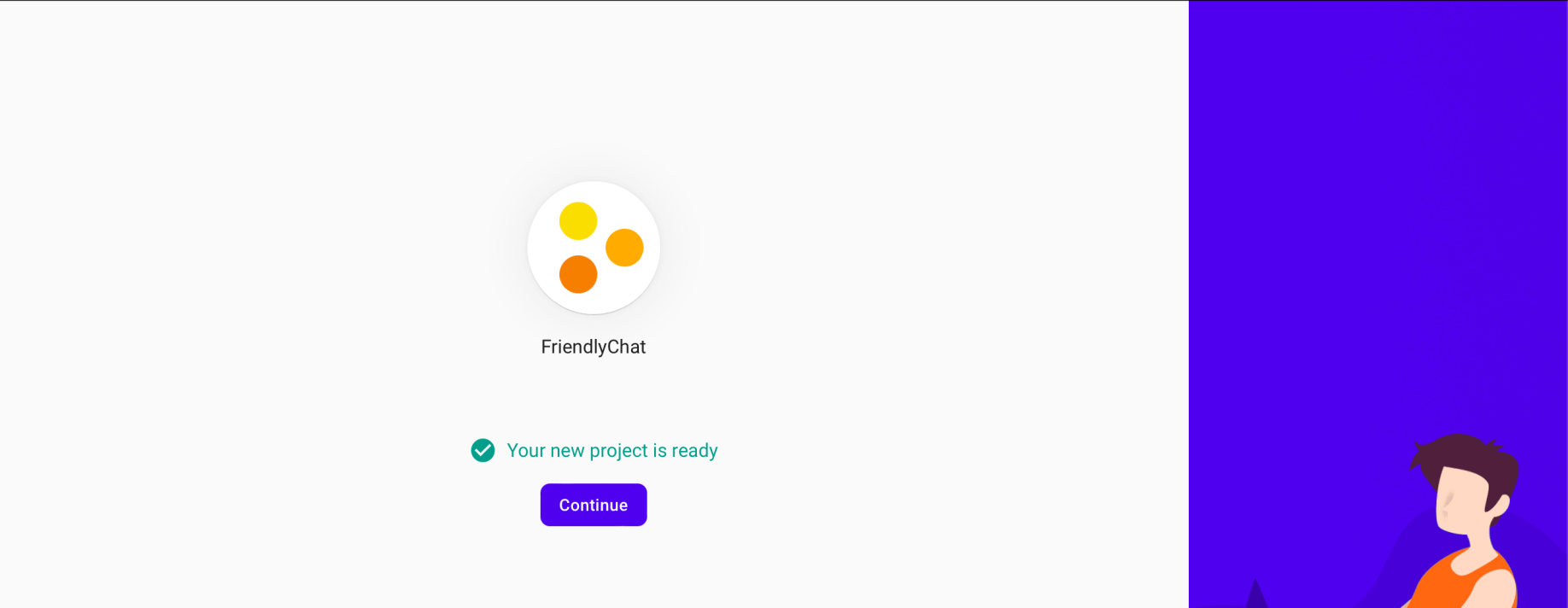
The new project was ready
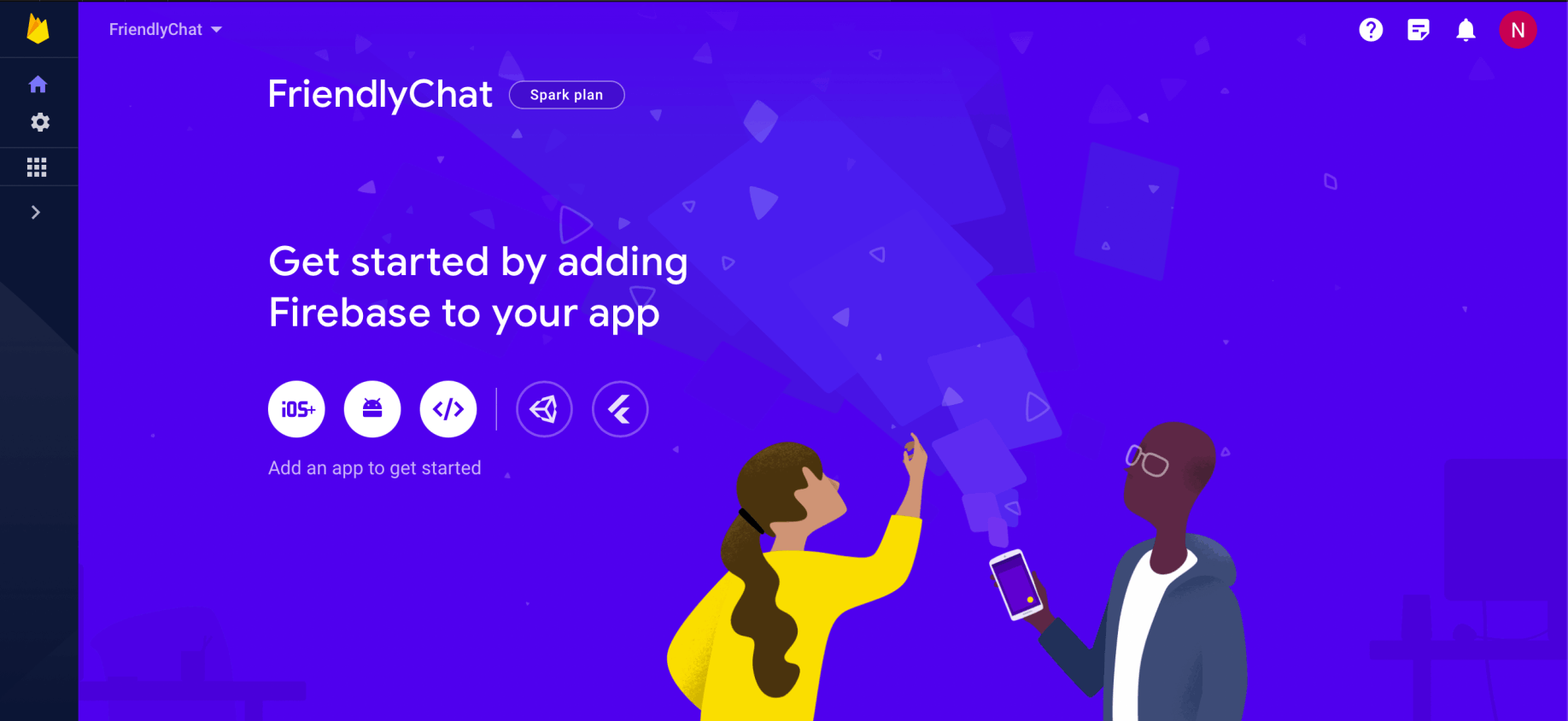
I reviewed the FriendlyChat project
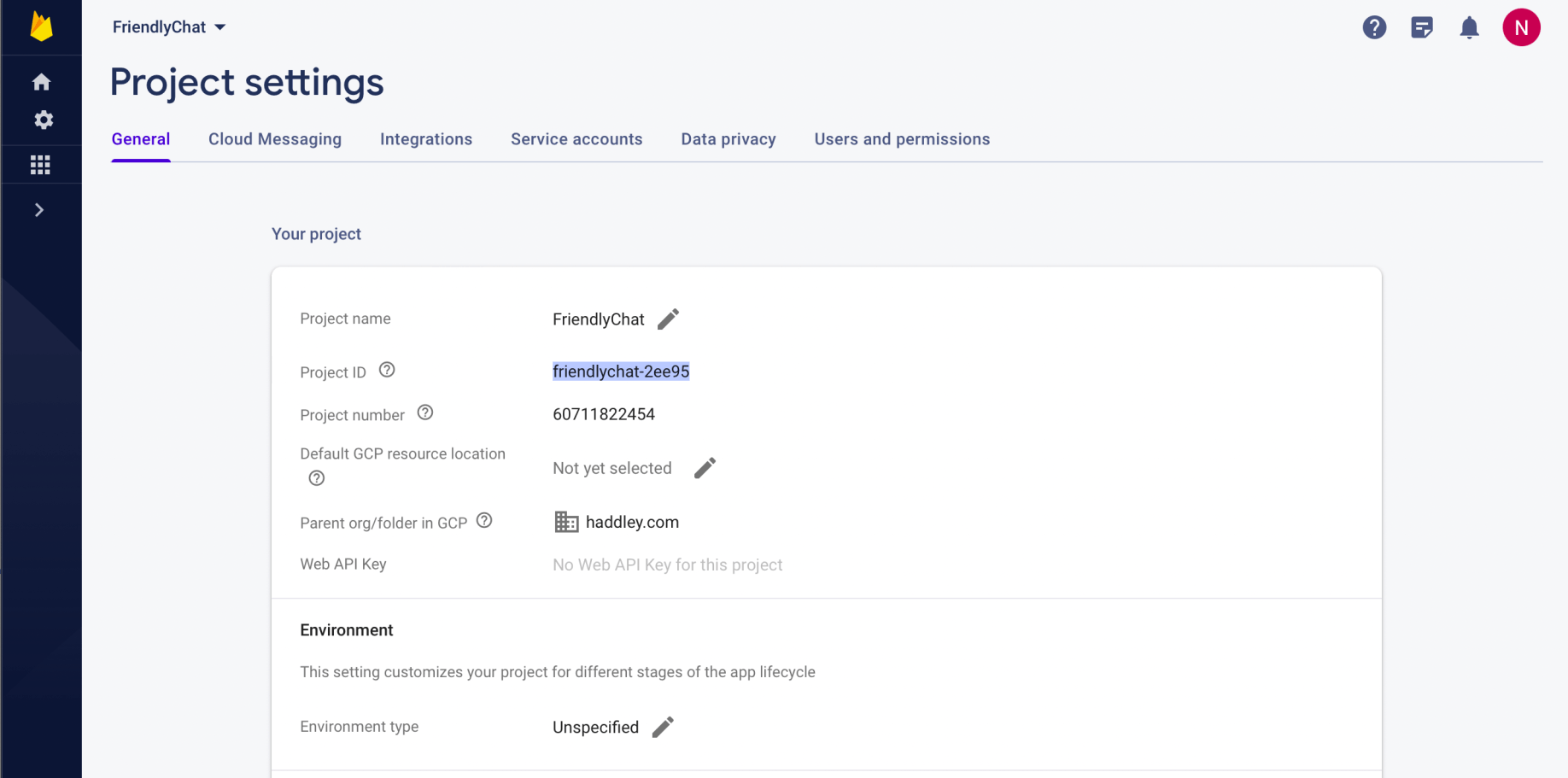
I noted that the Project ID was friendlychat-2ee95
Add a web app
I added a Firebase web app to the Firebase project
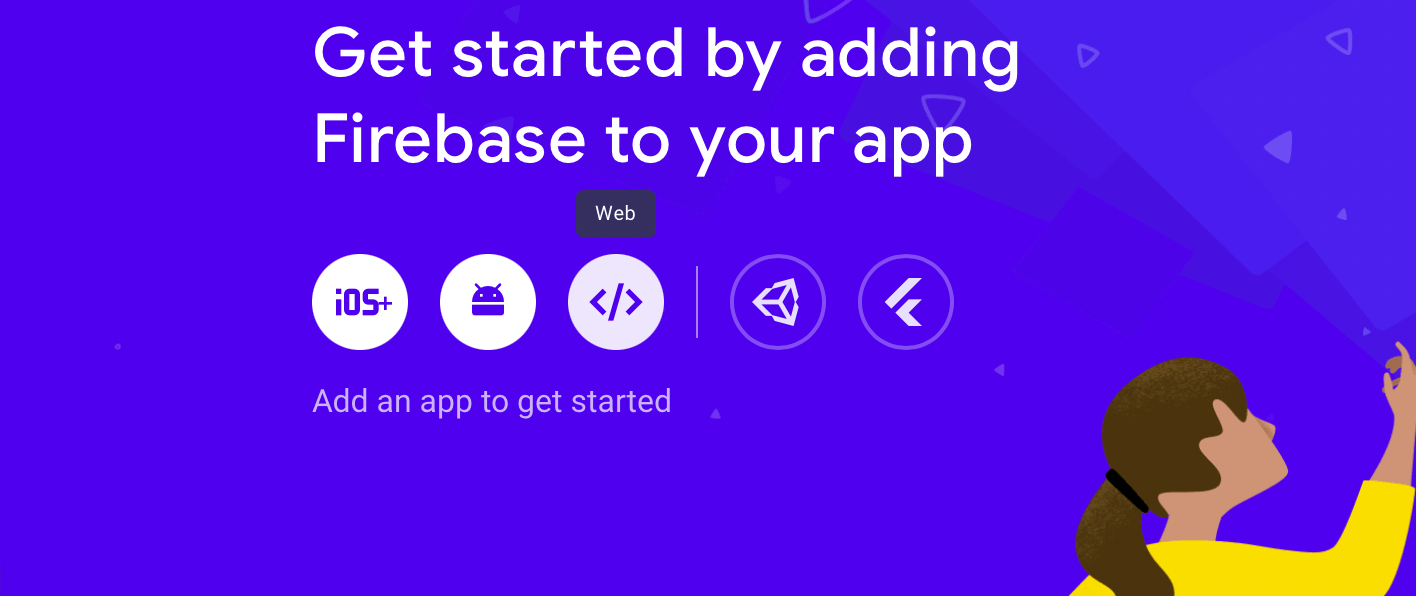
I selected Web
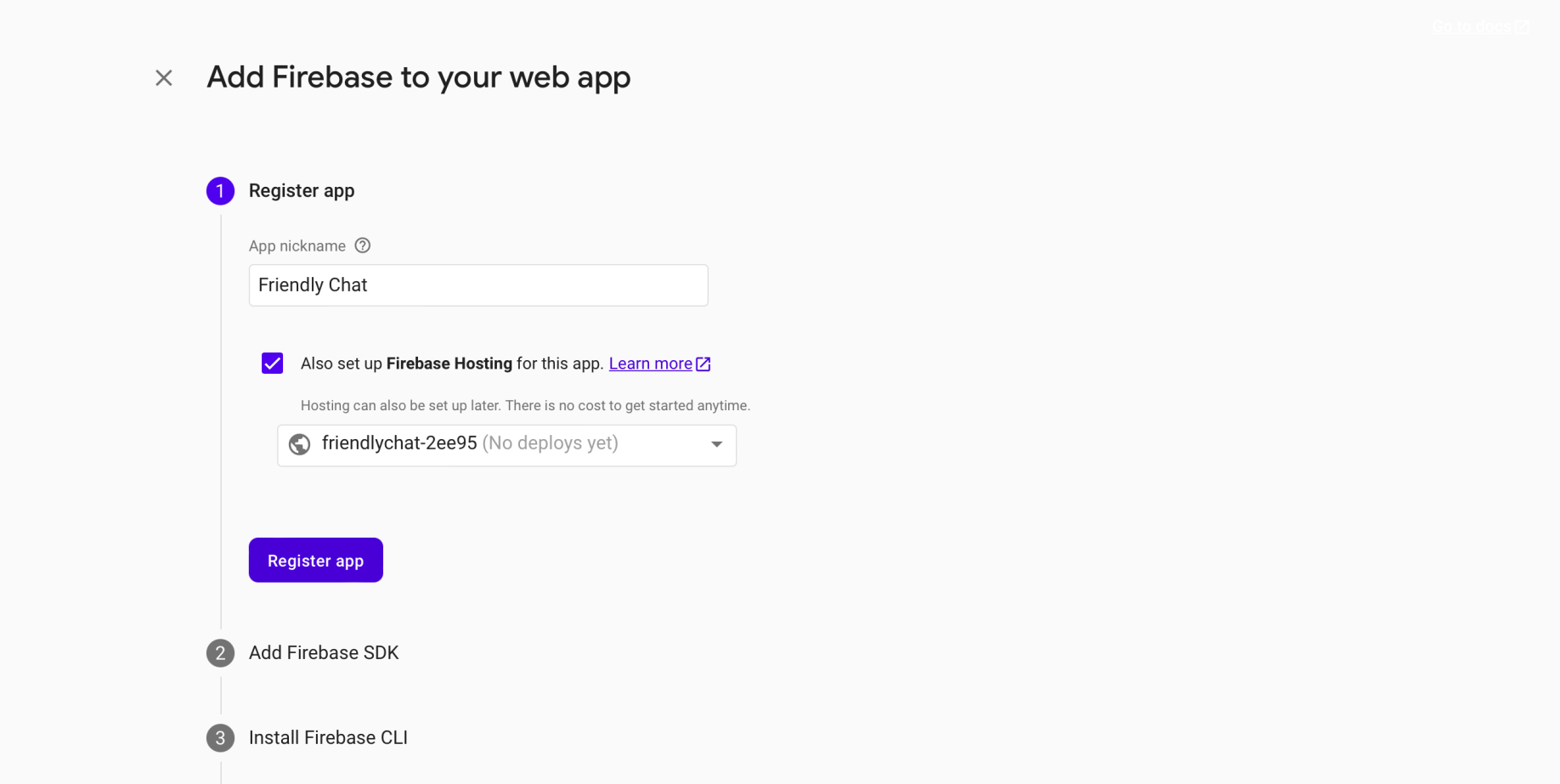
I registered the app
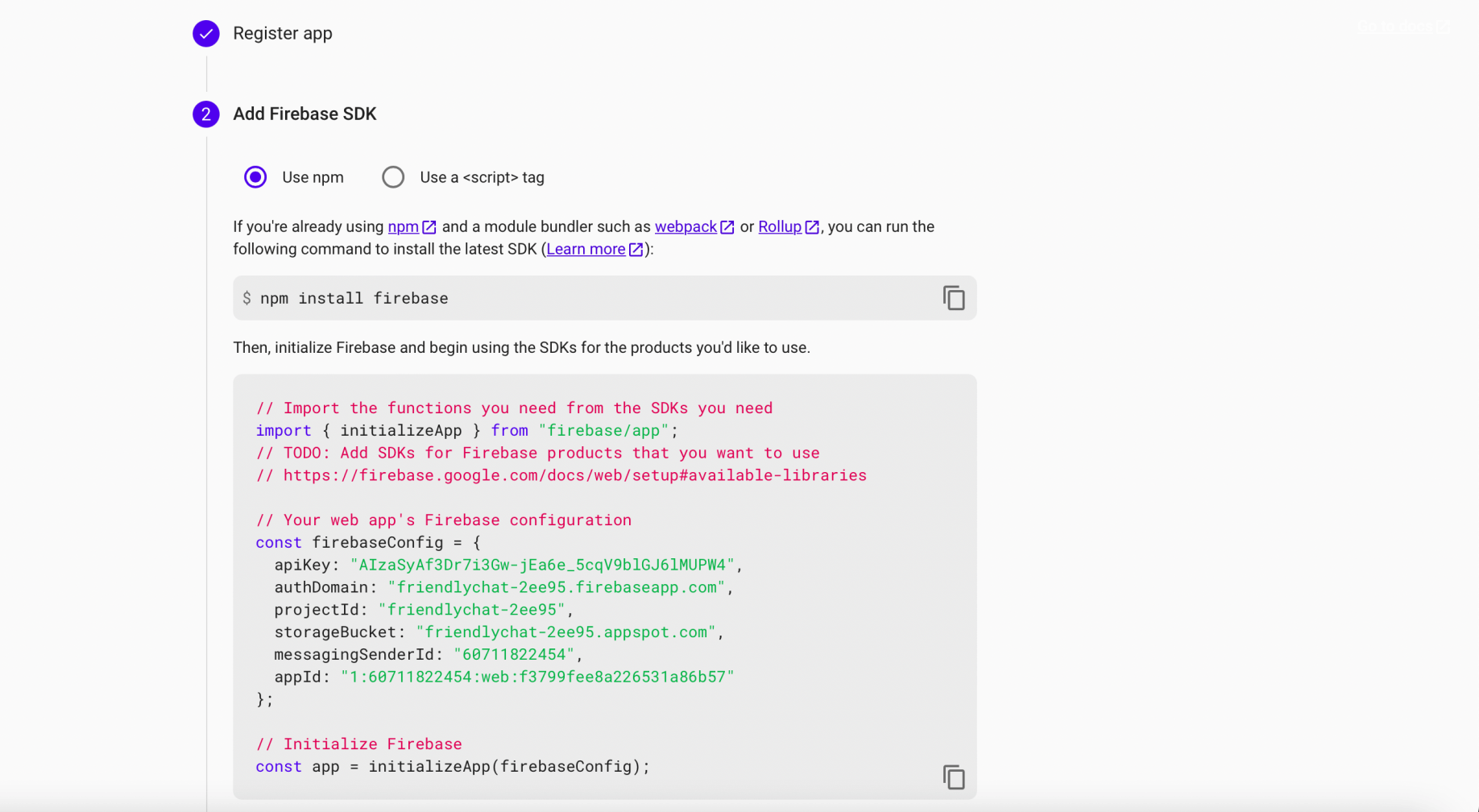
I reviewed the Add Firebase SDK instructions
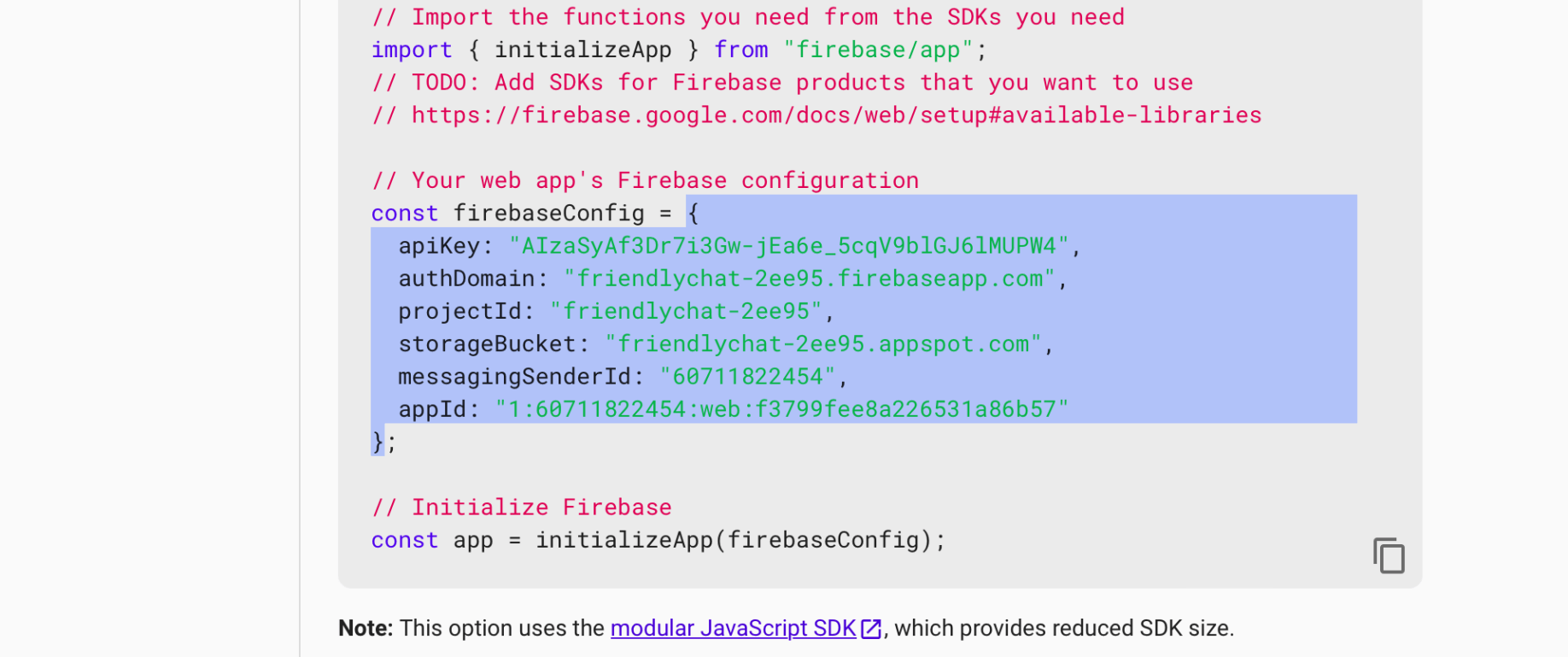
I copied this object
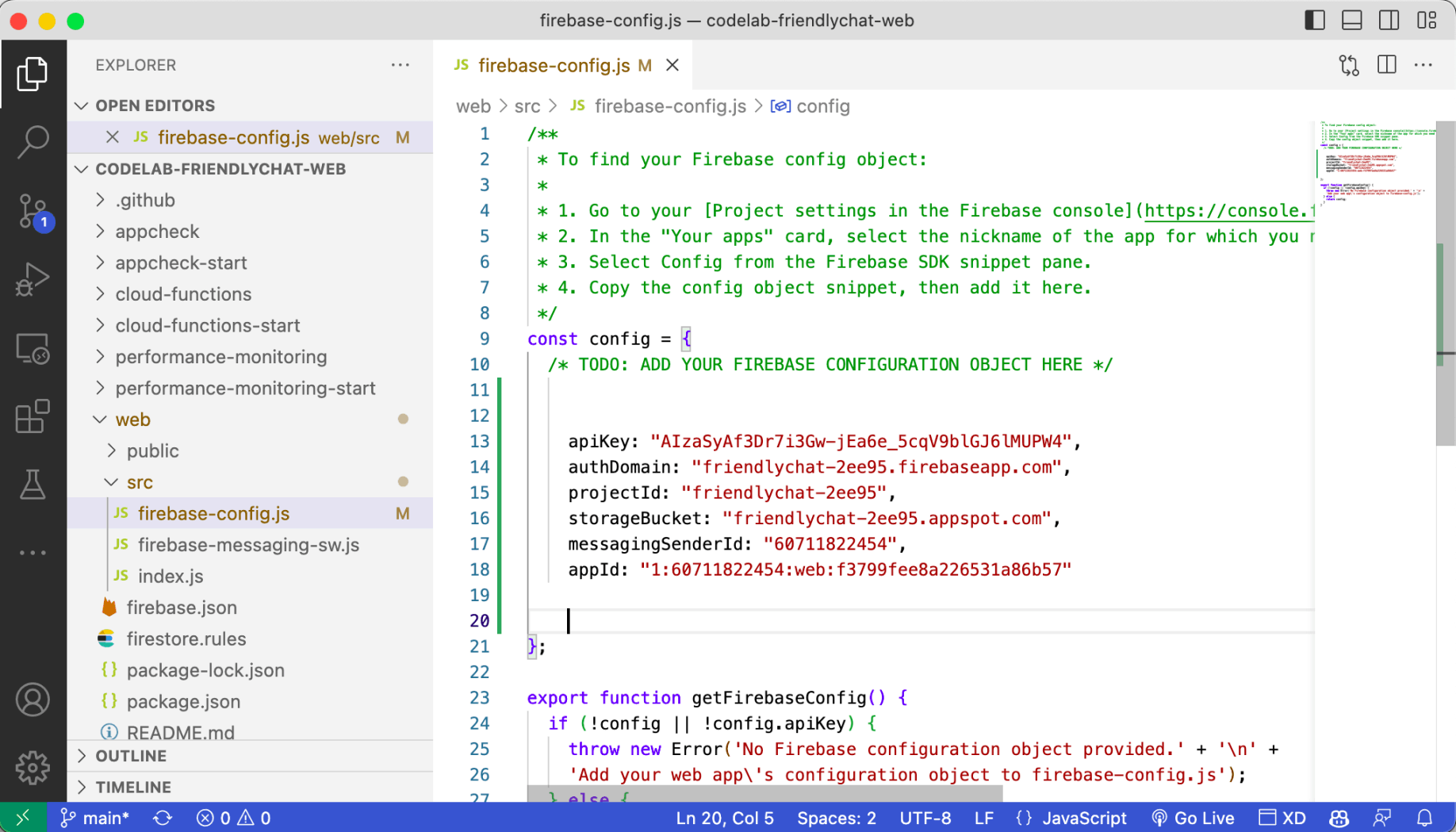
I pasted the object here
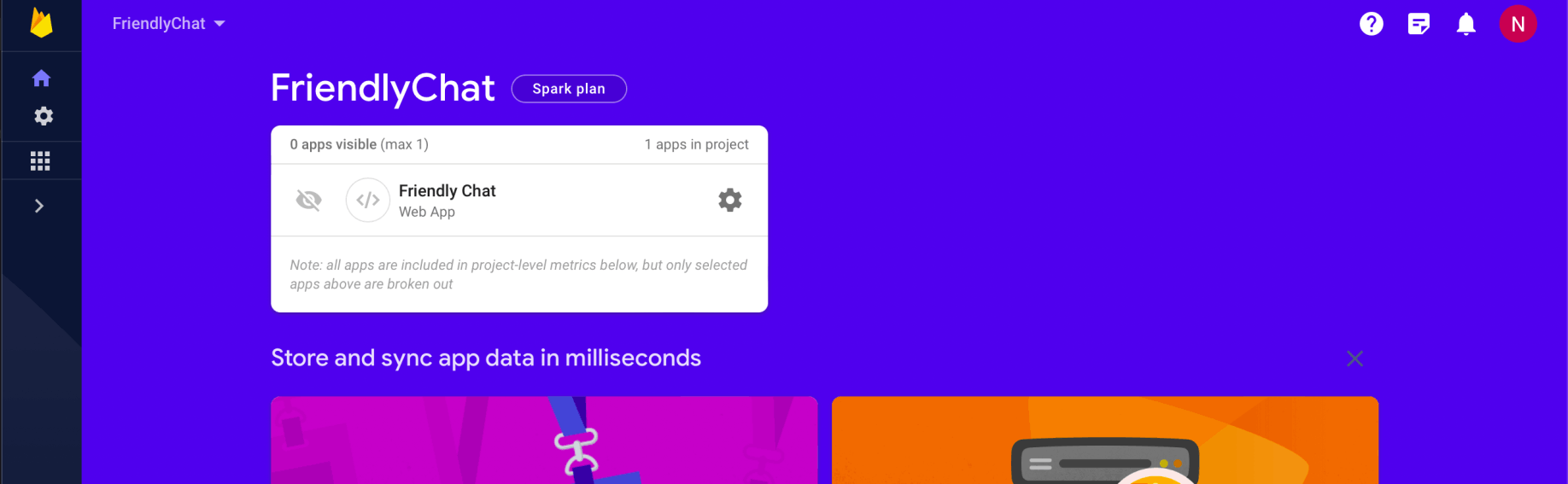
The Friendly Chat web app was created
Enable Google sign-in for Firebase Authentication
To allow users to sign in to the web app with their Google accounts, I selected the Google sign-in method
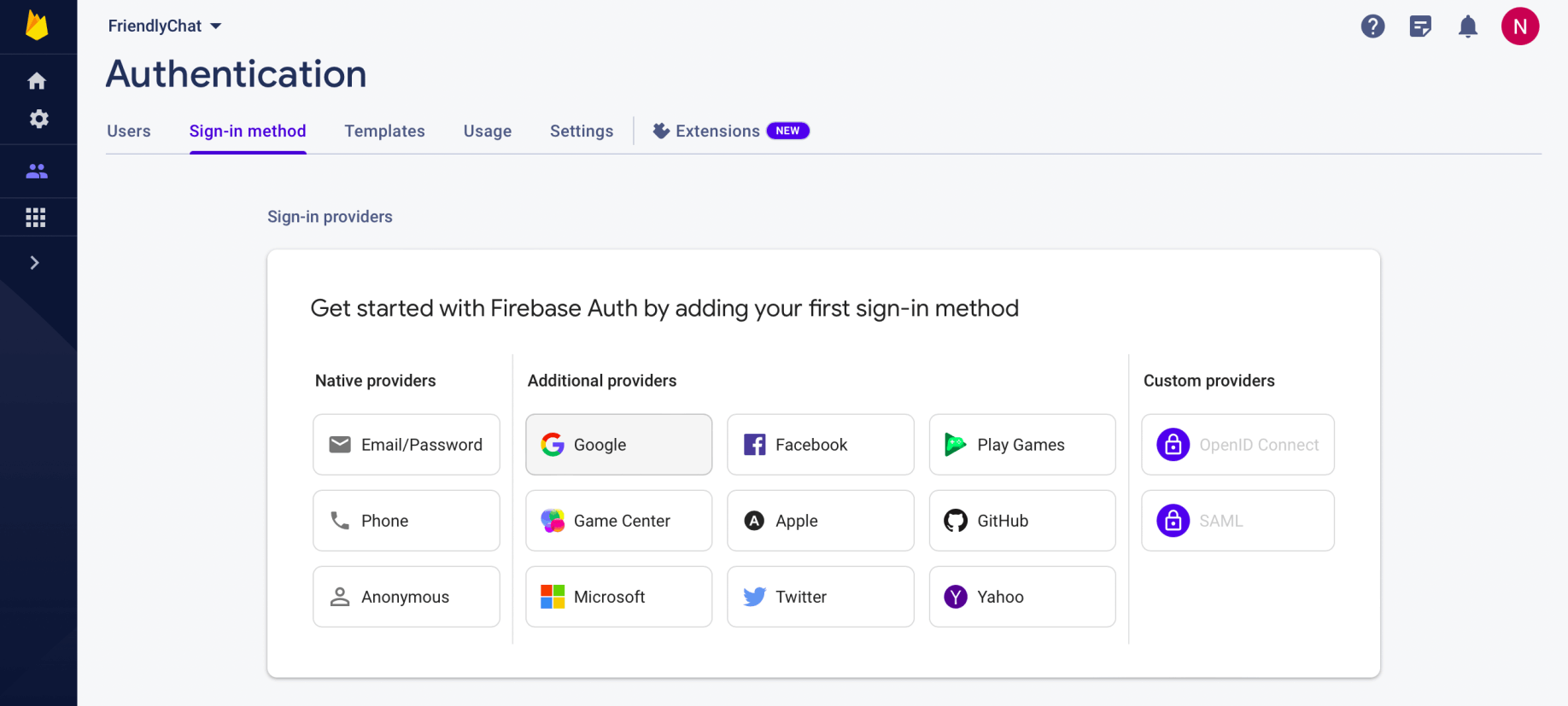
I selected the Google provider
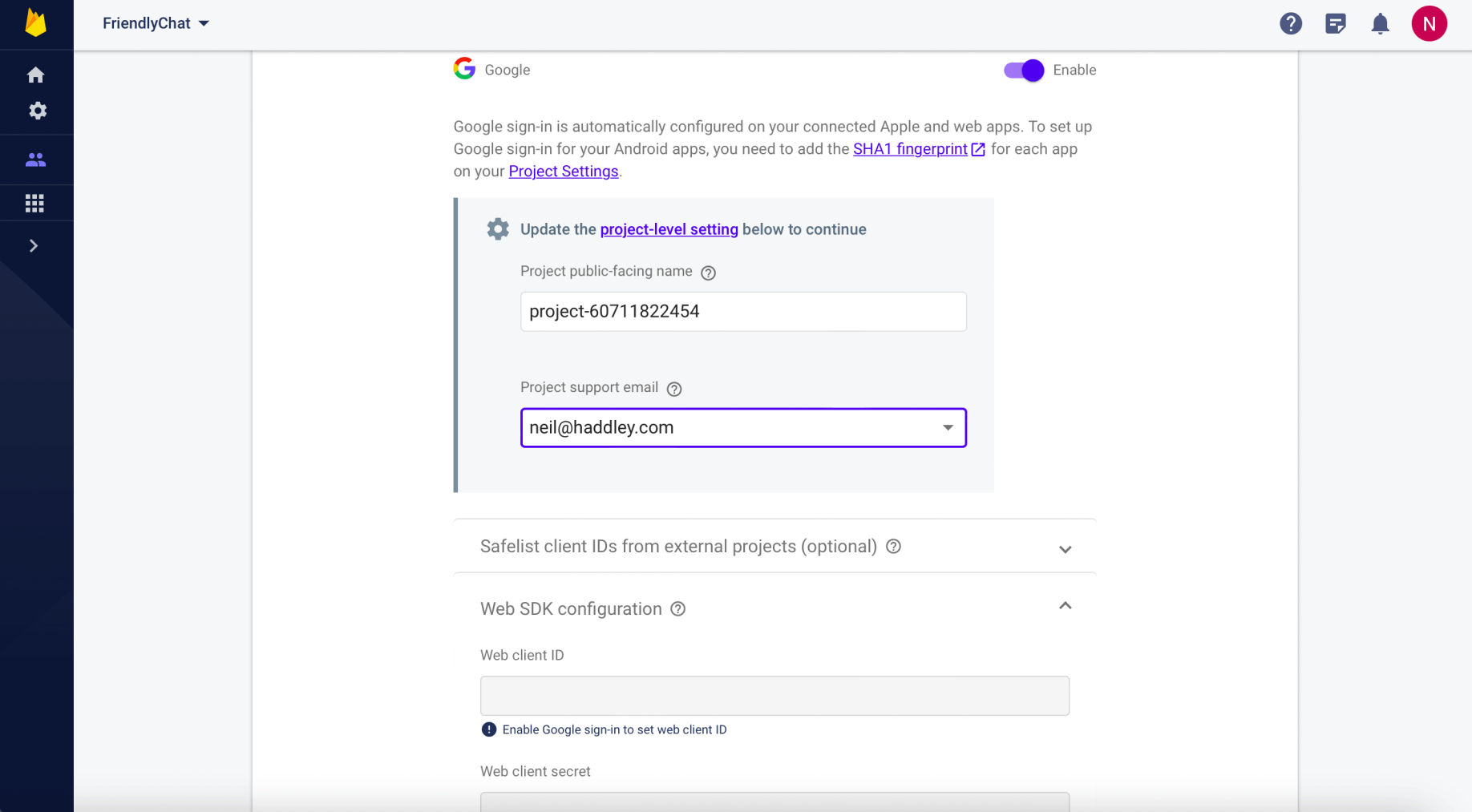
I enabled Google Authentication
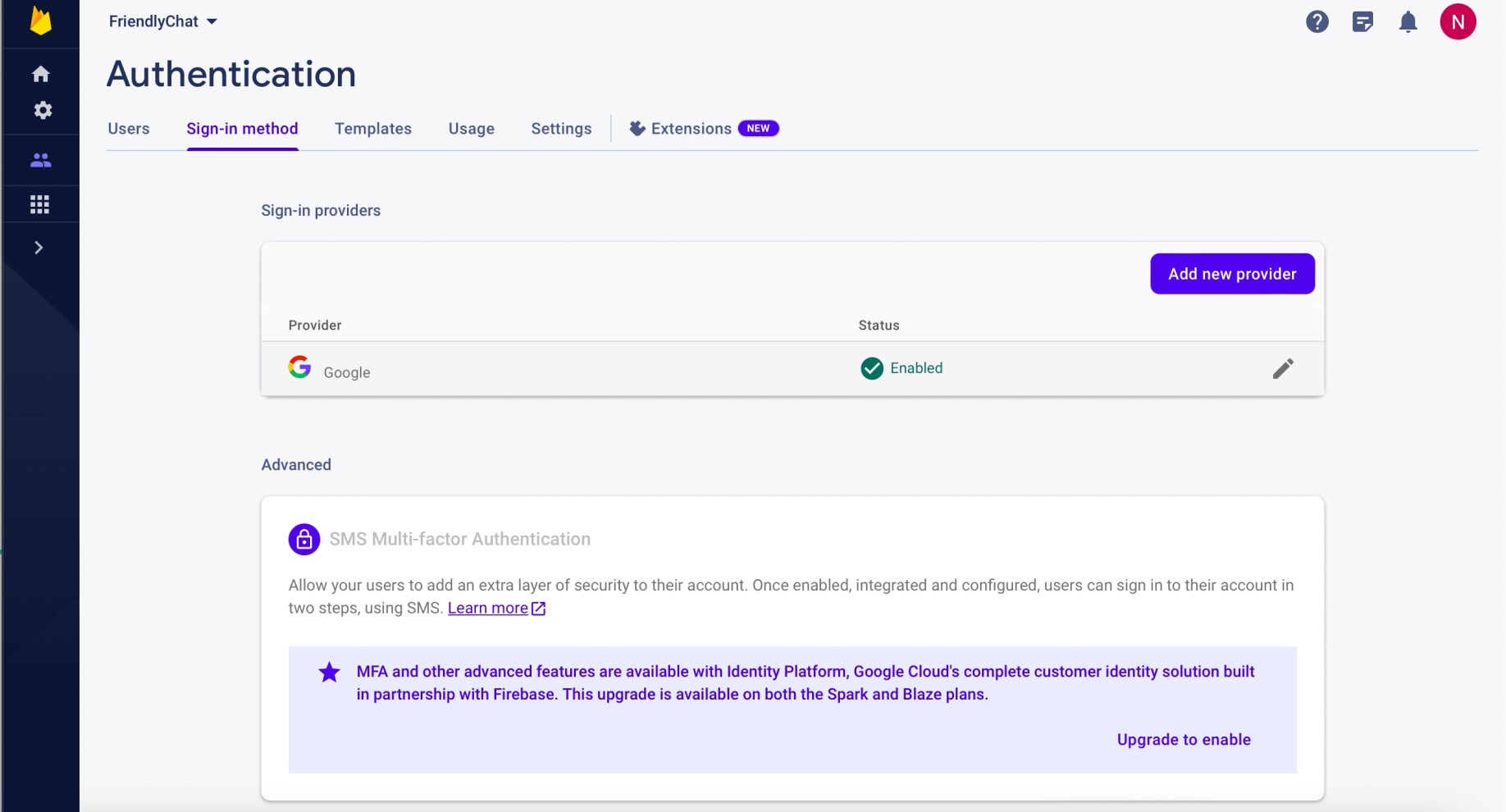
The provider was enabled
Enable Cloud Firestore
The web app uses Cloud Firestore to save chat messages and receive new chat messages.
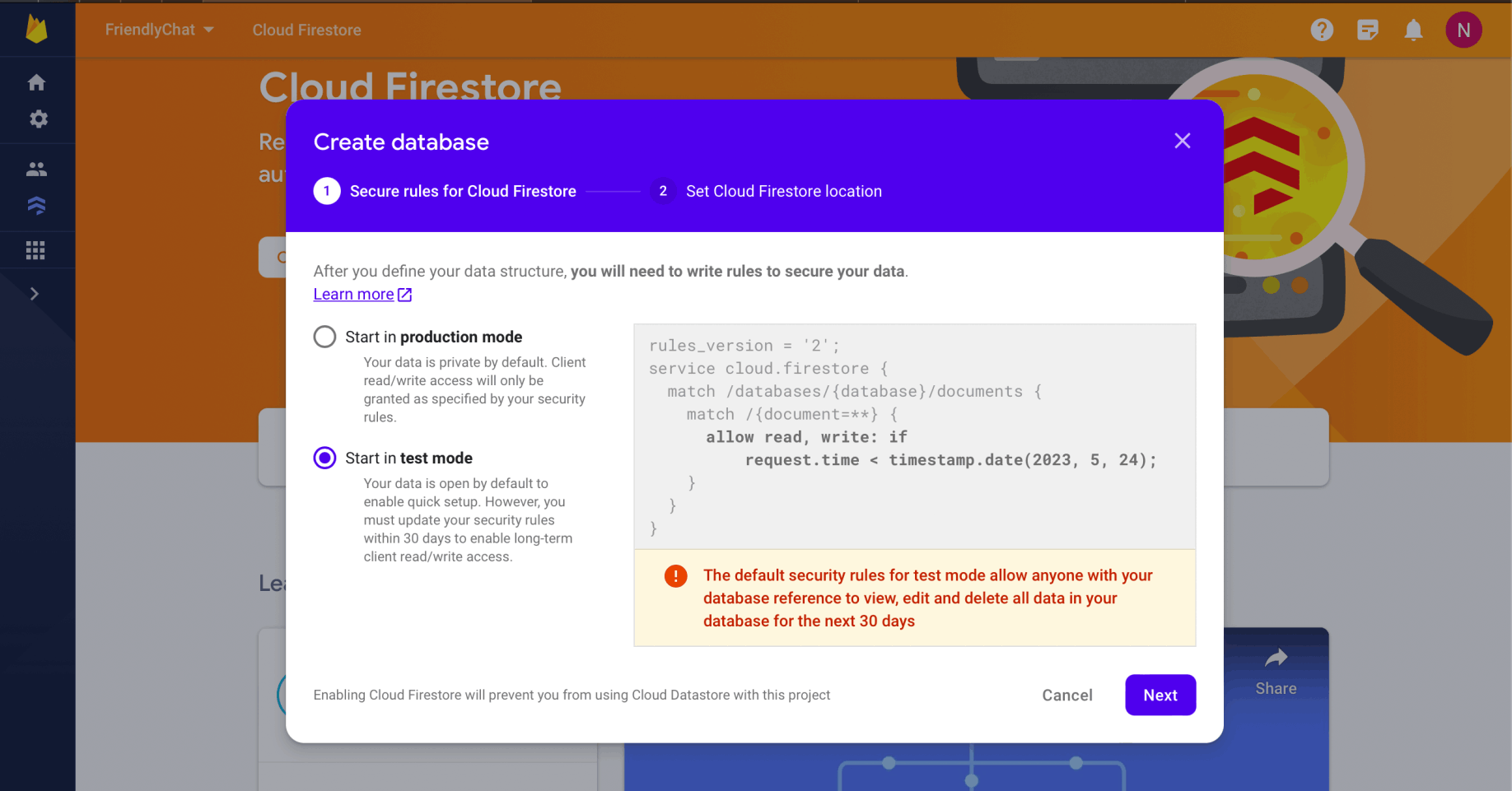
I selected Start in test mode
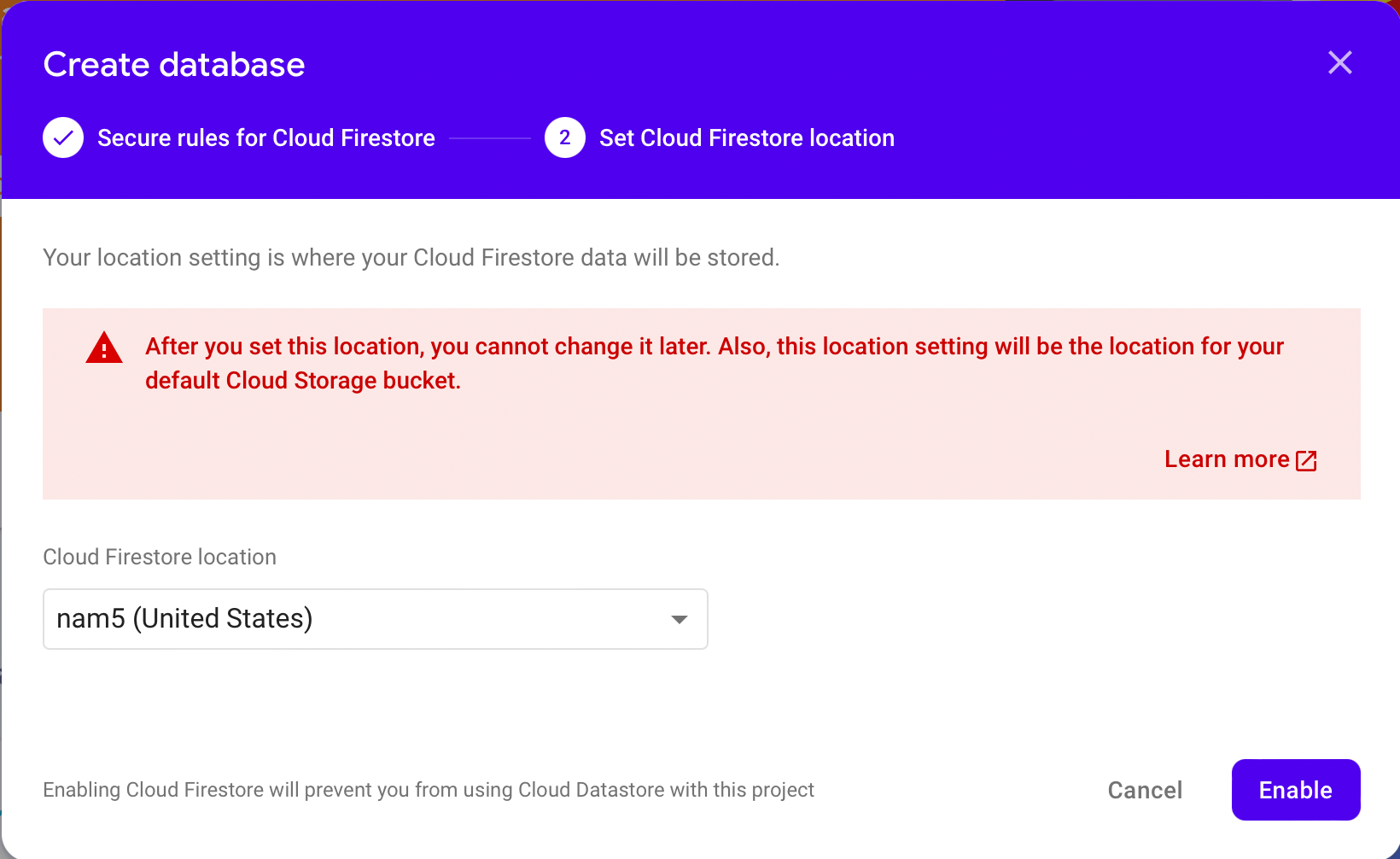
I selected location and clicked the Enable button
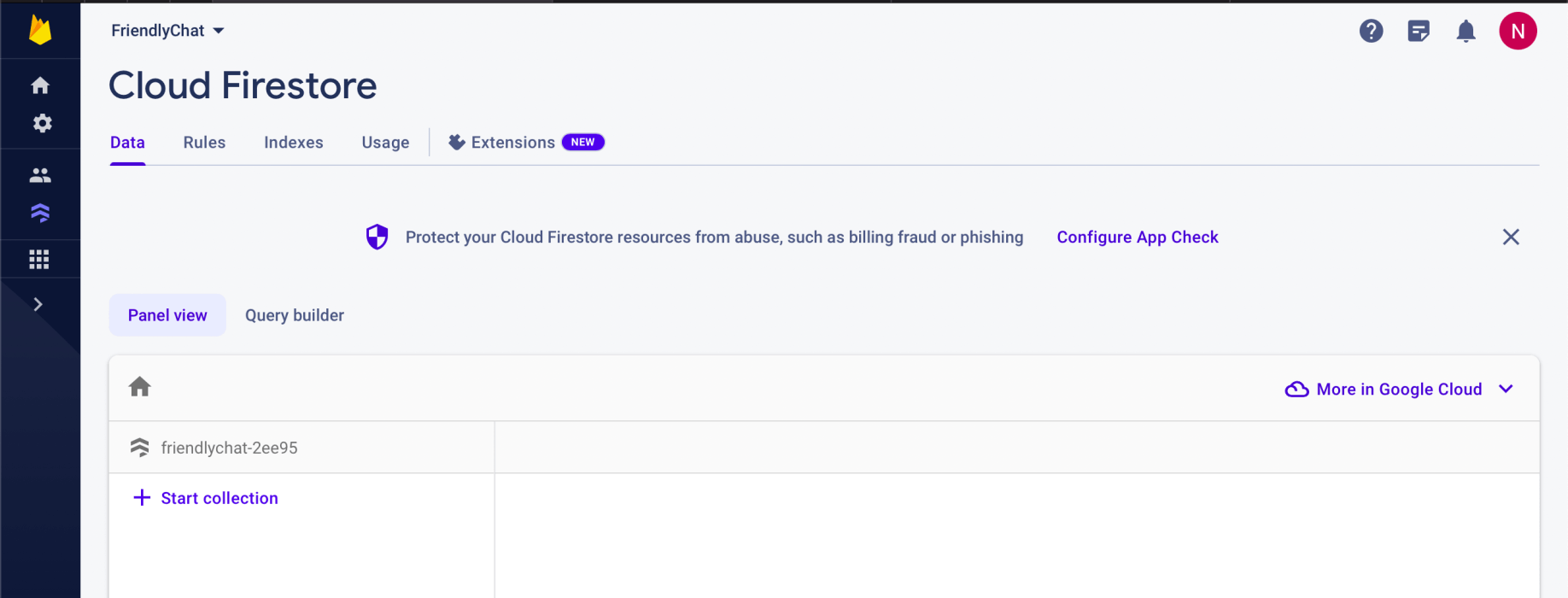
The Firestore database was created
Enable Cloud Storage
The web app uses Cloud Storage for Firebase to store, upload, and share pictures.
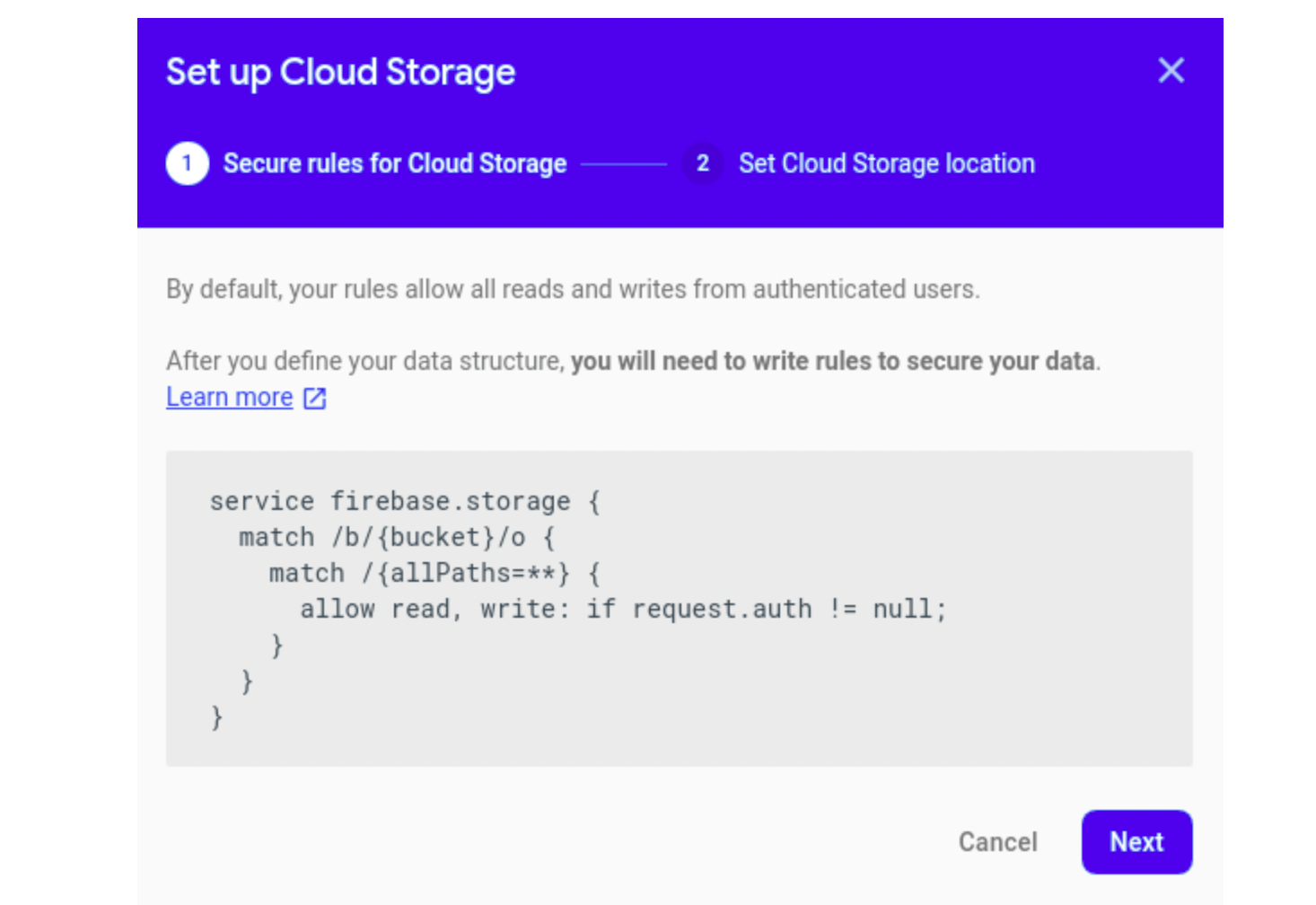
I reviewed the old default
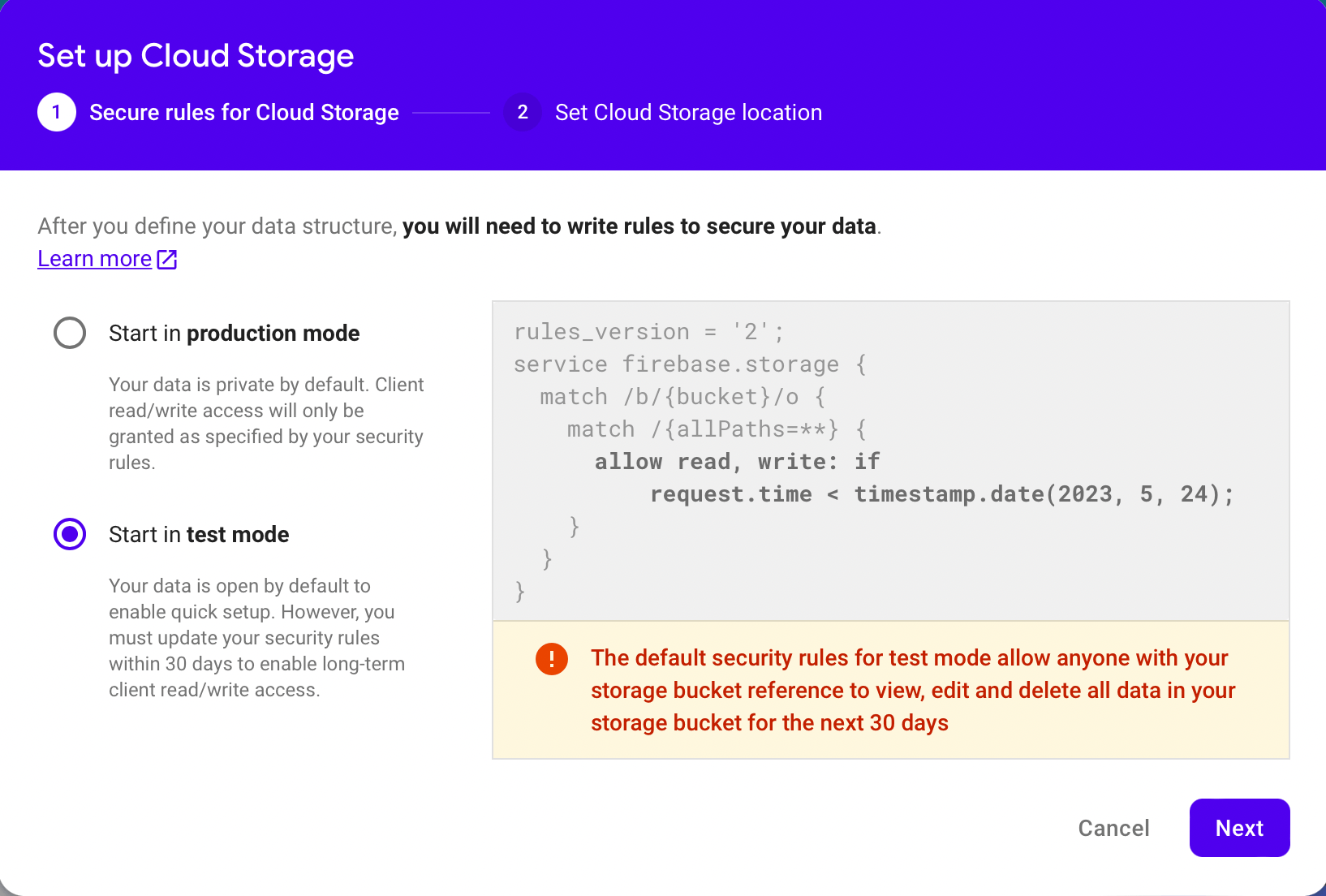
I selected Start in test mode
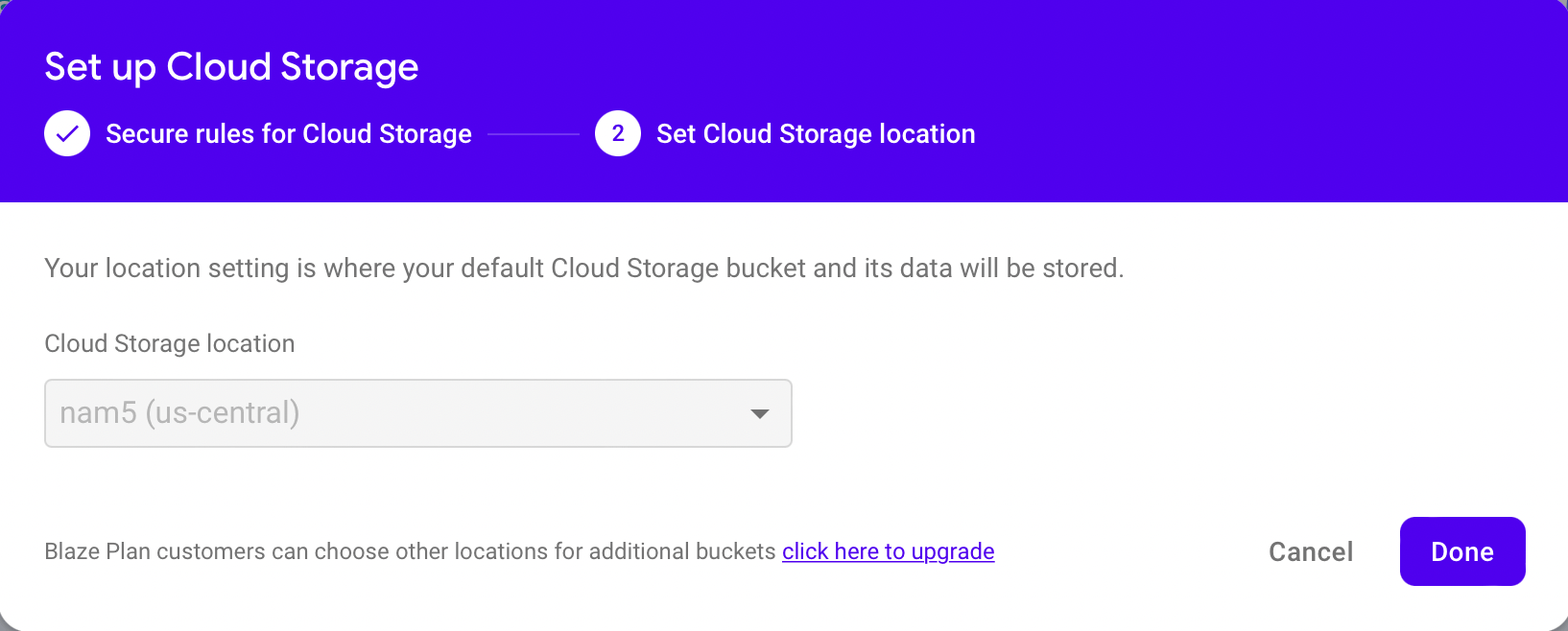
I noted that location defaults to firestore location
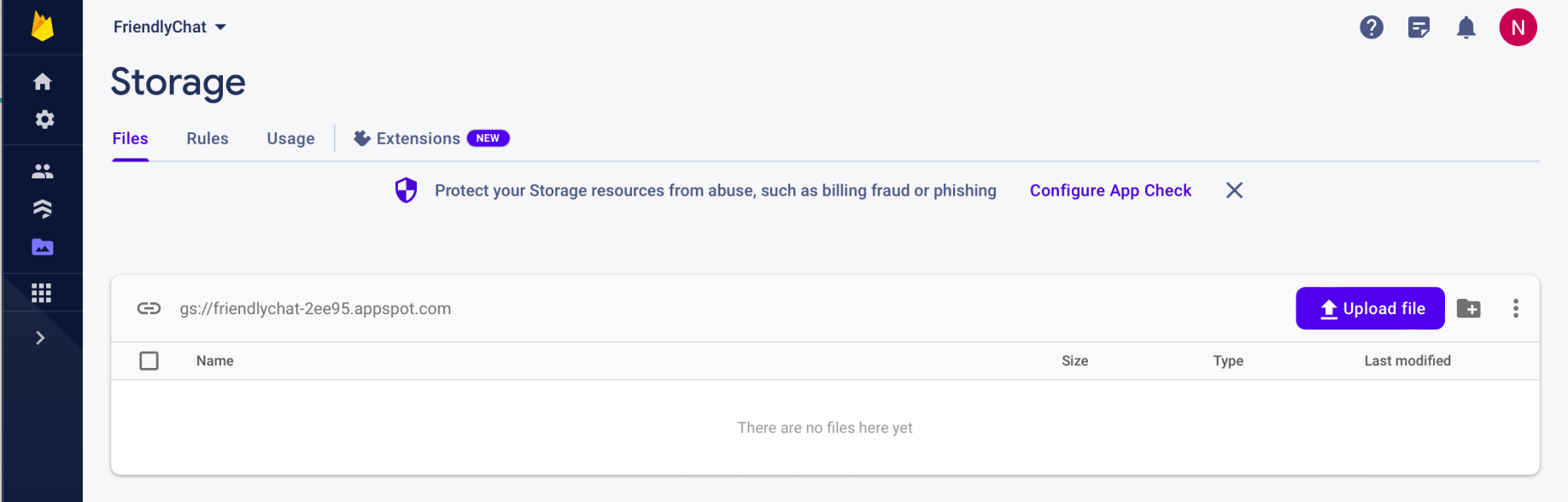
The Firestore storage was created
Installing the Firebase command-line interface
BASH
1npm install -g firebase-tools
2firebase --version
3firebase login

I ran firebase --version
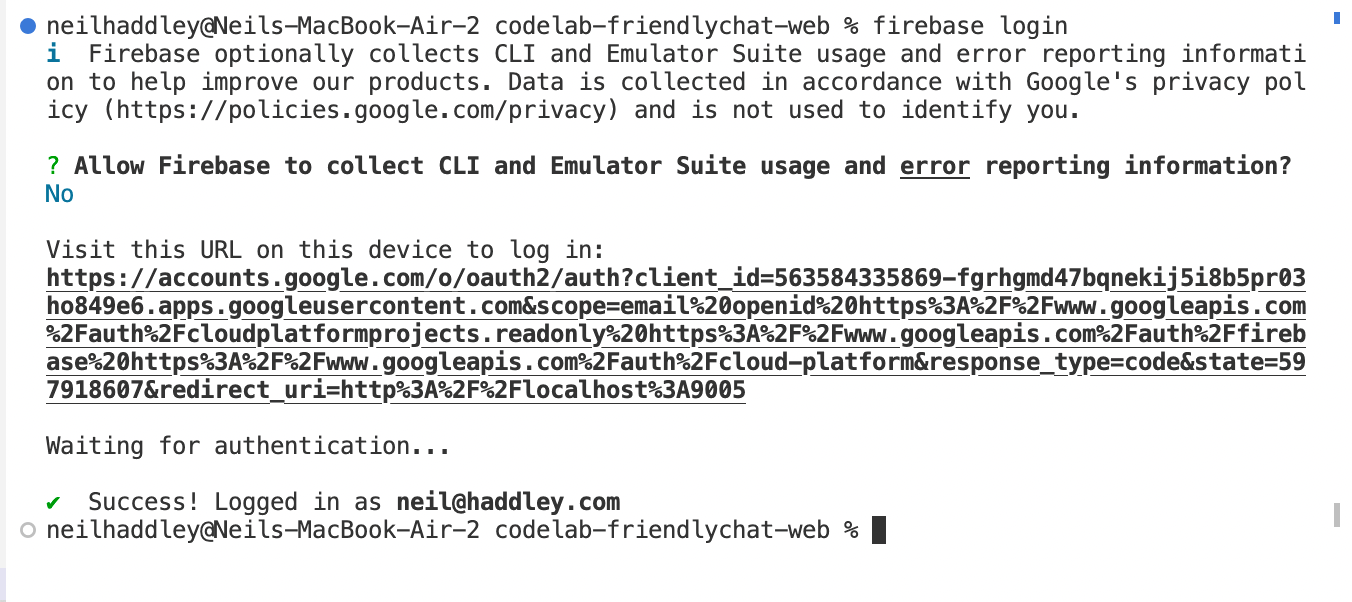
I ran firebase login

I ran firebase use --add
Run the starter app locally
BASH
1firebase serve --only hosting

I ran firebase serve --only hosting
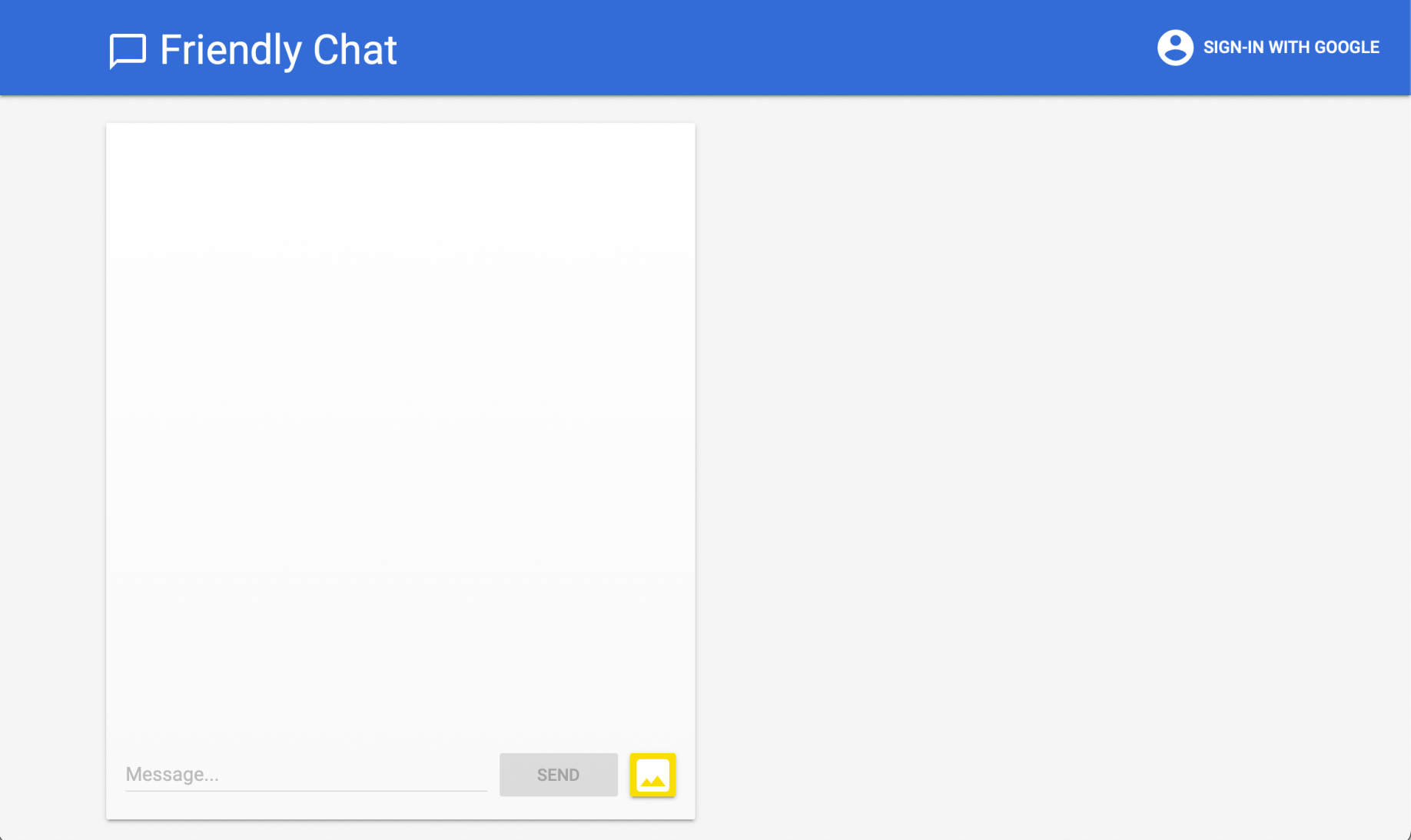
I reviewed the web app User Interface
Import the Firebase SDK
I navigated to the web-start directory
I ran npm install to download the Firebase SDK
I ran npm run start to start Webpack.
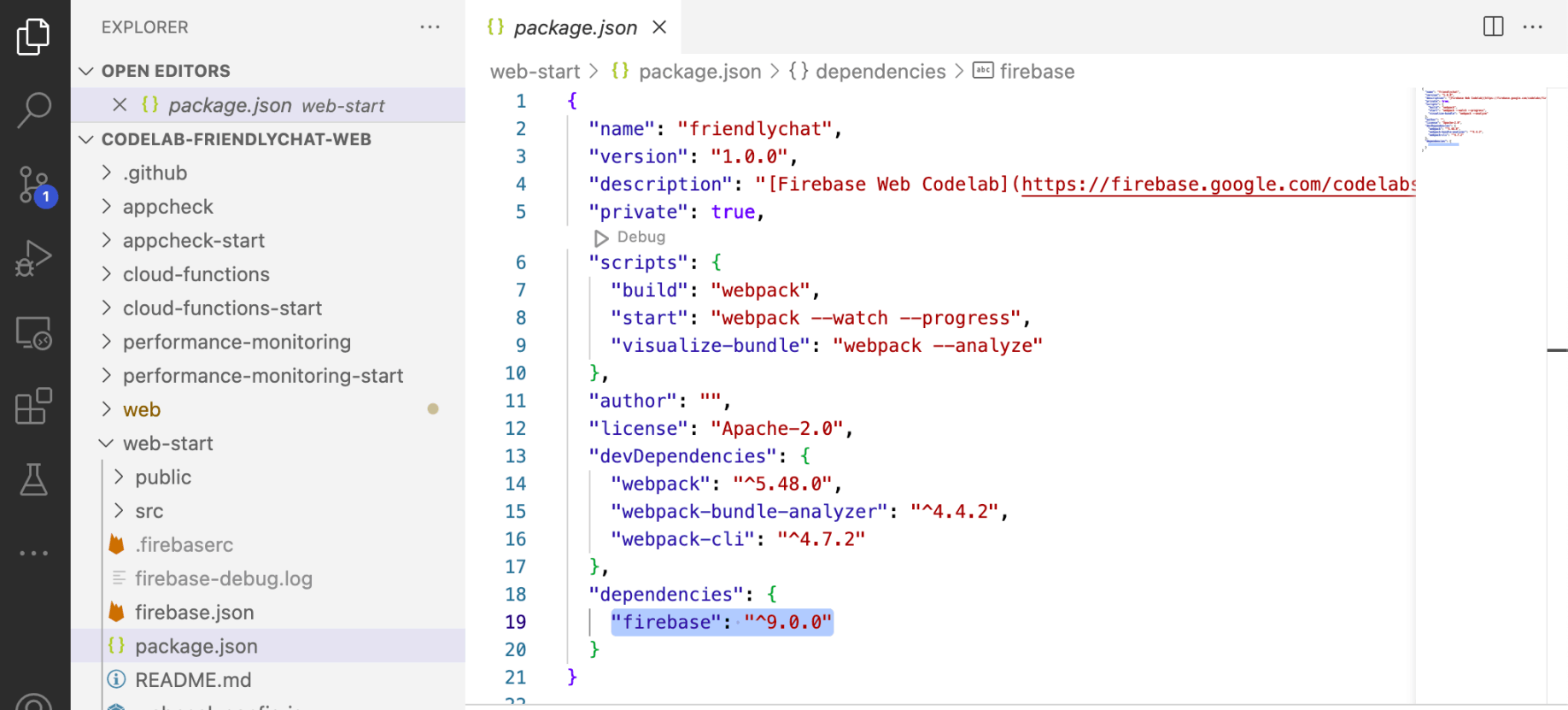
I reviewed /web-start/package.json
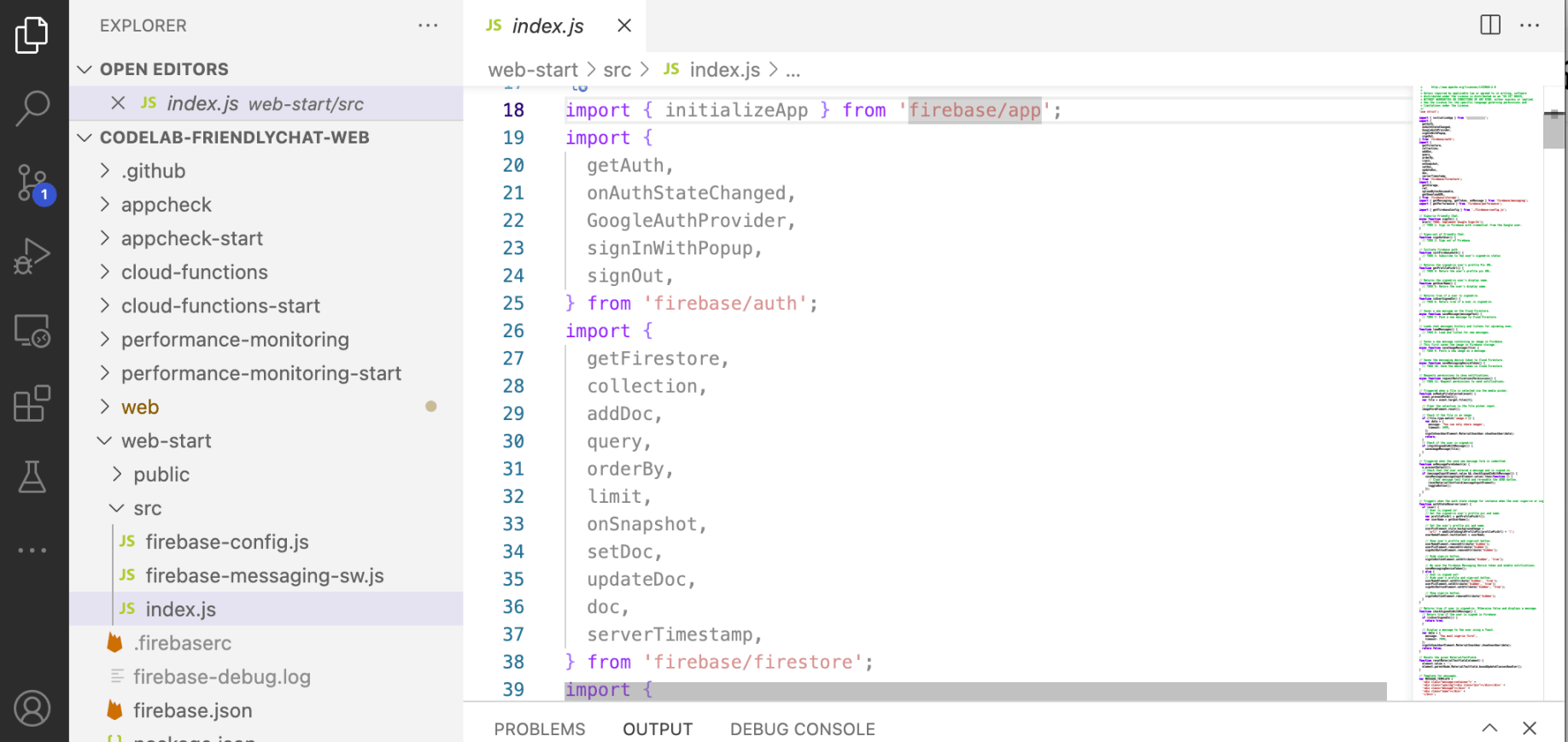
I reviewed /web-start/index.js
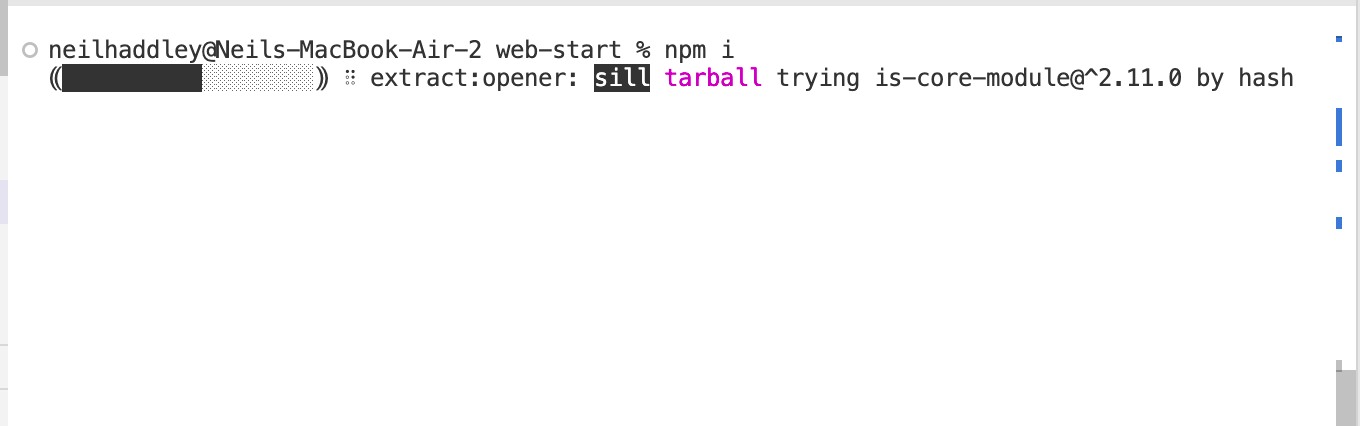
I ran npm i
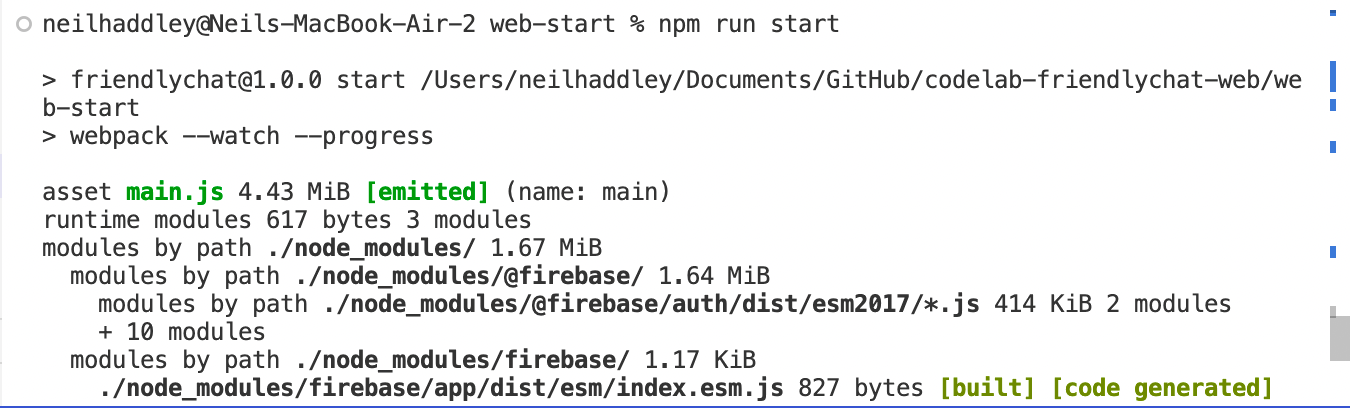
I ran npm run start
Configure Firebase
I copied the config object snippet and added it to /web-start/src/firebase-config.js.
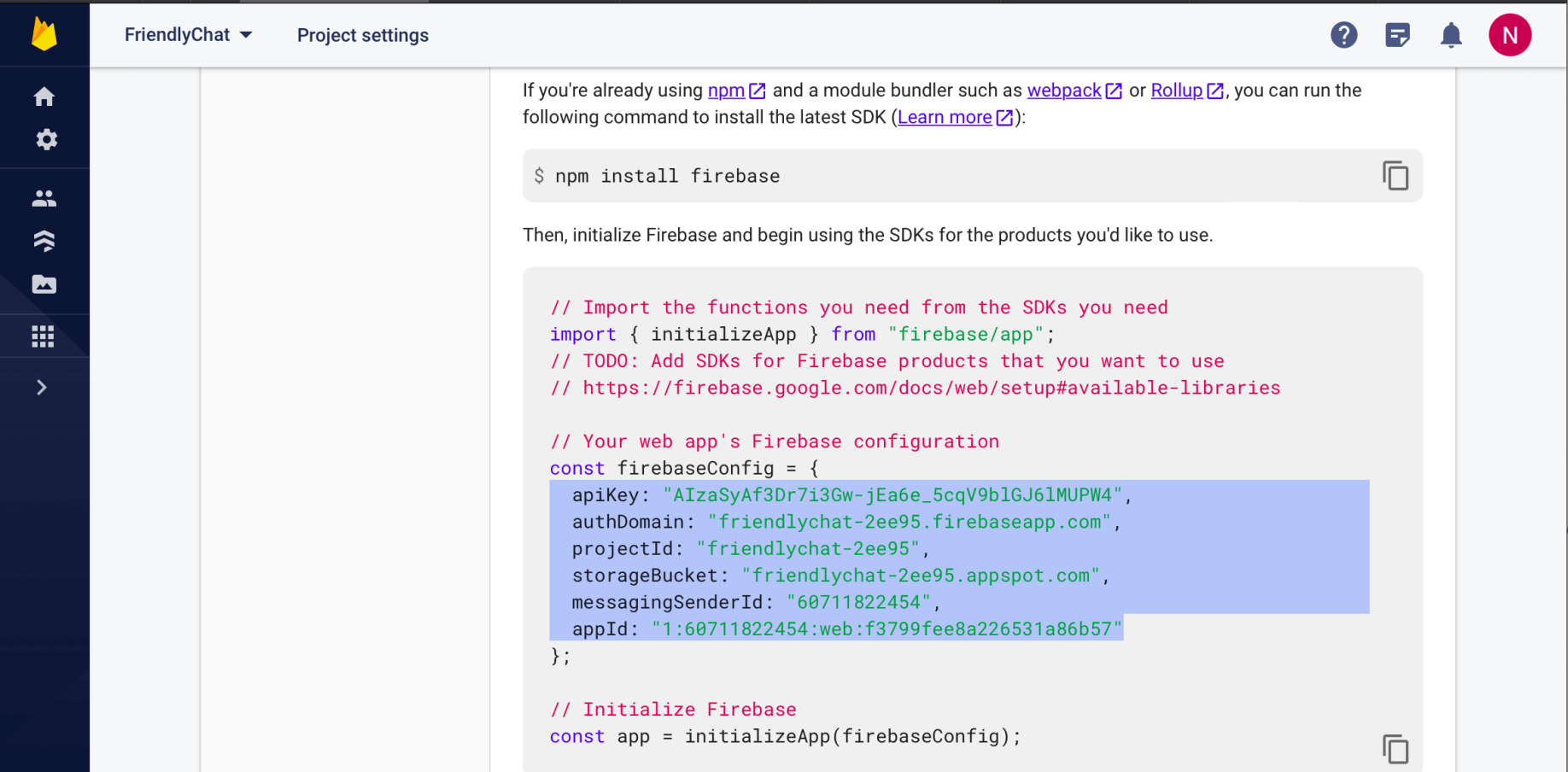
I reviewed the snippet
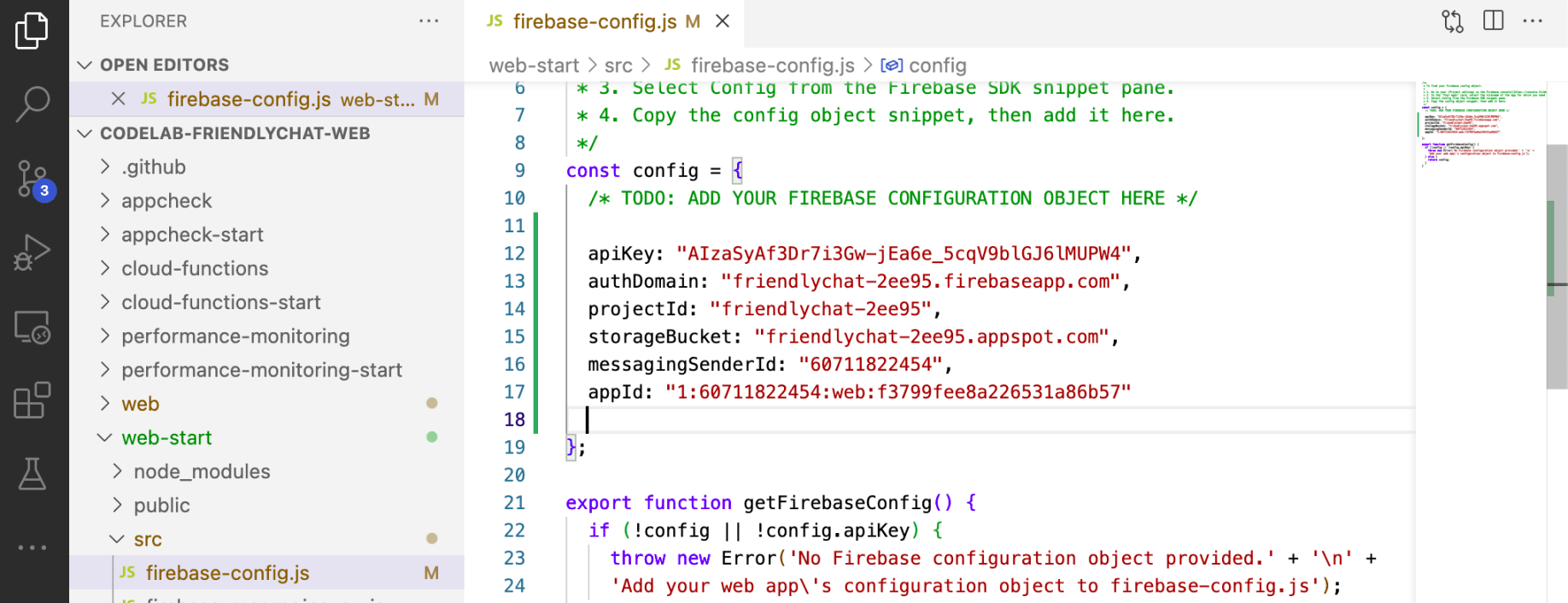
I reviewed firebase-config.js
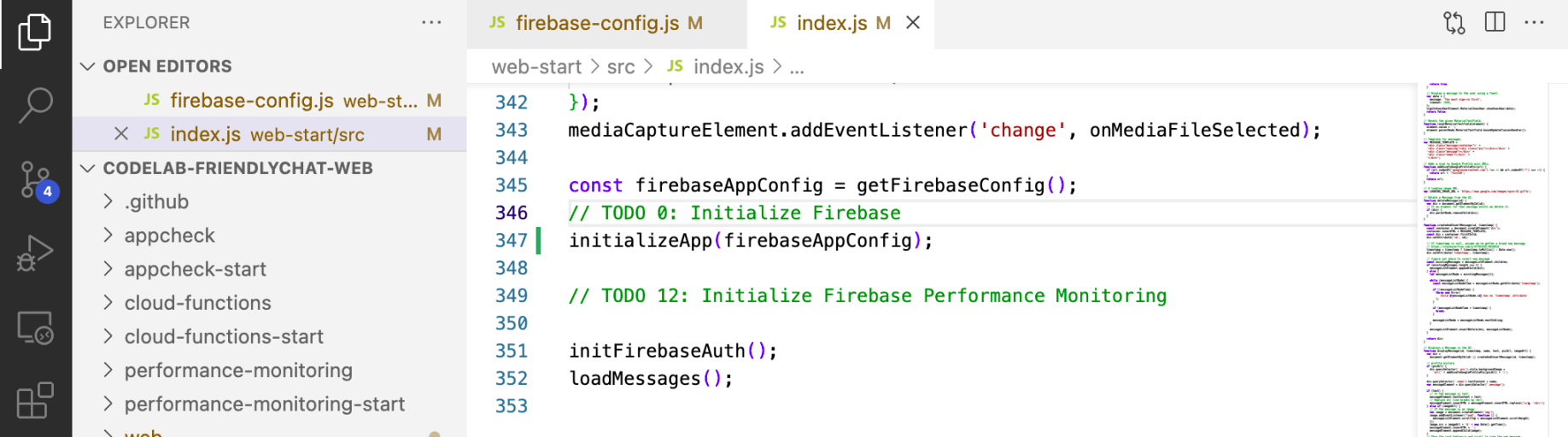
I reviewed initializeApp
Authenticate users with Google Sign-In
In the app, when a user clicks the Sign in with Google button, the signIn function is triggered.
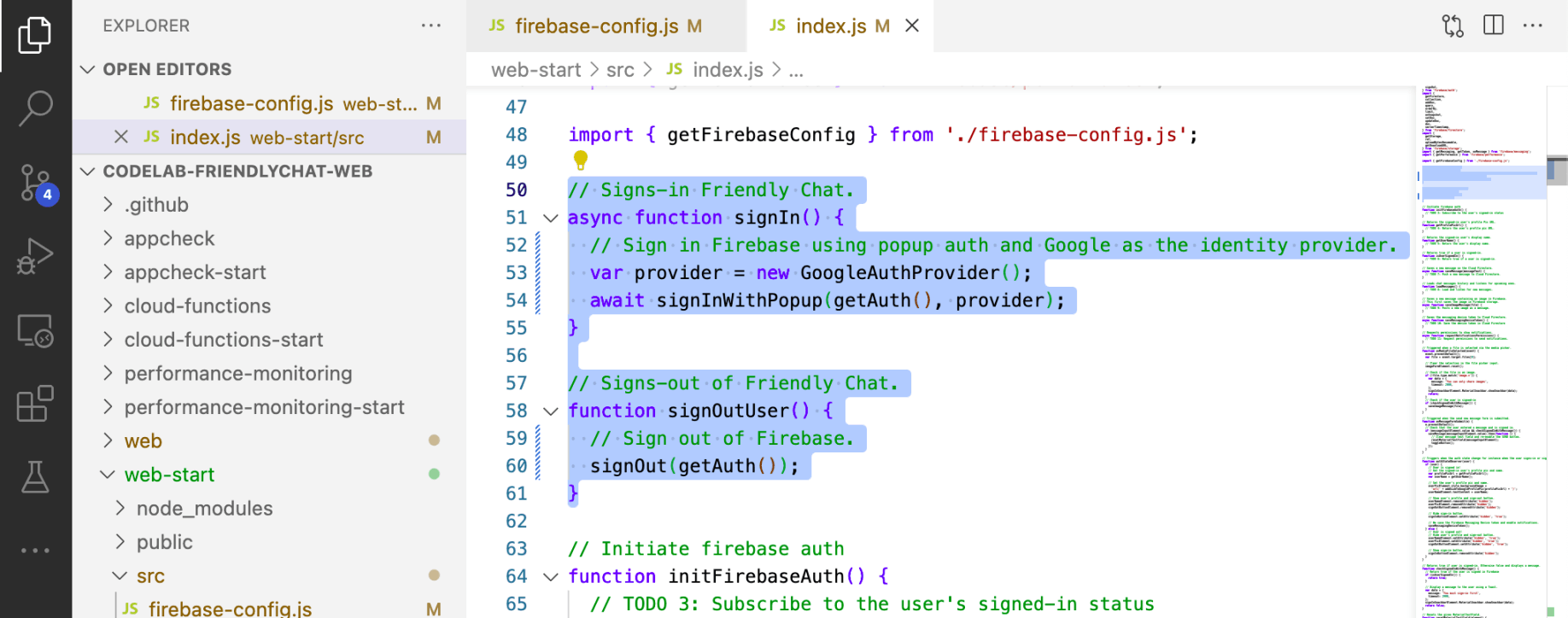
I reviewed signIn() and signOut()

I reviewed initFirebaseAuth()
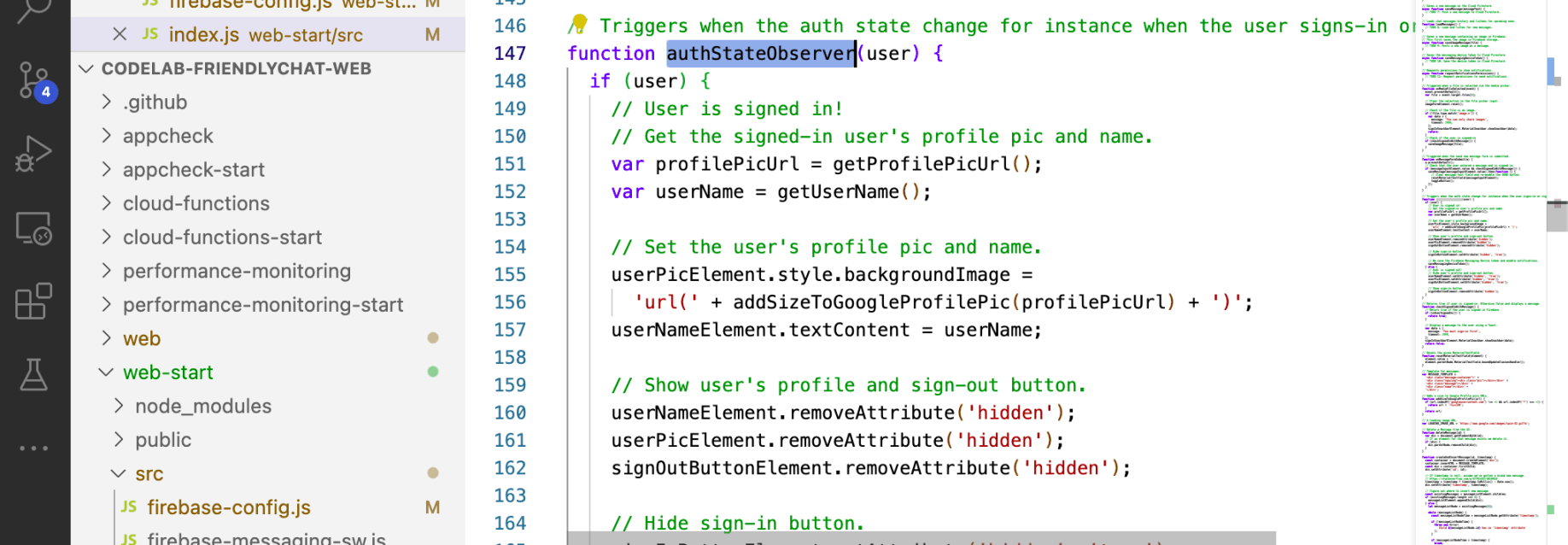
I reviewed authStateObserver(user)

I reviewed getProfilePicUrl() and getUserName()

I reviewed isUserSignedIn()
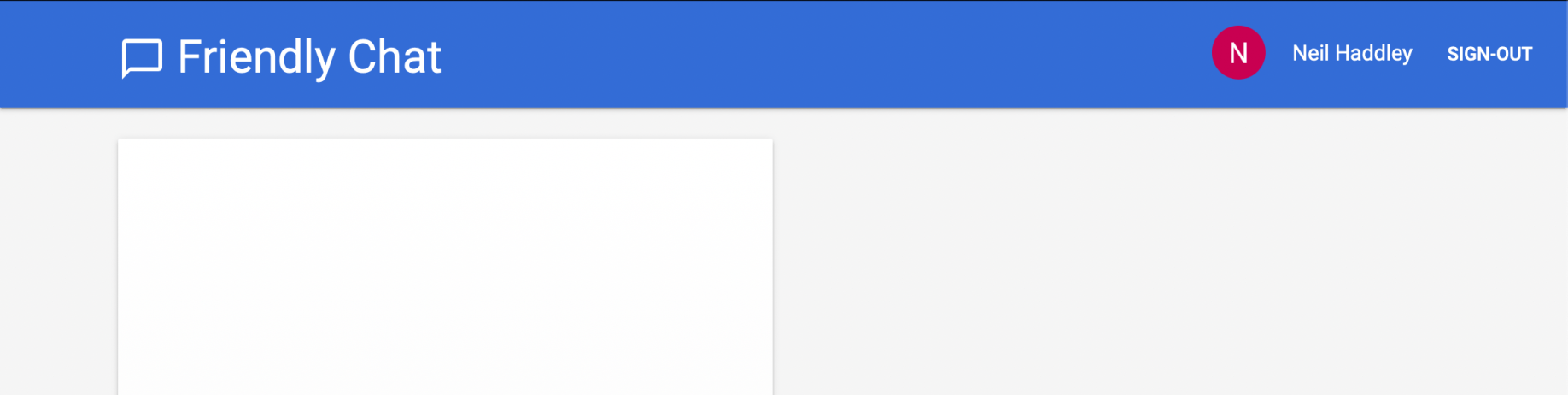
I ran firebase serve --only hosting and tested sign-in
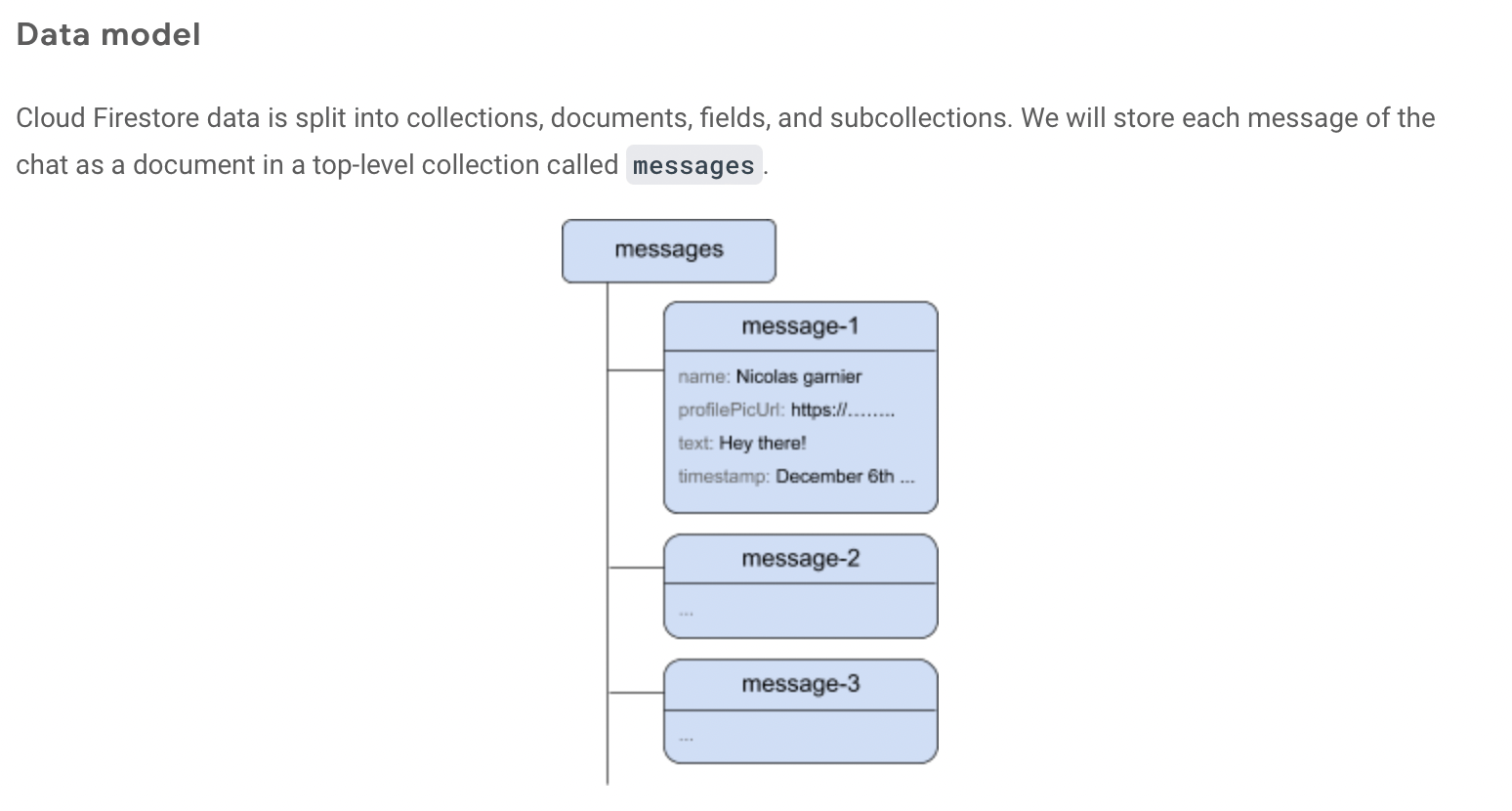
I reviewed the messages
Add messages to Cloud Firestore
A user clicking the SEND button the app adds a message object to the Cloud Firestore. The add() method adds a new document with an automatically generated ID to the collection.
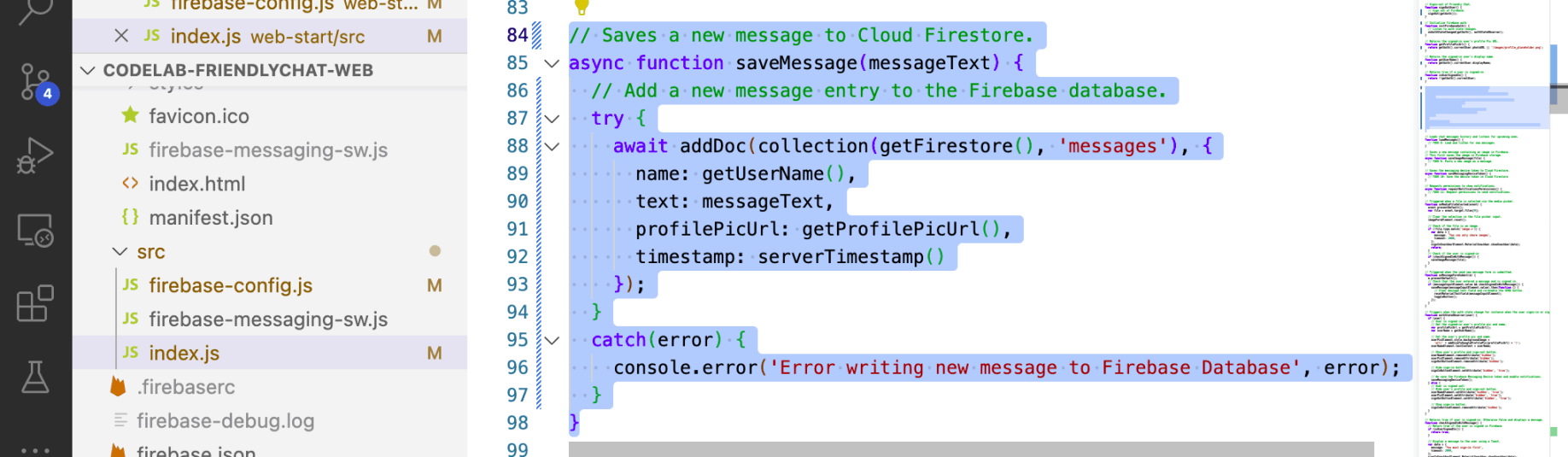
I reviewed saveMessage()

I tested the "SEND" button
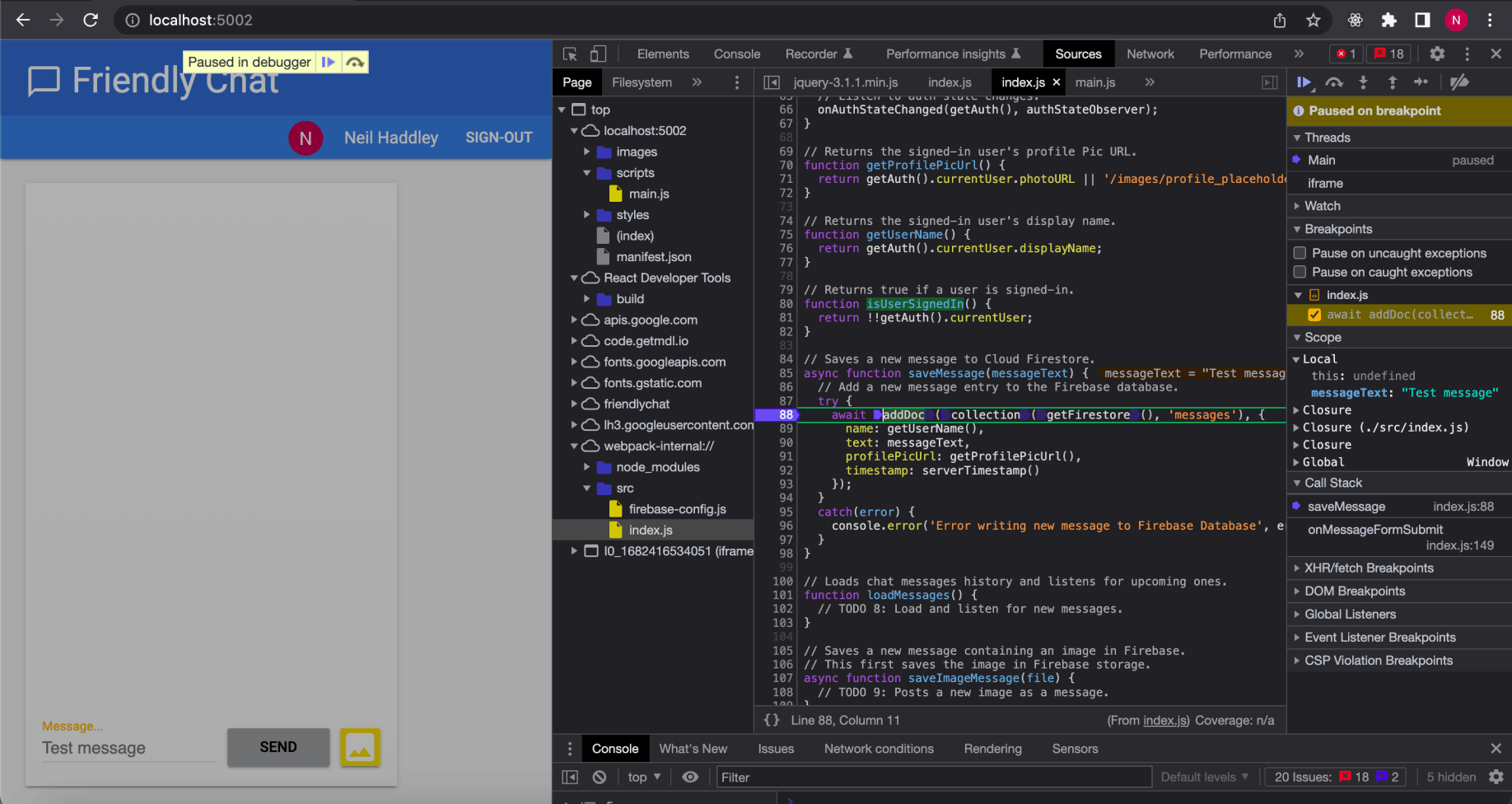
I reviewed addDoc(...)
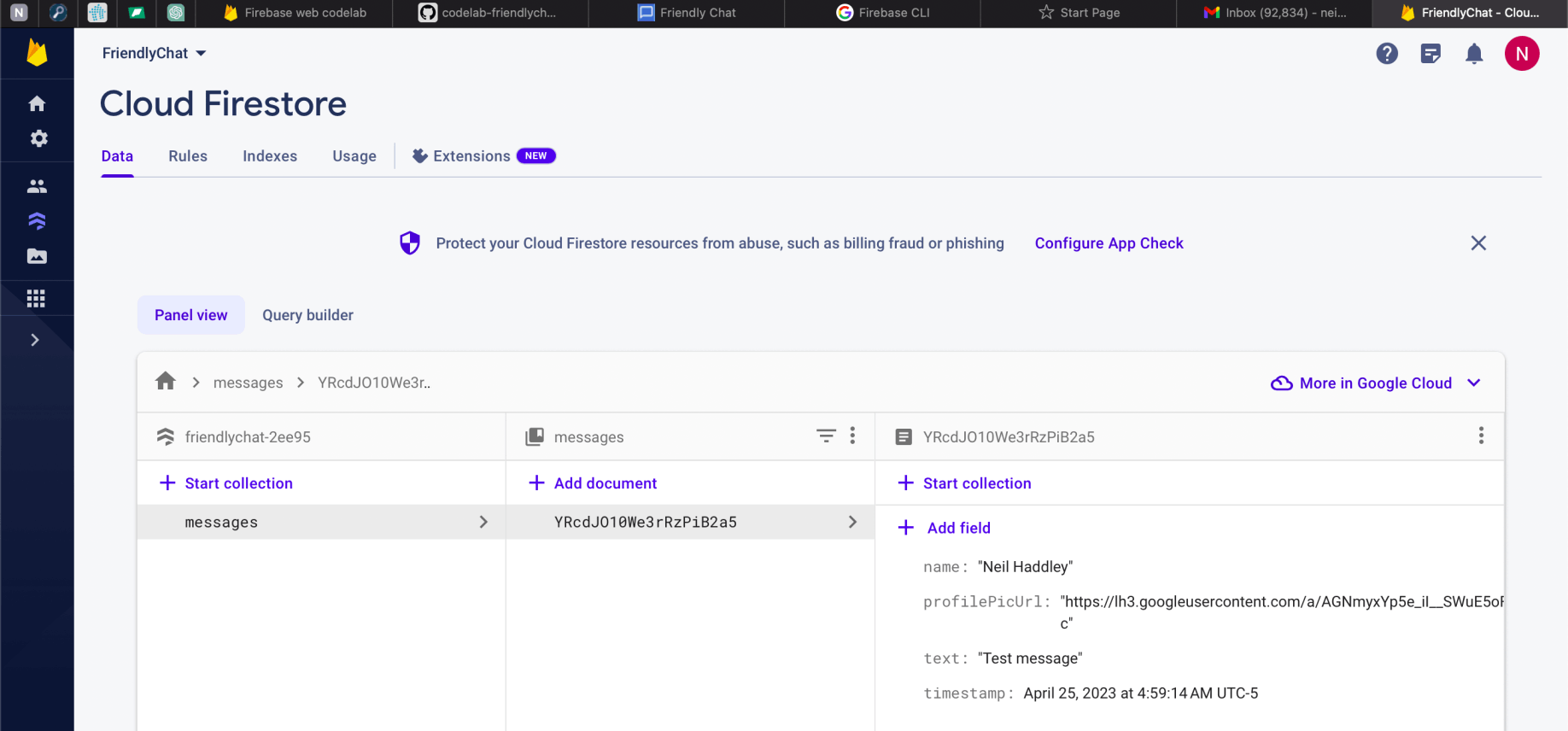
I reviewed the messages
Synchronize messages
To read messages in the app, I added listeners that trigger when data changes and then create a UI element that shows new messages.
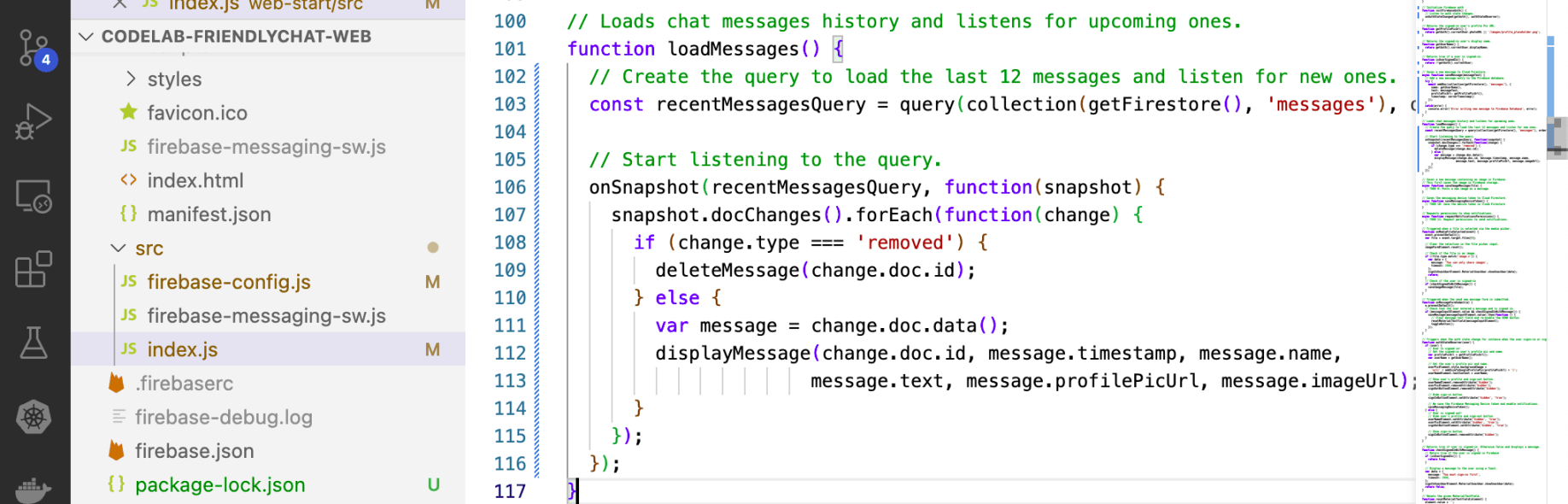
I reviewed loadMessages()
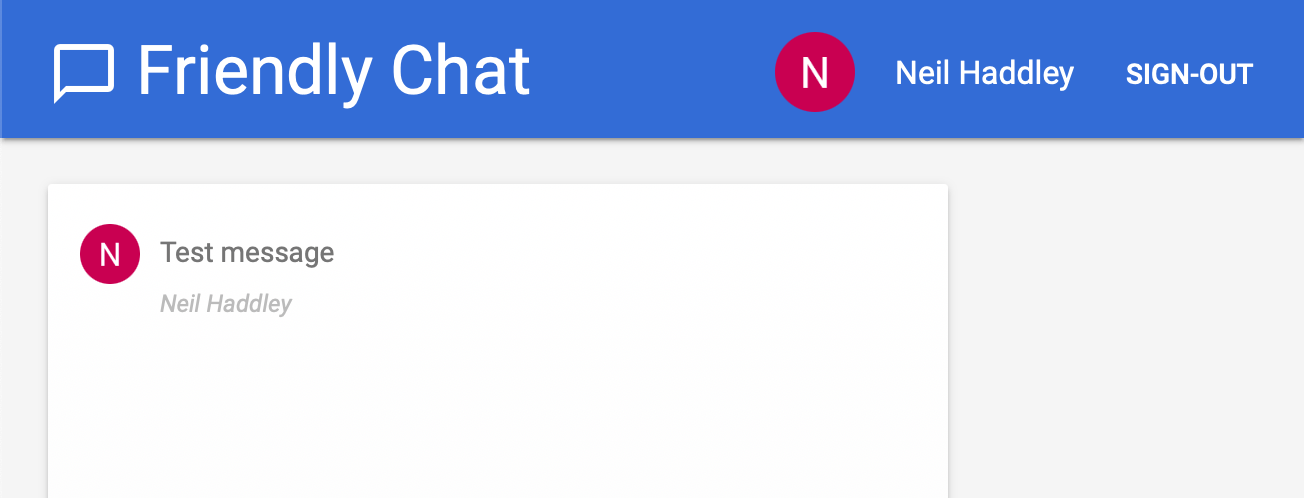
I reviewed loadMessages()
Save images to Cloud Storage
After selecting a file, the saveImageMessage function is called.
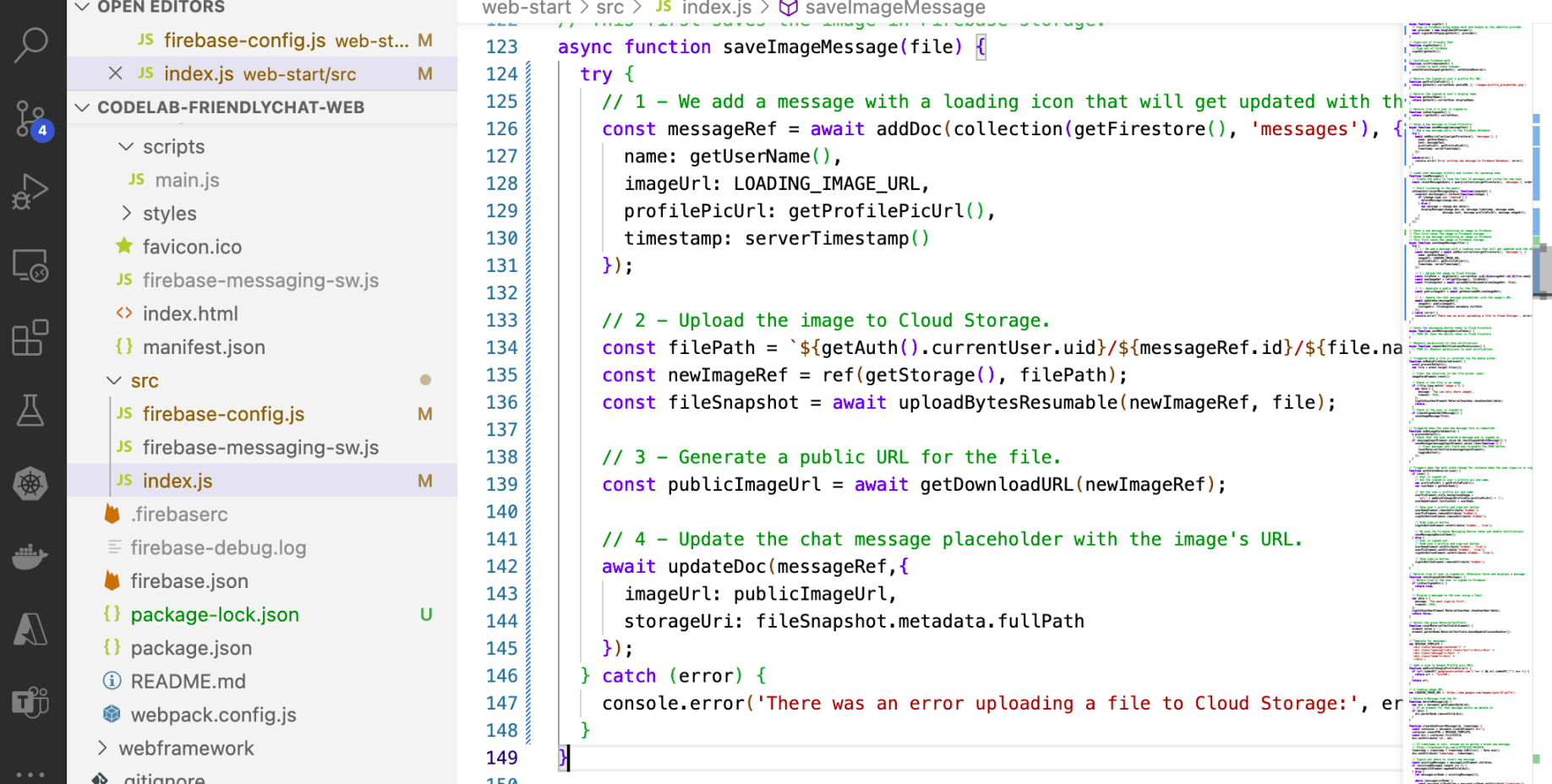
I reviewed saveImageMessage
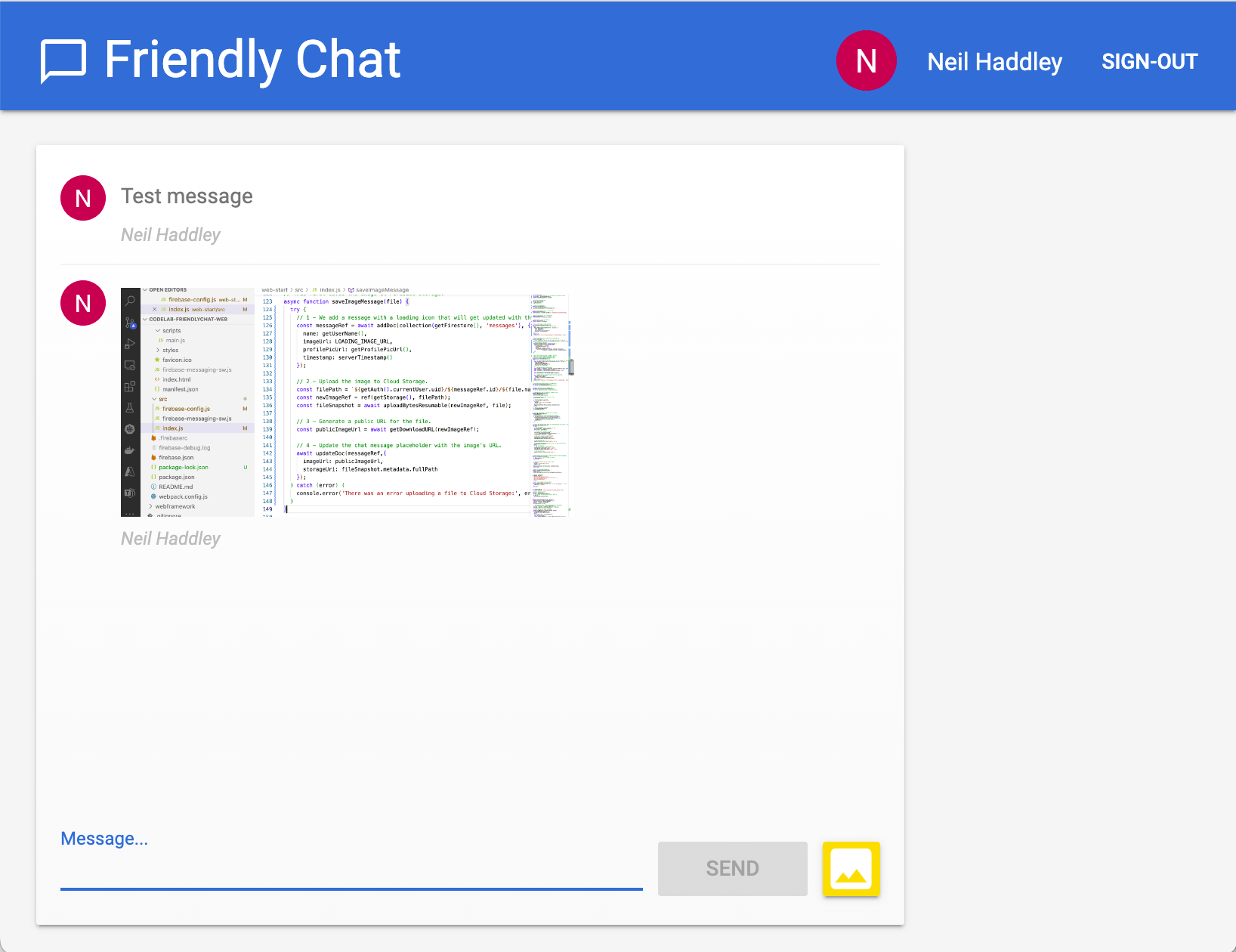
I tested saveImageMessage
Add a Firebase Cloud Messaging service worker
The app will notify users when new messages are posted in the chat.
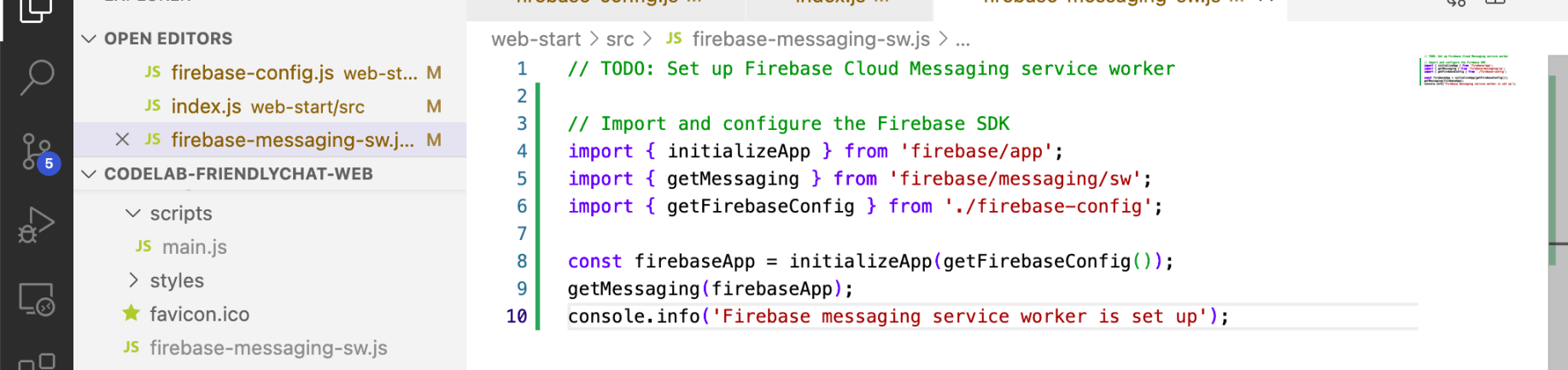
I reviewed the service worker
Get Firebase Cloud Messaging device tokens
When notifications have been enabled on a device or browser, you'll be given a device token. This device token is what we use to send a notification to a particular device or particular browser.
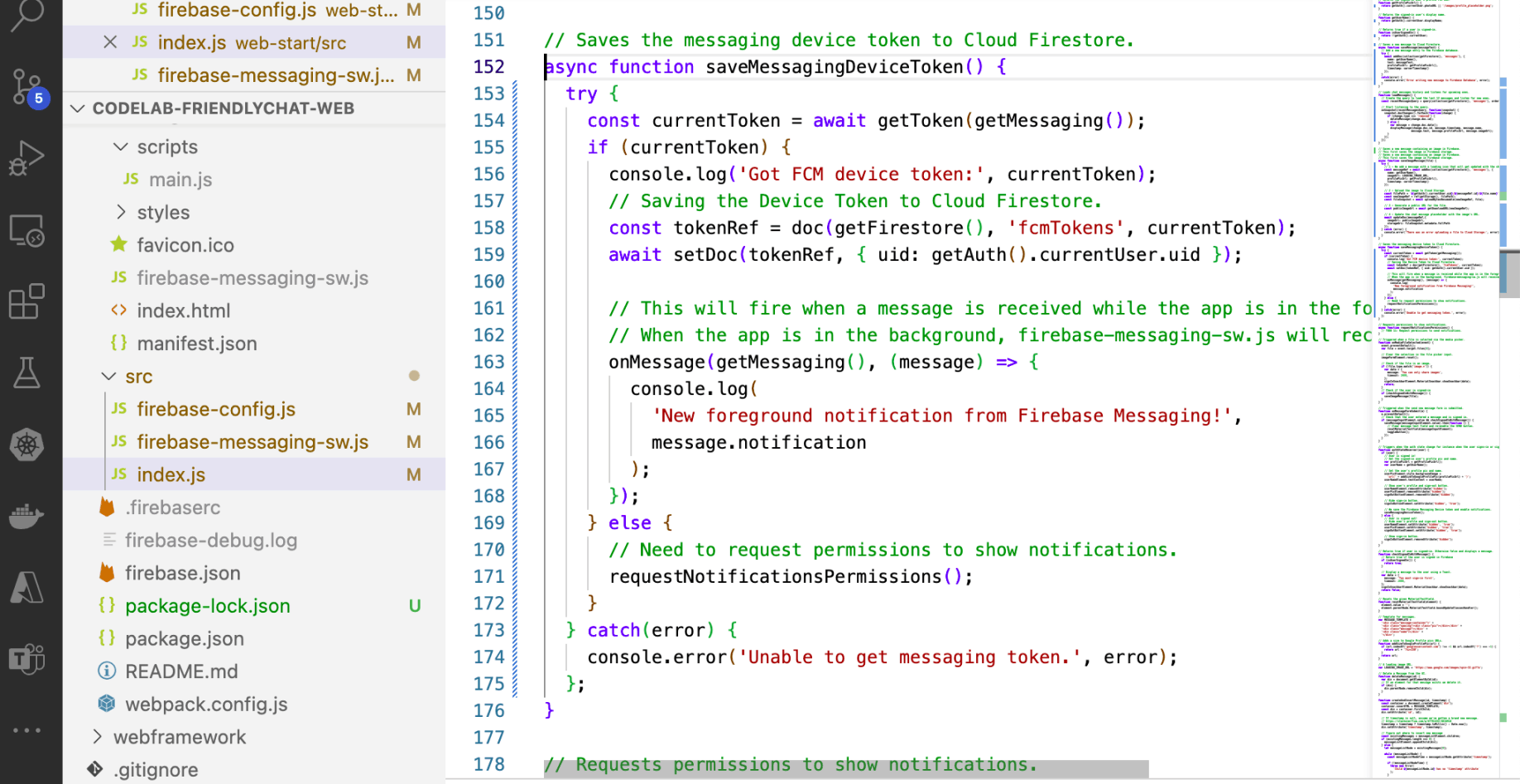
I reviewed saveMessagingDeviceToken()
Request permissions to show notifications
When the user has not yet granted your app permission to show notifications, you won't be given a device token. In this case, we call the firebase.messaging().requestPermission() method, which will display a browser dialog asking for this permission ( in supported browsers).
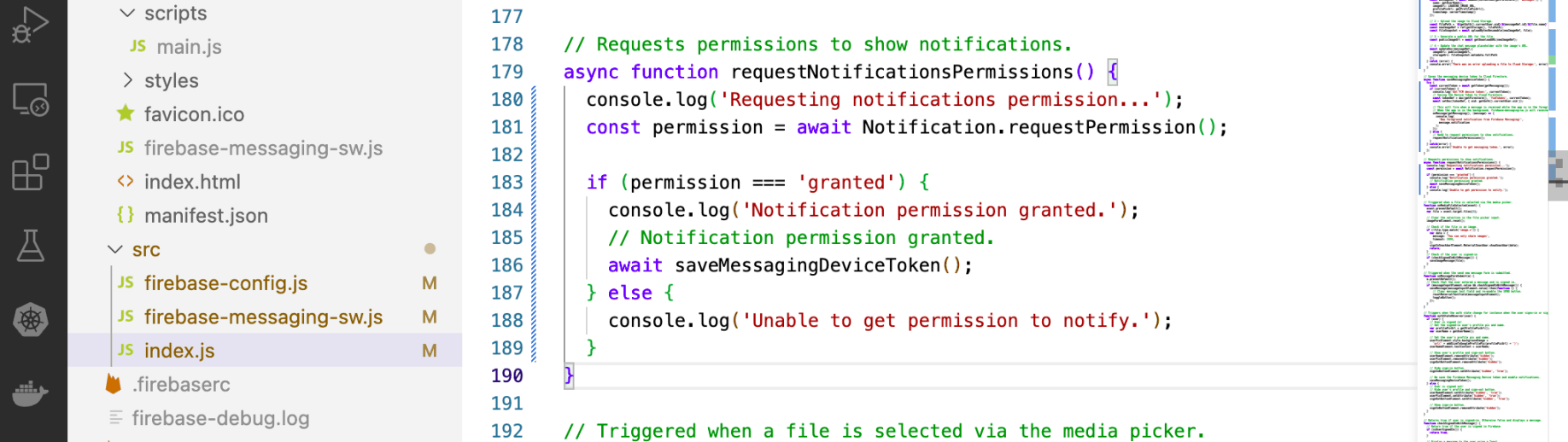
I reviewed requestPermission()
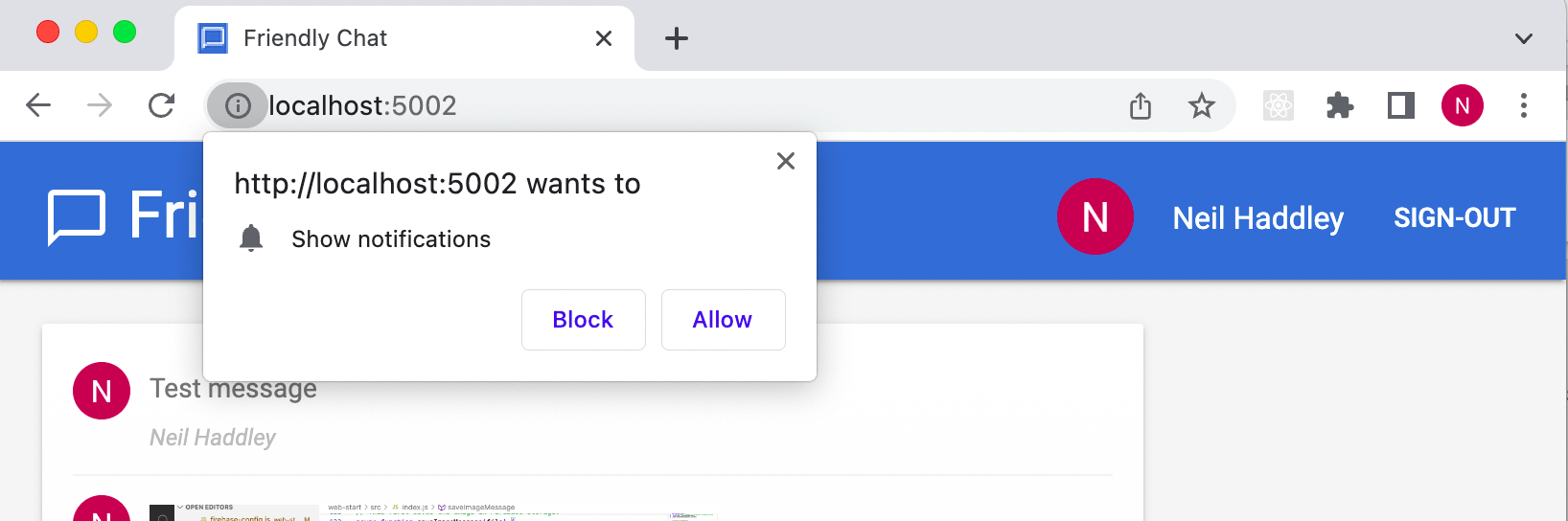
I clicked Allow notifications
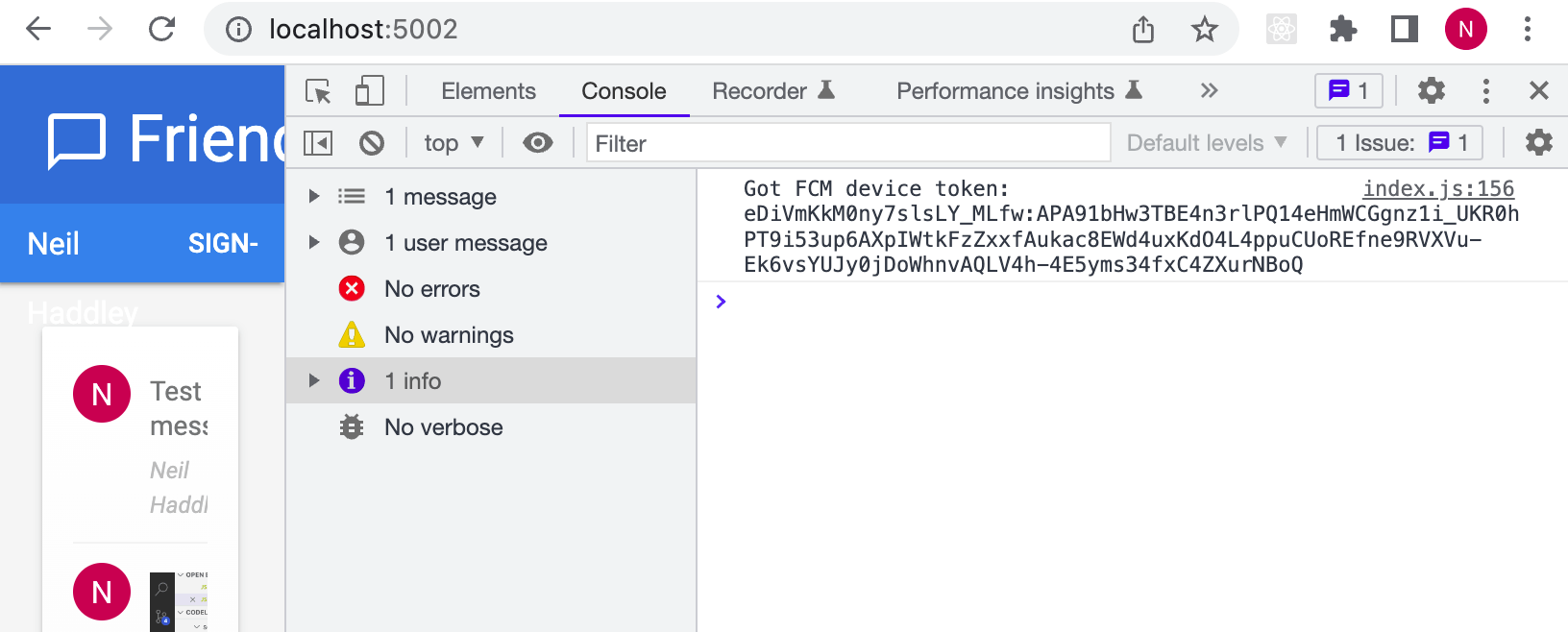
I reviewed the device token
Send a notification to your device
Now that you have your device token, you can send a notification using the Cloud Messaging tab of the Firebase console.
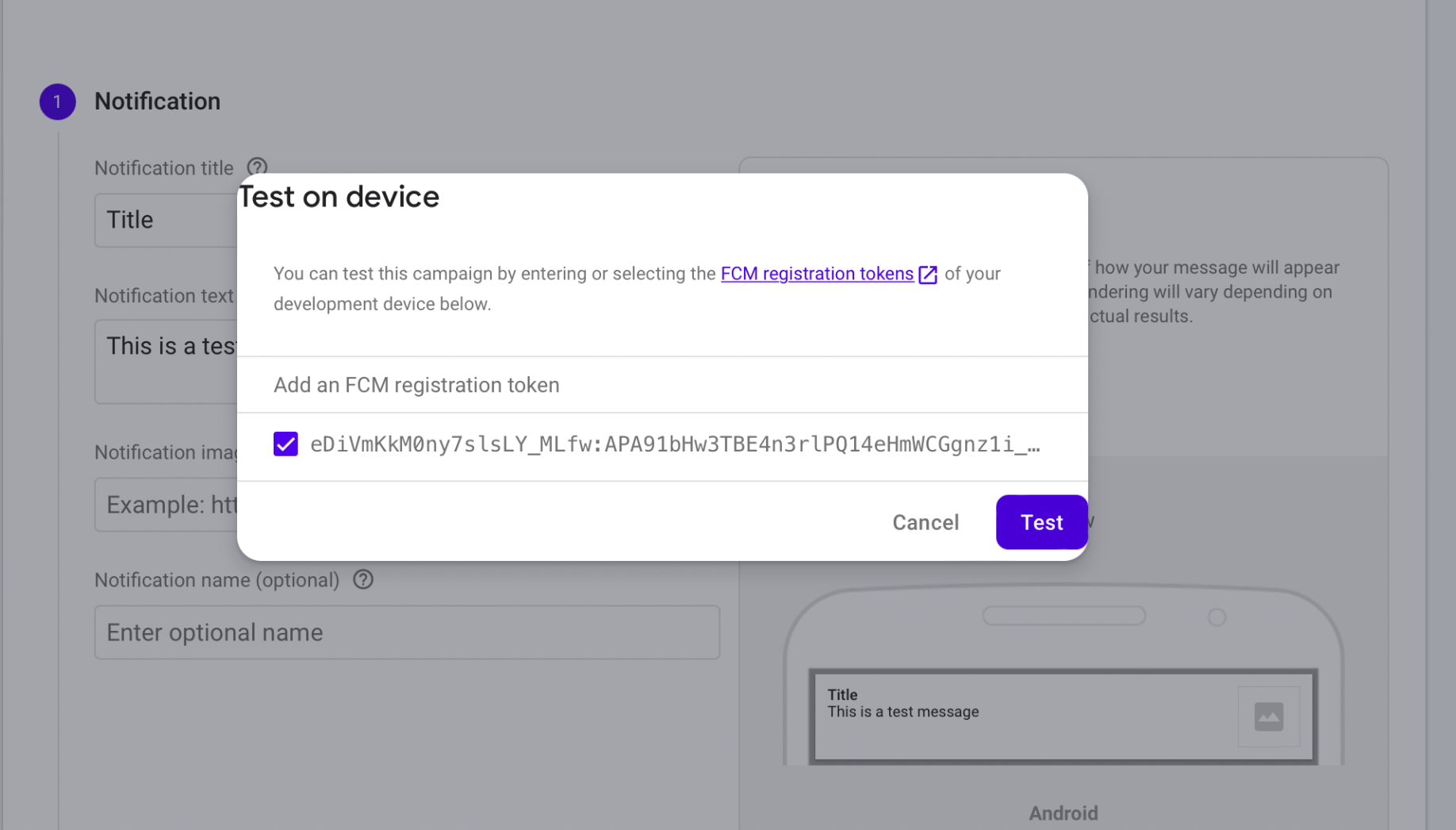
I tested the notification
Database security rules
Cloud Firestore uses a specific rules language to define access rights, security, and data validations.
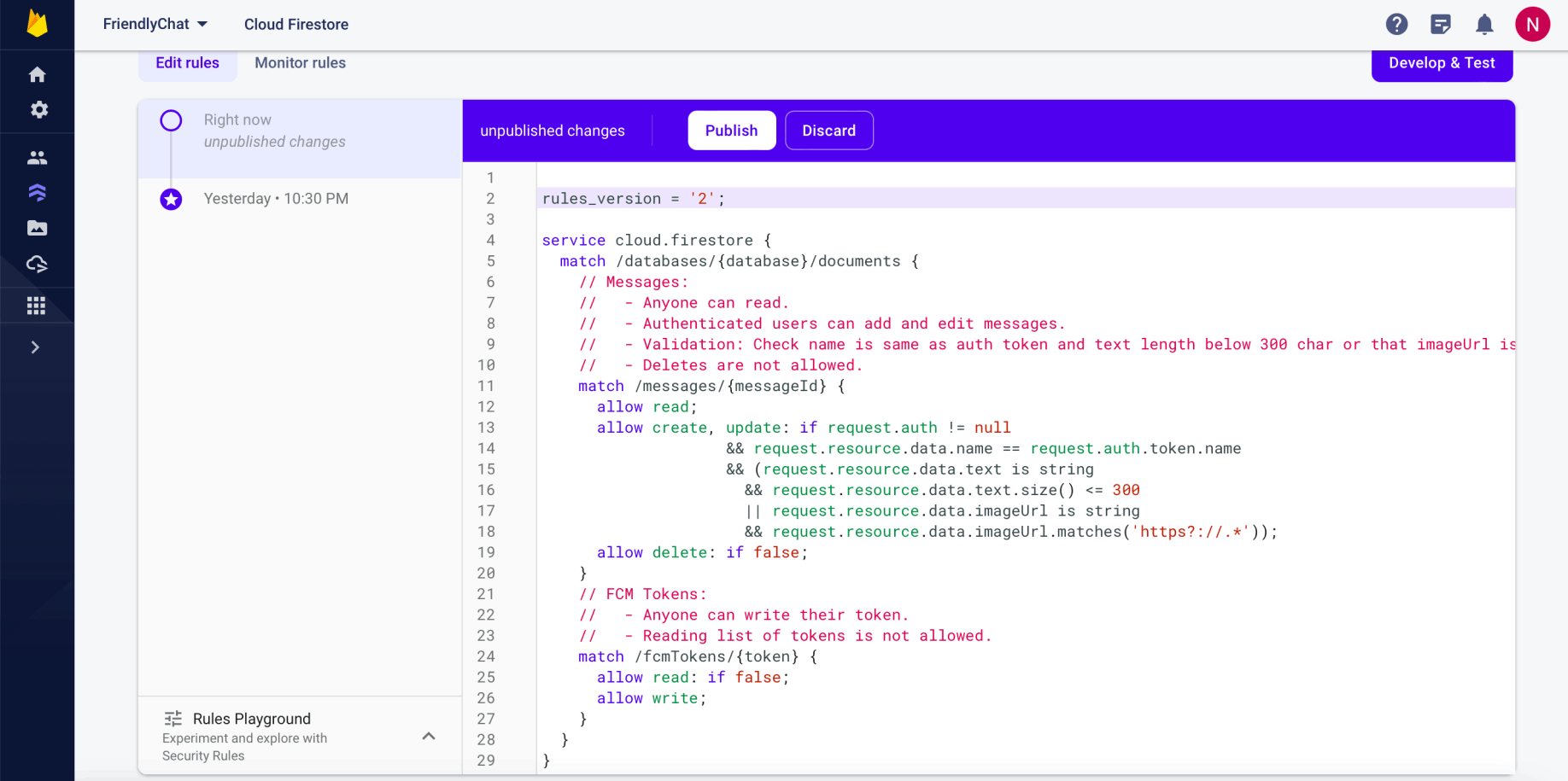
I reviewed the updated Firestore rules
Storage security rules
Cloud Storage for Firebase uses a specific rules language to define access rights, security, and data validations.
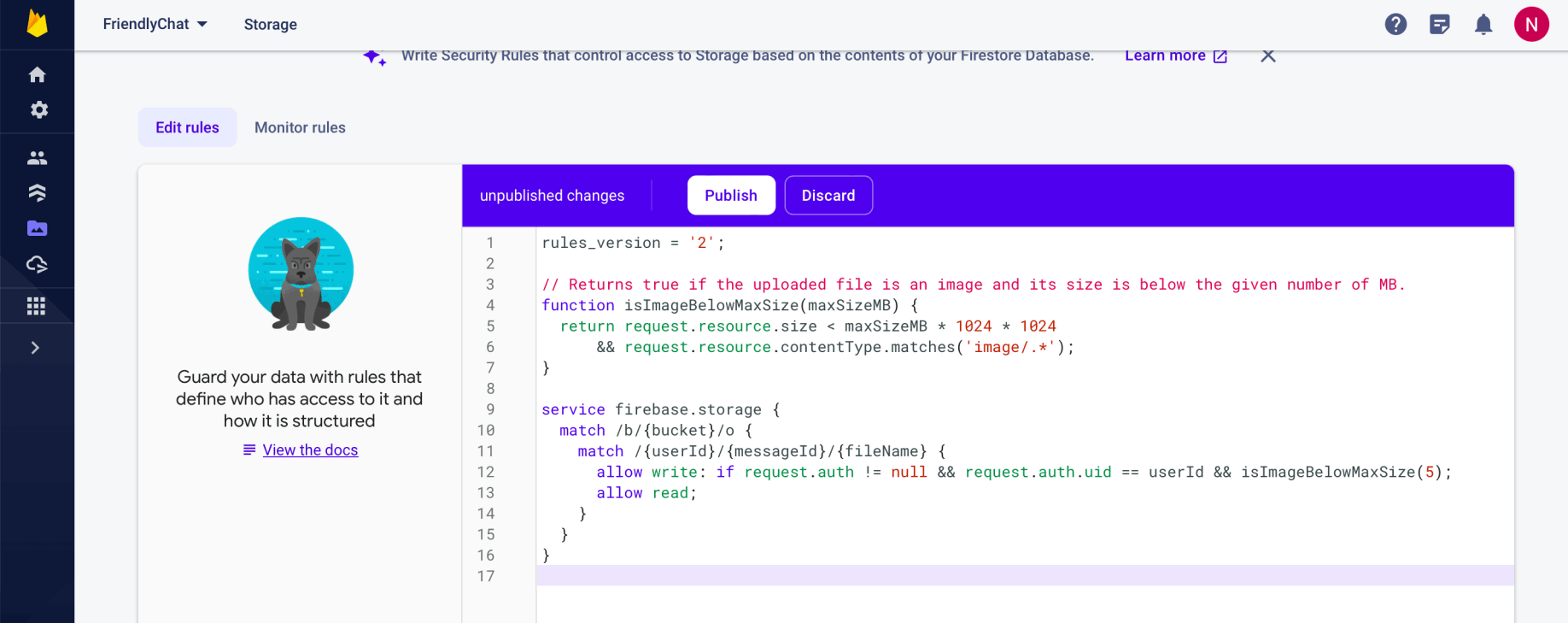
I reviewed the updated Storage rules
Collect performance data
You can use the Performance Monitoring SDK to collect real-world performance data from your app and then review and analyze that data in the Firebase console.

I reviewed getPerformance()
Measure first input delay
First input delay starts when the user first interacts with an element on the page, like clicking a button or hyperlink. It stops immediately after the browser is able to respond to the input, meaning that the browser isn't busy loading or parsing your page's content.

I reviewed the First input delay
Deploy the app using Firebase Hosting
I deployed the app files to Firebase Hosting using the Firebase CLI.
I needed to specify in the firebase.json file which local files should be deployed.
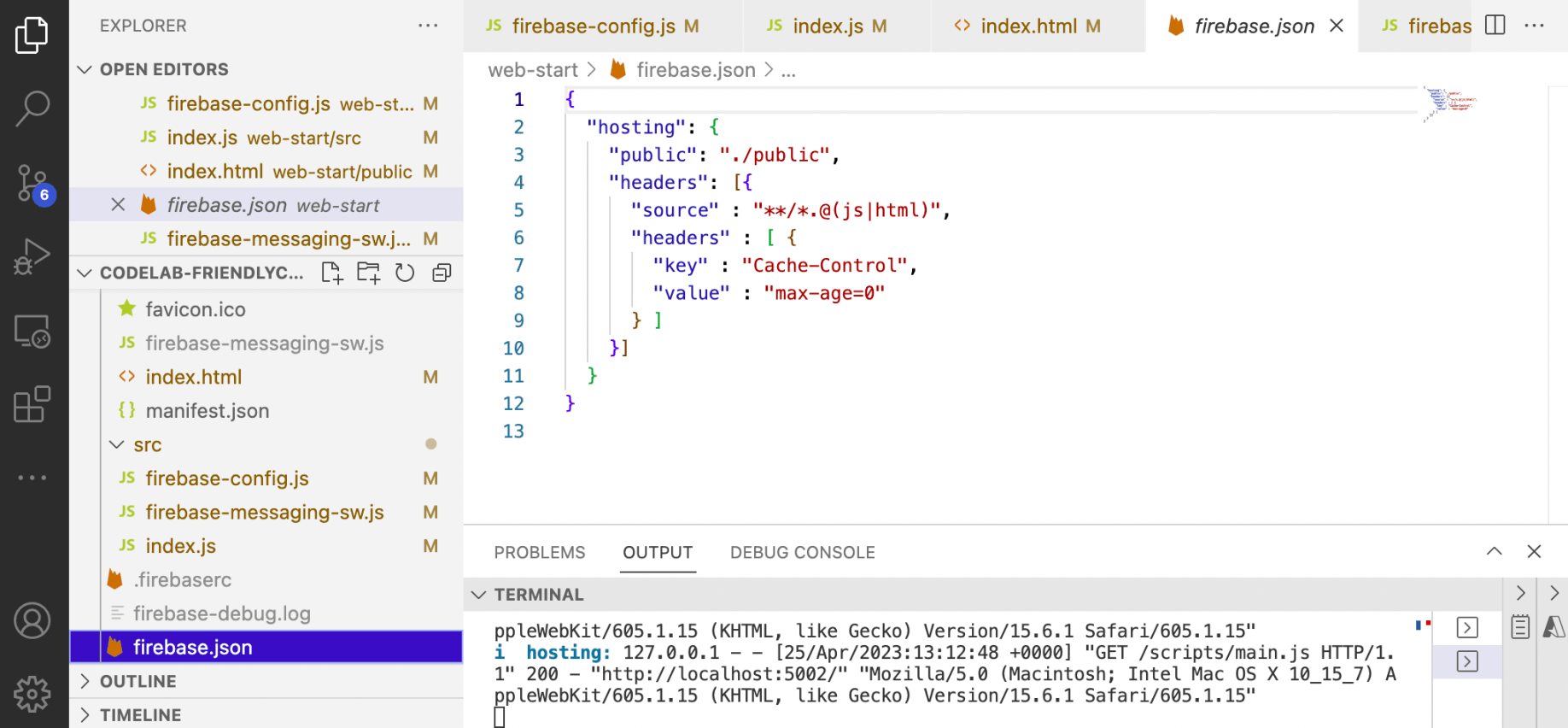
I reviewed firebase.json
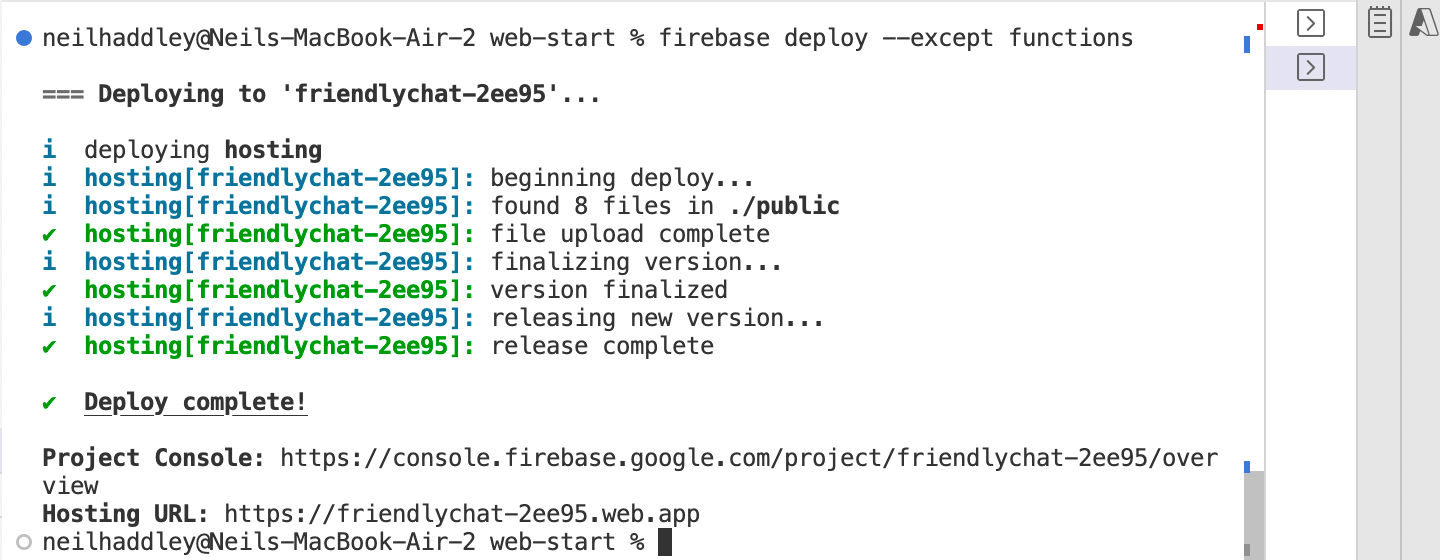
I ran firebase deploy --except functions
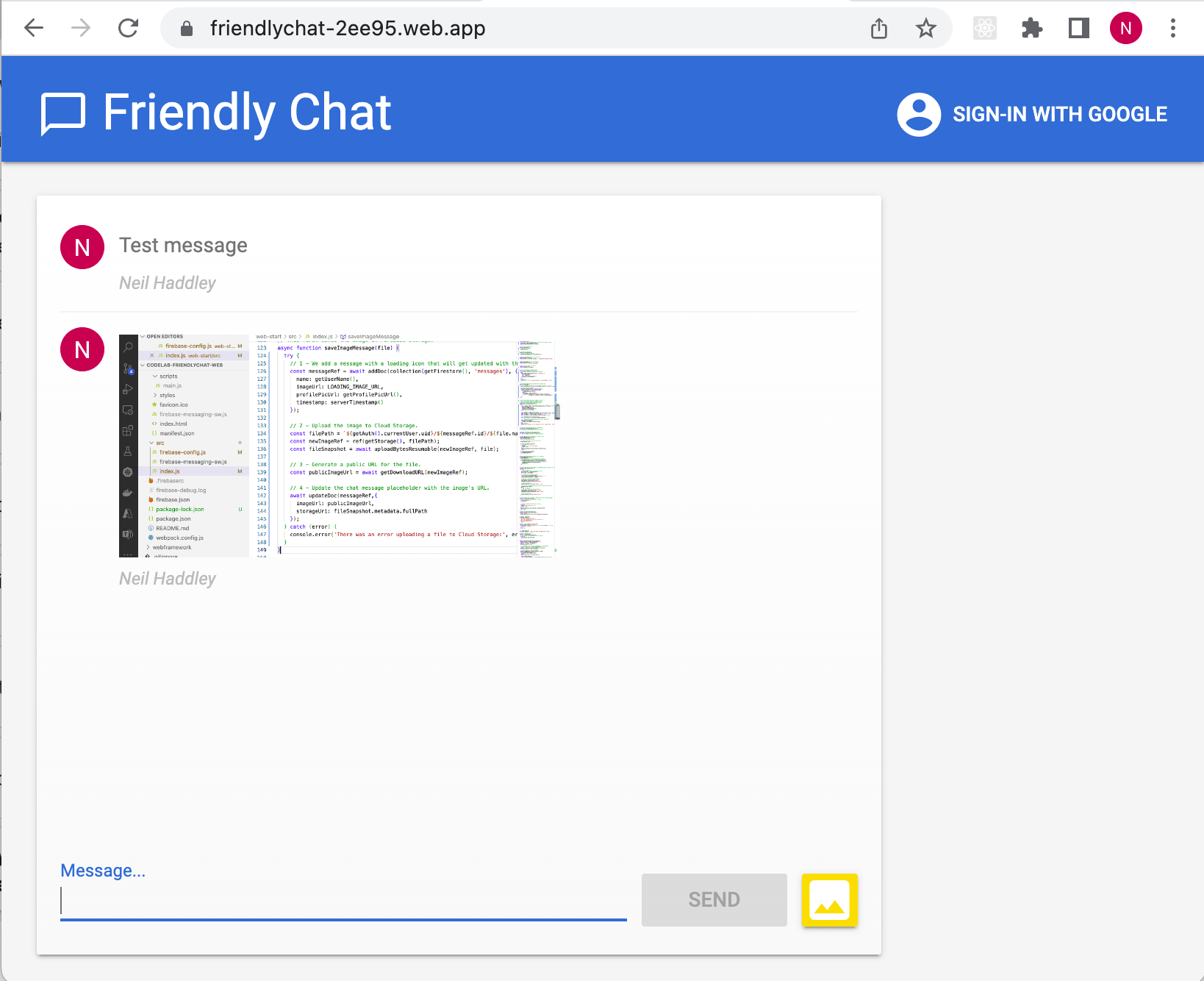
I navigated to https://friendlychat-2ee95.web.app/