General Ledger
Neil Haddley • December 11, 2023
Purchase
The General Ledger is fundamental to financial management and accounting within Microsoft Dynamics 365 Business Central.
Users update the General Ledger through the creation and posting of General Journal entries (or through the posting of documents using the document to journal to ledger pattern).
The General Ledger contains the balances of all accounts in the Chart of Accounts.
I created a Chart of Accounts from scratch and demonstrate how Journal entries can be used to record a Purchase transaction and a Sales transaction.
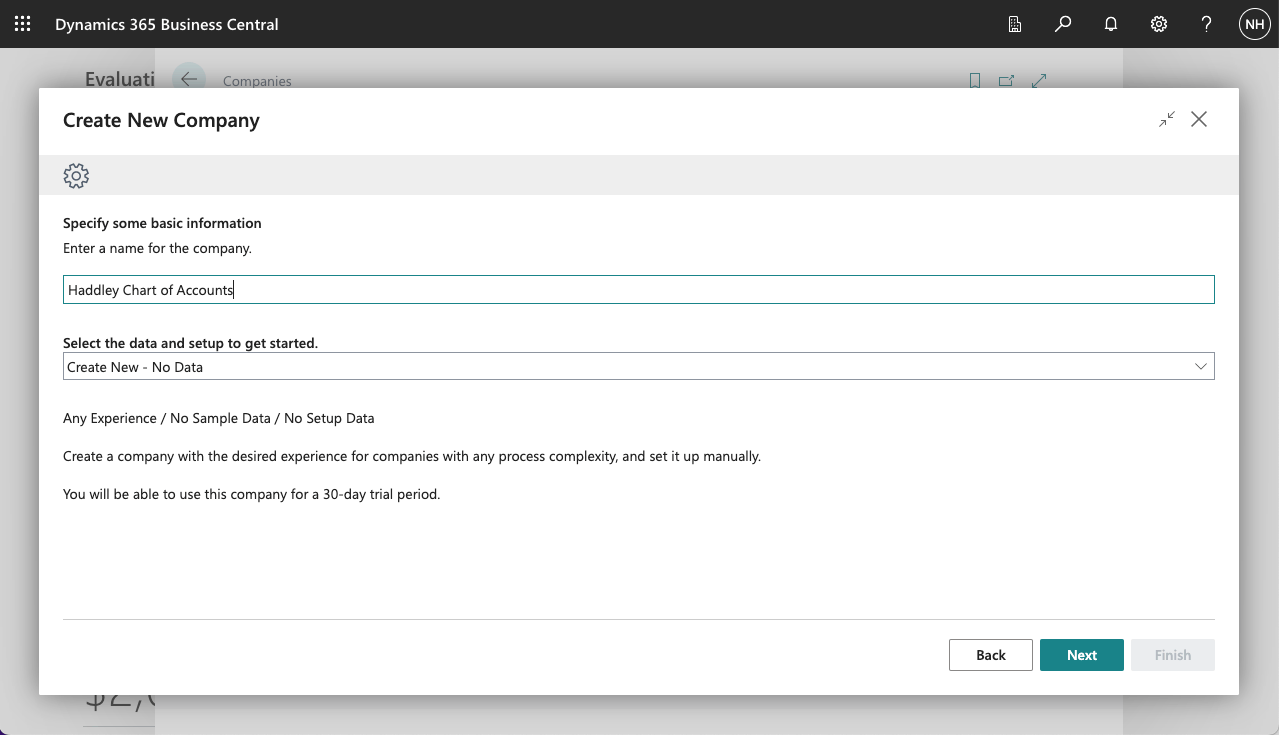
I created a new company
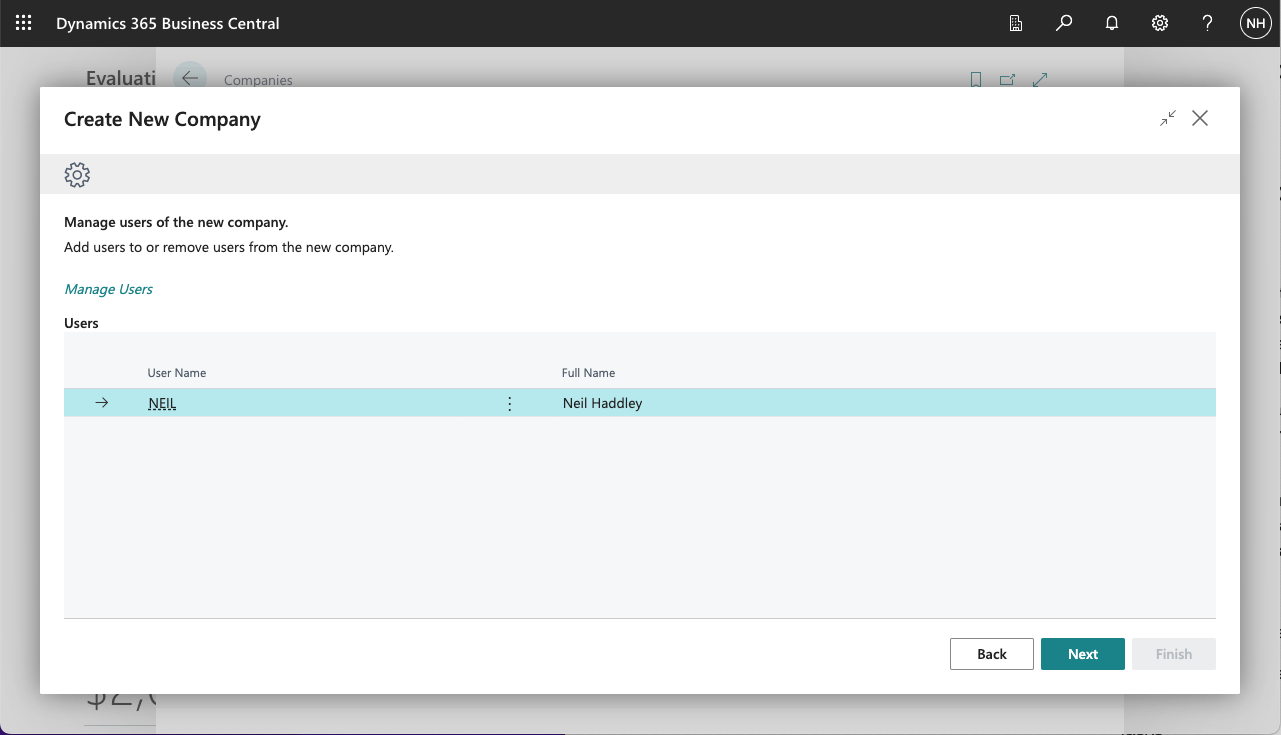
I added myself as a user
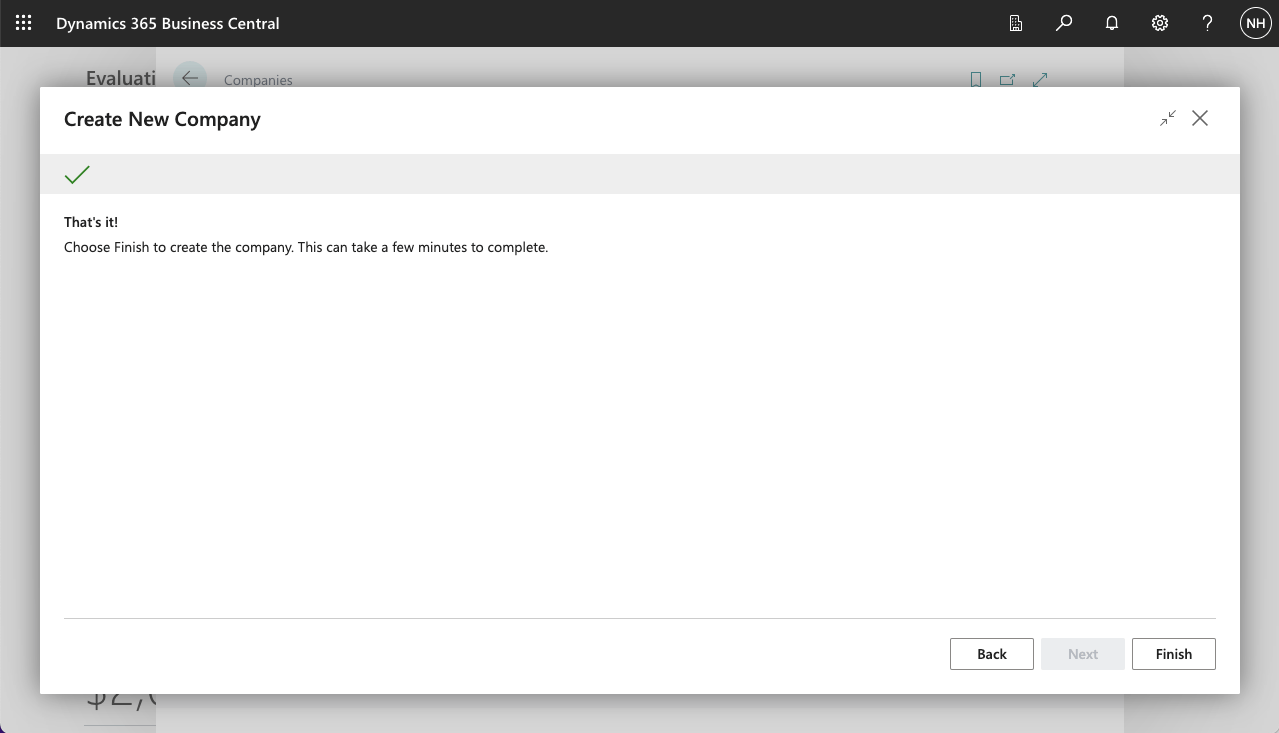
I clicked the Finish button
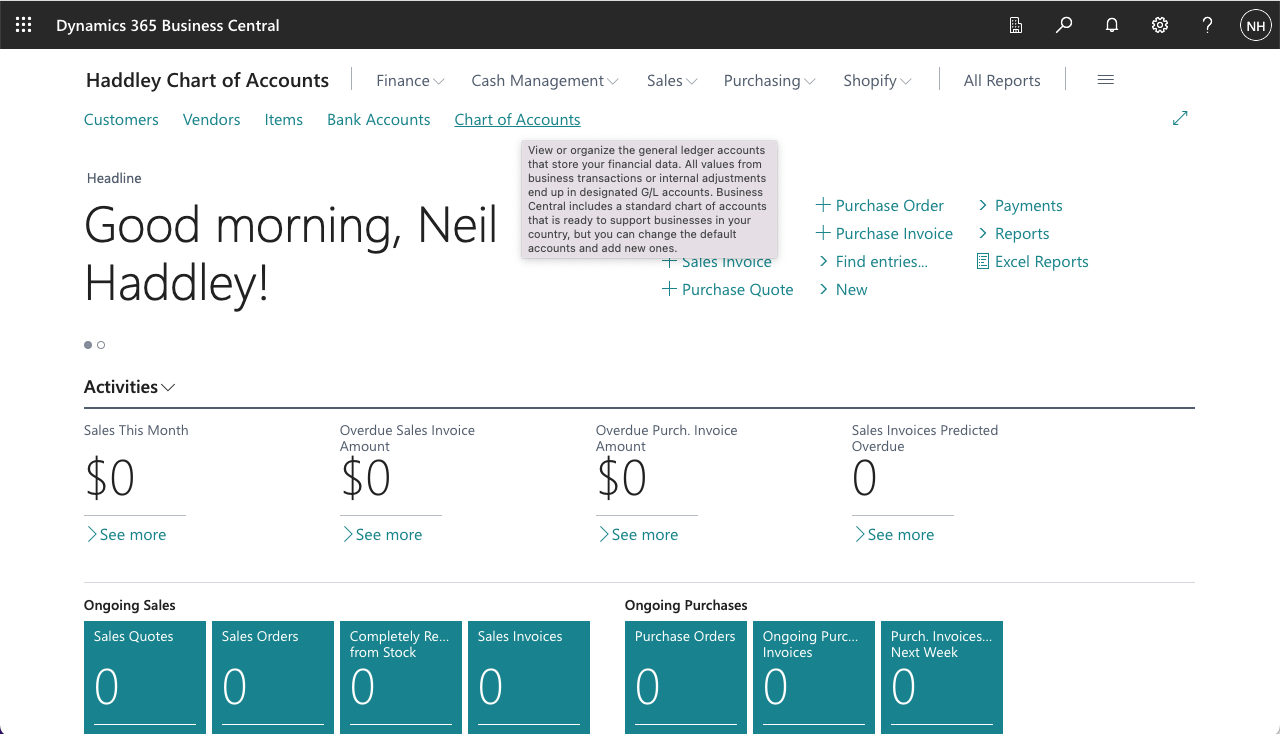
I navigated to the new company and clicked on the Chart of Accounts link
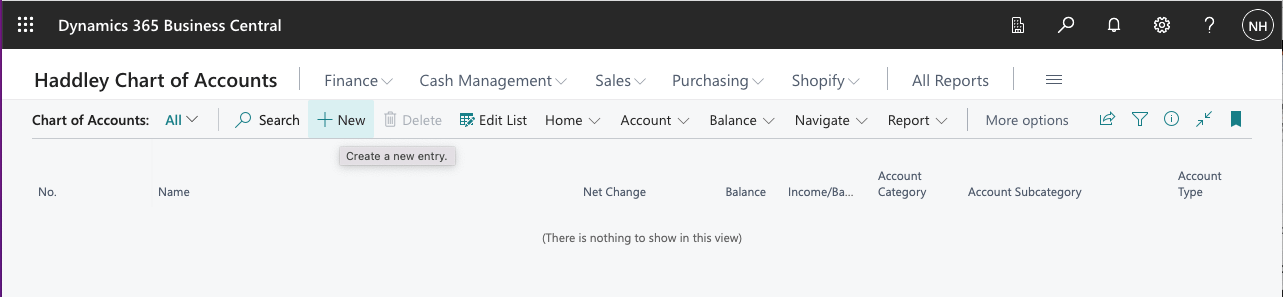
I added an account (entity)
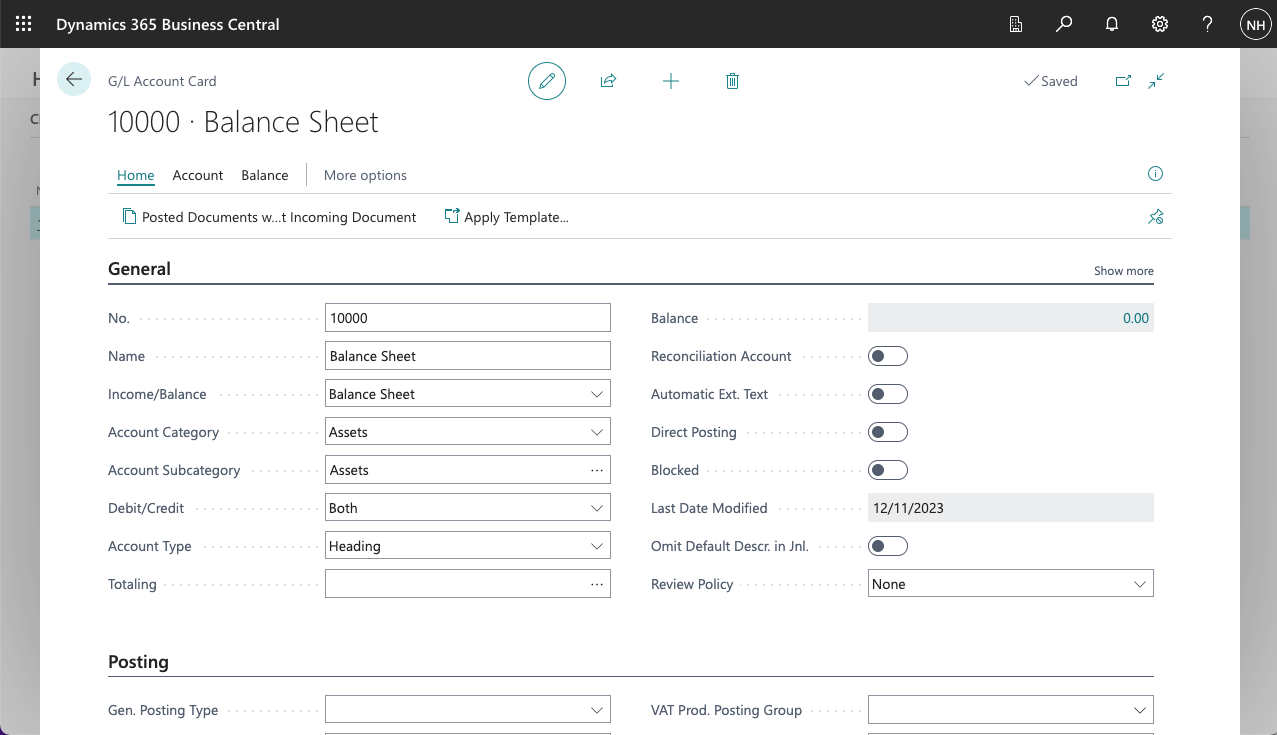
I added a Balance Sheet Heading
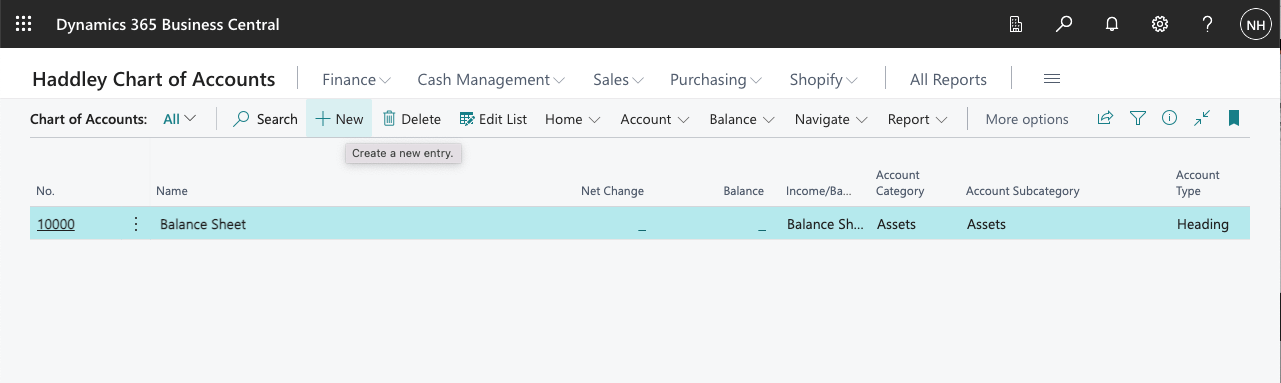
I clicked + New to add another entity
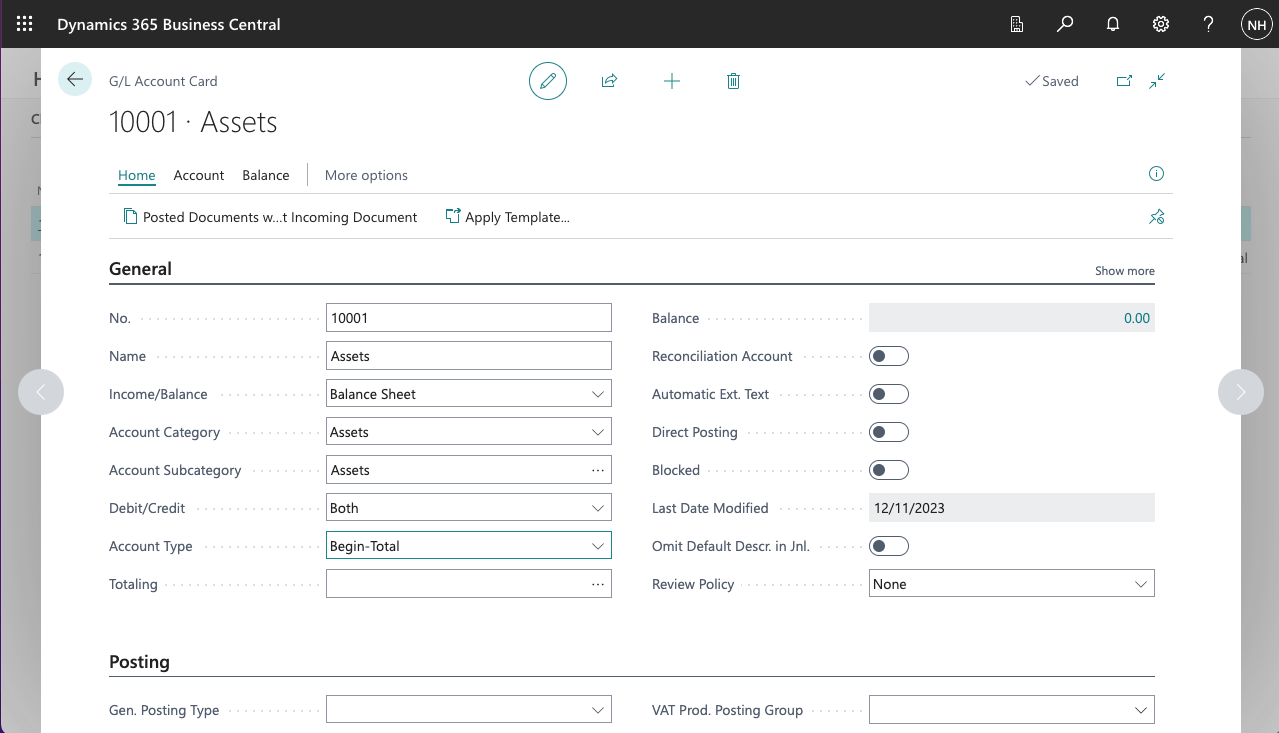
I added an Assets Begin-Total
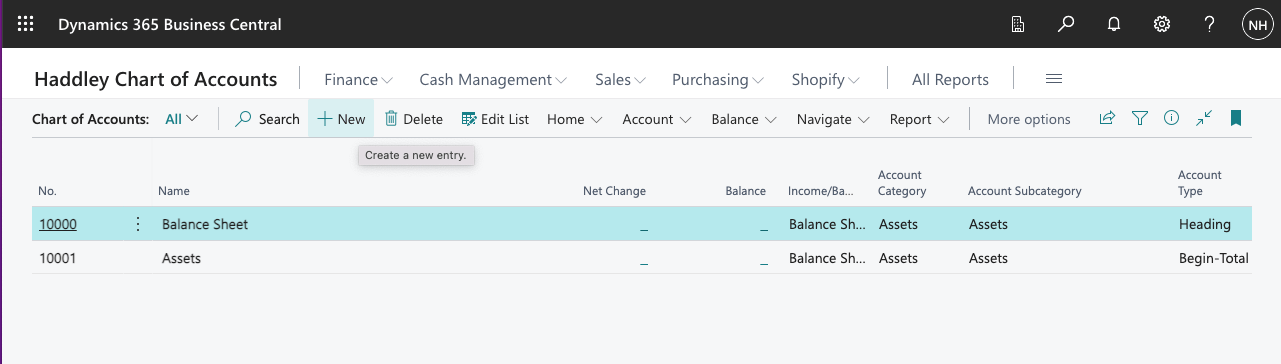
I clicked + New to add another entity
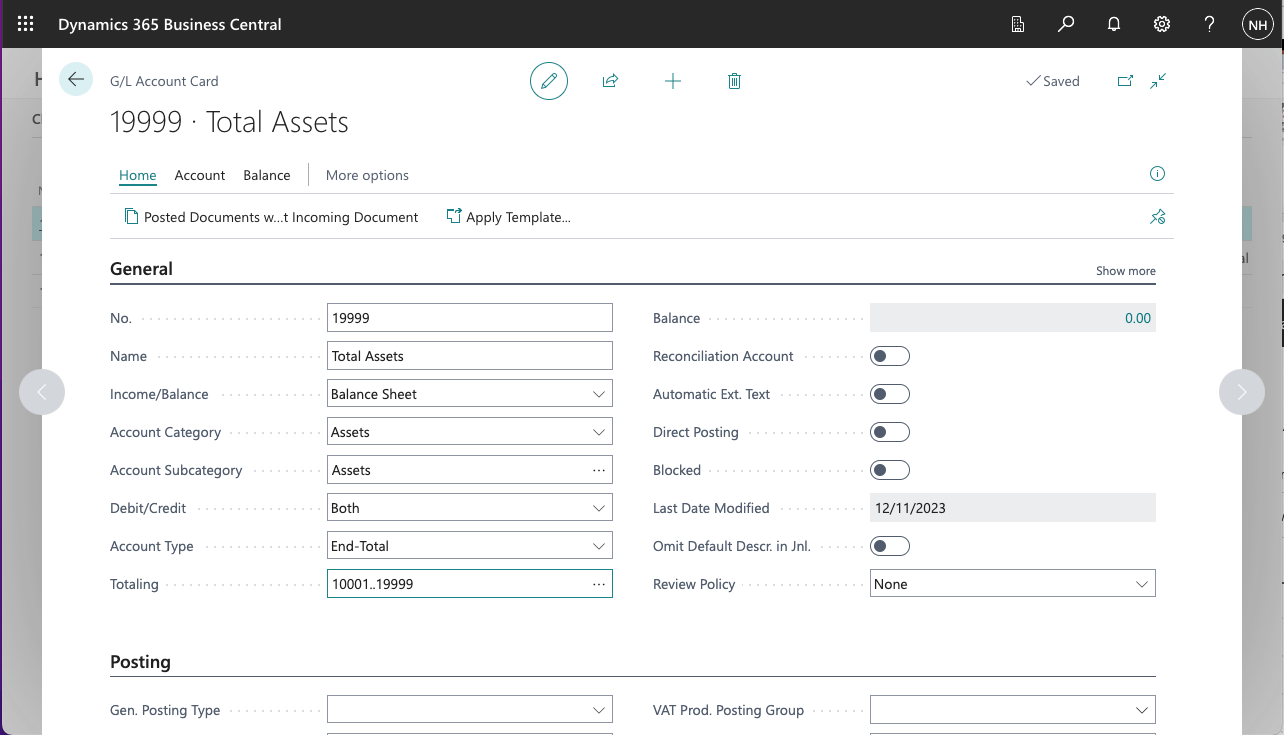
I added a Total Assets End-Total
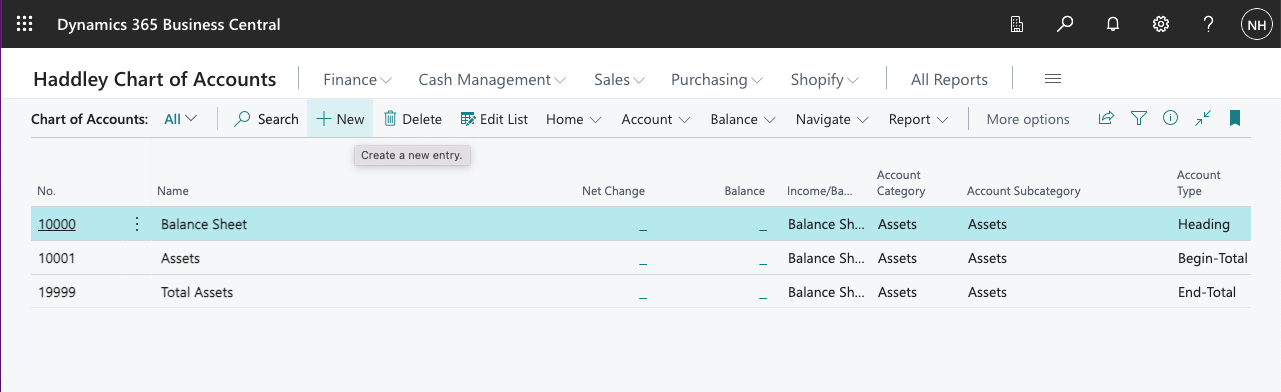
I clicked + New to add another entity
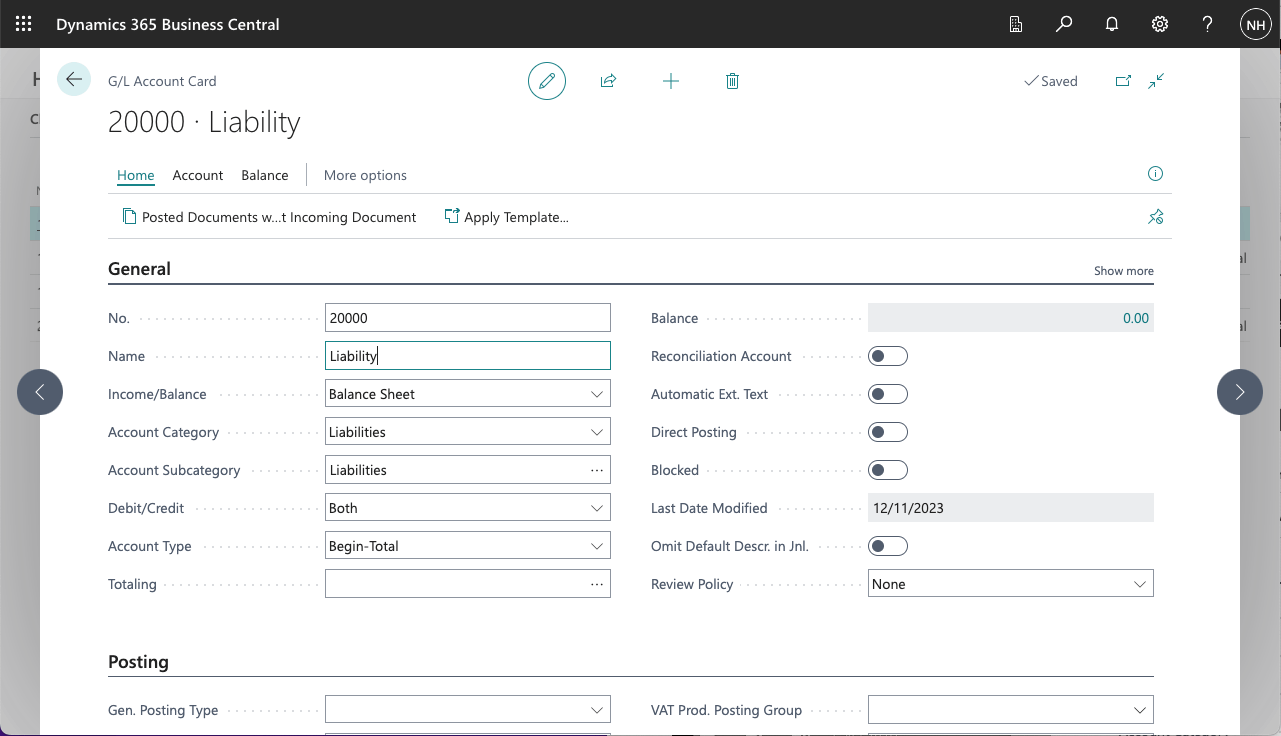
I added a Liability Begin-Total
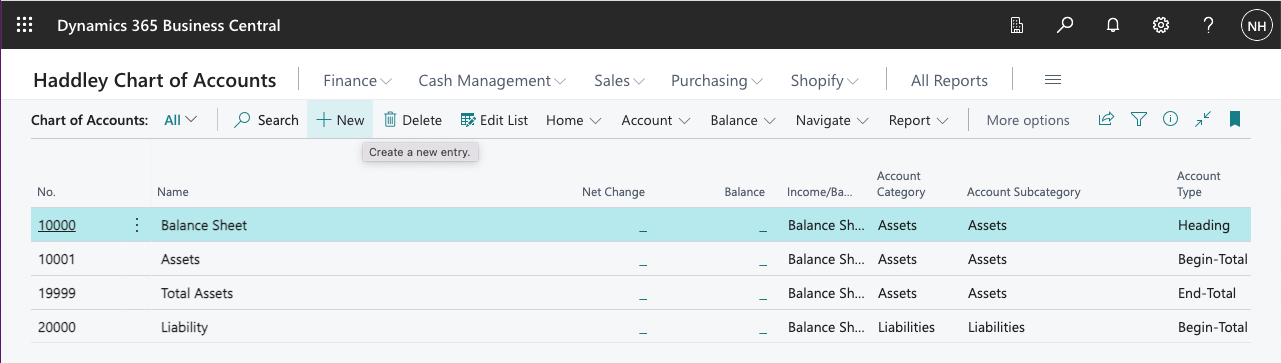
I clicked + New to add another entity
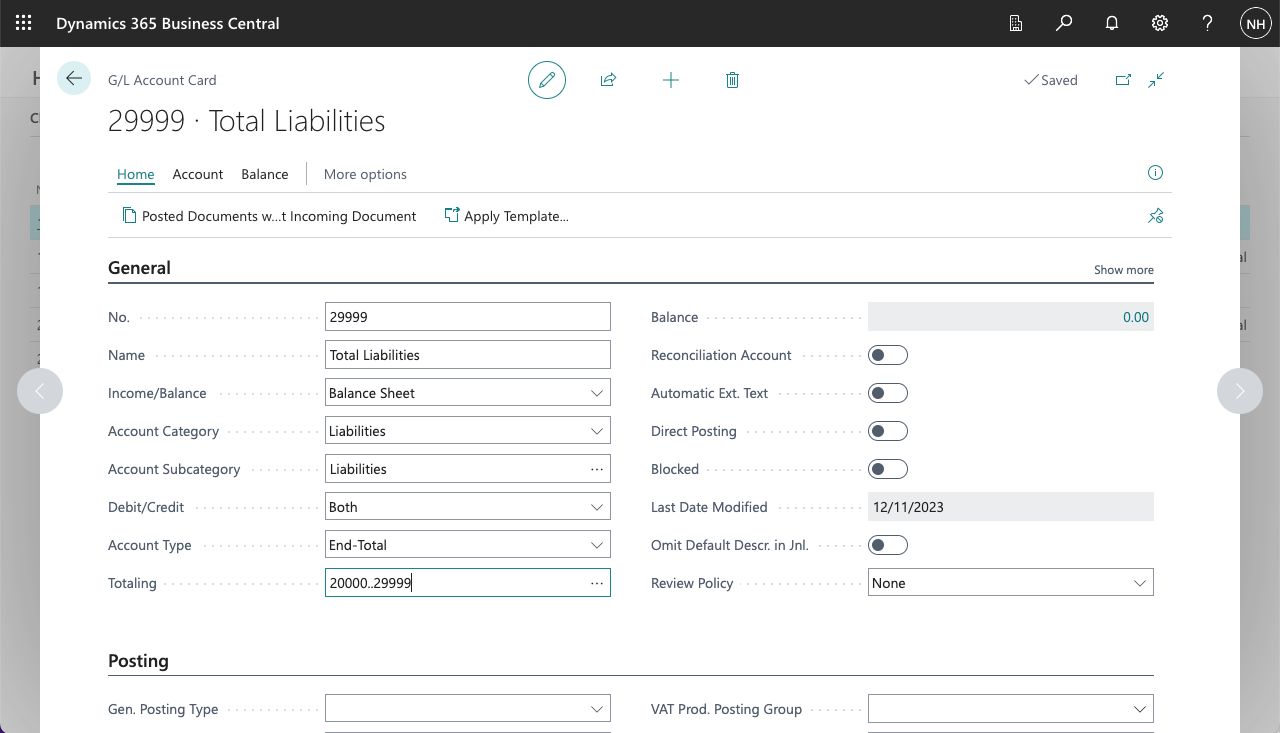
I added a Total Liabilities End-Total
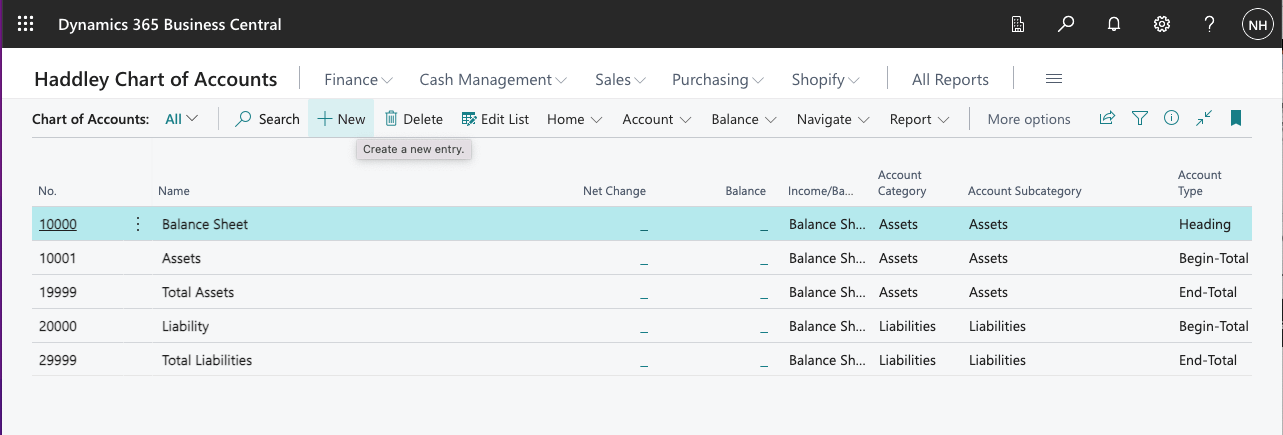
I clicked + New to add another entity
When we purchase items we will need to record the value of the items (a new asset), the money we owe to the vendor (a new liability) and the sales tax that we will claim back from the authorities.
I created a Finished Goods asset account that I could post the purchase value to.
I created an Accounts Payable, Domestic account that I could post the vendor liability to.
I created a Taxes Liable account that I could post the sales tax amounts to.
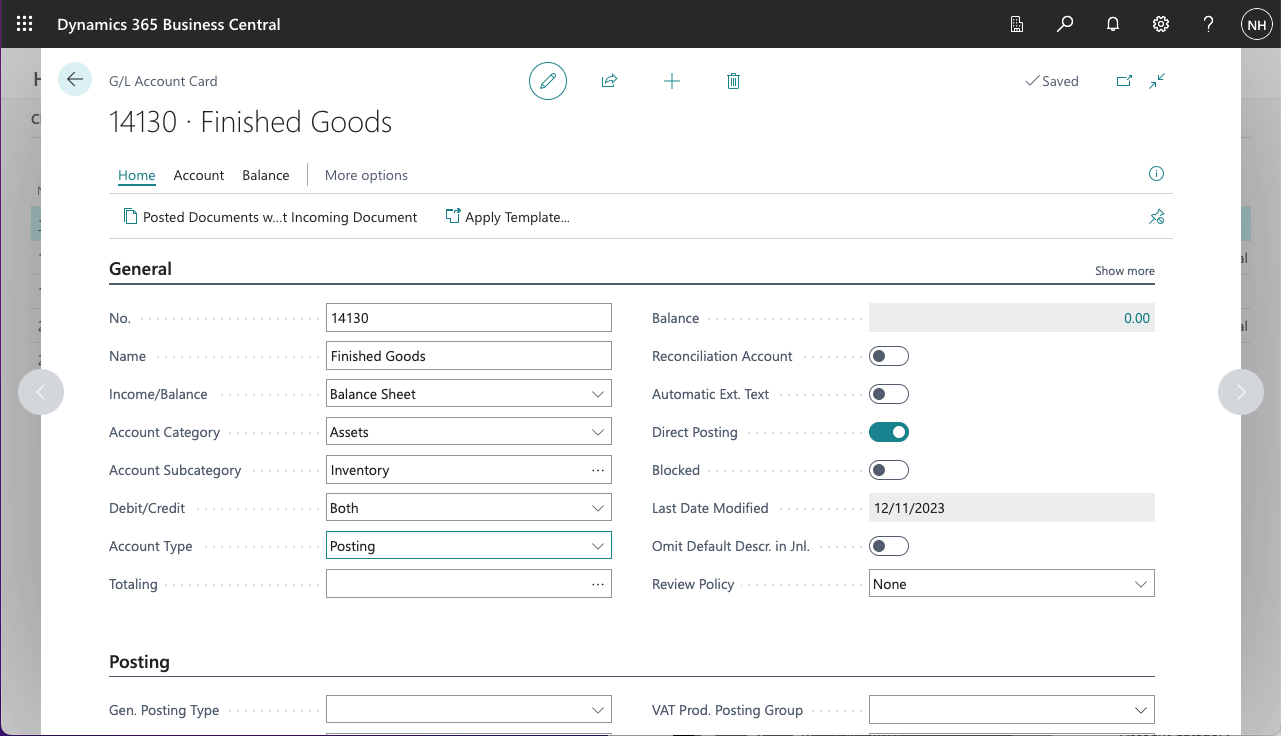
I created a Finished Goods asset account
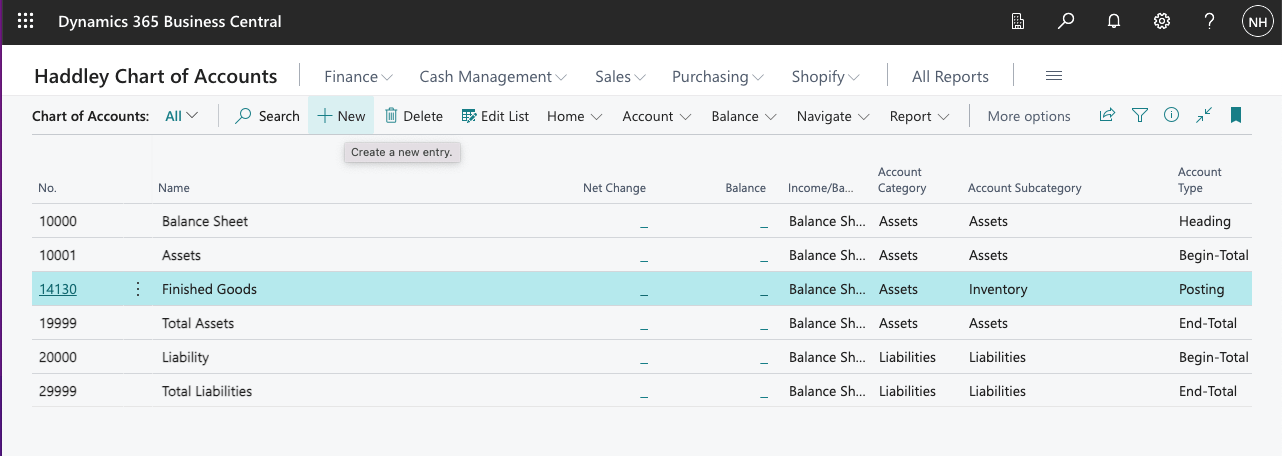
I clicked + New to add another entity
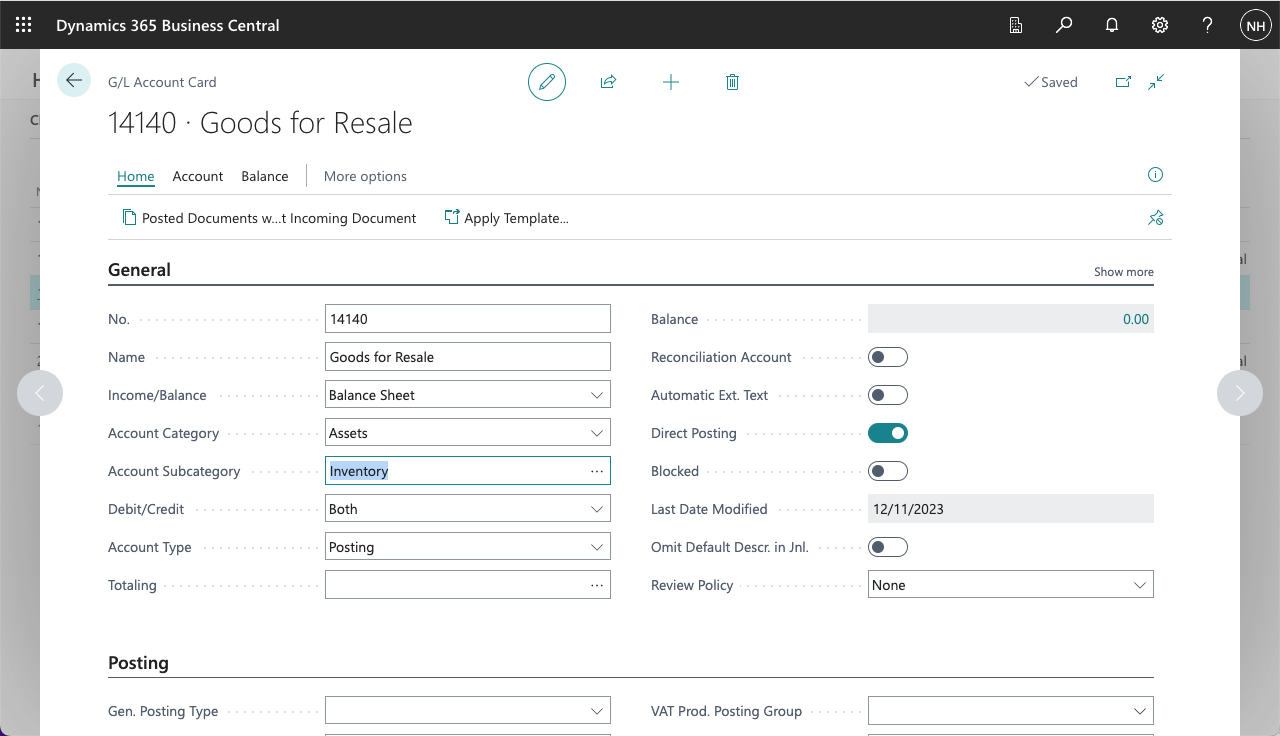
I created a Goods for Resale account
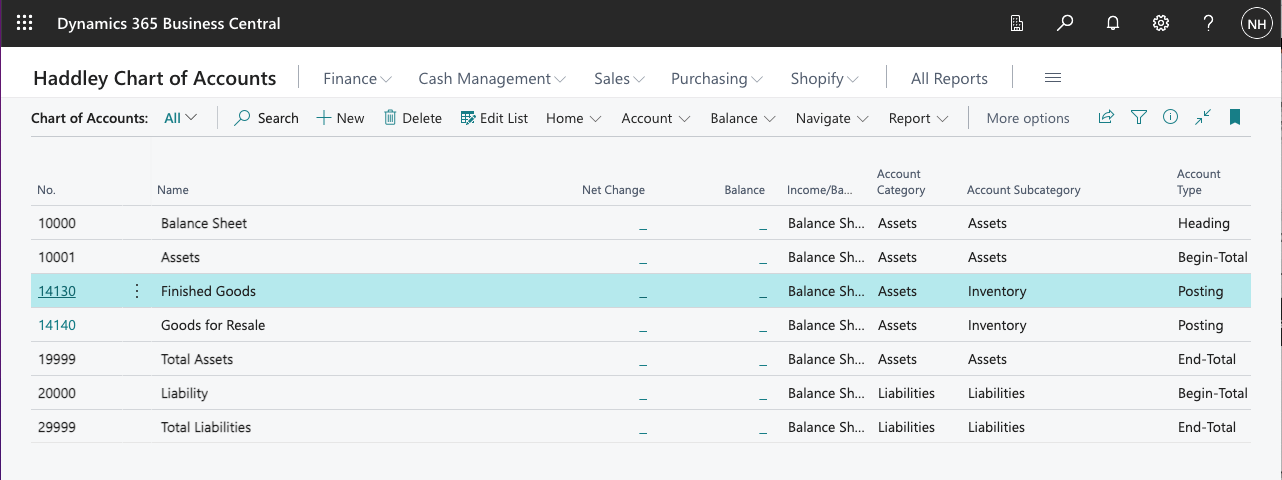
I clicked + New to add another entity
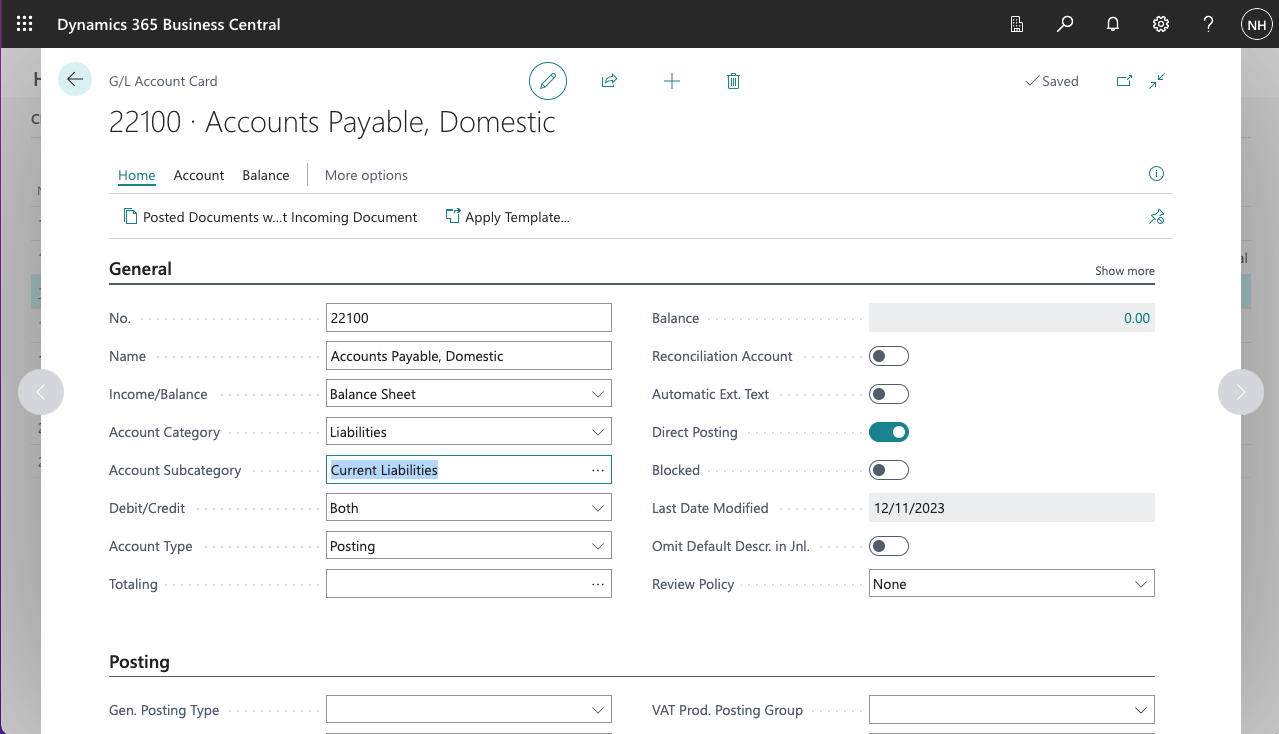
I created an Accounts Payable, Domestic account
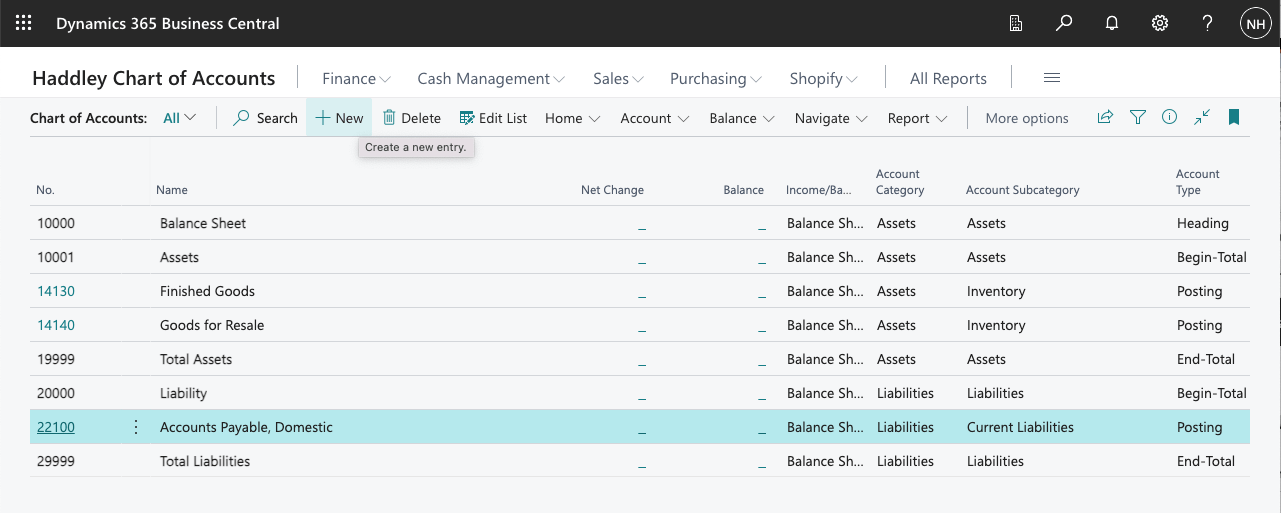
I clicked + New to add another entity
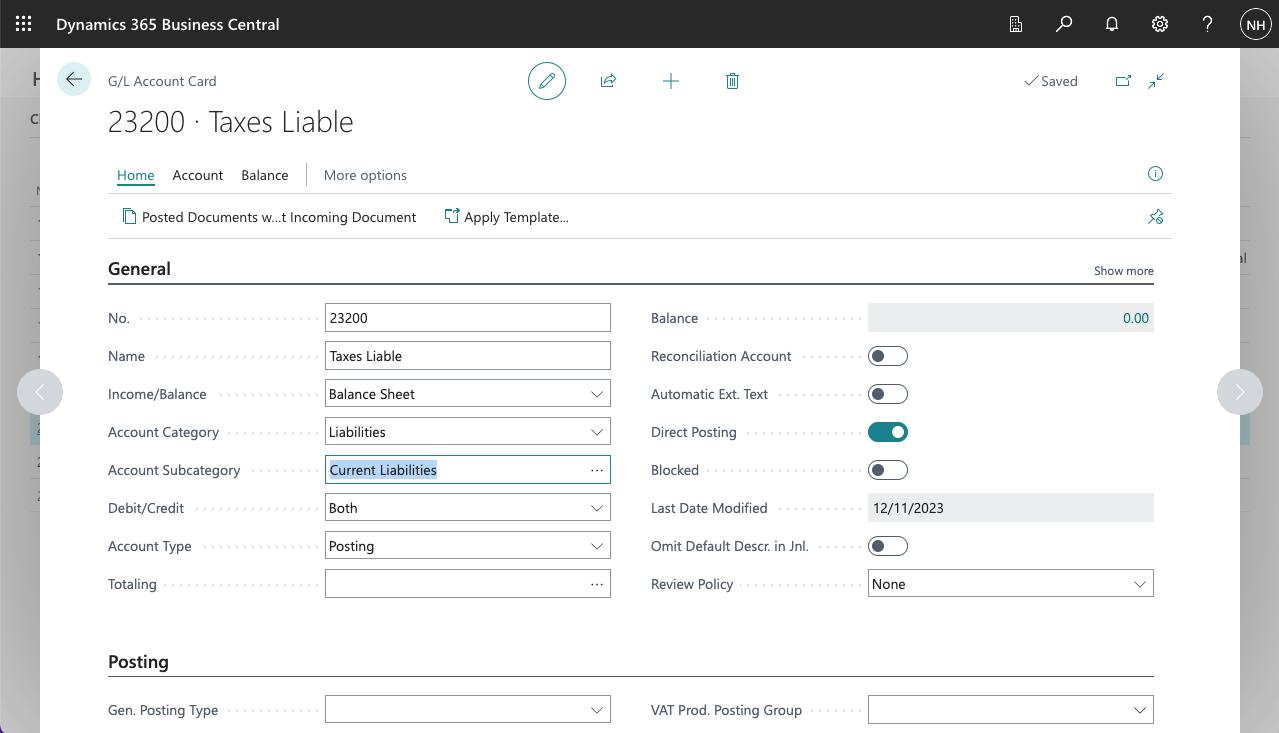
I created a Taxes Liable account
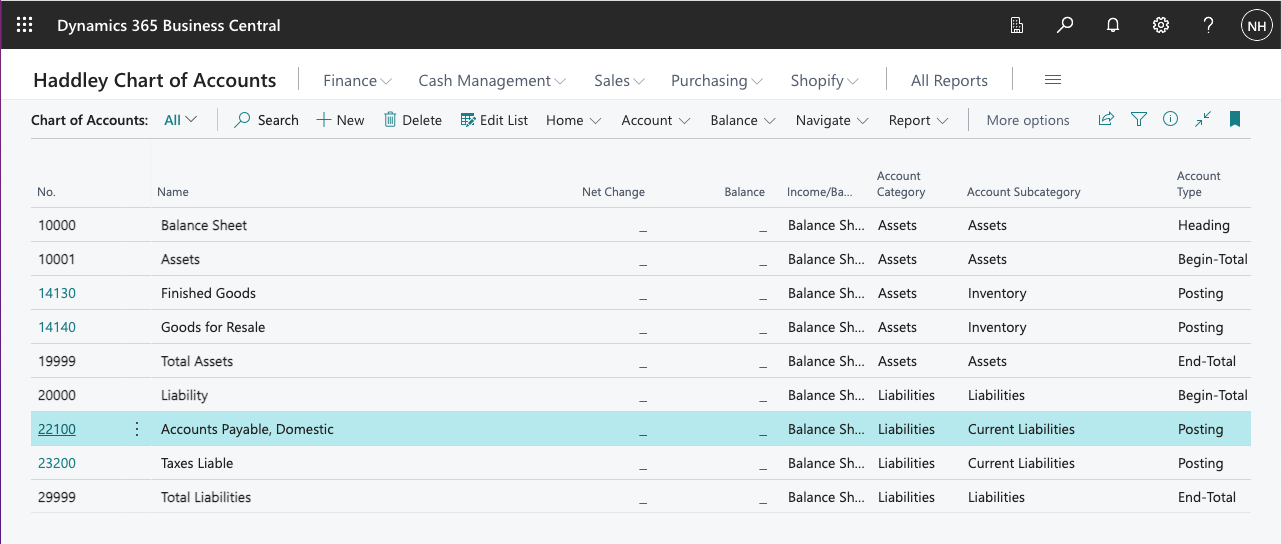
I reviewed the updated Chart of Accounts
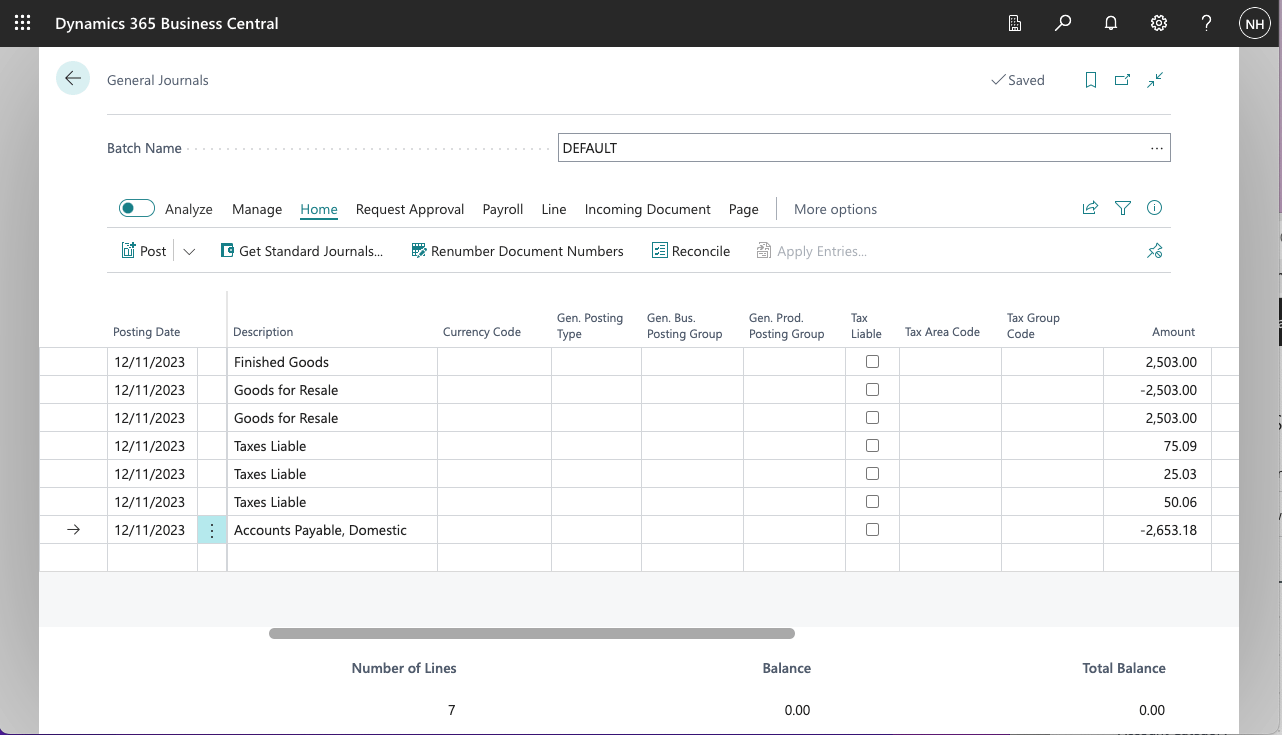
I created a set of Journal entries to record the purchase of 10 black PARIS Guest Chairs (@ $250.30 each)
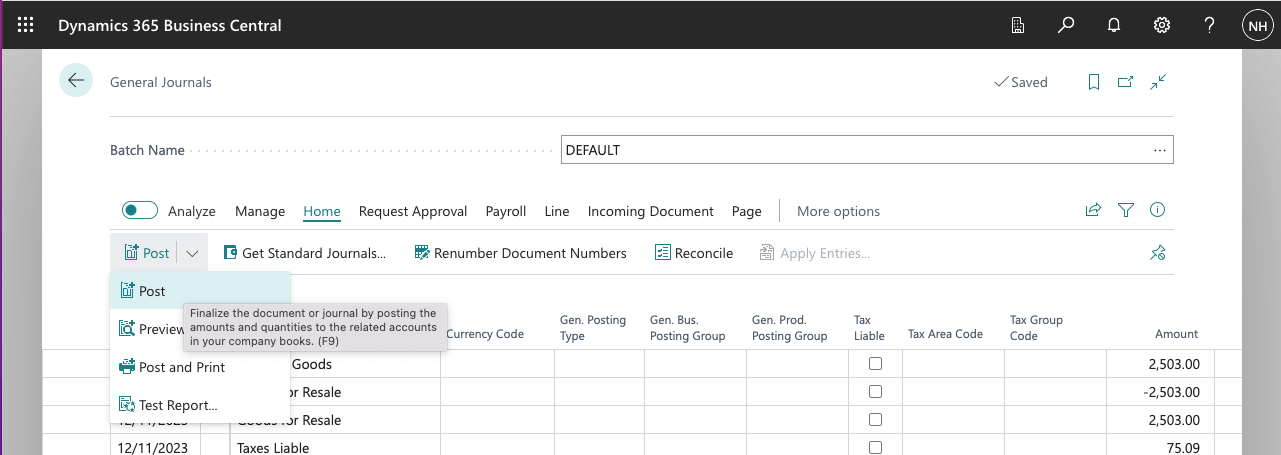
I posted the Journal Lines
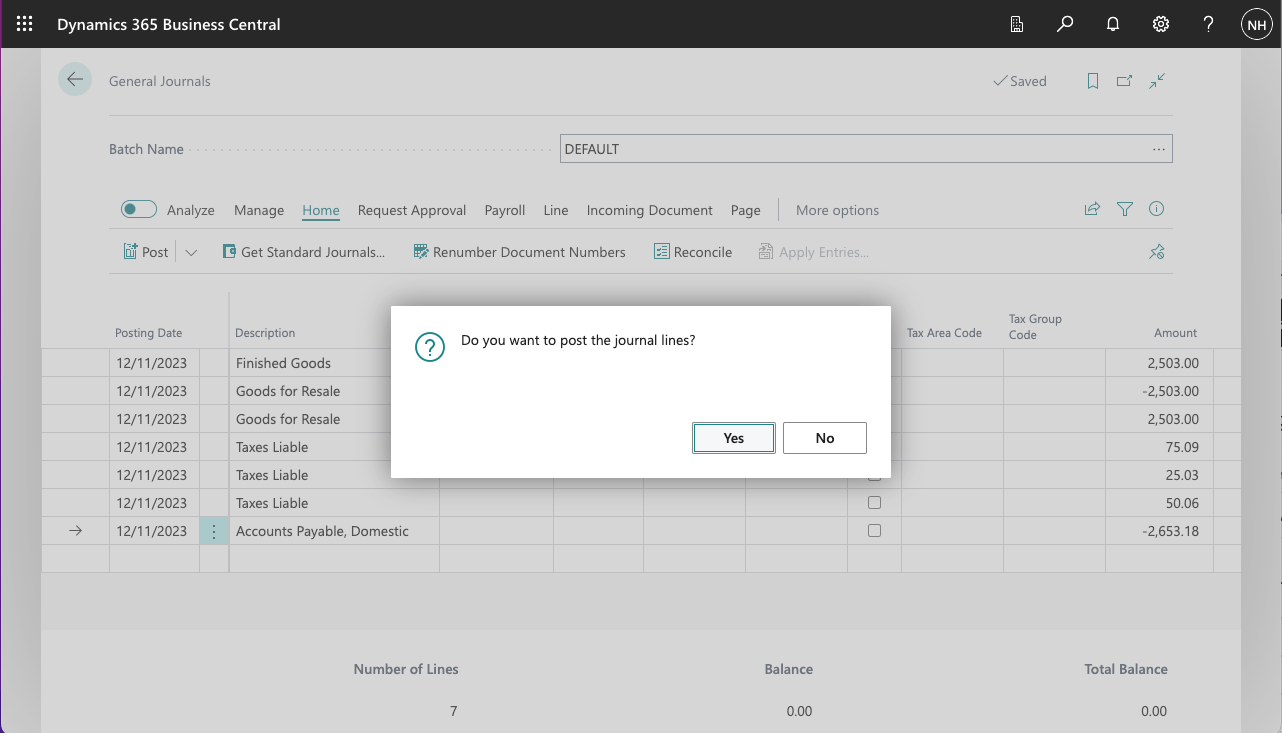
I clicked Yes
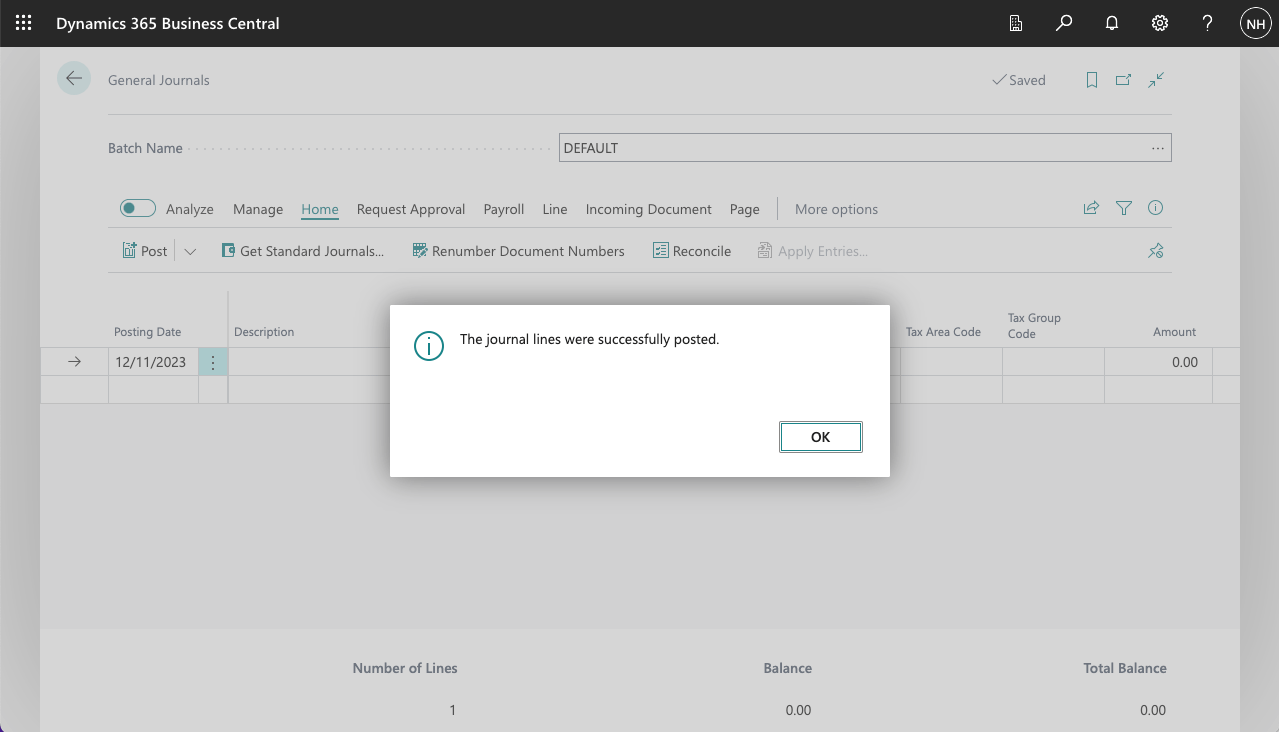
The lines were posted to the General Ledger
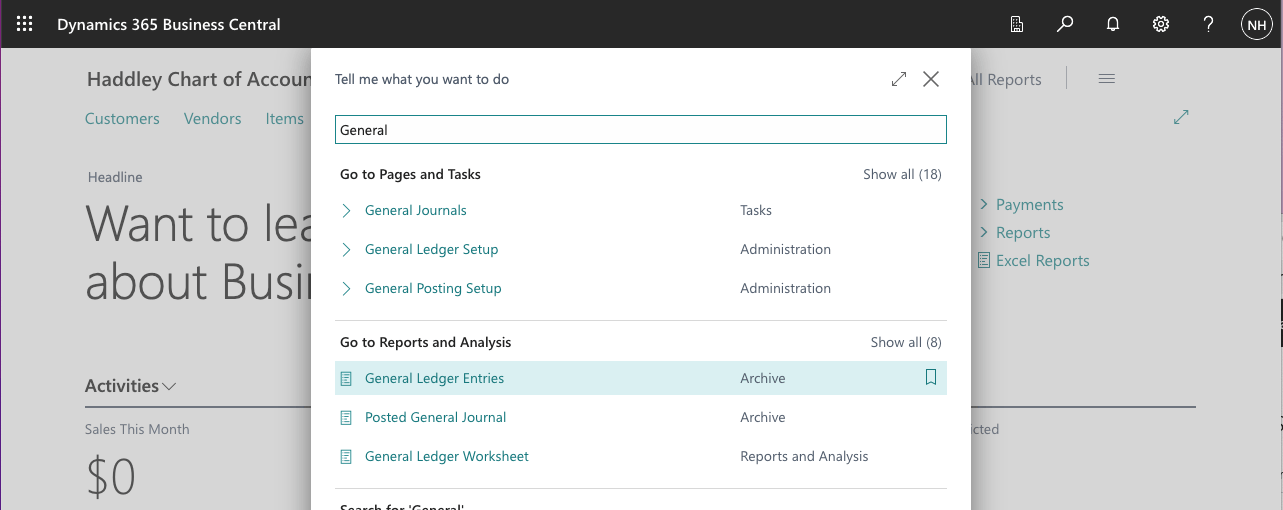
I used search to navigate to the General Ledger Entries (Archive) page
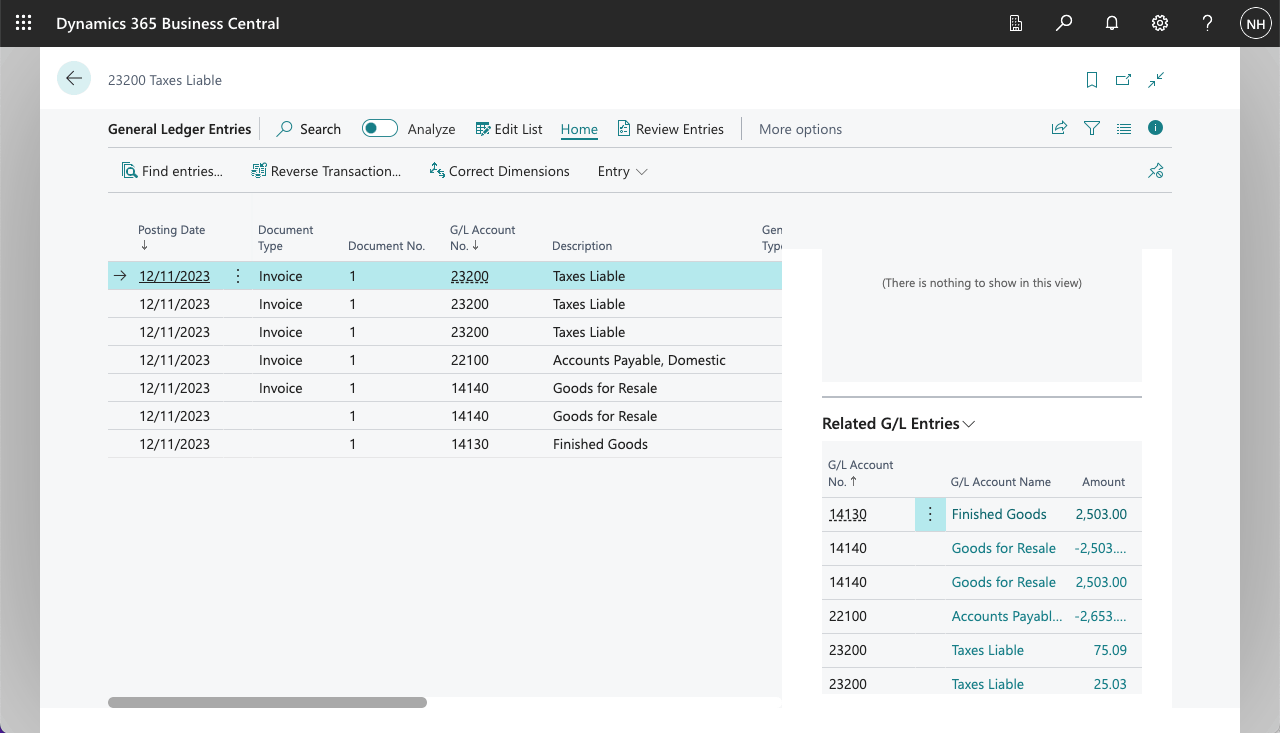
I reviewed the posted Journal entries
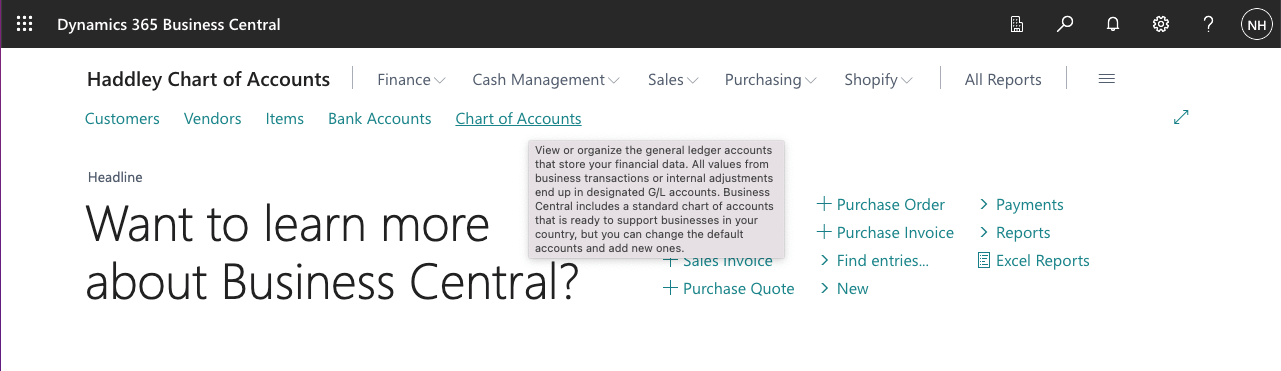
I clicked on the Chart of Accounts link to navigate to the Chart of Accounts page
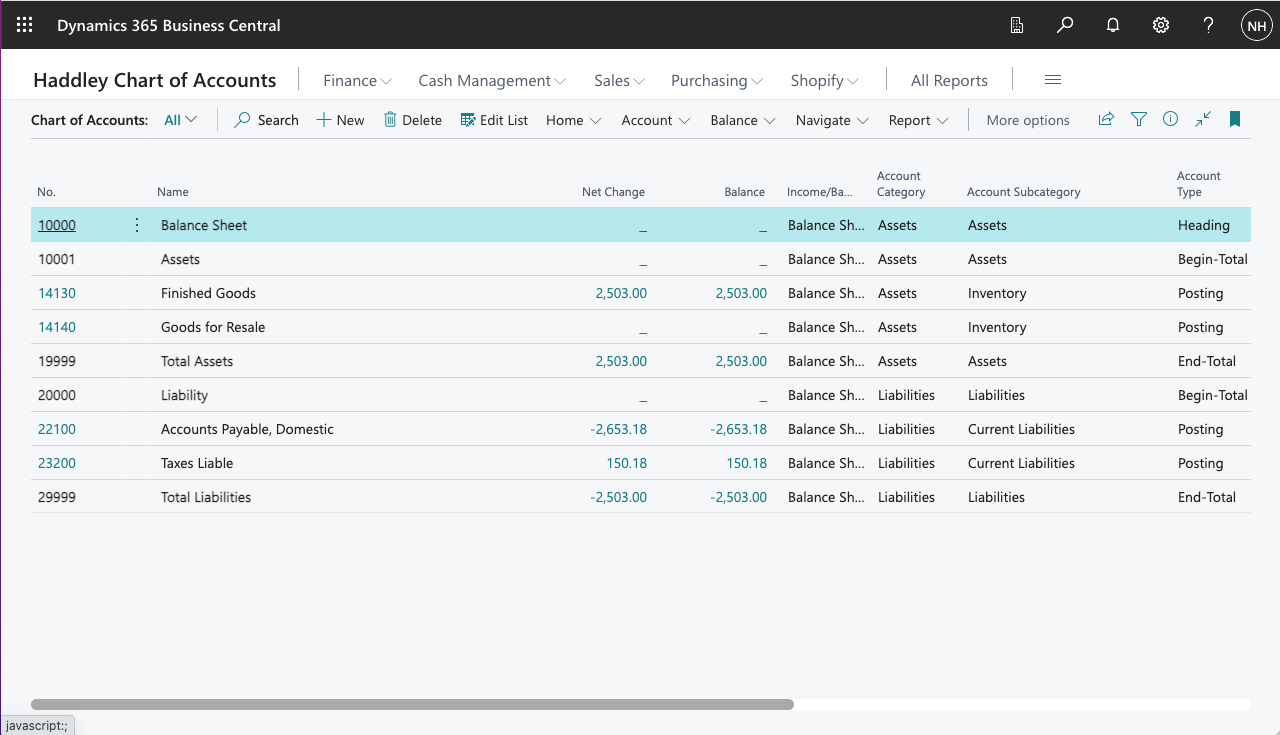
I reviewed the updated Chart of Accounts balances (and totals)
Sale
When we sell items we will need to record the money our customer owes to us (a new asset), the revenue generated by the sale, the cost of the goods sold, and sales tax that we will be providing to the authorities
I created an Accounts Payable, Domestic account that I could post the vendor liability to.
I created a Resale of Goods account.
I created a Cost of Materials account.
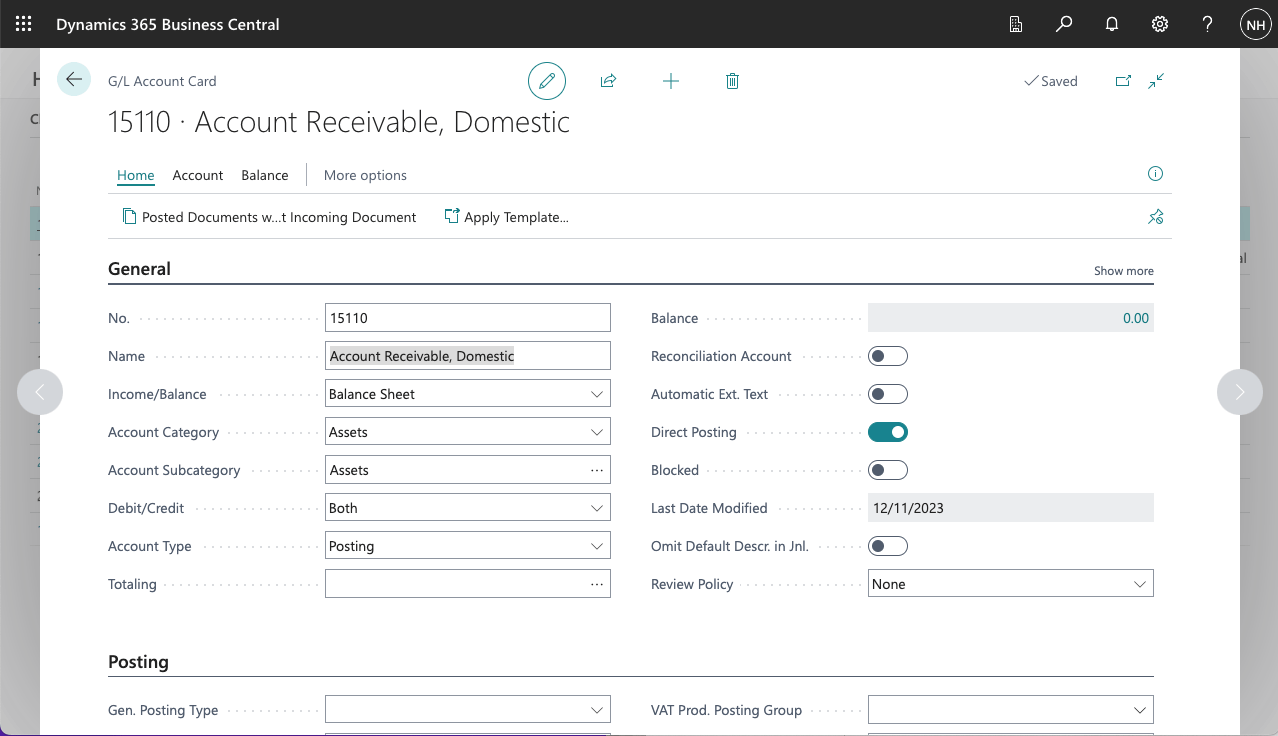
I created an Accounts Receivable, Domestic account
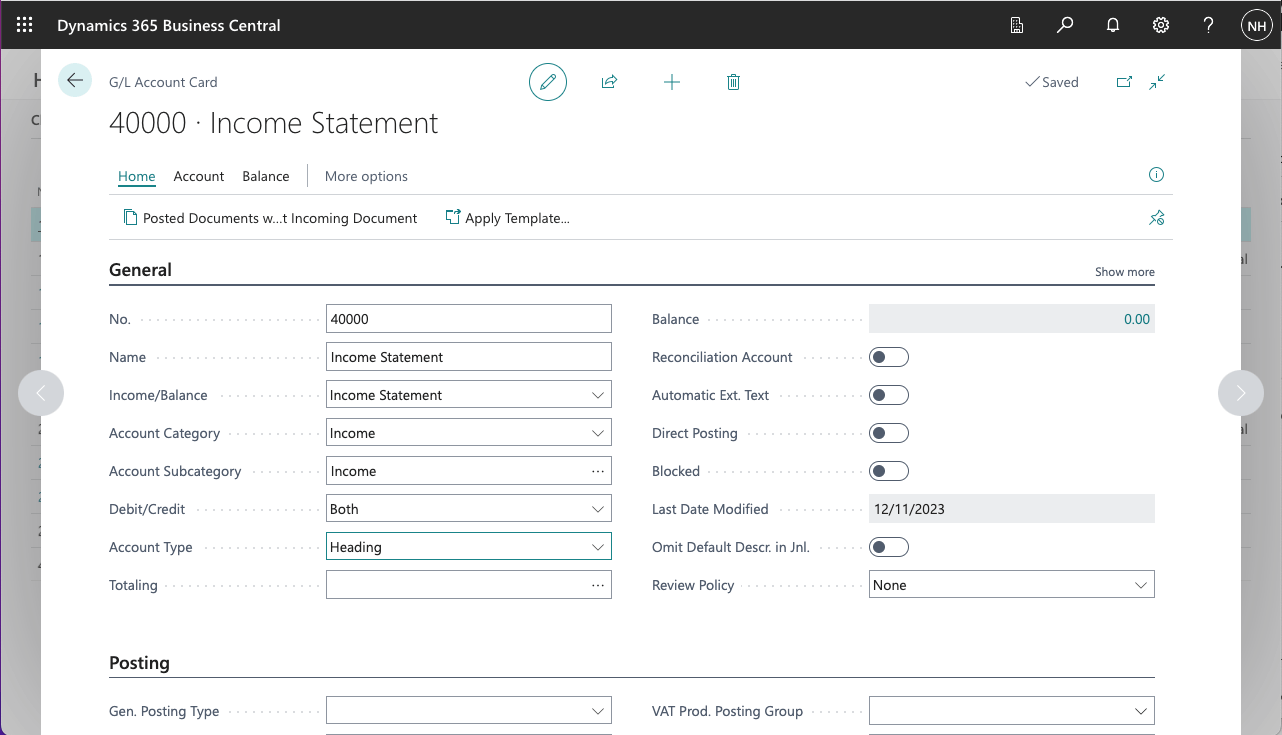
I added an Income Statement Heading
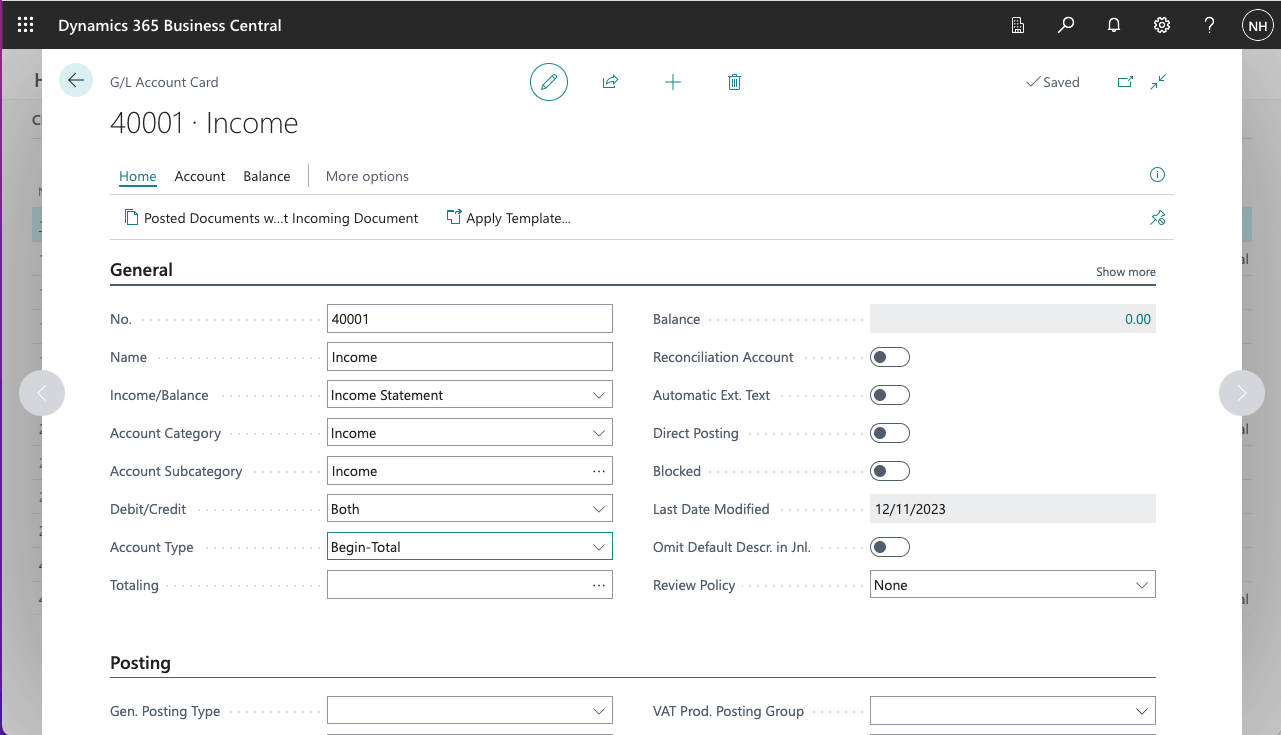
I added an Income Begin-Total
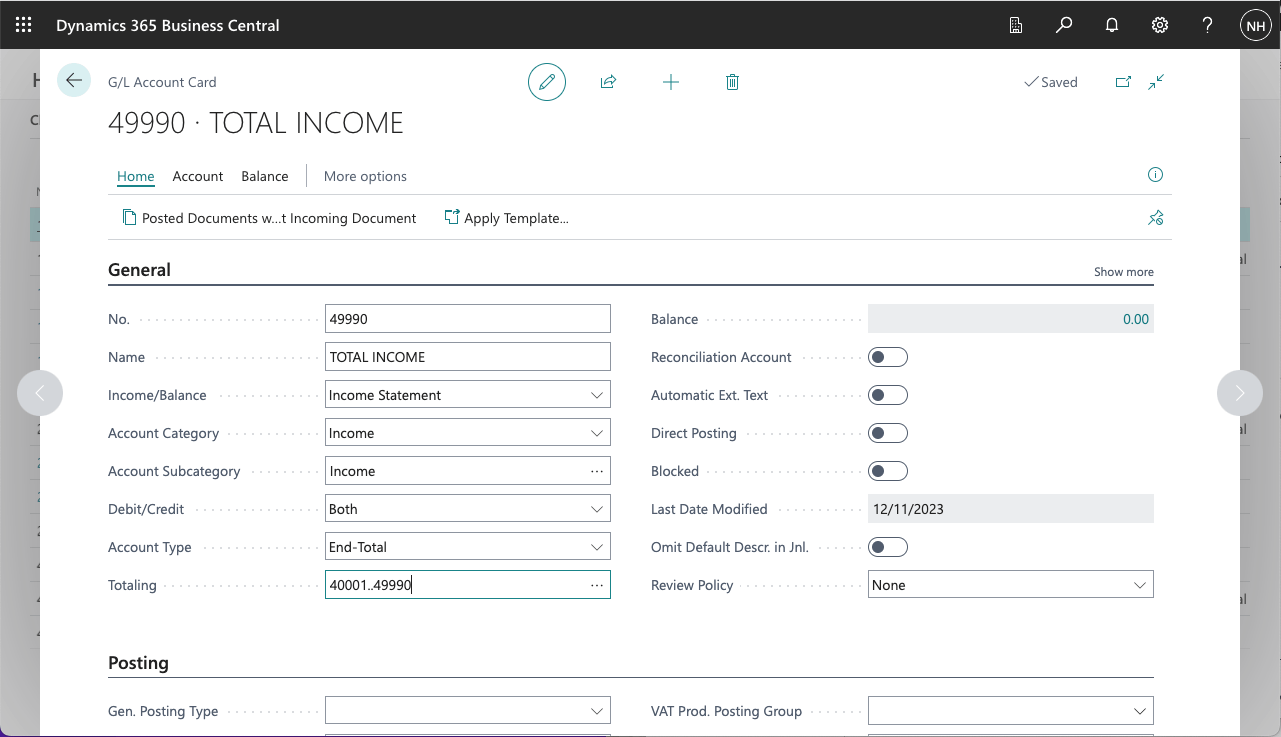
I added an Total Income End-Total
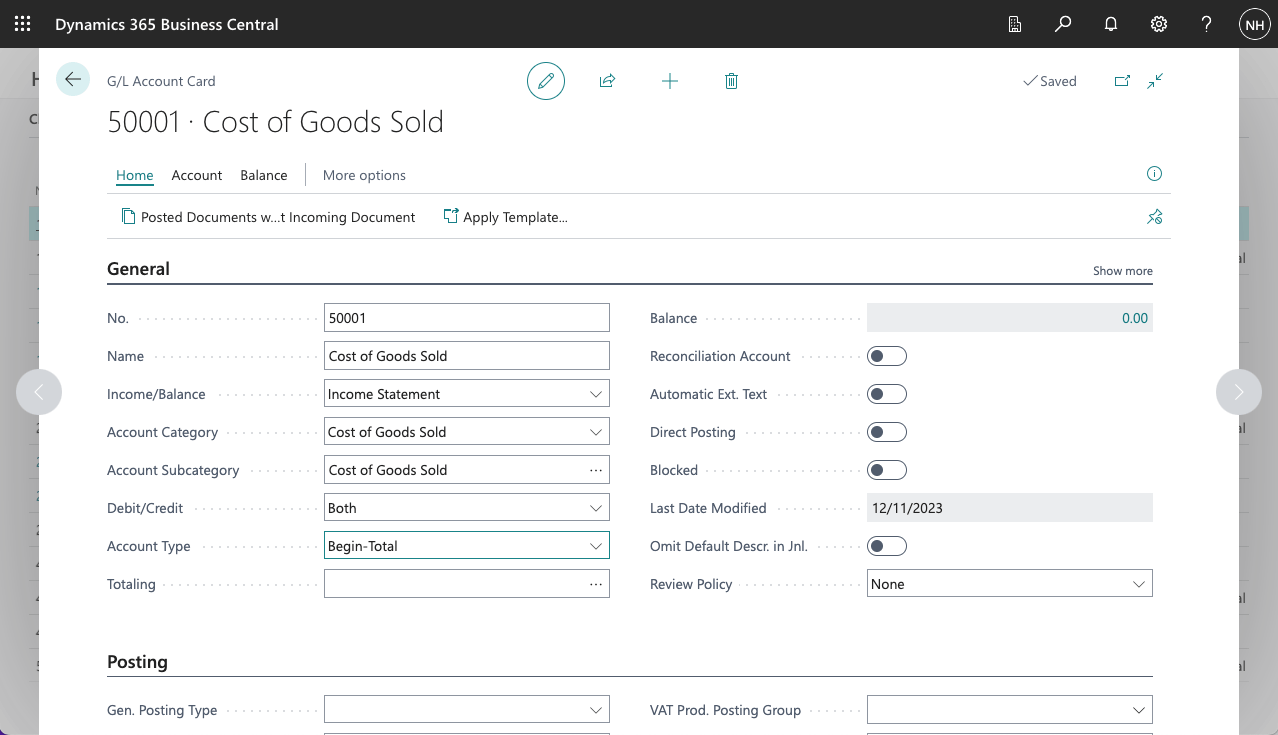
I added a Cost of Goods Sold Begin-Total
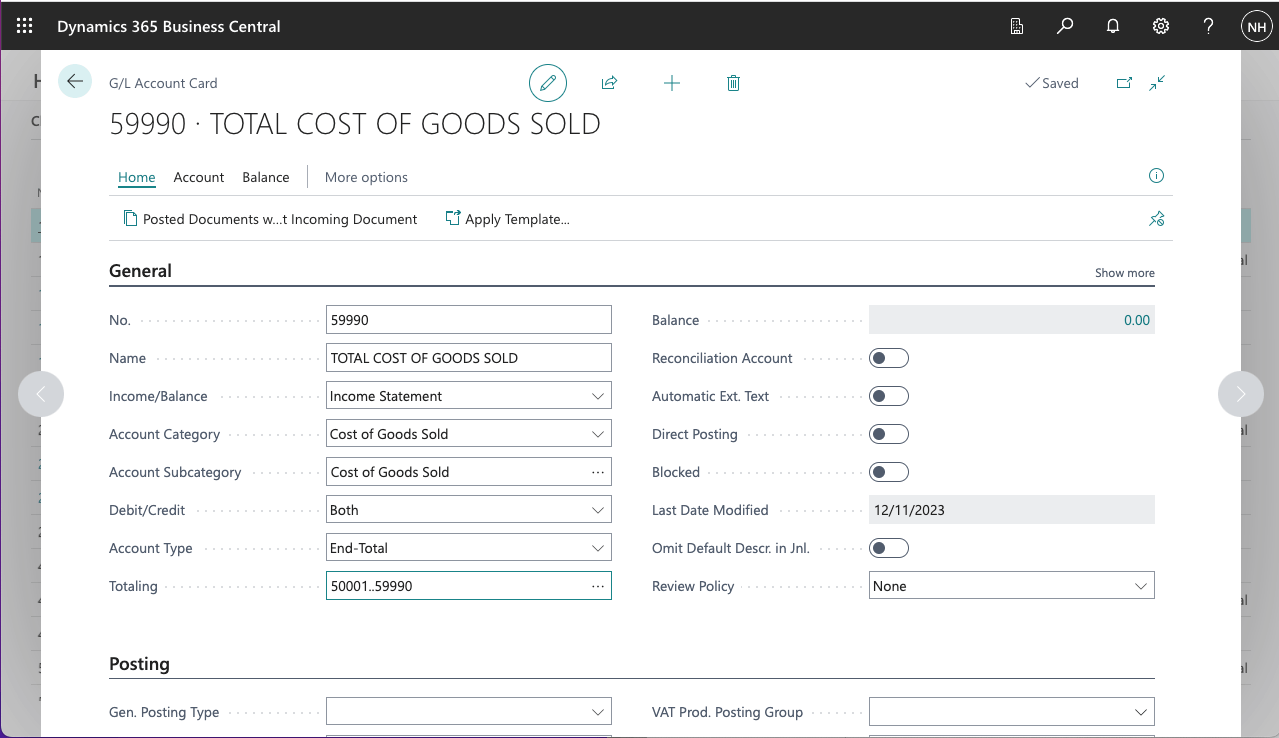
I added a Total Cost of Goods Sold End-Total
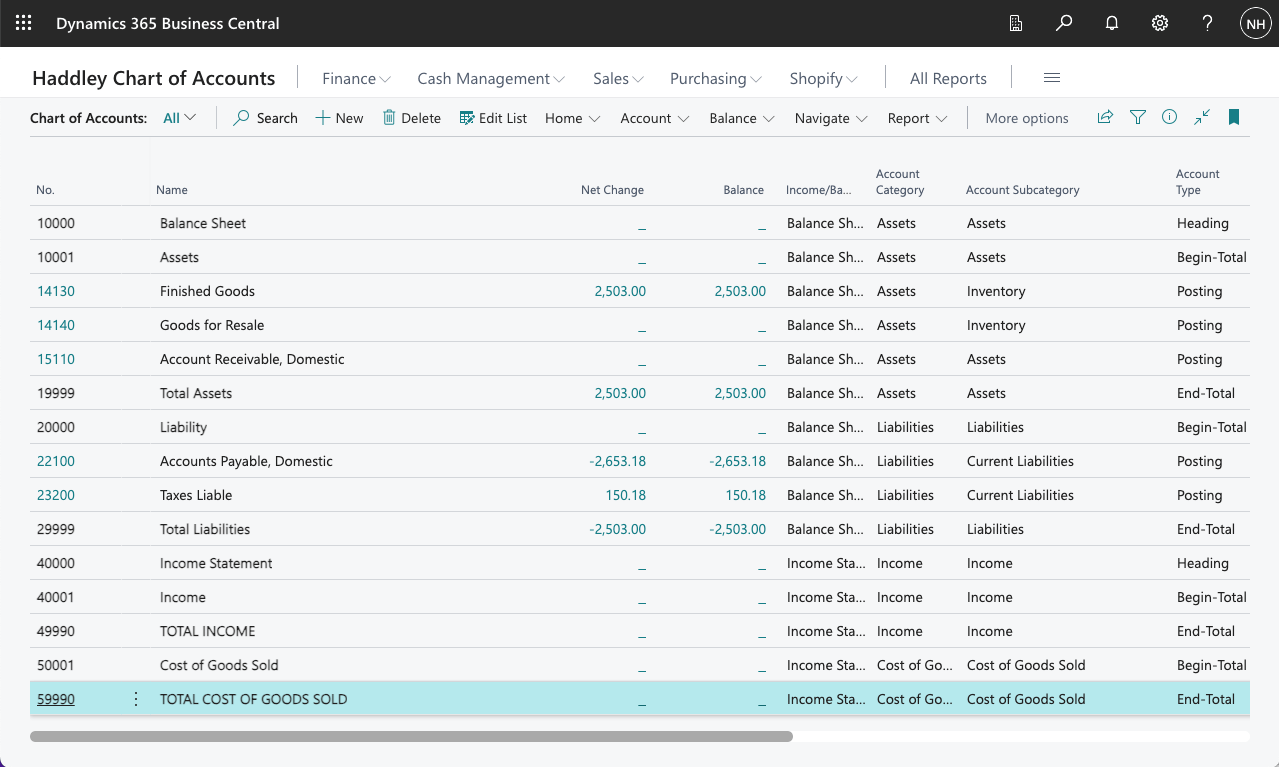
I reviewed the updated Chart of Accounts
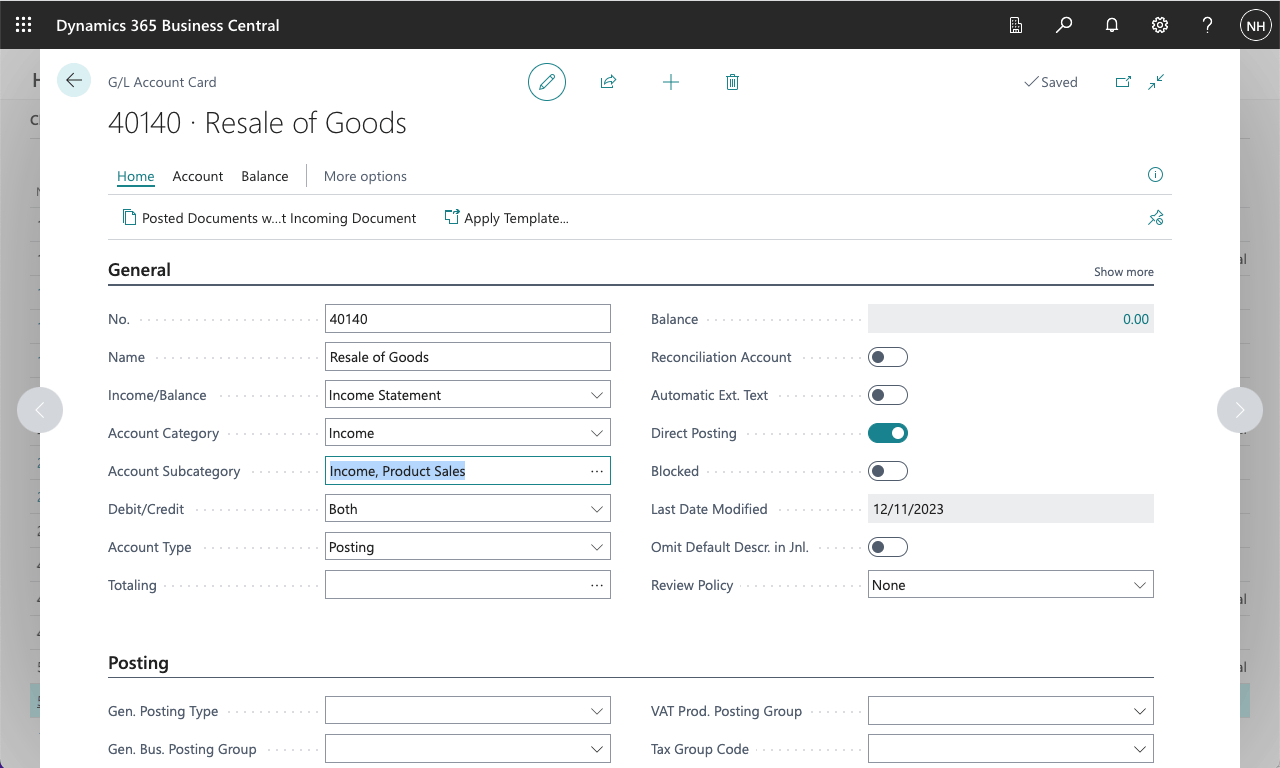
I added a Resale of Goods Income account
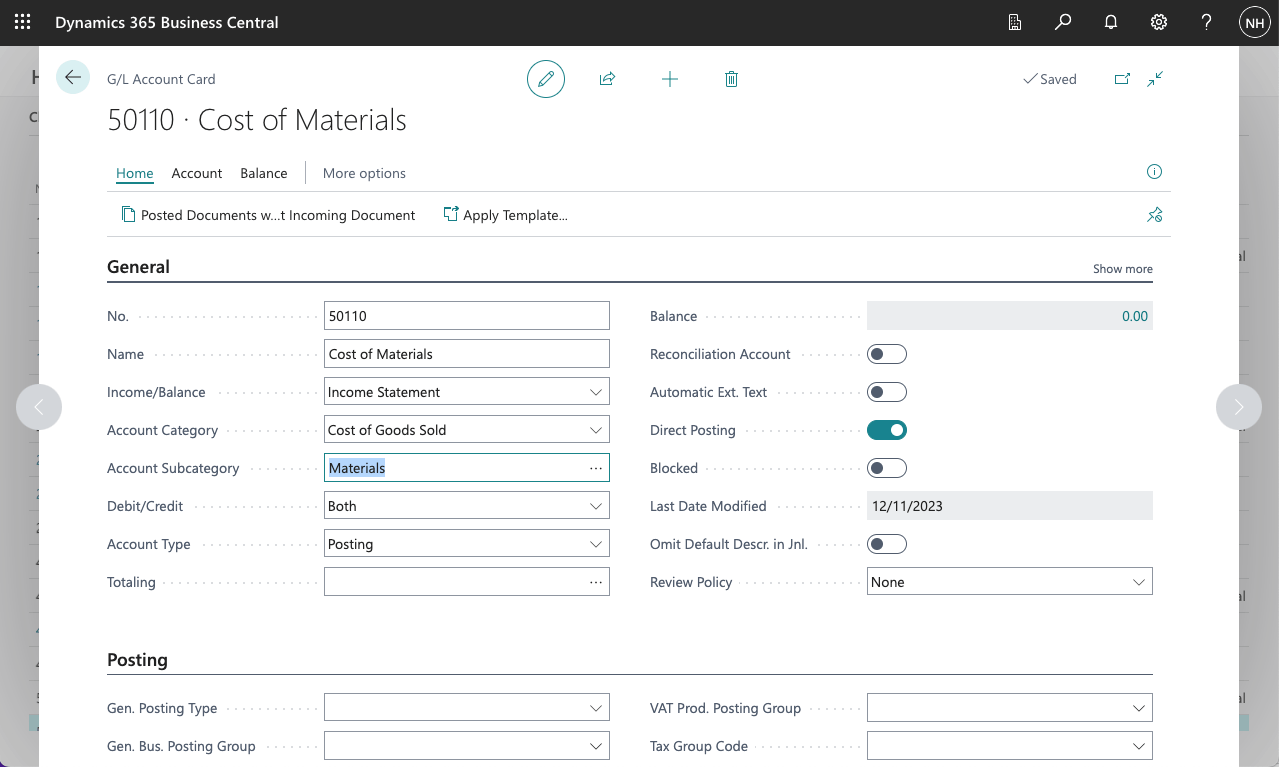
I added a Cost of Materials account
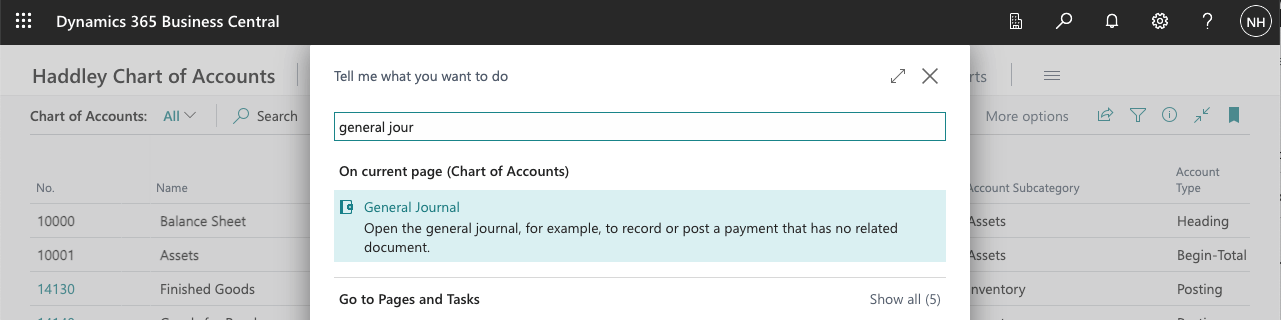
I used search to navigate to the General Journal page
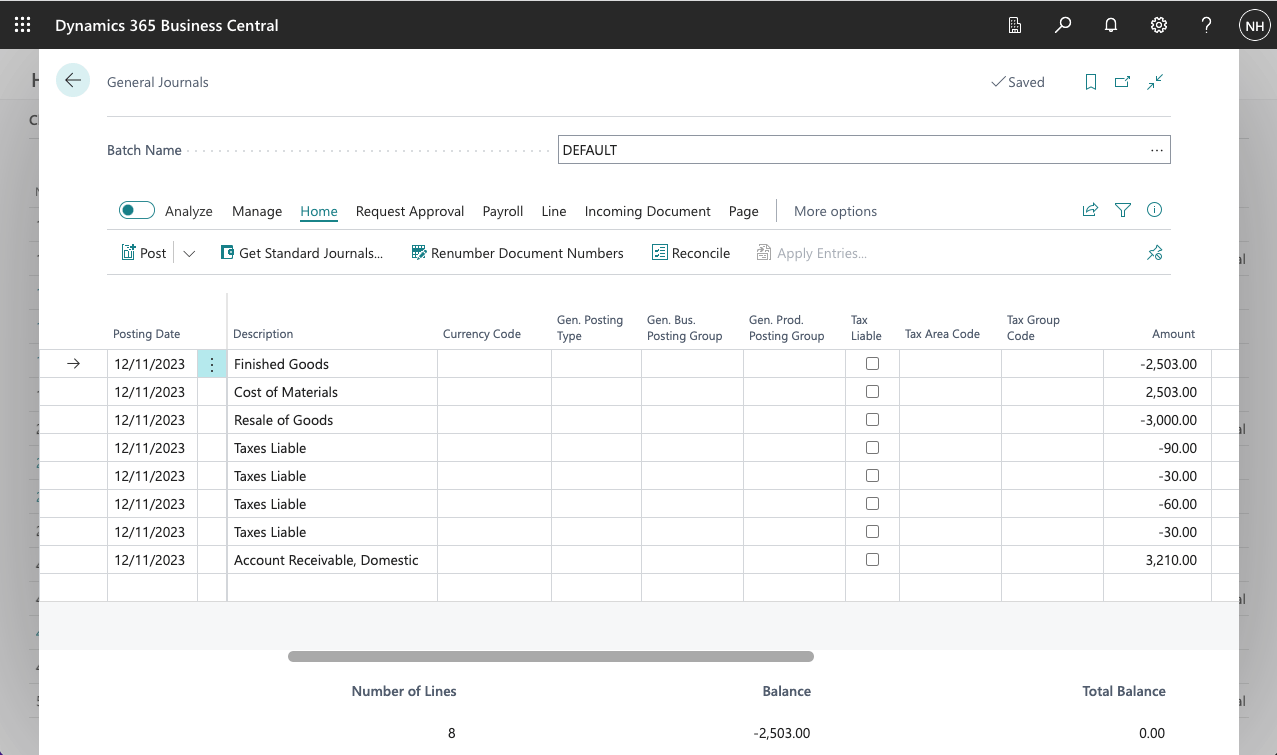
I created a set of Journal entries to record the sale of 10 black PARIS Guest Chairs (@ $300.00 each)
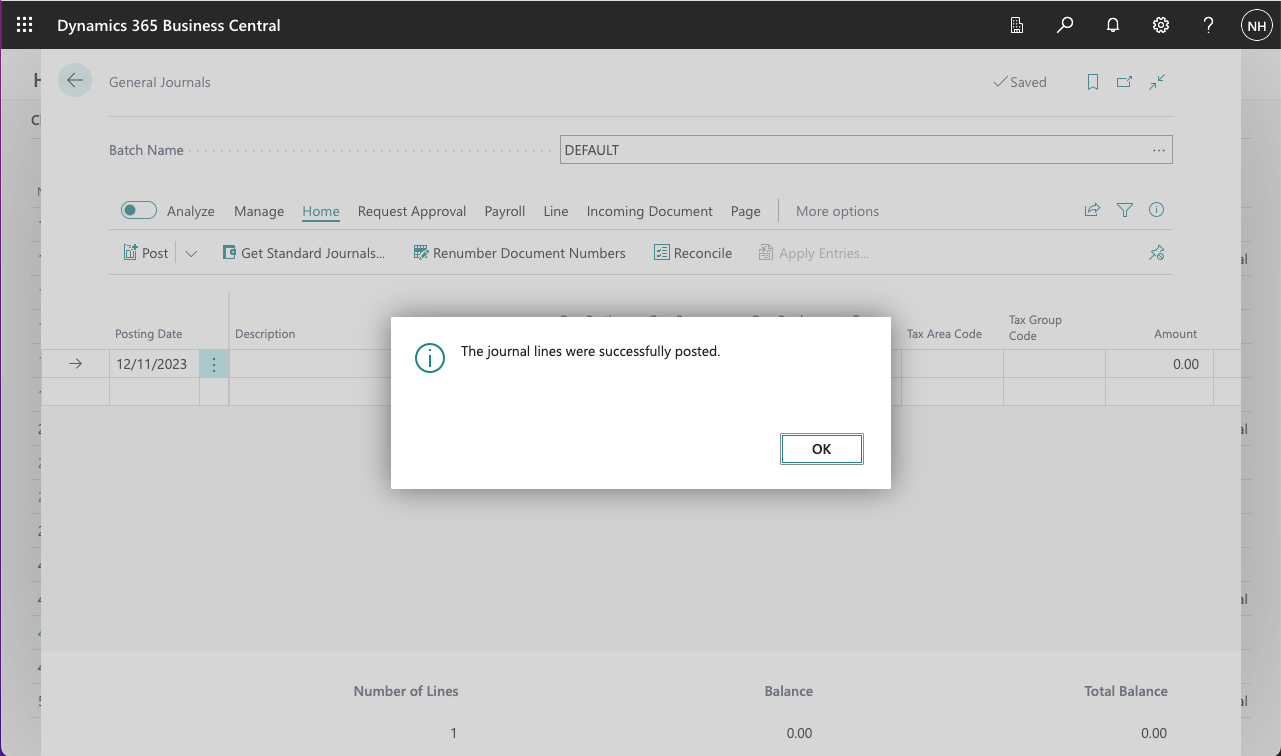
I posted the Journal lines
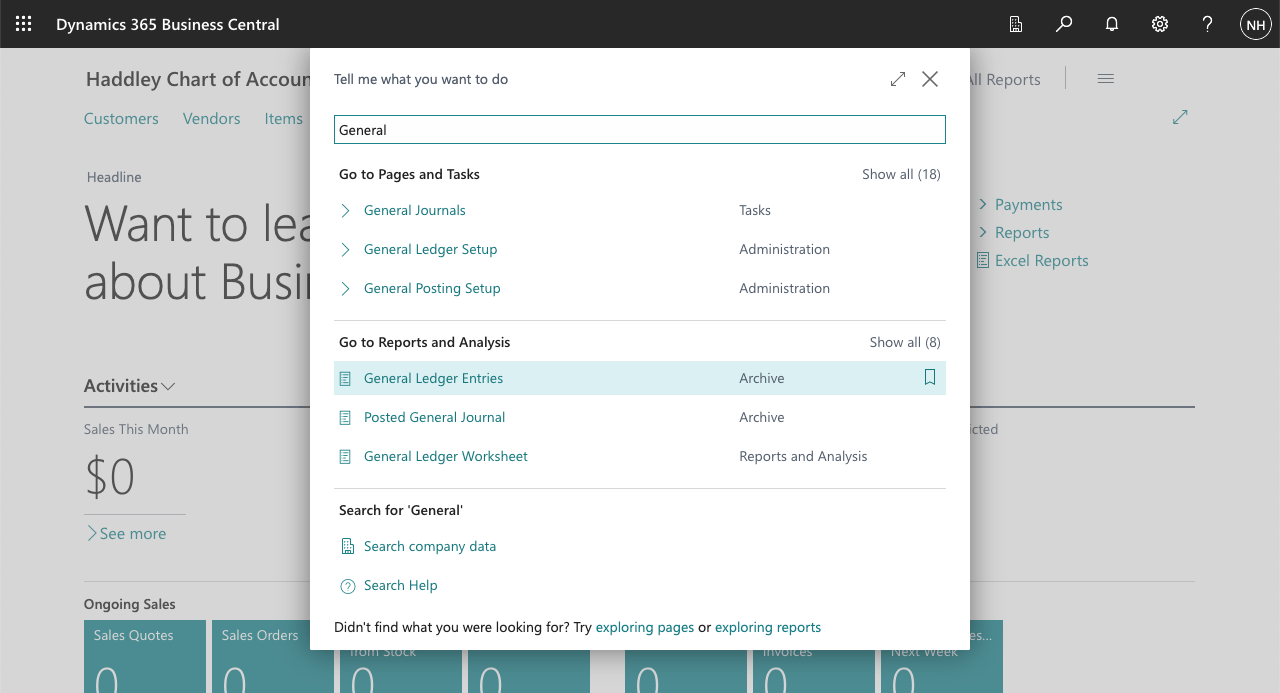
I used search to navigate to the General Ledger Entries (Archive)
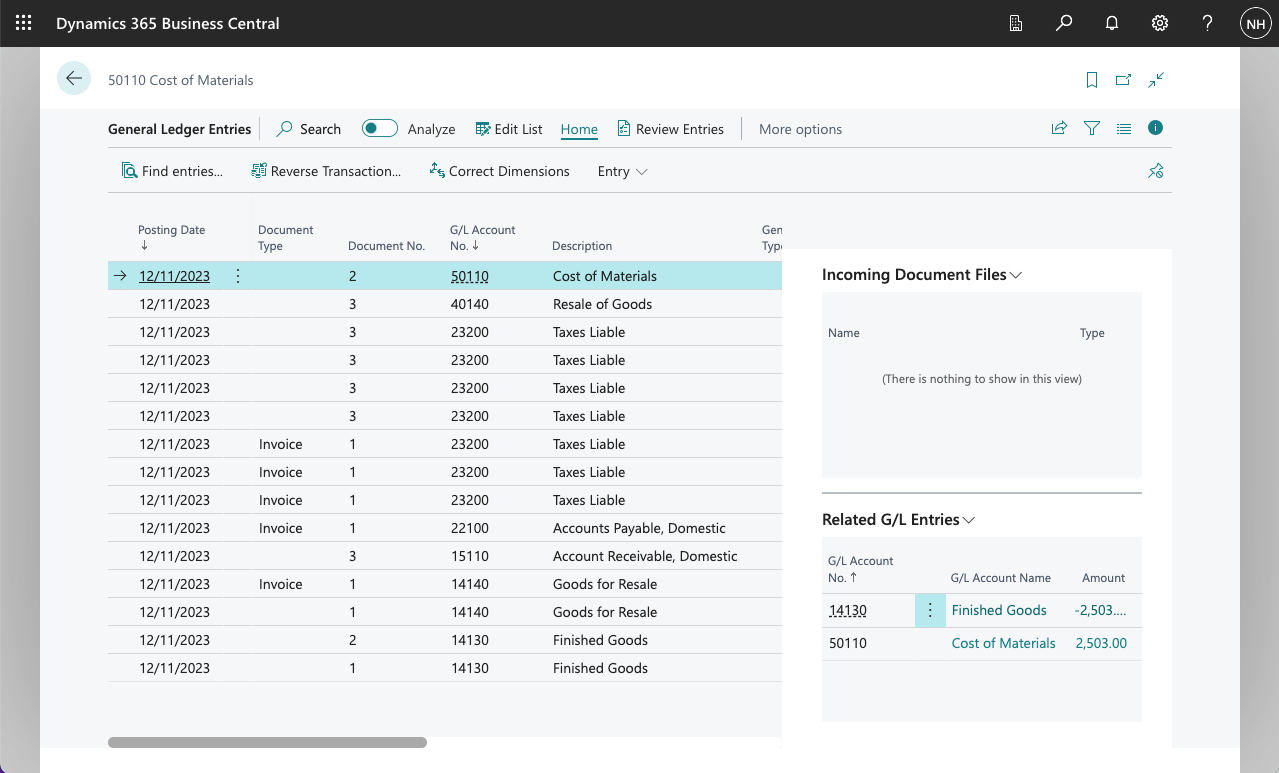
I reviewed the posted Journal Lines
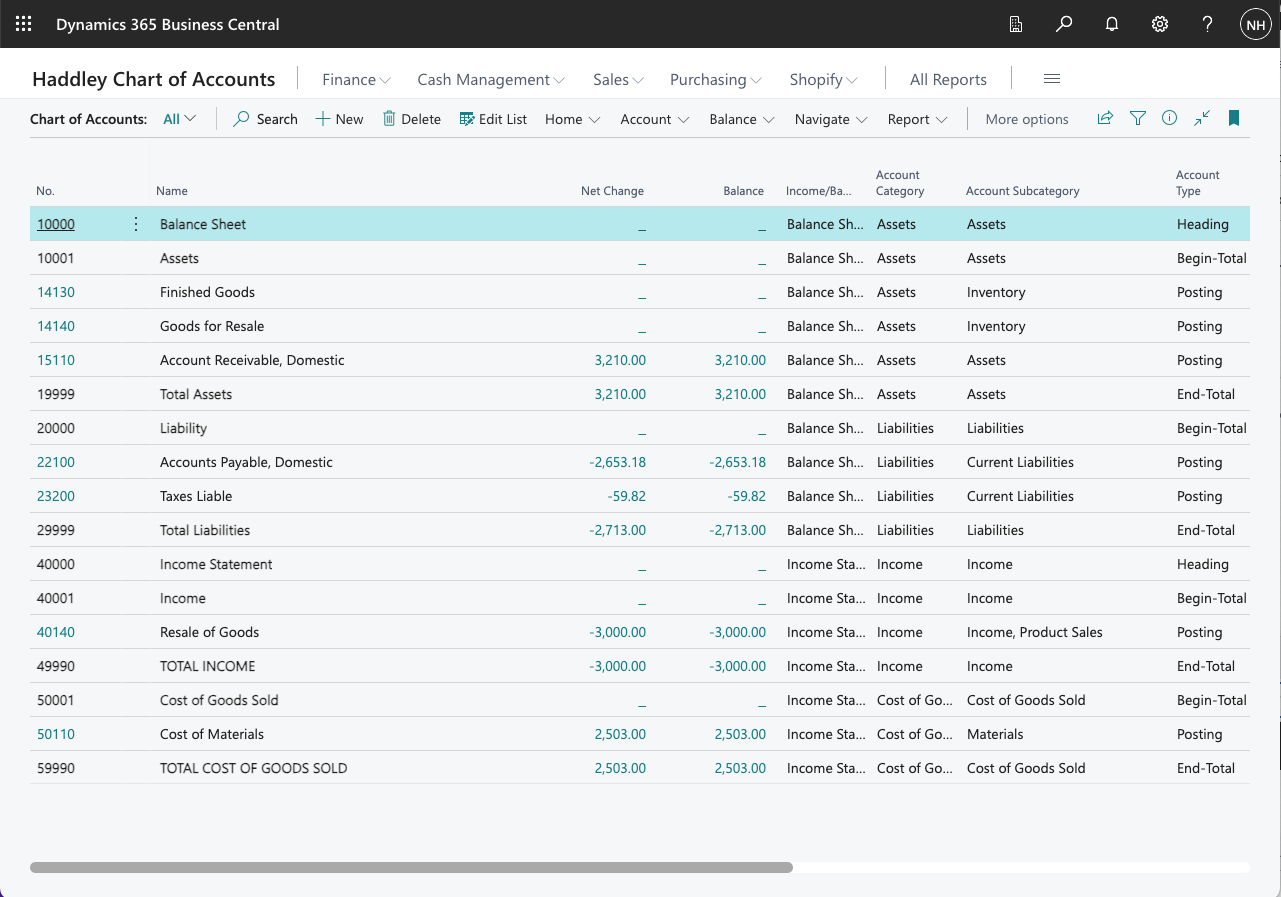
I reviewed the Chart of Account balances (and totals)
Revenue
I noticed that after these two business transactions (one purchase and one sale):
The difference between Total Assets ($3,210) and Total Liabilities ($2,713) is $497; and
The difference between Total Income ($3,000) and Total Cost of Goods Sold ($2,503) is $497
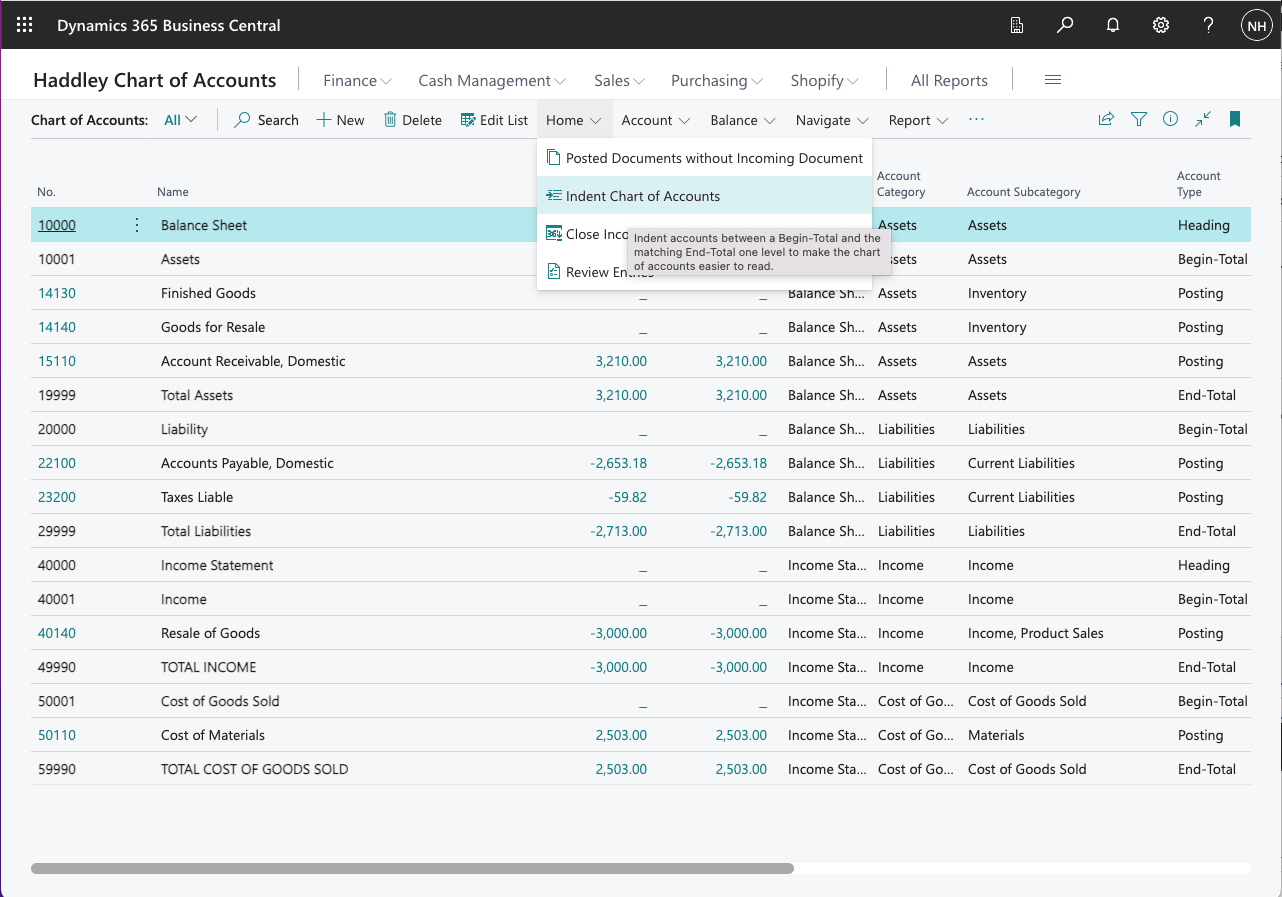
I clicked the Indent Chart of Account button
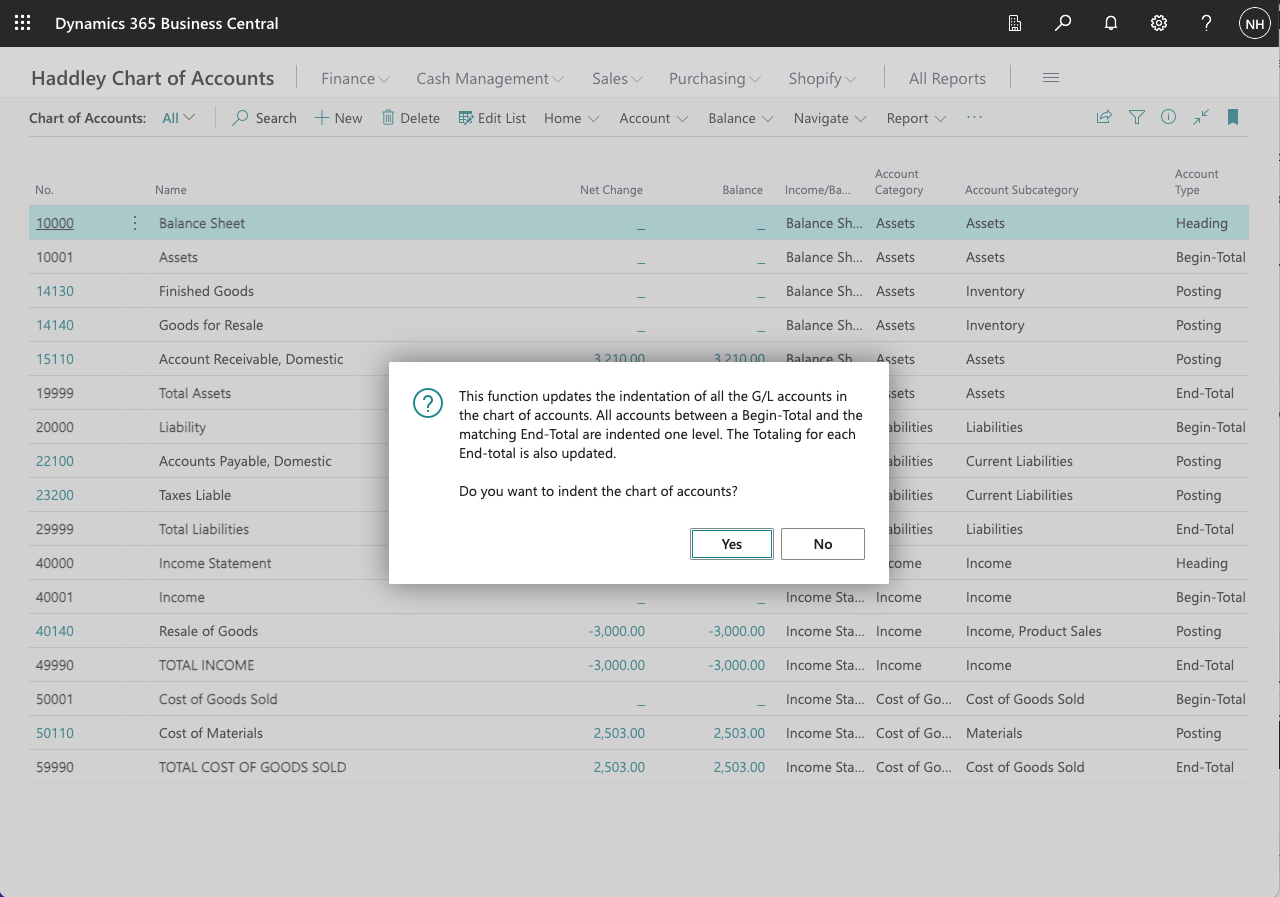
I clicked the Yes button
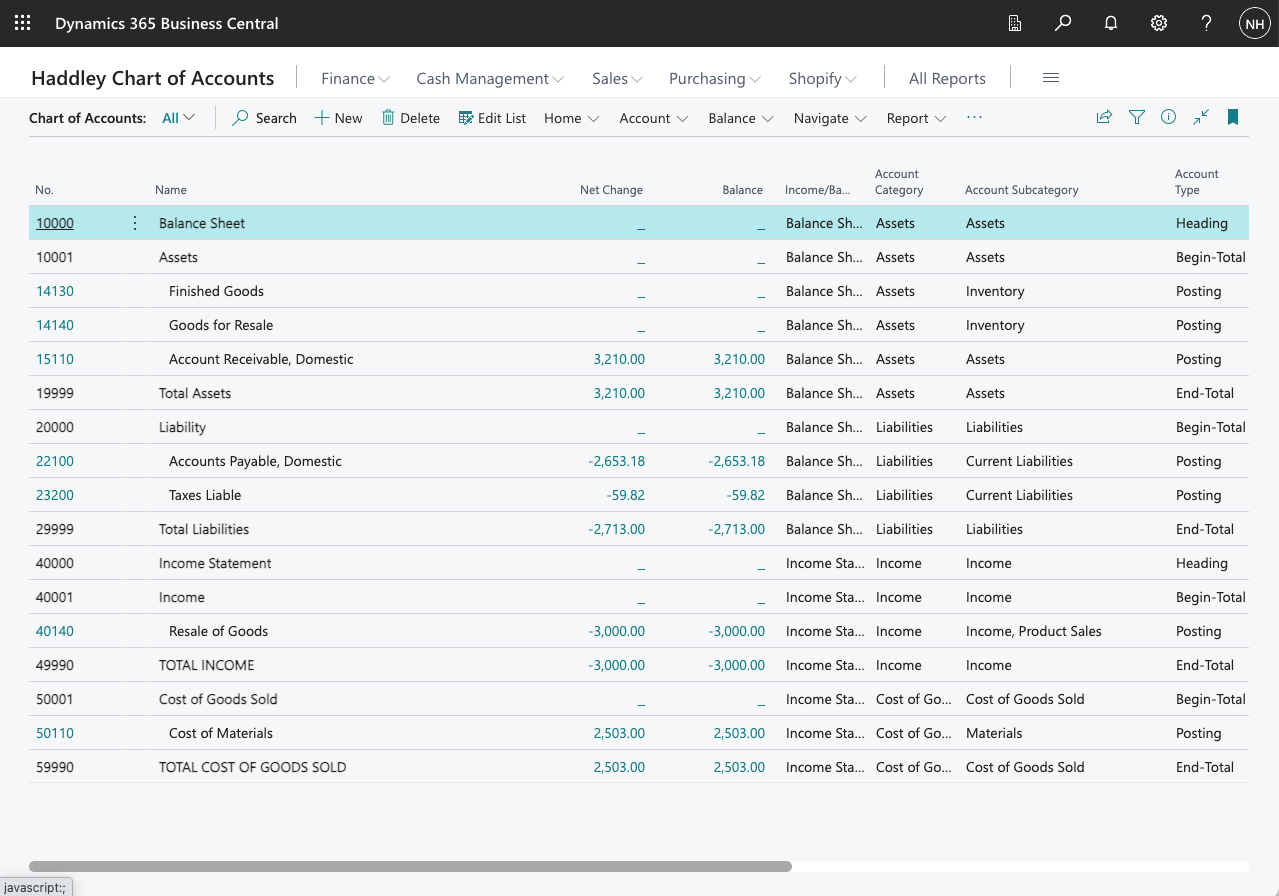
The accounts were indented