Ionic
Neil Haddley • December 22, 2021
Cross-platform apps.Powered by the Web.
Starting an app
BASH
1$ npm install -g @ionic/cli
2$ ionic start <name>
I created a todo Progressive Web Application (PWA)
BASH
1$ ionic start haddley-todo
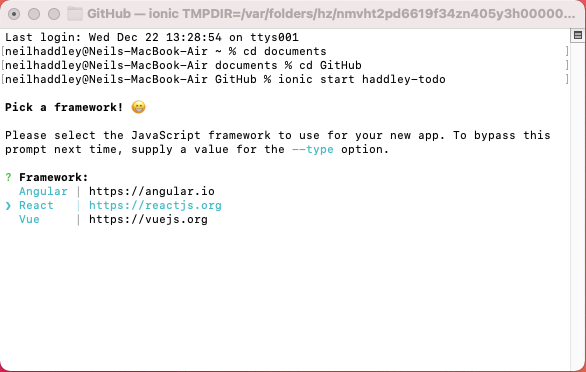
I selected React
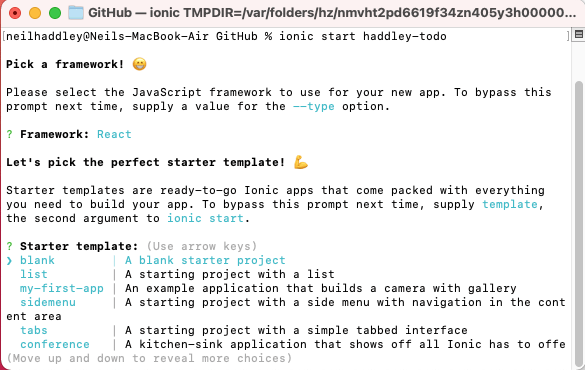
I selected blank
Running
BASH
1$ cd <name>
2$ ionic serve
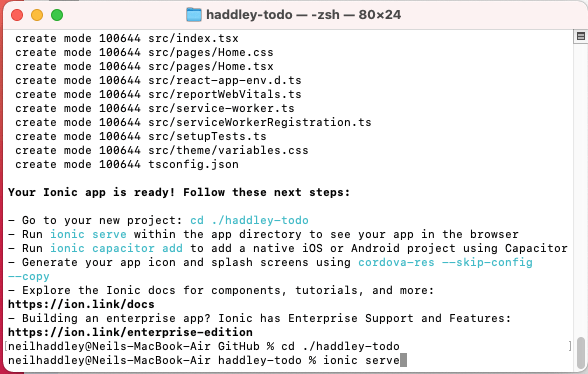
I ran ionic serve
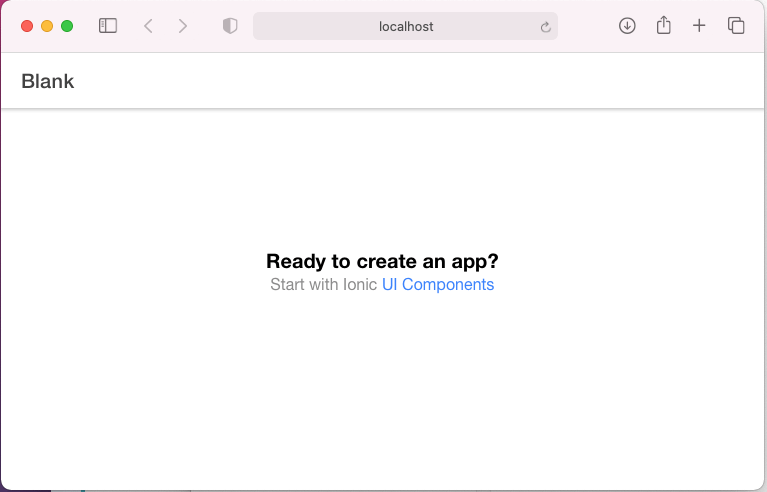
I viewed the blank app
Visual Studio Code
BASH
1$ code .
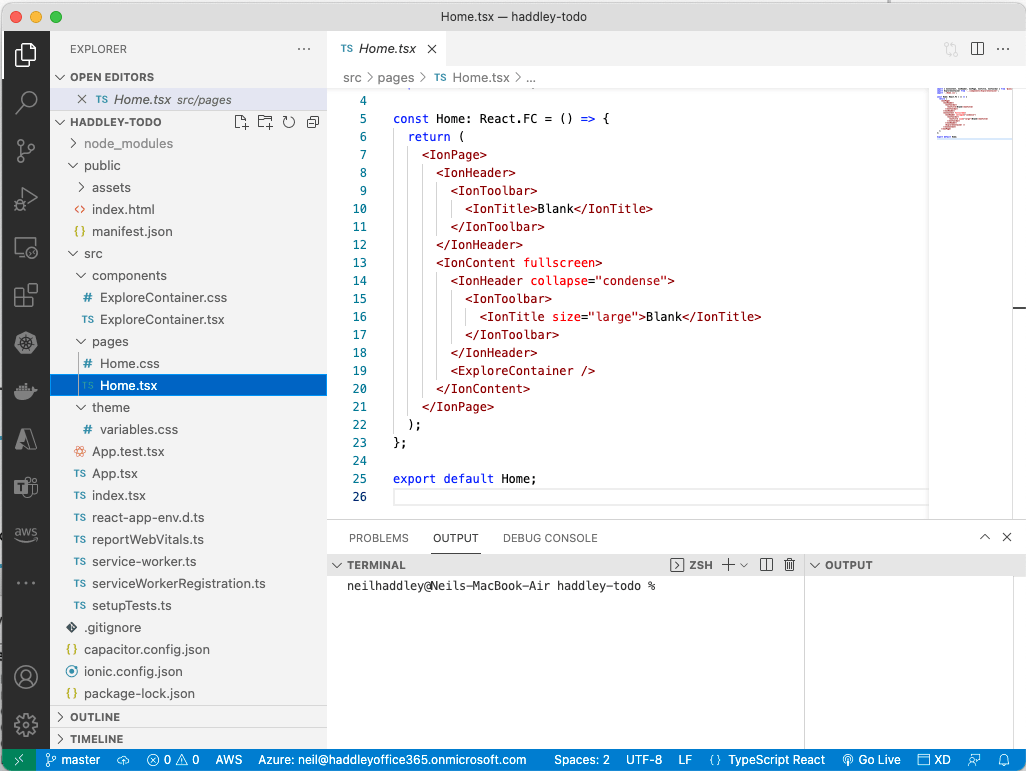
I opened Visual Studio Code
IndexDB
Modern browsers support IndexDB.
The Localbase package makes it easier to work with IndexDB.
BASH
1$ npm install localbase --save
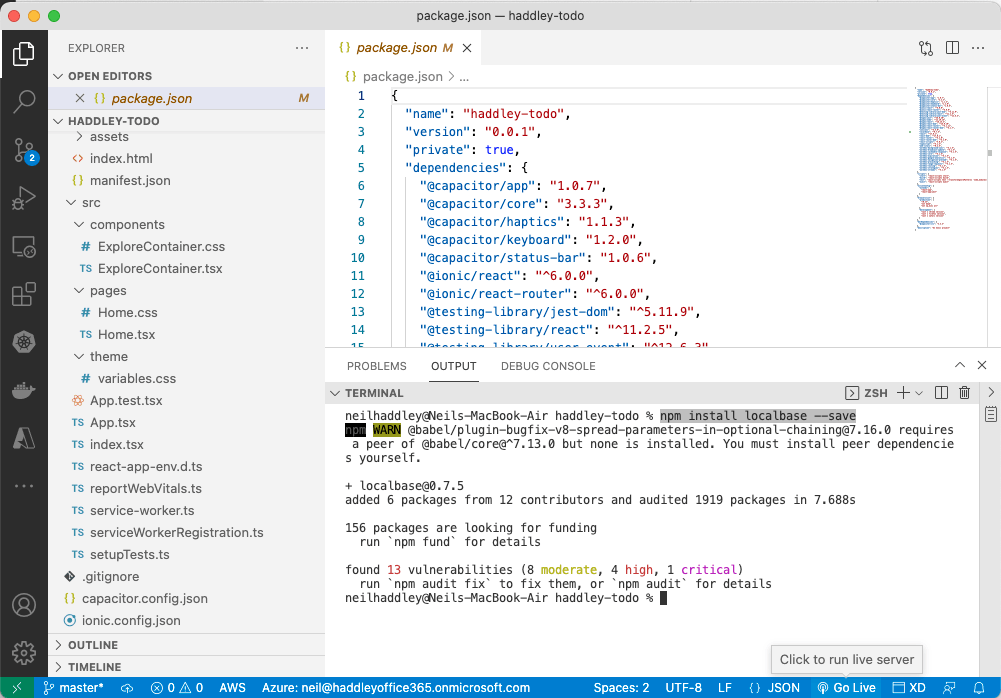
I ran npm install localbase
localbase.d.ts
Localbases does not include typescript type definitions.
To workaround this issue create a localbase.d.ts file
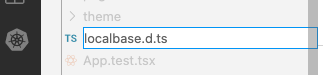
I created localbase.d.ts
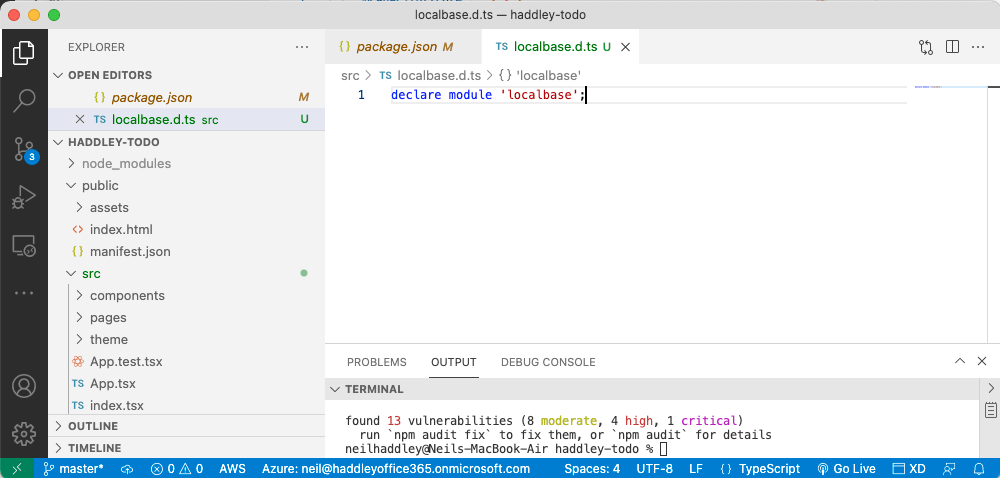
I reviewed the contents
todos.ts
I created a TypeScript file that defines the "Todo" interface and uses Localbase to fetch, create and update todo items.
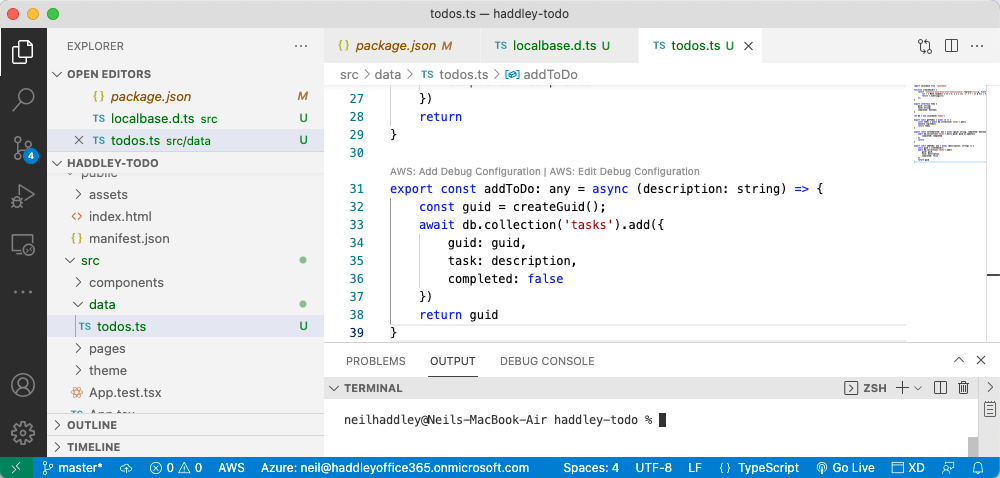
I created todos.ts
TodoListItem
I created a React component to display each todo item.
Created using Ionic Web Components {IonItem, IonCheckbox and IonLabel}
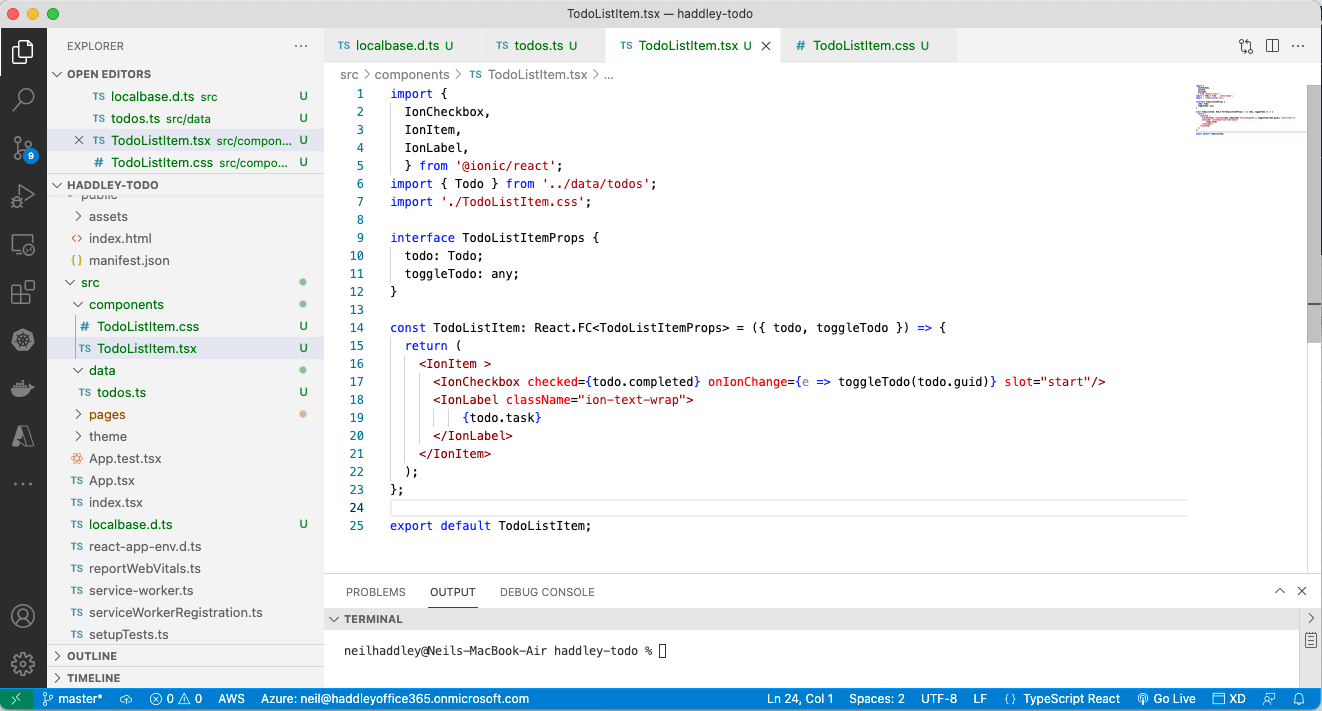
I created the TodoListItem component
Home.tsx
The home page fetches todo items from browser's IndexDB using the getTodos() method defined in todos.ts.
The home page uses the setComplete(...) method to toggle the completed value.
The home page uses the addToDo(...) method to add a new todo item.
The home page uses Ionic Web Components to display a text box and a list of TodoListItems {IonButton, IonContent, IonHeader, IonInput, IonItem, IonList, IonPage, IonRefresher, IonRefresherContent, IonTitle and IonToolbar}.
The IonRefresher Web Component allows a user to refresh the list by swiping the list from top to bottom.
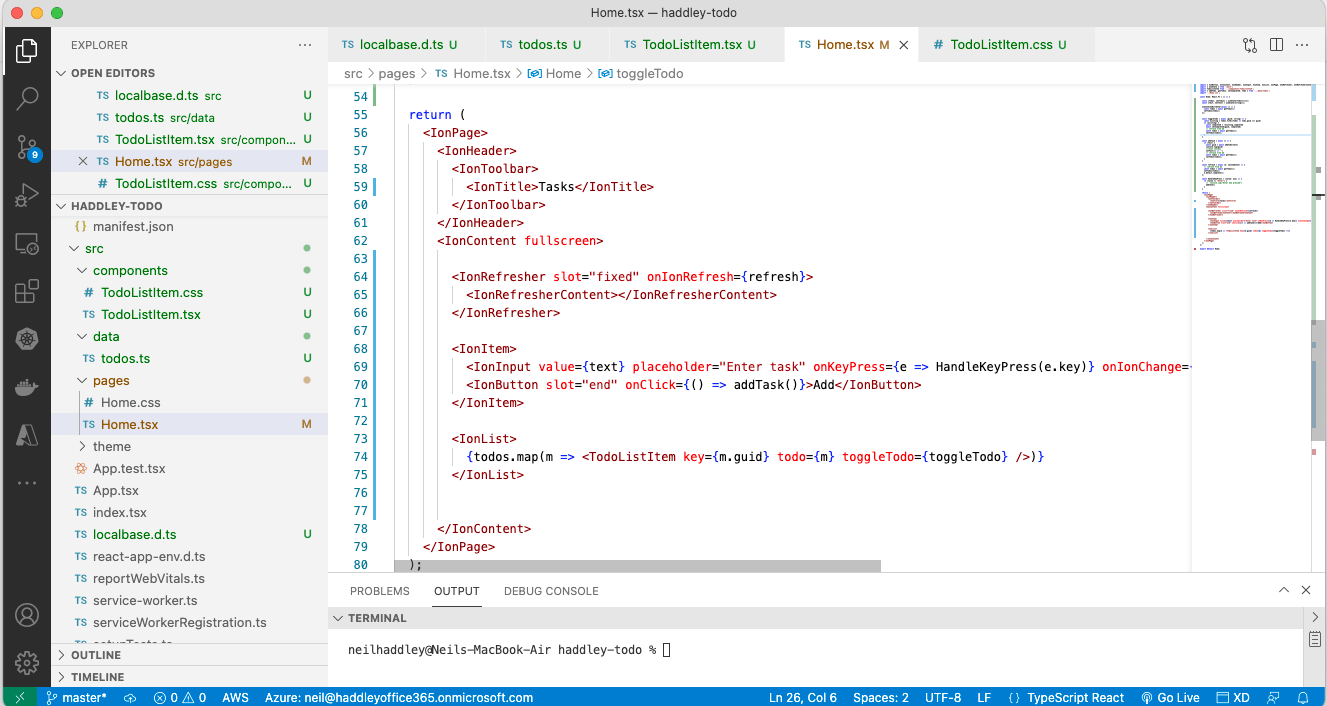
I reviewed Home.tsx
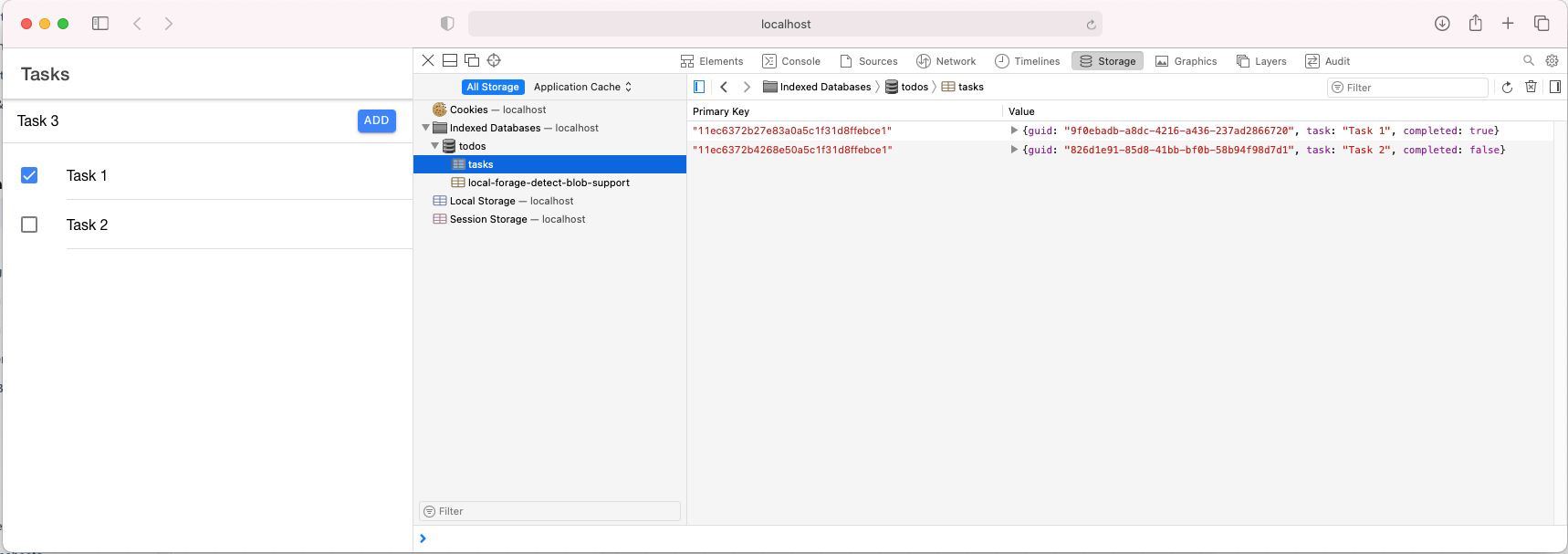
I opened Web Inspector (Safari)
pwa-asset-generator
The pwa-asset-generator can be used to generate a set of application icons from a single .jpg image
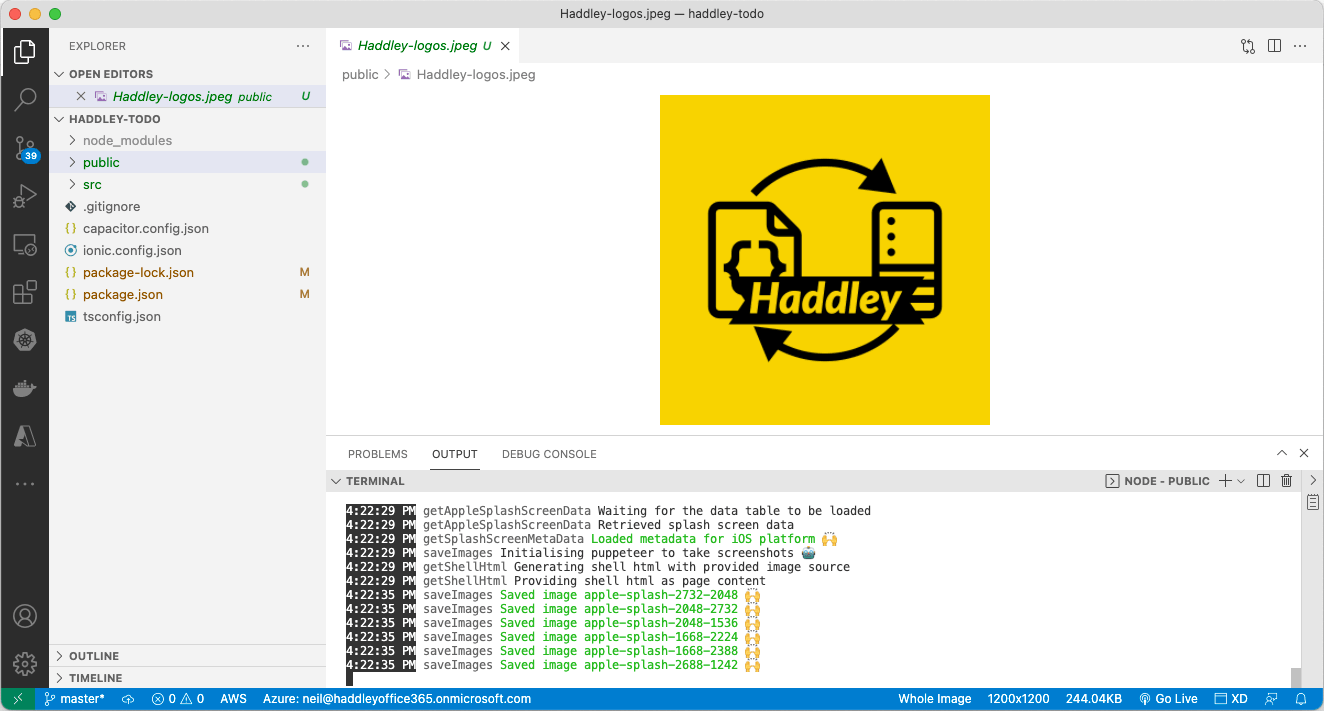
I used pwa-asset-generator
index.html
I updated public/index.html to include the links
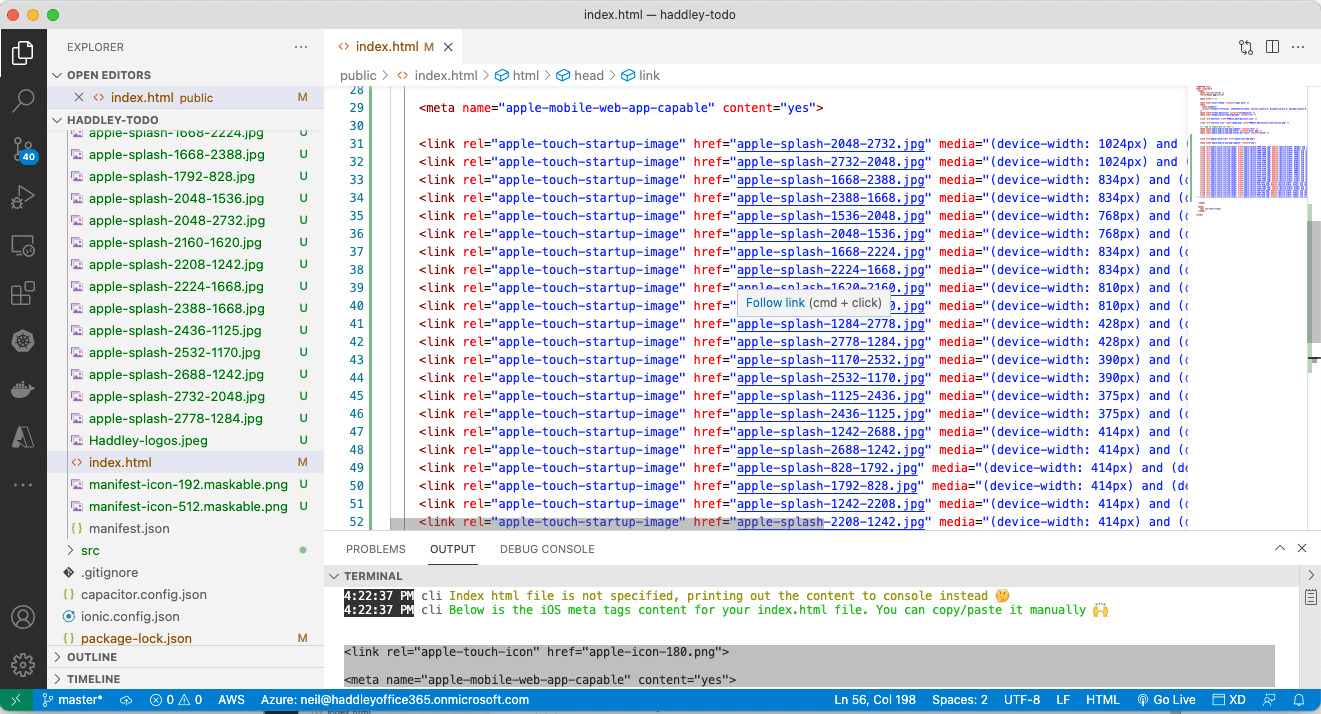
I reviewed the generated icons
manifest.json
The public/manifest.json file provides details of the web application.
I updated the manifest.json file to reference the generated icons
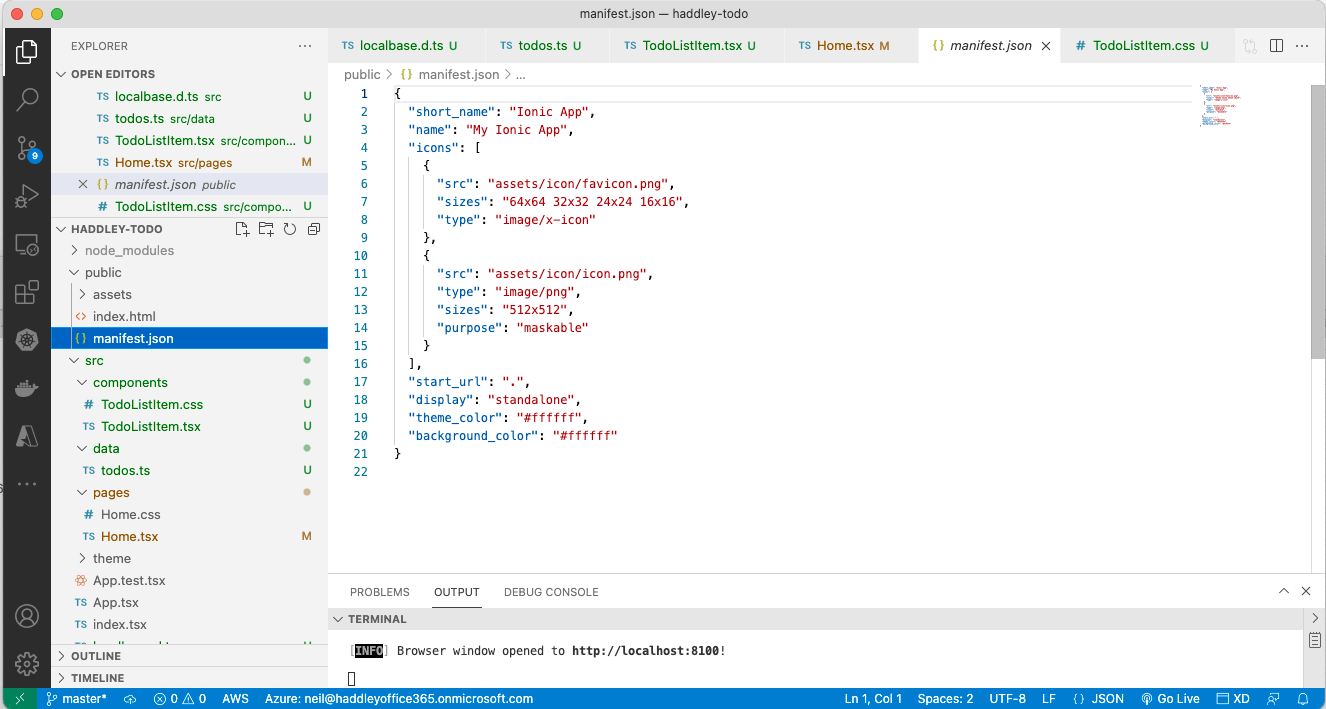
I reviewed the default manifest.json
updated manifest.json
I updated the application name.
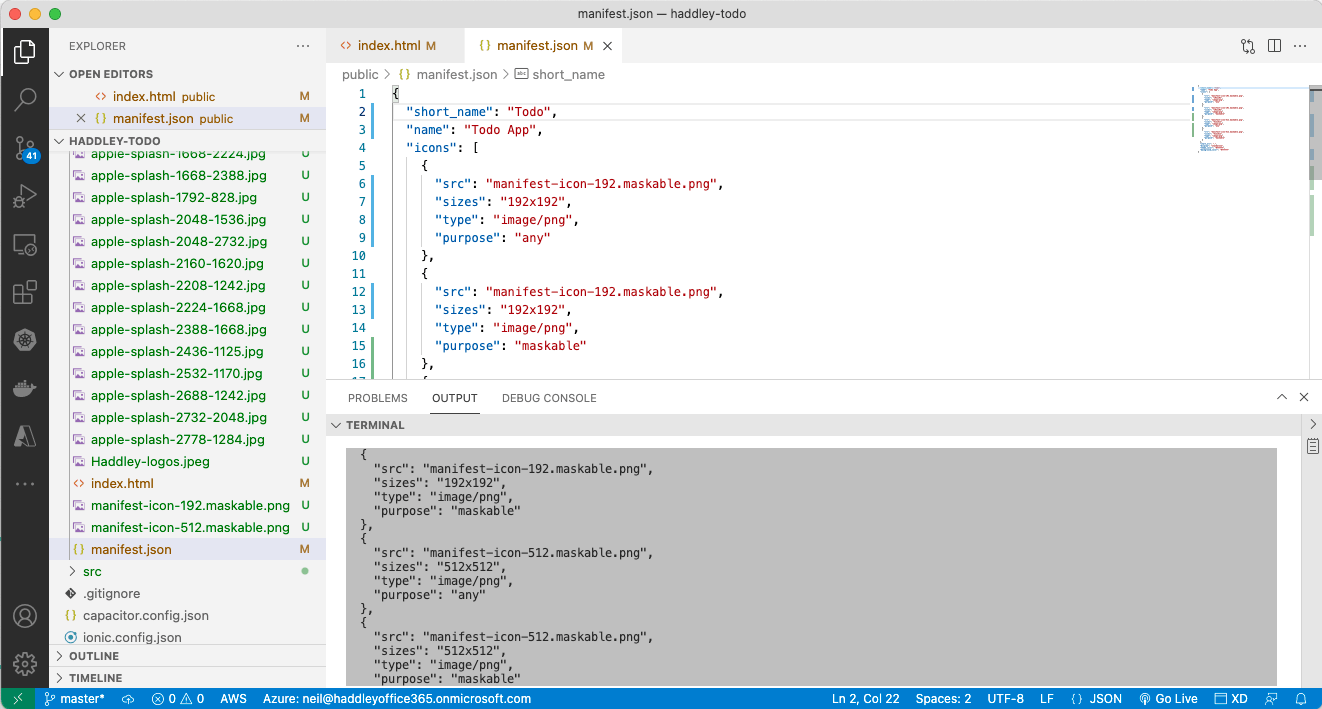
I reviewed the updated manifest.json
Service Worker
Service Worker allows the PWA to run offline.
Service Worker allows the PWA to upgrade while online.
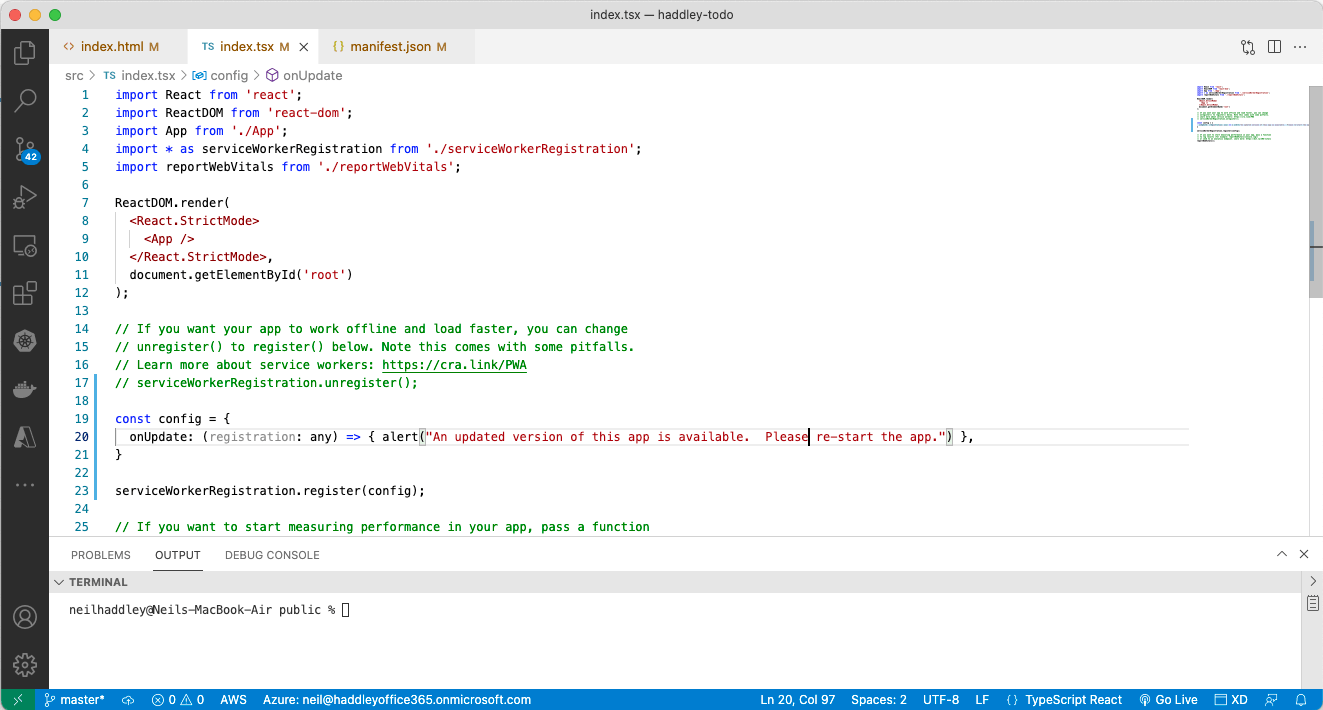
I reviewed serviceWorkerRegistration.register(...)
build
BASH
1$ ionic build
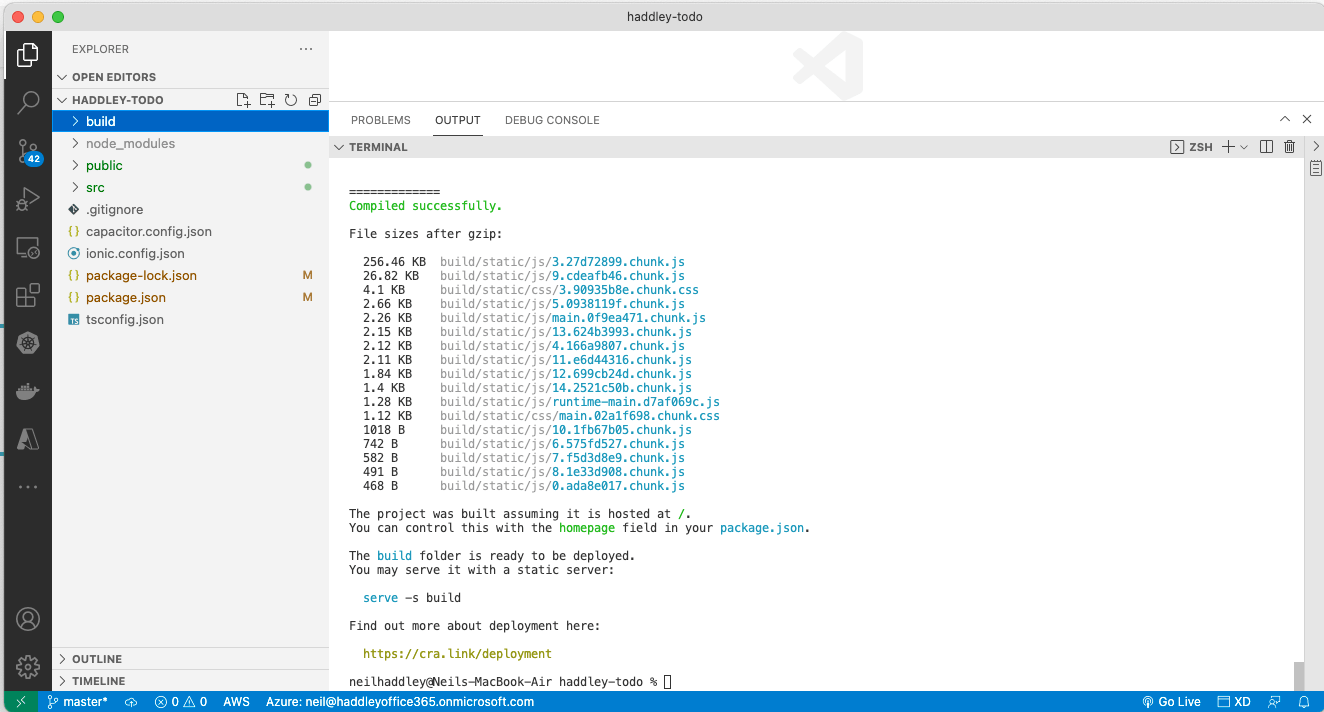
I ran ionic build
Deploy to Azure
I deployed to Static Website via Azure Storage.
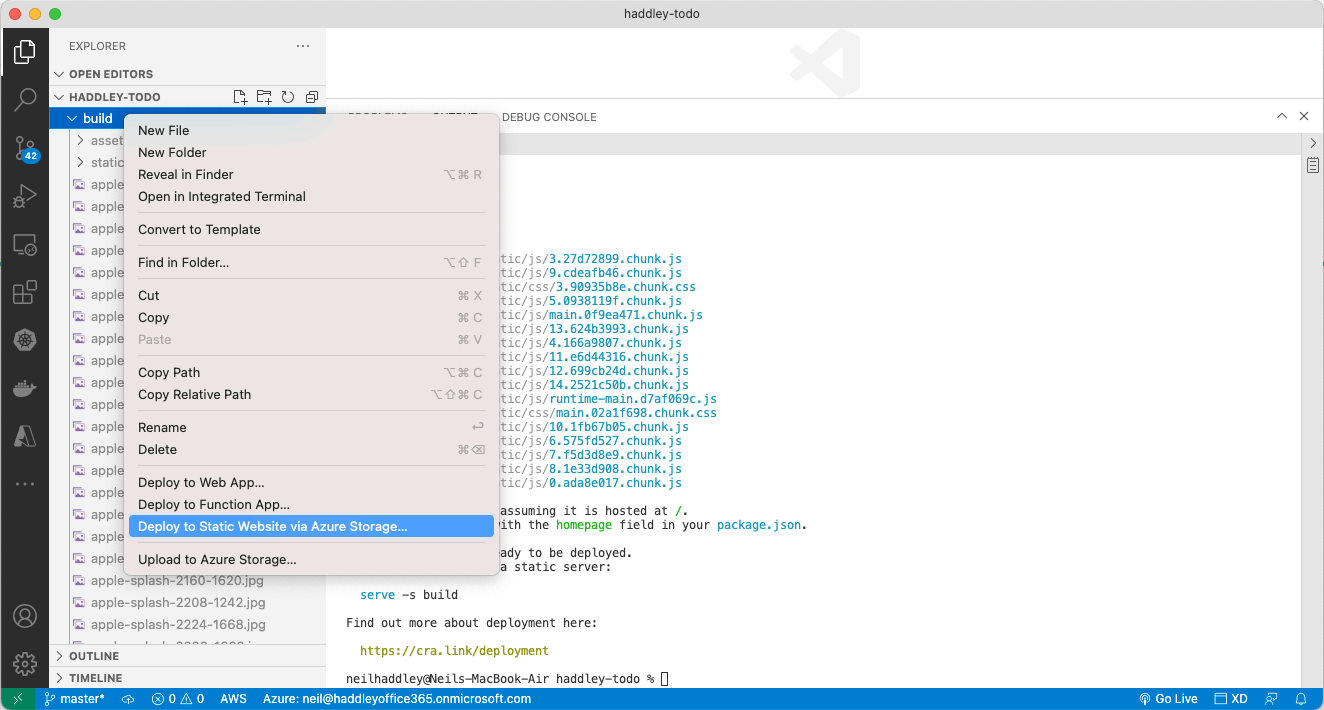
I clicked Deploy to Static Website...

I clicked Create new Storage Account...

I entered haddleytodo

I waited while Creating...
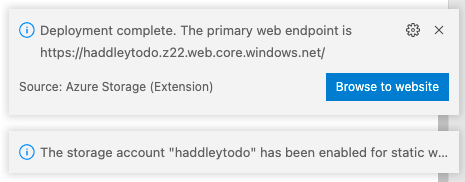
I confirmed Deployment was complete
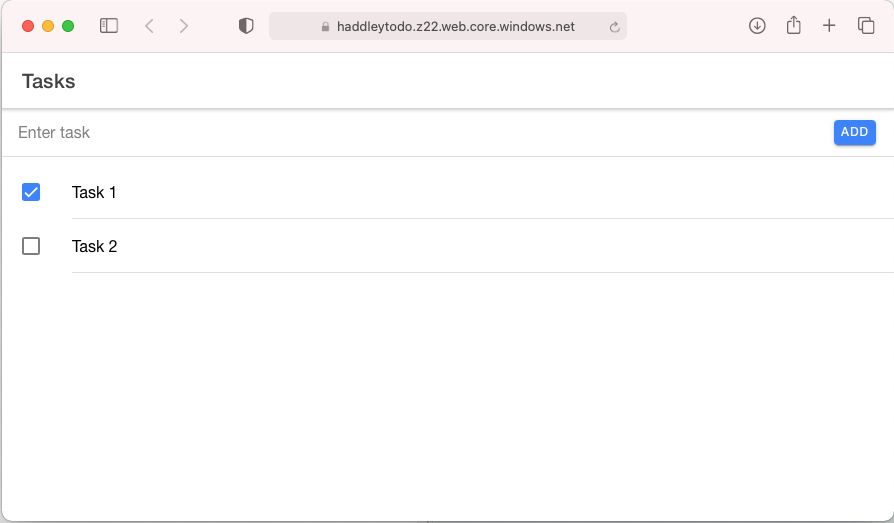
I viewed the app running in Safari (from Azure)
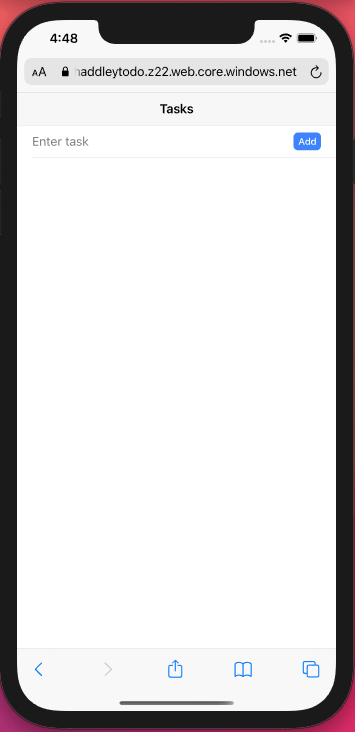
I viewed the app running on iPhone Simulator (Safari)
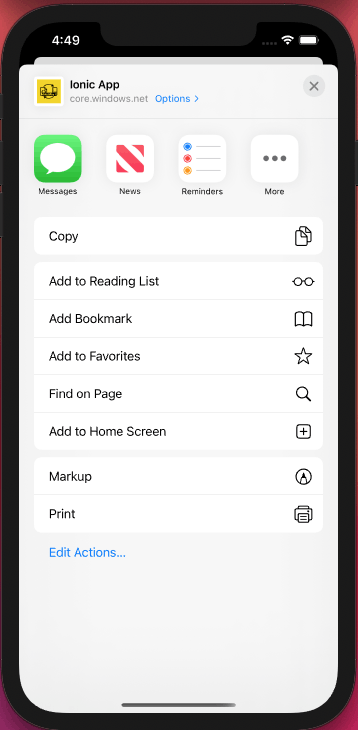
I selected Add to Home Screen
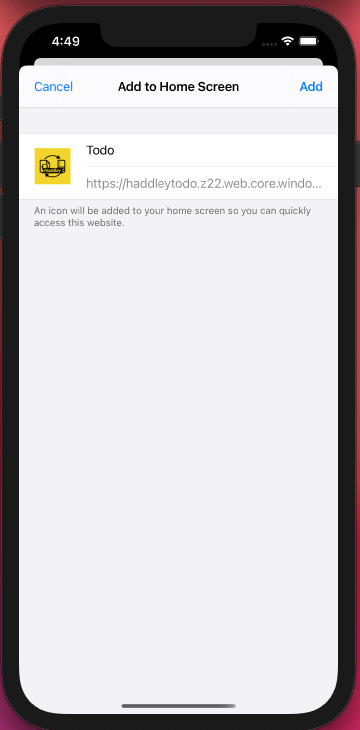
I clicked Add
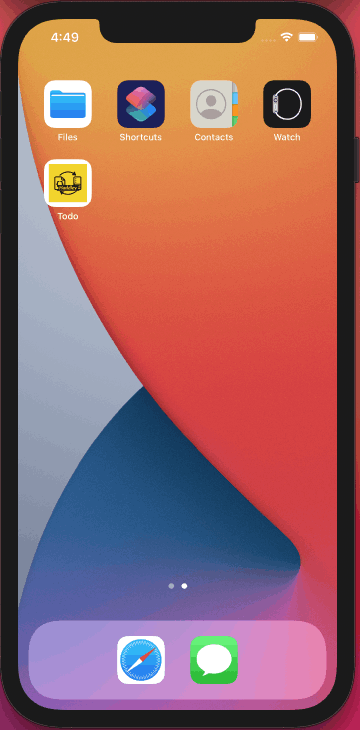
I saw the icon on the home screen
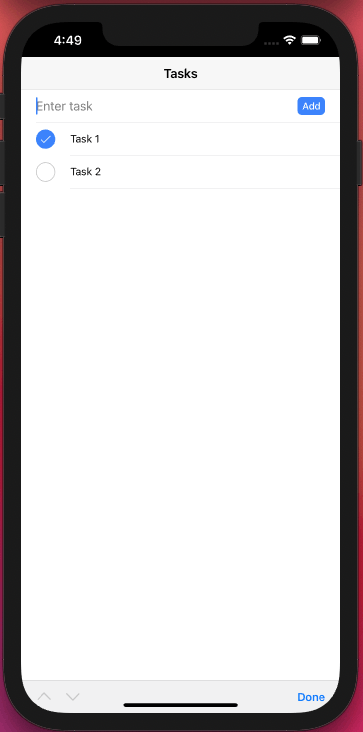
I viewed the app running (online)
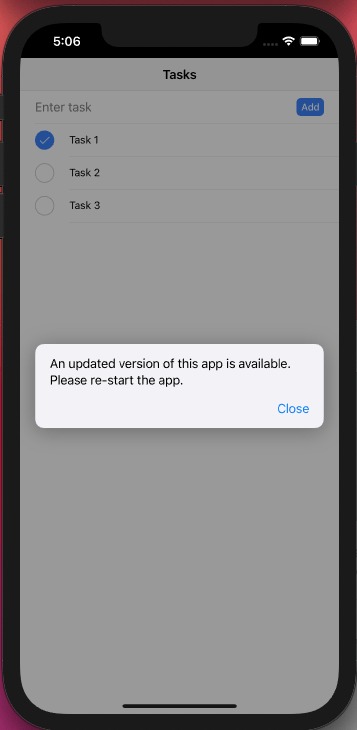
I saw "Updated version available"
IonItemSliding
I added the IonItemSliding tag so the user could swipe an item from right to left to reveal a Delete option.
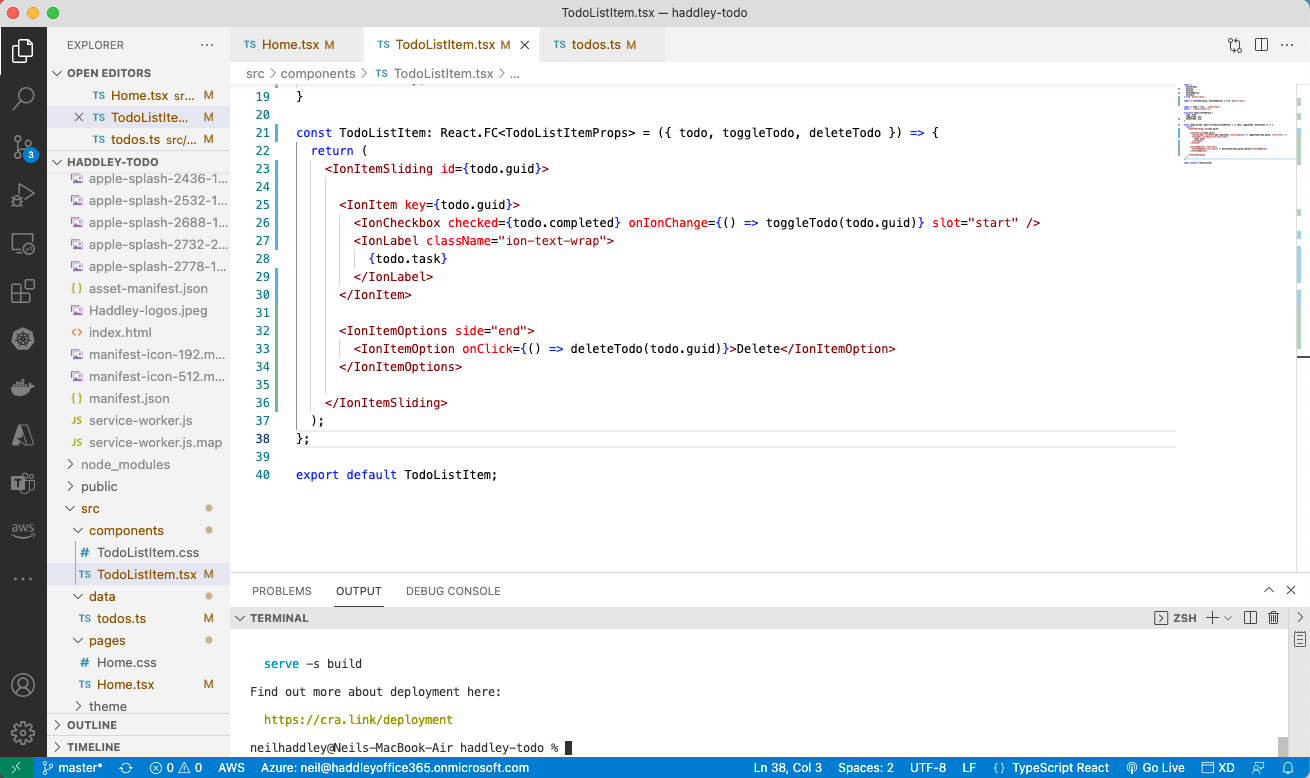
I added the IonItemSliding component
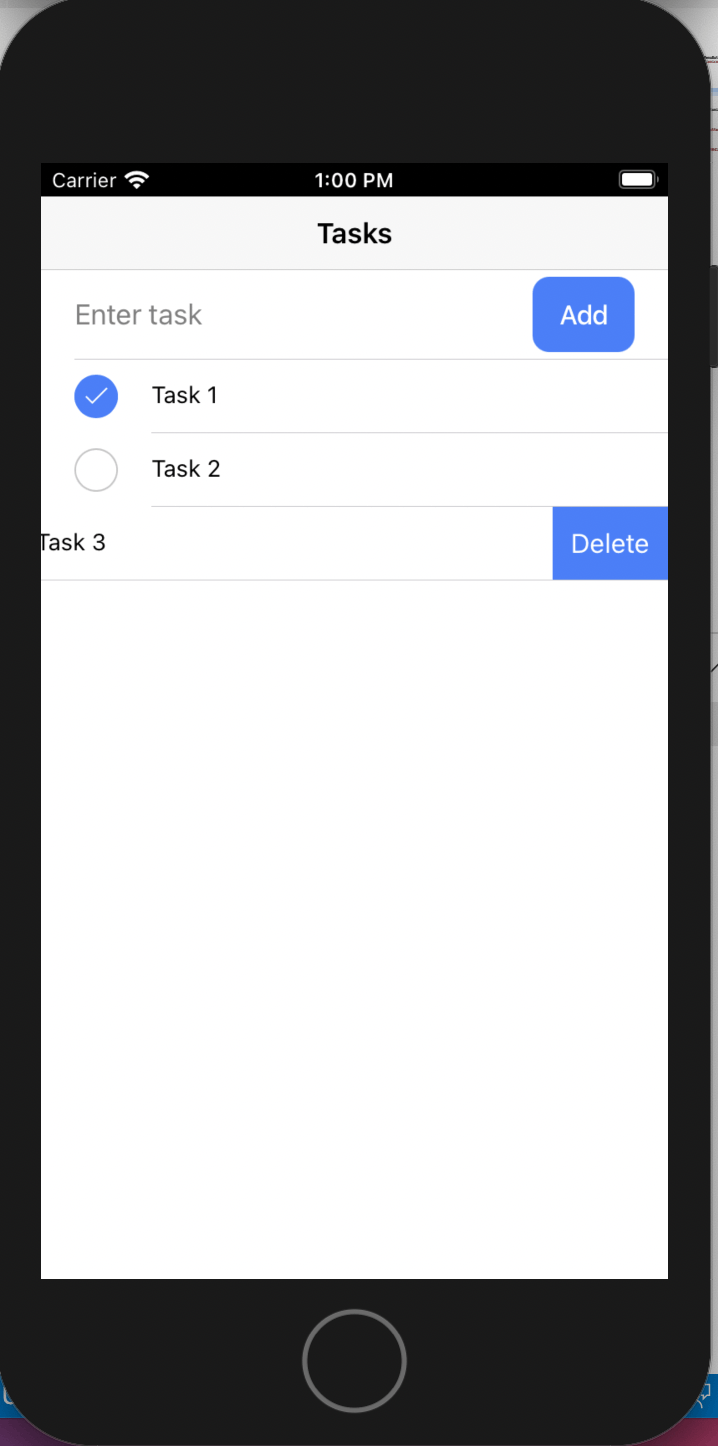
I swiped the list item right to left
PouchDB
PouchDB is an open-source JavaScript database inspired by Apache CouchDB that is designed to run well within the browser.
PouchDB was created to help web developers build applications that work as well offline as they do online.
CouchDB
BASH
1% docker run -p 5984:5984 -e COUCHDB_USER=admin -e COUCHDB_PASSWORD=password -d couchdb
2
3% curl localhost:5984
http://localhost:5984/_utils/
The code below shows how I updated the todo application to use PouchDB and CouchDB.
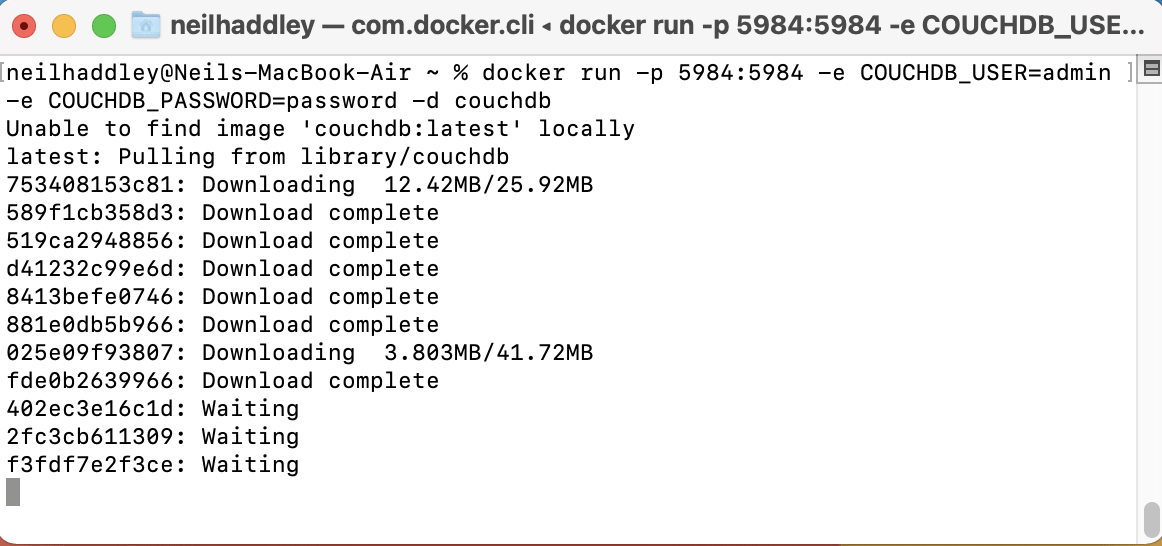
I ran docker run ...
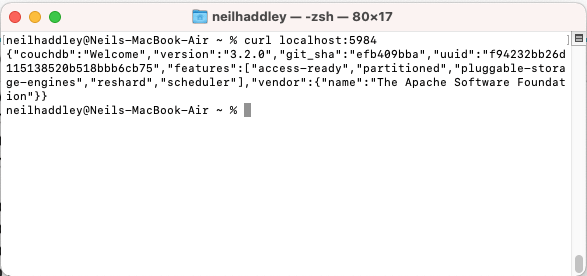
I ran curl localhost:5984
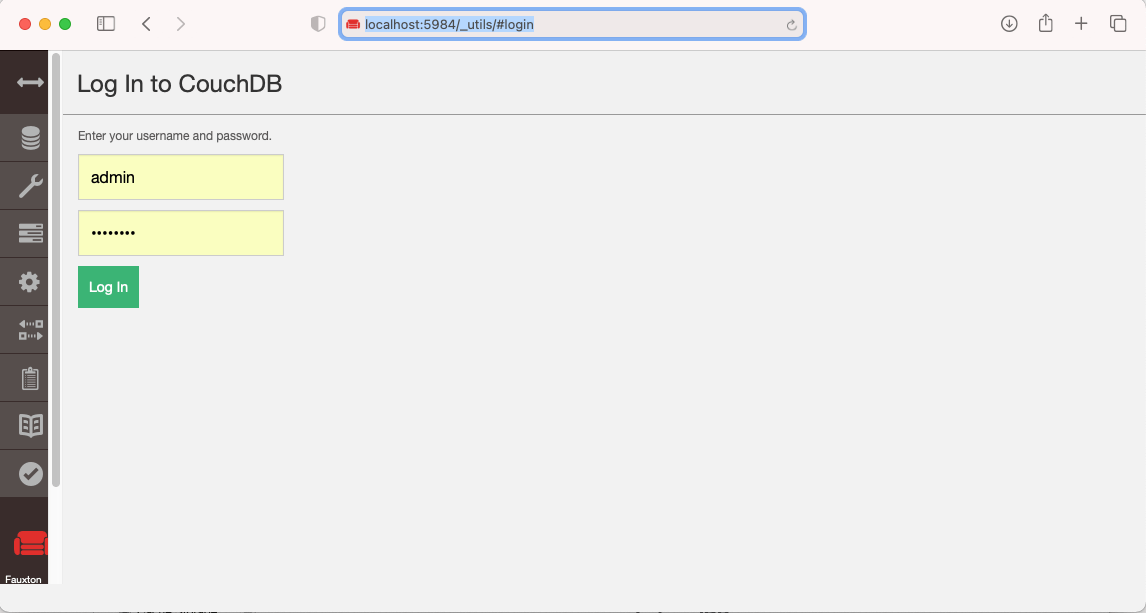
I navigated to _utils
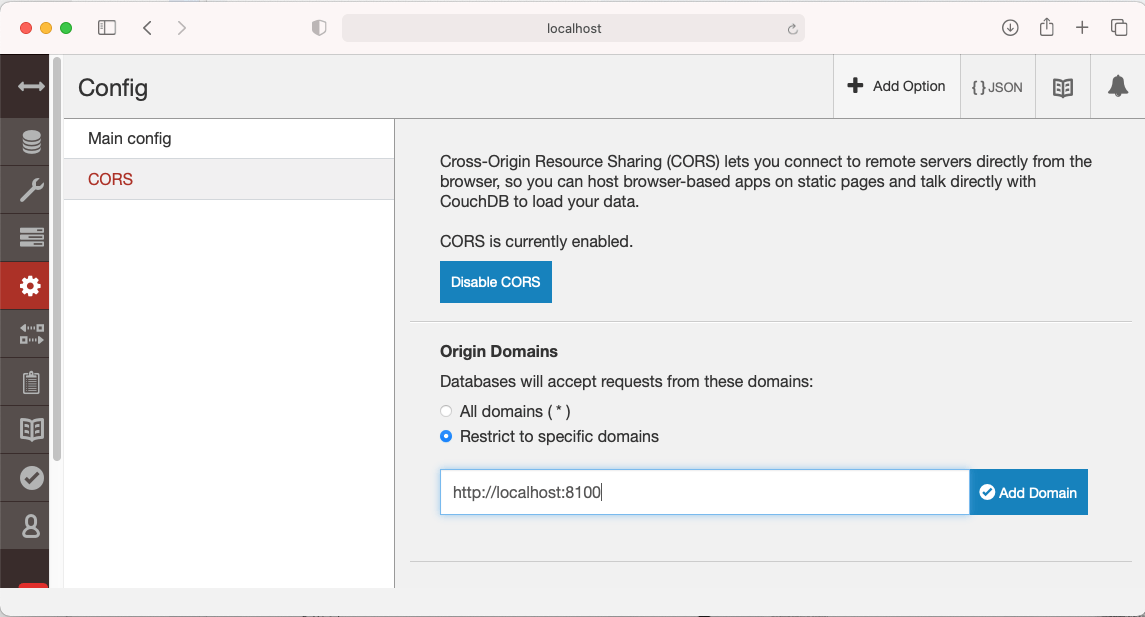
I enabled CORS
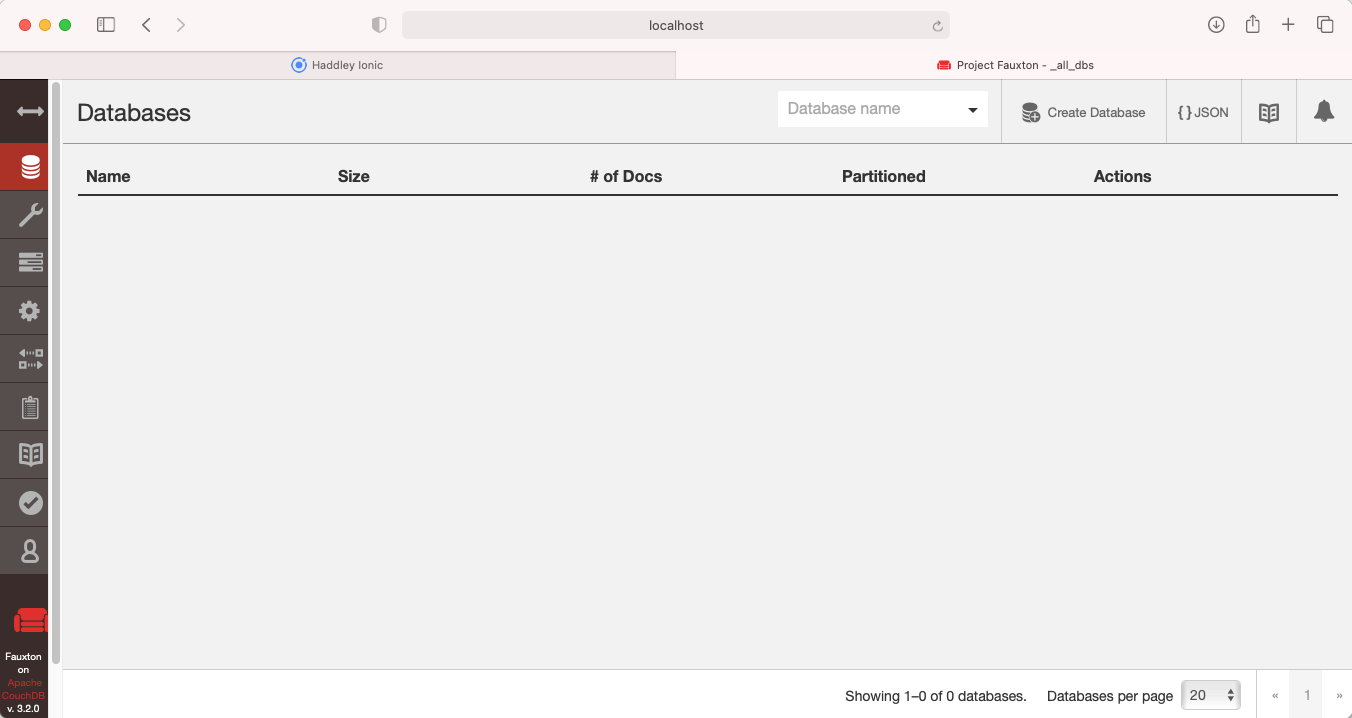
I noted there were no databases
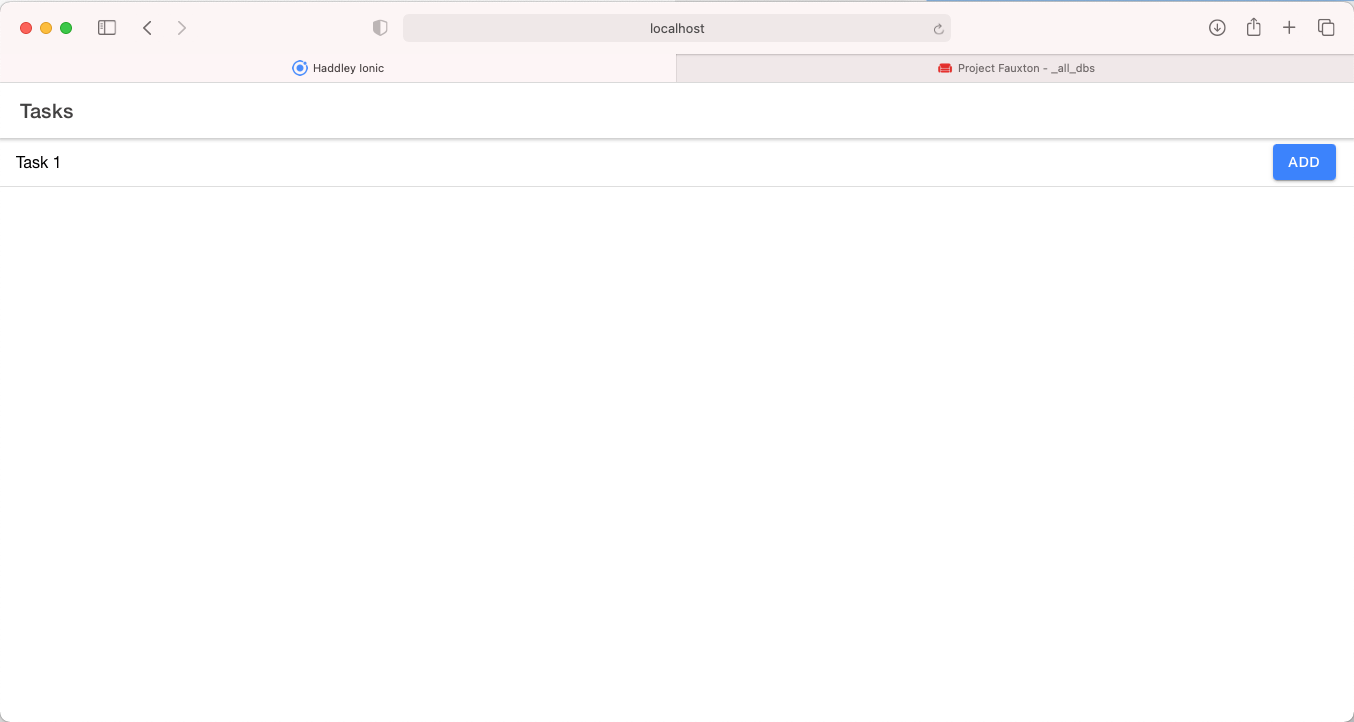
I added Task 1 using Safari
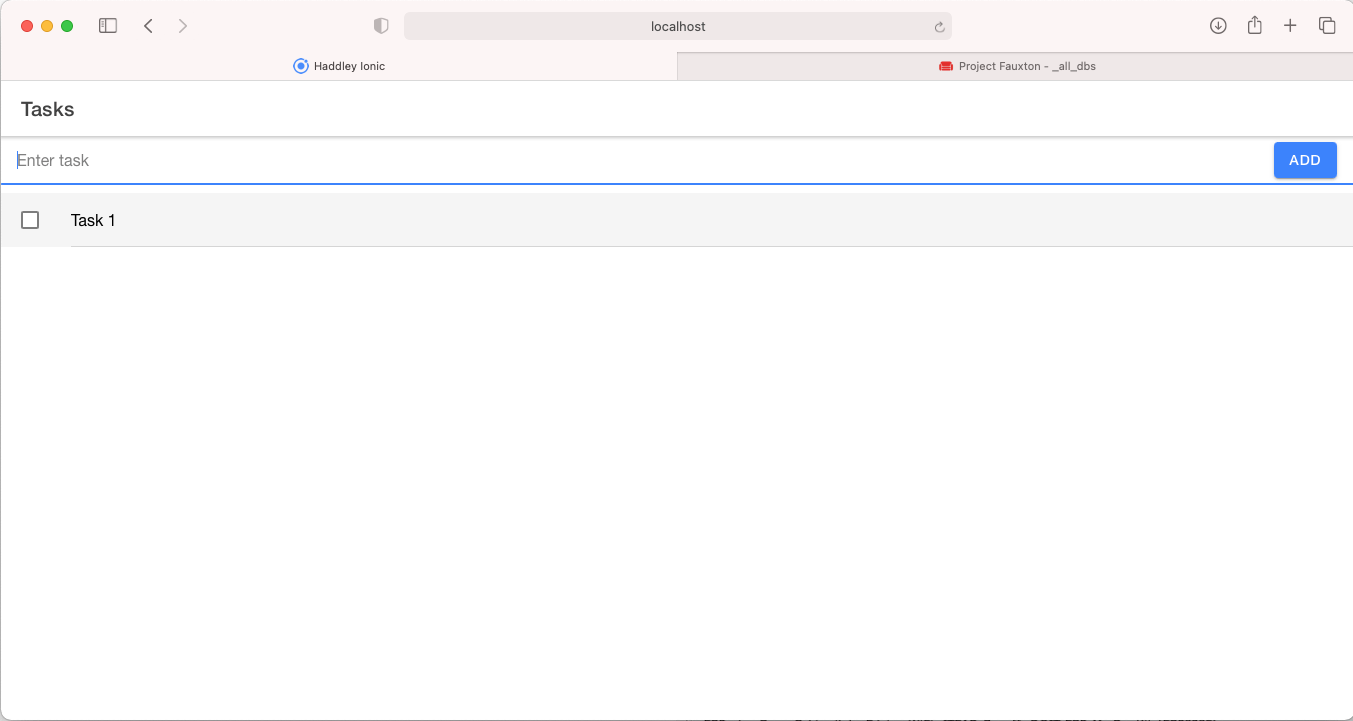
I confirmed Task 1 was added
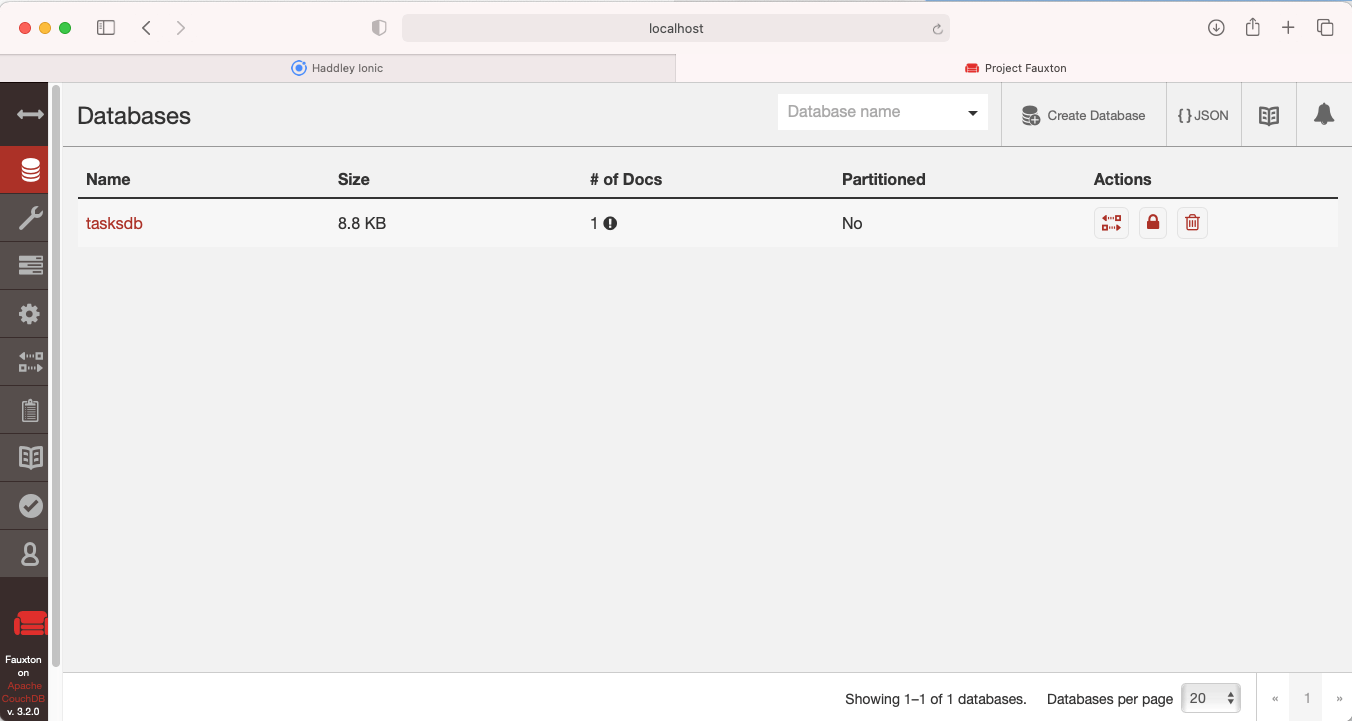
I confirmed Task 1 details were replicated to the CouchDB server
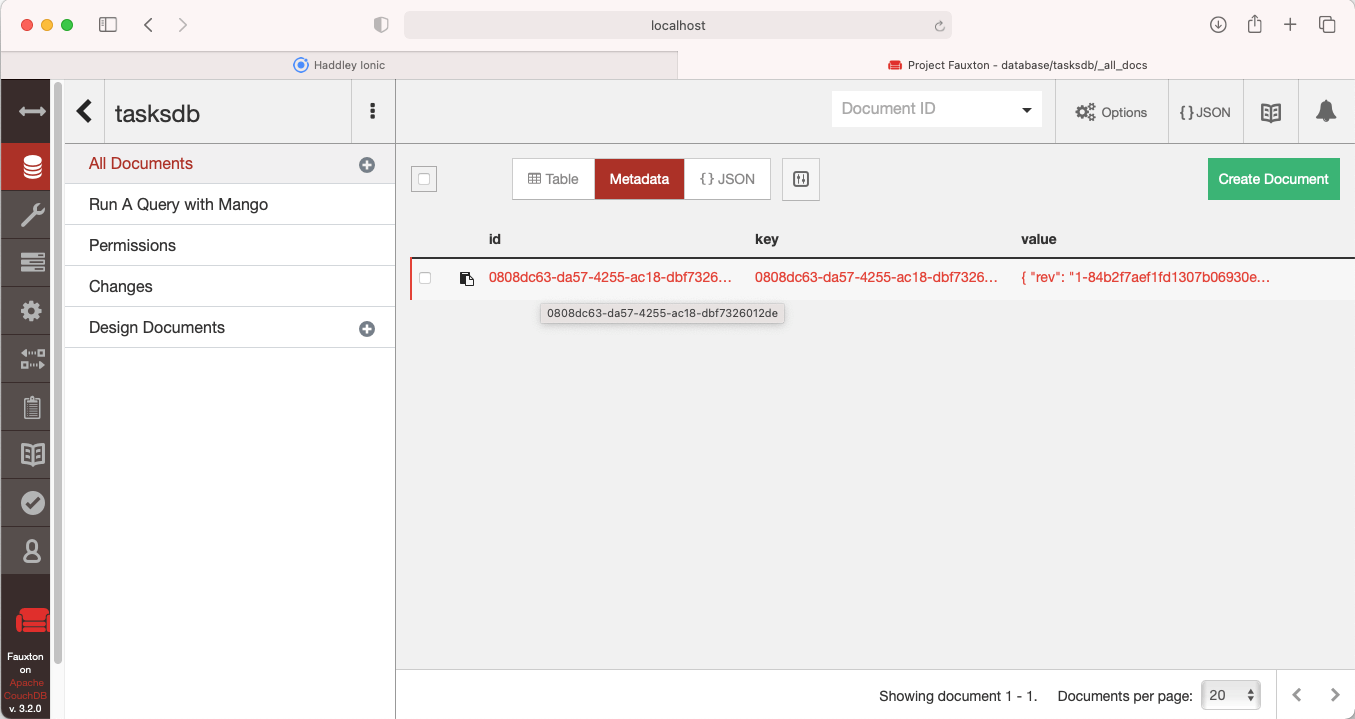
I reviewed All documents
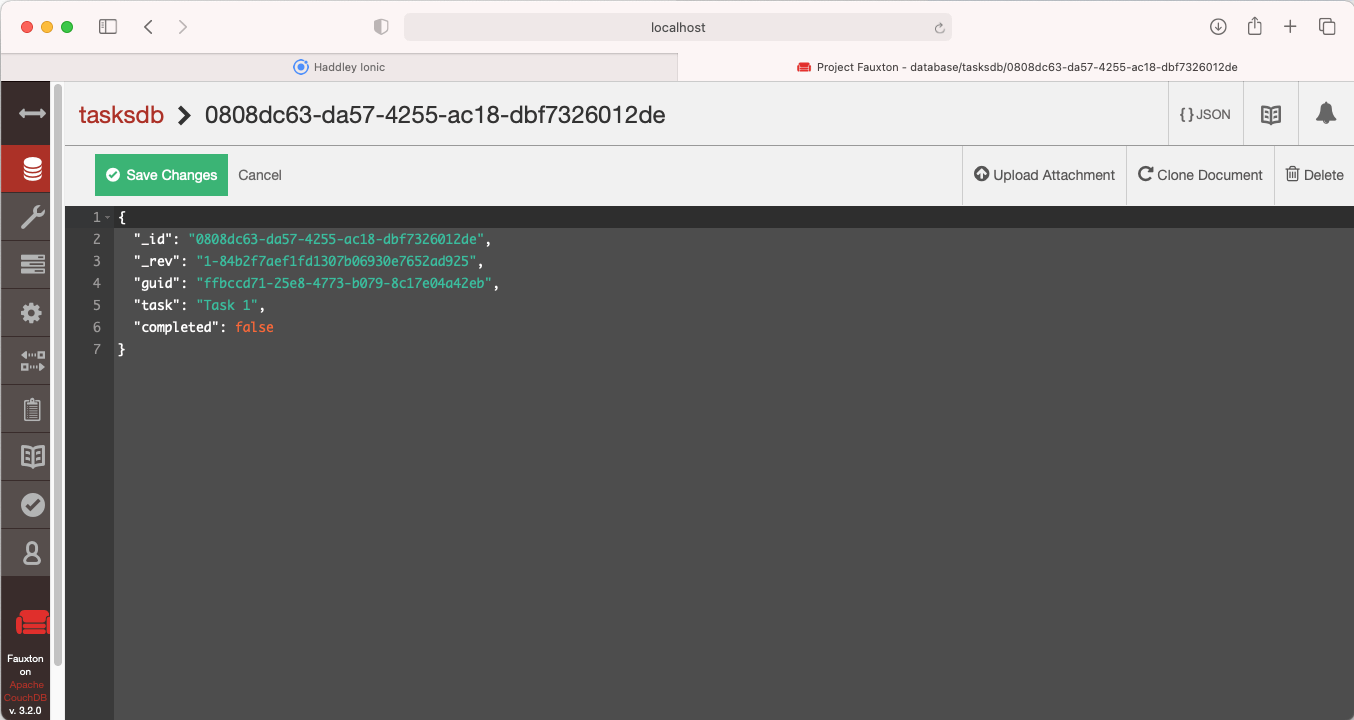
I reviewed Task 1 details
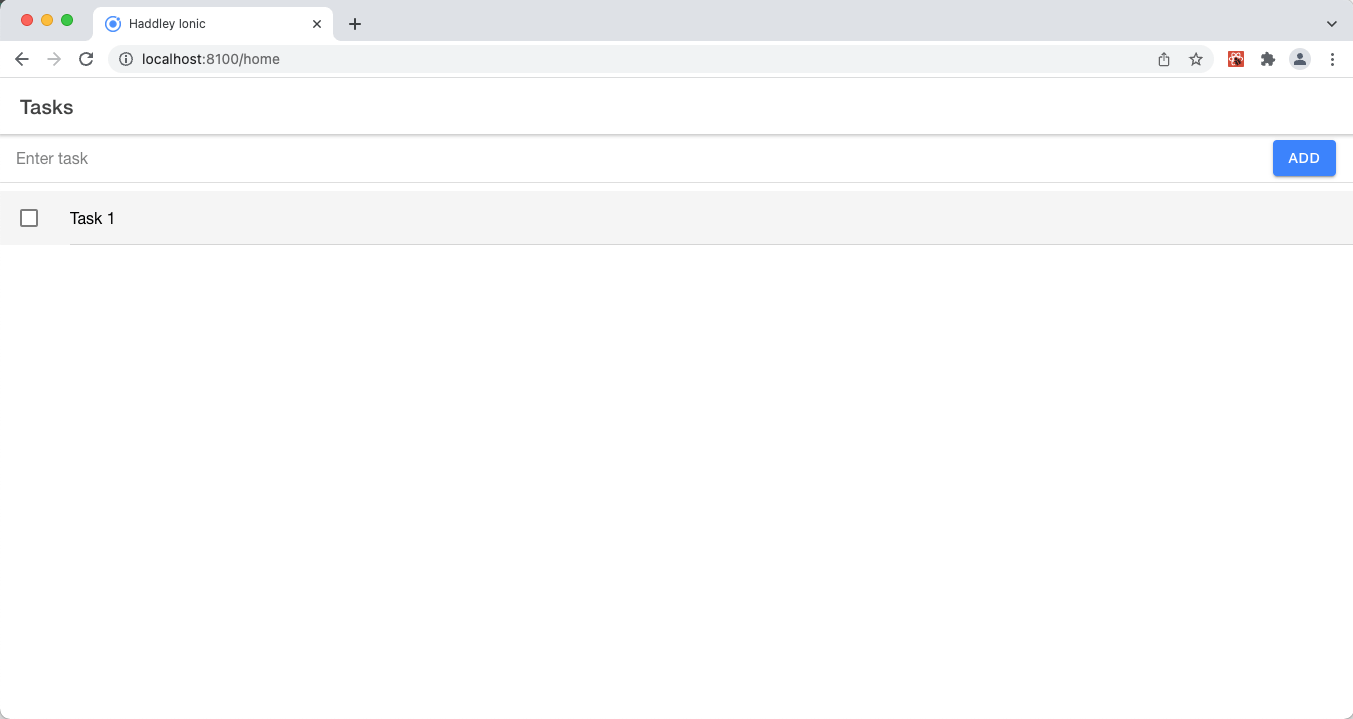
I confirmed Task 1 was replicated to Chrome
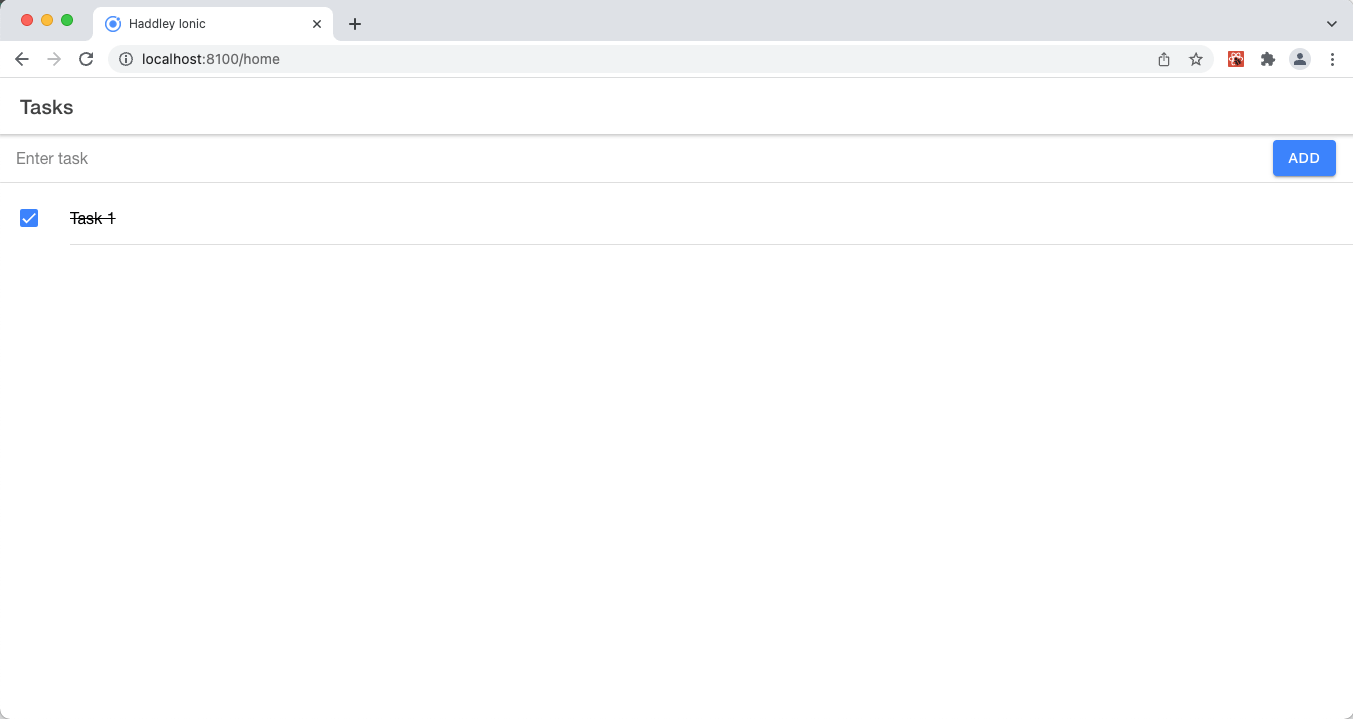
I updated Task 1 using Chrome
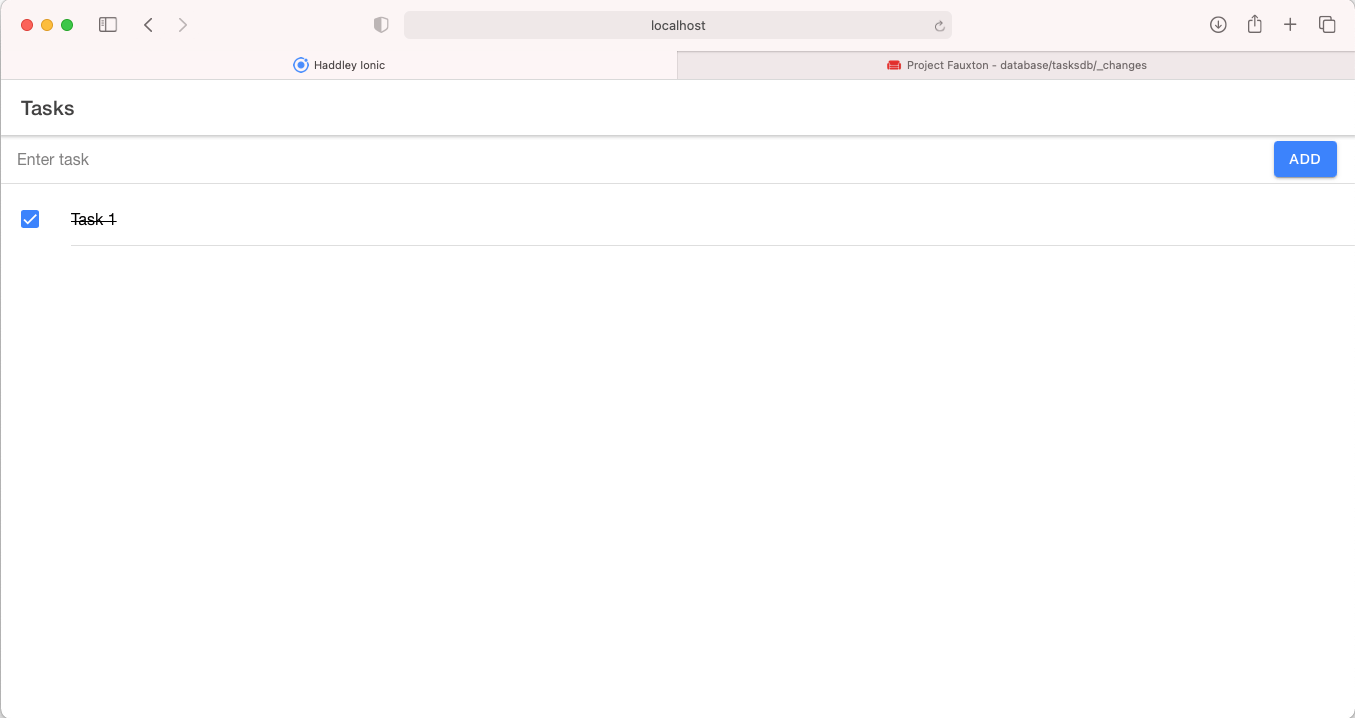
I confirmed the Task 1 update was replicated to Safari
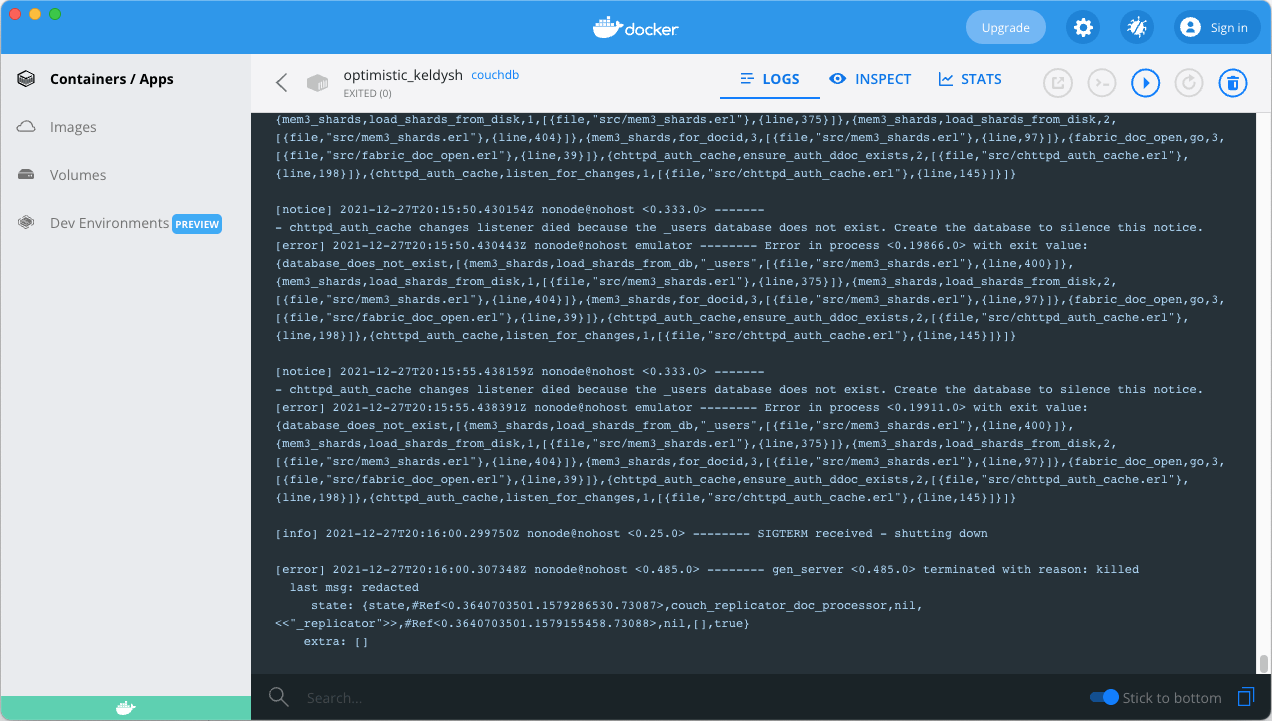
I stopped CouchDB
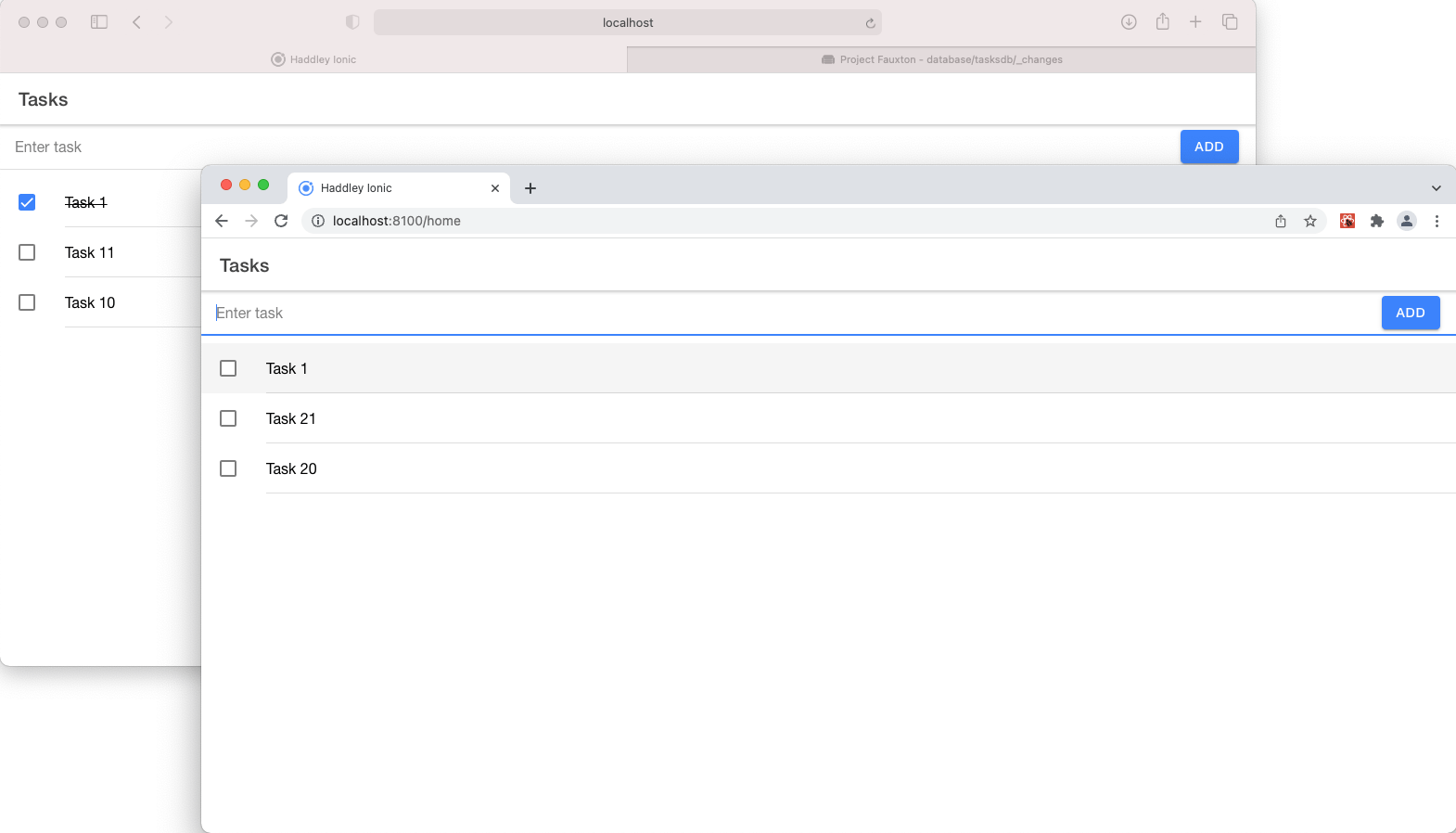
I made multiple changes offline using Safari and Chrome
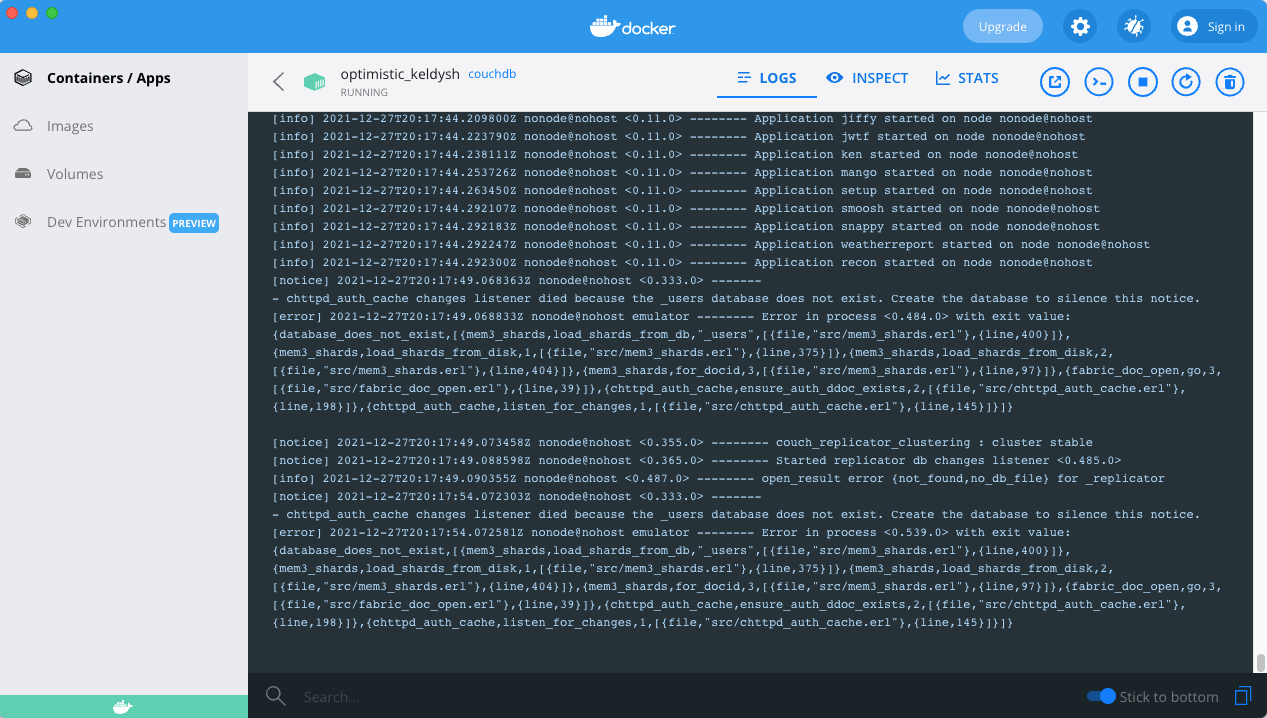
I started the CouchDB server
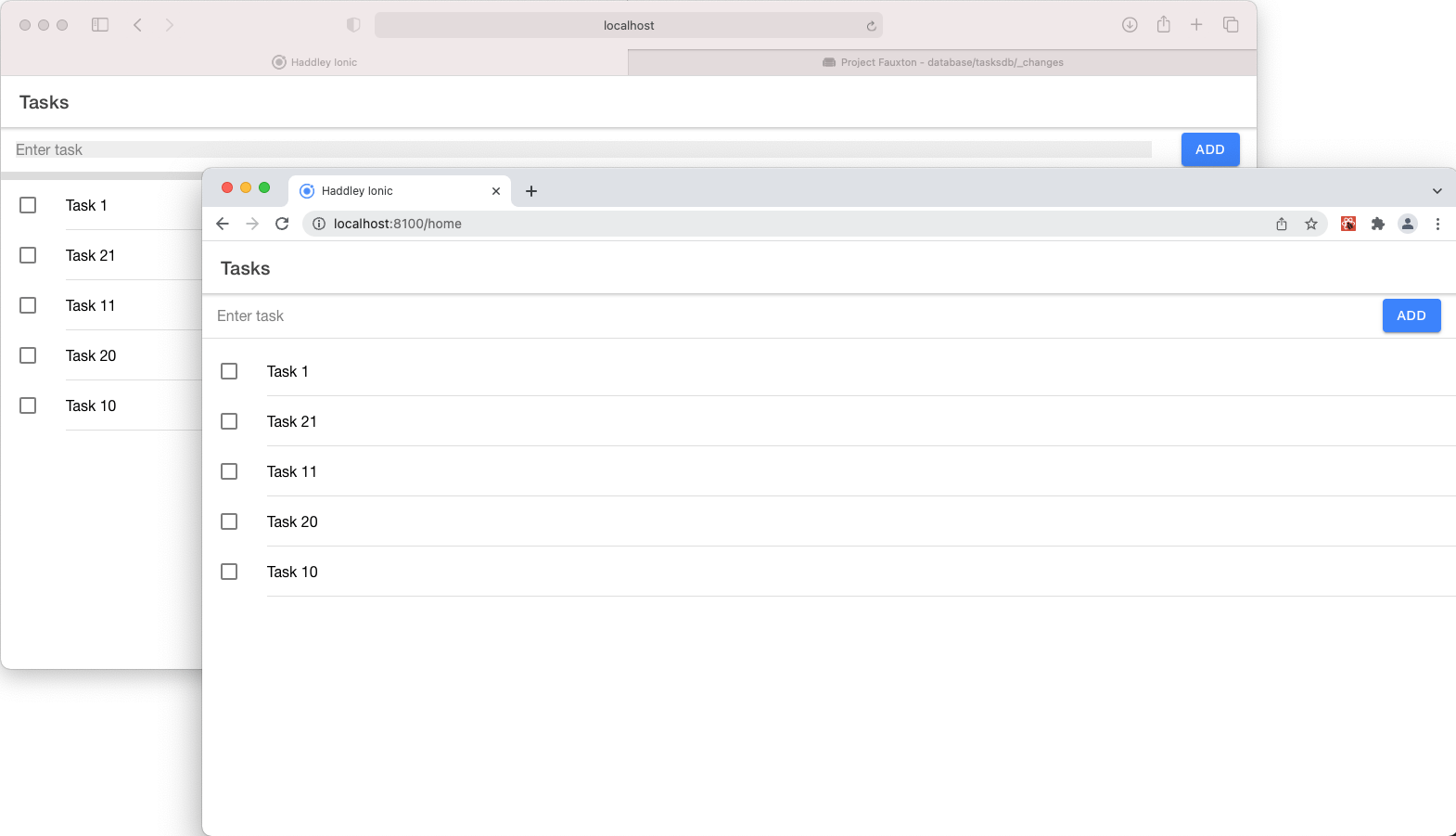
I confirmed multiple updates were replicated to/from Safari/Chrome
datatodos.ts
TYPESCRIPT
1import Localbase from 'localbase'
2
3function createGuid() {
4    return 'xxxxxxxx-xxxx-4xxx-yxxx-xxxxxxxxxxxx'.replace(/[xy]/g, function (c) {
5        var r = Math.random() * 16 | 0, v = c === 'x' ? r : (r & 0x3 | 0x8);
6        return v.toString(16);
7    });
8}
9
10export interface Todo {
11    guid: string;
12    task: string;
13    completed: boolean;
14}
15
16let db = new Localbase('todos')
17
18export const getTodos = async () => {
19    const todos = await db.collection('tasks').get()
20    console.log(todos)
21    return todos
22}
23
24export const setCompleted: any = async (guid: string, completed: boolean) => {
25    await db.collection('tasks').doc({ guid: guid }).update({
26        completed: completed
27    })
28    return
29}
30
31export const addToDo: any = async (description: string) => {
32    const guid = createGuid();
33    await db.collection('tasks').add({
34        guid: guid,
35        task: description,
36        completed: false
37    })
38    return guid
39}
componentsTodoListItem.tsx
TYPESCRIPT
1import {
2  IonCheckbox,
3  IonItem,
4  IonLabel,
5  } from '@ionic/react';
6import { Todo } from '../data/todos';
7import './TodoListItem.css';
8
9interface TodoListItemProps {
10  todo: Todo;
11  toggleTodo: any;
12}
13
14const TodoListItem: React.FC<TodoListItemProps> = ({ todo, toggleTodo }) => {
15  return (
16    <IonItem >
17      <IonCheckbox checked={todo.completed} onIonChange={e => toggleTodo(todo.guid)} slot="start"/>
18      <IonLabel className="ion-text-wrap">
19          {todo.task}
20      </IonLabel>
21    </IonItem>
22  );
23};
24
25export default TodoListItem;
pagesHome.tsx
TYPESCRIPT
1import { IonButton, IonContent, IonHeader, IonInput, IonItem, IonList, IonPage, IonRefresher, IonRefresherContent, IonTitle, IonToolbar, useIonViewWillEnter } from '@ionic/react';
2import { useState } from 'react';
3import TodoListItem from '../components/TodoListItem';
4import { addToDo, getTodos, setCompleted, Todo } from '../data/todos';
5import './Home.css';
6
7const Home: React.FC = () => {
8
9  const [todos, setTodos] = useState<Todo[]>([]);
10  const [text, setText] = useState<string>();
11
12  useIonViewWillEnter(async () => {
13    const todos = await getTodos();
14    setTodos(todos);
15  });
16
17
18  const toggleTodo = async (guid: string) => {
19    const existing = todos.find((todo) => todo.guid === guid)
20    if (existing) {
21      const completed = !existing.completed
22      await setCompleted(guid, completed)
23      // refresh from db
24      const todos = await getTodos();
25      setTodos(todos);
26    }
27  }
28
29  const addTask = async () => {
30    if (text) {
31      const guid = await addToDo(text)
32      console.log(guid)
33      //reset textbox
34      setText(() => '')
35      // refresh from db
36      const todos = await getTodos();
37      setTodos(todos);
38    }
39  }
40
41  const refresh = async (e: CustomEvent) => {
42    // refresh from db
43    const todos = await getTodos();
44    setTodos(todos);
45    e.detail.complete();
46  };
47
48  const HandleKeyPress = (value: any) => {
49    if (value == "Enter") {
50      //  console.log("Enter key pressed")
51      addTask()
52    }
53  }
54
55  return (
56    <IonPage>
57      <IonHeader>
58        <IonToolbar>
59          <IonTitle>Tasks</IonTitle>
60        </IonToolbar>
61      </IonHeader>
62      <IonContent fullscreen>
63
64        <IonRefresher slot="fixed" onIonRefresh={refresh}>
65          <IonRefresherContent></IonRefresherContent>
66        </IonRefresher>
67
68        <IonItem>
69          <IonInput value={text} placeholder="Enter task" onKeyPress={e => HandleKeyPress(e.key)} onIonChange={e => setText(e.detail.value!)}></IonInput>
70          <IonButton slot="end" onClick={() => addTask()}>Add</IonButton>
71        </IonItem>
72
73        <IonList>
74          {todos.map(m => <TodoListItem key={m.guid} todo={m} toggleTodo={toggleTodo} />)}
75        </IonList>
76
77
78      </IonContent>
79    </IonPage>
80  );
81};
82
83export default Home;
publicmanifest.json
JSON
1{
2  "short_name": "Todo",
3  "name": "Todo App",
4  "icons": [
5    {
6      "src": "manifest-icon-192.maskable.png",
7      "sizes": "192x192",
8      "type": "image/png",
9      "purpose": "any"
10    },
11    {
12      "src": "manifest-icon-192.maskable.png",
13      "sizes": "192x192",
14      "type": "image/png",
15      "purpose": "maskable"
16    },
17    {
18      "src": "manifest-icon-512.maskable.png",
19      "sizes": "512x512",
20      "type": "image/png",
21      "purpose": "any"
22    },
23    {
24      "src": "manifest-icon-512.maskable.png",
25      "sizes": "512x512",
26      "type": "image/png",
27      "purpose": "maskable"
28    }
29  ],
30  "start_url": ".",
31  "display": "standalone",
32  "theme_color": "#ffffff",
33  "background_color": "#ffffff"
34}
index.tsx
TYPESCRIPT
1import React from 'react';
2import ReactDOM from 'react-dom';
3import App from './App';
4import * as serviceWorkerRegistration from './serviceWorkerRegistration';
5import reportWebVitals from './reportWebVitals';
6
7ReactDOM.render(
8  <React.StrictMode>
9    <App />
10  </React.StrictMode>,
11  document.getElementById('root')
12);
13
14// If you want your app to work offline and load faster, you can change
15// unregister() to register() below. Note this comes with some pitfalls.
16// Learn more about service workers: https://cra.link/PWA
17// serviceWorkerRegistration.unregister();
18
19const config = {
20  onUpdate: (registration: any) => { alert("An updated version of this app is available.  Please close and re-start the app.") },
21}
22
23serviceWorkerRegistration.register(config);
24
25// If you want to start measuring performance in your app, pass a function
26// to log results (for example: reportWebVitals(console.log))
27// or send to an analytics endpoint. Learn more: https://bit.ly/CRA-vitals
28reportWebVitals();
todos.ts
TYPESCRIPT
1import PouchDB from 'pouchdb-browser'
2
3const db = new PouchDB('tasksdb')
4const remotedburl = 'http://admin:password@localhost:5984/tasksdb'
5
6function createGuid() {
7    return 'xxxxxxxx-xxxx-4xxx-yxxx-xxxxxxxxxxxx'.replace(/[xy]/g, function (c) {
8        var r = Math.random() * 16 | 0, v = c === 'x' ? r : (r & 0x3 | 0x8);
9        return v.toString(16);
10    });
11}
12
13export interface Todo {
14    guid: string;
15    task: string;
16    completed: boolean;
17    _id: string,
18    _rev: string
19}
20
21export const getTodos = async () => {
22    await replicateFrom()
23    const todos = await db.allDocs({
24        include_docs: true,
25        attachments: false
26    })
27    return todos.rows.map((row: { doc: any; }) => <Todo>row.doc)
28}
29
30export const setCompleted = async (existing: Todo, completed: boolean) => {
31    try {
32        await db.put({
33            ...existing,
34            completed
35        })
36        await replicateTo()
37    }
38    catch (err) {
39        console.log("err", err)
40    }
41}
42
43export const deleteTodo = async (existing: Todo) => {
44    try {
45        await db.remove(
46            existing._id,
47            existing._rev
48        )
49        await replicateTo()
50    }
51    catch (err) {
52        console.log("err", err)
53    }
54}
55
56export const addToDo = async (description: string) => {
57    try {
58        const guid = createGuid();
59        await db.post({
60            guid: guid,
61            task: description,
62            completed: false
63        })
64        await replicateTo()
65    }
66    catch (err) {
67        console.log("err", err)
68    }
69}
70
71export const replicate = async () => {
72    await replicateFrom()
73    await replicateTo()
74}
75
76const replicateFrom = async () => {
77    try {
78        const result = await db.replicate.from(remotedburl)
79        console.log("result", result)
80    }
81    catch (err) {
82        console.log("err", err)
83    }
84}
85
86const replicateTo = async () => {
87    try {
88        const result = await db.replicate.to(remotedburl)
89        console.log("result", result)
90    }
91    catch (err) {
92        console.log("err", err)
93    }
94}