LangChain is a framework built around Large Language Models.
I used LangChain to create a medical report application.
streamlit
Streamlit is an open-source Python library used to create web applications for data science and machine learning projects.
I used streamlit to create the application's user interface.
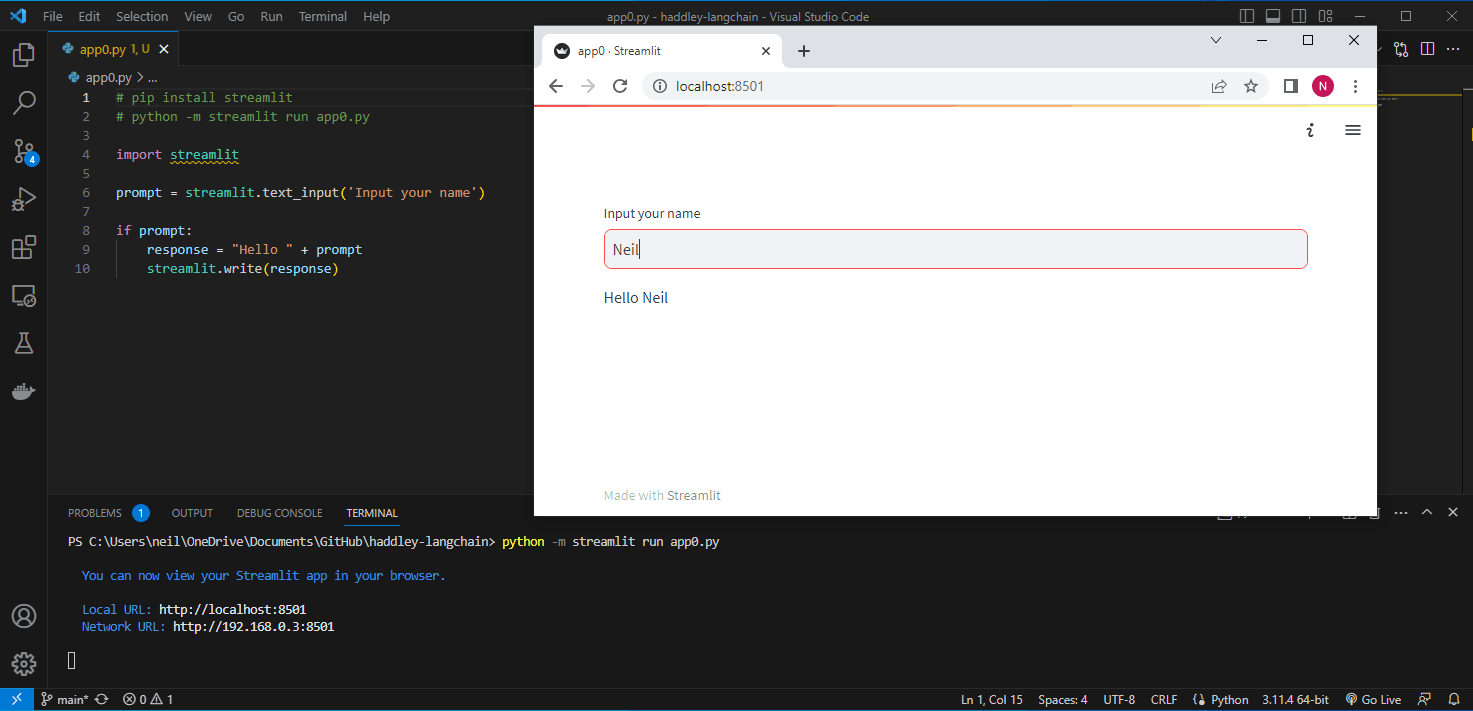
I created a hello world streamlit app
OpenAI's API
I updated my hello world application to call OpenAI's API.
I had to request a secret API key.
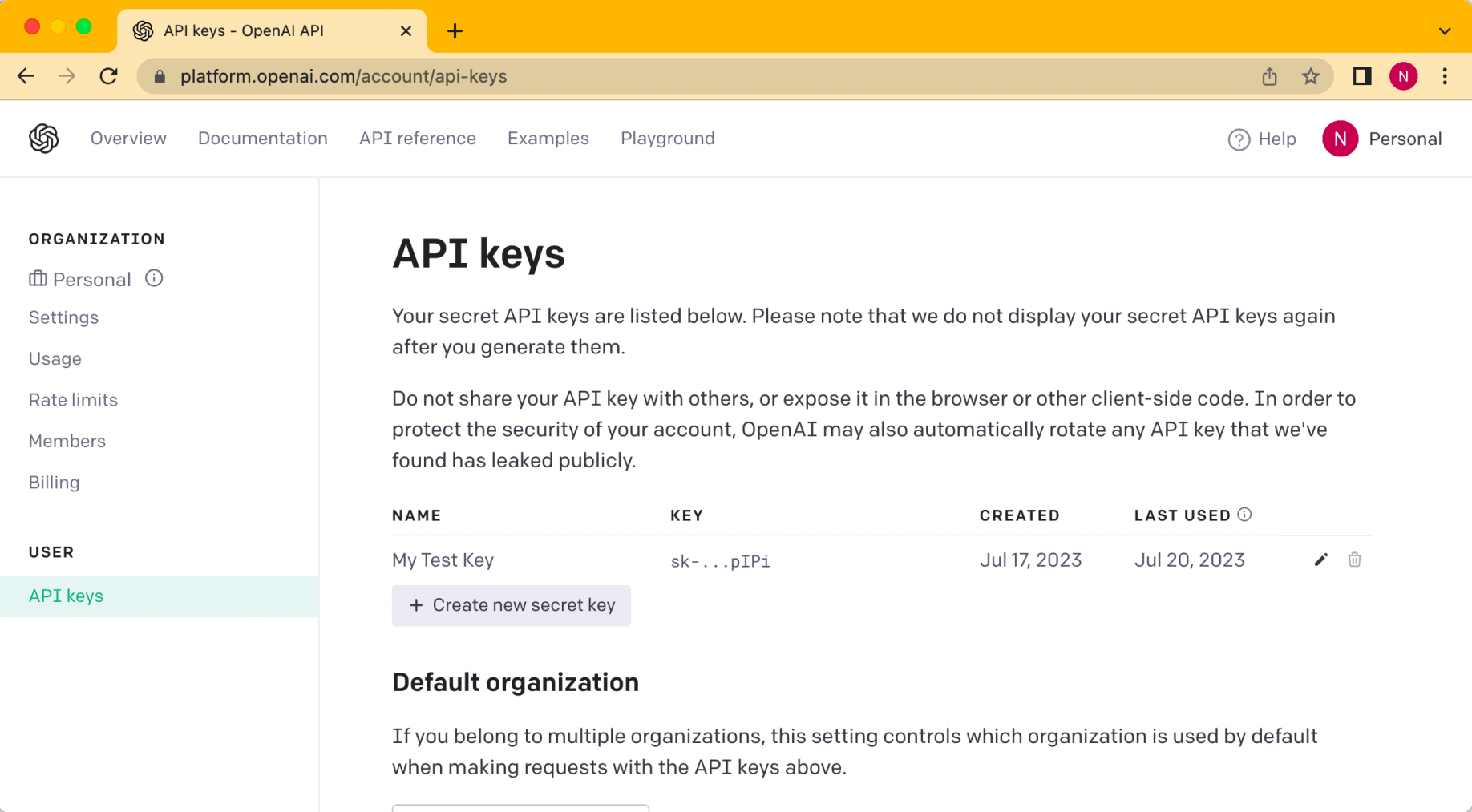
I requested a secret key
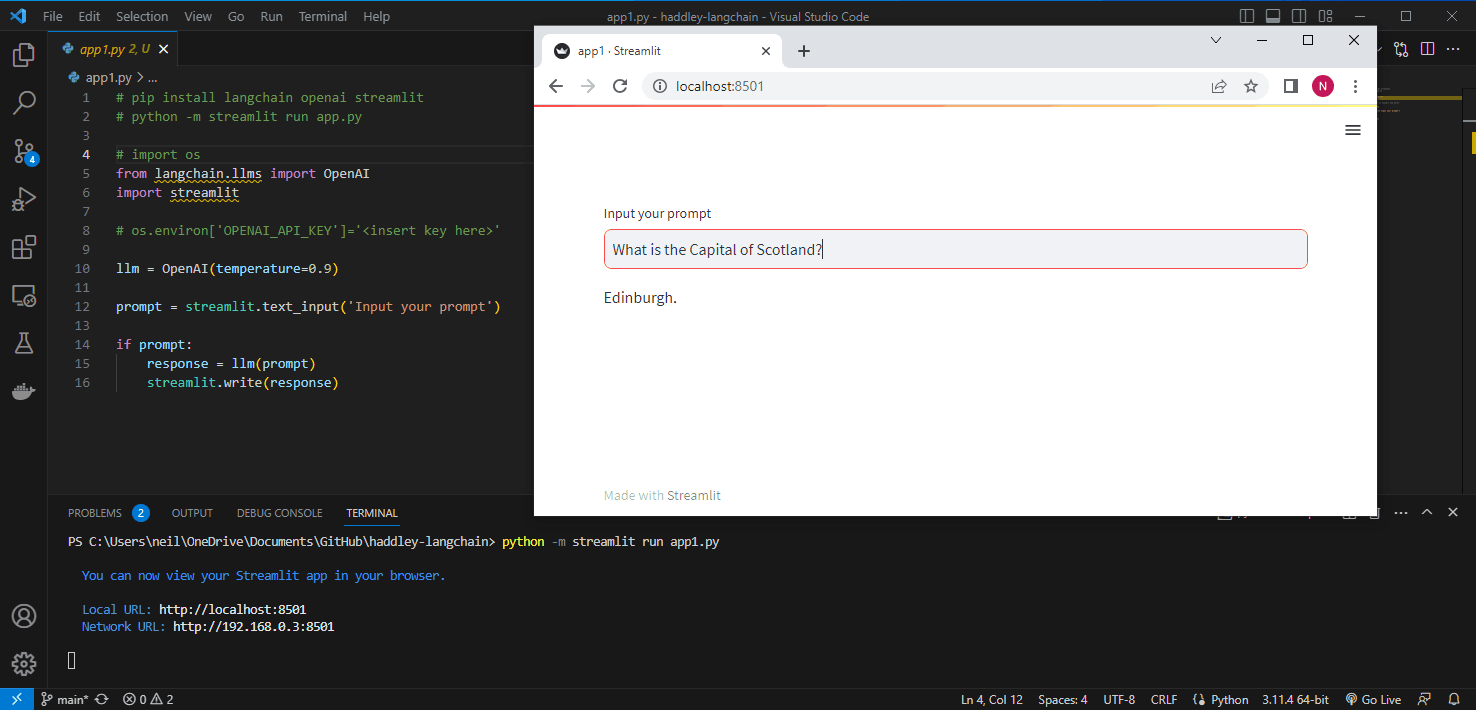
I used LangChain to call OpenAI's API.
Document pages
I used LangChain to return the text found on each page of a sample medical report.
https://www.med.unc.edu/medclerk/wp-content/uploads/sites/877/2018/10/hp4.pdf
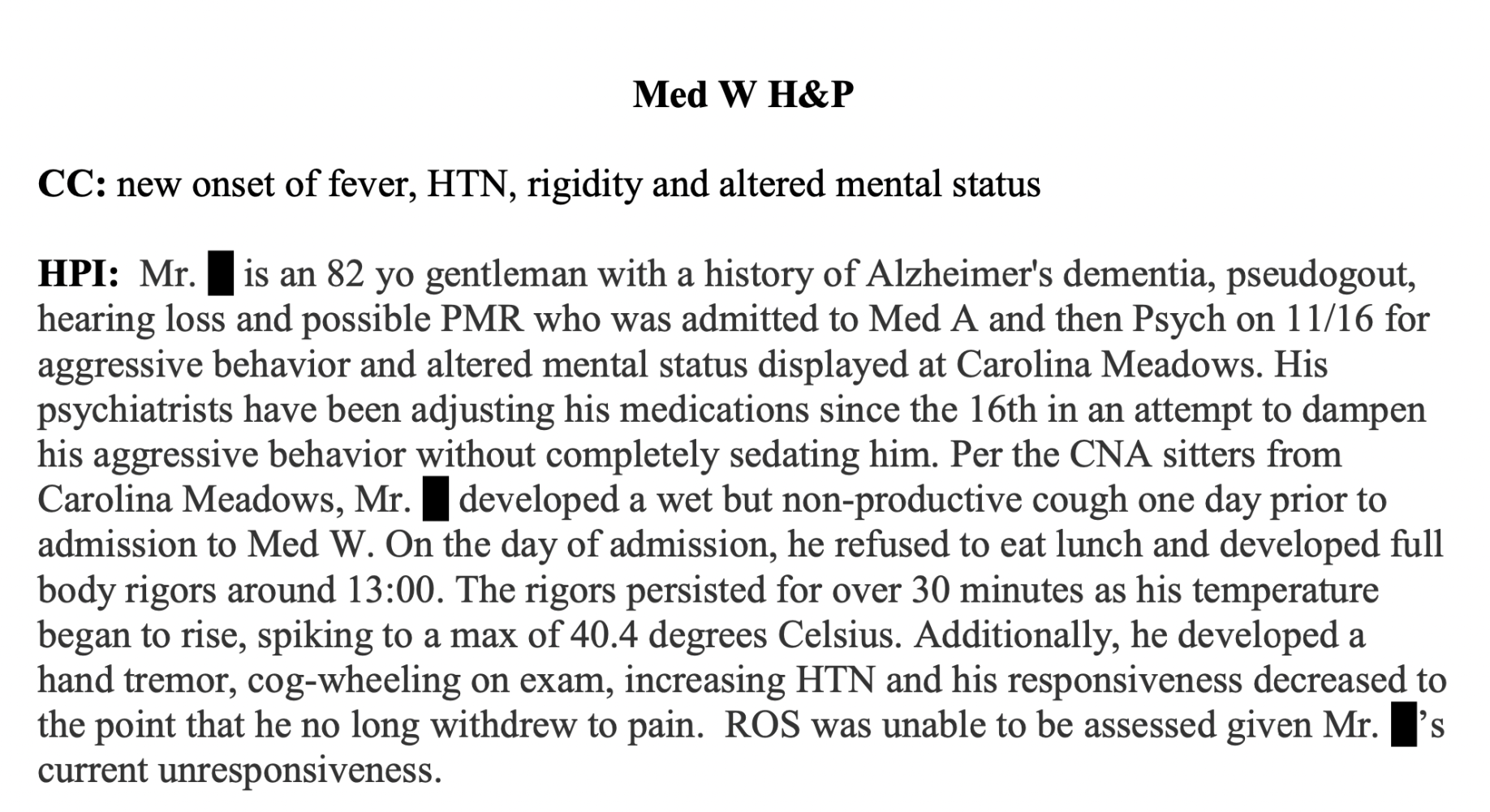
I reviewed the hp4.pdf medical report
Jupyter Notebook
To improve performance and reduce costs I pre-processed the pdf file and stored the result.
I created a Jupyter Notebook to keep track of the steps I followed.
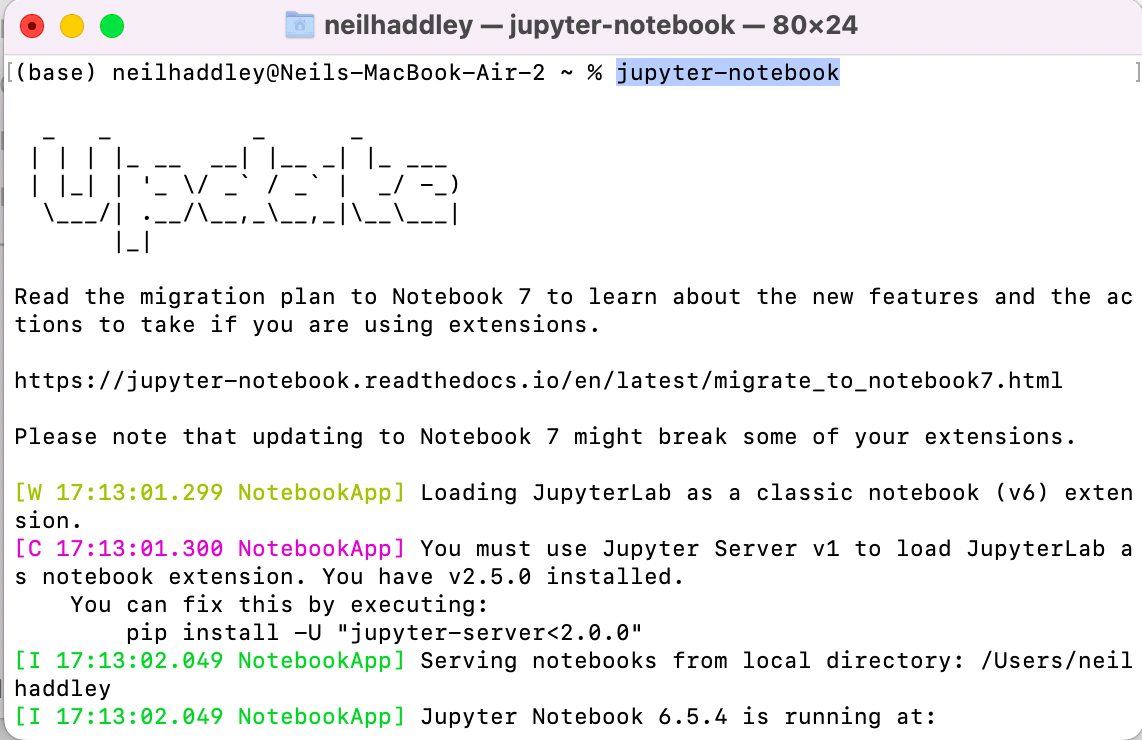
I ran jupyter-notebook locally
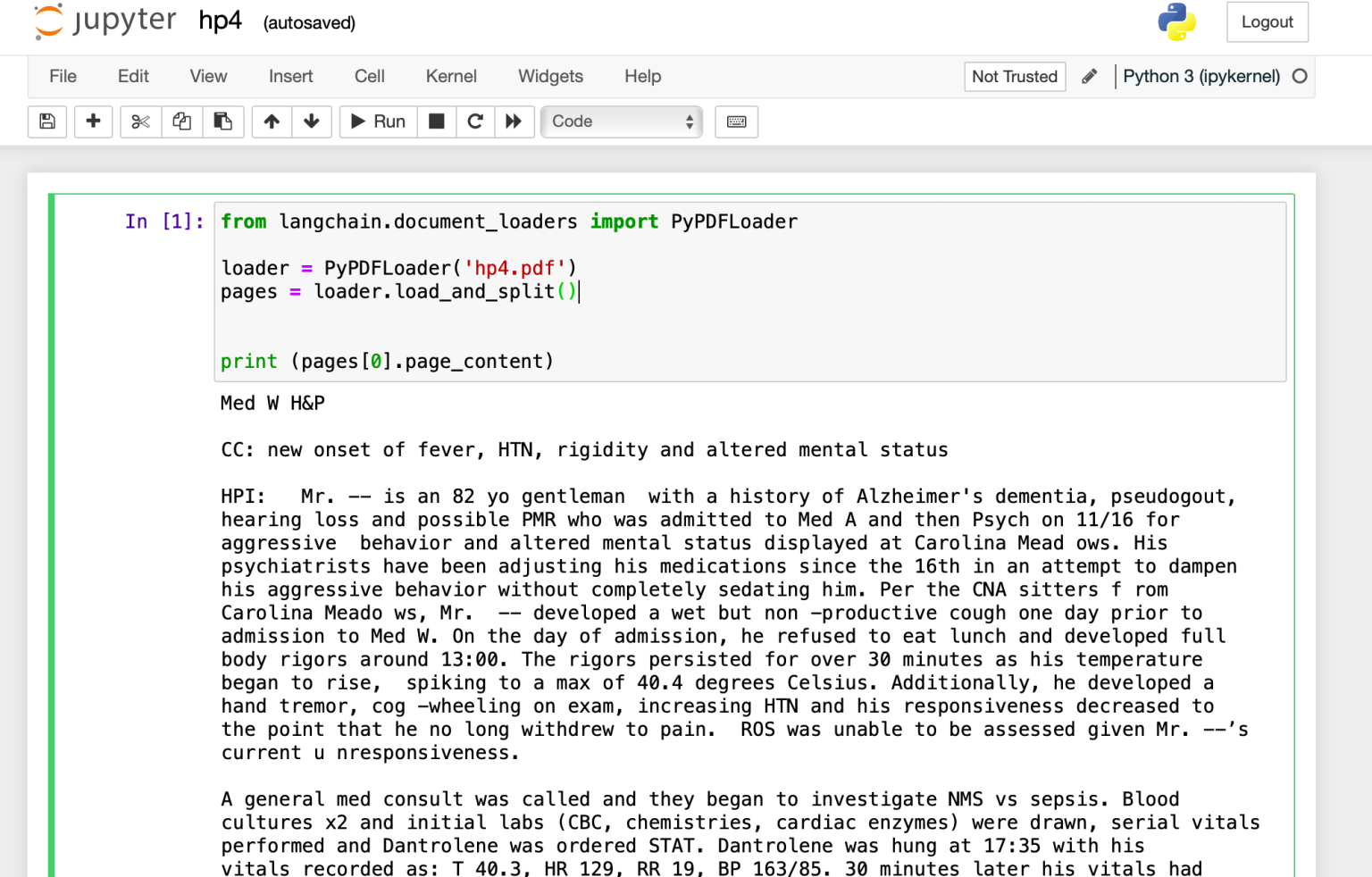
I loaded pages from the medical report.
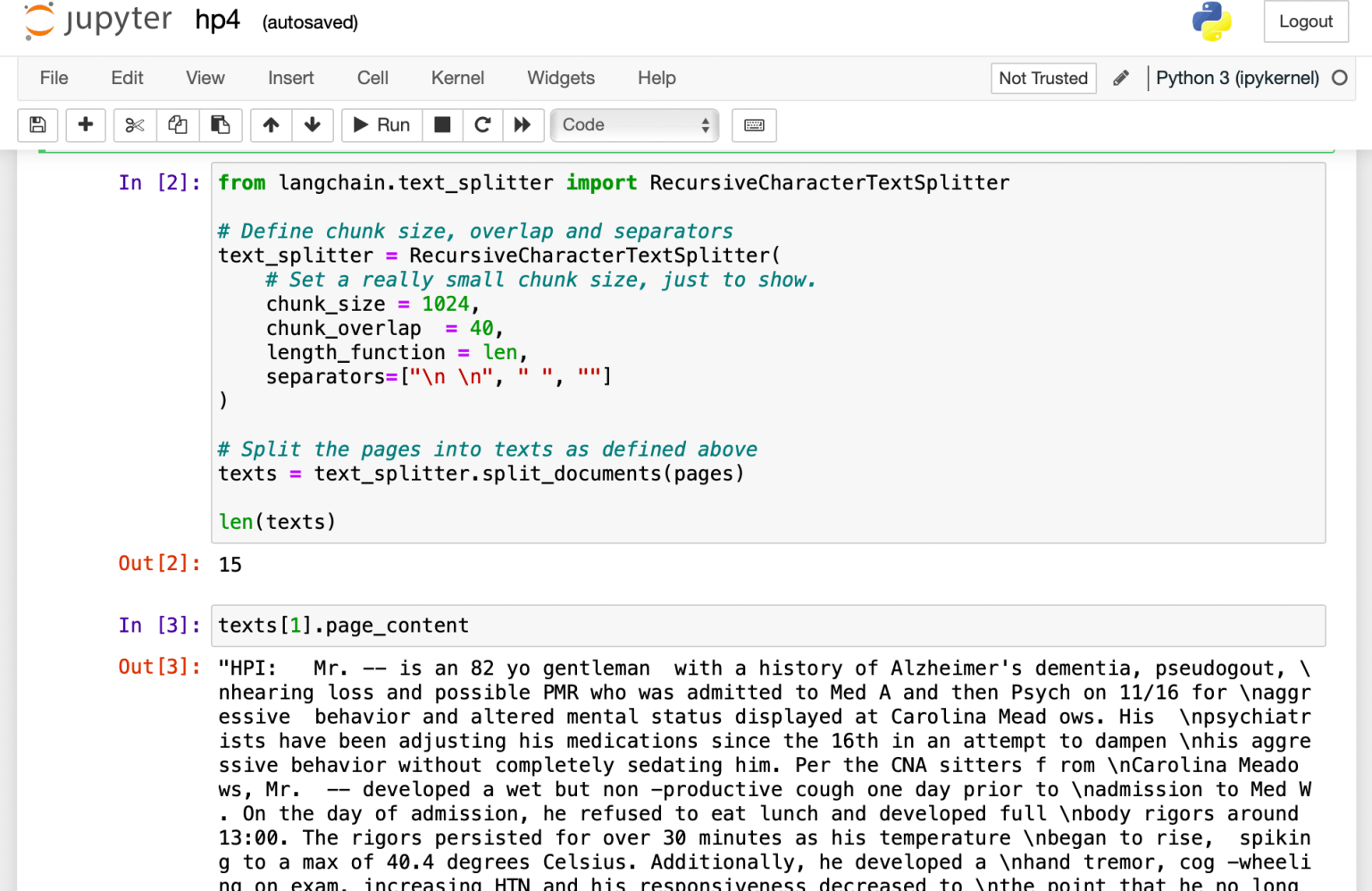
I broke the pages into paragraphs (texts).
Chroma
I used Chroma to create an embeddings vector store and saved the store locally.
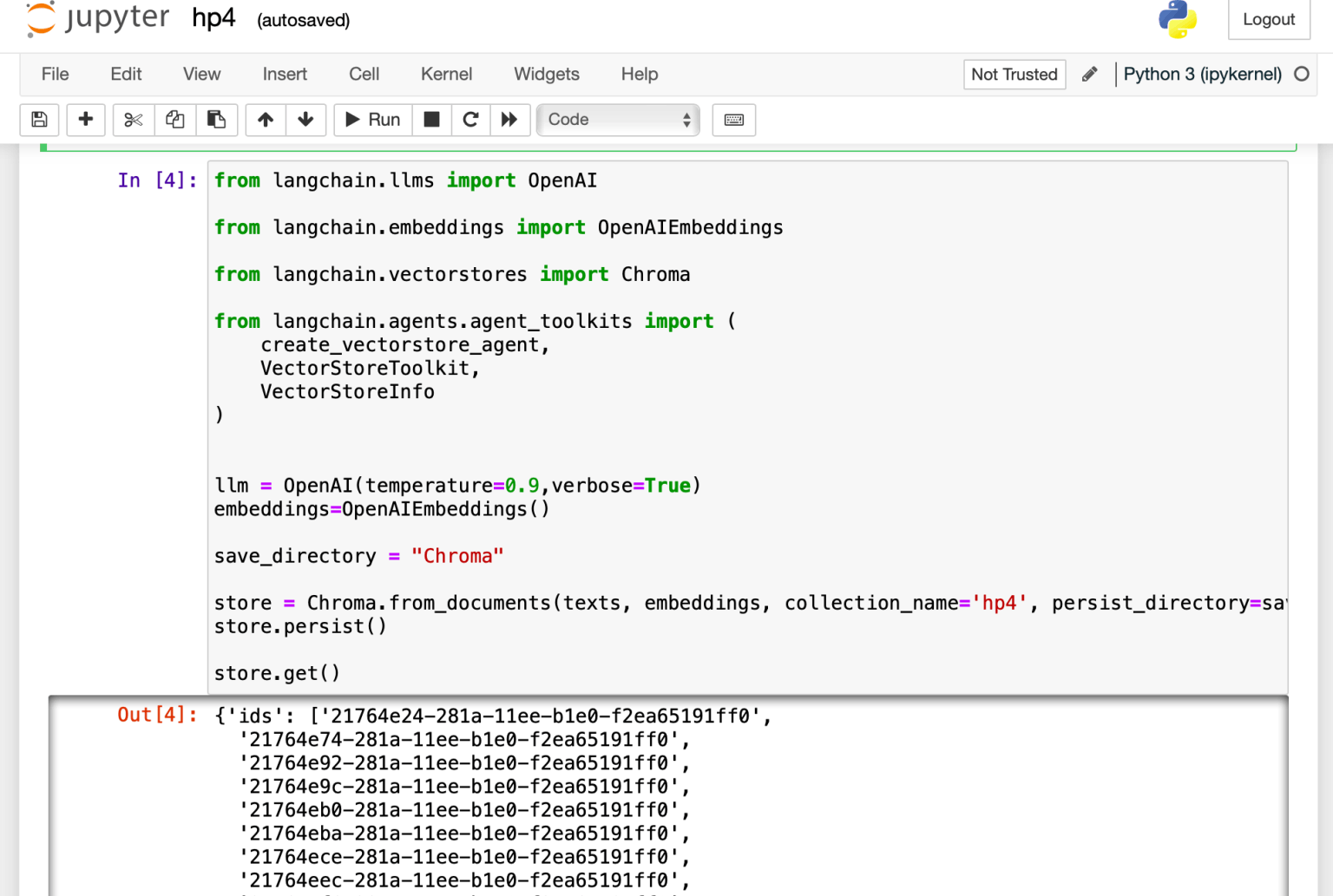
I used OpenAI's API to generate the embeddings
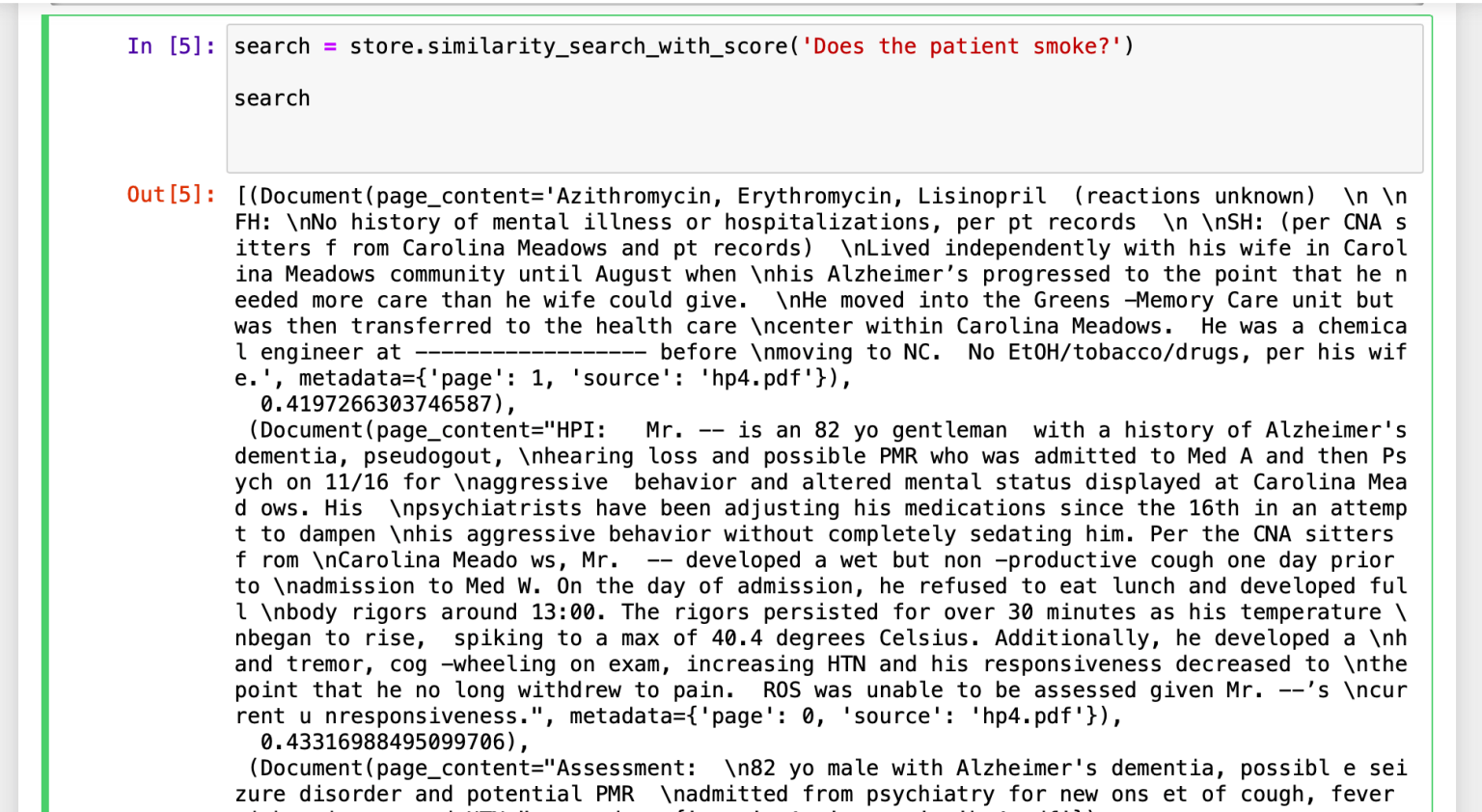
I converted the query 'Does the patient smoke?' to an embedding and compared the result with the embeddings in the vector store.
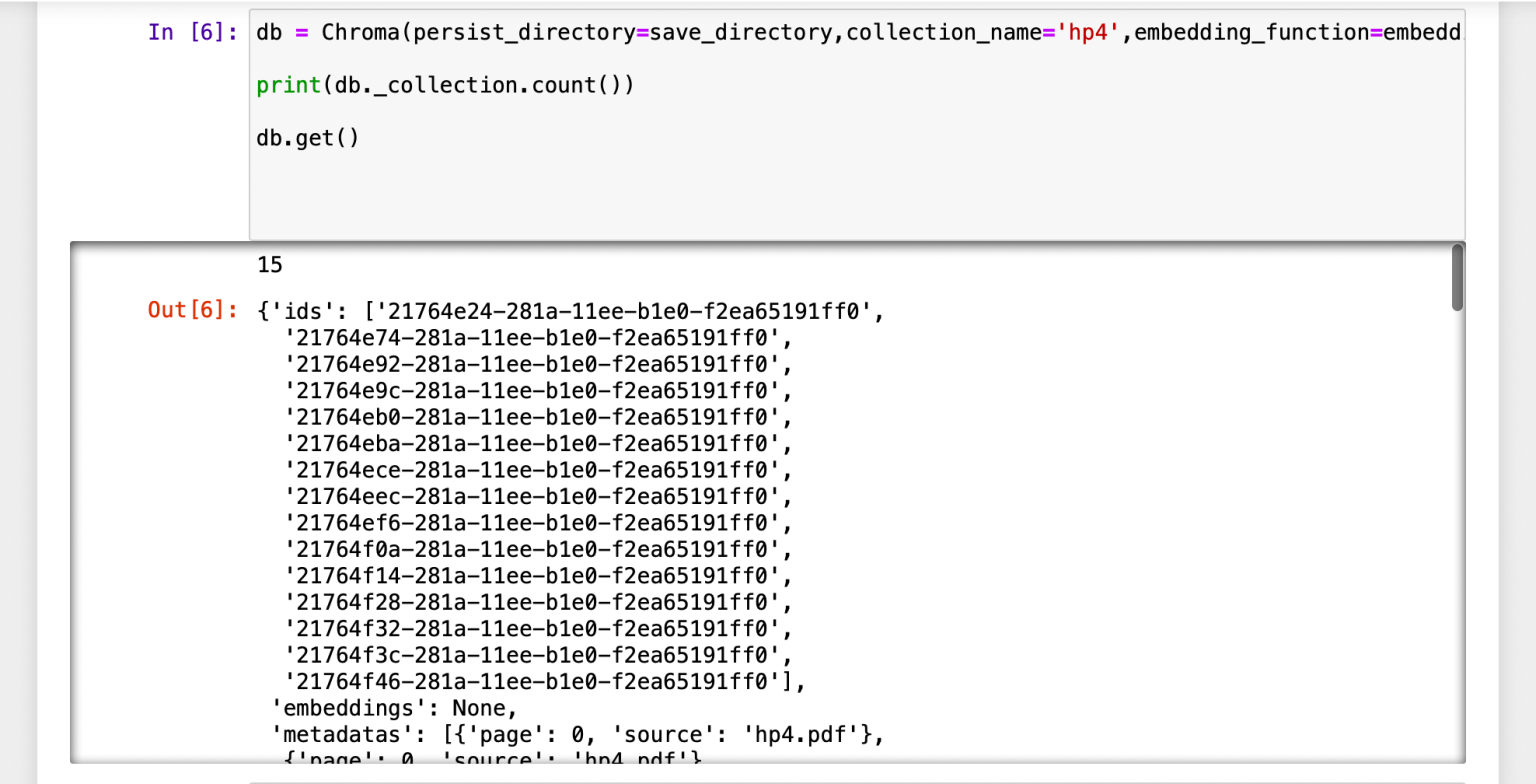
I ensured that the embeddings vector store could be loaded from the local folder.
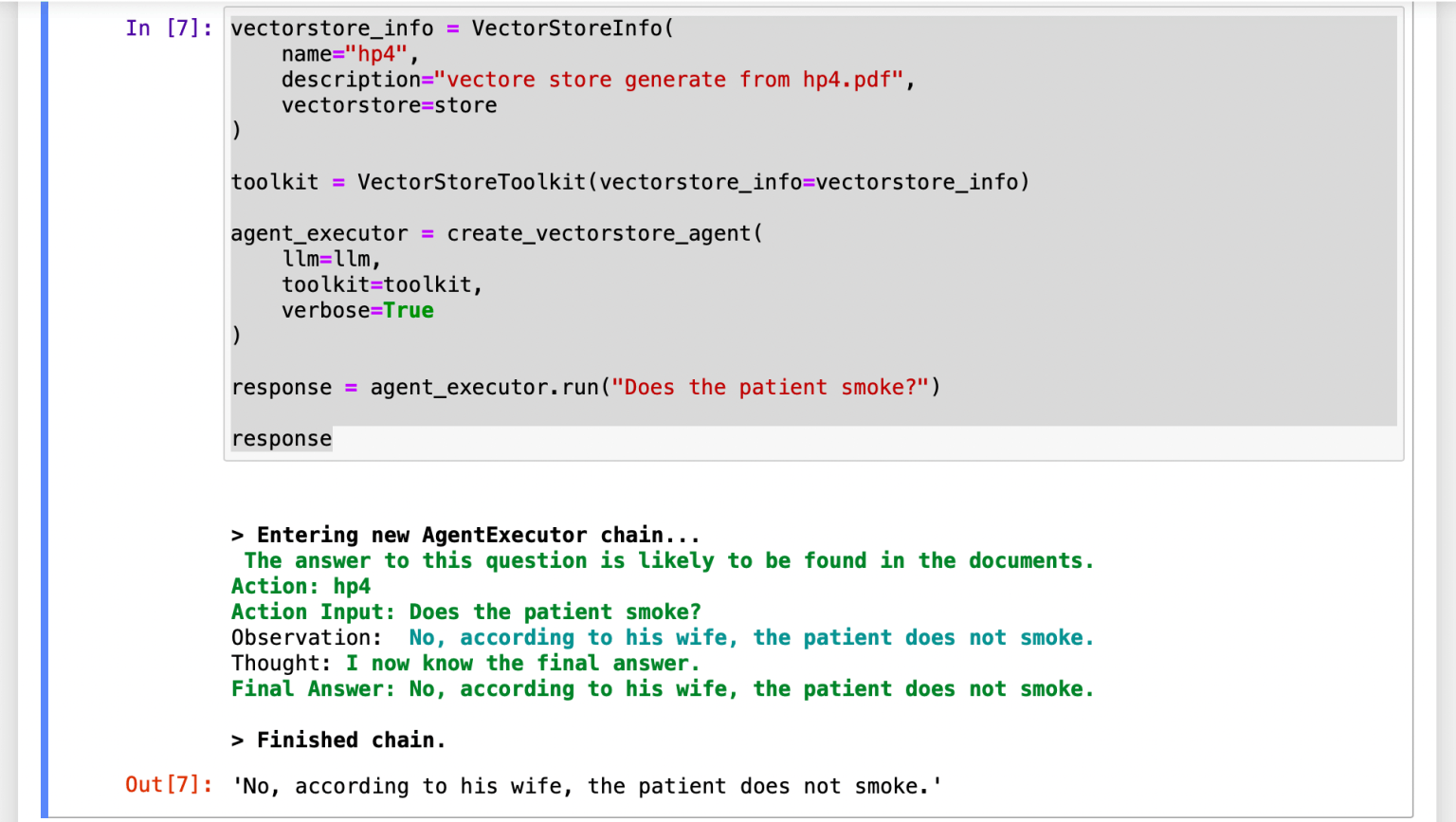
I located the most similar paragraphs and sent those (see Context Injection) and the query to OpenAI's servers.
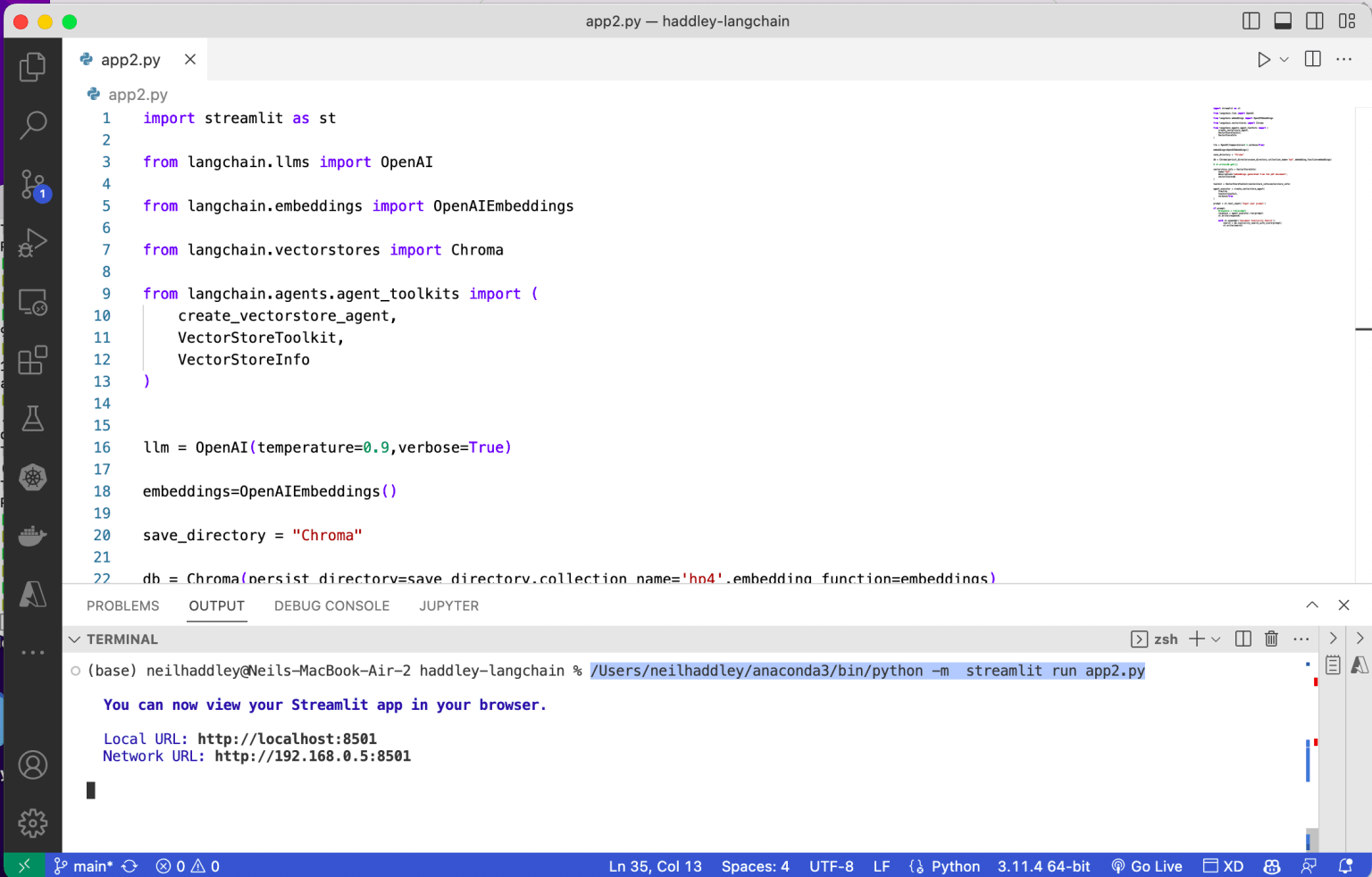
I reviewed the streamlit code
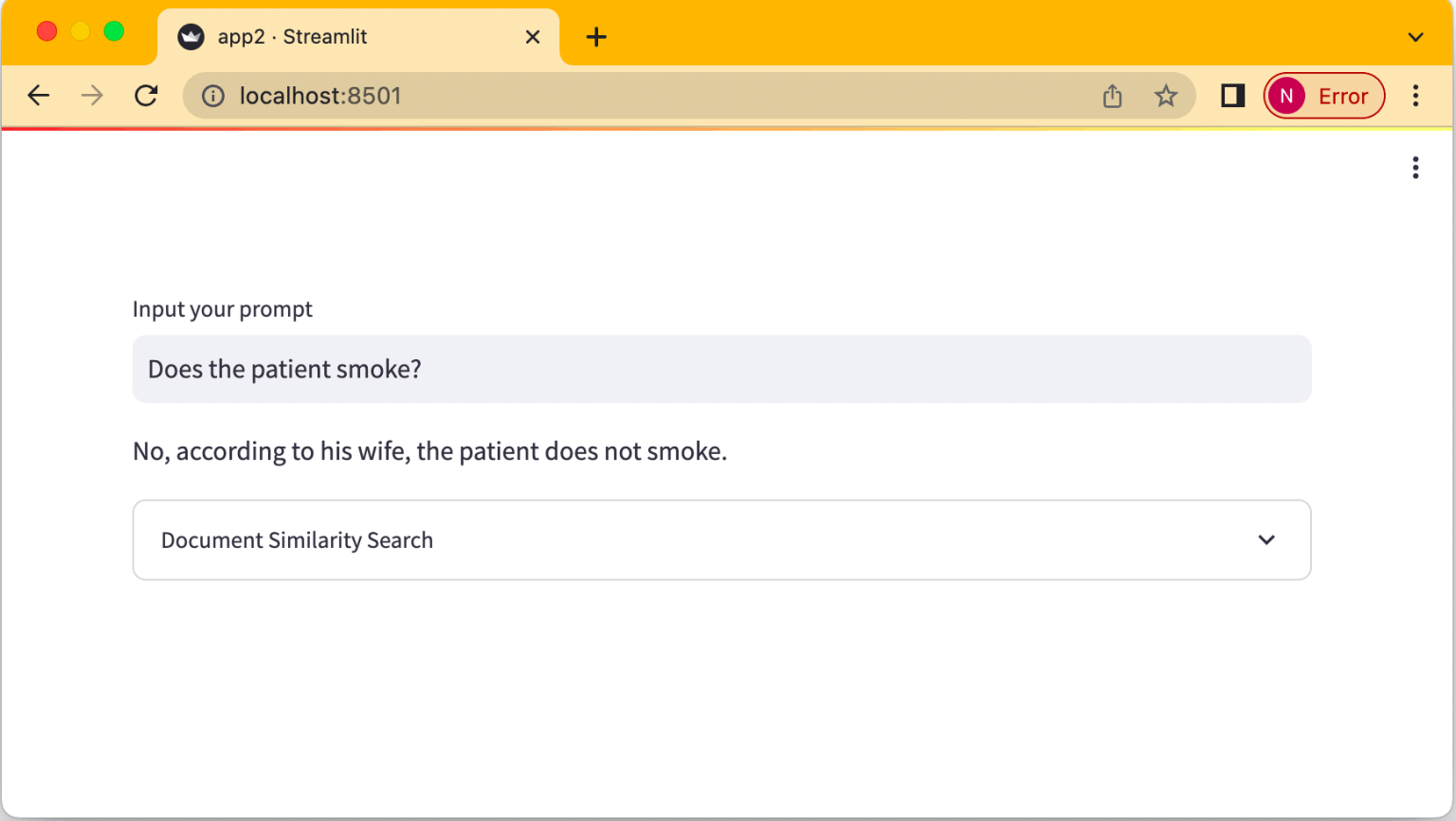
I reviewed the finished application
app0.py
PYTHON
1# pip install streamlit
2# python -m streamlit run app0.py
3
4import streamlit
5
6prompt = streamlit.text_input('Input your name')
7
8if prompt:
9    response = "Hello " + prompt
10    streamlit.write(response)
app1.py
PYTHON
1# pip install langchain openai streamlit
2# python -m streamlit run app.py
3
4# import os
5from langchain.llms import OpenAI
6import streamlit
7
8# os.environ['OPENAI_API_KEY']='<insert key here>'
9
10llm = OpenAI(temperature=0.9)
11
12prompt = streamlit.text_input('Input your prompt')
13
14if prompt:
15    response = llm(prompt)
16    streamlit.write(response)
1
PYTHON
1from langchain.document_loaders import PyPDFLoader
2
3loader = PyPDFLoader('hp4.pdf')
4pages = loader.load_and_split()
5
6
7print (pages[0].page_content)
2 3
PYTHON
1from langchain.text_splitter import RecursiveCharacterTextSplitter
2
3# Define chunk size, overlap and separators
4text_splitter = RecursiveCharacterTextSplitter(
5    chunk_size = 1024,
6    chunk_overlap  = 40,
7    length_function = len,
8    separators=["\n \n", " ", ""]
9)
10
11# Split the pages into paragraphs (texts) as defined above
12texts = text_splitter.split_documents(pages)
13
14len(texts)
15
16texts[1].page_content
4
PYTHON
1from langchain.llms import OpenAI
2
3from langchain.embeddings import OpenAIEmbeddings
4
5from langchain.vectorstores import Chroma
6
7from langchain.agents.agent_toolkits import (
8    create_vectorstore_agent,
9    VectorStoreToolkit,
10    VectorStoreInfo
11)
12
13
14llm = OpenAI(temperature=0.9,verbose=True)
15embeddings=OpenAIEmbeddings()
16
17save_directory = "Chroma"
18
19store = Chroma.from_documents(texts, embeddings, collection_name='hp4', persist_directory=save_directory)
20store.persist()
21
22store.get()
5
PYTHON
1search = store.similarity_search_with_score('Does the patient smoke?')
2
3search
6
PYTHON
1db = Chroma(persist_directory=save_directory,collection_name='hp4',embedding_function=embeddings)
2
3print(db._collection.count())
4
5db.get()
7
PYTHON
1vectorstore_info = VectorStoreInfo(
2    name="hp4",
3    description="vectore store generate from hp4.pdf",
4    vectorstore=store
5)
6
7toolkit = VectorStoreToolkit(vectorstore_info=vectorstore_info)
8
9agent_executor = create_vectorstore_agent(
10    llm=llm,
11    toolkit=toolkit,
12    verbose=True
13)
14
15response = agent_executor.run("Does the patient smoke?")
16
17response
app2.py
PYTHON
1import streamlit as st
2
3from langchain.llms import OpenAI
4
5from langchain.embeddings import OpenAIEmbeddings
6
7from langchain.vectorstores import Chroma
8
9from langchain.agents.agent_toolkits import (
10    create_vectorstore_agent,
11    VectorStoreToolkit,
12    VectorStoreInfo
13)
14
15
16llm = OpenAI(temperature=0.9,verbose=True)
17
18embeddings=OpenAIEmbeddings()
19
20save_directory = "Chroma"
21
22# load embeddings from "Chroma" directory
23db = Chroma(persist_directory=save_directory,collection_name='hp4',embedding_function=embeddings)
24
25vectorstore_info = VectorStoreInfo(
26    name="hp4",
27    description="embeddings generated from the pdf document",
28    vectorstore=db
29)
30
31toolkit = VectorStoreToolkit(vectorstore_info=vectorstore_info)
32
33agent_executor = create_vectorstore_agent(
34    llm=llm,
35    toolkit=toolkit,
36    verbose=True
37)
38
39prompt = st.text_input('Input your prompt')
40
41if prompt:
42    #response = llm(prompt)
43    response = agent_executor.run(prompt)
44    st.write(response)
45
46    with st.expander('Document Similarity Search'):
47        search = db.similarity_search_with_score(prompt)
48        st.write(search)