Machine Learning (Part 3)
Neil Haddley • June 5, 2022
Creating models
Teachable Machine
Teachable Machine is a web-based tool that makes creating (supervised) machine learning (classification) models fast, easy, and accessible to everyone. No prerequisite machine learning knowledge required.
I used Teachable Machines to create a squishmallows recognizing application based on TensorFlow.js
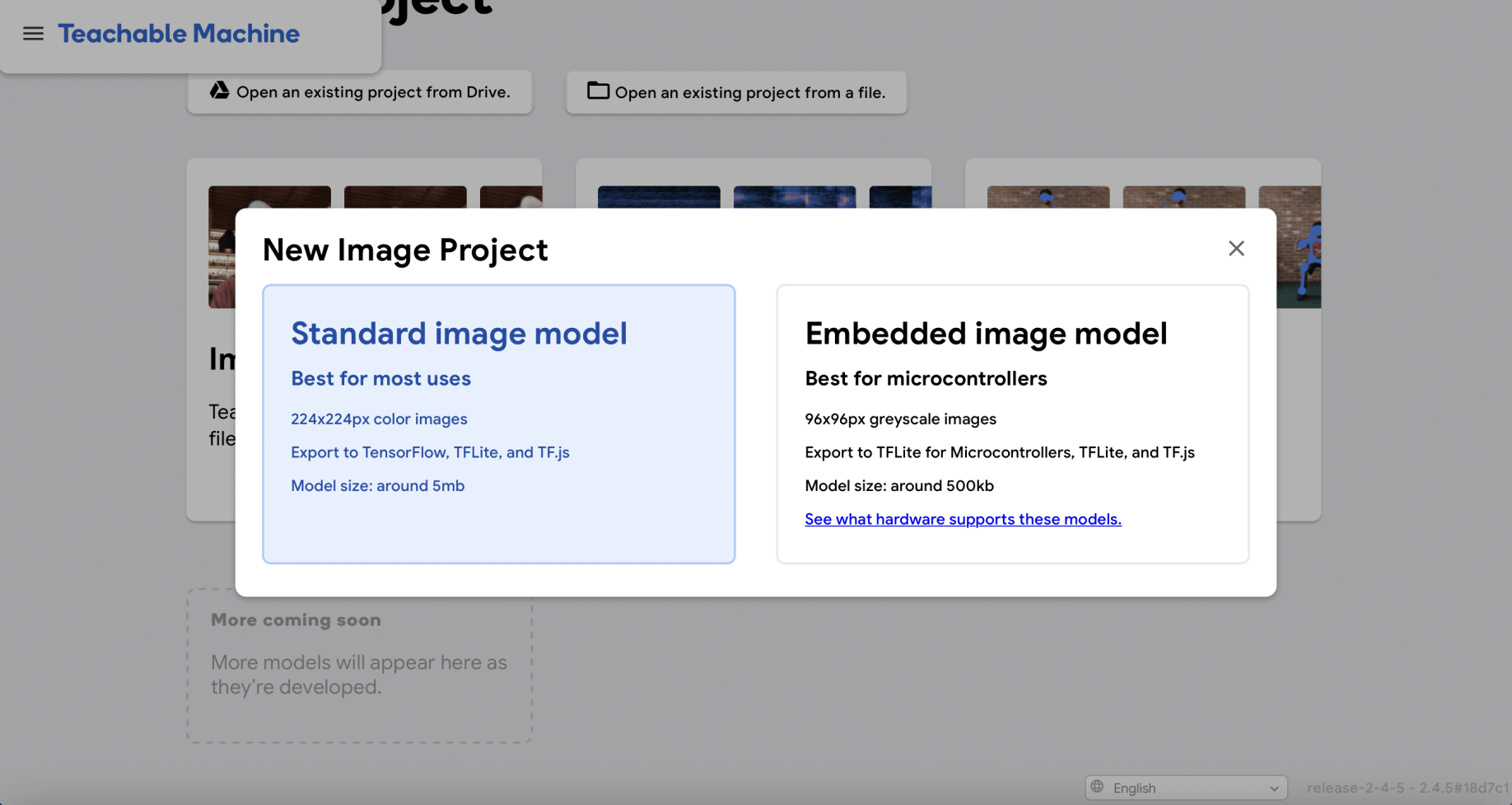
I created a New Image Project
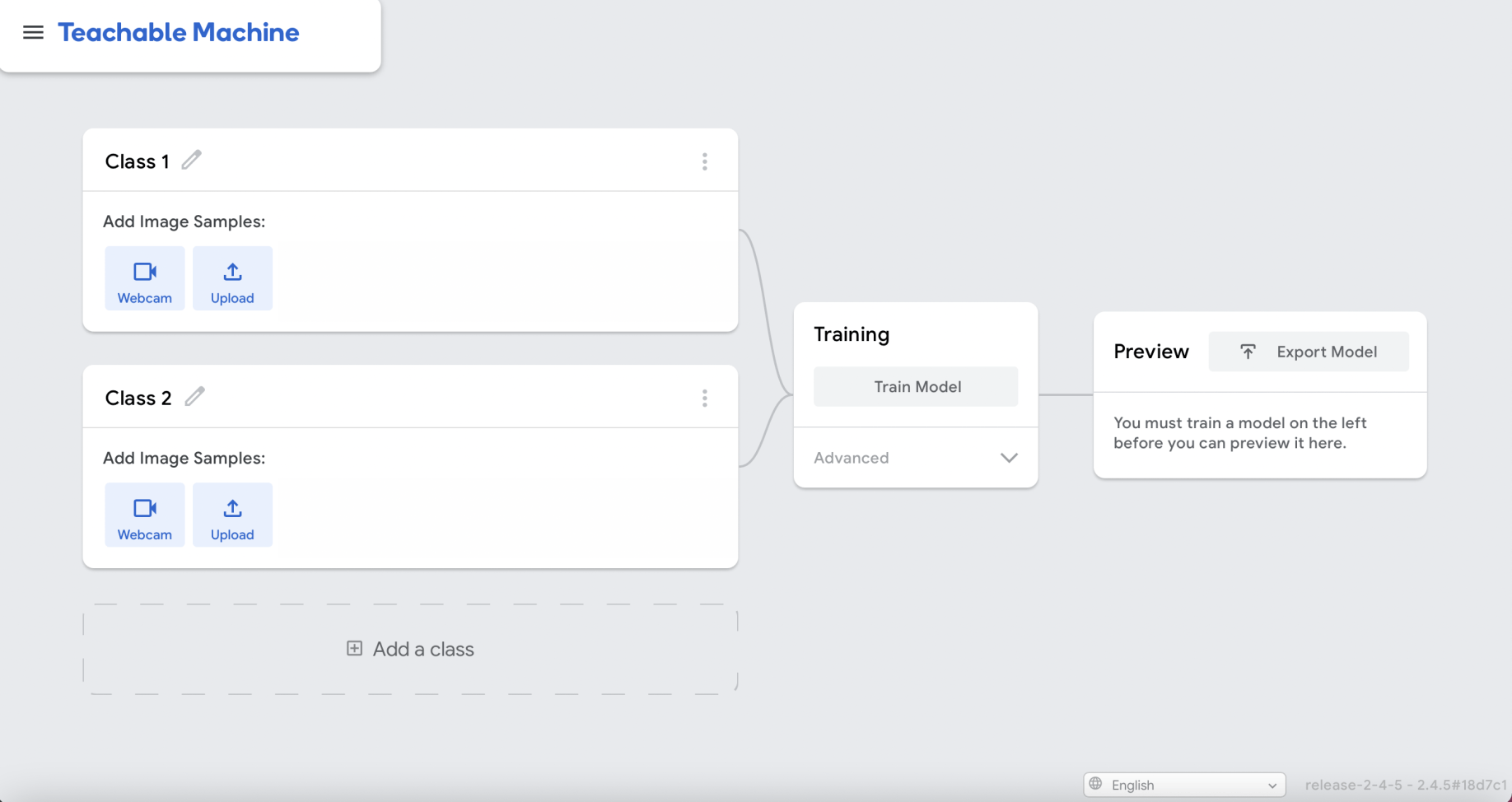
I added a third (classification) class
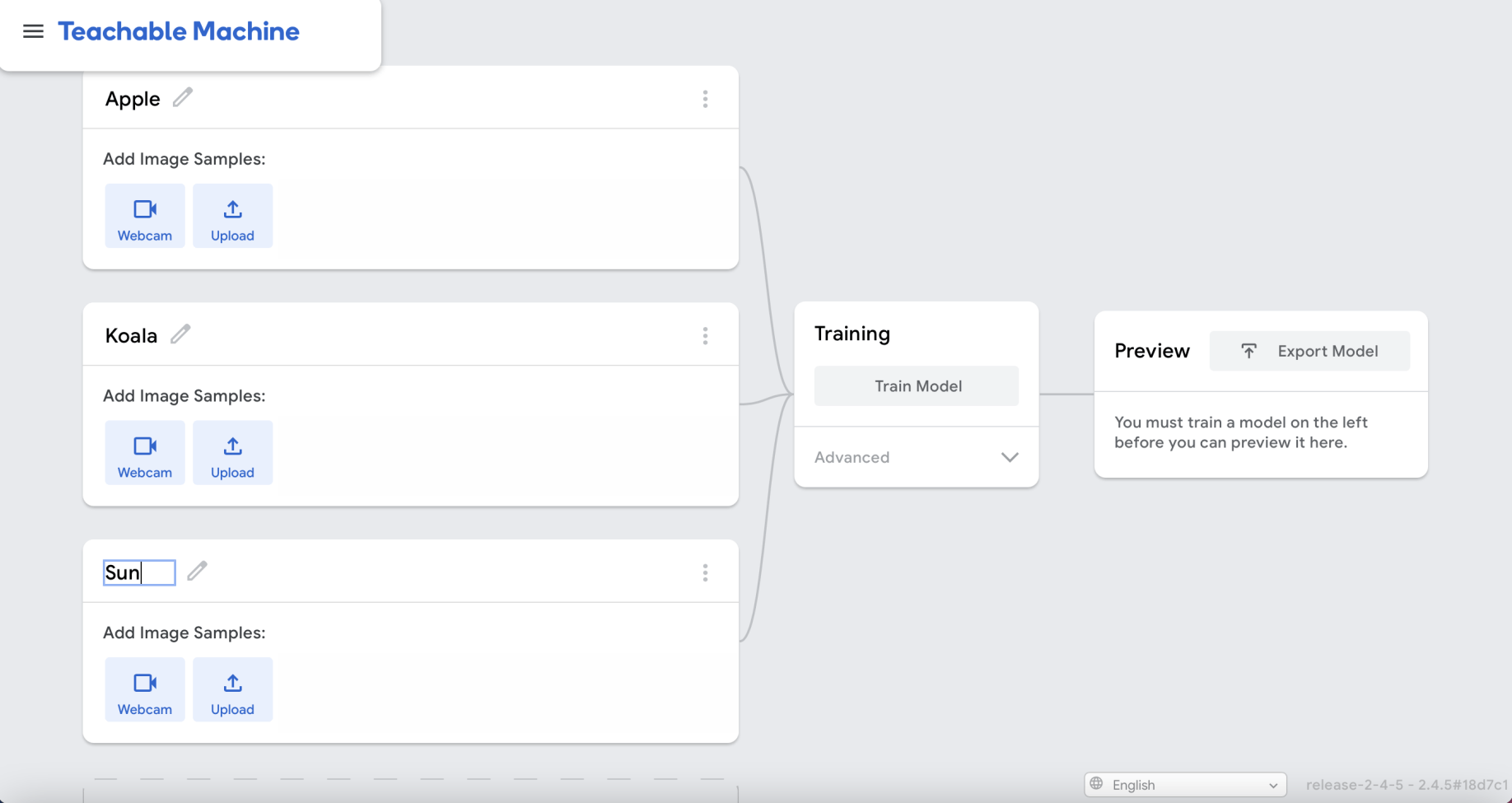
I renamed the three classes (one class for each squishmallow)
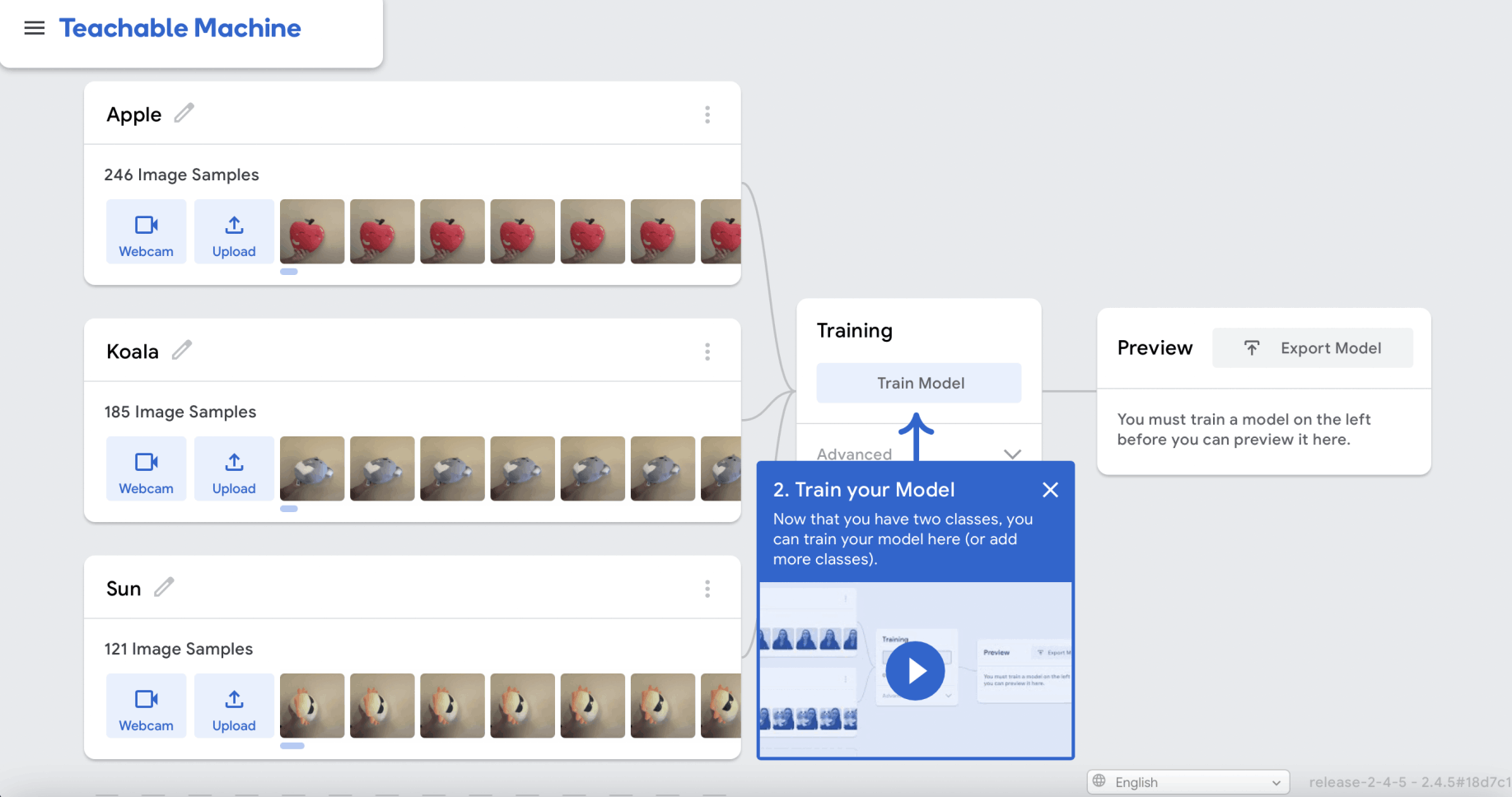
I used the Webcam button to create a set of images (for each squishmallow)
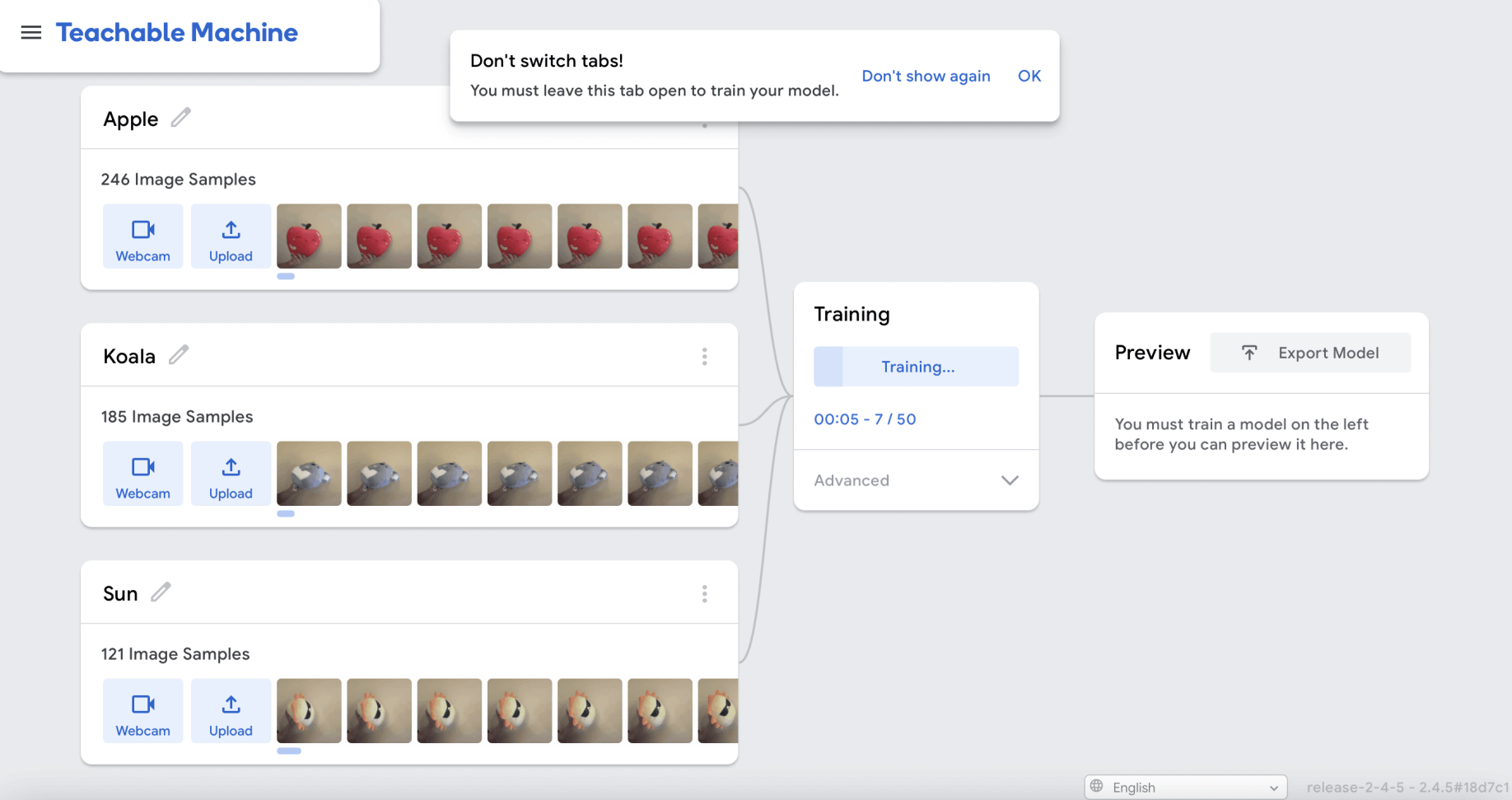
I clicked the train model button
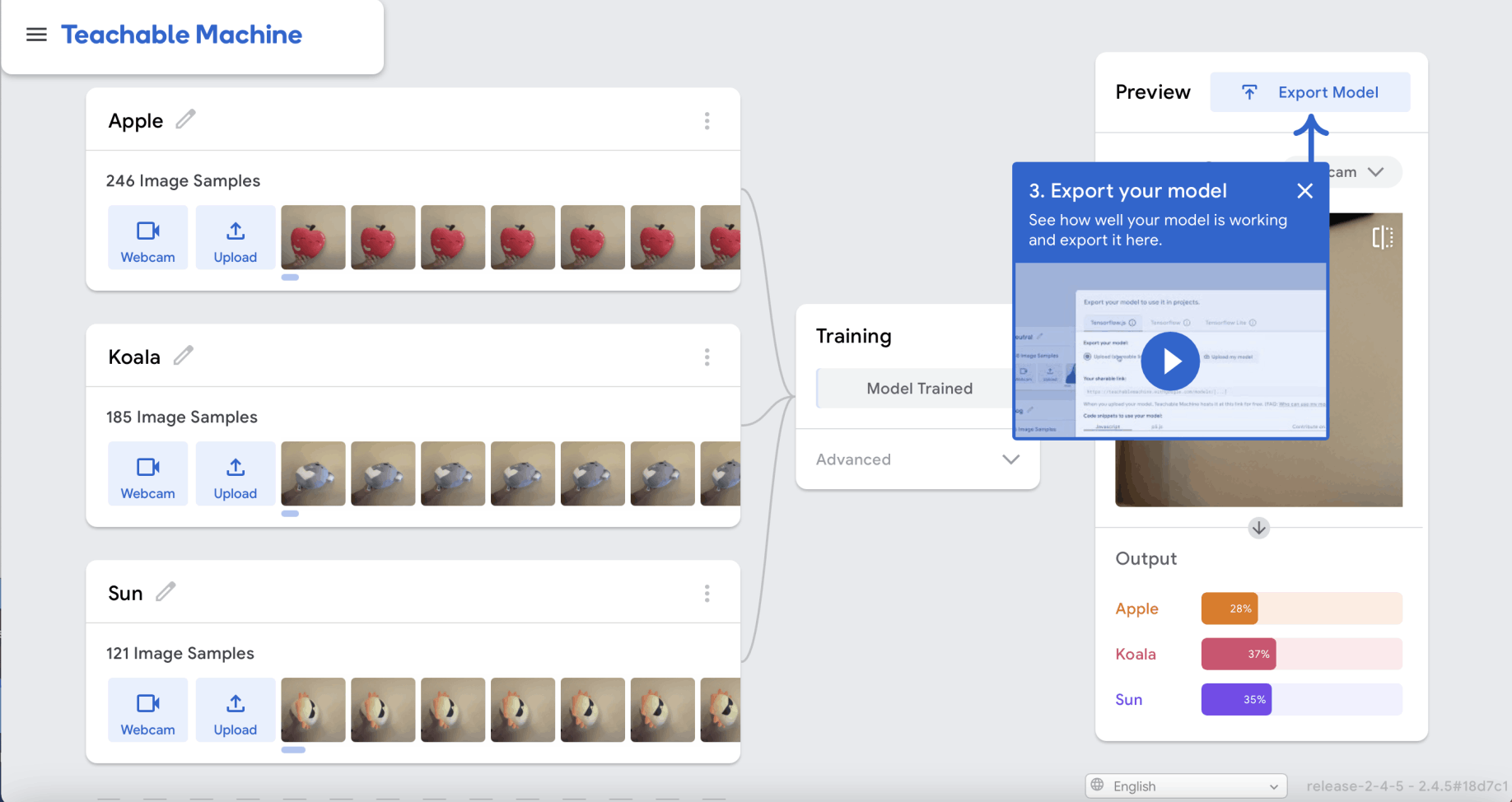
Model training was complete
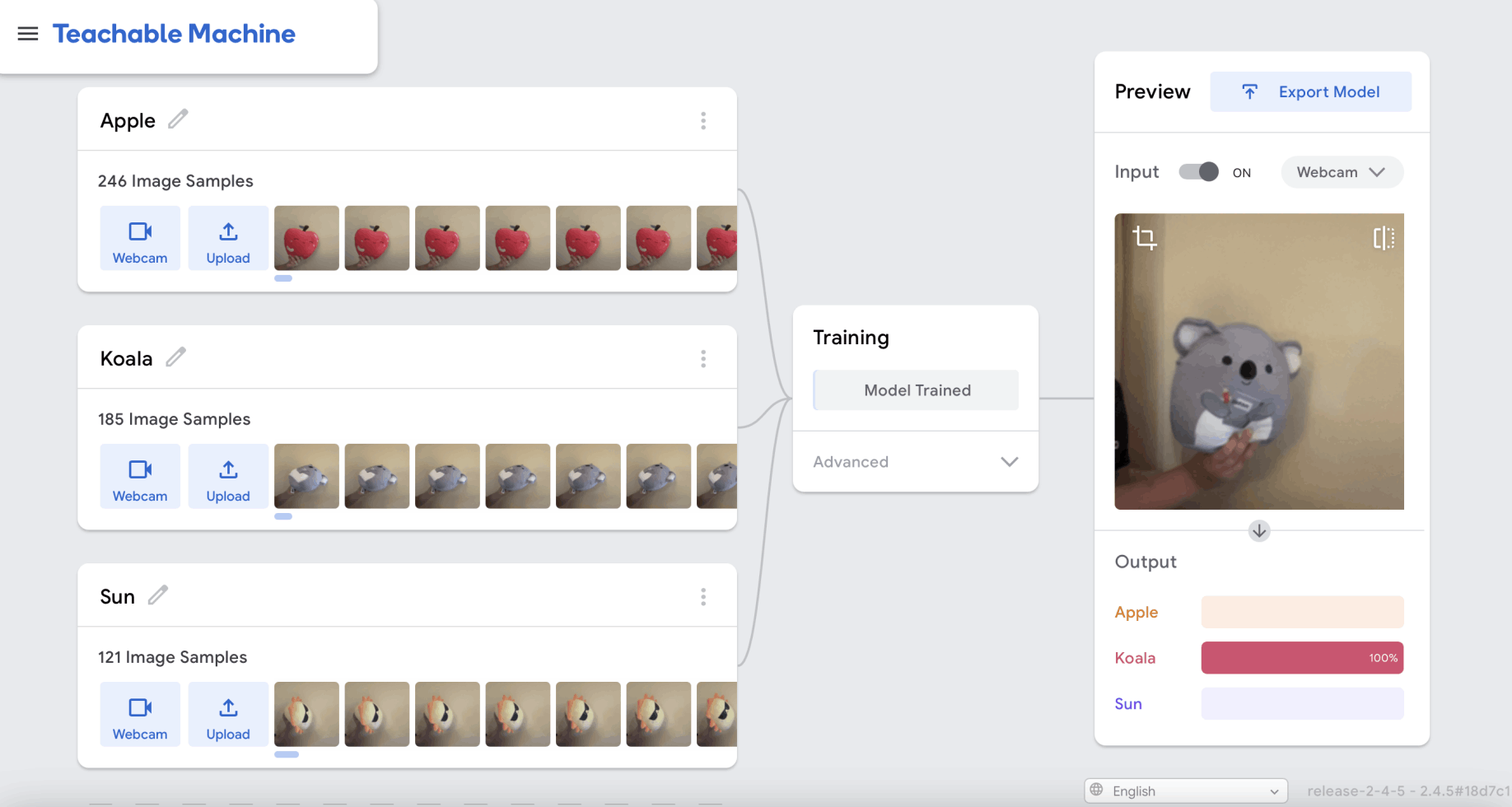
I used the preview window to test the model
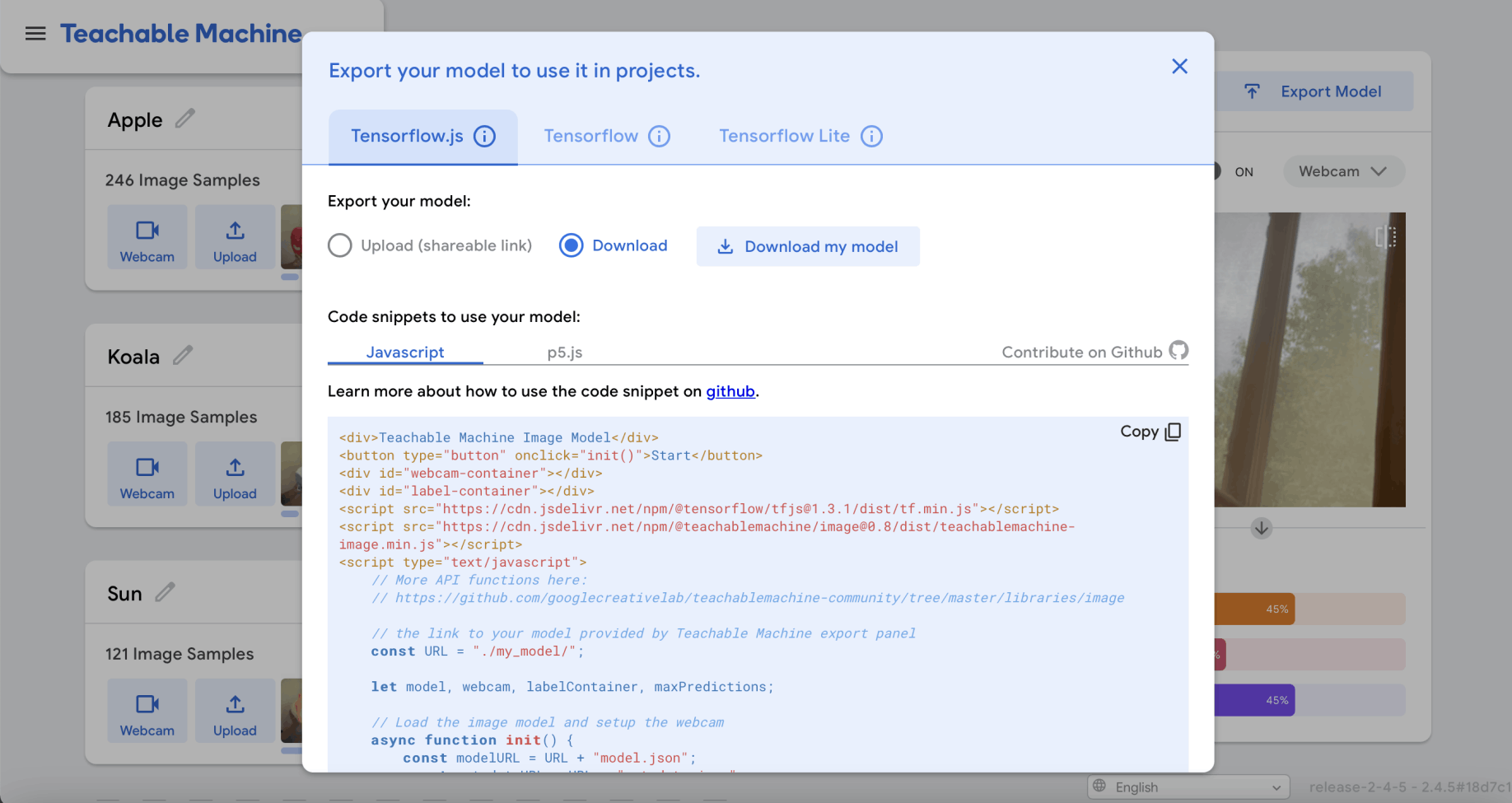
I downloaded the model and sample web page
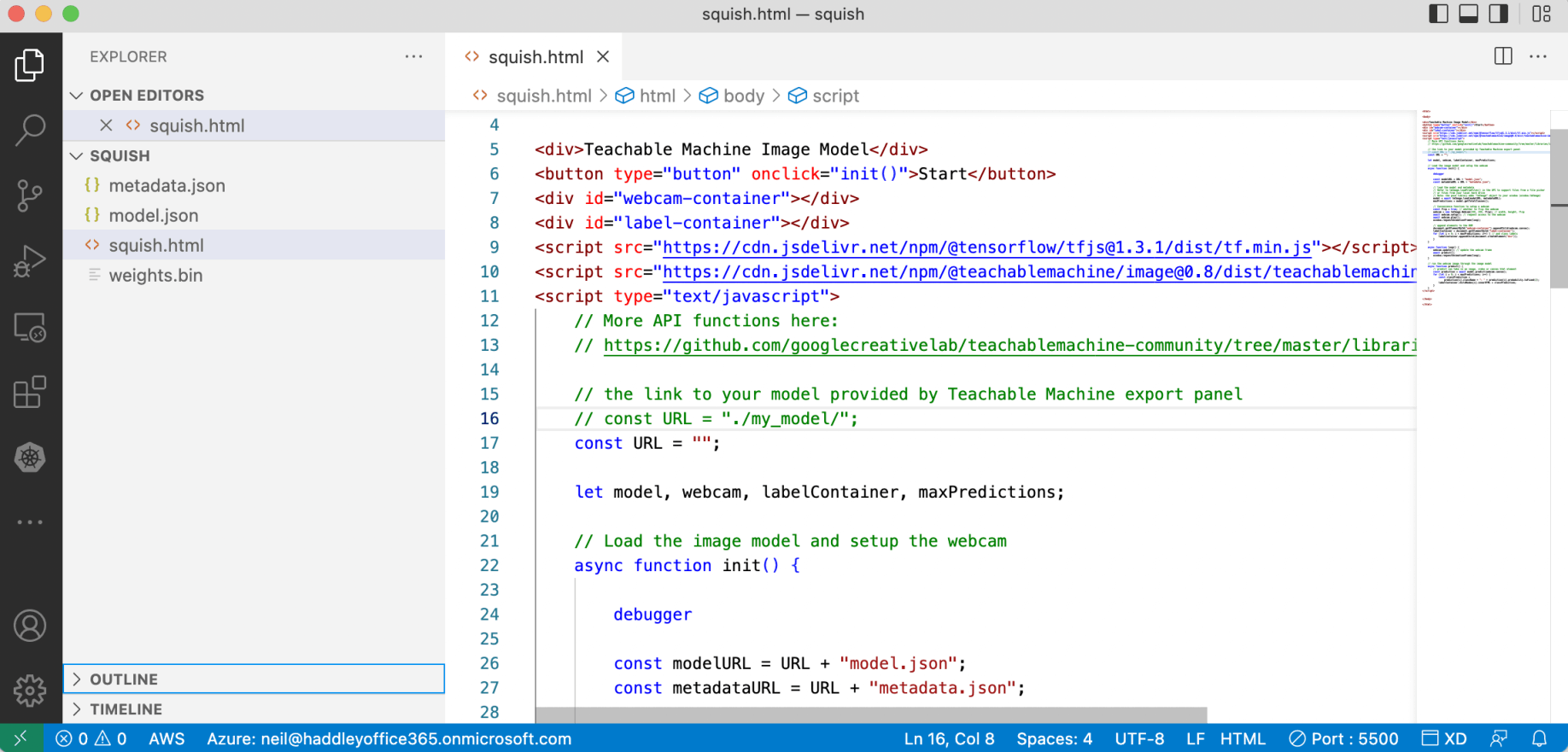
I copied the sample web page to Visual Studio Code to test
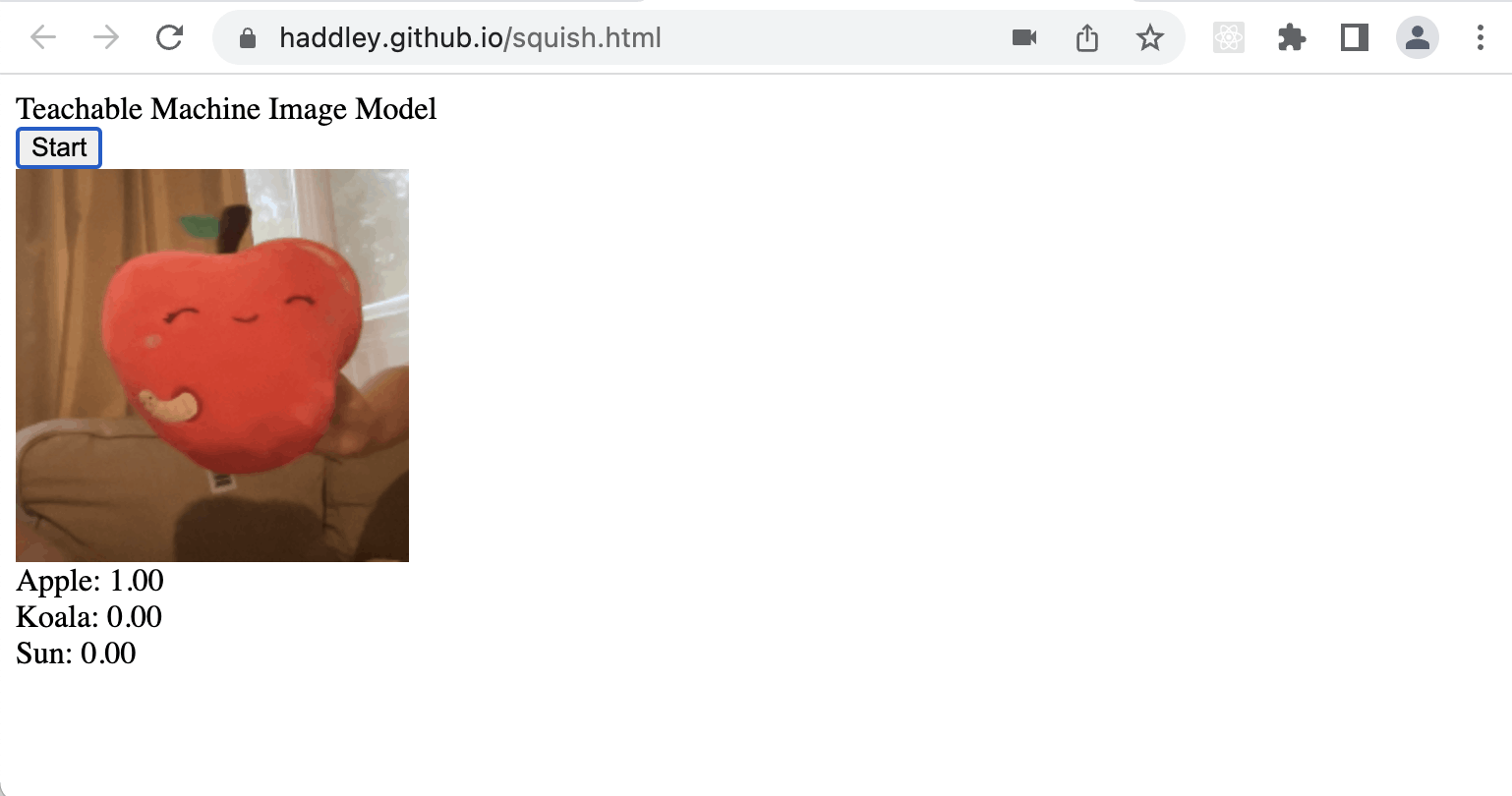
I noted that the application was 100% certain the webcam was pointing at the Apple squishmallow
squish.html
HTML
1<div>Teachable Machine Image Model</div>
2<button type="button" onclick="init()">Start</button>
3<div id="webcam-container"></div>
4<div id="label-container"></div>
5<script src="https://cdn.jsdelivr.net/npm/@tensorflow/tfjs@1.3.1/dist/tf.min.js"></script>
6<script src="https://cdn.jsdelivr.net/npm/@teachablemachine/image@0.8/dist/teachablemachine-image.min.js"></script>
7<script type="text/javascript">
8    // More API functions here:
9    // https://github.com/googlecreativelab/teachablemachine-community/tree/master/libraries/image
10
11    // the link to your model provided by Teachable Machine export panel
12    // const URL = "./my_model/";
13    const URL = "";
14
15    let model, webcam, labelContainer, maxPredictions;
16
17    // Load the image model and setup the webcam
18    async function init() {
19
20        debugger
21
22        const modelURL = URL + "model.json";
23        const metadataURL = URL + "metadata.json";
24
25        // load the model and metadata
26        // Refer to tmImage.loadFromFiles() in the API to support files from a file picker
27        // or files from your local hard drive
28        // Note: the pose library adds "tmImage" object to your window (window.tmImage)
29        model = await tmImage.load(modelURL, metadataURL);
30        maxPredictions = model.getTotalClasses();
31
32        // Convenience function to setup a webcam
33        const flip = true; // whether to flip the webcam
34        webcam = new tmImage.Webcam(200, 200, flip); // width, height, flip
35        await webcam.setup(); // request access to the webcam
36        await webcam.play();
37        window.requestAnimationFrame(loop);
38
39        // append elements to the DOM
40        document.getElementById("webcam-container").appendChild(webcam.canvas);
41        labelContainer = document.getElementById("label-container");
42        for (let i = 0; i < maxPredictions; i++) { // and class labels
43            labelContainer.appendChild(document.createElement("div"));
44        }
45    }
46
47    async function loop() {
48        webcam.update(); // update the webcam frame
49        await predict();
50        window.requestAnimationFrame(loop);
51    }
52
53    // run the webcam image through the image model
54    async function predict() {
55        // predict can take in an image, video or canvas html element
56        const prediction = await model.predict(webcam.canvas);
57        for (let i = 0; i < maxPredictions; i++) {
58            const classPrediction =
59                prediction[i].className + ": " + prediction[i].probability.toFixed(2);
60            labelContainer.childNodes[i].innerHTML = classPrediction;
61        }
62    }
63</script>