Model Context Protocol (Part 1)
Neil Haddley • August 13, 2025
Building a Model Context Protocol (MCP) server from the TypeScript quick start, adding a multiplication tool, testing it with MCP Inspector, and calling it from Visual Studio Code's chat
Model Context Protocol (MCP) is a framework designed to enhance the reasoning and planning capabilities of AI agents.
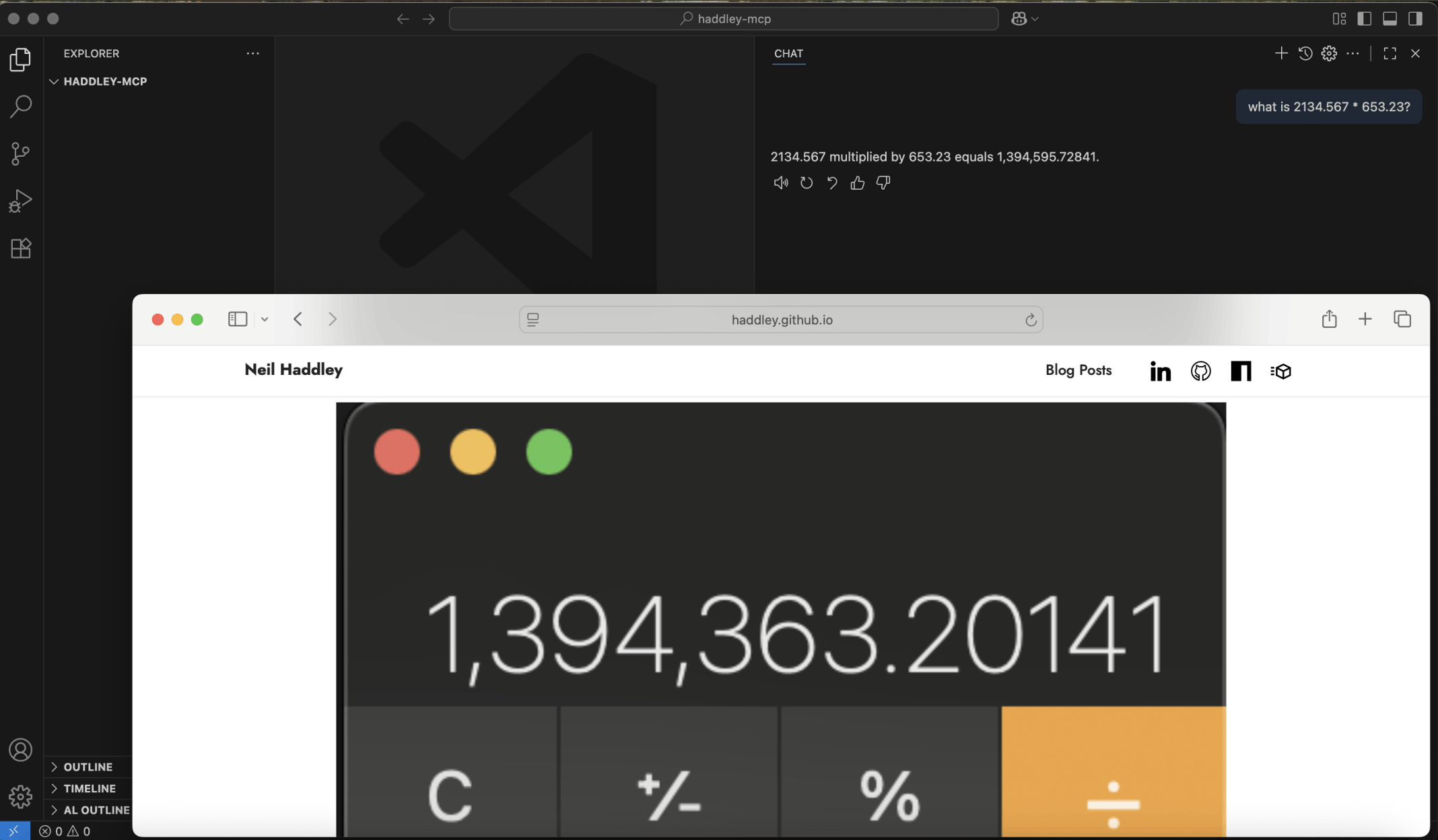
In my Prompt flow with Semantic Kernel and Planner post I demonstrated that large language models rely on tools to do maths.
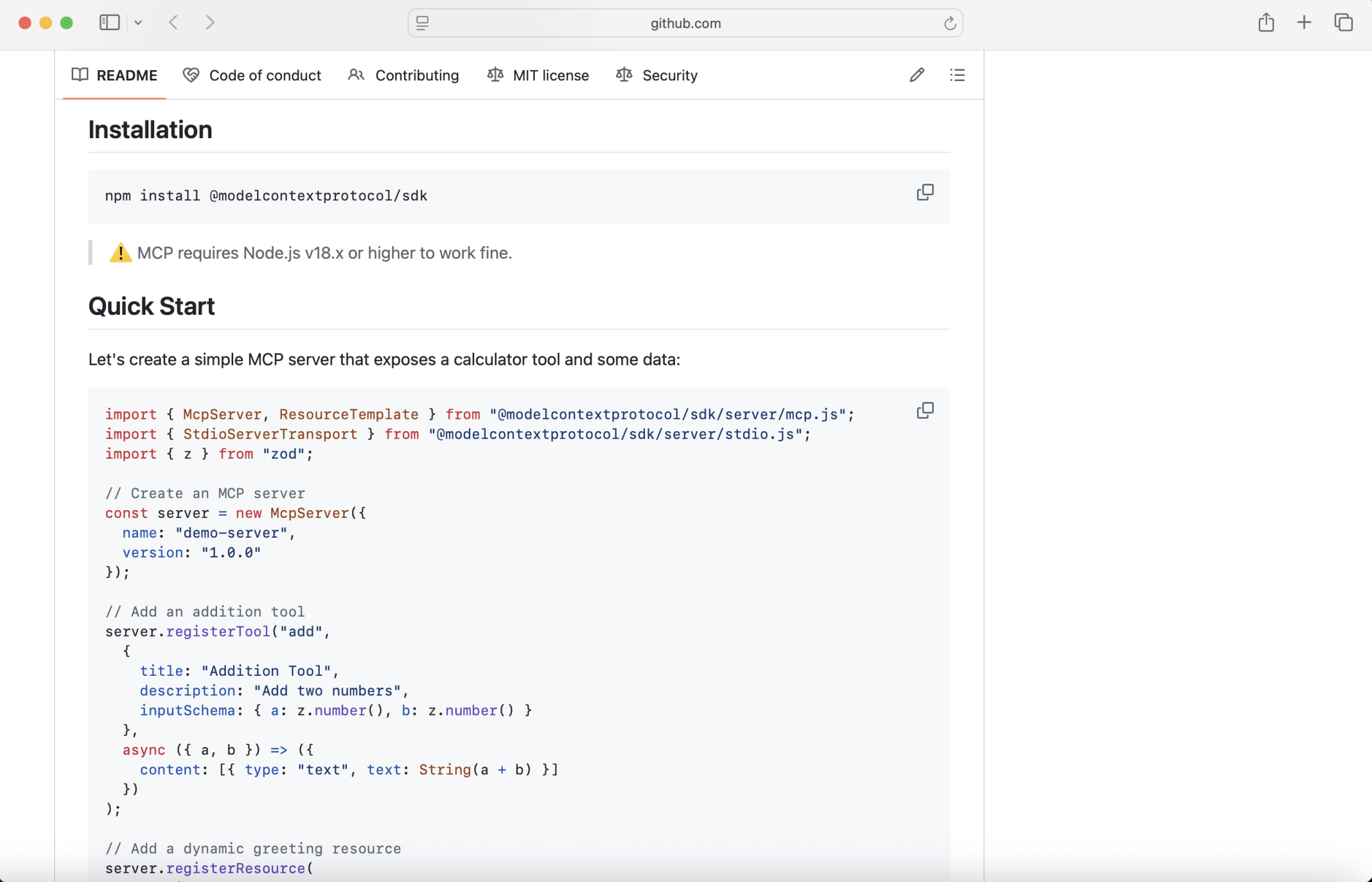
The model context protocol Typescript quick start demonstrates how to create a model context protocol server with an addition tool. I added a multiplication tool to the model context protocol sample (see the updated code below).
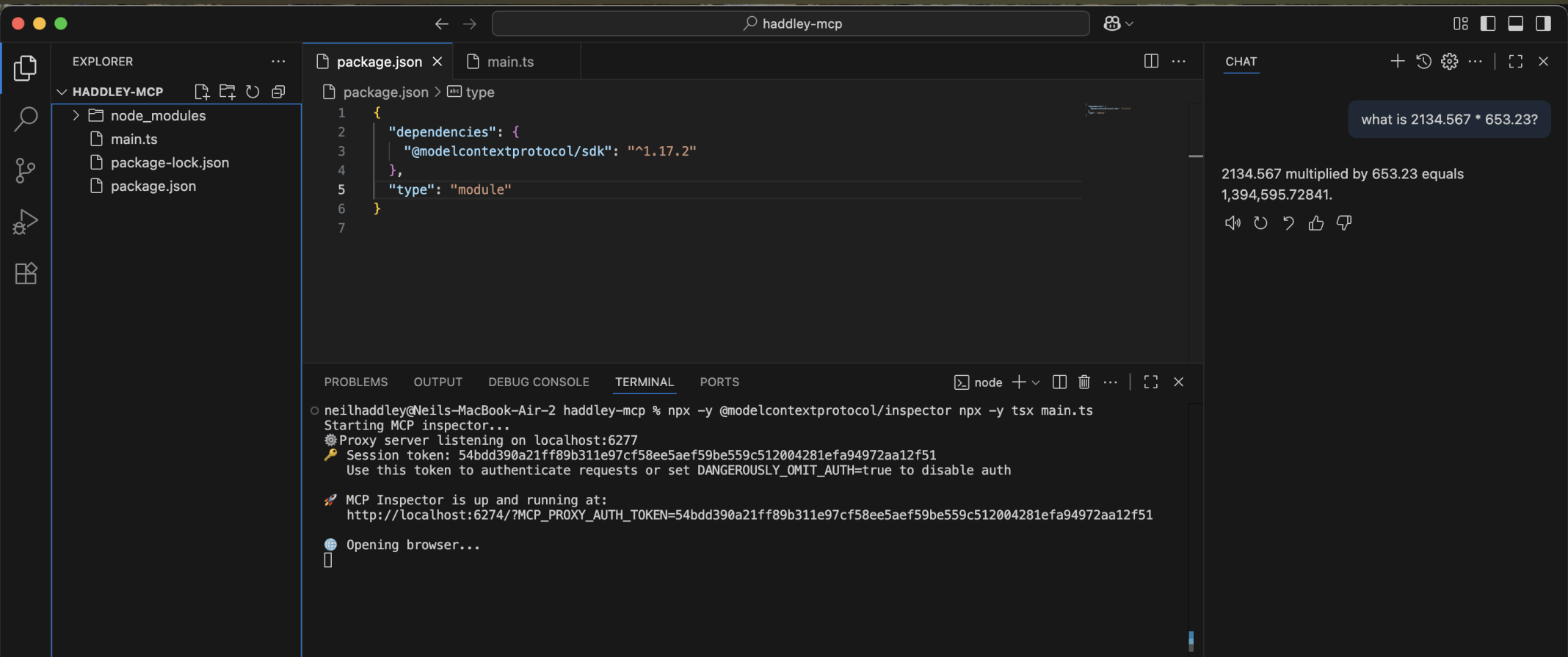
I used the model context protocol inspector to test the server
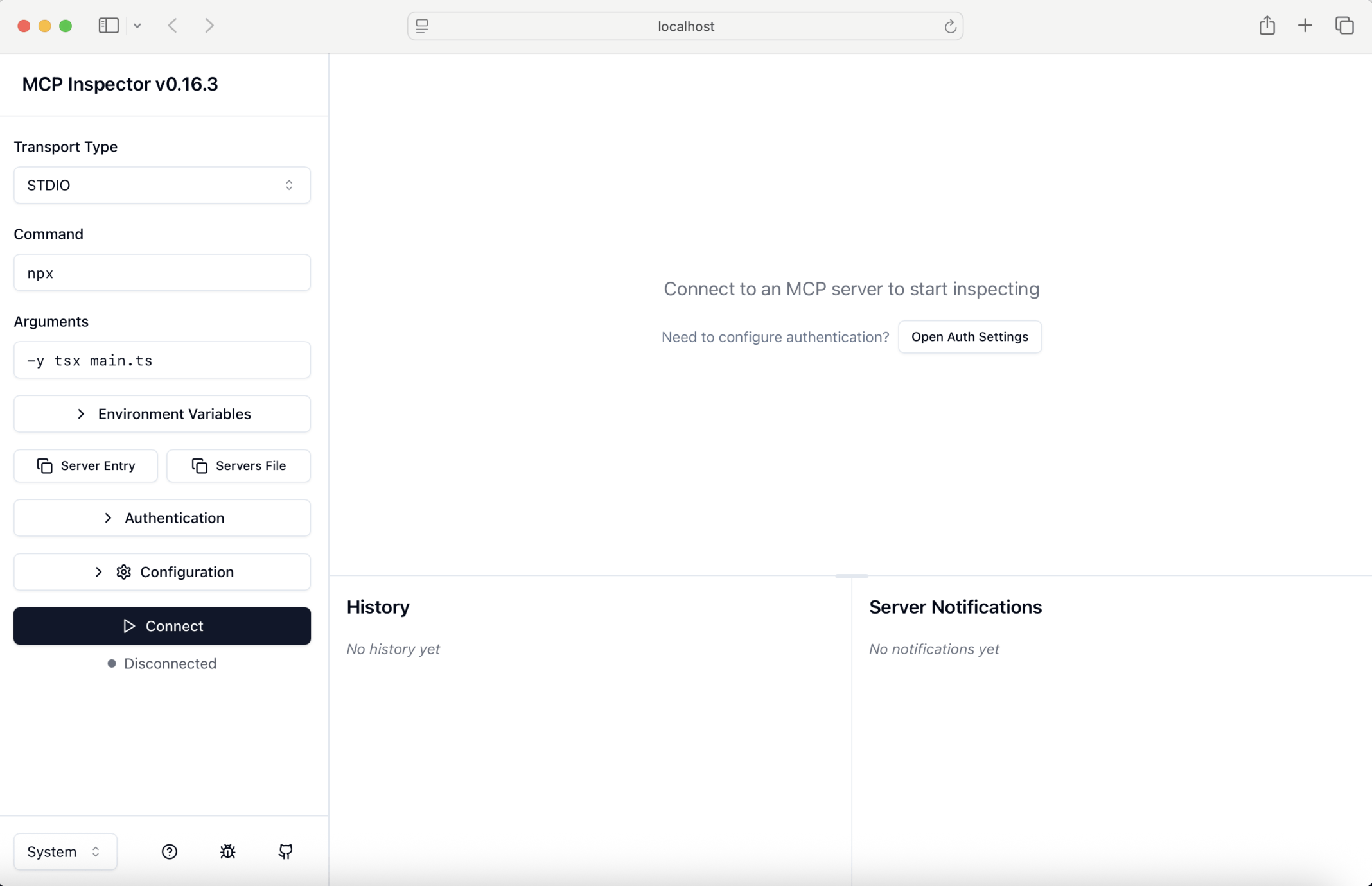
I clicked Connect
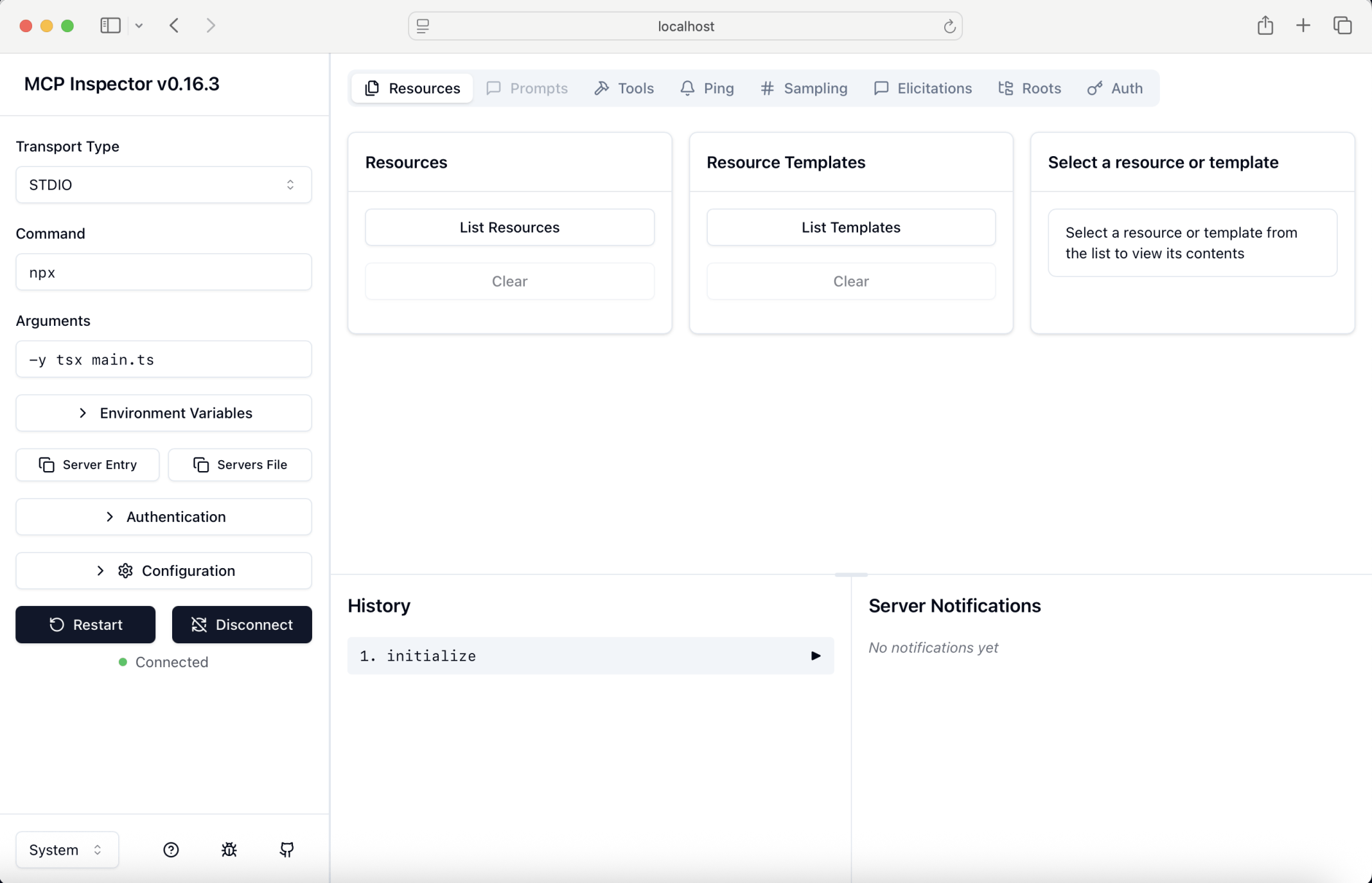
I clicked Tools
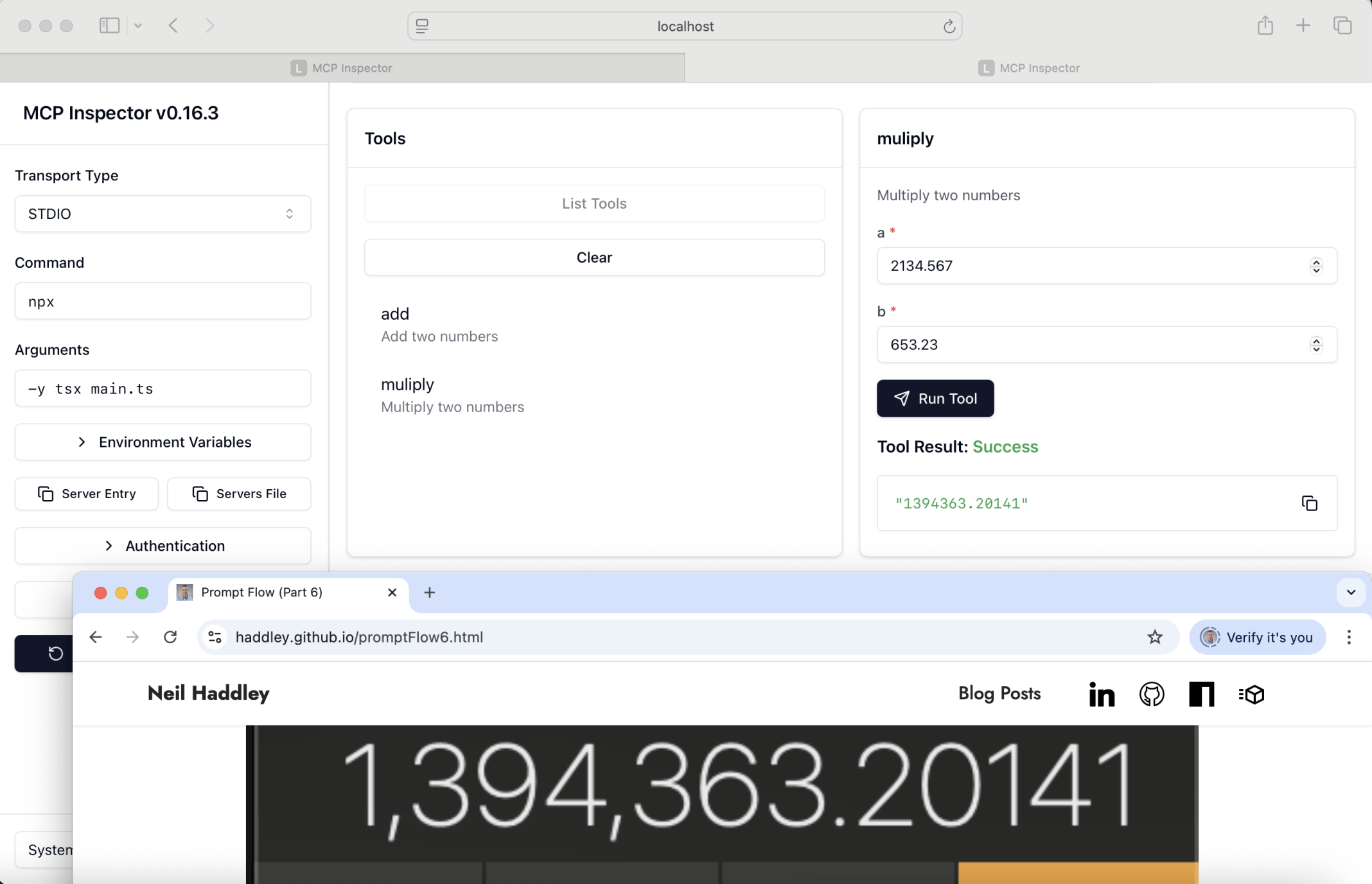
I clicked on the mulipy tool, entered arguments and clicked Run Tool
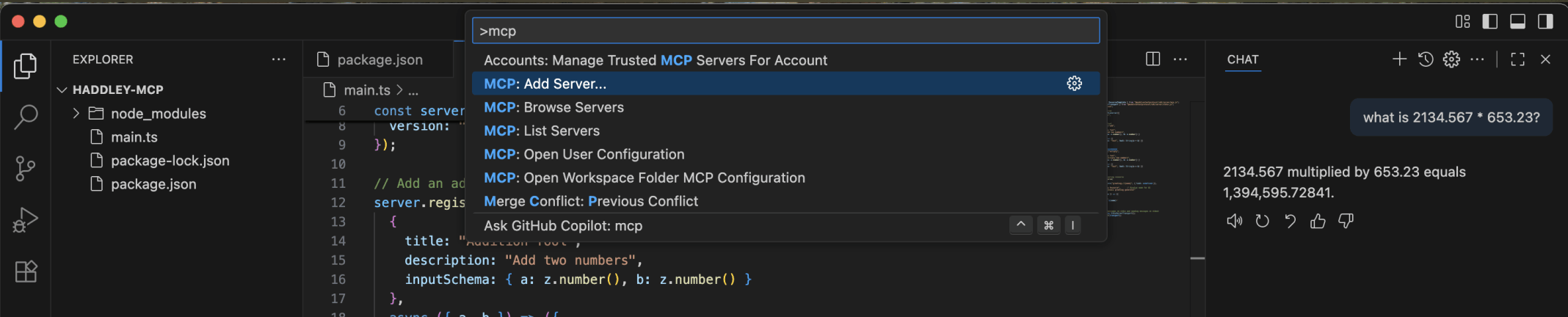
I clicked the Visual Studio Code Command Palette menu item and entered mcp

I selected Command

I entered the command needed to run the mcp server npx -y tsx main.ts

I accepted the generated name

I selected Workspace
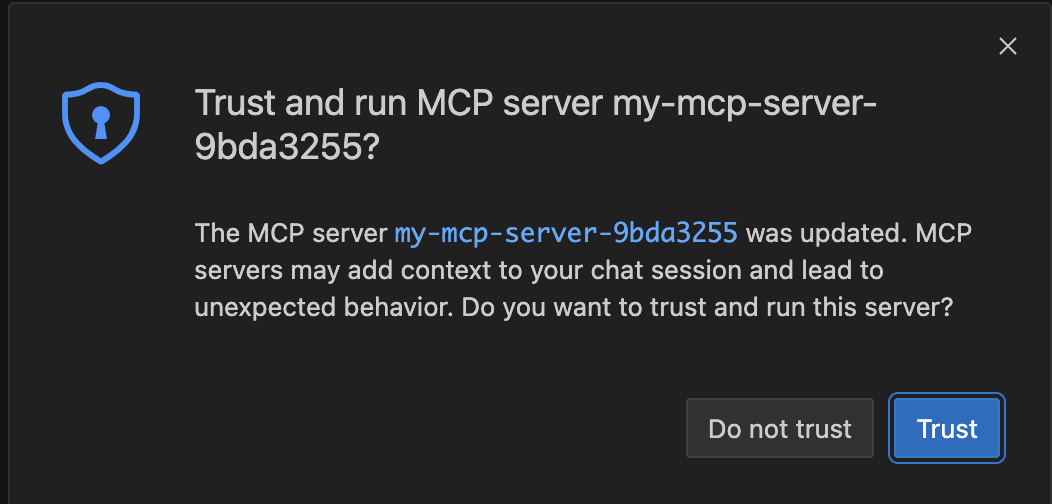
I clicked Trust
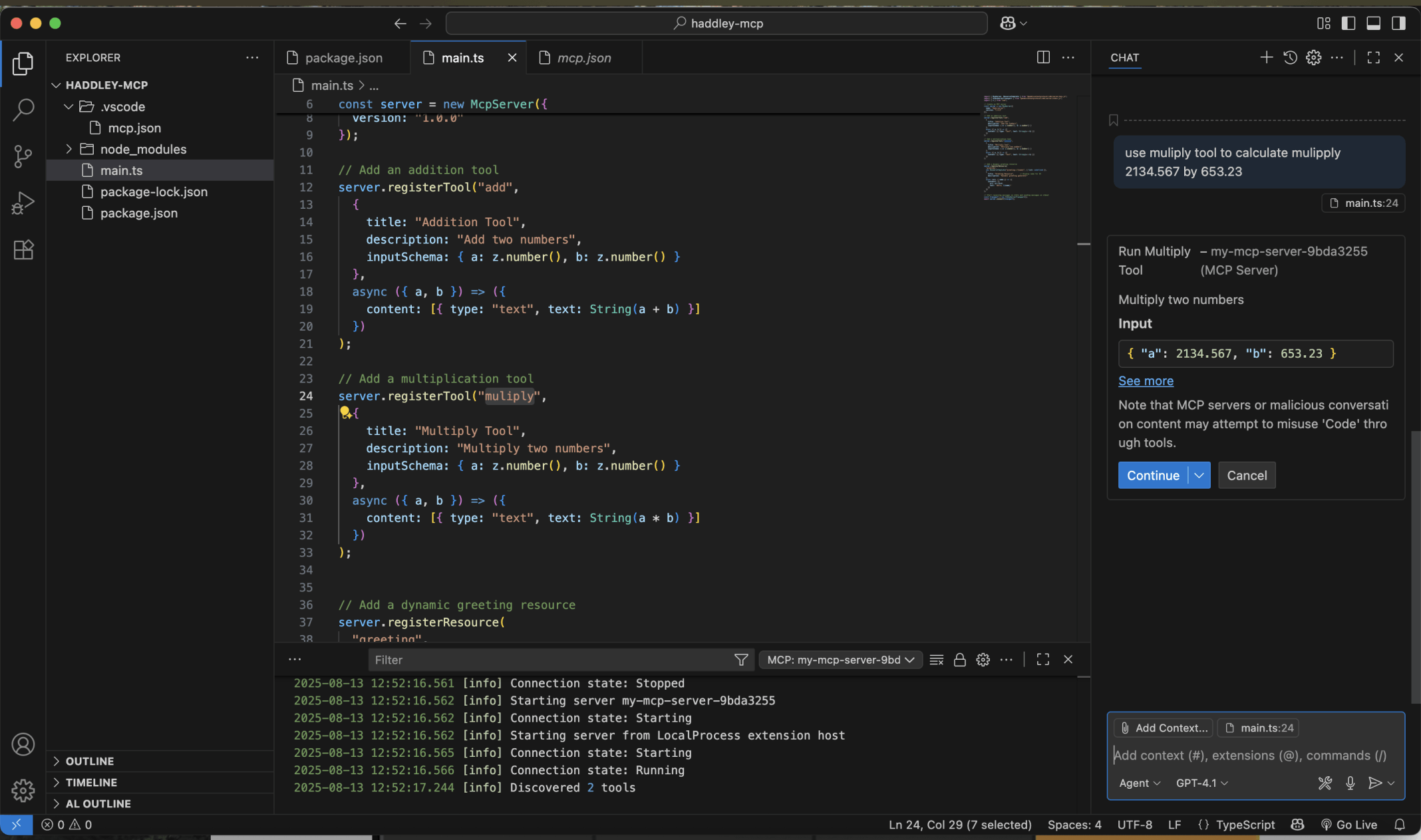
I used Visual Studio Code's chat window to ask the Large Language Model to multiply 2134.567 by 653.23
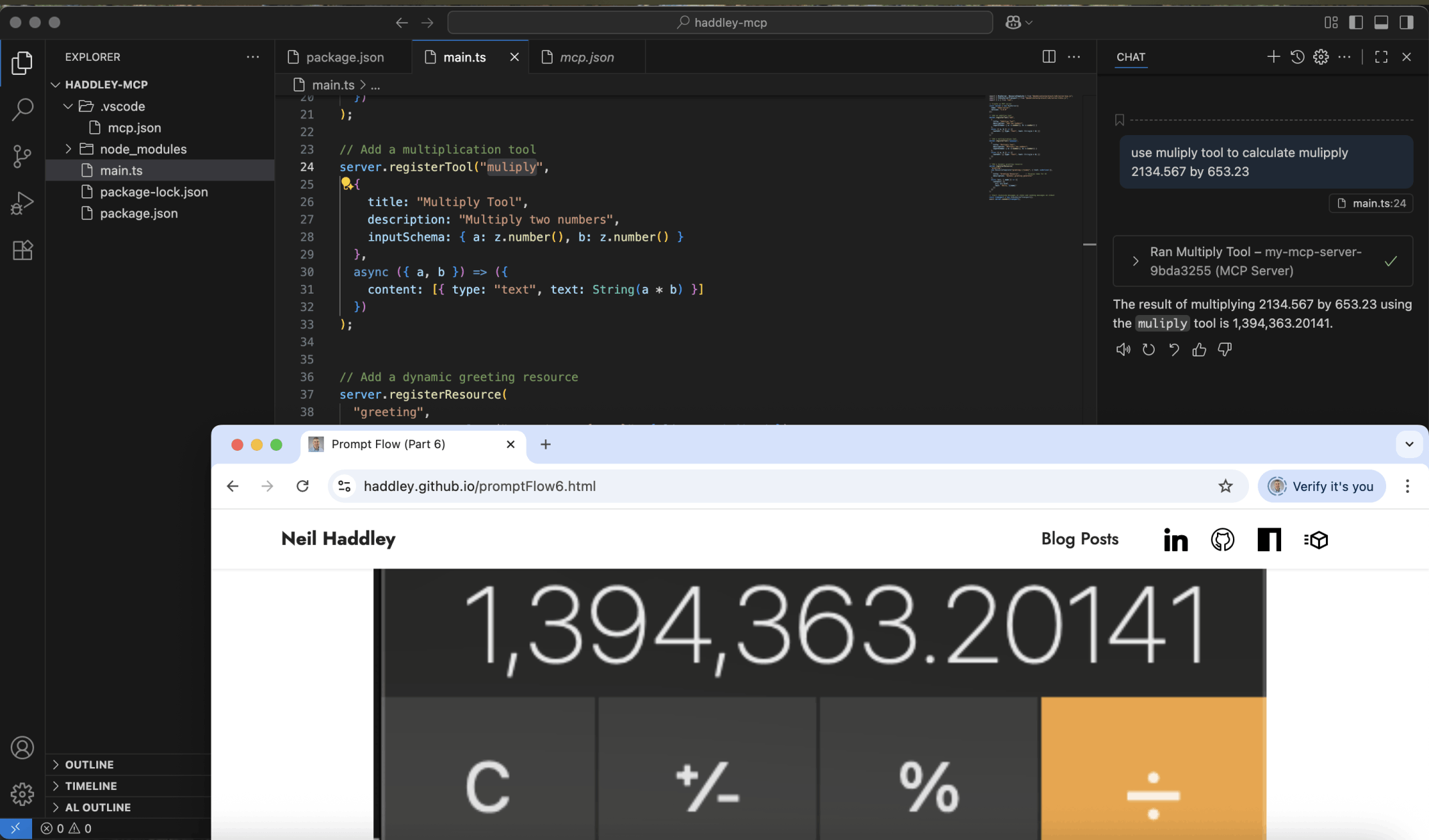
With the help of the multiply tool the Large Language Model was able to provide the correct answer
JAVASCRIPT
1import { McpServer, ResourceTemplate } from "@modelcontextprotocol/sdk/server/mcp.js";
2import { StdioServerTransport } from "@modelcontextprotocol/sdk/server/stdio.js";
3import { z } from "zod";
4
5// Create an MCP server
6const server = new McpServer({
7  name: "demo-server",
8  version: "1.0.0"
9});
10
11// Add an addition tool
12server.registerTool("add",
13  {
14    title: "Addition Tool",
15    description: "Add two numbers",
16    inputSchema: { a: z.number(), b: z.number() }
17  },
18  async ({ a, b }) => ({
19    content: [{ type: "text", text: String(a + b) }]
20  })
21);
22
23// Add a multiplication tool
24server.registerTool("muliply",
25  {
26    title: "Multiply Tool",
27    description: "Multiply two numbers",
28    inputSchema: { a: z.number(), b: z.number() }
29  },
30  async ({ a, b }) => ({
31    content: [{ type: "text", text: String(a * b) }]
32  })
33);
34
35
36// Add a dynamic greeting resource
37server.registerResource(
38  "greeting",
39  new ResourceTemplate("greeting://{name}", { list: undefined }),
40  {
41    title: "Greeting Resource",      // Display name for UI
42    description: "Dynamic greeting generator"
43  },
44  async (uri, { name }) => ({
45    contents: [{
46      uri: uri.href,
47      text: `Hello, ${name}!`
48    }]
49  })
50);
51
52// Start receiving messages on stdin and sending messages on stdout
53const transport = new StdioServerTransport();
54await server.connect(transport);