Microsoft Graph
Neil Haddley • May 26, 2022
Graph Explorer
Microsoft Graph is a REST API that can be used to access: Microsoft 365, Azure Active Directory, Windows and Dynamics 365.
Graph Explorer is a developer tool that allows a developer to make Microsoft Graph REST API requests and view corresponding responses.
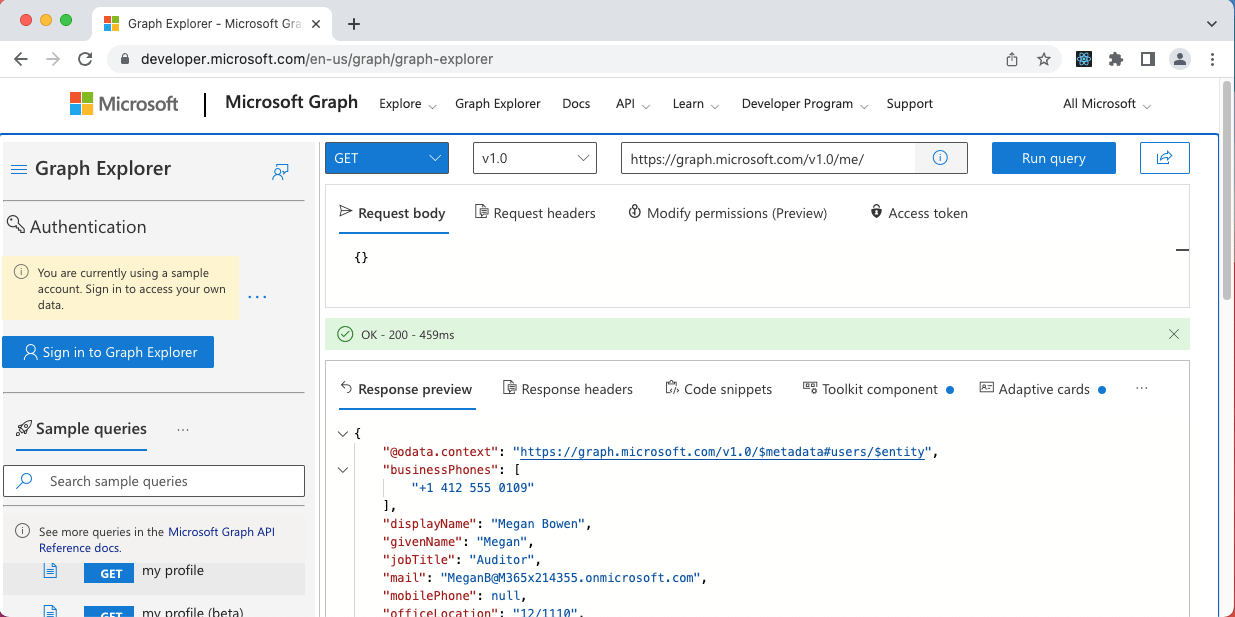
I used the Graph Explorer without signing in to my Active Directory account (using a sample account)
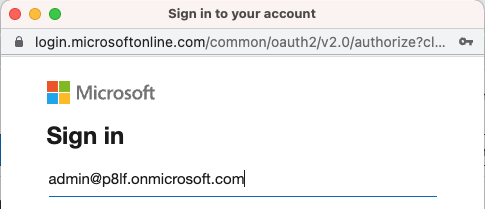
I signed into my Microsoft 365 E5 developer subscription pre-provisioned with Microsoft 365 apps
I entered my password
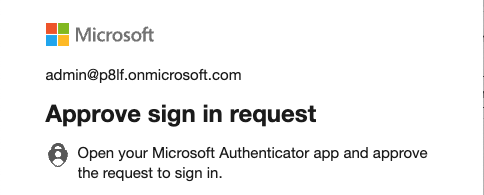
I approved the sign in request using my mobile phone (two factor authentication)
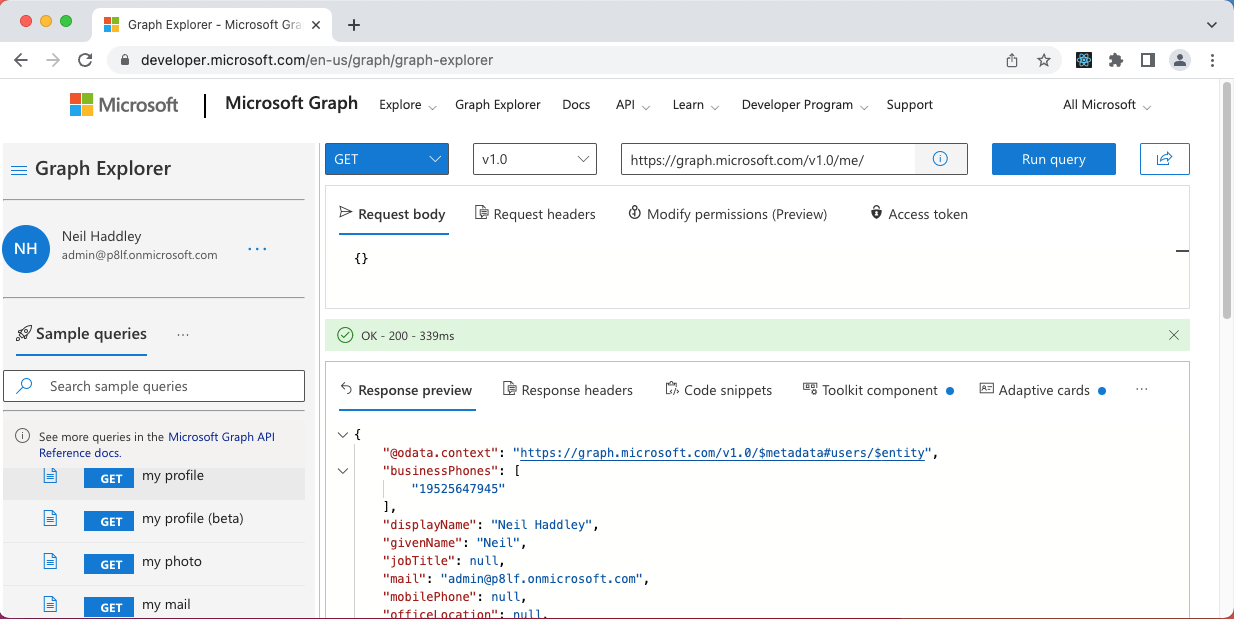
I retrieved my profile details using a "/me/" request. GET my profile - https://graph.microsoft.com/v1.0/me/
Graph Explorer permissions
Before I could retrieve email messages using Microsoft Graph, I had to provide consent, agreeing that the client application (Graph Explorer) could access parts of the Microsoft Graph on my behalf.
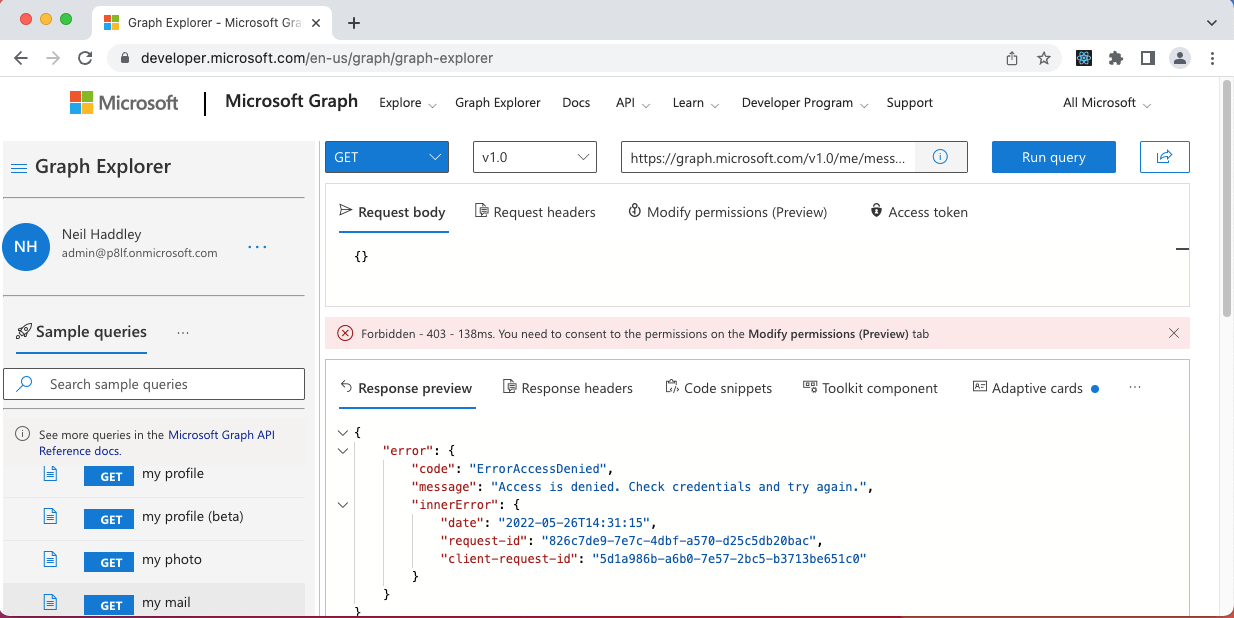
access denied - https://graph.microsoft.com/v1.0/me/messages
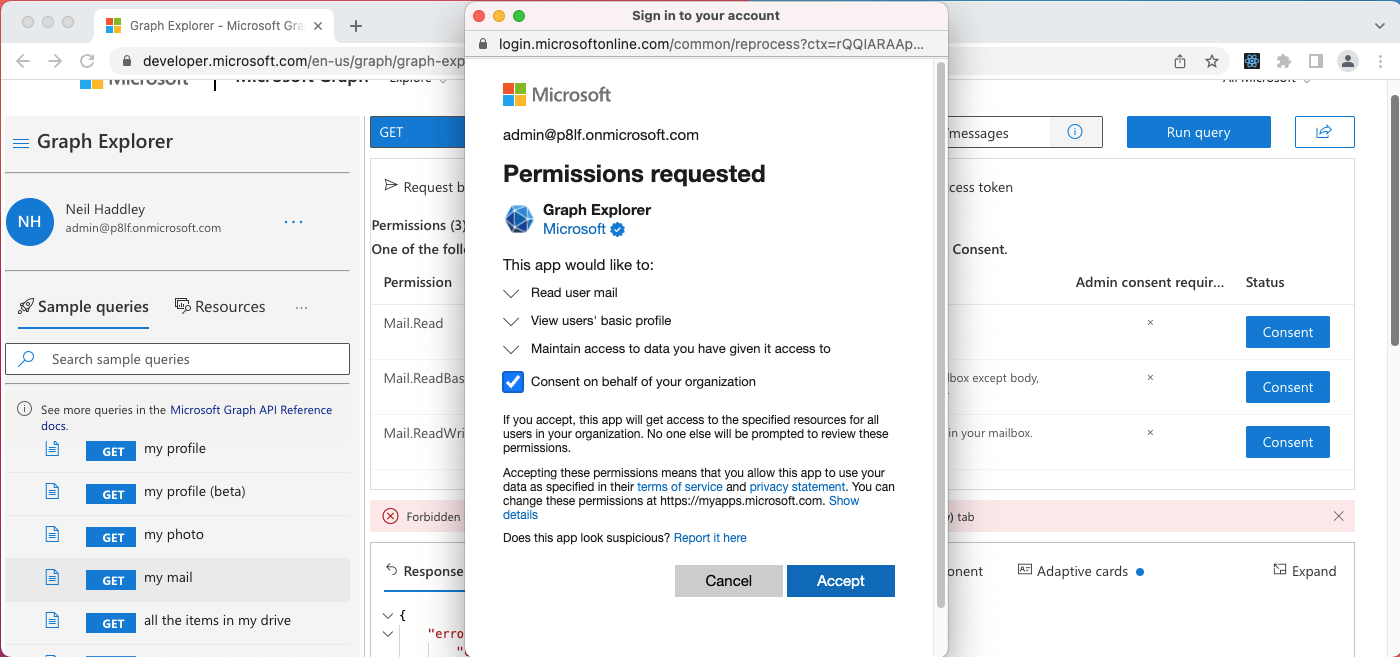
I granted this application (Graph Explorer) permission to access email messages as administrator
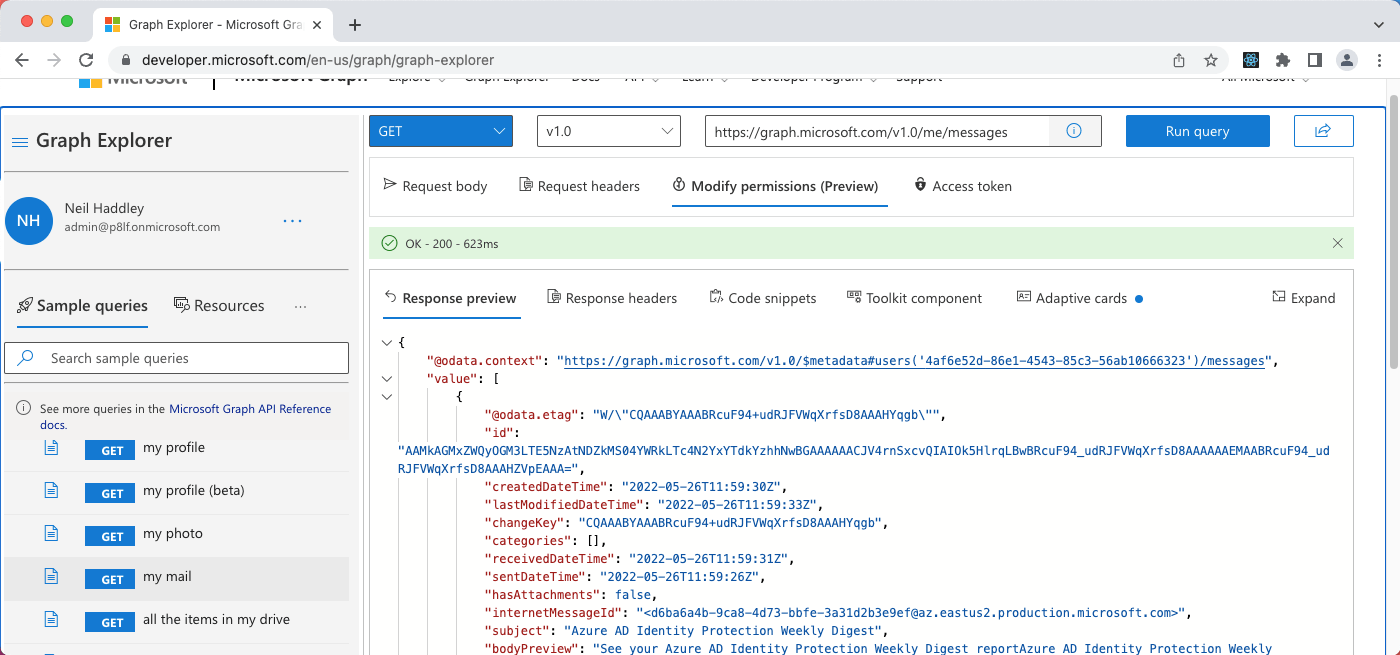
GET my mail - https://graph.microsoft.com/v1.0/me/messages
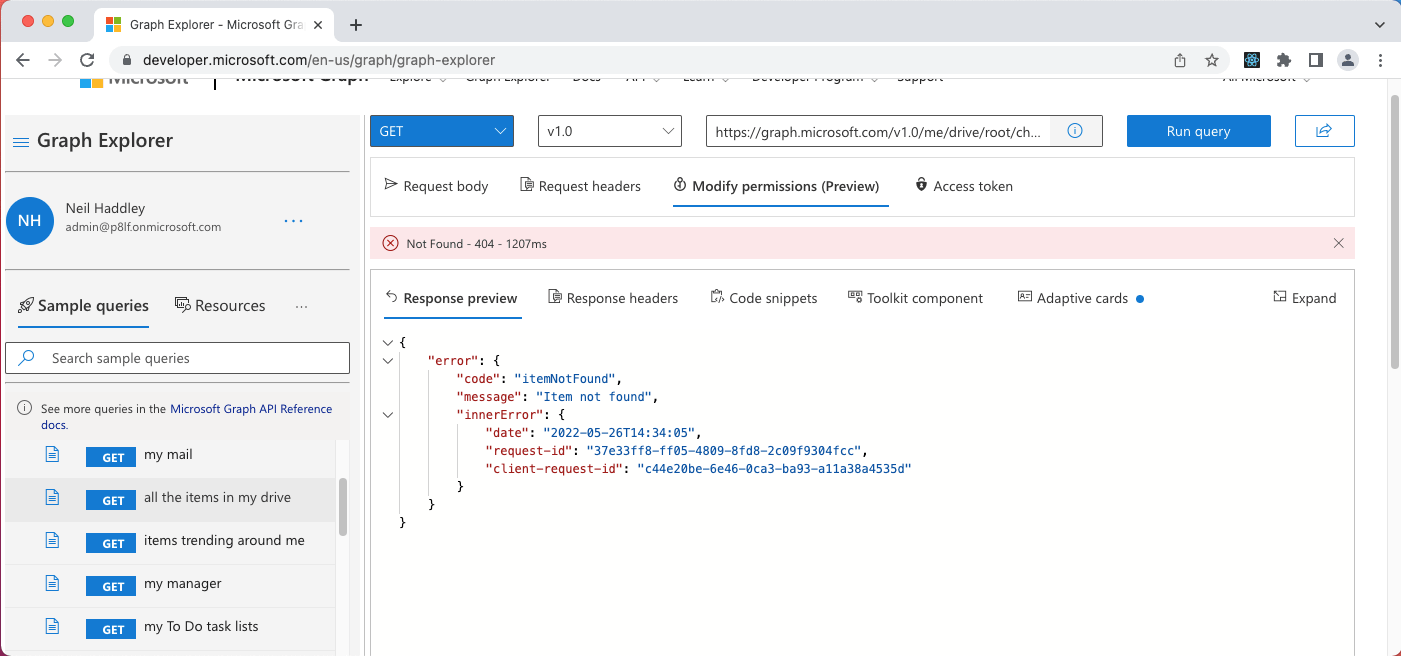
A second consent was needed to allow this application (Graph Explorer) to access my One Drive and SharePoint online files - https://graph.microsoft.com/v1.0/me/drive/root/children
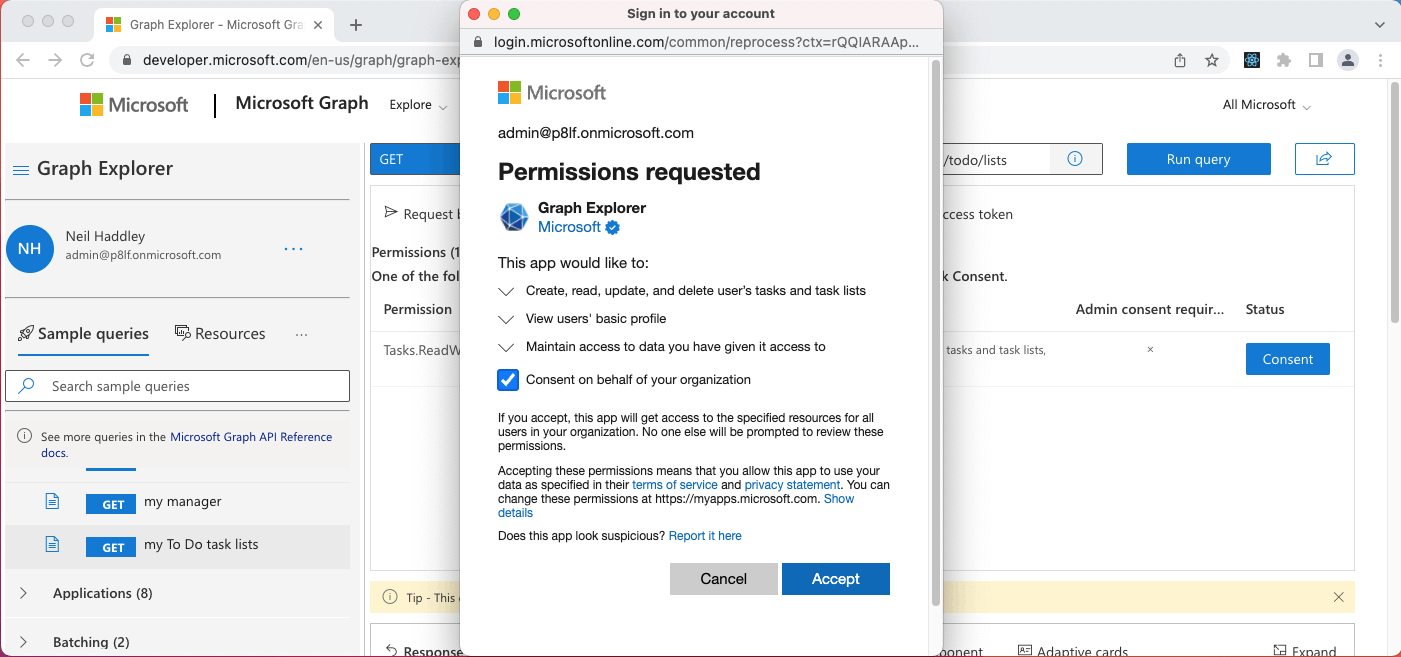
I granted this application (Graph Explorer) permission to access One Drive and SharePoint online files as administrator
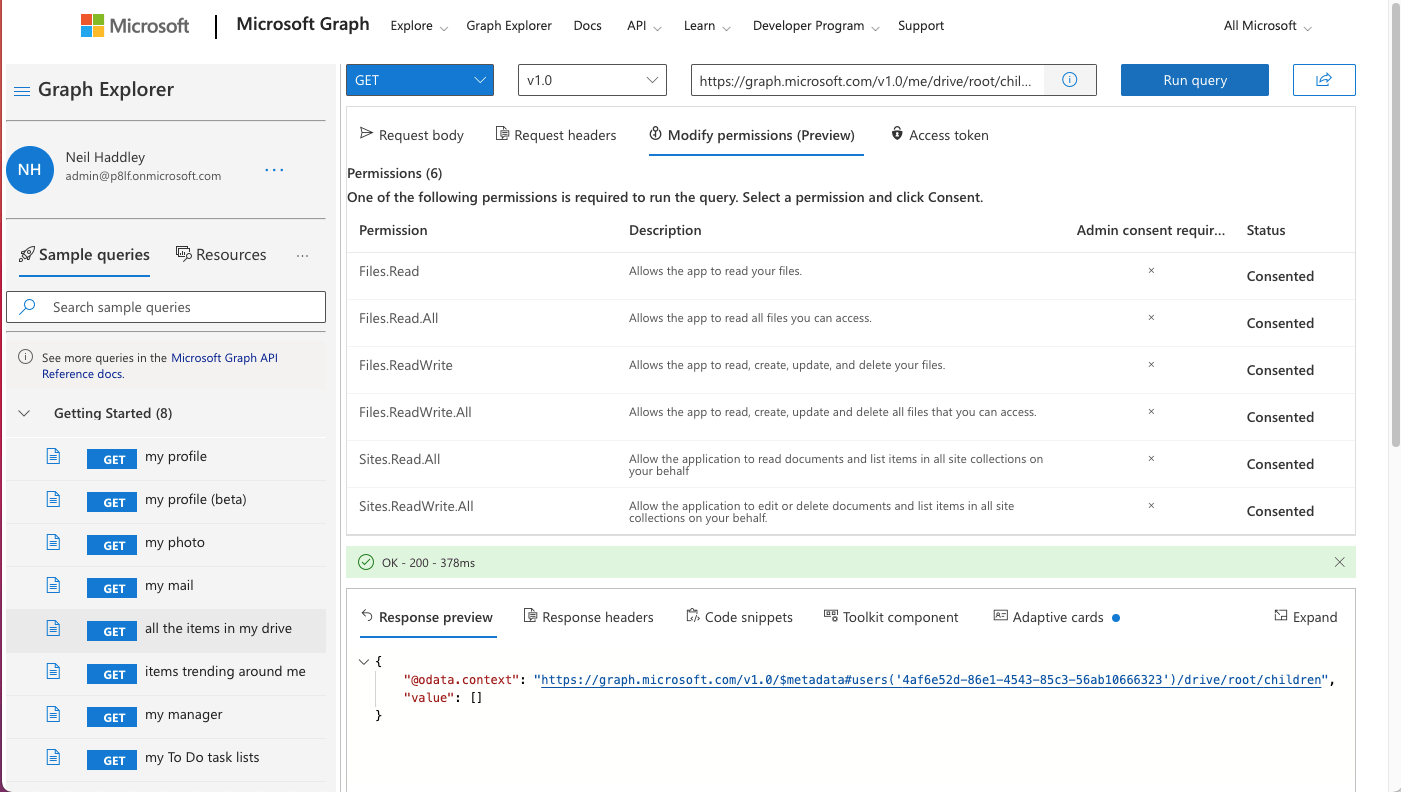
GET all the items in my (one) drive (root folder) - https://graph.microsoft.com/v1.0/me/drive/root/children
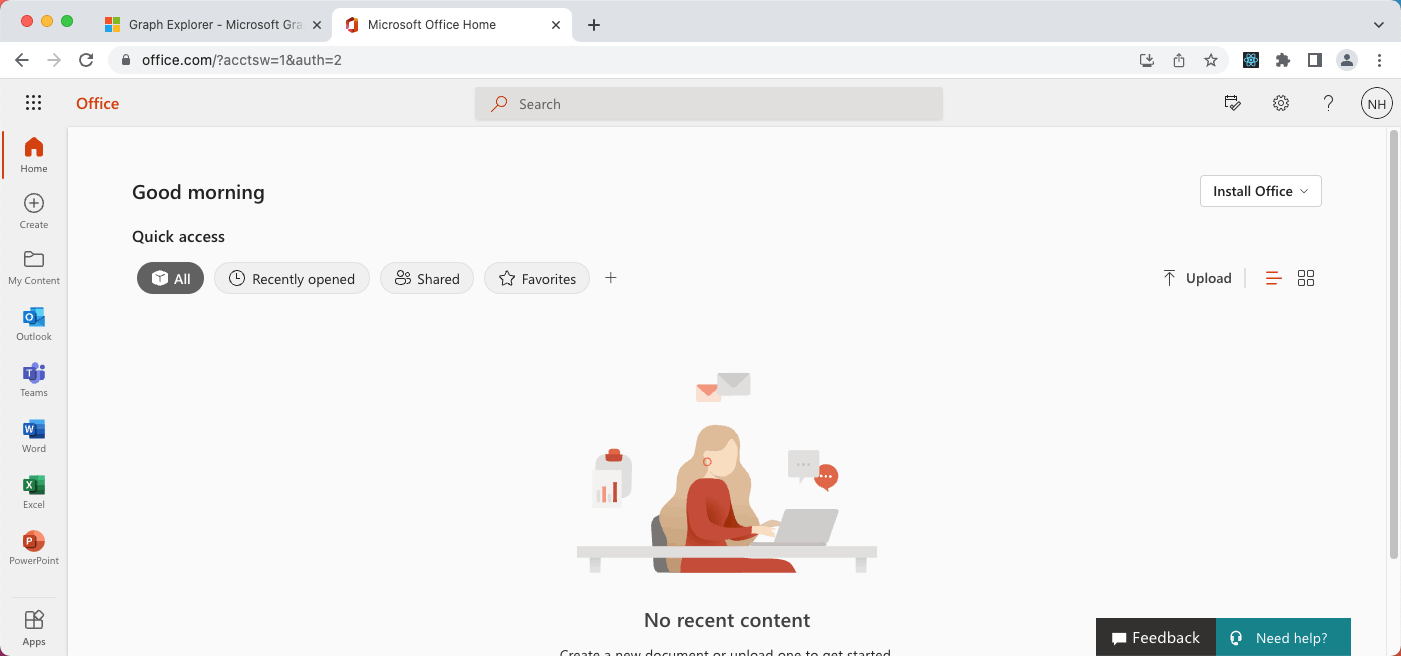
At this time there were no files in my one drive's root folder
Teams/SharePoint Online/One Drive files
Microsoft Teams channels include a "Files" tab.
Files uploaded to the Team's channel are stored in SharePoint Online.
All files uploaded to all public channels are stored in a shared Document Library in a Team specific SharePoint Online Site (Site Collection).
This SharePoint online Document Library can also be accessed using the One Drive application.
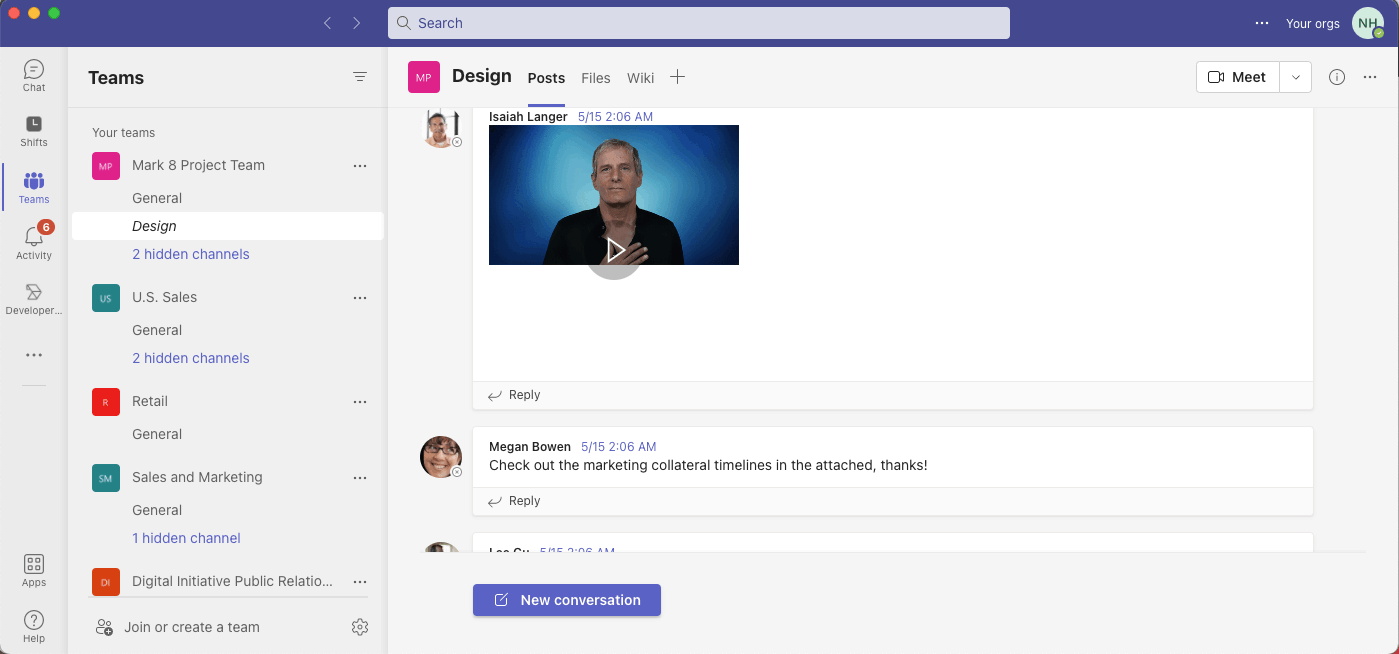
I noted that the Mark 8 Project Team included a General and a Design channel
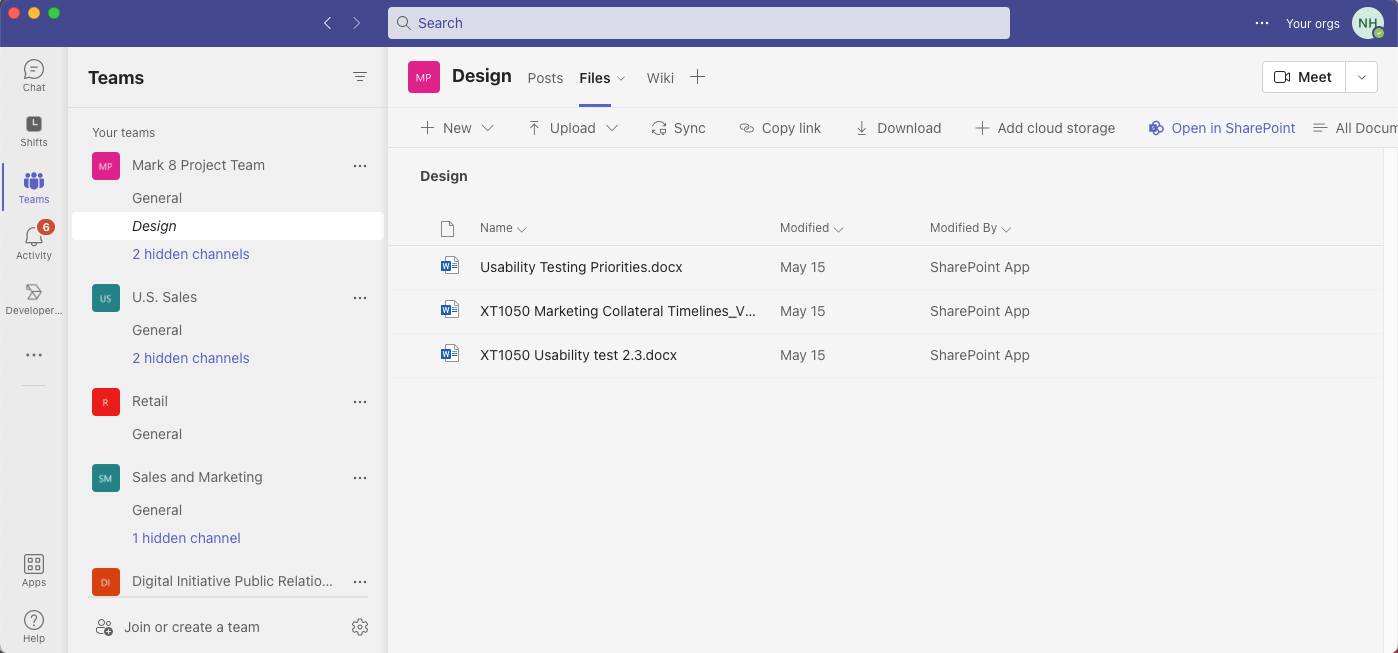
I accessed the Design channel's files without leaving the Teams application. I also accessed the files using the SharePoint user interface via the "Open in SharePoint" menu item
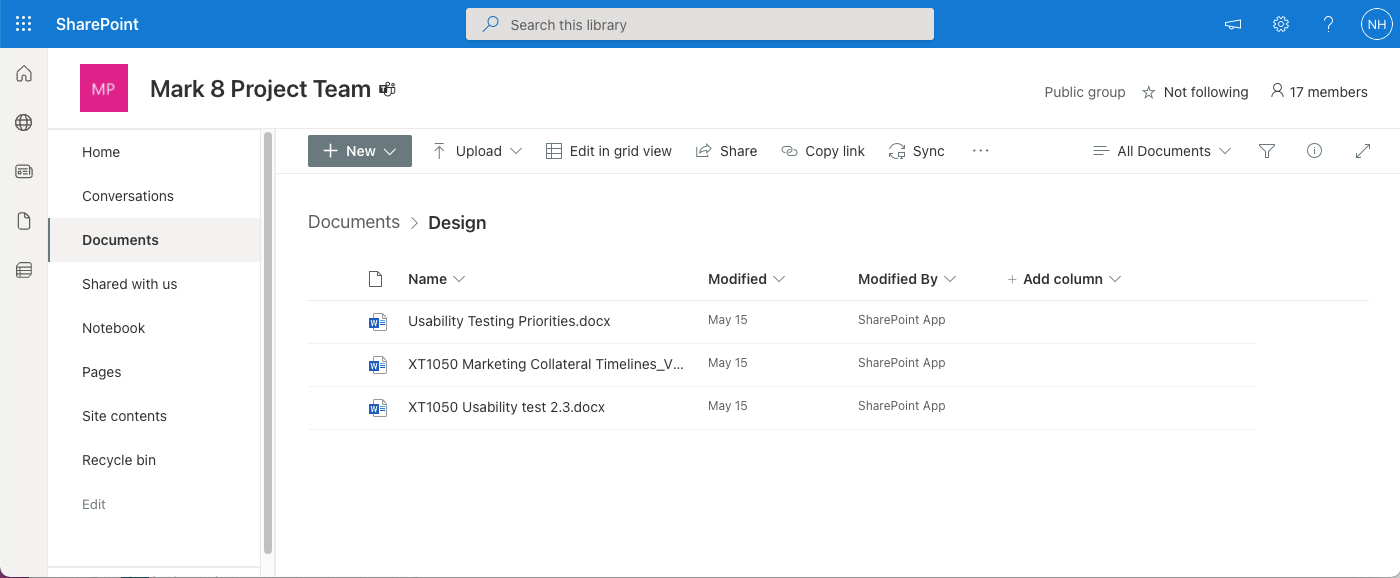
I confirmed in the SharePoint user interface that the Design channel's files were stored in the "Design" folder in the shared "Documents" Document Library in the "Mark 8 Project Team" SharePoint site
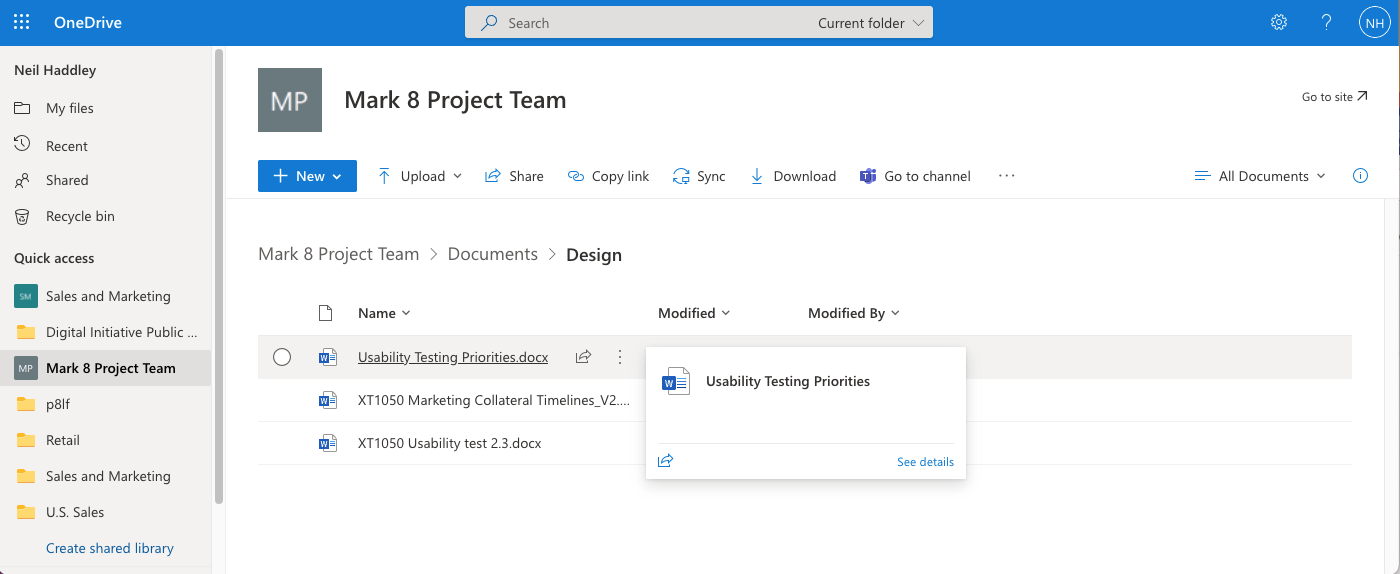
I accessed the "Documents" Document Library in the "Mark 8 Project Team" site using the One Drive user interface
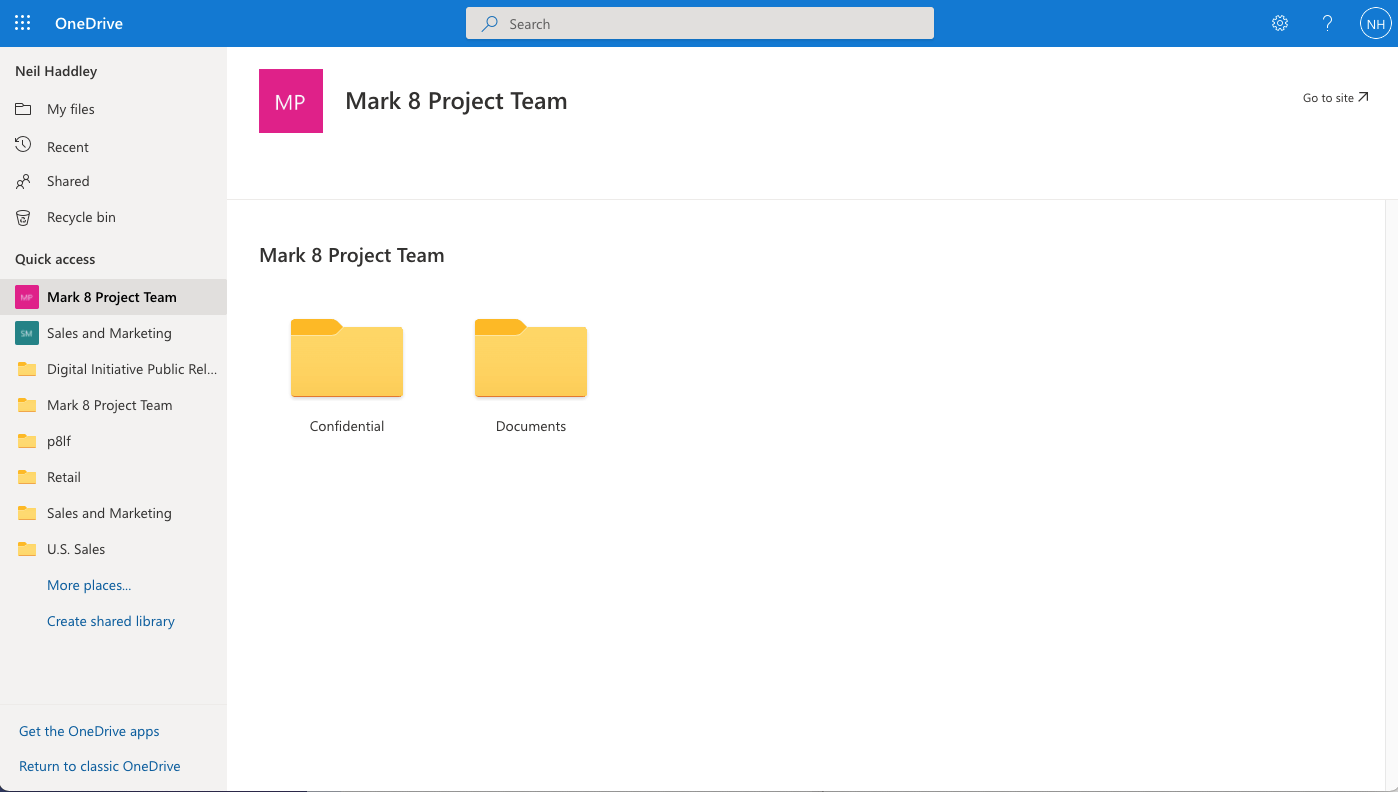
I used the One Drive user interface to confirm there was a second "Confidential" Document Library in the "Mark 8 Project Team" site
Using Microsoft Graph to access Teams/SharePoint Online/One Drive files
Graph explorer can be used to access Teams/SharePoint Online/One Drive files
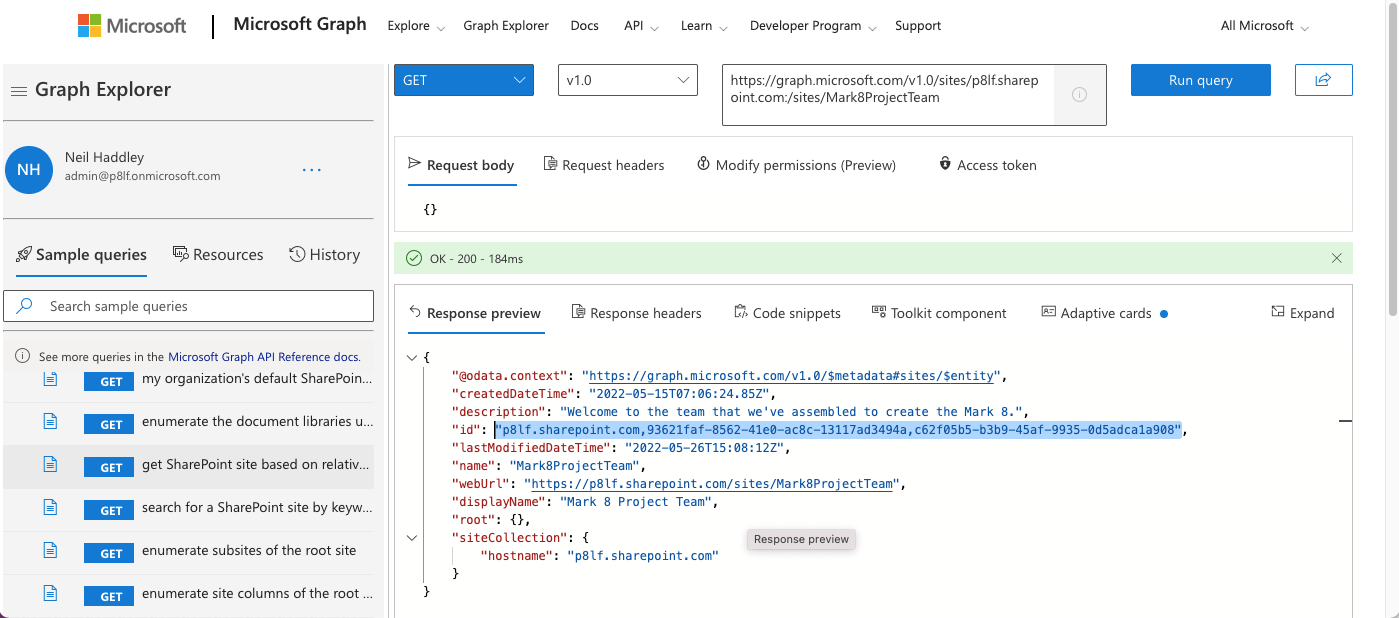
GET SharePoint site based on relative path to (the "Mark8Project") site - https://graph.microsoft.com/v1.0/sites/{host-name}:/{server-relative-path} - https://graph.microsoft.com/v1.0/sites/p8lf.sharepoint.com:/sites/Mark8ProjectTeam
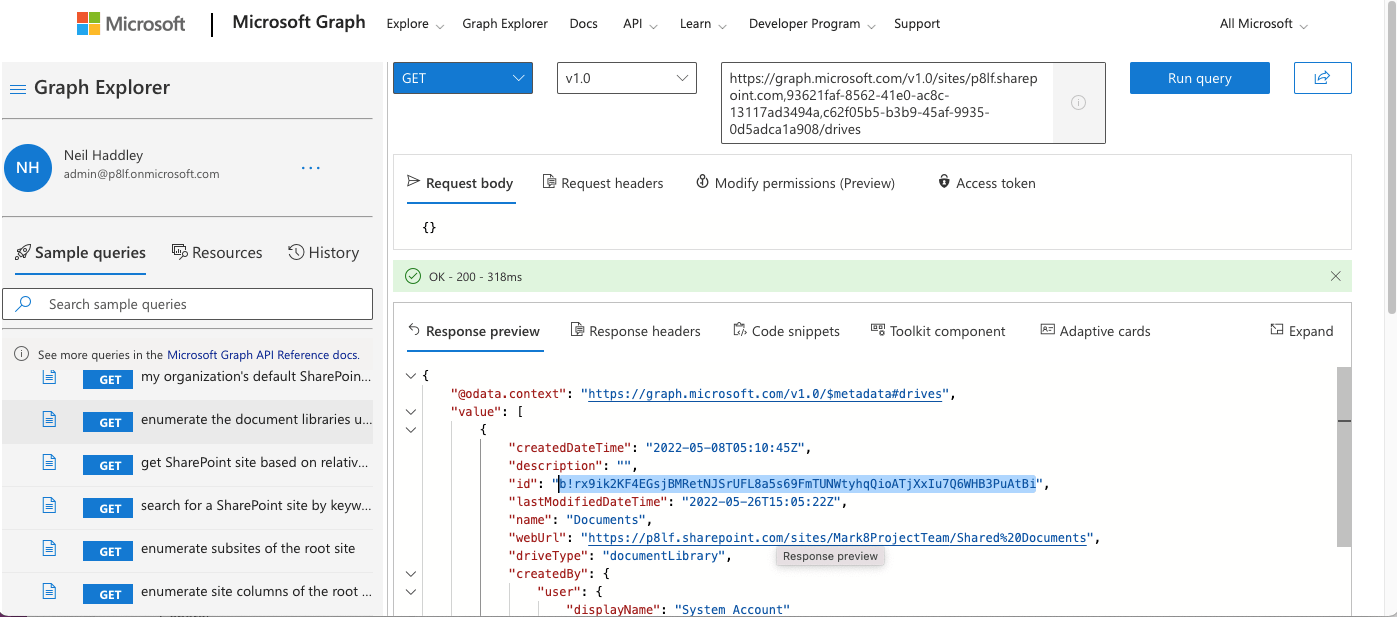
GET enumerate the document libraries under the (the "Mark8Project") site - https://graph.microsoft.com/v1.0/sites/{siteid}/drives - https://graph.microsoft.com/v1.0/sites/p8lf.sharepoint.com,93621faf-8562-41e0-ac8c-13117ad3494a,c62f05b5-b3b9-45af-9935-0d5adca1a908/drives
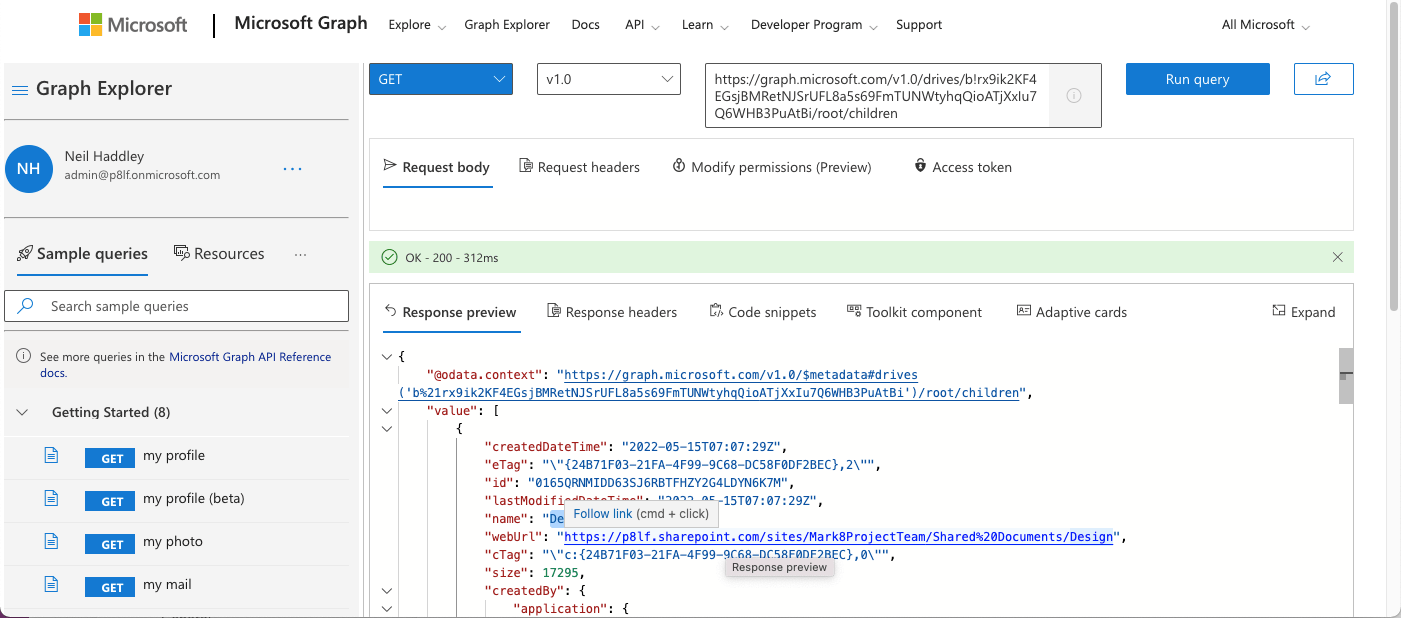
GET all the items in specified drive - https://graph.microsoft.com/v1.0/drives/{driveid}/root/children -https://graph.microsoft.com/v1.0/drives/b!rx9ik2KF4EGsjBMRetNJSrUFL8a5s69FmTUNWtyhqQioATjXxIu7Q6WHB3PuAtBi/root/children
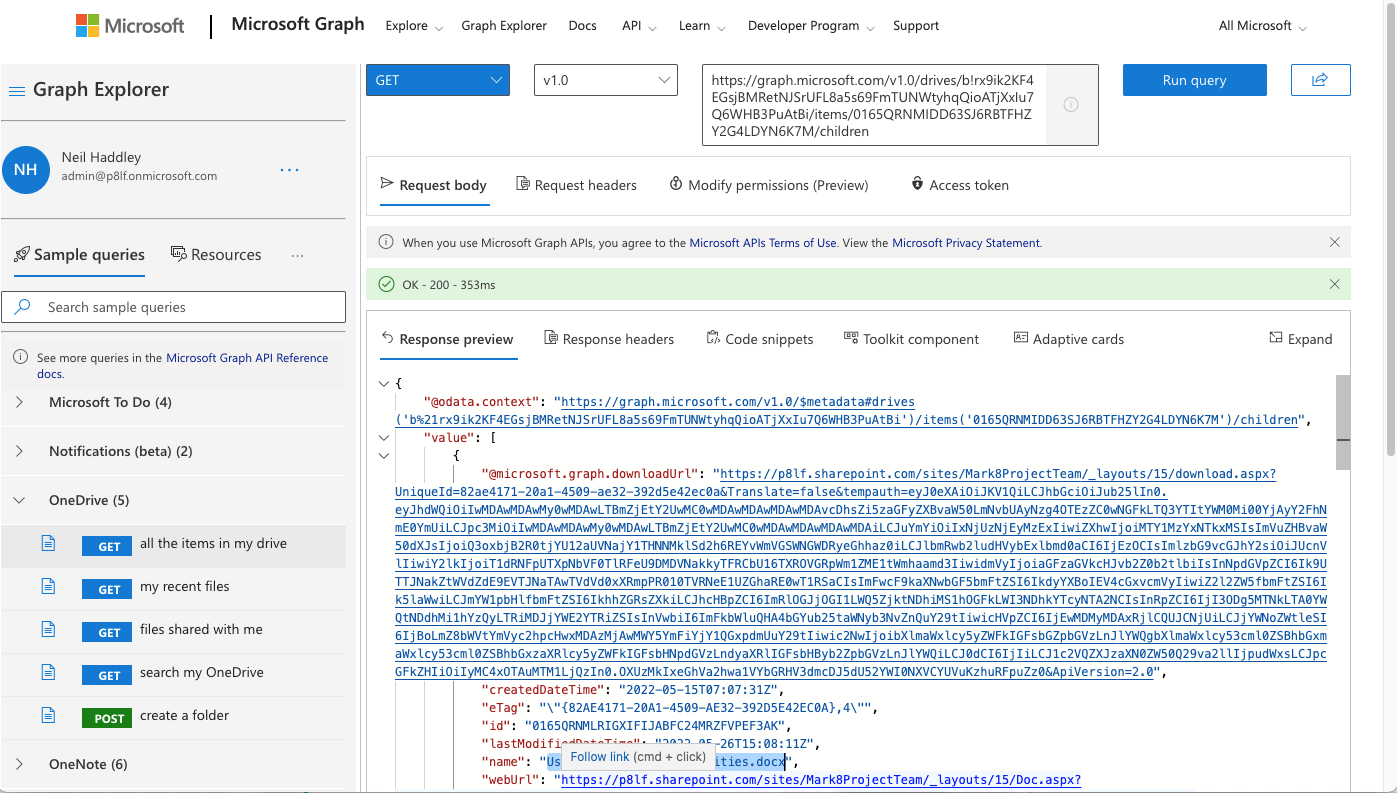
GET all the items in specified folder in the specified drive - https://graph.microsoft.com/v1.0/drives/{driveid}/items/{folderid}/childrenhttps://graph.microsoft.com/v1.0/drives/b!rx9ik2KF4EGsjBMRetNJSrUFL8a5s69FmTUNWtyhqQioATjXxIu7Q6WHB3PuAtBi/items/0165QRNMIDD63SJ6RBTFHZY2G4LDYN6K7M/children
Items trending around me
I found that M365 is able to keep track of documents I have recently accessed.
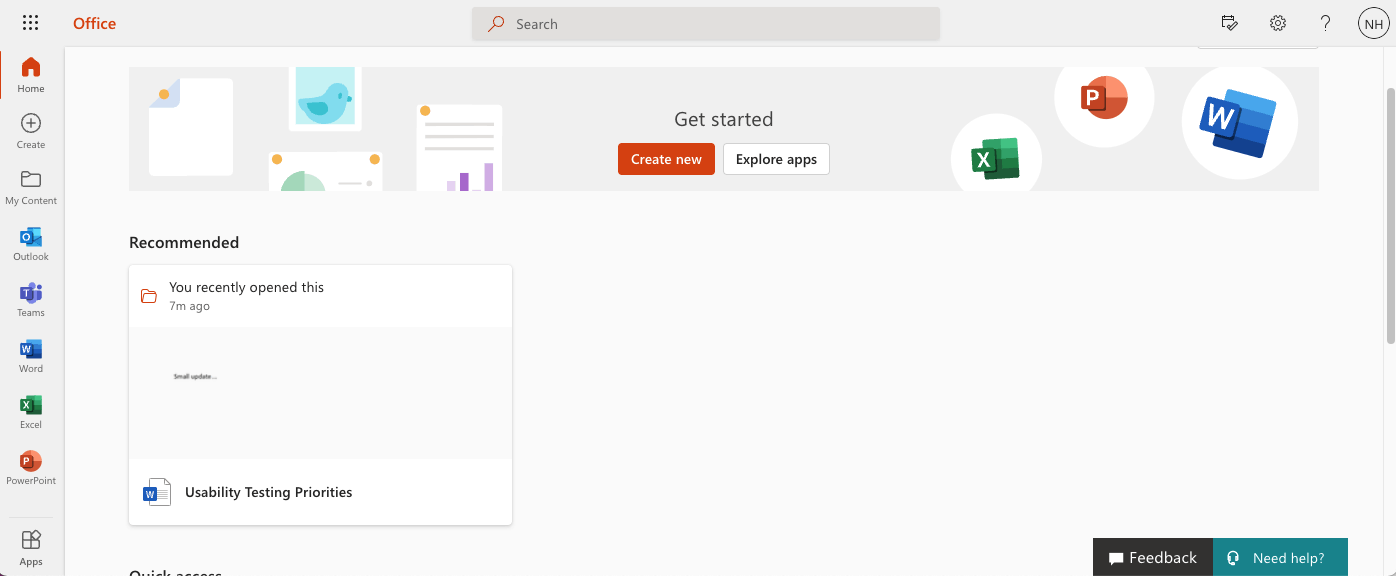
I reviewed recently accessed items
Items trending
Items trending around me can also be accessed using Microsoft Graph.
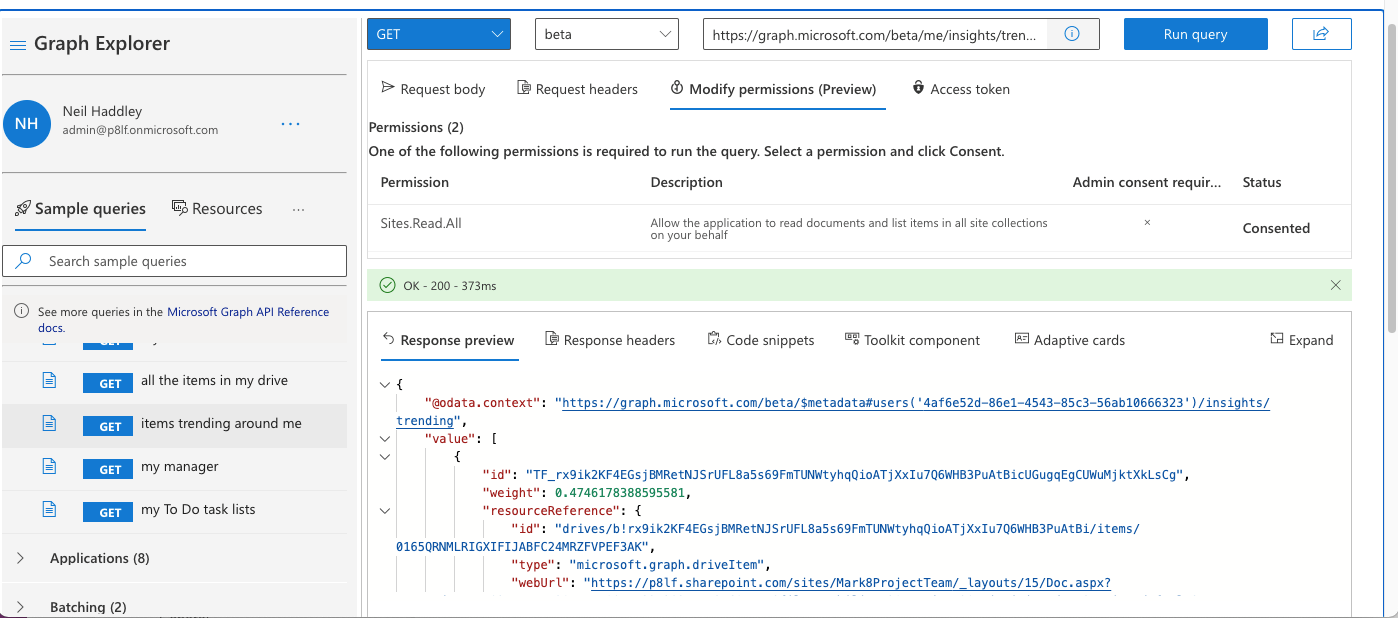
GET items trending around me - https://graph.microsoft.com/beta/me/insights/trending
Code snippets
Graph Explorer is also able to provide sample JavaScript code that could be used to access Microsoft Graph
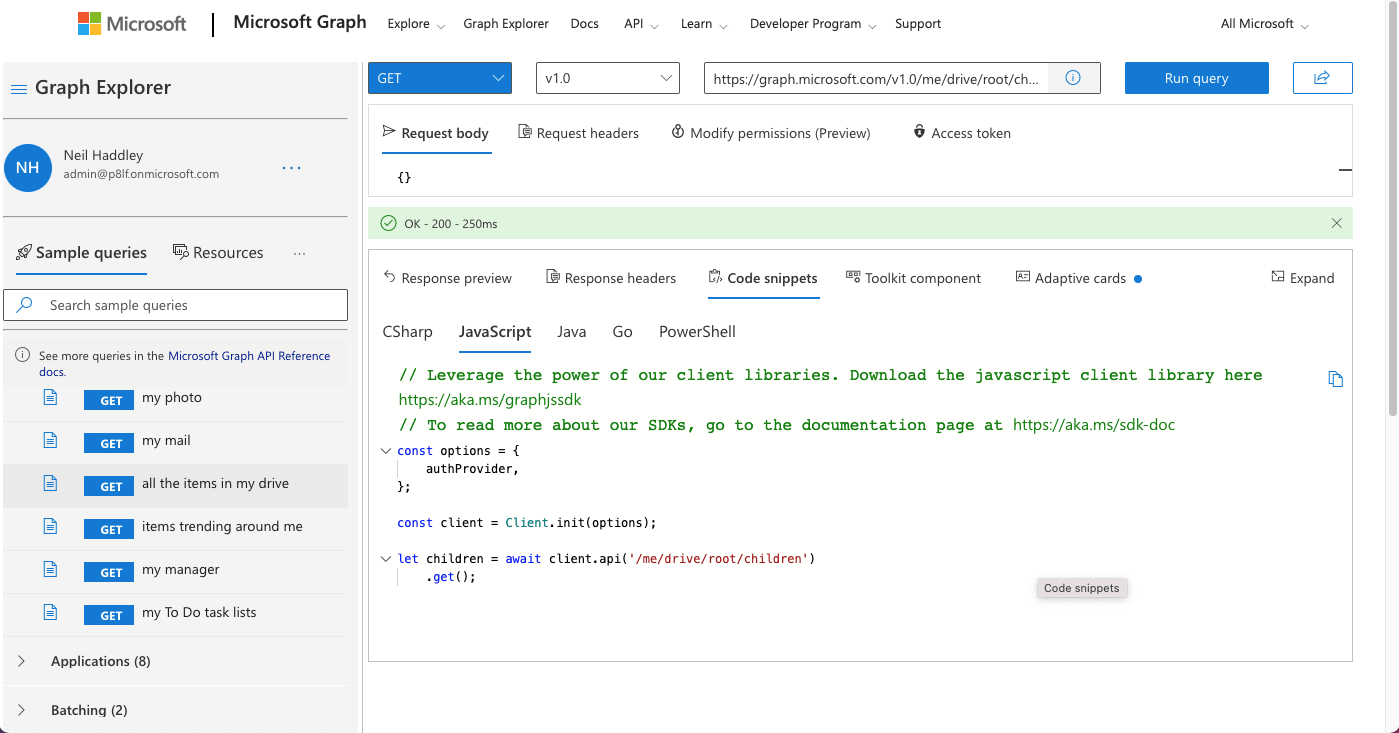
I reviewed the sample JavaScript code