Model Driven Apps (Part 1)
Neil Haddley • September 18, 2023
Setting up users and Dataverse security roles in a Model-Driven Power App — assigning roles to each user based on their duties
The illustration below shows the p8lf organization structure. I assigned Dataverse security roles to each user based on their duties.
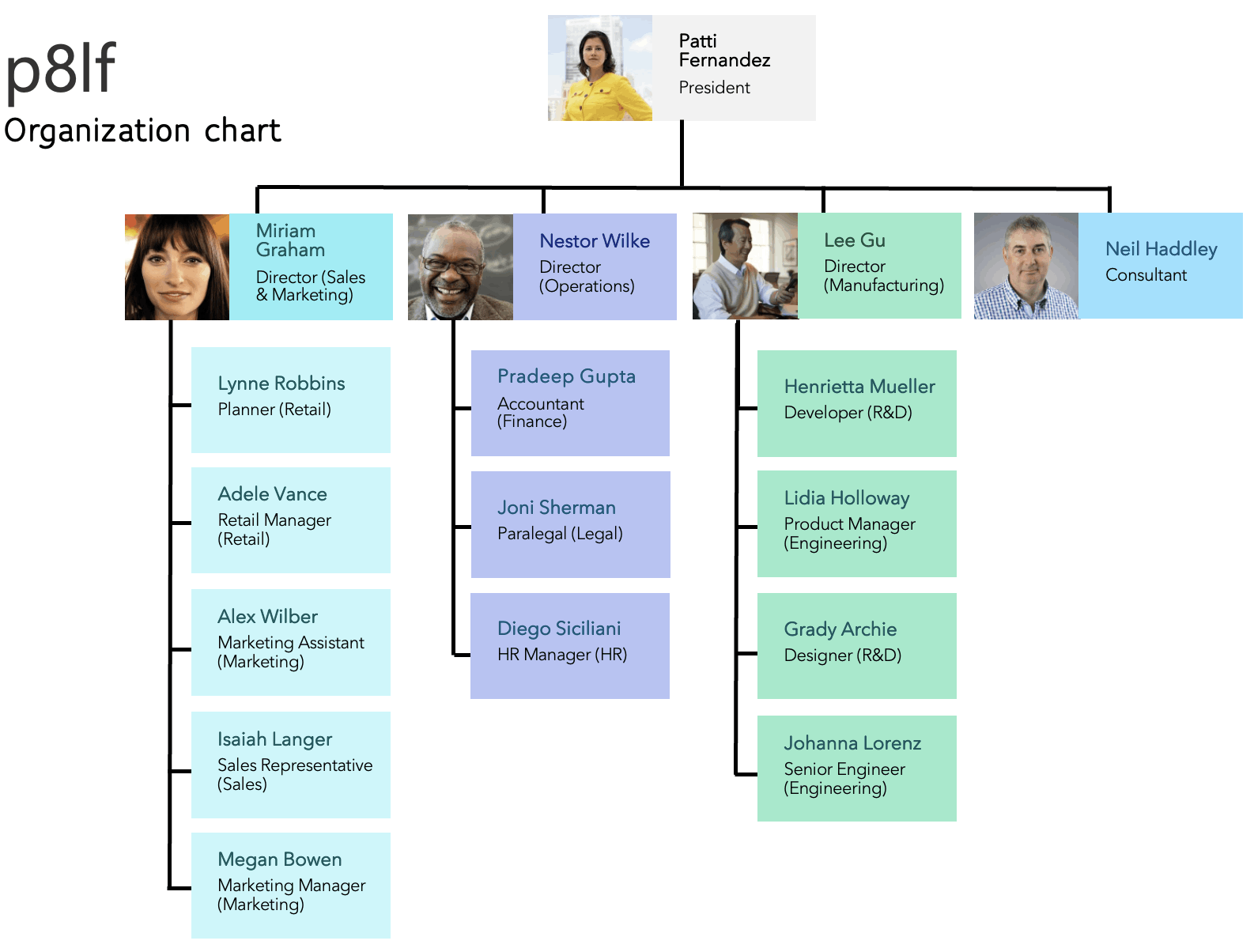
p8lf users
Environments
Power Apps environments are logical containers for building, testing, and deploying apps, flows, and solutions. I used them to isolate development from production, manage access, and control deployment across the project lifecycle. I created a Develop environment alongside the default p8lf environment provided by Microsoft.
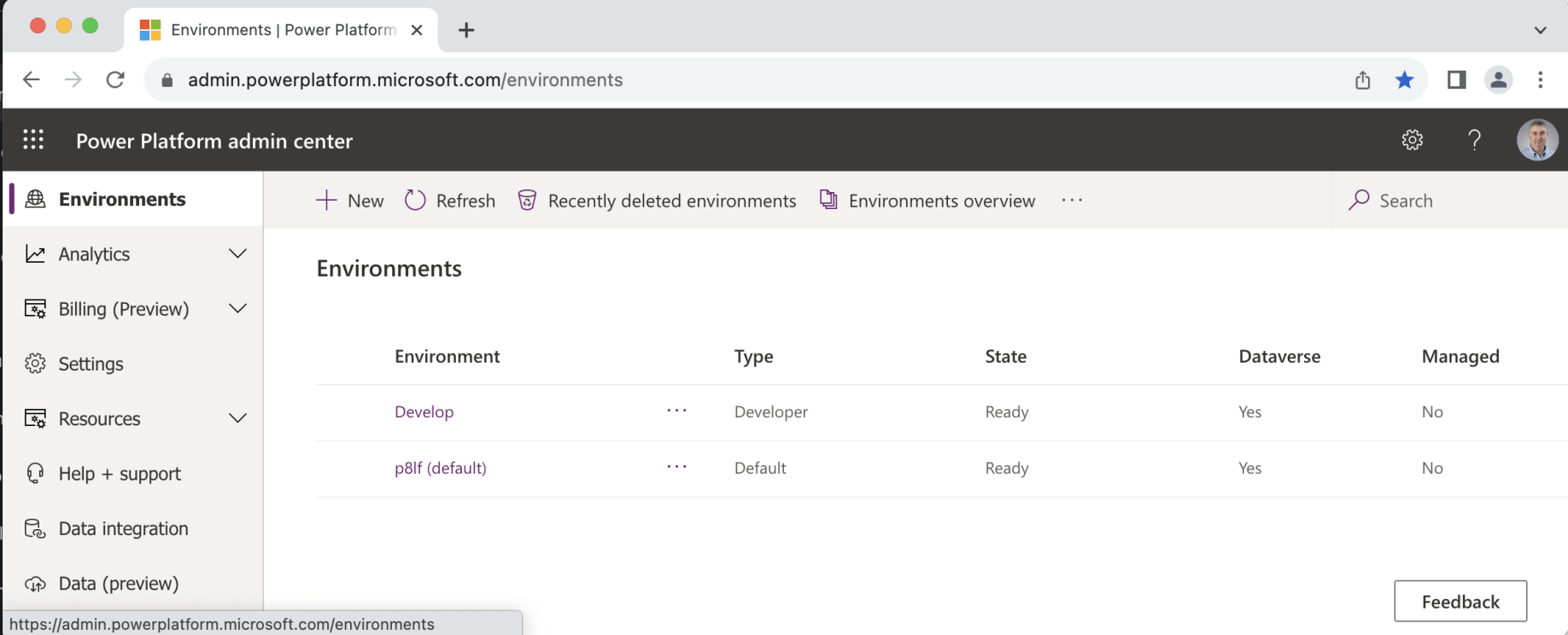
I created the Develop environment. The p8lf (default) environment was provided by Microsoft.
Solutions
In Power Platform, Solutions are containers for grouping related components — apps, flows, custom connectors — into packages that can be deployed across environments. I used Solutions to organise assets, manage versions, and transport components from the Develop environment to production.
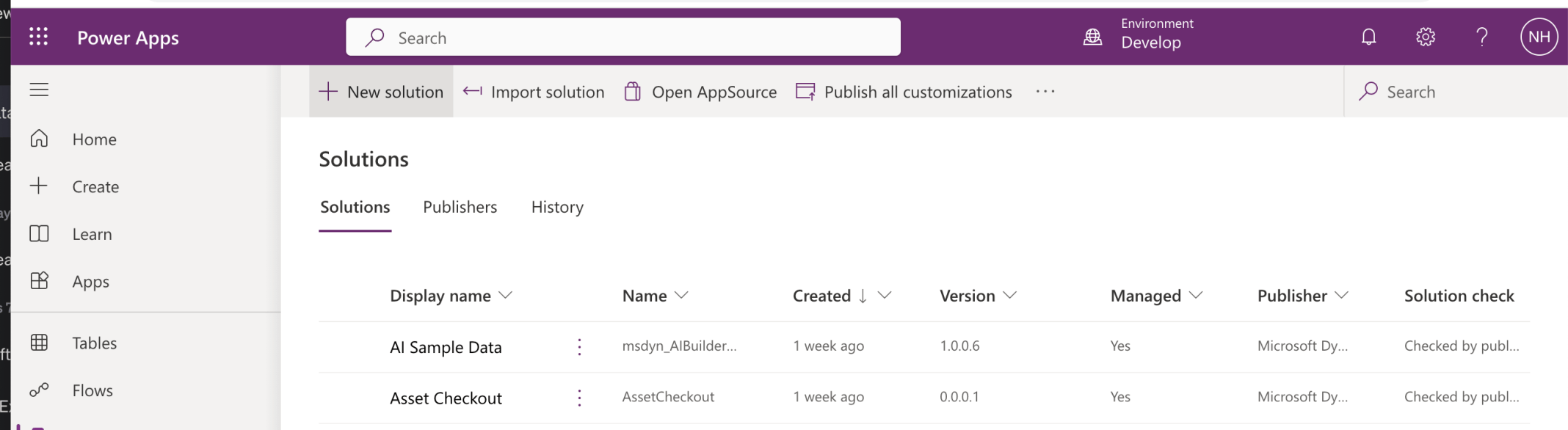
Solutions in the Develop environment
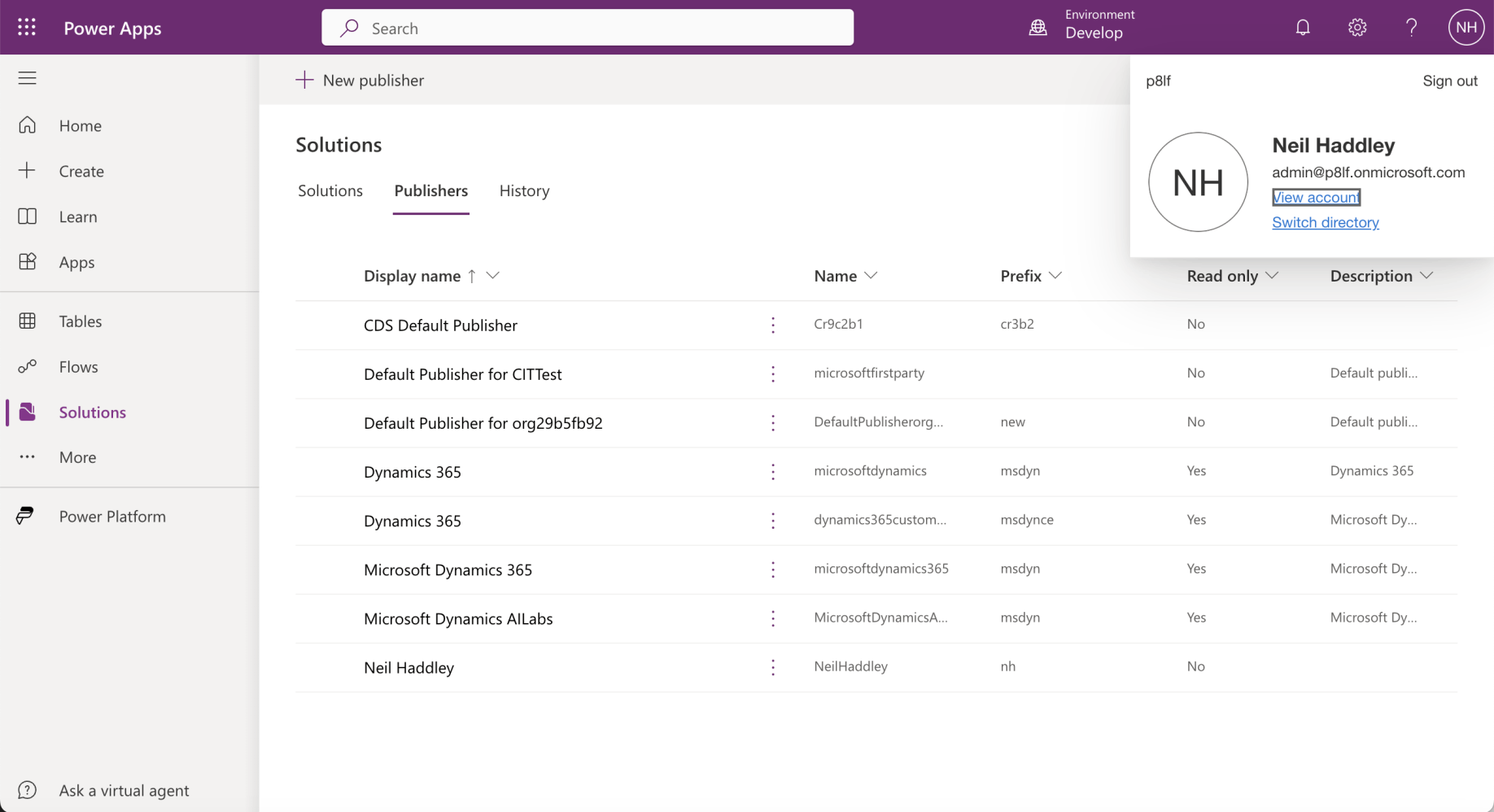
Publishers in the Develop environment
Suggestions
As a demonstration I created a Suggestions model driven app.
The steps are shown below.
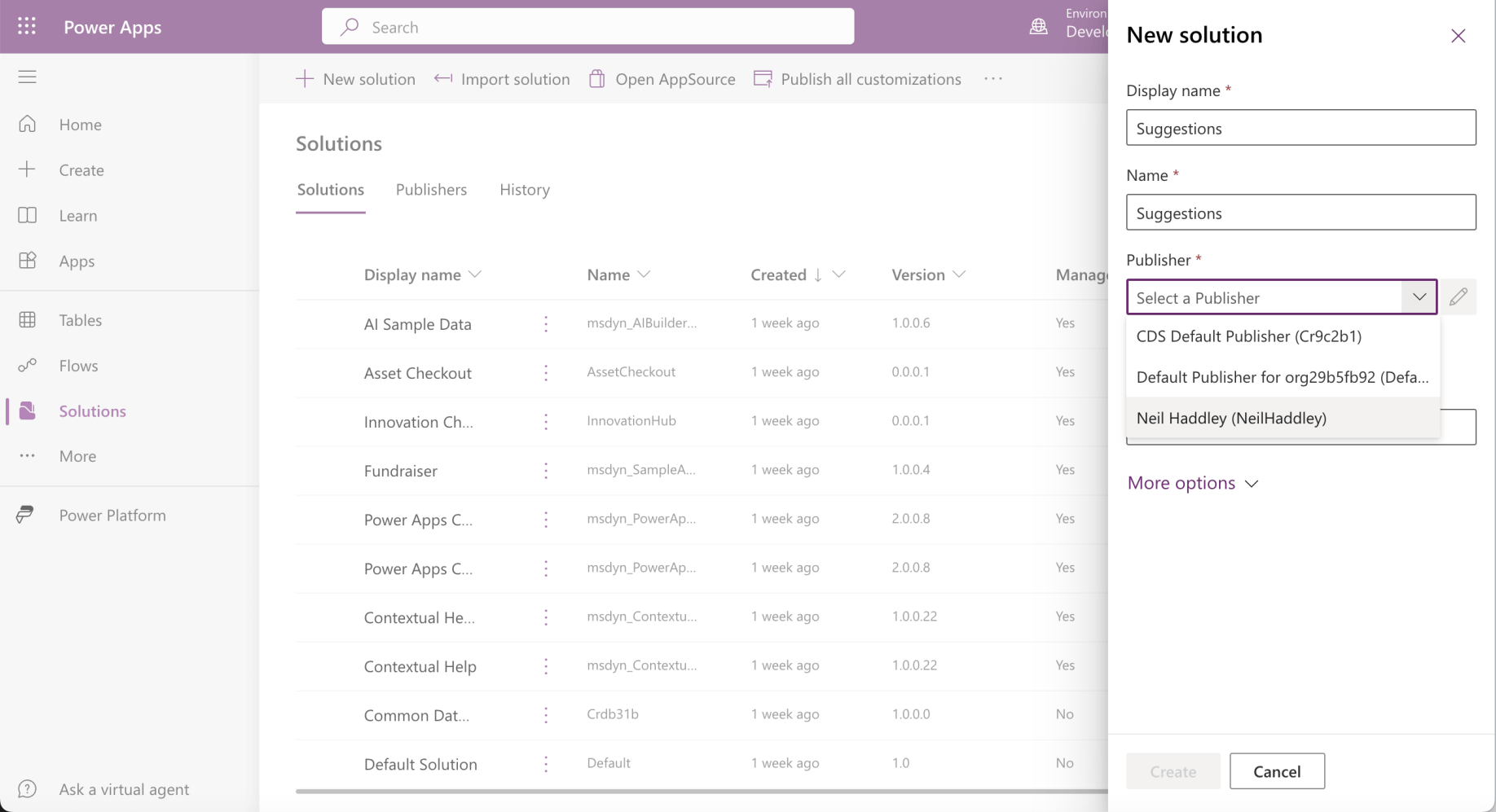
I created a Suggestions solution in the Develop environment
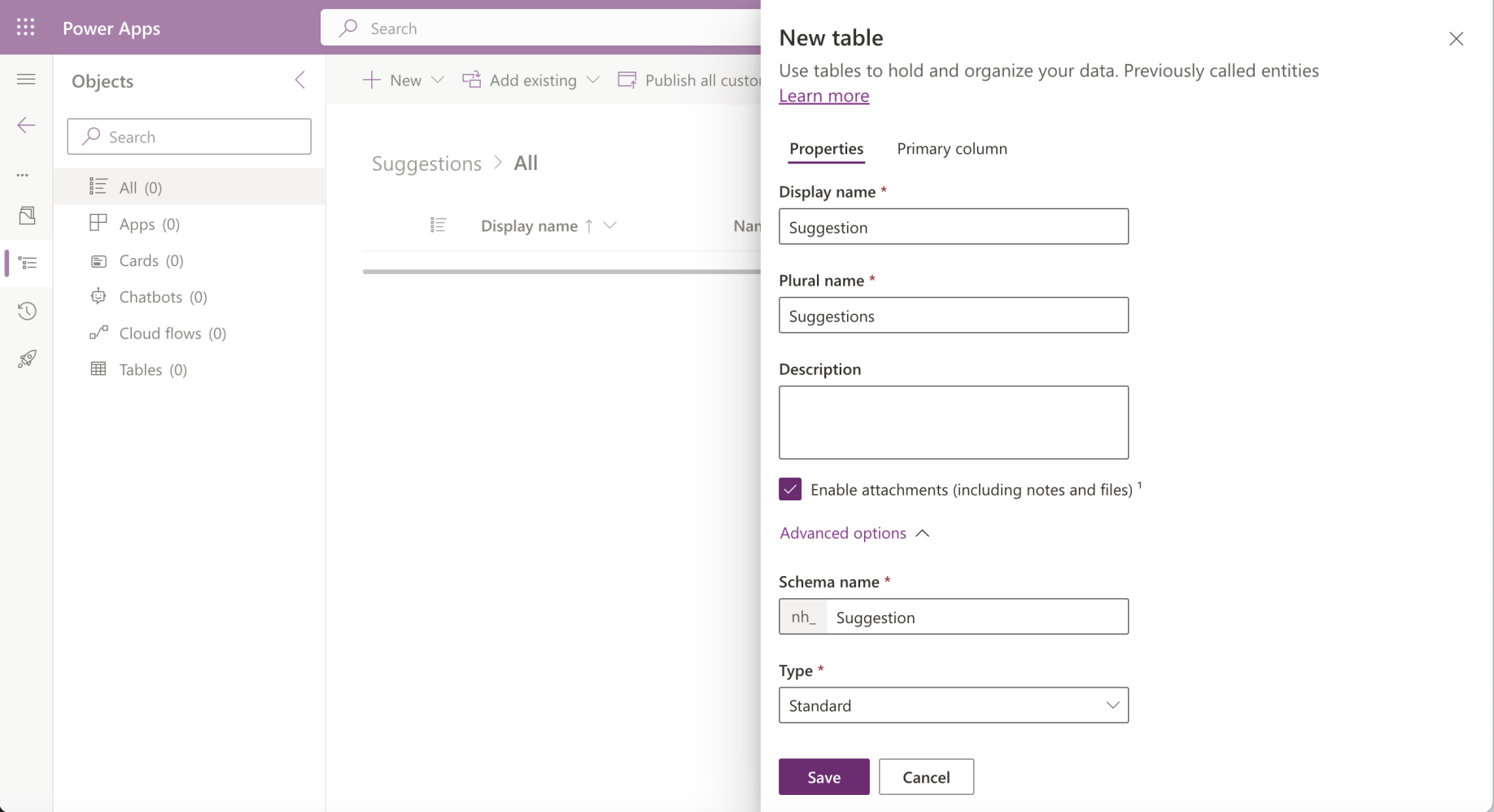
I added a Suggestion table to the Suggestions solution
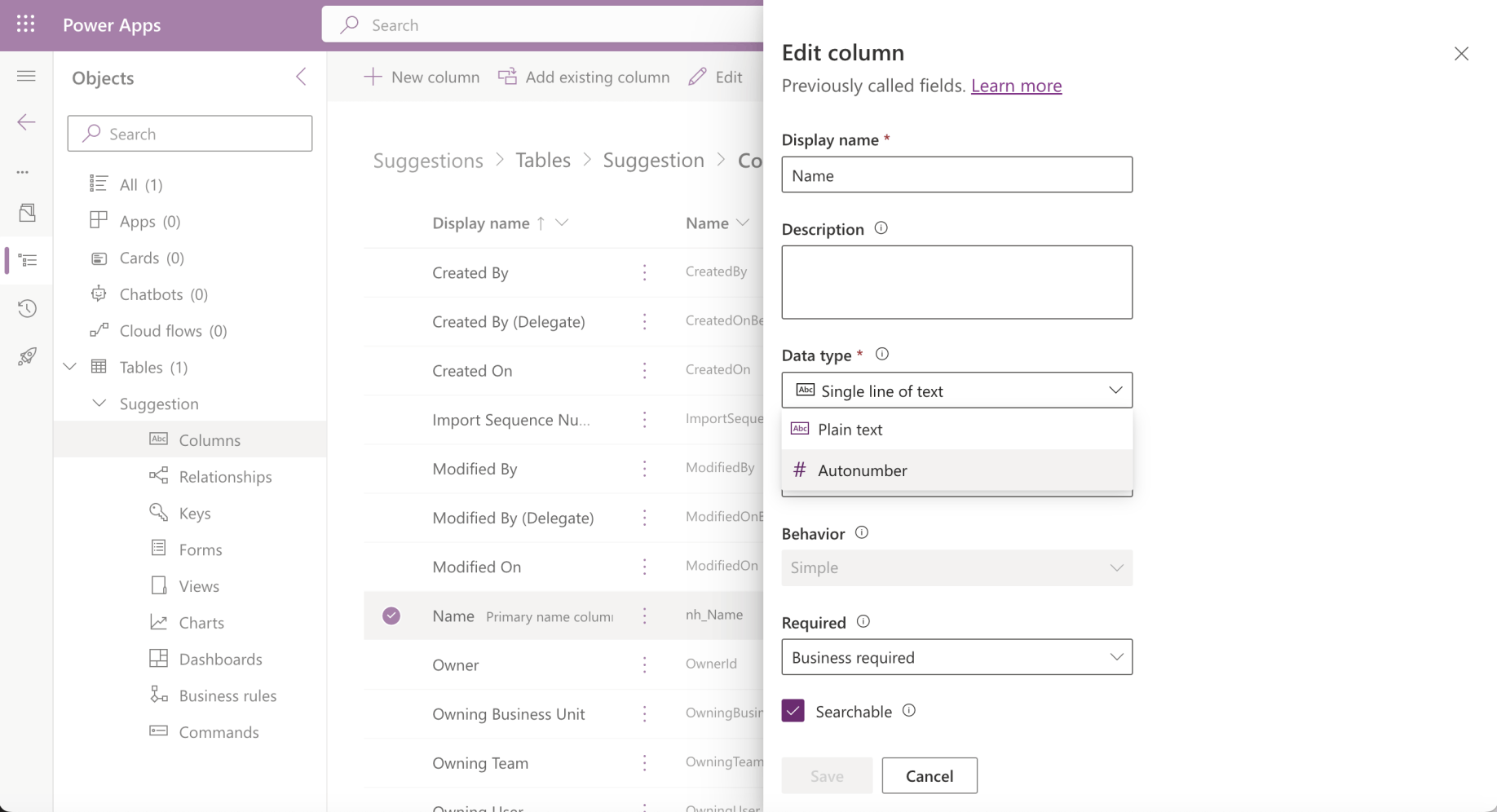
I updated the type of the Name column from Single line of text to Autonumber
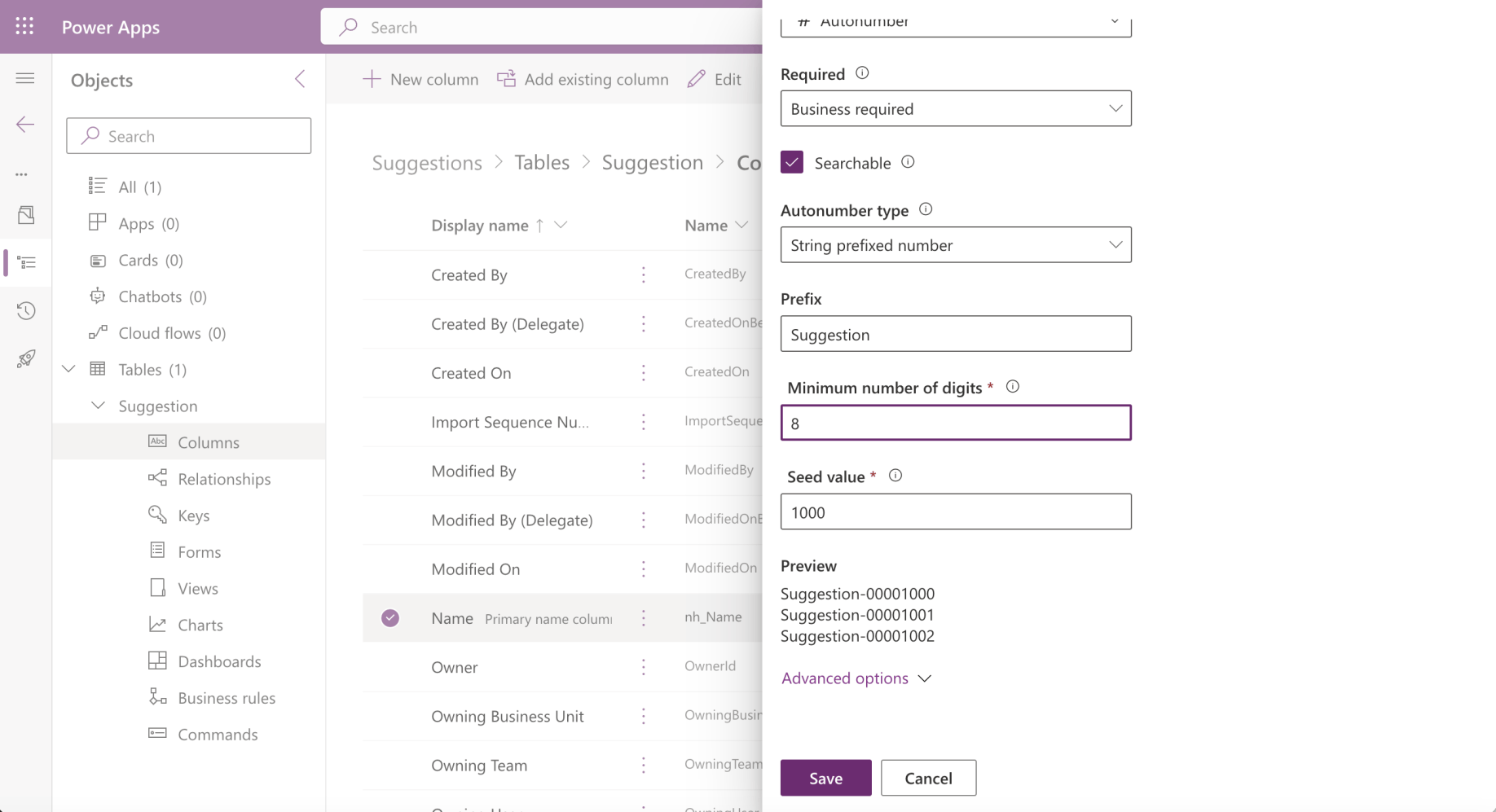
I added an Autonumber prefix (and updated Required to Optional)
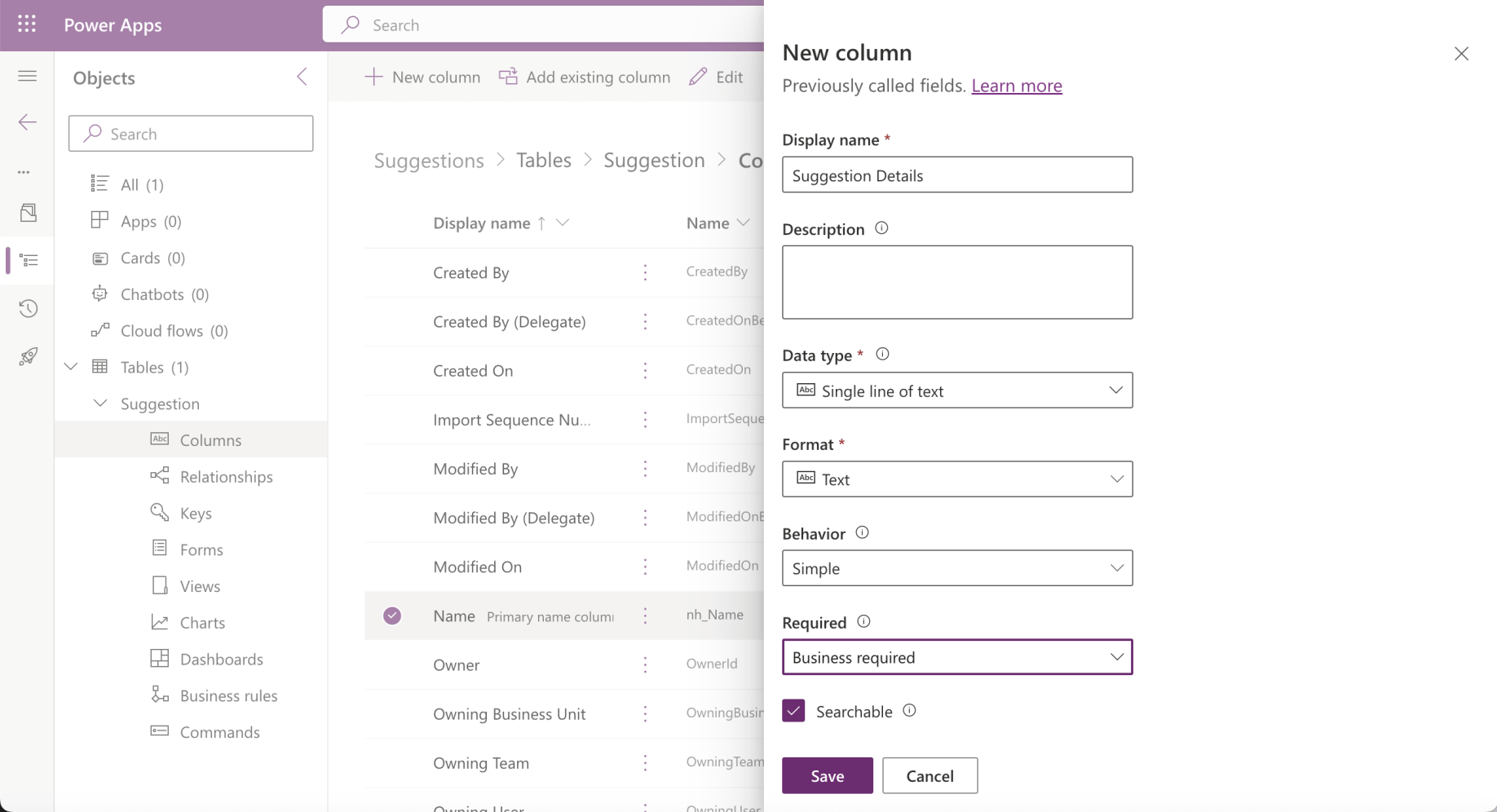
I added a Suggested Details column
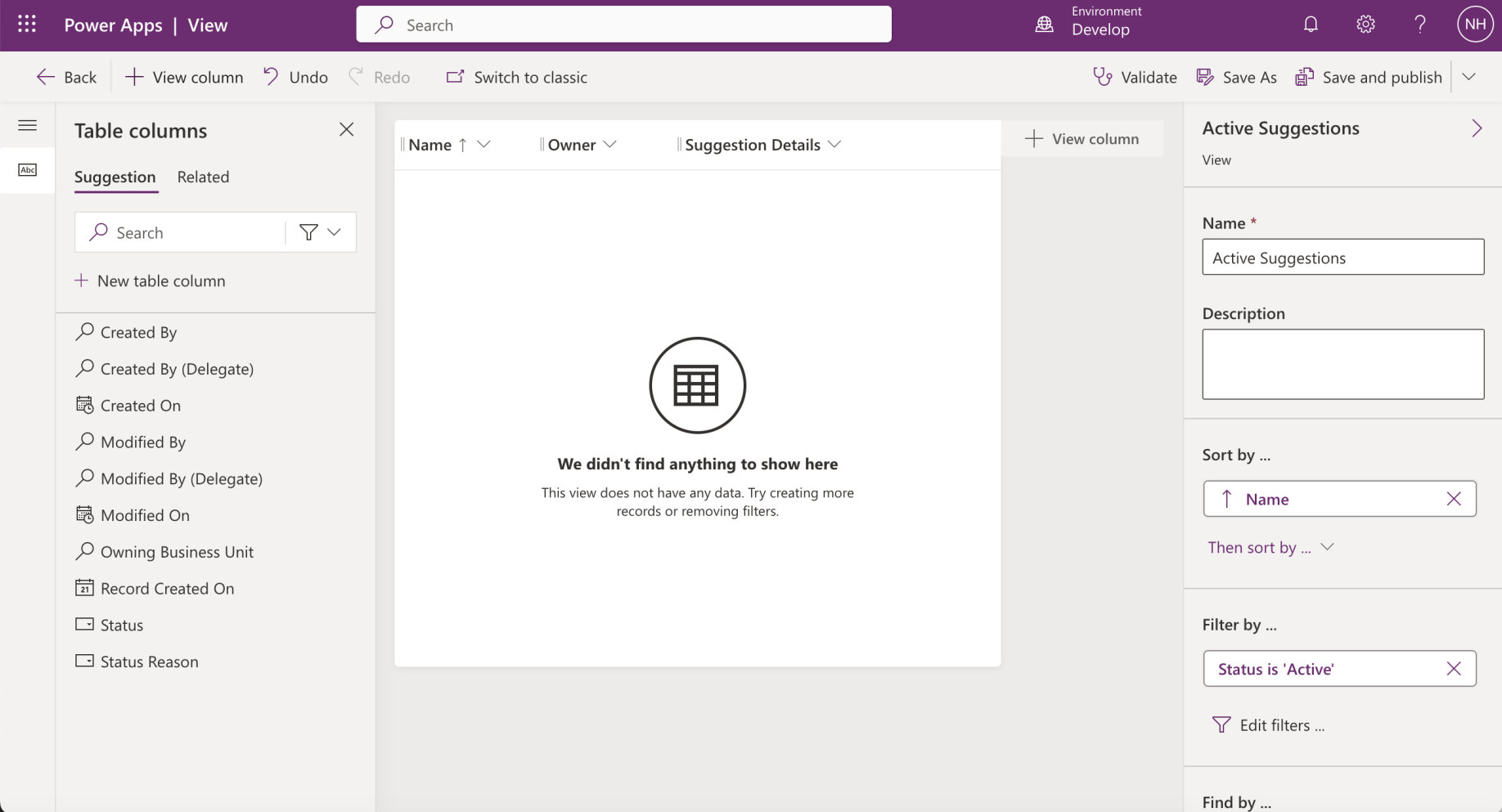
I updated the Active Suggestions view (I clicked the Save and publish button)
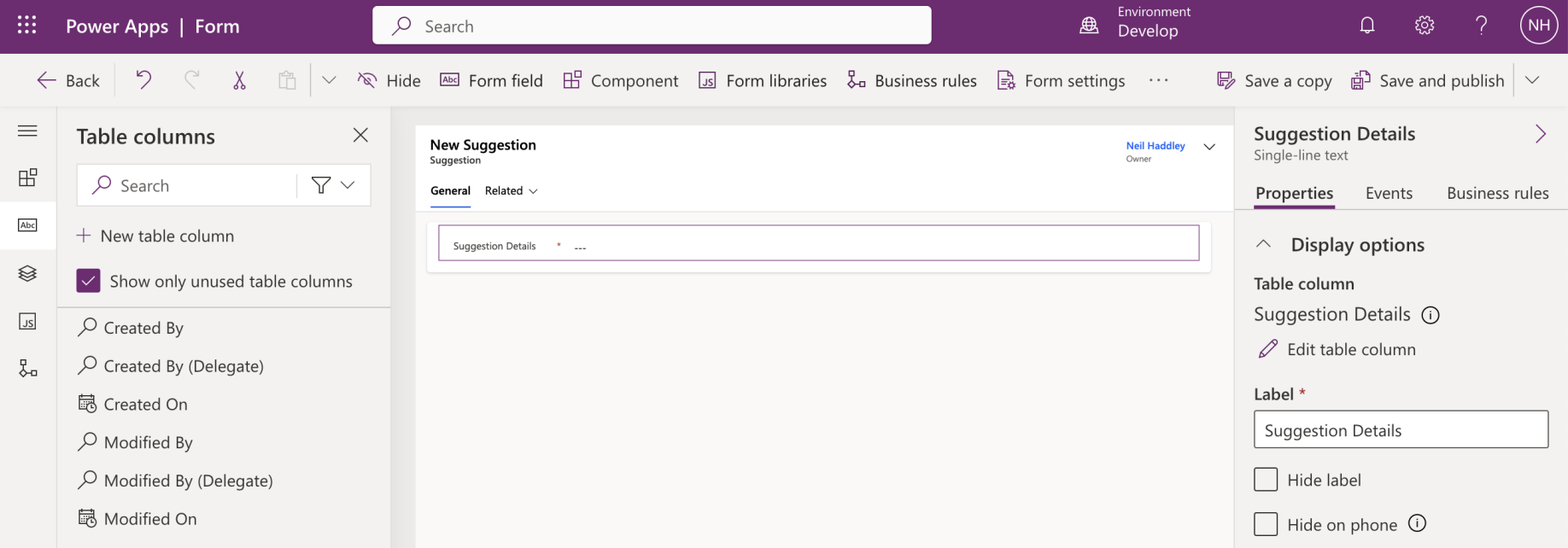
I updated the Main form (I clicked the Save and publish button)
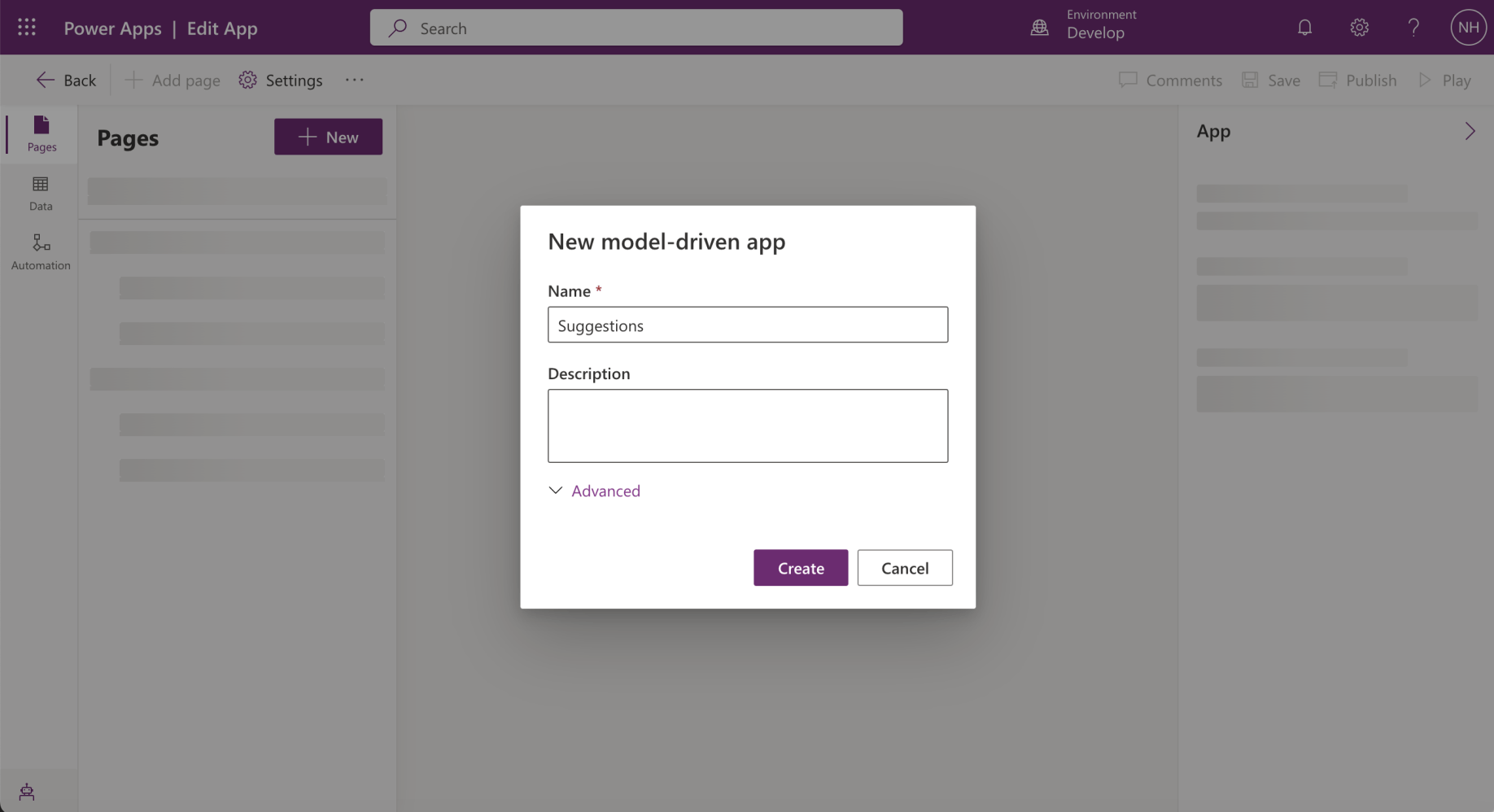
I created a model driven app
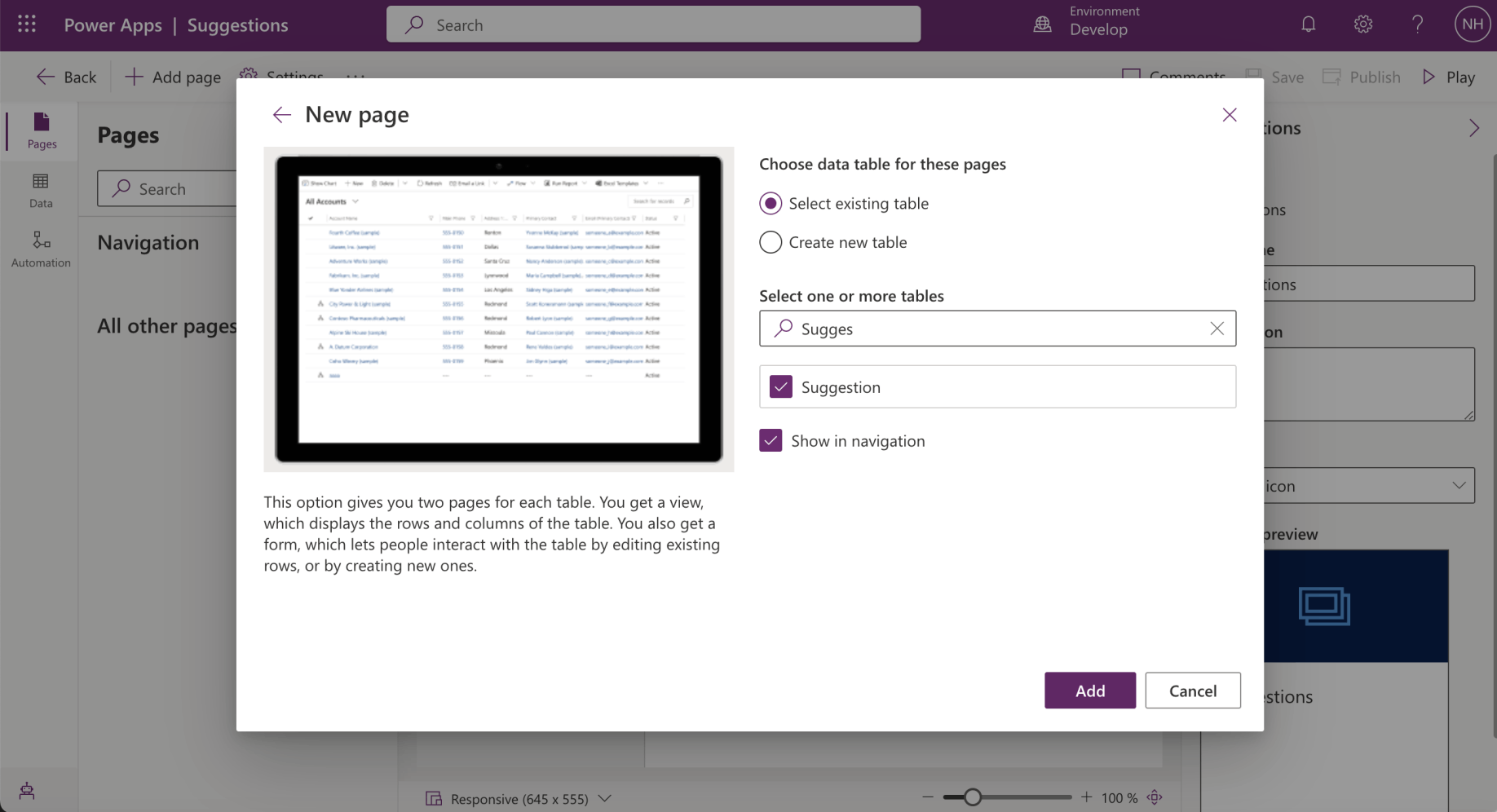
I added a page to the model driven app

I clicked the Publish button
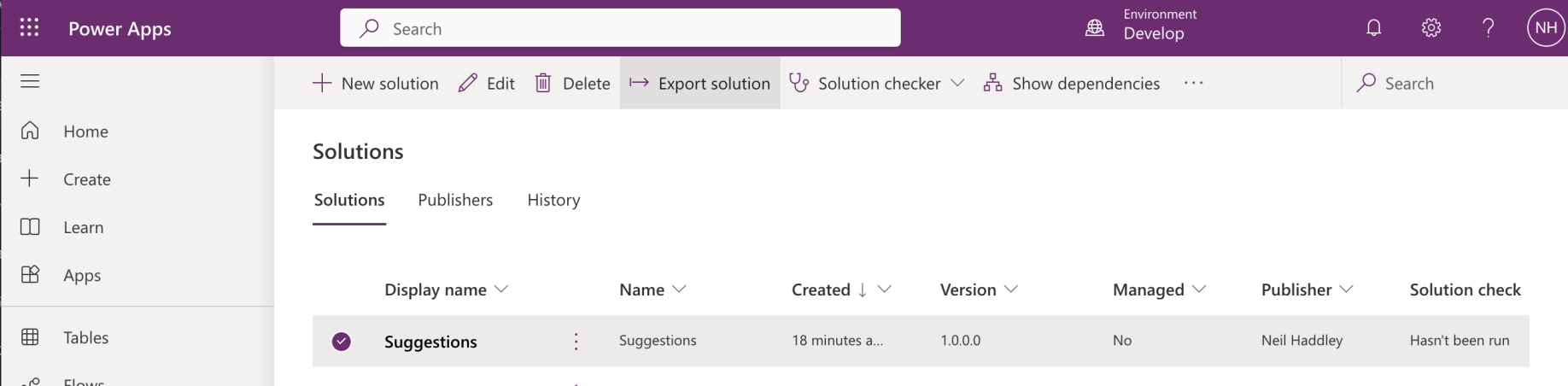
I clicked the Export solution button
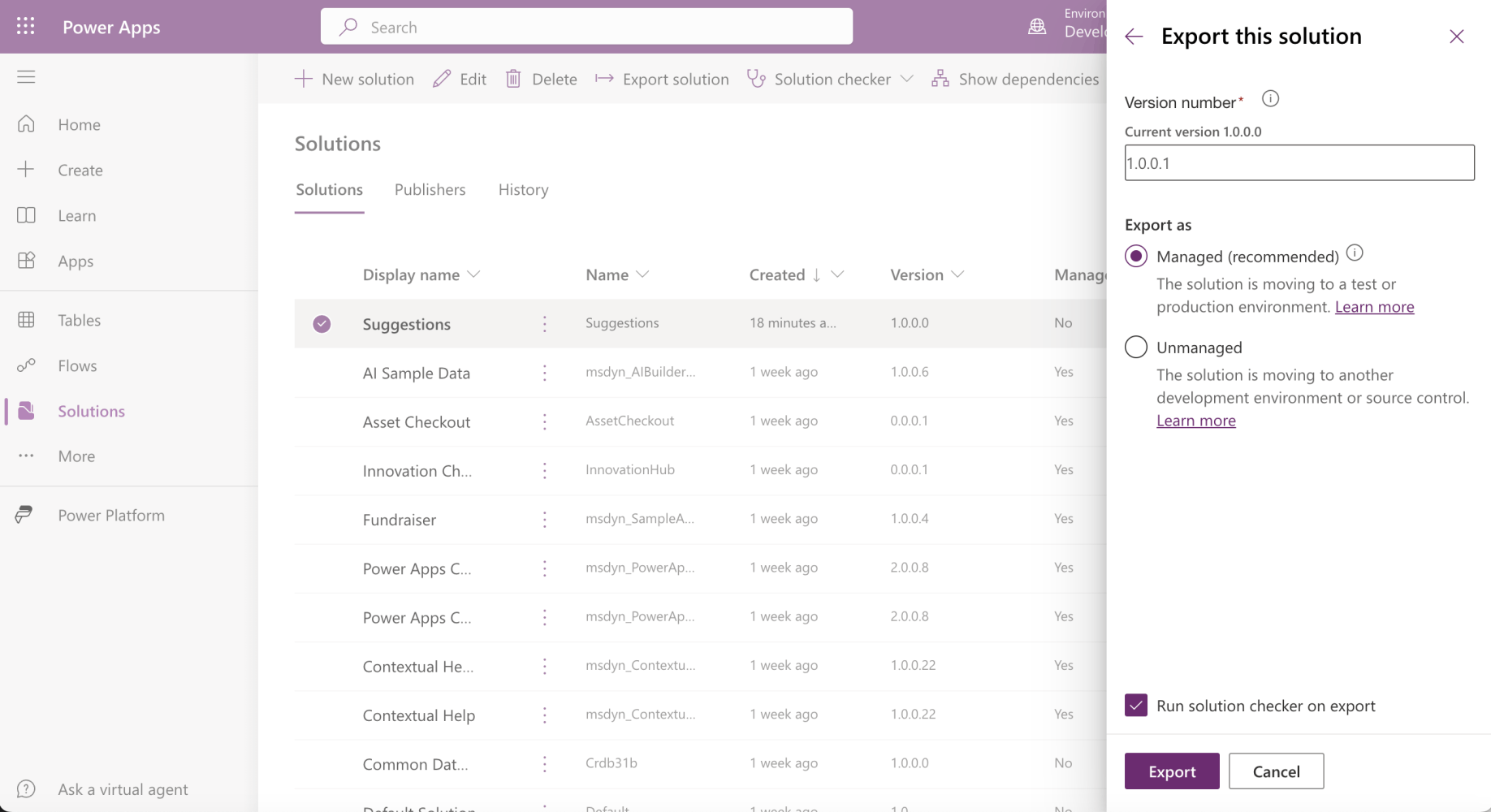
I clicked the Export button

I downloaded the solution
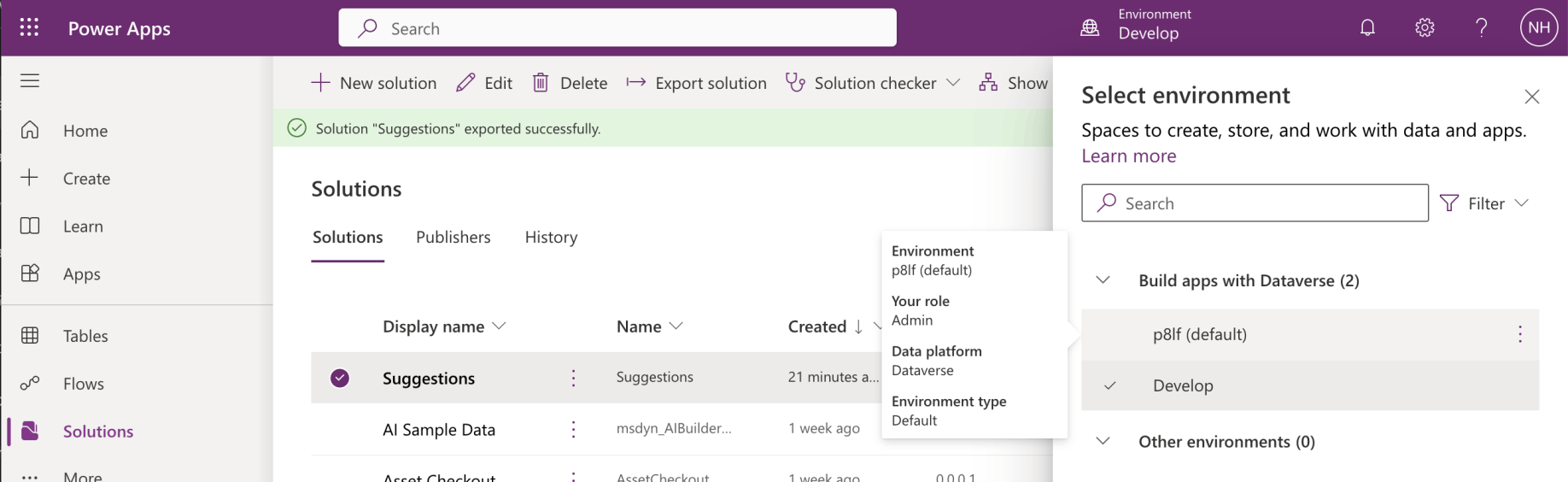
I switched to the p8lf (default) environment
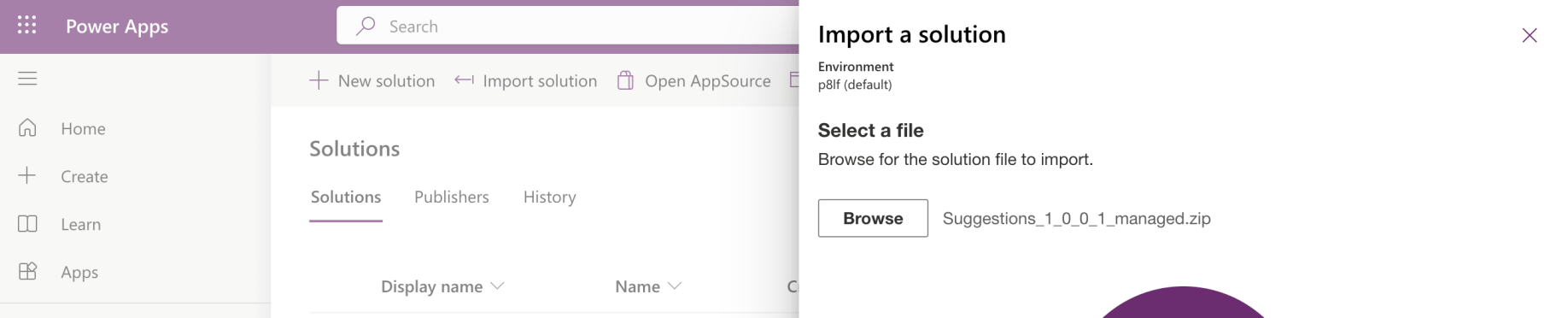
I imported the managed solution
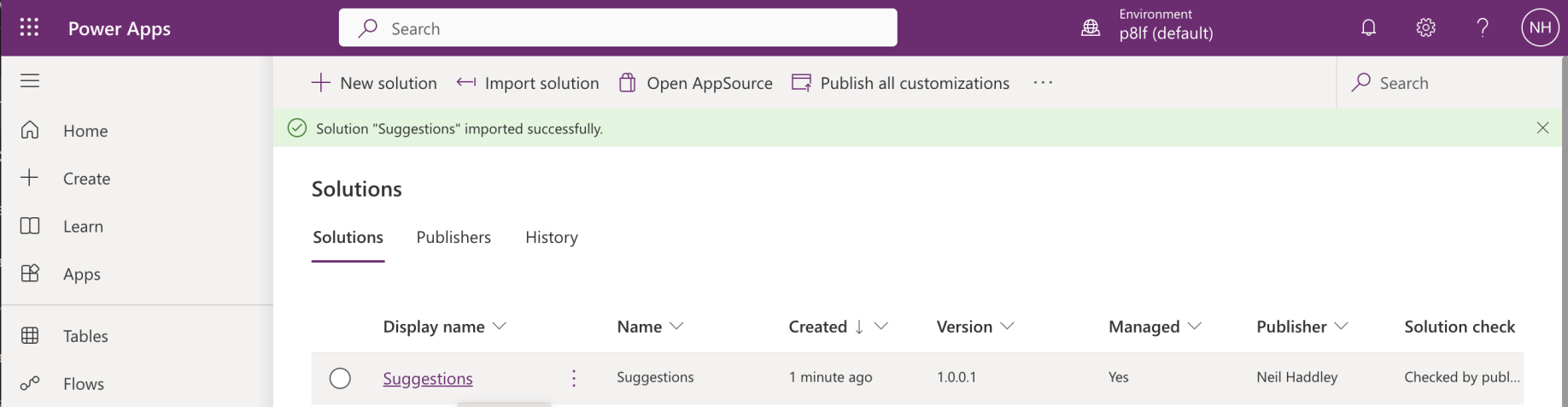
The suggestions solution was imported successfully

The Suggestion table was created
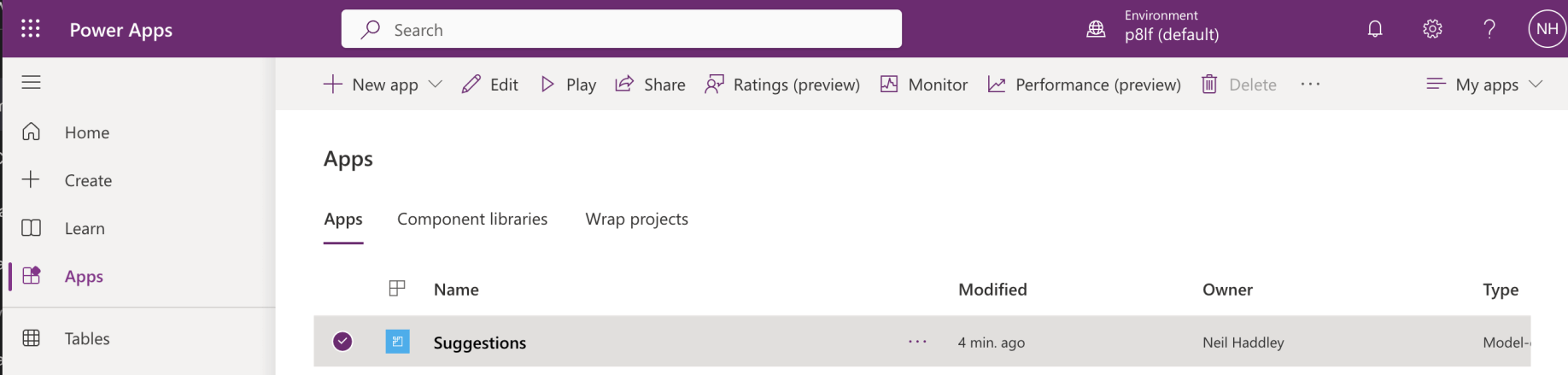
The Suggestions app was created
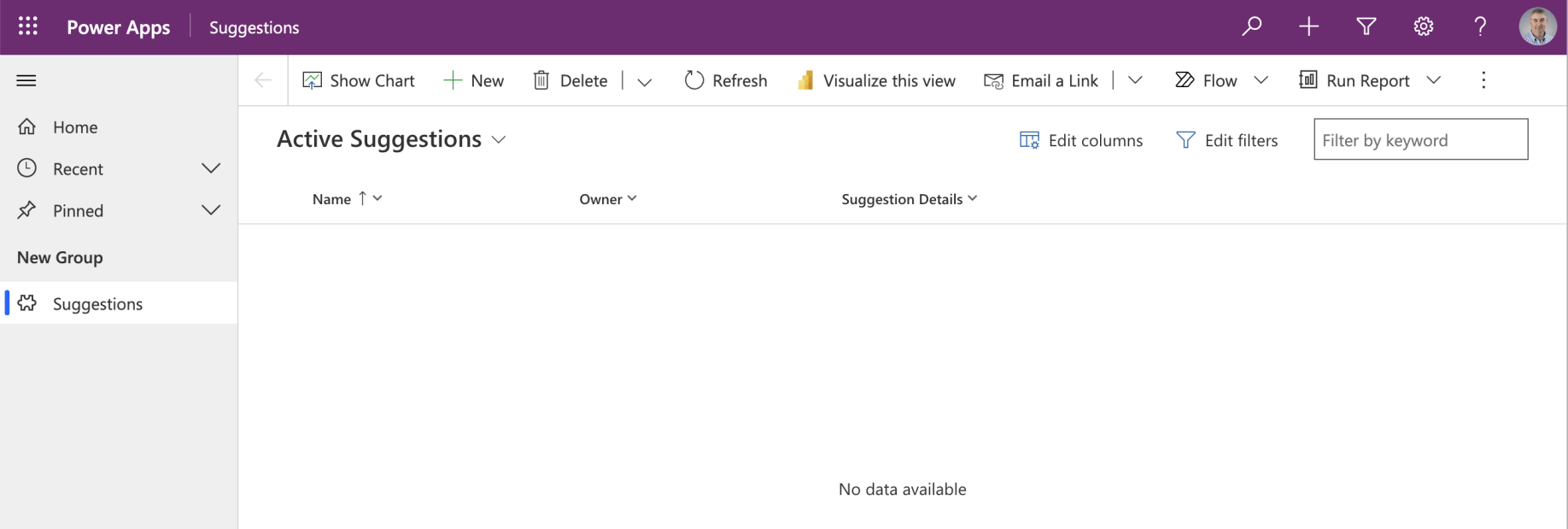
Clicking the Suggestions button on the navigation menu opened the Active Suggestions view
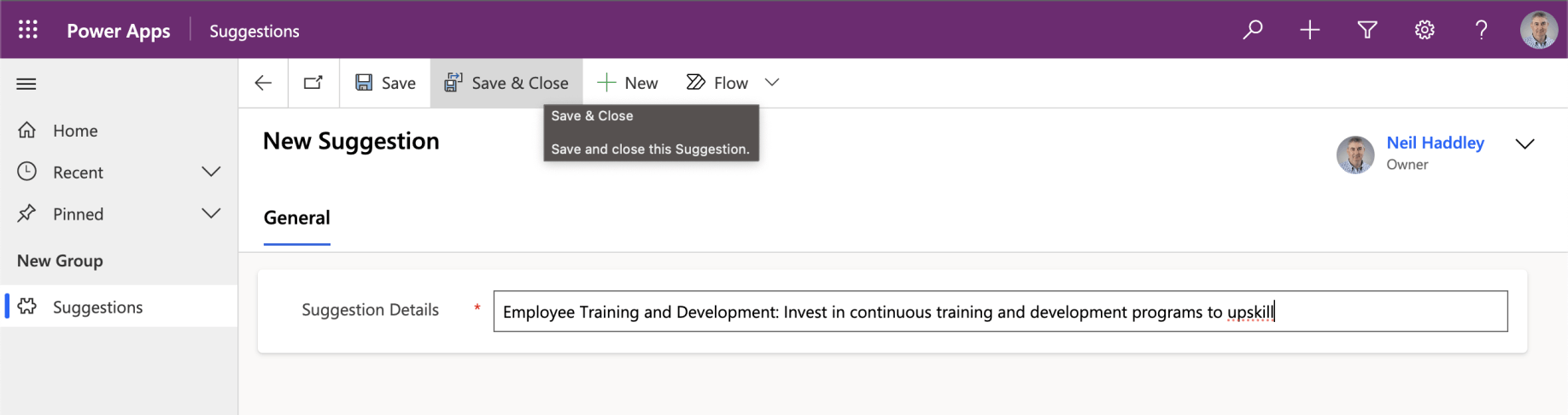
I created a new Suggestion and clicked Save & Close
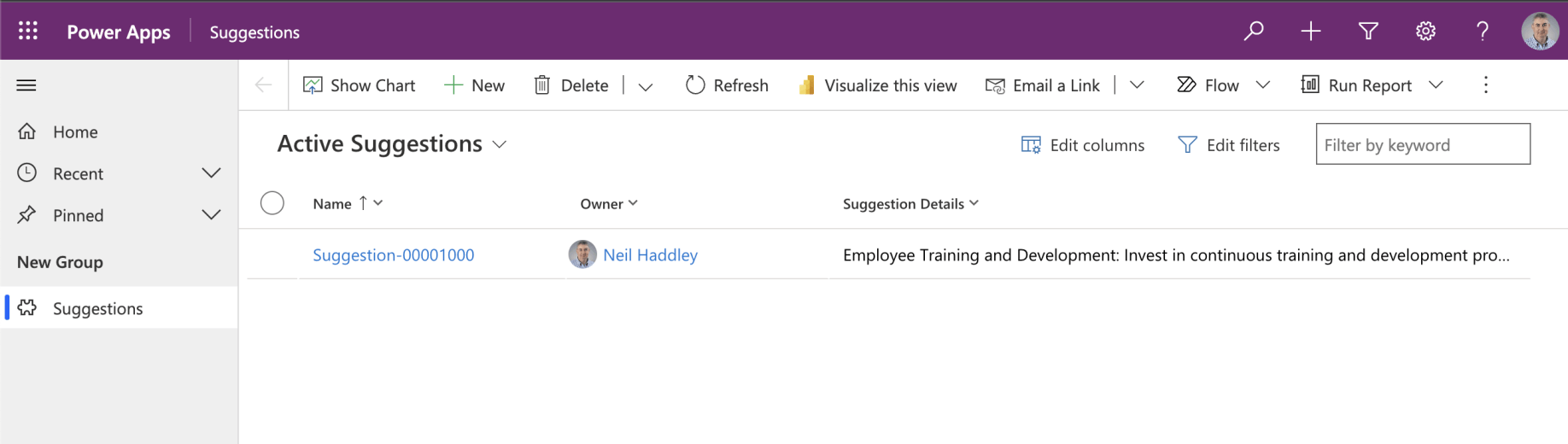
I can see my suggestions
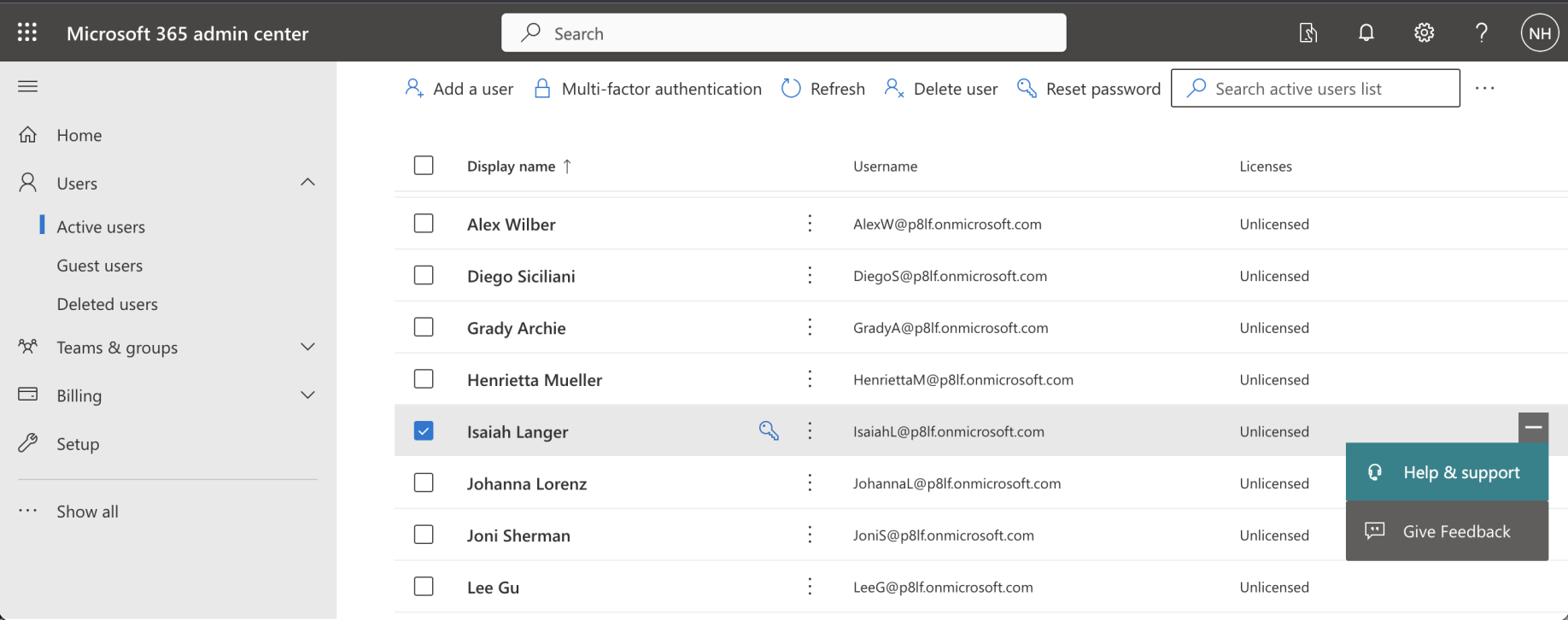
What can Isaiah see?
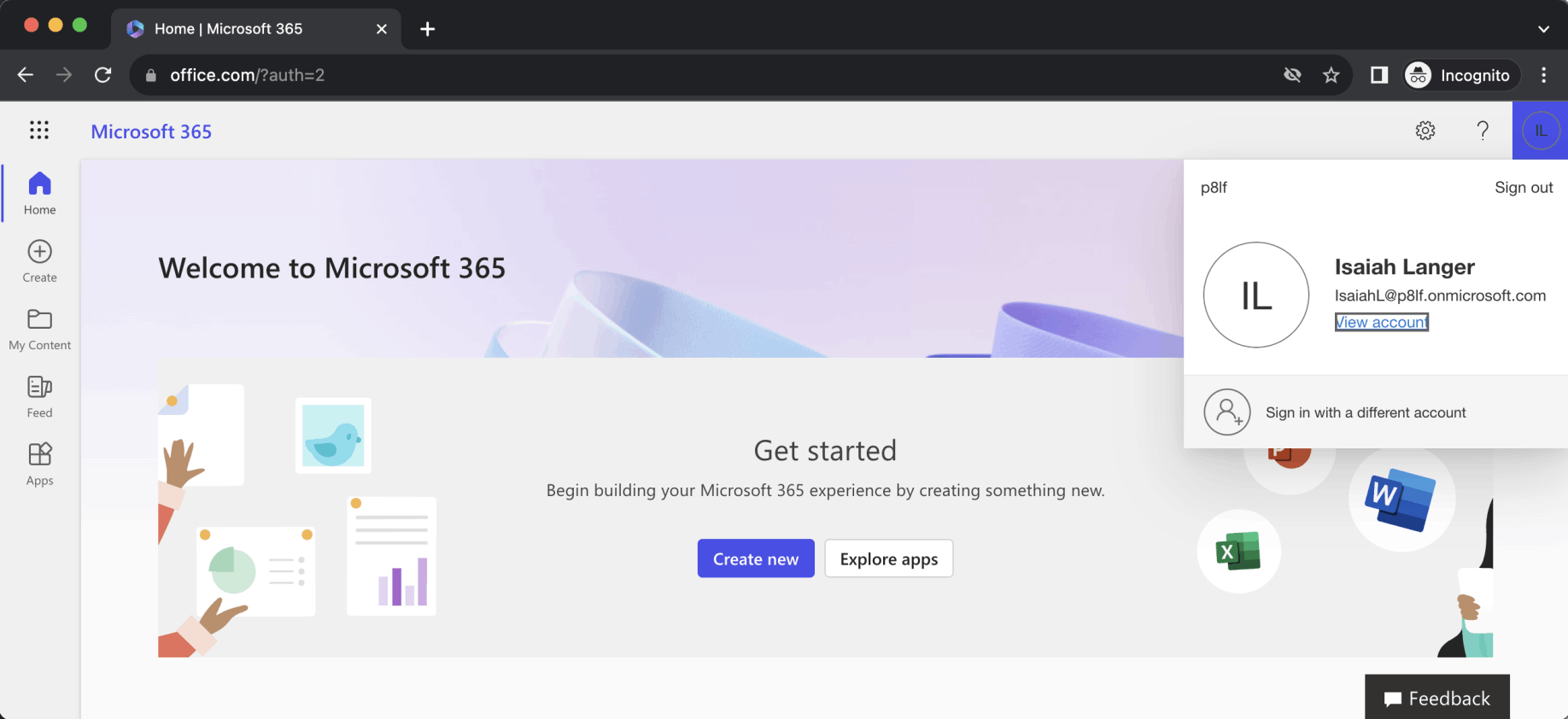
Logged into office.com as IsaiahL@p8lf.onmicrosoft.com
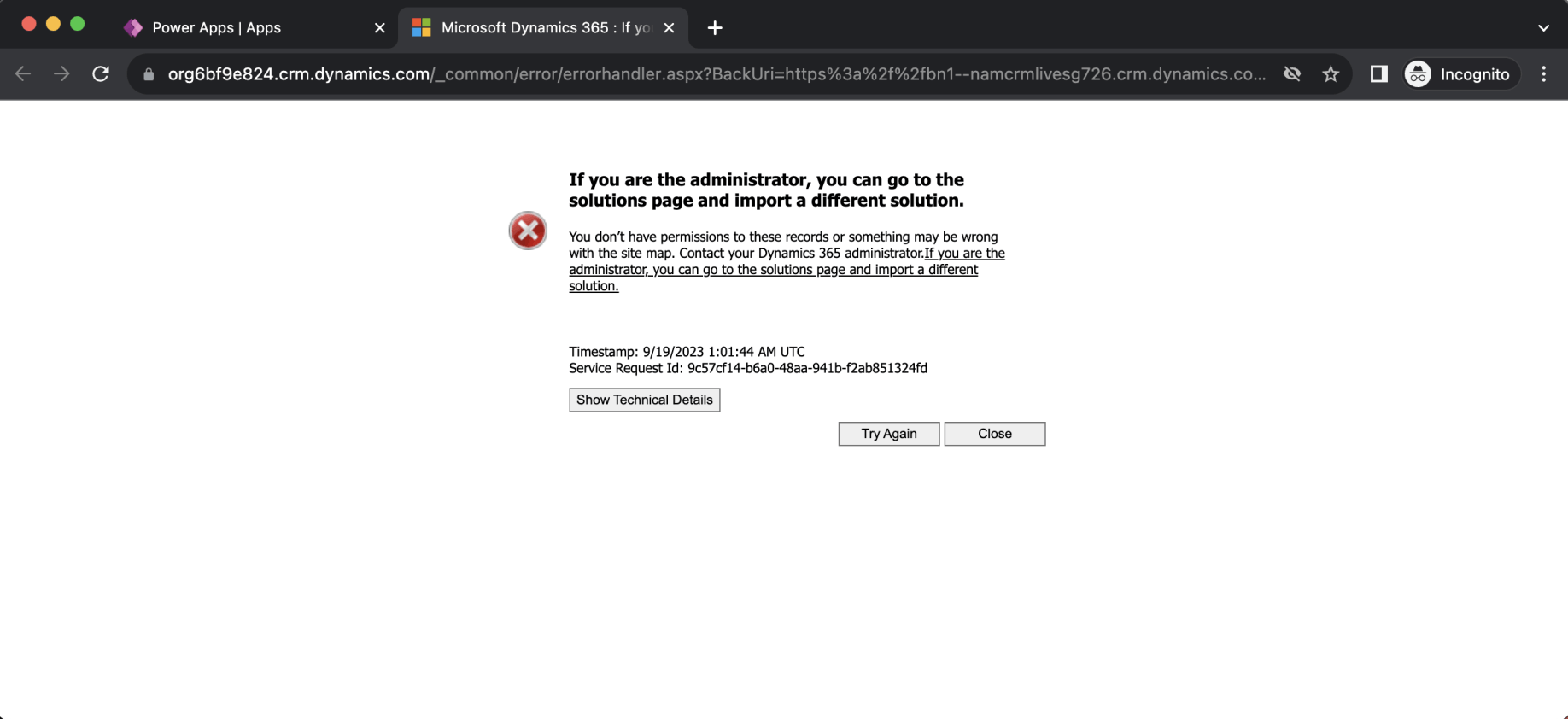
Isaiah is unable to run the Suggestions app
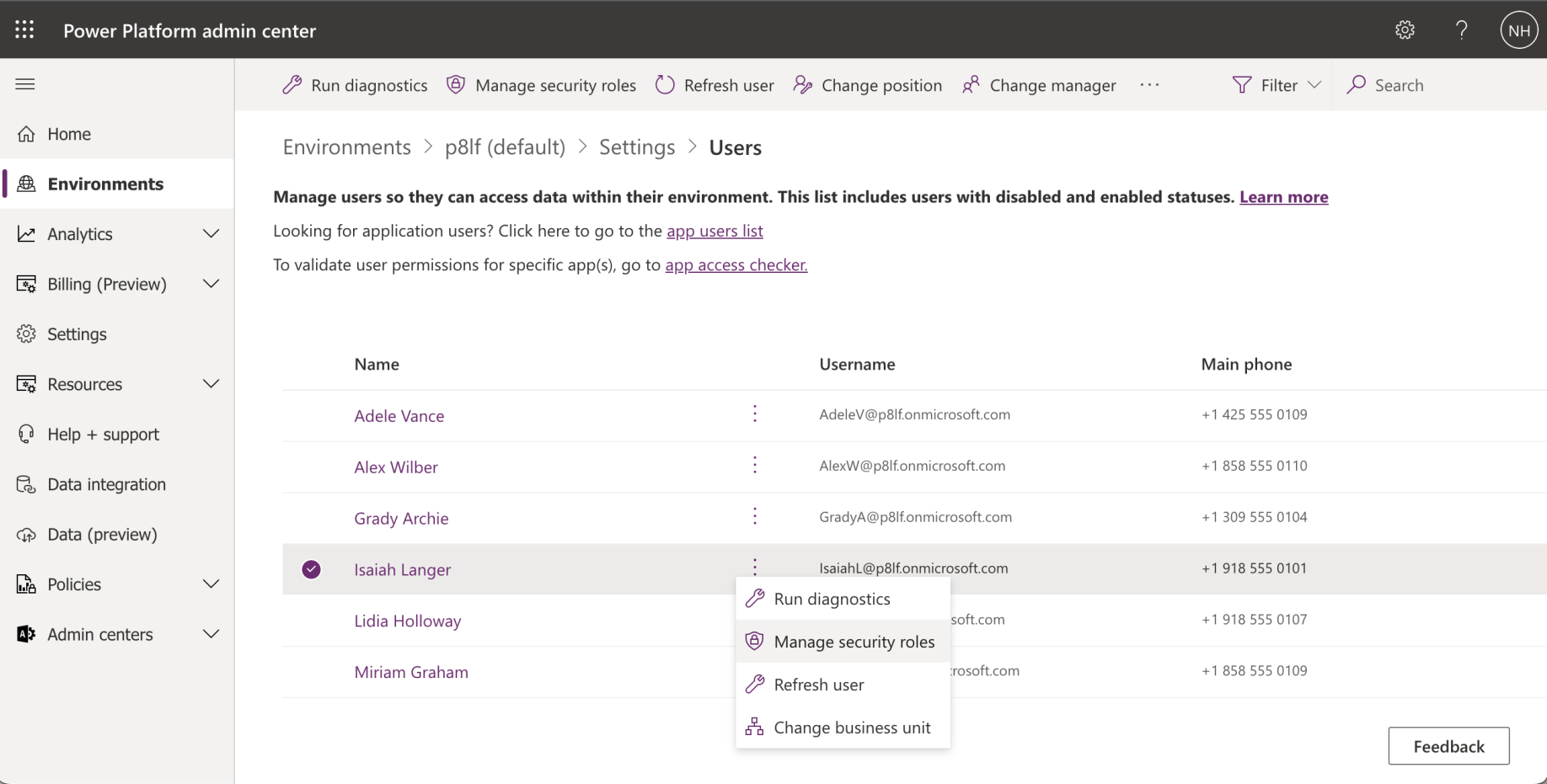
I checked what security roles were enabled for Isaiah
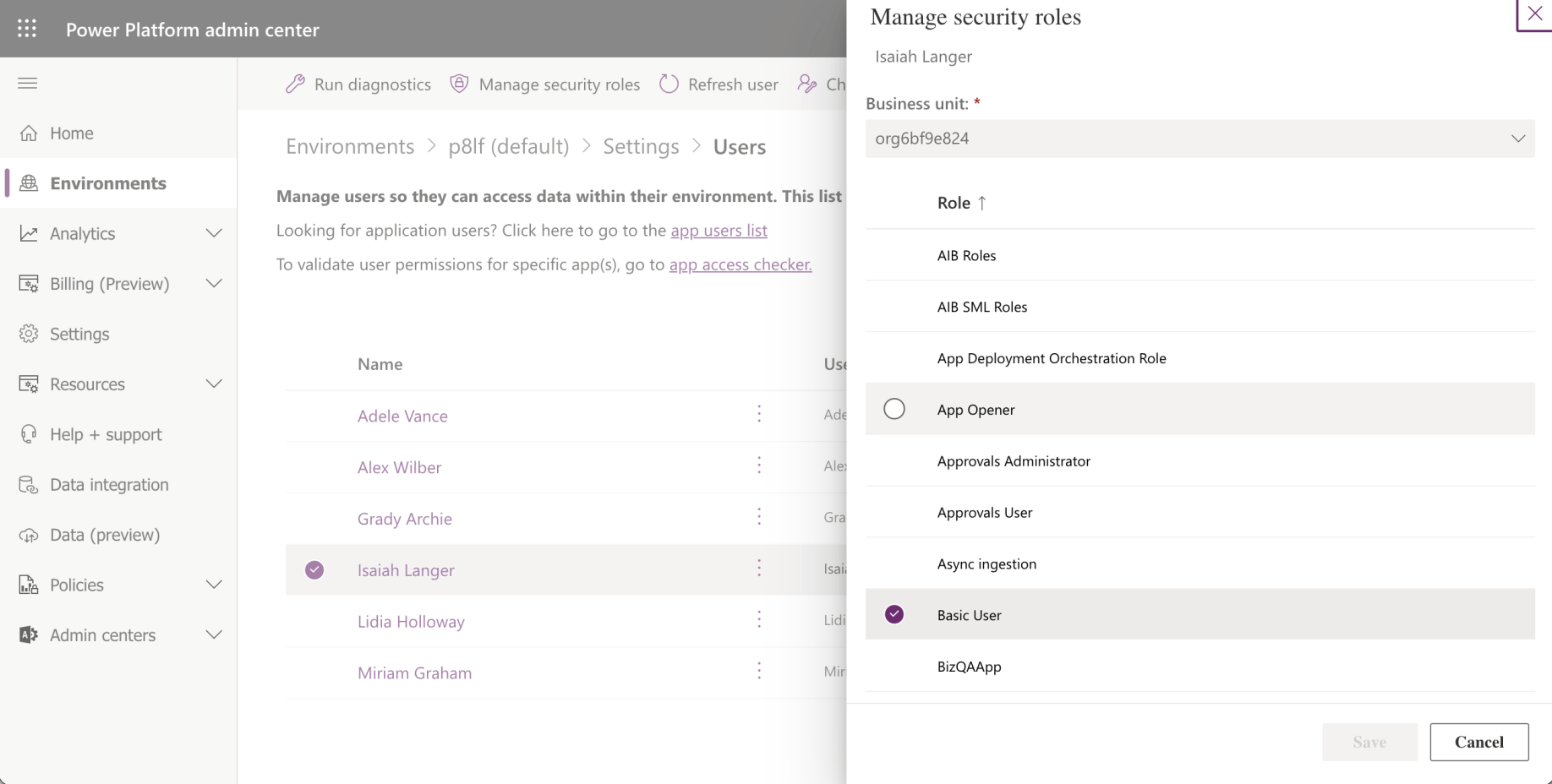
Basic User security role was enabled
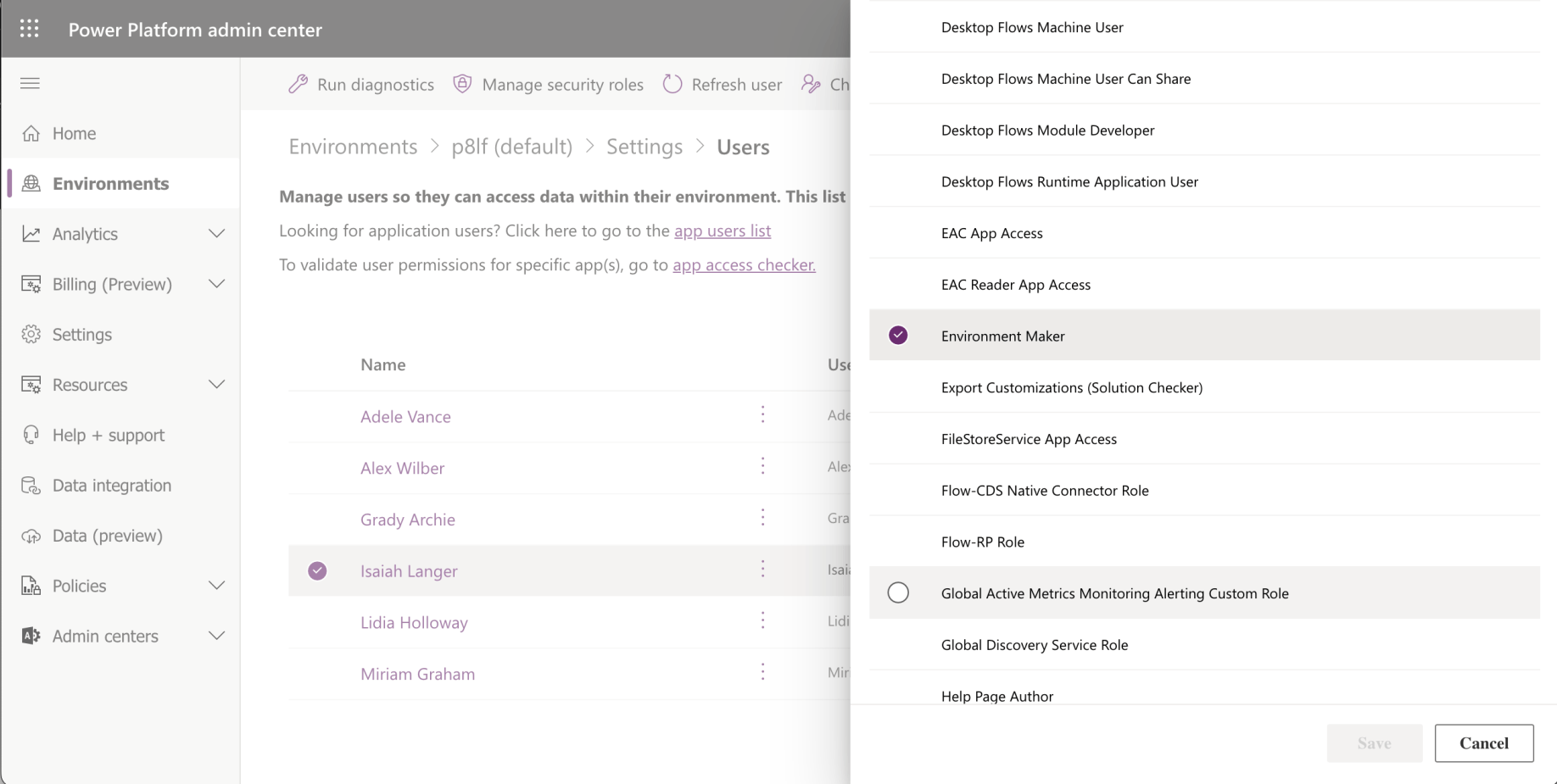
Environment Maker security role was enabled
Environments and Solutions
The Basic User role grants access to core business tables and lets users run apps and manage their own records. The Environment Maker role lets users create resources — apps, connections, flows — but doesn't grant access to data. Neither role was sufficient for Isaiah to access the Suggestions table or run the app.
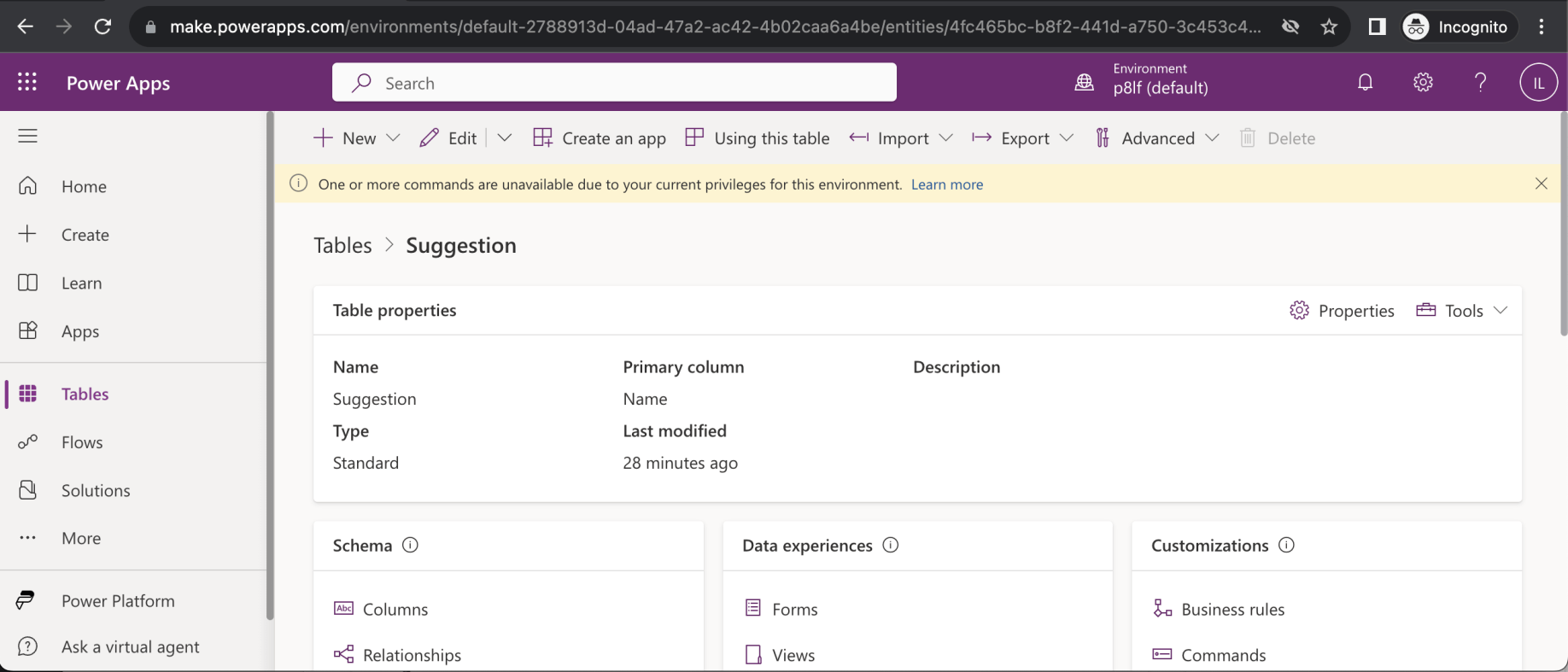
Isaiah is unable to access the Suggestions table (or to run the Suggestions app)
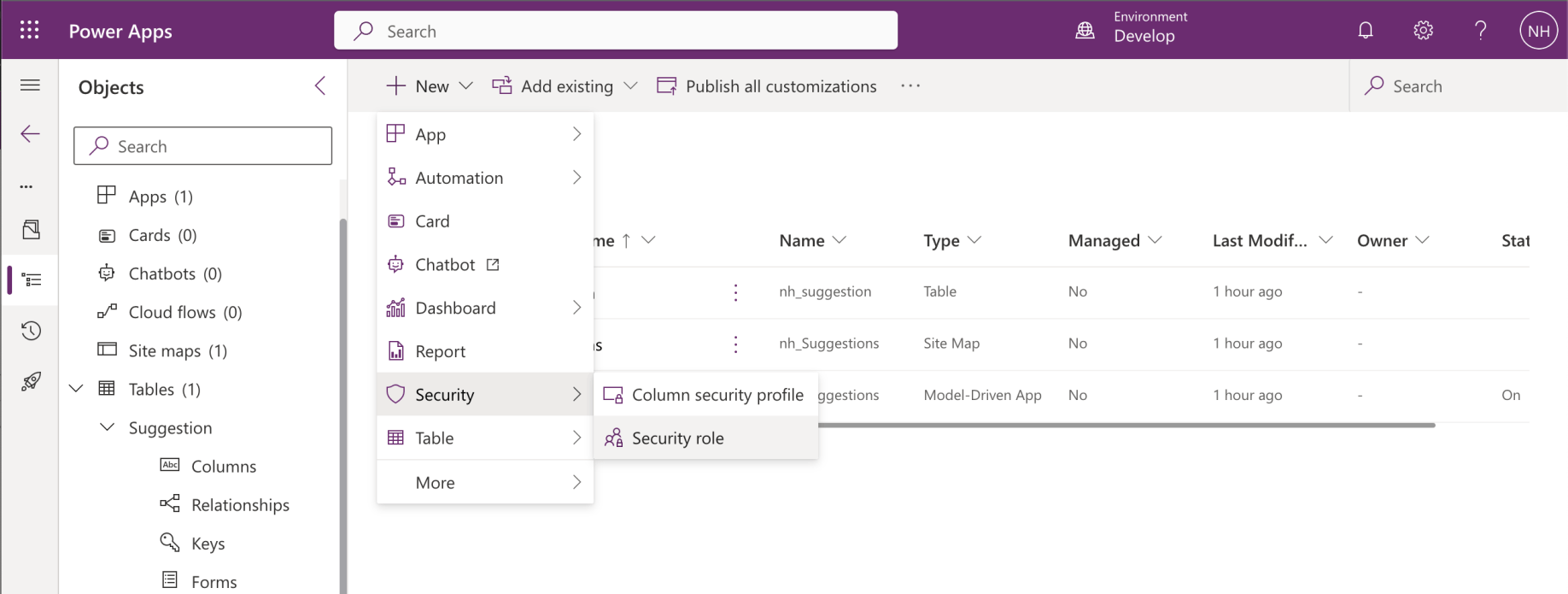
I returned to the Develop environment and added a Security role


The quarter yellow circle shows that the permissions apply to the record owner.Suggestion table permissions (User)
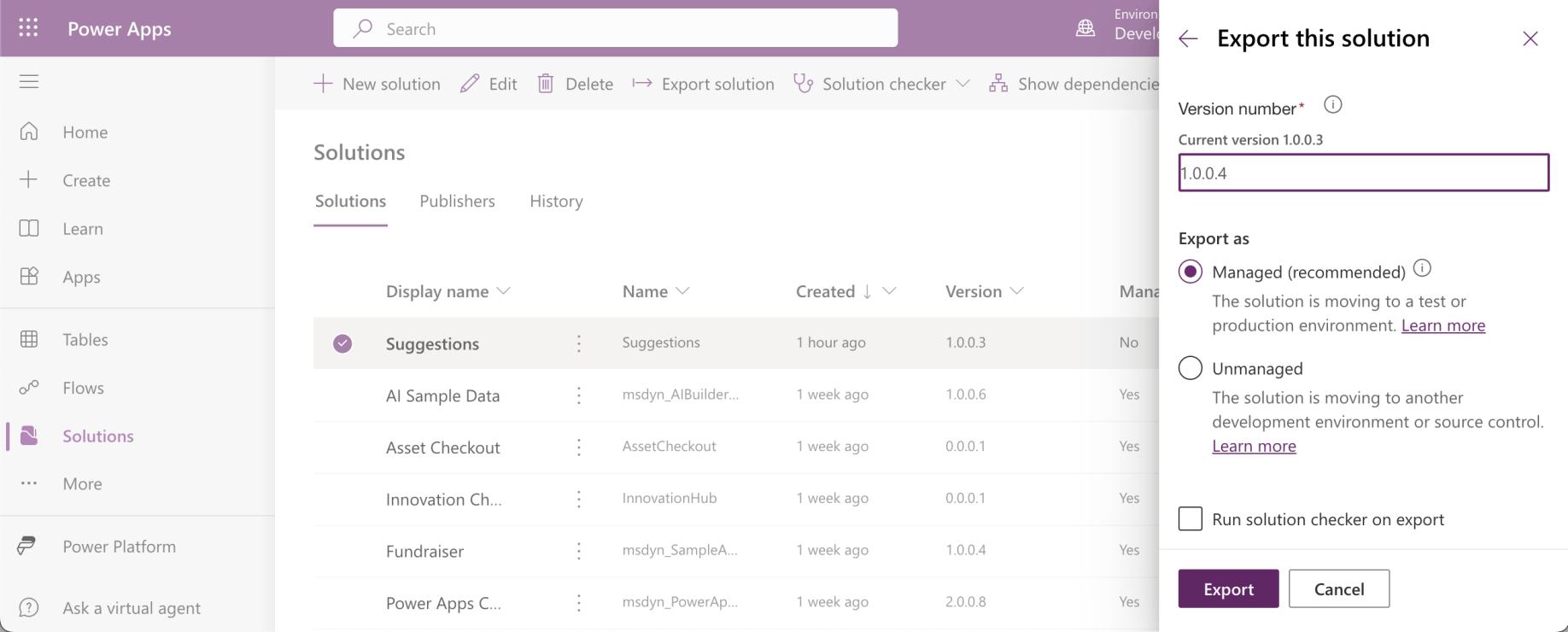
I exported the updated solution

I imported the updated solution
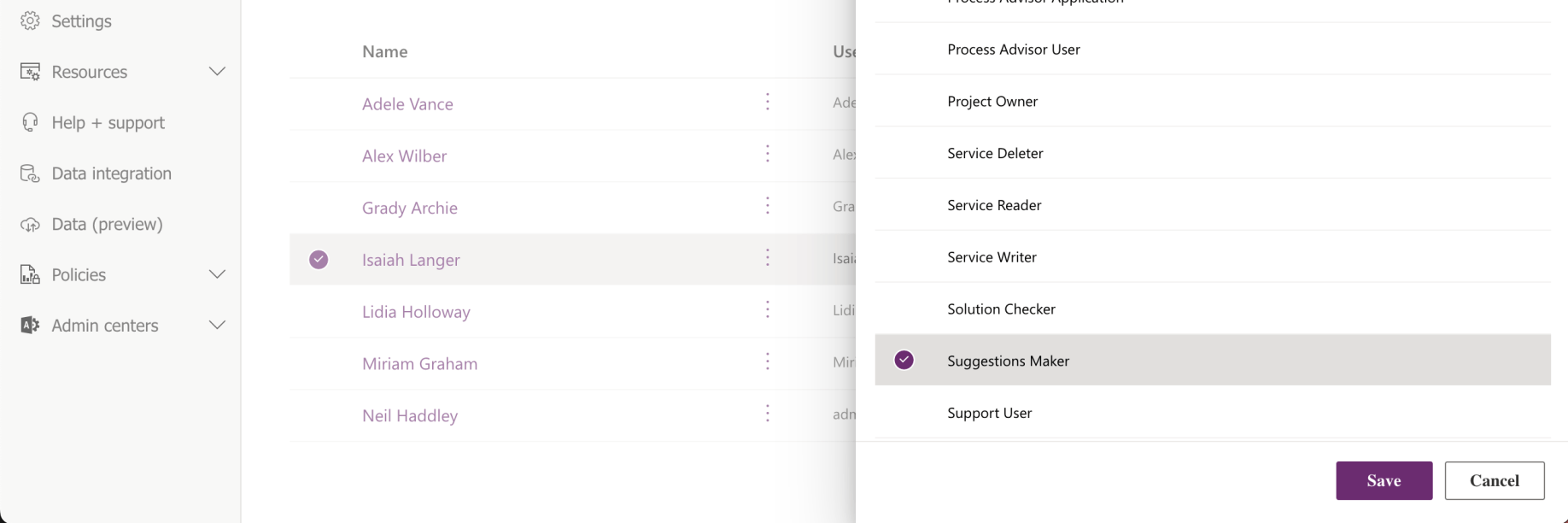
I added Suggestions Maker role to user Isaiah

Security roles have been updated for Isaiah Langer
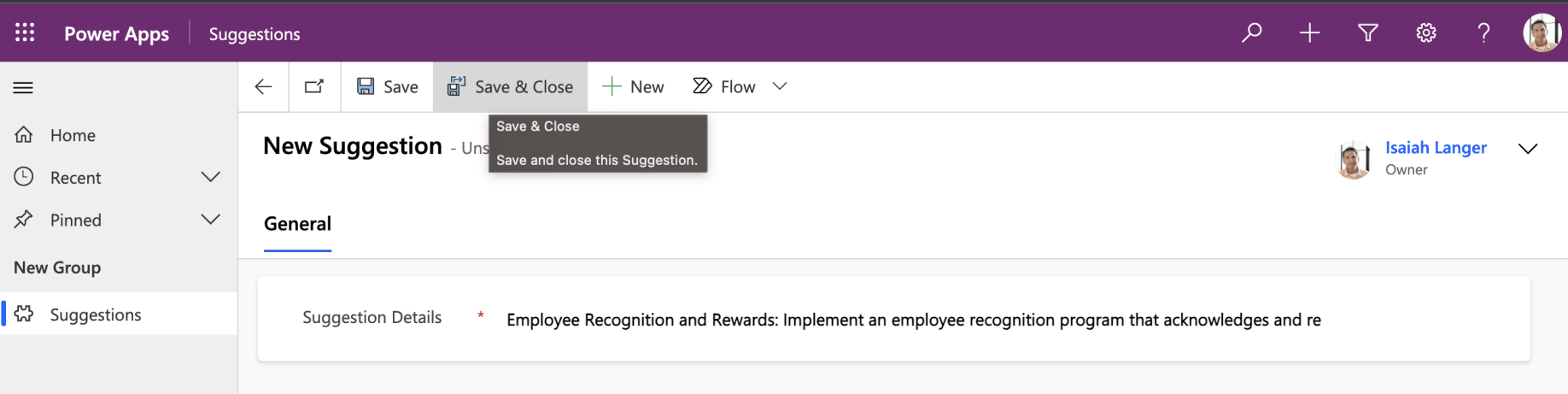
Isaiah added a Suggestion
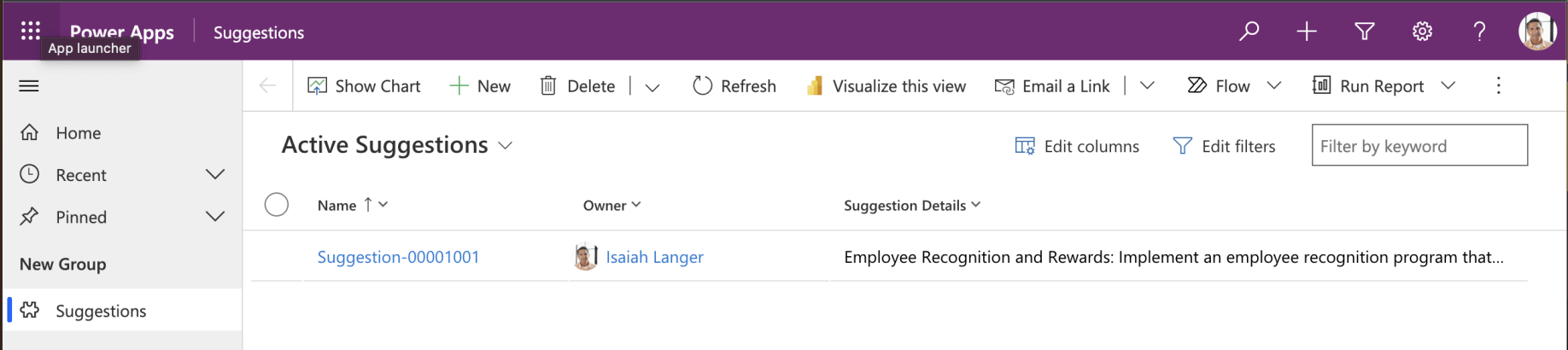
Isaiah could only see his suggestion
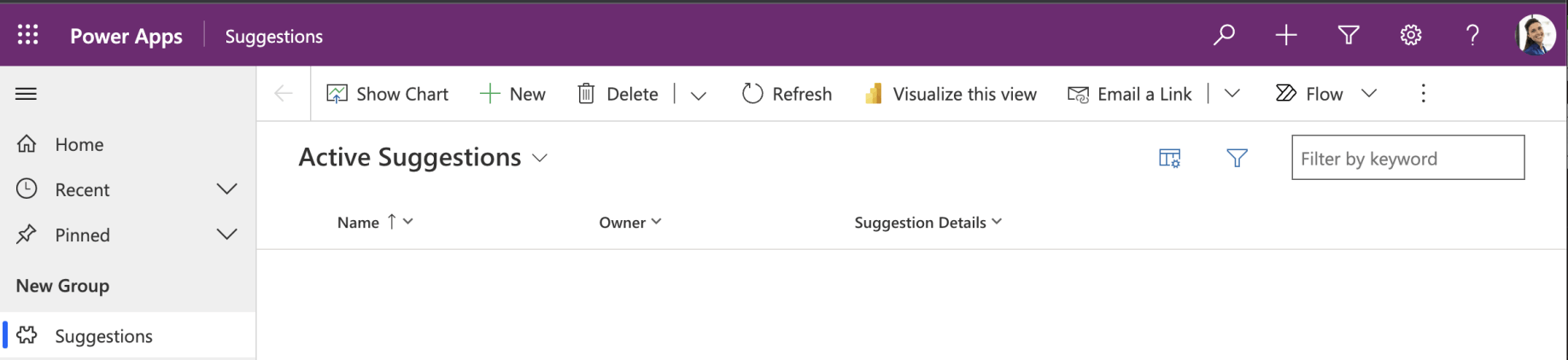
Lidia can not see Isaiah's suggestion
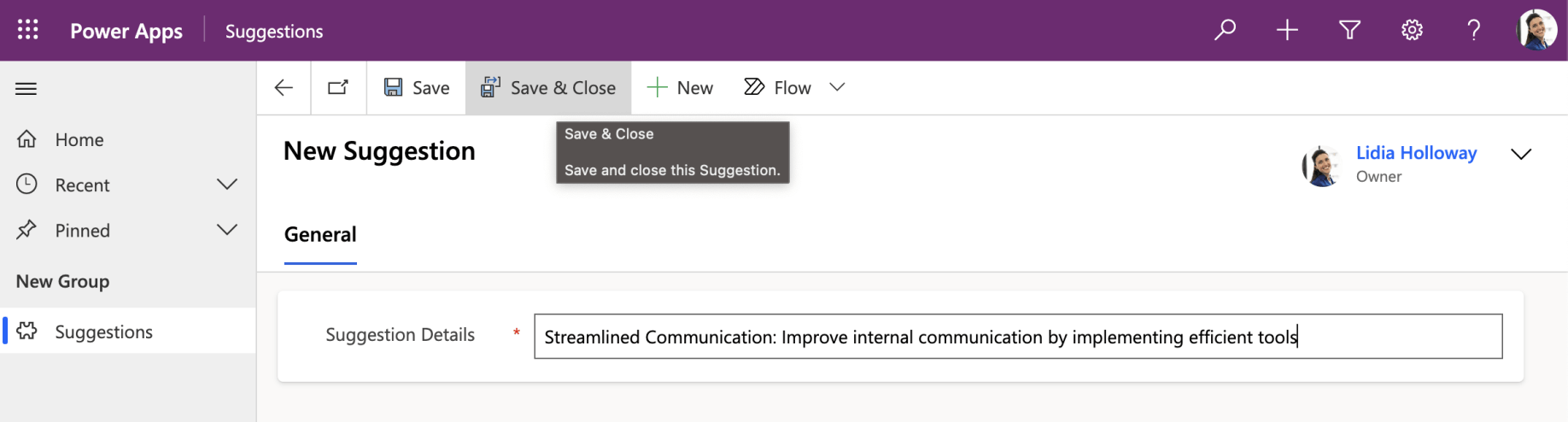
Lidia added a suggestion
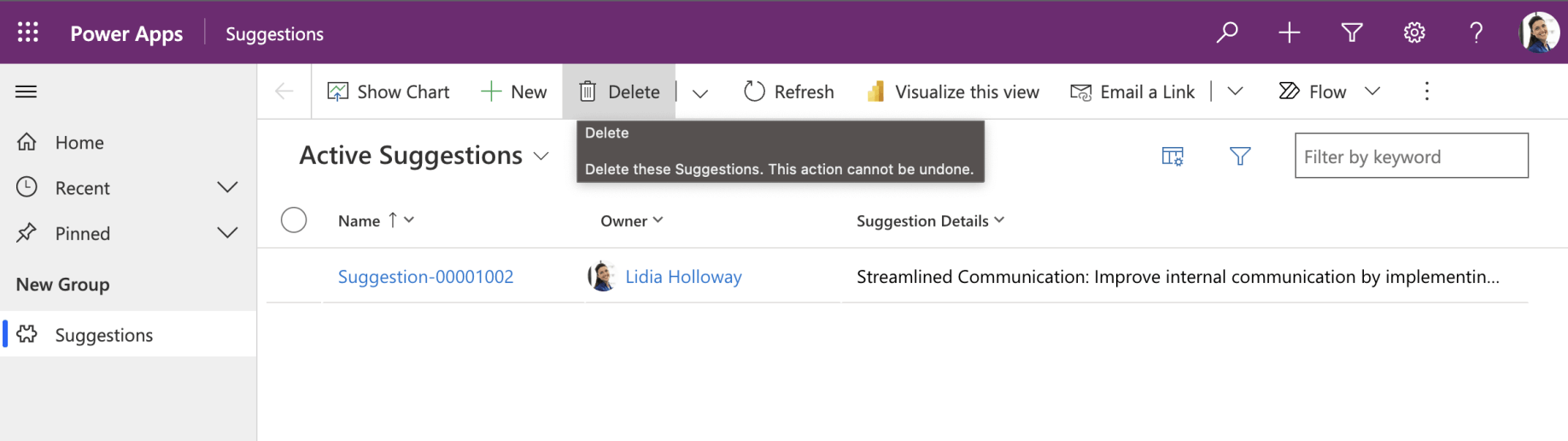
Lidia can only see her suggestion
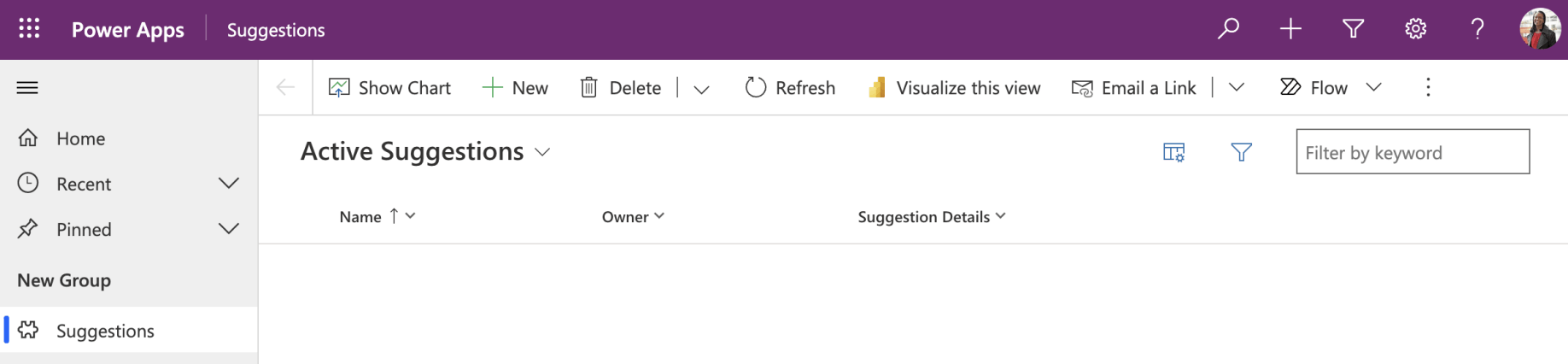
Lynne can not see Lidia or Isaiah's suggestions
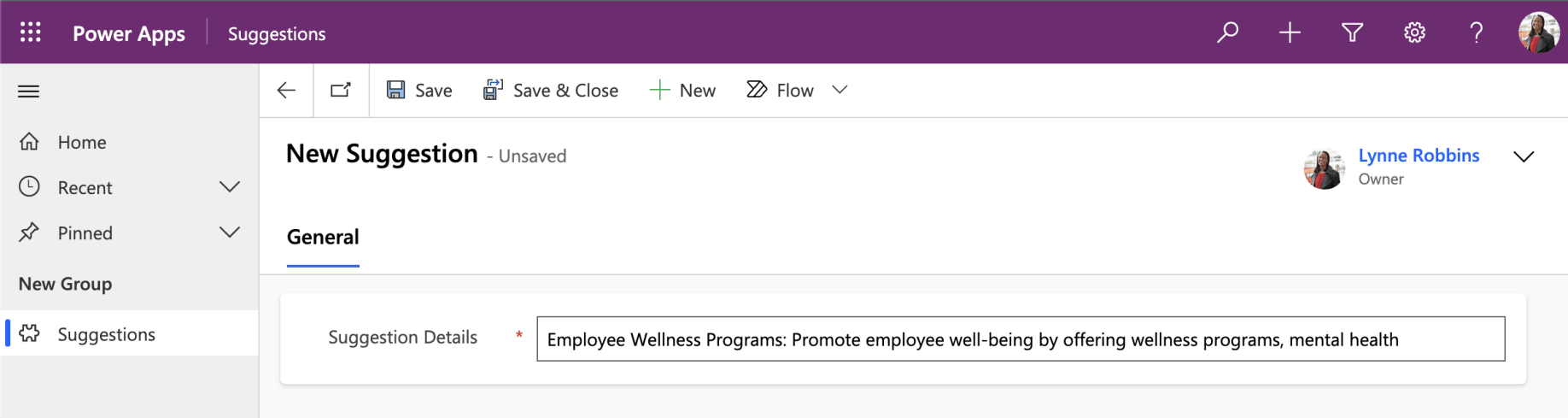
Lynne added a suggestion
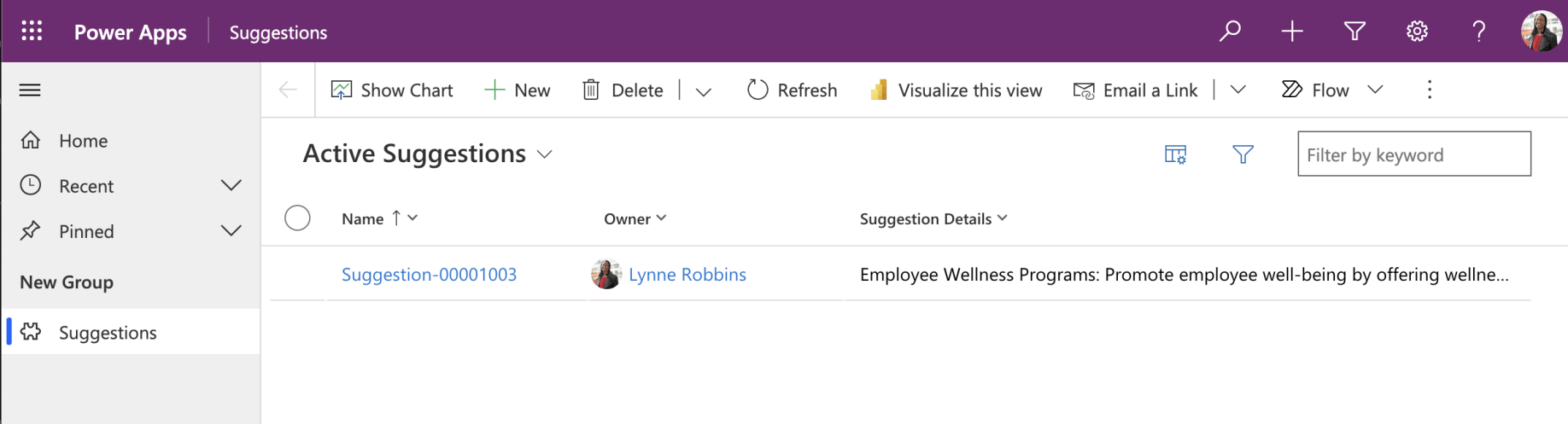
Lynne can only see her suggestion
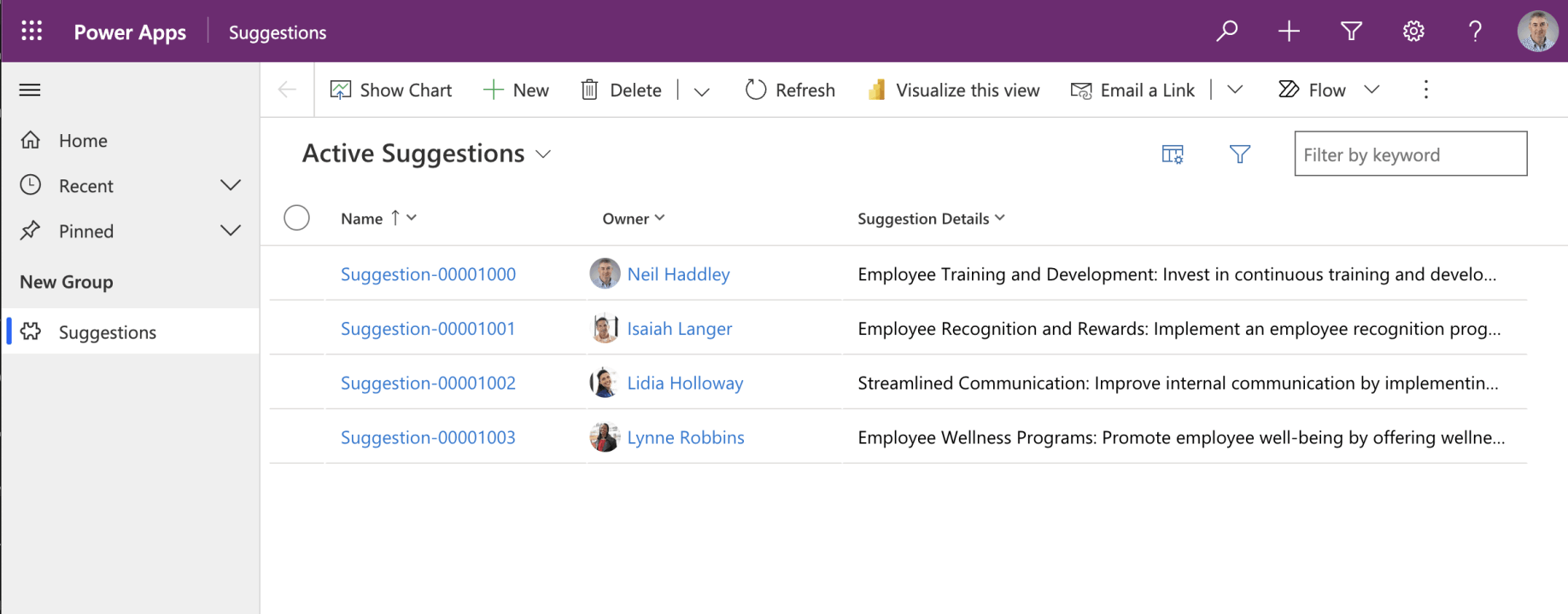
I can see all of the suggestions because I am an administrator
Business Units
Lee and Lidia are in the same Manufacturing business unit. As Director of Manufacturing, I wanted Lee to be able to read and manage all suggestions made by anyone in his business unit.
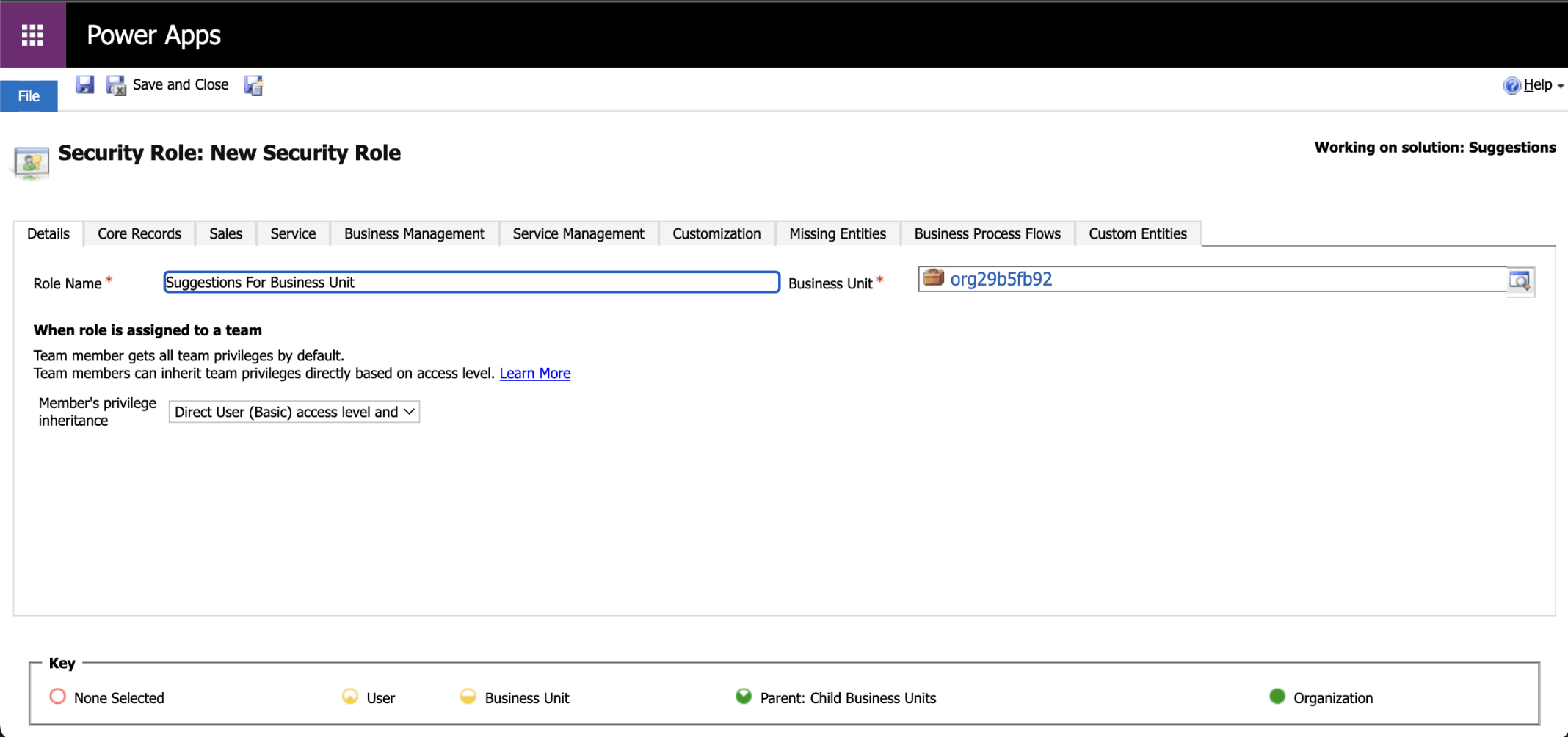
I added a security role that will allow a user to manage Suggestions for their Business Unit
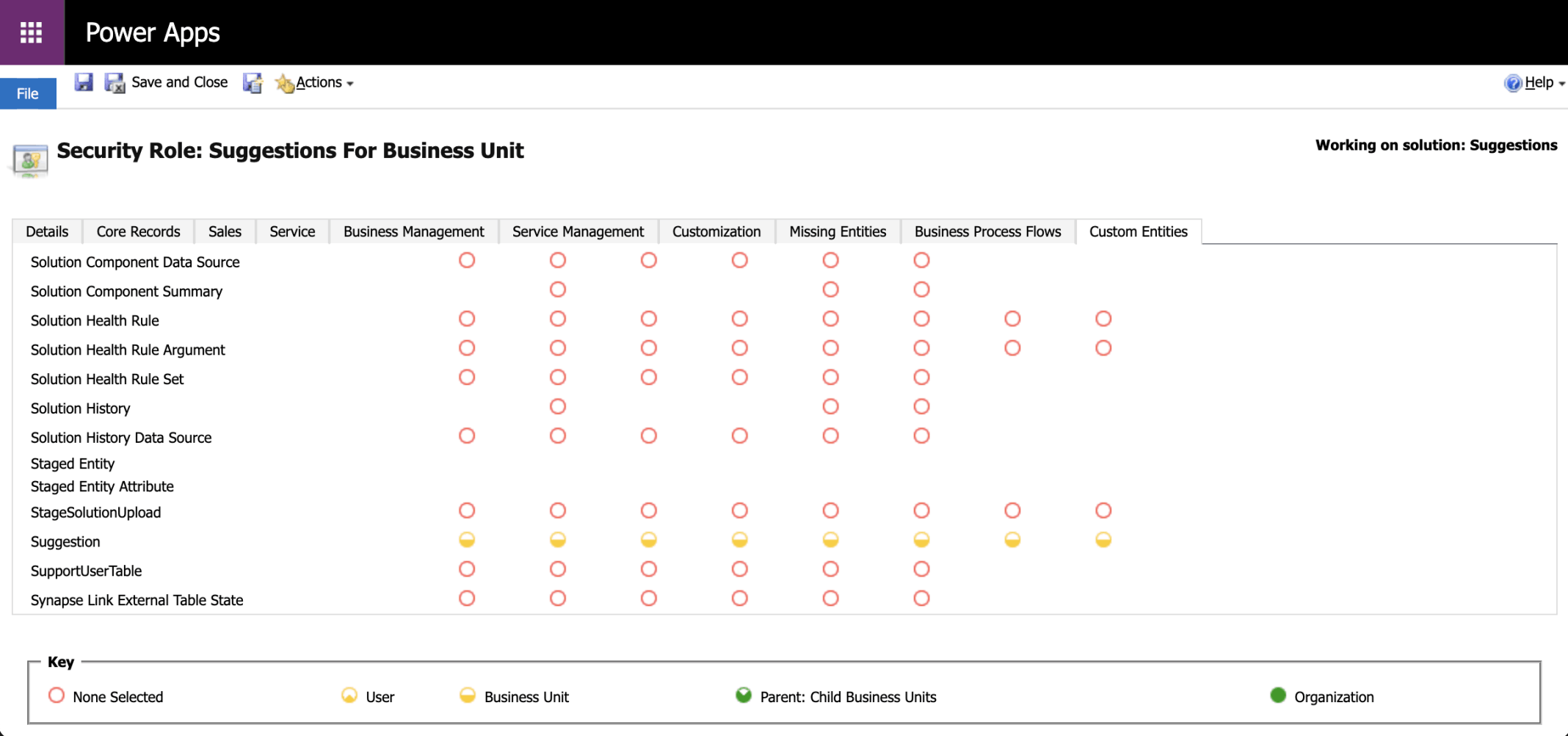
The half yellow circle shows that the permissions apply to the business unit.Suggestion table permissions (Business Unit)
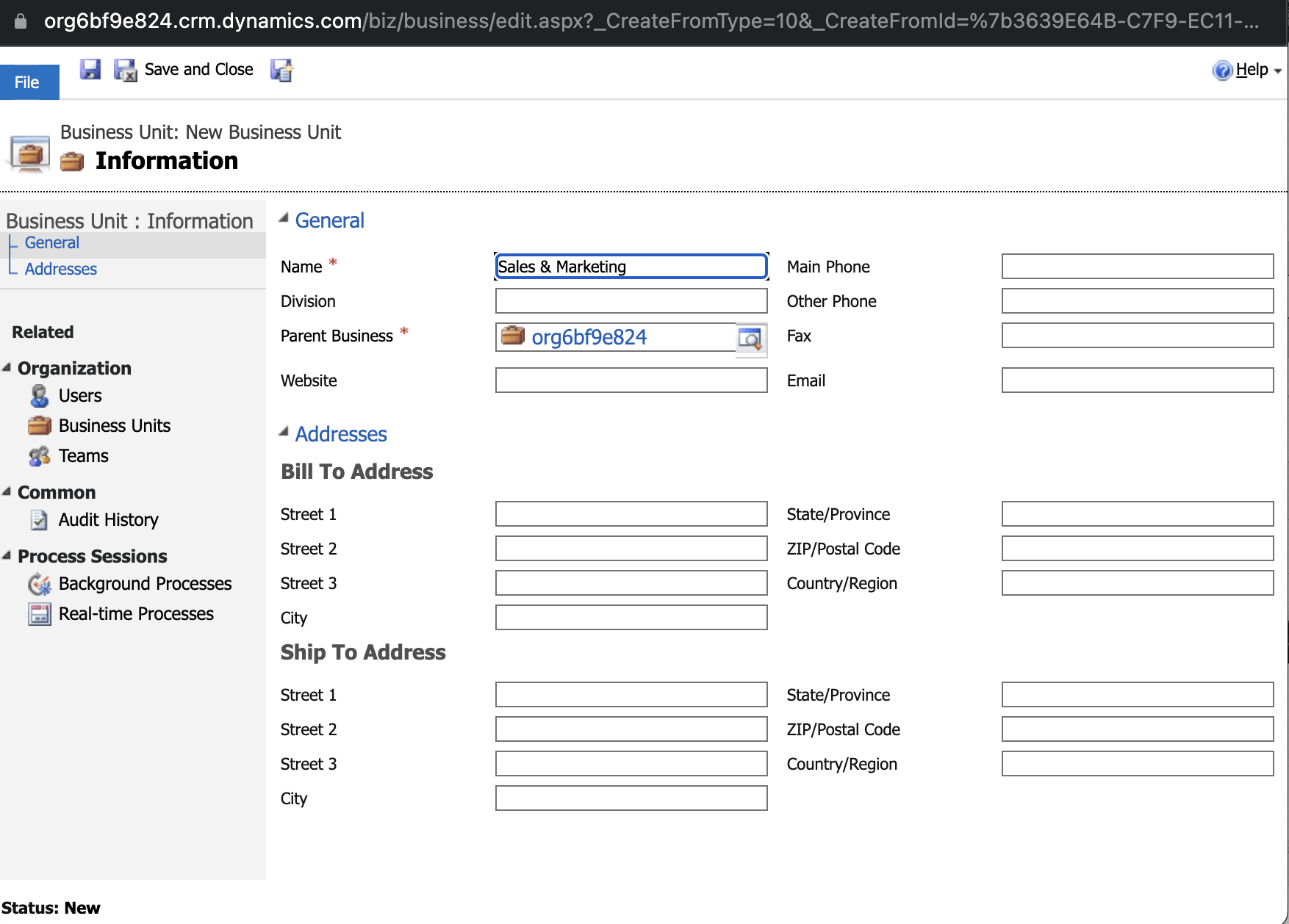
I created a Sales & Marketing business unit
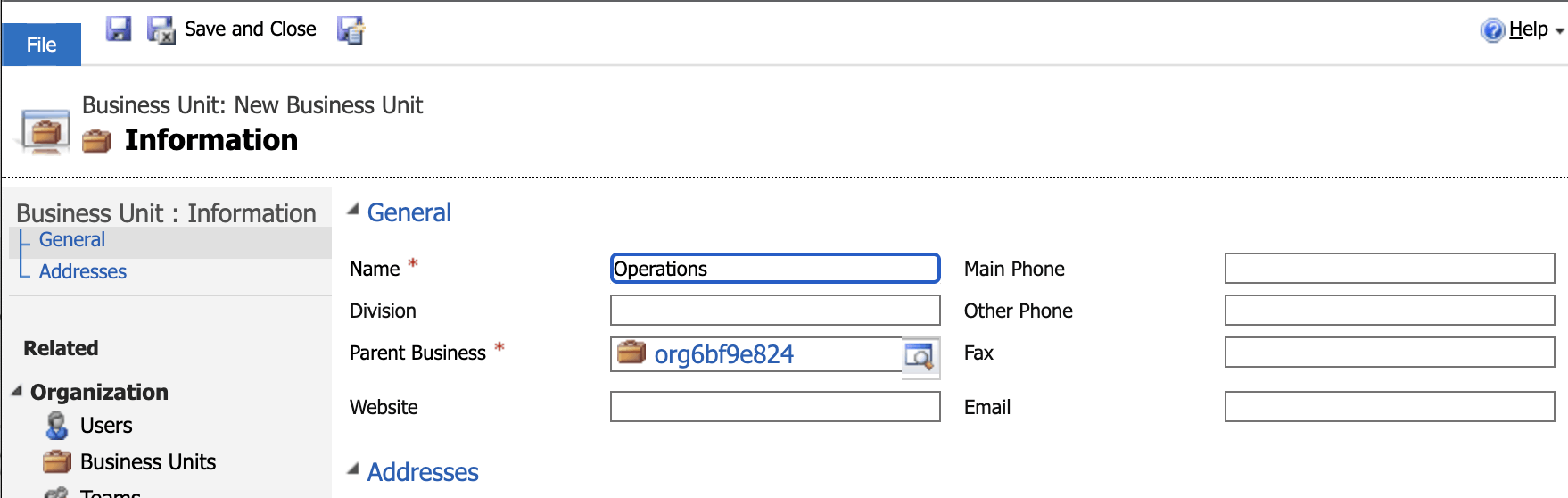
I created an Operations business unit
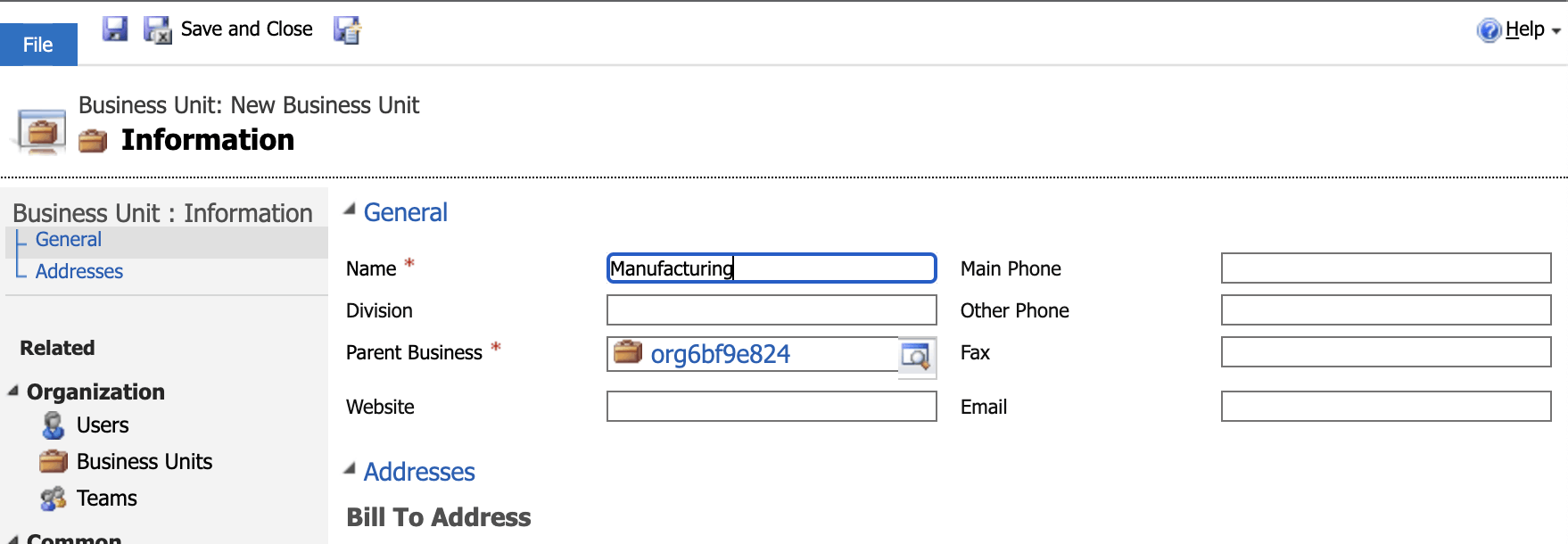
I created a Manufacturing business unit
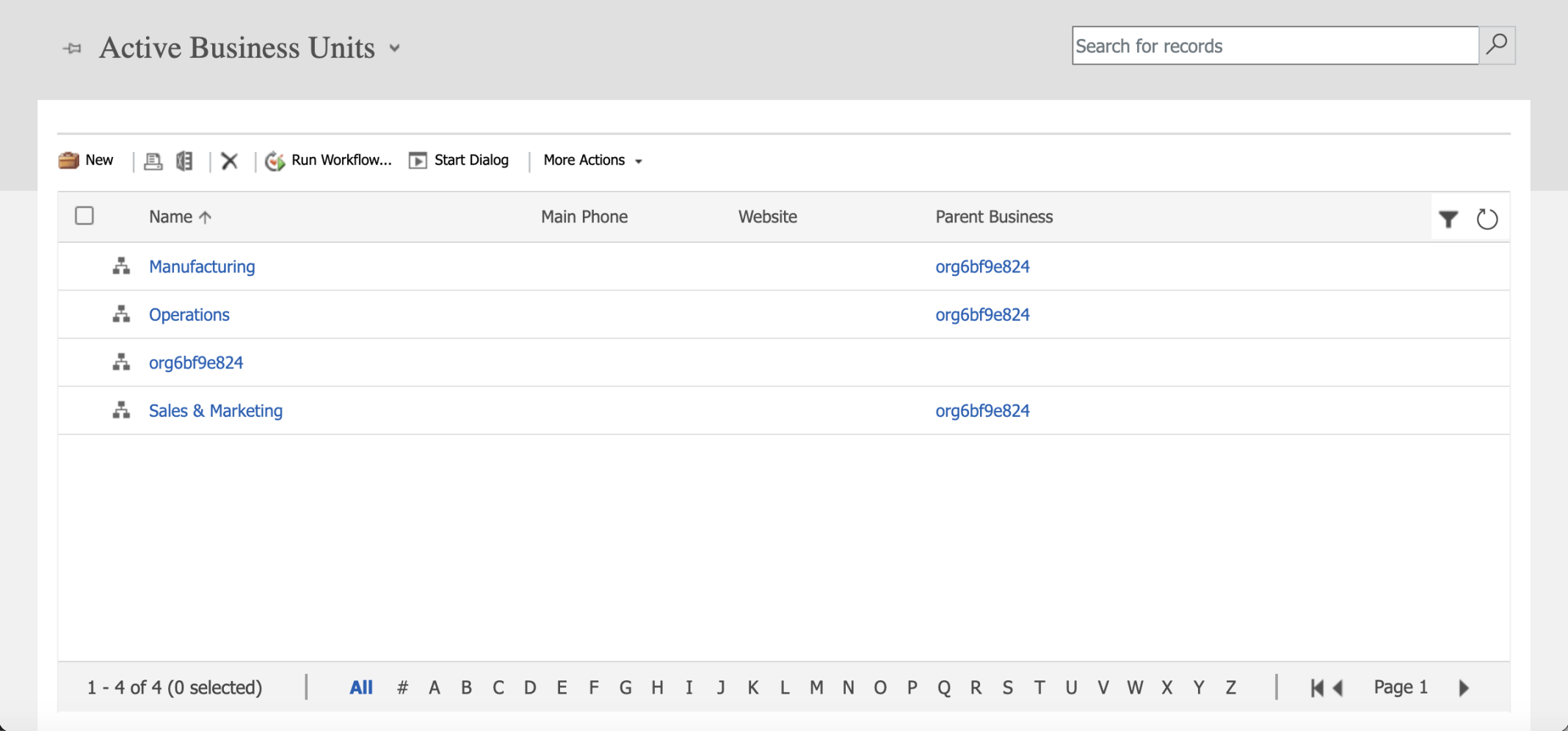
The org6bf9e824 Business Unit is the parent of the Sales & Marketing, Manufacturing and Operations Business Units

I set the Business Unit for Adele Vance (and the other users)

I updated Lee Gu's security roles
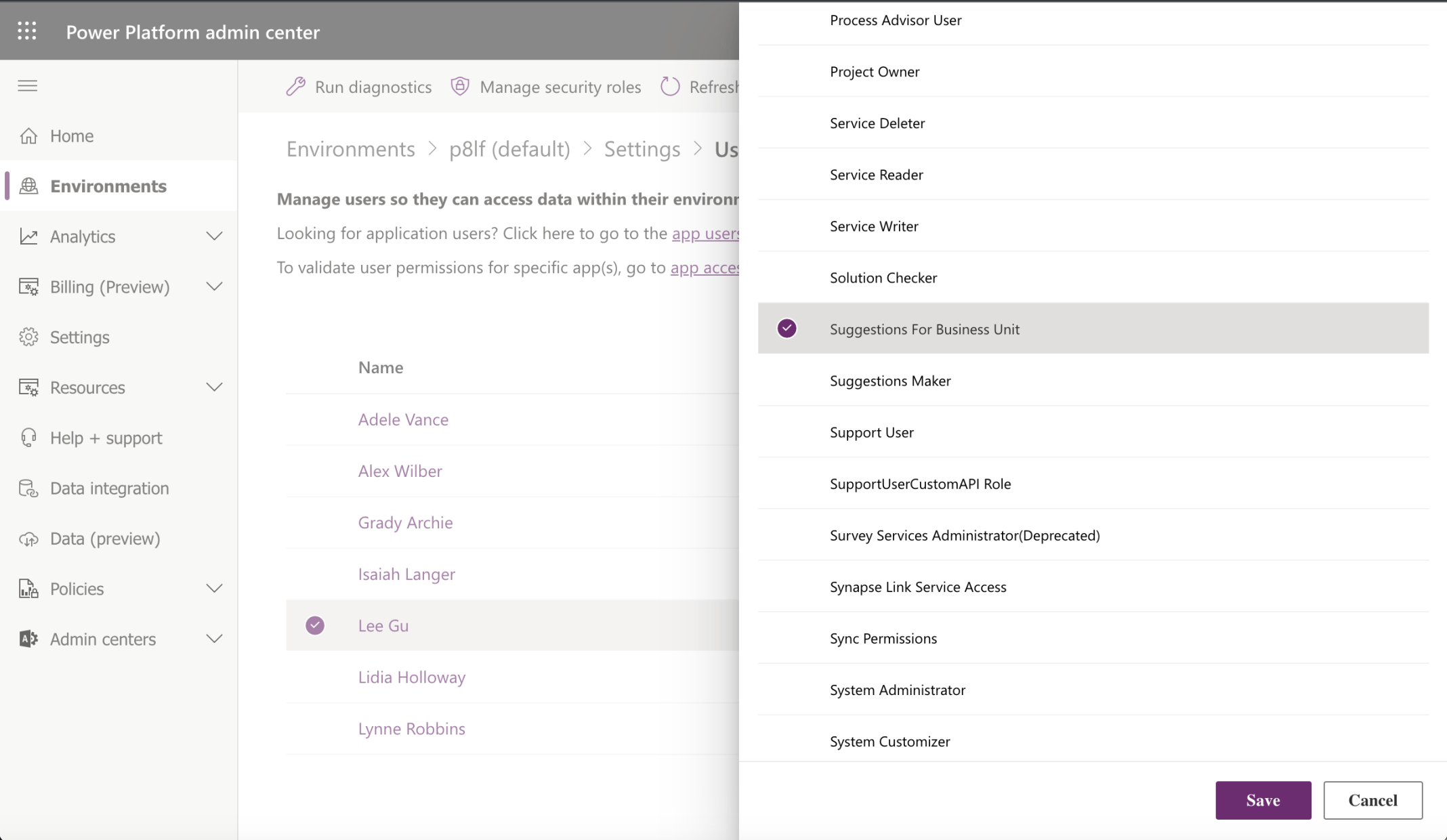
I added the Suggestions for Business Unit Security Role
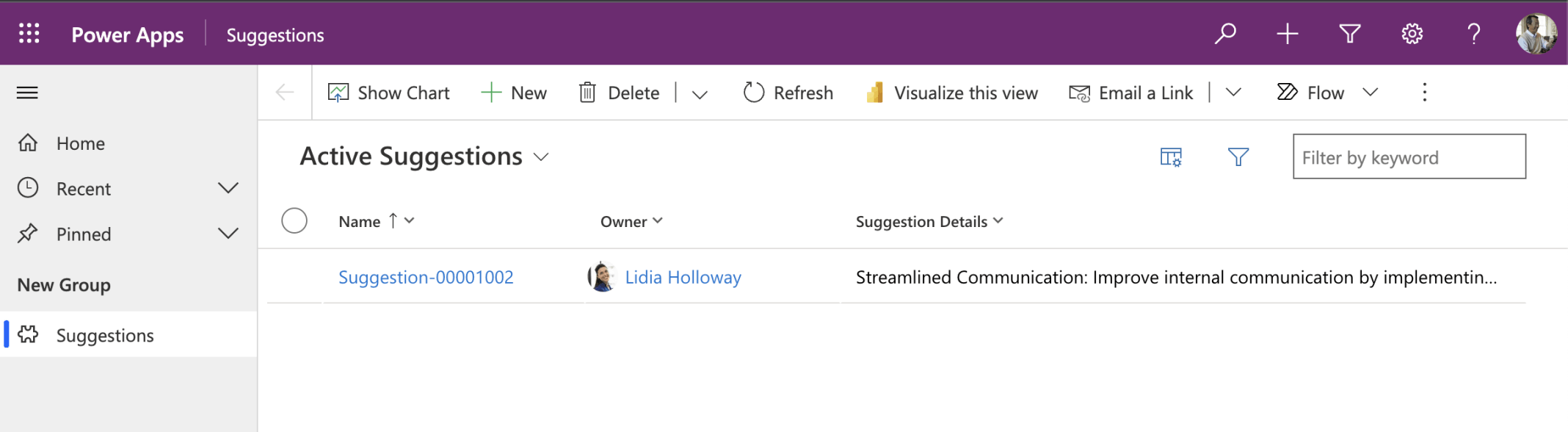
Lee can see the Suggestion made by Lindia because Lee has the Suggestions For Business Role and Lindia and Lee are both in the Manufacturing Business Unit