Model Driven Apps (Part 3)
Neil Haddley • October 8, 2023
JavaScript to update a Business Process Flow Stage
I used JavaScript to extend a model driven app. I configured the app to call JavaScript functions on form events — OnLoad, OnChange, OnSave — and from button clicks. The functions validated input, showed and hid form sections, updated business process flow stages, and created new records.
See also: Power Apps Component Framework
I used Xrm.Page.data.process.moveNext() and Xrm.Page.data.process.movePrevious() to update a Business Process Flow stage from the browser console.
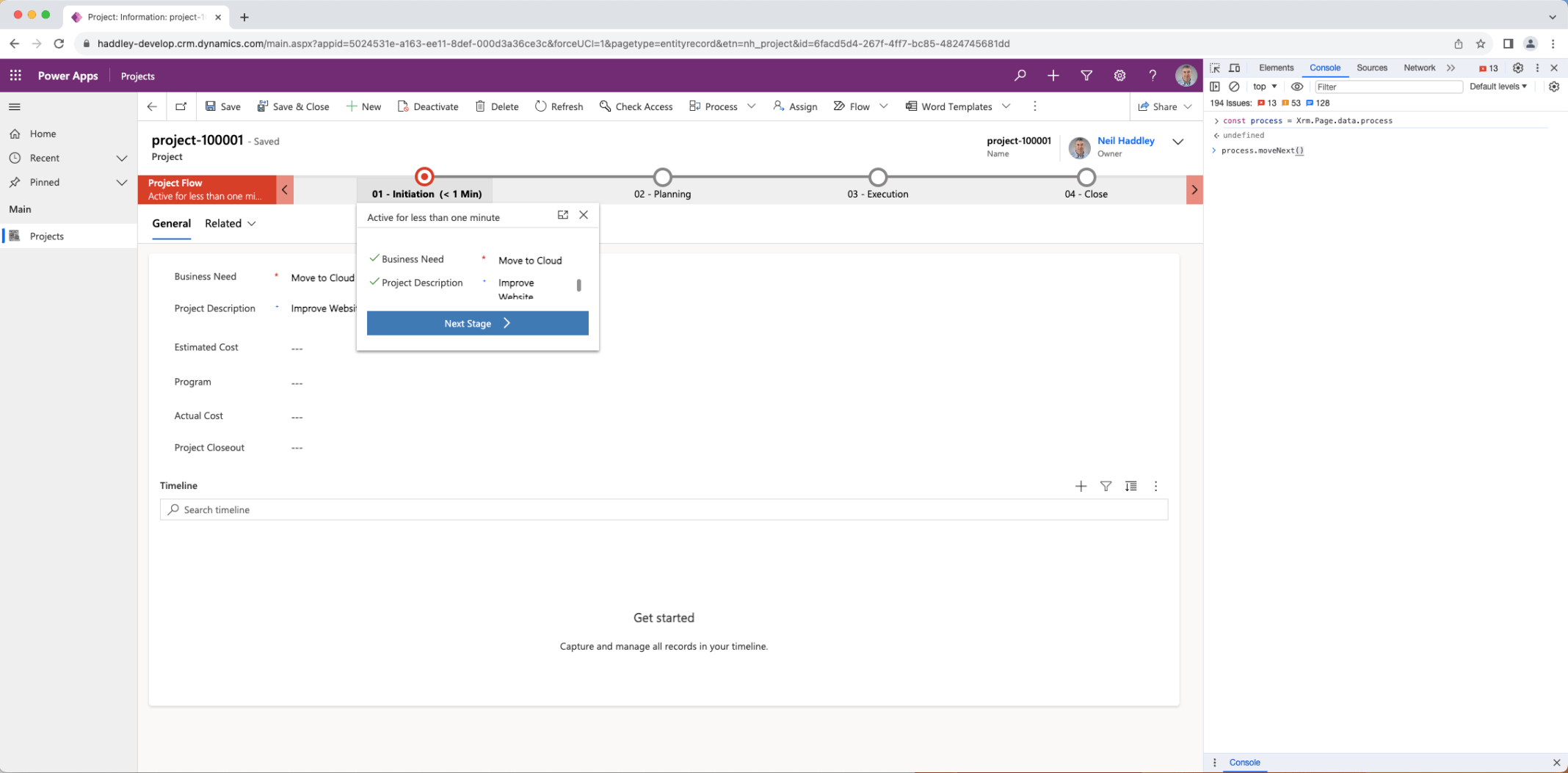
const process = Xrm.Page.data.process
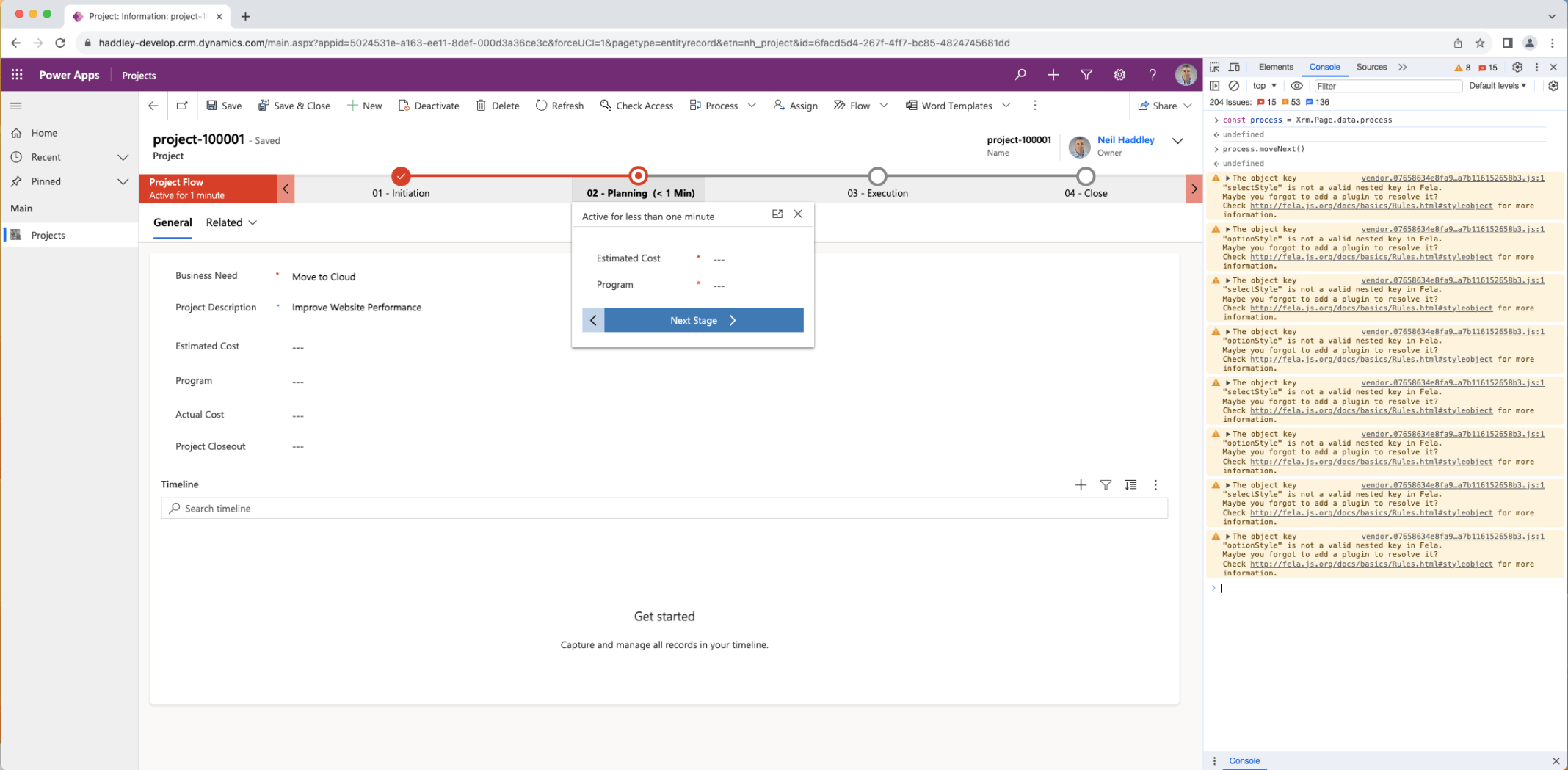
process.moveNext()
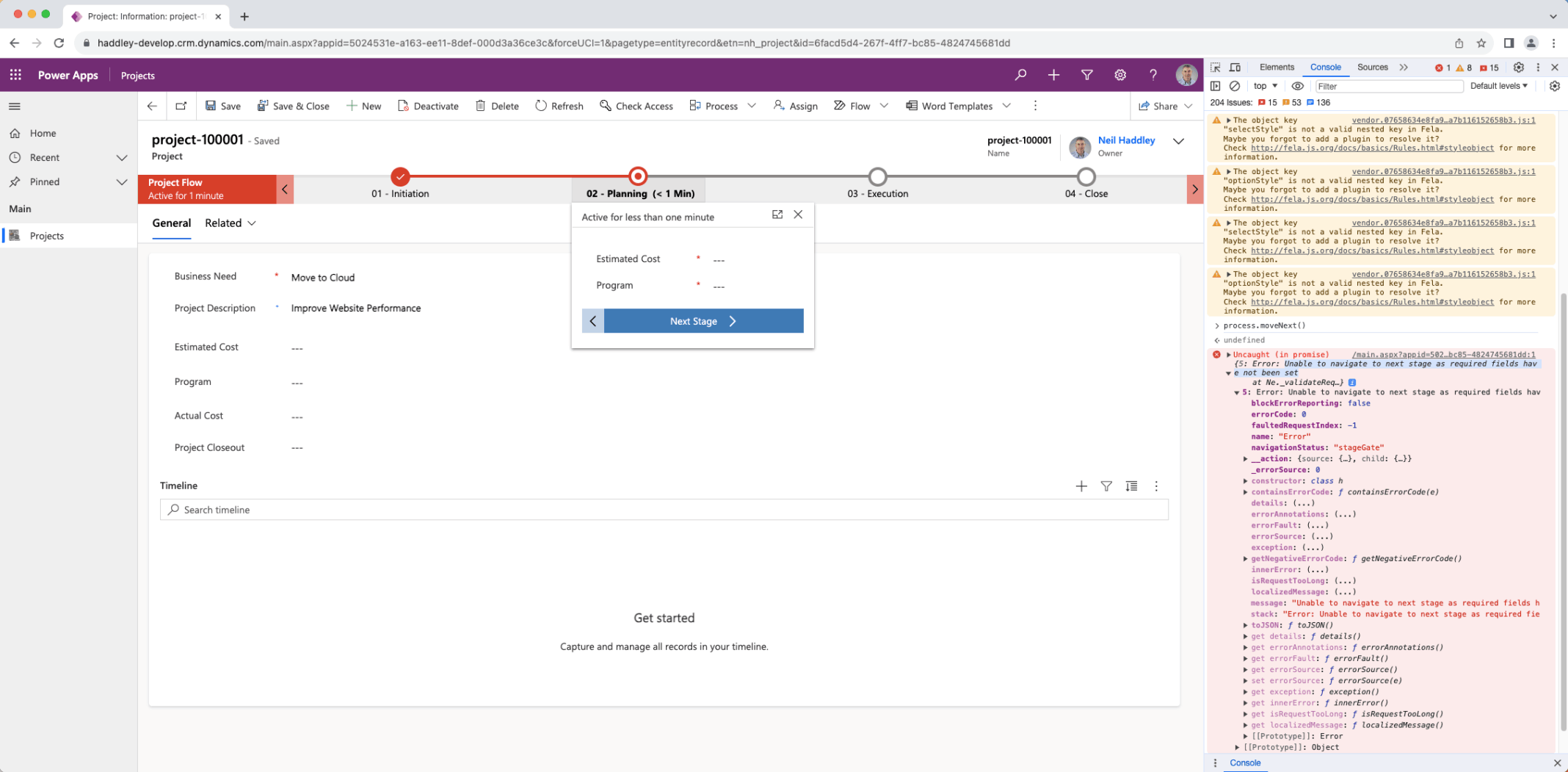
process.moveNext()
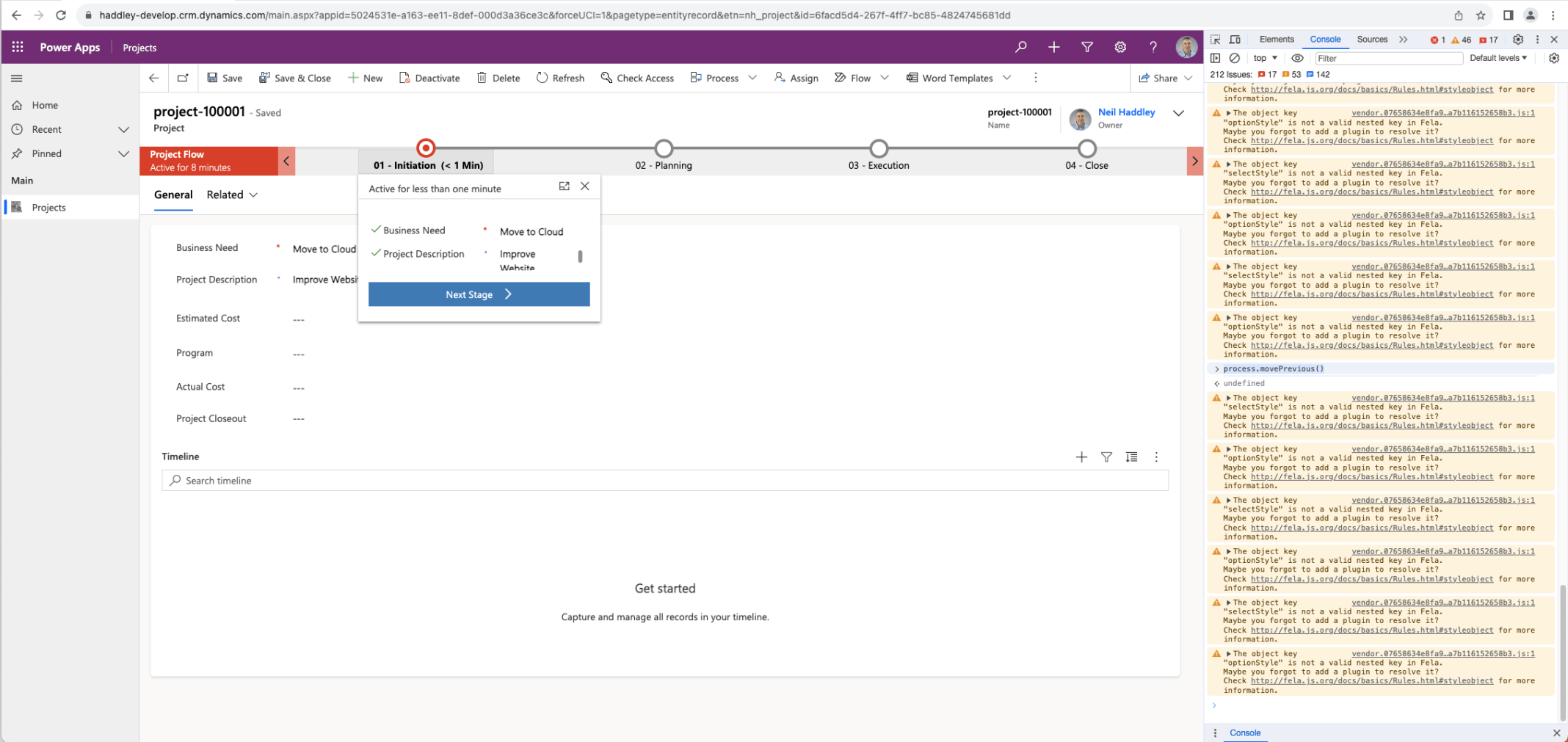
process.movePrevious()
JavaScript to Show or Hide a Tab
I used Xrm.Page.data.ui.tabs.get("<tab name>").setVisible(false) and .setVisible(true) to hide or show a tab.
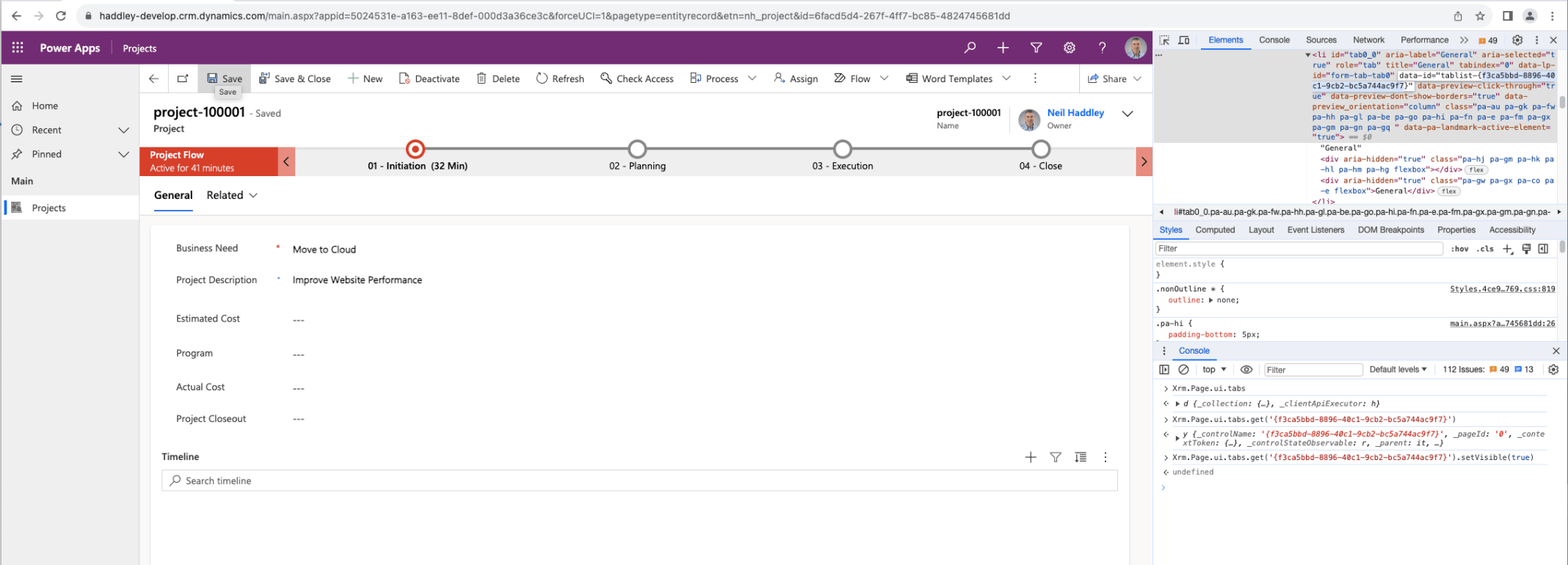
Xrm.Page.ui.tabs.get('{f3ca5bbd-8896-40c1-9cb2-bc5a744ac9f7}').setVisible(true)
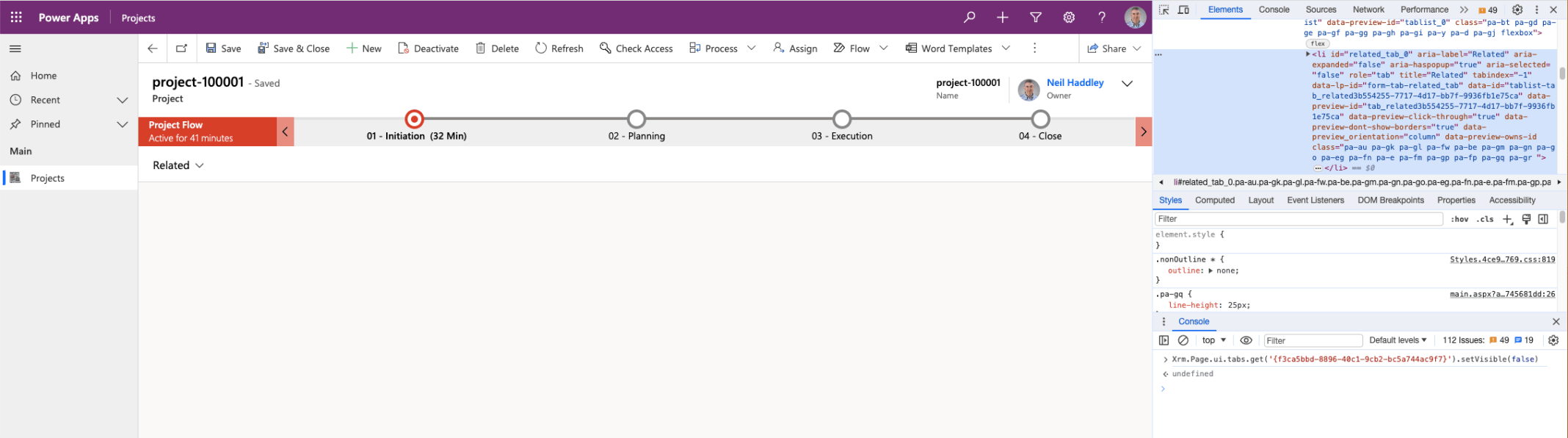
Xrm.Page.ui.tabs.get('{f3ca5bbd-8896-40c1-9cb2-bc5a744ac9f7}').setVisible(false)
JavaScript to Read and Update Field/Control/Attribute Values
I used Xrm.Page.getAttribute('nh_businessneed').getValue() and .setValue('Hello') to read and update a field value.
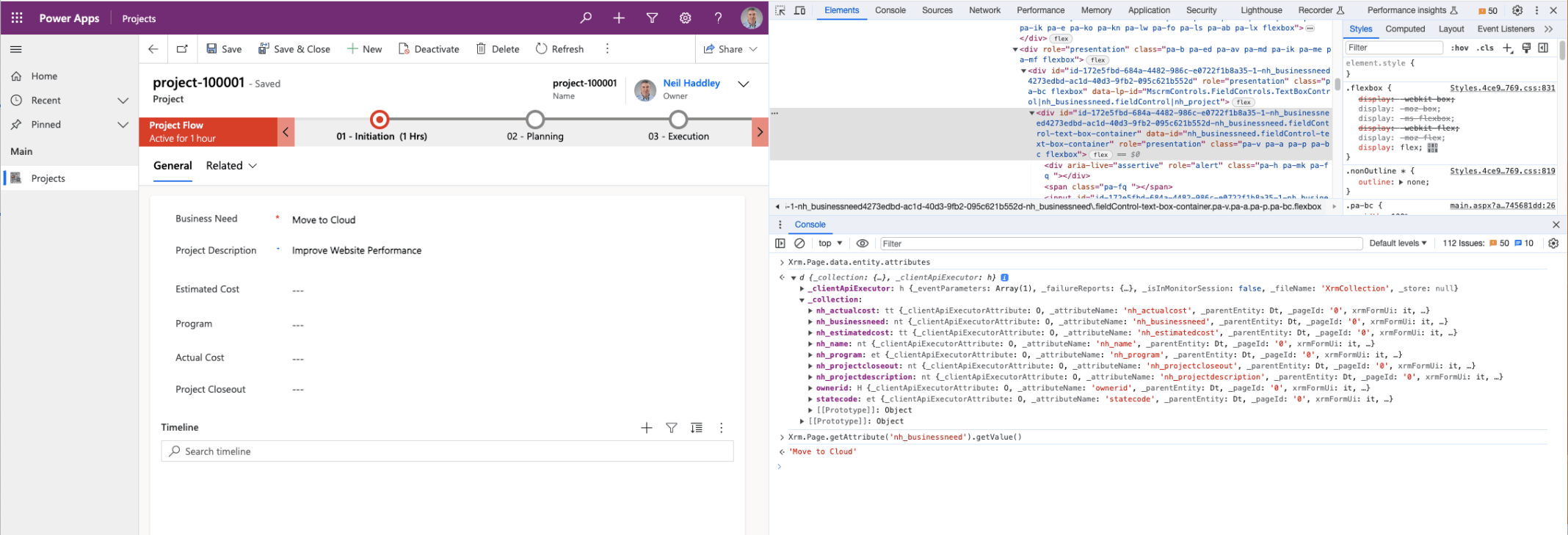
Xrm.Page.data.entity.attributes._collection to view attribute namesXrm.Page.getAttribute('nh_businessneed').getValue()
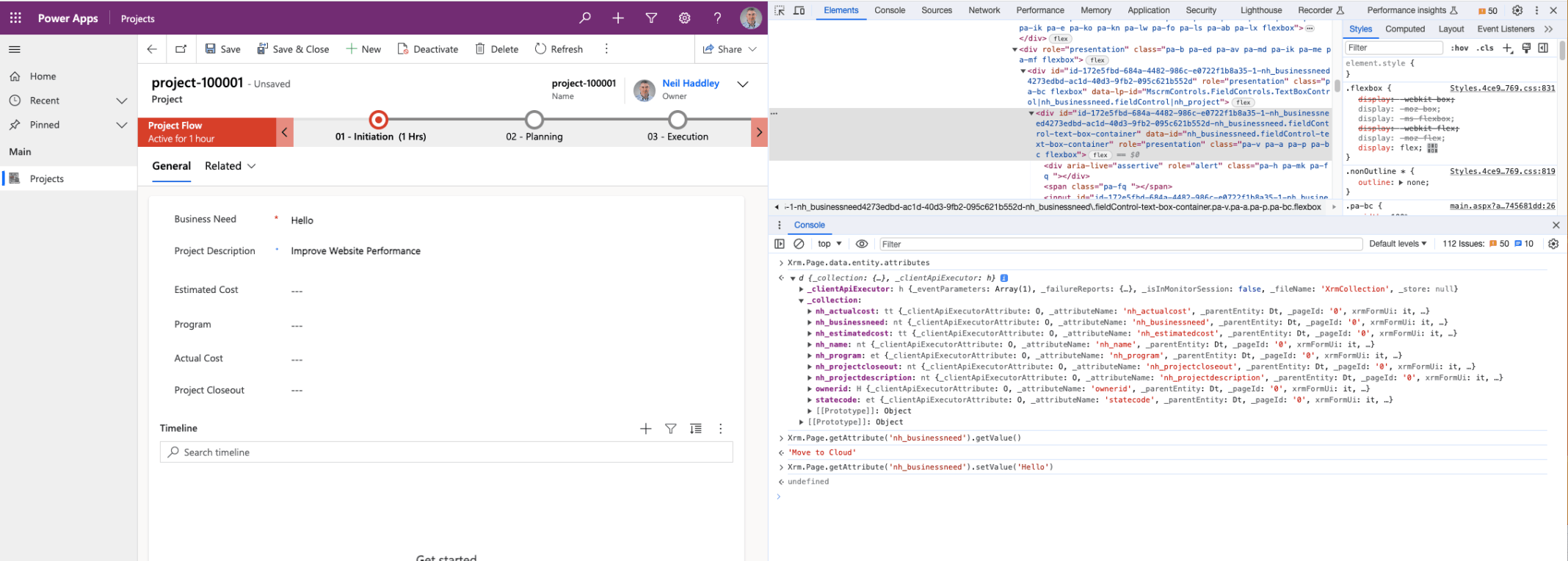
Xrm.Page.getAttribute('nh_businessneed').setValue('Hello')
JavaScript to clone a record
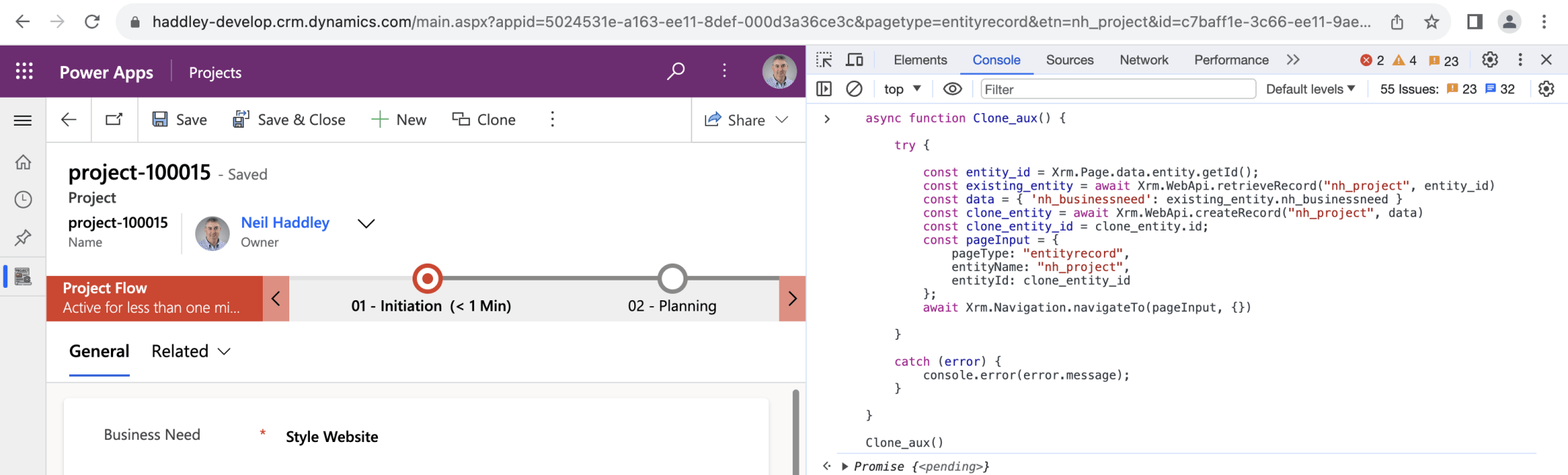
Clone the current Project table record
Configuring a model driven app to call a JavaScript function
I added a Clone button to a model driven app's form command bar and used JavaScript to implement the record copying functionality
Notice that in the Modern Command Designer the execution context is not passed to a JavaScript handler function as a parameter.
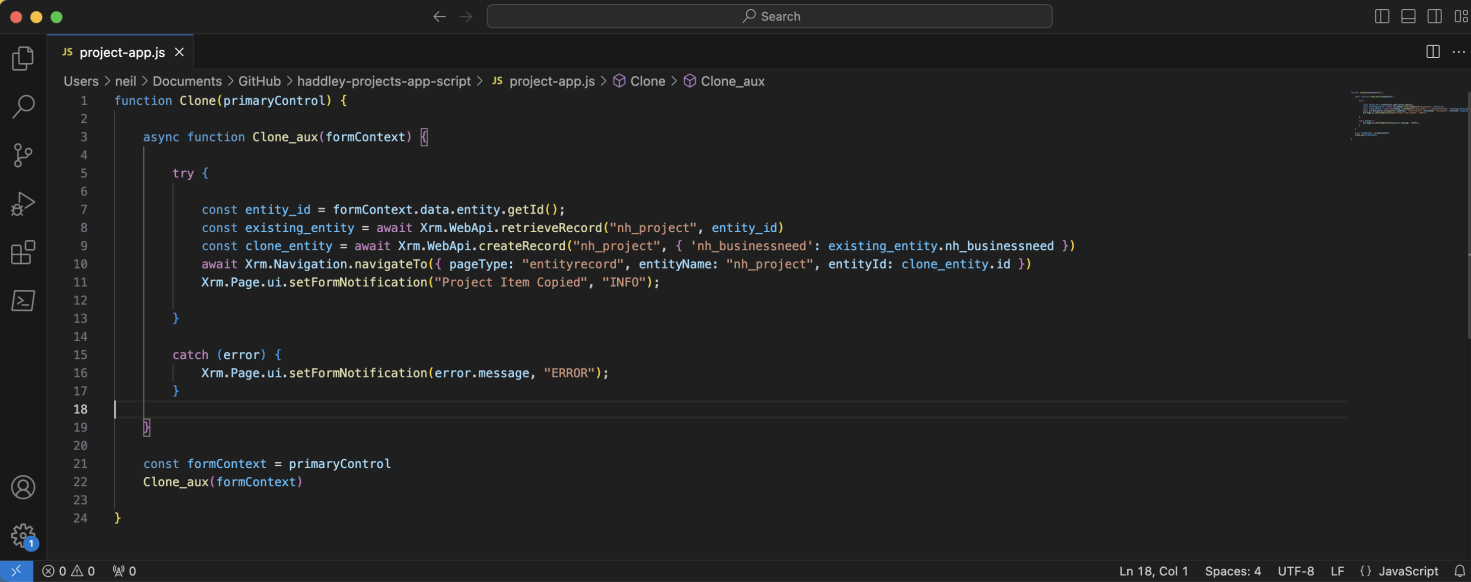
The Clone function receives the primaryControl as a parameter
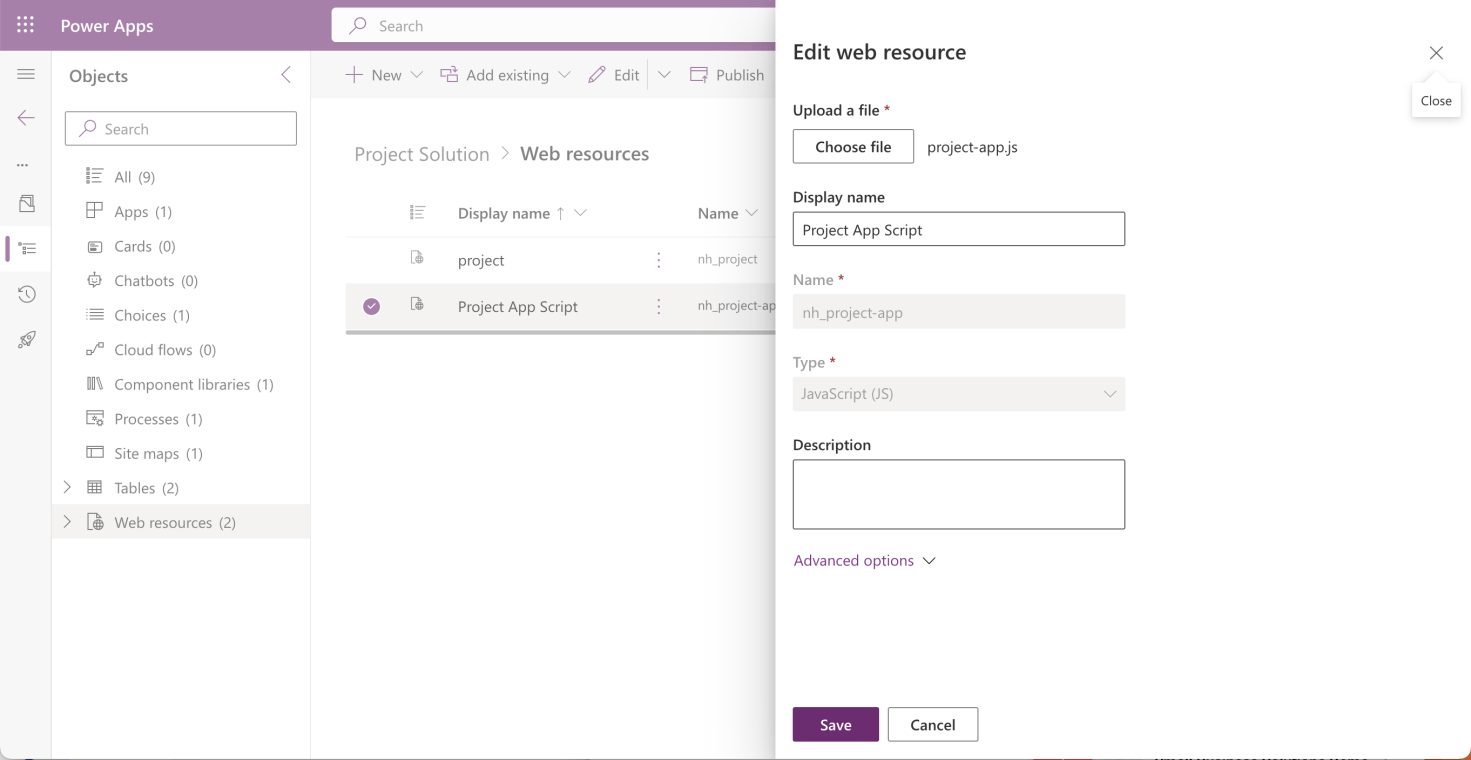
I uploaded the JavaScript file as a Web resource
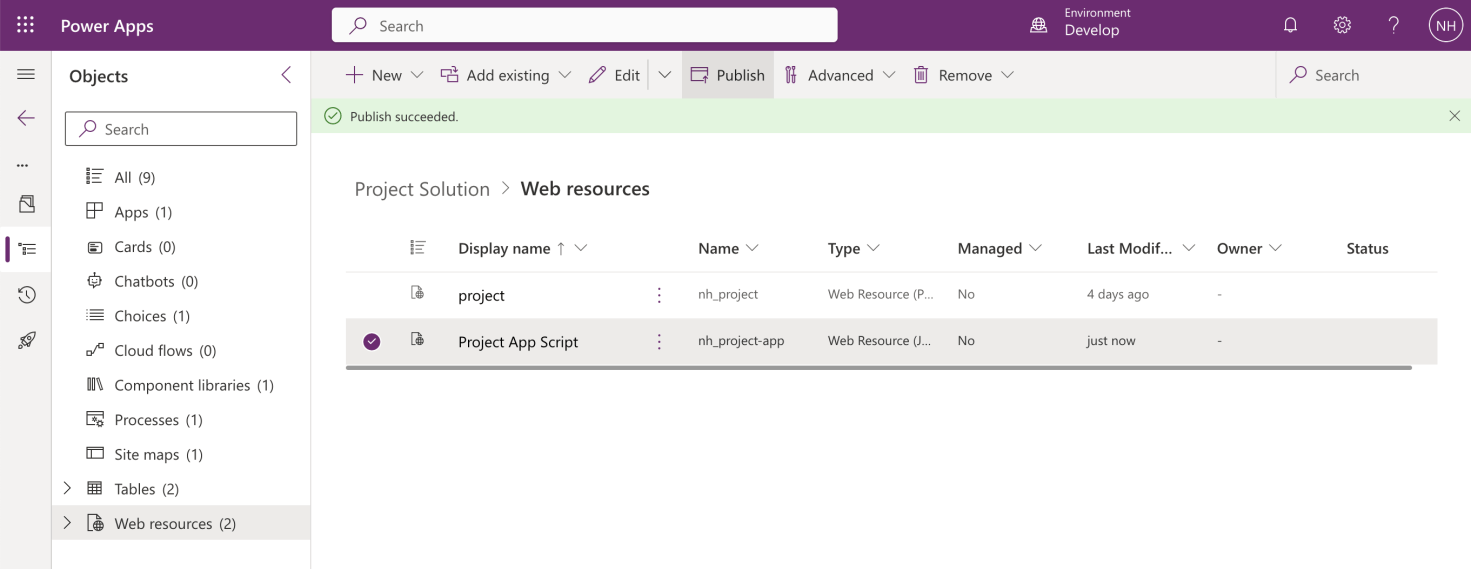
I published the Web resource after each update
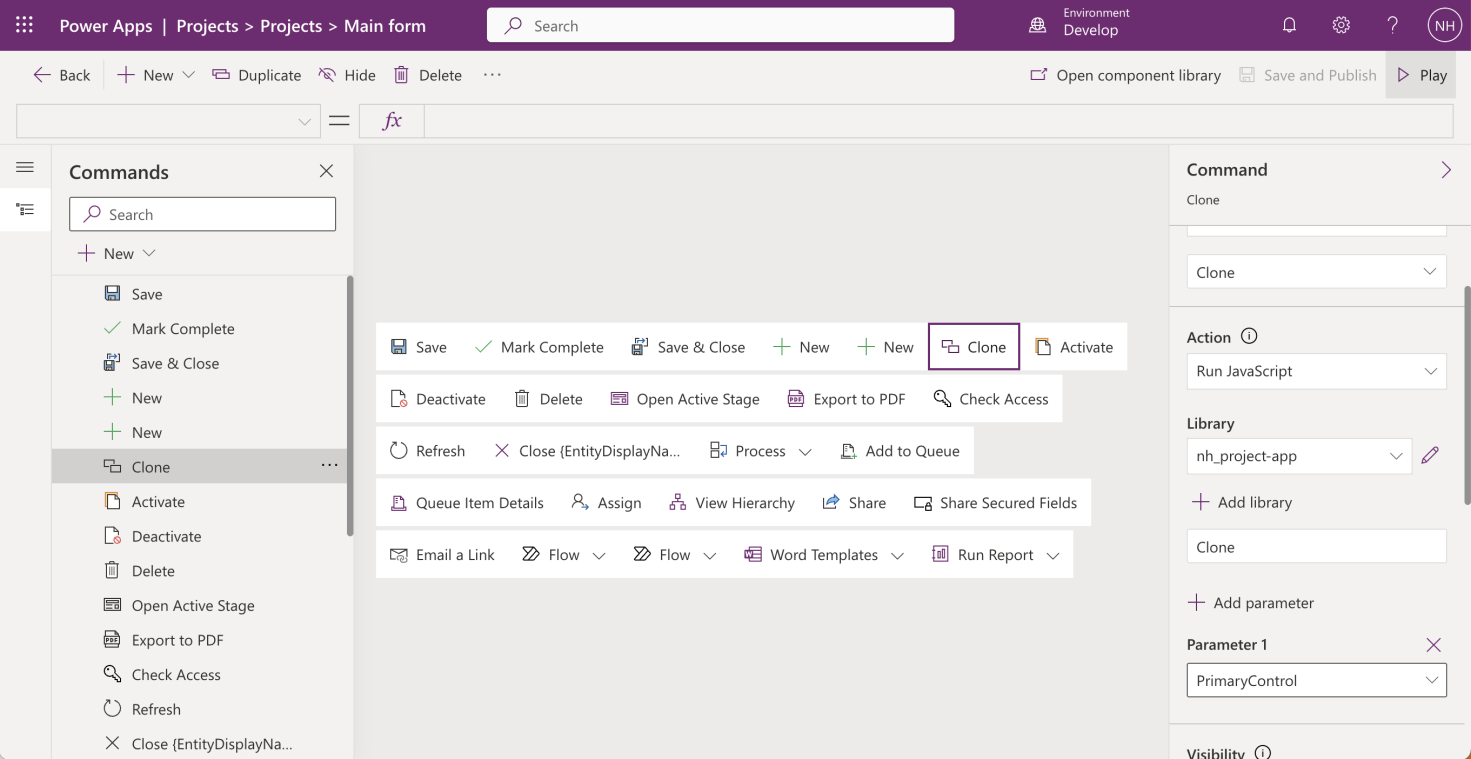
I added a Clone button
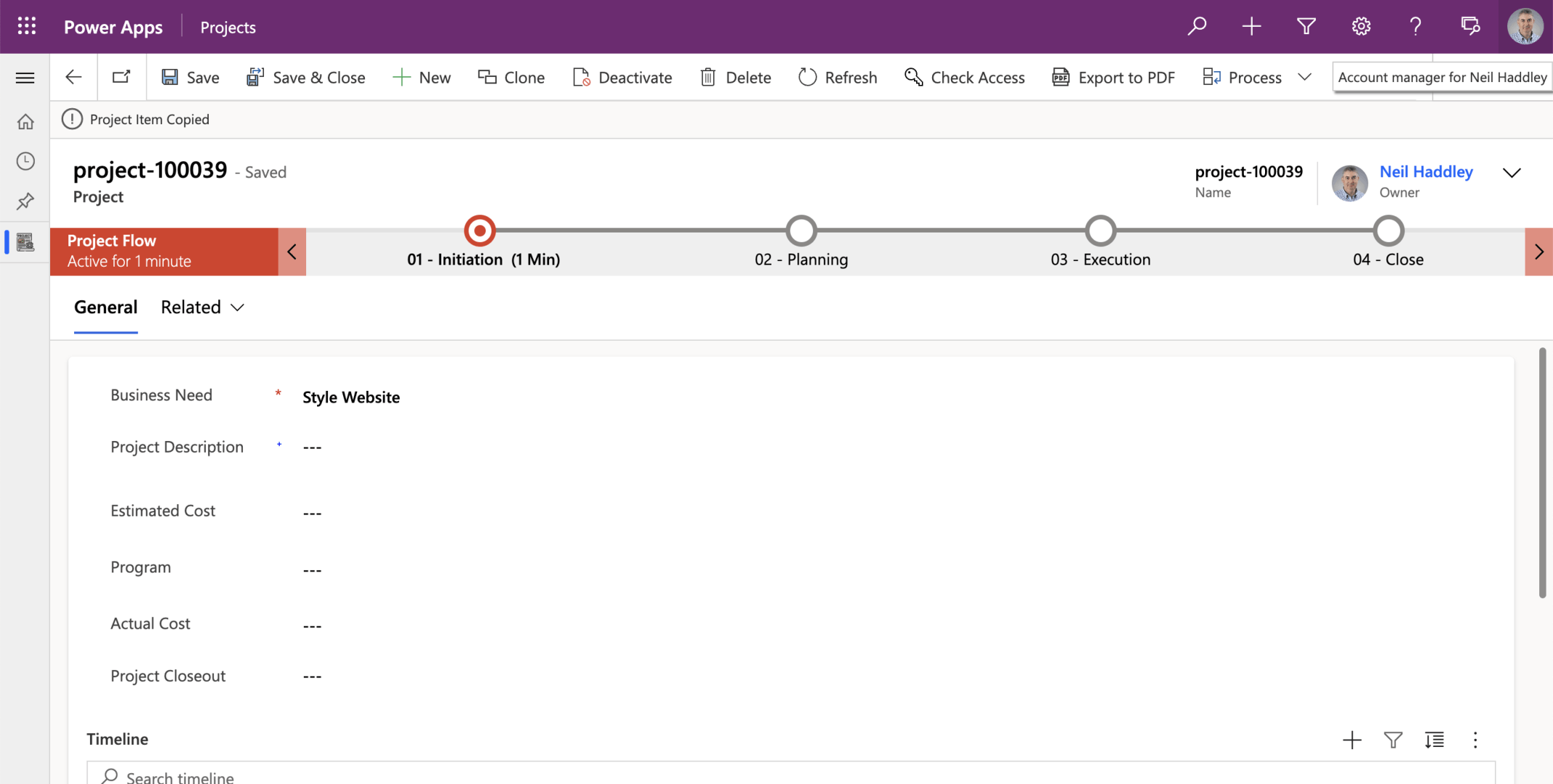
I clicked the clone command and generated a new record