Next.js (Part 1)
Neil Haddley • November 5, 2021
The React Framework for Production
I built a Next.js blog following the official Learn Next.js tutorial.
create-next-app
I ran npx create-next-app to scaffold the project from the official starter template.
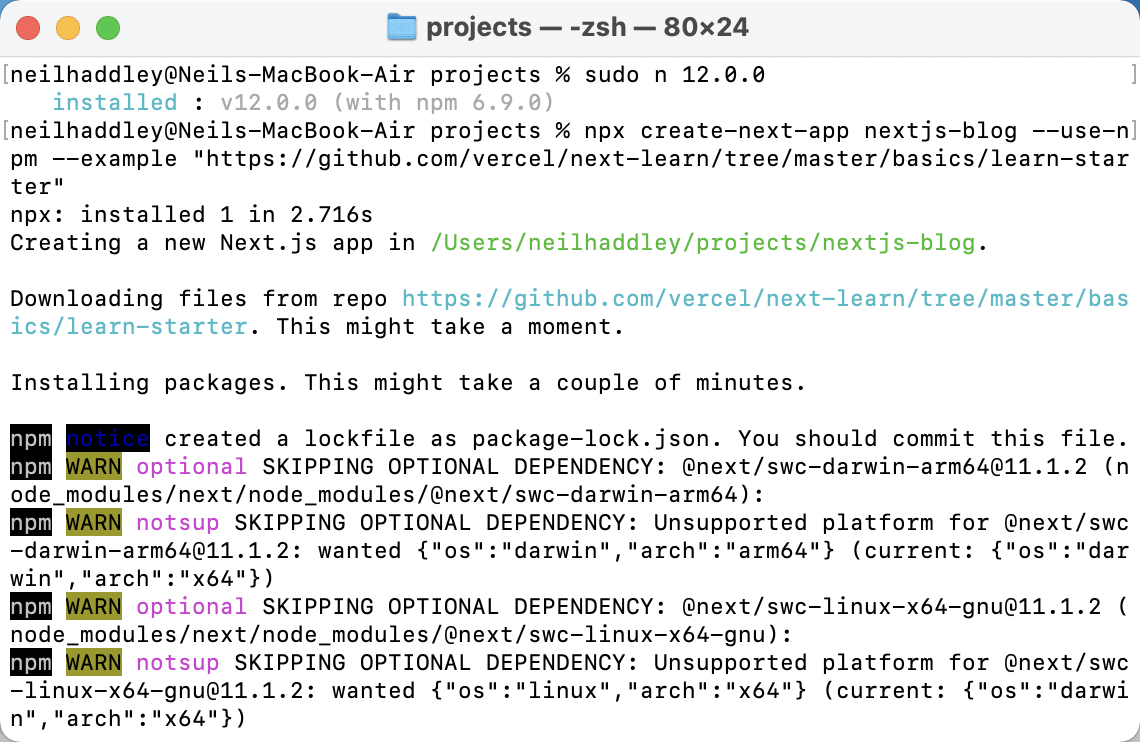
npx create-next-app nextjs-blog --use-npm --example "https://github.com/vercel/next-learn/tree/master/basics/learn-starter"
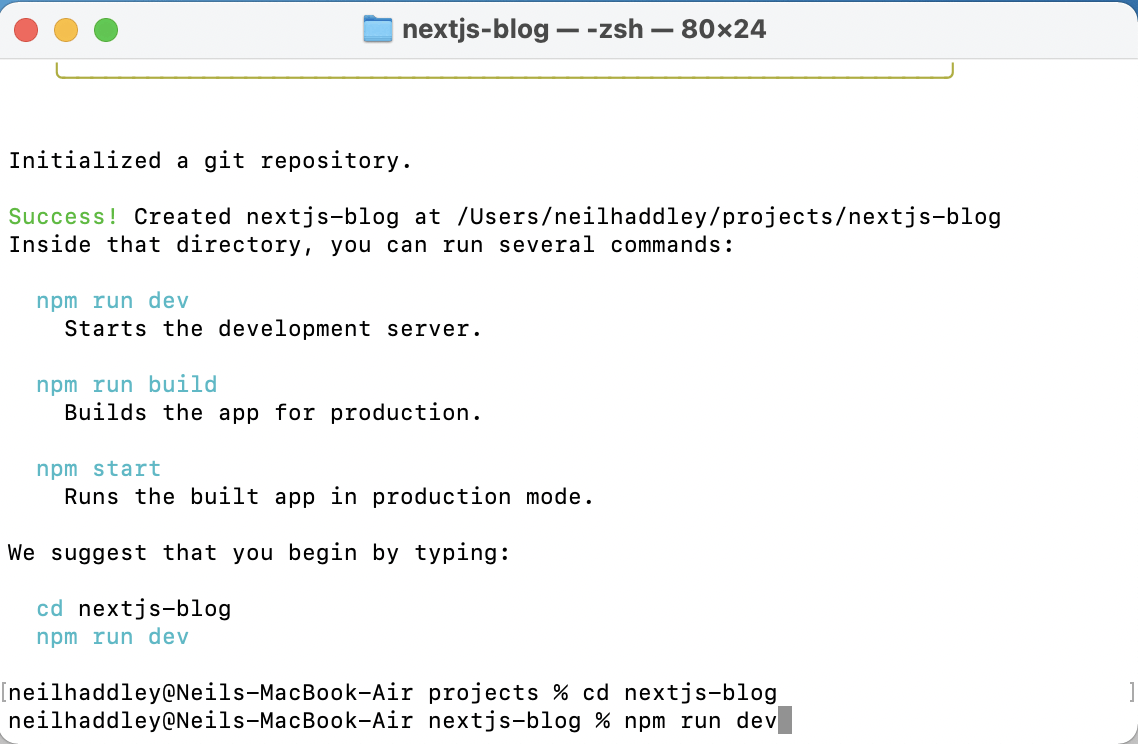
npm run dev
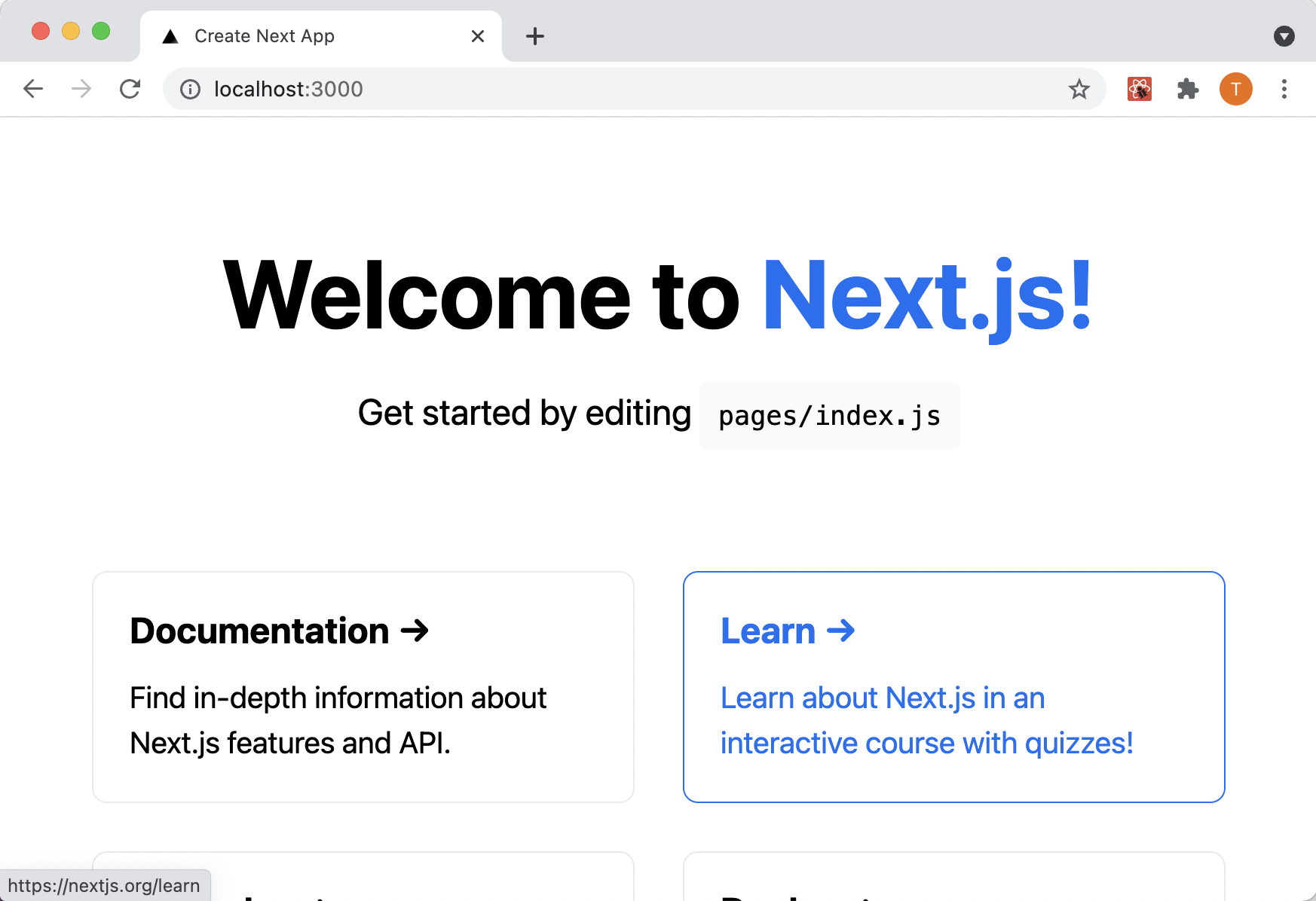
I accessed the nextjs-blog in the browser
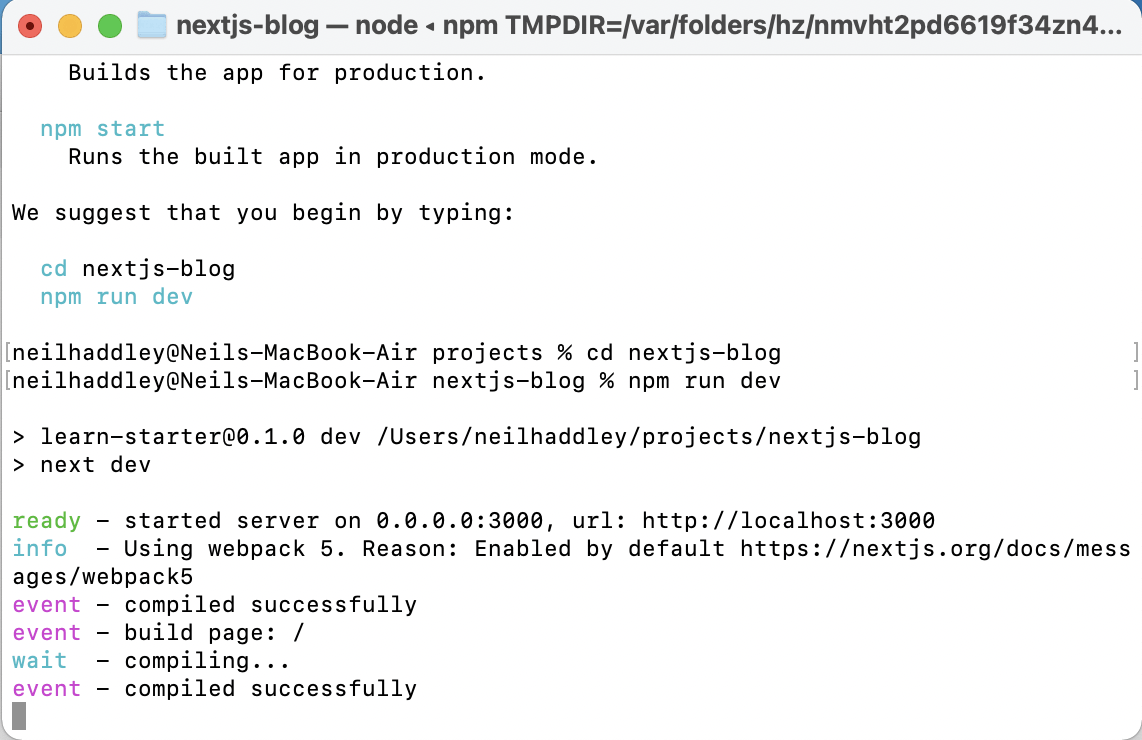
npm run dev
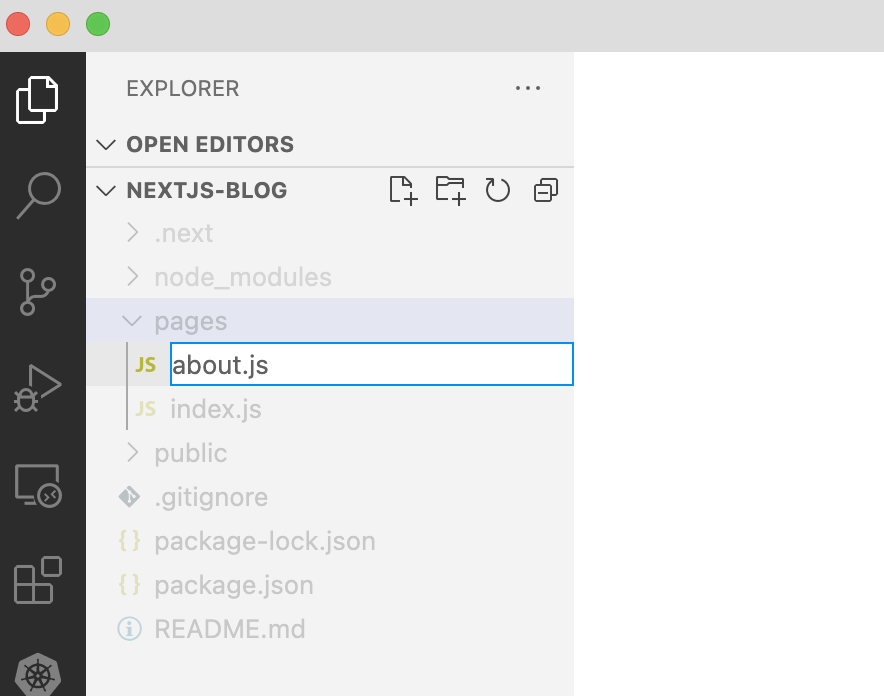
I created the about page
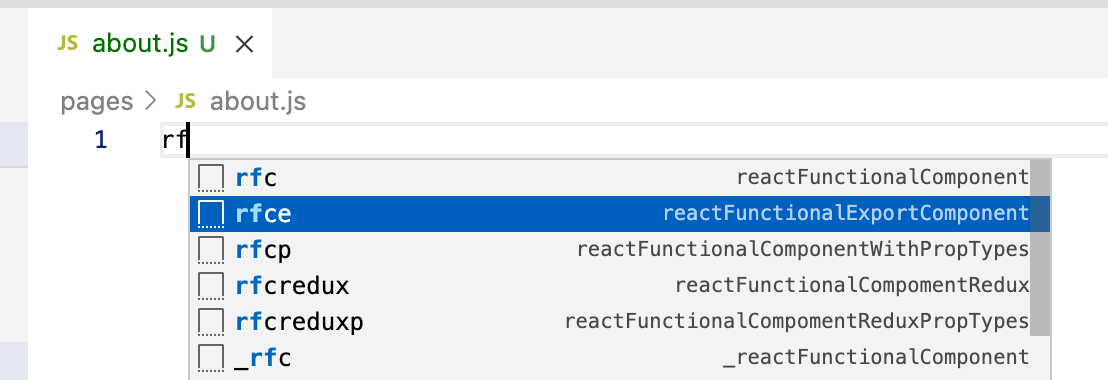
React Functional Export Component (frce)
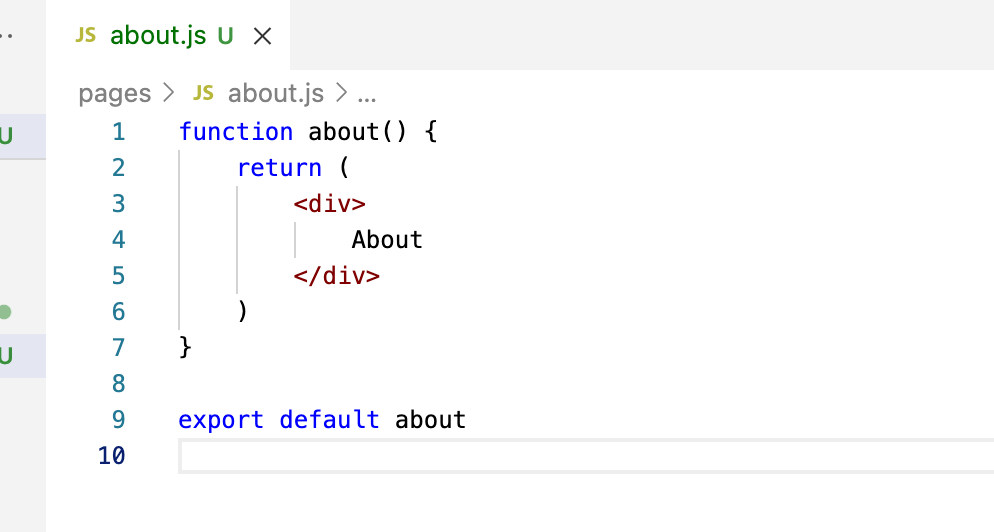
notice that the React from 'react' import is not needed
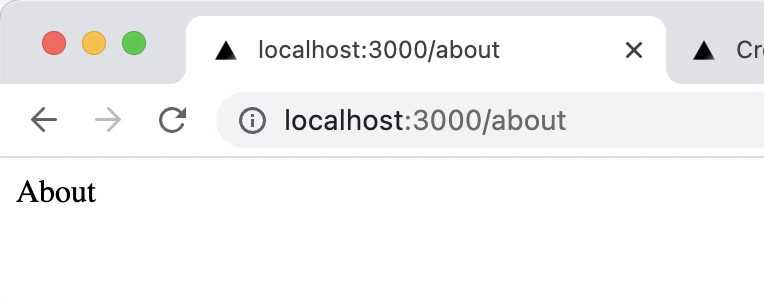
I accessed the about page
Link component
I used the Link component to enable client-side navigation between pages. It improved navigation performance between the index and second-post pages. In a production build, Next.js automatically prefetches the code for linked pages in the background.
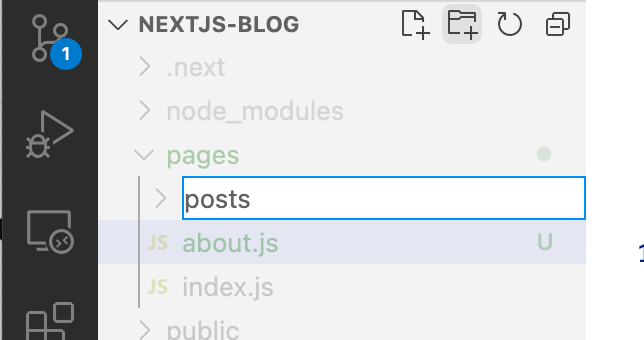
I created a posts folder
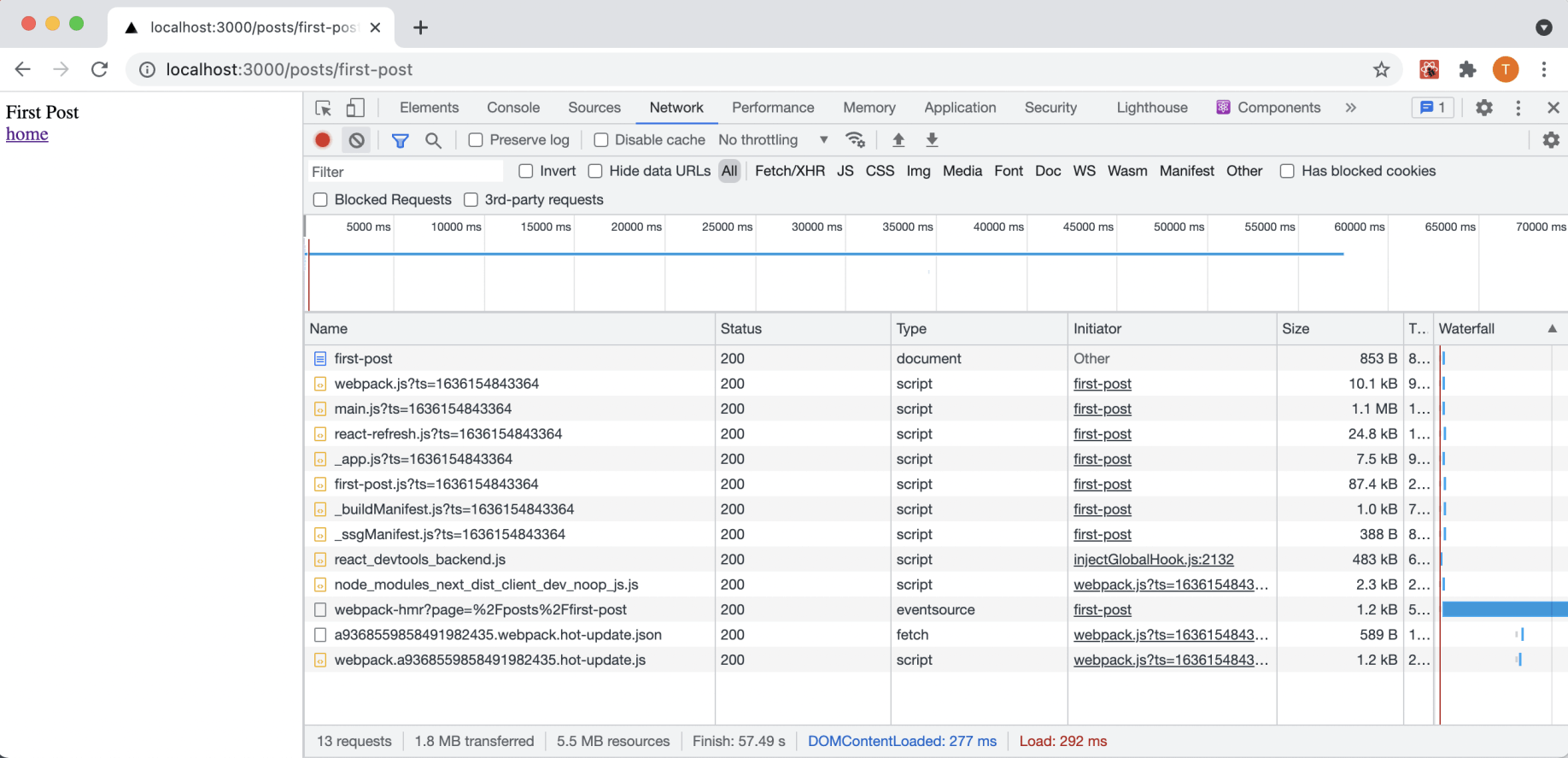
Network traffic when <a href=...> tag is used
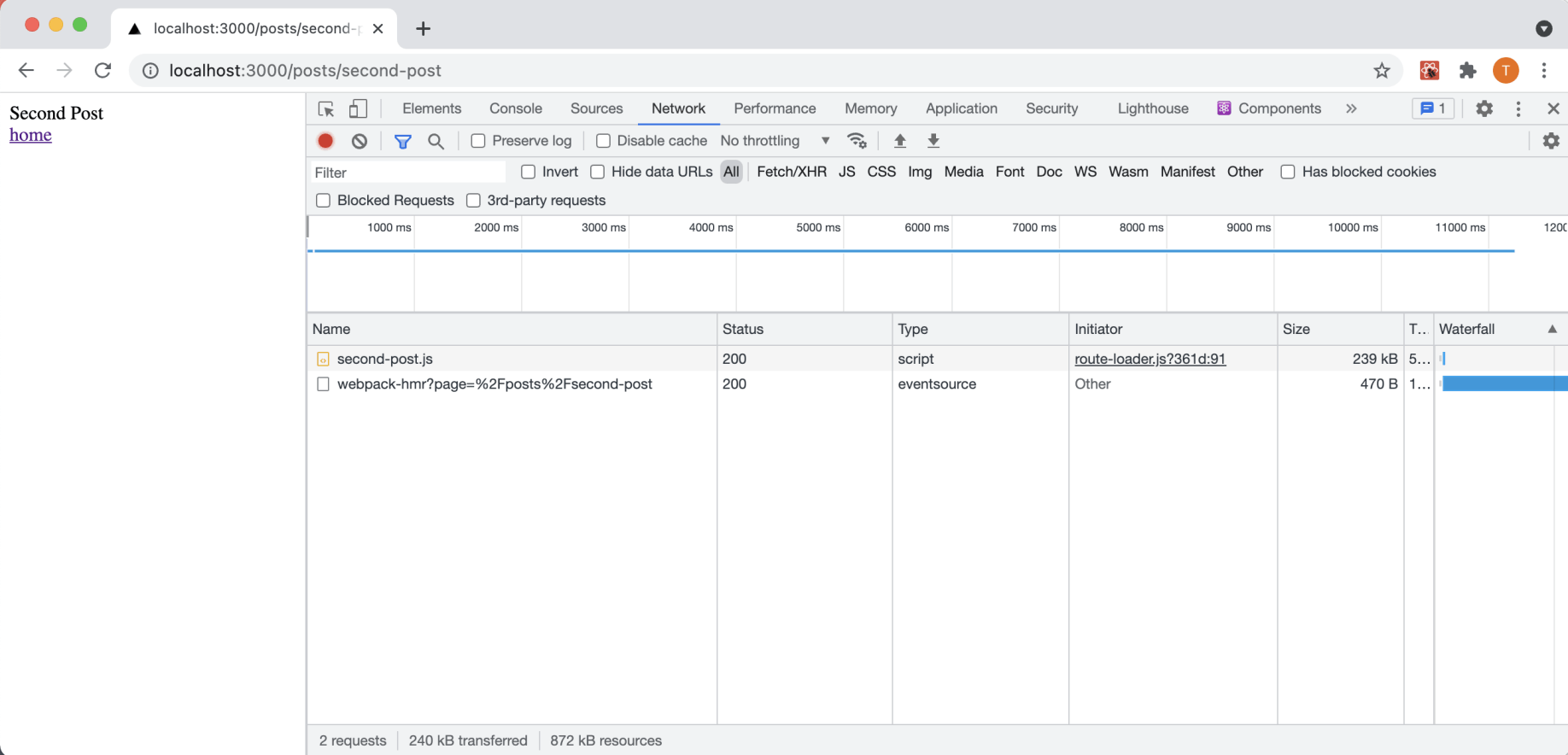
Network traffic when Link component is used
public folder
I added public files to the project's public folder.
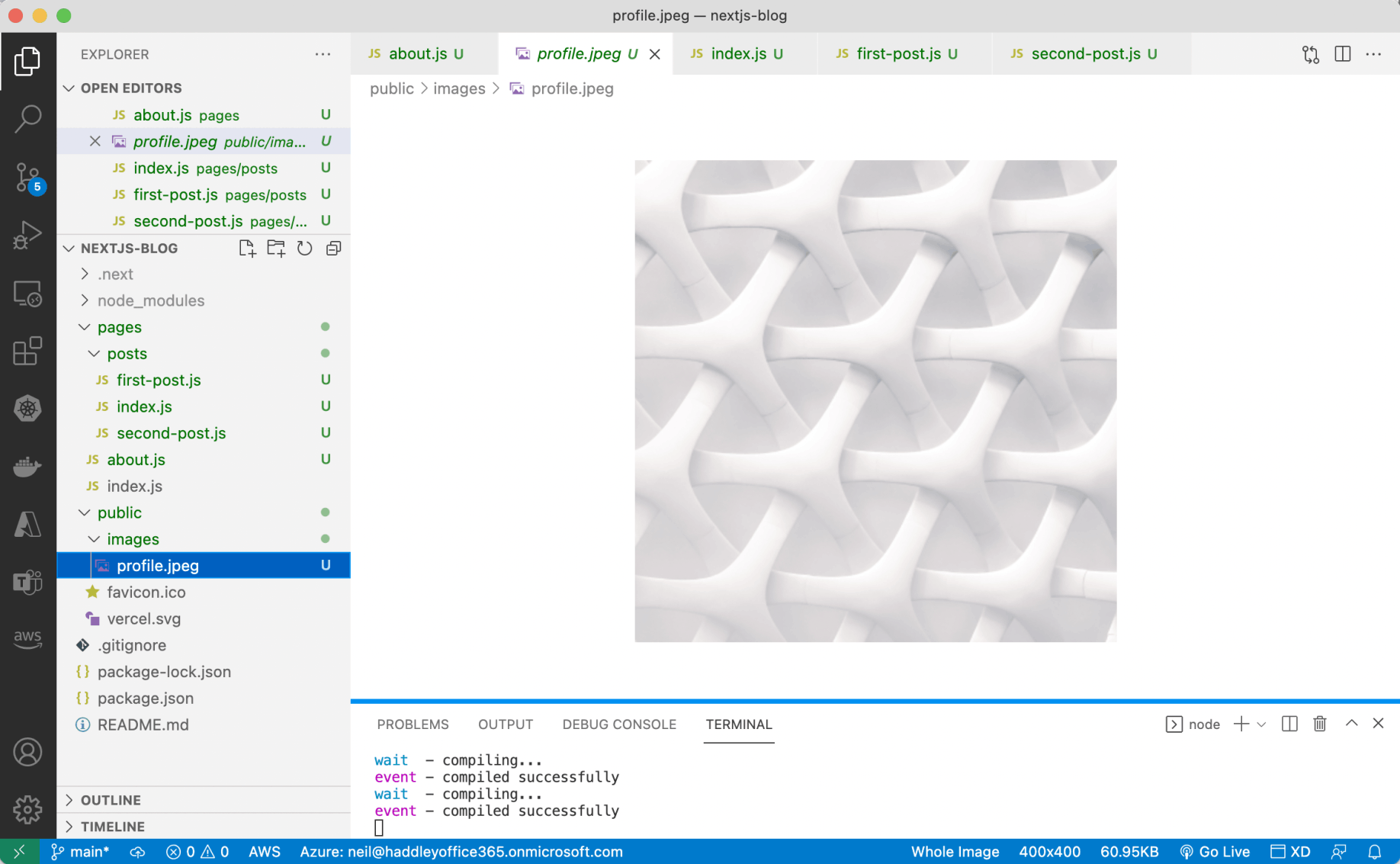
profile.jpeg
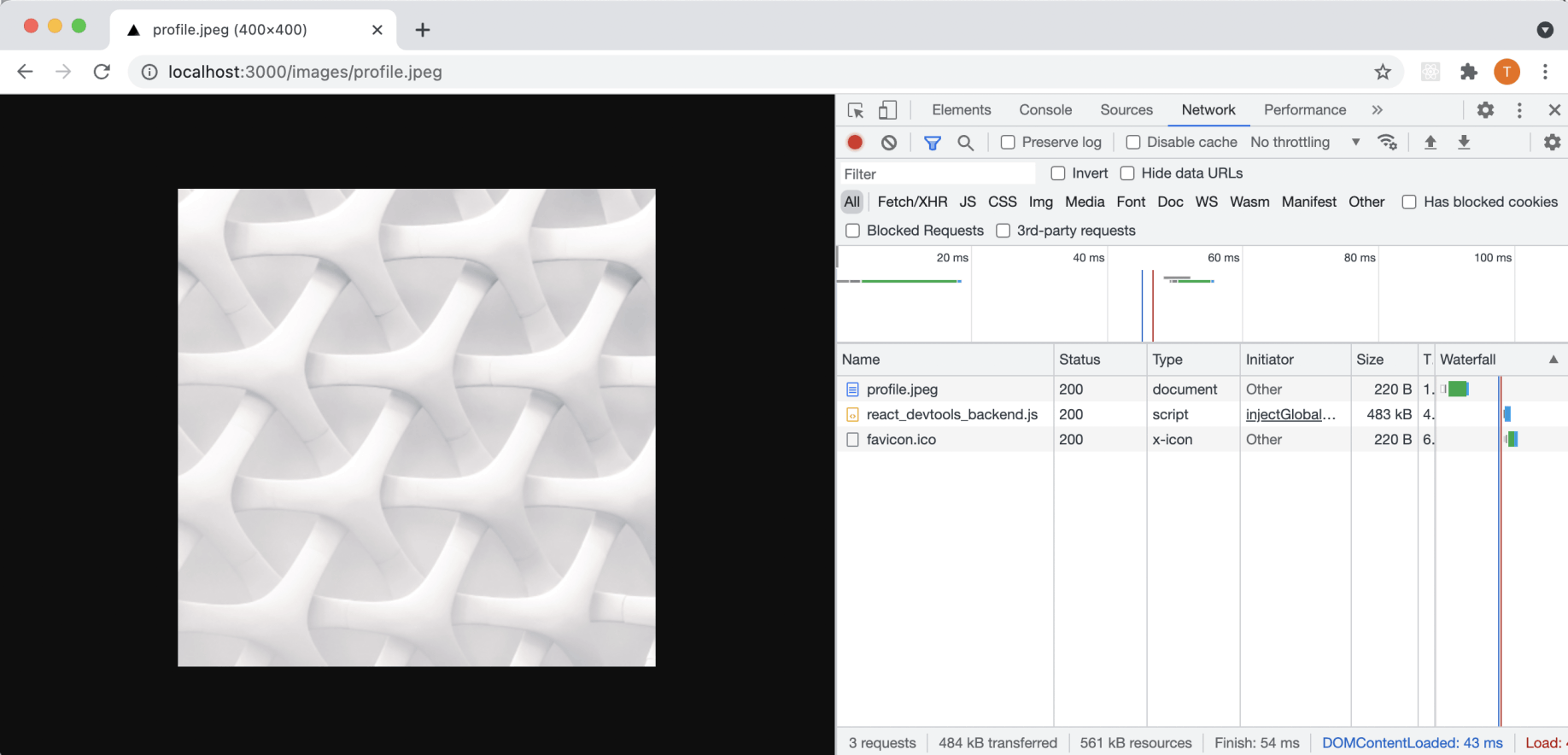
I accessed the profile.jpeg file
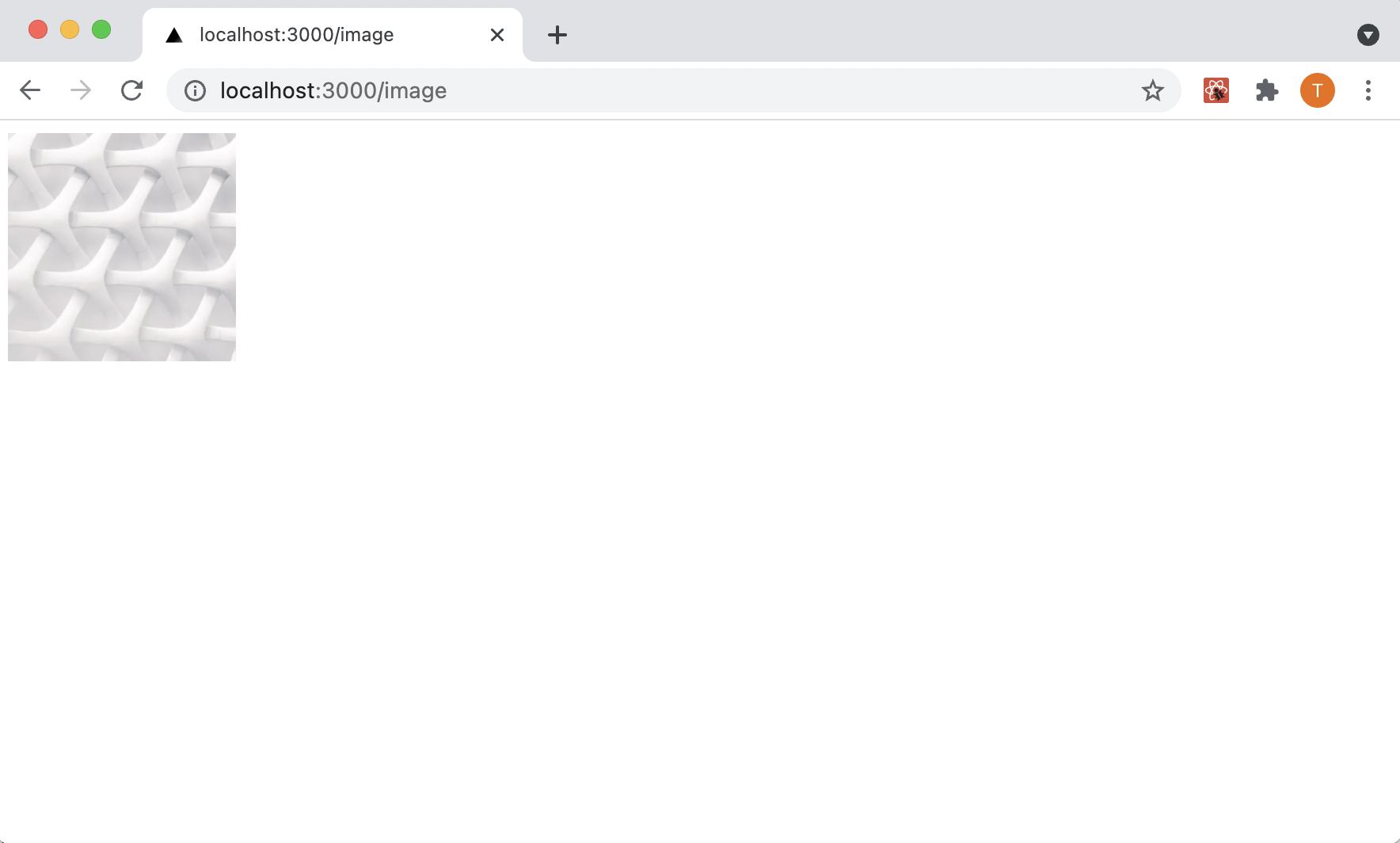
a page with a next/image component
Metadata
I used the next/head component to set the <title> tag for a Next.js page.
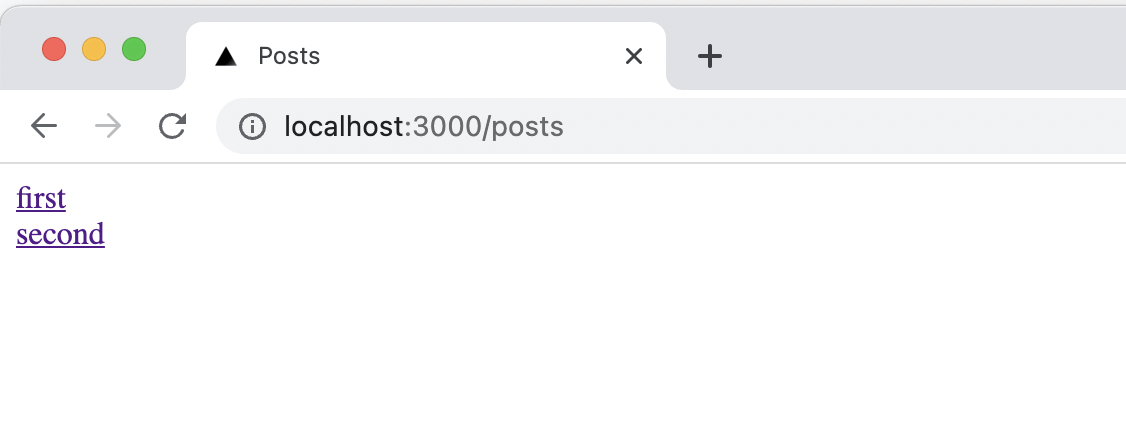
Page title is 'Posts'
CSS Modules
I used CSS Modules with the [name].module.css file naming convention supported by Next.js.
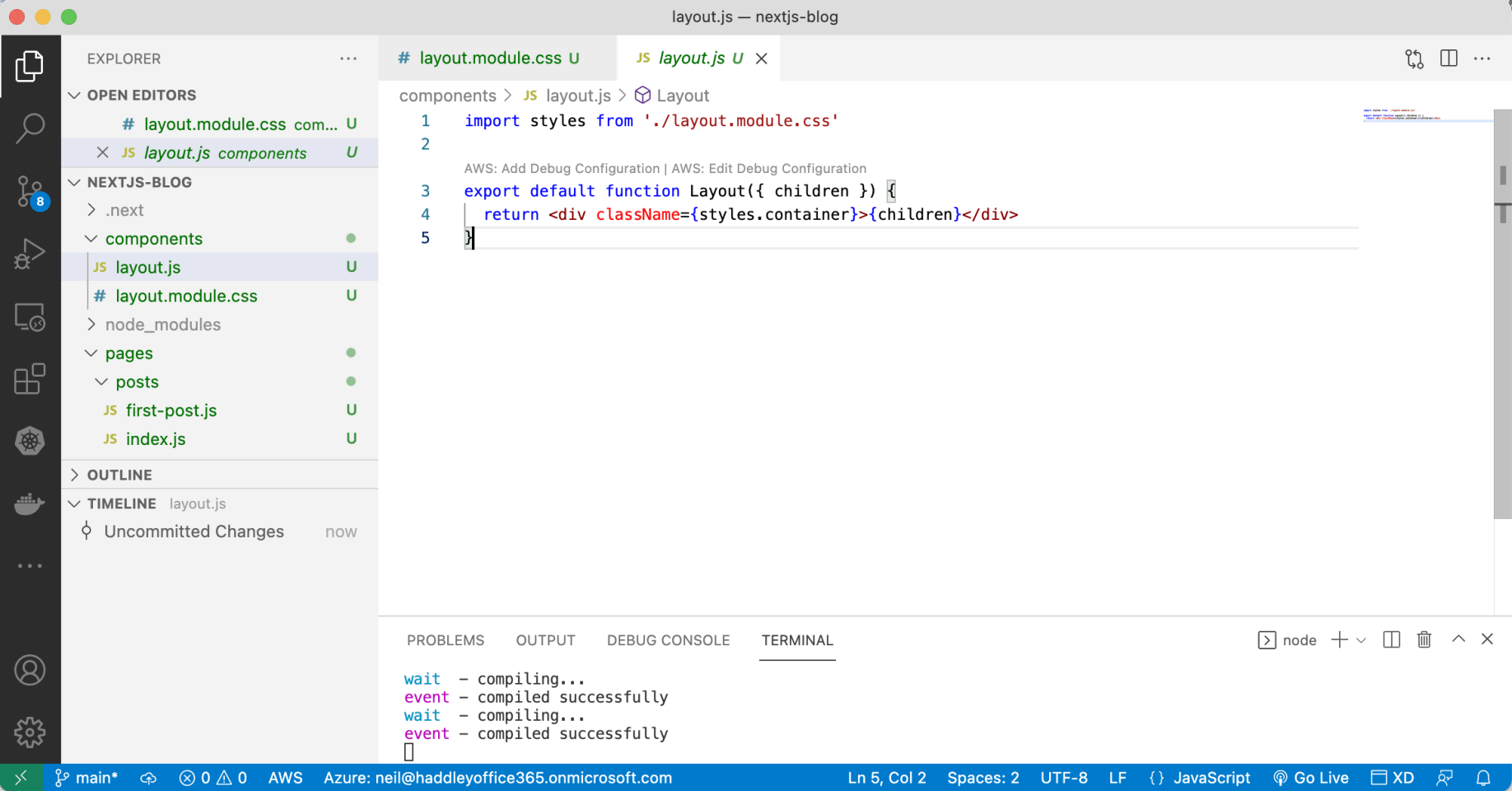
CSS Modules
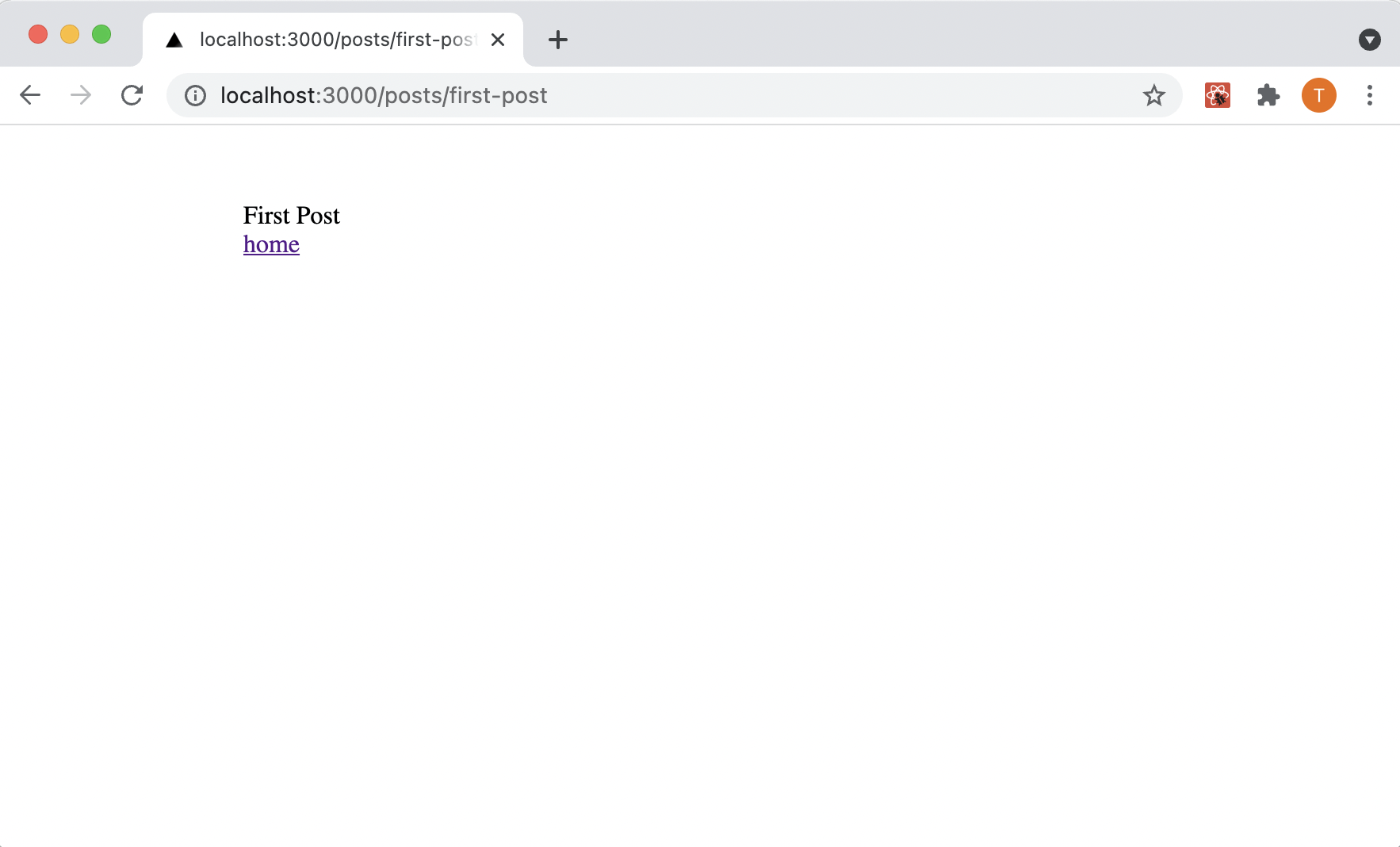
first-post page with CSS Modules component added
Styled Components
Styled Components is a CSS-in-JS tool for writing CSS directly in JavaScript files.
I ran the following commands to install styled-components.
$ npm install styled-components
$ npm install --save-dev babel-plugin-styled-components
I added a .bablerc file with this content
{
"presets": ["next/babel"],
"plugins": [["styled-components", {"ssr":true}]]
}
Finally I copied the _document.js file from: https://github.com/vercel/next.js/blob/canary/examples/with-styled-components/pages/_document.js to the project's /pages folder
see also: https://github.com/vercel/next.js/tree/canary/examples/with-styled-components
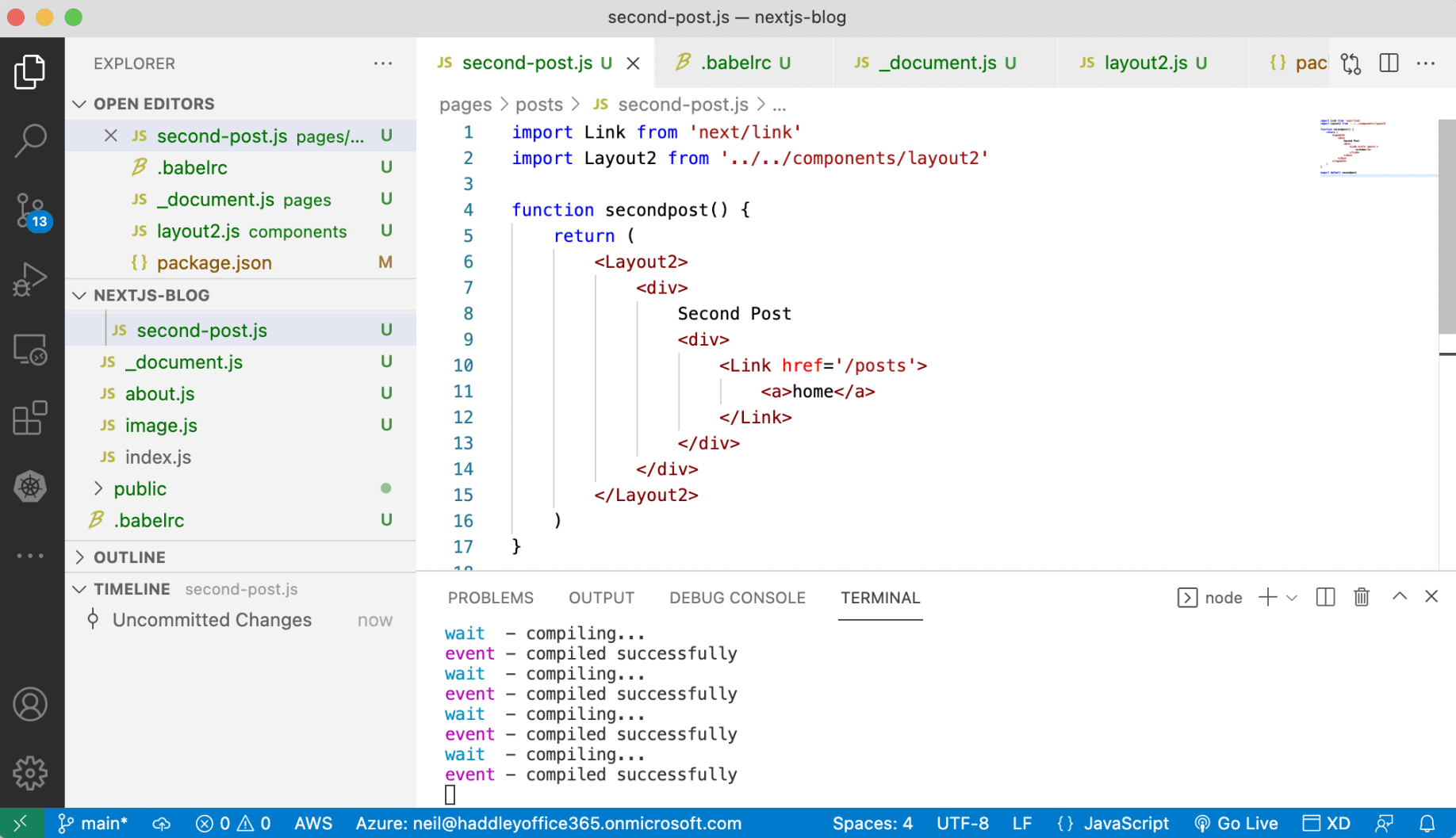
Styled Components
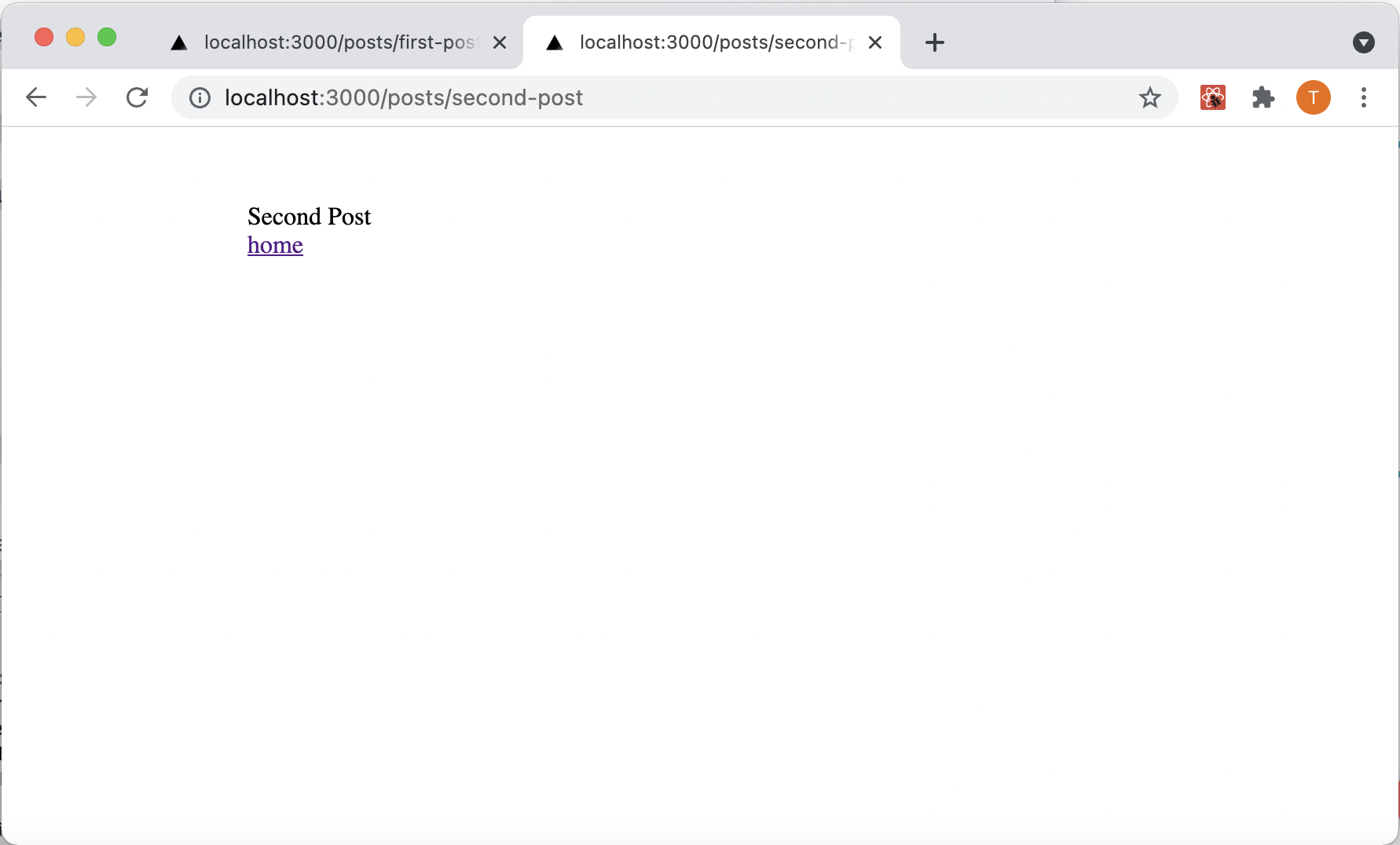
second-post page with styled-component added
about.js
JAVASCRIPT
1function about() {
2    return (
3        <div>
4            About
5        </div>
6    )
7}
8
9export default about
index.js first-post.js and second-post.js
JAVASCRIPT
1// index.js
2import Link from 'next/link'
3
4function index() {
5    return (
6        <>
7            <div>
8                <a href='/posts/first-post'>first</a>
9            </div>
10            <div>
11                <Link href='/posts/second-post'>
12                    <a>second</a>
13                </Link>
14            </div>
15        </>
16    )
17}
18
19export default index
20
21// first-post.js
22function firstpost() {
23    return (
24        <div>
25            First Post
26            <div>
27                    <a href='/posts'>home</a>
28            </div>
29        </div>
30    )
31}
32
33export default firstpost
34
35//second-post.js
36import Link from 'next/link'
37
38function secondpost() {
39    return (
40        <div>
41            Second Post
42            <div>
43                <Link href='/posts'>
44                    <a>home</a>
45                </Link>
46            </div>
47        </div>
48    )
49}
50
51export default secondpost
image.js
JAVASCRIPT
1import Image from 'next/image'
2
3function image() {
4    return (
5        <Image
6            src="/images/profile.jpeg" // Route of the image file
7            height={144} // Desired size with correct aspect ratio
8            width={144} // Desired size with correct aspect ratio
9            alt="Your Name"
10        />
11    )
12}
13
14export default image
index.js
JAVASCRIPT
1import Link from 'next/link'
2import Head from 'next/head'
3
4function index() {
5    return (
6        <>
7            <Head>
8                <title>Posts</title>
9            </Head>
10            <div>
11                <a href='/posts/first-post'>first</a>
12            </div>
13            <div>
14                <Link href='/posts/second-post'>
15                    <a>second</a>
16                </Link>
17            </div>
18        </>
19    )
20}
21
22export default index
layout.module.css layout.js and first-post.js
layout.module.css
CSS
1.container {
2    max-width: 36rem;
3    padding: 0 1rem;
4    margin: 3rem auto 6rem;
5  }
layout.js
JAVASCRIPT
1import styles from './layout.module.css'
2
3export default function Layout({ children }) {
4  return <div className={styles.container}>{children}</div>
5}
first-post.js
JAVASCRIPT
1import Layout from '../../components/layout'
2
3function firstpost() {
4    return (
5        <Layout>
6            <div>
7                First Post
8                <div>
9                    <a href='/posts'>home</a>
10                </div>
11            </div>
12        </Layout>
13    )
14}
15
16export default firstpost
layout2.js and second-post.js
YAML
1// layout2.js
2
3import styled from "styled-components";
4
5const Layout2 = styled.div`
6max-width: 36rem;
7padding: 0 1rem;
8margin: 3rem auto 6rem;
9`;
10
11export default Layout2
12
13// second-post.js
14
15import Link from 'next/link'
16import Layout2 from '../../components/layout2'
17
18function secondpost() {
19    return (
20        <Layout2>
21            <div>
22                Second Post
23                <div>
24                    <Link href='/posts'>
25                        <a>home</a>
26                    </Link>
27                </div>
28            </div>
29        </Layout2>
30    )
31}
32
33export default secondpost