I used NgRx, which is inspired by the Redux pattern. NgRx stores a single state and uses actions to express state changes.
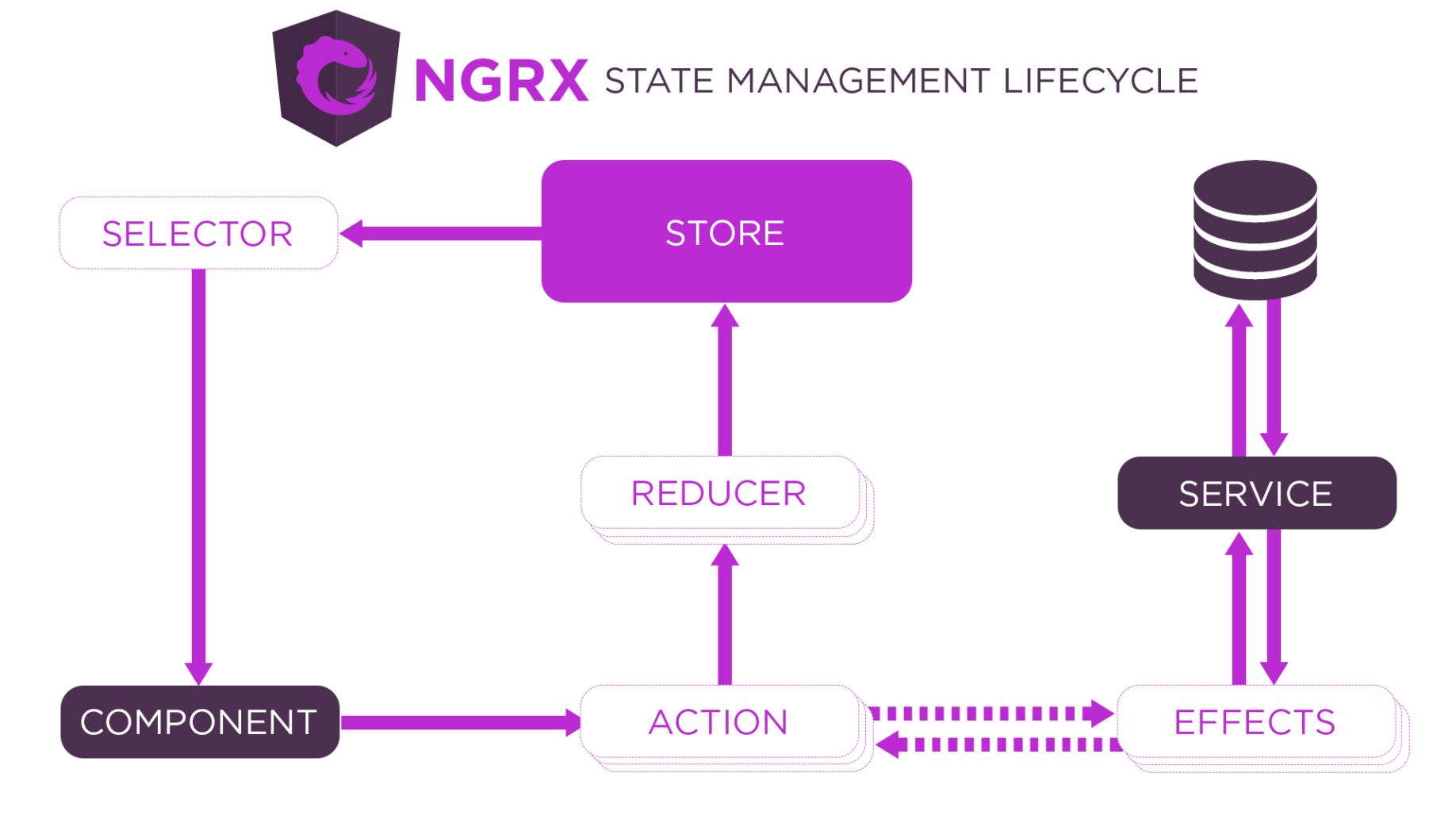
NGRX state management lifecycle
I installed the Angular command line interface using npm
BASH
1% npm i -g @angular/cli
I created a new Angular project using "ng new"
BASH
1% ng new haddley-ngrx
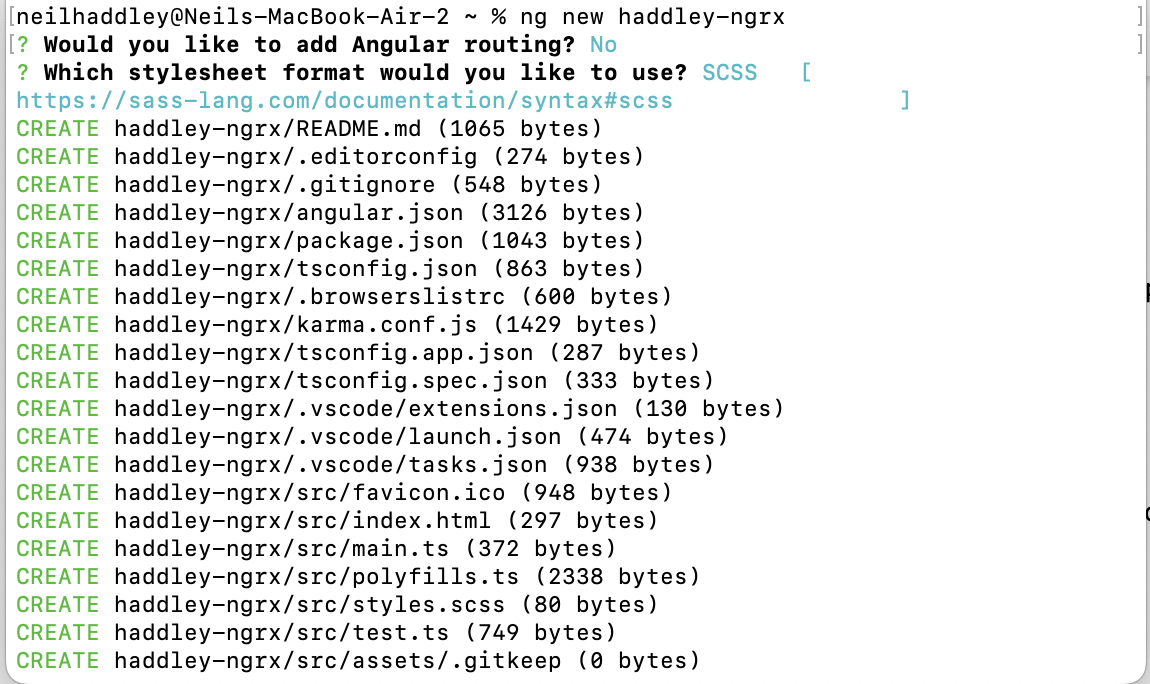
ng new haddley-ngrx
State
The state of the haddley-ngrx application is a number between 1 and 6.

The app component template displays the "value"
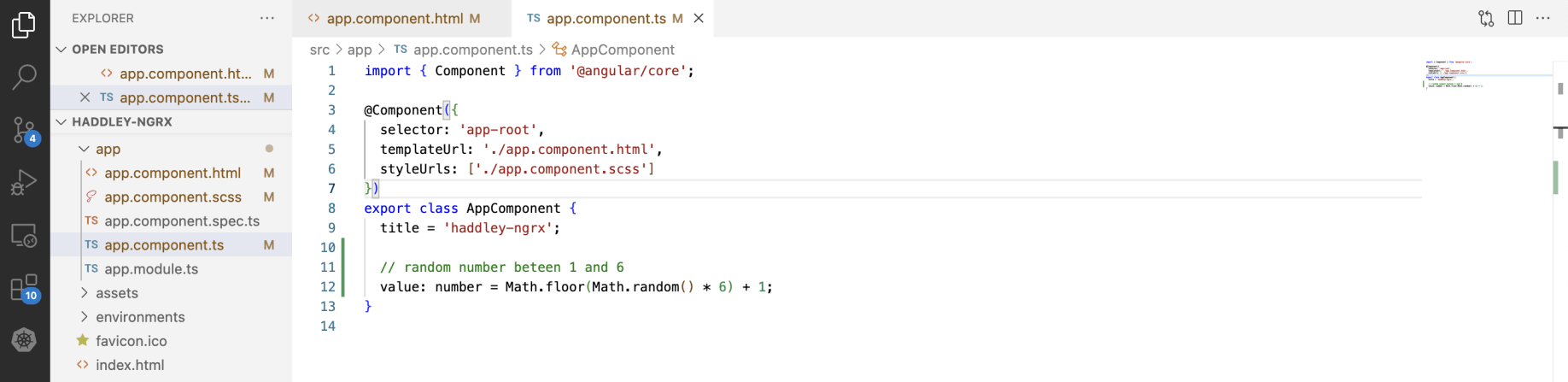
The app component class sets the "value"
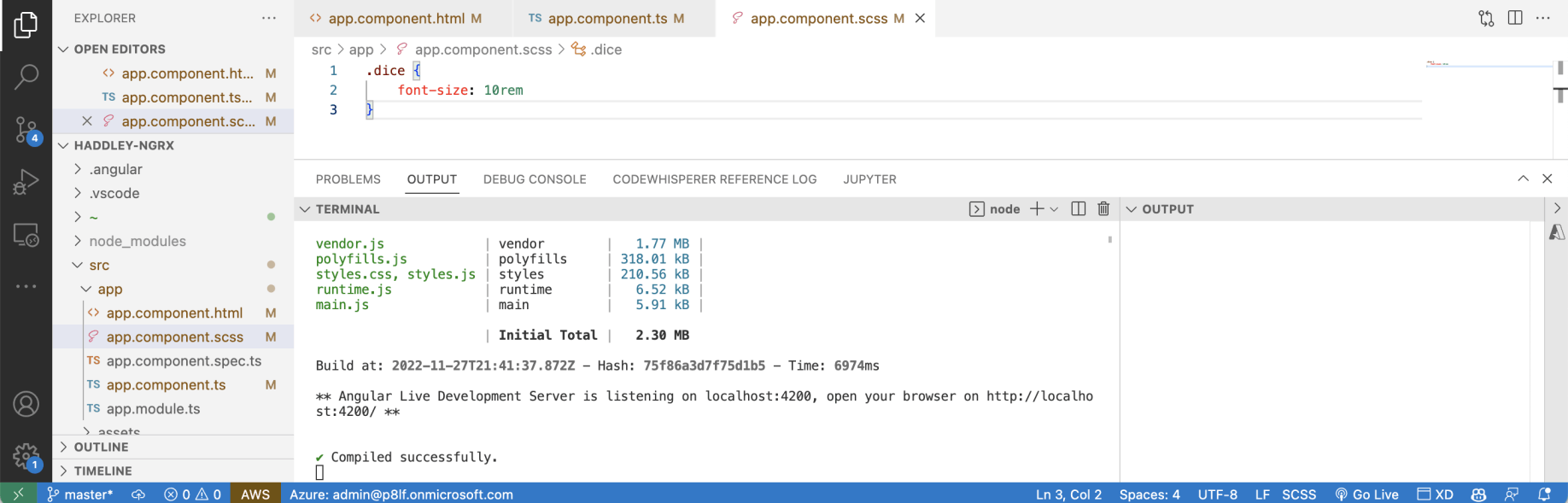
The app component style ensures the value is big enough to see at a distance
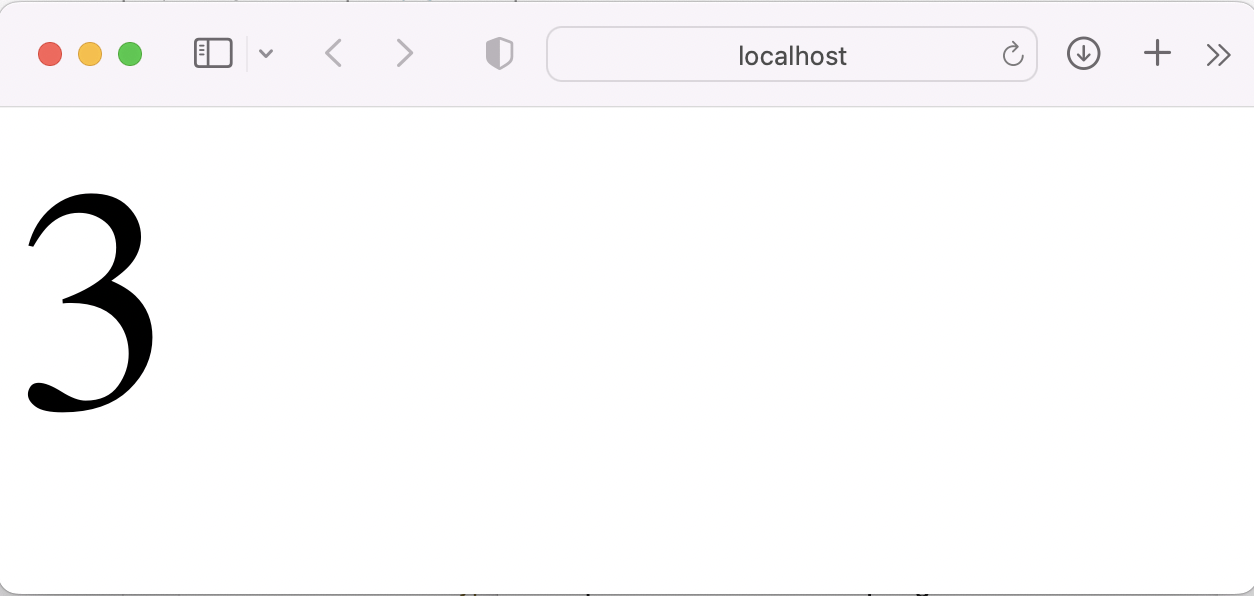
A random number between 1 and 6.
(click)
Every time I refreshed the haddley-ngrx app a random number was displayed.
I updated the code so that the number is updated in response to a mouse click.
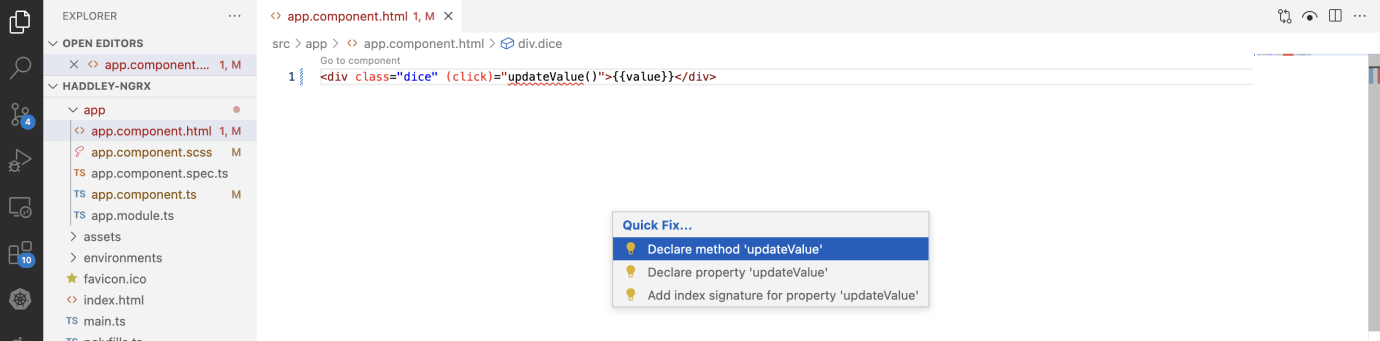
I added (click)="updateValue()" to app component template
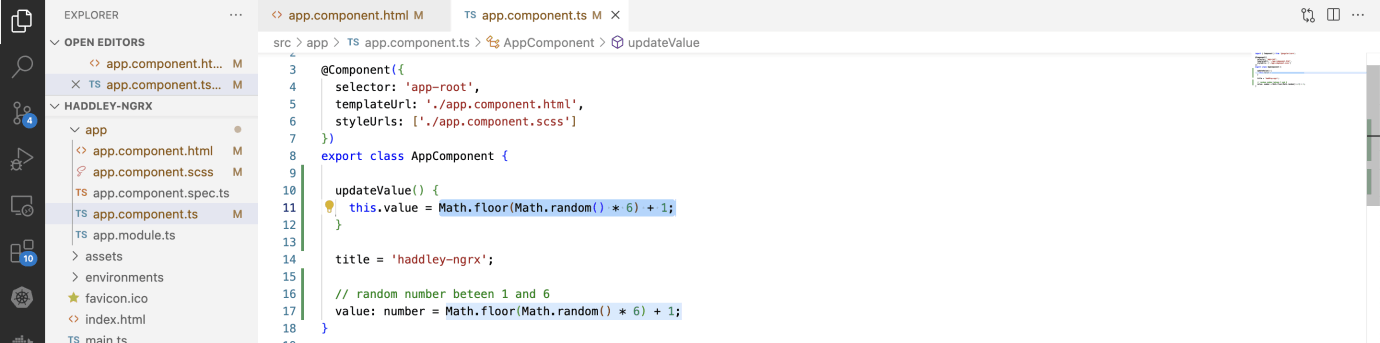
I added code to update "this.value" to app component class
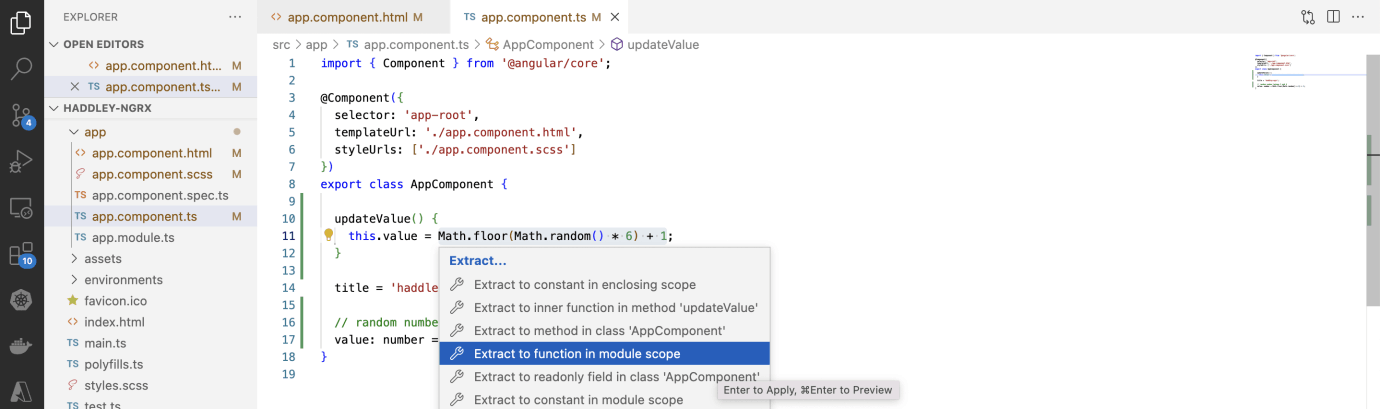
I refactored the code
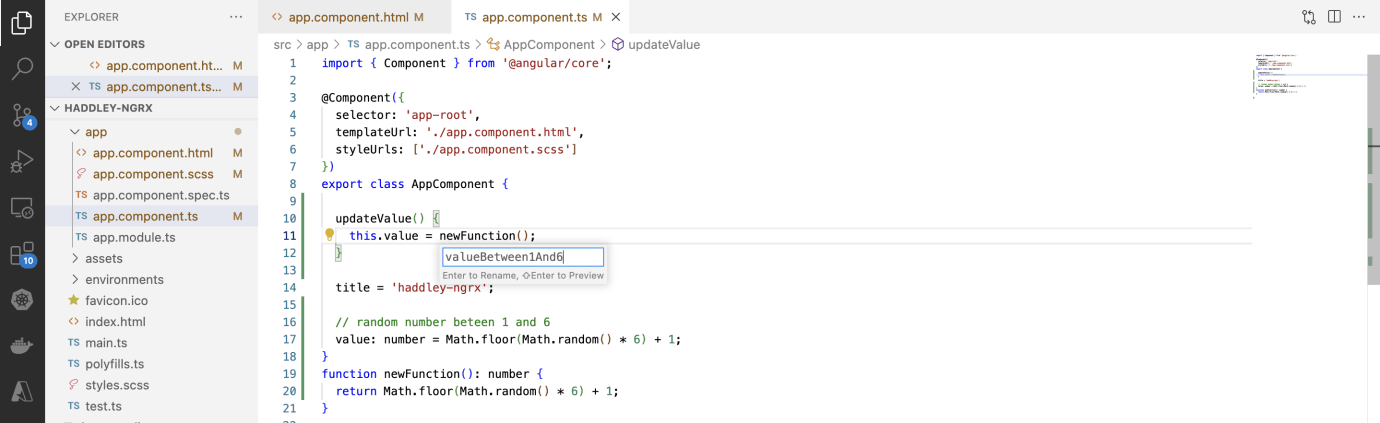
I created a "valueBetween1And6" function
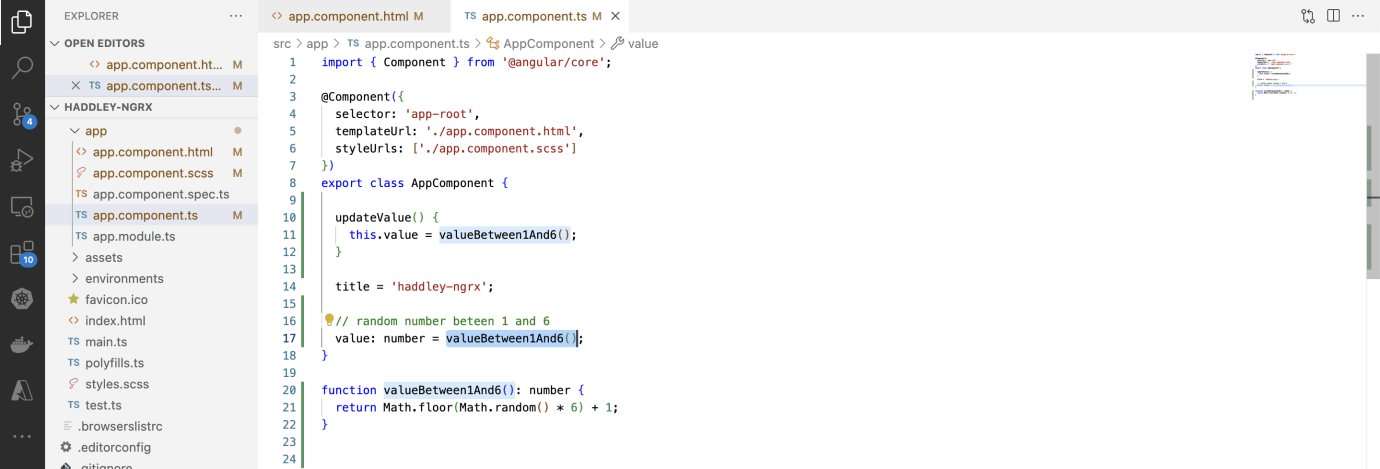
I updated the declaration of value to use the "valueBetween1And6" function
ng test
I ran "ng test" to check that the haddley-ngrx application was working properly.
Two tests passed and one test failed.

ng test
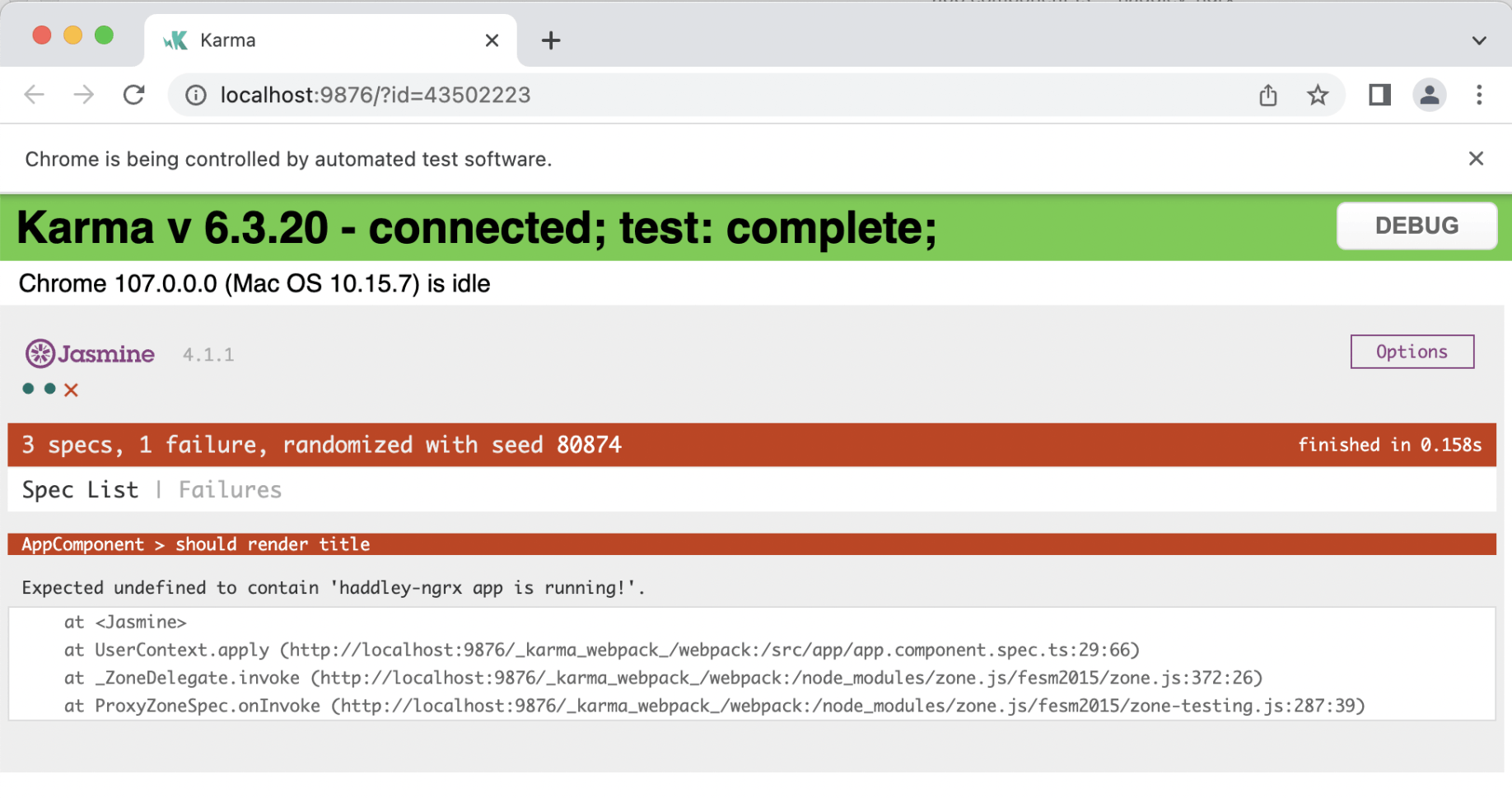
karma page
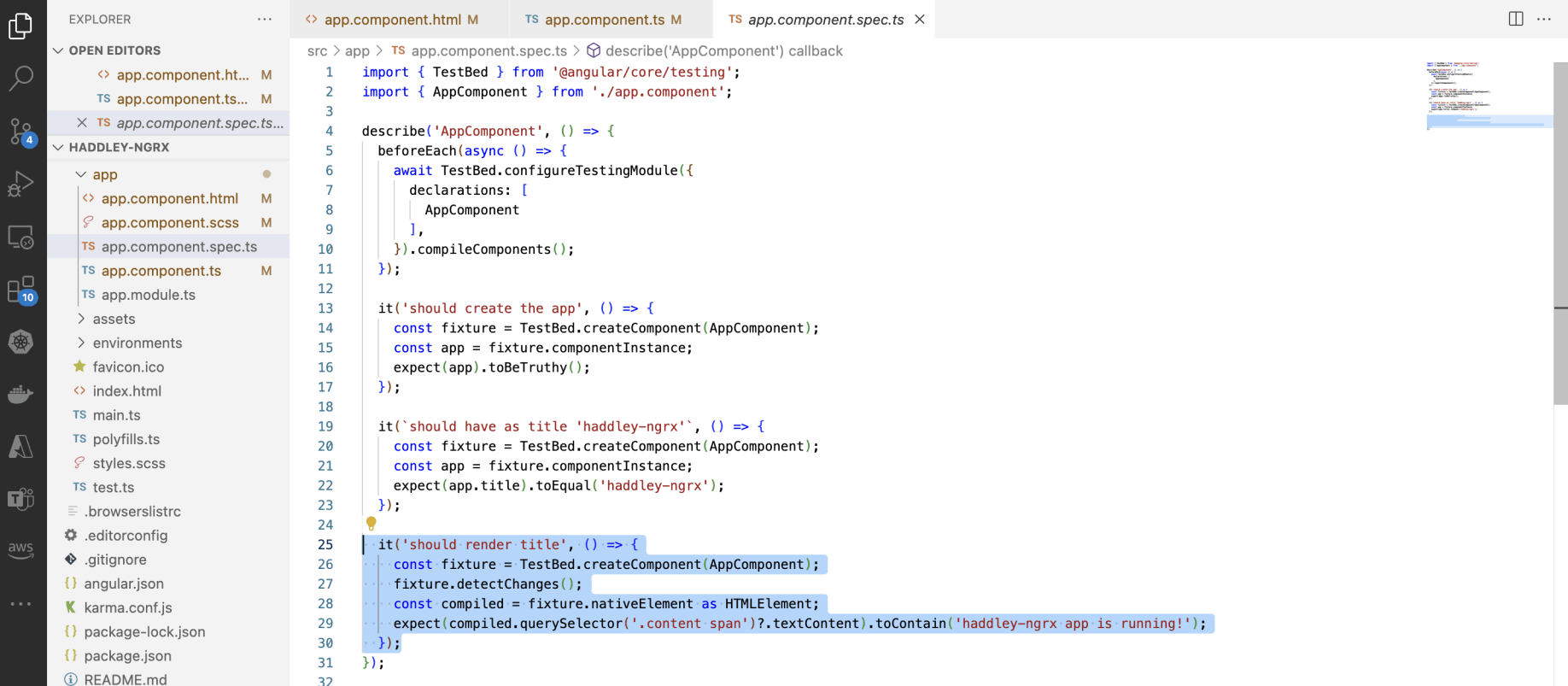
'haddley-ngrx app is running'?
Updating the tests
In this case the haddley-ngrx app is working fine and the test is wrong.
I want the application to display a value between 1 and 6.
I don't want the application to display 'haddley-ngrx app is running'.
So I updated the last test.
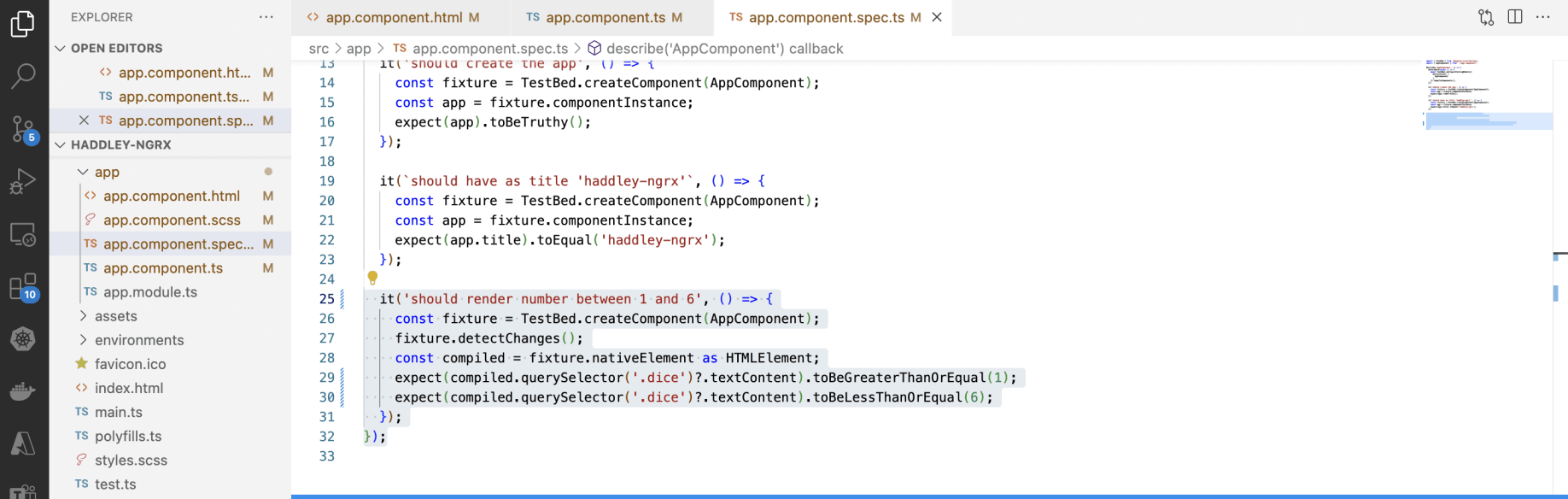
app component should render a number between 1 and 6

ng test
Moving to NGRX
Using NGRX I moved "value" out of the app component and into a store.
I updated the app component to dispatch an Action in response to the (click) and to refresh the page content in response to a store Selector.
Folders
I created a src/app/state folder and a src/app/state/dice folder.
dice.actions
I created a dice actions typescript file and defined three actions: {roll, rollSuccess, and rollFailure}
The app component dispatches a "roll" Action in response to a click. It does not dispatch the rollSuccess or rollFailure Actions directly.

npm i @ngrx/store
dice.state
I created a dice state typescript file and defined a DiceState interface.
NgRx doesn't throw exceptions when an action is dispatched — instead, a Selector returns a result to the component indicating success or failure. For completeness, I included a nullable error value in the DiceState interface.

DiceState interface
dice.reducer
I created a dice reducer typescript file to specify how Actions will be processed.
The rollSuccess action updates state.value to the number passed as a property. The rollFailure action updates state.error to the text passed as a property.
It might seem odd that the roll Action updates the state.error but does not update the state.value (see Effects below).
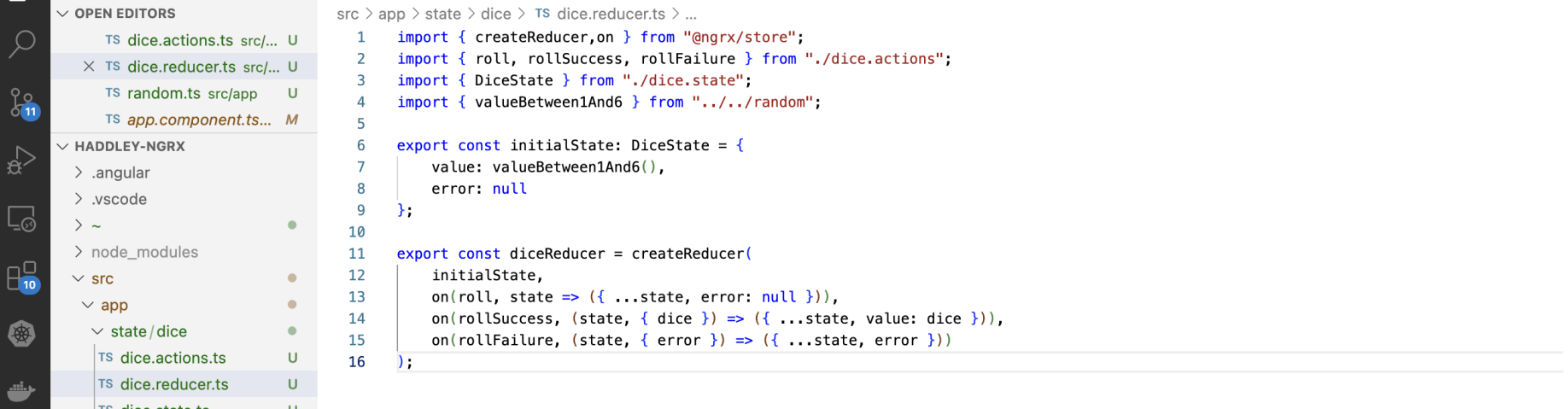
diceReducer
app.state
As my application grows it is likely that I will add features that are unrelated to dice.state.
With that in mind I have created an app.state interface that can be used in the future to access dice.state and state related to other features.
I added an app.state typescript file to the state folder.

app.state interface
dice.selectors
The app component accesses the dice state using selectors.
I added the dice.selectors typescript file and created the two selectors the app.component needs.
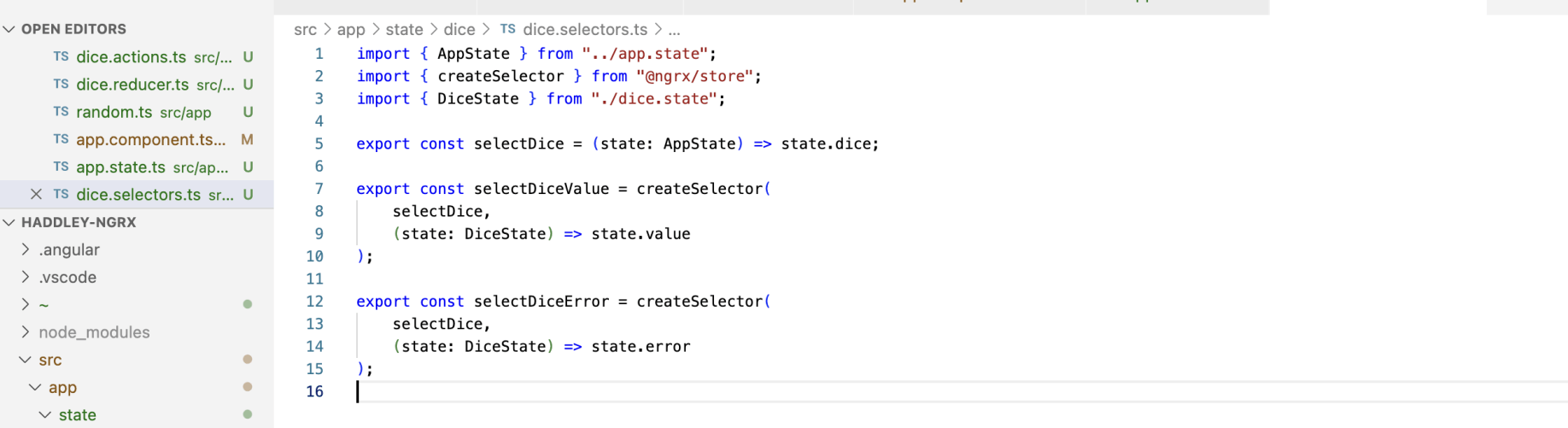
dice.selectors
app.module
To get NGRX to work I needed to add two modules to the app.module file.
First I added StoreModule
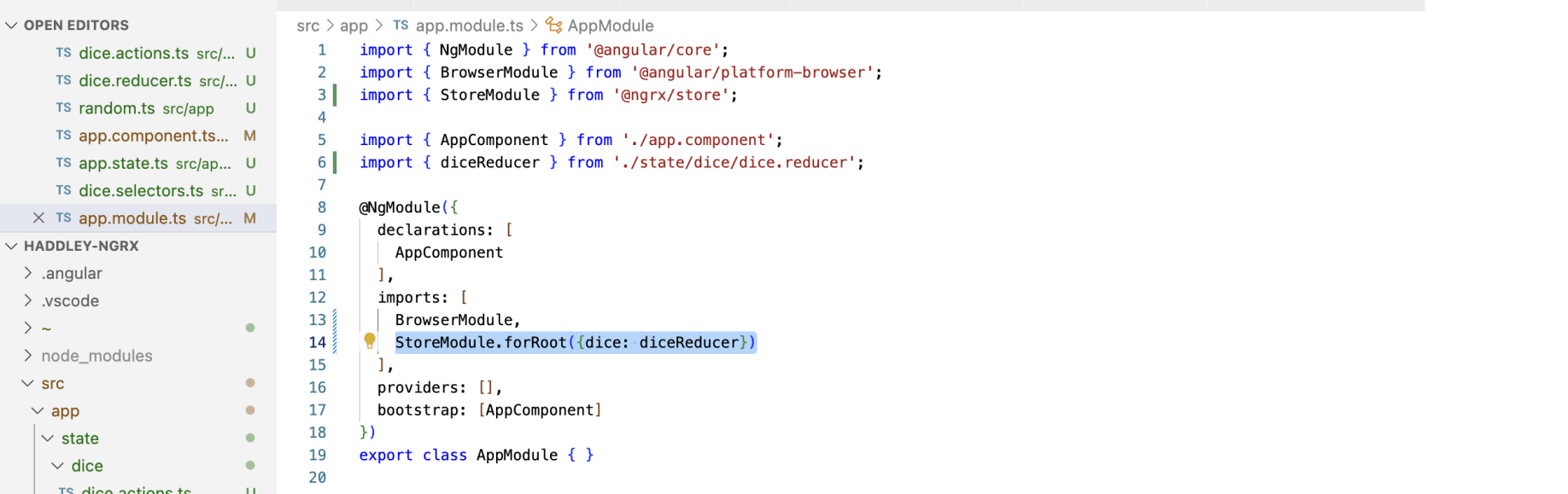
adding StoreModule to app.module
Using the selectors
I updated app component template and app component class to make use of the selectDiceValue and selectDiceError selectors.
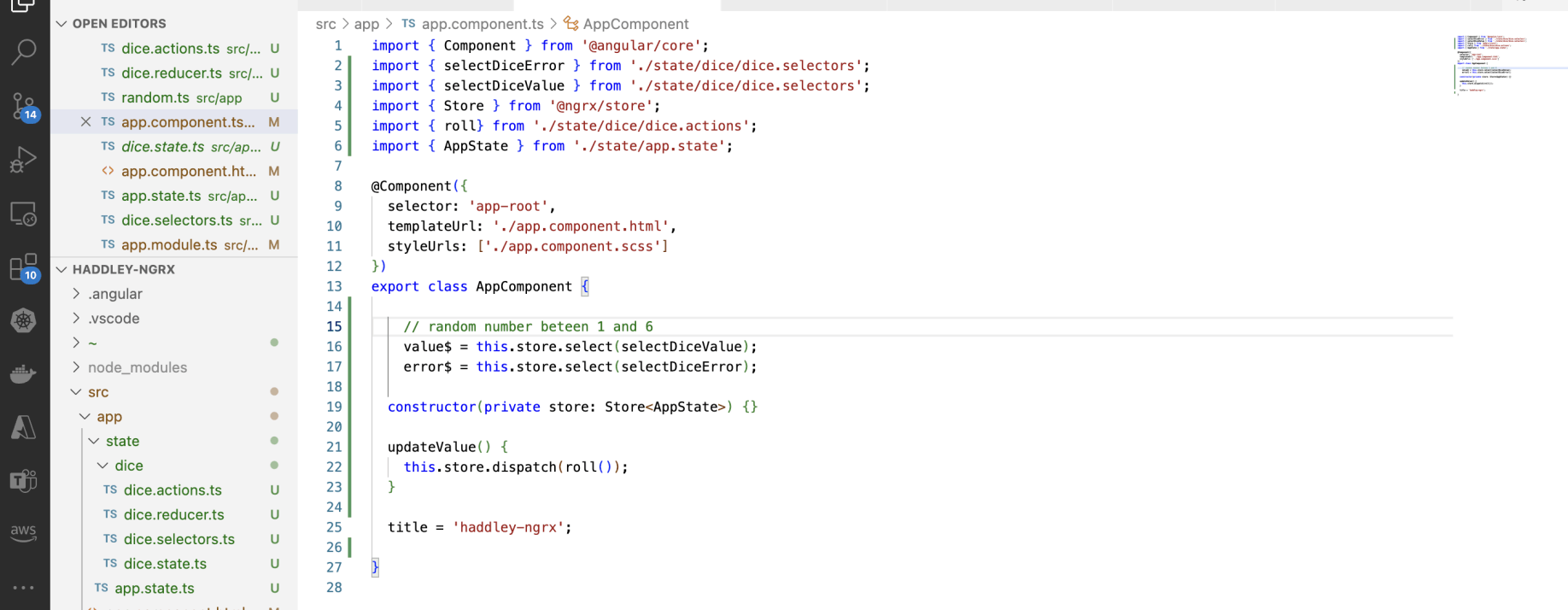
app component class

app component template
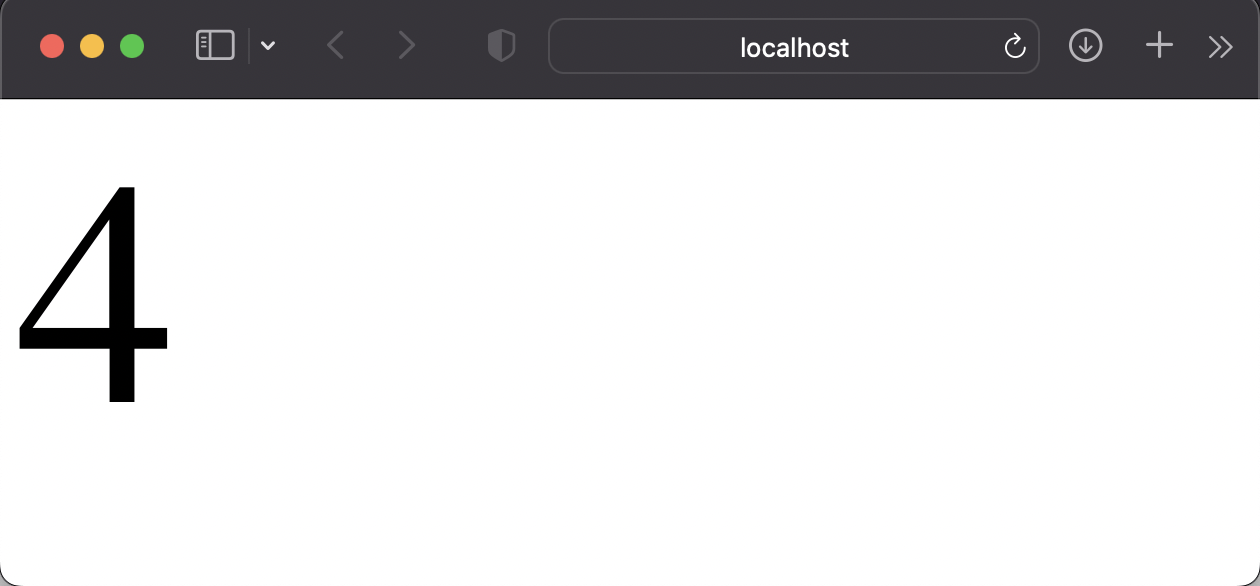
ng serve -o(click) seems to do nothingrefreshing the page seems to work
ng test
After these updates, the tests failed.
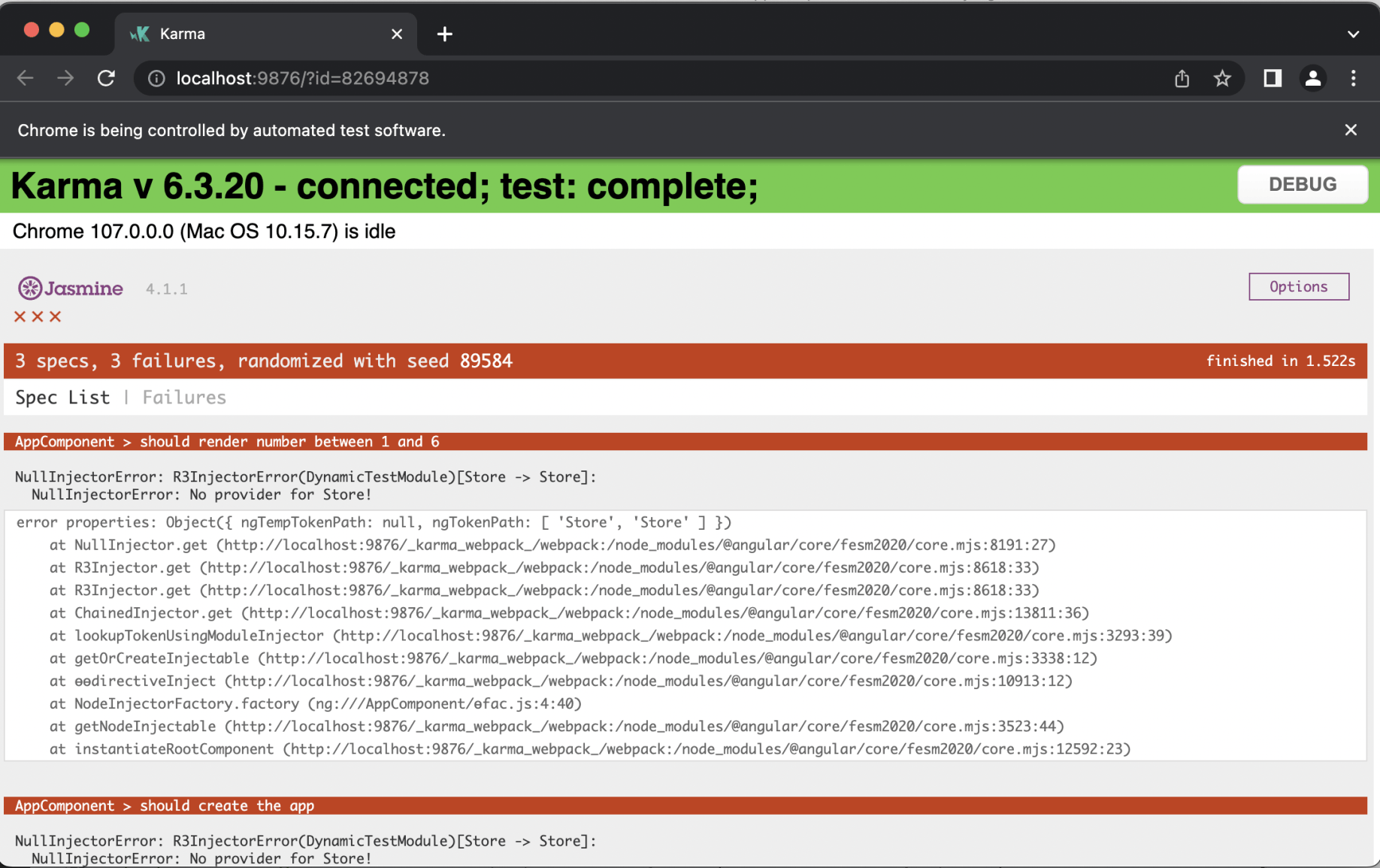
No provider for Store!
MockStore
To get the ng tests to pass I added a "mock store".
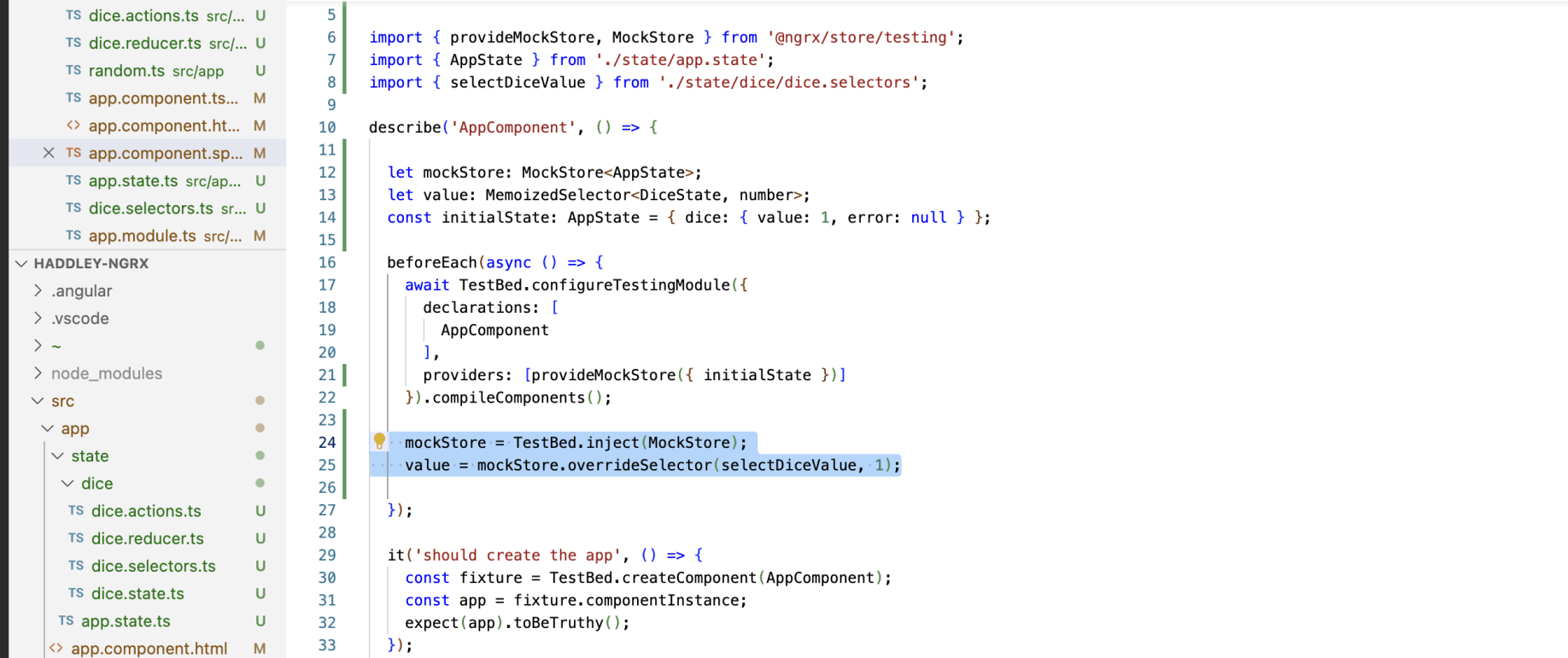
provideMockStore
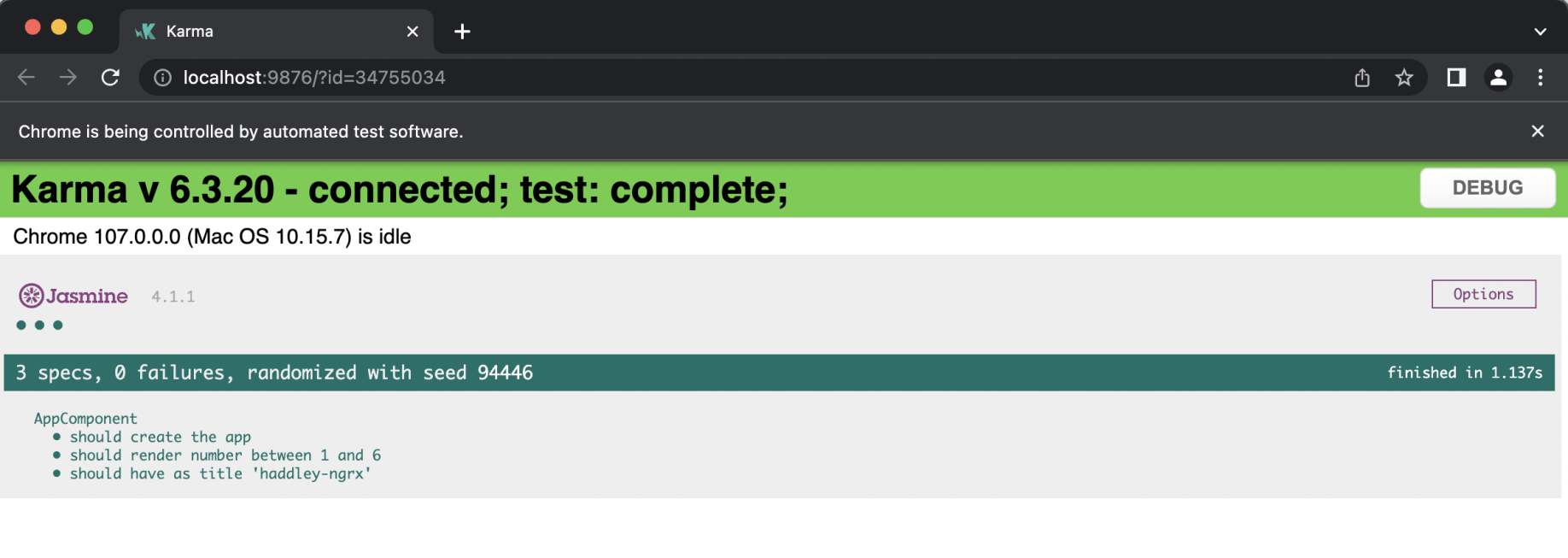
ng test success
dice.effects
When the app component dispatches the "roll" Action it doesn't provide a value, so the roll Action alone can't update the state. NgRx Effects address this.
I created a DiceEffects class that responds to "roll" Actions.
When the DiceEffects class spots/notices/is notified of a roll Action it calculates a random value between 1 and 6 and then (some moments later) dispatches a corresponding rollSuccess or rollFailure Action.
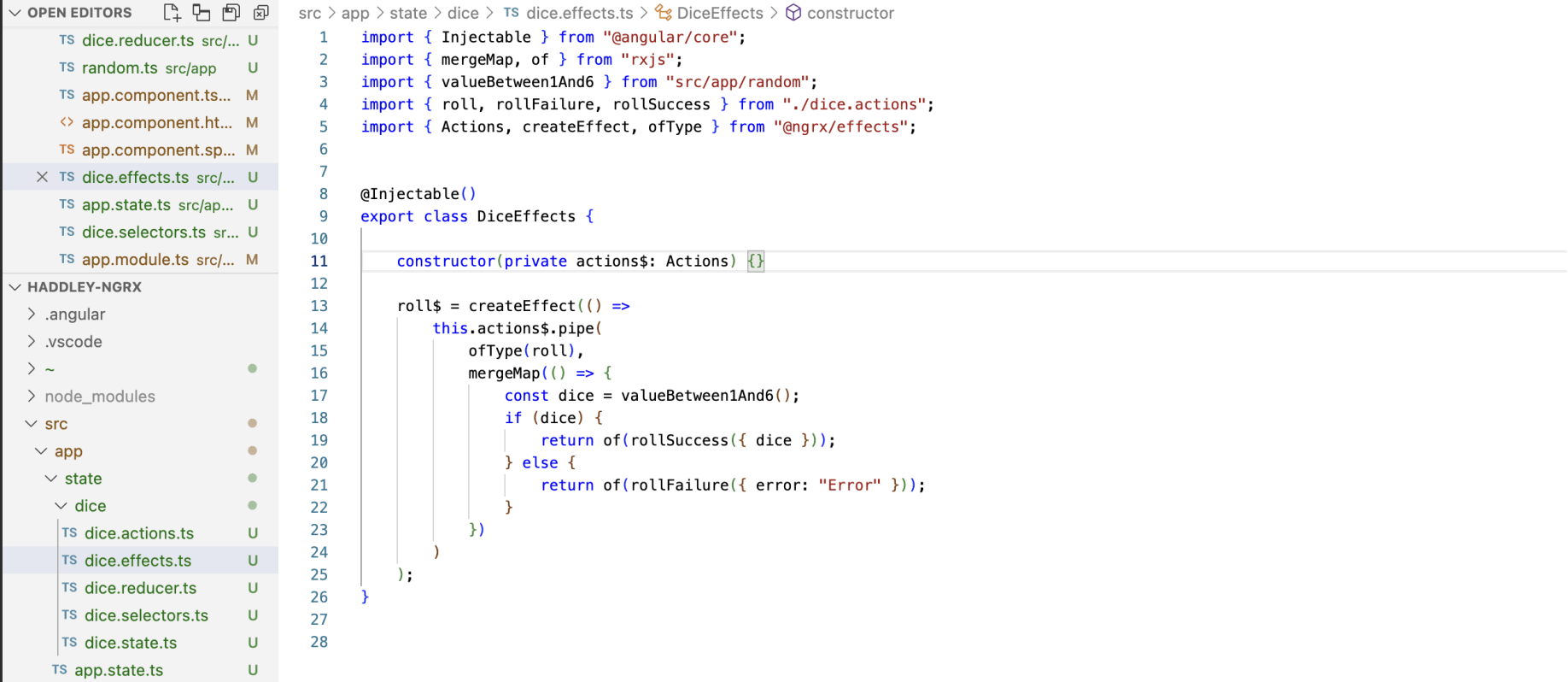
dice.effects
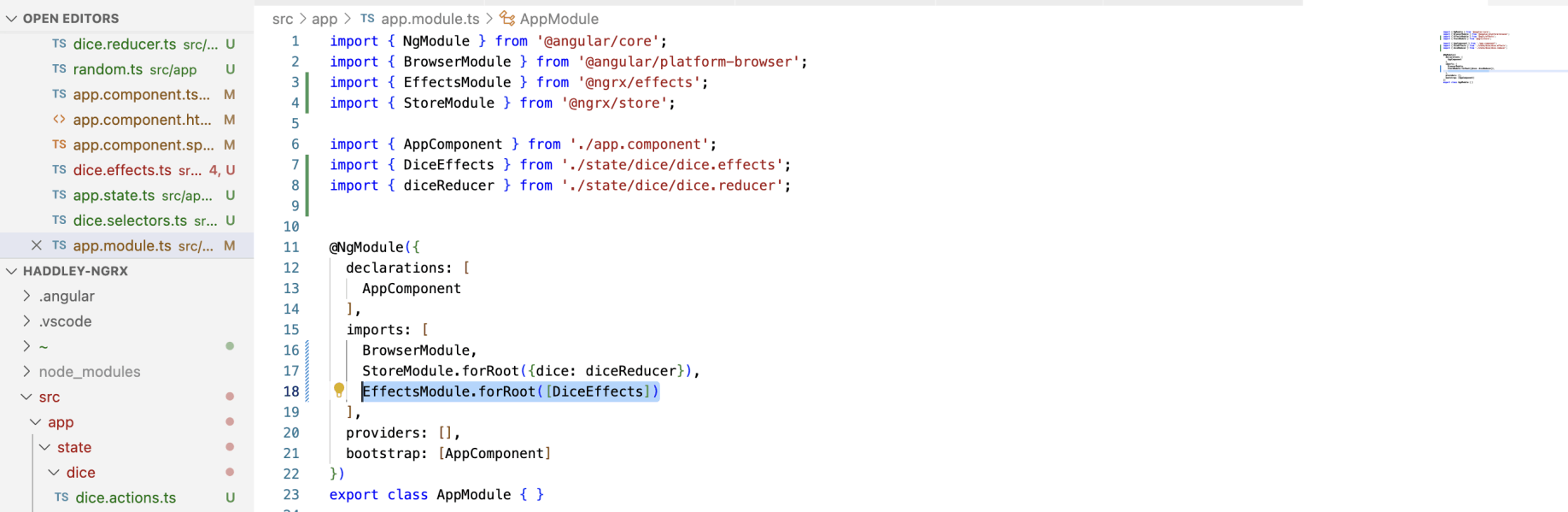
EffectsModule import added to AppModule
Final result
The result was an Angular application using NgRx for state management.
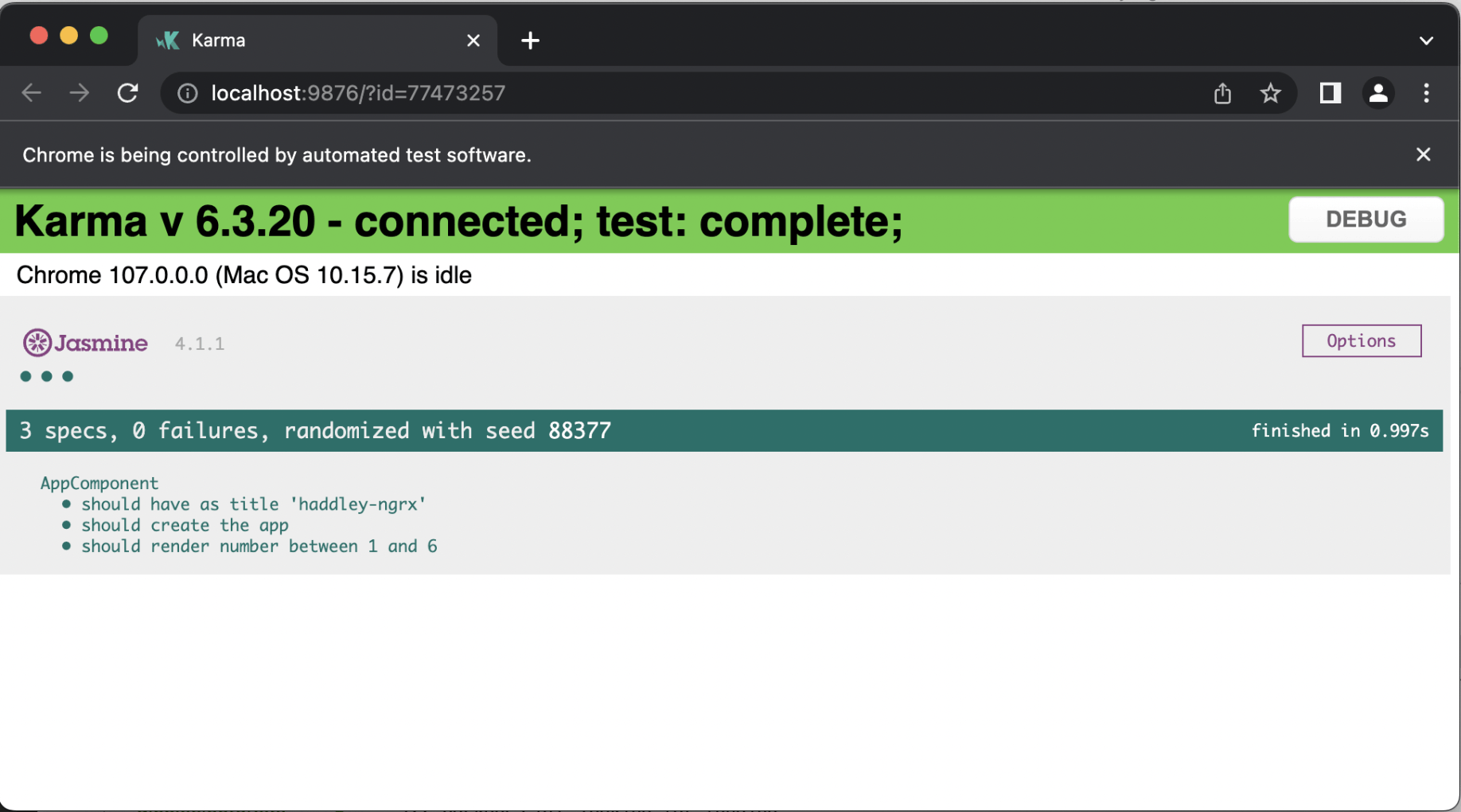
ng test
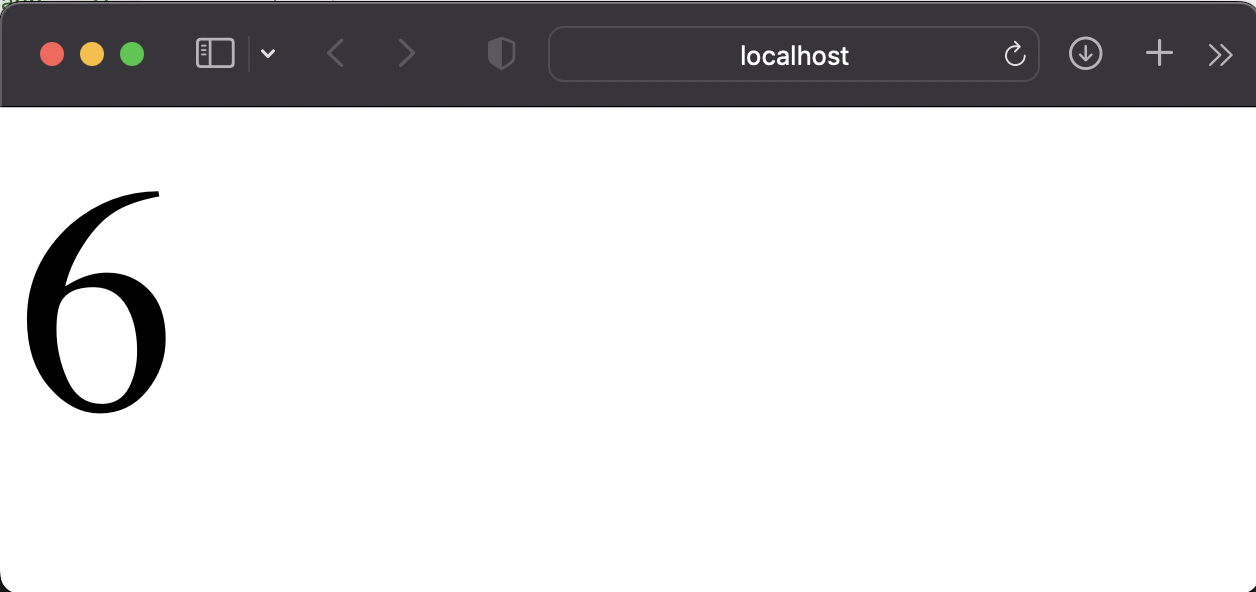
ng serve -o