Installation & Configuration
I successfully installed the DeepSeek-R1 model.
Initial Performance Testing
The 7 billion parameter variant generated output in approximately 25 seconds on my M2 MacBook Air with 16 GB of unified memory.
The 14 billion parameter variant generated output in approximately 40 seconds on my M4 MacBook Air with 32 GB of unified memory.
The 32 billion parameter variant generated output in approximately 1 minute and 50 seconds on my M4 MacBook Air with 32 GB of unified memory.
The 70 billion parameter variant generated output in approximately 1 minute 28 seconds on my M1 Max Mac Studio with 64 GB of unified memory.
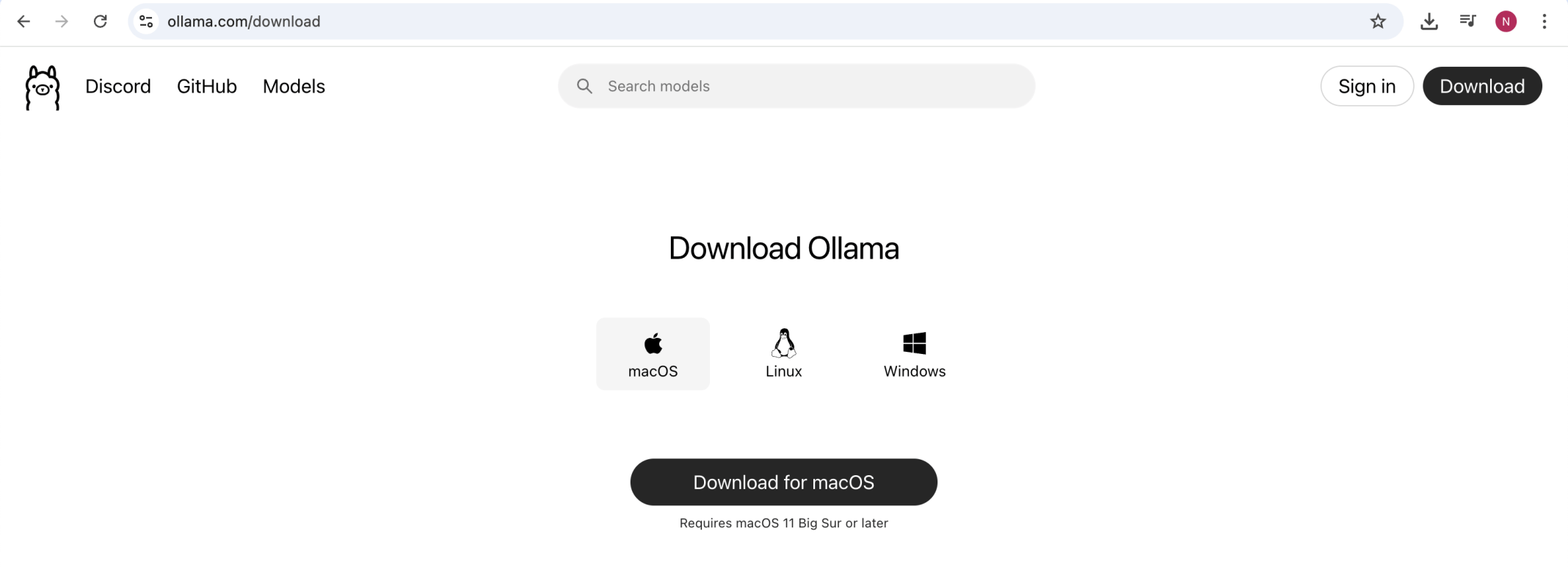
https://ollama.com/download
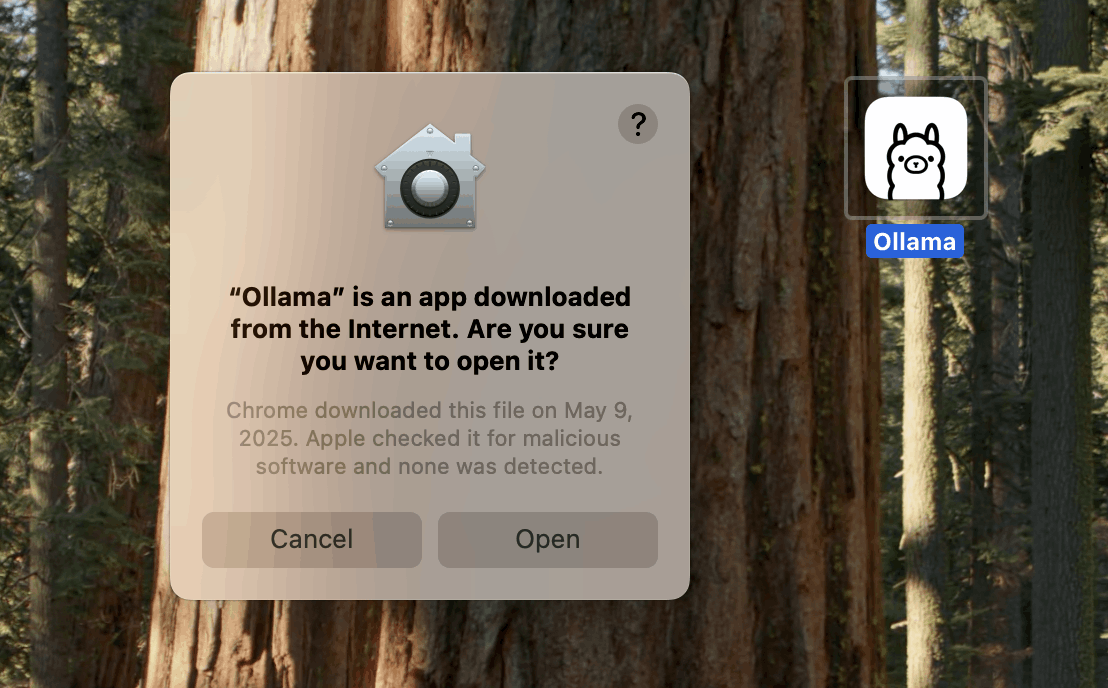
I clicked Open
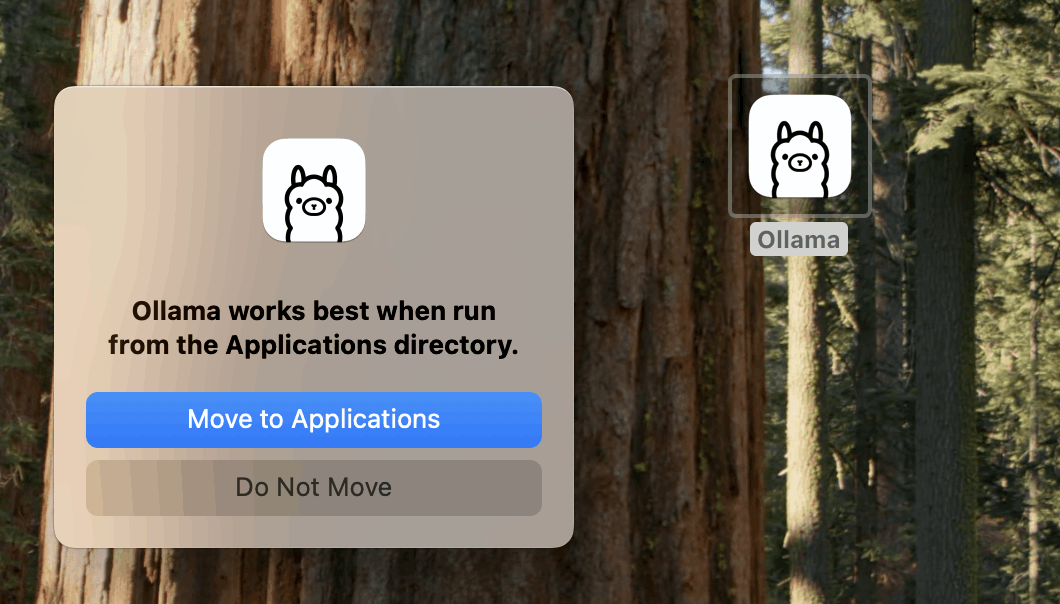
I clicked Move to Applications
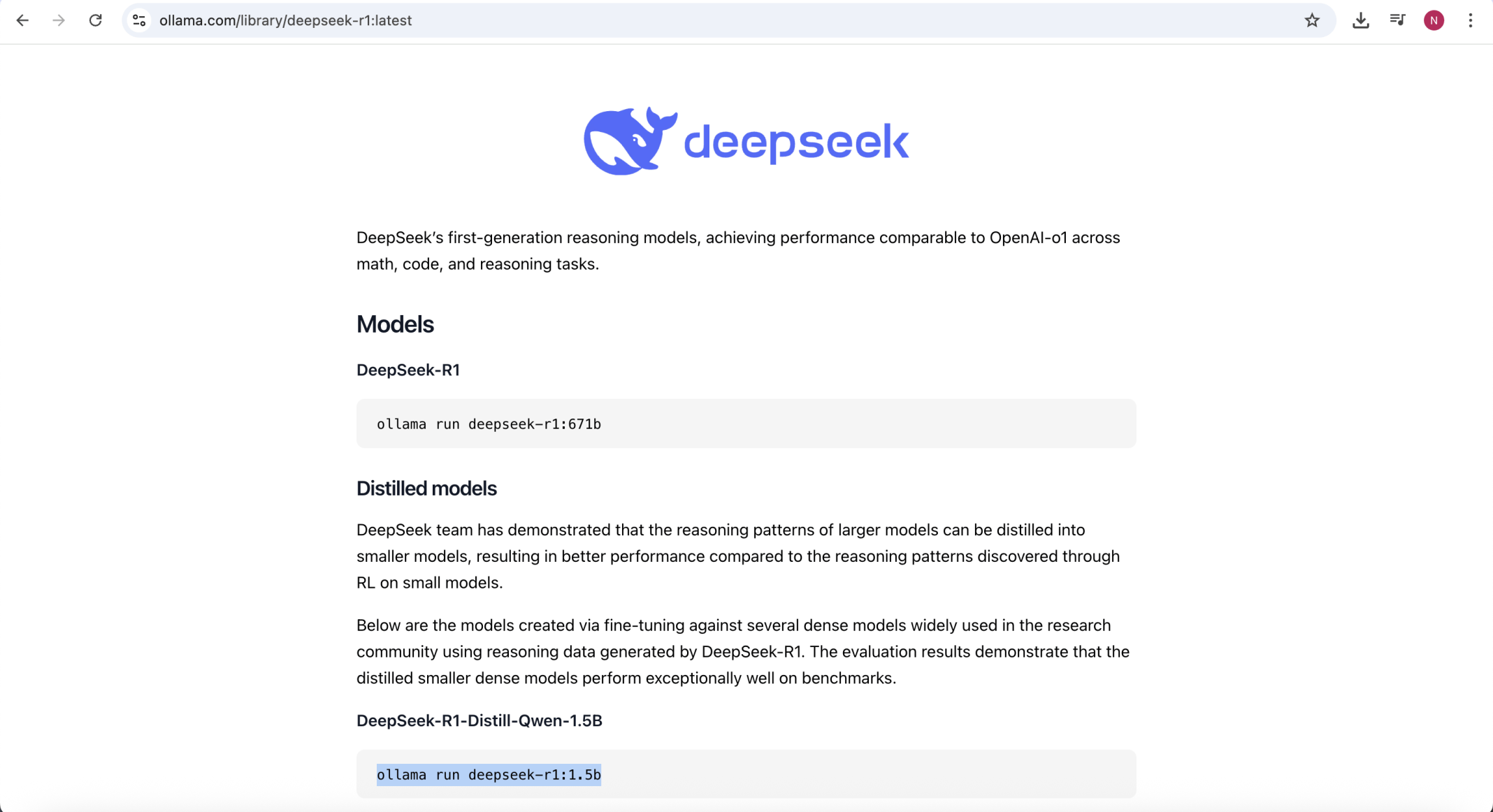
I searched for the R1 model
1.5B Model: Suited for embedded AI (IoT devices), high-volume/low-latency tasks, or prototyping.
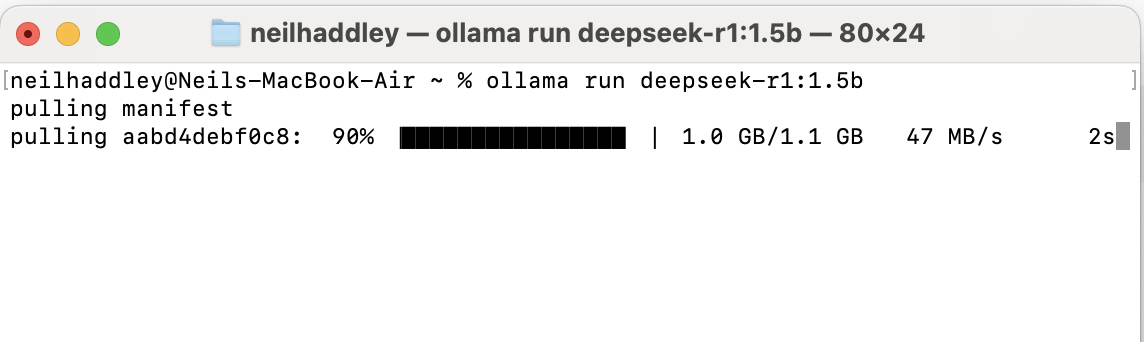
ollama run deepseek-r1:1.5b
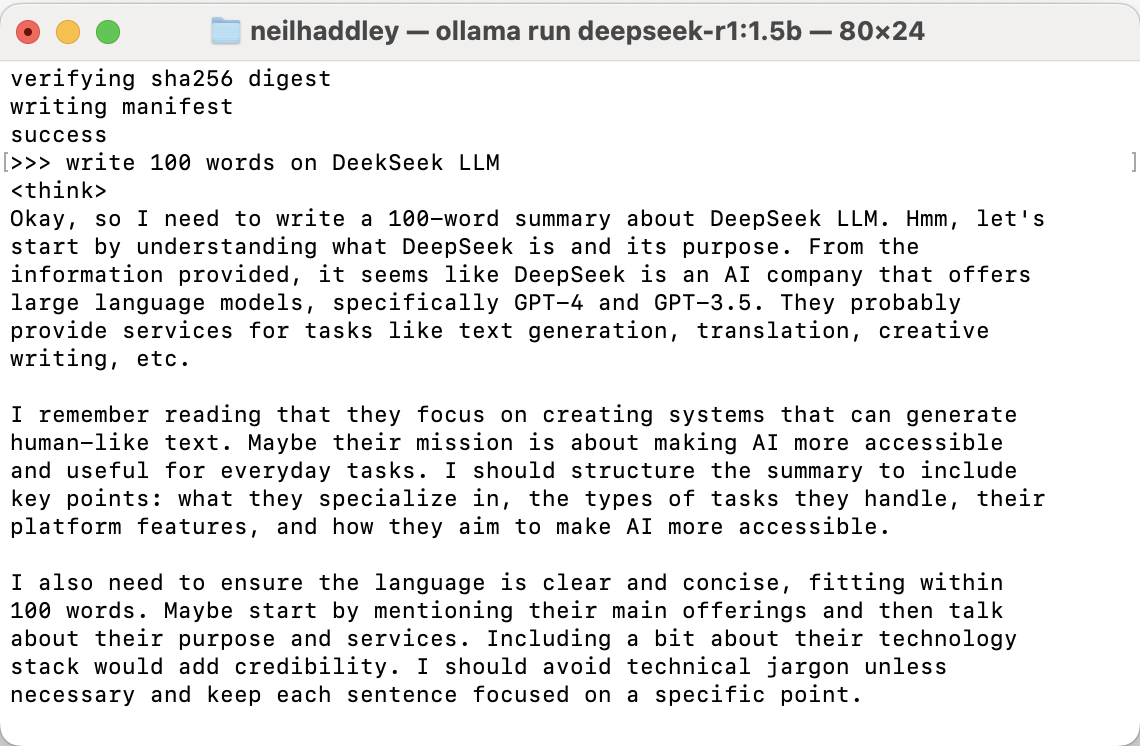
write 100 words on DeekSeek LLM
7B Model: Suited for general-purpose chatbots, content moderation, and mid-tier automation.
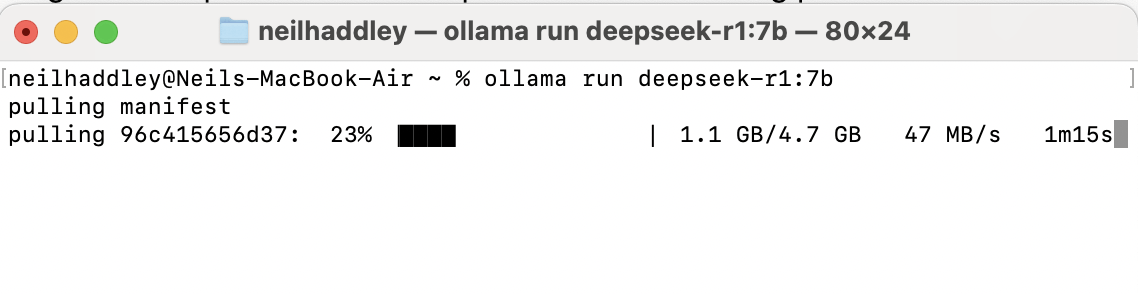
ollama run deepseek-r1:7b
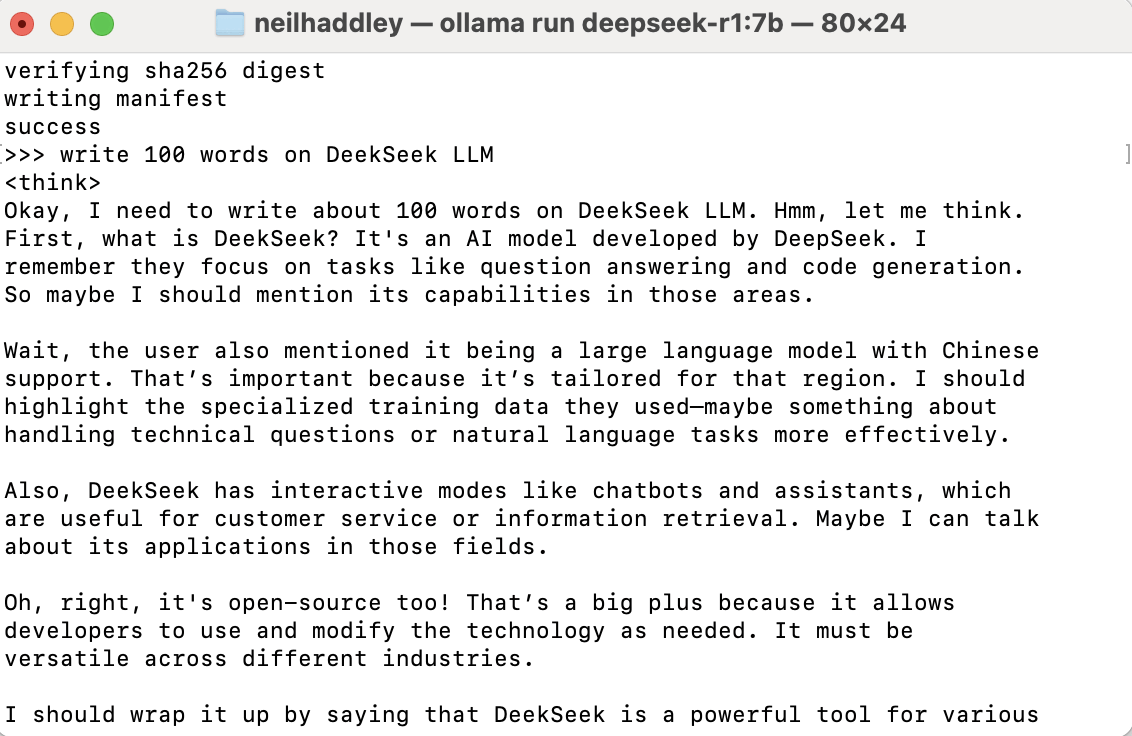
write 100 words on DeekSeek LLM
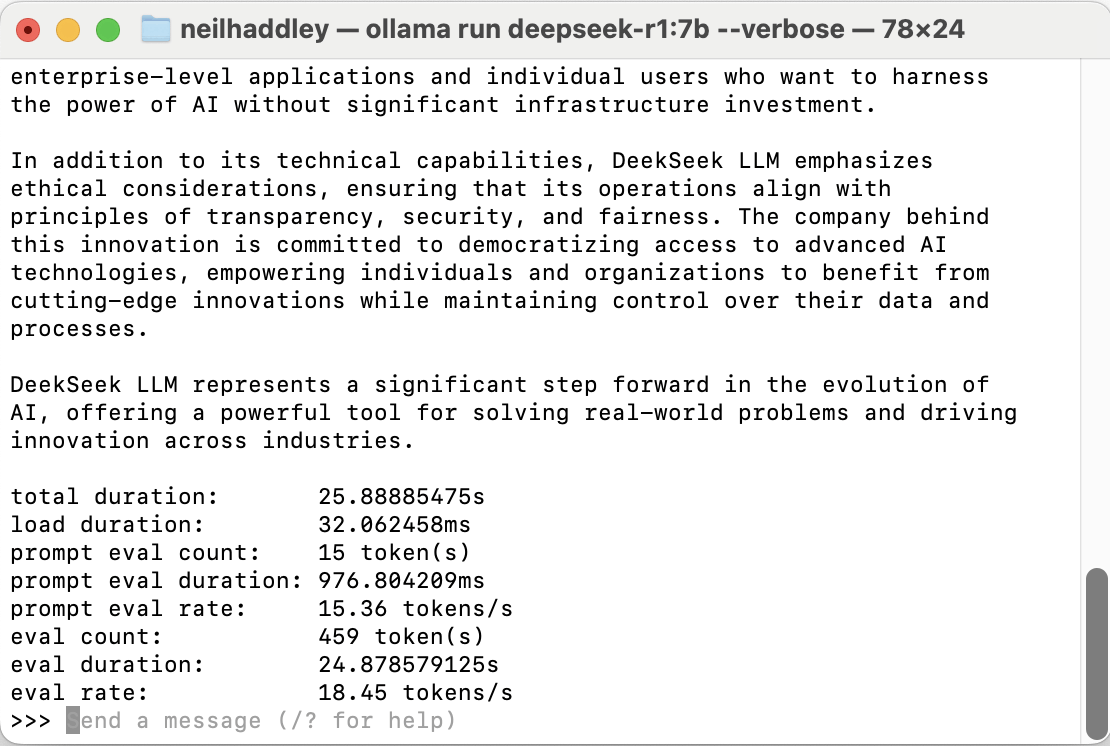
ollama run deepseek-r1:7b --verbose
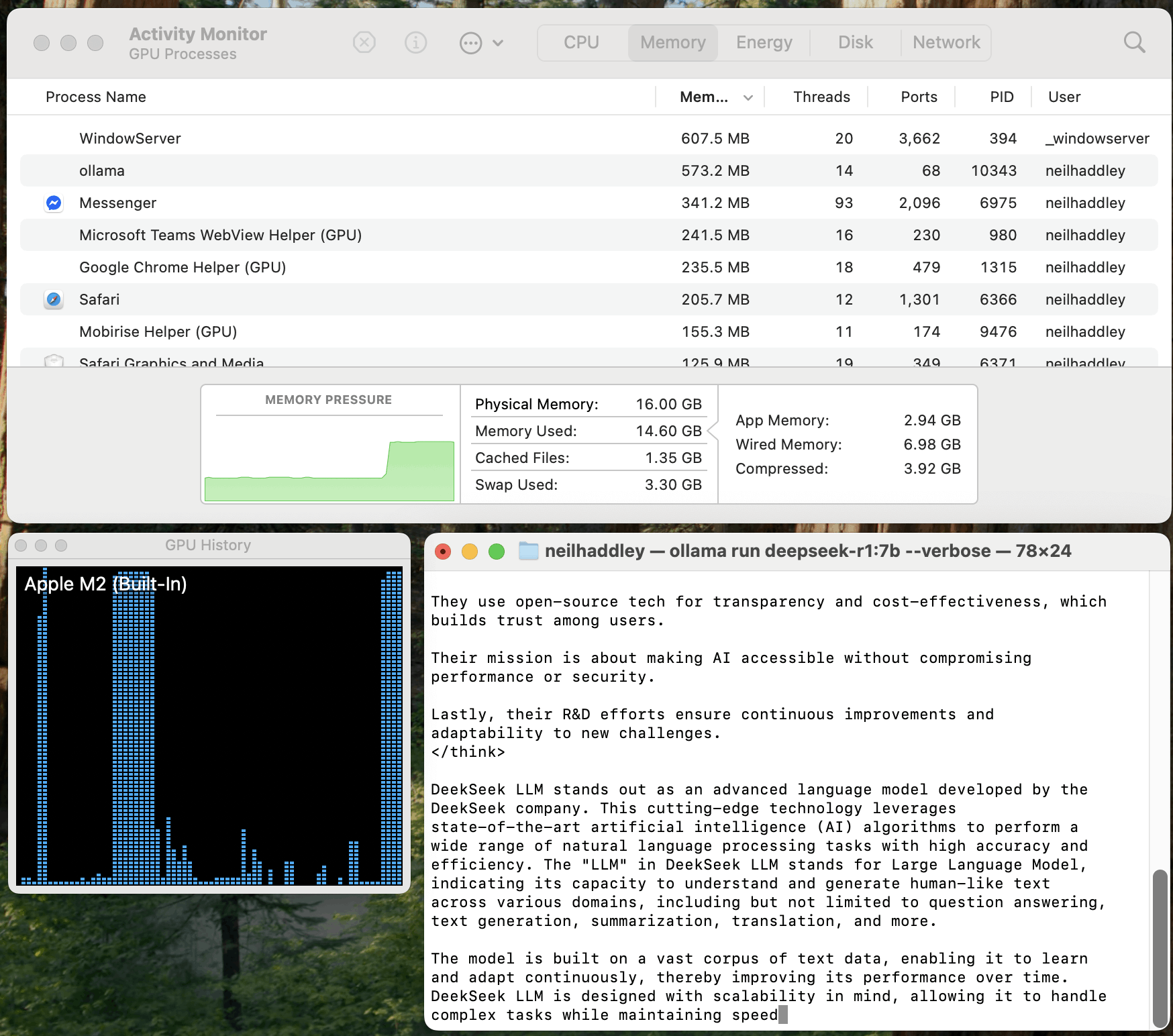
M2 processor 16 GB of unified memory
14B Model: Suited for enterprise-grade applications such as advanced chatbots, research tools, and code assistants.
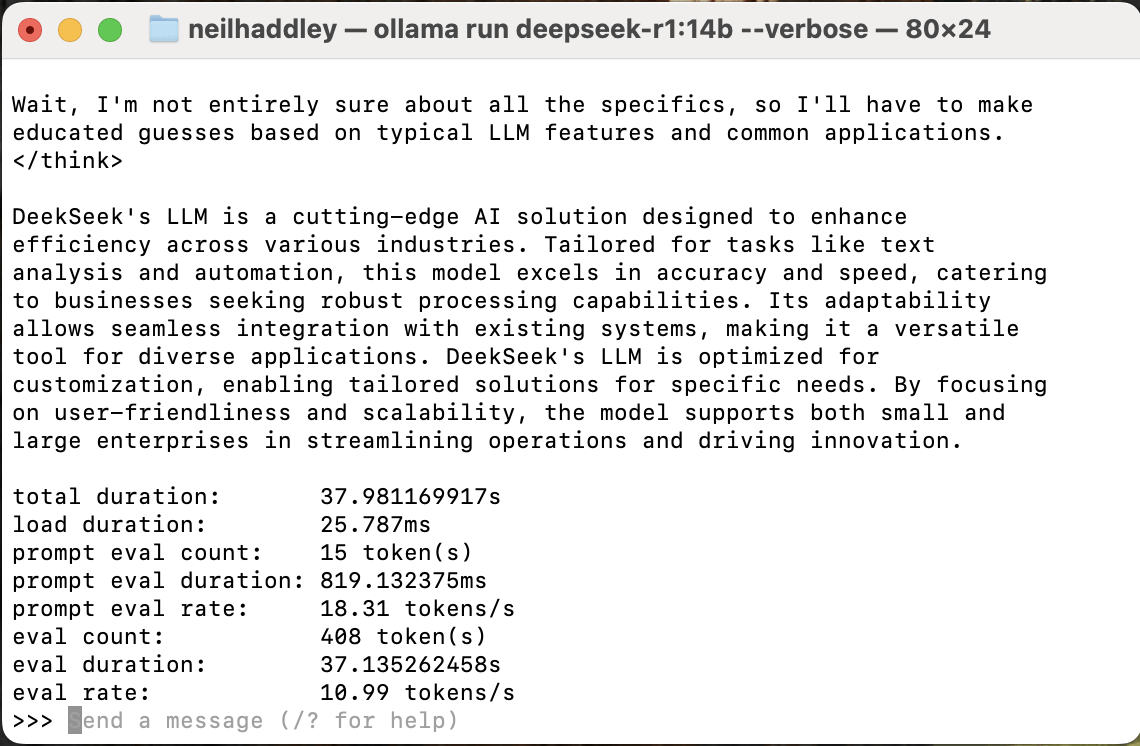
ollama run deepseek-r1:14b --verbose
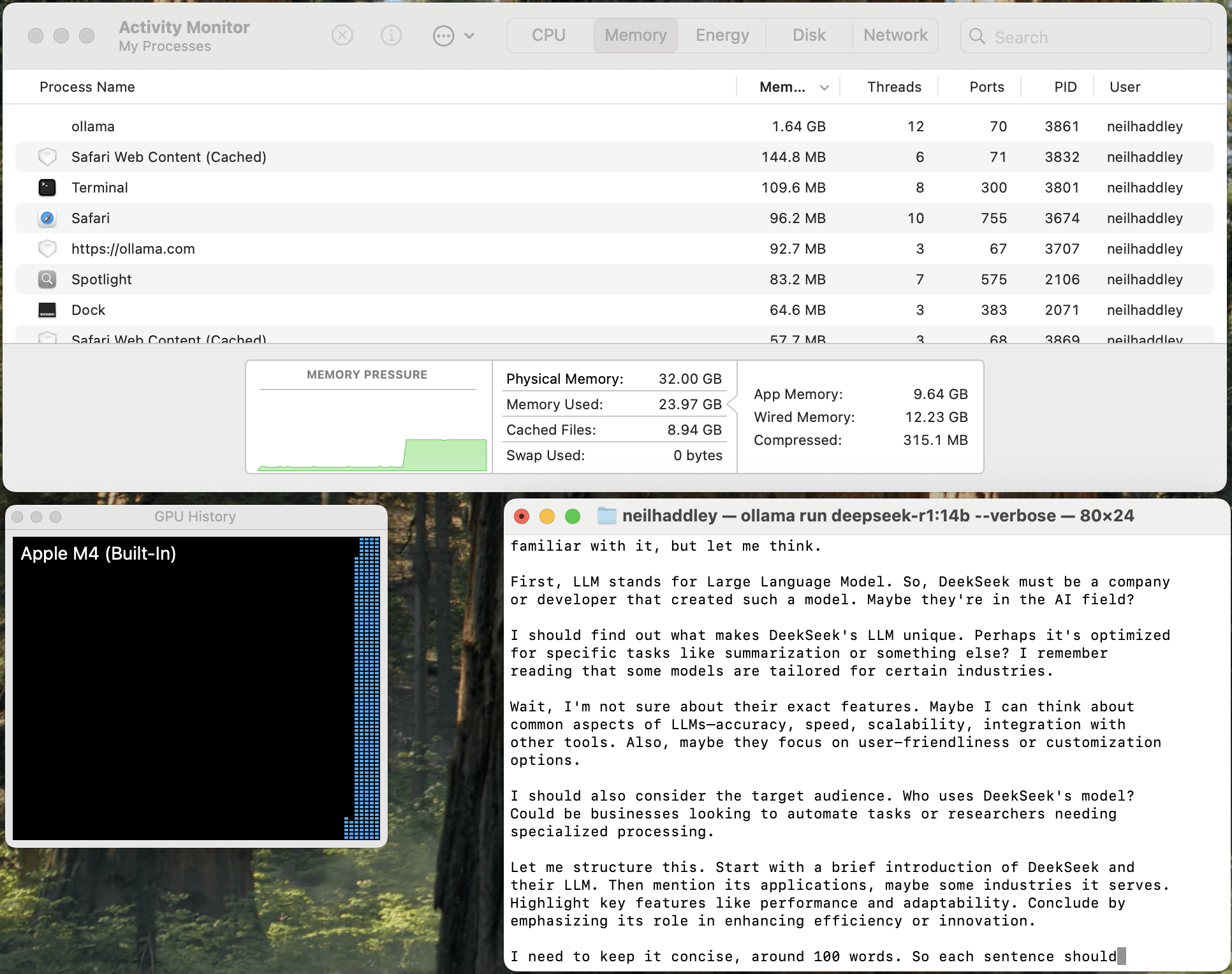
M4 processor 32 GB of unified memory
32B Model: Suited for applications prioritising accuracy over speed, such as advanced research or long-form content.
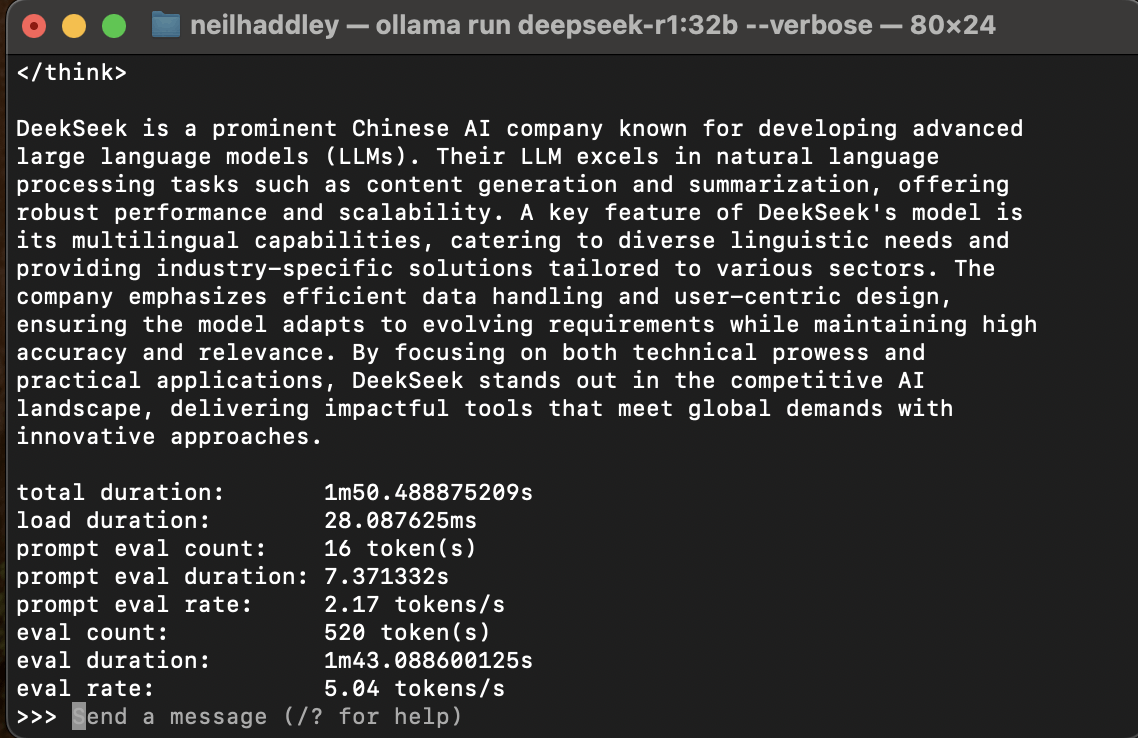
ollama run deepseek-r1:32b --verbose
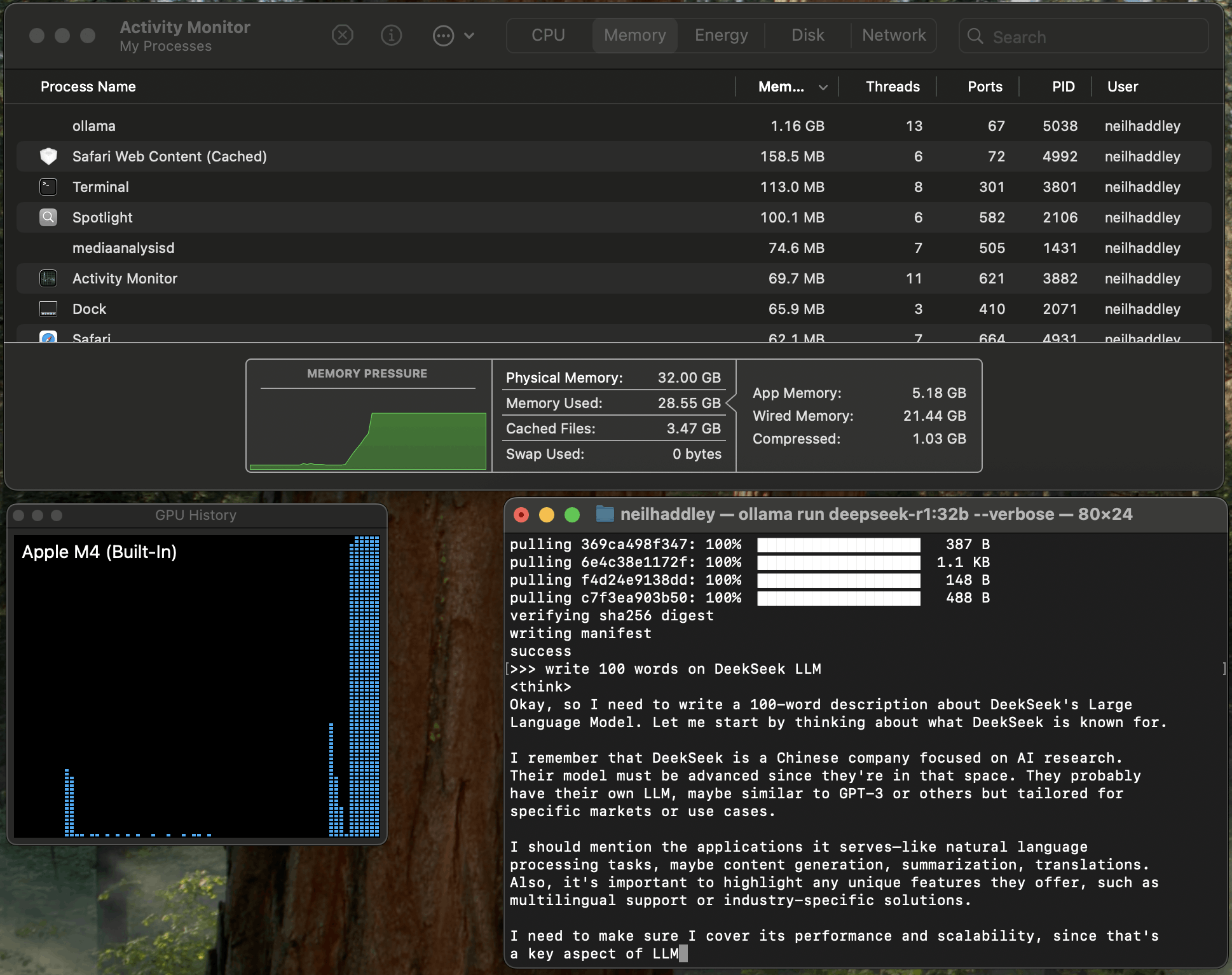
M4 processor 32 GB of unified memory
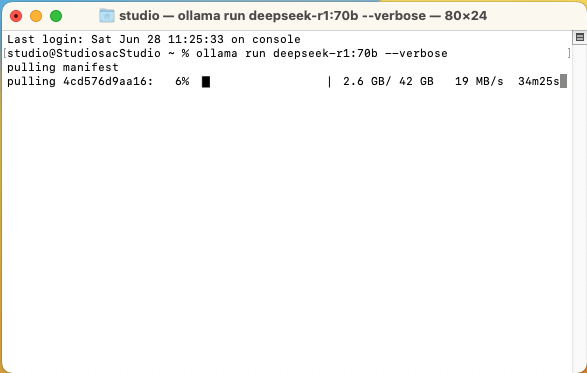
ollama run deepseek-r1:70b --verbose
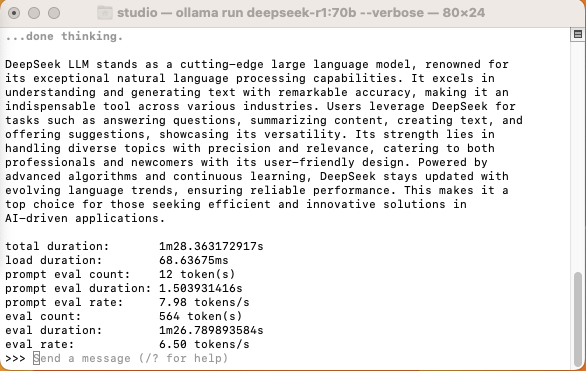
total duration 1 minute 28 seconds
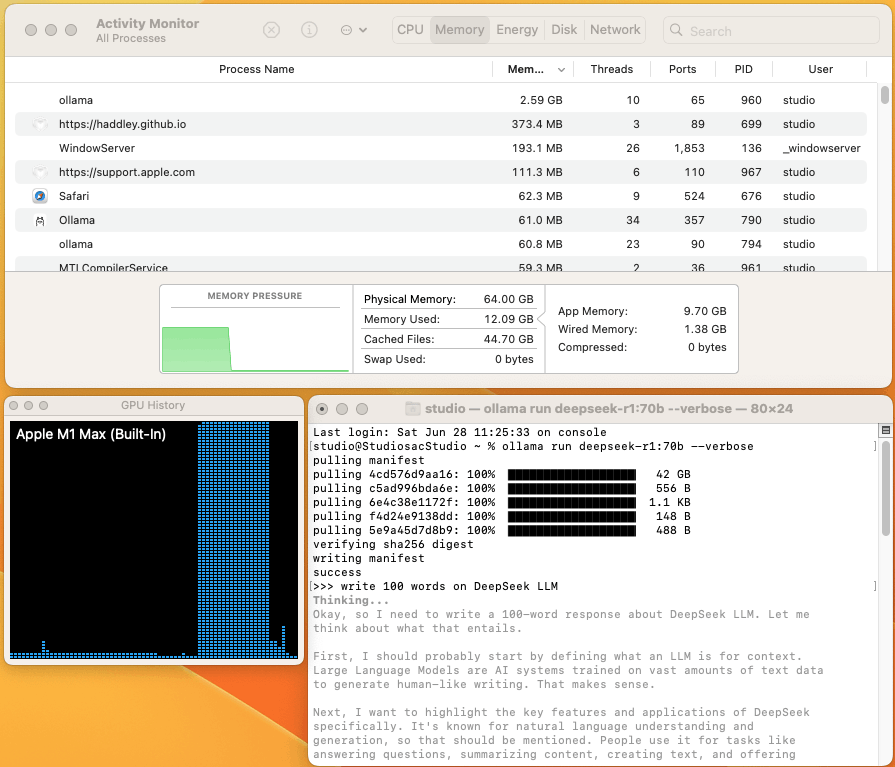
M1 Max processor 64 GB of unified memory
70B Model: Suited for advanced reasoning, multilingual understanding, and long-context processing.