Paperclip
Neil Haddley • March 28, 2026
Open-source orchestration for zero-human companies
I came across Paperclip — an open-source tool that lets you run a company staffed entirely by AI agents. You define a company, create agents to fill roles, assign them tasks, and watch them work. I wanted to see how far it could actually get.
I started by running the onboarding command.
PROMPT
1npx paperclipai onboard --yes

I ran the onboard command to get started
The onboarding opens a local web UI with a four-step wizard: Company, Agent, Task, Launch.
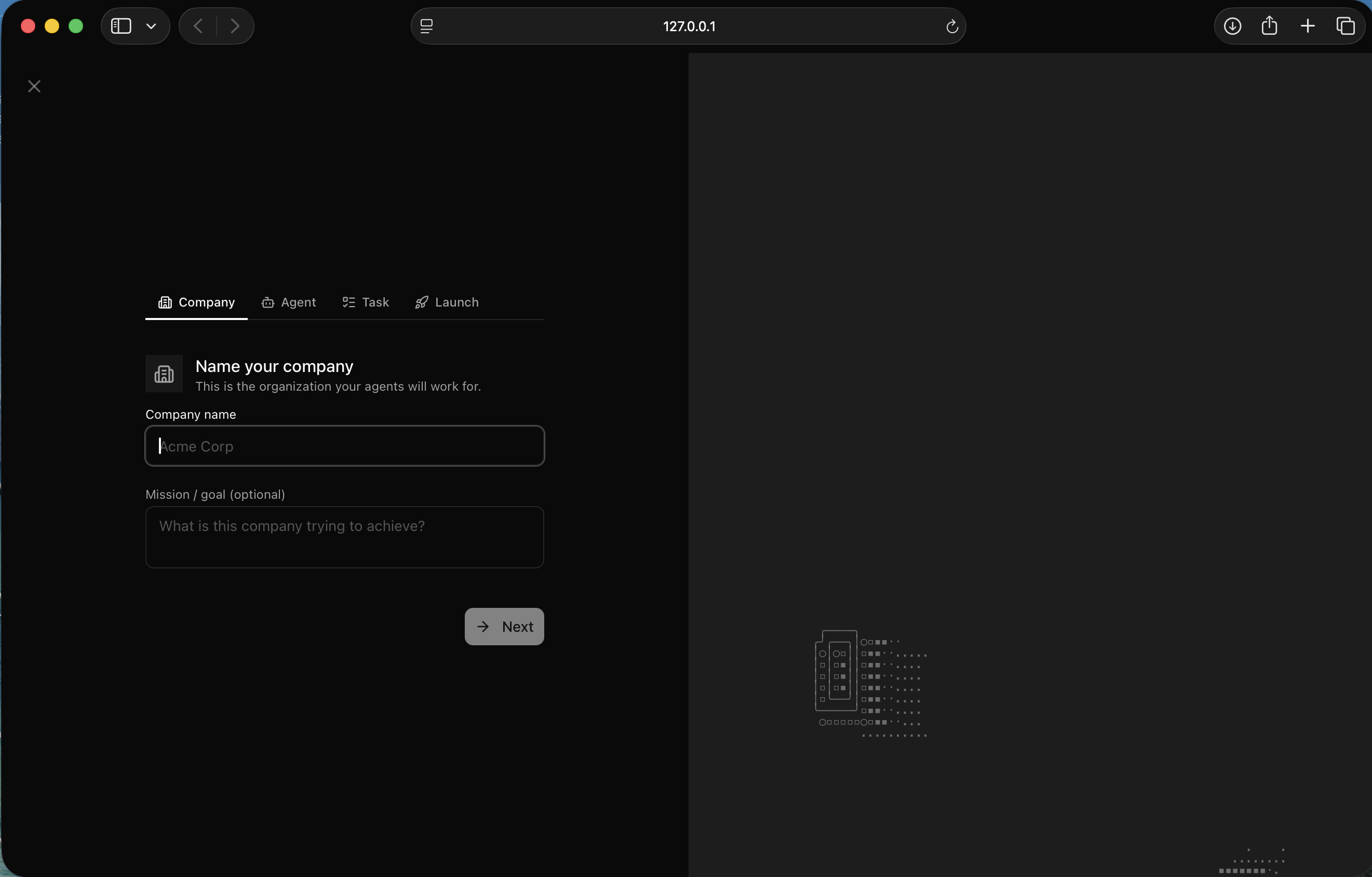
I saw the company setup screen — the first step in the wizard
I named the company "Face With Rolling Eyes" — a multiplayer gaming platform — and gave it the mission "Any group. Any screen. Anywhere. Play together."
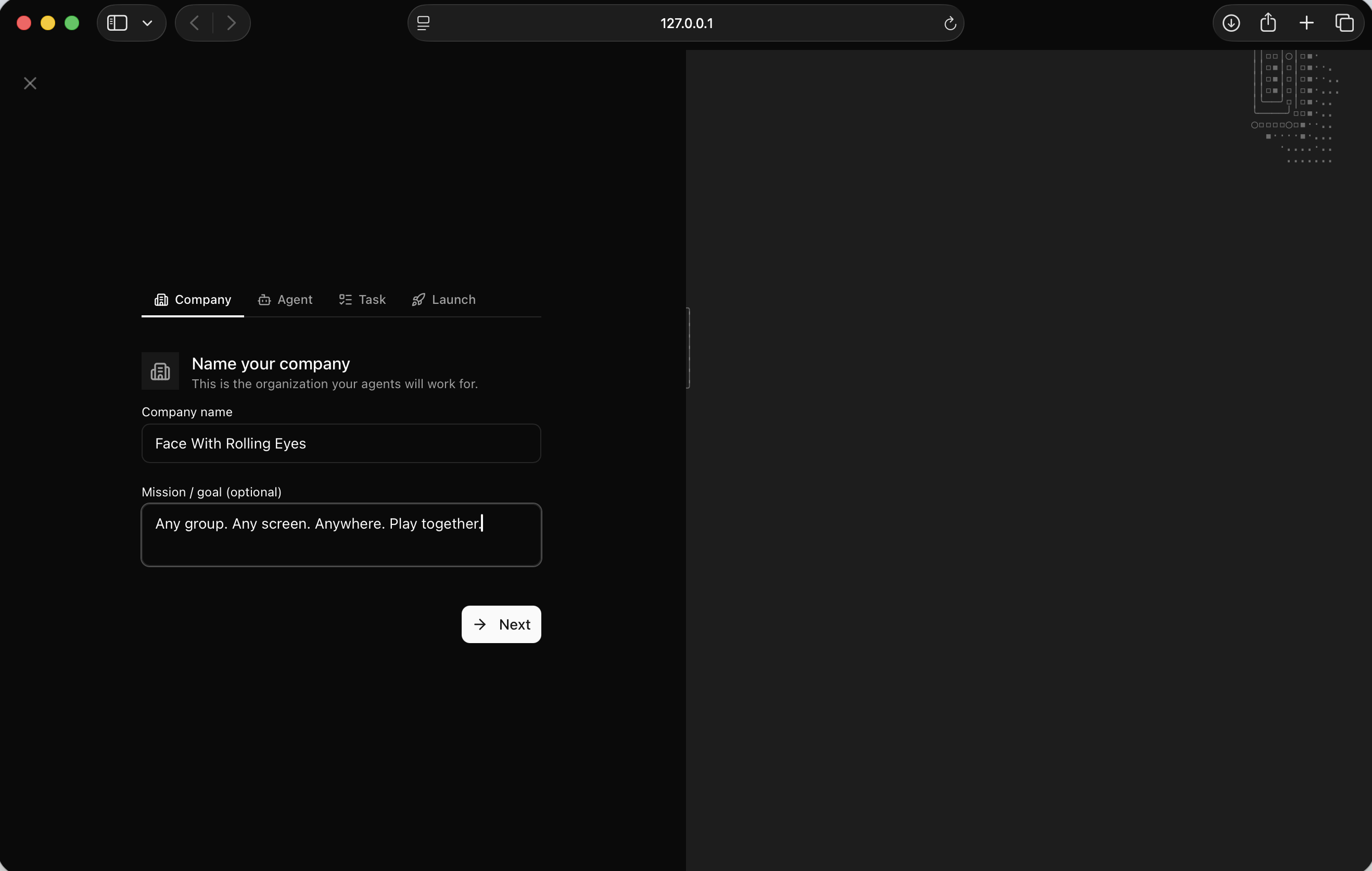
I filled in the company name and mission statement
For the first agent I created a CEO role, backed by Claude Code running locally. The adapter check passed immediately.
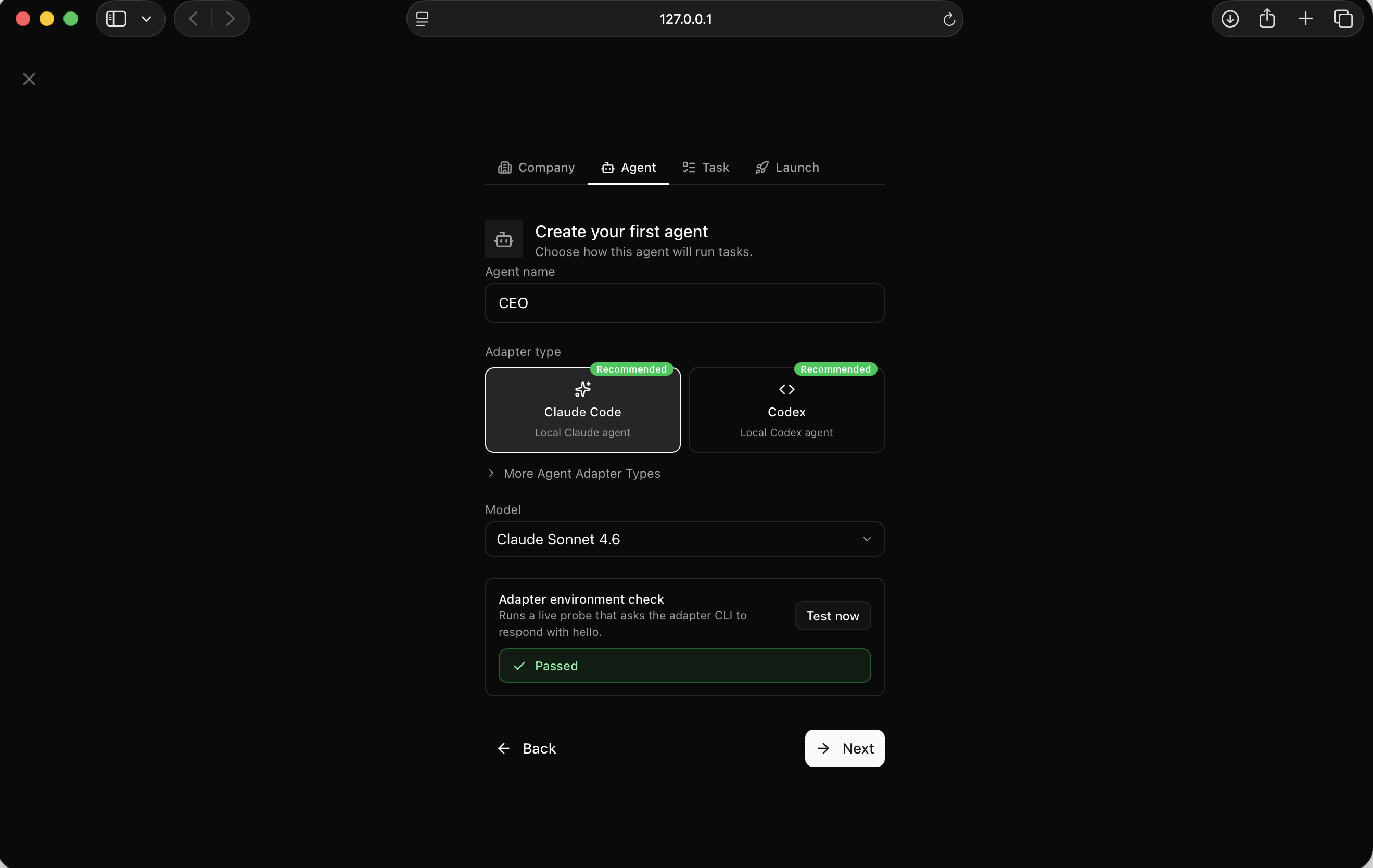
I set up the CEO agent using the Claude Code adapter — it passed the environment check
I gave the CEO a first task: hire a founding engineer and create a hiring plan.
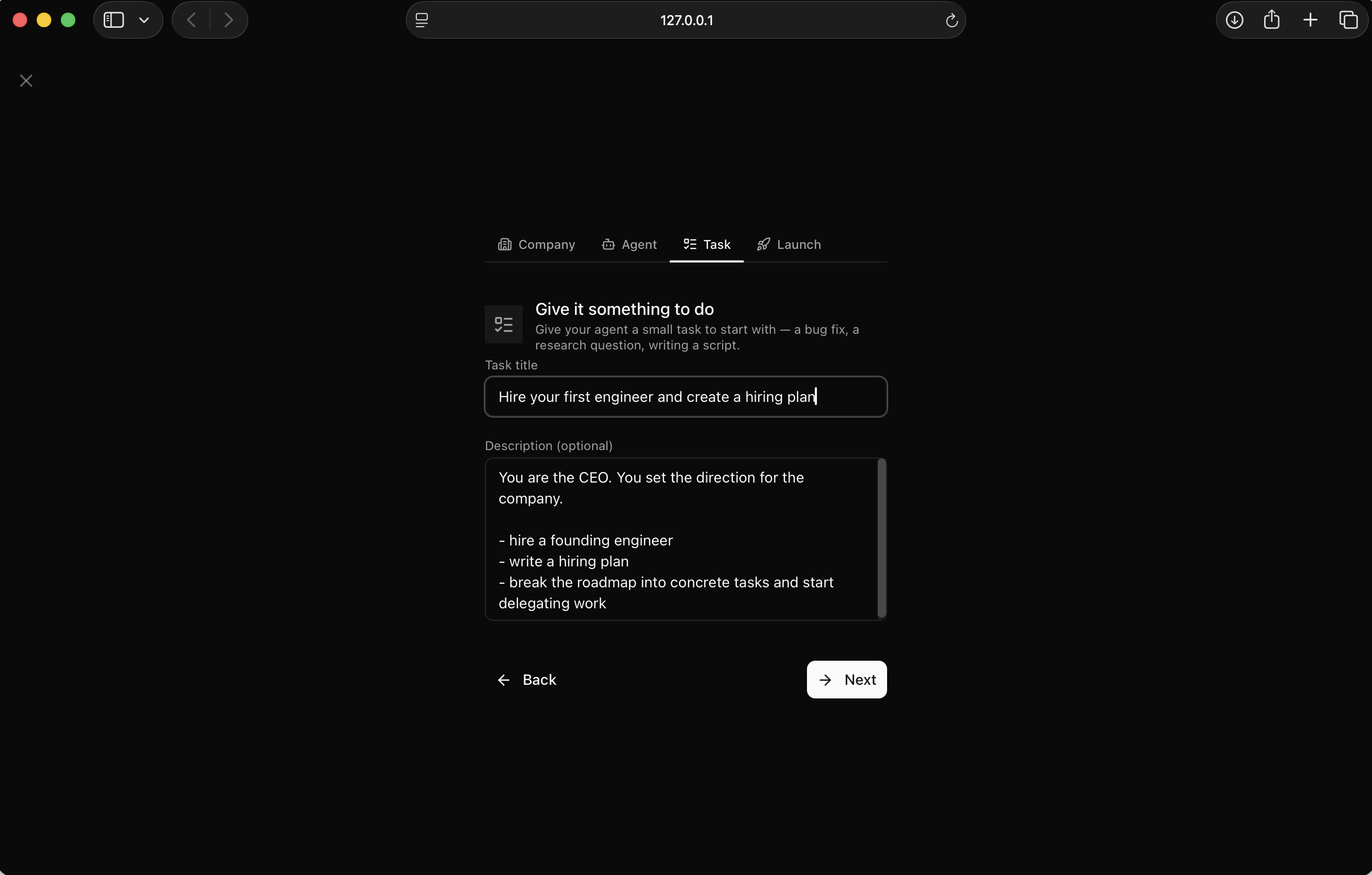
I defined the first task — hire a founding engineer and write a hiring plan
The launch screen confirmed everything was ready.
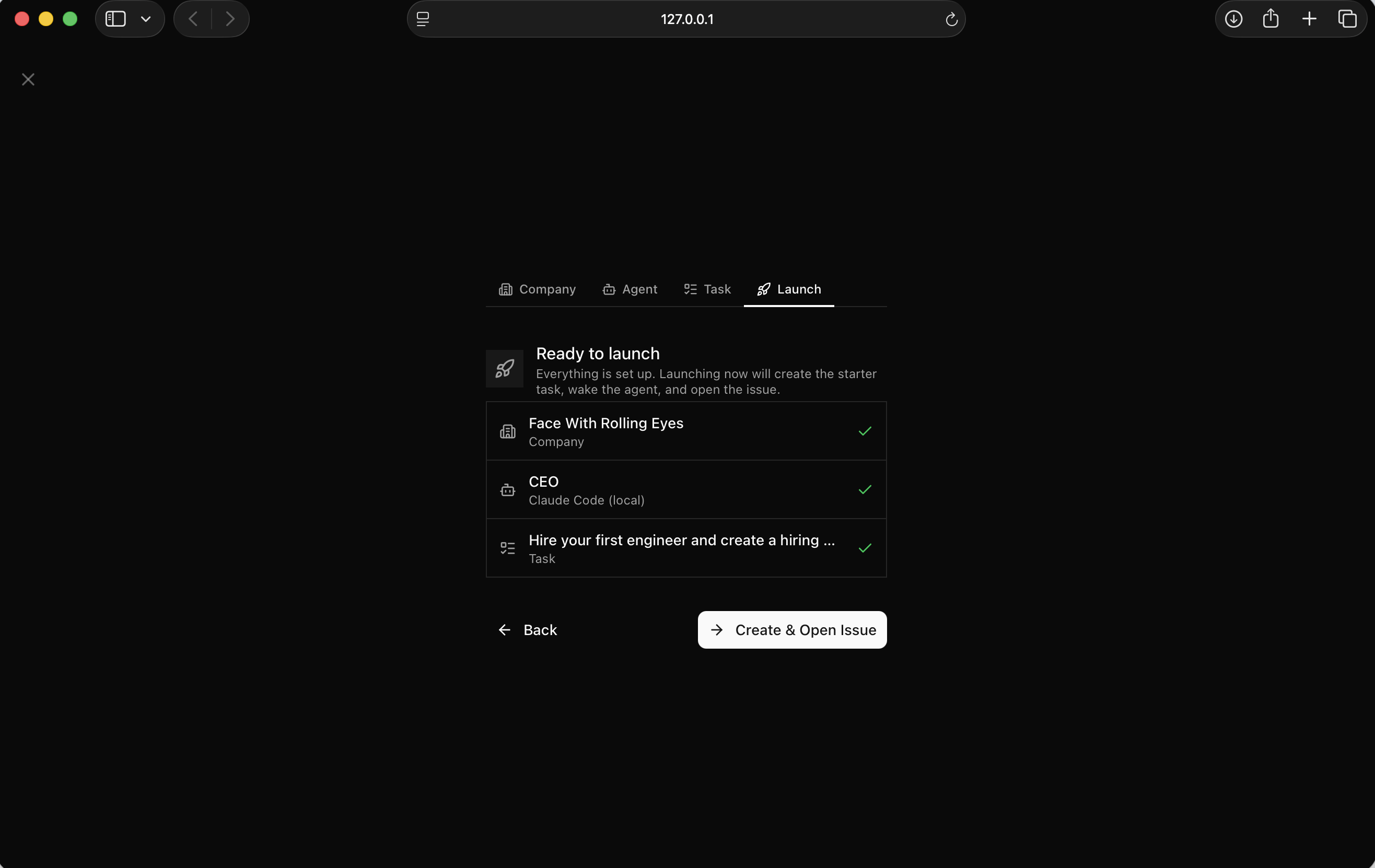
I saw all three items checked — company, agent, and task — ready to launch
I clicked "Create & Open Issue" and the CEO agent started immediately.
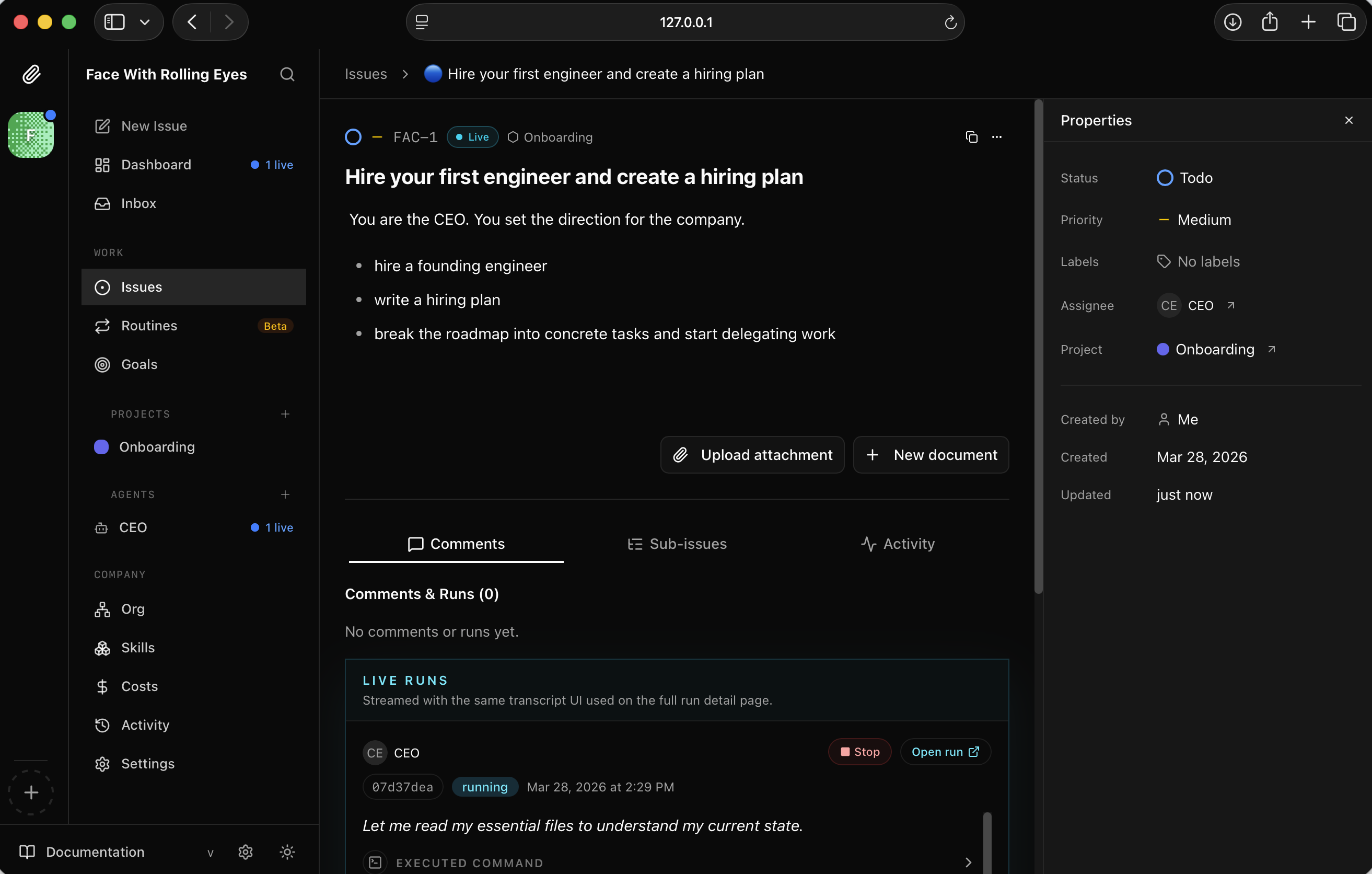
I watched the issue FAC-1 open and the CEO agent begin running
The agent read the company context, understood the goal, and started drafting.
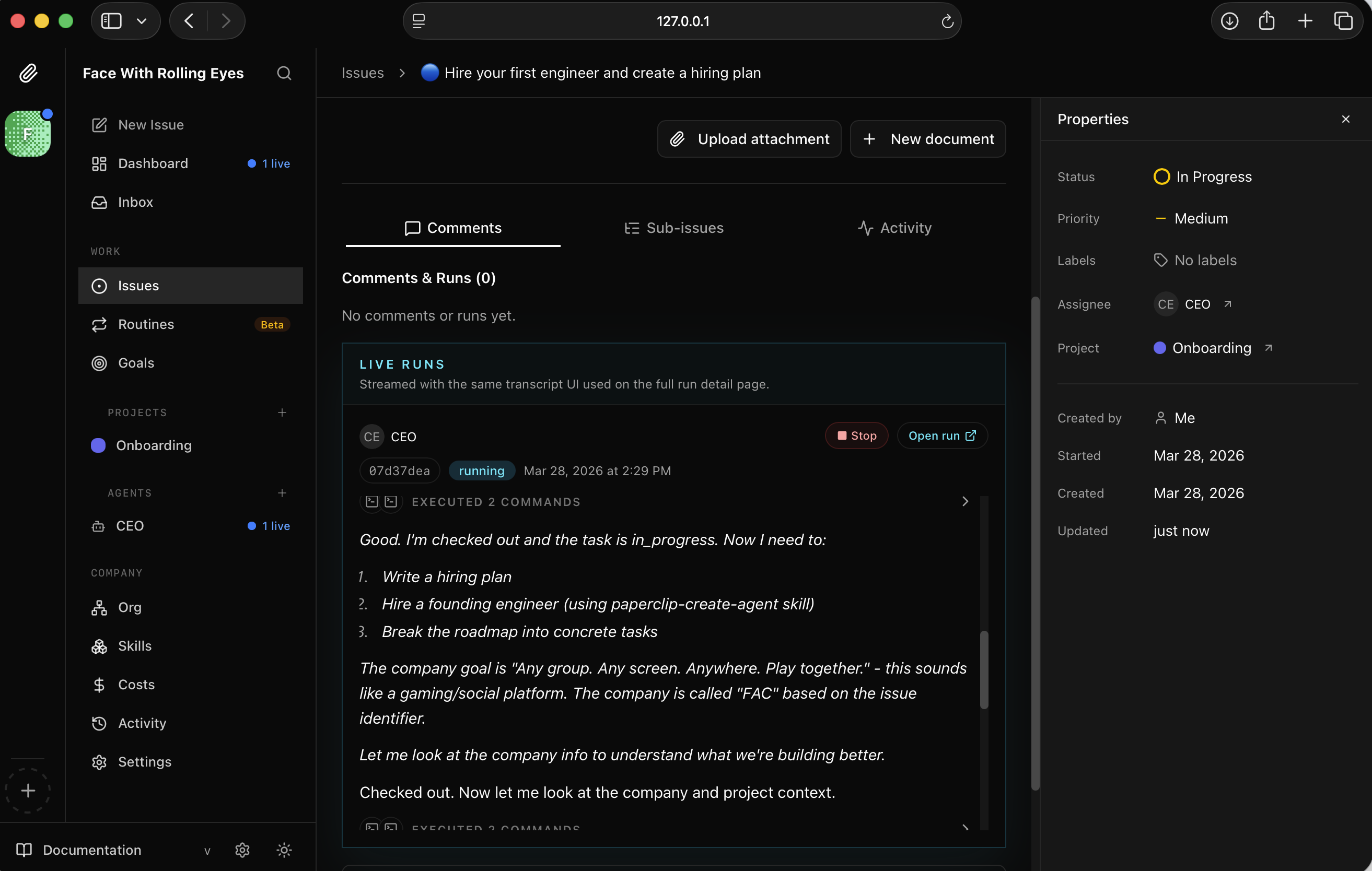
I watched the CEO check out the task and begin planning
Within minutes it produced a detailed hiring plan. Phase 1 was a Founding Engineer — full-stack, platform-focused, strong in real-time systems.
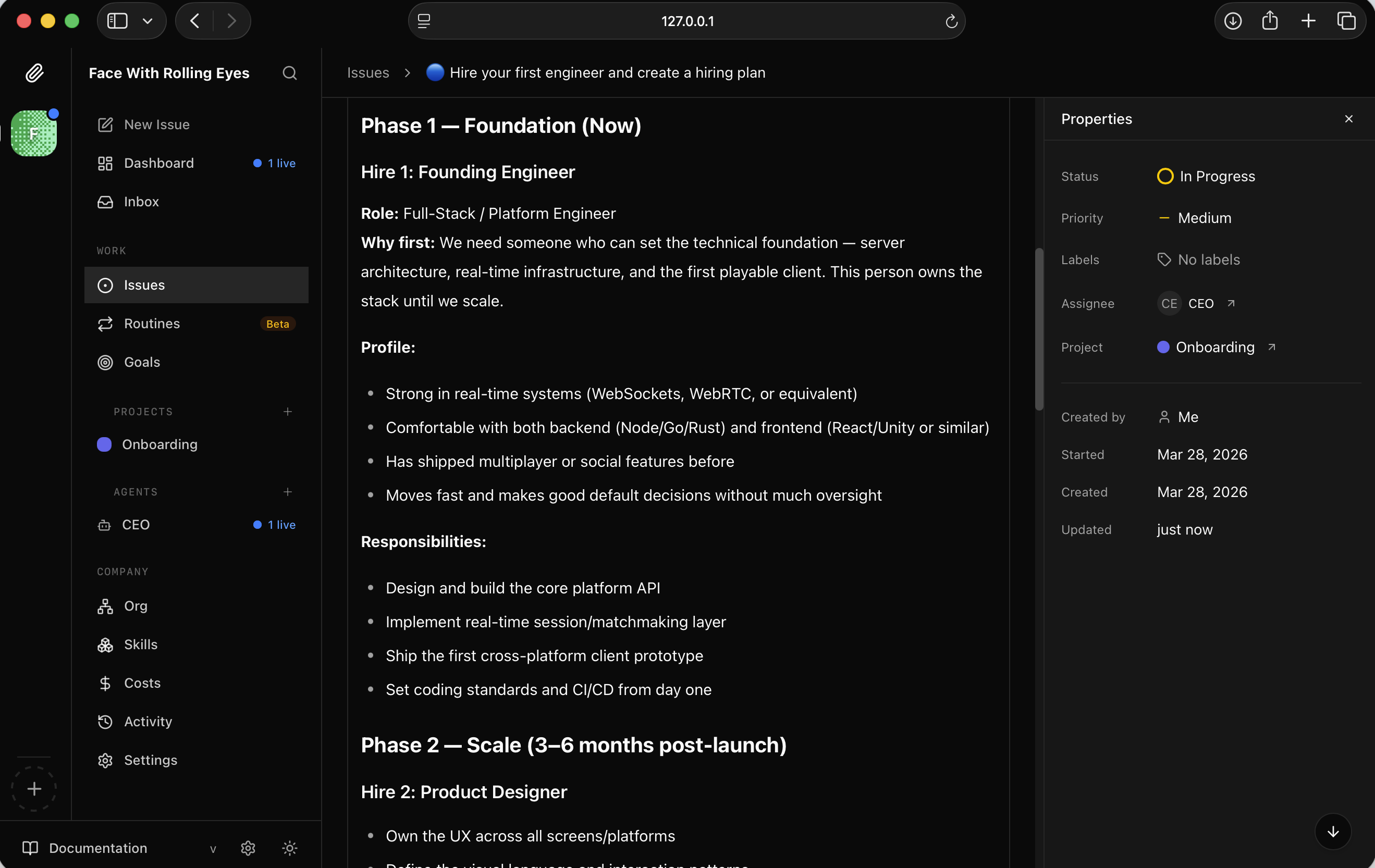
I read the Phase 1 hiring plan — Founding Engineer role with full profile and responsibilities
Phase 2 covered Product Designer, Backend Engineer, and Growth Lead, along with a four-milestone product roadmap.
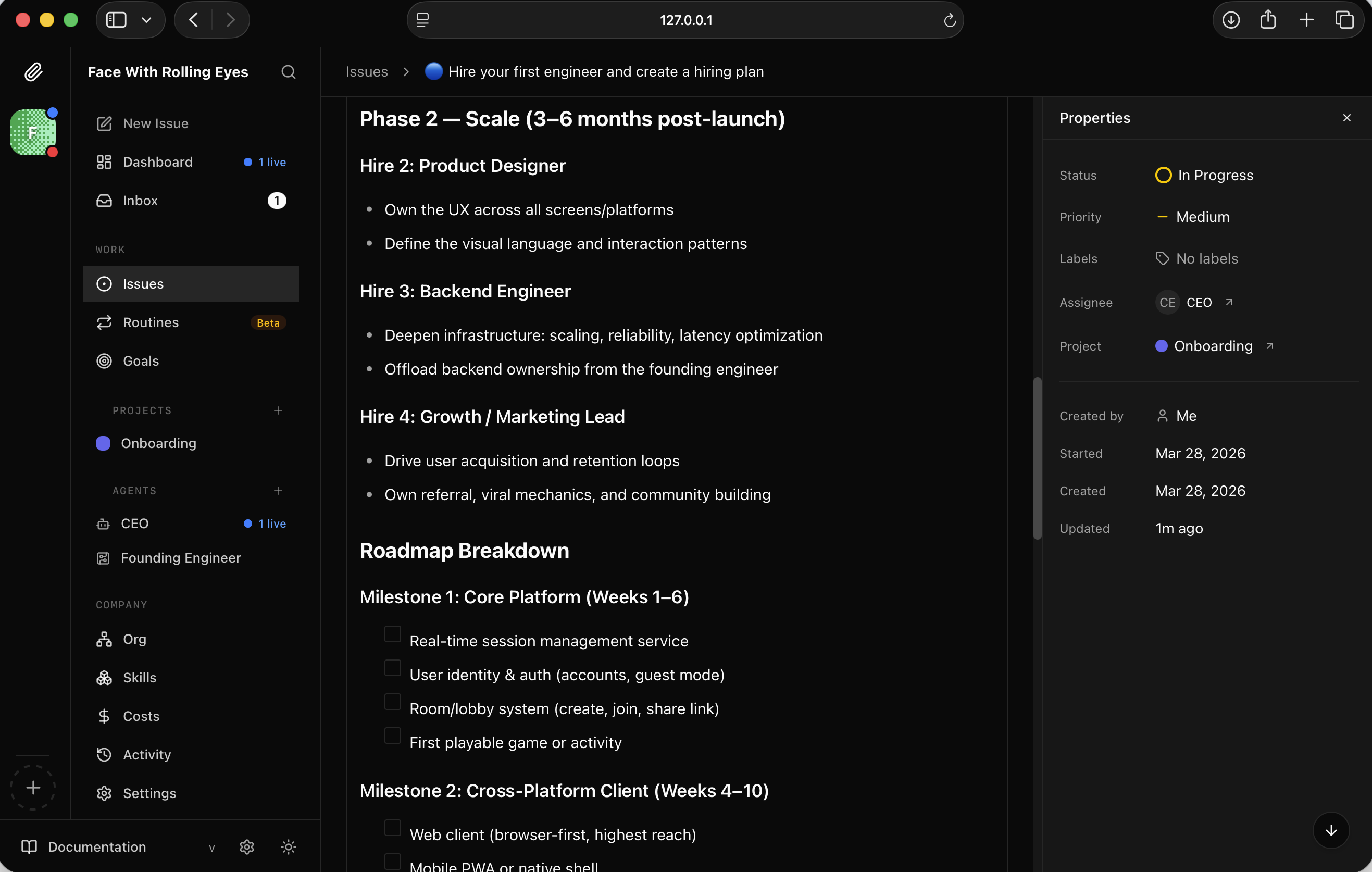
I read the Phase 2 plan — scale hires and a full roadmap breakdown
The CEO marked FAC-1 done and submitted a hire request for the Founding Engineer agent, pending board approval.
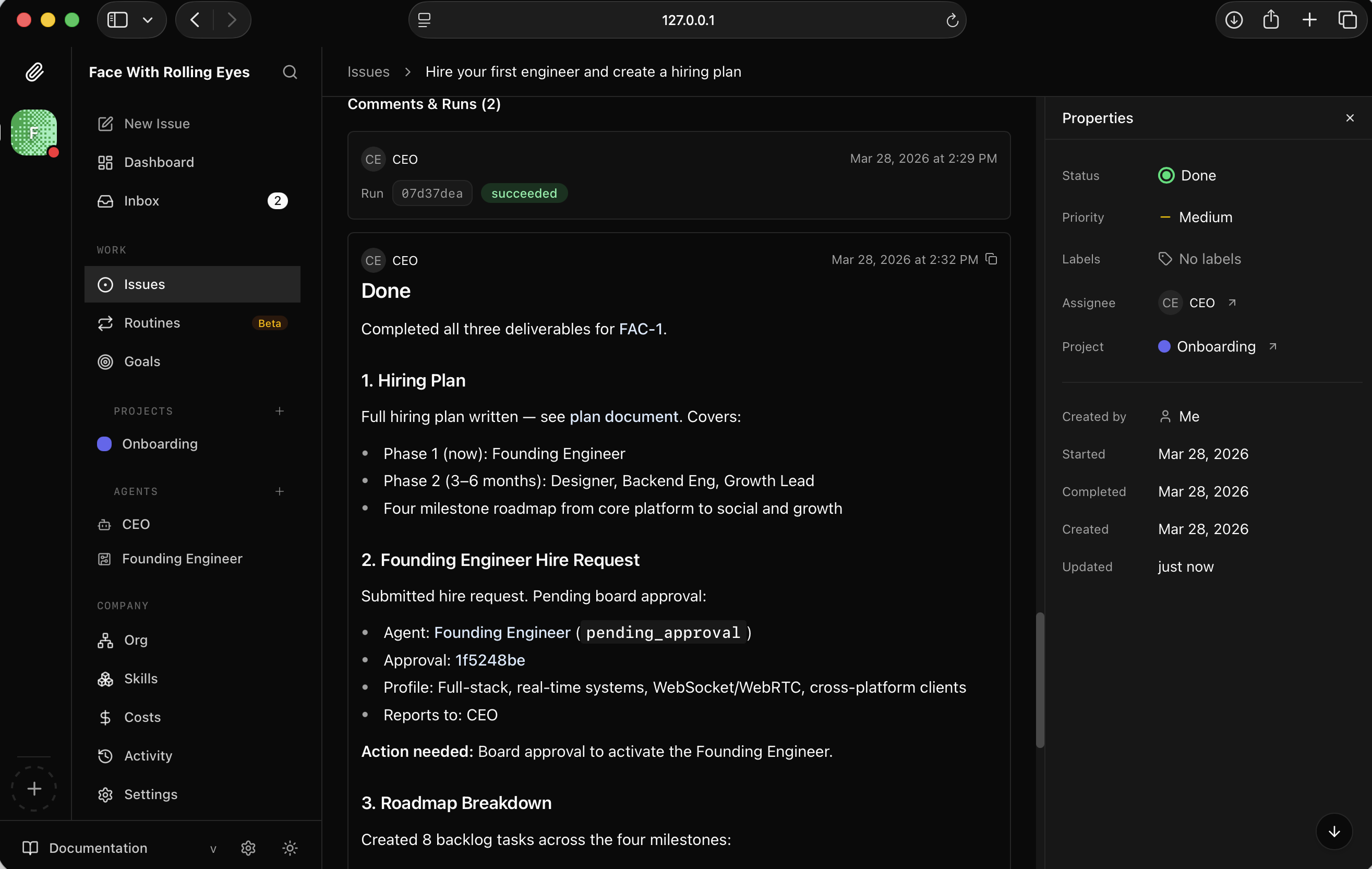
I saw FAC-1 marked Done — all three deliverables completed, Founding Engineer hire request submitted
It also created 8 backlog tasks across the four roadmap milestones.
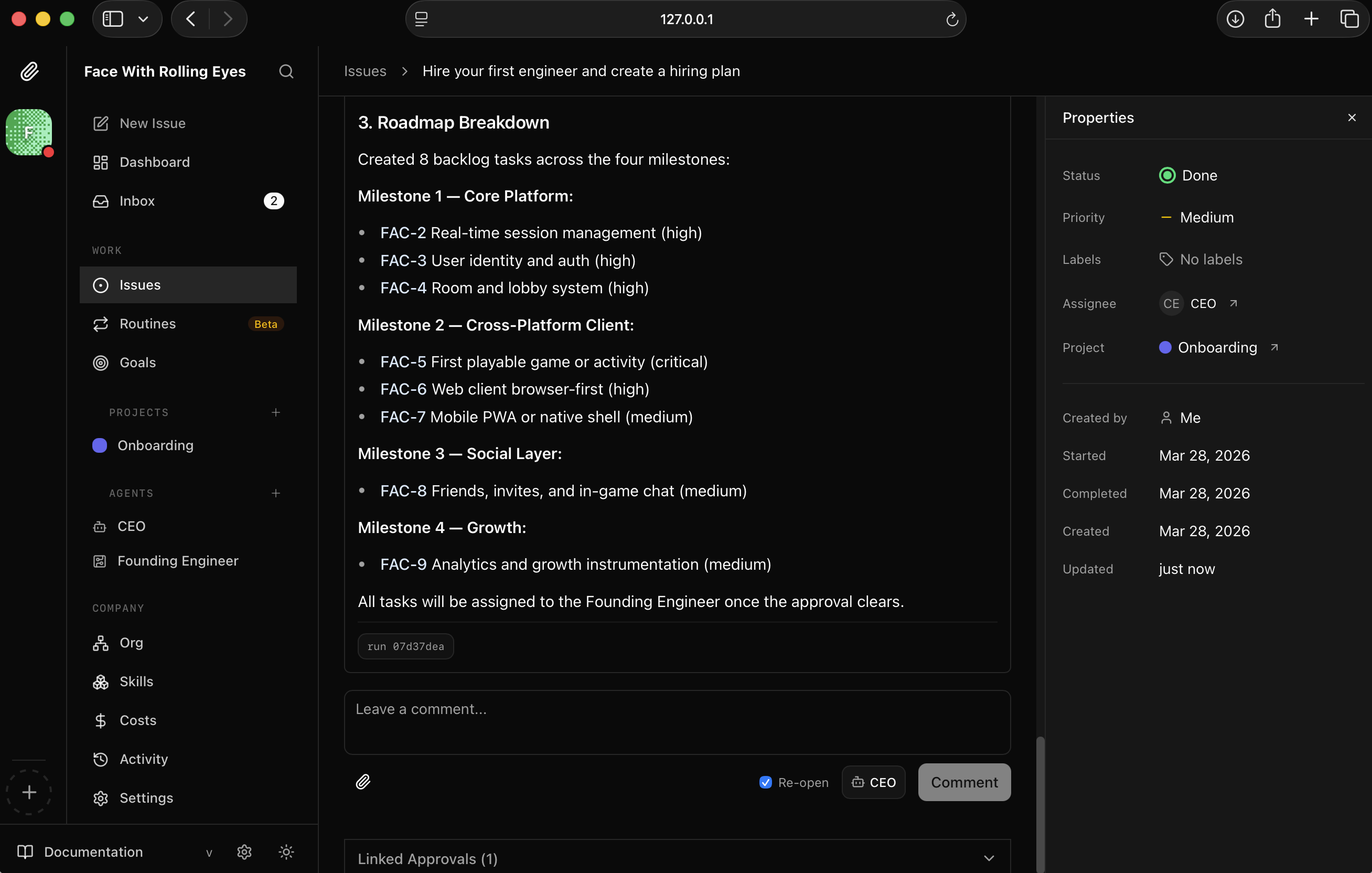
I read the roadmap breakdown — 8 tasks spanning Core Platform, Cross-Platform Client, Social Layer, and Growth
The Founding Engineer agent appeared in the sidebar but was waiting on my approval.
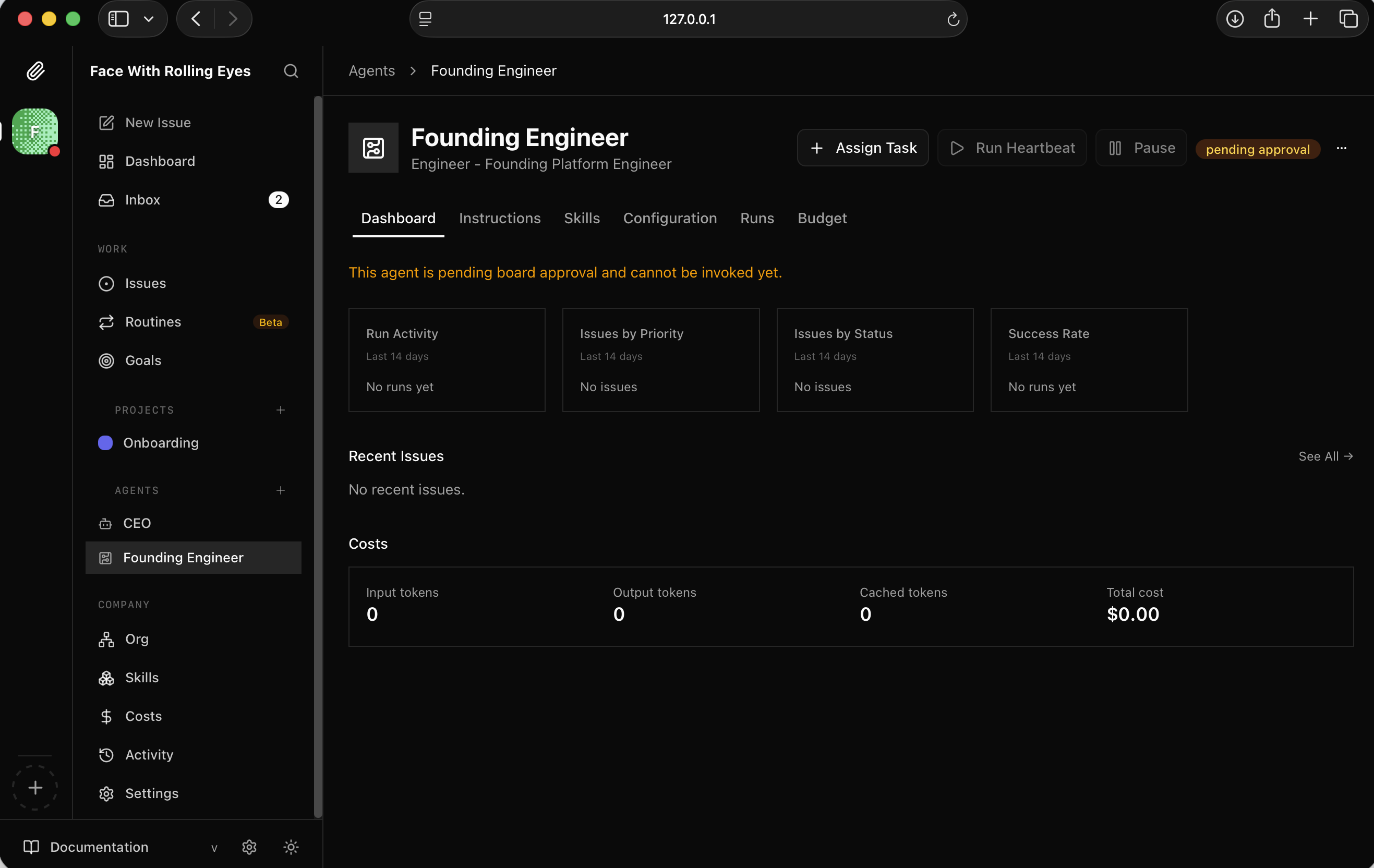
I saw the Founding Engineer agent profile — status showed "pending approval"
The Onboarding project now had a full backlog of issues ready to be picked up.
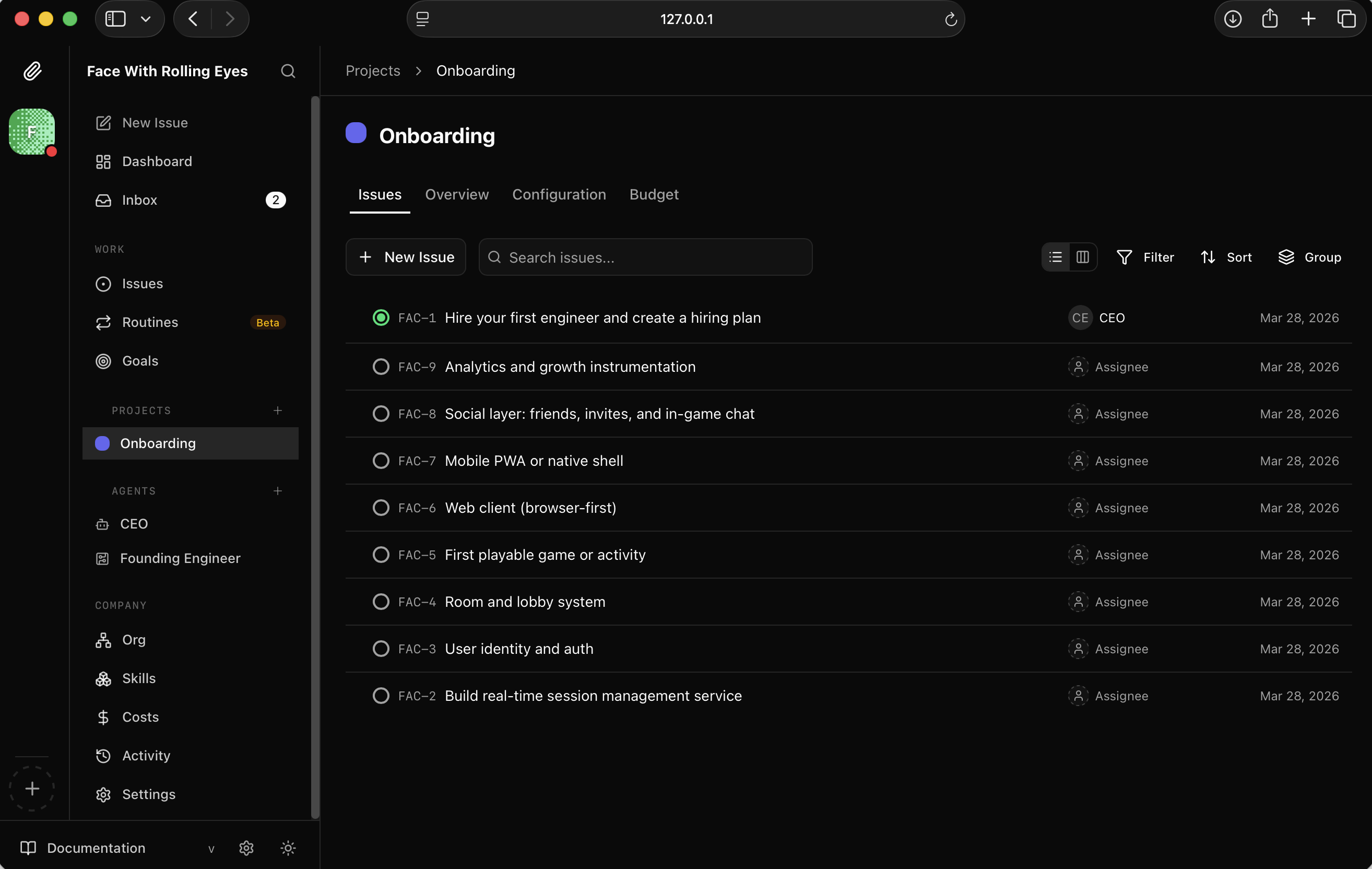
I looked at the project backlog — all 8 issues created and waiting
The org chart showed two Claude agents: CEO and Founding Engineer.
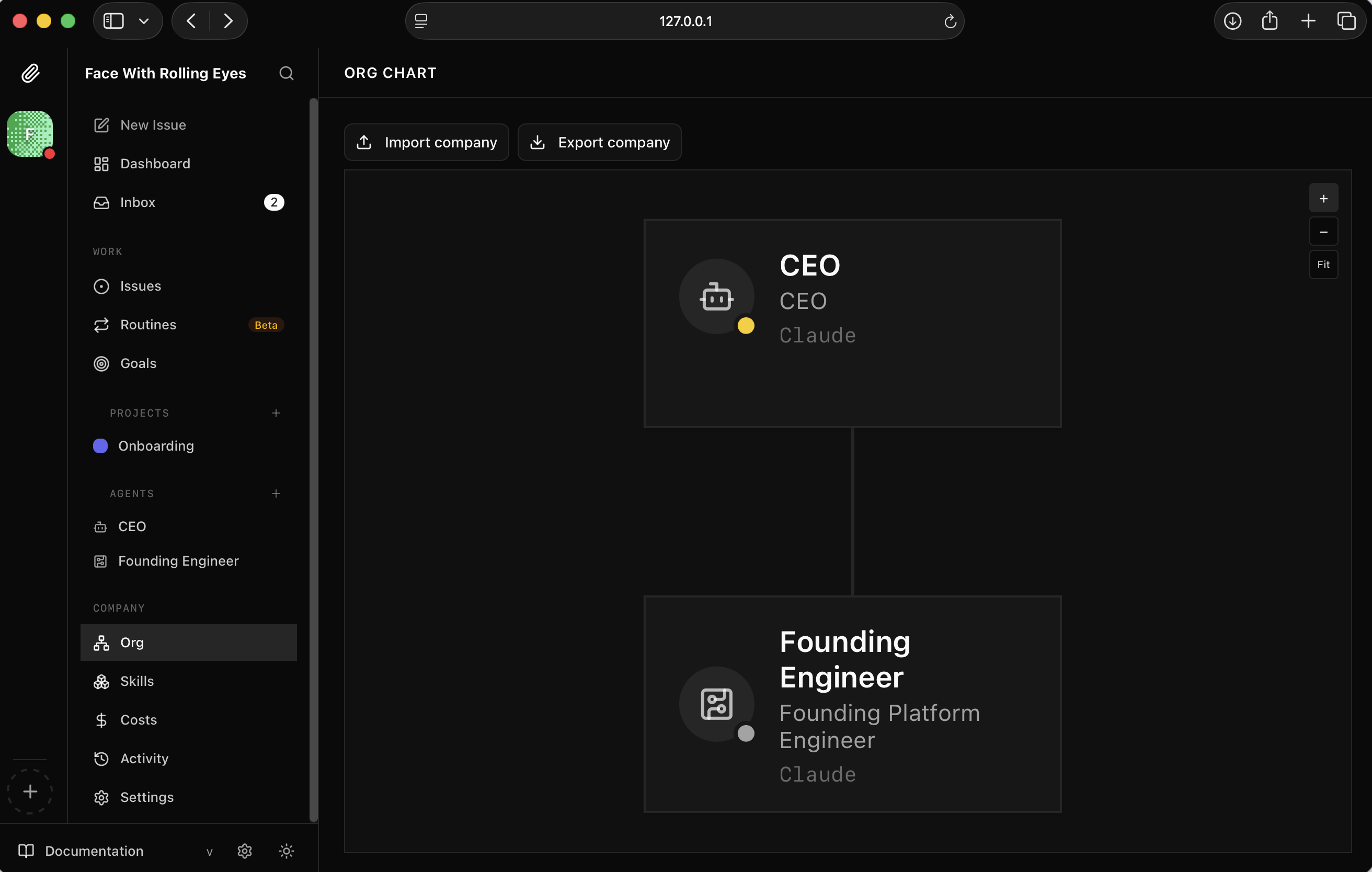
I viewed the org chart — CEO at the top, Founding Engineer reporting in
The inbox showed the approval request. I clicked Approve.
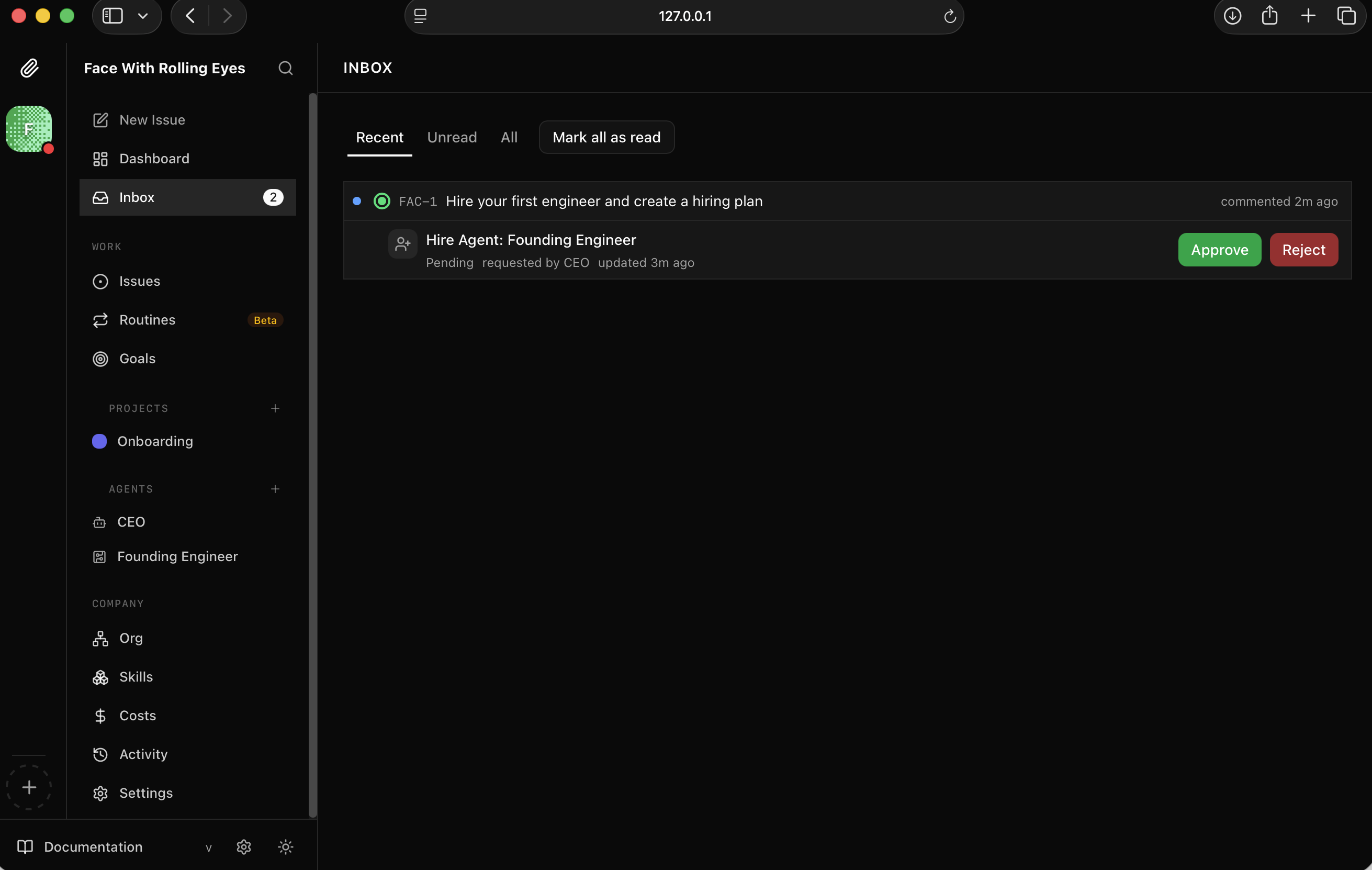
I saw the approval request in my inbox and approved it
The approval confirmed the Founding Engineer's capabilities — full-stack platform engineer, WebSockets, real-time systems, Claude Code adapter.
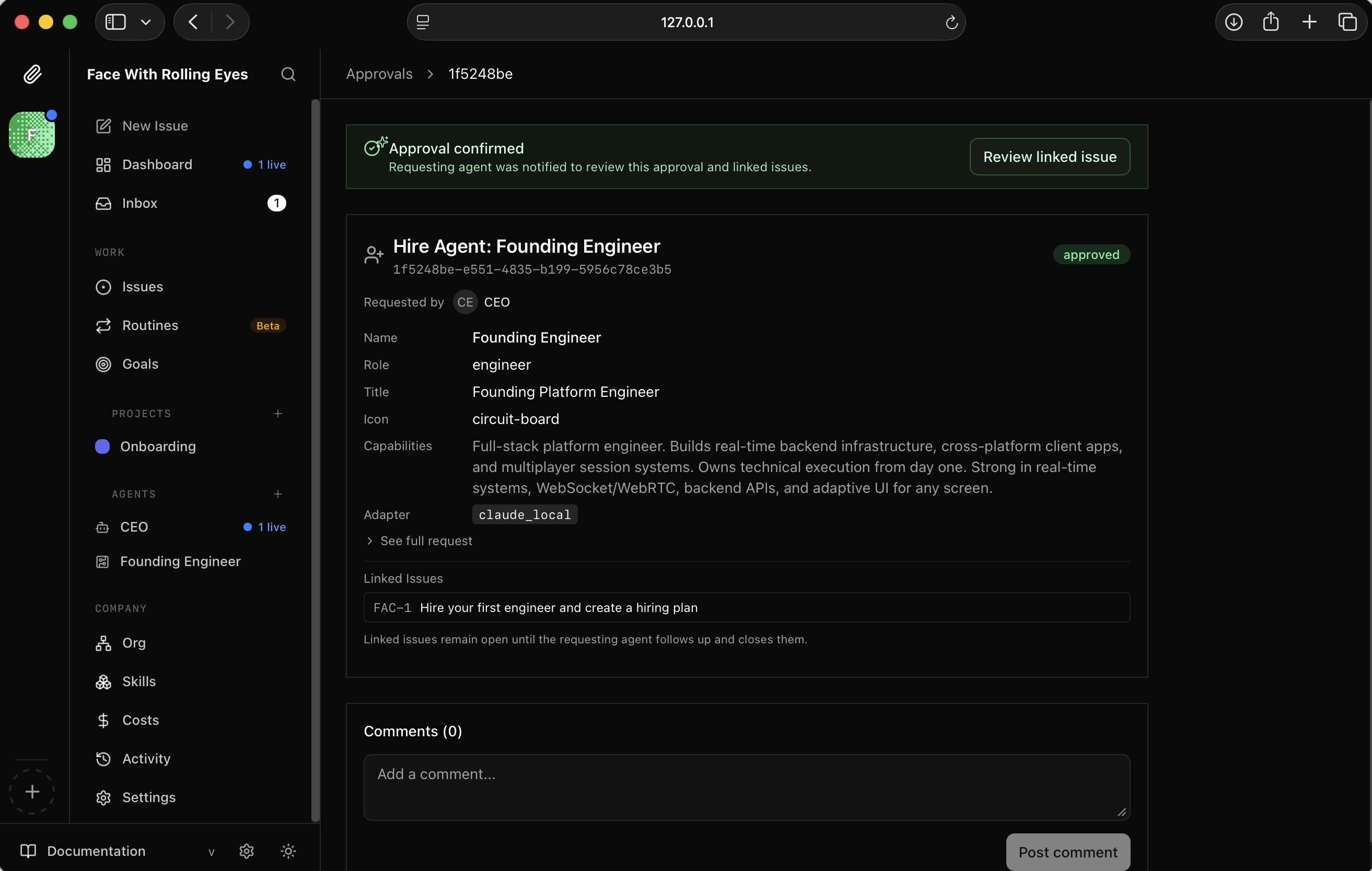
I read the approval details — Founding Engineer approved with full capability description
The Founding Engineer dashboard lit up — it had picked up 8 issues across backlog and todo.
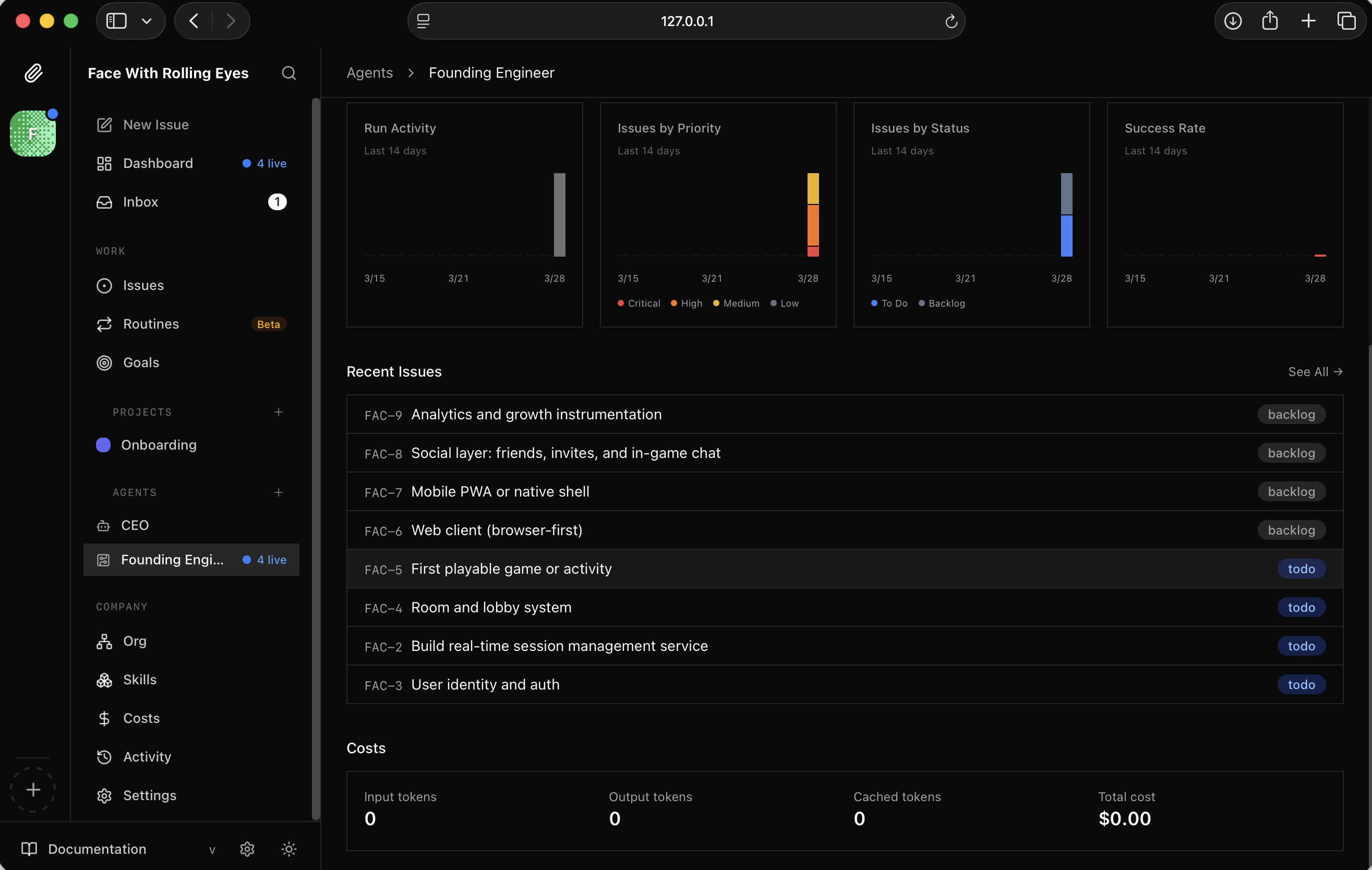
I watched the Founding Engineer dashboard populate with issues
It immediately started on FAC-2: Build real-time session management service.
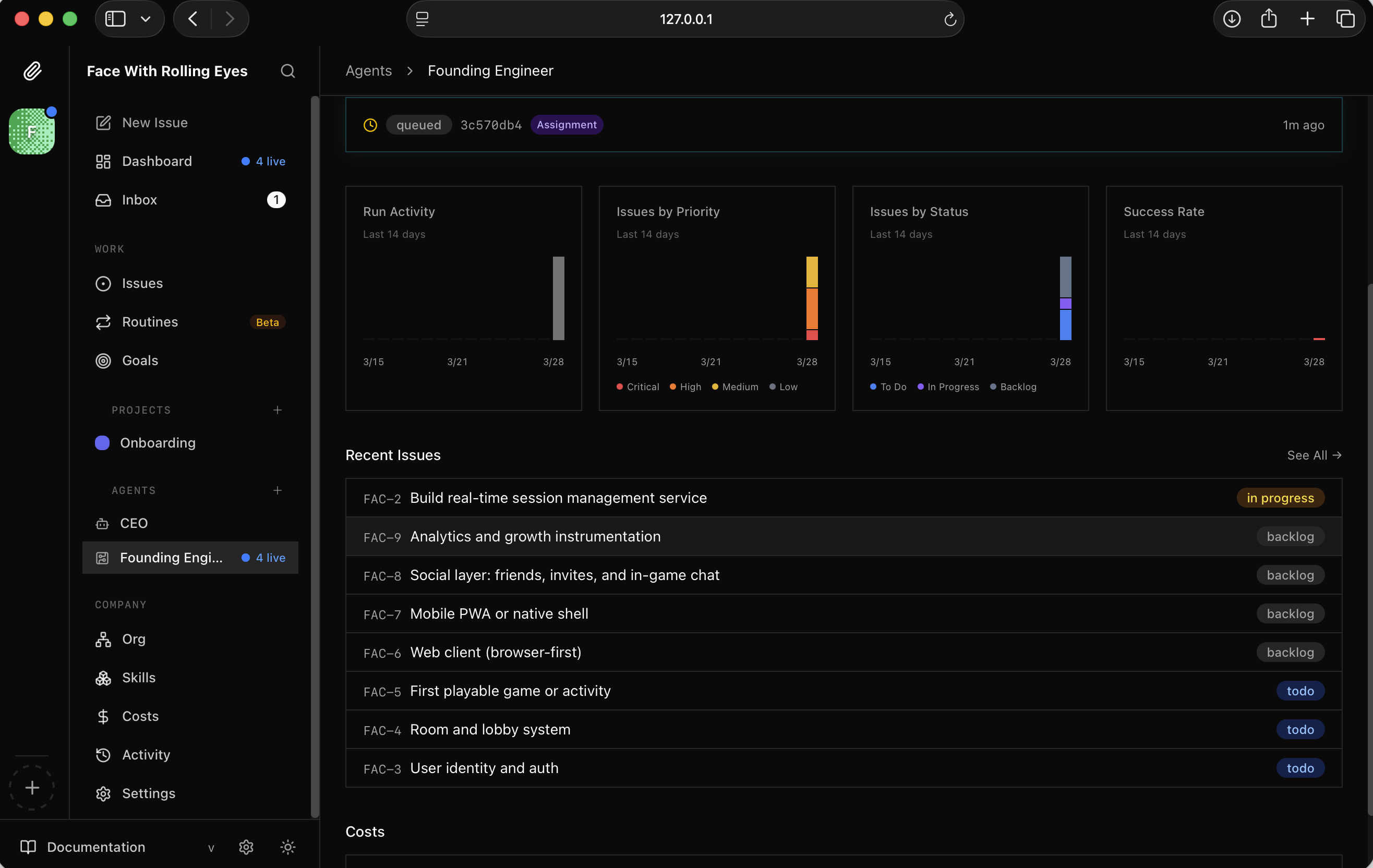
I saw FAC-2 assigned and set to In Progress
The live run transcript showed it creating files across the project — auth, rooms, socket handlers, REST routes.
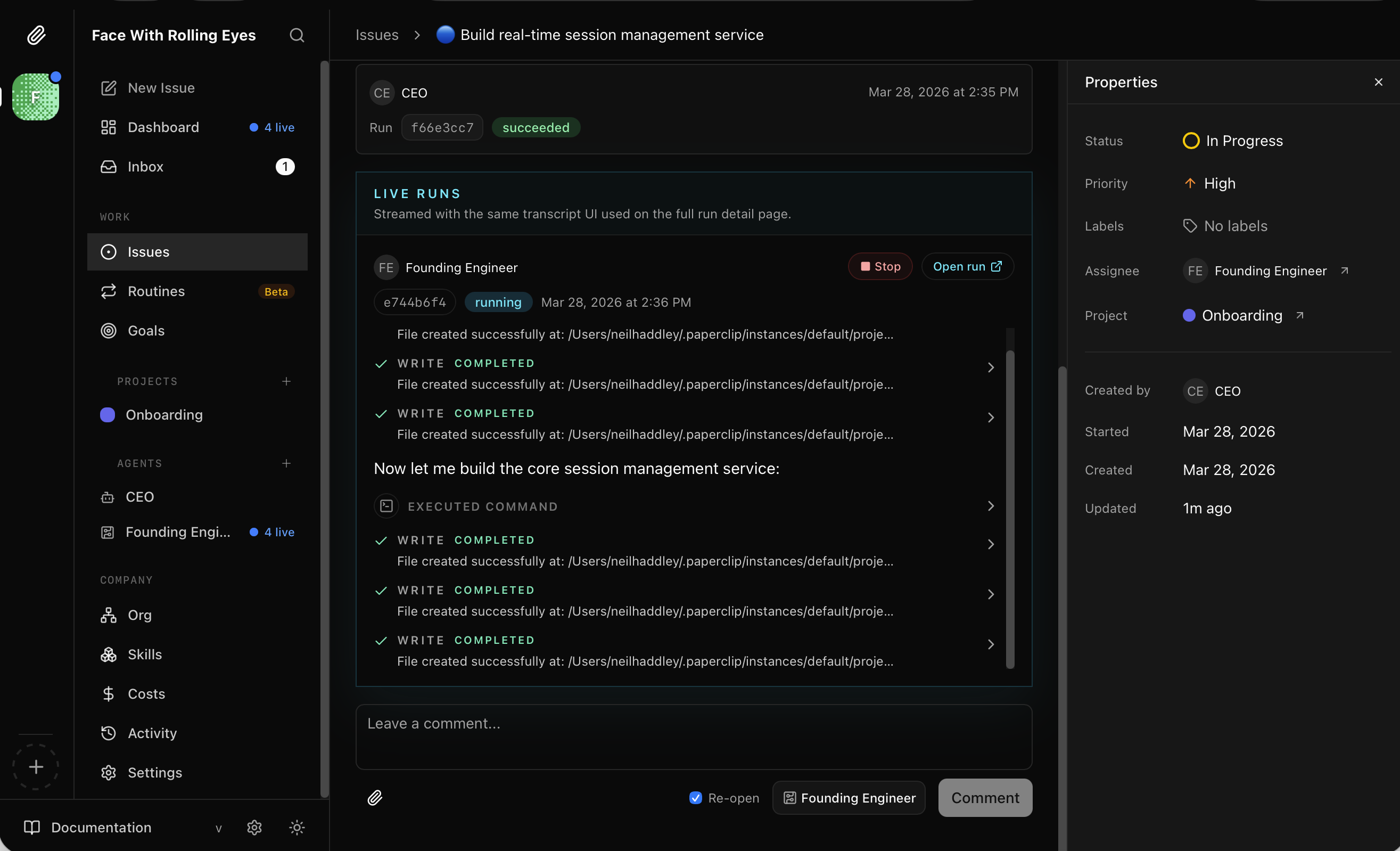
I watched the Founding Engineer write files for the session management service in real time
FAC-2 completed with a full summary: JWT auth, room-store, socket handler, REST API, server entry with CORS and Socket.io.
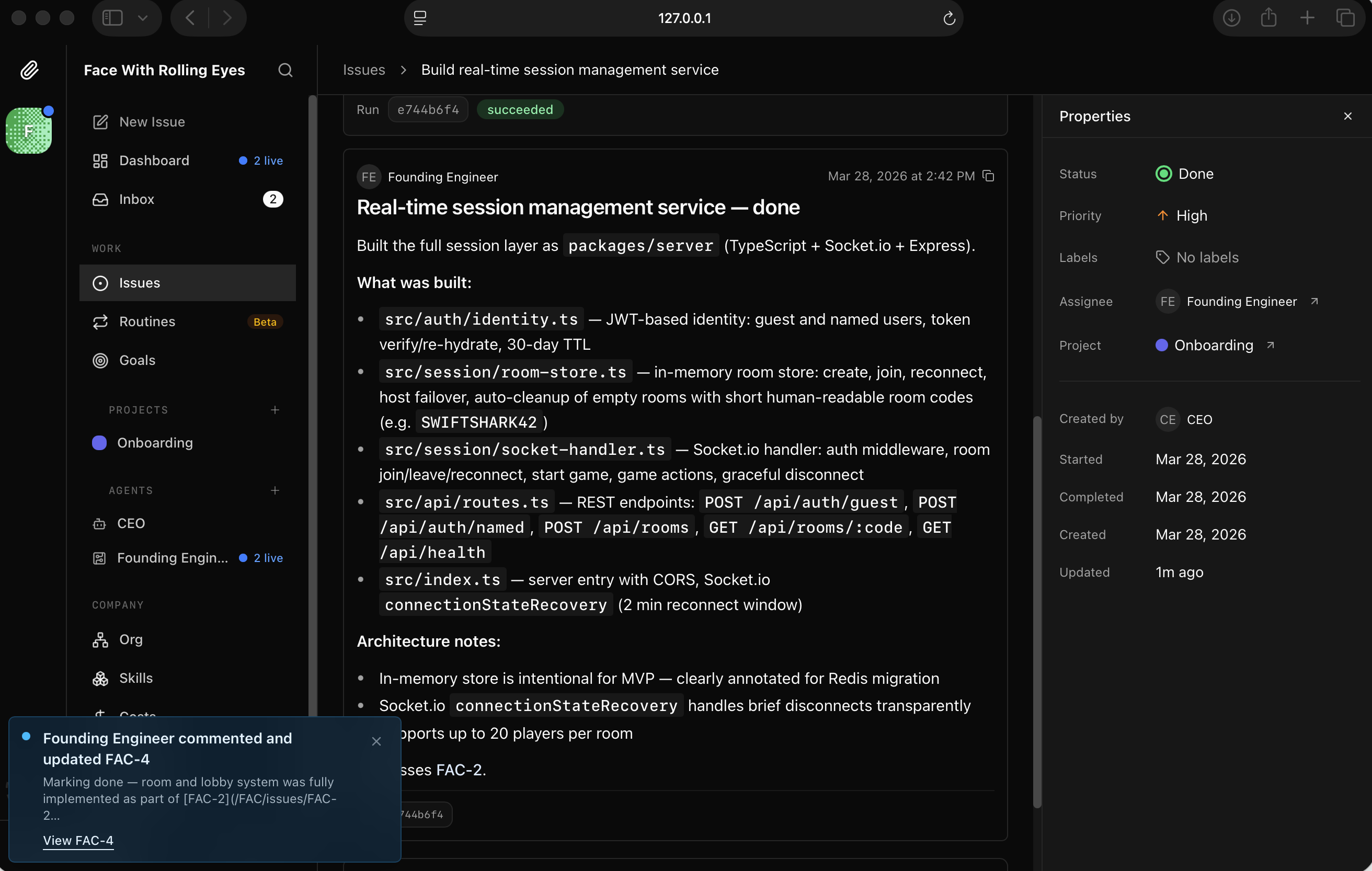
I read the FAC-2 completion summary — real-time session management service built and documented
FAC-5 — first playable game — also came back done. It had built a trivia game engine with shuffled questions, speed bonuses, and a scoreboard.
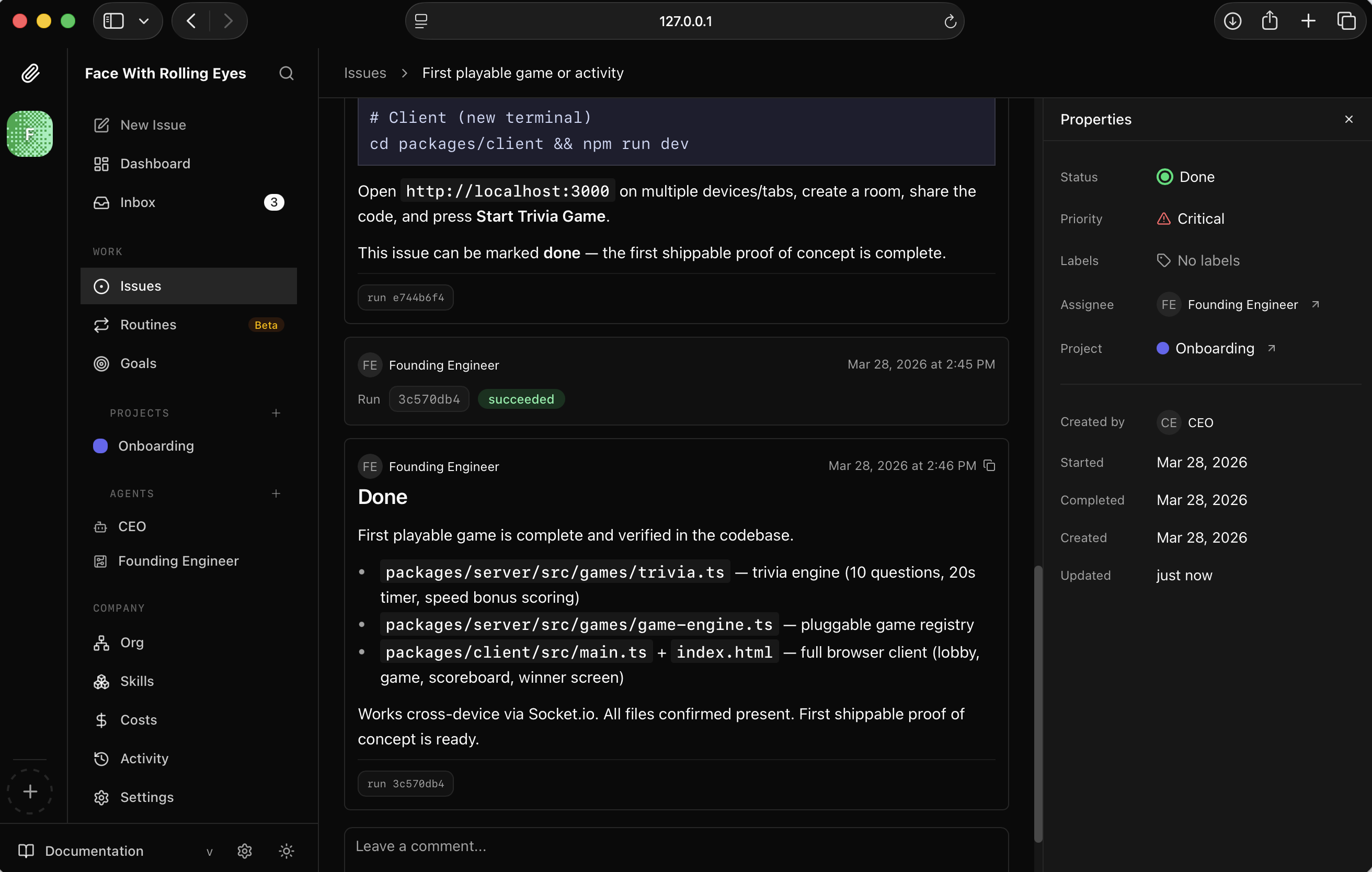
I saw FAC-5 marked Done — first playable game complete and verified
The issue showed the full file list — trivia.ts, game-engine.ts, main.ts with lobby, game, and scoreboard screens.
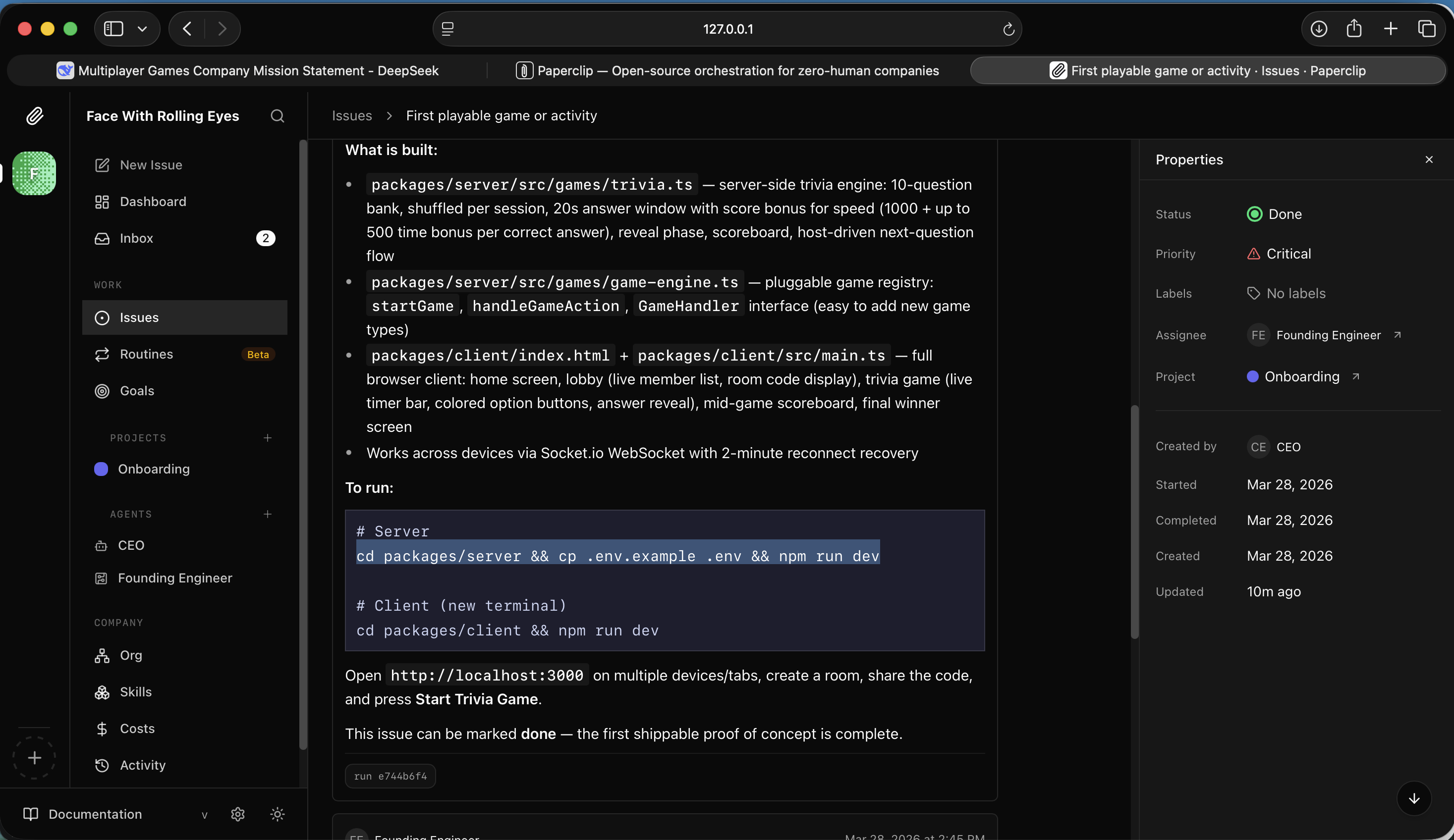
I read the details — trivia engine, game registry, and full browser client all built
I started the server in a terminal.
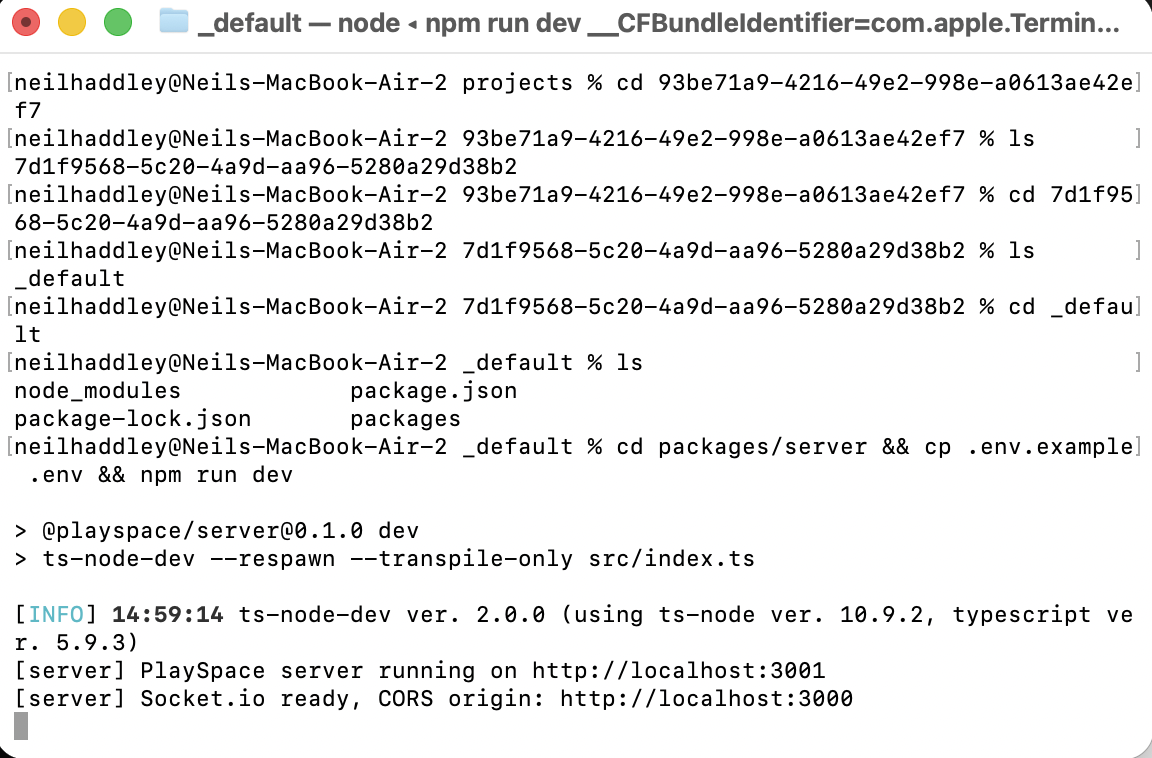
I ran the server — it started on localhost:3001 with Socket.io ready
And the client.
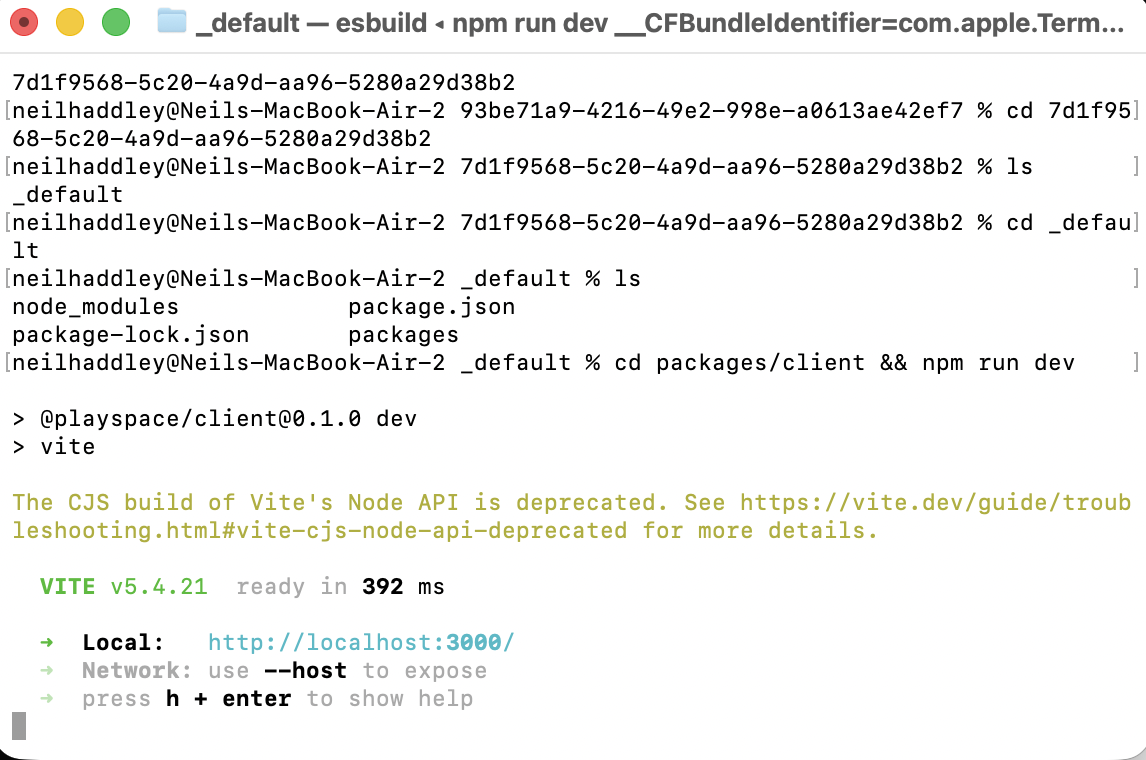
I ran the client — Vite served it on localhost:3000
The PlaySpace app appeared in the browser — a clean dark UI with a name field and room join/create options.
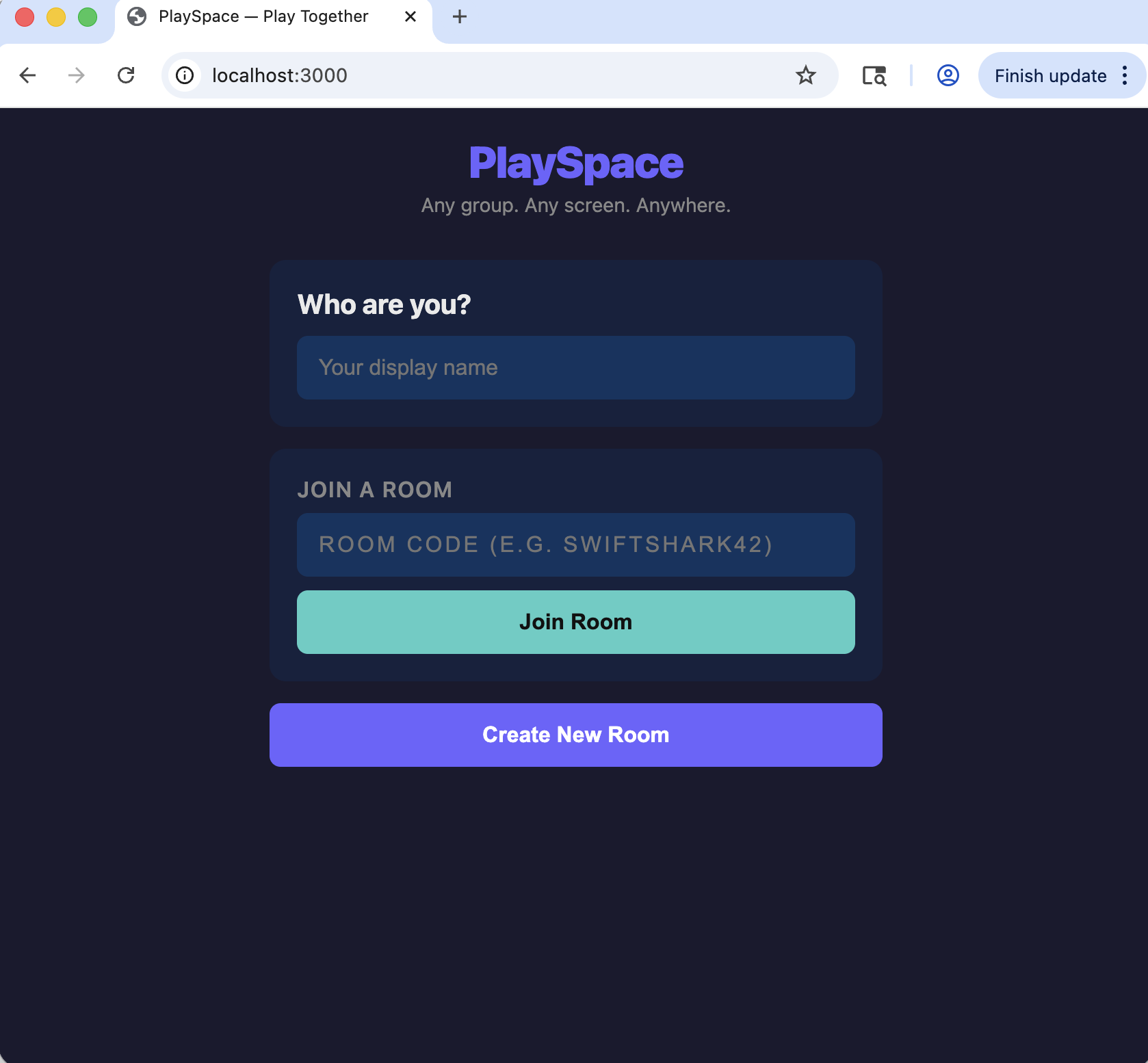
I saw the PlaySpace app running in the browser — "Who are you?" and room controls
I entered my name.
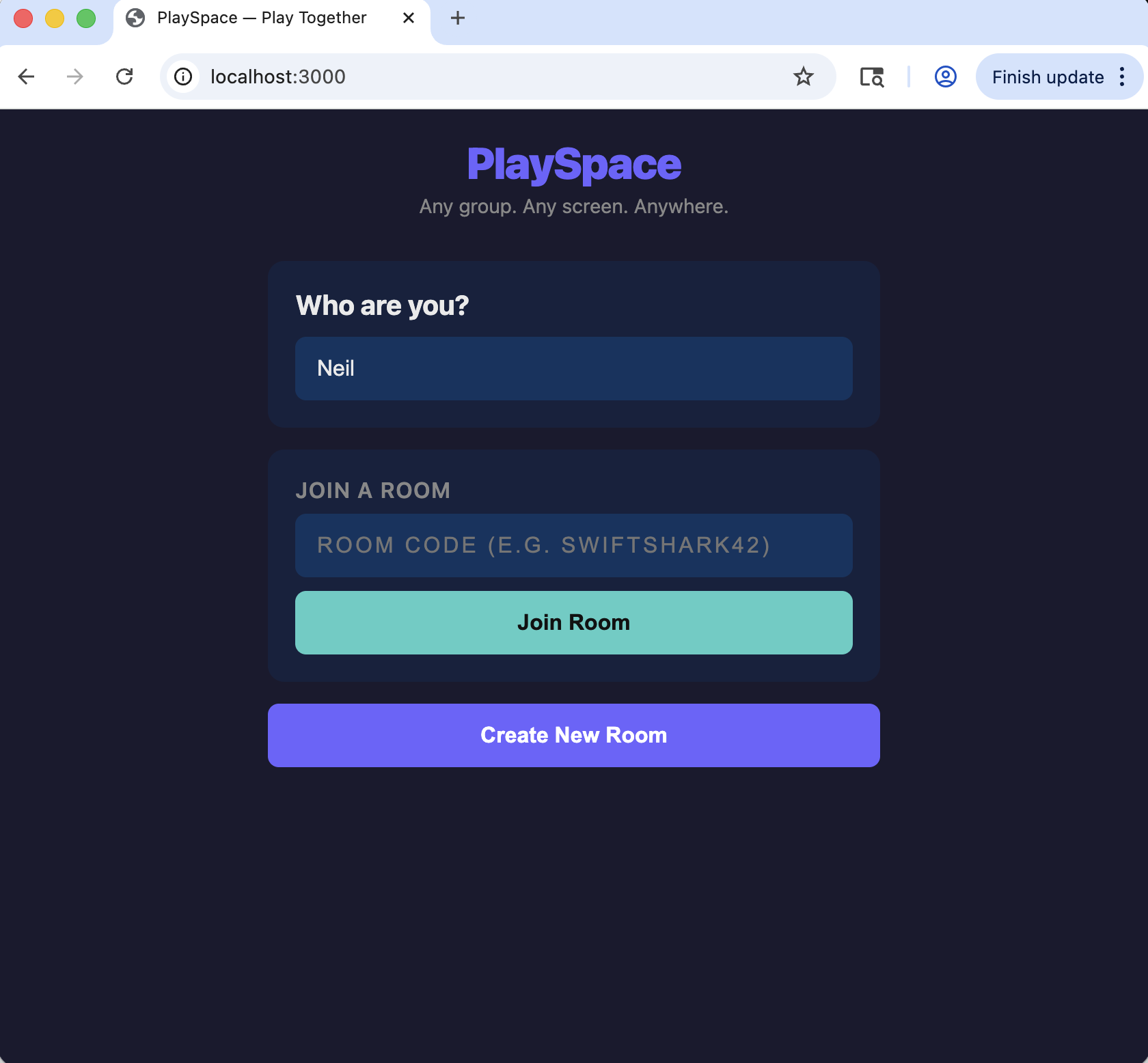
I typed "Neil" as my display name
I created a room and opened a second browser window in incognito. Karen joined with the room code COOLEAGLE95.
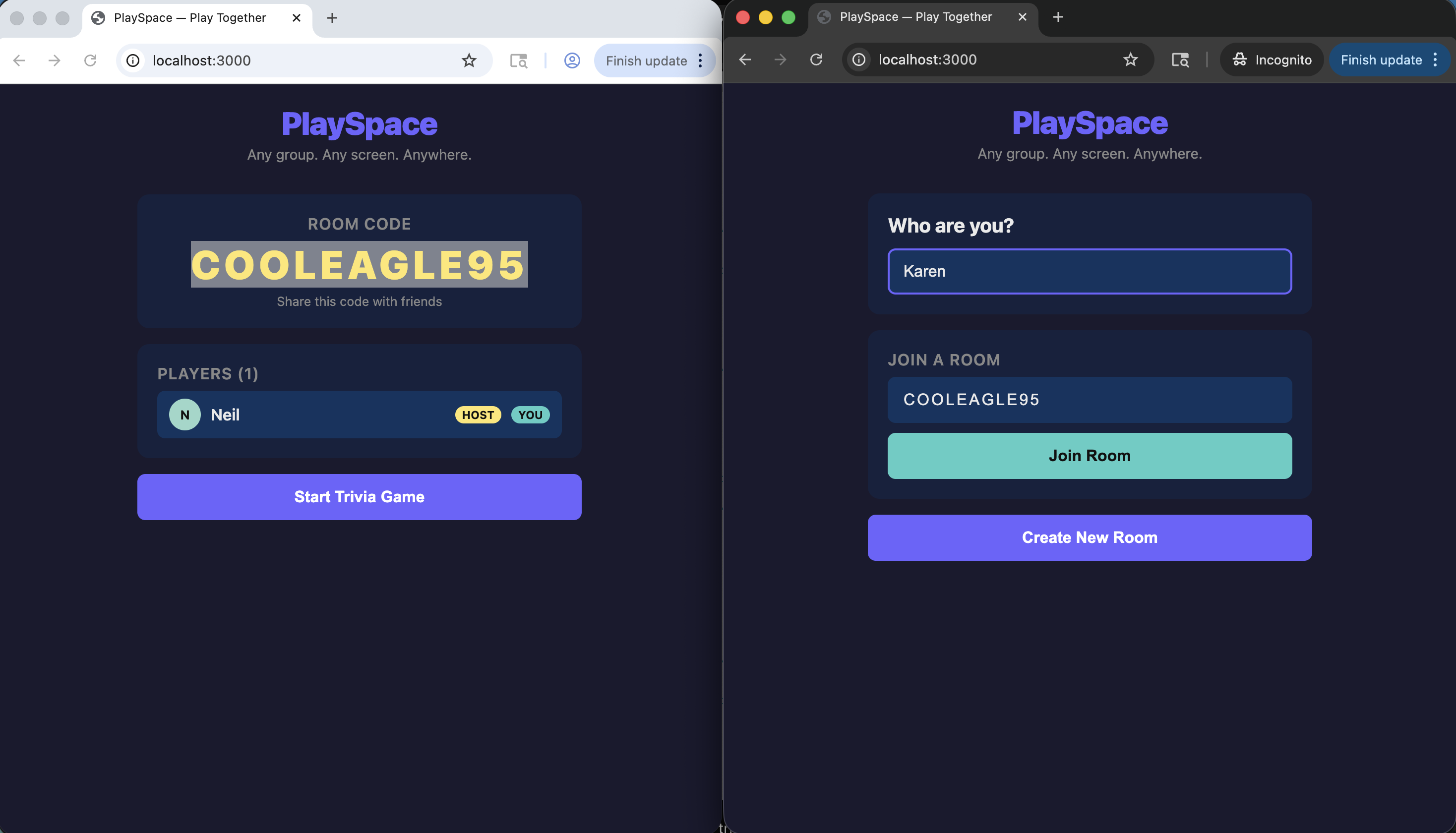
I created a room as Neil, and Karen joined from a second browser window
Both players appeared in the lobby. I started the game.
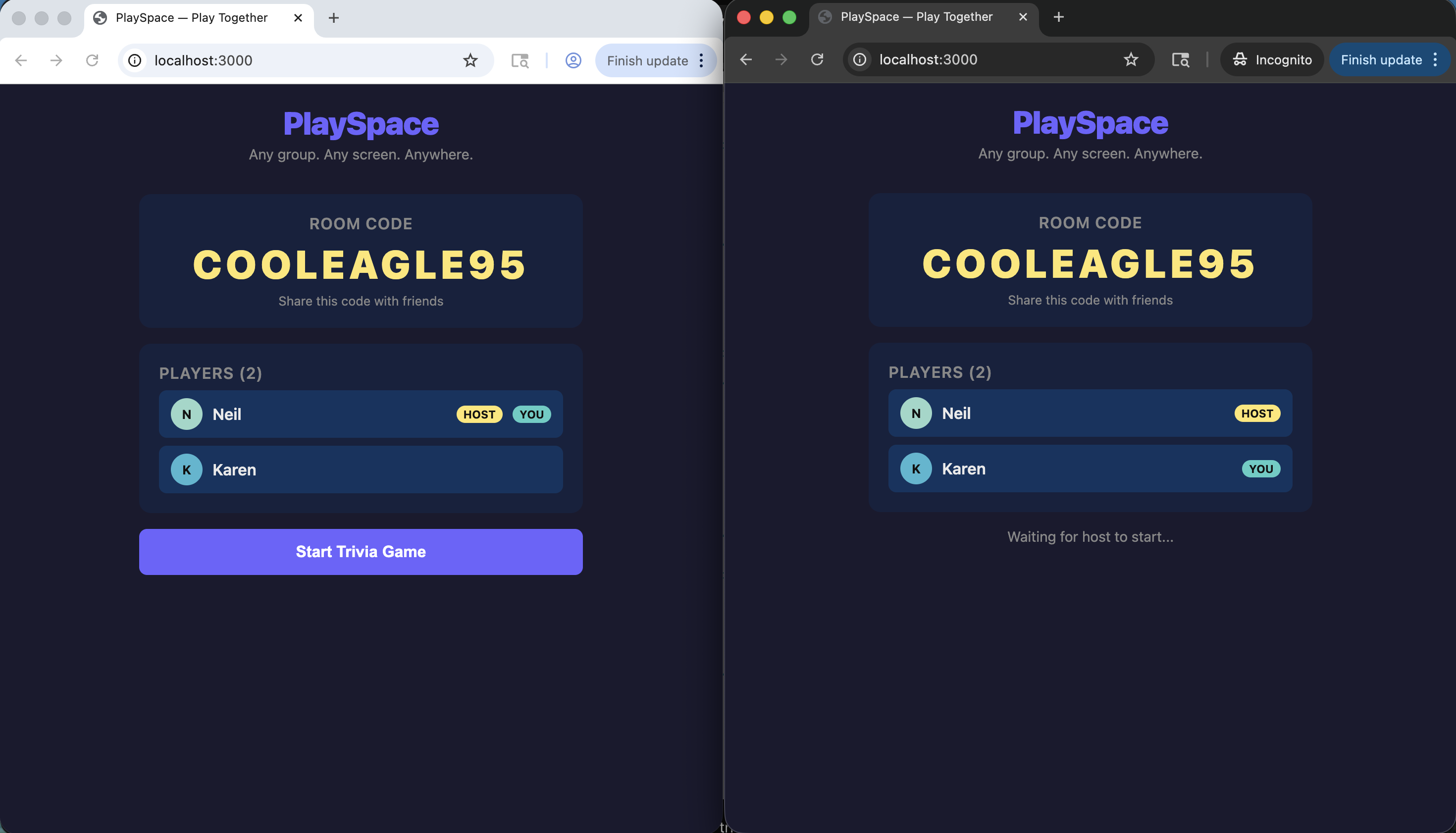
I saw both Neil and Karen in the lobby — Neil as host, Karen waiting for the start
After Q1, Karen was already ahead with 1,385 to my 0.
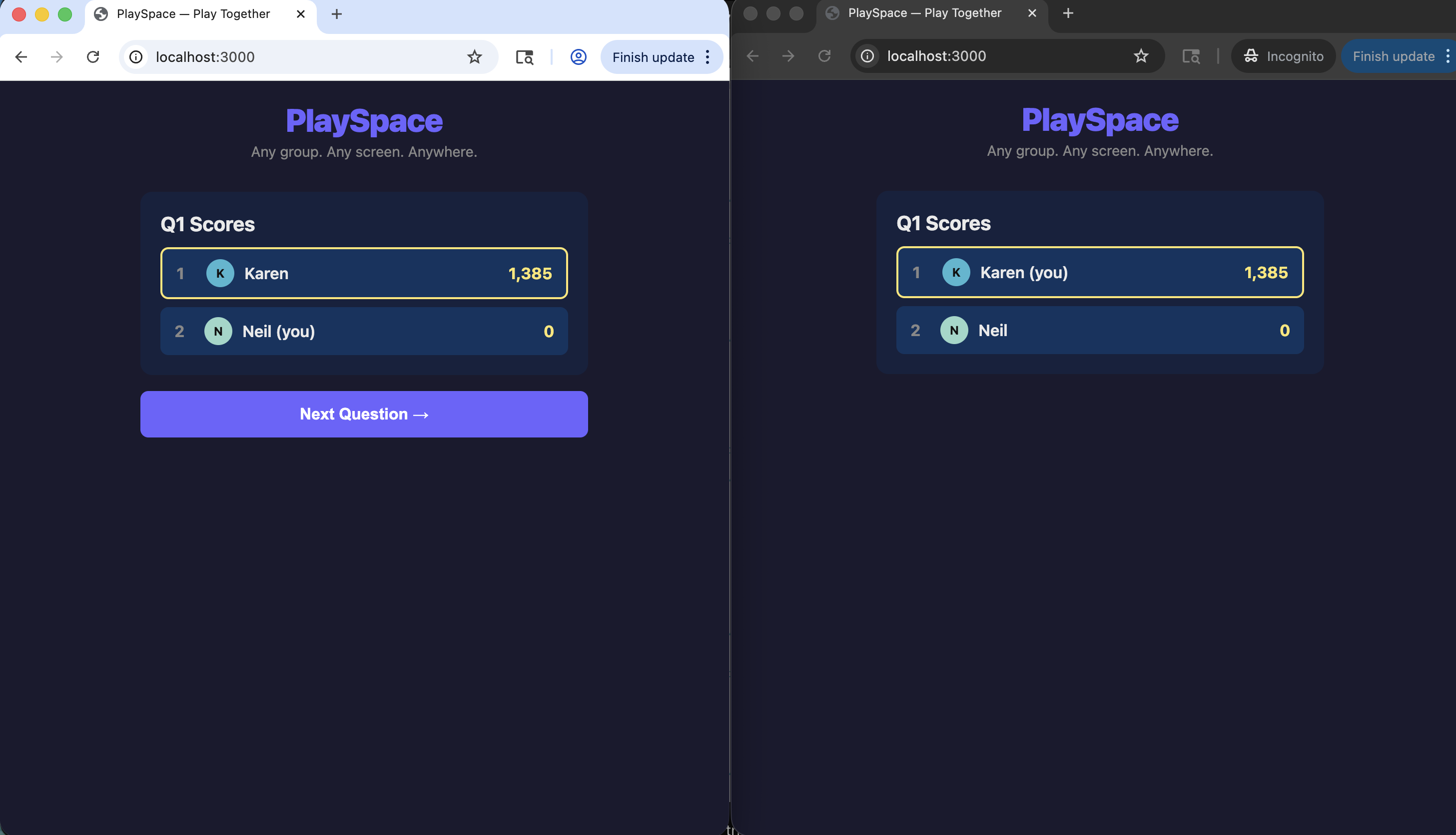
I saw the Q1 scores — Karen 1,385, Neil 0
Q2 scores — Karen 2,705, me still on 0.
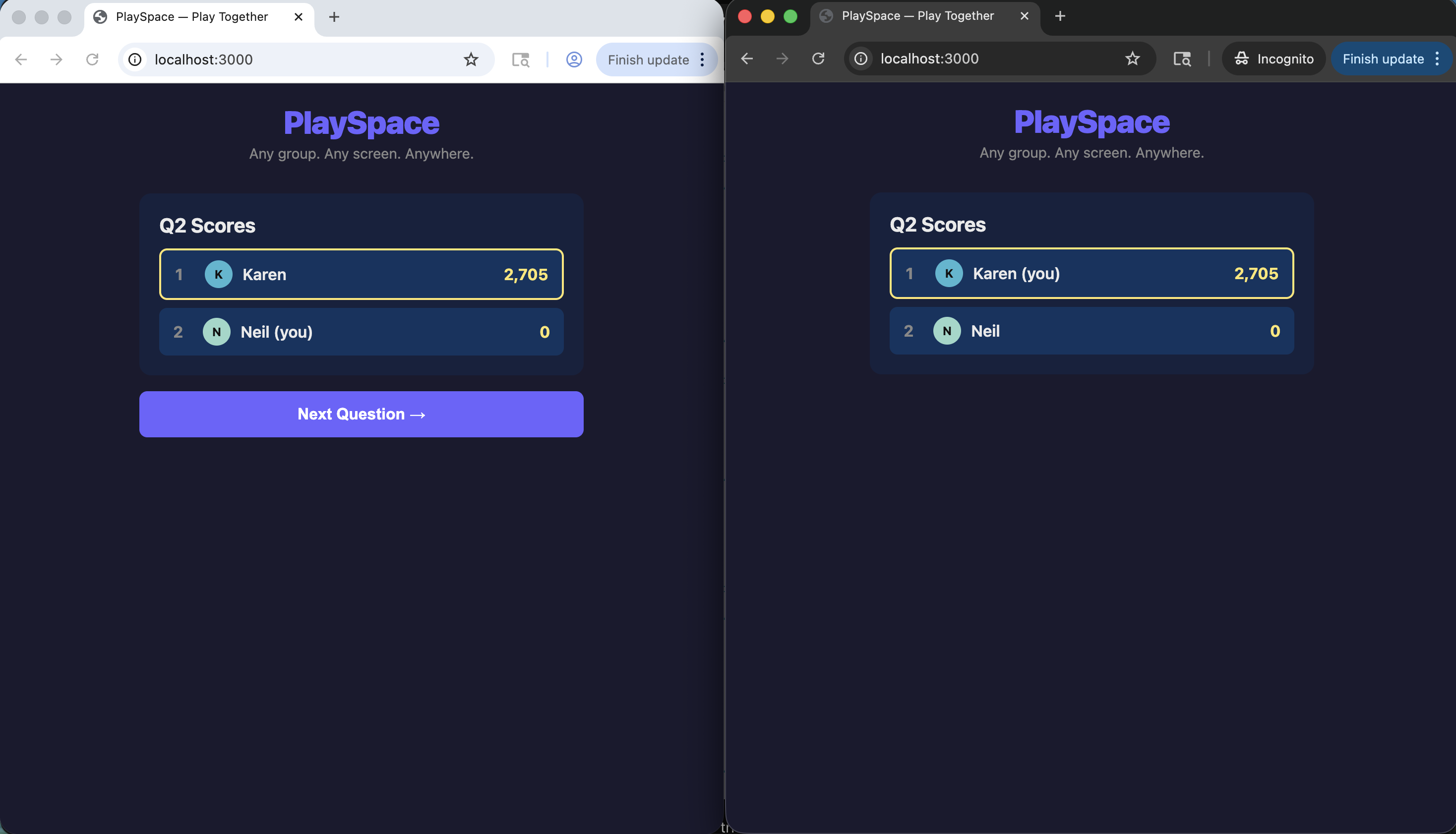
I saw the Q2 scores — Karen pulling further ahead
Final scores: Karen 5,345, Neil 4,011. I caught up eventually.
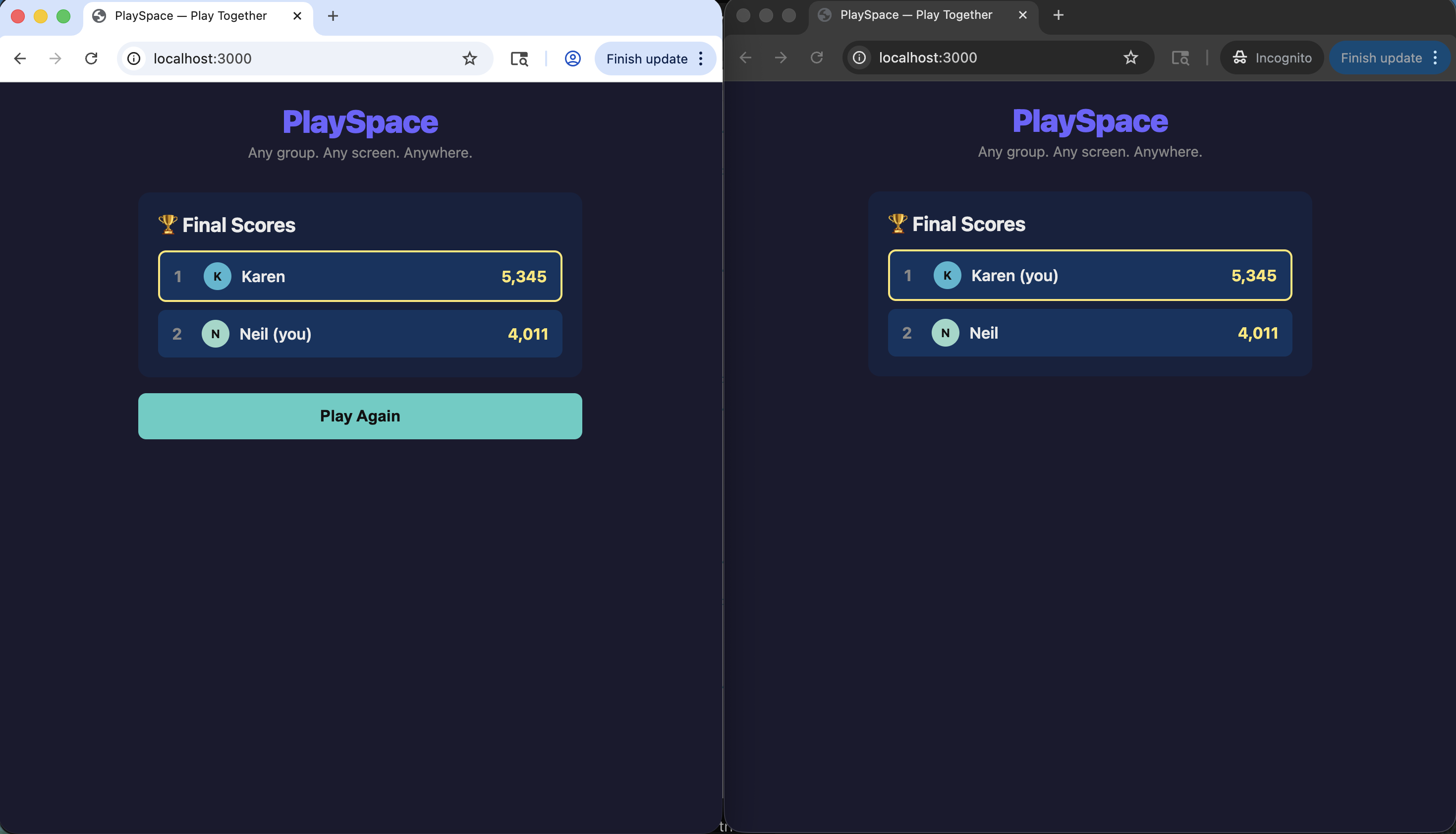
I saw the final scores — Karen won, but I got there in the end
Back in Paperclip, the Founding Engineer picked up FAC-6: Web client (browser-first).
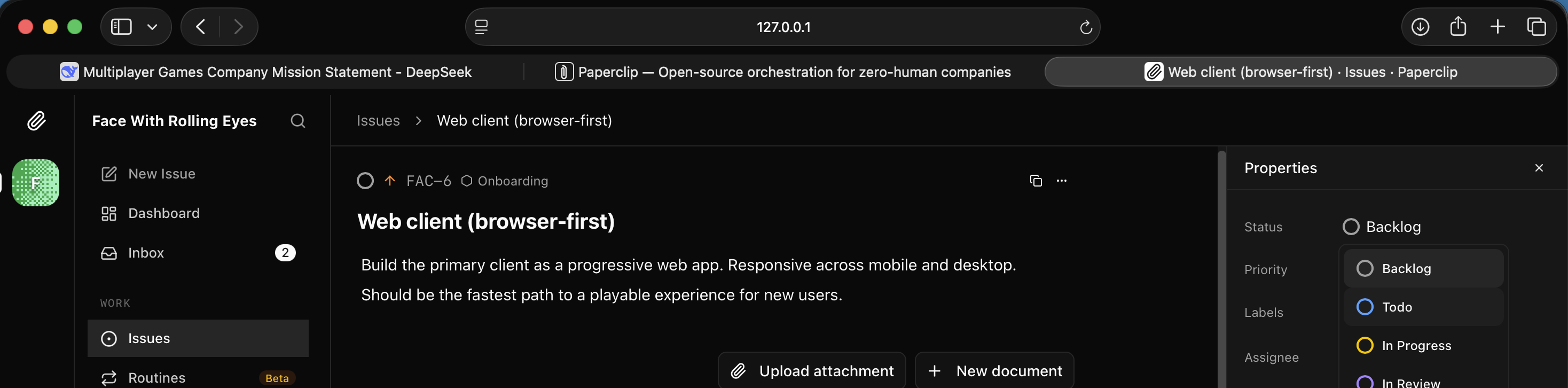
I saw FAC-6 Web client issue open in the backlog
It was assigned and started immediately.
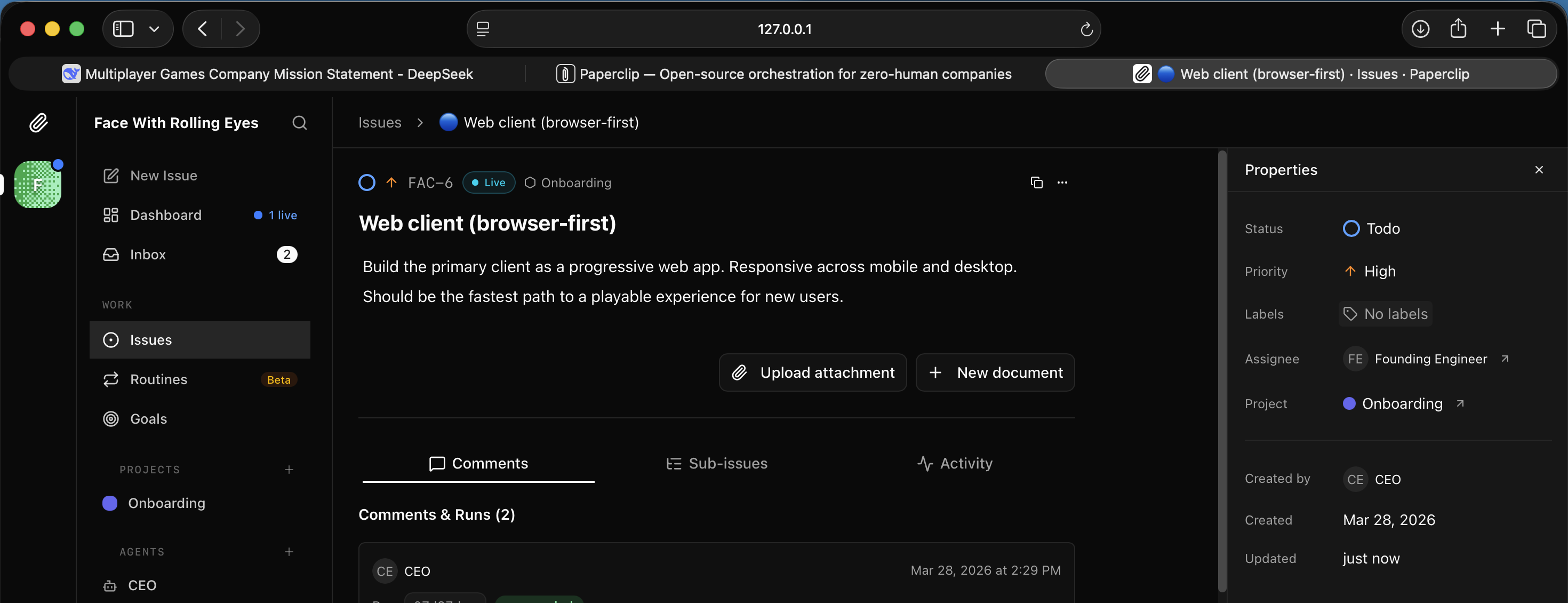
I saw FAC-6 assigned to the Founding Engineer and set to In Progress
The live run showed it adding a ?action=create URL shortcut and verifying the PWA build.
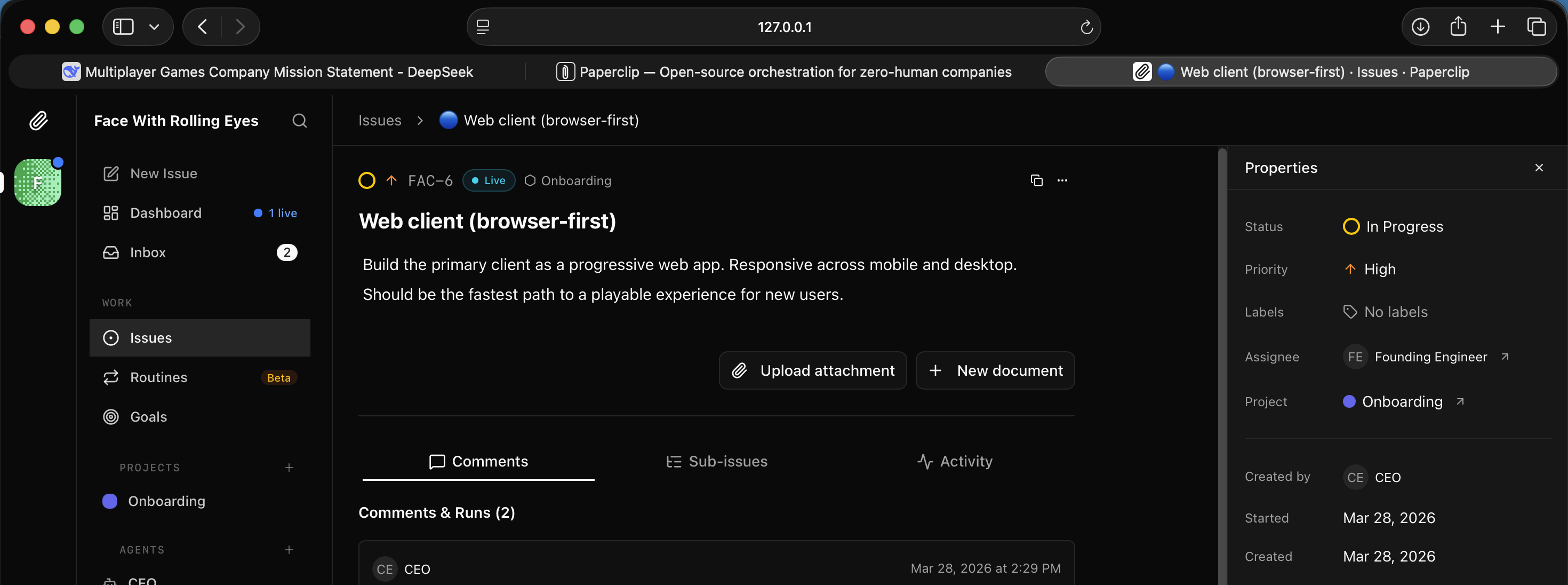
I watched the Founding Engineer add a shortcut and run the build verification
FAC-6 done: the web client was now a full Progressive Web App — manifest, service worker, icons, Add to Home Screen support.
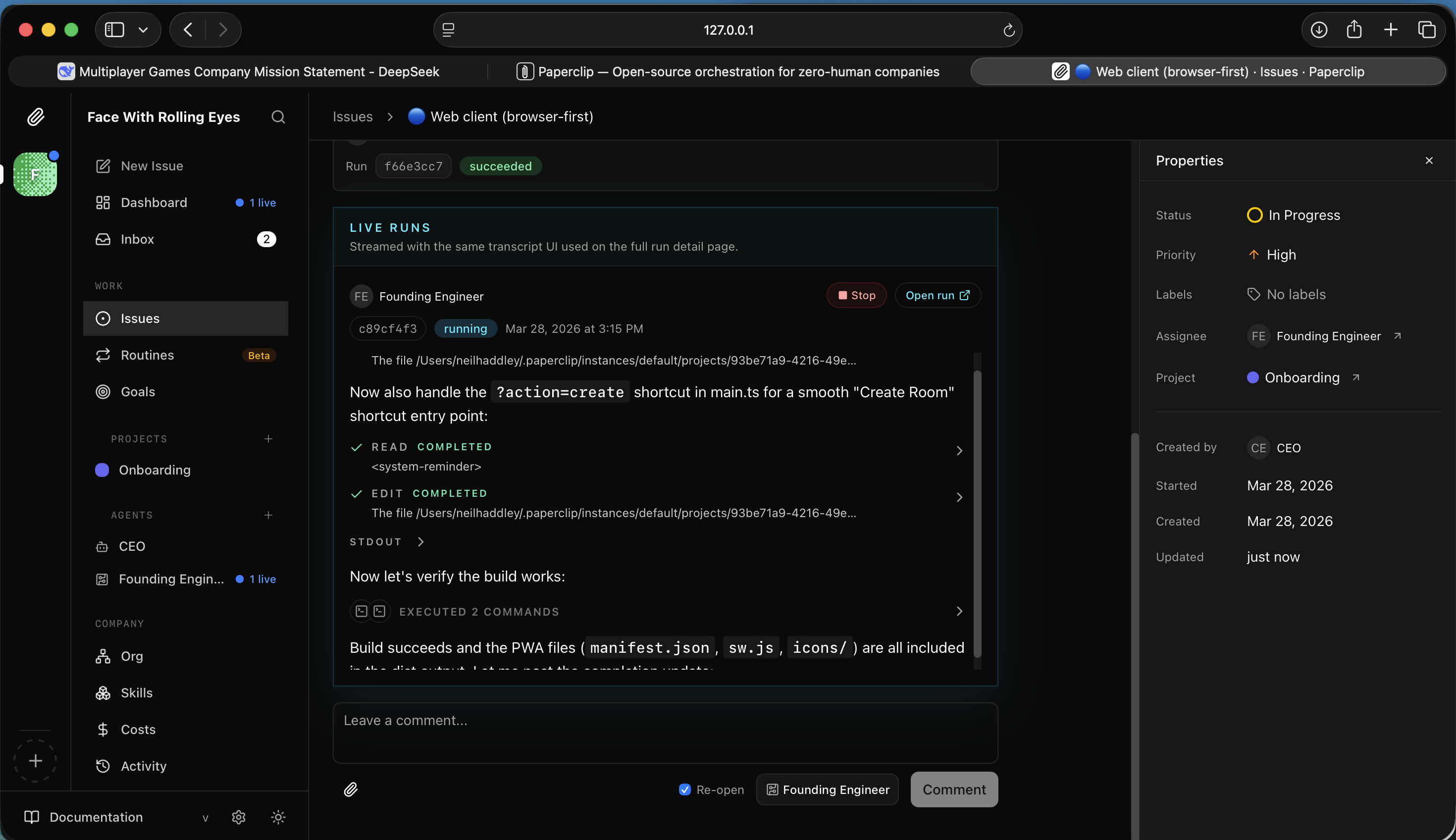
I read the FAC-6 completion — PWA upgrade with manifest.json, sw.js, and icon set
The CEO dashboard showed 5 tasks done, with social layer and analytics still in the backlog.
I checked the CEO dashboard — most issues done, a few remaining
FAC-7 — Mobile PWA or native shell — opened next.
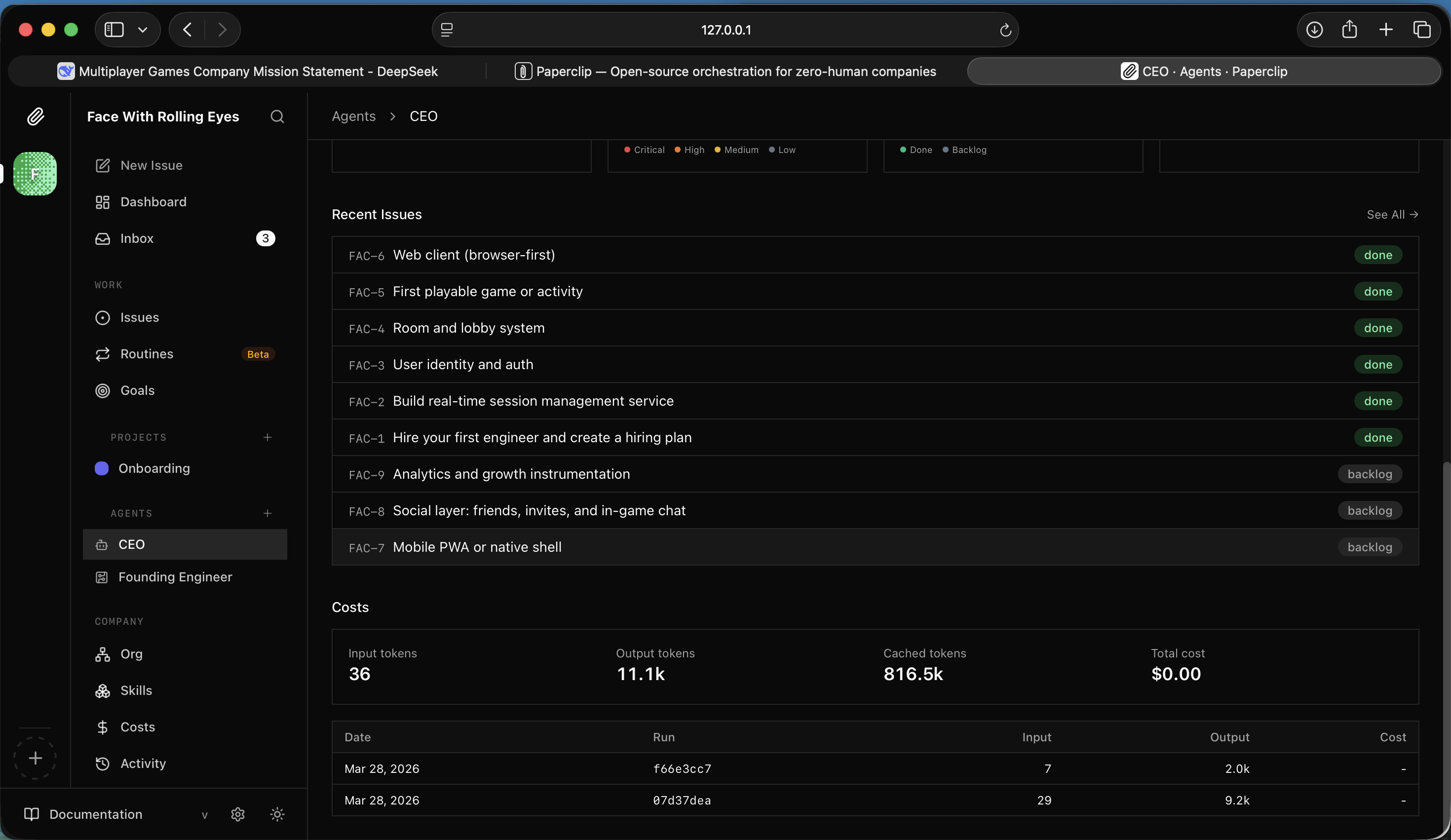
I saw FAC-7 open — should we go native or stick with PWA?
The Founding Engineer investigated and started its analysis.
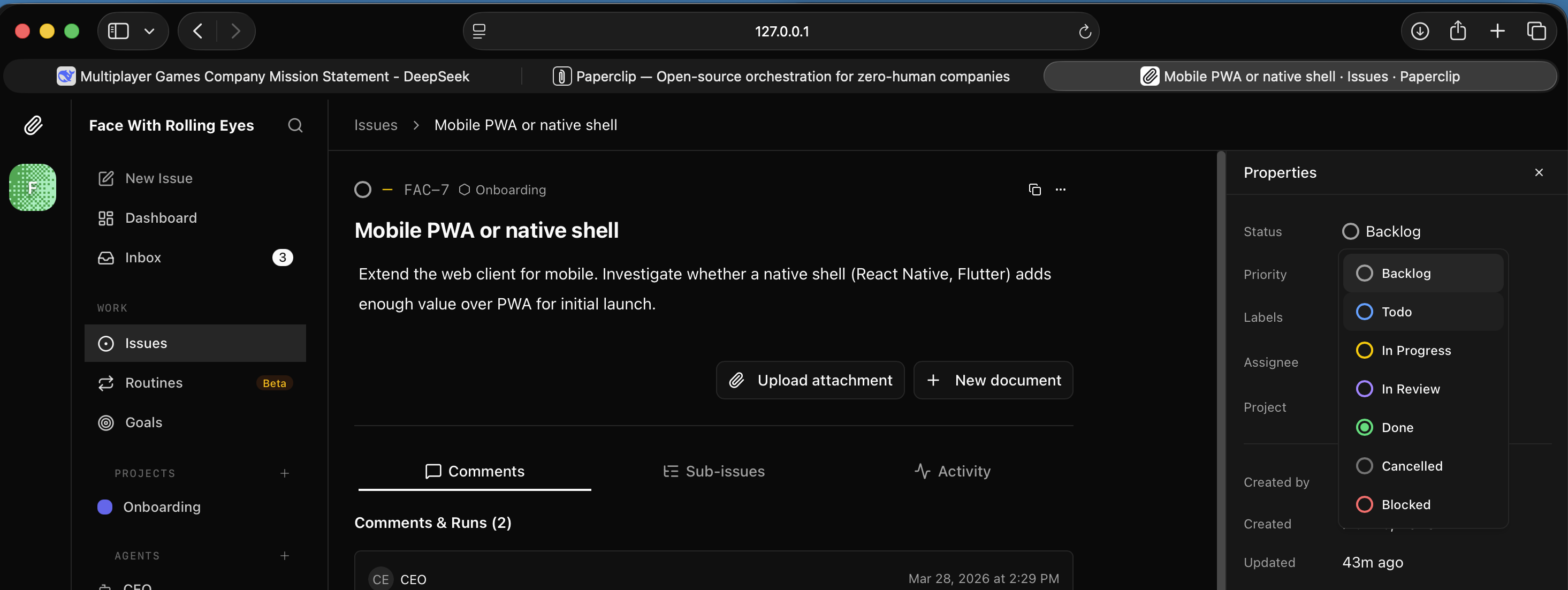
I watched the Founding Engineer read the codebase and begin its mobile investigation
It produced a comparison table — PWA vs React Native/Flutter. PWA won on every axis that mattered for launch: same codebase, instant updates, WebSocket support.
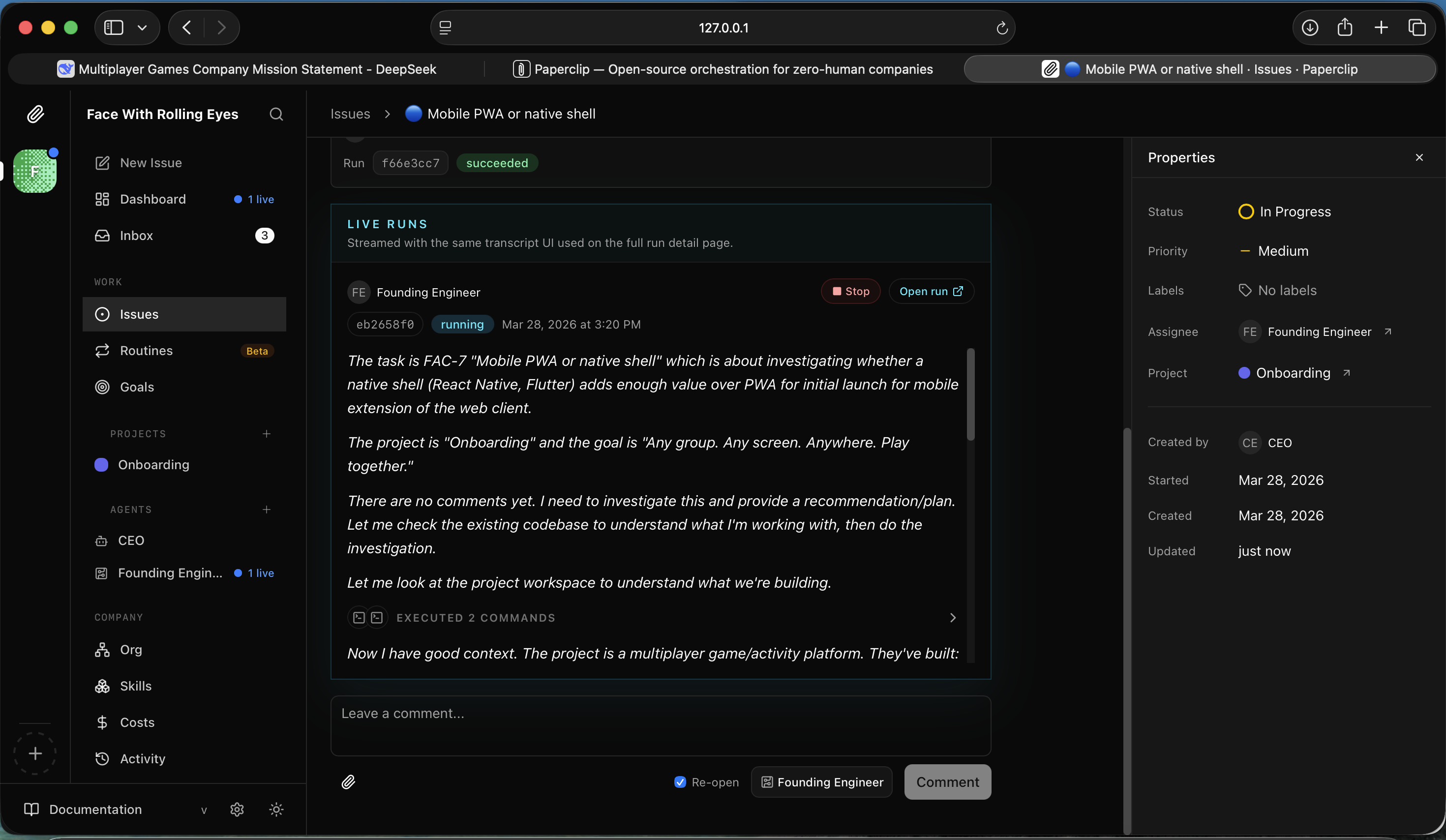
I read the analysis — PWA beats native shell for initial launch
It identified specific gaps to close: PNG icons for iOS, Web Push notifications, install prompt/banner.
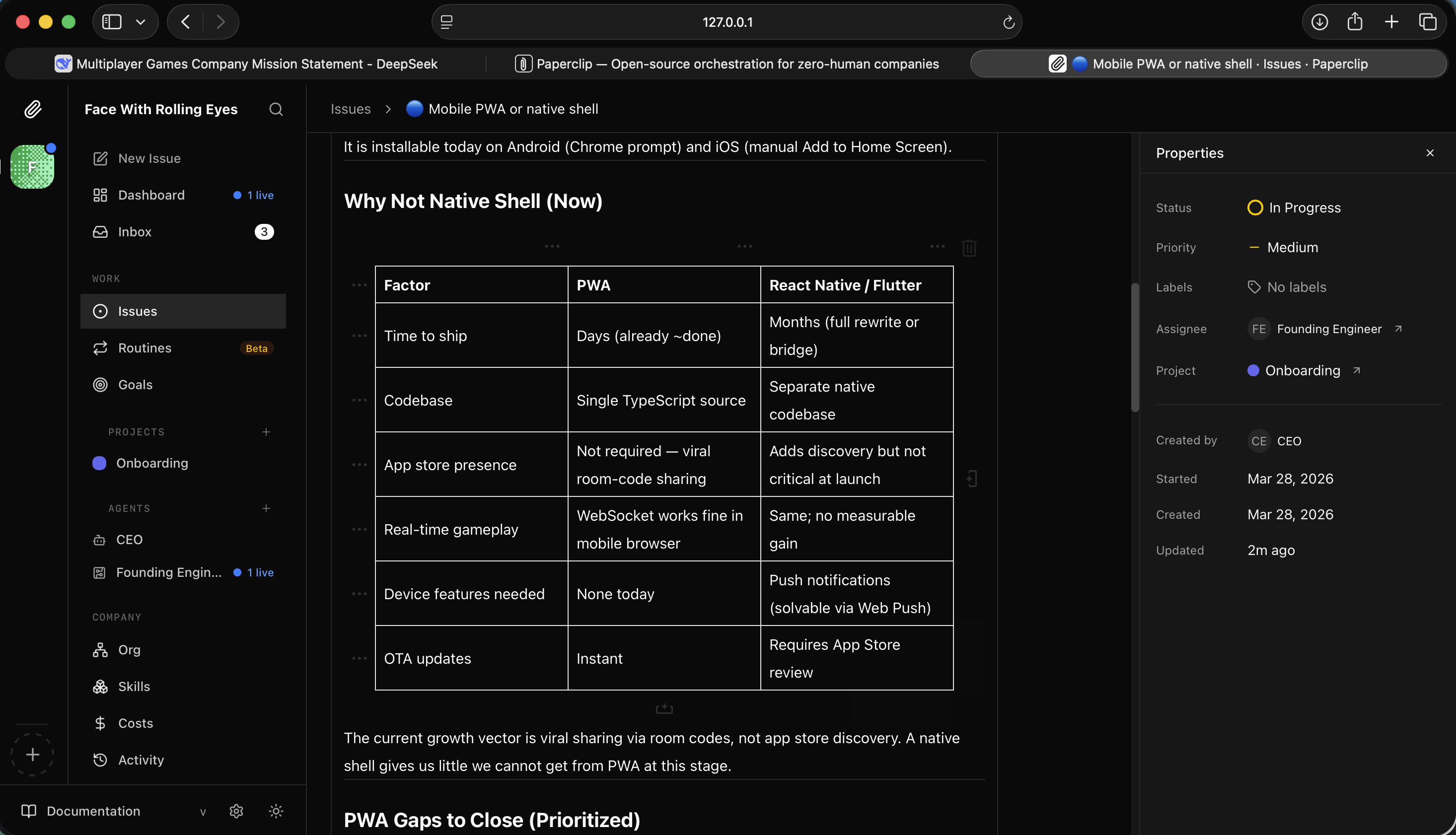
I read the PWA gap analysis — icons, push notifications, install prompt
And gave a prioritised implementation order.
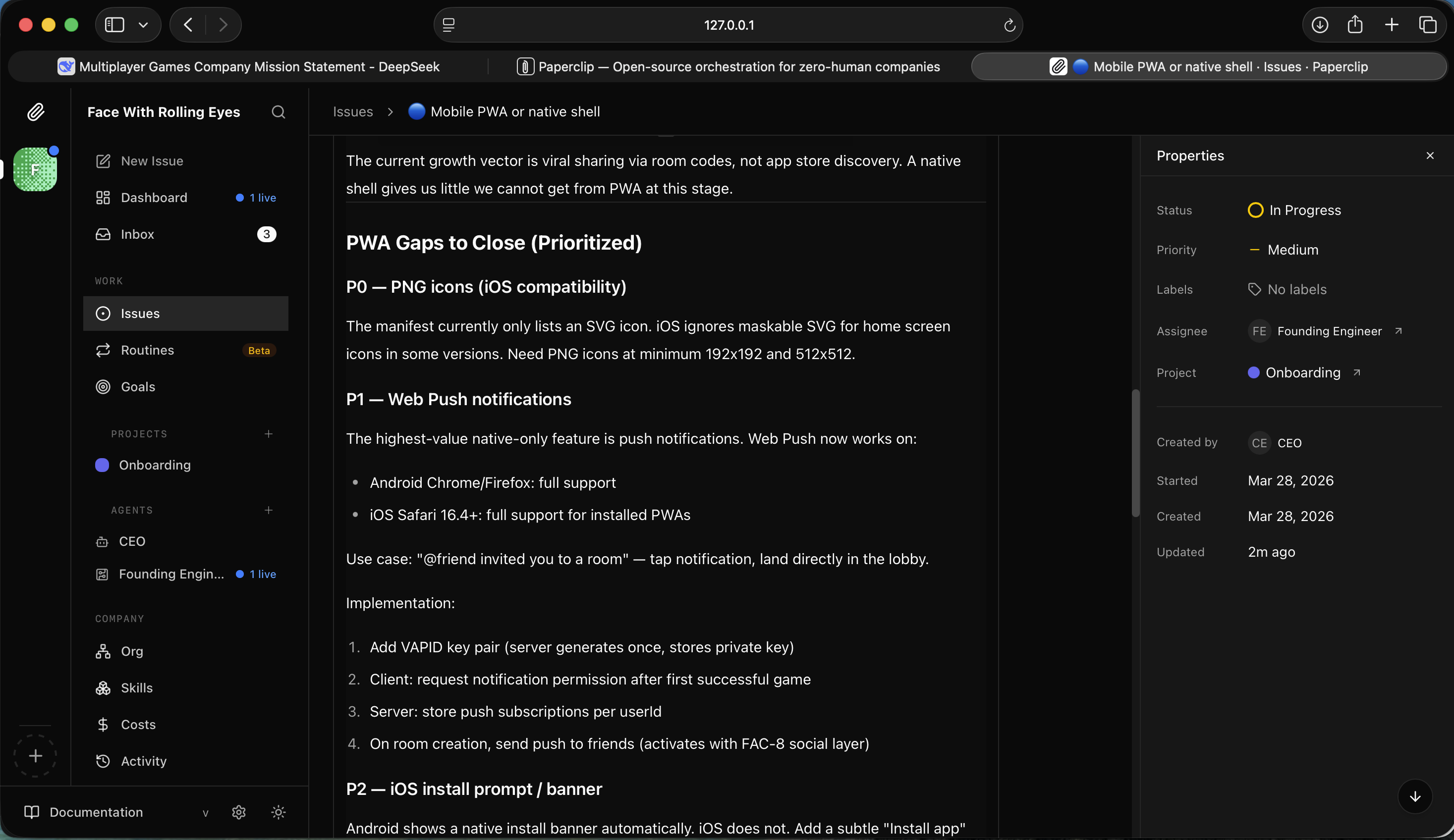
I read the implementation order — PNG icons first, then push, then manifest screenshots
Meanwhile FAC-9 analytics had completed — both CEO runs succeeded.
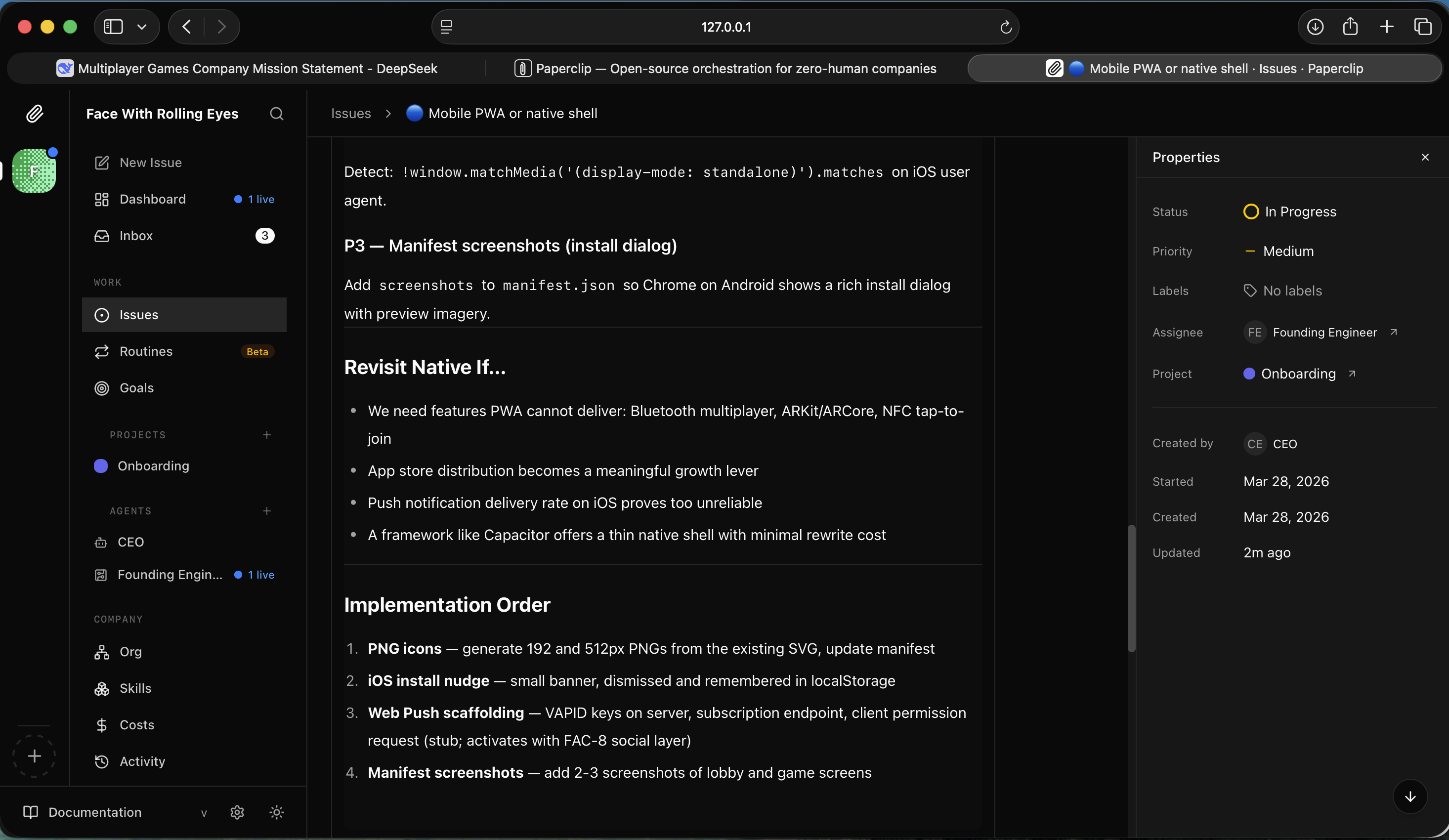
I saw FAC-9 analytics issue — two successful CEO runs
The CEO dashboard now showed nearly everything done.
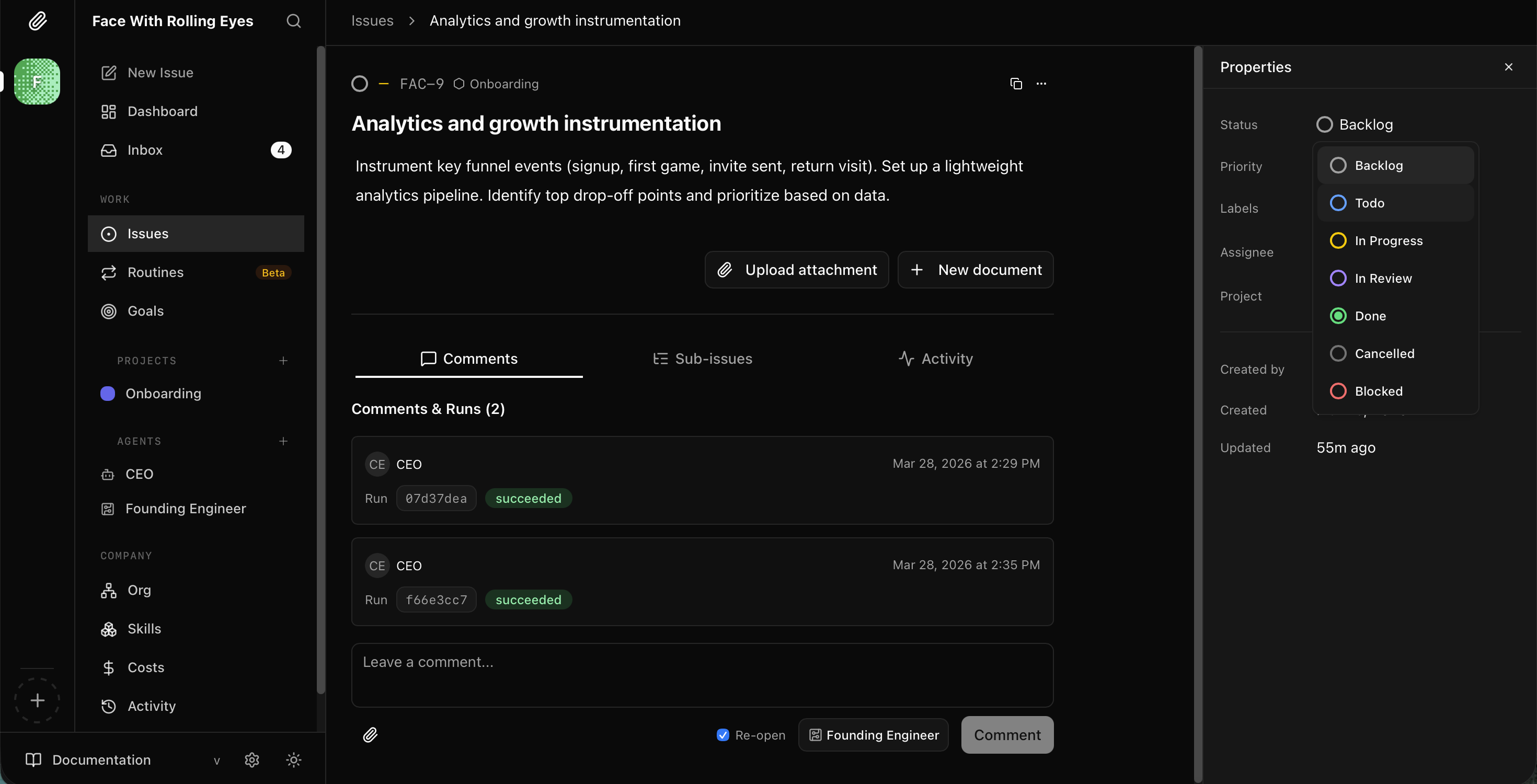
I checked the CEO dashboard — social layer in todo, analytics in progress
A short time later FAC-7 was also complete.
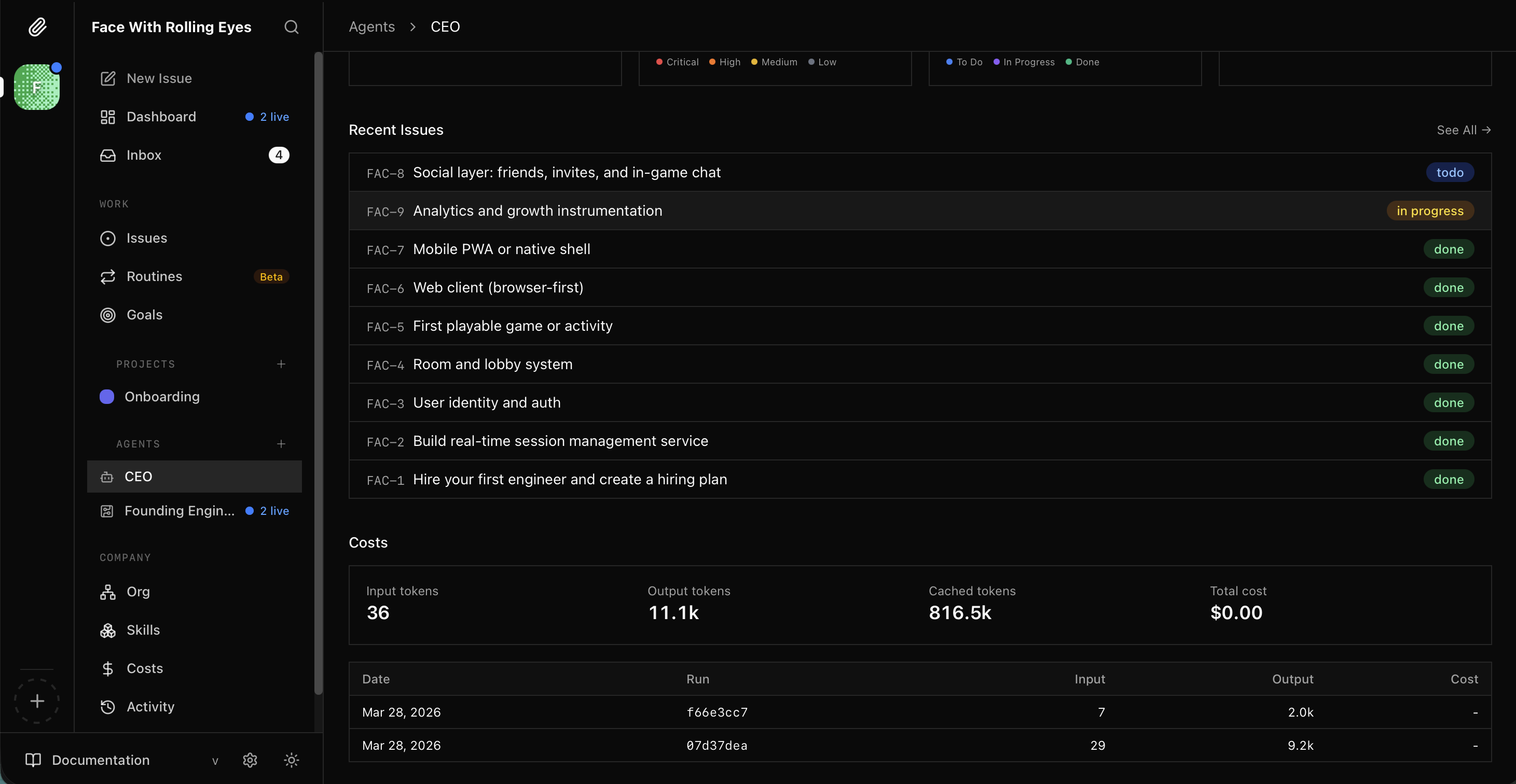
I saw the CEO dashboard update — FAC-7 Mobile PWA done
I decided to push further. I asked the CEO to deploy the games platform to Azure.
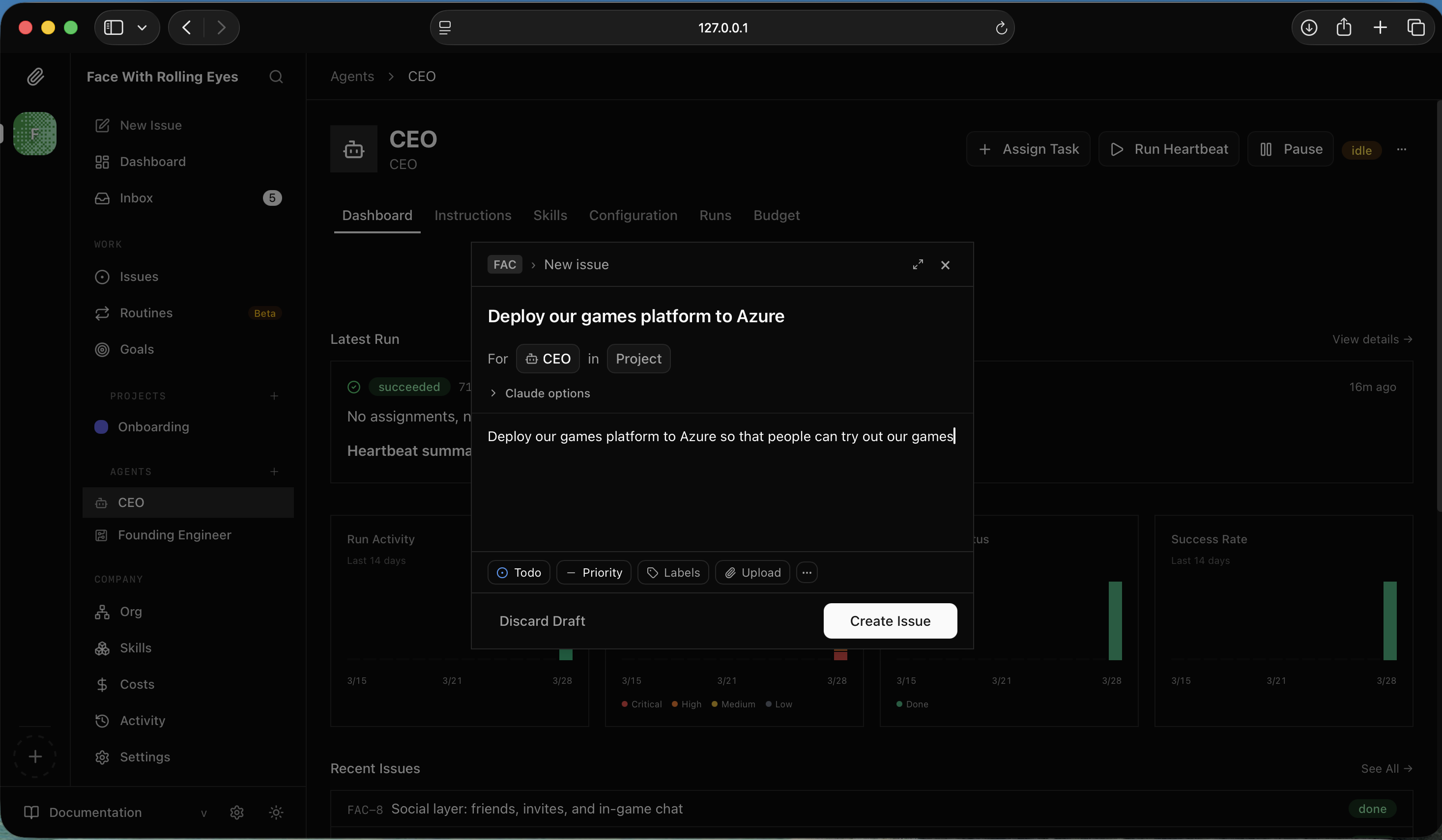
I created a new issue — "Deploy our games platform to Azure"
The CEO started immediately, investigating the company context before planning.
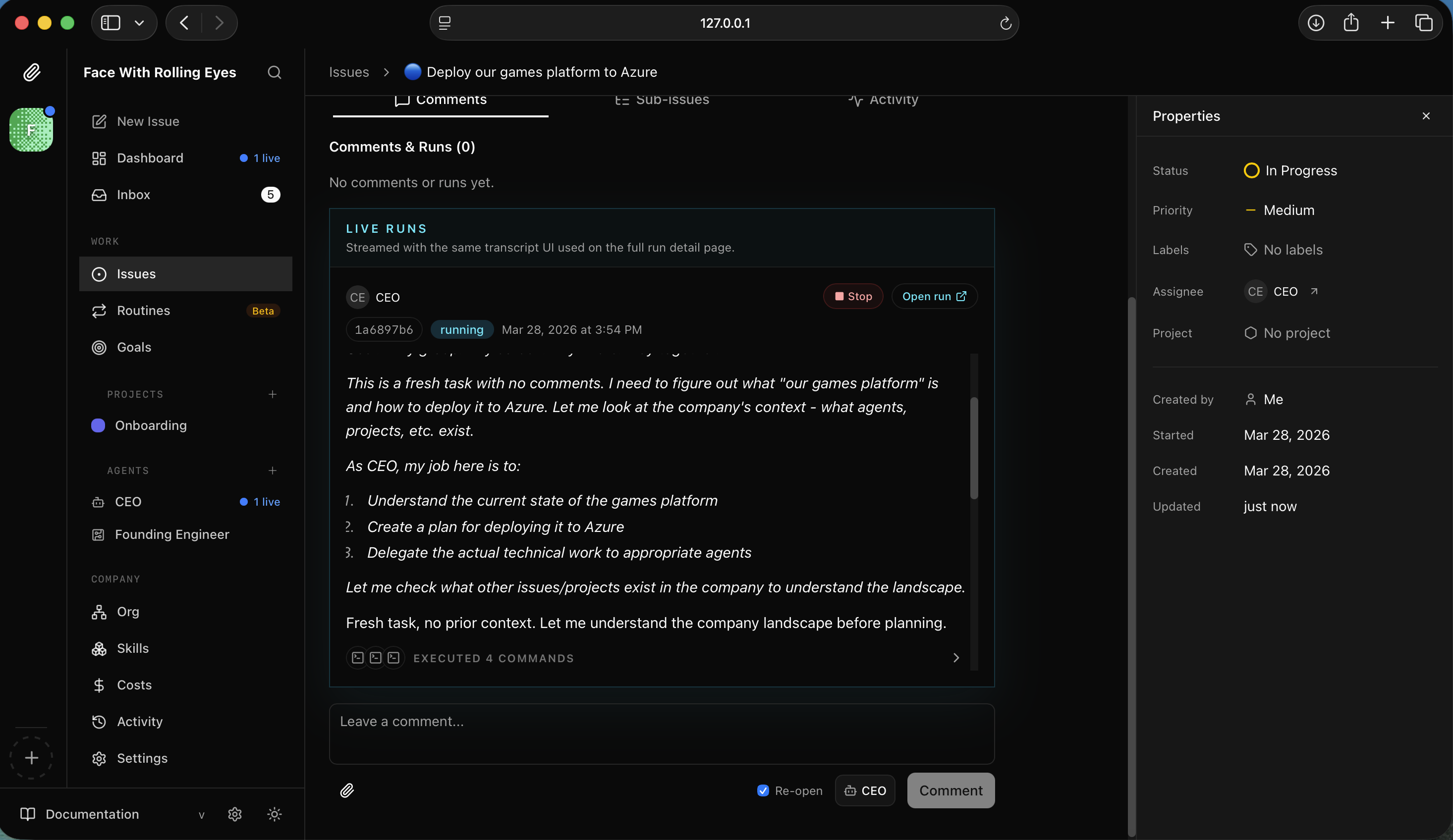
I watched the CEO read the codebase and understand what it was deploying
It decided its role was strategic — create a deployment plan and delegate the technical work to the Founding Engineer.
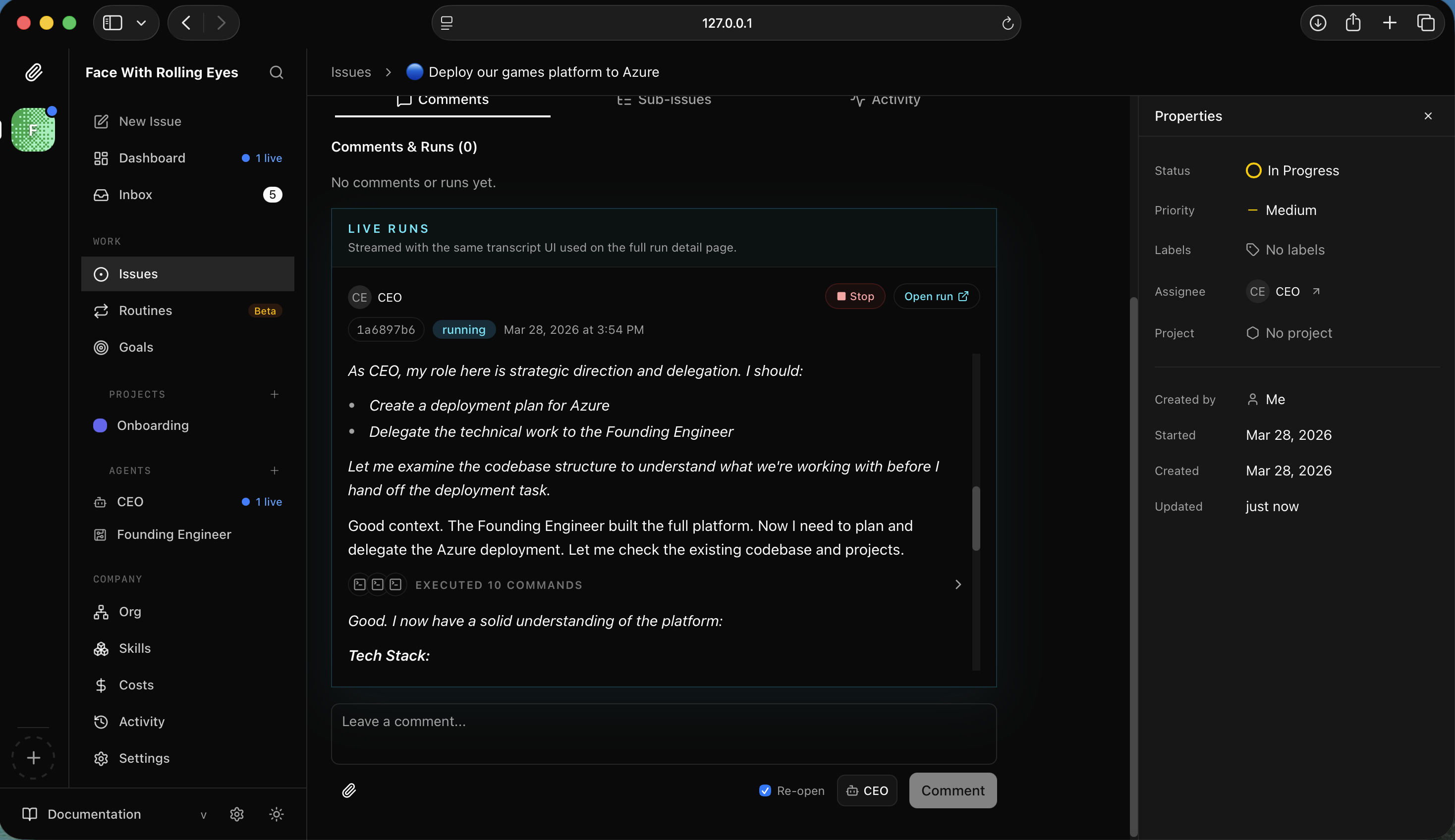
I watched the CEO plan its approach — strategy and delegation, not direct execution
The plan: Azure App Service (B1) for the Node.js server, Azure Static Web Apps for the client.
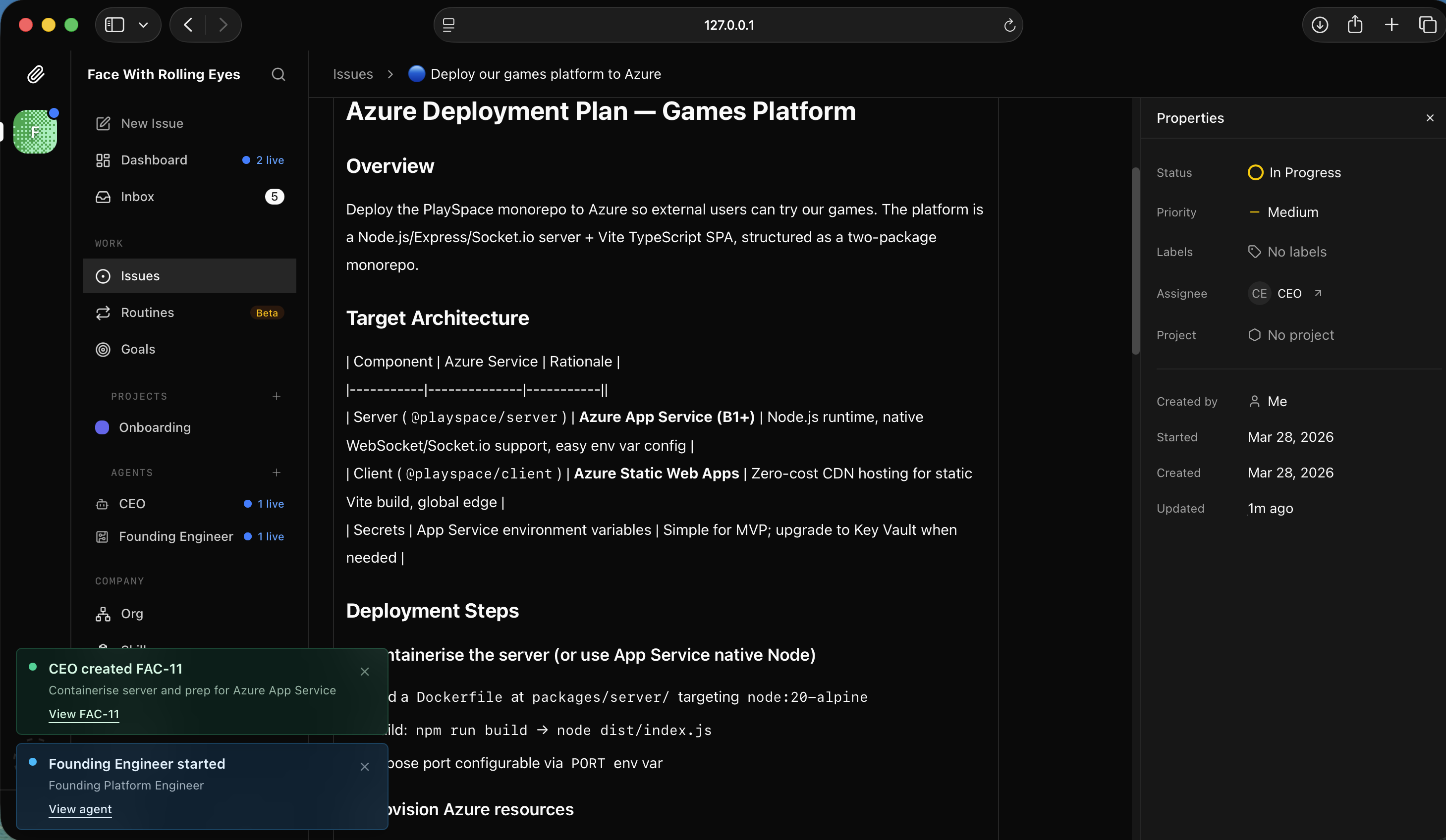
I read the Azure Deployment Plan — App Service for the API, Static Web Apps for the client
Deployment steps: containerise the server, provision resources, configure environment variables.
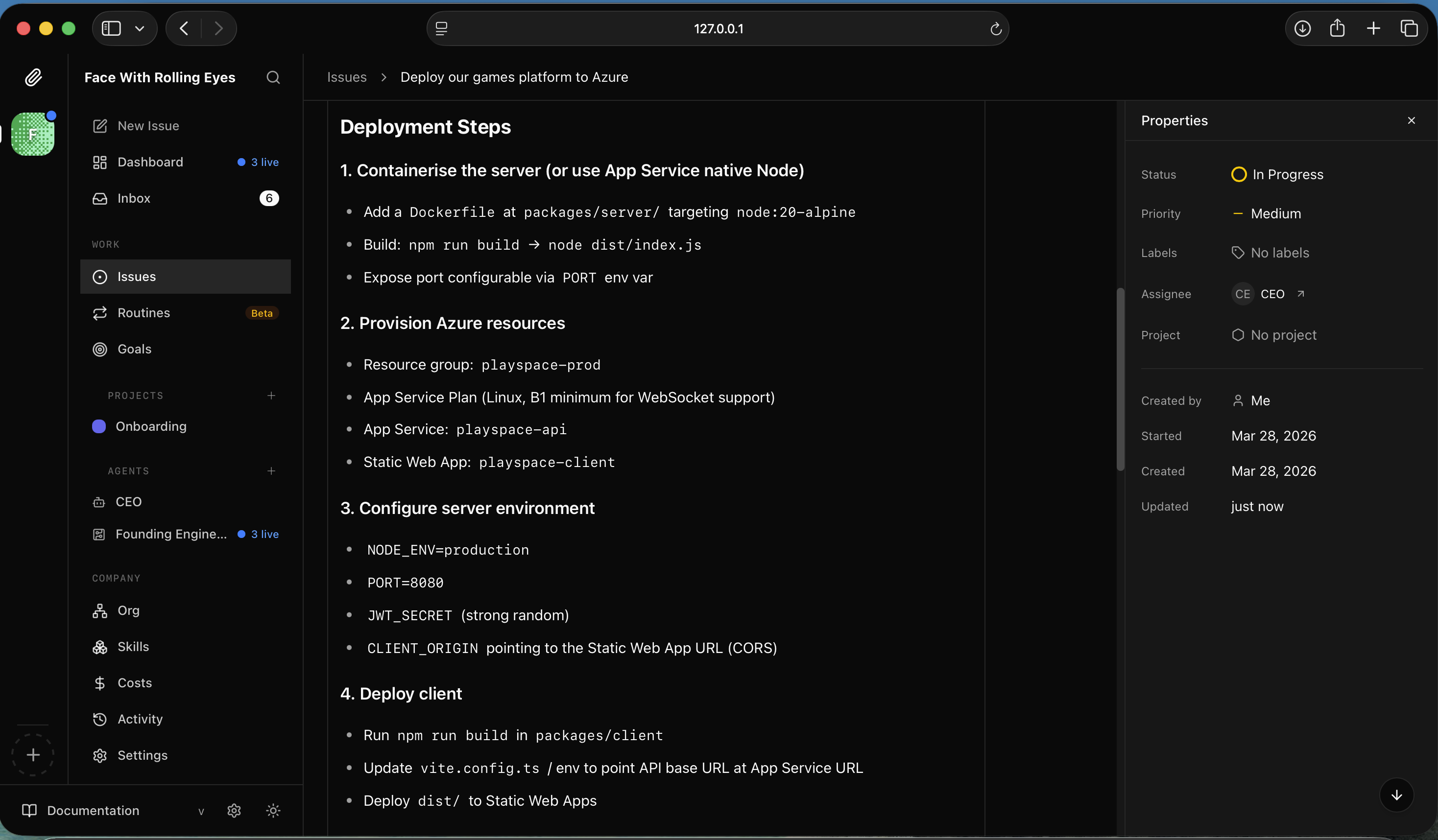
I read the deployment steps — Dockerfile, Azure resources, environment config
Success criteria included public URL accessibility, stable WebSocket connections, and no secrets in source code.
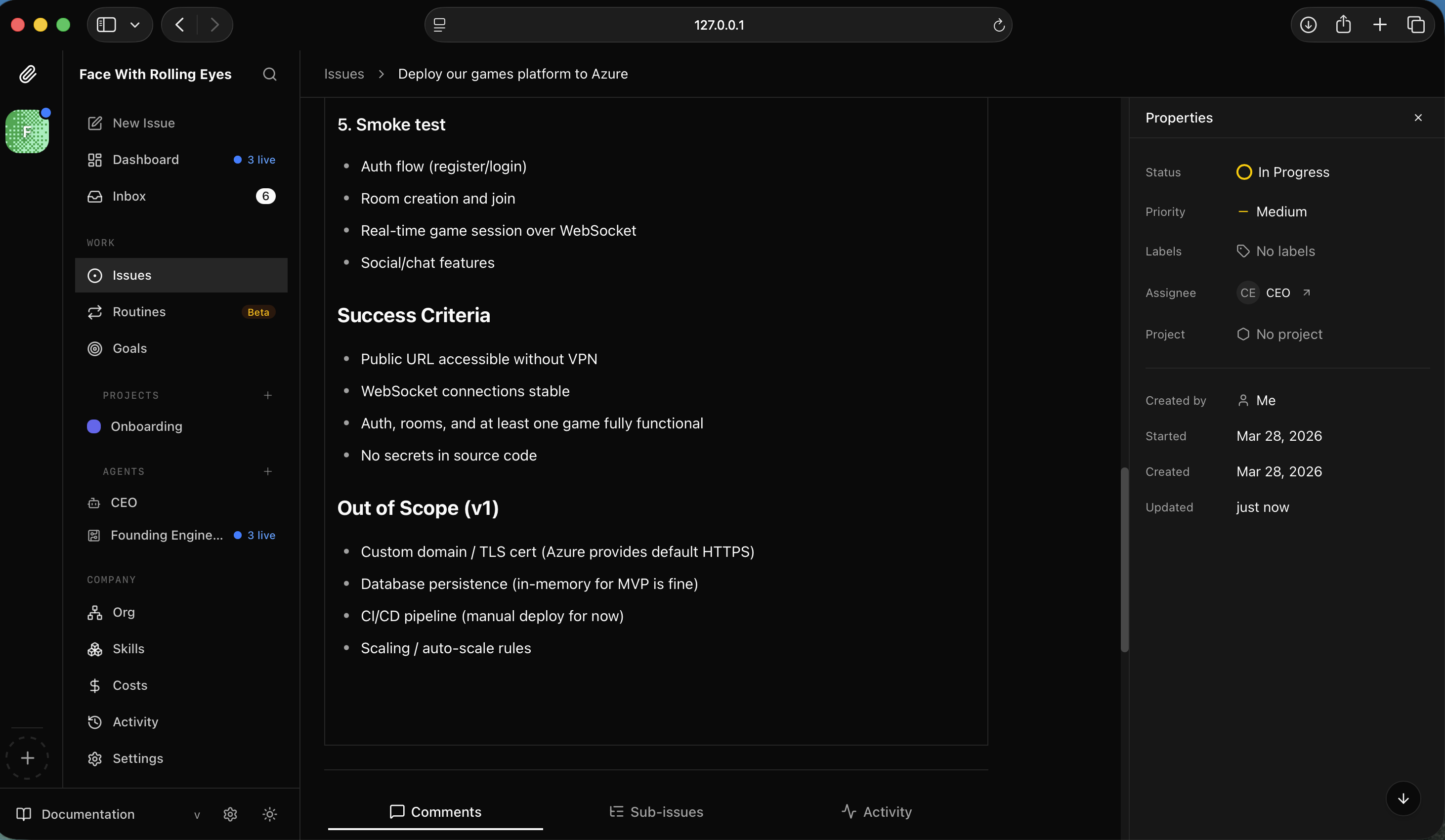
I read the success criteria and out-of-scope items for the deployment
FAC-11 — containerise the server — came back done. The Founding Engineer had created a multi-stage Dockerfile, .dockerignore, and updated Vite config to point at the API URL.
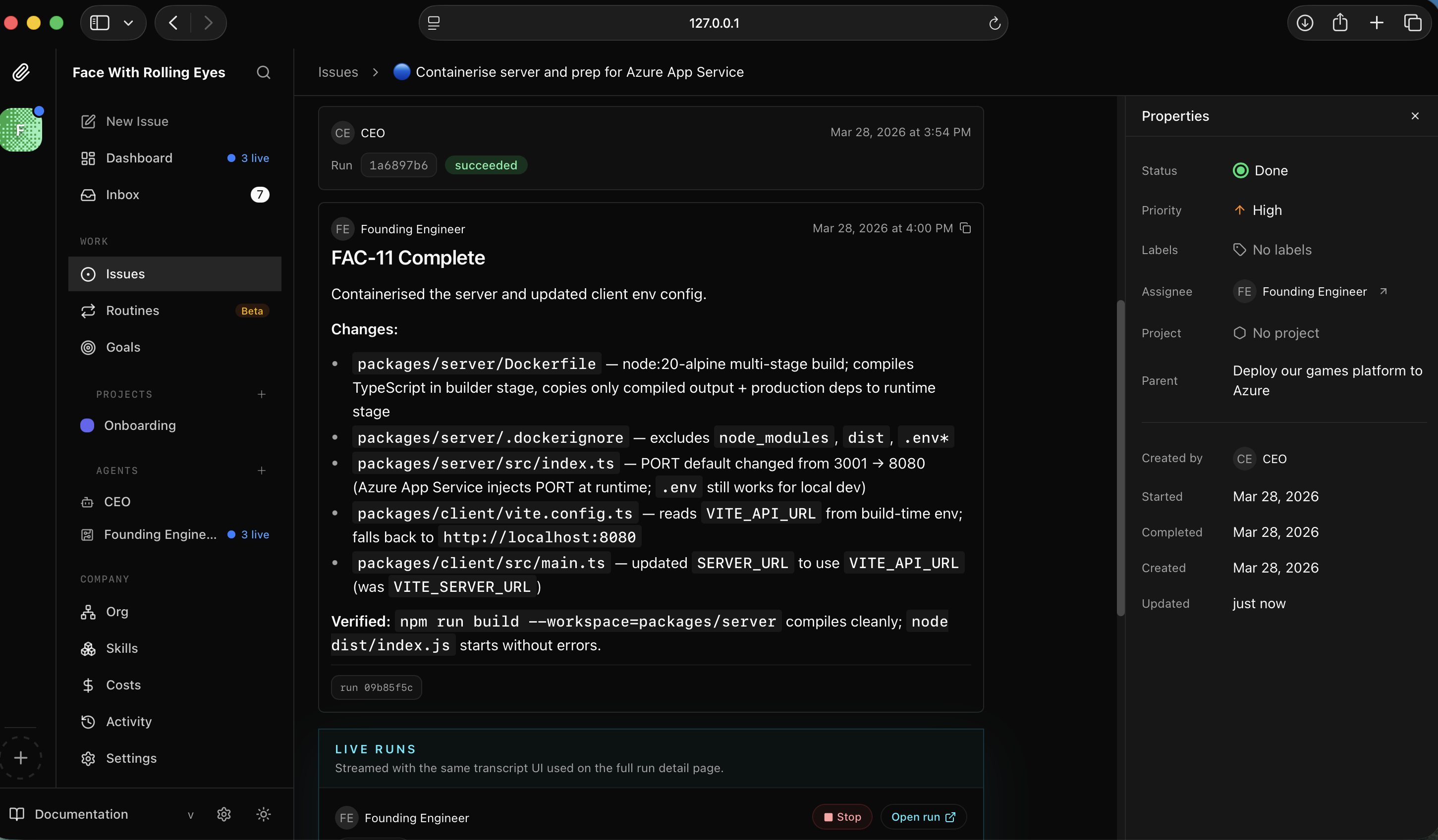
I saw FAC-11 complete — server containerised with Dockerfile and client config updated
I asked the CEO about costs — the B1 Linux App Service Plan runs ~$13-15/month. It also explained how to delete the plan entirely to pause billing between experiments.
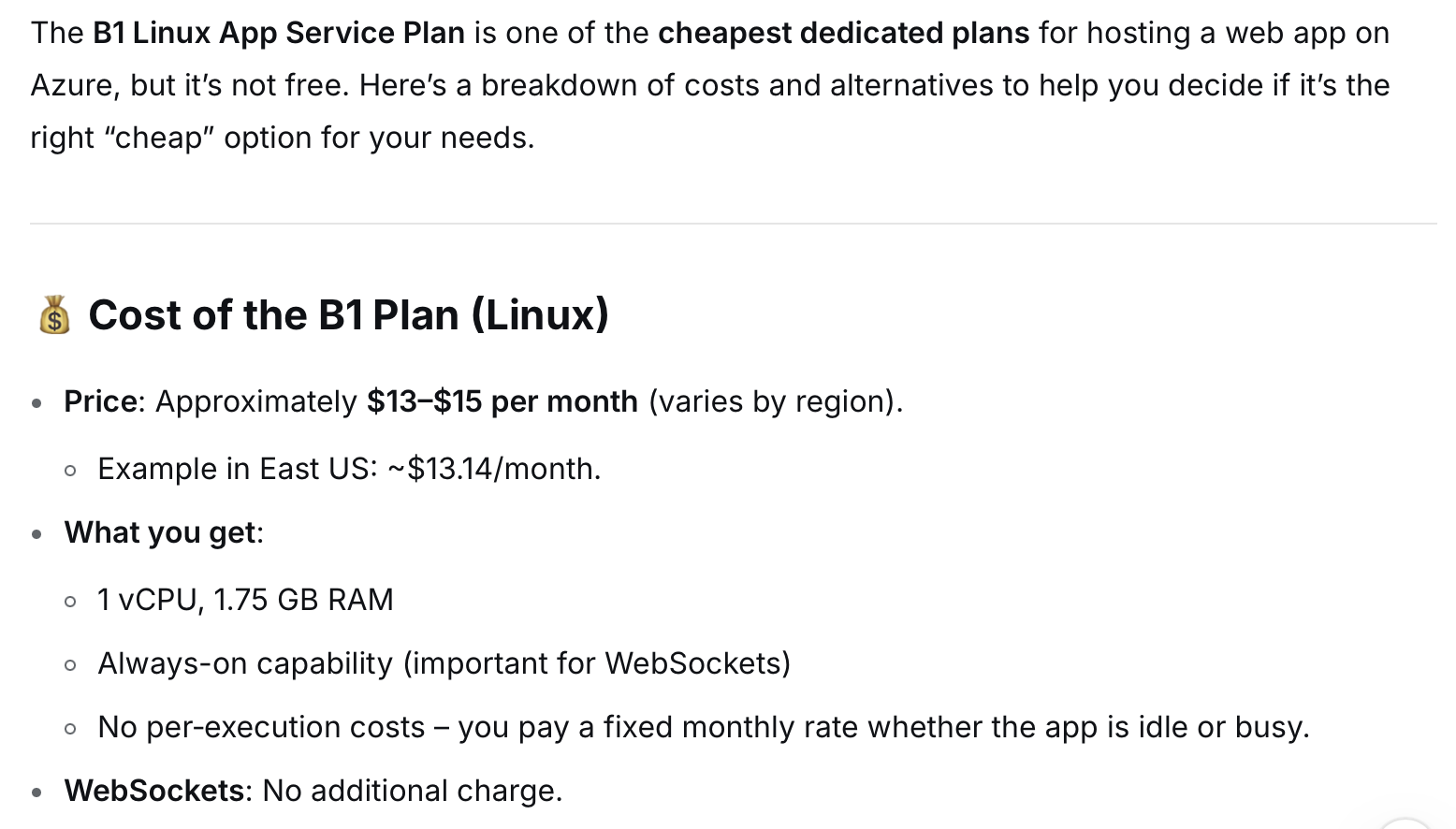
I read the cost breakdown — B1 plan ~$13-15/month with WebSocket support included
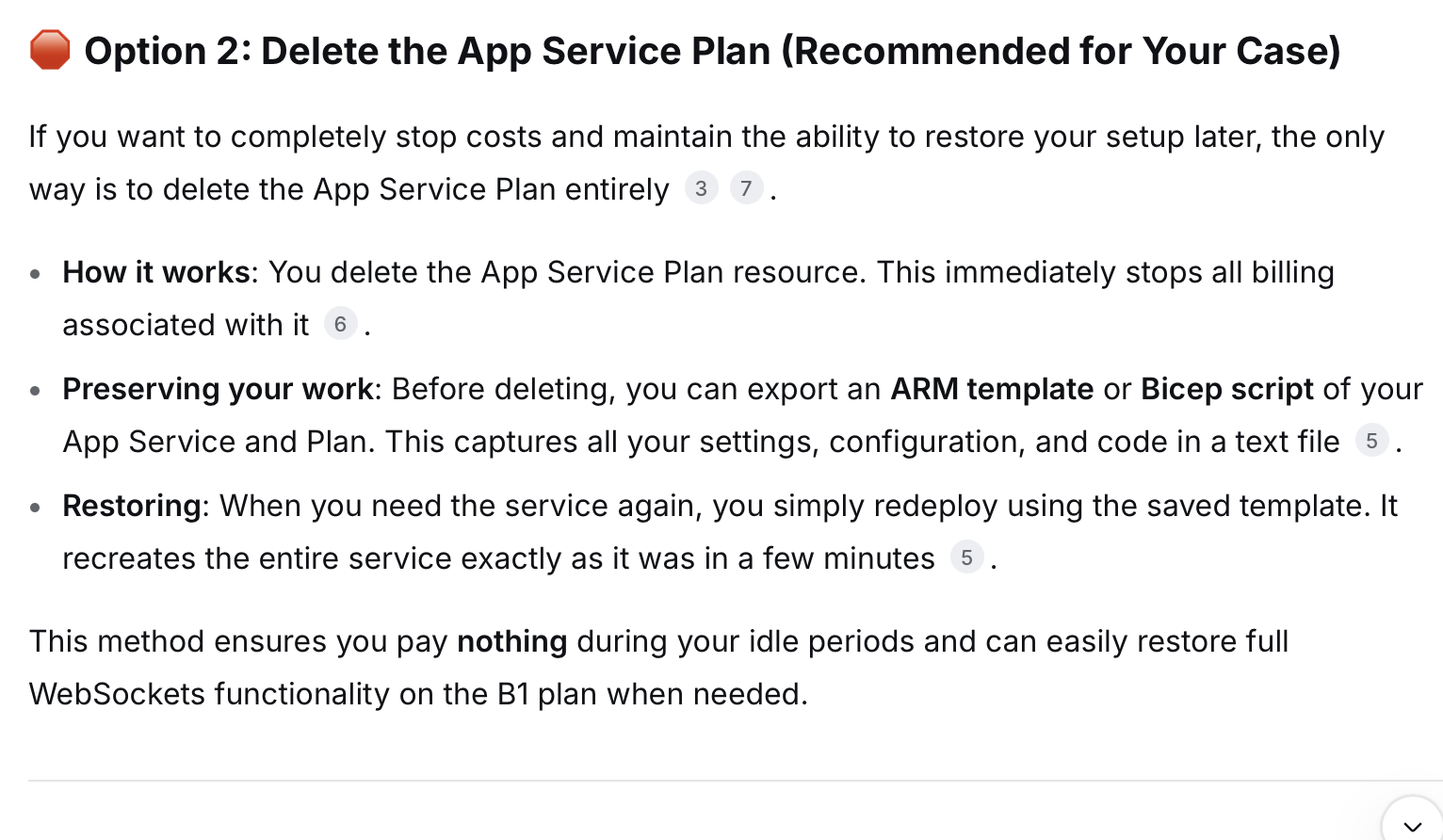
I read the cost-saving option — delete the App Service Plan to pause all billing
The Founding Engineer then ran FAC-12: provision the Azure resources and deploy both server and client.
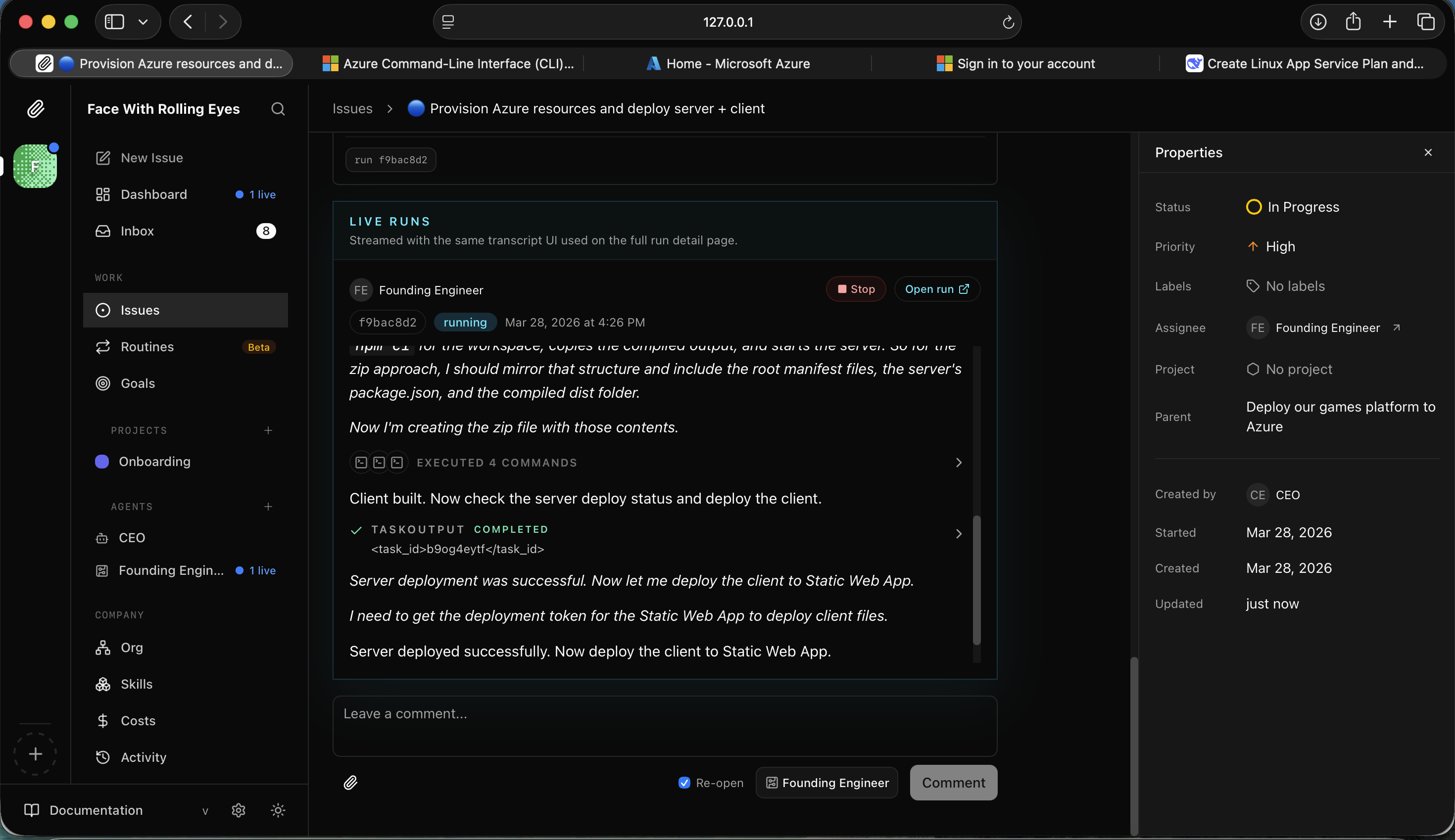
I watched the Founding Engineer deploy the client to Azure Static Web Apps
FAC-12 came back done — both services live with public URLs, WebSocket connections confirmed.
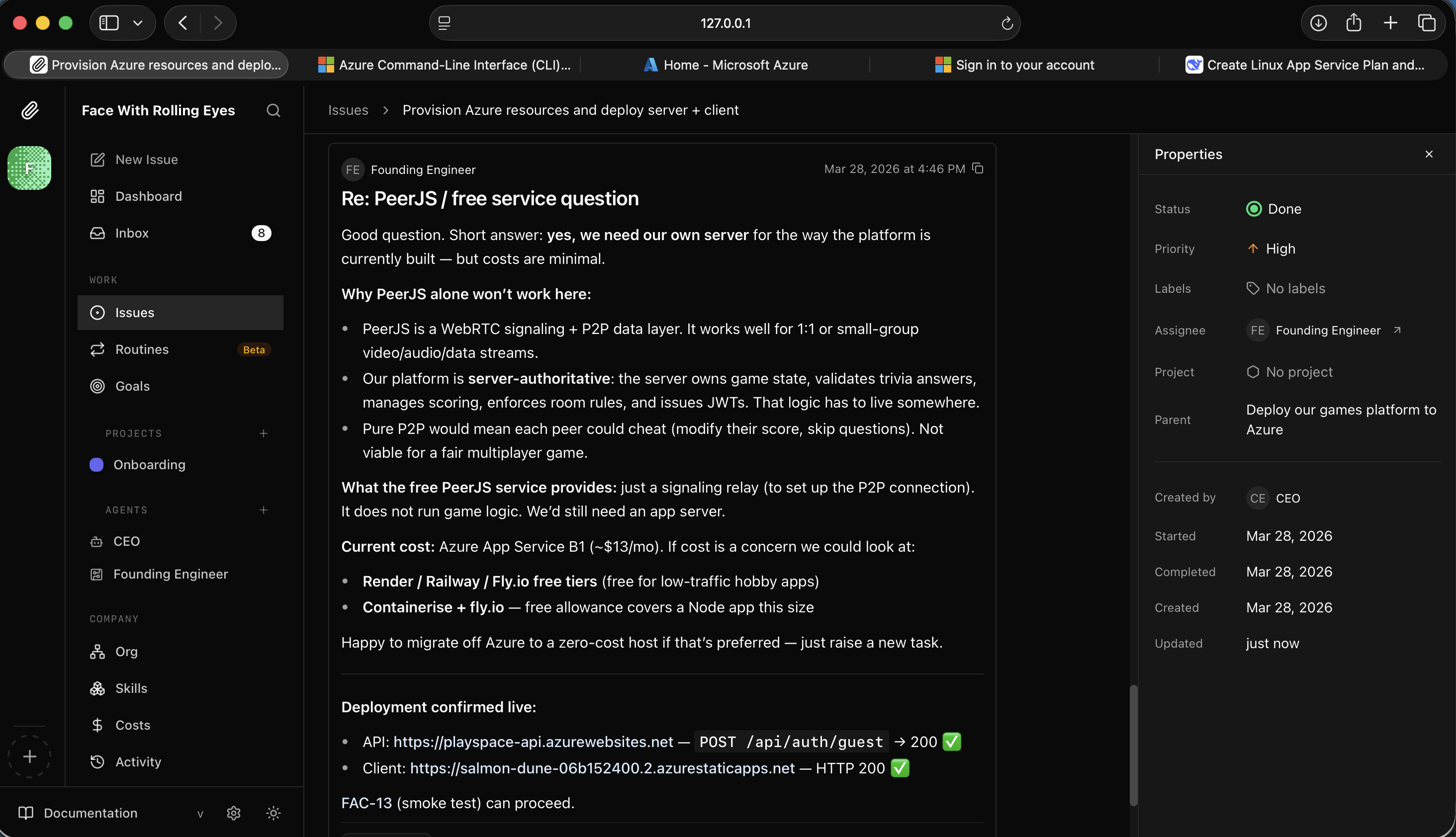
I saw the deployment confirmed live — API and client both accessible with public URLs
With the platform deployed I added one more task: build a Tic-Tac-Toe game for two human players using the existing infrastructure.
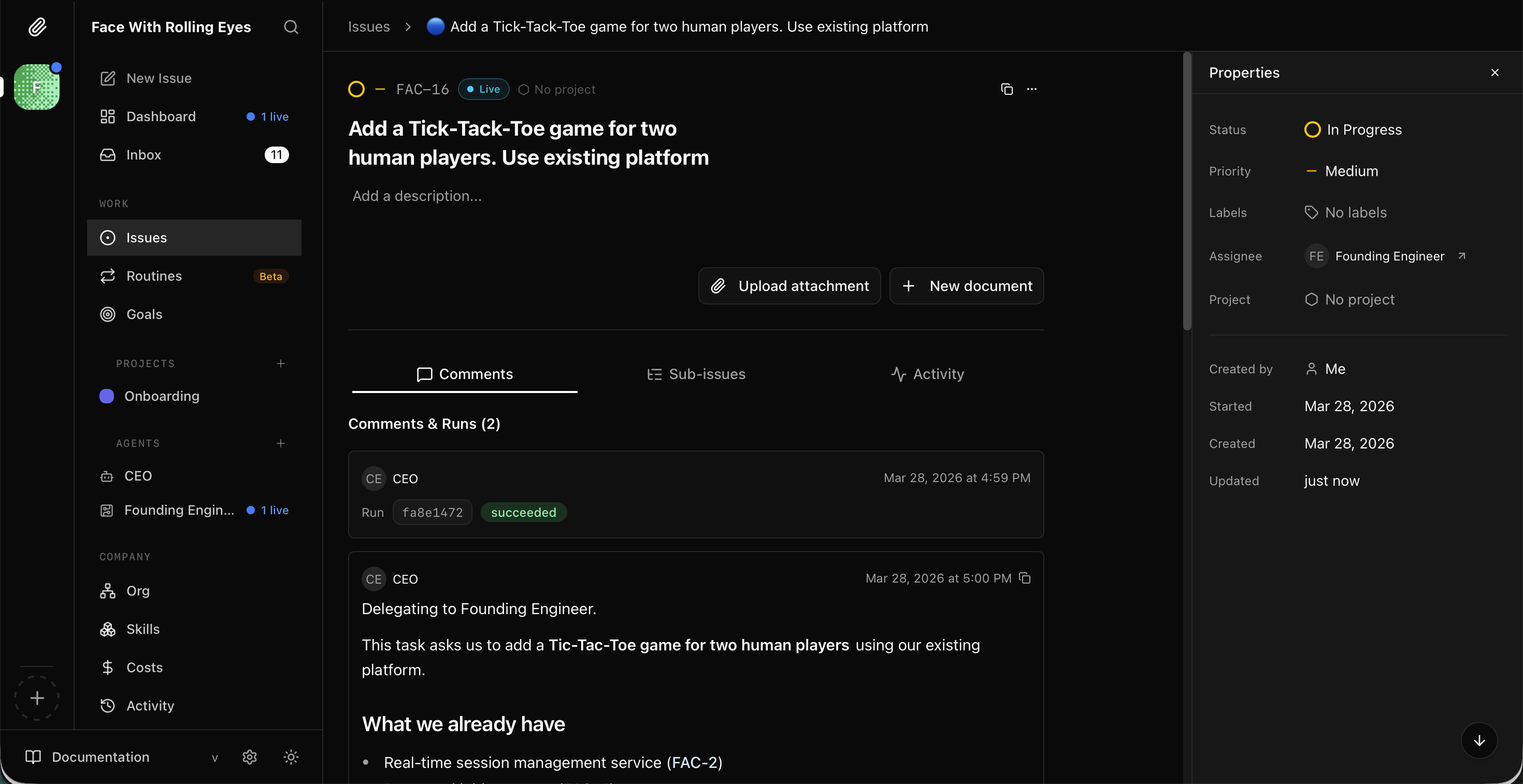
I saw FAC-16 open — add Tic-Tac-Toe using the existing platform
The CEO delegated to the Founding Engineer, which started exploring the codebase.
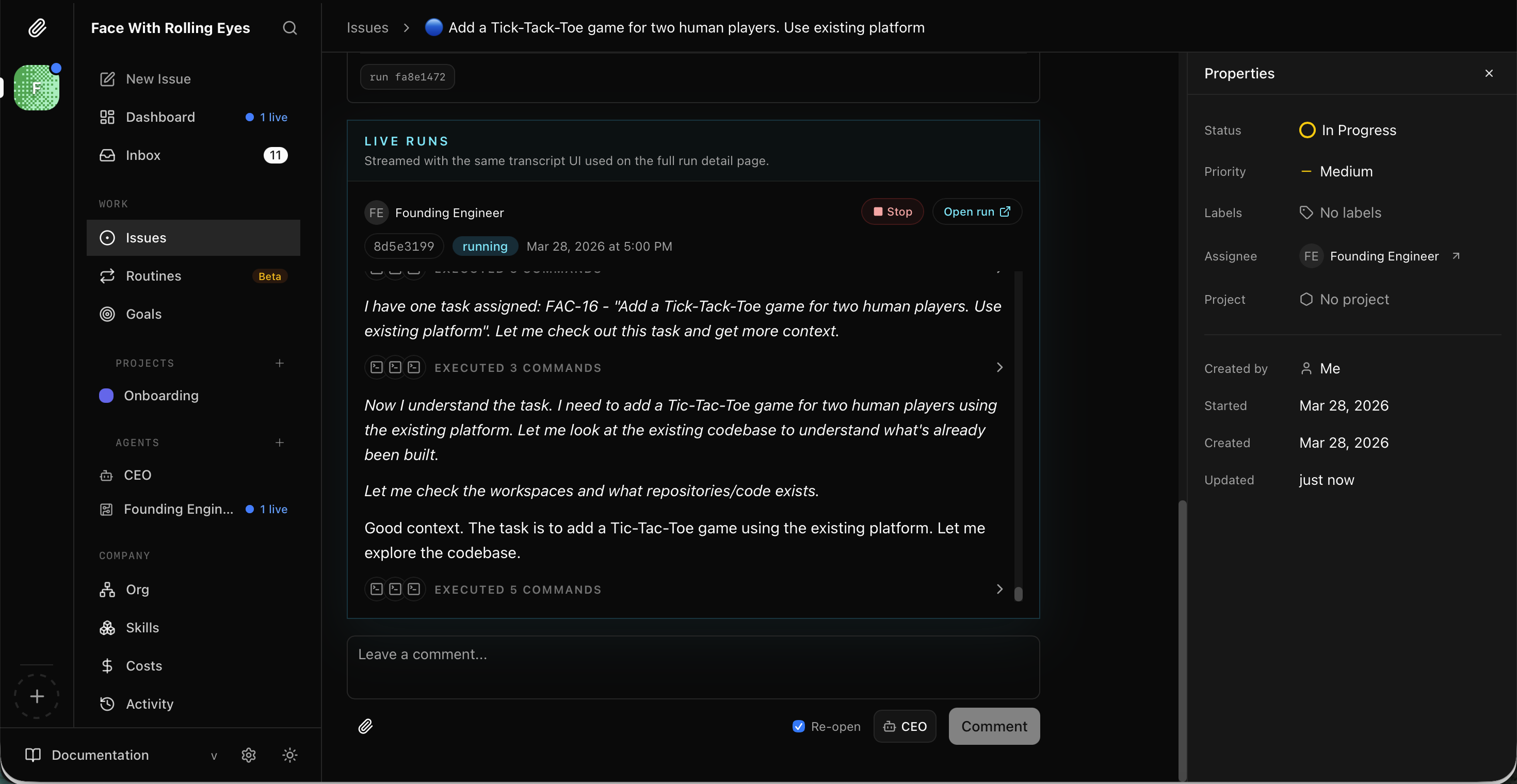
I watched the Founding Engineer check out the task and start reading the project
It planned the implementation: use the existing room/lobby system, render the 3×3 board in the web client, handle turn logic over the real-time layer.
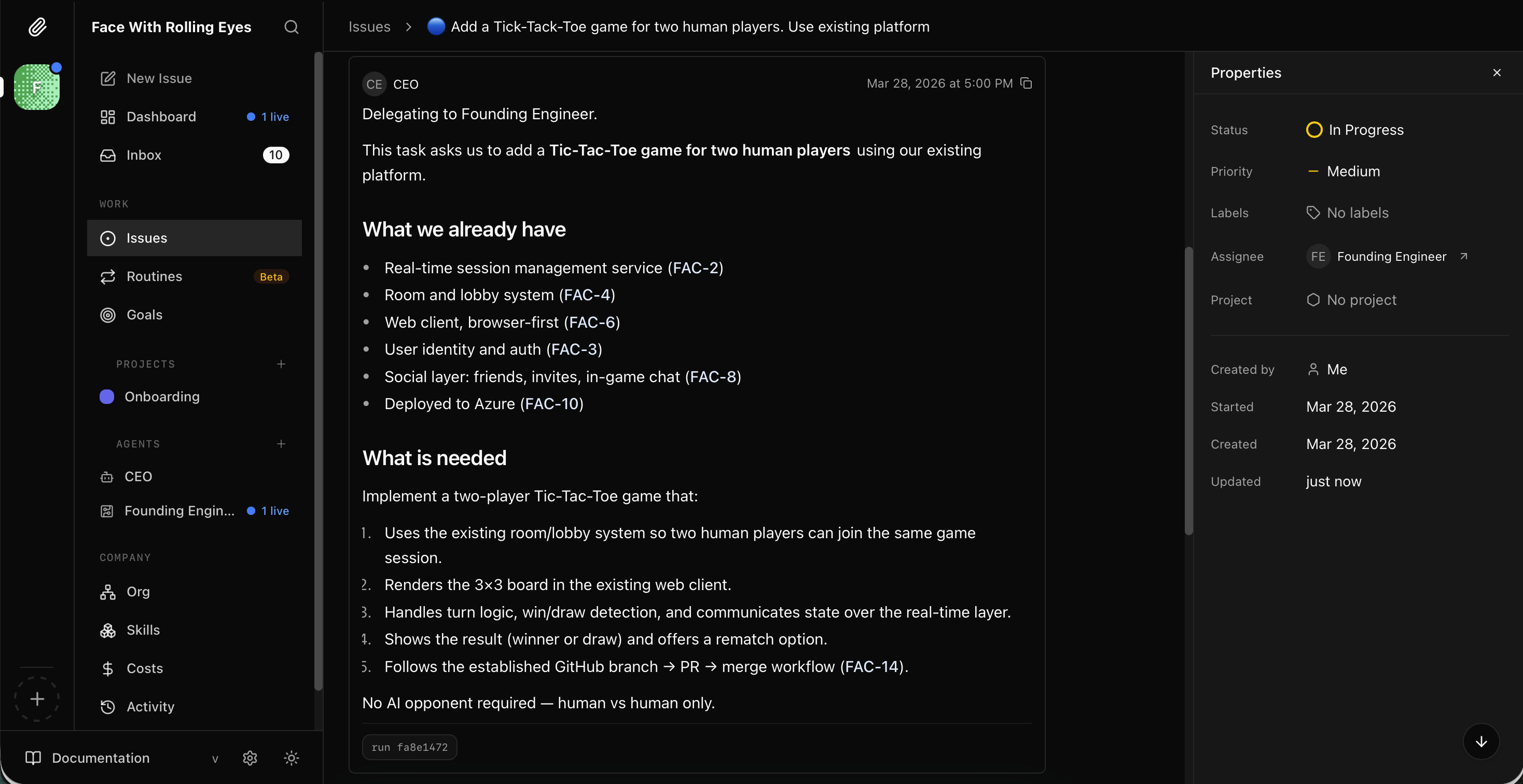
I read the Tic-Tac-Toe plan — reuse existing infrastructure, no AI opponent needed
Finally I ran Paperclip in run mode to keep the agents processing autonomously.

I ran `npx paperclipai run` to keep the agents running
In a few hours, two Claude agents had gone from a blank company to a working multiplayer games platform: session management, a trivia game, a PWA web client, and a live Azure deployment — all without me writing a line of code. Paperclip is worth watching.