Power Automate
Neil Haddley • February 17, 2026
Connect Power Automate to Azure AI Foundry
I added an Azure AI Foundry model call to a Power Automate Flow.
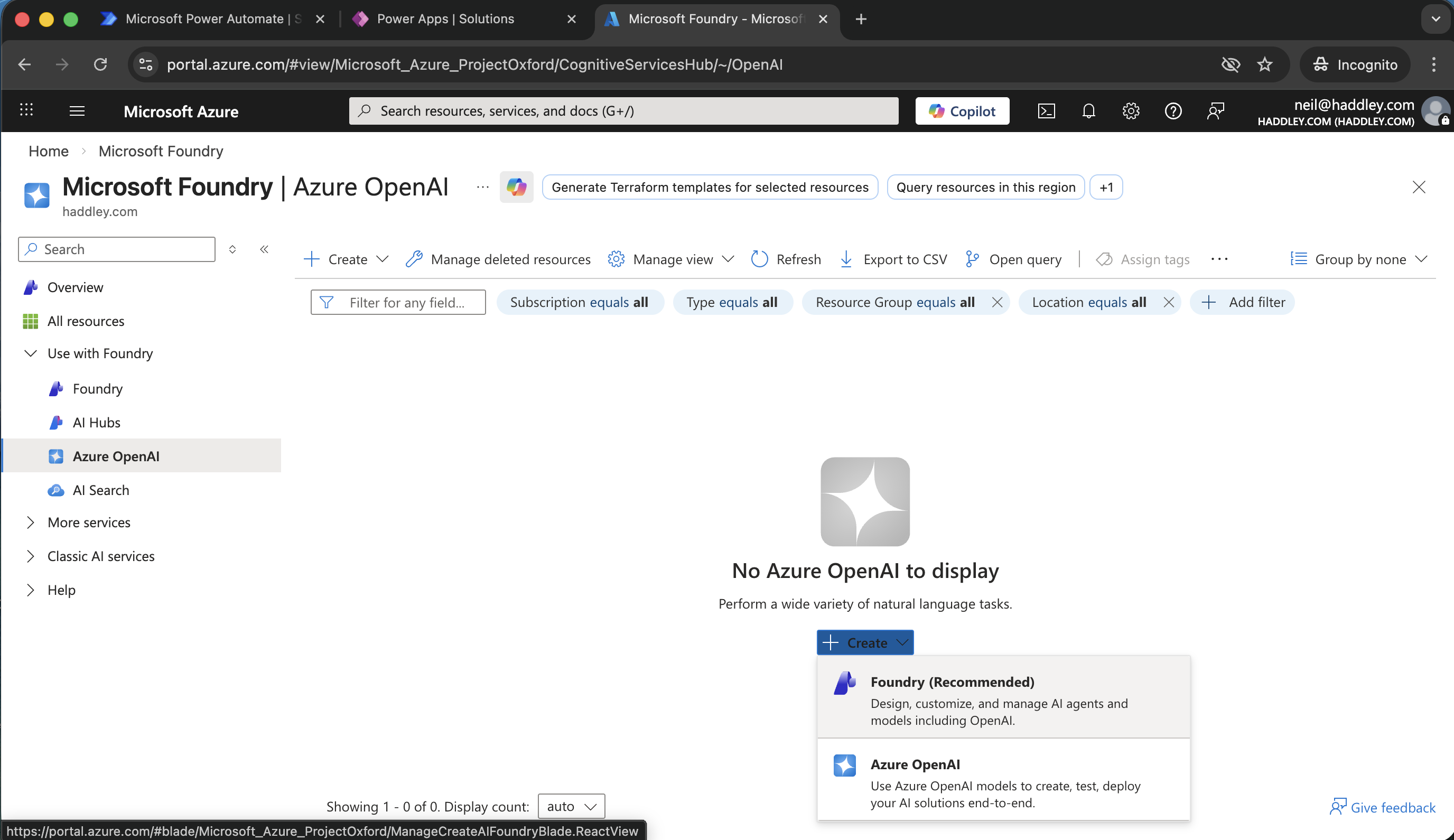
I created a Foundry
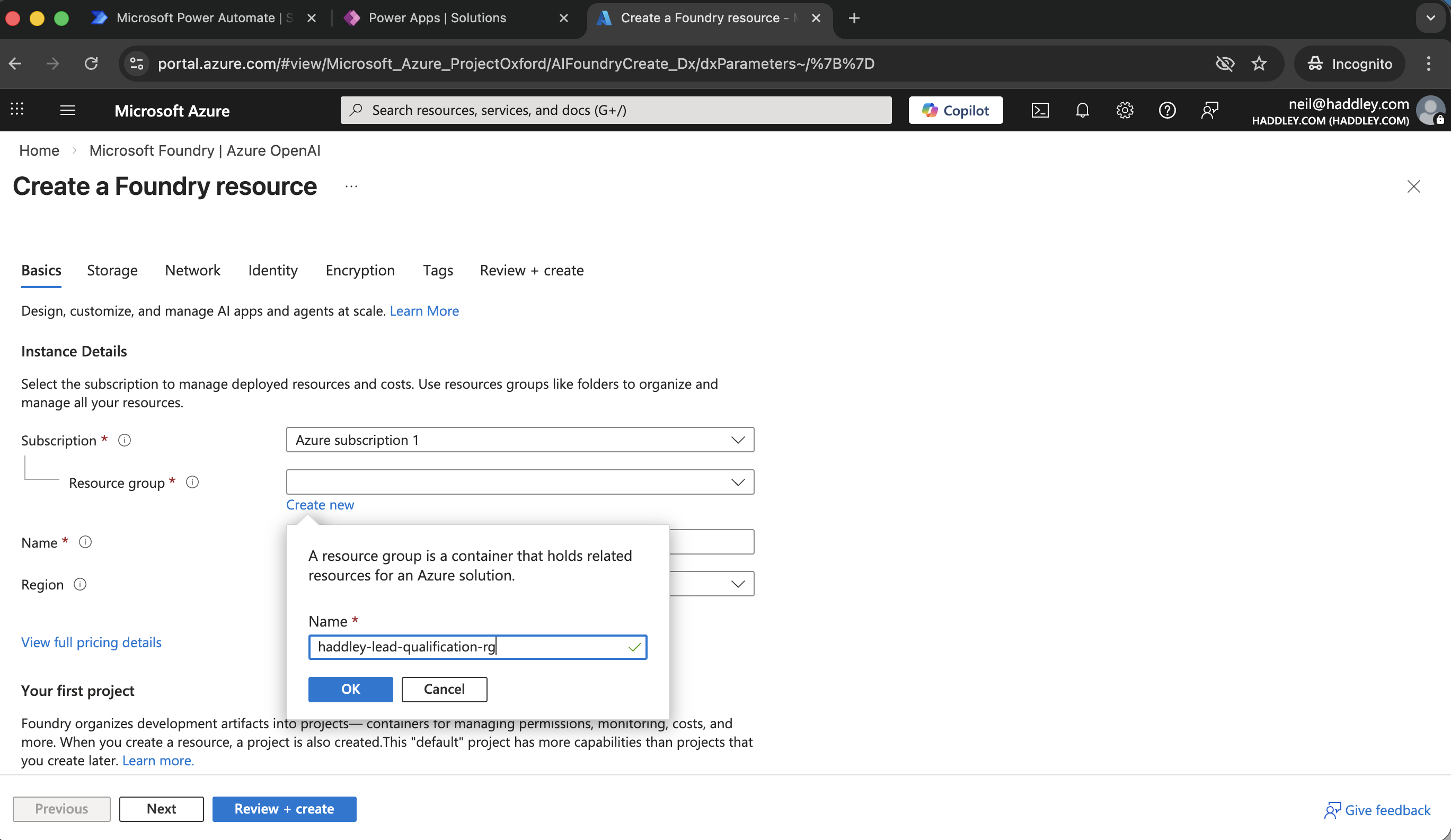
I created a new resource group
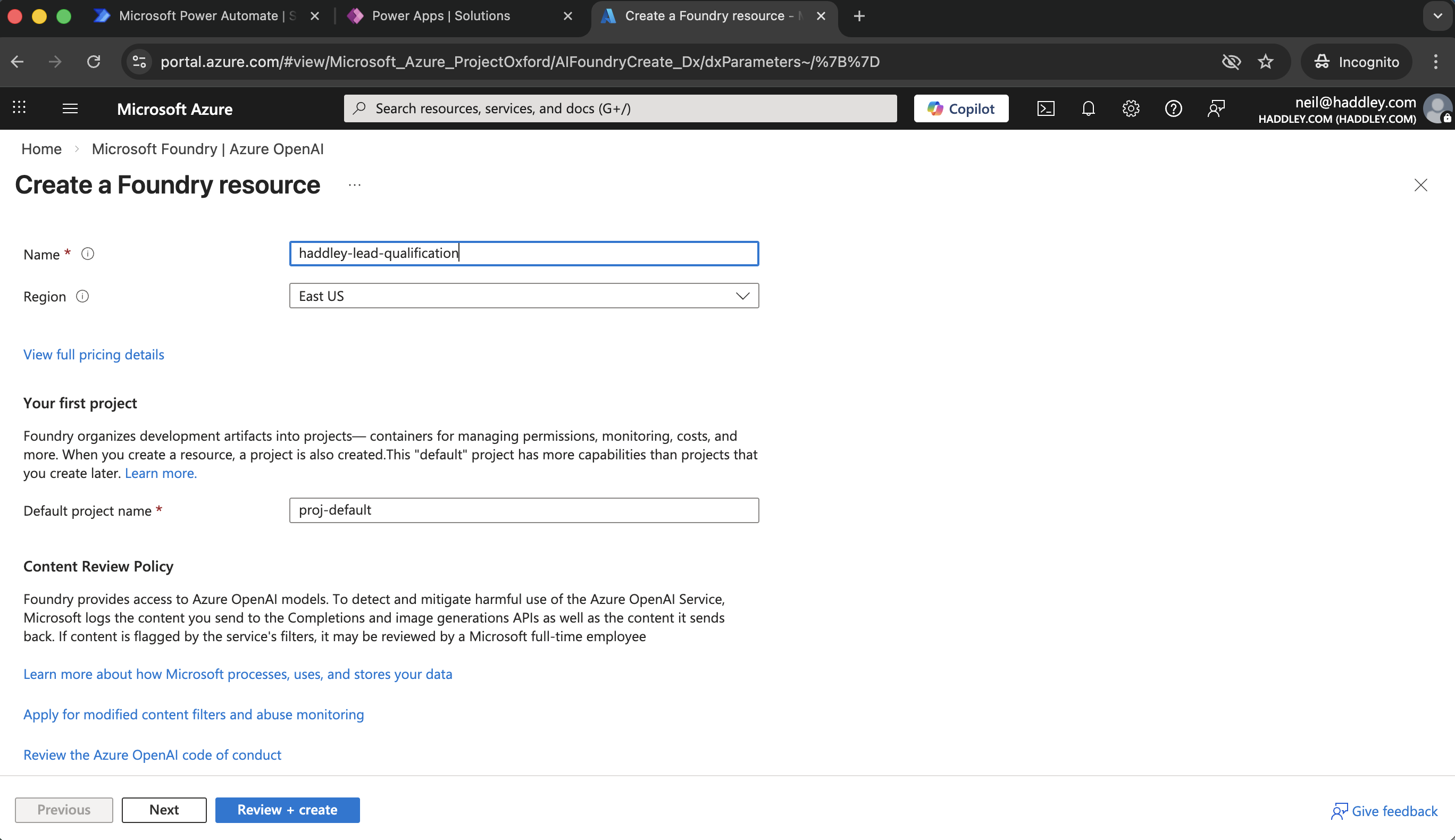
Review + create
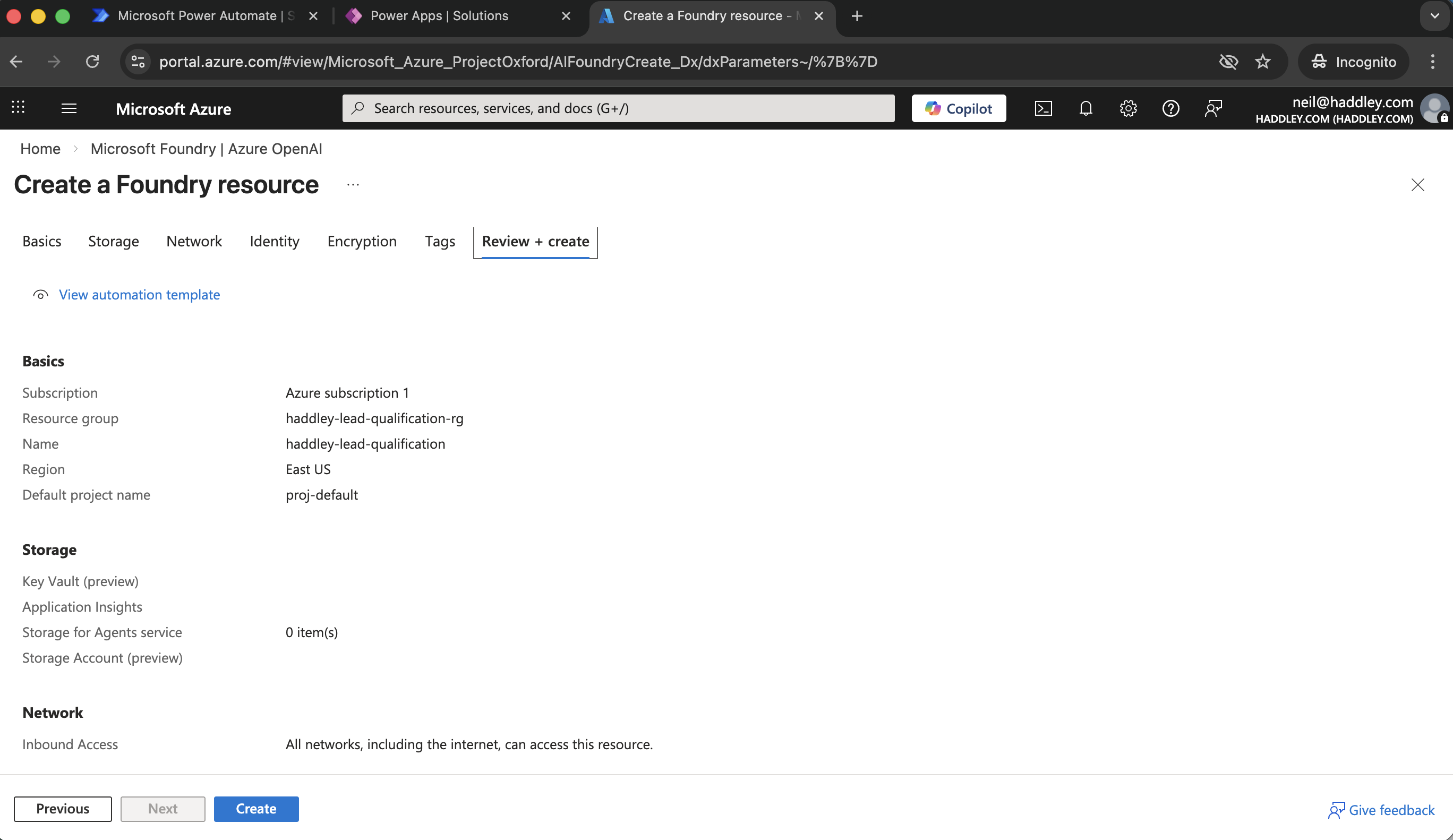
Create
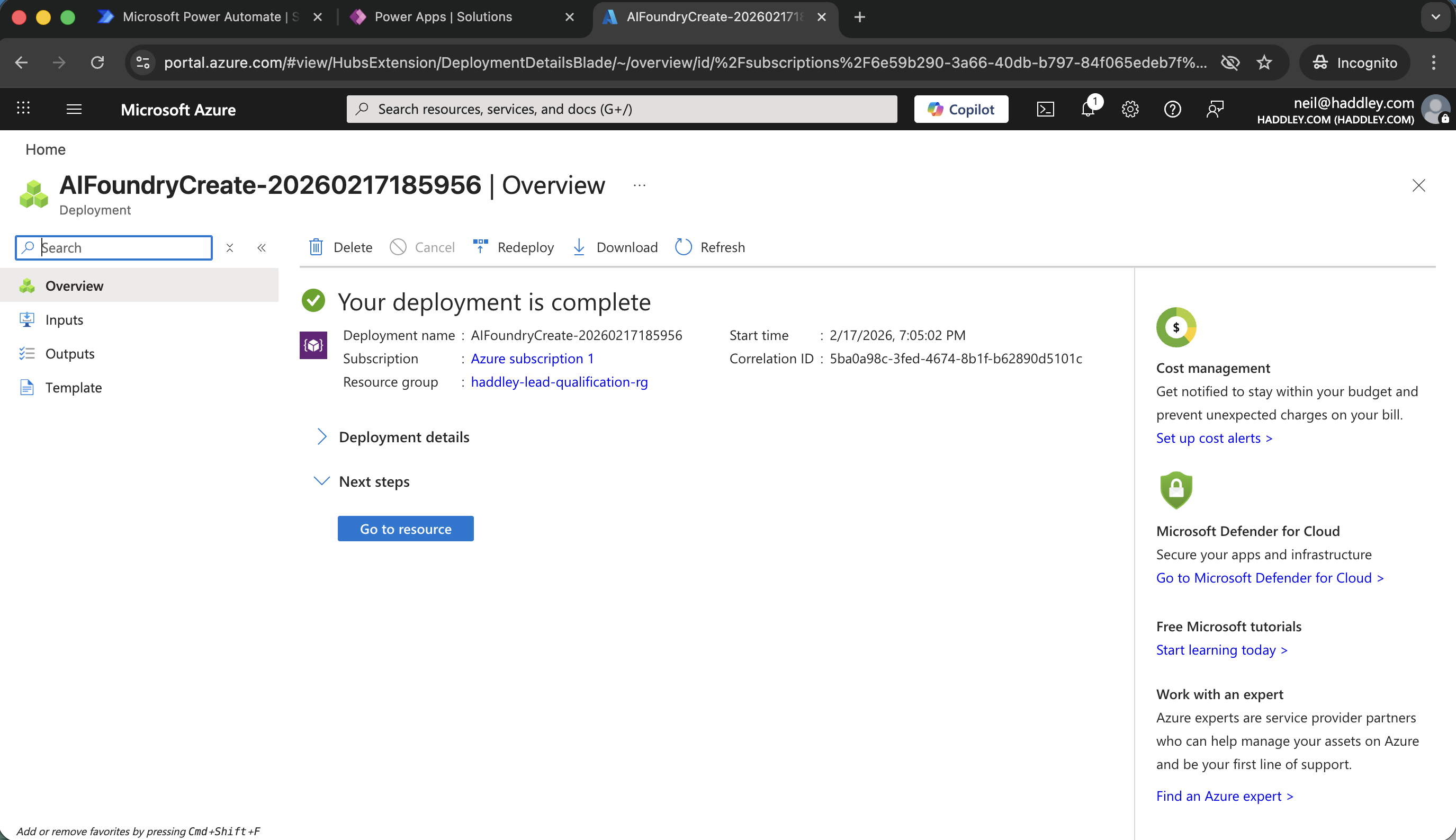
Go to resource
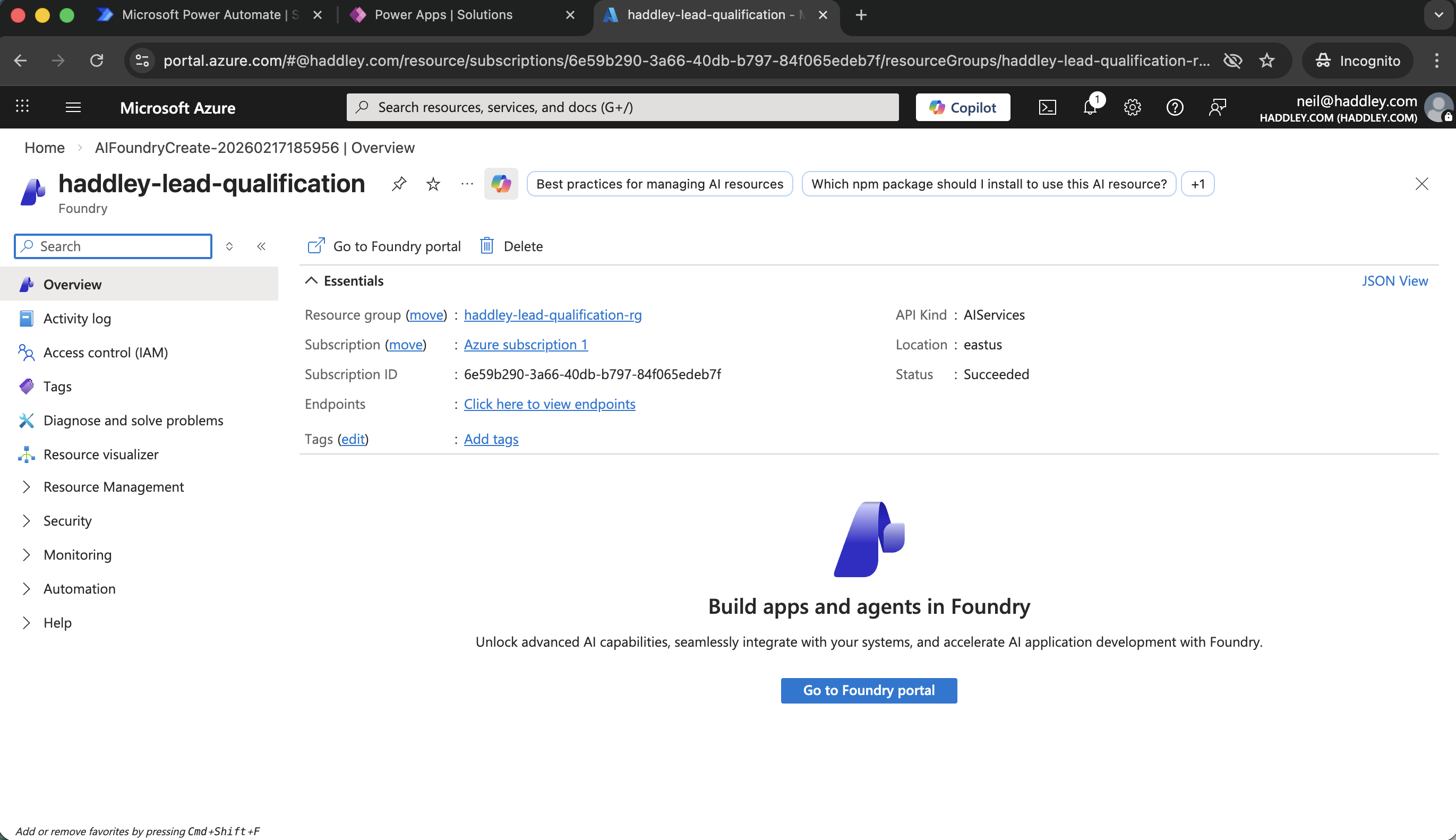
Go to Foundry portal
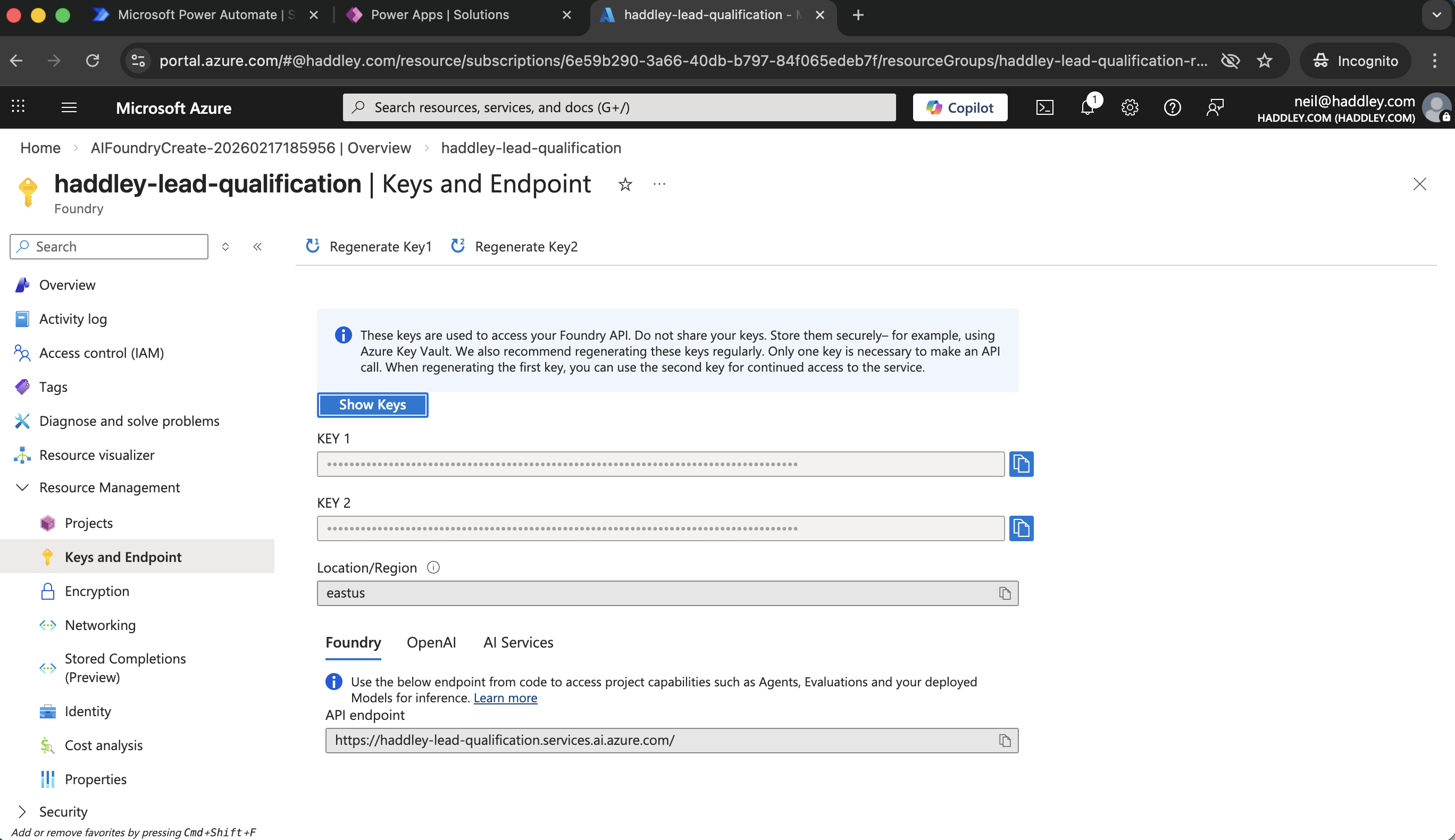
I copied KEY1 and the API Endpoint (I would need to adjust the API Endpoint later)
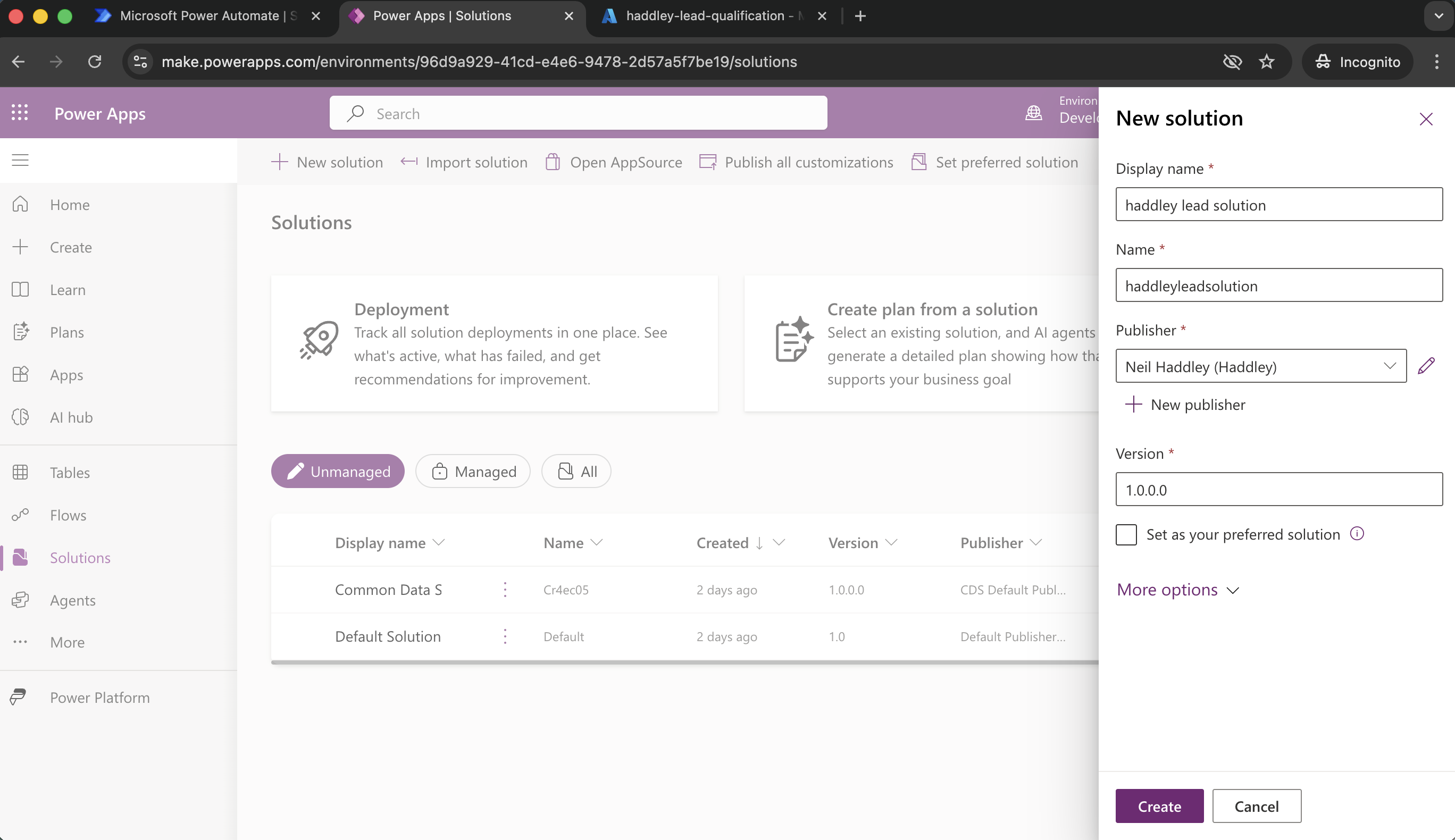
I created a new solution
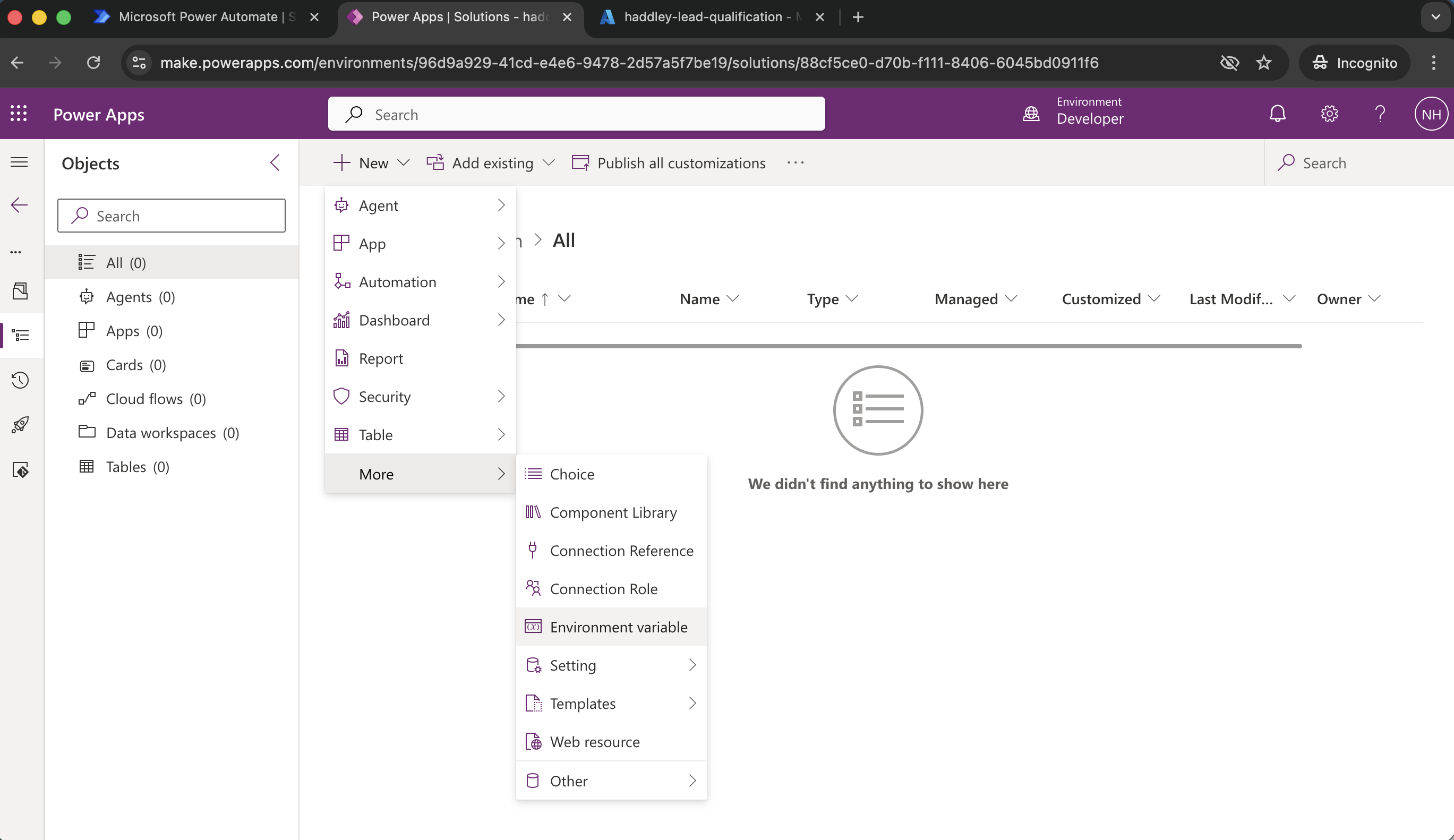
I added an environment variable to the solution
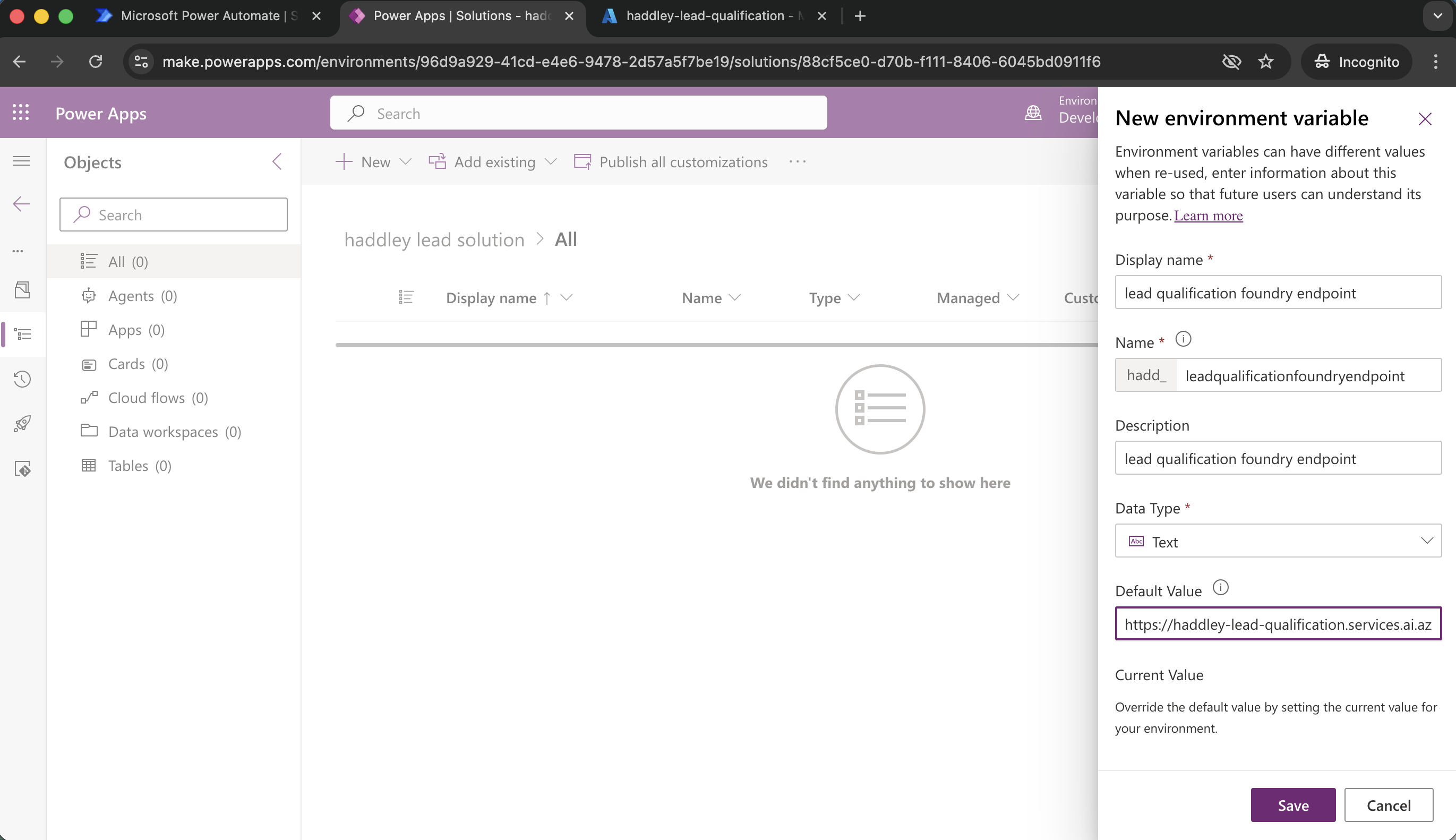
I created the lead qualification foundry endpoint environment variable
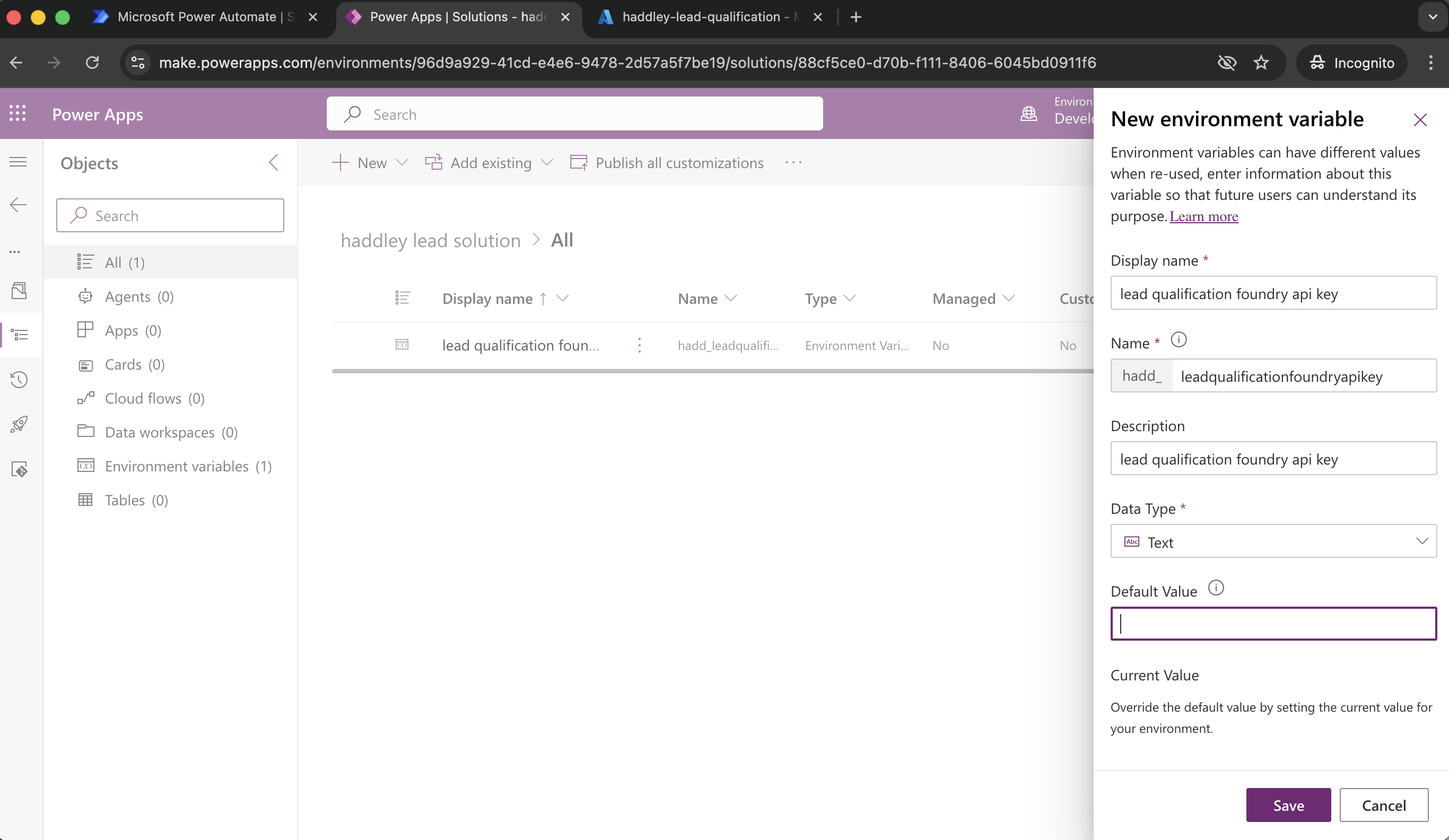
I created the lead qualification foundry api key environment variable
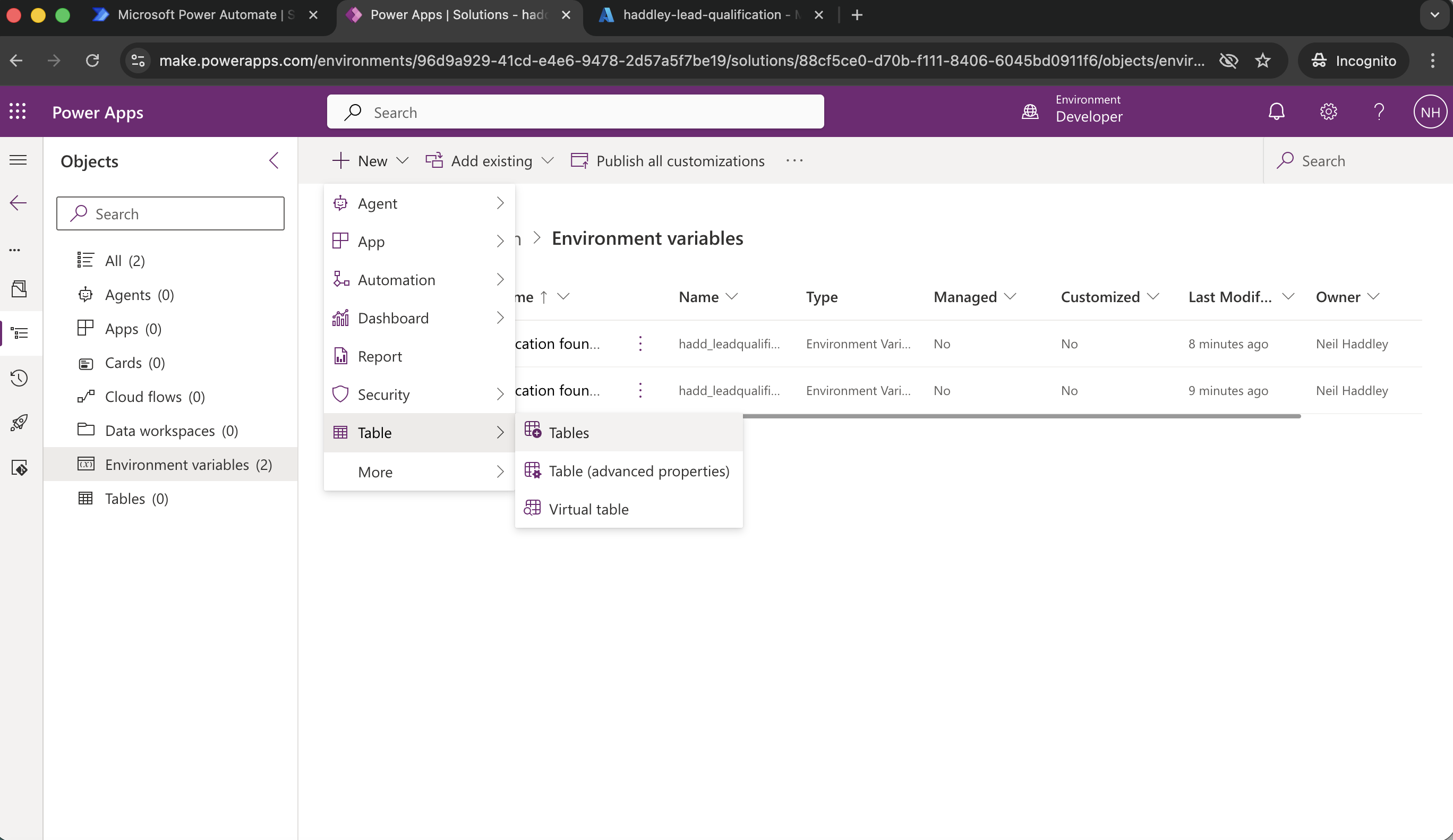
+New|Table|Tables
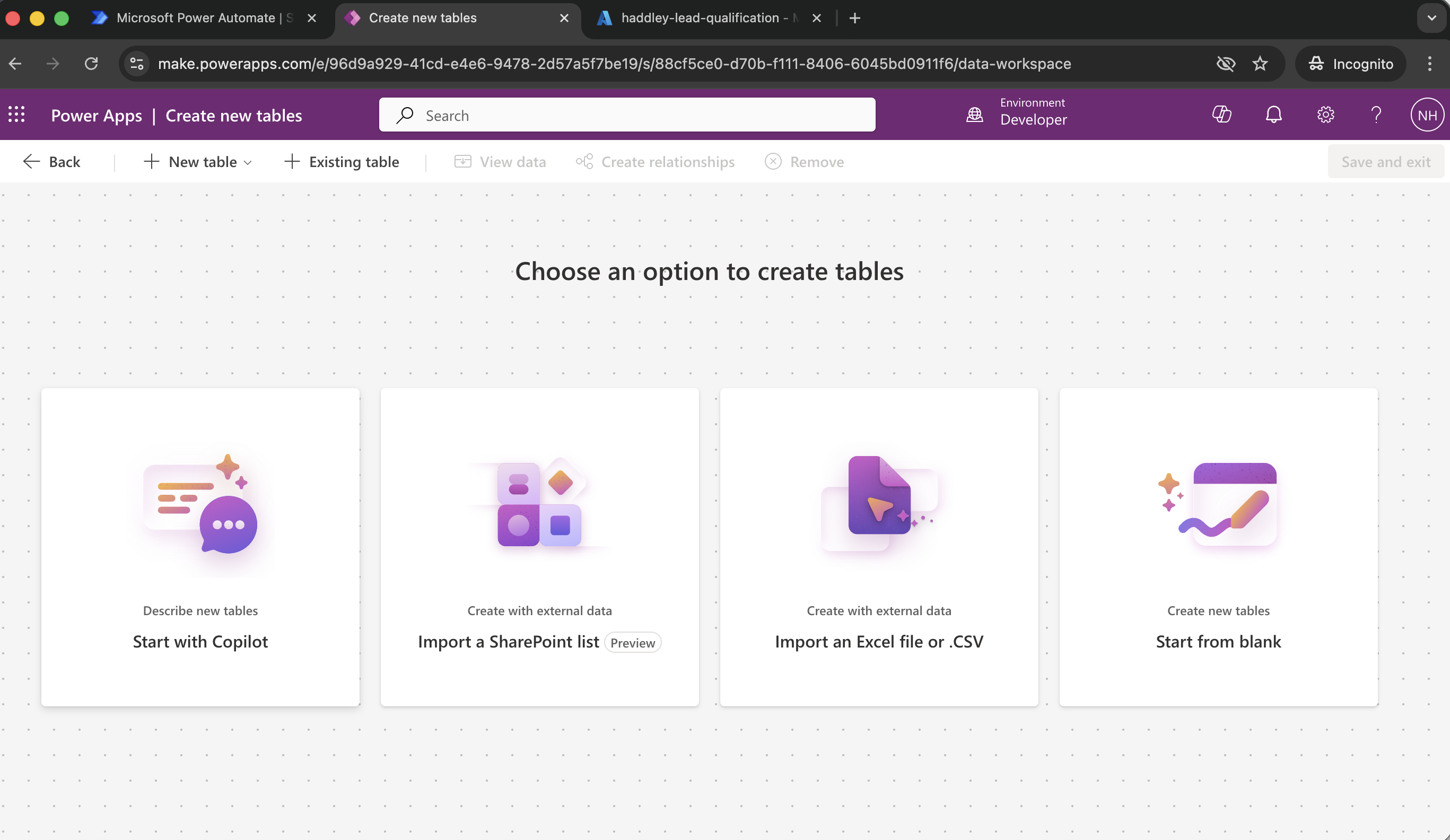
Start with Copilot
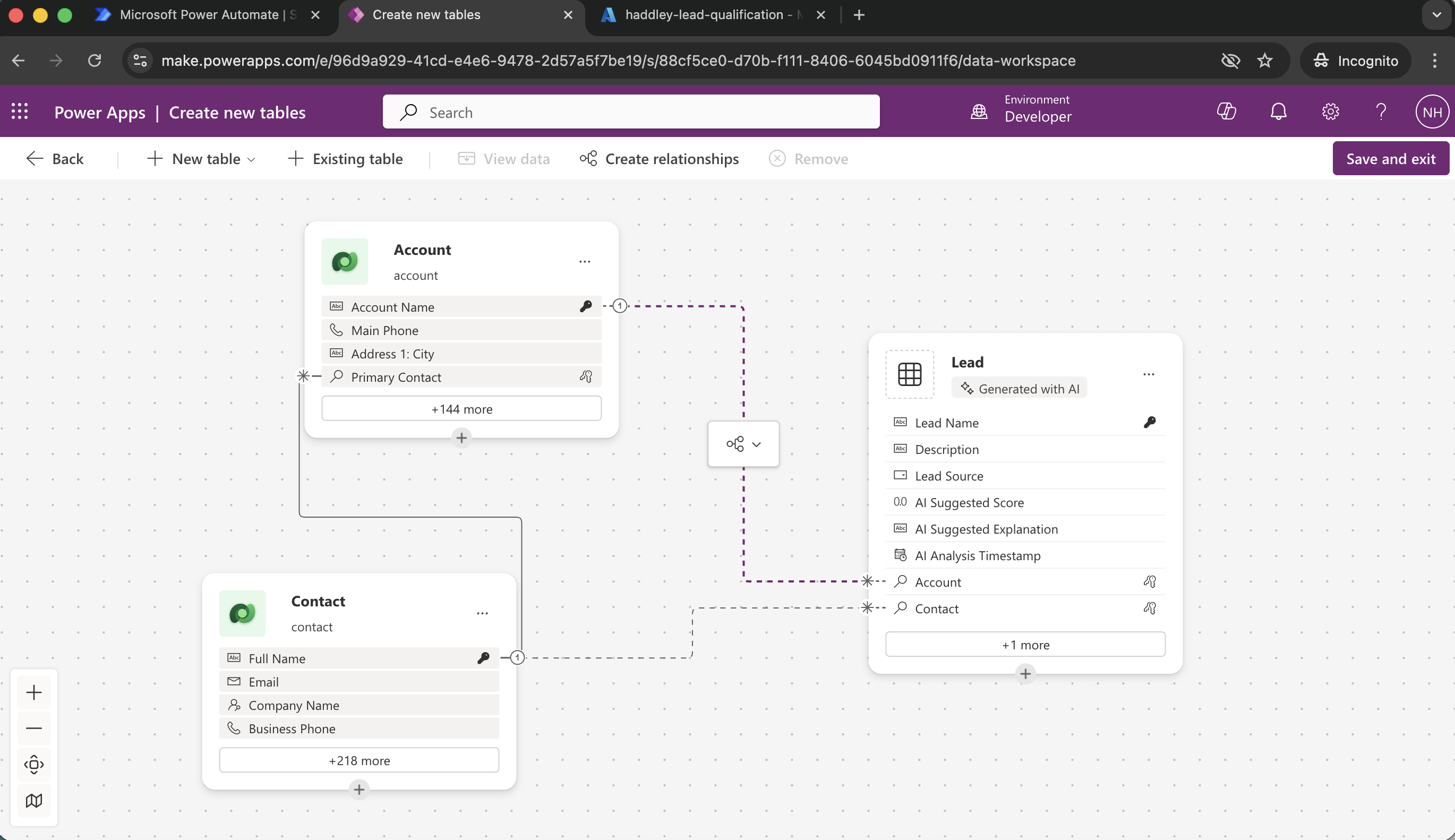
Lead table is related to (standard) Dataverse Account and Contact tables
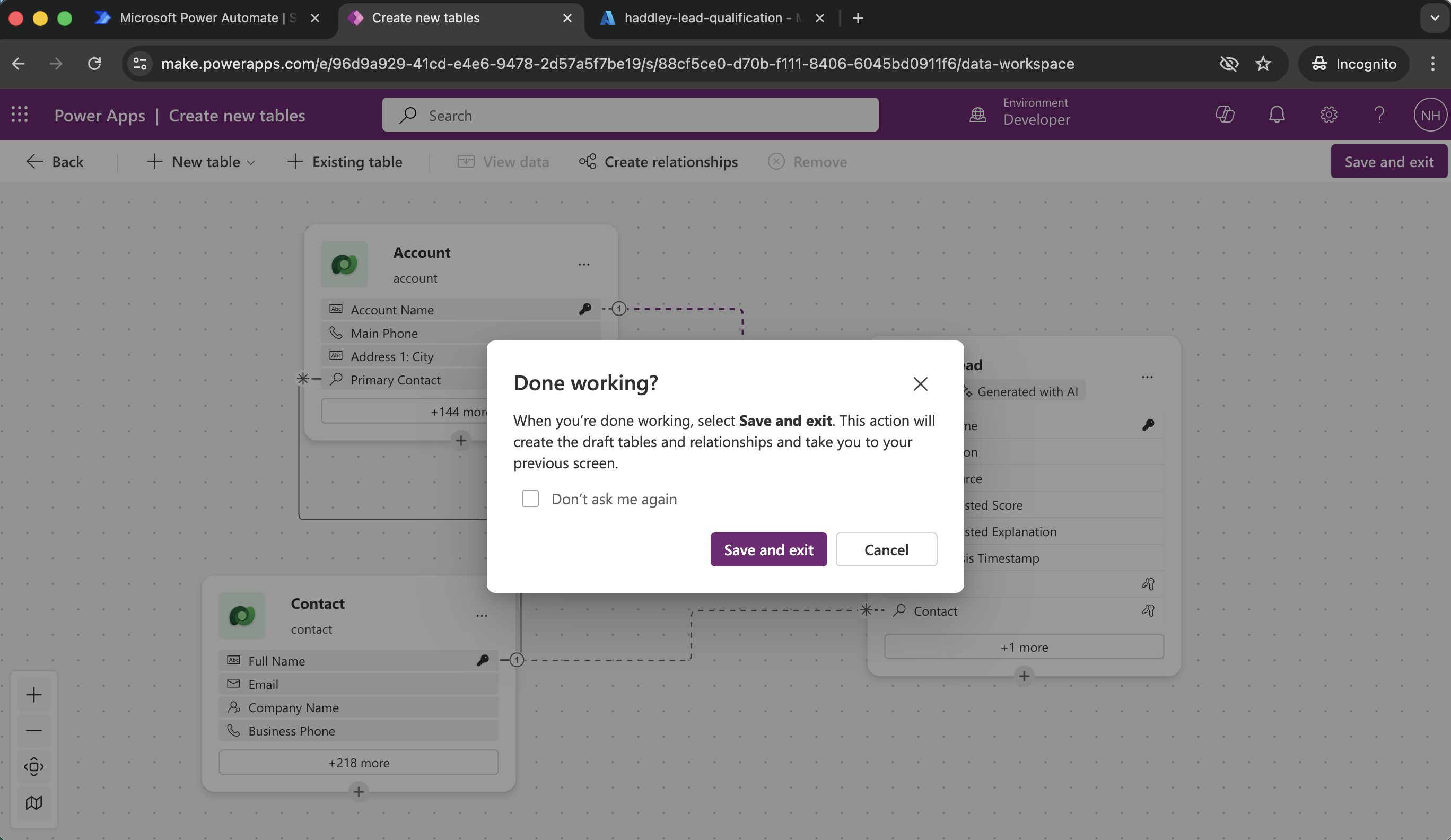
I clicked Save and exit
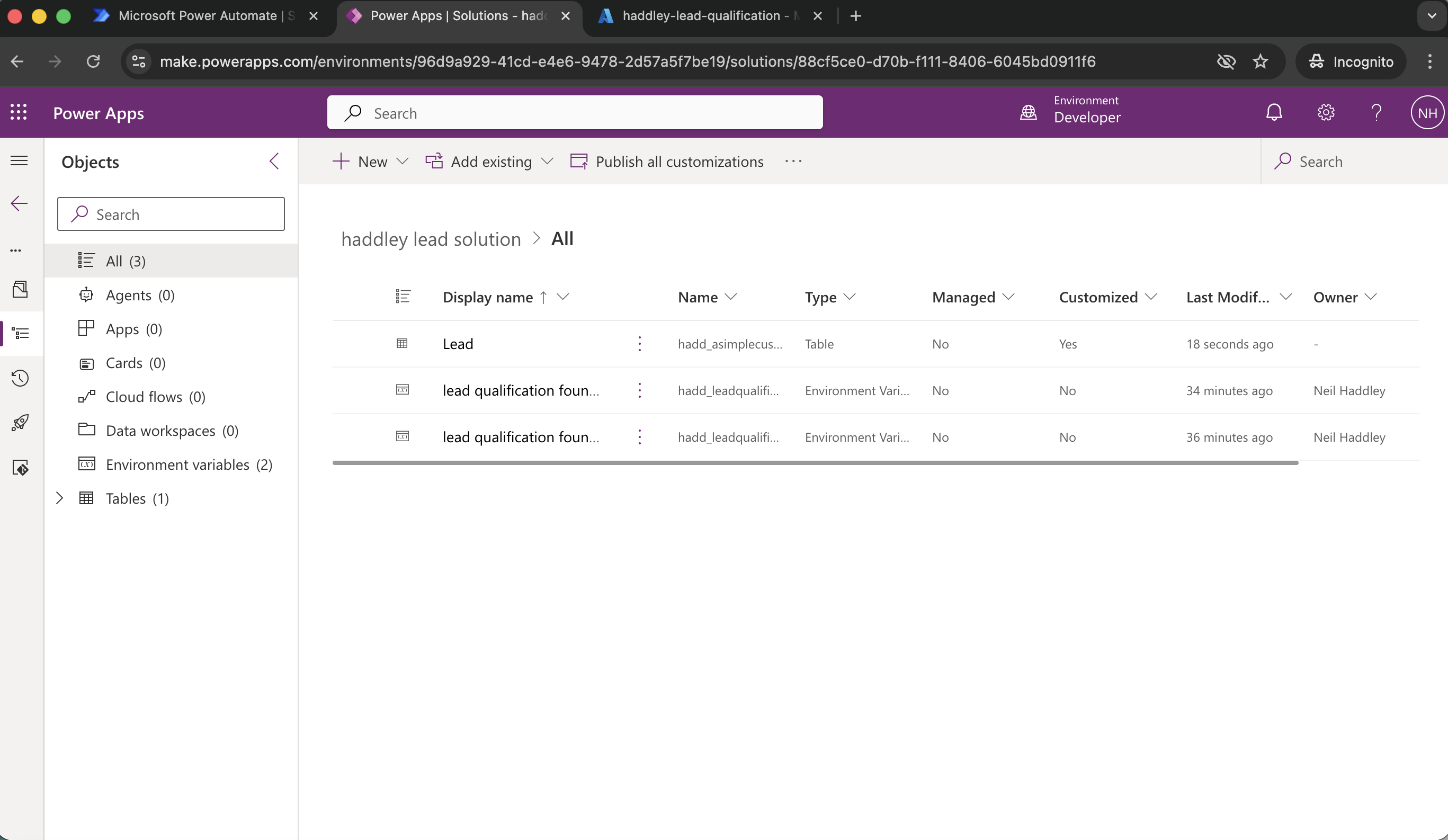
The solution had one table and two environment variables
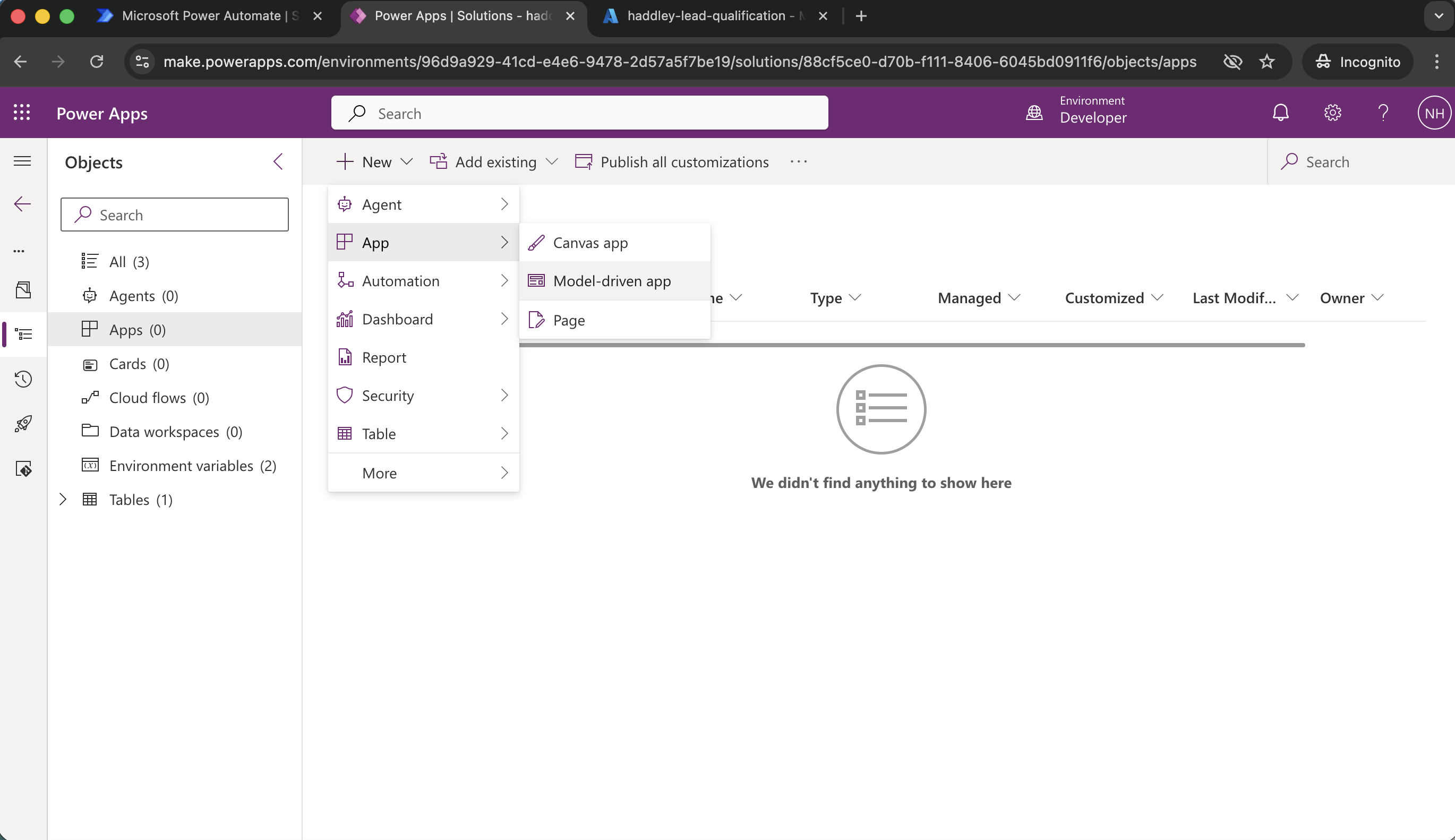
+New|App|Model-driven app
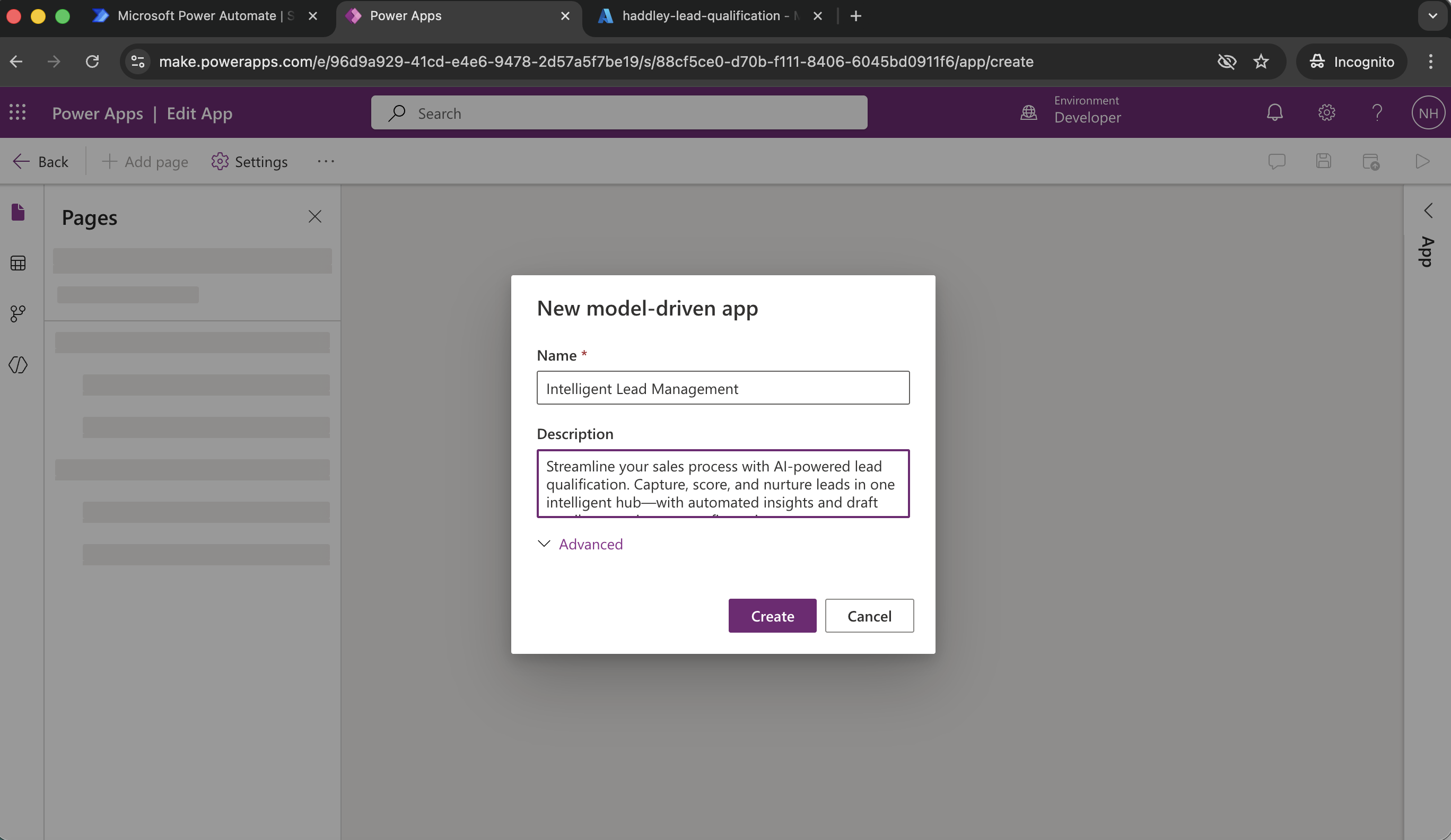
Create
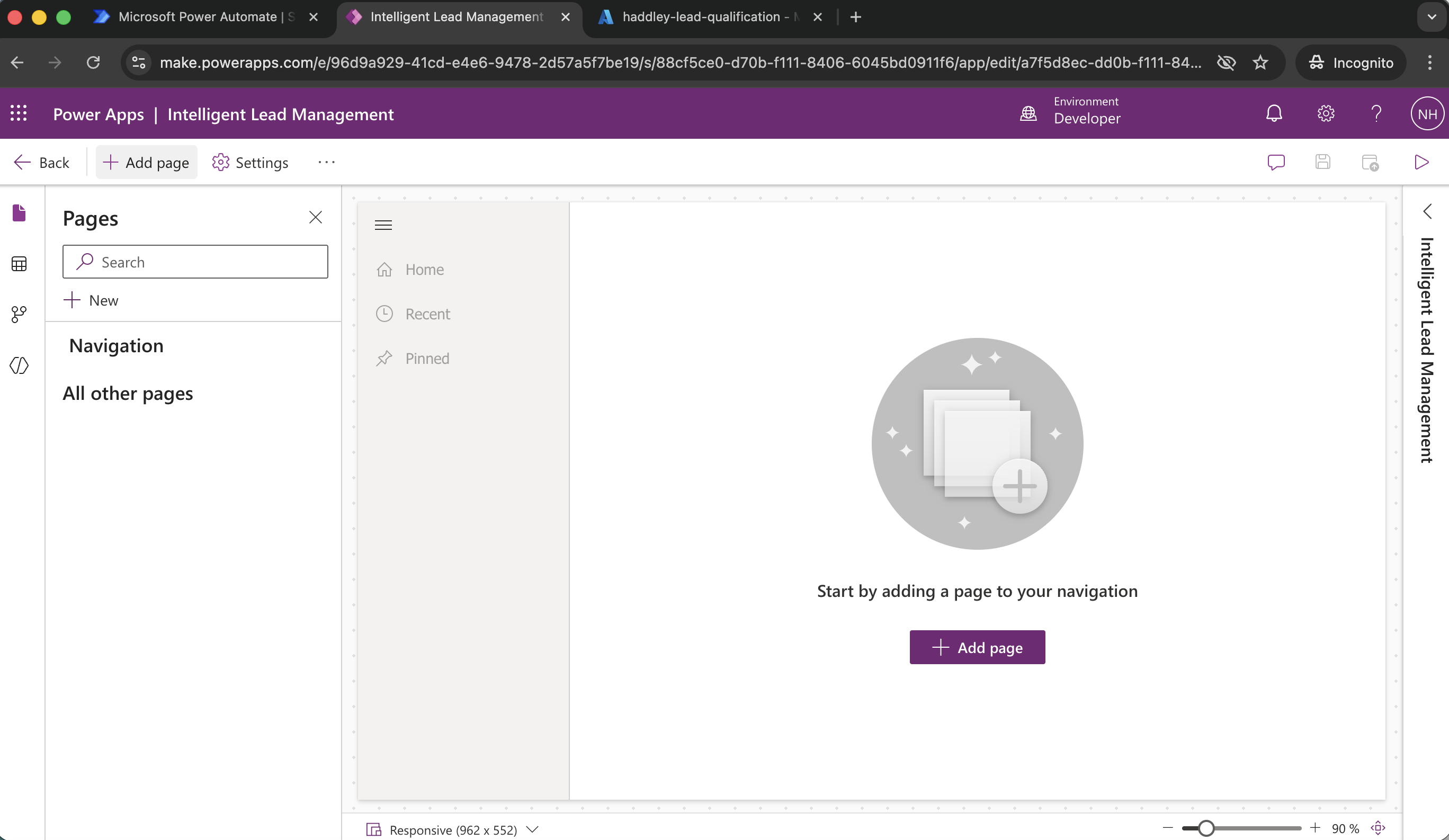
+ Add page
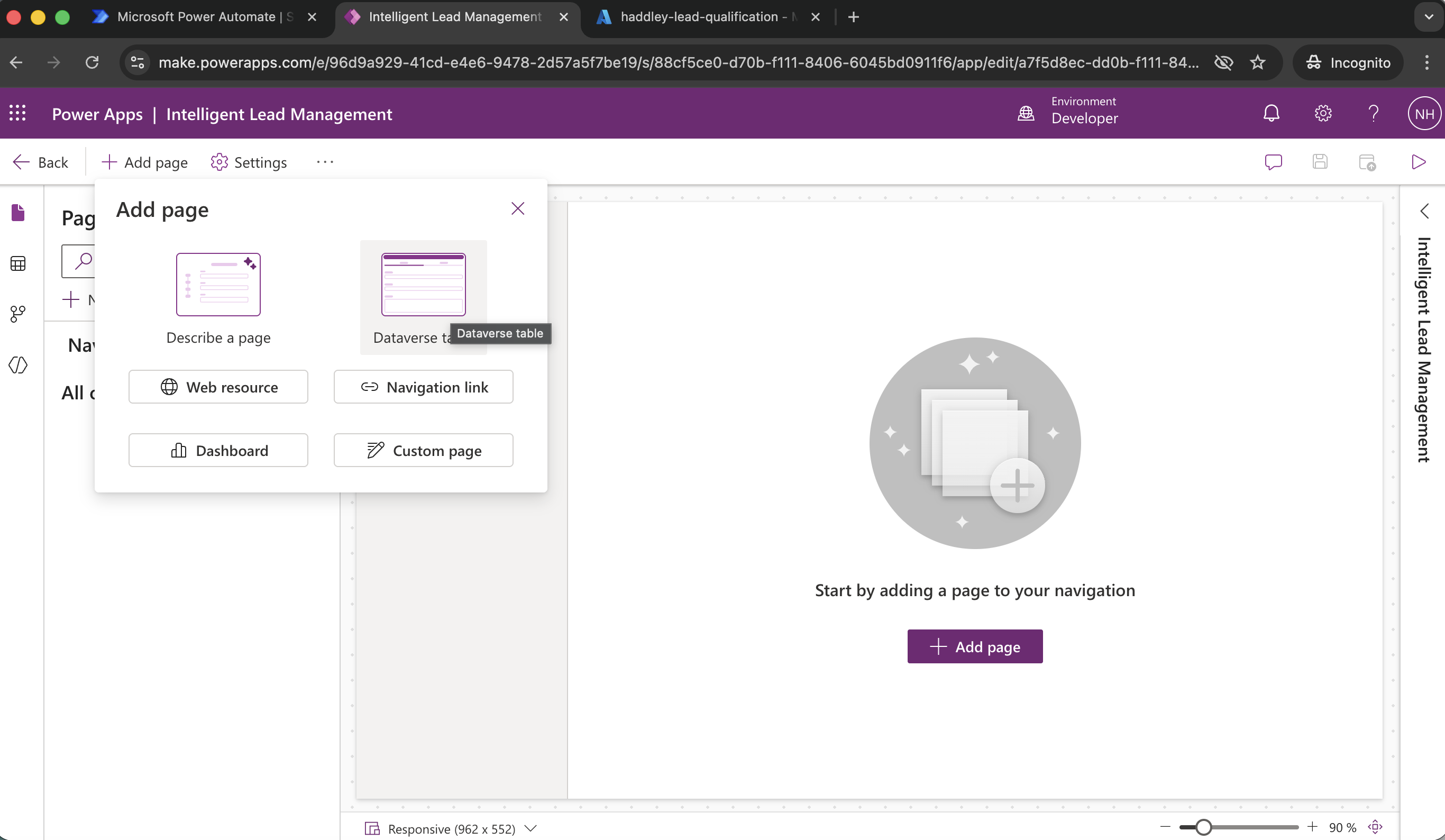
Dataverse table
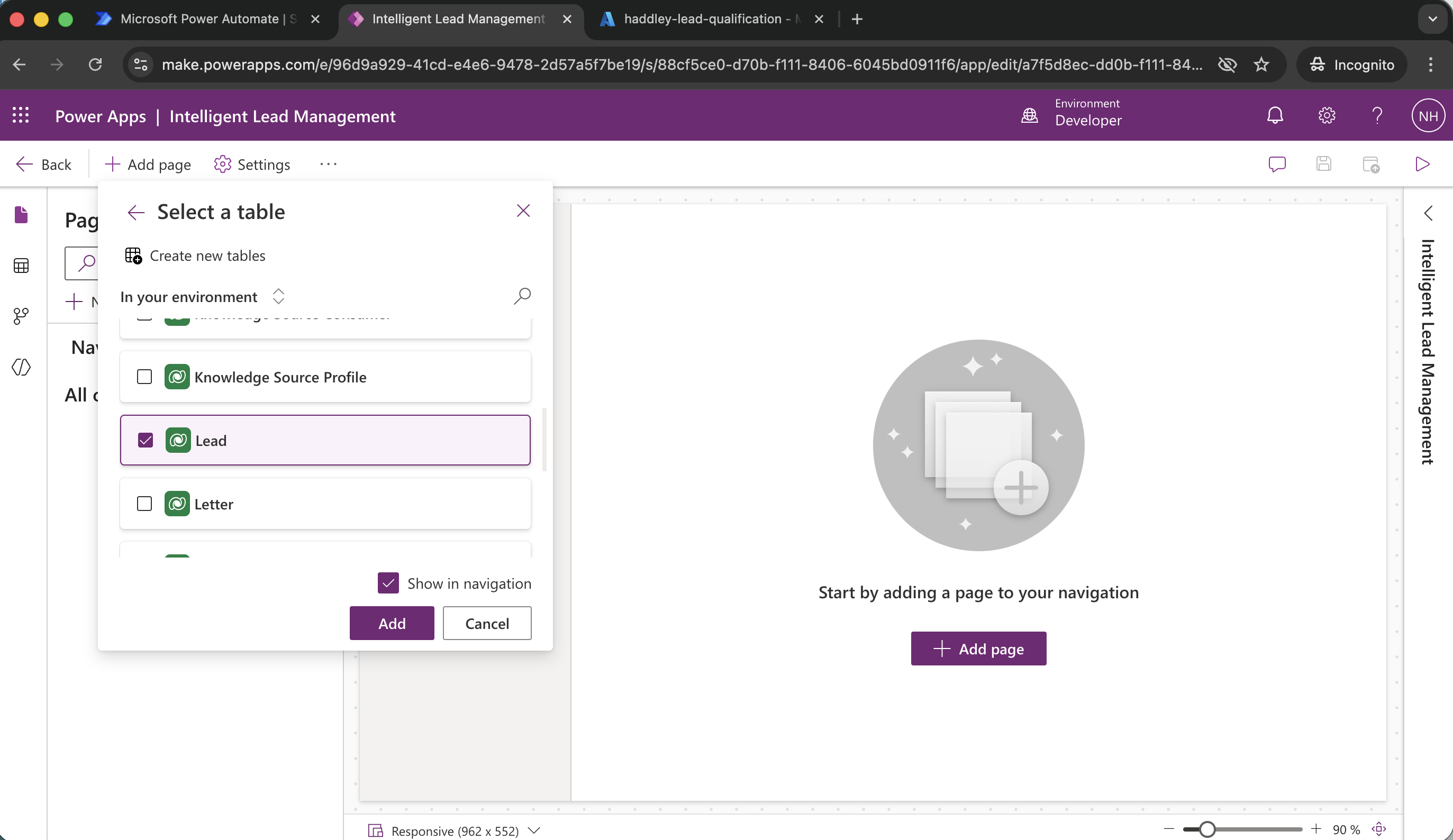
Add (Lead)
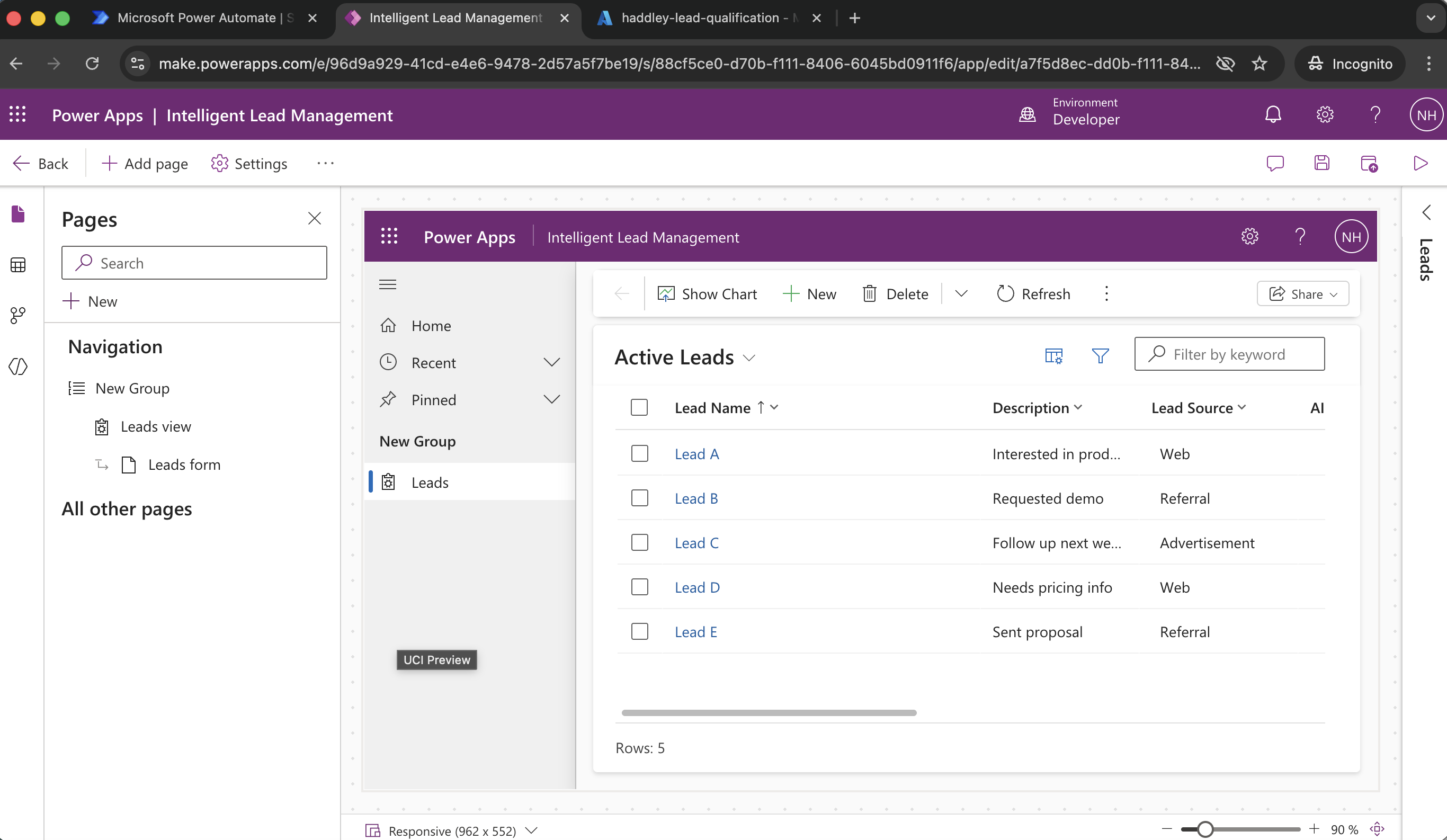
View new page
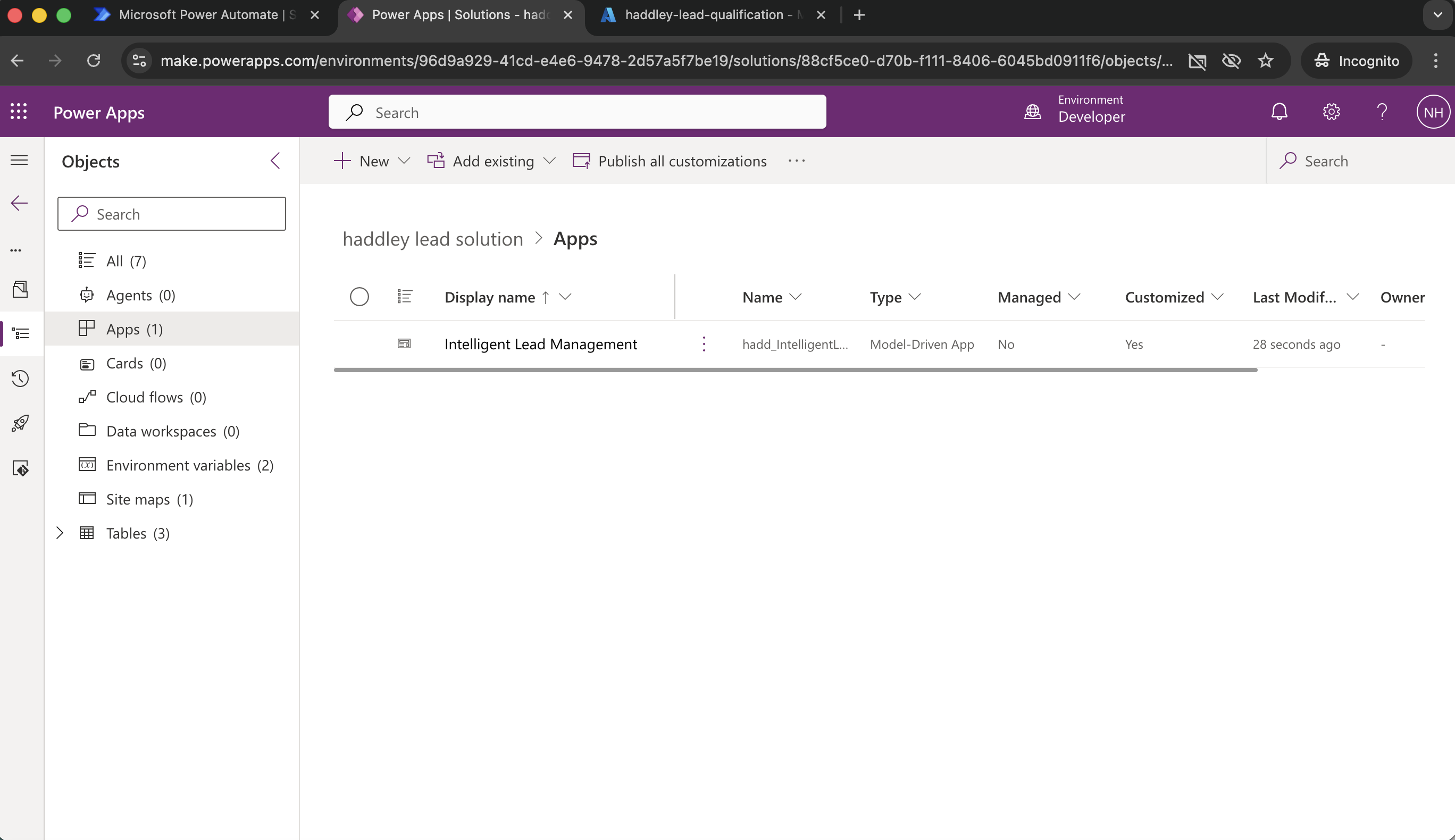
The app was added to the solution
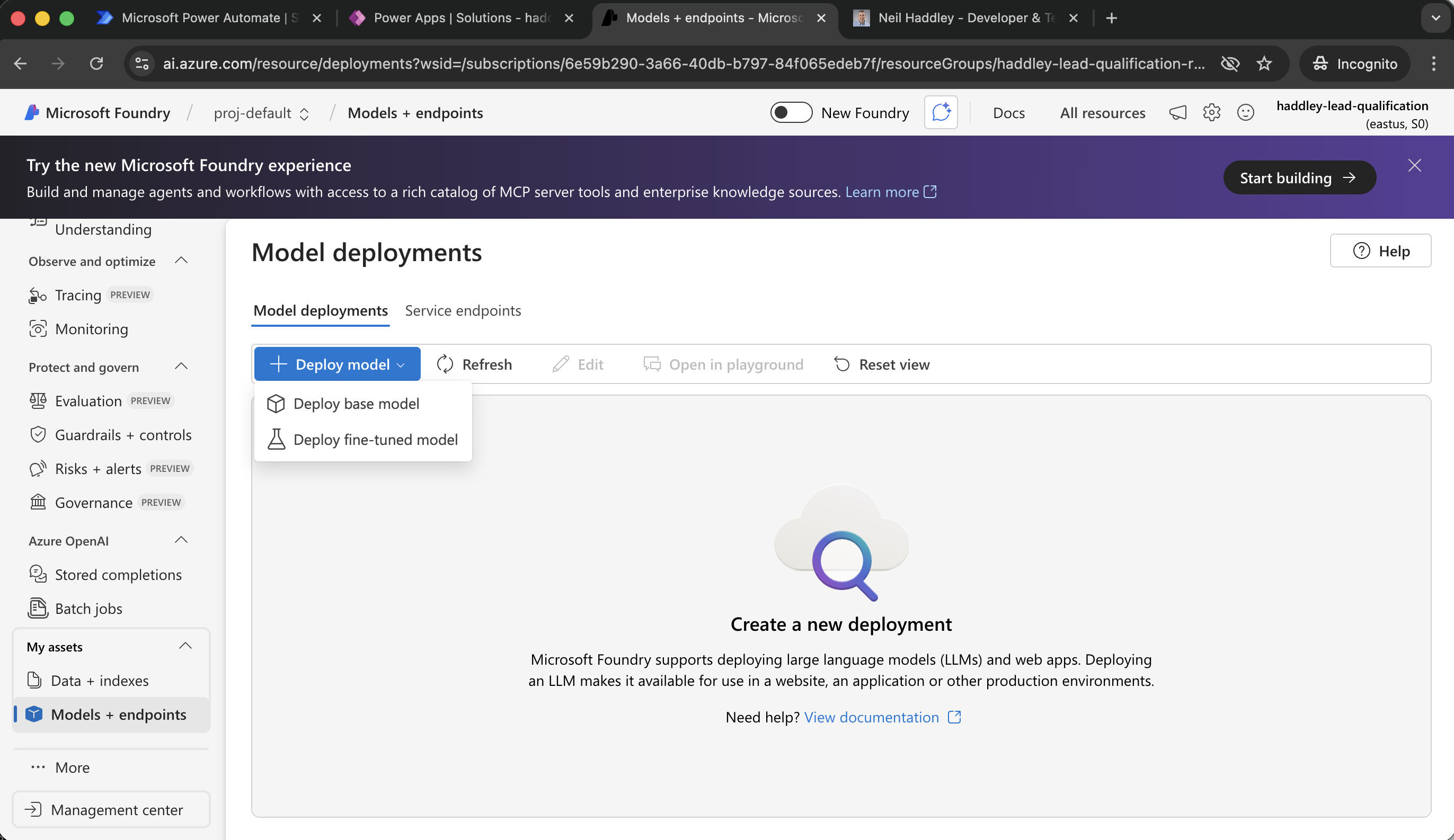
+ Deploy model
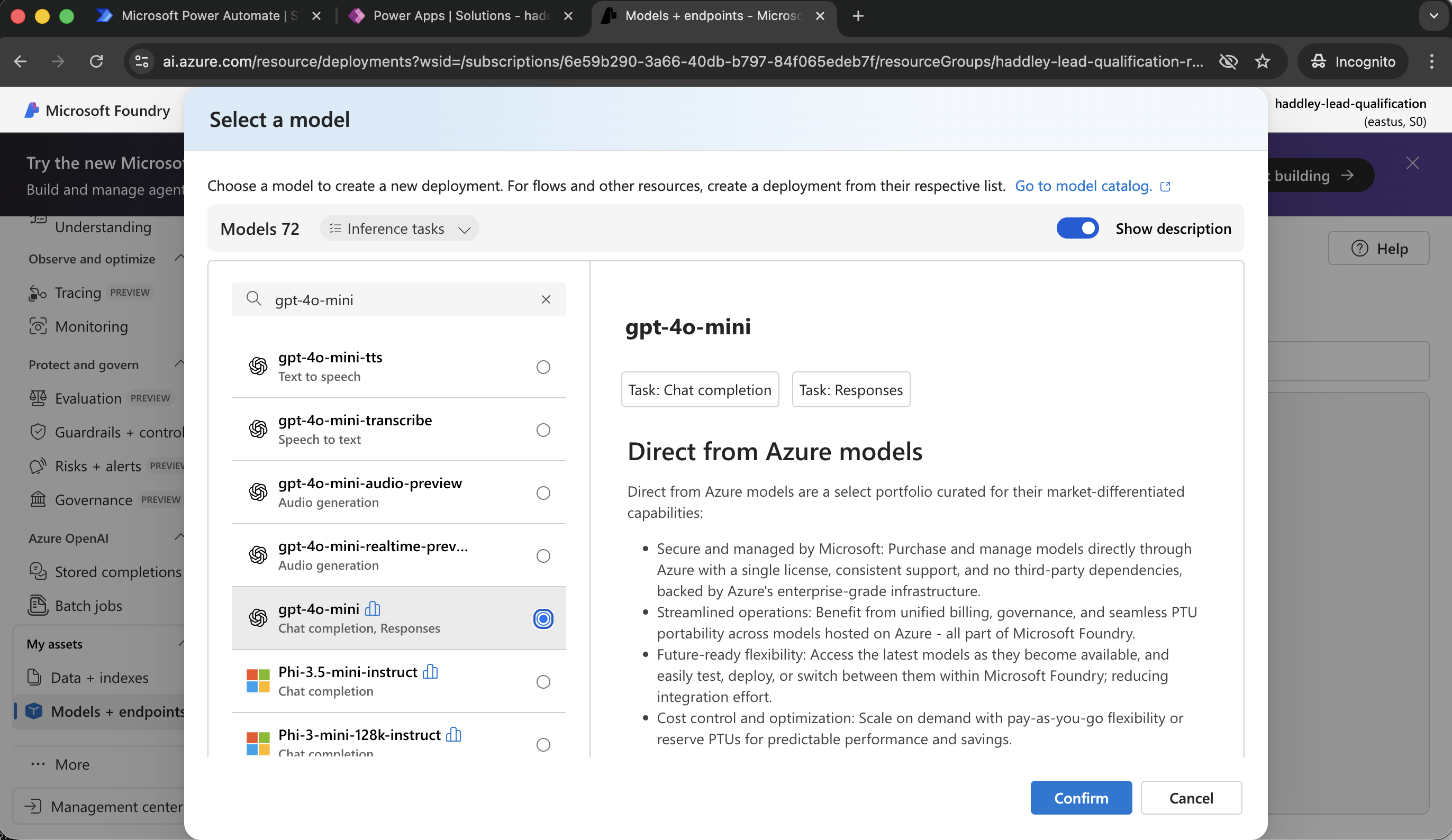
gpt-4o-mini
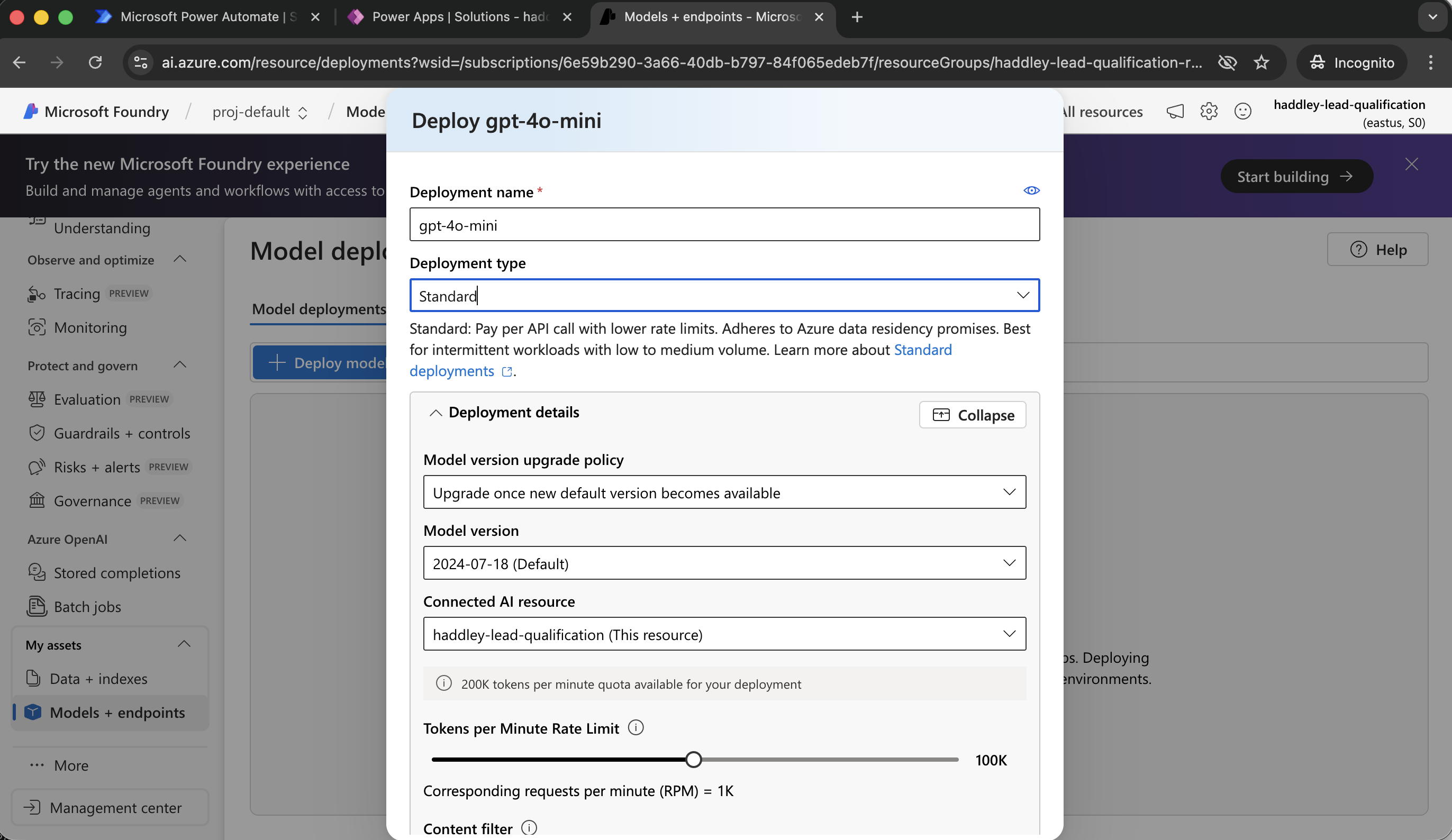
Standard
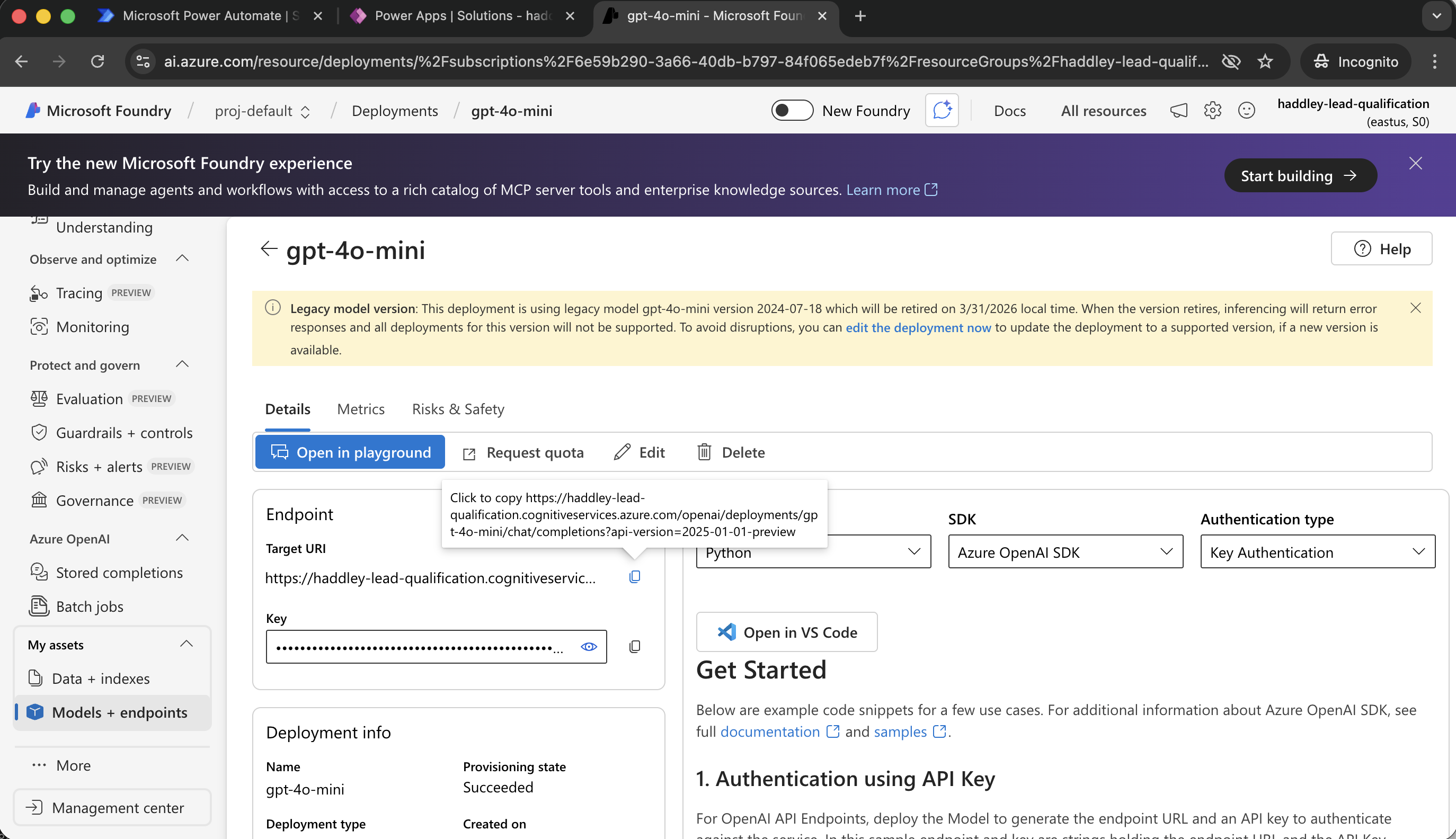
I copied model Endpoint
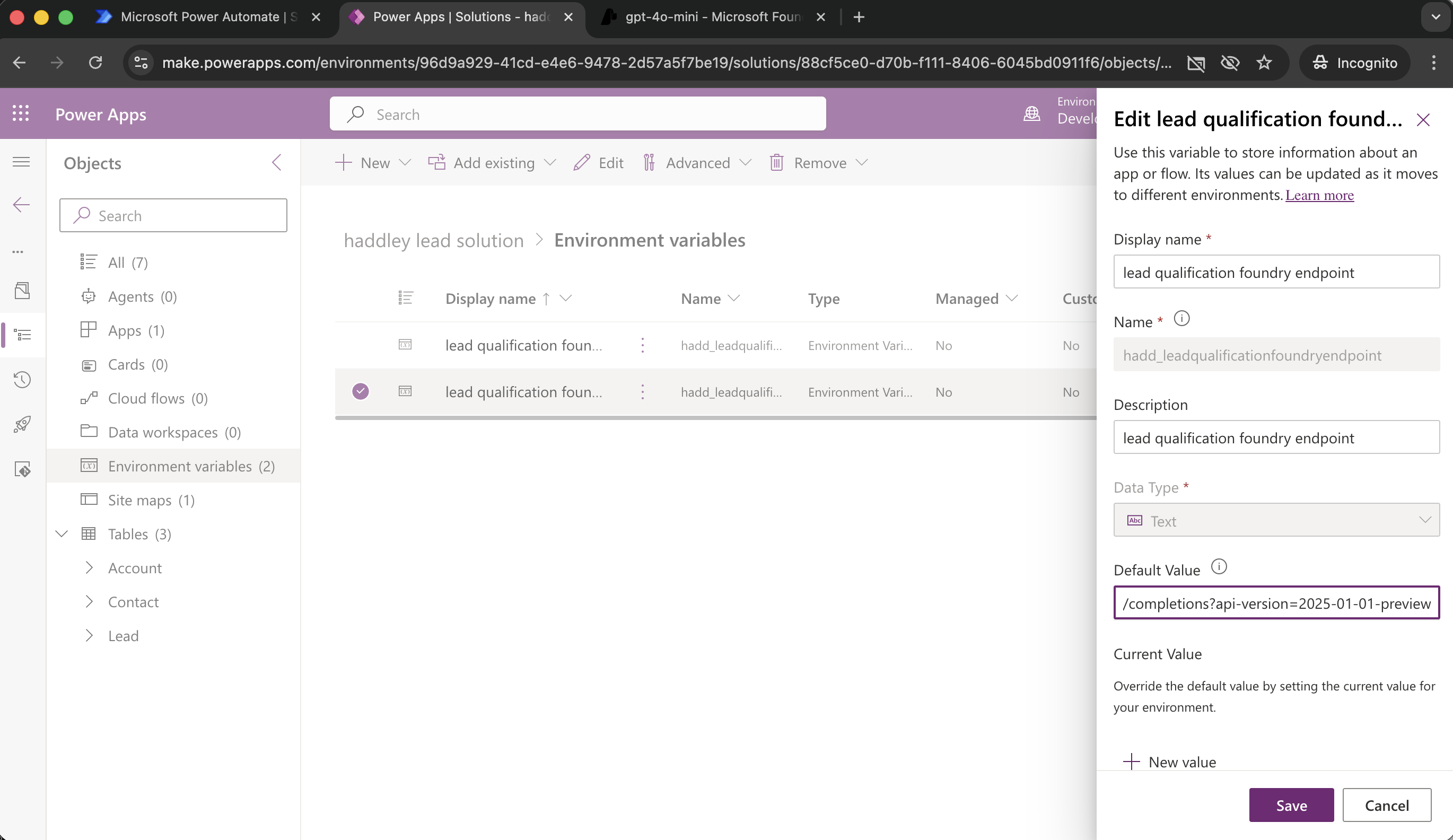
I updated lead qualification foundry endpoint environment variable
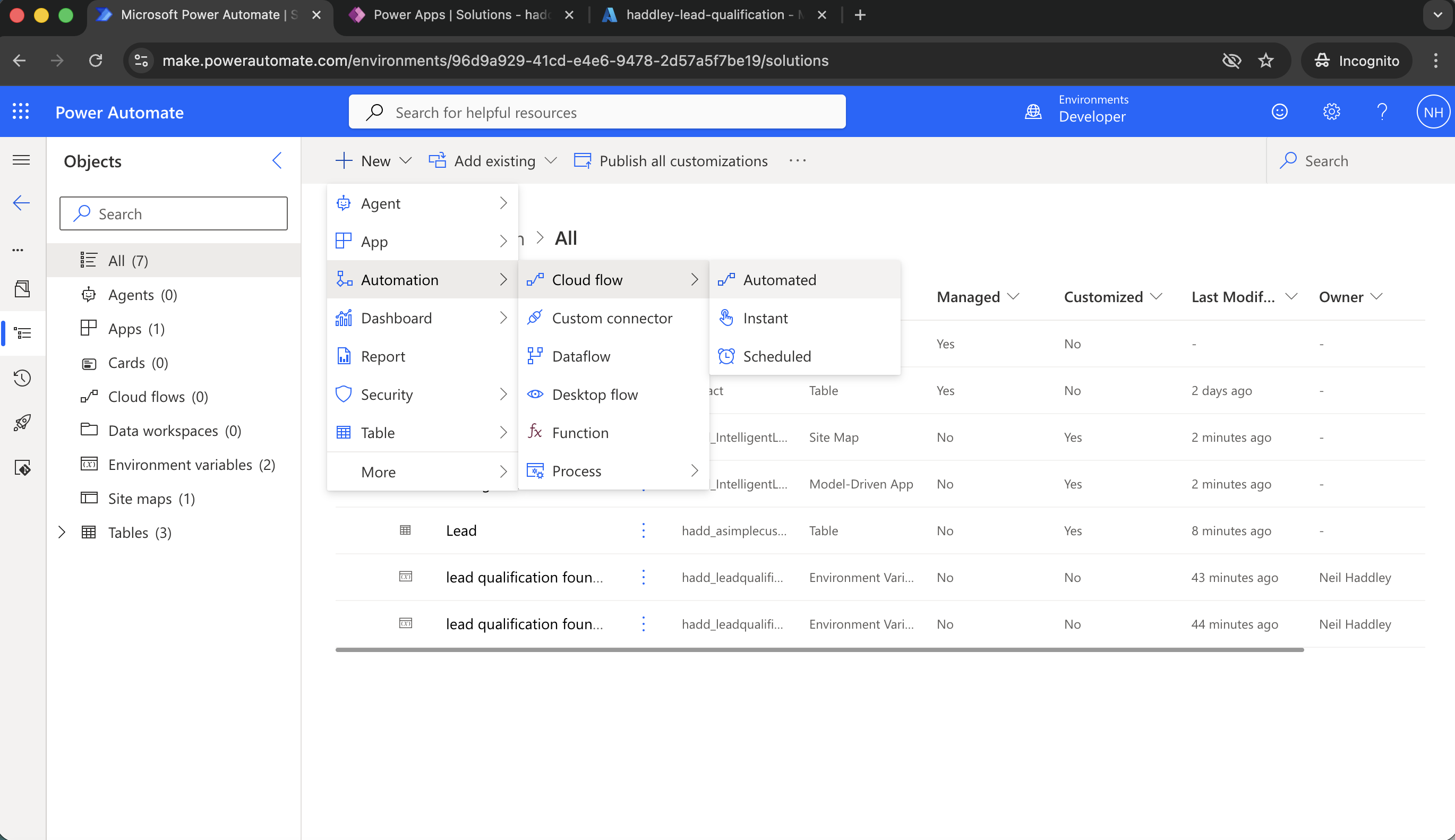
+New|Automation|Cloud flow|Automated
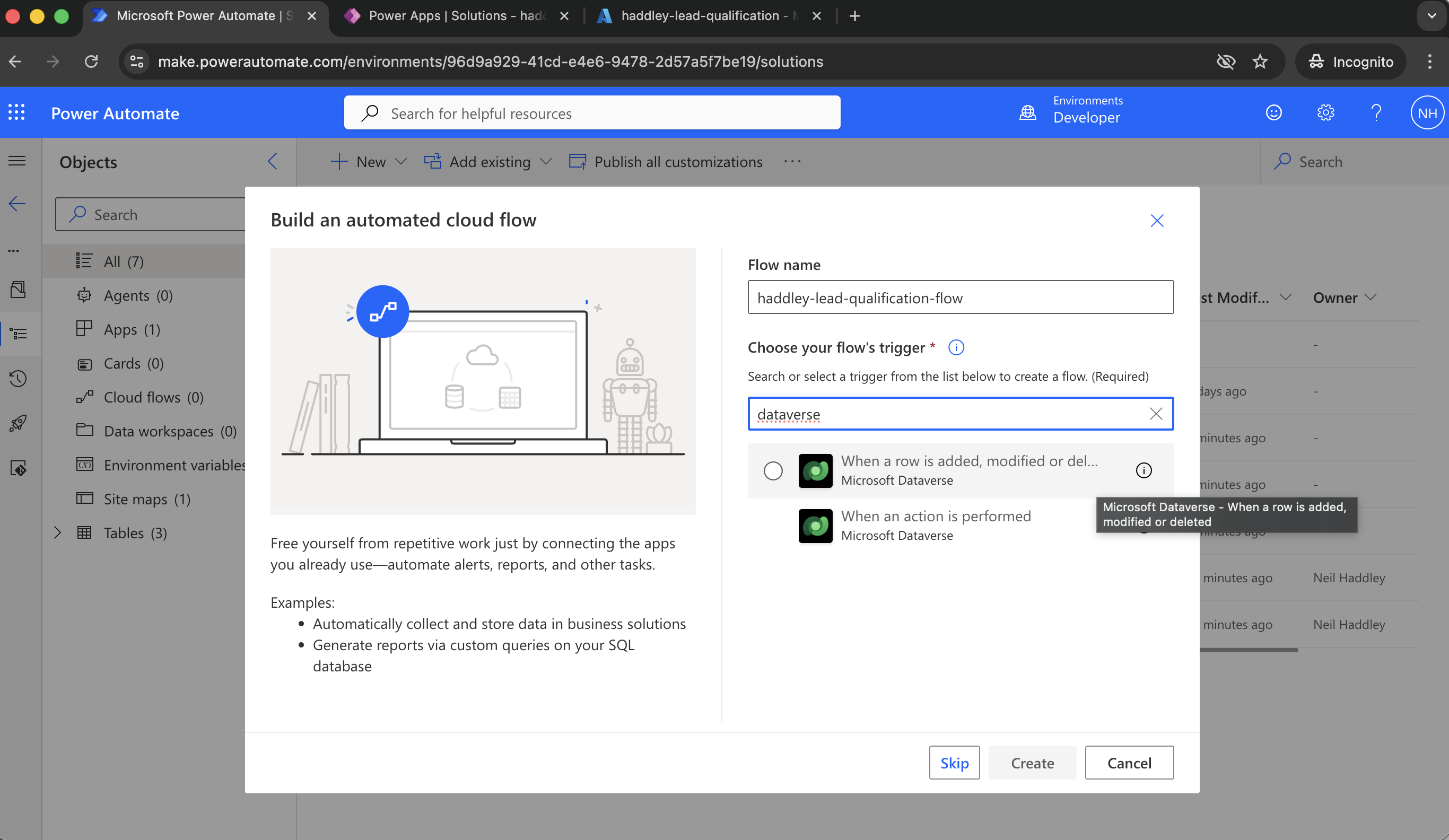
The flow is triggered when a Dataverse row is added, updated, or deleted
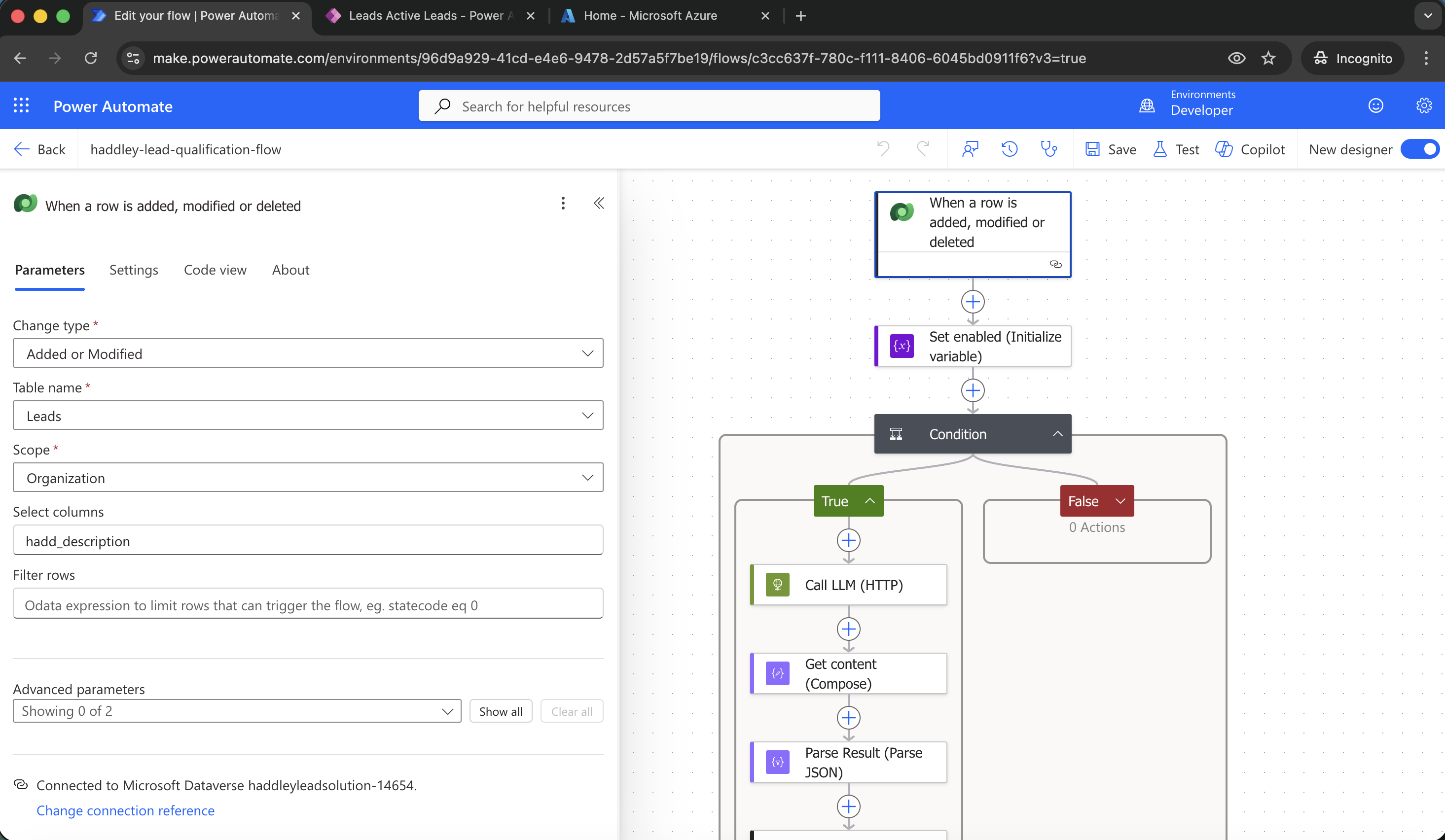
I updated the trigger to run only when a new Lead record was added or when the Description column of an existing row was updated
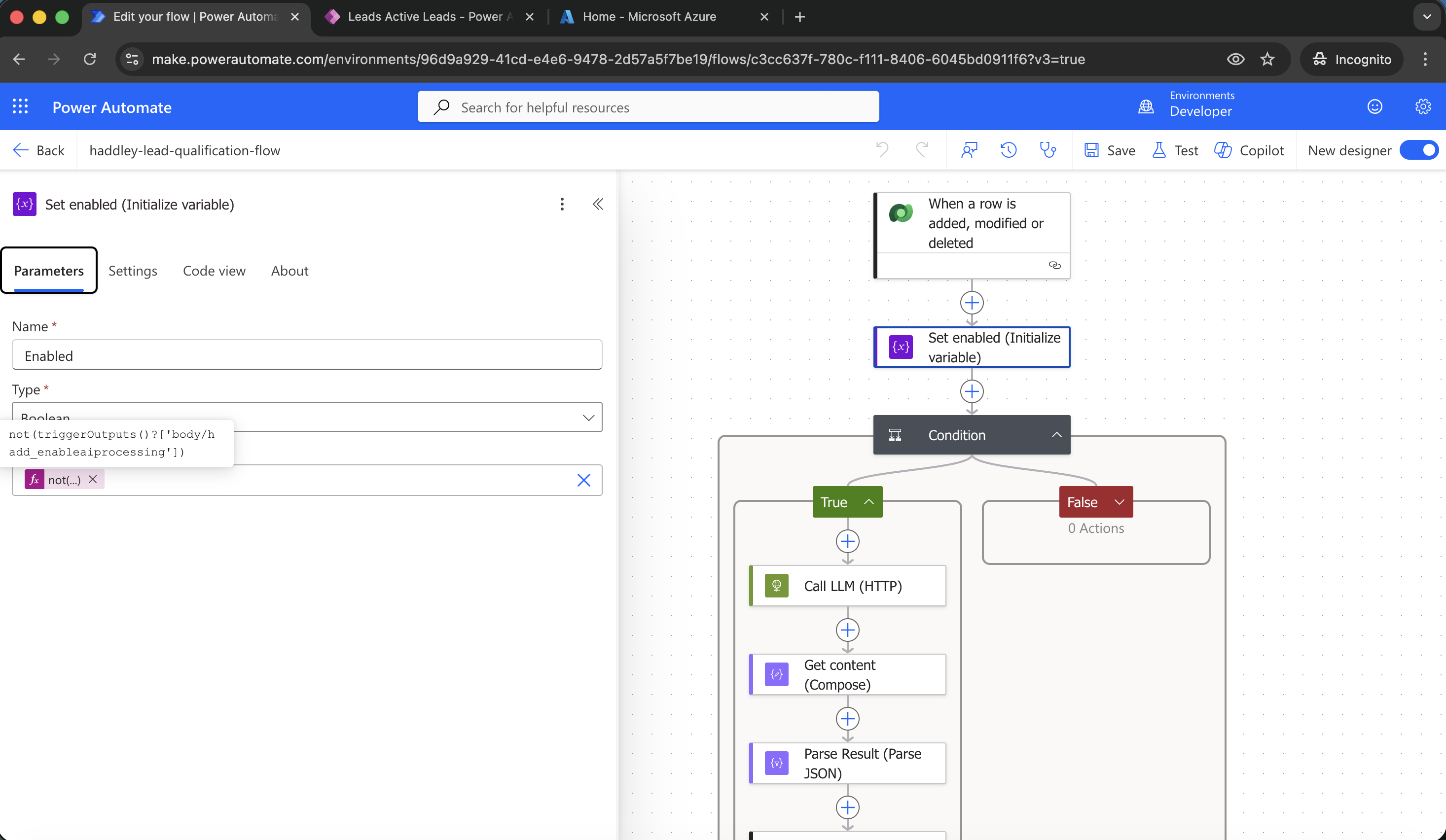
I used an Enabled variable to know if AI Enable AI processing was True (notice that Dataverse maps Yes to 0 and No to 1)
EXPRESSION
1not(triggerOutputs()?['body/hadd_enableaiprocessing'])
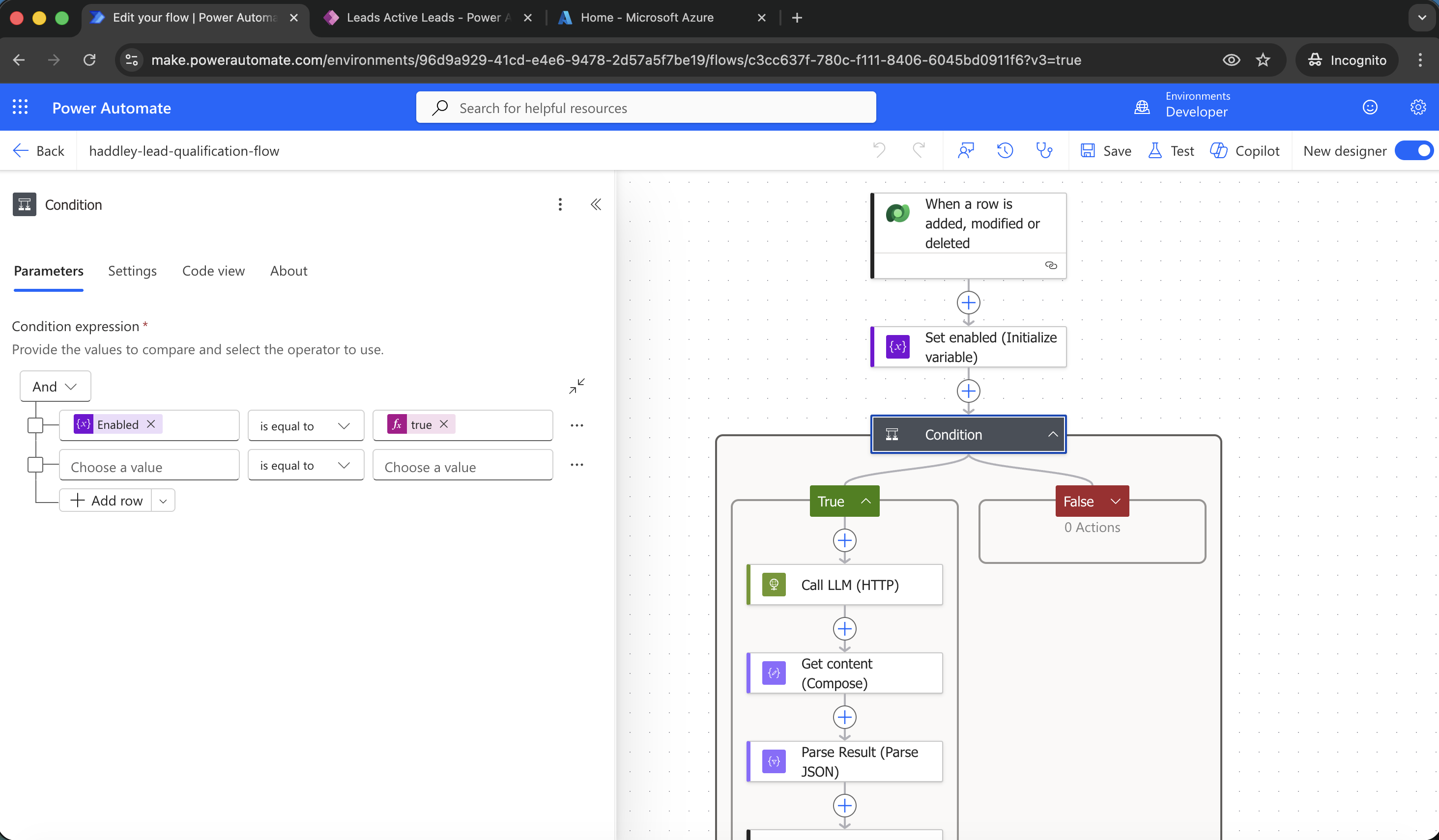
I created a Condition based on the Enabled variable value
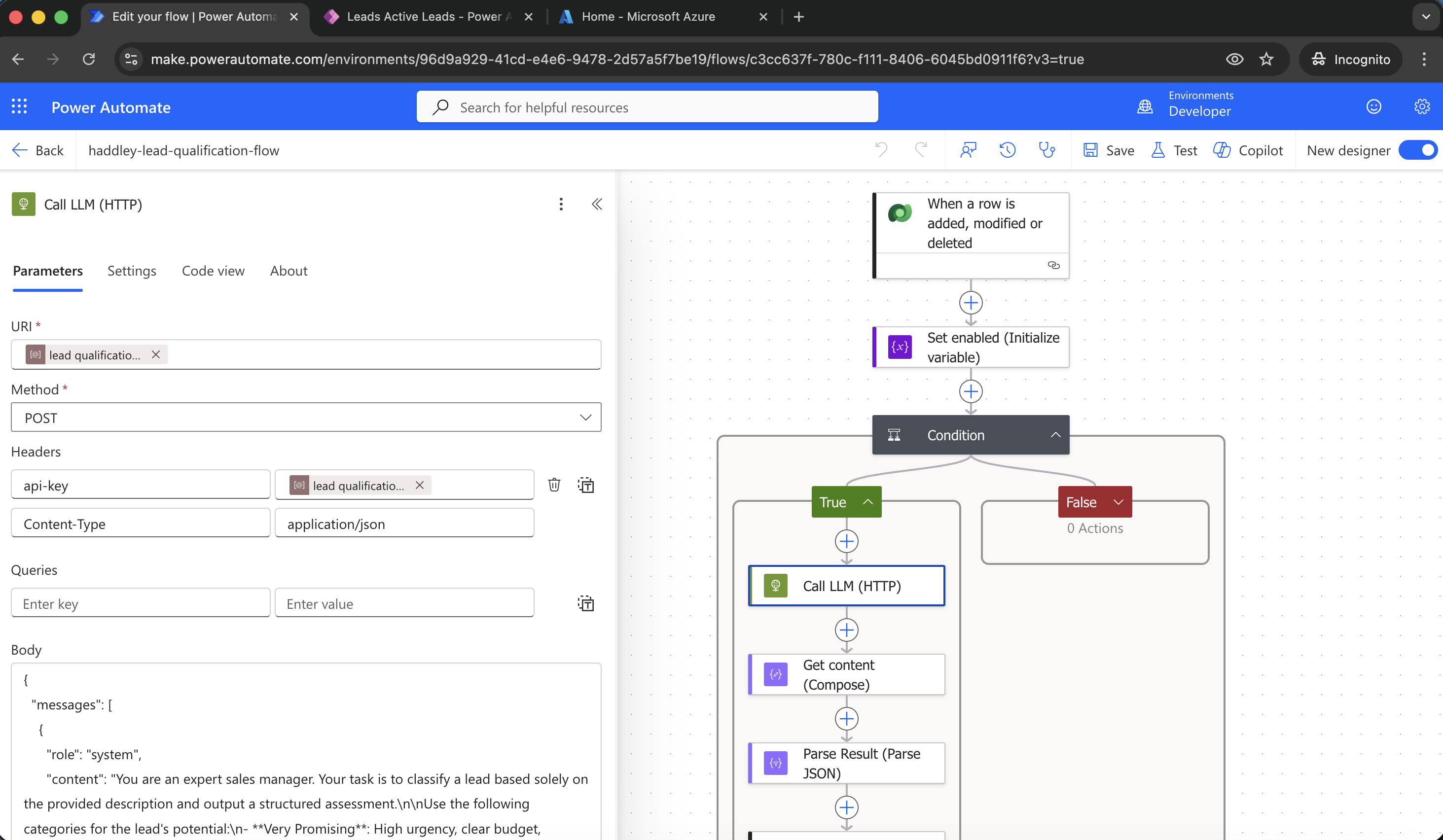
I called the AI model. I used the environment variables to set the URL and API-Key values
PROMPT
1{
2  "messages": [
3    {
4      "role": "system",
5      "content": "You are an expert sales manager. Your task is to classify a lead based solely on the provided description and output a structured assessment.\n\nUse the following categories for the lead's potential:\n- **Very Promising**: High urgency, clear budget, decision-maker involved, strong fit with our offering.\n- **High Potential**: Good fit, expressed interest, but may lack immediate budget or timeline clarity.\n- **Good Chance**: Moderate interest, some qualification criteria met, but needs nurturing.\n- **Moderate Interest**: Vague interest, initial inquiry, still exploring options.\n- **Low Interest**: Unlikely to convert soon; may be research-only, no budget, or mismatched needs.\n- **Other**: If none of the above apply, provide a brief, accurate label.\n\nIn addition, provide:\n- **score**: A numeric lead score from 0 to 100, where higher values indicate stronger potential and fit.\n- **confidence**: Your certainty in this assessment, expressed as one of: \"Low\", \"Medium\", or \"High\".\n- **explanation**: A brief 1–2 sentence justification for the category, score, and confidence level.\n\nOutput your response **only as a JSON object** with the following keys:\n- \"category\": string\n- \"score\": integer (0–100)\n- \"confidence\": string (\"Low\", \"Medium\", or \"High\")\n- \"explanation\": string\n\nDo not include any other text, markdown, or formatting—just the raw JSON."
6    },
7    {
8      "role": "user",
9      "content": "@{triggerOutputs()?['body/hadd_description']}"
10    }
11  ],
12  "max_tokens": 400,
13  "temperature": 0
14}
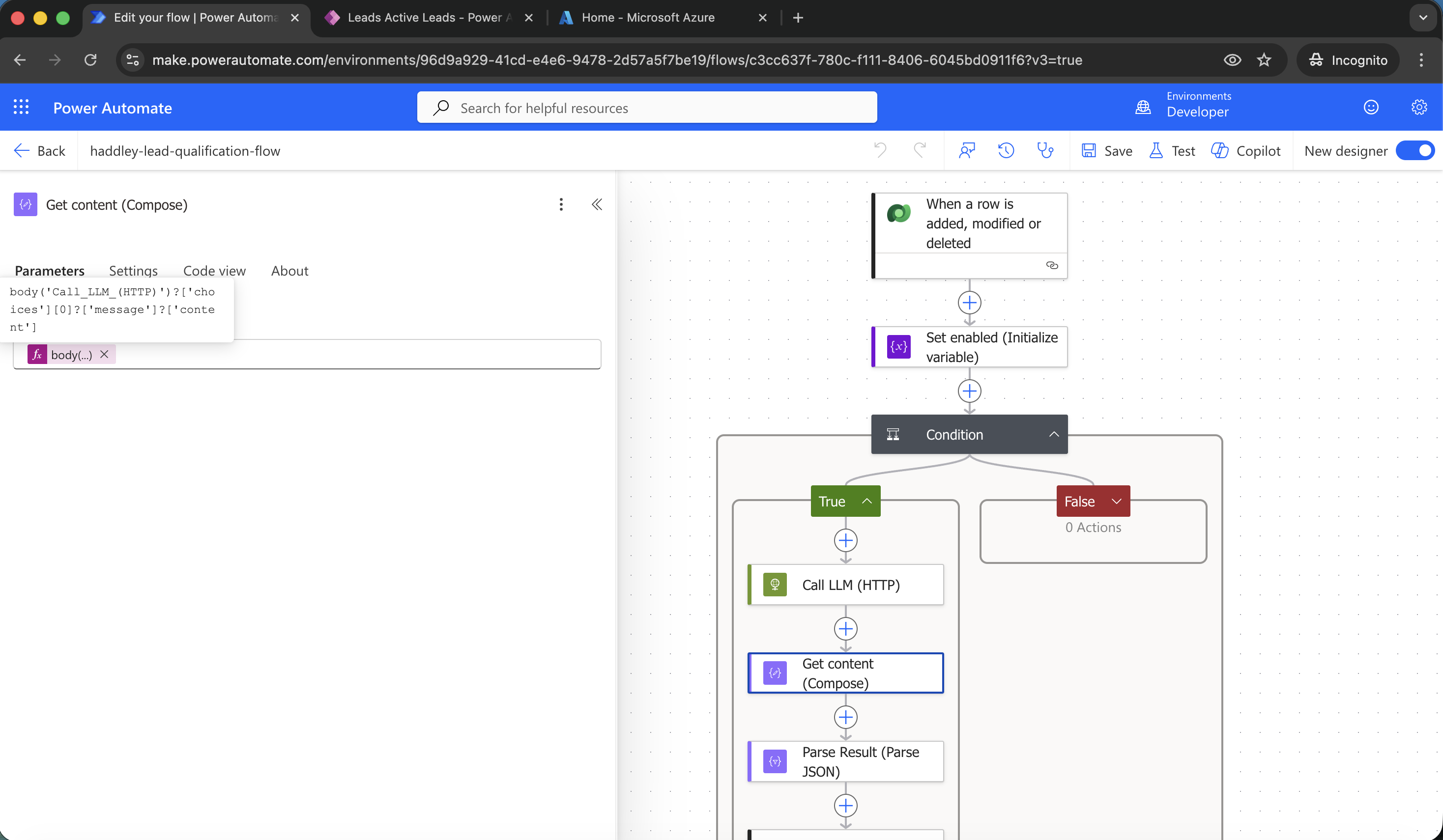
I used Compose to fetch the result (content) from the body of the HTTP response
EXPRESSION
1body('Call_LLM_(HTTP)')?['choices'][0]?['message']?['content']
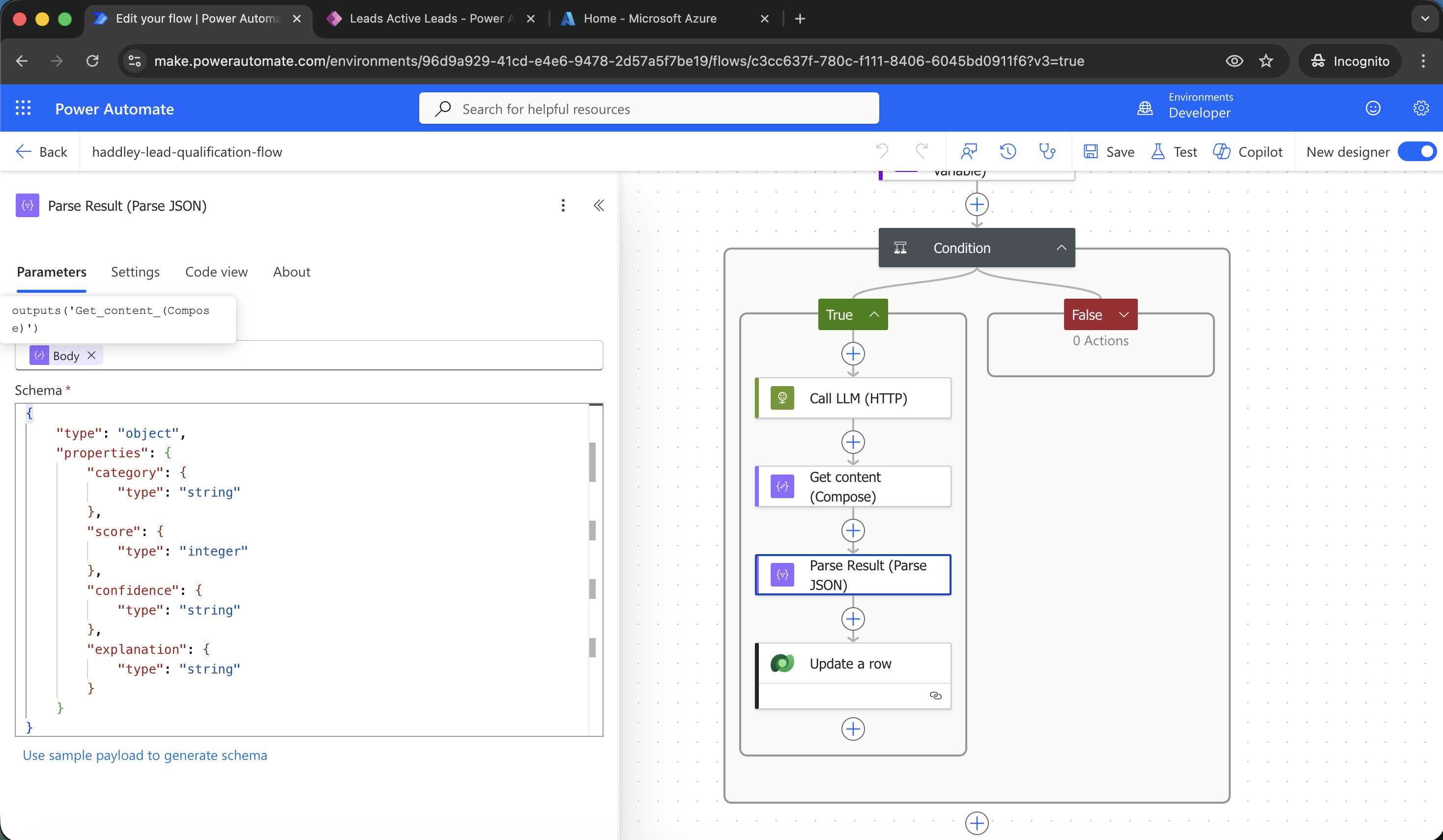
I used Parse JSON to extract the category, score, confidence and explaination values
EXPRESSION
1outputs('Get_content_(Compose)')
SCHEMA
1{
2    "type": "object",
3    "properties": {
4        "category": {
5            "type": "string"
6        },
7        "score": {
8            "type": "integer"
9        },
10        "confidence": {
11            "type": "string"
12        },
13        "explanation": {
14            "type": "string"
15        }
16    }
17}
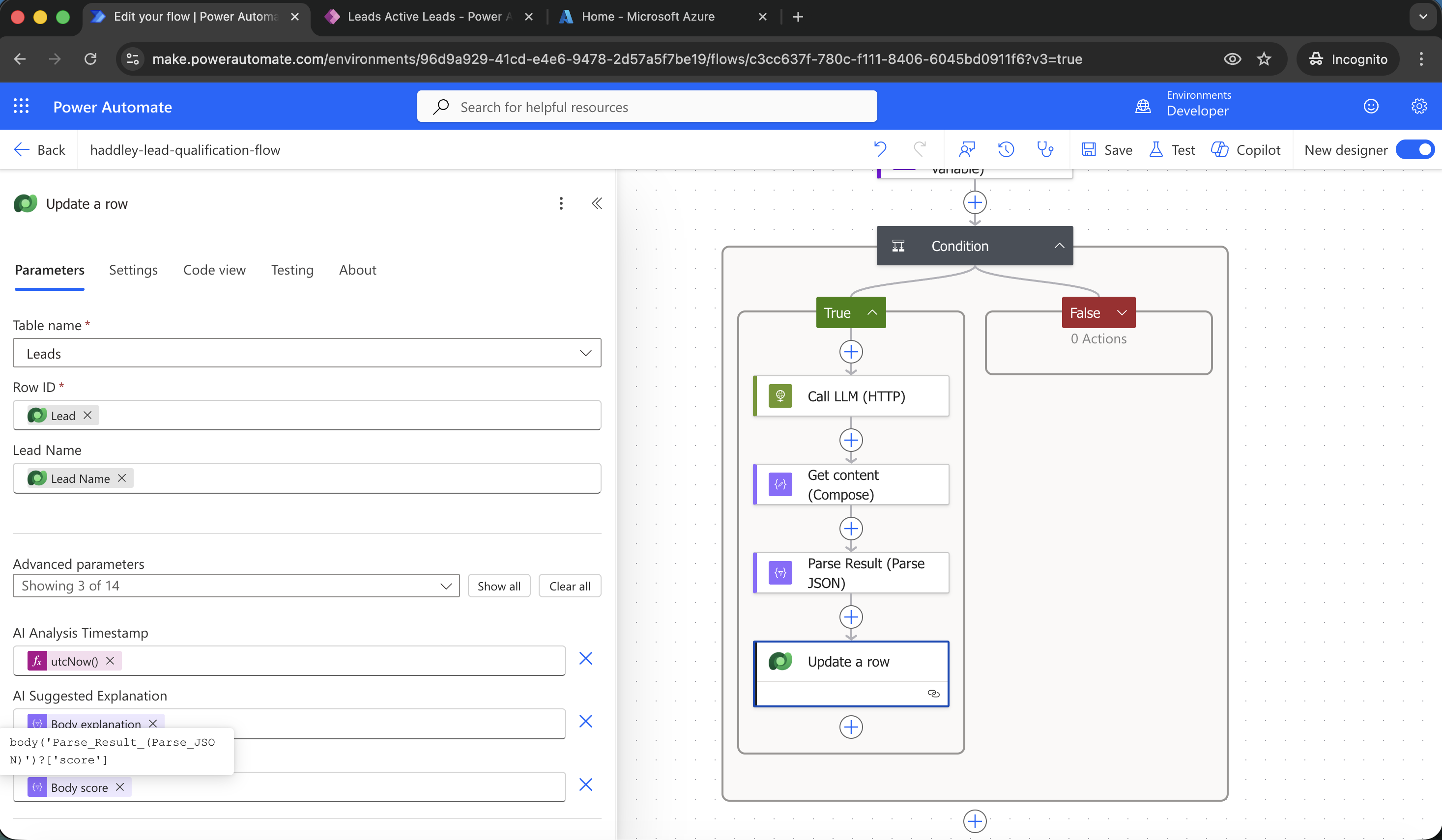
I used a Dataverse Update a row action to update the record (row)
EXPRESSION
1body('Parse_Result_(Parse_JSON)')?['explanation']
EXPRESSION
1body('Parse_Result_(Parse_JSON)')?['score']
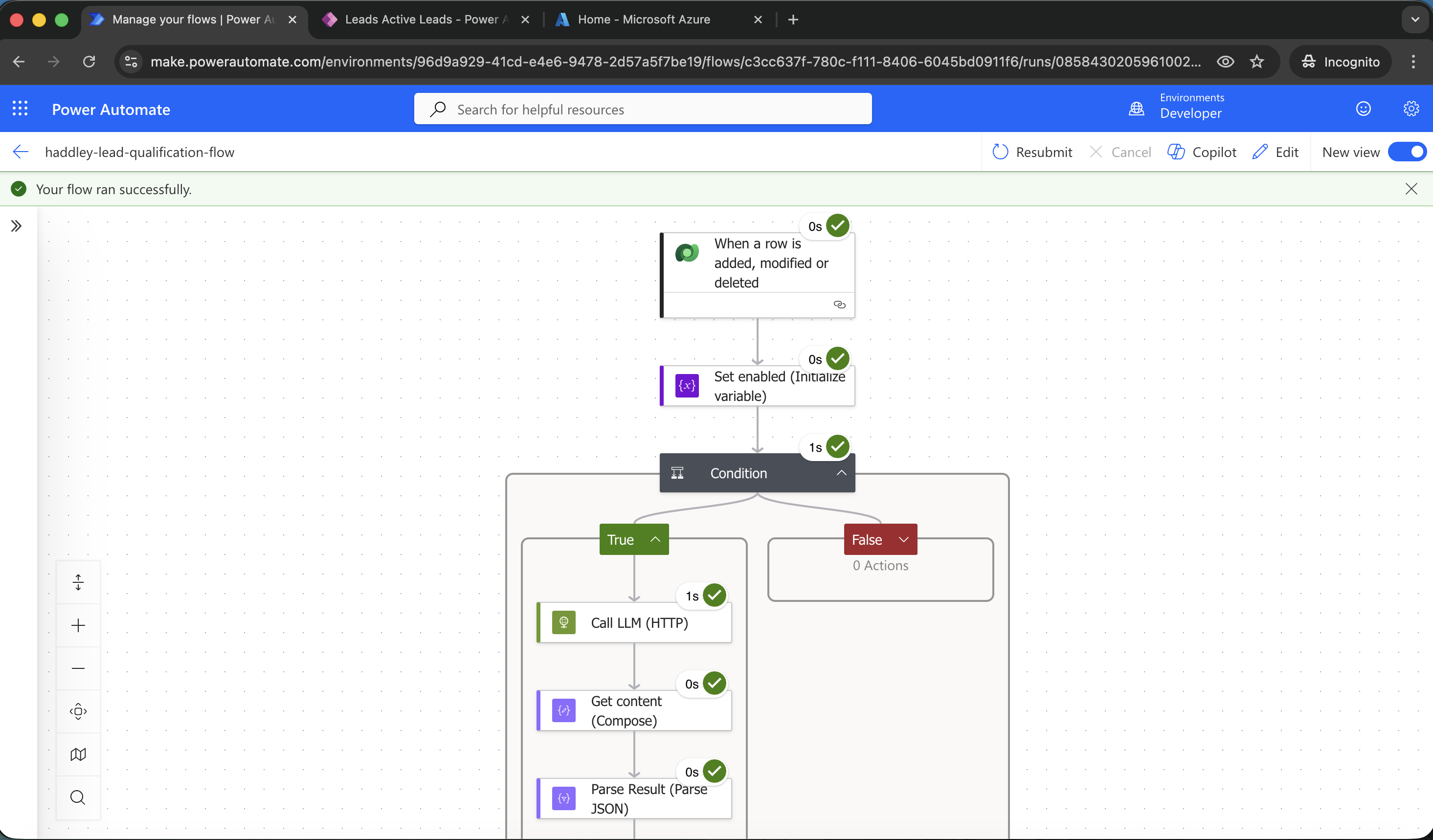
I used the model driven app to manually update the Description column value
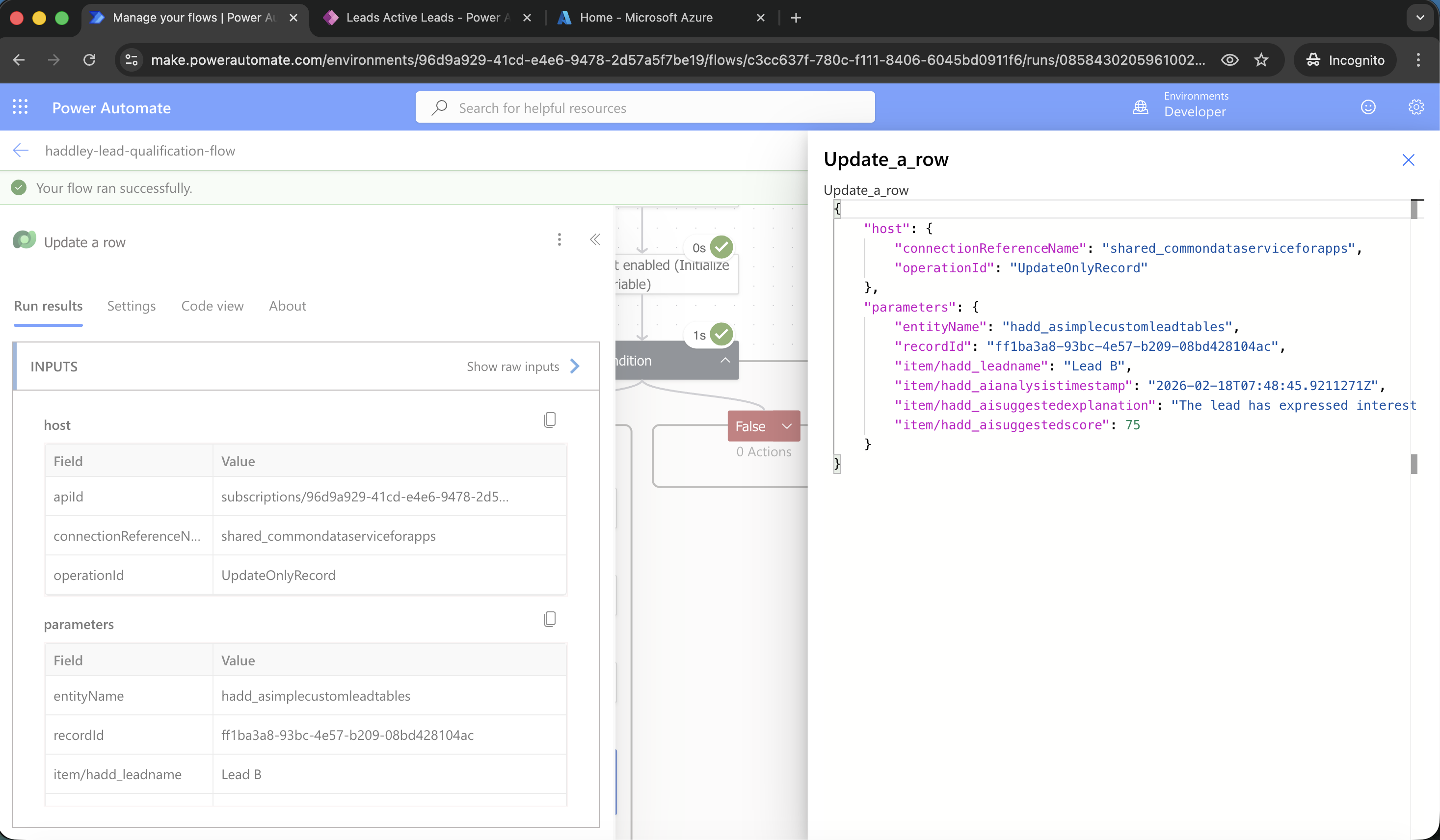
I checked the Update a row action
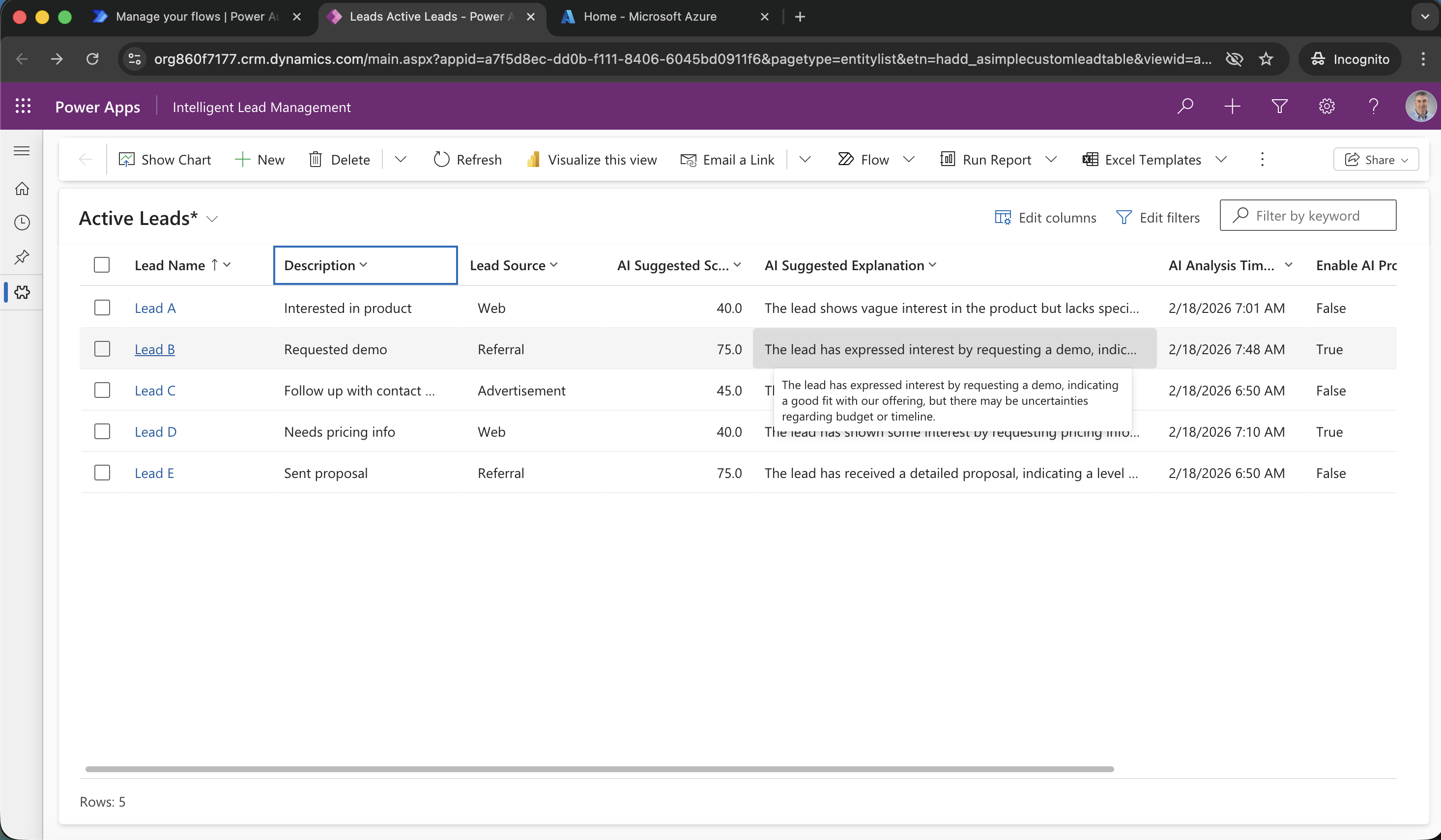
I viewed the updated row in the model driven app