Power Pages (Part 3)
Neil Haddley • December 20, 2024
Customer Order Lines
I extended the Power Pages Customer Portal to support Customer Order Lines, allowing customers to add, edit, and delete individual items within their orders.
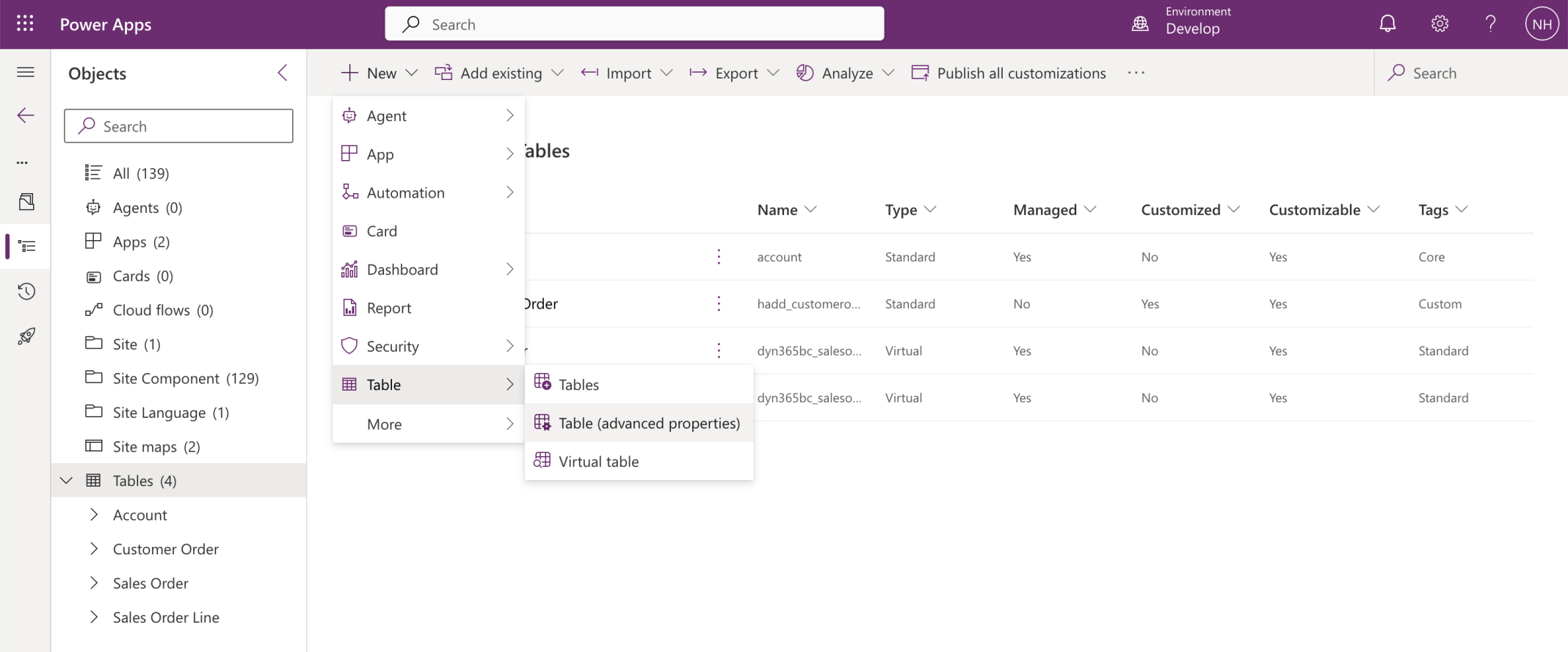
I created a new Table in the Solution
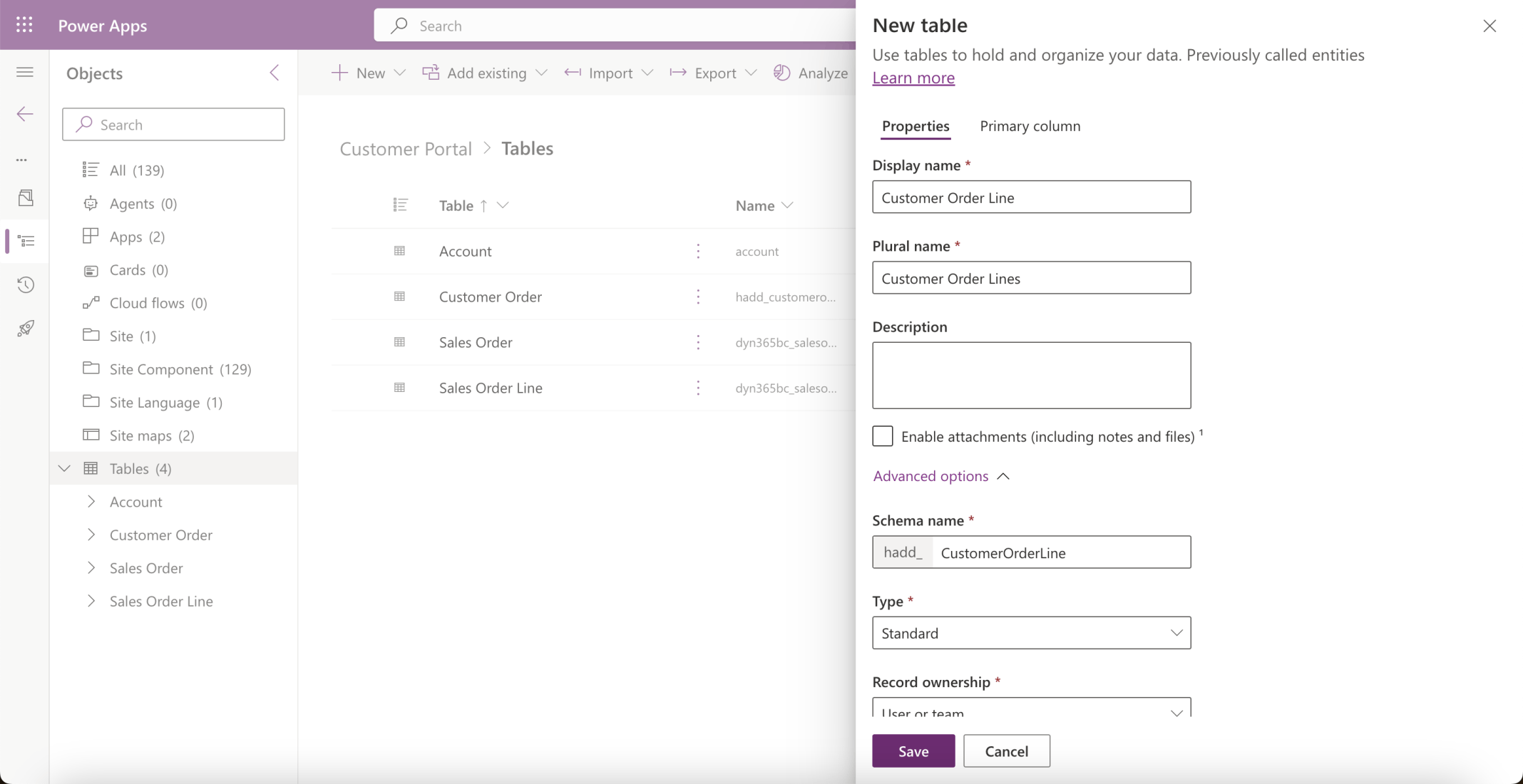
I named the table Customer Order Lines
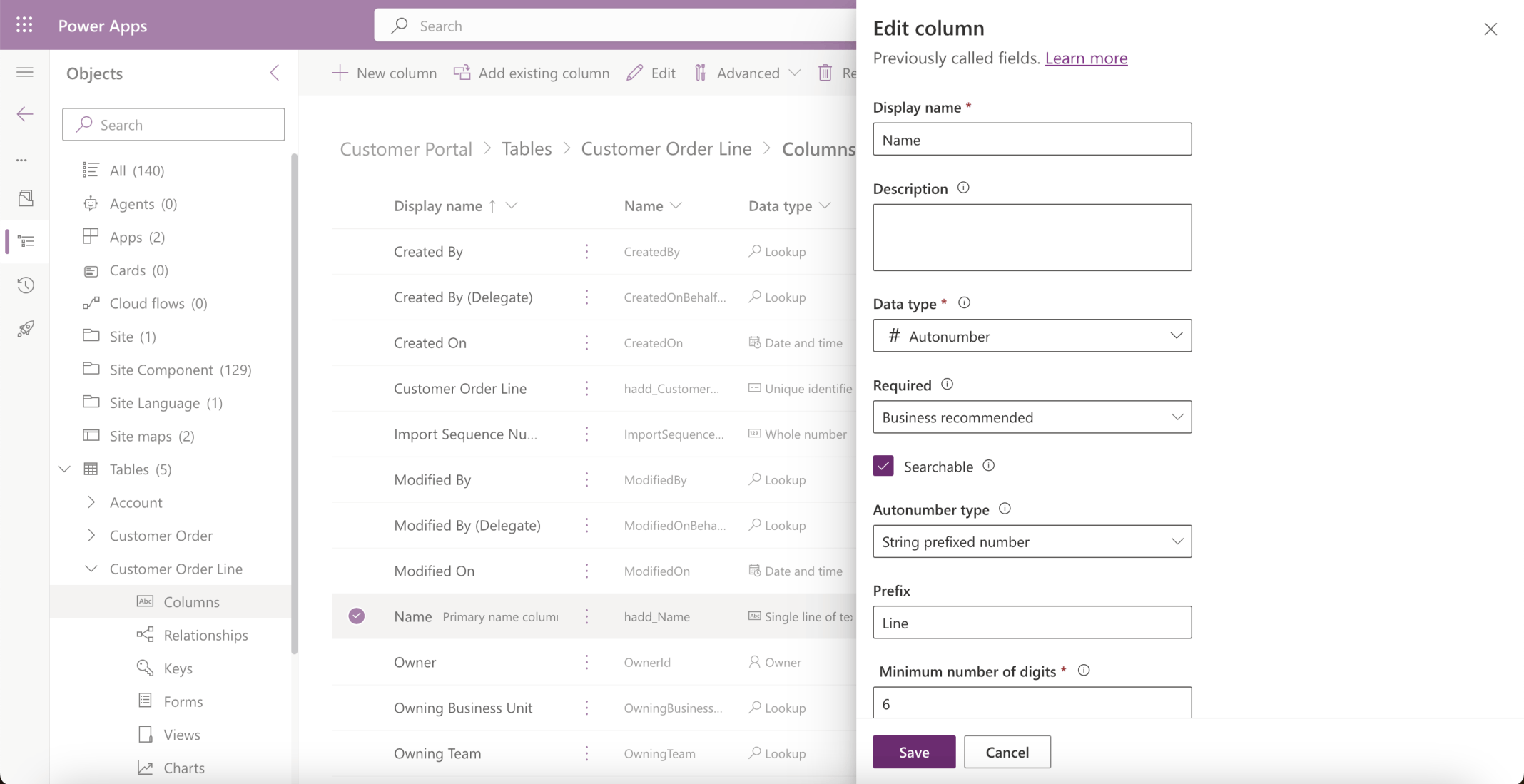
I updated the Customer Order Lines | Name field
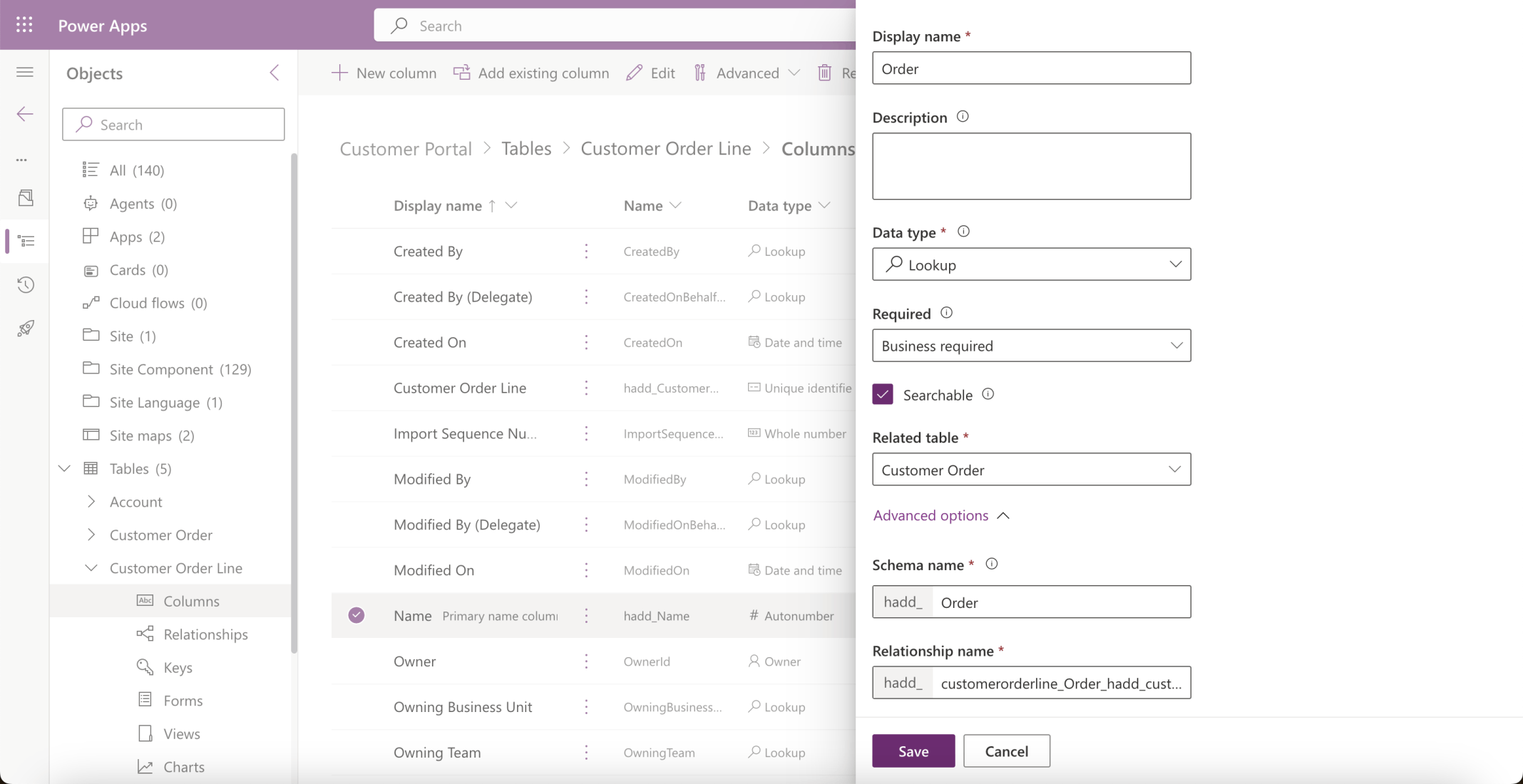
I added an Order Lookup field. The Order Lookup column created a relationship between the Customer Order and the Customer Order Line tables
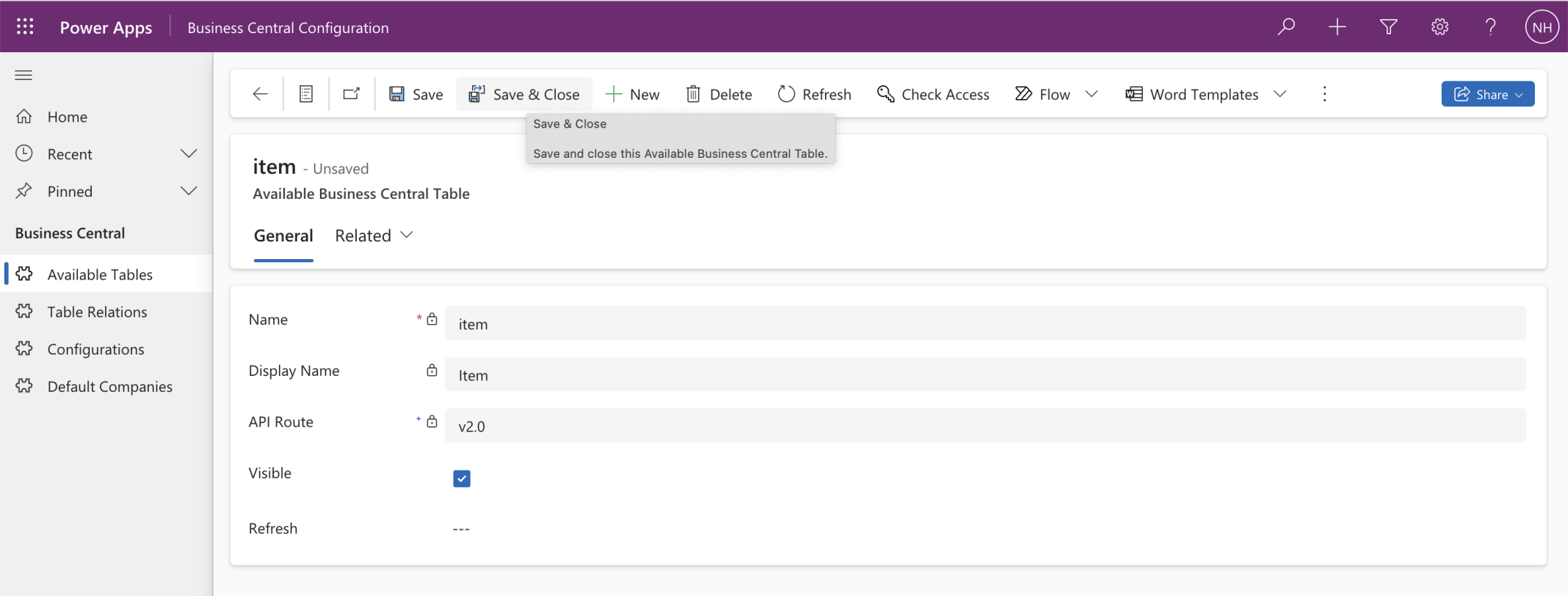
I added the Business Central Item Virtual Table
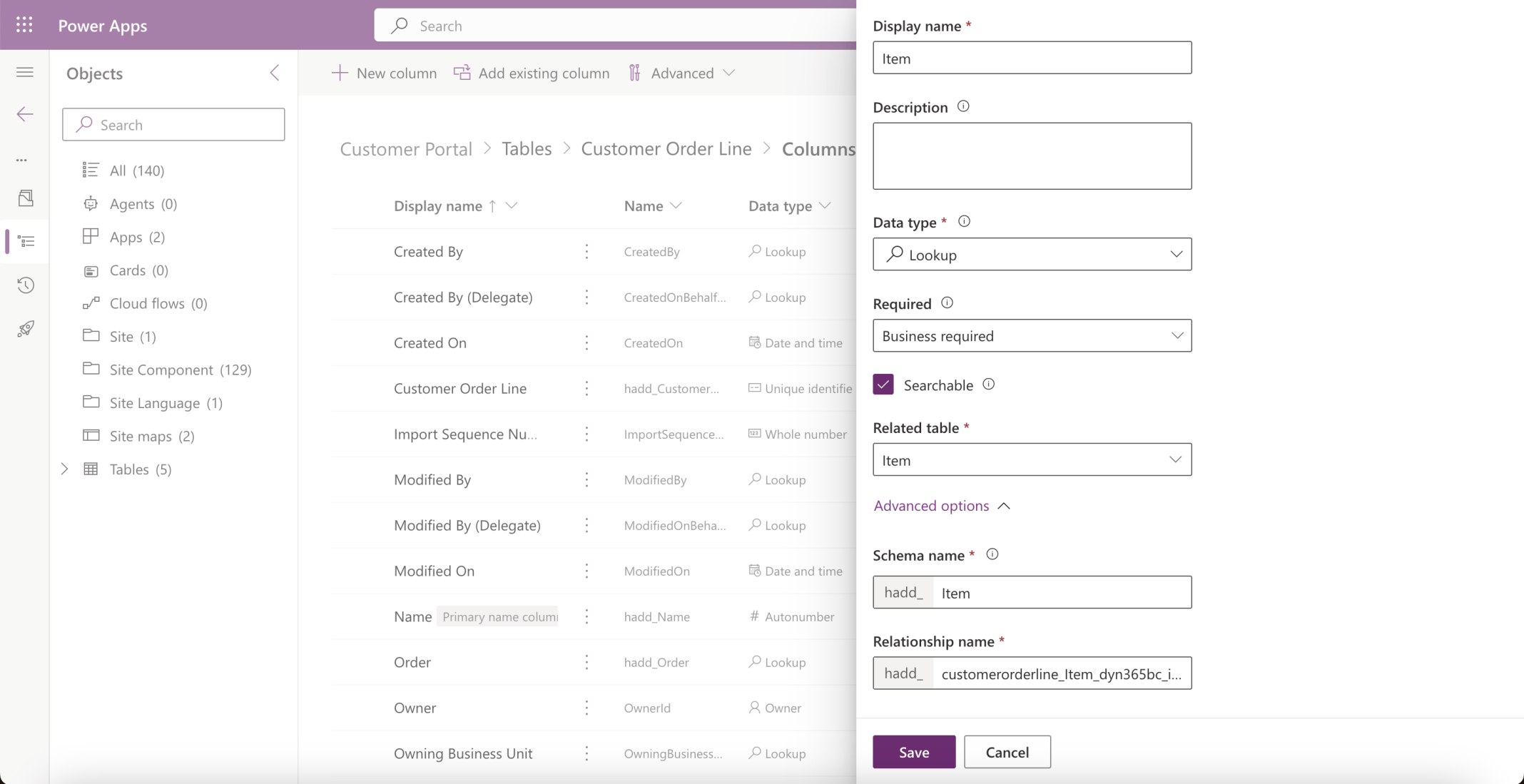
I added an Item lookup column to the Customer Order Lines table
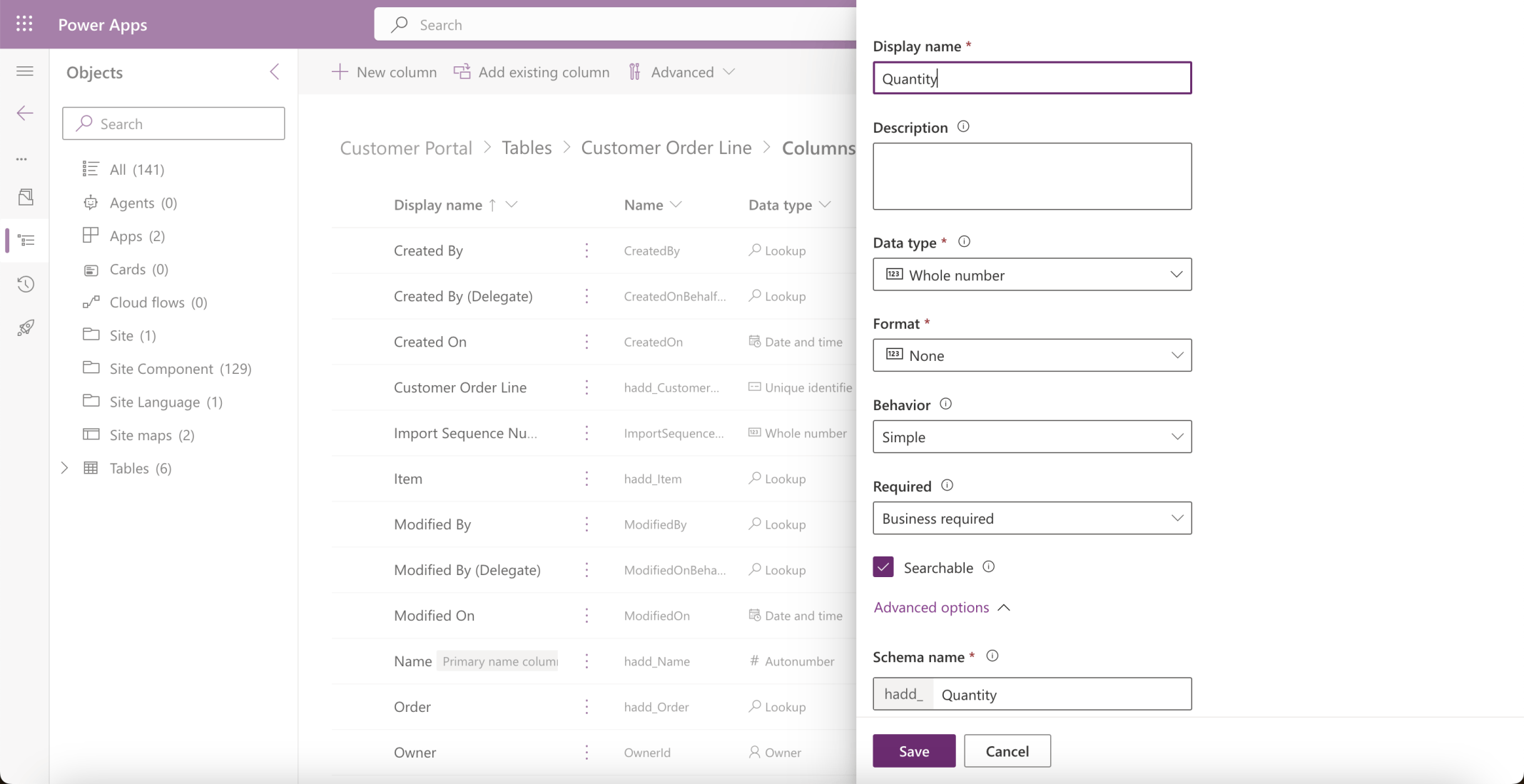
I added a Whole Number Quantity column
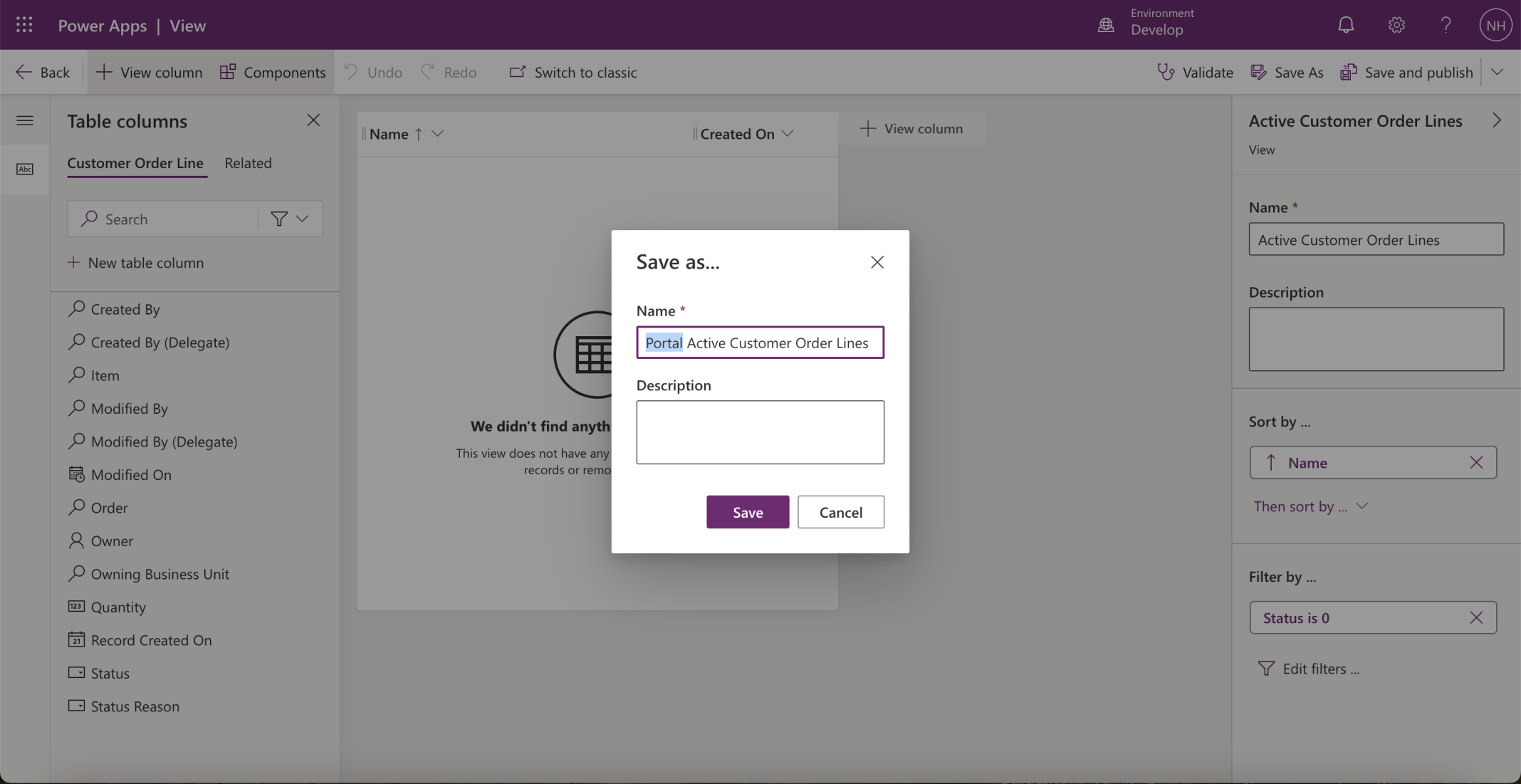
I created a view
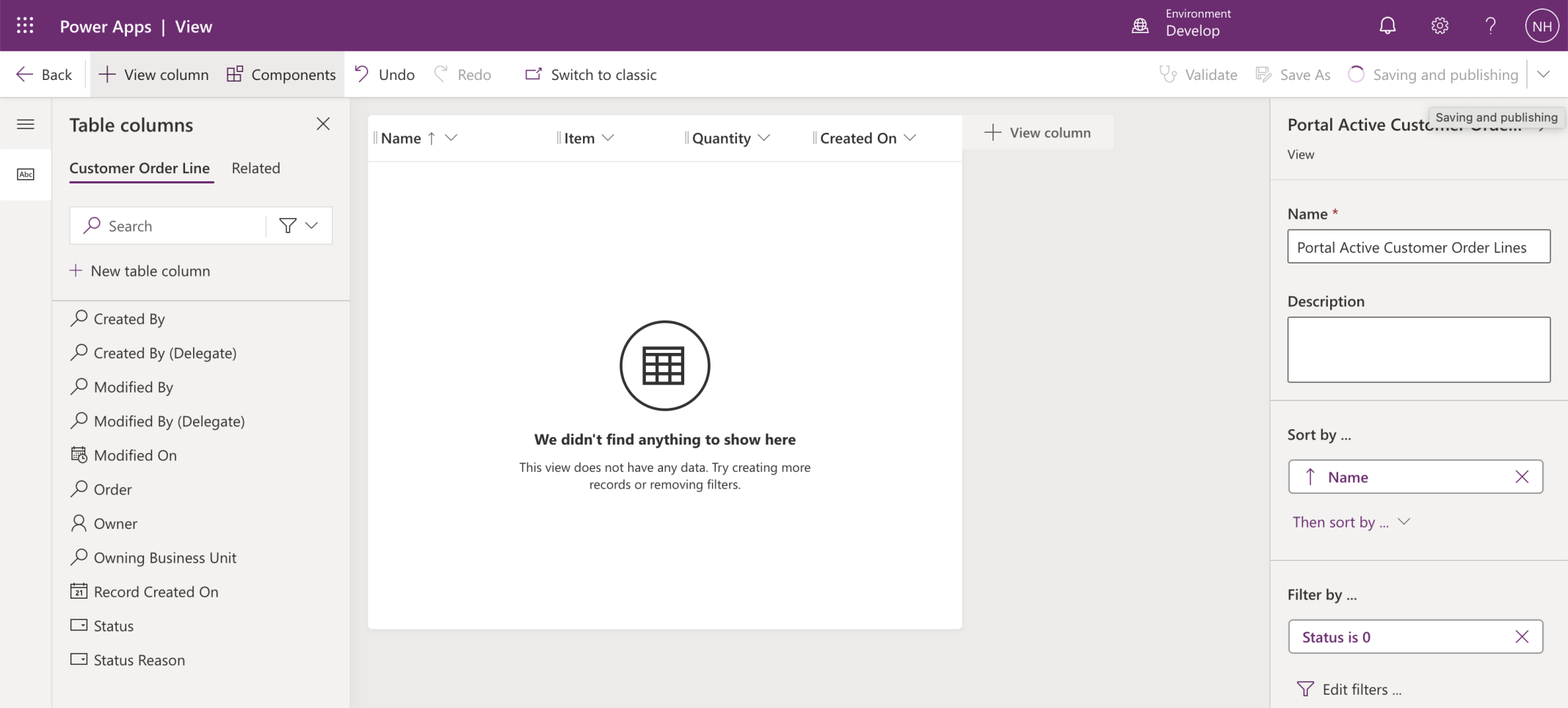
I added the Item and Quantity columns to the Portal view
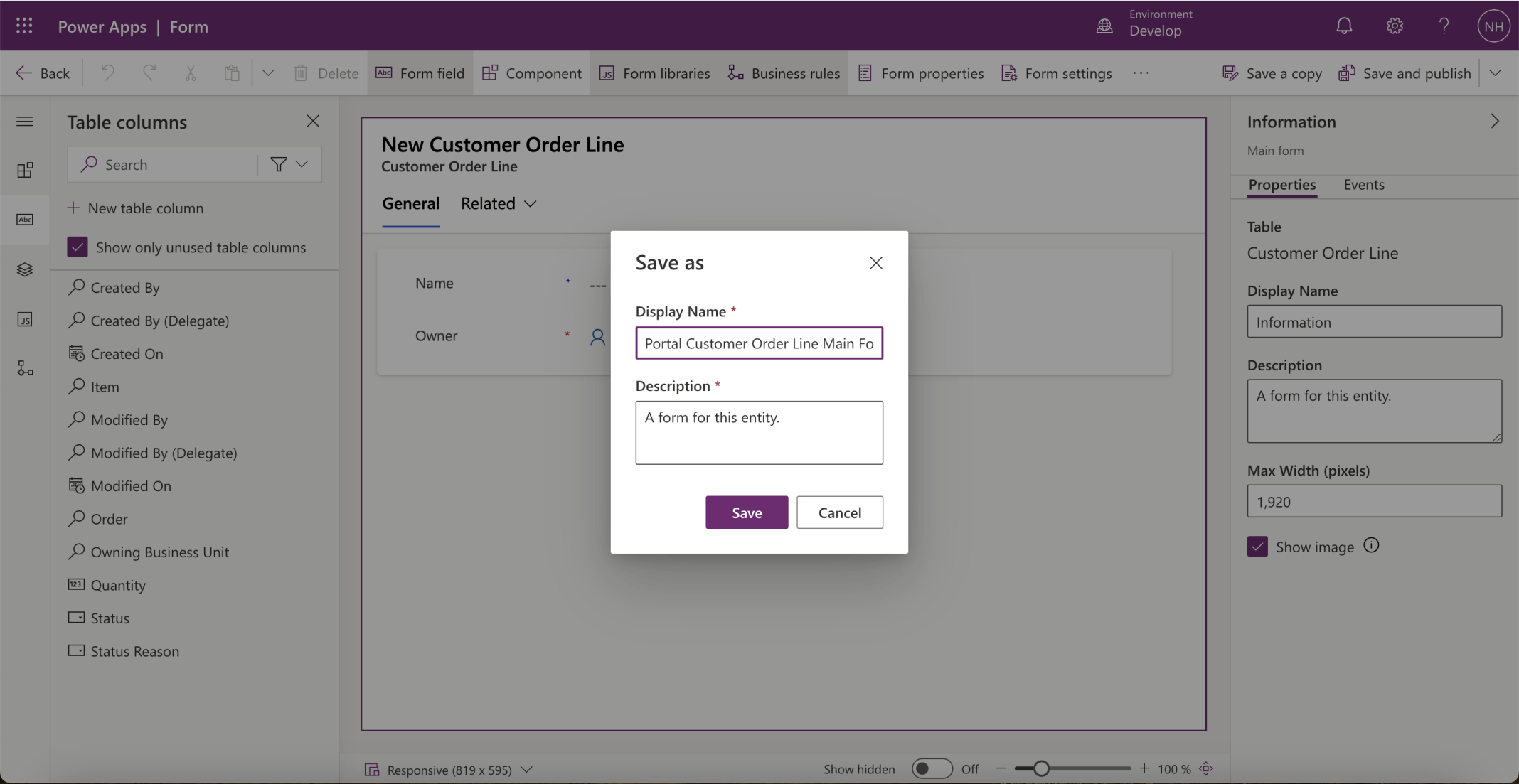
I added a form to the Customer Order Line table
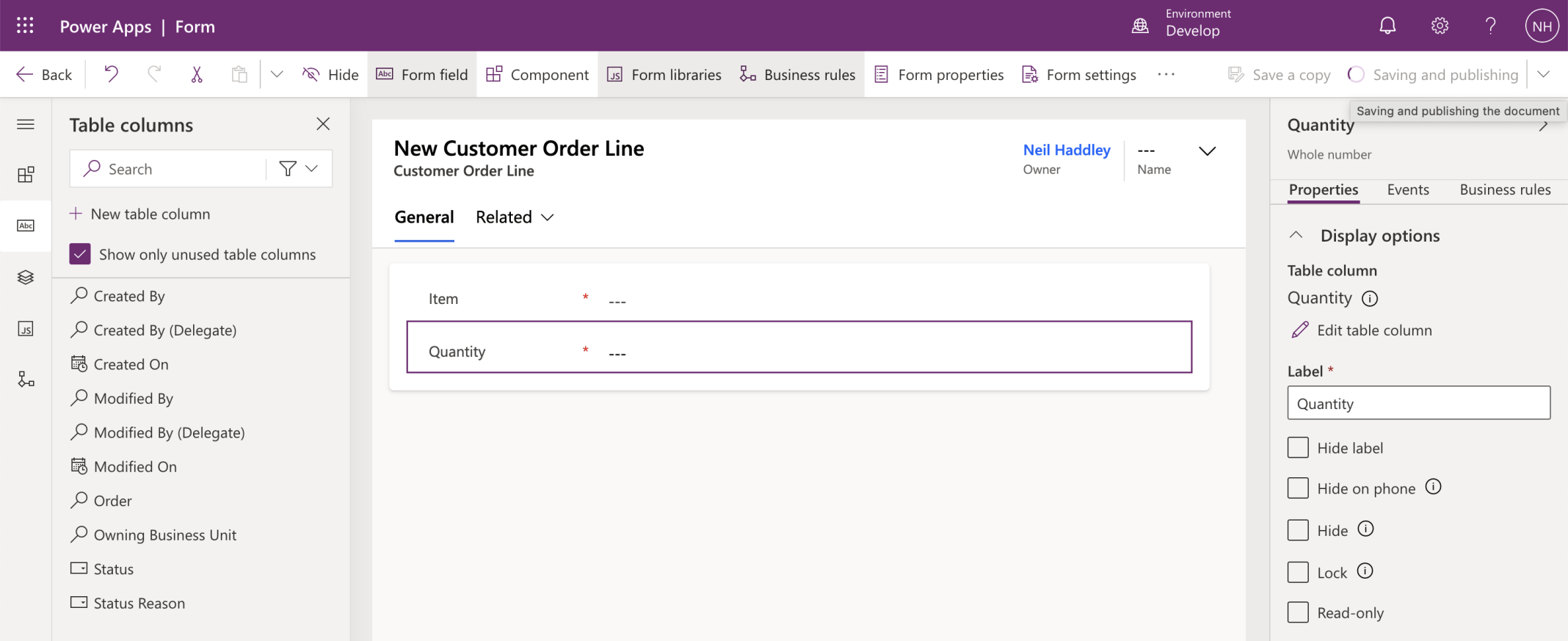
I added the Item and Quantity columns to the form
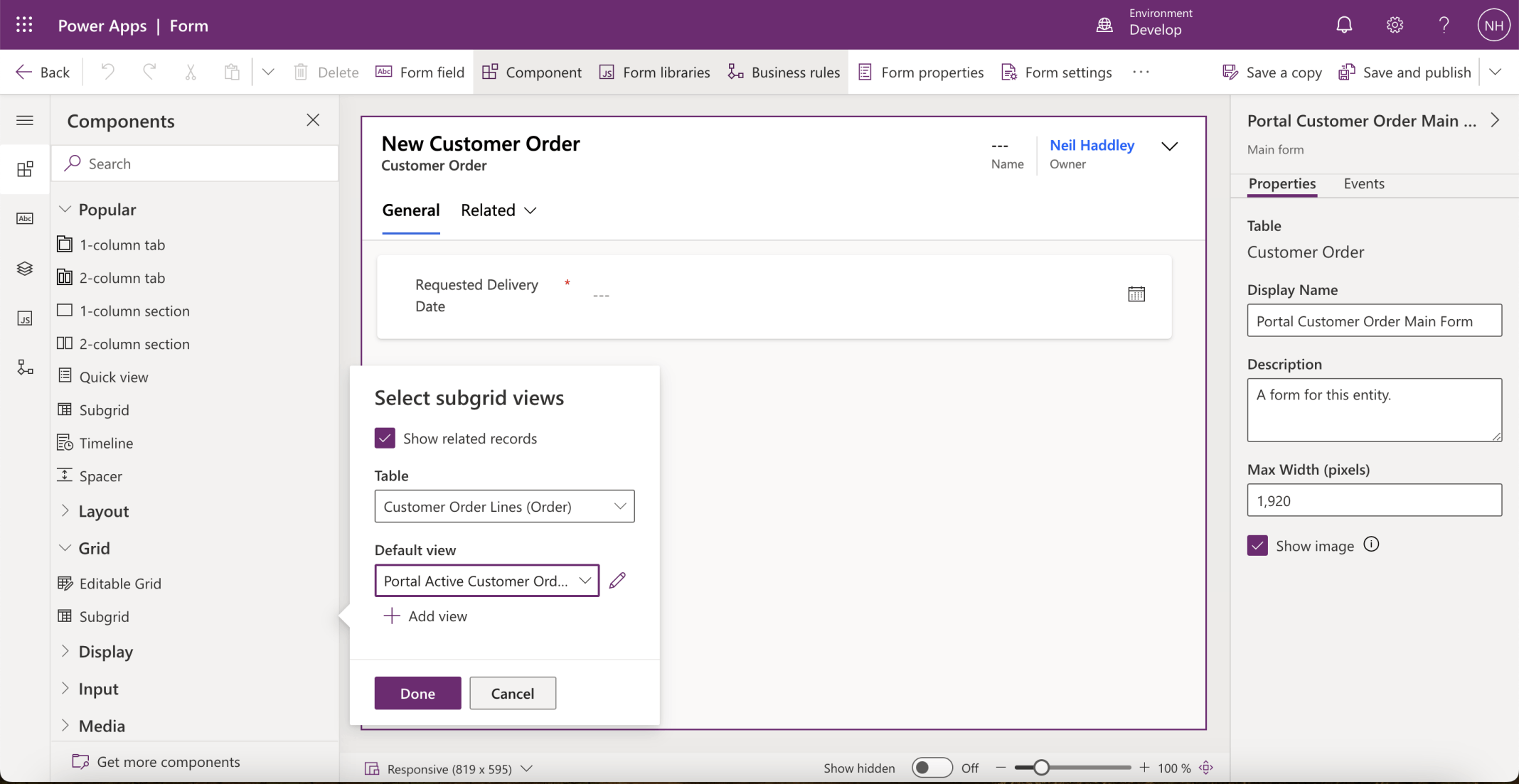
I added a Customer Order Lines Grid to the Customer Order table's Portal form
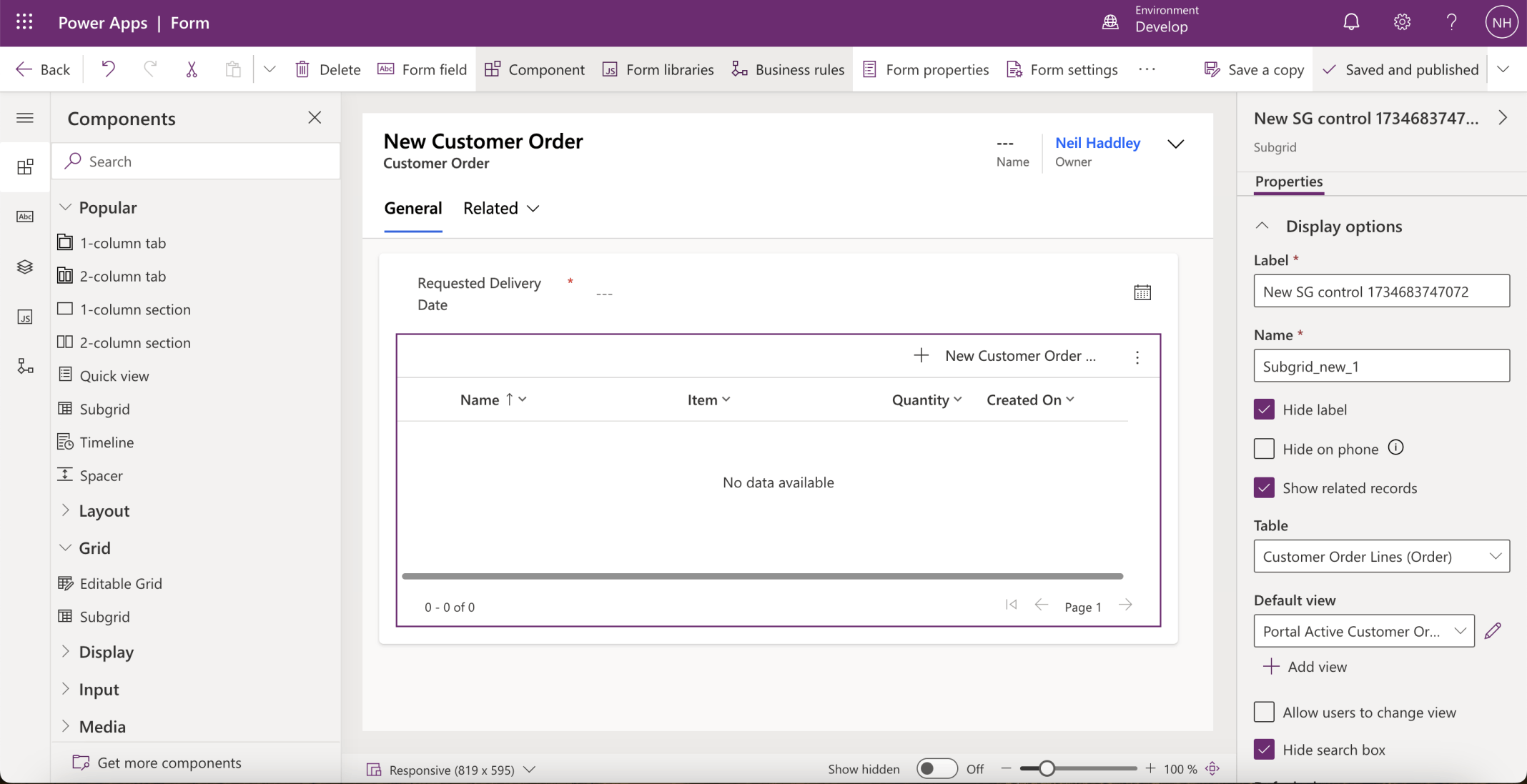
I unchecked the Hide label checkbox
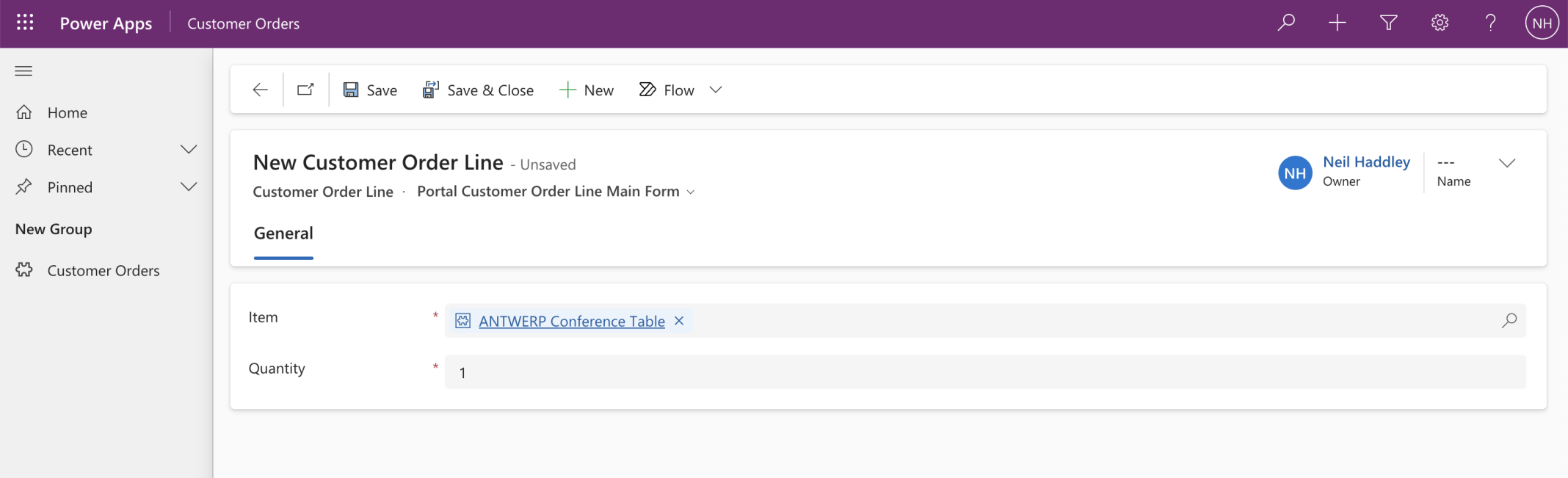
I tested the add Customer Order Line form
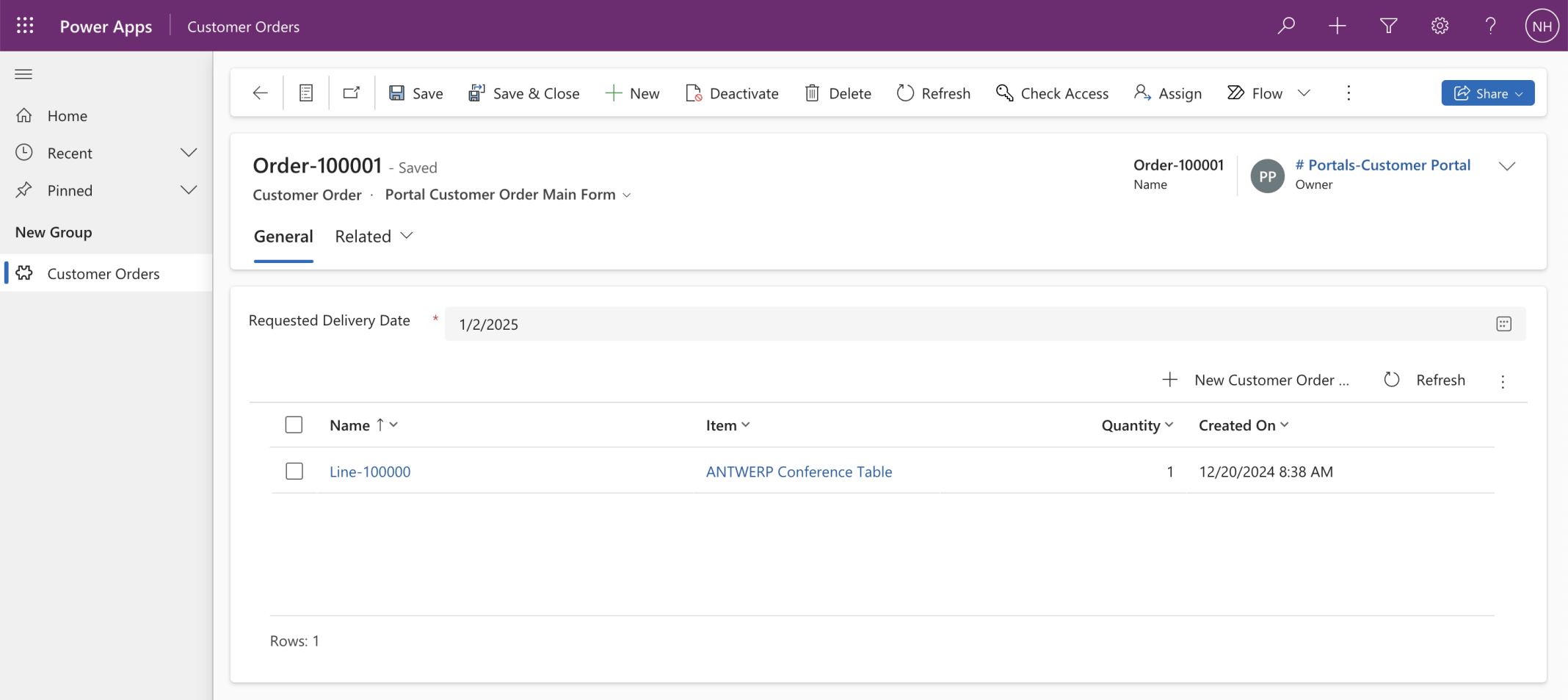
I was able to add a line to an order
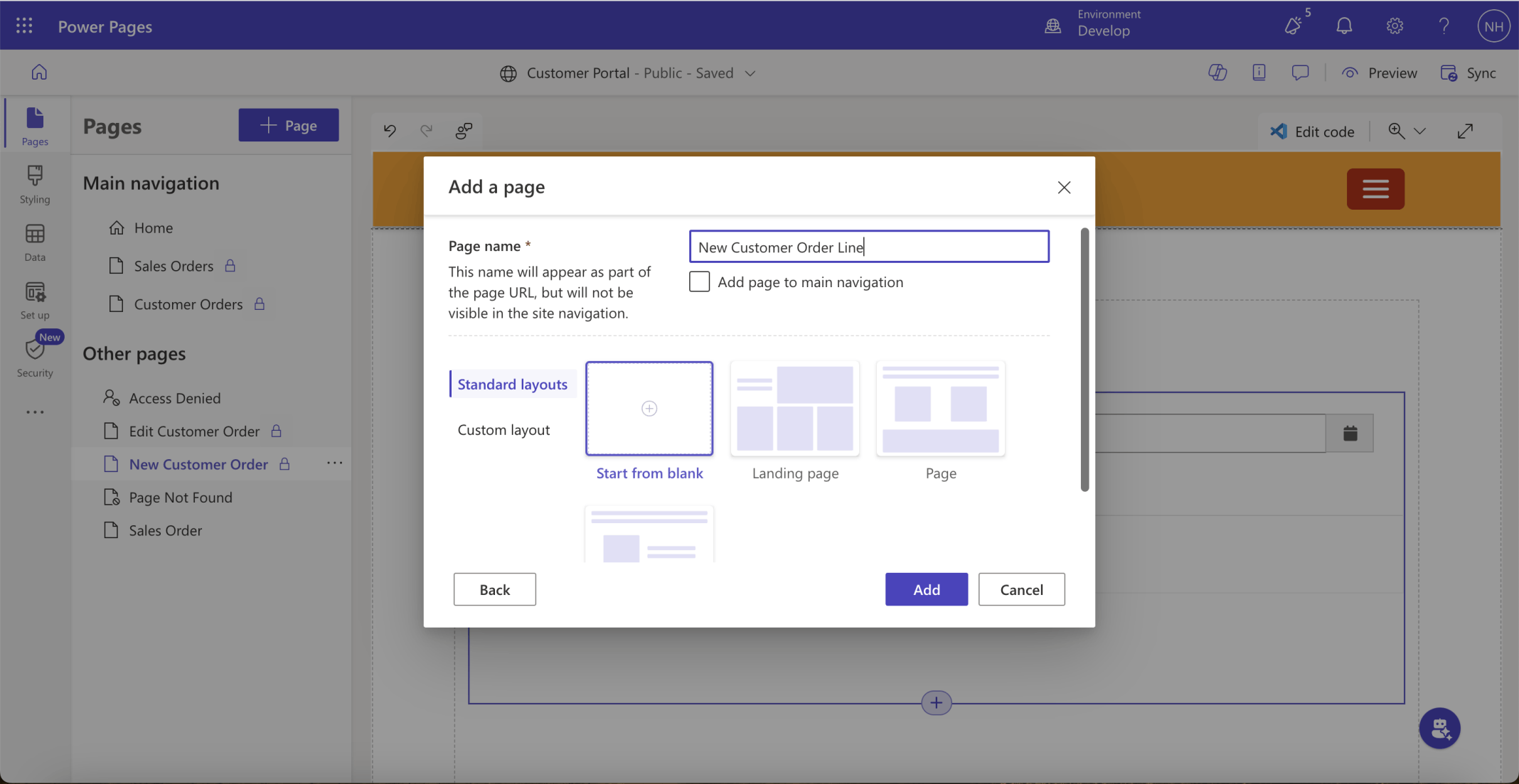
I created a New Customer Order Line page
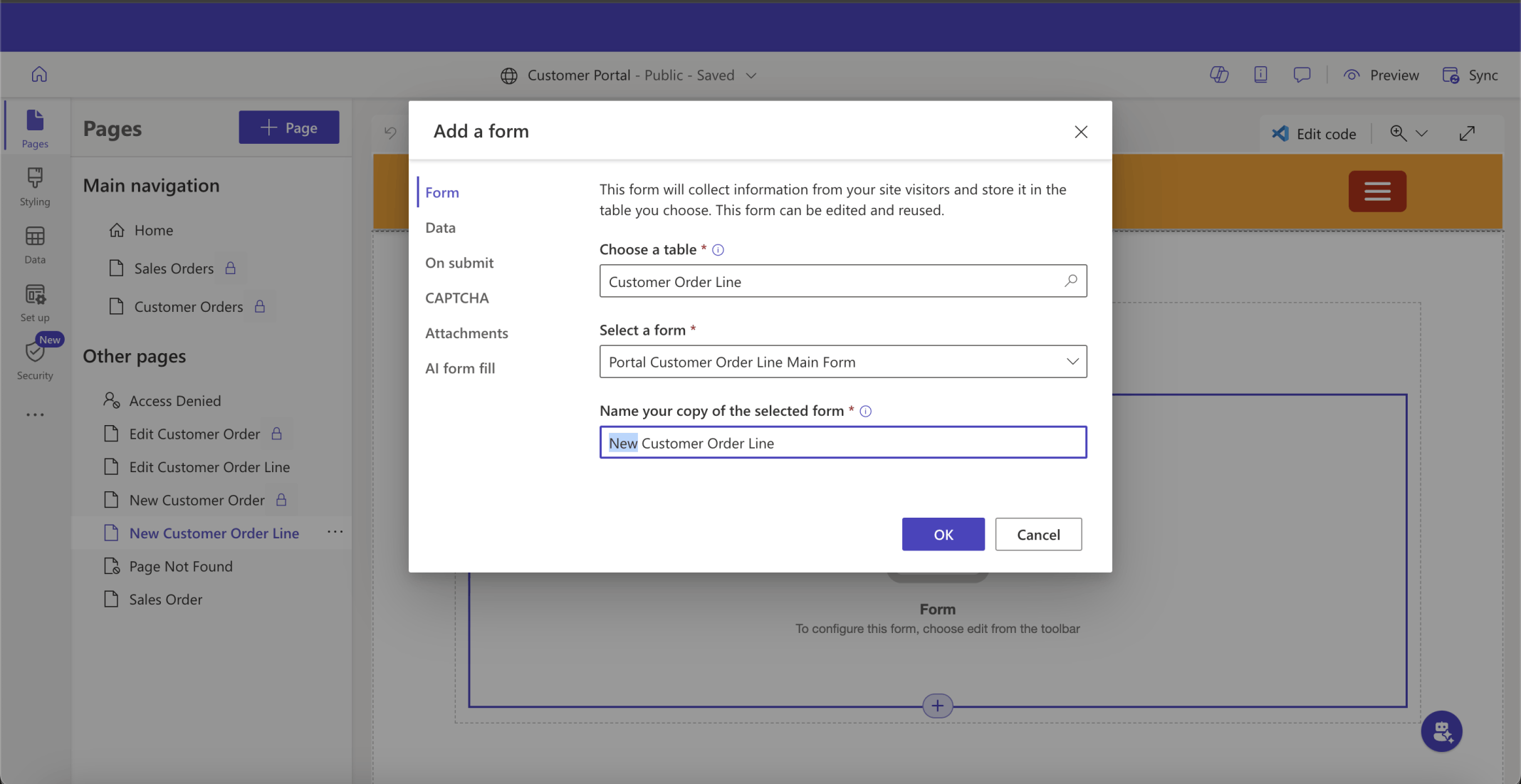
I added a New Customer Order Line Basic form
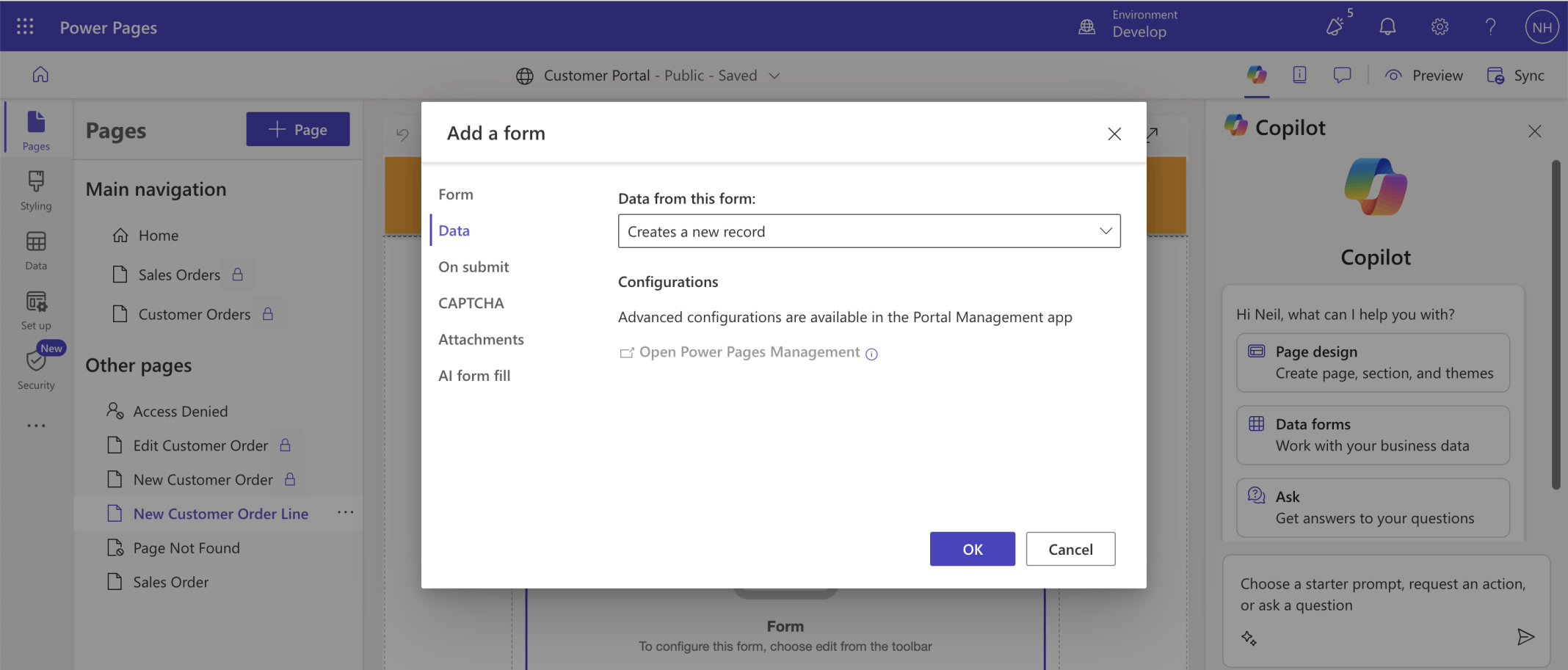
I selected the Creates a new record option
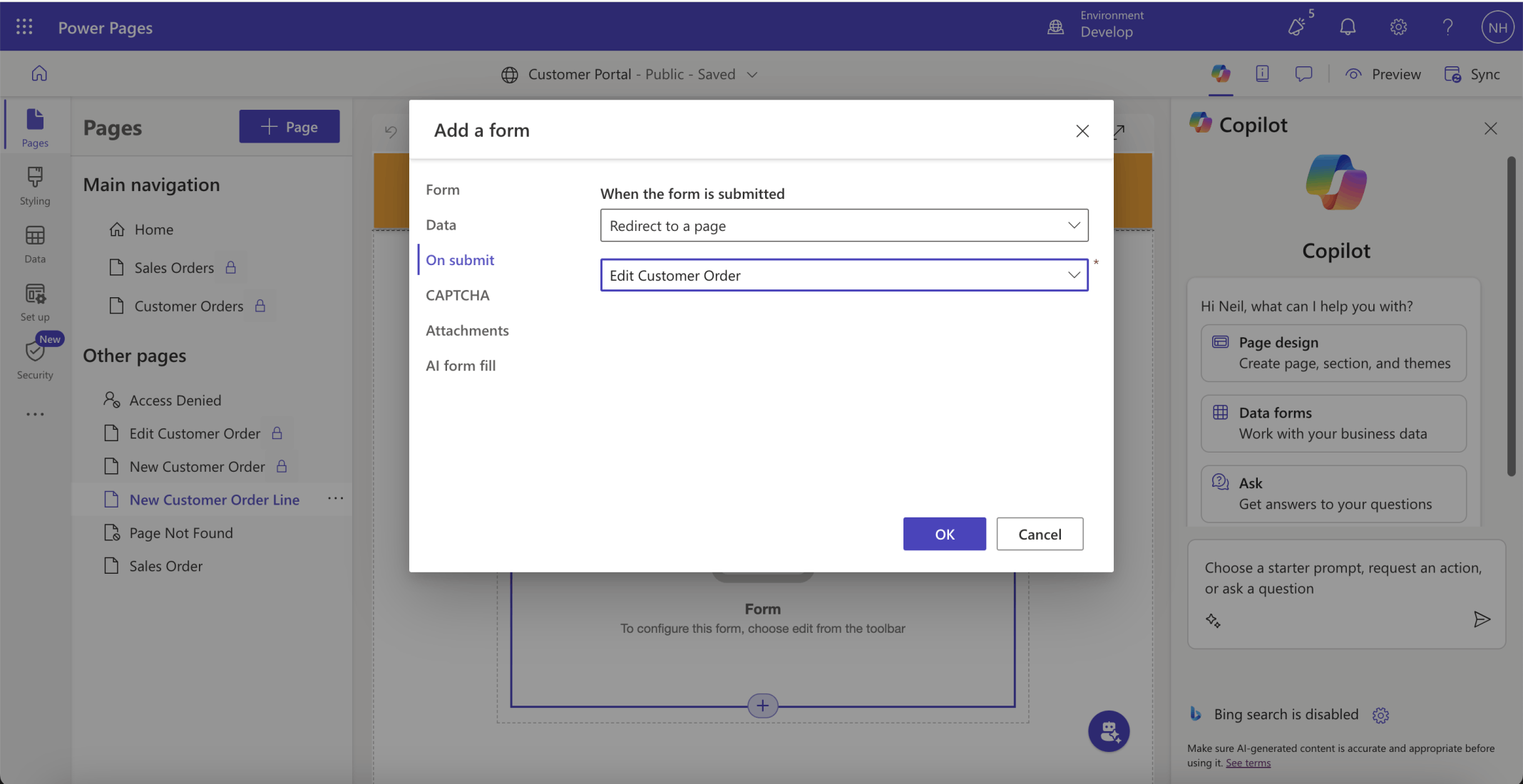
I selected redirect to the Edit Customer Order page
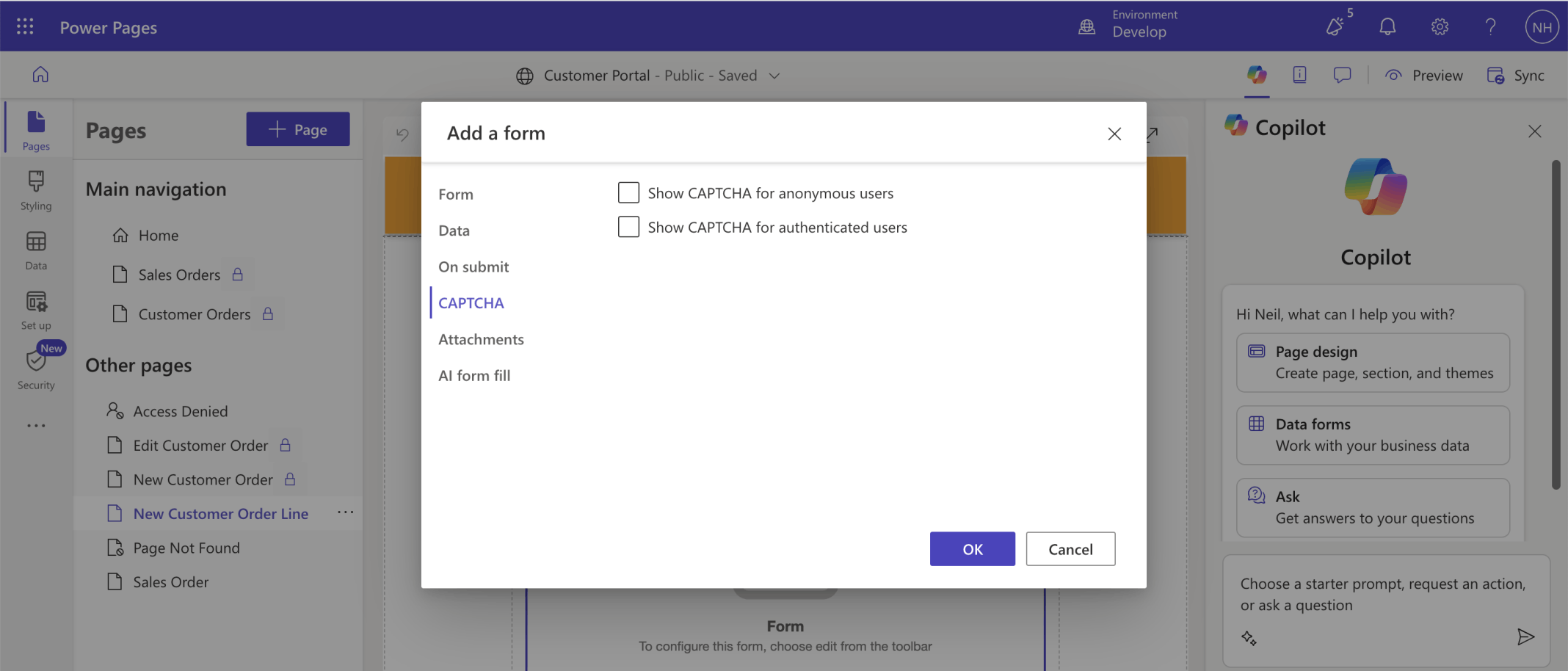
I deselected the CATCHA options
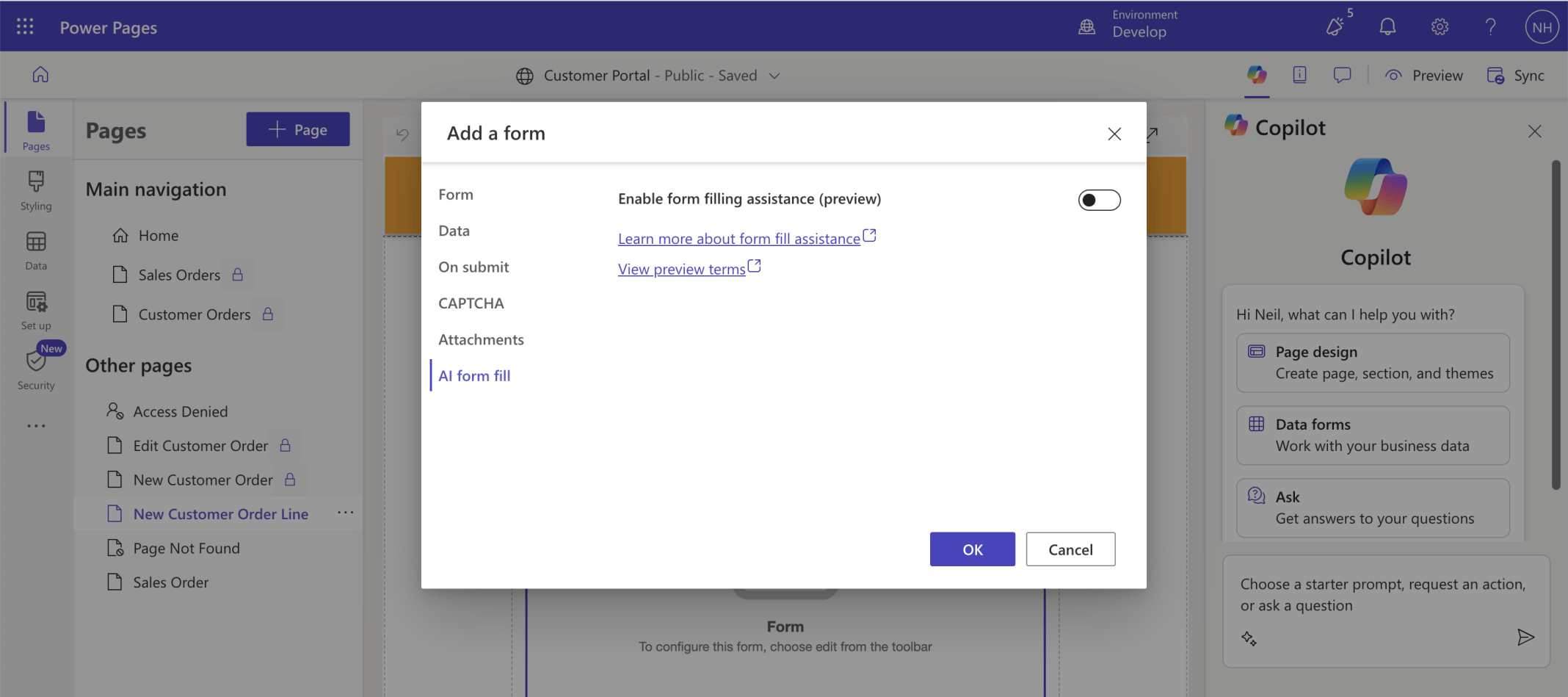
I deselected the AI form filling experience
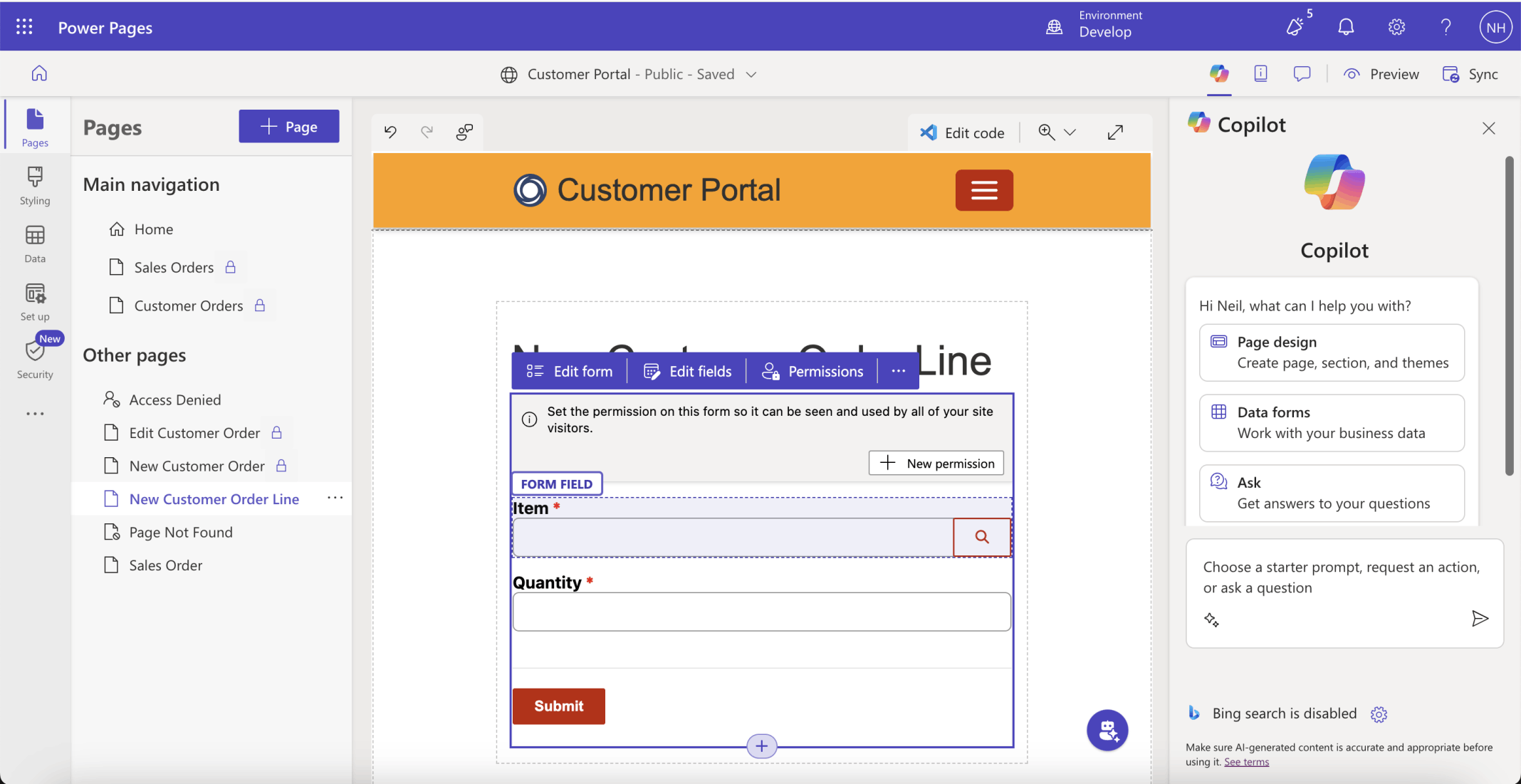
I reviewed the options
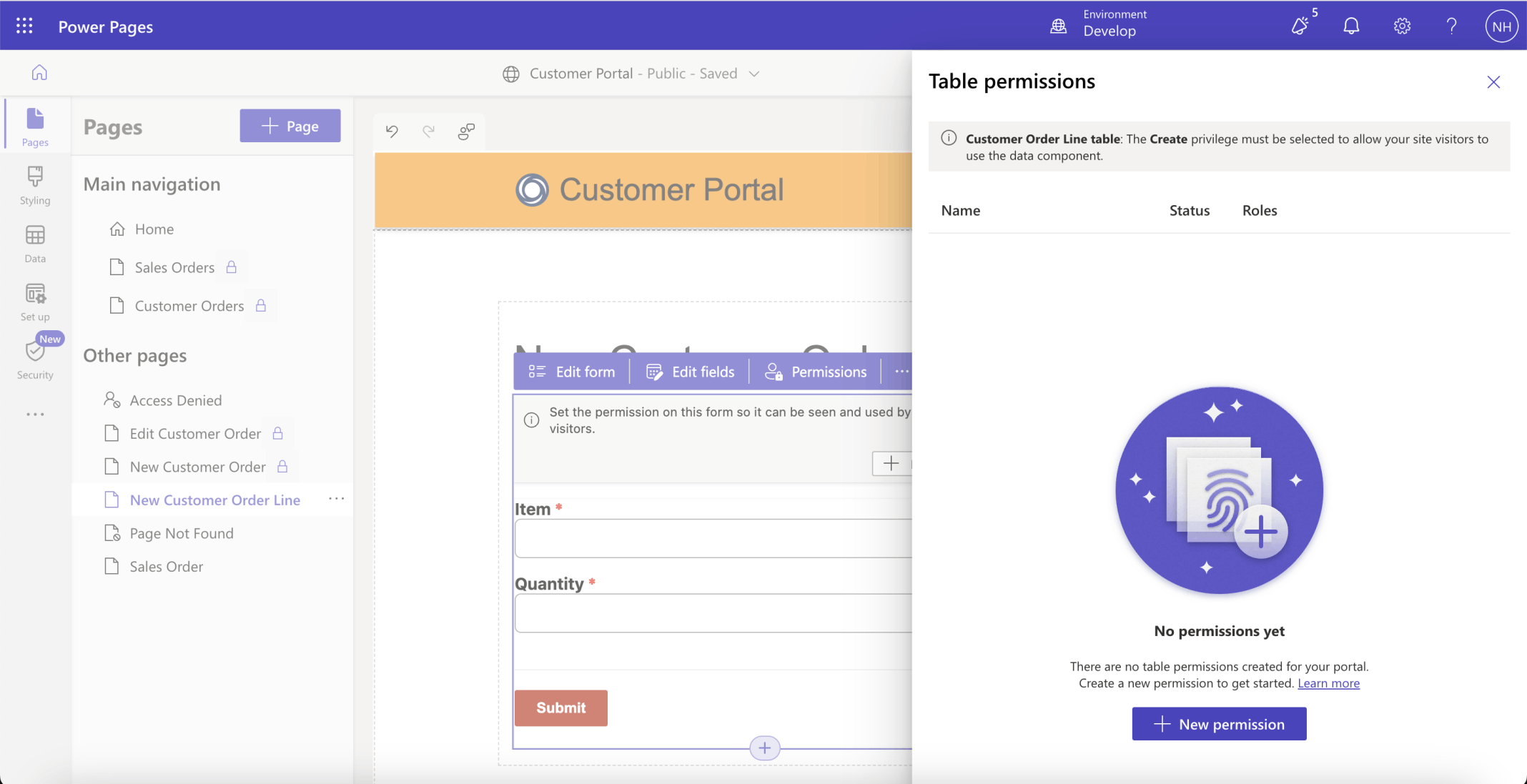
I reviewed the table permissions
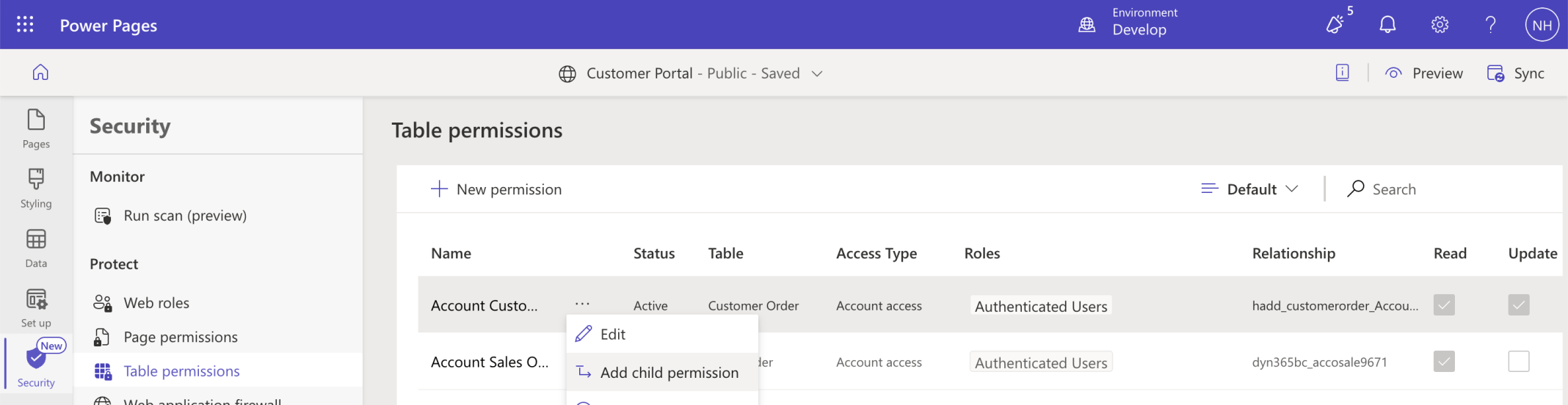
I clicked the Add child permission menu item
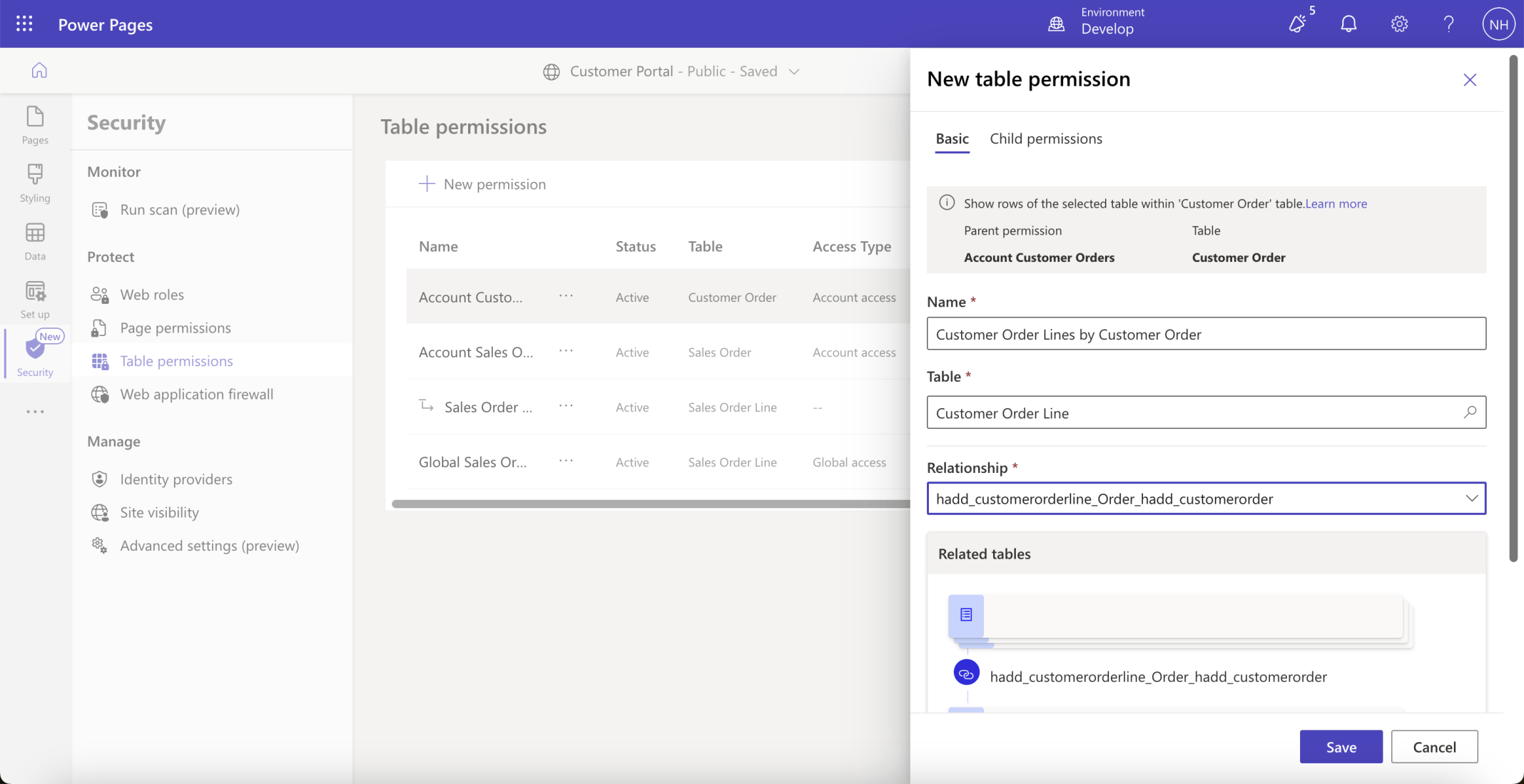
I named the child permissions entry Customer Order Lines by Customer Order. The Customer Order Lines by Customer Order permission entry allows the logged in user to view any Customer Order Line that is related to a Customer Order they have access to. Account Customer Orders permissions provides the given users to only the rows/records that relate to their organization.
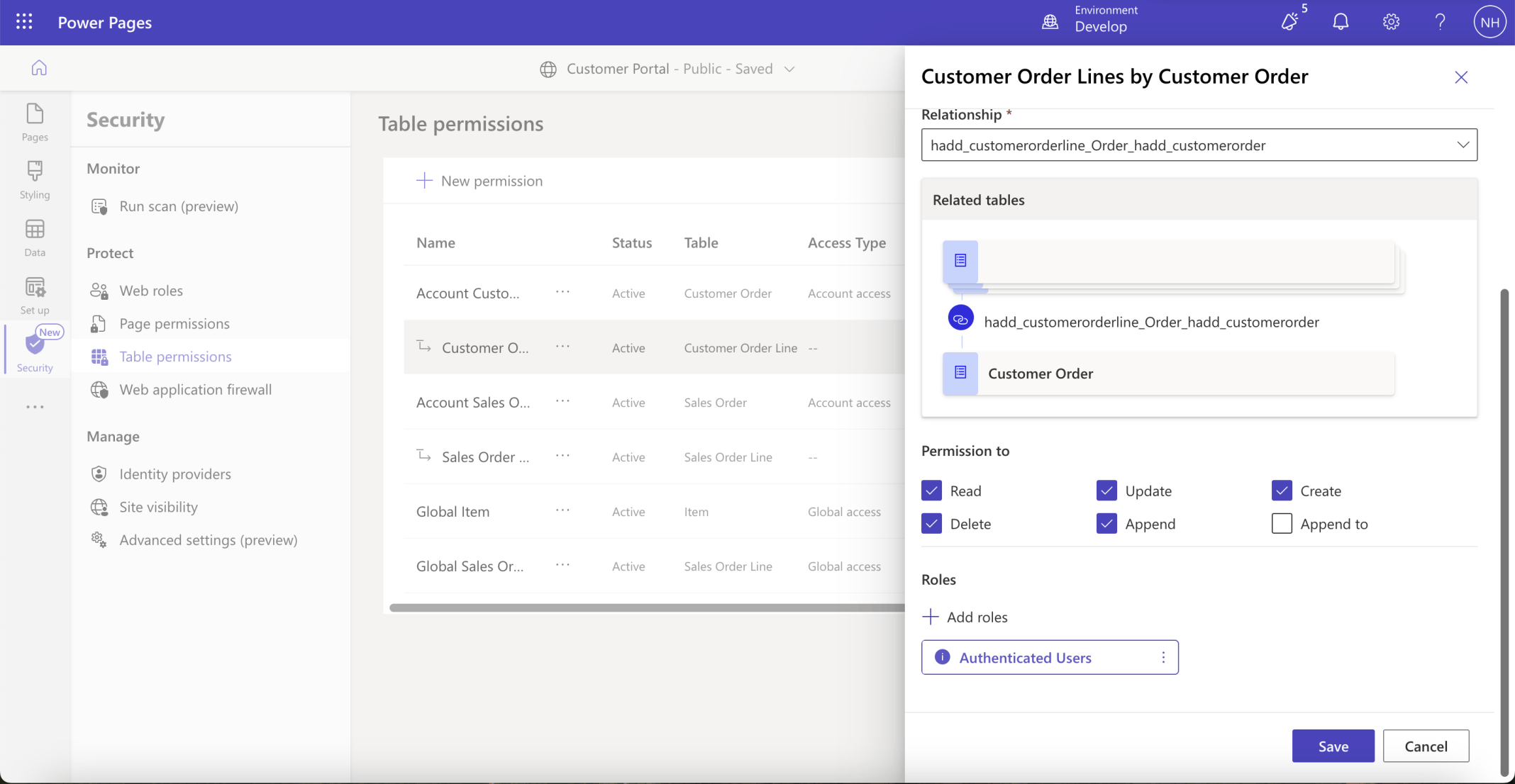
The Append permission was added
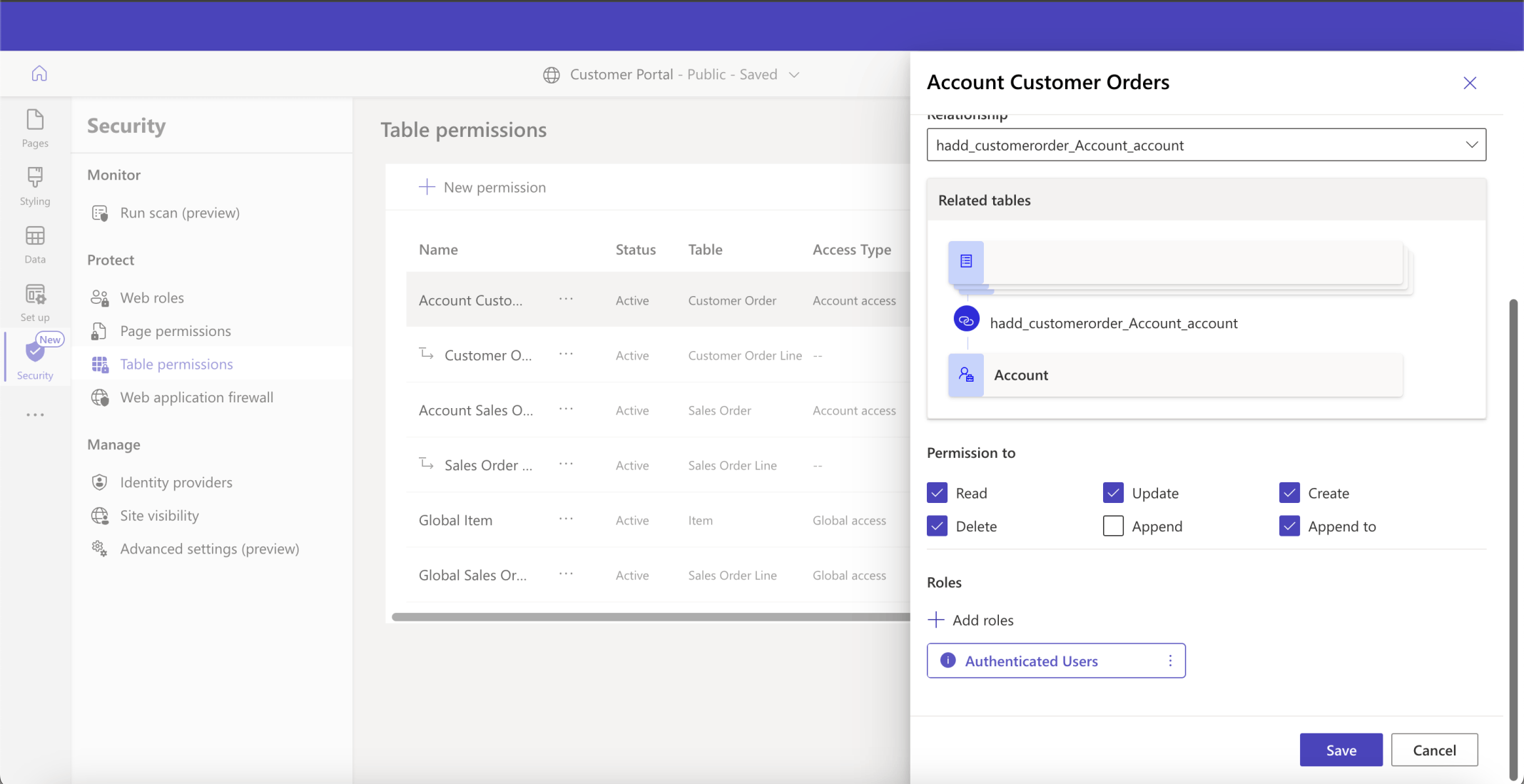
I added Read, Update, Create, Delete and Append permissions to the Account Customer Orders Table permissions entry, allowing users to create Customer Order Lines on existing Customer Orders
The Edit Customer Order form displayed a grid of related Customer Order Line records
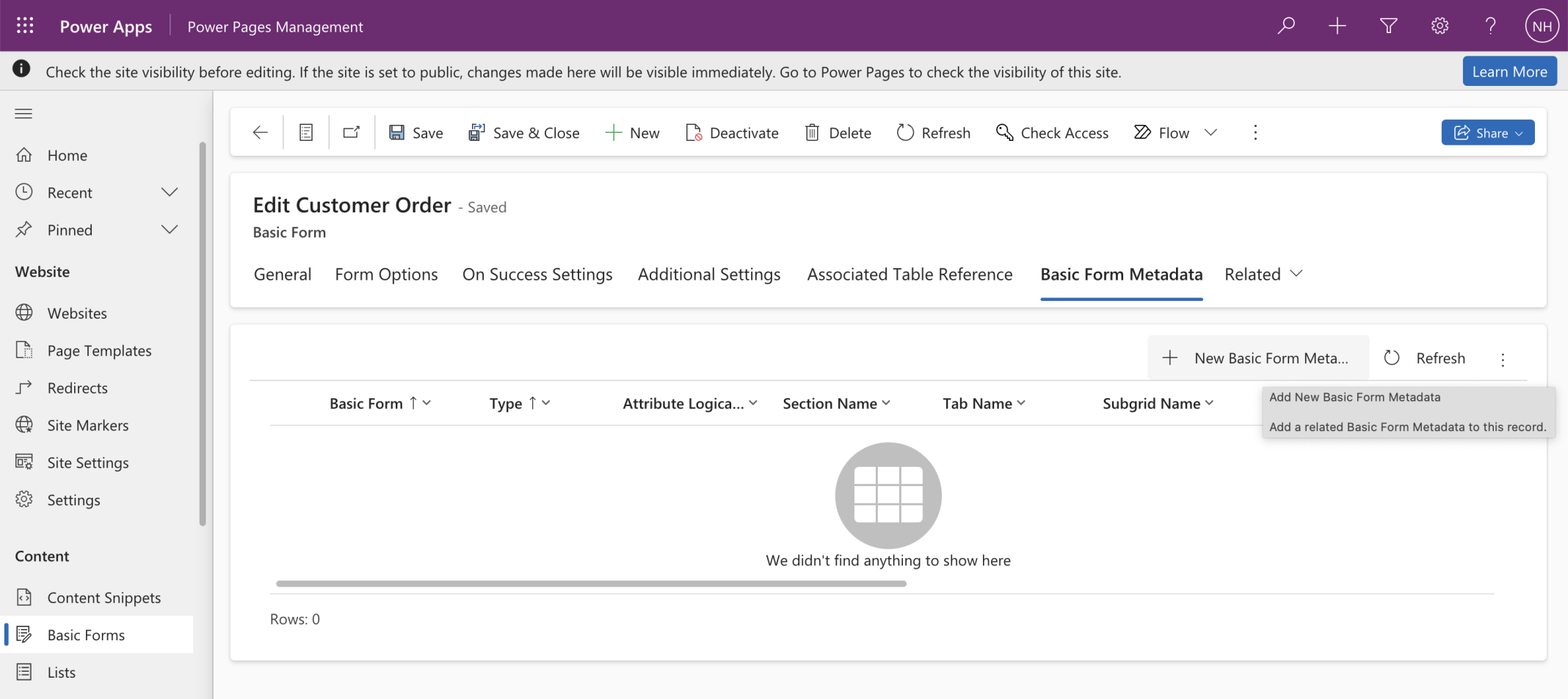
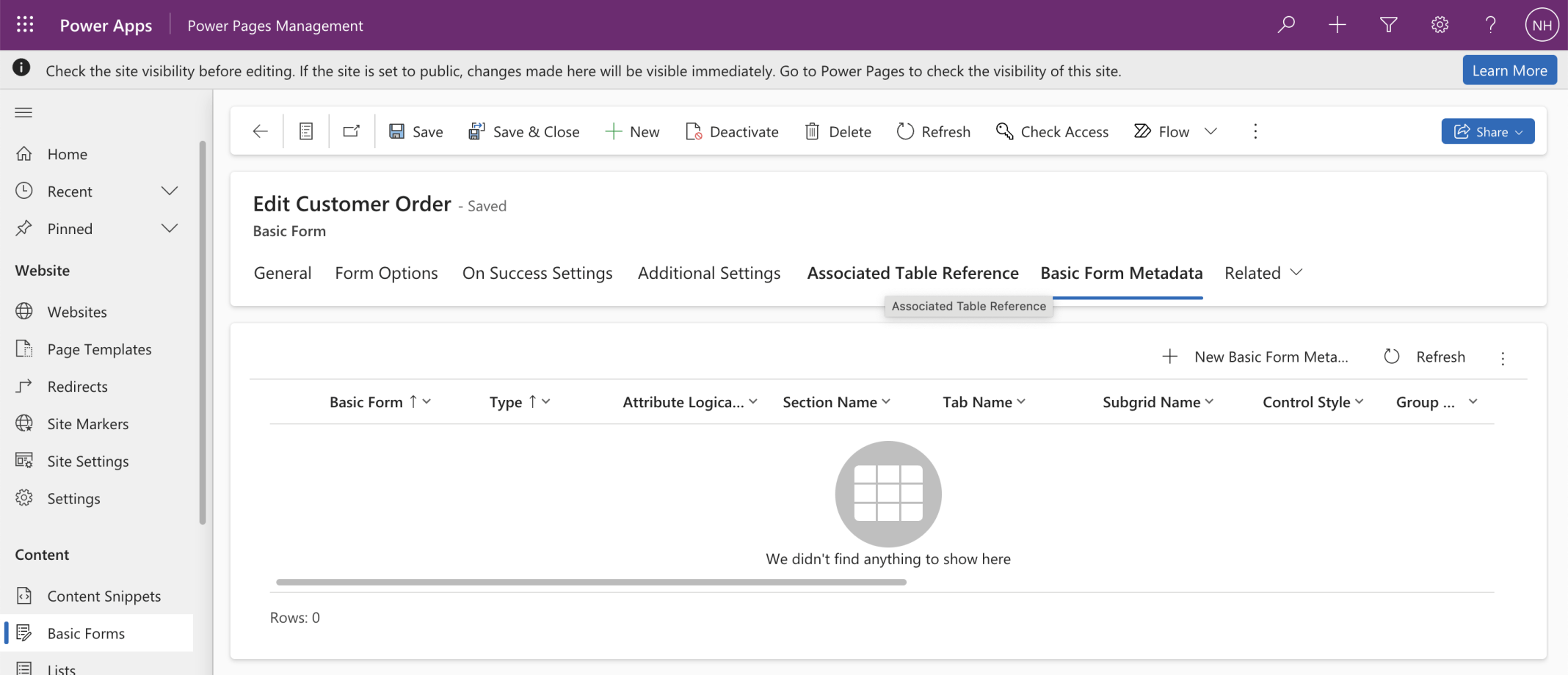
I added a Basic Form Metadata entry
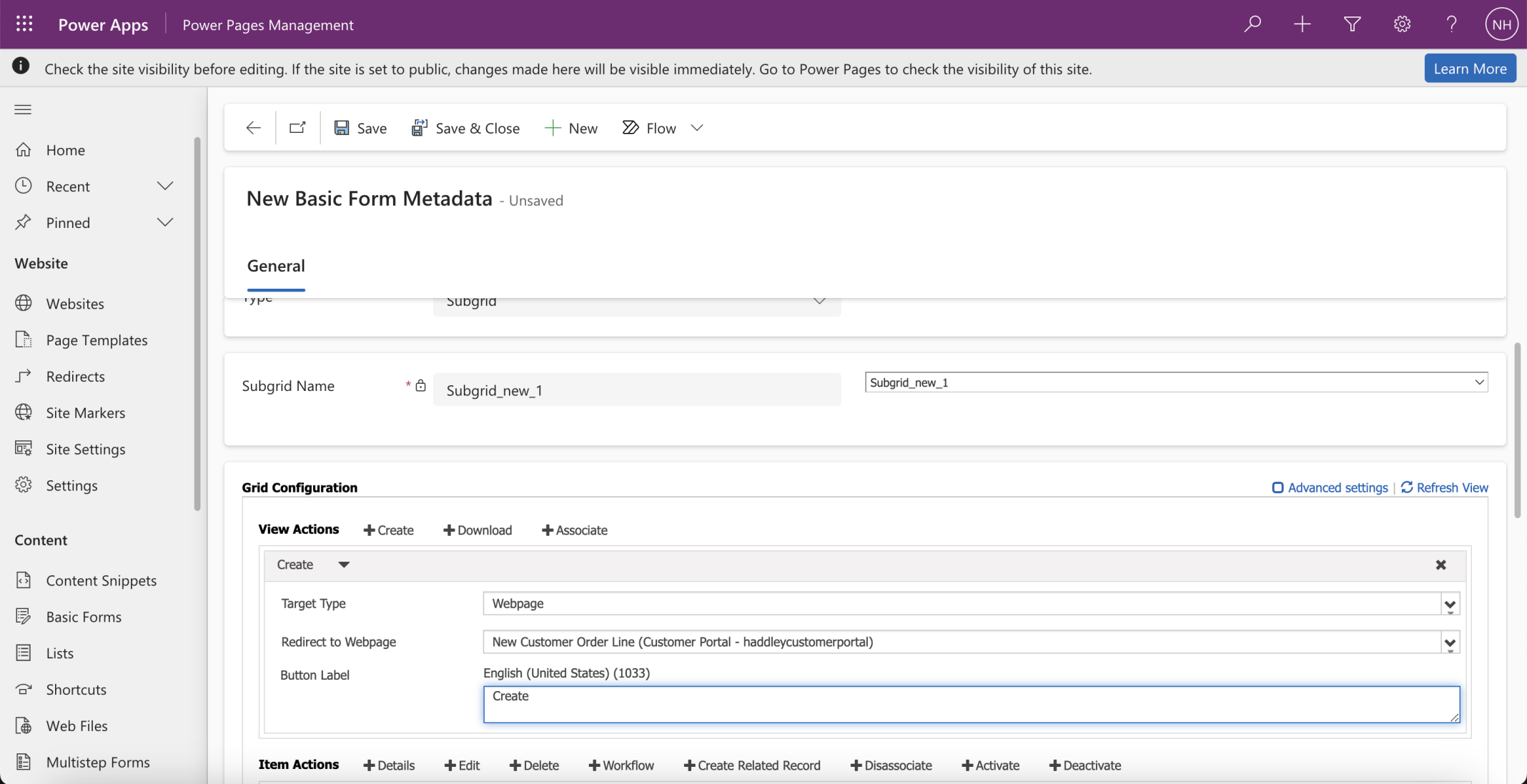
This Basic Form Metadata entry configured the grid displayed on the Edit Customer Order form
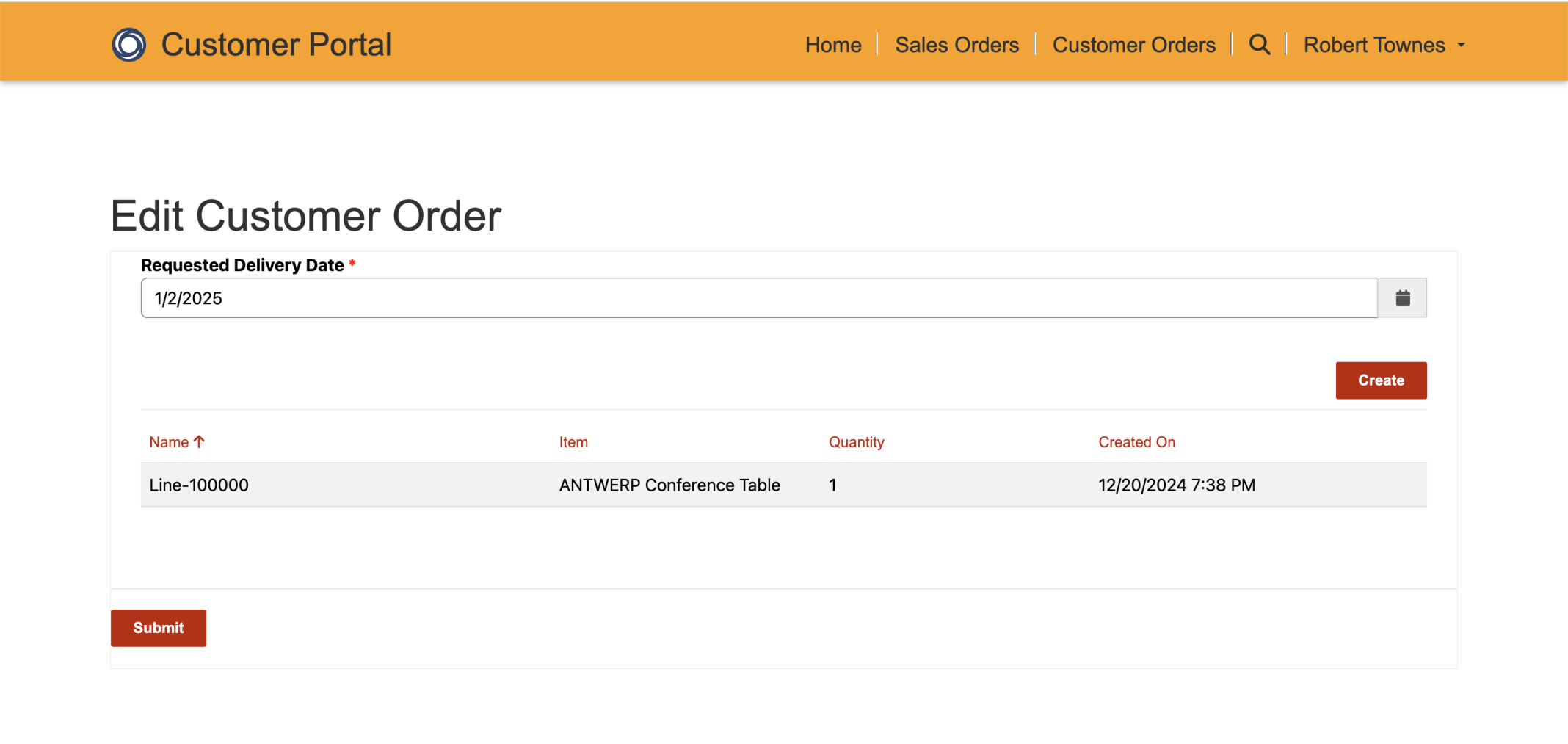
A Create button appeared on the Customer Order form's grid
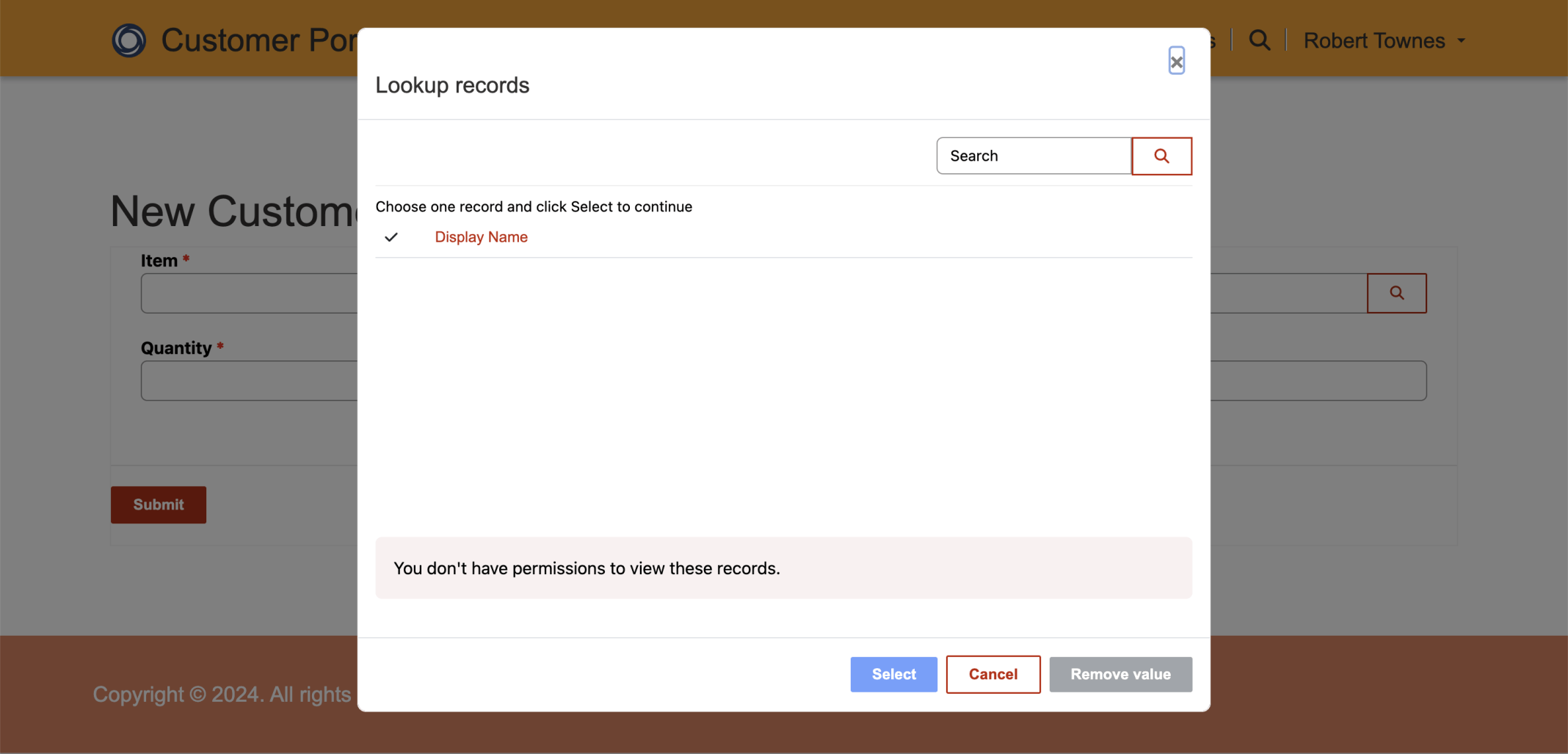
I was not able to lookup Items
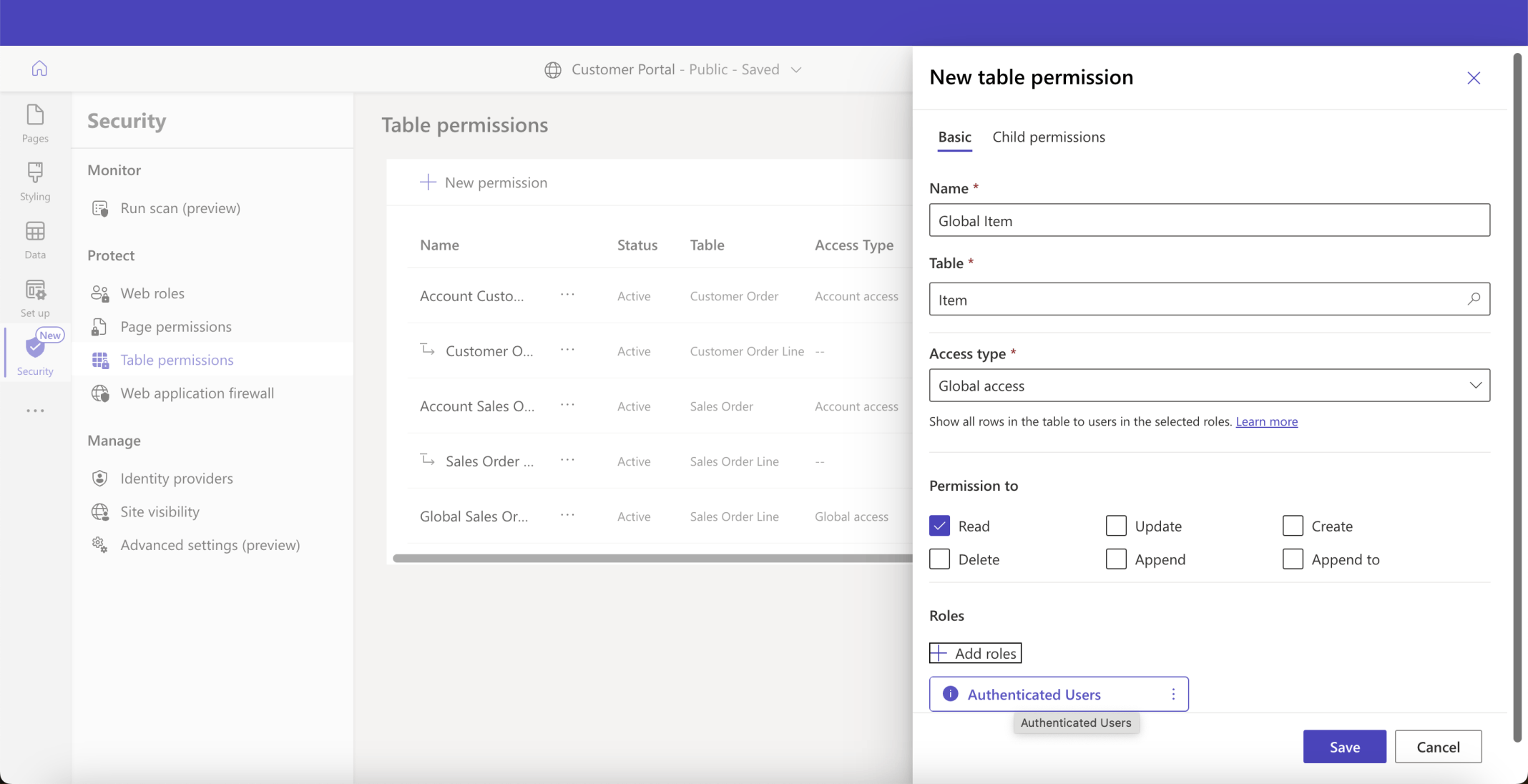
I added a Global table permission. The Global table permission provides access to all rows/records in given table
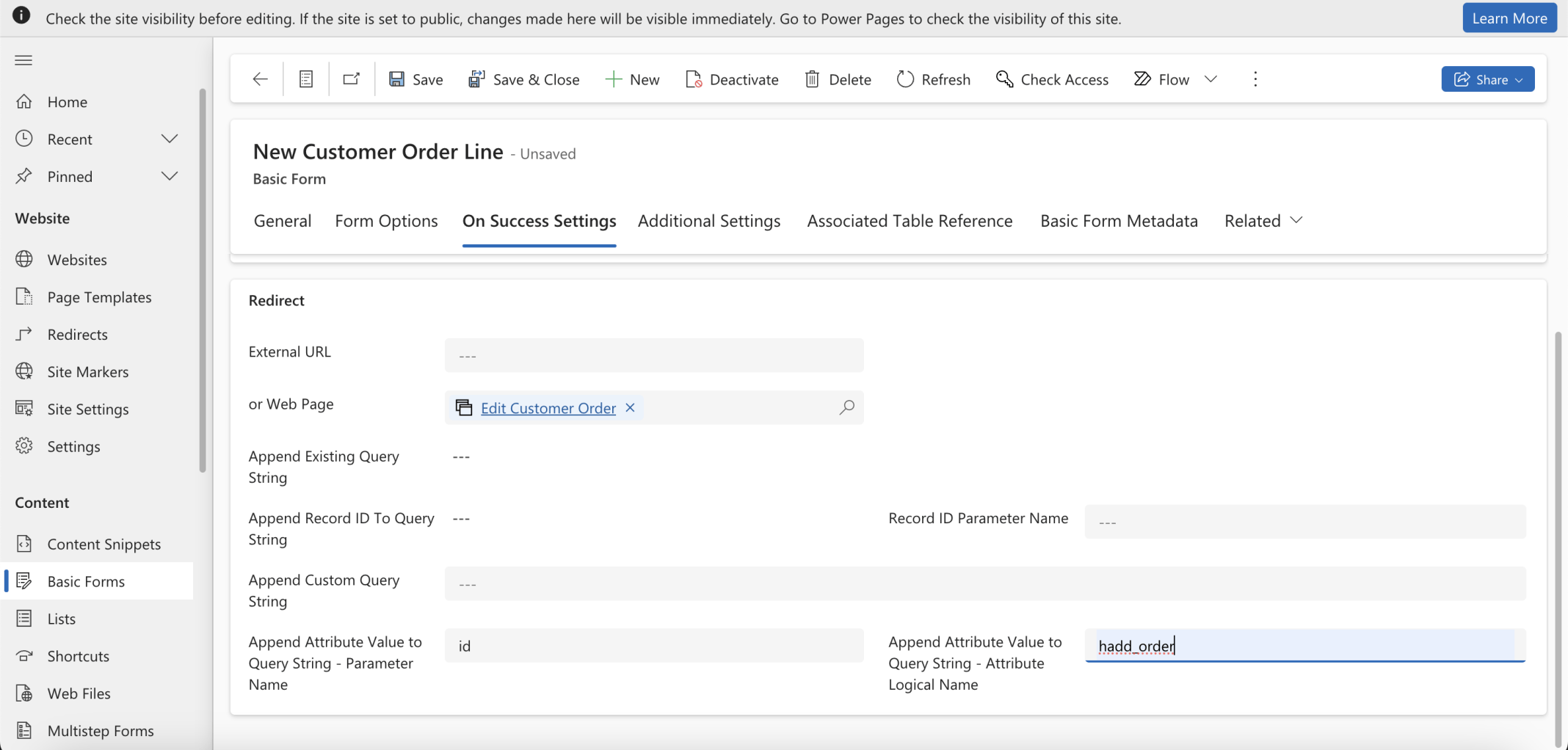
I updated the On Success Settings to ensure that the Customer Order's id would be passed
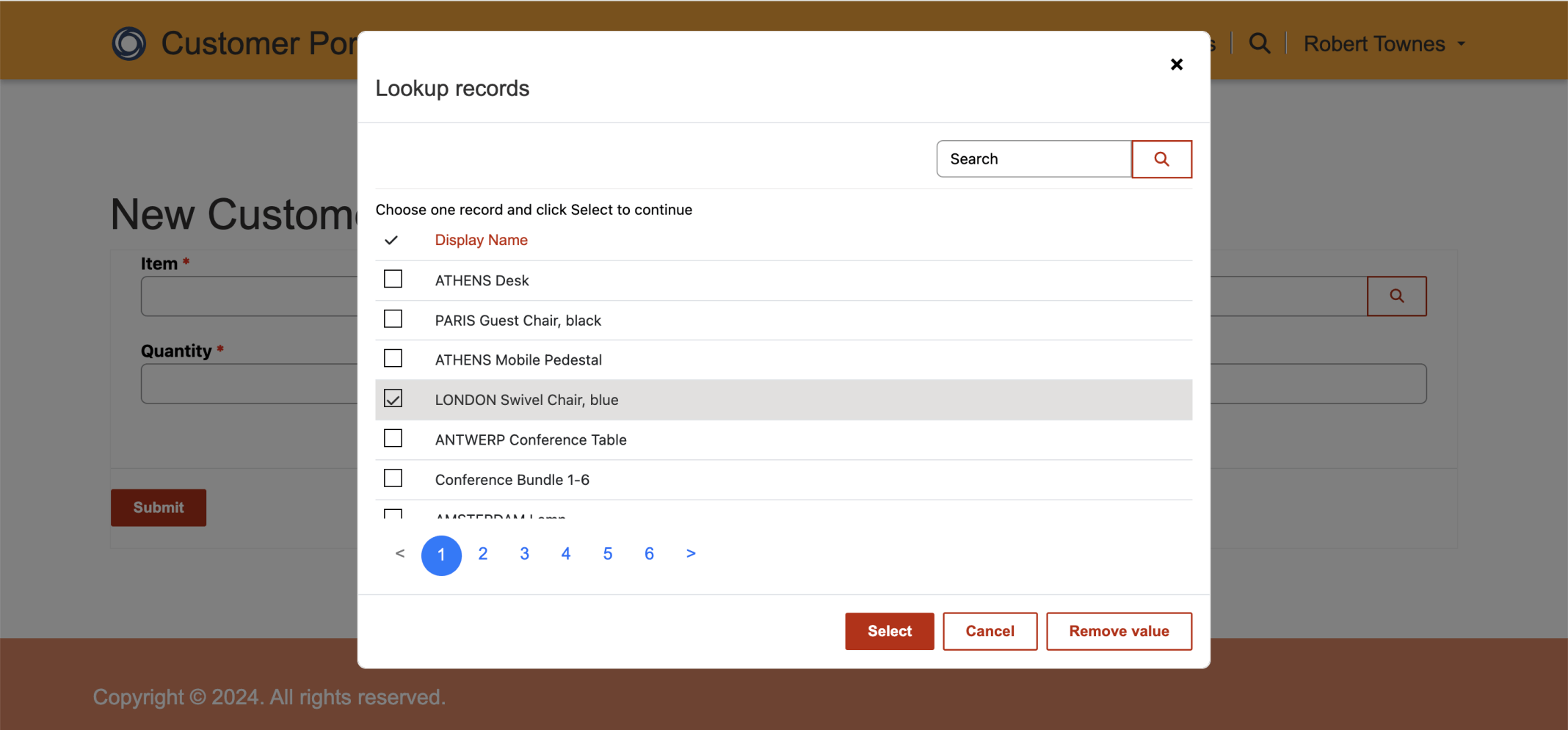
I selected a Customer Order Lines | Item
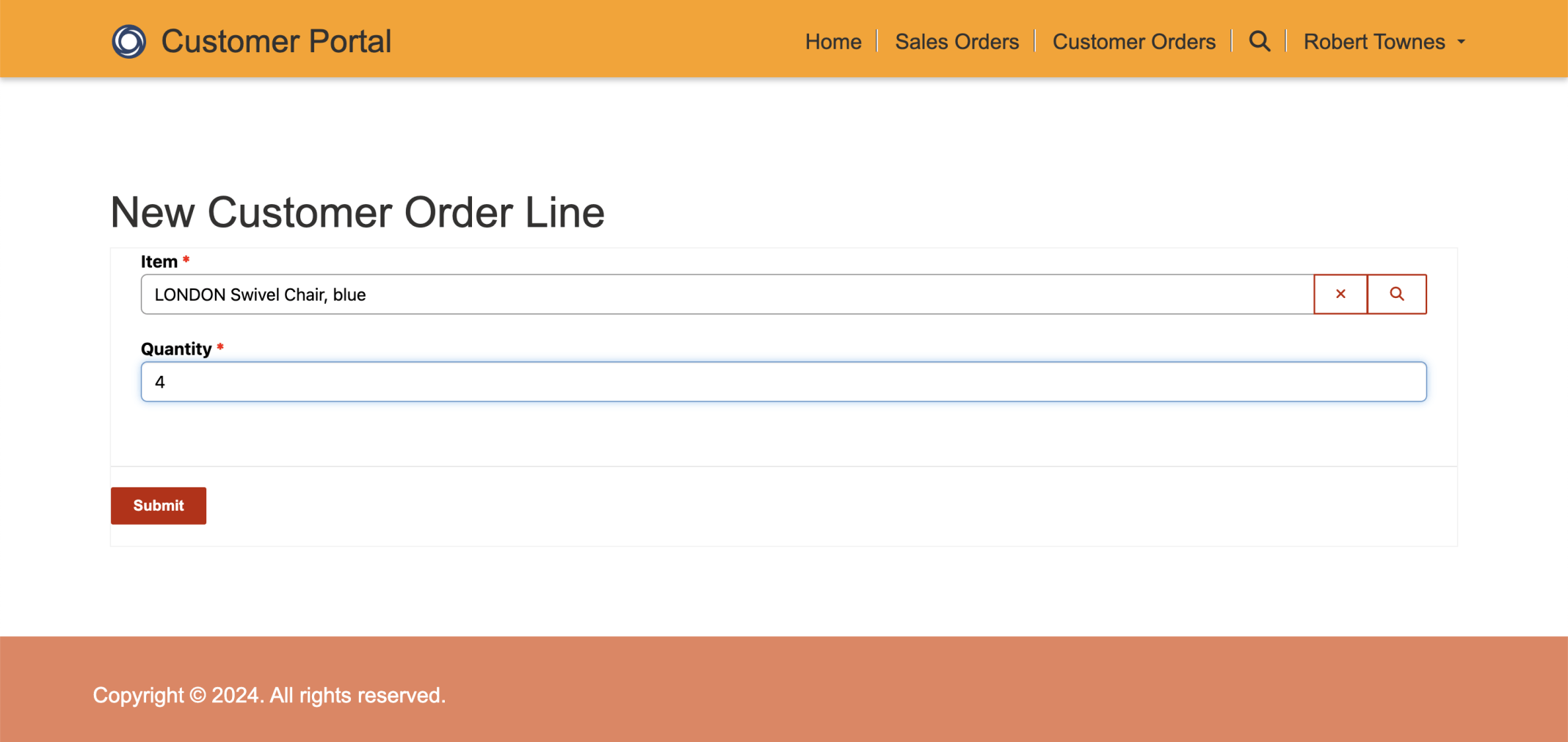
I entered a Quantity and clicked the Submit button
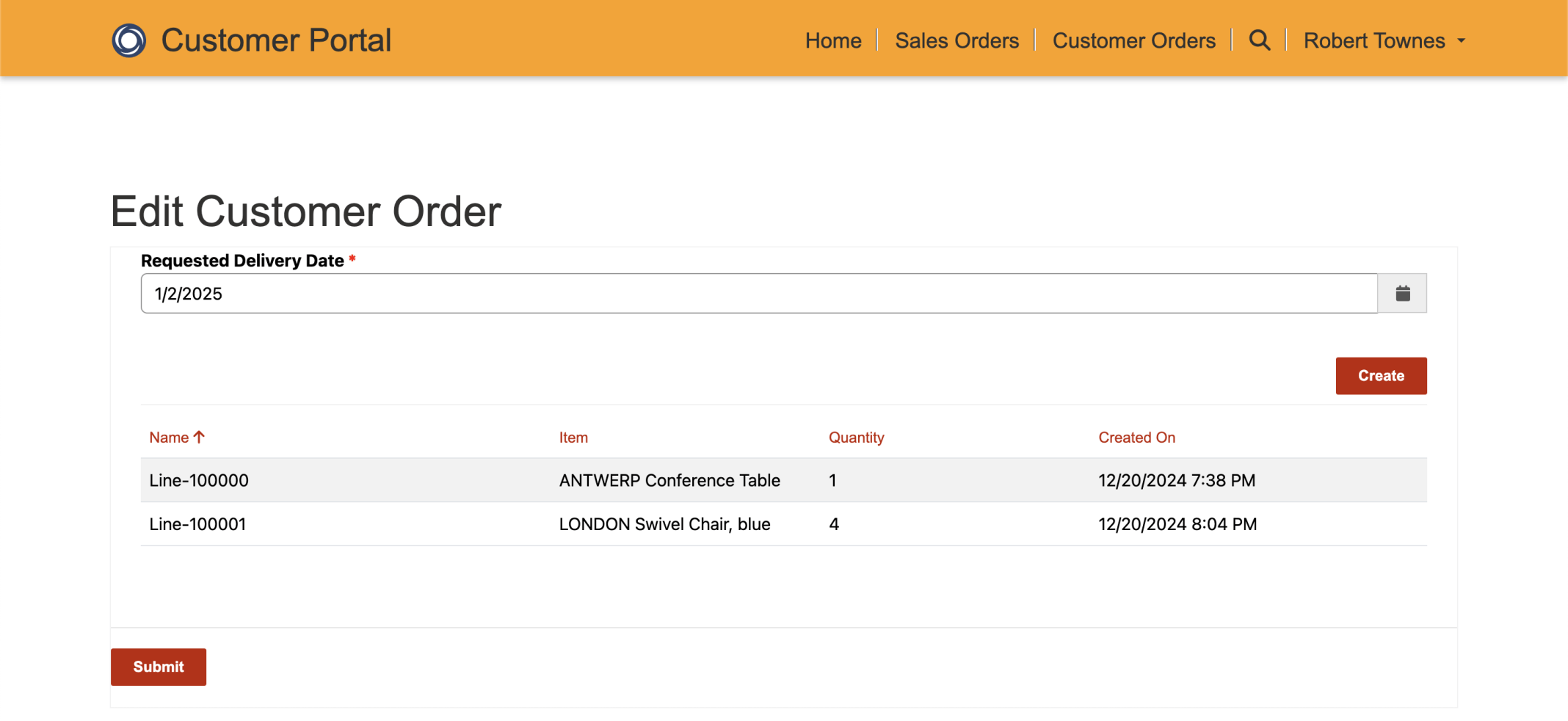
I was redirected back to the Edit Customer Order page
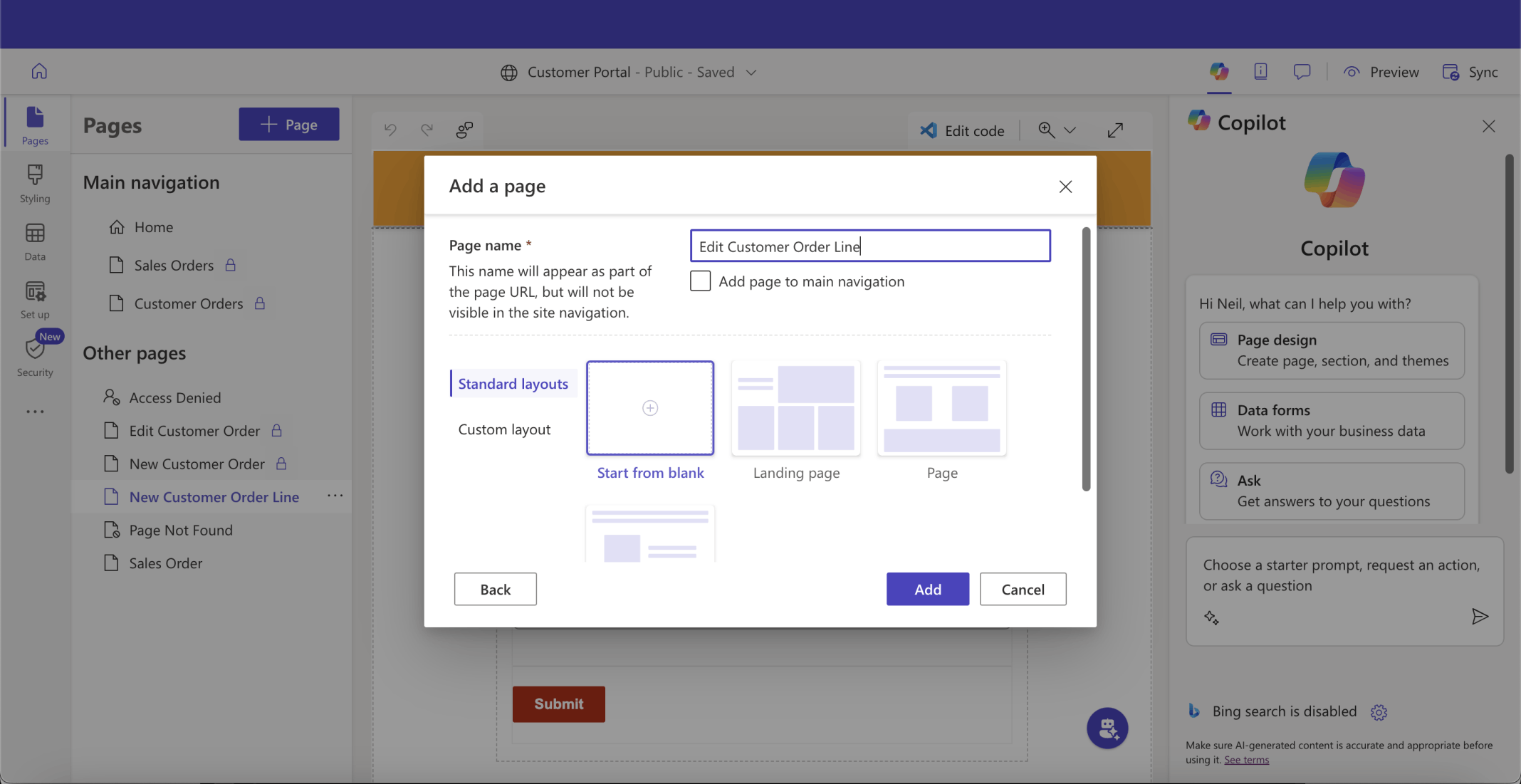
I added an Edit Customer Order Line page
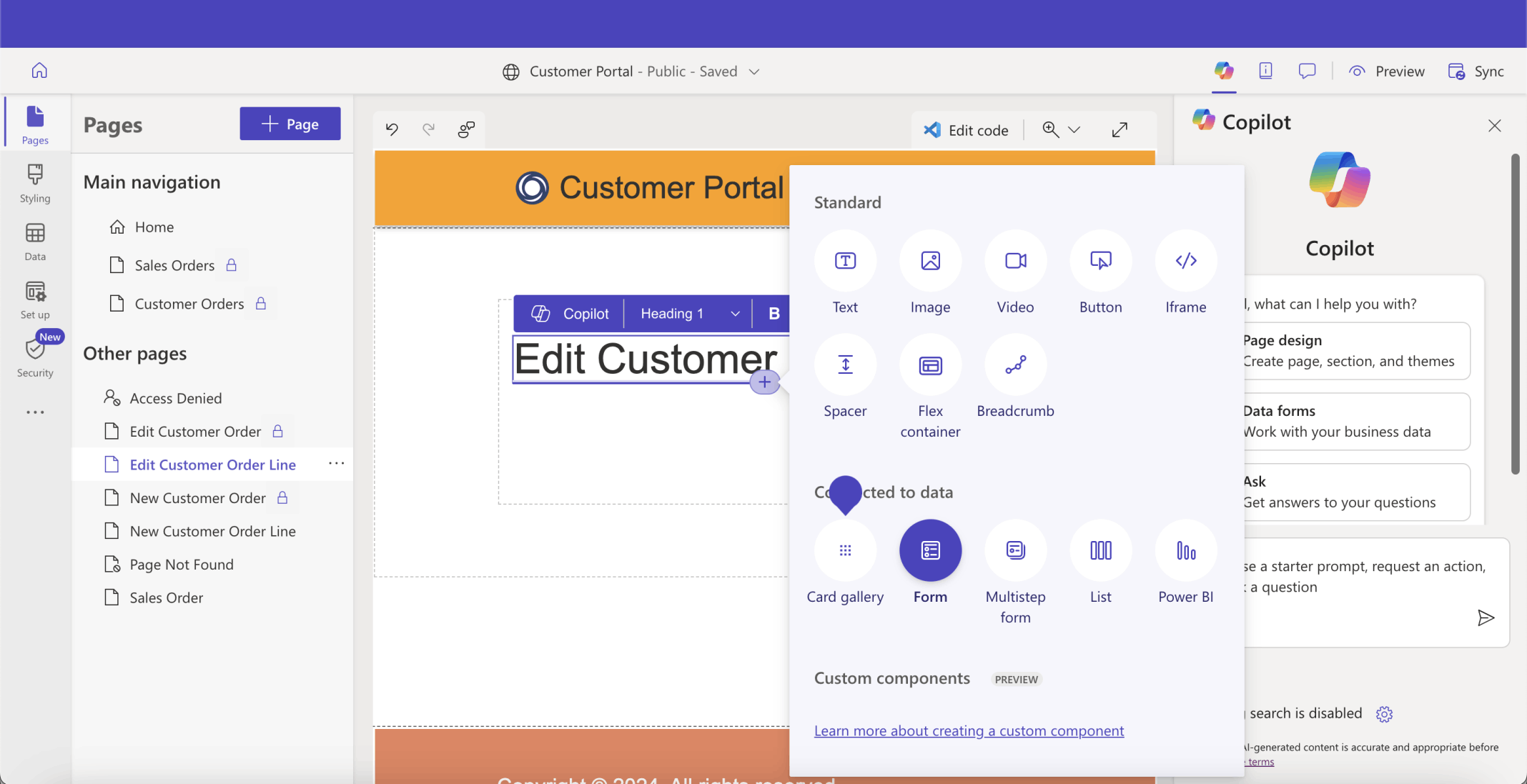
I added a form
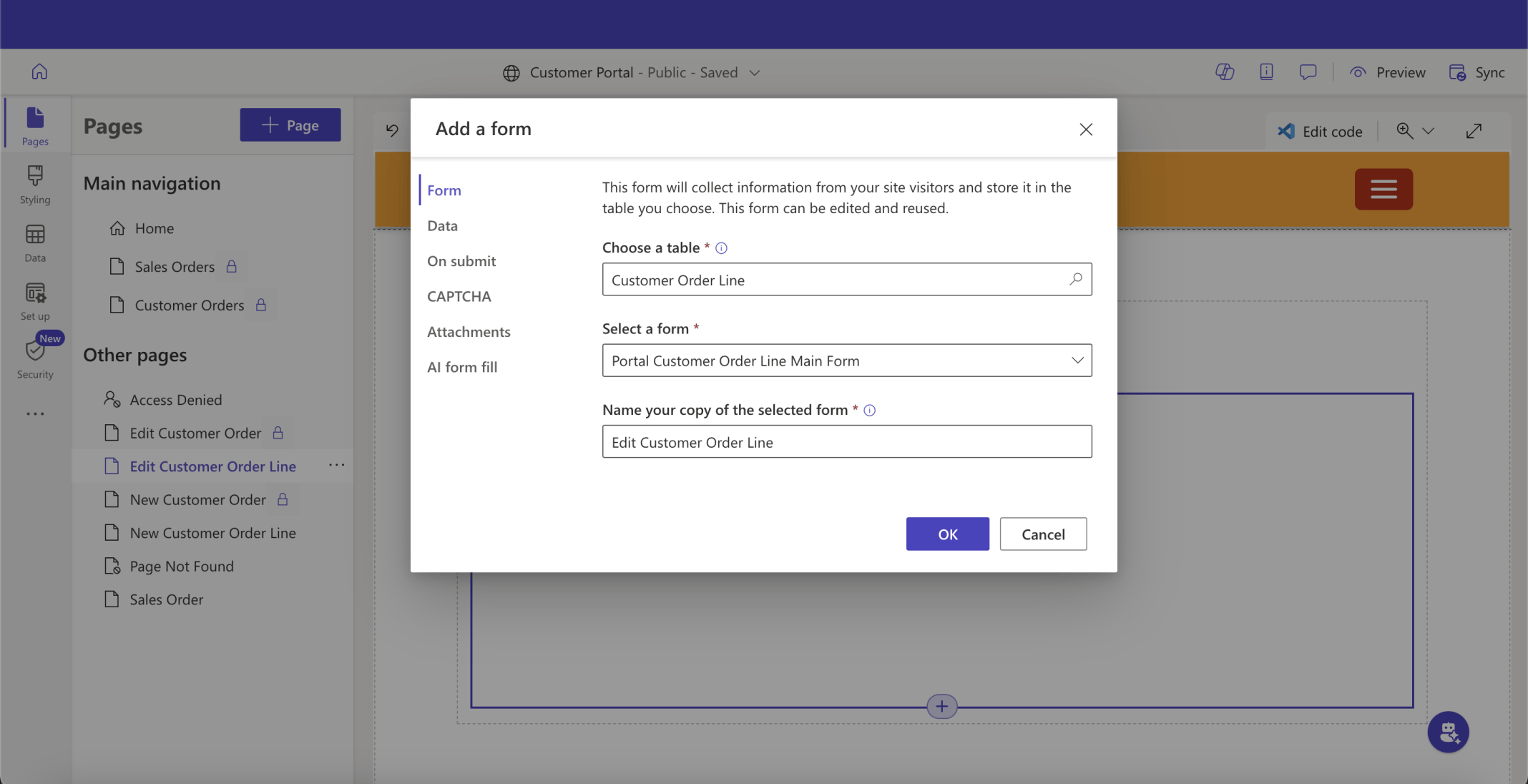
I named the new form Edit Customer Order Line
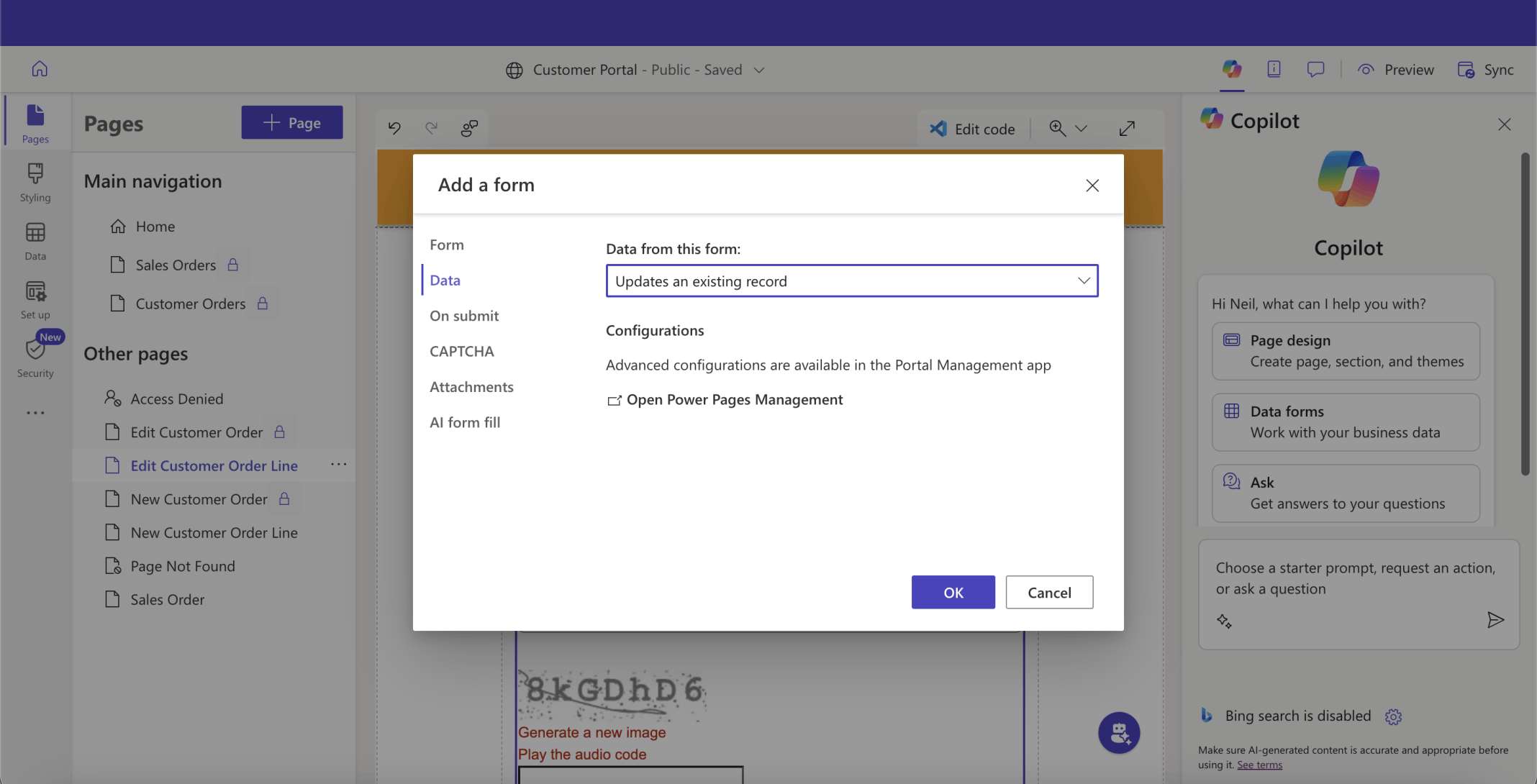
The new form allows a user to update a Customer Order Line
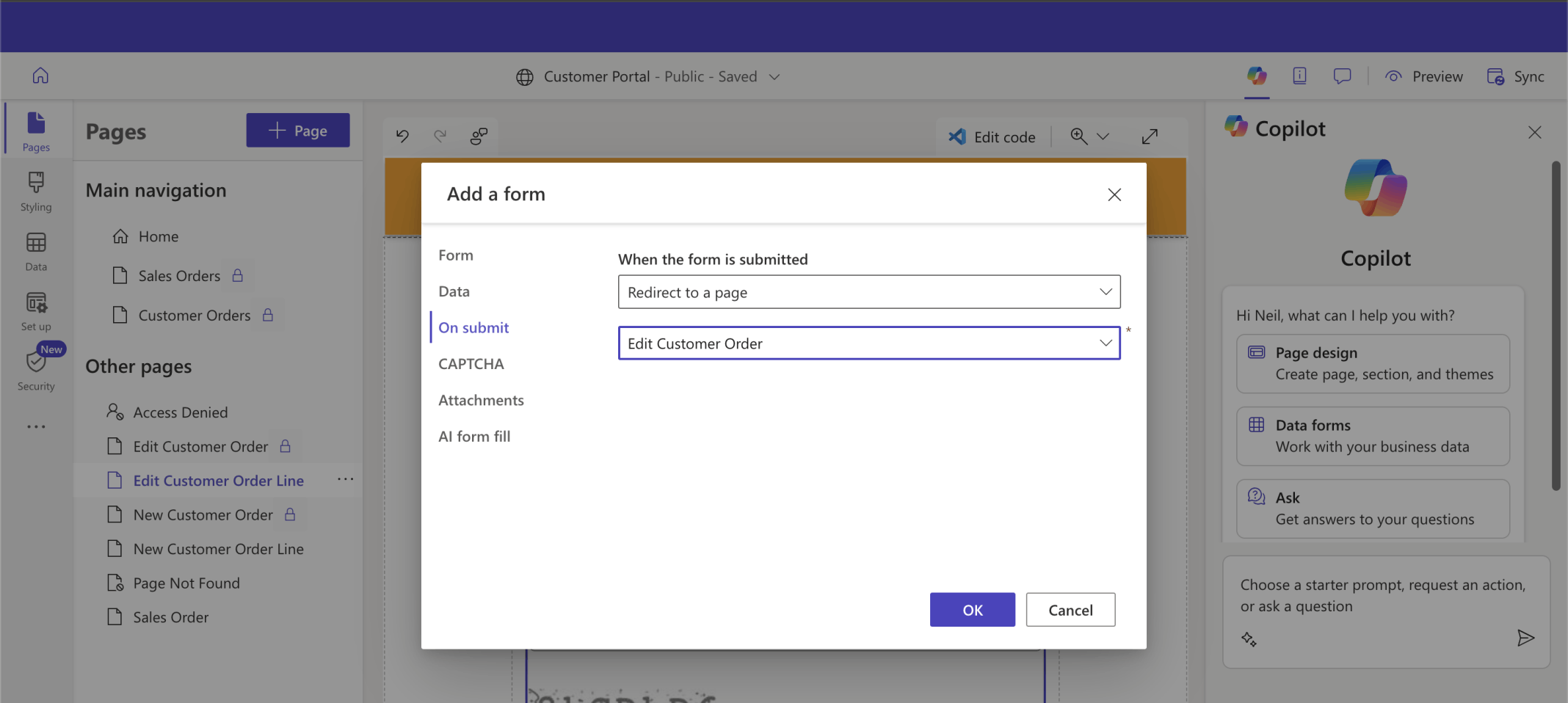
On submit, the Edit Customer Order Line page redirects to the Edit Customer Order page
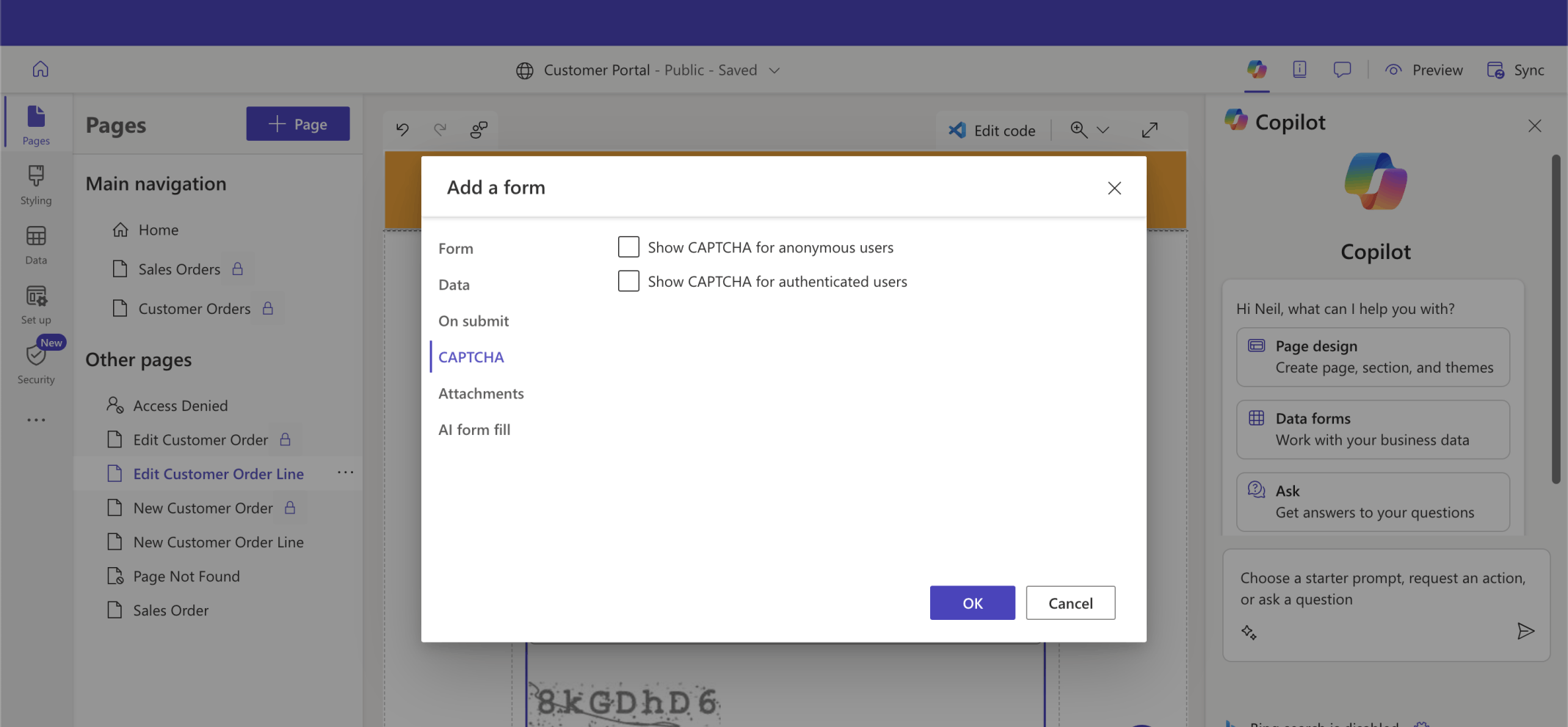
I cleared the CAPTCHA boxes
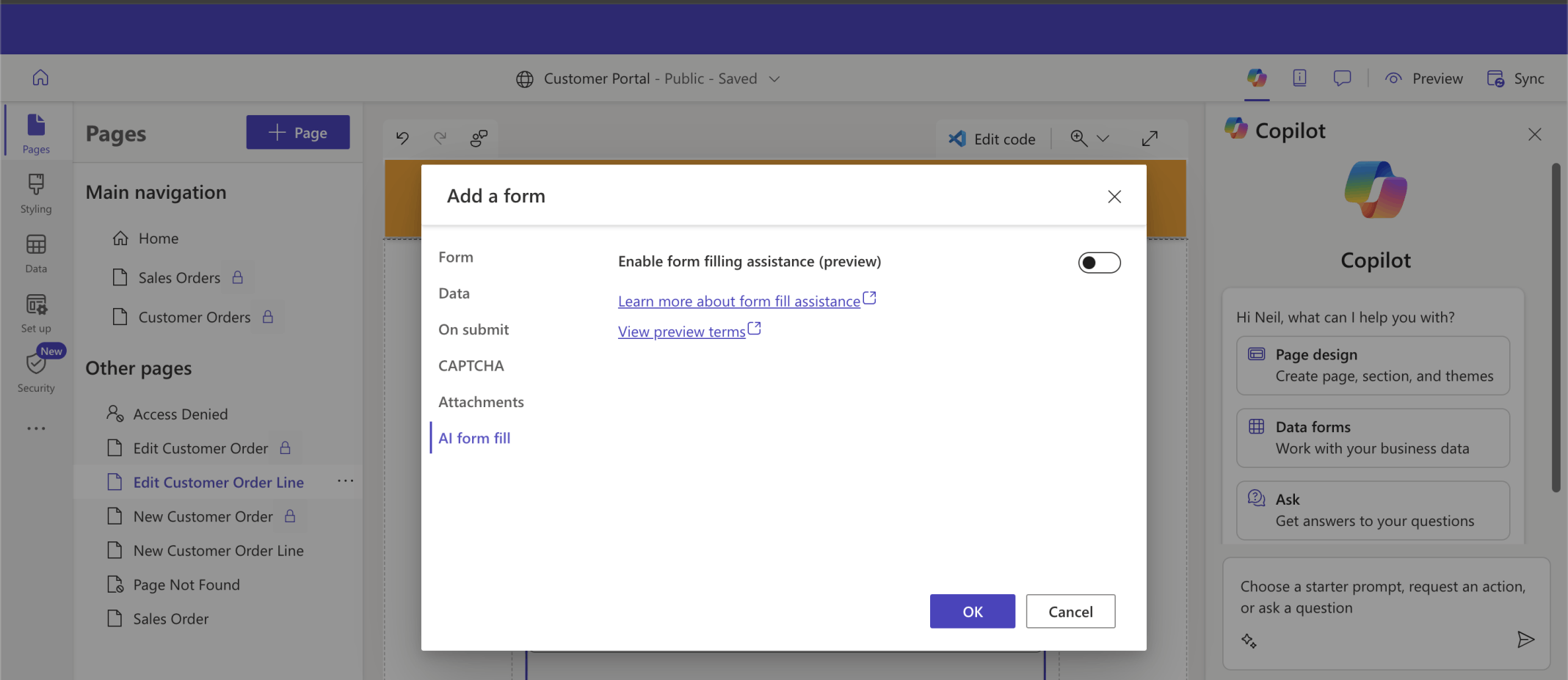
I disabled AI form filling
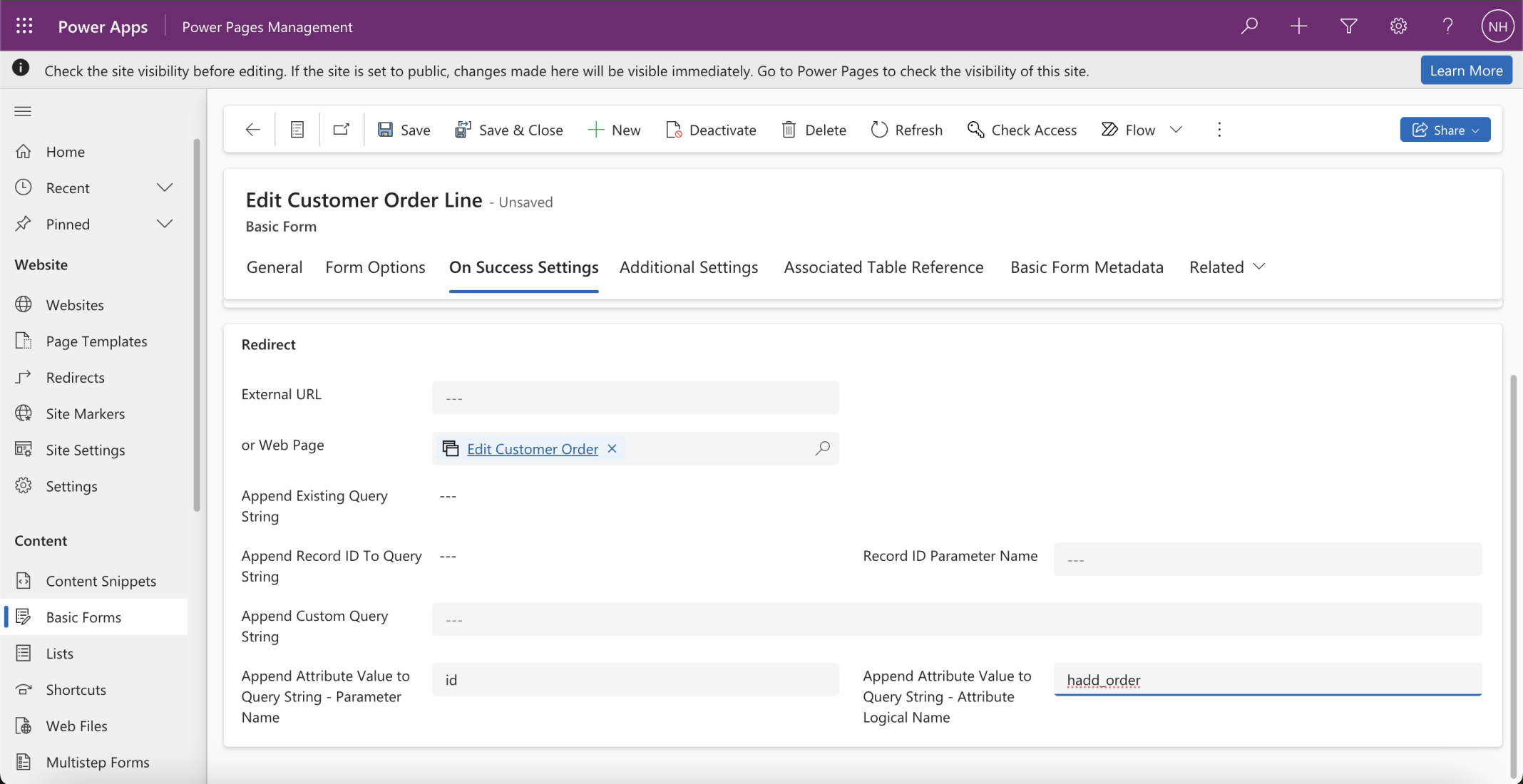
I updated the On Success Setting of the Edit Customer Order Line form
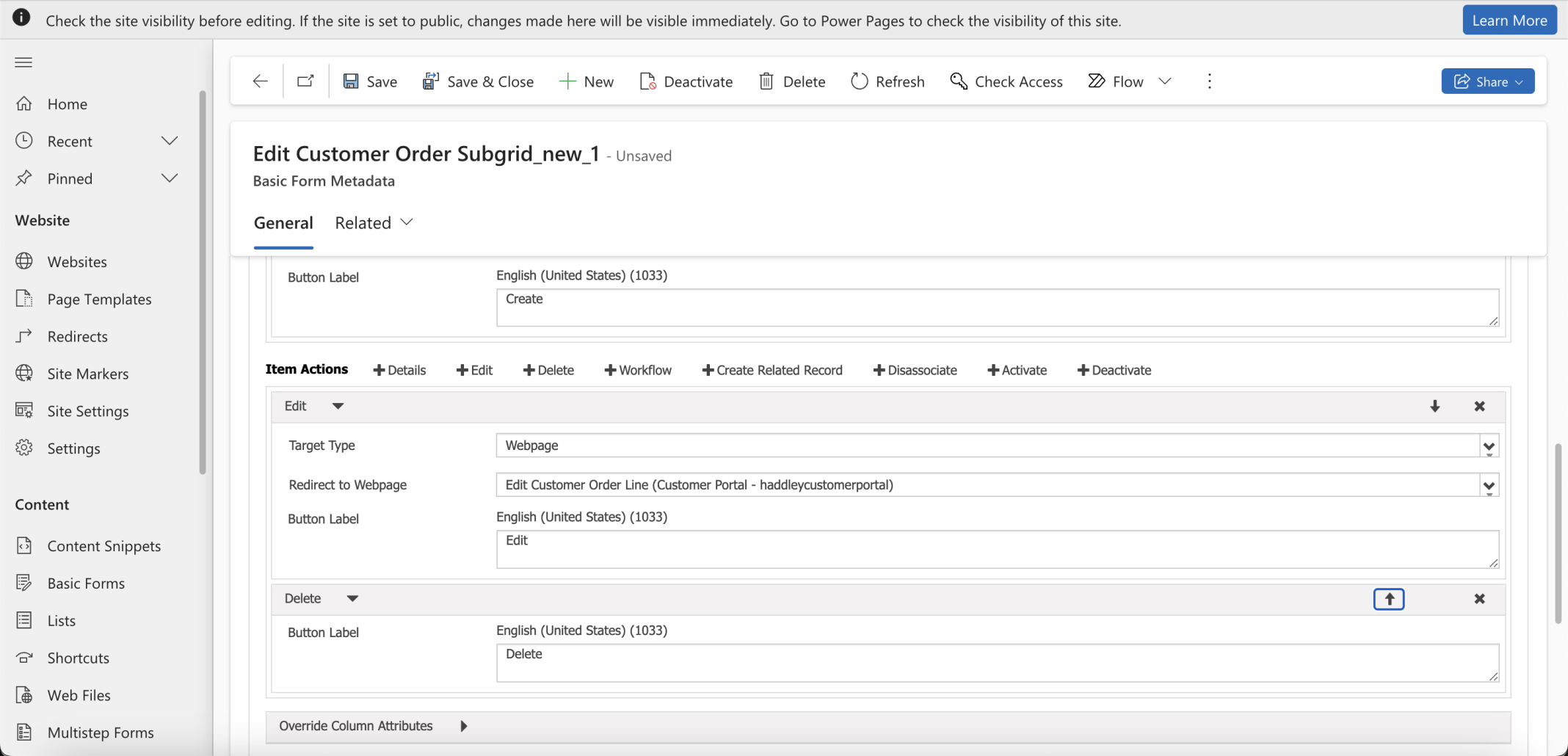
I added an Edit and a Delete menu item
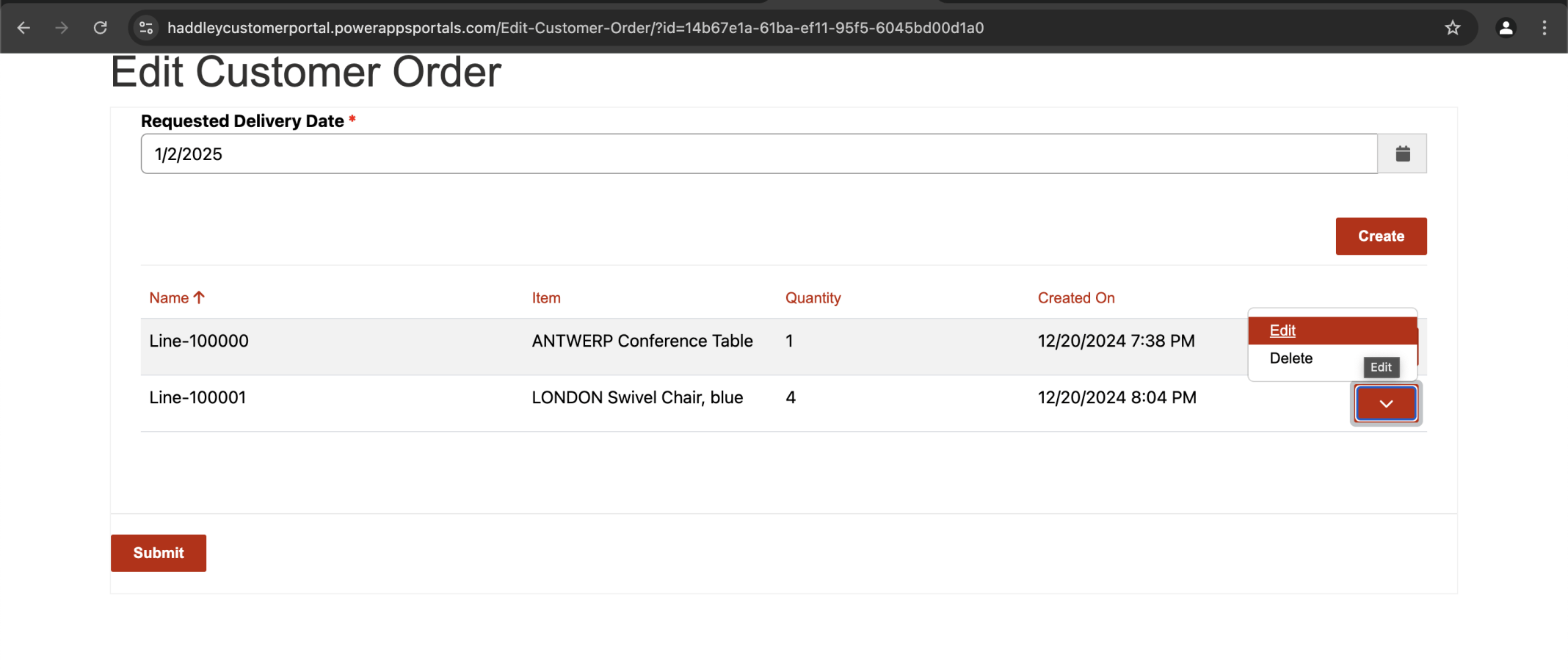
I used the Edit button to update a Customer Order Line
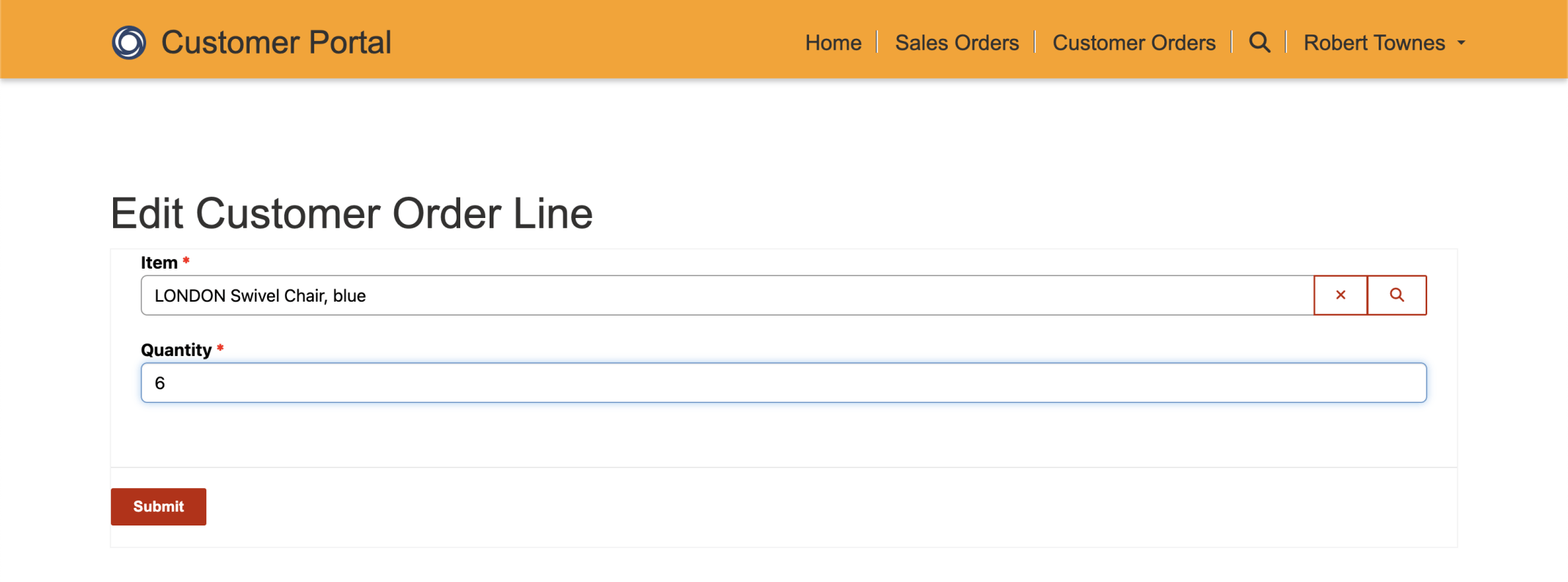
I updated the Quantity
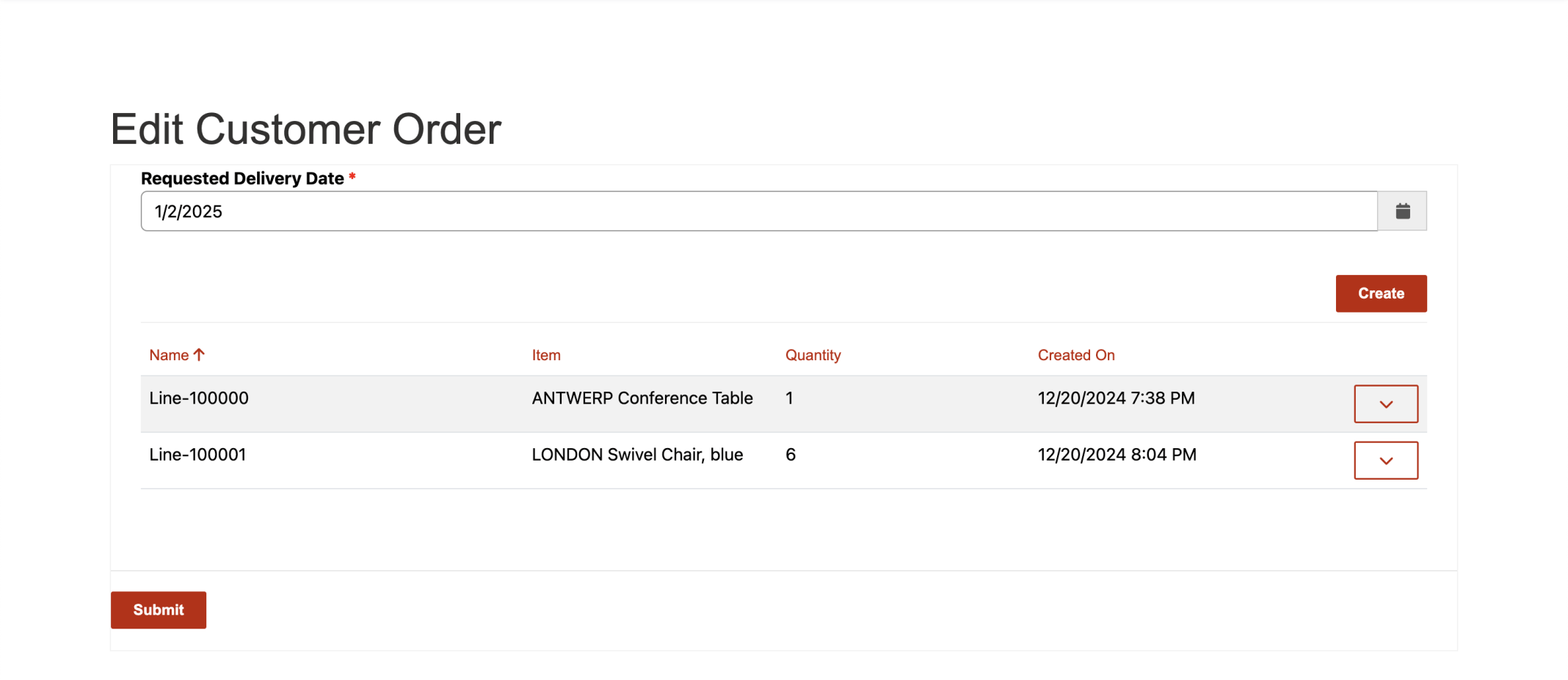
I was redirected to the Customer Order with the updated line displayed
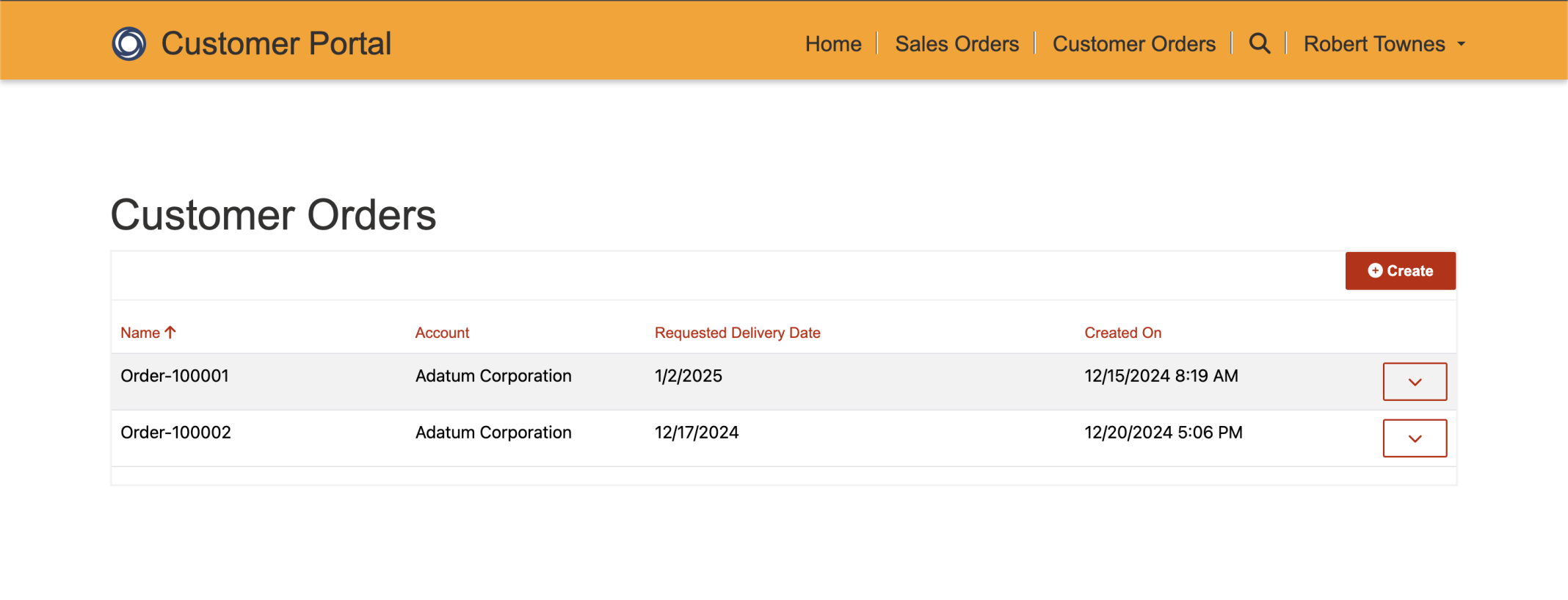
Clicking Submit on the Customer Order page redirected me back to the Customer Orders list page
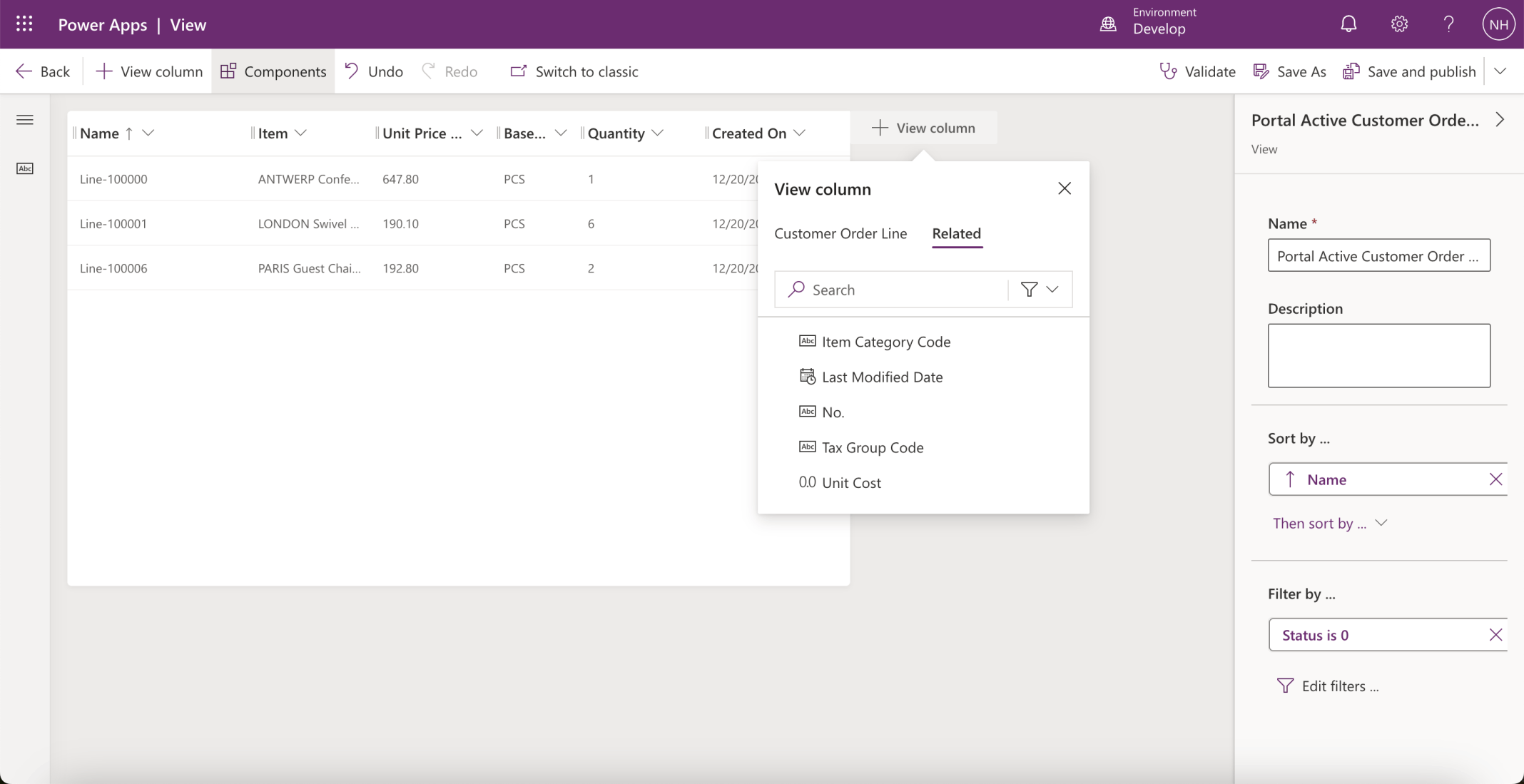
I added the related Item | Unit Price and Item | Based Unit of Measure columns to the Portal Active Customer Order Lines view
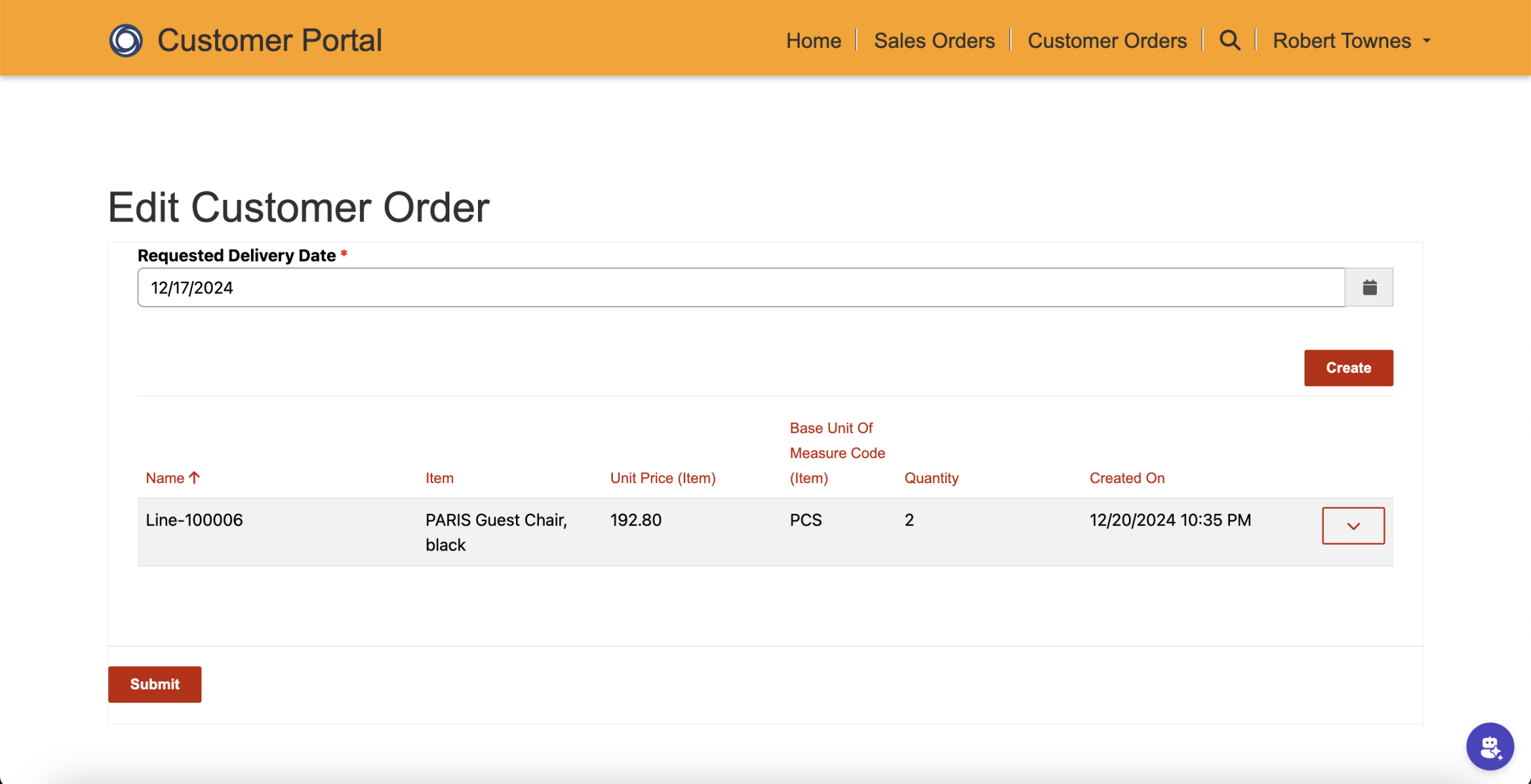
I refreshed the Edit Customer Order page