Business Central (Part 1)
Neil Haddley • May 24, 2024
Prompt Dialog (Part 1)
I built a Business Central Copilot using the PromptDialog page type, which allows users to provide prompts, generate AI responses, review and regenerate outputs, and then save or discard the result.
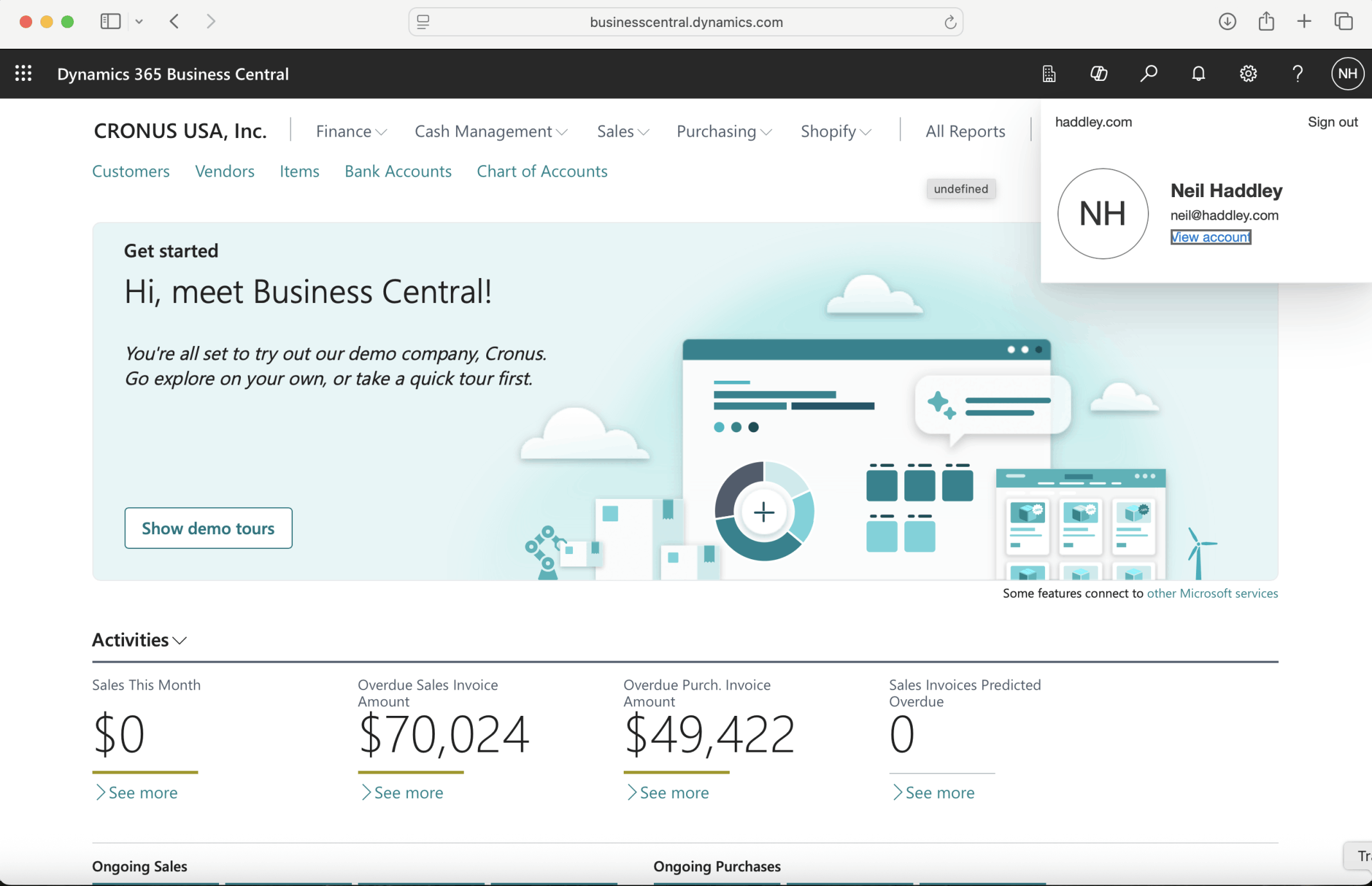
I navigated to Business Central https://businesscentral.dynamics.com
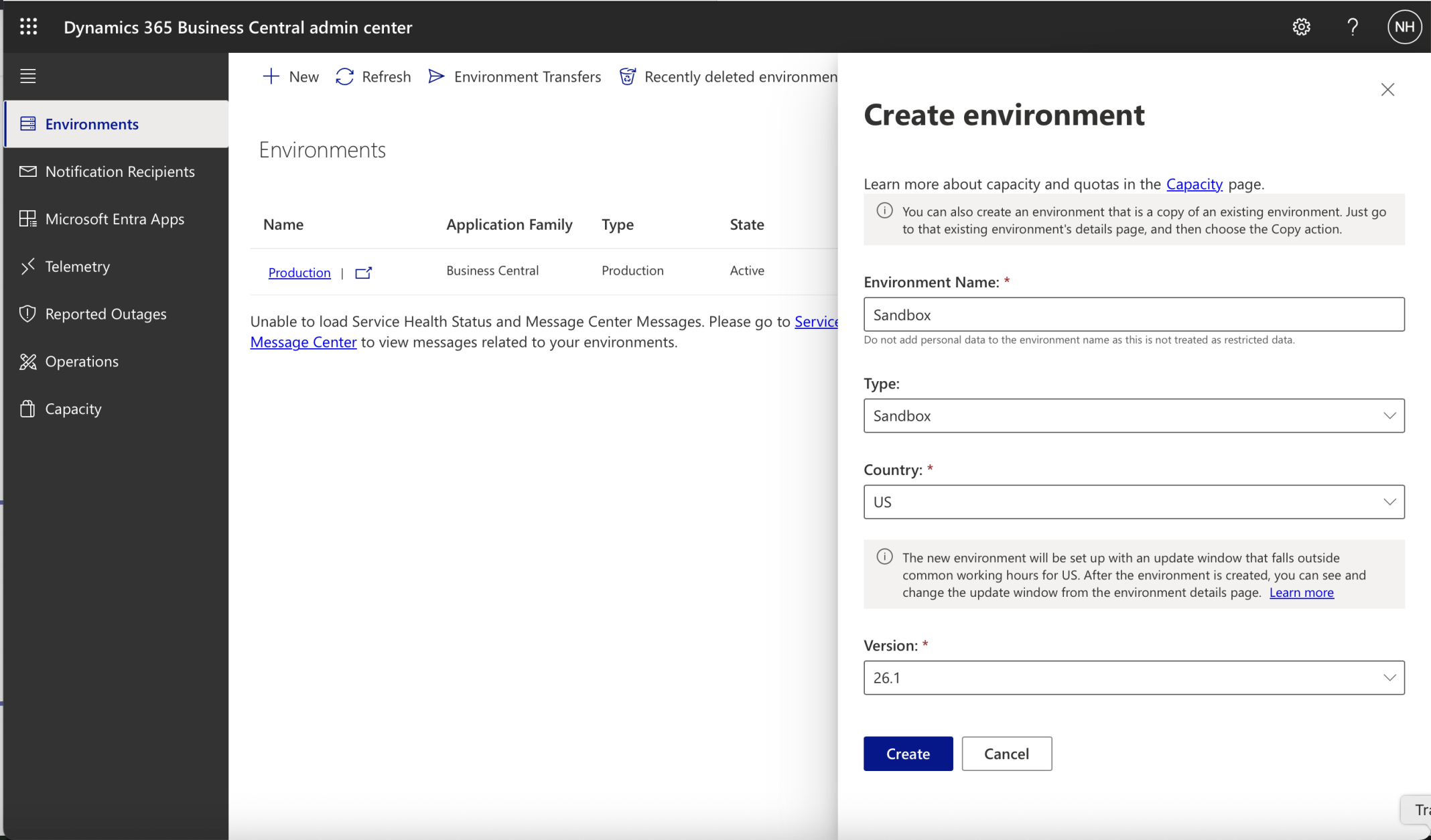
I created a Sandbox Environment
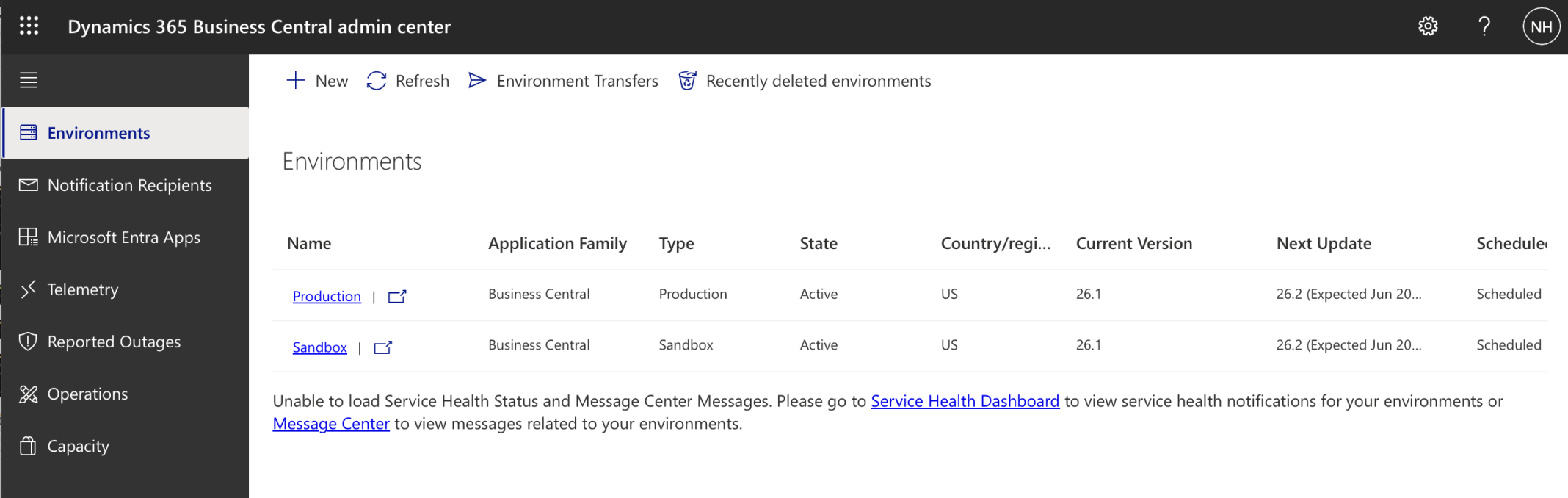
The Sandbox Environment state updated to Active
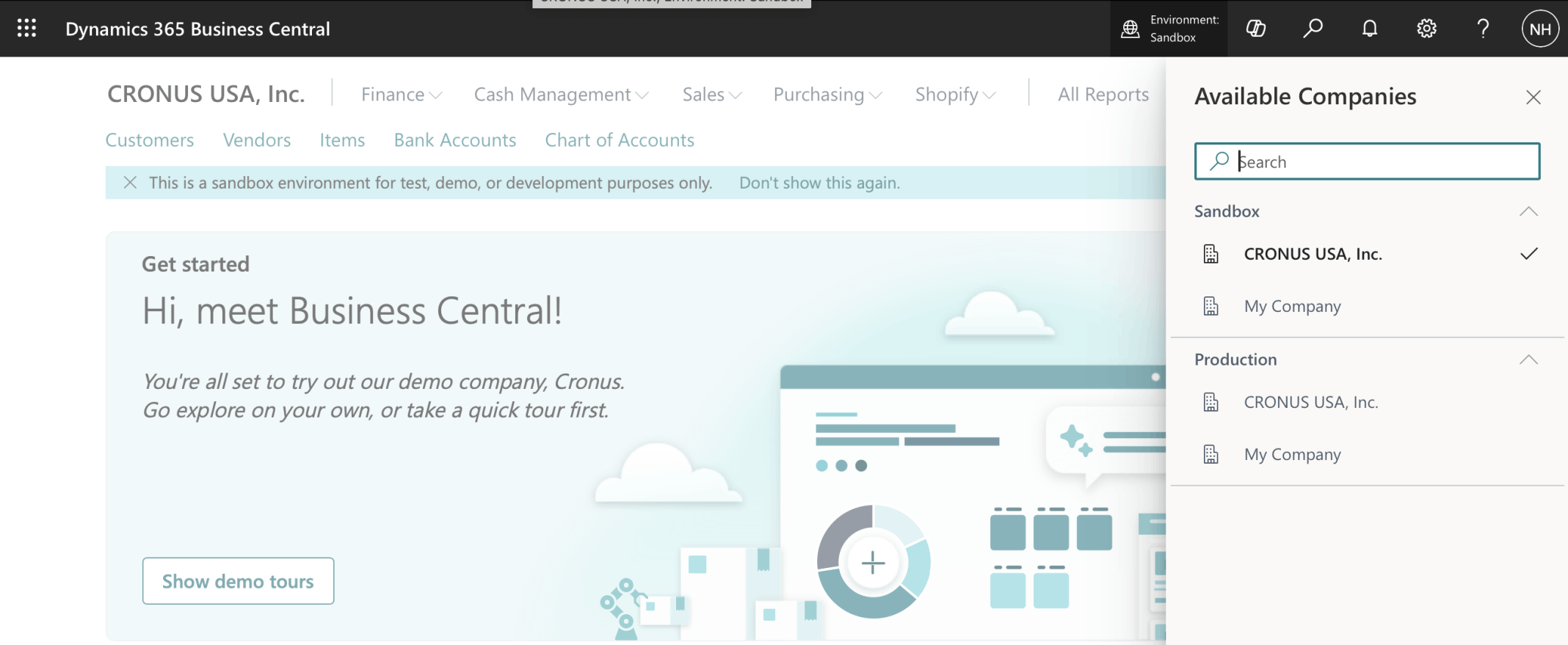
I switched to the CRONUS company in the Sandbox Environment
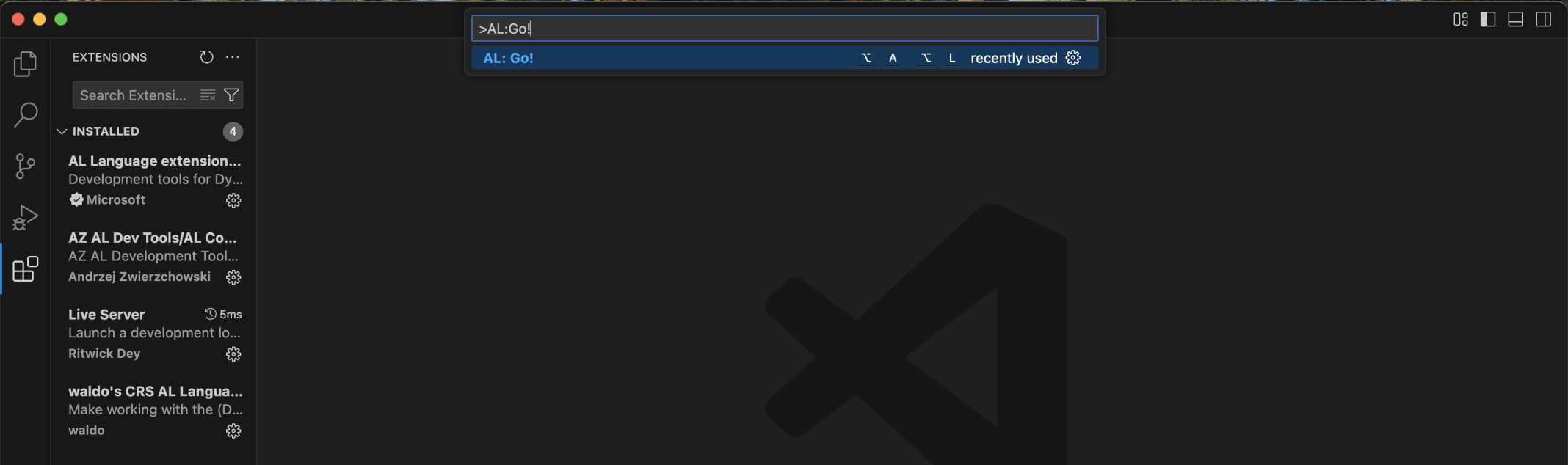
In Visual Studio Code I selected the View | Command Palette menu item and entered Al:Go!

I entered the Project/Extension name LLM

I selected the latest Business Central version

I selected the Microsoft cloud sandbox option

I used the View | Command Palette menu item and entered Al:Download symbols
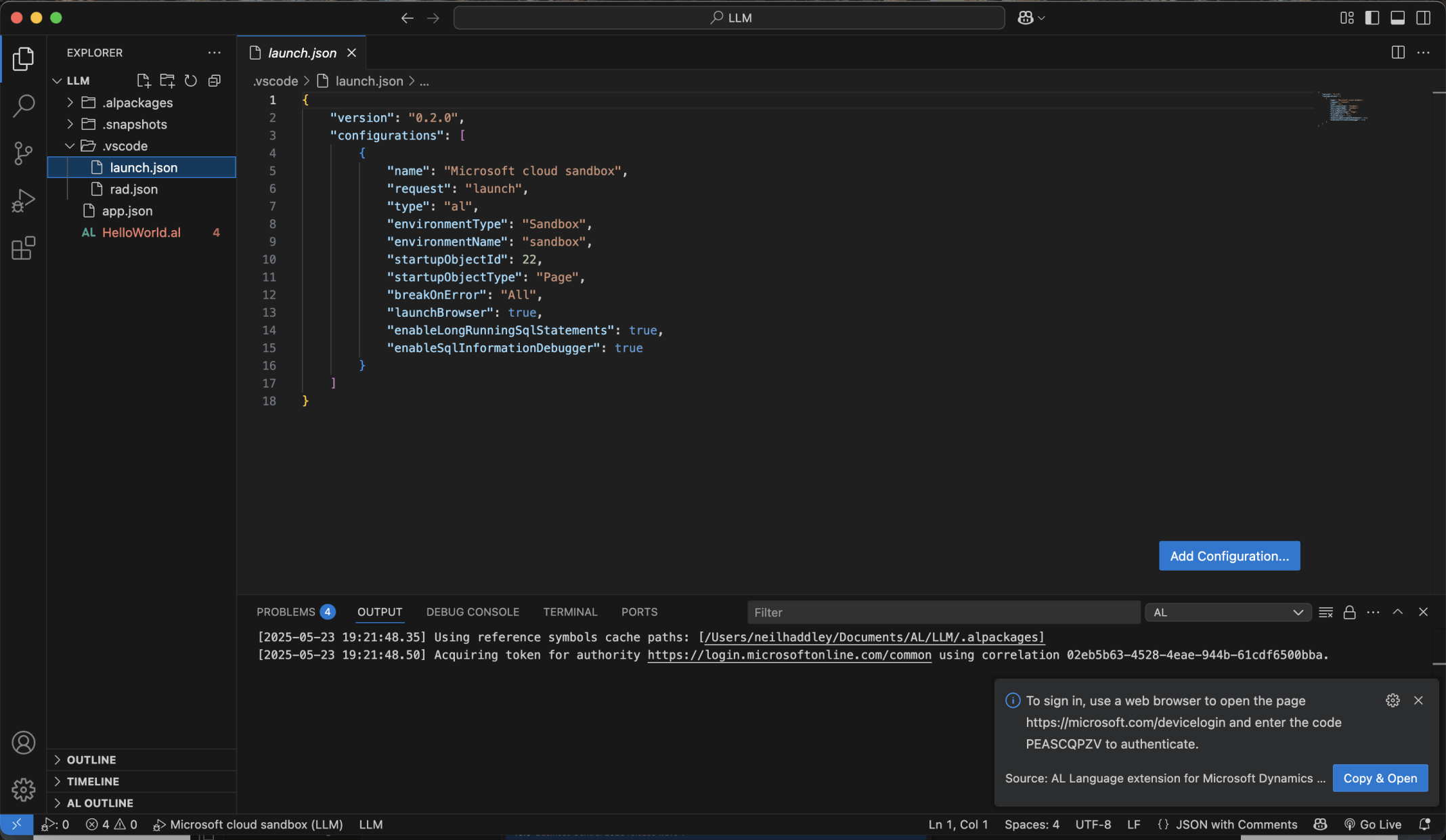
I clicked the Copy & Open button
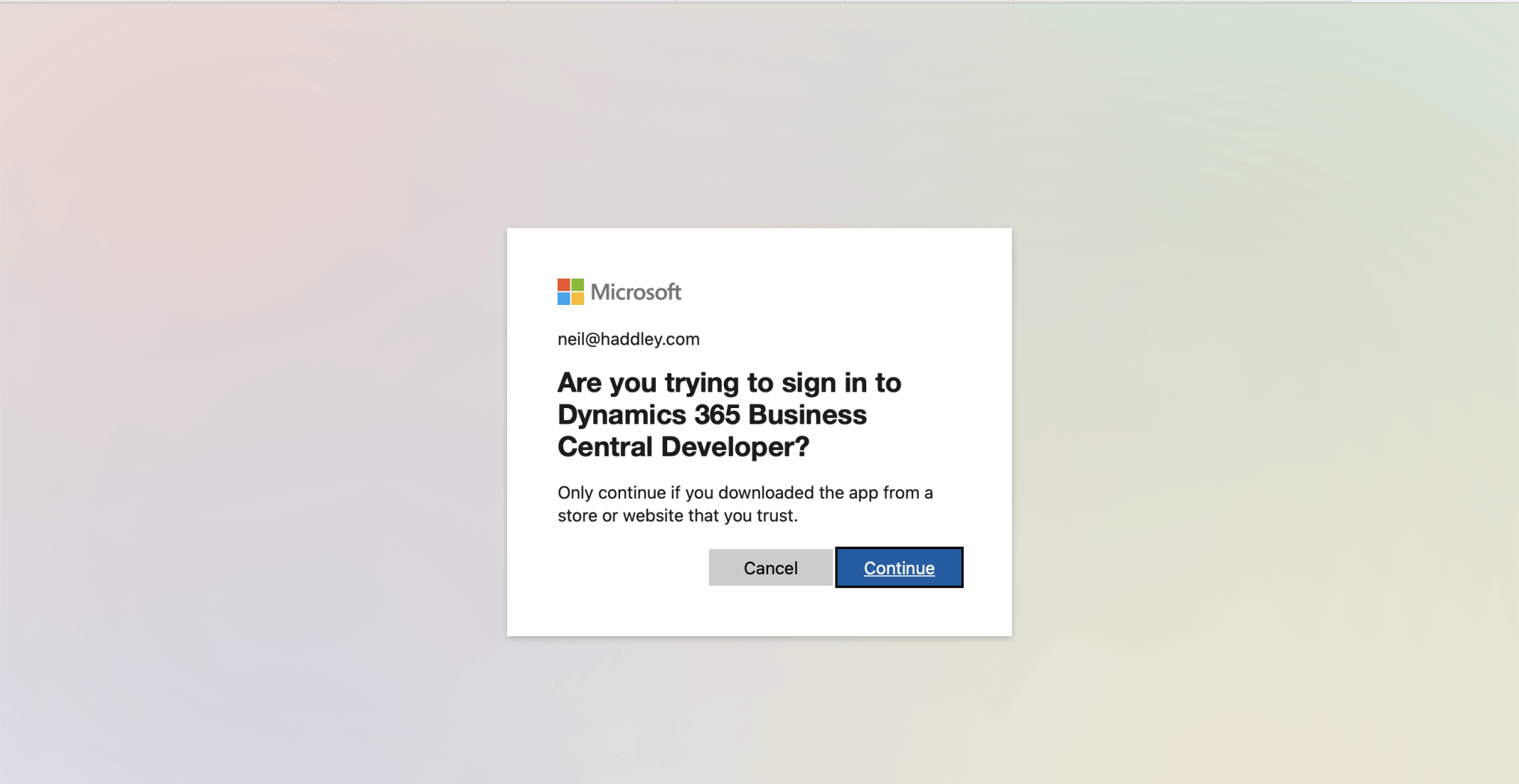
I clicked Continue
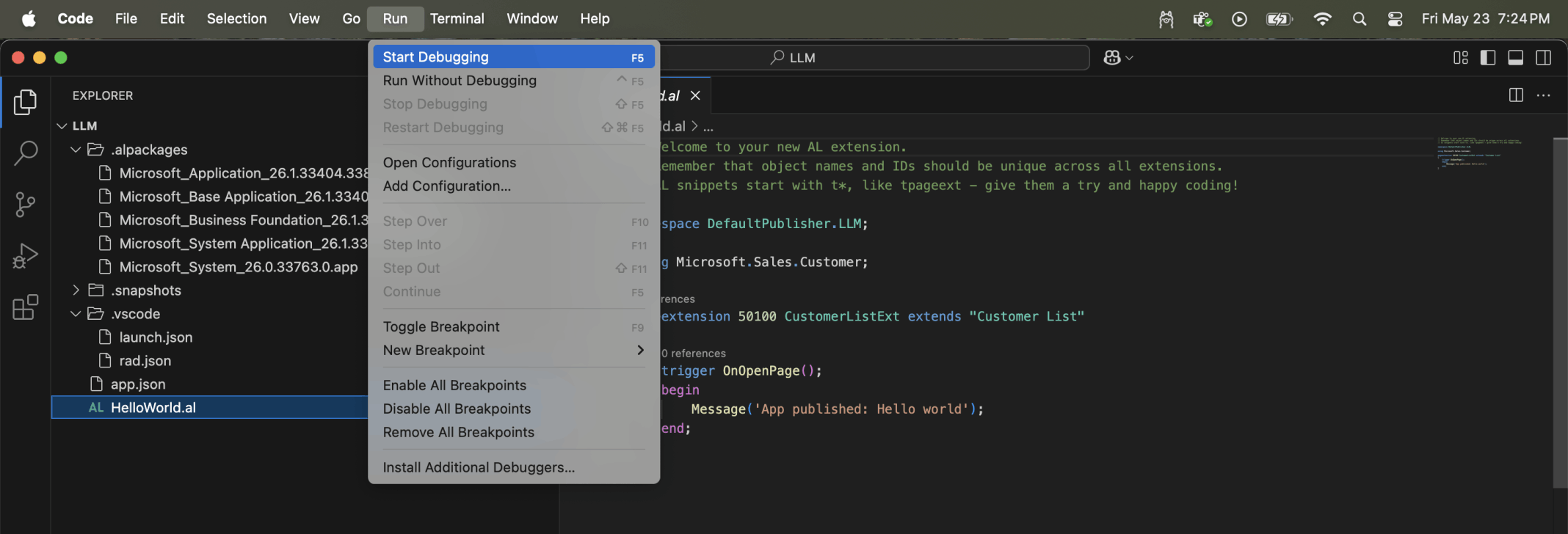
I clicked the Start Debugging menu item
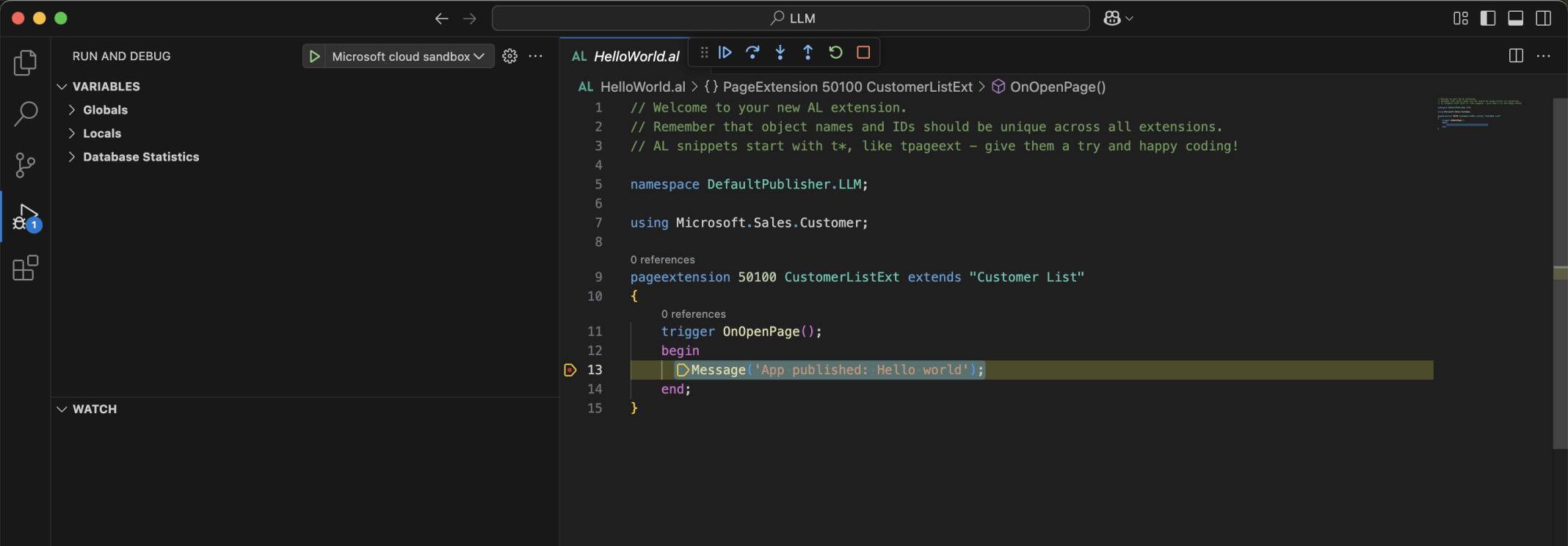
The Debugger stopped on the Message statement. I clicked Continue
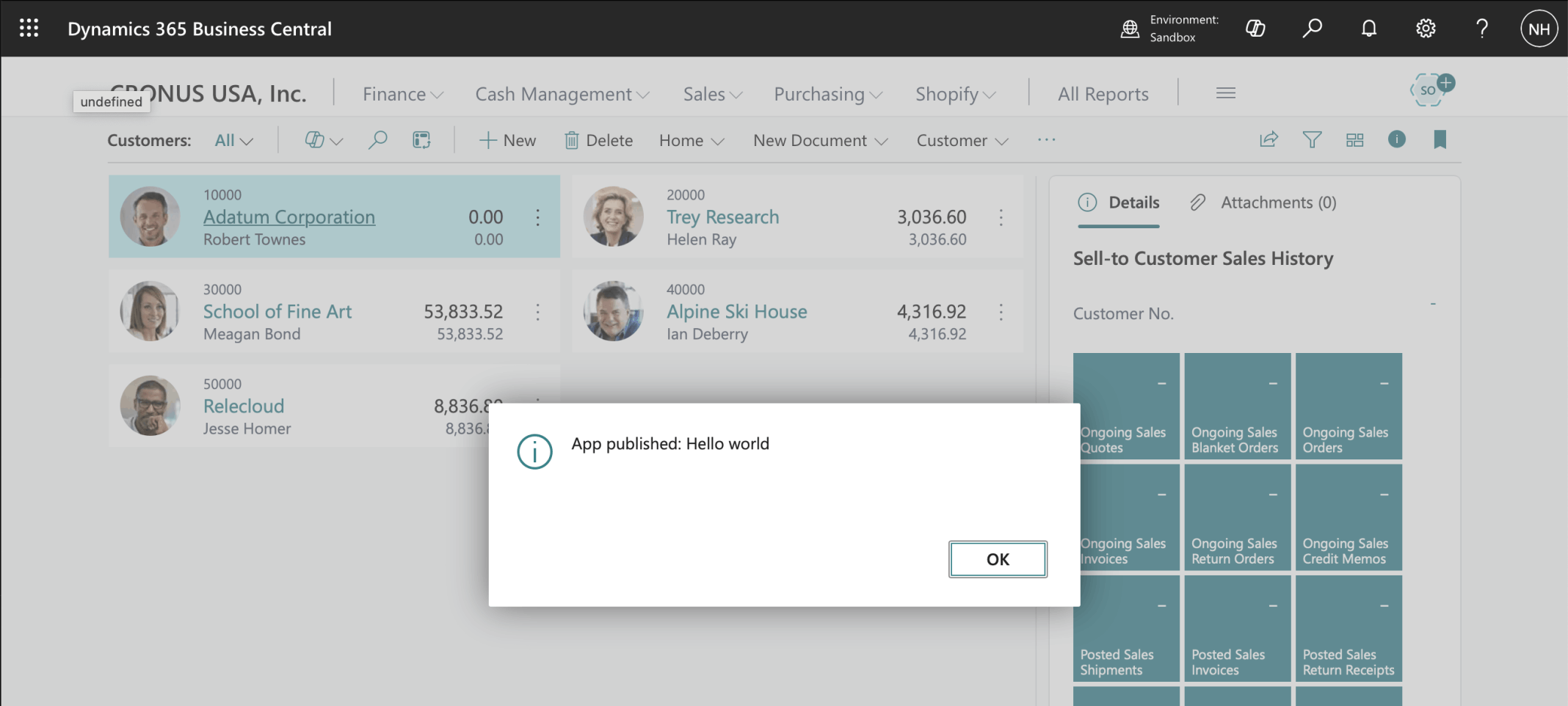
The Message was displayed on the Business Central page
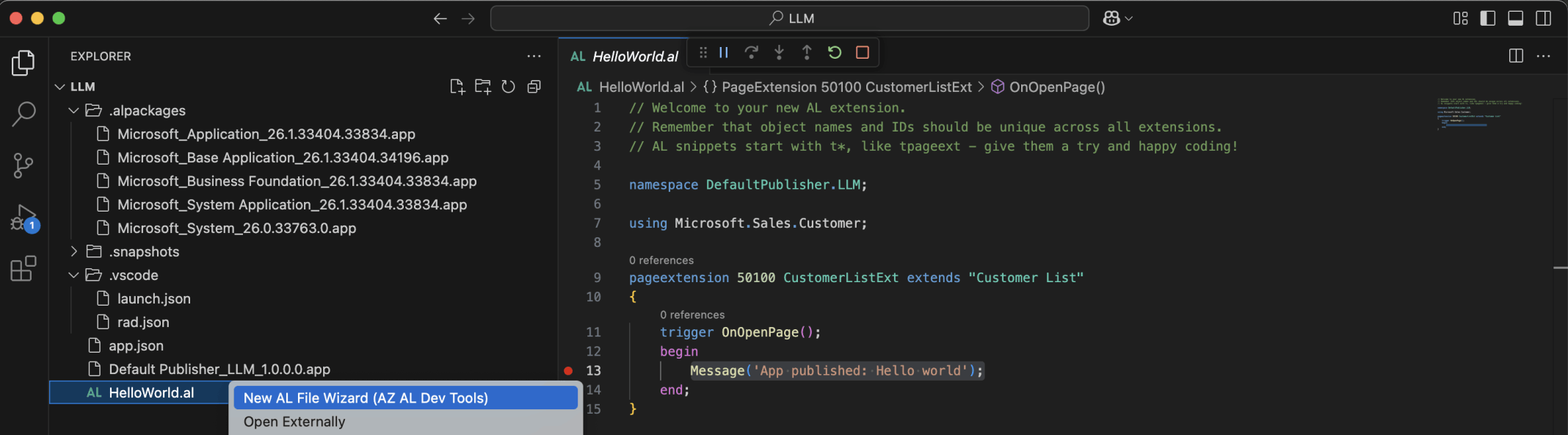
I selected the New AL File Wizard right click menu item

I selected Page
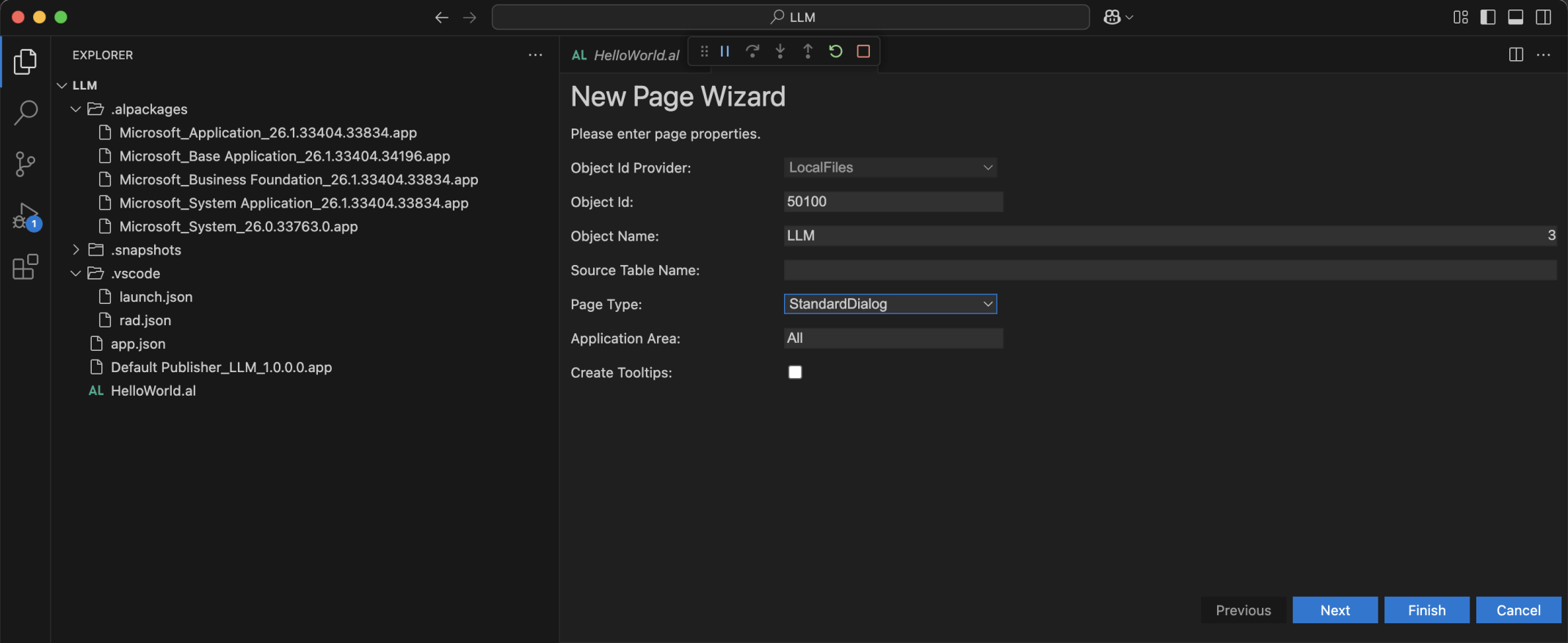
I accepted the Object Id 50100 and entered the page name LLM
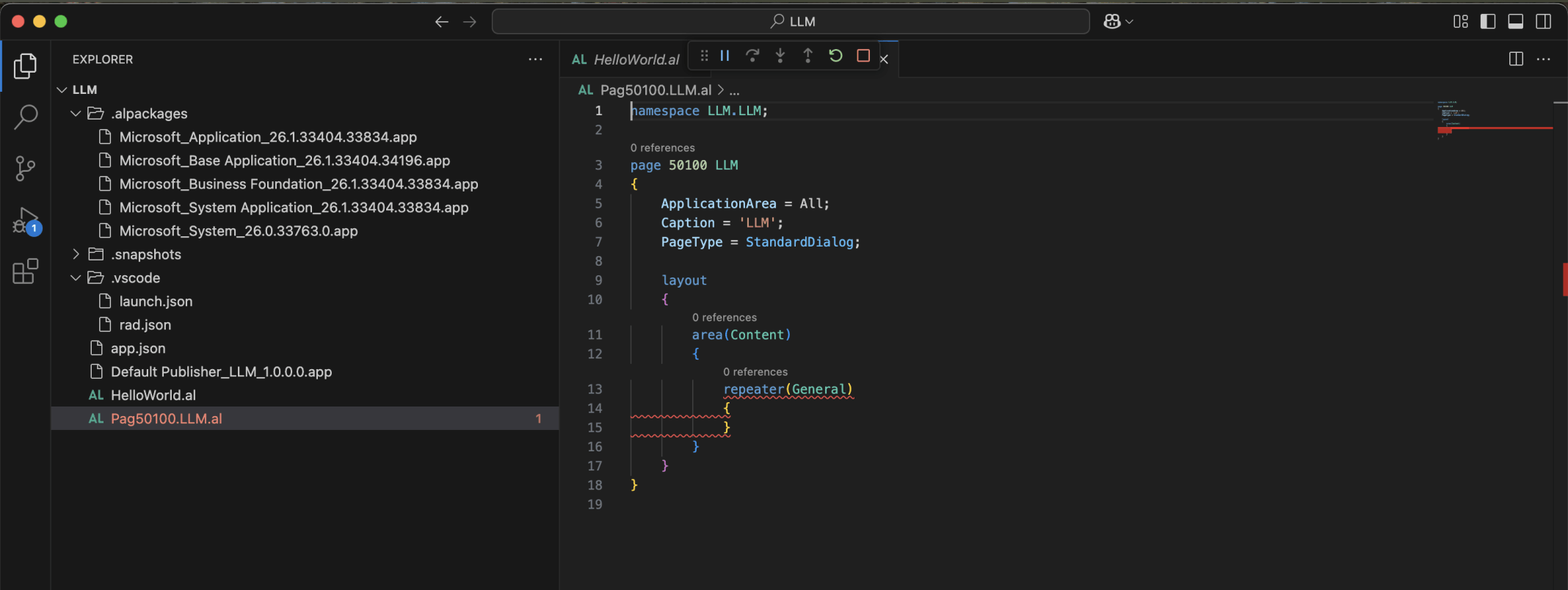
A page was generated
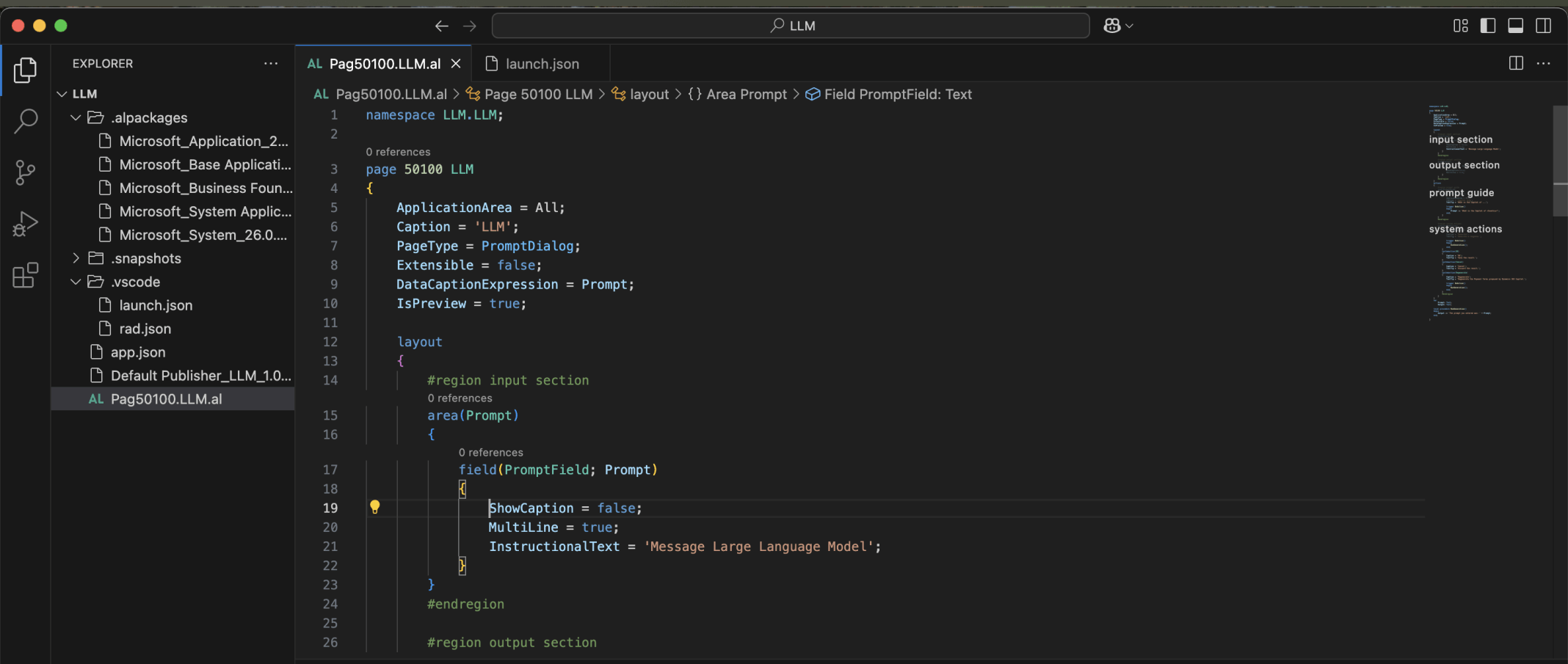
I updated the generated page with Prompt Dialog specific AL code
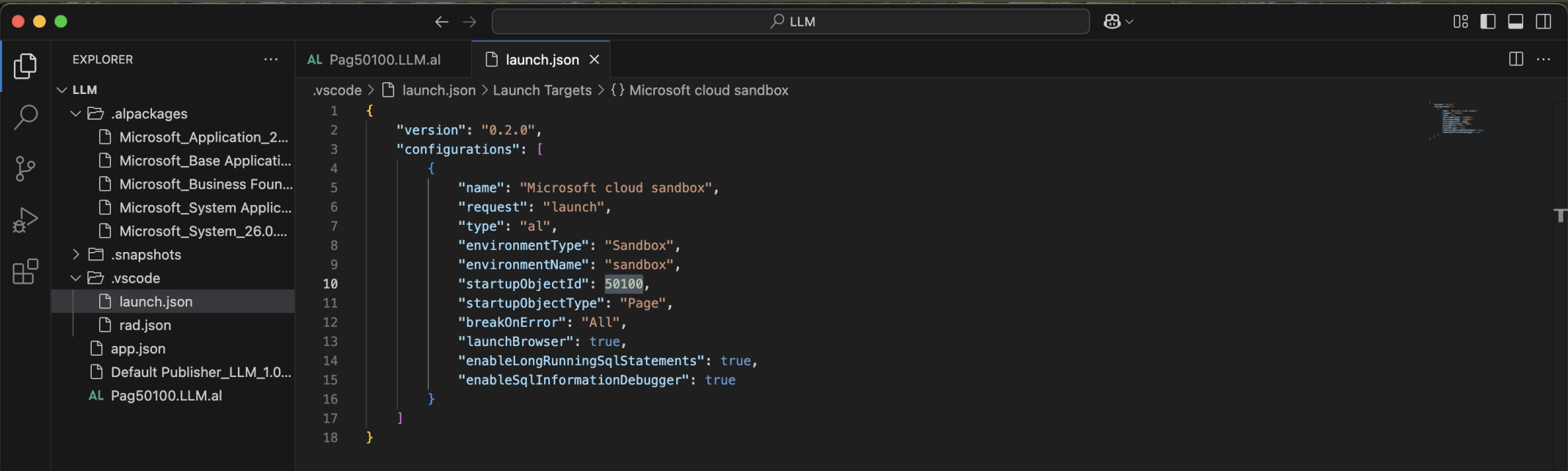
I updated the startupObjectId. I clicked Run | Start Debugging
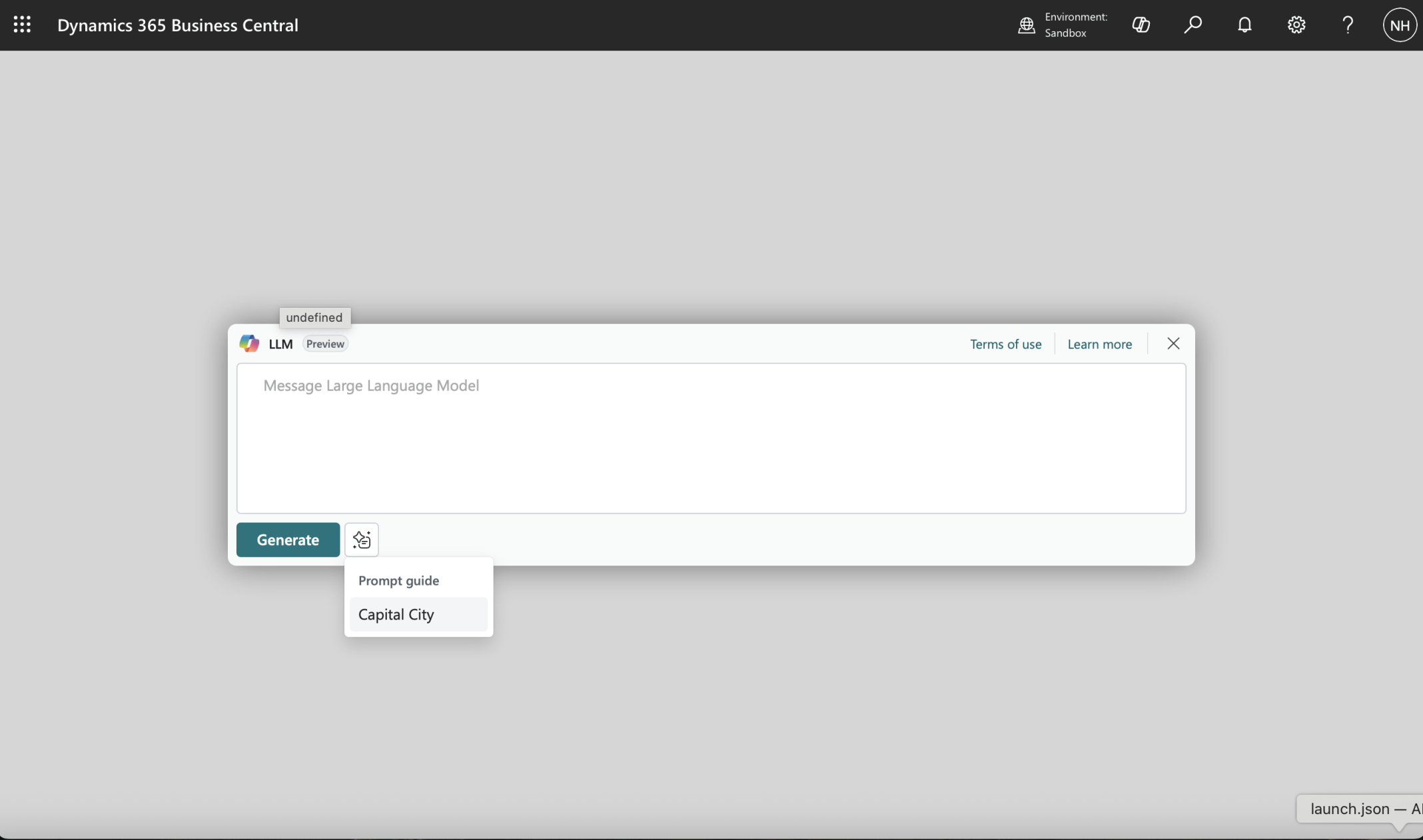
The Prompt Dialog page was displayed. I selected the Capital City item from the Prompt guide
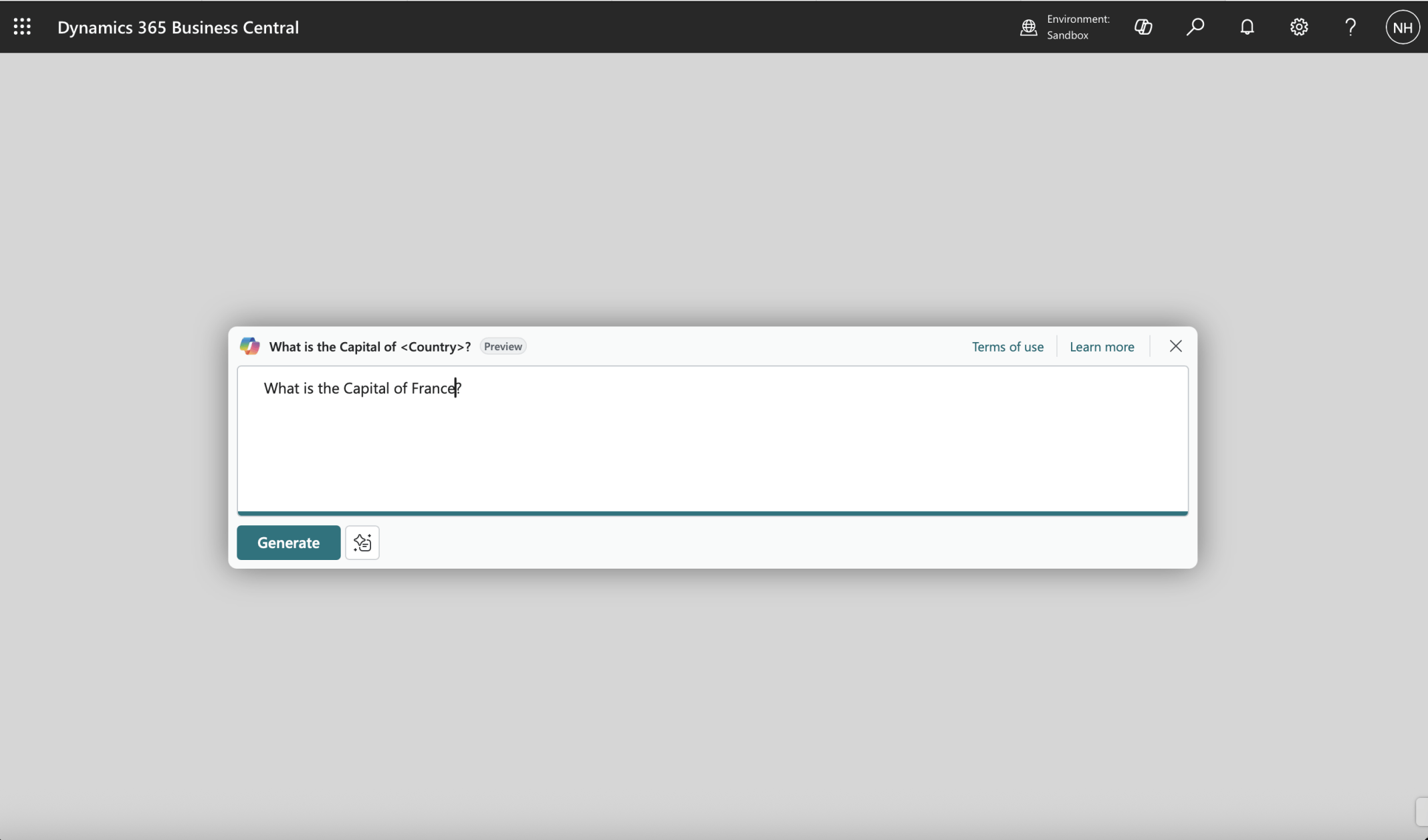
I updated the text to What is the Capital of France? and clicked the Generate button
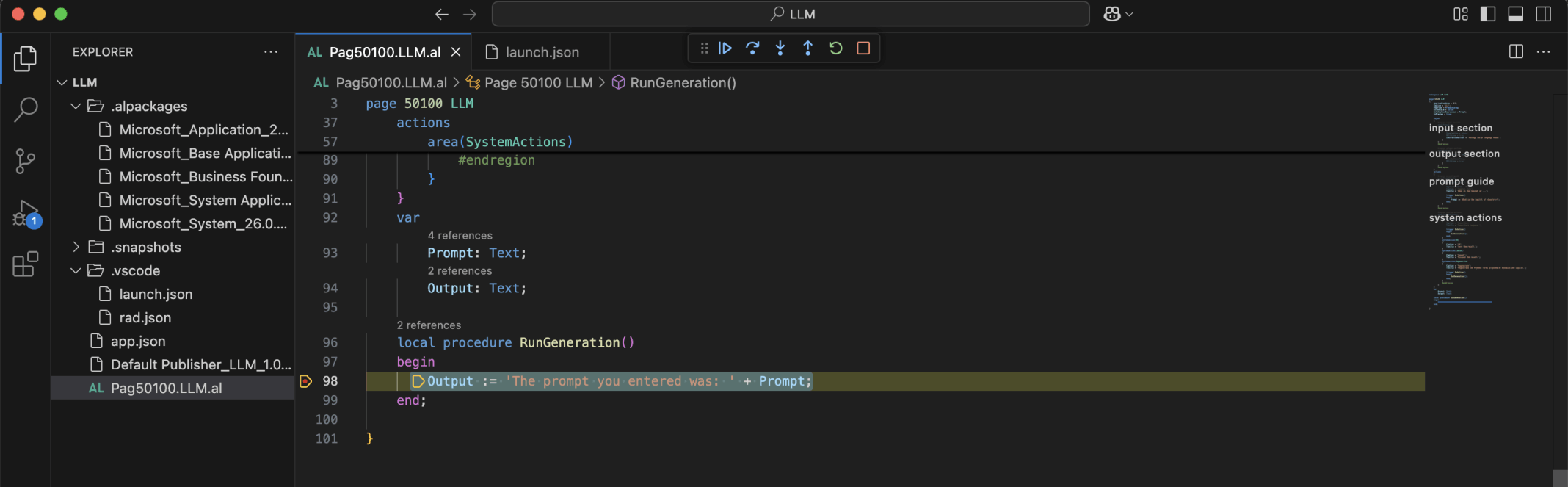
The RunGeneration procedure was executed. This code updated the Output variable/field based on the Prompt
Under the hood: Why this is a good first step
Both the Generate and the Regenerate actions call the same RunGeneration procedure. That means the page, its buttons and the OK and Cancel handling all work before any AI is involved. When I swap the body of RunGeneration for a real model call, nothing else on the page has to change.
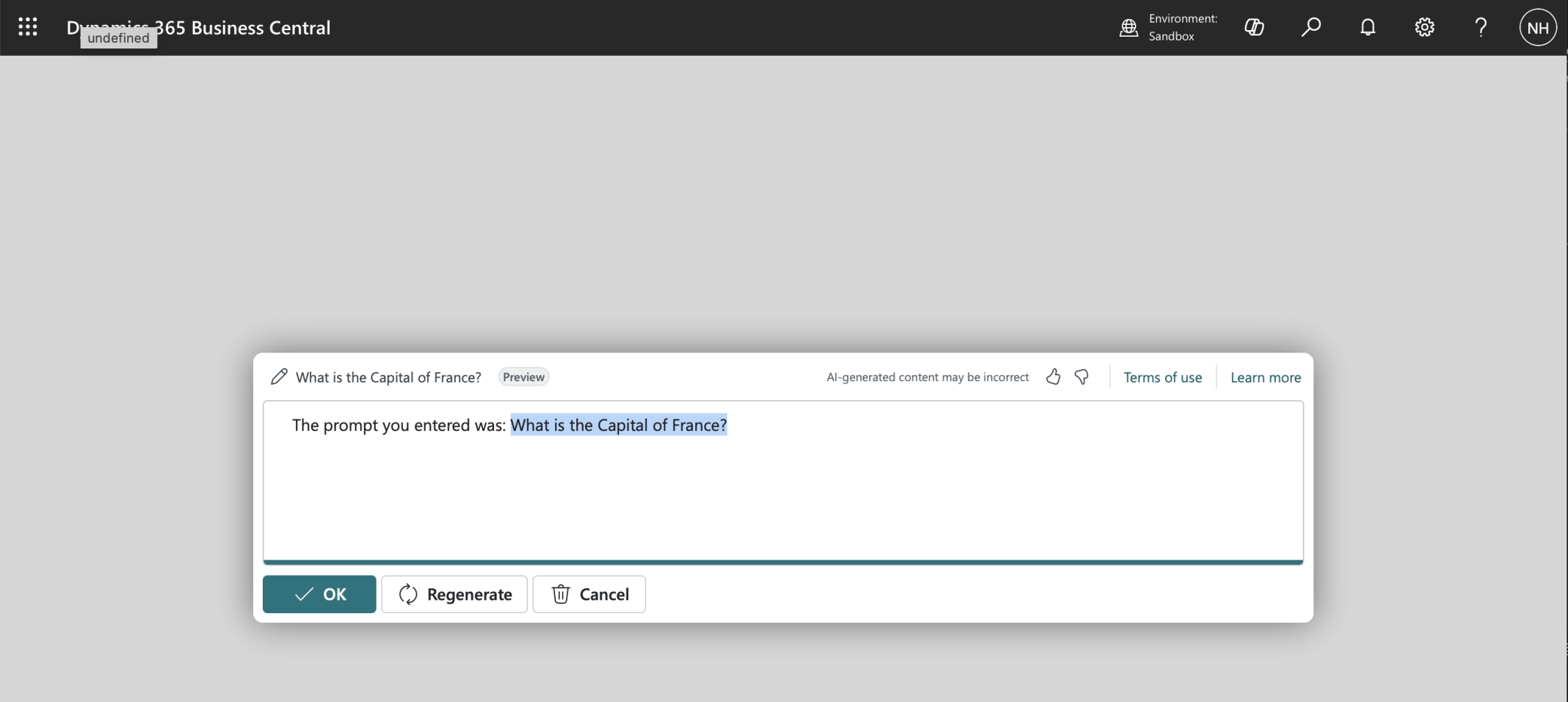
The generated response was displayed
Pag50100.LLM.al
AL
1namespace LLM.LLM;
2
3page 50100 LLM
4{
5    ApplicationArea = All;
6    Caption = 'LLM';
7    PageType = PromptDialog;
8    Extensible = false;
9    DataCaptionExpression = Prompt;
10    IsPreview = true;
11
12    layout
13    {
14        #region input section
15        area(Prompt)
16        {
17            field(PromptField; Prompt)
18            {
19                ShowCaption = false;
20                MultiLine = true;
21                InstructionalText = 'Message Large Language Model';
22            }
23        }
24        #endregion
25
26        #region output section
27        area(Content)
28        {
29            field(OutputFiled; Output)
30            {
31                ShowCaption=false;
32                MultiLine = true;
33            }
34        }
35        #endregion
36    }
37    actions
38    {
39        #region prompt guide
40        area(PromptGuide)
41        {
42            action("Capital City")
43            {
44                ApplicationArea = All;
45                Caption = 'Capital City';
46                ToolTip = 'What is the Capital of ...';
47
48                trigger OnAction()
49                begin
50                    Prompt := 'What is the Capital of <Country>?';
51                end;
52            }
53        }
54        #endregion
55
56        #region system actions
57        area(SystemActions)
58        {
59            systemaction(Generate)
60            {
61                Caption = 'Generate';
62                ToolTip = 'Generate a response.';
63
64                trigger OnAction()
65                begin
66                    RunGeneration();
67                end;
68            }
69            systemaction(OK)
70            {
71                Caption = 'OK';
72                ToolTip = 'Save the result.';
73            }
74            systemaction(Cancel)
75            {
76                Caption = 'Cancel';
77                ToolTip = 'Discard the result.';
78            }
79            systemaction(Regenerate)
80            {
81                Caption = 'Regenerate';
82                ToolTip = 'Regenerate a response.';
83
84                trigger OnAction()
85                begin
86                    RunGeneration();
87                end;
88            }
89            #endregion
90        }
91    }
92    var
93        Prompt: Text;
94        Output: Text;
95
96    local procedure RunGeneration()
97    begin
98        Output := 'The prompt you entered was: ' + Prompt;
99    end;
100
101}