Prompt Flow (Part 5)
Neil Haddley • September 1, 2024
Quick start
I used Prompt flow and LangChain to create and deploy an AI application.
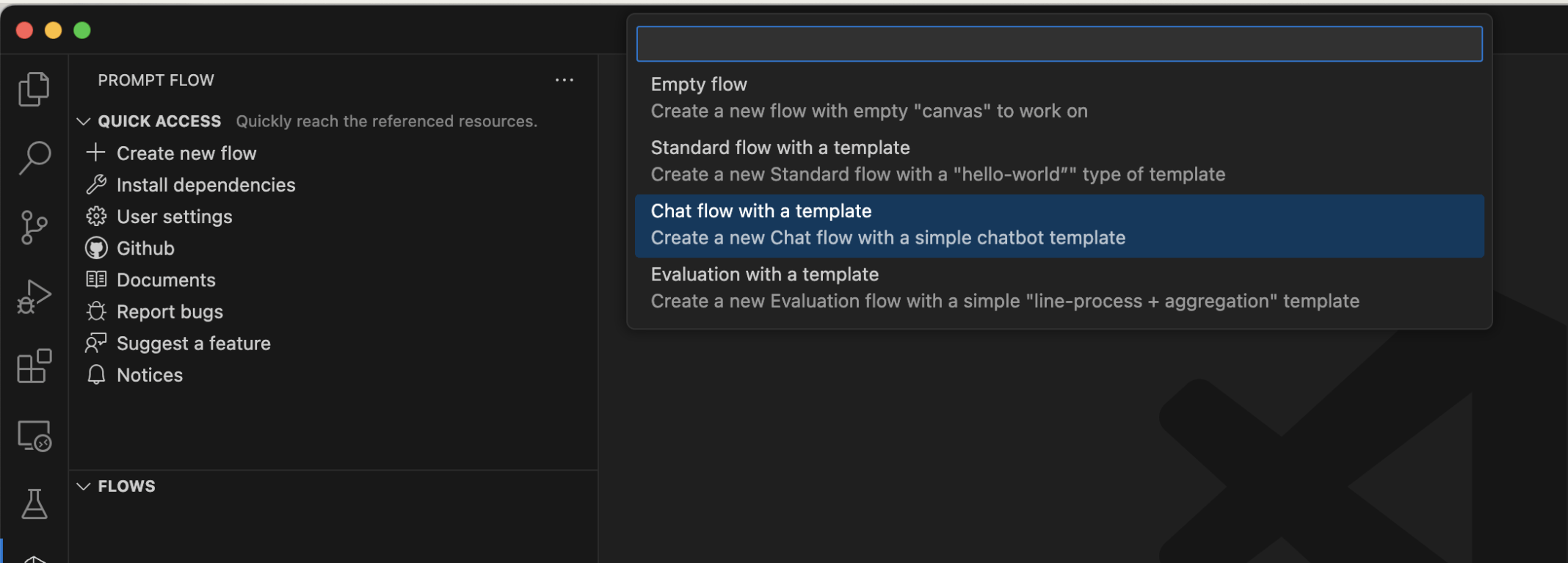
I used the Prompt Flow extension to create a Chat flow
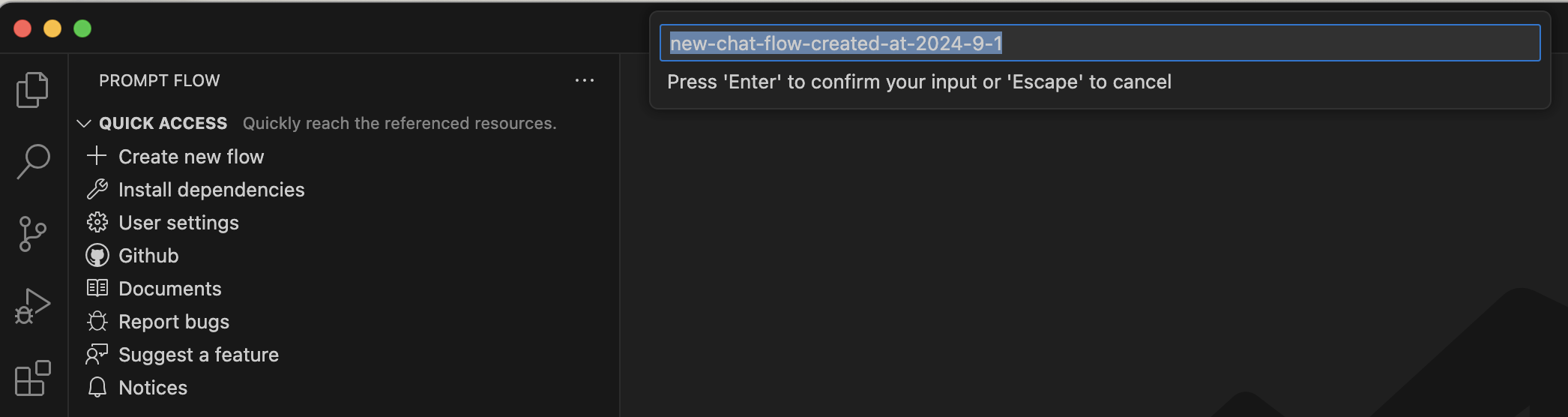
I accepted the default flow name
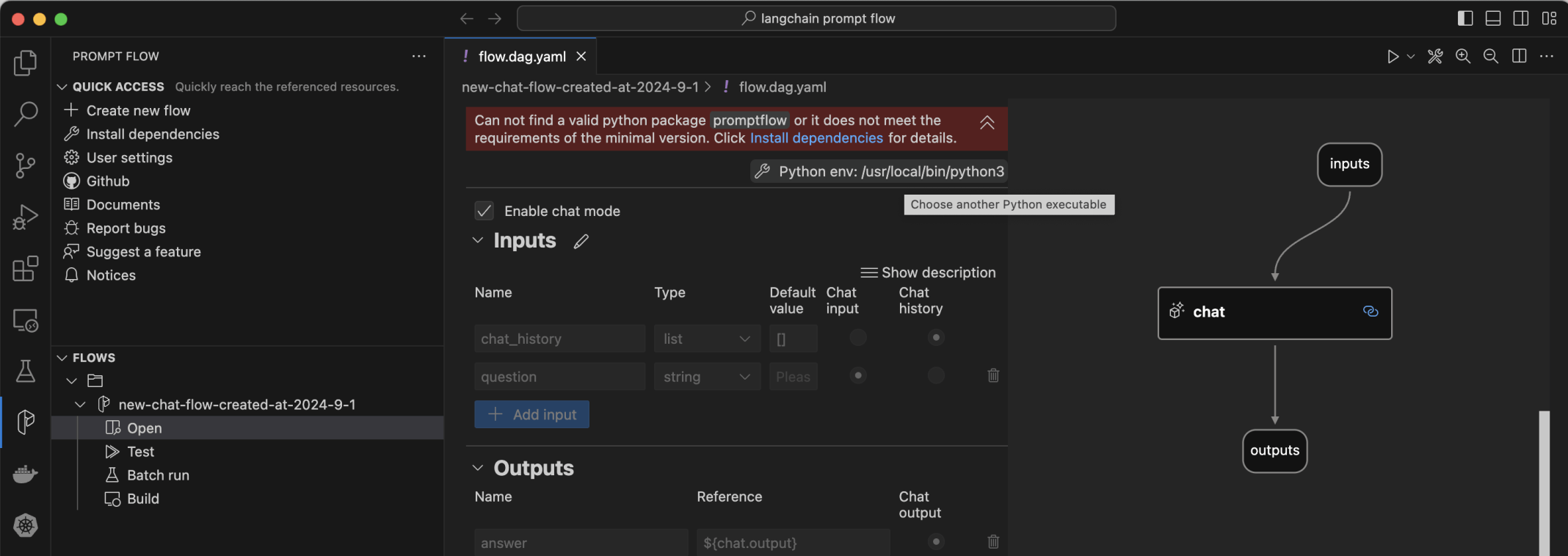
I clicked the Open menu item
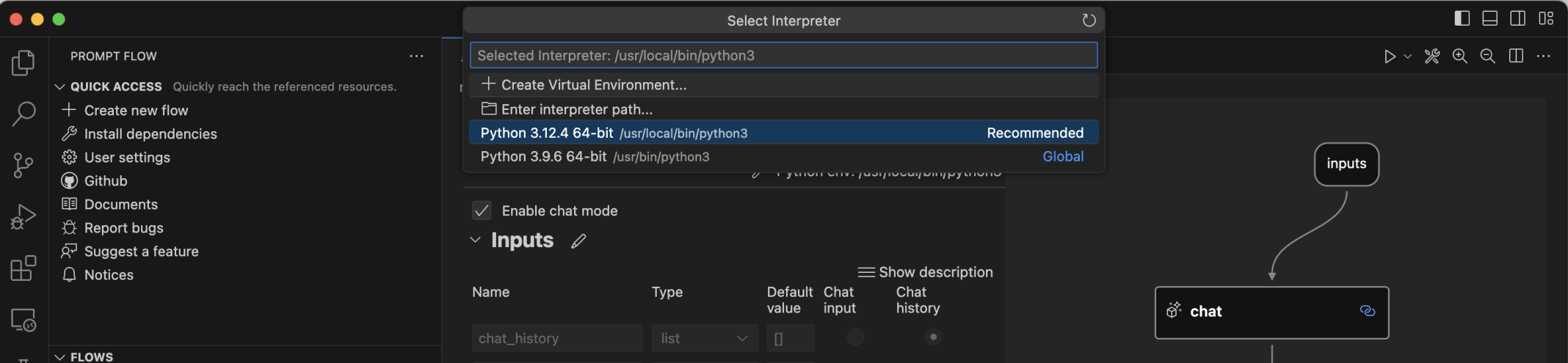
I selected the + Create Virtual Environment... menu item

I selected the Venv option

I selected the Python version 3.12.4

I selected the generated requirements.txt file

I (briefly) selected the Global environment

I selected the .venv environment again

The "Can not find a valid python package" error was fixedI selected an exiting connection and the gpt-3.5-turbo large language model

I tried to test the flow

An error message showed that the "promptflow-tools" package was required
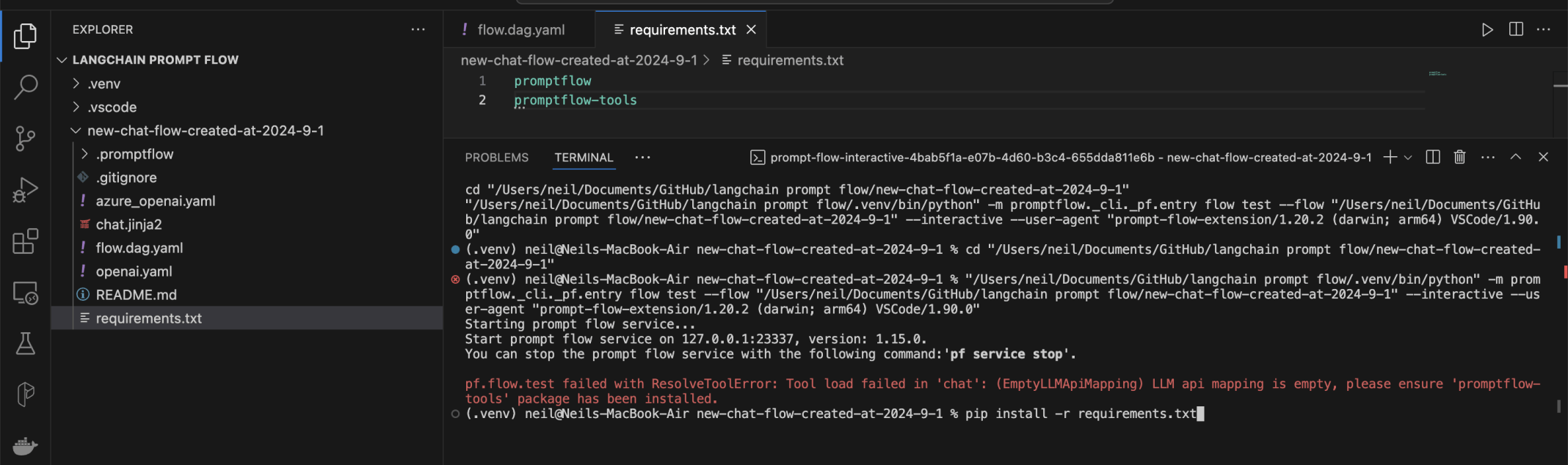
I added promptflow-tools to the requirements.txt file and ran pip install.
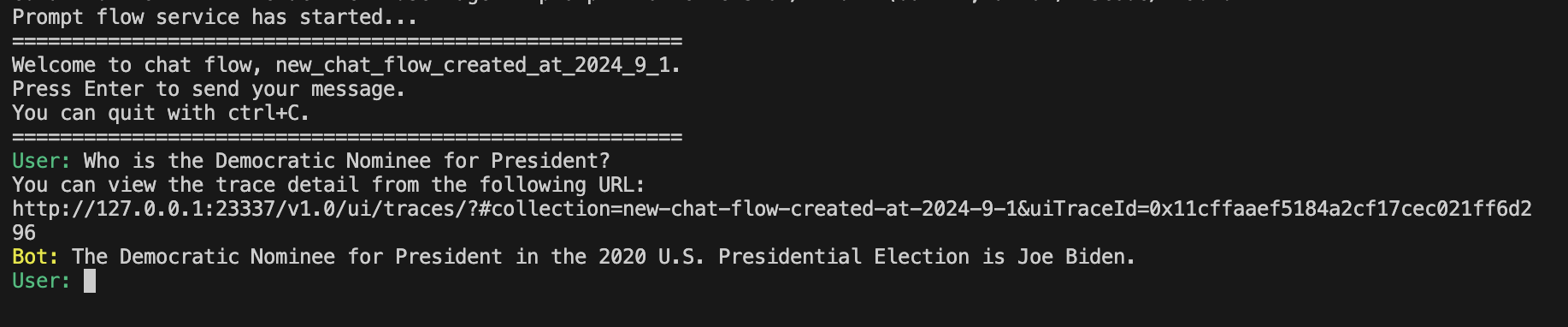
I tested the flow asking who the Democratic Nominee for Present was. The large language model was unable to provide an up-to-date answer

I added a new node

I selected Python

I accepted the generated name

I asked for a new file
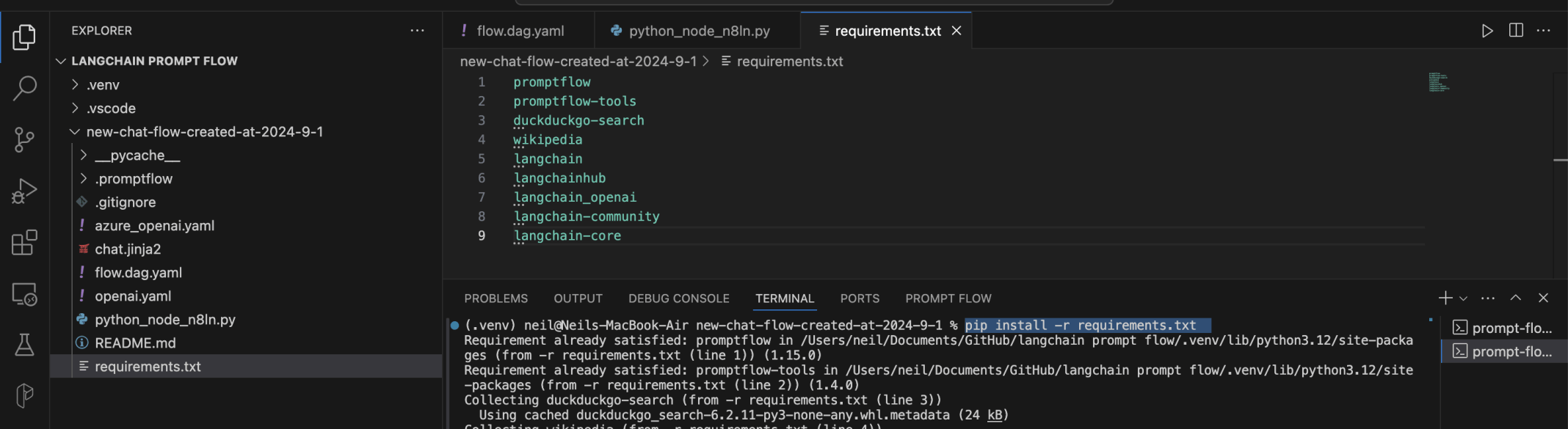
I added more packages to the requirements.txt file
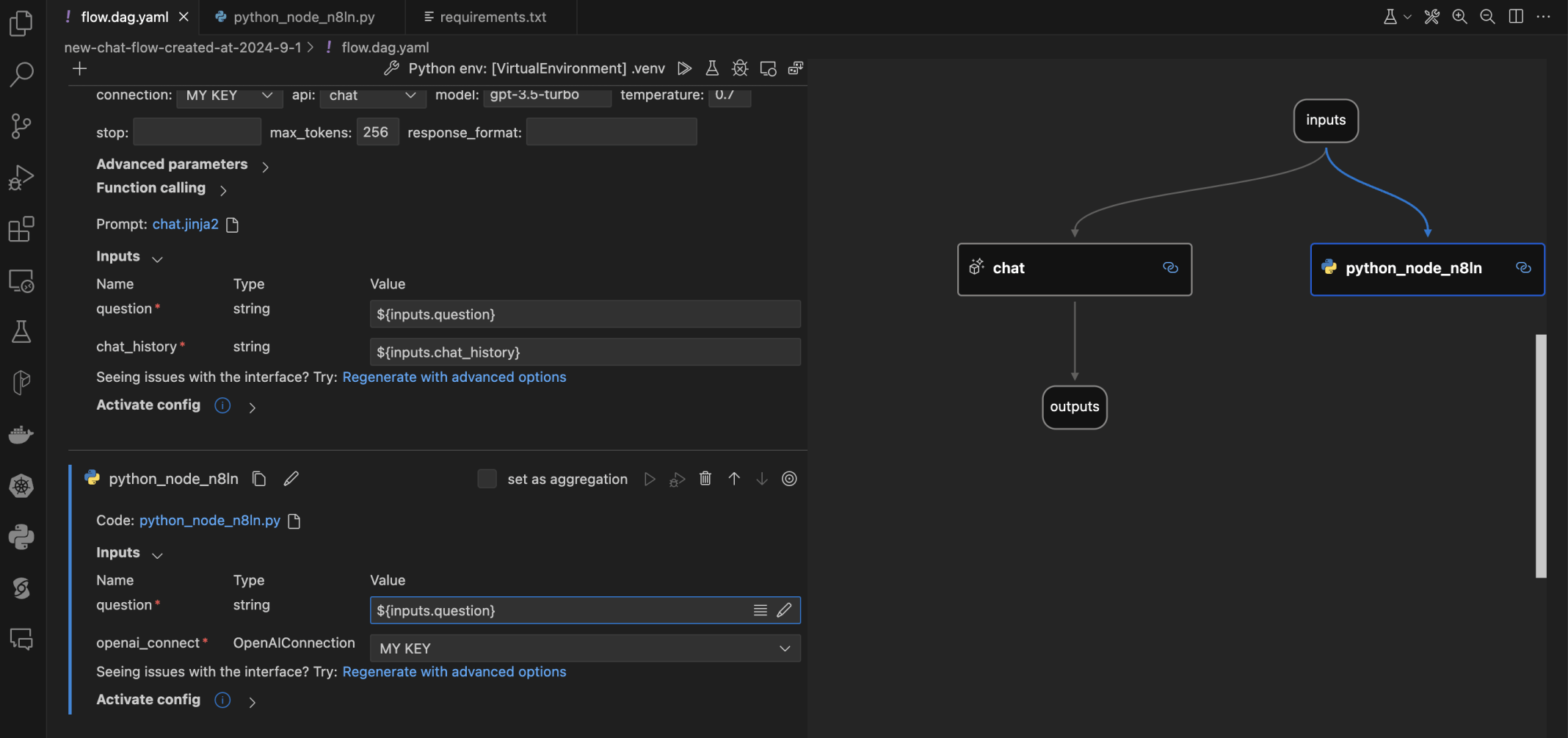
I set the Python node's inputs
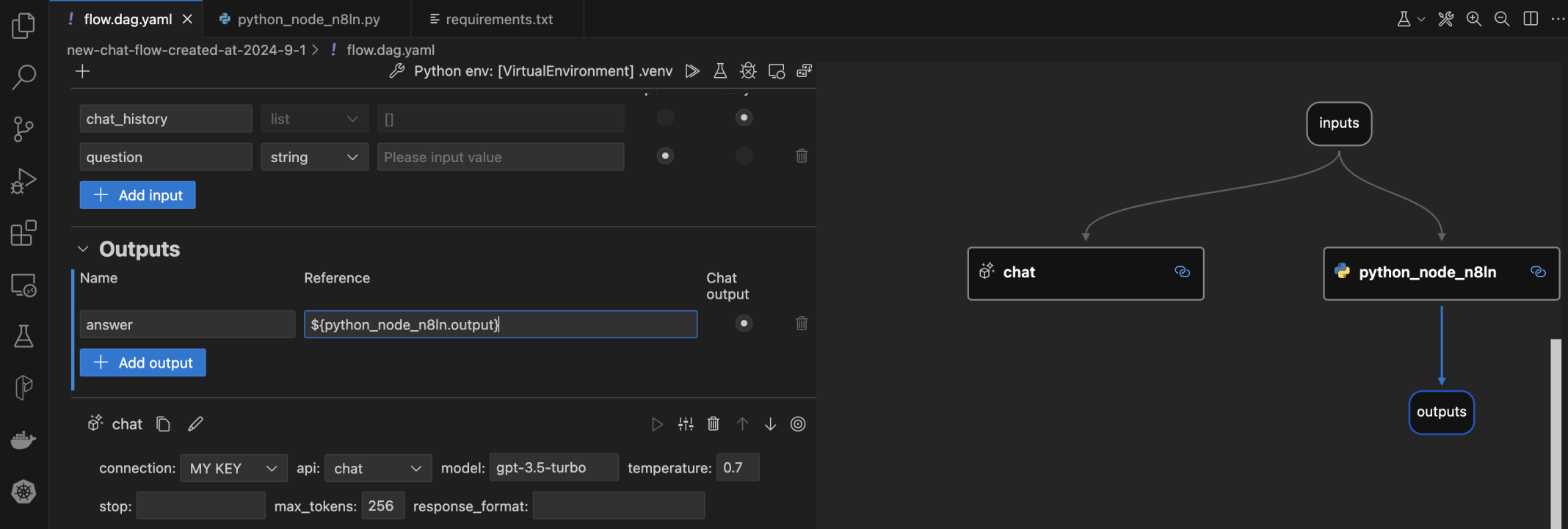
I set the outputs's input
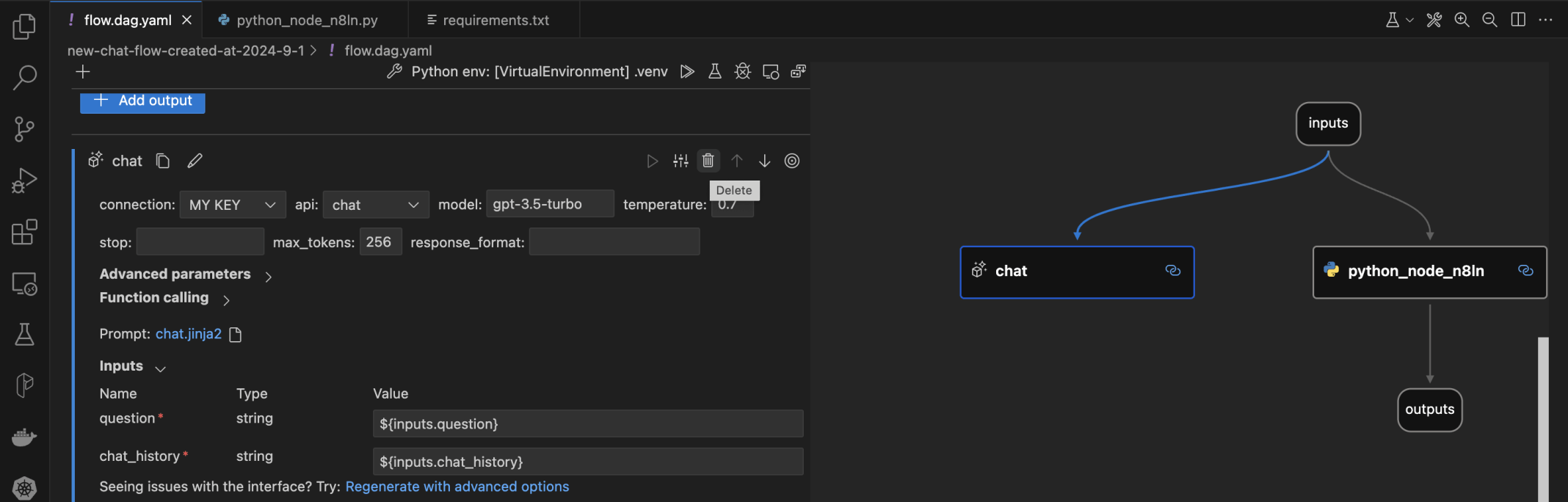
I removed the chat node
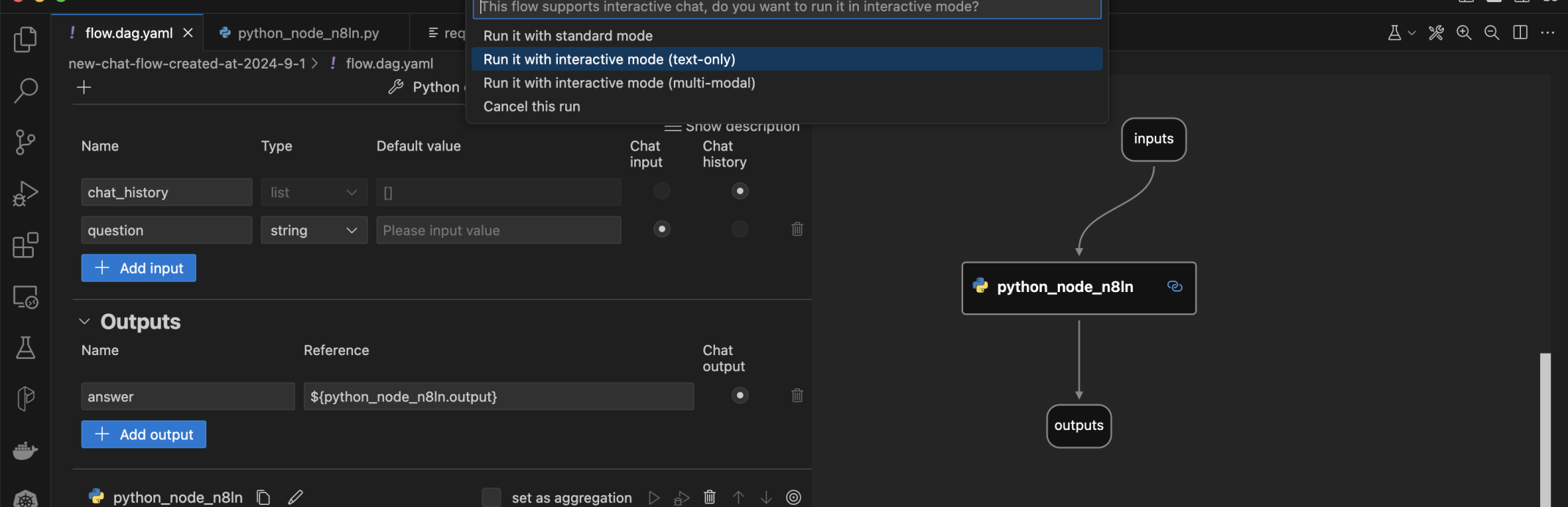
I tested the updated flow
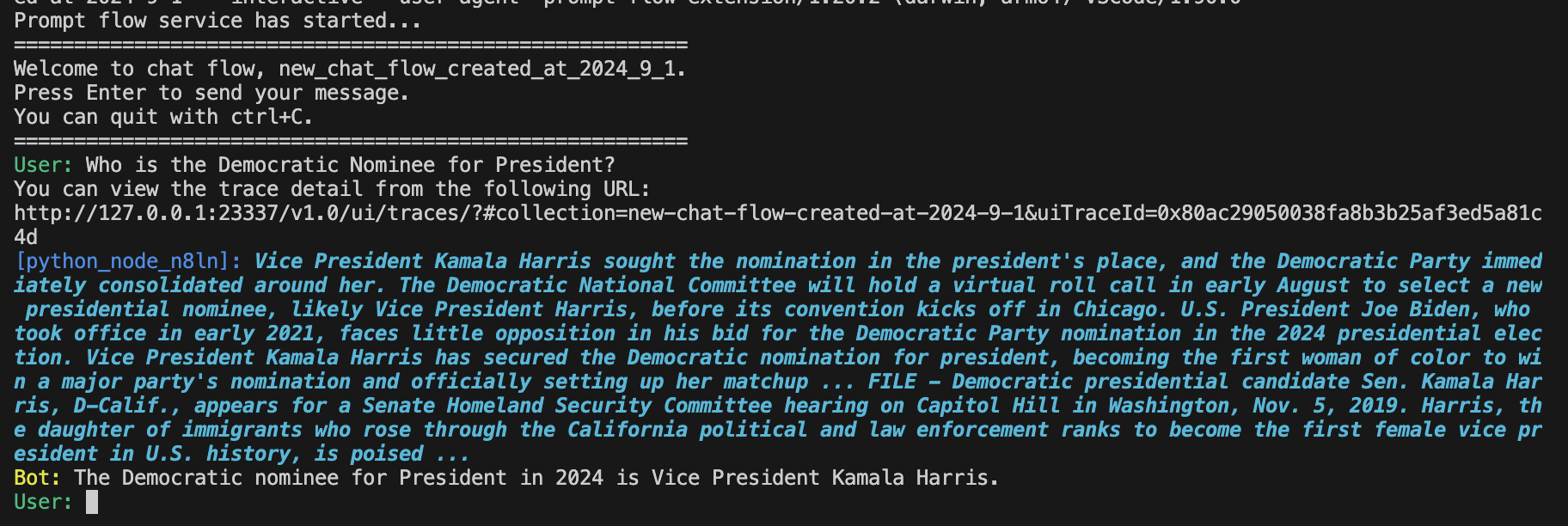
The flow was able to provide an up-to-date response
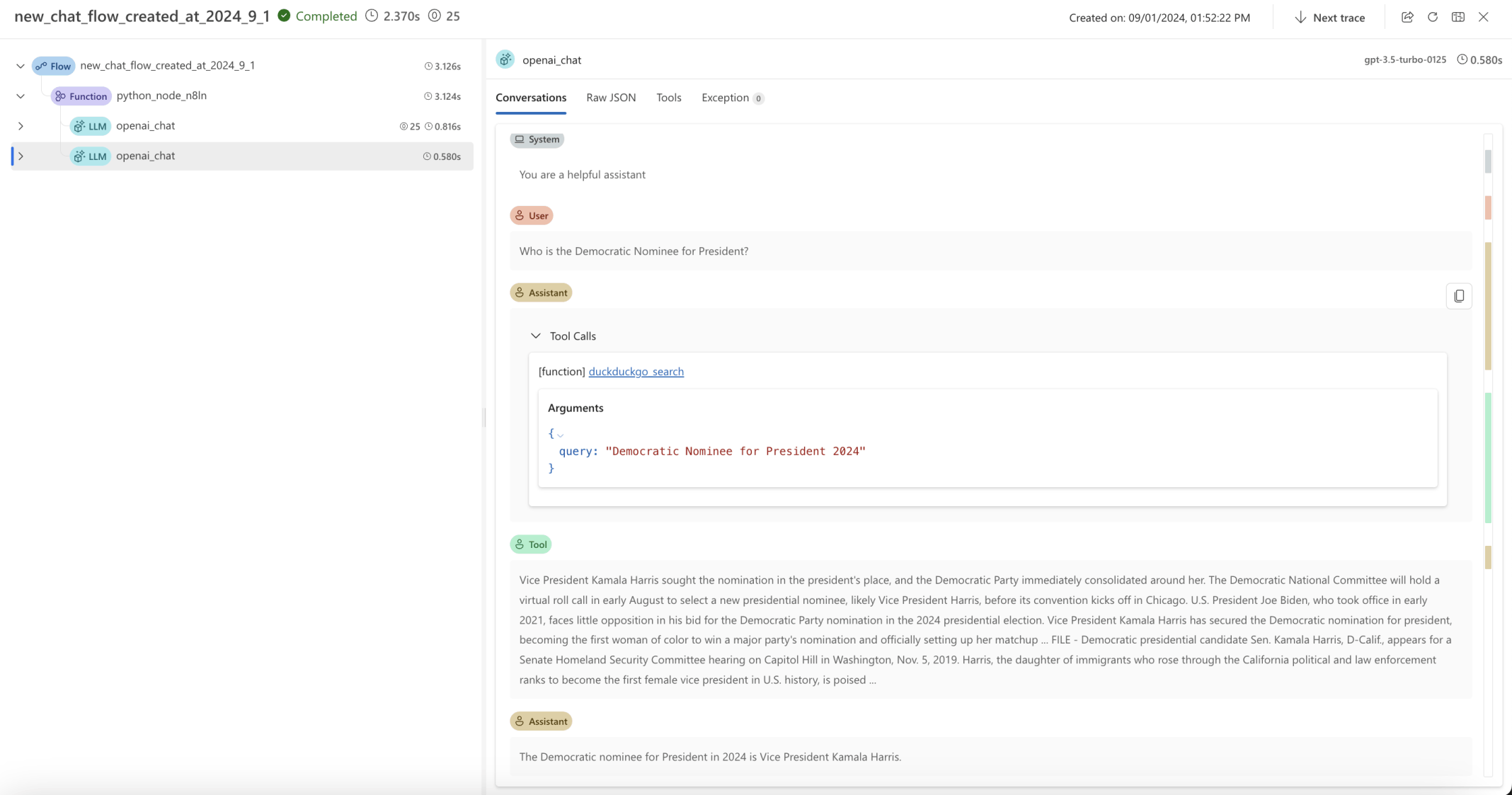
I also explored using the DuckDuckGo search tool
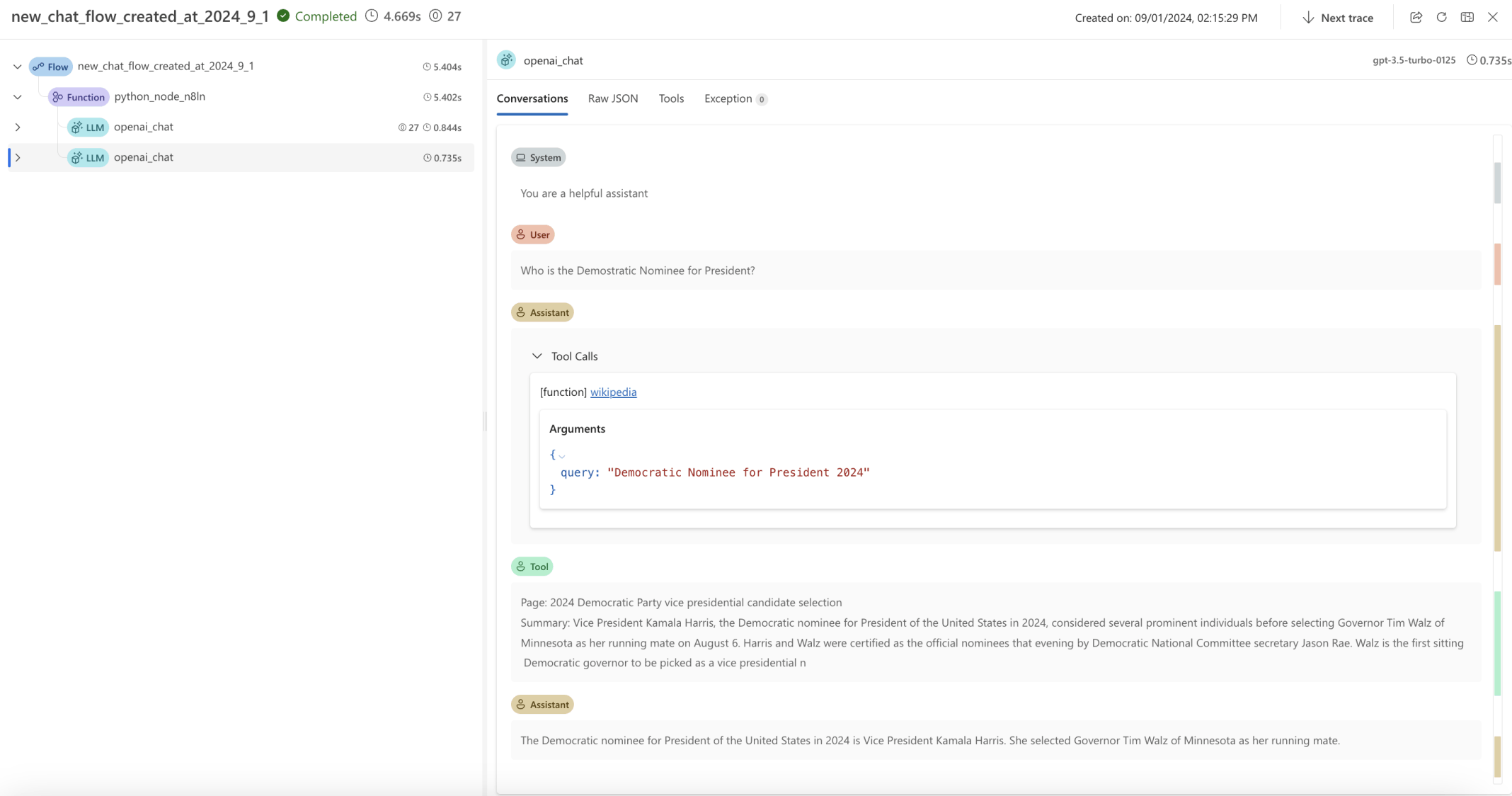
I also explored using the Wikipedia tool

I selected the Build as docker menu item
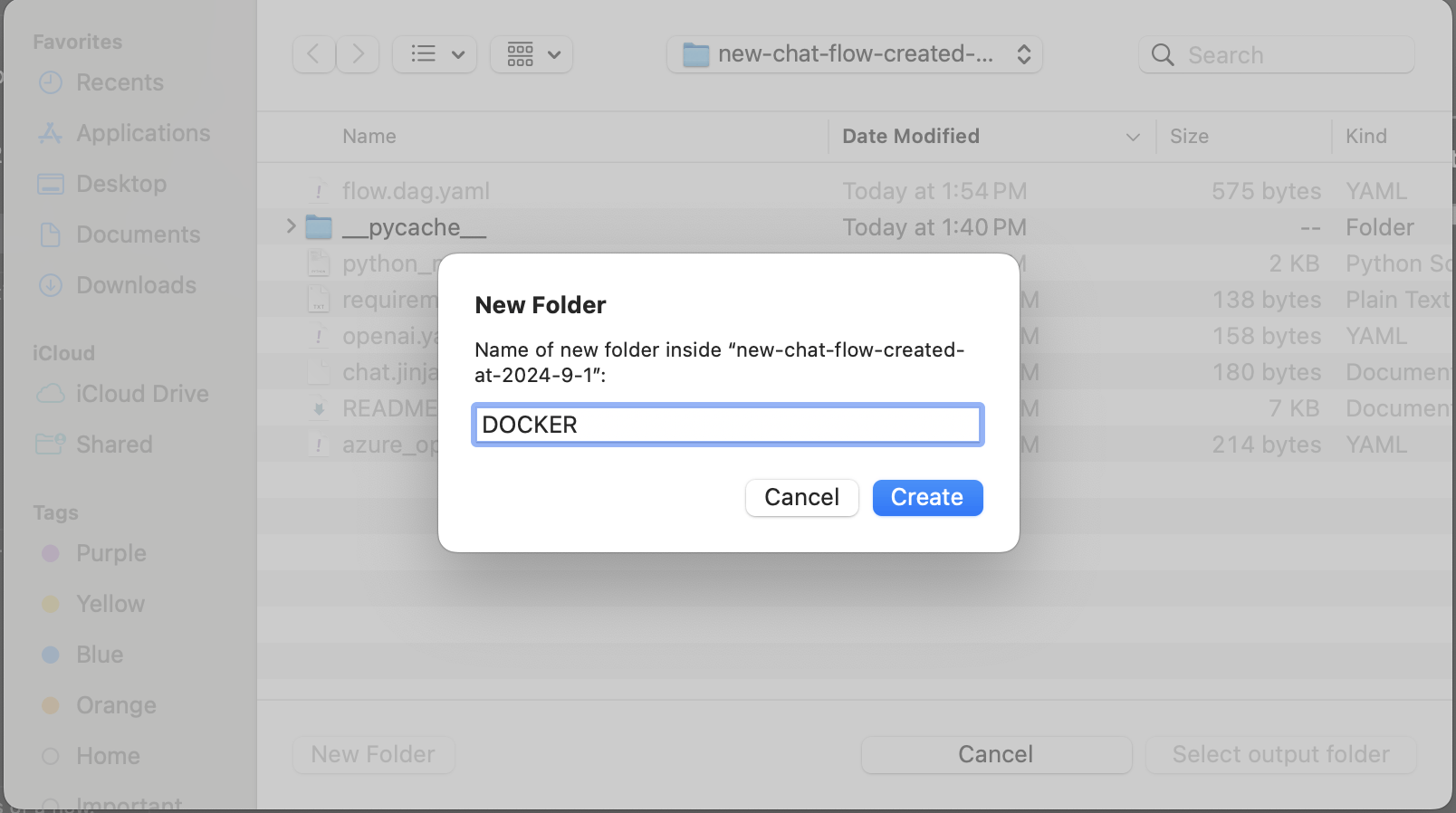
I created a DOCKER folder
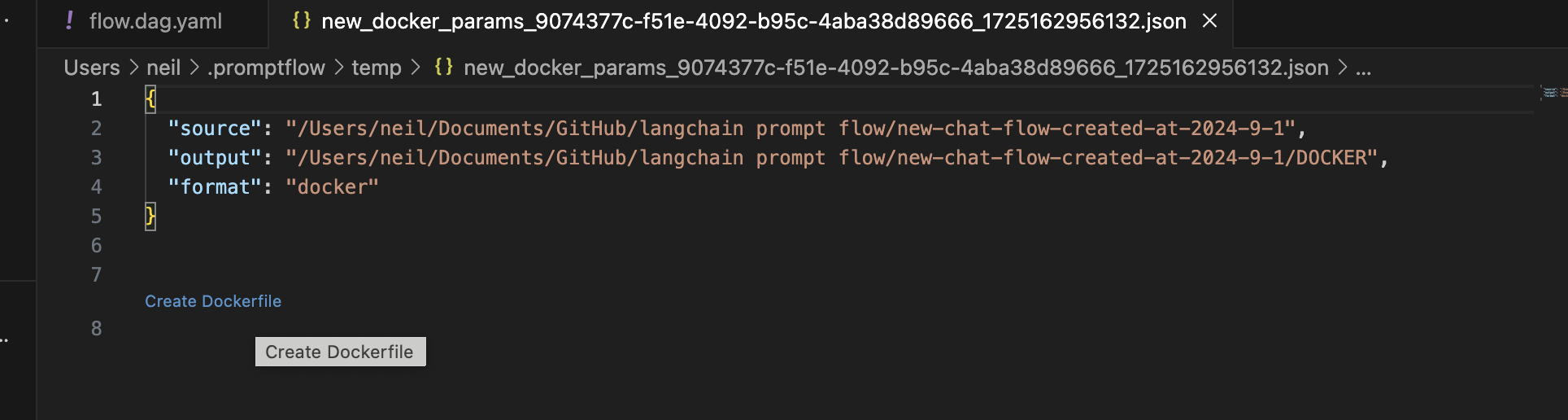
I clicked on the Create Dockerfile link
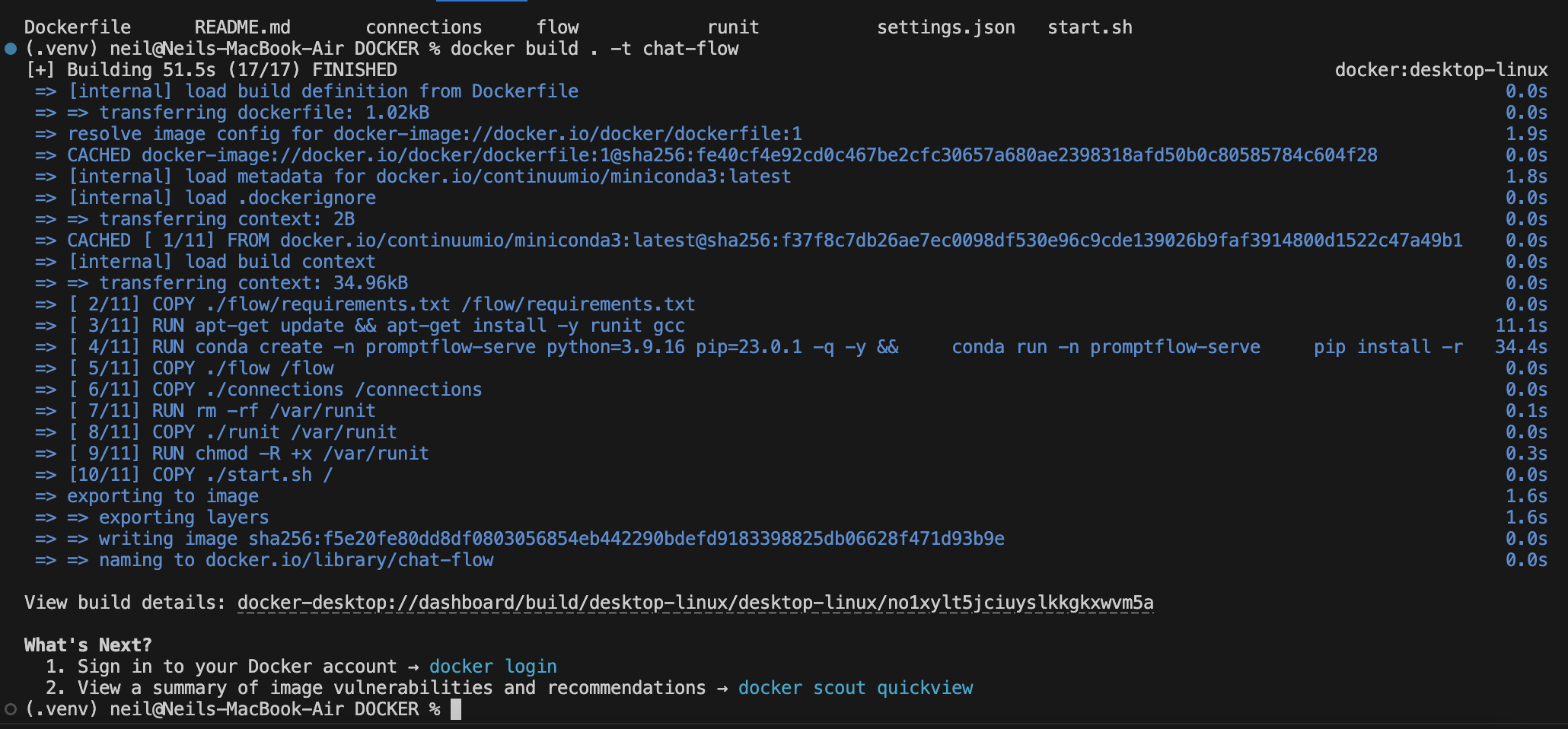
I navigated into the DOCKER directory and used docker build to create a docker image
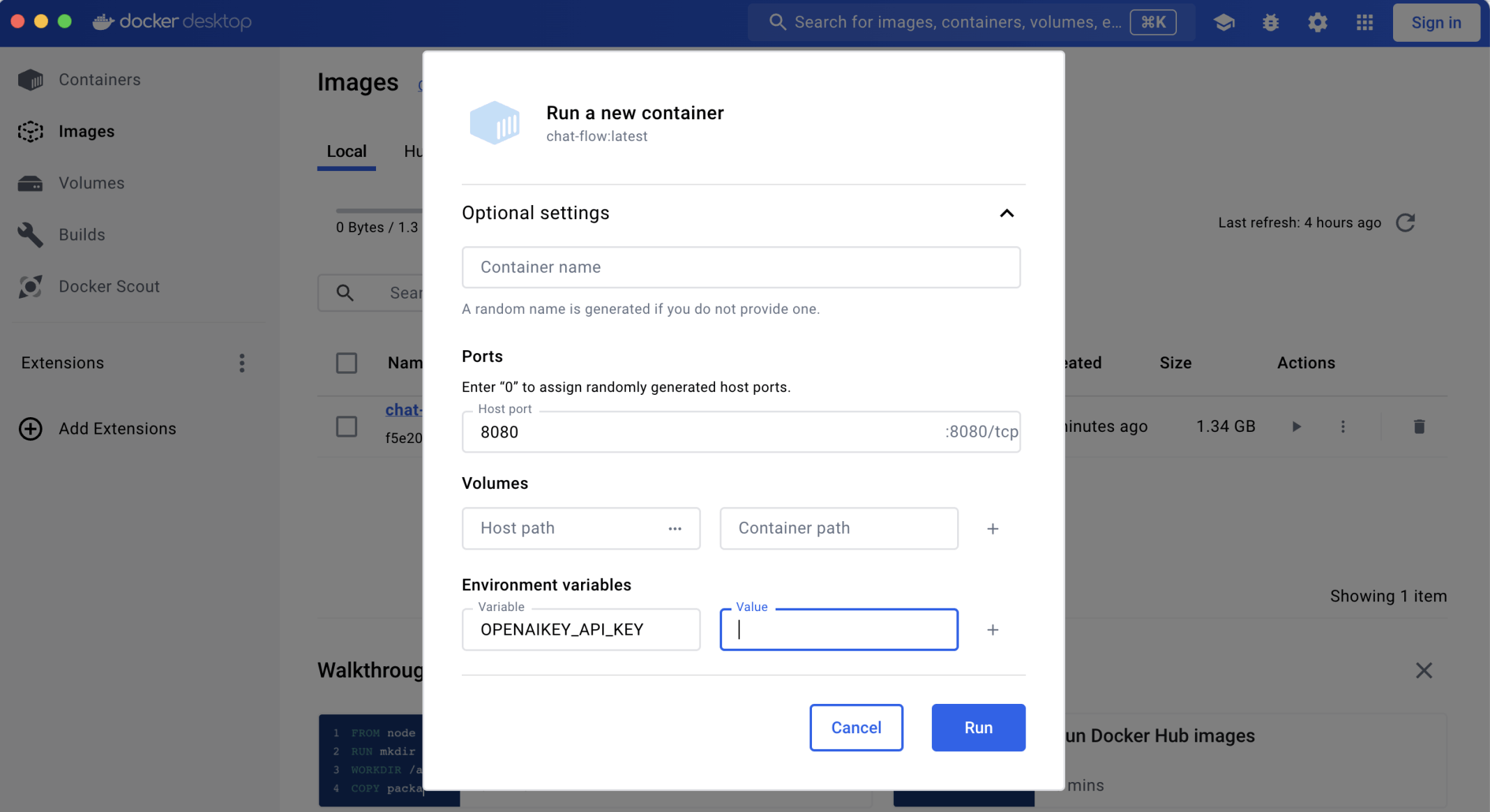
I used Docker Desktop to create a container based on the new Docker image I specified a local port 8080 and an OpenAI key
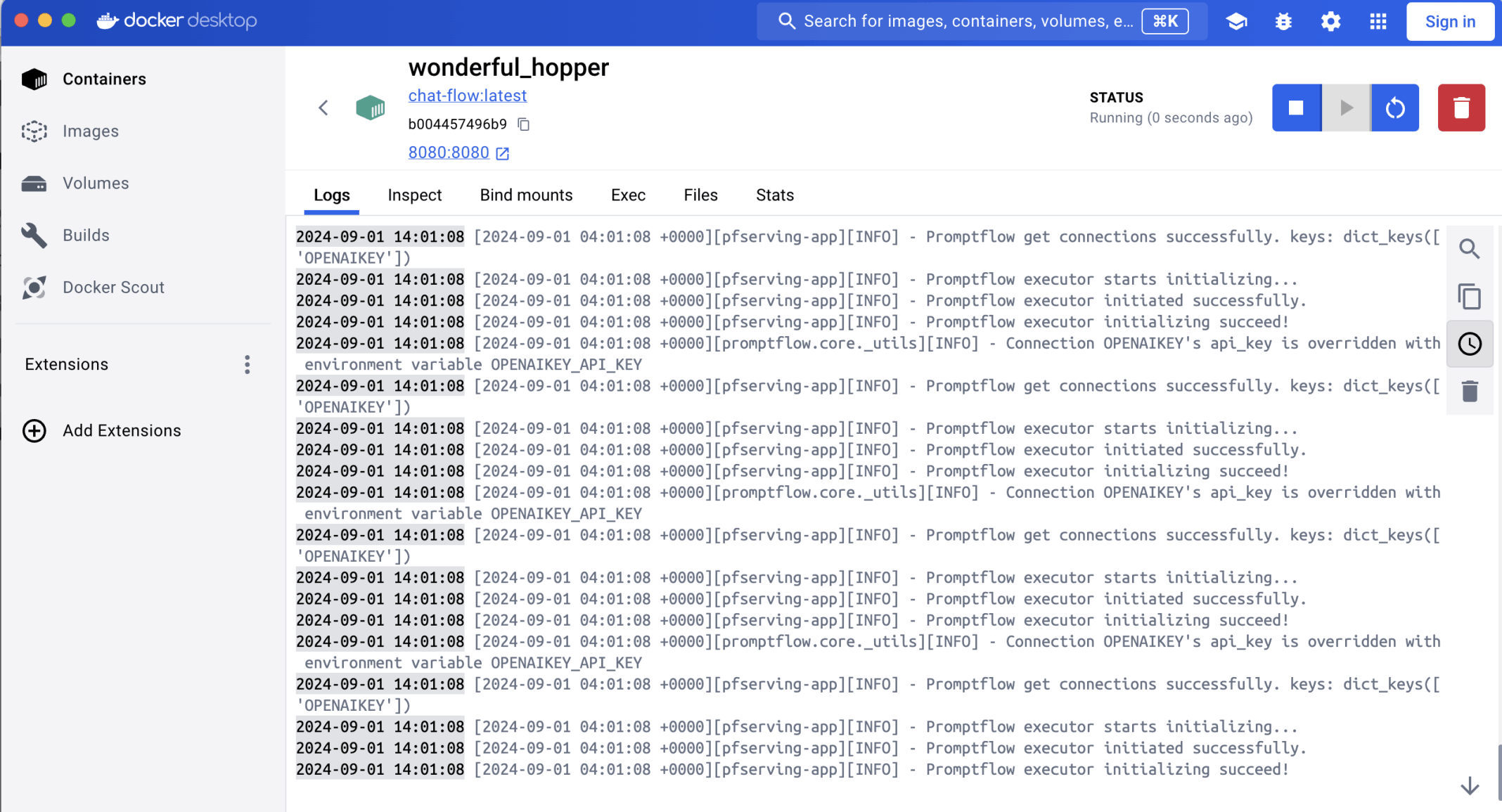
The Docker container started
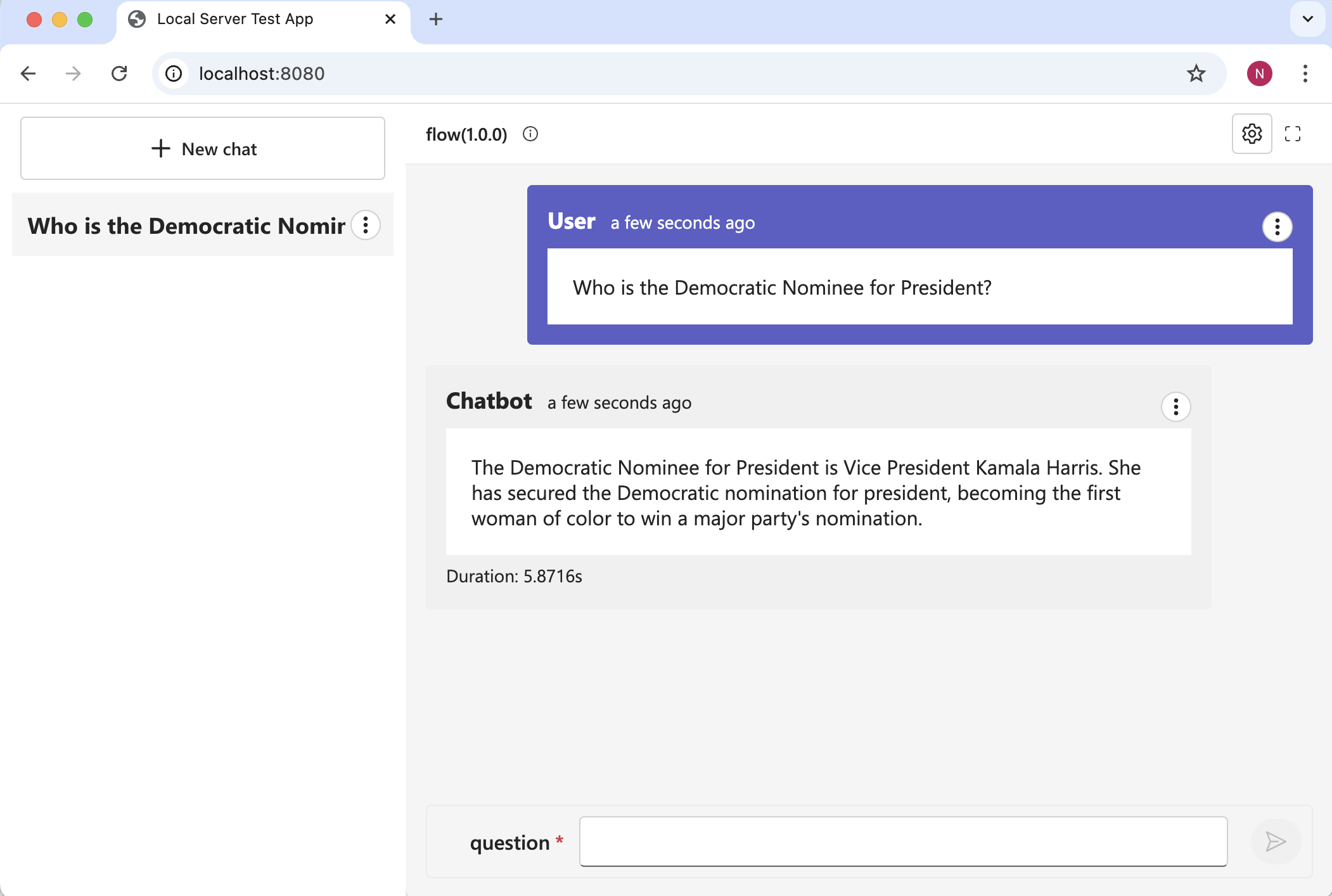
I was able to access the container using port 8080
python_node_n8ln.py
PYTHON
1from promptflow.core import tool
2from dotenv import load_dotenv, find_dotenv
3#from langchain_openai import AzureChatOpenAI
4from langchain_openai import ChatOpenAI
5from langchain.agents import create_tool_calling_agent, AgentExecutor
6from langchain_community.tools import DuckDuckGoSearchRun
7#from promptflow.connections import AzureOpenAIConnection
8from promptflow.connections import OpenAIConnection
9from langchain import hub
10from langchain_community.tools import WikipediaQueryRun
11from langchain_community.utilities import WikipediaAPIWrapper
12
13
14@tool
15def my_python_tool(question: str, openai_connect: OpenAIConnection) -> str:
16    load_dotenv(find_dotenv(), override=True)
17    #llm = AzureChatOpenAI(
18    #    azure_deployment="gpt-35-turbo-16k",  # gpt-35-turbo-16k or gpt-4-32k
19    #    openai_api_key=openai_connect.api_key,
20    #    azure_endpoint=openai_connect.api_base,
21    #    openai_api_type=openai_connect.api_type,
22    #    openai_api_version=openai_connect.api_version,
23    #)
24    llm = ChatOpenAI(model="gpt-3.5-turbo", temperature=0, api_key=openai_connect.api_key)
25    search = DuckDuckGoSearchRun(verbose=True)
26    api_wrapper = WikipediaAPIWrapper(top_k_results=1, doc_content_chars_max=500,verbose=True)
27
28    tools = [search,WikipediaQueryRun(api_wrapper=api_wrapper)]
29
30    prompt = hub.pull("hwchase17/openai-tools-agent")
31    agent = create_tool_calling_agent(llm, tools, prompt)
32    agent_executor = AgentExecutor(agent=agent, tools=tools, verbose=False)
33    result = agent_executor.invoke({"input": question})
34
35    return result["output"]