Sails (Part 3)
Neil Haddley • October 13, 2021
Sails and the Amazon Elastic Kubernetes Service
Dockerfile
I built a Docker container for the Sails application.
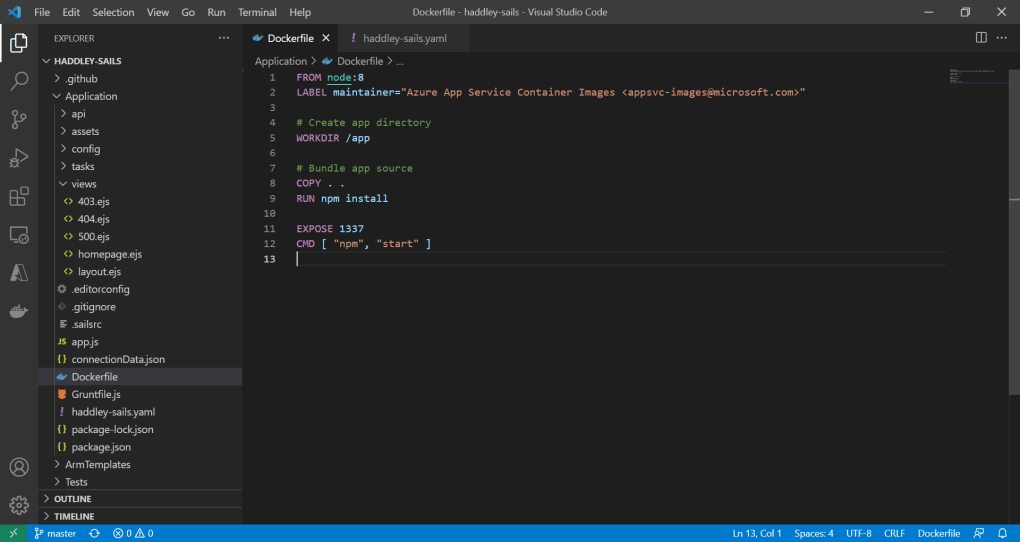
I reviewed the Dockerfile
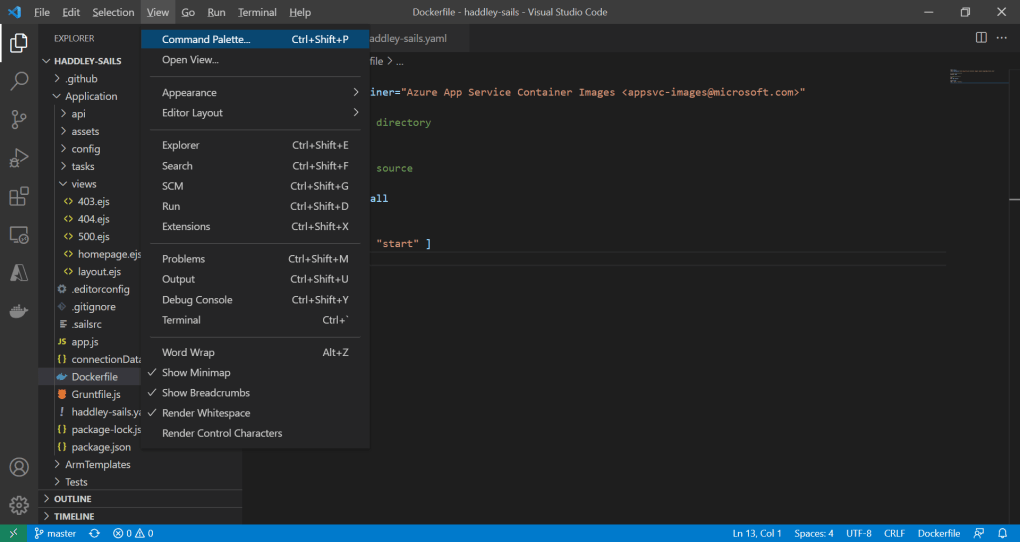
I opened the Command Palette
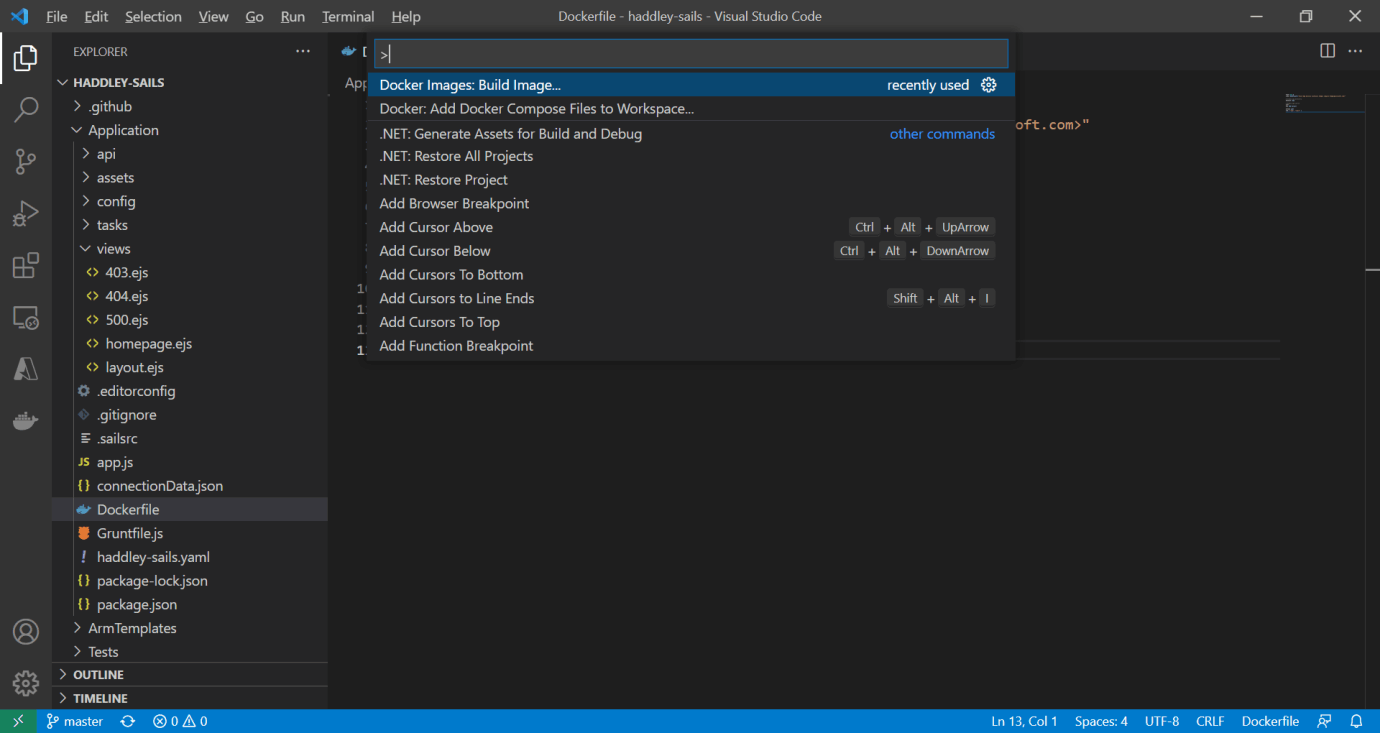
I selected Docker Image: Build Image
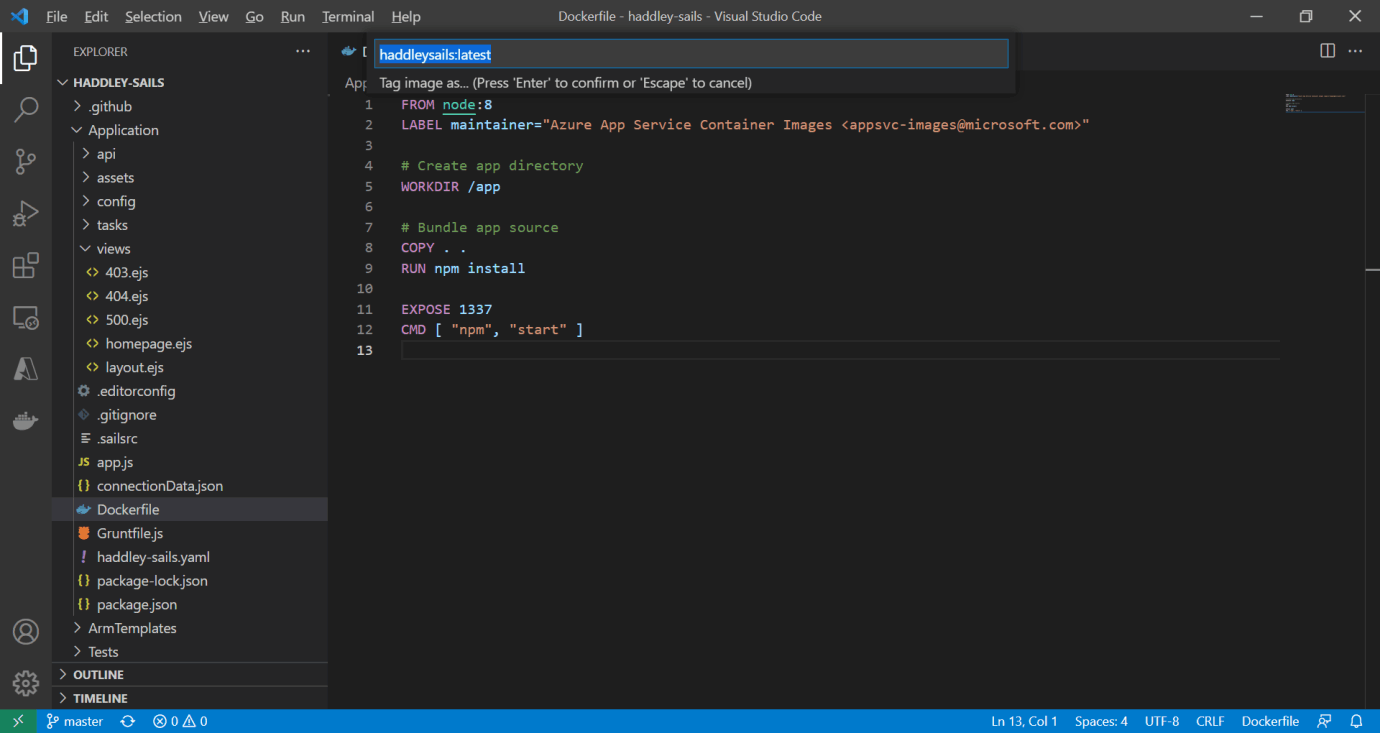
haddleysails:latest
Docker Desktop
I ran the Docker image on my laptop.
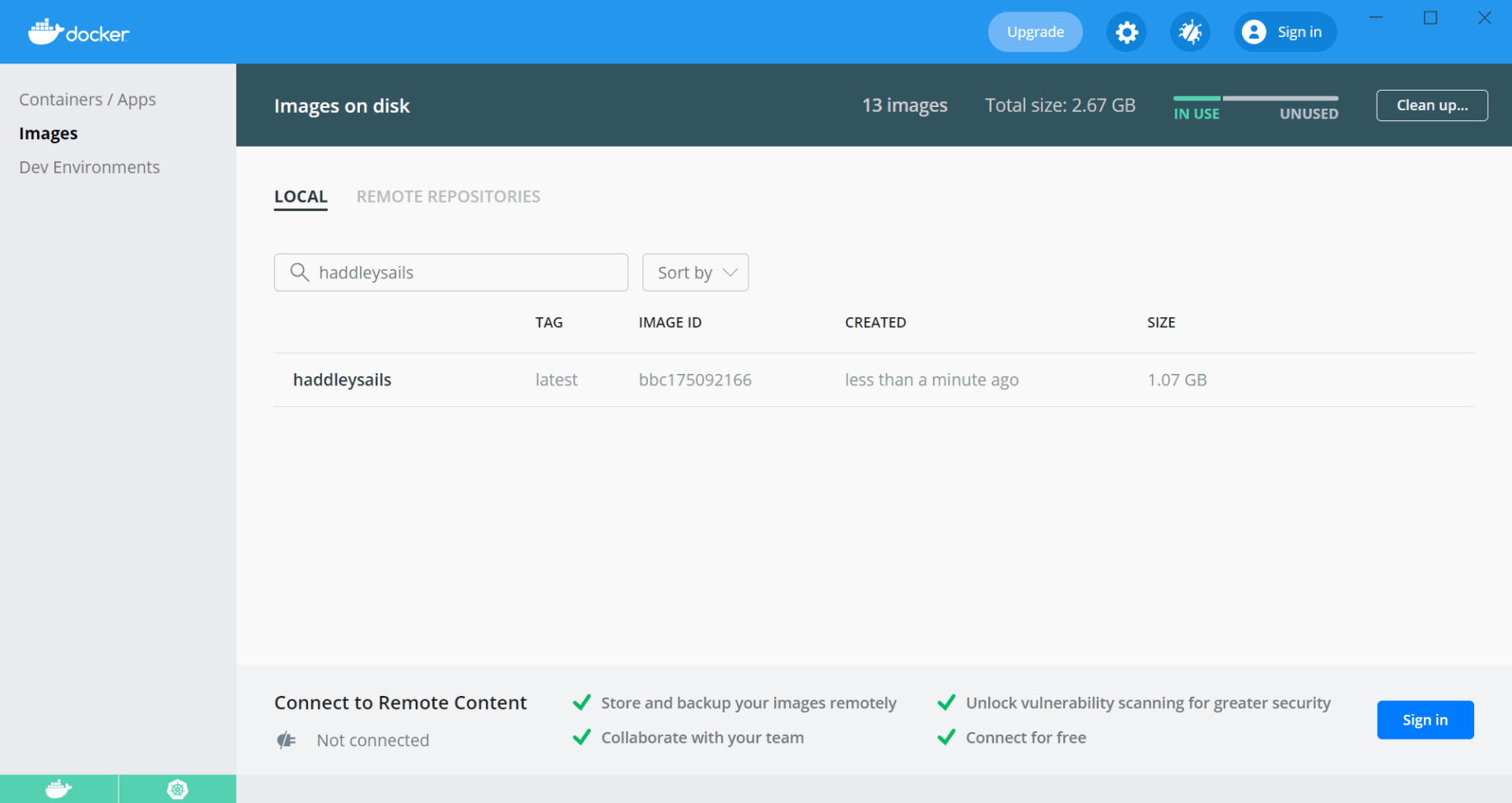
The haddleysails image is displayed in Docker Desktop
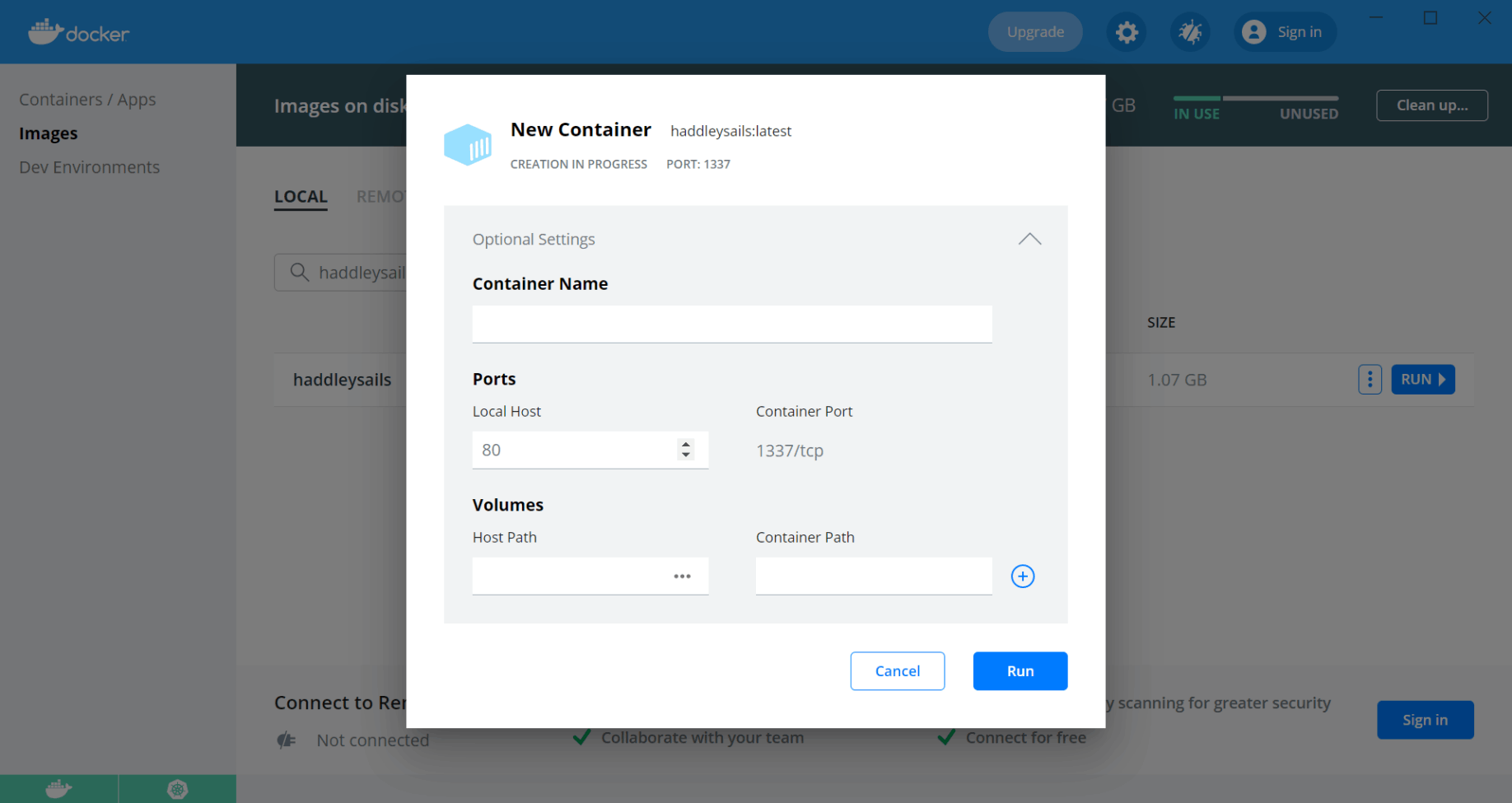
I ran the image
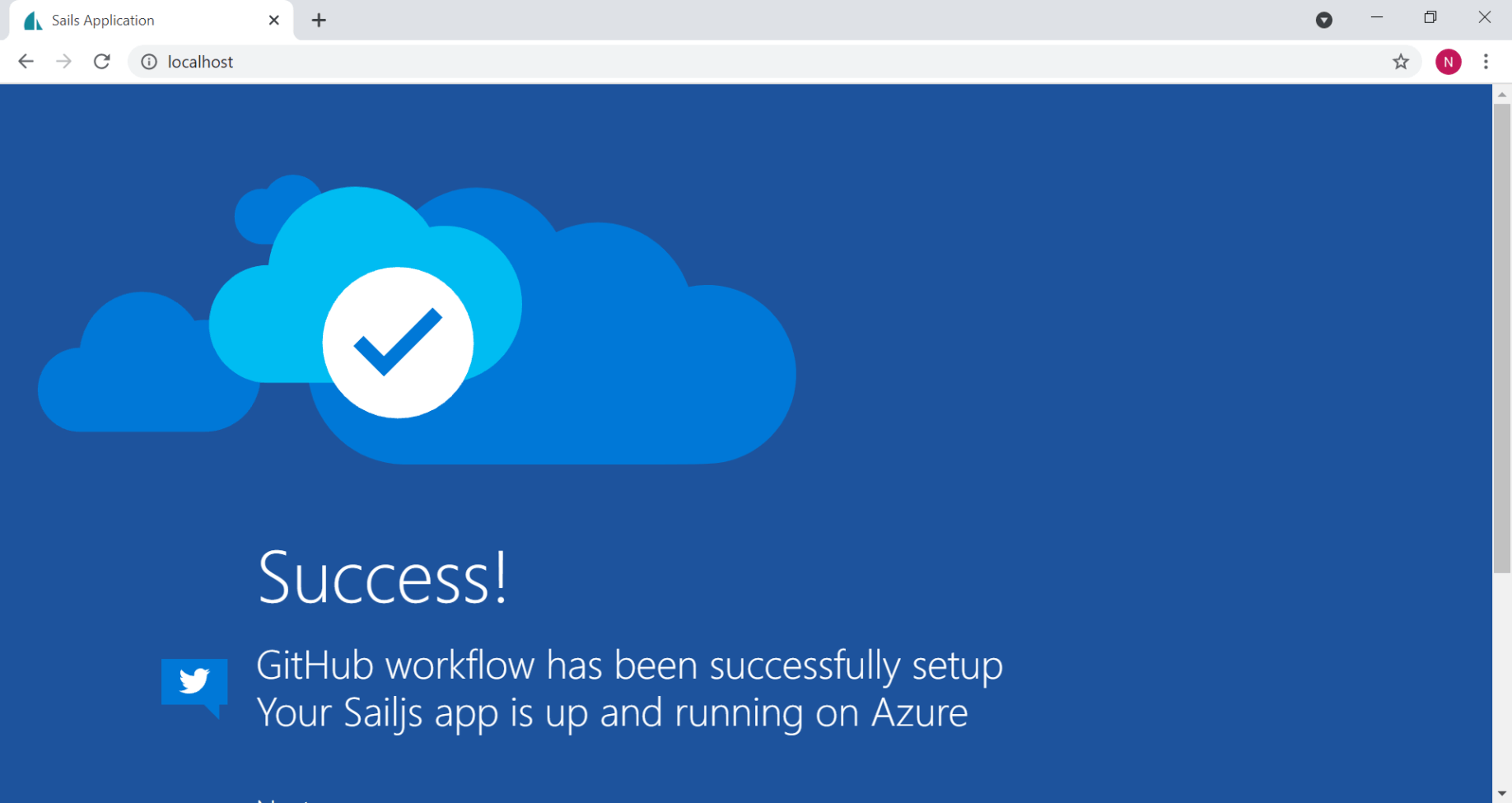
I accessed the container using http://localhost
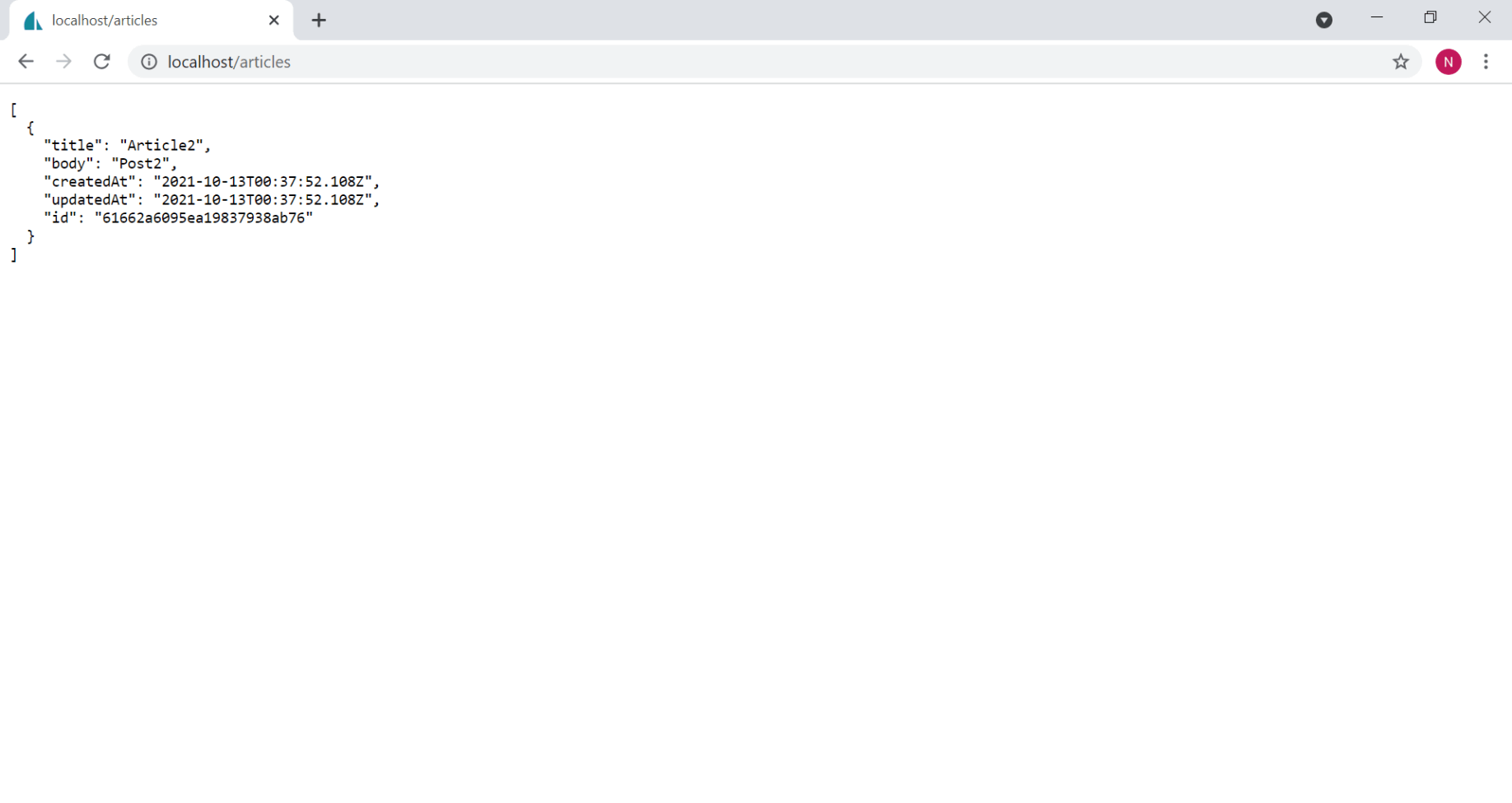
I used the container running locally to retrieve the articles data
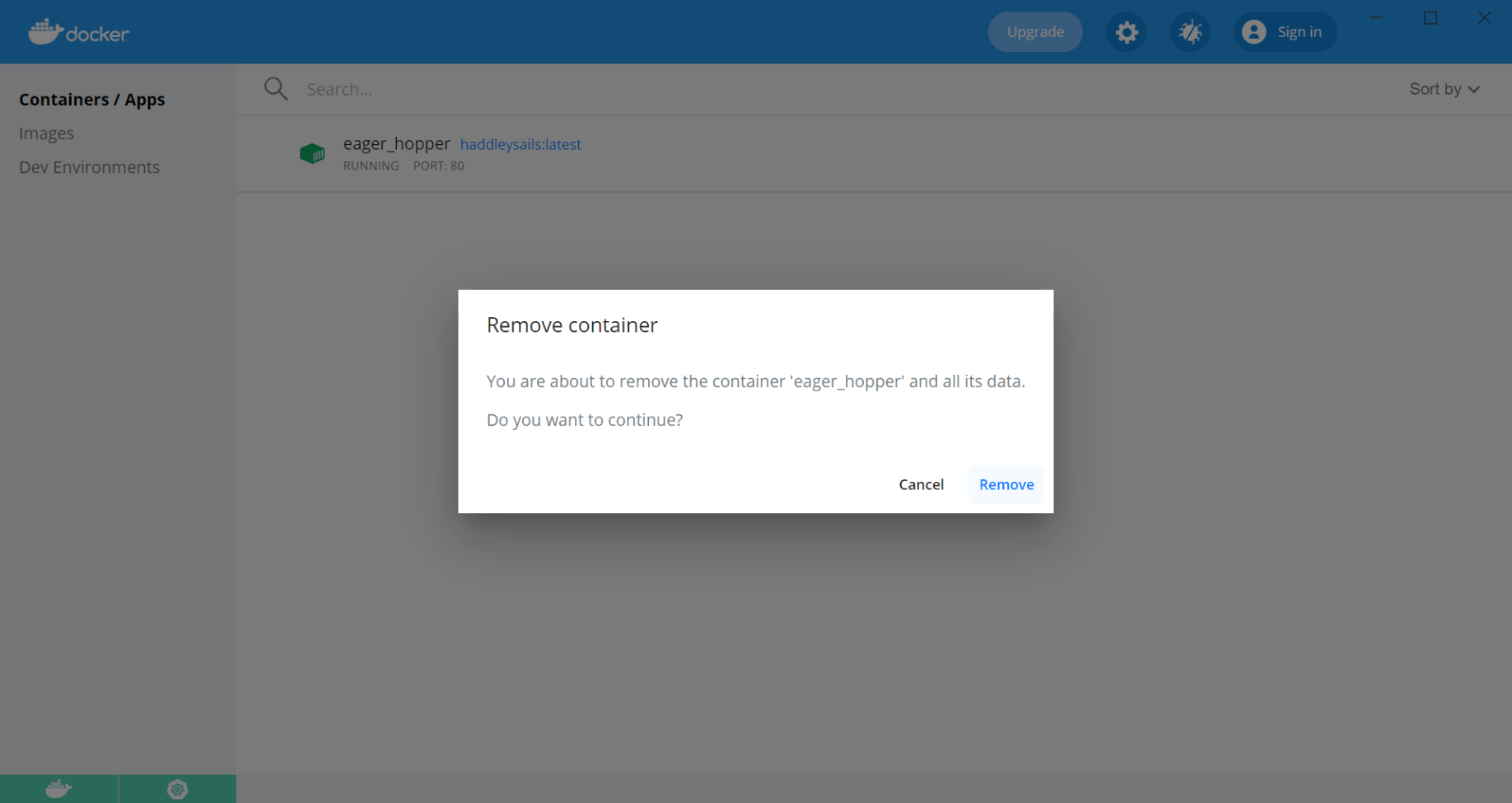
I removed the container
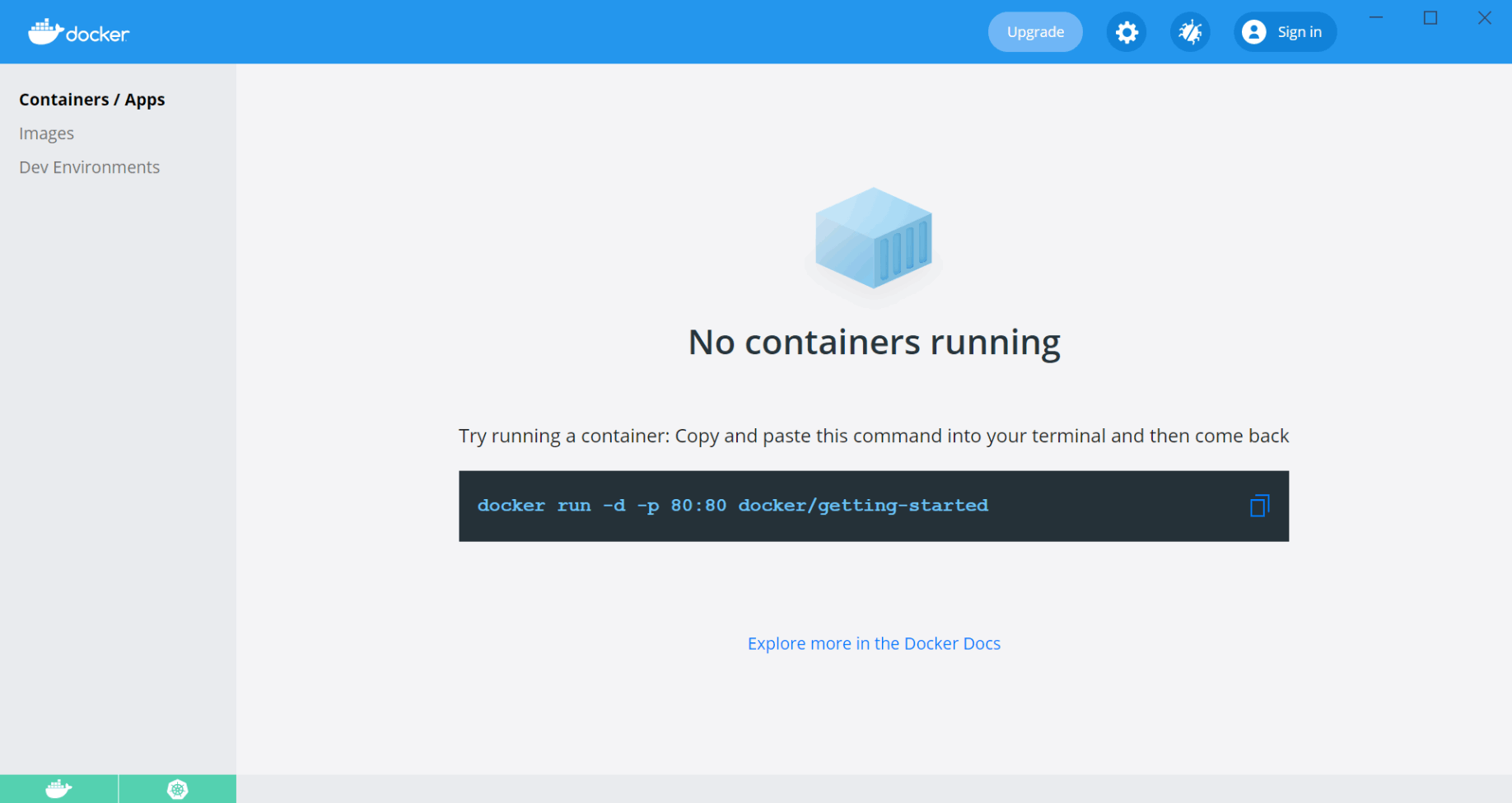
No containers were running
Docker Desktop support for Kubernetes
I ran Kubernetes pods on my laptop.
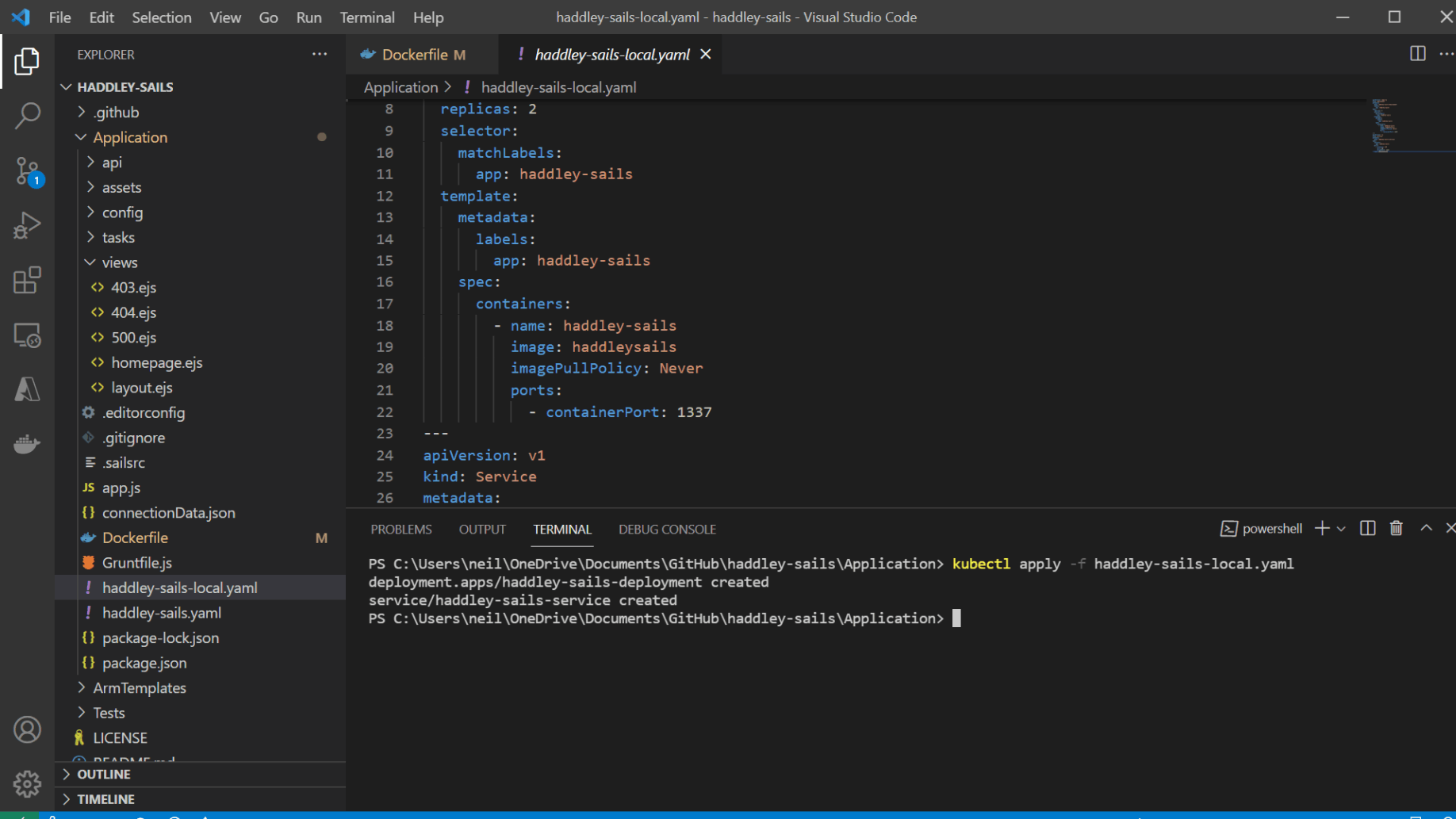
I used kubectl to run multiple copies of the Docker image
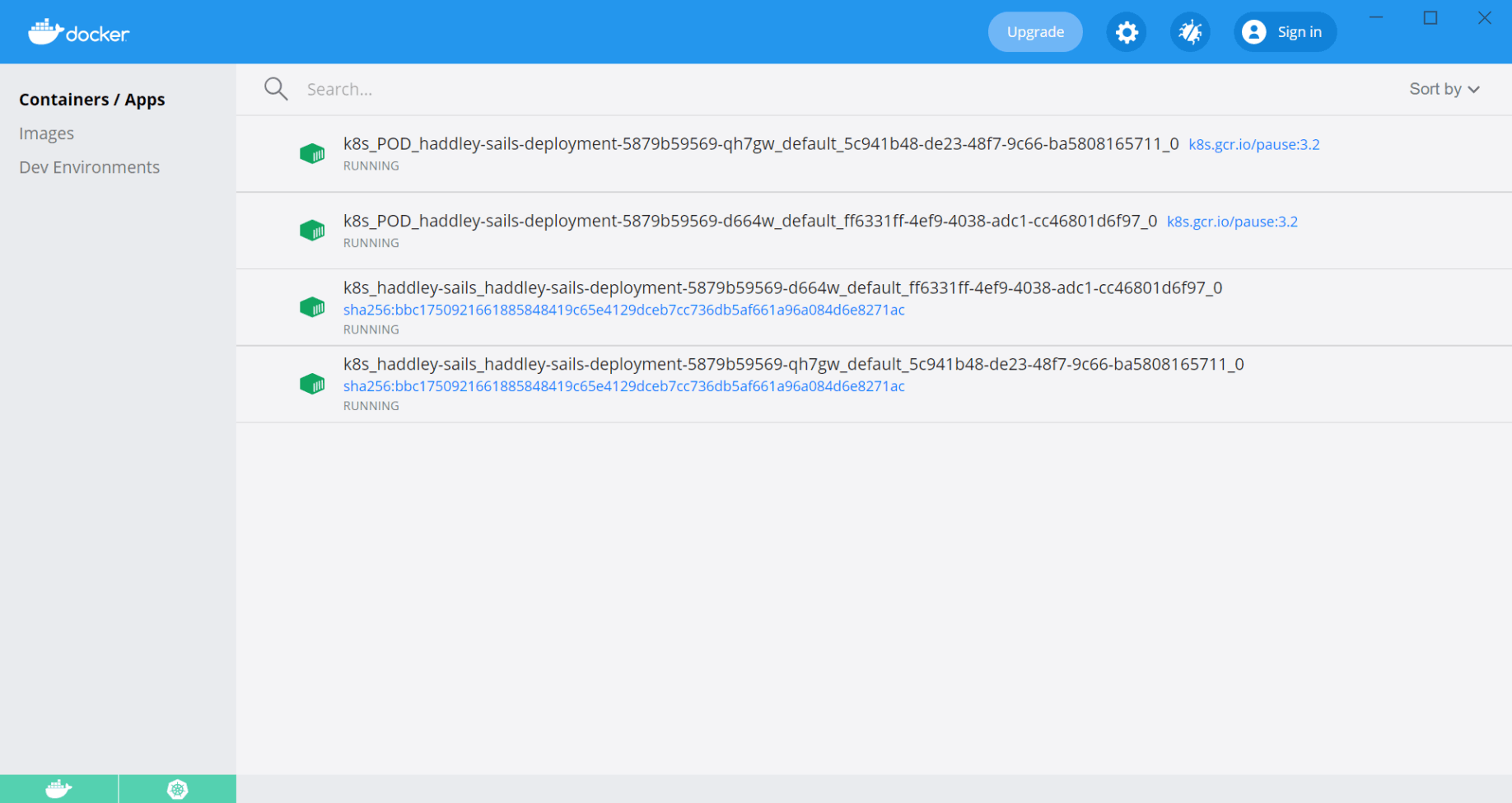
The Kubernetes pods were running
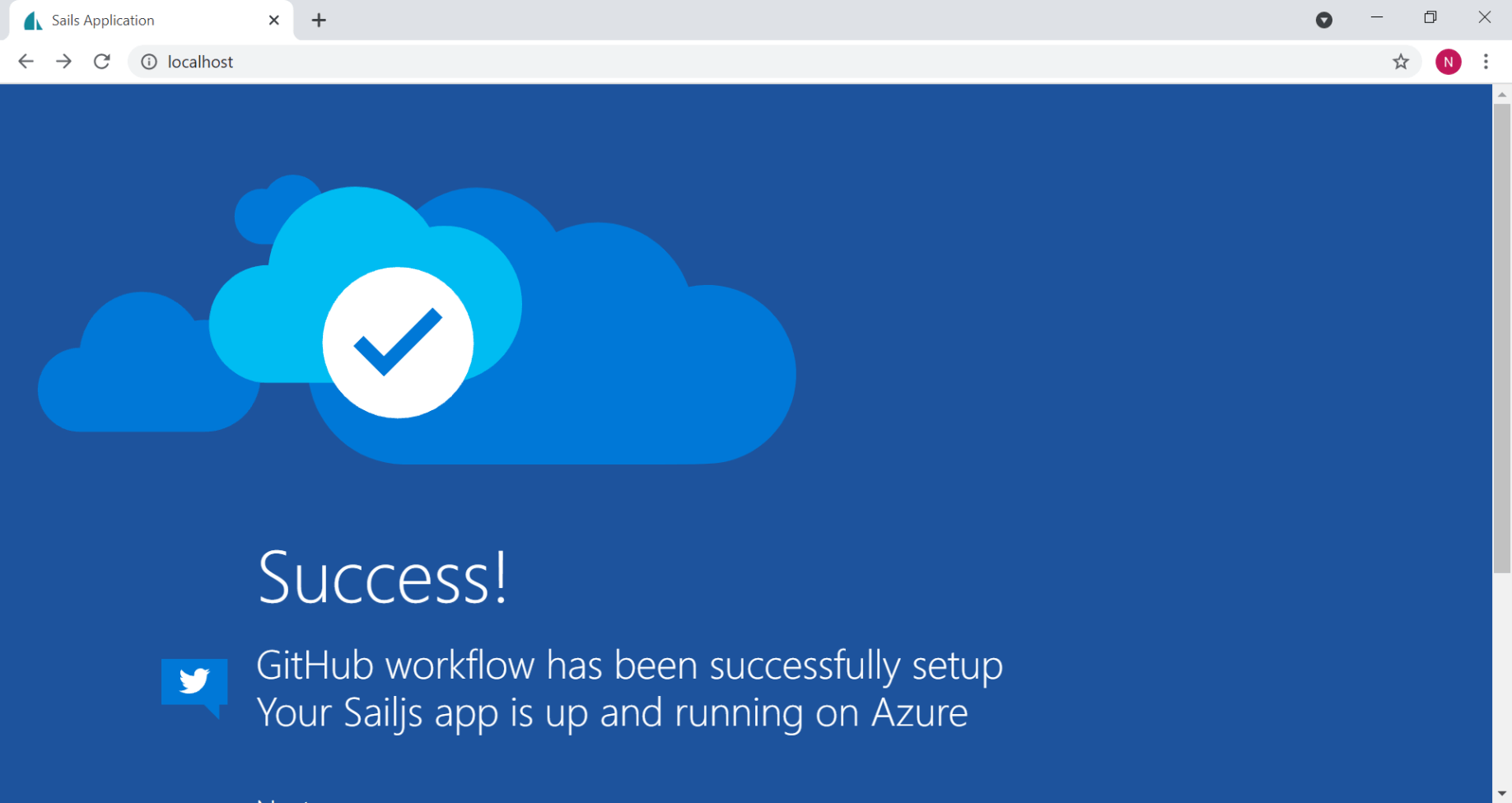
I accessed the pods using http://localhost
I used the pods running locally to retrieve the articles data
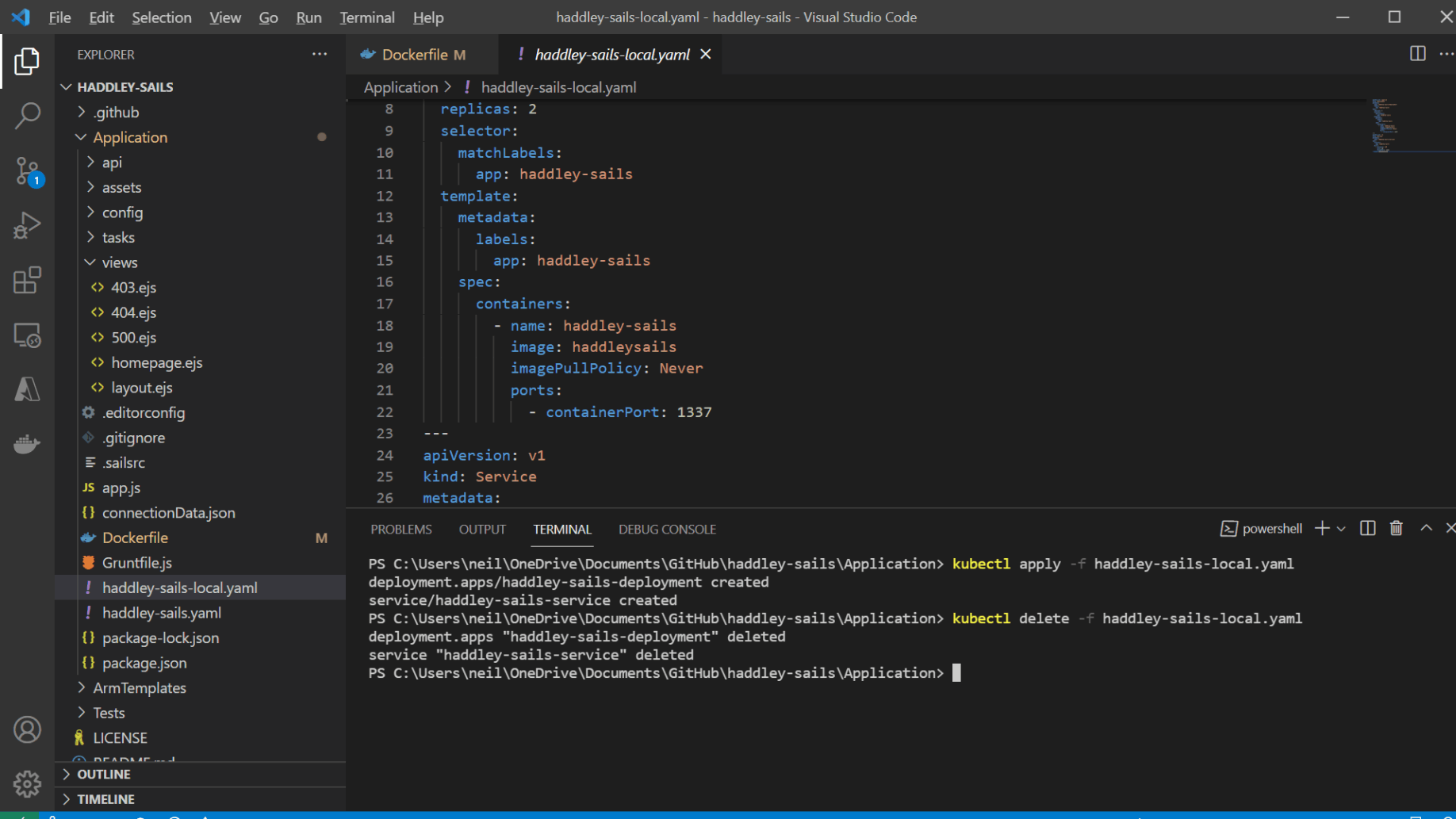
I removed the application/pods
No pods/containers were running
Amazon Container Services
I pushed the Docker image to the Amazon Elastic Container Registry.
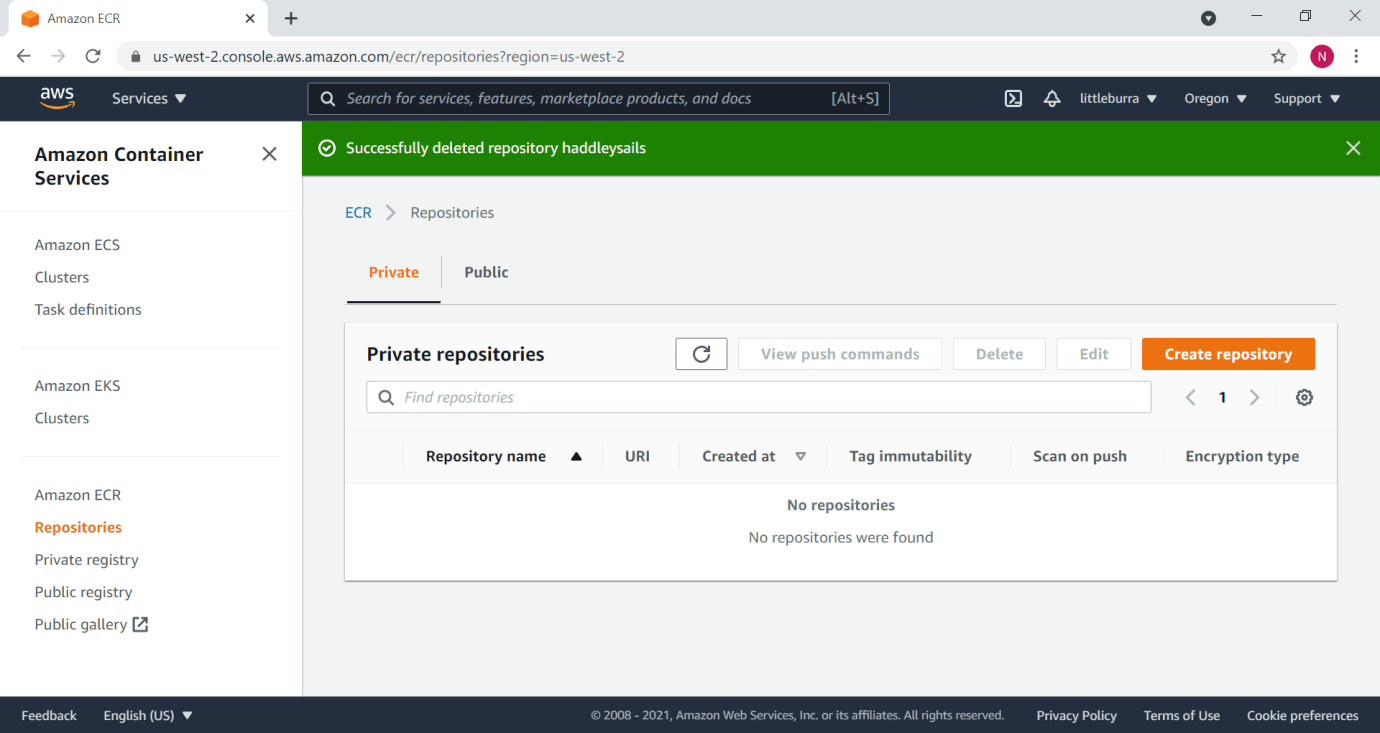
I created a repository
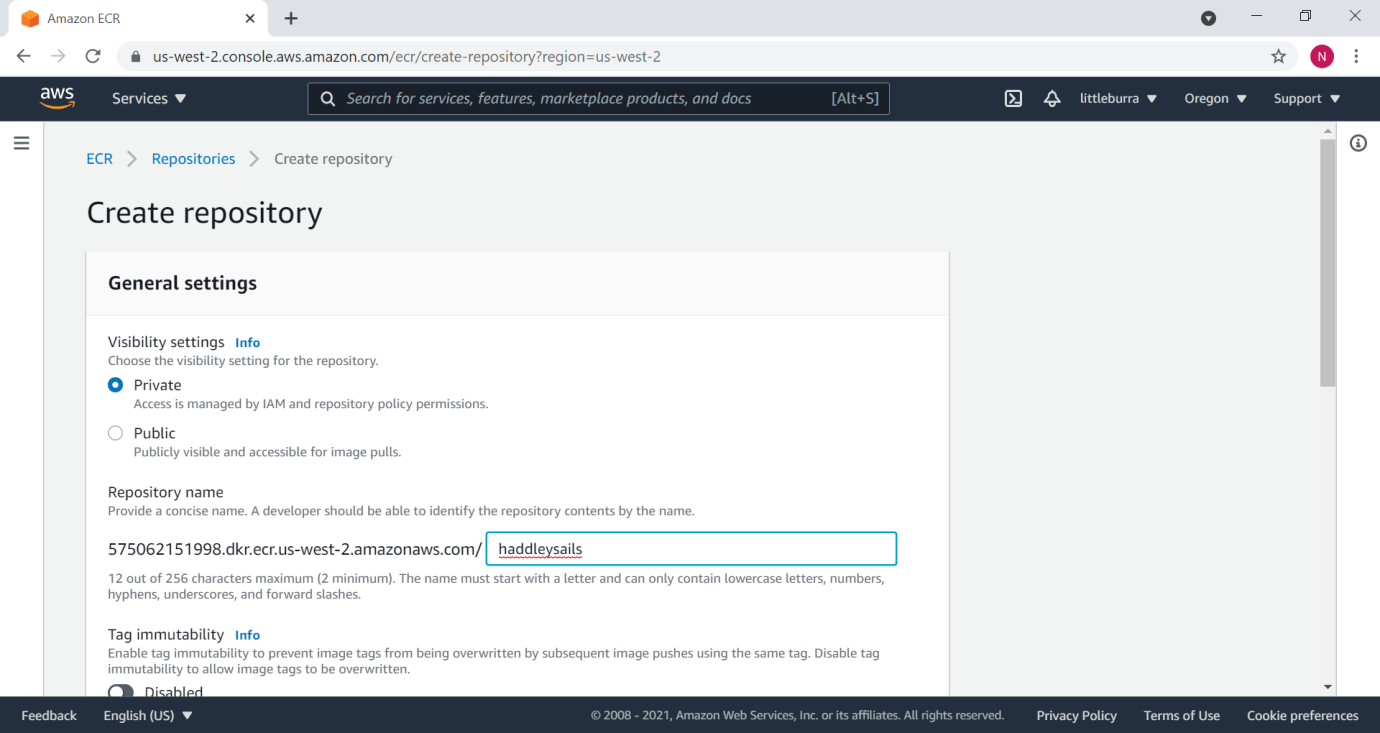
I named the repository haddleysails
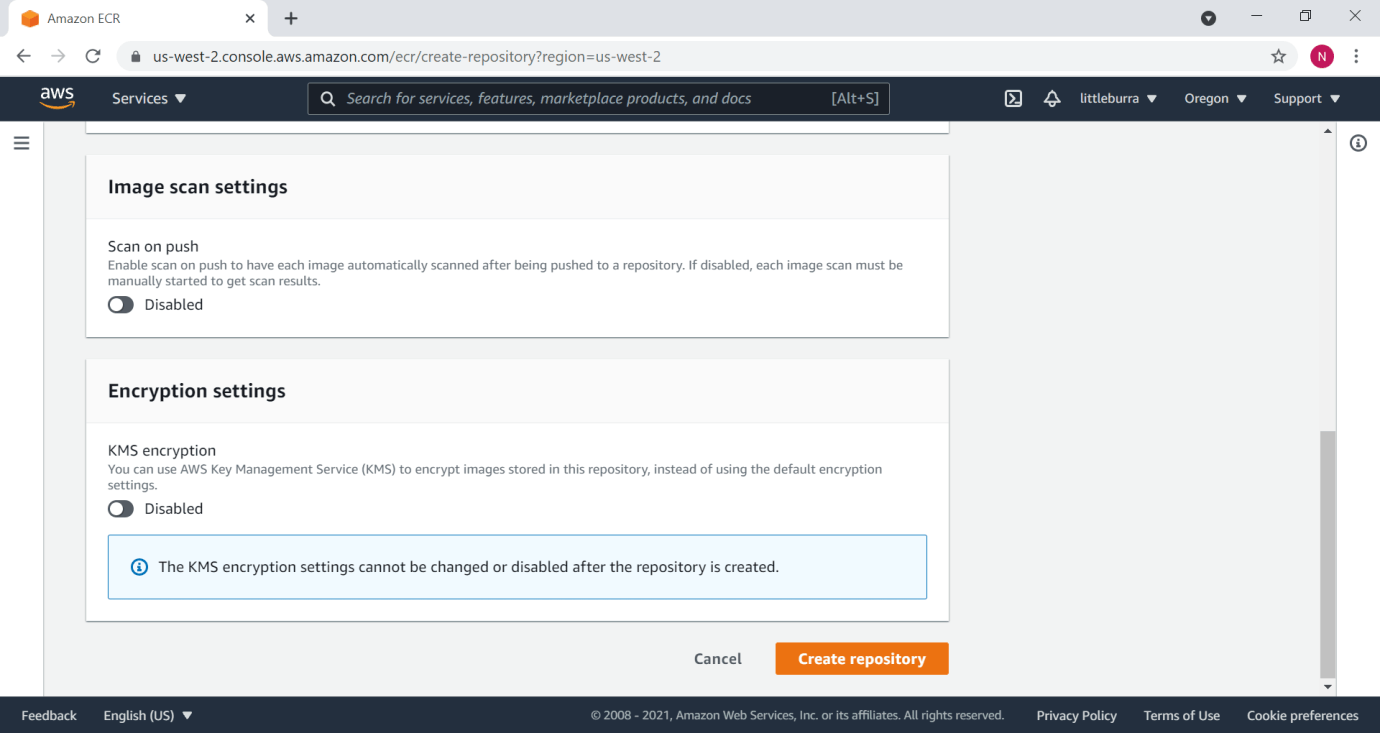
The repository was created
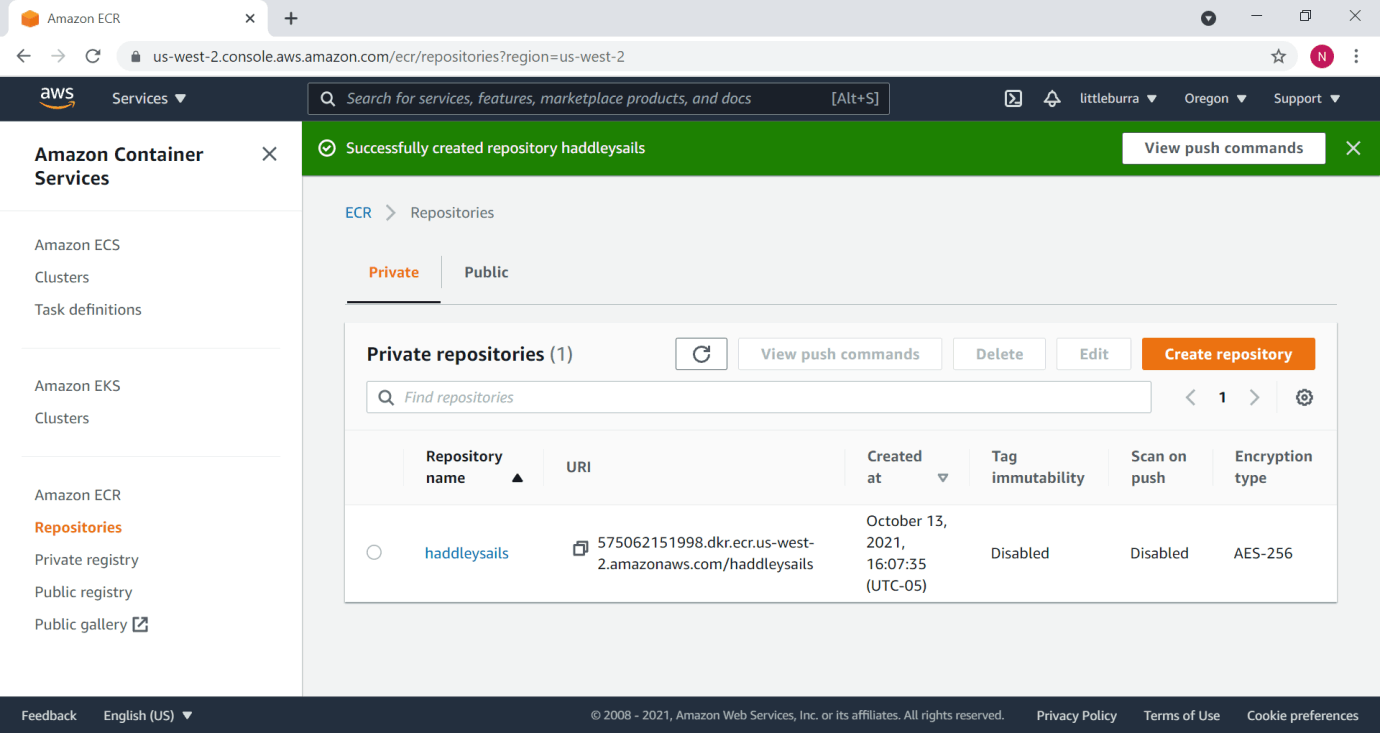
haddleysails repository
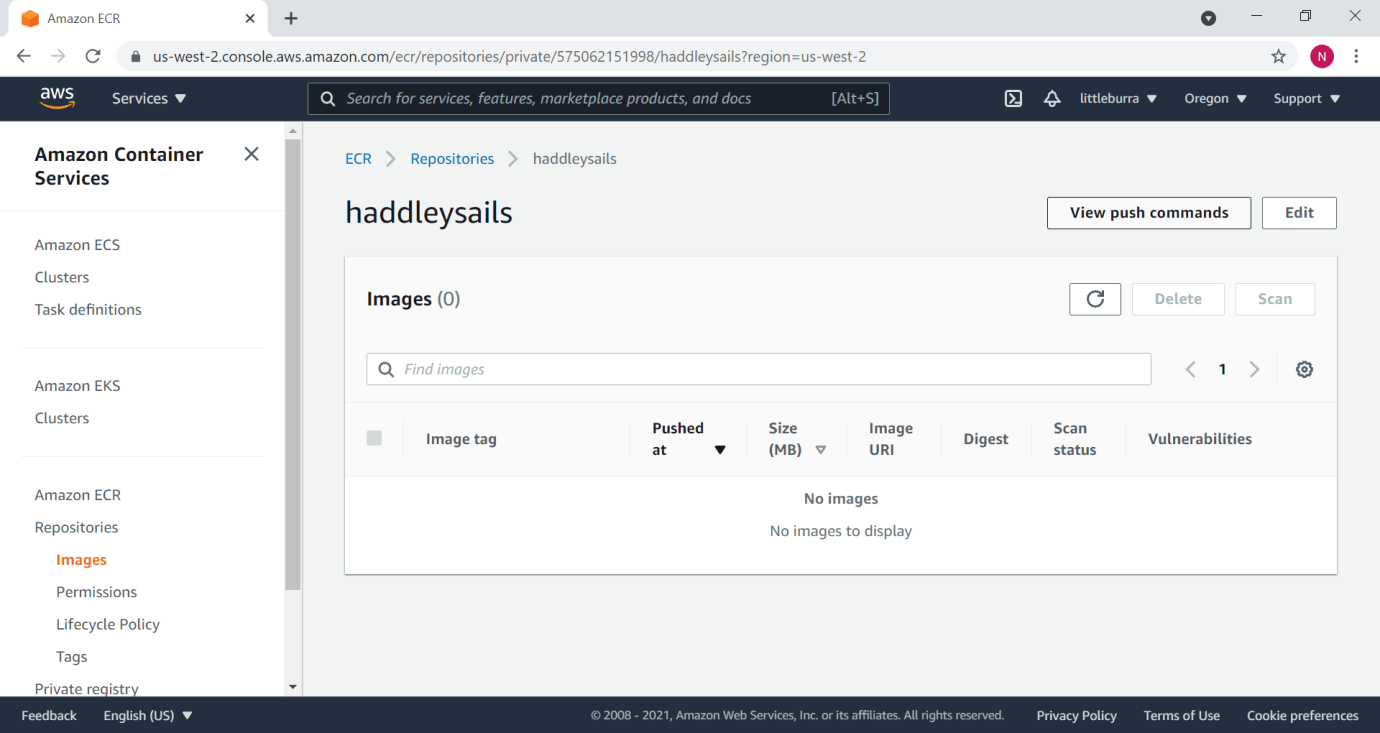
I viewed the push commands
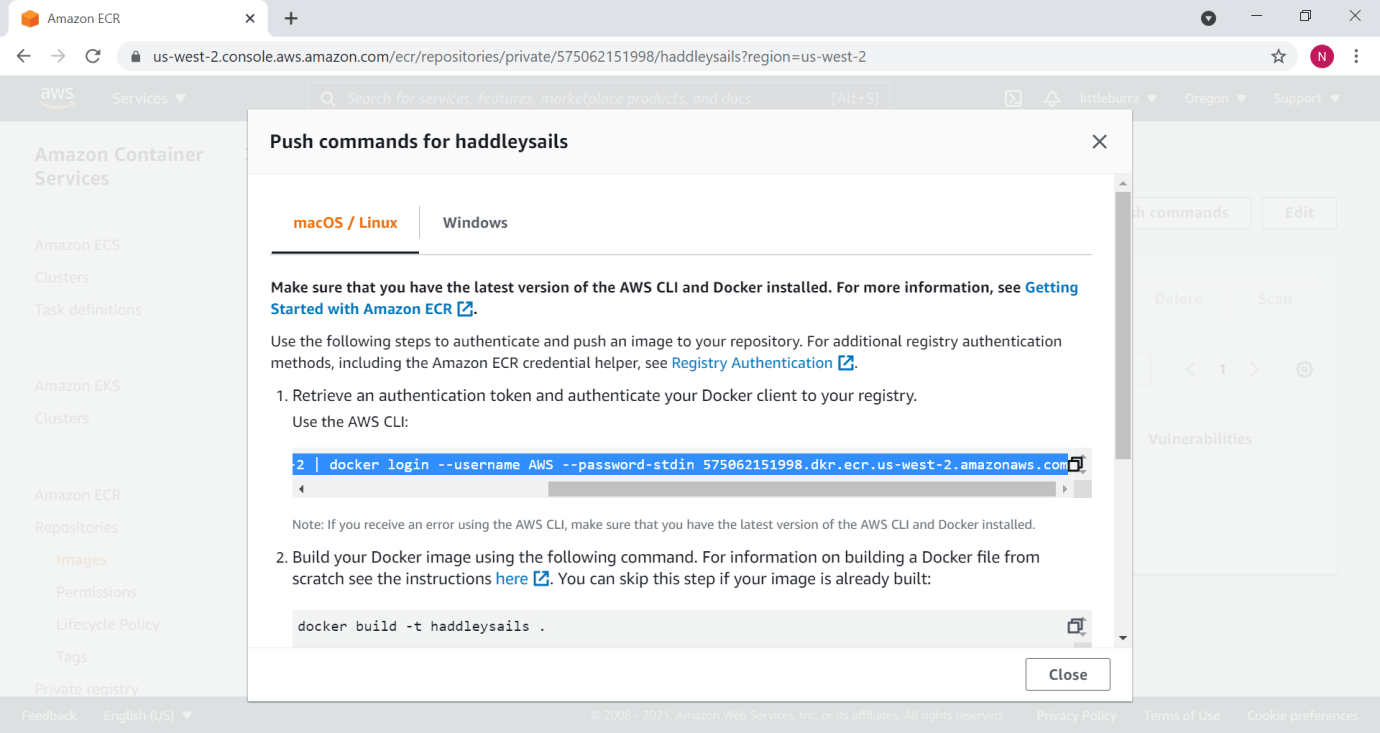
macOS / Linux commands
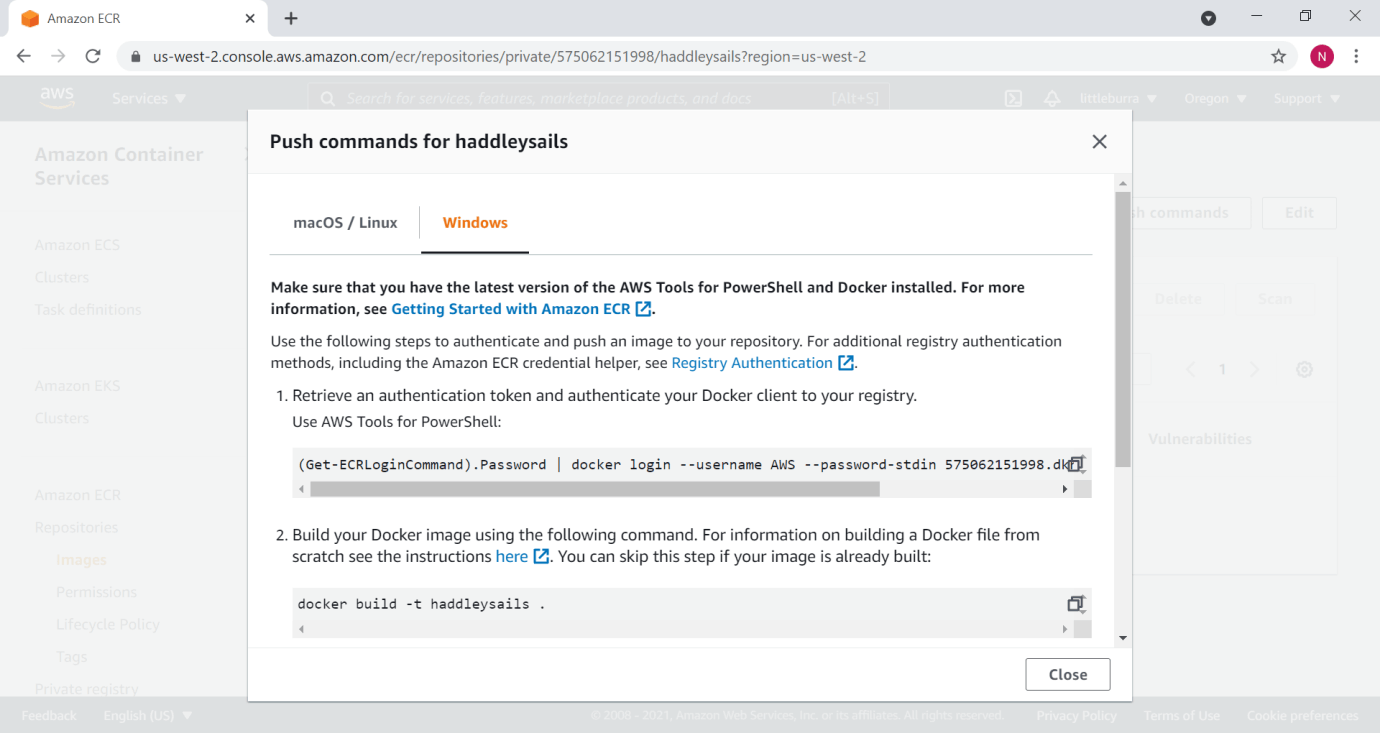
Windows commands
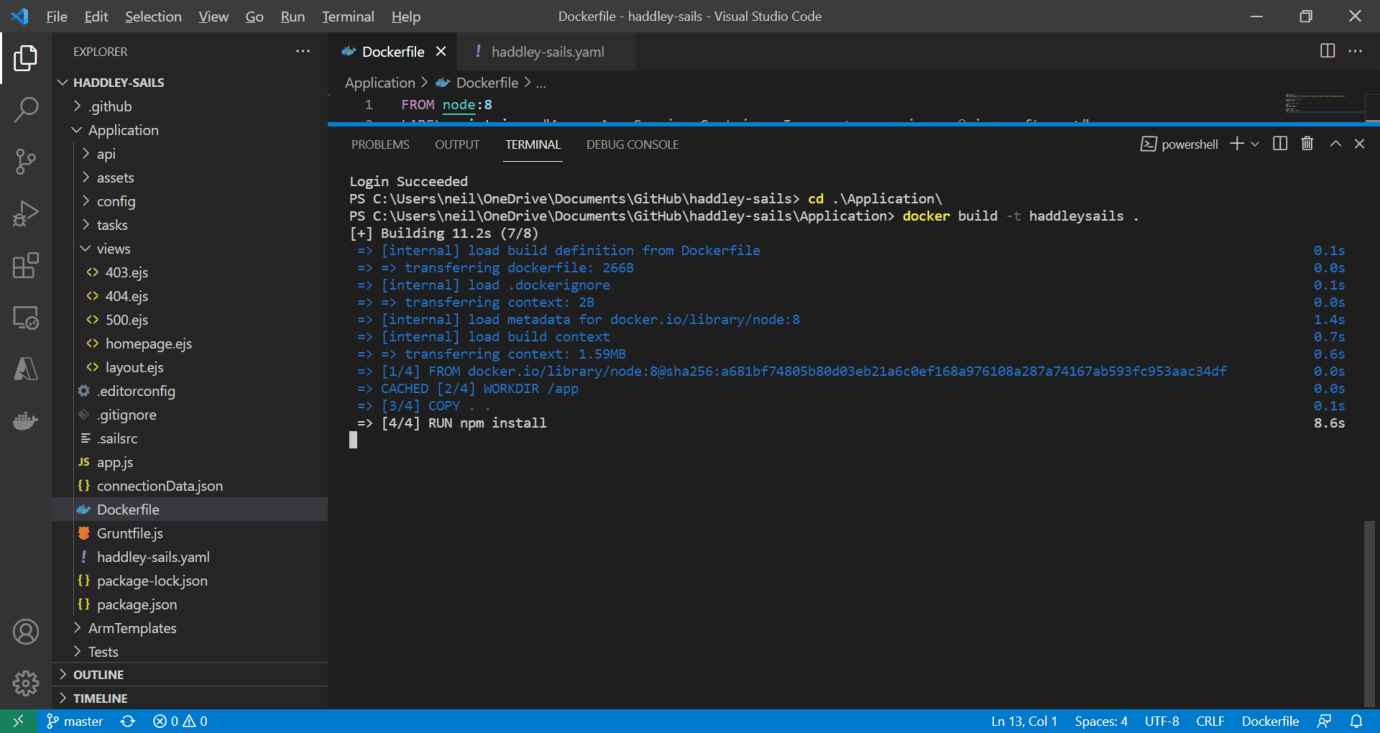
I ran docker build -t haddleysails .
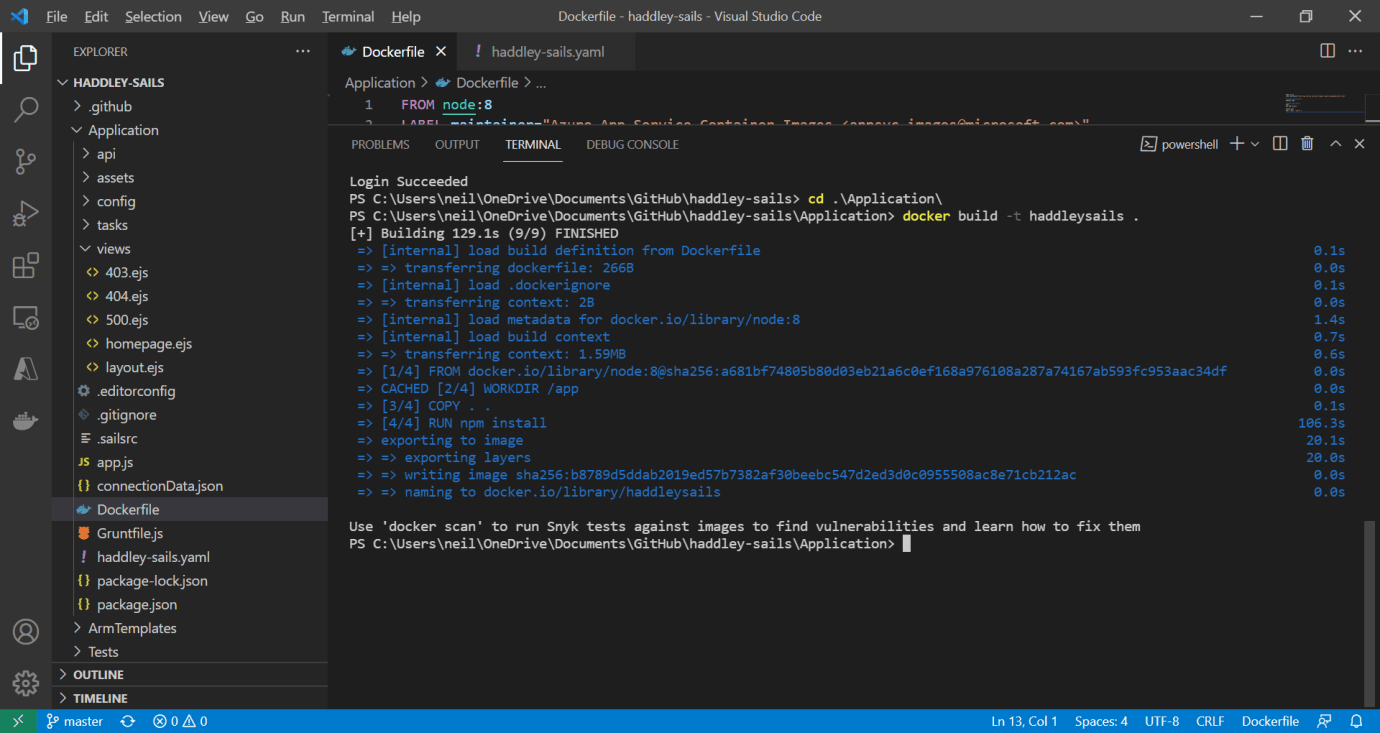
The build finished
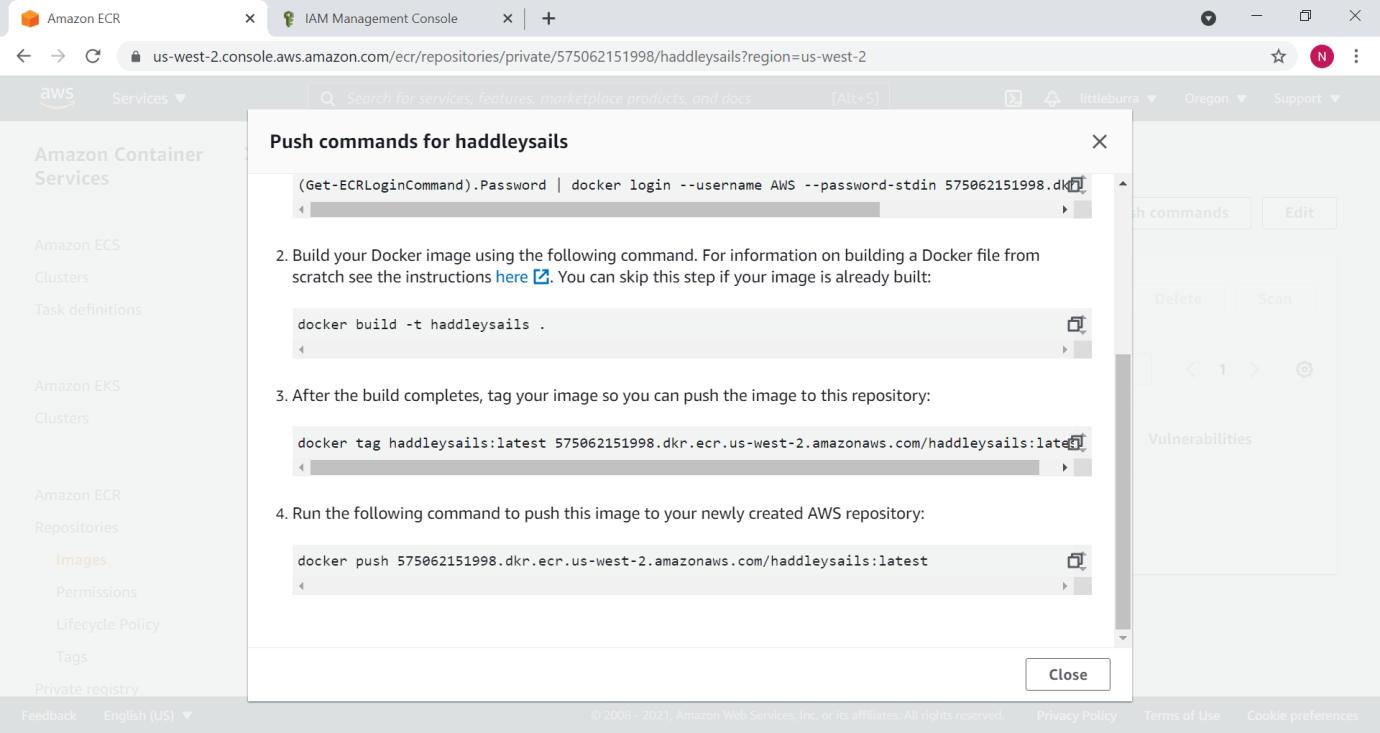
commands
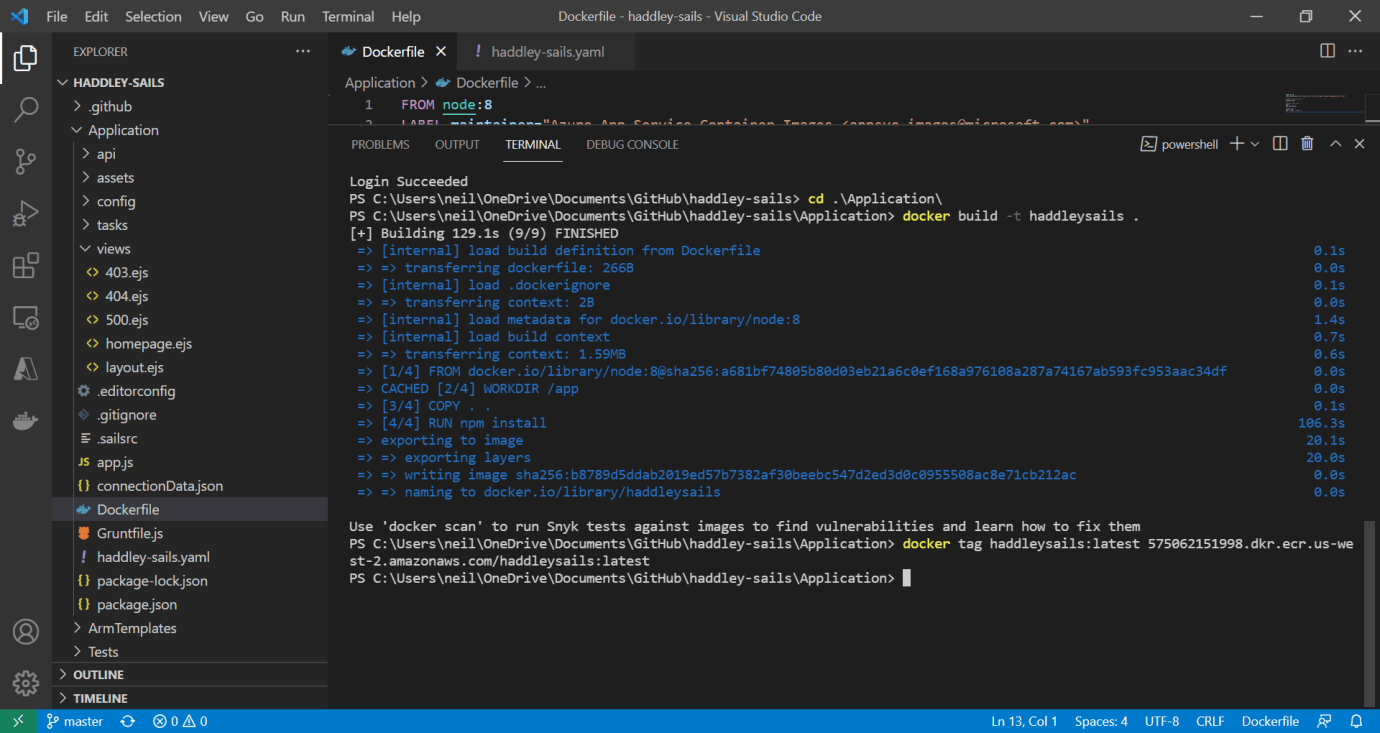
I ran docker tag ...
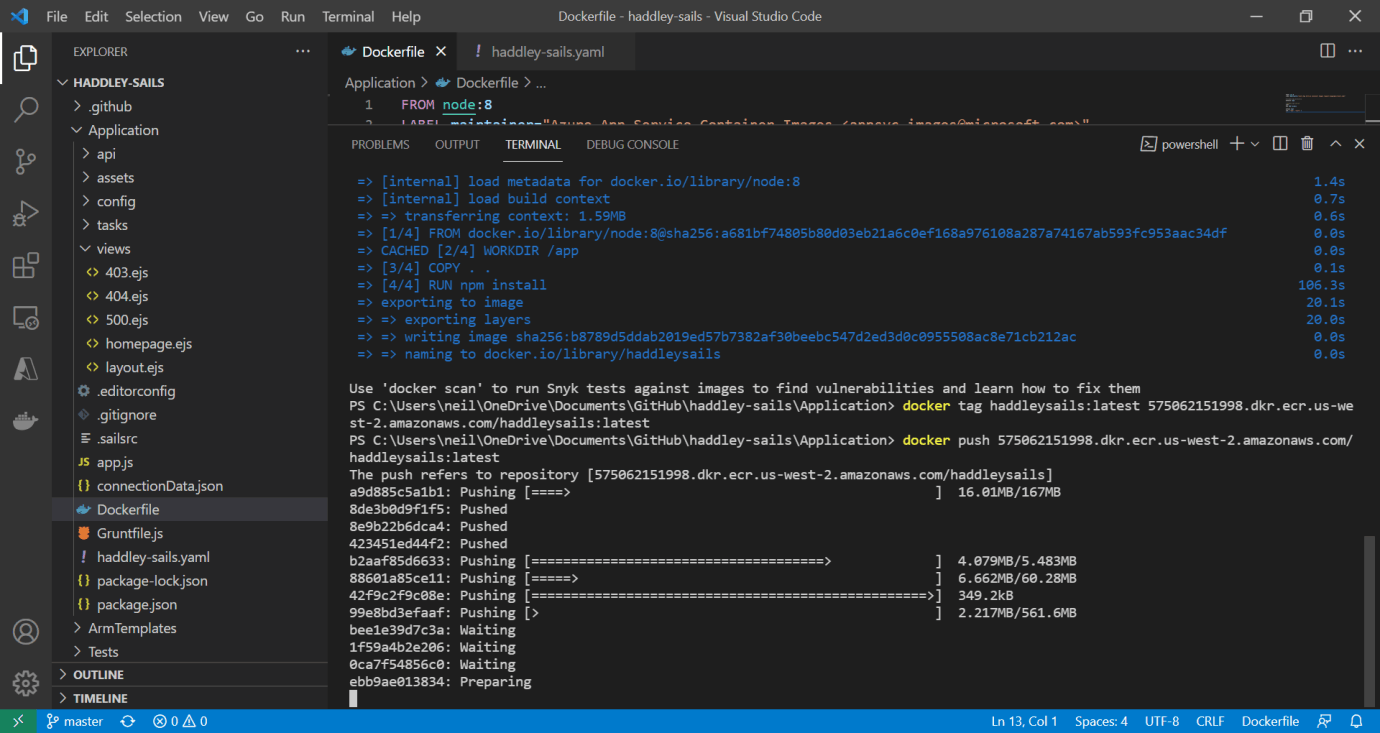
I ran docker push ...
eksctl
I used eksctl to create the Amazon EKS cluster.
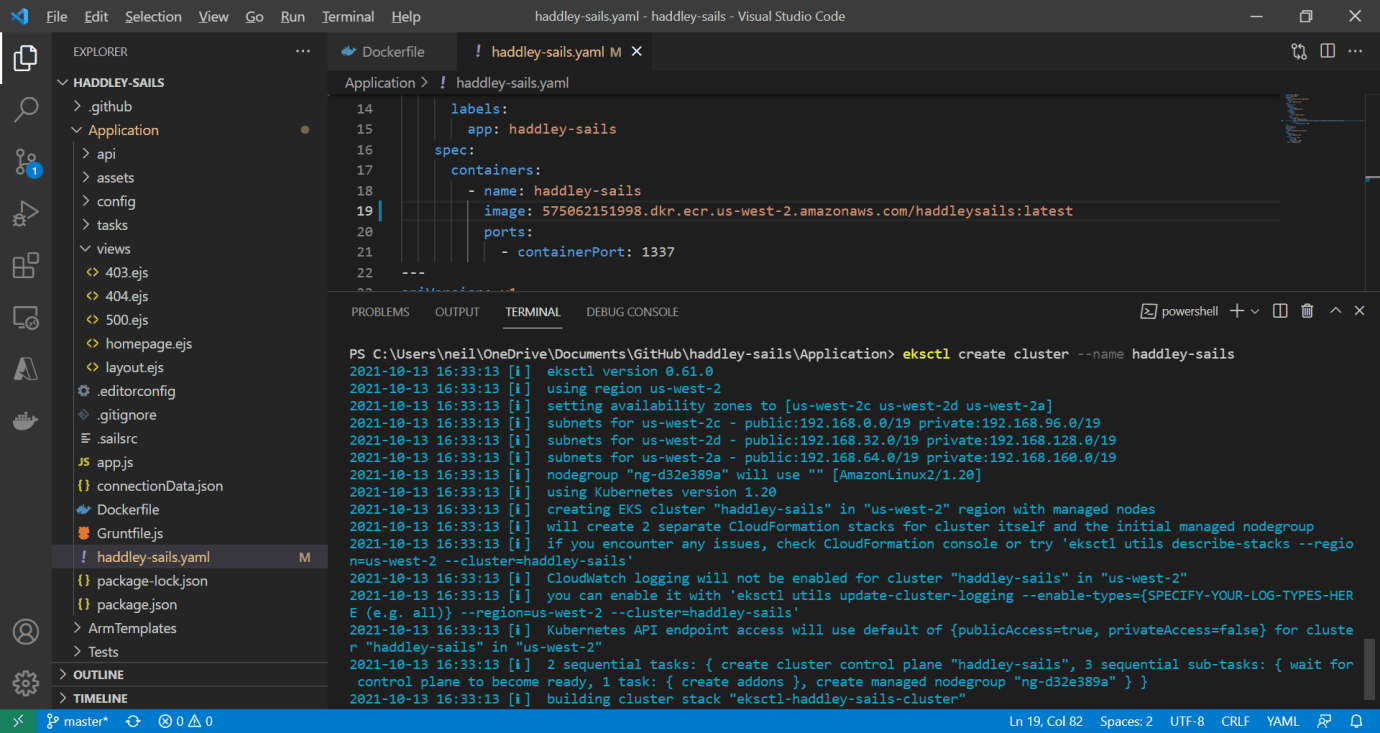
eksctl create cluster --name haddley-sails
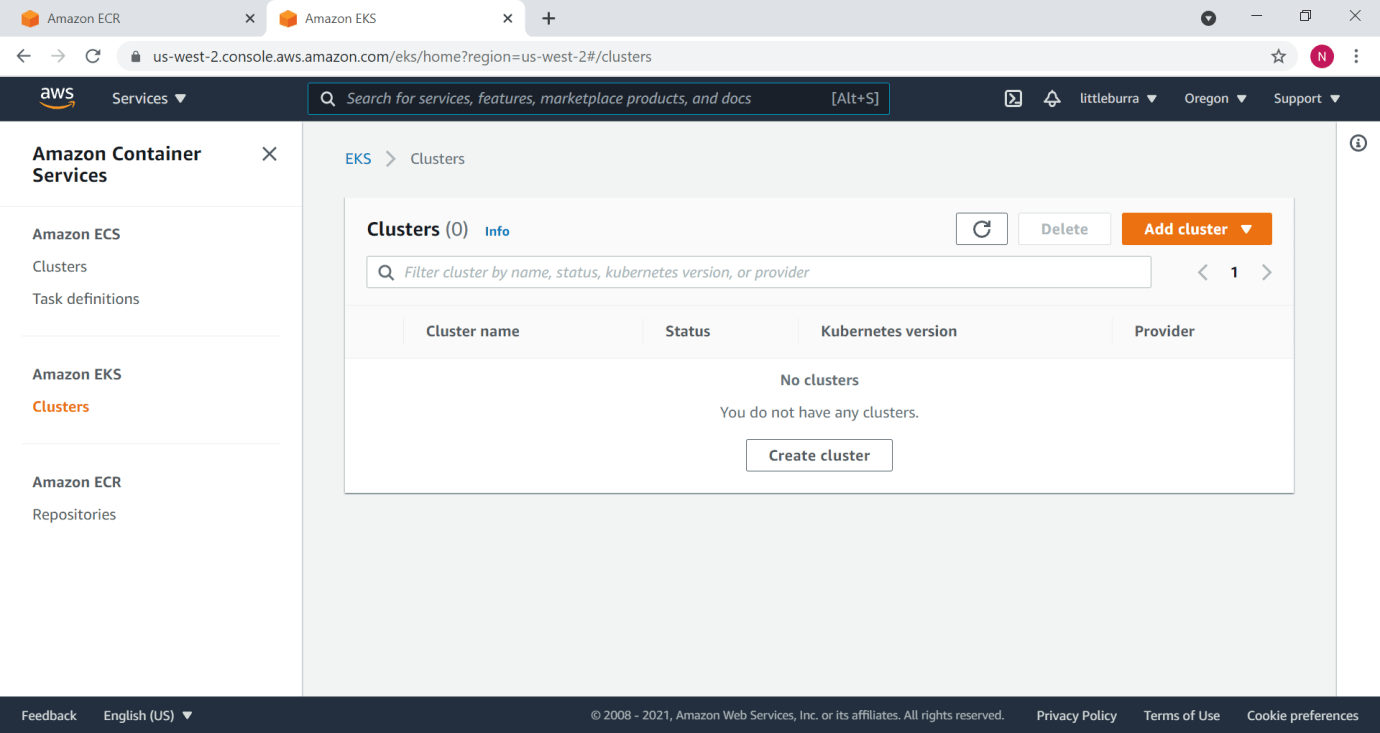
There were no clusters yet
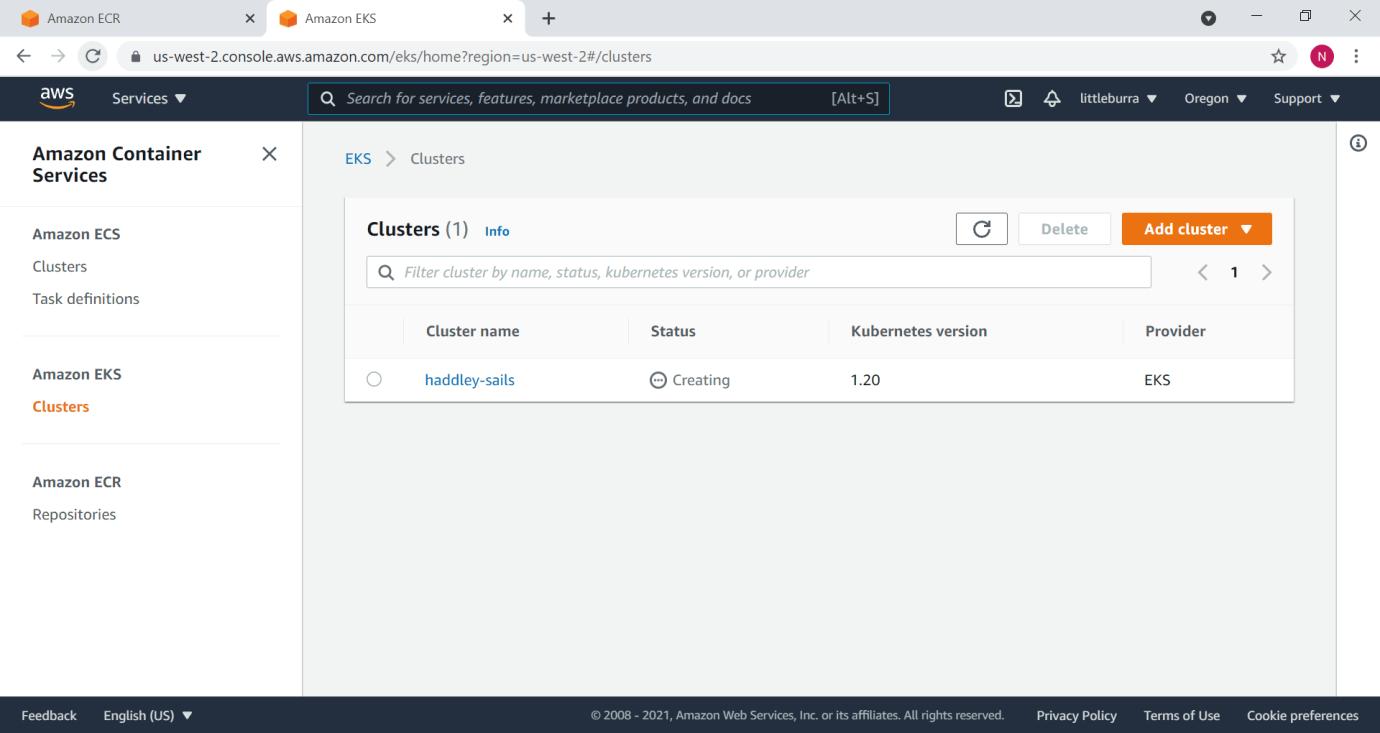
The haddley-sails cluster was being created
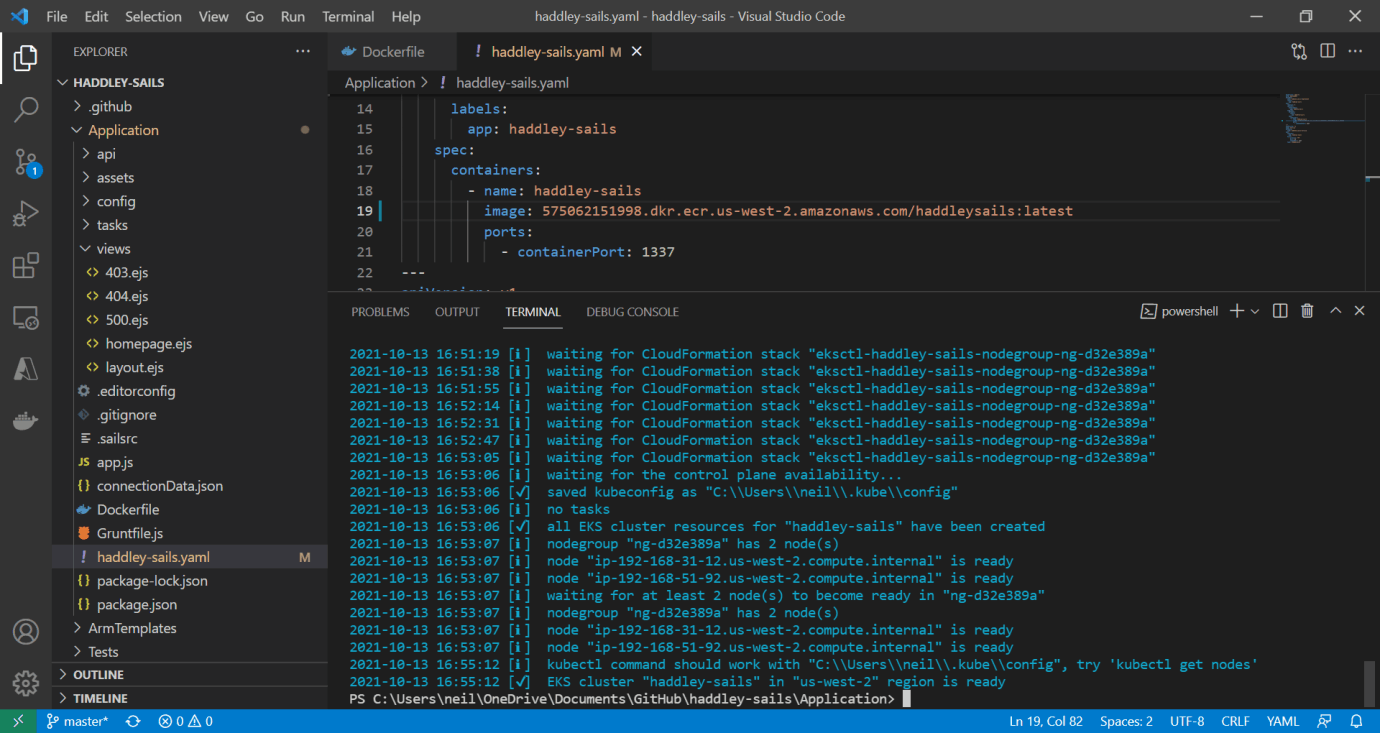
The Amazon EKS cluster is ready
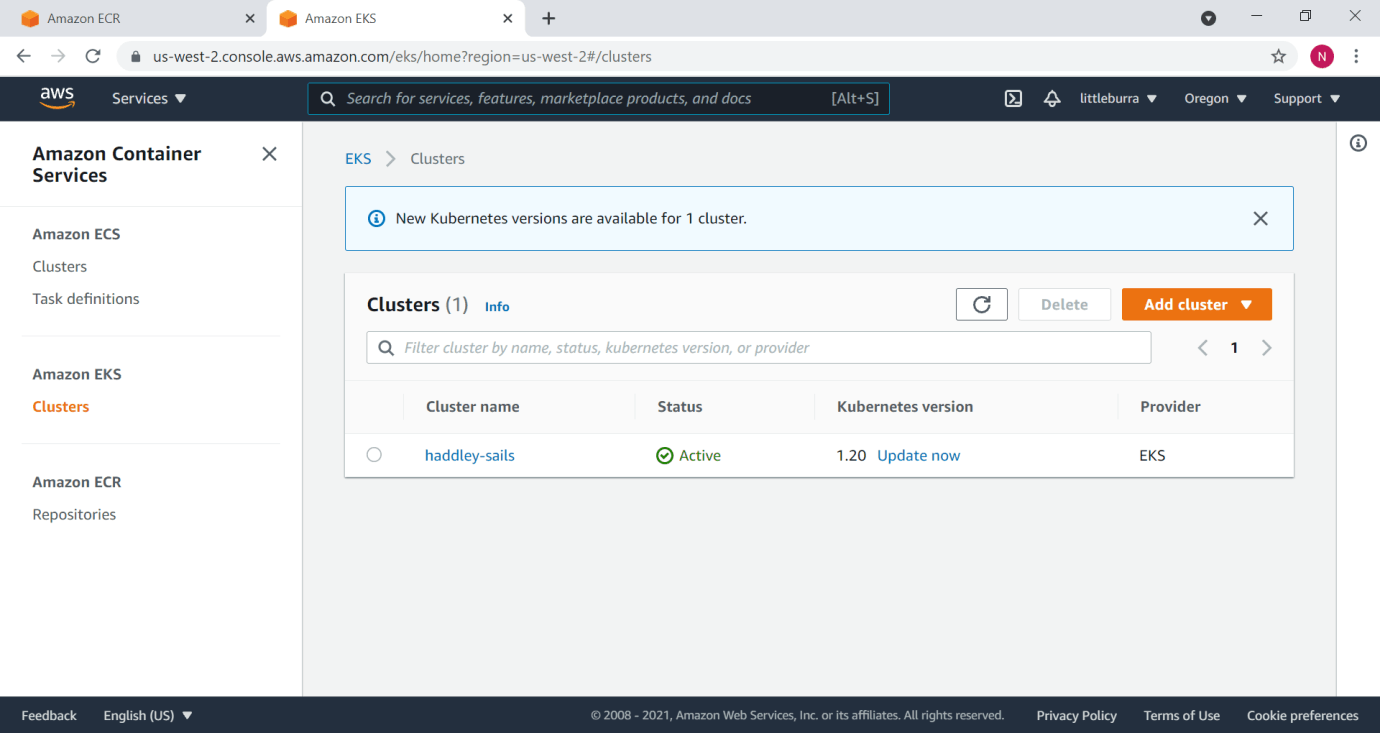
The haddley-sails cluster is active
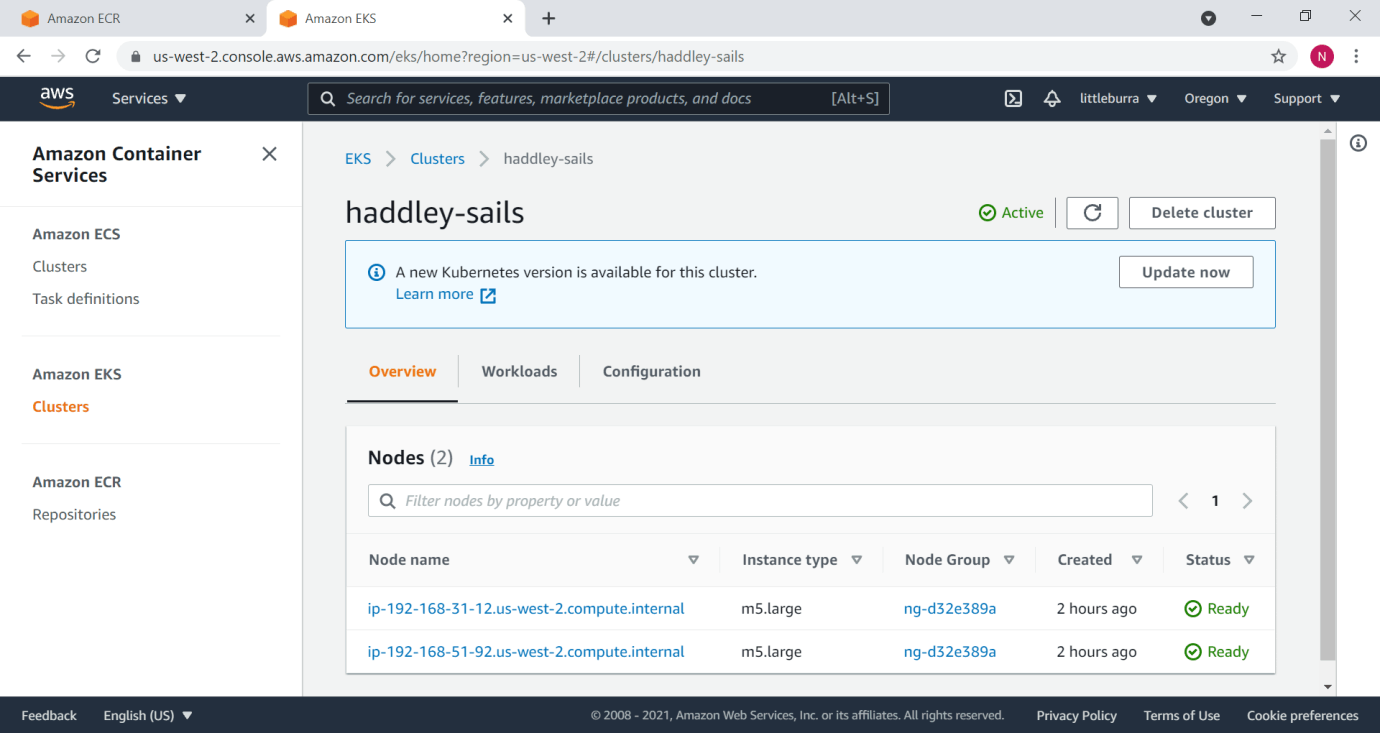
Two nodes in the cluster
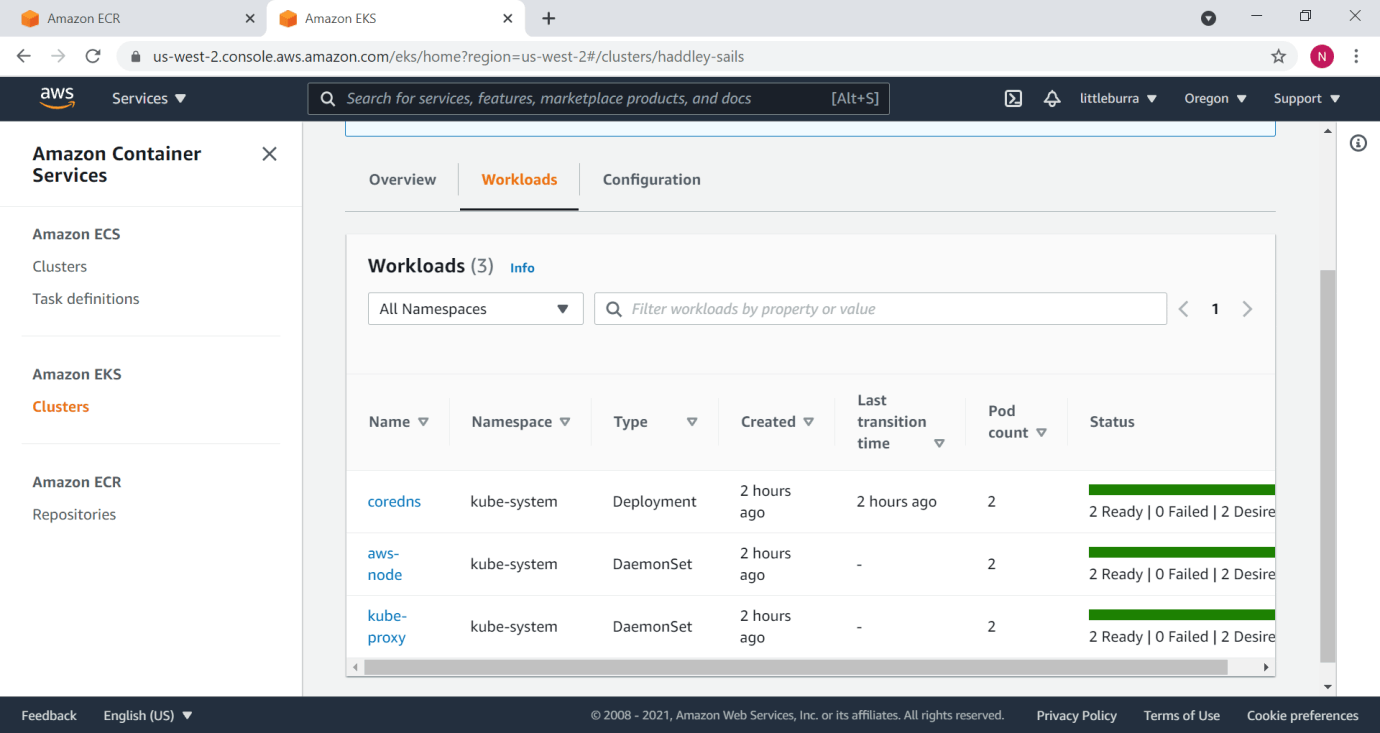
Workloads
kubectl
I used kubectl to deploy the application to the cluster.
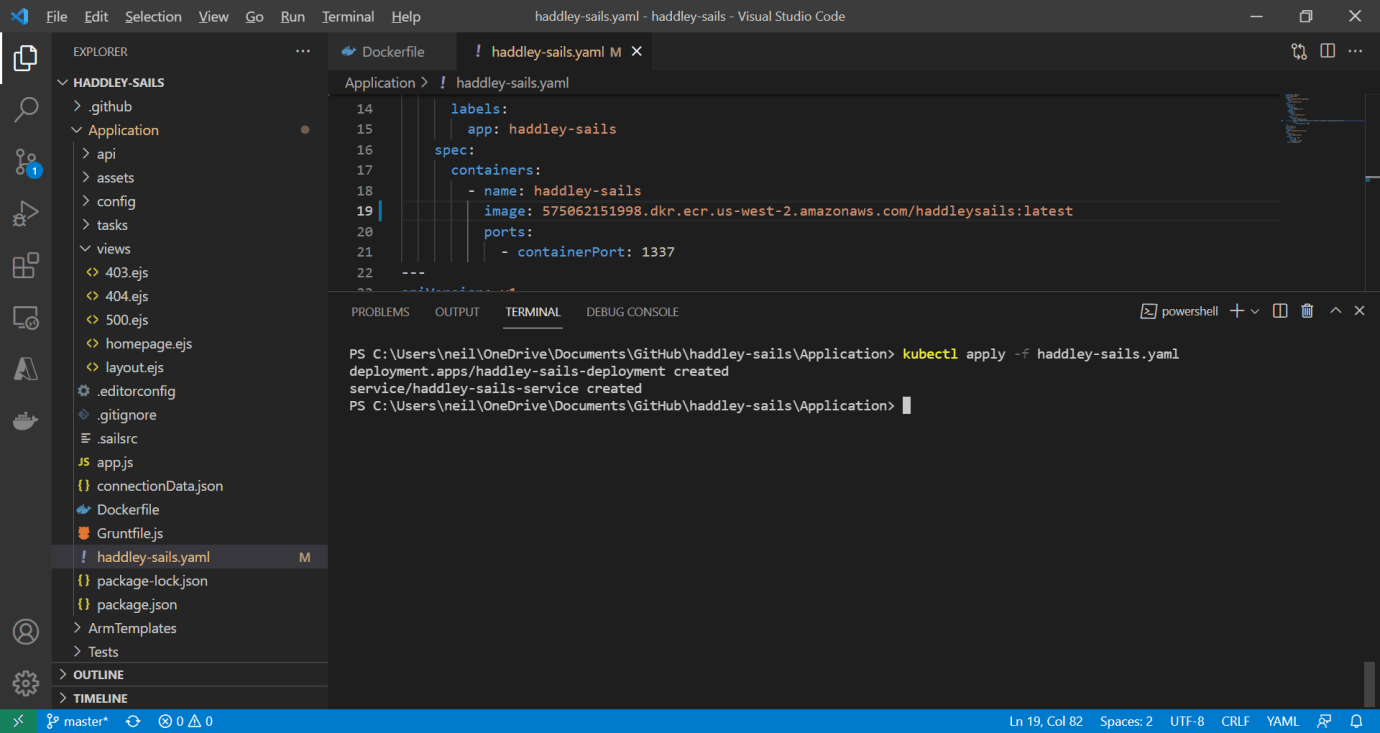
kubectl apply -f haddley-sails.yaml
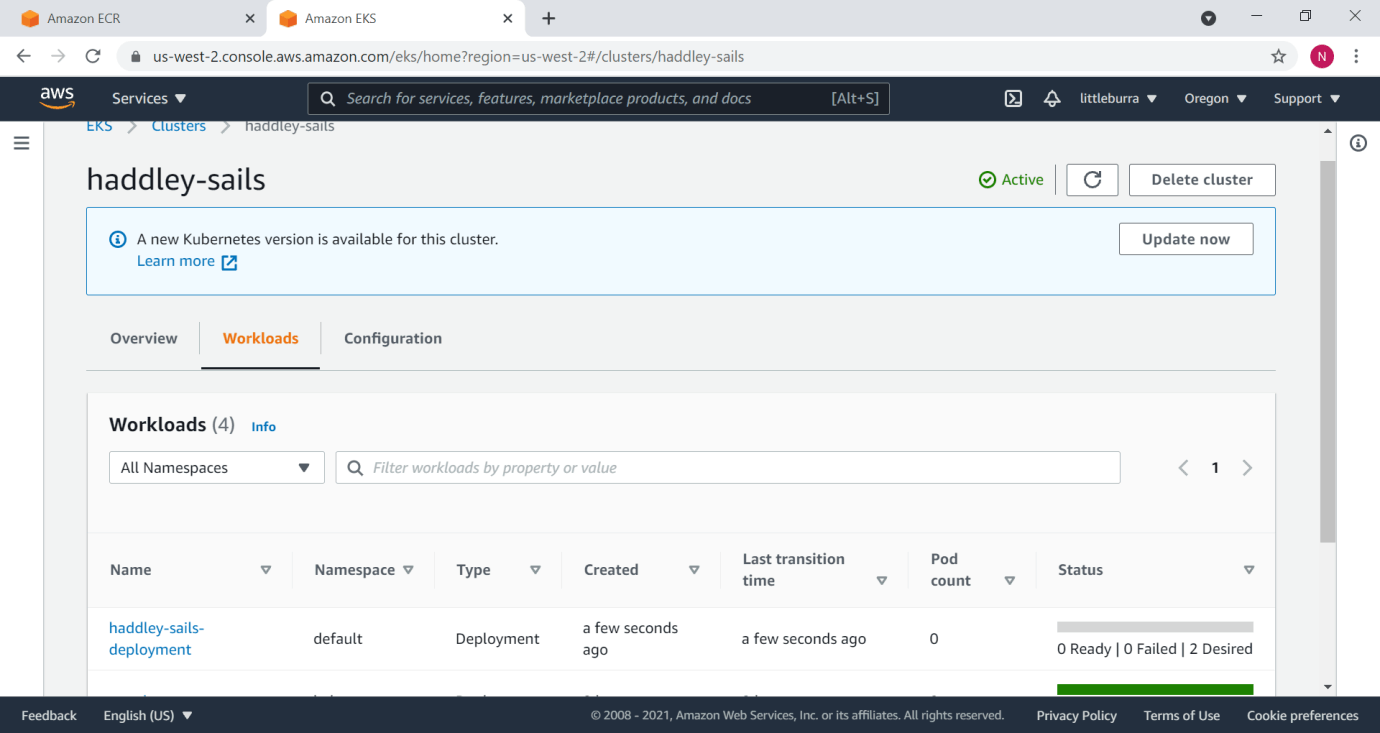
2 pods desired
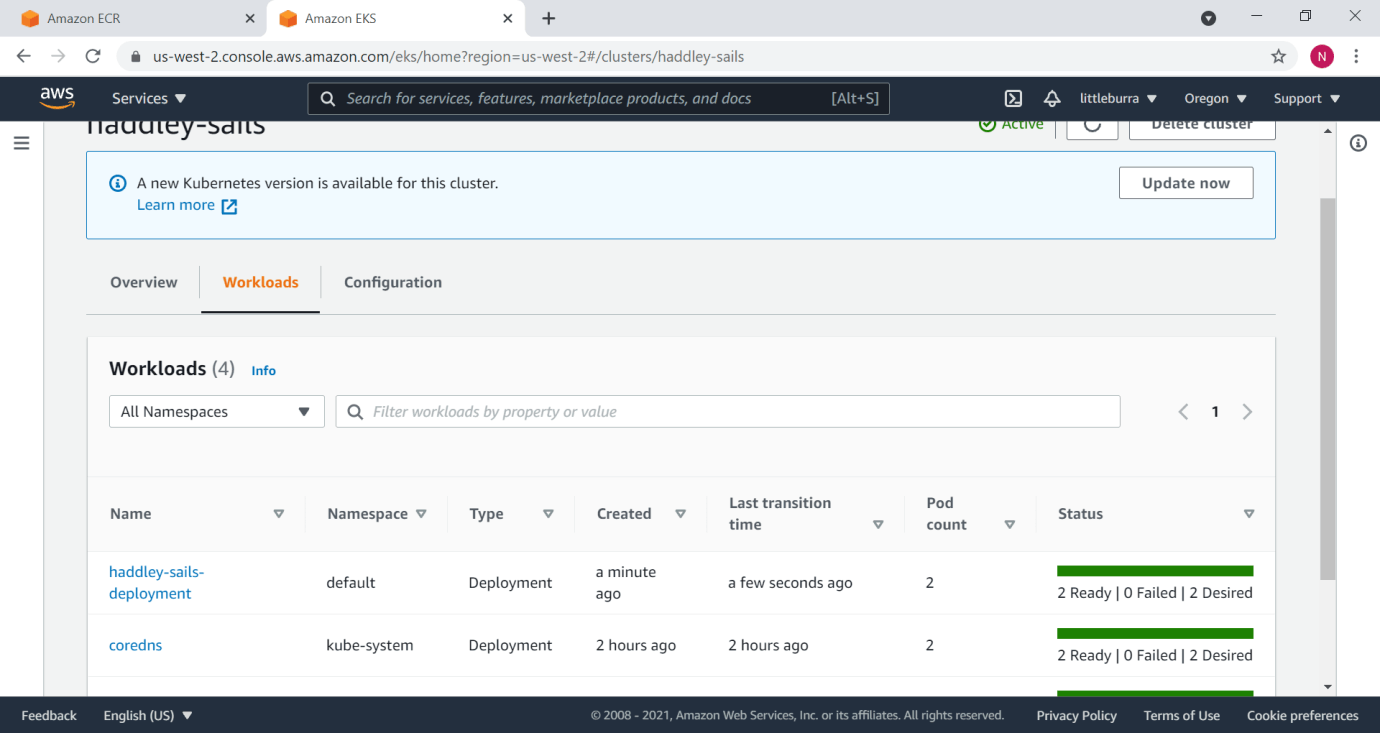
2 pods ready
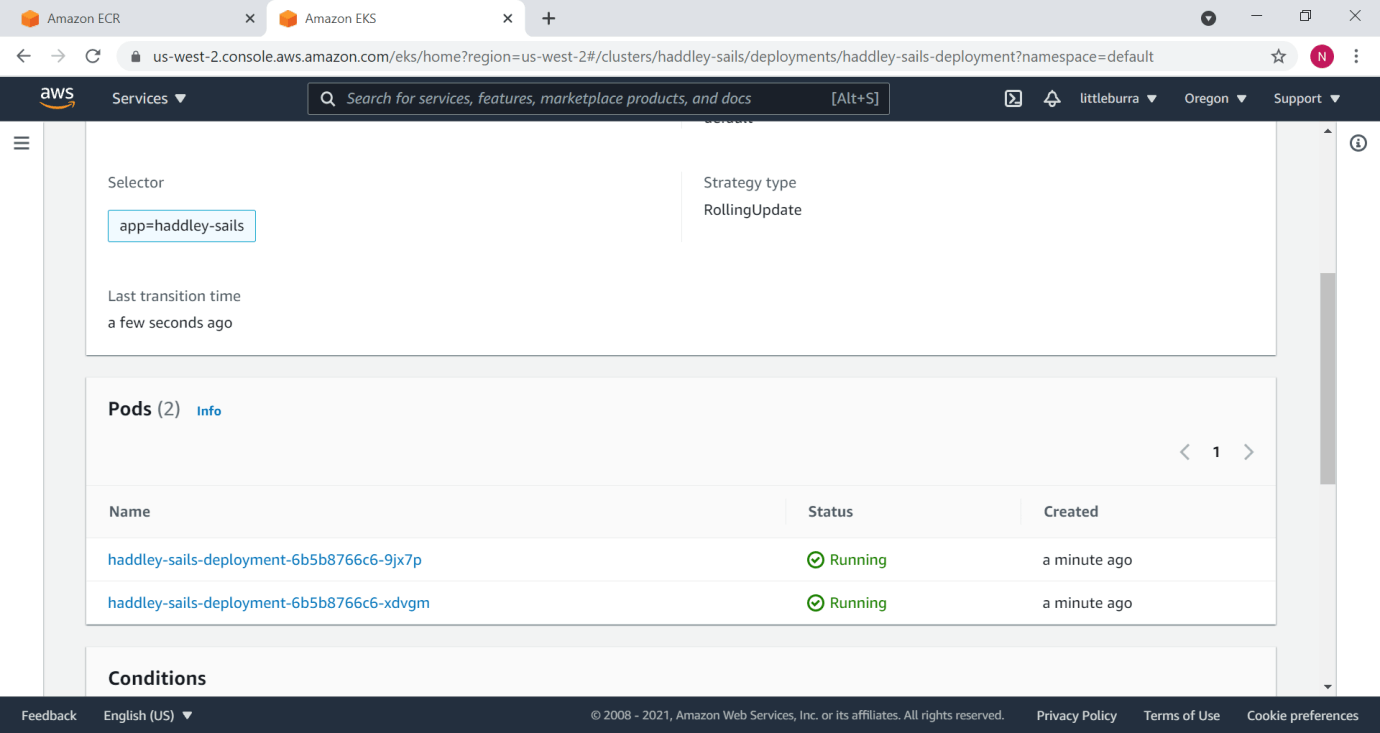
Pods
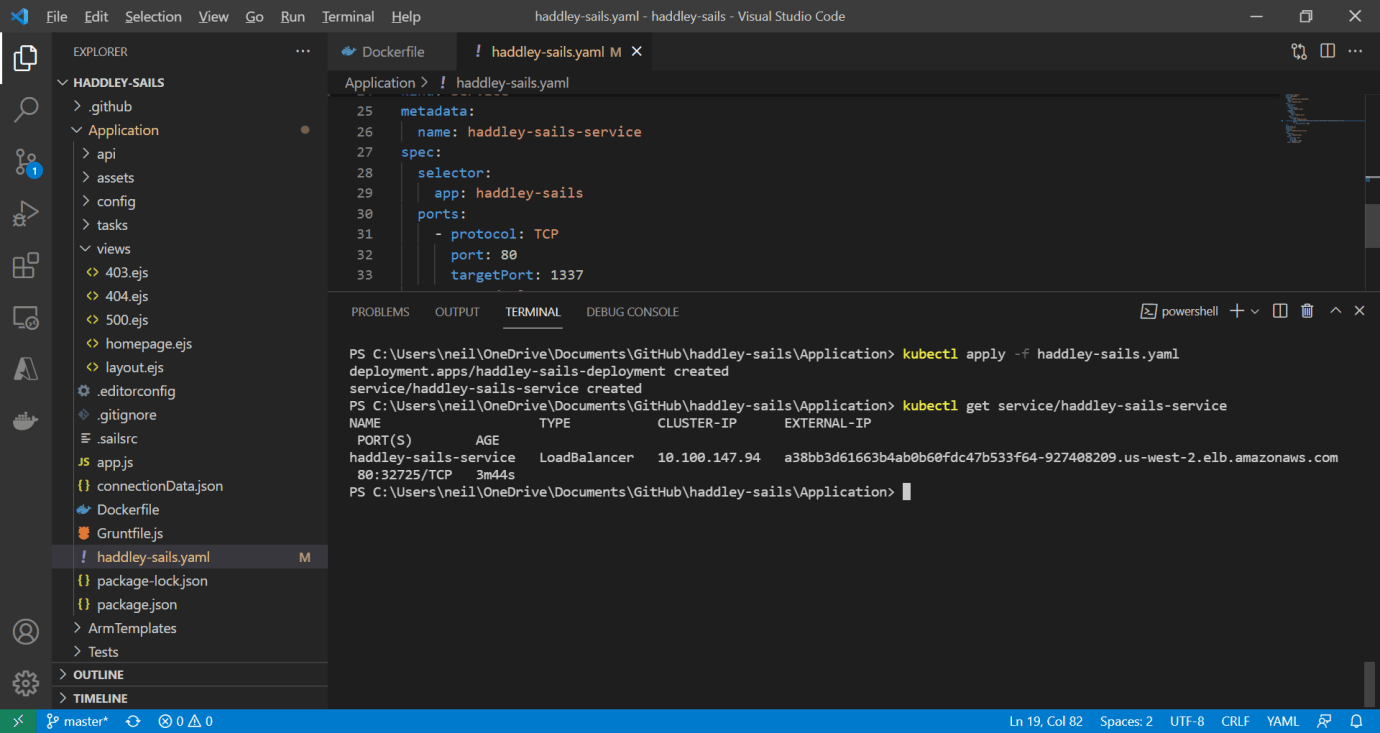
I retrieved the external IP address
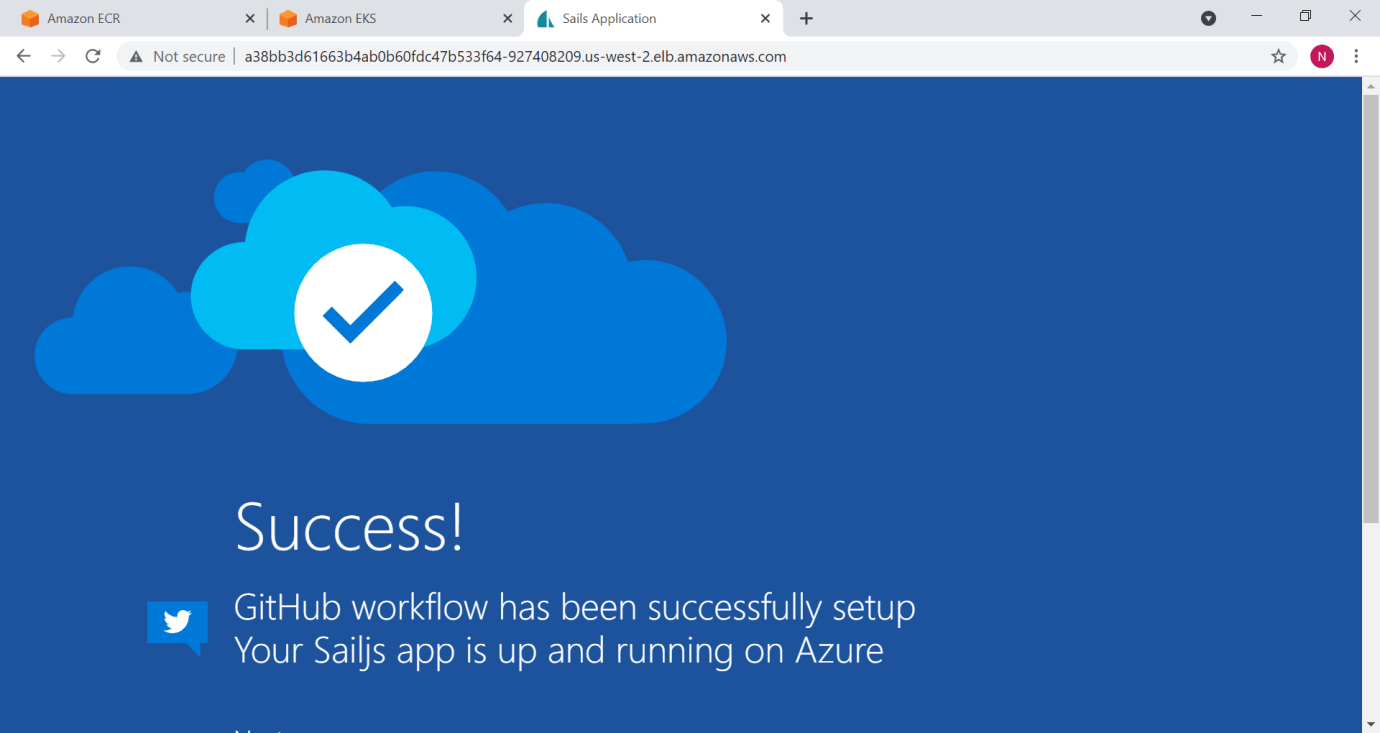
I accessed the home page
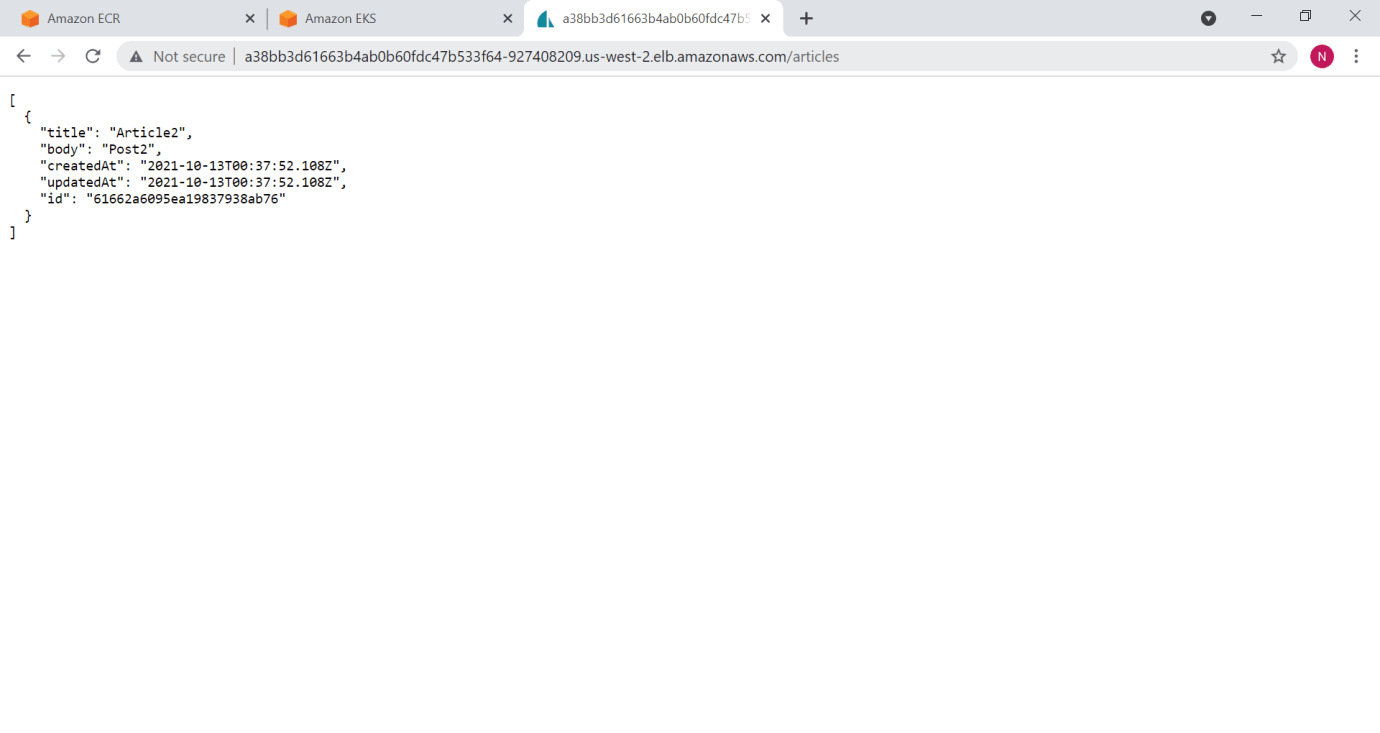
Articles
Dockfile
YAML
1FROM node:8
2LABEL maintainer="Azure App Service Container Images <appsvc-images@microsoft.com>"
3
4# Create app directory
5WORKDIR /app
6
7# Bundle app source
8COPY . .
9RUN npm install
10
11EXPOSE 1337
12CMD [ "npm", "start" ]
haddley-sails-local.yaml
YAML
1apiVersion: apps/v1
2kind: Deployment
3metadata:
4  name: haddley-sails-deployment
5  labels:
6    app: haddley-sails
7spec:
8  replicas: 2
9  selector:
10    matchLabels:
11      app: haddley-sails
12  template:
13    metadata:
14      labels:
15        app: haddley-sails
16    spec:
17      containers:
18        - name: haddley-sails
19          image: haddleysails
20          imagePullPolicy: Never
21          ports:
22            - containerPort: 1337
23---
24apiVersion: v1
25kind: Service
26metadata:
27  name: haddley-sails-service
28spec:
29  selector:
30    app: haddley-sails
31  ports:
32    - protocol: TCP
33      port: 80
34      targetPort: 1337
35  type: LoadBalancer
haddley-sails.yaml
YAML
1apiVersion: apps/v1
2kind: Deployment
3metadata:
4  name: haddley-sails-deployment
5  labels:
6    app: haddley-sails
7spec:
8  replicas: 2
9  selector:
10    matchLabels:
11      app: haddley-sails
12  template:
13    metadata:
14      labels:
15        app: haddley-sails
16    spec:
17      containers:
18        - name: haddley-sails
19          image: haddleysails:latest
20          ports:
21            - containerPort: 1337
22---
23apiVersion: v1
24kind: Service
25metadata:
26  name: haddley-sails-service
27spec:
28  selector:
29    app: haddley-sails
30  ports:
31    - protocol: TCP
32      port: 80
33      targetPort: 1337
34  type: LoadBalancer