SharePoint 2019
Neil Haddley • December 31, 2022
Azure Portal
I logged into Azure Portal
I selected 'SharePoint Server 2019 Trial' in Marketplace
I added Active Directory role
I added SQL Server
I ran the SharePoint Configuration Wizard
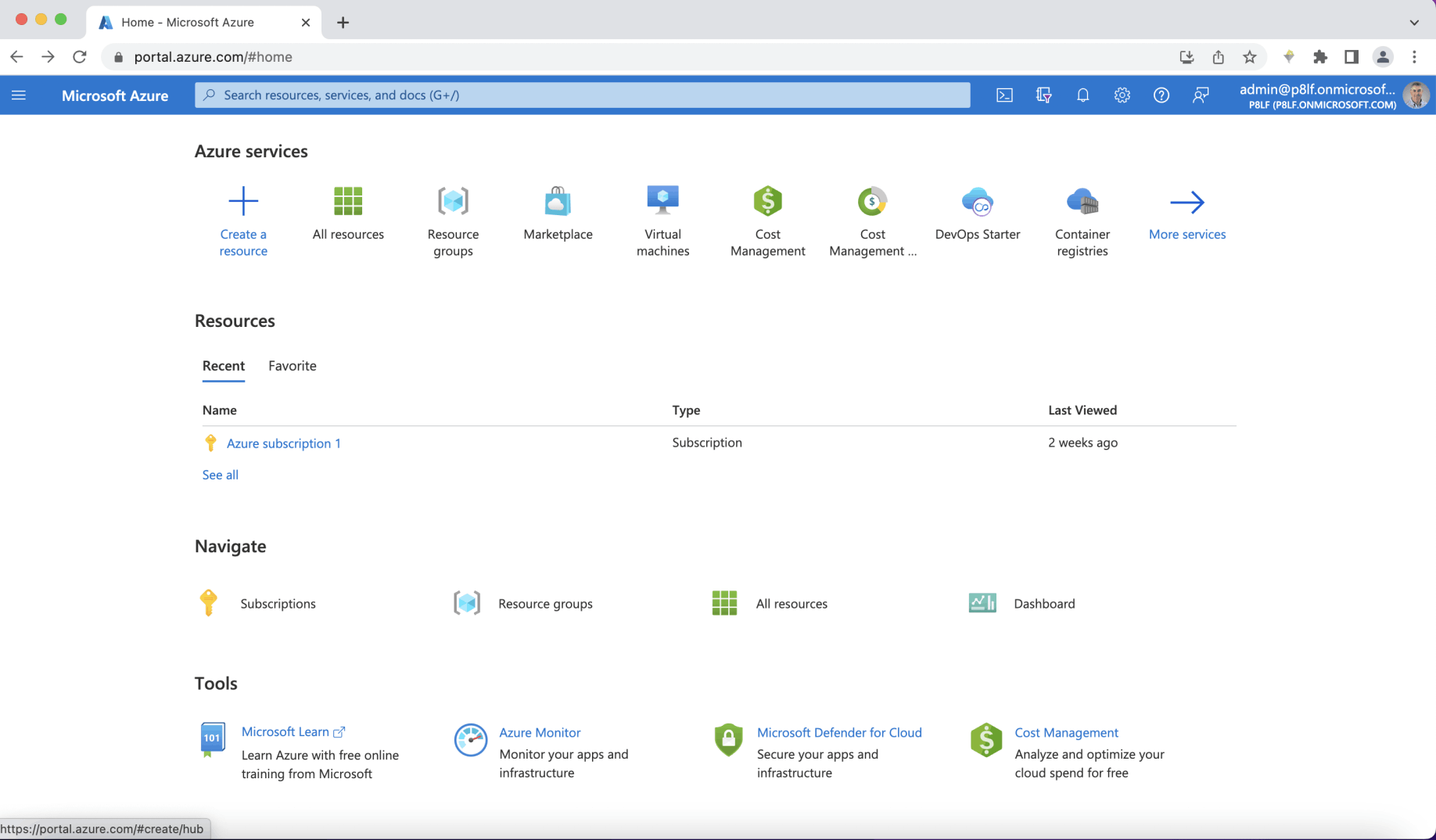
Azure Portal
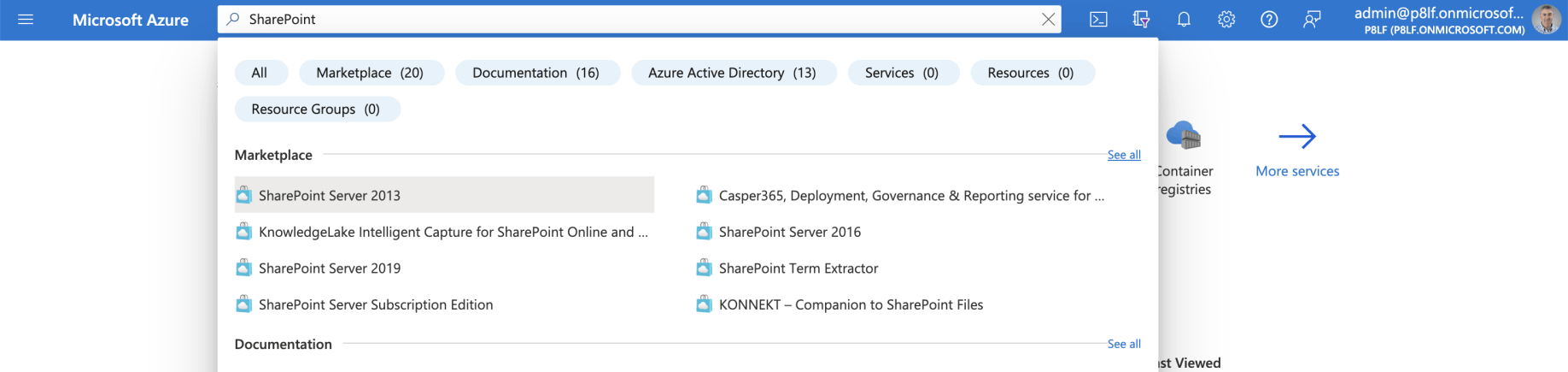
I entered 'SharePoint' into search
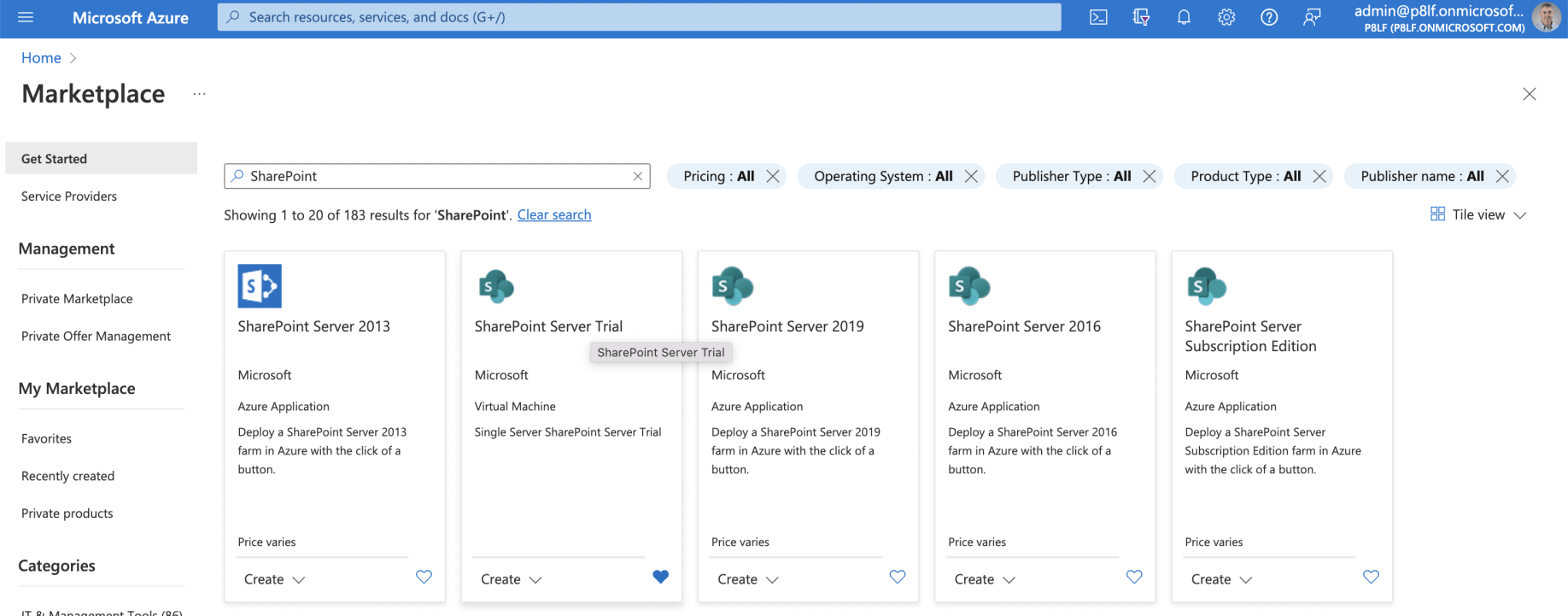
I used 'see all' link to view the SharePoint related Marketplace items
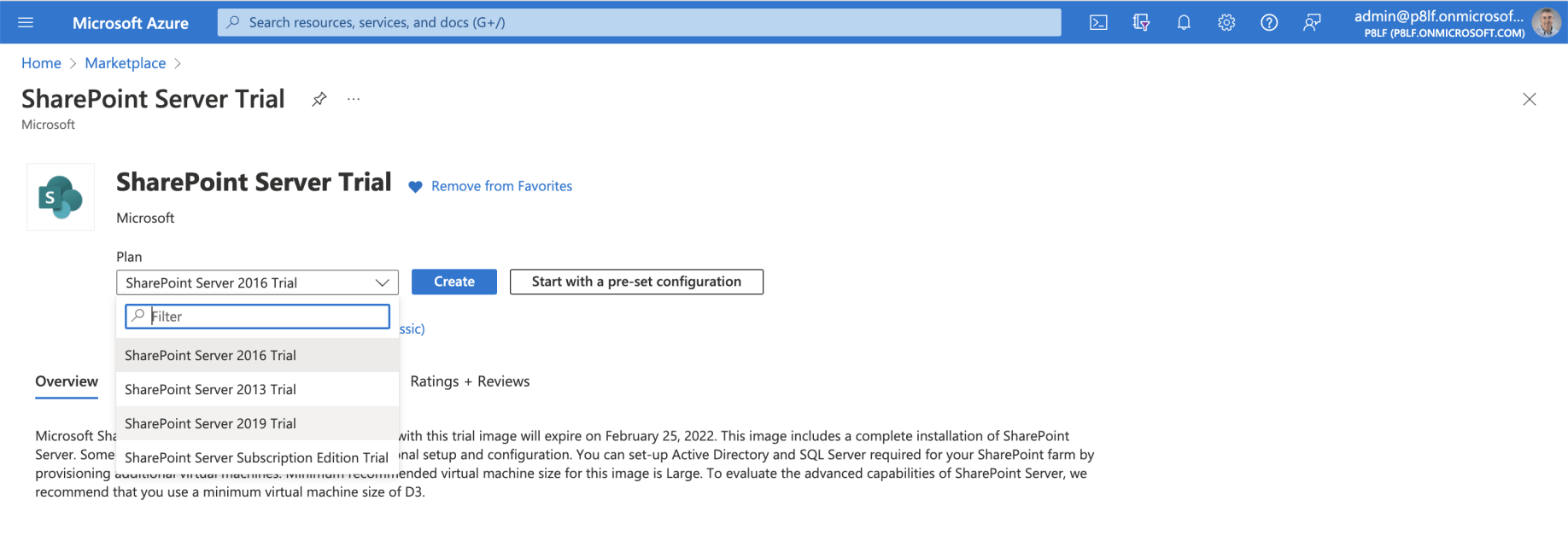
I selected the 'SharePoint Server Trial' card
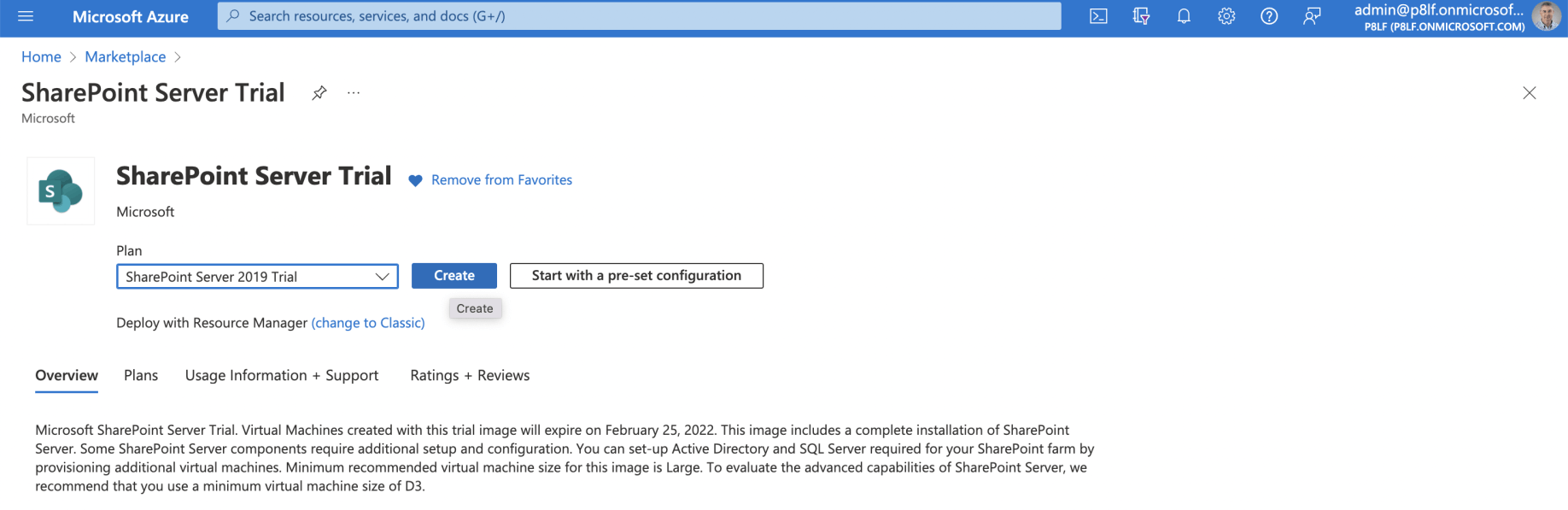
I selected the 'SharePoint Server 2019 Trial' item
Active Directory and SQL Server
The SharePoint Server 2019 Trial overview explains that:
"You can set-up Active Directory and SQL Server required for your SharePoint farm by provisioning additional virtual machines".
In this case I wanted to install Active Directory, SQL Server and SharePoint on a single server.
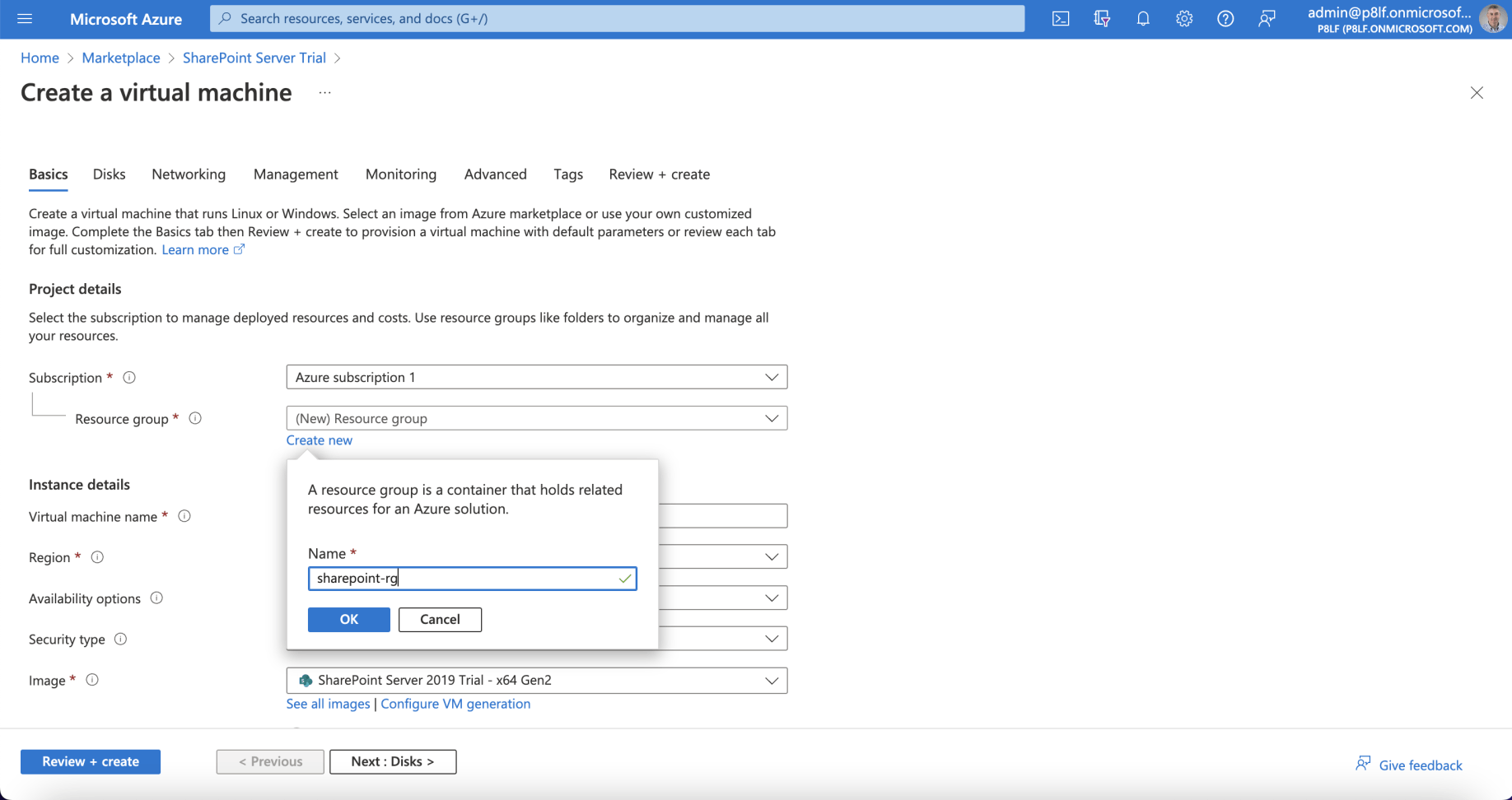
I created a new Azure Resource Group 'sharepoint-rg'
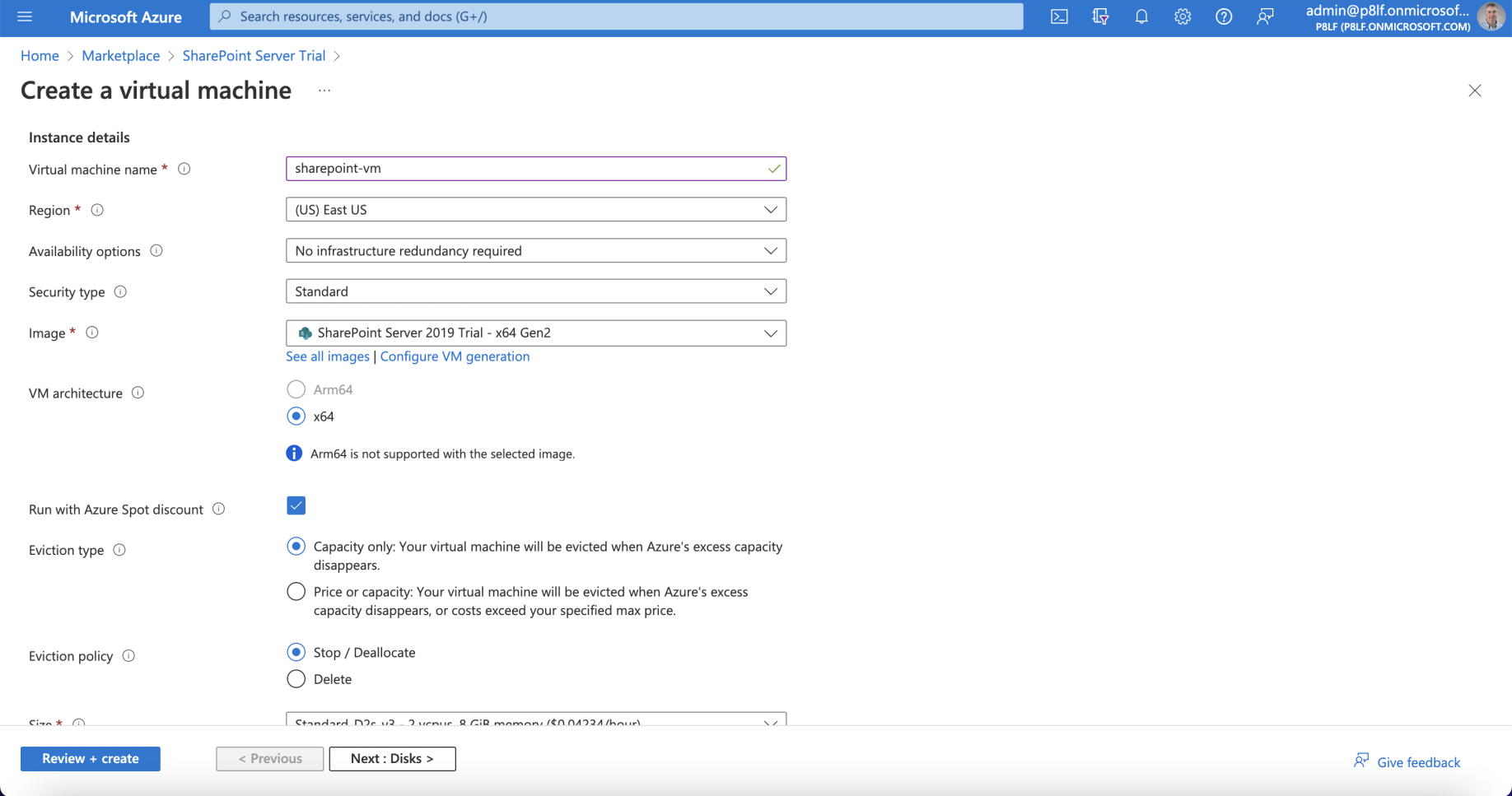
I named the new virtual machine 'sharepoint-vm'
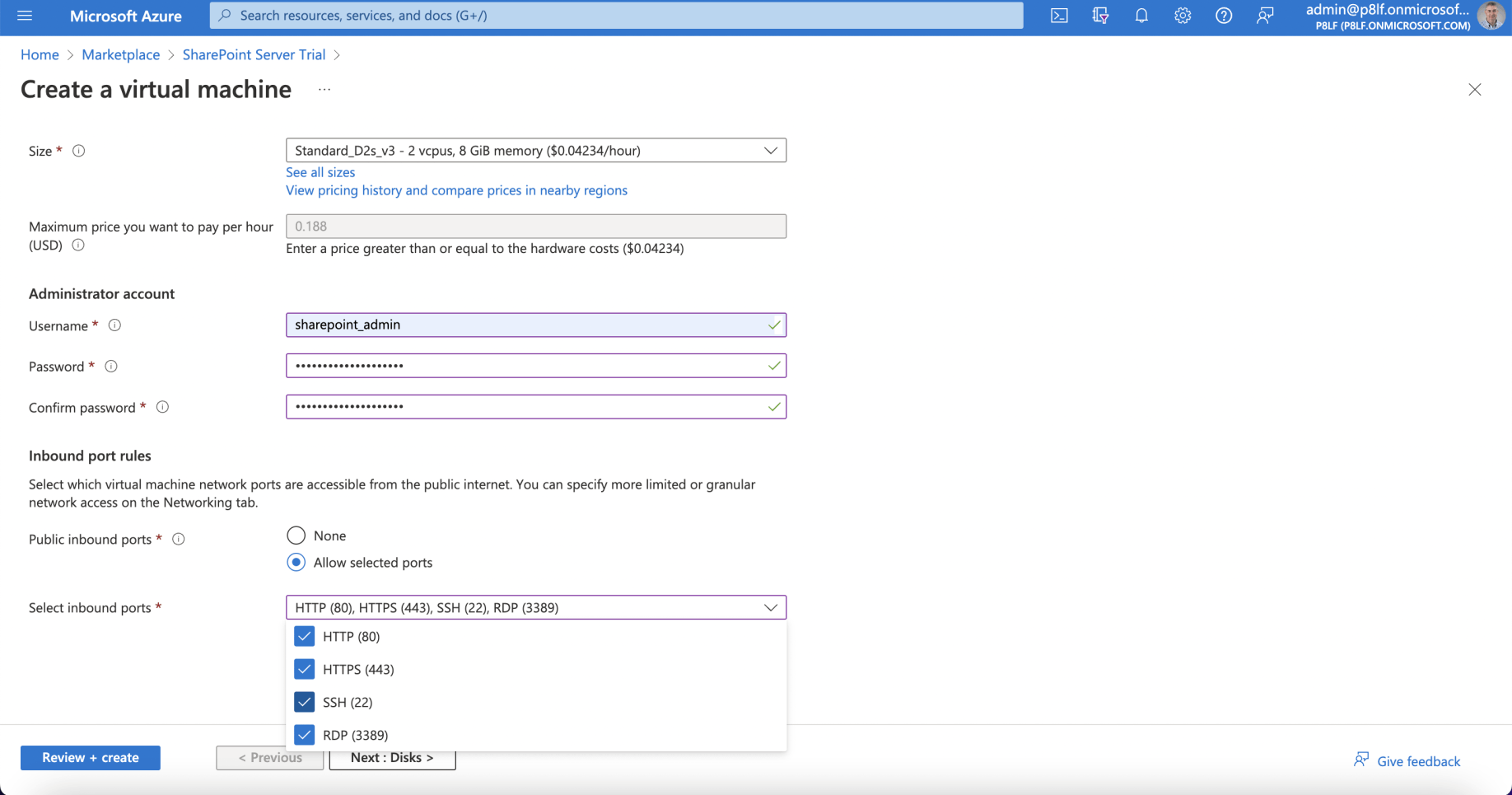
I specified an administrator user name 'sharepoint_admin'
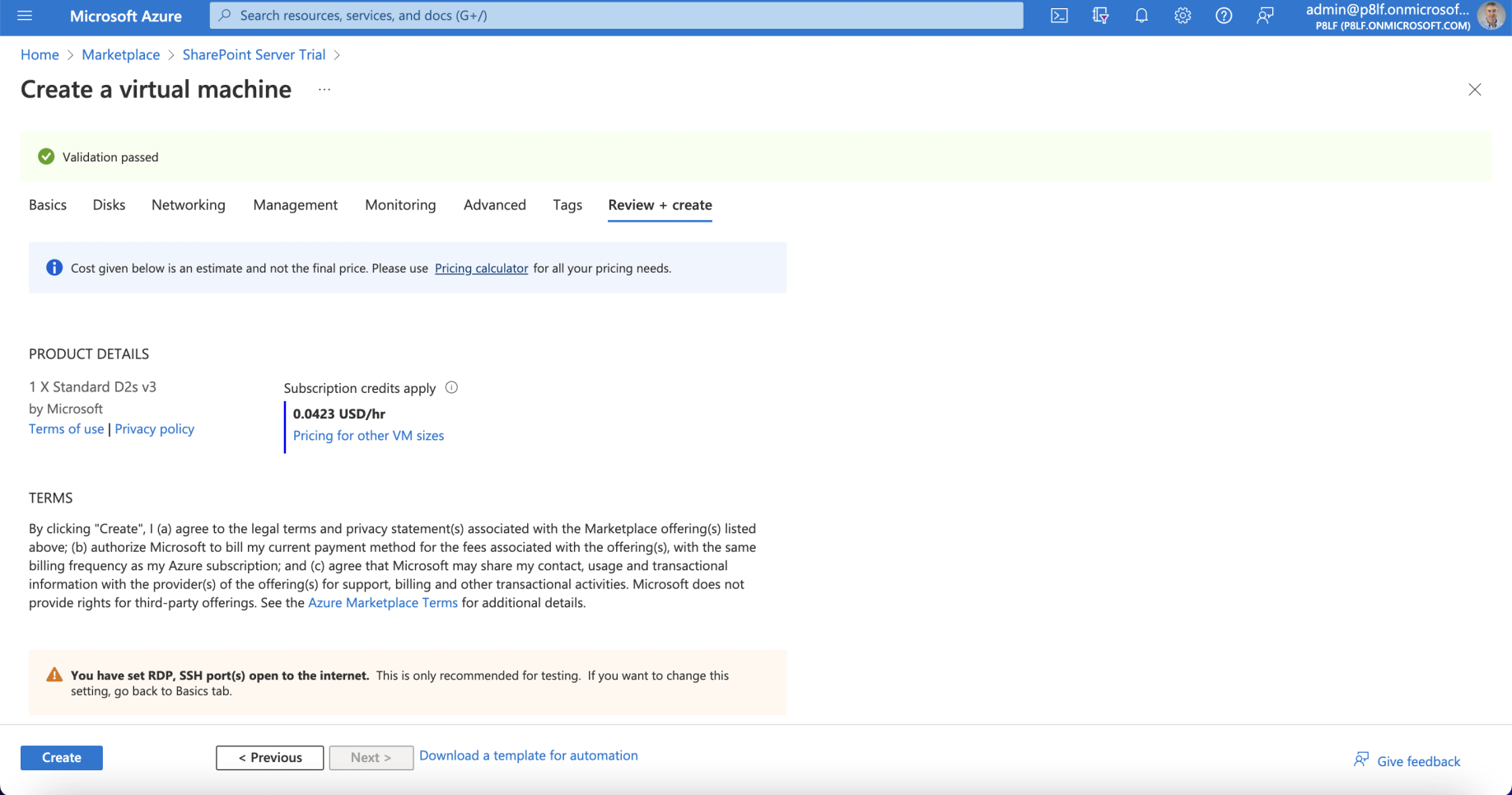
I selected 'Review + Create'
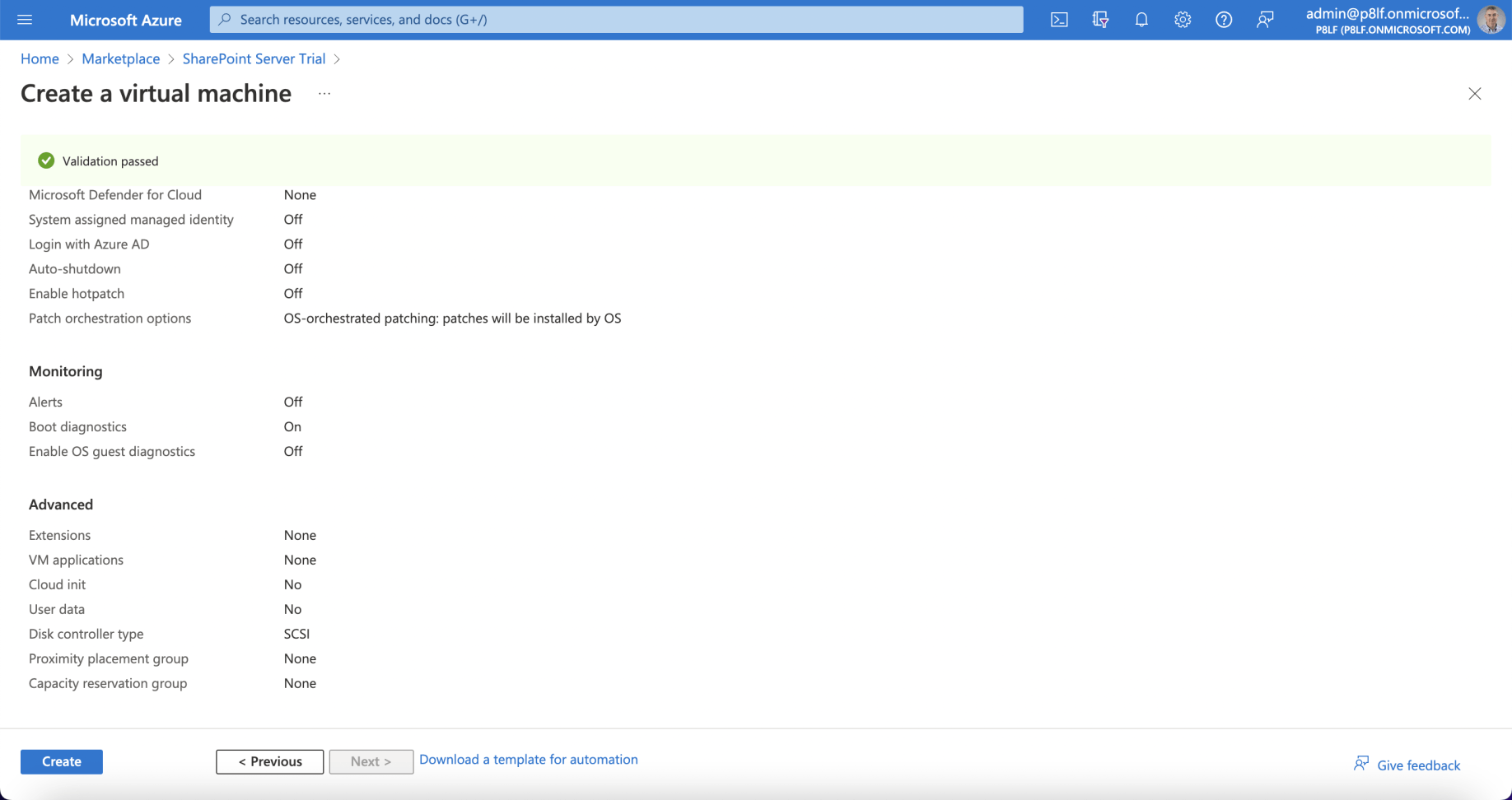
I clicked Create
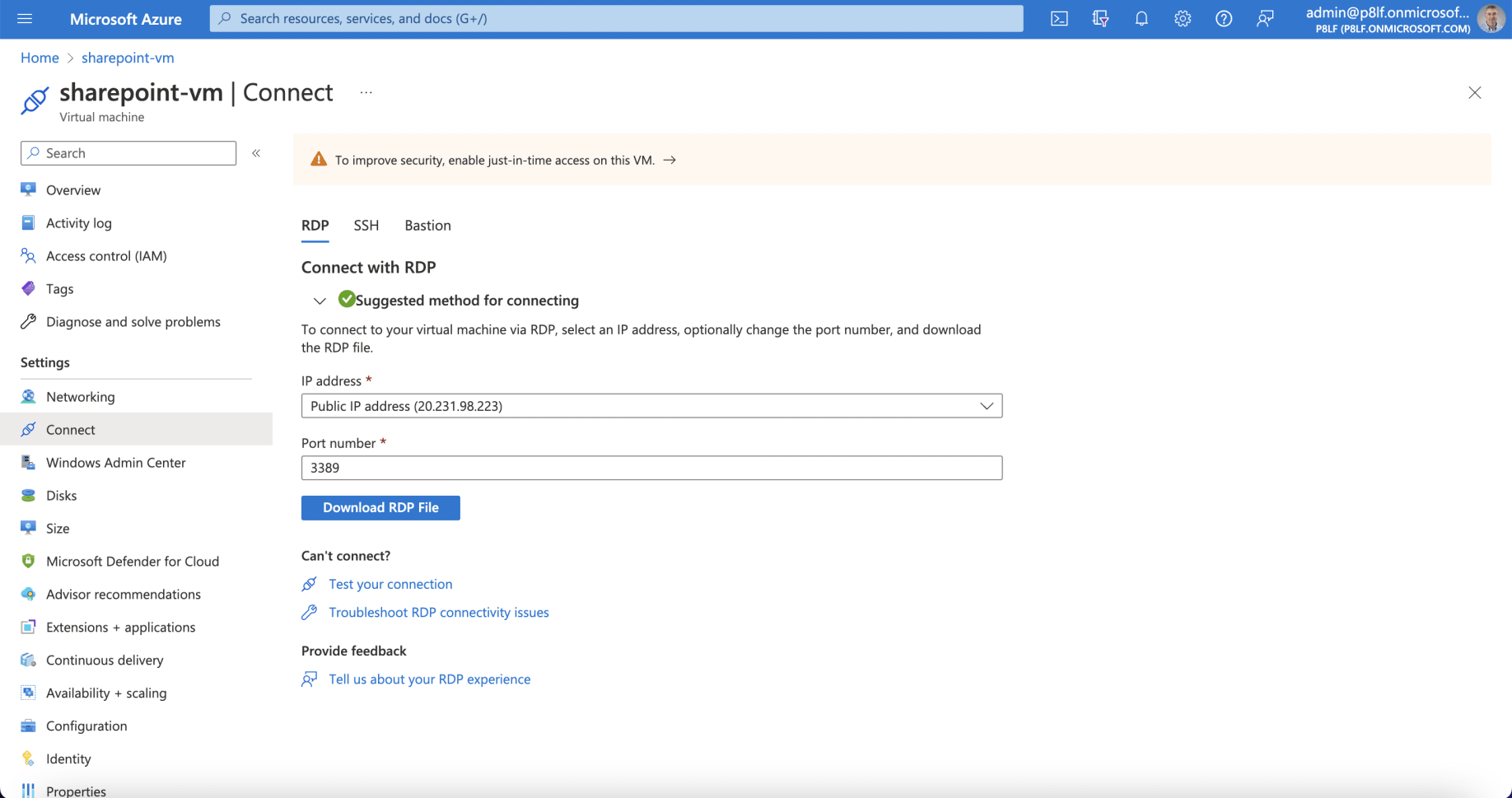
I navigated to the virtual machine and selected Connect
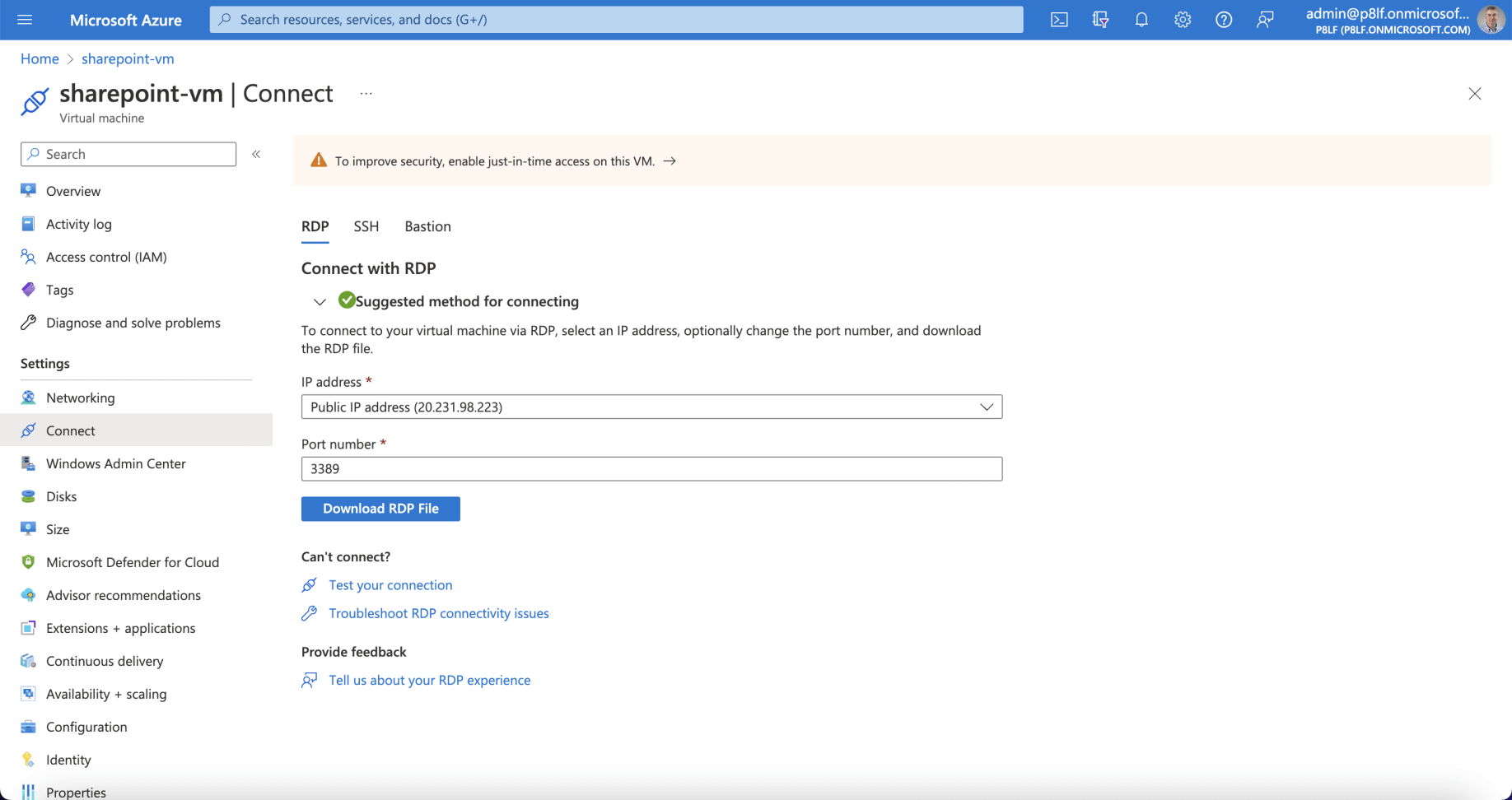
I selected 'Download RDP File' (Remote Desktop Protocol)
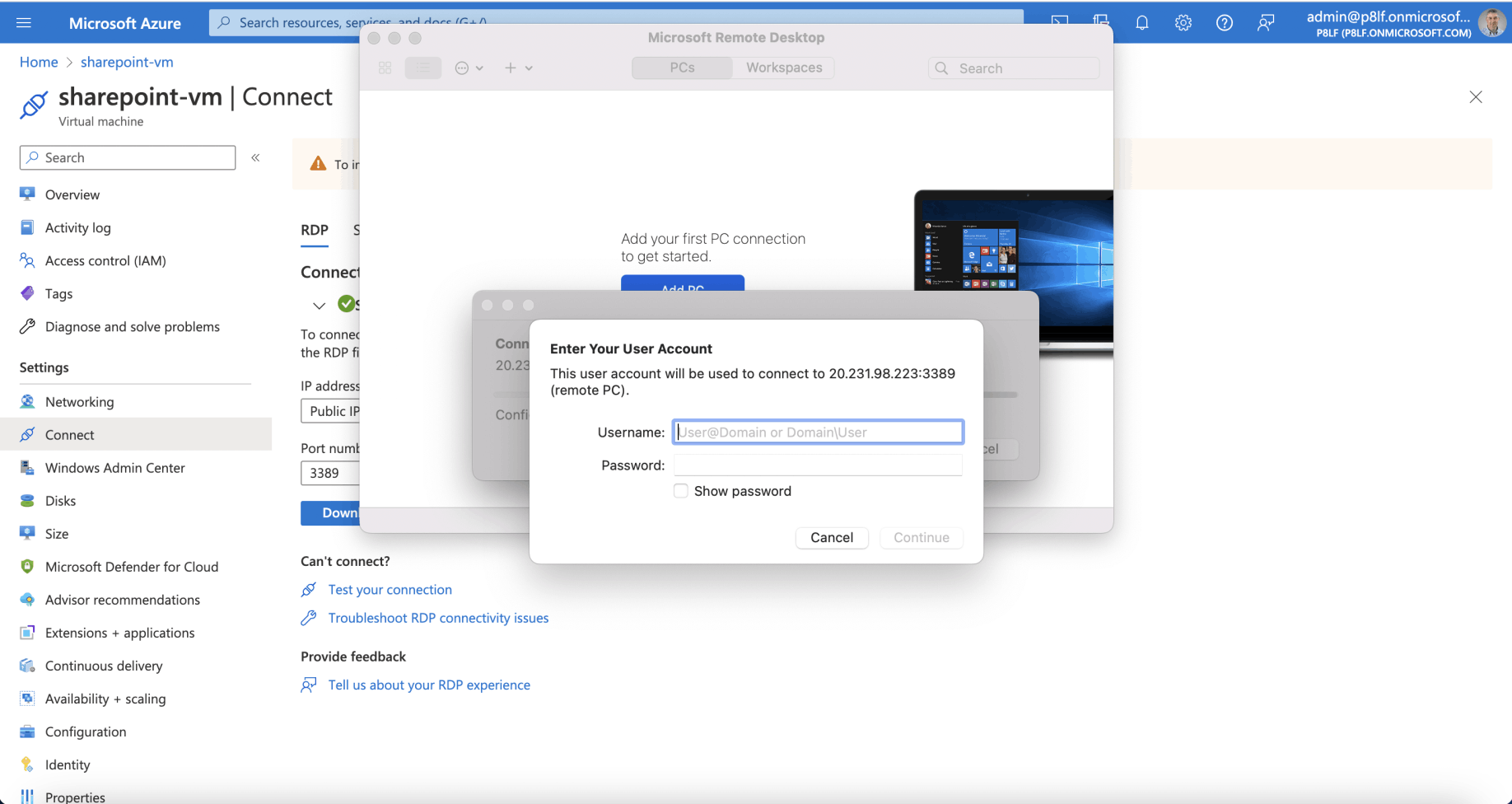
I opened the downloaded file with the Microsoft Remote Desktop application
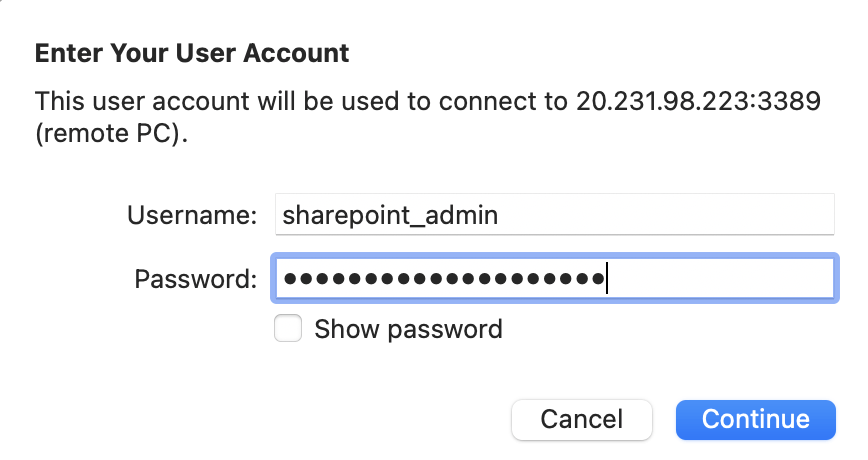
I provided the Administrator credentials
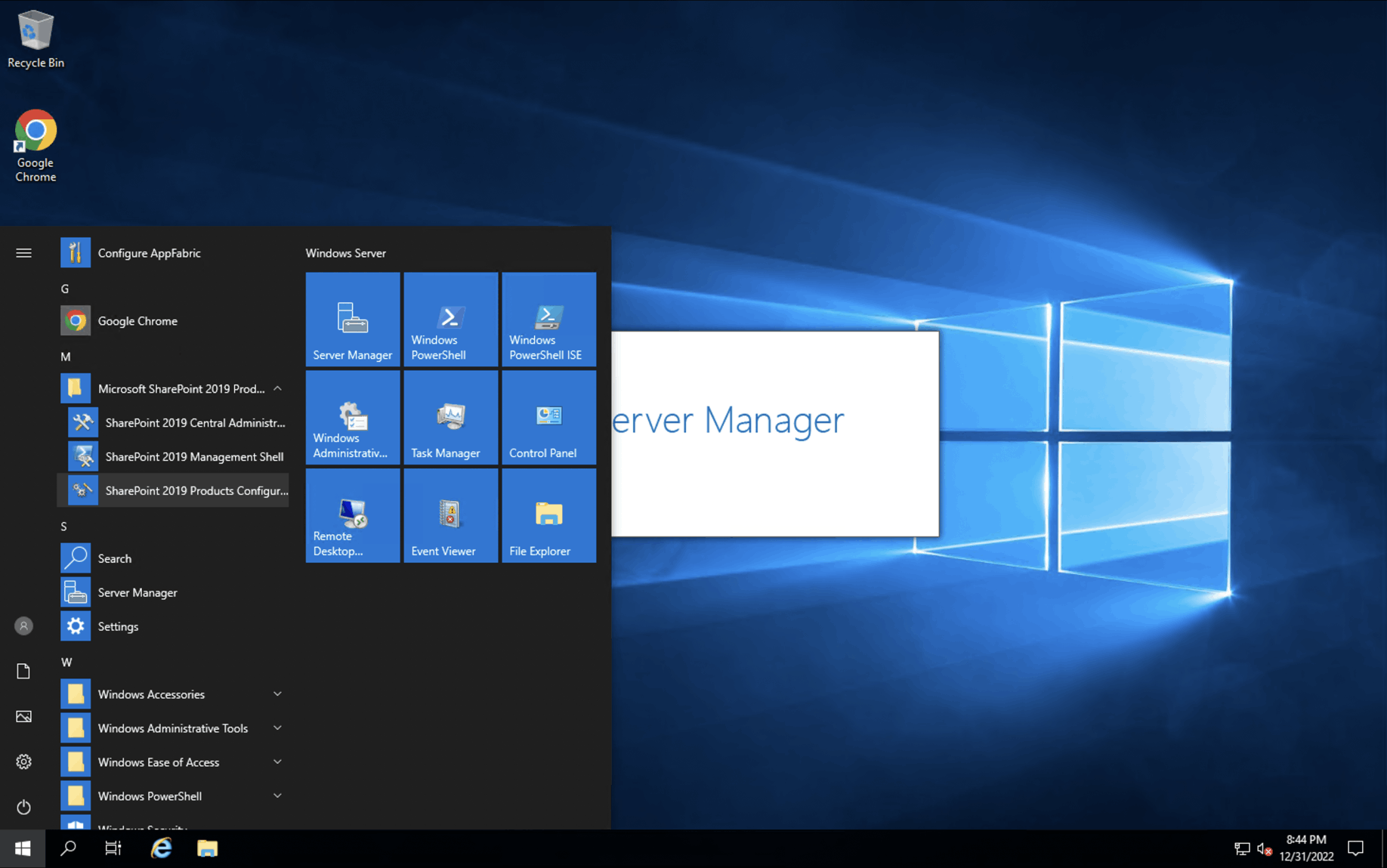
SharePoint was installed
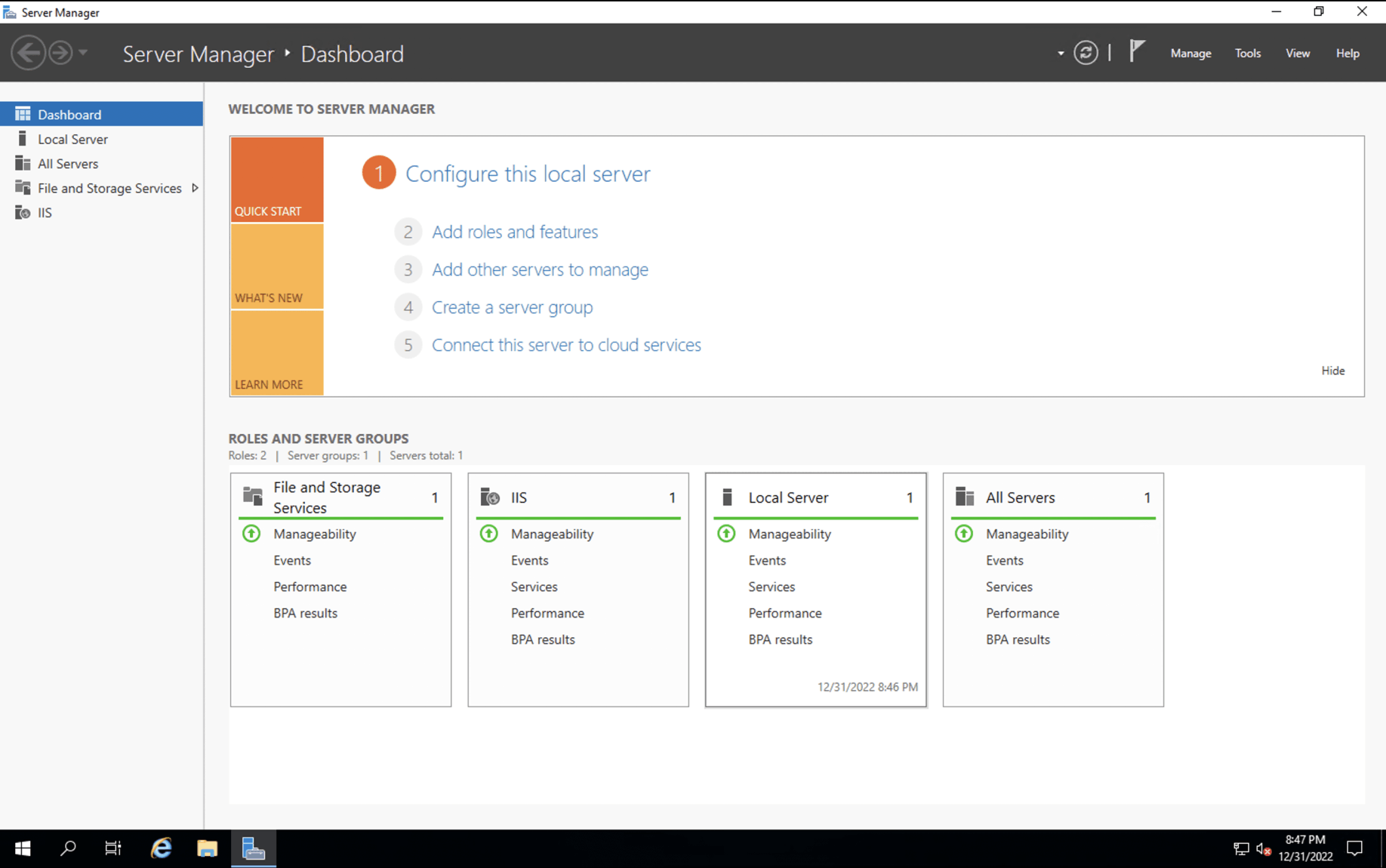
I clicked the 'Add roles and features' link
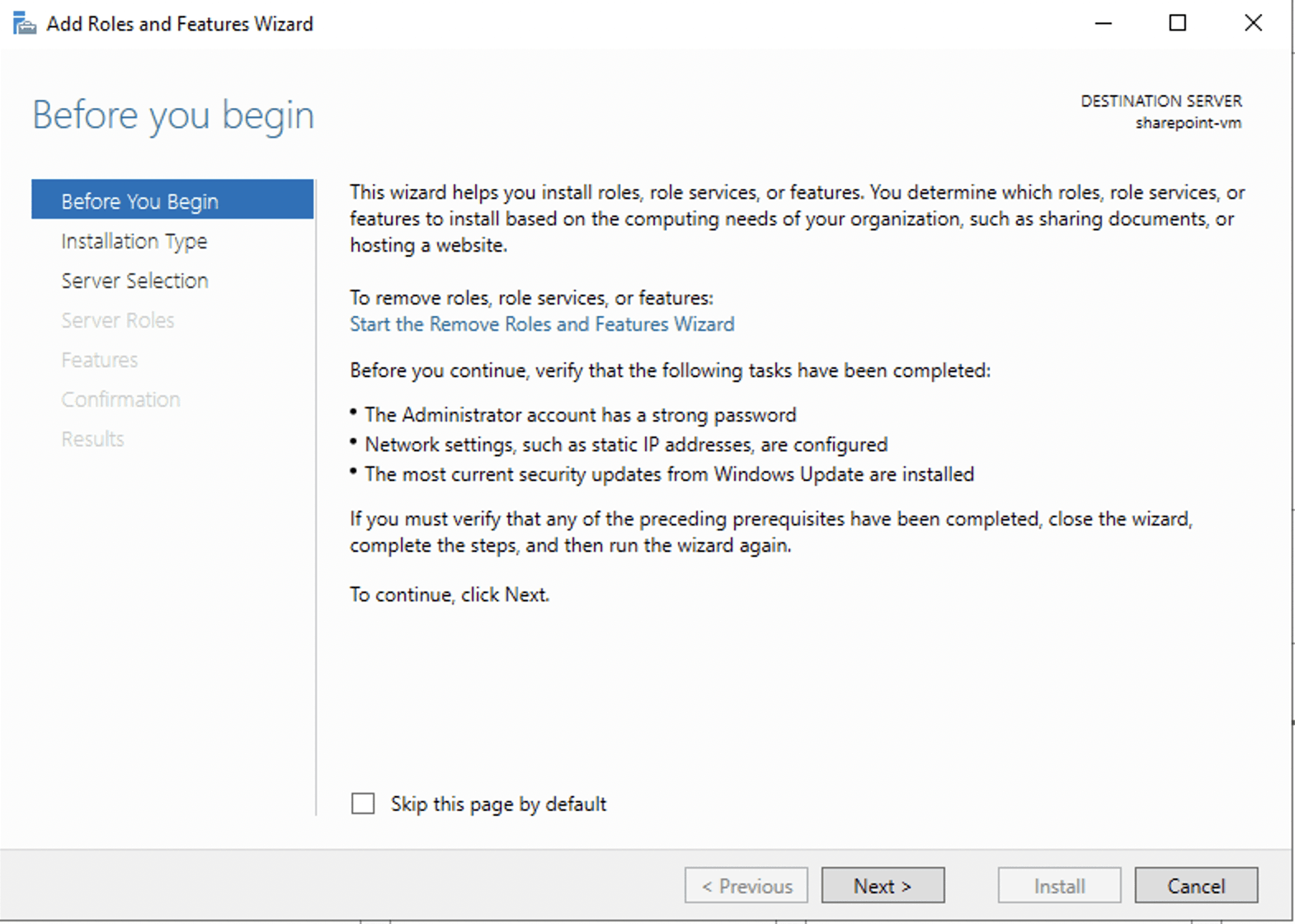
I clicked next
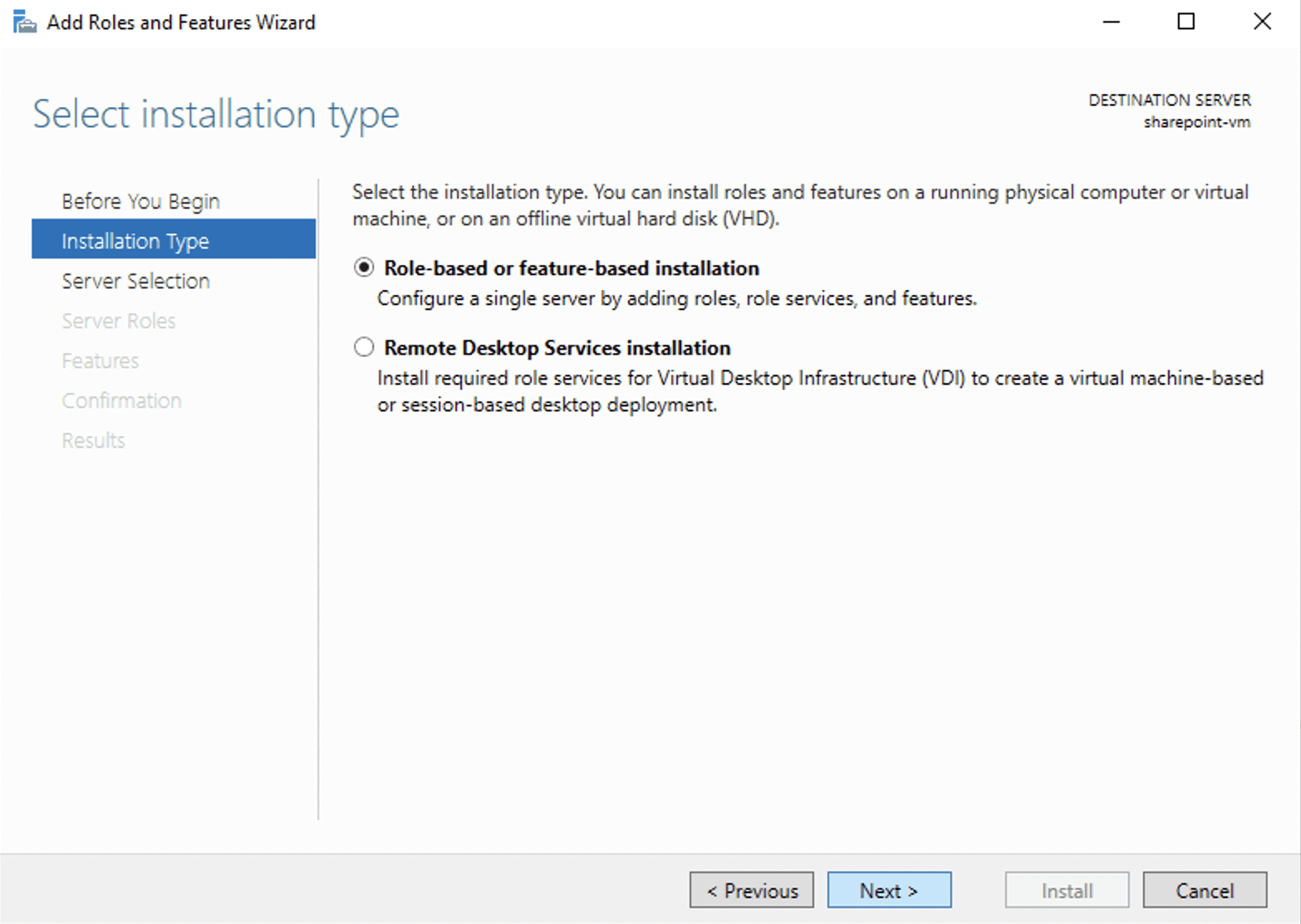
I left 'Role-based...' selected and clicked next
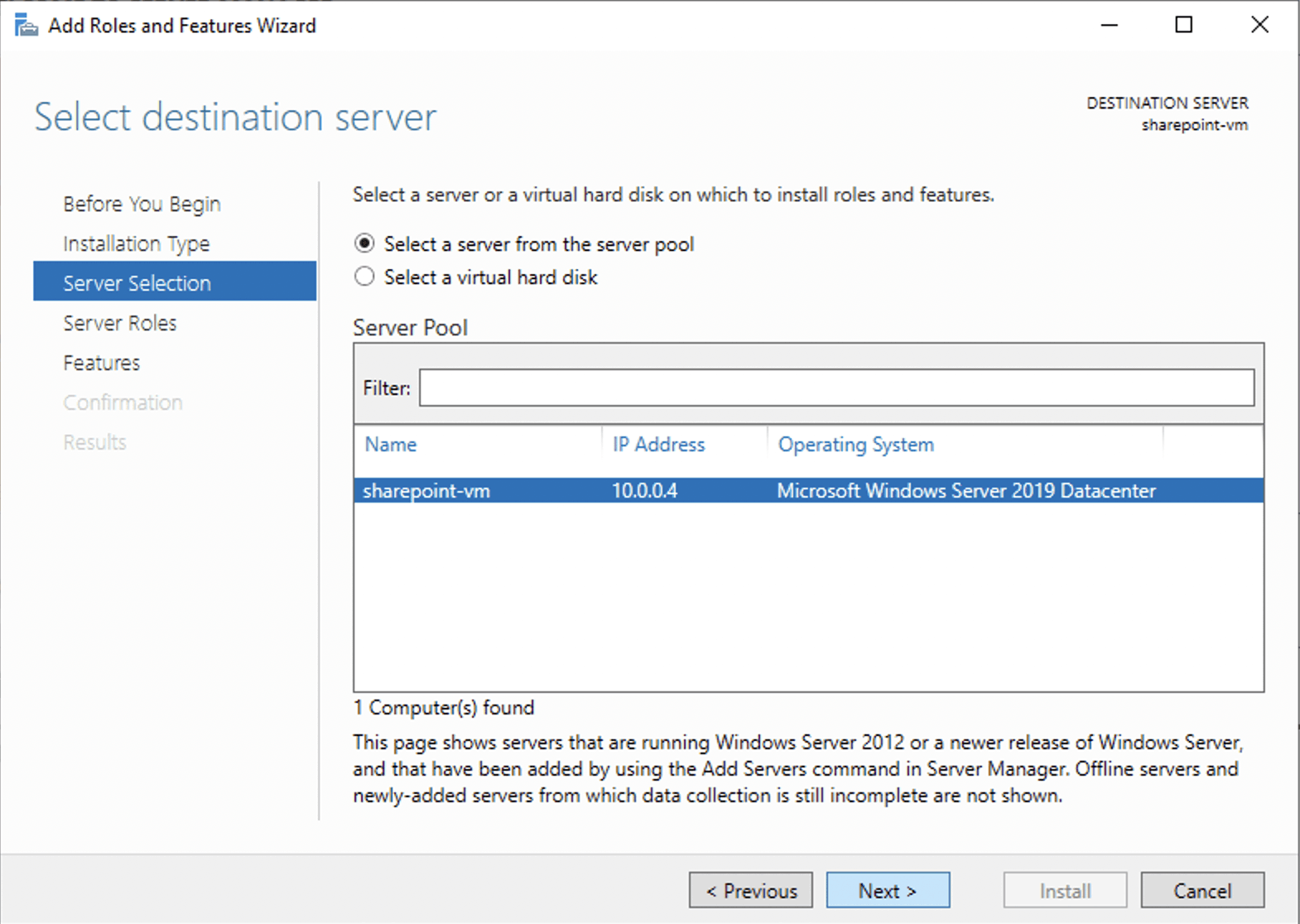
I selected the local server
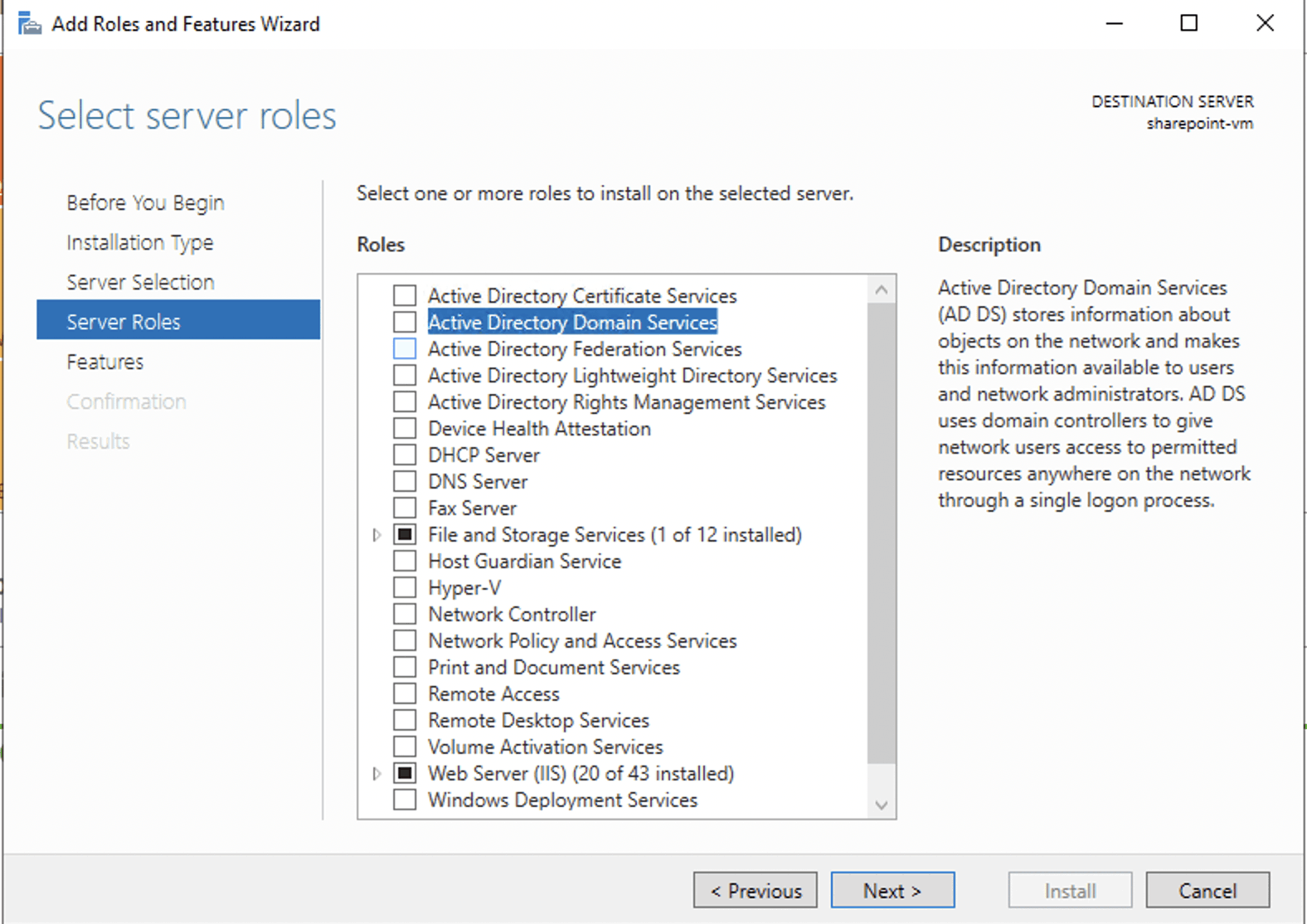
I selected the 'Active Directory Domain Services' option and clicked next
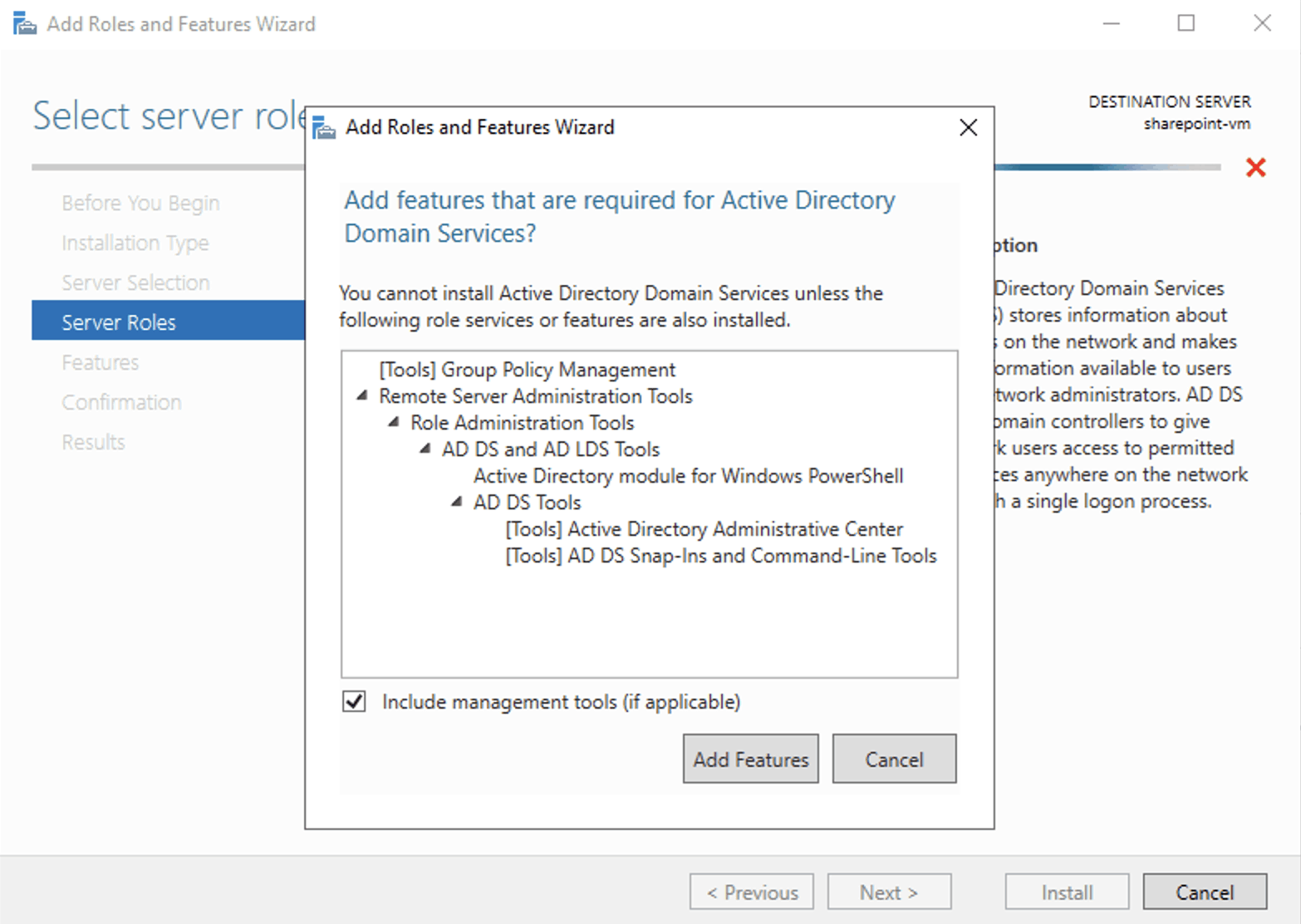
I reviewed the dependencies and clicked next
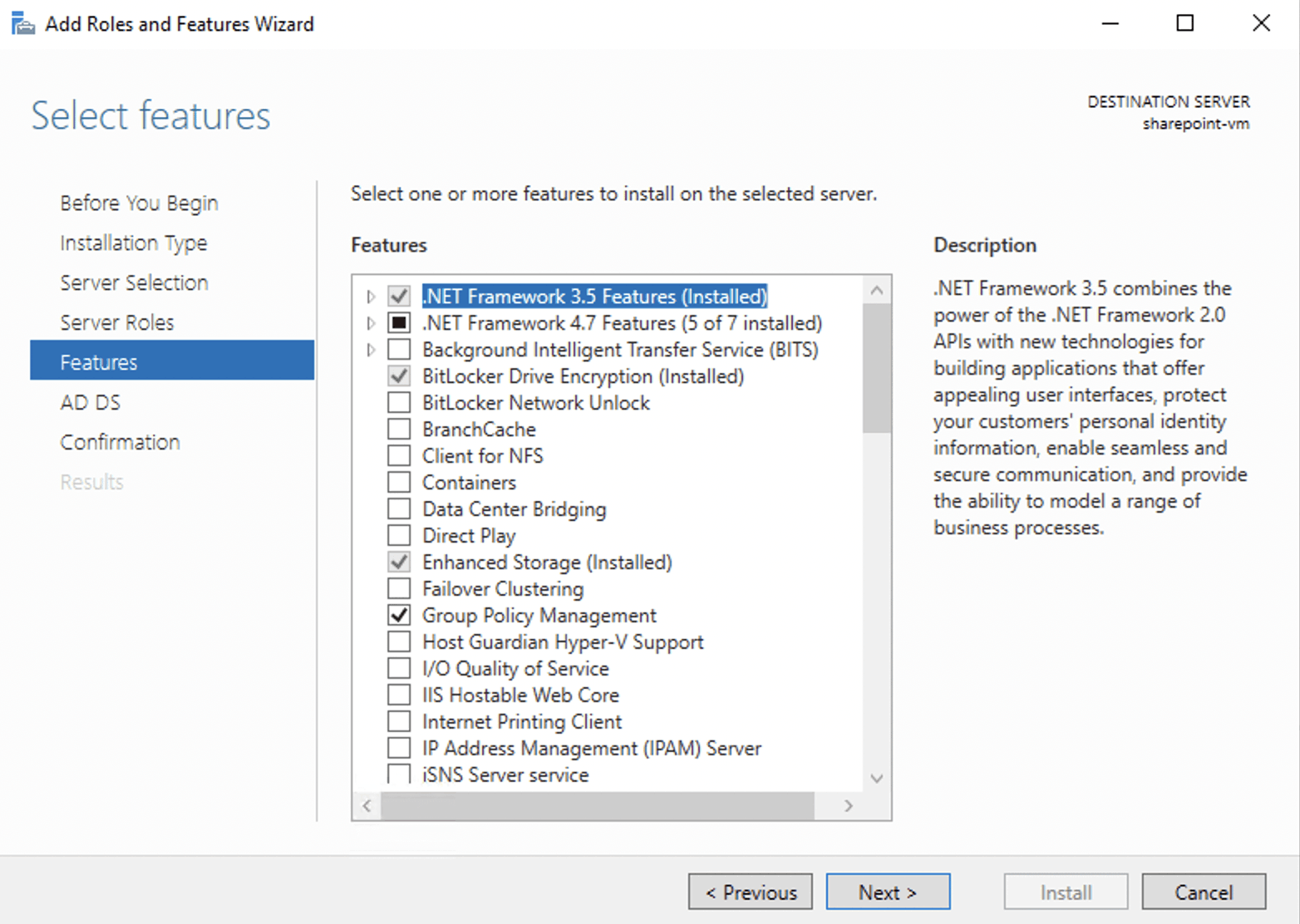
I reviewed the features that would be installed and clicked next
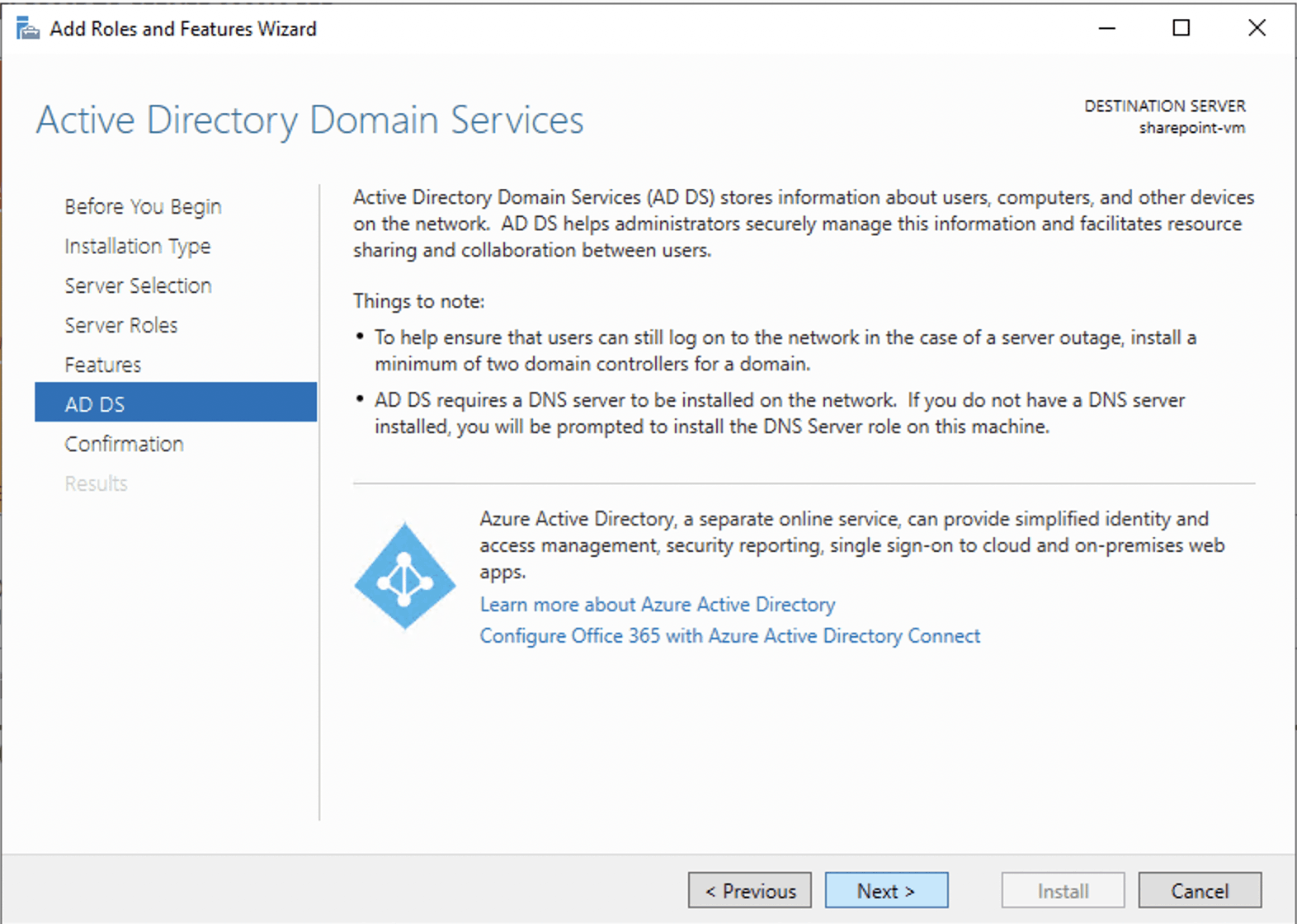
I reviewed the AD DS summary and clicked next
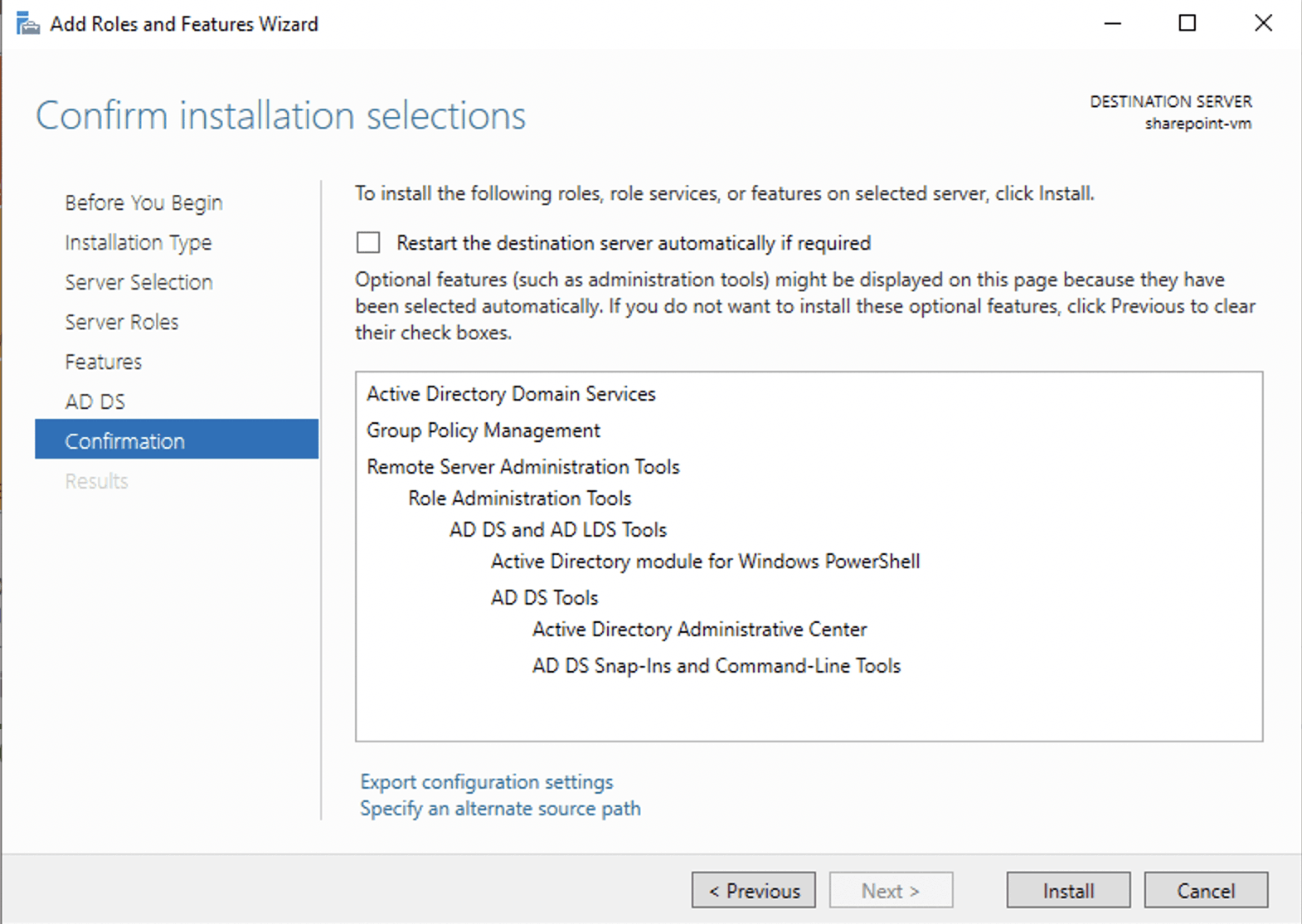
I clicked install
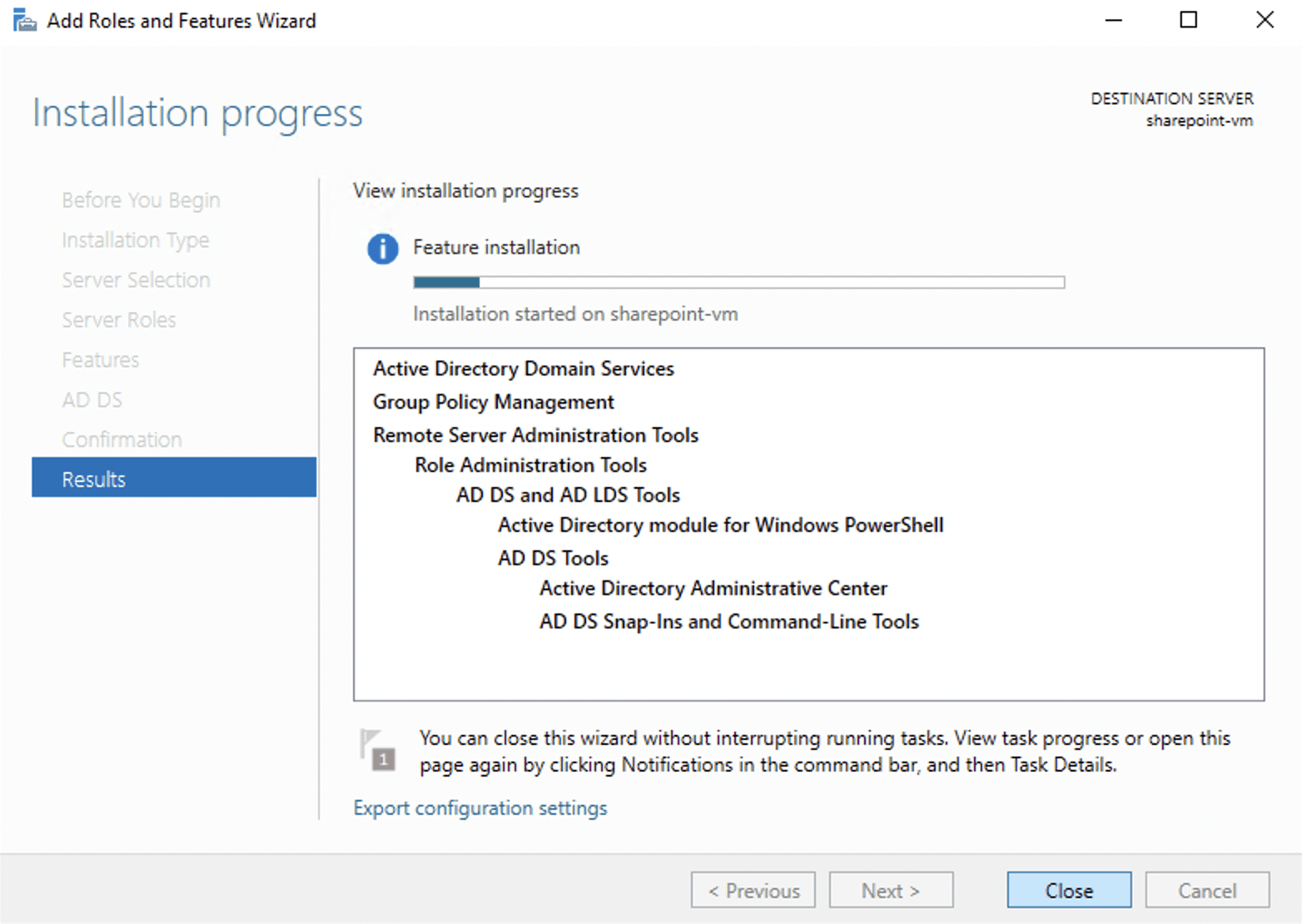
I clicked close

I reviewed the install progress

I saw that a restart was required
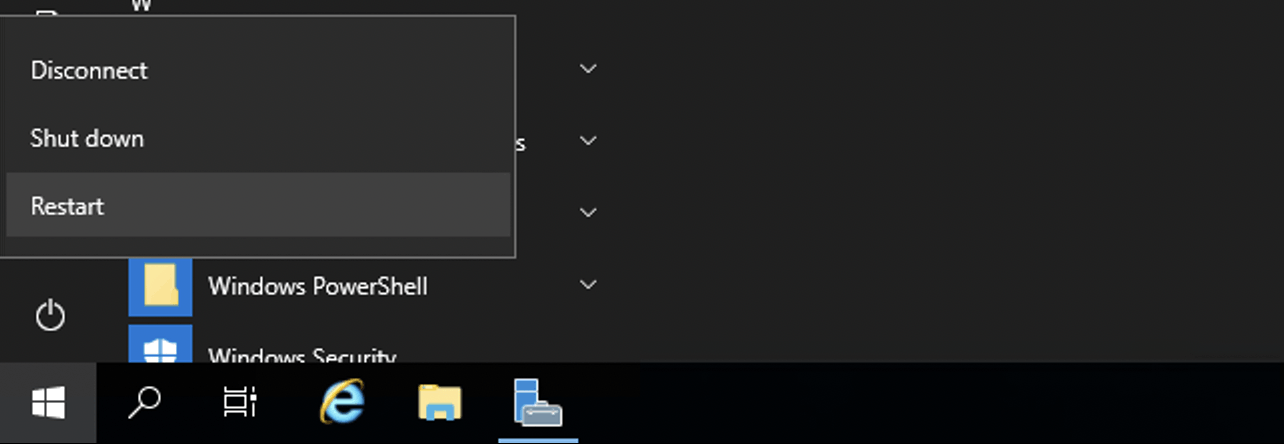
I restarted the server

I needed to promote the server to a domain controller
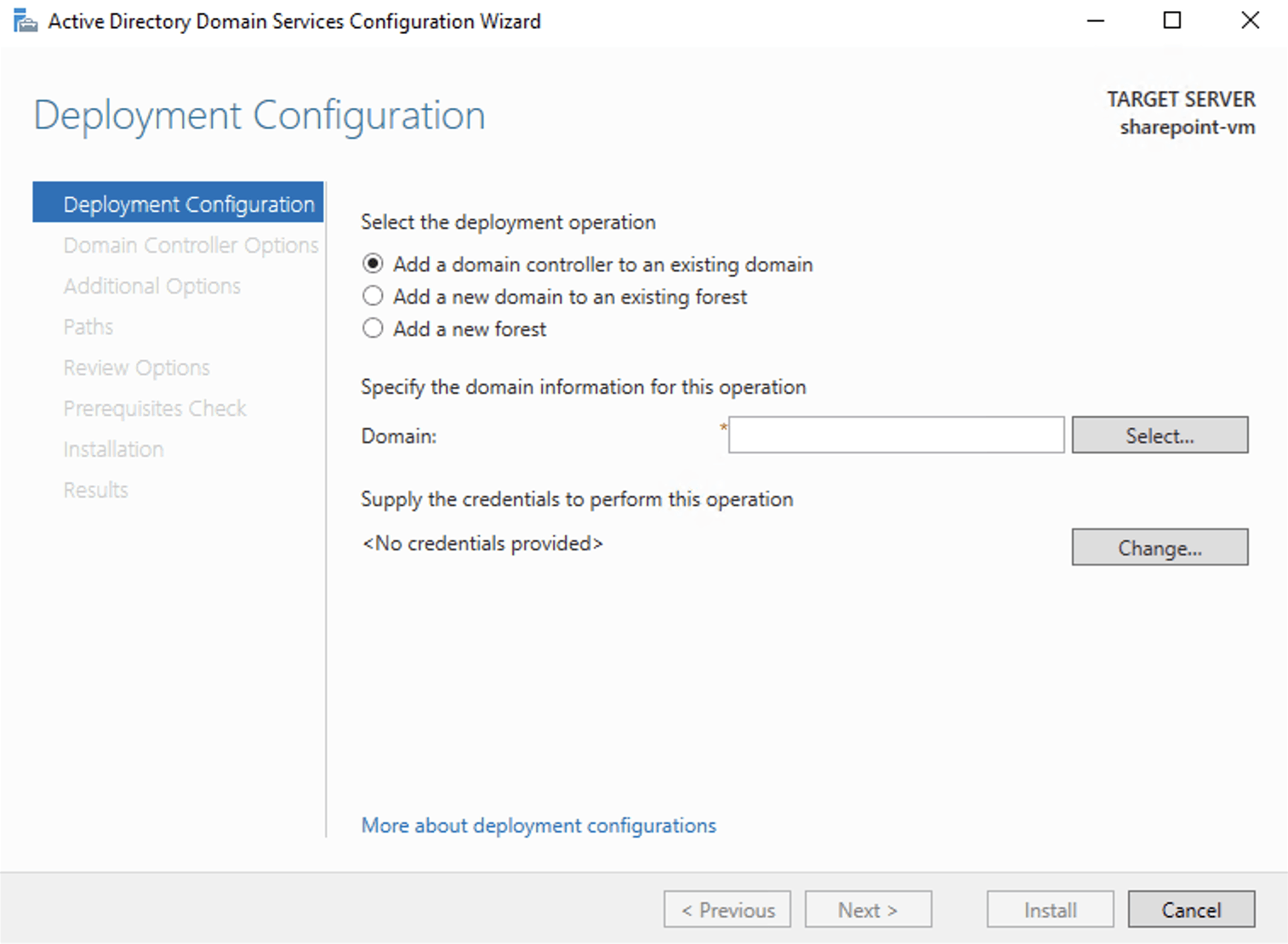
I started the Active Directory Domain Services Configuration Wizard
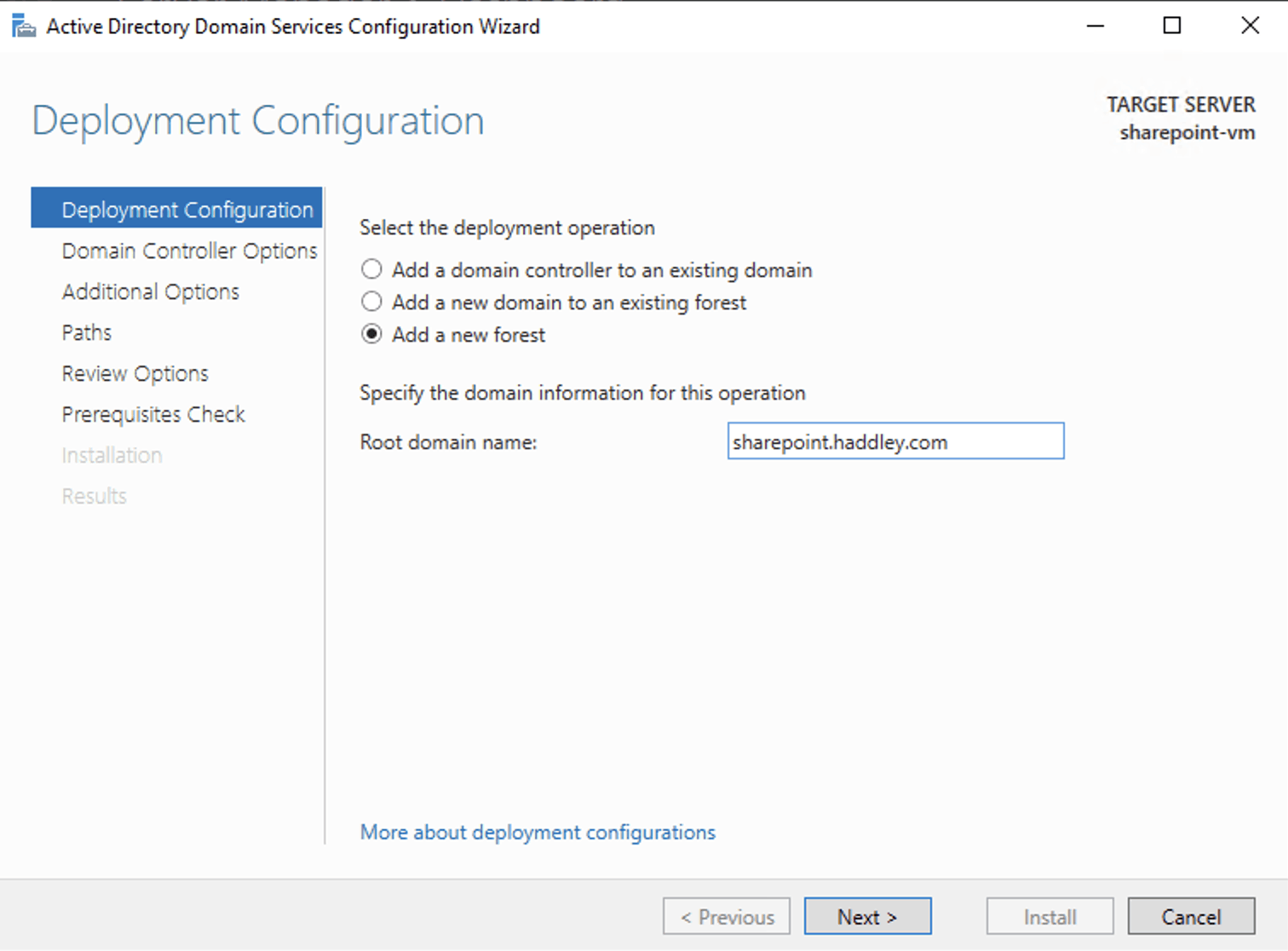
I selected new forest and entered a root domain name 'sharepoint.haddley.com'
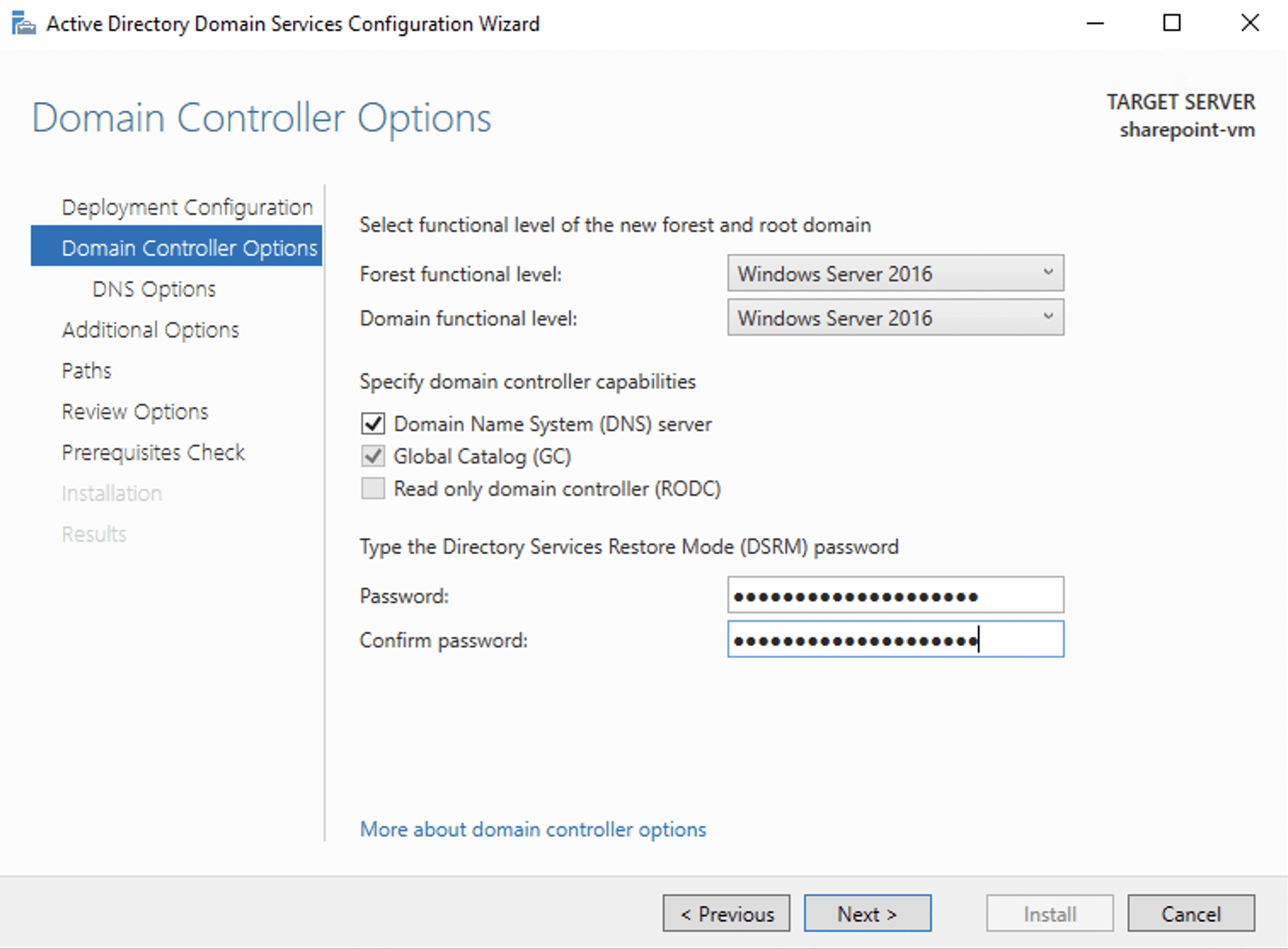
I provided a DSRM password
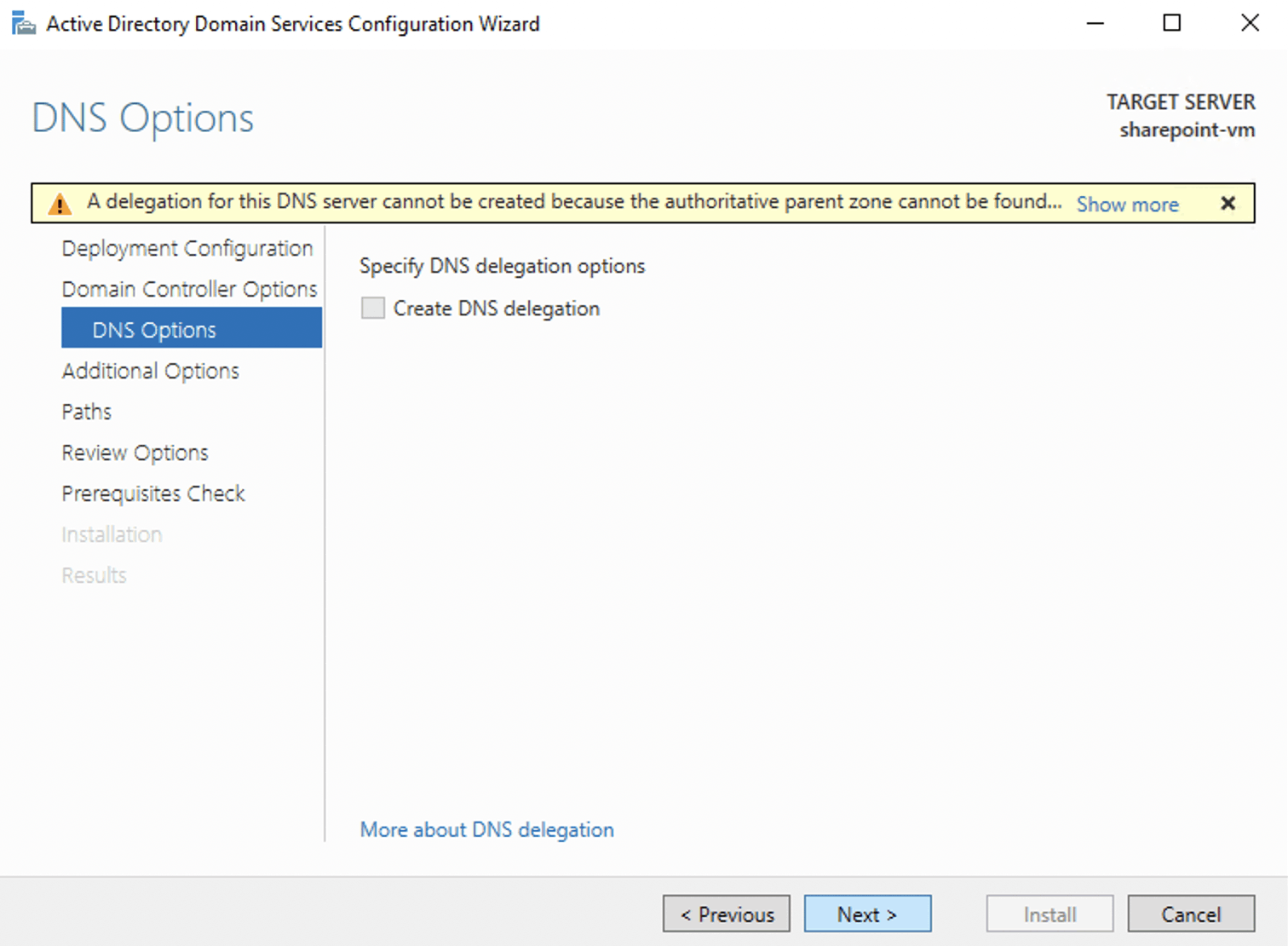
I ignored the DNS warning
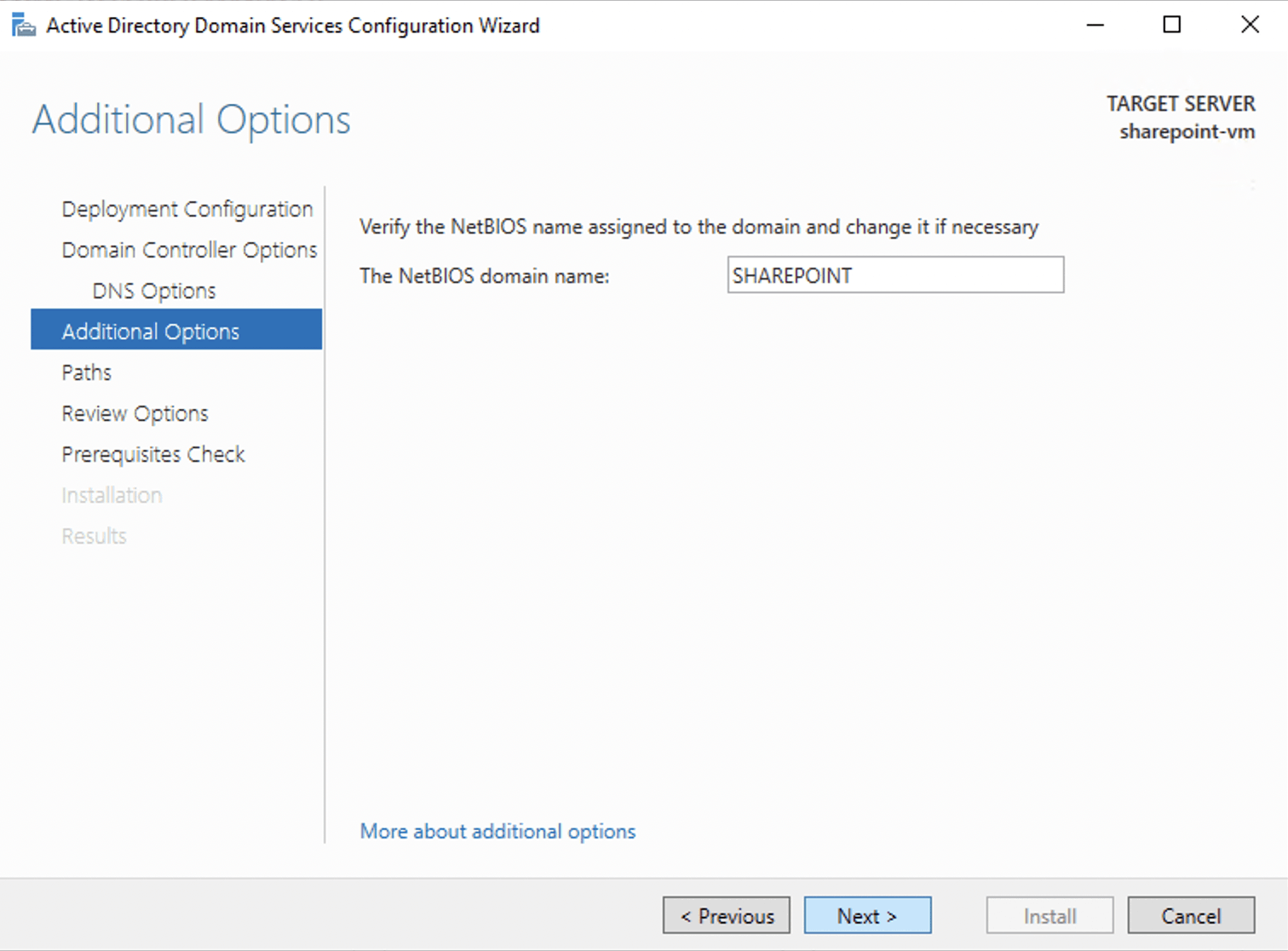
I reviewed the suggested NetBIOS domain name 'SHAREPOINT' and clicked next
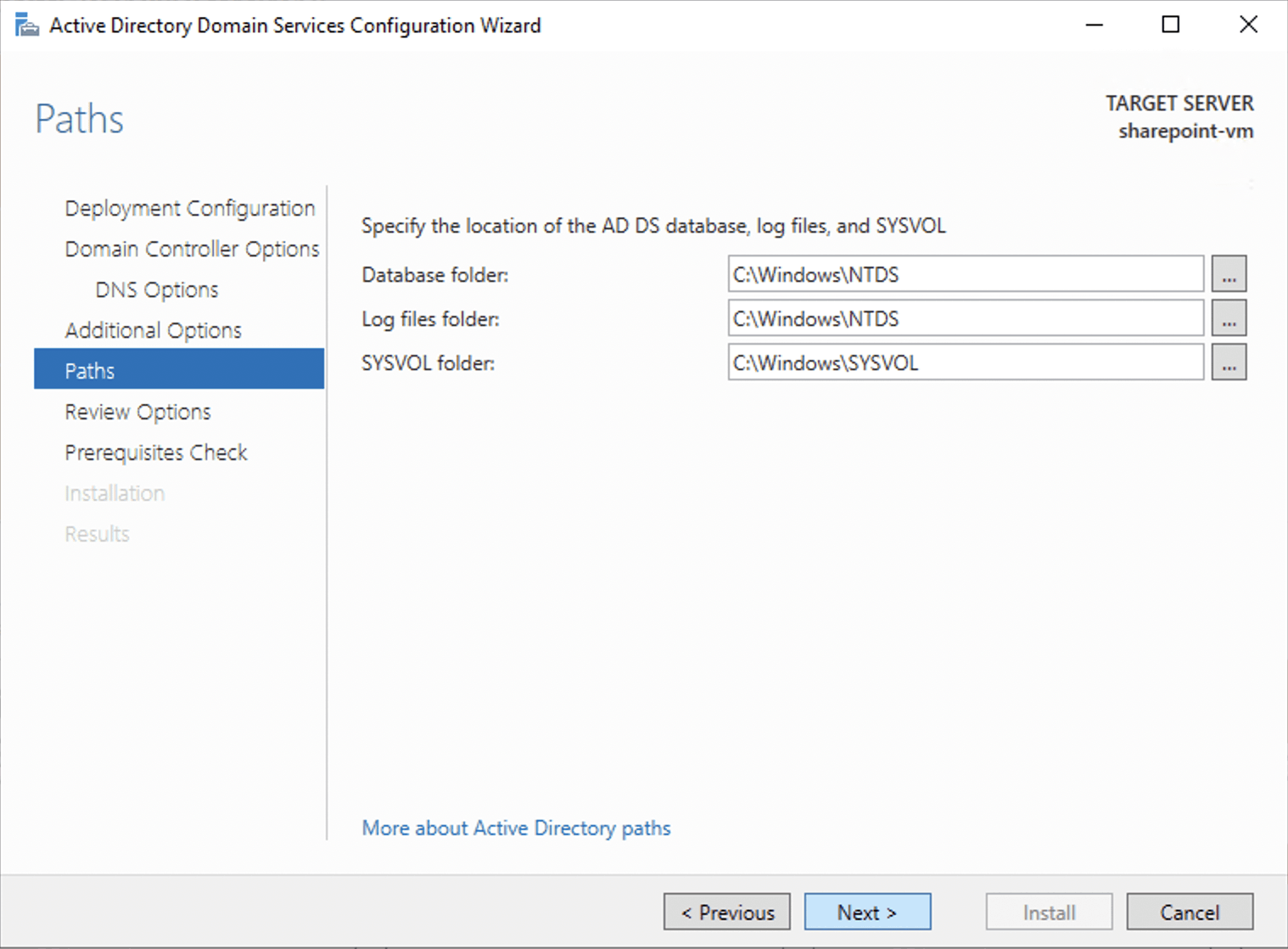
I reviewed the suggested folders and clicked next
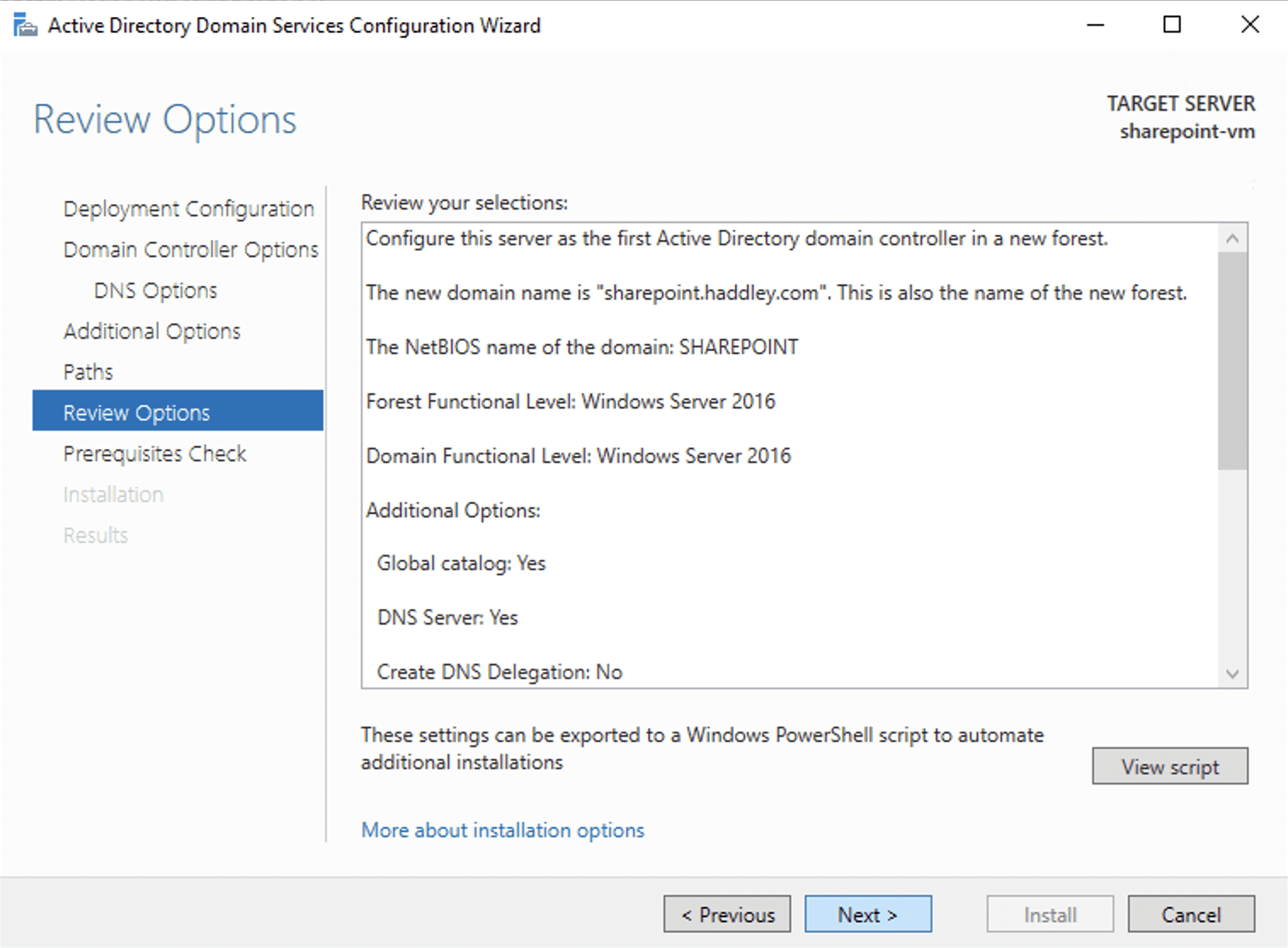
I reviewed the summary and clicked next
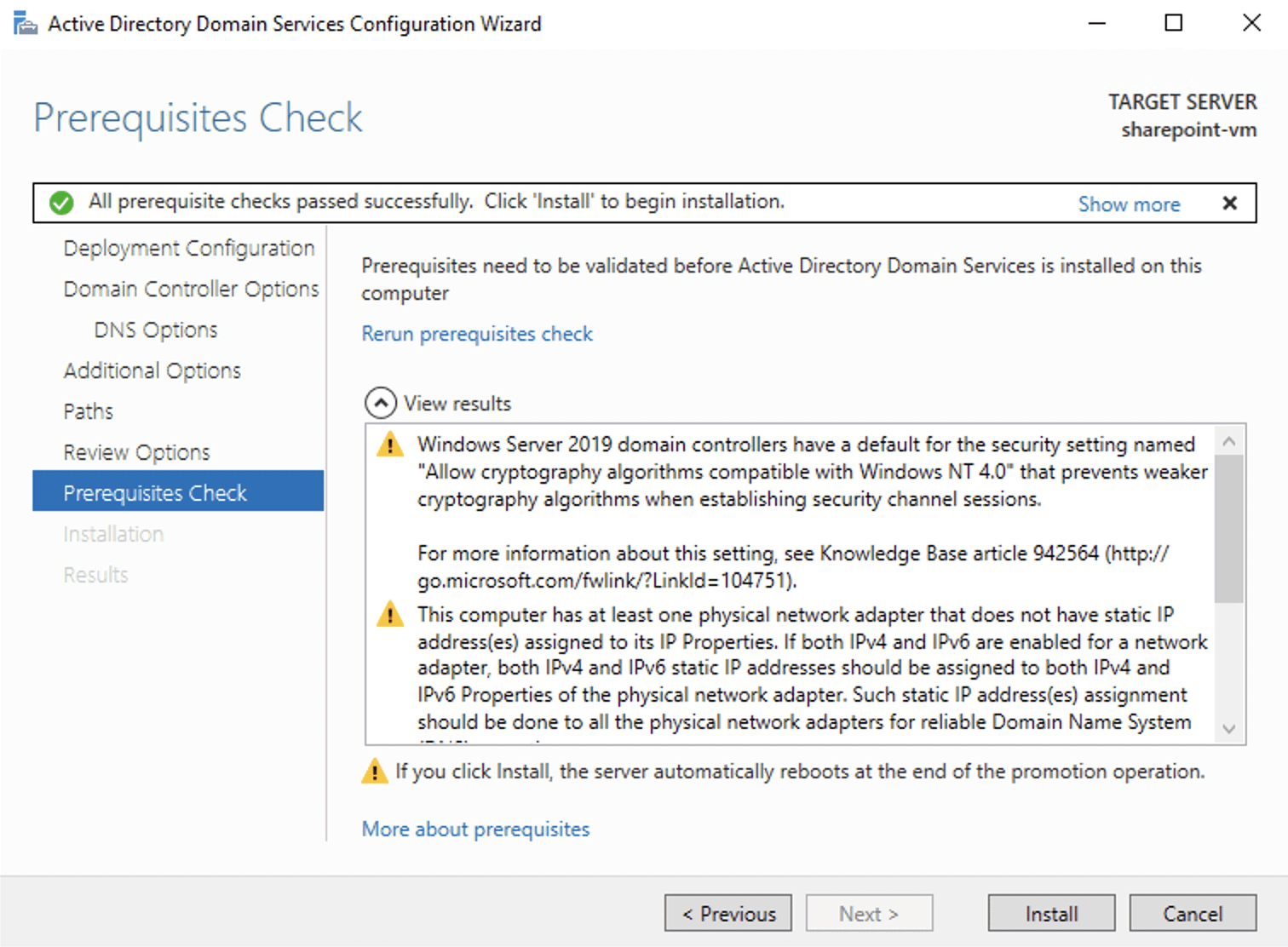
I reviewed the warnings and clicked install
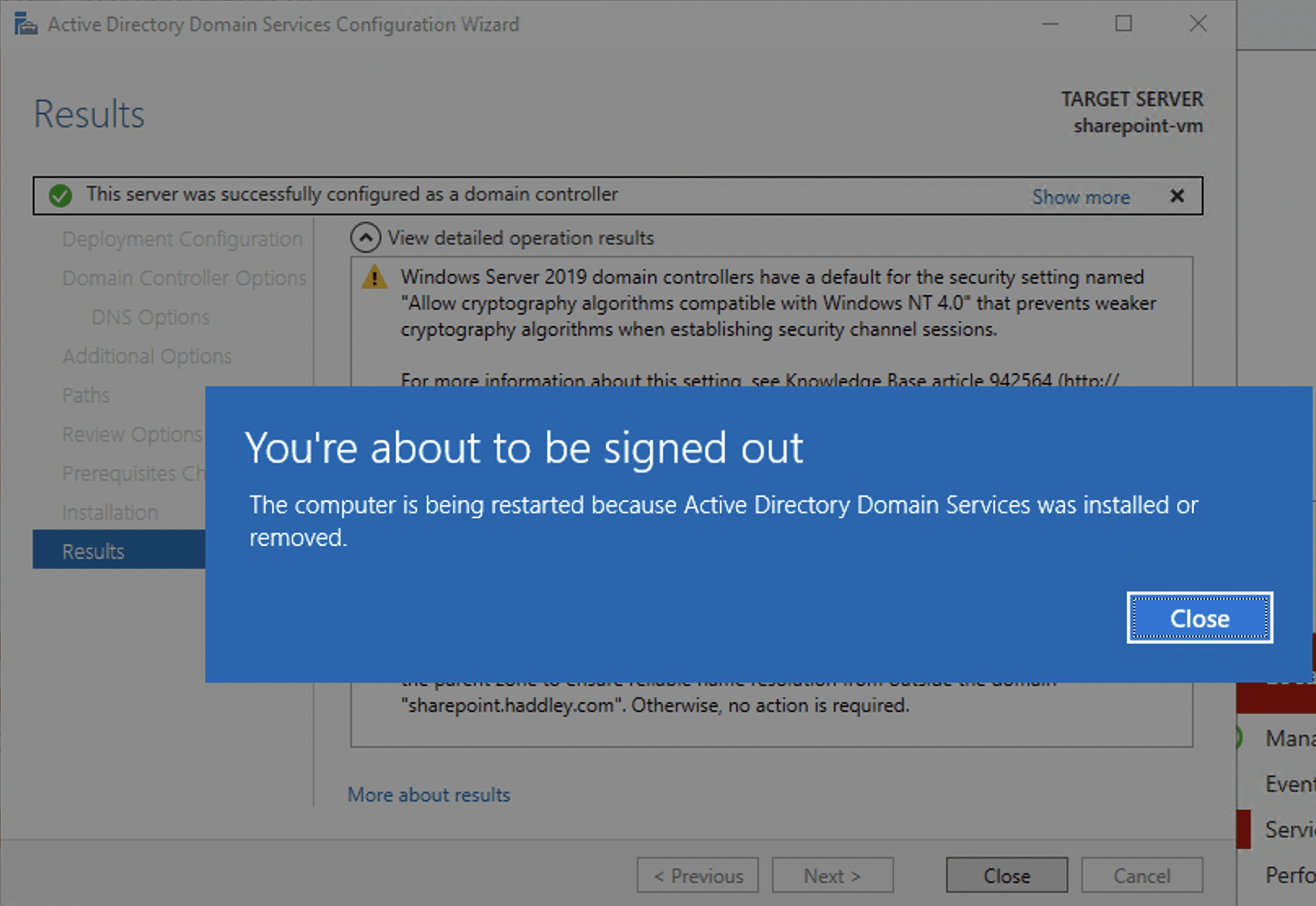
The server restarted
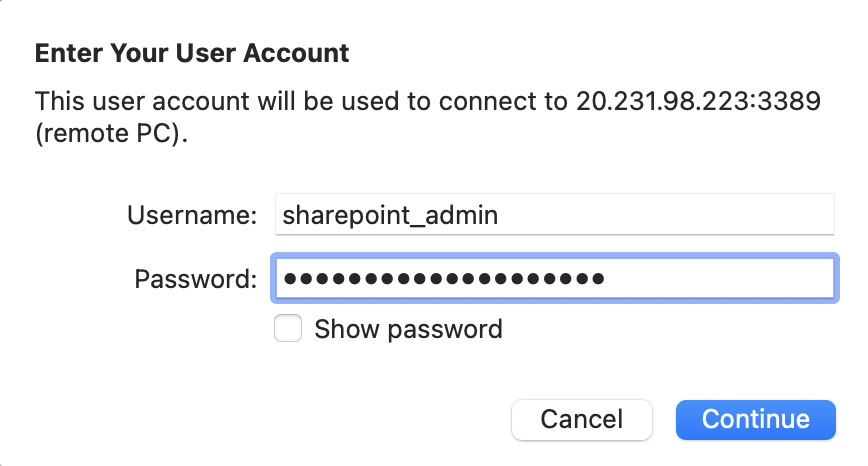
I logged into the virtual machine
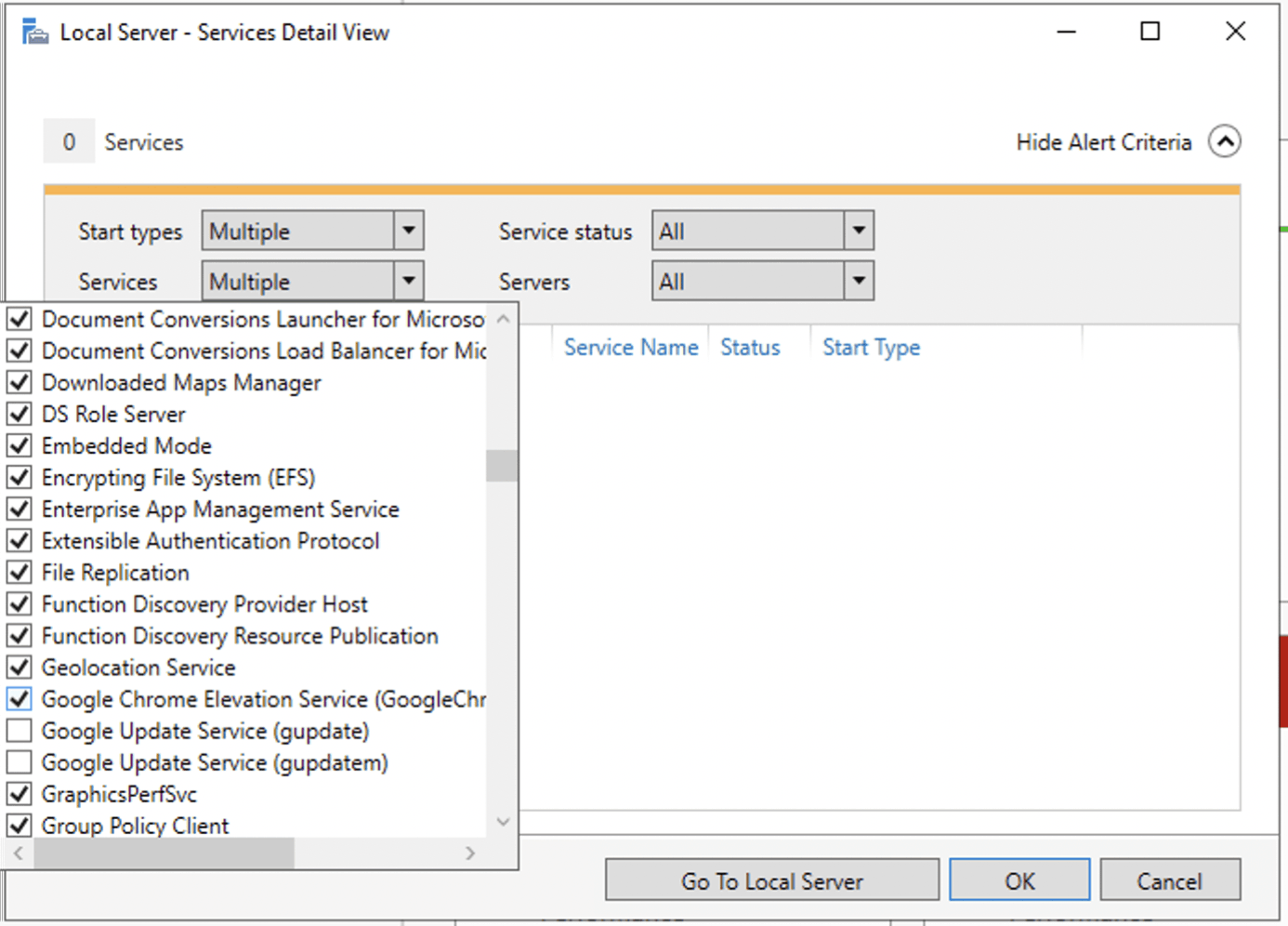
I deselected the 'Google Update' services
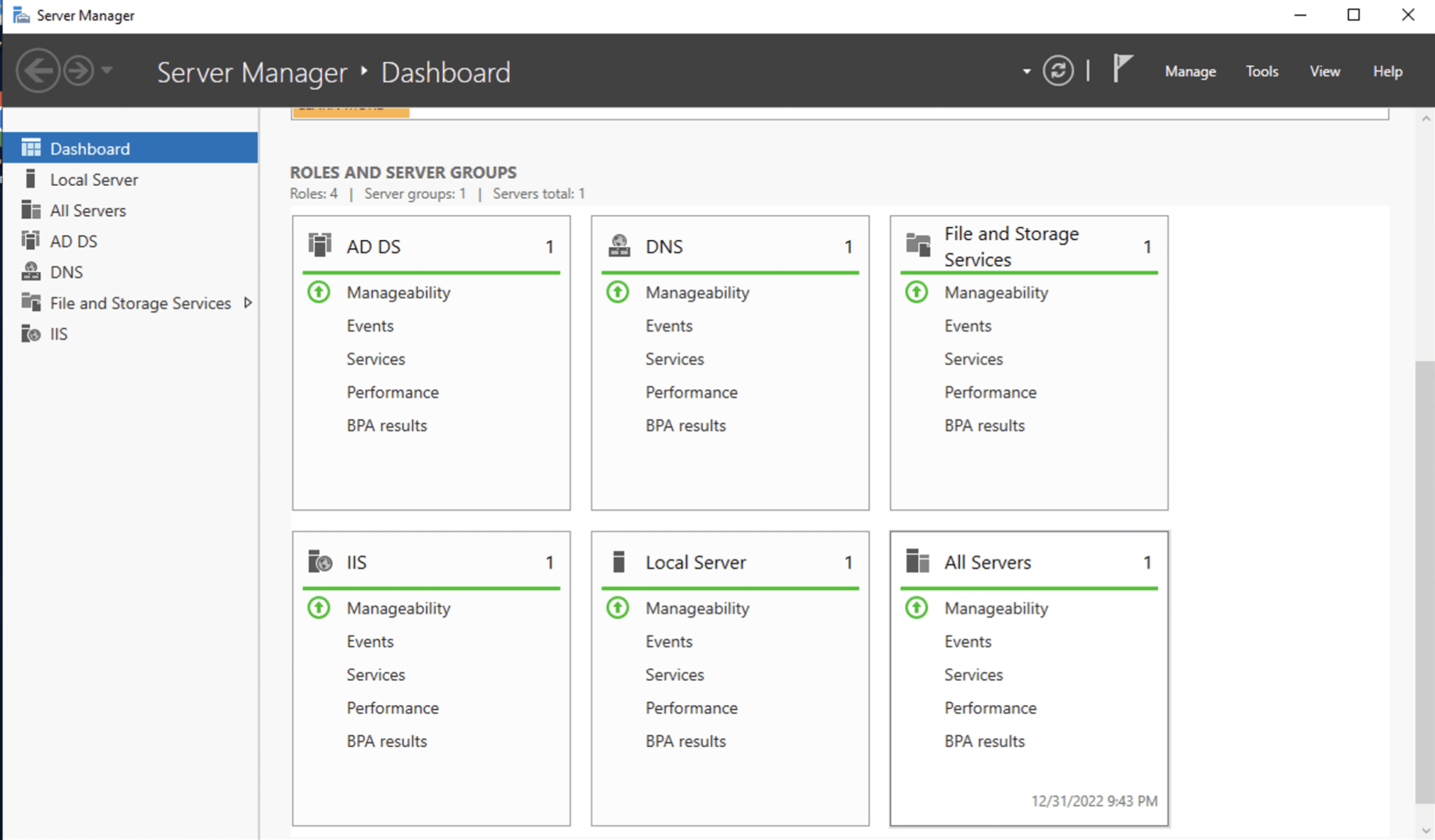
There were no errors in the Server Manager Dashboard
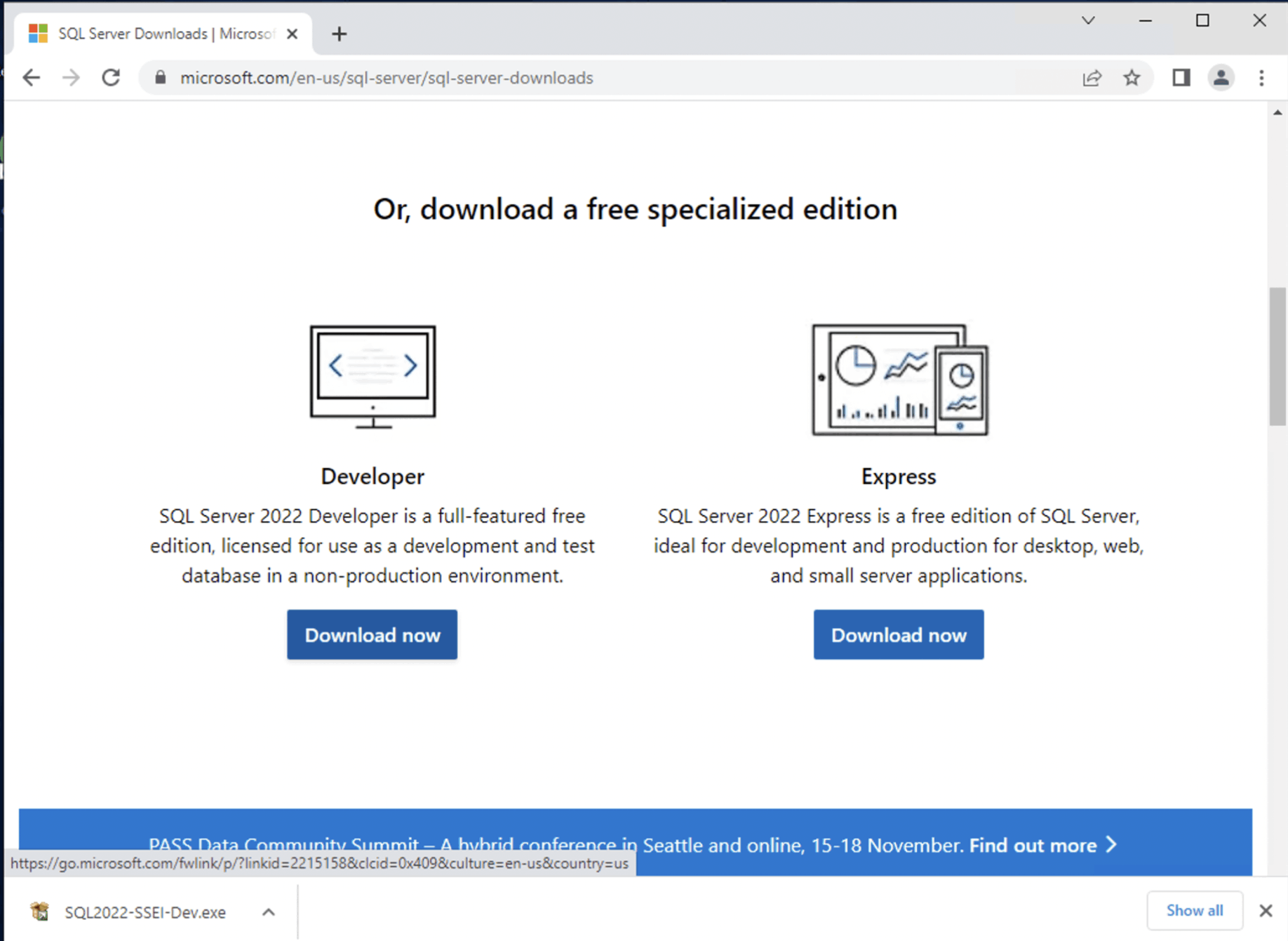
I downloaded SQL Server Developer Edition from https://www.microsoft.com/en-us/sql-server/sql-server-downloads
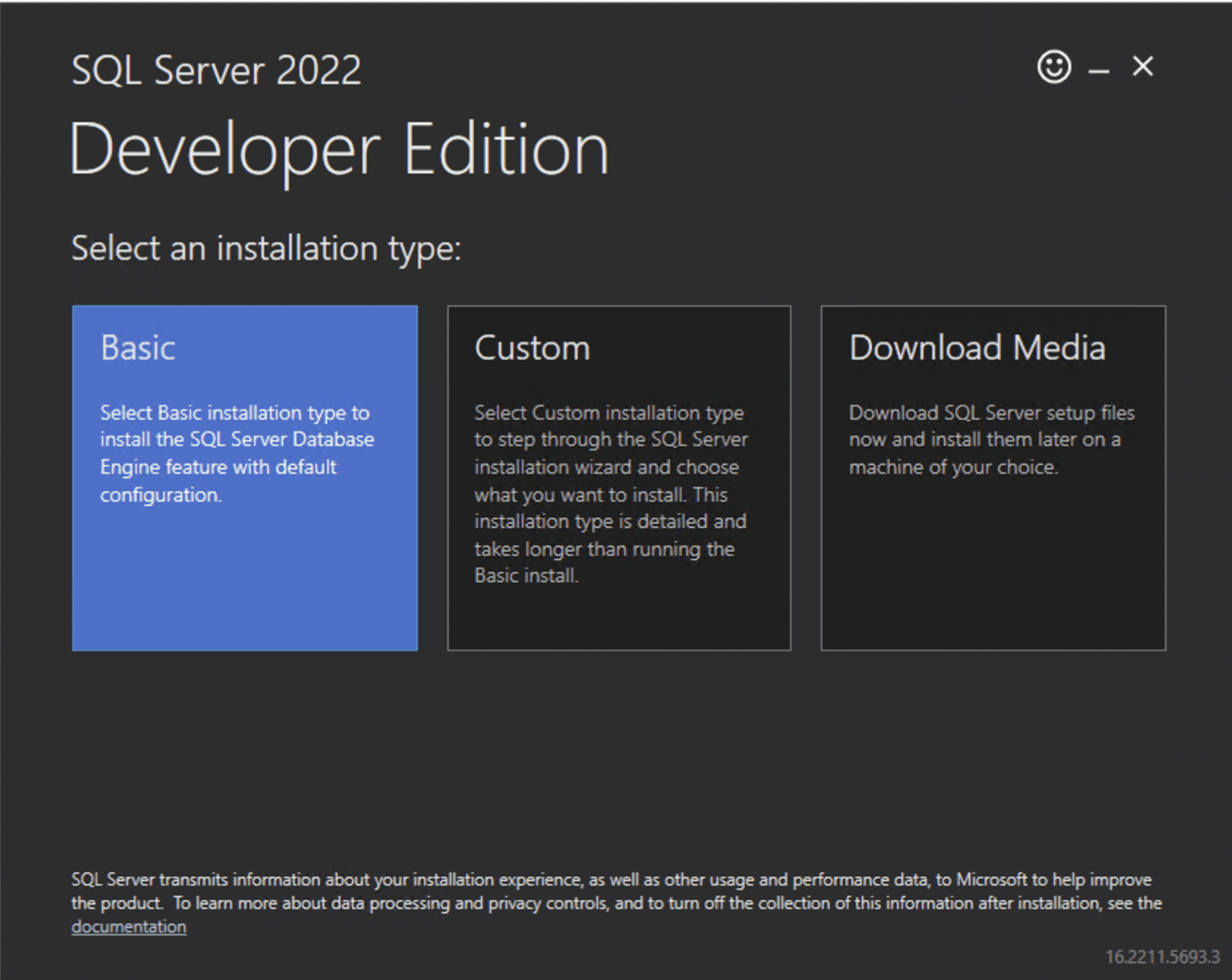
I installed SQL Server
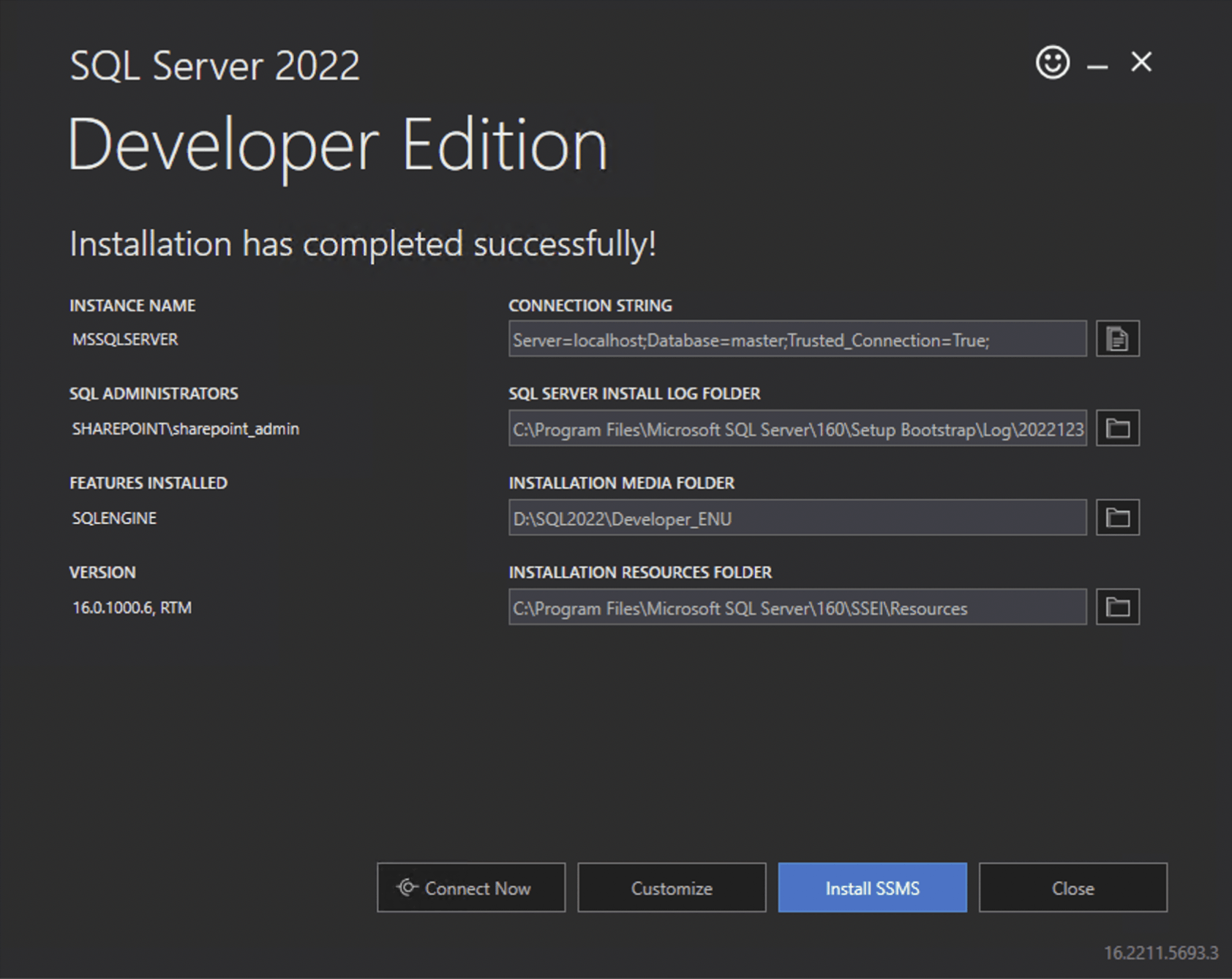
I installed the SSMS management application from https://aka.ms/ssmsfullsetup
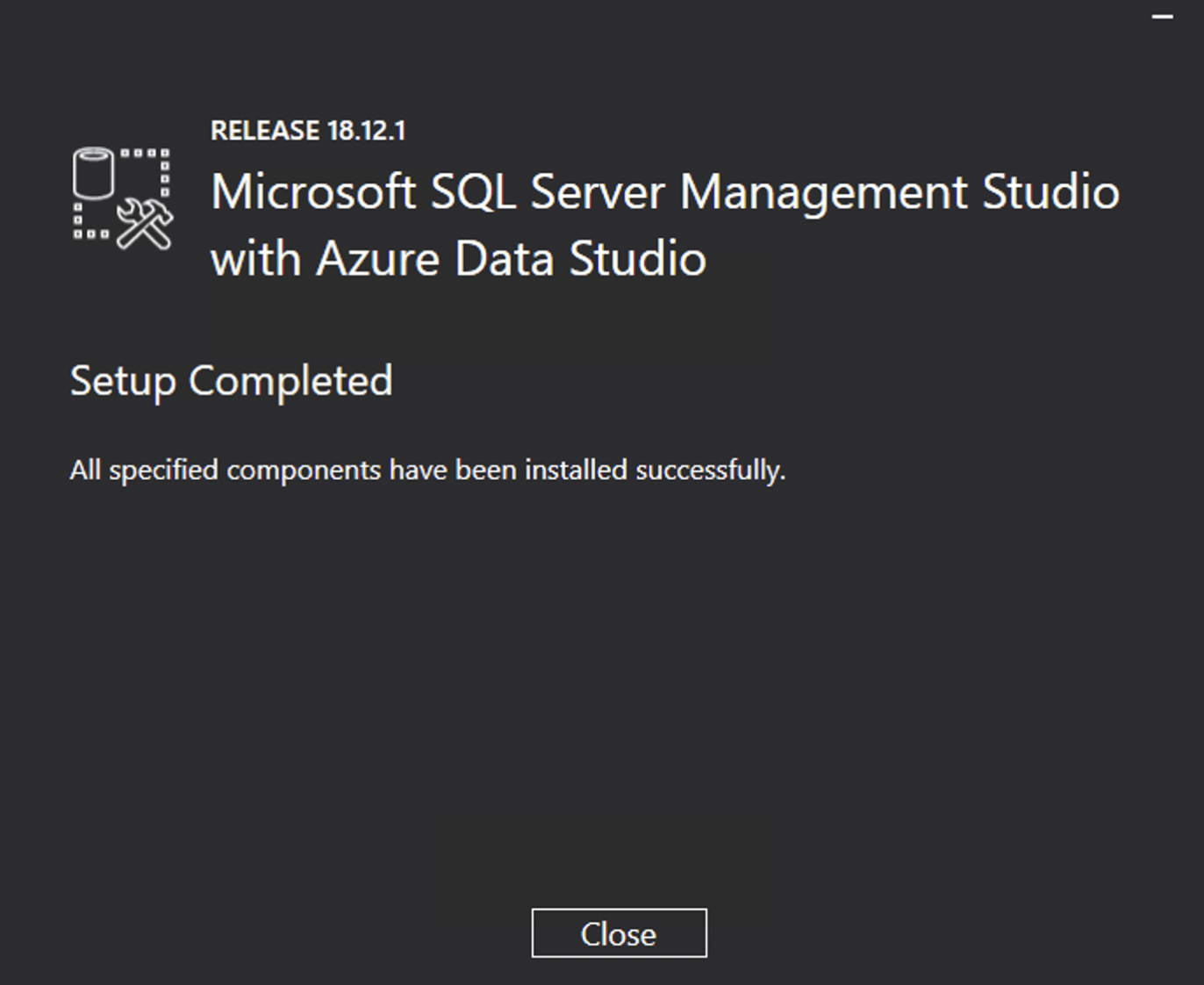
SSMS installed
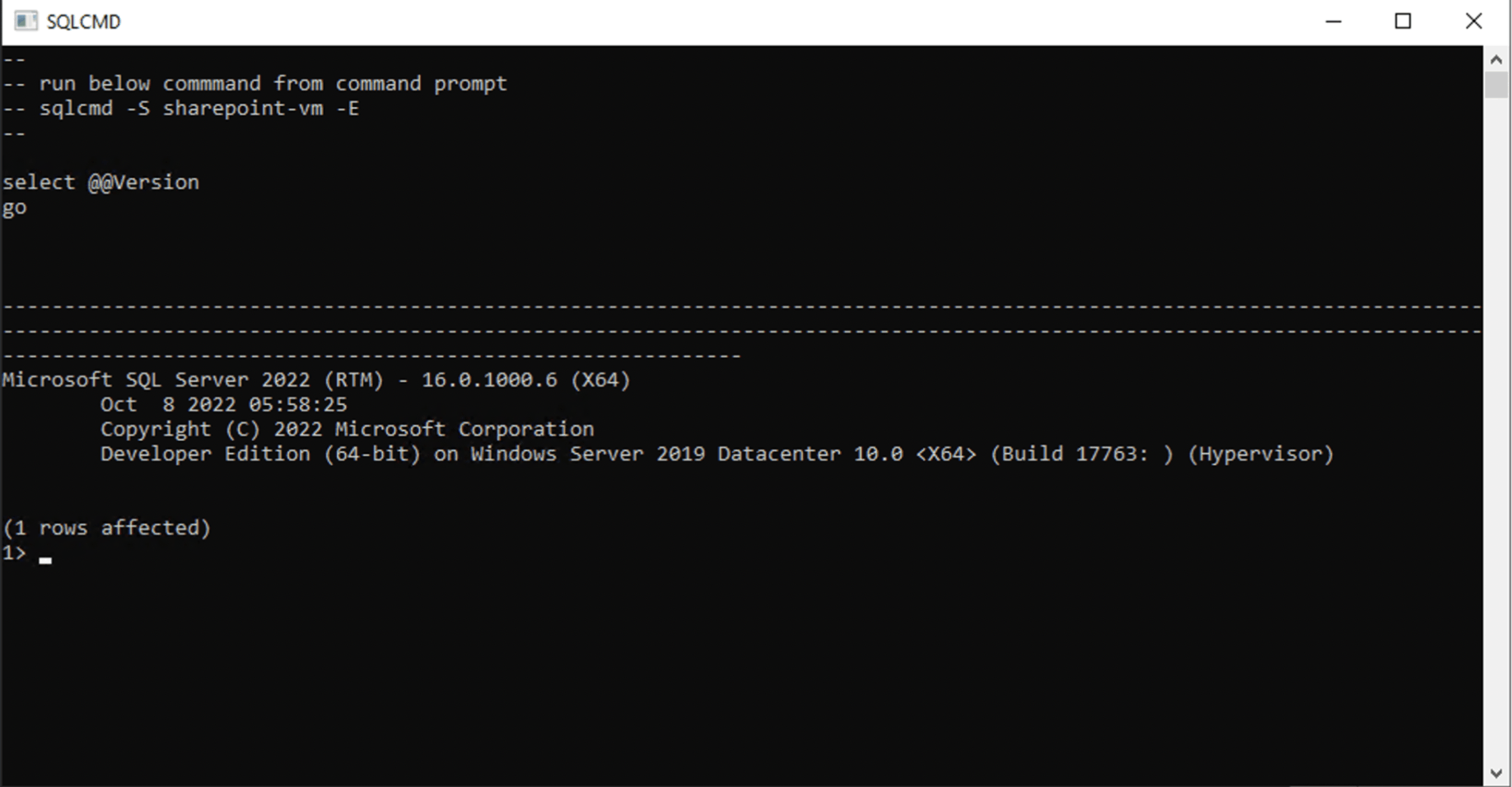
I confirmed that the SQL Server command line application sqlcmd was working
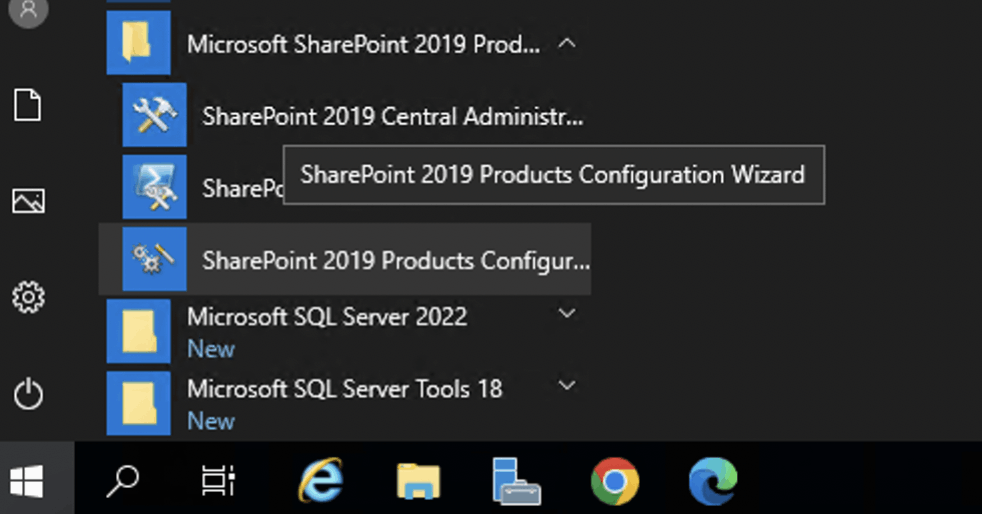
I started the SharePoint 2019 Products Configuration Wizard
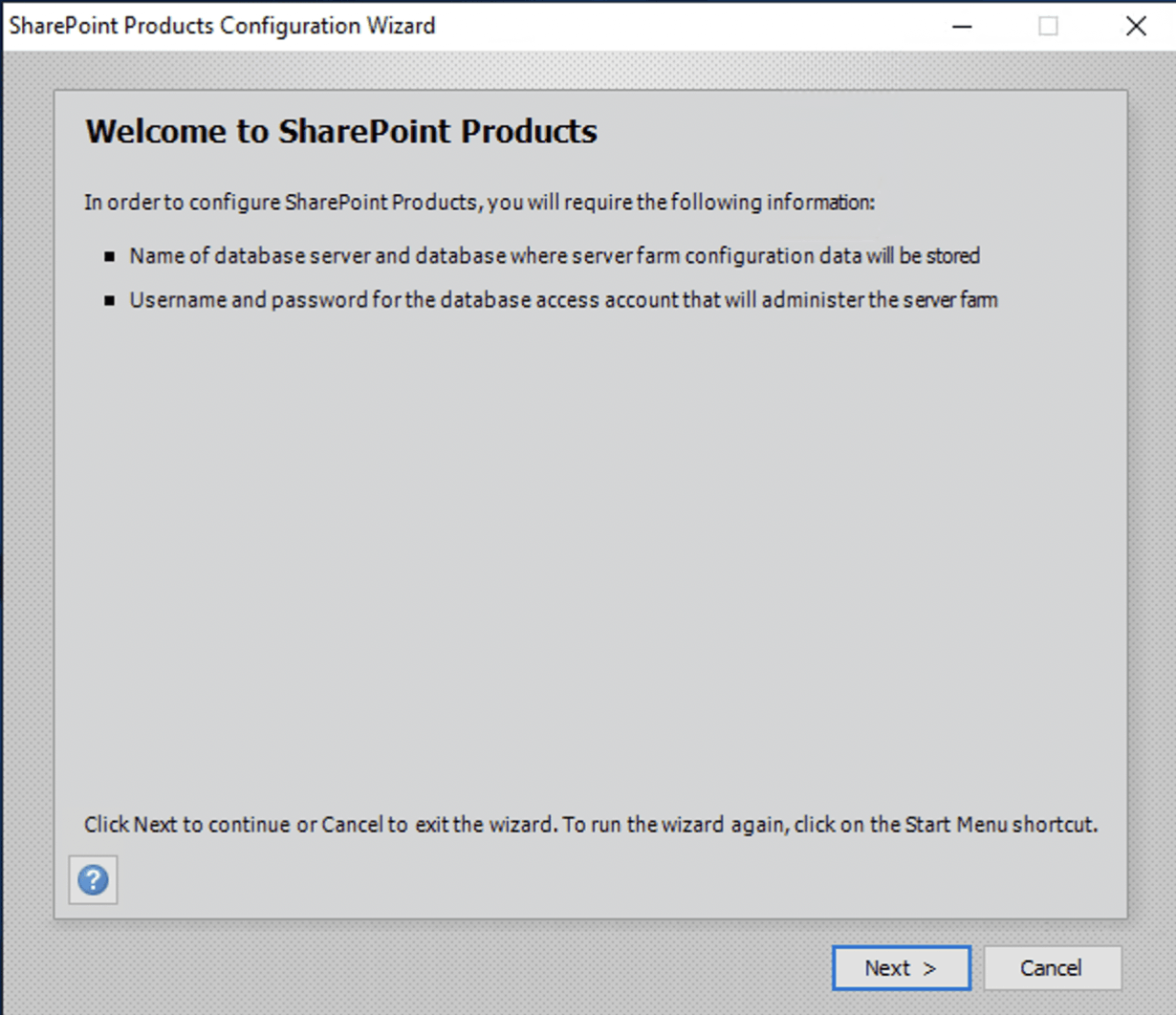
I clicked next
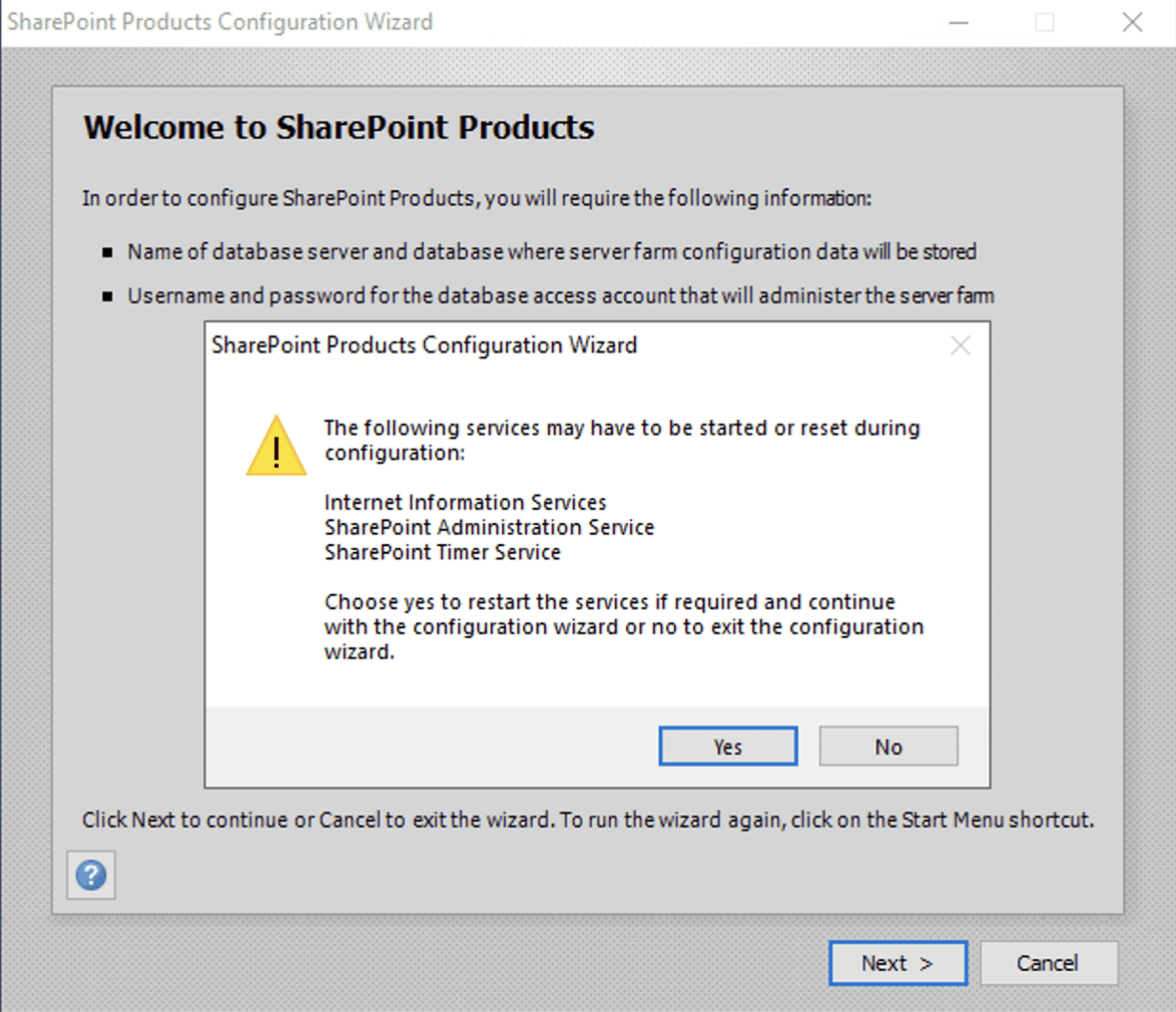
I clicked Yes
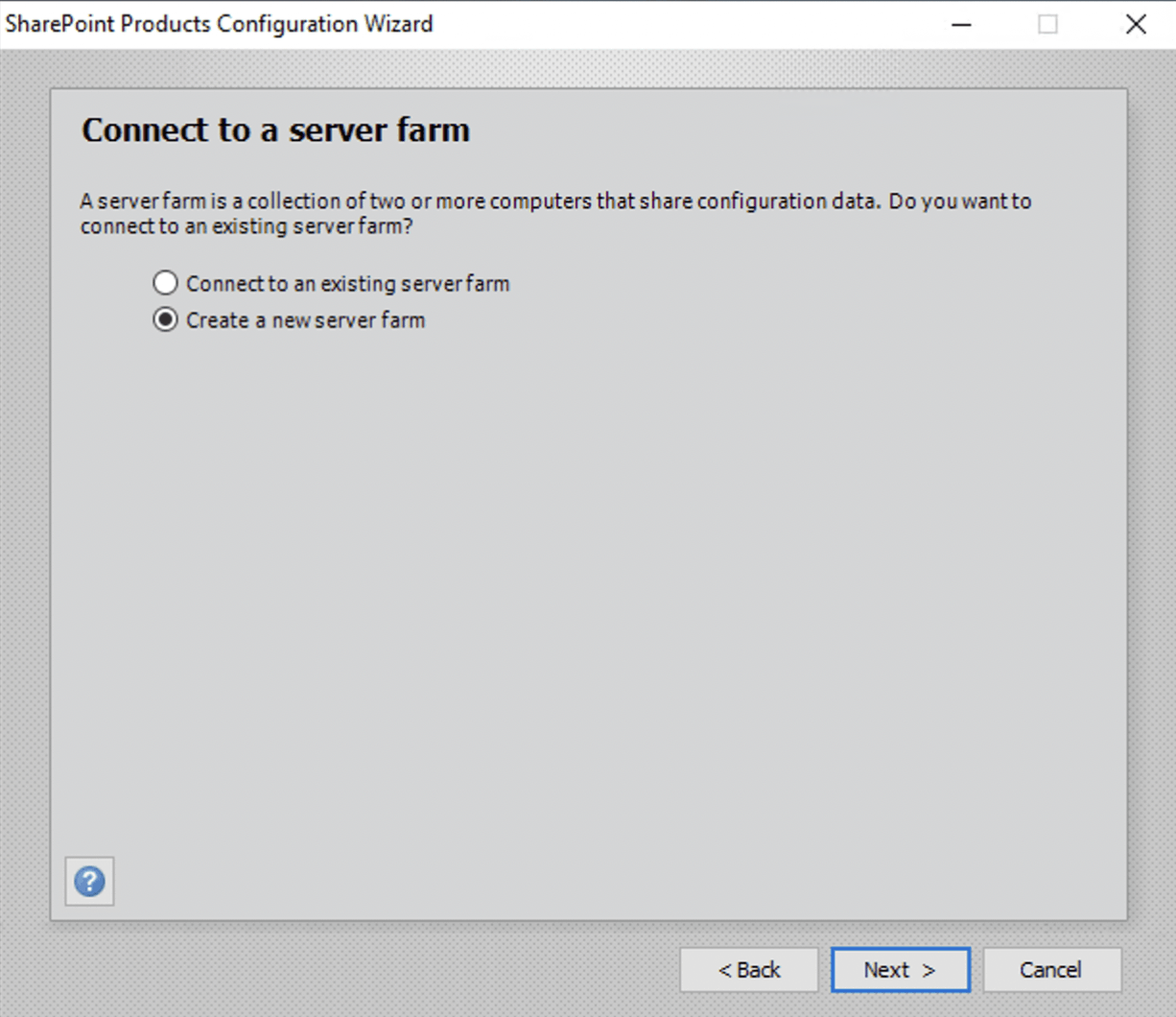
I selected 'Create a new farm' and clicked next
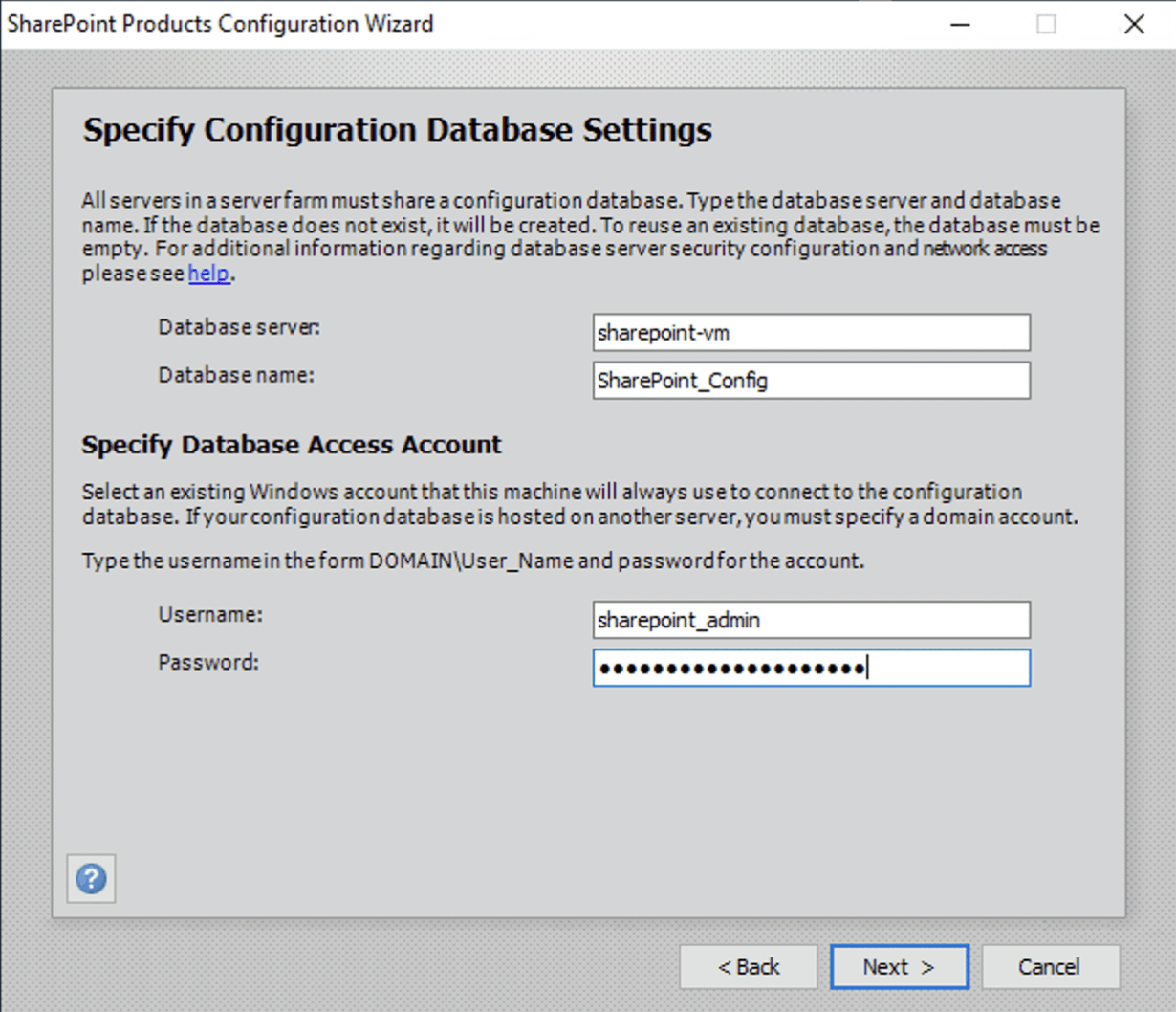
I entered the local server's name as the database server and provided the administrator's credentials
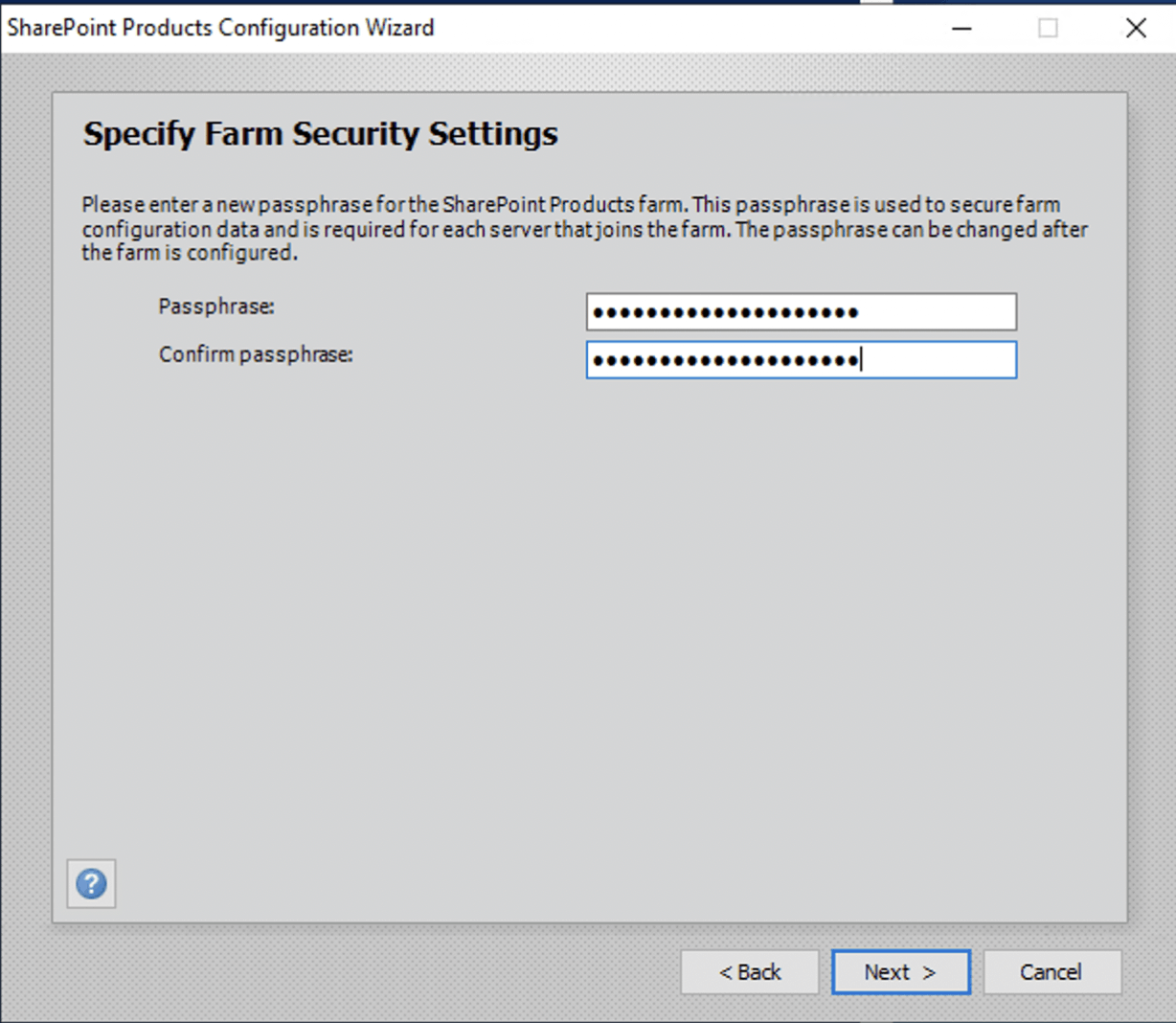
I provided a passphrase
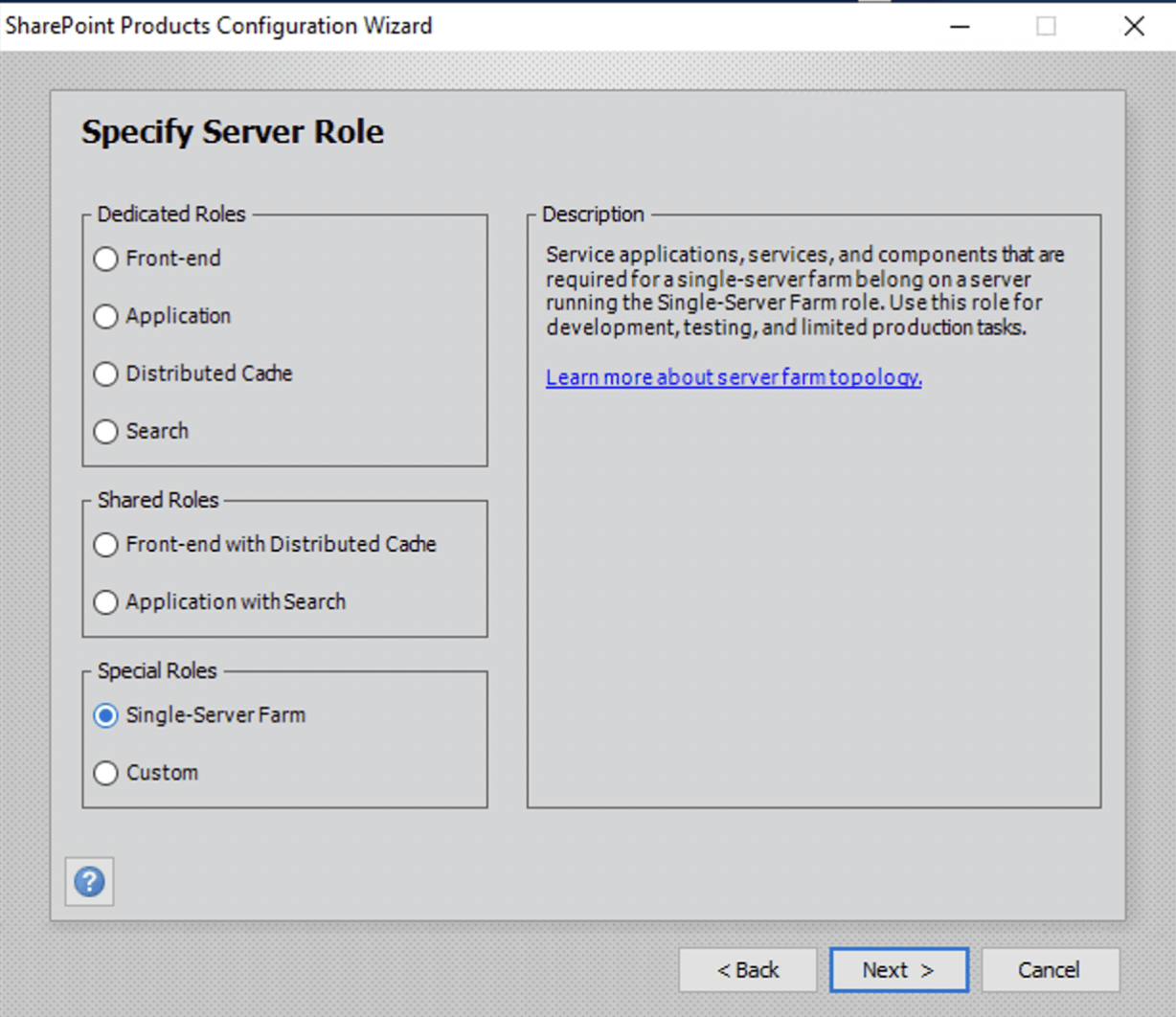
I selected the Single-Server Farm option and clicked next
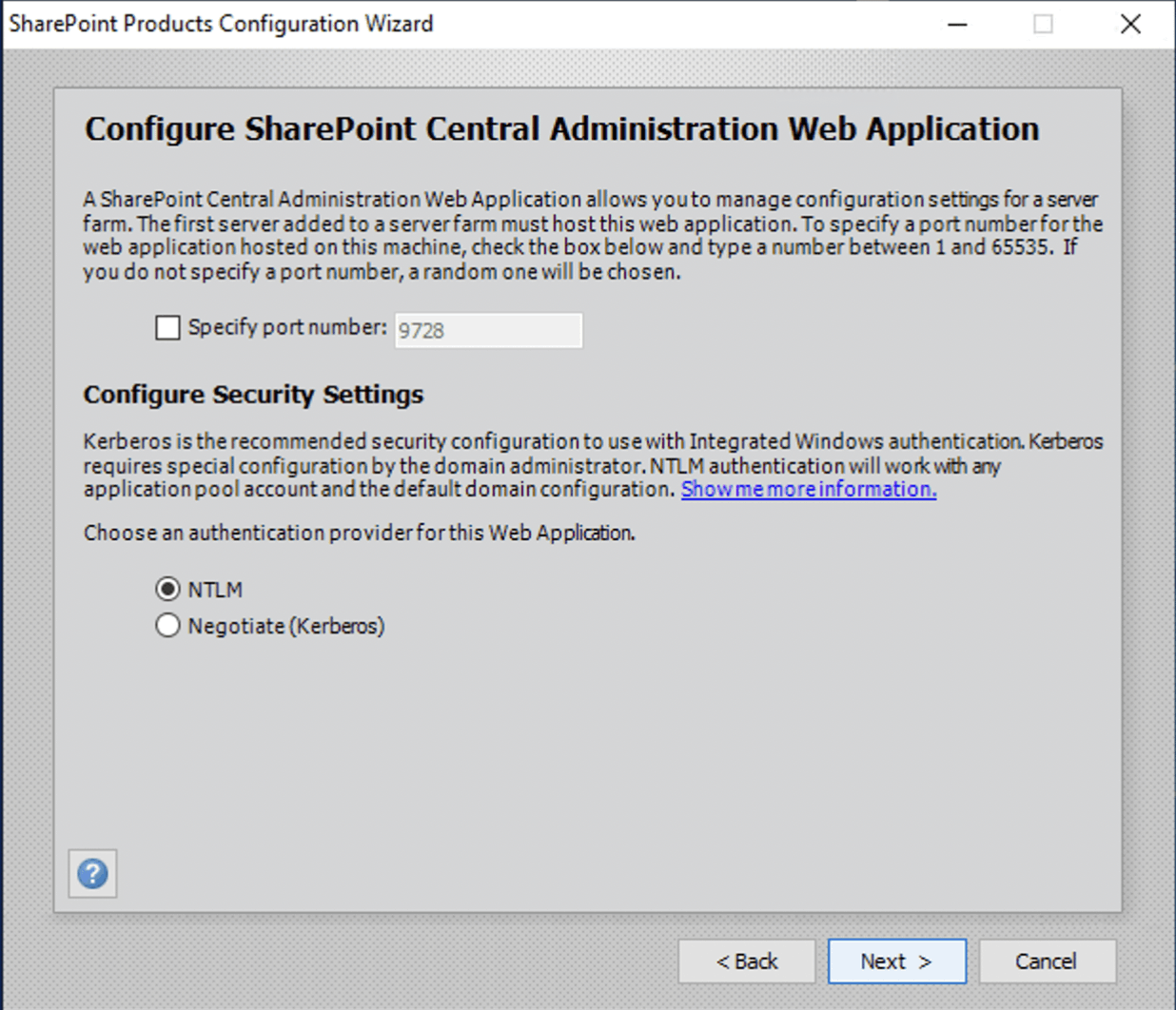
I accepted the suggested (random) administration site port number 9728
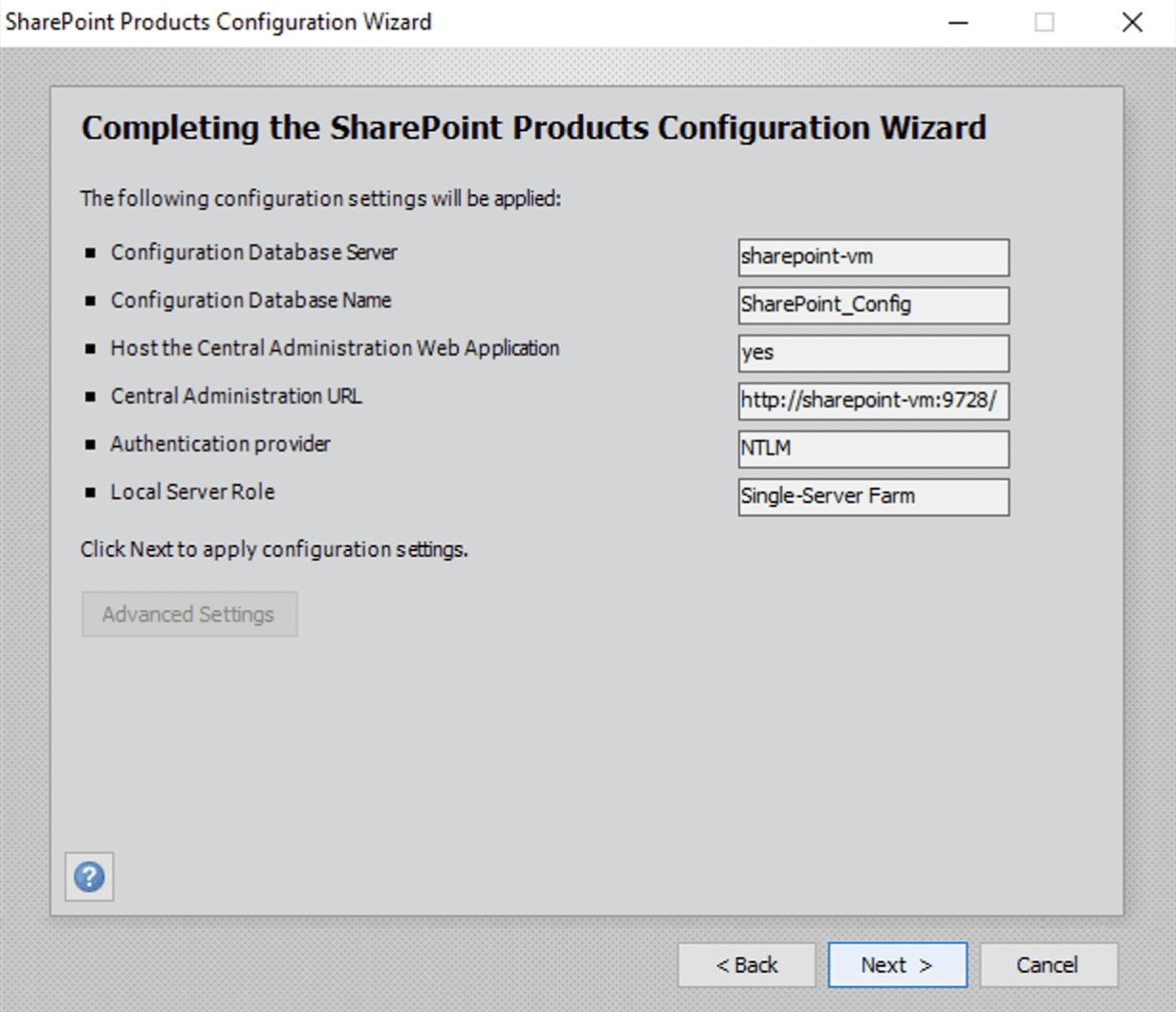
I reviewed the settings and clicked next
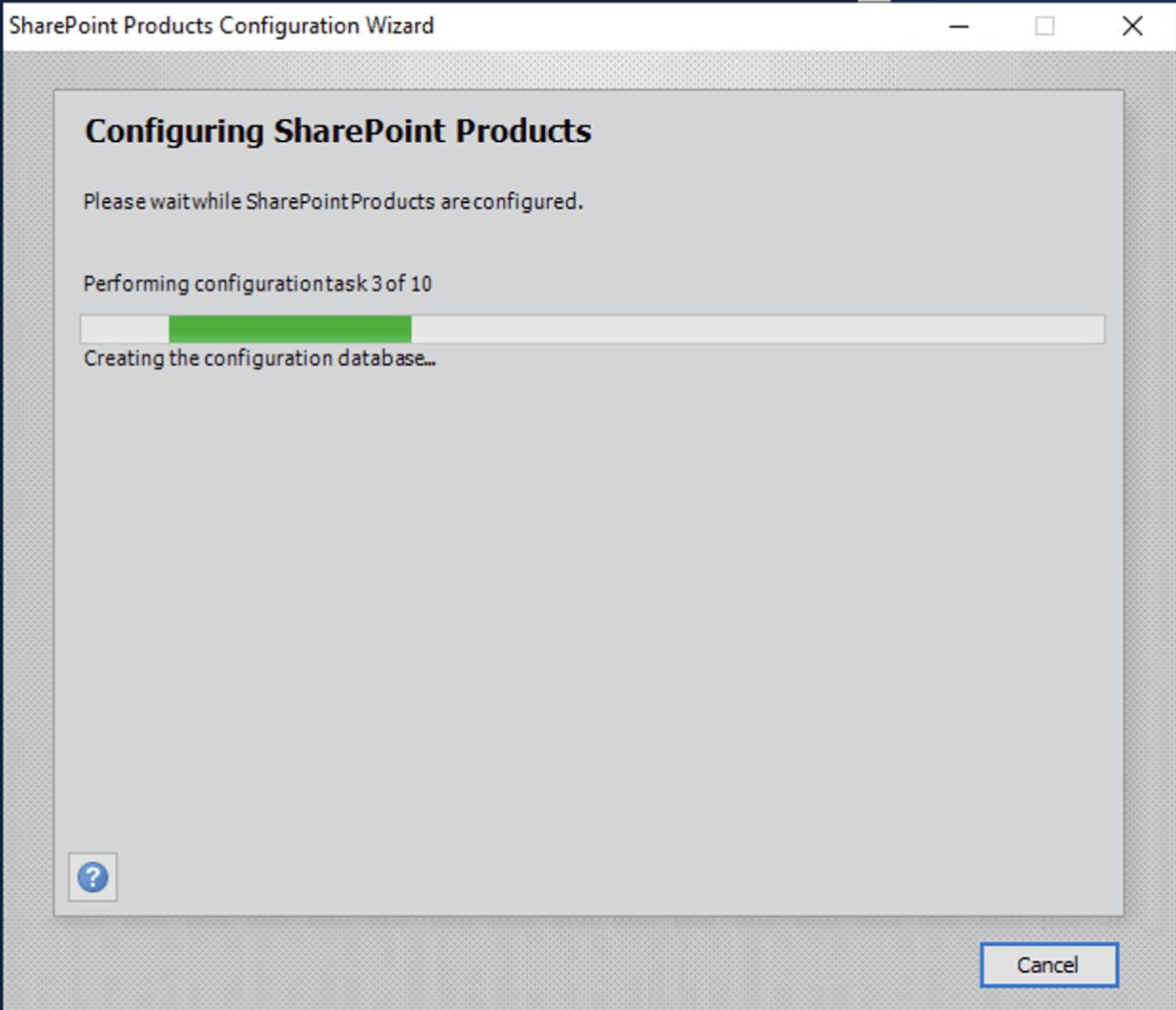
I waited for the wizard to run
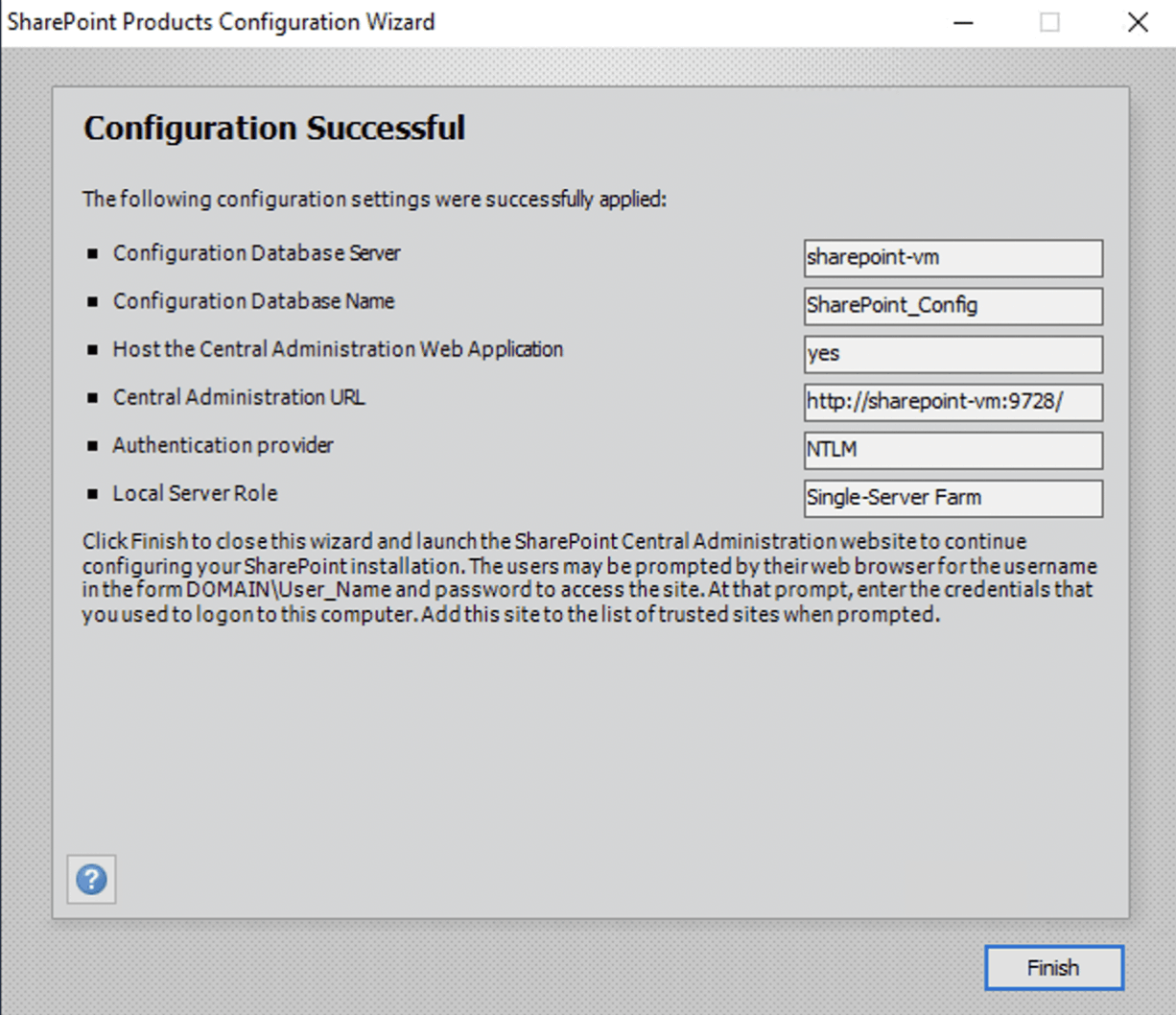
The configuration wizard finished
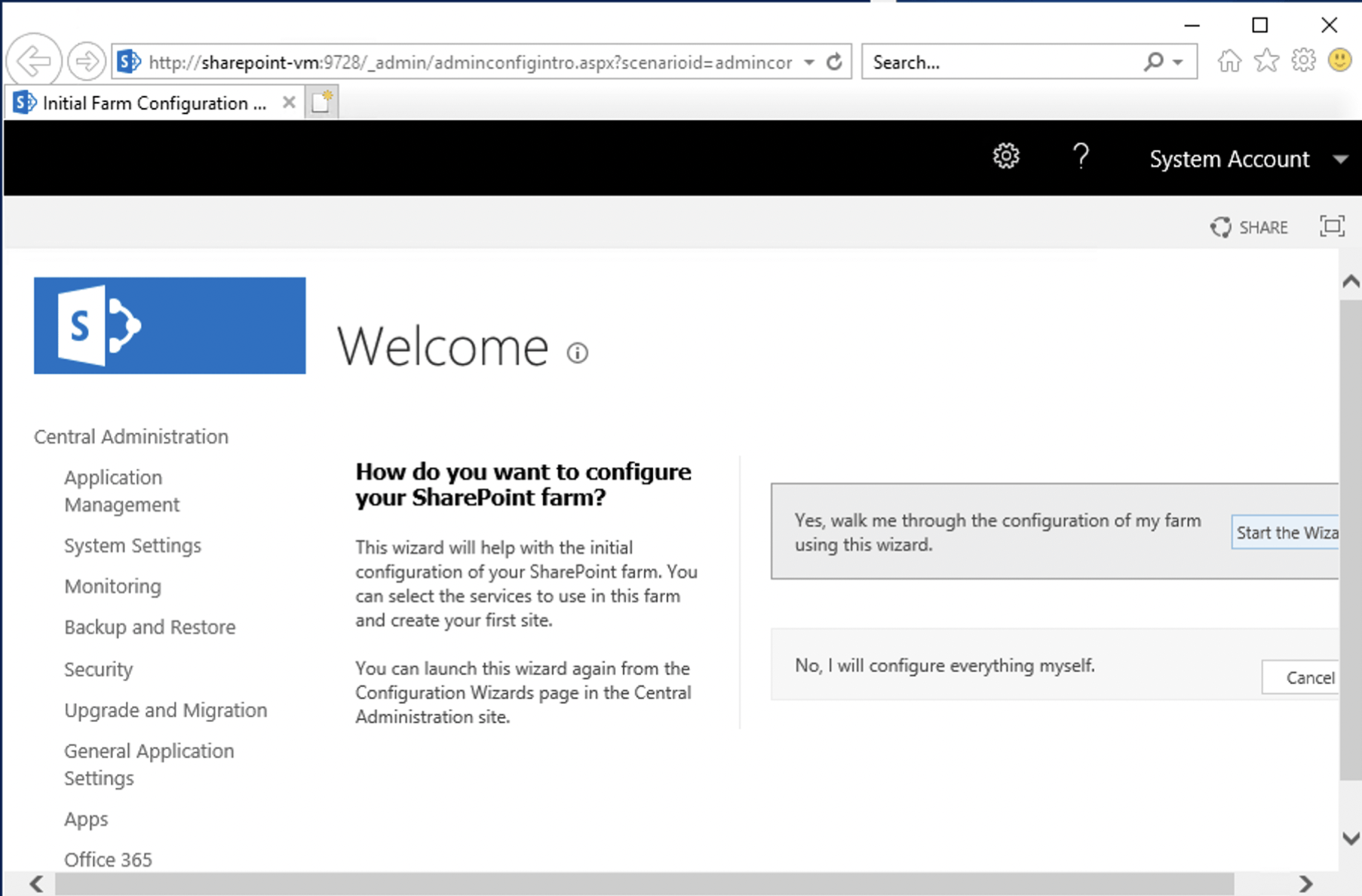
I navigated to the Central Administration site
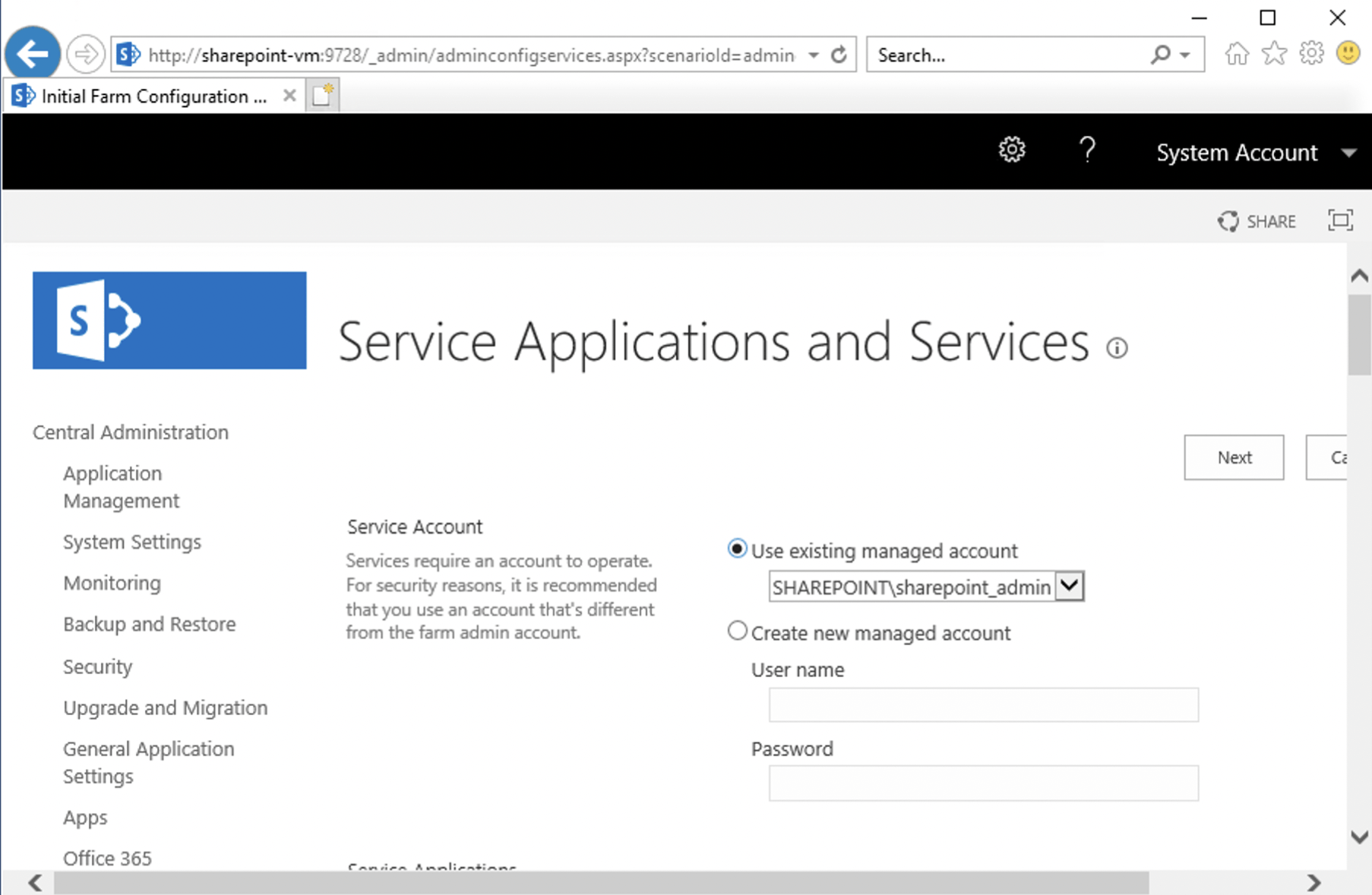
I specified that all of the SharePoint Services should run as the same administrator account
I waited
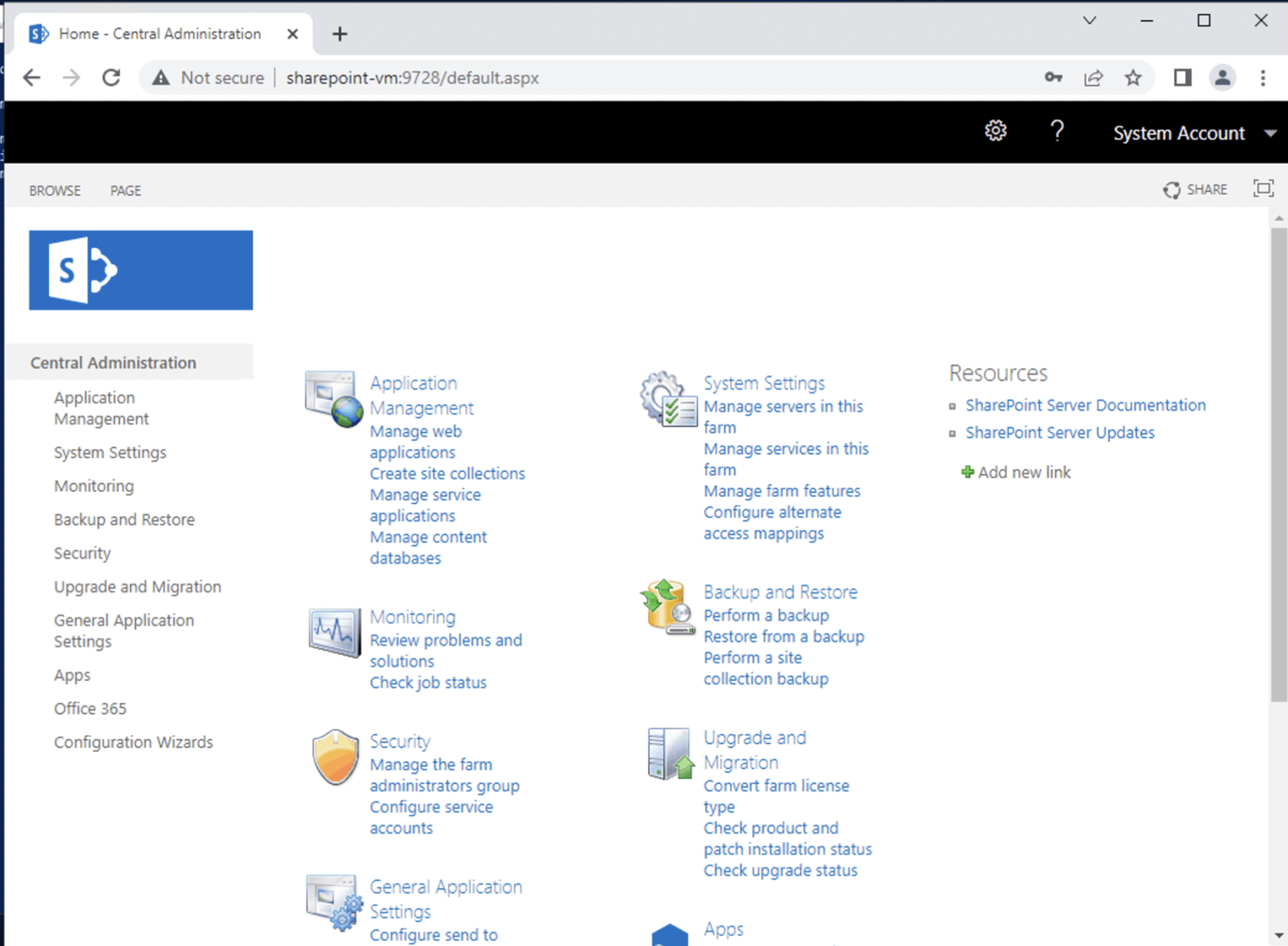
I was able to access the Central Administration site
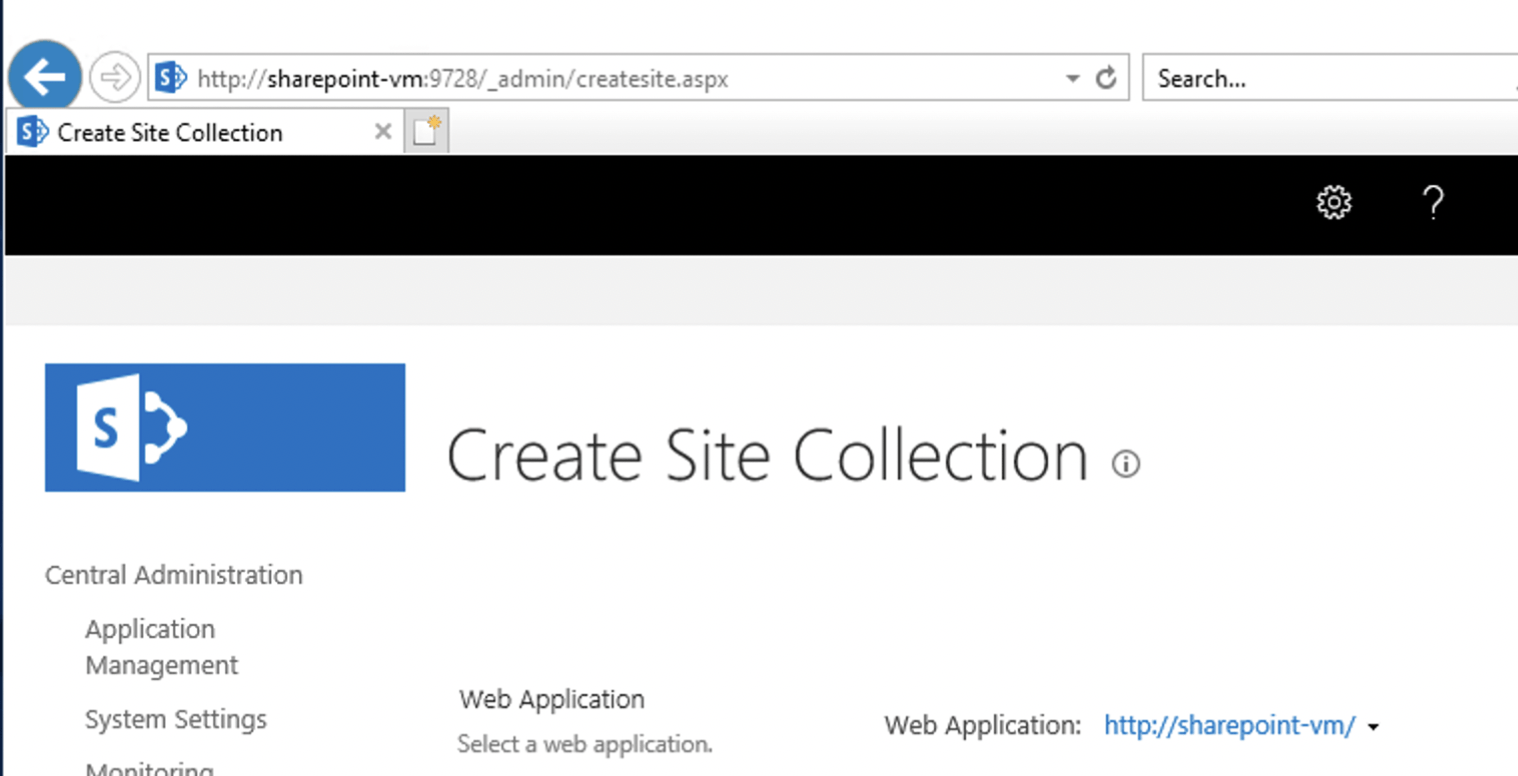
I created a 'Home' Site Collection
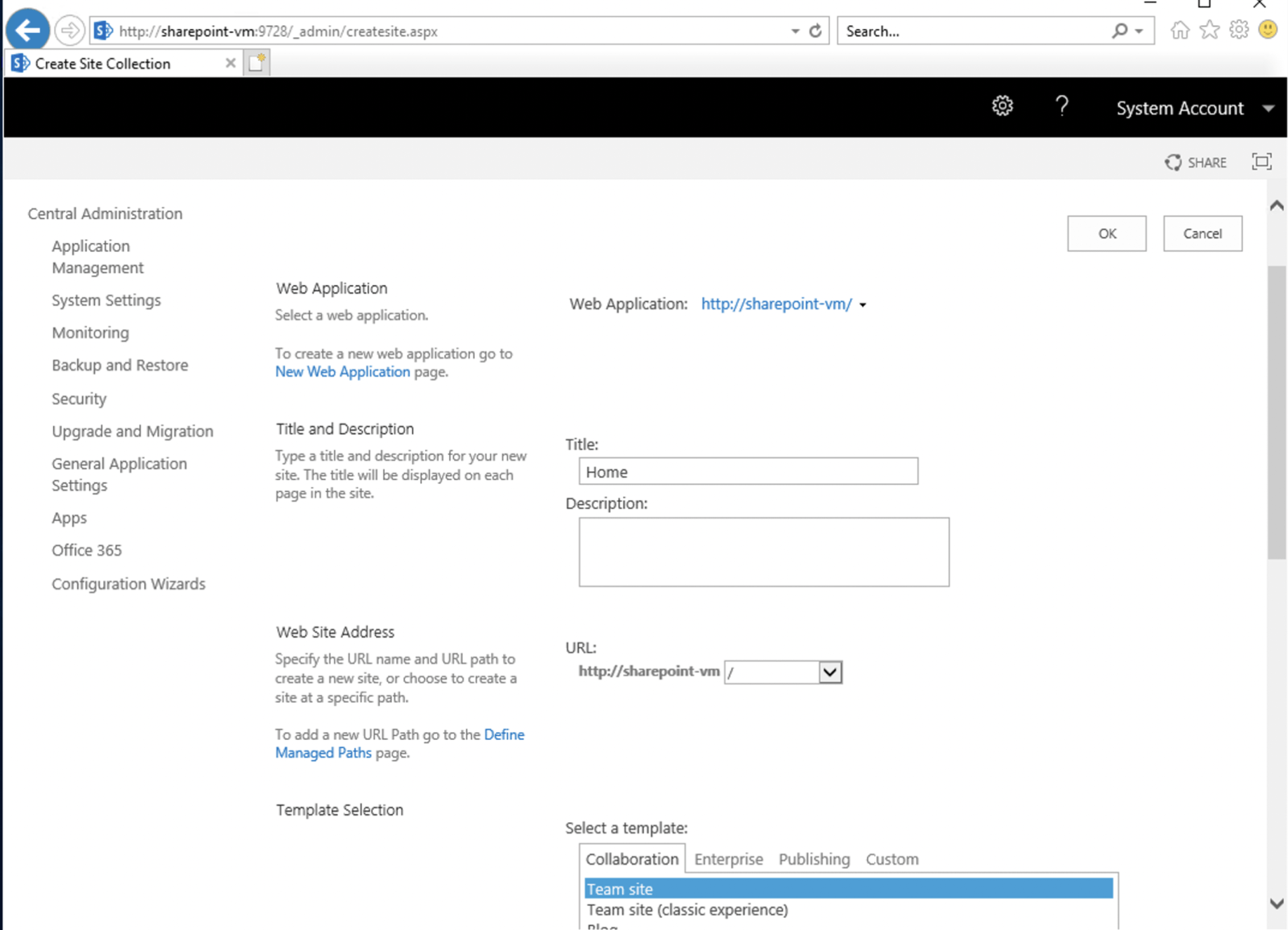
I selected the 'Team Site' template
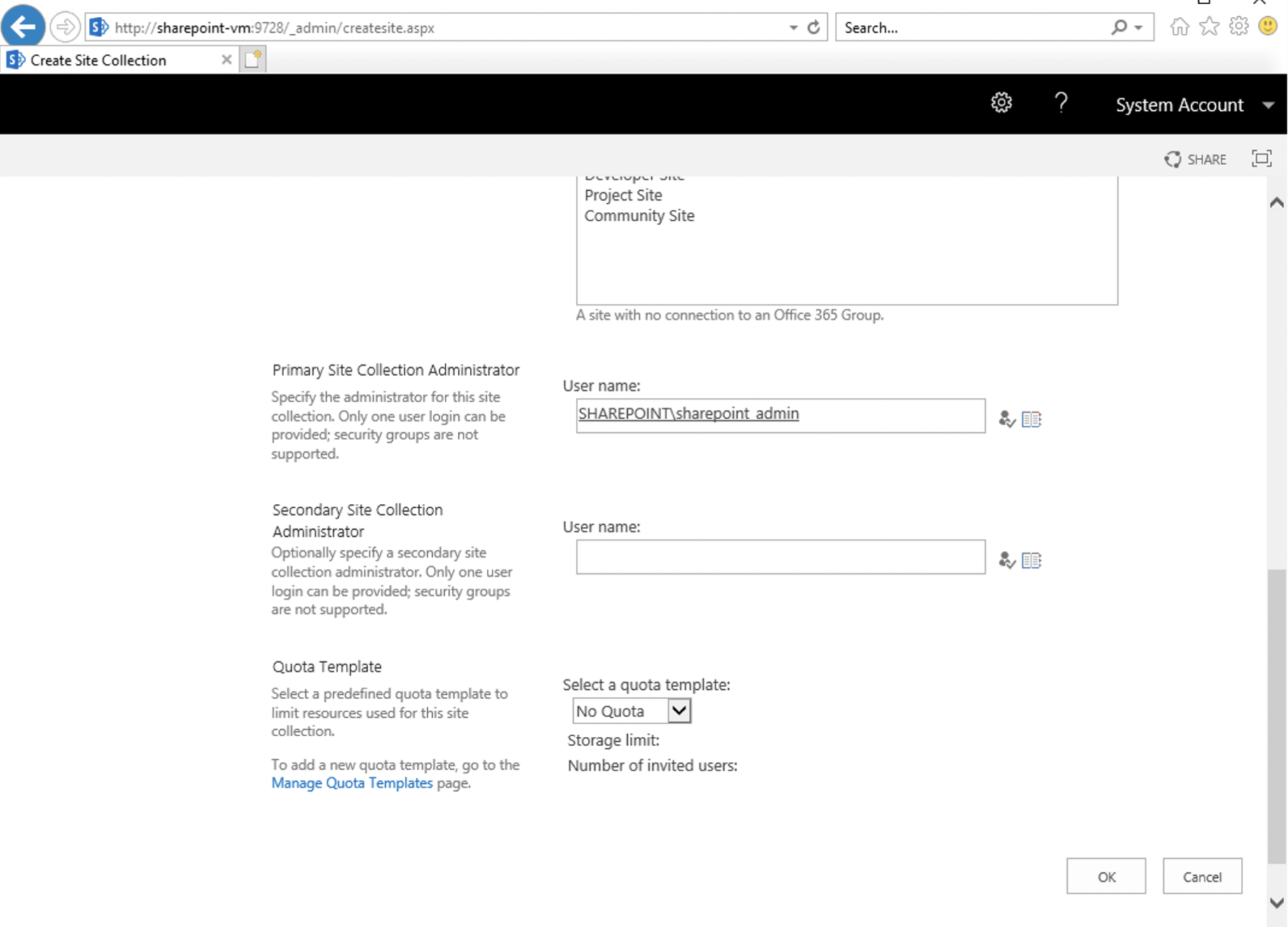
I provided the administrator account name
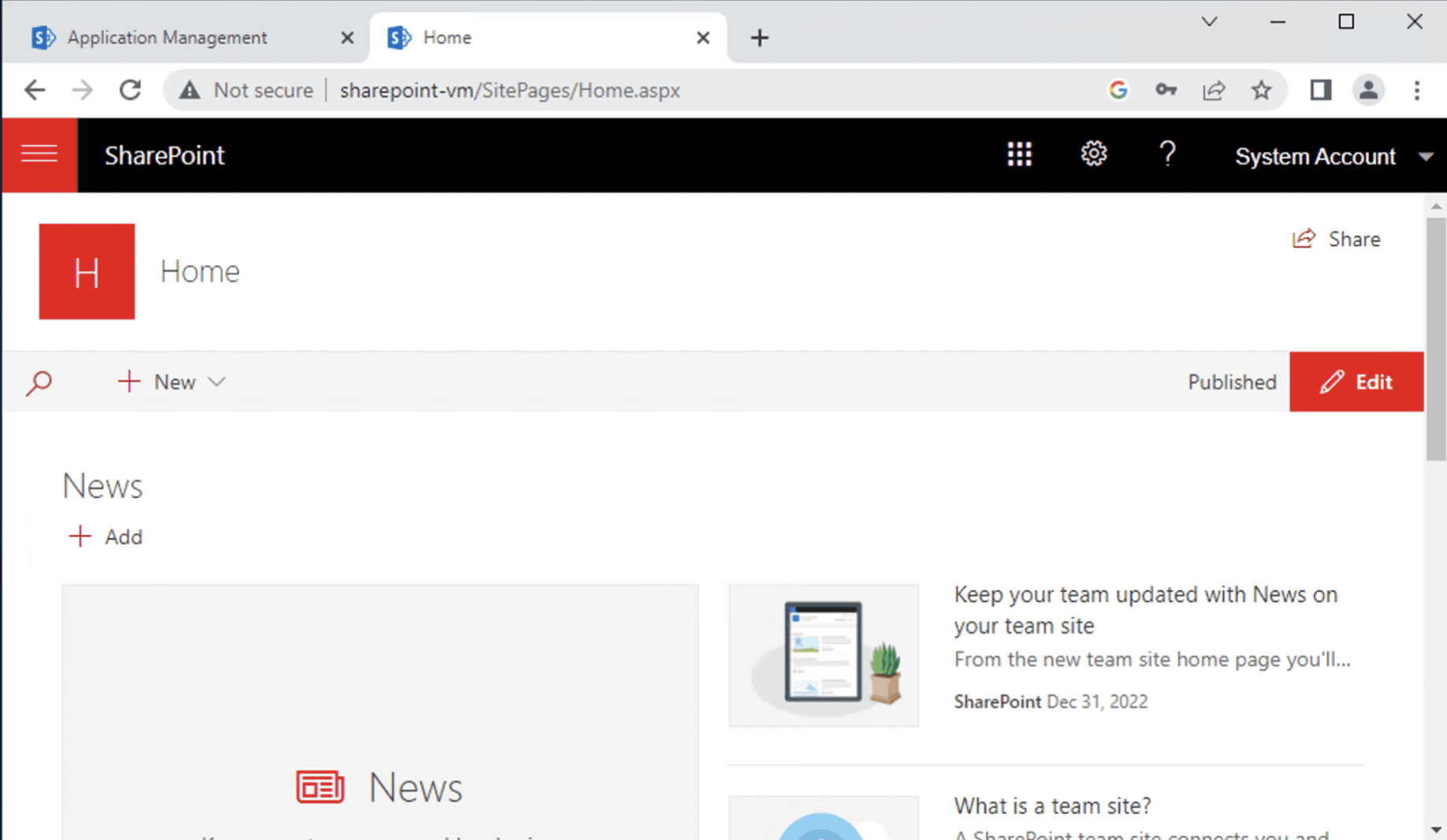
I was able to navigate to the Team Site
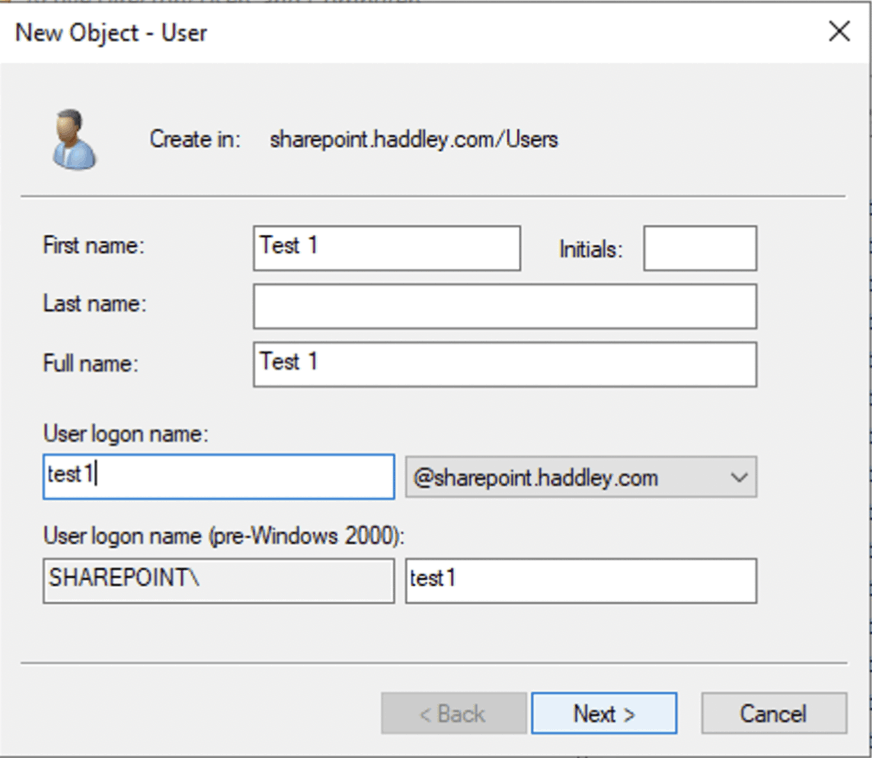
I added Test 1 and Test 2 user accounts
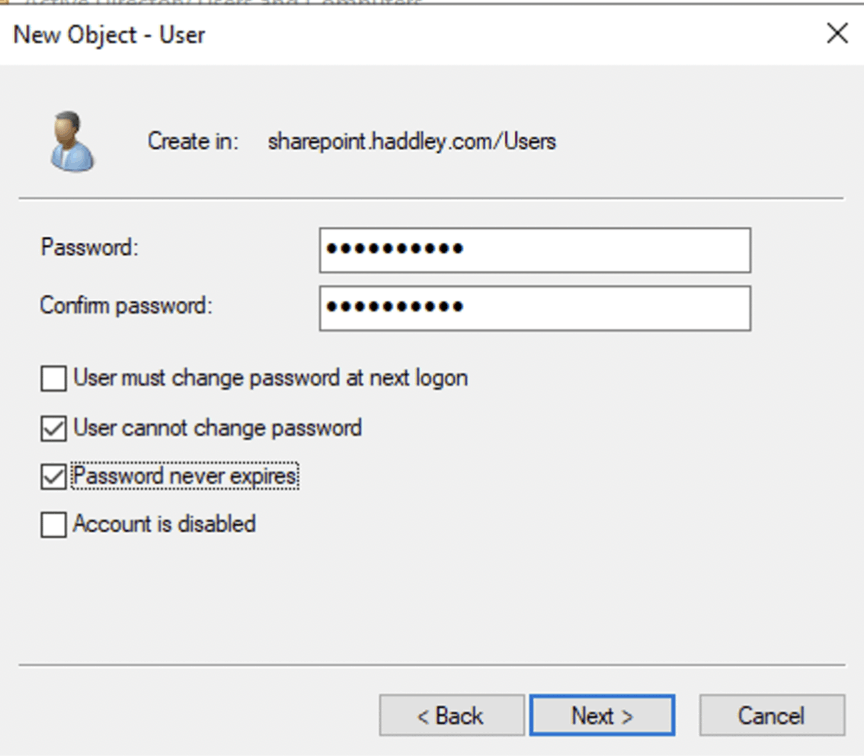
I provided a password
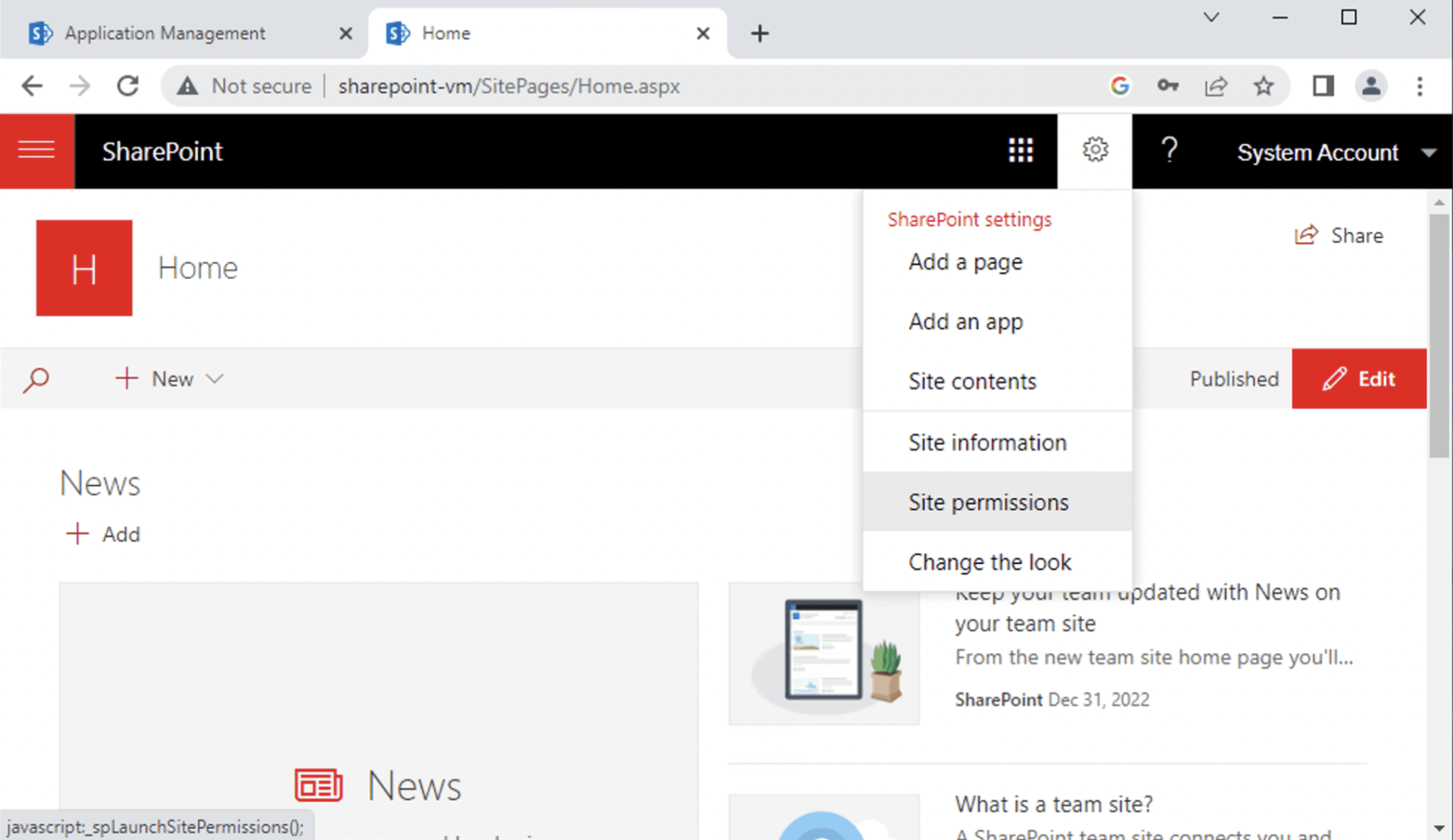
I reviewed Team Site permissions
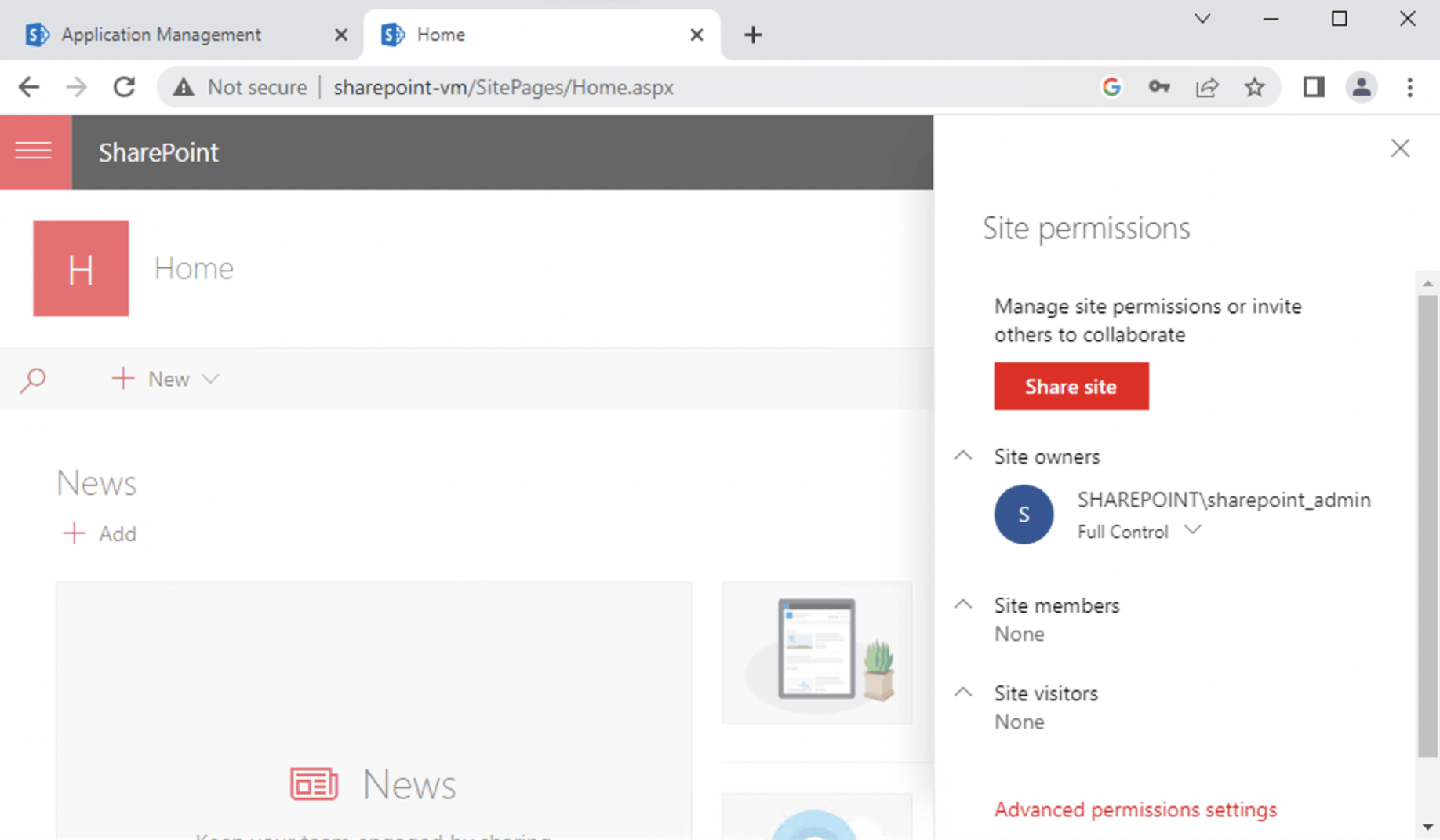
I clicked the Share site button
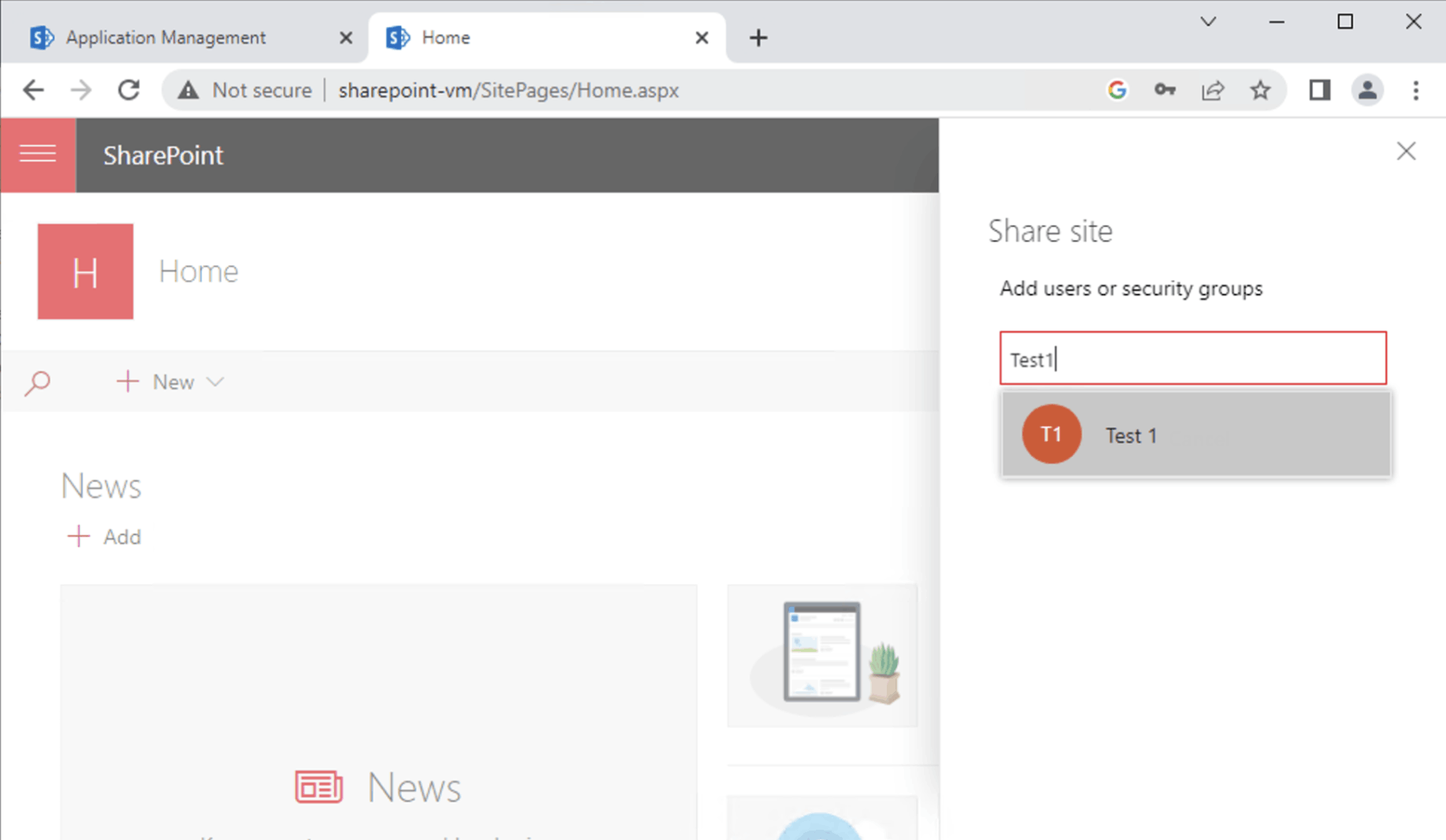
I shared the Team Site with the Test 1 and Test 2 users
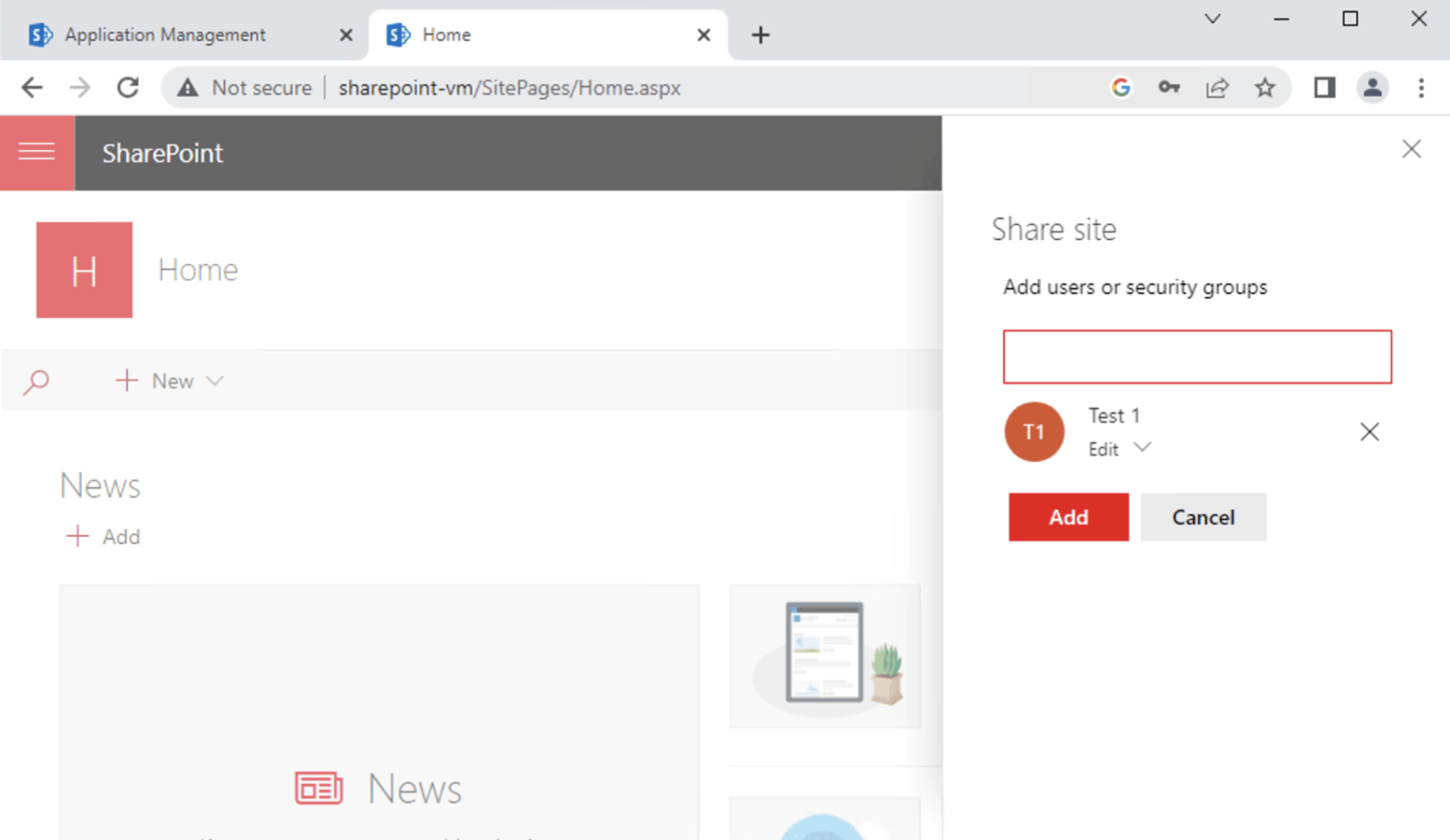
The Test 1 and Test 2 users could view and edit items in the Team Site
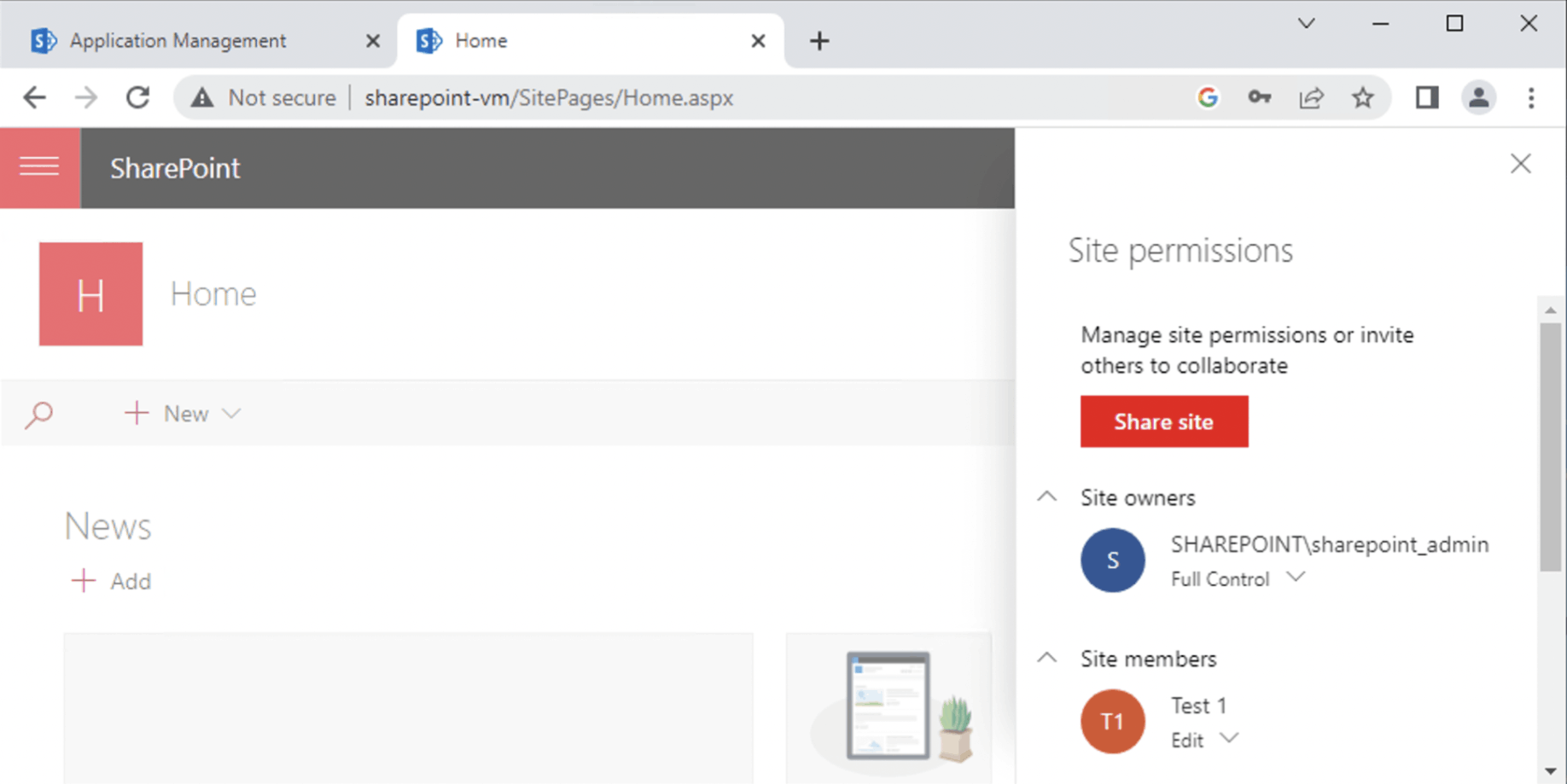
The Site permission update was saved
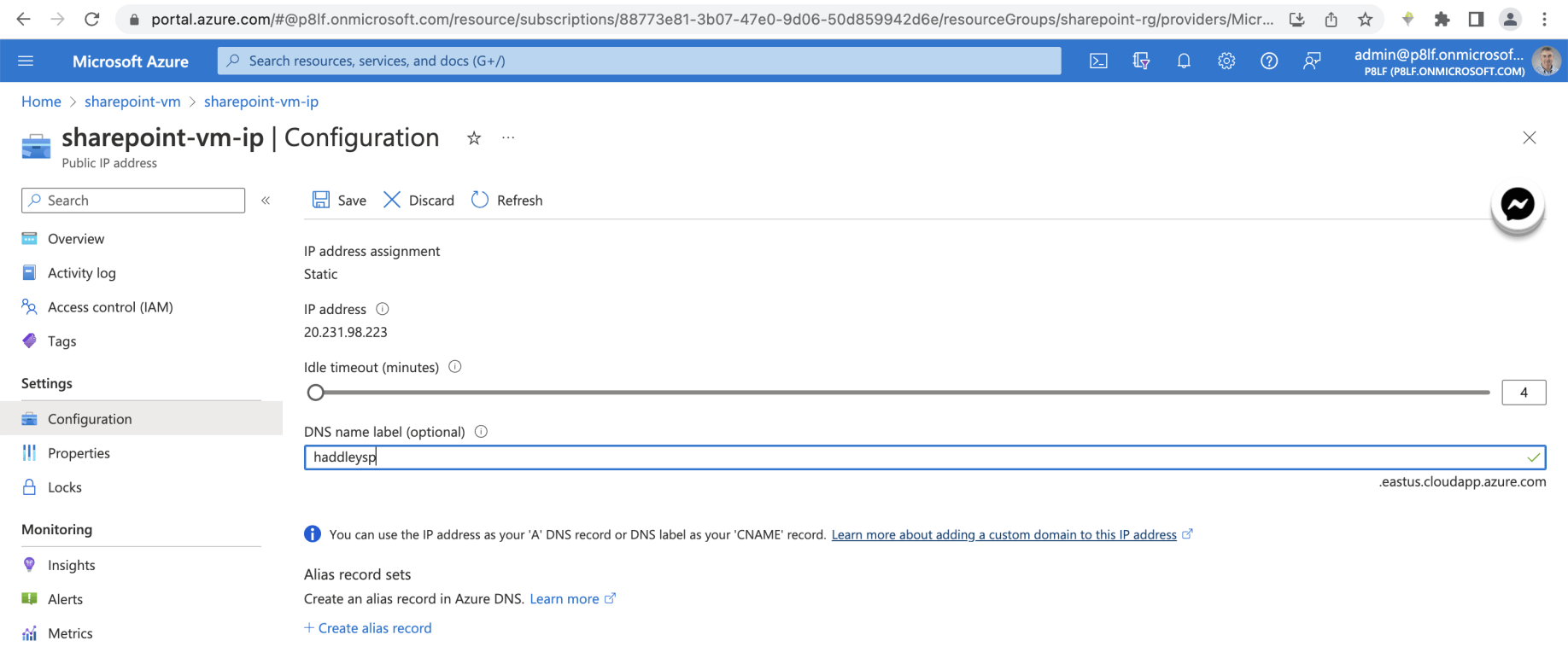
I updated the virtual machine's public dns details

I saved the update
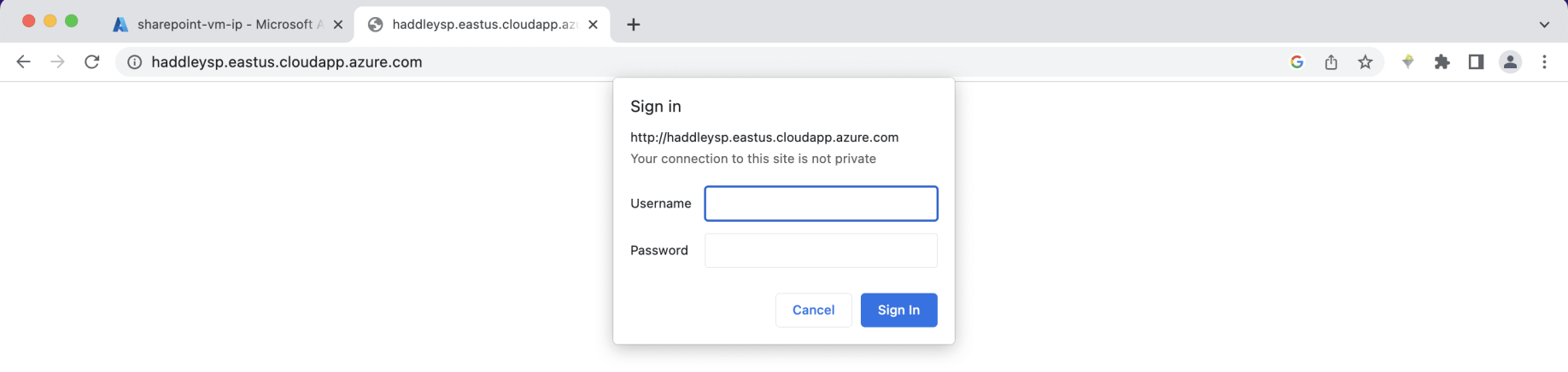
I navigated to the Team Site from my laptop using the dns address
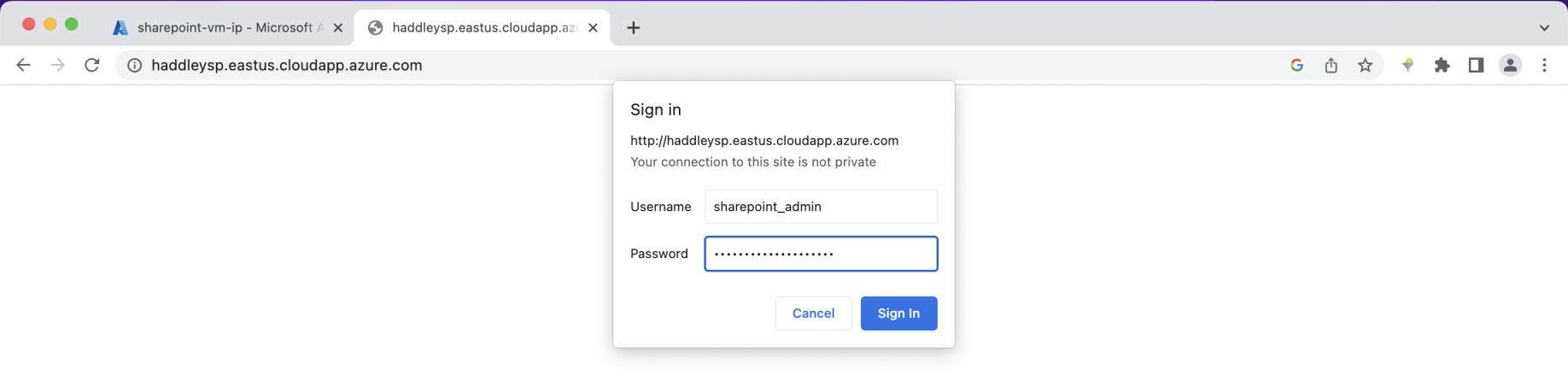
I entered the administrator credentials
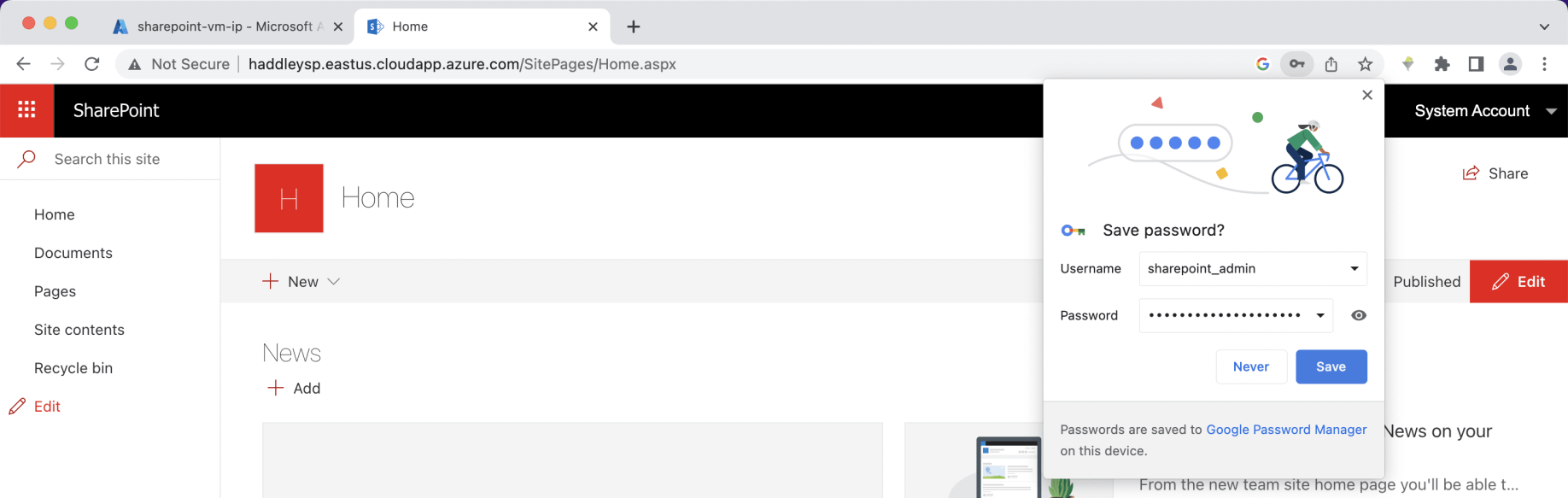
I was able to access the Team Site as the administrator
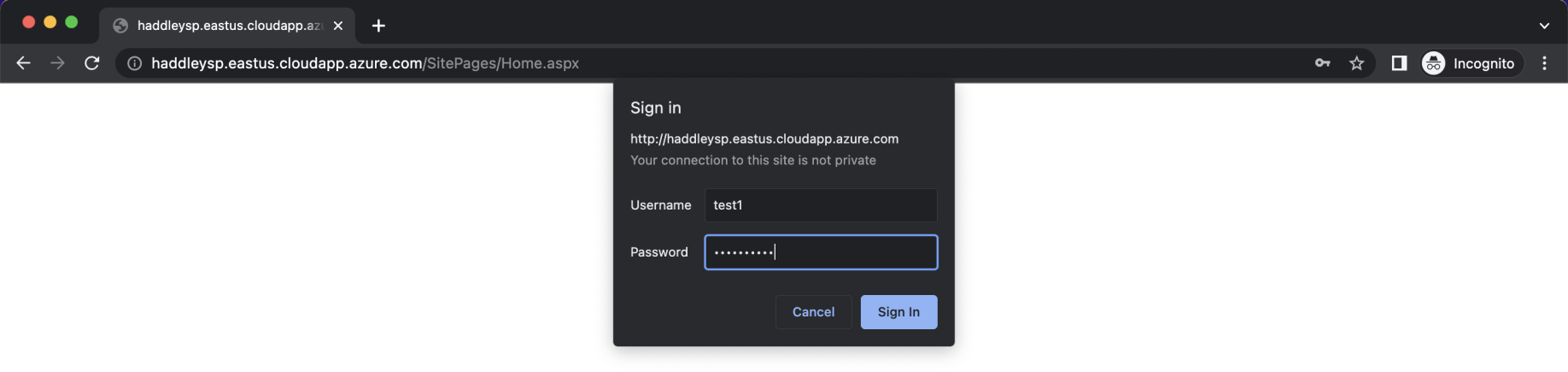
I switched to incognito mode and logged in as user Test 1
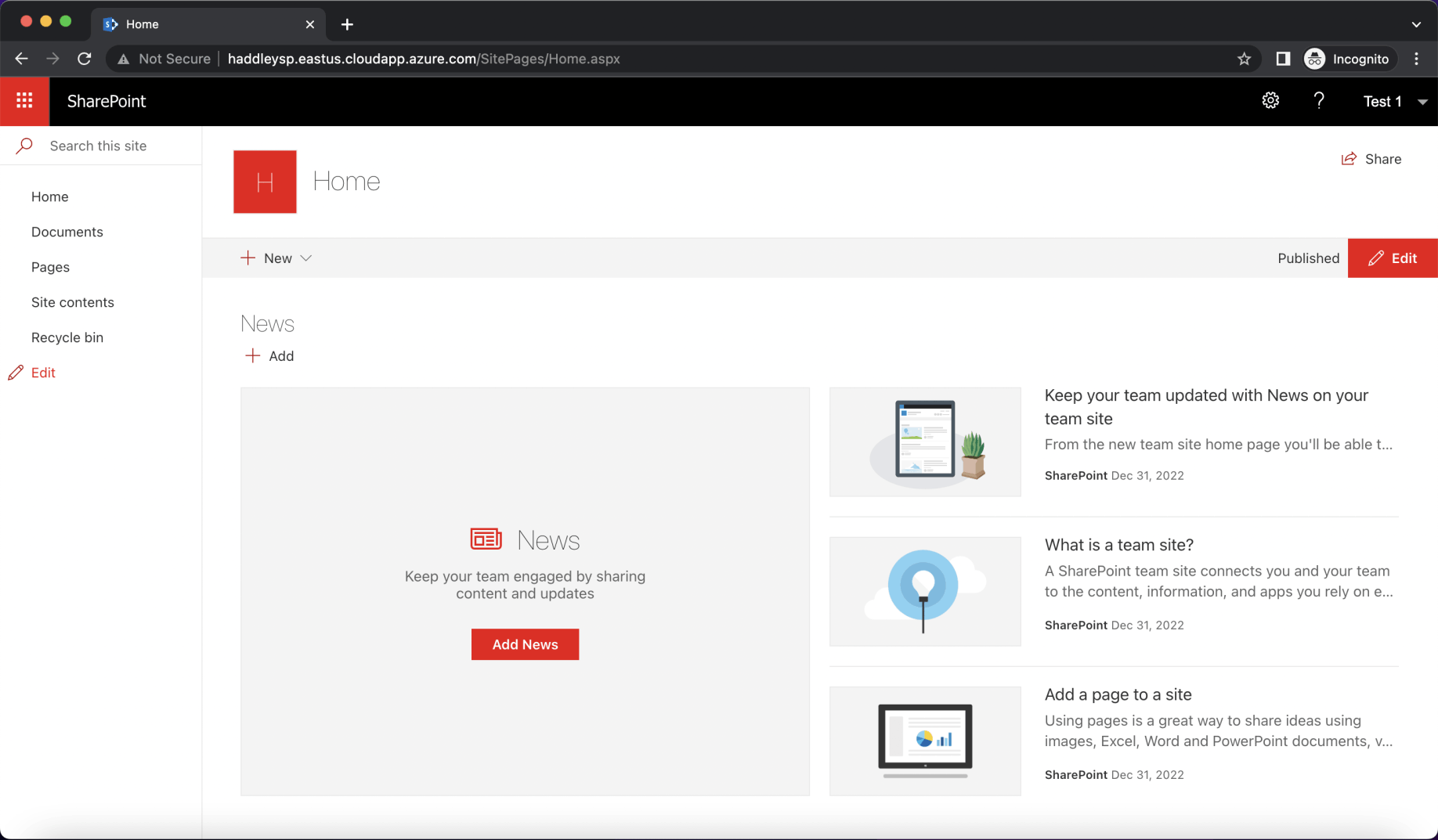
I was able to access the Team Site as user Test 1
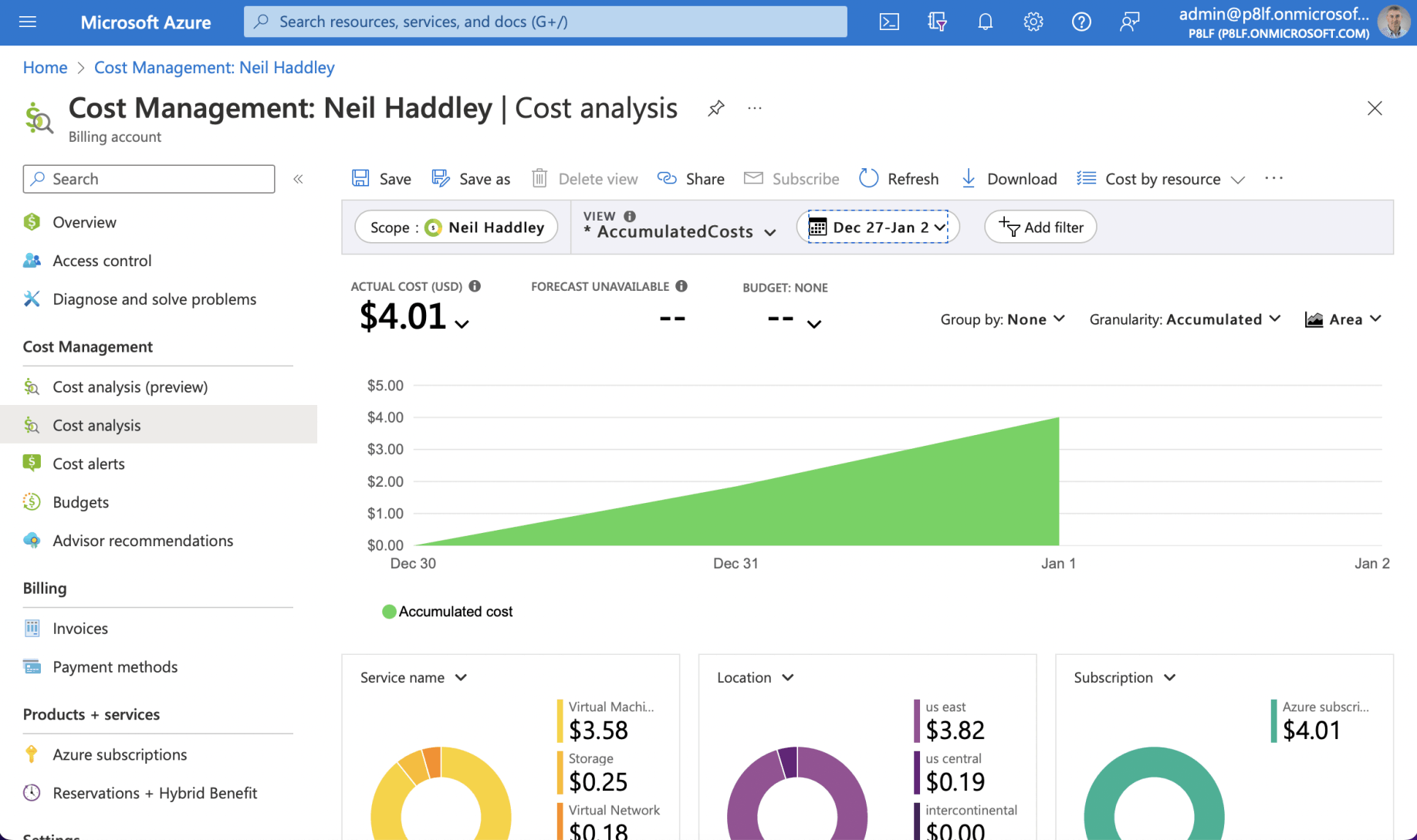
Cost analysis