SharePoint Web Part (Part 1)
Neil Haddley • February 11, 2021
How to create and publish a SharePoint Web Part
SharePoint Web Parts Extend the Office 365 User Experience
I used the SharePoint Framework (SPFx) to build a web part for Microsoft SharePoint, Microsoft Teams, and Microsoft Outlook.
The SharePoint Framework is a page and web part model for client-side development that depends on TypeScript and front-end libraries such as React.
Once deployed, users can add the new web parts to SharePoint pages.
I used the Yeoman "yo" command to create the web part solution.
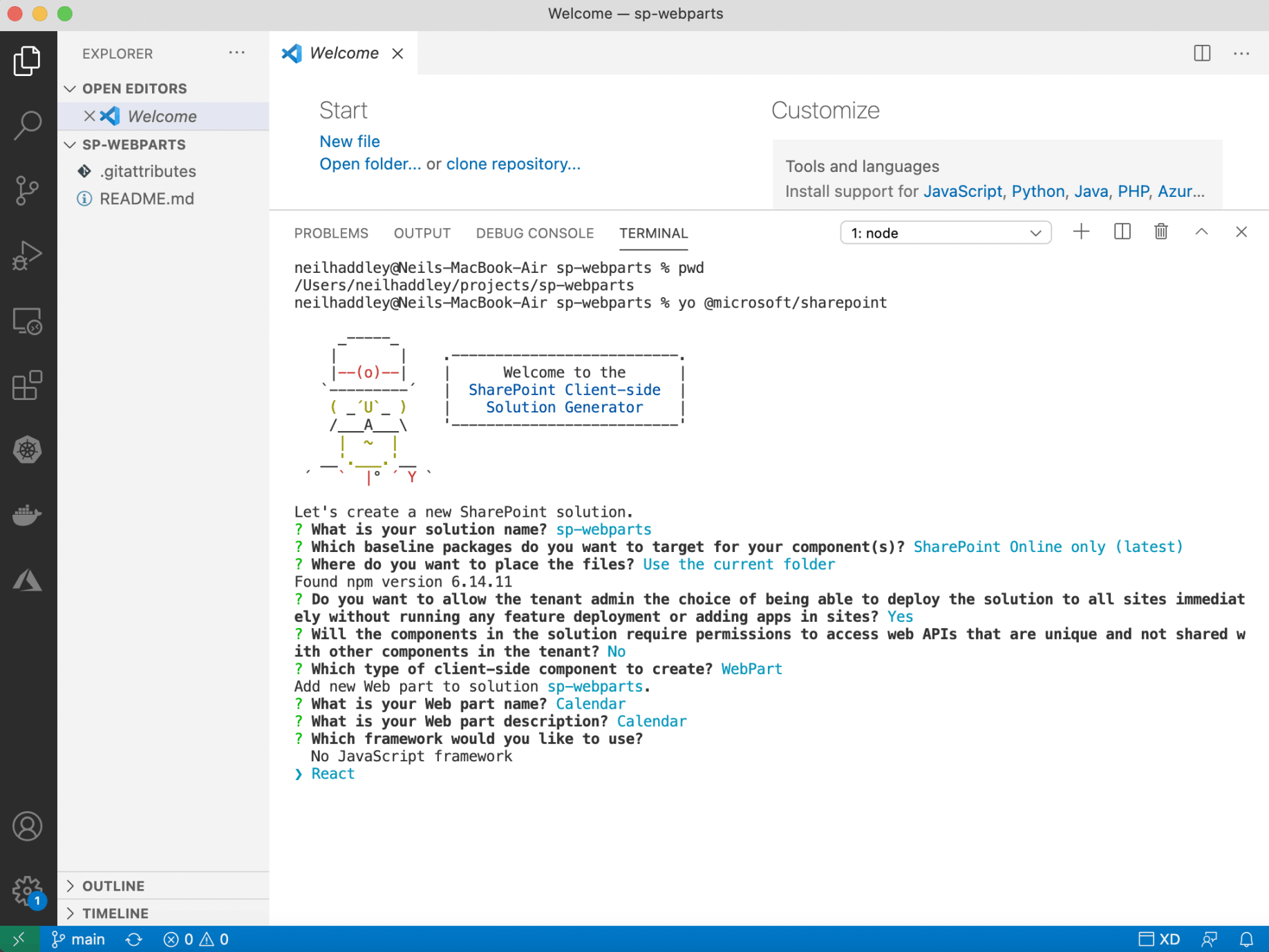
yo @microsoft/sharepoint
Sample React Code
Yeoman provided a React component as a starting point.
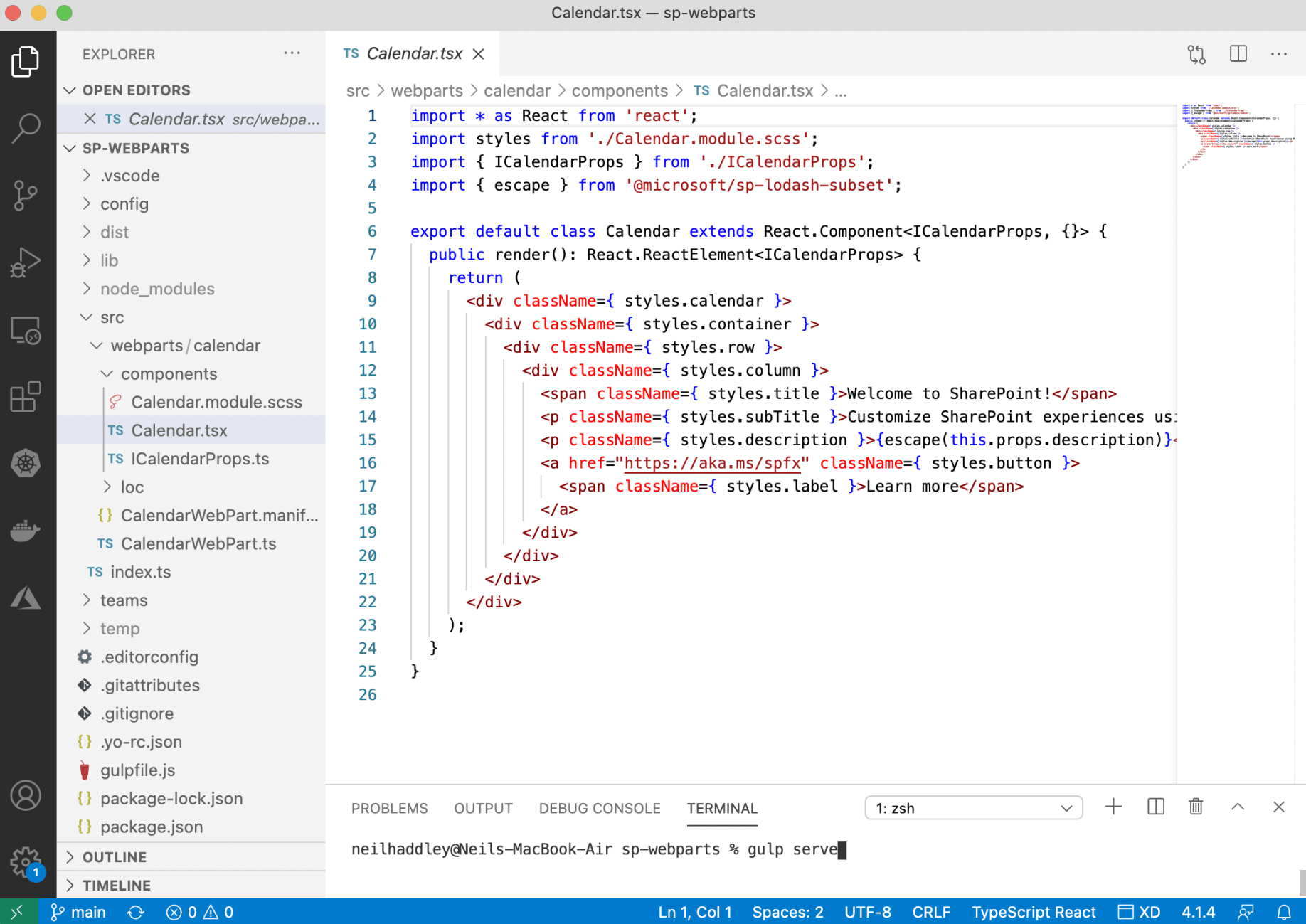
Web Part React Component
Local Workbench
I tested the web part by running "gulp serve".
When I ran gulp serve, the web parts were available in the local workbench.
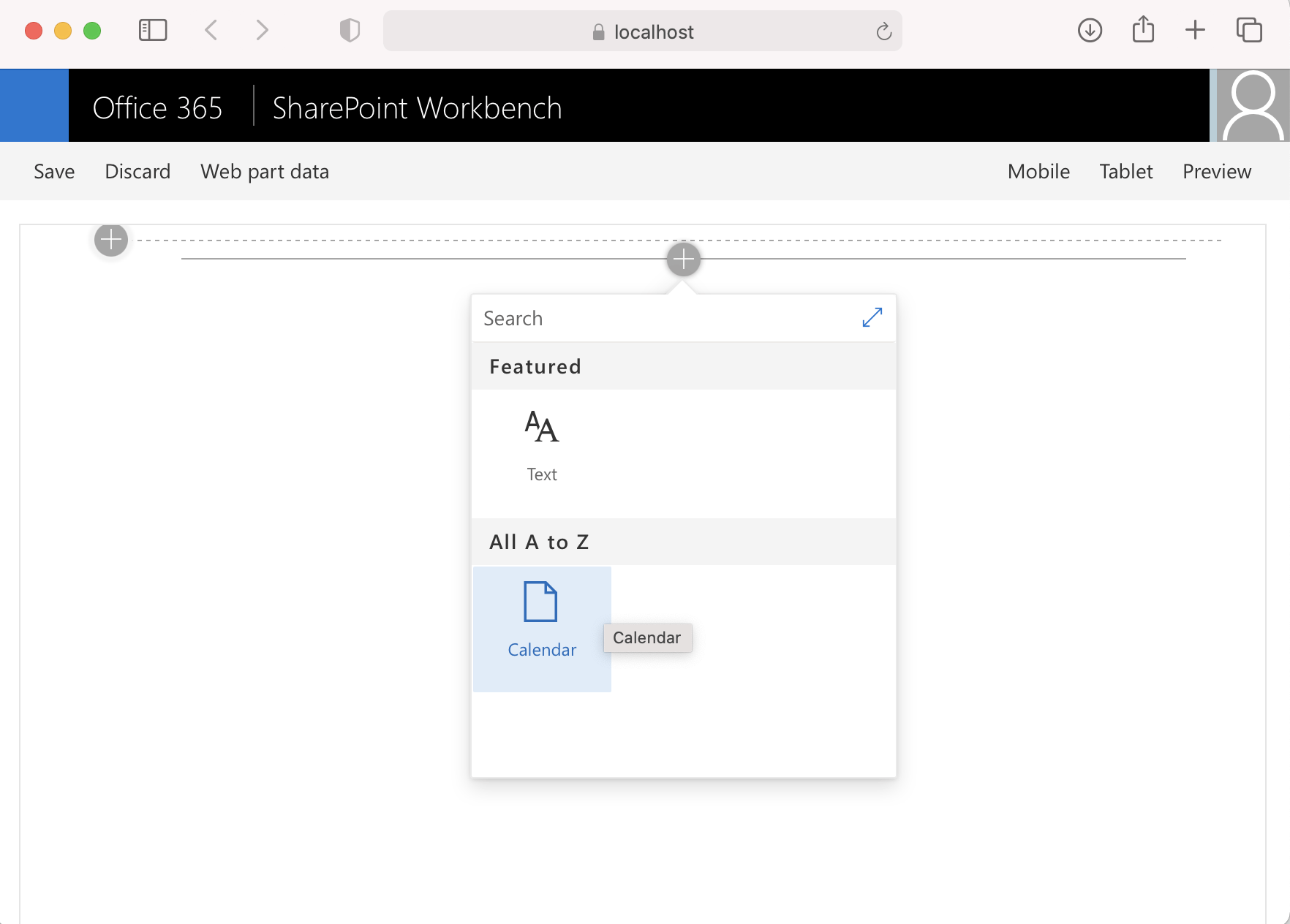
SharePoint Workbench
pageContext
A SharePoint Web Part can do interesting things if it has "context".
I used the ICalendarProps interface to pass values from the CalendarWebPart instance to the Calendar React component.
I added a context property of type WebPartContext to the ICalendarProps interface and updated the CalendarWebPart's render method to pass "this.context" to the Calendar component.
I ran "gulp serve" again to test the result in the Local Workbench and on a SharePoint site using the /_layouts/15/workbench.aspx page.
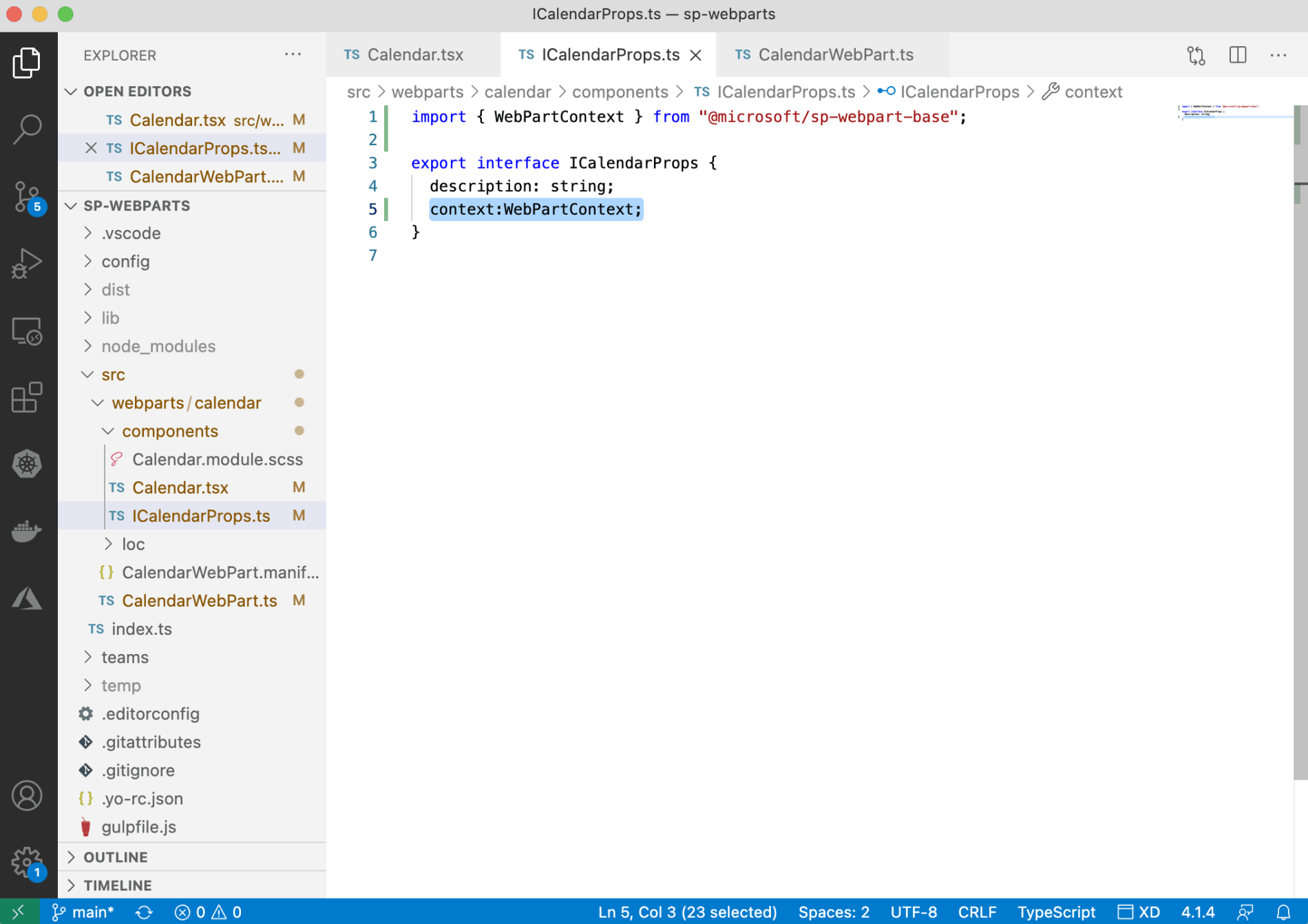
Adding context:WebPartContext to ICalendarProps interface
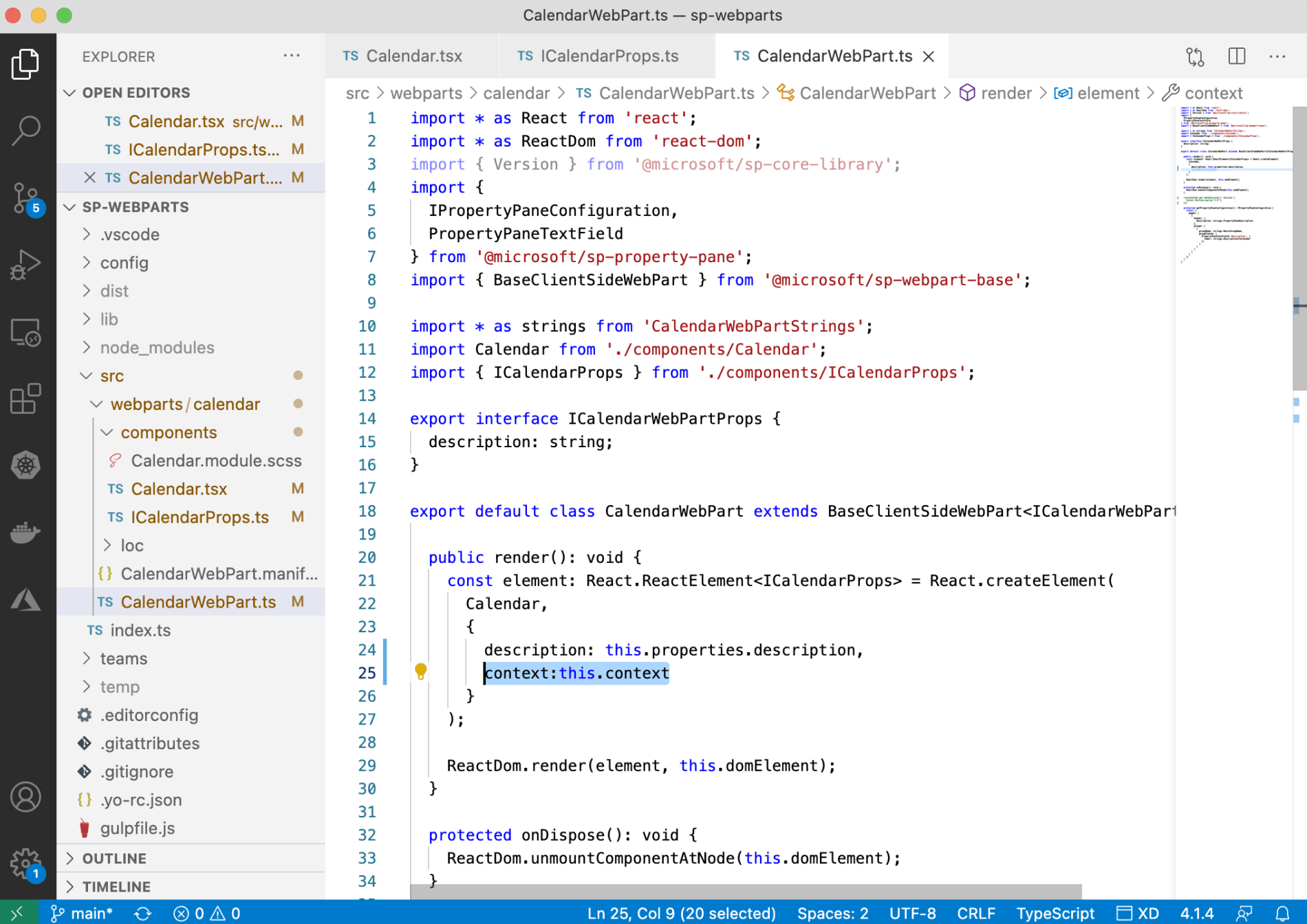
Updating CalendarWebPart to pass context to Calendar React Component
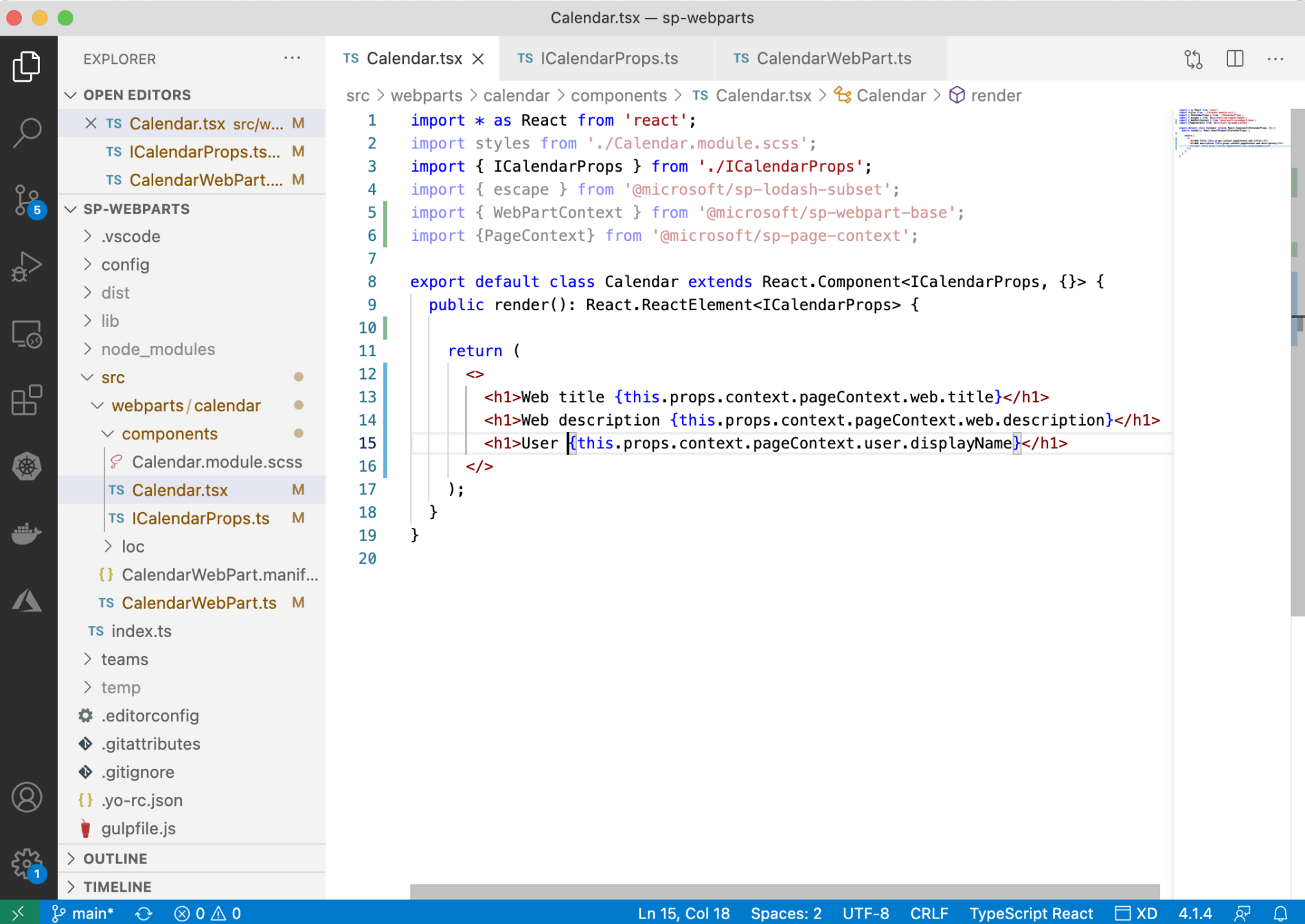
Updating Calendar React Component to use context
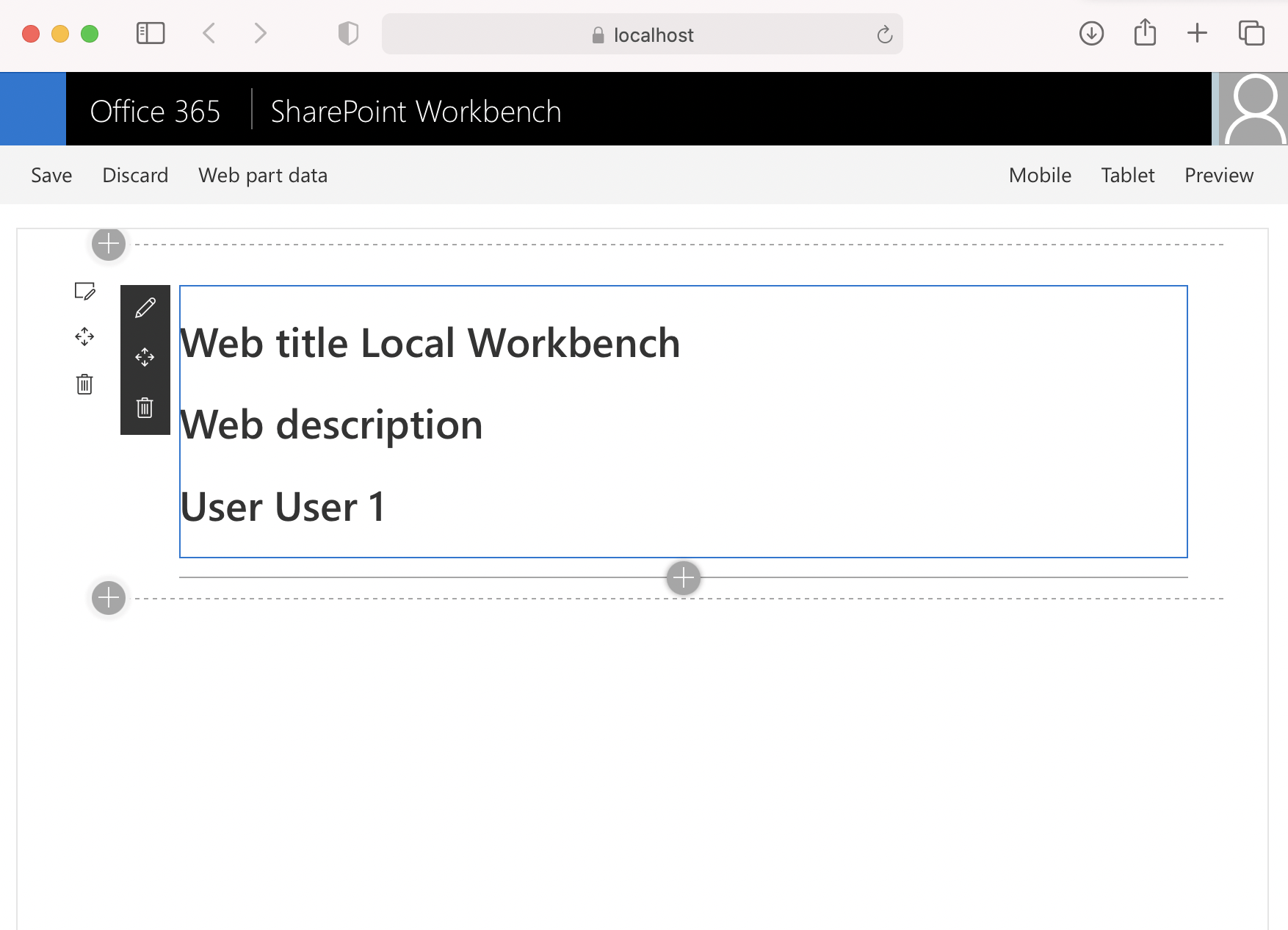
Testing the Web Part using the Local Workbench
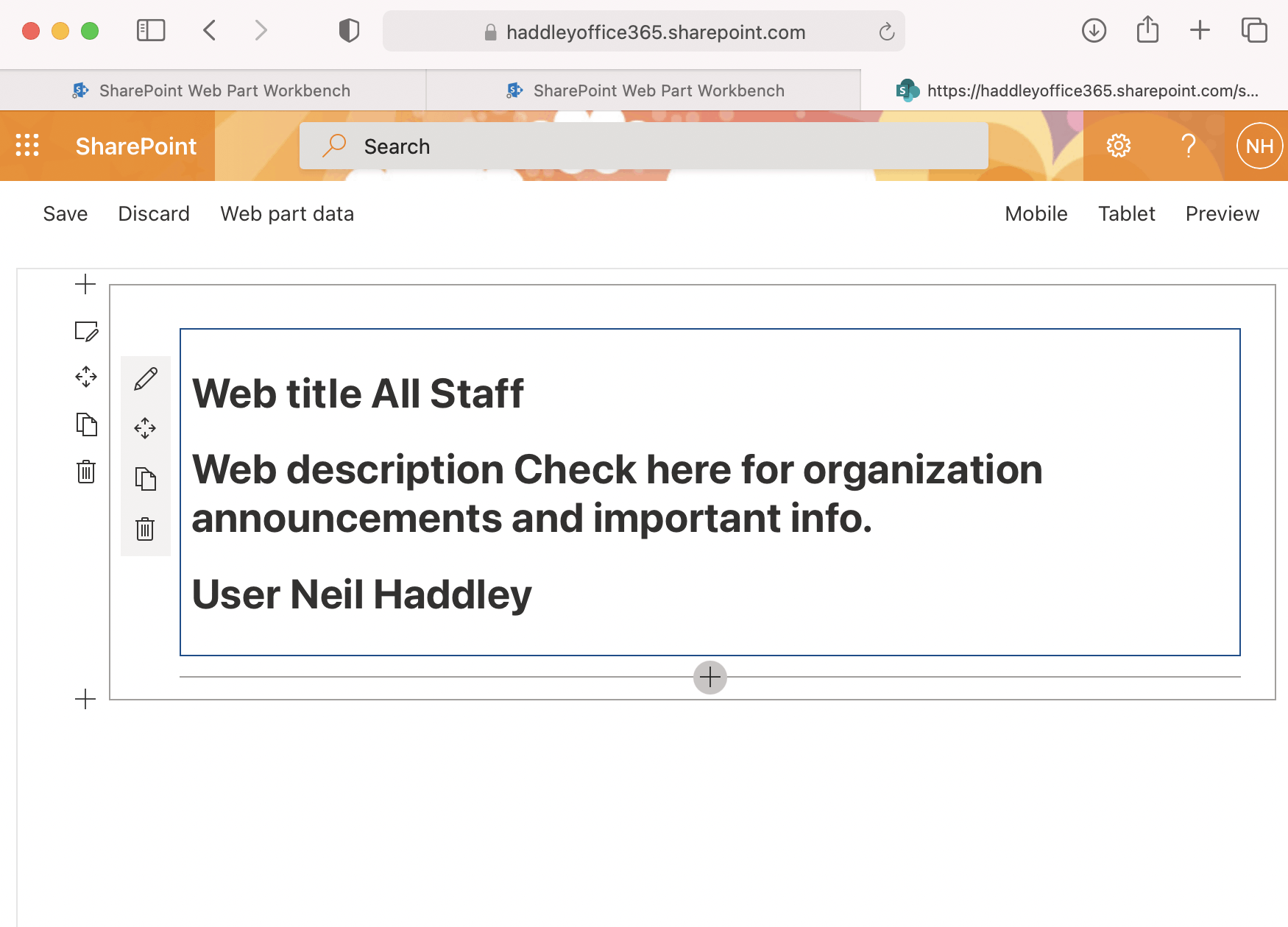
Testing the Web Part using the /_layouts/15/workbench.aspx SharePoint page
TypeScript and React
The generated CalendarWebPart class extends the Microsoft BaseClientSideWebPart class.
The generated Calendar class extends the React.Component class.
The CalendarWebPart class manages state and the Calendar class has state passed to it via props.
I reimplemented the Calendar React component as a function component, which made the code easier to read.
If the Calendar component needs to maintain state, I can use React useState and useEffect hooks.
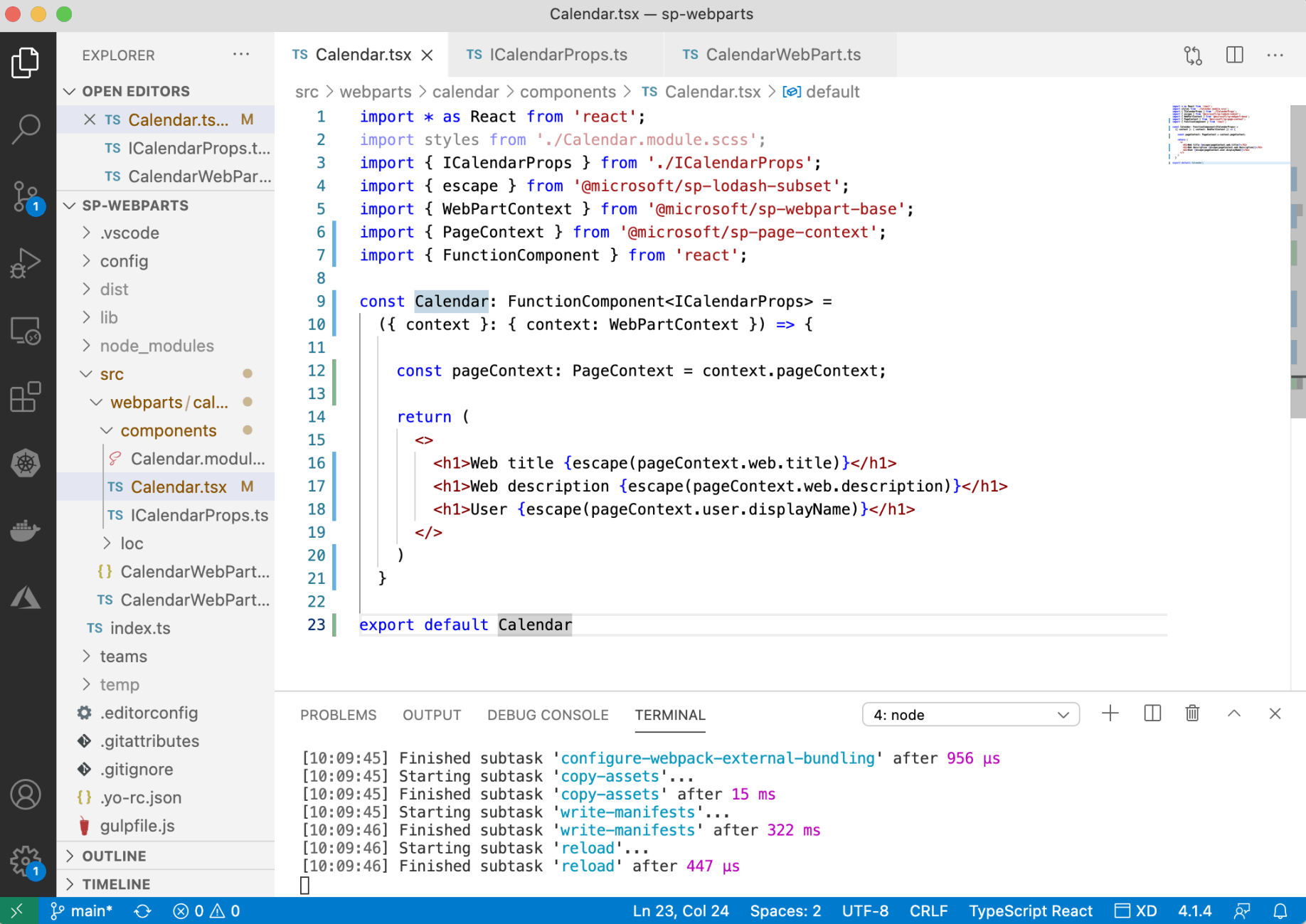
Calendar component as a function component