Java Spring Boot (Part 7)
Neil Haddley • September 20, 2025
Hosting a Spring Boot application on Azure Spring Apps, from creating the service to scaling it, and the news that the service is being retired
I used Azure Spring Apps to host a Java Web Application in Microsoft Azure
What the video says
The Microsoft Build session, with Adib Saikali and Asir Selvasingh, describes what the Azure Spring Apps service does for me:
- It is fully managed, and it runs on Kubernetes. Each service instance has two dedicated Kubernetes clusters that Azure Spring Apps manages and hides from me. One cluster runs the service components, and the other runs my applications.
- There are three steps. I create a service instance, I create an app inside it, and I deploy the application binaries.
- Monitoring and security come with it. Logs and metrics go to Azure Monitor, and an application can use a managed identity to reach other Azure services without a password.
- Operating it is simple. The video shows scaling up, scaling out, and zero-downtime deployments, and says that Microsoft and VMware jointly operate and support the service.
- The demo uses the Enterprise tier. I chose the entry level, so some of what the presenters show, such as application accelerators, is not in my screenshots.
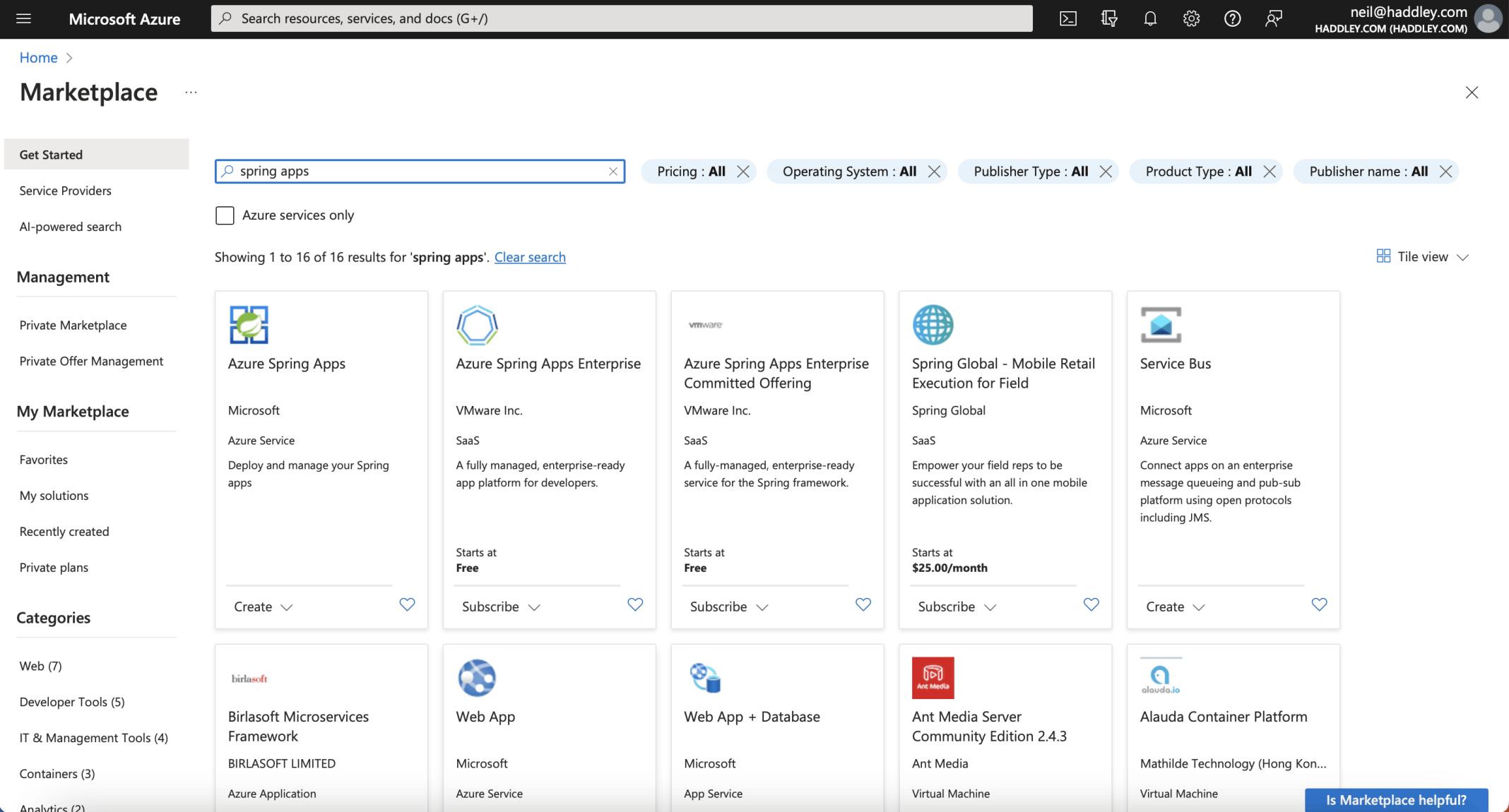
I clicked the Azure Spring Apps Create button
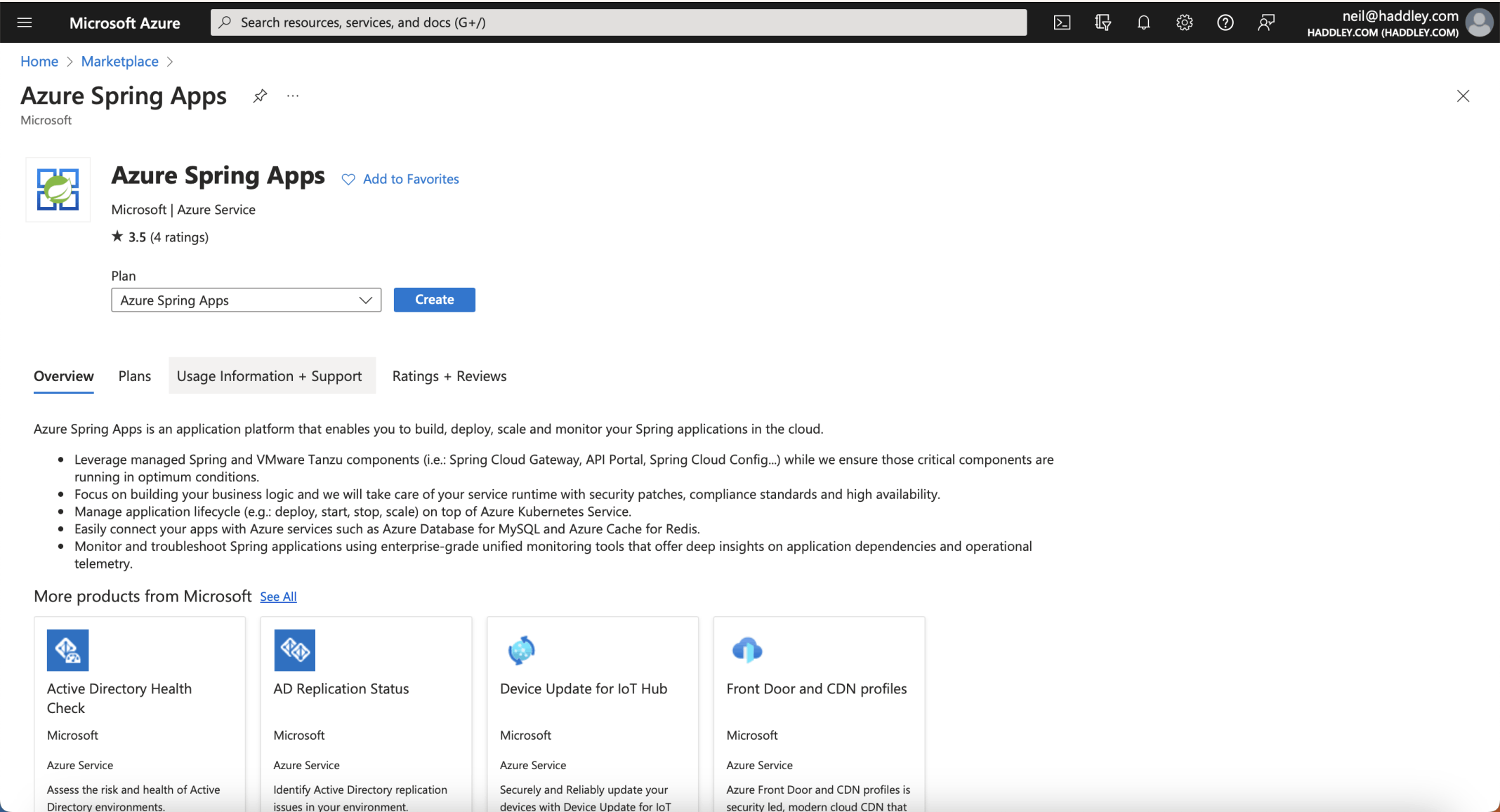
I reviewed the overview and clicked the Create button
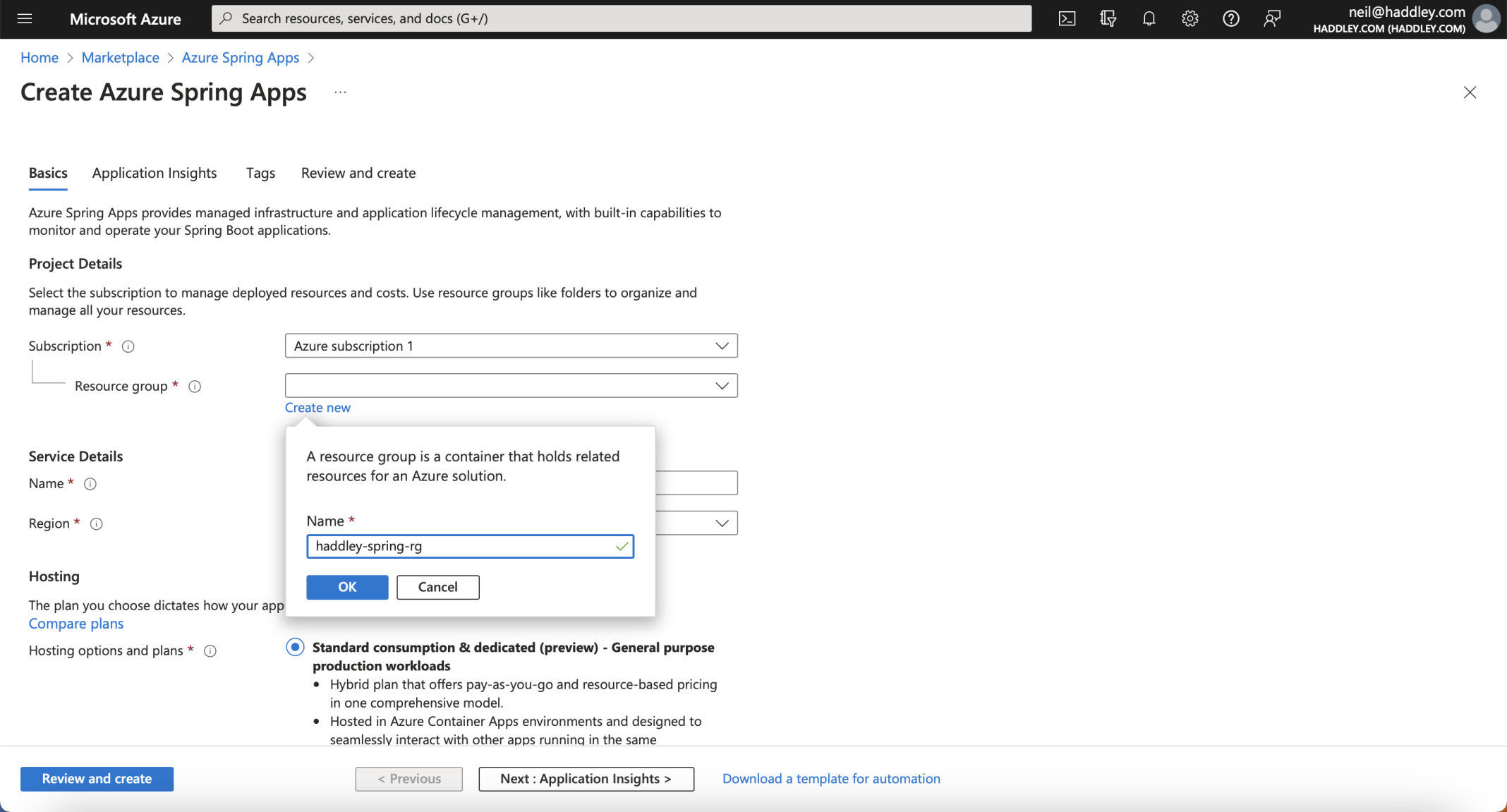
I specified a resource group name (haddley-spring-rg)
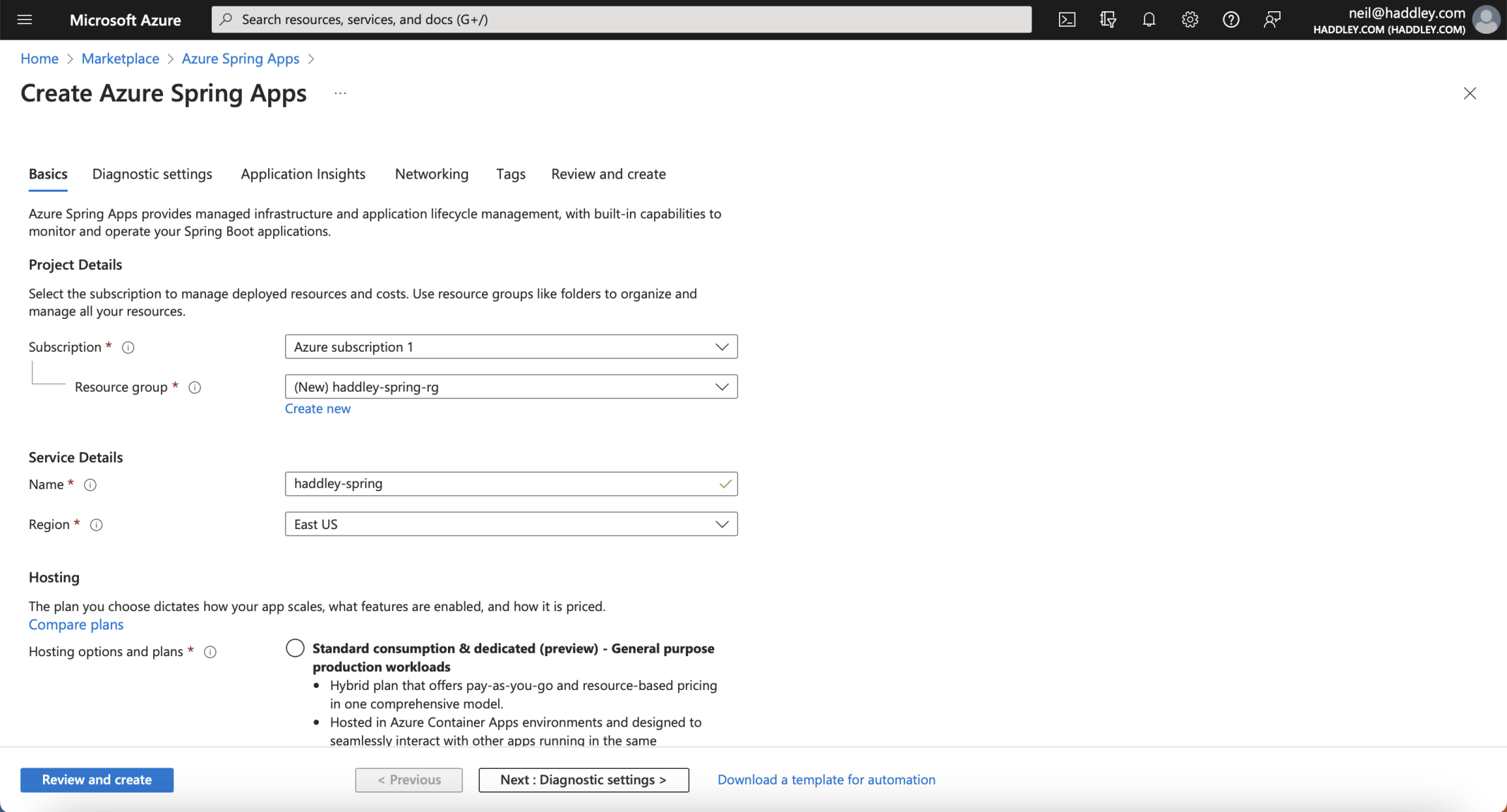
I specified a service details name (haddley-spring)
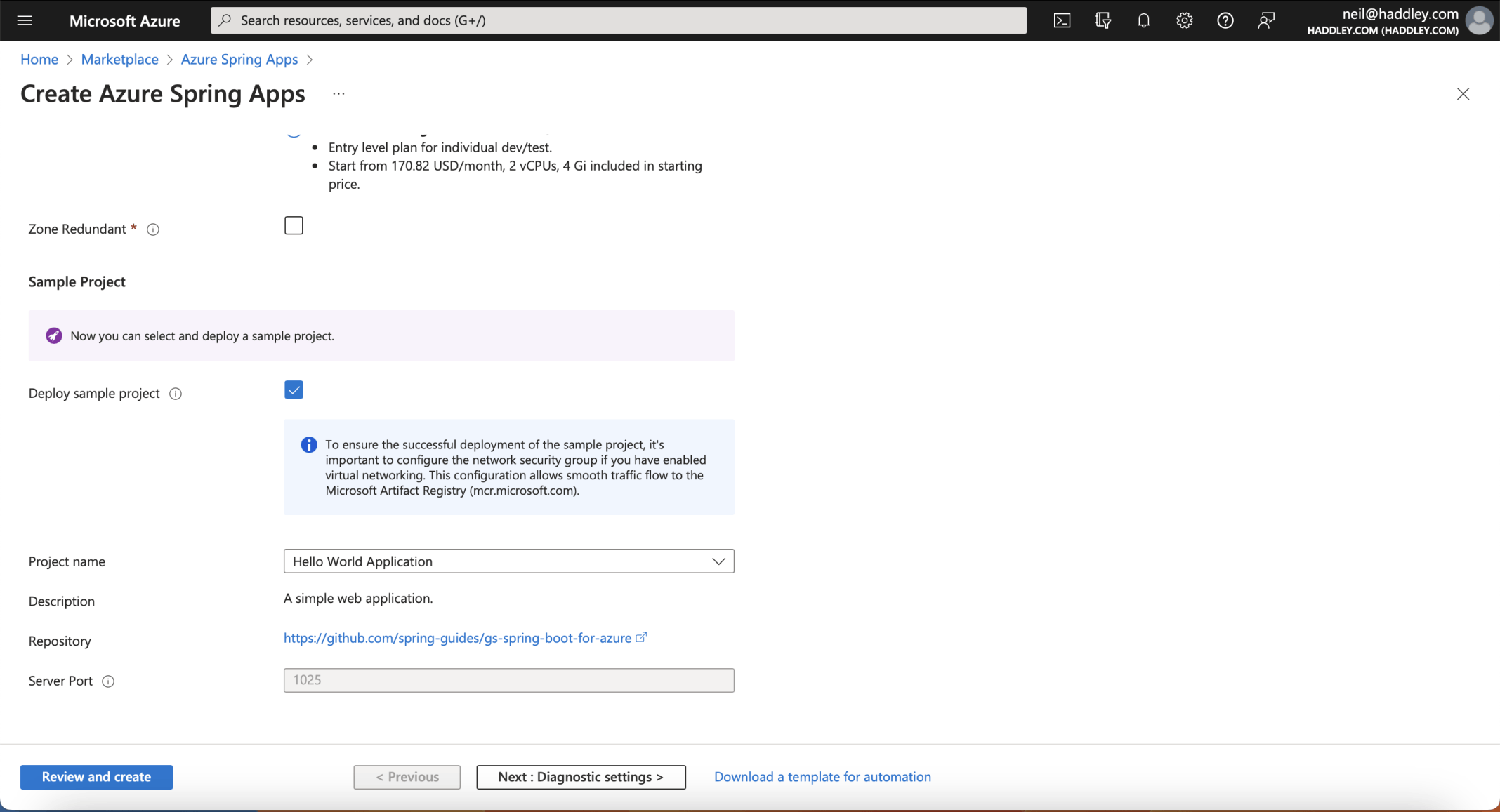
I selected the entry level and clicked the Deploy sample project option
Deploy the sample and look around
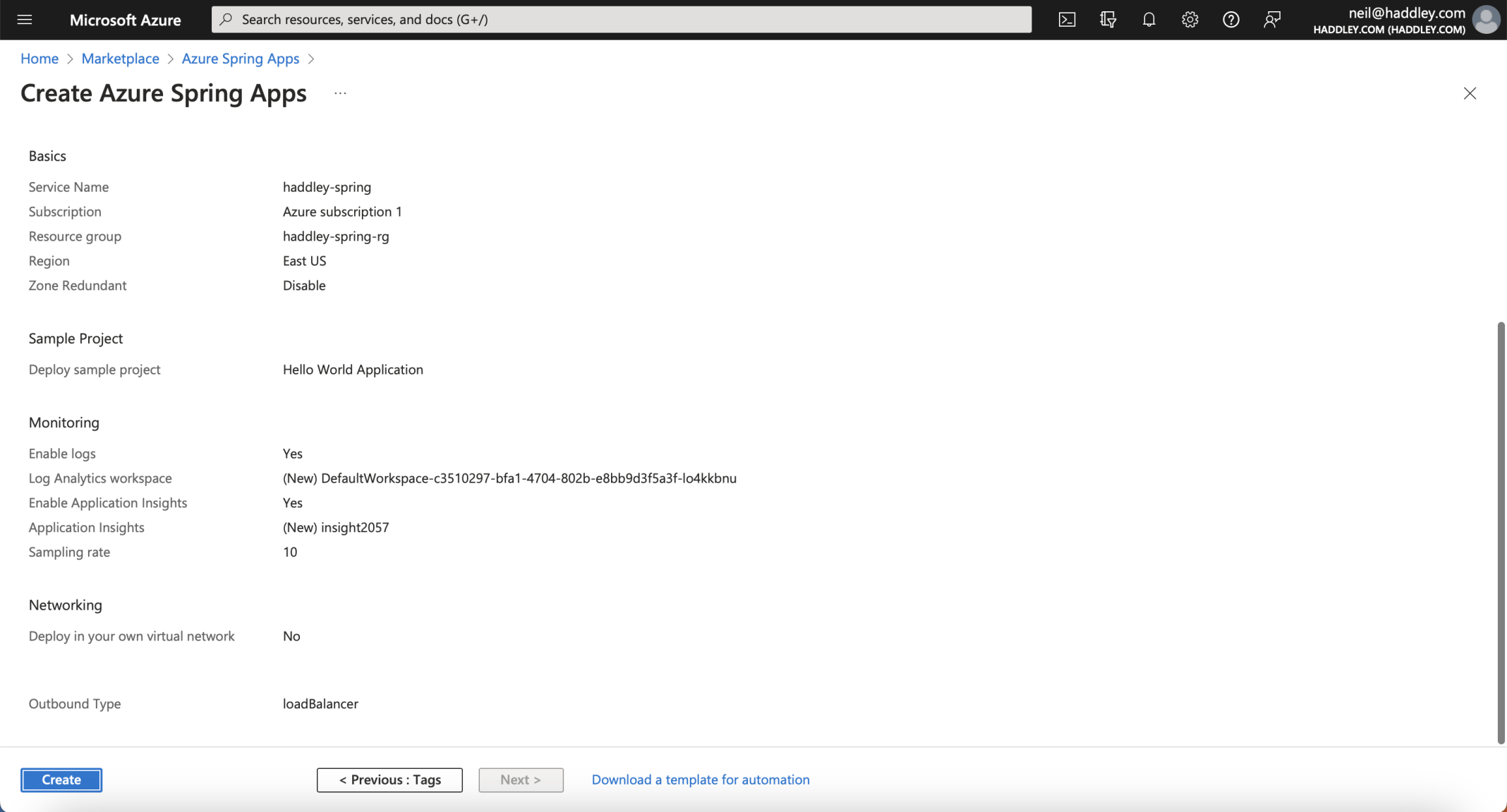
I clicked the Create button
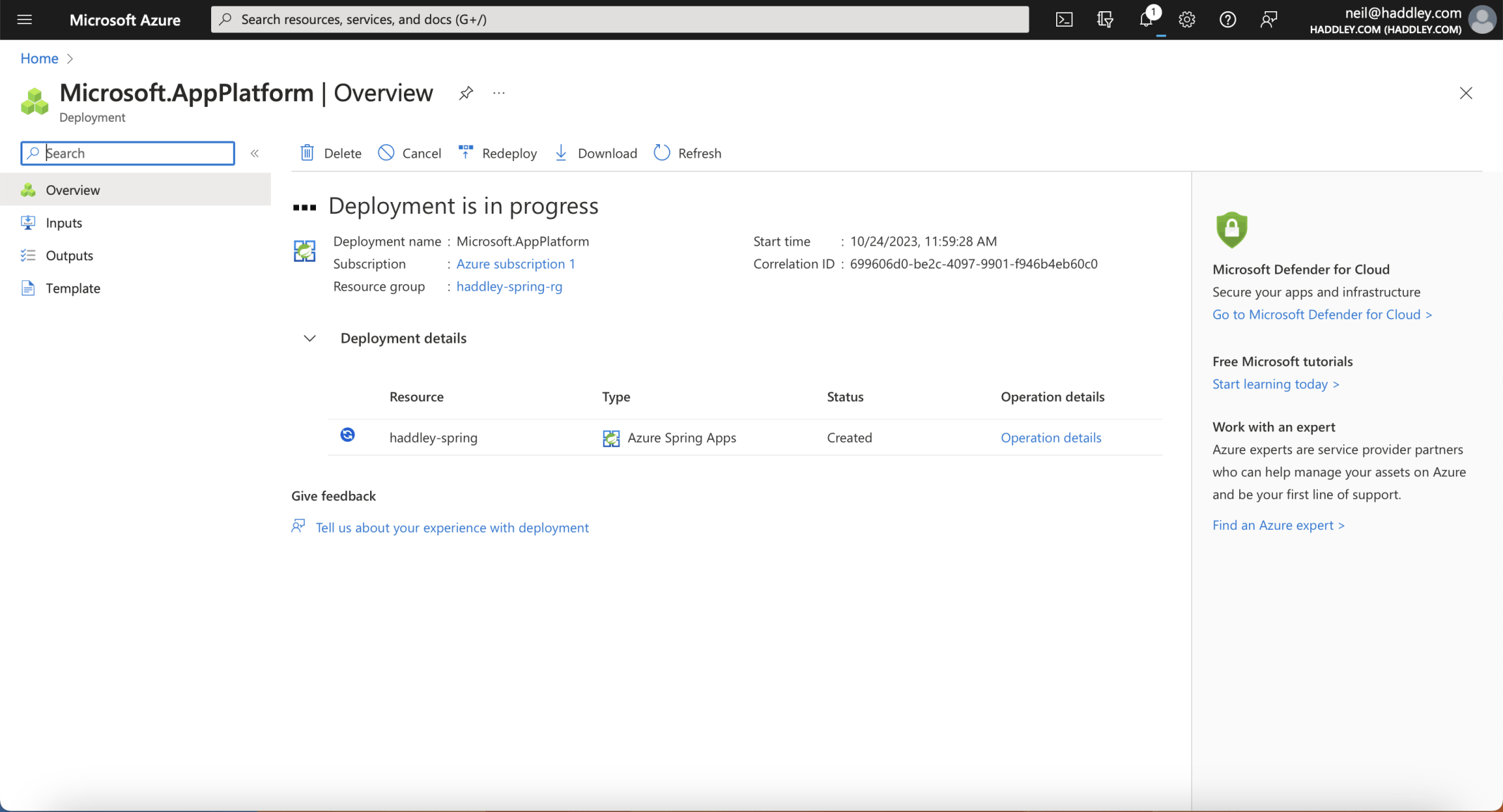
Deployment in progress
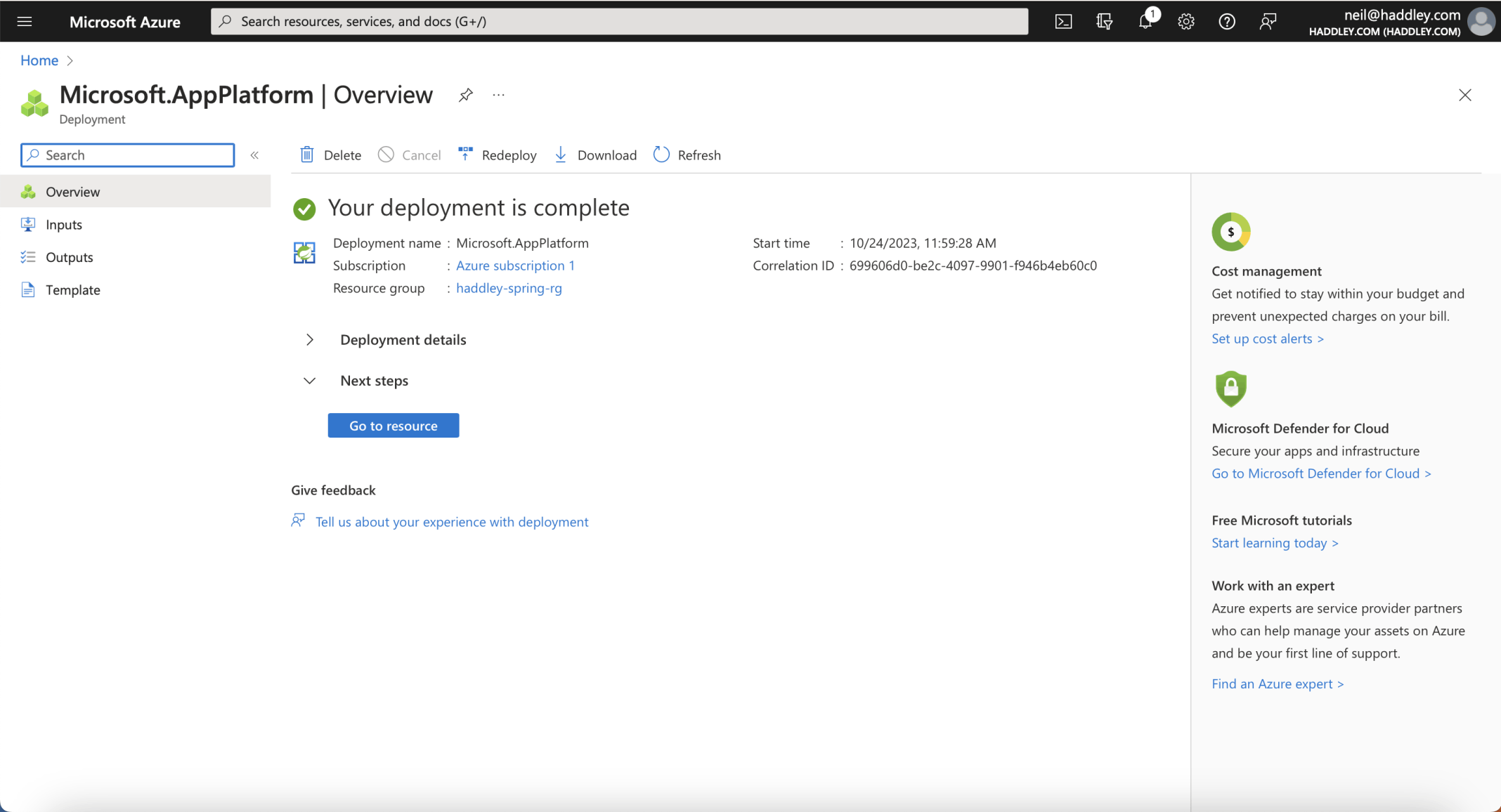
Deployment is complete
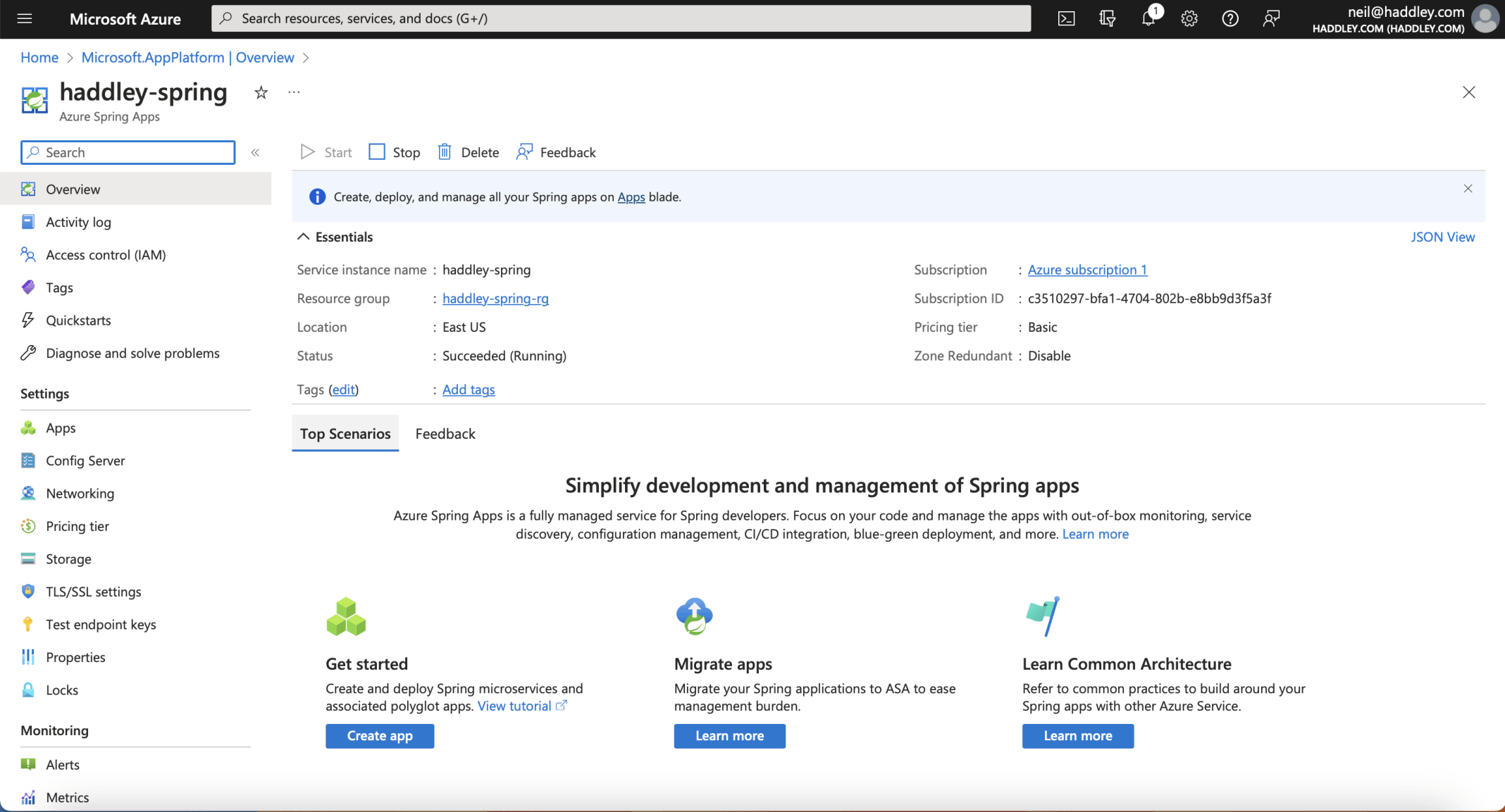
The haddley-spring overview: Succeeded (Running), the Basic pricing tier, in East US
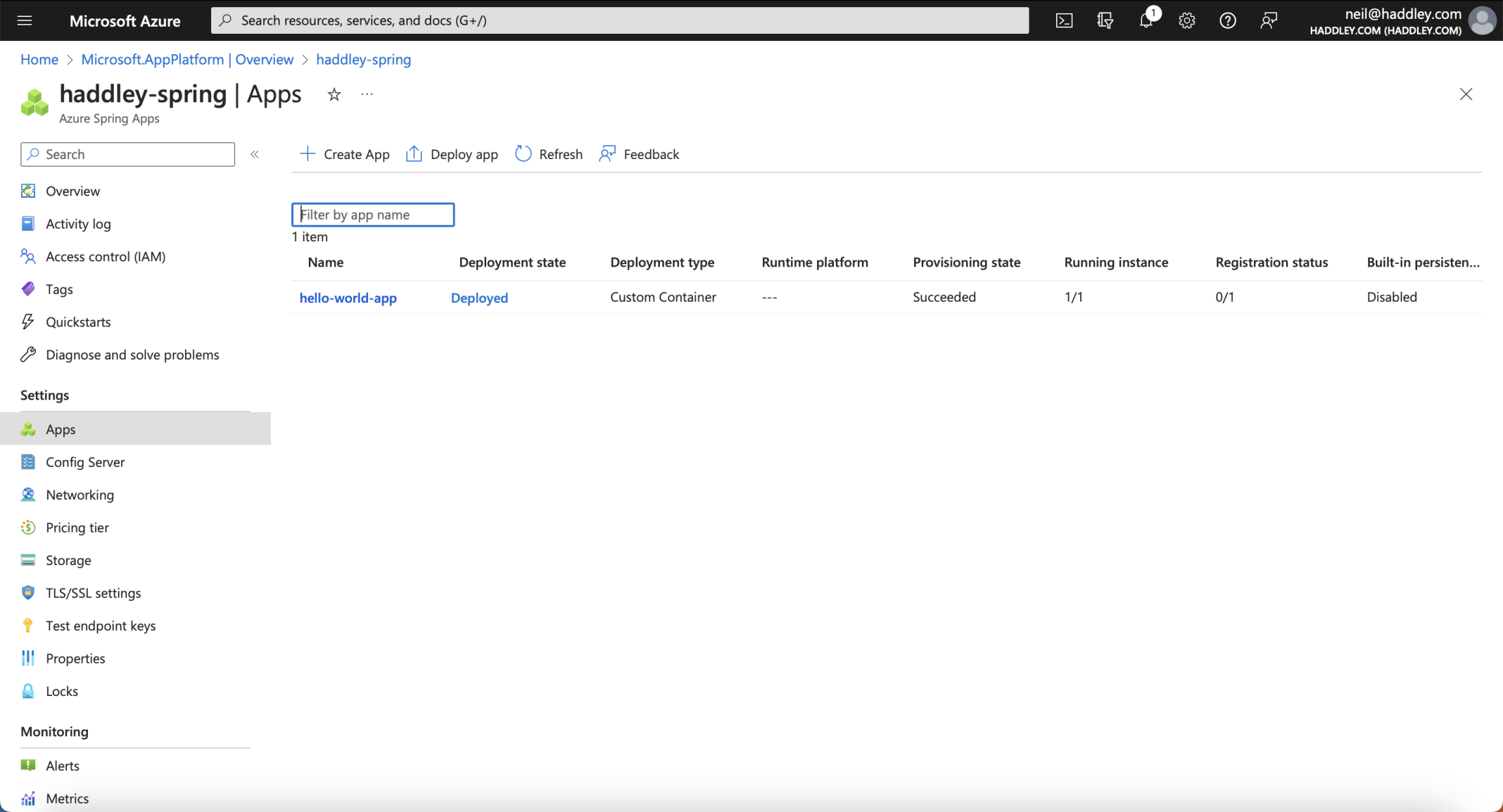
The Apps page lists hello-world-app as Deployed, with 1 of 1 instances running
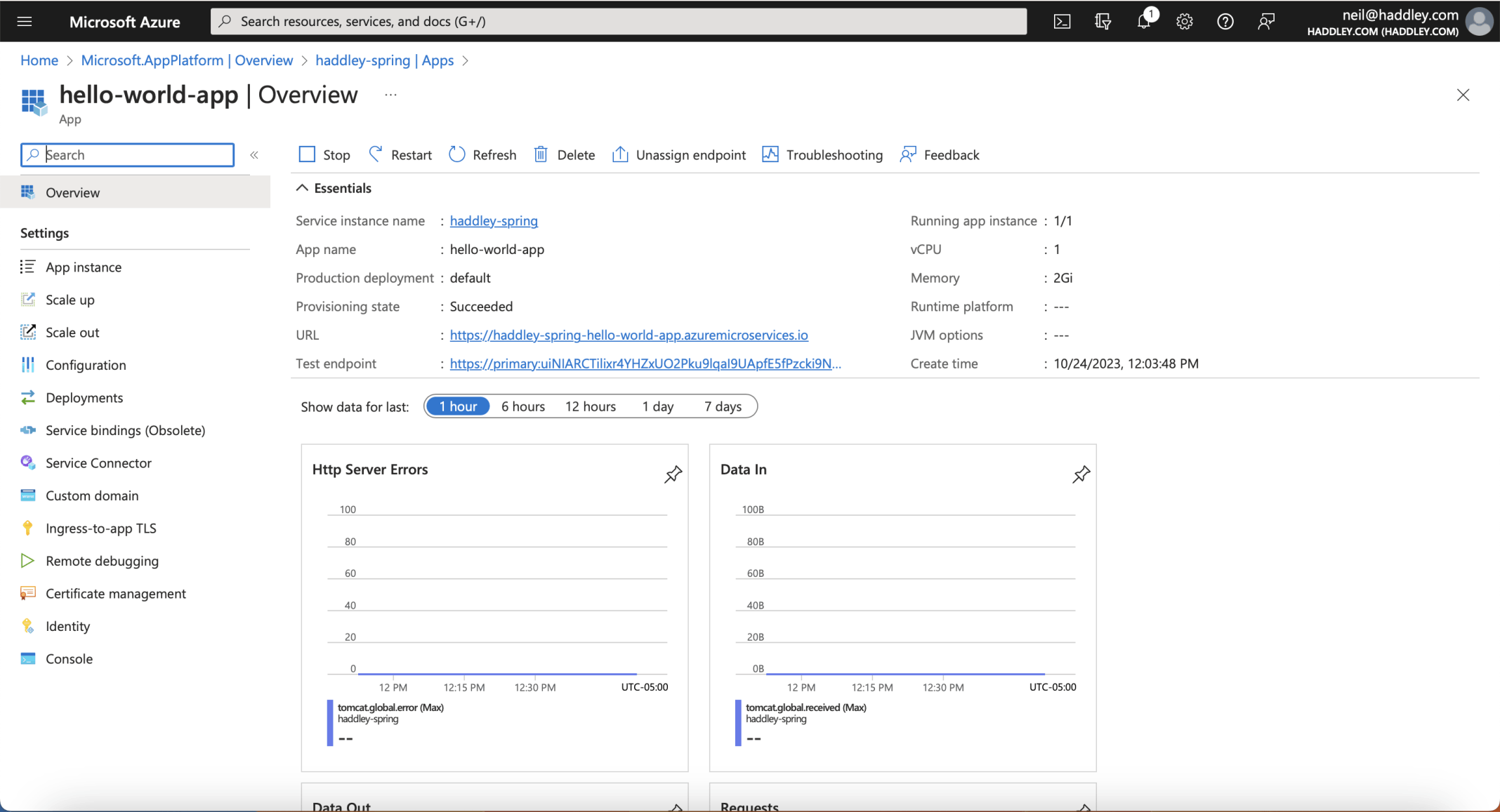
The hello-world-app overview, with its public URL, 1 vCPU and 2 GiB of memory
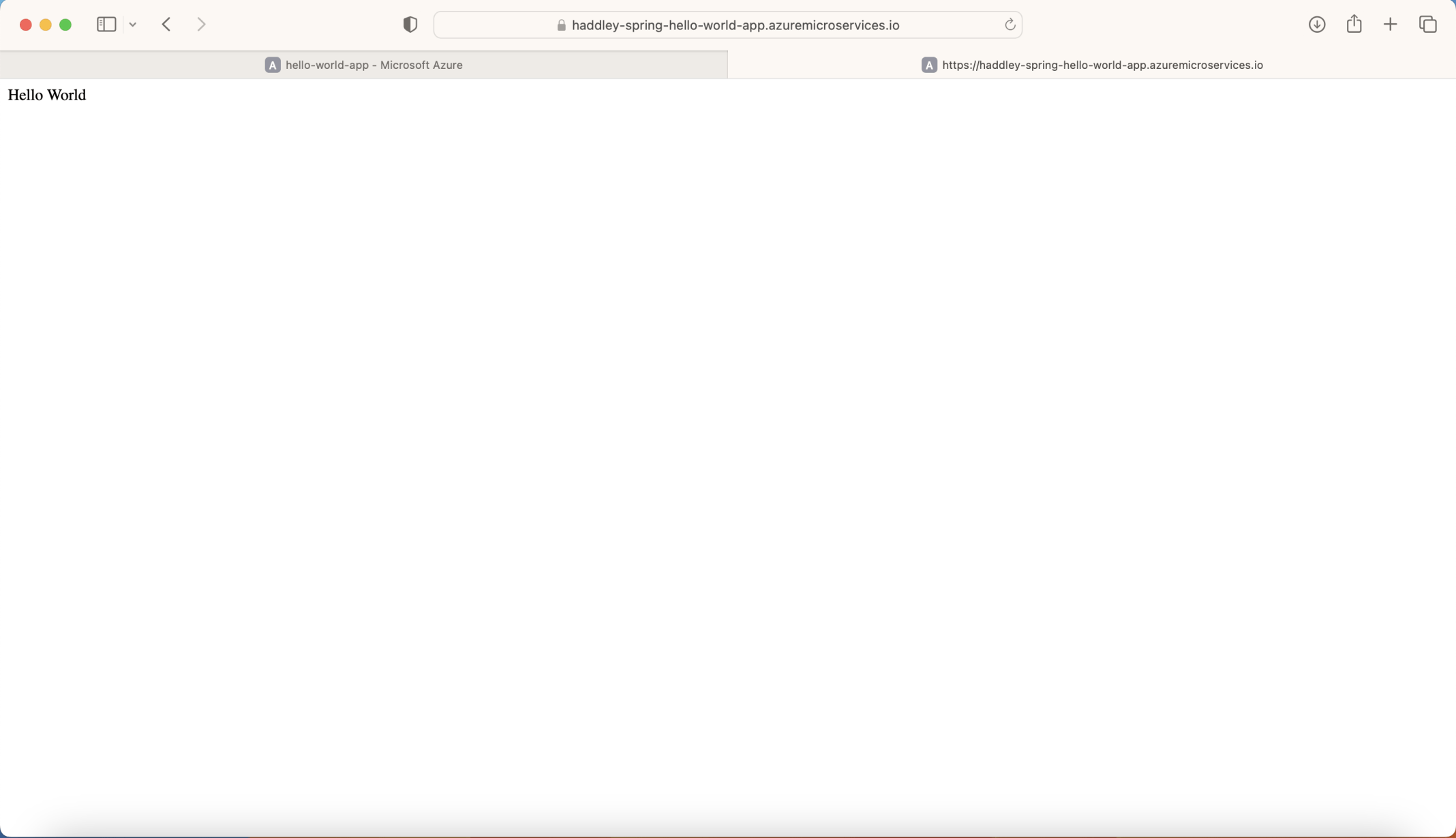
The sample at its public URL, answering with Hello World
Under the hood: What the video does from the command line
Instead of the portal, the presenter uses the Azure CLI. The az spring app create command makes the app. It takes the amount of CPU and memory, an assign-endpoint flag that gives the app a public URL, and a system-assigned flag that gives it a managed identity. The az spring app deploy command takes the app name and the path of the compiled jar file. In the Enterprise plan demo, the presenter does not write a Dockerfile, because the service builds the container from the code.
The presenter says that a production deployment would normally turn the public endpoint off and send requests to the app from a load balancer, over a private URL.
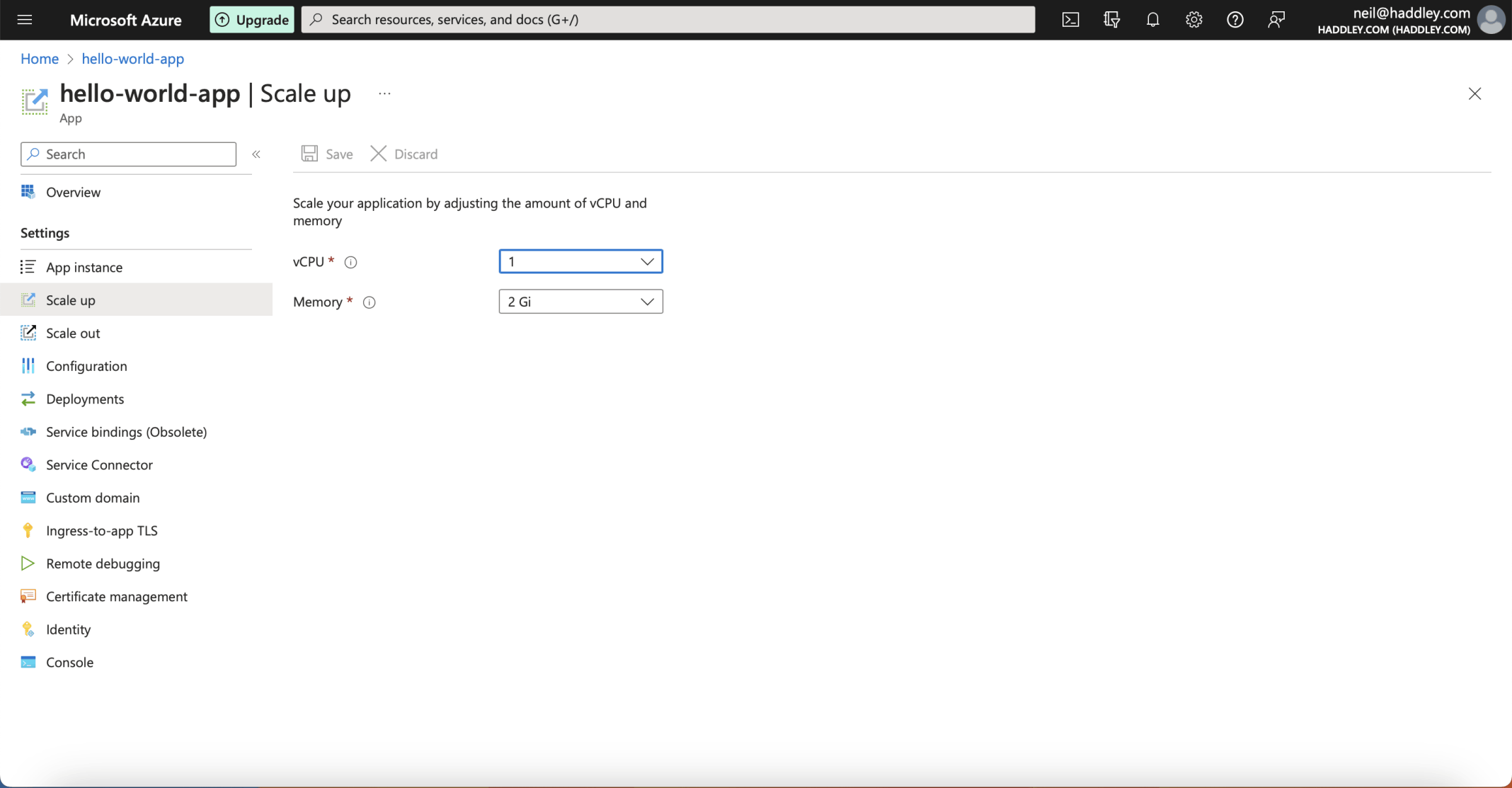
Scale up: the app has 1 vCPU and 2 GiB of memory
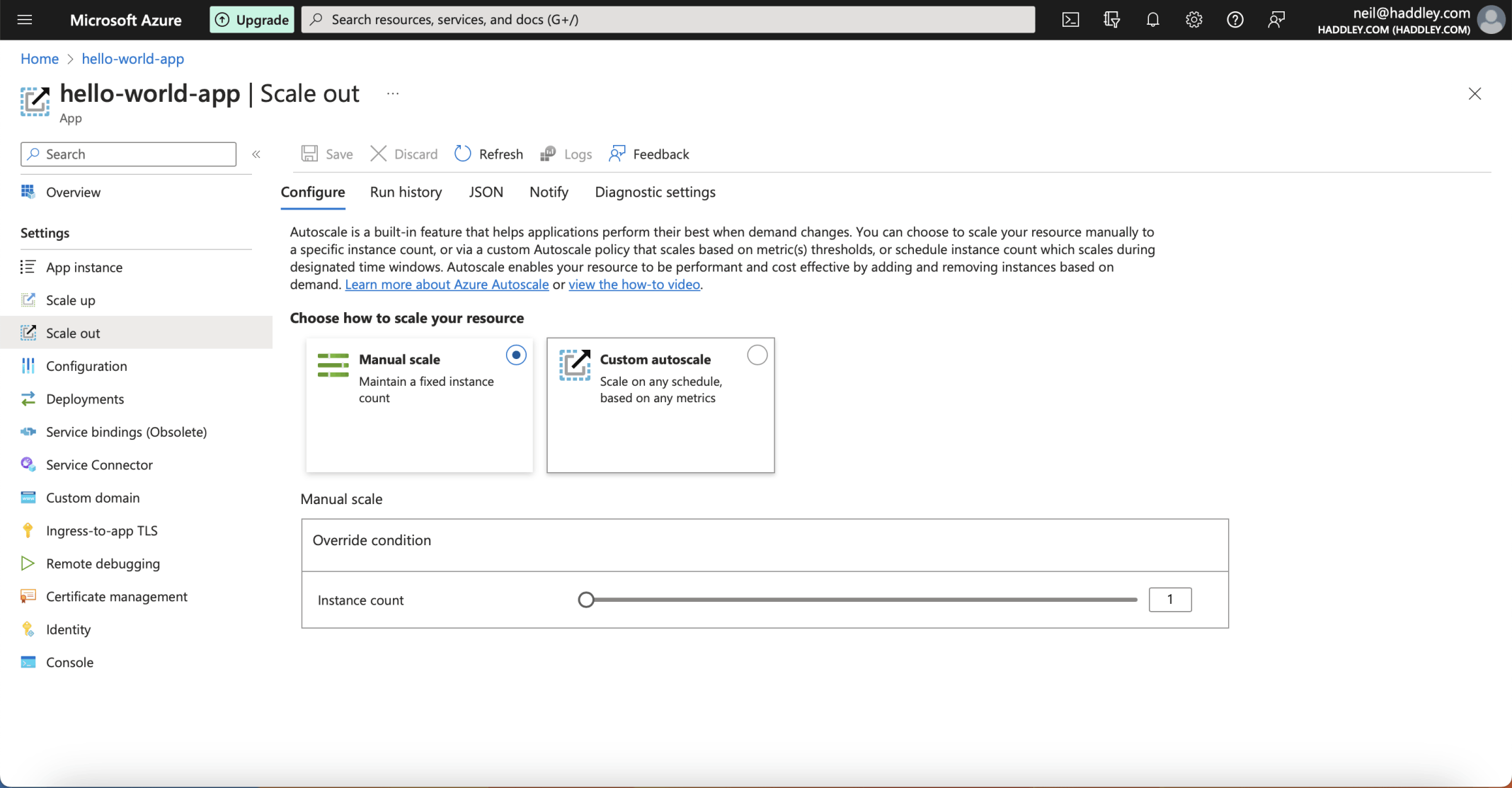
Scale out: manual scale with an instance count of 1, or a custom autoscale
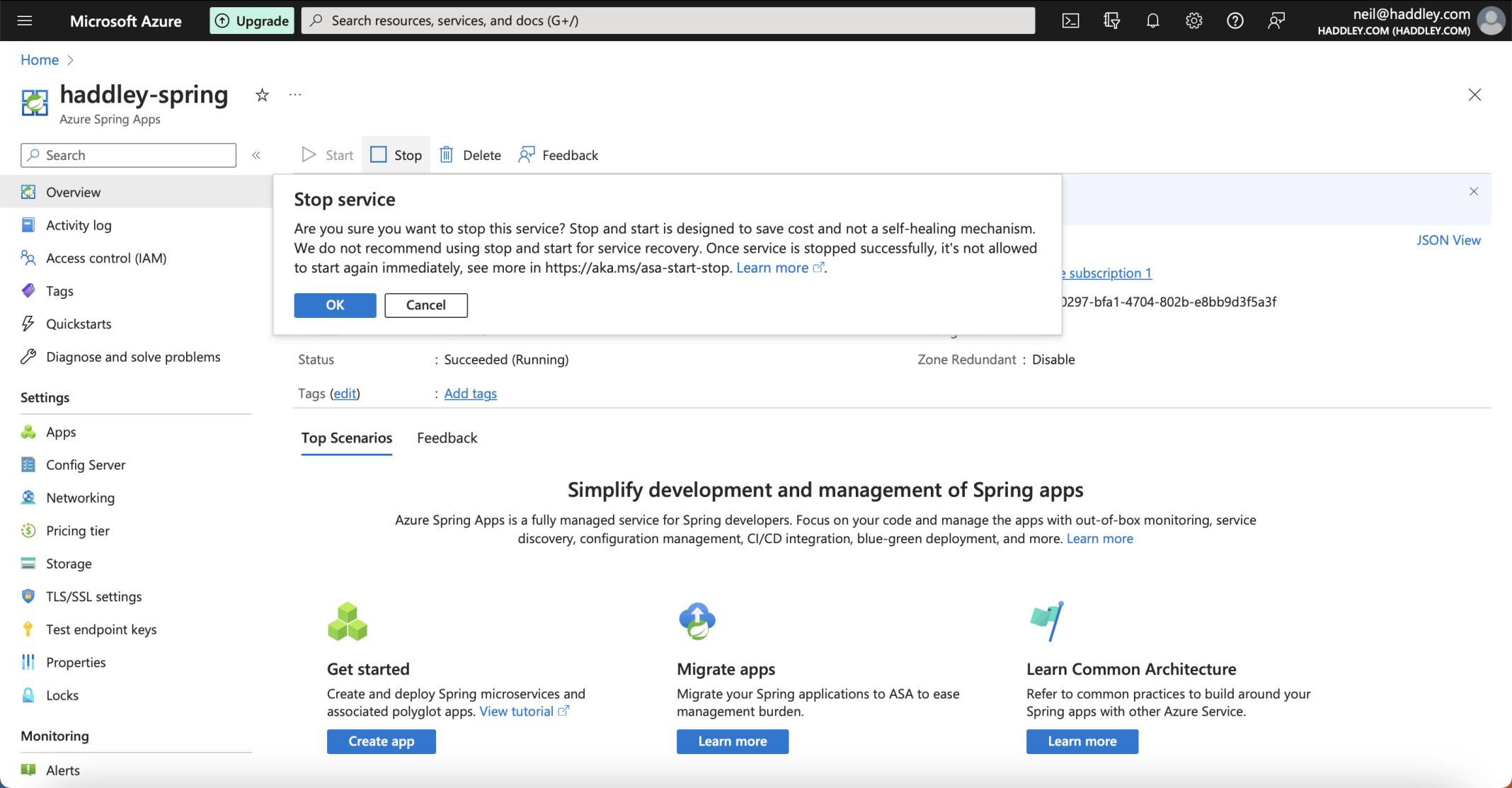
I clicked Stop, and Azure asked me to confirm. It warns that stop and start is designed to save cost and is not a way to recover a service
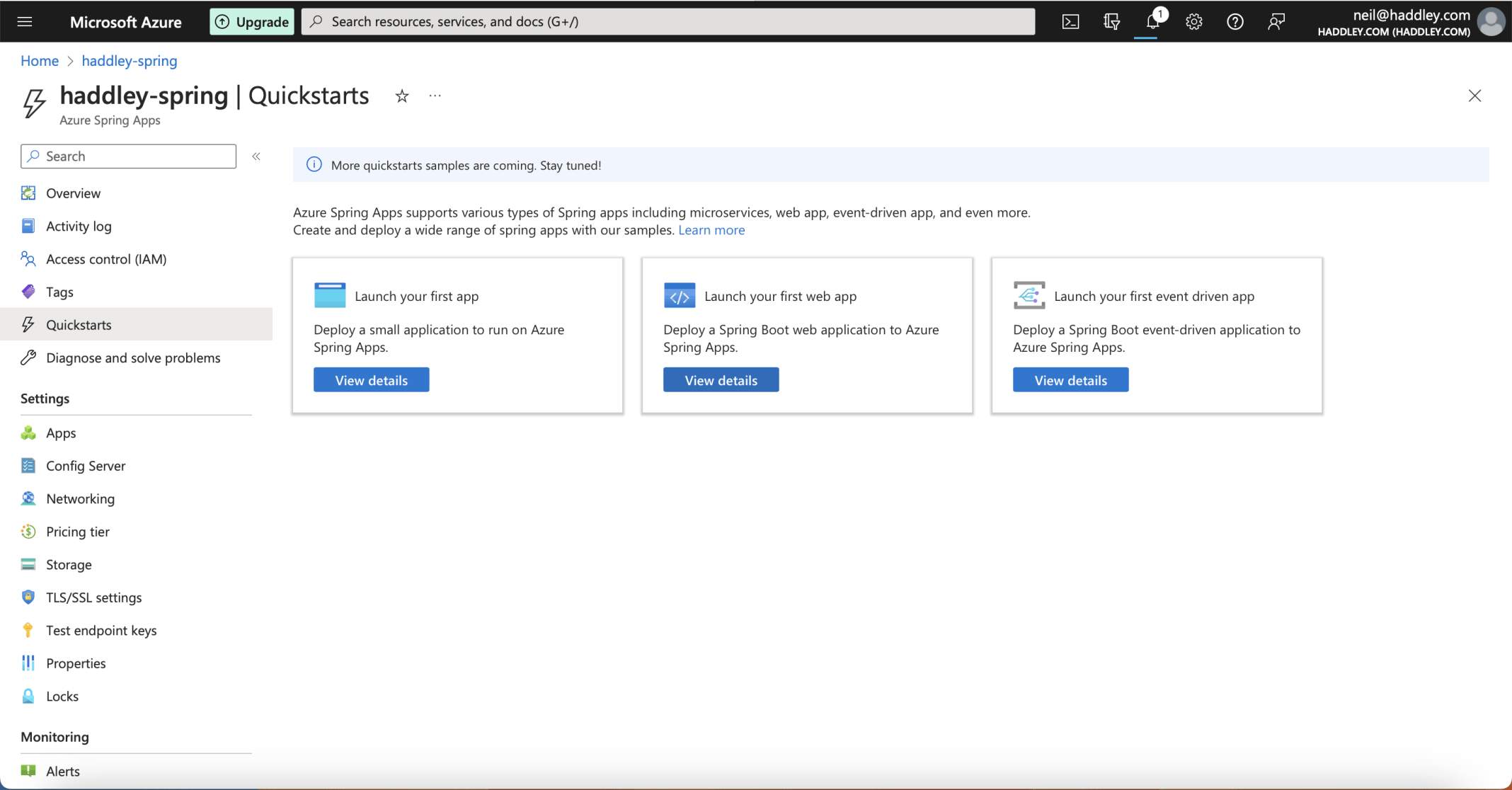
The Quickstarts page offers a first app, a first web app and a first event-driven app
GreetingController.java
The sample application is small. Its GreetingController is a Spring MVC controller with one method that answers requests to / with the text Hello World. I ran the same sample on my own machine, from the project's complete folder.
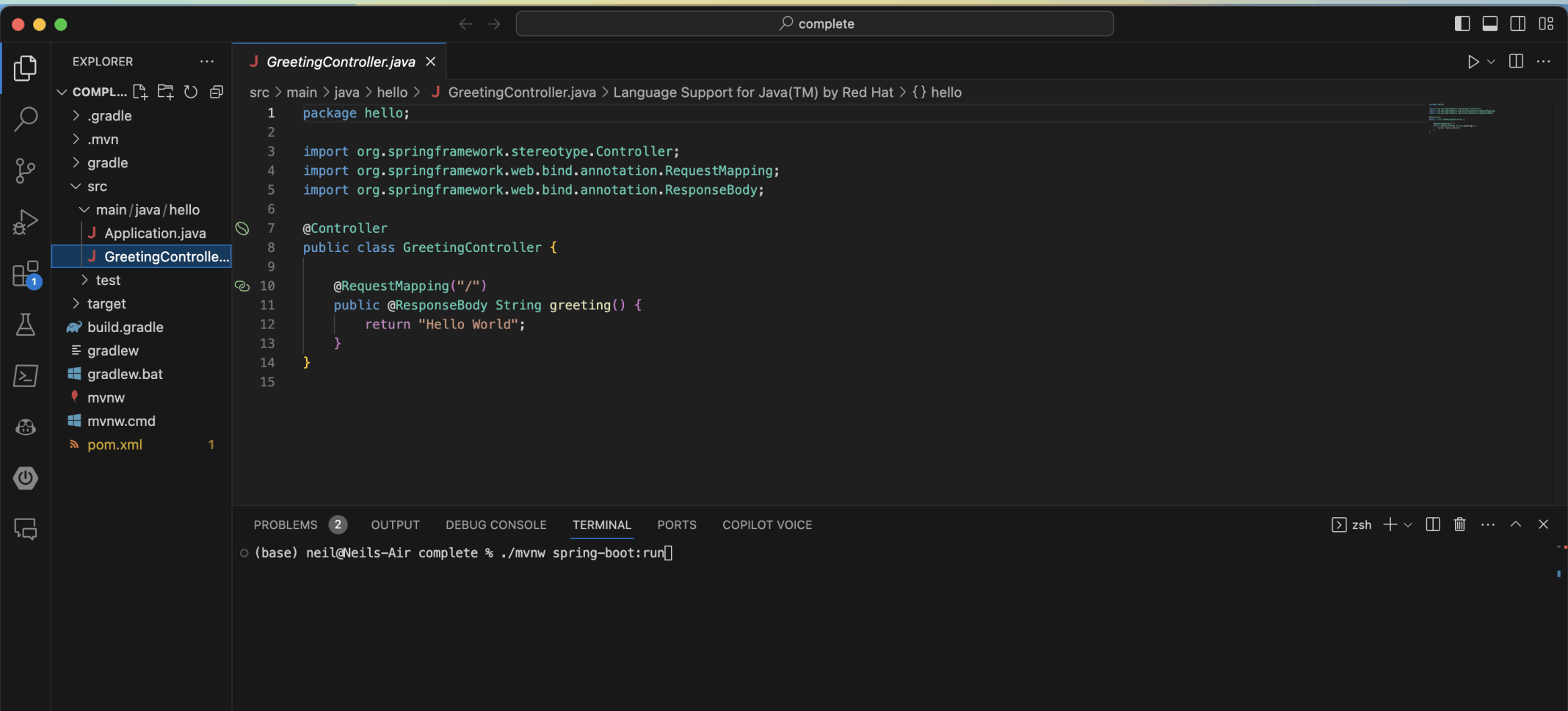
GreetingController.java in Visual Studio Code, and the ./mvnw spring-boot:run command in the terminal
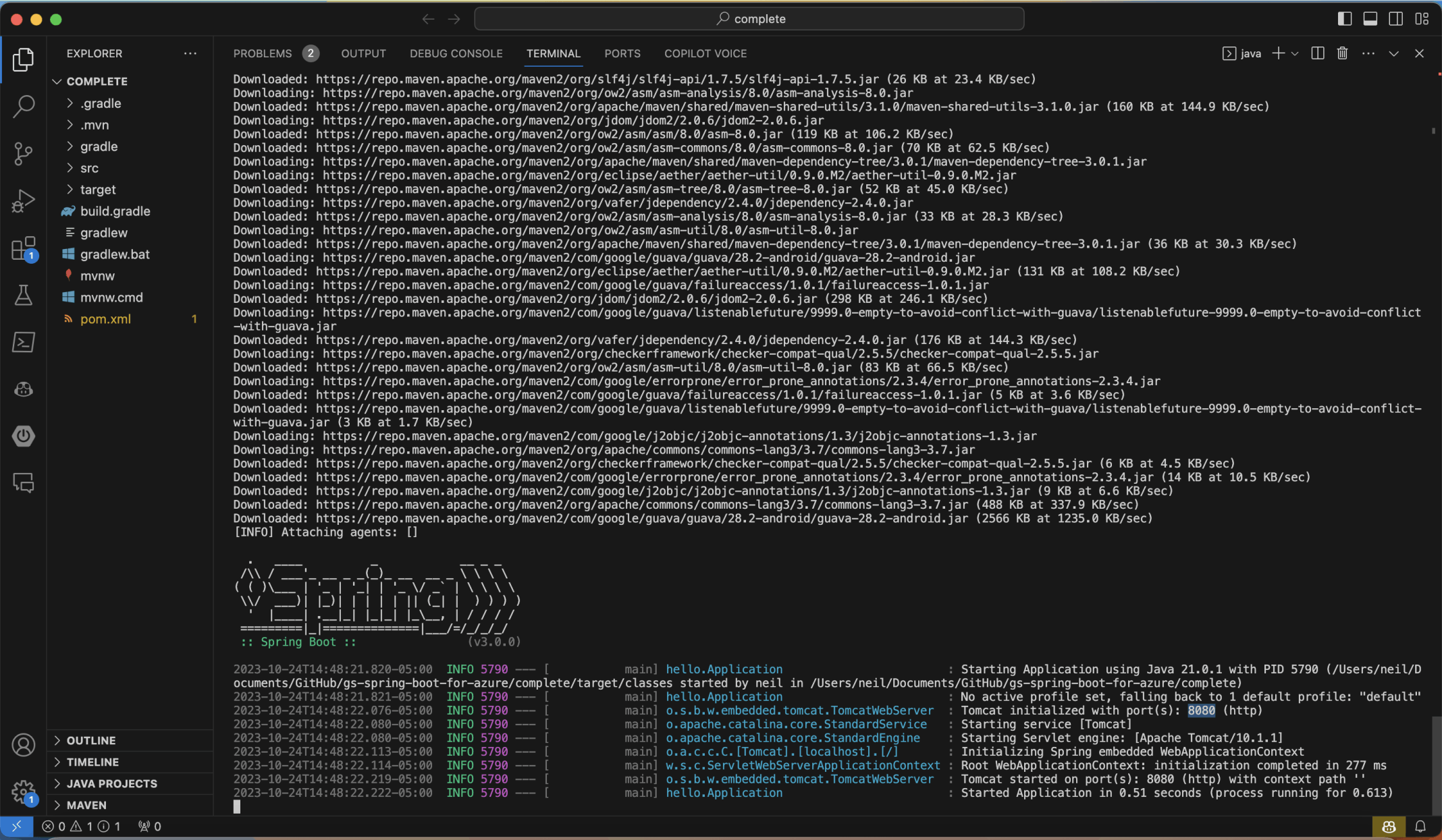
The Spring Boot log: Tomcat initialized with port 8080 (http), and the application started in about half a second
Under the hood: What ./mvnw spring-boot:run does
The mvnw script is the Maven wrapper that comes with a Spring Boot project, so I do not need to install Maven first. The spring-boot:run goal compiles the application and starts it with an embedded Tomcat server. That is why the log says Tomcat initialized with port 8080: the application brings its own web server, and nothing else needs to be installed to run it.

The same Hello World at localhost:8080