Teams Toolkit with Azure
Neil Haddley • May 29, 2021
Get started with Microsoft Teams app development using Azure.
I used the Teams Toolkit to create a Teams Tab application with an Azure backend.
Visual Studio Extension
Teams Toolkit makes creating Teams Tabs/Azure applications easier.
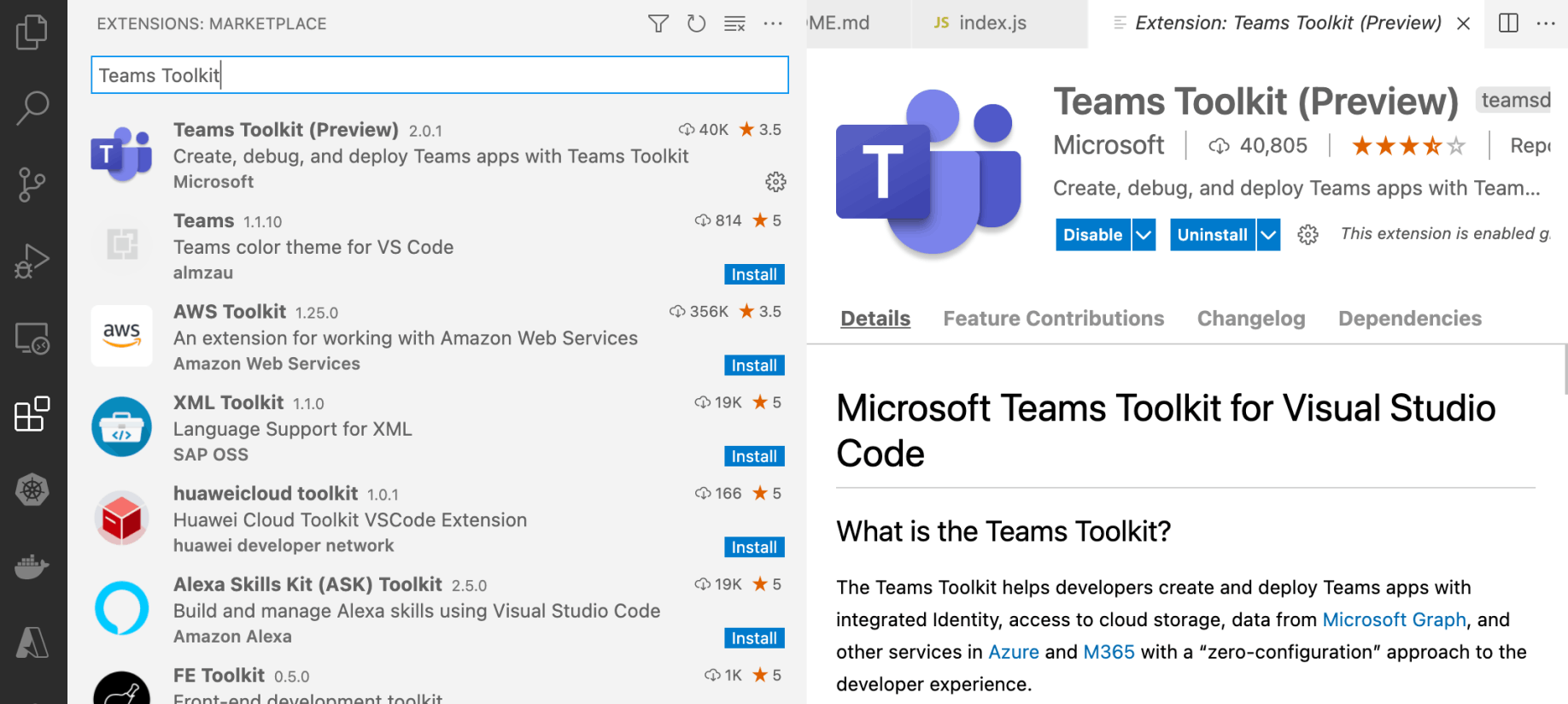
I added the Teams Toolkit Extension to Visual Studio Code

I clicked the Teams Toolkit to open the Wizard
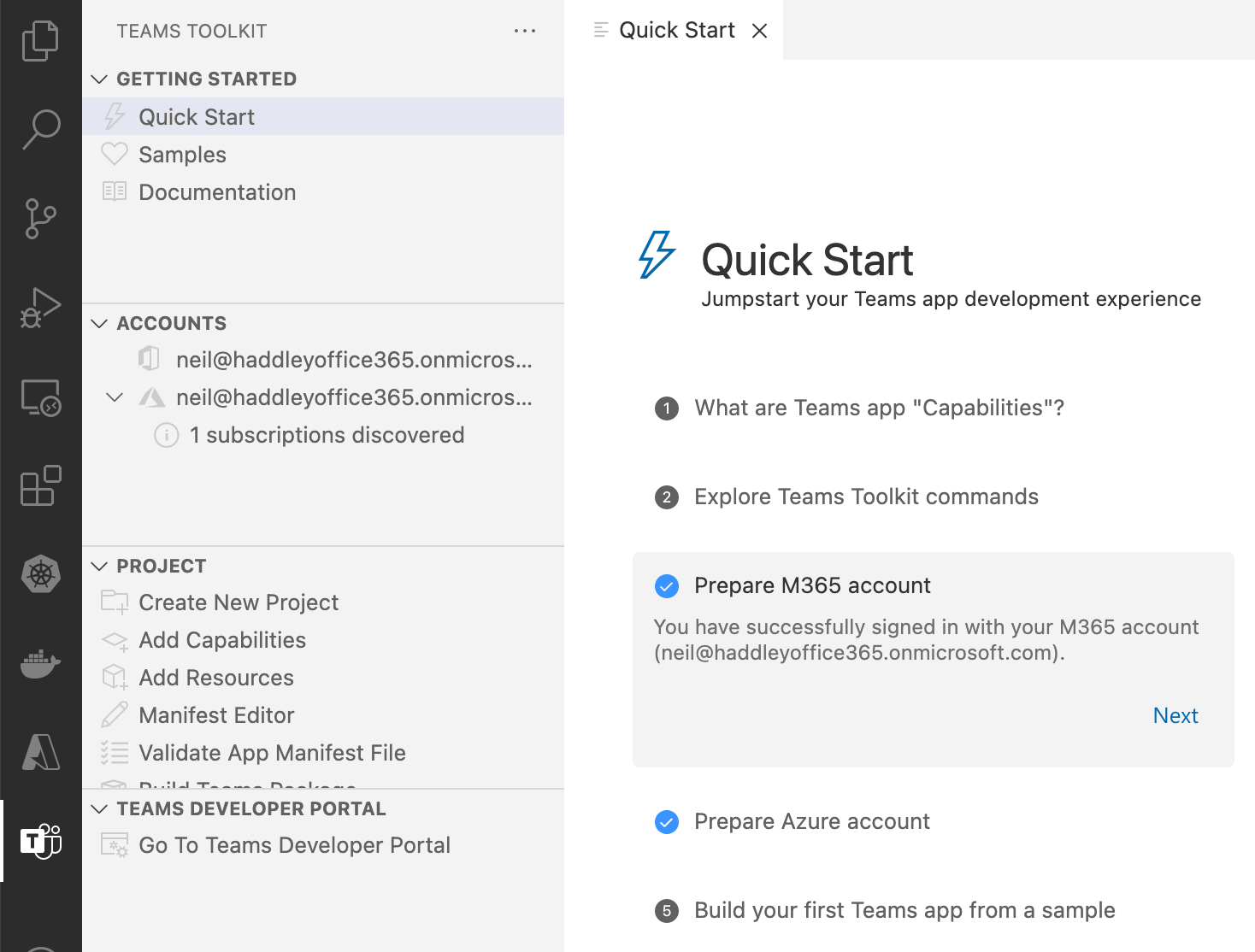
I configured the Quick Start items
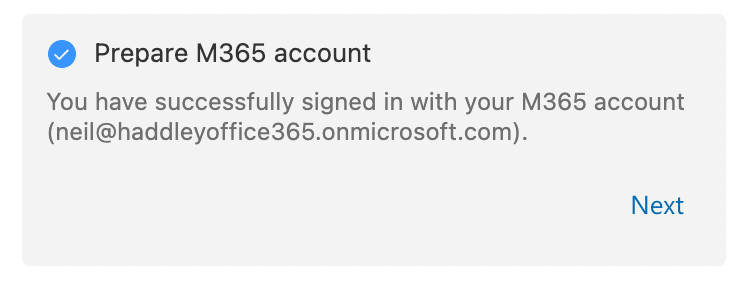
I signed in to my M365 account
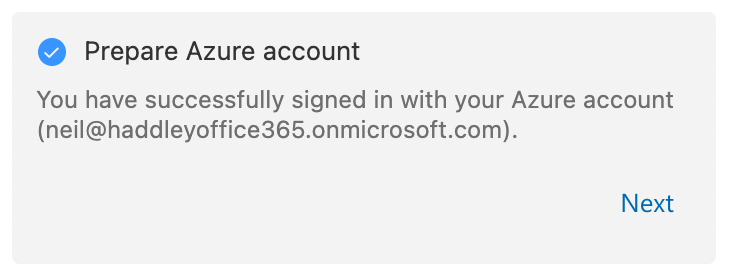
I signed in to Azure
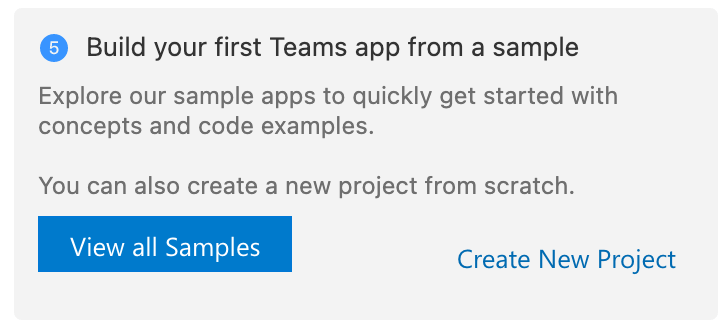
I clicked the Create New Project link
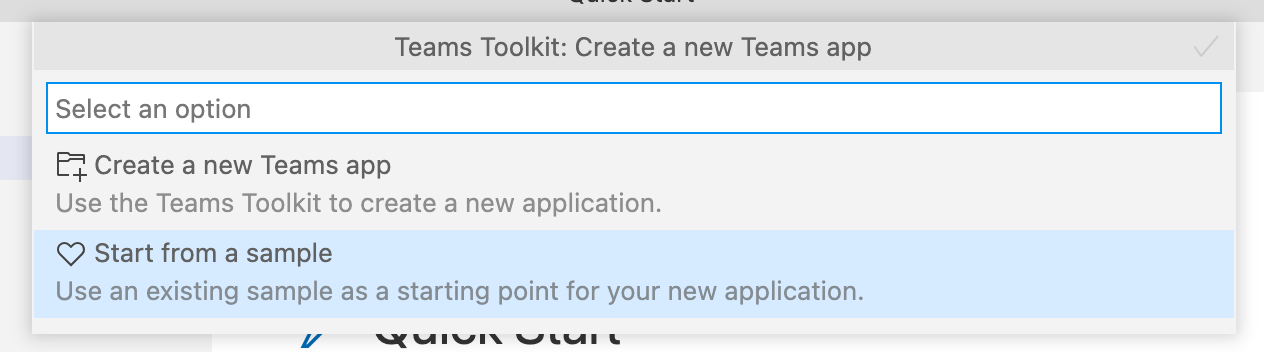
I started from a sample
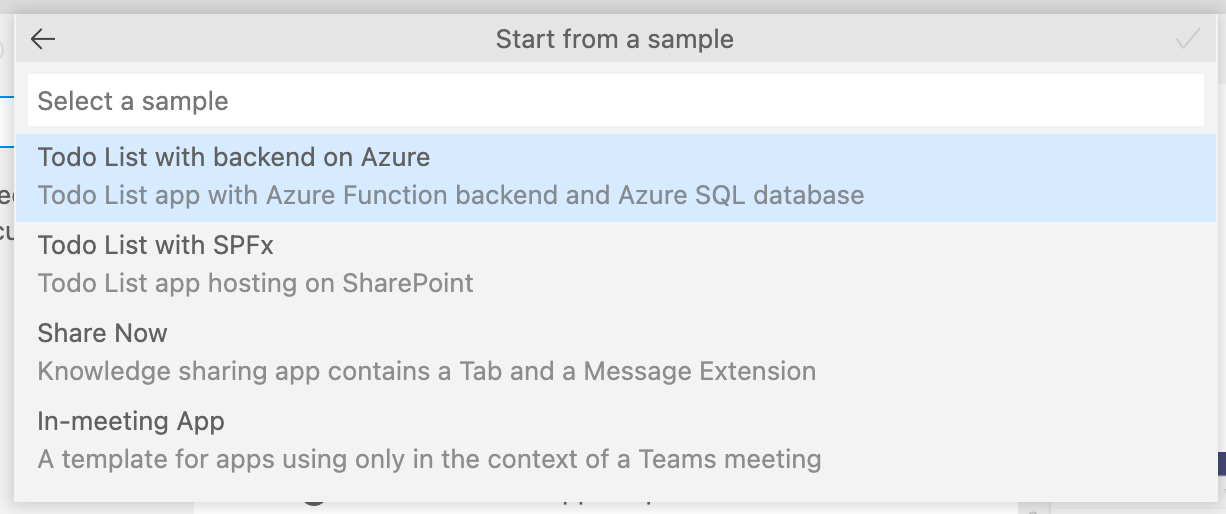
I selected the Todo List with backend on Azure sample
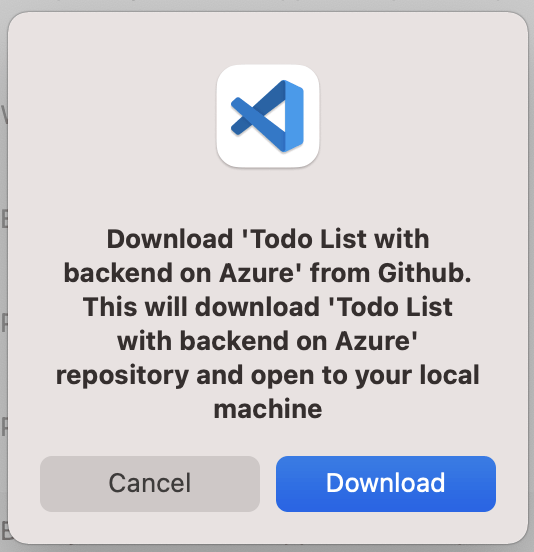
I downloaded the sample code from GitHub
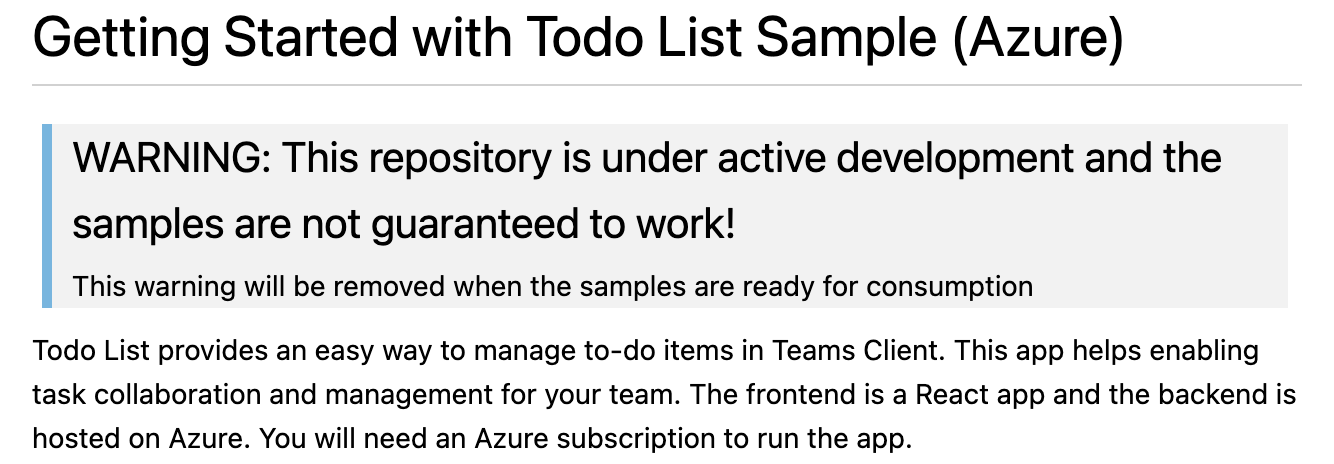
I noted that the sample code was a work in progress
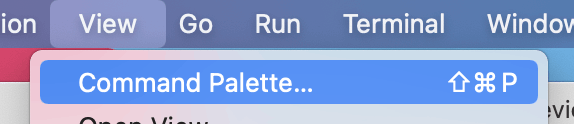
I opened the Command Palette

I used the Teams: Provision in the Cloud command to configure Azure

I entered a hard-to-guess database administrator account name
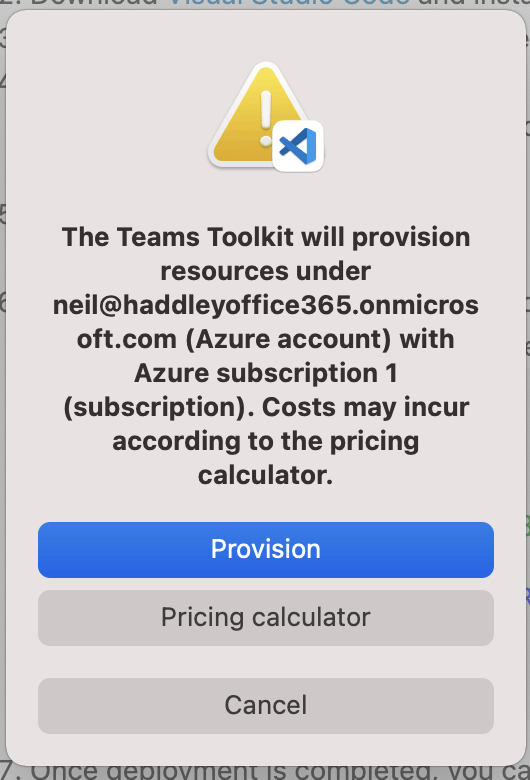
The command configured Azure Services
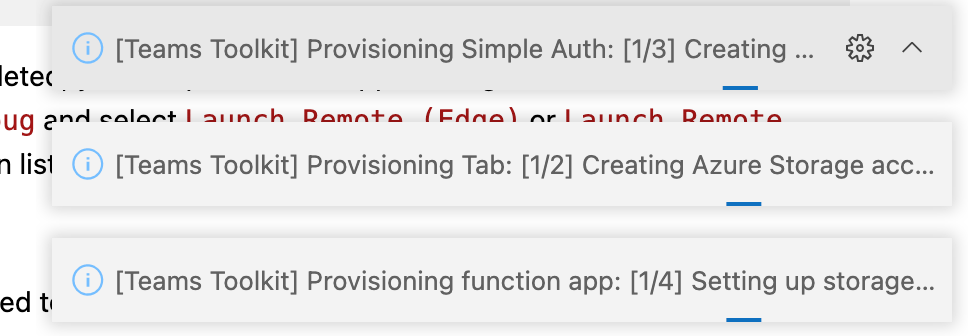
Provisioning was in progress
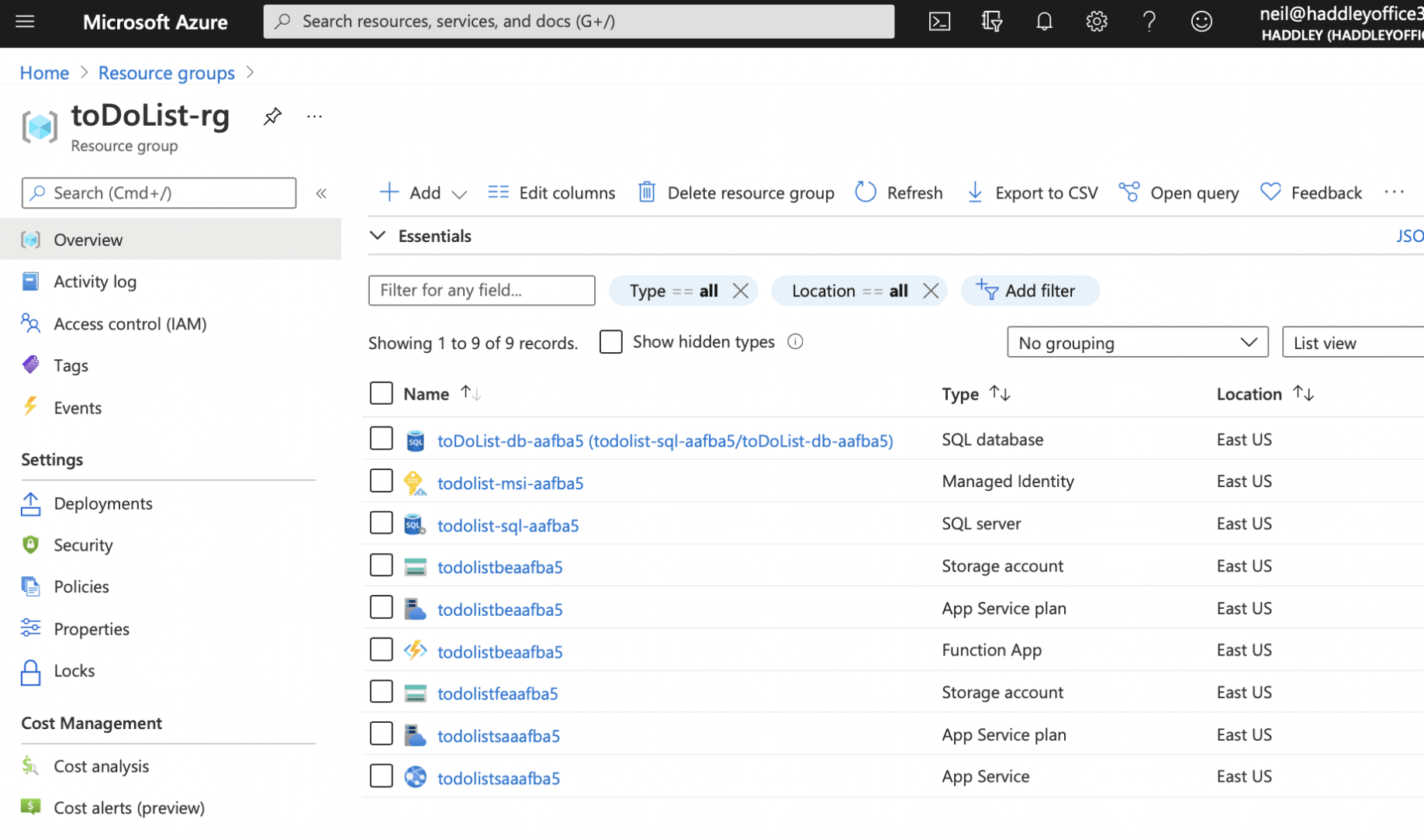
I reviewed the newly created resource group
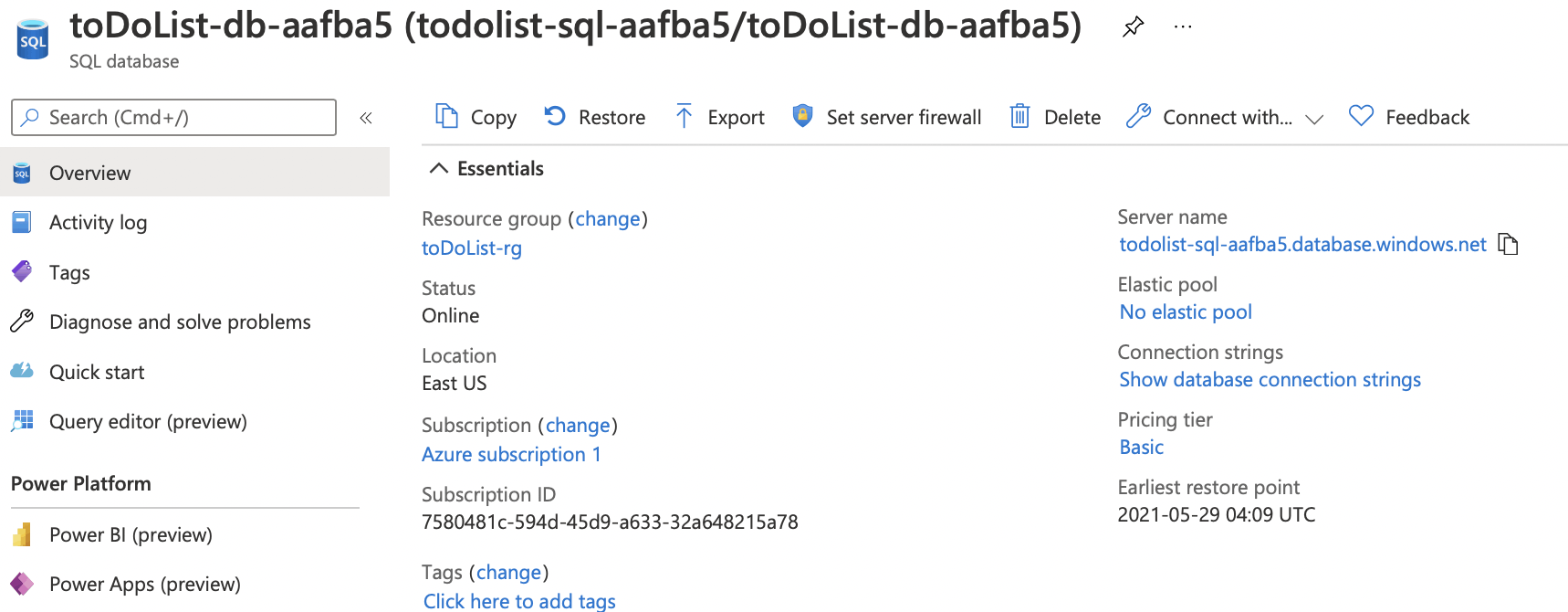
I opened the SQL Database to copy the Server name
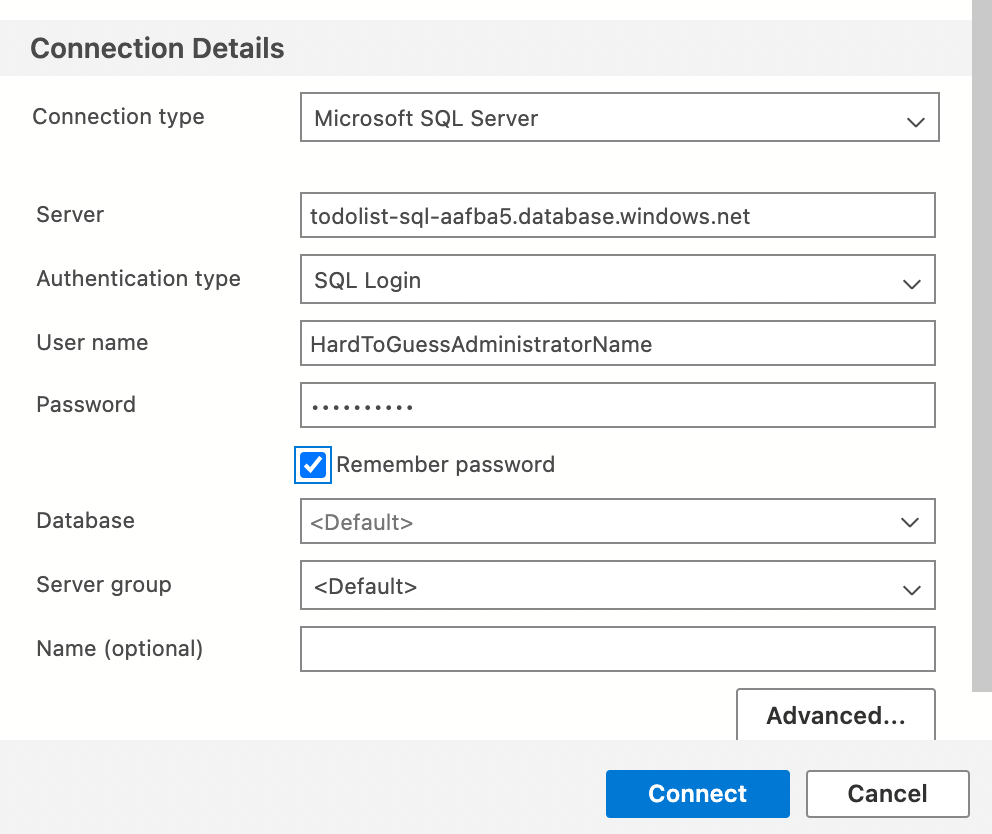
I opened Azure Data Studio and entered the SQL Server connection details
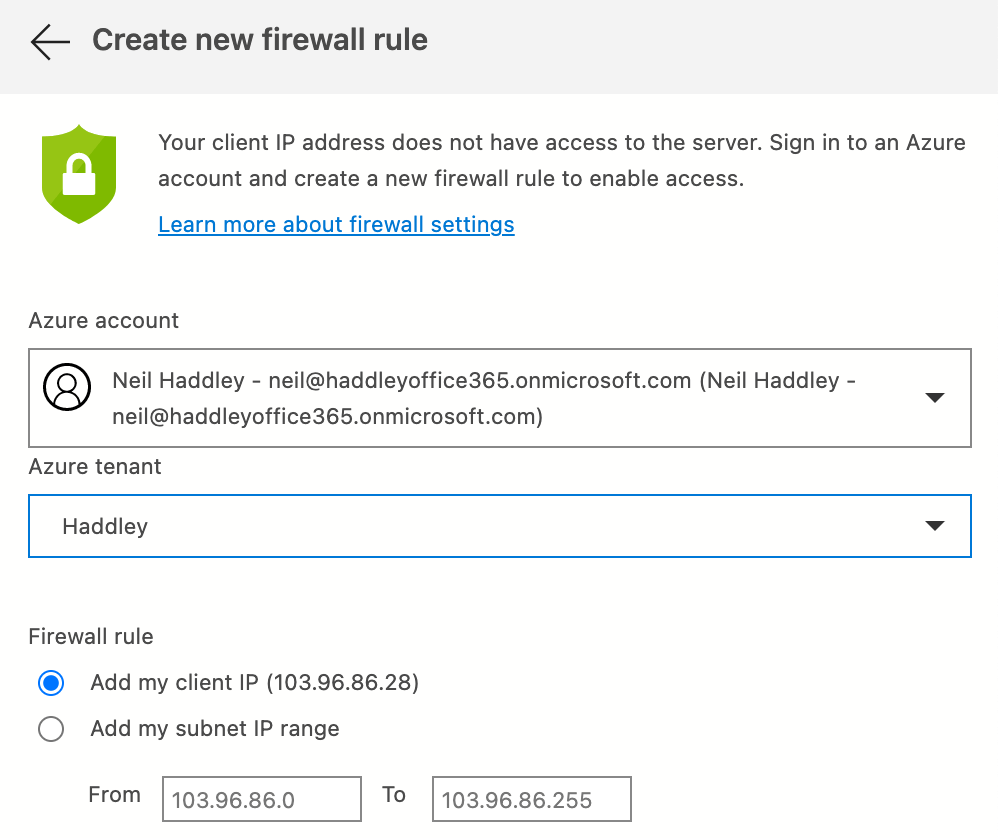
I ensured the Azure firewall rule was added
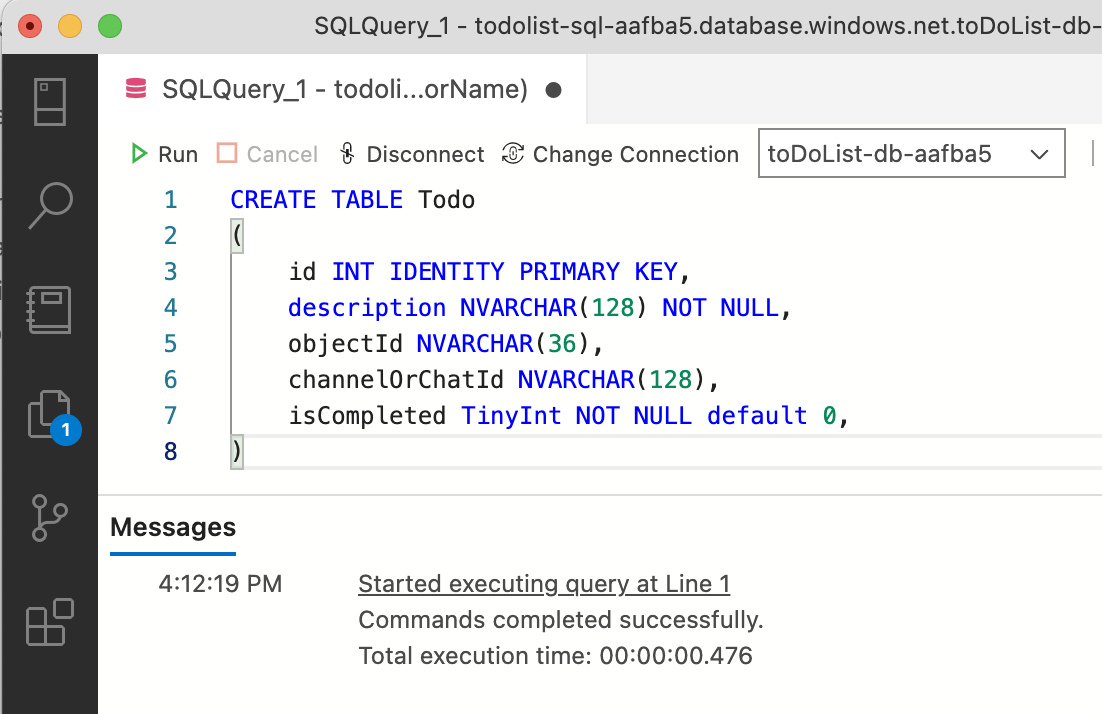
I used a Query tab in Azure Data Studio to create the Todo list

I used the Teams: Deploy to the Cloud command
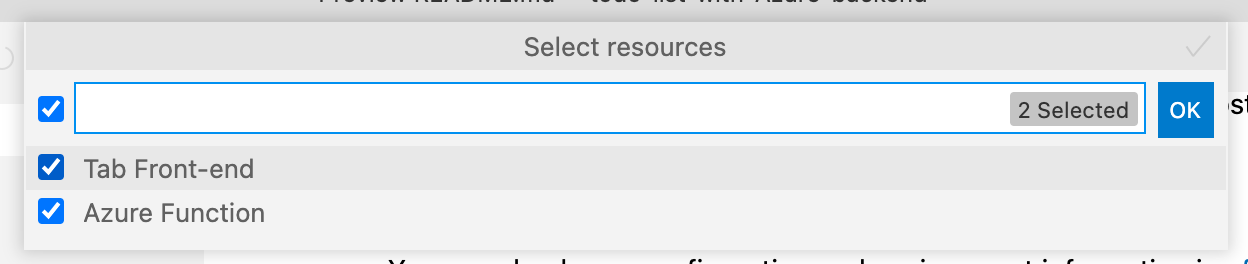
I deployed the React code and the Azure Function (API)

I used the Teams: Build Teams Package command

I used the Teams: Publish to Teams command
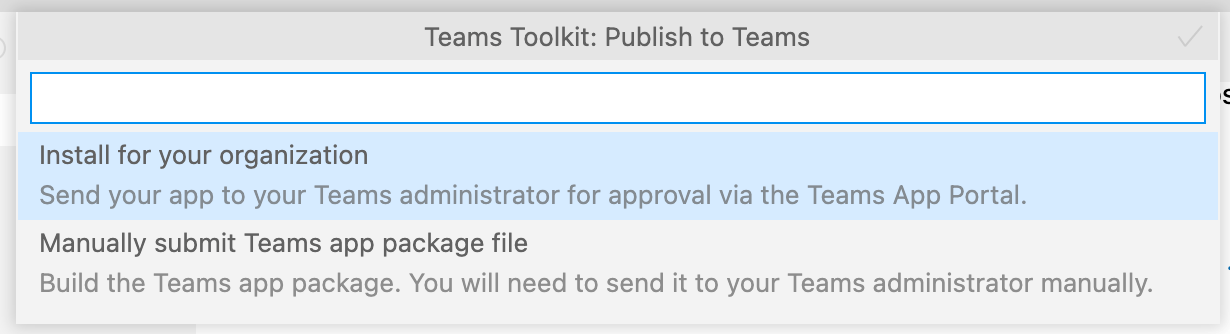
I installed the app to the organization
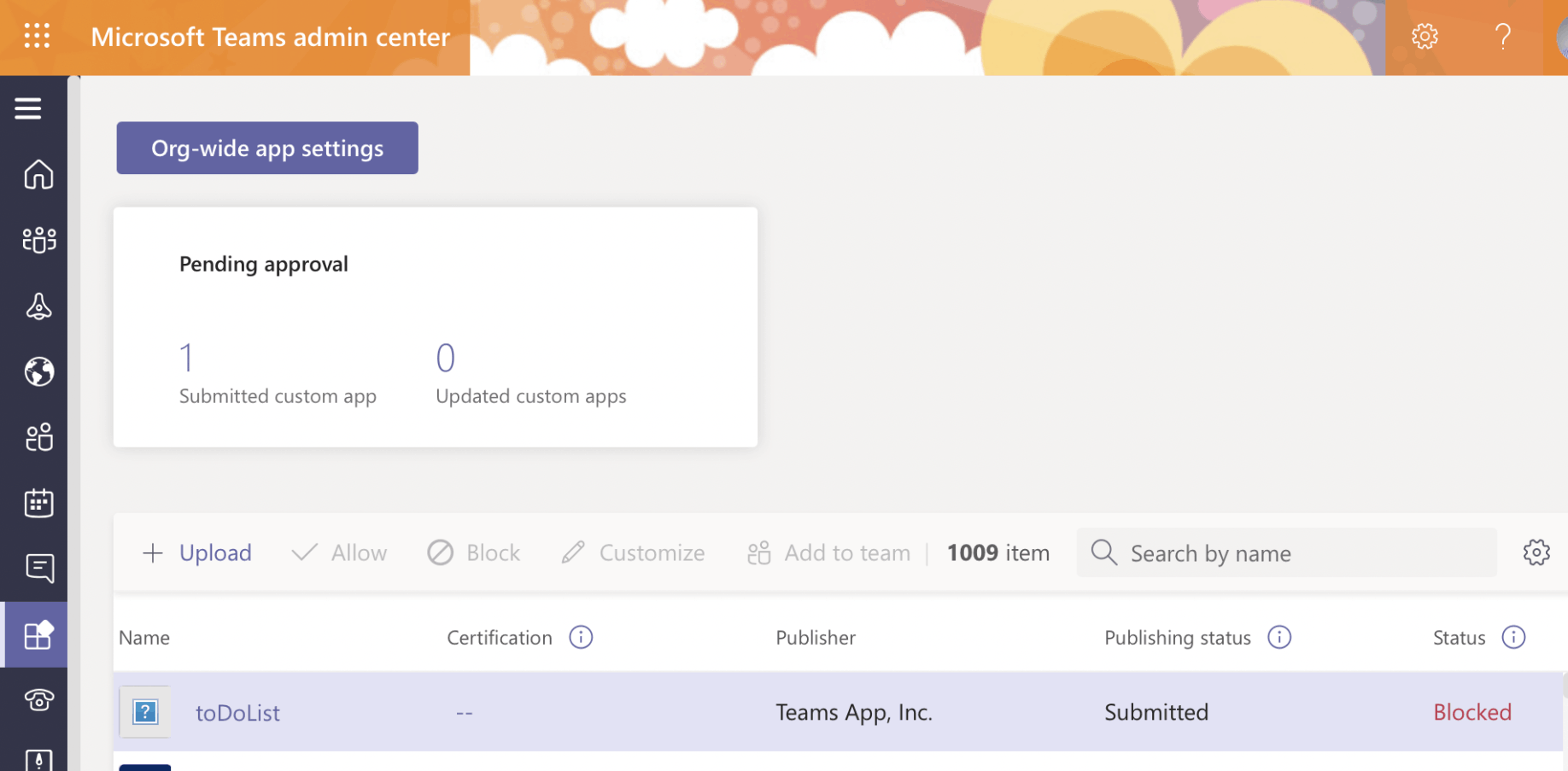
I opened the Microsoft Teams admin center and located the app pending approval
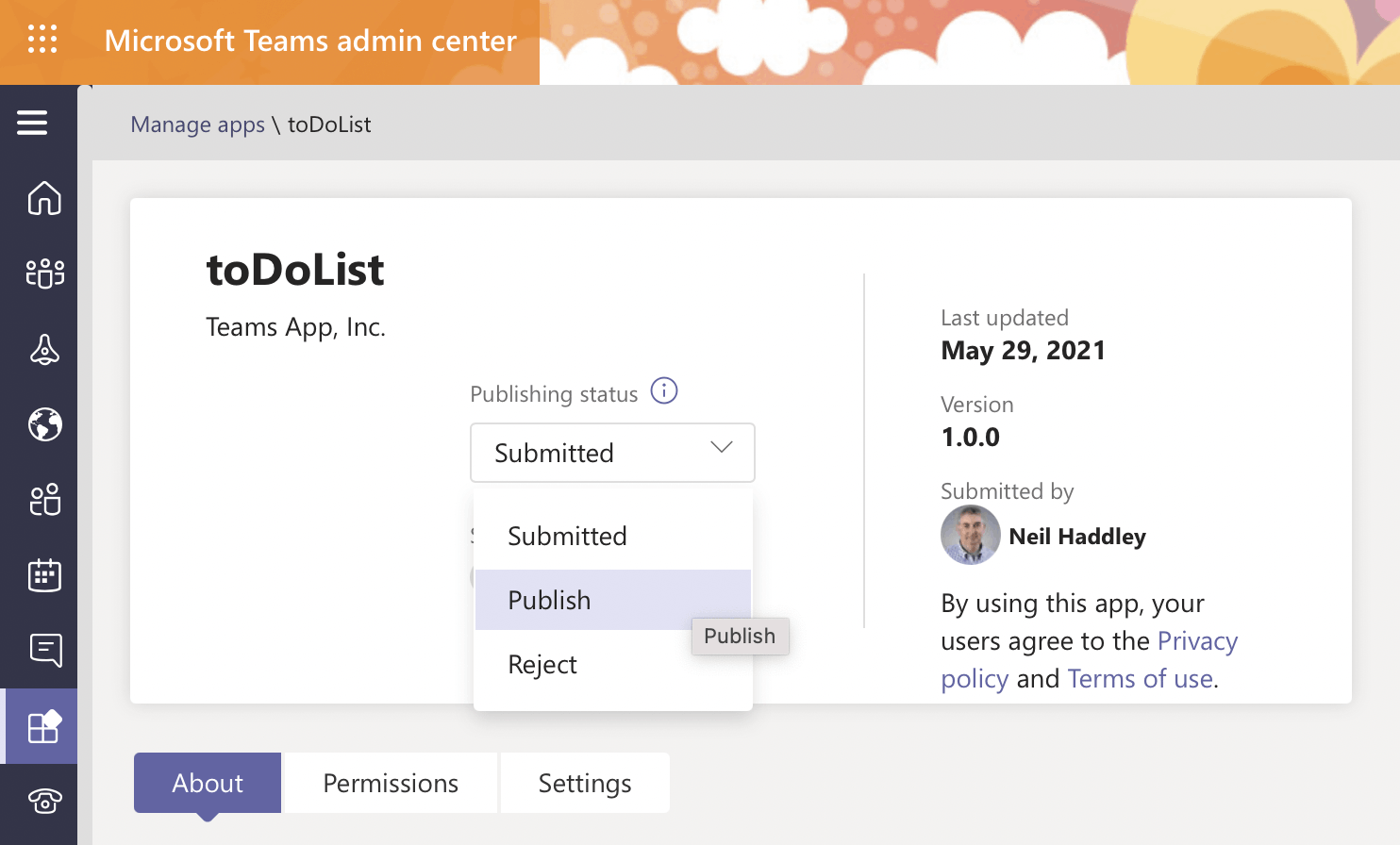
I published the app
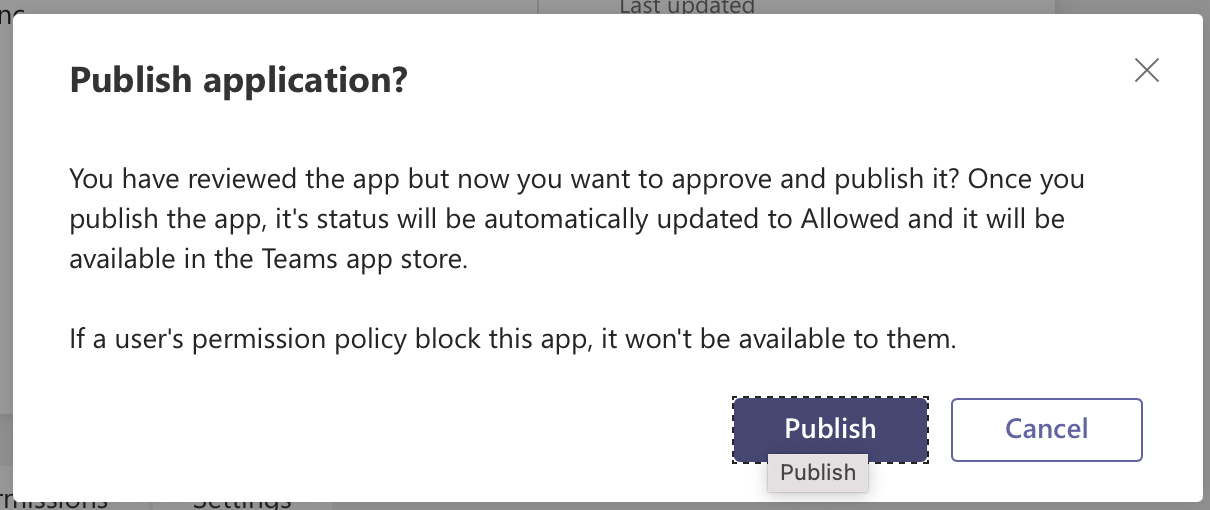
I clicked the Publish button
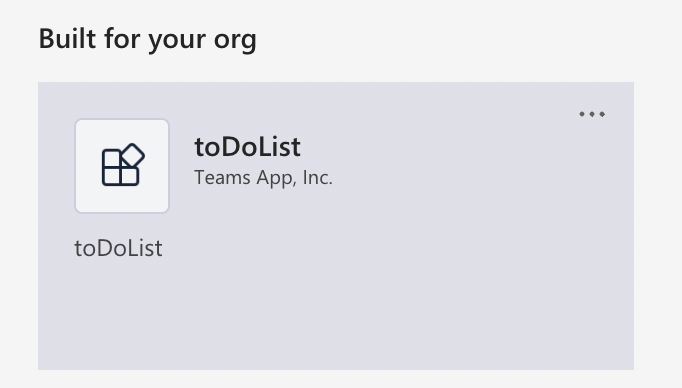
The app was added to Microsoft Teams
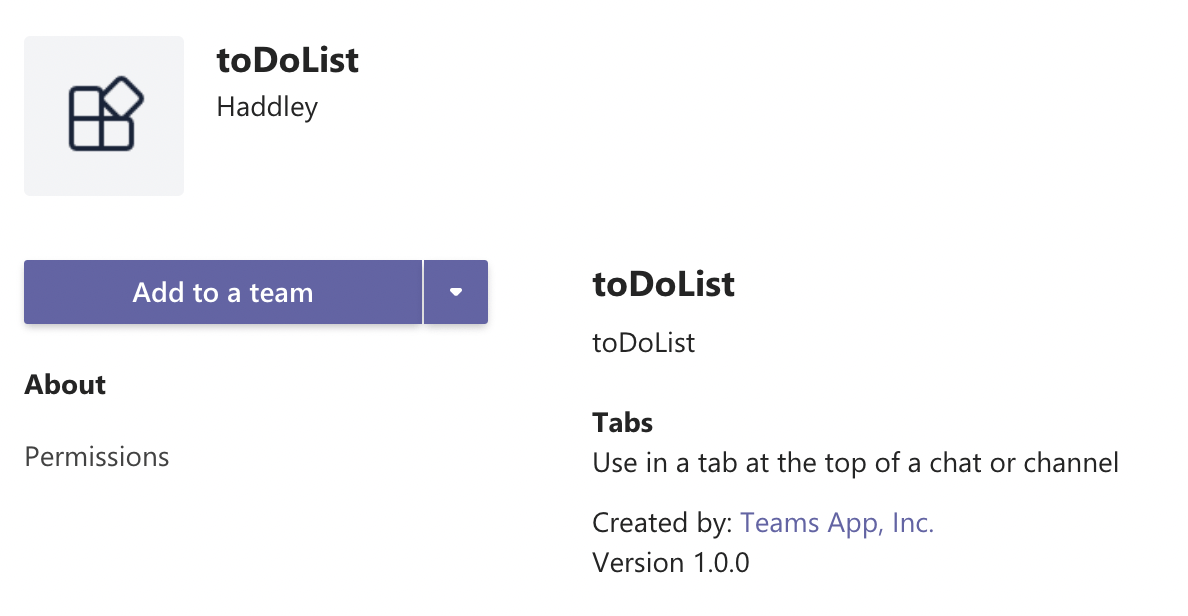
I used the Add to a team button
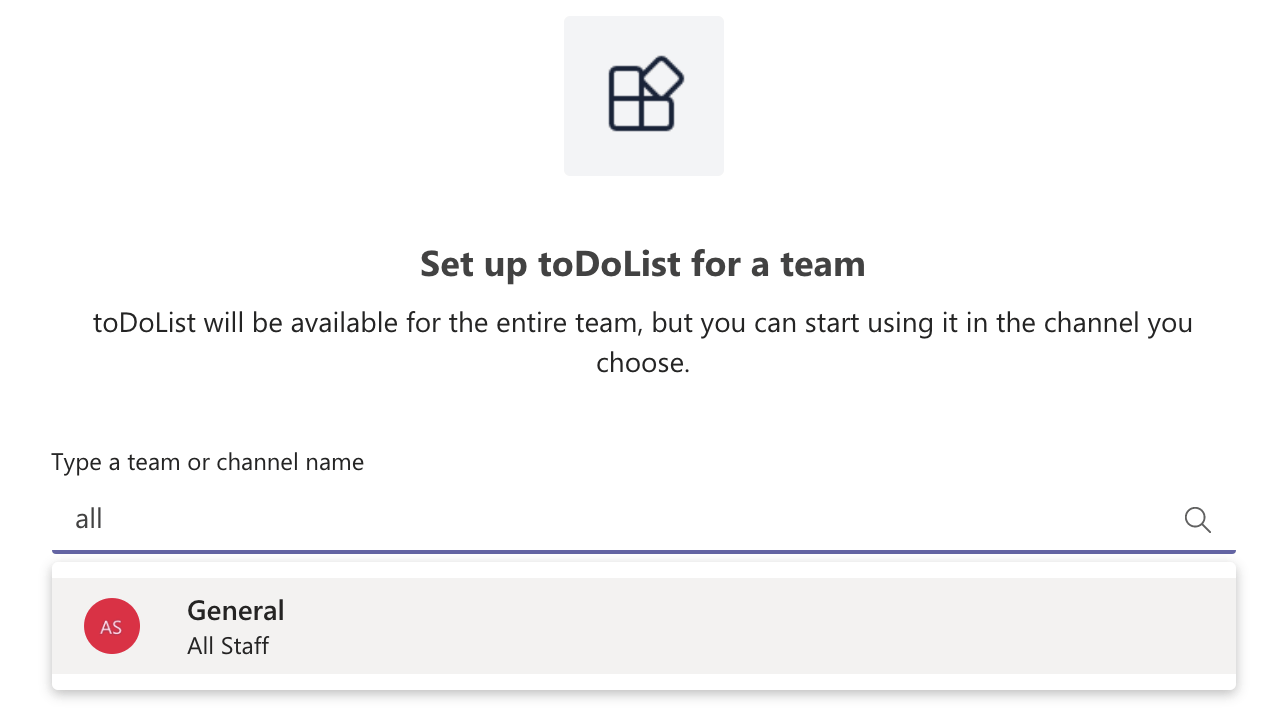
I selected a Team and clicked Set up a tab
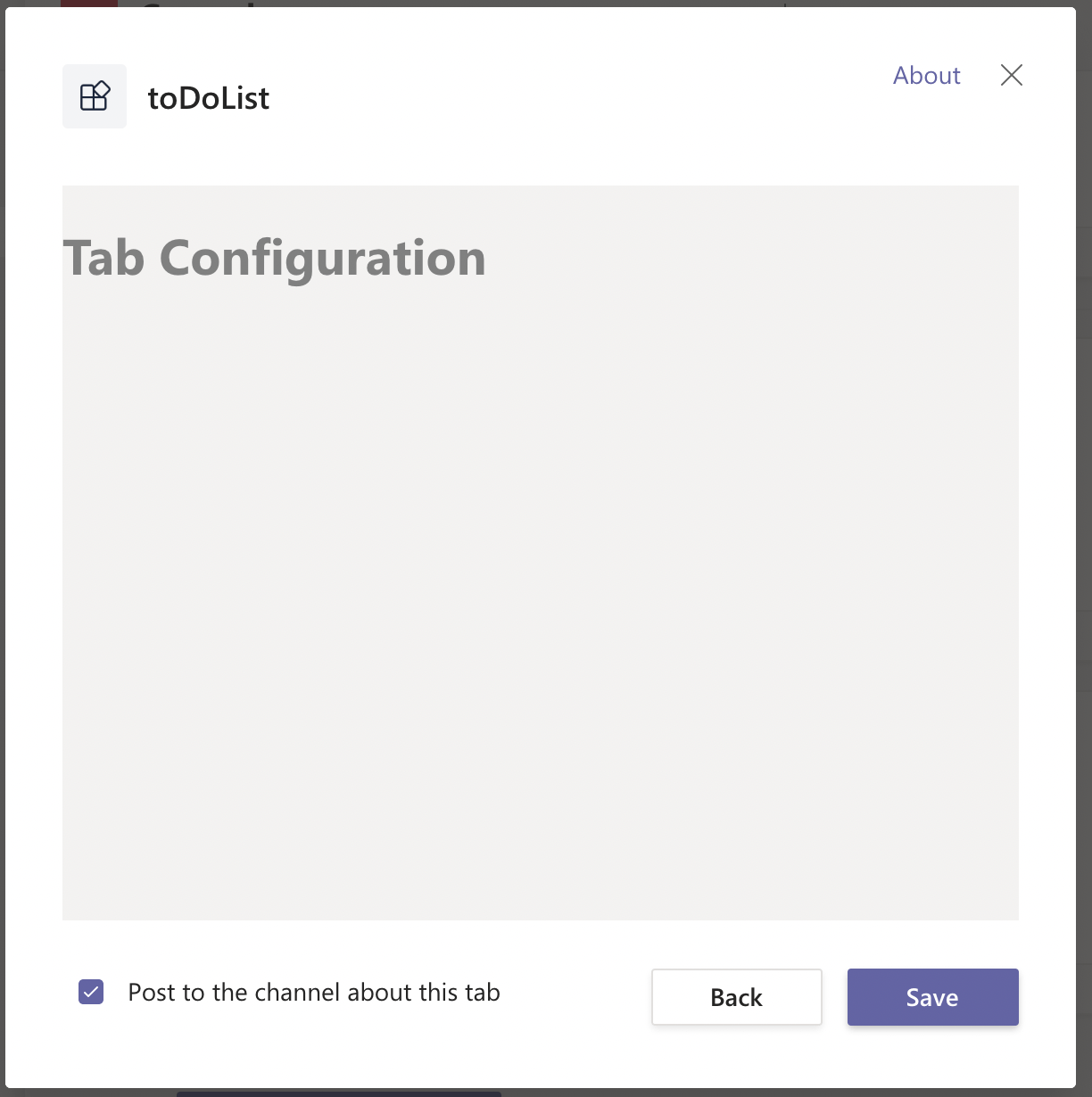
I viewed the tab configuration page
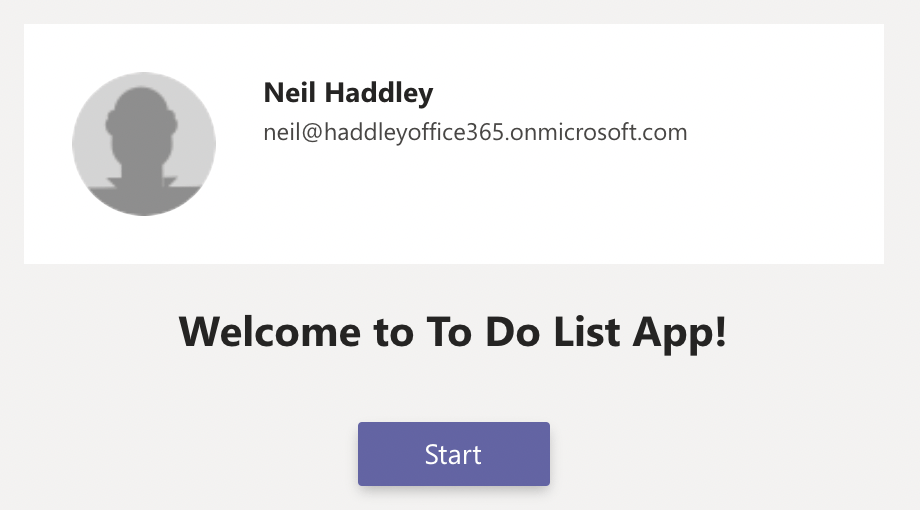
I clicked Start on the welcome page
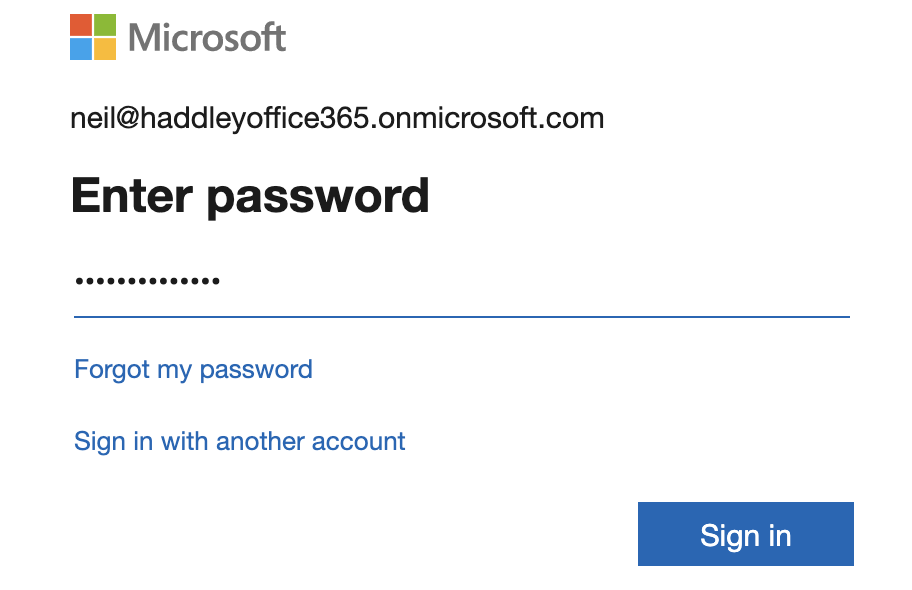
I was prompted to log in
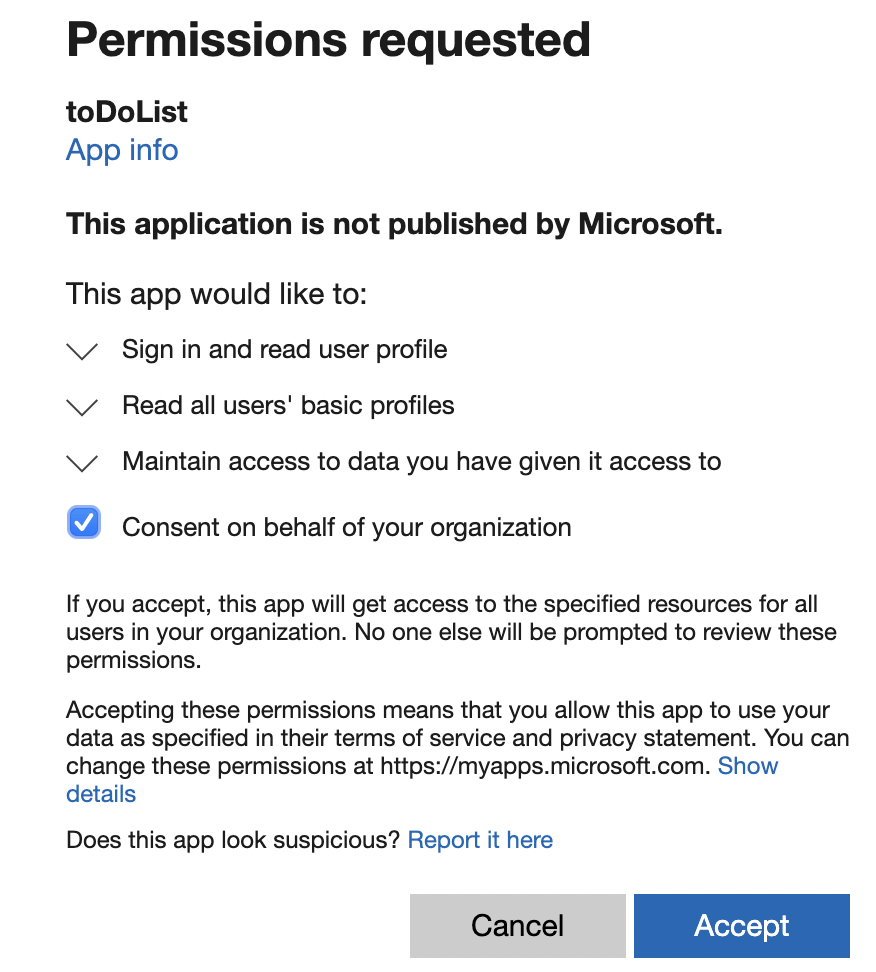
I provided consent
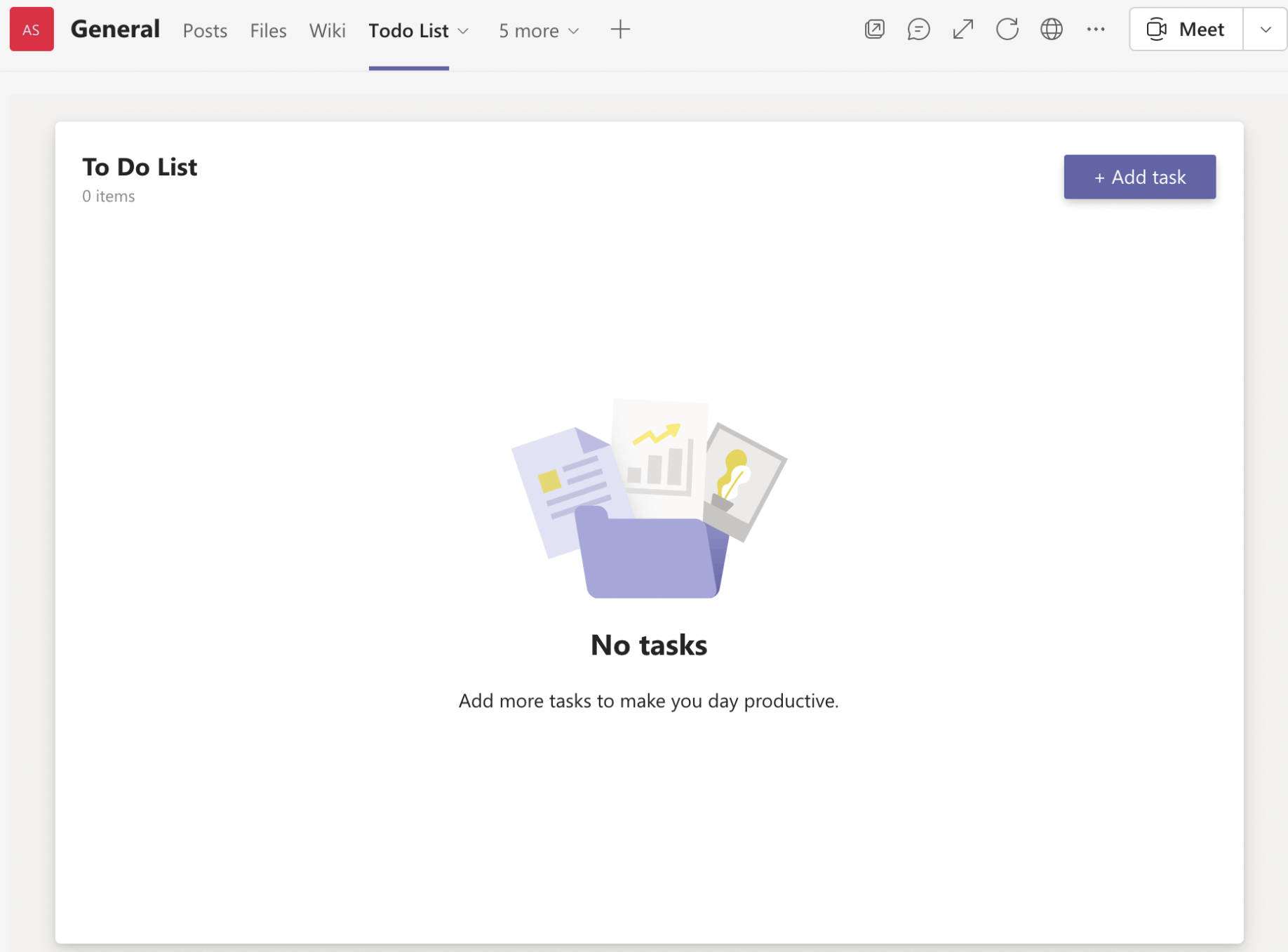
No tasks were displayed yet

I added a task and pressed Enter
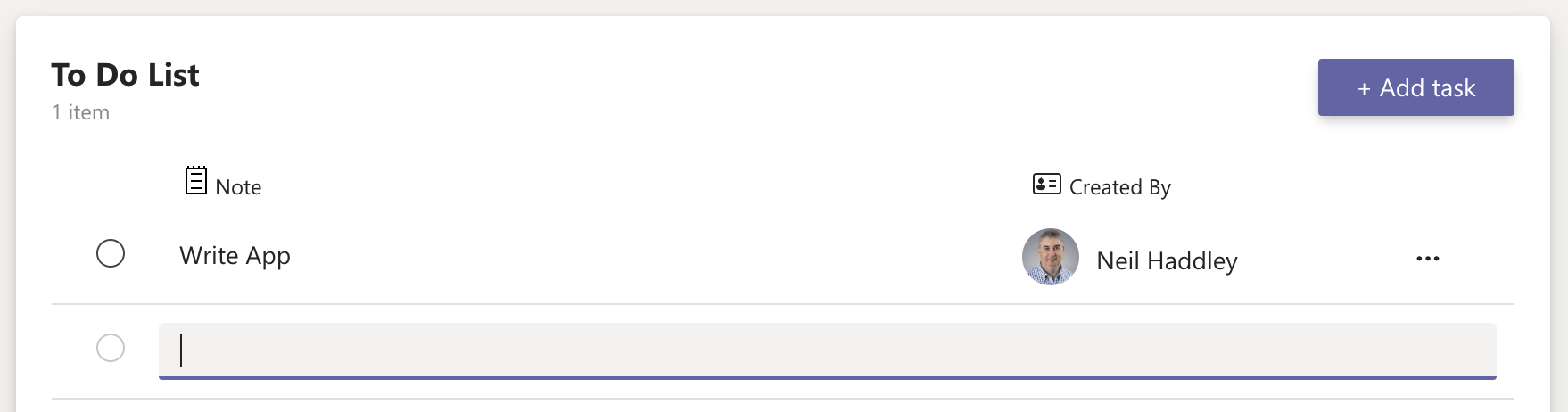
The app used map to render all tasks
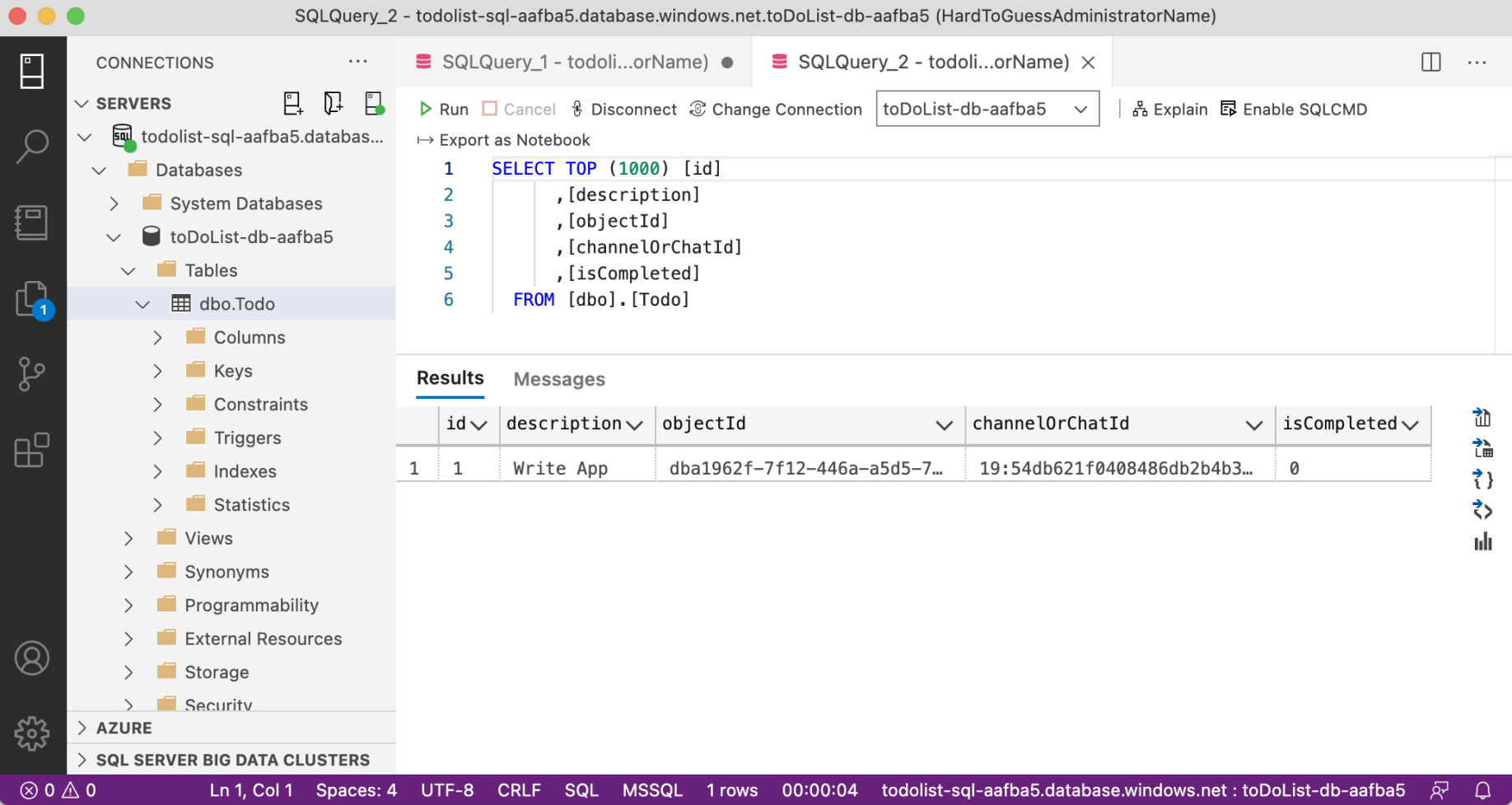
A row was added to the database
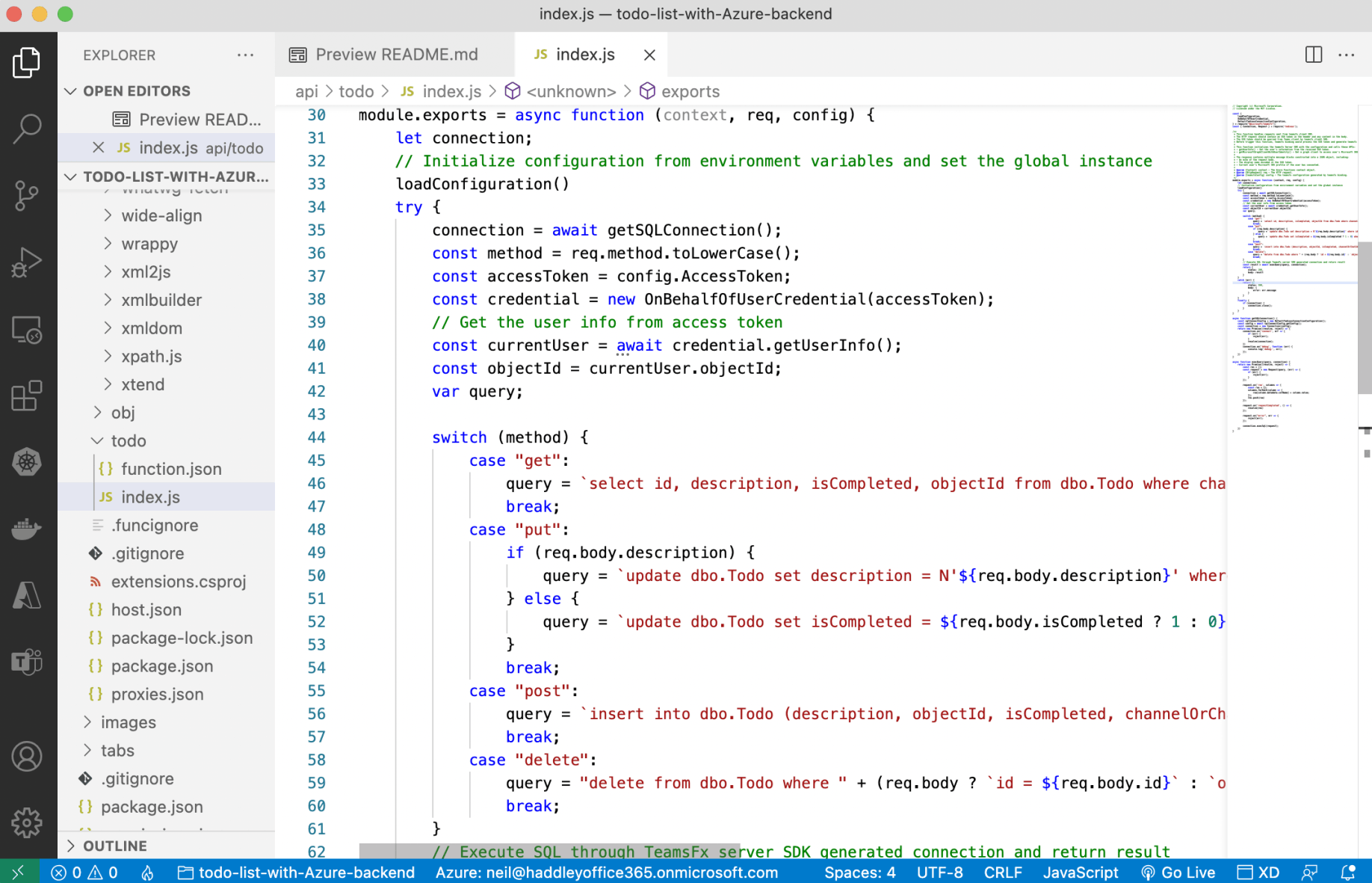
The function app implemented the REST API
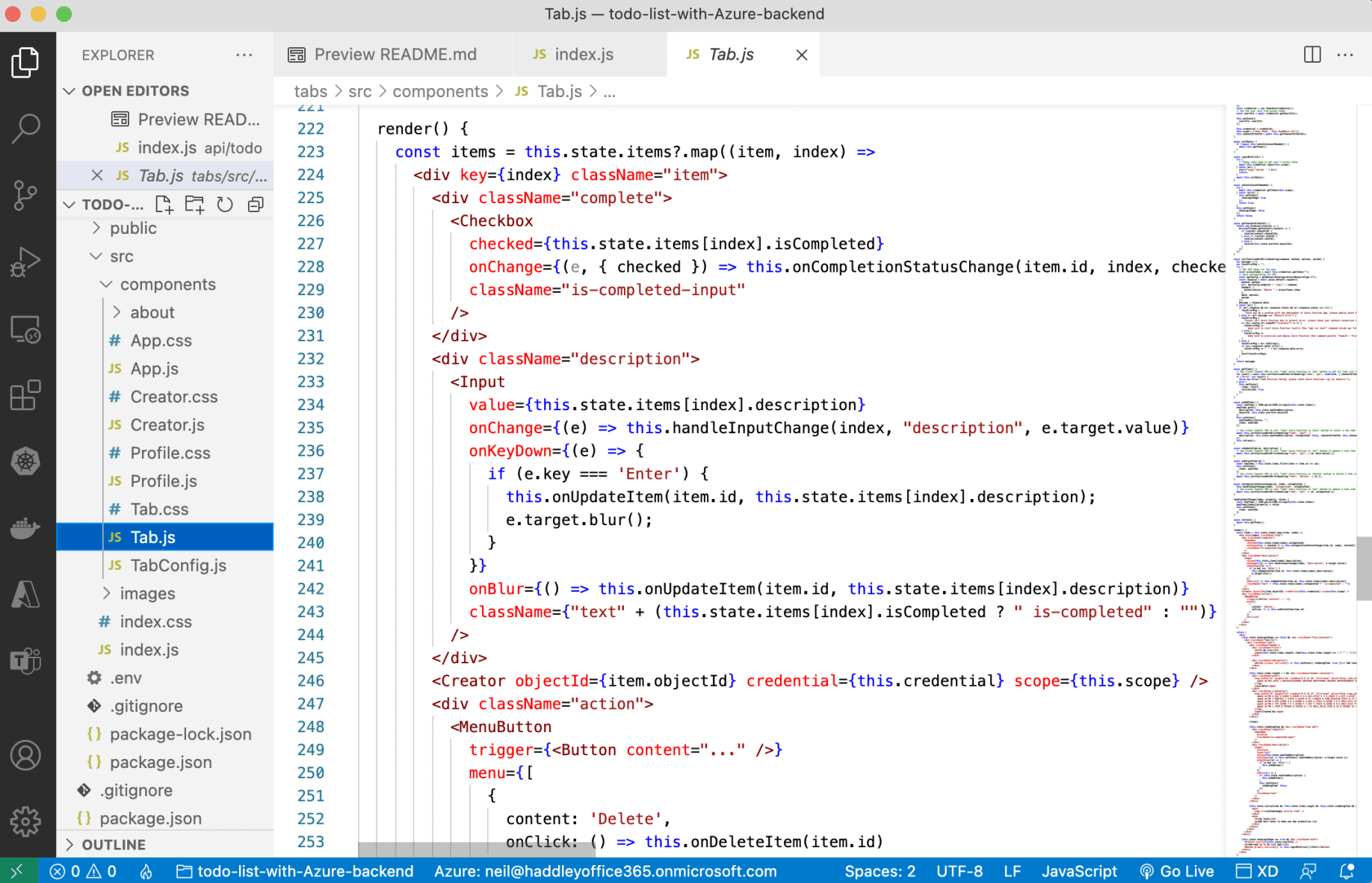
Tab.js
An extract from Tab.js
JAVASCRIPT
1{this.state.showLoginPage === true && <div className="auth">
2          <Profile userInfo={this.state.userInfo} />
3          <h2>Welcome to To Do List App!</h2>
4          <Button primary onClick={() => this.loginBtnClick()}>Start</Button>
5        </div>}
Profile.js
JAVASCRIPT
1// Copyright (c) Microsoft Corporation.
2// Licensed under the MIT License.
3
4import React from 'react';
5import './Profile.css';
6import defaultPhoto from '../images/default-photo.png'
7
8class Profile extends React.Component {
9  render() {
10    return (
11      <div className="profile">
12        <div className="photo">
13          <img src={defaultPhoto} alt="avatar"/>
14        </div>
15        <div className="info">
16          <div className="name">{this.props.userInfo.displayName}</div>
17          <div className="email">{this.props.userInfo.preferredUserName}</div>
18        </div>
19      </div>
20    );
21  }
22}
23
24export default Profile;
An extract from Tab.js
JAVASCRIPT
1async componentDidMount() {
2    await this.initTeamsFx();
3    await this.initData();
4  }
5
6  async initTeamsFx() {
7    // Initialize configuration from environment variables and set the global instance
8    loadConfiguration({
9      authentication: {
10        initiateLoginEndpoint: process.env.REACT_APP_START_LOGIN_PAGE_URL,
11        simpleAuthEndpoint: process.env.REACT_APP_TEAMSFX_ENDPOINT,
12        clientId: process.env.REACT_APP_CLIENT_ID
13      },
14      resources: [
15        {
16          type: ResourceType.API,
17          name: "default",
18          properties: {
19            endpoint: process.env.REACT_APP_FUNC_ENDPOINT
20          }
21        }
22      ]
23    });
24    const credential = new TeamsUserCredential();
25    // Get the user info from access token
26    const userInfo = await credential.getUserInfo();
27
28    this.setState({
29      userInfo: userInfo
30    });
31
32    this.credential = credential;
33    this.scope = ["User.Read", "User.ReadBasic.All"];
34    this.channelOrChatId = await this.getChannelOrChatId();
35  }
36
37  async initData() {
38    if (!await this.checkIsConsentNeeded()) {
39      await this.getItems();
40    }
41  }
42
43  async loginBtnClick() {
44    try {
45      // Popup login page to get user's access token
46      await this.credential.login(this.scope);
47    } catch (err) {
48      alert("Login failed: " + err);
49      return;
50    }
51    await this.initData();
52  }
53
54  async checkIsConsentNeeded() {
55    try {
56      await this.credential.getToken(this.scope);
57    } catch (error) {
58      this.setState({
59        showLoginPage: true
60      });
61      return true;
62    }
63    this.setState({
64      showLoginPage: false
65    });
66    return false;
67  }
An extract from Tab.js
JAVASCRIPT
1{this.state.initialized && !this.state.items.length && !this.state.isAddingItem && <div className="no-item">
2                <div>
3                  <img src={noItemimage} alt="no item" />
4                </div>
5                <div>
6                  <h2>No tasks</h2>
7                  <p>Add more tasks to make you day productive.</p>
8                </div>
9              </div>}
An extract from Tab.js
JAVASCRIPT
1{this.state.isAddingItem && <div className="item add">
2                <div className="complete">
3                  <Checkbox
4                    disabled
5                    className="is-completed-input"
6                  />
7                </div>
8                <div className="description">
9                  <Input
10                    autoFocus
11                    type="text"
12                    value={this.state.newItemDescription}
13                    onChange={(e) => this.setState({ newItemDescription: e.target.value })}
14                    onKeyDown={(e) => {
15                      if (e.key === 'Enter') {
16                        this.onAddItem();
17                      }
18                    }}
19                    onBlur={() => {
20                      if (this.state.newItemDescription) {
21                        this.onAddItem();
22                      }
23                      this.setState({
24                        isAddingItem: false,
25                      });
26                    }}
27                    className="text"
28                  />
29                </div>
30              </div>}
An extract from Tab.js
JAVASCRIPT
1const items = this.state.items?.map((item, index) =>
2      <div key={index} className="item">
3        <div className="complete">
4          <Checkbox
5            checked={this.state.items[index].isCompleted}
6            onChange={(e, { checked }) => this.onCompletionStatusChange(item.id, index, checked)}
7            className="is-completed-input"
8          />
9        </div>
10        <div className="description">
11          <Input
12            value={this.state.items[index].description}
13            onChange={(e) => this.handleInputChange(index, "description", e.target.value)}
14            onKeyDown={(e) => {
15              if (e.key === 'Enter') {
16                this.onUpdateItem(item.id, this.state.items[index].description);
17                e.target.blur();
18              }
19            }}
20            onBlur={() => this.onUpdateItem(item.id, this.state.items[index].description)}
21            className={"text" + (this.state.items[index].isCompleted ? " is-completed" : "")}
22          />
23        </div>
24        <Creator objectId={item.objectId} credential={this.credential} scope={this.scope} />
25        <div className="action">
26          <MenuButton
27            trigger={<Button content="..." />}
28            menu={[
29              {
30                content: 'Delete',
31                onClick: () => this.onDeleteItem(item.id)
32              }
33            ]}
34            on="click"
35          />
36        </div>
37      </div>
38    );
index.js
JAVASCRIPT
1// Copyright (c) Microsoft Corporation.
2// Licensed under the MIT License.
3
4const {
5    loadConfiguration,
6    OnBehalfOfUserCredential,
7    DefaultTediousConnectionConfiguration,
8} = require("@microsoft/teamsfx");
9const { Connection, Request } = require('tedious');
10
11/**
12 * This function handles requests sent from teamsfx client SDK.
13 * The HTTP request should contain an SSO token in the header and any content in the body.
14 * The SSO token should be queried from Teams client by teamsfx client SDK.
15 * Before trigger this function, teamsfx binding would process the SSO token and generate teamsfx configuration.
16 *
17 * This function initializes the teamsfx Server SDK with the configuration and calls these APIs:
18 * - getUserInfo() - Get the user's information from the received SSO token.
19 * - getMicrosoftGraphClientWithUserIdentity() - Get a graph client to access user's Microsoft 365 data.
20 *
21 * The response contains multiple message blocks constructed into a JSON object, including:
22 * - An echo of the request body.
23 * - The display name encoded in the SSO token.
24 * - Current user's Microsoft 365 profile if the user has consented.
25 *
26 * @param {Context} context - The Azure Functions context object.
27 * @param {HttpRequest} req - The HTTP request.
28 * @param {teamsfxConfig} config - The teamsfx configuration generated by teamsfx binding.
29 */
30module.exports = async function (context, req, config) {
31    let connection;
32    // Initialize configuration from environment variables and set the global instance
33    loadConfiguration()
34    try {
35        connection = await getSQLConnection();
36        const method = req.method.toLowerCase();
37        const accessToken = config.AccessToken;
38        const credential = new OnBehalfOfUserCredential(accessToken);
39        // Get the user info from access token
40        const currentUser = await credential.getUserInfo();
41        const objectId = currentUser.objectId;
42        var query;
43
44        switch (method) {
45            case "get":
46                query = `select id, description, isCompleted, objectId from dbo.Todo where channelOrChatId = '${req.query.channelOrChatId}'`;
47                break;
48            case "put":
49                if (req.body.description) {
50                    query = `update dbo.Todo set description = N'${req.body.description}' where id = ${req.body.id}`;
51                } else {
52                    query = `update dbo.Todo set isCompleted = ${req.body.isCompleted ? 1 : 0} where id = ${req.body.id}`;
53                }
54                break;
55            case "post":
56                query = `insert into dbo.Todo (description, objectId, isCompleted, channelOrChatId) values (N'${req.body.description}','${objectId}',${req.body.isCompleted ? 1 : 0},'${req.body.channelOrChatId}')`;
57                break;
58            case "delete":
59                query = "delete from dbo.Todo where " + (req.body ? `id = ${req.body.id}` : `objectId = '${objectId}'`);
60                break;
61        }
62        // Execute SQL through TeamsFx server SDK generated connection and return result
63        const result = await execQuery(query, connection);
64        return {
65            status: 200,
66            body: result
67        }
68    }
69    catch (err) {
70        return {
71            status: 500,
72            body: {
73                error: err.message
74            }
75        }
76    }
77    finally {
78        if (connection) {
79            connection.close();
80        }
81    }
82}
83
84async function getSQLConnection() {
85    const sqlConnectConfig = new DefaultTediousConnectionConfiguration();
86    const config = await sqlConnectConfig.getConfig();
87    const connection = new Connection(config);
88    return new Promise((resolve, reject) => {
89        connection.on('connect', err => {
90            if (err) {
91                reject(err);
92            }
93            resolve(connection);
94        })
95        connection.on('debug', function (err) {
96            console.log('debug:', err);
97        });
98    })
99}
100
101async function execQuery(query, connection) {
102    return new Promise((resolve, reject) => {
103        const res = [];
104        const request = new Request(query, (err) => {
105            if (err) {
106                reject(err);
107            }
108        });
109
110        request.on('row', columns => {
111            const row = {};
112            columns.forEach(column => {
113                row[column.metadata.colName] = column.value;
114            });
115            res.push(row)
116        });
117
118        request.on('requestCompleted', () => {
119            resolve(res)
120        });
121
122        request.on("error", err => {
123            reject(err);
124        });
125
126        connection.execSql(request);
127    })
128}