Three.js
Neil Haddley • March 5, 2023
A JavaScript-based WebGL engine
I used Three.js, a JavaScript-based WebGL engine, to create GPU-powered 3D graphics apps that run in the browser.
Overview
I created a three.js scene containing floating cubes and spheres with an anaglyph stereo effect.
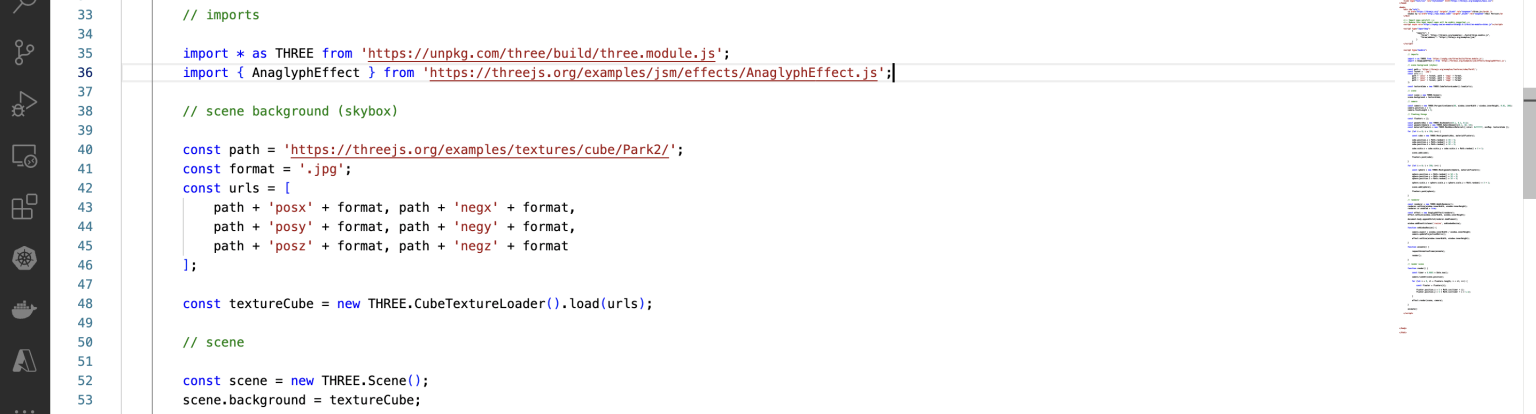
import library modules and sets up scene

sets up camera
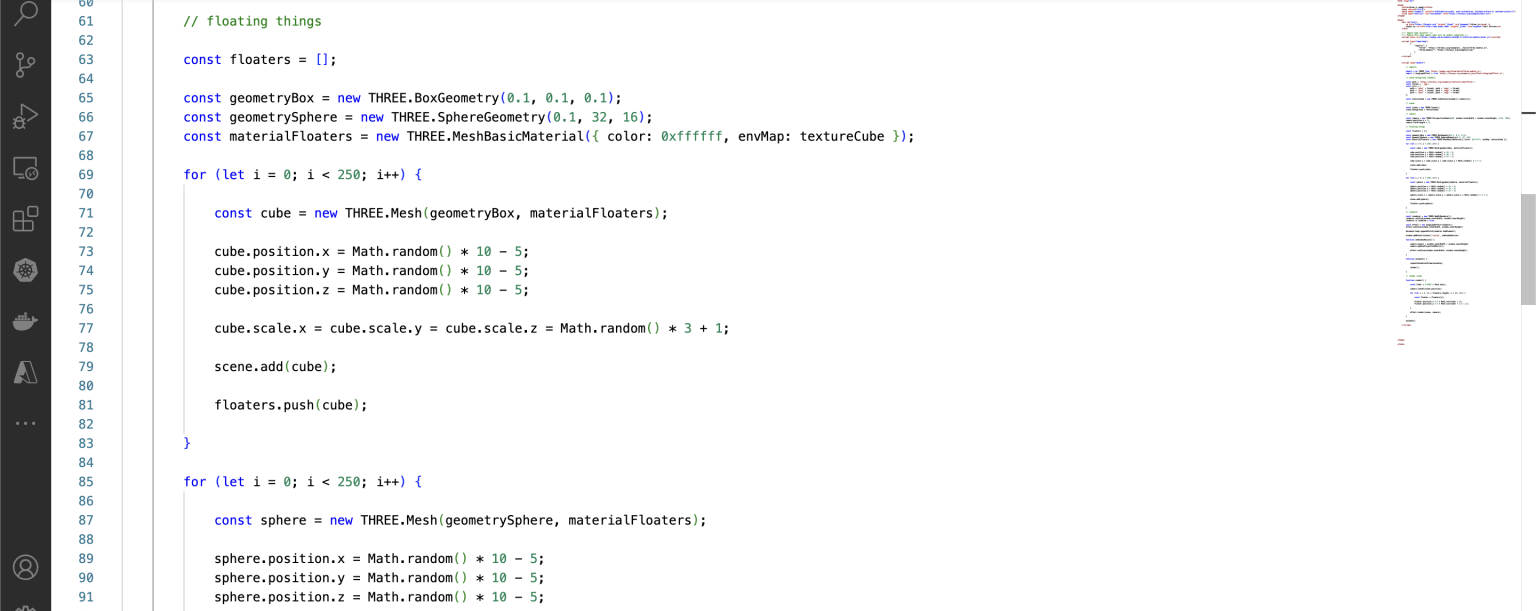
sets up floating cubes and spheres
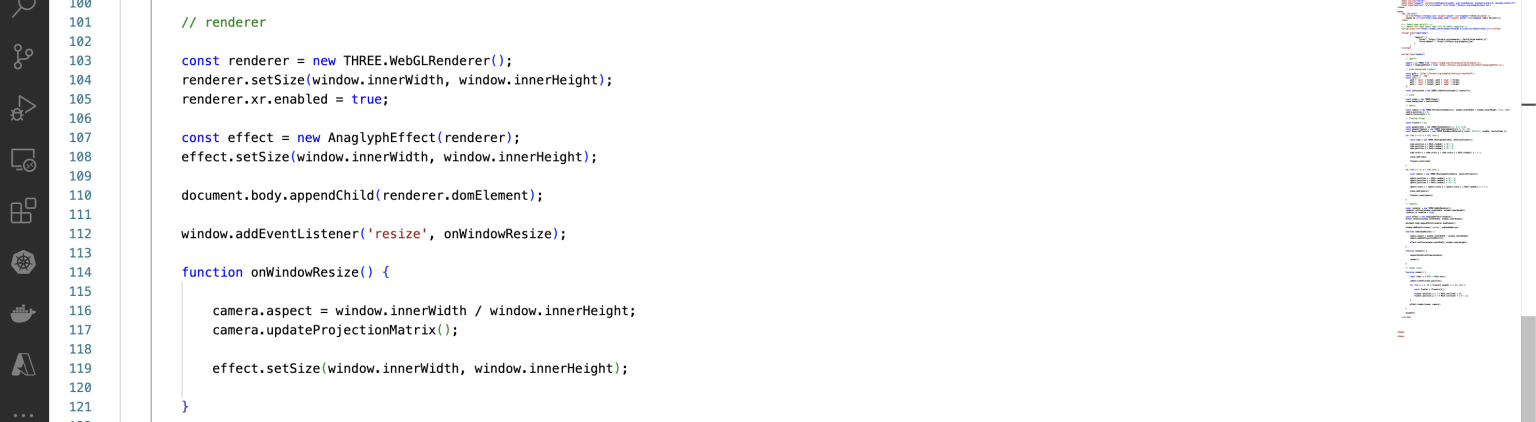
sets up renderer
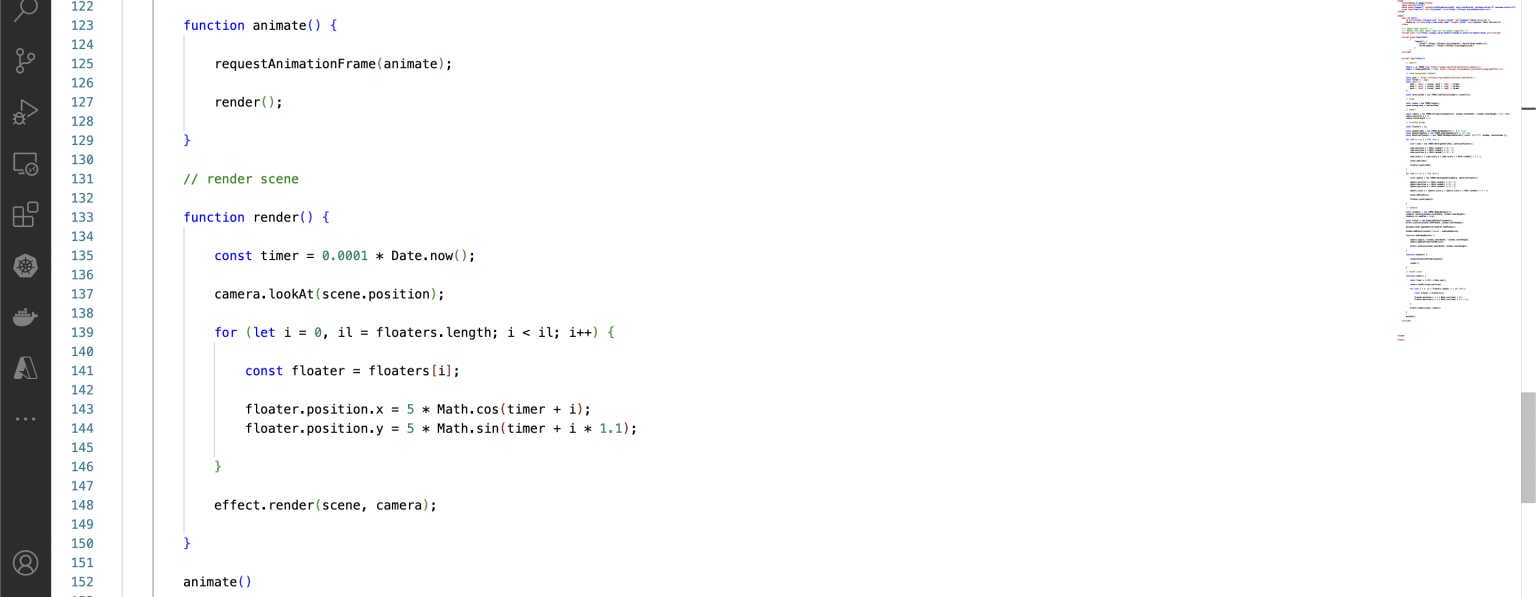
sets up animation
index-three-analyph
JAVASCRIPT
1// imports
2
3        import * as THREE from 'three';
4        import { AnaglyphEffect } from 'three/addons/effects/AnaglyphEffect.js';
5
6        // scene background (skybox)
7
8        const path = 'https://threejs.org/examples/textures/cube/Park2/';
9        const format = '.jpg';
10        const urls = [
11            path + 'posx' + format, path + 'negx' + format,
12            path + 'posy' + format, path + 'negy' + format,
13            path + 'posz' + format, path + 'negz' + format
14        ];
15
16        const textureCube = new THREE.CubeTextureLoader().load(urls);
17
18        // scene
19
20        const scene = new THREE.Scene();
21        scene.background = textureCube;
22
23        // camera
24
25        const camera = new THREE.PerspectiveCamera(60, window.innerWidth / window.innerHeight, 0.01, 100);
26        camera.position.z = 3;
27        camera.focalLength = 3;
28
29        // floating things
30
31        const floaters = [];
32
33        const geometryBox = new THREE.BoxGeometry(0.1, 0.1, 0.1);
34        const geometrySphere = new THREE.SphereGeometry(0.1, 32, 16);
35        const materialFloaters = new THREE.MeshBasicMaterial({ color: 0xffffff, envMap: textureCube });
36
37        for (let i = 0; i < 250; i++) {
38
39            const cube = new THREE.Mesh(geometryBox, materialFloaters);
40
41            cube.position.x = Math.random() * 10 - 5;
42            cube.position.y = Math.random() * 10 - 5;
43            cube.position.z = Math.random() * 10 - 5;
44
45            cube.scale.x = cube.scale.y = cube.scale.z = Math.random() * 3 + 1;
46
47            scene.add(cube);
48
49            floaters.push(cube);
50
51        }
52
53        for (let i = 0; i < 250; i++) {
54
55            const sphere = new THREE.Mesh(geometrySphere, materialFloaters);
56
57            sphere.position.x = Math.random() * 10 - 5;
58            sphere.position.y = Math.random() * 10 - 5;
59            sphere.position.z = Math.random() * 10 - 5;
60
61            sphere.scale.x = sphere.scale.y = sphere.scale.z = Math.random() * 3 + 1;
62
63            scene.add(sphere);
64
65            floaters.push(sphere);
66
67        }
68
69        // renderer
70
71        const renderer = new THREE.WebGLRenderer();
72        renderer.setSize(window.innerWidth, window.innerHeight);
73        renderer.xr.enabled = true;
74
75        const effect = new AnaglyphEffect(renderer);
76        effect.setSize(window.innerWidth, window.innerHeight);
77
78        document.body.appendChild(renderer.domElement);
79
80        window.addEventListener('resize', onWindowResize);
81
82        function onWindowResize() {
83
84            camera.aspect = window.innerWidth / window.innerHeight;
85            camera.updateProjectionMatrix();
86
87            effect.setSize(window.innerWidth, window.innerHeight);
88
89        }
90
91        function animate() {
92
93            requestAnimationFrame(animate);
94
95            render();
96
97        }
98
99        // render scene
100
101        function render() {
102
103            const timer = 0.0001 * Date.now();
104
105            camera.lookAt(scene.position);
106
107            for (let i = 0, il = floaters.length; i < il; i++) {
108
109                const floater = floaters[i];
110
111                floater.position.x = 5 * Math.cos(timer + i);
112                floater.position.y = 5 * Math.sin(timer + i * 1.1);
113
114            }
115
116            effect.render(scene, camera);
117
118        }
119
120        animate()