Blazor WASM API SQL Server Stored Procedure
Neil Haddley • March 25, 2023
Three Tiers
I used the Visual Studio ASP.NET Core SPA template to demonstrate how Blazor WebAssembly, ASP.NET Core, and Microsoft SQL Server work together.
ChatGPT
How do I create an ASP.NET application that connects to SQL Server and has a Blazor Web Assembly UI using Individual authentication?
To create an ASP.NET application that connects to SQL Server and has a Blazor Web Assembly UI using Individual authentication, you can follow these steps:
Create a new ASP.NET Core Web Application project in Visual Studio.
Choose Blazor WebAssembly as the project template.
Choose Individual Accounts as the authentication type.
Choose the ASP.NET Core hosted option, which will create a separate server project and a client-side Blazor WebAssembly project.
Click Create to create the project.
In the server project, open the appsettings.json file and add a connection string to your SQL Server database.
Install the Microsoft.EntityFrameworkCore.SqlServer NuGet package in the server project.
Create a DbContext class that inherits from Microsoft.EntityFrameworkCore.DbContext and represents your database schema.
In the DbContext class, add a DbSet property for each entity you want to work with.
In the ConfigureServices method of the server's Startup.cs file, add a call to AddDbContext to register your DbContext with the application's dependency injection system.
In the client-side Blazor project, create a service class that uses HttpClient to call the server-side API methods you want to use.
Use dependency injection to inject the service class into your Blazor components, and call its methods as needed.
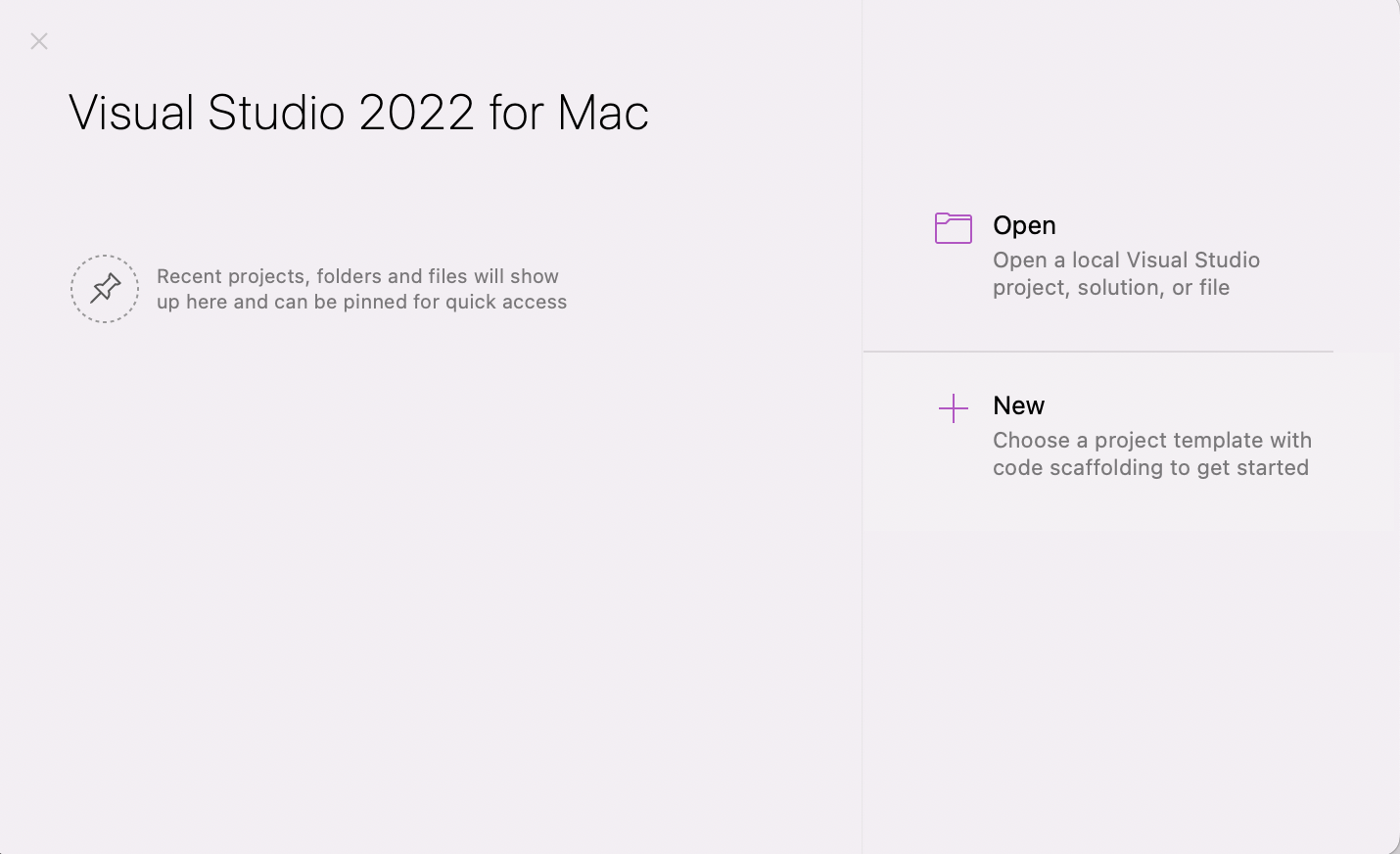
Visual Studio 2022 for Mac (ASP.NET Core is cross platform)
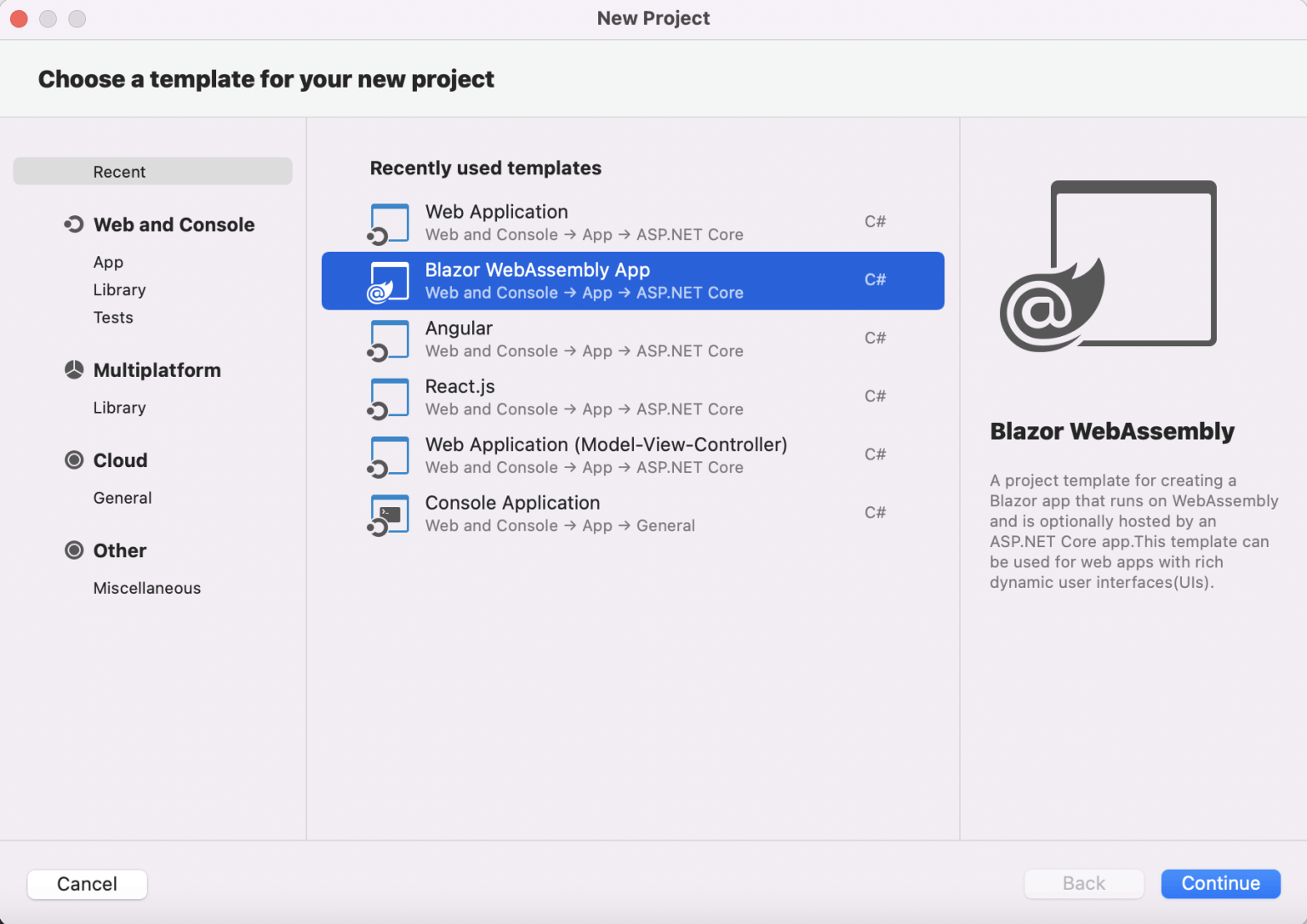
Blazor WebAssembly App template
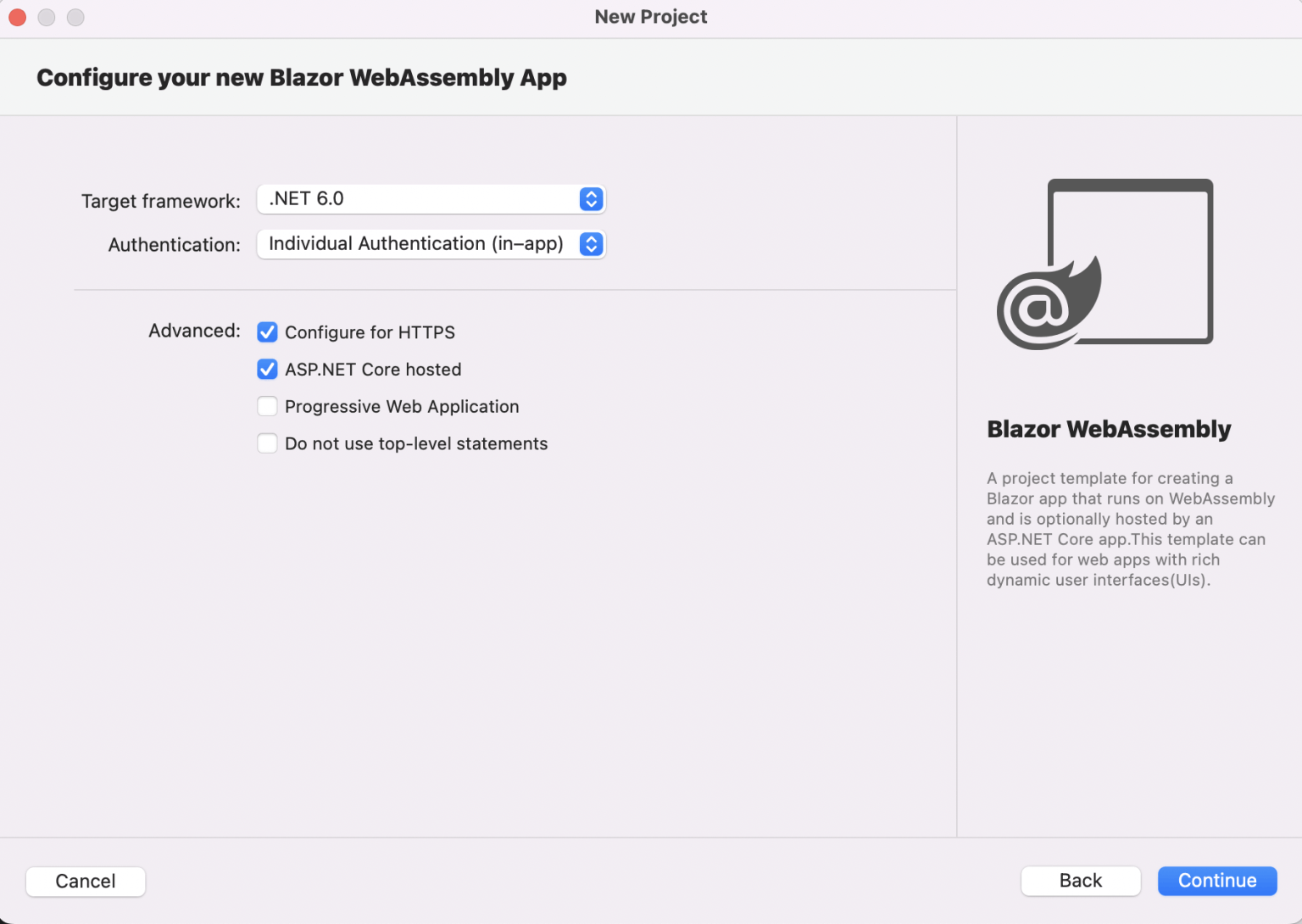
Individual Authentication (local app.db database)
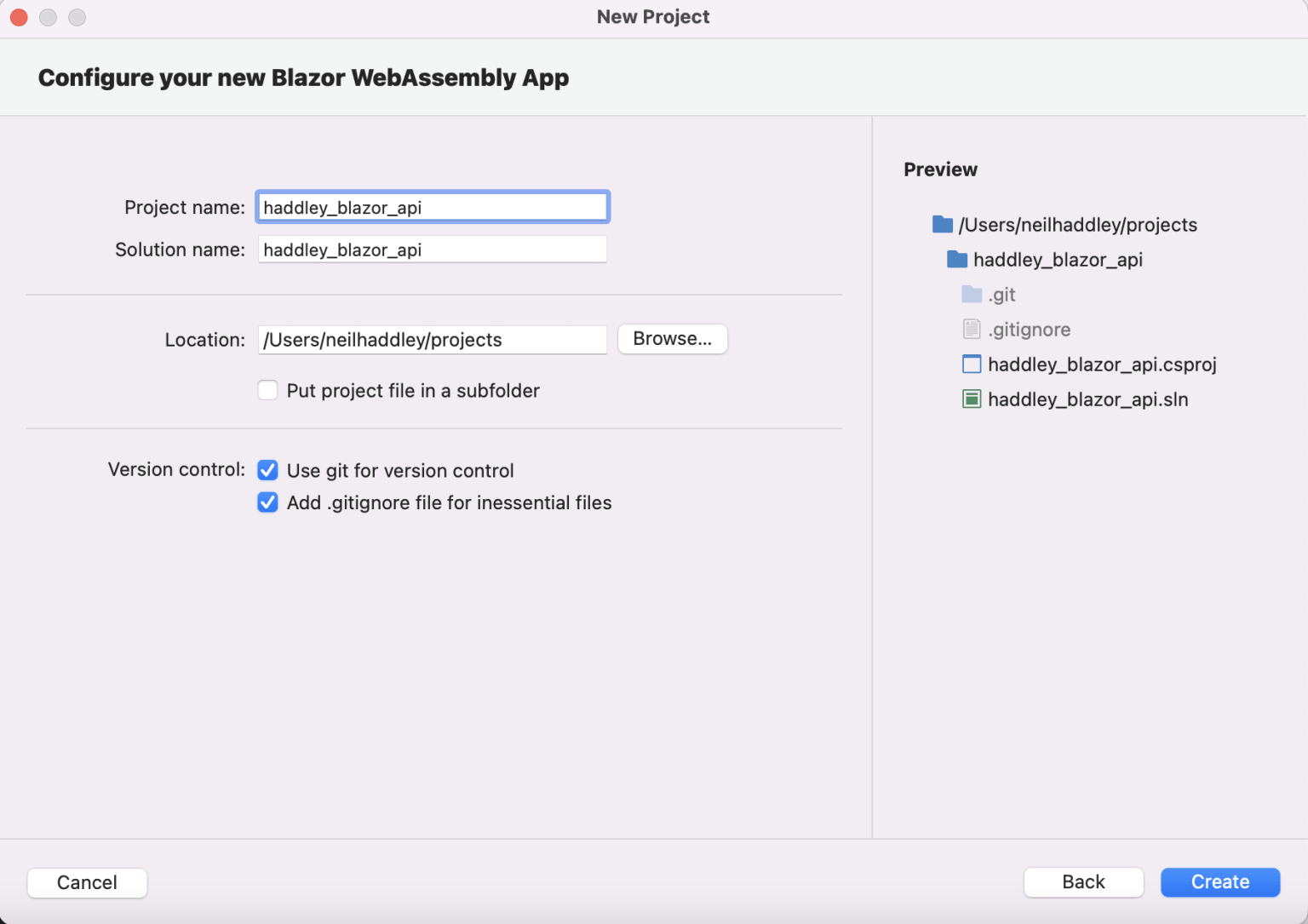
I named the project/solution haddley_blazor_api (notice that in names the ASP.NET Core code generators seem to prefer underscores over dashes)
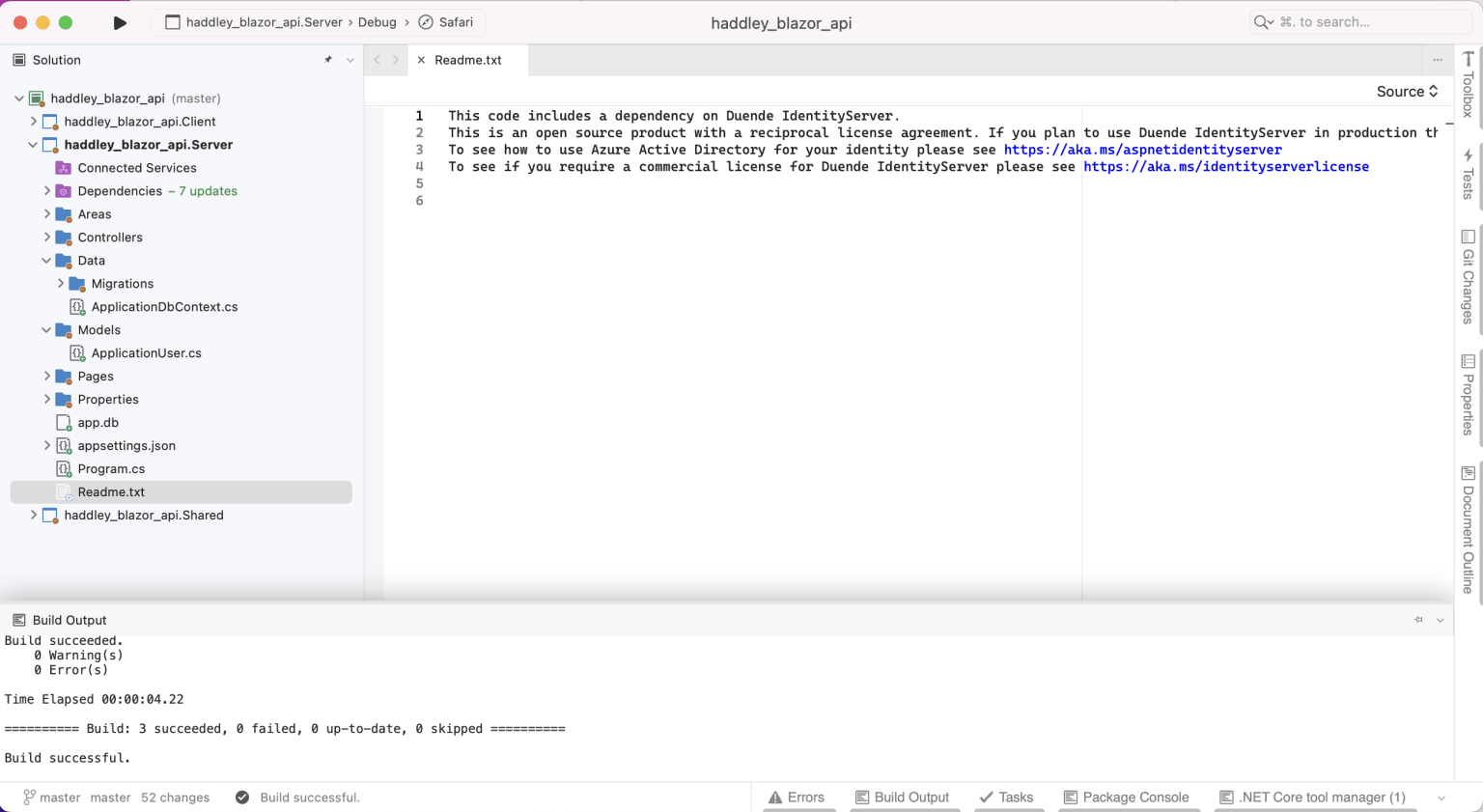
I reviewed the generated projects
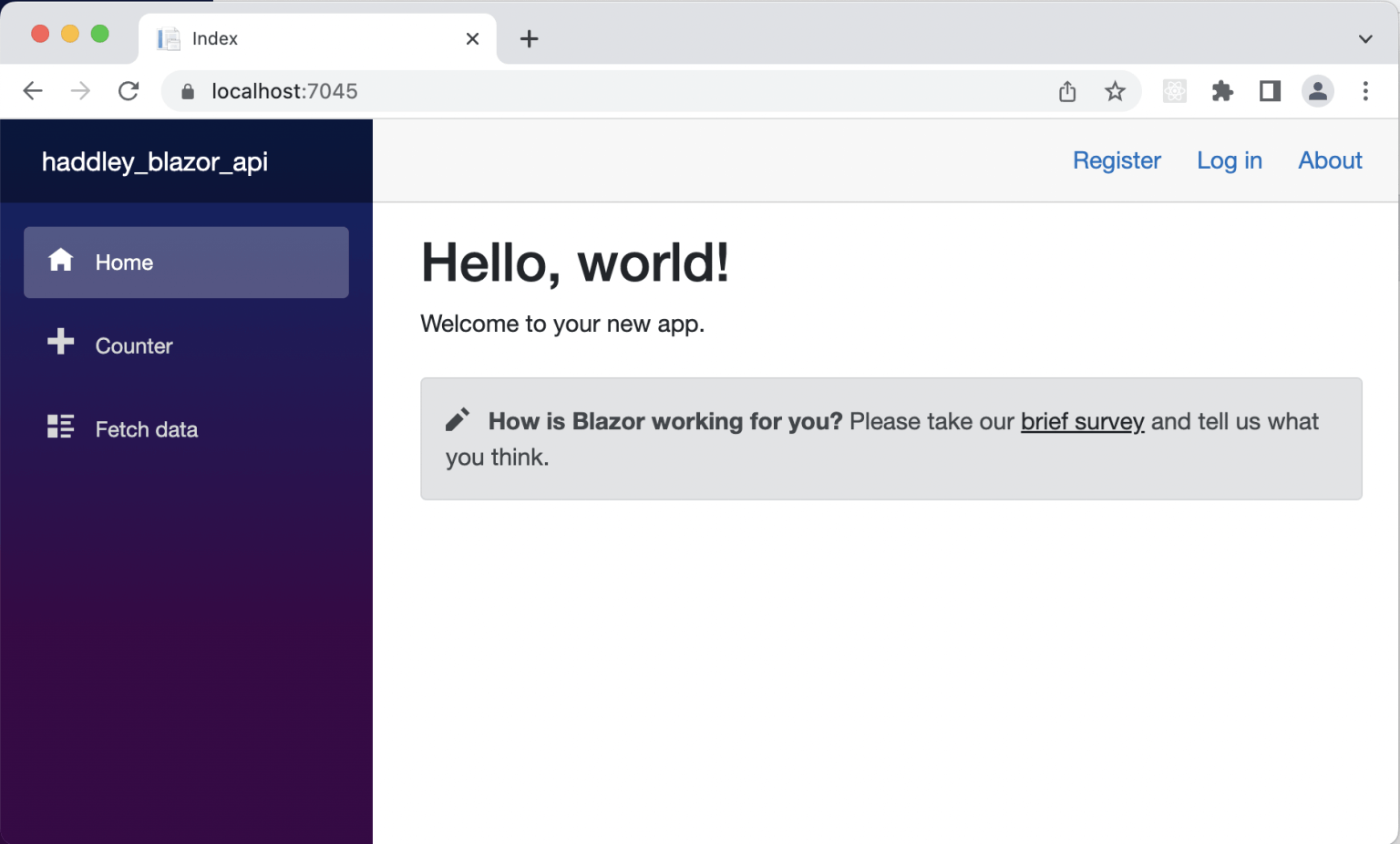
I ran the ASP.NET Core web site
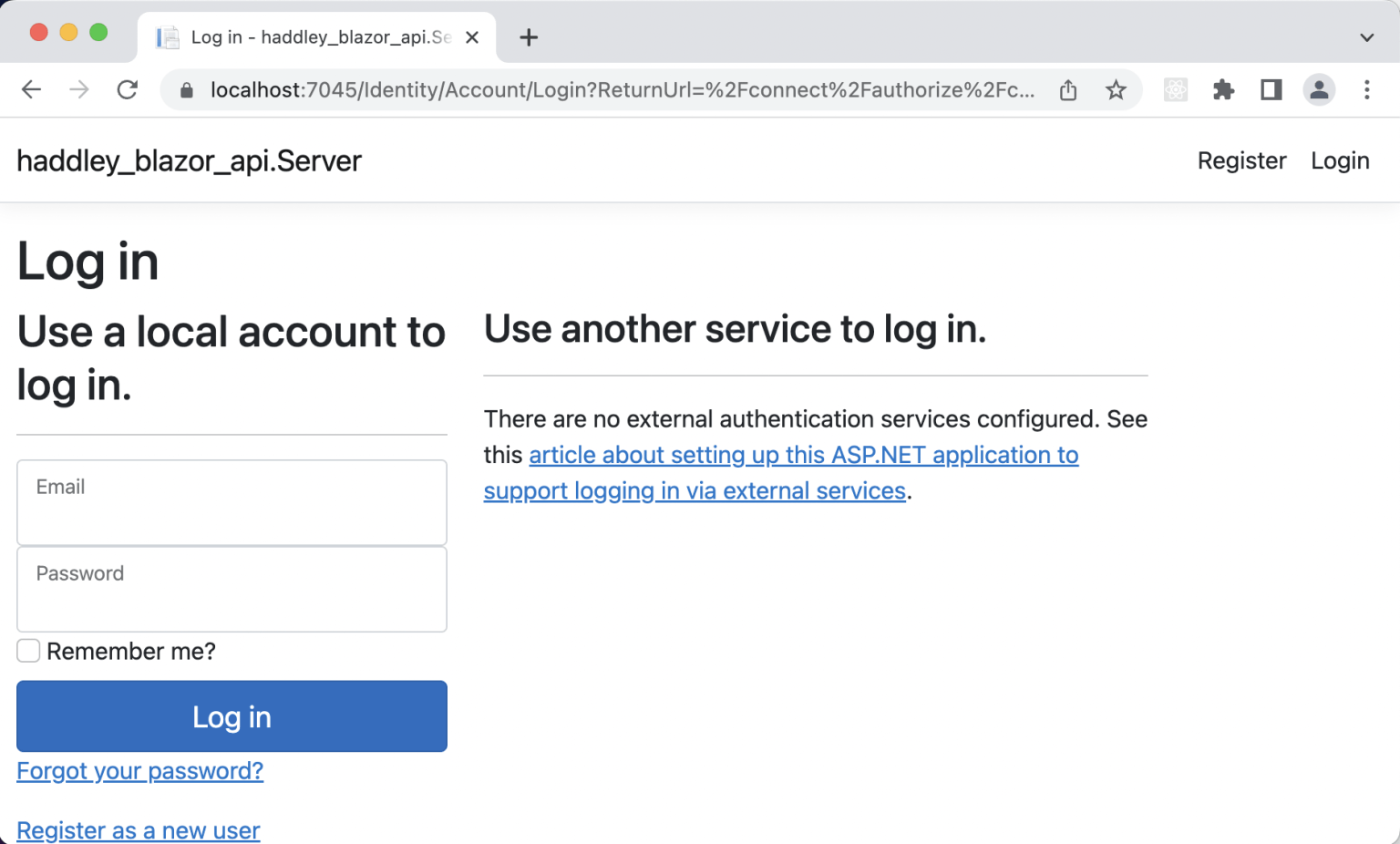
I created an account and logged in
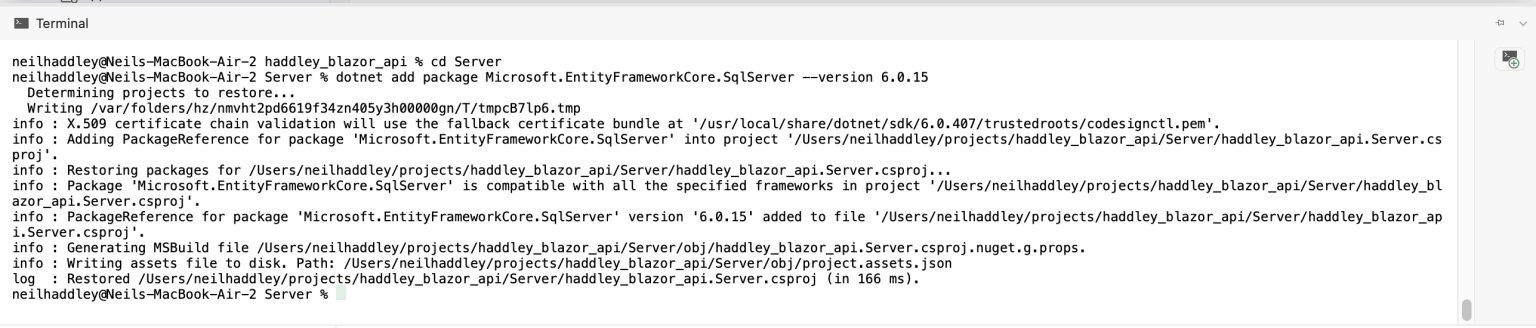
dotnet add package Microsoft.EntityFrameworkCore.SqlServer --version 6.0.15

dotnet ef dbcontext scaffold "server=192.168.0.3;initial catalog=ToDo;user id=sa;password=Passw0rd123" Microsoft.EntityFrameworkCore.SqlServer -o Models --data-annotations --force
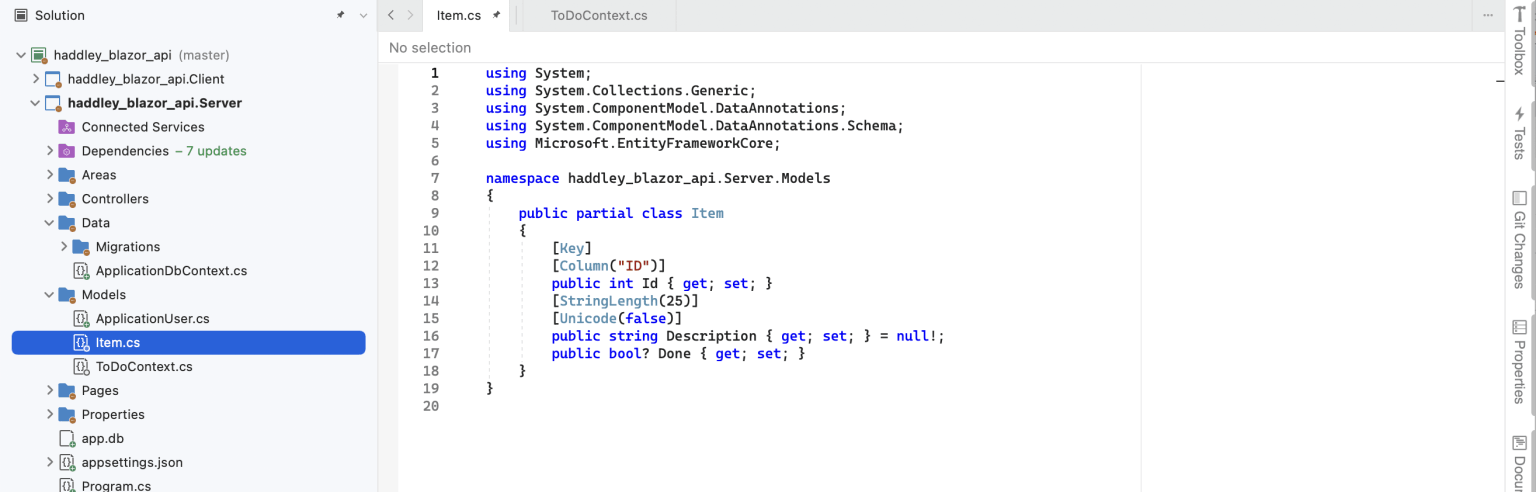
I reviewed the entity framework classes generated from the database schema
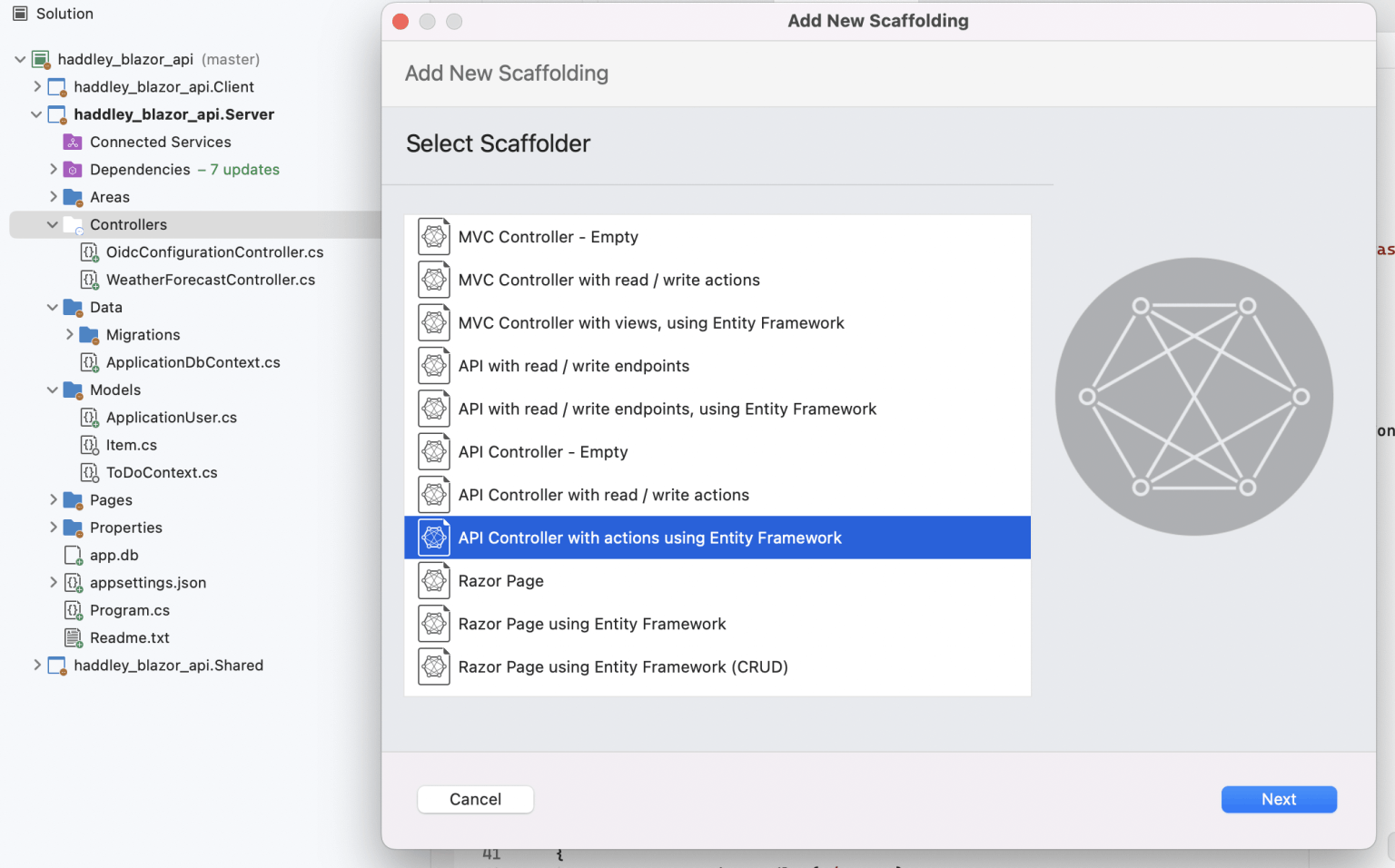
I selected the API Controller with actions using Entity Framework
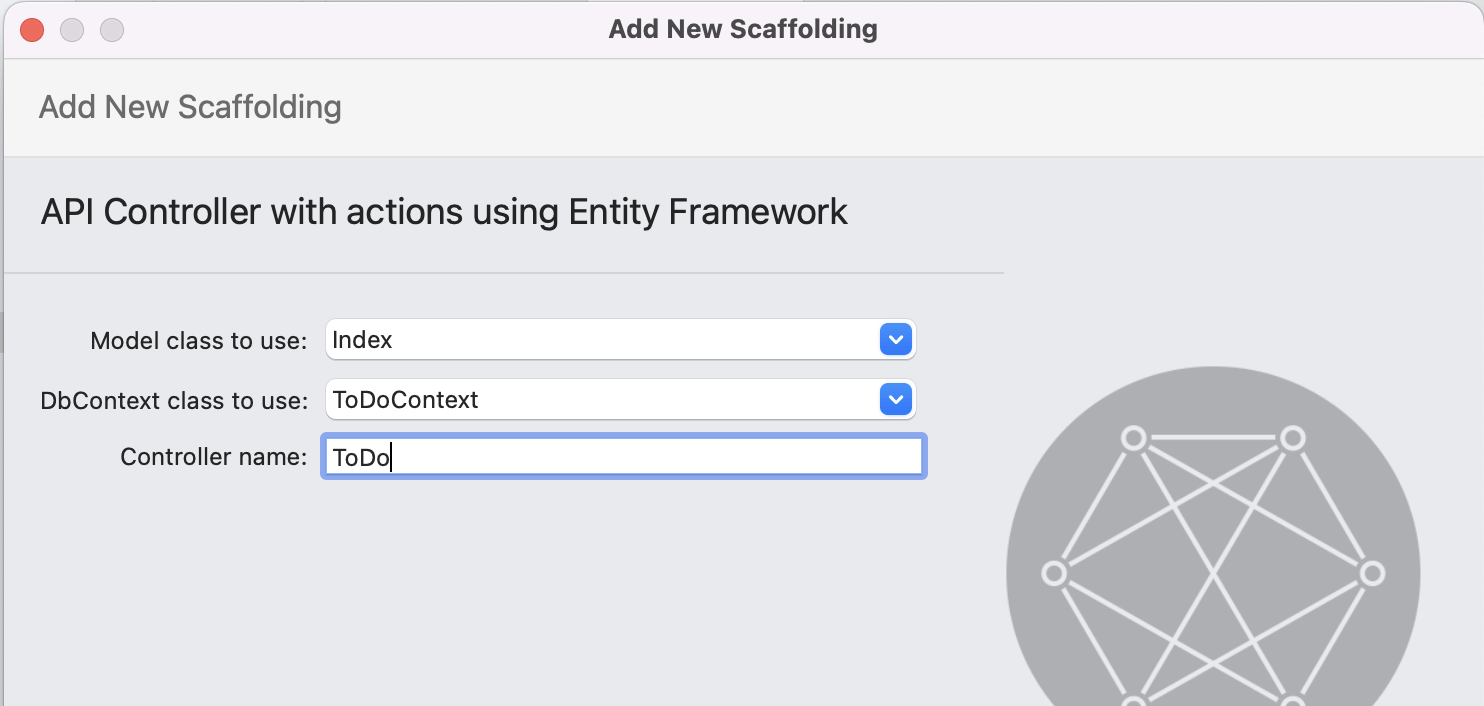
I created a ToControl to handle requests to /api/ToDo
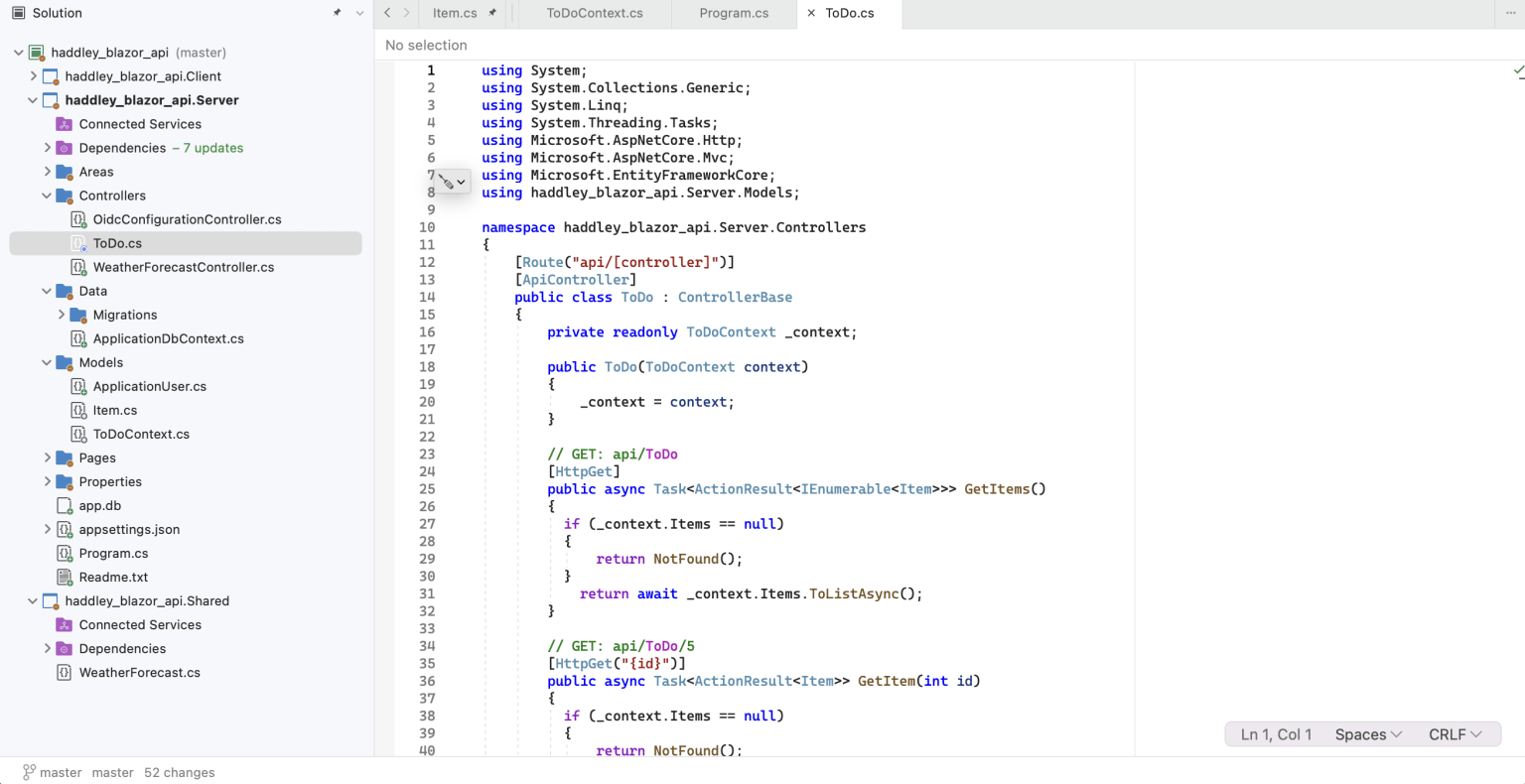
I reviewed the generated controller code

I tested the ToDo controller by navigating to /api/ToDo.
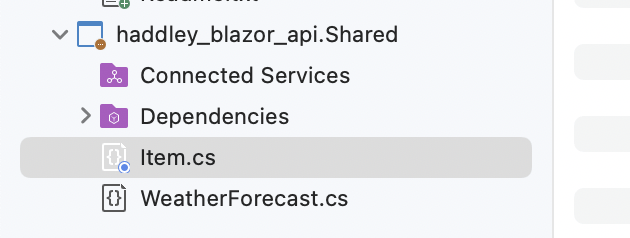
I moved the Item.cs file to the Shared project (so that it could be used by the Server and the Client projects.
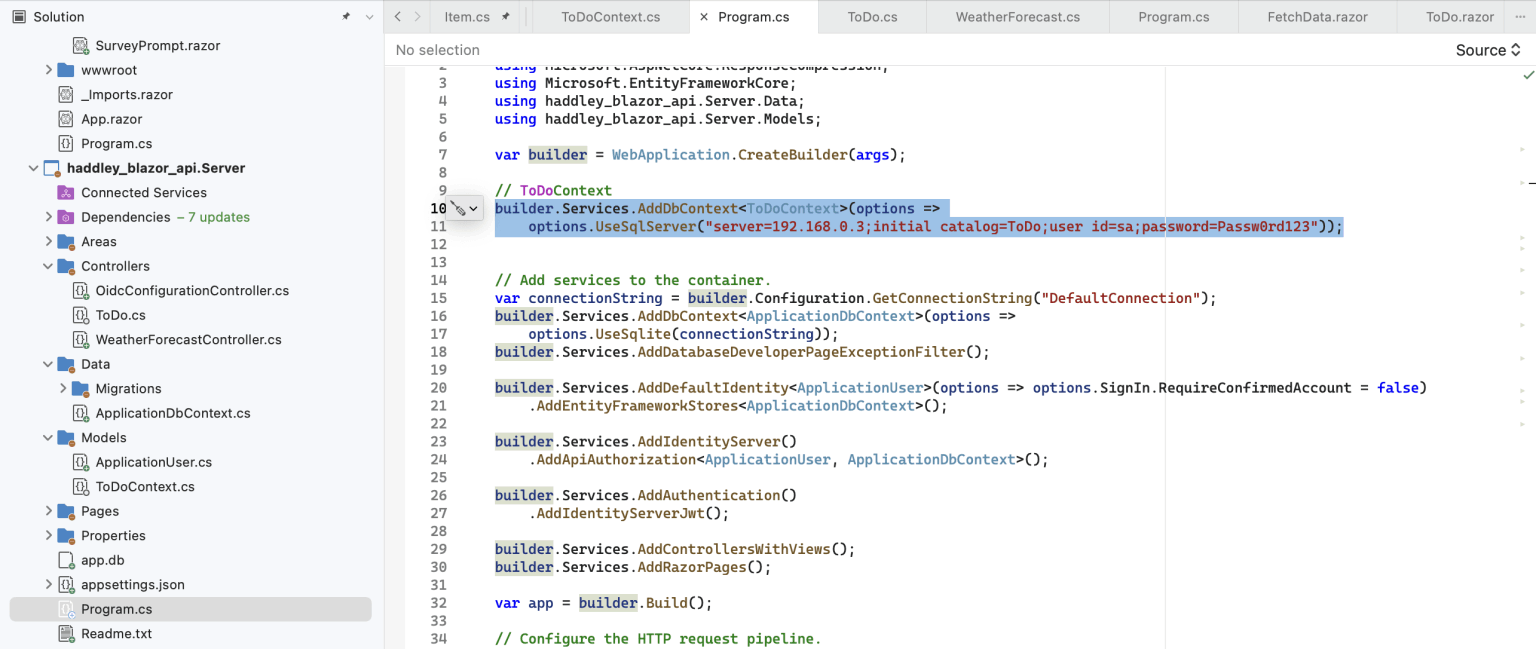
builder.Services.AddDbContext(options => options.UseSqlServer("server=192.168.0.3;initial catalog=ToDo;user id=sa;password=Passw0rd123"));
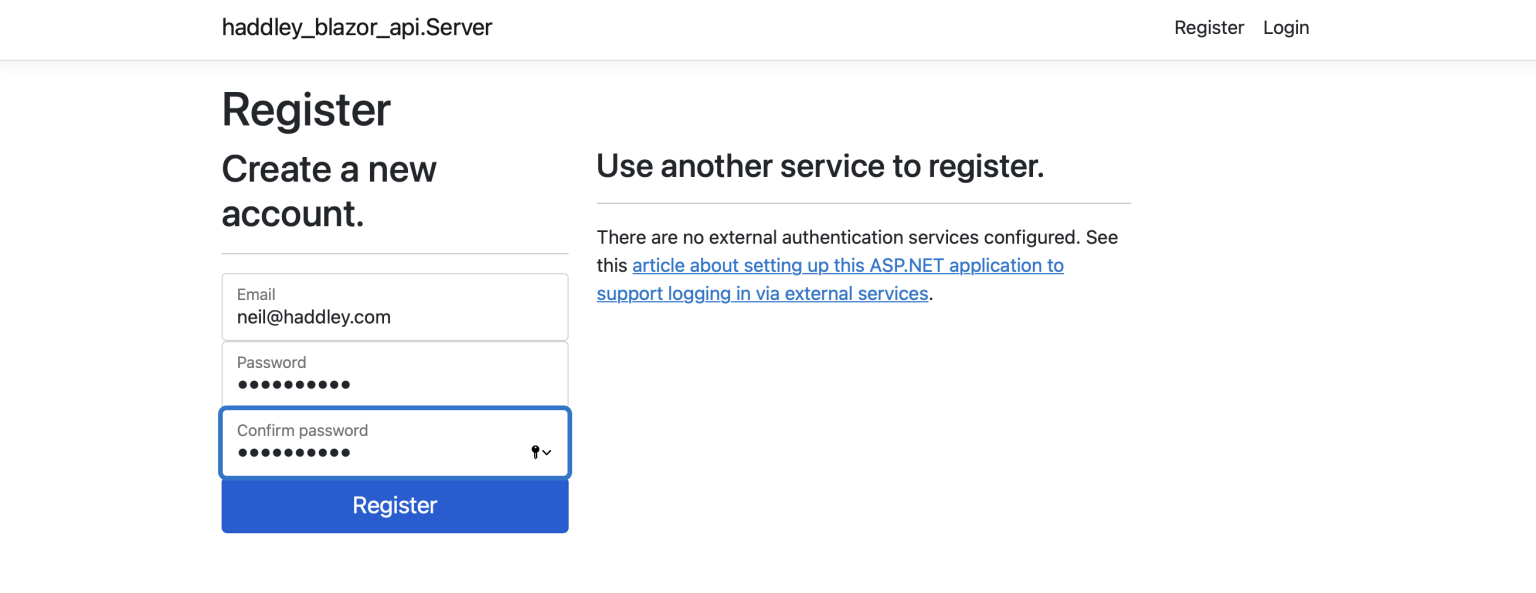
I was able to login
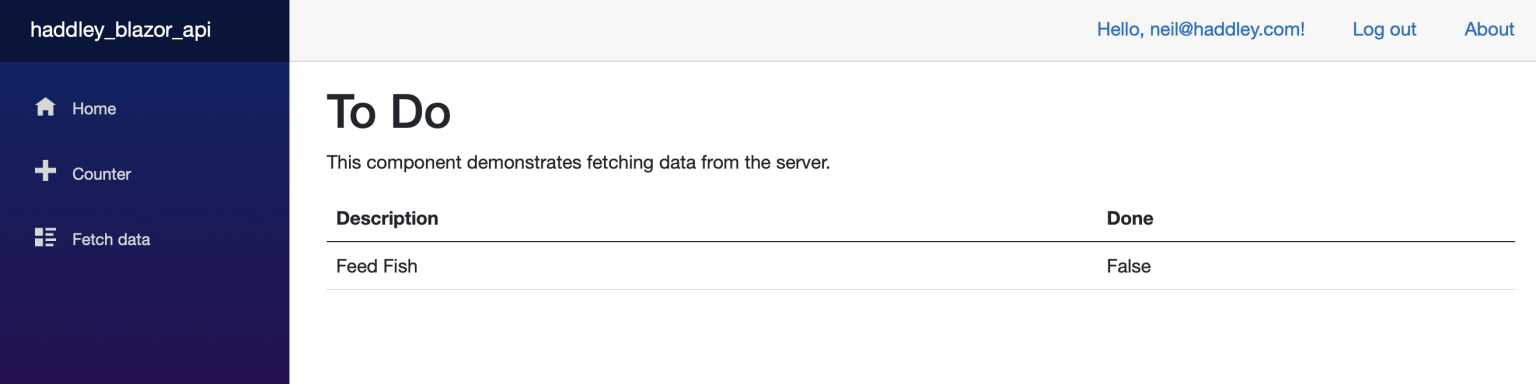
I was able to view the todo items using the new Razor page.

I updated the application's navigation menu
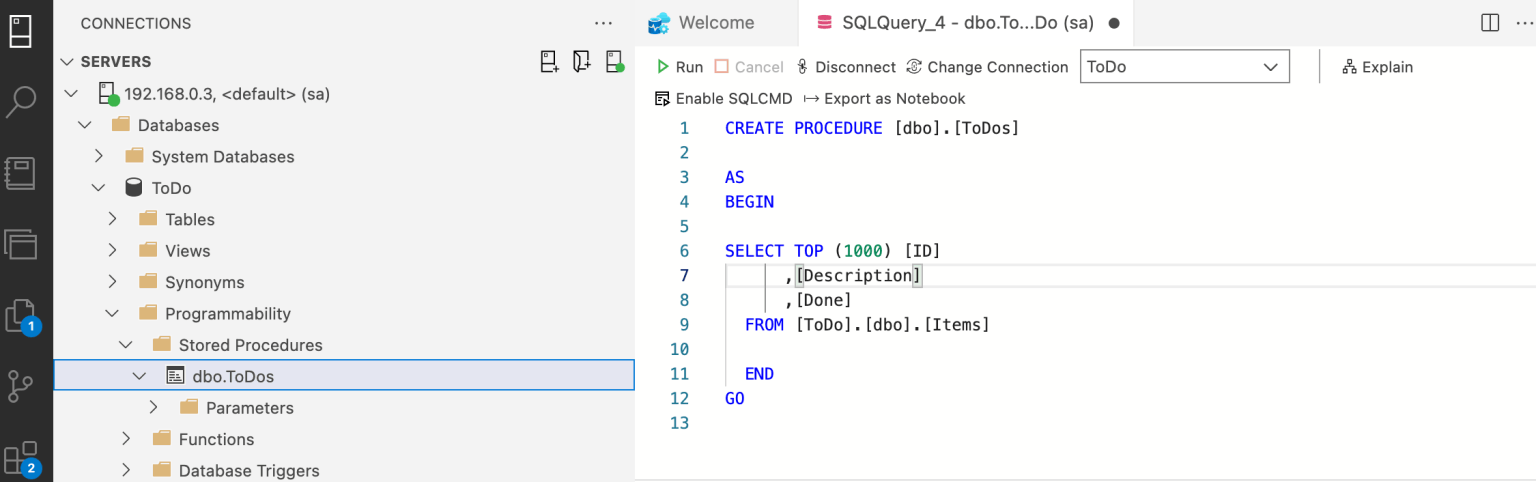
I created a stored procedure to return the to do items

I updated the API implementation to use the stored procedure
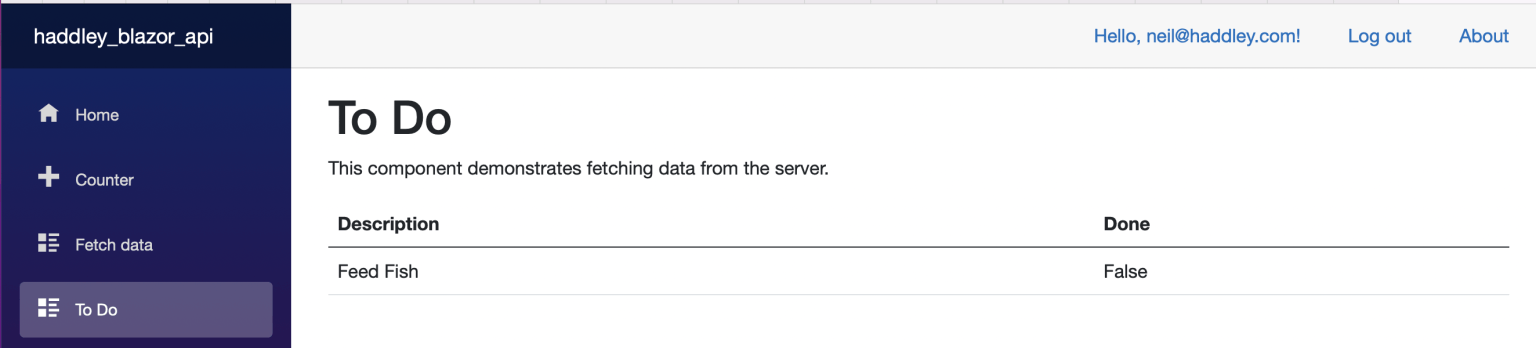
I reviewed the To Do page (populated using the stored procedure)
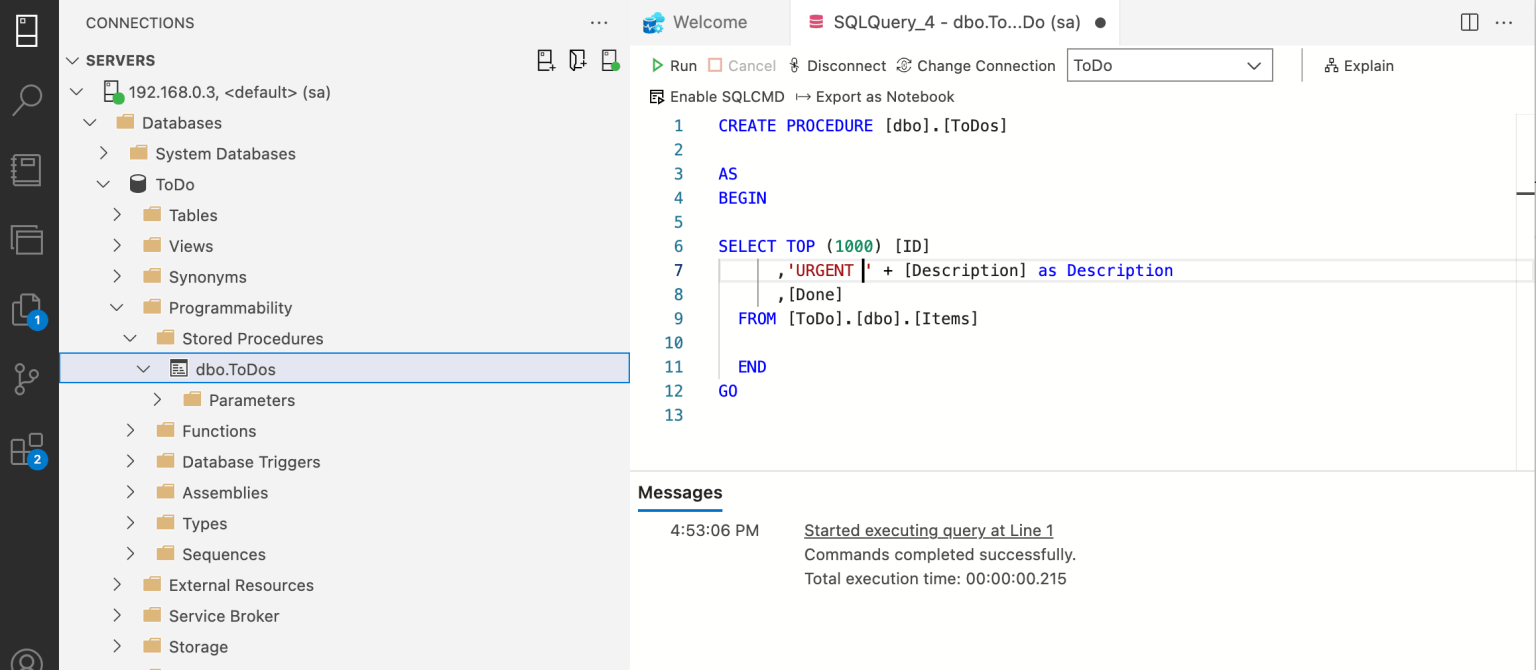
I updated the stored procedure to prefix each description with "Urgent "
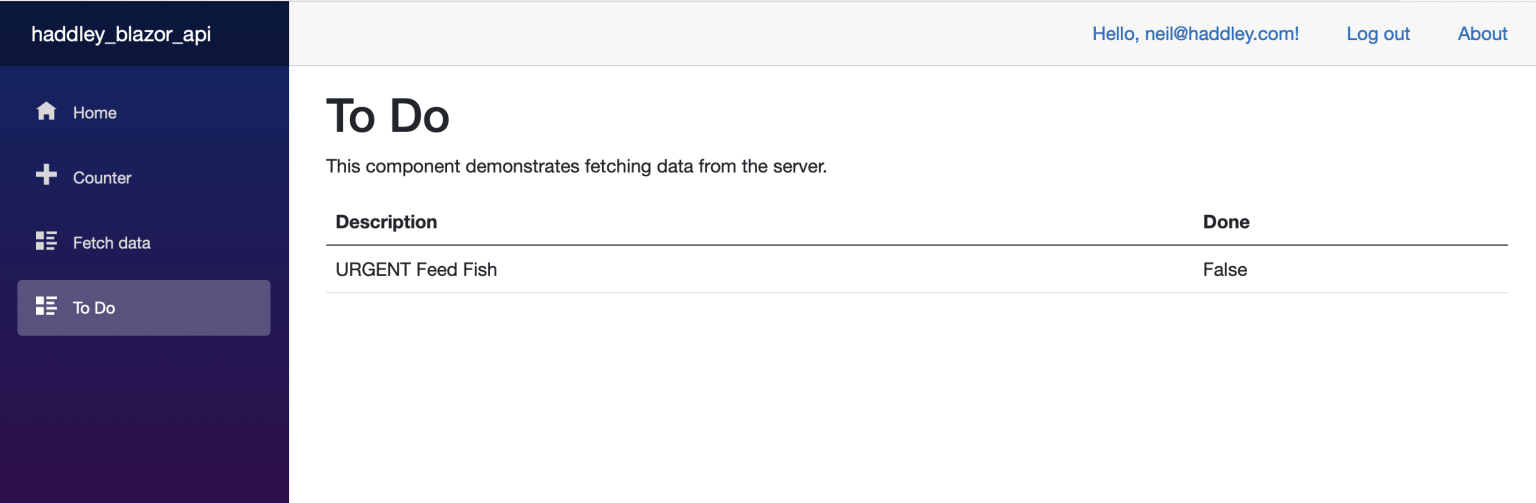
I refreshed the To Do page