Vendor Posting Group
Neil Haddley • December 12, 2023
Sub-ledgers
I used Business Central sub-ledgers to manage business operations.
Sub-ledgers include:
Item Ledger
Vendor Ledger
Detailed Vendor Ledger
Customer Ledger; and
Detailed Customer Ledger
Posting Groups
I used Posting Groups to build a bridge between Business Central sub-ledgers and the general ledger accounts.
I used a Vendor Posting Group to define which accounts payable general ledger account to use when purchasing goods from a Vendor.
I maintained Vendor Posting Groups using the Vendor Posting Groups page.
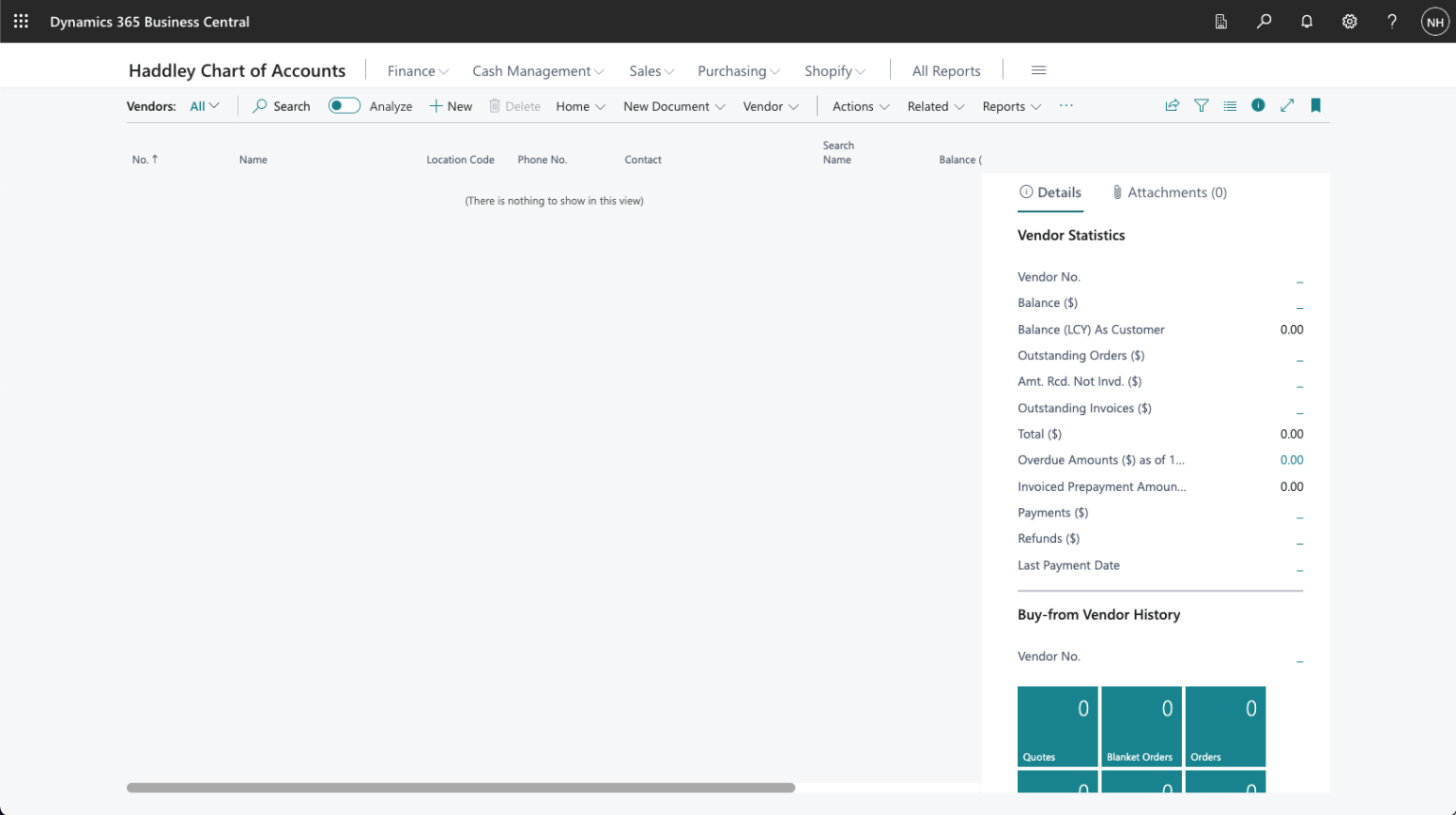
I used search to navigate to the Vendors page. I used + New to create a new Vendor
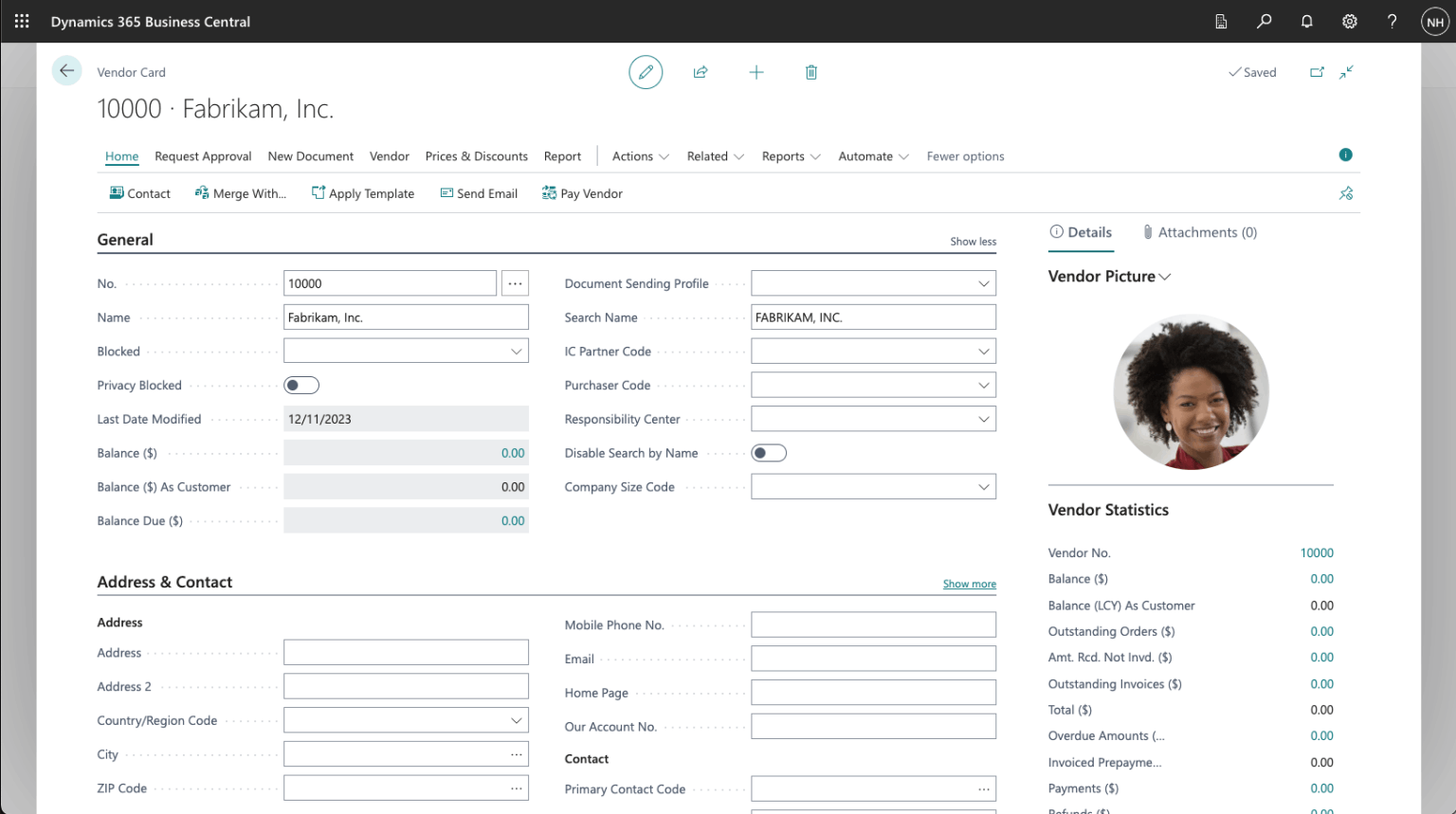
I entered Vendor details
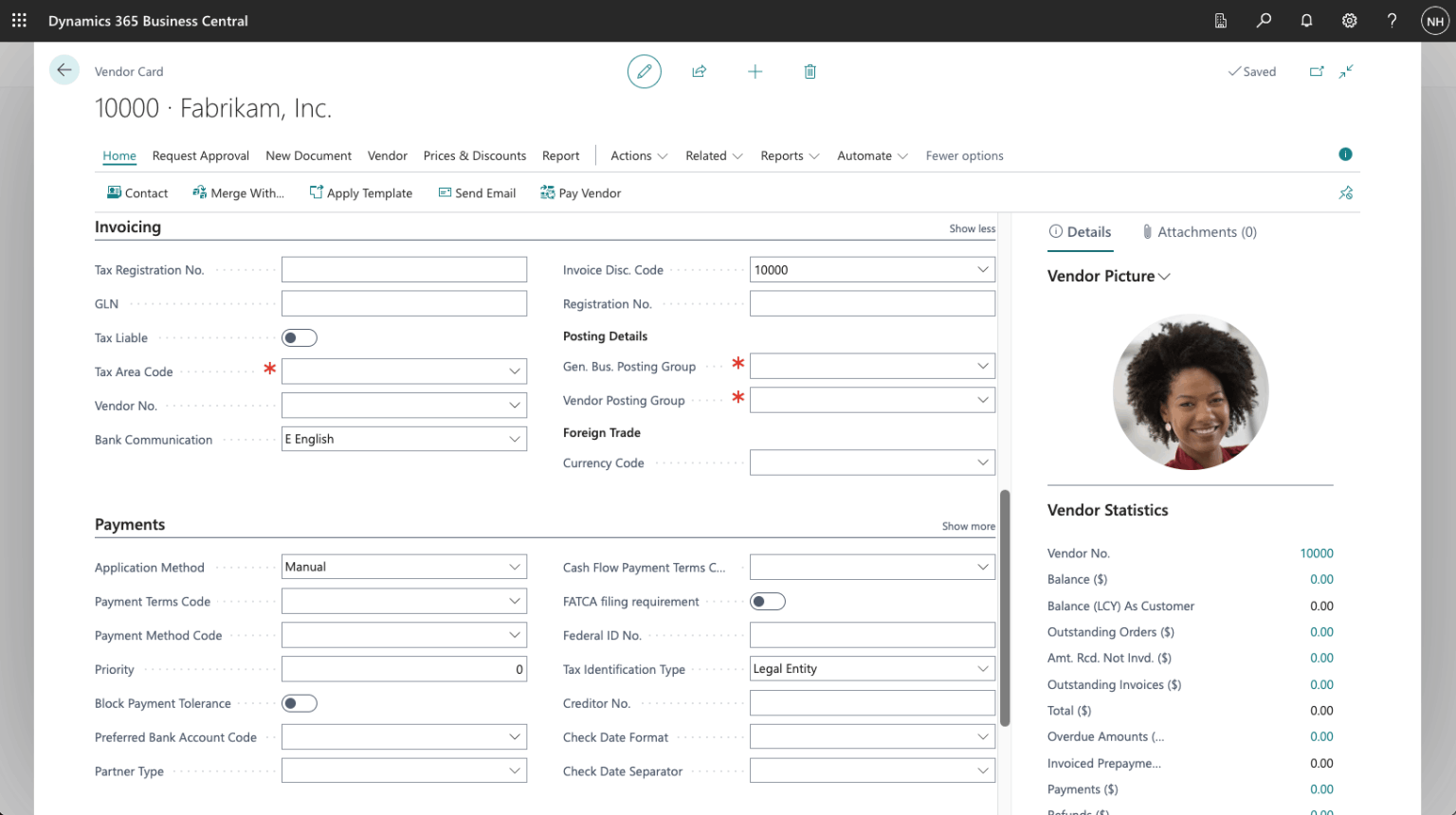
I reviewed the Invoicing tab for the new Vendor
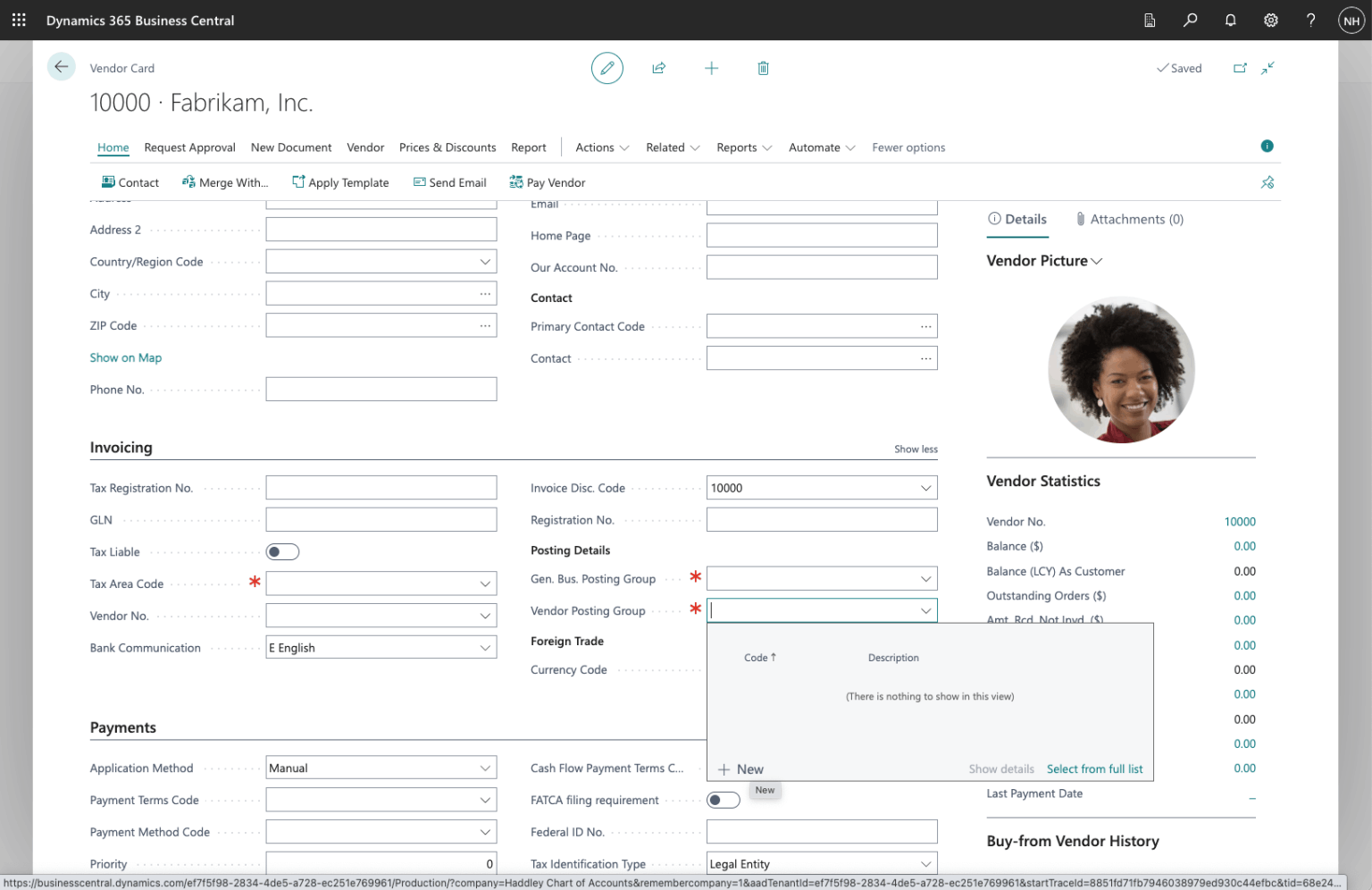
I clicked the + New link
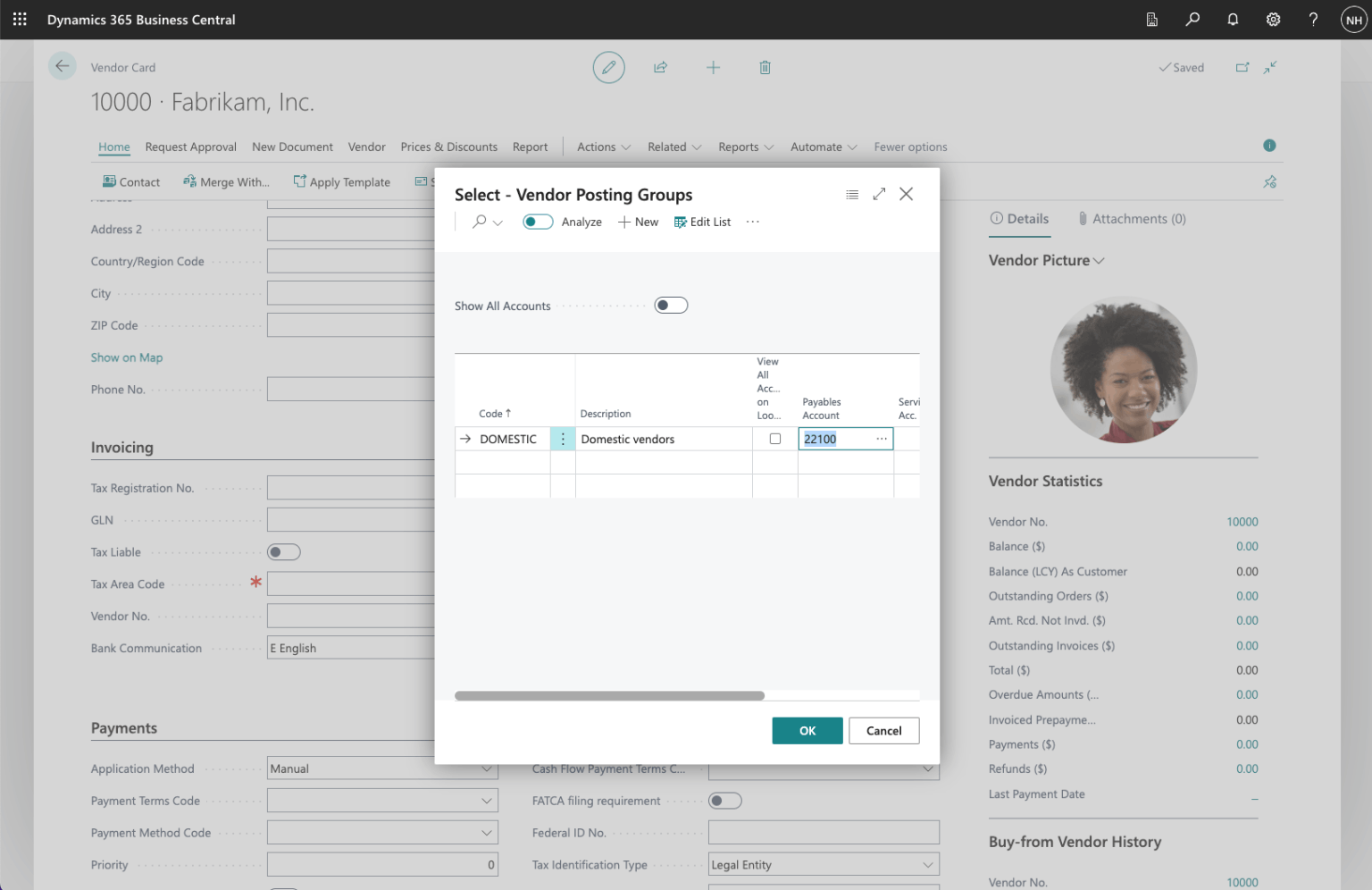
I added code DOMESTIC and set Payables Account to 22100 (Account Payable, Domestic)
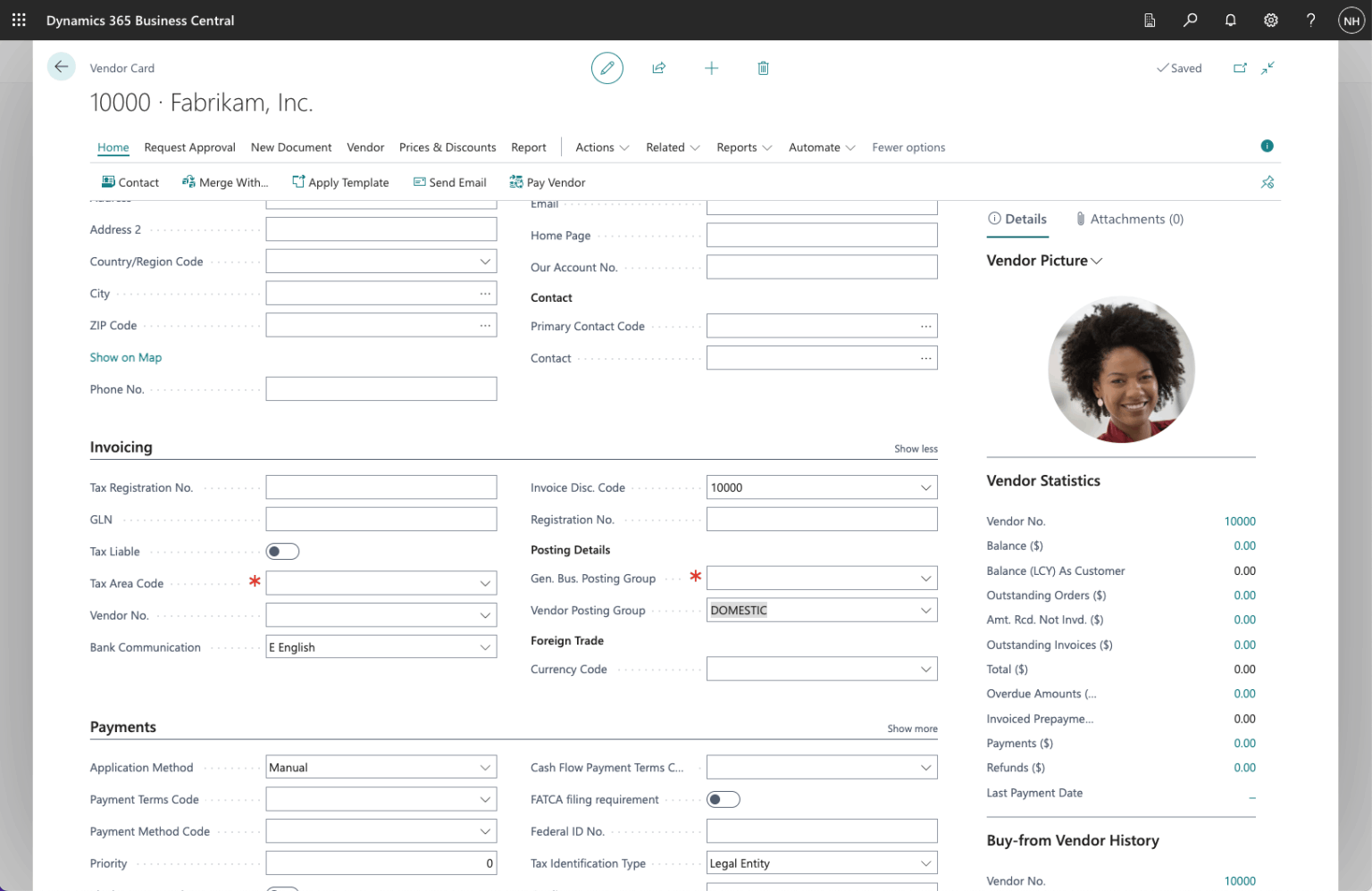
I set the Vendor Posting Group to DOMESTIC
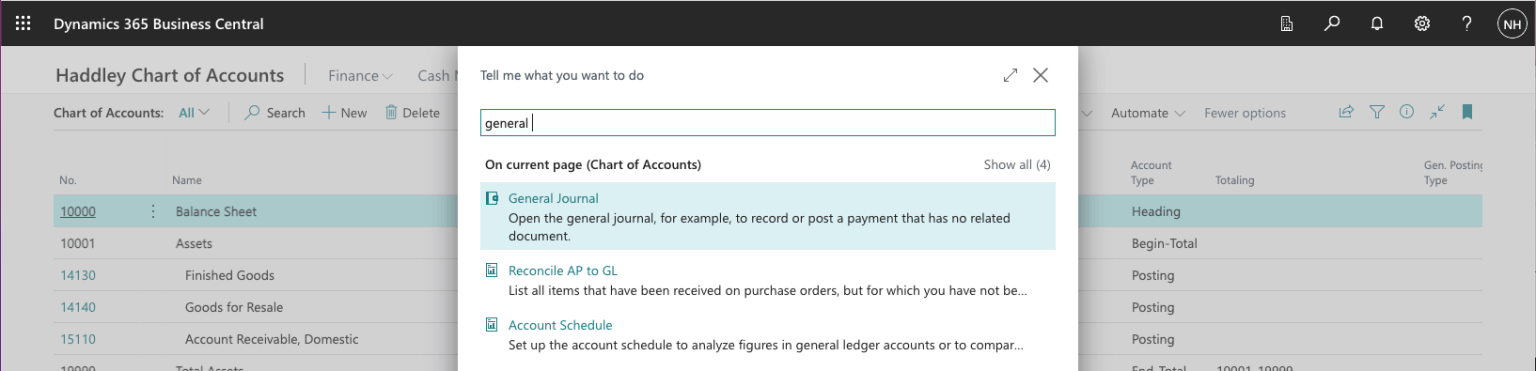
I used search to navigate to the General Journal page
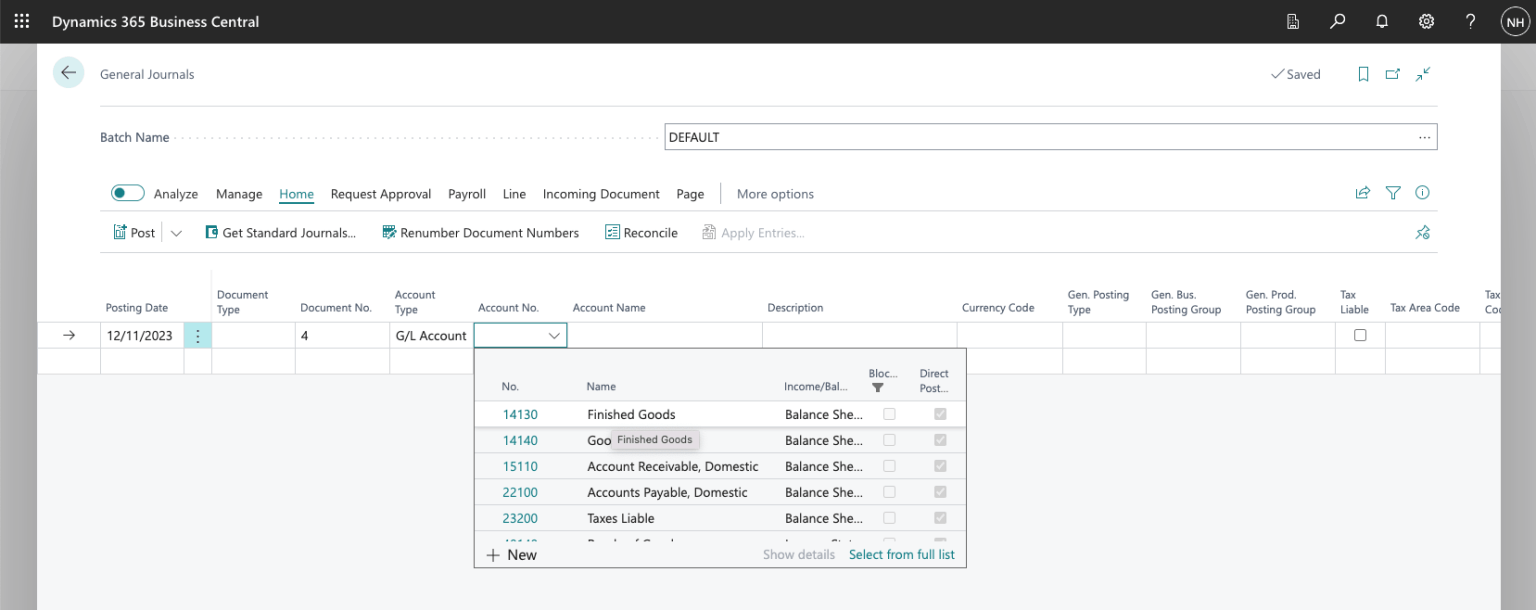
I created a Journal entry debiting the Finished Goods account
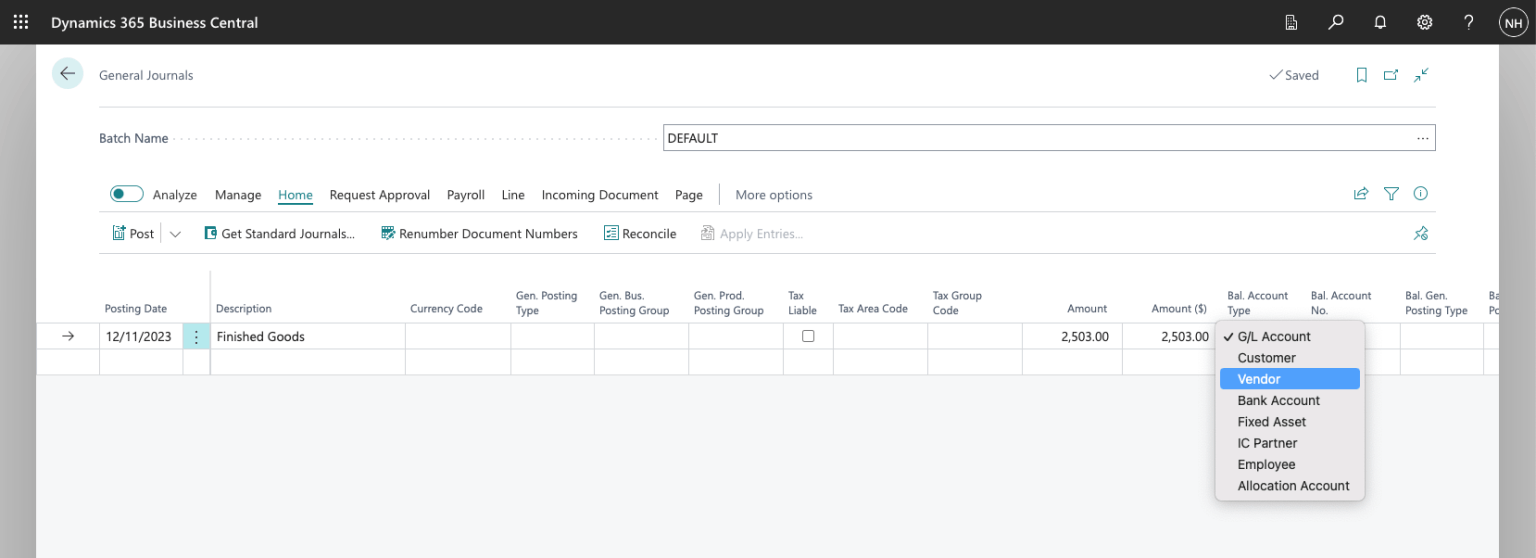
I set the Amount to $2,503 and the balancing Account Type to Vendor
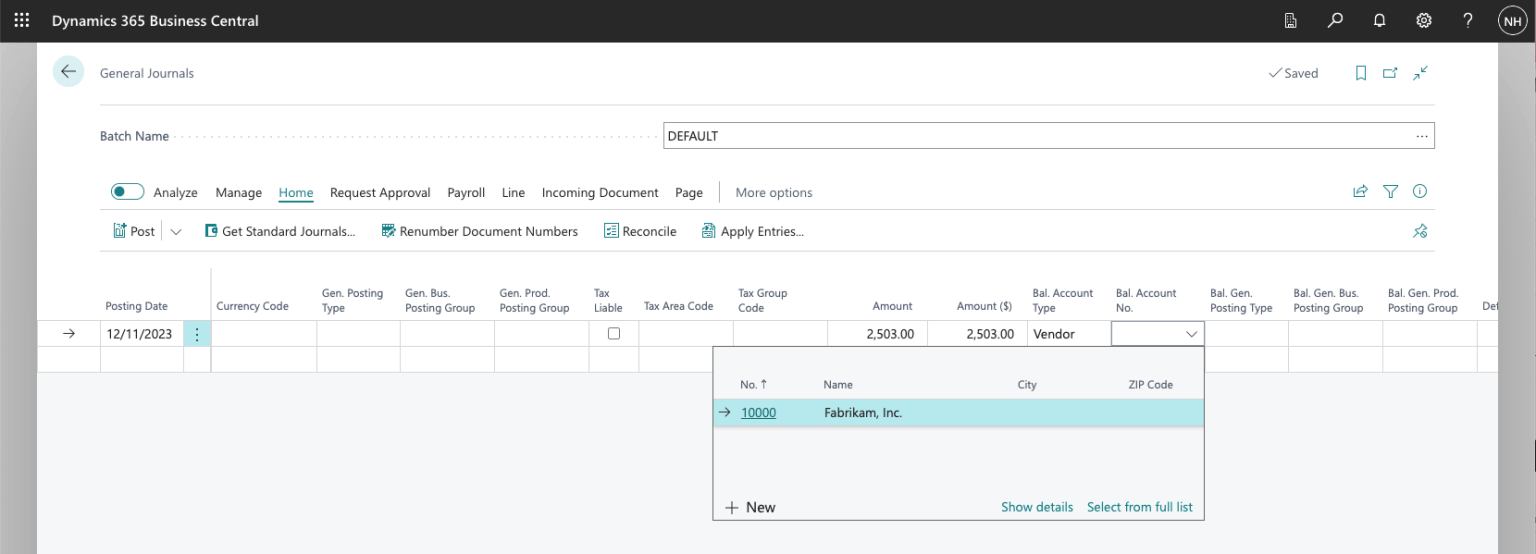
I selected Vendor Fabrikam, Inc.
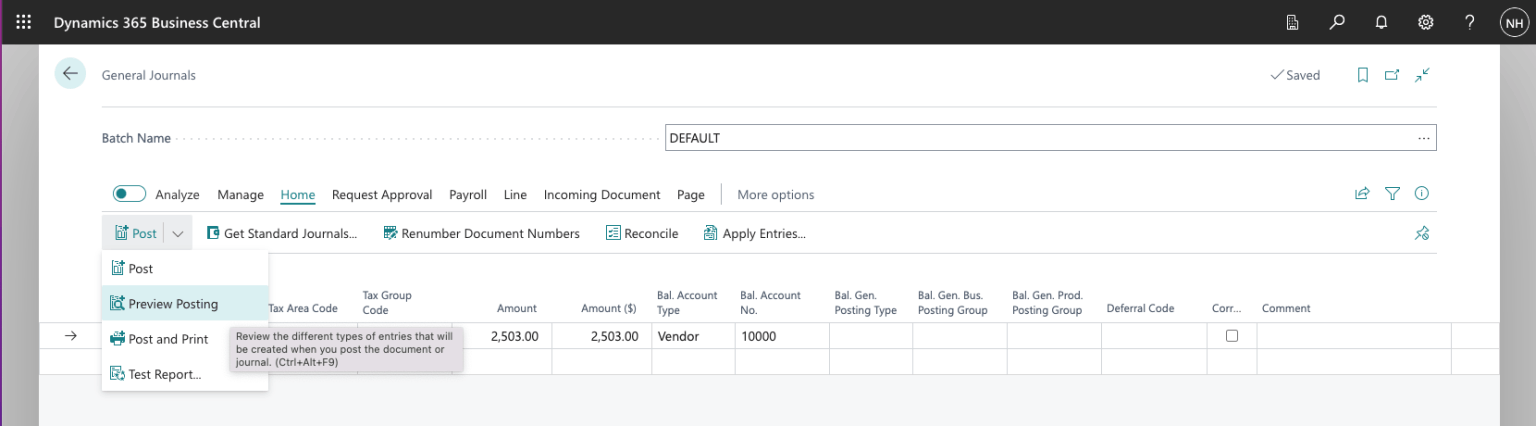
I clicked the Preview Posting button
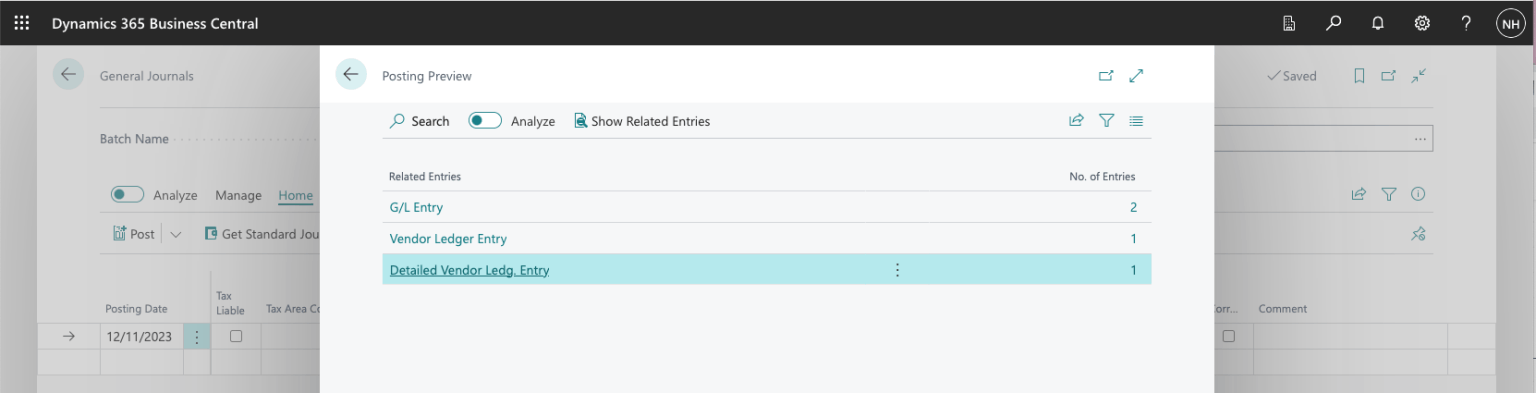
The preview showed 2 General Ledger entries, 1 Vendor Ledger entry and 1 Detailed Vendor Ledger entry
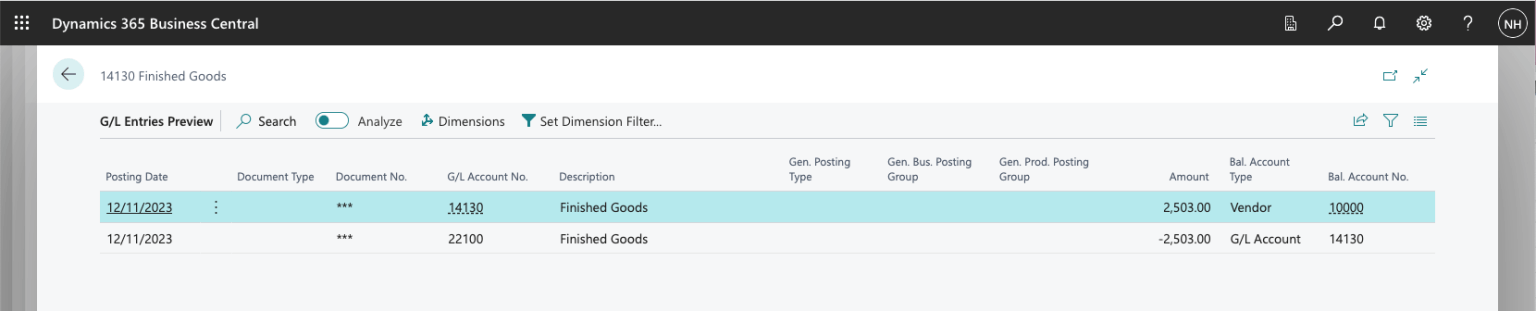
The first general ledger entry relates to General Ledger account 14130 Finished Goods. The second general ledger entry relates to General Ledger account 22100 Accounts Payable, Domestic (per the DOMESTIC Vendor Posting Group).