How I built hello world on my M1 MacBook Air
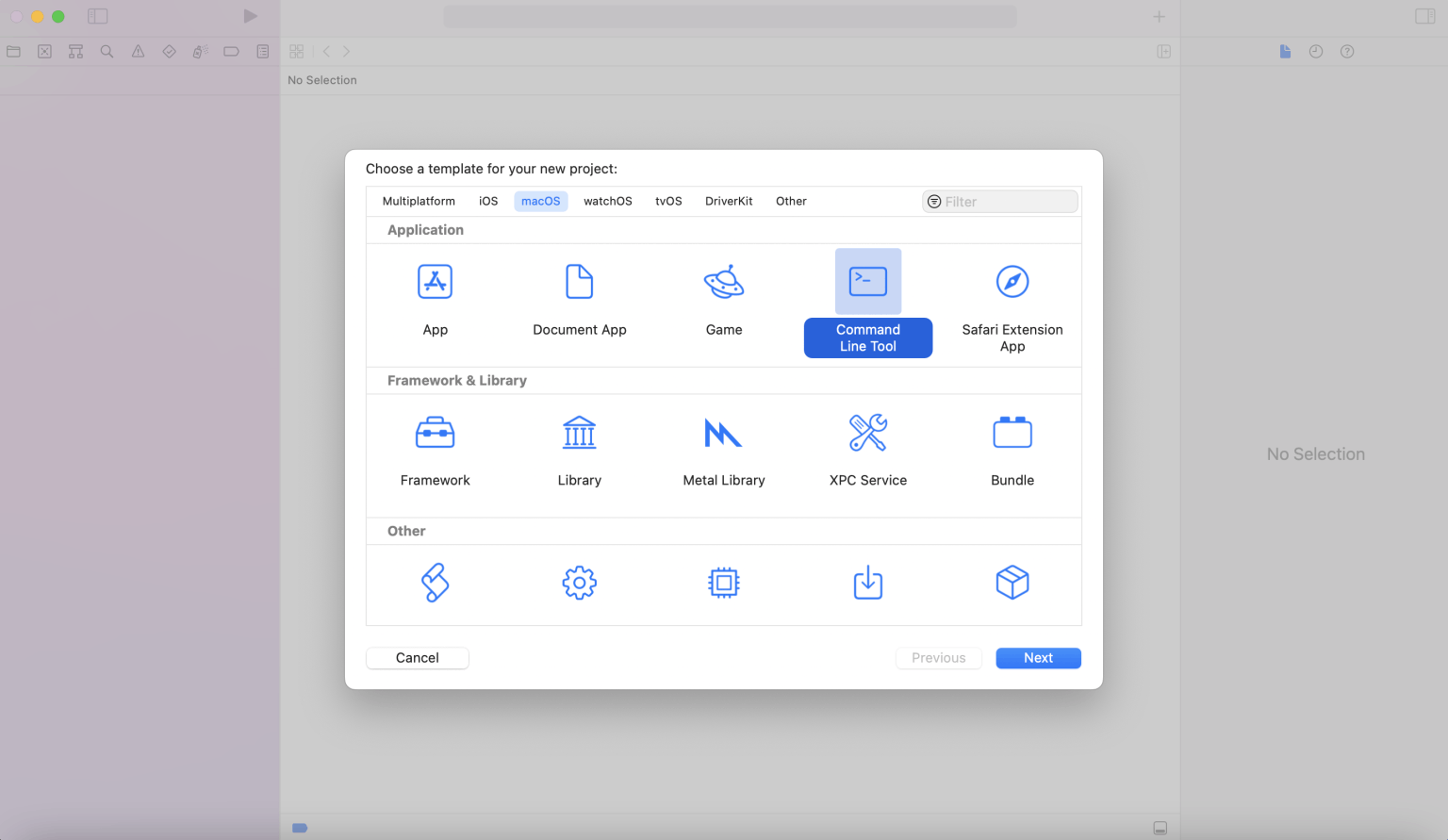
I created a new Command Line Tool project
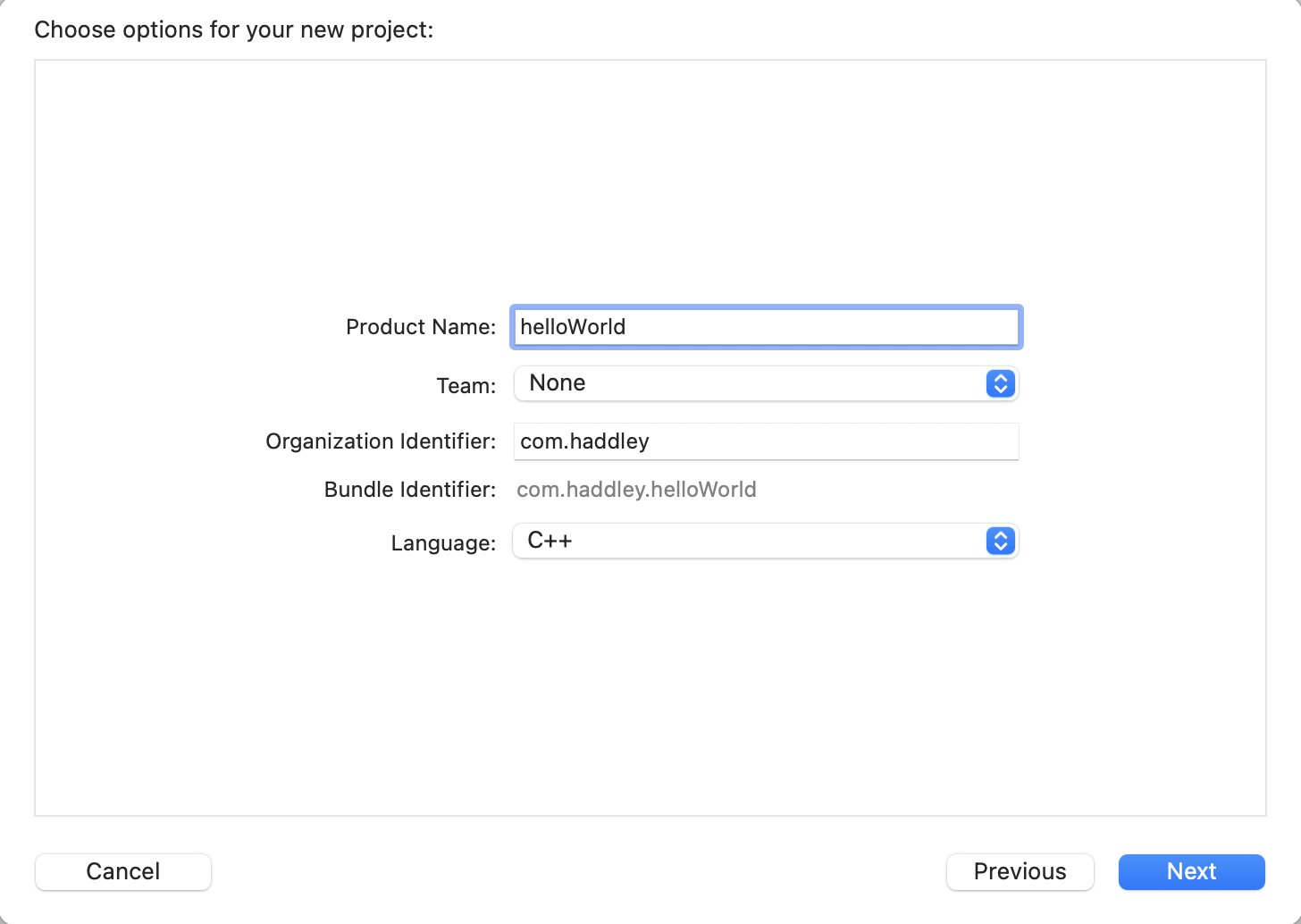
I set the Product Name to helloWorld and the Language to C++
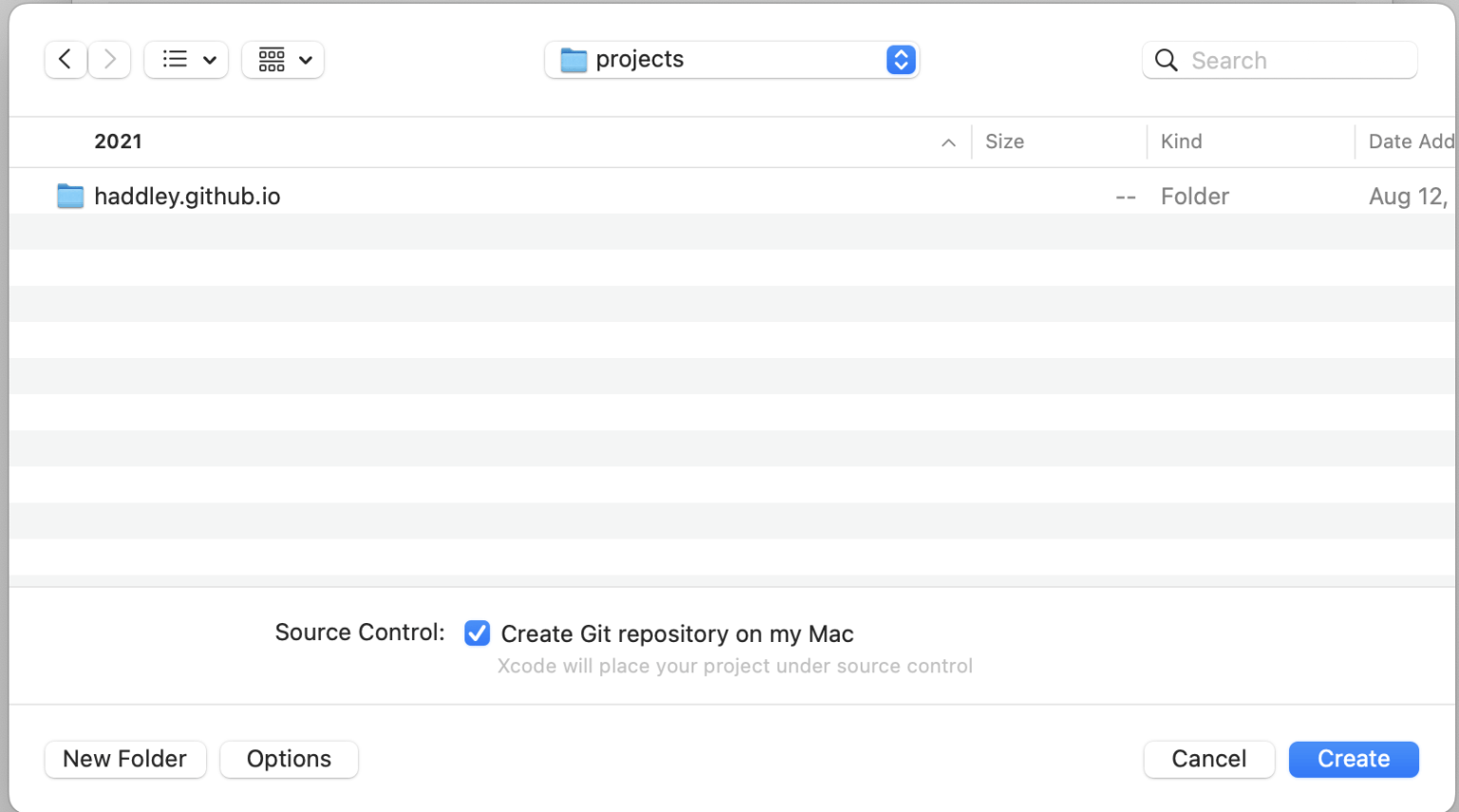
I selected the Source Code location
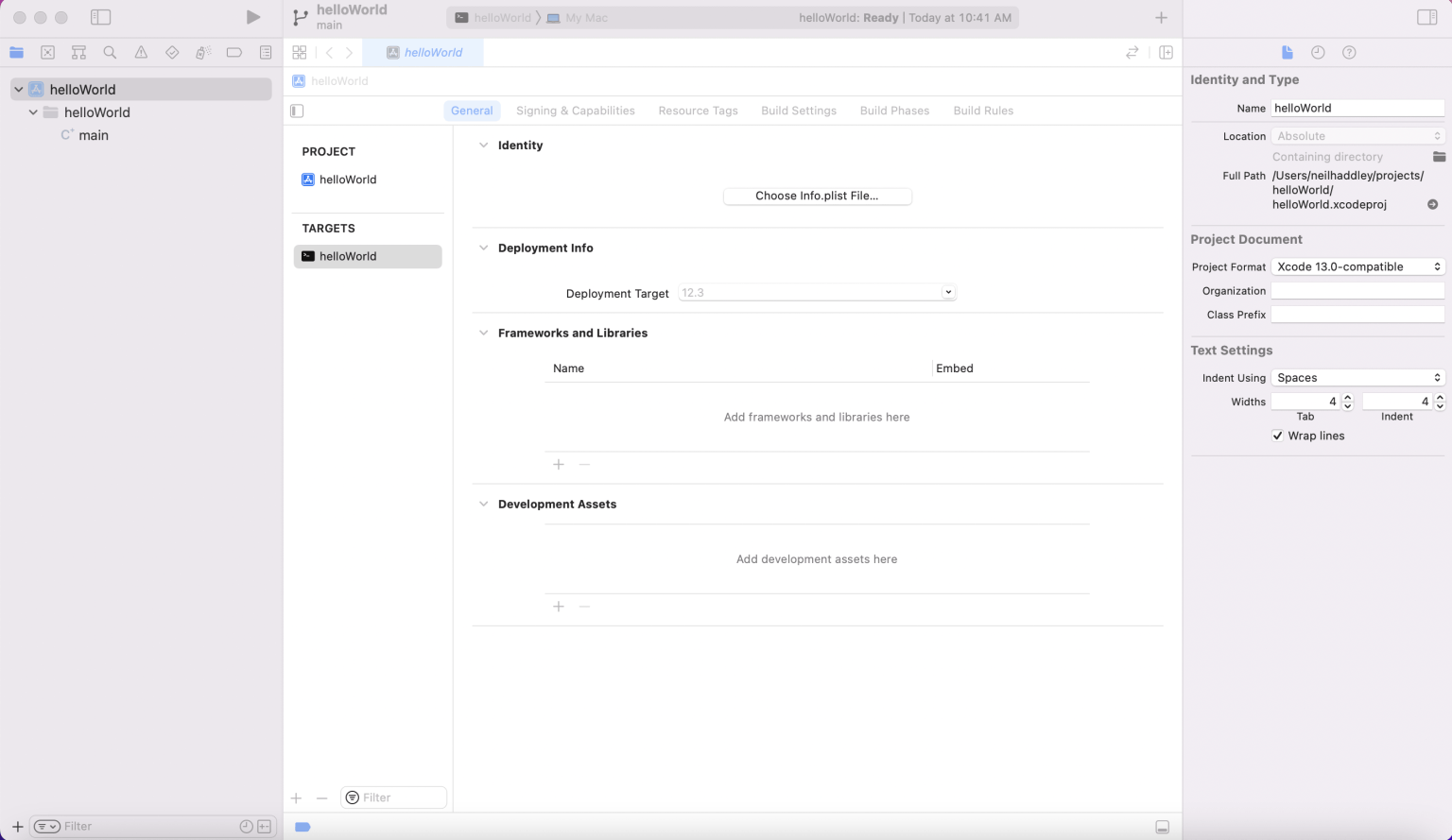
I reviewed the General project settings
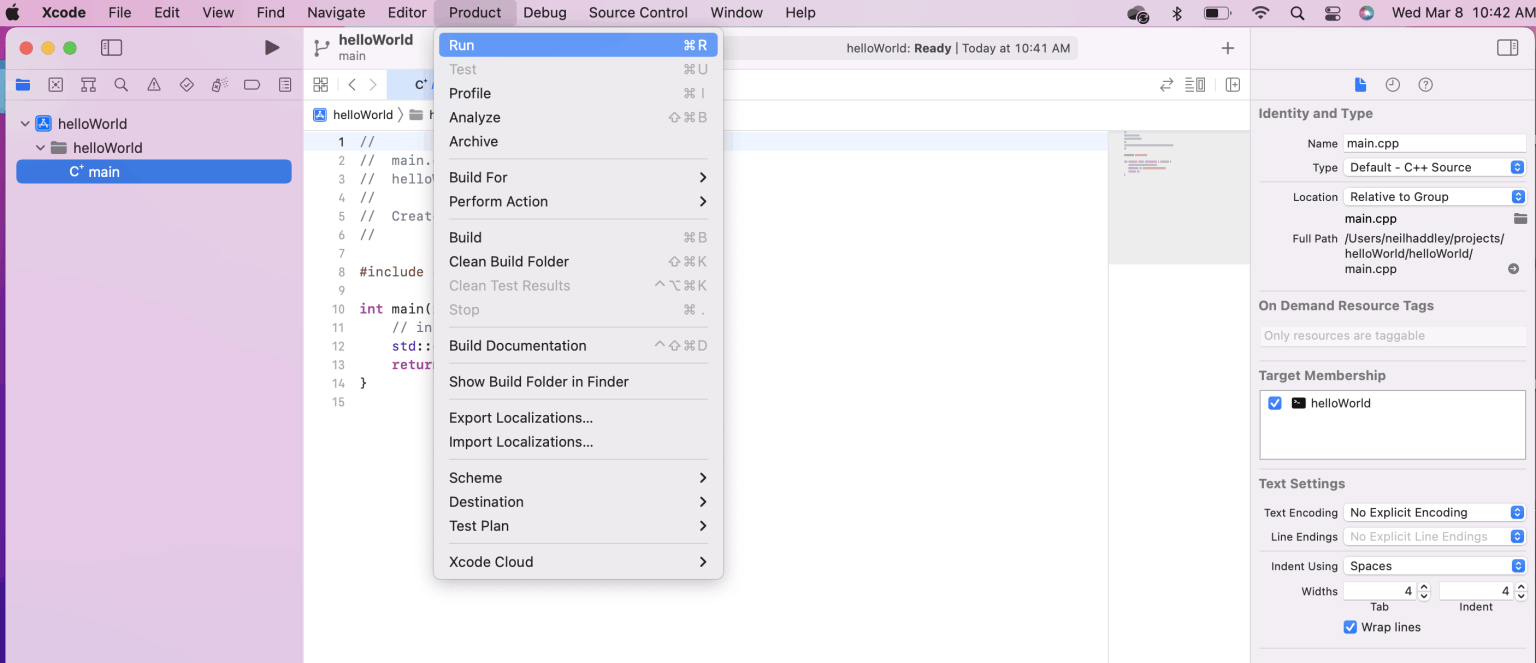
I built and ran the project
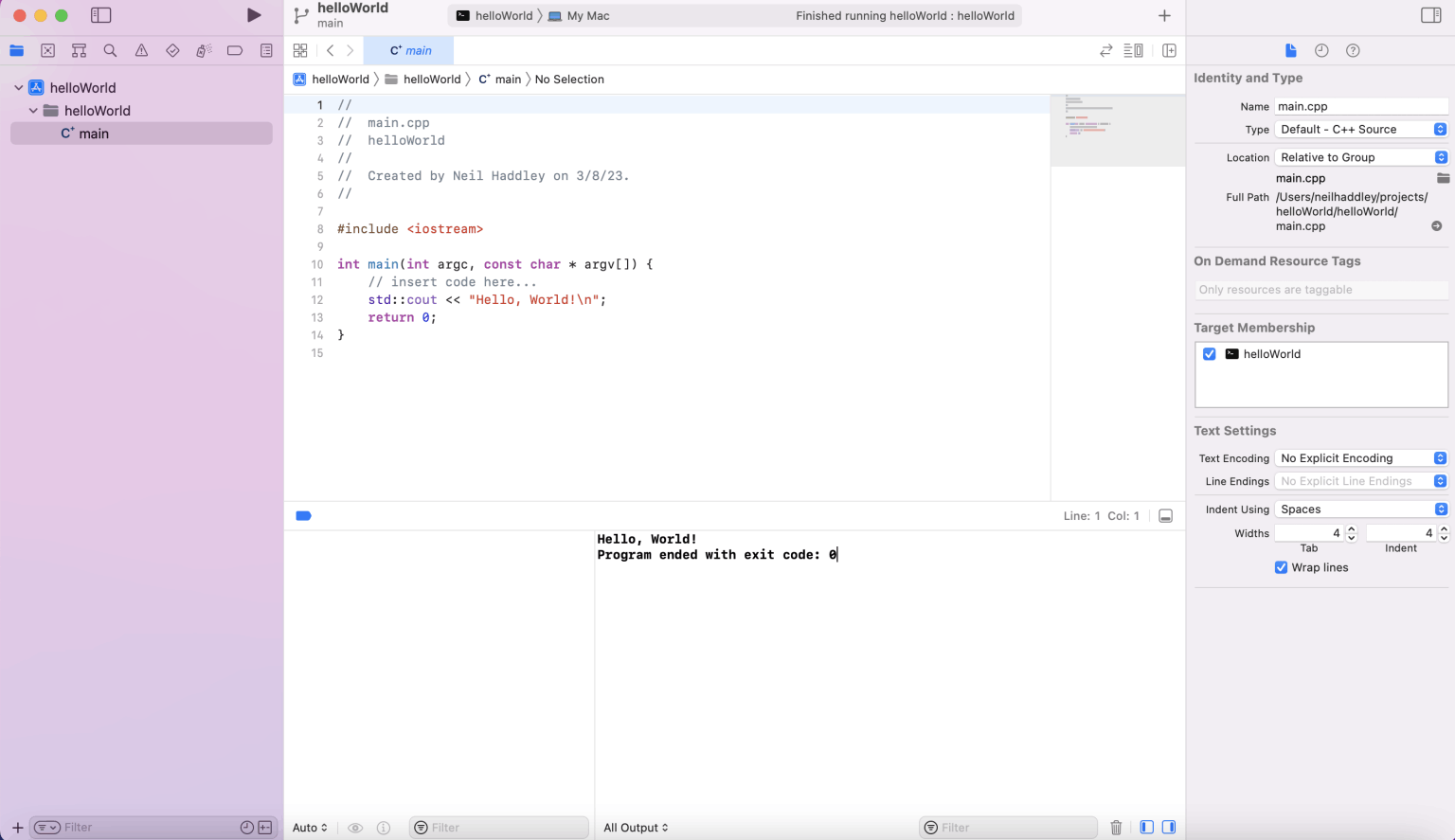
The program ended
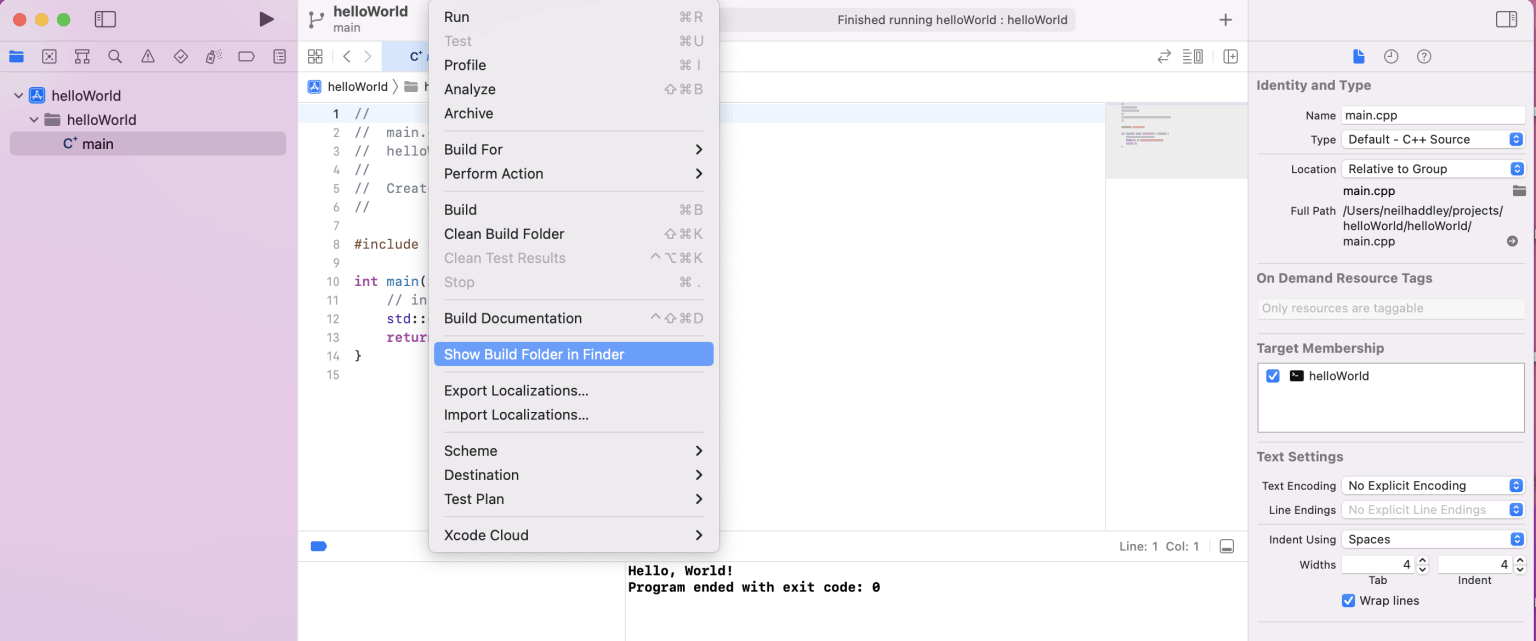
I showed the Build Folder in Finder
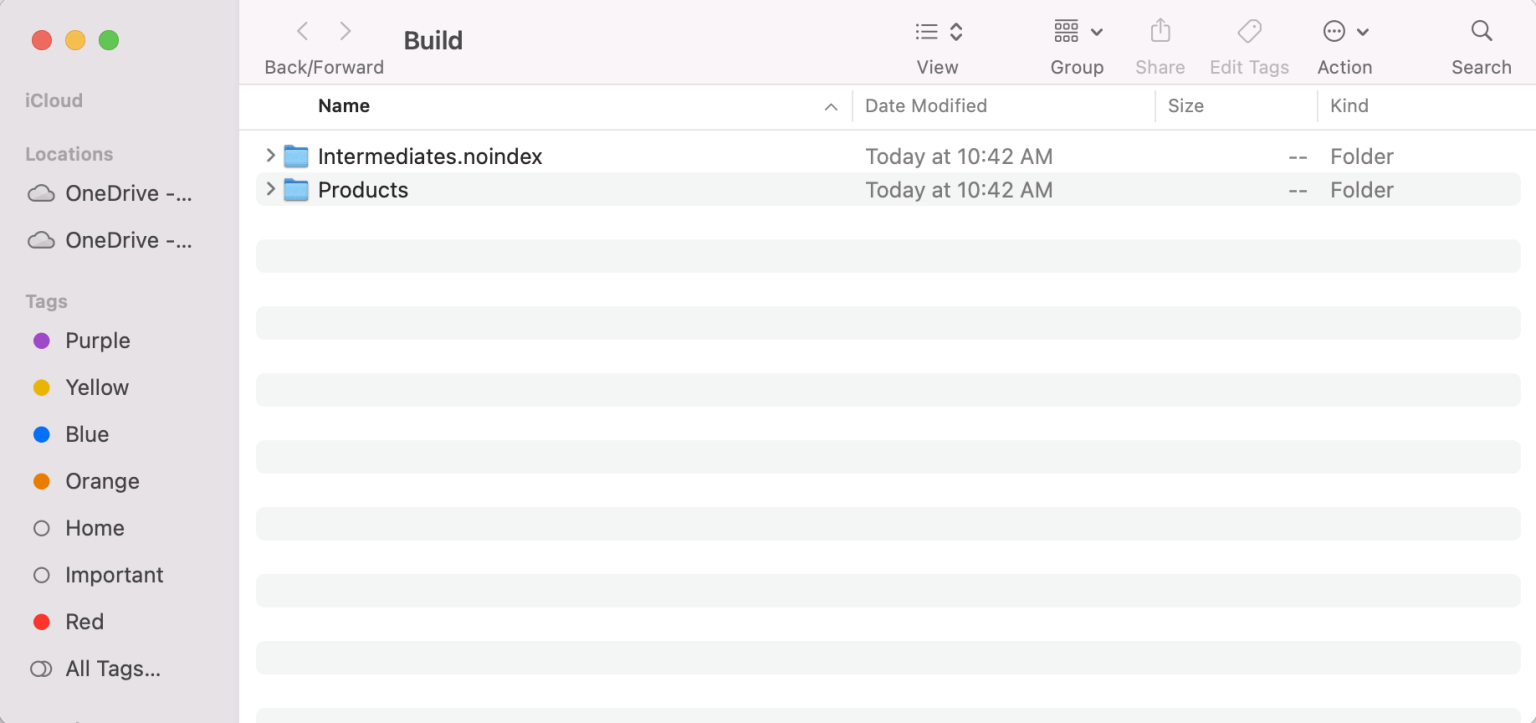
I reviewed the Build Folder

I examined the Debug Build folder
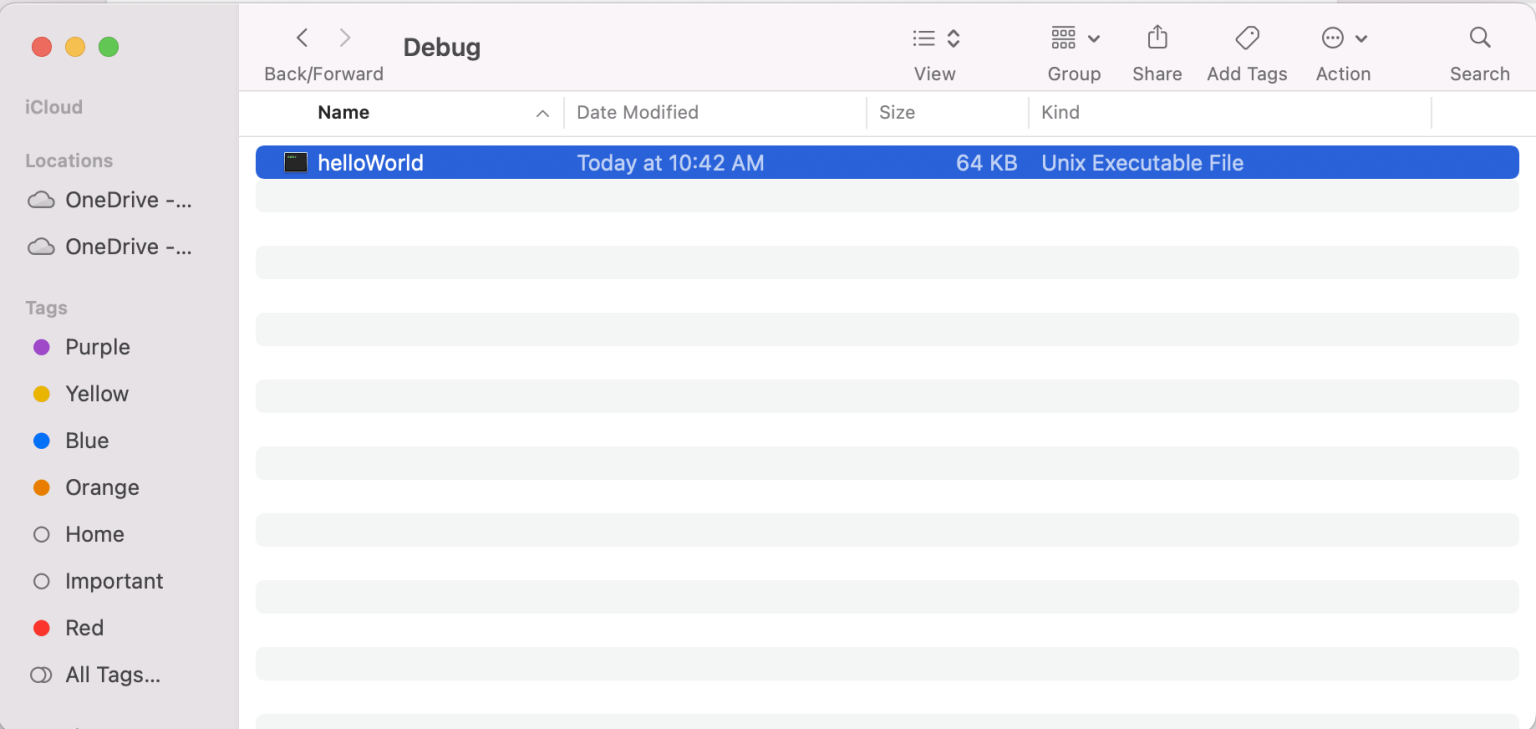
I reviewed the Unix Executable File
main.cpp
C++
1//
2//  main.cpp
3//  helloWorld
4//
5//  Created by Neil Haddley on 3/8/23.
6//
7
8#include <iostream>
9
10int main(int argc, const char * argv[]) {
11    // insert code here...
12    std::cout << "Hello, World!\n";
13    return 0;
14}