3D Printing (Part 1)
Neil Haddley • July 15, 2023
Printing a name plate on an ELEGOO Mars 3 Pro resin printer: designing it in Tinkercad, slicing it in CHITUBOX, then washing, drying and curing the part
My first resin print was a simple name plate: raised letters on a flat block. I designed it in Tinkercad, sliced it in CHITUBOX, and printed it on an ELEGOO Mars 3 Pro.
Tinkercad
I created a 3D .STL file using Tinkercad.
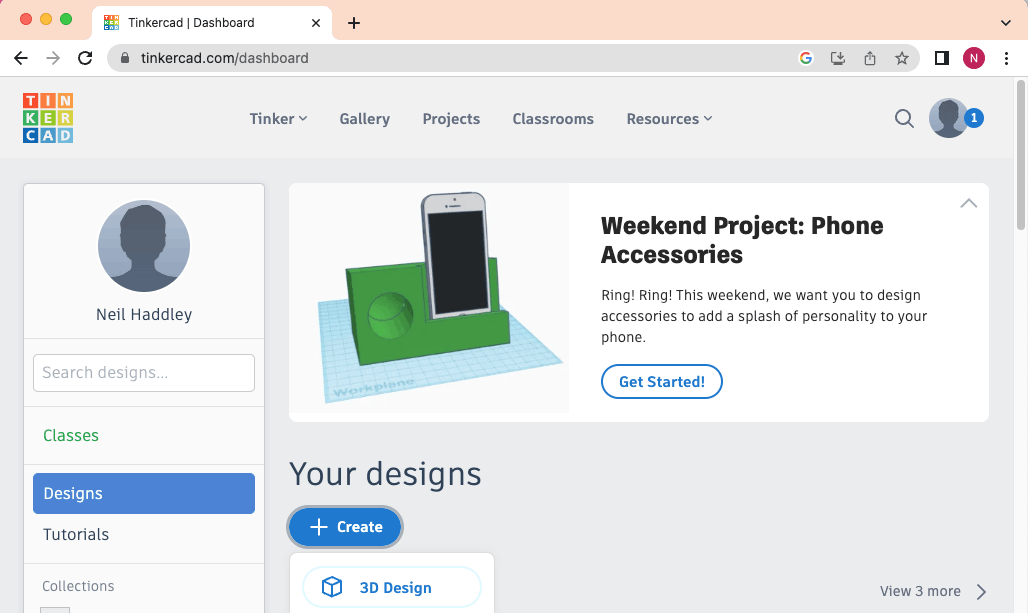
I created a 3D design in Tinkercad
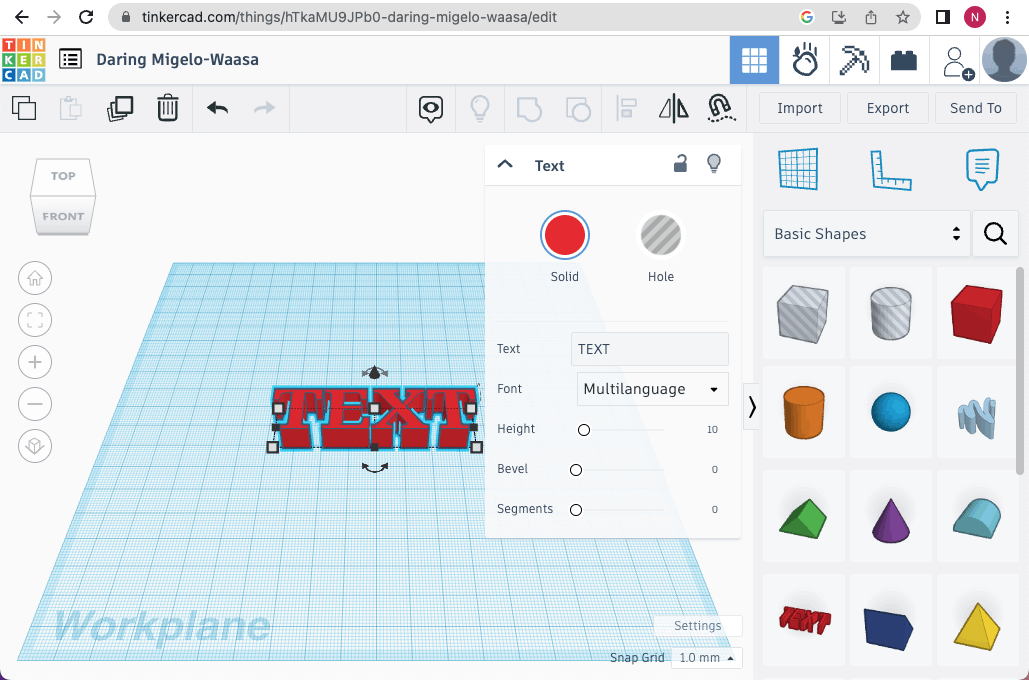
I added text
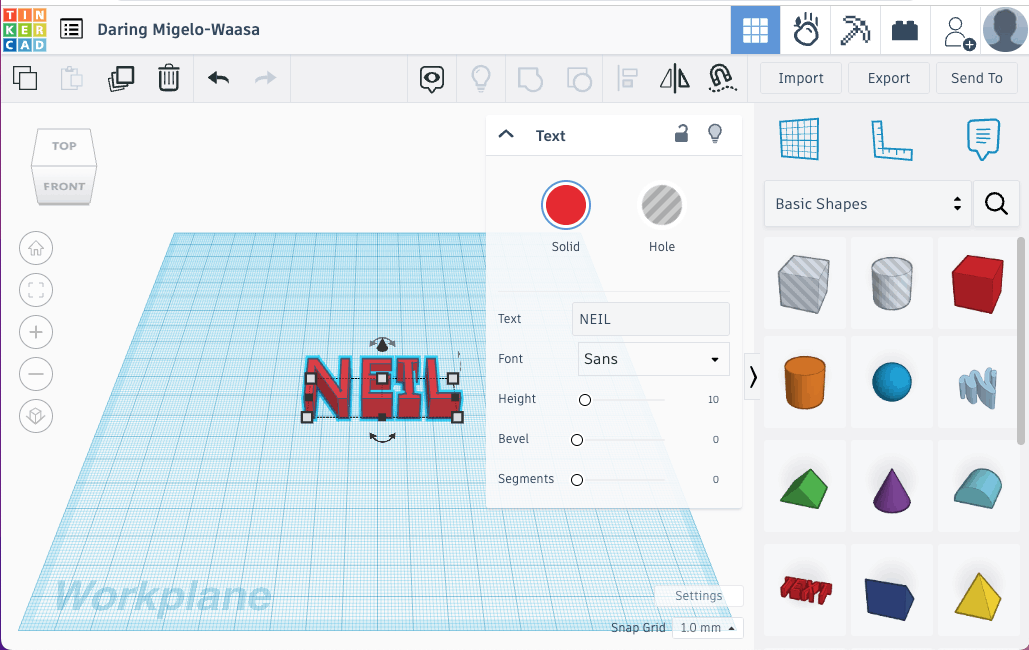
I updated the font. Notice that the Height was set to 10.
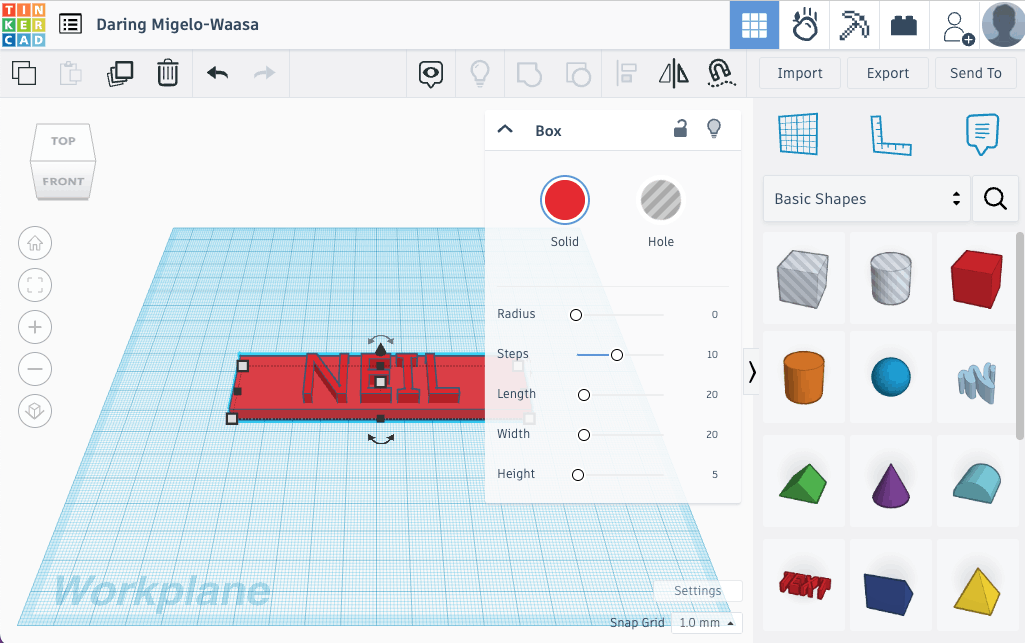
I added a block with a height of 5.
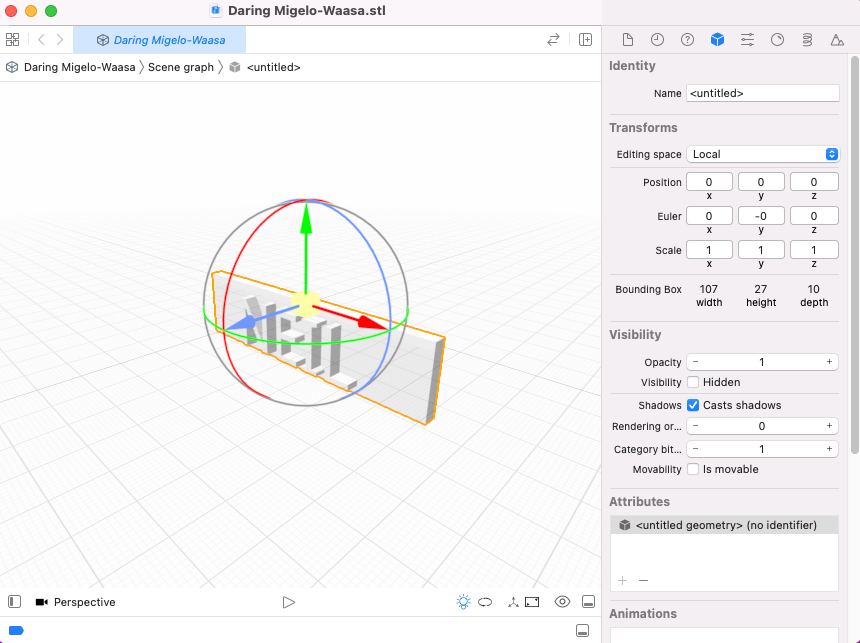
I exported the design as .STL file
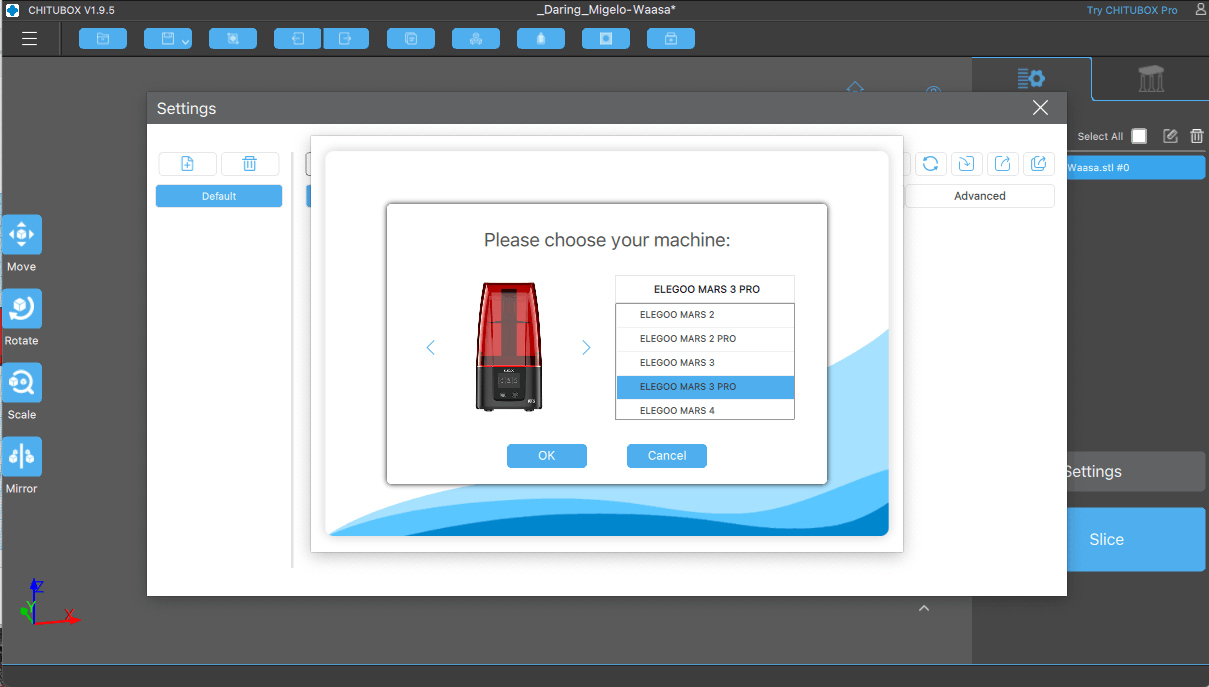
I downloaded CHITUBOX and added support for the "ELEGOO MARS 3 PRO"
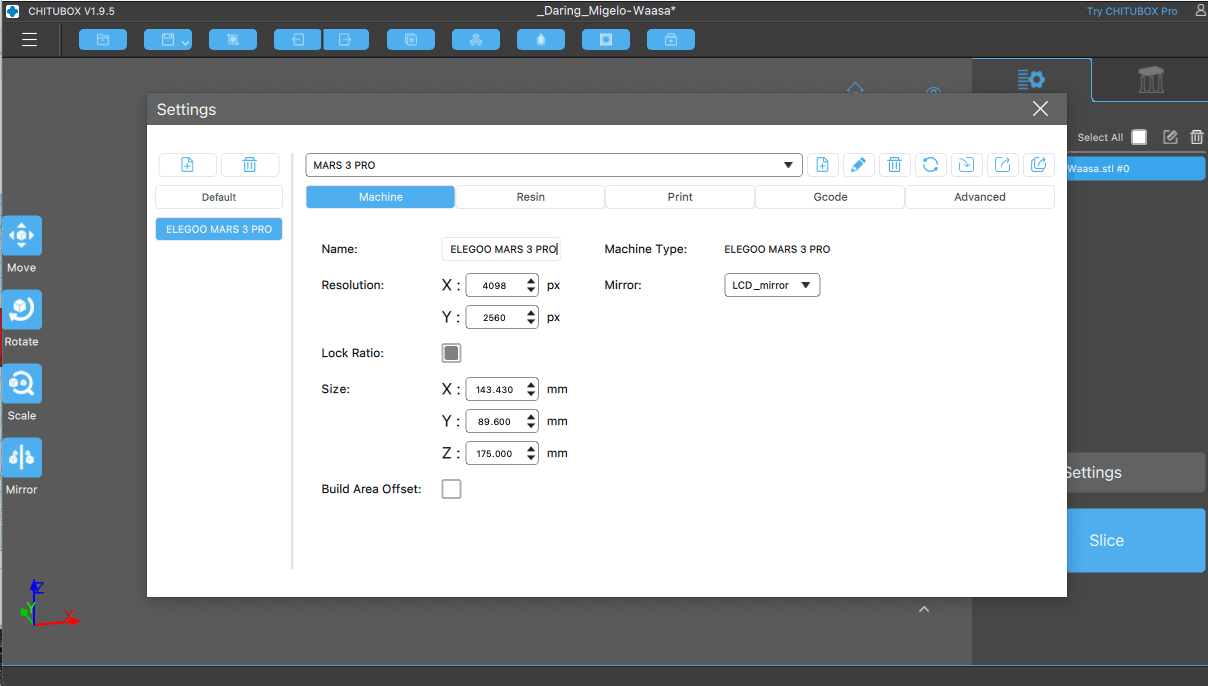
I reviewed the settings for the Mars 3 Pro
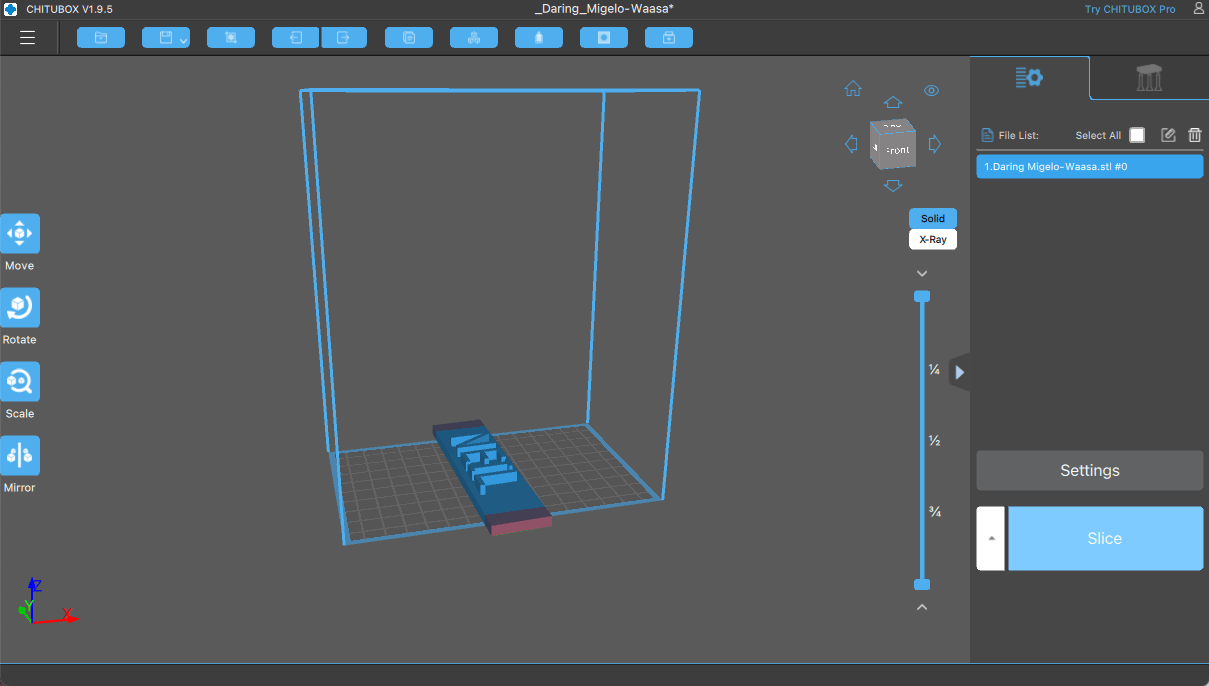
I imported the .STL file
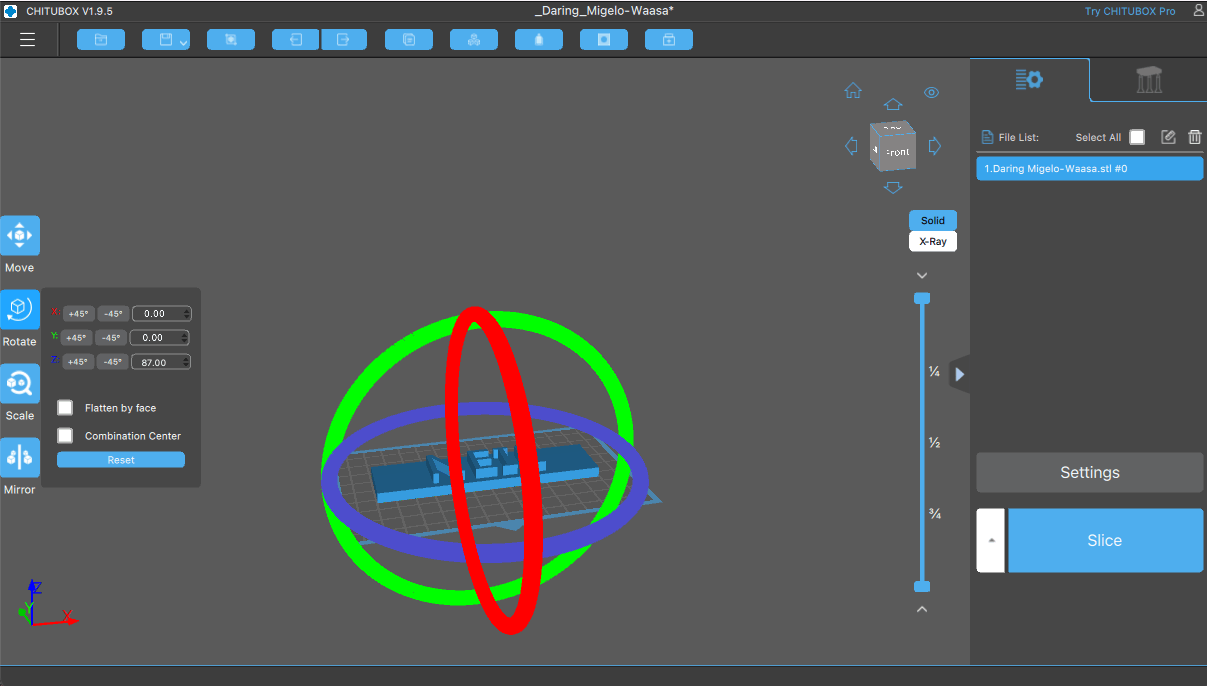
I rotated the design.
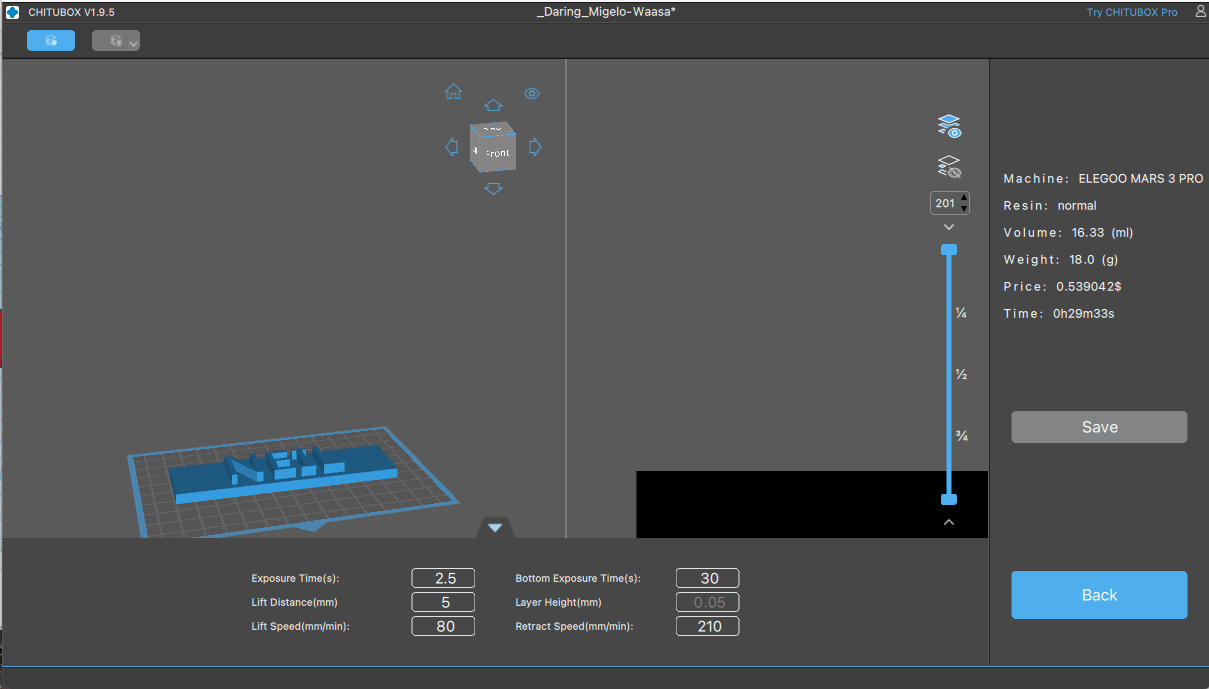
I clicked "Slice"
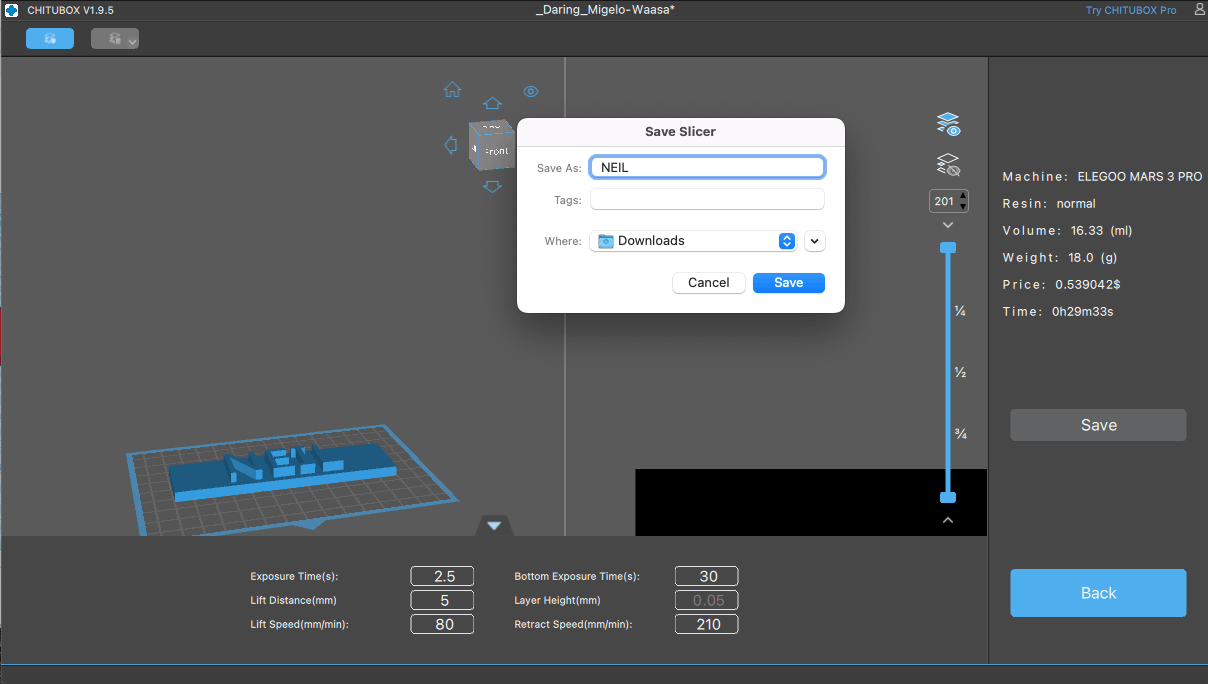
I saved the result as a .CTB file
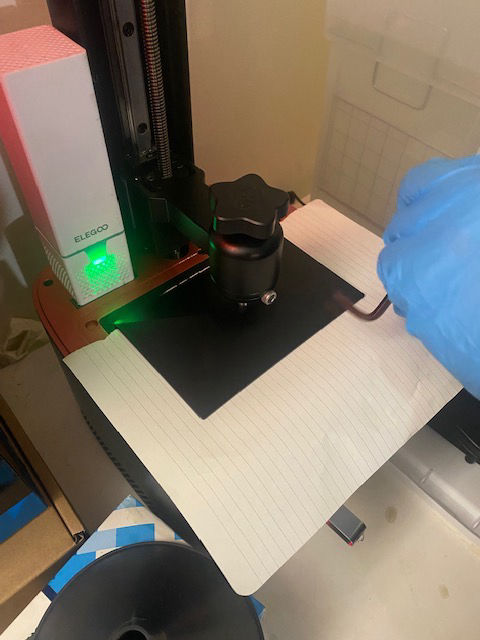
I checked that the build plate was level.
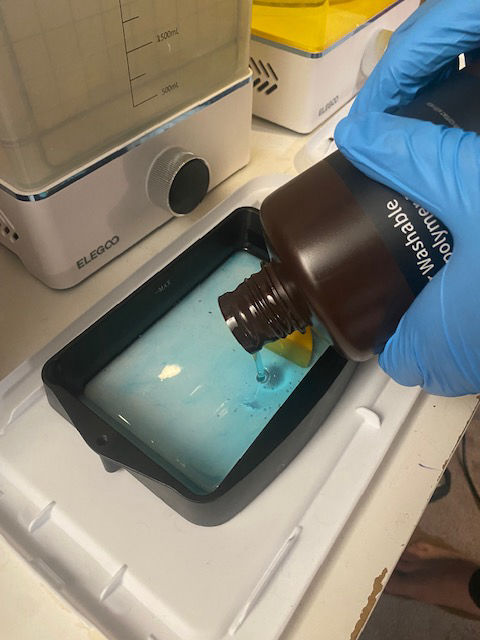
I added resin to the tank
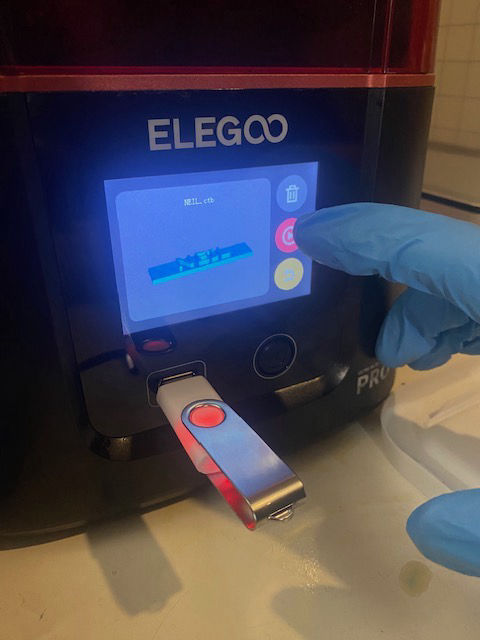
I started the print
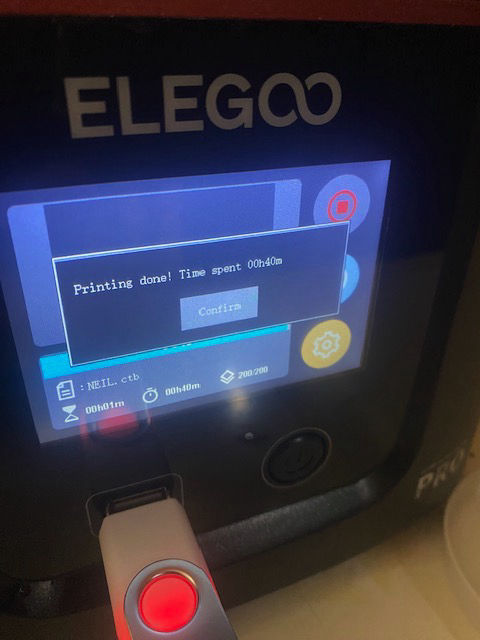
The print completed in 40 minutes
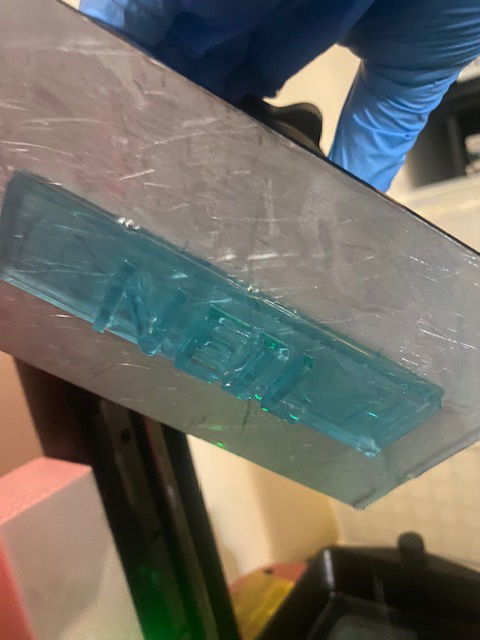
I removed the build plate from the printer
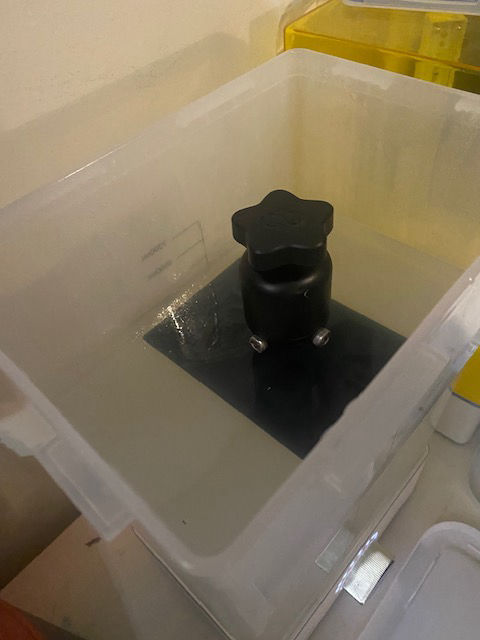
I washed the part (still attached to the build plate)
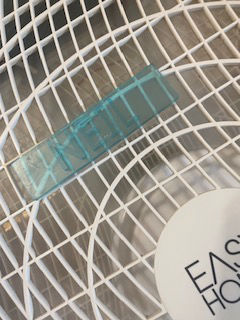
I dried the part (still sticky)
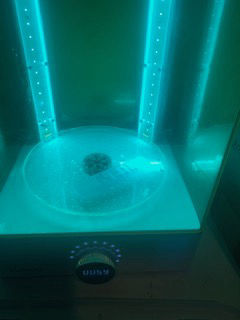
I cured the part (with UV light)
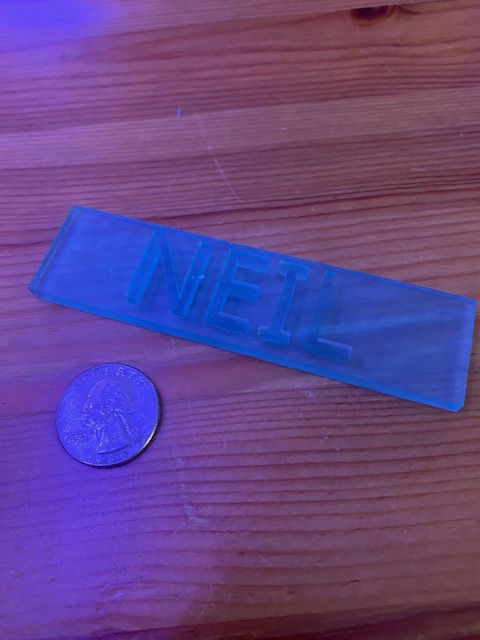
The final result