I used Amazon Elastic Kubernetes Service (Amazon EKS) to deploy, manage, and scale containerized applications using Kubernetes on AWS.
https://logz.io/blog/aws-eks-vs-ecs-vs-fargate-understand-differences/
Amazon also offers Amazon Elastic Container Service (Amazon ECS) and Amazon Fargate.
Since Amazon EKS is based on the open-source tool Kubernetes, all applications managed by Amazon EKS are fully compatible with applications managed by any standard Kubernetes environment.
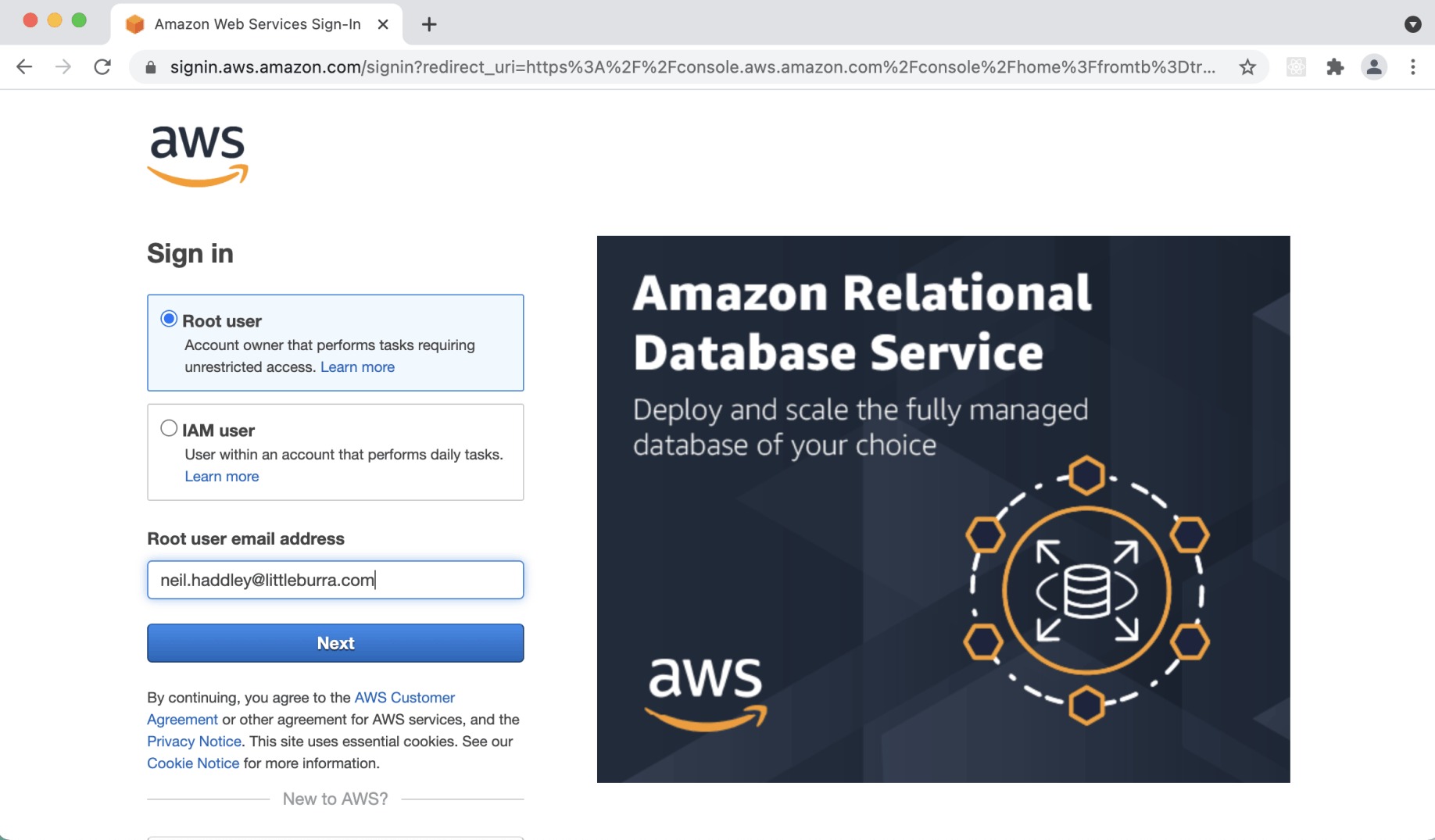
I logged in to aws.amazon.com
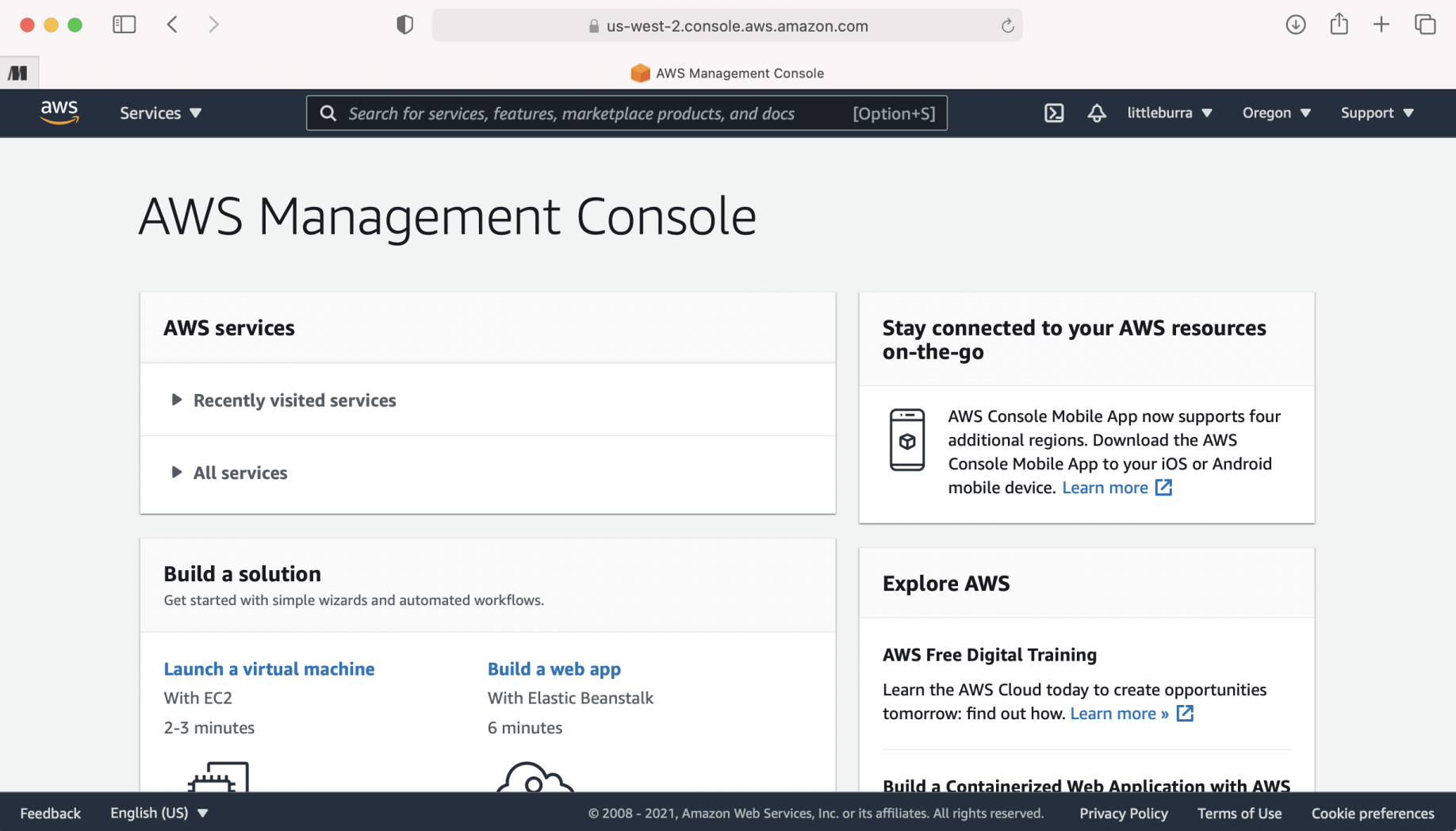
I navigated to the AWS Management Console
Docker desktop
To demonstrate that I could use the same kubectl client to deploy containers to a laptop or the AWS cloud, I used this Docker Desktop example.
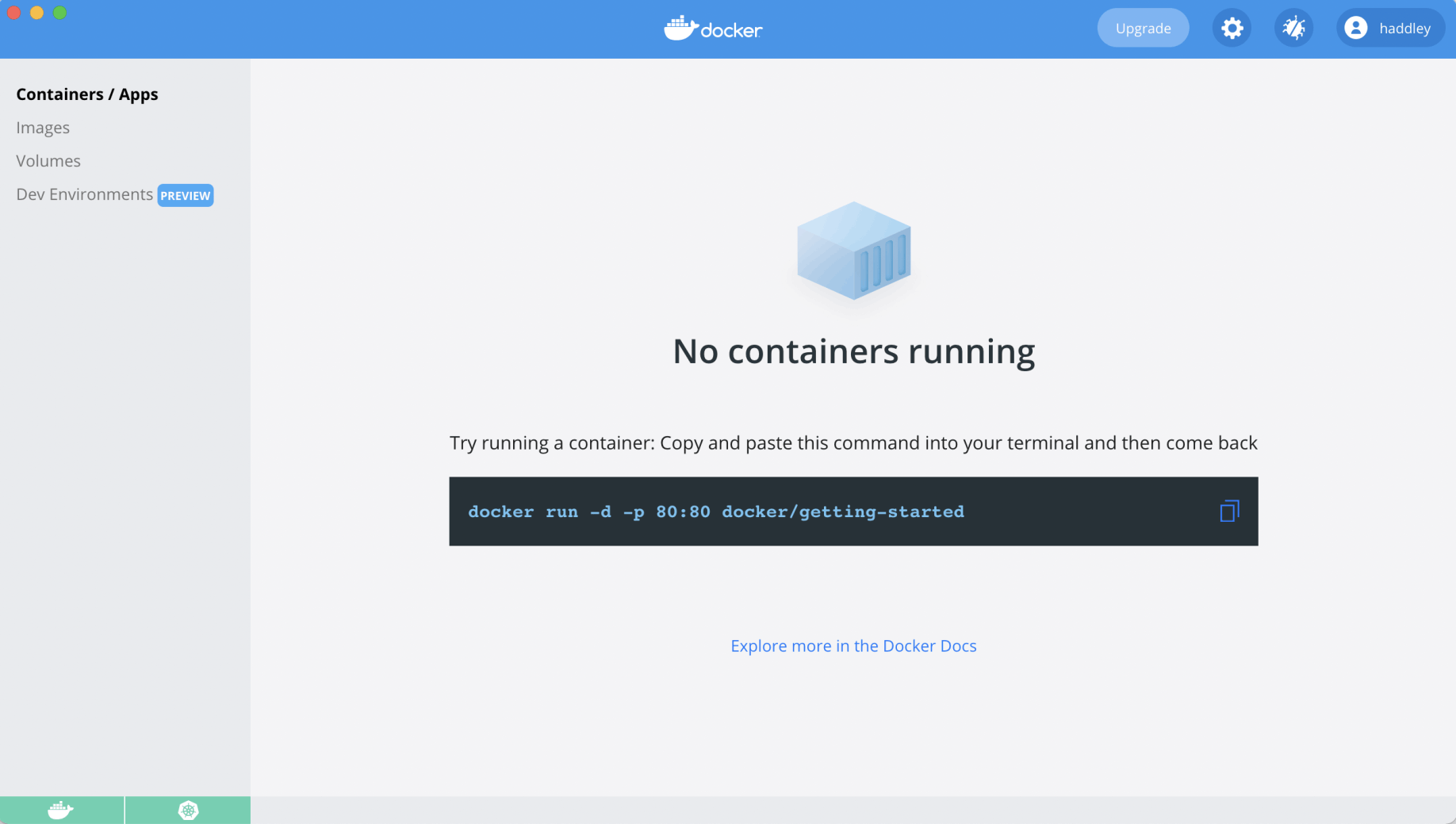
No containers were running
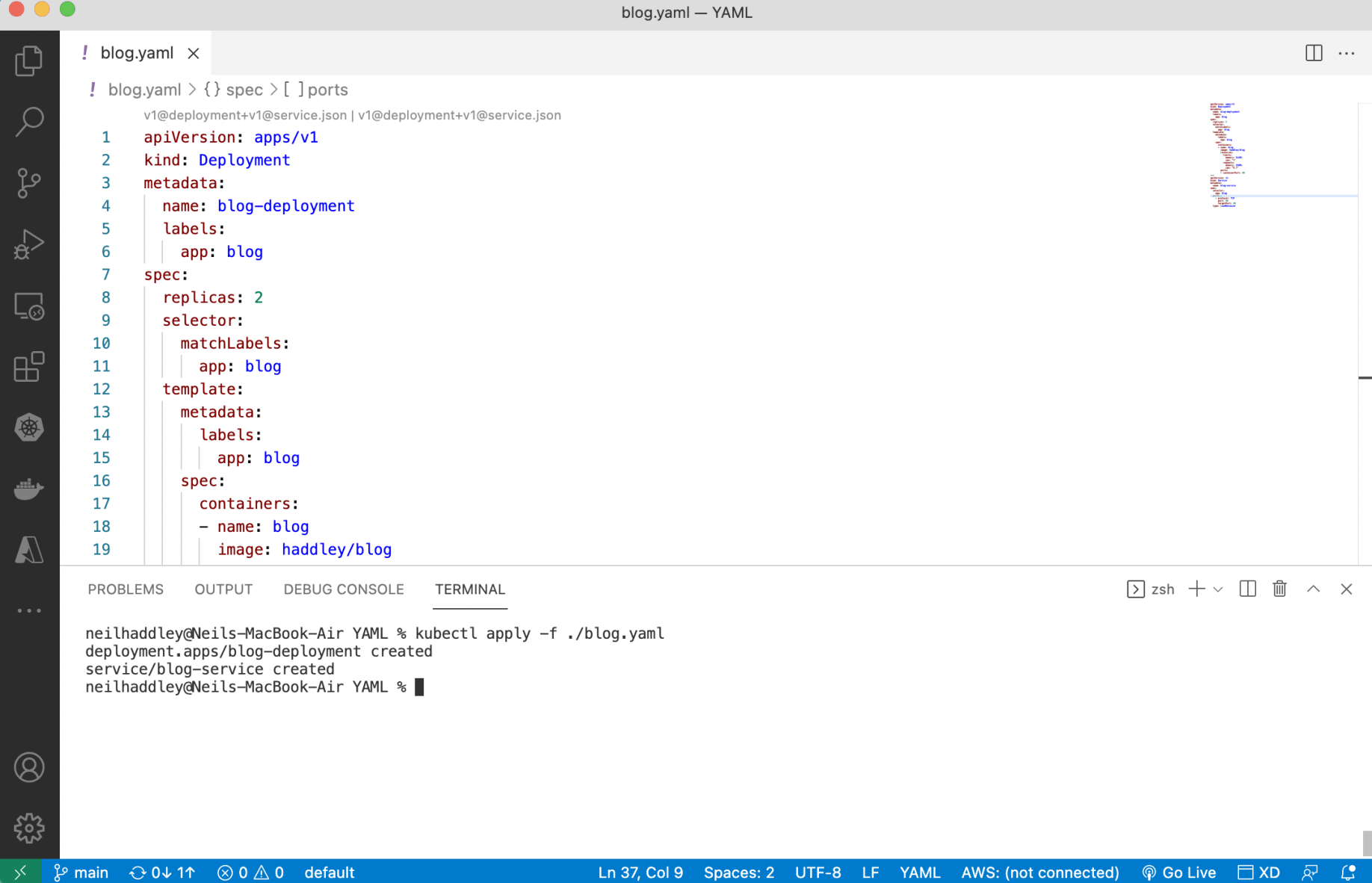
I ran kubectl apply -f ./blog.yaml
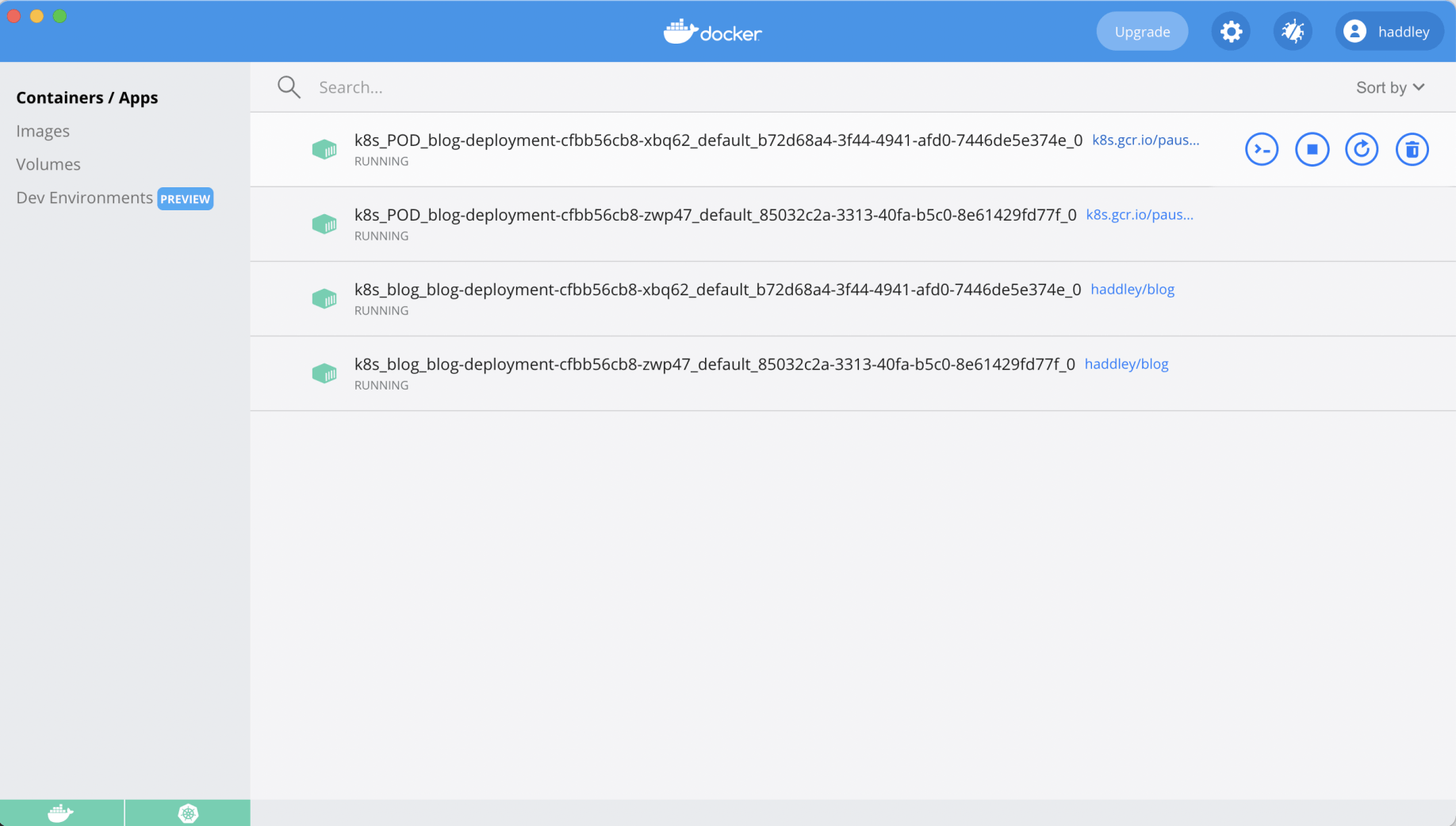
The cluster was running
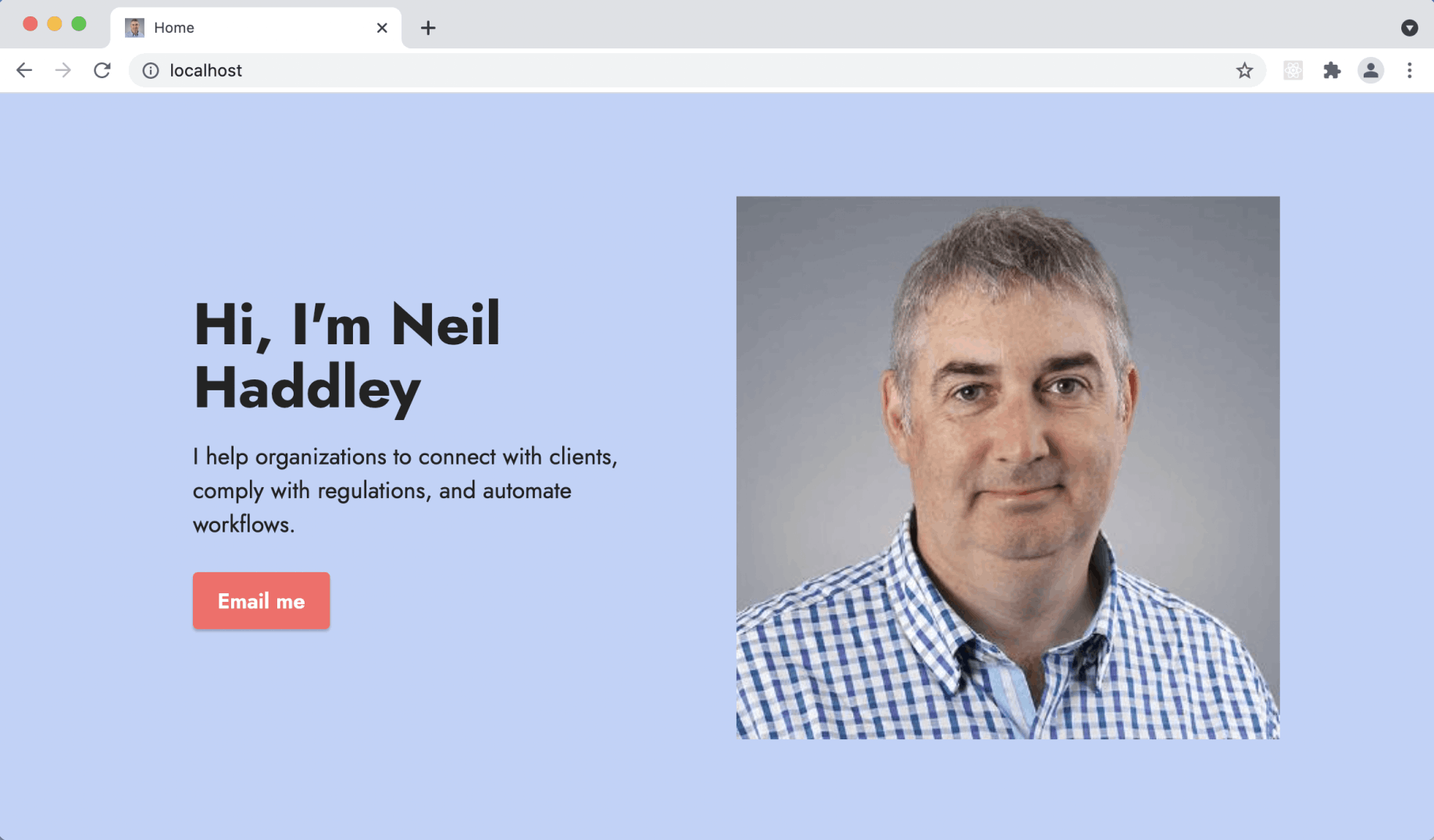
I accessed the Docker Desktop cluster
aws cli
I used the aws command line tool to manage the Amazon Web Services cloud.
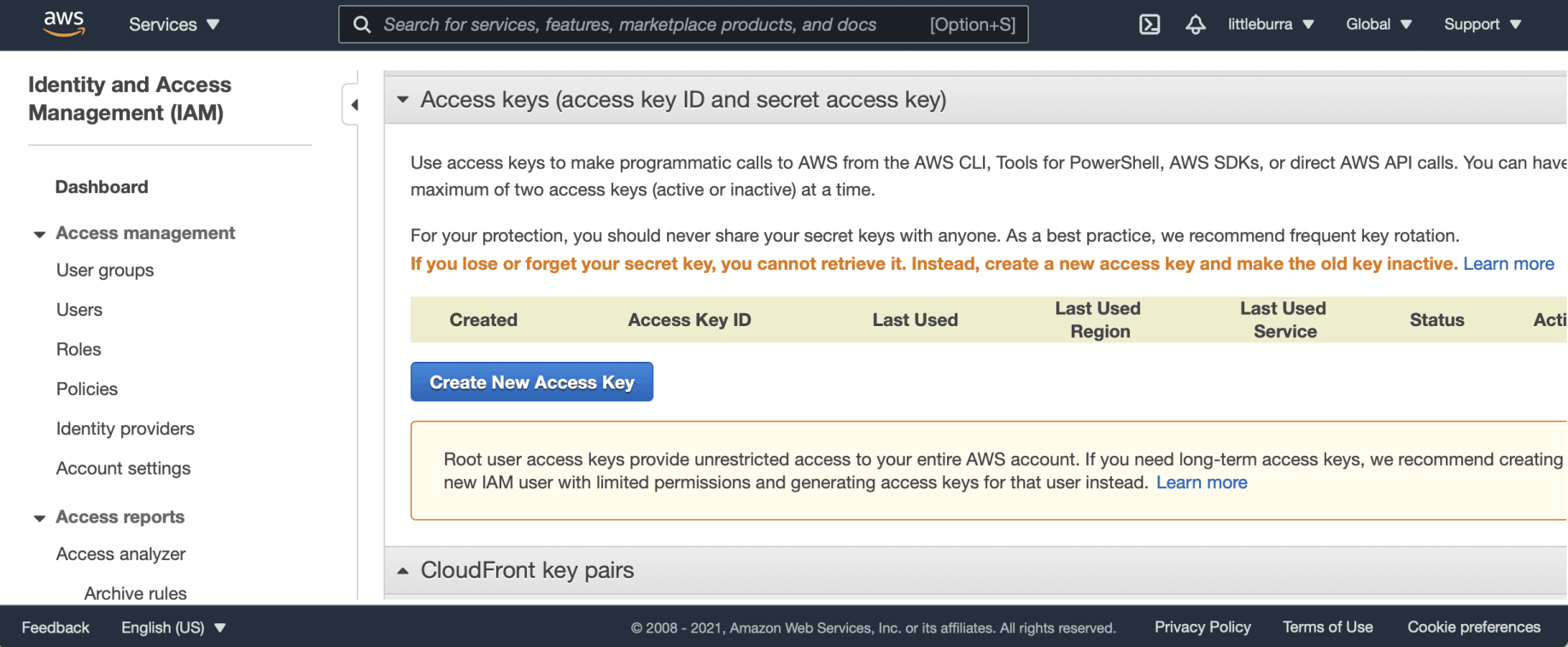
I created a new AWS access key
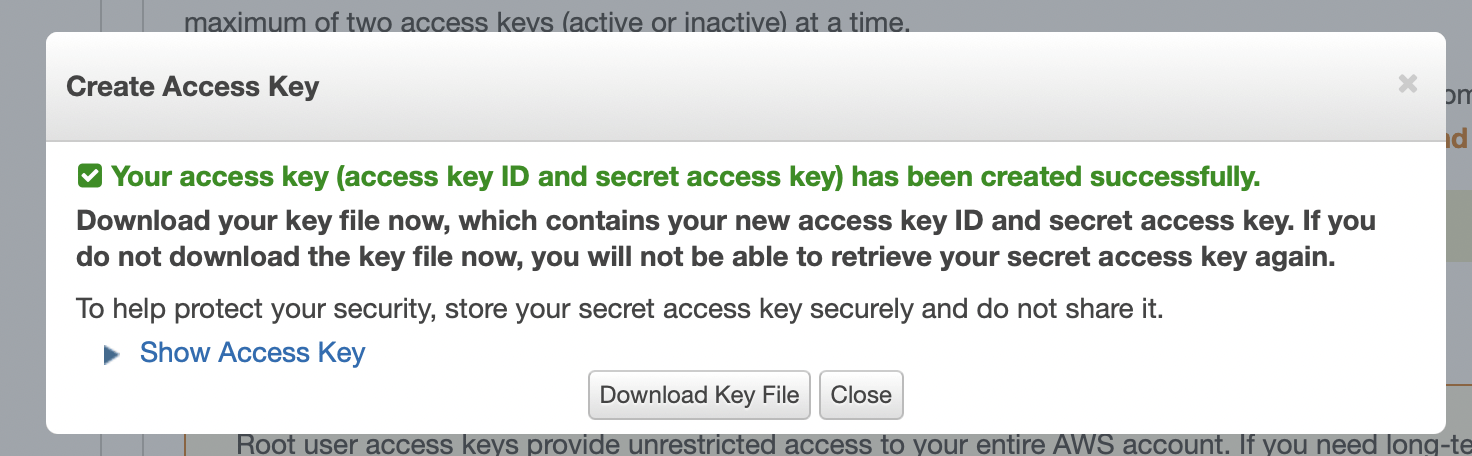
The access key was created
aws configure
I used aws configure to set credentials.
BASH
1% aws configure
AWS Access Key ID [None]: AKIAYLZDACM7MNDENQV4
AWS Secret Access Key [None]: iBXYnPPUTp+enyaVU2xvXXXXXXXXXXXXXXXXXXXX
Default region name [None]:
Default output format [None]:
eksctl
I used eksctl, a simple CLI tool for creating clusters on EKS — Amazon's managed Kubernetes service for EC2.
https://github.com/weaveworks/eksctl
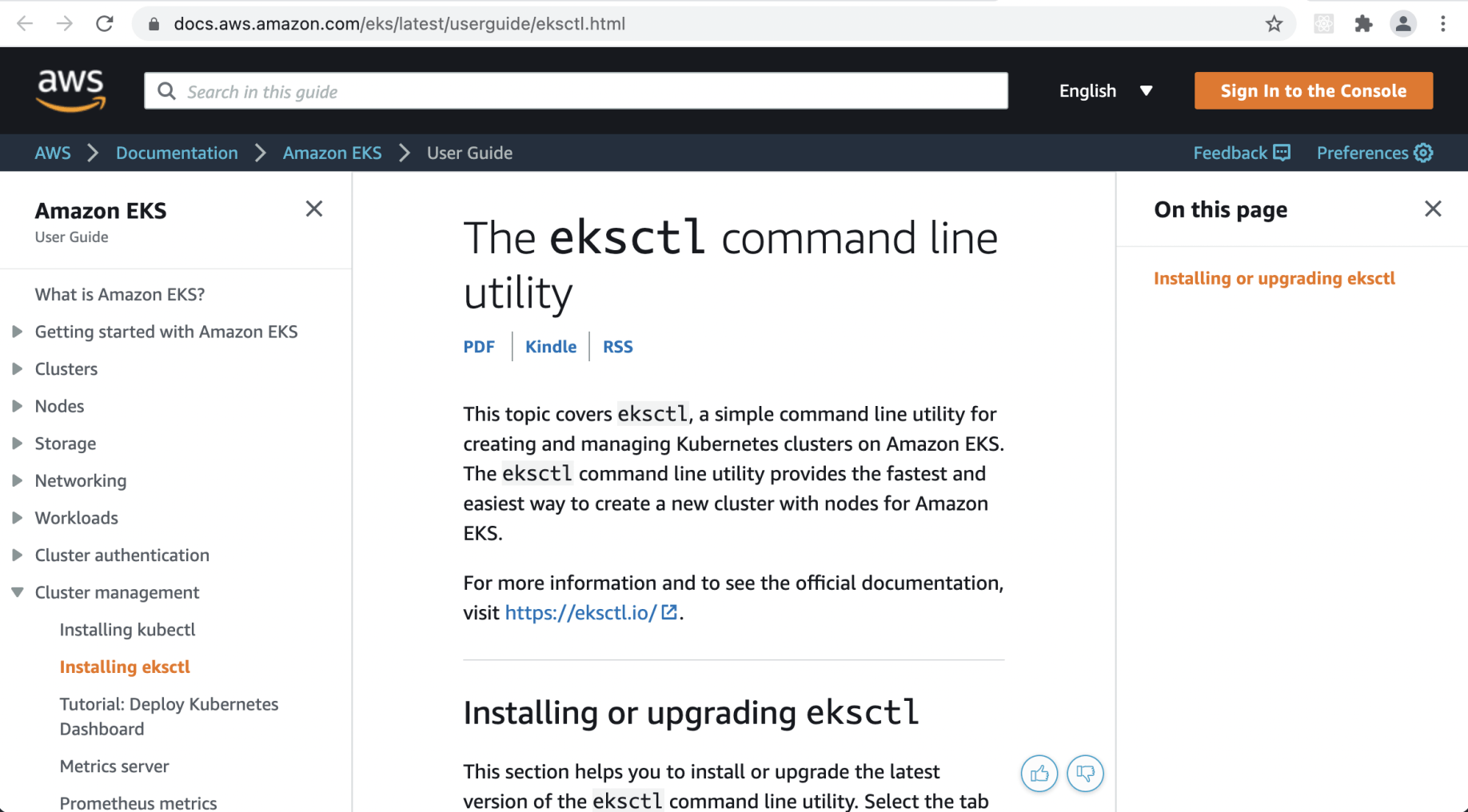
I reviewed the eksctl documentation on the AWS site
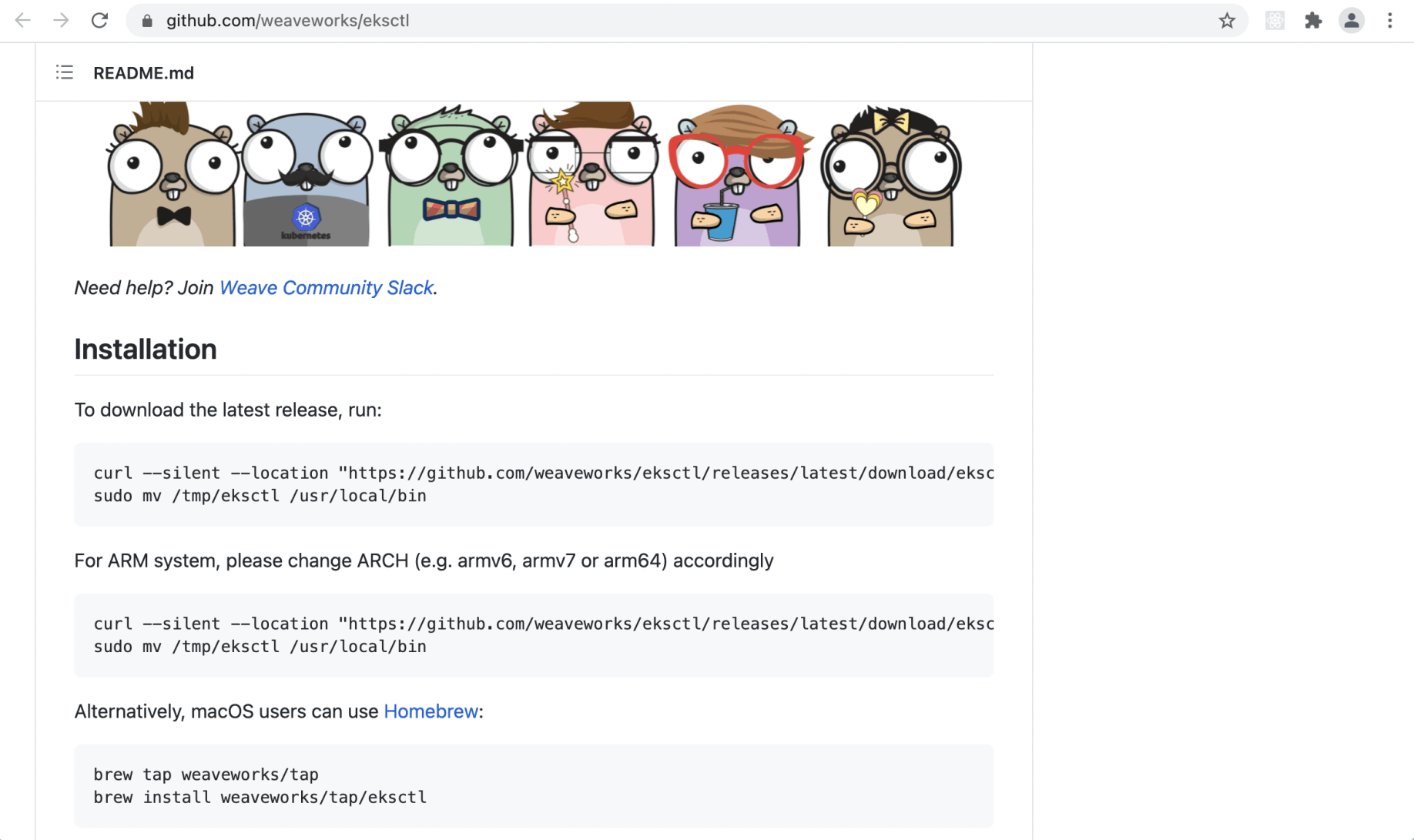
I found the eksctl project on GitHub
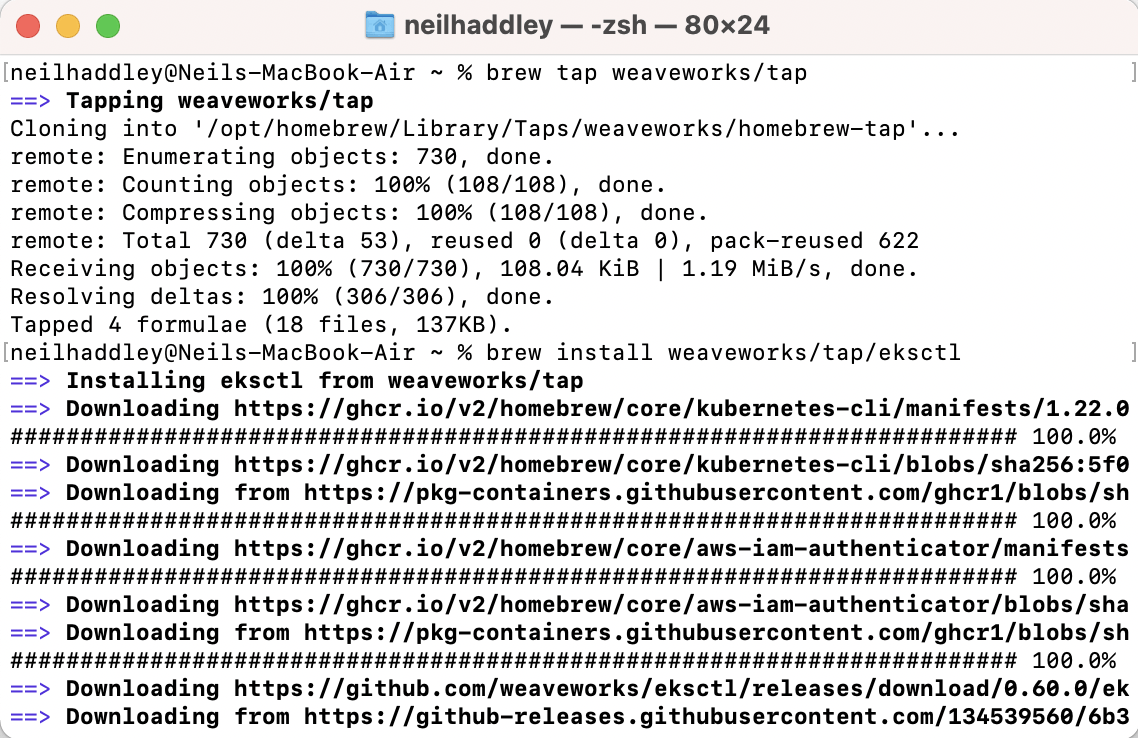
I installed eksctl
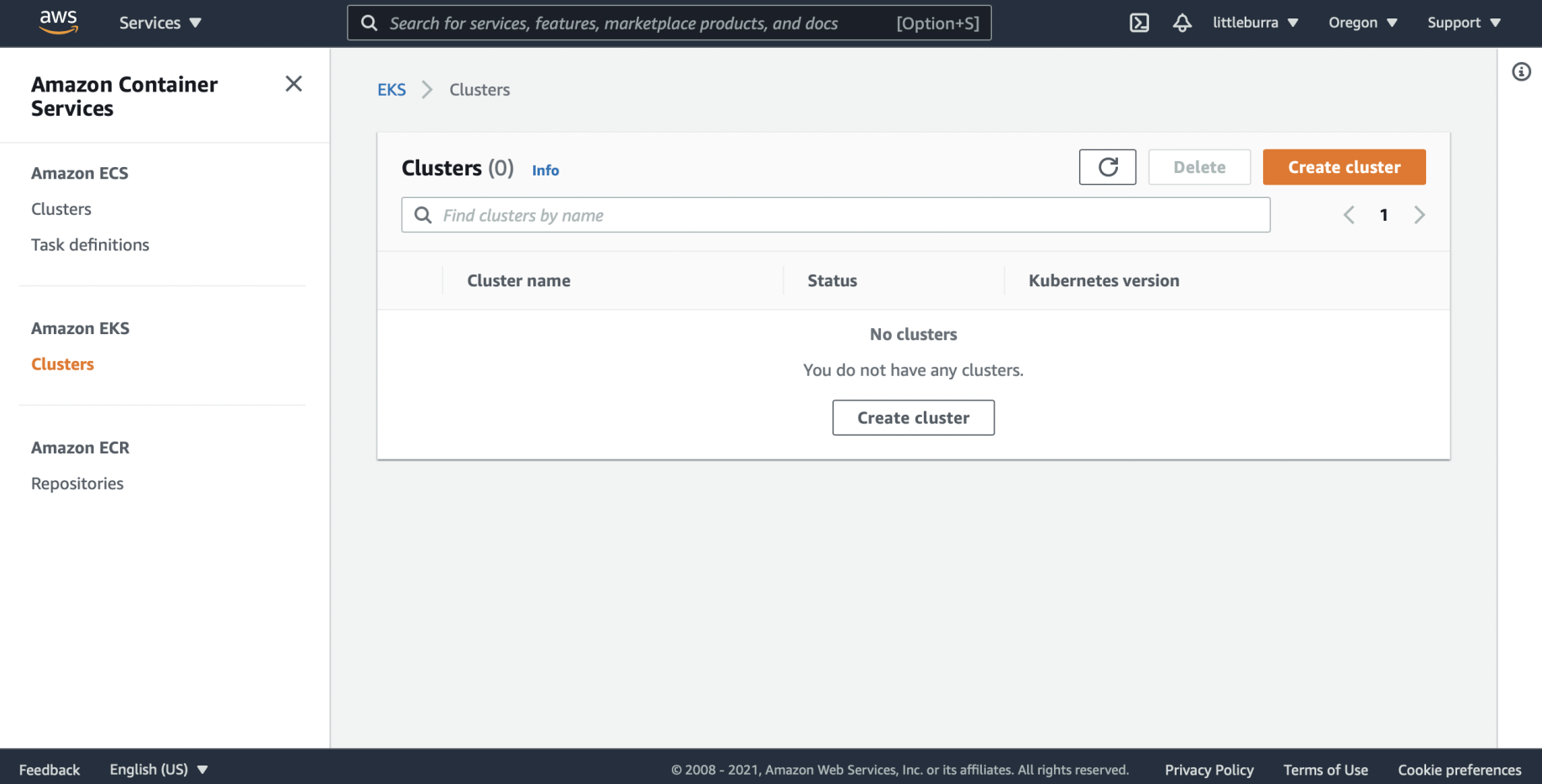
No clusters were running
eksctl create cluster
BASH
1% eksctl create cluster \
2  --name blog-cluster \
3  --node-type t2.nano \
4  --nodes 2
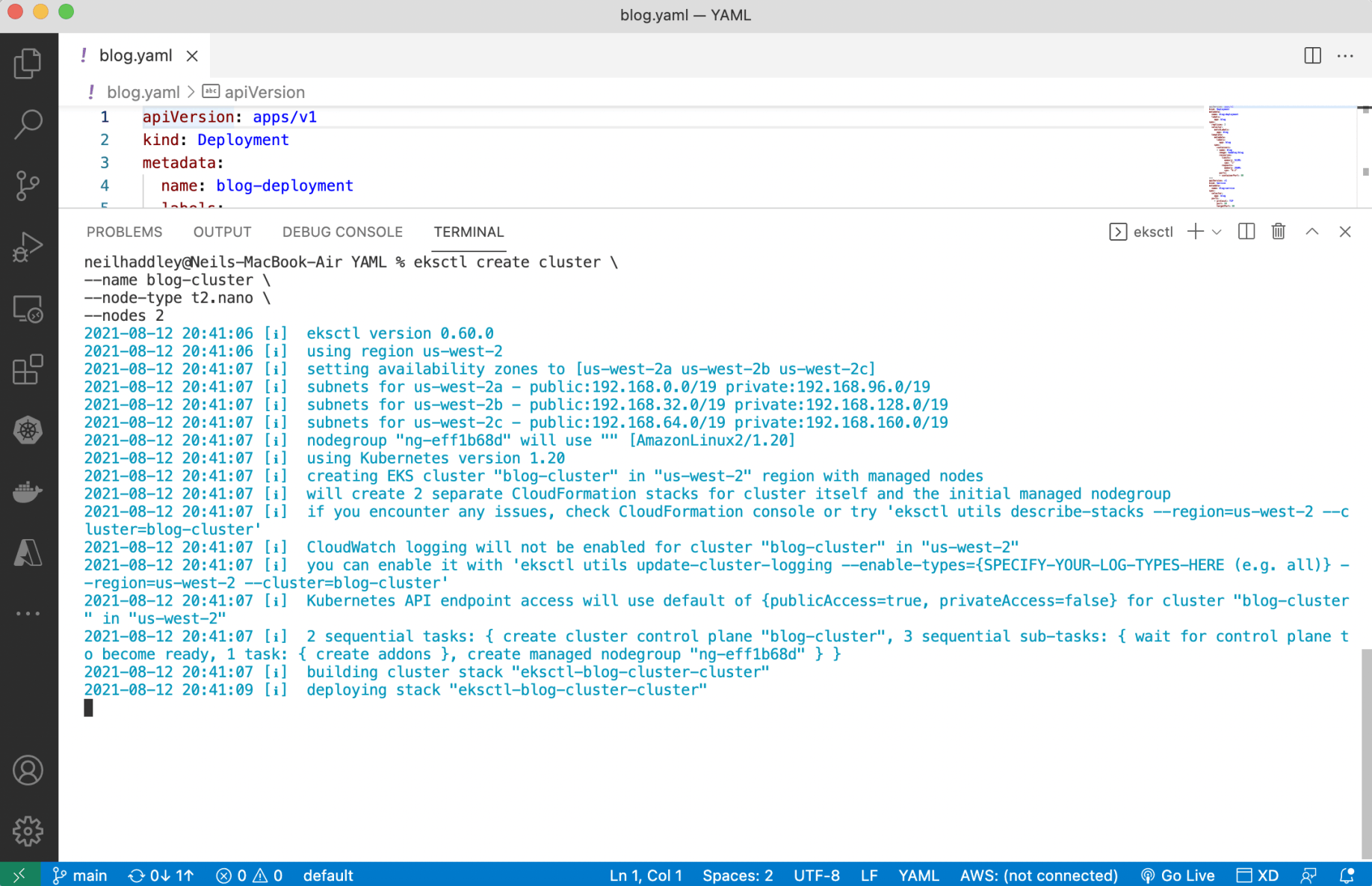
I used eksctl to create a cluster (node type t2.nano)
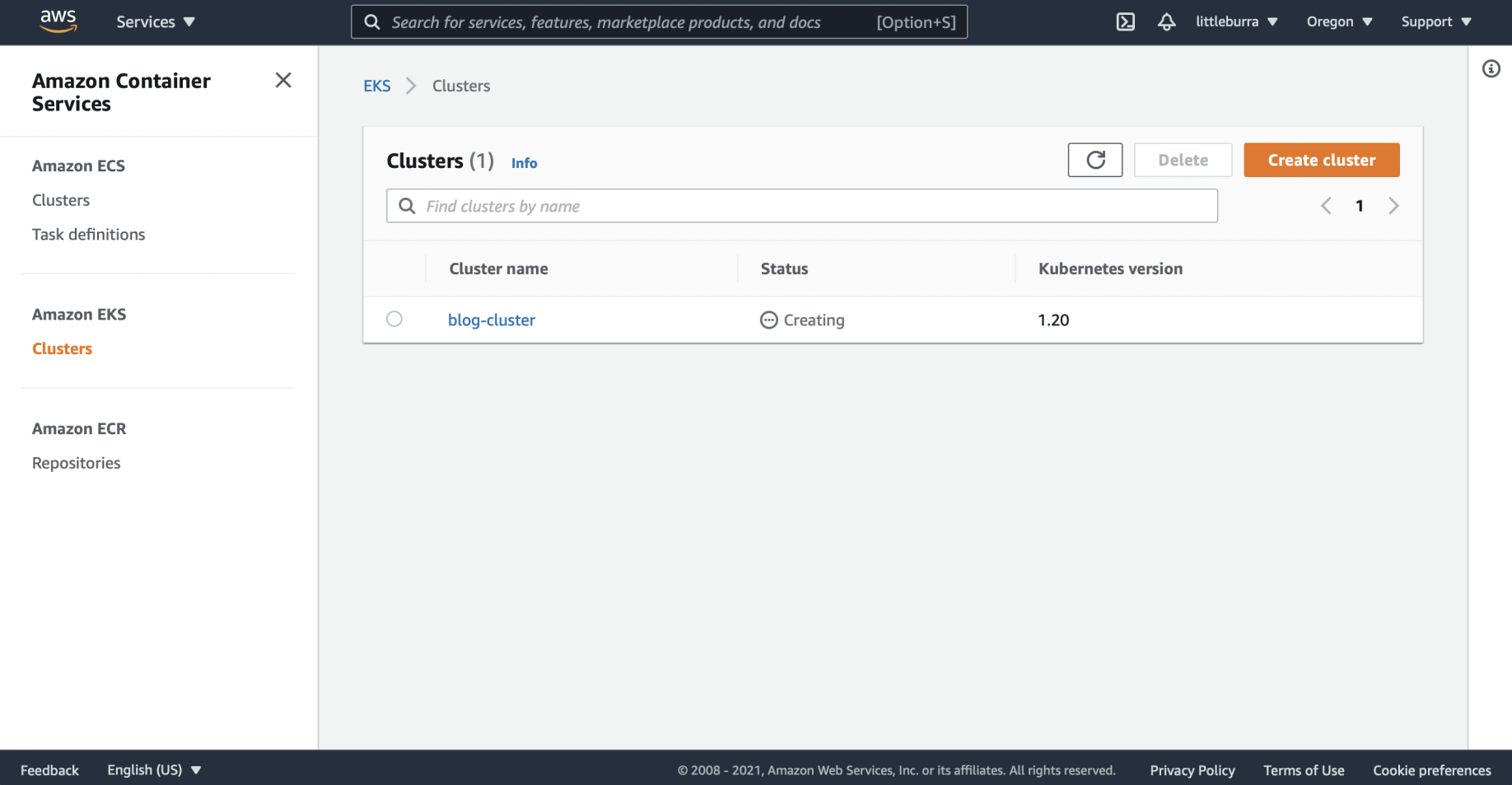
The blog-cluster was being created
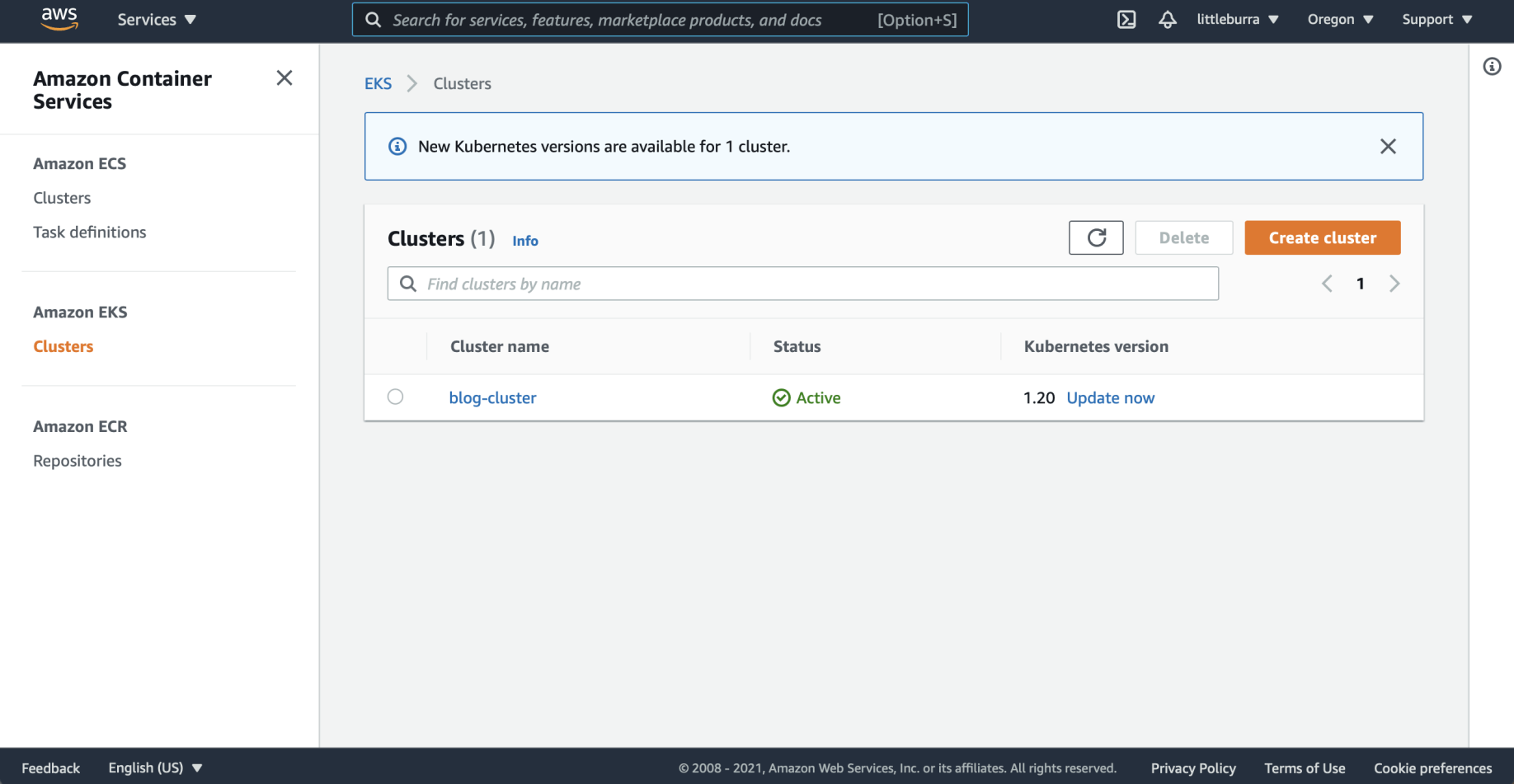
The blog-cluster was active
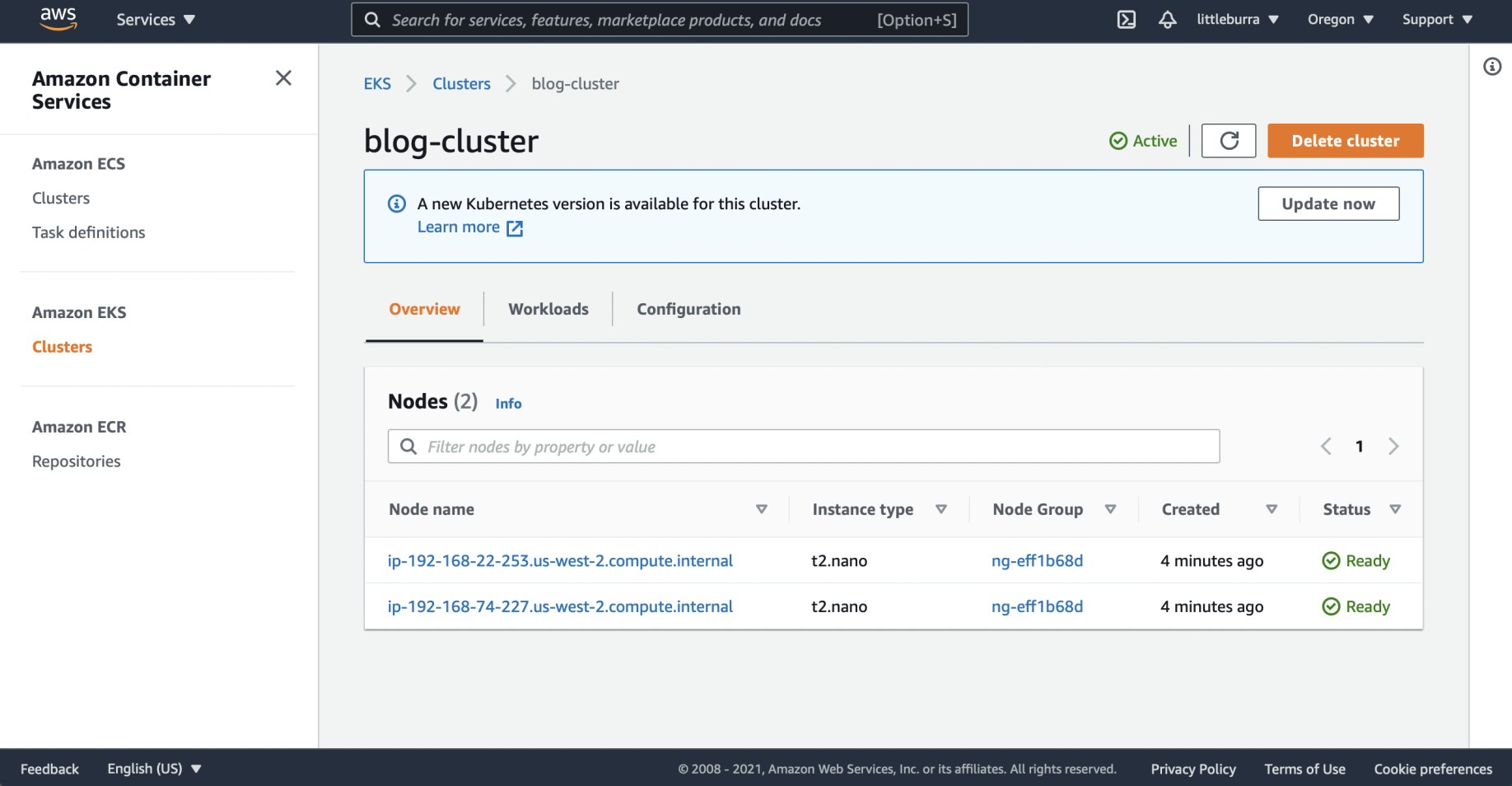
The blog-cluster EC2 nodes were created
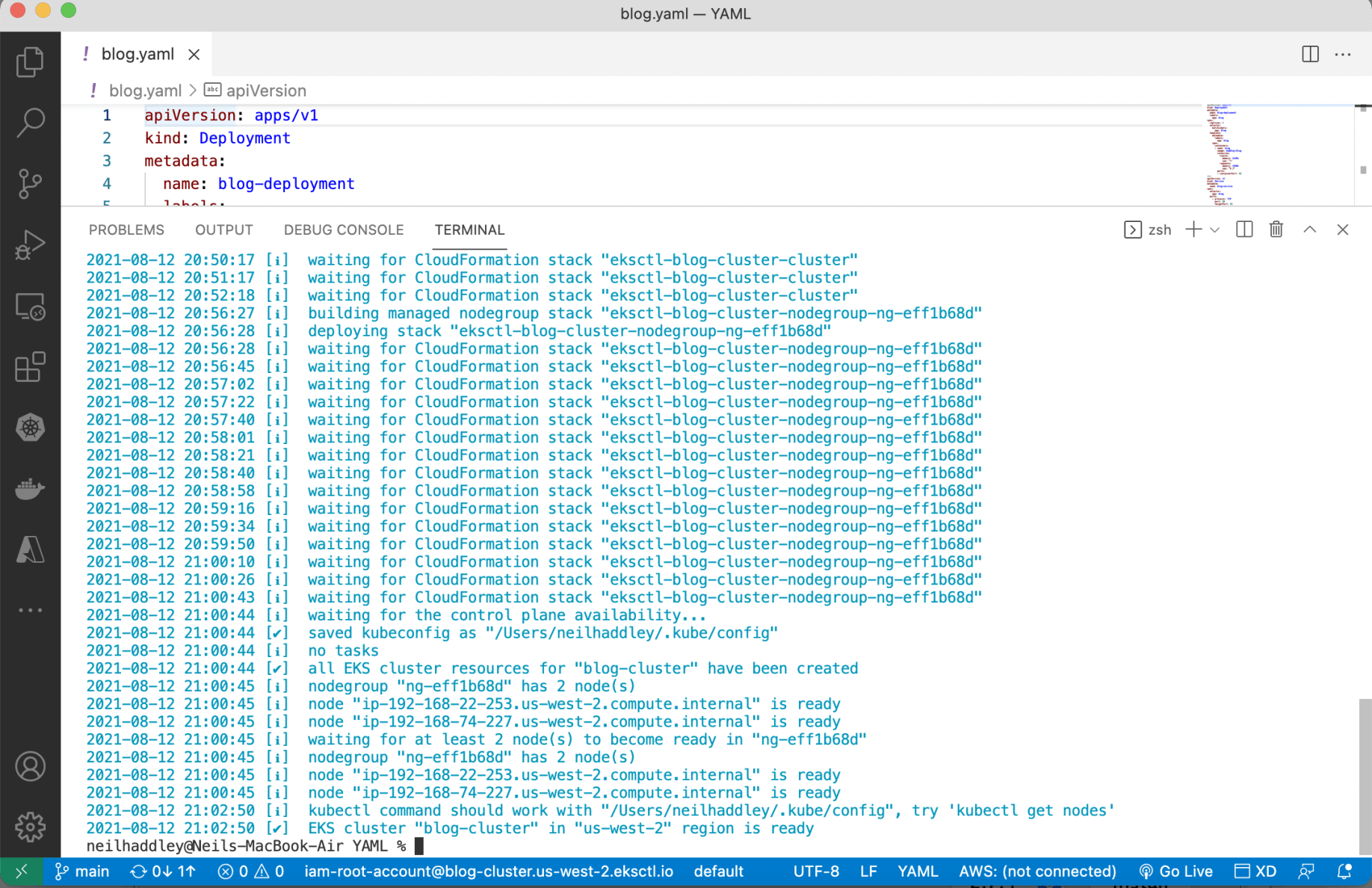
The eksctl command finished
kubectl apply
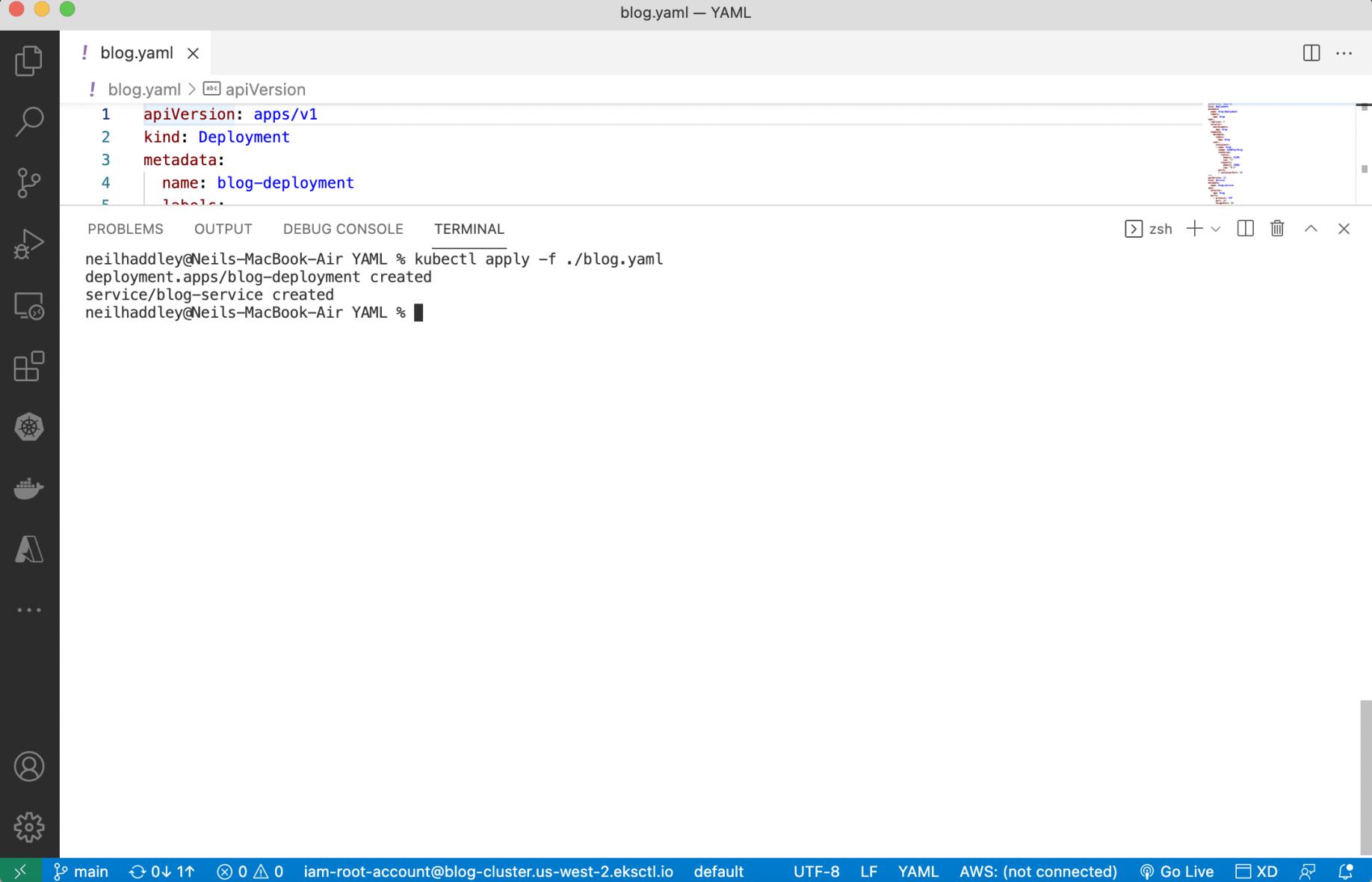
I used kubectl apply to deploy containers
eksctl delete cluster
I used eksctl delete to remove the cluster.
BASH
1% eksctl delete cluster \
2  --name blog-cluster
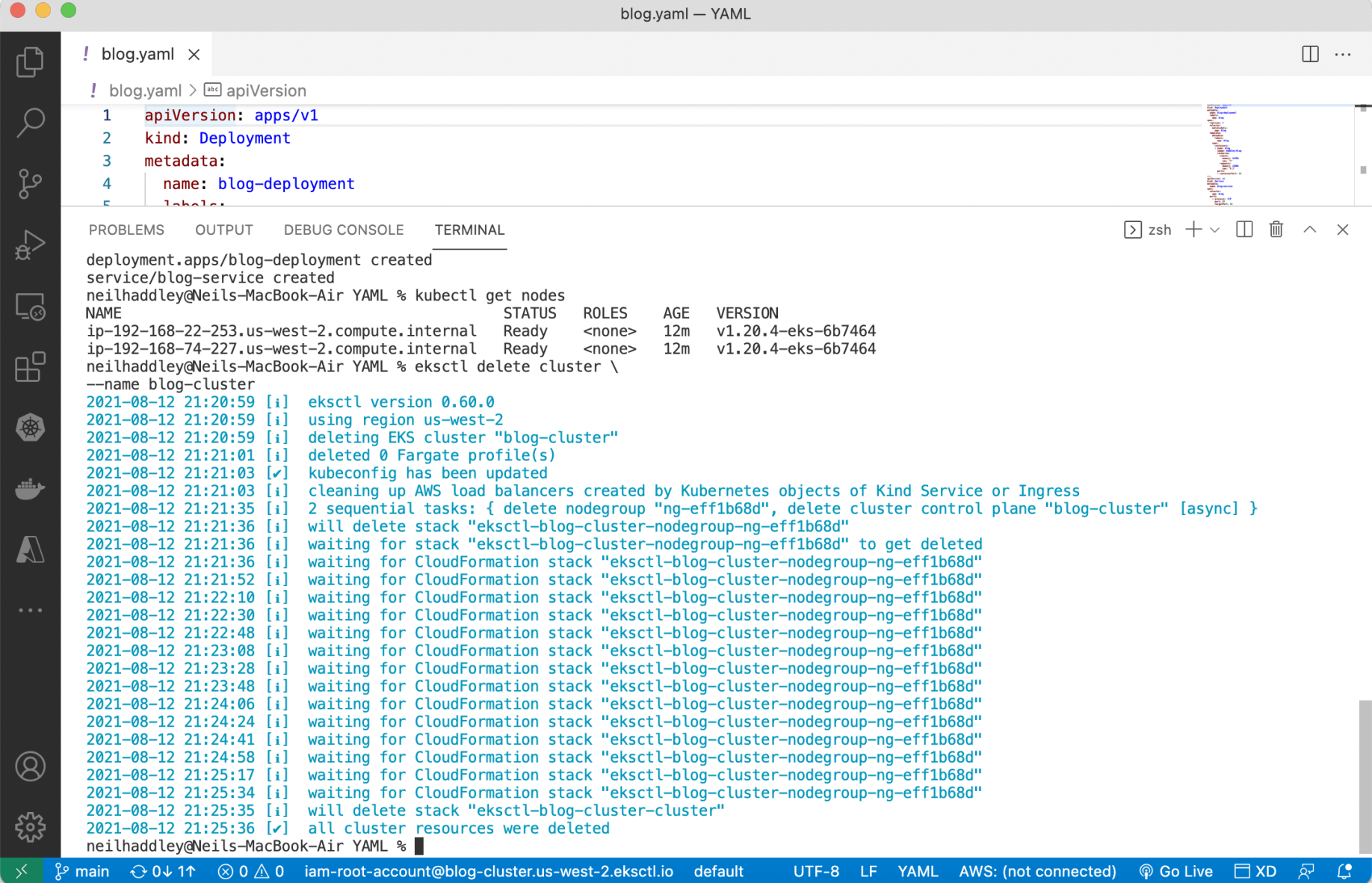
I ran eksctl delete cluster
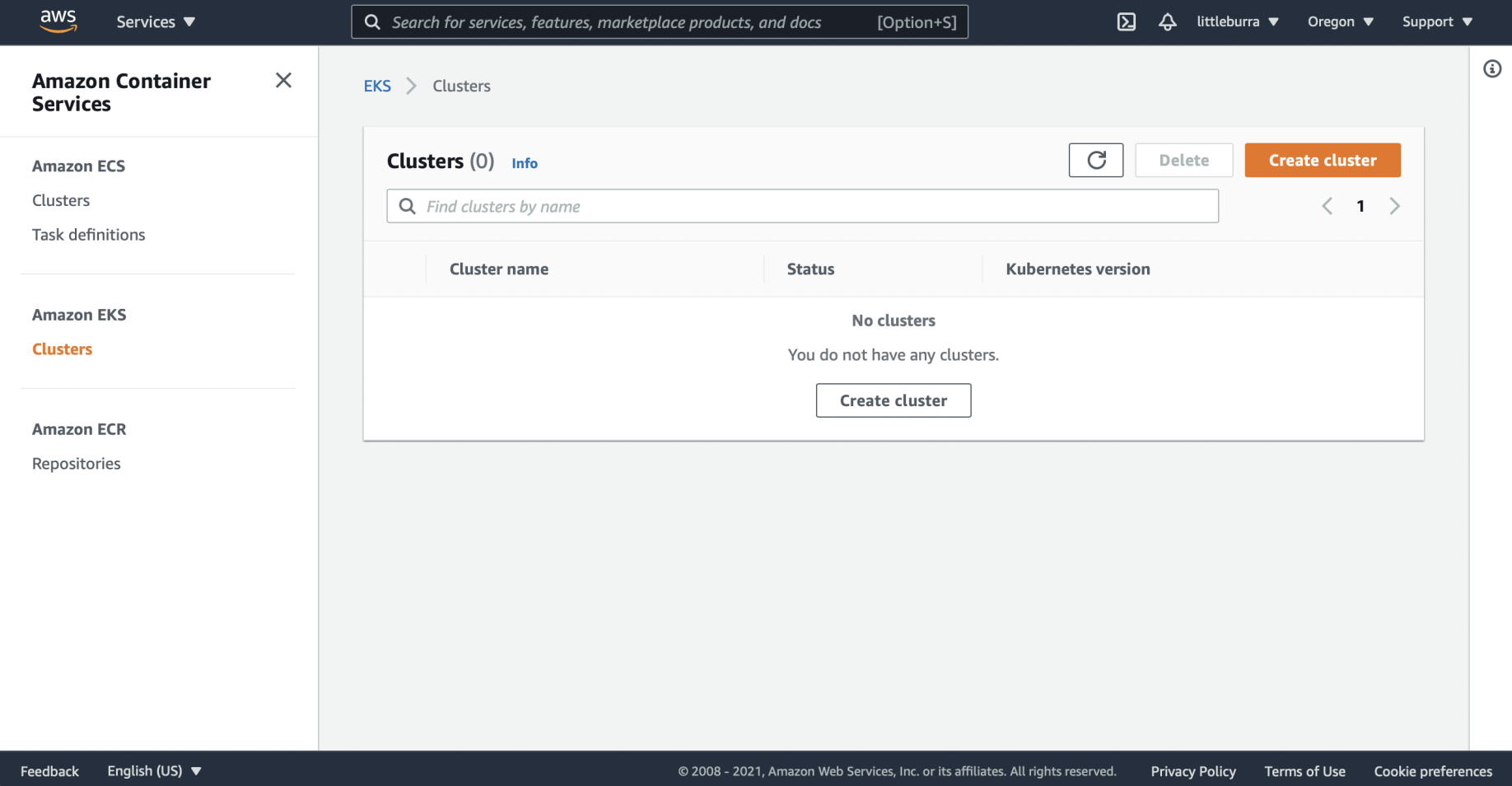
The cluster was deleted
Deleting an AWS Access Key
Publishing AWS access keys is not a great idea, so I deleted mine.
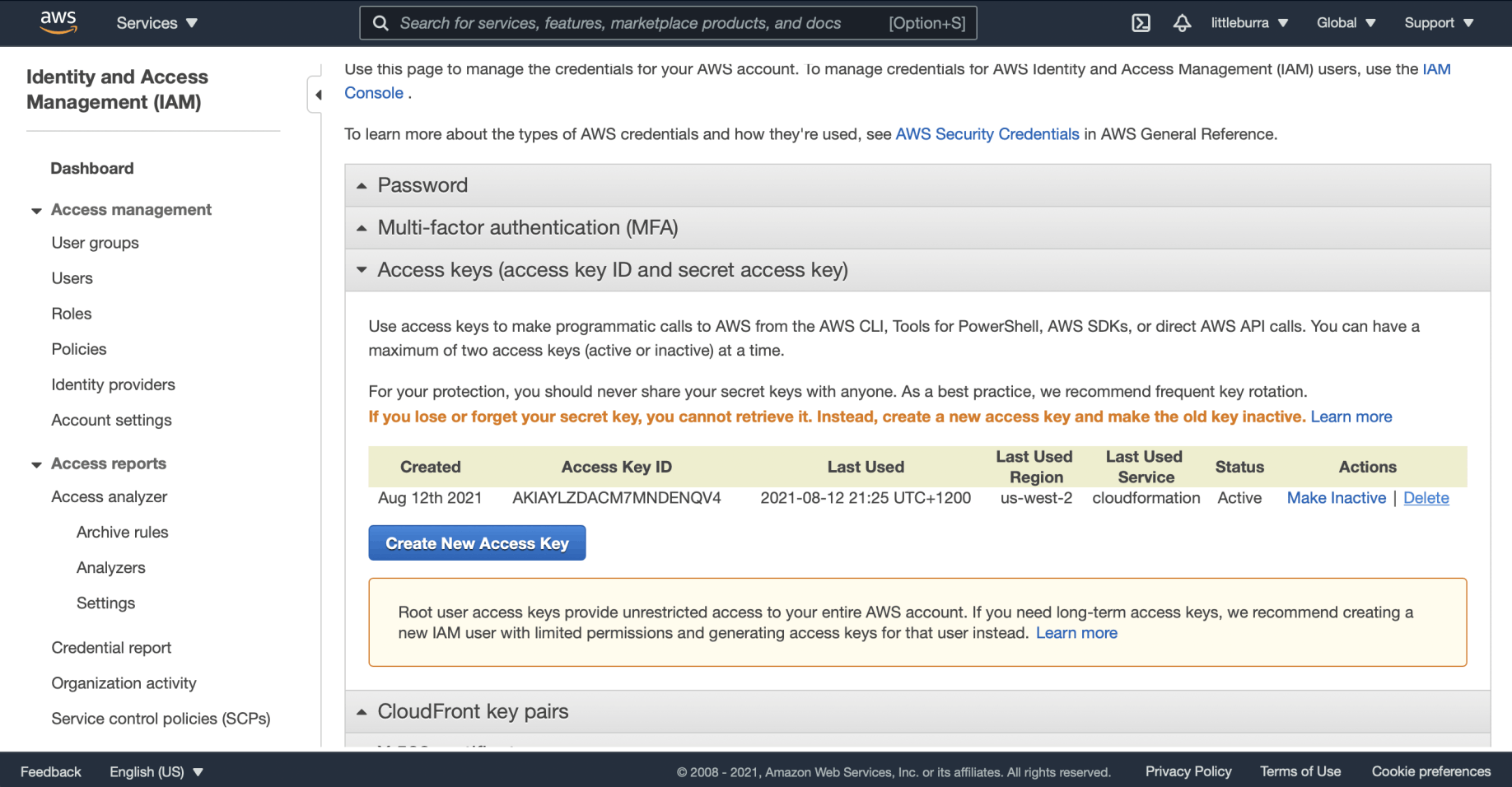
I selected the Delete link
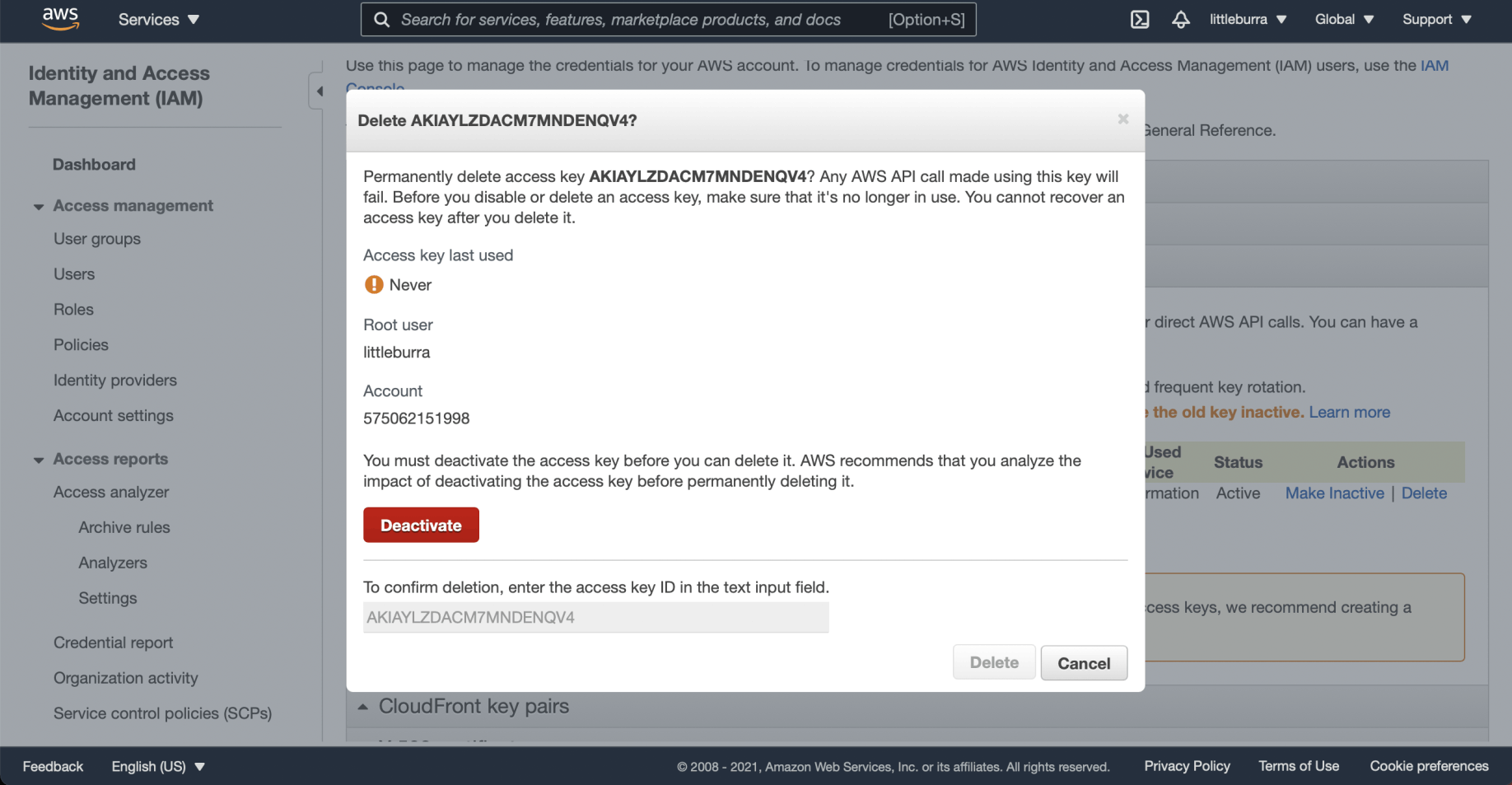
I clicked the Deactivate button
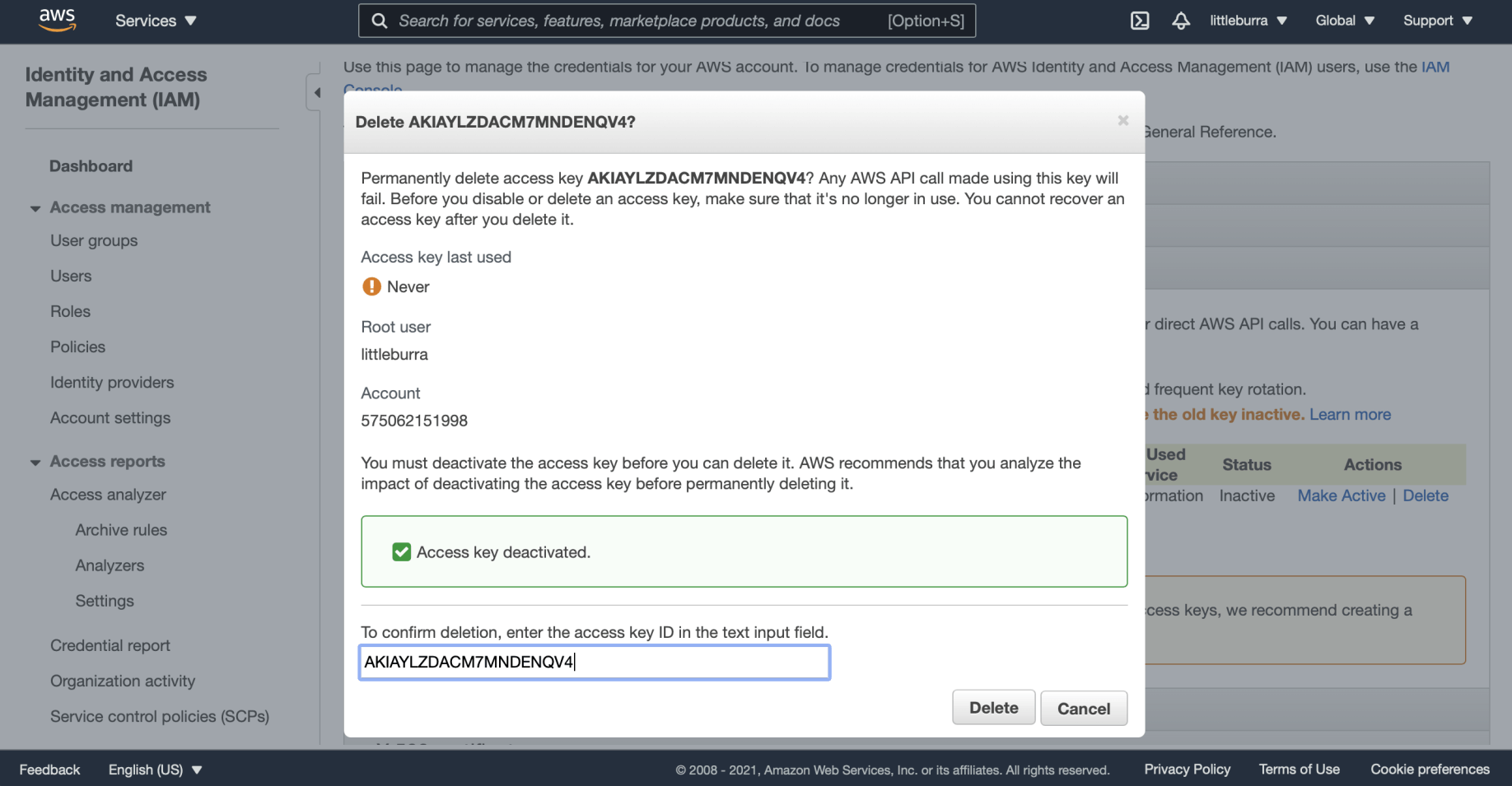
I confirmed the access key name and clicked Delete
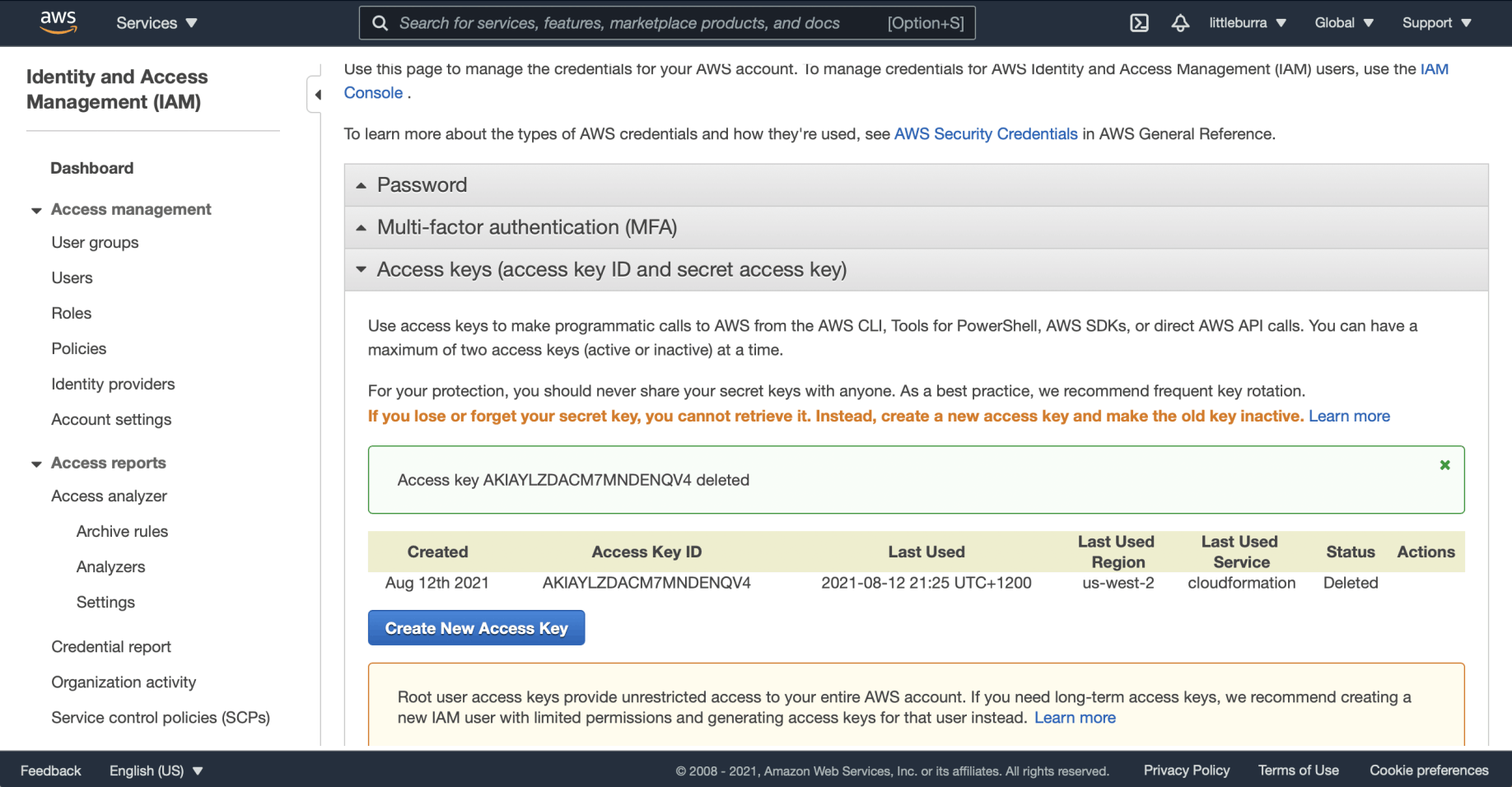
The access key was deleted