I used Amazon Elastic Kubernetes Service (Amazon EKS) to deploy, manage, and scale containerized applications using Kubernetes on AWS.
I deployed a .NET Core Web API to Amazon EKS from Visual Studio Code.
install eksctl
BASH
1choco install -y eksctl
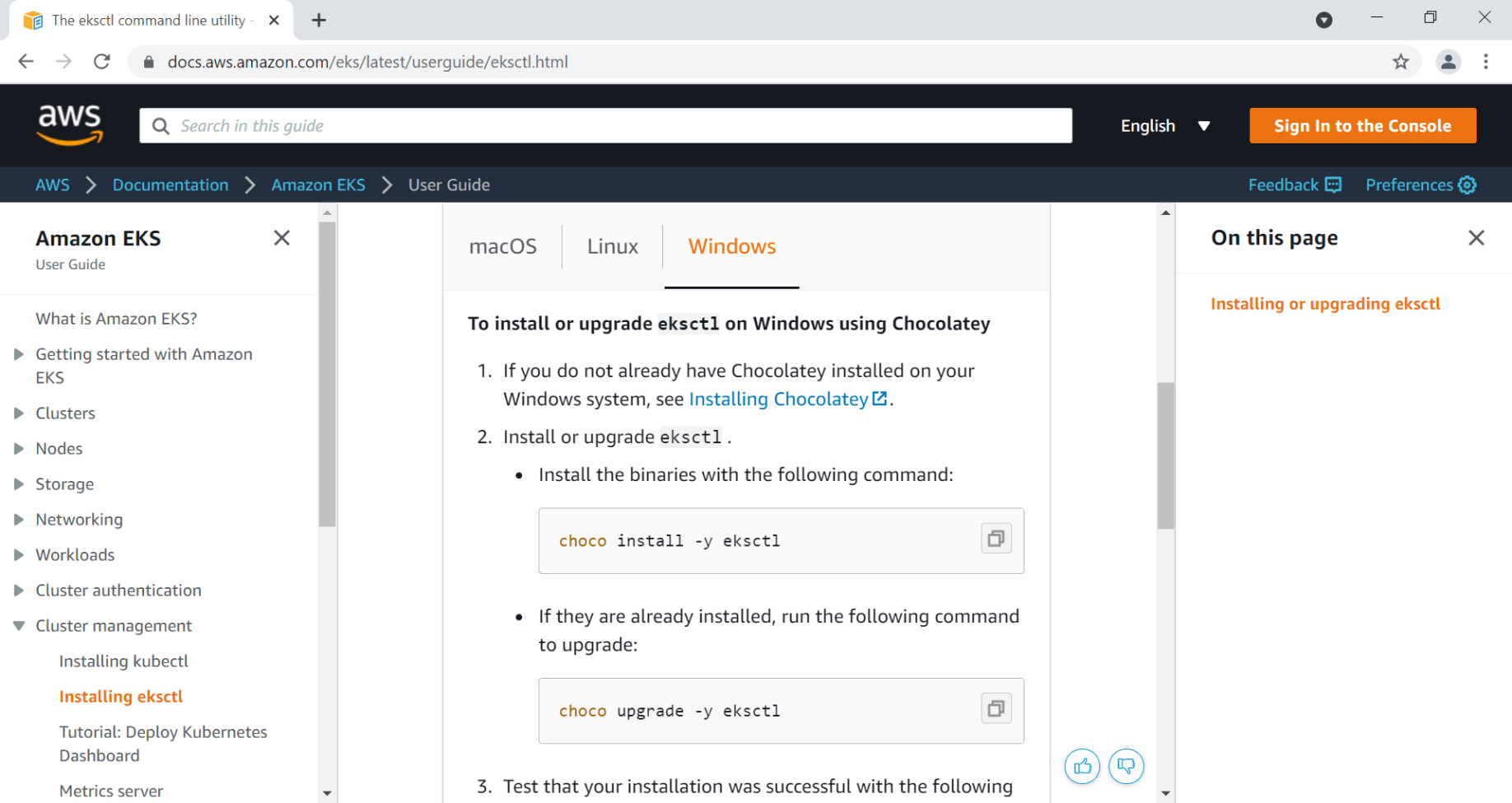
I installed eksctl on Windows
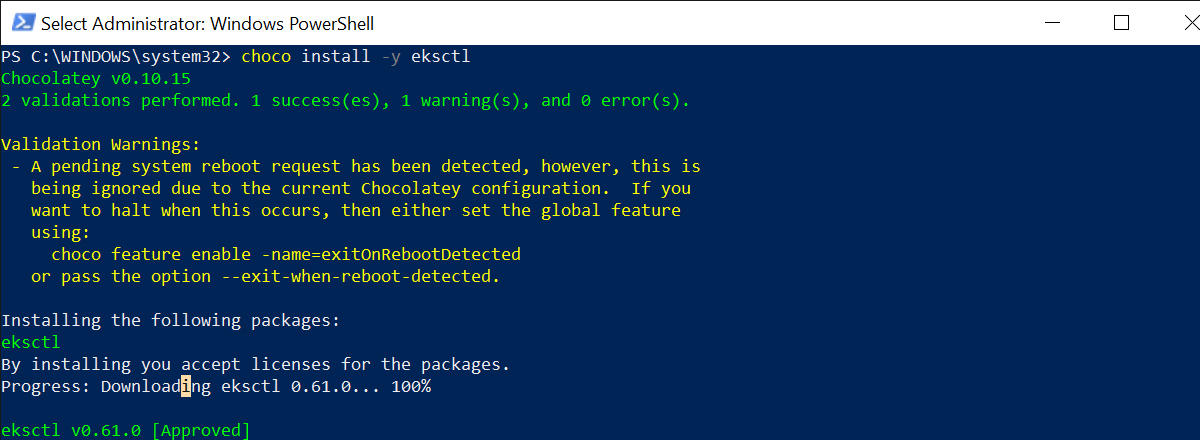
I ran choco install -y eksctl
.NET Core Web API
BASH
1dotnet new webapi --no-https
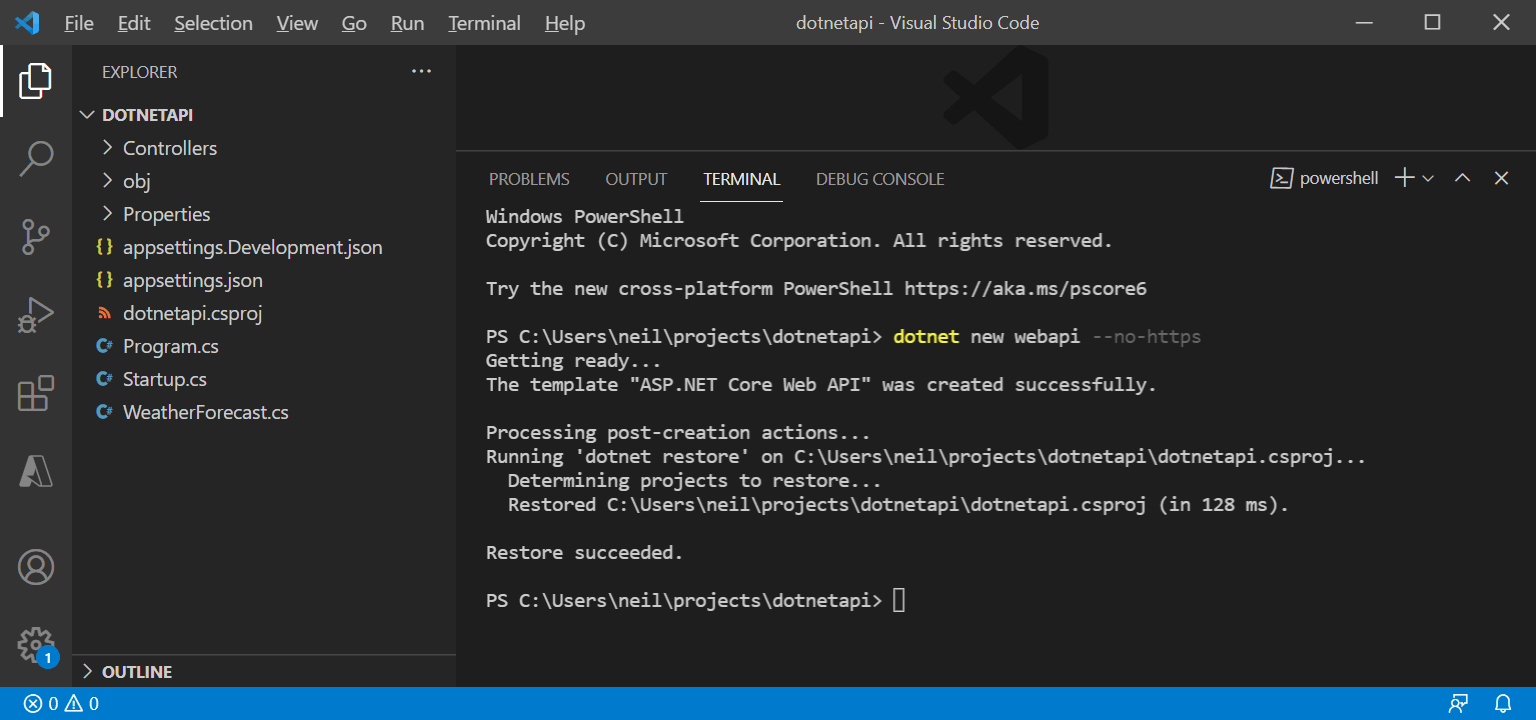
I ran dotnet new webapi --no-https
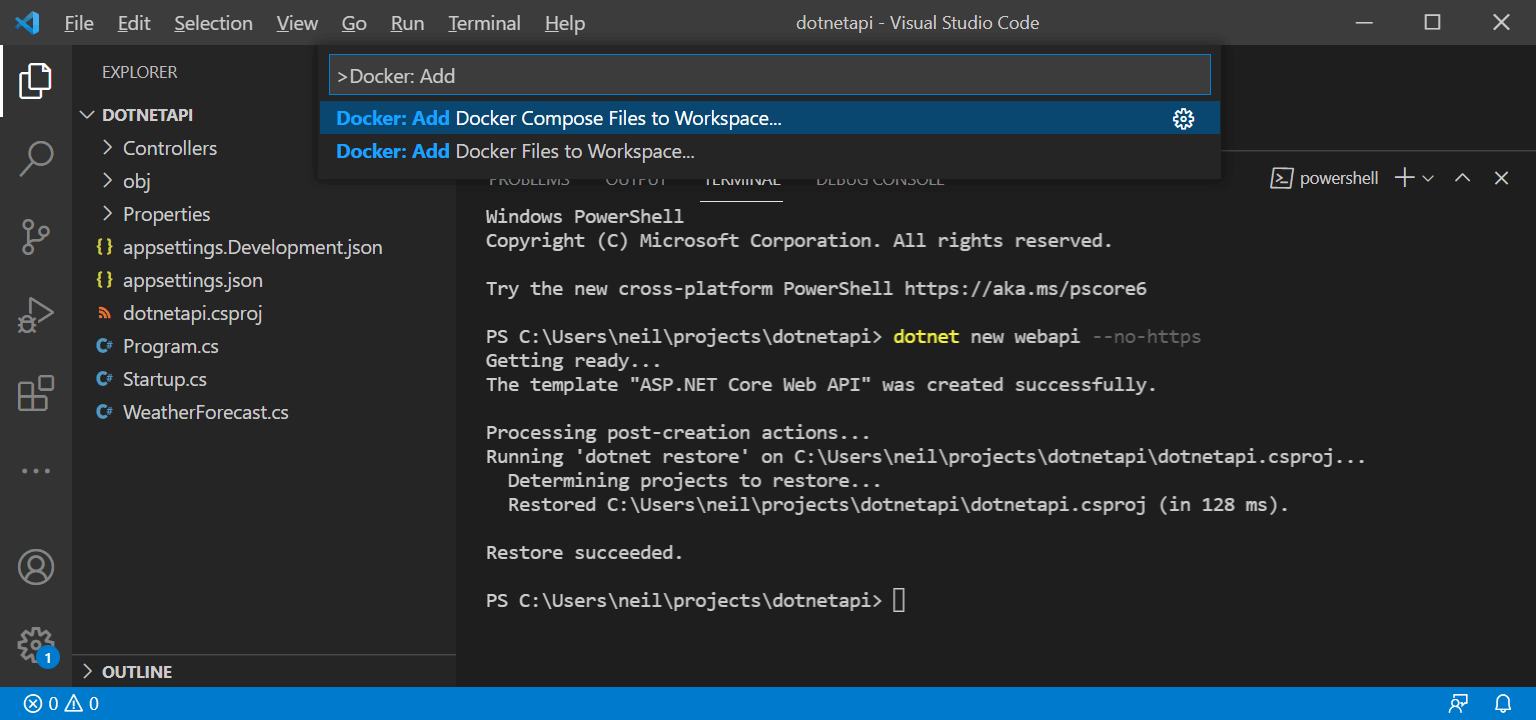
I selected Docker: Add Docker Files to Workspace
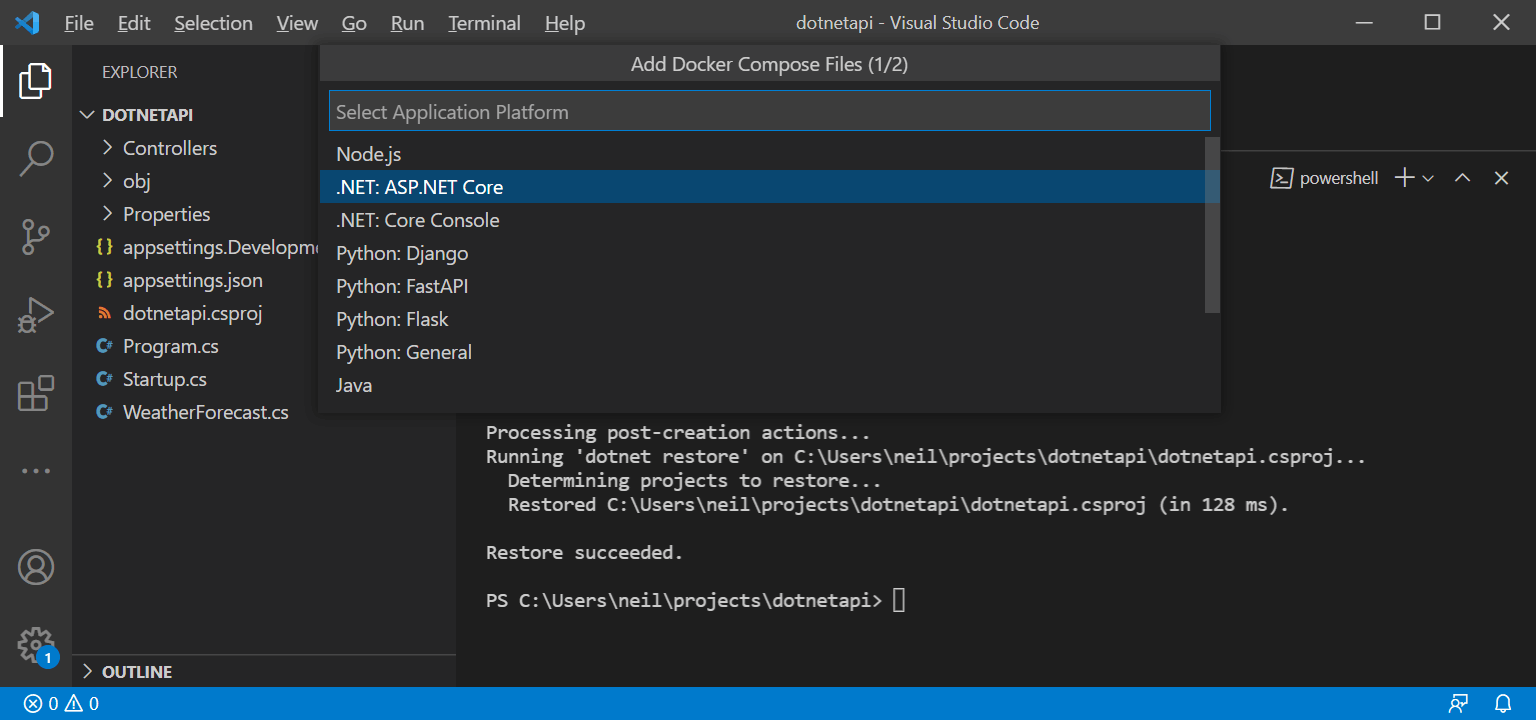
I selected .NET: ASP.NET Core platform
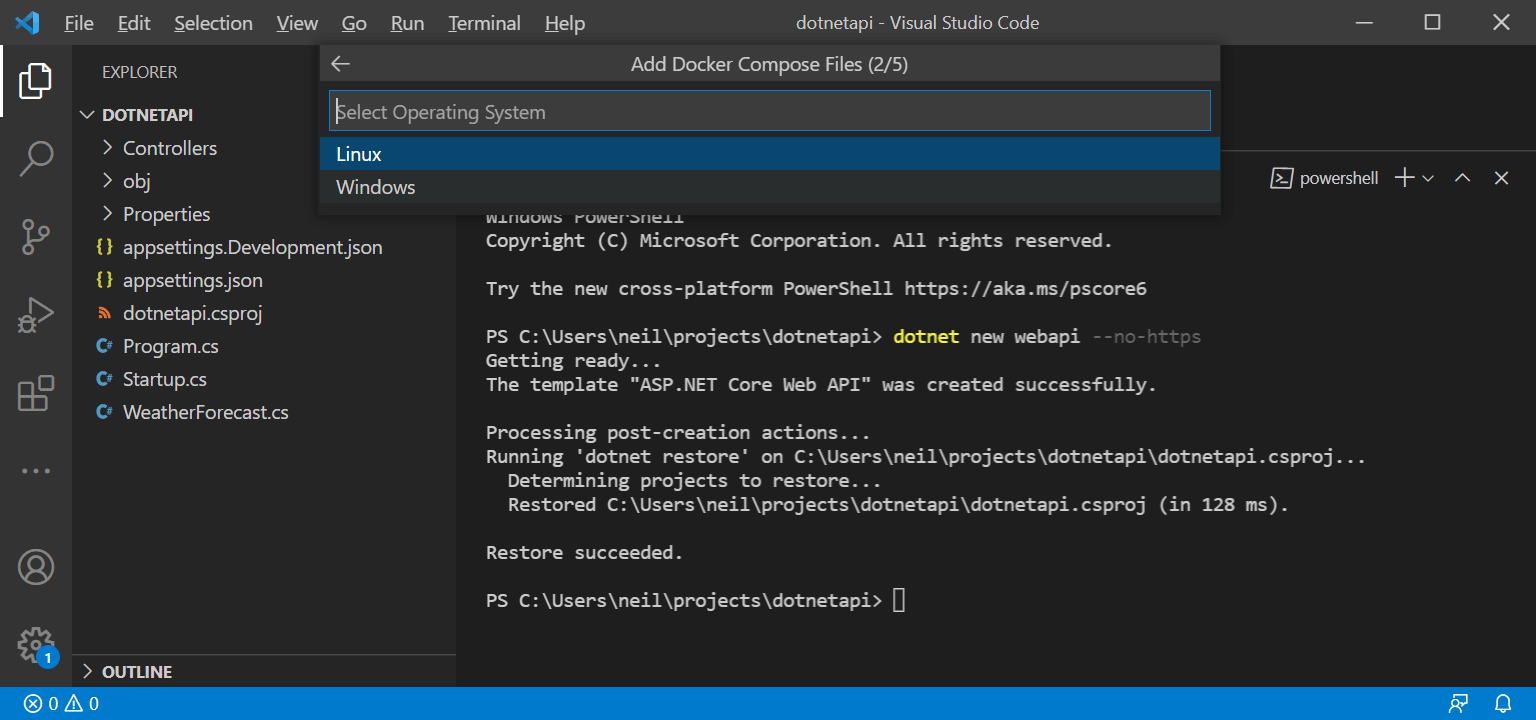
I selected Linux
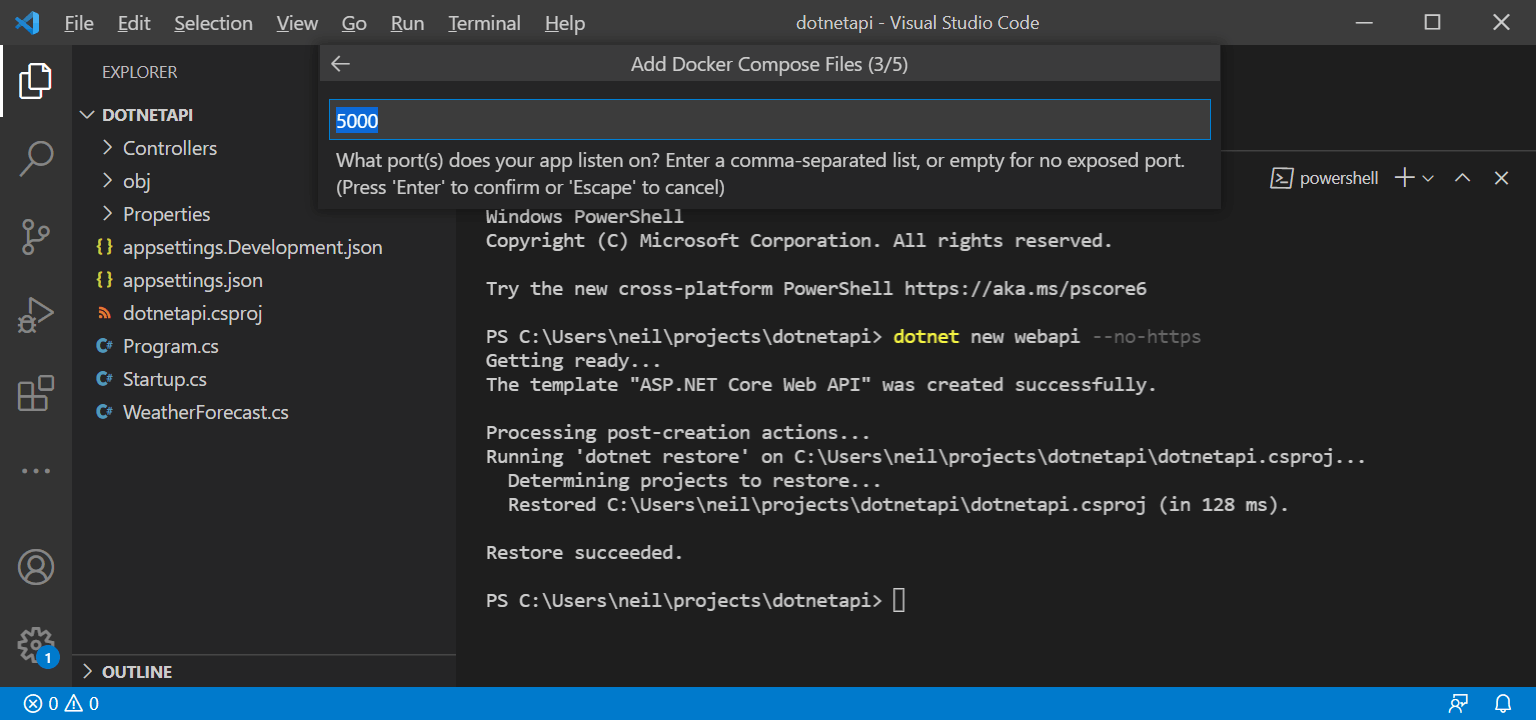
I selected port 5000
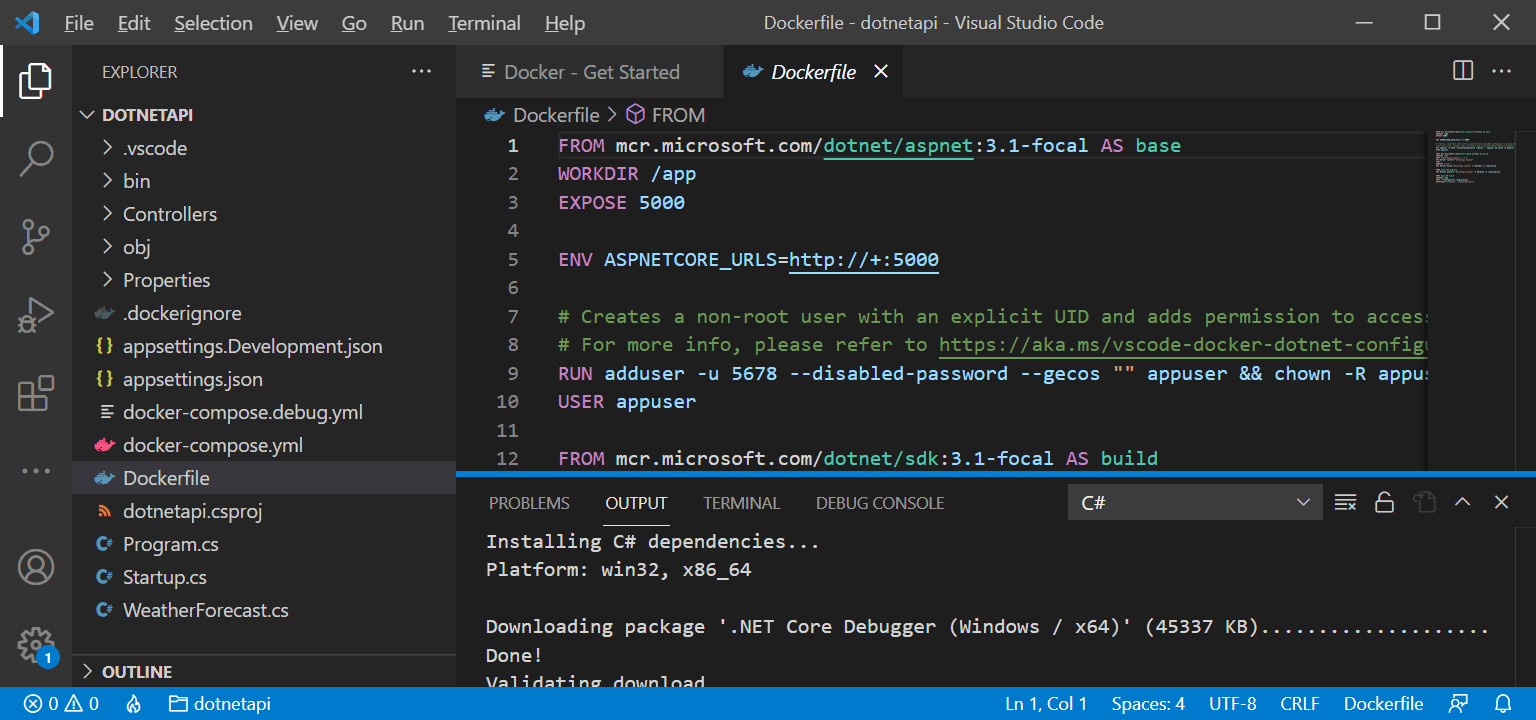
The Dockerfile was generated
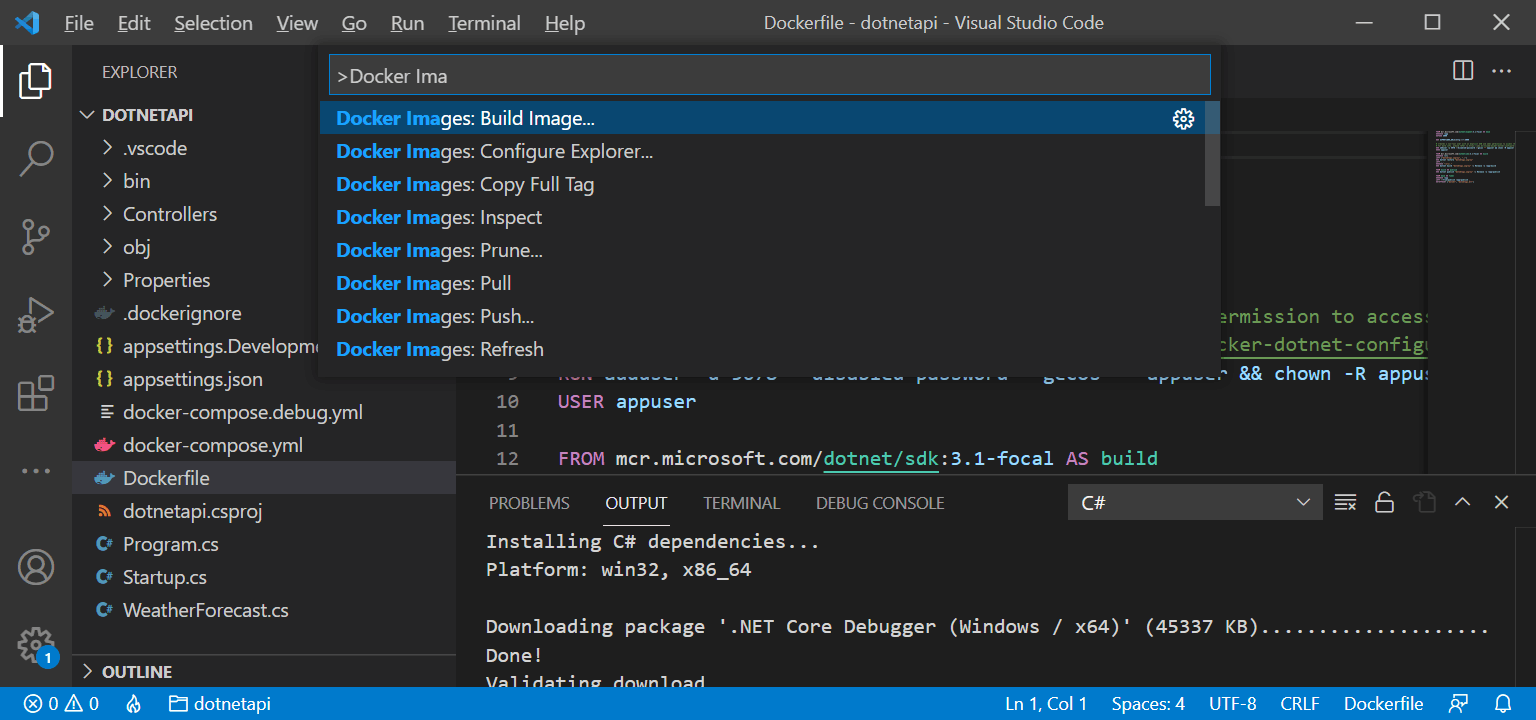
I selected Docker Images: Build Image...
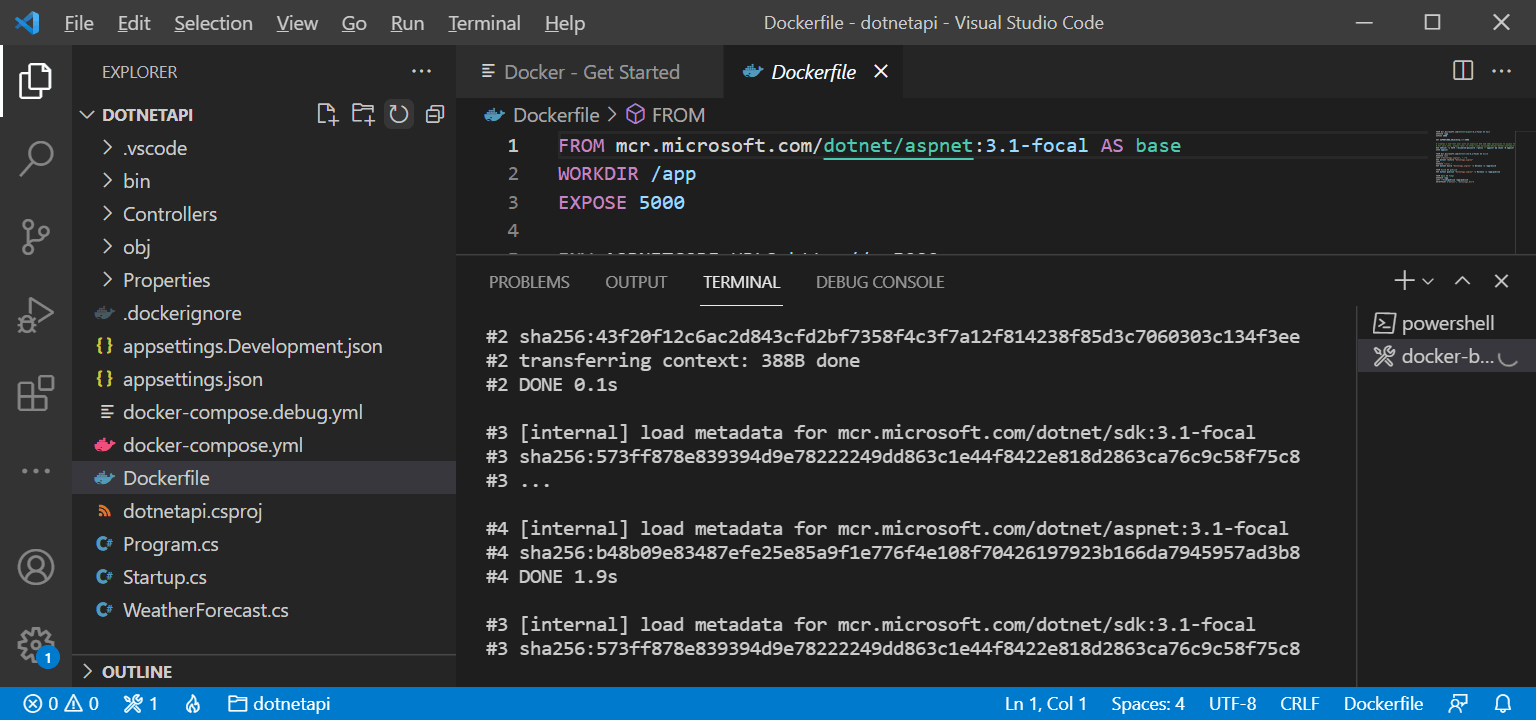
The image was building
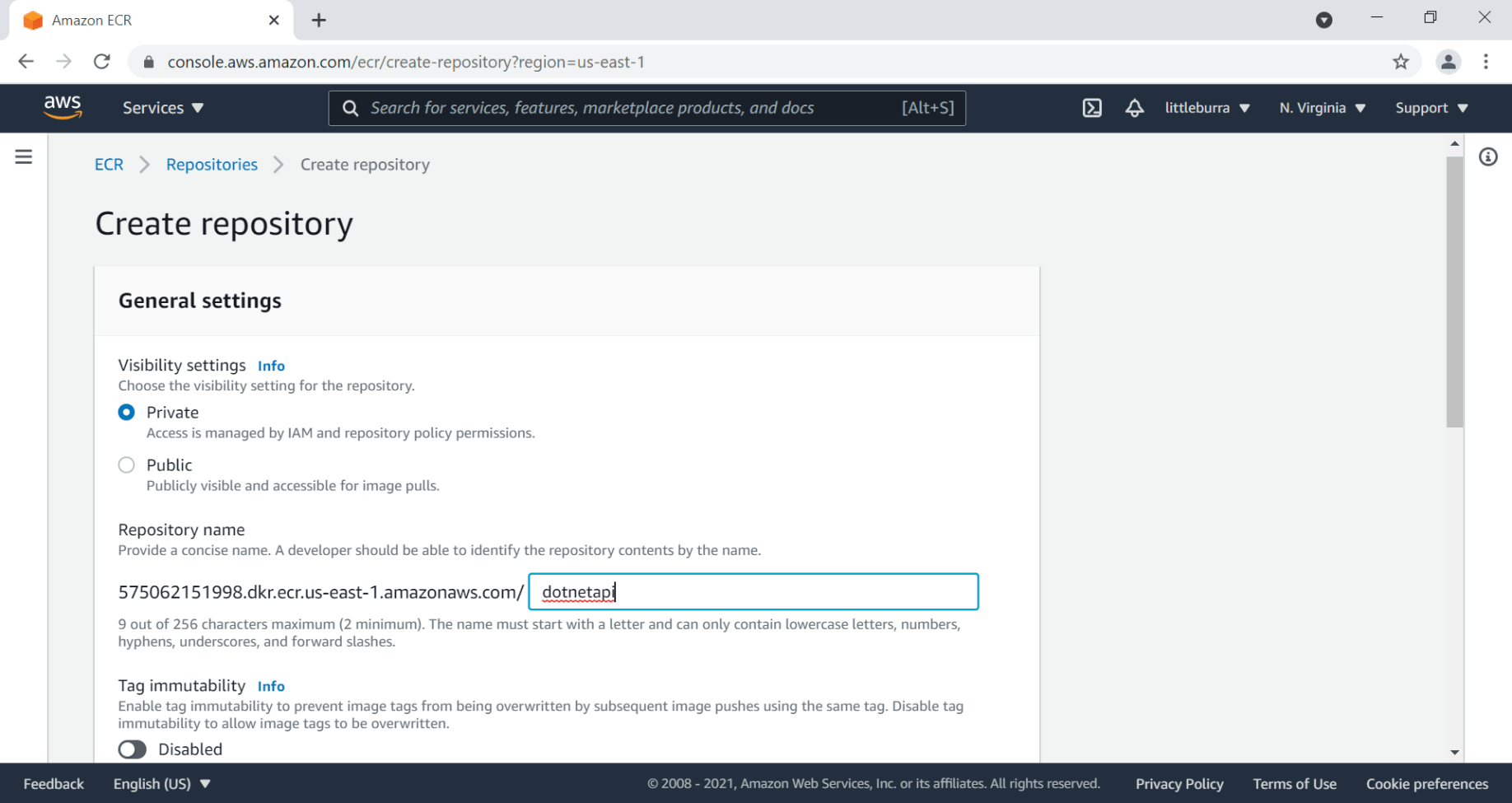
I created an ECR repository
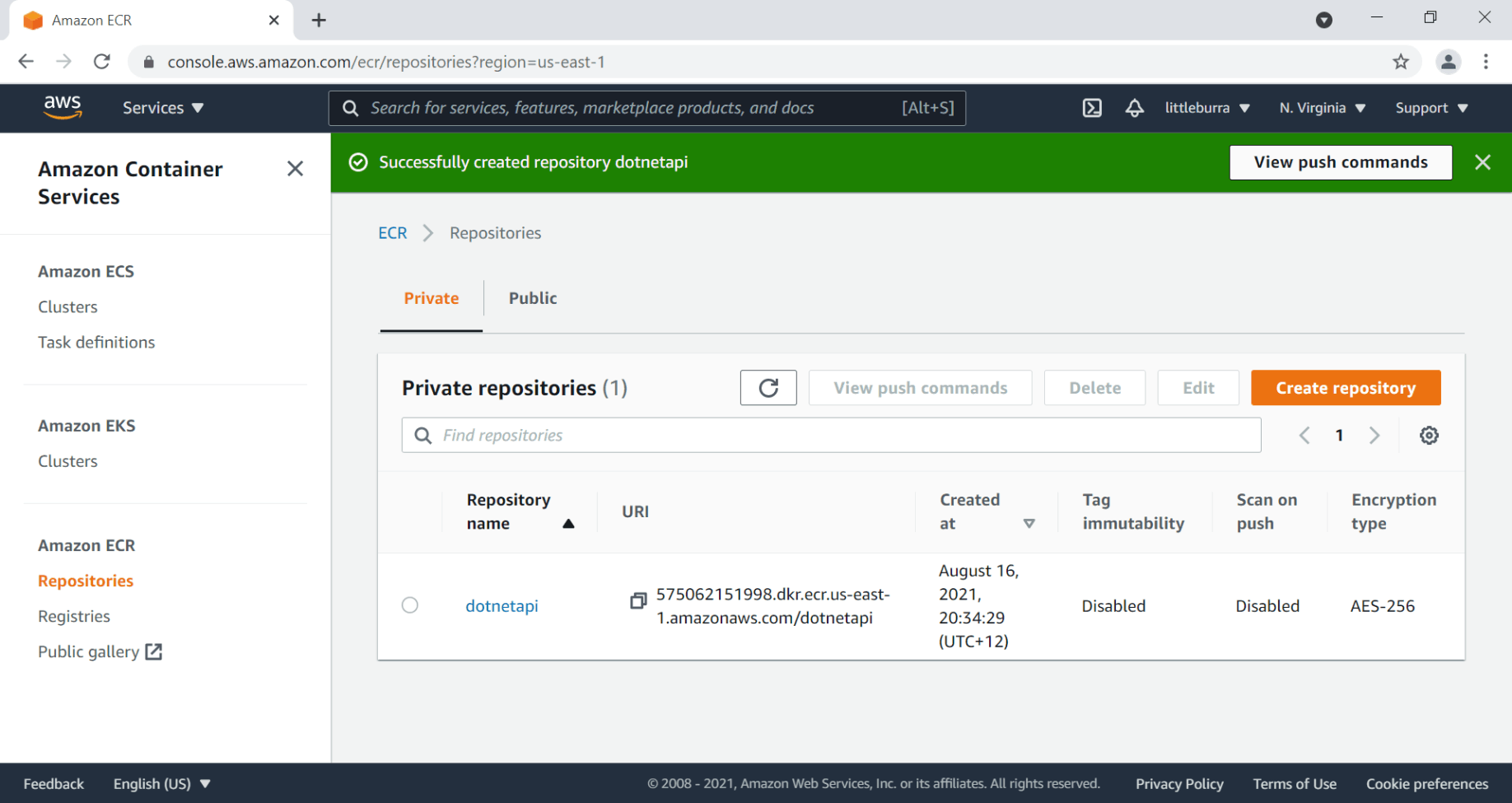
The repository was created
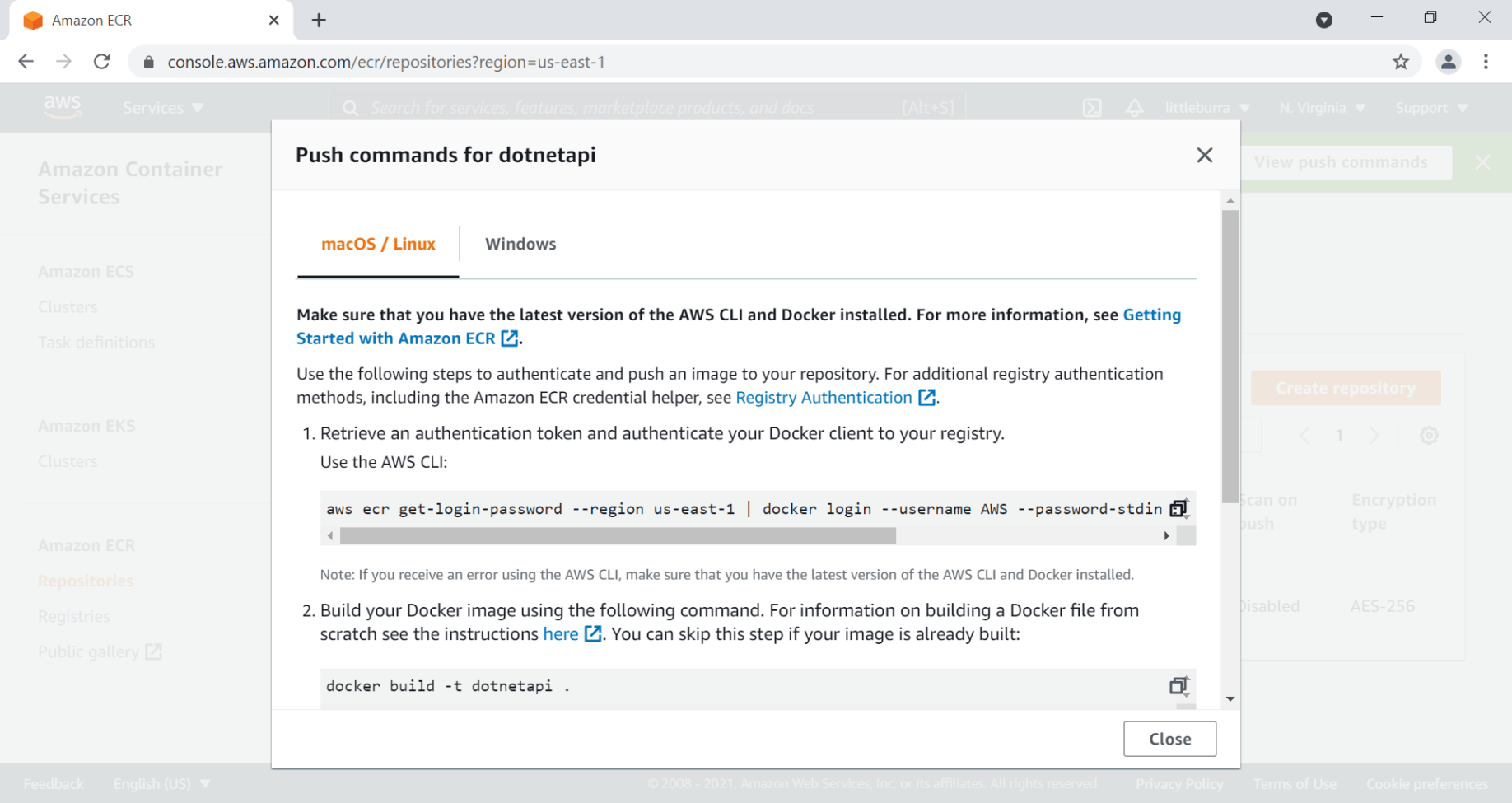
I viewed the push commands for macOS/Linux
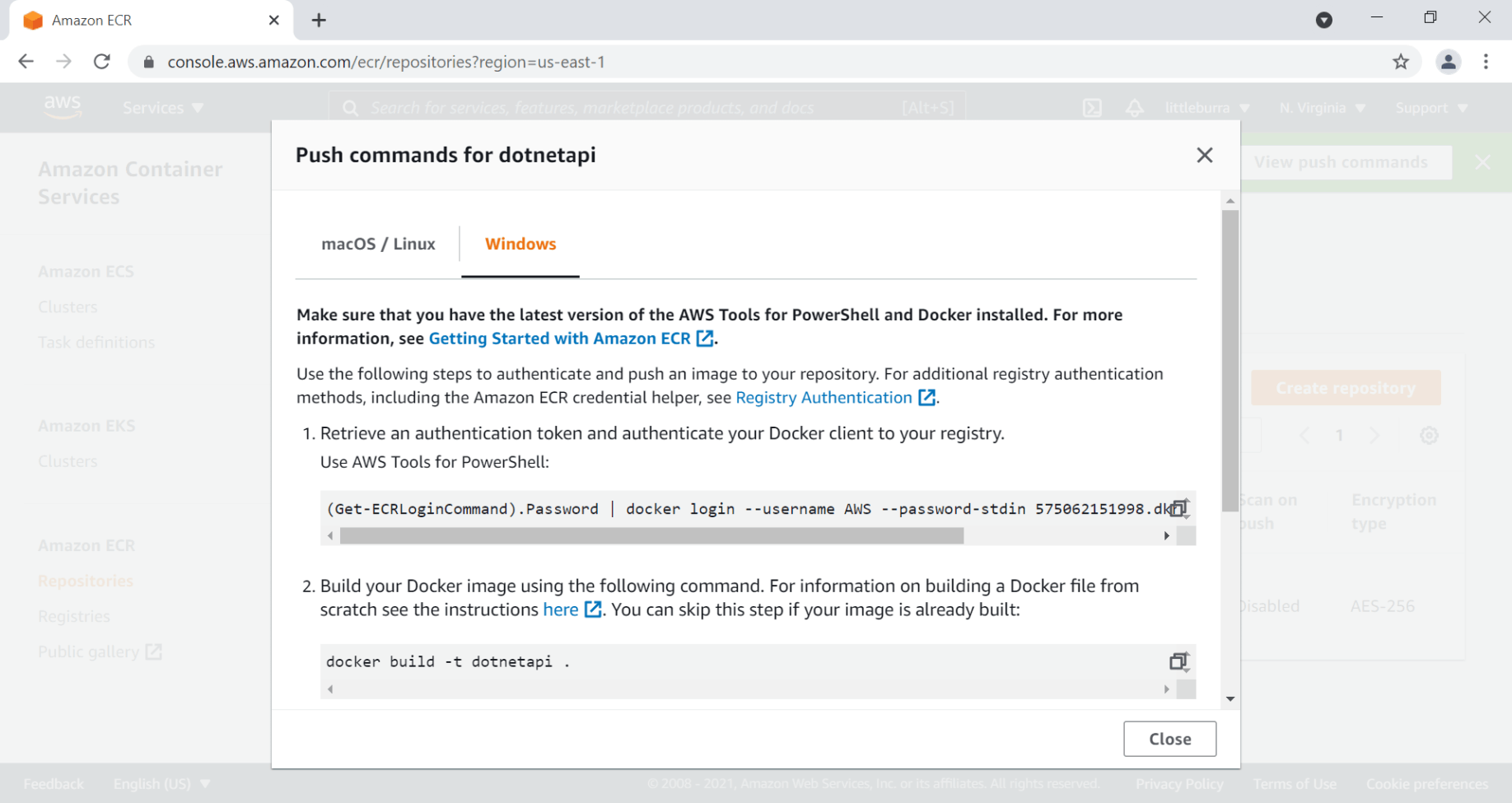
I viewed the push commands for Windows
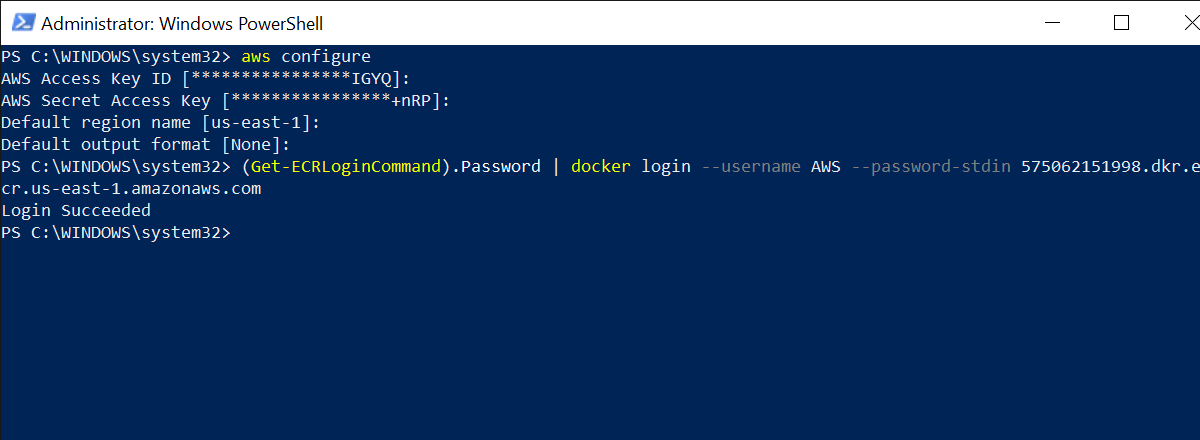
I ran the Get-ECRLoginCommand
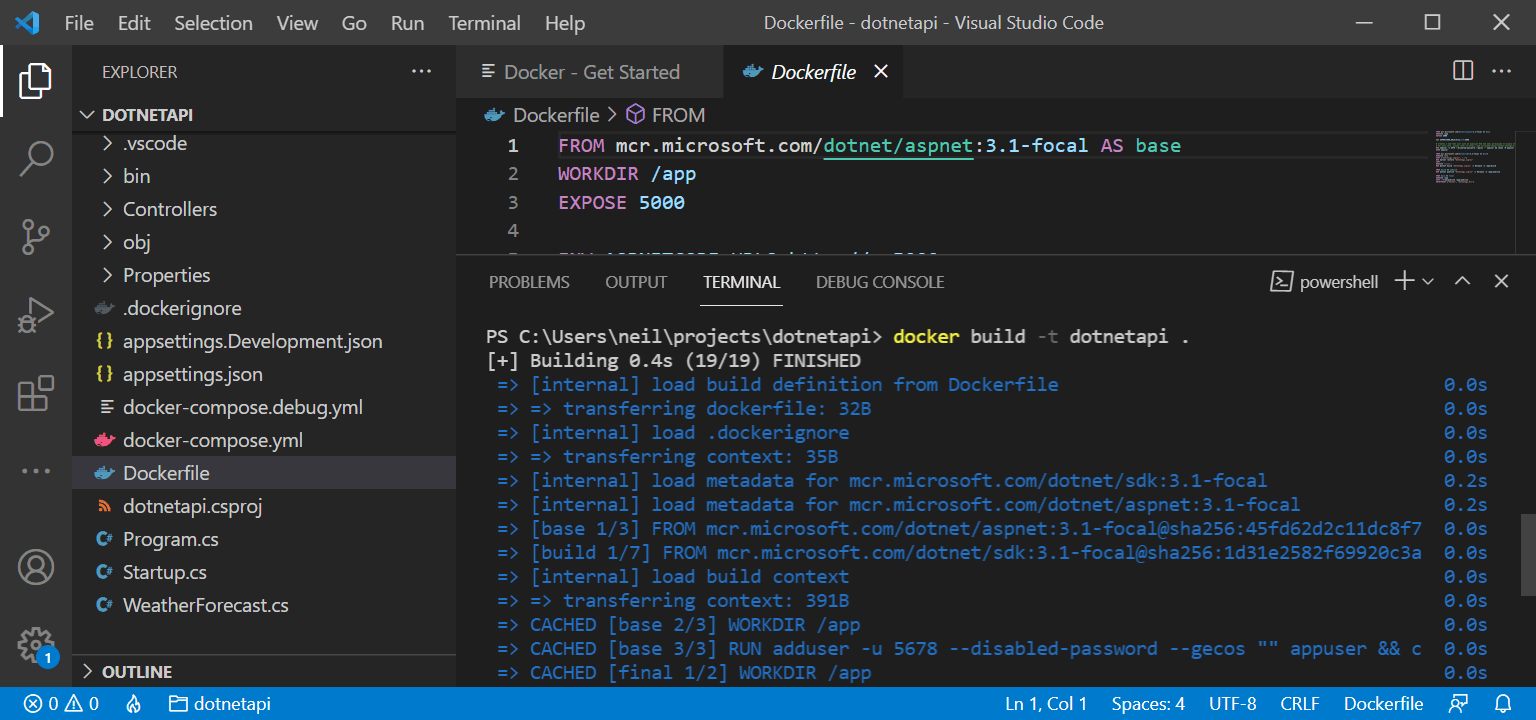
I ran docker build -t dotnetapi .
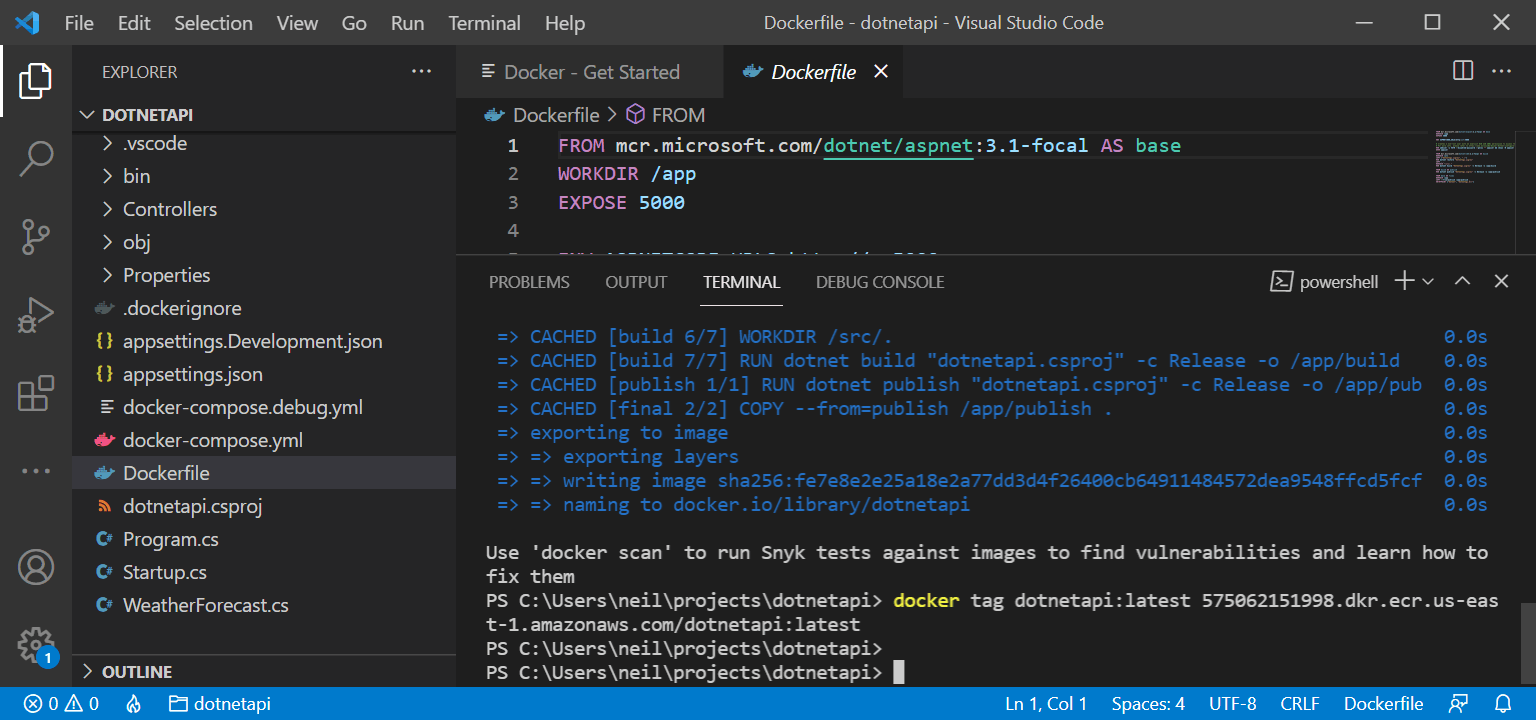
I ran docker tag
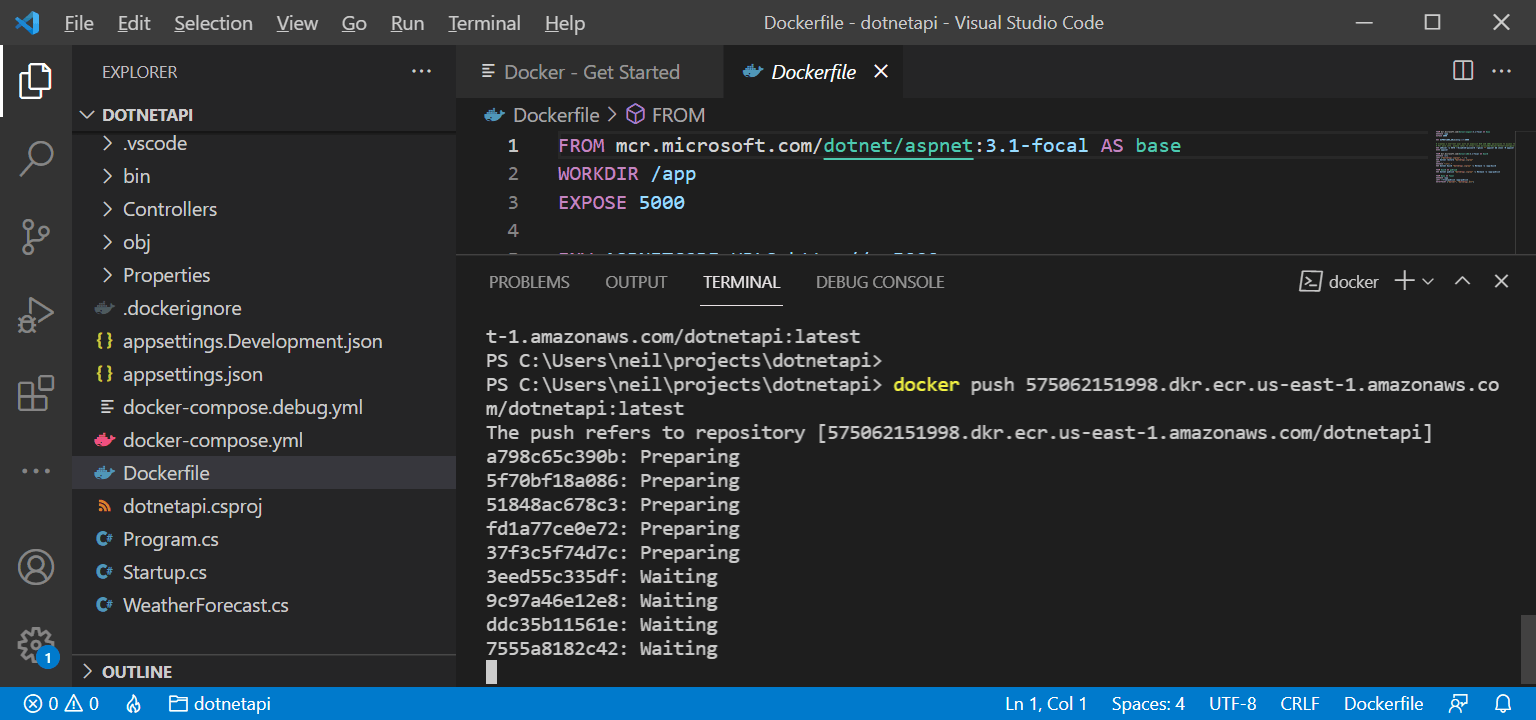
I ran docker push
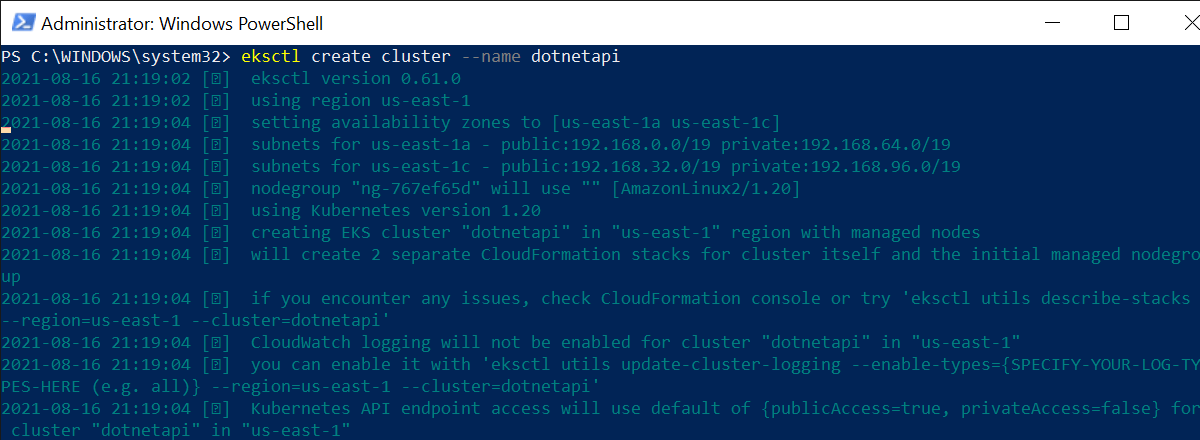
I ran eksctl create cluster --name dotnetapi
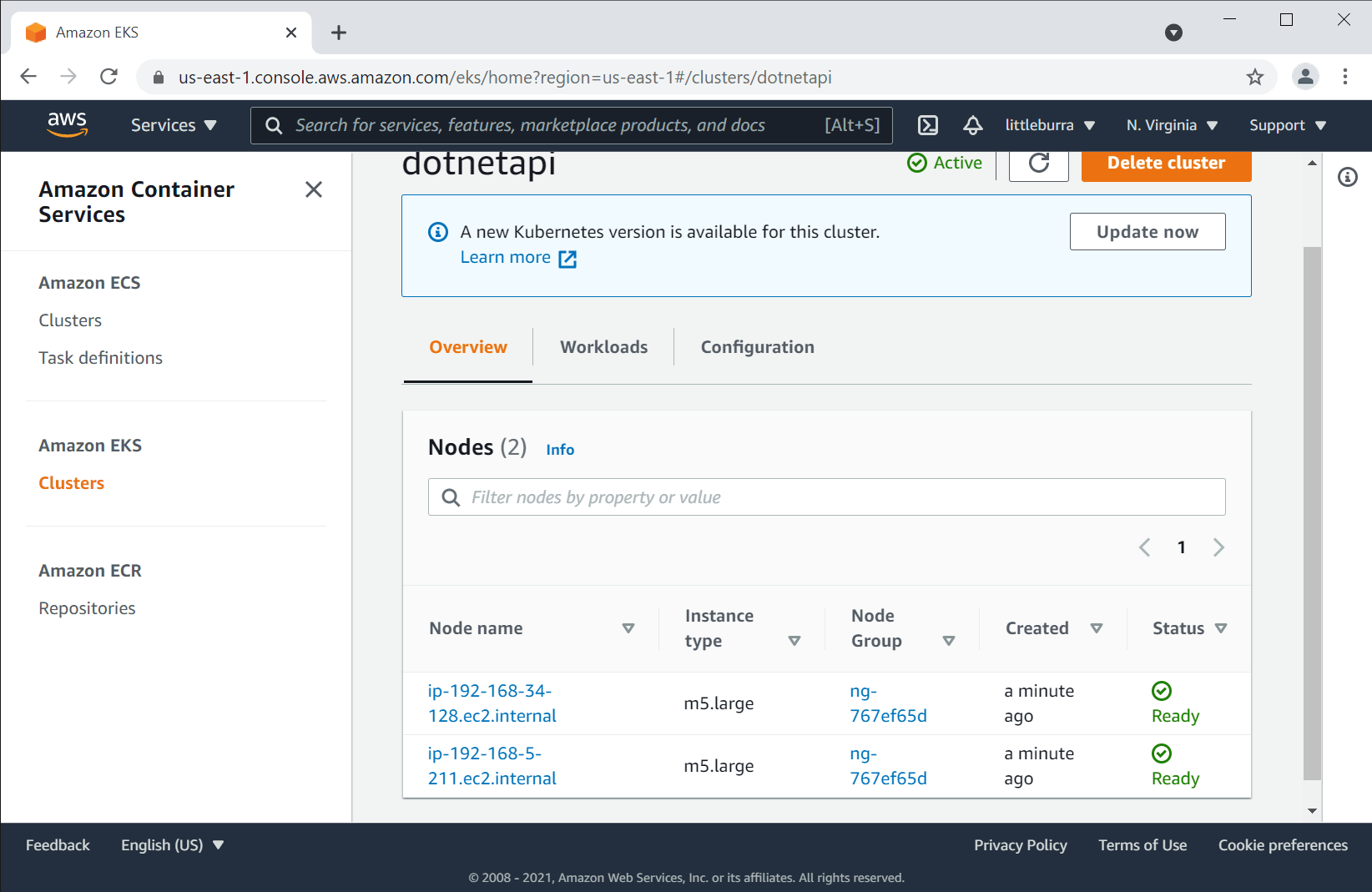
I reviewed the cluster EC2 nodes
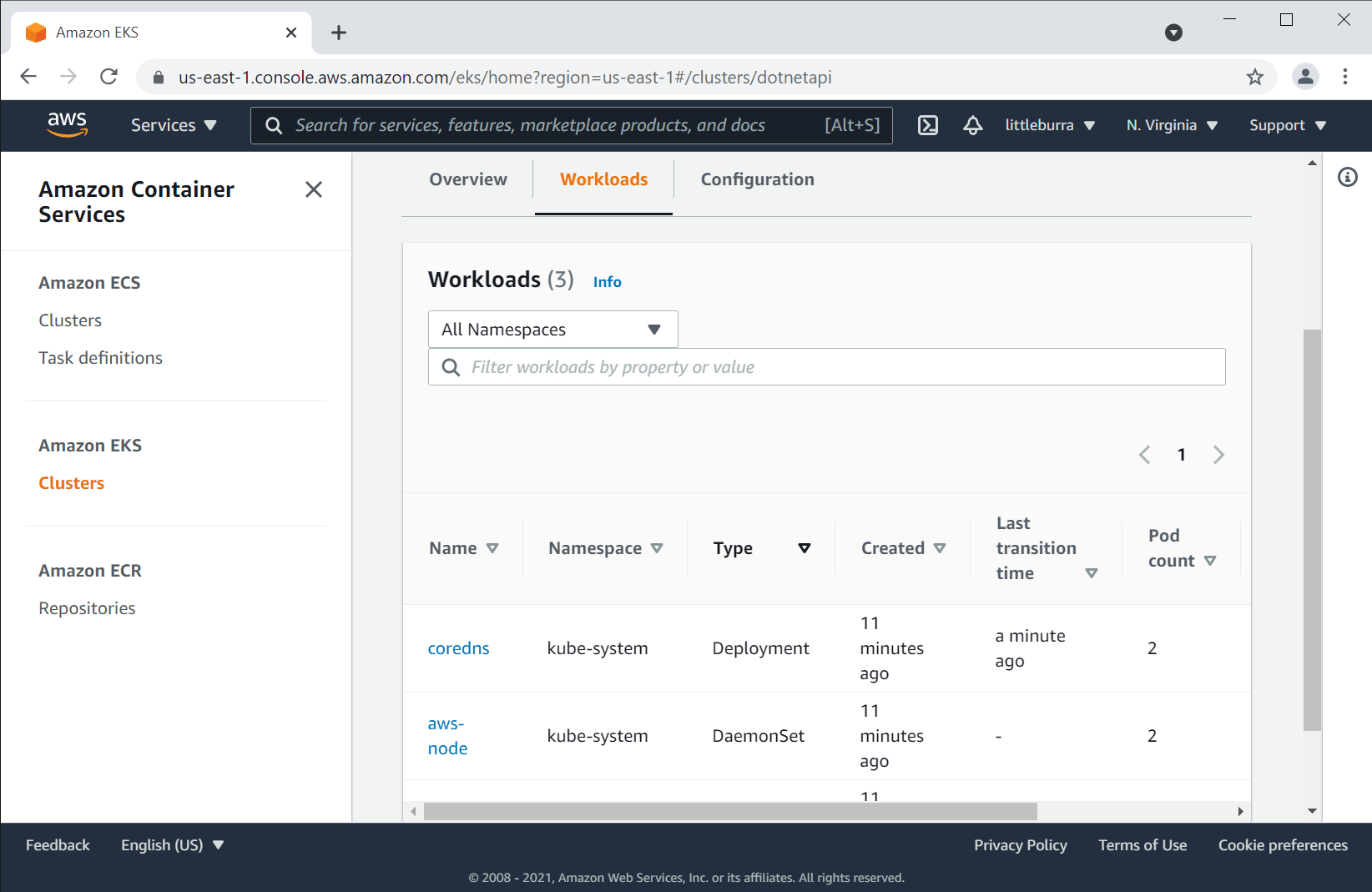
I viewed the workloads
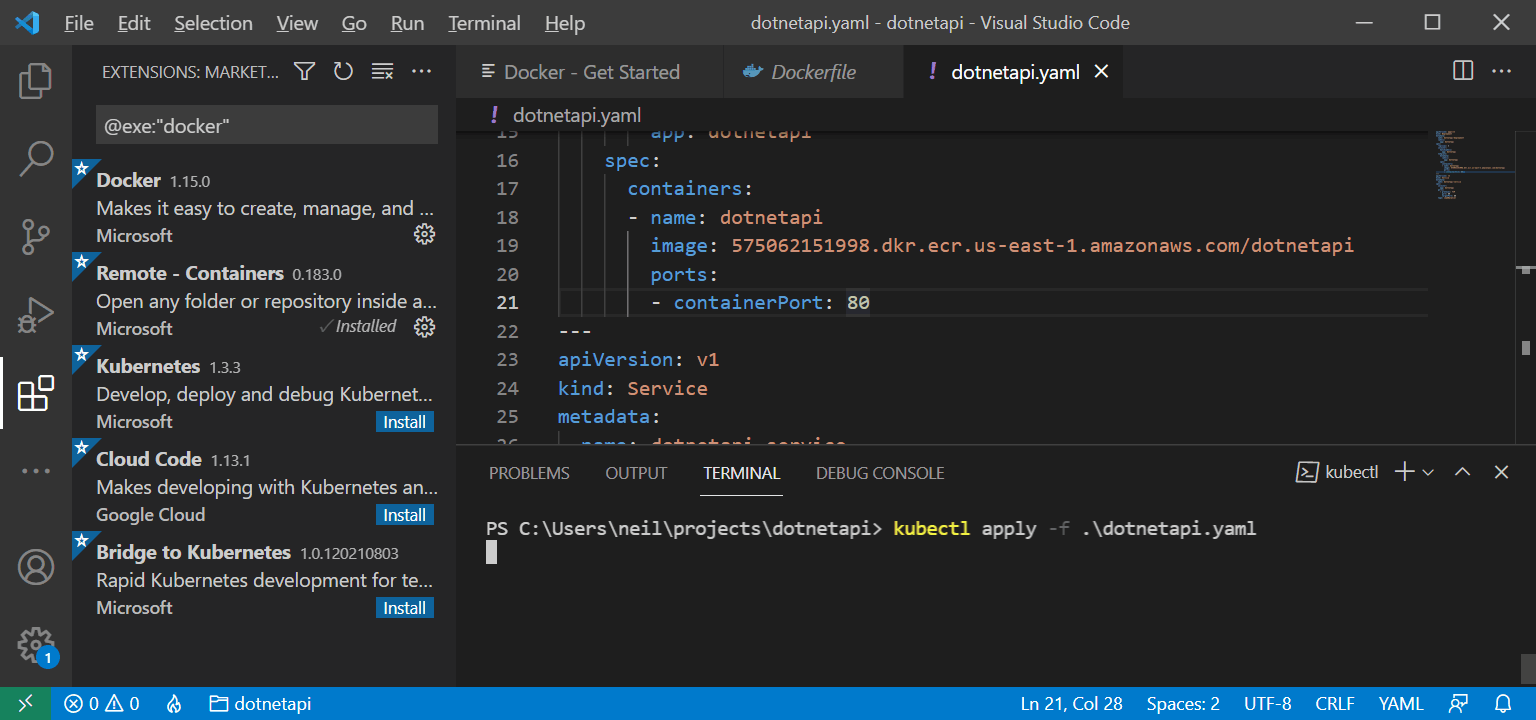
I ran kubectl apply -f .\dotnetapi.yaml
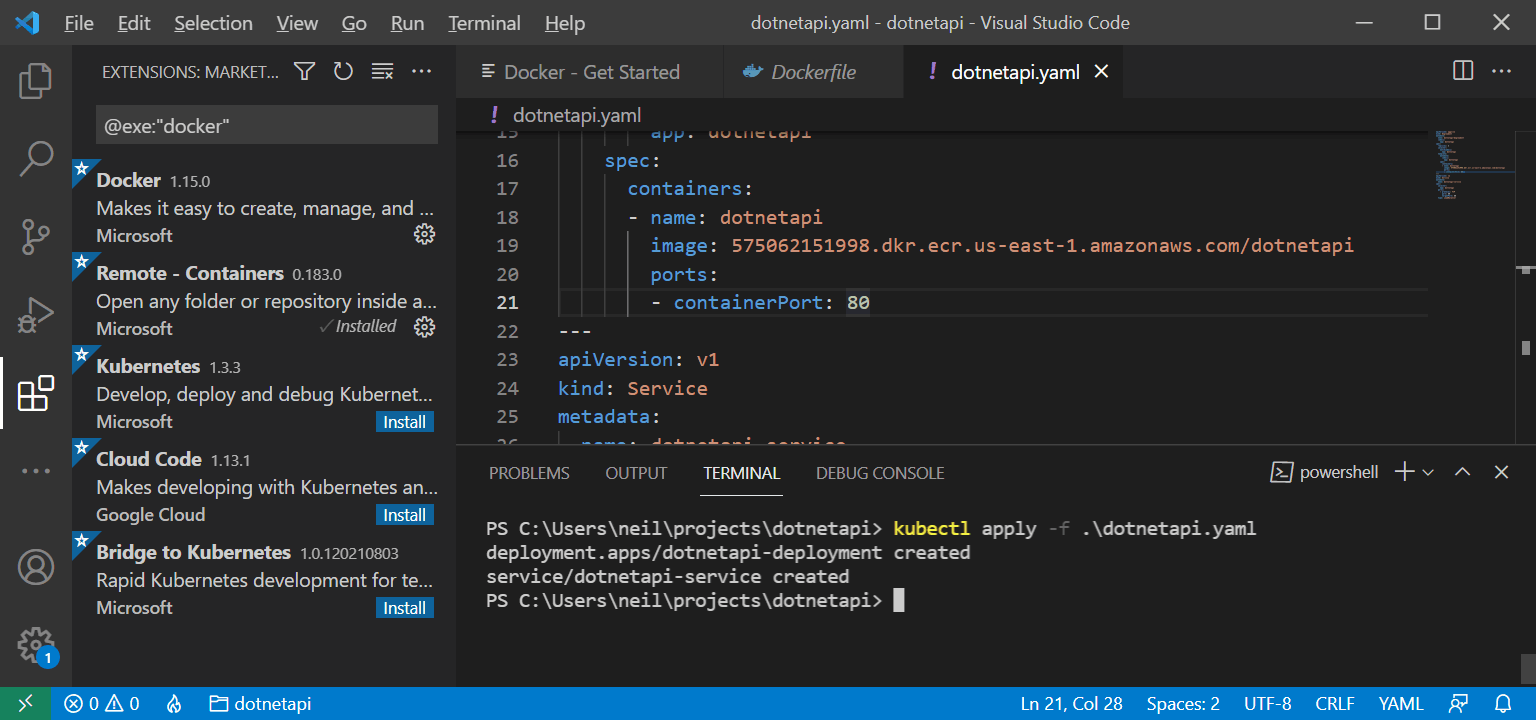
The dotnetapi-service was created
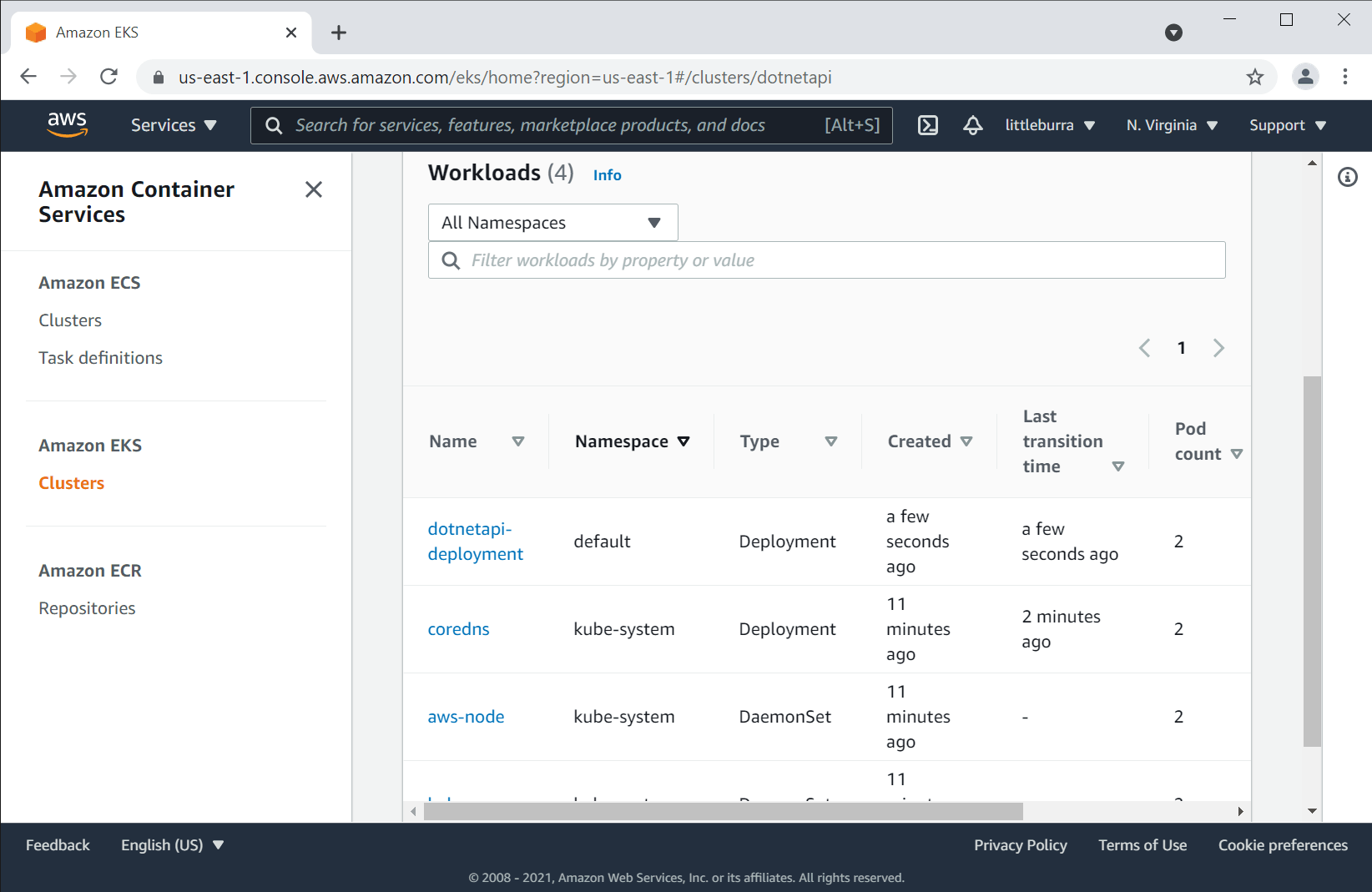
I viewed the updated workloads
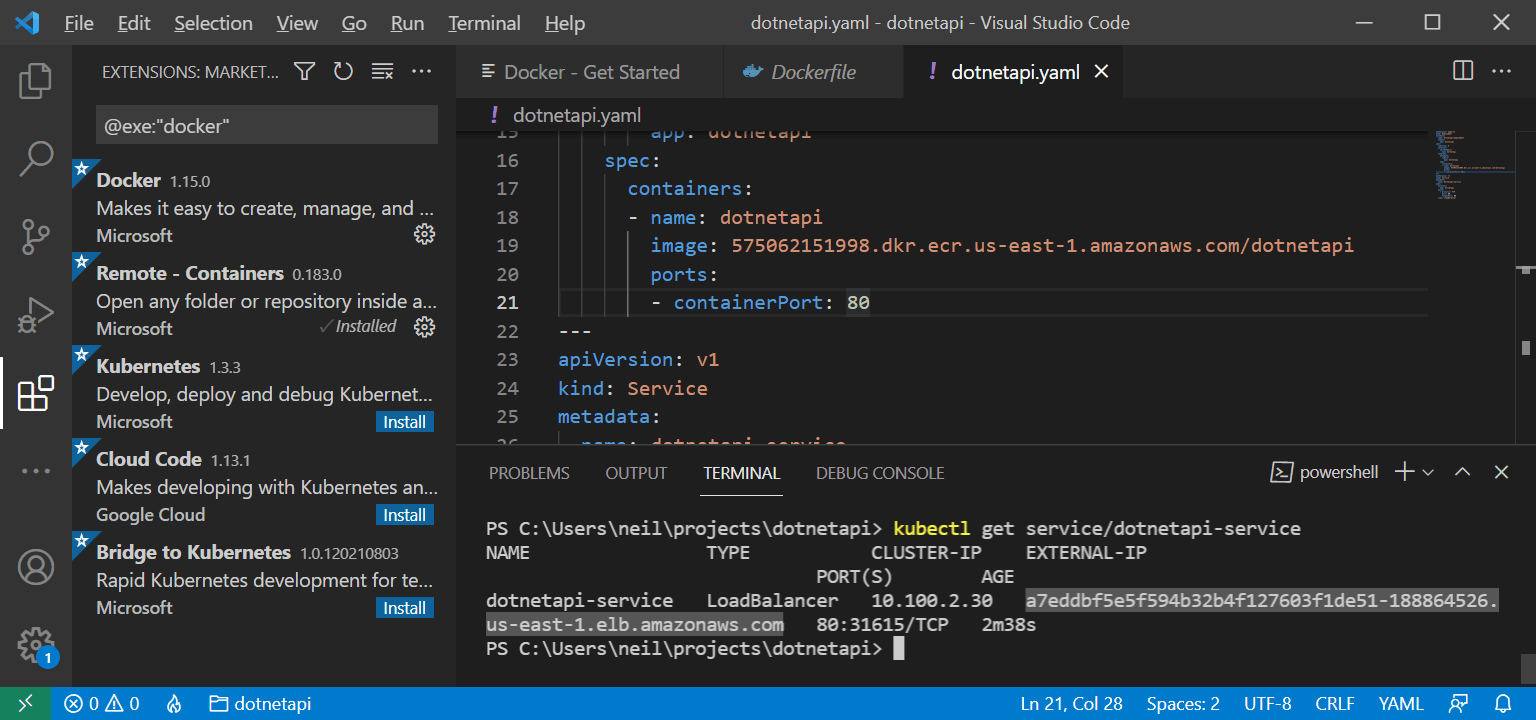
I ran kubectl get service/dotnetapi-service
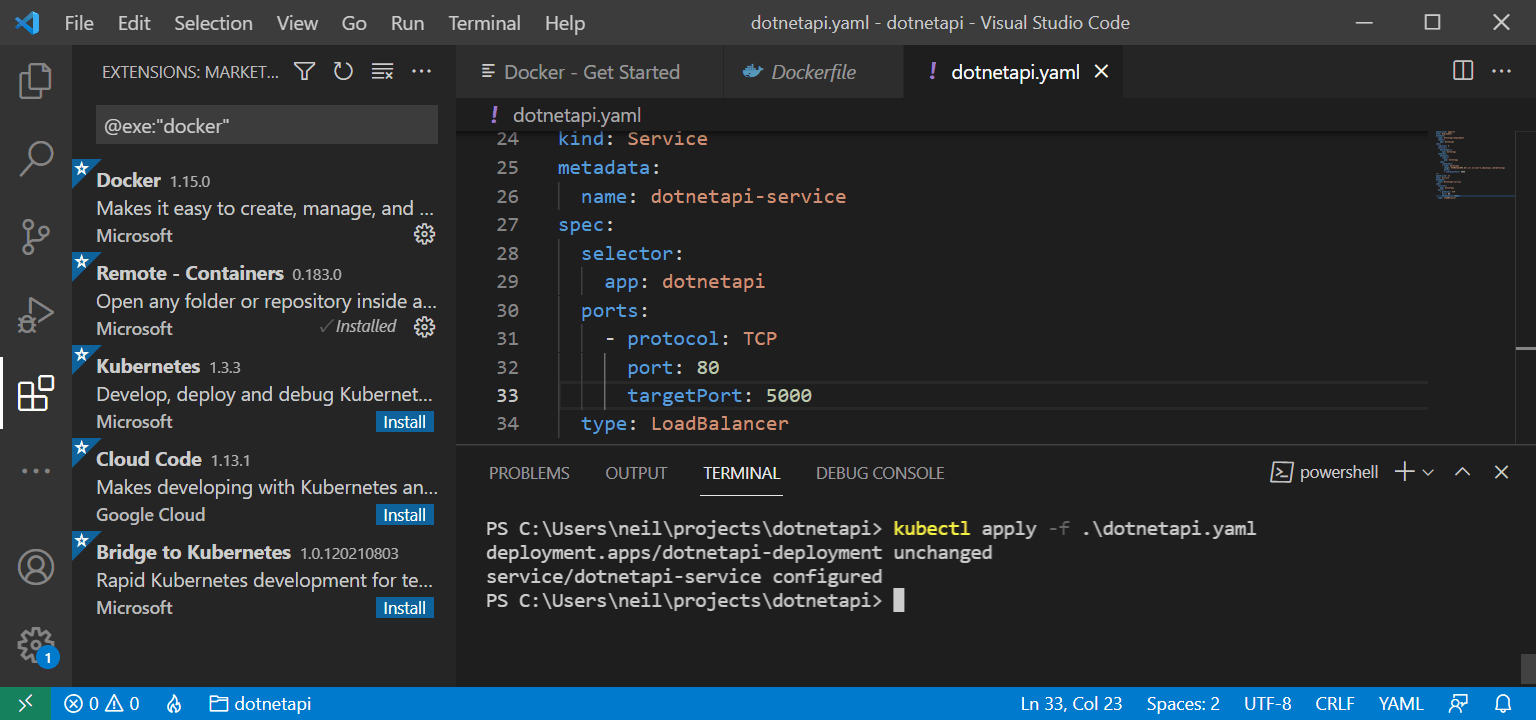
I updated containerPort, port and targetPort
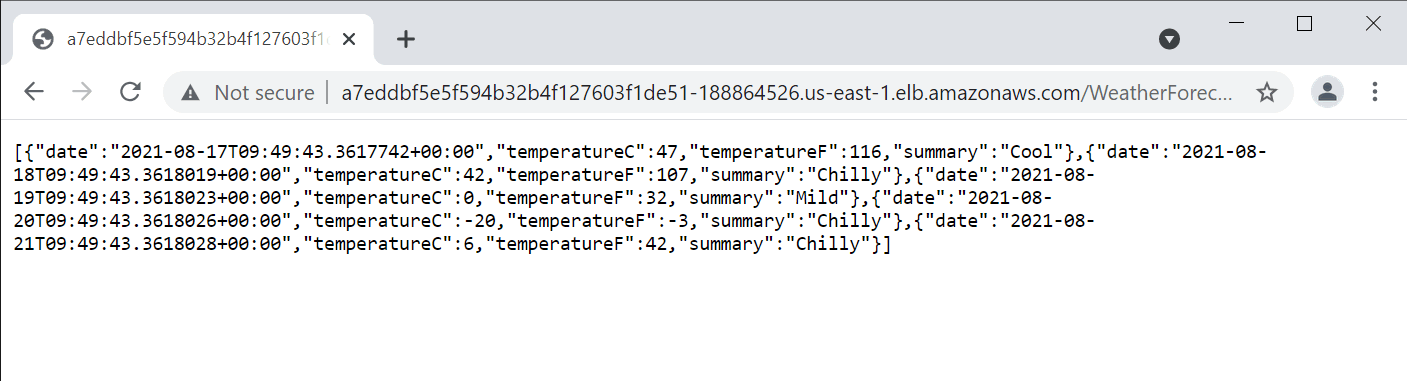
I navigated to the load balancer URL
WeatherForecastController.cs
CSHARP
1using System;
2using System.Collections.Generic;
3using System.Linq;
4using System.Threading.Tasks;
5using Microsoft.AspNetCore.Mvc;
6using Microsoft.Extensions.Logging;
7
8namespace dotnetapi.Controllers
9{
10    [ApiController]
11    [Route("[controller]")]
12    public class WeatherForecastController : ControllerBase
13    {
14        private static readonly string[] Summaries = new[]
15        {
16            "Freezing", "Bracing", "Chilly", "Cool", "Mild", "Warm", "Balmy", "Hot", "Sweltering", "Scorching"
17        };
18
19        private readonly ILogger<WeatherForecastController> _logger;
20
21        public WeatherForecastController(ILogger<WeatherForecastController> logger)
22        {
23            _logger = logger;
24        }
25
26        [HttpGet]
27        public IEnumerable<WeatherForecast> Get()
28        {
29            var rng = new Random();
30            return Enumerable.Range(1, 5).Select(index => new WeatherForecast
31            {
32                Date = DateTime.Now.AddDays(index),
33                TemperatureC = rng.Next(-20, 55),
34                Summary = Summaries[rng.Next(Summaries.Length)]
35            })
36            .ToArray();
37        }
38    }
39}
dotnetapi.yaml
YAML
1apiVersion: apps/v1
2kind: Deployment
3metadata:
4  name: dotnetapi-deployment
5  labels:
6    app: dotnetapi
7spec:
8  replicas: 2
9  selector:
10    matchLabels:
11      app: dotnetapi
12  template:
13    metadata:
14      labels:
15        app: dotnetapi
16    spec:
17      containers:
18      - name: dotnetapi
19        image: 575062151998.dkr.ecr.us-east-1.amazonaws.com/dotnetapi
20        ports:
21        - containerPort: 5000
22---
23apiVersion: v1
24kind: Service
25metadata:
26  name: dotnetapi-service
27spec:
28  selector:
29    app: dotnetapi
30  ports:
31    - protocol: TCP
32      port: 80
33      targetPort: 5000
34  type: LoadBalancer