Claude Code (Part 13)
Neil Haddley • June 3, 2026
Building a Claude Code skill that generates Dataverse solution XML for Power Platform
I built a Claude Code skill called dv-generate that generates Dataverse solutions for Power Platform. It's published on GitHub. The skill installs with a single curl command.
BASH
1curl -fsSL https://raw.githubusercontent.com/Haddley/dv-generate/main/install.sh | bash
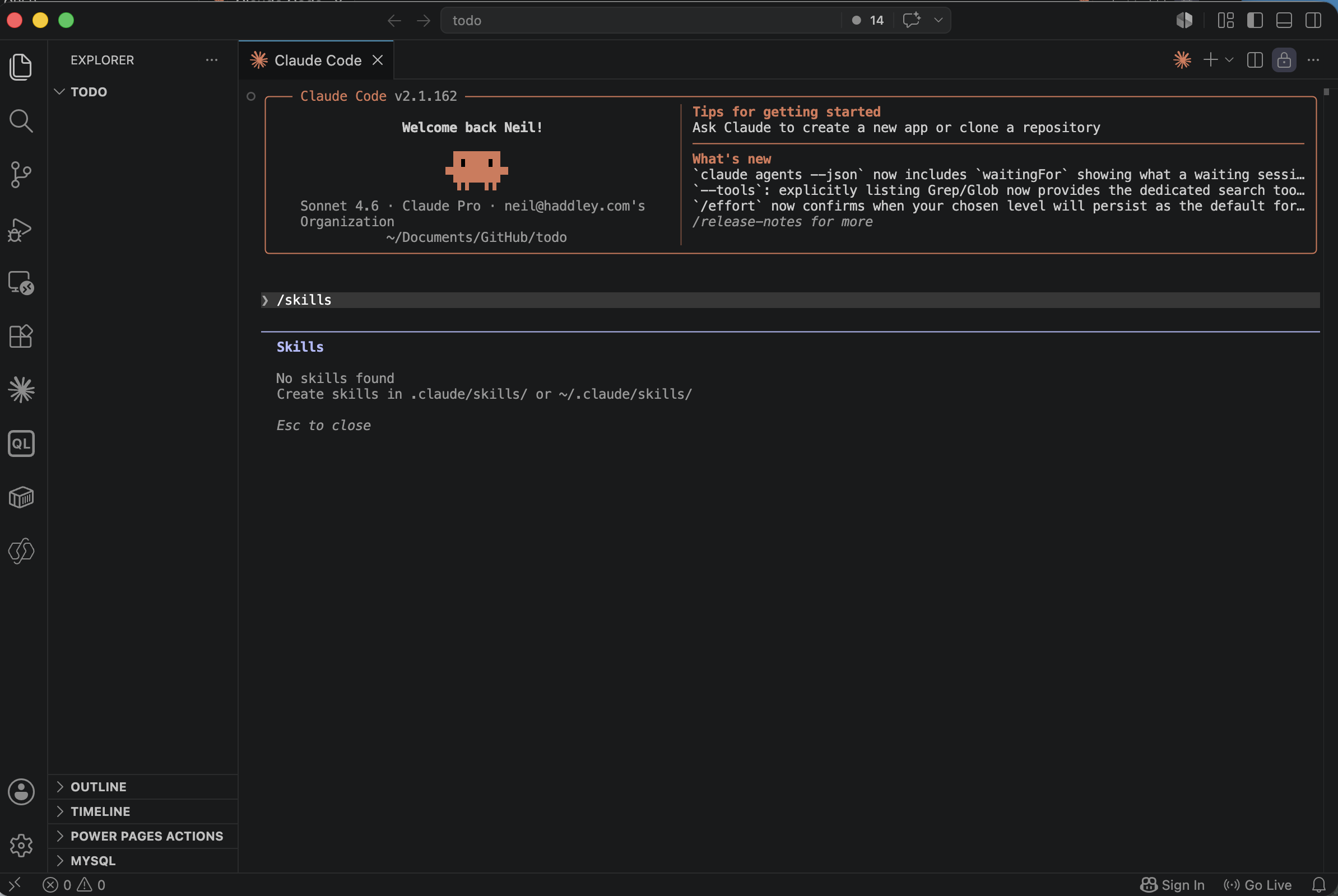
I ran /skills in Claude Code and saw there were no skills installed yet
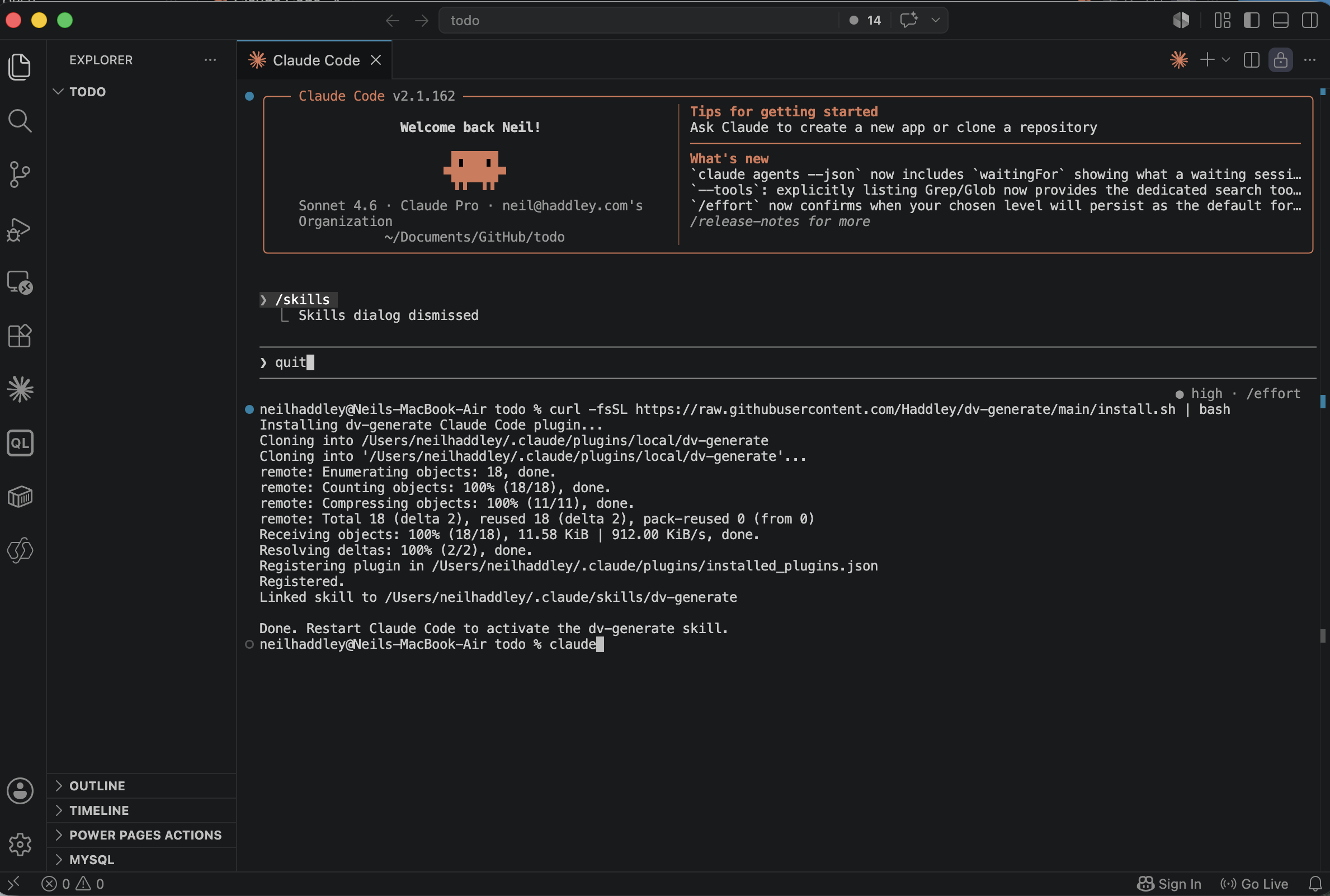
I ran the install script and watched it clone the dv-generate plugin and register it
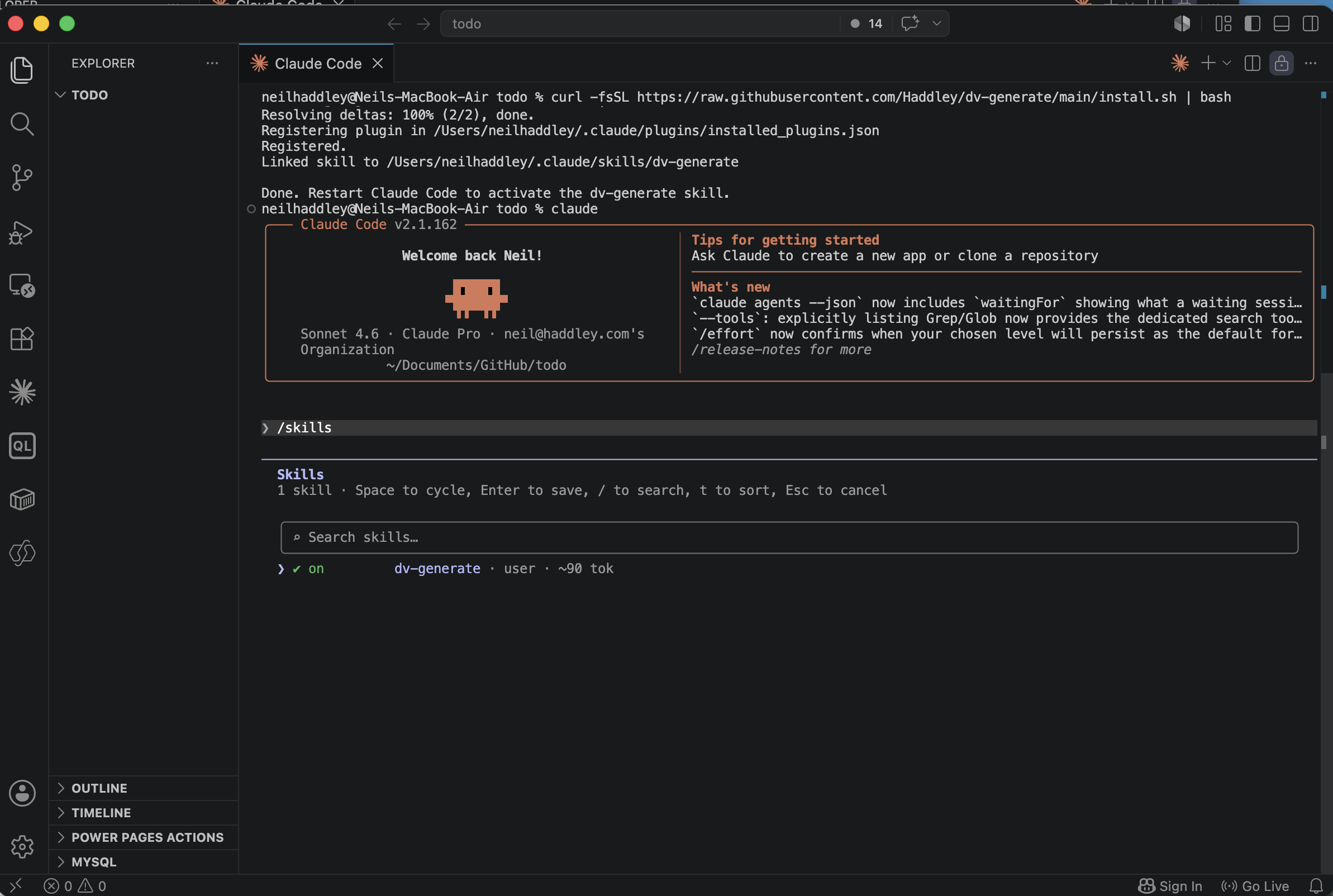
After restarting Claude Code, /skills now showed the dv-generate skill listed and active
With the skill installed, I opened Claude Code in an empty folder and checked that the skill was available.
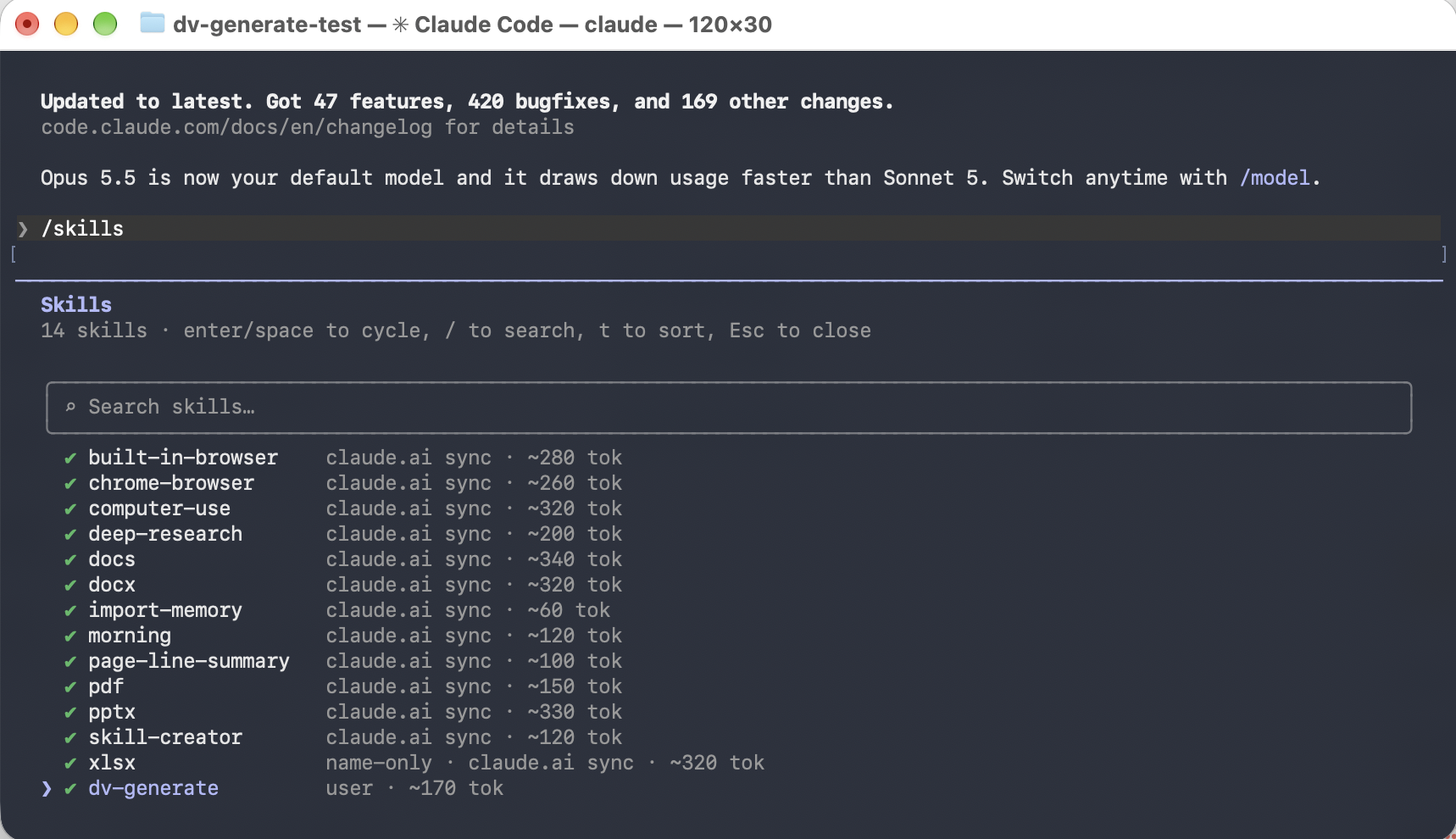
I opened Claude Code in an empty folder called dv-generate-test and ran /skills. dv-generate is listed as a user skill
Then I gave Claude a prompt to generate a Todo model-driven app.
PROMPT
1Create a Dataverse solution for a simple Todo model-driven app with a Todo table. The table should include the following fields:
2
3Title (required text field)
4Description (multiline text)
5Due Date (date field)
6Priority (choice field with options: Low, Medium, High)
7Completed (yes/no boolean field)
8Generate the solution as a .zip file that I can import directly into my development environment.
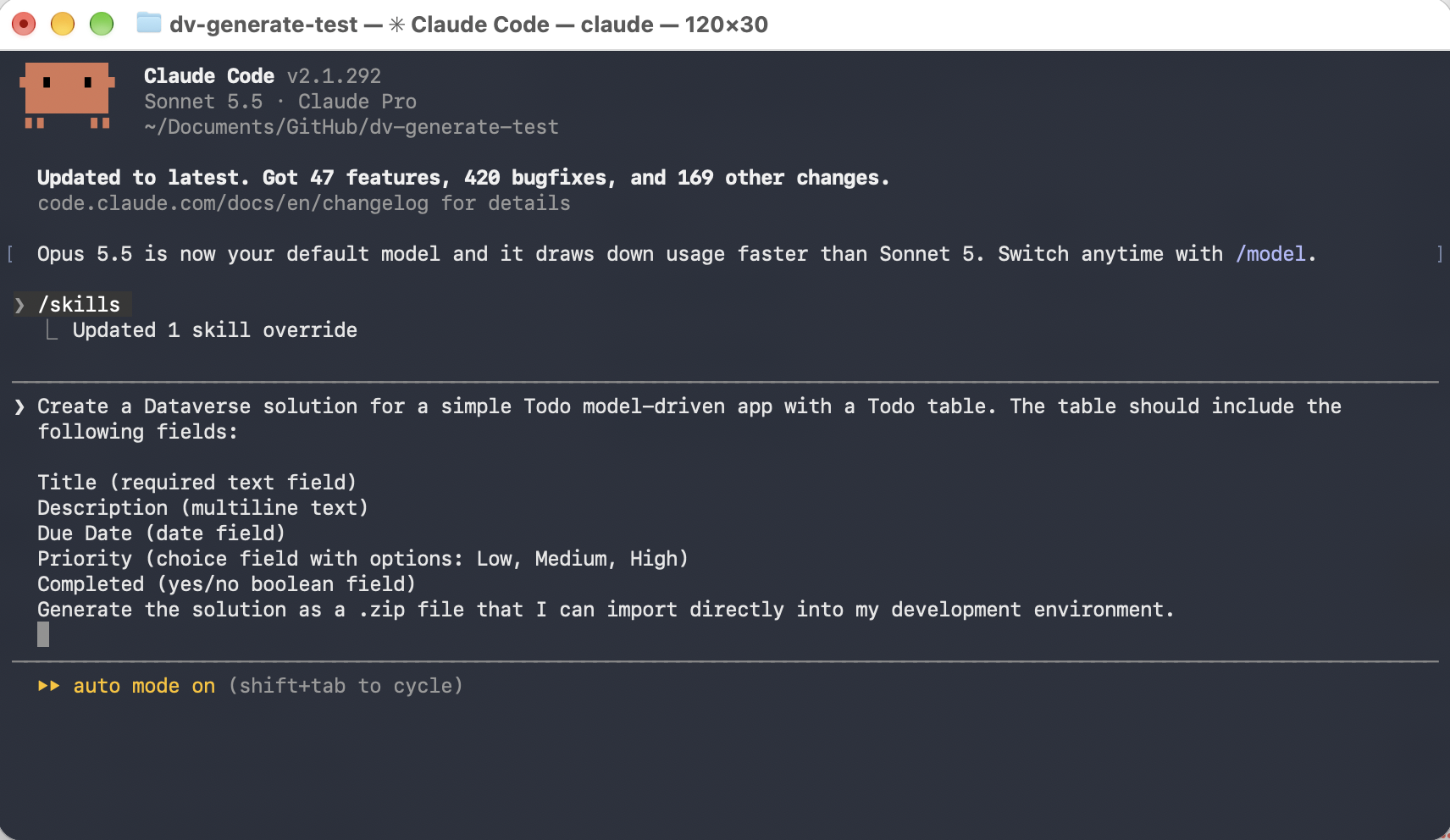
I typed the Todo prompt. It asks for a .zip I can import into my development environment, not a managed solution
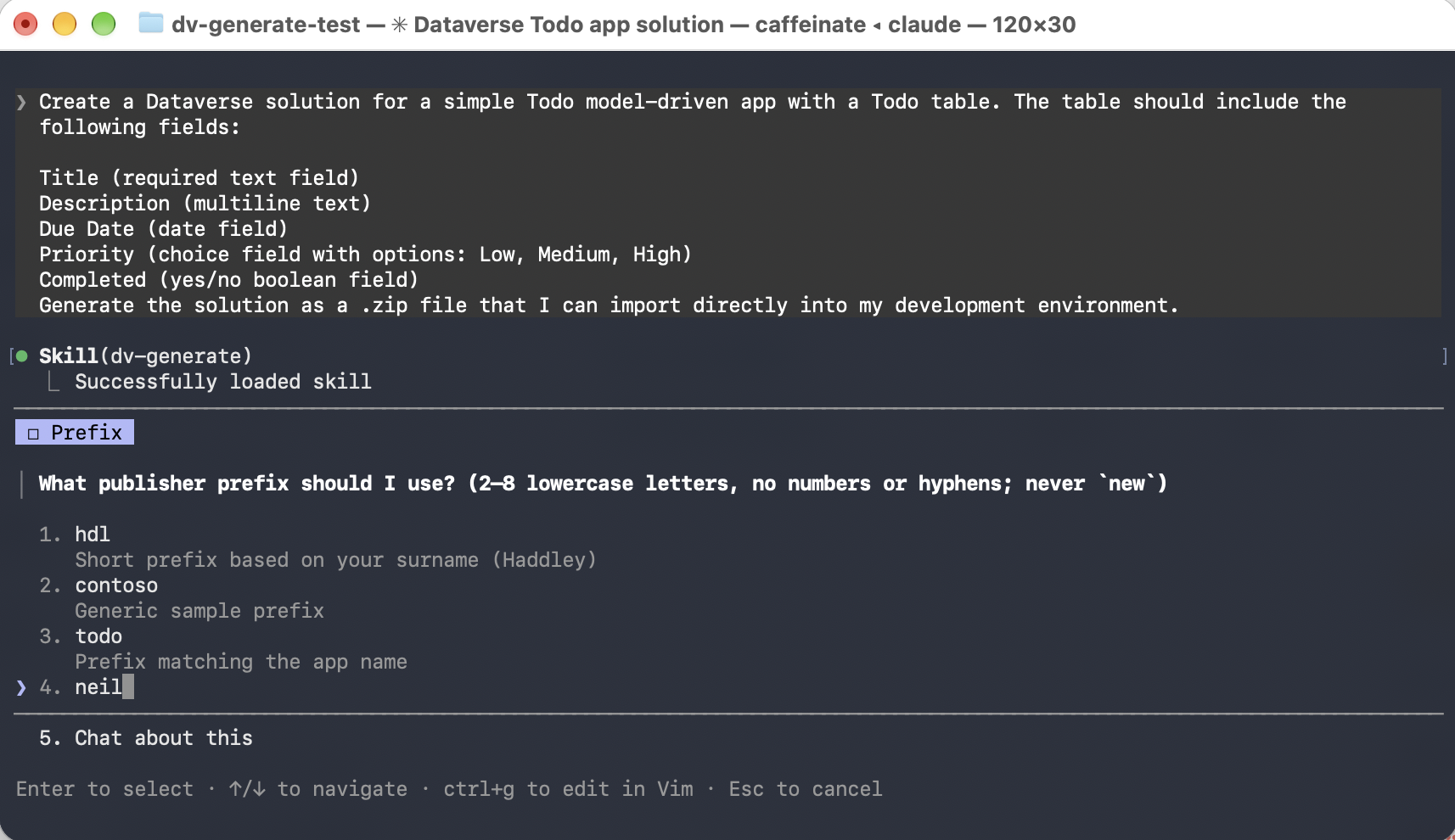
Claude loaded the skill and asked which publisher prefix to use before writing any XML. I chose neil
Claude wrote solution.xml, customizations.xml and pack.sh, and built TodoSolution.zip. I used two Developer environments for the rest of this post: one for development, and one standing in for test or production.
Import into development
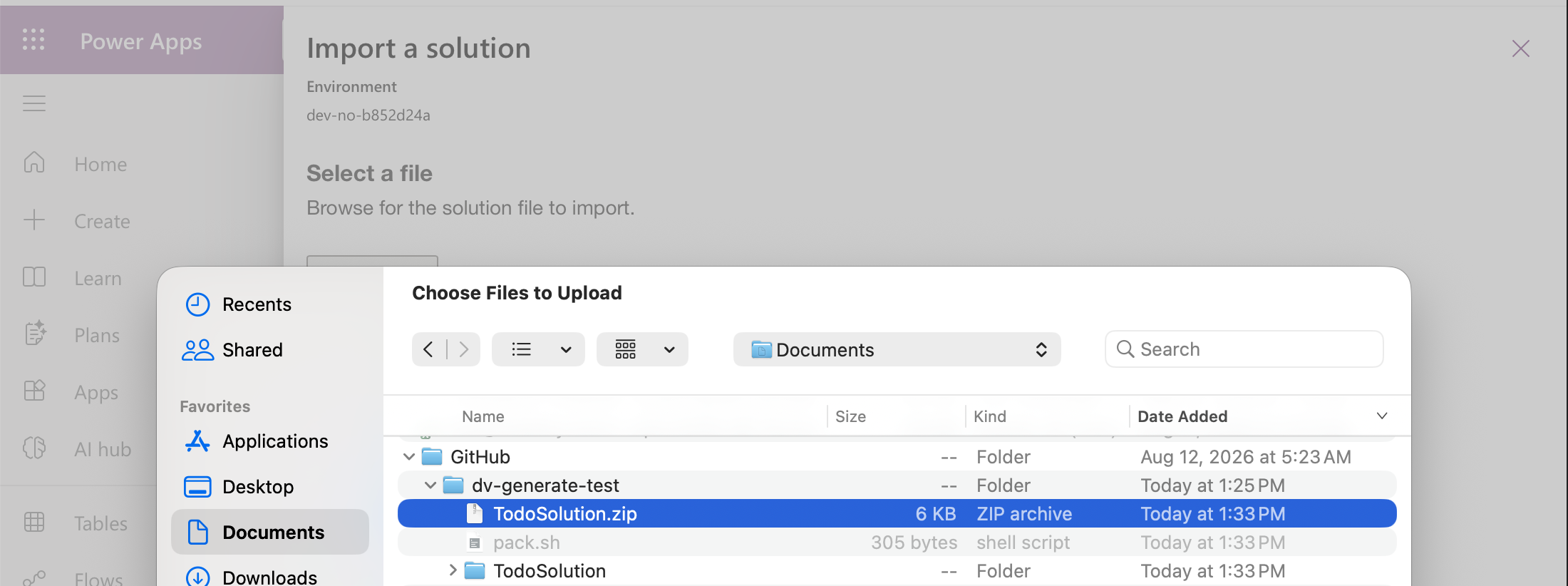
In make.powerapps.com on my development environment, I chose Import solution and picked TodoSolution.zip (6 KB)
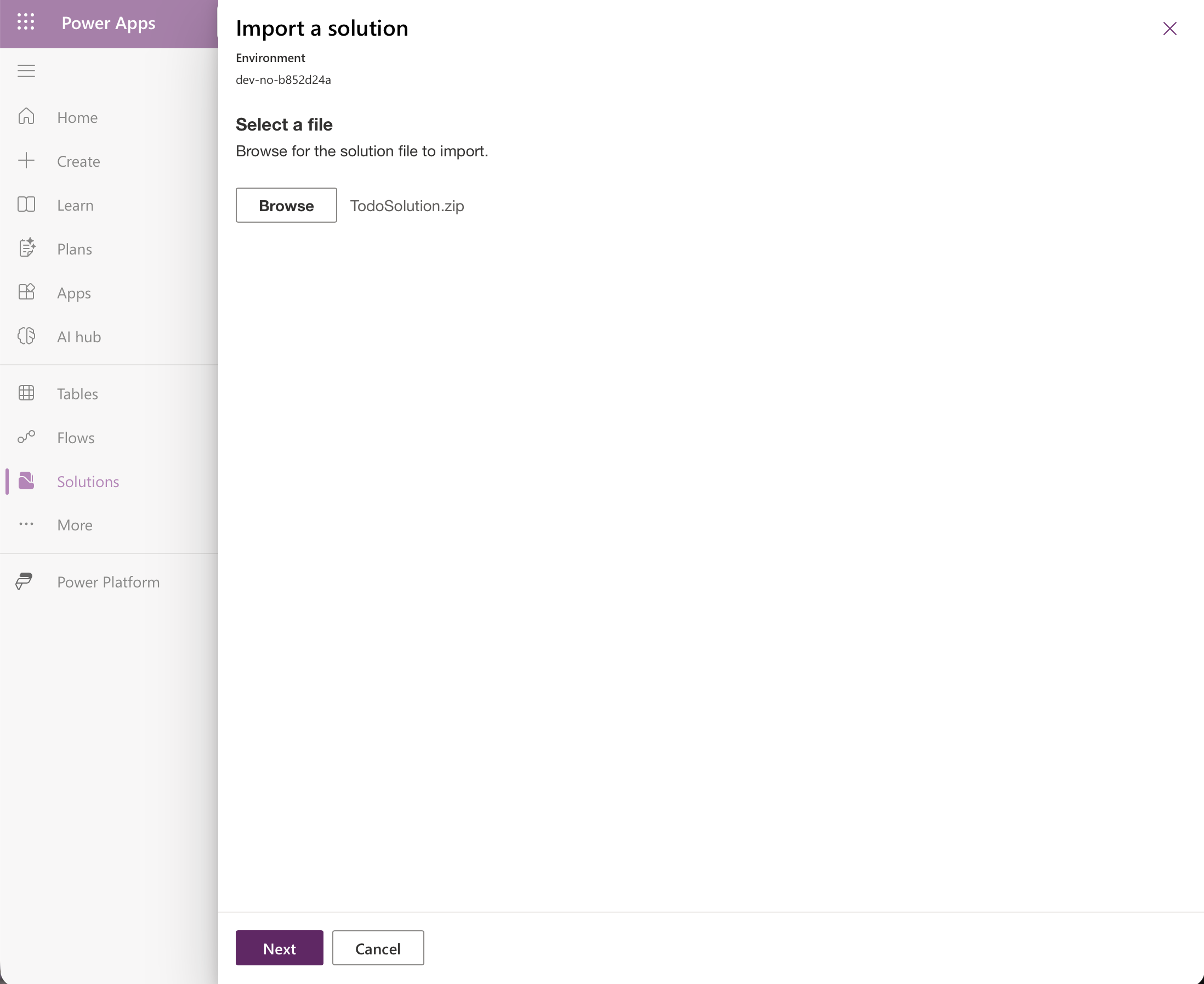
The file was selected and I clicked Next
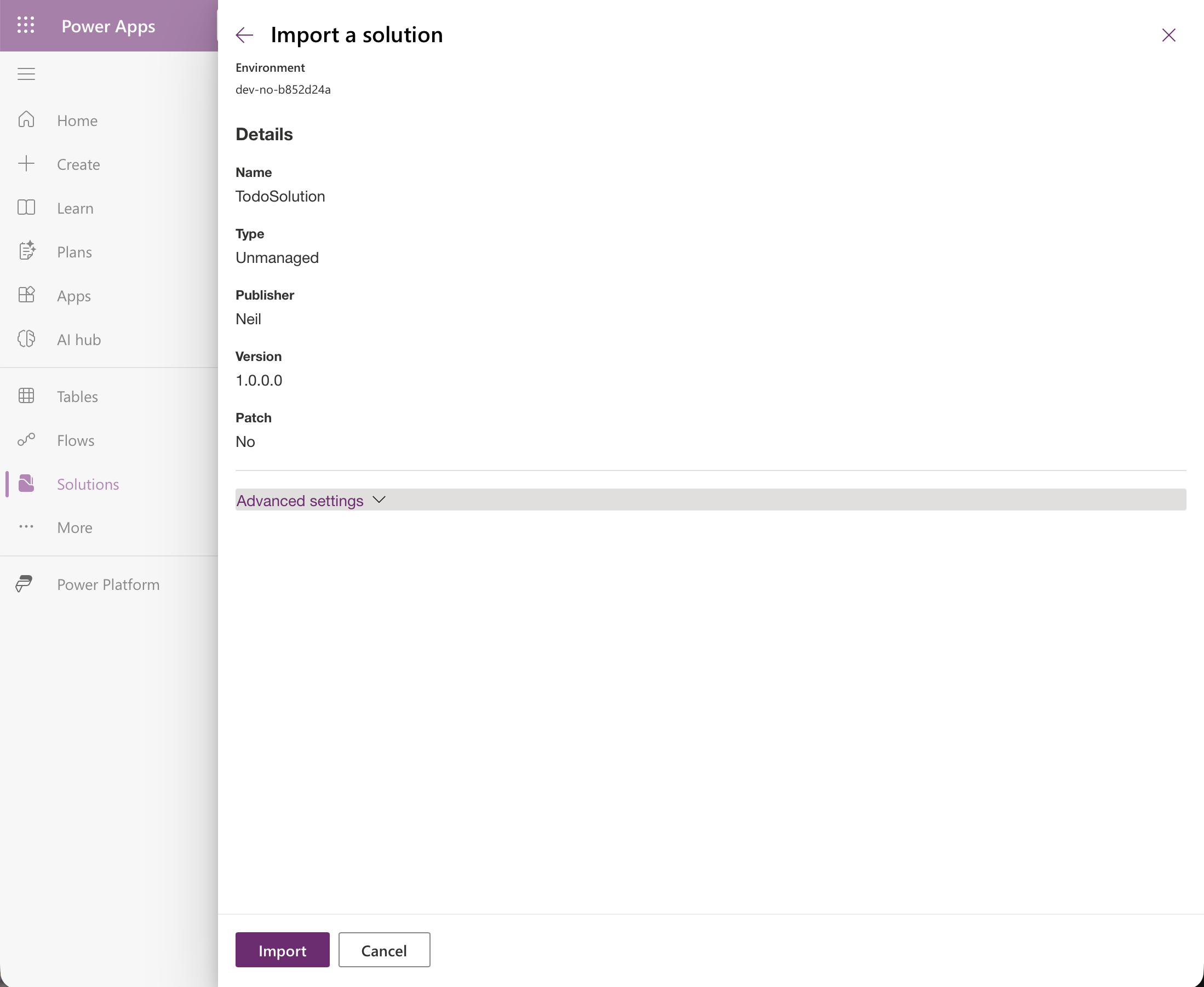
The import details show an Unmanaged solution from publisher Neil, version 1.0.0.0
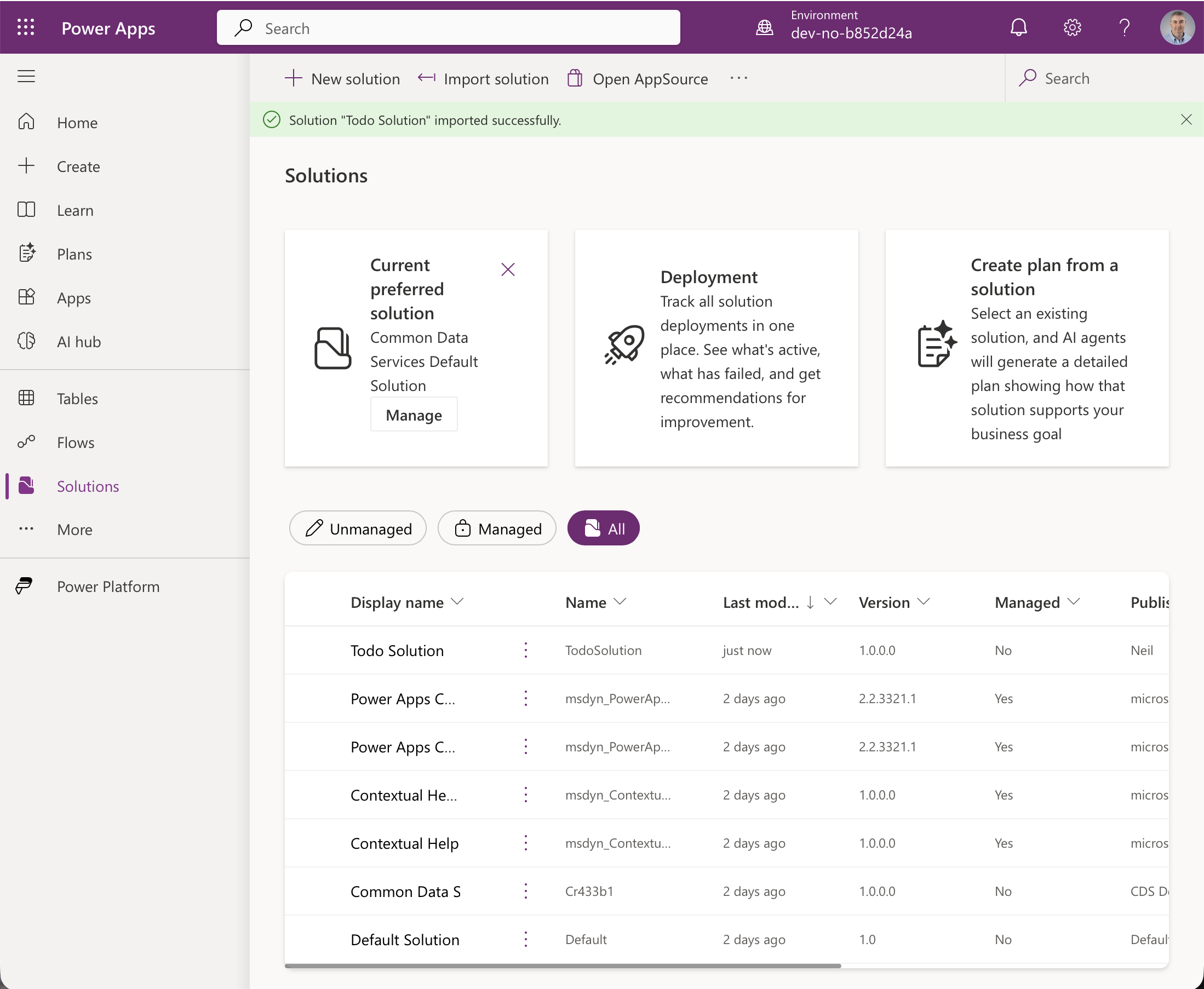
The solution imported successfully and is listed with Managed set to No
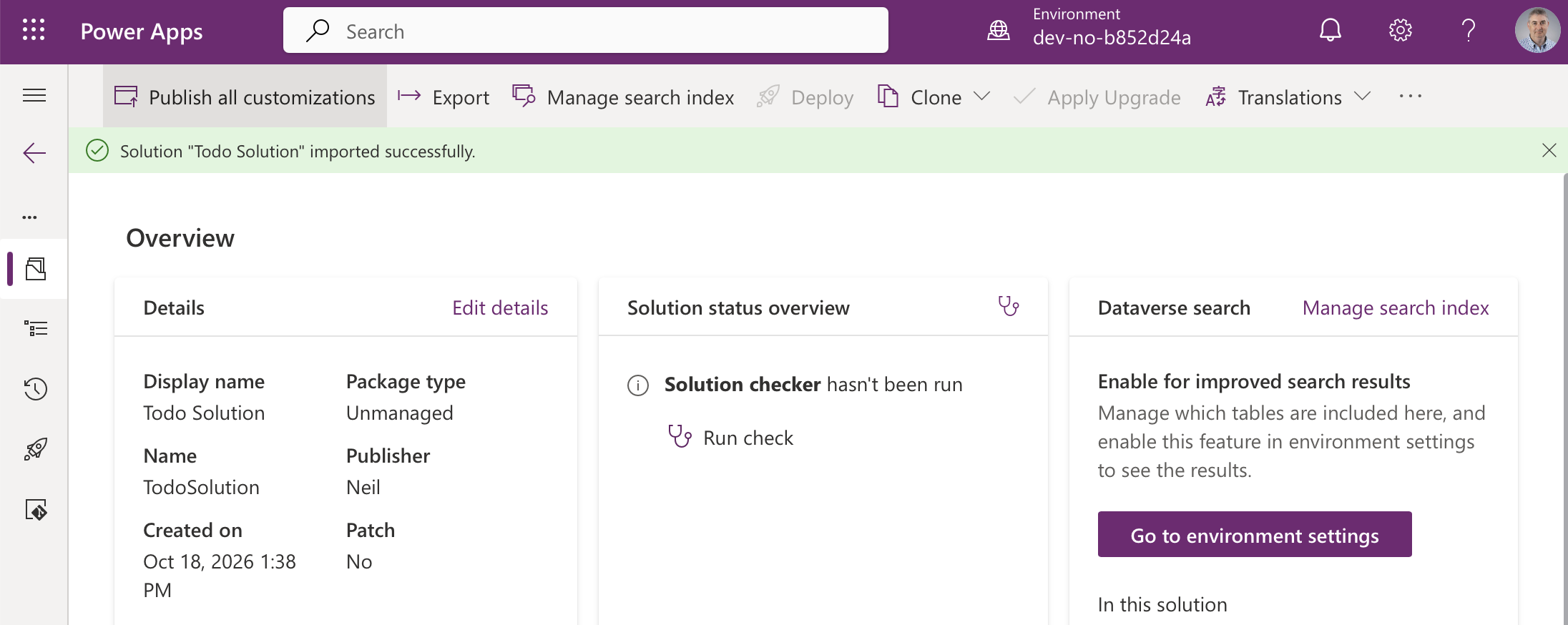
The solution overview confirms the package type is Unmanaged
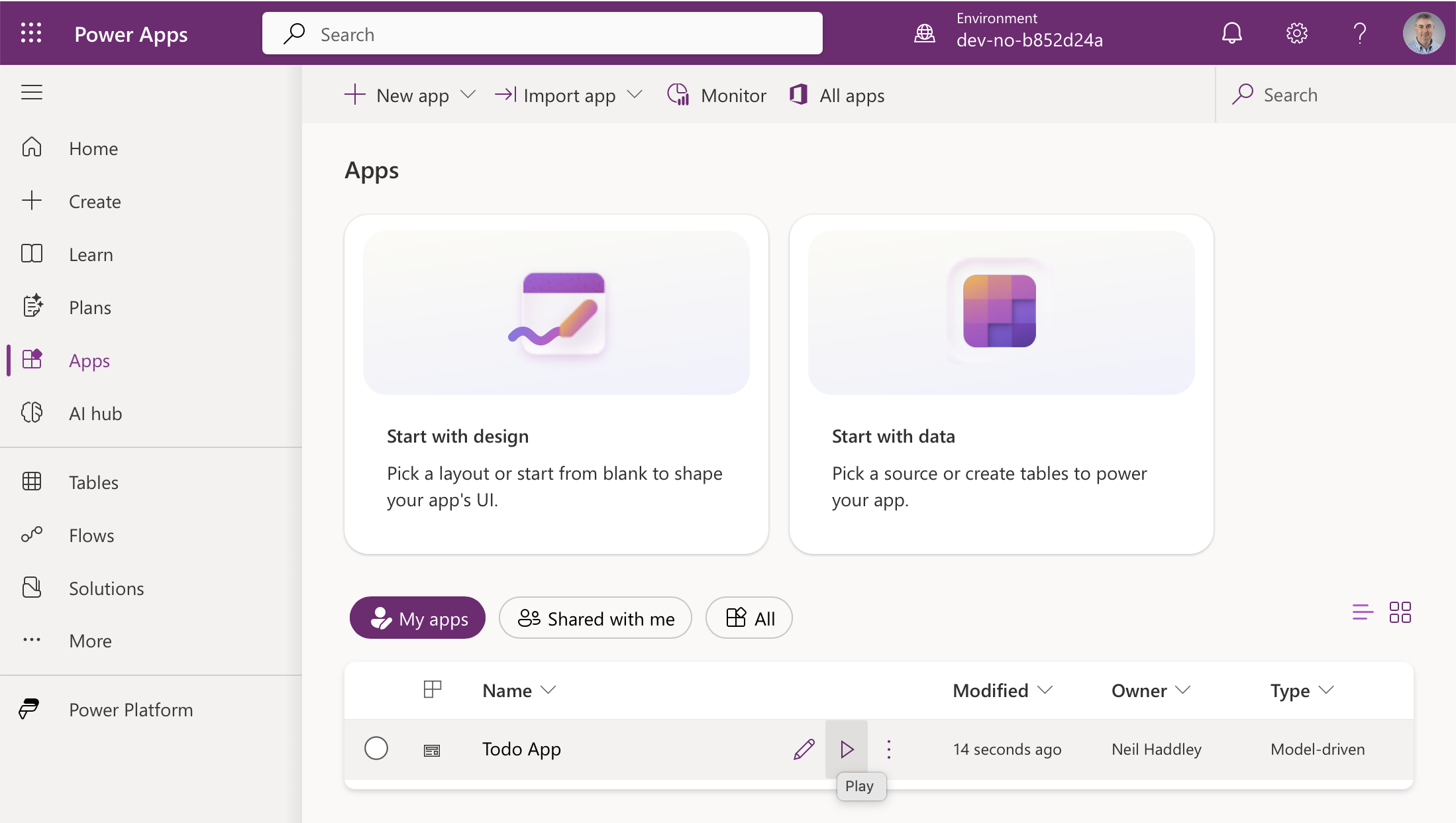
The Todo App model-driven app appeared in Apps
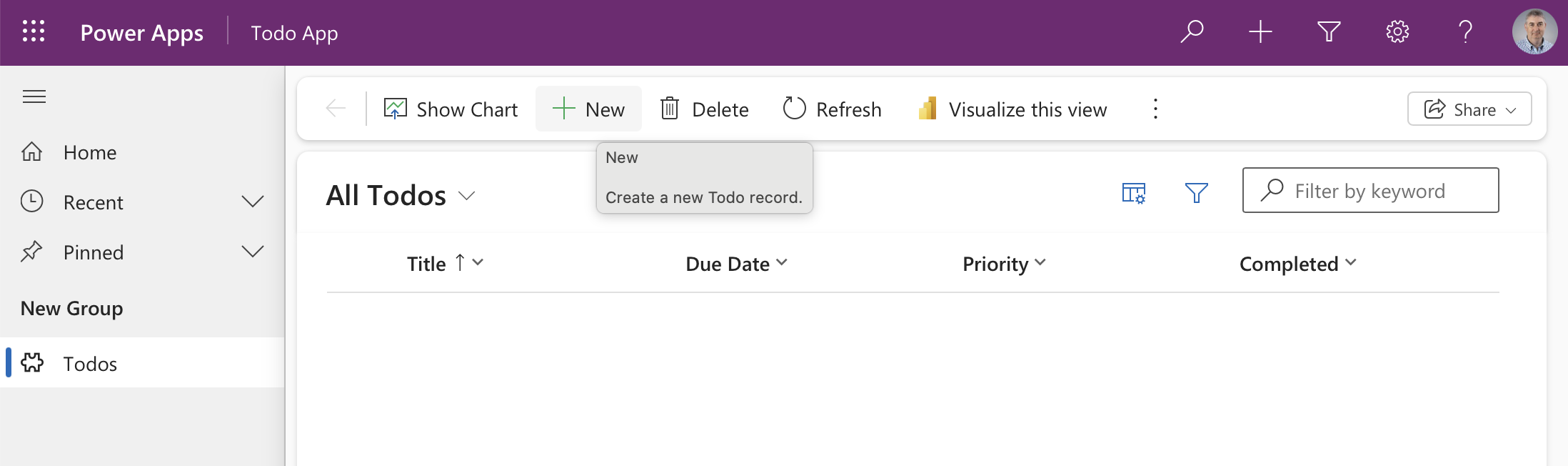
The app opened on an empty All Todos view
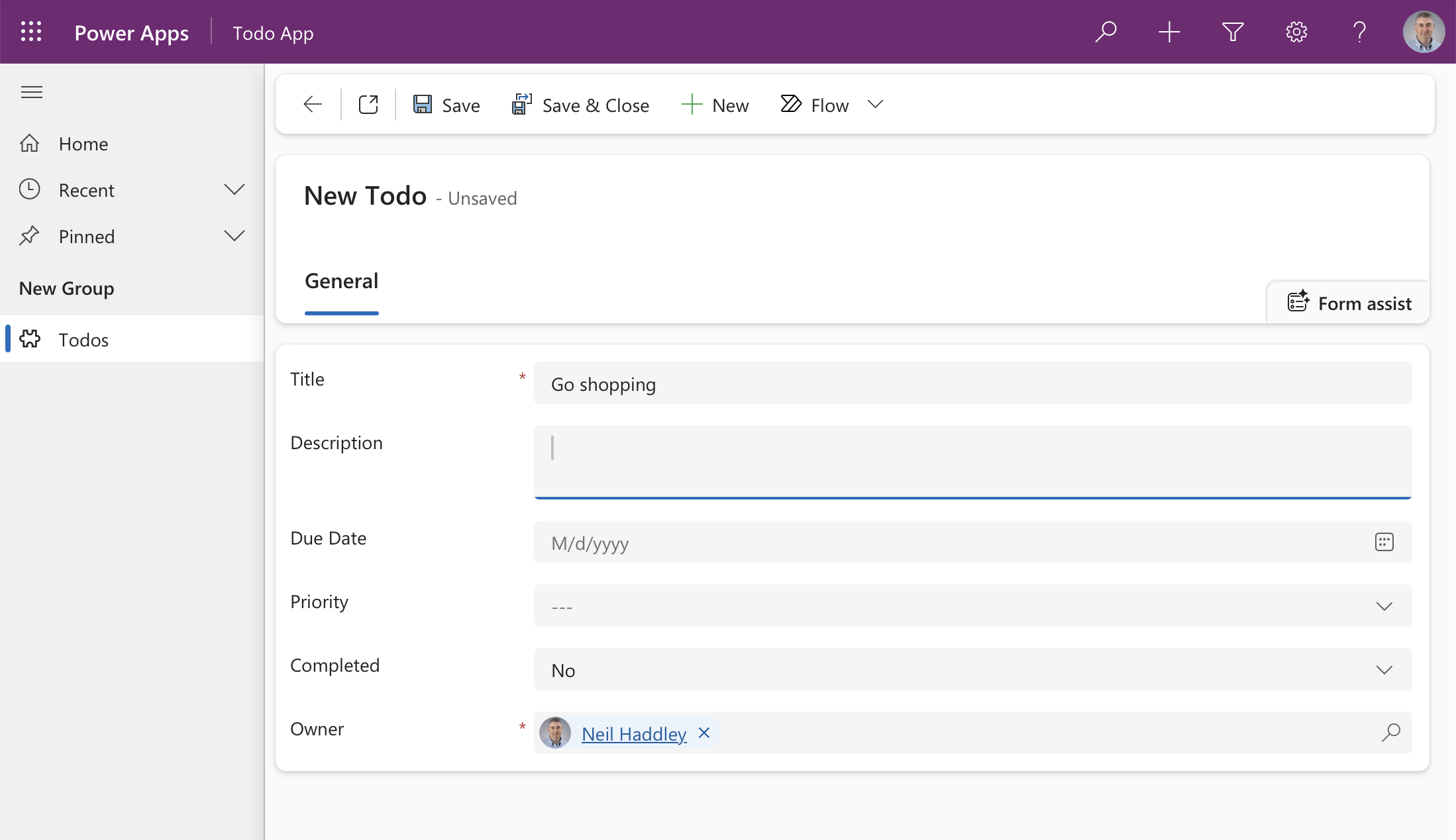
I created a Todo record, "Go shopping"
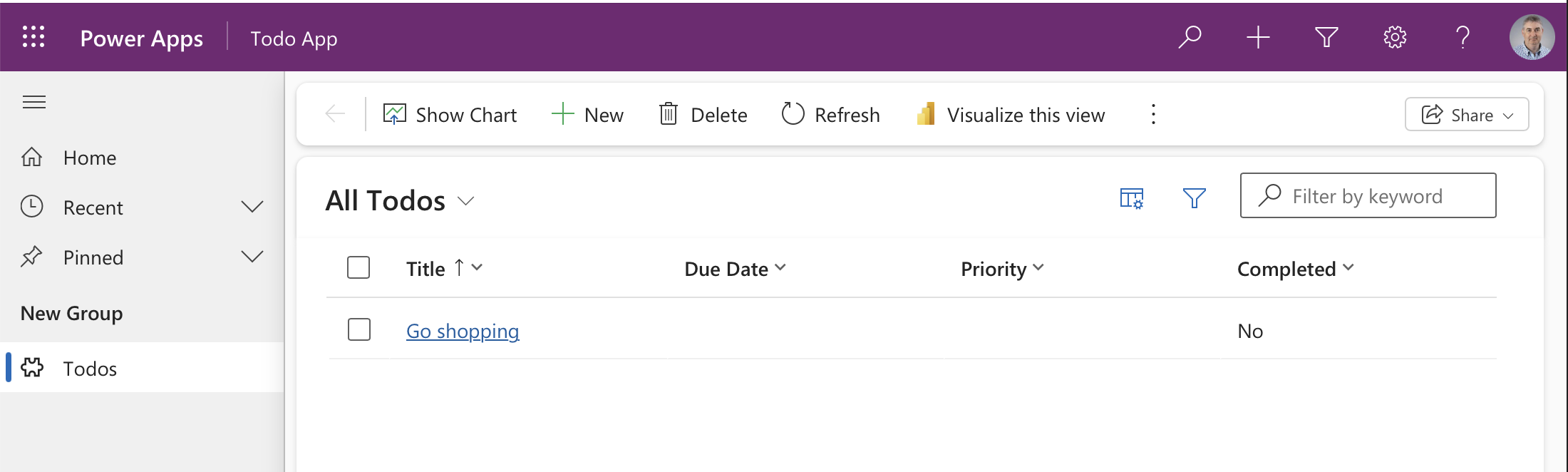
The record saved and appeared in the list
Release to the second environment
Importing into development gives me an unmanaged solution I can keep changing. To deploy it, I export it as managed from development.
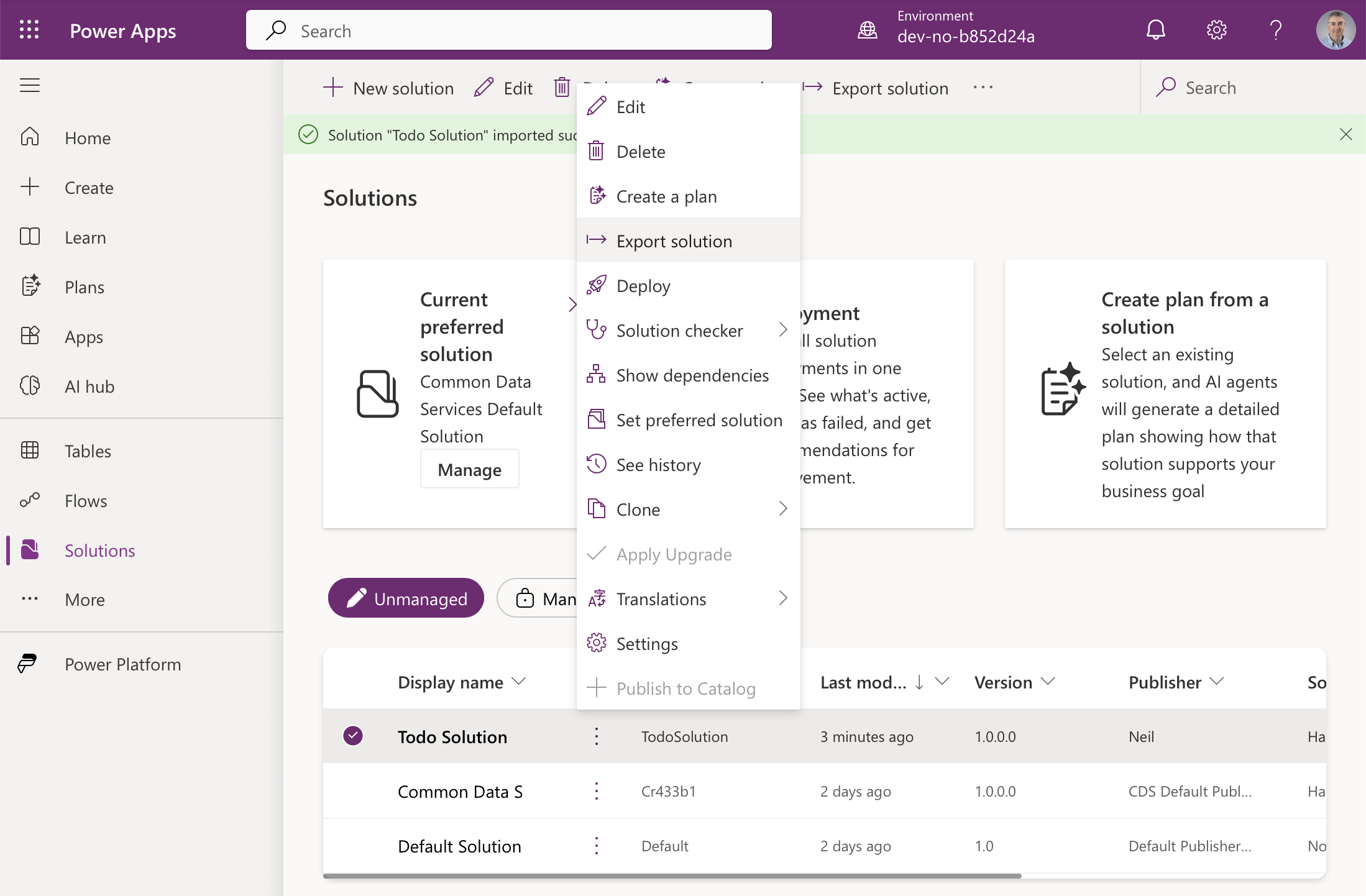
To move the solution on, I selected it in the development environment and chose Export solution
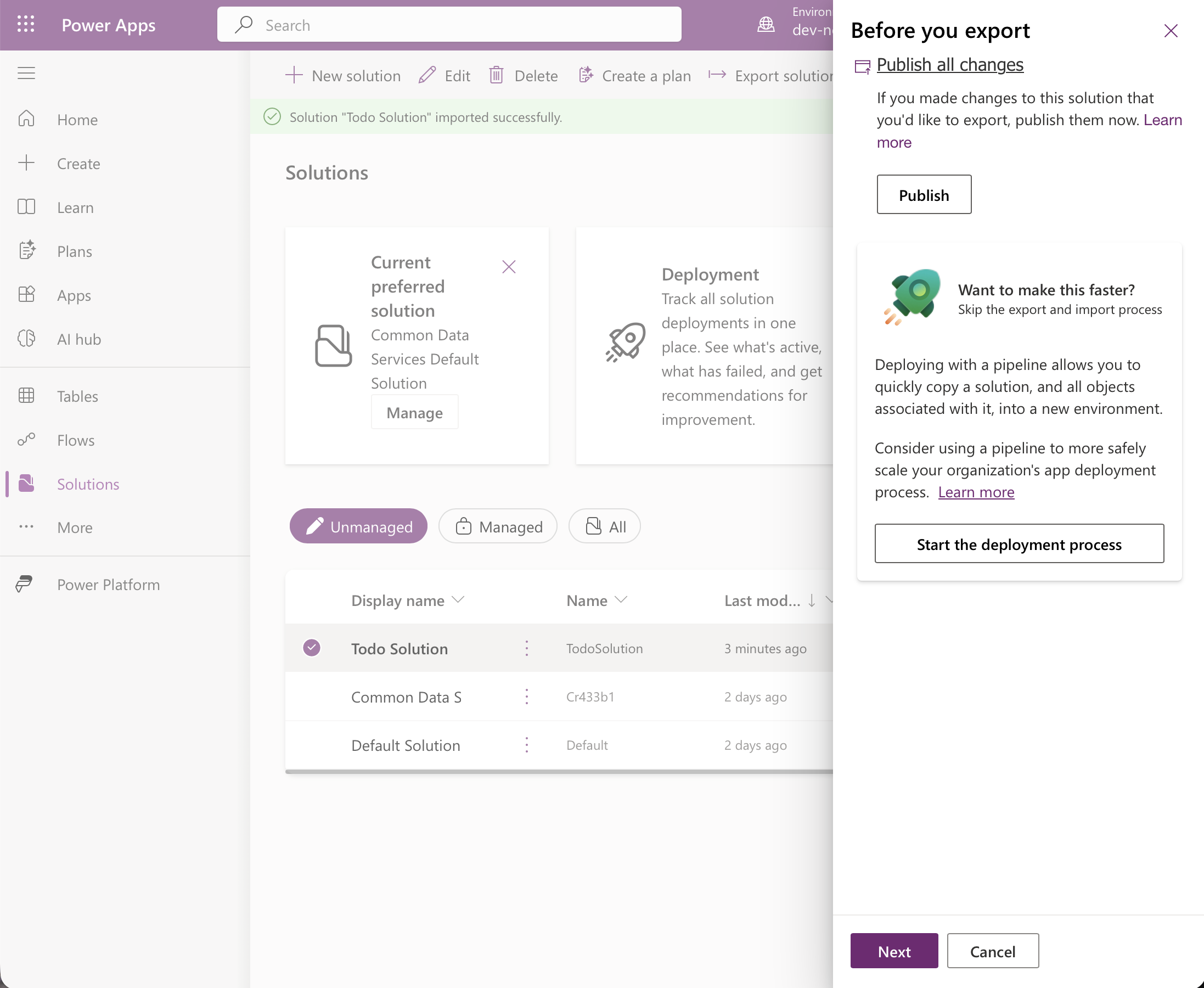
The export panel starts by asking to publish all changes
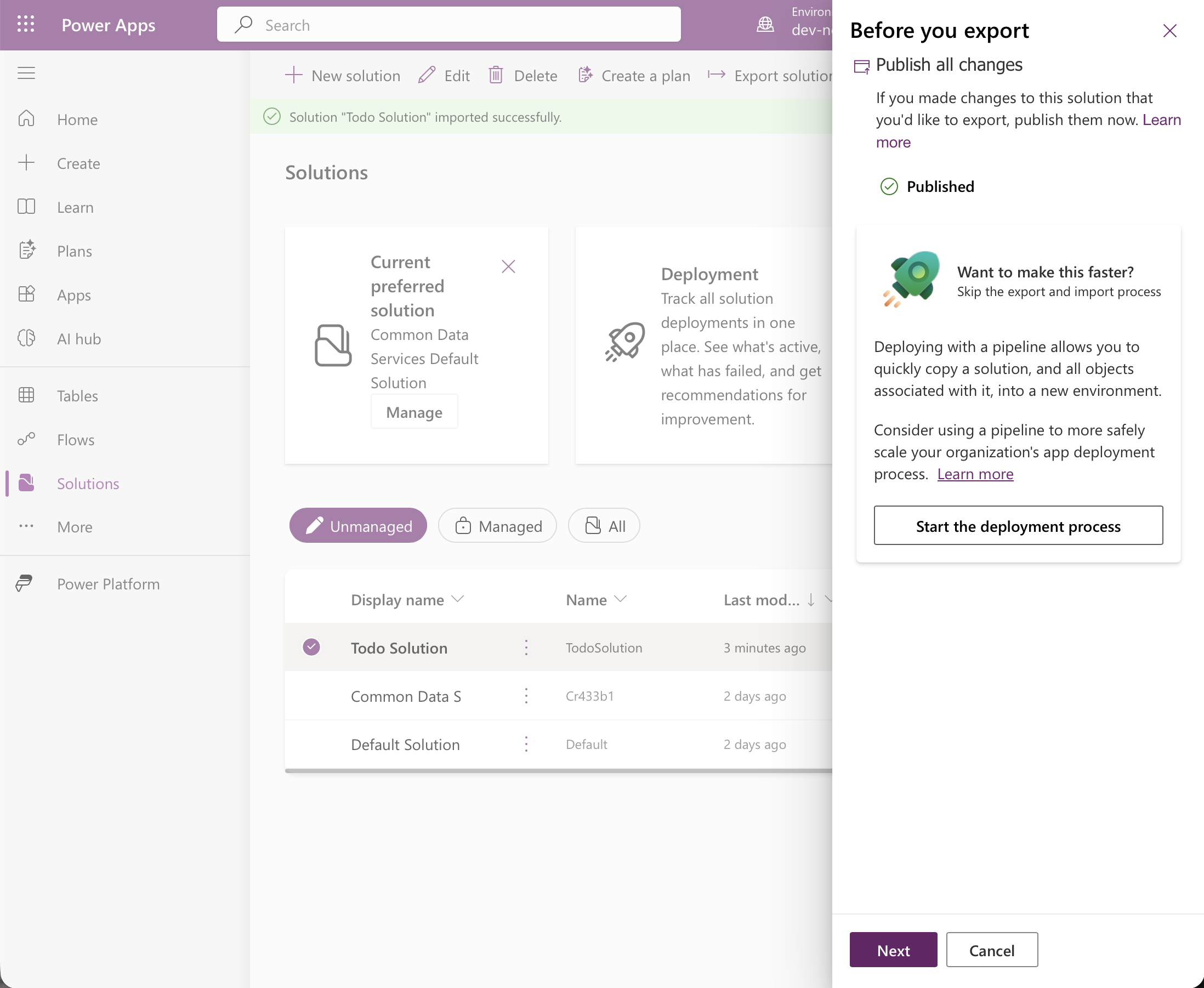
Published
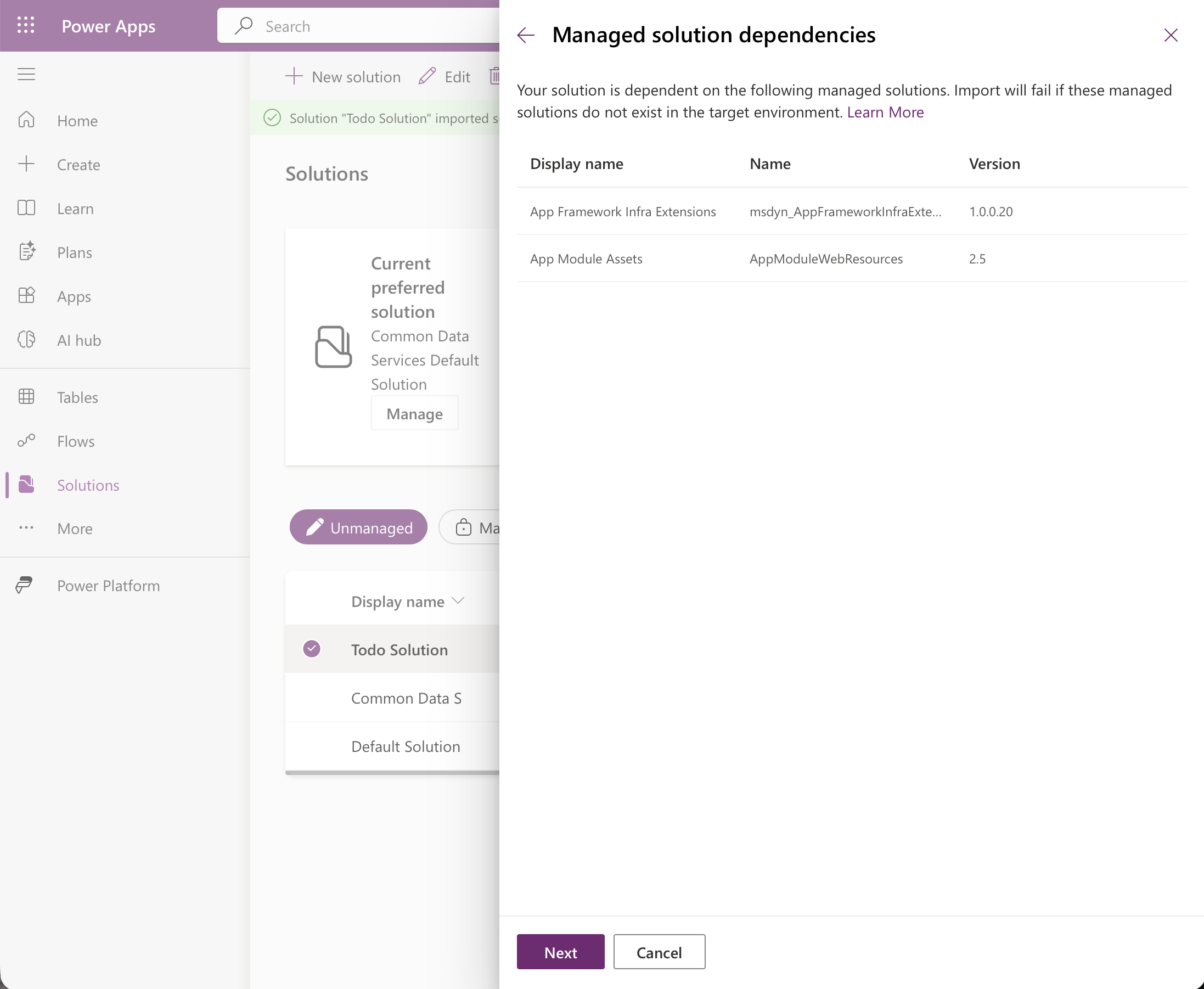
It lists the managed solutions the target environment must already have: App Framework Infra Extensions and App Module Assets. This comes from the MissingDependencies block in solution.xml
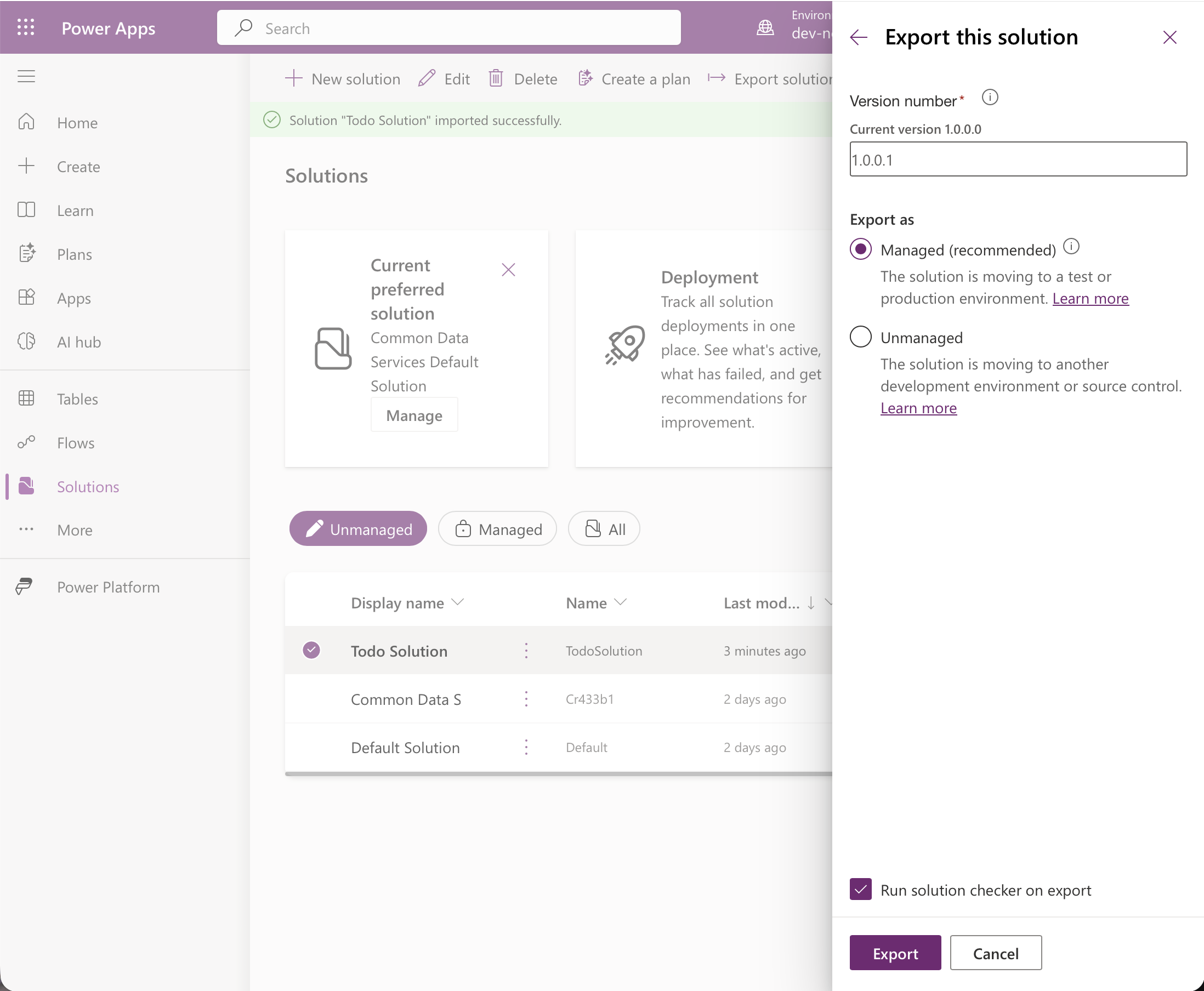
I exported as Managed (recommended). The portal proposed version 1.0.0.1, one higher than the 1.0.0.0 I had imported
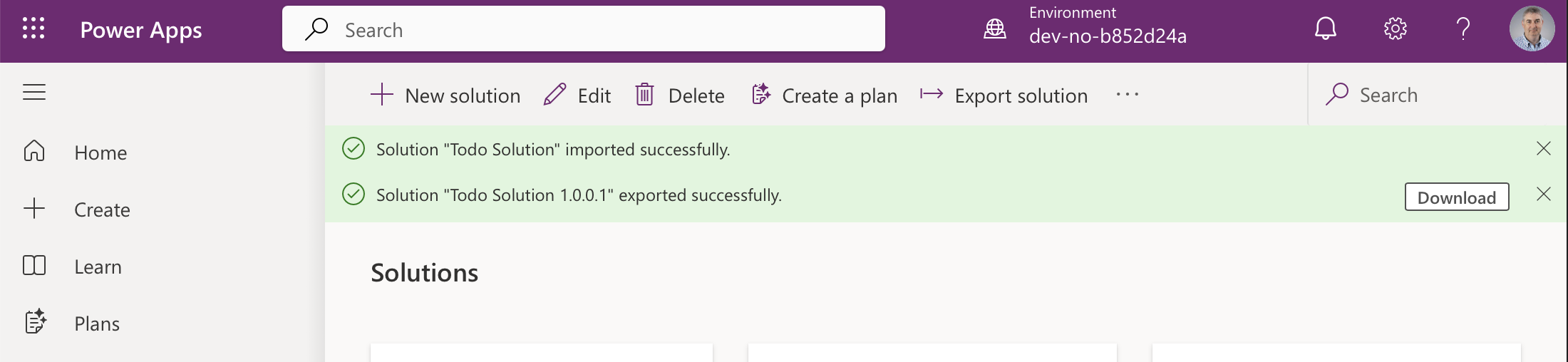
The export finished and offered the zip to download
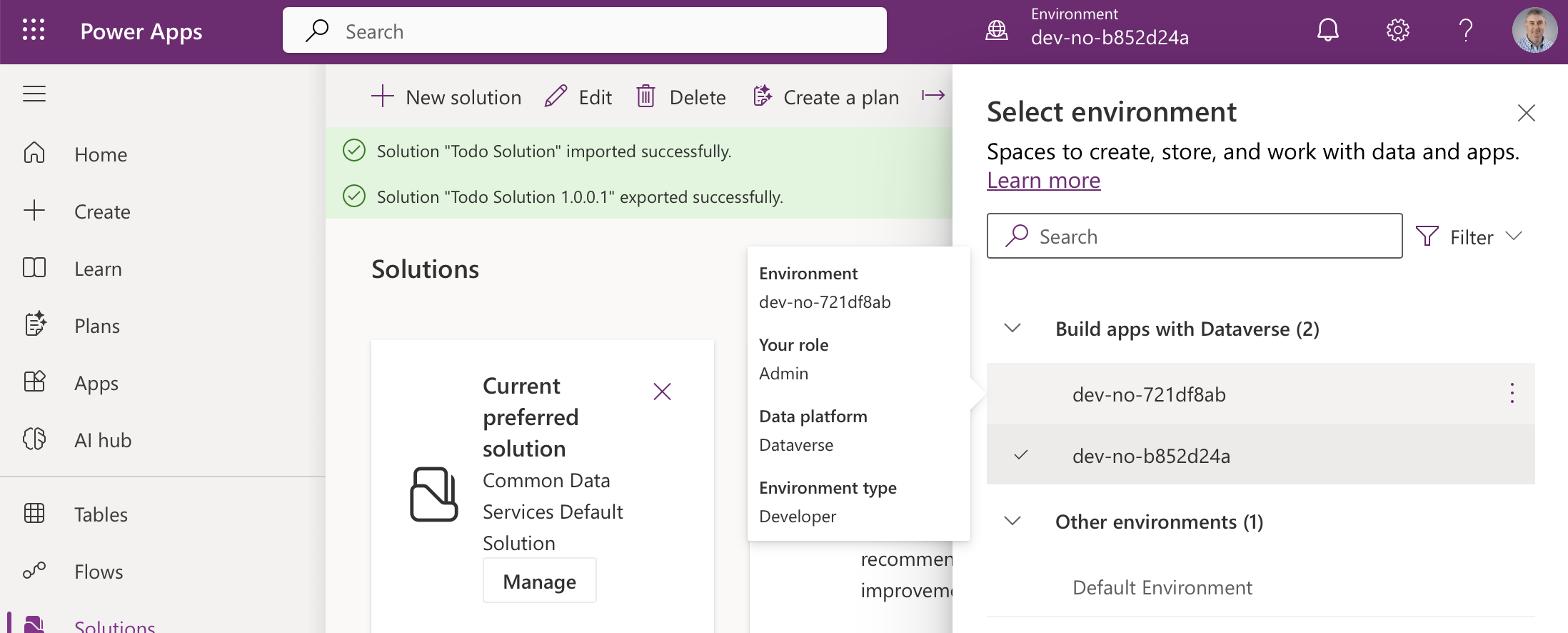
I switched to my second environment, dev-no-721df8ab, which stands in for test or production
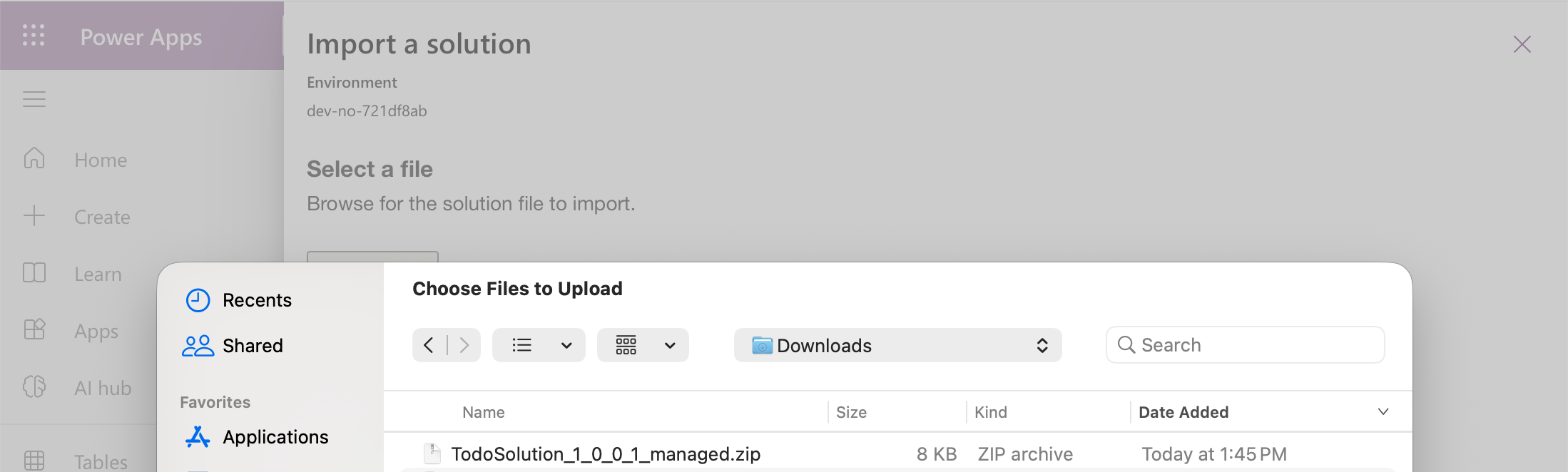
In that environment I chose Import solution and picked the downloaded TodoSolution_1_0_0_1_managed.zip (8 KB)
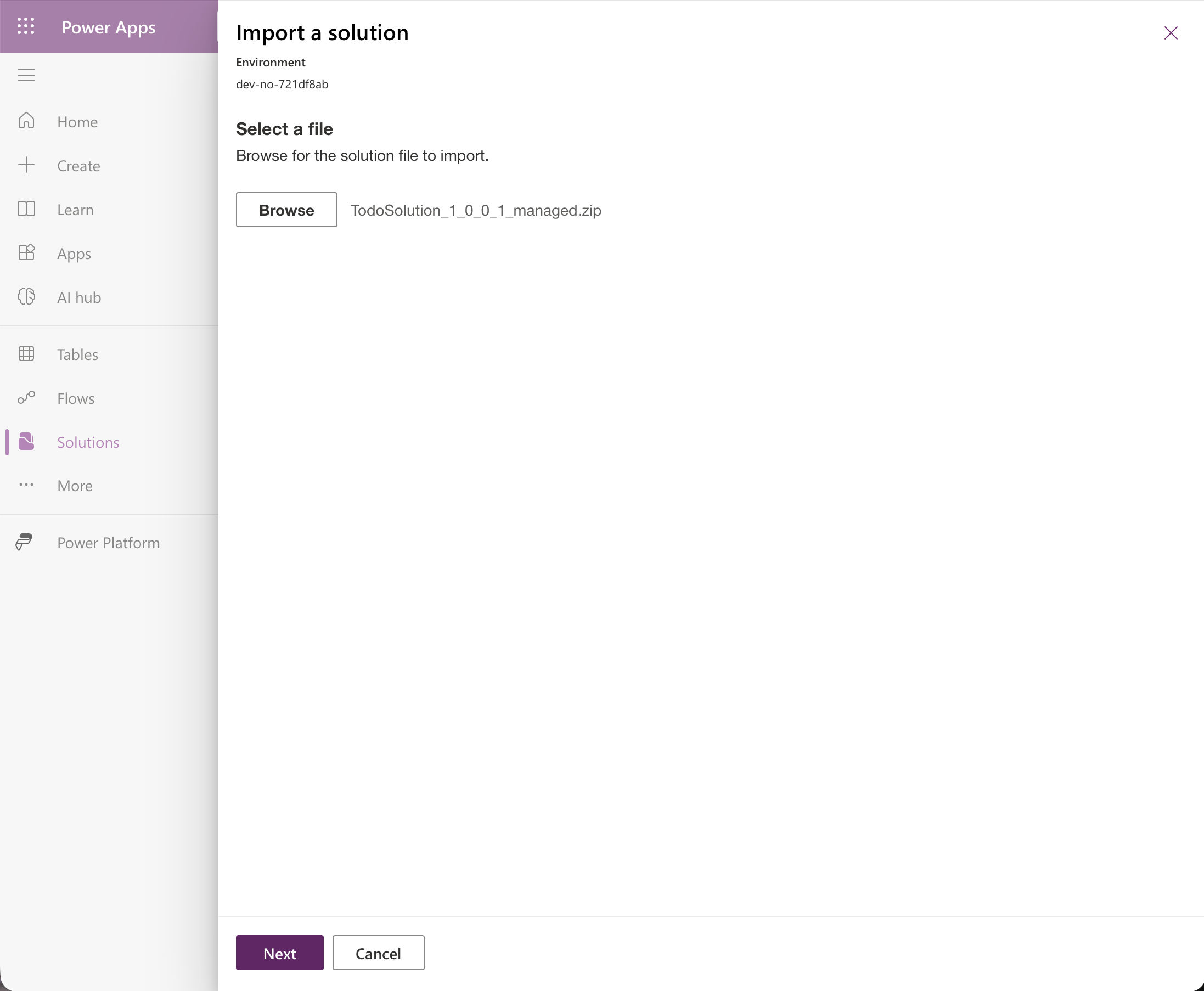
The managed zip was selected
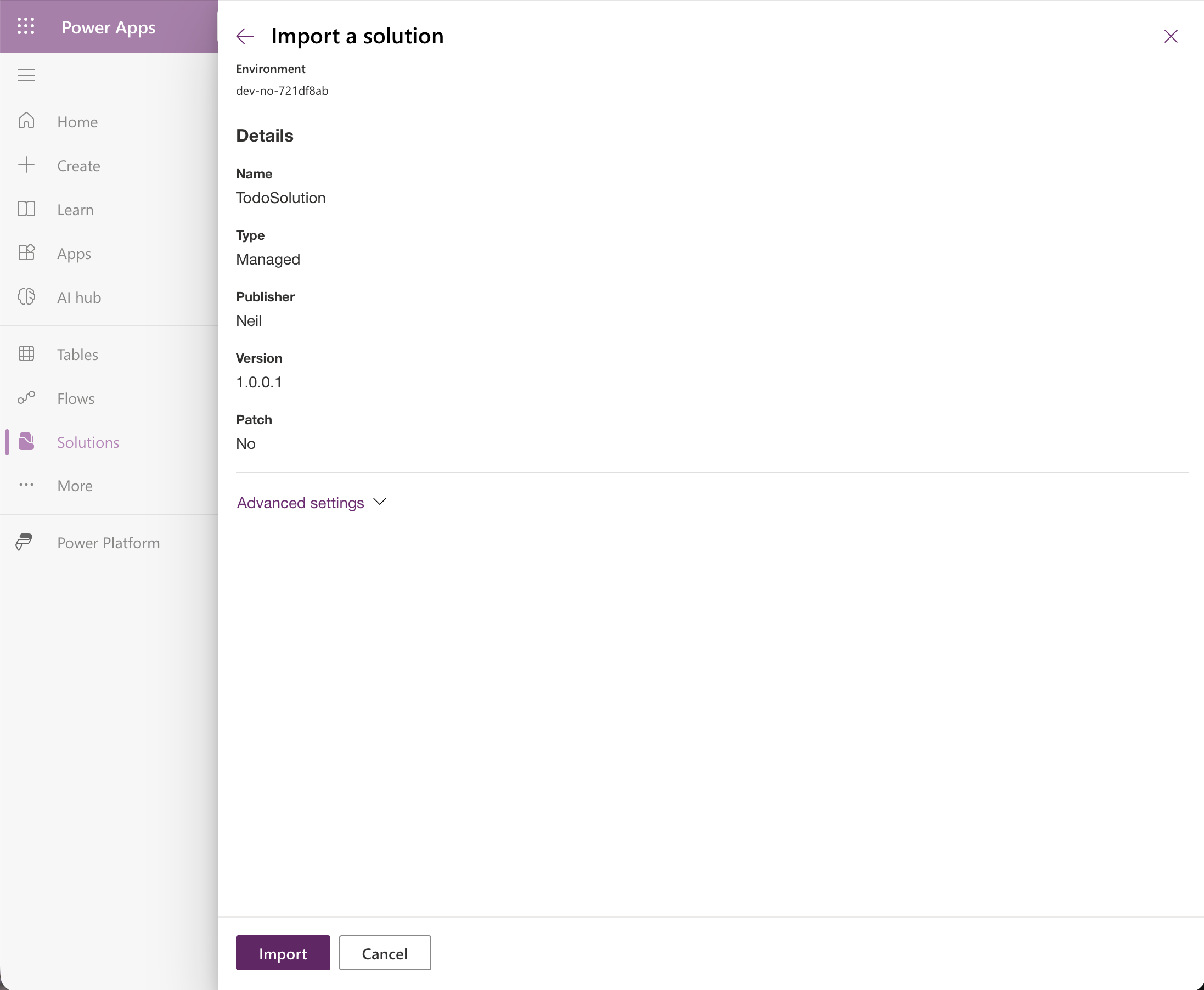
The import details say Managed, version 1.0.0.1
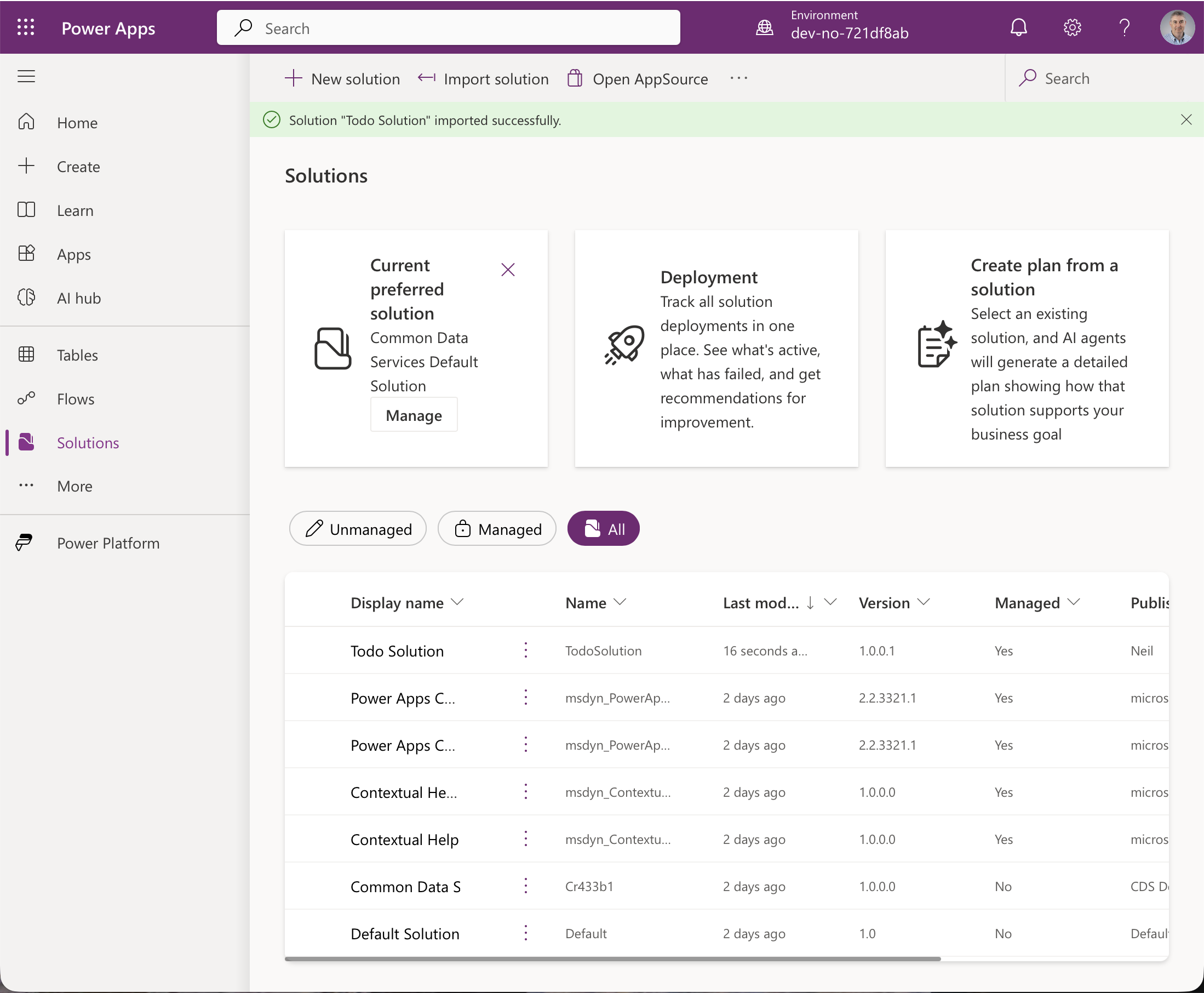
The solution imported and shows Managed set to Yes
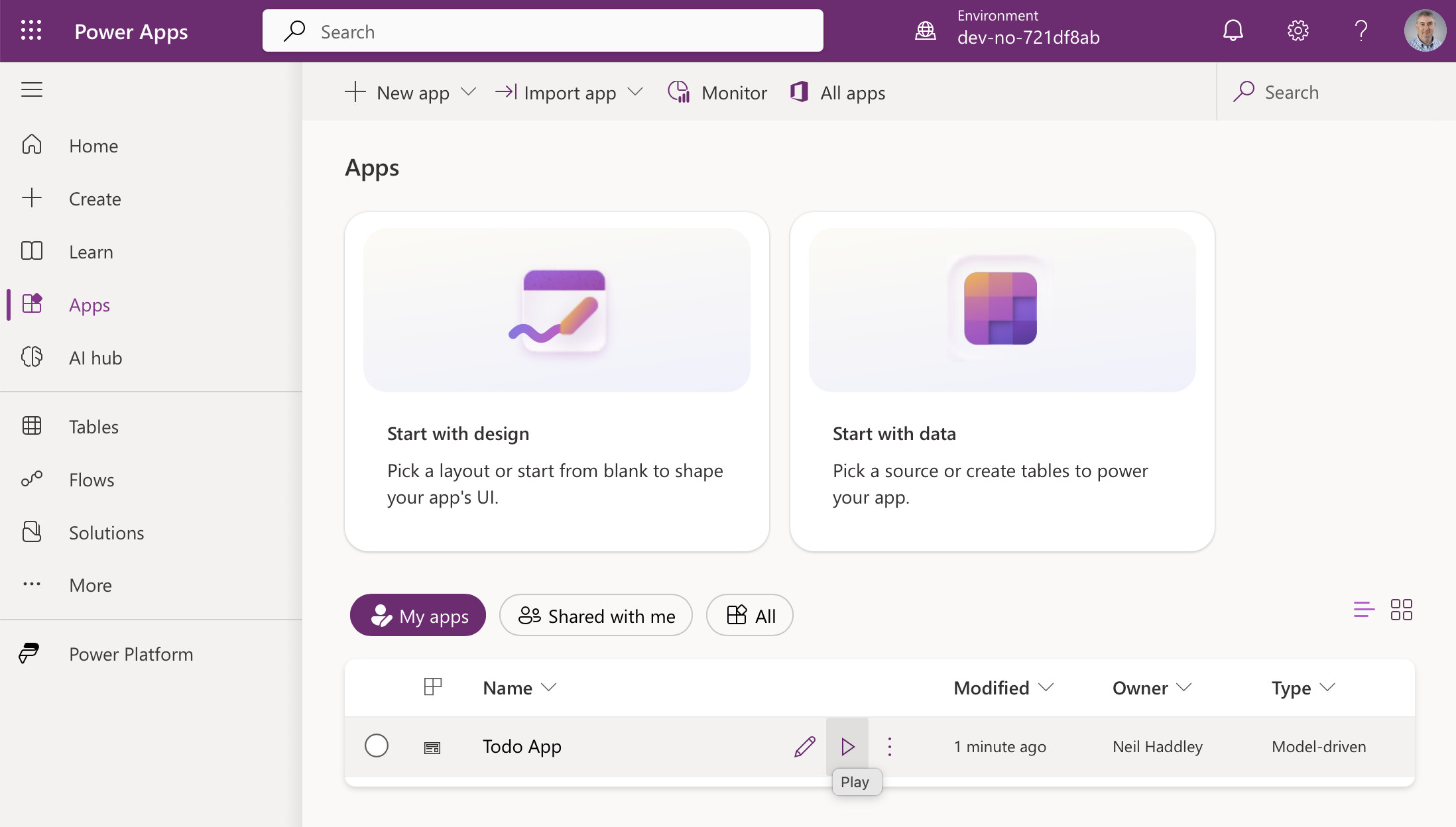
The Todo App is available in the second environment
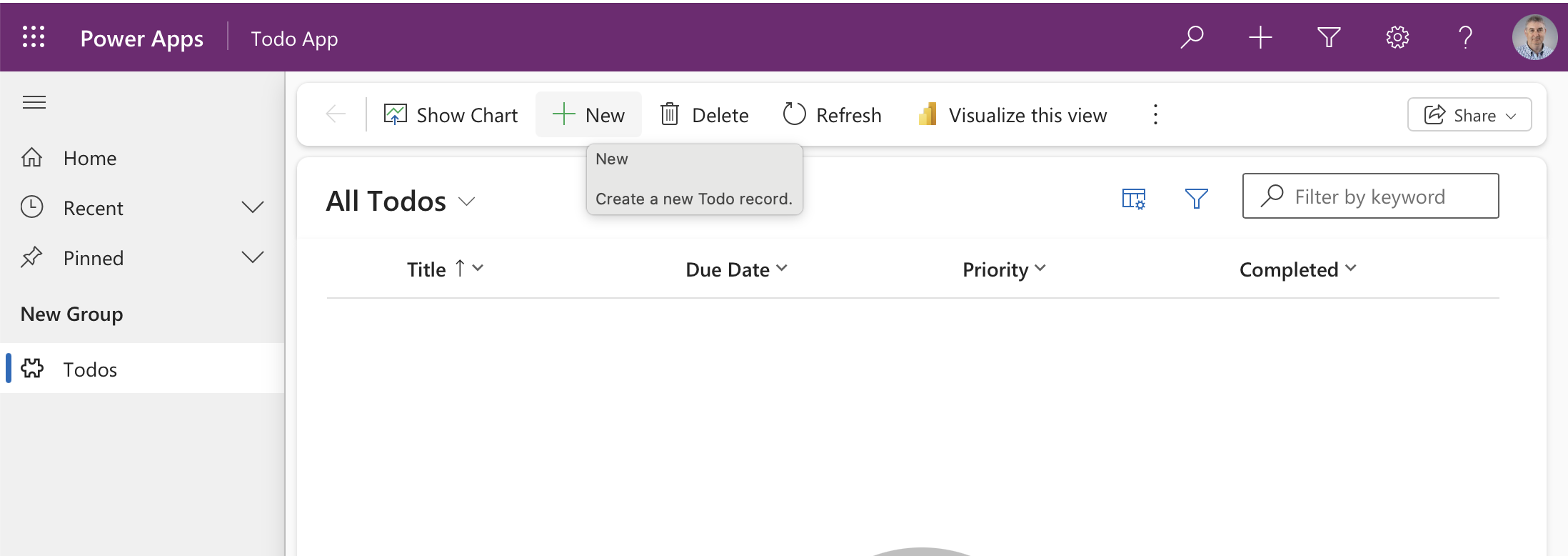
It opens on an empty list, because data does not travel with the solution
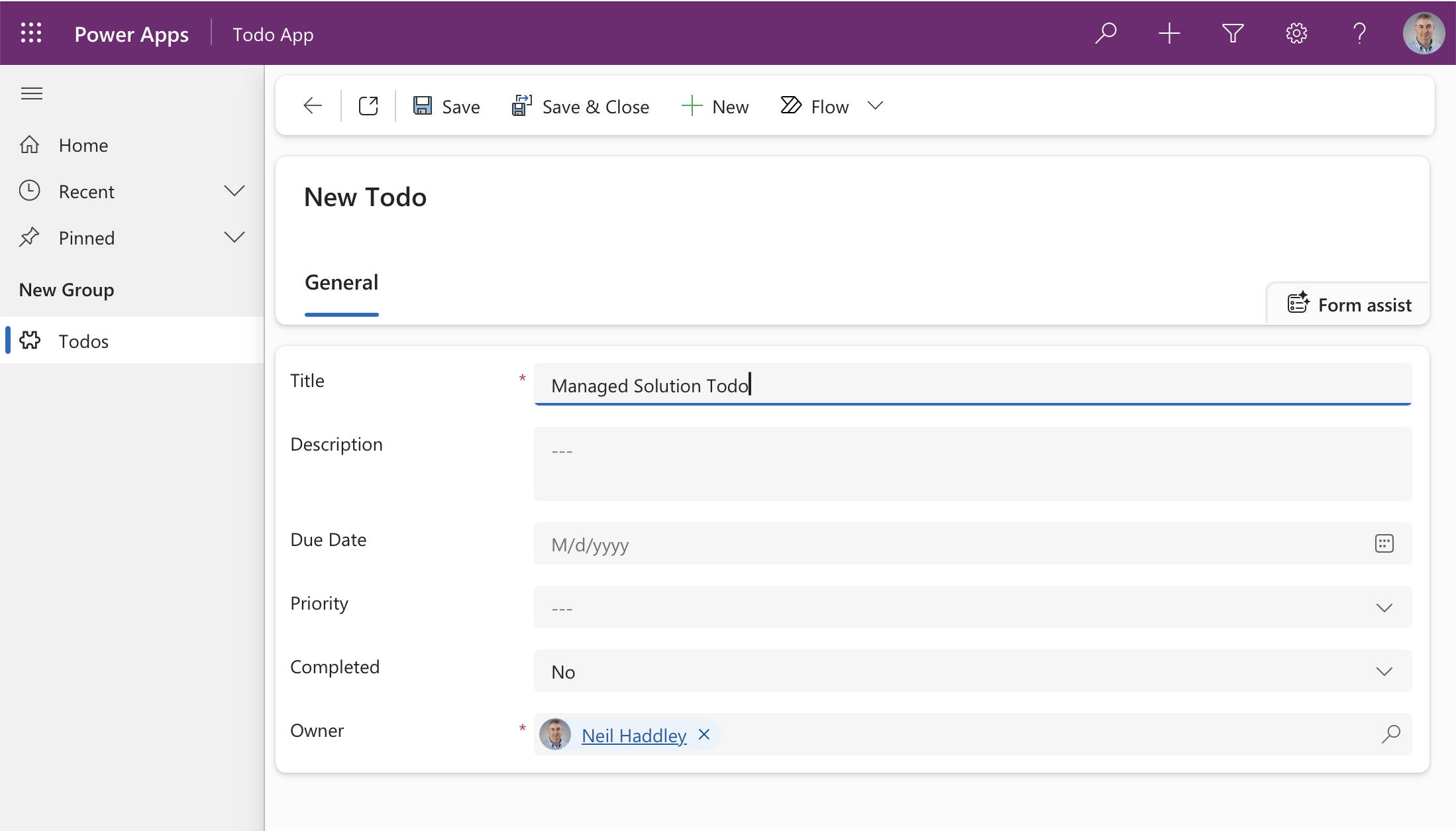
I created a record directly in the managed environment
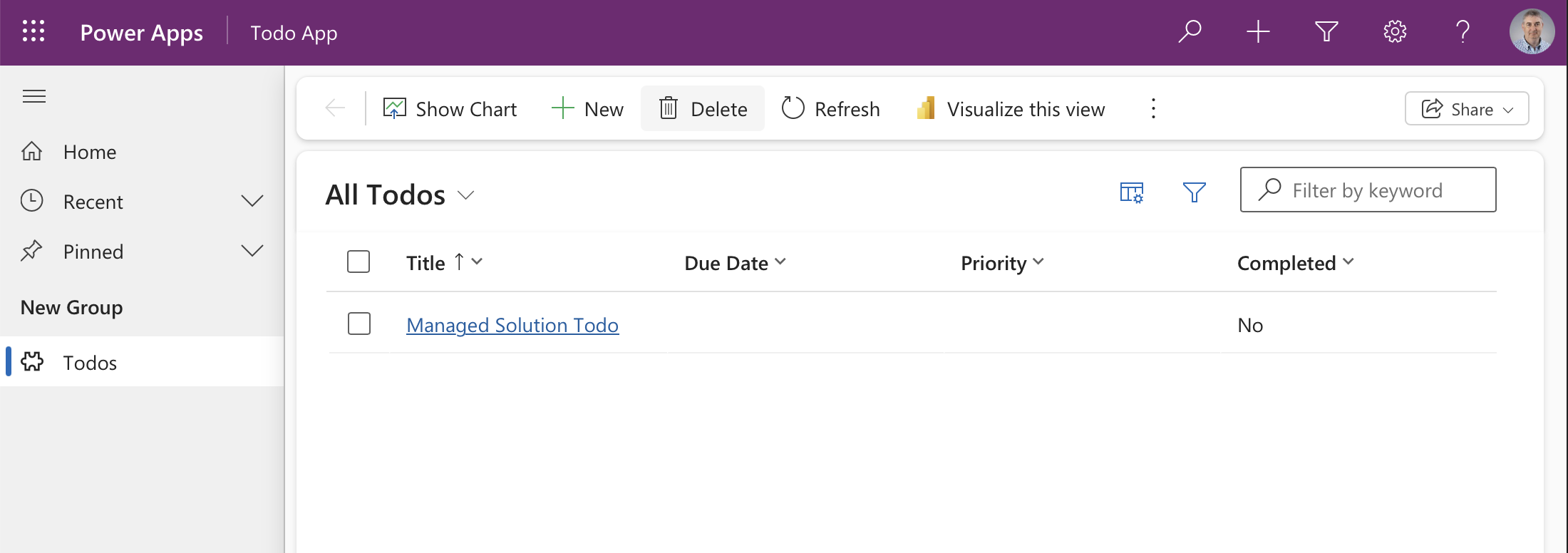
It saved
Note that the portal raises the version at export time. Dev was at 1.0.0.0 and the managed package is 1.0.0.1, so the next change has to be numbered higher than that.
An update: two new columns
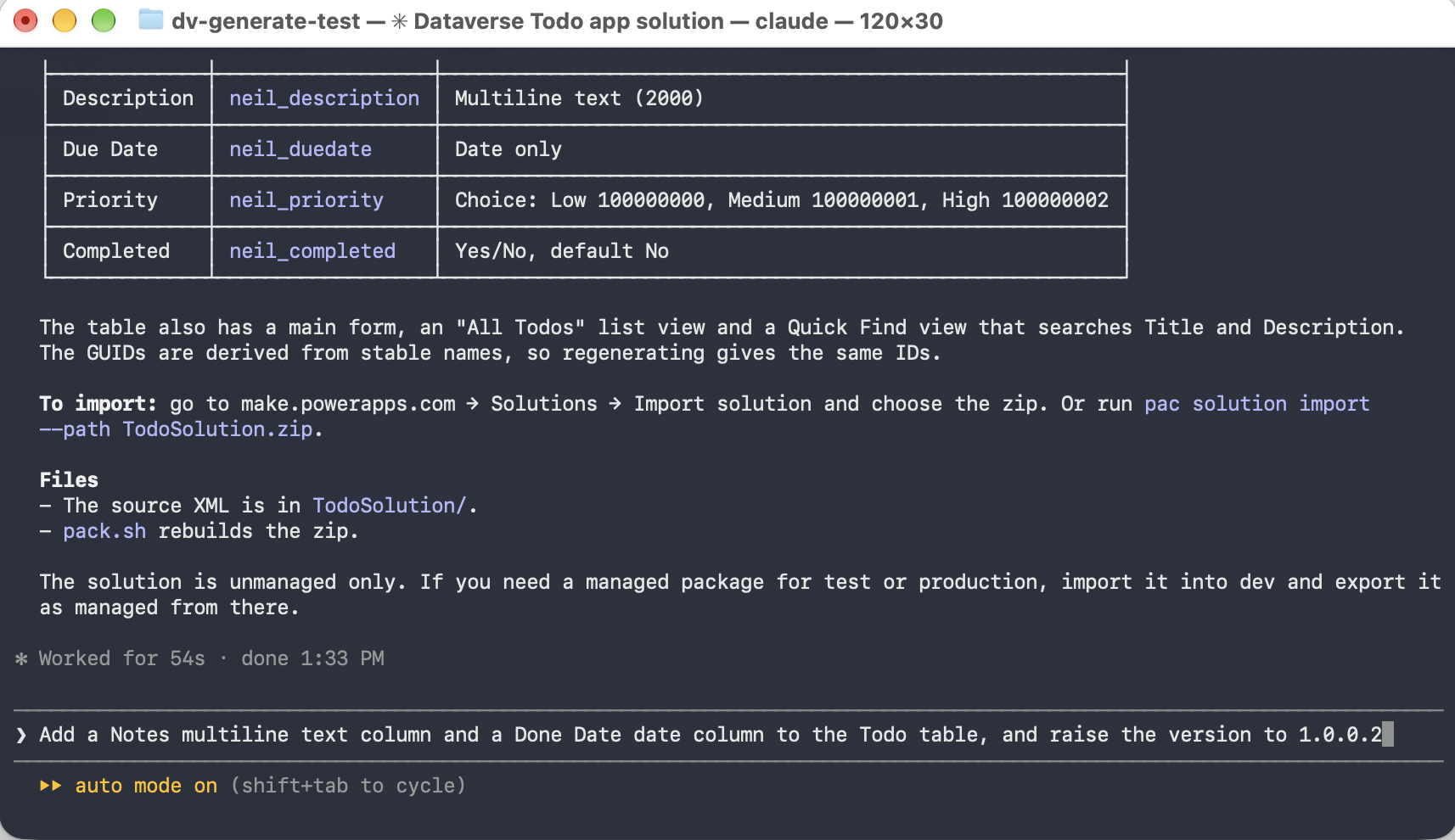
Back in Claude Code, the end of its first summary shows the table, the main form and the two views, and says the solution is unmanaged only, with the advice to import into dev and export as managed from there. Below it I typed my first update request. I asked for version 1.0.0.2 because the portal export had already moved dev to 1.0.0.1
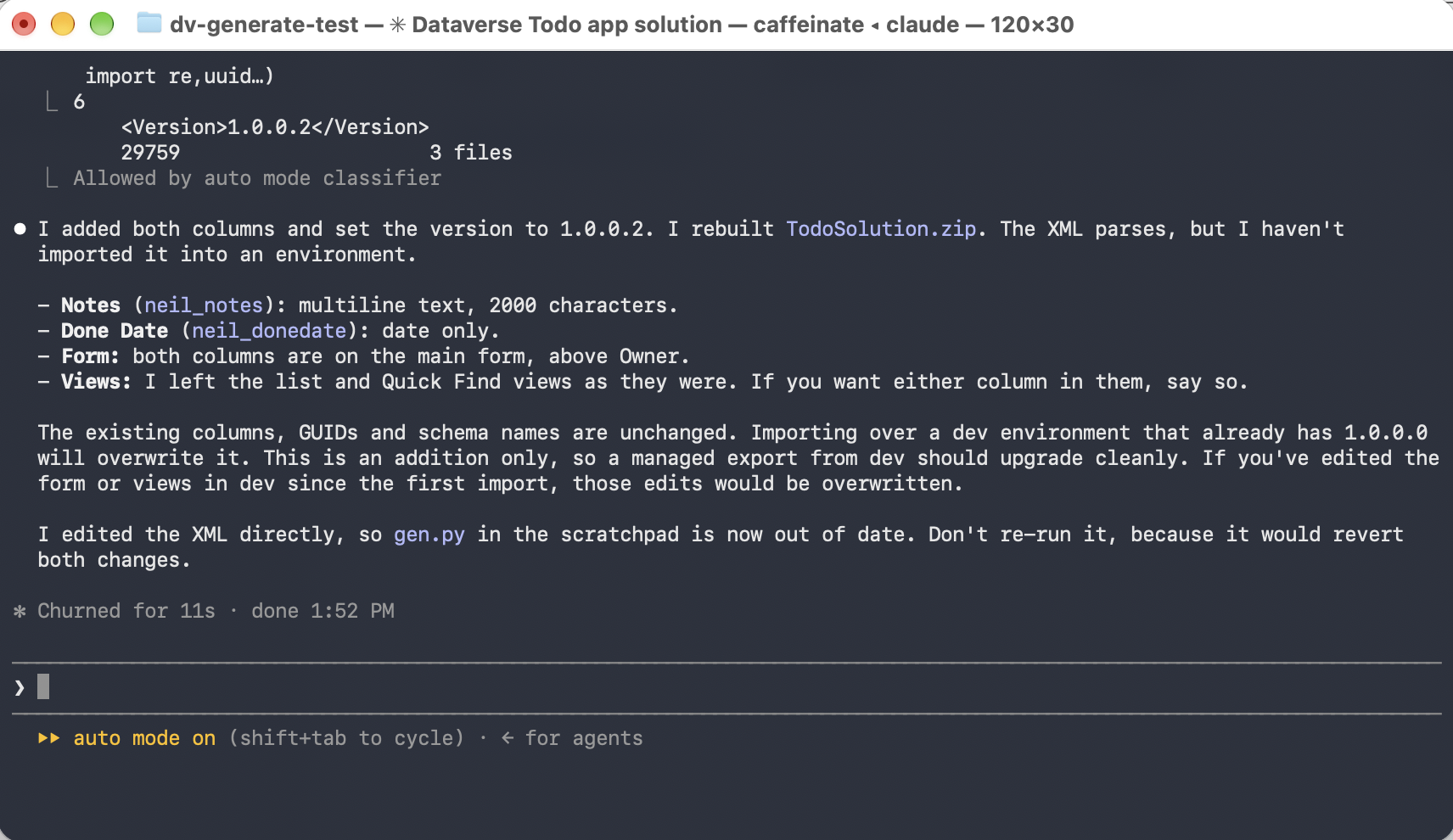
Claude edited the XML in place and kept the existing columns, GUIDs and schema names. It warns that importing over dev overwrites anything I changed in the form or views, and that its own generator script is out of date

I imported the new zip into the development environment
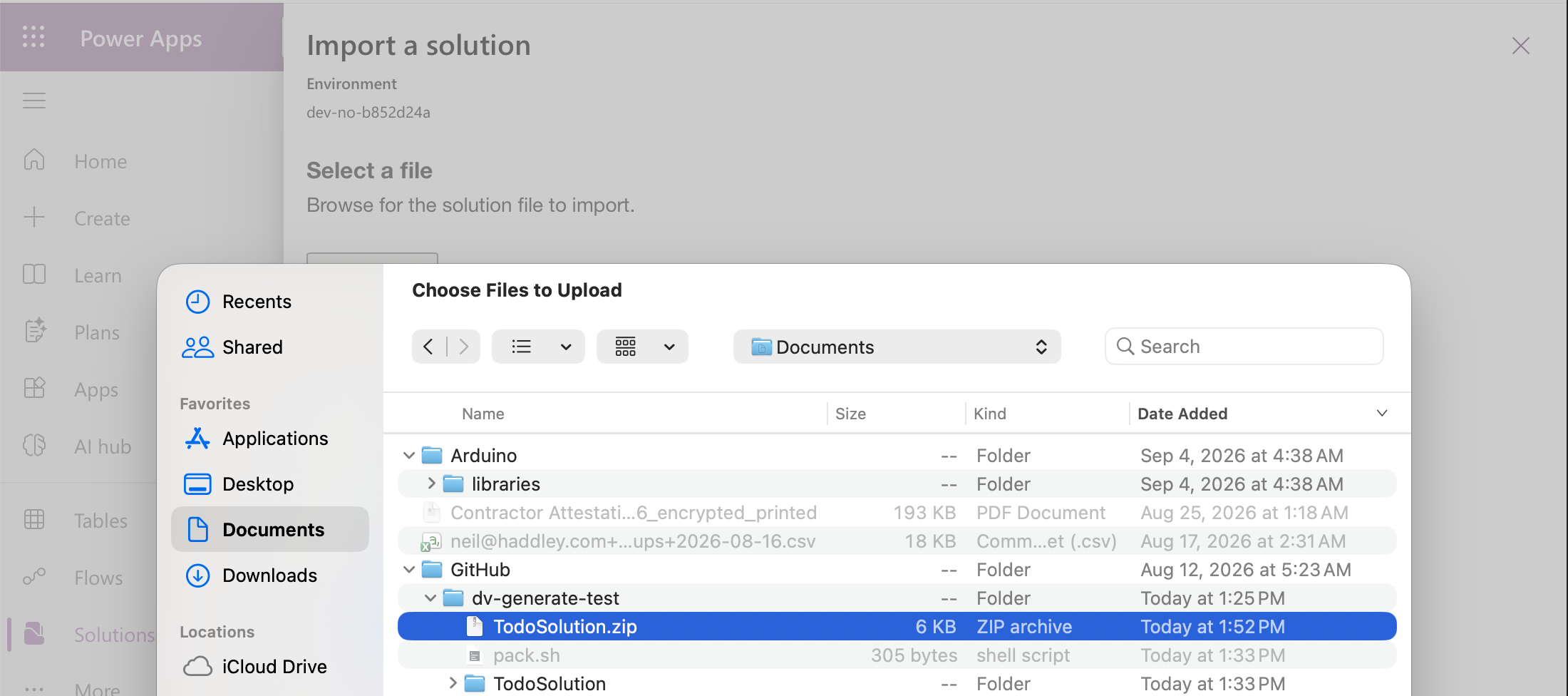
It is the same TodoSolution.zip, rebuilt a minute earlier
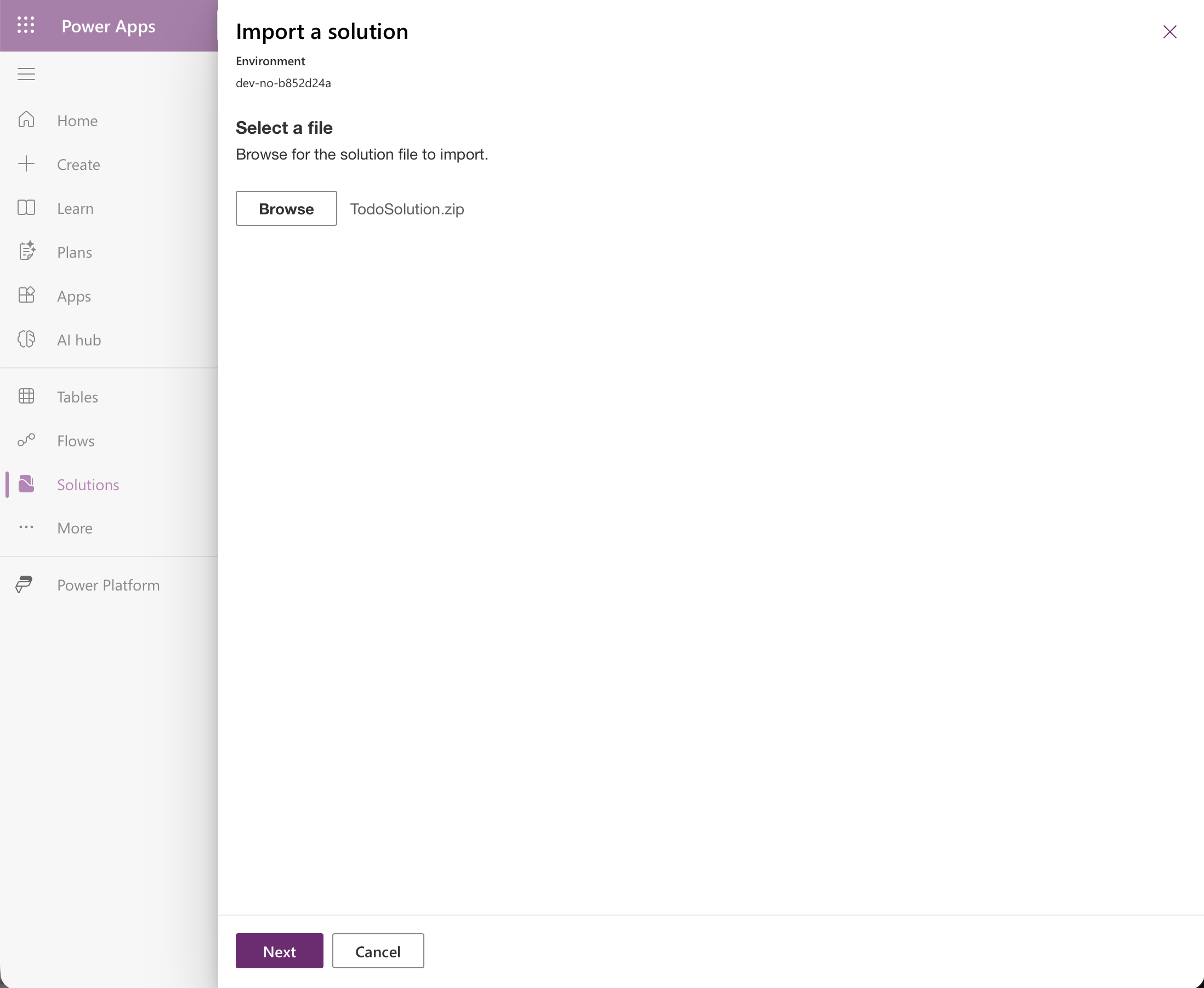
The file was selected
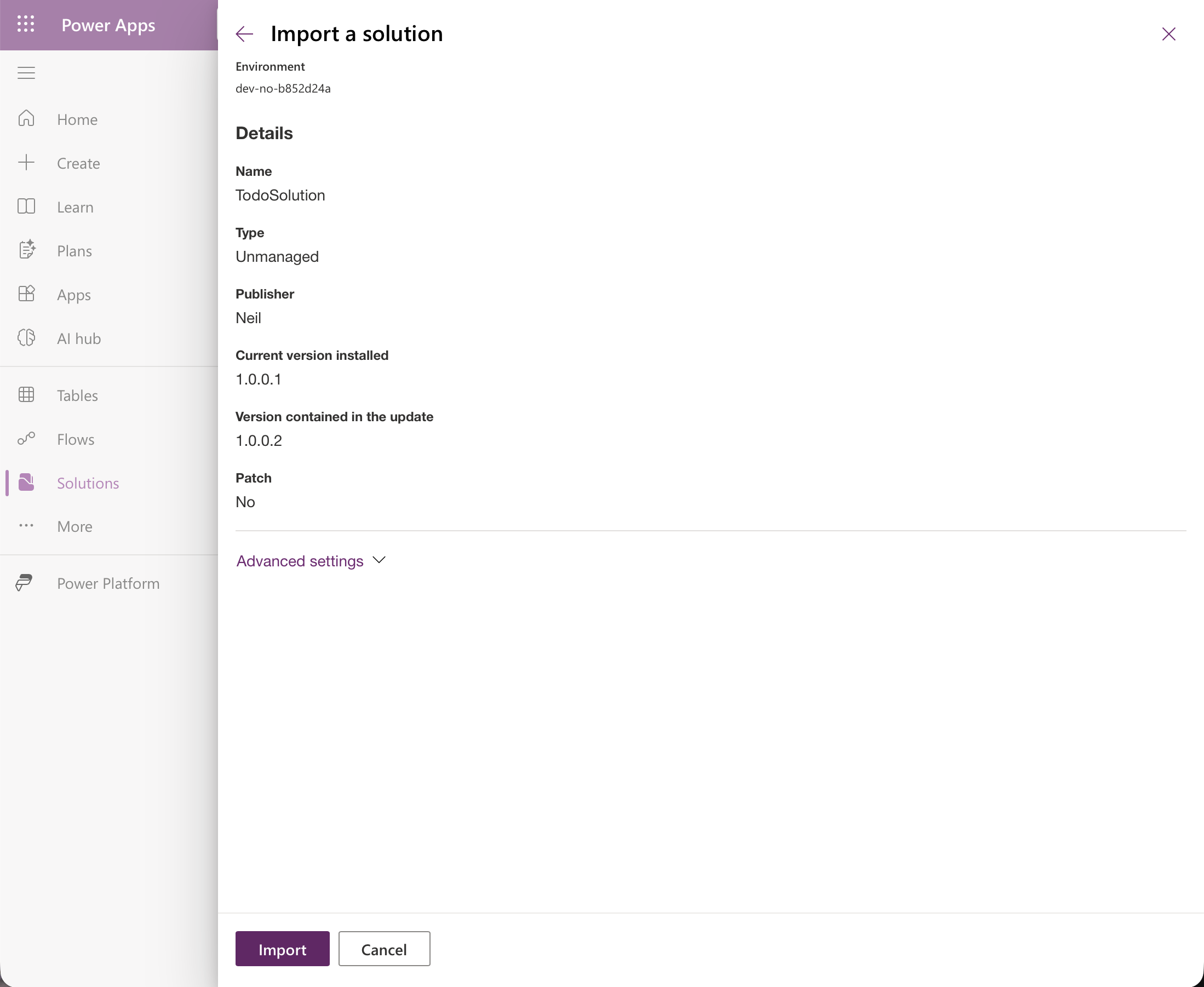
The import details show the installed version (1.0.0.1) and the version in the update (1.0.0.2)
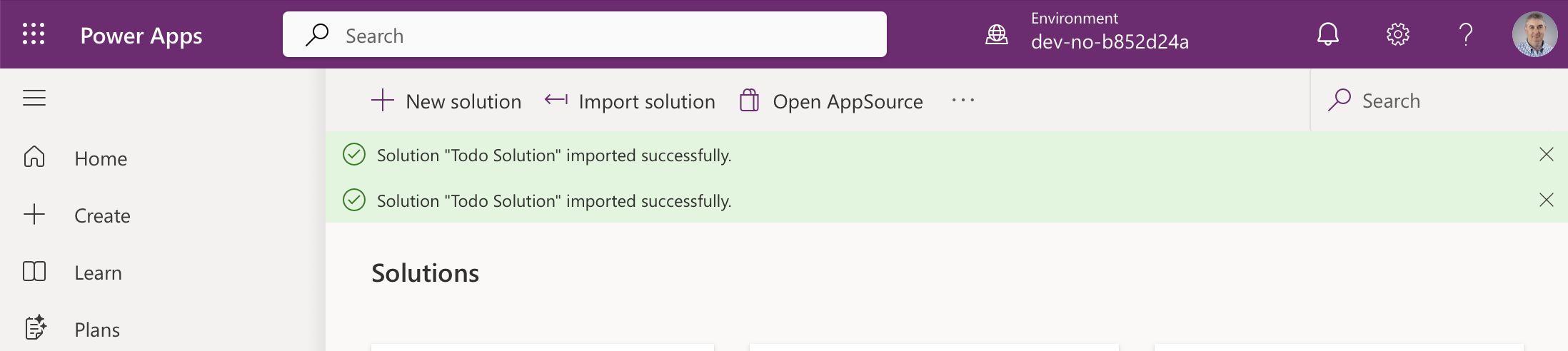
The import succeeded
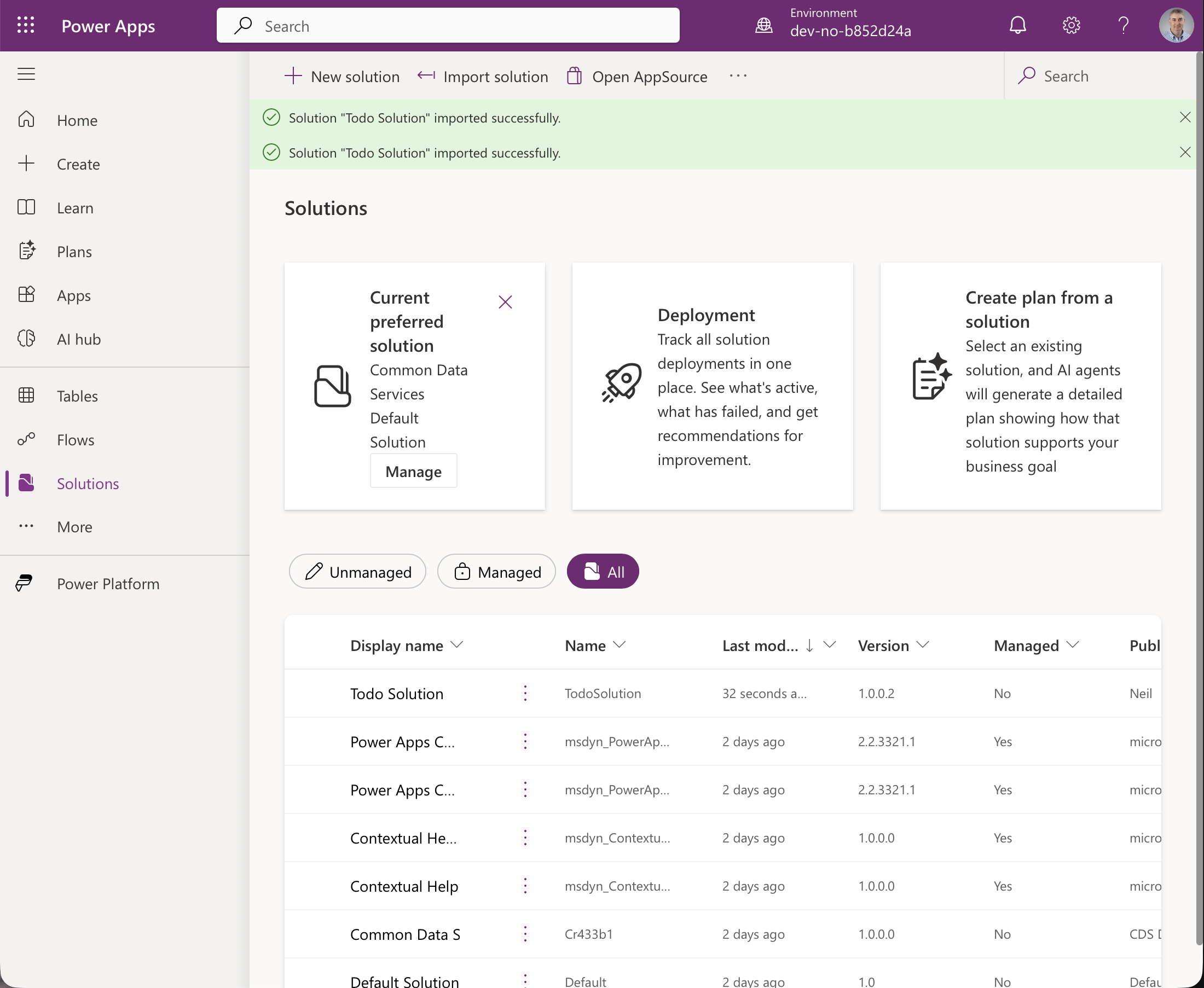
The development environment lists version 1.0.0.2, still unmanaged
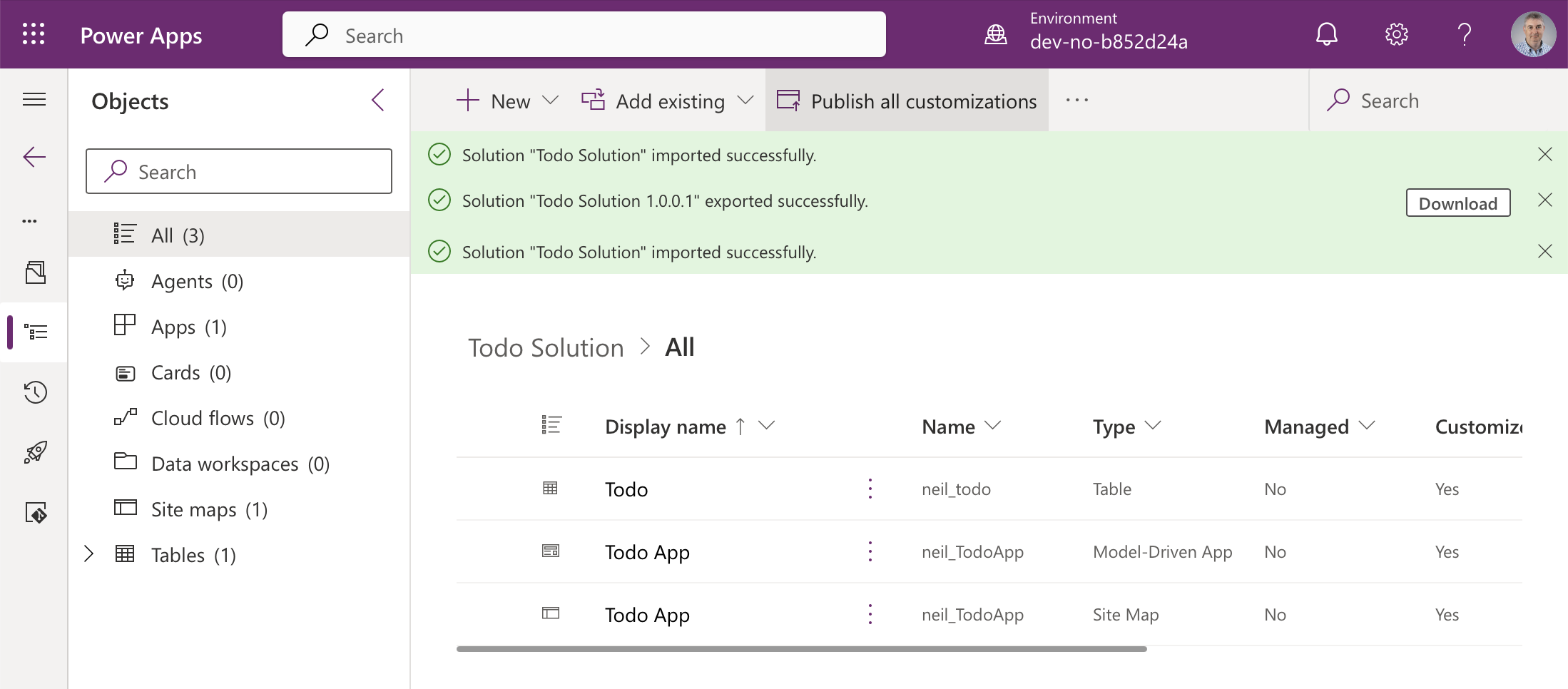
The solution contains the Todo table, the app and its site map
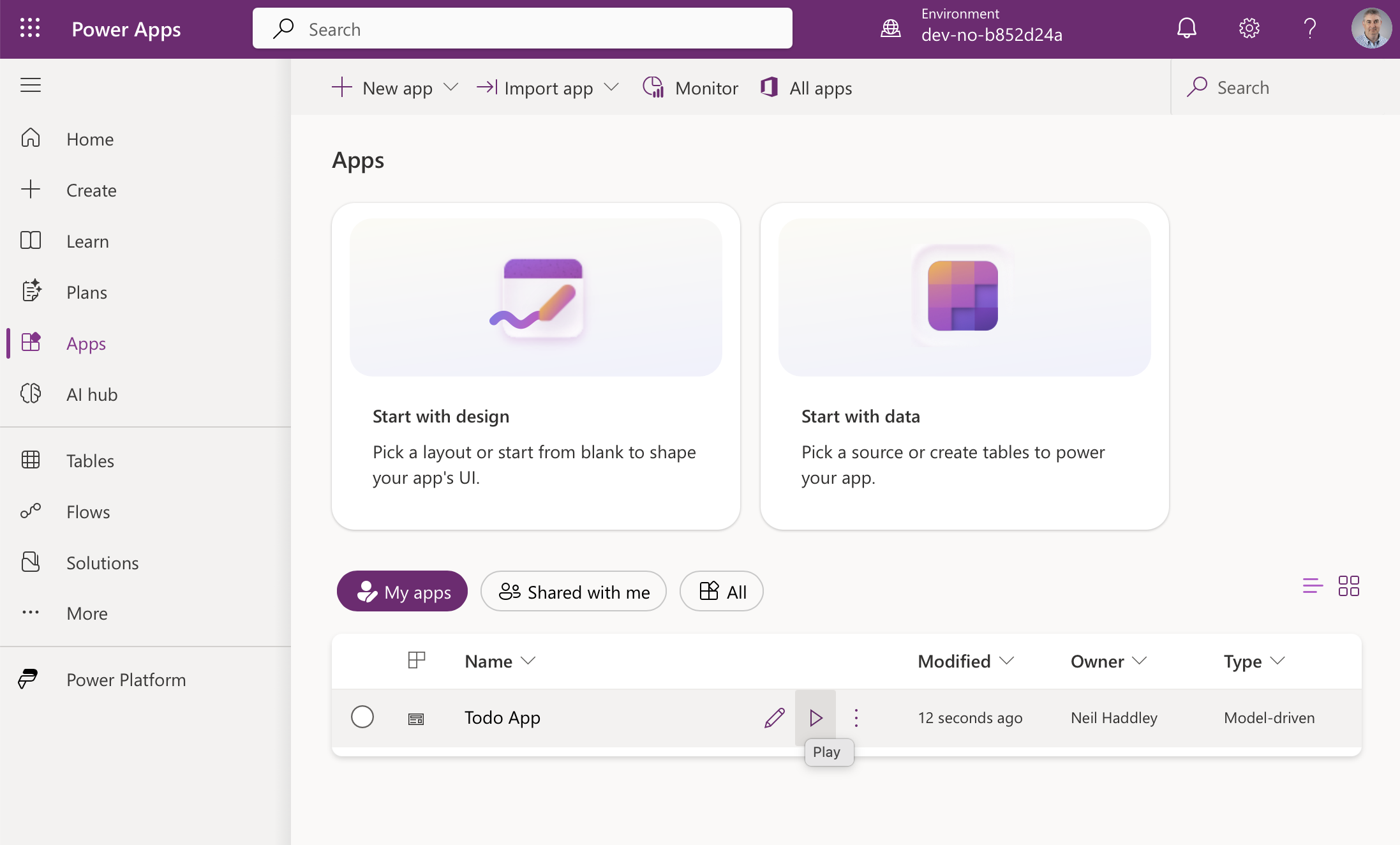
The app is still there
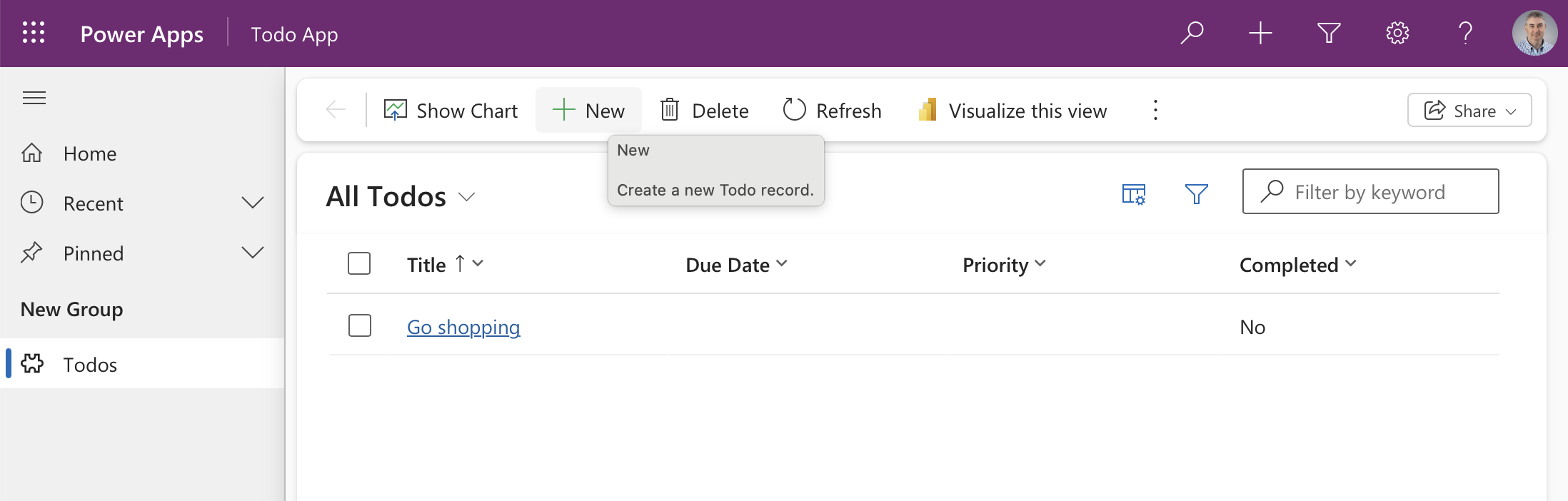
The existing record is untouched
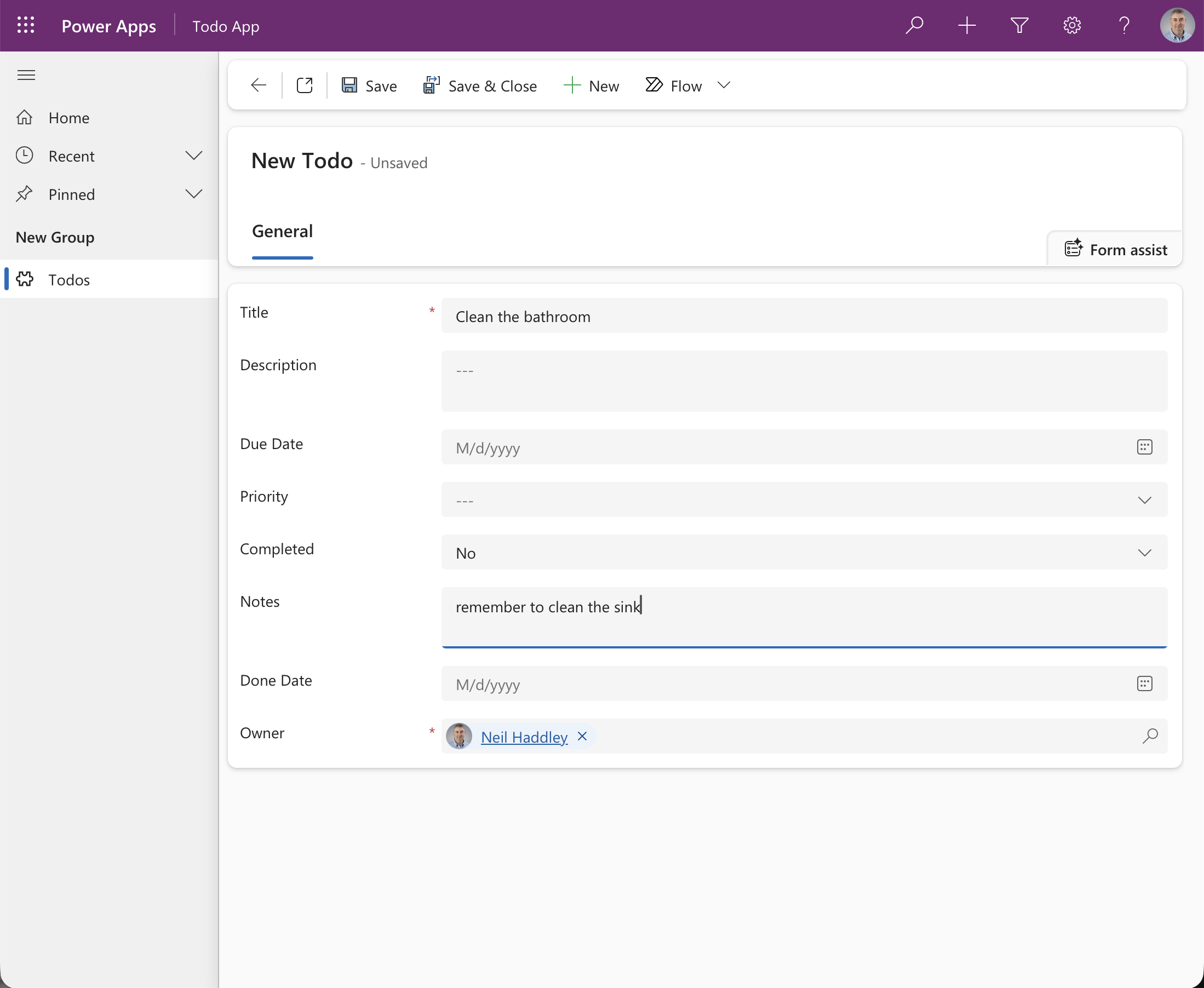
The form has Notes and Done Date fields. I created a second record
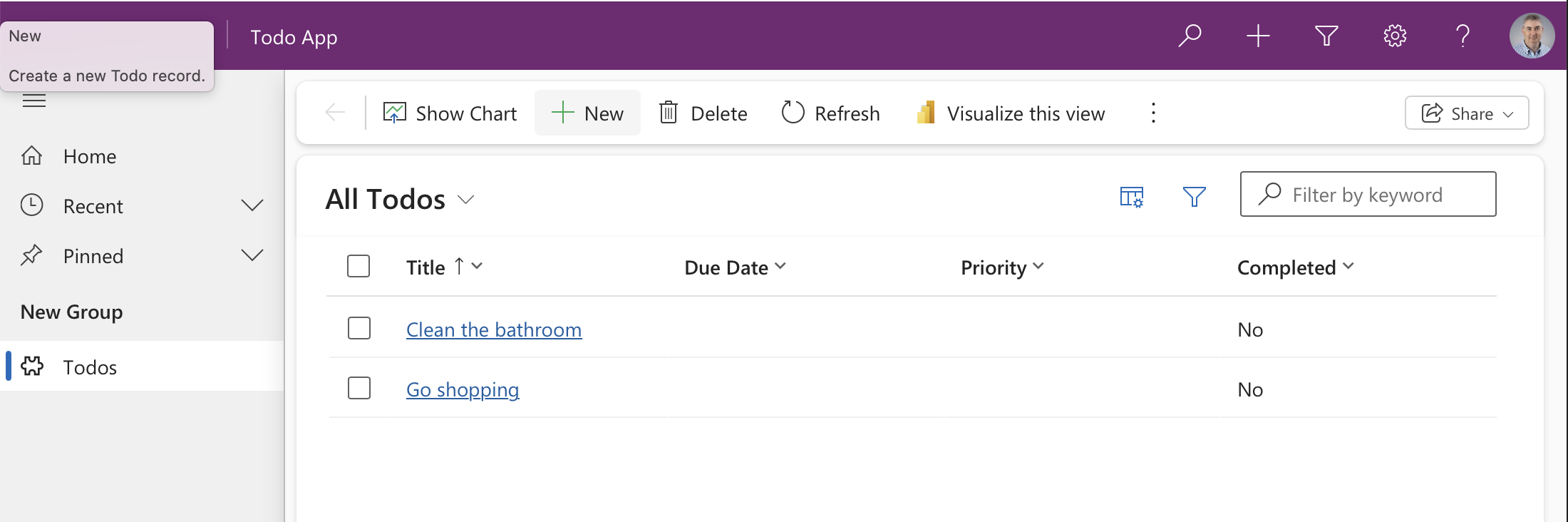
Both records are listed
Then I released it the same way: export as managed from development, and import into the second environment.
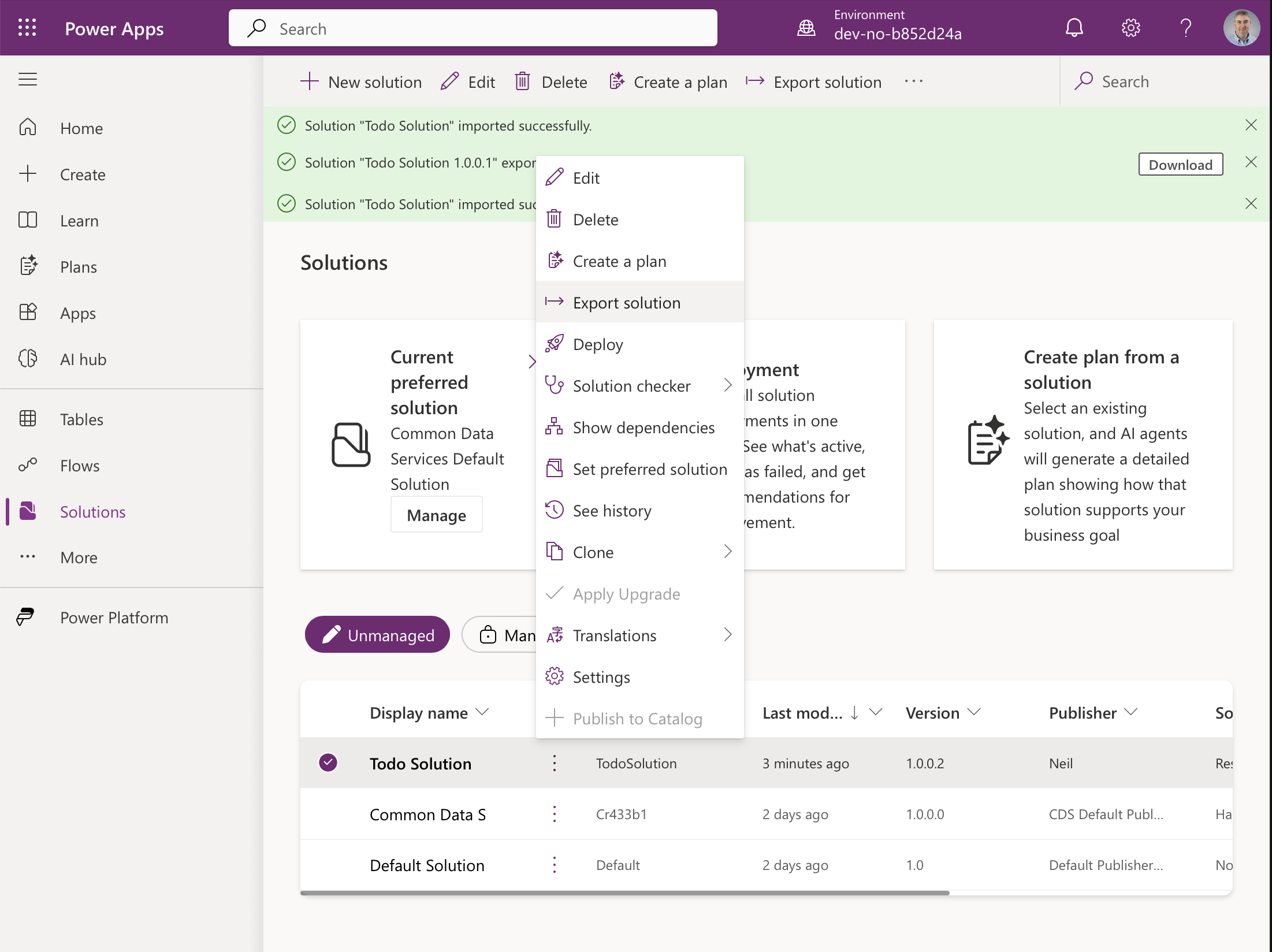
To release the update I exported again from dev
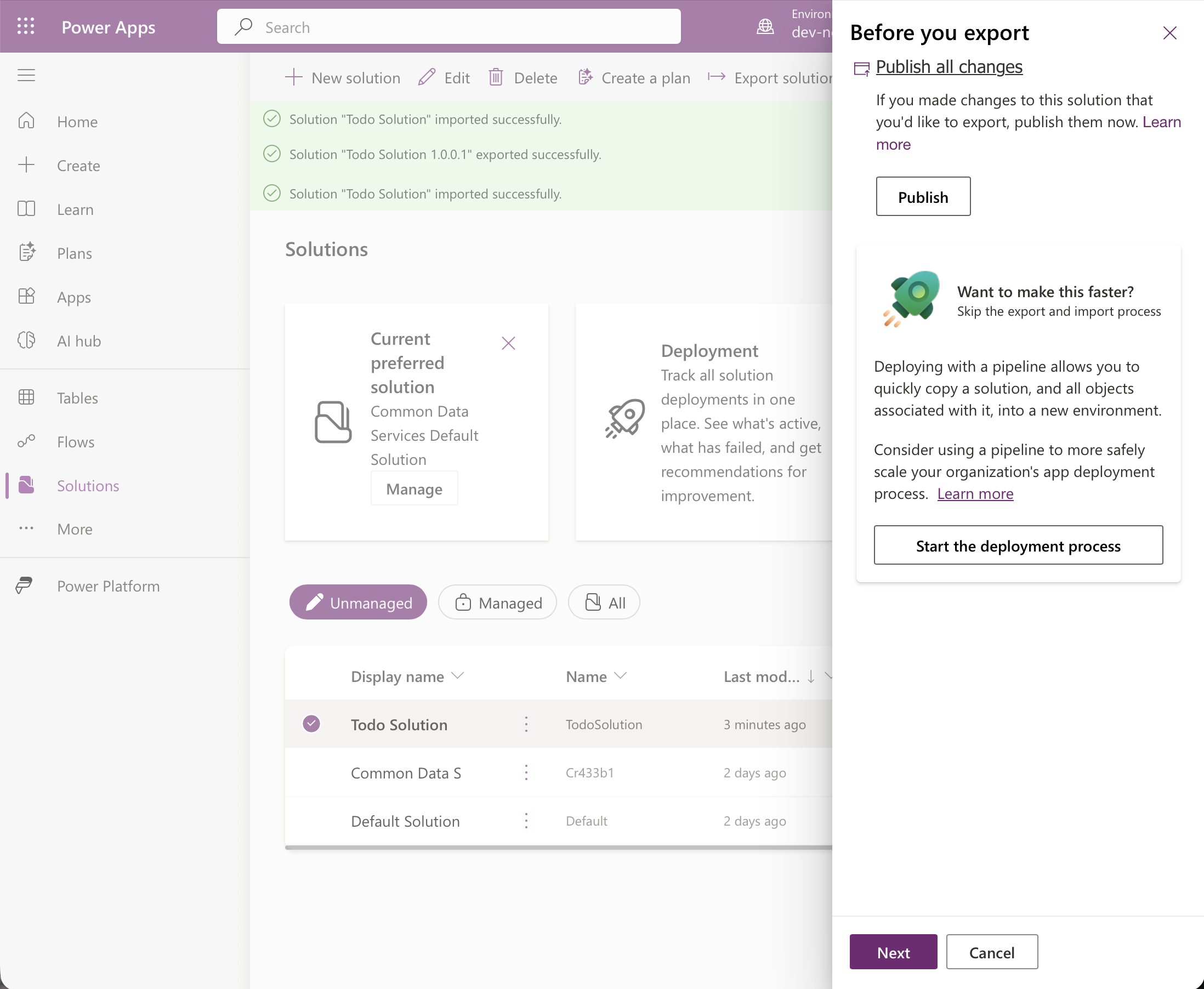
Publish all changes first
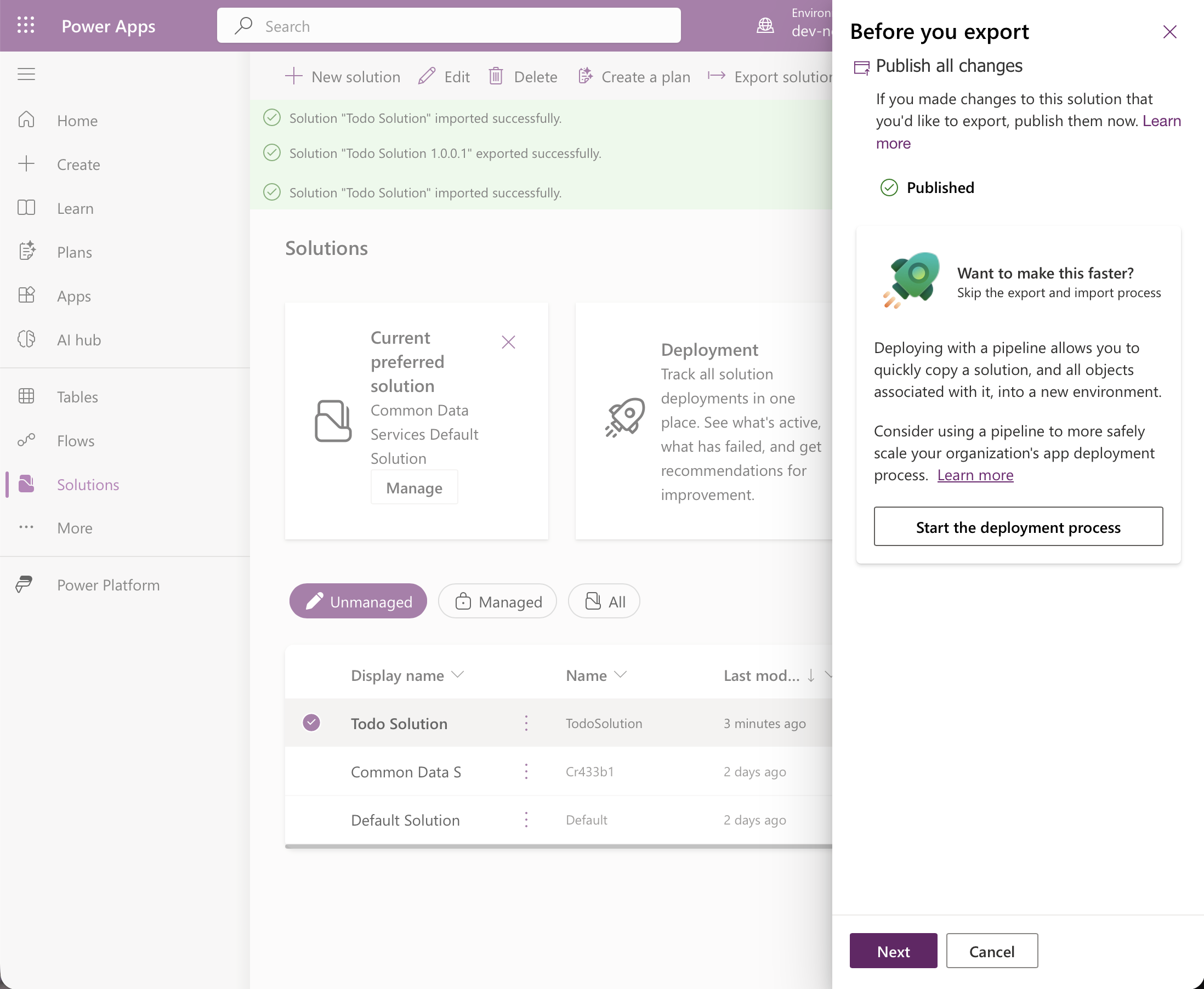
Published
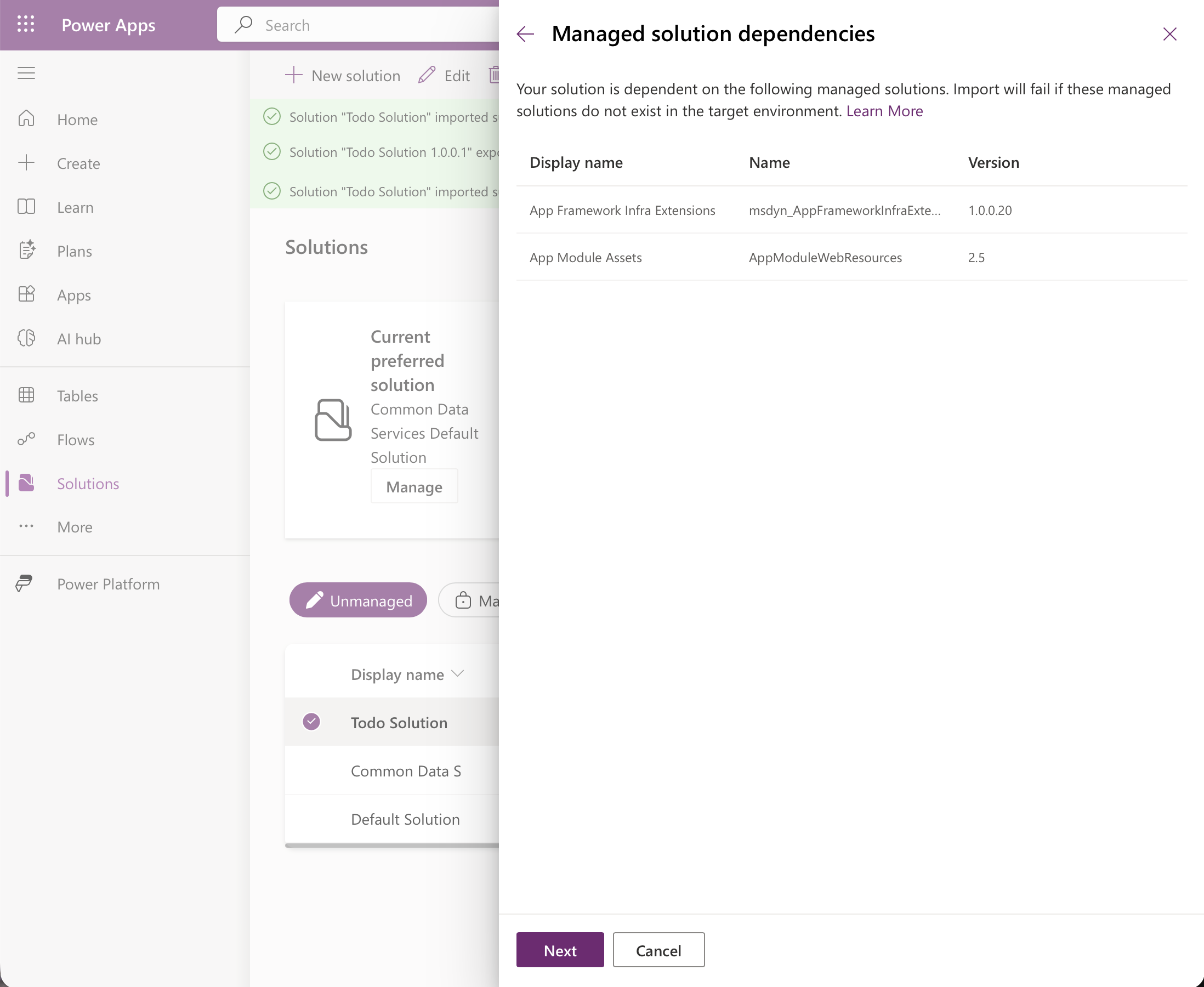
The same managed-solution dependencies as before
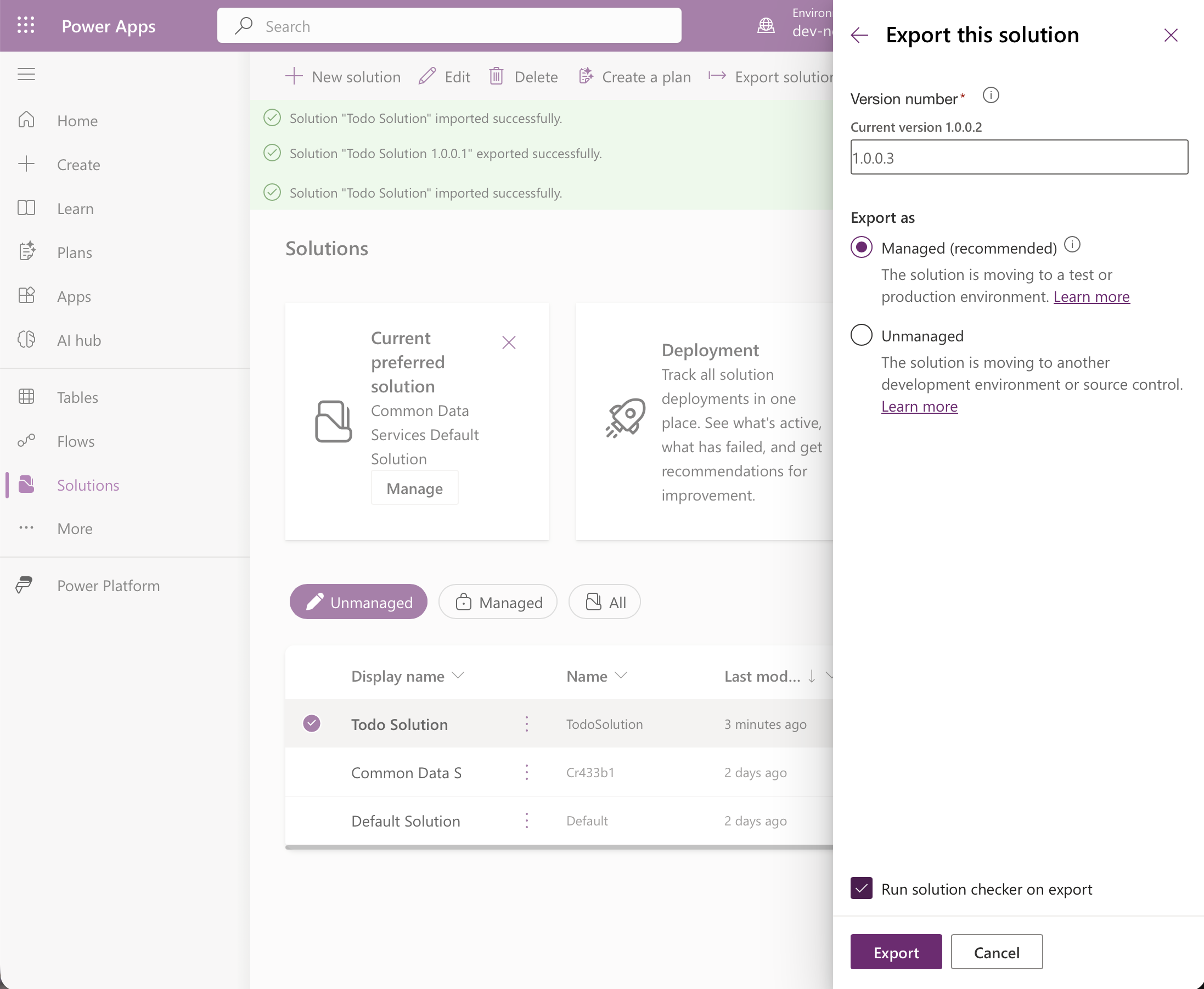
The portal proposed 1.0.0.3. I kept Managed
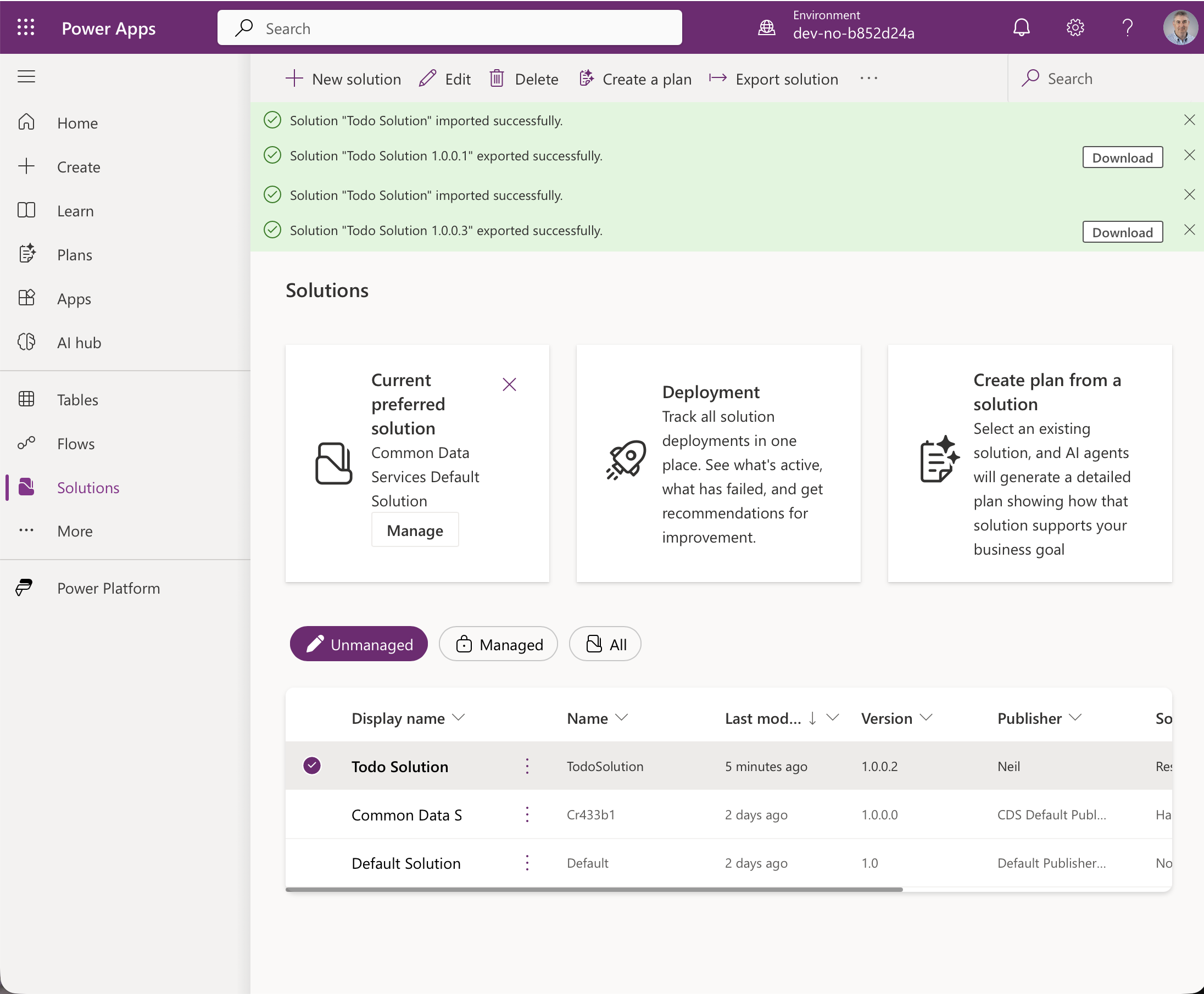
Exported

In the second environment I chose Import solution again
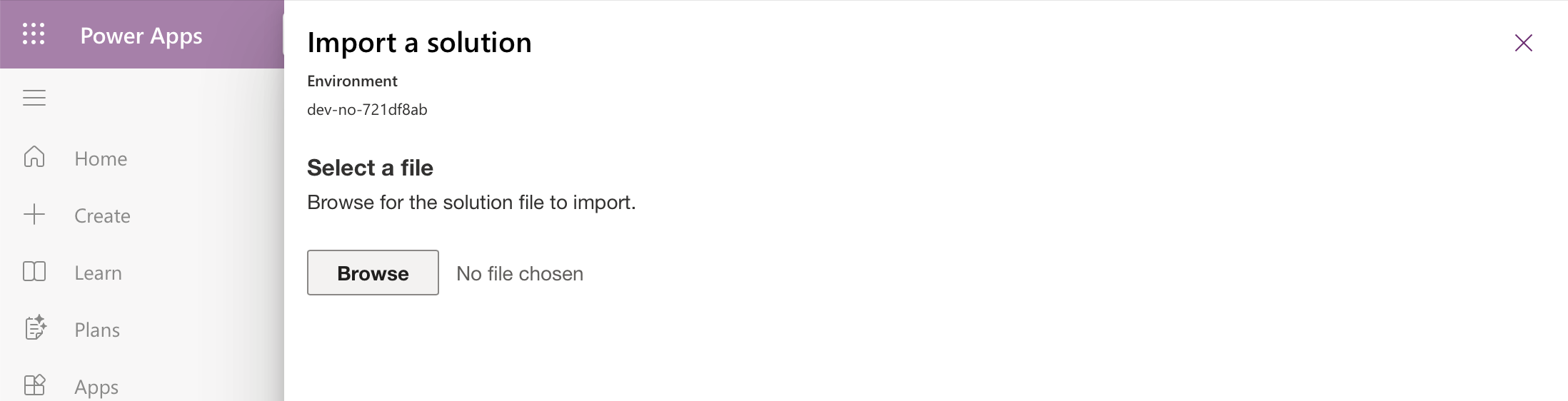
No file chosen yet
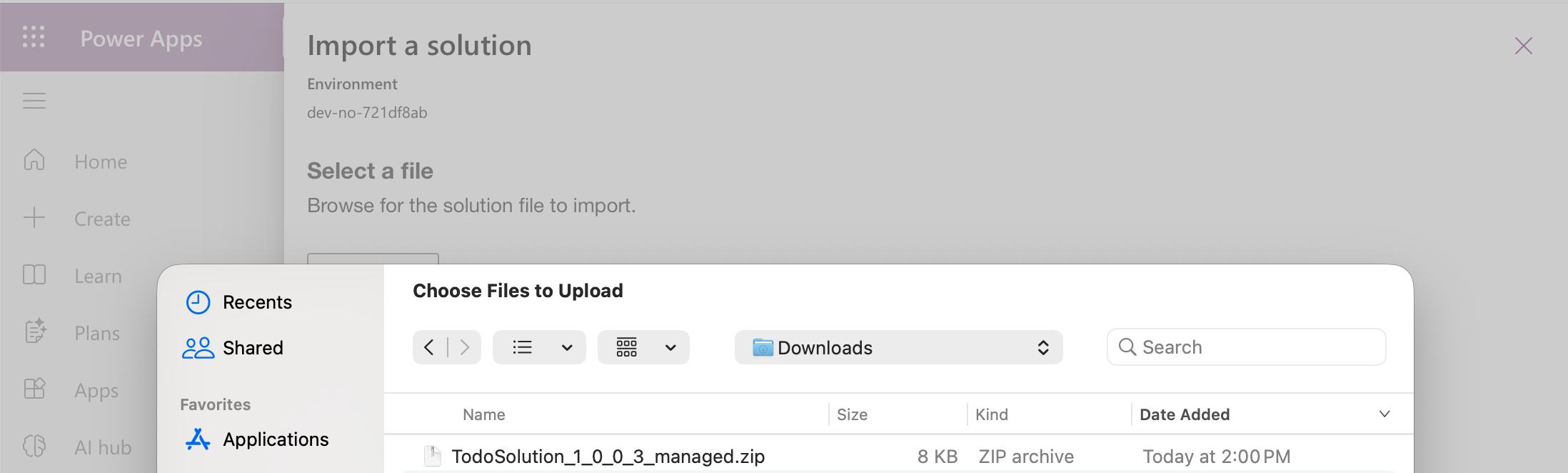
I picked TodoSolution_1_0_0_3_managed.zip
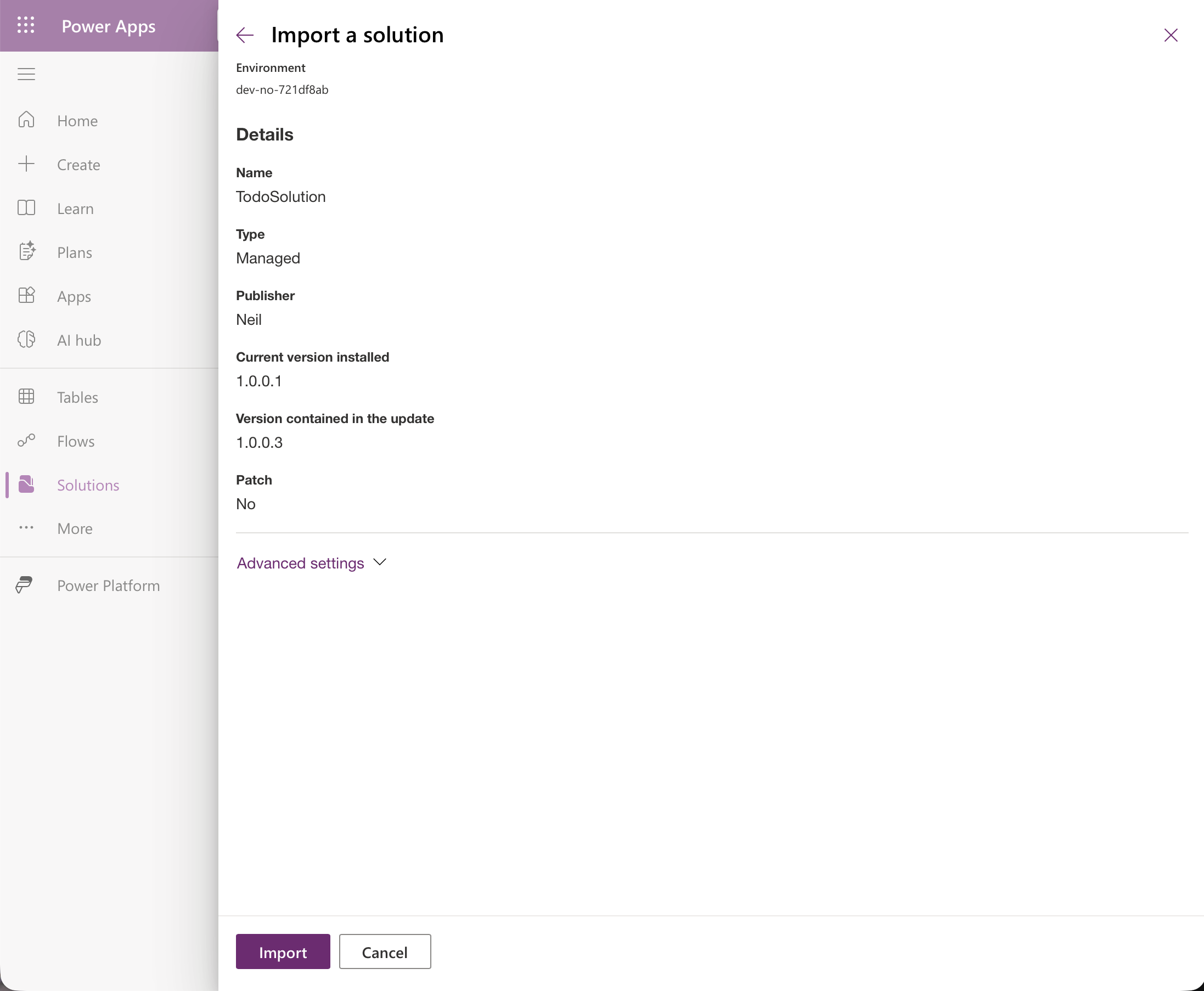
The details show the installed 1.0.0.1 and the update 1.0.0.3, both Managed
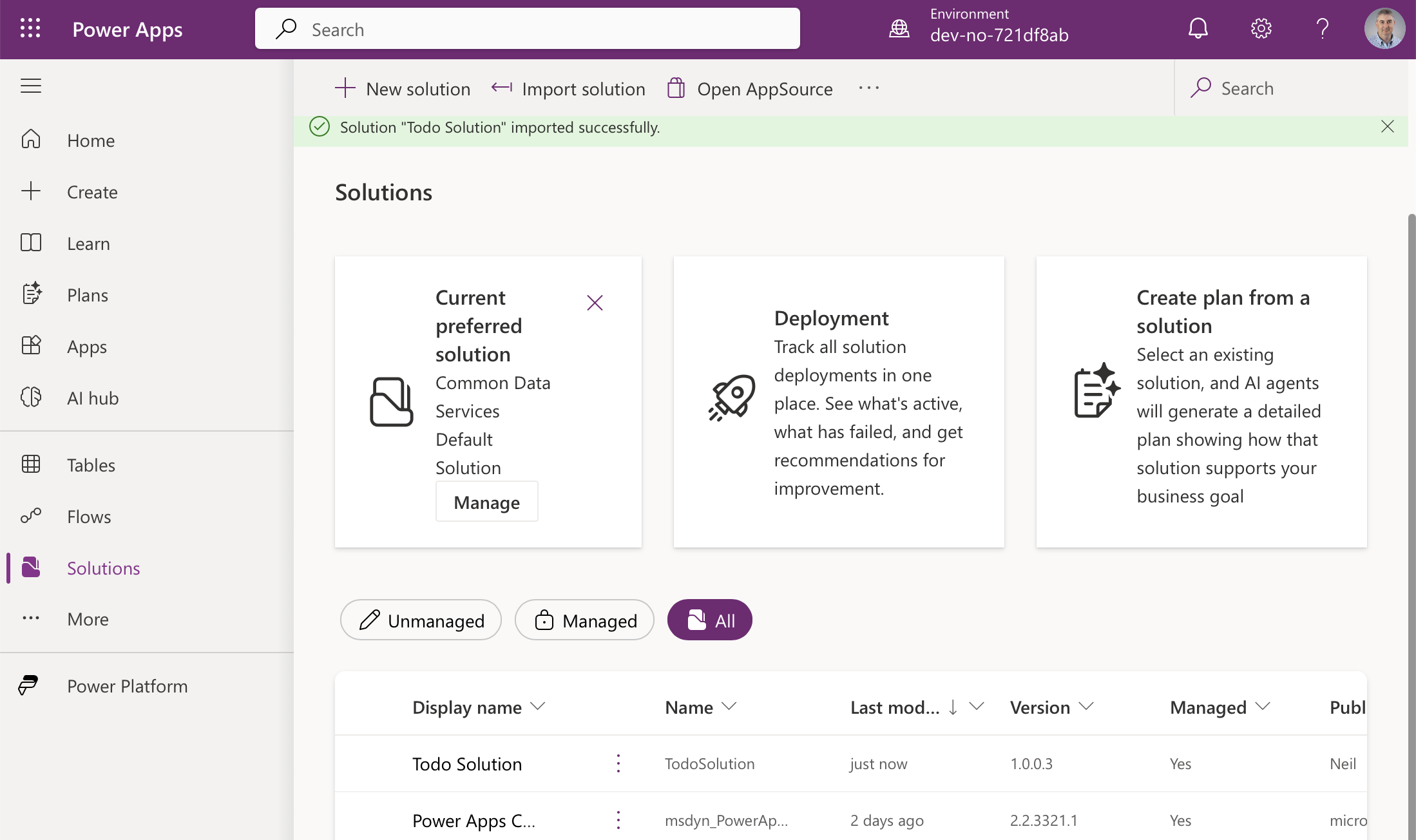
The second environment lists version 1.0.0.3, Managed Yes
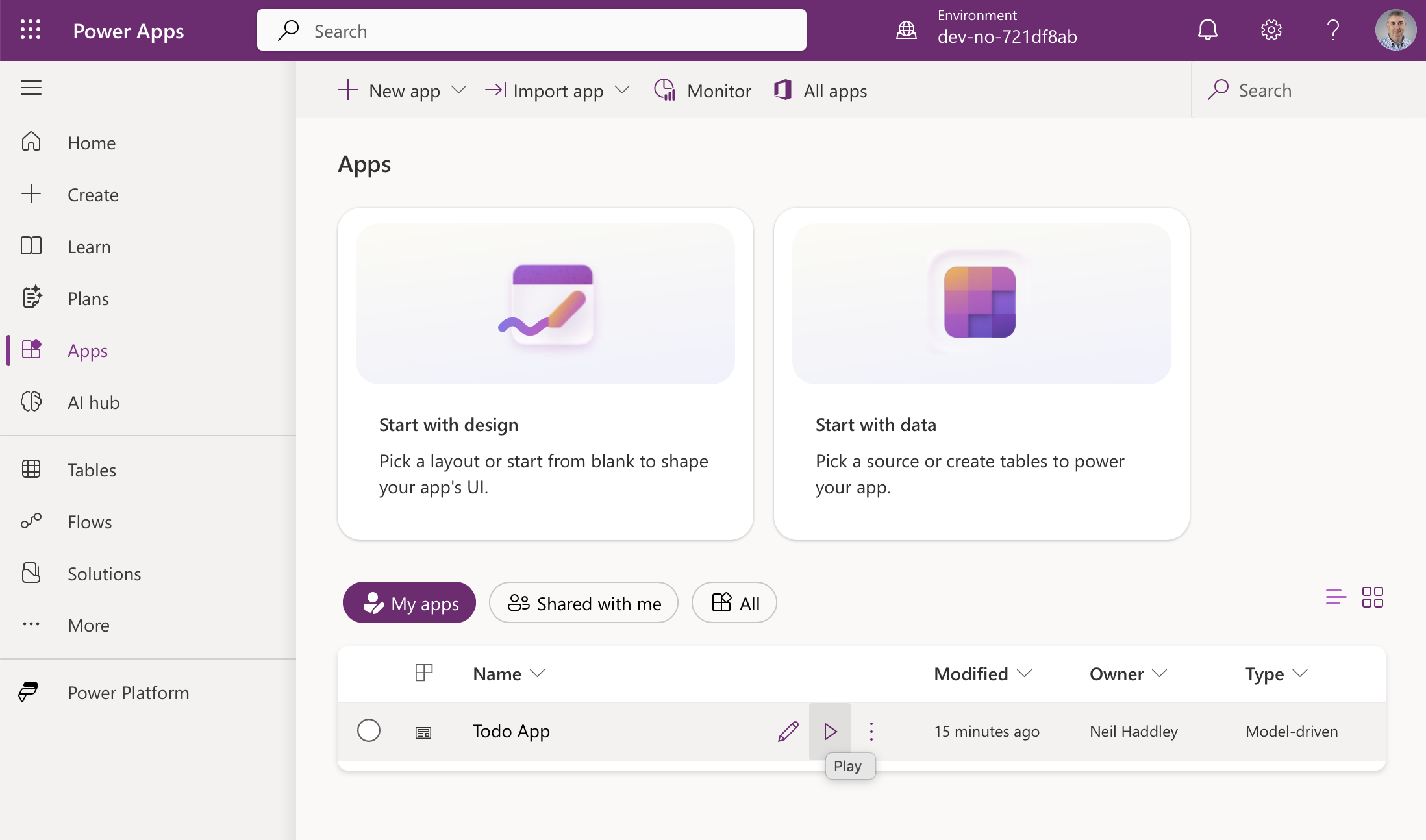
The app is there
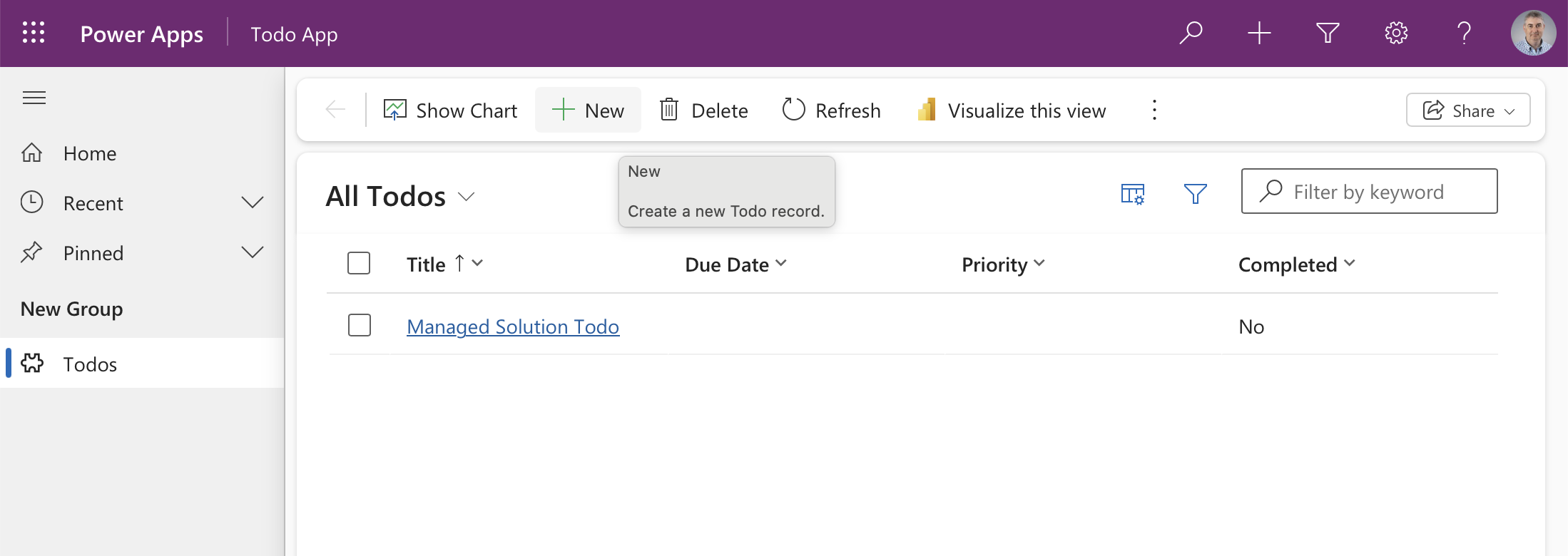
The record I created earlier in this environment survived the upgrade
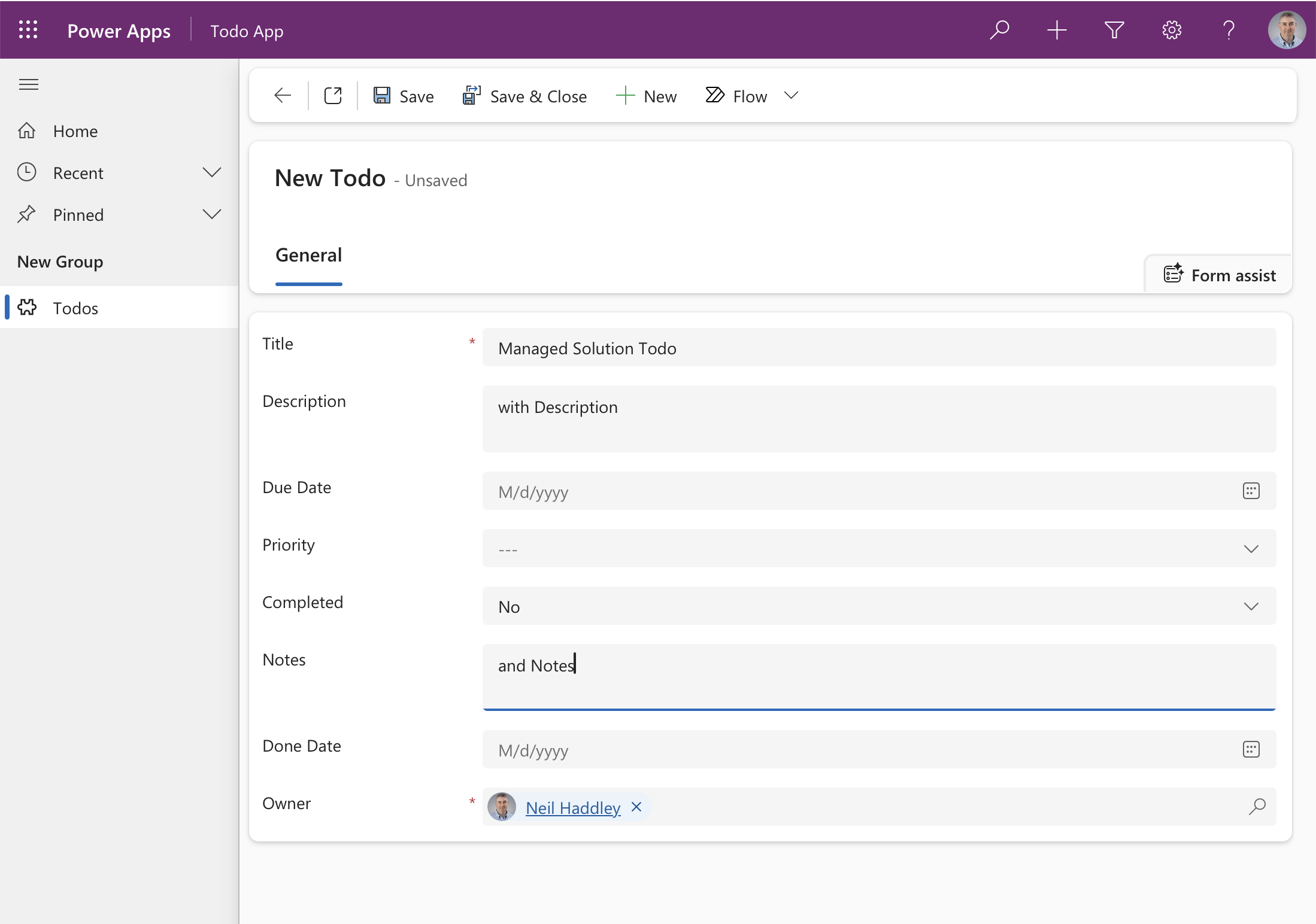
The managed app's form shows Notes and Done Date
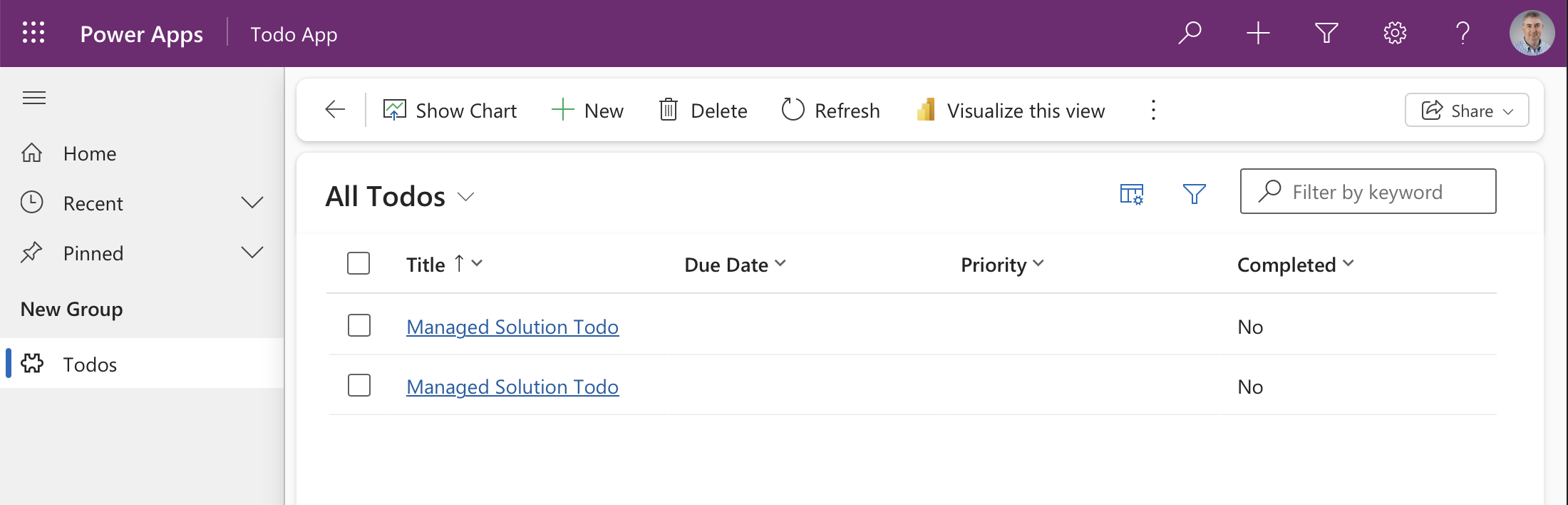
Both records are listed
How the Skill Works
A Claude Code skill is a Markdown file placed in ~/.claude/skills/<skill-name>/. When the skill is active, its content is injected into Claude's context whenever a matching task is detected — in this case, whenever someone asks Claude to create a Dataverse solution.
The skill is mostly knowledge: templates, rules, and gotchas that Claude needs to generate valid Dataverse XML. (It also ships two small Python scripts, described below, for comparing the XML with what is in your development environment.) The frontmatter description field tells Claude when to invoke it; the body tells Claude exactly how to do the work.
The full SKILL.md lives in the dv-generate repository. The bulk of it is XML templates and a list of import errors I ran into while building it — things like the correct element order inside <entity>, the right casing for option set labels, and why boolean fields render read-only if you omit disabled="false" on the form control.
From first release to production
The skill generates unmanaged solutions only. I tried generating managed ones, and hand-written managed solutions failed when I re-imported them: the staged upgrade (ImportAsHolding) tried to delete system columns and left half-installed _Upgrade solutions behind. Microsoft also only supports hand-editing the customizations file of an unmanaged export. So the platform writes the managed package, not Claude:
- Generate the solution (unmanaged).
- Import it into a development environment (
pac solution import --path MySolution.zip, or Import solution in make.powerapps.com) and test it. - In the development environment, export it as managed (Solutions, Export, Managed, or
pac solution export --managed). - Import that managed zip into your sandbox, then production. Import the same zip each time rather than rebuilding it.
Changing a solution after the first release
For an unmanaged solution in dev, a change is a regeneration: edit the saved XML in place, raise the <Version>, import it over the existing solution (it overwrites), and test. Keep every GUID the same: a changed GUID on re-import creates a duplicate view instead of updating the original. Then export as managed and import into the sandbox as an upgrade (pac solution import --path X.zip --stage-and-upgrade).
I ran 16 change scenarios against two development environments, one unmanaged source and one managed target, to find out what regenerating can and can't do.
It works for: adding a column, a choice option, a table, an environment variable or a connection reference, and changing a column label or an environment variable default.
Removing things is out of scope. The skill adds and changes components; it does not remove them, and it does not change a column's type. When you ask it to, it says so and leaves the component in the XML. That is deliberate, because removal behaved differently every time I tried it:
- Leaving a column, view, form or choice option out of the XML changes nothing. It stays in dev, and so it stays in the managed export.
- Dataverse will not delete a column while a form or view uses it. In my Todo run the delete failed with "Object dependencies exist", and the blockers were the Information form and the Quick Find Todos view. An import that doesn't publish leaves the published form and views as they were, so import with
pac solution import --publish-changes. Clicking Publish all customizations in the portal did not clear the dependency for me, and I don't know why; re-importing withpacdid. - A managed upgrade that drops a table deletes the table and all of its rows in the target, and it fails while an app still references the table.
- A column I deleted in dev, then exported as managed and upgraded into the second environment, was removed there. Its values went with it, and the records and their other columns survived.
- A plain update, instead of an upgrade, removes nothing.
- Changing a column's type is rejected on import.
If you need to remove something, do it in the maker portal in dev, then bring the result back into the saved XML.
Bring manual changes back from dev
Someone may have changed things in dev by hand, and regenerating from a stale copy of the XML could overwrite those edits. pull.py exports the unmanaged solution from dev and reports what differs from your saved XML, in both directions:
BASH
1python3 ~/.claude/skills/dv-generate/scripts/pull.py --env https://<your-dev-org>.crm.dynamics.com/ --solution MySolution --dir MySolutionDir
It compares tables, custom columns, choice options, views, forms, environment variables, connection references and apps, and changes nothing unless you pass --apply. With --apply it replaces your saved XML with dev's export, which is the platform's XML rather than the skill's templates, so review it with git diff. A column you deleted in dev shows up as "in the saved XML, not in dev", which is how a removal gets back into your files.
You don't have to run the script yourself. With pac signed in to your development environment, Claude can do it from a plain request:
- "Check what has changed in the dev environment since I last saved this solution."
- "I made some changes by hand in dev. Bring them back into the saved XML."
I tried both, without naming the script. For the first, Claude ran pull.py against my dev environment and reported the one difference, a column that dev has and my saved XML doesn't, without changing any files. For the second, it read that column's definition from a dev export, added it to customizations.xml in the same style as the other columns, and ran the check again, which reported no drift. It also said what the check does not compare (charts, dashboards, business rules, relationships, security roles and form scripts), so a hand edit in one of those won't show up.
The scenarios, fixtures and recorded results are in the repository's tests/ folder.