Claude Code (Part 7)
Neil Haddley • January 26, 2026
Adding the Context7 MCP server to Claude Code to inject real-time, version-specific library docs and reduce stale training data errors
One limitation of AI coding assistants is that their training data has a cutoff — they may give outdated advice about library APIs that have changed since they were trained. Context7 is a Model Context Protocol (MCP) server that fetches real-time, version-specific documentation and injects it into Claude's context, helping to reduce errors from stale knowledge.
I set it up as a test using a React 17 → React 18 migration scenario.
Generate an example React 17 application
I used Claude Code to generate a simple React 17 app using the old ReactDOM.render() API:
PROMPT
1generate a very simple React 17 example that uses ReactDOM.render() API.
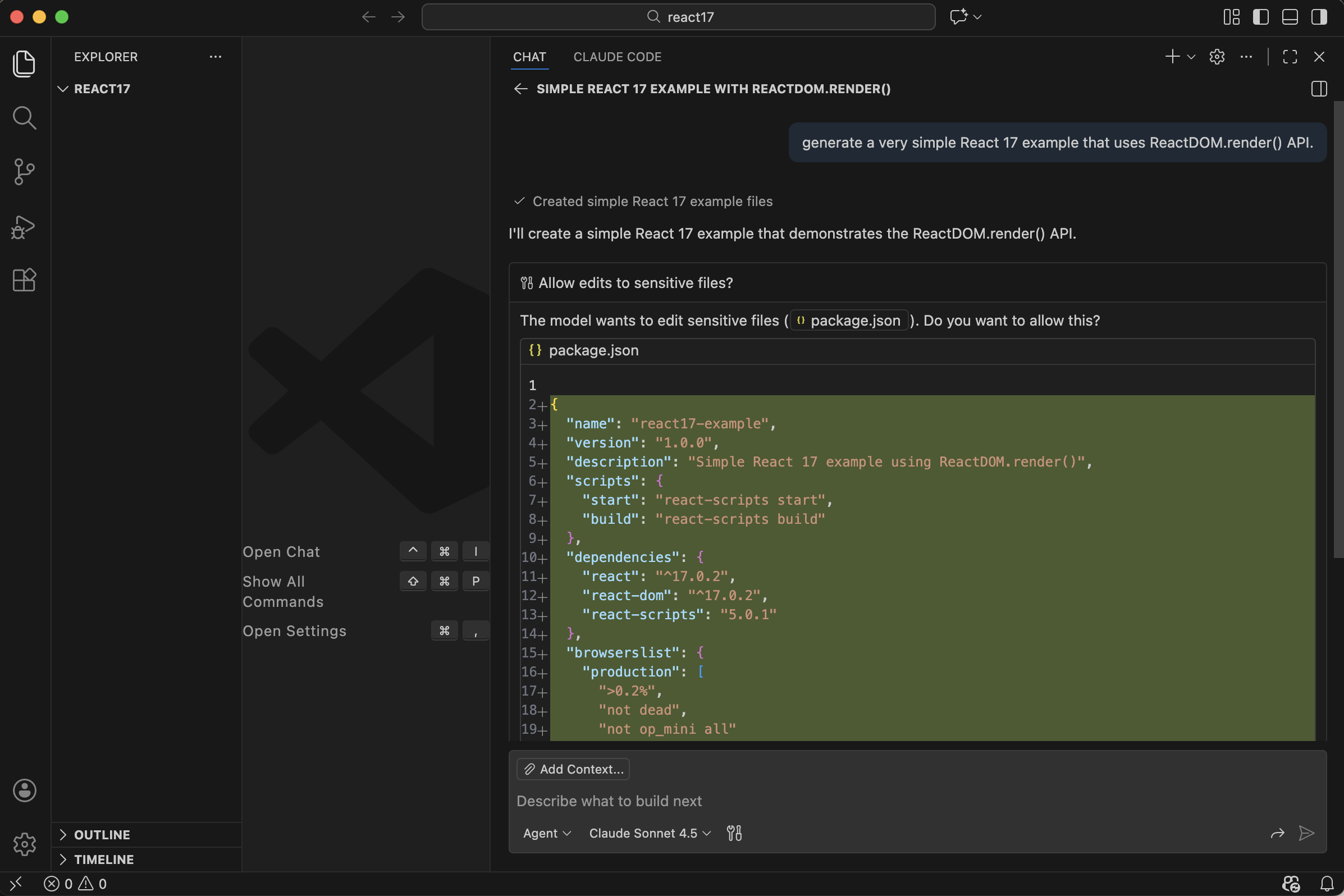
Claude generated a package.json targeting React 17
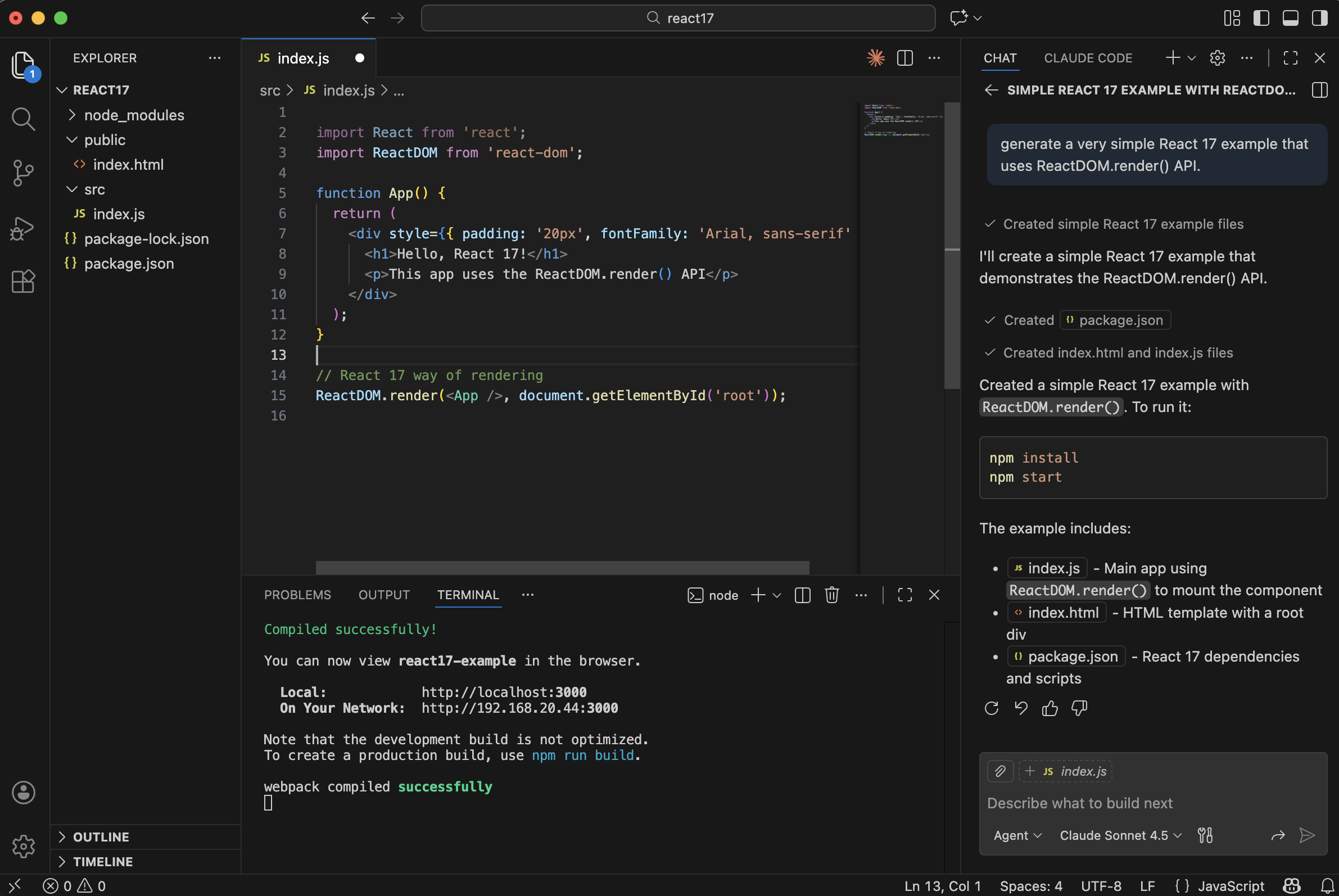
Claude generated index.js using the React 17 ReactDOM.render() API
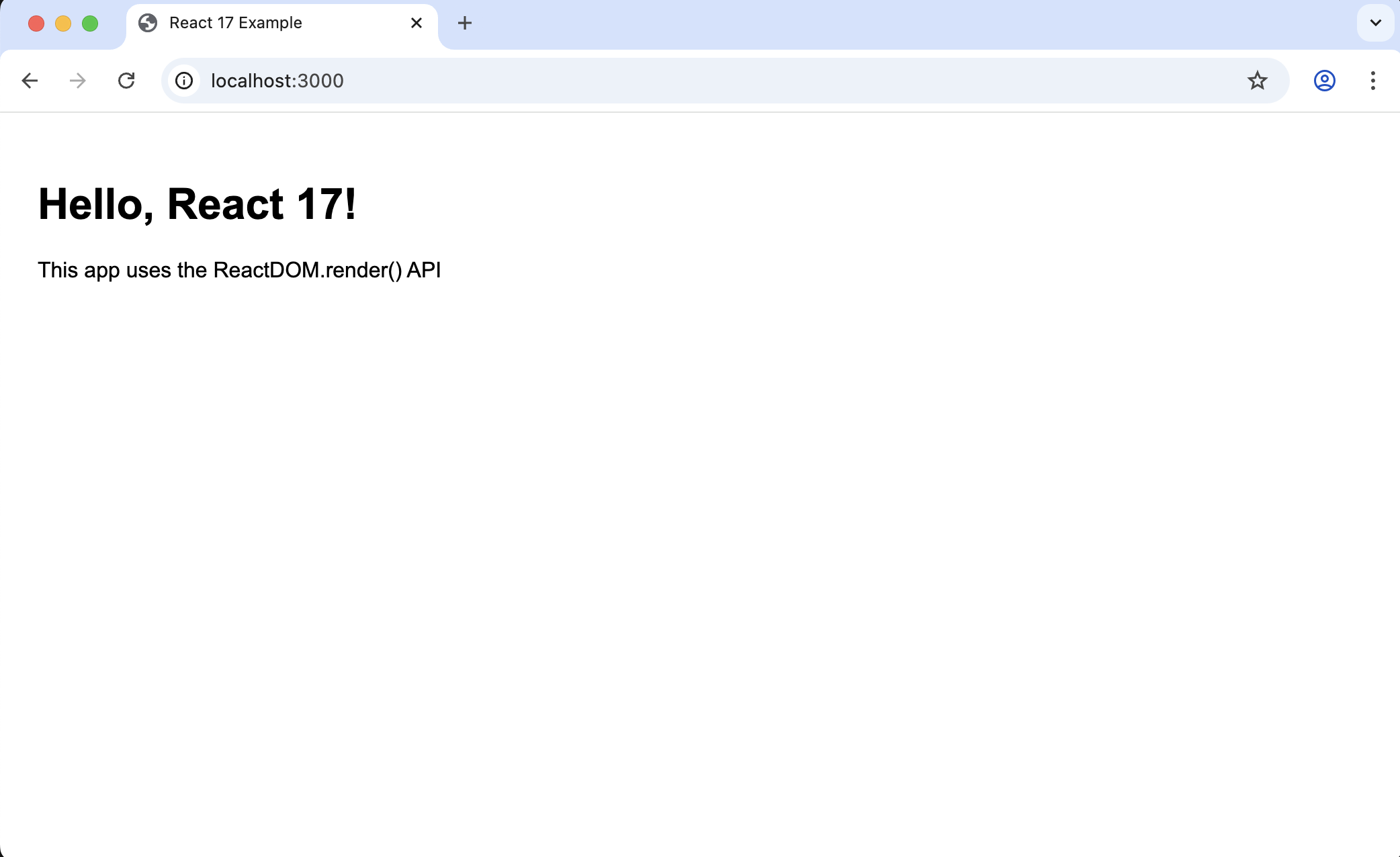
The app ran at http://localhost:3000
Without Context7
I asked Claude to migrate the app to React 18 without the MCP server:
PROMPT
1How would you migrate this React 17 project to React 18?
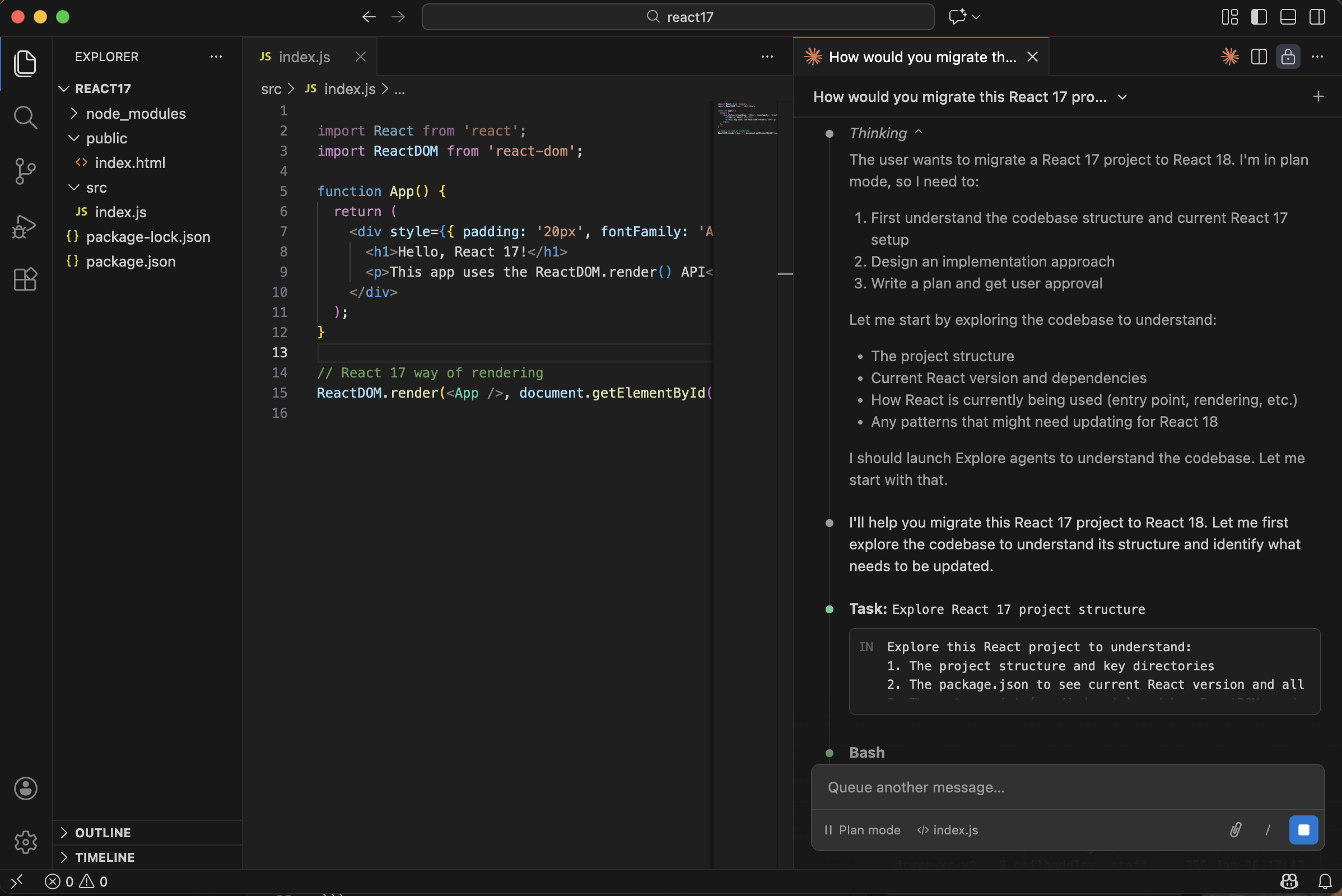
Claude analysed the project and described the migration steps
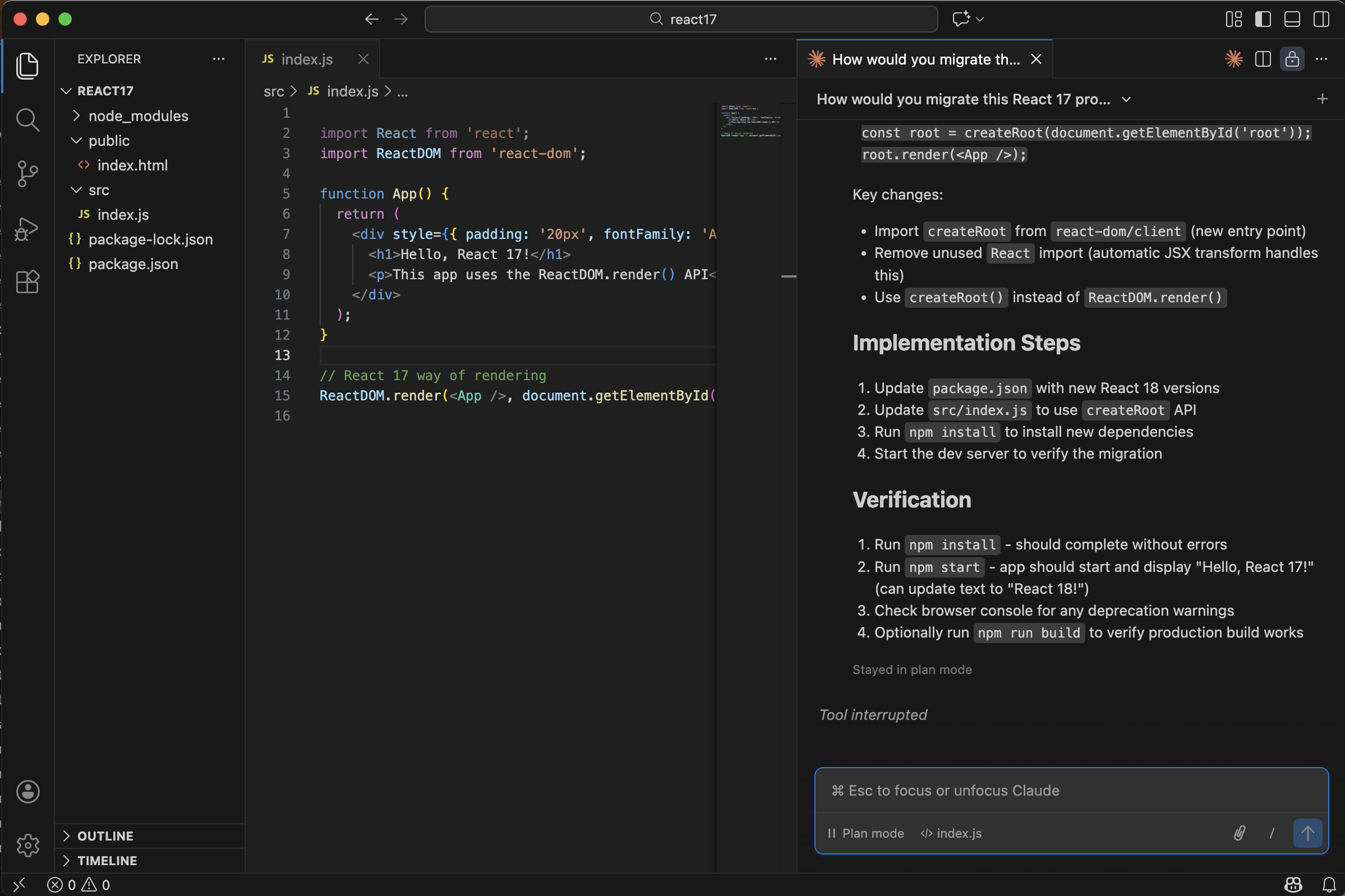
Claude correctly identified the need to replace ReactDOM.render() with createRoot()
Claude already knew the correct migration path from its training data — no MCP server needed for this well-known API change.
Adding Context7
I added the Context7 MCP server to Claude Code:
BASH
1claude mcp add context7 -- npx -y @upstash/context7-mcp --api-key <YOUR_CONTEXT7_API_KEY>
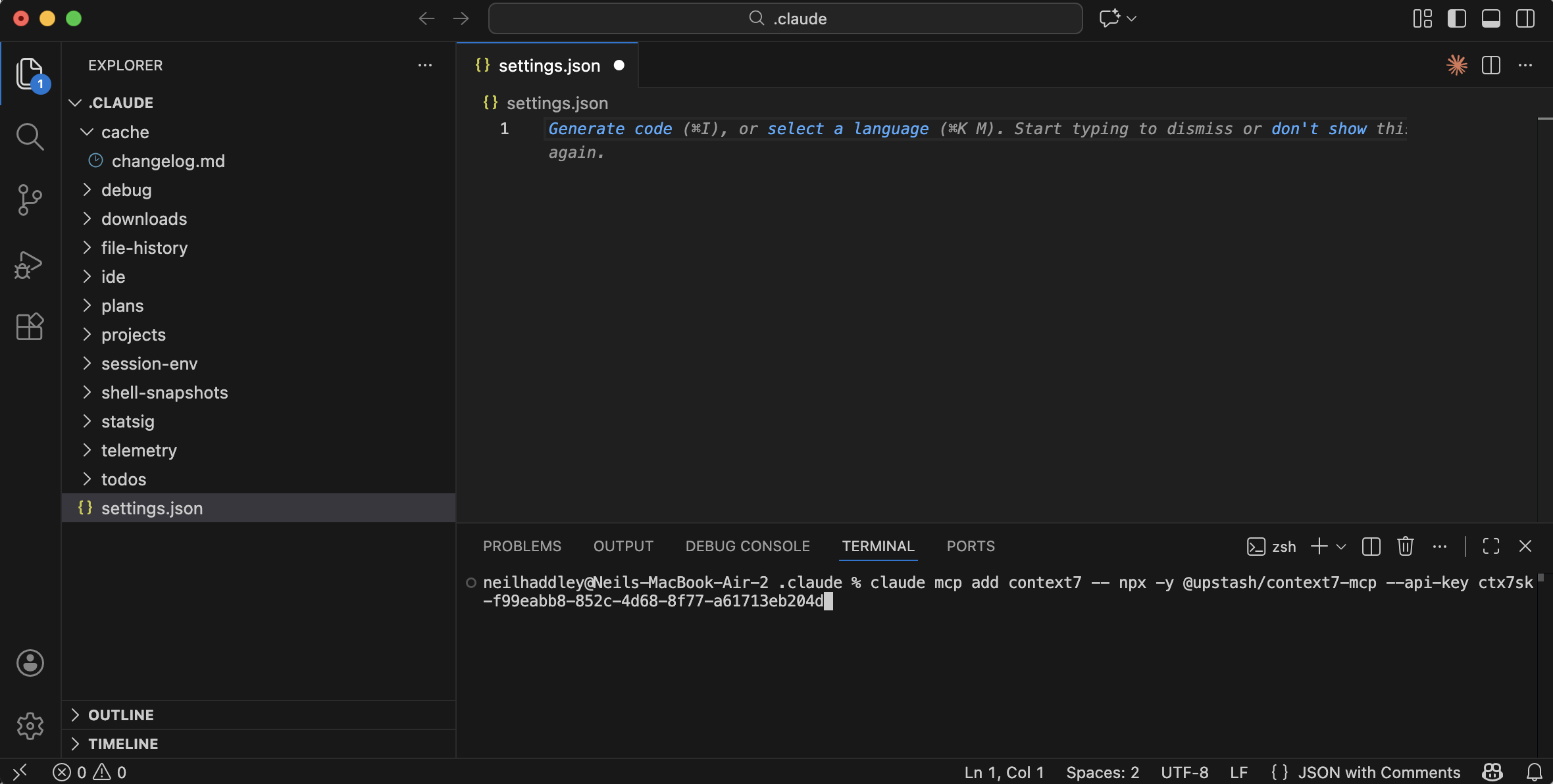
I ran the command to add the Context7 MCP server
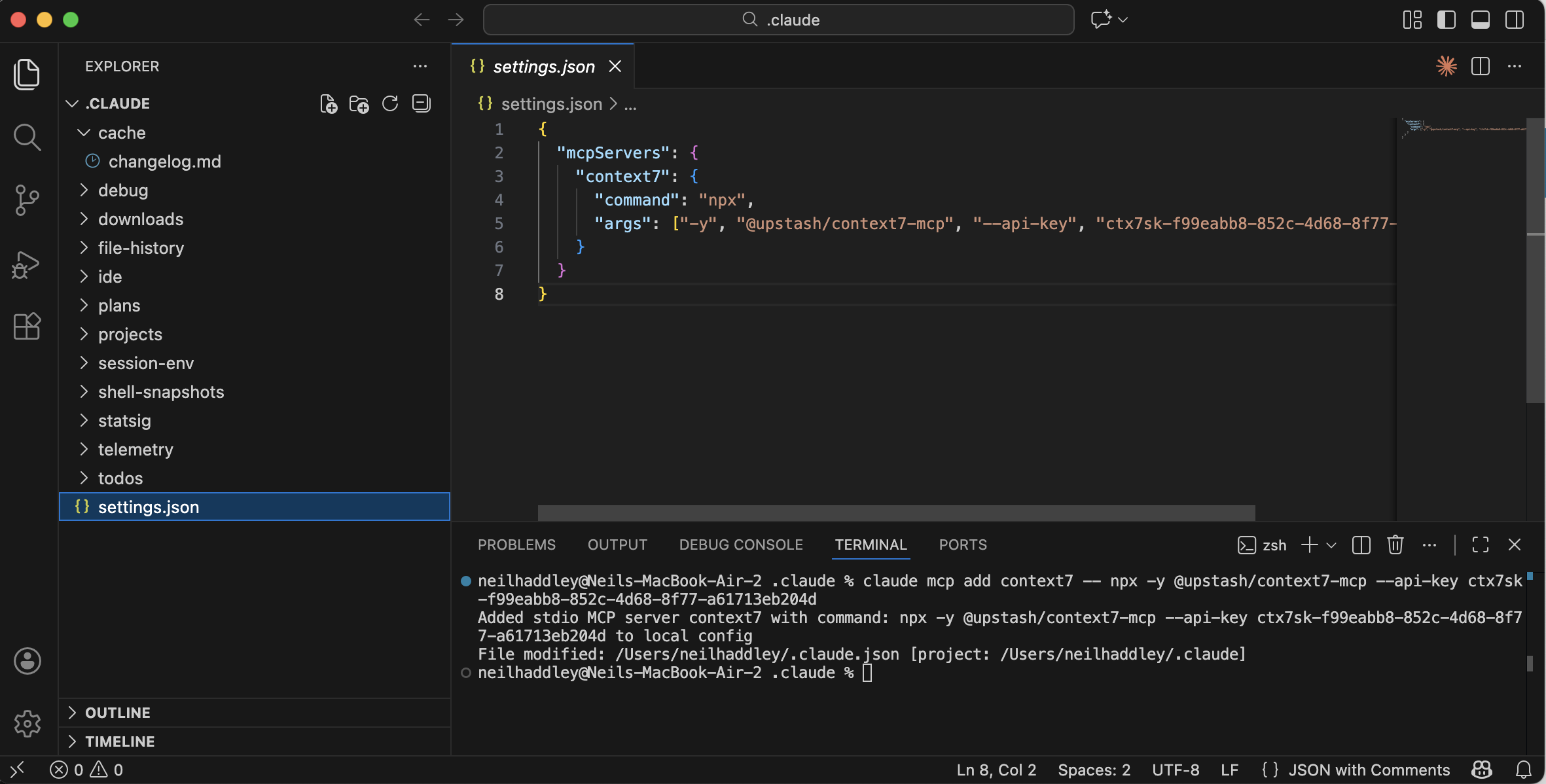
Context7 was saved to ~/.claude/settings.json
With Context7
I repeated the migration prompt, this time telling Claude to use Context7:
PROMPT
1How would you migrate this React 17 project to React 18? **use context7**
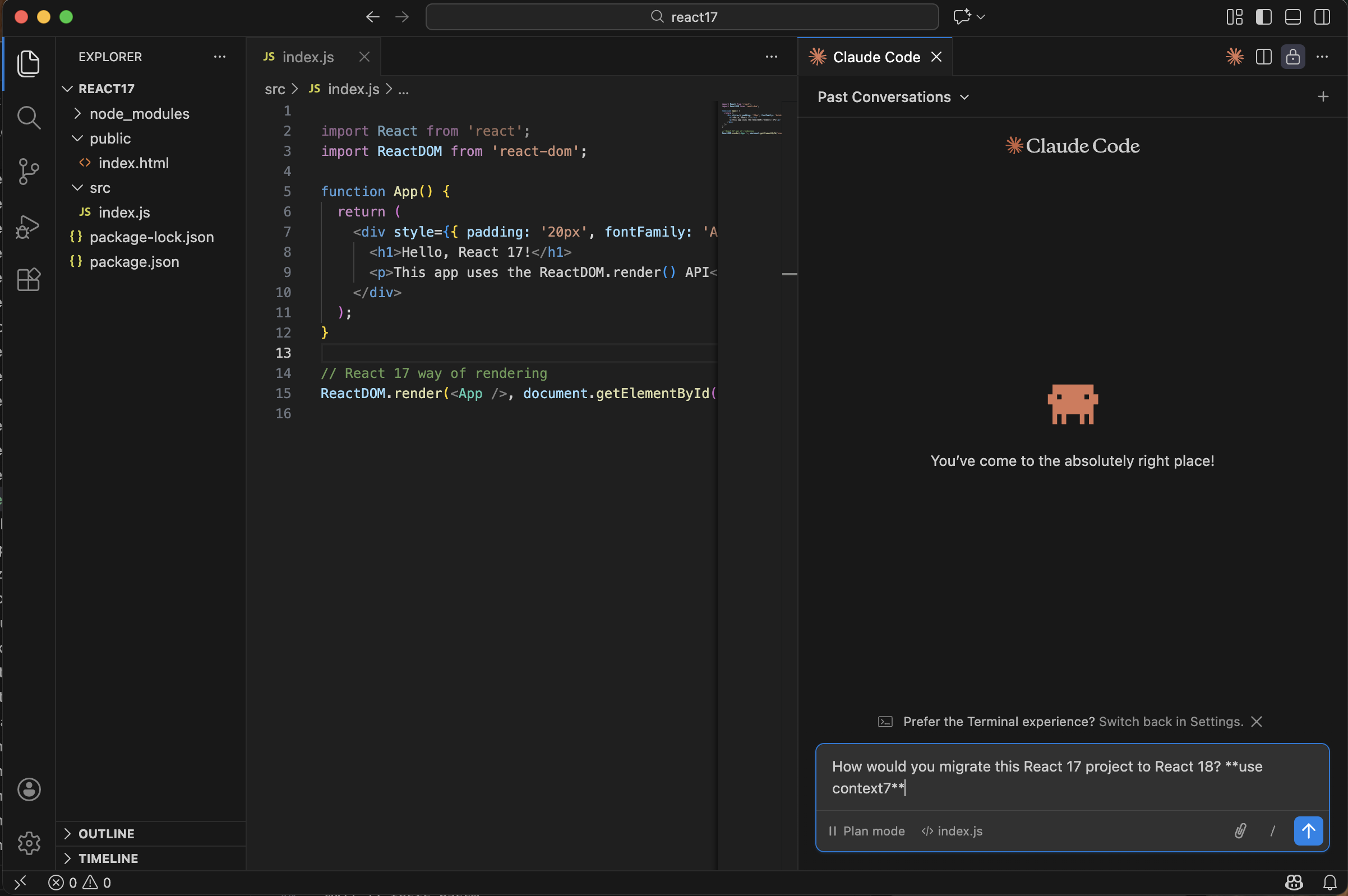
I asked Claude to migrate the project using Context7 for documentation
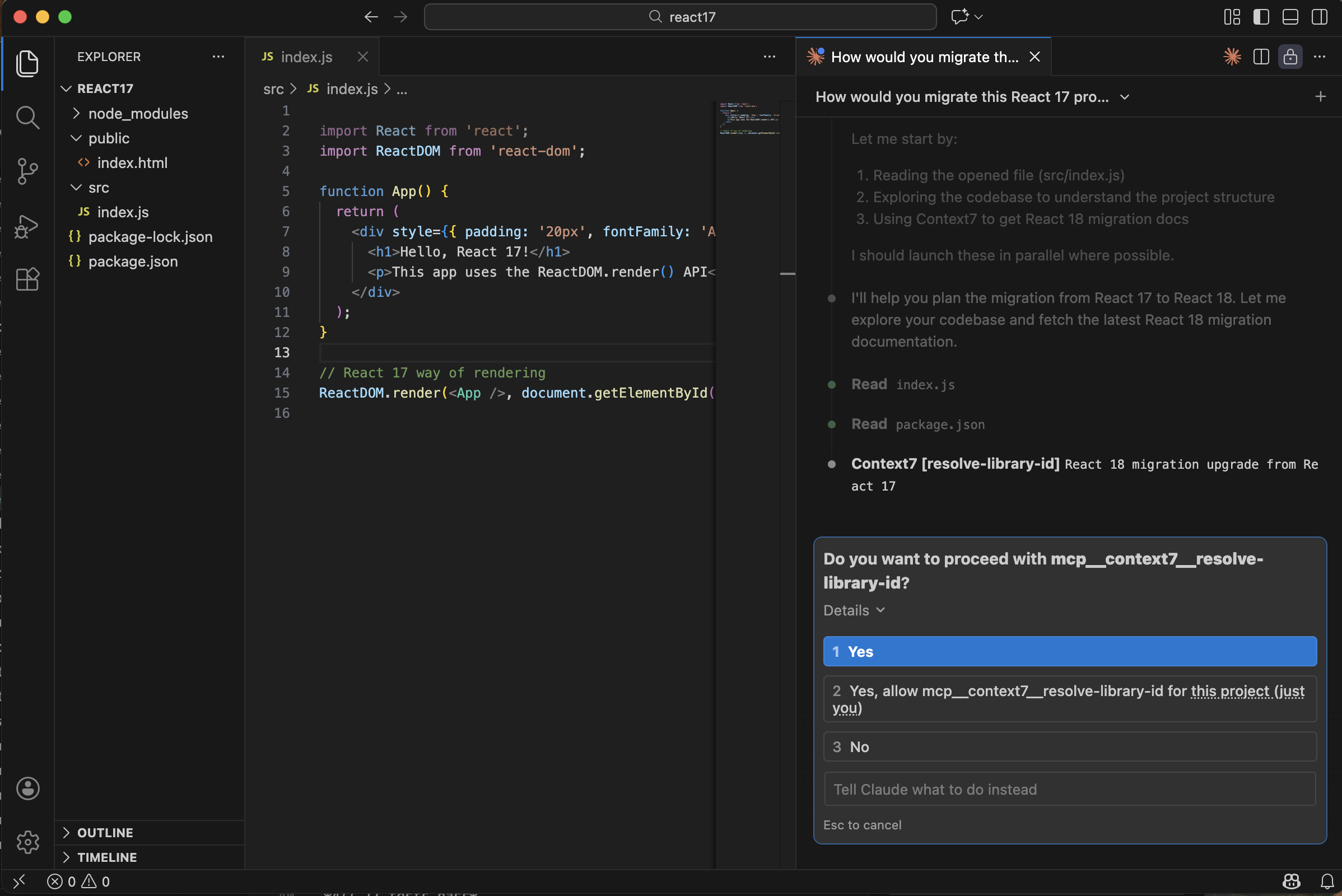
Claude requested permission to query the Context7 MCP server
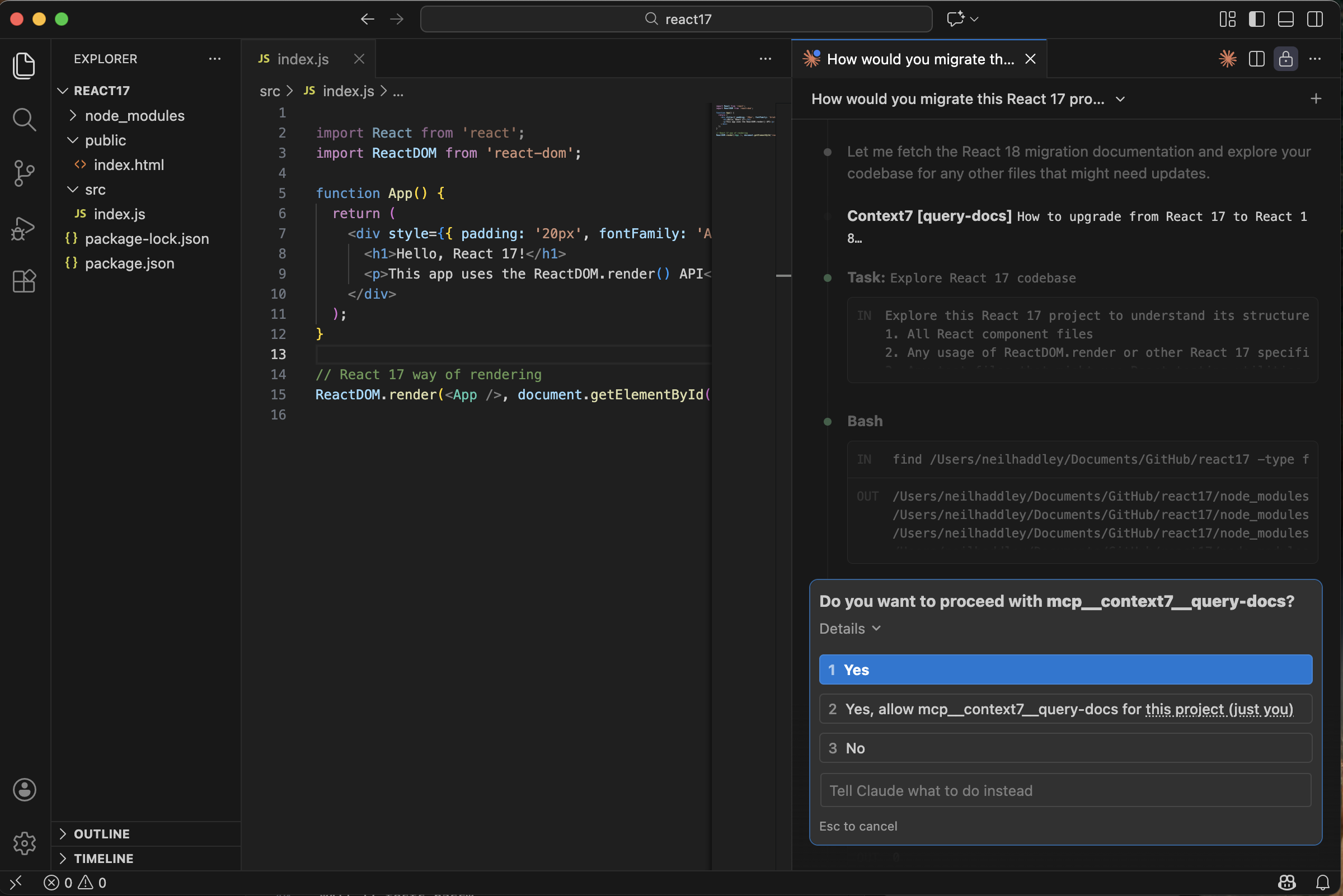
Claude fetched the React 18 migration docs from Context7
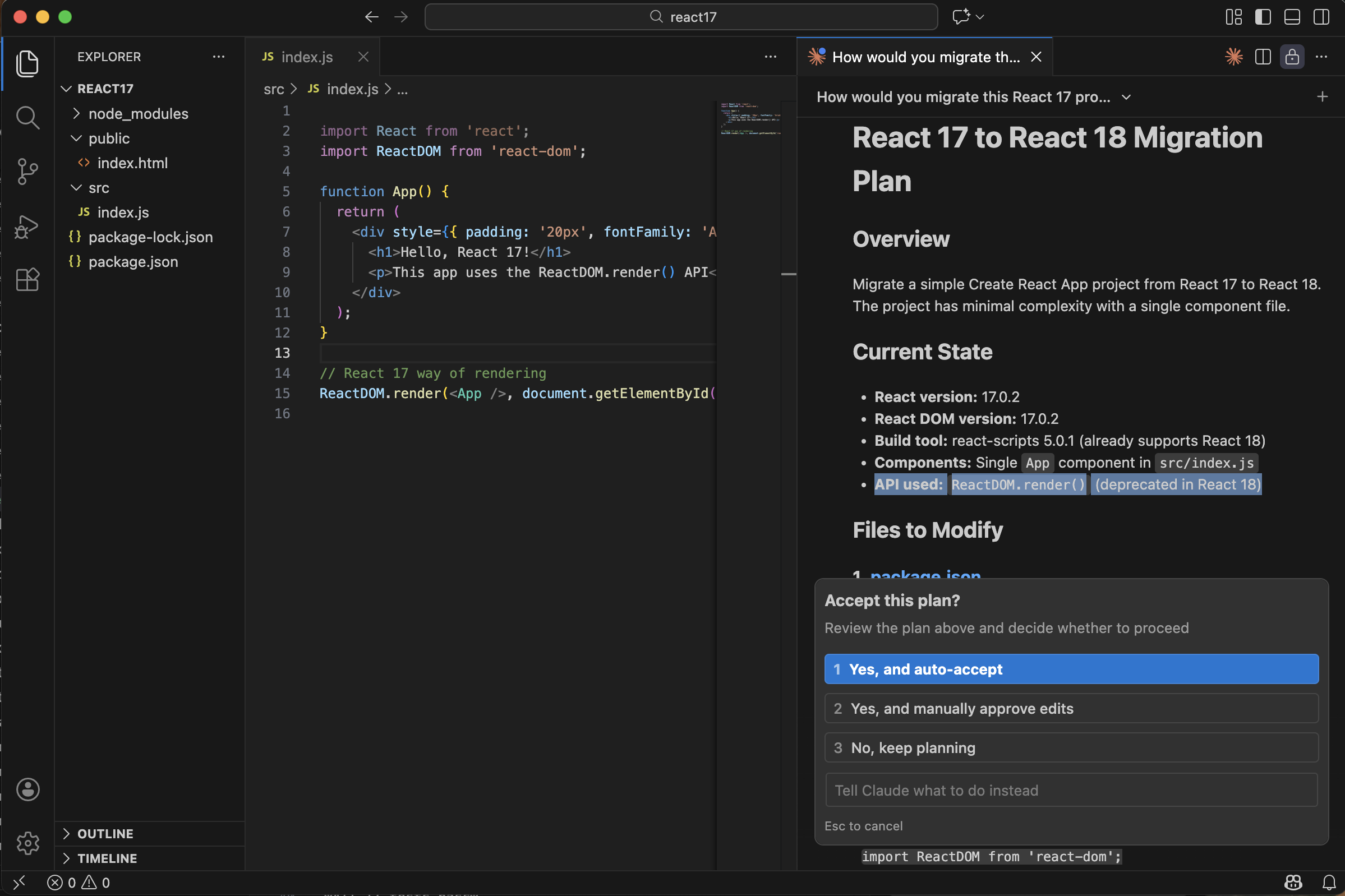
Claude presented its migration plan based on the live documentation
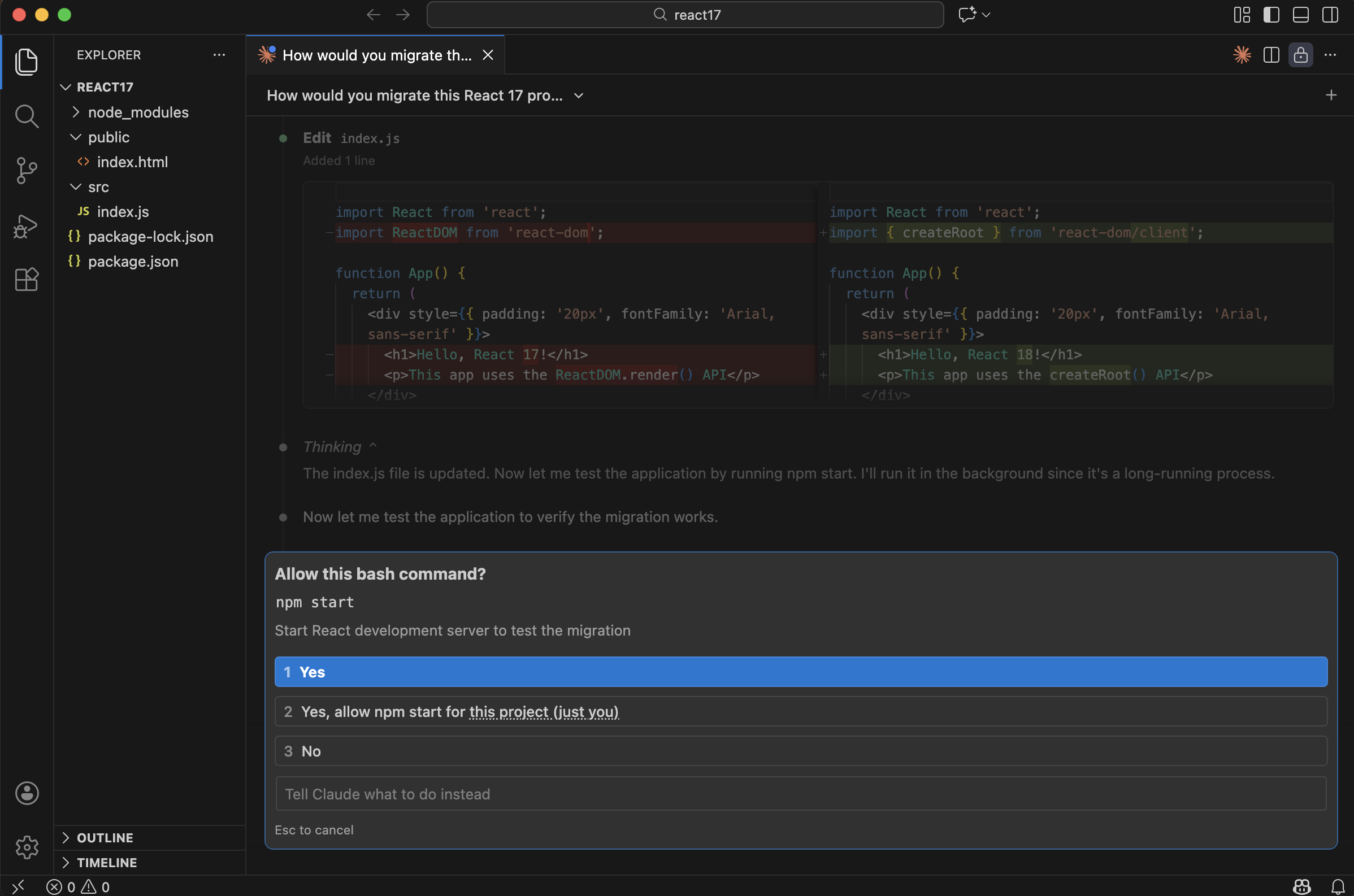
I approved the bash command to install the React 18 packages
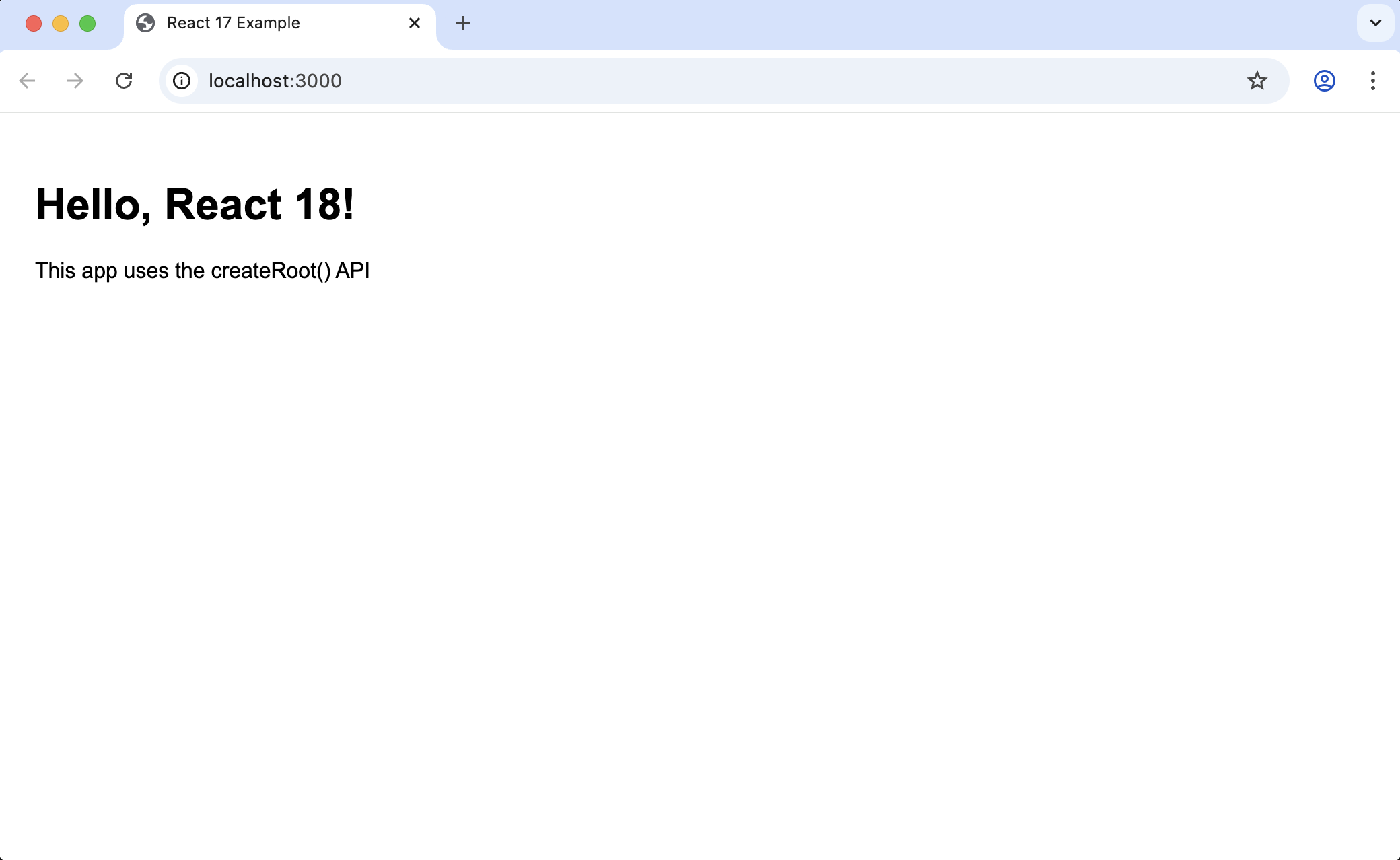
The updated app ran at http://localhost:3000
The key change Claude applied in both cases:
TEXT
1Before:
2import ReactDOM from 'react-dom';
3ReactDOM.render(<App />, document.getElementById('root'));
4
5After:
6import { createRoot } from 'react-dom/client';
7const root = createRoot(document.getElementById('root'));
8root.render(<App />);
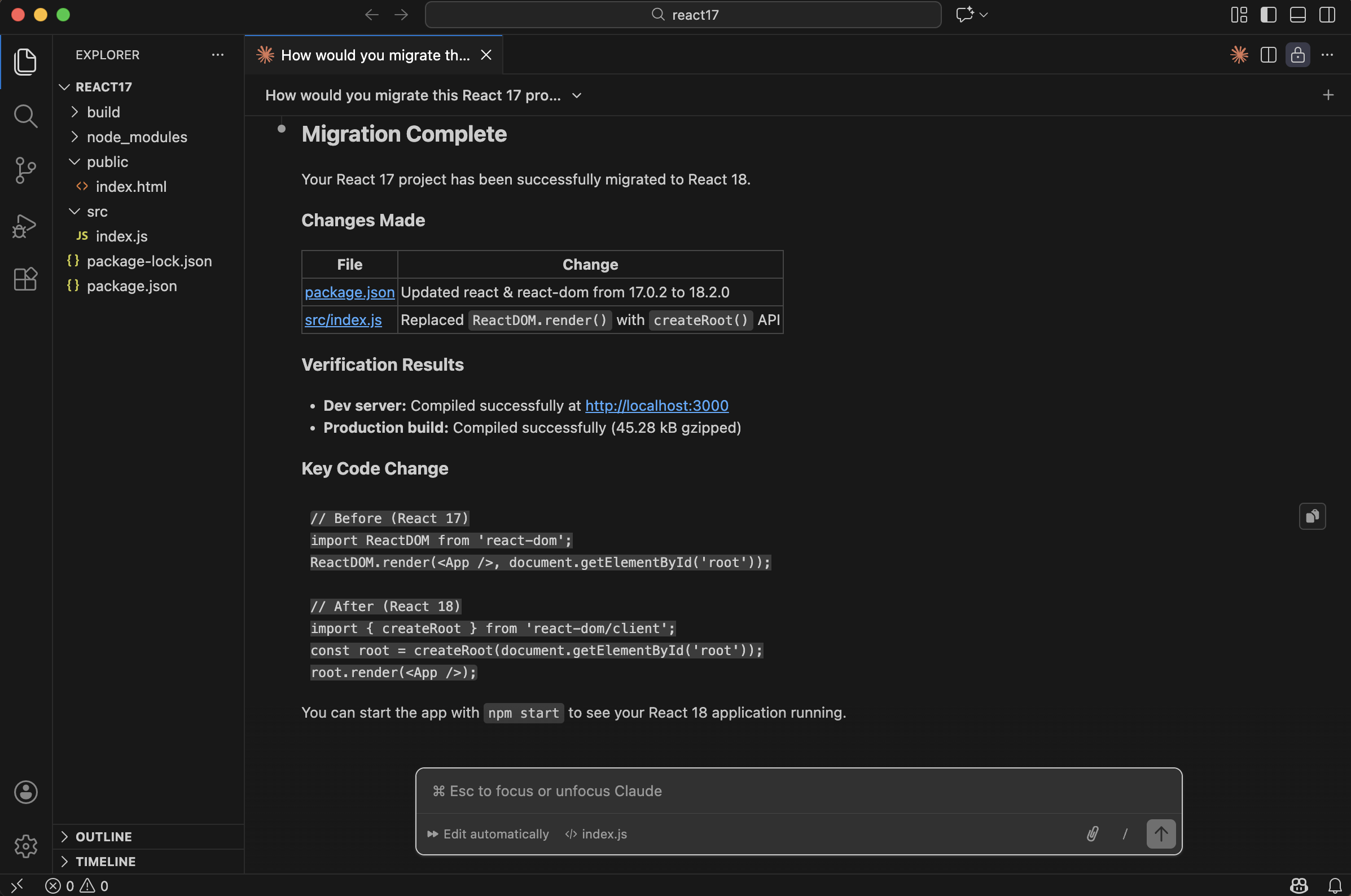
Migration complete — the app ran correctly on React 18
For a well-known migration like React 17 → 18, Claude didn't need Context7 — the knowledge was already in its training data. Context7 becomes more valuable for newer, less-documented libraries or for keeping up with rapidly changing APIs where training data may be out of date.