DeepSeek Harness (Part 1)
Neil Haddley • August 23, 2026
Giving DeepSeek Harness a product requirements document and a product design document for a faithful browser recreation of the 1978 Taito Space Invaders, and watching it build the game and then verify its own work
DeepSeek Harness is a developer-preview tool where everything is a plugin — models, tools, sandboxes, storage, even the whole UI can be swapped or recomposed. I decided to test it the way I like to test any agent: hand it a real task with real documents. This time I gave it a Product Requirements Document (PRD) and a Product Design Document (PDD) for a faithful browser recreation of the 1978 Taito Space Invaders. The agent read both files, built the game, verified it, and delivered a working product.
Part of a series
This is a fourth build of the same Space Invaders spec. I have already built this exact game with three other agents — OpenCode Big Pickle, OpenCode with DeepSeek V4 Pro, and Claude Code Sonnet 4.6 — in the Space Invaders post. Same PRD, same PDD, a different tool each time. This post adds DeepSeek Harness to that comparison.
Quick Setup
The landing page offers a single command to start:
BASH
1npx @deepseek-ai/dsh web
This launches the Web UI at http://127.0.0.1:3080.
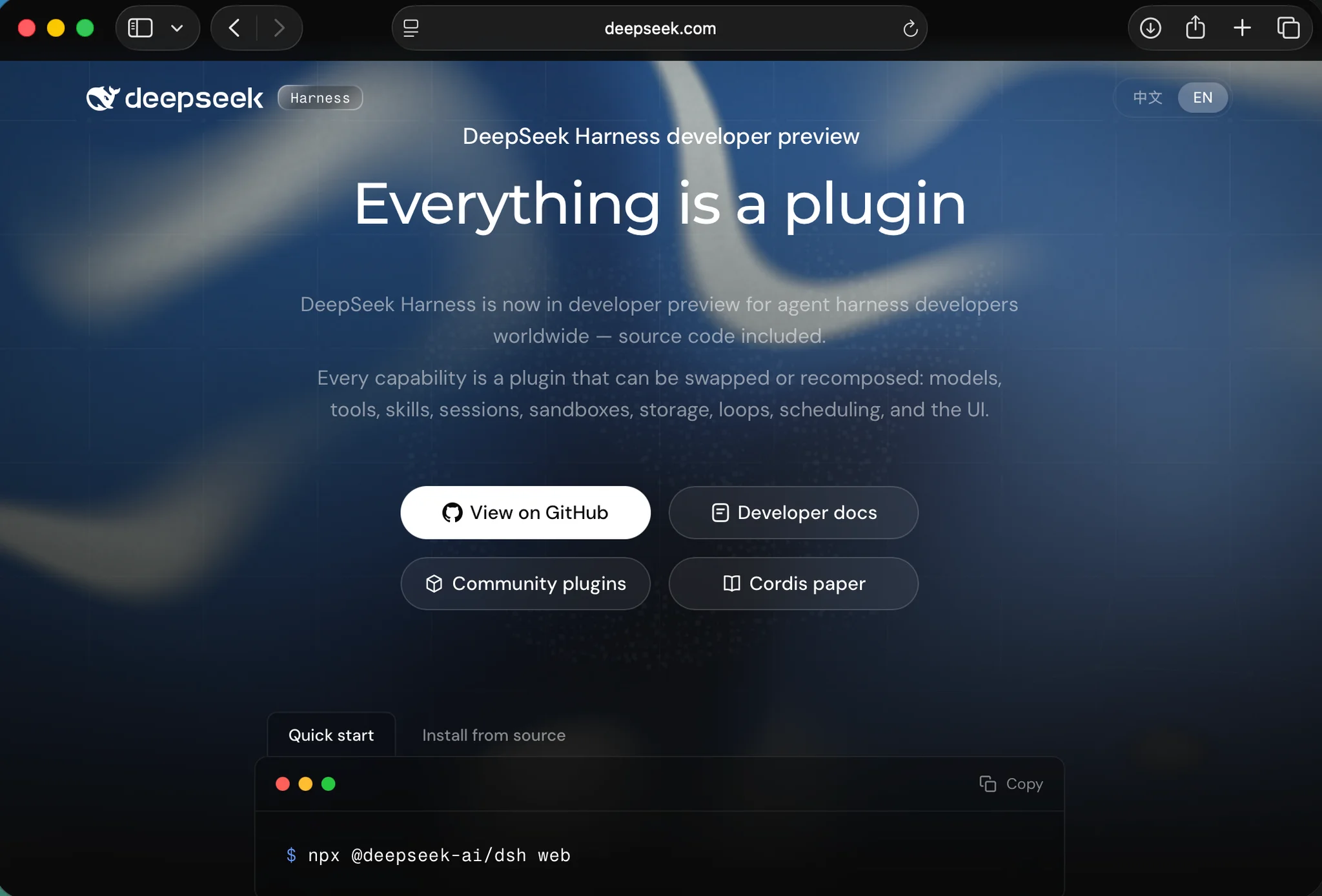
The developer-preview page — "Everything is a plugin" — with the Quick start command ready to copy
I read the docs first so I understood how the server behaved: the command prints its URL, a fresh Web UI has no workspace selected, and you choose a workspace by adding the project directory where you started dsh.
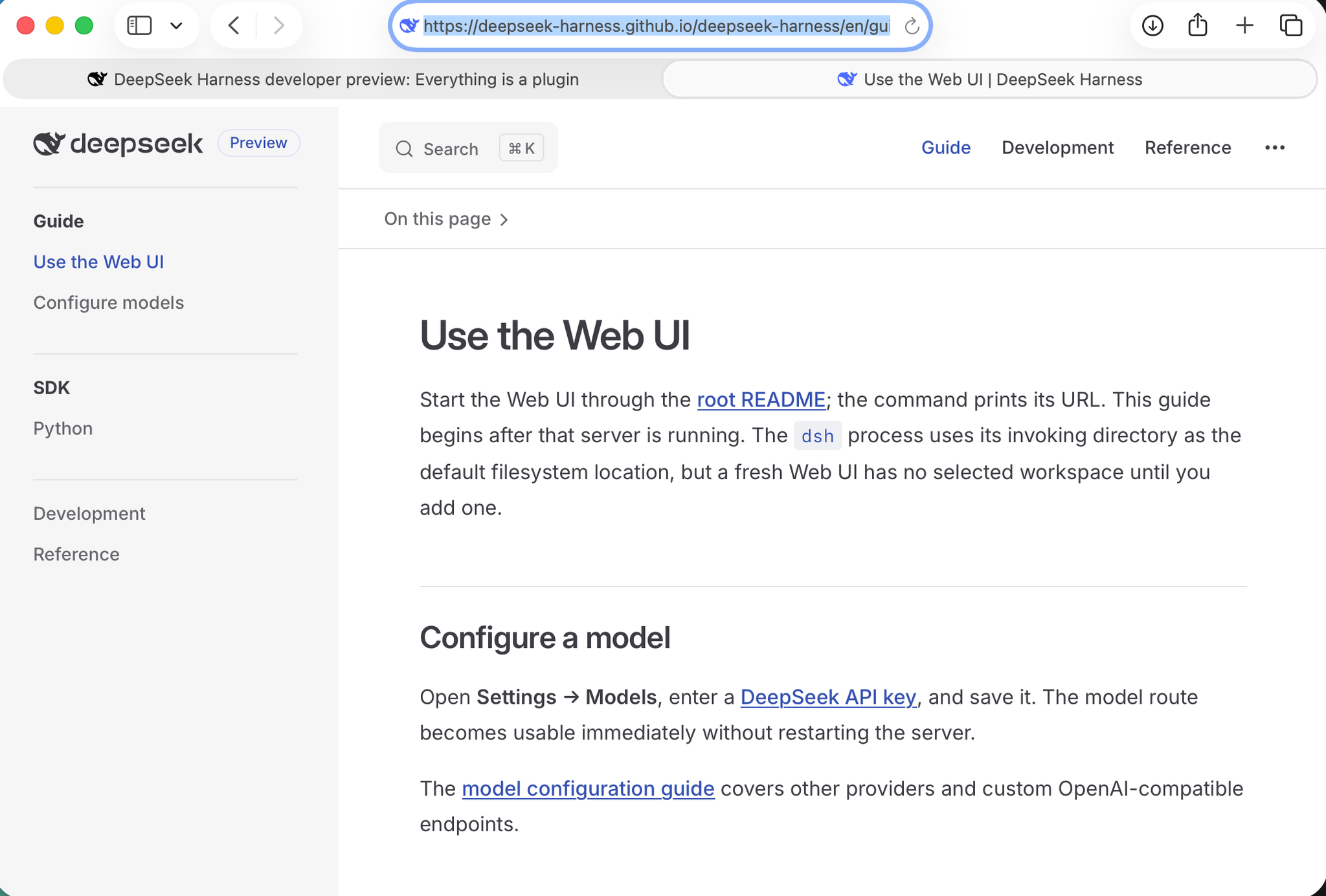
The "Use the Web UI" guide explained the URL, the default filesystem location, and the workspace step
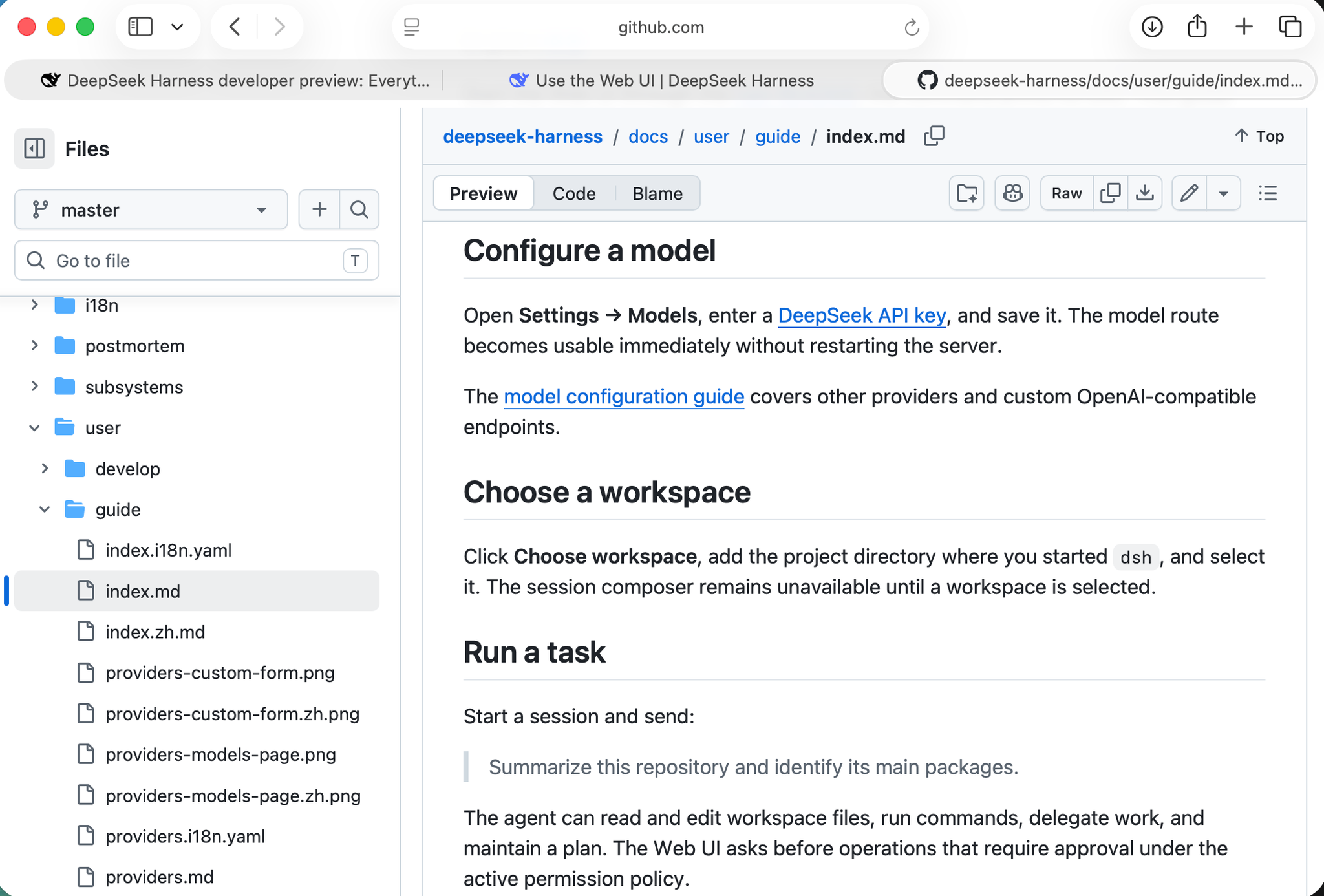
The docs covered configuring a model, choosing a workspace, and running a task
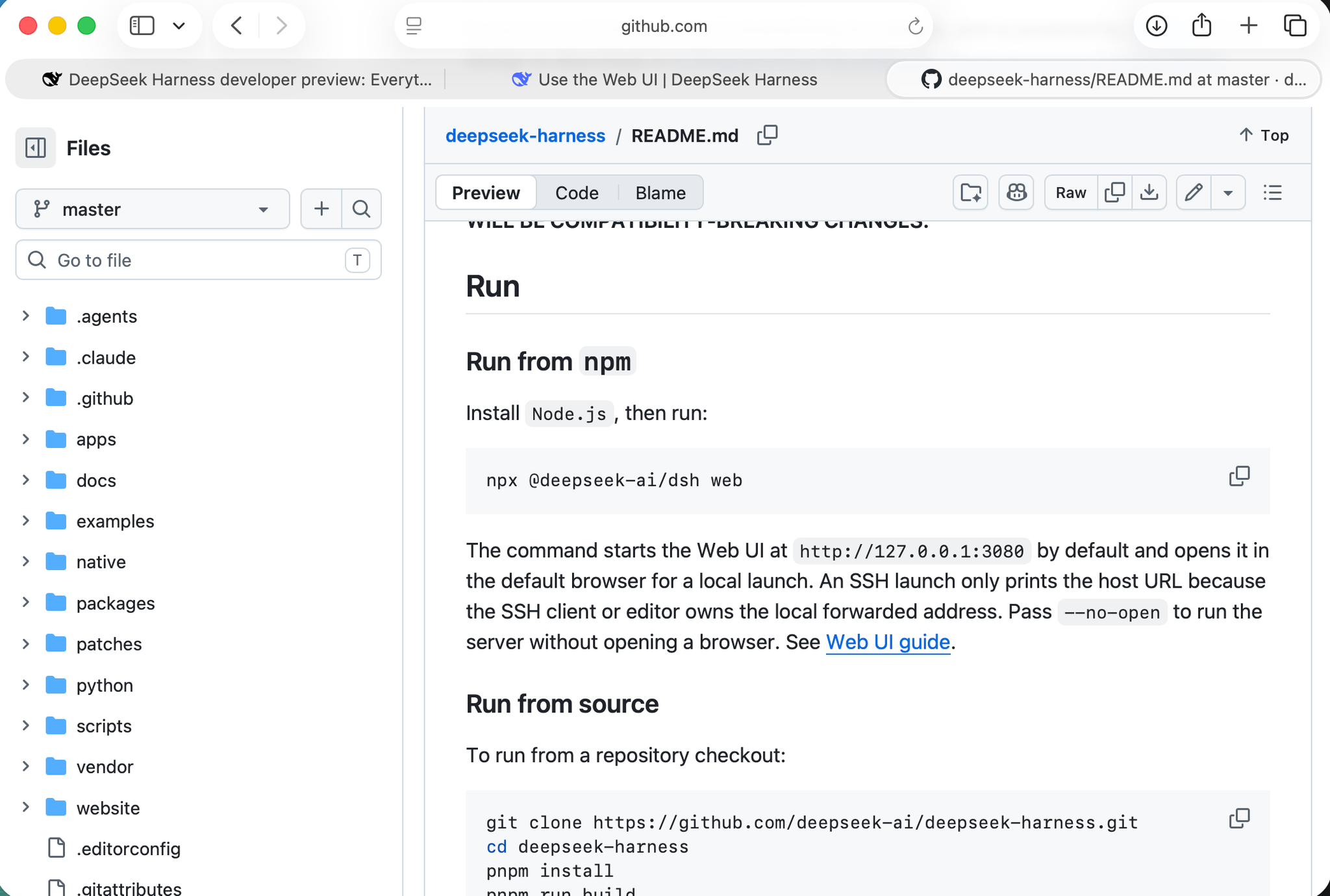
The README confirmed the one-liner and that the Web UI opens at 127.0.0.1:3080 by default
After configuring a DeepSeek API key in Settings → Models and selecting a workspace (the project folder containing the PRD and PDD), I was ready to start.
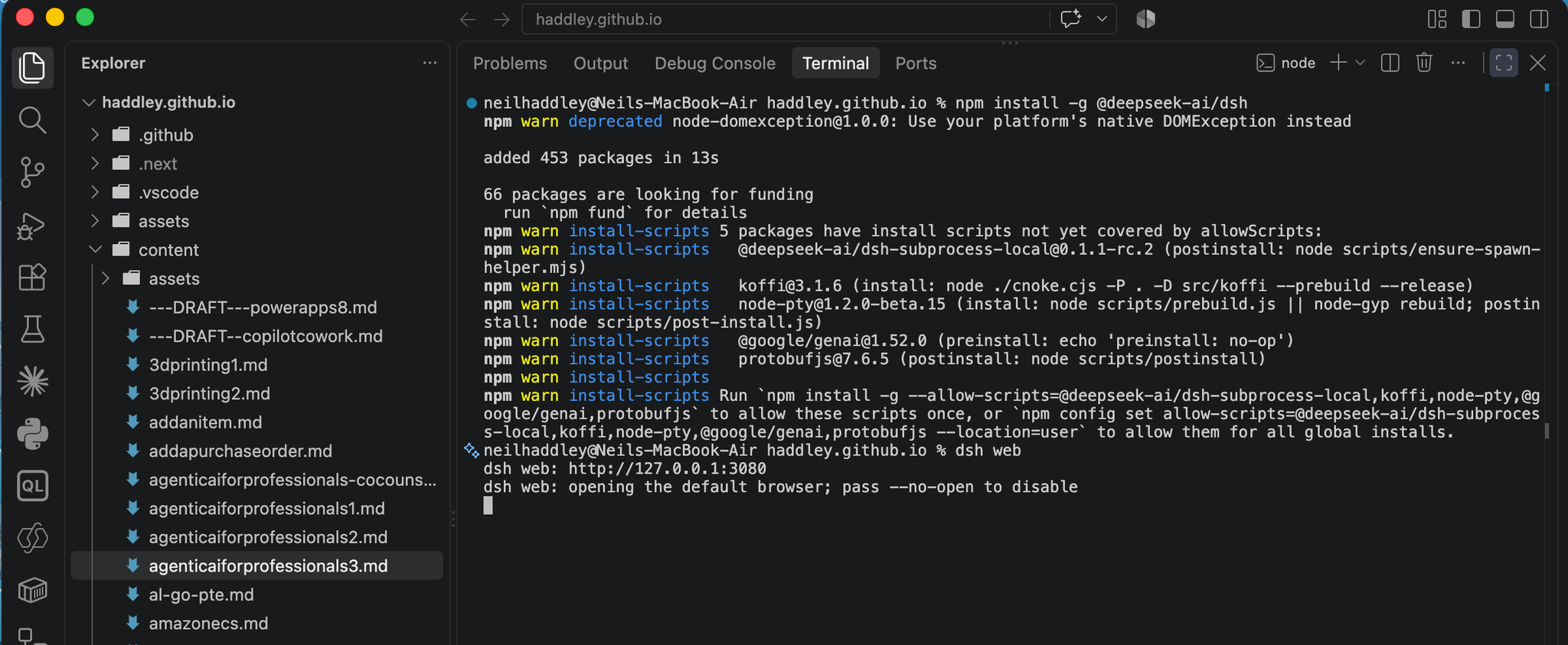
I installed the package globally, then ran dsh web
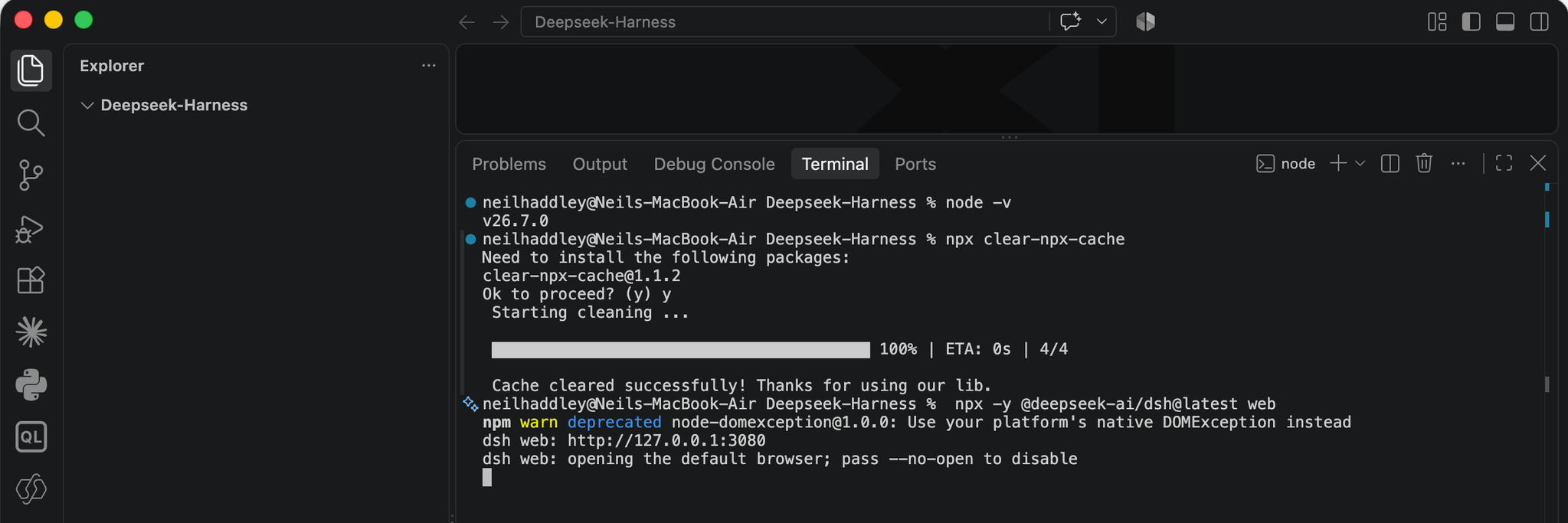
dsh web started the server at http://127.0.0.1:3080 and opened the default browser
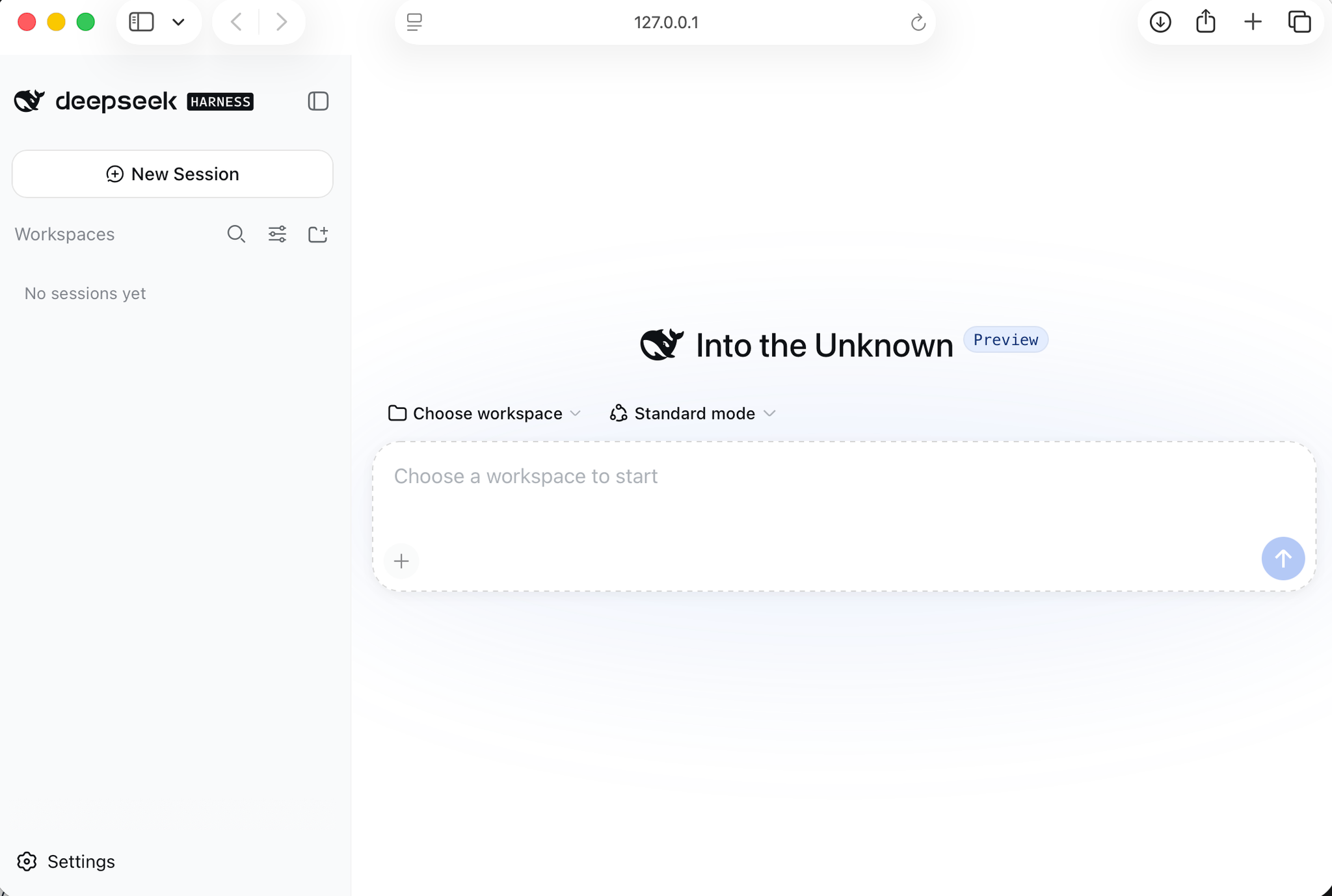
The fresh Web UI had no workspace yet, so I chose the folder where my PRD and PDD lived
The Task
I created a session named "Build invaders game from PRD" and sent this prompt:
PROMPT
1Build invaders game see PRD.md and PDD.md
The agent first located and read both documents before writing any code.
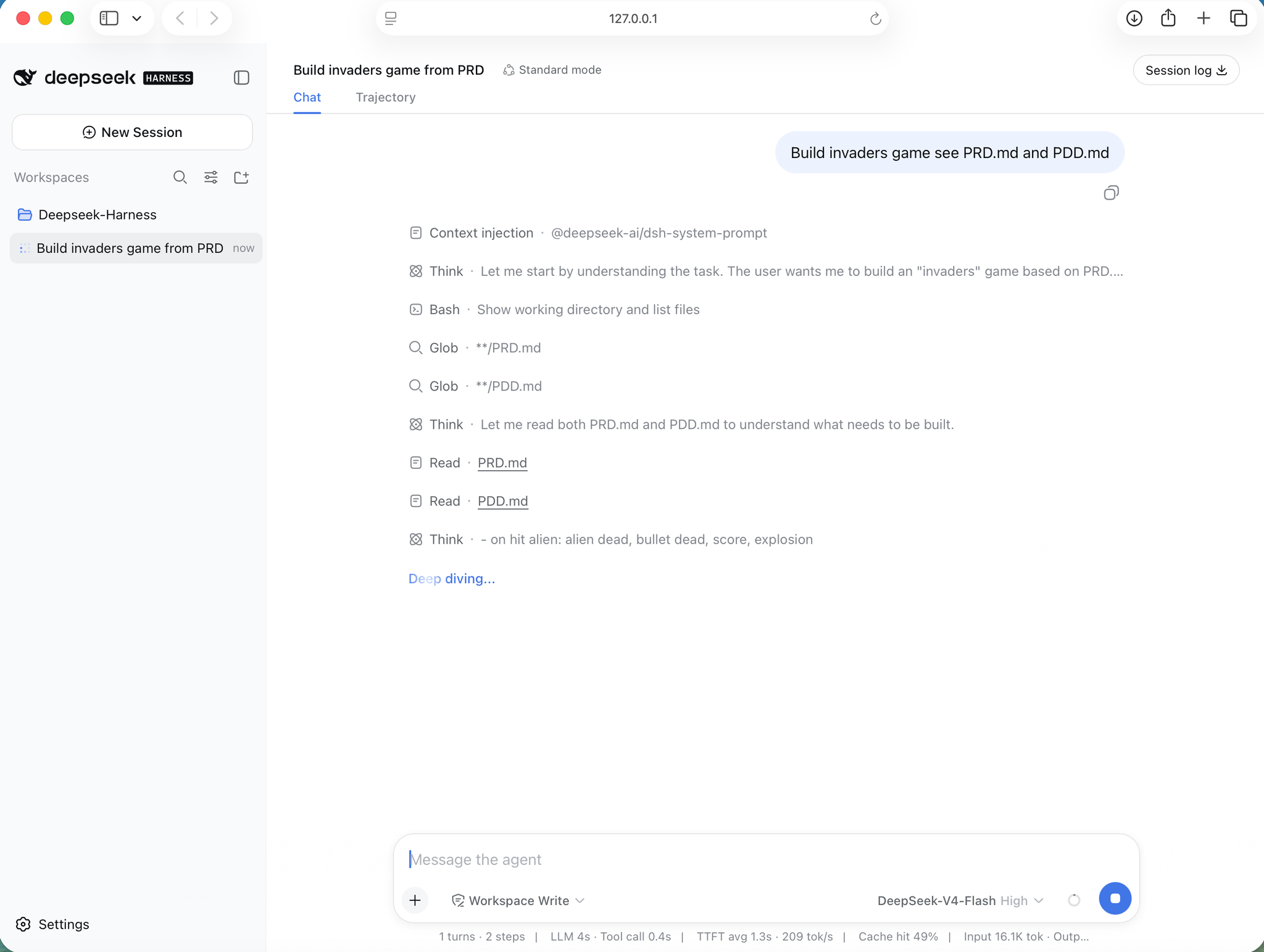
I started the session and the agent set about reading both documents before building anything
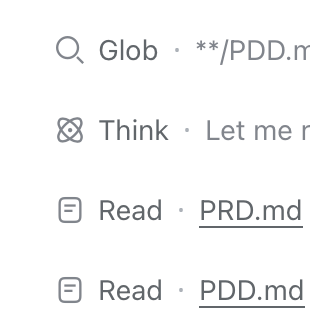
The agent globbed for the two documents and read both before writing a line of code
What It Built
The specifications called for:
- 50 aliens in a 5×10 grid with three visual types
- Synchronized movement that steps down and reverses at the walls, speeding up as the swarm thins
- Player cannon controlled by arrow keys or A/D
- Single bullet in flight at a time
- Three lives with respawn and an invulnerability window
- Scoring by alien type, a mystery UFO for bonus points, and a hi-score saved in
localStorage - Four destructible shields
- Wave progression and a HUD
- All audio synthesized through the Web Audio API, with no audio files
- Pixel-art sprites on an 800×600 canvas
- Zero dependencies, no build step, no server
The PDD specified an index.html entry point loading src/engine.js, which imports modules for constants, sprites, audio, input, and the entity classes. It included ASCII pixel-art sprite definitions and a sound list with a march tempo that scales to the remaining alien count, deliberately doubling the arcade's original frequencies so laptop speakers could reproduce them.
Self-Verification
The agent did not just hand over code. It added its own tests and ran them:
- 96 Node logic checks covering spawn, movement, collisions, shield erosion, respawn and invulnerability, UFO scoring, wave transitions, the ground-line game-over, and restart.
- 24 headless-browser E2E checks driven over the Chrome DevTools Protocol, which loaded the page, verified the start-screen pixel colours, played a live round, tested the game-over and restart path, spawned wave 2 with shields intact, and confirmed the hi-score survives a full page reload.
All checks passed with zero exceptions and zero console errors.
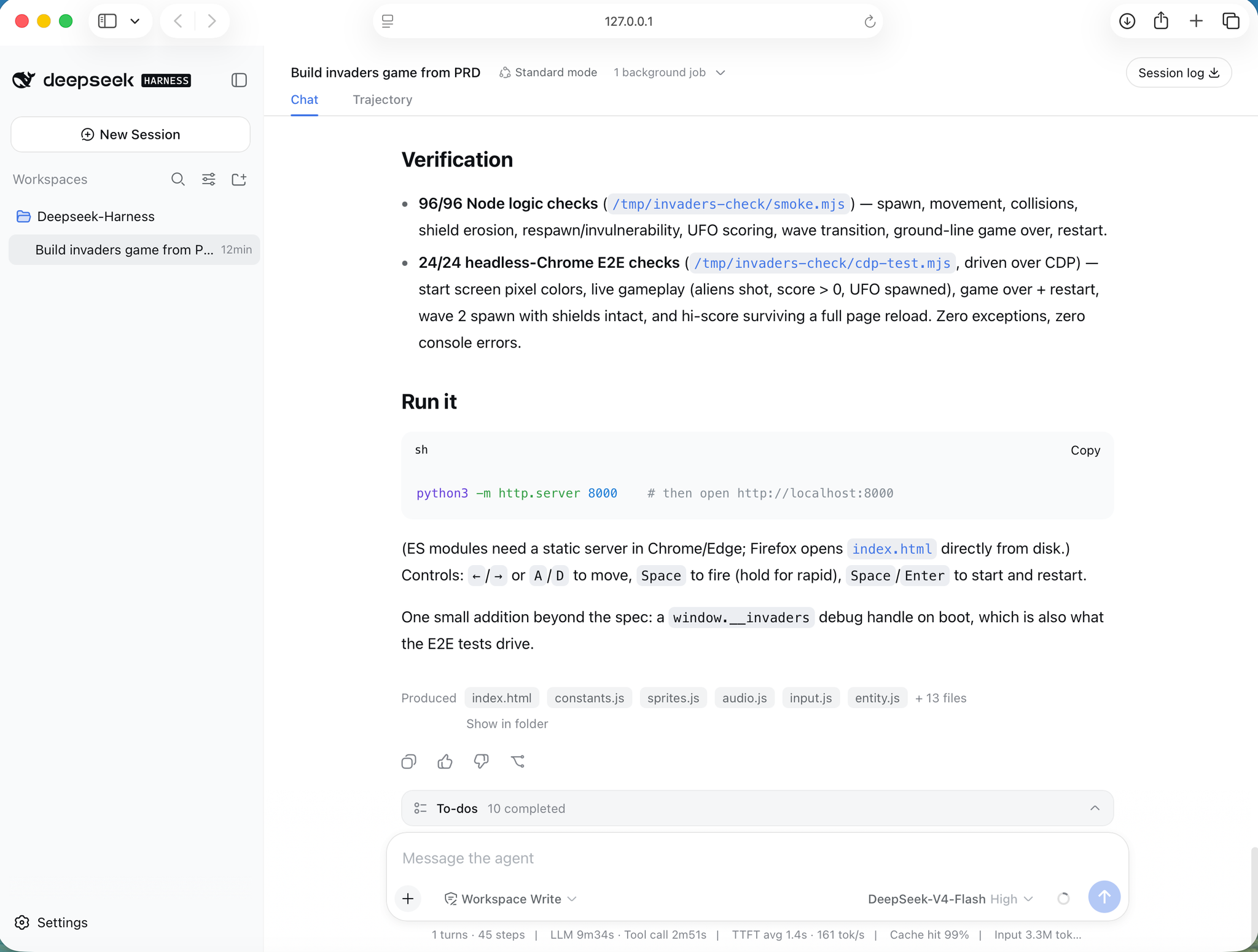
The agent verified its build with 96 Node logic checks and 24 headless-browser E2E checks, all passing
A notable detail: the agent added a window.__invaders debug handle (not in the spec) specifically so the E2E tests would have something to drive. It built a test seam into its own deliverable to make its verification possible.
Running the Game
The agent produced these files:
index.htmlconstants.jssprites.jsaudio.jsinput.jsentity.js- and thirteen additional source files
Since ES modules need a static server, I served the folder with:
BASH
1python3 -m http.server 8081

I served the project with python3 -m http.server 8081 — the explorer shows the PRD, PDD, index.html, and the src folder the agent built
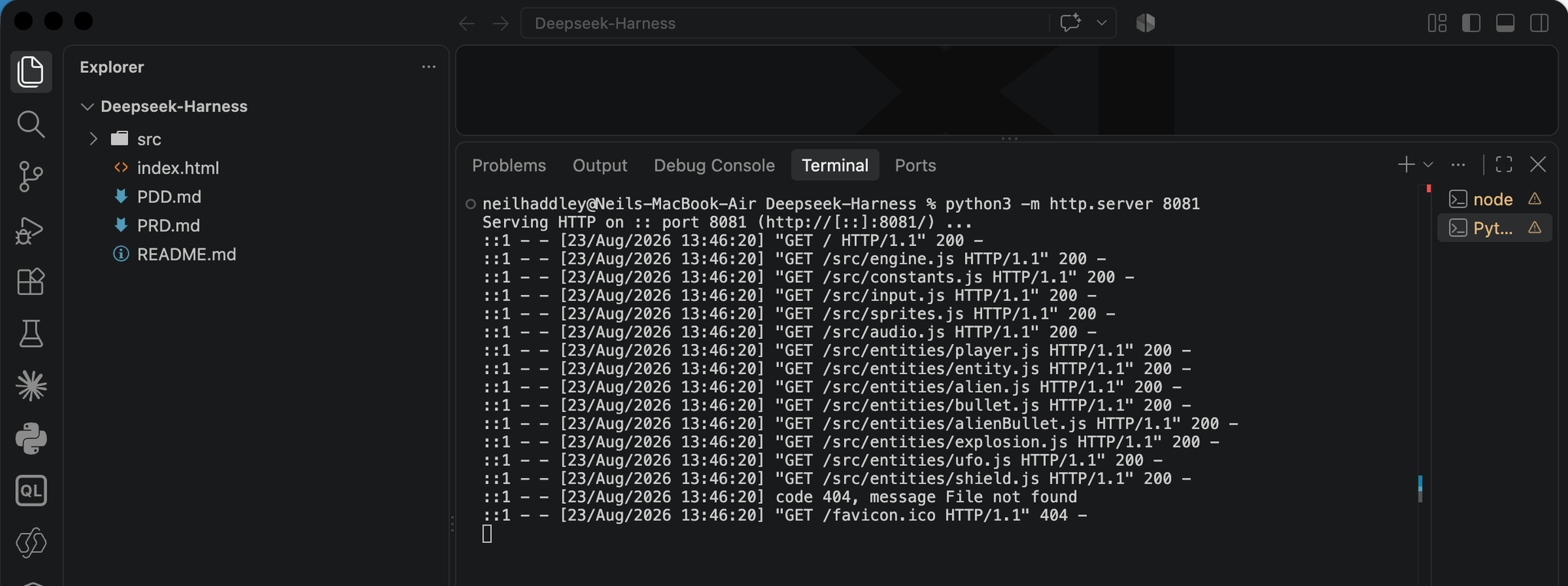
The server served every src module with a 200, and only the unused favicon.ico 404'd
Opening http://localhost:8081 displayed the finished game: the alien swarm in its red, cyan, and green bands, four shields, the player cannon, and a HUD showing score, hi-score, wave, and lives — with faithful pixel-art sprites and the marching-animation feel.
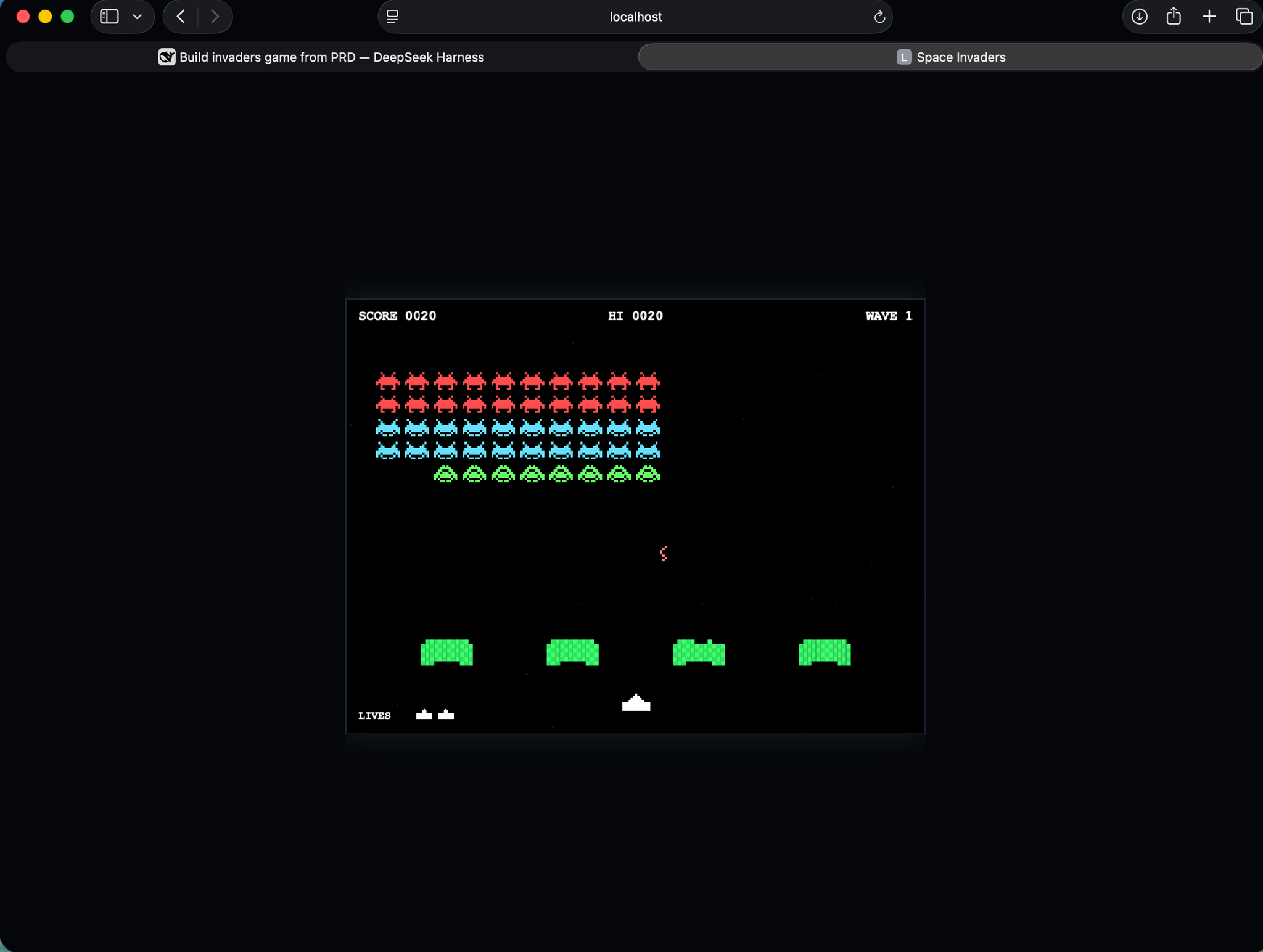
The finished Space Invaders game at localhost — the alien formation, shield bunkers, player cannon, and HUD exactly as the PRD specified
Controls: arrow keys or A/D to move, Space to fire (hold for rapid fire), and Space or Enter to start and restart.
The game is now playable at /invaders-deepseek-harness/index.html — no install, no server, no build step.
Key Takeaway
What stood out was not the code but the workflow. DeepSeek Harness read actual requirements and design documents, mapped them to a concrete implementation, built a complete game, and then verified its own work with both logic tests and a headless-browser E2E suite — including inventing a window.__invaders debug handle so its own tests could drive the game. That felt like an agent verifying its output, not just generating code.
Compared with the three earlier builds of the same game: Big Pickle moved fast but needed two rounds of debugging for a game-loop timing bug and a UFO audio leak; DeepSeek V4 Pro was thorough during the build and caught a malformed function body before serving, but still needed prompting to find a player-respawn bug; Claude Code planned before writing, asked permission at each step, and caught the UFO audio bug itself. DeepSeek Harness differed in one big way — it added a verification step and built a debug seam so the tests could actually exercise the game.
Try it yourself: DeepSeek Harness site · Use the Web UI guide · GitHub repository — and play the game.