Microsoft 365 command line interface
Neil Haddley • February 22, 2021
Manage Microsoft 365 tenants and SharePoint Framework projects
m365
Why not use the supported docker image?
BASH
1$ docker run --rm -it m365pnp/cli-microsoft365
In the context of the docker image I used the m365 command to login to a Microsoft Office 365 tenant, create a SharePoint Site, and apply a Site Design.
I used these commands to login to Microsoft 365, create a SharePoint Site, review the registered site designs and apply one of the site designs to the newly created site (adding a ToDo list):
BASH
1~$ m365 login
2~$ m365 spo site add --alias todoSite --title "Site with To Do"
3~$ m365 spo sitedesign list
4~$ m365 spo sitedesign apply --webUrl https://haddleyoffice365.sharepoint.com/sites/todoSite --id 789673f0-178d-4c9a-913c-e3187b7e2f13
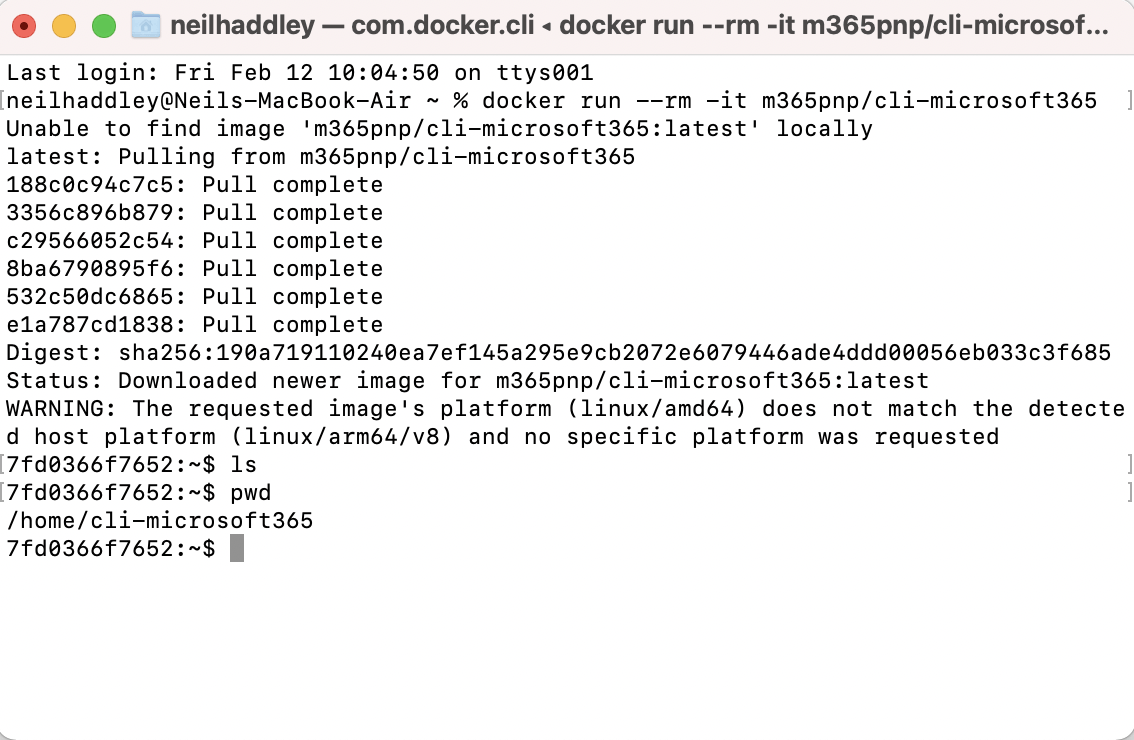
I used Docker
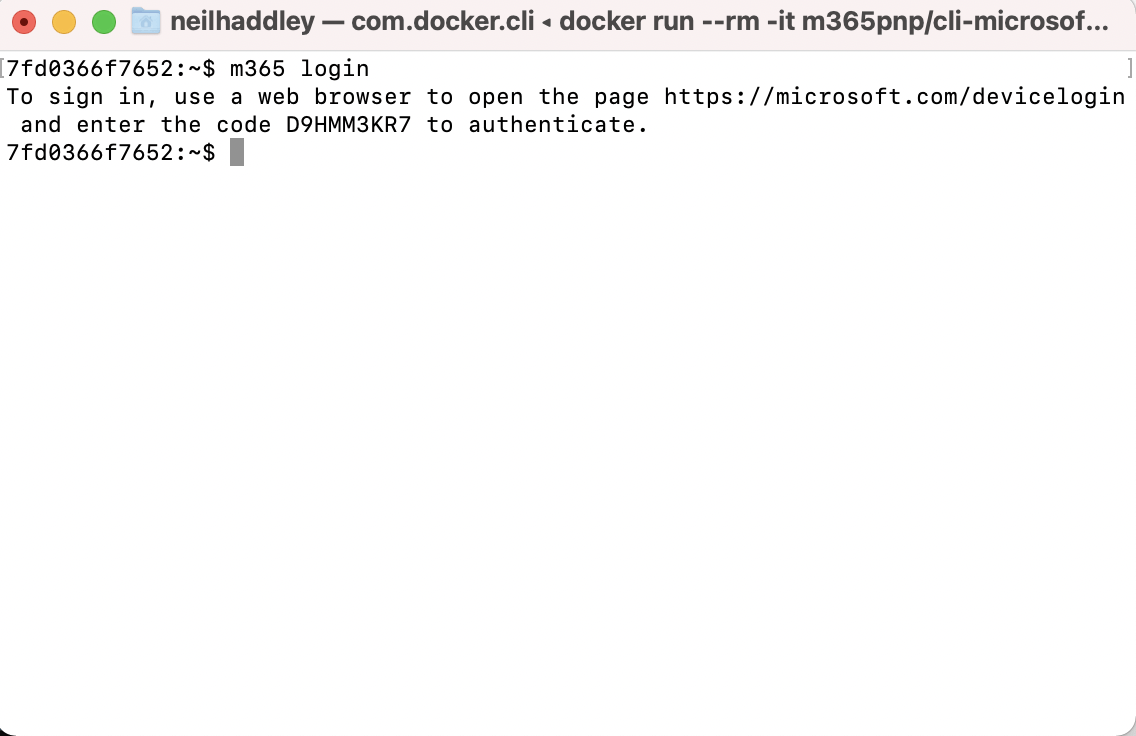
I ran m365 login
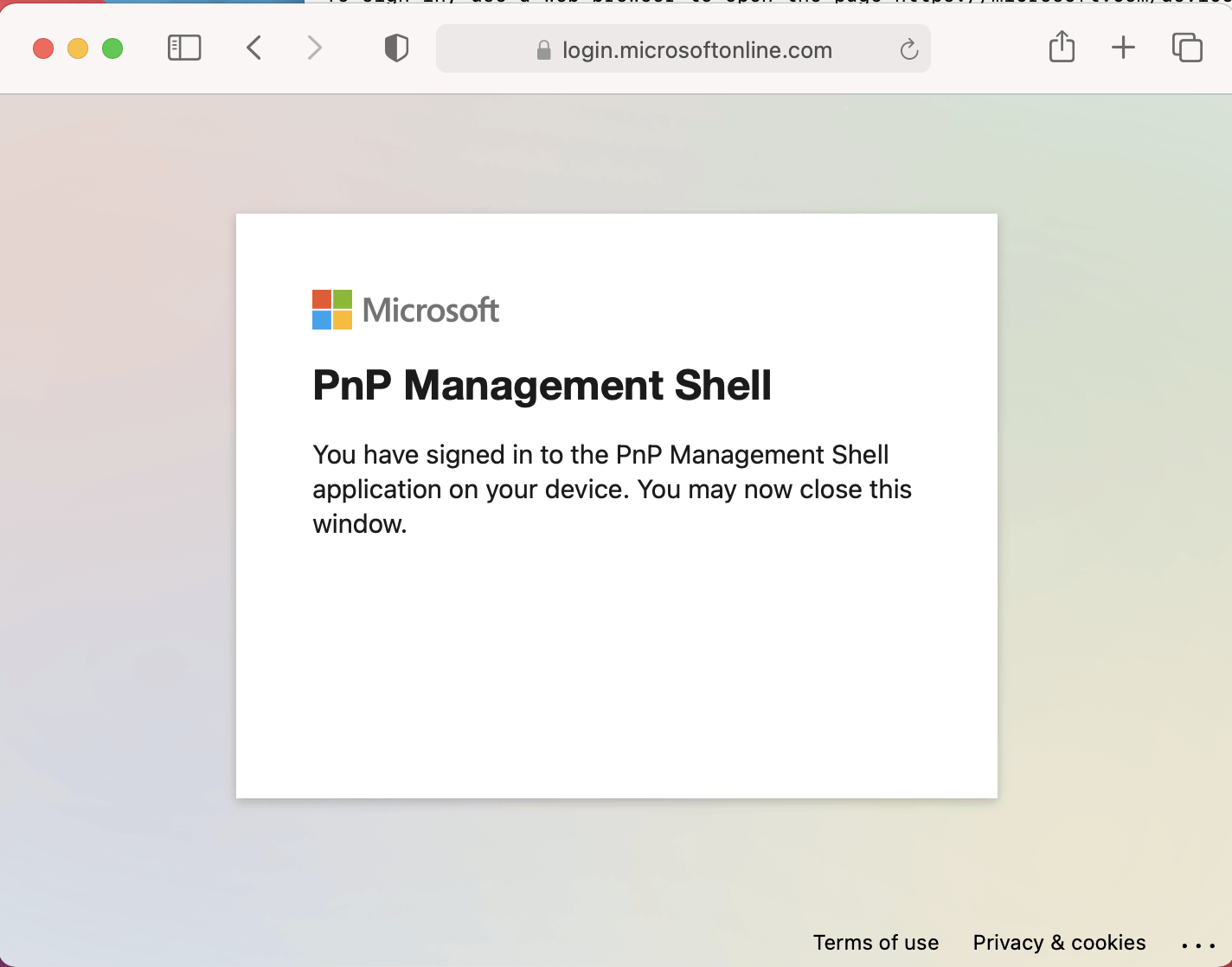
I logged in successfully
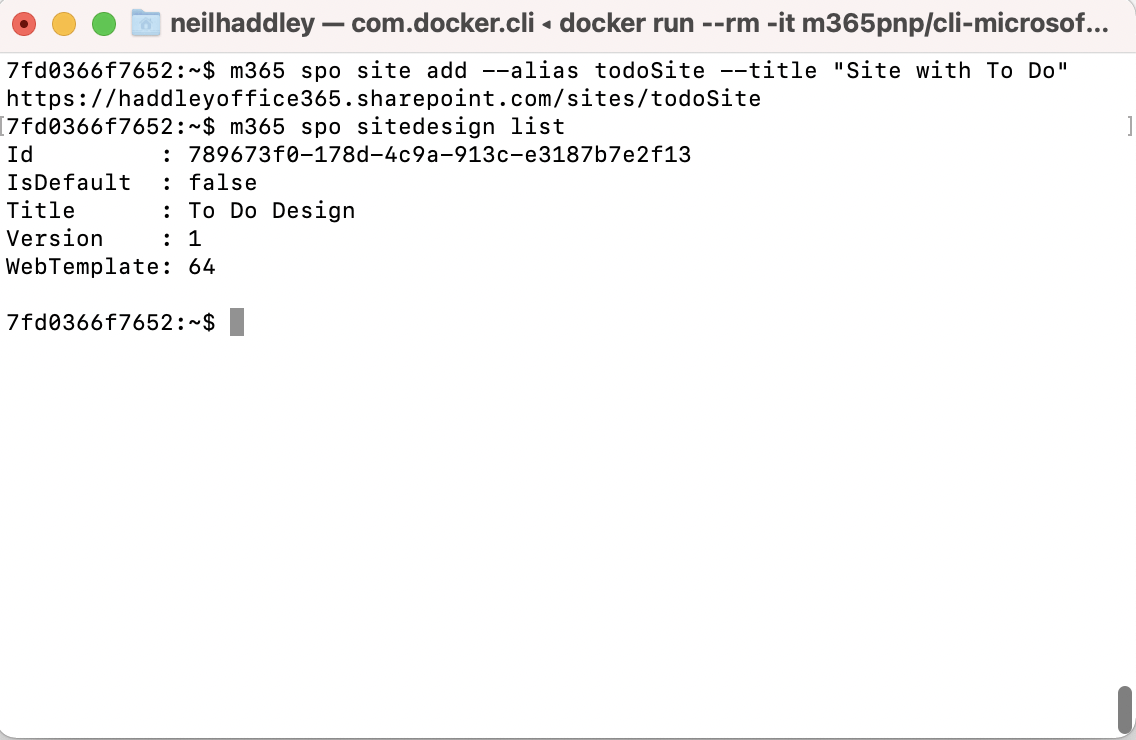
I added a site
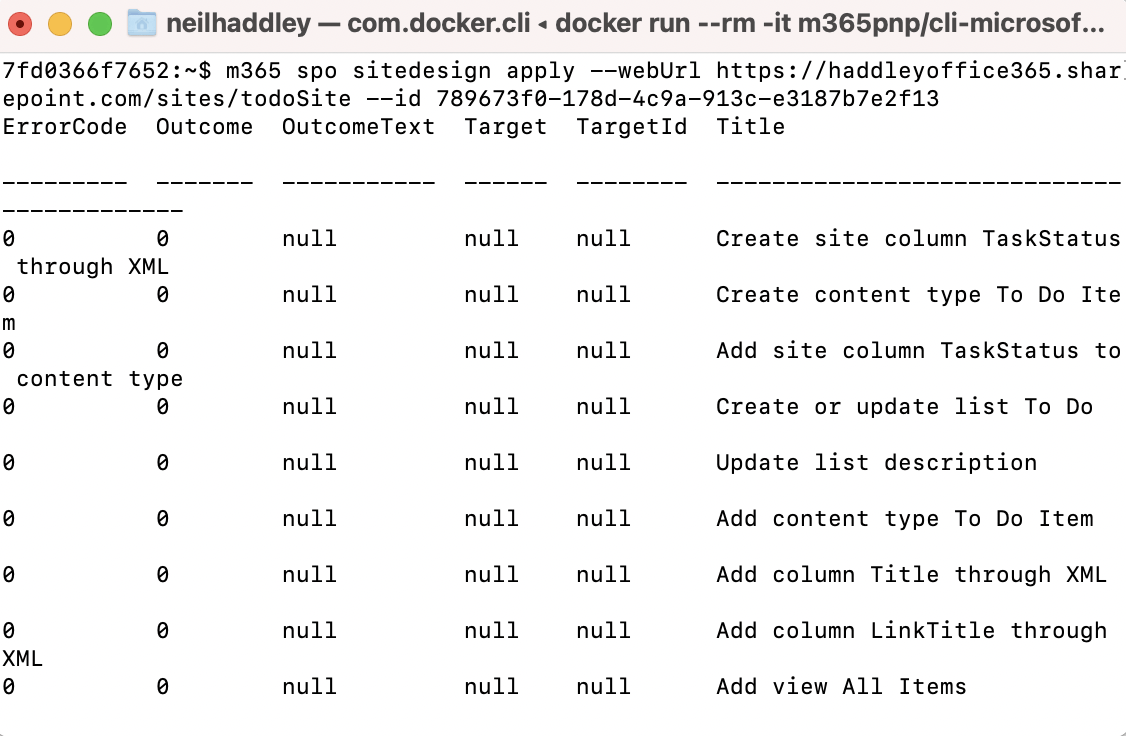
I applied a Site Design
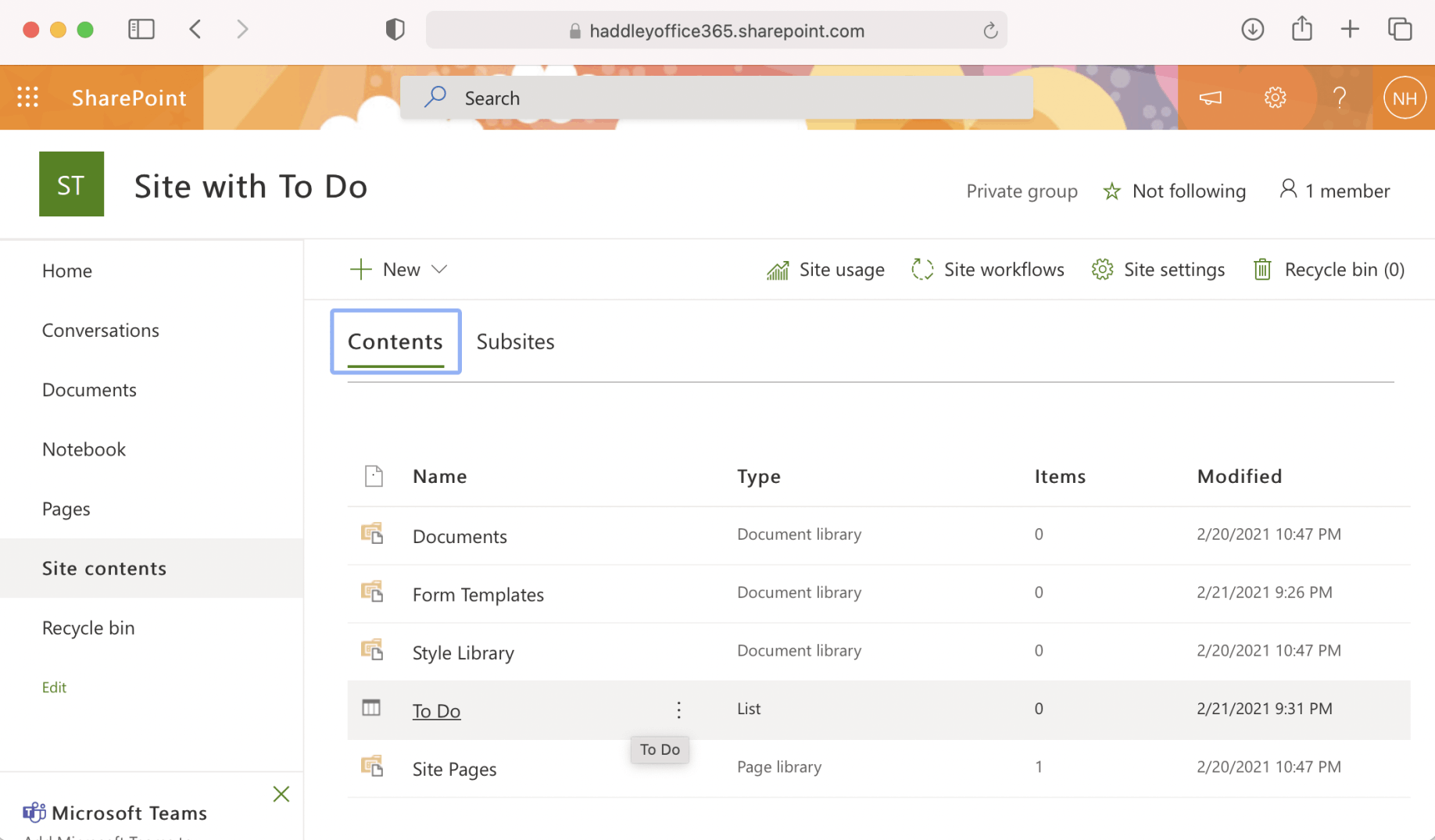
I created a new Site with To Do List
I used these commands to login to Microsoft 365, create a Teams Team, apply a site design to the newly created Teams/SharePoint sites (adding a ToDo list) and add a channel to the Teams Team:
BASH
1~$ m365 login
2~$ m365 teams team add --name "TeamToDo" --description "Team with Site with To Do" --wait
3~$ m365 spo sitedesign apply --webUrl https://haddleyoffice365.sharepoint.com/sites/TeamToDo --id 789673f0-178d-4c9a-913c-e3187b7e2f13
4~$ m365 teams channel add --teamName "TeamToDo" --name "Channel" --description "Custom Channel"
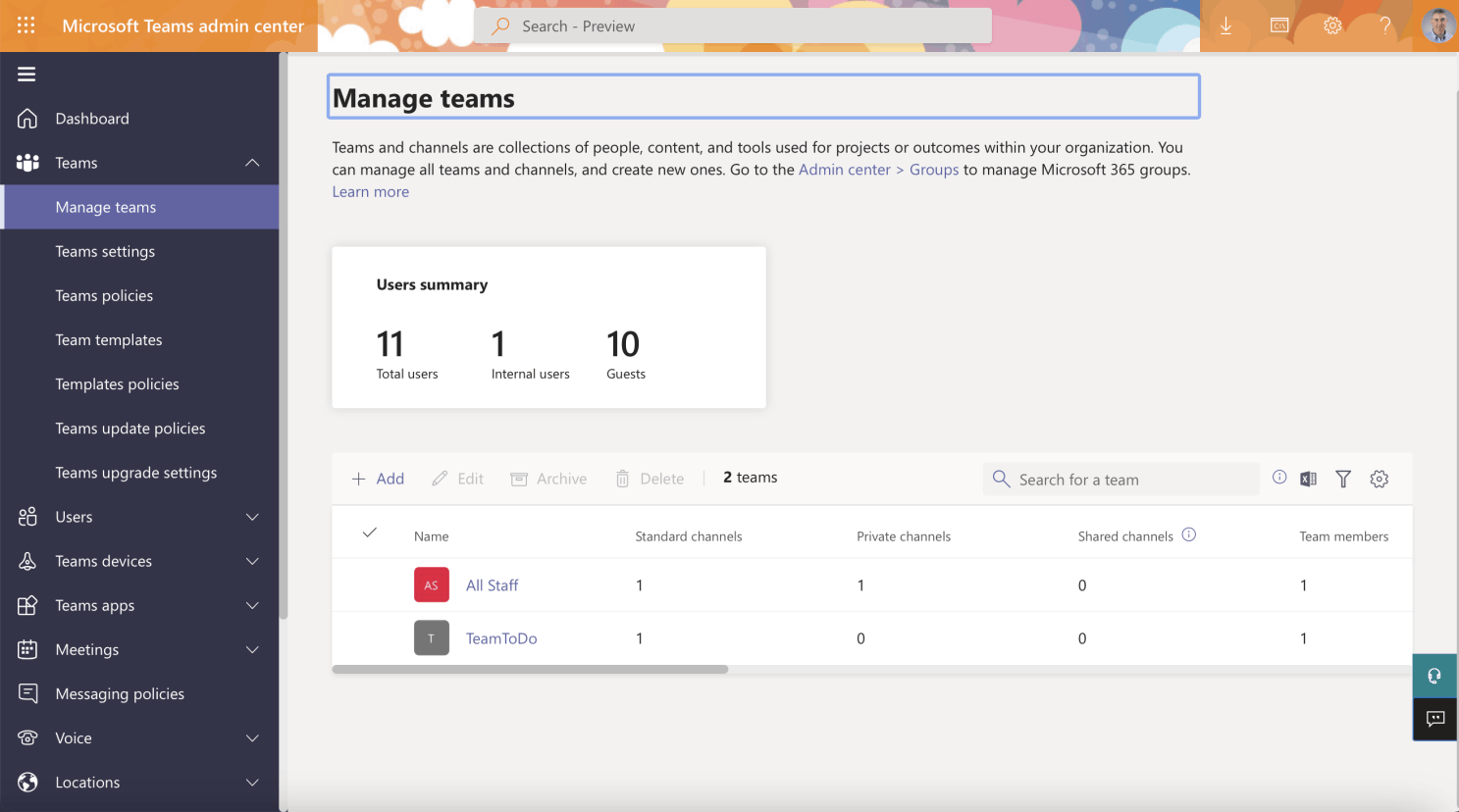
I created a Teams Site
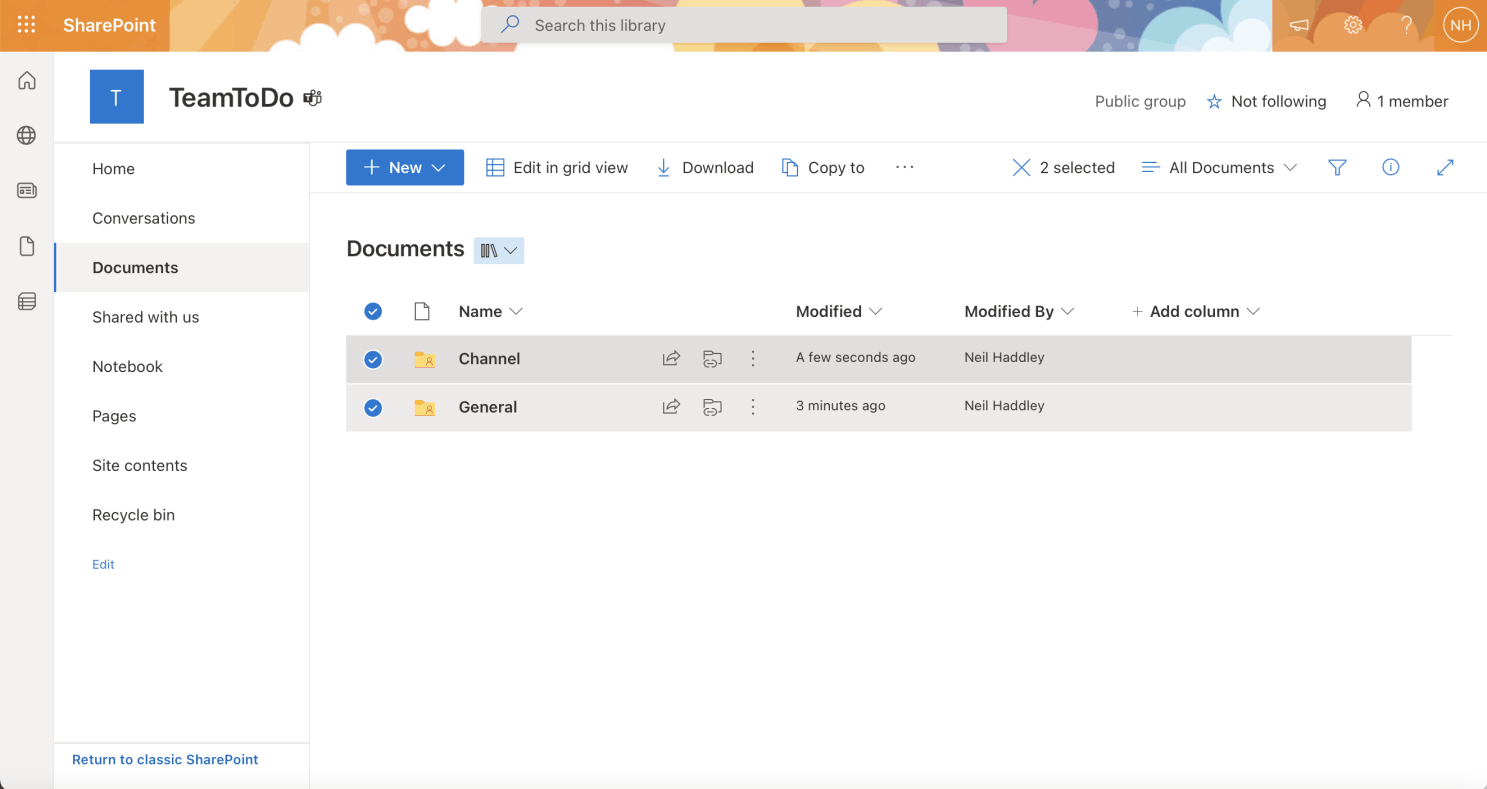
I created a SharePoint Site with channels