next-pwa
I used next-pwa to add Progressive Web Application (PWA) features to a Next.js project that included Ionic web components. I scaffolded it with:
BASH
1% npx create-next-app --example with-ionic-typescript --use-npm haddley-nextjs-ionic-pwa
The steps below show how I added next-pwa to the with-ionic-typescript project.
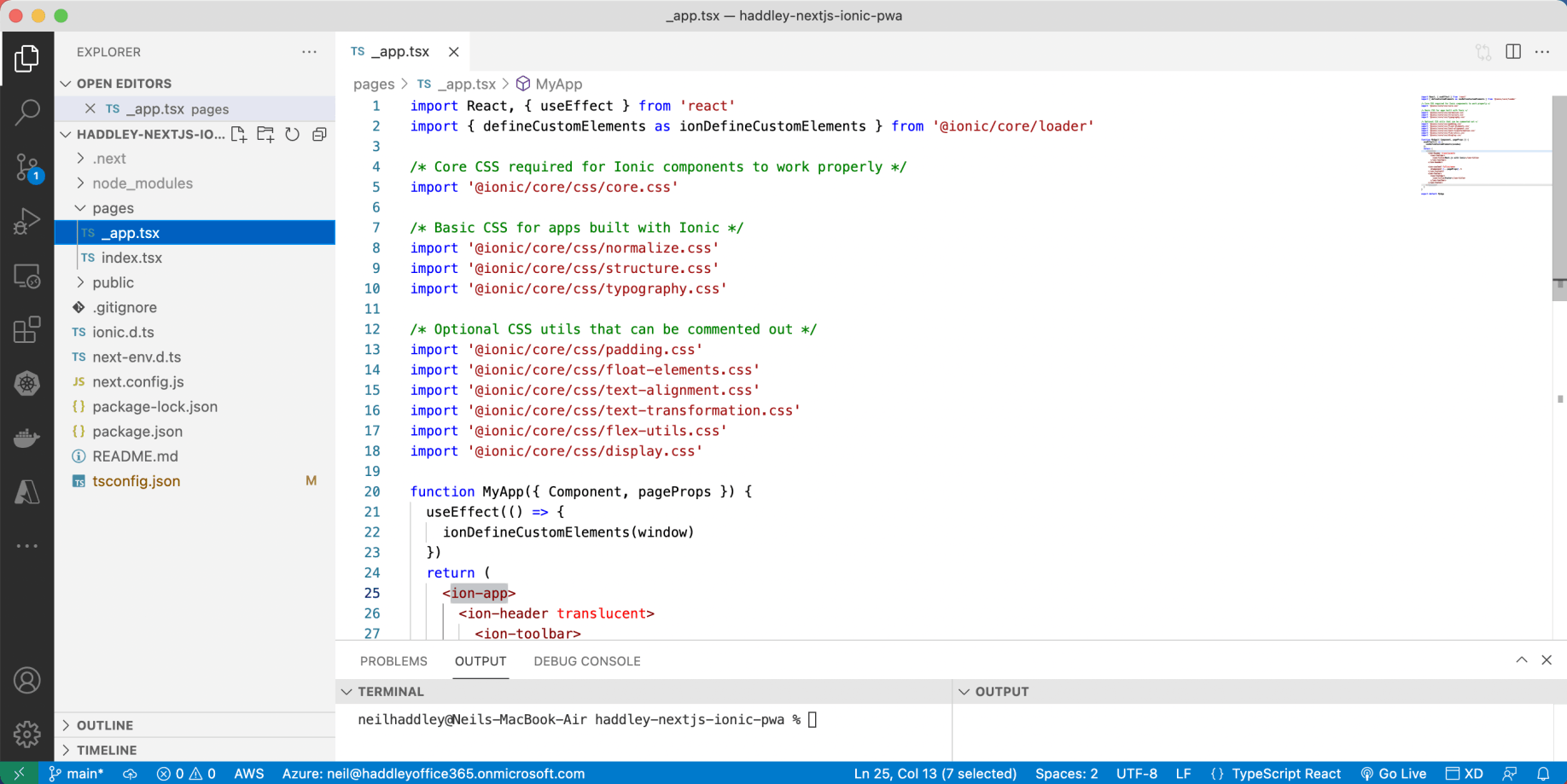
example with-ionic-typescript
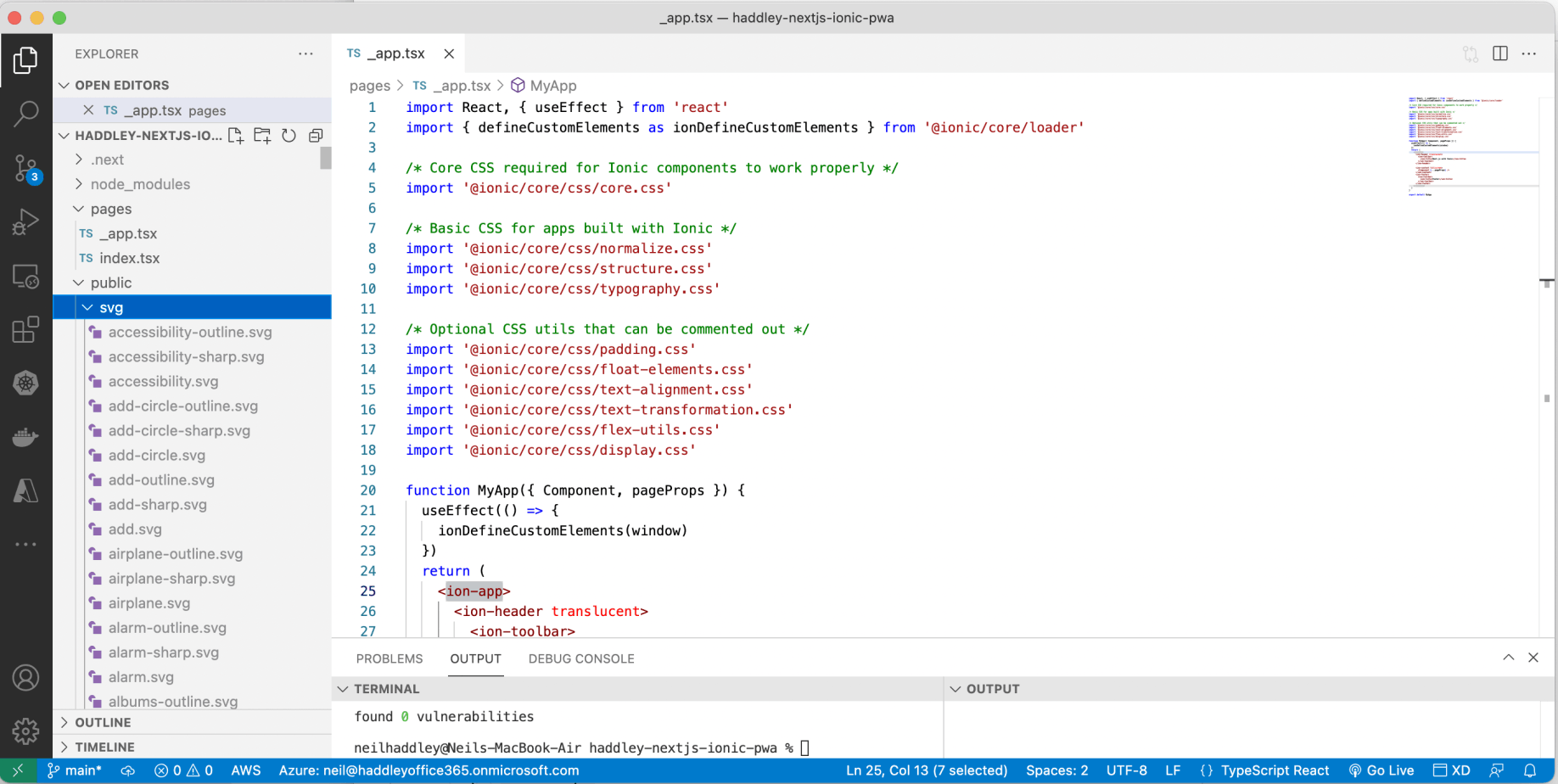
I ran npm run build, which copies the svg folder to public
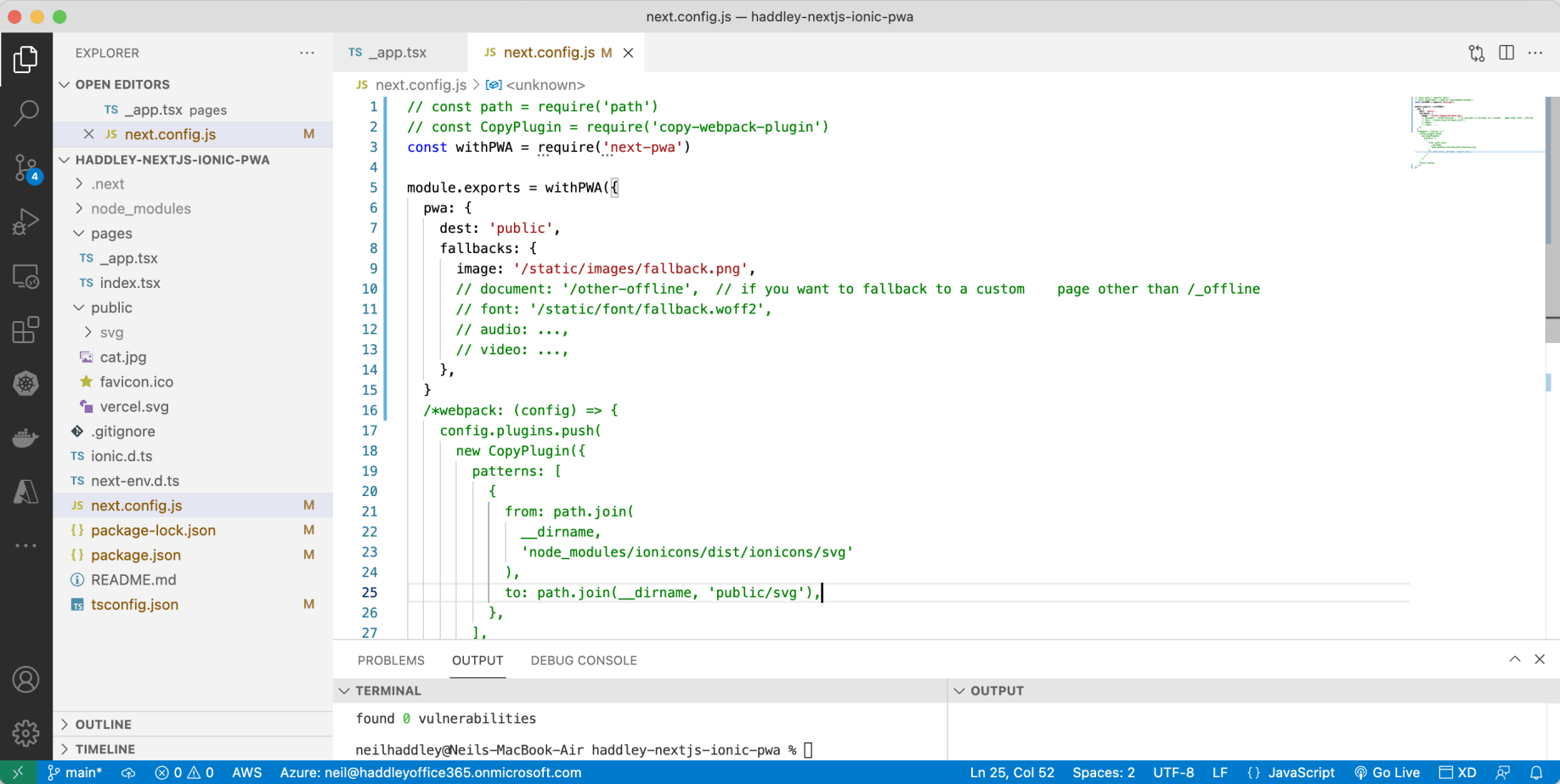
I updated next.config.js to include next-pwa and removed the svg copy
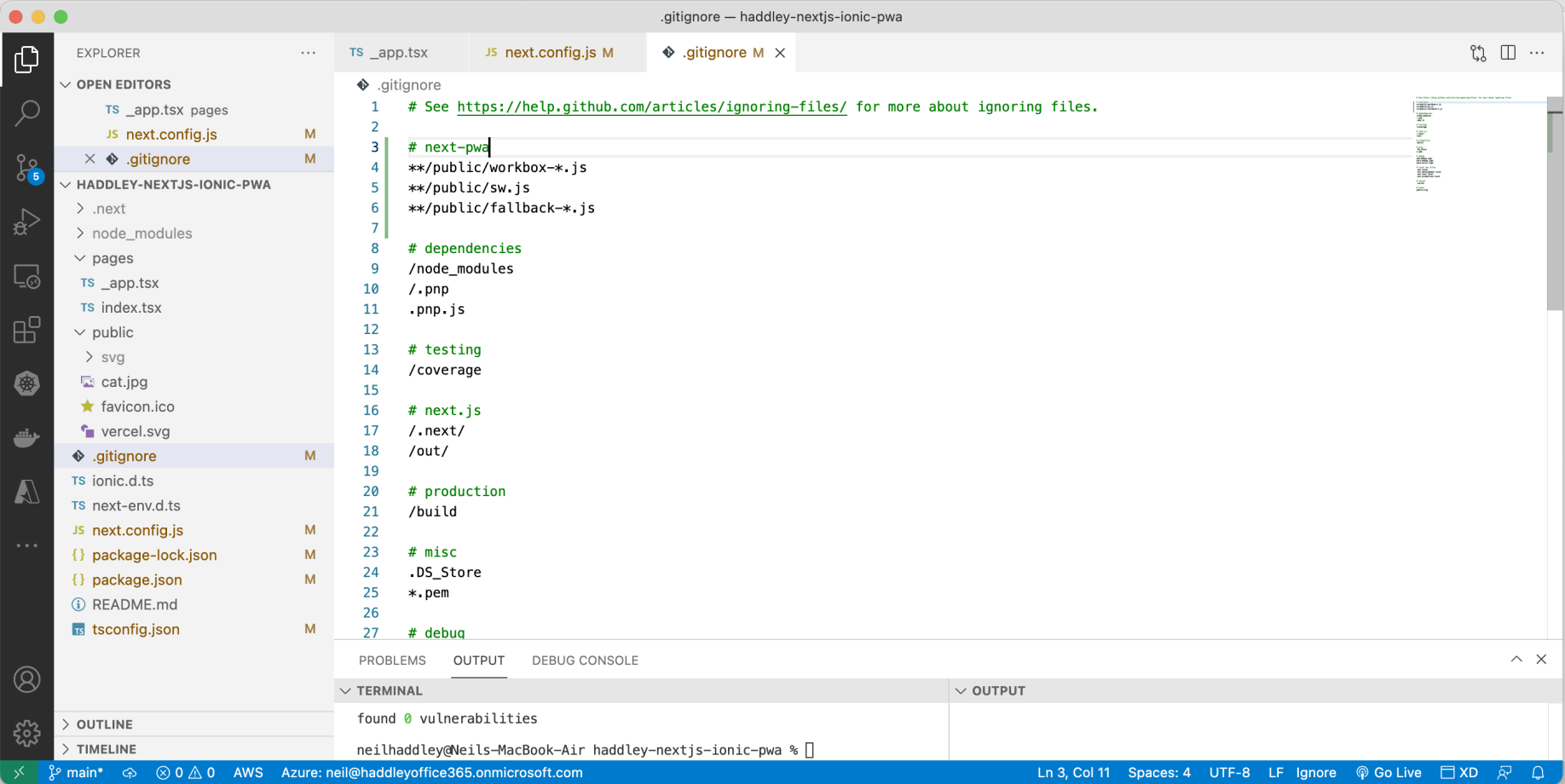
I updated .gitignore so that generated files are ignored
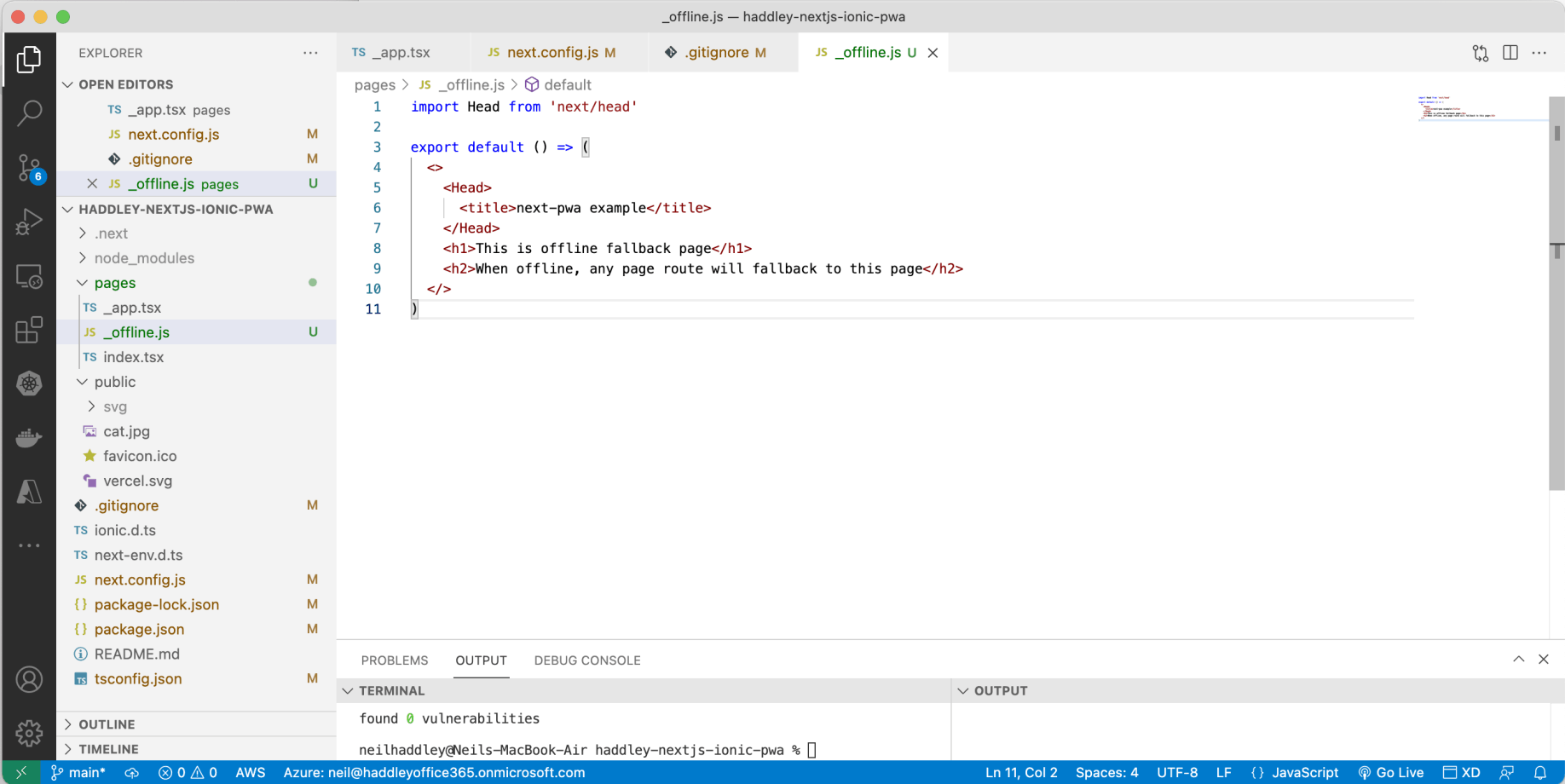
I added an offline page
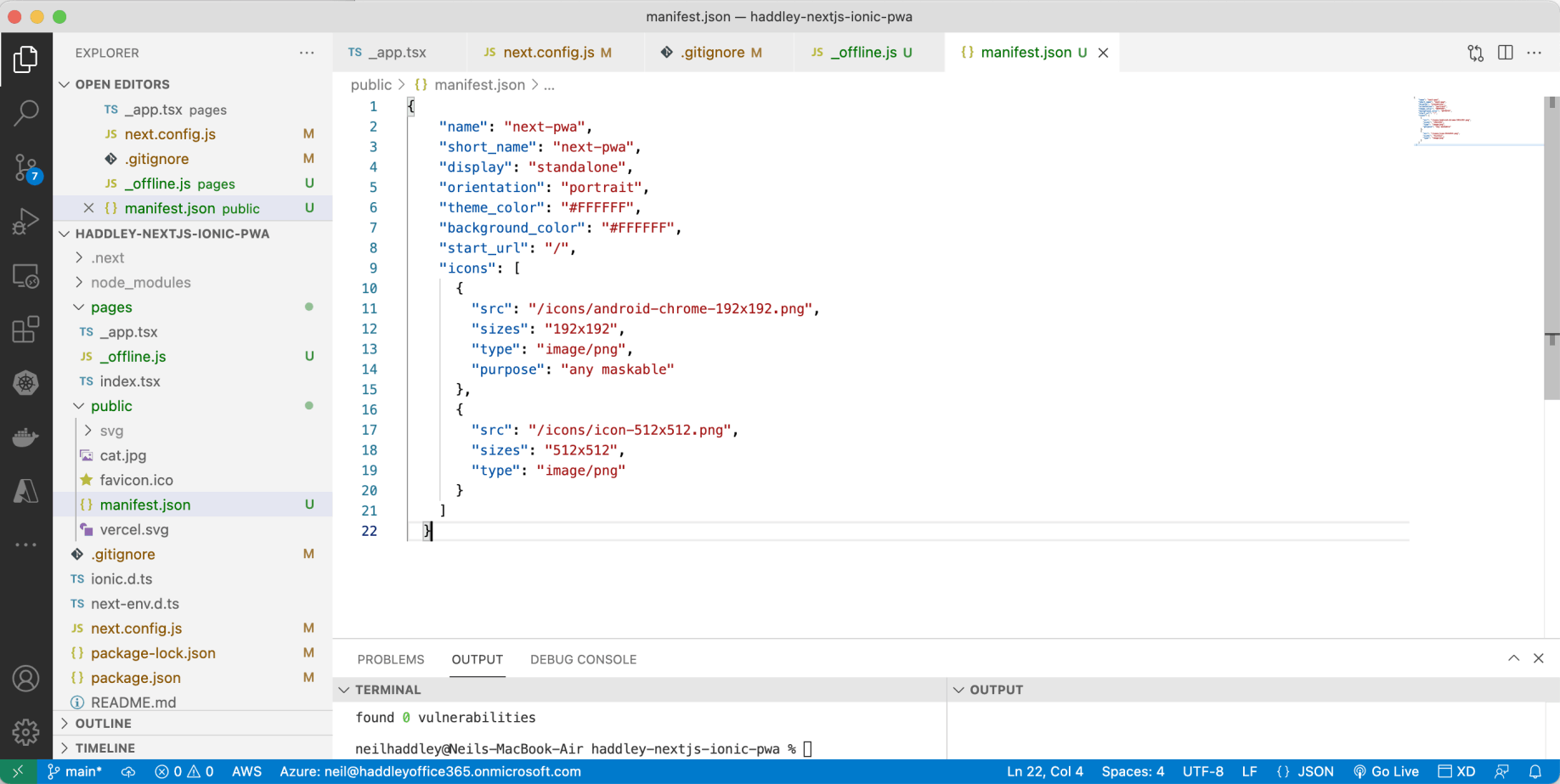
I added a manifest.json file so the app can be installed
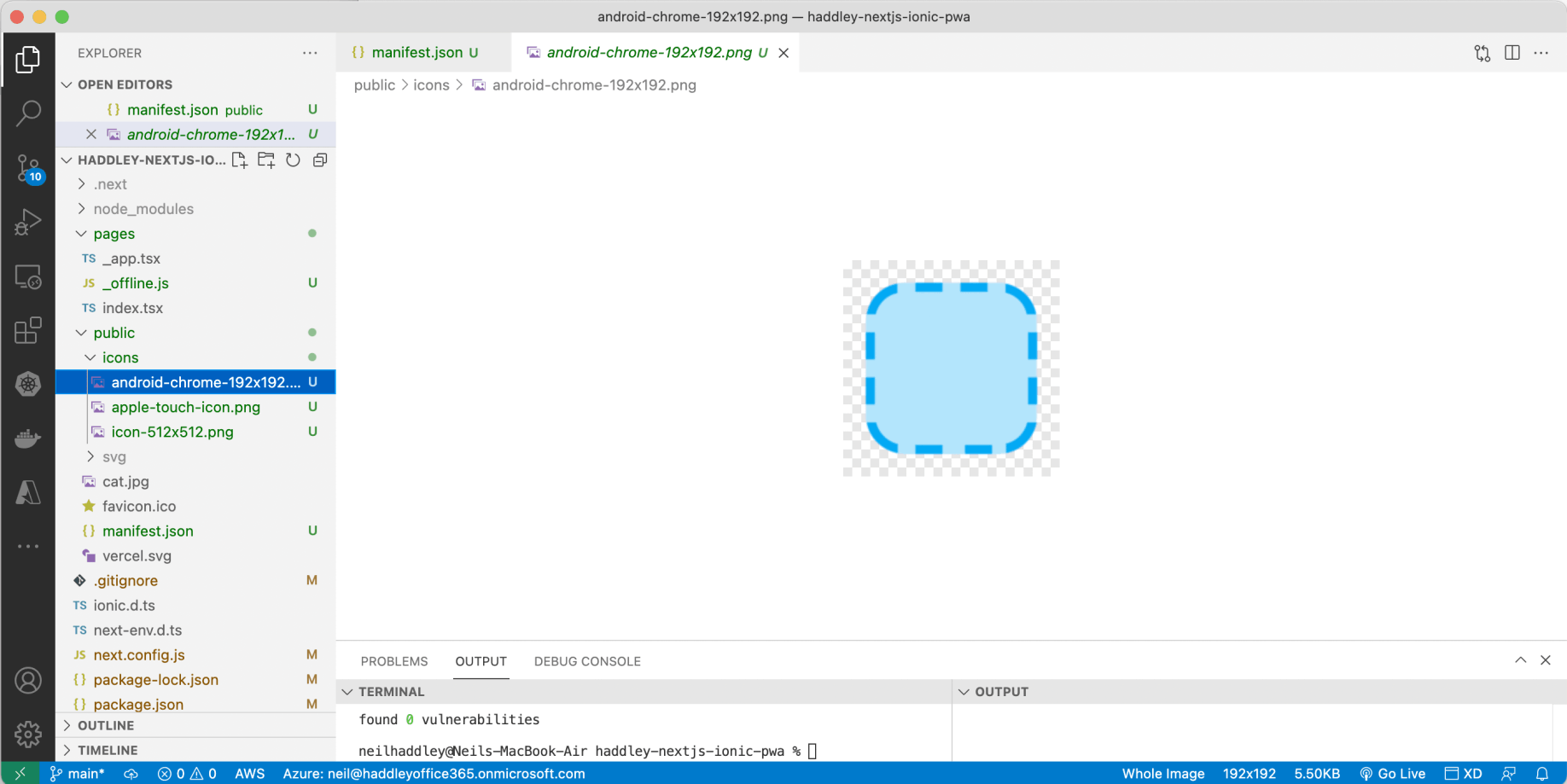
I included the icons referenced in manifest.json
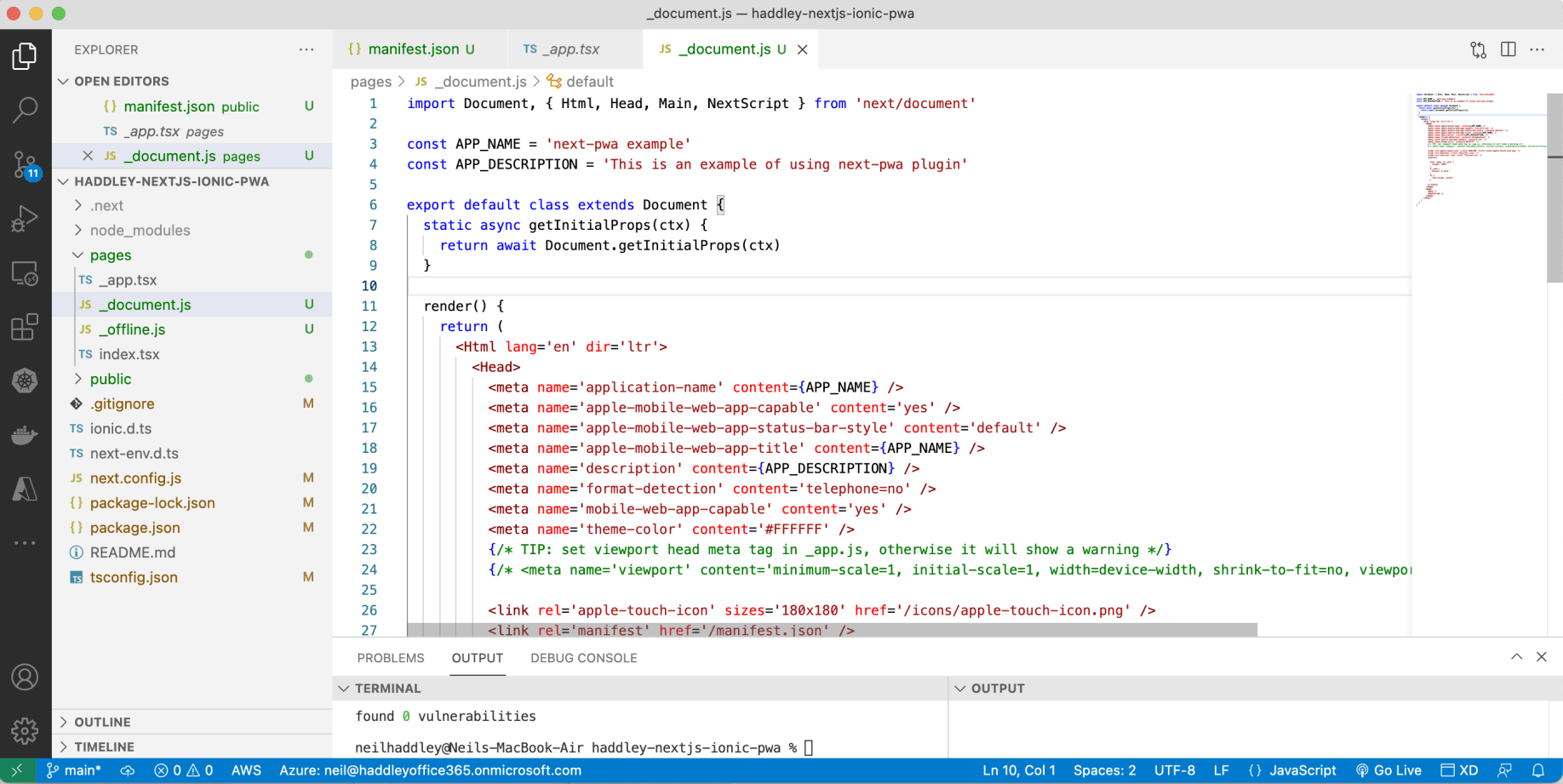
I included a Next.js _document.js file with a reference to manifest.json
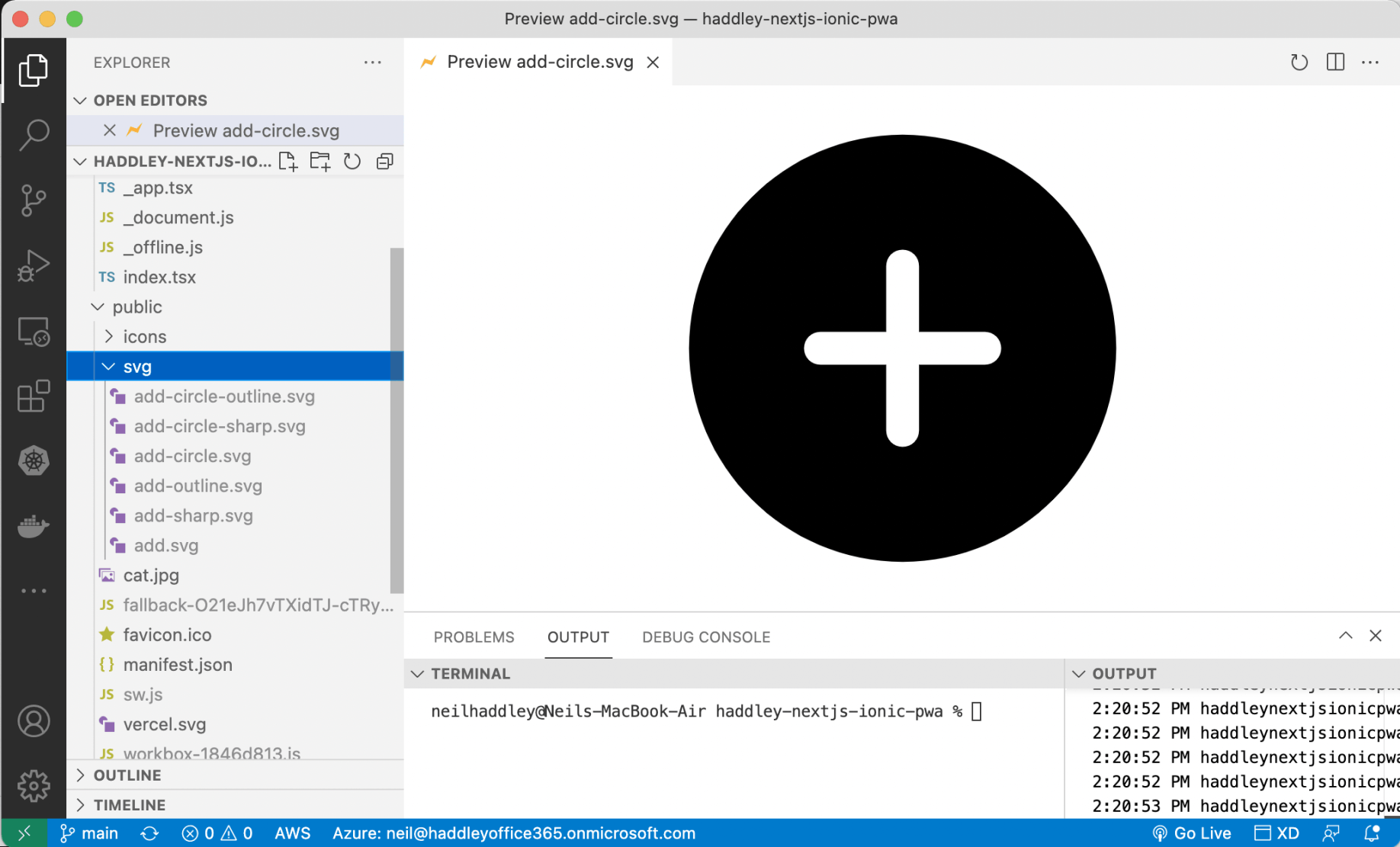
I needed to remove (unneeded) files from the svg folder...
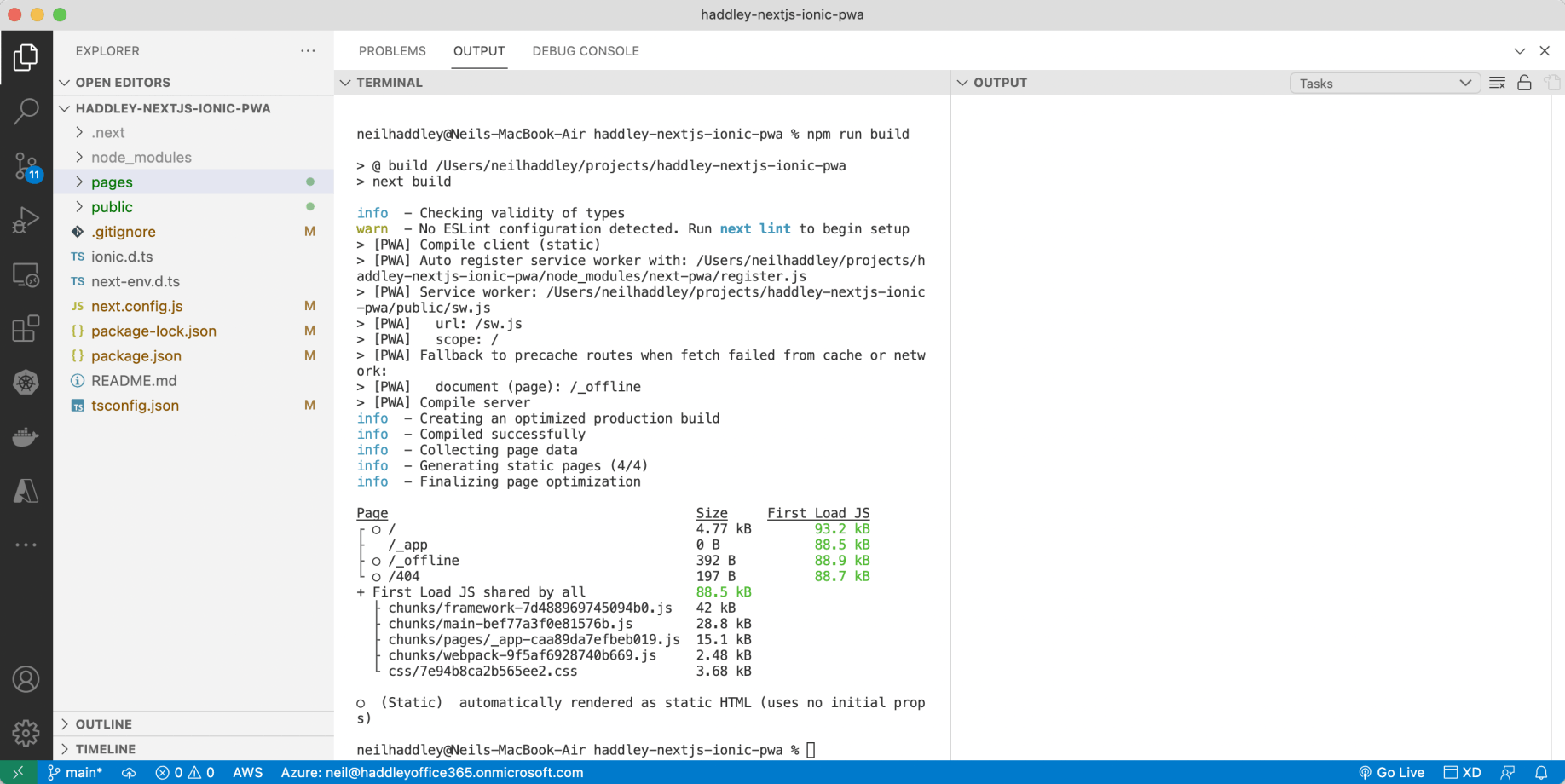
npm run build

Create Azure Web App
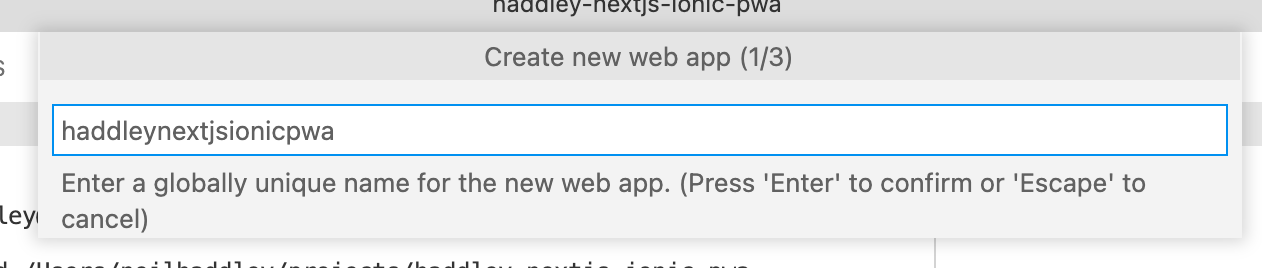
I provided a name
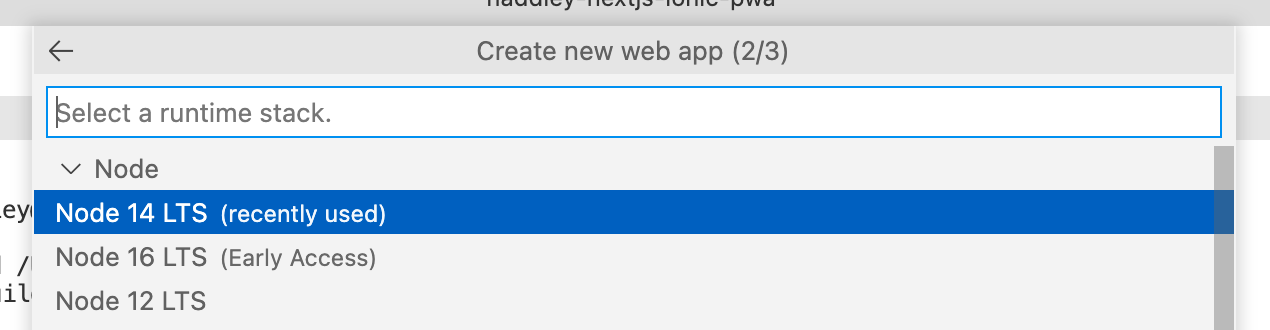
I selected a node version
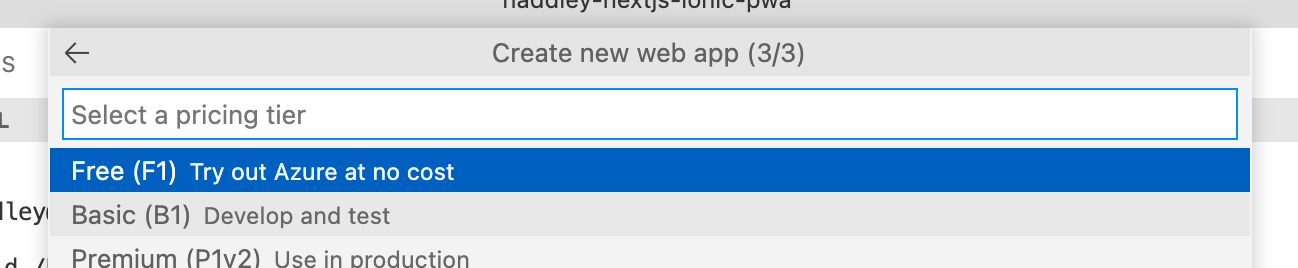
I selected a pricing tier
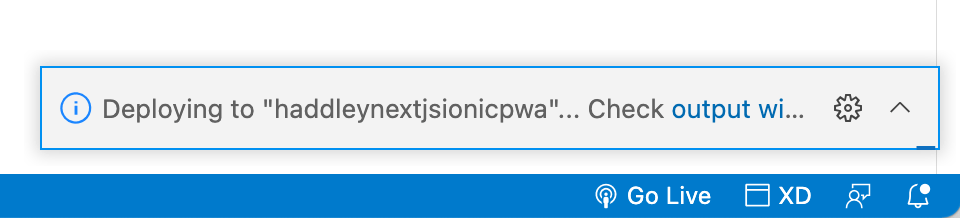
deploying...
iPhone Simulator
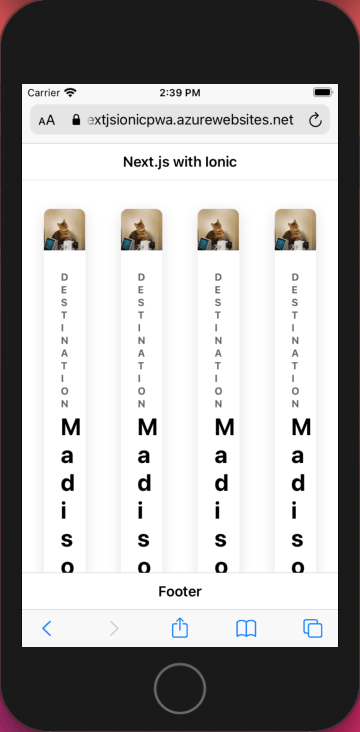
I accessed https://haddleynextjsionicpwa.azurewebsites.net using Safari
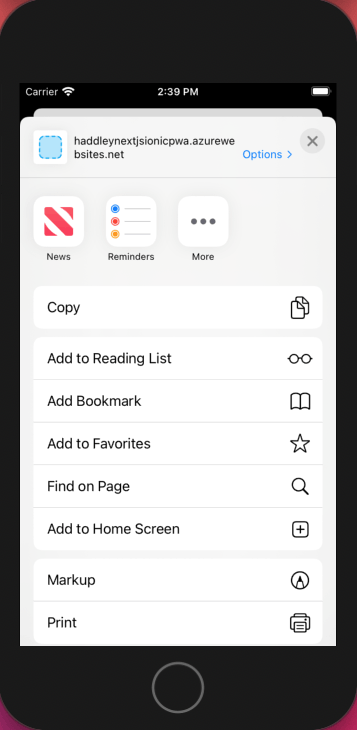
Add to Home Screen
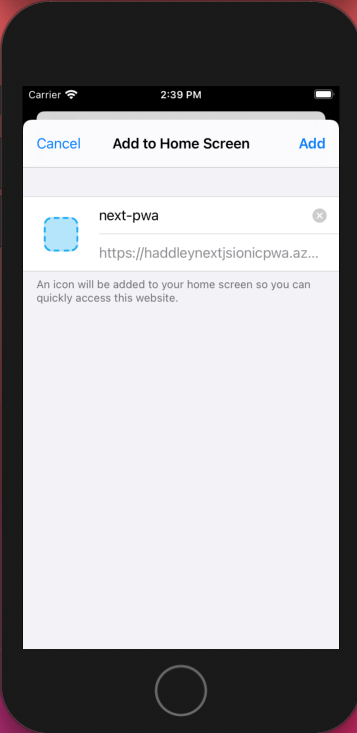
I confirmed the application details
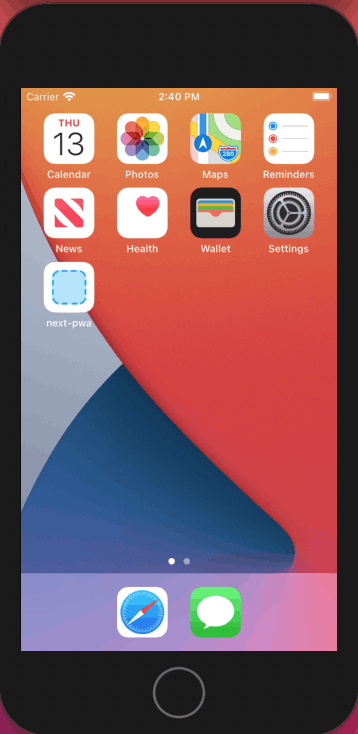
Application on Home Screen
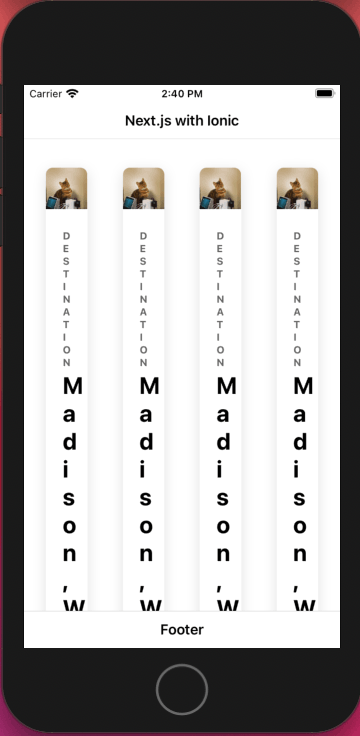
Application running with an Internet connection
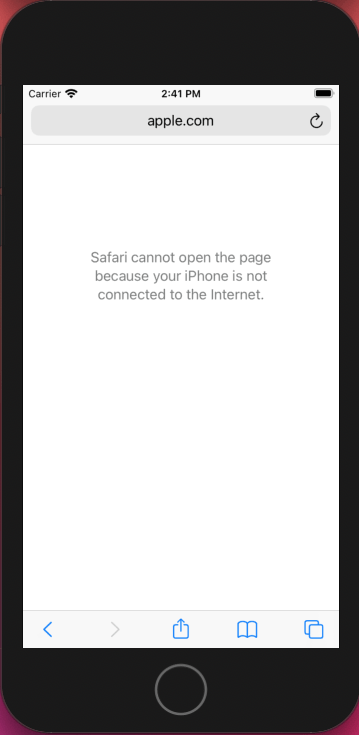
Internet connection disabled
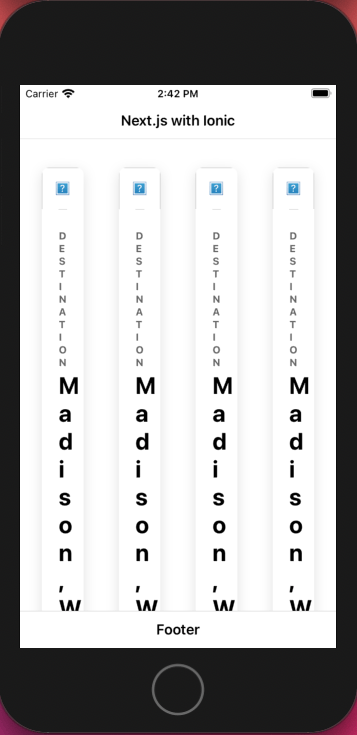
Application running offline
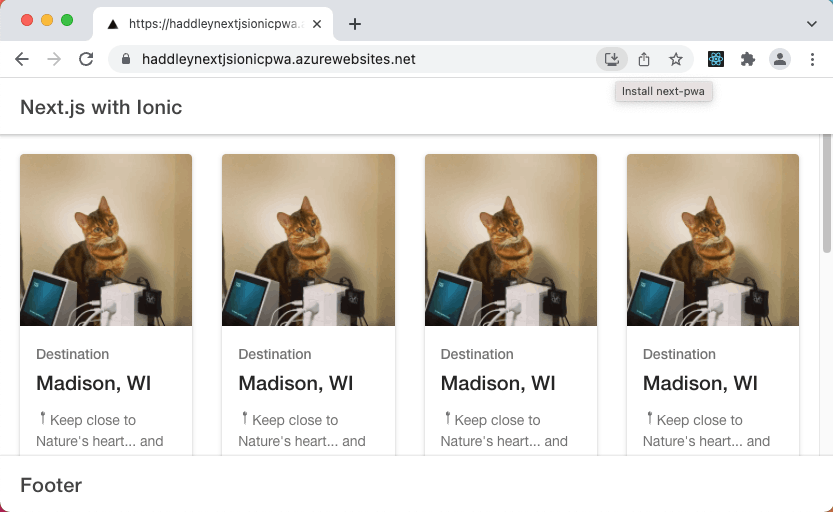
I accessed https://haddleynextjsionicpwa.azurewebsites.net using Chrome on a MacBook
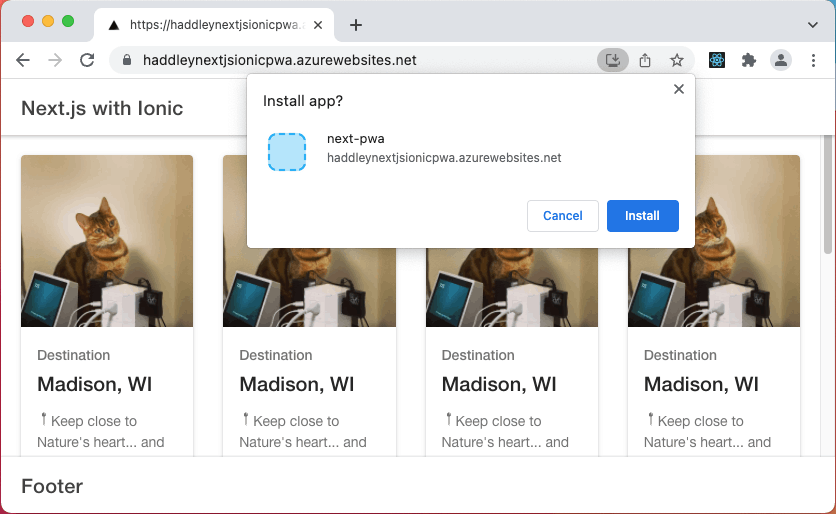
I installed the application on MacBook
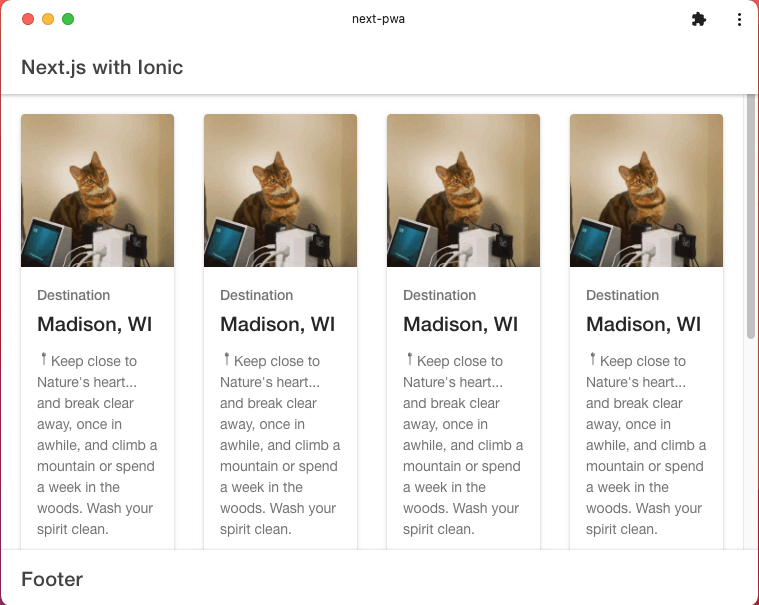
The application ran online and offline on MacBook
.gitignore
TEXT
1**/public/workbox-*.js
2**/public/sw.js
3**/public/fallback-*.j
_offline.js
JAVASCRIPT
1import Head from 'next/head'
2
3export default () => (
4  <>
5    <Head>
6      <title>next-pwa example</title>
7    </Head>
8    <h1>This is offline fallback page</h1>
9    <h2>When offline, any page route will fallback to this page</h2>
10  </>
11)
manifest.json
JSON
1{
2    "name": "next-pwa",
3    "short_name": "next-pwa",
4    "display": "standalone",
5    "orientation": "portrait",
6    "theme_color": "#FFFFFF",
7    "background_color": "#FFFFFF",
8    "start_url": "/",
9    "icons": [
10      {
11        "src": "/icons/android-chrome-192x192.png",
12        "sizes": "192x192",
13        "type": "image/png",
14        "purpose": "any maskable"
15      },
16      {
17        "src": "/icons/icon-512x512.png",
18        "sizes": "512x512",
19        "type": "image/png"
20      }
21    ]
22  }
_document.js
JAVASCRIPT
1import Document, { Html, Head, Main, NextScript } from 'next/document'
2
3const APP_NAME = 'next-pwa example'
4const APP_DESCRIPTION = 'This is an example of using next-pwa plugin'
5
6export default class extends Document {
7  static async getInitialProps(ctx) {
8    return await Document.getInitialProps(ctx)
9  }
10
11  render() {
12    return (
13      <Html lang='en' dir='ltr'>
14        <Head>
15          <meta name='application-name' content={APP_NAME} />
16          <meta name='apple-mobile-web-app-capable' content='yes' />
17          <meta name='apple-mobile-web-app-status-bar-style' content='default' />
18          <meta name='apple-mobile-web-app-title' content={APP_NAME} />
19          <meta name='description' content={APP_DESCRIPTION} />
20          <meta name='format-detection' content='telephone=no' />
21          <meta name='mobile-web-app-capable' content='yes' />
22          <meta name='theme-color' content='#FFFFFF' />
23          {/* TIP: set viewport head meta tag in _app.js, otherwise it will show a warning */}
24          {/* <meta name='viewport' content='minimum-scale=1, initial-scale=1, width=device-width, shrink-to-fit=no, viewport-fit=cover' /> */}
25
26          <link rel='apple-touch-icon' sizes='180x180' href='/icons/apple-touch-icon.png' />
27          <link rel='manifest' href='/manifest.json' />
28          <link rel='shortcut icon' href='/favicon.ico' />
29          <style>{
30            `
31            html, body, #__next {
32              height: 100%;
33            }
34            #__next {
35              margin: 0 auto;
36            }
37            h1 {
38              text-align: center;
39            }
40            `
41          }</style>
42        </Head>
43        <body>
44          <Main />
45          <NextScript />
46        </body>
47      </Html>
48    )
49  }
50}